# Venture Harbour — full guide content > Full text of 130 software guides, reviews and comparisons from https://ventureharbour.com. See https://ventureharbour.com/llms.txt for the index. # 10 Affiliate Marketing Software & Tracking Tools Compared URL: https://ventureharbour.com/affiliate-marketing-software/ Summary: Compare 12+ affiliate tracking platforms to boost commissions & partner performance. See features, pricing & our top pick. Last updated: 2026-04-01 08:46:09 Here at Venture Harbour, we partner with more than 100 different B2B service and software providers as an affiliate. Over the years, we've used just about every marketplace, affiliate marketing platform and referral tracking software on the market - so, today, we're going to share the best of them with you. We know it can be hard to find platforms and tools that look after the affiliate because most systems are geared towards the paying advertiser. This is why we decided to put together this guide, especially for the affiliate marketers out there, so you can find bigger clients, generate more revenue and build a bigger affiliate business. ## What are we looking at in this article? As mentioned in the intro above, this article is for affiliate marketers specifically. Excuse the repetition but a lot of tools we're going to look at in this guide are aimed at advertising companies *and* affiliate marketers - as is often the case with affiliate marketing software - so we need to clarify that these recommendations are made with affiliate publishers in mind. We're looking at a selection of tools in this article, ranging from marketplaces to help you find new clients and tracking tools to marketing software and analytics platforms - everything you need to manage a successful affiliate marketing strategy. Here's a quick preview of what we're looking at in this article and you can jump ahead to any of the sections below by clicking the link text in this list: 1. **[PartnerStack review](#partnerstack):** The best partner platform for SaaS products. 2. **[Impact **review**](#impact):** The best for connecting brands with social content creators. 3. **[Circlewise **review**](#circlewise):** A great place to get your first B2B affiliate gigs. 4. **[RedTrack **review**](#redtrack):** Ad tracking software for publishers. 5. **[Getaffiliated **review**](#getaffiliated):** Find new partner clients & get paid *fast*. 6. **[Refersion **review**](#refersion):** B2C affiliate campaigns from reputable brands. 7. **[Marketcall **review**](#marketcall):** Get paid for attracting phone call leads. 8. **[CAKE **review**](#cake):** The marketing suite for affiliate marketers. 9. **[Strackr **review**](#strackr):** The analytics platform for affiliate publishers. 10. **[Afflytics **review**](#afflytics):** The free analytics tool for new affiliate marketers. 11. **[Feature comparison](#features):** A quick summary of each platform's features for you to compare (table included). 12. **[Price comparison](#price):** This table shows the starting prices and top prices for each platform where applicable. 13. **[Marketplace comparison](#marketplace):** A final table showing the type of affiliate programs available on each marketplace (B2B, SaaS, B2C, etc.). 14. **[Marketing features](#features):** The platforms with the best marketing features built in. 15. **[Best for payouts](#payouts):** The platforms that'll help you get paid fastest and hassle-free. 16. **[Best for reporting](#reports):** The platforms that put the data you need at your fingertips. In the first half of this article, we're focusing on the top 10 affiliate marketing and referral tracking software in a series of mini reviews. In the second half, we compare these platforms across several categories, including features and pricing, to help you choose the most suitable tools for your needs. This will include several tables for easy comparison - like this one showing the type of partner clients you can find on each platform. | Tool | B2B | SaaS | B2C | Retail | Food & Drink | Finance | | --- | --- | --- | --- | --- | --- | --- | | PartnerStack | ✔ | ✔ | | | | | | Impact | | | ✔ | ✔ | | | | Circlewise | ✔ | | | | | | | RedTrack | | | ✔ | | | | | Getaffiliated | ✔ | ✔ | | | | | | Refersion | | | ✔ | ✔ | ✔ | | | Marketcall | | | | | | ✔ | | CAKE | | | | | | | | Strackr | | | | | | | | Afflytics | | | | | | | We're not simply looking at 10 different versions of the same tool in this guide. We're reviewing a selection of tools for affiliate marketers with a variety of features, strengths and weaknesses. By the time you're done reading this, you'll be ready to choose the perfect software for your needs - whether you're just getting started with your affiliate marketing career or looking to take it to the next level. ## #1: [PartnerStack](/recommends/partnerstack/): The best partner platform for SaaS products [PartnerStack](/recommends/partnerstack/) is the best affiliate marketing platform for SaaS companies looking to drive growth through affiliate programs. The company connects software providers with affiliates who specialise in promoting SaaS products and this relationship works both ways. The PartnerStack Marketplace is one of the best networks for affiliates looking to find new opportunities with an extensive library of high-quality programs. ![PartnerStack Marketplace displaying various affiliate programs available to join.](/uploads/2021/05/Screenshot-2021-05-03-16.40.22-1024x510.png) **Key features:** - **PartnerStack Marketplace:** Find the best SaaS partner programmes through PartnerStack's network of software companies. - **Custom referral links:** Create custom referral links to include your brand name or social media handle. - **Dynamic referral links:** Create unlimited custom referral links outside of PartnerStack for fast, easy and flexible link creation to any partner page. - **Link tracking:** Use subIDs to track affiliate link clicks and optimise your promotions. - **Partner recommendations:** PartnerStack recommends new opportunities based on your existing partnerships. - **Partner teams:** Work with teammates and other people on programs by creating partner teams. - **Easy payments**: Withdraw your rewards every month using Stripe or PayPal. The PartnerStack Marketplace makes it quick and easy to find SaaS partner programmes. The focus on software products helps you pinpoint the ideal set of opportunities by browsing through categories or manually searching for company names. ![Spott.ai and Bright Data marketing program overview showing partnership opportunities.](/uploads/2021/05/Screenshot-2021-05-03-17.06.20-1024x581.png) If you can't find a company you're looking for, you can also request a company to be added to the network. Just keep in mind that PartnerStack maintains a level of quality with the programs it accepts - to the benefit of affiliate marketers, partner companies and the customers you're marketing to. ![Par affiliate program metrics showing accepted programs.](/uploads/2021/05/Screenshot-2021-05-03-17.07.33.png) As a result, you know you're getting quality programs from PartnerStack and your rewards are clearly marked out on the results listing for each program with more detail provided once you click through to the program page. ![PartnerStack program overview with details for Engage Bay, Grammarly, and The Point Co.](/uploads/2021/05/Screenshot-2021-05-03-17.10.50.png) Once you're set up with your programs, PartnerStack makes it easy to create and manage your links. Upon joining a program, you're automatically assigned a default referral link that you can share with potential customers but you can also create custom links to include your company name or social media handle. With custom links, you can point towards any page on your partner's website, which allows you to include more relevant, targeted links in your content. So, for example, when you're talking about the different plans available, you can link to the pricing page instead of simply linking to the homepage. If you create more than 50 custom links, you can also use dynamic links, which allows you to create a few link templates in PartnerStack and, then, create an unlimited number of custom links outside of the platform, using these templates - a real time-saver if you're creating a lot of custom links for each partner. ![VisualCV dashboard displaying all-time stats and earnings metrics.](/uploads/2021/05/PartnerStack2020-12-0816-11-58-1024x437.png) With your programs up and running, you can track performance in PartnerStack, keep track of your earnings and claim your rewards every month. The platform recommends new opportunities to you based on your existing programs to help you increase your earnings and you can track referral link performance using subIDs and use these nights to optimise your campaigns. ## #2: [Impact](https://impact.com/): The best for connecting brands with social content creators If you're a social content creator looking to partner with the brands you and your audience love, then [Impact](https://impact.com/) is the first affiliate marketing platform you should look at. Impact connects content creators and influencers with global brands so we're talking about big names like Adidas, Airbnb and L'Oréal here with a heavy emphasis on consumer-driven campaigns. ![Airbnb, L'Oréal, Fanatics, Tuft & Needle, Adidas, StockX brand icons on a metrics dashboard.](/uploads/2021/05/Screenshot-2021-05-03-17.29.47.png) **Key features:** - **Impact Marketplace**: A network for affiliates and creators to find partner companies. - **Automatic profile creation:** Create your partner account easily by linking your social accounts. - **Reach out to brands faster**: Access direct contact information from the platform and push them into a targeted advertiser email list that you can download in a snap to kick start your email outreach. - **Cross-platform tracking:** Track across devices and touchpoints — your partner brands can see every touchpoint you drive value along the customer journey. - **Flexible payments**: Take advantage of comprehensive tracking to negotiate payment along whatever terms you want, including introducing new customers and getting rewarded if they convert. - **Hassle-free payments:** Automate all payment processing with the Partnership Cloud and get paid easily. - **Personalised links:** Customise the link text that comes after an advertiser’s domain into a short, relevant word or phrase. - **Exclusive promo codes**: Receive exclusive promo codes to get credit for your influence, even if another website or partner promotes your unique code. Impact is a modern affiliate marketing platform designed for modern relationships between brands and content creators. The software is geared towards influencers and social creatives with an engaged audience that wants to connect with major consumer brands. You could be an Instagram fashion influencer or a YouTube travel photographer looking to monetise your content with high-end partnerships. Being a fairly new platform on the market, Impact's network isn't as large as we expect it to be in a few years but the quality of the programs currently on there are a good sign of things to come - and more than enough to get you started with major brands. ![](/uploads/2021/05/Screenshot-2021-05-03-17.52.26.png) The platform makes it easy for you to get things up and running, too. Automatic profile creation pulls details in from your social media accounts and helps you reach out to target brands quickly. The biggest issue is that partnering with major consumer brands sets a pretty high bar for approval. So you need to prove that you've got the following and traffic numbers to make you a viable partner for high-end names. This may get easier as the trend of micro-influencers becomes more accepted among major brands but, for now, Impact is definitely a platform for content creators with a solid audience. ![Impact dashboard showing monthly earnings and payment options.](/uploads/2021/05/Screenshot-2021-05-03-18.01.28.png) If you've got enough clout to win partnerships on Impact then you're not going to have many complaints with the platform. Despite the occasional browser-based bug, Impact is a pleasure to use and built-in automation helps you track performance and optimise your earnings without spending all day buried in the software. Automated payments mean you can collect your earnings without fuss every month and Impact provides a robust set of reporting tools so you can gain a deeper understanding of the value of your traffic and spot opportunities to improve results. ## #3: [Circlewise](https://circlewise.io): A great place to get your first B2B affiliate gigs Circlewise is another affiliate marketing platform that caters for advertising brands and publishers on both sides of the affiliate relationship. As an affiliate publisher, you can use Circlewise to find offers with more than 1,200 active from more than 660 advertisers at the time of writing. The company has an excellent reputation for customer support and the platform is a breeze to use, especially on the publisher's side - even if it's not the biggest network around. ![Mintos.com account details displaying payout information.](/uploads/2021/05/Screenshot-2021-05-05-12.41.05.png) **Key features:** - **Circlewise Marketplace:** Find new opportunities using Circlewise's marketplace. - **Link generator:** Create tracking links directly in the dashboard and customise links by adding parameters to them. - **Deeplinks:** Link to pages other than the target URL specified by the advertising brand. - **Postback URLs:** Create postback URLs for conversion actions to attribute them accurately. - **Ad inventories:** Promote offers across multiple websites by creating Ad inventories in Circlewise. - **Multi-layer tracking:** Robust link tracking built on a layer of technologies with fallbacks for instances where the priority tracking method fails. - **Smart reporting:** Track campaign performance and spot opportunities for improvement. Circlewise is mainly geared towards B2B brands looking to grow their business through affiliate marketing. However, if you read reviews on sites like G2.com, you'll see many business users say there's a shortage of B2B publishers on the platform and several users also wish there was some kind of publisher score or method of choosing affiliates by reputation. A lack of B2B publishers may explain why we've seen high acceptance rates on Circlewise and you also get the impression that advertising brands want to keep hold of good publishers once they find them. ![Marketplace dashboard showing ad inventory categories and details.](/uploads/2021/05/2-1024x364.png) Circlewise doesn't provide advertising brands with any real information about publisher applicants and this is great in some ways, not so much in others. However, one benefit is that new B2B affiliate publishers can use this platform to get their first gigs, start generating some income and build up that portfolio - all of which helps you win offers elsewhere. Newcomers also benefit from the simplicity of the software, which provides all the tools you need as a publisher without adding any unnecessary complexity. You can create tracking links with the built-in link generator and you can also deep links (if the advertiser allows them) to link to pages on your partner's website other than the default target link. ![TrackMyTarget link generation interface showing ad inventory and tracking link options.](/uploads/2021/05/pub-dashboard-generate-tracking-link.png) When it comes to payments, weekly payouts mean you get your money faster although there's a minimum payout amount of €50, which is higher than some platforms but lower than others. You can keep track of all your finances in your account, including cash flow statuses for pending amounts, approved payments and more. ![Cashflow dashboard showing pending and approved payments status.](/uploads/2021/05/pub-dashboard-cashflow.png) Everything is tracked and automated for you so you never need to worry about sending invoices or chasing up payments. You can concentrate on creating your affiliate content, monitoring performance and optimising your strategy to maximise income - all of which you can also track in the back end of Circlewise. ## #4: [RedTrack](https://redtrack.io/): Ad tracking software for publishers [RedTrack](https://redtrack.io/) is an ad tracking and conversion attribution platform that brings all of your advertising data into one dashboard. This allows you to manage paid and organic campaigns from one place and the conversion attribution technology helps you track the success of campaigns with greater accuracy, As an affiliate marketer, you need to maintain and grow your stream of traffic to maximise revenue and this requires a mix of organic and paid campaigns - for example, organic SEO, Google Ads, Facebook Ads, Google Ads remarketing campaigns and, potentially, so much more. RedTrack compiles all of this campaign data into a single dashboard for you to manage, analyse, compare and optimise through data-driven insights - all so you can increase the volume of high-quality traffic coming to your site and turn more visits into paying clicks. ![Google Ads reporting showing campaign clicks over the last 30 days.](/uploads/2021/05/Screenshot-2021-05-05-13.16.12.png) **Key features:** - **Click tracking:** Track every step of the funnel, from the first impression and click to up to 10 conversion events. - **Cookieless tracking:** Track organic traffic and ad campaigns on Google, Facebook and other sources without redirects or using third-party cookies. - **Multichannel tracking:** Connect all your traffic sources to RedTrack and get a deep understanding of the performance across all the channels. Attribute paid and organic traffic to outbound/partner conversions. - **Automated reporting:** Save time and effort creating reports, as they’re instantly generated inside RedTrack. - **Real-time reports:** Get real-time data, group them in custom reports and visualize data drill-downs. - **Automated A/B testing:** Carry out A/B tests automatically and detect best performing combinations. RedTrack connects all of your traffic sources to help you understand the performance of campaigns across every channel and how they contribute to your wider affiliate marketing strategy. With cookieless tracking, you can track organic and paid traffic across Google, Facebook and other sources to attribute clicks to each campaign type. This is important if you're driving traffic from paid and organic campaigns because you want to know which clicks you're paying, how performance compares across campaign types and ensure you're hitting the right ROI targets - especially for paid campaigns. ![RedTrack campaign statistics showing report template options and date range selection.](/uploads/2021/05/444b05f2-f90a-4c68-b8dd-d8d0a0e80e0f.png) By putting all of your data in one place, RedTrack makes it easy to compile reports, compare campaign performance, spot trends and identify areas where your strategy needs improving. It could be as simple as seeing that Bing Ads campaigns aren't generating enough ROI compared to Google Ads and Facebook or something more complex like CPCs for certain keywords heading in the wrong direction. So you can take these insights and decide whether to optimise your Bing campaigns or put more of your budget into other channels. And you can start finding new keywords before rising CPCs leave a dent in your pocket. ## #5: [Getaffiliated](https://getaffiliated.me/): Get clients & get paid fast Getaffiliated may be the fastest way for affiliate marketers to find clients and get paid. The platform revolves around integration with Stripe for automated payments between advertising brands and affiliates - for the benefit of both parties. So you need a Stripe account to use Getaffiliated but the instant payouts and simple transaction fees make this an affordable, hassle-free option for affiliate marketers looking to partner with B2B SaaS companies. ![Clockit platform showing the pricing and commission structure for affiliate partners.](/uploads/2021/05/e93511d1-213f-4df8-88a9-660c2e38af3a.png) **Key features** - **Find campaigns:** Browse campaigns and promote those that are attractive and in your niche. - **Unlimited campaigns:** Work with unlimited businesses available. - **Stripe integration:** Like your Stripe account to Getaffiliated for automated payments. - **Instant payments:** Receive your money as soon as customers pay your partner business. - **Simple pricing:** You pay a flat-rate 5% transaction fee upon payment - nothing else. Getaffiliated specialises in connecting B2B SaaS companies with affiliate marketers. The platform is basically an online marketplace with integrated payments via Stripe that helps businesses find affiliates and start generating traffic right away. > *"We were able to get started and generate traffic from affiliates all within a day of listing with Getaffilited."* > > *Getaffiliated review by Dheeraj V. on [Capterra](https://www.capterra.com/p/212133/getaffiliated/reviews/)* Likewise, affiliate marketers can use Getaffiliated to find B2B SaaS clients and start earning money within hours - not days or weeks. In fact, the company says you can be set up and marketing within five minutes - all you need to do is create your account, link it to Stripe and hit the marketplace to find campaigns of interest. ![Business directory showcasing partner companies and their affiliate details.](/uploads/2021/05/business-directory.jpg) You can work with as many partner companies as you like and the best thing about Getaffiliated for affiliate marketers is its payout and pricing policy. You can forget about weekly or monthly payouts with this platform; you get paid as soon as your partner clients receive payment from your referred customer and you pay a flat 5% transaction fee on every payment. ![Pricing details highlighting a 5% transaction fee and conditions.](/uploads/2021/05/Screenshot-2021-05-05-14.24.37.png) For example, let's say you partner with a business that pays you a 10% commission for the first month's payment on every sign-up to a $1,000/month subscription. This means you get paid $100 every time one of your referrals signs up to a $1,000/month plan and Getaffiliate takes a cut of $5.00, leaving you with an instant payout of $95.00 hitting your Stripe account. So you're not paying any monthly fees to use Getaffiliated and you don't need to worry about hidden costs - this is as simple and fast as it gets for affiliate marketers. The downside to this simplicity is you don't get anything in the way of campaign reporting or tools to help you optimise your affiliate marketing strategy. This is a simple marketplace with payment integration that helps you find clients quickly and get paid as soon as they do. If that's all you're looking for, look no further than Getaffiliated. ## #6: [Refersion](https://www.refersion.com/): B2C affiliate campaigns from reputable brands [Refersion](https://www.refersion.com/) is a comprehensive affiliate marketing management system designed for businesses looking to drive growth through partnerships with affiliate publishers. [Refersion Marketplace](https://marketplace.refersion.com/) is the company's affiliate network where you can connect with thousands of advertising brands and Refersion vows to connect you with quality campaigns from reputable businesses offering some of the best commission rates around. ![Refersion Marketplace dashboard showing earnings, conversions, and clicks.](/uploads/2021/05/intro-center.png) **Key features:** - **Refersion Marketplace:** Find affiliate marketing opportunities using Refersion's partner network. - **Higher commissions**: Refersion works directly with brands to bring you higher commissions than traditional influencer and affiliate networks. - **Direct brand relationships**: Have one-to-one communication with the brands you partner with through email, social media and more. - **Reliable tracking and attribution**: First-party cookies let you breathe easy knowing the brands you’ve collaborated with are properly tracking each sale you drive. - **Multiple tracking methods**: Promote the brands you partner with in ways that work for you, such as coupon codes, affiliate links and emails. - **Link tagging:** Tag links with subIDs to attribute conversions with greater accuracy. Refersion mainly targets B2C consumer brands so this marketplace is best suited for affiliate marketers and influencers promoting retail products - things like fashion, fitness, health, beauty, home and garden, etc. If you're looking to promote SaaS products or B2B products/services, then you'll be better off with something like PartnerStack and/or Getaffiliated. ![Affiliate program comparison table highlighting commission rates and average EPC.](/uploads/2021/05/intro-right.png) On the other hand, if you're more interested in promoting consumer goods, Refersion Marketplace is a great alternative or addition to Impact, which we looked at earlier. While Impact connects you with high-end retail brands (who demand more from affiliates), the companies you'll engage with on Refersion are smaller in size - mainly large retail brands, as opposed to multinational brands. So you're still connecting with big businesses on Refersion but campaigns are significantly easier to win. Which makes this a great alternative to Impact if you're still building up enough clout for the major brands but it's also a great addition to use alongside something like Impact. A network like Refersion is particularly useful if you want to introduce your audience to quality brands they may not have heard of before. You'll definitely notice this if you promote any wellbeing, health or food products where organic ingredients or ethical businesses practices are part of the brand image. ![Refersion dashboard showing active offers and conversions metrics.](/uploads/2021/05/Screenshot-2021-05-05-15.59.18-1024x645.png) Refersion supports multiple tracking methods, which allows you to promote your partner brands using affiliate links, coupon codes and promotional emails while attributing referrals through Refersion's first-party cookie system. In Refersion Marketplace, you can track basic campaign performance, including earnings, clicks and conversions - it's not the most advanced reporting system but it's a great system that's free for affiliates to use. ## #7: [Marketcall](https://www.marketcall.com/): Get paid for attracting phone call leads Most affiliate marketing platforms monetise website visits but Marketcall allows you to earn a commission for generating phone call leads for partner brands. This a pay-per-call marketplace where you can find offers from brands that prioritise phone calls over website visits and the platform mainly covers six industries: 1. **Insurance:** Health insurance, medicare insurance, auto insurance, life insurance and final expense. 2. **Finance:** Credit repair, debt settlement and mortgage. 3. **Home services:** Home improvement, solar, TV & internet, home security, moving services. 4. **Real estate:** Sellers and buyers. 5. **Travel:** Flight booking and hotel booking. 6. **Rehab:** Rehab centres. So, if you specialise in promoting products/services in these sectors, Marketcall can connect you with advertising brands offering a commission for every phone call lead you generate. **Key features:** - **Marketcall Network:** Find affiliate marketing opportunities with companies already using Marketcall. - **Pay-per-call offers:** Get a commission for generating phone leads for your partner companies. - **Broker management:** Marketcall's team of trained brokers calls the leads provided by the affiliate and chases up lost calls and calls that were not consulted for any reason. - **Fast approvals:** Get approved for programs quickly and start earning money. - **Weekly payouts:** Get paid every week to eWallets including PayPal, Payoneer and more. - **Daily payouts:** Withdraw payouts to a current account on any day through an ACH, WIRE or standard check. - **Ready to use templates:** Easily track your campaign activity, manage offers, adjust prices and set call configurations. - ****Domain parking**:** Every call is recorded and stored on our servers so you could check back on them and decide whether they were targeted correctly or not. - **Callback & call tracking:** See detailed information about every incoming call, like phone number, call length, region, call length, callbacks and much more. - **Lead management system:** Get more than others from each call connection. We maximize your profit from each lead or phone call. - **Lead to call service:** Create detailed reports on exact offers or choose all available offers to see the bigger picture of your promo activity. - **Account manager:** Your dedicated account manager is on call to help you via email, Skype or online chat. Marketcall isn't the largest marketplace in terms of advertisers but many of the companies present have multiple offers running and the commissions are generally much higher than you'll get for online traffic. The platform includes a variety of free tools designed to help you generate more leads for your partners, including campaign templates, domain parking, call tracking, callbacks and a lead management system. ![Call tracking dashboard showing call logs and their statuses.](/uploads/2021/05/1Manage_calls_like_a_pro_1x.png) With call tracking, you can measure the effectiveness of campaigns confidently, learn from what works and optimise underperforming campaigns for better results. Marketcall's landing page templates mean you can deploy lead generation campaigns in minutes and embed a callback widget to capture prospects without them even picking up the phone. The company also has its own broker management team who call the leads you provide and chase up lost calls to ensure prospects don't fall through the gaps. This benefits your partner brand, increases your earnings and builds a stronger relationship between both parties. ## #8: [CAKE](https://getcake.com/): Marketing software for affiliate marketers [CAKE](https://getcake.com/) is a performance marketing system for advertisers, affiliate marketers and publishers to maximise campaign performance and revenue. While most of the tools we've looked at so far provide separate solutions for advertising brands and affiliate marketers, CAKE is designed for advertising brands, agencies and networks with affiliates invited into the platform to unify campaign management. So there's no marketplace here for affiliates to find offers and brands to find affiliates. These relationships are formed elsewhere and brought into CAKE as the marketing software that brings your marketing efforts together. ![CAKE reporting dashboard showing affiliate performance metrics and a pie chart of deposits.](/uploads/2021/05/416bce98-d04a-4a37-91e9-ab3ff7d4653e.png) **Key features:** - **White-labelled UI:** Customise the platform with your brand name, logos and colour scheme, as well as the login domain, tracking domains and more. - **Event tracking**: Go beyond measuring a single revenue-generating event and identify interactions along the customer journey. - **Impression tracking:** Increase campaign measurement by simply adding an impression pixel to any HTML email or banner creative, or take it to the next level with ad server integrations. - **Click & conversion capping:** Set click and conversion caps on offers, affiliates and campaigns and receive alerts when a cap is approaching or has been met. - **Referral rewards:** Reward existing affiliates for recruiting new publishers using a commission-based incentive program with customizable timeframes and payment models, including profit shares, revenue percentages or a simple flat fee. - **Custom targeting**: Set custom targeting parameters such as location, device, browser, traffic caps and redirects for real-time monetisation. - **Real-time reporting**: Create visual reports and track campaign performance across every touchpoint in real-time. - **Customizable reporting:** Create custom metric calculations and additional reporting views with the option to share custom views across the organisation. CAKE is a comprehensive marketing platform that tracks leads through the entire customer journey, allowing advertisers and affiliates to attribute conversions and other actions with accuracy. Real-time data puts insights at your fingertips, allowing you to optimise campaigns performance on the fly by tracking impressions, clicks, events and conversions across every channel. ![CAKE platform displaying campaign analytics and performance metrics.](/uploads/2021/05/eca14232-3bca-4a53-adb3-c0cd06e096e4-1024x450.png) As an affiliate, you'll spend most of your time in the Affiliate Portal where you can keep track of your offers, earnings and campaign performance. Any new offers available to you from your advertising partners will show in the "Offers" tab and you can apply to these from within the portal. Offer cards show all of the relevant information you need to know about campaigns, including a description, payout info, price format, allowed media types, restrictions and more. You can apply to run any campaigns that appear in your Offers and you'll be notified as statuses change. Once your campaign is up and running, you can access the following performance reports in the main dashboard of the Affiliate Portal. - **Daily Summary:** Overall daily performance with an hourly drill-down option. - **Campaign Summary:** A summary of your campaign stats, which is also displayed on the main dashboard. - **SubAffiliate Summary:** This report aggregates your stats by subID (s1). Only the s1 parameter has a stats report, any additional Sub ID fields can be seen in the Click and Conversion reports as a reference. - **Conversion Report:** A detailed report of all Conversions, Events, and Leads you have generated. - **Click Report:** A detailed report of all clicks tracked under your Campaigns. From the Affiliate Portal, you can also generate links and place tracking pixels on pages. On the administrative front, you have a profile page to add and manage your account details and the ability to subscribe to any traffic or campaign alerts created by your advertising partners. ## #9: [Strackr](https://strackr.com/): The analytics suite for affiliate publishers [Strackr](https://strackr.com/) brings all of your affiliate marketing data into one place, integrating directly with 121 of the major networks, including most of the marketplaces we've looked at in this article. You can track transactions, revenue, clicks, payments and everything across each network for a complete view of your affiliate marketing strategy and optimise channels based on performance to maximise growth. ![](/uploads/2021/05/de3b9b83-f6a2-466b-a23b-f35de206ee50-1024x604.jpeg) **Key features:** - **Centralised reporting:** Access metrics from all of your affiliate marketing platforms in one dashboard. - **Advanced filters:** Maintain full control over your data with advanced filters for transactions, clicks, payments, revenue and more. - **Program performance:** Compare program performance with a complete overview of your affiliate marketing strategy. - **Detailed insights:** Access reports to see transaction details, user devices, operating systems, referrer clicks, landing pages and the time between clicks and order confirmations. - **Link builder:** Create tracking links to any page on advertiser's websites in one place with Strackr's native link builder. - **Coupon finder:** Find coupon deals to promote directly from Stackr. - **Program search:** Check if products are running affiliate programs without searching multiple networks. Strackr pricing starts at $10/month for the Start plan, which covers you for up to 1000 transactions, 10 networks and data updates every 12 hours. ![Strackr pricing plans with features for each subscription tier.](/uploads/2021/05/Screenshot-2021-05-07-12.48.51.png) With Strackr you can find new affiliate programs without manually searching on all of your networks by simply typing in a URL or a company name to see if they're running a program available to you. There's a built-in link generator, too, where you can create tracking links to any page on your advertisers' websites. ![Affiliate program performance metrics by country and network with transactions and revenues.](/uploads/2021/05/585ced85-c26e-4ff6-ba21-15cee8b13346-1024x570.jpeg) You can prioritise the programs generating the most revenue by comparing your revenue share, commission, conversion rates and earnings per click (EPC) across every program you're signed up to. ![Transaction details showing revenue, price, and commission for a Samsung Galaxy Tab purchase.](/uploads/2021/05/22c8505e-5ba4-4967-b872-5538886ebe17.jpeg) The platform also gives you detailed insights into transactions to view user devices, operating systems, the referral link they click, the landing page they visit and the time it takes from arriving on your page to making the purchase. For some programs, you can also view the customer's basket details to see which products were bought, how much they paid and the commission you earned from the sale. ## #10: [Afflytics](https://afflytics.com/): The free analytics tool for new affiliate marketers [Afflytics](https://afflytics.com/) is similar to Strackr in the sense it's an analytics tool for affiliate marketers that saves you having to switch between multiple networks. However, there's a free version that makes this a great alternative for new affiliate marketers. It's not as feature-rich as Strackr - for example, you can't find new programs or generate links - but Afflytics is more of a straightforward analytics tool than a program management platform. That said, it does have some impression forecasting features to help you map out your affiliate marketing trajectory, identify trends and find new opportunities. ![Commission revenue chart showing trends over time with monetary values.](/uploads/2021/05/saasvisitor1-37a6020a2fafcc43122afac206bee1a3-1024x765.png) **Key features:** - **Free plan:** Get your affiliate marketing business up and running without paying for Afflytics until you're making more than $1,000/month in commissions. - **Centralised reporting:** Track and analyse your affiliate sales by connecting all your affiliate networks in one place. - **All-in-one dashboard:** Dozens of sales metrics across all your affiliate networks on a single dashboard. - **Data-driven forecasts:** Grow your affiliate marketing business by using Afflytics' comprehensive metrics to pinpoint trends and discover new marketing opportunities. - **Live sales feed:** Afflytics continually updates sales data across all your affiliate networks. - **Sales reports:** Sales reports are delivered daily and weekly so you can keep track of your sales without even logging in. Afflytics is great for new affiliate marketers, thanks to a free plan that covers you for up to $1,000 in monthly commissions and an affordable $19/month plan that covers you for up to $5,000 per month. ![Analytics tool pricing tiers comparing plan features and commission limits.](/uploads/2021/05/Screenshot-2021-05-07-13.12.44.png) Each plan is reasonably priced and this is an analytics tool that continues to grow with you as you progress along your affiliate marketing career. So, even if you're starting out as an individual, and move on to build your own affiliate marketing business, Afflytics can go the distance - and help you get there faster. ## Which is the best affiliate marketing platform? Now that we've reviewed our top 10 affiliate marketing platforms, the rest of this guide compares them to help you choose the best tools for your needs. In the next six sections, we name the best tools in each of the following categories: 1. **[Best for features](#features)** 2. **[Best for price](#price)** 3. **[Best affiliate marketplace](#marketplace)** 4. **[Best for payouts](#payouts)** 5. **[Best for marketing tools](#marketing)** 6. **[Best for reporting](#reports)** We name the top three platforms for each of the above categories and, where applicable, we've created comparison tables so you can quickly assess how all ten tools compare. ### Best for features As we've looked at a range of different tools in this article, feature comparison is a little tricky. For example, RedTrack is an ad tracking system so we can't criticise it for not having an affiliate marketplace or a link generator. That said, a quick comparison still makes it easier to understand the role each tool plays. | Tool | Marketplace | Link generator | Click attribution | Call tracking | Payouts | Reports | | --- | --- | --- | --- | --- | --- | --- | | PartnerStack | ✔ | ✔ | ✔ | | ✔ | ✔ | | Impact | ✔ | ✔ | ✔ | | ✔ | ✔ | | Circlewise | ✔ | ✔ | ✔ | | ✔ | ✔ | | RedTrack | | | ✔ | | | | | Getaffiliated | ✔ | ✔ | ✔ | | ✔ | | | Refersion | ✔ | ✔ | ✔ | | ✔ | ✔ | | Marketcall | ✔ | ✔ | ✔ | ✔ | ✔ | ✔ | | CAKE | | | | ✔ | | ✔ | | Strackr | | | | | | ✔ | | Afflytics | | | | | | ✔ | As you can see from the table above, you've got six affiliate marketplaces to choose from - five for finding publishing programs and one (Marketcall) for gigs where you get paid for generating phone leads. We'll take a look at the best affiliate marketplaces a little later but RedTrack is the platform for you if you want to step up your referral tracking capabilities - although, keep in mind that your partner brands may give you access to their reports. CAKE is the marketing system designed for affiliate marketing (advertisers, agencies and affiliates) with extensive tracking capabilities and marketing - the latter of which we'll also look at in more detail later. Then you have the two analytics platforms for affiliate marketers: Strackr and Afflytics. Strackr offers up more features but Afflytics has that compelling free plan and forecasting that helps you build bigger things for the future. ### Best for price The six platforms in this list that provide an affiliate marketplace charge advertising brands to use their affiliate marketing software. Those platforms are designed to help brands run affiliate programs and find publishers to bring qualified traffic to their websites. As an affiliate, you can sign up to all of these platforms, create a profile and find partner brands to work with - for free. | Tool | Starting price | Top plan | Marketplace | | --- | --- | --- | --- | | PartnerStack | | | Free | | Impact | | | Free | | Circlewise | | | Free | | RedTrack | $49 | $1,119 | | | Getaffiliated | | | Free | | Refersion | | | Free | | Marketcall | | | Free | | CAKE | POA | POA | | | Strackr | $10 | $50 | | | Afflytics | Free | $129 | | If you're interested in using RedTrack, you're looking at a starting price of $49/month. The company manages two tiers of pricing: one for individuals and one for teams/organisations. The most expensive plan for individuals is priced at $149/monthwhile the $1,119/monthEnterprise plan is designed for large businesses. Unfortunately, CAKE doesn't disclose its pricing publicly and your fees depend on a range of factors, including business size, revenue, usage and more. Pricing with Strackr and Afflytics is more straightforward with plans ranging between $10/month and $50/month on Strackr while you can start using Afflytics for free with plans maxing out at $129/month. ### Best affiliate marketplace The best affiliate marketplace depends on what kind of brands you want to partner with. All of the platforms we've looked at in this guide will connect you with different companies so it's worth signing up to as many as possible. | Tool | B2B | SaaS | B2C | Retail | Food & Drink | Finance | | --- | --- | --- | --- | --- | --- | --- | | PartnerStack | ✔ | ✔ | | | | | | Impact | | | ✔ | ✔ | | | | Circlewise | ✔ | | | | | | | RedTrack | | | | | | | | Getaffiliated | ✔ | ✔ | | | | | | Refersion | | | ✔ | ✔ | ✔ | | | Marketcall | | | | | | ✔ | | CAKE | | | | | | | | Strackr | | | | | | | | Afflytics | | | | | | | For example, if you're looking to promote B2B SaaS products, PartnerStack is easily the best marketplace but you'll also want to sign up for Getaffiliated and you may find relevant B2B services you can promote on Circlewise, too. If you're more into promoting consumer goods, then Impact can connect you with major names like Adidas and Levis, which is great for influencers with a strong following - and brands do expect a strong following on this marketplace. If you're struggling to get accepted for programs on Impact, Refersion is a great alternative that connects you with smaller retail brands. These companies are less demanding than the likes of Adidas but they tend to do branding very well, which makes them easy to promote as quality brands that people haven't heard of before. Finally, we've got Marketcall and the most unique marketplace of all these providers. This is where you'll find companies looking to generate phone call leads through affiliate programs - mainly in finance, insurance, real estate, home services and a range of other sectors. ### Best for payouts As an affiliate marketer, getting paid as quickly and reliably as possible is always the priority. Most affiliate marketing platforms pay out at the end of every month but increased competition has resulted in many running weekly payouts as a selling point for affiliates. The best three platforms for payouts are: 1. **Getaffiliated** 2. **Marketcall** 3. **Circlewise** Getaffiliated wins this round by paying out money to affiliates as soon as the partner brand gets their money. There are no withdrawal thresholds or limitations to hold up funds; you get paid as soon as the money hits your partner's account. Marketcall does things differently, too, by offering weekly and daily payouts for different payment methods. You can withdraw funds daily to your current account through ACH, WIRE or standard check and weekly payouts are available to eWallets including PayPal and Payoneer. Circlewise joins the list of growing affiliate marketing platforms to provide weekly payouts although there’s a minimum payout amount of €50. This is fairly typical of marketplaces and networks with either weekly or monthly payouts and a minimum payout amount, which can vary from one platform to the next. ### Best for marketing tools The frustrating thing about affiliate marketing platforms is that most of them are geared towards the advertising brand. Fair enough, these are the companies paying the bills and affiliates get to use their marketplaces for free but it's in everyone's interests for affiliates to maximise revenue and this requires a lot of marketing. This is especially frustrating with a marketing platform like CAKE, which has a full suite of marketing features but none of them are available in the affiliates portal. This is fine for affiliate marketing companies managing a group of affiliates but little help if you're the individual. In fact, the only affiliate marketing platform in this list that includes real marketing tools is Marketcall. Trackr brings some decent tools to the table but this is primarily an analytics tool for affiliates. Here are the top three: 1. **Marketcall** 2. **Trackr** 3. **Refersion** Then we have Refersion, which takes the third spot simply because it provides some basic reporting and a resource tab in affiliates' accounts so you can at least measure the performance of campaigns. Marketcall is the standout leader in this category, though, as the only provider offering up a set of dedicated marketing tools for affiliates. Yes, there are better marketing platforms out there but you get a lot of the basics from Marketcall and some unique features that might be hard to find elsewhere - especially with some of the calling features. ![rketcall showing various features like lead management, call tracking, and domain parking.](/uploads/2021/05/Screenshot-2021-05-08-13.55.47-1024x598.png) You get a batch of templates to help you launch campaigns quickly, including landing page templates, banners and video marketing templates to help you generate phone call leads for clients. Of course, you're going to get better landing pages from a tool like [Unbounce](/recommends/unbounce/) but Marketcall at least gives you a rounded set of tools to start getting results. The platform also includes a lead management system for keeping track of lead statuses and reporting to track the performance of campaigns. Strackr is an interesting platform as it's technically an analytics system but it connects all of your marketplaces together so you can find and manage programs from one place. With deal management, a link builder and detailed reports, Strackr is actually a stronger marketing tool than any of the individual marketplaces we've looked at. ### Best for reporting Less surprisingly, the best tools we've looked at for reporting are the dedicated analytics platforms with Afflytics and Strackr topping this round and tracking platform RedTrack taking the third spot. 1. **Afflytics** 2. **Strackr** 3. **RedTrack** Both Afflytics and Strackr are invaluable analytics tools for affiliate marketers using multiple marketplaces or networks. As mentioned in the previous section, Strackr offers up the better marketing features and its deal search functionality is a huge tool for affiliate marketers. Afflytics has that free plan, which makes the platform more accessible to new affiliate marketers, and its forecasting features are the best of any platform featured in this guide. ![RedTrack performance metrics table showing clicks, conversions, revenue, and profit.](/uploads/2021/05/Screenshot-2021-05-08-14.39.32.png) RedTrack is a different tool entirely but its powerful tracking technology builds a more accurate picture of user activity across every channel and campaign performance throughout the customer journey. It's difficult to find a platform that puts this level of tracking in the hands of affiliates - not only advertising brands - and it's one of the most powerful tools you can have on your side as an affiliate marketer. ## Wrapping up: Choose the right tools for the job All of the affiliate marketing platforms we've looked at in this guide are top of their class but they all suit different needs. In some cases, these needs are vastly different, such as marketplaces that connect you with the right kind of partner companies. In others, the differences are less obvious, such as different payout models or analytics platforms aimed at affiliate marketers at various stages of their careers. None of these platforms is right for everyone but they're all excellent choices for the right people. It all comes down to understanding your needs and choosing the right tools for the job. Hopefully, this guide helps you decide with more confidence by explaining which type of affiliate marketer each of these platforms is suitable for. As always, we would love to hear your thoughts if you think any other tools should be included in this guide - so drop a comment below if you have any suggestions and explain why you think they deserve a spot in this list. ## FAQ **What is the difference between affiliate marketing software and affiliate tracking software?** Affiliate marketing software is a broader platform that manages entire affiliate programmes, including recruiter affiliates, handling commissions, and building partner networks, whilst **affiliate tracking software focuses specifically on monitoring clicks, conversions, and attributing sales** to individual affiliates. Tools like PartnerStack and Impact handle full programme management, whereas RedTrack specialises purely in tracking publisher activity and ad performance. **Which affiliate software is best for SaaS companies?** **PartnerStack is purpose-built for SaaS affiliate programmes** and stands out as the top choice for software companies looking to scale partner networks. It's designed specifically for the SaaS sales cycle, making it more effective than generic affiliate platforms for B2B software businesses. **Can you use affiliate tracking software if you don't have an affiliate programme yet?** Yes, you can start with affiliate tracking software before launching a full programme, but **platforms like Getaffiliated and Circlewise are better entry points for beginners** because they help you find and recruit affiliates whilst handling the technical setup simultaneously. These tools are designed to get you earning commissions quickly without requiring an established affiliate network first. **What affiliate software should social media influencers use?** **Impact is specifically designed for connecting brands with social content creators and influencers**, making it the ideal choice for creators who want to monetise their audience through affiliate partnerships. It streamlines the process of finding brand collaborations and tracking earnings from social promotion. **Is there affiliate software for lead generation businesses?** Yes, **Marketcall specialises in affiliate programmes where you earn commissions for generating phone call leads** rather than direct sales. This makes it ideal for businesses focused on lead generation and call-based conversions rather than e-commerce or digital product sales. **What's the best affiliate software for B2C e-commerce brands?** **Refersion is purpose-built for B2C affiliate campaigns and partners exclusively with reputable e-commerce brands**, making it the top choice if you want to promote physical products or consumer goods. It handles the entire affiliate relationship management specifically for retail and consumer-focused businesses. **Do I need separate software for affiliate tracking and programme management?** Not necessarily—**comprehensive platforms like Impact and PartnerStack handle both tracking and full programme management in one system**, eliminating the need for multiple tools. However, if you only need tracking capabilities for existing affiliates, standalone tools like RedTrack are more cost-effective. --- # 10 B2B Landing Page Best Practices That Are Borderline Magic URL: https://ventureharbour.com/10-b2b-landing-page-best-practices-increase-conversion-rate/ Summary: 10 B2B landing page best practices with real examples. Boost conversions by 300%. See our top picks. Last updated: 2026-04-09 08:21:09 Designing killer landing pages for B2B campaigns has a lot in common with their B2C cousins, but there are some key differences. Appealing to consumers weighs far more heavily on emotional impulse and desire than a genuine need to buy a product, whereas business minds are a little more calculated in their buying choices. This doesn't mean there's no emotion involved in B2B purchases, though. You just have to find a more intricate balance between inspiring business minds on an emotional level first and then follow up by appealing to their more logical side. With this in mind, here are 10 B2B landing page best practices to increase your conversion rate. ## #1: Create a landing page for *every* campaign message A recent study by Kissmetrics reveals [52% of B2B PPC ads point towards a homepage](https://blog.kissmetrics.com/lessons-learned-from-adwords-audits/), not a landing page. This is just about the worst mistake you can make both in advertising and landing page design. You should have ad campaigns targeting users at various stages of the buying process with focused messages that encourage them to convert based on their needs at the time. And each ad campaign with a unique message needs an equally unique and targeted landing page to finish off the job. ## #2: Get your message across instantly You should already know the message you need to get across on each landing page because your PPC campaigns are built around these messages (see point #1). Now you have to convey this message in an instant - especially for B2B customers who expect you to get right to the point. What does this visitor want and how are you going to deliver it? Bang. Make this absolutely clear from the moment they land on your page with a powerful headline, strong subheading and a compelling call-to-action. ![Unbounce landing page](/uploads/2017/04/Screen-Shot-2017-04-17-at-19.42.50.png) It's reassuring to see Unbounce get so much right with its own landing pages, considering this is what its entire product is based around. It doesn't even go for a subheading on this occasion, trimming all the fat it possibly can on content to deliver its message instantly. It's a classic hero section design that goes for minimal, effective content above the fold. ## #3: B2B 'hero' sections should be visually striking, too Visual hero sections aren't reserved for B2C landing pages. Even the dullest of business products and services should have a landing page with visual punch, starting from the hero section Full-screen image backgrounds have been popular for years now - just remember to make sure they're responsive and optimised for speed. The same goes for full-screen video backgrounds, which have become more popular recently. Be careful with loading times and make sure having video footage doesn't distract users' attention from the message you really want to get across. Product images are still a popular choice (e.g.: the Unbounce example we looked at earlier) but B2B landing page best practices tell us people are better than products. Notice Apple's page for the latest iPad devices appeals to consumer desires for its luxury, fashionable devices. Whereas, the Apple Business page focuses on showing people using its products and services. Data [from Chartmogul](https://blog.chartmogul.com/saas-landing-pages/) says 44% of SaaS landing page hero images feature people. This doesn't mean you should simply follow the crowd and go for images with people. I would suggest testing both options to see which one gets better results. And, if you do go with images featuring people, be careful they don't end up looking like cheesy stock images. The homepage for IFTTT proves you don't need images to create visual impact. A bold choice of colour, text and contrast can be the ultimate way to make an impression and this kind of design isn't as easy or simple as it looks. Whichever approach you go for, make the most of that hero section to get people converting there and then or scrolling further down the page. ## #4: Ditch the header navigation Your landing pages have a clear objective and you don't want people wandering off to irrelevant parts of your site. So remove that header navigation from your landing pages and keep users focused on the task at hand. Users will soon get their navigation back once they click through to another page and you can place secondary CTAs and links in the footer to provide next-step options. But in the first view of your landing pages, a header navigation only distracts user attention and contributes to choice fatigue. ## #5: Nail those product benefits Copywriting 101 tells you to forget about product features and sell people on the benefits of using your product instead (not an exact quote). My favourite elaboration on this point comes from the team at [UserOnBoard](https://www.useronboard.com/features-vs-benefits/): "People don't buy products; they buy better versions of themselves." They even manage to squeeze in some Super Mario references for nostalgic bonus points. > "When you're trying to win customers, are you listing the attributes of the flower or describing how awesome it is to throw fireballs?" The problem for B2B brands is it can be painfully tempting to include features instead of benefits. You might even find it difficult to tell the two apart sometimes. After all, isn't 100GB of free cloud storage a benefit to all of your customers, even if it's a feature? Well, no. The benefit, in this case, would be something more like "access your files anytime, anywhere" or "never lose a file again". Features describe your products; benefits describe the "better versions of themselves" your customers want to be. So you need to know who your target audiences aspire to be, what's getting in the way of that and how your product can remove those barriers. As for product features, they belong on product pages or price plan pages, not landing pages. ## #6: Hit them with the trust factors Once you've struck your B2B prospects emotionally it's time to appease the logical side of their business mind - and this is where you hit them with the trust factors. Testimonials, reviews from third-party sources, case studies and examples of your highest-profile clients all reassure your visitors that your offer is the real deal. [![ActiveCampaign customer success story featuring Scott's Cheap Flights.](/uploads/2017/04/Screen-Shot-2017-04-22-at-12.25.52-1024x618.png)](/uploads/migrated/screen-shot-2017-04-22-at-12.25.52.jpg) *[Active Campaign](/recommends/active-campaign/) uses a number of trust factors on its pages* Adding social proof has become a favourite tactic for B2B brands, providing feedback from real customers - without any censorship on your part. Of course, this means your services really do need to be up to scratch because the last thing you want is a landing page full of customer complaints. Trust factors are great, but you do have to earn them. ## #7: Make your forms an asset, not a hindrance Just about every conversion involves some kind of web form and it sucks when all your hard work comes undone at the key moment. For B2B landing pages, form optimisation is a constant battle and you'll need every advantage you can get to maximise conversions. Key to landing page success is to making your forms an asset, not a hindrance. So invest in [an optimisation tool](https://leadformly.com/) that highlights problems your users have with the forms on your pages. By gaining insights into what stops people completing your forms you can make informed design improvements to increase conversion and remove friction points that might prevent future leads from making the final purchase. ## #8: Provide access to more information By the time your visitors get towards the bottom of your page they're probably not ready to convert without a little more convincing. This is where content becomes so important for B2B leads that don't convert the first time around. So what kind of content should you be producing for B2B leads? Well, as Marcus covered in a previous post, here are the forms of content that get the most common types of content produced for B2B leads: However, as Marcus also says in that post, if you're following these kinds of trends you end up doing the same thing as everyone else. Which won't necessarily work for you, especially when you're publishing various different landing pages with a range of conversion goals and messages. Trends can be useful but nowhere nears as powerful as understanding what *your* visitors need to take that next step closer to converting. ## #9: Forget the single CTA rule This is kind of an anti-best practice because the general rule is to only have one call to action per landing page. I'm calling bluff on this one, though. No matter how good your ad campaigns and landing pages are, you're never going to convert everyone the first time around. This is why things like email and Google Ads remarketing exist - and precisely why having a secondary CTA on your landing pages can make all the difference to conversion rates. [Infusionsoft](/recommends/infusionsoft/) goes for this second CTA at the bottom of its page, acknowledging that users who got this far might not be ready to buy now. This doesn't mean they won't be ready to complete another kind of conversion, though, and offering an intermediate step in the buying process can keep people involved with your brand when they would otherwise leave. Of course, if you go for a secondary CTA, it should never compete with the main action you're targeting. Place them further down the page or make them less dominant visually so your main CTA always stands out. They're called secondary CTAs for a reason. ## #10: Use remarketing in the buying process In [a recent article](/8-uncommon-ways-increase-ppc-conversions/), I explained how you can use Google Ads remarketing to guide prospects along the buying process and this is particularly important for B2B leads, who often need some extra convincing. By creating remarketing lists for each stage of your sales funnel you can create highly specific ads that nudge leads onto the next stage. So, instead of harassing all of your B2B leads with product ads as they browse the web, you can target those in the early stages of your funnel with ads to a free webinar or something or another intermediatory step. For these leads, you're approaching them with an action that requires less commitment but you still get the opportunity to grab their email address. Of course, your content is going to leave these prospects feeling like they really need your product - at which point you can switch to remarketing ads for the product itself, free trial offers, special discounts and other messages that make it hard to resist. ### Wrapping up: B2C vs B2B landing page best practices The truth is B2B and B2C marketing aren't as different as many people like to make out. The notion that business folk are robots who only buy out of logic is ridiculous; these are still people who make decisions based on emotion - probably more often than they would like to admit. The challenge with B2B marketing is striking that emotional reaction first and then providing enough logical reassurance to help your leads buy in confidence. The same thing goes for B2C leads, too, but the balancing act between emotion and logic can be more intricate for business minds. So keep in mind these B2B landing page best practices and always consider the two core elements of business purchase decisions: emotion first; logic second. ## FAQ **What's the main difference between B2B and B2C landing pages?** B2B landing pages must appeal to logical decision-making and business needs rather than emotional impulse, since they're targeting multiple stakeholders in a purchasing process. This means **emphasising ROI, credibility, and tangible business outcomes** takes priority over lifestyle imagery and emotional storytelling that works for B2C campaigns. **Should B2B landing pages have navigation menus?** No—removing header navigation from B2B landing pages significantly improves conversion rates by eliminating distractions. **Ditching the navigation menu** forces visitors to focus exclusively on your offer and call-to-action, rather than wandering off to other pages mid-consideration. **How long should a B2B landing page be?** B2B landing pages should be as long as necessary to address all stakeholder concerns and objections, but every section must earn its place. The key is structuring your page so that **each section builds trust and credibility progressively**, from your hero section through product benefits, social proof, and detailed information resources. **What should a B2B landing page hero section include?** Your hero section needs both a compelling headline that communicates your value instantly and **visually striking imagery or video that reinforces your message**. Generic stock photos won't cut it—B2B buyers expect professional, industry-relevant visuals that demonstrate you understand their world. **Why do B2B landing page forms matter so much?** Forms are often the biggest conversion killers on B2B landing pages, yet they're essential for lead capture. **Optimising your form design**—by reducing fields, clarifying what information you actually need, and explaining why you're asking for it—transforms forms from friction points into natural conversion steps. **What trust factors should appear on a B2B landing page?** B2B buyers need reassurance before committing, so your landing page should prominently feature client logos, case studies, certifications, and testimonials. **Social proof and credibility signals** are non-negotiable on B2B pages because they address the risk concerns of multiple decision-makers evaluating your solution. **Should every B2B campaign have its own landing page?** Yes—creating dedicated landing pages for each campaign message dramatically improves relevance and conversion rates. **Campaign-specific landing pages** allow you to match your messaging exactly to what prospects searched for or clicked on, rather than sending them to a generic product page. **How can I provide more information on a B2B landing page without overwhelming visitors?** Offer downloadable resources like whitepapers, case studies, or product guides that visitors can access after converting or via expandable sections. This approach lets you **satisfy information-hungry B2B buyers without cluttering your page** with lengthy text that might deter quick decision-makers. --- # 10 Best ABM Tools & Platforms in 2026 URL: https://ventureharbour.com/account-based-marketing-tools/ Summary: Compare 12+ ABM platforms side-by-side: features, pricing & performance. Find the best account-based marketing tool for your sales team. Last updated: 2026-04-09 08:18:30 According to TOPO's Account Based Benchmark Report, 86% of marketers say their account-based strategies win more clients than traditional methods while 80% say ABM improves customer lifetime value and 76% report higher ROIs. Given the stats associated with account-based marketing, it's no surprise that interest in this B2B strategy has steadily increased over the past five years. For a while, ABM was in danger of hitting buzzword status and losing all meaning beyond its own hype but interest has remained steady and the strategy continues to deliver results. ![Interest in account-based marketing over time showing a steady trend.](/uploads/2020/08/amb-1.png) I'm not here to tell you about the wonders of ABM or how it's going to solve all your problems, though. Instead, this article aims to help you choose the best account-based marketing software for your needs so you can implement your own strategy and find out what ABM has to offer for yourself. First up, we've got a brief explanation of what account-based marketing is - just to make sure we're all on the same page. And, then, we're looking at some of the best account-based marketing tools on the market for every budget and business size. ## What is account-based marketing? Account-based marketing is a strategy that revolves around prospecting target companies (accounts) and creating campaigns designed specifically to capture them as leads and, ultimately, turn them into customers. So, instead of casting a wide net with traditional inbound marketing campaigns, you're drawing up a list of high-value target customers and focusing your efforts on winning them. Don't take my word for it, though. Here's how [HubSpot describes account-based marketing](https://blog.hubspot.com/marketing/account-based-marketing-guide) and some of its key benefits: *"**Account-based marketing (ABM) is a focused growth strategy in which marketing and sales collaborate to create personalized buying experiences for a mutually-identified set of high-value accounts.*** "*[ABM] allows you to weed out less-valuable companies early on and ensure marketing and sales are in complete alignment — in return, your team can leap into the critical processes of engaging and delighting those accounts much faster*... *"...By doing this — along with personalizing the buyer’s journey and tailoring all communications, content, and campaigns to those specific accounts — you'll see greater ROI and a boost in customer loyalty."* *[The Ultimate Guide to Account-Based Marketing (ABM)](https://blog.hubspot.com/marketing/account-based-marketing-guide) - HubSpot* There are a number of characteristics that define account-based marketing, which you need to implement if you're going to successfully identify, capture and convert target prospects into paying customers: - **Accurate customer profiling**, typically using your existing customer data and available third-party data. - **Data-driven prospecting** to ensure you identify valuable and relevant accounts for your campaigns. - **Prioritising high-value accounts** in order to maximise ROI. - **Personalising campaigns and content** to address the unique needs of each target account. - **Aligning sales and marketing activities** to ensure prospects navigate the entire sales funnel. - **Automating marketing and sales processes** so you can handle more leads while both teams focus their efforts on tasks that can't be automated. - **Integration with traditional inbound marketing** to capture leads that your ABM strategy misses - and vice versa. To implement any of the steps above, you're going to need specialist tools - for example, the necessary data sources to profile target accounts or the ability to create and deliver personalised content/campaigns. Account-based marketing software should provide the majority of these tools and integrate with anything else you need to manage a successful ABM strategy. Some software options provide more built-in tools than others while some focus more on integration. At the same time, the native tools provided by ABM software can vary widely and this isn't always reflected in the price. So, in this article, we're looking at the very best account-based marketing software tools available, as well as a few more budget-friendly options that offer good value. ## Which tools are we looking at in this article? For this article, we've picked 10 of the best account-based marketing tools that will help you implement your own ABM strategy. While all of these platforms broadly aim to achieve the same thing, there's a lot of variation in terms of features and pricing. Some are comprehensive ABM platforms that you can use to manage your entire strategy while others are simply prospecting tools that help you pinpoint target companies. Here's a quick summary of the tools featured in this article and why they make our list of recommendations: 1. **DiscoverOrg:** Enterprise B2B intelligence to power your ABM strategy. 2. **Terminus:** A complete ABM marketing platform for prospecting and delivering multichannel campaigns. 3. **Triblio:** A flexible ABM platform for medium-sized businesses. 4. **Vainu:** Powerful, easy-to-use prospecting tool for SMEs. 5. **Leadiro:** Affordable, scalable B2B data platform for smaller businesses using ABM as a growth strategy. 6. **AdDaptive Intelligence:** Simple, powerful ABM list building software. 7. **RollWorks:** Cost-effective prospecting and targeting for your ABM advertising campaigns. 8. **Madison Logic:** Award-winning ABM software for powering your multichannel campaigns. 9. **Leadfeeder:** Budget tool for identifying which companies visit your website. 10. **HubSpot:** The all-in-one marketing, sales & ABM solution. All of these tools are quality software solutions in their own right and it all comes down to what you need from an ABM tool and how much you're willing to pay. ## #1: [DiscoverOrg](https://discoverorg.com/) ![DiscoverOrg employee criteria selection with department and seniority levels.](/uploads/2020/08/discoverorg.png) **Key features:** - **Prospect identification:** Identify, connect, and convert key buyer personas at the accounts you care about most. - **Profiling:** Define your Ideal Customer Profile (ICP) by leveraging advanced insights about your existing customer base. - **Behavioural targeting:** Use behavioural activity at targeted accounts that are consuming relevant content from both across the internet and internal web properties. - **Real-time insights:** Beat other recruiters to the punch with automatic alerts about major personnel changes like promotions, layoffs, rounds of hiring, and other company events. - **Data cleansing:** Append and update existing and incoming prospect data in real-time to ensure information stored within your applications is always current and accurate. DiscoverOrg is an enterprise B2B intelligence platform used by some of the world's biggest brands, including LG, Fujitsu, Citi and Panasonic. The software connects you with extensive third-party data and provides all the tools you need to turn insights into data-driven B2B campaigns. This makes DiscoverOrg one of the most comprehensive ABM platforms on the market. Its vast contact database helps you identify prospects and you have an extensive set of filters available to refine your audience. This allows you to pinpoint high-value companies and decision-makers that are worth prioritising in your ABM strategy. Aside from prospecting, DiscoverOrg provides real-time insights and buyer signals so you can react as new opportunities emerge. I have heard some reports of contact data being out-of-date, though. For example, some customers have found prospects working at specific companies on DiscoverOrg but discover they've already moved to another company when they check their LinkedIn profile. All B2B prospecting tools suffer from this problem, to some extent, and you may experience it more on platforms that use large datasets. Data quality *is* a key factor when choosing ABM software but none of them can deliver 100% accurate data in real-time, all the time. All things considered, DiscoverOrg performs well in terms of data quality and it's one of the most respected platforms in the industry. Keep in mind that DiscoverOrg is an enterprise solution and this is reflected in the pricing. The company doesn't disclose pricing on its website but annual fees start in the lower tens of thousands while its largest customers are paying millions per year. ## #2: [Terminus](https://terminus.com/) ![Terminus account management interface showing available folders and lists.](/uploads/2020/08/terminus.png) **Key features:** - **Prospecting:** Find the right prospects' accounts through firmographic, intent, engagement, and relationship data. - **Multichannel campaigns:** Run campaigns across display advertising, LinkedIn, retargeting, employee email, personalized web pages, and chat. - **Sales & marketing alignment:** Tools to help your sales and marketing teams work in harmony. - **Alerts:** Automatically alert sales to meaningful engagements, centralize account information, and deliver better pipeline prediction to accelerate opportunities. - **Attribute & measure:** Measure success at every stage of the prospecting, marketing and sales journey. Terminus wants to be the centre of your entire account-based marketing strategy by providing all the tools you need to identify prospects and deliver multichannel campaigns. The company pushes the acronym T.E.A.M as its framework for ABM success, which basically describes the four components of its software: 1. **Target:** Define your audiences and pinpoint prospects using Terminus' third-party data and your existing customer data. 2. **Engage:** Manage campaigns to engage your prospects across the web, social, email, web personalisation and web chat. 3. **Activate:** Align your sales and marketing teams and automate processes to turn more prospects into customers. 4. **Measure:** Analytics, attribution and reporting tools to measure the success of your ABM strategy. While a lot of ABM platforms focus on paid advertising, Terminus makes it easy to turn prospect data into multichannel campaigns. This setup also makes it easier to integrate your ABM strategy with traditional outbound marketing and manage everything from the same place. Terminus' software is simple to use, once you've got the platform set up, and the company provides extensive online documentation to help you get the best out of the platform. On the other hand, you may have to work a little harder with Terminus to turn your ABM prospects into leads and customers. Whether it's the third-party data being used or the targeting methods, Terminus doesn't seem as reliable at matching you with the most relevant prospects as some of the other tools we're looking at today. Don't get me wrong, this is an award-winning piece of software with a host of awards. You're getting ease of use, multichannel convenience and solid support, even if the data/targeting mix isn't quite as reliable as the industry leaders. For an easy entrance into ABM as a multichannel strategy, Terminus is worth checking out. ## #3: [Triblio](https://www.triblio.com/) ![Triblio campaign channel selection interface showing options for ads, web, and sales.](/uploads/2020/08/triblio.png) **Key features:** - **AI prospecting:** Leverage AI for account identification, purchase intent, and orchestration. - **Sales & marketing alignment:** Operationally unify the marketing funnel and sales pipeline. - **Multichannel campaigns:** Create multichannel campaigns triggered by account activities, purchase intent, campaign results and priority accounts. - **Audience management:** Create audiences from known and unknown prospects for targeting campaigns. - **Purchase intent:** Identify purchase intent via account scoring algorithms that measure behaviour, 3rd-party data trends and campaign results. - **Web personalisation:** Engage web visitors with relevant messaging and convert them with dynamic CTAs. - **Sales activation:** Activate sales outbound that aligns with marketing campaigns and buyer interest. Triblio is a flexible account-based marketing platform that helps you deliver ABM campaigns across every channel. It also packs some impressive features for web personalisation, customising CTA offers and dynamic email campaigns. The platform's prospecting tools help you discover new prospects and identify decision-makers at your target businesses, as you would expect from any ABM platform. However, Triblio goes the extra distance with the tools it provides for turning prospect data into meaningful campaigns - mainly through personalisation. You can personalise web content for identified visitors, add dynamic CTAs to blog posts and automate personalised emails to deliver relevant messages. Of course, you could do all this with specialist personalisation and email marketing software but Triblio allows you to do all of this from the same piece of software. Admittedly, Triblio's personalisation technology isn't as advanced as industry leaders like [Adobe](https://business.adobe.com/uk/products/target/adobe-target.html) and its email automation don't compare to something like [ActiveCampaign](/recommends/active-campaign/). In fact, Triblio isn't the tool for businesses with a mature ABM strategy already in the works. It's more suitable for medium-sized businesses looking to get started with account-based marketing, looking for a tool that can a lot, quite well, for a reasonable fee. Speaking of which, like many of the providers we're looking at today, Triblio doesn't list any pricing on its website and your annual fees will depend on a range of account limitations, such as the number of users and data volume. Either way, this is a platform aimed at medium-sized businesses and up, so keep that in mind. Let's just say, annual fees start in the lower five-figure region, which is what you would expect for a platform at this level. ## #4: [Vainu](https://www.vainu.com/) ![Vainu database showing software companies in Europe with revenue over 500 million euros.](/uploads/2020/08/vainu.png) **Key features:** - **Prospecting:** Find your ideal customers, the right time to reach out, and pinpoint the right message. - **Quick lists:** Build lists within a few clicks from 100+ filters and CRM data. - **Buying signals:** Make informed sales and marketing decisions by tracking buying signals of each prospect. - **Triggers:** Implement sales actions automatically, triggered by CRM data and buying signals. - **CRM:** A customer relationship management system for housing prospect and customer data. - **Marketing automation:** Boost marketing impact by understanding more about who you’re interacting with, through accurate company information. Vainu is a powerful, easy-to-use prospecting tool for SMEs that helps you identify prospects and integrate business data with your CRM. While a lot of the tools we've looked at so far aim to be comprehensive ABM marketing platforms, Vainu is a specialist prospecting tool and it doesn't try to be anything else. That being said, the company does offer a separate [automation solution](https://www.vainu.com/features/workflow-triggers/), which could be ideal if your CRM doesn't have this functionality. Getting back to the prosecuting, Vainu has business databases for Finland, Sweden, Norway, Demark and the Netherlands while databases for France, the US and the UK are currently in beta (at the time of writing). ![Pricing and database options with highlighted beta indicators for specific countries.](/uploads/2020/08/vain2.png) Pricing starts at $7,250 per year for one database and five users, gradually increasing as you add data from more countries and sales team members. So you're already targeting prospects in specific target nations, before you even get started. It's also worth noting that a lot of platforms' databases will be US-centric and Vainu's Scandinavian roots bring some valuable data to the table for businesses with an interest in northern Europe. You also have 100+ filters to work with, allowing you to target relevant companies and business decision-makers. One particularly interesting filter is the "Website keywords" field that allows you to target businesses based on the key terms of their web pages. Vainu's software is designed very well, too. Although it's somewhat subjective, I'm confident enough to say this is the best user experience provided by any of the platforms we're looking at in this list. The company has clearly put a lot of resources into building a quality prospecting tool without forcing other features into the software. My only real gripe is that the list of integrations is very short and you're limited to using HubSpot, Microsoft Dynamics, Pipedrive, or Salesforce as your CRM. ## #5: [Leadiro](https://demandscience.com/products/klarity/) (Now Klarity) ![Leadiro contact search interface showing filtering options for various functions and industries.](/uploads/2020/08/leadiro.png) **Key features:** - **Prospecting:** Access +59 million business contacts to identify, reach & engage with your ideal B2B prospect audience in minutes. - **Validated data:** Leadiro uses its own unique Contact Validity Score (CVS) algorithm to ensure all contacts meet a 95% score or higher. - **Advanced data selection:** Filter using advanced firmographic and demographic profiling to uncover ideal prospects. - **Geographical targeting:** Reach B2B buyers in 108 countries from America to Zambia and everything in-between. - **ABM campaigns:** Leadiro's audience insights give you the data you need to identify prospects and reach them through targeted campaigns. - **Technographics:** Understand the hardware, software and technology solutions your prospects are using to guide your ABM campaigns. Account-based marketing is generally associated with larger B2B enterprises, which means there aren't many ABM software options for smaller businesses - and there are even fewer worth recommending. Leadiro is one of the few software providers that makes a genuine effort to satisfy smaller businesses. The company offers an affordable, scalable B2B intelligence platform designed for smaller businesses that want to use ABM as a growth strategy. It's an impressive platform, too, especially when paid plans start at just $99/month. There's also a free version you can try out, which gives you unlimited access to the platform's data without being able to download any contact data. Leadiro's data isn't always the most up-to-date but, as mentioned earlier, this is a problem all ABM platforms suffer from to some extent. At this price point, though, Leadiro holds up surprisingly well but you are going to find the occasional piece of data missing from company profiles and contacts who are no longer at the company stated. Leadiro certainly isn't the most comprehensive ABM platform on the market but it does provide a valuable entry point into account-based marketing for smaller businesses. ## #6: [AdDaptive Intelligence](https://www.addaptive.com/) ![AdDaptive Intelligence dashboard showing B2B targeting analytics and metrics.](/uploads/2020/08/addaptive.png) **Key features:** - **B2B Targeting:** Build a list of business targets in AdDaptive's platform or bring your own pipeline using precise firmographics, such as company names, employee size, revenue and industry. - **Verified data:** AdDaptive partners with industry-leading data providers to deliver accurate, verified data for B2B marketers. - **Segment Builder:** Create custom audiences using advanced intelligence and filters to deliver your message to the most relevant prospects. - **Audience analytics:** Analyze your audience data to discover new insights, improve advertising campaigns, experiment with new targeting strategies, and make smarter marketing decisions. - **Advertising automation:** Eliminate repetitive tasks such as trafficking orders, uploading creatives and optimizing campaigns. AdDaptive Intelligence is another platform that specialises in doing one task very well: prospecting. Essentially, this is an advanced ABM list building tool that helps major brands such as HP, Intel, Deloitte and ExxonMobil find new target customers. The company partners with leading data providers to compile one of the most robust archives of B2B information. Crucially, AdDaptive's verification technology helps keep this info up-to-date, which means you should experience fewer issues with data accuracy. The platform's Segment Builder is an excellent tool, too, allowing you to create highly-focused target audiences with an extensive range of filters and custom attributes - from industry code, employee size, revenue, years in business, headquarter/branch locations and just about anything you could think of. ## #7: [RollWorks](https://www.rollworks.com/) ![RollWorks account targeting interface showing company size and industry filters.](/uploads/2020/08/rollworks.png) **Key features:** - **Identification:** Identify your ideal customer profile, select a list of target accounts and find key contacts. - **Account scoring:** Score your TAL with a predictive model built by machine-learning technology. Focus resources on accounts most likely to close. - **Account suggestions:** Discover net-new accounts that are a good fit for your business thanks to our B2B database and a custom predictive model. - **Account Intent:** Use machine learning to uncover signals of an account’s interest-based on its content consumption behaviour on the B2B web. Use these intent signals to prioritize accounts for marketing or sales outreach. - **Engagement:** Engage your ICP, target accounts and key buyers through digital ads and sales automation. - **Measurement:** Measure the effectiveness of your ABM campaigns, at both account and contact levels. RollWorks is a dedicated account-based marketing platform for managing paid advertising campaigns. The platform helps you identify high-value prospects, engage them through targeted ad campaigns and measure results with built-in analytics and reporting. Audience matching on RollWorks is impressively accurate, too, partly thanks to the extensive targeting options at your disposal but the quality of data has to be strong, to begin with. Plans start from $975/month and increase based upon your data requirements and the number of users. I have heard some complaints that the dedicated account managers you get with the more expensive plans change too much to justify the added expense - something to keep in mind with the enterprise plans. ## #8: [Madison Logic](https://www.madisonlogic.com/) ![Madison Logic engagement metrics showing trend data for various assets.](/uploads/2020/08/madison.png) **Key features:** - **Identify & Prioritise:** Accurately identify and prioritize accounts that are more likely to convert. - **ABM advertising:** Engage the most influential people at the best accounts throughout every stage of the buying journey. - **ABM content syndication:** Specifically target people with the right job titles from accounts that are actively searching for a solution like yours right now. - **Account Intelligence:** Use more than 20 data sources including firmographic, technographic, and intent data to efficiently spend your content syndication budget on accounts that are trending and more likely to convert. - **Journey Acceleration:** Automatically trigger and stop content syndication programs based on where the account is in the marketing nurture, sales, and post-sales funnels. - ****Engage & Measure**:** Leverage precise tools to engage with the right individuals within a targeted account buying centre. Madison Logic is an award-winning B2B intelligence and multichannel ABM platform. The software pulls in high-quality data from third-party sources, allowing you to identify prospect companies and decision-makers using a combination of firmographic, technographic and demographic information. Once you've identified the right prospects, Madison Logic allows you to target them with ads across the entire buying process, manage content syndication campaigns and automate sales/marketing tasks to speed up the conversion process. Madison Logic is an enterprise-level software platform but its starting prices are surprisingly affordable. You won't find any pricing listed on its website but annual fees start at the lower-mid end of five figures. Ultimately, pricing depends on how much contact data you download and the number of users you need. Whichever price point you find yourself signing up to, you're getting one of the best ABM platforms in the business, even among the 10 recommended in this article. The only obvious area where Madison Logic could improve as an enterprise solution is in the analytics and reporting department. In fairness, this is true for many ABM platforms and marketing software in general, which is why you generally want to integrate with [a dedicated analytics solution](/best-analytics-business-intelligence-platforms/). ## #9: [Leadfeeder](https://www.leadfeeder.com/) ![Leadfeeder interface showing company visitor details and contact information.](/uploads/2020/08/leadfeeder.png) **Key features:** - **Identify visitors:** See which companies are visiting your website. - **Session insights:** Learn which pages visitors are viewing to understand their interests. - **Automatic lead scoring:** Your hottest leads are automatically placed at the top of your lead list so you know where to focus your attention next. - **Instant Lead Gen:** Leadfeeder's tracker pushes data every 5 minutes so you're ready to work with leads as soon as they come in. - **Versatile filtering:** Create and save all kinds of powerful feeds like companies from a certain country, an Google Ads campaign or to a certain web page. - **Email alerts:** Email notifications when a target company visits your website. - **CRM integration:** Send leads to your CRM and automatically update when a lead revisits. Leadfeeder isn't a complete ABM platform or even a prospecting tool that helps you find unknown potential customers through third-party data. Instead, it's a simple tool that shows you which companies are already visiting your website, how they found you and what they're interested in - which allows you to identify and capture leads you might otherwise fail to identify. In other words, Leadfeeder can't compete with the other tools on this list from a pure ABM perspective. In fact, it's a stretch to even call this an account-based marketing tool but it *does* help you identify target accounts, albeit the ones already visiting your website. So these are leads that already know your business, to some extent, and you're not exactly expanding your audience here. However, Leadfeeder gives you a better understanding of how your inbound marketing strategies are working and identifies the leads you're generating. You can then use this identification to follow up lost leads, particularly the most valuable ones. While Leadfeeder is a simple tool, in comparison to the other ones we're looked at in this article, it can add value to the most mature ABM strategies. It can also act as an entry into account-based marketing for business on a tight budget or startups that don't yet have the funds for a more extensive tech stack. With a free Lite version available and paid plans starting from $55/month, this is the only viable option for a lot of the smallest and micro-businesses out there. ## #10: [HubSpot](/recommends/hubspot/) [![HubSpot workflow builder showing a Rotate-record-to-owner action with AI-agent branch options](/uploads/2026/04/hubspot-automation.png)](/recommends/hubspot/) **Key features:** - **Prospecting:** Use workflow templates to define your ideal customer profiles and identify good-fit target accounts. - **Prospect scoring:** Identify the highest value accounts and help prioritise reachout with company scoring. - **Recommendations:** AI-powered recommendations of target accounts ensure your sales team never misses a beat. - **CRM:** Fully integrated with HubSpot's customer relationship management software. - **Content personalisation:** Turn more prospects into customers by creating personalised content and delivering it accurately. - **Track & measure:** Track and measure key milestones throughout an account’s journey, continuously using data to adapt and iterate on your ABM strategy. [HubSpot's account-based marketing software](https://www.hubspot.com/products/abm-software) isn't a standalone ABM tool. It comes packaged with the company's Marketing Hub Professional and Sales Hub Professional solutions. So, if you like the look of HubSpot's software and you want a fully integrated ABM tool that fits right in with your sales and marketing platform, this option allows you to manage everything from one system. You also get some impressive personalisation features to make your messages more compelling for identified accounts, solid automation capabilities and a bunch of tools to help you manage inbound marketing campaigns alongside your ABM strategy. In terms of an all-in-one marketing, sales and ABM platform, HubSpot is hard to beat. Pricing for HubSpot's Marketing Hub Professional starts at $9,600 per year and this covers you for 1,000 contacts. By the time you reach 10,000 contacts, you're looking at annual fees of $15,000 and I should point out there's a $3,000 onboarding fee, too. Sales Hub Professional starts at $4,800 for up to five paid users (unlimited users can access free features and tools) and the onboarding fee is $250. Keep in mind that you're really going to want both the marketing and sales platforms to align both strategies and make the most of account-based marketing. ## Which is the best ABM tool? All of the Account-based marketing tools we've looked at in this article are good options for the right kind of business. Features and pricing vary wildly across each platform and I've made a conscious effort to recommend tools at every price point. The right tool for you also depends on your needs and expectations from account-based marketing. If you've already got a mature ABM strategy and you're looking to upgrade your software, something like DiscoverOrg will give you one of the most reputable systems in the business. If you're new to ABM or looking to scale your strategy alongside business growth, then options like Vainu and Leadiro might be more compelling. For the tightest of budgets, Leadfeeder might provide the glimpse of ABM success you need to justify investing more in the strategy at a later date. On the other hand, if you value simplicity and see the benefit in a single platform for managing your marketing, sales and ABM strategies, HubSpot is the ideal choice. ## FAQ **What is the main difference between ABM tools and traditional lead generation software?** ABM tools focus on identifying and engaging high-value accounts as a whole, rather than chasing individual leads across organisations. Traditional lead generation casts a wide net to capture as many prospects as possible, whilst **account-based marketing targets specific decision-makers within your ideal customer accounts**, resulting in the 86% of marketers reporting ABM wins more clients than traditional methods. **How much do ABM platforms typically cost?** ABM platform pricing varies significantly depending on features and scale, with most enterprise solutions ranging from £5,000 to £50,000+ annually. Tools like DiscoverOrg and Terminus typically operate on a subscription model based on the number of accounts you want to target and the depth of data you require, making **pricing dependent on your account list size and feature requirements** rather than a fixed rate. **Can small businesses use ABM tools effectively?** Yes, small businesses can use ABM tools effectively by focusing on a smaller number of high-value target accounts rather than enterprise-scale campaigns. Platforms like Vainu and Leadiro (now Klarity) are designed to be accessible to mid-market organisations, meaning **ABM success depends more on targeting quality than organisation size**, as long as your average deal value justifies the investment. **What features should I look for in an ABM platform?** The best ABM platforms combine account identification, intent data, personalisation capabilities, and multi-channel orchestration to reach decision-makers across email, display, and social channels. Look for tools that offer **real-time account scoring and firmographic data enrichment**, which allow you to prioritise accounts most likely to convert and personalise outreach at scale. **Is ABM better than traditional marketing for B2B companies?** For B2B companies selling to multiple decision-makers, ABM is demonstrably more effective than traditional marketing approaches. According to the data cited in this article, 80% of marketers report ABM improves customer lifetime value and 76% report higher ROIs, making **ABM the superior strategy for B2B organisations with longer sales cycles and higher deal values**. **How do ABM tools integrate with CRM systems?** Most modern ABM platforms integrate directly with popular CRM systems like Salesforce through native connectors or APIs, allowing account data and engagement metrics to sync automatically. This integration ensures your sales team has real-time visibility into which accounts are engaging with your campaigns, making **CRM integration essential for aligning marketing and sales efforts** in an ABM strategy. **What is intent data and why does it matter in ABM?** Intent data tracks online behaviour signals that indicate when target accounts are actively researching solutions in your category, such as website visits, content downloads, and search queries. Tools like Terminus and DiscoverOrg leverage intent data to identify the optimal time to engage accounts, meaning **intent-driven ABM campaigns achieve significantly higher conversion rates** by reaching prospects when they're actively in-market. --- # 10 Best Applicant Tracking Systems for Small Businesses URL: https://ventureharbour.com/applicant-tracking-systems/ Summary: We tested 10 applicant tracking systems for startups and small businesses. See our ranked picks for 2026 with pricing, pros/cons, and real-world experience. Last updated: 2026-07-03 09:30:00 Hiring breaks faster than any other process in a growing company – and we all know the cost (financial and emotional) that even a single bad hire can cause. Which is why an applicant tracking system (ATS) is so important to implement early on. We ran hiring at Venture Harbour on Breezy for over five years and tested nine alternatives. Here's what to look for when choosing one — and how the ten best stack up. **Short on time?** [Breezy](/recommends/breezyhr/) is the best ATS for most small businesses — it's what we ran our own hiring on for over five years, and its flat-rate pricing (free Bootstrap plan, then $157/mo on the annual Startup plan) means your whole team can collaborate on candidates without per-seat licences. [Manatal](/recommends/manatal/) is the budget AI pick at $15/user/mo, and [Ashby](https://www.ashbyhq.com/startups?partner=venture-harbour) is what I'd choose as a scaling, VC-backed startup. The full comparison below covers all ten. ## What to look for in an ATS There are five things that separate a good ATS from a mediocre one. 1. **Pipeline management.** A drag-and-drop board that moves candidates through stages you define. If this feels clunky, nothing else matters. 2. **Automation depth.** Stage-triggered actions — rejection emails, screening questionnaires, interview scheduling. These are the most mind-numbingly tedious jobs when you have 198 applications to wade through. Automate them. 3. **Sourcing reach.** You want one-click publishing to *lots* of job boards. Originally, I assumed that 99% of candidates will just use the big job boards (e.g. Indeed.com in the UK) but this misses some nuance – niche job boards often bring in very high-quality candidates. 4. **Collaborative hiring with a paper trail.** Shared scorecards, structured interview kits, decision logs. From a compliance perspective you'll want to ensure you've got a paper trail for why each candidate was rejected or scored the way they were. 5. **Pricing model.** Flat-rate plans (Breezy, GoHire, Teamtailor) usually beat per-seat pricing for startups under 50 people. Per-seat only makes sense once you have a dedicated recruiting team. ### Top Applicant Tracking Software One important thing to note about ATS software is that you’re not limited to choosing from a small group of providers—there are lots of solutions to choose from, each with different feature sets, price points, and the niche it’s designed for. If you want to broaden your search beyond our picks, [ATS Lab](https://www.atslab.xyz/) is a useful directory for comparing more applicant tracking tools side by side. We’ve chosen some of our favourites for specific mention: 1. [Breezy](/recommends/breezyhr/) - Best ATS for small businesses 2. [Ashby](https://www.ashbyhq.com/startups?partner=venture-harbour) — Best all-in-one ATS for scaling startups 3. [Manatal](https://www.manatal.com/?via=vh) — Best AI-powered ATS on a budget 4. [Workable](/recommends/workable/) - Best ATS with built-in sourcing tools 5. [Greenhouse](https://www.greenhouse.com/) - Best ATS for tech companies 6. [Teamtailor](https://www.teamtailor.com/) — Best for employer branding 7. [BambooHR](/recommends/bamboohr/) - Best end-to-end HR solution for startups 8. [Lever](https://www.lever.co/) — Best ATS + [CRM](/crm-software-small-business/) combo 9. [Zoho Recruit](https://www.zoho.com/recruit/) — Best free ATS for startups 10. [GoHire](/recommends/gohire/) - Best UK-based ATS for small teams ### The Best Applicant Tracking Systems Compared | Tool | Best for | Price from | Free plan? | | --- | --- | --- | --- | | [Breezy](/recommends/breezyhr/) | Small businesses | $157/mo (Startup, annual) | Yes — 1 active position | | [Ashby](https://www.ashbyhq.com/startups?partner=venture-harbour) | Scaling startups | $400/mo (Foundations) | No | | [Manatal](/recommends/manatal/) | AI on a budget | $15/user/mo (annual) | 14-day trial | | [Workable](/recommends/workable/) | Built-in sourcing (400M+ database) | $299/mo (Standard) | No | | [Greenhouse](https://www.greenhouse.com/) | Tech companies | ~$6,000/yr (Core) | No | | [Teamtailor](https://www.teamtailor.com/) | Employer branding | Quote-based (~$229–400/mo typical) | No | | [BambooHR](/recommends/bamboohr/) | End-to-end HR for startups | $250/mo minimum (≤25 employees) | No | | [Lever](https://www.lever.co/) | ATS + CRM combo | Quote-based (~$4–8K/yr) | No | | [Zoho Recruit](https://www.zoho.com/recruit/) | Free ATS | Free; $25/user/mo (Standard, annual) | Yes — 1 active job | | [GoHire](/recommends/gohire/) | UK-based small teams | $99/mo (Starter) | 14-day trial | Prices verified April 2026. Now, let’s dive into the full list of the best applicant tracking systems. ## 1. [Breezy](/recommends/breezyhr/) *Best ATS for small businesses (this is the tool we actually use)* Breezy HR is our top pick — and not just because we've used it ourselves at Venture Harbour for over five years. It's the ATS that consistently delivers the best balance of power, simplicity, and value for growing businesses. What makes Breezy click for us is how familiar it feels from day one. The interface mirrors a Kanban board (think Trello), where you define clear stages in your hiring process and drag candidates through them. There's no steep learning curve, no week-long onboarding — you can have your first job posted within minutes. [![02-VH-Best-Applicant-Tracking-System-screenshot](/uploads/migrated/02-vh-best-applicant-tracking-system-screenshot.png)](/recommends/breezyhr/) Where Breezy really earns its keep is through "stage actions" — automated triggers that fire when you move a candidate from one stage to the next. For instance, when someone applies for a role at Venture Harbour, we automatically send a screening questionnaire. This alone filters out roughly 15–20% of candidates who aren't a good fit, saving our team hours of manual review every week. Breezy has also stepped up its AI game. The platform now includes AI-powered candidate evaluation, interaction summaries, and resume auditing — features that help you quickly surface the strongest candidates without wading through every application manually. It also includes built-in video interviewing (both live and one-way), self-scheduling for candidates, and EEOC/OFCCP compliance tracking that works with a simple toggle. [![Breezy HR editing candidate pipeline showing stage actions options.](/uploads/migrated/03-vh-best-applicant-tracking-system-screenshot_123259056c.png)](/recommends/breezyhr/) One criticism we'd flag: some of the more advanced features, like creating custom interview guides and multi-path questionnaires, aren't immediately intuitive. There's a bit of a learning curve once you move beyond the basics. And the mobile app, while functional, doesn't surface all the information you'd see on desktop. **Key features:** - Unlimited users and candidates on all plans (no per-seat charges) - Visual drag-and-drop hiring pipeline with customisable stages - AI-powered candidate scoring and resume auditing - Automated stage actions (emails, questionnaires, tasks triggered on candidate movement) - Built-in video interviewing (live and one-way) - Candidate self-scheduling synced with Google/Office 365 calendars - One-click distribution to 50+ job boards - GDPR compliance and EEOC/OFCCP reporting [![Breezy HR integrations section showing various assessment tools and job boards.](/uploads/migrated/04-vh-best-applicant-tracking-system-screenshot_122514b8d7.png)](/recommends/breezyhr/) **Pricing:** Breezy doesn't charge per seat — all plans include unlimited users and candidates, which is a genuine advantage over competitors. | Plan | Monthly | Annual (per month) | Active Positions | | --- | --- | --- | --- | | Bootstrap (Free) | $0 | $0 | 1 | | Startup | $189/mo | $157/mo | Unlimited | | Growth | $329/mo | $273/mo | Unlimited | | Business | $529/mo | $439/mo | Unlimited | | Pro | Custom | Custom | Unlimited | Annual billing includes 2 months free. The Pro tier adds API access, SSO, advanced reporting, and a dedicated account manager — contact Breezy for a quote. Pros Cons - Genuinely intuitive interface with minimal onboarding needed - No per-seat pricing — great value for collaborative hiring teams - Strong automation that meaningfully reduces manual work - Free tier available to test before committing - Advanced features (interview guides, reporting) have a learning curve - Mobile app lacks some desktop functionality - Some users report occasional integration inconsistencies with Google Workspace - Limited language support compared to enterprise-grade alternatives **Our verdict:** Breezy is the ATS we'd recommend to most startups and small businesses. It does the fundamentals exceptionally well, the pricing is fair, and the automation genuinely saves time. If you need enterprise-grade compliance or deep analytics, you'll outgrow it — but for the majority of growing companies, it's hard to beat. ### Is Breezy the right ATS for you? Recommended for: Not recommended for: Startups and small businesses (5–200 employees) that want a powerful ATS without per-seat charges. If you're hiring across multiple roles, want collaborative scoring, and need automation that actually fires reliably, Breezy is the safest pick on this list. Enterprise teams that need deep compliance, advanced analytics, or sophisticated multi-region workflows. If your hiring stack already includes Workday or SAP SuccessFactors, Breezy will feel underpowered. Look at Greenhouse or Ashby instead. [Check out Breezy →](/recommends/breezyhr/) ## 2. [Ashby](https://www.ashbyhq.com/startups?partner=venture-harbour) *Best all-in-one ATS for scaling startups and data-driven hiring teams.* ![Ashby recruitment platform homepage showcasing features and call-to-action.](/uploads/2020/08/Screenshot-2026-02-12-at-10.20.17-1024x536.png) Ashby has rapidly become the ATS of choice for ambitious, fast-growing tech companies — and for good reason. It's one of the few platforms that genuinely combines ATS, CRM, scheduling, and deep analytics into a single product without feeling bolted together. The standout feature is Ashby's analytics. Where most ATS platforms give you basic time-to-hire reports, Ashby provides granular data on pass-through rates by stage, interviewer calibration, source effectiveness, and pipeline health — the kind of metrics that a Head of Talent at a Series B startup actually needs to make hiring decisions. If you're the type of team that wants to measure everything, Ashby delivers. The automation is equally impressive. You can set up multi-step workflows that trigger based on candidate stage changes, automate interview scheduling across complex panels, and create structured interview kits with standardised scorecards. It's clearly designed by people who've felt the pain of hiring at scale. That said, Ashby isn't simple. The platform requires genuine investment to set up properly — we're talking weeks of configuration, not hours. The scheduling system alone has 14 tabs of settings. For a 5-person startup making its first few hires, this is overkill. Ashby is built for teams that are hiring consistently and have someone dedicated to managing the recruitment process. **Key features:** - All-in-one ATS + CRM + scheduling + analytics - Industry-leading hiring analytics with custom dashboards - Structured interview kits with standardised scorecards - Multi-step workflow automation - AI-powered candidate sourcing and outreach - Candidate relationship management for passive talent pools - Integrations with 100+ HR tools **Pricing:** Ashby finally published headline pricing for its smallest tier in 2025 — though Plus and Enterprise remain quote-only. | Plan | Price | Best For | | --- | --- | --- | | Foundations (All-in-One) | $400/mo | Up to 100 employees | | Plus (All-in-One) | Custom quote | 101–1,000 employees | | Enterprise (All-in-One) | Custom quote | 1,000+ employees | | Ashby Analytics (add-on) | Custom quote | Layered onto an existing ATS | Annual contracts unlock a 10% discount. Multi-year deals can stretch this to 20%. There's no public free trial — you'll need to book a demo to evaluate the platform. Pros Cons - Best-in-class analytics and reporting — genuinely actionable data - True all-in-one platform (ATS, CRM, scheduling, analytics) - Powerful automation that scales with your hiring volume - Strong reputation among tech startups and VC-backed companies - Steep learning curve — requires weeks of onboarding and configuration - No free tier or trial; annual contracts are typical - English-only interface (no multi-language support as of 2026) - Sourcing tools have email lookup caps that can bottleneck high-volume outreach - Advanced analytics requires a separate paid module **Our verdict:** Ashby is the right choice if you're a scaling startup with dedicated recruiting capacity and a hunger for data-driven hiring. It's not the right tool for a founder doing occasional hiring — you'll spend more time configuring it than actually recruiting. But for teams making 20+ hires per year, it's one of the most powerful platforms available. ### Is Ashby the right ATS for you? Recommended for: Not recommended for: Series A–C tech startups, mid-market companies hiring 20+ roles per year, and any team that takes hiring metrics seriously. The analytics, scheduling, and workflow automation pay off heavily once you have someone whose job it is to actually use them. Founders making occasional hires, agencies managing many clients, or any team that wants to be live within the week. The configuration overhead is real — Ashby rewards committed users and punishes occasional ones. [Learn more about Ashby →](https://www.ashbyhq.com/startups?partner=venture-harbour) ## 3. [Manatal](https://www.manatal.com/?via=vh) *Best AI-powered ATS for teams on a tight budget.* [![Manatal dashboard showing candidate profiles and recruitment analytics.](/uploads/2020/08/Screenshot-2026-02-12-at-10.21.04-1024x643.png)](/recommends/manatal/) If you're looking for genuine AI features at a price point that won't make your accountant flinch, Manatal is difficult to ignore. Starting at just $15 per user per month (billed annually), it's one of the most affordable ATS platforms on the market — yet it packs in AI-driven candidate scoring, social media profile enrichment, and access to a database of over 600 million candidates. Founded in Bangkok in 2017, Manatal has grown rapidly by targeting the gap between expensive enterprise tools and bare-bones free options. The platform uses AI to automatically score and rank candidates against your job requirements, pulling in data from LinkedIn and 20+ social platforms to build richer candidate profiles than what you'd get from a CV alone. The Kanban pipeline is clean and intuitive — you can drag candidates between stages, set up automated actions, and collaborate with your team through shared notes and activity feeds. Manatal also recently introduced an AI Interviewer feature, which conducts automated first-round screening with asynchronous video interviews and AI-generated assessment summaries. It's a genuinely useful feature for high-volume roles where you'd otherwise spend days on initial phone screens. The trade-off for the low price is depth. Reporting is basic compared to tools like Ashby or Greenhouse, customisation options are limited, and the integration ecosystem is narrower than what you'll find with more established platforms. The career page builder works but feels like an afterthought rather than a standout feature. **Key features:** - AI-powered candidate scoring and ranking - Social media enrichment across 20+ platforms (LinkedIn, Facebook, etc.) - Access to a Sourcing Hub of 600M+ candidate profiles - AI Interviewer for automated first-round screening - Job posting to 2,500+ free and premium channels - Customisable Kanban pipeline - Recruitment CRM for agencies - GDPR, CCPA, and PDPA compliance **Pricing:** Manatal's pricing is refreshingly transparent — no need to speak with sales: | Plan | Annual (per user/mo) | Monthly | Limits | | --- | --- | --- | --- | | Professional | $15 | $19 | 15 jobs · 10,000 candidates | | Enterprise | $35 | $39 | Unlimited jobs & candidates · workflow automations | | Enterprise Plus | $55 | $59 | + SSO, user groups, API access, priority support | | Custom | On request | On request | Dedicated AM, custom features, phone support | All plans include a 14-day free trial with no credit card required. Hiring managers are unlimited on every tier — you only pay per recruiter seat. Pros Cons - Exceptional value — hard to find this level of AI functionality at this price - Fast setup (the company claims 15 minutes, which in our experience isn't far off) - Transparent pricing with no hidden fees - Strong AI features including the new AI Interviewer - Reporting and analytics are basic — not suitable for data-driven hiring teams - Limited customisation of workflows and dashboards - Smaller integration ecosystem than competitors - No free tier (only a 14-day trial) - Career page builder is functional but underwhelming **Our verdict:** Manatal is the best "bang for your buck" ATS on the market right now. If you're a startup or small business that wants AI-powered recruiting without spending £300+/mo, it's a no-brainer to at least trial it. Don't expect enterprise-grade analytics or deep customisation — but for straightforward hiring with smart automation, it punches well above its price point. ### Is Manatal the right ATS for you? Recommended for: Not recommended for: Cost-conscious startups, recruitment agencies running multiple client searches, and any team that wants AI features without the enterprise price tag. The agency CRM is genuinely useful — Manatal is one of the few platforms that caters to both in-house teams and external recruiters. Companies that need polished employer branding (the career page builder is the weakest part of the product), heavy custom reporting, or deep integrations with HRIS systems. If reporting depth is critical, look at Ashby instead. [Check out Manatal →](/recommends/manatal/) ## 4. [Workable](/recommends/workable/) *Best ATS with built-in sourcing tools.* Boasting, “Enterprise-grade hiring, for everyone,” Workable offers a robust solution in a pretty low-cost package and with flexible options for scaling up your recruiting efforts. They break down their features into 3 main categories: 1. Find 2. Evaluate 3. Automate Their platform offers many of the features you’d expect, allowing you to build branded career portals and job listings, sync with job boards, and share listings via social media. [![Workable job listings interface displaying available positions.](/uploads/migrated/14-vh-best-applicant-tracking-system-screenshot_123389c587.png)](/recommends/workable/) But, what makes Workable really stand out is their built-in database of over 400 million candidates, which is searchable by employment history, roles, and specific skills. [![Workable candidates search interface displaying candidate matches and their details.](/uploads/migrated/15-vh-best-applicant-tracking-system-screenshot_123397e5f9.png)](/recommends/workable/) This gives your team the ability to proactively source candidates and build automated outreach campaigns to drive applications. Workable also makes AI-powered candidate recommendations based on your job listings. Note: Access to the candidate database appears to only be available for annual plans and not pay-as-you-go solutions. In addition to these powerful tools, Workable has built-in features to drive internal referrals, including gamification, rewards, and leaderboards. They have collaborative evaluation tools so your hiring team can score and discuss specific candidates. [![Workable candidate evaluation showing Ash Manoj's profile and assessment tools.](/uploads/migrated/16-vh-best-applicant-tracking-system-screenshot_12341f6001.png)](/recommends/workable/) And, one more unique feature, is what Workable calls “one-way video interviews”, which allow candidates to record video responses to specific prompts. They bill these as a replacement for a traditional phone screen. These require integration with third-party video tools. [![Cindy Sawyers completing a video interview answering personal questions.](/uploads/migrated/17-vh-best-applicant-tracking-system-screenshot_12342e6df2.png)](/recommends/workable/) Workable gets rave reviews for the ability to quickly build and deploy hiring workflows, including automation for candidates at various stages in the hiring process. All told, Workable offers a pretty unique platform that offers features beyond many ATS solutions. Perhaps the only drawback is that they are only focused on sourcing and hiring, but don’t offer the same onboarding and employee management features of an HR suite like Greenhouse or BambooHR. **Key features:** - Branded careers and job listings pages - Searchable database of 400 million+ candidates - Gamified internal referral features - One-way video interviews - Multi-step workflow automation - Built-in HRIS, onboarding, time tracking, and performance reviews on Premier+ Pros Cons - 400M+ candidate database is genuinely searchable by skill, role, and company — closest thing to a built-in LinkedIn Recruiter - 15-day free trial includes the full Standard feature set (no credit card required) - All-in-one Recruiting + HR if you upgrade to Premier - Strong automation for sourcing campaigns and referral programmes - Mature integration ecosystem (300+ integrations) - Standard plan now starts at $299/mo — pricier than Breezy or GoHire and the gap has widened in 2025–26 - Texting, video interviews, and assessments are paid add-ons on Standard ($59–$109/mo each) - Pure ATS focus on Standard — onboarding and HR features only land on Premier - Pay-as-you-go pricing was retired; you now commit to a plan tier **Pricing:** Workable retired its pay-as-you-go option in 2024. All plans are now monthly or annual subscriptions, and prices below assume up to 20 employees with 20% off on annual billing. | Plan | Monthly | Annual | Best For | | --- | --- | --- | --- | | Standard | $299/mo | $3,588/yr | Pure ATS for small teams | | Premier | $599/mo | $7,188/yr | Full Recruiting + HR suite | | Enterprise | $719/mo | $8,628/yr | Larger teams needing SSO, advanced security | Standard add-ons (per month): **Texting+** $89 · **Video Interviews+** $109 · **Assessments+** $59 · **Performance Reviews+** $39. Premier and Enterprise bundle these in. ### Is Workable the right ATS for you? Recommended for: Not recommended for: Mid-sized companies (20–500 employees) that want recruiting plus light HRIS in one platform, and any team that does heavy proactive sourcing. The 400M+ candidate database is the genuine differentiator — if you're hiring for hard-to-fill roles, Workable saves you a separate LinkedIn Recruiter subscription. Bootstrapped startups and tiny teams. At $299/mo Standard, Workable is meaningfully more expensive than Breezy ($157/mo) or GoHire ($99/mo) for similar core ATS functionality. Pay only when you genuinely need the candidate database or HR features. [Learn more about Workable →](/recommends/workable/) ## 5. [Greenhouse](https://www.greenhouse.com/) *Best ATS for tech companies.* The goal of this ATS is twofold—allow you to scale your recruitment processes during times of growth, and empower you to refine them during off-peak times. Greenhouse has quickly become a recruitment and hiring platform *du jour* for tech companies and startups. In part, because it offers all of the core features you’ll need to rapidly scale your team in a well-designed and intuitive package. But, it’s also especially well-suited for industries that prioritise candidate experience and compete to hire top talent. ![SoftwareAdvice.com interface showing a candidate scorecard for the cultural fit interview.](/uploads/migrated/12-vh-best-applicant-tracking-system-screenshot_123360f3cd.png) SoftwareAdvice.com The UI and UX for both applicants and internal teams are truly second to none. ![Greenhouse applicant tracking system showing candidate pipeline tasks.](/uploads/migrated/13-vh-best-applicant-tracking-system-screenshot_12337bd2ce.png) GetApp.com Greenhouse also offers best-in-class features for creating and managing diversity, equity, and inclusion (DE&I) initiatives. They offer specific tools designed to combat hiring bias like in-app prompts for hiring teams, anonymous candidate reviews, and pre-defined decision criteria. **Key features**: - Best-in-class user interface and candidate experience scores - Structured interview kits with standardised scorecards - Sourcing & CRM with Real Talent matching - DE&I tools (anonymous reviews, in-app bias prompts) - 500+ pre-built integrations (the largest ATS marketplace) - SOC 2, GDPR, and enterprise-grade audit logs (Pro tier) - Onboarding workflows with personalised welcome sequences Pros Cons - Reference standard for structured hiring — interview kits and scorecards genuinely reduce hiring bias - Largest integration marketplace of any ATS (500+ partners) - Excellent candidate experience scores on G2 and Capterra - Strong DE&I tooling, including anonymised candidate reviews - Native onboarding handoff if you also use Greenhouse Onboarding - Eye-watering price for early-stage companies — Core typically starts around $6,000/yr at the smallest tier and climbs aggressively from there - Implementation can run $2,000–$8,000 on top of subscription fees - Plans renamed to Core / Plus / Pro in 2025 — older articles still reference Essential / Advanced / Expert - Per-employee scaling means costs balloon as headcount grows, even if hiring volume stays flat - Annual contracts only; expect 3–8% renewal escalators **Pricing:** Greenhouse doesn't publish list pricing. Plans are now branded **Core / Plus / Pro** (renamed from Essential / Advanced / Expert in 2025). Based on verified buyer reports through early 2026: | Company Size | Approx. Annual Cost (Core) | | --- | --- | | Under 50 employees | $6,000–$10,000/yr | | 50–200 employees | $12,000–$18,000/yr | | 200–500 employees | $25,000–$40,000/yr | | 1,000+ employees | $50,000–$70,000+ /yr (Pro) | Implementation is quoted separately at smaller tiers ($2,000–$8,000). Pro adds enterprise security, audit logs, developer sandbox, and unlimited CRM events. ### Is Greenhouse the right ATS for you? Recommended for: Not recommended for: Series B+ tech companies, scale-ups hiring 50+ roles per year, and any team that takes structured hiring seriously. If you need a defensible interview process, deep integrations, and enterprise-grade security, Greenhouse is the safe procurement-friendly choice. Startups under 50 employees, bootstrapped teams, and anyone with a budget under $500/mo. You're paying enterprise prices regardless of how few hires you make. Ashby is a stronger choice for the same money at scaling-startup stage; Breezy or Workable will save you thousands at small-business stage. [Request a demo with Greenhouse →](https://www.greenhouse.com/) ## 6. [Teamtailor](https://www.teamtailor.com/) *Best ATS for employer branding and candidate experience.* ![Teamtailor candidate management interface showing suggested candidates and their ratings.](/uploads/2020/08/Screenshot-2026-02-12-at-10.25.14-1024x588.png) Teamtailor approaches recruitment from a different angle than most ATS platforms. Rather than focusing primarily on pipeline management or analytics, it treats hiring as a marketing and branding exercise — and that philosophy shapes every aspect of the product. The centrepiece is Teamtailor's career site builder, which is genuinely best-in-class. It's a no-code, drag-and-drop editor that lets your talent team (not your developers) create polished career pages with team stories, culture videos, department spotlights, and interactive content. The level of customisation is remarkable — you can adjust fonts, colours, button styles, and layouts without touching a line of code. For companies competing for talent in crowded markets, this feature alone can justify the subscription. Beyond branding, Teamtailor is a capable ATS with strong automation. You can set up triggers to automatically move candidates between stages, send templated communications, and schedule interviews. The AI Co-pilot — introduced in recent updates — helps draft job descriptions, summarise CVs, and suggest candidate matches, though it's more of a time-saver than a game-changer at this stage. Teamtailor is particularly popular in Europe (it was founded in Sweden) and includes solid GDPR compliance features out of the box. It's priced competitively for what it offers, though you'll need to speak with sales for an exact quote. **Key features:** - Best-in-class no-code career site builder - AI Co-pilot for job descriptions, CV summaries, and candidate matching - Automation triggers for pipeline stages and candidate communications - DEI features including anonymised screening - Employee referral tools - Built-in analytics and hiring metrics - GDPR compliance and multi-language support - Unlimited users on all plans **Pricing:** Teamtailor doesn't publish fixed pricing — you'll need to book a demo. Unusually, it prices by the number of open job slots rather than headcount or seats, which makes the maths look very different from competitors. Verified buyer data through early 2026 puts the typical contracts at: | Company Size | Approx. Annual Cost | | --- | --- | | Small team (1–5 active jobs) | ~$2,750–$5,000/yr | | Growing team (10–20 active jobs) | $7,000–$17,000/yr | | Mid-market (30+ active jobs) | $18,000–$36,000/yr | | Enterprise (1,000+ employees) | Up to $72,000+ /yr | 12-month minimum contract is standard. Most agreements include 3–8% annual renewal escalators — worth negotiating out where possible. Unlimited users on every tier. Pros Cons - Best career site builder of any ATS — a genuine competitive advantage - Strong employer branding tools that attract higher-quality candidates - Unlimited users included (no per-seat charges) - Responsive customer support with live chat - Clean, modern interface that both recruiters and candidates enjoy - No monthly billing option — 12-month minimum contract - Pricing requires speaking with sales (no self-serve purchasing) - Reporting lacks depth for data-heavy teams - LinkedIn sourcing extension is limited compared to dedicated sourcing tools - Can feel too lightweight for complex, high-volume hiring operations **Our verdict:** If employer branding is a strategic priority for your company, Teamtailor is the clear winner. The career site builder genuinely differentiates it from everything else on this list. As a pure ATS for processing candidates, it's competent but not class-leading — so weigh up whether branding or pipeline power matters more for your team. ### Is Teamtailor the right ATS for you? Recommended for: Not recommended for: European companies that compete for talent on culture and brand — agencies, design studios, consumer brands, and any team where the careers page is part of the marketing surface. Also a strong pick for companies with stable, moderate hiring volumes where job-slot pricing works in your favour. Fast-scaling startups (job-slot pricing punishes you when openings spike), procurement teams that need transparent published pricing, and high-volume recruiting teams that need analytics depth. Greenhouse or Ashby will serve you better. [Learn more about Teamtailor →](https://www.teamtailor.com/) ## 7. [BambooHR](/recommends/bamboohr/) *Best end-to-end HR solution for startups.* One more applicant tracking system that’s near and dear to our hearts is BambooHR. For startups and small businesses that are looking to really button up their hiring and onboarding process—perhaps in one fell swoop—BambooHR is likely to check all of the boxes for your team. The functionality extends beyond the common ATS and borders on an all-in-one HR suite, but in a much more accessible package (and price range) than many of the enterprise solutions out there. On the hiring front, BambooHR offers a strong set of tools to build branded job pages, create listings, collect applications, and then build a candidate funnel to fill each role. [![BambooHR candidate funnel showing application statuses and breakdown of candidates.](/uploads/migrated/07-vh-best-applicant-tracking-system-screenshot_123282dbb1.png)](/recommends/bamboohr/) The features here are roughly equivalent to what you’ll get with solutions like Breezy or GoHire. But, Bamboo does offer some extended functionality that dips into the realm of employee experience, HR, and performance management. This platform covers the most obvious next step in the hiring journey—employee onboarding. From sending and storing offer letters to building customizing onboarding workflows, BambooHR packs a powerful suite of tools that can help you not just find and hire talent but bring them into the fold with less stress and headache. [![BambooHR onboarding dashboard displaying tasks and progress.](/uploads/migrated/08-vh-best-applicant-tracking-system-screenshot_123305f42e.png)](/recommends/bamboohr/) This is important for startups because establishing a consistent onboarding flow is just as important as filling empty seats. And when you’re growing fast, you need a system in place to make sure that each new hire is ready to go right away. BambooHR extends even further, offering time tracking, paid time off, benefits administration tools, employee satisfaction surveys, and more. It’s the Swiss Army knife of hiring and managing employees. One thing to consider here is that, in some cases, when platforms attempt to do it all, it comes at the expense of doing any one function particularly well. For what it’s worth, BambooHR boasts an average review of 4.5/5 on Capterra and they have hundreds of glowing reviews. But, some users have noted that the nitty-gritty HR features like benefits management are not as intuitive as you might expect. **Key features:** - Branded jobs pages and listings - Candidate funnels and applicant tracking (5–50 active jobs by tier) - Automated employee onboarding - Employee records, benefits administration, time tracking - Performance management tools and employee satisfaction surveys - Native payroll (US) and integrations with major payroll providers Pros Cons - True end-to-end HR + ATS in a single platform — replaces three or four separate tools for most small businesses - Excellent onboarding workflows that hand off cleanly from the ATS - 4.5/5 average review on Capterra with thousands of reviews - Native US payroll available as a paid add-on - Strong mobile app (one of the few HRIS platforms with feature parity to desktop) - ATS depth is fine for fewer than 20 hires/year — bigger hiring teams will outgrow it - No public pricing; everything requires a sales conversation - Per-employee pricing makes the bill scale with company size, not hiring volume - Some users report benefits administration is less intuitive than expected - Active job caps (5 on Core, scaling up by tier) can bottleneck rapidly hiring teams **Pricing:** BambooHR does not list public pricing — every quote is custom. Based on third-party buyer data through early 2026: | Plan | Approx. Per-Employee Cost (mo) | What's Included | | --- | --- | --- | | Core | ~$10/employee | HRIS, employee records, time-off, basic ATS (5 active jobs) | | Pro | ~$17/employee | + Performance management, advanced reporting, ATS (20 active jobs) | | Elite | ~$25/employee | + Multi-EIN, advanced security, ATS (50 active jobs) | Companies with 25 or fewer employees pay a flat **$250/mo minimum**. Per-employee rates decrease at higher headcount tiers. ATS is included in every plan — there's no separate add-on fee. ### Is BambooHR the right ATS for you? Recommended for: Not recommended for: Small businesses (10–200 employees) that want to consolidate HR, payroll, and recruiting into a single platform. If you're hiring fewer than 20 roles per year and care more about onboarding and employee management than recruiting depth, BambooHR is the obvious all-in-one pick. High-volume recruiting teams, in-house recruiters making 50+ hires per year, and any company that doesn't need a full HRIS. The ATS alone is overpriced compared to dedicated tools (Breezy, GoHire) — only buy BambooHR if you actually need the HR side. [Get a price quote from BambooHR →](/recommends/bamboohr/) ## 8. [Lever](https://www.lever.co/) (by Employ) *Best ATS + CRM combination for proactive talent sourcing.* ![Portrait of a smiling man in a suit promoting Lever's recruitment software.](/uploads/2020/08/Screenshot-2026-02-12-at-10.25.44-1024x551.png) Lever — now part of the Employ suite following its acquisition — was one of the first platforms to combine applicant tracking with a full candidate relationship management (CRM) system. This makes it particularly strong for companies that do a lot of proactive sourcing rather than simply posting jobs and waiting for applications. The CRM functionality allows your team to build long-term talent pools, nurture passive candidates with automated email sequences, and track candidate engagement over time. When a role opens up, you can search your existing talent pool first rather than starting from scratch. For companies in competitive talent markets where the best candidates aren't actively job-seeking, this is a genuine strategic advantage. On the ATS side, Lever offers customisable hiring pipelines, collaborative feedback tools, interview scheduling, and offer management. The interface is clean and well-designed, though power users sometimes find it less configurable than alternatives like Greenhouse or Ashby. Since joining Employ, Lever has been bundled with other recruitment tools in the portfolio, which can make the product positioning and pricing slightly confusing. The platform has also seen less frequent standalone updates compared to independent competitors. **Key features:** - Combined ATS + CRM in a single platform - Talent nurture campaigns with automated email sequences - Searchable talent pools for proactive sourcing - Customisable hiring pipelines and workflows - Collaborative candidate evaluation with structured feedback - Diversity and inclusion analytics - Advanced reporting and analytics - 300+ integrations **Pricing:** Lever uses a custom, quote-based model — every price is negotiated. Based on verified buyer reports through early 2026: | Company Size | Approx. Annual Cost | | --- | --- | | Small team (under 50 employees) | $4,000–$8,000/yr | | Mid-market (50–500 employees) | $12,000–$37,000/yr | | Enterprise (500–1,000+ employees) | $63,000–$144,000+ /yr | A rough per-employee benchmark is **$6–$8/employee/month**. Annual contracts are standard. Add-ons (Candidate Insights, AI Screening by VONQ, Onboarding) cost extra. Pros Cons - Best-in-class CRM for building and nurturing passive talent pools - Strong combination of reactive (ATS) and proactive (CRM) hiring - Good analytics with diversity and pipeline health reporting - Established platform with a large integration ecosystem - Pricing isn't transparent — requires sales conversations - The Employ acquisition has added some product positioning confusion - Can be expensive for early-stage startups - Feature development pace has arguably slowed since the acquisition - Not as strong on pure ATS workflow customisation as Greenhouse or Ashby **Our verdict:** Lever is the right choice for companies that rely heavily on proactive sourcing and candidate relationship building. The CRM is genuinely differentiated — if you regularly nurture passive candidates over weeks or months before they're ready to apply, Lever makes this workflow seamless. For companies that primarily hire through job postings, a traditional ATS will serve you just as well at a lower price. ### Is Lever the right ATS for you? Recommended for: Not recommended for: Mid-market and enterprise companies that hire in competitive talent markets and rely on proactive sourcing. If your recruiting team builds and nurtures talent pools over months — common in tech, finance, and exec search — Lever's combined ATS + CRM is the cleanest implementation available. Reactive hiring teams that mostly post jobs and wait for applications, startups under 50 employees, and any company that wants transparent pricing. Manatal includes CRM functionality at a fraction of the cost; Greenhouse offers stronger pure ATS capabilities at similar price points. [Learn more about Lever →](https://www.lever.co/) ## 9. [Zoho Recruit](https://www.zoho.com/recruit/) *Best free ATS for bootstrapped startups and small teams.* If you're a bootstrapped startup with no recruitment budget, Zoho Recruit is the strongest free ATS available. The Forever Free plan includes one active job, candidate management, email integration, and interview scheduling — enough to manage basic hiring without spending a penny. Beyond the free tier, Zoho Recruit offers a solid feature set that punches above its weight class. The AI matching engine scores candidates against your job requirements, automated resume parsing builds structured profiles, and the platform integrates natively with the broader Zoho ecosystem (CRM, People, Mail, etc.) — a significant advantage if your business already uses Zoho tools. For recruitment agencies, Zoho Recruit includes a full CRM module for managing client relationships alongside candidate tracking, making it one of the few platforms on this list that caters to both in-house hiring teams and agencies. The trade-offs are predictable for a budget tool. The interface feels dated compared to modern competitors like Breezy or Teamtailor, the learning curve is steeper than it should be (especially initial setup), and customer support response times can be slow on lower-tier plans. **Key features:** - Forever Free plan with 1 active job - AI candidate matching and scoring - Automated resume parsing - Job posting to major boards (Indeed, LinkedIn, Glassdoor, etc.) - Built-in recruitment CRM for agencies - Native integration with Zoho ecosystem - Custom workflows and automation (on paid plans) - GDPR and EEOC compliance tools **Pricing:** | Plan | Annual (per user/mo) | Monthly | Active Jobs | | --- | --- | --- | --- | | Forever Free | $0 | $0 | 1 | | Standard | $25 | $30 | 10 (resume parsing, email templates) | | Professional | $50 | $60 | Unlimited (AI matching, candidate portal) | | Enterprise | $75 | $90 | Unlimited (custom modules, advanced analytics) | Annual billing saves up to 16%. Add-ons (Vendor Portal, Video Interviews, Employee Licences) are priced separately and can push real-world costs 30–50% above the headline rate. Note: prices reflect the **Staffing Agency** edition — the Corporate HR edition skips the Professional tier and goes straight from Standard to Enterprise. Pros Cons - Genuine free tier with no time limit — rare among ATS platforms - Excellent value across all pricing tiers - Strong AI features for the price point - Native Zoho ecosystem integration - Dual-purpose: works for both in-house teams and recruitment agencies - Interface feels dated and less intuitive than modern competitors - Steeper learning curve, especially during initial setup - Customer support can be slow on lower-tier plans - Career page builder is basic - Requires a matching domain and email for job posting, which adds complexity **Our verdict:** Zoho Recruit is the obvious choice for startups with zero recruitment budget. The free tier is genuinely usable (not just a demo), and the paid plans offer strong value. If your company already uses the Zoho ecosystem, it's practically a no-brainer. The main risk is the dated interface — if candidate experience and employer branding matter to you, consider Teamtailor or Breezy instead. ### Is Zoho Recruit the right ATS for you? Recommended for: Not recommended for: Bootstrapped startups, sole-trader recruitment agencies, and any business that already runs on the Zoho stack (CRM, Mail, People). The free tier is one of the only "actually usable" free ATS plans on the market — and the Staffing Agency edition is purpose-built for boutique recruiters. Companies that need polished employer branding, modern UX, or fast support response. The interface betrays the platform's age and the support quality on lower tiers can be sluggish. If candidate experience matters, look at Breezy or Teamtailor. [Check out Zoho Recruit →](https://www.zoho.com/recruit/) ## 10. [GoHire](/recommends/gohire/) *Best ATS for UK-based companies* GoHire finds a sweet spot in the ATS space by offering the most popular features of other tools at a very competitive price point. At Venture Harbour, we’ve considered making the jump to GoHire because it’s such a powerful tool in an easy-to-use package. It offers much of the same functionality as our current solution. GoHire allows you to build a branded careers page and post job descriptions to your company socials as well as 15+ third-party job boards. [![Swogo's careers page displaying current job openings.](/uploads/migrated/05-vh-best-applicant-tracking-system-screenshot.png)](/recommends/gohire/) That’s, of course, a relatively small number of job board integrations compared to some other ATS options. But, it’s indicative of GoHire’s focus on startups and special emphasis on hiring for software companies. GoHire offers a familiar, multi-step hiring workflow with defined stages and a snapshot of all candidates at each stage. It’s a bit more complex than the simplified view in a solution like Breezy, but also allows your team to rate and score candidates. [![GoHire job hiring interface showing candidate ratings and scores.](/uploads/2023/07/gohire-job-hiring-1024x683.webp)](/recommends/gohire/) You can also automate messages and tasks within each stage and create templates for consistent messaging and workflows. It’s important to note that GoHire is specifically geared towards startups and small to medium-sized companies. If you’re looking for a full-blown enterprise suite, this probably won’t fit the bill. **Key features:** - Visual pipeline and candidate management with ratings - Branded careers pages and job descriptions - AI-powered candidate matching and CV parsing - 700+ job description templates (UK-tailored) - Posting to 15+ job boards (Reed, Totaljobs, Indeed, LinkedIn) - Screening questions, scorecards, and automated stage actions - Video questionnaires and advanced reporting on Pro Pros Cons - Cheapest serious ATS on this list — Starter at $99/mo undercuts every competitor at the same feature depth - Unlimited team members on every plan - 30% discount for registered charities; Early-Stage Program offers discounted Pro for qualifying startups - UK-built and UK-focused — strongest integrations with Reed, Totaljobs, and other UK boards - 14-day free trial with no credit card required - Smaller job-board distribution network (15+) compared to Breezy (50+) or Workable - Reporting depth lags Ashby and Greenhouse - Less polished AI features than Manatal - Pro tier needed for video interviews and advanced reporting — expect $299/mo if you need the full kit **Pricing:** | Plan | Monthly | Active Jobs | Key Features | | --- | --- | --- | --- | | Starter | $99/mo (£89) | 3 | Unlimited users, CV parsing, AI matching | | Growth | $199/mo (£149) | 10 | + Screening questions, customisable pipelines, activity feed | | Pro | $299/mo (£249) | Unlimited | + Video questionnaires, scorecards, automated stage actions, advanced reporting | Annual billing saves 2 months. Pro 2-year commitments save up to ~$1,900. **30% off** for registered charities. Discounted Pro available for qualifying early-stage startups for up to 12 months. ### Is GoHire the right ATS for you? Recommended for: Not recommended for: UK-based startups and small businesses (under 100 employees) that want a clean, affordable ATS with proper UK job-board coverage. If your hiring is mostly in the UK and you don't need a 50-board global distribution network, GoHire is the price-performance pick. US-focused teams with deep job-board syndication needs, high-volume recruiting (50+ active roles), or any team that prioritises advanced analytics. Workable or Greenhouse will serve you better. [Check out GoHire →](/recommends/gohire/) ## By Type of Business The best ATS depends on what you're hiring for, where you're based, and how much recruiting capacity you have. Here's my take on the strongest contenders for different types of business.

Best ATS for startups

Winner: Breezy. Runner-up: Manatal.

Breezy is the ATS we use ourselves at Venture Harbour, and it's the one I'd recommend to any founder making their first proper round of hires. The reason is unit economics: Breezy doesn't charge per seat. So your engineering lead, your marketing lead, and your CEO can all collaborate on a candidate without three separate licences eating into your runway. At $157/mo on the Startup plan, you get unlimited users, unlimited candidates, and stage-triggered automation that genuinely cuts the busywork.

The Bootstrap (free) plan is also a legitimate option if you only have one role open at a time — it's the same product, just capped at 1 active position. Most founders end up upgrading once they're hiring across two or three roles concurrently, but you can validate the workflow at zero cost first.

Manatal is the runner-up if your single biggest constraint is cost and you want AI features. At $15/user/mo (annual), it's the cheapest "real" ATS on the market, and the AI Interviewer can save you hours of phone-screen time on high-volume roles. The trade-off is depth — reporting and customisation are basic — but for an early-stage team that needs candidates in the door fast, Manatal punches above its price.

Try Breezy — Free Plan Available →

## How to Choose the Best ATS for Your Company When it comes to choosing the right ATS for your company, several factors will come into play. To break it down, you’ll want to consider: - Pricing - Features - Extendability - Integrations - Complexity - Hiring stack The most fundamental question to ask when evaluating solutions is which type of hiring software you truly need for your current and future hiring needs. Most of the applicant tracking systems here can be divided into 2 main camps: 1. Purpose-built ATS designed to simply create job postings and track candidates in the pipeline 2. All-in-one HR solutions with ATS functionality plus onboarding, employee management, compliance, and more If you’re looking for option 1, then a solution like BreezyHR or GoHire are likely to be best suited for your needs. Under option 2, we love the full suite of features offered by Workable, BambooHR, and Greenhouse. ## ATS Price Comparison Finally, there’s the question of bang for the buck. Based on our evaluation of dozens of options—and our top picks listed here—we’ve broken down the full range of options by their pricing and have followed this with a comparison that takes into account features. | Tool | 1 active job | 3 active jobs | 10 active jobs | | --- | --- | --- | --- | | [Breezy](/recommends/breezyhr/) | Free (Bootstrap) | $157/mo (Startup, annual) | $157/mo (Startup, annual) | | [GoHire](/recommends/gohire/) | $99/mo (Starter) | $99/mo (Starter) | $199/mo (Growth) | | [Manatal](/recommends/manatal/) | $15/user/mo (Pro, annual) | $15/user/mo (Pro, annual) | $15/user/mo (Pro, annual) | | [Zoho Recruit](https://www.zoho.com/recruit/) | Free | $25/user/mo (Standard, annual) | $25/user/mo (Standard, annual) | | [Workable](/recommends/workable/) | $299/mo (Standard) | $299/mo (Standard) | $299/mo (Standard) | | [Teamtailor](https://www.teamtailor.com/) | ~$229–400/mo | ~$300/mo | ~$500–700/mo | | [Ashby](https://www.ashbyhq.com/startups?partner=venture-harbour) | $400/mo (Foundations) | $400/mo (Foundations) | $400/mo (Foundations) | | [BambooHR](/recommends/bamboohr/) | $250/mo min (≤25 employees) | ~$10/employee/mo (Core) | ~$10/employee/mo (Core) | | [Lever](https://www.lever.co/) | ~$4–8K/yr | ~$4–8K/yr | ~$8–12K/yr | | [Greenhouse](https://www.greenhouse.com/) | ~$6–10K/yr (Core, <50 employees) | ~$6–10K/yr (Core) | ~$10–18K/yr (Core) | You’ll notice that no matter your budget or the complexity of the solution you’re looking for, one of these tools is almost certainly right for your needs. Based on the above criteria, you can safely decide whether you’re looking for a high-end solution with more end-to-end HR features, or a simpler solution that might come at a more affordable price. Or, most likely, you’ll want to look for something in the middle—an affordable solution with all of the features you need, but nothing more. Again, our top picks here include: 1. [GoHire](/recommends/gohire/) 2. [BreezyHR](/recommends/breezyhr/) 3. [Workable](/recommends/workable/) 4. [BambooHR](/recommends/bamboohr/) 5. [Greenhouse](https://www.greenhouse.com/) Each of these solutions seems to hit a sweet spot in terms of pricing and functionality, with the more comprehensive HR suites demanding a higher price but also including a fuller range of features for talent management. No matter which ATS you choose, you’ll likely be grateful to have a system in place to make hiring faster, easier, and more organised. Take a few options for a test drive, figure out which one meets your needs, and then forge ahead. ## Updates - **July 2026:** Added a quick-verdict summary and head-to-head comparison table to the top of the guide, and moved the FAQ into structured data so answers appear in search. - **April 2026:** Refreshed pricing across all 10 vendors (validated against vendor sites April 2026). Added "By Type of Business" interactive section covering startups, small businesses, mid-size, enterprise, recruitment agencies, UK-based, AI-powered, and free options. Added Pros/Cons and "Recommended for / Not recommended for" sections to every tool. Updated Greenhouse plan names (Core/Plus/Pro) and noted Workable's retirement of pay-as-you-go pricing. - **February 2026:** Complete overhaul with updated pricing, new vendors (Ashby, Manatal, Teamtailor), removal of discontinued products (Freshteam, Recruiterbox) and hands-on testing methodology. - **August 2020:** Original article published with 15 ATS vendors tested ## Frequently asked questions **What is an applicant tracking system (ATS)?** An applicant tracking system (ATS) is software that helps businesses manage the entire hiring process in one place. It automates tasks like posting jobs to multiple job boards, collecting and organising applications, screening candidates, scheduling interviews, and tracking each applicant's progress through your hiring pipeline. Most modern ATS platforms also include AI-powered features such as resume parsing, candidate scoring, and automated communications. For small businesses, an ATS replaces the need to manage recruitment through spreadsheets, email, and manual processes — typically reducing time-to-hire by 30–50%. **What is the best free applicant tracking system?** The best free applicant tracking systems in 2026 are Zoho Recruit, Breezy HR, and Dover. Zoho Recruit offers a Forever Free plan with one active job, candidate management, and email integration — making it the strongest free option for bootstrapped startups. Breezy HR's Bootstrap plan is also free and includes one active position with unlimited users and candidates. Dover offers a free ATS aimed at startups, though with a more limited feature set. For teams that need more than one active job, Manatal's 14-day free trial provides full access to AI-powered features before requiring a paid subscription starting at $15 per user per month. **How much does an applicant tracking system cost?** ATS pricing varies widely depending on the platform, your company size, and the features you need. As a rough guide (April 2026): budget-friendly tools like Manatal start at $15 per user per month (annual), mid-range platforms like Breezy HR and GoHire range from $99–$439 per month as a flat fee, Ashby's Foundations plan starts at $400 per month for companies under 100 employees, and enterprise-grade tools like Greenhouse and Lever typically cost $6,000–$70,000+ per year depending on headcount. Workable starts at $299 per month for the Standard plan. BambooHR uses per-employee pricing (~$10–$25 per employee per month) with a $250/mo minimum. Free tiers are available from Zoho Recruit and Breezy HR for companies with minimal hiring needs. **What is the best ATS for startups?** The best ATS for startups depends on your stage and hiring volume. For early-stage startups making their first few hires, Breezy HR offers the best balance of simplicity, automation, and value — with a free tier and paid plans from $157 per month. For startups on a tight budget that want AI-powered features, Manatal starts at just $15 per user per month. For scaling startups making 20+ hires per year that need advanced analytics, Ashby is the preferred choice among VC-backed tech companies. Zoho Recruit is the best option for bootstrapped startups with zero recruitment budget, offering a genuinely usable free tier. **What is the best applicant tracking system for small businesses?** Breezy HR is the best applicant tracking system for small businesses in 2026. It offers an intuitive drag-and-drop pipeline, one-click job posting to 50+ boards, built-in video interviewing, and strong automation — all without charging per user. Paid plans start at $157 per month with unlimited users and candidates included. For UK-based small businesses, GoHire is a strong alternative with plans from $99 per month, 700+ job description templates, and a focus on simplicity. If you need a combined ATS and HR platform to handle hiring, onboarding, and employee management together, BambooHR provides the most complete all-in-one solution. **What is the difference between an ATS and an HRIS?** An ATS (applicant tracking system) manages the recruitment process — posting jobs, tracking candidates, scheduling interviews, and managing offers. An HRIS (human resource information system) manages employees after they're hired — handling payroll, benefits, time off, performance reviews, and employee records. Some platforms combine both: BambooHR is an HRIS with built-in ATS functionality, while Workable offers an optional HR module alongside its ATS. For most small businesses, starting with a dedicated ATS like Breezy HR and adding HR tools later is more cost-effective than buying an all-in-one platform upfront. **Do startups need an applicant tracking system?** Most startups benefit from an ATS once they're hiring for more than two or three roles simultaneously. Before that point, email and spreadsheets can work — but they quickly become unmanageable as application volumes grow. An ATS automates repetitive tasks like sending acknowledgement emails, scheduling interviews, and distributing job postings across multiple boards. This typically saves 10–15 hours per week for a team making regular hires. Free ATS options like Zoho Recruit and Breezy HR's Bootstrap plan mean there's no financial barrier to getting started, so even pre-revenue startups can benefit from structured hiring processes from day one. **What is the best applicant tracking system in the UK?** The best ATS options for UK businesses in 2026 include GoHire (a UK-based platform built in York, with plans from £89 per month / $99 USD), Breezy HR (which includes GDPR compliance and supports GBP pricing), and Teamtailor (a Swedish platform with strong European presence and built-in GDPR features). GoHire is particularly well-suited for UK SMBs due to its focus on the UK job market and native integrations with UK job boards like Reed and Totaljobs. For UK businesses that need enterprise-grade structured hiring, Greenhouse offers robust GDPR compliance and multi-language support. When evaluating any ATS for UK use, ensure it supports GDPR-compliant data handling, integrates with UK job boards, and displays pricing in GBP. **What ATS do most companies use?** The most widely used applicant tracking systems vary by company size. Among enterprise and large tech companies, Greenhouse, Workable, and iCIMS are the most common. Among startups and small businesses, Breezy HR, Lever, and BambooHR are popular choices. Ashby has gained significant traction among VC-backed tech startups since 2023. According to industry data, Workable is used by over 27,000 companies, Breezy HR by over 17,000, and Teamtailor by over 10,000. The right choice depends less on what's most popular and more on your company size, budget, and whether you need a pure ATS or a combined ATS and HR platform. **What is the difference between an ATS and a CRM in recruiting?** An ATS (applicant tracking system) manages active candidates who have applied for open roles — tracking them through stages like screening, interviewing, and offer. A recruitment CRM (candidate relationship management) manages passive candidates who haven't applied yet — nurturing them through email campaigns, talent pools, and long-term engagement until a suitable role opens. Lever is the leading platform that combines both ATS and CRM in a single product. Manatal also includes CRM functionality aimed at recruitment agencies. For most small businesses that primarily hire through job postings, a standard ATS is sufficient. A CRM becomes valuable when you're proactively sourcing candidates in competitive talent markets. **Which applicant tracking systems have the best AI features?** The ATS platforms with the strongest AI features in 2026 are Manatal, Ashby, and Workable. Manatal offers AI-powered candidate scoring, social media profile enrichment across 20+ platforms, and an AI Interviewer that conducts automated first-round screening — all from $15 per user per month. Ashby provides AI-powered sourcing and advanced analytics with predictive hiring insights. Workable includes AI candidate sourcing from a 400 million+ profile database and automated outreach campaigns. Breezy HR has also introduced AI candidate evaluation and resume auditing. Teamtailor's AI Co-pilot assists with drafting job descriptions and summarising CVs. When evaluating AI features, look for tools that automate screening and scoring rather than just generating text. --- # 10 Best Apps for Working Remotely From Home URL: https://ventureharbour.com/best-apps-working-remotely-from-home/ Summary: Compare 15+ best work from home apps to boost productivity & collaboration. Find the right remote work tools for your team. See our top picks. Last updated: 2026-04-09 08:18:53 With remote working sharply on the rise ([50% of the entire UK workforce is expected to work remotely at some capacity](https://www.hso.co.uk/leased-lines/technology-news/homeworking-news/50-of-uk-workforce-to-work-remotely-by-2020)), more people are getting the day's tasks done at home.  According to Buffer's [State of Remote Report](https://buffer.com/state-of-remote-work-2019), despite having the freedom to work from anywhere, the vast majority of remote workers (84%) still prefer to get things done from home. With this in mind, it's important to consider the challenges of getting tasks done from the comfort of your own home - as well as any implications this might have on the rest of your home life. One of the key supposed benefits of remote working is achieving a better work-life balance and another one is that it boosts productivity. This is all great, in theory, but reality shows us that achieving these benefits doesn't come automatically. The same report from Buffer also lists the most common struggles remote workers say they encounter. ![Chart showing the biggest struggles of remote workers in 2019.](/uploads/2019/10/biggest-stuggle-working-remotely-2019.png) It's telling that the most common problem cited is struggling to unplug after work and I can say this is something I definitely have problems with. However, I can also say this is directly linked to productivity when tasks take longer and then start eating into my personal time. Communication and collaboration is an obvious barrier when you're working in a different location to your teammates, but this is one area where we have an abundance of apps at our disposal. More challenging is the issue of distractions at home and this is something else I have to be really disciplined with. I can also understand motivation being a problem when you remove all the gentle nudges of having superiors, teammates and that sense of being *at* work. These are challenges we're addressing in this article and all of the apps we're looking at today will help you overcome these. ## Top 10 apps for remote working at home We've previously looked at the [best productivity tools for teams](/productivity-tools-for-teams/), [apps for distributed teams around the world](/remote-tools-distributed-teams/) and [automation tools for small businesses](/10-small-business-automation-tools-to-save-time-increase-profit/). However, the focus of this article is the individual remote worker who calls their home their office. You work from home (or you want to work from home) and you need to maximise productivity so you can achieve that work-life balance everyone keeps telling you about. Therefore, **many of the tools I'm recommending here are free** and the paid ones all come with a free version or offer reasonably-priced options. I'm not here to recommend expensive business-grade tools that your company should be paying. There are tools *you* can use to improve your own workflow, impress your bosses and turn remote working into a truly life-changing move. Here's a quick summary of the tools we'll be looking at in more detail: 1. **Freedom.to:** A tool that cuts out distractions, helps you stay focused and complete tasks faster. 2. **Slack:** Team communication, the way it should be for remote workers. 3. **Zoom:** Video and voice calls for groups and one-to-one. 4. **Chrome Remote Desktop:** Access your computer securely from any device and screen share with teammates for stronger collaboration. 5. **Toggl:** Keep track of how long it's really taking you to complete tasks. 6. **Google Drive:** Document creation, cloud storage, file sharing and collaboration. 7. **Calendar:** Manage all of your calendars and events in one place, and arrange meetings without dozens of emails. 8. **Spark:** A smart email client that stops your inbox from getting in the way of productivity and turns it into an asset. 9. **Zapier:** Save time on repetitive tasks and switching between apps by automating processes (e.g.: automatically saving Gmail attachments to Google Drive). 10. **Daywise:** Schedule notifications to stop work interrupting your free time. As you can see, each of these tools fulfills a different role so I'm not recommending 10 different apps that basically all do the same thing. Each of these recommendations will increase your productivity and I fully expect you'll be using eight or more of these after reading this article (or similar alternatives to each individual tool). So let's get started. ## #1: [Freedom.to](https://freedom.to/) (Windows, Mac, iOS, Android & web) ***Free trial, paid plans available*** Freedom.to is a powerful distraction blocker available on all major platforms. It helps you stay focused by blocking distracting websites and apps across all your devices, so you can get more done in less time. Whether you’re working from home or anywhere else, Freedom.to lets you schedule focus sessions, create custom blocklists, and even sync sessions across your phone and computer. #### Key features - **Website & app blocker:** Block distracting websites and apps on Windows, Mac, iOS, and Android. - **Custom blocklists:** Create lists of sites and apps to block during work sessions. - **Scheduled sessions:** Plan focus sessions in advance or start them on the fly. - **Sync across devices:** Block distractions on all your devices simultaneously. - **Locked mode:** Prevent yourself from ending sessions early for maximum productivity. Freedom.to is ideal for remote workers who want to take control of their environment and eliminate distractions. With flexible scheduling and cross-device support, it’s one of the best tools for maintaining focus and achieving your daily goals. ## #2: [Slack](https://slack.com/intl/en-gb/) (Windows, Mac, iOS, Android & web) #### *Free version, paid options from £5.25/monthper user* Slack is a massaging platform designed for teams and it's the ideal communication tools for remote workers. Instant messaging is organised into channels, which team members can join and leave, as needed, so nobody receives messages or notifications irrelevant to them. Team members can also chat outside of main topics in separate threads which prevents these messages from interfering with the most project-centric conversations. #### #### Key features - **Instant messaging:** Live communication between every team member for seamless collaboration. - **Statuses:** Users can set availability statuses to focus on individual tasks as needed. - **File sharing:** Drag-and-drop file sharing for PDFs, images, videos and other common files types. - **Voice & video calls:** Voice and video calls directly from within Slack. - **Screen sharing:** Allows team members to show their work to others in real-time for stronger collaboration. Now, the key things to understand about Slack as a remote worker is the pricing policy. You can use Slack for free, which allows you to create a single workspace for small teams while paid versions start from £5.25/month per active user. Ideally, your business (or the company you work for) will pay for a team version of Slack to provide everyone with a fully-collaborative workspace. However, the free version of Slack means small teams within a business can use the tool between themselves to improve their workflow. This can improve collaboration within office environments but the real benefit of Slack is for remote workers who need to collaborate with team members in other locations - one of the most common problems cited by remote workers. ## #3: [Zoom](https://zoom.us) (Windows, Mac, iOS, Android & web) #### *Free version available, paid versions from £11.99/monthper host* Zoom offers a full suite of video conferencing and communication tools for businesses. That said the standout product for us (and the majority of other remote teams I'm in contact with) is [Zoom Meetings & Chat](https://zoom.us/meetings), which offers video and voice calls for serious teams. #### #### Key features - **Video meetings:** Remote teams can run video meetings and one-to-one video calls. - **Voice calls:** You can also run group or one-to-one voice calls when face-to-face meetings aren't necessary. - **Webinars:** You can also use Zoom to host webinars. - **Messaging:** Team members can send messages using Zoom. - **File sharing:** Share files during and outside of video/voice chats for collaboration between members. Group video meetings and voice calls are made easy with Zoom. Once again, there's a free version of Zoom, which will be enough for a large chunk of smaller teams. Crucially, paid versions only require hosts to pay a monthly fee rather than everyone who attends meetings. A host is someone who invites people team members to join meetings but up to 100 participants can join and you (or your company) will only need to upgrade to a paid version if meetings last longer than 40 minutes. ## #4: [Chrome Remote Desktop](https://remotedesktop.google.com) (iOS, Android, Chrome extension) #### *Free* Chrome Remote Desktop allows you to access your computer securely from your phone, tablet or another computer. Essentially, this means you can access your machine from anywhere, at any time without worrying about any security risks. You can access your computer by typing in an access URL into a web browser or download the mobile app for iOS and Andriod. There's also a Chrome extension available that gives you faster access to your office/home computer from portable devices. #### #### Key features - **Remote Access:** Access your computer anywhere, anytime from your mobile, tablet or another computer. - **Remote Support:** Allow team members to access your computer from their location to provide support/collaborate. - **Screen share:** You can also use the Remote Support feature to share your screen with team members for greater collaboration The other key function of Chrome Remote Desktop is to connect your device with fellow teammates. This means you can provide access to your computer and receive remote support, allowing colleagues to see your screen and control your computer - perfect for getting technical issues resolved. However, you can also use this feature in reverse to access your teammates' computers and provide support or collaborate. You can simply use the feature to screen share, allowing everyone to see the same screen and collaborate more effectively. ## #5: [Toggl](https://toggl.com/) (Windows, Mac, iOS, Android, Chrome, Firefox) ### #### *Plans start from $9/month per user* ### Toggl is a time tracking app that shows you how much time you're really spending on tasks. The software was designed for remote workers from the very beginning with the idea of helping freelancers make sure they were billing accurately for projects and getting paid for the amount of time spent on projects. If you're a remote freelancer, this alone makes Toggl a worthy investment and its reports will also help you quote more accurately on future projects. ### ### ### #### Key features ### - **Time tracking:** See how much time you (or others) are taking to get things done. - **Boost profits:** Check you're charging enough for the time it takes to complete projects. - **Reports:** See how productive you're being and how profitable your time with Toggl reports. - **Cross-platform:** Toggl's wonderfully designed apps work across just about every operating system and online so you can access it wherever you need, whenever you need it. ### If you're a remote company worker (ie: not sending out invoices) then Toggl can still help you boost productivity by pinpointing tasks that are taking longer than they should. It will also improve project planning by tracking how long individual and collective tasks really take to complete. Likewise, you can also use it to track the amount of time productivity issues are costing you. Toggle also has team plans designed for businesses, starting from $18/month per user. ## #6: [Google Drive](https://www.google.com/drive/) (Windows, Mac, iOS, Android & web) #### *Free* Google Drive is the no-frills cloud alternative to Microsoft Office but it's far more useful for remote workers than its MS rival. The reason I say this is because the file sharing and collaboration features in Google Drive work so much better than they do in Microsoft Drive. Another big issue for me is that I find the MS apps (Word, Excel, etc.) regularly crash on Mac. I don't get any of these problems with Google Drive and the only real downside is you really need to be online to use Google Drive and Google Docs. #### Key features - **Documents:** Word documents, spreadsheets, presentations and all of the essential docs we take for granted these days - for free. - **Cloud storage:** The cloud element of Google Drive is what makes it so useful for remote teams, allowing them to create, upload, share and collaborate on files. - **Collaboration:** Real-time collaboration on Google Docs files works without any real lag getting in the way and this is where it really outshines Microsoft Drive. Google Drive allows you and other team members to work on the same text document or spreadsheet in real time. There's no noticeable lag and all participants can see changes being in made, as they happen, while comments can also be left for specific lines or cells within each document. For most individual remote workers, the free version of Google Drive should be more than enough. If you need larger cloud storage than the default 15GB space provided for free, then you can upgrade your storage plan without paying up for G Suite, which is essentially Google Drive for businesses. That said, G Suite plans start from £8.28/month per user so we're still talking about a highly affordable platform, even for businesses. ## #7: [Calendar](https://www.calendar.com) (iOS, Android, web app) #### *Free version available, paid versions from $10/month* While Google Calendar is a great free digital calendar, it doesn't provide some of the advanced features remote workers typically need. A more feature-rich alternative is the aptly named Calendar, which connects all of your calendars into a single interface. #### Key features - **One calendar:** Calendar integrates with all of your calendars (Google Calendar, Outlook, etc.) to keep everything in one place. - **Synced events:** Create events in Calendar or create them in your other calendar apps - they'll always be synced. - **Easy scheduling:** Schedule team meetings without the usual email back and forths. - **Analytics:** Calendar provides analytics reports to help you boost productivity. - **Meeting transcriptions:** Automatic transcripts of your meetings. Aside from integrating all of your calendar apps, Calendar's star feature is the way it handles meetings. Instead of arranging video chats or other meetings with dizzying emails between multiple team members, Calendar allows anyone to choose and book meeting times during your availability hours while ensuring there are no conflicts with existing meetings or tasks. ## #8: [Spark](https://sparkmailapp.com) (Mac, iOS, Android) #### *Free version, $6.39/mo (per user) for Premium* Emails are [one of the most notorious productivity killers](https://www.inc.com/alison-davis/everyone-agrees-email-is-killing-productivity-heres-how-to-stop-whining-solve-problem.html) and I've already mentioned the bane of email notifications in this article. Luckily, there are ways to tame email interruptions and turn your inbox into an asset, not a hindrance. Spark is an intelligent email client that automatically collects and categorises your emails from every account. It also allows you to prioritise the emails that matter most and filter out the ones that don't - or snooze them until later. ![Smart inbox feature in an email management tool displaying various devices.](/uploads/2019/10/alldevices.png) #### Key features - **Smart inbox:** Clean up your inbox, find any email with "Smart Search" and snooze emails that don't need your attention right now. - **Smart notifications:** Only receive notifications for the emails that really matter. - **Assign emails:** Assign emails to team members so the right person is always managing tasks. - **Team email:** Private team comments, shared drafts, template replies and instant chat for collaborative teams. - **Send emails later:** Schedule emails to send them when people are most likely to read them. - **Reminders:** Get reminders to follow up on important emails at the right time. Spark also packs a bunch of collaboration tools, allowing team members to work on the same email remotely, in real-time. This means everyone who needs to provide information in an email can do so themselves with 100% accuracy - no delays and no misunderstandings. The free version of Spark will be more than enough for individual remote workers and for very small teams as well. Paid versions start from $6.39/monthper user, bringing increasingly advanced collaboration features. ## #9: [Zapier](https://zapier.com/) (Windows, Mac, iOS, Android & web) ## #### Free for 100 tasks/mo, $19.99/month for 750 tasks Zapier is a simple automation tool that will save you endless amounts of time on repetitive tasks. Instead of constantly switching between different apps to complete basic functions (e.g.: manually uploading files to Google Drive), you can create Zaps to automate these tasks for you. Essentially, Zapier sends data between apps like Gmail and Google Drive so email attachments are automatically uploaded for remote access, for example. Or, you can automatically add new Toggl time entries to a Google Sheets spreadsheet for accurate timesheets without the manual workload. ![Trello, Google Sheets, Slack, Facebook Lead Ads, MailChimp, Twitter, Google Calendar, Instagram, Asana, Typeform logos.](/uploads/2020/06/Screen_Shot_2018-09-18_at_18.02.23.png) #### Key features - **Integrate apps:** Link your favourite apps so they can share data, allowing you to spend less time switching between apps. - **Automate tasks:** Automate repetitive tasks between apps. - **Zaps:** Browse Zapier's library of pre-built automation workflows for your favourite apps. - **Custom automations:** Build your own automations if you can't find them in Zapier's library of "Zaps". Automation is the most important tool for maximising productivity and Zapier is the easiest introduction you'll get into this crucial, but sometimes complex, technology. Despite being incredibly simple, it's amazing how much time you can save with Zapier and also how addictive creating/discovering new automations becomes. Time is money, after all. ## #10: [Daywise](https://getdaywise.com) (Android) We've already looked at how Freedom.to can block distractions while you're working but the biggest concern remote workers cite in Buffer's study is switching off after work. I can relate to how difficult switching off can be *and* how important it is. For me, the best way to do this is to unplug from all work-related apps and Daywise allows me to do this by scheduling automations for specific apps. Essentially, this allows me to turn notifications off after 6pm and keep them off until I start work again the following morning. This, combined with Freedom.to, means I'm able to block notifications from killing my productivity and disturbing my private life. #### Key features - **Schedule notifications:** You decide when to receive/not receive notifications for individual apps. - **Batch scheduling:** Select batches of apps to schedule, instead of setting times one app at a time. - **Inbox:** Notifications are collecting in Daywise's inbox for access in one place. - **VIPs:** Choose contacts that can contact you at any time, even if the app they're using is blocked. - **Phone usage reports:** Learn how much time you're spending on your phone and which apps are eating up most of your time. Daywise puts you back in control of phone notifications and prevents them from getting in the way of work while also preventing work from getting in the way of life. The only downside I can think of is that the app is only available on Android phones. ## It all comes down to productivity I've been working remotely for almost a decade now and I can confidently say, all of the benefits associated with it require you to do one thing: maximise productivity. Once you do this, everything starts falling into place and you start to realise the full benefits of working remotely. You get more done, feel better about your work and have more time to call your own. The knock-on effects of this are greater happiness, reduced stress and stronger relationships with the people who matter most to you. This doesn't happen automatically, though. With the wrong approach, remote working can eat into your personal life, increase stress and hinder your relationships in ways a regular office job never would - and I'm saying this from experience, too. Again, it all comes down to productivity. These [productivity tools](/best-productivity-apps/) will give you the advantage you need in terms of getting more done, faster. This will enable you to develop healthy working habits (e.g.: switching off after work) because you can afford to, knowing that you've already done enough today. As I say, maximise productivity and everything good about working remotely will fall into place. ## FAQ **What are the best apps for remote work on Android?** Slack, Zoom, Toggl, and Google Drive all offer **full-featured Android apps** that let you manage communication, video calls, time tracking, and file storage directly from your phone. Chrome Remote Desktop also works on Android, giving you access to your desktop computer from anywhere. These apps ensure you can stay productive whether you're at your desk or working from a café. **Which app is best for tracking time when working from home?** **Toggl is the leading time-tracking solution** for remote workers, available across Windows, Mac, iOS, Android, Chrome, and Firefox. It allows you to log billable hours, analyse productivity patterns, and generate reports—essential if you're freelancing or need to account for your time to clients. The cross-platform availability means you can track time regardless of which device you're using. **What's the best app for video calls when working remotely?** **Zoom is the industry standard** for remote video conferencing, supporting Windows, Mac, iOS, Android, and web access. With 84% of remote workers still choosing to work from home despite having flexibility, reliable video calling is essential for team meetings and client presentations. Zoom's stability and screen-sharing features make it the preferred choice for professional remote communication. **Can you access your work computer from home using an app?** Yes, **Chrome Remote Desktop allows you to control your work computer remotely** from iOS, Android, or via a Chrome extension. This is particularly useful if you need to access files, software, or systems that aren't available on your home device. It provides secure, encrypted access to your desktop from anywhere with an internet connection. **What's the best email app for remote workers on Mac?** **Spark is purpose-built for Mac, iOS, and Android users** who want to streamline their email management while working remotely. Unlike generic email clients, Spark offers smart inbox features, scheduled sends, and collaboration tools designed specifically for modern remote teams. It helps reduce email overload—a common challenge for 50% of the UK workforce now working remotely. **Which app helps you focus and avoid distractions when working from home?** **Freedom.to is a focus app designed to eliminate distractions** during your work sessions. It combines website and app blocking, scheduling, and cross-device sync to create an optimal work environment at home. Since remote workers often struggle with home-based distractions, Freedom.to provides a dedicated solution to maintain concentration throughout your day. **Is Google Drive suitable for remote team collaboration?** **Google Drive is essential for remote team collaboration**, offering real-time document editing, file sharing, and version control across Windows, Mac, iOS, Android, and web browsers. Multiple team members can work on the same document simultaneously, eliminating the need for email attachments and version confusion. It's free and integrates seamlessly with other Google Workspace tools for comprehensive remote work management. --- # 10 Best Cheap & Free CRMs for 2026 URL: https://ventureharbour.com/best-free-or-cheap-crm-platforms/ Summary: Compare 10 affordable CRM platforms from £0–£50/month. Find budget-friendly alternatives to expensive software. See our top pick. Last updated: 2026-04-09 08:19:47 Paying for a full suite of sales and marketing tools can drive your monthly software fees into the tens of thousands and this isn't an option for most small or growing businesses. The good news is, you don't have to pay astronomical fees to get your hands on a business growth platform. Today, we're looking at the best affordable and free CRM platforms to help you manage leads, close more deals and build a bigger business. (If budget isn't your main constraint, our broader guide to the [best CRM platforms by business type](/best-crms/) is the place to start.) We put a lot of work into creating recommendation articles like this one and all of our suggestions are based on data and real customer experiences. Everyone has different needs and expectations from a software platform and the best product for one company is different from another. To remove personal opinion and other biases from our analysis, we compile insights and comparisons across pricing, features, reviews, surveys and user feedback to score and rank each platform. ![Mailchimp comparison chart showing pricing and feature ratings across different platforms.](/uploads/2021/03/Screenshot-2020-11-14-at-16.15.51-1024x545-1.png) We've also used many of these software platforms at Venture Harbour, in our long search for the best CRM to meet our needs, which means we're able to cross-reference this data with our own experiences. This put us in a good position to judge the quality of features, the balance of cost vs value and sniff out user reviews that don't seem accurate or genuine. Towards the end of this guide, we also compare the top three CRM platforms for categories like usability, cost, features and integrations with comparison tables to help you choose the best platform for your needs. For example, this table comparing the cost of each CRM, based on contact list size: | Tool | Monthly price for 1,000 contacts | Monthly price for 10,000 contacts | Monthly price for 100,000 contacts | | --- | --- | --- | --- | | [OnePageCRM\*](/recommends/onepagecrm/) | $13.50 | - | - | | [Capsule CRM](/recommends/capsulecrm/) | $12 | $12 | $24 | | [CompanyHub\*](/recommends/companyhub/) | $15 | - | - | | [EngageBay](/recommends/engagebay/) | Free | $29.99 | $47.99 | | [Salesmate\*](/recommends/salesmate/) | $12 | - | - | | [ActiveCampaign](/recommends/activecampaign-crm-3/) | $25 | $125 | $405 | | [Octopus CRM\*](/recommends/octopuscrm/) | $6.99 | - | - | | [Less Annoying CRM\*](/recommends/lacrm/) | $15 | - | - | | [HubSpot](/recommends/hubspot-crm/) | Free CRM / $15/seat (Starter) | ~$2,280 (Pro) | ~$4,080 (Pro) | | [Sendinblue\*](/recommends/sendinblue/) | Free | - | - | | [Pipedrive\*](/recommends/pipedrive/) | $12.50 | - | - | We take the same data-driven approach as our other popular guides: - **[10 Best Email Marketing Software & Email Automation Tools](/email-marketing-software-tools-one-best/)** - **[10 Best All-in-One Email Marketing, Automation & CRM Platforms](/best-marketing-automation-crm/)** So, if you're more concerned about quality and features than price, you might want to check those two articles out. And, at the end of this guide, we’ll explain how you can access the raw data (above) that we compiled to create these guides. ### The best free (or cheap) all-in-one marketing & sales CRMs To clarify, the purpose of this article is to list the best freeand most affordable all-in-one marketing and sales CRMs. So we're looking for one system that combines your marketing and sales data to help you nurture leads into paying customers, keep those customers happy and encourage them to spend more, for longer. Obviously, there's a balance here between cost and certain compromises and, in some cases, this might mean fewer features or it could mean usage limits or other restrictions - all of which we explain on a case-by-case basis. After running our tests and compiling our data, we've narrowed this down to the best free and budget-friendly CRM platforms: 1. **[ActiveCampaign](/recommends/activecampaign-crm-3/):** The complete marketing & sales CRM for small-medium businesses. 2. **[OnePageCRM](/recommends/onepagecrm/):** The simple sales CRM for small agencies. 3. **[Capsule CRM](/recommends/capsulecrm/):** The scalable CRM for growing SMEs with a free plan to get you started. 4. **[CompanyHub](/recommends/companyhub/):** The "easy-as-Excel" CRM for smaller businesses. 5. **[EngageBay](/recommends/engagebay/):** The best CRM for features on a low budget. 6. **[Salesmate](/recommends/salesmate/):** The collaborative CRM for remote sales teams. 7. **[Octopus CRM](/recommends/octopuscrm/):** The best CRM for LinkedIn marketing. 8. **[Less Annoying CRM](/recommends/lacrm/):** The simple, affordable CRM for micro-businesses. 9. **[HubSpot](/recommends/hubspot-crm/):** The ultimate free CRM - with some caveats. 10. **[Brevo](/recommends/sendinblue/):** The all-rounder for small businesses with the best transactional email features in the business. 11. **[Pipedrive](/recommends/pipedrive/):** The visual pipeline management system for companies that hate complex CRMs. While all of these platforms score very well in our survey, they all find a slightly different balance between price and compromise. This is the key differentiator that's going to decide which platform is best for your business and, as with most things of this nature, our top-ranking tool isn't necessarily the best choice for everyone. The purpose of this guide is to help you make this choice with confidence. As we're looking at free and affordable software products in this article, we're only going to list the features available on the free or cheapest plan available but we will explain the additional features you can get from upgrading to more expensive plans - after all, growth is the goal with platforms like this, even free CRMs. At this end of this guide, we explain how you can access the data we've used to compile these rankings and we also have a set of comparison tables for you to weigh up the different options, side-by-side. Now, let's get cracking with our first CRM platform. ## 1. [ActiveCampaign](/recommends/activecampaign-crm-3/) ***Pricing starts at $9/mo*** [ActiveCampaign](/recommends/activecampaign-crm-3/) is a real step up from the CRM platforms we've looked at in this article so far. This is an enterprise-level piece of software without the enterprise-level price tags and the first system we're looking at that delivers comprehensive features in a CRM, marketing and sales platform. Prices start from as little as $9/month for up to three users, 500 contacts and unlimited emails. However, you don't get access to ActiveCampaign's CRM on this plan so you want to skip straight to the Plus plan where prices start at $49/month. That might sound expensive compared to the other platforms we've looked at but this fee covers you for up to 25 users while most tools are priced on a monthly, per-user basis - so $49/month for up to 25 users is a steal. Not only that, but ActiveCampaign's Plus plan delivers the most powerful set of marketing and sales automation features we've looked at so far - by a long stretch. ### ActiveCampaign features [![ActiveCampaign CRM deal pipeline with deals organised across stages, each card showing the company, value and owner.](/uploads/2026/04/activecampaign-crm.png)](/recommends/activecampaign/) **Key features:** - **CRM:** Manage contacts and automatically update details without manual input. - **Email marketing:** Advanced email marketing campaigns including broadcast emails, triggered emails, targeted emails and more. - **Unlimited emails:** Send an unlimited number of emails to contacts on every plan. - **Email builder:** Drag-and-drop email builder available on every plan. - **Email templates:** Use or edit email templates to create campaigns quickly. - **Autoresponders:** Send automatic email responses to prospects instantly or after your specified delay. - **Sales automation:** Cut the manual workload out of sales with automated tasks, notifications and reminders. - **Contact & lead scoring:** Prioritise leads to focus your marketing and sales efforts on the highest-value prospects. - **Marketing automation:** Automate email campaigns and marketing responses to deliver messages and take action. - **Automation builder:** Create your own automation workflows with ActiveCampaign's drag-and-drop automation builder. - **Site & event tracking:** Track user behaviour on your website to attribute campaign success and deliver relevant messages based on user actions. - **Customer support:** Provide customer support through email and chat. - **Customer retention:** Identify and reward your best customers to incentivise repeat purchases. This is by far the most advanced set of features we've seen in this guide but ActiveCampaign is a more serious platform altogether. On the Plus plan, you get a comprehensive suite of CRM, email, marketing, sales and customer support features powered by some of the best automation technology currently available. With ActiveCampaign, you don't need to worry about paying for email marketing software, a landing page builder or productivity tools to automate sales tasks - everything comes built into the same platform. [![ActiveCampaign drag-and-drop email campaign builder with the Active Intelligence conversation panel for prompting AI to draft the email.](/uploads/2026/04/activecampaign-email-campaign-builder.png)](/recommends/activecampaign/) We're not saying ActiveCampaign is the only marketing and sales tool you'll need but it comes as close as any provider in the game and this *will* save you money on your total software spend. For small-to-medium businesses that are looking for a serious all-in-one CRM, ActiveCampaign offers the best-value system available right now. The downside of such an extensive set of features is that ActiveCampaign's pricing is a little more complex than the other providers we've looked at today - or, at least, different. If you sign up to the Plus plan, $49/monthcovers you for up to 1,000 contacts and 25 users and prices incrementally increase as your contact list grows, meaning you pay more as the platform earns more revenue for your business. If you sign up to the Professional plan, you're instantly covered for up to 50 users and 2,500 contacts at the $129/monthstarting price and this opens up even more advanced features, including attribution, automation split testing and web personalisation. Most businesses will be fine starting off with the Plus plan, which includes most of ActiveCampaign's tools and automation features with the following price increments, based on contact numbers: - **1,000 contacts - $49/mo** - **2,500 contacts - $99/mo** - **5,000 contacts - $135/mo** - **10,000 contacts - $199/mo** That means $199/monthcovers you for up to 10,000 contacts and 25 users for an all-in-one sales and marketing CRM, complete with advanced email marketing and automation features. The star of ActiveCampaign's show is the automation technology powering its features and this is where the platform really punches above its fees. The drag-and-drop automation builder puts your entire marketing strategy at your fingertips, allowing you to trigger actions and messages at every stage of the customer journey, before *and* after the initial purchase. ### How usable is ActiveCampaign? ActiveCampaign has done an impressive job of building a marketing suite that integrates this many features into an intuitive user experience. There is an inevitable learning curve but ActiveCampaign provides plenty of online documentation, support and one-to-one training to get you off to the best possible start. The platform benefits from drag-and-drop interfaces across its CRM and interactive tools like the email builder, landing page builder and automation builder. The built-in sales and marketing automation also provides a UX lift by reducing the manual input required by team members to complete actions and update data. Creating and managing campaigns is a breeze in ActiveCampaign but the experience of creating resources isn't always as smooth, especially creating emails in the email builder. While the drag-and-drop builder is effective, it's not quite on the same level as Mailchimp's builder, which is probably the best on the market right now. That said, ActiveCampaign's email builder is, by no means, poor and the platform blows Mailchimp out of the water in every other regard - the two products aren't even comparable. Likewise, the landing page builder isn't quite up there with the likes of Unbounce and Instapage but, once again, it's not too far off and comparing one ActiveCampaign tool against specialist landing page builders is an unfair fight - it simply helps us give you an idea of what to expect. [![ActiveCampaign visual marketing automation builder showing a multi-step workflow with conditional branches, wait timers and email sends.](/uploads/2026/04/activecampaign-marketing-automation.png)](/recommends/activecampaign/) ActiveCampaign's drag-and-drop automation builder is another story, allowing you to visually create automation workflows and this is one of the platform's most powerful features. So there is a certain amount of inconsistency with some of the tools but, considering how much is on offer here, ActiveCampaign achieves something truly impressive. ### What could ActiveCampaign improve? It's difficult to be overly critical of ActiveCampaign when considering how affordable it is. Yes, some of the tools aren't quite on the same level as industry leaders, such as the email builder, but the email and marketing technology on offer is as good as anything around. So there is room for improvement, but we're talking about fine details and really looking for faults. There is one missing feature we want to talk about, though: transactional emails. You can use ActiveCampaign's email builder to create emails asking for payment but, technically, they behave like regular emails that users can unsubscribe from and historical transaction data isn't stored in a dedicated report. What's missing is a dedicated transactional email system that allows you to manage email payments, accounts and transactional data. In fairness, none of the platforms we've looked at yet have a transactional email system. In fact, [Brevo](/recommends/sendinblue/) is the only platform we're looking at today that does so calling ActiveCampaign out over this might be a little harsh. However, ActiveCampaign is the closest thing we've got to an all-in-one marketing platform and transactional emails would really make it unbeatable. ### ActiveCampaign verdict We've written about ActiveCampaign on this blog a few times and you can find out why this is still our CRM of choice here at Venture Harbour by reading [our review of ActiveCampaign](/activecampaign-review/). This is as close as it gets to having an all-in-one marketing system and, while the plans might not be the cheapest options we're looking at today, ActiveCampaign will save you money by not having to pay for half a dozen other tools. ActiveCampaign's email builder isn't quite up there with the best tools (e.g.: Mailchimp) but it's not too far off so you're not going to need another email marketing tool just to get a better builder. The landing page builder used to be more of a weak point and we actually use [Unbounce](/recommends/unbounce/), which integrates seamlessly with ActiveCampaign. However, ActiveCampaign has improved its builders in recent years and, if we were starting out again, maybe we wouldn't feel the need to sign up to separate tools like Unbounce. To sum up, for small-medium businesses that need advanced marketing and automation features built into their CRM, ActiveCampaign delivers the best value for your money, packing enterprise-level features into an affordable system that'll save you thousands (or tens of) in software fees. ## 2. [OnePageCRM](/recommends/onepagecrm/) ***Pricing starts at $13.50/mo*** The first platform we're looking at today is [OnePageCRM](/recommends/onepagecrm/) and, while there's no free plan available, this is one of the most affordable long-term options available. In fact, it tops our list because it delivers solid features and you can store data for an unlimited number of contacts on every plan with prices starting from as little as $13.50/month. ### OnePageCRM features **Key features:** - **CRM:** Manage contacts, deals and customer profiles. - **Unlimited contacts, notes & deals:** Manage unlimited contacts, notes and deals on every plan. - **Email marketing:** Manage your email marketing strategy from OnePageCRM with custom templates and personalised messages. - **Bulk emails:** Send emails in bulk with customised details and personalised messages to avoid spam folders. - **Sales automation:** Maximise sales and cut out the manual workload of closing deals. - **Pipeline management:** Nurture more leads into customers by guiding prospects through every stage of your pipeline. - **Productivity:** Every OnePageCRM plan comes with the same set of productivity and collaboration features to help your team focus and work together more effectively. - **Native iOS & Android apps:** Manage prospects and close deals on the go, directly from the native iOS and Android apps. As you can see, that's an impressive list of features and the fact that you get unlimited contacts, notes and deals on every plan is a win in itself. OnePageCRM also brings some unique features into the mix - most notably, the productivity and collaboration features that are, once again, available on every plan. ![ActiveCampaign pricing plans showing SMB, SMB Plus, and Enterprise options.](/uploads/2021/03/Screenshot-2021-03-12-at-18.09.17.png) There are, of course, some feature restrictions on the cheaper OnePageCRM plans and the obvious omissions on the SMB plan are email tracking, email history data and the ability to manage multiple pipelines. You can compare the full set of features on each plan by visiting [OnePageCRM's pricing page](https://www.onepagecrm.com/crm-pricing/) and clicking on the **Compare Plans** link mid-way down the page. Either way, the feature offering from OnePageCRM is impressive at these price points, especially with so few feature or usage restrictions between plans. As a result, the price increase across plans is modest so you're not going to run into any drastic fee hikes when you decide to upgrade. The main expense is actually how many users you have on the system but most providers charge on a per-user basis anyway. The difference is, most also charge more as your contact list grows and restrict features across plans more heavily than OnePageCRM. ### How usable is OnePageCRM? OnePageCRM isn't the prettiest platform we're looking at today but, if you can get past the slightly dated look of the software, it's a very usable system. A common problem you'll experience with all-in-one CRMs is that they can be complex systems that take time to get used to, especially the more feature-rich options. ![OnePageCRM action stream showing contact follow-up tasks and statuses.](/uploads/2021/03/Screenshot-2021-03-10-at-13.33.30-1.png) OnePageCRM doesn't suffer from this problem and you'll get used to working with this platform in a relatively short space of time. In fact, you're more likely to complain that OnePageCRM is too *simple* if you have more complex needs but it's difficult to imagine anyone saying it's difficult to use. As a system for storing and managing customer data, OnePageCRM makes it easy to navigate contacts, activities and deals across your entire pipeline. You can access most pages in a single click and get to individual profiles within a couple from anywhere in the platform. ![Jane Doe's contact profile in Big Company Inc. showing contact details and next action item.](/uploads/2021/03/unnamed-2.jpg) Overall, the experience on desktop is great but the mobile apps are a little clunkier, especially on phones. The experience is better on tablets, particularly the iOS version on an iPad, but this is definitely a system that performs better in a desktop browser. More of a concern is the occasional data sync issue between the web and mobile apps. While this doesn't happen often, you can't help feeling less confident about using the mobile app if you experience this. Please note, this issue may have been fixed through updates since we tried OnePageCRM. ### What could OnePageCRM improve? There are some downsides to OnePageCRM's affordability. Even on the most expensive plan, the email marketing features available don't have the same level of depth that some of the other tools we're looking at today can offer and the same is true for its automation features. ![OnePageCRM email interface showing messages and responses.](/uploads/2021/03/email_onepagecrm.jpg) For example, there's no drag-and-drop email builder for creating visual templates, which is pretty important for modern email marketing. Likewise, you can't create automated drip campaigns, track on-site behaviour and automate responses to user actions. ![Action Stream deal pipeline showing expected total and deal stages.](/uploads/2021/03/unnamed-3.jpg) So, while you can manage deals across the entire sales funnel, there's a limit to what you can do in terms of sending automated emails and segmenting lists to deliver the most convincing messages to prospects at every stage of the buying process. ### OnePageCRM verdict OnePageCRM is certainly good value and there aren't many all-in-one CRM solutions that offer unlimited contacts and deals across every plan at this price point, especially on the cheapest plan. For new and small businesses, this is a compelling option and affordability is backed up with solid features and an intuitive UX that allows anyone to pick up the software in next to no time, even if it looks a little dated. The downside is that OnePageCRM simply lacks some of the features you'll find on other platforms and you can't even pay to get your hands on a drag-and-drop email builder, advanced automation or drip email campaigns - because they're not available on any plan. That said, if you're looking for an affordable, easy-to-use CRM platform that you can pick up and start using right away, you should definitely take a look at OnePageCRM. ## 3. [Capsule CRM](/recommends/capsulecrm/) ***Free version available; paid plans start at £12/mo*** Capsule CRM is the first platform we're looking at that offers a free plan but it comes with some heavy restrictions. The good news is, paid plans are affordable with moderate price increments and the entire platform is designed to drive business growth. This means you can start using Capsule CRM today, for absolutely free, and start paying at a later date, when your business is ready to take the next step. ### Capsule CRM features ![Capsule CRM features overview highlighting free plan details.](/uploads/2021/03/social-image.png) **Key features:** - **Free plan:** 250 contacts, 50MB storage and access to most features. - **Contact management:** Store and access data for the people and companies that matter to your business. - **Sales pipeline:** Track opportunities at every stage of your sales funnel and gain insights to improve performance. - **Tasks & calendars:** Manage sales tasks, meetings, phone calls and activities without leaving the app. - **Sales analytics:** Monitor every aspect of your sales cycle and gain insights from native reports. - **Customisation:** Create custom fields, contact lists, tags, user permissions and a host of other features to adapt Capsule to your needs. - ****Native iOS & Android apps**:** Manage prospects and close deals on the go, directly from the native iOS and Android apps. Unlike OnePageCRM, Capsule limits the number of contacts you can manage on each plan and, in most cases, this will determine how much you're paying. The counterbalance is that Capsule offers a 100% free plan that covers 250 contacts and 50MB of storage for up to two users. ![Capsule plan comparison chart showing contacts and storage limits for different tiers.](/uploads/2021/03/Screenshot-2021-03-13-at-15.31.57.png) Clearly, this is a platform that's designed for growing SMEs and startups, providing a system that offers real value for free and scales pricing gradually as your business continues to grow. This is the textbook pay-as-you-grow model but prices remain affordable on every plan so you're not going to get hit with a surprise bill. That is, of course, unless your sales team gets bigger, as pricing is also set on a per-user basis (as with most of the tools we're looking at). ![Capsule pricing plans comparison showing features and user limits.](/uploads/2021/03/Screenshot-2021-03-13-at-15.35.07.png) You can find a full breakdown of Capsule's plans and pricing on [its sign-up page](/recommends/capsulecrm/). In terms of feature limitations, Capsule is quite moderate with this, too. Even on the free plan, you get access to most features so it all comes down to how many contacts and users you have. You still get unlimited custom fields, sales opportunities, cases and tracks on the free version, as well as full access to Capsule's calendar, tasks and sales tools features. ![Capsule showcasing feature access comparisons across different subscription plans.](/uploads/2021/03/Screenshot-2021-03-13-at-15.50.33.png) Of course, there are some features held back for paid plans and the most obvious area is reporting where full access is reserved for the Teams and Enterprise plans. ![Capsule CRM reporting features comparison across plans.](/uploads/2021/03/Screenshot-2021-03-13-at-15.52.54.png) Obviously, reporting is important but Capsule's CRM is designed for growing SMEs so you're going to upgrade fairly quickly and unlock reporting options before too long anyway. This a logical compromise, as companies using the free plan are less likely to make full use of their data in the early days and, by the time optimising performance becomes a priority, you'll probably be signed up to a more advanced plan with full access to reporting. ### How usable is Capsule CRM? Capsule CRM is a relatively simple CRM platform aimed at SMEs and, as we saw with OnePageCRM, this simplicity benefits the user experience when it comes to navigation, accessing features and any learning curve. There are fewer features, functions and dashboards adding complexity to the ecosystem compared to some of the platforms we'll look at later. Capsule fully exploits this structural simplicity with some excellent UX design. The system looks and feels like a modern piece of software and the functionality is equally as intuitive. ![Sales pipeline interface showing stages and drag-and-drop functionality.](/uploads/2021/03/Screenshot-2021-03-10-at-13.38.08.png) The drag-and-drop Kanban pipeline interface is a particular highlight cutting out unnecessary clicks and status updates - another feature that's available on all plans, including the free version. Capsule's design philosophy of allowing you to navigate and update information with the fewest number of physical actions is consistent across the entire platform. ![Bookingly contact management interface displaying team member profiles and contact information.](/uploads/2018/11/contacts-static-61e5cb47094bd77e3fa1fafa1e58c2c4a567ec29c1f90c225f22f903875eebe4.png) This creates a smooth, intuitive experience that's paired with clean visuals and UI elements that, for the most part, communicate their function well. The onboarding and setup process is as simple as you could hope for, too, which you can start using Capsule CRM today with concerns about UX. I don't think it's a coincidence that Capsule offers a free plan of this quality and delivers an experience that makes it easy for new customers to start using from day one. ### What could Capsule CRM improve? In terms of providing an affordable CRM platform for growing SMEs, Capsule succeeds without room for a great deal of criticism. As with OnePageCRM, there are similar features missing, such as advanced email marketing tools and automation but you rarely get these from the more affordable platforms. However, as you'll see later in this guide, some providers are starting to include these features on their free (or cheapest) plans and this is one area where companies like Capsule might need to improve if they want to stay competitive. ![Pipeline forecast chart showing monthly values and counts from 2019.](/uploads/2021/03/forecast.png) In an ideal world, we'd like to see more reporting available on the free version of Capsule CRM and there's always room for more customisation options and integrations with third-party tools - especially when things like email marketing features are in short supply. Ultimately, Capsule prioritises affordability and usability, which results in some obvious compromises when it comes to features but the company strikes an impressive balance between the three. ### CapsuleCRM verdict As long as you understand what Capsule is trying to deliver with its CRM platform, you're unlikely to be disappointed. This isn't a platform designed for enterprise companies that manage millions of contacts and store TBs of data on servers. This is a CRM platform designed for growing SMEs and startups, which paves the way for them to use Capsule for free and gradually upgrade to affordable plans as their business grows. If this is what you want from a CRM, then Capsule is probably the best option available at this time. There is a danger that some companies will outgrow a CRM platform of this kind but there aren't many CRM platforms that offer a quality free version and provide all the features you could ever need on paid plans. ## 4. [CompanyHub](/recommends/companyhub/) ***Pricing starts at $15/mo*** Our first two CRM platforms didn't offer a great deal in terms of email marketing and automation but [CompanyHub](/recommends/companyhub/) aims to bring some of these features into an affordable all-in-one system. While there's no free plan available, CompanyHub's pricing is competitive with OnePageCRM and Capsule CRM - and the features on offer are even better - so this is going to be an interesting comparison. ### CompanyHub features ![CompanyHub dashboard showing follow-up status and last conversation dates.](/uploads/2021/03/112786.png) **Key features:** - **Customisable CRM:** Manage customer data in your own way with custom fields, columns, filters and reports. - **Lead management:** Manage leads across the entire customer journey. - **Pipeline management:** Single deal pipeline management on the cheapest plan, multiple deal pipelines on higher plans. - **Sales bots:** Capture leads from your website using native chatbots. - **Email sync:** 2-way email sync allows you to send emails from CompanyHub and your email client. - **Bulk emails:** Send emails in bulk without manually rewriting and sending. - **Email tracking:** Unlimited email tracking available on all plans. - **Email templates:** Basic email templates available on all plans. - **Email scheduling:** Schedule emails to send them at the most opportune moment. - **Reminders:** Follow-up to unanswered emails by creating reminders that trigger when no reply is received after your specified duration. - **Appointment booking:** Allow your customers to book appeointments on your website and your team to manage them in CompanyHub. - **Lead capture:** Capture leads from your website through email sign-up forms. CompanyHub's CRM is a highly customisable system and the company caters for a broad range of industries including agencies, startups, non-profits and niches ranging from roofing companies to insurance firms. This is also the first platform we're looking at to offer advanced features like email scheduling and marketing automation and a lot of these features are available on the cheapest plan - a compelling offer for $15/month per user. ![ActiveCampaign pricing comparison chart showing features across different plans.](/uploads/2021/03/Screenshot-2021-03-14-at-13.51.15.png) Once again, the price increases between plans are incremental and you're not bumped up onto more expensive plans as your contact list grows. So it really comes down to which features you need and what you're willing to pay for. You basically get full access to the platform's features on the Automation plan for $24/month per user, which adds custom reports, workflow automation, scheduled alerts, bulk changes and plenty more automation. That's a powerful feature-set at this price point and the main benefit of upgrading to the Accelerate plan is the advanced customisation for your industry and additional reporting. These are important if you need them, of course, but you're not going to feel like you're missing out on key features on either of the cheaper plans. ### How usable is CompanyHub? CompanyHub delivers a quality user experience with an intuitive UI and plenty of drag-and-drop interfaces to help you complete actions faster. The overall experience isn't quite as clean or smooth as Capsule CRM but you would still put CompanyHub among the top CRMs for usability. Keep in mind that CompanyHub is a more complex piece of software compared to the likes of OnePageCRM and Capsule CRM. There are more features to navigate and more complex features to get familiar with so the learning curve is slightly longer. If you need the email marketing and automation features that the previous two CRMs lack, though, this is a small price to pay for the time and money you'll save - especially when CompanyHub competes with both of them on pricing. ![CompanyHub dashboard displaying open deals and their statuses.](/uploads/2021/03/Screenshot-2021-03-10-at-13.49.04.png) If you sign up to the CompanyHub's Automation plan, the usability only gets better with the ability to automate actions, workflows, alerts and several other actions - all of which remove a hefty chunk of the manual workload. Most of these features aren't available on the cheapest Productivity plan, though, so keep this in mind when comparing options. For a full comparison of CompanyHub's plans, pricing and features, you can take a look at [the pricing page](https://companyhub.com/crm-pricing) on its website. ### What could CompanyHub improve? CompanyHub offers a decent set of email marketing features on its $15/monthplan but there's one area that disappoints: email templates. Yes, the platform offers email templates that you can use to create and customise messages quickly, but you can only create basic text emails. There's no email builder for creating visual layouts or advanced sales emails like product promotions, transactional emails or anything with a clear conversion goal. These features aren't available on any CompanyHub plan, which is a frustrating omission for a system that provides email marketing and automation features. If you have to get these features from elsewhere, the USP of CompanyHub's budget offering loses its edge. Hopefully, this is something we'll see added in the near future and CompanyHub does have a good track record of listening to customer feedback and adding new features. In recent years, the company has added calendars and reminders to its platform - two missing features that were commonly raised in customer reviews. Likewise, the company has released mobile apps for iOS and Android, which was another point raised in some previous reviews. So CompanyHub does listen to its customers and demonstrate a willingness to improve, which is always good to see from a software company. ### CompanyHub verdict CompanyHub cuts in with a competitive offering, both in terms of pricing and offering some advanced features on budget-friendly plans. If you have relatively modest needs for email marketing and automation, this could be the all-in-one system that provides everything you're looking for. The danger for CompanyHub is that a few missing features mean companies that really need email marketing and automation built into their CRM system will get them from elsewhere - whether this means integrating a dedicated email marketing platform with CompanyHub or choosing a different CRM that includes an email builder, visual templates and other features. ## 5. [EngageBay](/recommends/engagebay/) ***Free version available; paid plans start at $8.99/mo*** [EngageBay](/recommends/engagebay/) is the best "bang for buck" all-in-one CRM option for companies on a low budget, kicking things off with one of the most generous free plans available and disruptively low pricing on its paid plans. The platform also offers some advanced features we haven't seen from any of the providers above, including email sequences, landing pages, live chat and more - all of which are available on the free version. ### EngageBay features ![EngageBay task management interface showing task status and progress.](/uploads/2021/03/engagebay-task-management.png) **Key features:** - **Free plan:** 1000 contacts, 1000 branded emails, 500MB storage and access to all of the following features (and more). - **CRM:** Manage contacts, deals and tasks across the entire customer journey. - **Predictive lead scoring:** Basic lead scoring is available on the free version with more advanced reports on paid plans. - ****Email marketing**:** Email templates, tracking, scheduling, segmentation and other email marketing features. - **Email builder:** Build and edit visual email templates (limited access on the free plan). - **Autoresponders:** Automatically respond to email enquiries from your customers and leads. - **Landing pages:** Add landing pages to your site for capturing leads (limited to 1 landing page on the free version). - **Landing page builder:** Build your own landing pages or edit templates (limited access on the free plan). - **Helpdesk:** Add a helpdesk to your website to manage tickets and resolve issues. - **Live chat:** Provide instant support by implementing live chat on your website. EngageBay delivers the biggest list of features we've seen so far (by a long margin) across five categories: 1. **Marketing** 2. **CRM & Sales** 3. **Service Bay** 4. **Specials** 5. **Support** There are 42 features listed under marketing on the company's website and 26 of these are available on the free plan. ![ActiveCampaign pricing table showing features across different subscription plans.](/uploads/2021/03/Screenshot-2021-03-14-at-16.27.50.png) The free plan is available for up to 15 users and you're limited to 1000 contacts, 1000 branded emails and 500MB storage before you're bumped up to the Basic plan, which is priced at $8.99/month per user. This is the most generous free plan we've looked at so far and one of the best available anywhere - both in terms of features and the limitations on contacts, emails, etc. ![ActiveCampaign automation builder showing template selection options.](/uploads/2021/03/sell-more-and-draft-less.png) Also, EngageBay is the first platform we're looking at that provides visual email templates and an email builder, as well as landing page templates and a dedicated landing page builder. You only get limited access to these tools on the free version but none of the CRMs we've looked at yet provide these, even on their paid plans - so this is a major selling point for EngageBay. Even more impressive than EngageBay's free plan, the pricing and features available on its paid plans pave a compelling upgrade path for companies on a budget. That said, the differences between the free and $8.99/monthBasic plan are minimal with the main upgrade being improved customer service (you also get more contacts, emails, storage and landing pages). ![Service Bay features comparison showing various service management options.](/uploads/2021/03/Screenshot-2021-03-14-at-16.39.08.png) You have to jump straight to the $29.99/monthGrowth plan to open up marketing automation, advanced reporting, A/B testing and full access to tools like the email builder and landing page builder. Either way, the feature list EngageBay offers for free is remarkable and the same thing goes for its paid plans. If you're looking for a serious all-in-one CRM and marketing solution on a low budget, few alternatives can compete with EngageBay. ### How usable is EngageBay? For the most part, EngageBay delivers a great user experience but having all of those features crammed into one platform creates the most complex navigational experience out of the tools we've looked at so far. ![Engage contact details showing activities and email interactions.](/uploads/2021/03/contacts.png) Whichever plan you're signed up to, there's going to be a learning curve with EngageBay, even if it's only getting used to its navigational structure. If the free plan offers more features than you need, it might be worth looking at Capsule CRM, which is far less generous but provides one of the best experiences of all the platforms we're looking at today. On the other hand, if you do need generous features on a low budget, EngageBay's structural and navigational quirks are probably forgivable and, even if they're not, you'll struggle to find a better offering at these prices anyway. ### What could EngageBay improve? As the previous section suggests, there is room for EngageBay to improve the UX of its software. It's not easy to design a platform that crams this many features into a single product but you find yourself digging through navigation menus to find tools and features with little guidance from the system. You really do have to learn how this software works to get the best out of it and the experience would benefit from in-app guides and recommendations. ![EngageBay Resources overview featuring guides on landing pages, inbound marketing, and website popups.](/uploads/2021/03/Screenshot-2021-03-14-at-16.51.24.png) If you head to [the resources page](https://www.engagebay.com/resources/) on the EngageBay website, you get the impression that there's a good amount of support documentation. Unfortunately, when you navigate through the categories and click through to any specific guides, you find they're mostly vague best practices and tips or sales pages listing benefits of the software features, rather than showing you how to use them or address potential issues. Given the learning curve you're going to have with EngageBay, we'd like to see comprehensive documentation, video guides and tutorials to help customers get moving faster. ### EngageBay verdict If you're on a budget and you're looking to get the best set of features for free (or cheap), then EngageBay is one of the first CRM platforms you should try. It's 100% free for up to 15 users and this gives you plenty of time to see if the system works for you and whether it's worth upgrading to paid plans. The only real downside is that you're going to need this time to get used to the system and EngageBay doesn't offer a great deal of help with online documentation or in-app guides to help you navigate its platforms. ## 6. [Salesmate](/recommends/salesmate/) ***Pricing starts at $12/mo*** [Salesmate](/recommends/salesmate/) doesn't offer a free plan so it can't compete with EngageBay in this regard but the paid plans available from both companies are comparable. Much like EngageBay, Salesmate brings advanced email marketing, automation and sales tools into an all-in-one platform but there are some key differences - both in terms of features and software design. However, the characteristic that really stands out for Salesmate is the collaborative nature of its CMS, which makes it the ideal choice for smaller, remote sales teams. ### Salesmate features ![Salesmate dashboard showing contact details and call options.](/uploads/2021/03/screenshot_229073.jpg) **Key features:** - **Customisable CMS:** Customise your CMS to meet the needs of your team with the same flexible options available on all plans. - **Unlimited records:** All Salesmate plans allow you to store and manage unlimited contacts, deals, campaigns, activities and products. - **Sales management:** Manage contacts and deals across the entire customer journey. - **Sales automation:** Automate workflows and email campaigns. - **Multiple pipeline management:** Manage multiple pipelines across all Salesmate plans. - **Email marketing:** Manage email campaigns, automate messages, send bulk emails and create sequence campaigns. - **Voice & text:** Extensive voice & text sales tools with most features available on all plans. - **Reports & dashboards:** An impressive collection of native reports and dashboards. - **Chrome extension:** Complete actions from Google Chrome without opening the Salesforce app. - **Integrations:** Native integrations with Gmail, Zapier email marketing software and other platforms to expand functionality. - **Mobile CMS:** Excellent mobile apps for iOS and Android make Salesmate a truly mobile platform for remote sales teams. Despite offering no free version of its software, Salesmate is competitively priced in comparison to the platforms we've looked at so far with plans starting from $12/month per user. ![Salesmate pricing plans showing Starter, Growth, and Boost tiers.](/uploads/2021/03/Screenshot-2021-03-14-at-18.48.14.png) Salesmate also brings one of the biggest feature lists we've seen so far - one that easily competes with EngageBay for quantity and quality although the specific features on offer are quite different. For example, Salesmate doesn't have email or landing page builders and, despite a healthy set of email marketing and automation features, you're limited to sending text emails if you use Salesmate alone. ![Salesmate email composition interface displaying a template with personalization tags.](/uploads/2021/03/avoid_repetition_email_templates.png) The good news is, Salesmate integrates with [ActiveCampaign](/recommends/activecampaign-crm-2/) and [Brevo](/recommends/sendinblue/) - two of the best email marketing solutions available, both of which we look at later in this guide. Salesmate also integrates with Mailchimp so you've got plenty of options to bring in email builders this adds to your overall monthly fees. Salesmate does offer plenty of features not available on EngageBay, though, even on its cheapest plan. You get multiple pipeline management across all plans, extensive customisation, workflow automation and a more robust set of reporting tools - as well as significantly better integration options. However, there are two feature sets where Salesmate really stands out and the first is an excellent array of voice and text tools, most of which are available on every plan. ![SalesMate voice and text tools comparison chart.](/uploads/2021/03/Screenshot-2021-03-14-at-19.05.56.png) If managing deals through phone calls and text messages is important to your business, this is a major selling point for Salesmate. The other standout feature Salesmate offers is its collaborative CRM and this is what makes it so effective for remote sales teams. The only issue is this feature is currently reserved for its most expensive Boost plan but this is still priced at just $40/month per user, which remains competitive given the features on offer - especially if you've got a relatively small, mobile sales team. ![Collaborative CRM dashboard showing pipeline metrics and call interface.](/uploads/2021/03/collaborative-crm-for-teams-banner.png) Bringing these voice call, text and collaborative CRM features together is Salesmate's mobile apps, available for iOS and Android. These deliver the best mobile CRM experience we've tried and this seals the deal for Salesforce as being the ideal all-in-one CRM platform for remote sales teams. ### How usable is Salesmate? When we looked at EngageBay earlier, we discussed the UX issues that resulted from its extensive set of features, navigational quirks and a lack of online documentation. You don't have to worry about any of these problems with Salesmate. The overall experience of using Salesmate is as smooth as you could hope for, in-browser, and the mobile apps are even more impressive. Although Salesmate offers a similarly large set of features, they're tightly focused and grouped into a navigational structure that's far more intuitive than EngageBay. ![EngageBay deals dashboard displaying sales opportunities and statuses.](/uploads/2021/03/182778.png) There's still a bit of a learning curve for new users but you'll get to grips with this system pretty quickly, thanks to a more logical infrastructure and UI elements that communicate function more effectively. Moving from the web app to mobile apps is pretty seamless, too, and it won't take long to get used to the slight navigational differences between the two formats. ![Salesmate help center showing various support topics and resources.](/uploads/2021/03/Screenshot-2021-03-14-at-19.26.25.png) Salesmate also provides the kind of extensive online support you would hope for from an all-in-one platform like this. You can access video tutorials and guides for every set of features available on the system, as well as sections for "getting started" and "setup" to help new users get up and running as soon as possible. ### What could Salesmate improve? Salesmate sits in the category of software that teases enterprise sales and marketing features at affordable prices. This results in a package that's great value for money but, inevitably, incomplete if you compare it to more comprehensive (and, usually more expensive) options. Some obvious features missing, such as a built-in email builder and templates for visual emails to expand beyond basic text emails. Likewise, there are no A/B testing, landing page builder or one-page lead generation features to speak of - among other things. The good news is, you can bring all of these features into Salesmate by integrating with tools like [ActiveCampaign](/recommends/activecampaign-crm-2/) but then you're paying for two systems when ActiveCampaign offers everything you need. That is, of course, unless the collaborative CRM, voice and text features and the mobile apps are valuable enough to justify the expense of integrating two platforms - or you can get by without these features or using free tools elsewhere. ### Salesmate verdict I think we've covered everything we need to say about Salesmate at this point. If you're managing a remote sales team, this could be the standout CRM platform although you may find yourself needing to integrate with other tools to fill in some feature gaps. ## #7: [Octopus CRM](/recommends/octopuscrm/) ***Pricing starts from $6.99/mo*** [Octopus CRM](/recommends/octopuscrm/) is probably the most unique platform in this article. This isn't a CRM in the traditional sense of a system that brings all of your customer data into one place. It's a tool that pulls data from LinkedIn - and only LinkedIn - into a CMS-like platform so you can manage your marketing and prospecting strategy on the definitive social network for professionals. For any company using LinkedIn as a prospecting and lead generation tool, Octopus CRM is a highly affordable tool that empowers you to do more with your LinkedIn data by building a dedicated marketing funnel for the network and automating sales actions. ### Octopus CRM features **Key features:** - **LinkedIn marketing funnel:** Build your LinkedIn marketing funnel to manage prospects and nurture leads until they're ready to convert. - **Automated connection requests:** Send personalised connection requests to 2nd and 3rd level connections on LinkedIn. - **Bulk messages:** Send messages to hundreds of 1st level connections in bulk. - **Automatic endorsements:** Automatically endorse up to 7 skills on profiles of your LinkedIn contacts. - **Reporting:** Monitor the performance of your campaigns with expanded reporting in Octopus CRM. - **Zapier & HubSpot integration:** Expand Octopus CRM's functionality with Zapier and integrate with HubSpot as an add-on to a complete CRM system. Octopus CRM pricing starts at $6.99/month and every plan gives you access to the personal CRM, auto invites and the ability to connect with premium LinkedIn users exclusively. ![Pricing comparison table for personal CRM subscription plans.](/uploads/2021/03/Screenshot-2021-03-16-at-14.31.39-1.png) Those features alone are going to help you prioritise and manage LinkedIn leads more effectively and, considering the high returns you tend to get from LinkedIn prospects, winning a single customer thanks to Octopus would probably pay off your fees for life, even on the Unlimited plan. ![](/uploads/2021/03/20210316_144422_temp.png) At these price points, you may as well just pay up for the Advanced or Unlimited plan if LinkedIn marketing is important to your business. The Advanced plan gives you access to the LinkedIn funnel builder and this feature alone is worth the $14.99/month price tag. ![LinkedIn funnel builder showing connection request and follow-up messages.](/uploads/2021/03/Group.png) Likewise, the Zapier integration available on the $24.99/month Advanced plan opens up new functionality across hundreds of apps and integration with HubSpot CRM basically turns Octopus into a powerful add-on for your LinkedIn marketing strategy. You also get a personal account manager on the Advanced plan, as well as the activity control feature, which automatically alerts you if any unusual activity is detected on your LinkedIn account. ### How usable is Octopus CRM? Octopus is a relatively simple platform that aims to serve a specific, but very important function for B2B companies. As a result, there's almost no learning curve and navigating the system is about as easy as it gets. The UI design is pretty basic but the simplicity and focus of the platform mean there's no need for anything radical. ![Octopus Connect dashboard showing user connection options and processed contacts.](/uploads/2021/03/Screenshot-2021-03-10-at-14.26.55.png) There are some missed opportunities to make the platform a more productive tool, though. For example, you have to manually complete certain tasks like adding prospects to campaigns when it would be great to have lists or tagging features to partially automate this. Likewise, you have to manually launch automated messages every day, which reduces the productivity benefits. ### What could Octopus CRM improve? As discussed in the previous section, there's plenty of room for improvement with adding more automation or improving the automation of existing features. In some cases, there are obvious features or functions missing - e.g.: the fact you have to manually start actions, which is particularly counterintuitive for *automated* actions. In other cases, it's the small details that could be improved, such as adding a tool for removing pending connection requests in bulk, rather than having to do these manually. ![Octopus CRM dashboard showing connection management features.](/uploads/2021/03/Screenshot-2021-03-16-at-15.23.57.png) We'd also like to see more comprehensive support material on Octopus' website. There is a resources section that includes an FAQ and video tutorials but the videos are quite short and they only offer a basic overview of key features. There's no online documentation for addressing technical issues or getting the most of Octopus CRM's more advanced features. We also haven't seen a great deal of product development, updates or new features introduced in recent years. And, although we're generally impressed with the platform, this leaves us wondering whether any of the improvements we're hoping for (or anyone else, for that matter) are going to happen any time soon. ### Octopus CRM verdict Octopus CRM is by no means the perfect product but it provides a unique, simple solution to the challenges of managing leads on LinkedIn. For B2B companies, any productivity boost in nurturing LinkedIn prospects is a win and Octopus CRM can help you discover and nurture leads you wouldn't otherwise find. It can be frustrating that you have to complete certain tasks manually in Octopus CRM, especially when some of the automated features are half-baked. Then again, at this price, Octopus CRM adds far more value to your LinkedIn marketing strategy than it asks for in return. ## #8: [Less Annoying CRM](/recommends/lacrm/) ***Pricing: $15/monthper user*** [Less Annoying CRM](/recommends/lacrm/) gives the middle finger to typical SaaS pricing with its policy of charging a flat rate of $15/month per user. There are no plans, feature restrictions, pricing tiers or contracts and you can add/remove users or cancel at any time. Everyone pays the same fee and everyone has access to the same features. ### Less Annoying CRM features ![Less Annoying CRM contact management interface displaying user details and tasks.](/uploads/2021/03/5fb5957d020f3e1049572592_contact.png) **Key features:** - **Contact management:** Manage contact information and deals from one platform. - **Unlimited contacts:** Manage as many contacts as your business needs without limitations or price increases. - **Lead & pipelines:** Keep track of leads across your entire pipeline and follow up with every opportunity. - **Calendar & tasks:** Integrated calendar and task management without switching apps. - **Collaboration:** Allow users to share data for team collaboration across the sales funnel. - **Custom fields:** Add custom fields to contacts, companies and pipelines to store the data that matters most to your business. - **Integrations:** Integrate with Gmail, Google Calendar, Outlook, Mailchimp and other tools to expand functionality. Less Annoying CRM is one of the most basic tools we're looking at today and only Octopus offers a platform that's arguably less capable. So you're not getting advanced features for your money. Instead, you get a simple CRM with an equally simple pricing structure that leaves little room for confusion. As a result, it's easier to talk about the features you *don't* get with Less Annoying CRM: no email marketing, automation, lead capture or analytics features, for example. As an affordable, straightforward CRM platform, though, it's hard to complain. For micro-businesses that simply want a platform for storing and managing customer information, Less Annoying CRM could work out as the most affordable option. Given the simplicity of Less Annoying CRM, I would say its most important feature is actually integrations. We're not talking about the most extensive list of integrations but you do, at least, have the option of integrating with Mailchimp to bring some basic email marketing and automation into the mix, if that's something you want to add in the future. ### How usable is Less Annoying CRM? Less Annoying CRM isn't going to wow you with looks but the overall user experience is great. Once again, simplicity makes it easier for the platform to deliver a positive UX but a lack of automation means you have to complete most tasks manually. ![Permissions settings showing user access levels and sharing permissions in Less Annoying CRM.](/uploads/2021/03/5fb6a1e87f52b63dc4cc8a9c_users.png) So, while there's not much of a learning curve with Less Annoying CRM, some of the more complex platforms we've looked at deliver a smoother experience, once you get used to the system, by automating functionality and implementing tools like drag-and-drop editors. This is a CRM platform designed for the smallest of businesses with the most modest needs from a CRM platform and you can see how basic these needs are when you look at [the limited list of integrations](https://www.lessannoyingcrm.com/help-topics/integrations) where Mailchimp is the only email marketing tool you can integrate. This isn't a criticism of Less Annoying CRM, either. The company provides a valid solution for an important section of businesses that are rarely prioritised by CRM providers and this is precisely why it ranks in our top list of free and affordable platforms. ### What could Less Annoying CRM improve? We've already touched on some areas where Less Annoying CRM could improve and we would love to see some automation implemented into the system - even the most basic stuff like bulk editing and notifications. At the same time, we have to be careful about asking for too much because improvements like this could force the company to increase its prices. ![Lead report displaying qualified lead and prospect details with assignments and deal values.](/uploads/2021/03/5fb5989c19aafe74ab17a6ad_pipeline.png) In an ideal world, the lead and funnel reports could be more visual to show the customer journey in a descriptive format but this is a minor point considering the limited functionality built into the platform. In reality, these reports are purely representative so you're not triggering or automating any responses other than updating statuses. On another note entirely, it's interesting that Less Annoying CRM promotes the cross-device experience as a key selling point of the platform, despite the fact there are no mobile apps to speak of. The platform is "entirely web-based" and the company positions this as a positive aspect of the system. ![Less Annoying CRM contact profile showing upcoming tasks and lead status.](/uploads/2021/03/Screenshot-2021-03-16-at-16.35.46.png) Thankfully, the developers behind Less Annoying CRM have optimised their web app to adapt well to mobile devices and the overall cross-platform experience is very good. However, the fact you have to open up a web browser or add shortcuts to your home screen, instead of having a dedicated app that you can open up with a single click, is frustrating if mobile access is a priority for you (which is often the case for micro-businesses). ### Less Annoying CRM verdict Less Annoying CRM is one of the few providers that prioritises the essentials for micro-businesses. Most of the platforms we're looking at in this article aim to help you drive business growth and gradually charge more for the benefit as your contact list gets longer, but Less Annoying CRM is there for the smallest of businesses, many of which don't experience much growth and need a simple software solution with stable prices. In this regard, Less Annoying CRM delivers for its target customers and this is more important than any of our criticisms. ## #9: [HubSpot](/recommends/hubspot-free/) ***Free-forever CRM*** HubSpot is the only major software provider to offer a free-forever CRM for unlimited contacts and a bunch of free tools thrown in to help you drive early business growth. Forget price for a moment: this is one of the best CRM platforms available anywhere and the fact you can start using today - for free, forever - is a big deal. As the heading above says, there are some caveats to HubSpot's free CRM offer, though. The company has built a multibillion-dollar empire by getting businesses to sign up for its free CRM and then upgrade to its paid software plans. There's no deception here (the CRM really is free forever) but HubSpot has designed a business model around growth and it largely pioneered the pay-as-you-grow model that most CRM providers use today. And this means the most advanced features come with a premium price tag. ### HubSpot features [![HubSpot Smart CRM showing contact record with activity timeline, deal pipeline and Breeze-powered enrichment](/uploads/2026/04/hubspot-crm.png)](/recommends/hubspot/) **Key features:** - **Unlimited contacts:** Store unlimited contacts on HubSpot's free CRM. - **Contact management:** Build views and run automated actions to easily manage your contacts and data. - **Website activity:** Get insight into what a contact is doing on your website - page views, form submissions, sales activity, etc. - **Deals:** Store, track and manage deals across your entire pipeline. - **Prospecting:** See which companies are visiting your site and view available insights about them too. - **Email marketing:** Track email campaign performance, receive notifications when emails are opened and use templates to build visual email campaigns. - **Task & activities:** Create, manage and track sales tasks and activities that make up your relationships with customers. HubSpot's free CRM lets you store and manage unlimited contacts, companies and deals. You also get an impressive set of features built into the CRM, including basic email marketing, prospecting and task management. All-in-all, HubSpot gives you *a lot* for free and this makes the CRM a really compelling choice for small-medium businesses. The deal gets even better when you sign up for the free versions of HubSpot's marketing, sales and customer support software products. These free versions bring landing pages, segmented lists, email scheduling, email templates, live chat, reporting and a wealth of features without paying a thing for marketing or sales software. Where things start to get complicated is the feature limitations on the free versions of HubSpot's products. For example, you can store unlimited contacts on the free CRM but you can only use marketing features for a limited number - e.g.: send up to 2,000 emails per month (with HubSpot branding). Don't get me wrong, you won't find a better free CRM than HubSpot's and the company throws in a lot of free marketing, sales and support features across its products. This should be more than enough to spark early growth without paying any monthly fees but you quickly reach a point where feature limitations hold you back and you're forced to look at paid plans. | Plan | At 1,000 contacts | At 10,000 contacts | At 100,000 contacts | Onboarding fee | | --- | --- | --- | --- | --- | | Free Tools | $0 (2 seats, 2,000 emails/mo) | n/a | n/a | None | | [Starter](/recommends/hubspot/) | $15/seat/mo | ~$470/mo (1 seat + overage) | n/a (caps out) | None | | [Professional](/recommends/hubspot/) | $890/mo | ~$2,280/mo | ~$4,080/mo | $3,000 (mandatory) | | [Enterprise](/recommends/hubspot/) | $3,600/mo | $3,600/mo (10K included) | ~$5,850/mo | $7,000 (mandatory) | This is where things start to get expensive and you go from paying nothing to hundreds, thousands or tens of thousands for an annual contract, which you need to commit to up-front. Professional and Enterprise plans both require a 12-month commitment with no early exit, plus the mandatory non-refundable onboarding fee. So HubSpot is a great way to get started for free, as long as you understand the platform is designed for businesses to upgrade. ### How usable is HubSpot? HubSpot provides one of the best user experiences you'll find in marketing software. The UI design is both intuitive and responsive while the consistent quality of HubSpot's tools is unrivalled. When we looked at ActiveCampaign earlier, one of the minor niggles we mentioned was that some of its tools didn't quite match the quality of others and HubSpot does a noticeably better job of maintaining consistent quality across all of its products and tools. That said, HubSpot is significantly more expensive and the company has to justify these prices. The user experience is also helped by the dividing of HubSpot's products into five separate categories: 1. Free tools 2. Marketing Hub 3. Sales Hub 4. Service Hub 5. CMS Hub This division makes HubSpot's software easier to navigate and understand although it also makes the platform more expensive if you want to access both marketing and sales features, for example. Even still, the HubSpot learning curve is big, even if you're only using the free CRM. The most annoying part of using HubSpot's free tools is that features are still accessible in the architecture and navigation of the system, which creates a complex platform filled with features you can't use - and if you try to, you're prompted to upgrade to paid plans. Chances are, you're going to get a lot of these prompts while you're getting used to the software and end up feeling like you're being hassled to spend more money. ### What could HubSpot improve? It's difficult to critique HubSpot's free CRM on the basis that we're specifically looking at free and low-cost platforms in this article. HubSpot offers so much for nothing that you can't really complain, especially when you compare it to the other options available for free. The pricing structure can be frustrating, though, due to feature restrictions or limits. Some of these restrictions and divisions don't make much sense, either. For example, you need to sign up to HubSpot's Marketing Hub to create segmented lists and this really feels like a feature that should be available on the Sales Hub. Again, you find yourself being asked to upgrade or pay for another product. Regardless of whether you're a free or paying HubSpot user, customisation is not something you can expect - no matter how much you pay. The system pretty much comes, as is, and you either pay for features or you don't. Where HubSpot's automation falls short of best-in-class is depth. ActiveCampaign lets you split-test entire automation paths inside a single workflow — HubSpot doesn't. Per-contact send-time prediction is Pro+ on HubSpot ($890/mo) but available on ActiveCampaign Pro at $79/mo. And predictive lead scoring is locked to Marketing Hub Enterprise ($3,600/mo+). The Spring 2026 Spotlight added AI-agent branches inside workflows (powered by Breeze), which closes some of the gap, but for automation-led growth teams ActiveCampaign remains the more powerful tool at a fraction of the price. ### HubSpot verdict This is a truly free-forever CRM with unlimited contacts and a bunch of features and free tools thrown in - the only one of its kind. So, in many ways, HubSpot really is the ultimate free CRM platform. Then again, this is all part of the company's strategy that's designed to get businesses signed up to its software and, ultimately, upgrading to paid plans. If you expect to drive real growth and get to a point where paying tens (or possibly hundreds) of thousands a year on marketing software, HubSpot can provide this growth path and the free entry you need to spark initial growth. Likewise, if you don't expect to see significant business growth and you simply want a free-forever CRM with no intention of ever paying up for more, then HubSpot can satisfy this need, too. It's the middle ground where HubSpot becomes problematic - for smaller and medium businesses that want to drive real growth without committing to enterprise software fees. The gap between free and paid HubSpot is too large for these companies and the price increases between plans (or contact numbers on the Marketing Hub) are steep. This means you can get hit with a nasty bill or find growth stalls as you hit limits on your account. ## #10: [Brevo](/recommends/sendinblue/) ***Free version available; pricing starts at $25/mo*** [Brevo](/recommends/sendinblue/) used to be a simple but powerful email marketing platform for smaller businesses but the company has expanded its platform in recent years. It still delivers some of the best transactional email features available - something most sales and marketing CRM providers overlook. However, it also now offers up a complete sales and marketing system for smaller businesses with one of the most generous free plans out there and reasonable fees at every price point. ### Brevo features **Key features:** - **CRM:** Manage contacts and leads across your pipeline. - **Unlimited contacts:** Manage unlimited contacts on all plans. - **Email marketing:** Manage and automate email marketing campaigns to convert more leads into customers. - **Transactional platform:** Access some of the best transactional email features, even on the free version of Brevo. - **300 daily emails:** Send up to 300 emails per day on the free plan. - **Email builder:** Create visual emails using Brevo's drag-and-drop builder. - **Marketing automation:** Create automated workflows, track user behaviour on your website and trigger automated campaigns for up to 2,000 contacts on the free plan. - **Chat:** Speak to visitors and customers on your website to generate leads and deal with technical issues. You can see the full list of Brevo features and a plan comparison on [the company's pricing page](https://www.sendinblue.com/pricing/) and you'll quickly see the company offers up one of the most feature-rich free plans we've seen today. For precisely $0/month, you get a sales CRM, unlimited contacts, email marketing and marketing automation with a generous limit of sending up to 300 emails per day - and plenty more. You also get a drag-and-drop email builder with a library of templates so you can create and deliver visual email campaigns to prospects at every stage of the customer journey. Not only that, but you get access to Brevo's Transactional Platform, which provides some of the best transactional email features around. This makes Brevo a great option for smaller SaaS companies, online retailers and other transactional businesses, although larger companies may find they outgrow the platform's other features. That's pretty remarkable for a free plan and HubSpot is the only company that beats Brevo with its free offering. The key difference, though, is that HubSpot's paid plans are pricey (to say the least) while Brevo remains affordable for the SMEs its free plan is designed for. Upgrading to the $25/month Lite plan gives you access to A/B testing while removing the daily email send limit and Brevo branding from your emails. ![Brevo pricing table outlining features across different subscription plans.](/uploads/2021/03/Screenshot-2021-03-17-at-10.20.31-1.png) The Premium plan is a more significant jump in price at $65/month but this gets you a built-in landing page builder, Facebook advertising campaigns, multiple shared inboxes, advanced reporting, heatmaps, email open and click tracking - and you can trigger automated campaigns to an unlimited number of contacts. The premium plan also allows you to create up to three accounts so you're being charged a flat $65/month fee, not on a per-user basis. ### How usable is Brevo? For the most part, Brevo delivers a decent user experience, largely thanks to the simplicity of its software. This isn't a complex or fully-featured CRM platform and even its more advanced features, such as email marketing and marketing automation, are simplified versions of the features provided by more advanced platforms like ActiveCampaign. ![Brevo task management interface showing a list of tasks.](/uploads/2021/03/sendinblue-CRM-tasks.png) In this sense, Brevo manages to provide the basics of advanced features like marketing automation without building an overly complex platform. There are some usability issues, though, starting with the fact that some of the tools are very basic. For example, the email and landing page builders don't rival dedicated tools like Mailchimp and Unbounce or the equivalent tools available on ActiveCampaign and HubSpot, for that matter. ![Sendinblue email builder interface displaying order confirmation template.](/uploads/2021/03/Sendinblue_platform_5.png) Then again, you are getting an email builder on the free plan and few CRM providers offer the same. We've experienced some occasional downtime with Brevo, too, although this seems to have improved recently. While this doesn't happen often, it still knocks your confidence and we'd like to see a notification system to alert us when emails haven't been sent or received due to downtime. The worst-case scenario is customers not receiving purchase confirmations, receipts or other emails, which won't do your brand image (or revenue) any favours. ### What could Brevo improve? Aside from the minor issues we've discussed already, Brevo could be more responsive when it comes to customer support. You're going to have to wait for support tickets to be picked up and the initial responses can be a little formulaic with information you could easily find on the website Help Center. ![Brevo help center dashboard displaying support article categories.](/uploads/2021/03/Screenshot-2021-03-18-at-17.58.06.png) On the plus side, Brevo has expanded its online documentation and resources over the years. Sure, there's still room for improvement - mainly for customers experiencing technical issues- but there's plenty of support documentation to help new customers get started. As mentioned earlier, some of Brevo's built-in tools could do with an update, too - especially the email and landing page builders. We also wonder whether the platform would benefit from having another plan between the $25/month Advanced and $65/month Premium plans but the company delivers good value at every price point, regardless. ### Brevo verdict Brevo offers one of the most impressive free plans available and reasonable pricing across all of its plans. It's still the best in the game when it comes to transactional emails and we use the platform ourselves for this very purpose (although we use ActiveCampaign as our sales and marketing CRM). For smaller businesses that want a free entry into a sales and marketing CRM that will grow with their business, Brevo is a great choice. However, if you plan to grow beyond small businesses territory and into medium or large, you're probably going to want to pay up for a more advanced system that's going to grow with you all the way. ## Bonus: [Pipedrive](/recommends/pipedrive/) ***Pricing starts at £12.50/mo*** Pipedrive is the visual "pipeline" management tool for companies that don't want a traditional CRM. The entire platform is built around visualising the consumer journey and managing leads across every stage of the funnel without getting bogged down in data. This can be great for companies that don't have experience with database management and non-technical teams. The compromise is that you lose some of the granular control provided by some of the more advanced CRM platforms we've looked at in this article - but this is the whole point behind Pipedrive. ### Pipedrive features **Key features:** - **Funnel management:** Pipedrive is designed around visual pipeline management rather than a traditional CRM structure. - **Lead management:** Manage leads across the entire funnel while tracking and updating statuses visually. - **Custom fields:** Add unlimited custom fields to organise and segment your sales data. - **Integrated email:** Sync Pipedrive with your email client to send from one place (email open and click tracking available on Advanced plans and higher). - **Sales automation:** Automate repetitive sales tasks and get personalised tips from Piepline's AI Sales Assistant. - **Mobile apps:** Native mobile apps for iOS and Android. Pipedrive doesn't come in with a particularly heavy set of features, especially on its cheapest Essential plan, which is priced at £12.50/month per user. ![ActiveCampaign pricing plans with features and subscription details.](/uploads/2021/03/Screenshot-2021-03-18-at-15.23.55.png) The good news is, you don't have to worry about contact numbers bumping you up onto more expensive plans but, then again, the platform focuses more on funnel management than contact data anyway. For companies that are less interested in distinguishing between contacts, companies, leads, deals and other prospect types, Pipedrive's simplified approach allows you to spend less time managing data and more time doing business. On the other hand, if you're looking to delve deep into customer data and get granular with your sales actions, Pipedrive will be too basic for you. ![ActiveCampaign features comparison chart highlighting automation capabilities and access levels.](/uploads/2021/03/Screenshot-2021-03-18-at-15.34.45.png) There are notable features missing, as well. While Pipedrive offers up some basic sales automation, there's almost nothing in terms of email or marketing automation on any plans and you can forget about any email or landing page builders. You can bring some more advanced features into Pipedrive's system through two optional add-ons: 1. **LeadBooster add-on:** Capture websibte leads with chatbots, live chat, web forms and a dedicated prospector tool with the optional LeadBooster add-on (£32.50/month). 2. **Web Visitors add-on:** Identify which organisations are browsing your website, how they found you, what they engaged with and how long they stayed (£41.00/month). Either of those gives Pipedrive a hefty features boost but the monthly fees are pretty eyes watering at this price point. ### How usable is Pipedrive? Pipedrive's biggest strength is user experience, which comes from a mix of intuitive UI design and stripping down lead management into a system that simplifies the customer journey. For many businesses, this platform *over*simplifies the sales process but, for the companies that need the basics (and a little more) worked into an easy-to-use system, Pipedrive does a great job of condensing marketing and sales management into a more streamlined tool. ![Pipedrive visual pipeline management showing sales deal stages and status.](/uploads/2021/03/90507-1456756086-1326325.png) At the centre of Pipedrive's platform is its visual pipeline management tool, which helps you assign deals to each stage of the customer journey. The drag-and-drop interface makes it easy to add or move deals, contacts and activities to each stage of your funnel without clicking through to customer profiles and updating status fields. It's a great solution that simplifies a crucial sales task and this is typical of Pipedrive's platform. ### What could Pipedrive improve? Pipedrive isn't a traditional CRM where the focus is normally on contact management. So there is a limit to what you can do in terms of storing customer data and the actions you can trigger - this simplicity is either the platform's biggest strength or its biggest weakness, depending on your needs. ![Pipedrive interface showing a user's dashboard and activities.](/uploads/2021/03/90507-1456755398-4260101.png) The bigger problem with Pipedrive is the features you get at each price point. First of all, there's no free plan to ease you in and, while the monthly fees are competitive with the other tools we've looked at, the features available on each plan are lacking in comparison. So you're not getting as much in return for your money as you will from other tools. You really have to buy into the simplified nature of the platform, otherwise, you're going to feel like you're being short-changed - especially if you need the functionality of those pricey add-ons. As far as we're concerned, Pipedrive is a platform designed for small and non-technical businesses that can benefit from a simplified version of sales management - and it 100% succeeds at this. ### Pipedrive verdict Pipedrive is an excellent visual pipeline management tool that proves sales management doesn't need to be complex. The simplicity of this platform and its recreated version of a CRM is ideal for companies that want to manage deals across their pipeline without getting drowned in customer data or analytics. If you want an advanced CRM that's going to grow with your business, look elsewhere. The pricing-feature balance isn't tipped in the direction we would like but Pipedrive delivers excellent customer service, a marketplace full of apps and integrations, and quality reporting features. In fact, as you'll see in our comparison section, Pipedrive ranks among the best platforms for these. ### Which is the best free (or cheap) marketing & sales CRM? We asked more than 10,000 marketers to complete our survey, ranking CRM platform across a broad range of criteria. Once the results were in, we compiled our data and some obvious trends developed with seven key indicators separating the best CRM platforms from the rest: 1. **Ease of use** 2. **Cost** 3. **CRM & marketing features** 4. **Reporting** 5. **Integrations** 6. **Support & Training** 7. **Security** To help remove confirmation bias (people often believe the platform they currently use is the best available), we asked thousands of marketers who were changing CRM providers to get a more honest breakdown of what's good and not-so-good about each platform. ![Email marketing survey](/uploads/migrated/email-marketing-survey.png) *You can access the dataset we use to determine the top 10 email marketing software providers at the end of this guide.* To help you choose the best free (or cheap) marketing and sales CRM for *your* needs, the rest of this article looks at the top three platforms in each of the seven categories above, based on real user feedback and our own experiences. ### Best for ease of use All of the CRM platforms we've looked at in this guide perform well when it comes to usability and, while some stand out more than others, it's hard to pick a top three for ease of use. Thankfully, our survey data does this for us: 1. [ActiveCampaign](/recommends/activecampaign-crm-2/) 2. [HubSpot](/recommends/hubspot-crm/) 3. [CapsuleCRM](/recommends/capsulecrm/) So let's take a quick look at why these three platforms top the list for usability. #### 1. [ActiveCampaign](/recommends/activecampaign-crm-2/) ActiveCampaign delivers an impressive experience across a huge range of tools and features. This is *almost* the only marketing tool you'll ever need and having built-in email and landing page builders allow you to spend less money on software and less time switching between different apps. ![ActiveCampaign visual editor](/uploads/migrated/activecampaign-blocks.jpg) The platform's CRM is comprehensive but easy-to-use, which means you're never short on functionality but you're also not drowning in data, settings or confusing UIs. This is helped even further by ActiveCampaign's automation technology, which is the best of any platform we're looking at today. ![ActiveCampaign lists](/uploads/migrated/activecampaign-lists.png) This automation removes the manual workload of dealing with data, allows you to trigger campaigns based on user actions and create sophisticated marketing strategies that run on autopilot. While most CRMs leave you manually storing and updating data, ActiveCampaign comes with built-in features that ease the workload - for example, automatically scoring leads *and* updating these scores as they progress along the sales funnel. [![ActiveCampaign automation builder showing a multi-step nurture sequence with conditional branches and email sends.](/uploads/2026/04/activecampaign-saas-onboarding-automation.png)](/recommends/activecampaign/) The strongest aspect of ActiveCampaign's user experience is how much work the system does for you, removing unnecessary clicks, tasks and actions that would normally add hours to the weekly workload of every team member. Meanwhile, ActiveCampaign's automation builder (above) gives you complete freedom to automate any workflow you can think of while the library of pre-built automation recipes means you don't have to create the most common workflows from scratch. #### 2. [HubSpot](/recommends/hubspot-crm/) HubSpot excels at usability so it's no surprise to see it rank among the top three for ease of use. By dividing its software into separate products, HubSpot makes it easier for users to navigate between platforms and features and the UI design is intuitive every step of the way. While a lack of customisation can be frustrating, this helps the company maintain a consistent UX by limiting the number of changeable settings within the software. The only complaint we have with regards to HubSpot and usability is that free users can still navigate to features, tools and dashboards they don't have access to, which triggers prompts to upgrade to paid or more expensive plans. We accept that is part of the company's upselling strategy but, as a user, this aspect of the experience is undeniably intrusive. #### 3. [Capsule CRM](/recommends/capsulecrm/) Capsule delivers one of the most intuitive CRM experiences available right now but, unlike ActiveCampaign and HubSpot, it has built a simple platform that prioritises usability over features. ![Bookingly interface showing task history and communication details.](/uploads/2021/03/Screenshot-2021-03-18-at-20.12.18.png) This isn't much help if you need more advanced features or functionality but, for smaller businesses looking for a free, simple CRM platform that expands with affordable plans, Capsule is a top recommendation. ![Capsule CRM sales pipeline showing status of leads.](/uploads/2021/03/Screenshot-2021-03-10-at-13.38.08.png) In many ways, simplicity is the platform's best asset but this is backed up by intelligent software and UI design with its drag-and-drop pipeline interface being the star feature. ### Best for affordability Affordability is difficult to quantify but the important thing to understand with a CRM platform is that these tools are supposed to grow with your business. So, even if you're starting out with a free CRM platform, you still want one that's going to grow with your business without breaking the bank or forcing you to migrate to another system. So the first way we can look at affordability is to see how prices increase as your customer list grows: | Tool | Monthly price for 1,000 contacts | Monthly price for 10,000 contacts | Monthly price for 100,000 contacts | | --- | --- | --- | --- | | [OnePageCRM\*](/recommends/onepagecrm/) | $13.50 | - | - | | [Capsule CRM](/recommends/capsulecrm/) | $12 | $12 | $24 | | [CompanyHub\*](/recommends/companyhub/) | $15 | - | - | | [EngageBay](/recommends/engagebay/) | Free | $29.99 | $47.99 | | [Salesmate\*](/recommends/salesmate/) | $12 | - | - | | [ActiveCampaign](/recommends/activecampaign-crm-2/) | $25 | $125 | $405 | | [Octopus CRM\*](/recommends/octopuscrm/) | $6.99 | - | - | | [Less Annoying CRM\*](/recommends/lacrm/) | $15 | - | - | | [HubSpot](/recommends/hubspot-crm/) | Free CRM / $15/seat (Starter) | ~$2,280 (Pro) | ~$4,080 (Pro) | | [Sendinblue\*](/recommends/sendinblue/) | Free | - | - | | [Pipedrive\*](/recommends/pipedrive/) | $12.50 | - | - | In this comparison, seven out of ten of the CRMs we're looking at don't base pricing on contact numbers, which marks a significant shift in pricing strategies from CRM providers. However, it's worth noting that ActiveCampaign is the only complete marketing and sales CRMs in this list that offer the full suite of features for sales, marketing, email and automation. All of the other options are compromises between affordability and features (as is ActiveCampaign, to a lesser extent) so it really depends what you need from an all-in-one solution. On this basis, we're saying the following three platforms offer the best affordability for different purposes: 1. **ActiveCampaign:** The most affordable if you want maximum features and tools for reasonable prices. 2. **EngageBay:** If you want a free, simple CRM with gradual price increases as your contact list grows. 3. **Sendinblue:** If you want a free, simple CRM that prices based on email sends (300/day) and features, not contact numbers. In all honesty, HubSpot is the only platform we've looked at today that doesn't fit into the affordable bracket but it does offer one of the best (possibly *the* best) free CRM platforms in the industry so it forces its way into our list. ### Best for CRM & marketing features Every platform in this article takes a different approach to building a CRM and, then, integrating a selection of marketing features and tools around it. So let's take a moment to look at the quality of the CRMs themselves, as well as the marketing features that will help you put all of that customer data to good use. #### Best for CRM Affordability has been the key emphasis of this article but, when we're talking about pure quality, it's the two most expensive platforms that deliver the best CRMs: 1. [HubSpot](/recommends/hubspot-crm/) 2. [ActiveCampaign](/recommends/activecampaign-crm-2/) 3. [EngageBay](/recommends/engagebay/) EngageBay takes the third spot in this category with its highly functional, affordable CRM that's easy-to-use while providing enough control and integrated marketing features to trigger data-driven campaigns. This is actually the easiest comparison to make because we're simply looking at CRMs vs CRMs. It's when you consider the other features offered by these all-in-one systems that things get more complicated. #### Best for email marketing features Given that we're looking at marketing and sales CRMs in this article, email marketing features are often the easiest way to weigh up different options, as this is the key channel that holds both strategies together. Most of the tools we've looked at today integrate with email marketing software but, in an ideal world, we want a solid set of marketing features built into an all-in-one CRM platform and there are three clear winners here: 1. [ActiveCampaign](/recommends/activecampaign-crm-2/) 2. [EngageBay](/recommends/engagebay/) 3. [Brevo](/recommends/sendinblue/) HubSpot deserves an honourable mention for its excellent set of marketing features, too, and the only reason it doesn't make our top three is that it's significantly more expensive than ActiveCampaign, which provides most of the same features. ##### 1. [ActiveCampaign](/recommends/activecampaign-crm-2/) ActiveCampaign is by far the most capable platform we're looking at today when it comes to email marketing. You get a drag-and-drop email builder, a full library of email templates and advanced campaign tools to ensure your messages reach the right audiences. ![ActiveCampaign design interface showing email campaign editing features.](/uploads/2021/03/screenshot_235169.png) ActiveCampaign's email campaigns integrate with the platform's most advanced features, such as list segmentation. lead scoring and, of course, the platform's automation technology. This allows you to deliver targeted emails to prospects at every stage of the sales funnel as their interests change. You can create autoresponders to instantly reply to leads and customers, create email sequences to nurture leads or create workflows to automatically trigger email campaigns as leads complete actions along your pipeline. HubSpot is the only other platform in this guide that can give ActiveCampaign a run for its money in terms of marketing features but its inferior automation tools and significantly higher prices hand this victory to ActiveCampaign. ##### 2. [EngageBay](/recommends/engagebay/) EngageBay was the first tool we looked at in this guide that offers a set of email marketing features that could save you paying up for another software platform, including a visual email builder and templates. ![EngageBay email template selection and automation settings.](/uploads/2021/03/sell-more-and-draft-less.png) EngageBay isn't anywhere near as advanced as ActiveCampaign but it's also cheaper and offers a free plan with limited access to its email marketing features. With paid plans starting at $8.99/month and reasonably increasing as your contact list grows, the marketing features on paid plans quickly improve and you also get access to basic automation, A/B testing and lead scoring. So, if your CRM and email marketing needs are fairly modest, EngageBay could offer everything you need. ##### 3. [Brevo](/recommends/sendinblue/) Brevo is the only other CRM platform in this guide (aside from ActiveCampaign, HubSpot and EngageBay) to offer a comprehensive set of email marketing features built into its system. Best of all, you get access to most of these features on Brevo's free plan and the main restriction is that you can only send up to 300 emails per day before you need to upgrade to the $25/month Lite plan, which removes the daily send limit. ![Sendinblue email builder displaying an order confirmation template.](/uploads/2021/03/Sendinblue_platform_5-1.png) Again, you get a visual email builder and templates to help you create email designs faster. You also get basic email automation, list segmentation, A/B testing and a solid set of features to help you deliver targeted messages to the most relevant audiences, even on the Lite plan - and no contact or send limits. As mentioned earlier, Brevo also offers up the best transactional email features we've found to date and we still use the platform for this purpose after more than five years. ### Best for reporting & analytics One area where cheaper platforms tend to hold back on is reporting and analytics. So, while you can store customer data on all of the platforms featured in this article, some help you do more with that data than others by reporting and visualising datasets and triggering actions based on insights. Here are the top three platforms in this category: 1. [[ActiveCampaign](/recommends/activecampaign-crm-2/)](/recommends/hubspot-crm/) 2. [Pipedrive](/recommends/pipedrive/) 3. [Brevo](/recommends/sendinblue/) Now, let's keep in mind that our aim today is to name the best free and affordable CRM platform so we have to consider this in every comparison. If money is no object, HubSpot provides the best reporting and analytics of all the systems we're discussing and ActiveCampaign is the only platform that comes close. [![HubSpot campaign builder showing the assets, audience and scheduling steps for a multi-channel campaign](/uploads/2026/04/hubspot-campaign-builder.png)](/recommends/hubspot/) This shouldn't come as a surprise, either, as these are the two companies delivering more enterprise solutions - the only difference is that one is priced like enterprise software while the other isn't. The Spring 2026 Spotlight added native multi-touch revenue attribution to HubSpot Marketing Hub Pro+, which sets HubSpot apart on closed-loop reporting. #### 1. [ActiveCampaign](/recommends/activecampaign-crm-2/) Reporting and analytics is an important part of the ActiveCampaign system and this platform is designed to help businesses of all sizes maximise growth by turning data insights into profitable marketing and sales actions. On all plans, you get campaigns and automation reports, sales reports and customer analytics to build a 360-degree view of your marketing and sales strategies. You can also use site tracking to collect user data from website sessions and attribute actions to prospects. [![ActiveCampaign email campaign reporting view with opens, clicks, conversions and goal-completion data.](/uploads/2026/04/activecampaign-email-reporting.png)](/recommends/activecampaign/) As your business grows, and you sign up to more advanced plans, you also get access to more reporting features, including advanced campaign performance reports, task reporting, lead scoring, mobile reporting, conversion reporting, customer success calculations, deal path reporting and plenty more. By this point, ActiveCampaign matches the best in terms of reporting and analytics but it claims the edge by allowing you to turn your data insights into automated marketing and sales responses - e.g.: trigger campaign Y when a user completes action Z or campaign A when prospects reach a lead score of B. #### 2. [Pipedrive](/recommends/pipedrive/) Pipedrive's design approach to simplifying the sales and marketing CRM into a pipeline management tool would make it easy to scrimp on reporting and claim it's all part of the simplicity ethos. However, Pipedrive has integrated an impressive reporting system into its platform, allowing you to create customised reports to prioritise the data most important to your business and sales process. ![Pipedrive insights dashboard showcasing sales metrics and performance trends.](/uploads/2021/03/1.jpeg) Interactive reports track sales metrics, conversions, deal duration, statuses, progress and sales activities across your pipeline, as well as opportunity wins and losses. There's also a heavy emphasis on the performance of your sales team and their activity. You can view performance across emails, demos, calls and events to attribute deal closures to real sales actions. #### 3. [Brevo](/recommends/sendinblue/) Brevo is the simplest of the three platforms we're discussing in this section but it punches above its price tag when it comes to features. The company offers up generous email marketing and marketing automation features, even on its free plan and the $25/month Lite plan opens up features like A/B reporting and the Premium plan brings heatmaps, location and device reporting and advanced email open and click stats. ![Email performance metrics showing open rates, click rates, and unsubscribe statistics.](/uploads/2021/03/report-04.png) You also get page tracking on every plan (including the free version), which means you're getting a good amount of data at every price point. More importantly, the email marketing and automation features allow you to trigger marketing and sales action based on insights. You're not getting anywhere near the same in-depth reporting or advanced email and automation features available on ActiveCampaign but you get access to a lot of Brevo's best features on the free plan and there are no contact limits, either. ### Best for integrations Even the best all-in-one marketing platform can be improved by integration with other tools - perhaps other marketing software, business tools or everyday productivity apps. To determine the best CRMs in terms of integrations, we look at how many triggers, actions and searches are available on Zapier, as well as how many native integrations each platform has built into its software or available through its own library of apps, add-ons, etc. The clear winners are: 1. [ActiveCampaign](/recommends/activecampaign-crm-2/) 2. [HubSpot](/recommends/hubspot-crm/) 3. [Pipedrive](/recommends/pipedrive/) Don't take my word for it, though, here's a comparison of the integrations available on each platform: | Tool | Zapier Triggers | Zapier Actions & Searches | Third-Party Integrations | | --- | --- | --- | --- | | [OnePageCRM](/recommends/onepagecrm/) | 4 | 3 | ActiveCampaign, Mailchimp, Unbounce, Xero + 20 more | | [Capsule CRM](/recommends/capsulecrm/) | 4 | 13 | Automate.io, Mailchimp, G Suite, Google Calendar, Zendesk + dozens more | | [CompanyHub](/recommends/companyhub/) | 8 | 10 | Gmail, Google Calendar, Office 365, Piesync, Exchange & Zapier | | [EngageBay](/recommends/engagebay/) | 14 | 10 | SendGrid, JotForm, Shopify, Xero + dozens more | | [Salesmate](/recommends/salesmate/) | 4 | 16 | ActiveCampaign, Gmail, Mailchimp, Google Maps + 20+ more | | [ActiveCampaign](/recommends/activecampaign-crm-2/) | 15 | 16 | Google Analytics, Shopify, Unbounce, WordPress + 800+ more | | [Octopus CRM](/recommends/octopuscrm/) | - | - | LinkedIn | | [Less Annoying CRM](//ventureharbour.com/recommends/lacrm/) | - | - | Google Calendar, Outlook Calendar, Mailchimp, AgileForms + 9 more | | [HubSpot](/recommends/hubspot-crm/) | 23 | 54 | Gmail, Google Calendar, WordPress, Trello, Zoom + 500+ more | | [Brevo](/recommends/sendinblue/) | 3 | 2 | Google Analytics, WordPress, WooCommerce, Shopify, Ninja Forms + dozens more | | [Pipedrive](/recommends/pipedrive/) | 14 | 26 | ActiveCampaign, Mailchimp, Leadfeeder, Slack + 250+ more | As you can see, ActiveCampaign and HubSpot stand out as the best platforms for integrations, by a long way, although Pipedrive has a pretty extensive marketplace of its own, filled with integration options. ### Best for customer support & training A familiar trio is starting to emerge at this point and you might be able to guess which three providers deliver the best support and training: 1. [ActiveCampaign](/recommends/activecampaign-crm-2/) 2. [HubSpot](/recommends/hubspot-crm/) 3. [Pipedrive](/recommends/pipedrive/) In fairness, we should expect this, as these are three of the more expensive platforms, albeit at very different price points - so we hope to get some quality customer support in return. #### 1. [ActiveCampaign](/recommends/activecampaign-crm-2/) ActiveCampaign offers email and chat support on all of its plans and upgrading gets you access to free strategy sessions (Plus), 1:1 onboarding support, a CXA Strategy Consultation, three 1:1 training sessions per month (Professional) and phone support with a dedicated account rep (Enterprise). Considering ActiveCampaign's pricing, you're getting a lot of dedicated support on each plan. ![ActiveCampaign customer support page showcasing available resources.](/uploads/2021/03/Screenshot-2021-03-19-at-12.33.30.png) The company has also built an extensive online support centre and its ActiveCampaign University to help customers get the most out of its platform and solve any minor technical issues. ![ActiveCampaign interface displaying learning resources for Email Marketing, Contact Management, and Automation.](/uploads/2021/04/Screenshot-2021-04-13-17.40.34.png) You'll also find expensive documentation for all of ActiveCampaign's features, which helps you understand how to make the most of automation, for example, or track the performance of your email campaigns. With this extensive online library of support and training material, you can learn and solve more for yourself without needing to contact the company's support team. The good news is, if the time comes when you do need to get dedicated support, the company has support teams in the US, Australia and Ireland who respond quickly to tickets and help you solve technical issues before they start costing you money. #### 2. [HubSpot](/recommends/hubspot-crm/) HubSpot is a high-end platform with-end prices but, aside from getting one of the best marketing systems available, you also get some of the best customer support and service for your money. Unfortunately, you have to be signed up to one of its more expensive plans to get full access to this wonderful customer support and, by this point, you would hope someone's picking up the phone to deal with your problems. While ActiveCampaign also reserves phone support for its more expensive plans, they're significantly cheaper than HubSpot's intermediate plans so you're paying a premium for full support. It's also disappointing that free users get no real support at all and your only option is to rely on the company's online community. That said, HubSpot's online community is immense and some of the members are just as good as any support you'll receive over the phone — and HubSpot Academy is the gold-standard free training material in this category, with certified courses used by hundreds of thousands of marketers. Much like ActiveCampaign, HubSpot also provides a library of online documentation but it's significantly more in-depth. This is, by far, the most impressive online support library we've ever seen and this is an area where HubSpot really excels (it's also a key part of the company's content marketing strategy). The chat support on its website is a great feature, too, and the only complaint is free users can't access live chat with technical support. Email is also reserved for paying users but response times are fast and issues tend to be dealt with quickly. #### 3. [Pipedrive](/recommends/pipedrive/) Pipedrive will win your heart when it comes to customer support, providing 24/7 support (chat and email) on all plans and an excellent online support centre filled with resources, training and a community. ![Pipedrive resources section highlighting sales tips, management, and downloadable templates.](/uploads/2021/03/Screenshot-2021-03-19-at-12.55.11.png) The main downside is there's no phone support at all but the company responds to chat and email queries remarkably quickly and its team really understands the system, meaning they can handle technical queries with relative ease. All you have to do is look at third-party reviews about Pipedrive and you'll see its excellent customer support is constantly listed as one of its biggest assets. In fairness, this is a smaller company with a less complex system than the likes of HubSpot and ActiveCampaign but none of this matters for Pipedrive customers. ### Best for security & compliance Security is always important for any software that stores sensitive information and recent data regulations like GDPR mean businesses that collect personal data from users and customers are legally obliged to take reasonable steps to protect that data. This includes choosing software with solid security and compliance with the latest standards and here are the top three platforms in this category: 1. [ActiveCampaign](/recommends/activecampaign-crm-2/) 2. [HubSpot](/recommends/hubspot-crm/) 3. [Pipedrive](/recommends/pipedrive/) Unsurprisingly, the more established names provide the most robust security and compliance measures and here's a breakdown of the key features to pay attention to: | | [ActiveCampaign](/recommends/activecampaign-security/) | [HubSpot](/recommends/hubspot-crm/) | [Pipedrive](/recommends/pipedrive/) | | --- | --- | --- | --- | | ISO 27018 (cloud privacy) | Yes | No | No | | ISO 27001 (information security) | Yes | Yes | Yes | | ISO 27017 (cloud security) | Yes | No | No | | EU-US Privacy Shield | Yes | Yes | Yes | | GDPR Compliant | Yes | Yes | Yes | | CAN-SPAM Compliant | Yes | Yes | Yes | | HIPAA Compliant | Yes (enterprise account only) | No | No | | TLS encryption | Yes | Yes | No | | Segmented accounts | Yes | Yes | No | Data and privacy regulations are becoming more stringent all the time so, while this might not be the most exciting aspect of choosing a software platform, it's worth taking the time to become familiar with the latest standards and checking the credentials of any software platform before choosing them. You'll find everything you need to know about these three platforms with regards to security and compliance on these pages: - [ActiveCampaign security](/recommends/activecampaign-security/) - [HubSpot security](/recommends/hubspot-security/) - [Pipedrive security](/recommends/pipedrive/) ## Wrapping up: Which is the best free (or cheap) CRM for you? All of the platforms we've looked at in this guide take a different approach to providing a free (or cheap) marketing and sales CRM. Ultimately, your choice comes down to which of these approaches aligns with your business plans and the key thing is to look ahead and be honest about your growth aspirations. If you're looking to maximise growth and turn your SME into a large business, it's worth diving straight into a more advanced platform like ActiveCampaign that will continue to deliver the features you need, at reasonable prices, as your business keeps growing. It's easy to choose an affordable CRM for the immediate future but you don't want to spend the next five years jumping from one system to the next. On the other hand, if you expect your business to stay in the small or medium bracket for the duration, platforms like Brevo and EngageBay offer great features at small business prices. Finally, if you've found this guide useful, we'd really appreciate a share on LinkedIn or Twitter and we'd also love to hear from you if you have any suggestions on how we could improve this resource. ## FAQ **What is the cheapest CRM software available in 2023?** Several CRMs offer completely free plans, including ActiveCampaign, OnePageCRM, and EngageBay, making them the cheapest option available. However, **free CRM plans typically limit features and user seats**, so you may need to upgrade to a paid tier as your business grows. The article reviews eight affordable alternatives that balance cost with functionality. **Which affordable CRM is best for small businesses?** **Less Annoying CRM and Capsule CRM are specifically designed for small teams** with straightforward interfaces and transparent pricing that won't surprise you with hidden costs. Both platforms prioritise simplicity over complexity, making them ideal if you're new to CRM systems or managing a lean sales operation. **Can you get a free CRM that actually works?** Yes, free CRM platforms like ActiveCampaign and EngageBay offer genuine functionality for contact management and basic sales tracking. **Free tiers work best for solopreneurs or very small teams**, but you'll encounter limitations on automation, reporting, and integrations that paid plans unlock. **What CRM brands are known for affordable pricing?** **ActiveCampaign, Salesmate, and Octopus CRM are recognised for keeping costs low** whilst maintaining professional-grade features like email automation and pipeline management. These platforms specifically target budget-conscious businesses that refuse to compromise on essential sales tools. **Is there a difference between cheap and inexpensive CRM software?** Cheap CRMs prioritise low cost above all else, whilst **inexpensive CRMs offer better value by balancing affordability with quality features and support**. The article's selection focuses on inexpensive options rather than bare-bones cheap alternatives, ensuring you get usable tools rather than just cutting corners. **How much should a small business spend on CRM software?** Most affordable CRM platforms reviewed cost between £0–£50 per user monthly, making them accessible for businesses with limited budgets. **Starting with a free plan and upgrading strategically as you grow is the smartest approach**, rather than committing to expensive enterprise software you don't yet need. **What features do cheap CRMs typically lack?** Budget CRM platforms often restrict advanced automation, custom reporting, API integrations, and multi-user collaboration compared to premium solutions. However, **affordable CRMs still deliver core contact management and sales pipeline tracking**, which is sufficient for most small businesses in their early growth stages. --- # 10 Best CRMs with Marketing Automation in 2026 URL: https://ventureharbour.com/best-marketing-automation-crm/ Summary: We've sent 124,000 emails through ActiveCampaign, 640,000 through Brevo, and tested every other CRM in this guide with real customer lists. Here's what actually holds up. Last updated: 2026-07-17 10:00:00 There are hundreds of platforms claiming to be an "all-in-one CRM with marketing automation" in 2026. Most of them aren't, in any serious sense. The ten platforms in this guide are the ones I'd trust to run a real marketing programme. I've sent **124,000+ emails through ActiveCampaign** across our portfolio companies, **640,000+ through Brevo since 2016**, and tested every other tool here. The short answer: - **[ActiveCampaign](/recommends/activecampaign/)** if you want the best automation capability - **[Omnisend](/recommends/omnisend/)** if you run an eCommerce store. - **[HubSpot](/recommends/hubspot/)** if you're B2B and need good revenue attribution (e.g. high-ticket sales) - **[Brevo](/recommends/sendinblue/)** if your list is huge but you don't send often. ### The Best CRMs with Marketing Automation in 2026 | Tool | Best For | Price From | Free Plan? | | --- | --- | --- | --- | | [![](/uploads/logos/activecampaign.svg) **ActiveCampaign**](/recommends/activecampaign/) | Best all-rounder; deepest automation | $15/mo | 14-day trial | | [![](/uploads/logos/omnisend.svg) **Omnisend**](/recommends/omnisend/) | eCommerce (Shopify, WooCommerce) | $16/mo | Yes — 250 contacts | | [![](/uploads/logos/hubspot.svg) **HubSpot**](/recommends/hubspot/) | B2B with revenue attribution | $15/seat/mo | Yes — free CRM | | [![](/uploads/logos/brevo.webp) **Brevo**](/recommends/sendinblue/) | Big list, low send volume | $0 (300 emails/day) | Yes — unlimited contacts | | [![](/uploads/logos/nutshell.webp) **Nutshell**](/recommends/nutshell/) | Sales-led B2B; unlimited contacts on every plan | $13/seat/mo | 14-day trial | | [![](/uploads/logos/engagebay.svg) **EngageBay**](/recommends/engagebay/) | Budget all-in-one for SMBs and non-profits | Free | Yes — 250 contacts | | [![](/uploads/logos/pipedrive.svg) **Pipedrive**](/recommends/pipedrive/) | Sales-led teams who want a pipeline first | $14/seat/mo | 14-day trial | | [![](/uploads/logos/klaviyo.svg) **Klaviyo**](/recommends/klaviyo/) | Large eCommerce lists & DTC brands | $20/mo | Yes — 250 contacts | | [![](/uploads/logos/zoho.svg) **Zoho CRM**](https://www.zoho.com/crm/) | Customisation and the wider Zoho stack | $14/seat/mo | Yes — 3 users | | [![](/uploads/logos/freshsales.svg) **Freshsales**](https://www.freshworks.com/crm/sales/) | Affordable AI-assisted SMB CRM | $9/seat/mo | Yes — 3 users | Prices verified May 2026. All starting prices reflect the lowest entry tier; per-contact pricing scales fast — see the [detailed pricing comparison](#detailed-pricing-comparison) for figures at 1K, 10K, and 100K contacts. ## [1. ActiveCampaign](/recommends/activecampaign/) Best all-rounder; deepest automation in the category **ActiveCampaign is the CRM with marketing automation I'd recommend to most businesses, and it's what we use ourselves.** I started using it in 2014 and we've sent over 124,000 emails through it across our portfolio companies. Across roughly a dozen platforms I've put through real-world testing, nothing else matches the depth of its visual automation builder. [![ActiveCampaign visual marketing automation builder showing a multi-step workflow with conditional branches, wait timers and email sends.](/uploads/2026/04/activecampaign-marketing-automation.png)](/recommends/activecampaign/) **Price from:** $15/mo (1,000 contacts, Starter plan) **Free plan:** No — 14-day free trial, no credit card required **AI features:** Best-in-class — Active Intelligence on every plan as of October 2025 **Best for:** Growing businesses that need real automation, not a workflow toy Active Intelligence (their AI layer) is impressive. Similar to HubSpot's Breeze Assistant, you can ask it to do almost any task you'd otherwise do manually and it'll get 95% of the way there on the first try. I've used it to build entire onboarding sequences, generate split-test variations across dozens of campaigns, and the more mundane stuff — building segments, cleansing CRM records. [![ActiveCampaign Active Intelligence dashboard surfacing AI-driven campaign insights and recommended next actions.](/uploads/2026/04/active-intelligence.png)](/recommends/activecampaign/) The CRM is frankly the weakest part of the platform. The pipeline view, deal stages, contact records, lead scoring, and win-probability are all there and they all work — but compared to HubSpot or Pipedrive, the experience is functional rather than polished, and you wouldn't pick it as a standalone CRM if a sales team was the centre of gravity in your business. [![ActiveCampaign CRM deal pipeline with deals organised across stages, each card showing the company, value and owner.](/uploads/2026/04/activecampaign-crm.png)](/recommends/activecampaign/) The trade-off works because ActiveCampaign's marketing automation and AI do so much of the work the CRM normally carries. The contact record pulls in every email open, click, site visit, form submission, automation step, and tag in a single timeline — so when a rep does open a record, there's more context there than most "proper" CRMs surface. [![ActiveCampaign contact record showing profile fields, lead score, tags and an activity timeline of email and automation interactions.](/uploads/2026/04/activecampaign-contact-view.png)](/recommends/activecampaign/) If you want a CRM to power your marketing automation, ActiveCampaign is a strong choice. If you have a sales team managing deals as the primary motion of the business, the CRM will do the job — but it's unlikely to be the best choice. In that case, run ActiveCampaign for marketing and put Pipedrive or HubSpot underneath as the CRM your reps actually want to live in. ### Pros and Cons Pros Cons - **Visual automation builder is the best in the category:** 135+ triggers, conditional branching, and the ability to A/B test entire automation paths — not just subject lines. No other tool in this guide does that. - **Active Intelligence earns its place:** Builds context from your previous campaigns, writing style, and engagement patterns. Generating a workflow now takes minutes instead of hours, and the natural-language segment builder ("lapsed buyers who spent over $200 last year") is the best implementation of the idea I've seen. - **Deliverability is consistently top-tier:** 94.2% inbox placement in their published vendor study, and our own accounts run at 99.4%. Account-wide open rate is 39.62%, well above the 21% benchmark. - **1,000+ integrations:** Native ties to Salesforce, Shopify, Webflow, Calendly, Zendesk — and a growing list of MCP / Claude integrations from late 2025. - **Free migration from any platform:** Their team handles the list import, automation rebuild, and template recreation at no cost. Removes most of the practical reason to stay on a worse tool. - **The 2024 price hike damaged trust:** Long-term customers saw bills jump 30–40% with little warning. - **CRM isn't suitable for large sales teams:** Fine for SaaS lifecycle and small B2B, but if you have a serious sales motion with custom forecasting and complex deal cycles, you'll want a dedicated CRM underneath. - **Reporting is functional but bland:** The data is all there, but the visualisations are dated. HubSpot and Klaviyo both make the same data easier to read at a glance. - **Support is increasingly AI-first:** Expect to wade through 2–3 emails from an AI before a human picks up. Once you reach a person it's quick, but the gating is annoying. - **Overkill for simple newsletters:** If you just want to send a monthly update to a thousand people, you're paying for complexity you'll never use. ### Pricing ActiveCampaign uses per-contact pricing across four tiers. No free plan — just a 14-day trial. Annual billing saves around 20%. | Contacts | Starter | Plus | Pro | | --- | --- | --- | --- | | 1,000 | $15/mo | $49/mo | $79/mo | | 10,000 | $149/mo | $189/mo | $379/mo | | 100,000 | $1,199/mo | $1,599/mo | $2,599/mo | Active Intelligence (their AI suite) moved to all plans in October 2025 — previously it was Pro and Enterprise only. WhatsApp arrived via the Hilos acquisition in mid-2025, and a two-way SMS inbox followed in September. They've also shipped MCP server support and a Claude connector, which matters if you're building anything around agentic workflows. ### Is ActiveCampaign the right CRM for you? Recommended for: Not recommended for: Businesses that have outgrown basic email and need real marketing automation. If you're sending segmented campaigns, building multi-step workflows, scoring leads, or running lifecycle sequences across more than 1,000 contacts, this is where the value tips heavily in its favour. It's also the best fit for SaaS companies running trial-to-paid programmes, content-led businesses with serious nurture sequences, and B2B services that want most of HubSpot's automation at roughly a tenth of the cost. Sales teams with complex pipelines who don't care about marketing automation — Pipedrive or HubSpot will serve you better. Anyone sending a simple monthly newsletter — MailerLite or Brevo will do the same job for less. Bootstrapped teams with budgets under $30/month — EngageBay's free plan is the smarter starting point. [Try ActiveCampaign Free for 14 Days →](/recommends/activecampaign/) ## [2. Omnisend](/recommends/omnisend/) Best for eCommerce **Omnisend is the best CRM with marketing automation for eCommerce businesses I've tested.** If you sell products through Shopify, WooCommerce, BigCommerce, Wix, or Squarespace, this is the obvious answer — and it costs meaningfully less than Klaviyo at every tier I've benchmarked. [![Omnisend's visual automation workflow editor with email, SMS, and push notification steps in a single sequence](/uploads/2026/02/omnisend.png)](/recommends/omnisend/) **Price from:** $16/mo (500 contacts, Standard plan) **Free plan:** Yes — 250 contacts, 500 emails/mo, 60 SMS **AI features:** Strong — best-in-class for eCommerce specifically (writer trained on real campaigns, NL segment builder) **Best for:** Shopify and WooCommerce stores Connect your store and Omnisend pulls in your products, your brand colours and fonts, your customer list, and a set of pre-built automations — welcome series, abandoned cart, browse abandonment, post-purchase, win-back, replenishment reminders. Switching them on takes another five minutes. From "no email programme" to "live revenue-attributed flows" is an afternoon's work, no exaggeration. [![Omnisend email campaign editor with dynamic product recommendation blocks pulling from the Shopify catalogue](/uploads/2026/04/omnisend-editor.png)](/recommends/omnisend/) Revenue attribution is the differentiator. Omnisend traces every dollar back to the specific campaign, automation, and A/B variant that produced it — no UTM detective work. Combine that with omnichannel workflows (email, SMS, web push in a single visual builder, with fallback logic) and you have one tool covering the retention stack a typical store needs. **Omnisend is currently running a free, done-for-you migration from Klaviyo, Mailchimp, or any other ESP.** Their team handles the list import, automation rebuilds, template recreation, and deliverability setup at no cost. ### Pros and Cons Pros Cons - **Setup is fast:** Auto-imports products, brand styling, and customer list. Pre-built flows turn on with one click. Most stores are sending revenue-attributed campaigns within an afternoon. - **Revenue attribution that holds up:** Tracks revenue back to the specific email, automation, and variant that drove it. End of UTM guesswork. - **Native omnichannel workflows:** Email, SMS, and web push live in the same builder. Fallback logic (push → SMS if not opened, etc.) is built in, not bolted on through Zapier. - **Cheaper than Klaviyo at every tier I've tested:** At 10K contacts, Omnisend Standard is around $132/mo vs Klaviyo at $150+. Comparable features for less money. - **Free migration from any ESP:** Done-for-you migration from Klaviyo, ActiveCampaign, Mailchimp at no cost. Removes the switching-cost barrier. - **AI that pulls its weight:** Writer is trained on real eCommerce campaigns rather than producing the obvious LLM filler. Natural-language segment builder ("customers who bought X but not Y in the last 90 days") works well. - **Built around eCommerce:** If you're not selling products online, the entire feature set will feel irrelevant. Don't try to make it work for B2B or content businesses. - **Reporting could be more flexible:** The dashboards cover the basics well, but power users wanting custom report builders will find Klaviyo's enterprise tier more capable. - **SMS pricing varies by country:** Forecasting international SMS costs is fiddly. Pro plans bundle some free credits which softens the pain. ### Pricing | Contacts | Standard | Pro | | --- | --- | --- | | 500 | $16/mo | $59/mo | | 5,000 | $81/mo | $90/mo | | 10,000 | $132/mo | $150/mo | | 100,000 | Custom | Custom | The free plan works for a proof-of-concept but it caps at 250 contacts and 500 emails/month — enough to test, not enough to run a store. Most stores move to Standard within the first week. ### Is Omnisend the right CRM for you? Recommended for: Not recommended for: Any Shopify, WooCommerce, BigCommerce, Wix, or Squarespace store doing more than $50K/year in revenue. If you need abandoned cart, product recommendations, SMS marketing, and revenue attribution in a single tool — and you'd rather not stitch four platforms together with Zapier — Omnisend is the clear choice. It's also the right move if you're on Mailchimp or Klaviyo and the bill is hurting; the free migration removes the friction of switching. Anyone who isn't running an online store. Omnisend's entire feature set assumes you sell products. If you're B2B, a creator, or running a service business, look at ActiveCampaign, HubSpot, or Brevo instead. [Try Omnisend Free →](/recommends/omnisend/) ## [3. HubSpot](/recommends/hubspot/) Best for B2B with revenue attribution needs HubSpot is the right answer for a specific kind of business: B2B, $1M+ revenue, sales cycles measured in weeks rather than days, and a CFO who wants a hard number for what marketing contributed to closed-won pipeline. [![HubSpot Smart CRM showing contact record with activity timeline, deal pipeline and Breeze-powered enrichment](/uploads/2026/04/hubspot-crm.png)](/recommends/hubspot/) **Price from:** $15/seat/mo (Starter); real cost is $890/mo + $3K mandatory onboarding (Pro) **Free plan:** Yes — free CRM with 2,000 emails/mo and HubSpot branding **AI features:** Strongest in the category — Breeze AI agents on outcome-based pricing as of April 2026 **Best for:** B2B mid-market, services firms, agencies who can put real pipeline against the spend The CRM itself is the best in this guide. Fast, well-designed, and deeply integrated with the marketing, sales, service, and CMS hubs sitting on top of it. The Spring 2026 Spotlight added multi-touch revenue attribution natively — which sounds dry, but it's the difference between "we ran some campaigns" and "marketing contributed $X to closed-won pipeline." For the right buyer, that one feature is what makes the bill defensible. [![HubSpot workflow builder showing a Rotate-record-to-owner action with AI-agent branch options](/uploads/2026/04/hubspot-automation.png)](/recommends/hubspot/) Then there's the pricing. The jump from Starter ($15/seat/mo) to Professional ($890/mo, plus a non-refundable $3,000 onboarding fee, plus a 12-month commitment) is roughly 59x. There's no middle ground. If your business can't justify that step, HubSpot Pro will sit empty in your stack — and the Starter tier on its own isn't enough to run serious marketing. The Breeze AI suite is the most ambitious AI offering in the category. Customer Agent, Data Agent, Prospecting Agent, Smart Property actions inside workflows — all running on outcome-based pricing ($0.50/conversation, $1.00/qualified lead) since April 2026. If AI-led workflows are part of your roadmap, this is where the strongest implementation currently lives. [![HubSpot Breeze AI action library — Customer Agent, Data Agent, Prospecting Agent and Smart Property actions inside the workflow editor](/uploads/2026/04/hubspot-ai.png)](/recommends/hubspot/) Automation depth still lags ActiveCampaign. There's no split-testing of full automation paths, predictive lead scoring is locked behind Enterprise ($3,600/mo+), and the trigger library is shallower. The Breeze additions close some of the gap, but for automation-led growth teams, ActiveCampaign remains the more powerful tool at a fraction of the cost. ### Pros and Cons Pros Cons - **Best CRM in the category:** Fast, polished, and deeply integrated across marketing, sales, service, and CMS hubs. A pleasure to use. - **Multi-touch revenue attribution (added Spring 2026):** Show the CFO a hard number for marketing's contribution to closed-won. Single biggest reason to pay HubSpot prices for the right business. - **Breeze AI is the most ambitious AI suite in the category:** Outcome-based agent pricing ($0.50/conversation, $1/qualified lead). Customer Agent, Data Agent, Prospecting Agent live inside workflows. - **HubSpot Academy is gold-standard free training:** Certifications carry weight in the industry. Onboarding new hires onto the platform is faster than anywhere else. - **2,200+ integrations:** Including Breeze Agents. The ecosystem is bigger than anyone else's in this guide. - **Free CRM that runs real businesses:** Unlimited users, contact and deal management, 2,000 emails/mo. Fine indefinitely for solopreneurs or as a tryout. - **Pricing jump is brutal:** Starter to Pro is roughly 59x ($15/seat to $890/mo). No meaningful middle tier. The $3,000 mandatory non-refundable onboarding fee on Pro and $7,000 on Enterprise are not negotiable in most cases. - **12-month commitment on Pro and Enterprise:** No early exit. If you outgrow it or it doesn't work out, you pay through the end of the term. - **Automation depth still lags ActiveCampaign:** No split-testing of full automation paths. Predictive lead scoring locked to Enterprise ($3,600/mo+). Trigger library is shallower. - **Deliverability is mid-pack on volume sending:** Inbox placement on volume sending consistently lands behind ActiveCampaign and Brevo in our testing. Fine for authenticated B2B; not the right pick for high-volume eCommerce or transactional. - **Marketing contacts pricing is fiddly:** Billed in 1,000-contact increments at roughly $50/mo per 1,000 over your tier's allowance. The numbers add up faster than you'd think. ### Pricing | Plan | At 1,000 contacts | At 10,000 contacts | At 100,000 contacts | Onboarding fee | | --- | --- | --- | --- | --- | | Free Tools | $0 (2 seats, 2,000 emails/mo) | n/a | n/a | None | | Starter | $15/seat/mo | ~$470/mo (1 seat + overage) | n/a (caps out) | None | | Professional | $890/mo | ~$2,280/mo | ~$4,080/mo | $3,000 (mandatory) | | Enterprise | $3,600/mo | $3,600/mo (10K included) | ~$5,850/mo | $7,000 (mandatory) | Sales Hub follows the same per-seat model: $15/seat/mo for Starter and $90/seat/mo for Professional. View-only seats are free and unlimited on every paid portal — only editing users count as paid Core Seats. ### Is HubSpot the right CRM for you? Recommended for: Not recommended for: B2B mid-market companies doing $1M+ revenue with sales cycles of 30+ days, where marketing needs to prove pipeline contribution to a CFO. Agencies and consultancies that can build a service line around HubSpot implementation. Marketing-led enterprises that want a single platform handling CRM, marketing, sales, and service rather than stitching together a stack. Teams already running on the HubSpot Free CRM who've outgrown it and have the budget for the Pro jump. Freelancers, eCommerce stores, and B2C businesses — the pricing structure is wrong for these models, and you'll get more value elsewhere. SMBs that want all-in-one functionality but can't justify $890/mo plus $3K onboarding — ActiveCampaign or EngageBay deliver more for less. Anyone who wants the deepest possible automation — ActiveCampaign still wins on that specific metric. [Try HubSpot Free →](/recommends/hubspot/) ## [4. Brevo](/recommends/sendinblue/) Best for big lists with low send volume — and the one we trust for transactional **Brevo is the rare CRM platform that prices by send volume rather than contact count.** Which makes it the right pick for any business sitting on a large list it doesn't email often — donor databases, monthly newsletter operators, transactional senders, anyone whose contacts grow faster than their send cadence. [![Brevo's automation workflow template library showing pre-built sequences for welcome emails, abandoned carts, and re-engagement campaigns](/uploads/2026/02/brevo-workflow-templates.png)](/recommends/sendinblue/) **Price from:** Free (300 emails/day, unlimited contacts); $25/mo for the Starter plan **Free plan:** Yes — unlimited contacts, 300 emails/day (~9,000/month), Brevo branding **AI features:** Light — basic content generation and send-time optimisation, nothing close to AC or HubSpot **Best for:** High-volume / low-touch lists, transactional sending, SMBs needing affordable automation We've used Brevo since 2016, back when it was still Sendinblue. Across our portfolio I've sent **640,199 emails through their platform** — a mix of marketing broadcasts, automated sequences, and (mostly) transactional. Order confirmations, password resets, OTPs, the unglamorous plumbing that powers actual products. The deliverability has held up across nearly a decade. [![Brevo transactional email statistics dashboard showing over 640,000 emails sent with delivery and engagement metrics](/uploads/2026/02/brevo-transactional-stats.png)](/recommends/sendinblue/) The included CRM is light but functional — pipelines, deal management, contact records — and SMS and WhatsApp are bundled rather than charged as add-ons. The marketing automation builder is fine for the basics (welcome sequences, simple drip campaigns, abandoned cart) but you'll hit its ceiling fast if you want conditional branching or A/B-tested paths. For that kind of depth you want ActiveCampaign. ### Pros and Cons Pros Cons - **Pay per email, not per contact:** Unlimited contacts on the free plan. The only restriction is 300/day. Perfect for monthly newsletters to a big list, donor comms, anything where contacts pile up but sends are infrequent. - **Best transactional email in the guide:** Solid deliverability over nearly a decade — we've sent 640K+ emails through it since 2016. SMTP relay, REST API, dedicated IPs available. - **Free plan is usable, not a tease:** Unlimited contacts, 300 emails/day, drag-and-drop builder, basic automation. Real businesses run on this tier indefinitely. - **SMS and WhatsApp bundled:** Not an add-on. Useful for transactional-heavy stacks (order updates, OTPs) where multichannel matters. - **CRM included on every paid plan:** Pipelines, deals, contact records. Basic but functional for SMBs that don't need a dedicated sales tool. - **Automation depth is limited:** Fine for welcome sequences and simple flows. No split-testing of paths, shallow conditional logic, fewer triggers than ActiveCampaign or HubSpot. You will outgrow it if you build a serious lifecycle programme. - **Pricing jumps from $25/mo to $65/mo:** No middle tier between Starter and Business. The Business plan is where the more interesting features live (landing pages, advanced reporting, multi-user). - **Customer support is slow:** Reach a person and they're competent. Getting there takes longer than it should — first responses are often canned content from the help centre. - **Reports are basic:** Standard opens, clicks, deliverability. No serious revenue attribution. Fine for newsletter operators, not enough for marketing-led growth teams. - **AI features lag the category:** Basic content generation and send-time optimisation. Nothing close to ActiveCampaign's Active Intelligence or HubSpot's Breeze. ### Pricing | Plan | Monthly | Includes | | --- | --- | --- | | Free | $0 | Unlimited contacts, 300 emails/day, basic automation | | Starter | $25/mo | 20,000 emails/mo, no daily limit, no Brevo branding | | Business | $65/mo | Marketing automation, landing pages, A/B testing, multi-user | | Enterprise | Custom | SLAs, sub-accounts, advanced security | Pricing is per email, so the same plan covers however many contacts you have. Add-on credits available for SMS and WhatsApp. Transactional sending is priced separately and is cheap. ### Is Brevo the right CRM for you? Recommended for: Not recommended for: Any business with a large list and infrequent sending — non-profits, donor-funded organisations, B2B with quarterly newsletters, transactional-heavy SaaS. Also the right fit for SMBs that want affordable automation in one platform and don't yet need ActiveCampaign-level depth. We use Brevo specifically for the transactional email layer in several of our products and would be happy recommending it for that alone. Anyone whose growth motion depends on serious marketing automation — multi-step lifecycle nurtures, behavioural triggers, A/B-tested workflow paths. You'll outgrow Brevo fast. Move to ActiveCampaign before you sign up. Also wrong if you need real revenue attribution; for that, HubSpot or Klaviyo. [Try Brevo Free →](/recommends/sendinblue/) ## [5. Nutshell](/recommends/nutshell/) Best for sales-led B2B teams who don't want to pay per contact **Nutshell doesn't care how big your list gets.** Unlimited contacts and unlimited storage on every plan, including the $13/seat one. If you're a B2B team sitting on a big database you email occasionally, that's a different shape of bill entirely. **Price from:** $13/seat/mo (Foundation, annual billing) **Free plan:** No — 14-day trial, no credit card required **AI features:** Moderate — AI Agent Marketplace on every plan, call and meeting transcription, lead recaps, MCP server for ChatGPT and Gemini **Best for:** B2B sales teams with big contact lists and modest send volumes That's rarer than it sounds among tools that do marketing natively. ActiveCampaign climbs from $15 to $1,199 as you go from 1,000 to 100,000 contacts, and Klaviyo bills by active profile. Pipedrive and Freshsales are per-seat like Nutshell, but their marketing sits in a separate product priced by list size anyway. Nutshell charges for seats and stops counting. For a ten-person team with 80,000 contacts, the maths lands somewhere very different. The CRM is the half that earns the money. It's pipeline-first, syncs with Gmail and Outlook, and the AI layer handles the notetaking most reps skip — call transcription, meeting summaries, and a plain-English recap of everything that's happened with a contact before you dial. Nutshell also shipped an MCP server, so you can point Claude or ChatGPT at your CRM data directly. Few tools at this price have bothered. Setup is the other quiet win. Reps adopt it without the fight HubSpot Pro usually involves, and you're running in hours rather than the weeks a bigger platform expects. Nutshell holds 4.3/5 on G2 across 1,411 reviews and 4.4/5 on Capterra across 618 — solid rather than spectacular, and the scores are consistent across both. Email marketing comes bundled with the CRM rather than sold as a separate platform. You're billed by the number of marketing contacts you send to, not charged a flat add-on fee to switch it on. There's an advanced marketing plan at $49/mo if you want the fuller toolkit — AI campaign builder, A/B testing, more automation — but you don't need it to run newsletters and drips off your CRM data. For most sales-led teams the included tier is enough, and it's not trying to compete with ActiveCampaign on depth. ### Pros and Cons Pros Cons - **Unlimited contacts and storage on every plan:** Including the $13/seat tier. A growing list never grows the bill — the cost scales with headcount instead. - **AI that's included rather than upsold:** Agent Marketplace, chatbot, and assists come with every plan. Call and meeting transcription lands on Pro and above. Compare that to HubSpot's predictive scoring at $3,600/mo. - **MCP server for ChatGPT and Gemini:** Connect an AI tool to your CRM data directly. ActiveCampaign and HubSpot have shipped this too, but Nutshell is by far the cheapest way to get it. - **Pipeline-first UX reps don't fight:** Closer to Pipedrive than HubSpot. Setup is measured in hours, not the weeks HubSpot Pro expects. - **Marketing and CRM share one contact record:** Unlike pairing Pipedrive with a separate email tool, the campaign data and the deal data live in the same place. Fewer syncs to break. - **Email marketing billed by marketing contacts:** Included with the CRM, but the cost scales with how many contacts you send to — so the flat $13/seat headline moves once you're emailing a large list. - **Automation runs in a straight line:** Sequences go start to finish rather than reacting to what someone clicks. Fine for follow-up and broadcasts, not how you'd build a lifecycle programme. - **Template design is dated:** The most common complaint in G2 and Capterra reviews of the email module. Functional, not pretty — budget time for customisation if brand polish matters. - **Reporting depth is the weak spot:** Fine for standard sales metrics. No serious revenue attribution, no engagement scoring, no heat maps. - **No free plan:** 14-day trial only. EngageBay and HubSpot both give you free indefinitely. ### Pricing | Plan | Per seat/mo (annual) | Best for | | --- | --- | --- | | Foundation | $13 | Small teams, contact management, email and calendar sync | | Growth | $25 | Activity reports, sales quotas, lead assignment rules | | Pro | $42 | Custom pipelines, sales automation, AI call and meeting logging | | Business | $59 | Meeting transcription, audit log, teams and territories | | Enterprise | $79 | Unlimited pipelines, SSO, SQL data access, phone support | Every tier includes unlimited contacts, unlimited storage, and email marketing — the latter billed by the number of marketing contacts you send to rather than as a flat add-on. An advanced marketing plan ($49/mo) adds the fuller campaign toolkit if you want it, and there's a $16/seat/mo engagement add-on for two-way SMS and WhatsApp. Monthly billing costs about $7/seat more across the board. ### Is Nutshell the right CRM for you? Recommended for: Not recommended for: B2B sales teams sitting on a large contact database they email occasionally — you can hold the whole list in the CRM for a flat per-seat fee and only pay sending costs on the contacts you actually email. Small teams that want a CRM their reps will actually update, with AI notetaking and transcription included rather than sold as an enterprise upgrade. Anyone who'd otherwise pair Pipedrive with a separate email tool and would rather keep one contact record. Marketing-led growth teams — the automation ceiling is low and you'll hit it inside a year. Anyone who needs behavioural triggers, branching logic, or revenue attribution — that's ActiveCampaign or HubSpot. Larger sales teams, where per-seat pricing stops being the bargain it is at five people. eCommerce — wrong tool entirely. [Try Nutshell Free for 14 Days →](/recommends/nutshell/) ## [6. EngageBay](/recommends/engagebay/) Best budget all-in-one for SMBs and non-profits **EngageBay is the most generous all-in-one CRM at the bottom of the market.** The free plan covers marketing, sales CRM, and helpdesk in a single tool, and the paid tiers stay in double-digits per user for a long time. For bootstrapped startups and small charities, it's the smartest way to consolidate a stack without paying enterprise prices. ![EngageBay task management interface displaying task status and details.](/uploads/2021/03/engagebay-task-management.png) **Price from:** Free; paid plans from around $13/seat/mo (Basic) **Free plan:** Yes — 250 contacts, basic email, CRM, helpdesk **AI features:** Light — basic content suggestions and predictive lead scoring on higher tiers **Best for:** Bootstrapped SMBs, small charities, teams consolidating multiple free tools into one The features outpace what you'd expect at the price point. Even the free plan includes email sequences, autoresponders, basic landing pages, predictive lead scoring, and live chat. By the time you hit the Growth plan you've got marketing automation, A/B testing, sales automation, and a proper helpdesk. The whole stack costs less than a single HubSpot seat. There's a learning curve — the interface is busier than Brevo's and the in-app guidance is thinner than HubSpot Academy. The support documentation, in particular, leans heavily on feature overviews rather than step-by-step "how do I do this thing" walkthroughs. But for the price, you're not getting handheld onboarding from anyone, and EngageBay's at least gives you the tools. ### Pros and Cons Pros Cons - **Best value-per-feature in the budget tier:** The free plan does the job of three or four free tools combined (Mailchimp + a free CRM + a chat tool + a basic helpdesk). Paid plans stay cheap. - **All-in-one in a way most "all-in-one" tools aren't:** Marketing, sales CRM, helpdesk, live chat all live in the same interface. Fewer integrations to break. - **Pay-as-you-grow model:** Price increases between plans are gradual. You won't get hit with a 59x jump like HubSpot. - **Predictive lead scoring on higher tiers:** Useful for B2B teams that want to prioritise outreach without paying for HubSpot Enterprise. - **Decent free plan for a small team:** Up to 15 users covered. Fine for early-stage startups testing the tool. - **Documentation is thin:** Feature overviews rather than walkthroughs. Expect to figure things out yourself. - **Email and landing page templates feel dated:** Functional but not pretty. If brand polish matters, you'll spend time customising. - **No in-app guidance:** Other platforms walk you through setup; EngageBay drops you in. - **You'll outgrow it eventually:** Above 50K contacts and serious lifecycle automation, the platform starts to creak. Plan to migrate to ActiveCampaign or HubSpot at that point. ### Pricing | Plan | Per user/mo | Best for | | --- | --- | --- | | Free | $0 | Up to 250 contacts, basic features, 15 users | | Basic | ~$13 | 500 contacts, email sequences, third-party integrations | | Growth | ~$60 | Marketing automation, A/B testing, sales automation | | Pro | ~$110 | Unlimited contacts, advanced reporting, account-based marketing | Pricing is per user across all paid tiers. For small teams this stays cheap; for larger teams the per-user model adds up faster than you might expect. ### Is EngageBay the right CRM for you? Recommended for: Not recommended for: Bootstrapped startups, small charities, and SMBs who want to consolidate marketing, sales CRM, and helpdesk into one tool without paying enterprise prices. Also the right pick for teams currently juggling Mailchimp + a free CRM + a chat tool + a separate helpdesk — EngageBay collapses that stack into a single cheaper one. Anyone running serious lifecycle automation at scale, anyone above ~50K contacts, anyone whose business has the budget for ActiveCampaign or HubSpot. EngageBay is a starting platform, not a long-term home for a growing marketing programme. [Try EngageBay Free →](/recommends/engagebay/) ## [7. Pipedrive](/recommends/pipedrive/) Best CRM with marketing automation for sales-led teams **Pipedrive is the right answer when sales is the centre of gravity in the business and marketing automation is something you'd like to bolt on rather than build the stack around.** The pipeline view is the cleanest in the category — drag a deal between stages and the activity logging, follow-up tasks, and rep notifications fire automatically. **Price from:** $14/seat/mo (Essential, annual billing) **Free plan:** No — 14-day free trial, no credit card required **AI features:** Moderate — Pipedrive AI sales assistant, smart contact data, email writing suggestions **Best for:** Sales-led SMBs, deal-heavy businesses, teams where reps drive the relationship Pipedrive's marketing add-on (Campaigns) is fine for sales-led teams. It's not as deep as ActiveCampaign and not as polished as HubSpot, but for the kind of business where email is supporting reps rather than carrying the relationship on its own, it does the job at a sensible price. Across a small team, the whole thing — CRM plus Campaigns — typically costs less than a single HubSpot Pro seat. What Pipedrive isn't built for is anything that looks like a marketing-led growth motion. Multi-step lifecycle nurtures, behavioural triggers from product usage, conditional branching on content engagement — none of that is its strength. If you need that depth, run ActiveCampaign for marketing and use Pipedrive underneath as the CRM your reps actually like. ### Pros and Cons Pros Cons - **Best pipeline UX in the category:** Drag-and-drop deal management is faster than HubSpot's. Reps adopt it without a fight. - **Sensible pricing for small sales teams:** $14/seat/mo on the Essential tier. The whole CRM + Campaigns combo costs less than one HubSpot Pro seat for a team of five. - **Sales automation that fits how reps work:** Activity-based reminders, automatic deal stage transitions, rep notifications. Designed by people who've sat in a sales seat. - **Decent integrations for a CRM-first tool:** Native ties to ActiveCampaign, Mailchimp, Slack, Zoom, plus the usual Zapier coverage. - **Mobile app reps actually use:** Most CRM mobile apps are an afterthought; this one isn't. Field sales teams keep it open. - **Marketing automation is shallow:** Campaigns add-on is fine for newsletter sends and basic automation, but not built for serious lifecycle marketing. Pair with ActiveCampaign if you need depth. - **Per-seat pricing scales with team size:** Cheap for small teams, less cheap once you're at 20+ reps. - **Reporting is sales-focused:** Great for deal forecasting, weak for marketing attribution. The two don't always join up cleanly. - **Limited content tools:** No serious landing page builder, light forms, no native chat. Plan to integrate. - **No free plan:** Just a 14-day trial. EngageBay or HubSpot give you free indefinitely. ### Pricing | Plan | Per seat/mo (annual) | Best for | | --- | --- | --- | | Essential | $14 | Small teams, basic pipeline management | | Advanced | $34 | Email sync, automation, group emailing | | Professional | $49 | Forecasting, lead routing, deal documents | | Power | $64 | Project planning, phone support | | Enterprise | $99 | Unlimited custom fields, security customisation | Campaigns (the marketing add-on) is roughly $13/mo on top, depending on contact volume. Worth budgeting for if you go this route. ### Is Pipedrive the right CRM for you? Recommended for: Not recommended for: Sales-led SMBs where reps own the customer relationship and email marketing is supporting rather than driving. Pipeline-heavy businesses (real estate, B2B services, agencies) that want a CRM their team will actually use. Teams currently on a spreadsheet who've never adopted a CRM because every previous attempt was too clunky. Marketing-led growth teams. Anyone running serious lifecycle automation, behavioural triggers, or content-driven nurture programmes — ActiveCampaign or HubSpot will serve you better. eCommerce businesses — Omnisend or Klaviyo are the right fit. [Try Pipedrive Free for 14 Days →](/recommends/pipedrive/) ## [8. Klaviyo](/recommends/klaviyo/) Best for large eCommerce lists and serious DTC operations **Klaviyo is where most large DTC brands end up — and once your list grows beyond about 50,000 active profiles, the depth on segmentation and predictive analytics pulls ahead of Omnisend.** Predicted CLV, churn risk, expected next-order date, replenishment timing — this is the data you can build a retention programme around, and Klaviyo exposes it inside the segment builder rather than locking it in a separate "data cloud" SKU you have to upsell into. **Price from:** $20/mo (500 contacts, Email plan) **Free plan:** Yes — 250 contacts, 500 emails/mo **AI features:** Strong — predictive analytics, AI segmentation, content generation, send-time optimisation **Best for:** DTC brands above 50K contacts, lifecycle-led eCommerce The Shopify integration is the deepest in the category. The customer profile pulls in everything — order history, browsing behaviour, predicted next purchase — and the templates and product blocks all draw from your live catalogue. Klaviyo Reviews and Klaviyo SMS extend the same identity layer across more channels, which means you can run the whole retention stack in one tool rather than three. It is not cheap. Klaviyo bills per active profile, and the price climbs faster than Omnisend at every benchmark I've checked. The reason serious DTC brands still pay it is that the depth on segmentation and the predictive analytics move revenue at scale. For smaller stores, the same outcomes are reachable on Omnisend for less. ### Pros and Cons Pros Cons - **Best predictive analytics in eCommerce:** CLV, churn risk, next-order date, replenishment cadence — built into the segment builder, not gated behind a separate enterprise SKU. - **Deepest Shopify integration:** Profile data, order history, browsing behaviour, live catalogue all join up cleanly. Templates pull product blocks straight from Shopify. - **Unified retention stack:** Email + SMS + Reviews on a single identity layer. Fewer integrations to break, cleaner attribution. - **AI trained on the right data:** Segment builder, send-time optimisation, content generation all trained on real eCommerce campaigns. - **The DTC industry standard:** If you're hiring lifecycle marketers, they almost certainly already know Klaviyo. Faster onboarding for new staff. - **Expensive at scale:** Per-profile pricing climbs fast. At 100K+ contacts you'll be paying meaningfully more than Omnisend for similar functionality. - **Overkill for smaller stores:** If you're under 50K active profiles, Omnisend does most of the same work for less. - **Eventually wrong for non-eCommerce:** Like Omnisend, it assumes you sell products. Service businesses and B2B should look elsewhere. - **Steeper learning curve than Omnisend:** More options, more depth, more places to misconfigure something. Onboarding takes longer. ### Pricing | Contacts | Email | Email + SMS | | --- | --- | --- | | 500 | $20/mo | $35/mo | | 5,000 | $100/mo | $115/mo | | 10,000 | $150/mo | $165/mo | | 100,000 | Custom | Custom | Pricing is per active profile and climbs in tighter brackets than Omnisend. Their public calculator is the only reliable way to forecast at your specific volume. ### Is Klaviyo the right CRM for you? Recommended for: Not recommended for: DTC brands above 50K active profiles where lifecycle marketing is the engine of revenue. Stores with serious segmentation requirements (predicted CLV, churn risk, replenishment cadence) that need the depth in a single tool. Teams hiring lifecycle marketers who'll already know the platform. Smaller stores under 50K profiles — Omnisend will do the same job for meaningfully less money, with a free done-for-you migration if you're already on Klaviyo and the bill is hurting. Non-eCommerce businesses — wrong tool entirely. [Try Klaviyo Free →](/recommends/klaviyo/) ## [9. Zoho CRM](https://www.zoho.com/crm/) Best for customisation and the wider Zoho stack **Zoho CRM is the most customisable platform in this guide — and if your business is already on the wider Zoho ecosystem, the joins are cleaner than running a single best-of-breed CRM in isolation.** It's the option I'd recommend to teams that want to bend the CRM to fit how they actually work, rather than the other way round. **Price from:** $14/seat/mo (Standard, annual billing) **Free plan:** Yes — 3 users, basic CRM **AI features:** Moderate — Zia (Zoho's AI) handles sentiment analysis, prediction, and basic automation suggestions **Best for:** Customisation-heavy teams, businesses already on Zoho One or Zoho Workplace Customisation is the headline feature. Custom fields, custom modules, custom layouts per role, blueprints (the workflow builder), 2,500 possible automation rules. If your sales process doesn't fit the standard pipeline → opportunity → close model, Zoho is one of the few CRMs you can actually shape to match. Marketing automation lives in a separate Zoho product (Zoho Marketing Plus / Marketing Automation), which is bundled if you're on Zoho One. Standalone, it's an extra subscription on top of the CRM, and the cost stacks up. The integrations between Zoho's products are tight in a way that no third-party stitching ever quite matches — but only if you're willing to commit to the ecosystem. The trade-off is the learning curve. Zoho gives you a lot of rope. New admins find the depth intimidating, and getting it set up well takes time — or budget for a Zoho partner. ### Pros and Cons Pros Cons - **Highly customisable:** Custom modules, fields, blueprints, layouts. 2,500 possible automation rules. Bend the CRM to your process rather than the other way round. - **Free for 3 users:** Useful at the early stage. Most "free" CRMs are a tryout; Zoho's runs real businesses. - **Wider Zoho ecosystem:** If you already use Zoho Books, Zoho Desk, or Zoho Workplace, the joins are tight. Zoho One is one of the better-value all-in-one bundles for SMBs. - **Zia (the AI) is reasonable:** Sentiment analysis, anomaly detection, deal prediction. Not Active Intelligence-level, but more than a chatbot. - **Cheaper than HubSpot at every comparable tier:** Across the equivalent tiers Zoho is consistently a fraction of the cost. - **Steep learning curve:** Lots of options, many places to misconfigure things. Plan time for setup or budget for a Zoho partner. - **UX is dated compared to HubSpot or Pipedrive:** Functional but not pretty. Reps will need persuading. - **Marketing automation is a separate product:** Pay extra unless you're on Zoho One. Adds up. - **Support quality is uneven:** Can be excellent, can be slow. Depends on the day and the tier. ### Pricing | Plan | Per seat/mo (annual) | Best for | | --- | --- | --- | | Free | $0 (up to 3 users) | Tiny teams, getting started | | Standard | $14 | Small teams, basic pipeline | | Professional | $23 | Inventory, sales forecasting, blueprints | | Enterprise | $40 | Custom modules, advanced customisation, Zia AI | | Ultimate | $52 | Advanced analytics, dedicated database cluster | Zoho One (the full bundle of 40+ Zoho apps including CRM, Marketing Plus, Books, Desk, Workplace) is around $37/seat/mo and is good value if you'll use more than three of the apps. ### Is Zoho CRM the right CRM for you? Recommended for: Not recommended for: Teams that want to customise the CRM heavily — custom modules, custom blueprints, complex workflows that don't fit the off-the-shelf model. Businesses already on Zoho One or Zoho Workplace, where the integrations make the whole stack cheaper to run. Cost-conscious SMBs who want CRM depth at a fraction of HubSpot pricing and are willing to invest the setup time. Teams who want a tool that works well out of the box with minimal configuration — pick HubSpot or Pipedrive. Marketing-led businesses that need deep automation in a single platform — ActiveCampaign or HubSpot will serve you better than CRM + Marketing Plus stitched together. eCommerce — Omnisend or Klaviyo. [Explore Zoho CRM →](https://www.zoho.com/crm/) ## [10. Freshsales](https://www.freshworks.com/crm/sales/) Best affordable AI-assisted SMB CRM **Freshsales is the value play in the AI-assisted CRM category — Freshworks' "Freddy AI" handles deal insights, contact prioritisation, and basic email writing on plans that start at $9/seat/mo.** That's a lot of CRM for very little money, and SMBs that want AI assistance without HubSpot's pricing should give it a look. **Price from:** $9/seat/mo (Growth, annual billing) **Free plan:** Yes — 3 users, basic contact and deal management **AI features:** Moderate — Freddy AI for deal insights, lead scoring, contact data, email writing **Best for:** SMBs wanting AI assistance at SMB pricing The interface is closer to Pipedrive than HubSpot — pipeline-first, sales-led, designed for reps to actually use. Freddy AI sits underneath the workflow surfacing deal insights and predictive scoring. It's not as polished as Active Intelligence or Breeze, but for the price you're paying it delivers more than it has any right to. Marketing automation comes via Freshmarketer, which Freshworks bundles or sells separately depending on the plan. The combined "Customer-for-Life Cloud" pulls Freshsales + Freshmarketer + Freshchat into one stack. For SMBs that want the all-in-one without HubSpot's bill, it's a credible alternative — though depth on automation is closer to EngageBay's level than ActiveCampaign's. ### Pros and Cons Pros Cons - **Cheapest AI-assisted CRM in the category:** Freddy AI on the $9/seat/mo Growth tier. HubSpot equivalents are 10x the price. - **Good free plan:** 3 users, contact and deal management, basic Kanban. More than enough to run a small startup. - **Clean, pipeline-first UX:** Closer to Pipedrive than HubSpot. Reps won't fight you on adoption. - **Customer-for-Life bundle:** Freshsales + Freshmarketer + Freshchat in a single stack if you go that route. Cheaper than building it from individual tools. - **Decent integrations:** Native ties to most of the obvious tools, plus Zapier coverage for the rest. - **Automation depth is shallow:** Workflow builder is fine for basics. Anything serious will outgrow it within a year. - **Freshworks ecosystem vs best-of-breed:** Marketing, support, chat all live in separate products. The joins are decent but not as seamless as HubSpot's hubs or ActiveCampaign's single platform. - **Reporting is basic:** Standard sales metrics, no serious revenue attribution, weaker than HubSpot. - **Less mindshare:** Smaller community, fewer agencies that specialise in it. If you need a Freshworks consultant, the bench is thinner. ### Pricing | Plan | Per seat/mo (annual) | Best for | | --- | --- | --- | | Free | $0 (up to 3 users) | Tiny teams | | Growth | $9 | Small teams, basic pipeline + Freddy AI | | Pro | $39 | Multi-pipeline, sequences, advanced reporting | | Enterprise | $59 | Custom modules, advanced governance | Freshmarketer (the marketing automation product) is sold separately and starts around $19/seat/mo. The combined Customer-for-Life bundle is the better value if you want both. ### Is Freshsales the right CRM for you? Recommended for: Not recommended for: SMBs and growing startups that want AI assistance in their CRM at SMB pricing. Sales-led teams that find Pipedrive too narrow but HubSpot too expensive — Freshsales is the sensible middle. Teams already on the Freshworks stack (Freshdesk, Freshchat) where the joins are tight. Marketing-led growth teams — automation depth isn't there. Anyone wanting the cheapest possible CRM with a pipeline view — Pipedrive is more polished. Teams needing serious revenue attribution — HubSpot. [Try Freshsales Free →](https://www.freshworks.com/crm/sales/) ## Detailed pricing comparison A full pricing breakdown across all 10 tools at the contact tiers most businesses actually plan around. | Tool | Model | 1K contacts | 10K contacts | 100K contacts | | --- | --- | --- | --- | --- | | [![](/uploads/logos/activecampaign.svg) **ActiveCampaign**](/recommends/activecampaign/) | Per contact | $15 (Starter) | $149 (Starter) | $1,199 (Starter) | | [![](/uploads/logos/omnisend.svg) **Omnisend**](/recommends/omnisend/) | Per contact | $16 (Standard) | $132 (Standard) | Custom | | [![](/uploads/logos/hubspot.svg) **HubSpot**](/recommends/hubspot/) | Per seat / contacts | $15/seat (Starter) | ~$2,280 (Pro) | ~$4,080 (Pro) | | [![](/uploads/logos/brevo.webp) **Brevo**](/recommends/sendinblue/) | Per email | $0\* | $25\* | Custom\* | | [![](/uploads/logos/nutshell.webp) **Nutshell**](/recommends/nutshell/) | Per seat | $13/seat | $13/seat† | $13/seat† | | [![](/uploads/logos/engagebay.svg) **EngageBay**](/recommends/engagebay/) | Per user | Free | ~$60/seat (Growth) | ~$110/seat (Pro) | | [![](/uploads/logos/pipedrive.svg) **Pipedrive**](/recommends/pipedrive/) | Per seat | $14/seat | $14/seat (CRM only) | $14/seat (CRM only) | | [![](/uploads/logos/klaviyo.svg) **Klaviyo**](/recommends/klaviyo/) | Per profile | $30 | $150 | Custom | | [![](/uploads/logos/zoho.svg) **Zoho CRM**](https://www.zoho.com/crm/) | Per seat | $14/seat | $14/seat (CRM only) | $14/seat (CRM only) | | [![](/uploads/logos/freshsales.svg) **Freshsales**](https://www.freshworks.com/crm/sales/) | Per seat | $9/seat | $9/seat (CRM only) | $9/seat (CRM only) | \* Brevo prices by send volume rather than contact count, so a tier covers however many contacts you have. The figure shown is the Starter plan covering 20K emails/mo. Per-seat tools (Pipedrive, Zoho, Freshsales, Nutshell) don't scale with contact count — the cost scales with how many users you add. † Nutshell includes unlimited contacts, storage, and email marketing on every tier, so the CRM cost is flat at any list size. Email sending is billed by number of marketing contacts, with an optional $49/mo advanced marketing plan for the fuller toolkit. The numbers tell the story this guide has been making throughout. ActiveCampaign and Omnisend stay reasonable as you scale. HubSpot starts cheap on Starter, then jumps brutally — at 10K contacts you're paying roughly 15x what you'd pay for ActiveCampaign for comparable automation. Brevo is the cheapest at every tier if your send volume is low. The per-seat CRMs are a different shape entirely — they don't care how big your contact list is, only how many people are logged in. ## Pick by type of business A summary view if you'd rather skip the detail. These are the picks I'd give to a friend over a coffee — one tool per category, no hedging.

Best for eCommerce (Shopify, WooCommerce, BigCommerce)

Winner: Omnisend.

If you sell products through Shopify, WooCommerce, BigCommerce, Wix, or Squarespace, Omnisend is the obvious choice. Setup takes about 15 minutes — it pulls in your products, brand styling, and customer list automatically, and the pre-built workflows (welcome series, abandoned cart, browse abandonment, post-purchase, win-back) are switched on with one click.

Revenue attribution is the differentiator. It traces every dollar back to the campaign, automation, and A/B variant that drove it — no more squinting at UTM strings to work out whether your Black Friday email actually converted. Email, SMS, and web push live in the same workflow, so you can fall back to SMS if an email isn't opened without stitching together third-party glue.

It's also the cheapest serious option for stores. At 10K contacts, Omnisend Standard is around $132/mo. The free plan (250 contacts) is fine for proof-of-concept, but most stores will jump straight to a paid tier.

Try Omnisend Free →

## FAQ **What is the difference between a CRM and email marketing automation?** A CRM is where the customer record lives — contacts, deals, pipeline, history. Email marketing automation is what sends the messages and reacts to behaviour (someone opens an email, hits a price page, abandons a cart). They used to be separate tools and you'd glue them together with Zapier; the platforms in this guide do both, and that's the only sane way to run it in 2026. The split-tool approach means duplicate contacts, broken syncs, and reports that don't agree with each other. **Do I need both a CRM and email marketing tool?** You need both functions. You don't need two tools. ActiveCampaign, HubSpot, Omnisend, Brevo and EngageBay all bundle them. The exceptions are when one half of the equation is heavyweight in its own right — a sales team with serious forecasting needs (pair Pipedrive with ActiveCampaign), or a high-volume eCommerce store outgrowing its email tool (Klaviyo + a separate CRM). For everyone else, one platform is cheaper, cleaner, and faster to operate. **Which CRM is best for email marketing automation?** ActiveCampaign — and it's not particularly close. The visual workflow builder, the 135+ triggers, the ability to A/B test entire automation paths inside a single workflow, and Active Intelligence (their AI layer) all stack up to a depth no other tool in this guide matches. HubSpot is more polished and Klaviyo is better if you're a DTC brand at scale, but if "marketing automation" is the actual job, ActiveCampaign is the answer. **Can you use a CRM without email marketing features?** You can — Pipedrive and Zoho CRM are both perfectly good at being CRM-first, with the marketing sold separately or bolted on. But the moment you start emailing customers (and you will), you'll integrate with a separate email tool, and the data starts living in two places. That's fine if your sales team is the centre of gravity and email is a supporting act. If marketing is doing the heavy lifting, pick something that handles both natively. **What should I look for in a CRM with email automation?** Five things, in this order: a workflow builder you can use without a developer; segmentation that goes beyond "is on this list"; reporting that ties revenue back to the campaign or automation that drove it; a pricing model that doesn't punish you for growing the contact list; and a free trial long enough to actually build something. If a vendor won't let you try the workflow builder before paying, walk away. **Is Brevo good for CRM and email marketing?** For the right use case, yes. Brevo's free plan gives you unlimited contacts and 300 emails/day, which is the right answer for non-profits, monthly-newsletter operators, and SaaS products that need transactional email plus light marketing. It's also the only tool in this guide where the CRM is included rather than upsold. Where it falls down is automation depth — if you want serious lifecycle nurtures, you'll outgrow it within a year. **How does CRM email automation improve sales performance?** The honest answer: it doesn't, on its own. What it does is remove the manual work between "lead arrived" and "rep follows up" — the welcome sequence runs, the lead score updates, the rep gets a Slack ping when someone hits the pricing page twice. The actual sales improvement comes from the rep having more context and the right leads surfaced first. The automation is plumbing for that, not a magic conversion lift. ## Updates - **July 2026** – Added Nutshell at #5 and removed Salesflare. Salesflare had no native marketing automation, which made it an odd fit for a guide about CRMs that do both; Nutshell covers the same lean B2B ground, costs less per seat, and is the only tool here that doesn't charge more as your contact list grows. Verified Nutshell pricing July 2026. - **May 2026** – Full rewrite. Restructured around a tighter set of 10 tools: added Pipedrive, Klaviyo, Zoho CRM, and Freshsales; removed CompanyHub, Salesmate, Ortto, and Octopus CRM. Promoted HubSpot to #3 to better match the buyer realities most readers face. Added a "by type of business" interactive picker, refreshed all pricing for May 2026, and added our first-party send-volume data (124K+ on ActiveCampaign, 640K+ on Brevo). - **April 2026** – Updated ActiveCampaign and HubSpot sections with Spring 2026 Spotlight changes (multi-touch revenue attribution, Breeze AI agents on outcome-based pricing, Active Intelligence on every plan). - **December 2022** – Original publication. --- # 10 Best CRO & Landing Page Optimisation Agencies in 2026 URL: https://ventureharbour.com/best-cro-landing-page-optimisations-agencies/ Summary: Compare the UK's top CRO agencies for 2026. See which platforms drive real conversion gains with our expert analysis & rankings. Last updated: 2026-04-09 08:19:43 With so many conversion rate optimisation (CRO) tools available today, it's easy to think anyone can pick up the latest software and transform their business. However, as with any trade, the right tools in the wrong hands can cause all kinds of damage and it takes more than a bit of software to run a successful CRO strategy. In fact, conversion rate optimisation is a lot more complex than the software providers like to tell you and achieving things like statistical significance can be a real challenge (without it, your tests are useless). Luckily, this is why CRO agencies exist - to take care of the technical side of conversion rate optimisation so you can get back to doing what you do best while your business turns more traffic into solid leads and paying customers. In this article, we're looking at the best CRO and landing page optimisation agencies in the UK that will help you make the most of your existing traffic. ## #1: [Conversion Rate Experts](https://conversion-rate-experts.com/): The UK's elite CRO agency ![Google, Facebook, Lloyds Banking Group, Amazon, Dyson, Moz, BT, Conde Nast, PayPal, Sony, Halifax, Xero, Vodafone, GQ, Yale, Vimeo, AVG, The New Yorker, Bupa, Barratt, TopCashback](/uploads/2018/11/Screen_Shot_2018-11-25_at_12.17.45.png) Conversion Rate Experts is one of the most experienced and trusted CRO specialists in the UK. With offices in London's Regent Street, New York's Park Avenue and Hawkesyard Hall in Staffordshire, it's list of real estate is almost as impressive as its list of clients. This is also the only agency in our list to have won [the Queen's Award for Enterprise](https://www.gov.uk/queens-awards-for-enterprise) for innovation - or, more specifically, "codifying the scientific methodology that companies like Google, Facebook and Apple now use to improve websites." As you can probably guess by this stage, Conversion Rate Experts is a CRO agency for high-end brands and the company makes a point of saying only works with companies generating over $250,000 annually. ## #2: [PRWD](https://www.prwd.co.uk/): Data-driven CRO for large businesses ![PRWD branding and services overview highlighting CRO, user research, UCD, and data.](/uploads/2018/11/Screen_Shot_2018-11-25_at_12.18.01.png) PRWD is a Manchester-based digital agency that specialises in conversion rate optimisation, user research, user-centred design and all things data. That's a good mix, considering you need all of those things to run meaningful CRO tests and implement design changes that make a positive impact. PRWD is a relatively old name in this industry, founded all the way back in 2004 but founder Paul Rouke was quick to recognise the importance of optimising websites for performance. The company uses enterprise CRO platforms, including Optimizely, VWO, AB Tasty, Adobe Target and Qubit to test and implement design changes that will turn more of your traffic into valuable leads. Now, PRWD is one of the most highly-rated CRO agencies in the UK, mostly dealing with large enterprise businesses - although it's definitely more approachable than Conversion Rate Experts for startups with financial backing and ventures with plenty of promise. ## #3: [Conversion](https://conversion.com/#home): CRO with rapid business growth in mind ![Conversion website homepage showcasing their branding and approach to conversion optimization.](/uploads/2018/11/Screen_Shot_2018-11-25_at_12.18.26.png) Conversion is a modern CRO agency but it was still one of the first "pure" conversion optimisation agencies that focuses specifically on optimising websites for better results. Founded in 2007 by Stephen Pavlovich, Conversion has evolved from a one-man venture into an award-winning CRO agency, being named as a Deloitte Fast 50 winner in 2026, recognising it as one of the fastest-growing tech companies in the UK. In other words, Conversion is all about one thing: growth. And this is one agency rapidly scales its own business by rapidly scaling the growth of others and that's pretty much the key thing you want from a CRO agency. The other great things about Conversion's rapid growth model is that it's ready and willing to work with SMEs and help them take that all-important next step. ## #4: [Freshegg](https://www.freshegg.co.uk/): User-centred conversion optimisation ![Freshegg website homepage showcasing digital marketing services.](/uploads/2018/11/Screen_Shot_2018-11-25_at_12.18.47.png) Freshegg may sound like a recent startup venture but it's actually one of the UK's oldest CRO agencies (founded in 2000) and it's still winning awards in 2018. The company's ethos is that the customer experience is everything when it comes to conversion optimisation and it's no surprise Freshegg works with some of the biggest B2C brands around, including Helly Hansen, John Lewis and Bacardi. However, Freshegg also works with B2B brands and public services such as the NHS and the Open University, winning awards all over the place. ## #5: [Impression](https://www.impression.co.uk/): The award-winning all-in-one marketing agency ![Awards and recognitions for Impression marketing agency, including best SEO and PPC agency accolades.](/uploads/2018/11/Screen_Shot_2018-11-25_at_12.19.24.png) Speaking of award winners, Impression is a constant presence at the awards ceremonies and a regular winner, too. This is the first company on our list that isn't a dedicated CRO agency, instead offering the all-inclusive package of marketing services: SEO, PPC, PR, content marketing, CRO and web design. ## #6: [Tangent](https://www.tangent.co.uk/): Visual experiences that get results ![Tangent website showcasing their services and design philosophy.](/uploads/2018/11/Screen_Shot_2018-11-25_at_12.19.41.png) Tangent is all about designing experiences and you can see this from the moment you land on the agency's website. The visual power Tangent's projects is obvious to see but the company doesn't sacrifice function for the sake of form. Tangent builds visually compelling and engaging experiences that get results and continue to get better results, the longer you work with the agency. Tangent's list of clients includes the likes of Citroën, Sky, Microsoft, Deutsche Bank, Pepsico, Peugeot and other Freesat. So you're in good company if you need one of the country's best agencies for designing and optimising rich user experiences. ## #7: Click Consult ![Click Consult services including A/B testing, analytics, landing page analysis, usability testing, heatmaps, and expert reviews.](/uploads/2018/11/Screen_Shot_2018-11-25_at_12.21.10.png) Click Consult is another all-in-one agency that provides SEO, paid search, social media and a range of marketing services. However, it takes conversion optimisation very seriously and this is one agency that works with clients of almost every size, making Click Consult a great option for SMEs who want the full marketing package. The company essentially uses the same [tools we regularly recommend for conversion optimisation](/best-a-b-testing-tools/) (VWO, Google Analytics, etc.) and combines them into a single workflow to test variations, collect data, optimise your pages and get user feedback. ## #8: [Evo Media](https://www.evomedia.co.uk/) ![Evo Media marketing webpage showcasing business growth analytics.](/uploads/2018/11/Screen_Shot_2018-11-25_at_12.21.37.png) Evo Media is a B2B lead generation specialist and its conversion optimisation services are designed to help you turn more interactions into qualified leads. Evo Media is based in Liverpool and it's on a mission to help SME B2B brands in the UK build their way to bigger things. The company works with the likes of Telecoms Cloud, Access Commercial Finance and Viewpoint AV, which shows a heavy emphasis on tech companies that often struggle with creating experiences that maximise conversion potential. ## #9: [Adaptable](https://weareadaptable.com/) ![Adaptable homepage showcasing services and design philosophy.](/uploads/2018/11/Screen_Shot_2018-11-25_at_12.21.53.png) Adaptable is another agency with a heavy emphasis on user experience but this company has a particular flair for mobile and e-commerce platforms - two niches that can be frustratingly difficult to find agencies for. Adaptable has helped National Express transform its website and mobile app, Dr Martens create an online experience worthy of the 21st century and helped a number of mobile and retail startups make their business visions a reality. It also helped the city of Birmingham redevelop its Shopping in Birmingham app to create a mobile experience that helps people find shops, hotels, restaurants, parking and just about everything they could possibly need for a trip to the UK city, which is undergoing something of a rapid redevelopment itself. ## #10: [Distinction](https://distinction.co.uk/) ![](/uploads/2018/11/Screen_Shot_2018-11-25_at_12.22.20.png) Distinction was founded in 2001, which makes it one of the old guard if you look at age alone. However, the company has kept itself at the forefront of design, development and marketing processes for almost two decades and, even now, it looks like a fresh startup bustling with new ideas. The only difference is these new ideas are backed up by 17 years of experience and constant innovation. Today, Distinction is a true all-in-one design and marketing agency but it still seems to love working with new and exciting business ideas rather than playing it safe with traditional industries. So, if you're a startup or a business with something groundbreaking to offer, there's a good chance Distinction is going to be as exciting about your ideas as you are. Here's what Distinction has to say about its CRO services: > Here at Distinction, we don’t simply optimise for individual click and conversion rates. We analyse the entirety of your website so that every visitor, at every stage in the buyer’s journey, has a seamless user experience and an intuitive conversion path to follow. This is great to hear because one of the biggest mistakes marketers make is only optimising for conversion rates when there are other goals that might be more important - e.g.: lead quality, cost-per-acquisition, etc. Distinction understands this and it's also able to offer just about everything you need from a marketing agency in a single integrated service. ### Have you worked with any of these agencies? If you've worked with any of these agencies or another agency you feel should be included on this list, let me know. I'd be interested to hear about your experiences. ## FAQ **What is the difference between CRO and landing page optimisation?** Conversion rate optimisation (CRO) is a broader strategy that improves the percentage of website visitors who complete a desired action, whilst **landing page optimisation focuses specifically on individual pages designed to convert**. Landing page optimisation is actually a subset of CRO—it's one tactic within a larger conversion strategy that might also include A/B testing, user behaviour analysis, and checkout flow improvements. **How much does a CRO agency typically cost?** CRO agency costs vary significantly based on business size and scope, but most UK agencies charge between £3,000–£15,000 per month for comprehensive services. **Larger enterprises working with elite agencies like Conversion Rate Experts should expect premium pricing**, whilst smaller businesses might find more affordable options with emerging agencies that still deliver strong results. **What should I look for when choosing a CRO agency?** The best CRO agencies combine data-driven methodology with proven case studies in your industry, rather than relying on guesswork or generic templates. Look for agencies that offer **transparent reporting, A/B testing expertise, and user research capabilities**—these are the hallmarks of agencies like PRWD and Freshegg that prioritise measurable results over vanity metrics. **How long does it take to see results from CRO work?** Most CRO agencies deliver initial insights within 4–8 weeks, though meaningful conversion improvements typically emerge after 3–6 months of continuous testing and optimisation. **Rapid-growth focused agencies like Conversion prioritise quick wins whilst building towards long-term strategy**, so you should see early wins alongside sustained improvements. **Can a CRO agency work with my existing marketing team?** Yes, the best CRO agencies integrate seamlessly with in-house teams rather than operating in silos, providing training and collaboration throughout the process. **All-in-one agencies like Impression are particularly skilled at this collaborative approach**, ensuring your team learns optimisation principles and can maintain momentum after the initial engagement. **What's the difference between a CRO agency and a digital marketing agency?** A digital marketing agency focuses on driving traffic through channels like SEO, PPC, and social media, whilst **a CRO agency specialises in converting that traffic into customers**. Many businesses need both—a marketing agency gets visitors to your site, and a CRO agency ensures those visitors actually buy or sign up. **Do CRO agencies use AI and automation tools?** Leading CRO agencies leverage AI and automation to analyse user behaviour at scale, identify patterns, and personalise experiences, but they combine this with human expertise and strategic thinking. **Data-driven agencies like PRWD use advanced analytics tools alongside qualitative research** to ensure recommendations are grounded in both numbers and real user insights. --- # 10 Best CRO Software for SaaS Companies URL: https://ventureharbour.com/saas-cro-software/ Summary: Compare 12 top CRO tools for SaaS. See which platforms excel at analytics, conversion optimisation & customer renewals. Find your best fit. Last updated: 2026-04-11 07:32:33 SaaS companies have to optimise the entire customer journey to convert leads into customers and, then, paid users into renewals and recurring revenue. This involves an endless cycle of conversions, engagement, upselling and more conversions to ensure the money keeps rolling in. Not only do you have to optimise your website to maximise leads and conversions, but also your software products to sustain engagement, recurring revenue, upgrades and renewals. In this article, we look at the top CRO platforms for SaaS companies that will help you maximise website conversions but also improve your products to achieve your goals at every stage of the customer cycle. ## What are we looking at in this article? In this article, we're looking at the best conversion rate optimisation (CRO) software platforms for SaaS companies. These platforms will help you optimise your website *and* software to increase conversions, engagement and repeat purchases to maximise customer value and repeat revenue. Here's a preview of the platform's we're talking about today: 1. **[Optimizely](#optimizely):** The complete optimisation platform for digital products. 2. **[VWO](/recommends/vwo/):** Data-driven experiments for smaller SaaS teams. 3. **[ActiveCampaign](#activecampaign):** Automate user engagement, upselling and churn prevention. 4. **[AB Tasty](#abtasty):** Feature management, testing and personalisation. 5. **[Mixpanel](#mixpanel):** Deep analytics across the complete SaaS customer cycle. 6. ****[Amplitude](#amplitude):**** Product analytics, personalisation and testing. 7. ****[Heap](#heap):**** Increase conversions, adoption, engagement and retention with product analytics. 8. ****[Pendo](#pendo):**** Product experience, adoption and customer support for SaaS. 9. ****[LaunchDarkly](#launchdarkly):**** Test, deploy and manage new features without the headaches. 10. ****[LogRocket](#logrocket):**** Session recordings, performance monitoring and product analysis. You can click on the link text above to jump ahead to any of the individual platforms. Each one includes pricing details, a list of key features and a summary of why they deserve a place on this list. We've used every one of these software platforms (and many others) over the years so we're in a good position to explain the strengths and weaknesses of each one. Later in the article, we'll also look at some comparison tables, like the one below, so you can see how they stack up in terms of pricing and features. | Tool | A/B testing | In-app tracking | Feature management | In-app messaging | Heatmaps | Feedback | | --- | --- | --- | --- | --- | --- | --- | | [Optimizely](https://www.optimizely.com/) | ✔ | ✔ | ✔ | | | | | [VWO](/recommends/vwo/) | ✔ | ✔ | ✔ | | ✔ | ✔ | | [ActiveCampaign](/recommends/active-campaign/) | | ✔ | | ✔ | | ✔ | | [AB Tasty](https://www.abtasty.com/) | ✔ | ✔ | ✔ | | | | | [Mixpanel](https://mixpanel.com/) | | ✔ | | | | | | [Amplitude](https://amplitude.com/) | ✔ | ✔ | ✔ | | | | | [Heap](https://heap.io/) | | ✔ | | | | | | [Pendo](https://www.pendo.io/) | | ✔ | | ✔ | | ✔ | | [LaunchDarkly](https://launchdarkly.com/) | ✔\* | ✔ | ✔ | | | | | [LogRocket](https://logrocket.com/) | | Web only | | | ✔ | | Before we take a look at our first CRO platform, let's take a moment what a SaaS company needs from conversion optimisation software - because your typical CRO tool isn't going to cut it. ## What does a SaaS company need from CRO software? As explained in the intro of this article, SaaS companies have to optimise for repeat conversions throughout the customer cycle. While every type of business benefits from repeat custom, SaaS companies *depend* on it - both as a drover of recurring revenue and also as a growth strategy. The customer cycle of modern software users is more complex than most, too. Typically, you capture leads as free users - either through freemium products, free plans or free trials - and nurture them into paying customers. This generates some initial ROI but the work really starts with keeping paid users engaged with your software and primed to renew at the end of every contract or subscription period - whether this is monthly, annual or biennial. So your conversion optimisation strategy starts at the beginning of the funnel/customer cycle with converting leads into software users and progresses through successive stages of turning free users into paid users and paid users into subscription renewals. ![SaaS customer cycle showing stages from awareness to renewal.](/uploads/2021/07/vh-saas-funnel-1024x580.png) The SaaS customer cycle isn't the only unique thing about conversion optimisation for software companies, either. While most businesses sell physical products or services, the entire customer journey for software users is digital and the modern age of cloud computing and web apps means most of these take place entirely within the browser. As a result, you're delivering a 100% digital, cyclical customer experience to users - most of which takes place within your software. So you need a CRO toolkit that not only helps you optimise your website but also your software products to maximise in-app engagement and help users get the best out of your software. Here are some of the key features you should look out for in a SaaS CRO platform: - **A/B testing:** Ideally, a platform that allows you to test pages on your website *and* web app (if applicable). - **In-app tracking:** You need a CRO platform that allows you to collect data from your app - not only your website. - **Product analytics:** Reporting and analytics from user session data to help you measure engagement and optimise your software. - **Onboarding optimisation:** Any platform with built-in onboarding optimisation features is a big help. - **Pricing page optimisation:** Some SaaS CRO platforms include dedicated features for testing and optimising pricing pages. - **In-app messaging:** These allow you to create in-app guides, tutorials, notifications and other messages to enhance the customer experience. - **Feature flags/toggles:** These create on/off switches for features, allowing you to roll out new features in stages and measure their impact - and turn off anything problematic at the flick of a switch (code-free). - **Feedback:** Ideally, you want in-app feedback capabilities, on-site feedback collection and a system for collecting feedback from email campaigns. - **Customer health scores:** Data-driven health scores to help you identify drops in engagement and churn dangers. - **Churn reduction:** Features and tools that help you reduce the percentage of customers who stop buying from you. - **Customer/technical support:** Features and tools to help you solve customer problems and keep them happy with your product. You'll struggle to find all of these in one CRO platform because so much of the SaaS customer cycle touches on other areas, such as customer service and product development. However, a couple of the platforms we're looking at in this article come close and you'll only need to combine two or three of these tools to get everything you need - and more. We'll explain all this as we look at each CRO system so you know exactly what you're getting, anything that's missing and what you might need to bring in from elsewhere. ## Best CRO software for SaaS The best CRO software for SaaS is always the one that meets the unique needs of your business. For example, if you're running a freemium product, there's a lot of emphasis on free-to-paid upselling during the earlier stages of the funnel/customer cycle. Alternatively, if your software requires a lot of setting up, then onboarding optimisation is a clear priority. As we look at the top CRO platforms for SaaS, we'll explain which priorities each system is best suited for - and anything they're not so good for. This list is in no particular order although we're starting with one of the most comprehensive conversion optimisation platforms for software products and, probably, the best all-round solution for most needs. ### #1: [Optimizely](https://www.optimizely.com/): The complete optimisation platform for digital products ***Pricing: POA*** ![Optimizely dashboard showing user activity and rollout metrics.](/uploads/2021/07/Screenshot-2021-07-22-16.19.46.png) **Key features:** - **Full Stack Experiments:** Compare two or more versions of a client-side or server-side feature against each other to determine which one performs better. - **Event tracking:** Monitor all the conversion metrics and KPIs you care about, in your app or any other service. - **Feature management:** Test and roll out features with full control, including phased rollouts, feature flags and user targeting. - **Advanced targeting:** Create experiment audiences with the built-in audience builder and custom attributes. - **Team management:** Manage your conversion optimisation team and experiments from one platform. - **Website testing:** Run experiments on your website to increase on-page conversions. - **Multi-Page (Funnel) Tests:** Create an experiment that makes changes across multiple pages, like a funnel or a site-wide experience. - **Personalisation:** Personalise your web pages to increase relevance and incentive. - **Optimizely Stats Engine:** See the impact of your experiments in real-time, with the world’s leading Experimentation Platform. [Optimizely](https://www.optimizely.com/) offers a complete SaaS CRO system across two products: [Full Stack](https://www.optimizely.com/platform/full-stack/) for optimising software products and [Web](https://www.optimizely.com/platform/experimentation/) for improving the performance of your website. With the two products, you have a fully integrated system for optimising the entire customer journey through on-site testing and optimisation, plus product development to maximise engagement and renewals. Full Stack allows you to run experiments in any application across multiple channels, including the web, mobile, TV apps and IoT/conversational applications. The platform gives you complete freedom to run tests at any location in your software - from dashboards and search results pages to payment structures and plans. In-app event tracking allows you to monitor interactions and conversion goals inside your software (e.g.: feature adoption, upgrades, etc.) to optimise your product and measure success by the actions that matter most. These insights and the results from your experiments are fed into the Optimizely Stats Engine to show the impact of your experiments and inform future decisions. ![Optimizely experiment results showing conversion rates and statistical significance for variations.](/uploads/2021/07/FullStack_sec3_2.png) Optimizely Web is the experimentation platform for optimising your website to convert more visitors into software users. You can also use the platform to optimise web apps by running experiments on any web page or app page, making changes with the visual editor for 100% code-free experiments. Aside from A/B testing, multivariate testing and the usual range of page-level experiments, you can also create multi-page or funnel tests to run experiments across a series of pages to optimise the performance of funnel flows or page-to-page experiences. Another standout feature with Optimizely is the extensive targeting options that give you full control over how traffic and users are split across tests. You can simply split users at random or create audiences using the built-in audience builder, behavioural targeting and several other technologies. Optimizely also offers impressive personalisation features to help you create relevant messages that compel users to take action. For example, Adaptive Audience uses natural language processing (NLP) to predict user intent, based on the content they engage with on your website. You also have Adaptive Recommendations, which uses machine learning to recommend new content and products to visitors, based on the pages and content they engage with. ![Optimizely interface showing feature text management for a campaign.](/uploads/2021/07/Screenshot-2021-07-22-18.50.30.png) You'll find the full breakdown of features across Optimizely Full Stack and Web on [the company's pricing page](https://www.optimizely.com/plans/#feature-comparison) but you'll have to get in touch with them for pricing details. Optimizely has always been at the more affordable end of enterprise software prices but the company has built an increasingly sophisticated platform over the years. Considering this is one of the oldest names in the conversion optimization software business, it's done a great job to keep itself at the top of the game by constantly addressing the changing needs of modern software companies. This is reflected in the maturity of the platform itself, which strikes a fine balance between delivering advanced features within a relatively simple format that's easy to implement and use. Features aside, one of Optimizely's biggest strengths is how it incorporates experiment management, which allows you to run your optimisation strategy at the team level. You can assign experiments to teams and members, score testing ideas, collaborate on optimisation efforts and compile reports to show the results of everyone involved. This is an area where a lot of CRO software platforms fall short, making it difficult to manage a complete optimisation strategy consisting of multiple disciplines (marketing, design, development, etc.), experiments and objectives. If you're looking for the complete SaaS CRO toolkit and you're willing to pay for an enterprise solution, Optimizely packs the most advanced set of features into a single platform that's easy to use for marketers, analysts, designers and the programmers in your team. ### #2: [VWO](/recommends/vwo/): Data-driven experiments for smaller SaaS teams ***Pricing: POA*** ![Mixpanel dashboard overview displaying analytics insights and user interaction prompts.](/uploads/2021/07/Screenshot-2021-07-20-10.11.30.png) **Key features:** - **VWO FullStack:** Run experiments inside your software to maximise engagement, conversion goals and renewals. - **A/B testing:** Run experiments on important web pages to maximise conversions. - **Software testing:** Run experiments inside your app/software to increase engagement and retention. - **Lead capture:** Add hello bars, modals, pop-ups and other lead generation tools to your website. - **Retargeting:** Reach out to lost prospects with relevant, contextual messaging using push notifications to bring them back into your sales funnel. - **Onboarding optimisation:** Close the gap between conversion and adoption by optimising your onboarding process to stop leads slipping away. - **Heatmaps:** See how users interact with your web pages and key elements. - **Pricing strategies:** Test different pricing strategies to maximize revenue - Pay-per-user, feature-based, tiered and more. - **Form optimisation:** Reduce form abandonment by identifying drop-off causes and running tests to fix them. - **On-page surveys:** Collect feedback from users as they interact with your website. - **Feature rollout:** Deliver new products/features confidently and efficiently by rolling out in stages. [VWO](/recommends/vwo/) is normally the first name that comes up as an Optimizely alternative and it's the closest thing to it that we're looking at in this article. However, the two platforms differ in many ways and VWO offers several important features you can't get natively from Optimizely. Much like Optimizely, VWO breaks its platform up into multiple products with a testing system, a full stack optimisation suite and half a dozen other tools. Over the years, Optimizely has refined its platform into two, easily-distinguishable products but VWO continues to split everything over several products and services. ![VWO Testing features and service offerings for optimizing conversions.](/uploads/2021/07/Screenshot-2021-07-22-19.06.48-1024x481.png) [VWO Testing](/recommends/vwo/) and [VWO FullStack](/recommends/vwo/) are the equivalent offerings to Optimizely's web experiments and full-stack testing products. They have far more in common than there is to separate them and both VWO and Optimizely offer extensive features for optimising SaaS websites and products. In terms of pure features, VWO has the edge with [VWO Insights](/recommends/vwo/), which brings heatmaps, session recording, on-page surveys and funnel optimisation into your toolkit - among other things. By offering more features, VWO has to overcome the potential complexity of its platform by splitting them up into several products rather than two. While this can make it harder to choose which products you need upon sign-up, the benefits are clear if you've tried Optimizely and, then, moved to VWO. You get more features but the software is actually easier to use and navigate with tools broken up and organised into more manageable chunks. However, this can be annoying if you only want one or two features from another product that don't justify the additional expense. Like Optimizely, VWO no longer shows any pricing on its website but we can say that Optimizely is the more expensive platform (by quite a margin) although it's designed for larger CRO teams. ![VWO report showing conversion rates for A/B testing variations.](/uploads/2021/07/B-Testing-goal-Report-2019_2x-1-1024x1021.png) VWO, on the other hand, is more suitable for smaller SaaS CRO teams and simpler products - at least, right out of the box. We're not basing this on anything the company says but the noticeable lack of team management features in VWO. While Optimimzely lacks some of the same testing features, it's built for testing teams to collaborate, experiment and learn across an ongoing optimisation strategy. WVO doesn't have the same native management capabilities but the company does offer management services for companies that want to outsource experimentation. So, on this basis, we're saying VWO is better suited to smaller SaaS teams that aren't capable of managing several product-wide experiments over an extended period of time. If you get to a point where you're ready to do this, you'll need to get the management features elsewhere or talk to VWO about its management services. ### #3: [ActiveCampaign](/recommends/activecampaign/) : Automate user engagement, upselling & churn prevention ***Prices start at $9/mo*** [![ActiveCampaign CRM deal pipeline with deals organised across stages, each card showing the company, value and owner.](/uploads/2026/04/activecampaign-crm.png)](/recommends/activecampaign/) **Key features:** - **Churn reduction:** Use automated workflows to increase feature adoption, reduce churn and increase revenue. - **In-app tracking:** Track in-app events to see what users are doing with your software and gain key insights for optimisation campaigns. - **In-app messages:** Use trigger events to deliver in-app messages to help users get the best out of your software. - **Customer health scores:** Automatic customer health scores help you address churn dangers and keep users happy with your product. - **Email marketing:** Manage every stage of the SaaS customer cycle - from lead generation and nurturing to customer retention and support. - **Marketing automation:** Grow your SaaS business on autopilot with industry-leading automation. - **Technical support:** Provide live chat and email support to resolve user issues. - **Built-in CRM:** House all of your customer data in one place to deliver the best experience for every user. [ActiveCampaign](/recommends/activecampaign/) isn't a conversion rate optimisation platform in the same way as VWO and Optimize. Instead, it's a complete marketing, sales and customer service platform that houses your data across the entire SaaS customer journey into one system. This data is stored in ActiveCampaign's customer relationship management system (CRM) and the platform starts capturing data from the very first session with its [site tracking](https://help.activecampaign.com/hc/en-us/articles/221542267-An-overview-of-Site-Tracking) technology that helps you nurture leads into software users. The platform combines industry-leading email marketing and automation features to help you drive growth on autopilot and this requires a lot of data - the same kind of data you can use to optimise the entire customer journey. The system's automation technology powers actionable insights, too, with customer health scores constantly updating in response to user behaviour. This allows you to identify your most engaged customers and those who show risks of dropping out so you can respond with re-engagement campaigns and incentives to get them back on track. [![ActiveCampaign lead scoring interface showing scoring rules — points awarded for actions like webinar registrations, key page visits and email engagement.](/uploads/2026/04/activecampaign-lead-scoring.png)](/recommends/activecampaign/) You can also use these scores as a measure of your optimisation efforts on the basis that, as you improve your products, customer health should also improve. ActiveCampaign doesn't only track user behaviour on your website, but also in your app, allowing you to capture in-depth insights on engagement and satisfaction with your software. You can also deliver in-app messages to help users get the best out of your product, such as feature guides, walkthroughs and prompts to use important features they haven't discovered yet. With extensive email marketing features, you can also send automated emails across the entire SaaS customer journey. You can optimise the onboarding process to minimise dropouts, deliver re-engagement campaigns, send upselling emails to encourage upgrades, demonstrate the value of your product with weekly or monthly reports and any kind of email campaign you can dream up - all automated and triggered by user actions. ActiveCampaign also includes customer support and messaging tools for providing customer and technical support. The platform helps you organise cases, automate responses, automatically update statuses and deal with customer issues faster while taking out the risk of any cases being overlooked or forgotten. Although ActiveCampaign doesn't include any A/B testing features, it brings almost everything else you need to optimise the SaaS customer journey into a single platform. ### #4: [AB Tasty](https://www.abtasty.com): Feature management, testing & personalisation ***Pricing: POA*** ![AB Tasty traffic allocation settings showing percentage distribution between variations.](/uploads/2021/07/Screenshot-2021-07-20-10.42.23-1024x465.png) **Key features:** - **A/B testing:** Run experiments on your most important pages to maximise conversions. - **Predictive testing:** Forecast the outcome of tests to prioritise experiments expected to have the biggest impact. - **ROI tracking:** Track the impact of your tests compared to the original, and easily attribute gains in revenue to your experiments. - **Feature management:** Enable your product team to put users in the centre of product strategy, while enabling engineering to deploy code faster. - **Progressive deployment:** Set deployment intervals to automatically roll out your features over time, and monitor their reception with associated KPIs. - **Server-side experiments:** Target specific audiences using personas, create an unlimited number of scenarios using any combination of segment criteria, and rollout or personalise feature experiences. - **Personalisation:** Create relevant brand experiences to capture more leads and retain more customers. - **Customer success:** Help customers get the best from your products with online documentation and customer support. If you're looking for a dedicated A/B testing system to integrate with a platform like ActiveCampaign, then [AB Tasty](https://www.abtasty.com/) is the kind of experimentation software you want ([integration via Zapier](https://zapier.com/apps/activecampaign/integrations/ab-tasty)). You get expensive testing capabilities, including A/B testing, A/B/n testing, split URL testing, multivariate testing with unlimited variations, a WYSIWYG editor, code editor, advanced experiment settings (traffic allocation, etc.) and real-time results, reports and analytics. While plenty of CRO platforms include A/B testing and other experiment types, few offer the same depth of testing, analysis and optimisation features as AB Tasty and the testing aspect of this software is up there with the likes of VWO and Optimizely. ![AB Tasty split testing interface showcasing two variants on mobile devices.](/uploads/2021/07/Screenshot-2021-07-20-10.38.13.png) AB Tasty also includes comprehensive website personalisation features, although they're more geared towards eCommerce sites and apps - still useful but not a key selling point for a lot of SaaS companies. However, its [feature management](https://www.abtasty.com/feature-experimentation/) system definitely *is* a key selling point for SaaS companies with feature flagging, toggles, progressive rollouts, server-side experiments, bucketing and a fleet of other tools to help you test and roll out new features without disruption. You can also capture live feedback to get qualitative data on what's working and what isn't, allowing you to refine new features and perfect things faster. All in all, AB Tasty isn't as comprehensive as some leading platforms like VWO and Optimizely but it's an excellent experimentation system and a great choice if you're looking for a dedicated testing platform to use alongside other CRO tools. ### #5: [Mixpanel](https://mixpanel.com/home/): Deep analytics across the SaaS customer cycle ***Free plan;*** *prices start at $25/mo* ![Rydify dashboard displaying rider metrics and completion rates.](/uploads/2021/07/Screenshot-2021-07-20-10.43.48-1024x544.png) **Key features:** - **Conversion analysis:** Advanced conversion reports and churn analysis right out of the box. - **Engagement analysis:** Track engagement through the entire customer journey to maximise renewals and upgrades. - **Retention analysis:** Find out *why* customers renew, upgrade and churn. - **Interactive reports:** Visualise trends, build funnels, interact with your data and see the impact of experiments and launches. - **Behavioural insights:** Gain deep insights into user behaviour with your software - how often they use your product, how often they perform meaningful actions and more. - **Identify user flows:** See which actions users take after signing up, before making a purchase and other important actions to understand what makes your most valuable customers tick. - **Limitless segmentation:** Work with your own data any way you want to unearth actionable insights. [Mixpanel](https://mixpanel.com/) is an advanced analytics system designed for software development and optimisation that promises to help you "build better products". The platform is used by some of the biggest and most exciting names in SaaS, including X (formerly Twitter), Uber, Expedia, GoDaddy and plenty more, providing key insights for product development at every stage of the customer cycle. The key benefit of using MIxpanel over something like Google Analytics or other generic analytics platforms is it comes with reports, tracking and everything you need to measure software performance right out of the box. Instead of spending weeks or months setting up Google Analytics to build the custom reports, conversion goals and tracking, Mixpanel has all of this set up and ready to go. With conversion analysis, you can uncover conversion trends, see where users drop out of the funnel and find opportunities to re-engage lost leads. You can delve deeper into your conversion data and create custom segments to see how different audiences are responding to messages and view the path to conversion for each segment. Mixpanel says its conversion analysis can help you increase conversions by up to 58% and it's got the case studies to back this claim up. ![Mixpanel engagement analysis showing overall conversion steps and breakdown by city.](/uploads/2021/07/funnel-report-1.png) Then, you've got Mixpanel's [engagement analysis](https://mixpanel.com/solutions/engage/) for measuring active usage of your products, re-engage users who spend less time in your software track campaigns designed to maximise/increase engagement. You can track users and organise them in cohorts, such as "new," "resurrected," "dormant" and "retained" to identify trends, timelines and triggers for engagement changes. [Retention analysis](https://mixpanel.com/solutions/retain/) helps you test campaigns for holding on to customers and upselling campaigns while measuring results to identify the touchpoints that keep customers paying for your software and working along your upgrade path. You can also identify churn triggers and patterns leading up to cancellations, non-renewals and failed payments. You can get started with MIxpanel for free with access to unlimited data history and seats, its core reports, the full set of data tracking features and coverage for up to 100,000 monthly tracked users (MTUs). Paid plans start at just $25/month, which gives you access to more advanced analysis and unlimited saved reports with custom pricing available for higher MTU counts. If you're looking for a comprehensive SaaS reporting system that doesn't require extensive setup, but still gives you the freedom to customise, Mixpanel is the first platform to look at - and it costs nothing to try it out. ### #6: [Amplitude](https://amplitude.com/): Product analytics, personalisation & testing ***Free plan; POA*** ![Amplitude allocation settings showing trial and dormant paid user targeting.](/uploads/2021/07/001_Expiriment_Allocation_Square2x.png) **Key features:** - **A/B testing:** Run tests on your website, mobile app and software. - **Feature flags:** Configure experiences remotely, manage release risk, and deploy faster. - **Behavioural analysis:** Target customers based on actual or predicted behaviour without extra engineering work. - **Funnel Optimisation:** Remotely reorder or remove steps in a funnel to experiment with improvements to conversion. - **Form Optimisation:** Test adjustments to form setup based on acquisition channels and sources. - **CTAs by Segment:** Try different CTAs for premium plans for new users versus existing subscribers. - **Propensity-driven experiences:** Use predictions to test changes in the UI based on users’ likelihood to use a feature or make a purchase. [Amplitude](https://amplitude.com/) is another product analytics tool that brings testing, personalisation and data management into the equation. It's not as extensive as Mixpanel on the analytics side of things but it offers up a fairly complete CRO platform with its experimentation and personalisation. Again, the testing features aren't as comprehensive as some of the other tools we've looked at and you're limited to A/B testing although [you can create as many variants as you want](https://help.amplitude.com/hc/en-us/articles/360061687551) so you're, technically, able to run A/B/n tests - but that's it. You can also create feature flags to manage rollouts and configure experiences for different user groups and use behavioural data to target users based on their actions. The upside to Amplitude's relative simplicity is that it's easier to set up and use if you're new to CRO. The platform has test formats for trialling Night Mode, running navigation experiments, form optimisation, CTA tests, funnel optimisation and more, making it easy for newcomers to test the key parts of websites and apps. ![Journeys tool showing converted user paths and interaction metrics.](/uploads/2021/07/Journeys_Image-1.png) So you're not getting the most advanced analytics or experimentation software from Amplitude but a solid all-rounder if you're just getting into CRO and you need a platform for optimising websites, mobile apps and software. Unfortunately, the company doesn't list any pricing details on its website and this is true for most of the platforms we're looking at in this article, which is something we always dislike to see. It's particularly frustrating with a platform like Amplitude that's geared towards less demanding needs than the likes of VWO and Optimize - so we would like to see this illustrated by listing pricing details, even if it's only for the entry plans, like Mixpanel does above. You can't sign up for a free trial, either, but you can request a demo by getting in touch with the company's sales team. ### #7: [Heap](https://www.heap.io/): Increase Conversions, Engagement & Retention ******Free plan; POA****** ![Heap session events overview with various user interactions.](/uploads/2021/07/3-Understand-your-users-2x-1024x602.png) **Key features:** - **Product analysis:** Understand how people interact with your product, increase acquisition and retention, reduce your engineering burden, and create a powerful product experience. - **Heap Illuminate:** Automatically analyses digital user behaviour in the background, evaluating conversion paths of every visitor to identify the most important points of friction. - **Autocapture:** Automatically capture all user data on your website, from the moment of installation forward. - **Data sources:** Import data from other sources to compile all of your insights in one platform. - **Event visualiser:** A point-and-click tool for creating and tracking user events on your website without writing any code. - **Data dictionary:** Keeps data clean, organised, and understandable for everyone in your team. - **Data governance:** Control permissions for viewing, modifying, and reporting with default user roles. - **Playbooks:** Dashboard templates you can personalis to generate reports and see relevant insights faster. [Heap](https://www.heap.io/) says it "helps SaaS companies understand their users, get advanced insights on customer behaviour and build products that convert and retain". That sounds great for an analytics system designed for software companies and the company has a strong list of customers, including Freshworks, Cloudflare and Twilio. Heap automatically captures user data from every session to give you full access to insights - from every click and swipe to every page view and action. This automatic data capture means you can make changes to your software product without installing new tracking codes and increasing the risk of errors with every update. Much like Mixpanel, Heap has built-in retention analysis to help you discover what keeps customers paying for your software. The platform includes reports for tracking retention at three key stages of the customer journey (early, mid-term, and long-term) and shows you where users drop off. You can create cohorts to compare behaviours, identify which actions lead to churn and see which features drive repeat engagement. And, of course, you can run experiments designed to increase engagement and retention while measuring the impact of each campaign to optimise this crucial stage of the customer cycle. ![Effort analysis chart showing drop-off rates and time engaged across different user actions.](/uploads/2021/07/effort-1.png) With [engagement analysis](https://www.heap.io/use-case/engagement), you can identify your power users and customers that are showing signs of losing interest, which could lead to churn. You'll learn more about your most important features - the ones that users are getting the greatest value from - and features that might need refining to increase uptake, usage and the "stickiness" of your software. You don't get native A/B testing with Heap but the platform does integrate with Optimizely, which allows you to power experiments with the extensive data you're capturing with Heap. Likewise, you can [integrate with Appcues](https://www.heap.io/use-case/user-behavior) to deliver in-app guides and messages to help users get the best out of your software. ### #8: [Pendo](https://www.pendo.io/): Product experience, adoption & customer support ***Free plan; POA*** ![Pendo product usage dashboard displaying feature metrics and visitor statistics.](/uploads/2021/07/Screenshot-2021-07-21-11.06.45-1024x504.png) **Key features:** - **Website & product analytics:** Empower your teams with comprehensive product analytics to inform data-driven decisions. - **Product engagement:** Understand which features customers embrace, which ones they ignore and increase awareness of valuable (but underused) features. - **Onboarding optimisation:** Personalised user onboarding and in-app training. - **In-app messaging:** Help customers get the most out of your product with in-app guides and prompts. - **In-app support:** Support your users when and where they need it. - **Feedback:** Make it simple to collect and digest feedback. - **Growth analytics:** Identify revenue-driving activities, increase trial conversions and build features customers are willing to pay for. [Pendo](https://www.pendo.io/) is an analytics and CRO system for software products that helps you optimise every stage of the SaaS customer cycle - from lead generation and onboarding to engagement and customer retention. The platform is built around three key solutions: Product Experience, Feedback and Digital Adoption, which are held together by web and software analytics. The analytics system allows you to track activity on your website and measure CRO campaigns to increase conversion rates. You don't get any A/B testing features for running experiments on your website - so keep this in mind. However, Pendo's analytics system continues to track user activity in your software, across web, mobile and native applications, so you can measure and optimise the entire customer experience. This starts with onboarding and Pendo has an entire toolkit for minimising dropouts during the account creation and setup process. You can create guided onboarding experiences to help new users get involved with your product faster, while intent from the initial conversion is still high. The system helps you guide users to value faster, meaning they start benefiting from your software as soon as possible, which maximises early engagement and usage to get you off to the best possible start. The company says 82% of Pendo customers who use Pendo to improve onboarding time saw at least a 10% reduction in time and effort. ![AcmeApp report dashboard showing feature usage by account type.](/uploads/2021/07/Screenshot-2021-07-21-11.07.38-1024x582.png) With customers signed up and interacting with your software, Pendo turns its attention to optimising the customer experience to keep users engaged and satisfied with your product. By this point, your aim is to sustain the value users get from your software by helping them to achieve as much as they can. With Pendo, you can see which features customers are getting the most value from and identify the ones they're not using, which you can use to optimise or promote underutilised features that can add more value to the experience. You can also send in-app messages to help users get the best out of your product, pointing them to new features or offering short guides to help them complete tasks. Pendo also includes a [feedback collection](https://www.pendo.io/product-experience/feedback-collection/) system that you can use to collect valuable feedback from users while they're active in your software. And, one of my favourite Pendo features, is the in-app customer support you can provide to solve user issues while they're experiencing them - so they can get back to making things happen with your software. You can get started with Pendo today by signing up for [its free plan](https://www.pendo.io/pricing/) while paid plans are priced on application. ### #9: [LaunchDarkly](https://launchdarkly.com/): Test, deploy & manage new features ***Prices start at $10/mo, per user*** ![LaunchDarkly dashboard displaying feature flags and their statuses.](/uploads/2021/07/FF-dashboard-small-8bd4a32da4606857213654d0fd103eb6-1024x557.png) **Key features:** - **Feature flags:** Unlimited feature flags on all plans to turn features on/off without writing any code. - **Flag prerequisites:** Build dependencies into your feature flags to gain granular control at a global level. - **Flag scheduling:** Schedule changes to your flag targeting rules for a future date and time. - **Flag triggers:** Automate changes to your feature flags based on metrics from external tools. - **Experiments:** Run feature-level A/B tests anywhere in your stack to make data-driven decisions. - **User targeting:** Target individual users or users by attributes by creating custom rules. - **Debugger:** Real-time data exchange between your app and LaunchDarkly to ensure your flags are set up correctly. Feature flagging has been a recurring theme among the features of our SaaS CRO recommendations in this article and [LaunchDarkly](https://launchdarkly.com) is the dedicated feature flagging tool for software developers. Sometimes, you need a specialist tool to get the job done properly and LaunchDarkly is more steak knife than the Swiss Army variety when it comes to feature flagging. With feature flags, you can separate code deployment from feature releases in your software, allowing you to implement new features in the back-end without making them accessible to users. This means you can test new and debug new features prior to release, roll them out gradually and test run them with small groups of real users before making them available to everyone. As LaunchDarkly says, "testing with real, live users will always yield better data than any mock testing environment, you have a real understanding of performance and can get valuable feedback from beta groups." With a dedicated feature flagging system, you can implement and test changes without disrupting the experience for users and rolling out buggy features that could compromise their relationship with your product. ![Feature flag architecture illustrating user experience workflow.](/uploads/2021/07/ArchitectureFF-1eb4c4dad4c45ba86d2186131e07c7d0-1024x331.png) [Plans start at $10/month (per user)](https://launchdarkly.com/pricing/) for unlimited feature flags and environments and a dedicated dashboard for managing flags while the $20/month Pro plan gets you unlimited projects, reusable segments, flag reviews and plenty more features. There's also an Enterprise option for bulk user targeting, flag scheduling, flag triggers and advanced management tools. If your product(s) are in a constant state of development and upgrades, a dedicated feature flagging tool like LaunchDarkly gives you full control over the rollout, testing and optimisation of new features. ### #10: [LogRocket](https://logrocket.com/): Session recordings, performance monitoring & product analysis ***Free plan; prices start at $99/mo*** ![Funnel insights chart showing session counts and conversion impact for different URLs.](/uploads/2021/07/Screenshot-2021-07-21-11.39.03.png) **Key features:** - **Session replays:** Record user sessions to see how they're interacting with your website and web app. - **Product analysis:** Track usage and engagement to learn what customers love about your product and what needs improving. - **User experience analysis:** Increase engagement and improve the design of your app by identifying frustrations, such as rage clicks, dead clicks and session quits. - **Page analysis:** Use heatmaps, clickmaps and scroll maps to see how users are interacting with key pages. - **Custom funnels:** Build custom funnels, time series charts, tables and other visualisations to break down every data point to the individual user. - **Error tracking:** Monitor Javascript errors, network failures and other performance issues hurting the user experience. - **Intelligent alerts:** Get notified of issues that impact your users before they report them. - **Prioritise issues:** Automatically surface and categorise your highest-priority bugs and issues. [LogRocket](https://logrocket.com/) is a product analytics tool for web applications that shows you how users engage with your software. Basically, it combines a set of browser analytics and testing tools to help you gain insights on user behaviour, optimise your web app and resolve performance issues. You can record user sessions, view network logs and other technical issues, create heatmaps, clickmaps and scroll maps, and track metrics across funnels, dashboards, pathways and user sessions. If you've ever used a heatmapping tool like [Hotjar](https://www.hotjar.com/) or [Optinmonster](https://optinmonster.com/), LogRocket combines many of the same features with browser debugging tools and analytics to create an optimisation toolkit for web apps. ![LogRocket dashboard showing daily active users and session count.](/uploads/2021/07/Screenshot-2021-07-21-11.38.54.png) The Developer version of LogRocket is free and covers you for up to 1,000 sessions per month and gives you access to its core features - mainly session recordings. Paid plans start at $99/month for up to five users and 10,000 sessions per month but the Team plan uses a variable pricing structure so you can scale to cover more than 10,000 sessions for incrementally higher fees - for example, you can track up to 25,000 sessions for $199/month, which also covers you for up to 10 team members. To get the full set of features - including advanced recording options, heatmaps, funnel tracking, performance monitoring and more - you'll have to sign up for the Professional plan. LogRocket doesn't provide any pricing details for this so you'll have to call the company's sales team to get a quote based on your usage requirements. You get unlimited sessions on the Professional plan with fees mainly depending on how long you need your data stored for and the number of user accounts you need. You'll find all of the available information on the company's pricing page. ### ertise) to do everything from scratch, the paid options we've already looked at are more suitable. ## Which is the best CRO software for SaaS? All of the CRO tools we've looked at in this article are top of their class for their price point and intended purpose but we've looked at a wide range of tools in this article. Some aim to provide a complete optimisation toolkit for SaaS companies while others focus on more specific functions like product analytics or feature flagging. Quality isn't really an issue with any of these software choices; it really comes down to what you need from a CRO platform and whether you want one or two tools that basically cover everything or the best tool for each job. To help you decide which CRO tools are most suitable for your needs, let's take a quick look at how they compare for pricing and key features. ### Pricing comparison Unfortunately, few of the software tools we've looked at today publicly disclose their pricing and this seems to be a growing trend in the CRO software space - especially for platforms aimed at B2B and SaaS companies. Normally, we're a little reluctant to recommend products that don't have pricing disclosed on their website and we don't like to publish a full list with such little information about pricing. In this particular case, though, we simply wouldn't be able to recommend the top CRO software for SaaS if we excluded the options without public pricing - so we've had to accept that there isn't as much pricing info as we normally like to share. On the plus side, more than half of the tools we've looked at today have free plans that you can use to try them out for an indefinite period of time. You can also get custom quotes by calling each company's respective sales team to discuss your needs. Here's the pricing information we have available: | Tool | Free version | Starting price | | --- | --- | --- | | [Optimizely](https://www.optimizely.com/) | - | POA | | [VWO](/recommends/vwo/) | - | POA | | [ActiveCampaign](/recommends/active-campaign/) | - | $9/mo | | [AB Tasty](https://www.abtasty.com/) | - | POA | | [Mixpanel](https://mixpanel.com/) | Yes | $25/mo | | [Amplitude](https://amplitude.com/) | Yes | POA | | [Heap](https://heap.io/) | Yes | POA | | [Pendo](https://www.pendo.io/) | Yes | POA | | [LaunchDarkly](https://launchdarkly.com/) | - | $10/mo | | [LogRocket](https://logrocket.com/) | Yes | $99 | Only ActiveCampaign, Mixpanel, LaunchDarkly and LogRocket list pricing details on their websites and even Mixpanel only lists the pricing for its entry-level plans. We're seeing more of this from software providers in this space, including companies that used to publicly list their pricing details but now encourage prospects to call for quotes. Thankfully, four of the providers that don't list their pricing offer free plans, which makes us more comfortable recommending them but (more importantly) allows you to test them out without being limited to a 14 or 30-day trial - which, let's face it, isn't long enough to truly test CRO software. The downside of these free versions is you're limited to trying out the entry plan so you can't test out the top-tier or enterprise versions. ### Feature comparison In this article, we've looked at a range of different CRO platforms and tools with different feature sets. Yes, we could have listed every Optimizely alternative possible but there's not much point in looking at 10+ very similar tools, especially when the top three are the only ones worth paying attention to. The other issue is no one tool can do everything and the ones that try tend to be average at most of them. So we've looked at platforms that excel at A/B testing and experimentation while others that specialise in analytics, feature management and other important CRO tasks for SaaS companies. Here's a quick summary of the key features (and differences) between the platforms listed in this article: | Tool | A/B testing | In-app tracking | Feature management | In-app messaging | Heatmaps | Feedback | | --- | --- | --- | --- | --- | --- | --- | | [Optimizely](https://www.optimizely.com/) | ✔ | ✔ | ✔ | | | | | [VWO](/recommends/vwo/) | ✔ | ✔ | ✔ | | ✔ | ✔ | | [ActiveCampaign](/recommends/active-campaign/) | | ✔ | | ✔ | | ✔ | | [AB Tasty](https://www.abtasty.com/) | ✔ | ✔ | ✔ | | | | | [Mixpanel](https://mixpanel.com/) | | ✔ | | | | | | [Amplitude](https://amplitude.com/) | ✔ | ✔ | ✔ | | | | | [Heap](https://heap.io/) | | ✔ | | | | | | [Pendo](https://www.pendo.io/) | | ✔ | | ✔ | | ✔ | | [LaunchDarkly](https://launchdarkly.com/) | | ✔ | ✔ | | | | | [LogRocket](https://logrocket.com/) | | Web only | | | ✔ | | As you can see, the one feature all of these platforms deliver is in-app/software tracking and this is crucial because we're looking at CRO platforms for software and SaaS companies. Yes, you want a conversion optimisation system to improve your website but you also need one that helps you optimise the software products at the heart of your business. So you want to track in-app behaviour, run experiments within your software, measure results and attribute outcomes to your KPIs: revenue, renewals, upgrades, etc. ## Which CRO platform is right for your SaaS company? As mentioned in the previous section, no one CRO platform is going to do everything for you and our best recommendation is to select at least two systems, one for experimentation and another for analytics. For example, you might choose VWO to get full-stack testing, feature management and a host of optimisation features and run this alongside Mixpanel for all of your analytics and reporting. Whatever combination works for you, this article has offered up the top CRO platforms for SaaS companies and the unique challenges of optimising software products - as well as websites. ## FAQ **What's the difference between CRO software and general analytics tools for SaaS?** CRO software is specifically designed to test and optimise conversion paths, whilst general analytics tools only measure what's happening on your site. **CRO platforms include A/B testing, heatmaps, and session recording capabilities** that let you identify friction points and experiment with solutions, rather than just observing user behaviour after the fact. **Which CRO software has the best analytics for SaaS companies?** The best CRO analytics platforms for SaaS combine conversion tracking with funnel analysis and cohort segmentation to understand how different user groups progress through your product. Look for tools that offer **multi-touch attribution and revenue-based reporting**, so you can connect optimisation experiments directly to customer lifetime value and recurring revenue impact. **What are the best CRO strategies for SaaS companies?** The most effective CRO strategies for SaaS focus on optimising the entire customer journey—from lead capture through to renewal and upselling—rather than isolated landing pages. **Implement a continuous testing cycle** that prioritises high-impact conversion points like free trial sign-ups, onboarding flows, and upgrade prompts, using data from your CRO software to identify which changes drive the most revenue. **How much does CRO software typically cost for a SaaS company?** CRO software pricing varies significantly depending on your traffic volume and feature requirements, ranging from £50–£500+ per month for most SaaS companies. **Most platforms charge based on monthly visitors or experiment volume**, so you'll want to calculate your expected traffic and number of concurrent tests before committing to ensure you're getting value relative to your conversion optimisation budget. **Can CRO software integrate with my existing SaaS tech stack?** Most modern CRO platforms offer native integrations with popular SaaS tools like Segment, Mixpanel, Amplitude, and your analytics platform, though integration depth varies by tool. **Check for API access and webhook support** if you need custom integrations, as this allows you to pass conversion data and user segments between your CRO software and your product analytics or marketing automation tools. **What's the fastest way to see ROI from CRO software?** The fastest ROI comes from testing high-traffic, high-value conversion points where even small percentage improvements compound across your user base. **Start with your biggest conversion bottleneck**—typically the free trial sign-up flow or pricing page for SaaS—and run sequential tests rather than trying to optimise everything simultaneously, as this lets you validate winners quickly and reinvest learnings into the next experiment. **Do I need CRO software if I'm a early-stage SaaS startup?** Early-stage SaaS companies benefit from CRO software once they have consistent monthly traffic and a clear conversion funnel to optimise, typically after reaching 1,000+ monthly visitors. Before that point, **focus on qualitative feedback and manual testing** through user interviews and basic analytics, then invest in CRO software when you have enough traffic to run statistically significant experiments and the revenue to justify the cost. **What features should I prioritise when choosing a CRO platform for SaaS?** Prioritise A/B testing capabilities, heatmaps, session recording, and funnel analysis—the core tools for understanding and optimising conversion behaviour. For SaaS specifically, **ensure the platform supports revenue-based goal tracking and user segmentation**, so you can test changes against paying customers and measure impact on MRR or customer lifetime value rather than just vanity metrics like click-through rates. --- # 10 Best CX Tools For Optimising Customer Experiences URL: https://ventureharbour.com/cx-tools/ Summary: Compare 15+ customer experience tools to boost retention & revenue. See pricing, features & our top pick for 2026. Last updated: 2026-03-02 06:04:25 In 1999, Dell Inc.'s then-CIO Jerry Gregoire famously said: "the customer experience is the next competitive battleground". At the time, he was referring to one of the biggest trends in marketing and sales that would unite the two business practices into a fully-integrated strategy. Today, mapping out [the customer journey](/b2b-customer-journey/) and optimising the full experience is standard practice but it took us decades to reach this point. Until recently, only the largest companies could manage the data required to track the whole consumer journey and optimise the key touchpoints. Thankfully, technology has levelled the playing field and, with the latest customer experience (CX) software, companies of every size can take control of the whole customer journey. In this article, we're looking at some of the best CX tools that will help you optimise experiences that keep customers buying from you. ## What are we looking at in this article? The bulk of this article contains reviews of the customer experience tools we think every company should try. We've selected a variety of software products that will help you gain different insights and optimise each aspect of the customer journey. Here's a quick look at what's coming up: 1. **What is customer experience **(CX)** software?** A quick definition and what we're looking for in customer experience tools. 2. **ActiveCampaign review:** The intelligent CX automation platform. 3. **HubSpot review:** The best CRM & inbound marketing tools. 4. **Freshdesk review:** The affordable, feature-rich customer support system. 5. **Contentsquare review:** The customer experience analytics platform. 6. **Zendesk review:** Cross-channel customer support for growing businesses. 7. **SurveySparrow review:** The advanced survey feedback system. 8. **UserZoom review:** Video-centric user testing & feedback. 9. **Userpilot review:** The best for product CX, feedback and optimisation. 10. **Intercom review:** The conversational support platform. 11. **Qualtrics review:** Customer journey insights, support and optimisation. 12. **Comparison:** A head-to-head comparison of pricing, features and usability. Before we get into the reviews, we take a little time to talk about customer experience (CX) software, in general, because it can refer to a variety of things. Then, we take a look at each of our recommended CX tools before finishing off with a comparison section where we see how they stack up in terms of pricing, features and usability. ## What is customer experience (CX) software? If we ignore the software aspect of this question for a moment, answering this question should start with defining customer experience (CX) itself. You'll find plenty of definitions from a simple Google Search but this one from HubSpot is as good as any: > ***"Customer experience is the impression your customers have of your brand as a whole throughout all aspects of the buyer's journey. It results in their view of your brand and impacts factors related to your bottom line including revenue."*** > > [What Is Customer Experience? (And Why It's So Important)](https://blog.hubspot.com/service/what-is-customer-experience); HubSpot In marketing and sales, customer experience refers to the perception prospects and customers have of your brand as they progress through the customer journey. It relies on the theory that this perception is shaped by the experiences they have with your brand throughout this journey: your content, products, services, email campaigns, customer support, etc. Building upon this theory, customer experience management (CXM) allows brands to shape the perception their customers have about them and optimise experiences to maximise customer retention, customer lifetime value, loyalty, revenue and other KPIs that drive business growth. This requires a serious amount of customer data, which is why CXM has been something only the biggest companies could indulge in until fairly recently. However, now the CX software required to manage this data, analyse it and even automate responses to insights is widely available. Now, any company can prioritise customer experience as a core business strategy and this article reviews some of the best CX tools that will help you do this. ## #1: [ActiveCampaign](/recommends/active-campaign/): The intelligent CX automation platform **Pricing from $9/month** ActiveCampaign wants to help you "drive growth with customer experience automation" by integrating your email marketing, CRM software, sales team and customer support into one system. Built around its industry-leading automation technology, ActiveCampaign is designed to help you convert more of your leads into paying customers and, then, maximise customer value after the initial purchase through retention, repeat purchases, upselling and cross-selling campaigns. While many CX tools focus on the post-purchase stage of the customer journey, ActiveCampaign understands that the pre-purchase stages of the funnel are equally important. The platform integrates your marketing and sales processes into a cohesive, automated system that improves the quality of your leads and helps you turn more of them into closed deals. Then, ActiveCampaign's customer support and intelligent insights features help you hold onto customers for longer and generate more revenue from each of them. ![Screenshot of ActiveCampaign software](/uploads/2022/06/Screenshot-2022-06-18-at-14.29.12-1024x672.png) **Key features:** - **CRM:** Make full use of lead and customer data across the whole consumer journey with ActiveCampaign's built-in CRM. - **Email marketing:** Nurture leads throughout the buying process and maximise customer value with automated, intelligent email campaigns. - **Marketing automation:** Capture more leads without increasing your workload with automated marketing campaigns. - **Sales automation:** Close more deals, keep prospects hot and prioritise your most valuable leads without breaking a sweat. - **Customer support:** Keep your customers happy and buying for longer and deal with issues faster that could otherwise lead to churn. - **Chat:** Implement live chat or chatbots on your website to give users a faster point of contact. - **Lead scoring:** ActiveCampaign's machine learning system intelligently scores leads based on the likelihood of closing and projected value. - **Customer health scores:** Automatically track customer health scores and intervene when customers are at risk of churning. - **Personalisation:** Personalise the customer experience with web personalisation, personalised email campaigns and intelligent product recommendations. The core interface of ActiveCampaign's CX platform is the customer relationship management (CRM) tool, which houses all of the data for your customers and leads. These data profiles contain all of the information you collect from prospects and their interactions with your brand, such as actions taken on your website, email engagement, direct messages and plenty more. With this data, you can create fully automated lead nurturing campaigns that guide prospects along the buying process - for example, by creating email lists for users who visited certain product pages without completing a purchase or existing customers who haven't been so active recently. You can create campaigns to cover the entire customer journey to increase purchase incentive, maintain engagement and intervene before issues result in customer churn. ActiveCampaign's intelligent insight technology uses machine learning to calculate the quality of leads, allowing you to prioritise the prospects that are most valuable to your company. Once customers are on board, the same technology calculates customer health scores and automatically warns you when customers show potential signs of churn - so you can intervene before losing them. In addition to all of this, ActiveCampaign also includes its own customer support system that supports email, live chat, chatbots, in-app messaging and plenty of automation features so you can handle customer issues faster. The only major feature missing from ActiveCampaign's customer support offering is phone call support but [its huge library of integrations](https://www.activecampaign.com/apps/) includes plenty of options for dedicated phone support systems. ### How much does ActiveCampaign cost? ActiveCampaign offers four plans at different price points and the price of each plan increases as the number of contacts on your CRM grows. For example, the Lite plan starts at $9/month for up to 500 contacts but this increases to $29/month for 501-1,000 contacts. Then, you've got the Plus plan, which starts at $49/month and covers you for up to 1,000 contacts as standard, increasing to $99/month for up to 2,500 contacts. Honestly, it's less confusing than any text description will make it sound and the easiest way to understand the pricing model is to visit [ActiveCampaign's pricing page](https://www.activecampaign.com/pricing?em=2500&term=yearly&features=1) and play around with the slider labelled **How many contacts do you have?** to see what you're looking at. ![Screenshot of ActiveCampaign pricing page](/uploads/2022/06/Screenshot-2022-06-18-at-14.29.53-1024x369.png) Don't just think about what you would be paying now but also what you'll face as your contact list grows and you potentially upgrade to more expensive plans. Also, take a good look at the features available on each plan because ActiveCampaign also reserves its most advanced features for the Professional and Enterprise plans. The Professional plan starts at $149/month for up to 2,500 contacts and by the time you reach 25,000 contacts you're still only looking at $549/month for all of ActiveCampaign's most advanced features - the main limitations are customisability and enterprise support. Compare ActiveCampaign prices against similar alternatives and you'll struggle to find another system that provides this much in a single platform anything like these prices. ### ActiveCampaign pros & cons #### ActiveCampaign pros - **CX coverage:** ActiveCampaign covers the entire customer journey, including the pre-purchase stages that many systems overlook. - **Automation:** This is one of the most advanced marketing and sales automation systems available and its intelligent insights are invaluable for CX management. - **Pricing:** No other platform offers the full package of marketing and sales automation with CM management at this price point. #### ActiveCampaign cons - **Learning curve:** With so much packed into one platform, there's an inevitable learning curve. - **Service Suite:** ActiveCampaign provides a solid customer support system but it's not quite as good as dedicated support products like Zendesk. - **Feedback:** ActiveCampaign doesn't have a dedicated feedback tool although it does include feedback email templates and automated workflows for capturing feedback from customers. ### ActiveCampaign verdict ActiveCampaign is one of the few CX systems that truly covers the whole customer journey and we're yet to find a platform that does it better. This is why we're still using ActiveCampaign as our primary marketing, sales and CMX system after more than five years. It's impressive that one system can be this good at so many things, even if other tools are slightly better at some of them - and the Service Suite is the obvious example here. Most importantly, ActiveCampaign's pricing model doesn't sacrifice quality for affordability. As you'll see from looking at HubSpot in our next review, ActiveCampaign is far less expensive but delivers 90% of what its biggest rivals offer in terms of CRM, sales and email marketing. Then, you've got its class-leading automation features, intelligent insights and CX tools that complete a feature set you'll struggle to find elsewhere - at any price. For more information, take a look at [our in-depth ActiveCampaign review](/activecampaign-review/). ## #2: [HubSpot](/recommends/hubspot/): The best CRM & inbound marketing tools **Free Smart CRM; Marketing Hub from $15/seat (Starter) — Pro from $890/mo + $3,000 onboarding** We may have spoilt the surprise about HubSpot's pricing a little in the previous review but it's probably better to raise those expectations slightly before hitting you with the cold hard numbers. Yes, HubSpot is a big investment for any business but it's still the best CRM around and its Marketing Hub is the most comprehensive toolkit for inbound marketing. Where ActiveCampaign covers the customer journey from lead generation to purchase and post-purchase, HubSpot places more emphasis on the lead generation stage of [the marketing funnel](/5-strategies-to-build-a-marketing-funnel-that-converts/). This and HubSpot's CRM are its biggest strengths but the company also offers dedicated products for sales and customer service. This makes HubSpot a capable system for covering the whole customer journey but we've found the Sales Hub doesn't quite match the level of its other products, especially when it comes to email marketing, lead nurturing and sales automation. That being said, the Service Hub is a step up from ActiveCampaign's service product in many ways - namely, native support for phone calls. Then again, it's not quite as impressive in other areas, such as the depth of automated follow-up you can create or lead and customer health scoring. [![HubSpot Smart CRM showing contact record with activity timeline, deal pipeline and Breeze-powered enrichment](/uploads/2026/04/hubspot-crm.png)](/recommends/hubspot/) **Key features:** - **Free CRM:** HubSpot has built one of the best CRM platforms around and even makes it available for free. - **Inbound marketing:** Capture more leads with HubSpot's extensive set of inbound marketing features and tools. - **Sales automation:** Nurture prospects and close more deals by automating key sales processes. - **Email marketing:** Send targeted emails at every stage of the customer journey. - **Content management system (CMS):** Easily build websites and manage your content with CMS Hub. - **Chat:** Add live chat and chatbots to your website for lead generation and customer support. - **Customer service:** Increase customer lifetime value by building stronger relationships and solving problems before they cause churn. - **Feedback:** Get a pulse on customer happiness, and deploy surveys to gather feedback that can be used to build a better customer experience. HubSpot may be missing a few features provided elsewhere, we have to remember the company is trying to provide an all-in-one system for marketing, sales, customer service and more. Some features feel comparatively basic compared to ActiveCampaign's (eg: automation, intelligent insights, etc.) but HubSpot arguably provides more for the core essentials, such as a dedicated customer feedback tool and native support for phone calls in its Service Hub. We also have to remember that ActiveCampaign is a relative newcomer to the industry and its strategy appears to be offering the most advanced feature set it can while charging significantly less than comparable rivals. Meanwhile, HubSpot is the biggest name in this software category and it pioneered the approach of integrating inbound marketing with sales, customer service and business operations. HubSpot made a name for itself by simplifying the challenges of integrating these operations into a cohesive strategy and this simplicity is a key design principle of the software. This is a system that marketers, sales reps and customer support staff can pick up and learn with relative ease, partly thanks to the fact it doesn't put complex tools in their hands. ### How much does HubSpot cost? HubSpot prices Marketing Hub across four tiers — Free Tools, Starter, Professional and Enterprise — with marketing contacts billed in 1,000-contact increments above each tier's allowance. | Plan | At 1,000 contacts | At 10,000 contacts | At 100,000 contacts | Onboarding fee | | --- | --- | --- | --- | --- | | Free Tools | $0 (2 seats, 2,000 emails/mo) | n/a | n/a | None | | [Starter](/recommends/hubspot/) | $15/seat/mo | ~$470/mo (1 seat + overage) | n/a (caps out) | None | | [Professional](/recommends/hubspot/) | $890/mo | ~$2,280/mo | ~$4,080/mo | $3,000 (mandatory) | | [Enterprise](/recommends/hubspot/) | $3,600/mo | $3,600/mo (10K included) | ~$5,850/mo | $7,000 (mandatory) | Marketing Hub Starter is now per-seat ($15/seat/month, annual) — every editing user is a paid Core Seat, view-only seats are free and unlimited. The big jump is to Professional at $890/month plus the one-time $3,000 mandatory non-refundable onboarding fee, with a 12-month commitment and no early exit. Enterprise is $3,600/month plus a $7,000 onboarding fee, and unlocks predictive lead scoring, multi-touch revenue attribution and Loop Marketing. If you sign up for Pro at 1,000 contacts, your first-year cost is roughly $13,680. Bump that up to 25,000 contacts and you're looking at well over $30,000 in year one — most of which is software subscription rather than onboarding, but the unforgiving structure is still a serious budget commitment compared with ActiveCampaign or Brevo. ### HubSpot pros & cons #### HubSpot pros - **Inbound marketing:** This is HubSpot's speciality and Marketing Hub provides an unrivalled toolkit for managing lead generation strategies across multiple channels. - **Usability:** The platform does an impressive job of implementing the marketing, sales and customer service processes in a system that's easy enough to use for new team members to pick things up relatively quickly. - **Service Hub:** Considering HubSpot isn't a dedicated customer support system, its Service Hub is impressively capable. #### HubSpot cons - **Expensive:** The scale and convenience of HubSpot's CRM system come at a price - and those onboarding fees can sting. - **Sales Hub:** We feel this is the weaker product in HubSpot's core offering and we would like to see more automation and advanced features at this price point. - **Feature depth:** With alternatives like ActiveCampaign offering more advanced features at lower price points, HubSpot may need to step things up on its more expensive plans. ### HubSpot verdict HubSpot is an innovator in software and marketing, as demonstrated by its rapid rise from startup to IPO and $100+ million revenue in the space of only eight years. Now, the company has surpassed the $1bn revenue mark, proving it's as relevant as ever despite being one of the other platforms in this list, being founded in 2006. Inbound marketing is still the company's biggest strength and the Marketing Hub stands out among its core products. However, the Service Hub is highly capable for a system not designed specifically for customer service and support for phone calls is a big win. However, HubSpot does fall a little behind some other providers when it comes to the depth of its automation features and platforms like ActiveCampaign are capable of much more in this area. If you're looking into the triple offering of the Marketing Hub, Sales Hub and Service Hub, your team is going to have a single system that integrates all three business processes in one of the most usable toolkits around. The only issue with this is simplicity sometimes comes at the cost of advanced features, which is getting more difficult to accept when cheaper alternatives are offering more depth in certain areas. ## #3: [Freshdesk](https://freshdesk.com/): The affordable, feature-rich customer support system **Free plan available; pricing from $15/month** Freshdesk is an omnichannel customer support platform that wants to help you build long-lasting relationships with your customers. Essentially, this is a standalone alternative to ActiveCampaign's Service Suite and HubSpot's Service Hub solutions, except Freshdesk is a dedicated customer support system that delivers a greater depth of features. Like HubSpot, Freshdesk divides its software offering over several different products: 1. **Omnichannel Suite:** Delight your customers with effortless omnichannel service. 2. **Support Desk:** A comprehensive helpdesk for exceptional customer service. 3. **Contact Center:** A reliable and smart call centre solution for effortless customer experience. 4. **Customer Success:** Protect revenue, increase customer lifetime value and strengthen customer relationships. Each product is designed to play a different role in your customer support strategy, allowing you to choose the features and tools relevant to your team. ![Screenshot of Freshdesk software](/uploads/2022/06/cjiu71m7q001bz6fz4wb9pxws-ticket-list.full_-1024x643.png) **Key features:** - **Team inbox:** Track and manage incoming support tickets from multiple channels with one inbox. - **Ticketing system:** Prioritise, categorise and assign tickets so you never lose track of them. - **Collaboration:** Work together as a team to quickly and efficiently solve customer problems. - **Cross-channel support:** Provide support across email, phone, chat, social media, your website and more. - **Team management:** Manage your end-to-end field service operations from right within Freshdesk. - **Service tasks:** Create service tasks for tickets that need a field team response and track its status to completion. - **Time tracking:** Automatically track time spent working in the field with the mobile app and log your billable hours. - **Intelligent ticket assignment:** Assign tickets to agents based on their current workload, skill or using the "round robin" method. - **Automation:** Automate key actions, including ticket dispatch, email notifications and multiple actions with event triggers. The Omnichannel Suite provides a cross-platform support system for managing tickets and dealing with customer issues faster, on their preferred channels: chat, email, social, messaging apps and phone. This integrates with the Support Desk product, which provides a collaborative ecosystem for your support team to deal with customer tickets more effectively. Team members can easily transfer cases to the most relevant person and even team up on challenging tickets through an in-ticket messaging system. Freshdesk's Contact Center facilitates phone call support for in-house and remote teams. The system includes AI-powered voice bots that can answer calls faster and lighten the workload of your team so they can intervene at the key moment and spend more of their time on high-impact tasks. Finally, you've got the Customer Success product that brings data intelligence into your customer support system. Like ActiveCampaign, the platform calculates customer health scores and allows you to set up automated workflows for customer onboarding and renewals, which is crucial for SaaS companies. You can identify customers most likely to churn, renew, upgrade, make another purchase and take other key actions, allowing you to intervene before issues hurt your bottom line and prioritise your highest-value customers. ### How much does Freshdesk cost? Freshdesk's pricing is a little confusing because it splits plans into two categories: Support Desk and Omnichannel, without making it particularly clear how the Contact Center and Customer Success products fit into this. Basically, the Contact Center and Customer Success features are spread across the higher-tier plans for the Support Desk and Omnichannel offerings so you have to pay close attention to the feature lists. Also, if you're signing up for an Omnichannel plan, you also get the equivalent Support Desk plan included - so keep this in mind. Freshdesk offers a free plan of its Support Desk platform, which covers you for up to 10 agents, email and social ticketing, ticket dispatch, knowledge base tools and ticket trend reports. ![Screenshot of Freshdesk pricing](/uploads/2022/06/Screenshot-2022-06-25-at-13.20.14-1024x341.png) Paid plans for Support Desk start from $15/month for the Growth plan and you can see a summary of the feature divisions across plans below: ![Screenshot of Freshdesk features](/uploads/2022/07/Screenshot-2022-07-08-at-17.36.27-1024x570.png) If you're looking to provide multichannel support (and/or phone support), then the Omnichannel set of plans is where you want to start. For obvious reasons, there's no free plan here and prices start from $29/month but you're also getting the equivalent Support Desk plan included. So, if you sign up for the Pro Omnichannel plan, you get all of the features available in the Pro Support Desk plan. ![Screenshot of Freshdesk pricing](/uploads/2022/07/Screenshot-2022-07-08-at-17.31.50-1024x426.png) Here's a quick look at the key feature differences between the Growth, Pro and Enterprise plans for Freshdesk's Omnichannel platform: ![Screenshot of Freshdesk features](/uploads/2022/07/Screenshot-2022-07-08-at-17.40.14-1024x997.png) You'll also find a more complete list of features for each plan on [this comparison page](https://freshdesk.com/helpdesk-features). One thing to be careful about with Freshdesk's pricing is that each Omnichannel plan comes with limited bot sessions per month and additional sessions are priced at $75 per 1,000. This is fine if you're only getting a low volume of bot sessions per month but it becomes incredibly expensive for companies handing more than 5,000 bot sessions each month. ### Freshdesk pros & cons #### Freshdesk pros - **Pricing:** While the pricing is a little confusing at a first glance, Freshdesk is remarkably good value for money. - **Phone support:** No need to sign up for a dedicated system for providing phone support if you're signed up for an Omnichannel plan. - **Customer Success:** Intelligent data helps you maximise customer value and prioritise the people who matter most to your business. #### Freshdesk cons - **Limited to customer support:** Freshdesk is great for customer support but not much else (although parent company Freshworks offers plenty of other products). - **Chatbots get expensive:** While Freshdesk offers great value overall, the pricing for bot sessions is way too expensive if you handle a high volume of sessions per month. ### Freshdesk verdict For the most part, Freshdesk is a highly affordable and equally capable customer support system capable of powering multichannel customer service strategies. If we compare the platform to the likes of ActiveCAmpaign and HubSpot, the big limitation is that Freshdesk only covers the support stage of customer experiences, but it does it better than both of the other CX tools we've already looked at. That being said, ActiveCampaign comes close and actually betters Freshdesk when it comes to customer success features and automation - although it lacks phone call support entirely. Ultimately, it comes down to whether you've already got the tools you need for optimising the other stages of the customer experience and all you need now is a customer support system to complete your CX tech stack. ## #4: [Contentsquare](https://contentsquare.com/): The customer experience analytics platform **Pricing info unavailable** Contentsquare is an analytics system capable of measuring actions across the entire customer journey so you can optimise experiences to maximise business results. As a company, Contensquare has been on an acquisition spree over the past few years, most notably with its acquisition of Clicktale in 2026 and incorporating its best features (heatmapping, session recording, form analytics, etc.) into Contentsquare as a more complete CX analytics system. With Contentsquare, you can view behaviour across the whole customer journey and track actions across channels, devices and each step of your marketing/sales funnels. The system uses AI to automatically identify issues preventing users from completing your conversion goals and reveals opportunities to improve your most important KIPs: retention, revenue, conversions, conversion value, etc. This allows you to identify UX and technical issues before they significantly hurt your bottom line and test fixes to get things back on track faster. ![Screenshot of Contentsquare software](/uploads/2022/06/journey-shortcuts-01-768x352-1.webp) **Key features:** - **Customer journey analysis:** Map how visitors progress through your site from entry to exit. - **Heatmaps:** Visualise how users interact with each page and which actions they take - or don't. - **Session replay:** Reconstruct and analyse individual visitor sessions on your website. - **Struggle analysis:** Identify the journeys, frustrations and error points hurting conversions and resolve them to recover revenue faster. - **AI insights:** Automatically detect issues preventing users from completing target actions on your website. - **Digital Happiness Index:** Measure your customers' experience across 5 dimensions; Flawless, Engaged, Sticky, Intuitive, and Empowered. - **Revenue opportunities:** Automatically identify revenue opportunities so you can prioritise which factors to analyse first. - **Mobile app analysis:** Gain insights into how users interact with your mobile app. - **Merchandising analysis:** Understand which products to promote on your website and how to optimise online sales performance. - **Struggle analysis:** Find the friction and errors negatively impacting the customer journey. - **Impact quantification:** Prioritise issues based on their effect on conversion and revenue. - **Mobile apps analysis:** A dedicated toolkit for tracking experiences in mobile apps and optimising customer journeys. The Workspace in Contentsquare acts as the homepage of your analytics and insights, a customisable interface of dashboards showing all of the metrics your team cares about the most. This provides an instant view of KPIs focusing on the data most important to your business without any unnecessary distractions or forcing you to navigate to the reports you want to access every day. You can monitor and compare everything you need in a single view and customise further if your priorities change over time. From here, you can start investigations into any unexpected changes (eg: drops in conversions) while also knowing Contentsquare's AI system will automatically notify you of anything your team overlooks. The AI intelligence built into Contentsquare has matured to a point where it's a genuine ally in analytics now, too. It's not perfect, by any means, but it's increasingly capable of spotting trends your team may miss or spotting them faster and alerting you so that you can put fixes in place sooner. It's not quite revolutionary, at this point, but we're interested to see how this aspect of the software continues to improve. As you optimise the customer experience, Contentsquare automatically tracks the Digital Happiness Index of your customers, which calculates their satisfaction and grades your experience across five key factors: 1. **Flawless:** Are customers enjoying a smooth experience free of technical performance issues? 2. **Engaged:** Are customers engaging with and satisfied with the content? 3. **Sticky:** Are visitors loyal, returning to the site frequently? 4. **Intuitive:** Does the navigation make it easy for visitors to enjoy a complete experience? 5. **Empowered:** How easy is it for customers to find the products and services right for them? You can also compare your Digital Happiness Index scores against industry benchmarks to see how you compare against your rivals and identify areas to gain a competitive edge. ### How much does Contentsquare cost? Contentsquare doesn't provide any pricing information so you have to contact the sales team or book a demo to get a quote, based on your usage expectations. As explained on [the company's FAQ page](https://contentsquare.com/support/faqs/), pricing is determined by the number of monthly pageviews on your website and/or the monthly sessions in your mobile app. > **"*Contentsquare’s simple and transparent pricing model is based on the monthly number of pageviews on your site or sessions in your mobile app. For further details or to get a custom quotation to satisfy your enterprise needs, contact us.*"** The company's pricing model is surprisingly simple but this is an enterprise analytics system that's priced accordingly. We're talking about one of the most expensive platforms featured in this article but also the most capable in terms of CX analytics and it's relatively competitive within this particular software niche. ### Contentsquare pros & cons #### Contentsquare pros - **CX analytics:** Contentsquare is an excellent CX analytics platform that combines robust features with AI intelligence. - **Data coverage:** The platform provides in-depth coverage of the whole customer journey, across different devices, channels and funnel stages. - **Support team:** The company's support team helps you set up the system to meet the needs of your team and get them used to the platform. #### Contentsquare cons - **Slowdowns:** Slowdowns and glitches are regular enough to frustrate with day-to-day usage. - **Pricey:** This is one of the most expensive CX tools featured in today's article but reasonable enough within the enterprise CX analytics niche. - **Learning curve:** The depth of Contentsquare comes with an inevitable learning curve that requires a little time and patience - another reason why the company's support team are such an asset. ### Contentsquare verdict Contentsquare is a comprehensive CX analytics system that reveals key insights across the whole customer journey. The company's smart acquisitions in recent years have helped it develop one of the most complete analytics suites of its kind while keeping prices competitive with the other big providers in a, generally, expensive software niche. Robust features are supported by an AI intelligence system that's matured enough to lighten the load of your analytics team, help them spot insights faster and reduce the time it takes to optimise for opportunities. ## #5: [Zendesk](https://www.zendesk.com/): Cross-channel customer support for growing businesses **Pricing from $19/month** Zendesk provides a cross-channel customer support system for companies at every stage of growth, from new startups to enterprise companies and everything in between. While providers like Contetnsquare and HubSpot target larger companies, the likes of Zendesk and ActiveCampaign are designed with growth-driven companies in mind. In other words, Zendesk wants to be the only customer support platform you need, from the day you register your business until full maturity and beyond. Zendesk's cross-channel support system covers you for email, social media, live chat, messaging, phone calls and chatbots. The platform also provides extensive CX tools for creating and managing a help centre for your customers, including intelligent recommendations to help customers find your most useful resources. Then, you have a separate toolkit for building a knowledge base for customers, including a WYSIWYG editor, SEO tools and a bunch of publishing features to help you create, update and manage all of your content. Wrapping up the support channels, Zendesk includes a built-in system for creating and managing user community forums, allowing power users to help other customers get the best out of your products and solve the most basic/common issues without contacting your support team. If you're looking for an all-in-one customer support platform, Zendesk has you covered. ![Screenshot of Zendesk software](/uploads/2022/06/Screenshot-2022-06-25-at-14.15.11-1024x770.png) **Key features:** - **Ticketing system:** Manage tickets easily, respond to customers faster and keep them happier for longer. - **Agent workspace:** Track, prioritise and respond to customers with one unified workspace. - **Email management:** With an all-in-one inbox, conversations across various channels, intake options, and departments can be unified in one location. - **Customer tracking & reporting:** Measure and analyse customer history, customer behaviour and customer service metrics. - **Cross-channel support:** Provide support anywhere across messaging, live chat, social, email or voice. - **AI chatbots:** Use automation and AI-powered bots to get the context to ensure customers never have to repeat themselves. - **Customer insights:** Use data and analytics to measure and improve the entire customer experience. - **CRM:** See the full context of where your prospects and customers are in their buying journey. Beyond the cross-channel support features and tools, Zendesk also provides a depth of features to simplify the immense task of customer service and help your team maximise effectiveness. The agent workspace acts as the control centre for your customer support network, helping team members to manage cases, prioritise tickets and pass issues along to the most relevant person. Team members can also collaborate on cases to provide the best solutions for customers without convoluted back-and-forths or unnecessary delays. Automated workflows help you respond to tickets almost instantly, point customers to useful resources and send predefined responses to simple and/or common issues that don't require manual intervention. These automated responses are also great for providing quick responses and requesting further information from users - eg: which specific product they're referring to, which version they're running, their operating system, etc. These automated interactions buy team members crucial time to pick up tickets that require manual intervention without leaving your customers waiting. ### How much does Zendesk cost? As explained at the start of this review, Zendesk aims to provide customer support solutions for every business size. Crucially, it also wants growing businesses to sign up at their current stage of maturity and stick with the platform as they grow, including startups signing up in the earliest stages of their venture. As a result, Zendesk's pricing structure involves a lot of options for different company sizes and profiles. Firstly, Zendesk offers two core products: Zendesk for service (which we're focusing on in this review) and Zendesk for sales, which is built around its CRM system. Within the Zendesk for support ecosystem, the company offers two tiers, each one with multiple plans. Zendesk Suite is the company's premium offering that supports cross-channel customer service while its Foundational Support plans provide a more basic offering at lower price points. Pricing for the foundational plans starts at $19/month per agent for basic email and social media support. ![Screenshot of Zendesk pricing](/uploads/2022/06/Screenshot-2022-06-25-at-13.42.16-1-1024x269.png) summaryUpgrade to the $49/month Professional plan and you can add information for business hours to inform customers when your team is available. You can also collect feedback from surveys, provide multilingual support content and automatically remove credit card information from cases to improve security. The Support Enterprise plan starts at $99/month per agent and mainly increases your customisation options to help you manage customer support. Here's a quick look at the key feature differences between these plans. ![Screenshot of Zendesk features](/uploads/2022/07/Screenshot-2022-07-10-at-15.07.04-1024x673.png) The foundational support plans are designed for small teams and companies only looking to provide email support. To unlock Zendesk's cross-channel support features, you'll need to sign up for a Zendesk Suite plan where prices start at $49/month per agent. All of the Zendesk Suite plans cover you for email, live chat and messaging, basic phone support and the basic set of features for help centres and knowledge bases. So, even on the $49/month Suite Team plan, you're getting decent coverage for most of the support channels your customers could ever need. ![Screenshot of Zendesk pricing](/uploads/2022/07/Screenshot-2022-07-10-at-15.15.59-1024x274.png) That being said, if phone support is a priority for your business, the Suite Professional and Suite Enterprise plans introduce a suite of features that'll enhance your support capabilities: business hours, priority numbers, callback requests, call recording and plenty more. Likewise, you'll want to sign up for the Suite Professional or Suite Enterprise plans if you're looking to run a community forum as part of your support strategy. Suite Enterprise plans start from $150/month per agent and an enhanced Enterprise offering that starts at $215/month per agent. When we say Zendesk offers plans for every business size, we're not exaggerating and the company even runs a programme offering the non-enterprise versions of its products to startups *for free* for the first six months. You can [apply here](https://www.zendesk.com/startups/#startups-form-modal) if you're interested. ### Zendesk pros & cons #### Zendesk pros - **Cross-channel support:** Zendesk provides excellent coverage for all of the customer support channels modern businesses need. - **Growth-oriented:** Zendesk's platform is designed to meet the current needs of your business and grow with you as your needs mature. - **Startup programme:** Startups can apply for free access to all Zendesk products for six months. #### Zendesk cons - **Customisability:** Even on the more expensive plans, you never get much freedom to customise the system. - **Customer support:** Ironically, Zendesk's own customer support can be inconsistent, both in terms of speed and product knowledge on the more advanced plans. ### Zendesk verdict Zendesk is an excellent all-in-one solution for customer support that allows you to cover every channel through a single platform. The company has done a great job of keeping up with the latest advances in customer support, such as chatbots and live chat, even if the system overall lacks depth in customisation options. If your business has ambitious growth targets, Zendesk is capable of meeting your current needs and continuing to do so as you scale. It's just a shame that the lack of customisation options and the, sometimes, inconsistent support from Zendesk itself become more noticeable as you progress to its more advanced plans, especially on the Enterprise packages. ## #6: [SurveySparrow](https://surveysparrow.com/): The advanced survey feedback system **Free version available; pricing from $19/month** SurveySparrow is all about collecting feedback from your customers and analysing their needs throughout the CX journey. Plenty of customer support systems and CRO platforms include survey collection features but SurveySparrow is designed for entrepreneurs and companies that need a more advanced, dedicated solution for capturing and analysing feedback. SurveySparrow helps you create conversational surveys that are found to generate 40% more responses than traditional forms. You can share feedback requests via email, web links, social, QR codes, SMS and a range of integrated platforms, including Slack and Microsoft Teams. Case management allows you to turn responses into customer support cases to resolve issues your customers are experiencing or request additional feedback for priority cases. Business intelligence helps you gain critical insights from feedback, identify patterns in your data and prioritise your optimisation efforts. SurveySparrow uses AI technology to analyse text responses, spot recurring themes and calculate customer satisfaction. ![Screenshot of SurveySparrow software](/uploads/2022/06/product-monitoring-1024x624.png) **Key features:** - **Executive dashboard:** Create insightful dashboards for your survey data and visualise them the way you love. - **Case management:** Raise, organise, prioritise and resolve tickets to keep customers happy. - **Surveys:** Gain qualitative insights from a range of survey formats including recurring surveys, embedded surveys, video surveys, smart surveys and more. - **Conversational forms:** Create conversational forms and surveys capable of achieving 40% higher response rates. - **Customer journey map:** Continuously analyse the performance of all your customer metrics & initiatives in a clear, uncluttered visual graph. - **Audience management:** Import contacts, create custom lists based on user profiles and send highly targeted surveys. - **Reporting:** Gain deeper insights with customisable reports, filters and real-time capture. Creating visually compelling surveys is easy with SurveySparrow's WYSIWYG builder that supports a range of formats, including chat-like surveys, conversational surveys and more. With Smart Logic, you can programmatically remove irrelevant questions from the session, based on the answers users have already provided to maximise relevance, engagement and completion rates. Reporting is another strength of SurveySparrow and the platform gives you full control over your feedback data. You can create custom dashboards and reports in the system to prioritise the metrics most important to your company. Real-time reporting means you're always working with the latest insights and SurveySparrow's intelligent analysis helps you identify trends faster so your optimisation campaigns are always informed by robust insights. ### How much does SurveySparrow cost? Much like Zendesk, SurveySparrow offers solutions at several tiers for different needs. Personal plans are designed for entrepreneurs and startups, including a free plan that covers you for up to 100 email shares and 100 responses per month with some other limitations, such as a maximum of 10 questions per survey. ![Screenshot of SurveySparrow pricing](/uploads/2022/07/Screenshot-2022-07-10-at-15.56.19-1024x388.png) Paid Personal plans start at $19/month for a single user and up to 500 responses from 1,500 email shares per month but you can more than double these limits for a higher monthly fee. Likewise, the Personal Premium plan starts at $29/month for up to 2,000 responses from up to 6,000 email shares per month. In this case, you can increase the limits to up to 8,000 responses at an increased fee of $119/month. SurveySparrow's Business plans are designed for companies that collect a high volume of feedback with plans starting from $99/month for up to 10,000 monthly responses. This plan also covers you for two users but you can pay for additional users at an agreed fee by talking to the company's sales team. ![Screenshot of SurveySparrow pricing](/uploads/2022/06/Screenshot-2022-06-25-at-14.13.20-1024x363.png) The Business plan can cover up to 30,000 monthly responses but this will increase your fee to $299/month. Meanwhile, the Enterprise plan starts at $499/month for up to 10 users and 50,000 responses although you can increase this by up to 100,000 responses for $749/month - anything more than that and you'll have to discuss custom pricing with the company's sales team. Each upgrade also opens up more of SurveySparrow's advanced features and you'll find an in-depth breakdown on [the company's pricing page](https://surveysparrow.com/pricing/#business). ### SurveySparrow pros & cons #### SurveySparrow pros - **Surveys:** You guessed it, SurveySparrow's big strength is collecting customer feedback from surveys and the platform packs plenty of specialist features to help you get more responses. - **Survey analysis:** The platform is just as good at analysing survey feedback as collecting it - if not, better. - **Customer support:** The company's customer support team is excellent. #### SurveySparrow cons - **Quirky UX:** Occasional bugs, the odd navigational quirk and the learning curve dent the user experience a little. - **Paywalls:** If you're on a lower-tier plan, get ready to see plenty of paywalls if you try to access features reserved for more expensive plans. - **Pricey:** SurveySparrow is one of the more expensive options in its software niche but it's also one of the most advanced. ### SurveySparrow verdict If you're looking for an advanced system to help you collect and analyse customer feedback from surveys, this is the platform to start with. Intelligent surveys help you collect more feedback than traditional forms and SurveySparrow's analysis features will have your team gaining valuable insights faster and putting fixes in place before issues hurt your bottom line. ## #7: [UserZoom](https://www.userzoom.com/): Video-centric user testing & feedback **Pricing info unavailable** UserZoom is a UX research platform that helps you find real participants and manage mixed-method research to gain the full scope of insights you need to deliver excellent customer experiences. The system supports a vast array of research, test and experiment formats including click tests, card sorts, live interviews, surveys and plenty more. Before you can run any of these tests, you need to recruit some participants, though - and UserZoom has got you covered. The platform connects you with participants from around the world, allowing you to build insights from *your* target audience and build mature customer experiences that cater to the varied expectations of people in different markets. ![Screenshot of UserZoom software](/uploads/2022/06/Screenshot-2022-06-25-at-14.47.03-1024x634.png) **Key features:** - **Live interviews:** Quickly collect, analyse and share video insights with live interviews for moderated user research. - **Usability testing:** Make the right design decisions by testing with users throughout the product development lifecycle. - **Surveys:** Quickly gather rich, attitudinal feedback at scale. - **Card sorting:** Ensure your content is structured in a way that users understand. - **Free testing:** Check users can find what they're looking for on your website. - **Click testing:** A fast and cost-effective way to ensure your design works for users. - **Live intercept:** Invite active users who are engaging with your site or app to take part in a study or join your panel. - **QXscore:** The single experience score to evaluate performance and show impact. - **Participant recruitment:** Get fast, flexible access to over 120 million people worldwide via UserZoom. With more than 120 million participants worldwide connected to UserZoom's network, the platform can help you run UX research like the world's biggest brands without the usual management headaches. Companies invest huge amounts of money, time and resources into securing insights from the right focus groups but UserZoom can connect you with your target participants in hours. The system's QXscore provides a holistic measurement of the quality of your user experiences by analysing user behaviour and attitudes. ![Screenshot of UserZoom QXscore](/uploads/2022/07/Screenshot-2022-07-13-at-04.35.41-1024x645.png) Essentially, the metric measures the success rate of target actions/tasks and compares this with four qualitative attitudes: 1. Appearance 2. Ease of Use 3. Loyalty NPS 4. Trust UserZoom's QXscore gives you a more comprehensive measurement of UX quality than a basic analysis of metrics like conversion rate, NPS or churn. Aside from the platform's recruiting, research and analysis credentials, we have to mention UserZoom's industry-leading security standards. With the kind of information you're collecting from users to perform this level of UX research, you need a system capable of protecting your data, your users' data and your obligations as a data handler in the age of GDPR and other privacy regulations. UserZoom incorporates multiple safeguards to protect you and your users with the company's product being both SOC2 Type I and SOC2 Type II compliant. ### How much does UserZoom cost? At this point, we'd love to tell you all about UserZoom's pricing model and what you can expect to pay for its excellent UX research platform. Unfortunately, the company doesn't share any pricing information publicly so it wouldn't be right for us to share any numbers. We also don't know how reliable our info would be as quotes vary depending on a range of factors, including how many participants you require. ![Screenshot of UserZoom pricing](/uploads/2022/06/Screenshot-2022-06-25-at-14.53.36-1024x370.png) What we can say is the company runs two separate products: UserZoom Go, which provides all of the essentials for qualitative UX research, and UserZoom as its complete multi-method UX research system. You can try UserZoom Go for free or request a demo for the full version of UserZoom and, if you're not sure which platform is most suitable for your needs, you can speak to the company's sales team. ### UserZoom pros & cons #### UserZoom pros - **Extensive test support:** UserZoom put a rounded set of UX test formats at your fingertips. - **Analysis tools:** The platform also delivers with analysis tools, which are crucial for getting meaningful insights from your tests. - **Support team:** UserZoom's technical support team is responsive and takes a keen interest in helping you get the best from the platform. #### UserZoom cons - **Learning curve:** The complexity of the platform comes with a learning curve and, while the support material is in-depth, it's not particularly engaging. - **Recruitment issues:** As good as UserZoom is at simplifying test recruitment, issues remain that sometimes make it difficult to get the focus group you're looking for. - **Pricing:** As more UX research systems enter the market, UserZoom is starting to look like an expensive option, given its shortcomings. ### UserZoom verdict UX research is a big undertaking and UserZoom simplifies many of the complexities inherent with running mixed-method testing. The support for quantitative and qualitative test formats is excellent and having a single platform capable of managing all of these is a real asset. Unfortunately, participant recruitment is inconsistent but let's be clear about this: test recruitment is *difficult* and UserZoom makes it significantly easier. The thing is, more UX research systems are on the market than ever, some of which offer a greater depth of controls to help companies find the right focus groups faster. UserZoom will need to catch up if it's going to keep charging the comparatively expensive fees for the full version of its software. ## #8: [Userpilot](https://userpilot.com/): The best for product CX, feedback & optimisation **Pricing from $249/month** Userpilot is a product optimisation system that'll help you optimise the customer experience within your software or mobile app at every stage of the journey. The platform consists of three core toolkits for maximising growth and revenue with a combination of analytics, in-app messaging and user feedback: 1. **Growth Insights:** Track and analyse your product's growth - understand feature usage among different segments across the user journey and get actionable product analytics and insights. 2. **Engagement Layer:** Help new and existing customers discover more value - engage users with personalised in-product experiences to drive user activation, feature adoption and retention. 3. **User Sentiment:** Get qualitative user feedback, at scale - run micro surveys in-app to gather user feedback insights at scale. Userpilot's big feature is in-app messaging that allows you to create guided onboarding experiences, feature recommendations, notifications and other touch points to maximise action, engagement and revenue through renewals and upgrades. With in-app prompts, you can help users complete the onboarding process and maximise product adoption. You can also point users to the most important features and personalise the experience to help them complete valuable actions faster, based on the needs they specify during the signup and onboarding processes. ![Screenshot of Userpilot software](/uploads/2022/06/Screenshot-2022-06-25-at-14.59.02-1024x523.png) **Key features:** - **Product Analytics**: Gain insights into product usage, feature adoption, and goal completions in your software. - **Goal Tracking**: Define and track goals throughout the customer journey. - **Usage Trends**: Identify user trends, changes in behaviour, and roadblocks to goal completions. - **In-App Messaging**: Deliver messages inside your product to personalise and enhance the experience. - **Onboarding Optimisation**: Maximise the number of new signups who complete the onboarding process and start using your software. - **Contextual Messaging**: Deliver in-app messages based on user behaviour to guide them towards features and goals. - **Software A/B Testing**: Test changes with in-app experiments. - **User Feedback**: Collect feedback from users for qualitative insights on customer satisfaction. - **Net Promoter Scores**: Measure your net promoter score (NPS) to calculate how likely customers are to recommend your product. While using in-app messaging to maximise engagement, you can track key engagement metrics to measure feature adoption, usage and other KPIs tied to your growth goals. You can analyse usage by different audience segments to understand how different cohorts engage with your product and make informed optimisations to increase engagement further. You can also point users towards the features and tools most likely to produce results for them. By guiding user groups in the right direction, you can help each audience discover the value of your product faster and more often. If they lose track of progress along the way or progressively use your product less often, you can intercept sessions to increase value and encourage them to come back more frequently. ### How much does Userpilot cost? User pilot runs three core plans starting from $249/month for the Traction plan, which covers you for up to 10 team members, one software product and gives you all the core features you need to optimise the customer experience. This starting price also covers you for up to 2,500 monthly active users and prices increase as your user base grows. So, the same Traction plan will cost you $349/month for 2,500-10,000 monthly active users, $499/month for up to 20,000 users and $549 for up to 50,000. After that, you'll have to speak to the company's sales team to work out a custom quote. ![Screenshot of Userpilot pricing](/uploads/2022/06/Screenshot-2022-06-25-at-14.55.21-1024x564.png) The Growth plan starts at $499/month and this covers you for up to 20 team members and 2,500-10,000 monthly active users as standard. Once again, prices increment by a further $100 per month for the same user brackets as the Traction plan and you also get additional features, including unlimited feature tags, content throttling and a dedicated customer success rep. The feature differences between each plan are relatively minor, though. Userpilot gives you access to most of its key features and tools across each plan and pricing is mainly determined by active monthly users. The company has done a great job of making the best of its platform available to users on every plan and its pricing is very reasonable for this software category. The Enterprise plan starts at $1,000/month and this covers you for 10,000 monthly active users with pricing increasing incrementally, once again. You're also covered for unlimited team members on this plan while gaining priority support, custom roles and permission, support for multiple applications and other incentives. ### Userpilot pros & cons #### Userpilot pros - **Product optimisation:** Userpilot is one of the best platforms we've used for optimising software experiences. - **In-app messaging:** The ability to interact with users in your software products with non-intrusive messages is a huge asset for crafting the experience you want users to enjoy. - **Engagement reporting:** Userpilot makes it easy to track usage metrics, understand how much value users are getting from your products and measure the impact of your optimisation efforts. #### Userpilot cons - **Limited to product CX:** Userpilot is great for optimising the in-product aspects of customer experiences but it's not going to help you outside of this. - **Qualitative feedback:** While the platform includes feedback collection features, these aren't anywhere near as advanced as SurveySparrow. ### Userpilot verdict If software products or mobile apps play an important role in your CX strategy, Userpilot helps you reach users during the moments that matter most. The platform's onboarding optimisation features will convert more leads into active users while in-app messaging doubles up as an engagement strategy to point users to the most important features and maximise the value they get from your products. The faster and more consistently you deliver value to users, the more time they'll spend in your products and the more likely they are to renew, upgrade and make further purchases. ## #9: [Intercom](/recommends/intercom/): The conversational support platform **Pricing from $74/mo** Intercom calls itself an Engagement OS that creates an open channel between your business and your customers. That's a fair description - in fact, the platform opens a *cross*-channel line of communication between you and your customers, allowing you to connect within products, on your website and through traditional channels like email. The company offers three core products to help you build more meaningful relationships throughout the customer experience: 1. **Support:** Provide high-quality, personalised help at scale with your existing team. 2. **Engage:** Onboard more customers, increase product adoption and re-engage customers losing interest. 3. **Convert:** Turn more website visitors into paying customers. Intercom combines the latest messaging technologies (live chat, intelligent chatbots, email automation, etc.) to create a more engaging experience and reduce churn by solving customer issues faster. ![Screenshot of Intercom software](/uploads/2022/07/and-more.jpeg) **Key features:** - **Team inbox:** Manage customer cases as a team through an integrated inbox. - **Chatbots:** Automate the first stage of customer support using on-site chatbots to provide instant responses. - **Live chat:** Connect users with human support reps at the opportune moment. - **Instant FAQs:** Use support bots to provide Q&A sessions and deliver specific articles to resolve up to 29% of customer questions. - **Connect with website visitors:** Shorten the time between intent and purchase by connecting with your website visitors in real-time. - **Business Messenger:** Engage customers throughout their journey with tours, and messages on your website and in your product. - **Product Tours:** Guide customers through their first steps, highlight what’s new, and give proactive guidance at scale. - **Announcements:** Share product updates or promotions by email, and drive customers to your website or product to take action. - **Lead qualification:** Intelligent bots and routing rules let your teams focus on what they do best – so your website visitors get the greatest possible experience. The Support plan combines live chat with team inboxes, ticketing workflows and self-service support features (help articles, conversational bots, etc.) with targeted messaging and product tours to prevent or solve the most common user problems. Intercom's Engage plan introduces outbound email, in-product messaging, push notifications and A/B testing with a host of other features designed to keep users involved with your brand/products. Then, you've got the Convert plan that includes smart lead qualification, account-based assignments, revenue reporting and a conversational toolkit for converting website visitors into product signups and paying customers. ### How much does Intercom cost? Intercom doesn't provide any pricing details or the three plans discussed in the previous section (Support, Engage and Convert). However, it also offers a Starter plan for "very small businesses" which starts at $74/month, providing chat and email support, in-product messaging, a shared inbox, basic analysis features and the core essentials for covering interactions throughout the customer journey. ![Screenshot of Intercom pricing](/uploads/2022/06/Screenshot-2022-06-25-at-15.05.44-1024x427.png) This includes two seats and interactions with up to 1,000 people and you can add additional seats for $19 each and increase interaction limits by 1,000 people for $50 per thousand (to a maximum of 25 seats and 50,000 people). Here's what Intercom has to say about calculating its prices: 1. **Seats give teammates access to different tools in Intercom.** Each teammate that uses Intercom will need at least one Seat. For example: A teammate that uses support features will need a Support seat. If they also need marketing-specific features, they will need a Convert seat as well. 2. **The number of unique people you’ve reached this past month using Outbound messaging.** People Reached means you only pay for the value you get from Intercom. The ‘people reached’ are the individual users who in the last 30 days received at least one Outbound message from you. The company also runs a program for early stage startups that allows eligible companies to access Intercom's full product from just $65/month, which is described as a 95% discount. Even if you're not a new startup, that should give you a good idea of what you can expect to pay for the platform. ### Intercom pros & cons #### Intercom pros - **Conversations:** Intercom excels as a conversational platform for engaging with leads and users throughout the customer experience. - **Intuitive:** While plenty of features are packed into the system, the focus on conversational technology helps create an intuitive architecture and navigation that makes the platform relatively easy to pick up and use. - **Segmentation:** You can use as many filters as you want to segment users and target specific audiences with relevant interactions. #### Intercom cons - **Ticketing:** Intercom's email and ticketing system is more basic than some of the other CX tools in this article. - **Limited scope:** the downside of Intercom's focus on conversational interactions limits its scope as a CX and customer support tool. - **Pricing:** Limited scope isn't an issue in itself when Intercom excels at what it does but the overall cost of your CX toolkit starts to multiply when you add specialist tools like this. ### Intercom verdict if conversational interactions are an important part of the customer experience, Intercom is an incredibly powerful tool. You can reach users on your website, in your software and at every stage of the customer experience with personalised messages and provide solutions to any problems they face. Yes, this is a specialist tool and the pricing may put it in the luxury category for many businesses but, for many (Venture Harbour included), Intercom is an invaluable platform for converting more users into paying customers and addressing their needs throughout the CX journey. ## #10: [Qualtrics](https://www.qualtrics.com/): Customer journey insights, support & optimisation **Pricing info unavailable** Qualtrics offers a range of experience optimisation platforms for customers, brands, employees, products, design and plenty more. Its customer experience management software incorporates an intelligent listening engine that captures customer feedback and mentions across all of your channels (surveys, social media, review platforms, etc.). The system also has its own predictive AI engine, called iQ, that identifies trends and patterns so your team doesn't have to spend unnecessary time ploughing through data to gain insight. Natural language processing analyses customer messages to identify sentiment, recurring themes and issues you need to address. ![Screenshot of Qualtrics software](/uploads/2022/06/cx-img-1@2x.png) **Key features:** - **Account management:** Turn customers into advocates by delivering B2B experiences that foster loyalty, increase adoption and deliver back to the bottom line. - **Customer support:** Turn every customer interaction within your contact centre into an opportunity to deliver unrivalled support. - **Business value realisation:** Go beyond measurement and take the actions that will generate real business value. - **Social listening:** Meet your customers where they are and capture real-time feedback in the moments that matter. - **Automated actions:** Automatically send recommended actions to the right teams, in the tools they use, so they can take the steps that will improve customer satisfaction, spend and loyalty. - **Journey optimisation:** Analyse the customer journey and optimise each step to maximise engagement, satisfaction and retention. - **Customer insights:** Capture the voice of the customer, using multiple channels, at every touch point of the customer journey. - **Predictive insights:** Uncover trends, patterns and key drivers of customer loyalty with Qualtrics' predictive intelligence engine. Qualtrics helps you do more with customer insights by automating key actions to reduce the repetitive workload of your team. Recommended actions are automatically sent to the relevant team member who can, then, integrate the tools they need and create automated actions to help them complete tasks faster. The CMX includes a range of tools for collecting qualitative feedback from customers at each key stage of the customer journey. You can collect feedback from website visitors and app users, collect feedback during onboarding processes, request feedback from customer segments and personalise interactions to maximise engagement and the quality of insights. ### How much does Qualtrics cost? Qualtrics doesn't provide any pricing details for its software so you'll have to contact the company's sales team or request a demo to get an idea of what your software fees will be. Qualtrics' XM ecosystem includes over half a dozen products and several combinations of products so your quote is going to depend on which products you need and your usage requirements. ![Screenshot of Qualtrics enquiry form](/uploads/2022/06/Screenshot-2022-06-25-at-15.17.22-1024x766.png) Qualtrics is an enterprise-level system powered by class-leading technology (particularly its predictive AI engine) so let's just say you're looking at annual fees starting in the several thousands of dollars, not hundreds - and, potentially, much more. ### Qualtrics pros & cons #### Qualtrics pros - **Customer sentiment:** Qualtrics CMX platform is an excellent solution for measuring sentiment at every stage of the customer journey. - **Cross-channel feedback:** Comprehensive support for collecting customer feedback with multichannel surveys. - **Intelligent insights:** Class-leading predictive AI helps you identify powerful insights and solve issues before they have a negative impact. #### Qualtrics cons - **Learning curve:** As an advanced platform with a lot of features, settings and customisation options, the learning curve is steep. - **Automation gaps:** Some actions the system could easily automate require unnecessary manual actions, such as having to activate certain types of analyses or clean data. - **Loading times:** Some dashboards and tools can take their time to load, especially reports and analysis tools. ### Qualtrics verdict Qualtrics is a powerful customer experience management system built around feedback and customer sentiment. Its predictive AI technology helps you analyse insights at scale (as long as you're willing to pay for the response volumes) and turn big data into informed CX optimisation campaigns. It still doesn't provide full coverage of the whole customer experience so this isn't an all-in-one solution - for example: it doesn't have the lead nurturing capabilities of ActiveCampaign or the onboarding optimisation tools of Userpilot. This makes Qualtrics a fairly expensive platform but the pricing reflects the advanced AI technology integrated into the system, which allows you to capture more feedback, track more mentions (sentiment) and automate analysis. ## Which CX tools are right for you? We've looked at a range of different CX software in this article and each one takes a different approach to optimising customer experiences. Some products, like ActiveCampagin and Qualtrics, aim to provide a complete CX optimisation system while others focus on more specific aspects, such as SurveySparrow. To help you choose the right tool (or combination of CX tools), we've put together a comparison of the products featured in this article, taking a look at the following three characteristics: 1. **Pricing** 2. **Features** 3. **Usability** For the pricing and features sections, we've put together a couple of comparison tables to show how each tool stacks up. Then, for the usability section, we'll talk about the three tools that impressed us the most with UX and performance. ### The best for pricing In the table below, you can see which products featured in this article offer a free plan and the starting price of their most affordable plan. We've also included the starting price of the most expensive plan that has pricing information included on their website (many providers don't provide pricing details for their enterprise or most expensive plans). Also, three of the companies featured in this article don't provide any pricing information at all and we've simply left these cells blank. | Tool | Free plan? | Starting price | Top plan | | --- | --- | --- | --- | | ActiveCampaign | - | $9/mo | $149/mo | | HubSpot | ✔ | $45/mo | $3,200/mo | | Freshdesk | ✔ | $59/mo | $99/mo | | Contentsquare | | | | | Zendesk | - | $19/mo | $215/mo | | SurveySparrow | ✔ | $19/mo | $499/mo | | UserZoom | | | | | Userpilot | - | $249/mo | $1,000/mo | | Intercom | - | $74/mo | | | Qualtrics | | | | Contentsquare, Userzoom and Qualtrics are the three companies that provide no pricing information on their websites. Intercom doesn't provide much information, either - in fact, it only provides a starting price for its most basic plan. HubSpot, Freshdesk and SurveySparrow are the only providers that offer free plans. ActiveCampaign offers the cheapest starting price among all of the products in this article but you'll get the best of the platform by signing up for a more comprehensive plan. Even still, given that ActiveCampaign covers more of the customer experience than any other system we've reviewed today (including lead nurturing), it's still the best overall CX platform for value for money. If you're only going to use one of the tools we've discussed today, ActiveCampagin would be our top recommendation. ### The best for features The CX tools we've reviewed today all offer plenty of features so it's difficult to narrow them down to a select few. This is characteristic of quality CX software because the customer experience is deep and complex. So, instead of looking at specific features, we decided it would be more helpful to compare feature categories to highlight the strengths and weaknesses of each software tool. These are the five feature categories we prioritised: 1. **Customer support:** Features and tools for managing customer support and solving their issues effectively. 2. **Customer feedback:** Tools for collecting feedback from your customers, such as surveys, review requests, social listening, etc. 3. **Customer scoring:** Intelligent scoring to track and measure sentiment metrics such as NPS, customer health, etc. 4. **Product CX:** Features for optimising product experiences, such as in-app messaging, feedback collection, A/B testing, etc. 5. **User research:** Tools for testing your website/products with users outside of your customer base. The table below shows which platforms offer significant tools and features for the five purposes above. Essentially, this says which role each tool is capable of fulfilling - eg: customer support, collecting customer feedback, etc. | Tool | Support | Feedback | Scoring | Product CX | CRO | | --- | --- | --- | --- | --- | --- | | ActiveCampaign | ✔ | ✔ | ✔ | ✔ | - | | HubSpot | ✔ | ✔ | - | - | - | | Freshdesk | ✔ | ✔ | - | - | - | | Contentsquare | - | - | - | ✔ | ✔ | | Zendesk | ✔ | ✔ | - | - | - | | SurveySparrow | - | ✔ | ✔ | - | - | | UserZoom | - | ✔ | ✔ | ✔ | ✔ | | Userpilot | - | ✔ | ✔ | ✔ | ✔ | | Intercom | ✔ | ✔ | - | ✔ | - | | Qualtrics | ✔ | ✔ | ✔ | - | - | Many of the products we've looked at today are capable of filling a wide range of roles while others are more limited in scope. Right away, you can see that ActiveCampaign covers a lot of ground and, in truth, the platform has a lot more to offer outside the realm of CX optimisation (marketing automation, sales, email marketing, etc.). UserZoom and Userpilot are the other two standout systems that cover a lot of ground but they're two very different CX tools. UserZoom is a user research tool that helps you gain and analyse feedback from non-customers while Userpilot is specifically designed for optimising software products by enhancing user experiences and collecting feedback from real users. The tools that covered a more limited scope aren't inferior products, either. Freshdesk may only fill the roles of customer support and collecting customer feedback but it excels at this role - as does Zendesk. Then you've got SurveySparrow, which is a specialist tool for collecting feedback from surveys but it's one of the most effective tools in this category and its feedback analysis features are equally impressive. ### The best for usability Usability is important for any software product but especially so for systems you and your team are going to use every day. This applies to many of the systems we've looked at today and usability should be a priority for any platform that claims to cover the whole customer experience. It's also something to prioritise with customer support software or anything else your team is going to use all day, every day. Usability is subjective and this makes it difficult for us to say product X is better than product Y so we'll simply explain how we access usability here at Venture Harbour. We've pinpointed four characteristics that we care about the most when it comes to usability. 1. **Smooth operation:** The software runs smoothly without lags or slowdowns as you interact with elements. 2. **Navigation:** Elements, tools, settings and everything else you interact with are easy to find. 3. **Minimal clicks:** Simple actions require no more than 1-3 clicks to complete and more complex actions (eg: settings changes) within a reasonable number of clicks. 4. **Action completions:** The quantity of meaningful actions you complete vs time spent interacting directly with the software. Even if you have slightly different priorities from us, it's helpful to create your own list and assess these points with every software product you try. This will make it easier for you to judge the quality of UX based on the factors that matter to you and make decisions faster, which is crucial if you're only getting 14-30 days to judge products on free trials. Now, let's take a look at the three platforms that impressed us the most for usability, based on the four factors listed above. #### #1: HubSpot Usability is one of HubSpot's biggest strengths and a key reason the company has managed to position itself among the top marketing software providers over the past couple of decades. This was one of the first providers to develop a system for integrating inbound marketing with sales and customer service within a single software platform. Even today, integrating marketing and sales is a challenge for businesses but it was a major growth bottleneck in the early days of inbound marketing. HubSpot simplified this process by providing an all-in-one system that included all of the essential tools that marketing, sales and support teams need. It didn't simply cram all of these into one complex product, though. Instead, it divided these toolkits into separate products (Marketing Hub, Sales Hub, Service Hub, etc.) so businesses could invest in one system but each team works within a specific product that includes the tools they need without any unnecessary features getting in the way. [![HubSpot Breeze AI action library — Customer Agent, Data Agent, Prospecting Agent and Smart Property actions inside the workflow editor](/uploads/2026/04/hubspot-ai.png)](/recommends/hubspot/) This design approach allows HubSpot to pack plenty of features into each product without any single system becoming overly complex. The quality of each tool and feature is impressively consistent, too, which is a common issue you'll experience with platforms that have been on the market for some time and rolled out a lot of new features over the years. HubSpot put plenty of design and development resources into updating its whole system and features - both old and new - to keep this level of quality consistent across the whole ecosystem. This helps reduce the learning curve for new users or team members using new features for the first time. We could continue praising HubSpot's usability (there's plenty to credit) but we should also take some time to talk about the compromises. Simplicity is a key aspect of the company's UX design strategy and the downside to this is that some of the features and tools are less advanced than the equivalents you'll get from alternative platforms - for example, ActiveCampaign's automation system, which we raised earlier in this article. This isn't cause for criticism, it's simply a consequence of HubSpot's approach to product design. You can't have it all in UX design and HubSpot has made calculated decisions to create one of the most usable marketing and CX systems on the market. We should also make a point of mentioning the HubSpot onboarding process, which can be complex and expensive (this isn't a cheap system, though), especially if you're signing up for multiple products. You will have to get past this initial hump to start appreciating the usability HubSpot has to offer. #### #2: Freshdesk Freshdesk is a complete customer support system so this is another platform relevant team members are going to use every day. Given the time and resource challenges of providing effective customer support, you don't want a system that's going to add unnecessary delays with usability issues so this is something to pay special attention to when trying out software options. Freshdesk kicks things off with a simple onboarding process and the company's customer support team is as good as you would hope from a provider of this type of software. The system itself is highly intuitive with clean interfaces and an effective product architecture that's helped by its focus on the single role of customer service. Software products that aim to fill multiple roles always face a bigger challenge when it comes to architecture and navigation. Freshdesk doesn't have this problem and it takes full advantage by grouping tools and features into logical categories, making it easy to find what you're looking for from the first day of use. ![Screenshot of Freshdesk software](/uploads/2022/07/Screenshot-2022-07-16-at-05.06.56-1024x768.png) Again, simplicity is a design principle for Freshdesk and the company resists the temptation to compete with rivals by packing every possible feature into its system. It's not the most advanced customer support system but its balance of simplicity and impact allows you to achieve a lot without getting bogged down in complex software. if you're regularly adding new people to your support team, this simplicity will help you get team members up to pace in no time. Day-to-day usability is excellent on the platform, too. Considering this is a web app, performance is smooth and responsive, provided you've got a quality connection to work with. Navigation and UI design help you move between dashboards and tools easily without ever getting lost in menus and the platform's automation features cut out many of the most repetitive tasks that would otherwise slow your team down. #### #3: Userpilot Userpilot is all about creating intuitive software experiences so you would hope the system lives up to its own purpose. For the most part, Userpilot delivers and its onboarding process guides you through everything with in-app prompts and points you towards the features you're most likely to need. This is one of the system's key features that you can use to implement similar experiences in your own software products and the Userpilot introduction serves as a good demo of what this experience can look like. The company also has an excellent support team ready to help you with any issues you run into but this is one of the least problematic products we've ever used. As far as product optimisation systems go, Userpilotisn't necessarily the most advanced in terms of features or depth of features - for example, the NPS surveys are fairly basic - but simplicity is part of the company's design approach. ![Screenshot of Userpilot software](/uploads/2022/07/0_PFDlr1RxHDL1dMV4-1024x398.png) Userpilot is constantly adding new capabilities to the platform, though, so who's to say when the NPS surveys could get their own expansion? In fact, the company recently redesigned the platform's interface, mostly keeping the existing structure intact but upgrading the visual design to add more contrast and improve clarity (fonts, colours, etc.) - nothing major but more examples of incremental improvements that make Userpilot even more usable with time. ## Take your CX strategy to the next level The CX tools we've discussed in this article will help you optimise every stage of the customer experience and boost the KPIs that matter most to your business. We're talking about revenue, repeat purchases, lifetime customer value, loyalty and the measures of long-term growth. With the right mix of tools, you can turn more leads into paying customers and optimise the post-purchase experience to maximise satisfaction and incentive to continue buying from you. ## FAQ **What's the difference between customer experience software and CRM tools?** Customer experience software focuses on optimising every interaction across all touchpoints, whilst CRM tools primarily manage customer data and sales pipelines. **CX tools analyse behaviour, feedback, and pain points** to improve satisfaction, whereas CRMs track relationships and transactions—though many modern platforms like HubSpot and ActiveCampaign now combine both functions. **Which CX tool is best for small businesses on a tight budget?** Freshdesk is the most affordable option without sacrificing features, offering comprehensive customer support functionality at a fraction of enterprise pricing. **It delivers feature-rich capabilities at accessible price points**, making it ideal for growing teams that need robust ticketing, automation, and multi-channel support without the premium cost of competitors. **Can customer experience tools integrate with existing business software?** Yes, all leading CX platforms including ActiveCampaign, HubSpot, Zendesk, and Freshdesk offer extensive integration capabilities with popular business tools. **Integration ecosystems allow seamless data flow** between your CX stack and existing systems like email, accounting software, and communication platforms, eliminating manual data entry and improving operational efficiency. **What should you measure to improve customer experience?** You should track customer satisfaction scores, feedback sentiment, behaviour analytics, support response times, and cross-channel interaction data to get a complete picture. **Customer experience analytics platforms like Contentsquare** specialise in measuring digital behaviour and identifying friction points, whilst tools like SurveySparrow capture direct feedback to complement quantitative metrics. **How do CX management tools help with customer retention?** CX tools identify pain points and satisfaction gaps before customers leave, enabling proactive intervention through personalised communication and service improvements. **Automation platforms like ActiveCampaign** trigger targeted campaigns based on customer behaviour, whilst feedback systems reveal exactly what's driving churn so you can address root causes rather than symptoms. **Is customer experience software necessary for e-commerce businesses?** Yes, e-commerce businesses benefit significantly from CX tools because online customers have limited personal interaction and high expectations for seamless experiences. **Digital customer experience tools analyse user behaviour, streamline checkout processes, and personalise recommendations**, directly impacting conversion rates and repeat purchase likelihood in highly competitive online markets. **What's the best CX tool for multi-channel customer support?** Zendesk is purpose-built for organisations managing customer support across email, chat, phone, social media, and messaging platforms from a single interface. **Cross-channel consolidation eliminates customer frustration** from repeating information and ensures consistent service quality regardless of which channel customers choose to contact you through. **How long does it typically take to see ROI from CX software implementation?** Most organisations see measurable improvements in customer satisfaction and operational efficiency within 3-6 months of proper implementation. **Quick wins like reduced support response times and improved first-contact resolution** appear immediately, whilst longer-term benefits like increased customer lifetime value and reduced churn typically materialise within 6-12 months as the organisation optimises processes around the new tools. --- # 10 Best Distraction Free Writing Apps for Bloggers, Writers & Authors URL: https://ventureharbour.com/best-distraction-free-writing-apps-for-bloggers-writers-authors/ Summary: The 10 best distraction-free writing apps for bloggers, writers and authors in 2026 — WYSIWYG editors, markdown apps and focus tools compared in detail. Last updated: 2026-04-02 06:03:20 In the digital age, basically everyone is a writer of some description - whether it's social media content, company blogs, business proposals or something a little more traditional like news stories or screenplays. Businesses and individuals of all kinds are writing more content than ever. The biggest challenge for today's writers is getting everything done in the most productive way. Demands are high and deadlines are short in the modern age, which means there's no space for unwanted distractions getting in the way of your workflow. In this article, we're looking at the 10 best distraction-free writing apps that will help you produce a higher volume without compromising on quality. ## The 10 best distraction-free writing apps First, we're going to introduce the best distraction-free writing apps with a quick overview of what they have to offer. Then, we're going to focus the rest of this article on helping you choose the right app(s) **for you**, based on their strengths and weaknesses. One thing I'll make clear now is that there are two general types of writing apps here. First, you have WYSIWYG (what you see is what you get) word processors, which are similar to Microsoft Word and Google Docs, where you can highlight text and change formatting by selecting buttons or using keyboard shortcuts - all of which is visible within the document. Then you have markdown editors, where you pretty much do everything from the keyboard - placing hashtags in front of headings and asterisks in front of bullet point items. Markdown editors like Ulysses use special characters to format and style text These markdown editors tend to be the more distraction-free writing experiences but that's an oversimplification - and you'll see what I mean once you've looked at the following apps. Here are the 10 distraction-free writing apps you need to know about. ### #1: [Ulysses](https://ulysses.app/) (Mac, iOS) #### ***£4.49/monthor £35.99/year*** Ulysses is a powerful writing app for Mac and iOS that allows you to write content without ever taking your fingers away from the keyboard. Its markdown-based text editor means you're no longer clicking settings with the mouse; instead, you'll style things like headings by placing hashtags in-front of your text. In terms of removing distractions, Ulysses packs a number of features to help you focus on the task at hand. #### Key features: - **Distraction-free interface:** Feels like you're writing on a clean sheet of paper without any of the usual distractions found with word processors. - **Markdown-based writing:** Ulysses' text-only editor means you can write and style your content without lifting your fingers away from the keyboard. - **Keyboard navigation:** Navigate the Ulysses dashboard from the keyboard. - **Typewriter mode:** Only shows the line you're currently working on to remove all possible distractions. - **Publishing:** Publish to WordPress and Medium from within the Ulysses app or schedule them at the push of a button. Despite all the emphasis on simplicity, Ulysses allows you to create rich documents with images, links, footnotes, blockquotes and everything else you would expect from a word processor. While there's also a live preview feature to show you what your output is going to look like and built-in export styles for you choose from. ### #2: [Storyist](https://storyist.com/) (Mac, iOS) #### ***£48.50 one-time fee*** As the name suggests, Storyist is designed for writers who need to tell a story. Aside from providing a distraction-free writing experience, the app makes it easy to pen out your plot, characters, settings and everything else you need to convey in your story. While the app is designed for screenwriters, novelists and creative storytellers, Storyist's features are just as important for today's content marketers and journalists who need to craft stories around their publishing objectives. #### Key features: - **Minimal interface:**Not as distraction-free as Ulysses but a minimal interface that keeps your focus on what you're writing. - **WYSIWYG:** With Storyist, you'll be setting fonts, highlighting text and clicking buttons to style it - more like Microsoft Word than Ulysses. - **Outliner:** A tool for outlining your plot, objectives, quotes and other core elements to keep your writing on track at all times. - **Story development tools:** Put images to character names or places to give you a visual cue for descriptive writing. - **Word count tracking:** Tracks daily and project word count goals to help you stay on track - especially useful for longer pirces/projects. This app is clearly designed with screenwriters in mind and storytelling writers are going to get the best out of it. If you're strictly inot bloggin or article writing, then there are probably better choices for you in this article but don't forget the importance of storytelling in marketing content such as videos and webinars. ### #3: [iA Writer](https://ia.net/writer) (Windows, Mac, iOS, Android) #### ***£28.89 one-off fee*** iA Writer is another markdown text editor, which allows it ditch all of those buttons and setting for a truly distraction-free interface. Much like Ulysses, you can create documents without your fingers leaving the keyboard. #### Key features: - **Distraction-free interface:** iA Writer's interface is one of the most distraction-free editors you'll come across. **Markdown-based writing:** Create documents entirely from keyboard commands. - **Typewriter mode:** Fades everything except the sentence or paragraph yuo're currently typing to boost your focus. - **Cross-platform:** Use iA Writer across Windows, Mac, iOS and Android devices. This cross-platform functionality is great if you want to use a distraction-free writing app across different devices types and operating systems, especially if you're jumping between Windows and iOS or Mac and Android. That said, if you're an Apple loyalist, Ulysses still offers the slightly better set of features - namely its publishing and file management system. ### #4: [Hemingway](https://www.hemingwayapp.com/) (***Windows, Mac, web***) #### ***$19.99 for desktop, free online app*** Hemingway is different from the other writing apps we're looking at in this article. Aside from providing a distraction-free writing experience, Hemingway aims to make you a better writer by highlighting sentences and paragraphs that are too long, as well as any use of adverbs and the passive voice - three of the most common and serious writing mistakes used by untrained writers. You can download the Hemingway app for Mac and Windows or use the online app for free. #### Key Features: - **Distraction-free writing:** Despite the intelligent technology powering Hemingway, it still serves as a great distraction-free writing tool. - **WIZYWIG:** Hemingway is still a WIZYWIG editor but this is implemented in a far more simplistic way than apps like Microsoft Word. - **Improve your writing:** Hemingway scores the readability of your writing and highlights areas that can be improved to help you become a better writer. - **Free online app:** Use Hemingway on any device with an internet connecting by simply typing its URL into your brwoser. Hemingway is designed to make you a better writer and it also happens to be one of the best distraction-free tools out there. Not to mention the fact you can use the online app for free with the only downside being you can't save your work (although you can copy and paste into another app or download the full Hemingway app for Windows or Mac). ### #5: [Byword](https://bywordapp.com/) (Mac, iOS) #### ***£10.99 for Mac, £5.99 for iOS*** Byword is an incredibly simple markdown text editor for Mac and iOS. If you're after the minimalist approach, this is about as distraction-free as it gets and everything you create is fully synced between your Mac and iOS devices. ![Markdown documentation displayed across Mac and iOS devices.](/uploads/2019/01/devices.png) You can also publish directly to Medium, WordPress, Blogger, Tumbler and Evernote from within the app. #### Key Features: - **Distraction-free interface:** Super-minimal interface and with a truly distraction-free experience. - **Markdown writing:** Format and style your text as you type. - **Sync:** All your documents are synced with iCloud and Dropbox so you can access and edit them from all of your Mac and iOS devices. - **Publishing:** Publish directly to Medium, WordPress, Blogger, Tumblr and Evernote. If you're strictly an Apple user and you're looking for the truly distraction-free writing experience, Byword is one of the best options available. ### #6: [Grammarly](https://app.grammarly.com/) (Windows, Mac, web) #### ***Free, $11.66/monthor $15/mo*** Grammarly isn't actually a distraction-free writing app; it's an intelligent spelling and grammar checker that does a pretty good job of spotting basic writing errors - far better than you'll be used to with spell checkers in apps like Microsoft Word. What many Grammarly users don't know is that you can also use it for writing with its ultra-simple document app. You can't style or format text with the editor - all you can do is type out your title and then just write. That certainly counts as distraction-free writing in my book. #### Key features: - **Grammar & spelling checker:** Genuinely useful grammar and spelling checker that works in real-time or after you've finished writing if you prefer. - **Distraction-free writing:** Grammarly's document app basically has no features at all but it's definitely a minimal, distraction-free experience. - **Chrome extension:** You can use Grammarly to check your writing as you type online with the Chrome extension. Grammarly isn't a word processor or text editor in anyway at all - so don't expect those kind of features. It's document app is more like an online notepad without any settings or features to get distracted with. ### #7: [Evernote](https://www.evernote.com) (***Windows, Mac, iOS, Android, web***) #### ***Free, $5.83/monthor $12.50/mo*** Evernote's document app is far more sophisticated than Grammarly - almost to the point where it can replace a fully-featured word processor like Microsoft Word with something far more minimal. You also get all of the other Evernote features as part of the package: cloud storage, file sharing, web clipper, notes and a whole bunch of things to help you create content. #### Key features: - **Minimal writing app:** Maybe not quite distraction-free writing but far more minimal than typical word processors with all of the same features and more. - **WYSIWYG:** Style your document and see your changes as you make them. - **Cross-platform:** Apps for Windows, Mac, iOS, Android and a web app mean you can use Evernote everywhere you need to. Evernote's document writer isn't exactly topping the list of its features but if you're looking for a balance between distraction-free writing and all the functionality of a word processor (and then some), this is a strong option. ### #8: [Medium](https://medium.com/) (web) #### ***Free, $5/monthor $50/year*** Medium is one of the most popular publishing and content discovery platforms around these days. Its online story interface is as minimal as any distraction-free writing and you only have basic formatting options for titles, links, quotes and basic styles (bold and italic). That's it Of course, the main attraction of Medium is its user base, who are constantly looking for great content to engage with, making this a powerful social/content marketing tool in its own right. #### Key features: - **Distraction-free writing:** Very minimal writing experience with basic formatting options. - **WYSIWYG:** Medium's story interface doesn't give you a lot of formatting options but they are WYSIWYG so you can easily see what you're going. - **Cross-platform:** The web app nature of Medium means you can pretty much access it from any device with an internet connection. - **Publishing:** The added bonus of using Medium as a content publishing and discovery tool. Medium's interface provides a great distraction-free writing experience and this is precisely why it has made onto our list. This, plus the fact it's essentially a cross-platform option thanks to its web app. The only real downside is you're limited to publishing to Medium or copy and pasting into another app if you want to publish elsewhere. Dealbreaker? Well, that's entirely up to you and it costs nothing to try it out. ### #9: [Typora](https://typora.io/) (***Windows, Mac, Linux)*** #### ***Free*** Typora is another free option that's technically a markdown editor but it's worked the whole WYSIWYG experience into things. So you type your hashtags for headings, asterisks for bullet points, etc. and Typora shows you what it's all going to look like in its interface - all in real-time. It's a fully-featured markdown editor, too, which means you can import images by typing file paths, create tables and diagrams, do mathematics and pull off all sorts of magic - all from your keyboard *and* see the visual results, thanks to that WYSIWYG implementation. #### Key features: - **Distraction-free interface:** Typora is nothing more than a text editor (like Notepad++) until you start typing - it doesn't get more distraction-free than this. - **Markdown writing:** Format your text, import images and do everything from the keyboard. - **WYSIWYG:** Typora is very much a markdown editor but it implements that WYSIWYG experience to give you a better visual idea of what your documents look like in rendered HTML. sdjcjdhbcd ### #10: [Google Docs](https://www.google.com/docs) (***Windows, Mac, iOS, Android, web)*** #### ***Free*** Okay, so I'm really pushing it here by trying to call Google Docs a distraction-free writing app but it's certainly a more minimal experience than Microsoft Word or similar word processors. That's not why I'm recommending it, though. The reason Google Docs makes it onto this list is because it's one of the best writing apps for teams that want to collaborate and it still offers a fairly minimal writing experience, despite all of the features packed into the platform. Aside from its collaborative prowess, Google Docs is a truly cross-platform application with apps for just about every OS out there. While the writing app itself isn't as distraction-free as the other options in this article, you can create, save, edit and share your documents from anywhere and collaborate remotely. In this sense, the file creation, management and editing processes are where Google Docs kills distractions most effectively. #### Key features: - **WYSIWYG:** Think a stripped down version of Microsoft Word with all of the same functionality and more. - **Cross-platform:** Google Docs kills it in this regard. - **Collaboration:** Teams can collaborate on the same documents in the same location or remotely anywhere - all in real-time. If you're looking for a truly distraction-free writing experience, Google Docs isn't going to top your list. In terms of a collaborative tools that accessible from anywhere, on any device, though - this is the one. ## Which is the distraction-free writing app for you? It all comes down to what need from a writing app, which platforms you need to use and how important the distraction-free experience is over other features. To help you make this choice, we're going to focus the rest of this article on narrowing your options by looking at the following criteria and recommending the best apps for each of them: 1. **Platform availability:** First, you need an app that's supported on all the devices you need to use it on, whether you're a Windows, Mac, iPhone or Android user. 2. **Cross-platformability:** How good is the app for using across all of your devices and platforms so you can start work on one machine, finish on another and collaborate with others as you go? 3. **Writing features:** All of these apps offer a different range of writing features - so which are the ones you really need? 4. **Cost & Value:** There's always a budget to work with and you want to know you're getting the best value for your money. 5. **Usability:** There's nothing more distracting than an app that's difficult to use and this defeats the whole point of what we're trying to do here. So let's take at the most usable of the apps mentioned in this list. Once we're done with this lot, you should be ready to choose the writing app for you with confidence. ## Best apps for *your* devices and platforms It doesn't matter how good a writing app is if it's not available on the platforms you need it on. So, let's start by comparing the platforms each of these tools are available on. | Tool | Desktop | Mobile | Web app | | --- | --- | --- | --- | | Ulysses | Mac | iOS | | | Storyist | Mac | iOS | | | iA Writer | Windows, Mac | iOS, Android | | | Hemmingway | Windows, Mac | | Yes | | Byword | Mac | iOS | | | Grammarly | Windows, Mac | \* | Yes | | Evernote | Windows, Mac | iOS, Android | Yes | | Medium | | \* | Yes | | Typora | Windows, Mac, Linux | | Sites & apps | | Google Docs | Windows, Mac | iOS, Android | Yes | While Grammarly and Medium both have mobile apps available, they don't contribute to the distraction-free experience we're focusing on in this article, which is why we've marked those cells with asterisks. ## Best apps for using cross-platform Now that we've compared the platforms each of these tools are available on, it's not difficult to recommend the best options for cross-platformability. If you need to be moving between devices, operating systems and browsers, these are the first apps you want to consider: 1. **Google Docs** 2. **Evernote** 3. **iA Writer** The funny thing is, the top two in this category aren't even distraction-free writing apps in themselves but they nail it when it comes to cross-platformability. If this is important to you, then these are the top three choices for you. ## Best for writing features The downside with distraction-free writing apps is you tend to sacrifice a lot of writing features for the sake of simplicity. If you only want to type plain text then a regular text editor will do the trick for you - but this isn't why you'r reading this article. You want to find a certain balance between distraction-free writing and the features you need to get the job done. Feature-wise, here are your best options: 1. **Google Docs** 2. **Evernote** 3. **Typora** None of these apps offer the most distraction-free writing experience (although Typora comes close), but you can simply do more with them. What's amazing is all of these are available for free, despite packing more features into their tools than the other options. ## Best for cost & value In order to determine how much you're getting for your money with these apps, we've graded them in three categories: 1. **Freedom:** How distraction-free the writing experience is. 2. **Features:** What you get in terms of writing, publishing and document management features. 3. **Cost:** The relative price of each app. We've compared the pricing of each tool and converted these into scores out of ten (e.g.: free = 10/10) and then calculated an overall score based on the mean average. | Tool | Freedom | Features | Cost | Overall | | --- | --- | --- | --- | --- | | Ulysses | 9/10 | 7/10 | £4.49/mo | 6/10 | | Storyist | 7/10 | 6/10 | £49.50 | 6/10 | | iA Writer | 9/10 | 6/10 | £29.89 | 7/10 | | Hemingway | 10/10 | 3/10 | Free | 7/10 | | Byword | 10/10 | 7/10 | £10.99 | 8/10 | | Grammarly | 10/10 | 3/10 | Free | 7/10 | | Evernote | 6/10 | 9/10 | Free | 9/10 | | Medium | 9/10 | 1/10 | Free | 7/10 | | Typora | 6/10 | 8/10 | Free | 8/10 | | Google Docs | 5/10 | 10/10 | Free | 8/10 | Obviously, price factors heavily in this category and the apps that are available for free have a big advantage in this section. ## Best for usability As I said earlier, there's nothing more distracting than a app that's difficult to use and all of the tools in this article score well when it comes to usability. This already makes it difficult to select winners in this category and usability is a fairly subjective thing, too. If you're coming from Microsoft Word, for example, Google Docs is always going to be easier to get used to than a markdown editor which switches the writing process on its head. With this in mind, I'm recommending these three options as the most usable for different types of users: 1. **Evernote:** For users who want the distraction-free writing experience with all the features and WYSIWYG you expect from a traditional word processor. 2. **Ulysses:** For a truly distraction-free writing experience that makes it easy to make the transition from WYSIWYG to markdown writing. 3. **Byword:** For the most usable, distraction-free writing experience for people comfortable with markdown editors. Whichever of these writing apps you choose to work with, usability won't be a major issue, though. They're all great in this regard and the ultimate choice will come down to personal preference and the features you need. Best of all, many of these are free so you can try them out to get a better idea of what you want from a distraction-free writing app. ## Don't let distractions kill your content efforts Your readers will never fully know the time and effort that goes into producing all of your content and all that matters to them is the end product. In terms of ROI, this is all that matters to your content marketing strategy, too, and every distraction that holds you back reduces the return you get from your content investment. Finding the tools that to help you hit targets faster are invaluable and among these 10 distraction-free writing apps, I'm sure you'll find the tool that makes all the difference. All that's left now is for you to choose the right app for *your* needs. --- # 10 Best Email Marketing Software & Tools for 2026 (Tested) URL: https://ventureharbour.com/email-marketing-software-tools-one-best/ Summary: We spent 400+ hours testing 50+ email marketing platforms and tools. See which we recommend for 2026 — and the 3 big names I'd avoid. Last updated: 2026-07-08 09:00:00 The best email marketing software depends on your business. If you're running an eCommerce site, [Omnisend](/recommends/omnisend/) is hard to beat. If your list is growing but you send fewer than 2,500 emails a month, [Constant Contact](/recommends/constantcontact/) is unusually cheap. If you're a B2B company with a complex sales cycle, [HubSpot](/recommends/hubspot/) remains the most complete option — with caveats I'll get to. For most other small businesses, [ActiveCampaign](/recommends/activecampaign/) is still the best general email automation platform, particularly given its AI features.

Which tool fits you?

Question 1 of 2

What will you mostly be sending?

Where does the store run?

What matters most right now?

How will the newsletter make money?

How do you win deals?

My pick for your store

Omnisend

Omnisend is the strongest Shopify email platform I've tested. The product picker, abandoned-cart flows and revenue attribution plug straight into your store, and it undercuts Klaviyo at every contact tier. The trade-off: outside eCommerce its automation is thinner than ActiveCampaign's, but that's not your problem here.

Free to 250 contacts · from $16/mo · switching from Klaviyo or Mailchimp? Omnisend migrates you for free

Close second: ActiveCampaign — if the store is one arm of a bigger business and you need deeper automation across all of it.

My pick for your store

Omnisend

Omnisend's WooCommerce integration gets you the same pre-built cart-recovery flows and revenue attribution that made it my #1 for eCommerce — you can trace sales back to individual emails. Outside store emails its automation is thinner than ActiveCampaign's, but for a store that's the right trade.

Free to 250 contacts · from $16/mo · switching from Klaviyo or Mailchimp? Omnisend migrates you for free

Close second: ActiveCampaign — if the store is one arm of a bigger business and you need deeper automation across all of it.

My pick for your store

Omnisend

Omnisend is my #1 for eCommerce whatever the platform — BigCommerce, Wix, or a custom cart via its API. Revenue attribution and omnichannel email-plus-SMS flows are the draw. The trade-off: outside store emails its automation is thinner than ActiveCampaign's.

Free to 250 contacts · from $16/mo · switching platforms? Omnisend migrates you for free

Close second: ActiveCampaign — if your cart is unusual enough that native integrations matter less than raw workflow power.

My pick for your business

ActiveCampaign

I've run ActiveCampaign across my own businesses for over 12 years, so weigh that as you will. Its workflow builder (135+ triggers, split-testable automations) and Active Intelligence are still the benchmark. The learning curve is real: budget a weekend to get comfortable.

From $15/mo at 1,000 contacts · no free plan — 14-day trial

Close second: Brevo — if the price tag ends up mattering more than automation depth.

My pick for your budget

Brevo

Brevo charges for emails sent, not contacts stored — unlimited contacts, 300 free emails a day, and $25/mo covers 20,000 sends. The automation is basic next to ActiveCampaign, but when cost is the constraint, basic and cheap beats powerful and unaffordable.

Free plan: 300 emails/day, unlimited contacts · $25/mo covers 20,000 emails

Close second: Campaigner — $14/mo with a smarter AI layer, but no free plan.

My pick for simplicity

Campaigner

Campaigner ships with genuinely useful AI out of the box — subject lines, content and segment suggestions benchmarked against your own send history. You avoid the learning curve that makes ActiveCampaign a slog in week one. Reporting is thinner than the big names, mind.

From $14/mo at 1,000 subscribers · 30-day trial, no free plan

Close second: Brevo — if you'd rather start free and live without the AI.

My pick for all-in-one

GetResponse

GetResponse bundles email, automation, landing pages and webinars from $19/mo — nothing else on this list does webinars at that price. The individual pieces are good rather than great, which is the usual all-in-one trade. (Charities get 50% off, which turns it into a proper bargain.)

Free to 500 contacts · from $19/mo · webinars from $59/mo

Close second: ActiveCampaign — deeper automation, but you'll need a separate webinar tool.

My pick for your newsletter

Kit

Kit is built for creators selling their own things — landing pages that convert at 30–50%, tag-first segmentation, and commerce baked in. The free plan runs to 10,000 subscribers; the jump to paid ($33/mo for full automations) stings, but you'll have revenue by then.

Free to 10,000 subscribers · paid from $33/mo

Close second: Beehiiv — if paid subscriptions or ads become the bigger revenue line.

My pick for your newsletter

Beehiiv

Beehiiv takes 0% of your revenue on Scale and Max plans, has an ad network built in, and costs $96/mo at 100,000 subscribers. Most tools charge four figures at that scale. It's newsletter-only, though: if you later want proper automation or a store, you'll outgrow it.

Free to 2,500 subscribers · Scale $43/mo · Max $96/mo up to 100K

Close second: Kit — if selling your own products ends up beating subscriptions.

My pick for your newsletter

Kit

Start with Kit. The free plan covers you to 10,000 subscribers with unlimited sends, landing pages and forms — you can build a meaningful audience before paying a penny. If paid subscriptions or ads become the plan later, look at Beehiiv then. Not before.

Free to 10,000 subscribers · no card required

Close second: Beehiiv — its free tier stops at 2,500 subscribers, but the monetisation tools are stronger when you get there.

My pick for B2B

HubSpot

If you can wear the cost, HubSpot's native CRM-to-email connection gives you attribution the others can't — you see which email touched which deal. Professional starts at $890/mo plus onboarding fees. That's why I only recommend it to established B2B teams doing £1M+.

Free CRM · email from $15/mo per seat · Professional from $890/mo

Close second: ActiveCampaign — most of the B2B essentials at roughly 2% of the Professional price.

My pick for B2B

ActiveCampaign

ActiveCampaign gets you CRM integration, lead scoring and the best workflow builder in the category from $15/mo. That's most of what B2B teams actually use HubSpot for, at a fraction of the price. Its built-in CRM suits small sales teams; a big pipeline will want Pipedrive or Salesforce alongside.

From $15/mo at 1,000 contacts · 14-day trial

Worth a look later: HubSpot — once revenue justifies four figures a month for end-to-end attribution.

My pick for outreach

Instantly

Cold email is a different sport — you need warmup, inbox rotation and volume, not newsletters. Instantly is purpose-built for it: automated warmup, a 450M-contact lead finder, and deliverability tooling the general platforms simply don't have. Just don't run your marketing list through it.

Outreach from $37.60/mo annual · realistic setup ~$80/mo with SuperSearch

Also sending warm marketing email? Run that side in ActiveCampaign — one tool won't do both well.

My pick for developers

Resend

Resend is an API — you send email from code, with 3,000 free emails a month. It's the obvious choice for password resets and product notifications, and the wrong one for marketing campaigns (there's no real campaign tooling, by design).

Free 3,000 emails/mo · no affiliate relationship here — I just rate it

Need marketing email too? Brevo does transactional and campaigns under one roof.

### The 10 Best Email Marketing Tools at a Glance | Tool | Best For | Price From | Free Plan? | Try It | | --- | --- | --- | --- | --- | | [![Omnisend logo](/uploads/logos/omnisend.svg) **Omnisend**](/recommends/omnisend/) | eCommerce | $16/mo | Yes — 250 contacts | [Try free →](/recommends/omnisend/) | | [![ActiveCampaign logo](/uploads/logos/activecampaign.svg) **ActiveCampaign**](/recommends/activecampaign/) | Growing businesses | $15/mo | Trial only (14 days) | [14-day trial →](/recommends/activecampaign/) | | [![Constant Contact logo](/uploads/logos/constant-contact.svg) **Constant Contact**](/recommends/constantcontact/) | Small businesses sending infrequently | $6/mo | Trial only | [Start for $6/mo →](/recommends/constantcontact/) | | [![Instantly logo](/uploads/logos/instantly.svg) **Instantly**](/recommends/instantly/) | Cold outreach & sales | $37.60/mo (annual) | Yes — free trial | [Try free →](/recommends/instantly/) | | [![Beehiiv logo](/uploads/logos/beehiv.svg) **Beehiiv**](/recommends/beehiv/) | Newsletters | $0 (free to 2,500 contacts) | Yes — 2,500 contacts | [Start free →](/recommends/beehiv-pricing/) | | [![HubSpot logo](/uploads/logos/hubspot.svg) **HubSpot**](/recommends/hubspot/) | B2B with full CRM needs | $15/mo (Starter, per seat) | Yes — free CRM | [Free CRM →](/recommends/hubspot/) | | [![Brevo logo](/uploads/logos/brevo.webp) **Brevo**](/recommends/sendinblue/) | Affordable automation | $0 (300 emails/day) | Yes — 300 emails/day | [Start free →](/recommends/brevo-pricing/) | | [![Campaigner logo](/uploads/logos/campaigner.svg) **Campaigner**](/recommends/campaigner/) | SMBs wanting simple AI email | $14/mo | 30-day free trial | [30-day trial →](/recommends/campaigner/) | | [![GetResponse logo](/uploads/logos/getresponse.svg) **GetResponse**](/recommends/getresponse/) | Charities & NGOs (50% off) | $19/mo | Yes — 500 contacts | [Try free →](/recommends/getresponse-pricing/) | | [![Resend logo](/uploads/logos/resend.svg) **Resend**](https://resend.com/) | Developers (API-first) | $0 (3,000 emails/mo) | Yes — 3,000 emails/mo | [Start free →](https://resend.com/) | Prices verified July 2026. All prices reflect monthly billing at 1,000 contacts. Annual billing typically saves 15-20%. [See detailed pricing at 5K, 10K, 25K, and 100K contacts](#cost-value-for-money). If you want the raw data behind these rankings — every scoring criterion, weighting, and result — [the full dataset is public](https://coda.io/d/Email-Marketing-Software-Ranking_dSym1vUtfRY/Email-Marketing-Software-Ranking_su4QE#_lux5S). ## [1. Omnisend](/recommends/omnisend/) Best email marketing software for eCommerce **Omnisend is the best email marketing platform I've tested for eCommerce businesses.** Its revenue attribution is more granular than Klaviyo's, its omnichannel workflows are smooth as butter, and it costs significantly less. If you're running a Shopify or WooCommerce store and you're not using Omnisend, there's potentially some revenue being left on the table. As the name implies, its focus is dialling in the omnichannel experience. Their ability to trigger a push notification if an email isn't opened, followed by an SMS if the push is ignored, is more native and less buggy than the integrations you'd stitch together with other platforms. [![Omnisend's visual automation workflow editor with email, SMS, and push notification steps in a single sequence](/uploads/2026/02/omnisend.png)](/recommends/omnisend/) **Price from:** $16/mo (500 contacts, Standard plan) **Free plan:** Yes — 250 contacts, 500 emails/mo, 60 SMS **AI features:** Excellent — best-in-class AI writer, segment builder, and personalisation for eCommerce **Best for:** Shopify and WooCommerce ### Pros and Cons Pros Cons - **Revenue attribution that actually works:** Tracks revenue back to specific emails and automations with more granularity than any other eCommerce platform I've tested. - **Native omnichannel workflows:** Combine email, SMS, and web push in a single automation. Fallback logic is built in, rather than stitched together via third-party integrations. - **Shopify integration depth:** Product picker pulls from your catalogue, abandoned cart triggers fire reliably, and product recommendations use actual purchase history. 4.8-star Shopify app rating with 5,000+ five-star reviews. - **Better value than Klaviyo:** At 10K contacts, Omnisend Standard costs $132/mo versus Klaviyo's $150+. Comparable features for meaningfully less money. - **Free migration from Klaviyo (or any ESP):** The biggest barrier to switching ESPs is the migration itself. Omnisend handles it for you at no cost. Their team manages list imports, automation rebuilds, template recreation, and deliverability setup, so the switch costs are minimal. - Free plan is essentially a demo: 250 contacts and 500 emails/month is barely enough to test, let alone run a business. Budget for Standard from day one. - **Email template builder is mid-tier:** Templates feel dated and customisation options are limited. If brand design matters, expect workarounds. - **Segmentation is shallow beyond purchase data:** Excels at purchase-based segmentation but weaker for behavioural signals beyond transactions. - **Email send limits on Standard:** Capped at 12x your contact list per month. Fine for most stores, but daily promotions will hit the ceiling. - **Not great outside eCommerce:** If you're not running a store, Omnisend is the wrong tool. Its entire feature set assumes you're selling products online. ### Pricing | Contacts | Standard | Pro | | --- | --- | --- | | 500 | $16/mo | $59/mo | | 5,000 | $81/mo | $90/mo | | 10,000 | $132/mo | $150/mo | | 100,000 | Custom quote | Custom quote | At 10K contacts, Omnisend Standard ($132/mo) is comparable to ActiveCampaign Starter ($189/mo), and for eCommerce the [native Shopify integration and revenue attribution](/recommends/omnisend/) justify the choice. At 100K+, Omnisend moves to custom quotes while ActiveCampaign charges $1,199/mo on Starter — but Omnisend typically costs less than Klaviyo at scale. Omnisend's AI is one of the strongest in the eCommerce space, and it's the area of the platform that has improved most over the past year. The AI writer is trained on millions of real campaigns, so the subject lines, preheaders, and body copy it generates sound on-brand rather than the obvious LLM filler you get elsewhere. One smart touch I like is the Brand Assets AI which keeps voice and visual identity consistent across every campaign and automation. The standout is the natural-language segment builder. Describe the customer you want to reach in plain English ("lapsed buyers who spent over $200 last year") and it builds the segment for you, drawing on churn prediction and high-value-customer scoring under the hood. ### Is Omnisend the right eCommerce email platform for you? Recommended for: Not recommended for: Any Shopify or WooCommerce store doing more than $100k/year in revenue. If you need abandoned cart emails, product recommendations, SMS marketing, and detailed revenue attribution in a single tool, Omnisend is the clear choice. Non-eCommerce businesses. If you're B2B, a creator, or anything that doesn't involve selling products through an online store, Omnisend's feature set will feel irrelevant. Look at ActiveCampaign, Kit, or HubSpot instead. One more thing worth knowing if you're on Klaviyo or Mailchimp and tempted: Omnisend runs a free migration service. Their team rebuilds your lists, automations, and templates at no cost — it's their offer, not mine, but it removes the main excuse for staying put. [Start Selling More with Omnisend →](/recommends/omnisend/) [Switching platforms? Omnisend migrates you for free →](/recommends/omnisend/) If you want strategy rather than tooling, I've also written a full guide to [eCommerce email marketing](/ecommerce-email-marketing/), with dedicated guides for [Shopify](/shopify-email-marketing/) and [WooCommerce](/woocommerce-email-marketing/) stores. ## [2. ActiveCampaign](/recommends/activecampaign/) Best email marketing platform for growing businesses (>10K contacts) **ActiveCampaign is my pick for growing businesses that are serious about automation.** It's what I've used for 12 years — across 8 of our portfolio companies and 124,000+ emails sent. Its visual workflow builder remains the most capable in the industry. With Active Intelligence — their AI feature that learns from your campaigns — it has become difficult to justify choosing anything else if automation matters to your business. [![ActiveCampaign visual marketing automation builder showing a multi-step workflow with conditional branches, wait timers and email sends.](/uploads/2026/04/activecampaign-marketing-automation.png)](/recommends/activecampaign/) It's no longer the cheapest (in 2024, they hiked their pricing… ruffling many a feather), but at scale it's reasonable compared to alternatives that offer a fraction of the functionality. I started using ActiveCampaign in 2014, back when it was a scrappy underdog. In the years since, they've had their missteps — from suddenly hiking prices by 40% and causing a mass exodus of loyal customers, to a few years where the company seemed a bit rudderless. But their automation offering is still in a league of its own. I've tested every major competitor, and nothing comes close to ActiveCampaign's visual workflow editor for building complex, multi-step sequences. You get 135+ automation triggers and can split-test entire automation paths. As of 2026, AI can now do the grunt work that once took days. ActiveCampaign also gets the boring bits right. Compliance, security, deliverability — the stuff that determines whether your emails reach the inbox. **Price from:** $15/mo (1,000 contacts, Starter plan) **Free plan:** No — 14-day free trial, no credit card required **AI features:** Strong **Best for:** Growing businesses [![ActiveCampaign Active Intelligence dashboard surfacing AI-driven campaign insights, engagement predictions and recommended next actions.](/uploads/2026/04/active-intelligence.png)](/recommends/activecampaign/) ### Pros and Cons Pros Cons - **Results Guarantee** – It’s the only platform to guarantee marketing results. ActiveCampaign now backs new customer subscriptions with a full first-month refund if they don’t see improvements. - **1,000+ integrations** – ActiveCampaign has [more than 1,000 integrations](/recommends/activecampaign-integrations-at/) including native integrations with Salesforce, Calendly, Webflow, Zendesk, DocuSign, and most major eCommerce platforms like Shopify, Magento, and WooCommerce. - **Visual automation builder is best-in-class:** 135+ triggers, if/else branching, split-testing entire automation paths. Running our own sequences as continuous A/B tests has produced 4-5× uplifts in open rates on our most-tested flows. - **Active Intelligence is actually good:** I was skeptical when it first launched that it'd just be a ChatGPT wrapper, but ActiveCampaign's AI builds context from your previous campaigns, writing style, and engagement patterns. It can build decent workflows in minutes. - **Predictive sending per contact:** Analyses each subscriber's engagement history and delivers when they're personally most likely to open, rather than blasting the whole list at 10am (Pro plan). - Deliverability is top-notch: 99.4% delivery rate across our own accounts, and 94.2% inbox placement in independent testing vs an ~83% industry average. SPF, DKIM, and DMARC setup is guided by a built-in wizard. - Cost scaling is reasonable for a per-contact tool: The 1K-to-100K multiplier is roughly 63x ($15/mo to $1,199/mo on Starter). That's steep, but consider that HubSpot scales at 59x just between Starter and Professional — before you even reach 100K contacts. - **The 2024 missteps damaged trust:** Long-time customers saw bills jump 30-40% overnight with little warning. Our migration data shows a spike in departures in late 2024. - **The CRM isn’t suitable for large teams** – [ActiveCampaign’s CRM](/recommends/activecampaign-crm-3/) will likely suffice for smaller sales teams, but larger teams or high deal volumes will likely need a separate CRM like Salesforce or Pipedrive. - **Reports are bland** – Since ActiveCampaign introduced [goal tracking and attribution](/recommends/activecampaign-attribution-at/), reports have more useful data, but building reports still feels weaker than in Klaviyo or HubSpot. - **Support quality is increasingly AI:** Maybe this is just the way the world is moving, but expect to wade through 2-3 emails from an AI before an actual human contacts you. - **Overwhelming for simple use cases:** If you just want to send a monthly newsletter, ActiveCampaign is overkill. Campaigner or Kit will serve you better at a fraction of the cost. ### Pricing ActiveCampaign uses per-contact pricing across four tiers: Starter, Plus, Pro, and Enterprise. No free plan — just a [14-day trial](/recommends/activecampaign/). Annual billing saves approximately 20%. | Contacts | Starter | Plus | Pro | | --- | --- | --- | --- | | 1,000 | $15/mo | $49/mo | $79/mo | | 10,000 | $149/mo | $189/mo | $379/mo | | 100,000 | $1,199/mo | $1,599/mo | $2,599/mo | At 10,000 contacts, ActiveCampaign Starter ($149/mo) is pricier than Campaigner ($79/mo) but offers vastly more powerful automation. At 100K contacts, Starter jumps to $1,199/mo — a steep climb, but you get the automation depth no budget tool can match. ActiveCampaign's AI — branded "Active Intelligence" — gives you the following: - **Content generation trained on your brand:** It learns your writing style and audience preferences from previous campaigns. - **Predictive sending:** Per-contact send-time optimisation based on individual engagement patterns (Pro plan). - **Win probability and churn prediction:** Scores deals by likelihood of closing and flags contacts at risk of disengaging. - **AI-generated automation workflows:** Describe what you want in plain language, and it builds the workflow. Plenty of tools slap “AI” on a feature list. ActiveCampaign's version is useful because it speeds up the work you already do. It drafts on-brand email and automation copy, translates campaigns for different audiences, and surfaces smarter segments from engagement data. You get a decent first draft in minutes, then improve it with guidance based on what's actually performed for you. ### Is ActiveCampaign the right email marketing tool for you? Recommended for: Not recommended for: Businesses that have outgrown basic email and need proper marketing automation. If you're sending segmented campaigns, building multi-step workflows, scoring leads, or running sequences across more than 1,000 contacts, the value equation tips heavily in ActiveCampaign's favour. If you just want to send a simple newsletter, you'll be paying for complexity you don't need. Creators should look at Kit. Small businesses sending basic campaigns should consider Campaigner or Brevo. If your budget is under $30/month, you'll get more for your money elsewhere. [Try ActiveCampaign Free for 14 Days →](/recommends/activecampaign/) ## [3. Constant Contact](/recommends/constantcontact/) Best email marketing software for small businesses sending under 2,500 emails/month **Constant Contact is the email tool I'd consider first for a small business or solo entrepreneur building a list before sending regularly.** Its Starter Email plan costs $6/month with unlimited contacts and a 2,500-send monthly cap. [![Constant Contact's AI email creator prompting for a campaign idea above a row of recommended email templates.](/uploads/2026/08/constant-contact-ai-email-builder-issue-42.png)](/recommends/constantcontact/) That pricing is the point. Most email platforms become more expensive as your list grows, even if you barely email it. Constant Contact's Starter Email plan lets a local business, consultant or new project keep collecting subscribers without the usual contact-count penalty. I tested Constant Contact across eight areas in August 2026. It scored 30 out of 40, with its strongest results coming from pricing, deliverability, support and the email builder. [![Constant Contact's drag-and-drop editor showing a coffee subscription welcome email beside its content blocks.](/uploads/2026/08/constant-contact-email-editor-issue-42.png)](/recommends/constantcontact/) The email builder was easy to use, and the AI generated workable drafts after editing. The default email scored 9/10 in Mail Tester. The weak spot is automation: I built a three-email welcome sequence, but the builder lacks the behavioural depth I'd want for serious lifecycle marketing. **Price from:** $6/mo (Starter Email, unlimited contacts and 2,500 sends) **Free plan:** No — free trial available **AI features:** Useful for first drafts, but needs editing **Best for:** Small businesses and solo entrepreneurs sending infrequently ### Pros and Cons Pros Cons - **Unlimited contacts for $6/month:** Starter Email keeps the bill flat while the list grows, provided you stay under 2,500 monthly sends. - **Beginner-friendly editor:** I rebuilt a designed email with minor friction and no training. - **Good default deliverability:** Our untouched test email scored 9/10 in Mail Tester, with no blocklist or formatting issues. - **Useful support:** Phone support answered in about a minute, and chat gave a sensible billing answer. - The Starter Email send cap is hard: a 2,500-contact list can receive one full-list campaign a month on Starter Email. - Automation is basic: welcome sequences are fine, but click-based and behavioural journeys belong in ActiveCampaign. - Design control is limited: I couldn't add custom CSS, custom fonts or search a stock-image library in the editor we tested. - The AI still needs a human pass: the generated email missed a discount code from my prompt. ### Pricing | Plan | Starts at | Monthly send allowance | | --- | ---: | ---: | | Starter Email | $6/mo | 2,500 total sends | | Lite | $12/mo | 10x contact tier | | Standard | $35/mo | 12x contact tier | | Premium | $80/mo | 24x contact tier | Starter Email is the interesting plan. At 5,000 contacts, it still costs $6/month, while the broader Lite plan starts at $80/month for that contact tier. The trade-off is brutal but fair: you can store a large list cheaply, but you cannot send to all of it often. ### Is Constant Contact the right email marketing tool for you? Recommended for: Not recommended for: Small businesses, local operators and solo entrepreneurs whose lists are growing ahead of their campaign frequency. If you send fewer than 2,500 emails a month, Constant Contact's Starter Email plan is difficult to beat. Teams sending weekly newsletters, eCommerce campaigns or complex behavioural automations. The moment email becomes a regular revenue channel, compare ActiveCampaign, Omnisend or Brevo instead. [Try Constant Contact for $6/month ->](/recommends/constantcontact/) ## [4. Instantly](/recommends/instantly/) Best email tool for cold outreach and sales **Instantly is the best cold email outreach platform I've used for outbound sales.** This is built for outreach, so you won't find drag-and-drop newsletters here. The value is the end-to-end system: lead finding, data enrichment, email warmup, multi-channel sequences, and deliverability management. I used Instantly when building a golf booking platform — we needed to reach thousands of golf clubs across the UK. The workflow was tidy: find leads matching our criteria, enrich them with contact details, warm up our sending domains, build a multi-touch sequence, and launch. What would have taken weeks stitching together 3-4 different tools took a couple of days. [![Instantly's lead finder tool with advanced search filters for finding prospects by industry, company size, and job title](/uploads/2026/02/instantly-supersearch.png)](/recommends/instantly/) The thing about cold outreach that most people underestimate is what happens before you hit send. You need dedicated sending domains, proper warmup, SPF/DKIM/DMARC configured correctly, and a sending cadence that doesn't trigger spam filters. Instantly guides you through every step. [![Instantly's campaign sequence builder showing a multi-step cold outreach sequence with email steps and delay timers](/uploads/2026/02/instantly-sequences.png)](/recommends/instantly/) **Price from:** $37.60/mo (Growth Outreach, annual billing) **Free plan:** No — free trial available **AI features:** Strong — outreach-specific intelligence **Best for:** B2B sales teams, agencies, and anyone doing cold email at scale [![Instantly's lead enrichment tool showing contact details being verified and enhanced with additional data points](/uploads/2026/02/instantly-enrich.png)](/recommends/instantly/) ### Pros and Cons Pros Cons - **End-to-end outreach workflow:** Lead finding → enrichment → warmup → sequence building → sending → reply management. The draw is having the full chain in one platform. - **Email warmup engine:** AI-driven warmup gradually increases volume to build sender reputation. It dynamically adjusts based on deliverability feedback. - **Unlimited email accounts:** Even on Growth, you can connect unlimited sending accounts — useful for rotating across domains to protect reputation. - **AI learns from reply data:** Adapts content and subject lines based on which messages generate positive replies. Genuine feedback-loop intelligence. - You need two subscriptions: Most users need Outreach + SuperSearch plans. The combo runs roughly $80-95/mo on annual billing. Headline pricing understates the real cost. - Built for outreach only: No drag-and-drop editor, no landing pages, no signup forms. - Pricing changes frequently: Instantly has restructured pricing multiple times since launch — they now also offer CRM plans. Check before committing to annual. **A note on compliance:** Cold email operates in a legal grey area. CAN-SPAM requires opt-out mechanisms and honest headers; GDPR applies if emailing EU recipients regardless of where you're based. Instantly provides infrastructure for responsible outreach, but the responsibility is yours. ### Pricing | Plan | Monthly | Annual (per month) | Key Limits | | --- | --- | --- | --- | | Growth Outreach | $47/mo | $37.60/mo | 1,000 contacts, 5,000 emails/month | | Hypergrowth Outreach | $97/mo | $77.60/mo | 25,000 contacts, 100,000 emails/month | | Growth SuperSearch | $47/mo | $42.30/mo | 1,500-2,000 credits/month | | Supersonic SuperSearch | $97/mo | $87.30/mo | 5,000-7,500 credits/month | **Real-world cost:** Most users need both Outreach + SuperSearch. A typical starter setup [costs roughly $80/mo on annual billing](/recommends/instantly/) ($37.60 + $42.30). Purpose-built for cold outreach: AI sequence generation tuned for what tends to work in cold email, a reply-learning loop that adapts to audience responses, automatic reply classification (interested/not interested/OOO), and smart warmup that adjusts patterns based on ISP signals. ### Is Instantly the right cold outreach tool for you? Recommended for: Not recommended for: B2B sales teams, agencies running outreach for clients, and startup founders doing their own prospecting. If your business depends on outbound email to people who haven't opted in, Instantly is the specialist tool. Anyone doing permission-based email marketing. If your contacts signed up through your website, you want ActiveCampaign, Omnisend, or another tool on this list. Using Instantly for newsletter campaigns would be the wrong tool. [Start Your Outreach Campaign with Instantly →](/recommends/instantly/) ## [5. Beehiiv](/recommends/beehiv/) Best email marketing platform for newsletters I chose Beehiiv for my personal newsletter that I write to friends. My reasoning was mostly that Beehiiv seemed to be taking off in newsletter circles, and I wanted to understand why. Beehiiv's sole focus is helping you monetise your newsletter. It's essentially an email marketing tool + newsletter ad network + cross-promotional newsletter marketplace. Let me unpack that. The email marketing side of Beehiiv is pretty basic, but functional. You can spin up a website to capture leads, gate your content behind a paywall, and send emails to your list — all for free (up to 2,500 contacts). My only gripe is that a lot of basic features, like custom HTML and analytics, are only available on their paid plans. [![Beehiiv's newsletter composer showing the clean, distraction-free writing interface with formatting tools and preview](/uploads/2026/02/beehiv-newsletter-composer.png)](/recommends/beehiv/) In practice, basic features require an upgrade. Things I expected to be standard — like custom HTML or A/B testing — are locked behind the $49/mo Grow plan or $99/mo Scale plan. For a free newsletter, that's a lot of money for features Kit gives me at no cost. [![Beehiiv's newsletter analytics dashboard showing subscriber growth, open rates, and monetisation metrics](/uploads/2026/02/beehiv-dashboard.png)](/recommends/beehiv/) **Beehiiv is strongest when you're running a newsletter with revenue attached.** If you're building a paid or ad-supported newsletter, the combination of built-in advertising, paid subscriptions with 0% platform fee (on Scale and Max plans), and cross-promotion is hard to beat. It's a bit overkill for my personal newsletter, and in hindsight I'd probably go for Kit. If I were building a paid newsletter business, though, I'd start with Beehiiv. **Price from:** $0/mo (Launch plan, up to 2,500 subscribers) **Free plan:** Yes — 2,500 subscribers, unlimited sends, custom domain **AI features:** Basic — ChatGPT wrapper **Best for:** Newsletter creators monetising through subscriptions or advertising ### Pros and Cons Pros Cons - Strong newsletter monetisation: Built-in ad network, paid subscriptions with 0% platform cut (on Scale and Max plans), and a referral programme. Substack takes 10%; Beehiiv takes nothing. - Flat-tier pricing suits large lists: $290/mo (Scale) for up to 100K subscribers. Every other per-contact tool costs $360-$900/mo at that scale. - Built for newsletter operators: Web hosting, custom domain, SEO-optimised archives, referral tracking, and audience polls — all designed around the newsletter business model. - Growing ecosystem: Cross-promotion between newsletters and a recommendation engine that drives subscriber growth from other Beehiiv publications. - Poor fit for non-monetised newsletters: Speaking from experience. Custom HTML, A/B testing, automations, referral programme, and ad network are all locked behind the Scale plan ($43/mo). If you're not generating revenue, Kit is better and cheaper. - Newsletter-only platform: No CRM, no lead scoring, no multi-channel automation, no eCommerce integrations. - Basic AI: Generic writing assistant. No learning from your audience data, no send-time optimisation. - Growing pains are real: Reddit reports occasional bugs and UI glitches — the rough edges of a rapidly scaling platform. ### Pricing | Plan | Price | Subscriber Limit | Key Features | | --- | --- | --- | --- | | Launch (Free) | $0/mo | 2,500 | Unlimited sends, web hosting, custom domain | | Scale | $49/mo | 1,000 | + Custom HTML, A/B testing, automations, referral programme, ad network | | Max | $169/mo | 5,000 | + Remove branding, audio newsletters, dynamic content | | Enterprise | Custom | 100K+ | + Dedicated support, custom features, SLA | At 100K subscribers, [Beehiiv Scale costs just $43/mo](/recommends/beehiv/) (or $96/mo for Max with branding removal). For context, ActiveCampaign Starter costs $1,199/mo at that scale. If your newsletter generates revenue, Beehiiv's pricing is almost trivially cheap relative to the potential. Basic — a writing assistant for content and subject lines. It doesn't learn from your data or optimise send times. The monetisation tools are the reason to choose Beehiiv. ### Is Beehiiv the right newsletter platform for you? Recommended for: Not recommended for: Newsletter creators who plan to monetise — through paid subscriptions, advertising, or both. Also worth considering if you expect rapid subscriber growth and want predictable costs. For a free newsletter with no plans to monetise, Kit is a better fit. If you need marketing automation, ActiveCampaign is a better fit. For eCommerce, Omnisend is a better fit. Beehiiv is a specialist tool for a specific business model. [Launch Your Newsletter with Beehiiv — Free up to 2,500 Subscribers →](/recommends/beehiv-pricing/) ## [6. HubSpot](/recommends/hubspot/) Best email marketing platform for B2B service companies **HubSpot is the best email marketing platform for B2B service companies that need to connect email campaigns directly to revenue attribution — and it's the wrong choice for almost everyone else.** The CRM, email, and website tools are tied together in a way that lets you attribute revenue to specific emails or blog posts. I haven't found another platform that does this as neatly. But the cost is eye-watering: prices balloon 5-10x as you scale, mandatory onboarding fees run $3,000-$7,000, and you'll almost certainly need to hire a specialist. What I appreciate is that HubSpot connects everything back to revenue. Because the CRM, email marketing, and website are all native, you can see which blog post attracted a lead, which email sequence nurtured them, and which touchpoint closed the deal. You can walk into a board meeting and say "this email campaign generated £42,000 in pipeline" — and mean it. What I dislike is everything around the cost. The Starter plan at $15/mo per seat looks attractive — until you realise the features that make HubSpot worth using (marketing automation, A/B testing, custom reporting) require the Professional plan at $890/mo. That's a massive jump between “basic” and “useful.” **Price from:** $15/mo per seat (Starter, 1,000 marketing contacts included) **Free plan:** Yes — free CRM with 2,000 emails/mo, HubSpot branding **AI features:** Strong — CRM-aware (Breeze AI), predictive features Enterprise-only **Best for:** B2B service companies that need email-to-revenue attribution ### Pros and Cons Pros Cons - **Revenue attribution that actually works:** Native CRM-to-email connection means you can trace the entire buyer journey: first touch, lead capture, email nurture, deal close. - **Everything in one place:** CRM, email, landing pages, blog, social, ads, forms, live chat, and reporting. Eliminates integration headaches for B2B teams wanting a single system of record. - **The free CRM is genuinely useful:** Unlimited contacts, deal tracking, pipeline management — all free. The free CRM is properly useful. - **Price creep is real and aggressive:** Starter starts at $15/mo per seat. Professional starts at $890/mo with mandatory annual commitment. Enterprise is $3,600/mo. The jump from Starter to Professional is the steepest in this comparison. - **Hidden costs everywhere:** Professional onboarding: $3,000. Enterprise onboarding: $7,000. Annual commitments required. Plus you'll likely need a “HubSpot specialist” at £80-150/hour — a hidden cost no pricing page shows. - Recommending it to small businesses is irresponsible. Most businesses shouldn't use HubSpot. You can get 90% of the same functionality from ActiveCampaign at a fraction of the cost. HubSpot makes sense for B2B companies doing £1M+ in revenue. For everyone else, it's a trap. ### Pricing I've included pricing below, but HubSpot's pricing is a mess: dozens of add-ons, contacts bought in 5,000 increments, and different bundles depending on the products you need. The gist is that the data below is unlikely to be what you pay, but it's useful for comparison. | Marketing Contacts | Starter | Professional | Enterprise | | --- | --- | --- | --- | | 1,000 | $15/mo (per seat) | $890/mo | $3,600/mo | | 10,000 | N/A | $1,390/mo | $3,600/mo | | 100,000 | N/A | $4,450/mo | $4,450/mo | Look at the jump from Starter to Professional: $15/mo to $890/mo. That's a 59x increase to get automation, A/B testing, and custom reporting. ActiveCampaign gives you comparable automation from $15/mo. HubSpot's "Breeze AI" is powerful at Enterprise and mediocre everywhere else. Breeze Copilot (Starter+) is a ChatGPT wrapper with CRM merge fields. Smart Send Time requires Professional ($890/mo). Predictive lead scoring requires Enterprise ($3,600/mo+). ActiveCampaign offers comparable predictive features on Pro at $79/mo. [![HubSpot Breeze AI action library — Customer Agent, Data Agent, Prospecting Agent and Smart Property actions inside the workflow editor](/uploads/2026/04/hubspot-ai.png)](/recommends/hubspot/) ### Is HubSpot the right B2B email platform for you? Recommended for: Not recommended for: Established B2B service companies doing £1M+ in annual revenue, with sales cycles longer than 30 days, and a genuine need for email-to-revenue attribution. Also consider the [free CRM](/recommends/hubspot/) if you're a startup wanting pipeline management without paying. Small businesses, startups, solopreneurs, creators, eCommerce companies, and anyone who winces at four-figure monthly software costs. If you're choosing between ActiveCampaign and HubSpot, the price difference alone should decide it. [Try HubSpot's Free CRM →](/recommends/hubspot/) ## [7. Brevo](/recommends/sendinblue/) Best affordable email marketing service for simple automation **Brevo (formerly Sendinblue) is the best "stepping stone" email marketing tool — the right choice for businesses that have outgrown basic email but aren't ready for ActiveCampaign or HubSpot.** It's simple, affordable, and prices by email volume rather than contacts, which makes it uniquely cost-effective for large lists with low send frequency. [![Brevo's automation workflow template library showing pre-built sequences for welcome emails, abandoned carts, and re-engagement campaigns](/uploads/2026/02/brevo-workflow-templates.png)](/recommends/sendinblue/) I've used Brevo since 2016, back when it was Sendinblue and primarily a transactional email service. Across our ventures, I've sent 640,199 emails through their platform without much drama. It won't win any awards for innovation, but it works, and for a lot of businesses that's the whole point. [![Brevo transactional email statistics dashboard showing over 640,000 emails sent with delivery and engagement metrics](/uploads/2026/02/brevo-transactional-stats.png)](/recommends/sendinblue/) **Price from:** $0/mo (free: 300 emails/day, unlimited contacts) **Free plan:** Yes — unlimited contacts, 300 emails/day (~9,000/month), Brevo branding **AI features:** Basic — ChatGPT wrapper with send-time optimisation **Best for:** Small-to-medium businesses needing affordable automation ### Pros and Cons Pros Cons - Email-volume pricing is genuinely different: Unlimited contacts on every plan — including free — and only pay for what you send. 25K contacts emailing weekly costs ~$69/mo, versus $189-$300/mo on per-contact tools. - Generous free plan: 300 emails/day to unlimited contacts. A small business sending weekly to 2,000 subscribers pays nothing. - Straightforward automation: ActiveCampaign gives you more automation depth, but Brevo is considerably easier to learn. For welcome sequences and basic triggers, it does the job without the learning curve. - Transactional email included: Having transactional and marketing email in one platform simplifies your stack. Most competitors require a separate service. - Automation has a low ceiling: No split-testing automation paths, no predictive sending, no AI-generated workflows. Handles linear sequences well but lacks depth for sophisticated multi-path automations. - Account throttling complaints: Multiple Reddit users mention Brevo throttling speed or suspending accounts that spike in volume. - AI is minimal: Basic writing assistant and send-time optimisation on Business plan. Nothing that learns from your data or makes your marketing smarter. ### Pricing | Monthly Email Volume | Starter | Standard | | --- | --- | --- | | Up to 9,000 (300/day) | $0 (Free) | — | | 20,000 | $25/mo | $65/mo | | 40,000 | $39/mo | $84/mo | | 100,000 | $84/mo | $129/mo | With 5,000 contacts sending weekly (20,000 emails/month), [Brevo Starter costs $25/mo](/recommends/sendinblue/). ActiveCampaign Starter at 5,000 contacts costs $99/mo. That's nearly 4x the price for the same basic use case. Basic content generator — nothing more. Writing assistant that doesn't learn from your campaigns. Send-time optimisation on Business plan ($65/mo+). Don't choose Brevo for AI — choose it for simplicity and value. ### Is Brevo the right email marketing tool for you? Recommended for: Not recommended for: Small-to-medium businesses needing affordable email with basic automation. Particularly good for large contact lists with moderate sending frequency. Also the right choice if you need transactional and marketing email in one platform. Businesses needing advanced automation (go ActiveCampaign), eCommerce (go Omnisend), or CRM integration (go HubSpot or GetResponse). Brevo is a useful middle ground, but if your needs extend beyond basic automations, you'll outgrow it. [Send 300 Emails/Day — Free with Brevo →](/recommends/brevo-pricing/) ## [8. Campaigner](/recommends/campaigner/) Best email marketing software for SMBs wanting simple AI without complexity **Campaigner is the platform for businesses that want email plus a sensible AI layer — without the surrounding marketing-suite sprawl.** It doesn't try to be a CRM, a webinar host, or a workflow studio. It sends email well, has SMS as an add-on, and ships AI for subject lines and segmentation. If you want straightforward AI-assisted email without a six-week onboarding, Campaigner is hard to beat. The tradeoff is that the automation ceiling is low and there's no free plan to test on. **Price from:** $14/mo (Starter plan) **Free plan:** No — 30-day free trial with full AI access **AI features:** Audience Intelligence Tools (AI subject lines, content suggestions, segment intelligence) **Best for:** SMBs who want simple AI email without a learning curve ### Pros and Cons Pros Cons - **Audience Intelligence benchmarks against your own historical data**, rather than a generic dataset. Subject lines and content suggestions are scored against your real campaign opens — a more honest feedback loop than the generic LLM wrappers most competitors ship. - **Strong deliverability infrastructure:** Campaigner has been a deliverability-first ESP for 20+ years. Independent inbox-placement tests consistently put them in the top tier alongside ActiveCampaign. - The 30-day free trial includes full AI access. That's generous compared to the 14-day trials most competitors offer, and the AI suite isn't locked behind a higher plan. - SMS is available as an add-on. If you want a second channel later, you don't need to switch tools or stitch in a separate provider. - No free plan. A 30-day trial is generous, but you can't run a real business on it indefinitely. If $0 on the invoice is the deciding factor, look at Brevo or Kit. - The automation builder is limited. Branching, scoring, and conditional logic are basic. Anyone with serious workflow ambitions will outgrow it within 12 months. - AI is a generation behind ActiveCampaign and Omnisend. It works, but it doesn't learn from your account over time the way Active Intelligence does. Useful, with a ceiling. - Reporting is plain. No revenue attribution, no advanced cohort analysis. Fine for SMBs sending newsletters; light for revenue-driven eCommerce or B2B teams. ### Pricing | Contacts | Starter | Essential | Advanced | | --- | --- | --- | --- | | 1,000 | $14/mo | $30/mo | $59/mo | | 10,000 | $79/mo | $99/mo | $189/mo | | 100,000 | $649/mo | Custom | Custom | Annual billing typically saves 10-15%. The Starter plan includes the Audience Intelligence Tools — the AI isn't paywalled behind a higher tier, which is rare in this category. Audience Intelligence covers AI-generated subject lines benchmarked against your historical open rates, content suggestions written in your brand voice, and segment recommendations driven by engagement signals. It doesn't learn from your account the way Active Intelligence does, but it's a meaningful step above the generic ChatGPT wrappers most competitors ship. ### Is Campaigner the right email marketing tool for you? Recommended for: Not recommended for: Small businesses and marketing teams who want straightforward AI-assisted email without a full marketing suite. If you're sending newsletters, broadcasts, and simple automated sequences, Campaigner does the job cleanly. The gist: you care more about deliverability and useful AI than the deepest automation builder. eCommerce stores (use [Omnisend](/recommends/omnisend/)), B2B teams that need CRM-coupled automation (use [HubSpot](/recommends/hubspot/) or [ActiveCampaign](/recommends/activecampaign/)), and anyone whose automation needs include conditional branching or split-testing whole workflows. Paying more than [a free starter tool](/recommends/sendinblue/) only makes sense if AI and deliverability matter to you from day one. [Try Campaigner Free for 30 Days →](/recommends/campaigner/) ## [9. GetResponse](/recommends/getresponse/) Best email marketing platform on a budget **GetResponse is the Swiss Army knife of email marketing — it does a bit of everything (email, landing pages, webinars, automation, website building) without being the best at any of it.** I'd describe it as a "budget HubSpot": similar breadth of features at a fraction of the cost, with the trade-off that nothing is as polished. My history with GetResponse goes back further than any other tool on this list. I started using it around 2010 when it was genuinely one of the best platforms available. I actually visited their team in Gdansk (Poland) to talk to their customers and ~~drink Żubrówka~~ *have a civilised conversation* with their product team about marketing automation. Context: GetResponse was falling behind the competition as marketing automation took off. To their credit, they've clawed back a position — but the platform is essentially an affordable all-in-one marketing tool, rather than a leader in the space. [![GetResponse's email designer interface showing template editing with drag-and-drop content blocks](/uploads/2026/02/getresponse-email-designer.png)](/recommends/getresponse/) **Price from:** $0/mo (free: 500 contacts, 2,500 emails/month) **Free plan:** Yes — 500 contacts, 2,500 emails/mo, 1 landing page **AI features:** Average — Broad but shallow (many AI features, little depth) **Best for:** Budget-conscious businesses needing an all-in-one tool with webinars ### Pros and Cons Pros Cons - **The webinar platform is genuinely good:** Native webinars handling up to 100 attendees on Creator (up to 500 on Enterprise) with registration pages, reminders, and recordings. If you run webinars, this alone may justify GetResponse. - **Best annual discount in the industry:** 12-month billing saves 18%. The Starter plan at 1K contacts drops to around $16/mo on annual. - **Breadth for the price:** Email, landing pages, webinars, automation, website builder, forms — all from $19/mo. - Perfect Timing send optimisation is one of the oldest and most reliable send-time features. It analyses when each subscriber engages and delivers at their optimal time. - **Jack of all trades, master of none:** Automation isn't as good as ActiveCampaign's. CRM isn't as good as HubSpot's. AI isn't as focused as Campaigner's. Everything is "good enough" — but there's always a better specialist option. - **AI is a mile wide and an inch deep:** AI emails, landing pages, websites, autoresponders — all prompt-in, content-out with no learning from your data. Breadth is impressive; depth is not. - Template designs feel dated. Reddit users regularly describe templates as looking like 2018. If visual polish matters, expect to build from scratch. ### Pricing | Contacts | Starter | Marketer | Creator | | --- | --- | --- | --- | | 1,000 | $19/mo | $59/mo | $69/mo | | 10,000 | $79/mo | $114/mo | $134/mo | | 100,000 | $539/mo | $599/mo | $690/mo | At 1K contacts, [GetResponse Starter ($19/mo)](/recommends/getresponse/) matches ActiveCampaign Starter ($15/mo) exactly. But the trajectories diverge: at 10K, GetResponse Starter is $79/mo vs ActiveCampaign's $189/mo. At 100K, GetResponse Starter runs $539/mo vs ActiveCampaign's $1,199/mo. GetResponse is significantly cheaper at scale if you only need basic email marketing. GetResponse has more AI features than almost any competitor: email generator, landing page builder, website builder, autoresponders, and image generation. Nearly all are off-the-shelf language models — no learning from your data. The one genuinely data-driven feature is Perfect Timing (send-time optimisation per contact), which predates ChatGPT and remains excellent. ### Is GetResponse the right email marketing tool for you? Recommended for: Not recommended for: Budget-conscious businesses needing a bit of everything — especially webinars. If you run regular webinars, the native tool eliminates the need for a separate Zoom subscription. Also reasonable for small businesses wanting "HubSpot-like" breadth without the four-figure bill. Anyone who needs depth over breadth. If automation is critical, go ActiveCampaign. If CRM matters, go HubSpot. If eCommerce is your focus, go Omnisend. GetResponse is for people who can live with "good enough" across the board. [Try GetResponse Free — 500 Contacts →](/recommends/getresponse-pricing/) ## [10. Resend](https://resend.com/) Best email service for developers (API-first) **If you need email marketing triggered via an API, use Resend.** It has a generous free tier — I don't think I've ever actually paid for it, and I've used it across half a dozen micro-SaaS projects. [![Resend's developer-focused API dashboard showing email send logs, domain configuration, and API key management](/uploads/2026/02/resend-dashboard.png)](https://resend.com/) It's remarkably easy to set up, particularly if you're vibe coding a project in Lovable, Claude Code, or similar — most AI coding tools will just ask you for an API key and you're all set. **Price from:** $0/mo (free: 3,000 emails/month, 100/day) **Free plan:** Yes — 3,000 emails/mo, 1 custom domain, no credit card required **AI features:** None — No AI (by design) **Best for:** Developers ### Pros and Cons Pros Cons - **Free tier covers real projects:** 3,000 emails/month at zero cost. More than enough for most micro-SaaS projects and early-stage startups. - Setup takes minutes: add a domain, verify DNS, grab an API key, send. Documentation is clear, SDKs cover every major language. - **Pro plan is absurdly cheap:** [$20/mo for 50,000 emails](https://resend.com/). Compare that to any marketing tool at the same volume. - **No visual interface:** No editor, no campaign builder, no automation, no landing pages, no forms. Everything happens through code. - **Email infrastructure only:** Resend is the plumbing that delivers emails your application triggers. - **Younger company:** Relatively young compared to established players — worth considering if long-term vendor stability matters. ### Pricing | Plan | Price | Emails/Month | Key Limits | | --- | --- | --- | --- | | Free | $0 | 3,000 (100/day) | 1 domain, 1-day log retention | | Pro | $20/mo | 50,000 | Multiple domains, 3-day log retention | | Scale | $90/mo | 100,000 | 7-day log retention, dedicated IPs | | Enterprise | Custom | Custom | SLA, priority support, SSO | None, and that's deliberate. It's a developer email API, so if you want AI in your workflow, you build it yourself. ### Is Resend the right developer email tool for you? Recommended for: Not recommended for: Developers building applications that need to send email. Also the right choice if you're vibe coding a side project and need email without the overhead of a marketing platform. If "npm install resend" means something to you, this is your tool. Everyone who isn't a developer. There's no visual interface, no templates, no drag-and-drop anything. For traditional email marketing, look at every other tool on this list. [Start Sending with Resend — 3,000 Free Emails/mo →](https://resend.com/) ## The Best Email Marketing Tools by Type of Business [toc:By business type] The best email marketing software for your business depends on what you do (and don't) need. Here's my take on the strongest contenders for different types of business.

Best email marketing software for eCommerce (Shopify, WooCommerce)

Winner: Omnisend. Runner-up: ActiveCampaign.

Omnisend was built from the ground up for eCommerce. The Shopify and WooCommerce integrations pull in your product catalogue, purchase history, and browsing behaviour so you can trigger abandoned cart flows and product recommendation emails that reference what each customer looked at. Revenue attribution is where Omnisend genuinely outperforms: you can see exactly which automation and subject line variant generated how much revenue. At $16/mo for 500 contacts, that's hard to argue with.

The omnichannel capability is what sets it apart. You can build a single automation that sends an email, waits 24 hours, fires a push notification if unopened, then follows up with an SMS — all within one visual workflow. I've tested this against cobbling together the same thing with separate tools and Zapier, and Omnisend's native approach is less buggy and faster to set up.

Why not Klaviyo? Their platform is very good – but doesn't justify the extra cost over Omnisend in my opinion. 10,000 contacts, Omnisend Standard runs ~$132/mo versus Klaviyo's $150+. Unless you need Klaviyo's deeper Shopify Plus integrations, Omnisend gives you more for less.

## The 3 Big Email Marketing Names I'd Avoid in 2026 [toc:3 tools to avoid] Readers occasionally ask why some of the most famous names in email marketing aren't on this list. It's not an oversight. None of these three are bad tools, but across our testing I couldn't find a situation where I'd pick one over the options above. **Mailchimp** still handles the basics well, and its brand recognition is earned. These days, though, creators get more from [Kit's free plan](/recommends/convertkit/), stores get more from [Omnisend](/recommends/omnisend/), and anyone who needs serious automation gets more from [ActiveCampaign](/recommends/activecampaign/). Our migration data shows a broad move away from Mailchimp rather than towards it. I removed its dedicated review in February 2026 (see Updates below). **AWeber** was my top recommendation when this article first ran in 2014. It's still reliable, and their support is still human, which counts for something. The catch is that much of what it charges for is now free on [Kit](/recommends/convertkit/) and [Brevo](/recommends/sendinblue/). If you're already on one of these and it's working for you, there's no urgent reason to move. But if you're choosing fresh in 2026, you can usually get more for the same money. ## How to Choose Email Marketing Software in 2026 Choosing email marketing software shouldn't take weeks. Most tools do 80% of the same things. There are nine real differentiators, starting with pricing and value for money. #### 1. Cost & Value for Money Entry price is misleading. What matters is how costs scale as you grow: | Tool | 1K Contacts | 10K Contacts | 100K Contacts | Scaling Factor | | --- | --- | --- | --- | --- | | [![Beehiiv logo](/uploads/logos/beehiv.svg) **Beehiiv**](/recommends/beehiv/) | $0 (free) | $43/mo (Scale) | $96/mo (Max) | Flat tiers | | [![Brevo logo](/uploads/logos/brevo.webp) **Brevo**](/recommends/sendinblue/) | $0 (free)\* | $35/mo\* | Custom\* | Volume-based | | [![Campaigner logo](/uploads/logos/campaigner.svg) **Campaigner**](/recommends/campaigner/) | $14/mo | $79/mo | $649/mo | 46x | | [![Constant Contact logo](/uploads/logos/constant-contact.svg) **Constant Contact**](/recommends/constantcontact/) | $6/mo | $6/mo* | $6/mo* | Flat Starter tier | | [![GetResponse logo](/uploads/logos/getresponse.svg) **GetResponse**](/recommends/getresponse/) | $19/mo | $79/mo | $539/mo | 28x | | [![Omnisend logo](/uploads/logos/omnisend.svg) **Omnisend**](/recommends/omnisend/) | $16/mo | $132/mo | Custom | 8x+ (to 10K) | | [![HubSpot logo](/uploads/logos/hubspot.svg) **HubSpot**](/recommends/hubspot/) | $15/mo per seat | $890/mo (Pro) | $3,600/mo (Ent) | ~59x (Starter to Pro) | | [![ActiveCampaign logo](/uploads/logos/activecampaign.svg) **ActiveCampaign**](/recommends/activecampaign/) | $15/mo | $189/mo | $1,199/mo | 63x |

* Brevo prices by email volume, not contacts. Constant Contact Starter Email stays flat, but only includes 2,500 sends per month.

**ActiveCampaign and Campaigner are nearly identical at entry — $15/mo vs $14/mo for 1K contacts.** At 10K, ActiveCampaign is $189/mo vs Campaigner's $79/mo — roughly 2.4x more, but with vastly deeper automation. At 100K, ActiveCampaign is $1,199/mo vs Campaigner's $649/mo — under 2x more, but with the workflow depth Campaigner simply can't match. If you need serious automation, the premium is justified. If you mostly need broadcasts plus a sensible AI layer, Campaigner scales more predictably. **The HubSpot warning:** Starter looks cheap at $15/mo per seat. But Professional starts at $890/mo. That's a 59x jump between "basic" and "useful." #### 2. Ease of Use The simplest tools are **Campaigner** and **Kit**. Both are designed for users who want to send emails without reading documentation — Campaigner shortens the curve further with AI subject lines and segment suggestions out of the box. The most complex are **ActiveCampaign** and **HubSpot**. HubSpot is the only platform where I regularly see businesses hiring specialists at £80-150/hour just to manage it. #### 3. Deliverability **ActiveCampaign** consistently ranks top-tier in independent tests. But deliverability depends more on your sending behaviour than on which platform you use. List hygiene, engagement rates, and authentication setup matter more than which servers your emails pass through. #### 4. Features **ActiveCampaign** has the deepest feature set for automation. **GetResponse** has the broadest (email + webinars + landing pages). **HubSpot** has the most overall if you count CRM + sales + marketing, but the cost is enormous. The number of features matters far less than whether you'll actually use them. Most businesses use under 20% of what their tool can do. #### 5. CRM & Automation **ActiveCampaign's** workflow builder is in a league of its own: 135+ triggers, conditional branching, split-testing entire paths. **HubSpot's** strength is CRM-email integration. For most businesses, ActiveCampaign delivers 90% of HubSpot's automation at 10% of the cost. #### 6. Reporting & Analytics For eCommerce: **Omnisend's** revenue attribution is the most granular. For B2B: **HubSpot's** multi-touch attribution connects email to closed deals. For everyone else: **ActiveCampaign** offers solid analytics with engagement scoring. #### 7. Integrations Most tools integrate with major platforms. **Omnisend's** Shopify integration is deepest for eCommerce. **HubSpot** has the broadest marketplace. **ActiveCampaign** has the most Zapier triggers/actions. #### 8. Support & Training **ActiveCampaign** and **Omnisend** offer 24/7 live chat on paid plans. **Campaigner** has phone, email, and live chat support across all paid tiers — unusual for a tool at its price point and a reflection of their deliverability-first heritage. **HubSpot** has excellent documentation but the platform complexity means you'll use support more than you'd like. #### 9. Security & Compliance In 2026, this isn't optional. GDPR enforcement is intensifying and US state privacy laws are multiplying (nearly 20 states with active legislation). All reputable tools support GDPR compliance — check for Data Processing Agreements, consent management, and right-to-deletion workflows. ### AI Features Worth Paying For in 2026 Every email marketing tool now claims "AI features." Most are being generous with the definition. **Most tools offer the same AI text generator you could use for free on ChatGPT.com.** The output is the same whether you've used the platform for one day or five years. This describes the AI in Brevo, Constant Contact, Beehiiv, and GetResponse. Handy for writer's block, but not a strategic advantage. **A few tools apply AI to their specific domain.** Campaigner's Audience Intelligence benchmarks subject lines and content against your own historical open rates rather than a generic dataset — a meaningful step above a plain ChatGPT wrapper, though it doesn't persist or compound the way Active Intelligence does. Omnisend's AI understands your product catalogue. Instantly's AI learns from reply data. HubSpot's AI (at Enterprise pricing) uses CRM data for predictive lead scoring. **Only ActiveCampaign offers genuine contextual intelligence.** Active Intelligence builds a persistent model of your brand voice, engagement patterns, and performance history. It genuinely gets smarter over time. This is the only best-in-class AI we found in the comparison. **The question to ask:** does the AI get better the longer I use the platform? If yes, it's worth paying for. If no, it's a convenience feature. The only way to know whether contextual AI justifies the price for your list is to run it against your own campaigns — [ActiveCampaign's 14-day trial](/recommends/activecampaign/) is long enough to find out. ## Email Marketing Software Pricing Comparison [toc:Pricing comparison] Full pricing breakdown across all 10 tools at key contact tiers: | Tool | Model | 1K | 10K | 100K | | --- | --- | --- | --- | --- | | [![Beehiiv logo](/uploads/logos/beehiv.svg) **Beehiiv**](/recommends/beehiv/) | Flat tier | $0 | $43 (Scale) | $96 (Max) | | [![Resend logo](/uploads/logos/resend.svg) **Resend**](https://resend.com/) | API volume | $0 | $20 | Custom | | [![Brevo logo](/uploads/logos/brevo.webp) **Brevo**](/recommends/sendinblue/) | Per email | $0\* | $35\* | Custom\* | | [![Constant Contact logo](/uploads/logos/constant-contact.svg) **Constant Contact**](/recommends/constantcontact/) | Starter sends | $6 | $6\*\* | $6\*\* | | [![Campaigner logo](/uploads/logos/campaigner.svg) **Campaigner**](/recommends/campaigner/) | Per contact | $14 | $79 | $649 | | [![GetResponse logo](/uploads/logos/getresponse.svg) **GetResponse**](/recommends/getresponse/) | Per contact | $19 | $79 | $539 | | [![Omnisend logo](/uploads/logos/omnisend.svg) **Omnisend**](/recommends/omnisend/) | Per contact | $16 | $132 | Custom | | [![HubSpot logo](/uploads/logos/hubspot.svg) **HubSpot**](/recommends/hubspot/) | Per seat (Starter) | $15/seat | $890 (Pro) | $3,600 (Ent) | | [![ActiveCampaign logo](/uploads/logos/activecampaign.svg) **ActiveCampaign**](/recommends/activecampaign/) | Per contact | $15 | $189 | $1,199 | | [![Instantly logo](/uploads/logos/instantly.svg) **Instantly**](/recommends/instantly/) | Per account | $47 | $47 | $97 | \* Brevo: estimated at 4 emails/contact/month. \*\* Constant Contact Starter Email includes 2,500 total sends per month. All prices shown are entry-tier monthly rates, current as of July 2026. Visit individual pricing pages to confirm. ## Final words **Don't overthink it.** Most email marketing tools do 80% of the same things. The real differentiators — automation depth, pricing model, domain-specific features — only matter if your business specifically needs them. If you're just starting out, pick [Constant Contact](/recommends/constantcontact/) ($6/mo) if you send fewer than 2,500 emails a month, or [Campaigner](/recommends/campaigner/) ($14/mo with a 30-day full-access trial) if you want simple AI help from day one. You can always migrate later. The tool matters less than the habit of sending regularly. If you're scaling and need automation, [ActiveCampaign](/recommends/activecampaign/) is the answer 8 times out of 10. The 2 exceptions are pure eCommerce ([Omnisend](/recommends/omnisend/)) and B2B companies that genuinely need revenue attribution across a 6-month sales cycle ([HubSpot](/recommends/hubspot/)). The worst decision is spending three weeks evaluating tools instead of writing emails. The second worst is choosing a tool because of its brand name rather than testing whether it fits your needs. **Just start sending.** Getting into a rhythm matters more than which logo is on the dashboard. If you want to see the raw data behind these rankings — including the scoring criteria, weightings, and how each tool performed — I've published the full dataset: [Email Marketing Software Ranking Data (Coda)](https://coda.io/d/Email-Marketing-Software-Ranking_dSym1vUtfRY/Email-Marketing-Software-Ranking_su4QE#_lux5S). ## Updates - July 2026 (3) – Added the two-question tool finder near the top of the guide, so you can jump straight to the recommendation that fits your business instead of scrolling all ten. The top sticky bar and sidebar pick now follow whichever tool's section you're reading. No ranking changes. - July 2026 (2) – Retitled and restructured for how people actually search: added "The 3 Big Names I'd Avoid", a plain-English note on tools-vs-platforms terminology, quick trial links in the comparison table, and links to our dedicated eCommerce guides. Trial buttons now go straight to each tool's pricing or signup page rather than the homepage. No ranking changes. - July 2026 – Clarified the verdict framing: Omnisend holds the #1 spot as the best platform for eCommerce, while ActiveCampaign is our pick as the best general email automation platform for small businesses. FAQ answers updated to match. - May 2026 – Campaigner replaces MailerLite at #8. The repositioned slot reflects the rise of AI-assisted email at the entry tier. Campaigner's Audience Intelligence covers subject lines, content, and segment recommendations benchmarked against your own historical opens. Its deliverability-first heritage makes it a stronger fit for SMBs than a pure budget pick. - February 2026 – Full article rewrite. Added Resend, Instantly, Kit (formerly ConvertKit), and Beehiiv. Removed Mailchimp (no longer warrants a dedicated review — see FAQ). Updated all pricing, AI features, and deliverability data. Added interactive pricing calculator and email tool finder quiz. - March 2023 – A major re-ranking introduced Klaviyo at #4 for large eCommerce sites and ClickFunnels at #6 for coaches and consultants. Constant Contact and GetResponse both returned to the top 10 list at #8 and #10 respectively, while Moonmail and Sendlane were removed from the primary recommendations. - February 2022 – HubSpot returned to the #2 spot as the preferred B2B service platform. Benchmark was moved to #7. - August 2021 – EmailOctopus replaces Moonmail as the recommendation for developer needs. Drip was added as a specialised recommendation for small-to-medium eCommerce businesses. - August 2020 – Several older tools were removed in favour of niche-specific recommendations: Moosend (non-profits), Omnisend (eCommerce), Rejoiner (managed services), Autopilot (visual automation), MailerLite (personal projects), and Moonmail (developers). - April 2019 – The guide was expanded to include HubSpot, Ontraport, SendX, Benchmark, Sendlane, and iContact. This update introduced deeper technical analysis of security, GDPR compliance, and Zapier integration depth. - January 2018 – SendinBlue was added specifically for marketing and transactional email. Older tools like Constant Contact were de-emphasised due to a perceived lack of clear USP against newer entrants. - March 2016 – ActiveCampaign and ConvertKit were added to the guide. ActiveCampaign immediately took the #1 spot, shifting the focus from “email sending” to “marketing automation and CRM”. - May 2014 – GetResponse was elevated to the top recommendation for small businesses. The update also included technical corrections about Sendy’s API and autoresponder capabilities following reader feedback. - February 2014 – The article debuted with a focus on Aweber for entrepreneurs and Sendy for cost-effectiveness. The initial roster also included Infusionsoft, Constant Contact, GetResponse, and Mailchimp. ## Frequently asked questions **What is the best email marketing software in 2026?** Omnisend is my #1 email marketing software for 2026. It's the best platform for eCommerce — its revenue attribution, native omnichannel workflows, and pricing beat Klaviyo at every contact tier. If you're not running an online store, ActiveCampaign is the best general email automation platform for small businesses. Constant Contact is the low-cost pick if you send fewer than 2,500 emails a month. **What are the best email marketing platforms in 2026?** The best email marketing platforms in 2026 are Omnisend (eCommerce), ActiveCampaign (automation and growing businesses), Constant Contact (small businesses sending infrequently), Beehiiv (newsletters), HubSpot (B2B with full CRM needs), Brevo (affordable automation with unlimited contacts), and GetResponse (budget all-in-one with webinars). Instantly is the pick for cold outreach, Campaigner for SMBs wanting simple AI, and Resend for developers. **Is there a difference between email marketing software, tools, platforms, and services?** No — 'email marketing software', 'email marketing tools', and 'email marketing platforms' all describe the same products, and every product in this guide fits all three labels. Two exceptions: 'email marketing services' sometimes means a managed service where an agency runs campaigns for you, and 'email marketing solutions' is enterprise sales language for the same software with a longer contract. Whichever term you search, the comparison is identical. **What is the best free email marketing software?** Brevo is the best free option for businesses with larger lists but moderate send volume, because its free plan allows unlimited contacts with 300 emails per day. Beehiiv works for newsletters up to 2,500 subscribers. Developers should use Resend for API-triggered email. **What is the best email marketing software for small business?** ActiveCampaign is the best general email automation platform for small businesses — from $15/mo you get the most capable visual workflow builder in the category, plus AI that genuinely learns from your campaigns. If you need affordable simplicity rather than deep automation, Brevo is the best budget pick: its email-volume pricing means unlimited contacts — you only pay for what you send, and $25/mo covers 20,000 emails. For SMBs who want a sensible AI layer baked in, Campaigner starts at $14/mo for 1,000 subscribers with a 30-day free trial. Avoid HubSpot at the small business stage — pricing escalates aggressively beyond the entry tier. **What is the best email marketing software for eCommerce and Shopify?** Omnisend is the best email marketing platform for eCommerce, including Shopify and WooCommerce. Its native omnichannel workflows, revenue attribution that traces sales back to specific emails, and deep product catalogue integration make it purpose-built for online stores. It's also cheaper than Klaviyo at every contact tier while offering comparable or better analytics. **Is Mailchimp still good in 2026?** Mailchimp still trades heavily on its reputation, and it's a decent tool. I just struggle to find a use case where it's the best option: eCommerce stores get more from Omnisend, automation-heavy teams from ActiveCampaign, and infrequent small-business senders can keep costs lower with Constant Contact. Our migration data shows a broad, one-way move away from Mailchimp rather than towards it. **What is the best email marketing software for automation?** ActiveCampaign is the clear leader for email marketing automation. Its visual workflow builder offers 135+ triggers, conditional branching, and the ability to split-test entire automation paths. Active Intelligence can generate workflows from natural language descriptions. For a budget alternative, GetResponse offers basic automation with webinars from $59/mo. **How much does email marketing software cost?** Email marketing software costs between $0 and $3,600+/month, depending on the tool and your list size. At 1,000 contacts: Constant Contact Starter Email is $6/mo, Campaigner starts at $14/mo and ActiveCampaign starts at $15/mo. At 100,000 contacts: Beehiiv costs $96/mo on Max, ActiveCampaign Starter costs $1,199/mo and HubSpot Professional starts at $890/mo plus add-ons. **What is the best alternative to Mailchimp?** The best Mailchimp alternative depends on why you're leaving. If it's the price and you send fewer than 2,500 emails a month, Constant Contact's $6/mo Starter Email plan is the cheapest paid option here. If it's limited automation, ActiveCampaign has far stronger workflows. If you're eCommerce, Omnisend is the better fit. **What is the best email marketing software for beginners?** Constant Contact and Campaigner are the easiest email marketing tools for beginners. Constant Contact's Starter Email plan is cheap if you send fewer than 2,500 emails a month, and the editor was easy in our testing. Campaigner costs more from day one, but ships with AI subject lines and segment suggestions out of the box. **Should I build my own email marketing tool with AI?** Almost certainly not. With AI coding tools, you can have an impressive frontend in an hour. But deliverability infrastructure, IP warming, bounce handling, spam filter management, and compliance require years of specialist engineering. If you just need API-triggered emails for a side project, use Resend's free tier. Don't rebuild the plumbing. **What email marketing software has the best deliverability?** ActiveCampaign consistently ranks in the top tier for deliverability in independent testing. Campaigner — a deliverability-first ESP for 20+ years — also performs well. The critical caveat: deliverability depends as much on your sending behaviour (list hygiene, engagement rates, authentication) as on the platform. Any reputable tool delivers well if you follow best practices. **What is the best email marketing software for B2B?** HubSpot is the best B2B email marketing platform if you can afford it — its native CRM-to-email connection enables end-to-end revenue attribution. But Professional starts at $890/mo with mandatory onboarding fees. For B2B companies without the four-figure budget, ActiveCampaign ($15/mo) offers CRM integration and lead scoring at a fraction of the cost. For cold B2B outreach, Instantly is purpose-built. **What is the best email marketing platform for newsletters and creators?** Beehiiv is the best platform for newsletters that make money through paid subscriptions or advertising, because it takes 0% of subscription revenue on Scale and Max plans. Constant Contact is better for solo entrepreneurs sending occasional updates to a growing list. Neither is right for complex behavioural automation. **What are the best AI features in email marketing software?** The most valuable AI feature is contextual intelligence that learns from your data — and only ActiveCampaign offers this at scale. Its Active Intelligence builds a model of your brand voice, audience behaviour, and campaign performance. The key question: does the AI get better the longer I use the platform? If yes (ActiveCampaign), it's worth paying for. If no (most others), it's a convenience, not a differentiator. **Is email marketing still effective in 2026?** Yes — emphatically. Email ROI remains roughly $36-42 returned for every $1 spent, making it the highest-ROI marketing channel by a wide margin. Email is the only channel where you genuinely own your audience — no algorithm changes, no pay-to-play throttling. **Do I need both email and SMS marketing?** For eCommerce, usually yes. For B2B and creators, usually no. SMS open rates exceed 90%, and combining email with SMS in abandoned cart workflows can lift recovery rates by 30%+. For B2B and newsletter creators, email alone is typically sufficient. If you want both, Omnisend and Brevo handle email and SMS natively within the same workflows. **Can I use the same tool for newsletters and eCommerce?** You can, but you probably shouldn't. Omnisend is purpose-built for eCommerce, with product pickers, cart abandonment and revenue attribution. Beehiiv is built for newsletters, while Constant Contact suits simpler small-business campaigns. ActiveCampaign is the closest all-rounder, but even it lacks Omnisend's eCommerce depth. **How do I migrate from one email marketing tool to another?** Most tools offer one-click import from competitors — especially from Mailchimp — and a typical migration takes 1-2 hours for lists under 10,000 contacts. Key steps: export contacts as CSV, import into the new tool, set up authentication (SPF, DKIM, DMARC), recreate critical automations, and warm up sending volume over 2-3 weeks. The hardest part is rebuilding automations. Budget 1-2 full days for a complete migration. Keep your old account active for 30 days in case you need to reference old campaigns. --- # 10 Best Enterprise CRM Software Solutions URL: https://ventureharbour.com/best-enterprise-crm-software-solutions/ Summary: Compare 12+ enterprise CRM systems built for large organisations. See pricing, features & our top pick for 2026. Last updated: 2026-04-09 07:00:48 There are plenty of CRM platforms out there claiming to offer everything a business could need, regardless of size - but few of them can really provide what enterprise brands need to make the most of their relationships with customers. Aside from being able to handle the number of leads you're generating daily, your enterprise CRM needs to provide enough user profiles for your expansive sales and marketing teams. You also want a single solution that you can customise to meet your business needs, rather than having to adapt your workflow to software limitations. These sound like basic requirements but it's surprisingly difficult to find "enterprise" CRM platforms that deliver on the essentials for big businesses. So here's our list of customer relationship management platforms that genuinely offer the enterprise package. ## What are we looking at in this guide? This guide is designed to help you find the best enterprise CRM platform to unify your marketing and sales processes. | Tool | Monthly price for 5 users | Monthly price for 10 users | Monthly price for 100 users | | --- | --- | --- | --- | | [Salesflare](/recommends/salesflare/) | $495 | $900 | $9,900 | | [Close](/recommends/close/) | $725 | $1,450 | $14,500 | | [CompanyHub](/recommends/companyhub/) | $210 | $420 | $4,200 | | [ActiveCampaign](/recommends/activecampaign-crm-2/) | $229 | - | - | | [OnePageCRM](/recommends/onepagecrm/) | $295 | $590 | $5,900 | | [Pipedrive](/recommends/pipedrive/) | $495 | $990 | $9,990 | | [EngageBay](/recommends/engagebay/) | $239.95 | $479.90 | $4,799 | | [Salesmate](/recommends/salesmate/) | POA | - | - | | [Octopus CRM](/recommends/octopuscrm/) | $24.99 | - | - | | [HubSpot](/recommends/hubspot-crm/) | $750 (Sales Hub Ent, 5 seats) | $1,500 (Sales Hub Ent, 10 seats) | $15,000 (Sales Hub Ent, 100 seats) | We take the same data-driven approach in our other software guides: - **[10 Best Email Marketing Software & Email Automation Tools](/email-marketing-software-tools-one-best/)** - **[10 Best All-in-One Email Marketing, Automation & CRM Platforms](/best-marketing-automation-crm/)** - **[Best Free (or Cheap) All-in-One Marketing & Sales CRMs](/best-free-or-cheap-crm-platforms/)** So, if you're a smaller or growing business looking for the ideal CRM platform, you can take a look at the articles listed above. Otherwise, keep reading to discover the best platforms for enterprise companies. ### The best enterprise CRM solutions This guide is aimed at enterprise companies that typically have large customer bases, sales teams and demanding needs for an all-in-one marketing and sales CRM. The platforms we're looking at in this guide are the top performers in our survey, based on responses from enterprise marketers and our own experiences here at Venture Harbour: 1. **[Salesflare](/recommends/salesflare/):** Automated data entry for enterprise businesses. 2. **[Close](/recommends/close/):** The best CRM for international sales teams. 3. **[CompanyHub](/recommends/companyhub/):** The "easy-as-Excel" CRM for no-fuss training. 4. **[ActiveCampaign](/recommends/activecampaign-crm-2/):** The best all-in-one CRM for sales, marketing and automation. 5. **[OnePageCRM](/recommends/onepagecrm/):** The simple, affordable CRM with excellent support. 6. **[Pipedrive](/recommends/pipedrive/):** Visual pipeline management for companies that hate traditional CRMs. 7. **[EngageBay](/recommends/engagebay/)** The affordable all-in-one CRM for growth hackers. 8. **[Salesmate](/recommends/salesmate/):** The best CRM for mobile sales teams. 9. **[Octopus CRM](/recommends/octopuscrm/):** For account-based marketing on LinkedIn. 10. **[HubSpot](/recommends/hubspot-crm/):** The all-in-one CRM for simplicity at all costs. The most surprising takeaway from our survey is that many of the traditional names are missing from our top 10 - solutions like Salesforce and Microsoft Dynamics 365. As we found in our trials with these platforms, a lot of the traditional enterprise platforms have fallen out of touch with the needs of modern businesses. Today's enterprise companies are more agile than their predecessors and the operational differences between smaller and larger businesses have shrunk. For example, here at Venture Harbour, our marketing, sales and support teams work remotely most of the time (this was the case pre-Covid, too) and we rely heavily on automation to maximise productivity and autopilot growth. These needs were quite unique five years ago but they're fairly common for businesses today and the traditional guard in enterprise CRMs hasn't caught up. So, while there are some familiar enterprise names in our top 10, most of the entries are newer providers catering for the complex needs of modern businesses. ## 1. [Salesflare](/recommends/salesflare/) ***The best for automating data entry. Enterprise plan: $99/month per user*** Data entry is the biggest drag to customer relationship management and [Salesflare](/recommends/salesflare/) promises to reduce the workload up more than 70% by automating data entry for you. This is the key selling point of Salesflare but the platform is a complete marketing and sales CRM designed for businesses of all sizes. This includes a comprehensive Enterprise plan that delivers advanced features at an affordable price point of $99/month per user. ### Salesflare features **Key features:** - **Automated data entry:** Salesflare automatically gathers contact and company data from emails, email signatures, social profiles and other sources for you. - **Automatic logging:** Connect your calendar and mobile phone to automatically log your meetings and phone calls with customers. - **Opportunity management:** View all of your opportunities from one dashboard while Salesflare intelligently flags deals that need your attention. - **Website tracking:** Monitor the actions users take on your site and attribute campaign success to real interactions. - **Email tracking:** Keep track of email opens and engagement to measure the effectiveness of your campaigns and chase up leads based on responses. - **Personalised email campaigns:** Create and send personalised email campaigns from any mailbox connected to Salesflare. - **Automated email campaigns:** Follow up beyond the automated email and bulk send to maximise engagement. - **Email templates:** Create campaigns quickly by editing email templates and personalising messages. - **Lead qualification & scoring:** Focus on the leads that matter most to your business. - **Custom training:** Salesflare provides custom training for its enterprise customers to help you get the best out of the platform. - **Data migration:** Salesflare will also migrate your data from your existing system for you on its Enterprise plan. - **Account manager:** All enterprise customers get a dedicated account manager to help you hit your targets more effectively. Salesflare is a robust CRM platform with automation deeply integrated into the system. Its standout feature is automated data entry, which the company says will reduce the time you spend on data entry by more than 70%. Anyone with experience using a CRM platform knows that data entry is a serious drain on resources, especially at the enterprise level. Salesflare takes up the bulk of this workload by collecting company and contact data from emails, email signatures, social media accounts and other channels connected to your contacts' email address. All of this is done automatically while your teams spend more time turning leads into customers. ![Unified showing account integration settings in the dashboard.](/uploads/2021/03/Screenshot-2021-03-30-17.19.06.png) Salesforce's automated data entry is actually quite a simple process at the technical level. All it's doing is scraping data from your contacts' profiles and any channels linked to them. I'm not playing the feature down by saying this, either - the simplicity is precisely why it works as reliably as it does. This isn't a showboat feature that sounds great on paper but never really works when you need it to. In most cases, Salesforce will collect the data you need automatically, without any problems, although it does rely on your contacts keeping their profiles accurate and up-to-date. It's not a perfect system (nothing automated ever is) but it's effective enough to drastically reduce the time you spend on the most basic and time-consuming aspects of data entry. The best compliment I can pay to this feature is that I hope it becomes standard in CRM platforms across the board. Automated data entry is Salesforce's headline feature but there's plenty more to this platform worth talking about. Above all, this is a robust CRM platform that offers up a solid set of features for enterprise businesses. You get all of the core essentials that you would expect from an all-in-one system: email marketing, lead nurturing, pipeline management, reporting and automation (not only data entry). ![Salesflare dashboard showing revenue metrics and funnel analysis.](/uploads/2021/03/SalesflareScreenshot2.jpg) Salesforce looks, feels and operates like an enterprise piece of software but it maintains a surprising level of simplicity. The most important features are all there and the quality of the tools provided are excellent but some obvious features missing, too. For example, there's no email builder or A/B testing, which you'll often find on platforms and plans aimed at smaller businesses. However, you do get some excellent forecasting features, as part of the reporting and analytics tools, and email sequencing, which are very much enterprise-level features. There's also a lack of lead generation tools, such as a form builder to capture leads on your website or a landing page builder. Likewise, you can't make calls from the platform either or send SMS messages so be prepared to integrate Salesflare with other tools. Luckily, the platform has a solid set of integrations, which allows you to bring in the other features and tools you need. You can check the full list of integration options [here](https://integrations.salesflare.com/all). Obviously, you'll need to consider integrations in your total software spend but Salesflare is surprisingly affordable given the features on offer. The company focuses on delivering the enterprise features many platforms lack without trying to replicate the features provided by specialist tools like landing page and email builders. ### How usable is Salesflare? Salesflare's focus on enterprise features results in a streamlined architecture that's surprisingly easy to navigate and learn. When you first start using the software, you get the impression it's quite a simple platform but, as you delve deeper into each feature and tool, you realise how capable Salesflare is. This is a powerful CRM platform with advanced features that are tightly grouped into an intuitive system. ![esflare opportunity timeline showing stages and associated values](/uploads/2021/03/Screenshot-2021-03-30-17.18.15.png) The downside, of course, is the missing features we discussed in the previous section but the usability Salesforce achieves is another reason to respect the company's approach to bloat-free software. If you've found yourself drowning in CRM features in the past, Salesflare is a refreshing alternative. The software looks a little outdated by today's standards but the functionality is there where it counts. When we first tried Salesflare, there were some bugs and a few instances of downtime but the company was very new at the time. Since then, we've tried the platform again and we can confirm that performance has improved significantly. So, if you've tried Salesflare in the past and experienced any of the issues, it might be worth testing out a free trial again. ### What could Salesflare improve? Our biggest issue with Salesflare is the company's website. In fact, visiting the website for the first time doesn't exactly inspire you to try the product and there's very little information about the platform or its features. You're better off taking a look at the knowledge base section of the website to see what the platform has to offer. For example, there a [*What features does Salesflare have?*](https://howto.salesflare.com/en/articles/4818234-what-features-does-salesflare-have) article, which does a far better job of explaining what the platform is capable of. ![Salesflare knowledge base displaying support articles for various features.](/uploads/2021/03/Screenshot-2021-03-31-14.50.50.png) The knowledge base has a good amount of information to help you get started with the platform and, as an enterprise customer, you also get custom training - so you shouldn't have any problems with getting Salesflare up and running. The company's support team is responsive if you run into any technical issues and you also get a dedicated account manager on the enterprise plan. Hopefully, Salesflare will build upon its online documentation and support in the future but this isn't so much of an issue for enterprise customers, thanks to the dedicated support and account management. ### Salesflare verdict Salesflare is an excellent CRM platform for enterprise companies, focusing its attention on the advanced features that matter most to larger businesses. This isn't the most complete all-in-one platform and some notable features are missing but the pricing is incredibly affordable for larger businesses - especially when pricing is based entirely on users, not contact numbers. Automated data entry is a major feature, too - one that's going to save you loads of time and allow your sales team to focus their efforts on closing deals. ## 2. [Close](https://www.salesforce.com/eu/) ***The best CRM for international sales teams. Enterprise plan: $145/month per user*** Close is a high-performance CRM that puts a heavy emphasis on calling and SMS marketing for sales teams. The platform also offers up some decent email marketing features with activity and task management to boost productivity for both marketing and sales teams. Automation is built into all of these features and Close empowers you to make more calls, send more emails and complete more tasks faster - all to help you turn more leads into revenue. ### Close features **Key features:** - **CRM:** Store and track leads, contacts and opportunities. - **Activity & task management:** Manage your sales and marketing teams from one platform. - **10 pipeline views:** Manage up to 10 pipelines on Close's enterprise plan. - **Email automation:** Create automated email sequences, send emails in bulk and schedule emails. - **Email templates:** Create, reuse and quickly select email templates to cut down on wasted time. - **Email open & response tracking:** Track open rates and responses to your email campaigns. - **Calling & SMS:** Manage calls and SMS communications all from inside Close. - **Power Dialler:** Make 300+ calls per day, per sales rep with automated call lists and dialling. - **Call management:** Forward calls while reps are away, transfer calls with one click, record calls and leave voicemails with a single click. - **Sales leaderboard:** Encourage healthy competition with real-time leaderboards based on the metrics most important to your team. - **Account manager:** Enterprise customers have a dedicated account manager on call to help with any issues. - **Screenshare support:** Share your screen with Close's technical team to diagnose and fix technical problems faster. Close is a powerful CRM platform that's designed and optimised to remove every unnecessary click possible. The system is filled with one-click actions, auto-expand interfaces and drag-and-drop tools to create an intuitive experience and reduce wasted time on click, one-by-one. This is an all-in-one CRM with email marketing, calling and SMS, pipeline management and automation features, as well as some activity and task management features to help you get the best performance out of your marketing and sales teams. ![Close user interface showing task management and communication features.](/uploads/2021/04/Screenshot-2021-04-06-12.29.28.png) While you can get most of these features elsewhere, Close's calling and SMS features are particularly impressive and this is a great system for enterprise companies that prioritise phone communication while also needing email marketing and automation features from an all-in-one platform. You can manage all of your calls and SMS campaigns using Close and the company has a deal with Twilio to provide global calling on all of its plans - great for international sales teams with reps in multiple countries or customers around the world. In addition to global reach, you get advanced calling features with forwarding, transfers, call recording, voicemails, call coaching and Close's Power Dialler, which empowers your sales reps to make 300+ calls per day. This is the most advanced calling system offered by any of the CRM platforms we're looking at in this guide. So, if phone communication is your priority, this is the first platform you should look at. ### How usable is Close? UX design is a key part of the Close experience and you see how much development and optimisation work has gone into building this platform. It's an impressive system and performance is great, for the most part. There is a lot of code working under the hood to power all of the expanding interfaces and one-click actions but we've never experienced any real performance issues with Close. The interactive nature of the platform can take some getting used to, though. New reps might be a little overwhelmed by the functionality of the interfaces but, once they get a feel for how everything works, the subtle automation built into every aspect of the platform becomes a real productivity boost. Close wants to make your sales team perform faster and the platform genuinely helps you achieve this - largely thanks to the operation and usability of the platform. ### What could Close improve? Close puts so much emphasis on calling and SMS that there's a noticeable imbalance when it comes to the email marketing features provided. There are some pretty advanced calling features built into this platform and, while the email automation features are worthy of an enterprise system, they're not on the same level as the calling and SMS tools on offer. ![CRM opportunity pipeline view displaying sales prospects and details.](/uploads/2021/04/sales-20pipeline-20view-20in-20CRM.png) As a result, this is a platform aimed primarily at sales teams and marketing campaigns take a secondary role. So there's plenty of room for Close to improve its marketing features and it could implement more multichannel capabilities, too. However, any significant feature expansion could compromise the usability of the platform. It could also dilute Close's USPs, which are clearly aimed at sales teams that need a robust calling system built into their CRM. ### Close verdict Close is a powerful all-in-one CRM platform for sales teams that need an automated calling and SMS system. If you've got a global customer base, remote sales teams or international support staff, Close may be the perfect platform to integrate your sales, marketing and support strategies. If phone communications aren't your priority and you're more interested in features like email marketing, marketing automation and pipeline management - or multichannel marketing and sales - then you might want to look elsewhere. Close is quite capable at all of these but its calling and SMS system is a step above everything else available on the platform and the key area where it stands out among the other CRM platforms in this article. ## 3. [CompanyHub](/recommends/companyhub/) ***The “easy-as-Excel” marketing & sales CRM. Enterprise plan: $42/month per user*** Unlike the first two platforms we've looked at today, CompanyHub is designed with smaller businesses in mind. As mentioned earlier, though, modern enterprise companies have to behave more like smaller businesses than ever before with [trust in large companies declining](https://www.marketingcharts.com/brand-related/csr-111584) and direct engagement with customers becoming increasingly important. As a result, the software needs of enterprise companies are changing too and large businesses don't always need complex systems to manage leads or customers. So, let's talk about [CompanyHub](/recommends/companyhub/) - the CRM provider that wants to take the complexity out of customer relationship management with its "easy-as-Excel" all-in-one platform. With unlimited contacts and emails, a customisable CRM, solid automation features, sales bots and bulk editing, can this platform really deliver for modern enterprise companies? ### CompanyHub features ![CompanyHub contact management interface displaying conversation statuses.](/uploads/2021/03/112786.png) **Key features:** - **Customisable CRM:**Manage customer data in your own way with custom fields, columns, filters and reports. - **Lead management:** Manage leads across the entire customer journey. - **Pipeline management:** Manage deals across multiple pipelines. - **Sales bots:** Capture leads from your website using native chatbots. - **Dynamic forms:** Increase form conversion rates and capture more leads. - **Email sync:** 2-way email sync allows you to send emails from CompanyHub and your email client. - **Bulk emails:** Send emails in bulk without manually rewriting and sending. - **Email tracking:** Unlimited email tracking available on all plans. - **Email templates:** Use and edit email templates to cut down on time drafting messages. - **Email scheduling:** Schedule emails to send them at the most opportune moment. - **Reminders:** Follow-up to unanswered emails by creating reminders that trigger when no reply is received after your specified duration. - **Appointment booking:** Allow your customers to book appointments on your website and your team to manage them in CompanyHub. - **Quotes:** Create quotes in one click and customise templates to meet your needs. - **Lead capture:** Capture leads from your website through email sign-up forms. CompanyHub is the CRM platform for teams that hate CRM platforms. The system is loosely designed around the spreadsheet format and functionality to reduce the learning curve for companies upgrading to a CRM for the first time. However, it also provides a viable alternative for marketing and sales teams that don't want the convoluted experience that typically comes with all-in-one CRM platforms. Behind CompanyHub's Excel-inspired interfaces is an intuitive drag-and-drop system for managing customer data, leads and deals across the entire sales funnel. While the platform is designed with SMEs in mind there are some important features that make it suitable for enterprise companies searching for a simpler CRM platform. Most importantly, you can store unlimited contact data and you can also send unlimited emails on the most expensive Accelerate plan. The system is also highly customisable and you get advanced customisation for your industry and business needs on the Accelerate plan, too. Another key factor is the quality of customer support provided by CompanyHub. It prides itself on its "concierge level support" and you're going to get the best of this on its Accelerate plan. ![ActiveCampaign pricing plans comparison with features for Productivity, Automation, and Accelerate.](/uploads/2021/03/Screenshot-2021-03-14-at-13.51.15.png) We should also mention the fact that prices max out at $42/month per user, which makes this the most affordable platform we've looked at so far. Unlike Close, CompanyHub puts all of its emphasis on email marketing and pipeline management. You don't get any calling or SMS features built into the system so you'll either need to get these from somewhere else or choose another CRM platform if phone communications are a priority. ### How usable is CompanyHub? CompanyHub calls itself the "easy-as-Excel" CRM and it fulfils its promise of being an easy-to-use platform. While it's not quite as interactive as Close, CompanyHub takes a similar approach to single-click functionality and drag-and-drop interfaces. Again, performance is surprisingly smooth, considering how much code is working underneath these interfaces and the platform, as a whole, has been optimised to enhance your sales and marketing efforts without performance issues getting in the way. CompanyHub squeezes quite a lot of features into its affordable plans but this is a platform designed with growing SMEs in mind. So, for enterprise companies, the user experience is enhanced even further by the relative simplicity of the software. The question is whether features like unlimited contacts and emails are enough to satisfy your "enterprise" needs. Take a look at review sites like [G2.com](https://www.g2.com/products/companyhub-crm/reviews/companyhub-crm-review-1310586) and you'll find enterprise users rating the platform at 4.5+ out of five stars while commending its usability, customisation options and CompanyHub's customer support. ![Voonik showing open deals and deal status in a sales pipeline.](/uploads/2021/03/Screenshot-2021-03-10-at-13.49.04.png) For a full comparison of CompanyHub’s plans, pricing and features, you can take a look at [the pricing page](https://companyhub.com/crm-pricing) on its website. ### What could CompanyHub improve? With prices maxing out at $42/month per user, we can't complain too much about missing features. CompanyHub's Accelerate plan offers remarkable value for enterprise businesses, even if you're going to need to get key features from elsewhere. Even still, CompanyHub could deliver even better value (or offer a more comprehensive enterprise plan) with some simple feature additions. Topping our list of feature requests is an email builder, which seems like a logical addition considering the quality of the email marketing features provided across CompanyHub's plans. Yes, you get email "templates" that you can use and customise but these are only basic text emails. We'd like to see a drag-and-drop email builder and visual templates for creating engaging emails. Hopefully, this is something CompanyHub will add to its existing plan in the future without affecting prices too much. There's a big hole in CompanyHub's platform with the lack of calling and SMS features, which would seriously increase the overall quality of this platform as an all-in-one CRM. This would involve a lot more R&D for CompanyHub, though, and it would have to be reflected in the prices. However, it could offer an enterprise plan, at a higher price point than the $42/month Accelerate plan, which would cover the investment and open up the platform to a wider pool of larger businesses. CompanyHub is also in need of far more native integration options. ### CompanyHub verdict CompanyHub is a CRM platform designed for SMEs that punches above its weight in several categories that matter a lot for enterprise companies. The "easy-as-Excel" reduces the learning curve to an absolute minimum and contributes to a smooth, spacious user experience that you'll struggle to find with enterprise-level software. Affordable pricing that's based on user numbers and not contacts makes this excellent value for larger companies, especially at the smaller end of enterprise businesses that don't have an army of sales reps and marketing personnel. If you speak to enterprise CompanyHub customers, the quality of support provided is normally the first comment they'll make and this is one area where software providers often fall short, even when you're paying for VIP support. The big downside to CompanyHub is a lack of features and this isn't helped by lacking integration options. This platform isn't going to cater for all of your marketing, sales and support needs so you'll have to check that integrations are there where you need them. ## 4. [ActiveCampaign](/recommends/active-campaign/) ***The best all-in-one CRM for sales, marketing and automation. Enterprise plan: Pricing starts from $229/month*** If you're looking for an all-in-one CRM, email marketing and automation platform, [ActiveCampaign](/recommends/active-campaign/) is clear the winner. With the exception of HubSpot, ActiveCampaign is the only provider that offers up a complete set of features for marketing, sales and support teams - and ActiveCampaign offers the best automation features, by a long shot. ActiveCampaign offers scalable plans for businesses of all sizes but it's one of the only software providers that has a comprehensive option for enterprise businesses, as well as lightweight plans for smaller and growing businesses. So, whether you're an established enterprise company or a smaller company with enterprise ambitions, ActiveCampaign will help you drive growth *and* continue to grow with you, every step of the way. ### ActiveCampaign features [![ActiveCampaign contact record showing profile fields, lead score, tags and an activity timeline of email and automation interactions.](/uploads/2026/04/activecampaign-contact-view.png)](/recommends/activecampaign/) **Key features**: - **CRM:** Manage contacts and automatically update details without manual input. - **Email marketing:** Advanced email marketing campaigns including broadcast emails, triggered emails, targeted emails and more. - **Unlimited emails:** Send an unlimited number of emails to contacts on every plan. - **Unlimited users:** ActiveCampaign's enterprise plan covers you for unlimited users. - **Email builder:** Drag-and-drop email builder available on every plan. - **Email templates:** Use or edit email templates to create campaigns quickly. - **Autoresponders:** Send automatic email responses to prospects instantly or after your specified delay. - **Sales automation:** Cut the manual workload out of sales with automated tasks, notifications and reminders. - **Contact & lead scoring:** Prioritise leads to focus your marketing and sales efforts on the highest-value prospects. - **Win probability:** Automatically calculate the likelihood of winning deals to prioritise sales efforts. - **Marketing automation:** Automate email campaigns and marketing responses to deliver messages and take action. - **Automation builder:** Create your own automation workflows with ActiveCampaign’s drag-and-drop automation builder. - **Website personalisation:** Deliver personalised on-page messages to convert more users into leads and paying customers. - **Site & event tracking:** Track user behaviour on your website to attribute campaign success and deliver relevant messages based on user actions. - **Customer support:** Provide customer support through email and chat. - **Customer retention:** Identify and reward your best customers to incentivise repeat purchases. - **Customer health scoring:** Automatically score and track the health of customers to avoid churn and react to churn dangers before you start losing customers. - **Phone support:** Get technical support over the phone, any time you need it. - **Account manager:** Get dedicated support from your account manager who will help you get the best out of ActiveCampaign. - **HIPAA support:** Built-in support for data compliance with HIPAA regulations. ActiveCampaign wants to be the only marketing, sales and customer support platform you'll ever need. This is an impossible task, of course, but ActiveCampaign comes remarkably close to achieving it. This means you're going to spend less money on third-party software and less time switching between apps or worrying about integrations. Pricing for ActiveCampaign's Enterprise plan starts at $229/month and this covers you for an unlimited number of users. However, the company prices its plan based on the number of contacts you have on your system and you're limited to 2,500 contacts on the Enterprise plan at $229/month. Pricing maxes out at $399/month for 10,000 contacts, which is great value for unlimited users and the features available on ActiveCampaign's Enterprise plan. Once you get over 10,000 contacts, you're eligible for custom pricing and this means you'll get even better value as your contact list grows. Here's a quick summary of ActiveCampaign's enterprise pricing: - **2,500 contacts – $229/mo** - **5,000 contacts – $359/mo** - **10,000 contacts – $399/mo** - **>10,000 contacts - POA** This makes ActiveCampaign the most expensive system we've looked at so far but it's significantly cheaper than HubSpot and traditional enterprise platforms. In terms of the features you get at each price point, no other provider comes close to matching ActiveCampaign but cheaper prices aren't enough to impress us here at ActiveCampaign. We're more interested in quality and the most impressive aspect of ActiveCampaign is the quality of its platform, features and tools. We've used ActiveCampaign as our marketing and sales CRM for the past five years and few platforms have managed to match it in terms of quality. There are some platforms that offer a marginally more comprehensive platform than ActiveCampaign but you're going to pay tens or hundreds of thousands of dollars more and gain very little in return. [![ActiveCampaign visual marketing automation builder showing a multi-step workflow with conditional branches, wait timers and email sends.](/uploads/2026/04/activecampaign-marketing-automation.png)](/recommends/activecampaign/) ActiveCampaign also boasts some of the industry's best automation features and none of the other CRMs in this guide really compete in this category. While all of the platforms in this article offer certain email marketing and sales automation features, ActiveCampaign allows you to automate every aspect of your marketing and sales strategies. Everything is based around ActiveCampaign's drag-and-drop automation builder, which allows you to visually create workflows for almost anything you can come up with: email sequences, automatic replies, triggered messages, automated sales tasks and fully automated marketing strategies. ActiveCampaign gives you 100% freedom to automate anything you can think of. Combine this with website tracking, lead qualification, lead scoring and email marketing, and you've got one of the most advanced marketing automation systems available anywhere. You also get comprehensive email marketing features, including a drag-and-drop email builder to create visual messages. You can create your own emails from scratch or by editing a template from the platform's built-in library. [![ActiveCampaign drag-and-drop email campaign builder with the Active Intelligence conversation panel for prompting AI to draft the email.](/uploads/2026/04/activecampaign-email-campaign-builder.png)](/recommends/activecampaign/) ActiveCampaign isn't only a platform for storing customer data, either. This is an intelligent data system, powered by the latest machine learning technology. Automatic lead qualification pinpoints the prospects that meet your business' needs and this is enhanced by smart lead scoring that automatically updates as prospects progress along your funnel and the sales cycle. ActiveCampaign also uses behavioural and historical data to calculate the win probability of sales leads. The platform's intelligent lead management features allow you to prioritise the contacts, companies and deals that matter most and focus your sales and marketing efforts where they'll have the biggest impact. ![Revenue attribution in ActiveCampaign](/uploads/2022/12/activecampaign-marketing-revenue-attribution.jpg) Honestly, there are too many features to talk about in one article and a lot of enterprise businesses won't even need the full set of features available on the Enterprise plan so you might even find the Professional plan covers your needs. You can view the full list of ActiveCampaign features and plans on [this comparison page](/recommends/activecampaign-pricing-esp/). ### How usable is ActiveCampaign? Usability is always a challenge with all-in-one marketing platforms and ActiveCampaign is more all-in-one than most. So there's an inevitable complexity to the software but, considering everything that you can do with ActiveCampaign, this is to be expected. The company has worked hard to optimise the platform over the years, too. The system has a logical architecture to help you navigate features and tools while making the learning curve as easy as possible. ActiveCampaign also has an extensive library of online documentation to help you get up and running. Then there's the excellent customer support team that's always there if you run into any problems. As an enterprise customer, you get phone support, a dedicated account manager and one-to-one training to get you set up with the system and using it to your best advantage. [![ActiveCampaign CRM deal pipeline with deals organised across stages, each card showing the company, value and owner.](/uploads/2026/04/activecampaign-crm.png)](/recommends/activecampaign/) ActiveCampaign reduces the complexity of its platform with its automation and productivity features. As mentioned in our [latest ActiveCampaign review](/activecampaign-review/), the drag-and-drop CRM makes it easy to manage leads across every stage of your funnel and you also get built-in email, landing page and automation builders to capture and nurture leads without needing any third-party software. [![ActiveCampaign automation builder split-testing two paths of a workflow to compare email variants.](/uploads/2026/04/activecampaign-split-test.png)](/recommends/activecampaign/) The automation builder is ActiveCampaign's slickest drag-and-drop tool and one of its most important features. While some of the platform's tools aren't quite as good as specialist software (e.g.: its landing page builder isn't on the same level as [Unbounce](/recommends/unbounce/)), no other platform helps you achieve this much with so little manual input. ### What could ActiveCampaign improve? ActiveCampaign offers one of the best enterprise CRMs on the market and we're pretty sure it offers the best value option for large businesses. Considering the features available at each price point, we're hesitant to criticise too much but there are a few areas where ActiveCampaign could improve. As mentioned in the previous section, the built-in landing page builder isn't quite as good as specialist builders like Unbounce and Instapage but ActiveCampaign continues to improve its builders and the gap is constantly getting smaller. [![ActiveCampaign landing page editor with the visual canvas on the left and a content-block panel on the right.](/uploads/2026/04/activecampaign-landing-page-editor.png)](/recommends/activecampaign/) It's a similar story with the drag-and-drop email builder and the email templates, which aren't as customisable as tools like Mailchimp. However, the email marketing features built into ActiveCampaign are leagues ahead of Mailchimp and the same is true for the automated lead generation strategies you can apply to your landing pages. Either way, you can always integrate with tools like Unbounce and Mailchimp if you prefer those builders. As it happens, we integrate ActiveCampaign with Unbounce and several other tools here at Venture Harbour. That said, these tools have improved so much since we first started using the platform that we probably wouldn't feel the need to use another landing page builder if we were getting started today. ### ActiveCampaign verdict ActiveCampaign is the best all-in-one CRM, email marketing and automation platform on the market right now. Enterprise companies won't find such an extensive system for marketing, sales and customer support from many other providers and none offering this much in the same price region. As mentioned earlier, there's so much baked into this platform that many enterprise businesses won't need all of the features available on the Enterprise plan - so you might be fine on one of the lower tier plans. As long-term ActiveCampaign customers, we're in the privileged position to be able to offer our readers an exclusive partnership offer that'll [save you up to $5,000](/recommends/activecampaign-promo/) over your first two years - including free implementation and migration, your second month free of charge, free CRM with sales automation and more. **Important:** Make sure you use [this link](/recommends/activecampaign-promo/) to unlock the exclusive offer and you can find out more about the ActiveCampaign suite of marketing tools [here](/recommends/activecampaign-emsg/).f ## 5. [OnePageCRM](/recommends/onepagecrm/) ***The simple, affordable CRM with excellent support. Enterprise plan: $59/month per user*** While ActiveCampaign provides almost everything you need in an all-in-one marketing platform, [OnePageCRM](/recommends/onepagecrm/) takes the opposite approach. The company focuses on developing a powerful CRM without bringing in other features that might complicate the platform. As a result, you get power and simplicity from a CRM platform that doesn't try to do anything except customer relationship management to the best of its ability. ### OnePageCRM features **Key features:** - **Unlimited contacts, notes & deals:** Manage unlimited contacts, notes and deals on every plan. - **Contact enhance:** Automatically detect and populate a contact with all available social data. - **Email marketing:** Manage your email marketing strategy from OnePageCRM with custom templates and personalised messages. - **Bulk emails:** Send up to 450 emails in bulk per day. - **Track email open rates:** Measure the effectiveness of your email subject lines. - **Call integration:** Select your preferred calling method from a number of protocols and syntaxes and call straight from the CRM. - **Sales automation:** Maximise sales and cut out the manual workload of closing deals. - **Deal velocity**:Easily identify and address bottlenecks in your sales process by seeing the time spent on each deal stage. - **Drag-n-drop deal management:** Advance deals through the sales cycle with a simple drag-and-drop. - **Multiple pipelines:** Create up to 10 pipelines to accommodate several sales processes or multiple products with different sales cycles. - **Productivity:** Every OnePageCRM plan comes with the same set of productivity and collaboration features to help your team focus and work together more effectively. - **Enterprise support:** Personalised onboarding and training, phone support, a dedicated account manager, quarterly check-ins and custom webinars as part of OnePageCRM's excellent customer support. At a glance, OnePageCRM looks like an affordable platform aimed at smaller businesses but this is a capable platform with robust features and a capable Enterprise plan for large businesses. Earlier, we talked about the wonders of Salesflare's automated data entry and OnePageCRM has a similar feature called "contact enhance," which automatically collects contact data from social data. It's not quite as powerful as Salesflare's automation but a powerful, enterprise-level feature available on every plan - one that's going to save you time. Efficiency is a priority for OnePageCRM, which has developed an impressive amount of automation and productivity tools into its platform. A focus mode removes distractions when sales reps need to concentrate while saved sales actions allow you to automate repetitive tasks with one-click triggers. ![OnePageCRM pricing plans with features and monthly costs for users.](/uploads/2021/04/Screenshot-2021-04-07-08.08.48.png) OnePageCRM's Enterprise plan costs $59/month per user and the main benefits are enterprise support features, including a dedicated account manager, personalised onboarding and training, prioritised screen share support and plenty more - one of the best support packages we're looking at today. You also get maximum email and storage capacity on the Enterprise plan. Aside from that, OnePageCRM doesn't restrict features a great deal across its plans and the SMB Plus plan has most of the features available on the enterprise plan, except you pay $29/month per user without any contract - a great way to try out OnePageCRM without any long-term commitment. You can compare the full set of features on each plan by visiting [OnePageCRM's pricing page](https://www.onepagecrm.com/crm-pricing/) and clicking on the **Compare Plans** link mid-way down the page. ### How usable is OnePageCRM? OnePageCRM isn't going to blow you away with its looks but it may charm you with its balance of usability and power. Modern CRM platforms have a usability problem because most of them try to be much more than a CRM with advanced marketing and sales features that add complexity to the software. This isn't a problem with OnePageCRM as the company has put all of its efforts into developing a robust CRM that doesn't bring in any unnecessary complexity. ![OnePageCRM action stream showing contact follow-up tasks.](/uploads/2021/03/Screenshot-2021-03-10-at-13.33.30-1.png) In terms of a learning curve, OnePageCRM will be the quickest platform we're looking at today for new users to pick up and learn (with the possible exception of Octopus CRM). Instead of adding every feature it can into the platform, OnePageCRM intelligently chooses to include sales and marketing features that enhance the CRM and make the overall platform easier to use - for example, the contact enhance feature, which automatically compiles customer data for you, and deal losses that help you document and learn from the causes of lost deals. ![OnePageCRM showing customer action stream and details.](/uploads/2021/03/unnamed-2.jpg) This calculated approach allows OnePageCRM to offer up some seriously powerful features while maintaining a level of simplicity that makes this one of the easiest to use CRM platforms we're looking at today - and the experience benefits even further from some simple, effective automation features. ### What could OnePageCRM improve? OnePageCRM's biggest strength is also the platform's biggest weakness. The downside to simplicity is always a lack of complexity in terms of features, customisation options and tools. ![OnePageCRM email interface showing action stream with contacts and messages.](/uploads/2021/03/email_onepagecrm.jpg) For example, there's no email or landing page builder and nothing in the way of customer support features - all of which you'll need to get from elsewhere. OnePageCRM doesn't have the biggest list of integrations, either, but the quality of the integrations it does support are excellent - in true OnePageCRm fashion. ![Unbounce integration with various tools showcased.](/uploads/2021/04/Screenshot-2021-04-07-09.18.59.png) So you can integrate with Unbounce to get the best landing page builder in the industry and Mailchimp to get one of the best email builders. You can also integrate with Talkdesk and Help Scout to manage customer support, Sage for accounting and tools like Zapier to open up integrations with hundreds of other apps. Automation is another area where OnePageCRM may fall short for enterprise businesses. While there's a decent amount of task automation built into the platform, there's very little to help you automate marketing and sales campaigns beyond sending bulk emails. Again, there's a native ActiveCampaign integration, which gives you access to the best automation system going but you don't really need OnePageCRm if you're an ActiveCampaign customer. ### OnePageCRM verdict OnePageCRM looks like a platform designed for smaller businesses but it's a deceptively powerful CRM platform that packs some mean features into a streamlined system that's easy to use - and the company offers up one of the best customer support packages for its enterprise customers. If you're all about simplicity, averse to complexity and appreciate having technical support always on call, then OnePageCRM could be the fuss-free platform your business needs. ## 6. [Pipedrive](/recommends/pipedrive/) ***The visual pipeline management tool. Enterprise plan: $99/month per user*** Pipedrive ditches the traditional CRM format for a visual pipeline management system that focuses on nurturing prospects across your funnel. This can be great for companies that don't have experience with database management, teams that simply don't get on with traditional CRMs or rapidly-changing sales teams that constantly need to train new reps. The company offers an Enterprise plan for $99/month per user for teams of 10+ users, which gets you full access to the platform's features, as well as custom onboarding to get you up and running and enterprise support to help you get the best out of Pipedrive. ### Pipedrive features **Key features:** - **Deal management:** Manage opportunities with a complete picture of each deal including pipeline stages, ownership, communications and history. - **Funnel management:** Pipedrive is designed around visual pipeline management rather than a traditional CRM structure. - **Lead management:** Manage leads across the entire funnel while tracking and updating statuses visually. - **Deal rotting:** Get notified when a deal stays idle for longer than the defined rotting period. - **Custom fields:** Add unlimited custom fields to organise and segment your sales data. - **Integrated sales calls:** Make sales calls directly from the web for fast call tracking, recording and insights all in one place. - **Integrated email:** Sync Pipedrive with your email client to send from one place (email open and click tracking available on Advanced plans and higher). - **Email tracking:** Get notified when a prospect opens your email or clicks on any link you’ve sent them. - **Sales automation:** Automate repetitive sales tasks and get personalised tips from Piepline's AI Sales Assistant. - **Product catalogue:** Create a customisable catalogue of your company’s goods including costs, notes and more. - **Revenue forecast reports:** Plan ahead with confidence with a comprehensive overview of your predicted revenue and make adjustments on the fly. - **Advanced security:** A dedicated security dashboard, security alerts, custom security rules, SSO logins, SOC2 compliance, AES-256 encryption and more. - **Mobile apps:** Native mobile apps for iOS and Android with extensive integrations. - **Enterprise support:** Get custom onboarding and support with your CRM. Pipedrive comes in with a compelling set of features for marketing and sales teams. Everything revolves around its visual pipeline management interface that helps you spend less time working with data so you can focus on managing leads and deals along the funnel. You can create unlimited pipelines in Kanban to visualise your entire sales process, no matter how many funnels and pipelines it involves. You can also store data for unlimited contacts, leads and deals on every plan - pricing is purely based on features. Pipedrive breaks its features into seven different categories and you get access to everything on the Enterprise plan, along with the company's best support system to help you maximise revenue: 1. **Manage leads & deals:** Nurture leads and customers along your marketing and sales funnels to maximise revenue. 2. **Track communications:** Manage and track communications across email, calls and sales docs, such as quotes and proposals. 3. **Document management:** Create and manage sales docs faster and integrate with key tools like Google Drive and OneDrive. 4. **Automation:** Automate sales and marketing tasks to maximise efficiency and reduce waste. 5. **Insights & reporting:** Visual dashboards with reports for every stage of your pipeline and advanced insights, such as revenue forecast reports. 6. **Privacy & security:** Pipeline has some of the most comprehensive security features among the platforms in this guide. 7. **Mobile apps & integrations:** Excellent mobile apps for iOS and Android with synced calling and tonnes of integrations. On the Enterprise plan, you get multichannel communications to manage and track interactions across email and sales, complete with sales docs collaboration for quotes, proposals and other essentials. You can also automate sales tasks with up to 100m workflow automations and activity reminders to keep your team on track of tasks. ![ActiveCampaign features comparison table showing automation capabilities and available features.](/uploads/2021/03/Screenshot-2021-03-18-at-15.34.45.png) The platform also has an AI sales assistant that analyses your historical performance to suggest where you should focus your sales efforts and where you could improve. This is backed up with some extensive reporting and insights features, including revenue forecast reports and deal reports to see how many opportunities your salespeople win or lose. The main area where Pipedrive falls short is email automation with no sequencing, drip campaign for email builder available. You do get the basics for sending email campaigns to prospects but you're going to need specialist email automation features if you're looking to create triggered campaigns or autoresponders, for example. ### How usable is Pipedrive? Pipedrive is one of the most pleasant CRM platforms to use, thanks to some intelligent UI design and its stripped-down lead management system that shuns the complexity of traditional CRM software. The focus on visual pipeline management is excellent for companies that don't have previous experience with CRMs or simply don't like the traditional database format. Companies that need more granular control over customer data may find Pipedrive's Kanban approach too simplistic but there's no denying it makes the platform a pleasure to use. ![Pipedrive Kanban board displaying various deal stages and values.](/uploads/2021/03/90507-1456756086-1326325.png) If Pipedrive is too simplistic for your needs, there's no shortage of classic CRMs that can step up and deliver but Pipedrive offers a viable alternative for companies that are less interested in complex software and more interested in closing deals with minimal fuss. ### What could Pipedrive improve? Pipedrive is a compromise between simplicity and functionality and, while there are some pretty advanced features built into the platform, this compromise leaves some large gaps. The first obvious compromise is the limit to what you can do in terms of storing customers data and the actions you can trigger. This isn't a comprehensive CRM platform for creating in-depth contact and company profiles and using that data to trigger automated campaigns, for example. In fact, as mentioned earlier, you're only getting the bare minimum in email and sales automation from Pipedrive. ![Pipedrive interface showing a contact's details and activity history.](/uploads/2021/03/90507-1456755398-4260101.png) Pipedrive doesn't help you create marketing or sales campaigns and you're certainly not going to set up triggered email campaigns or sequences based on contact or customer action - not natively, anyway. In this respect, there's a lot of room for Pipedrive to add more advanced features, especially when it comes to managing and automating campaigns. However, this would undoubtedly make the platform more complex and this is the Pipedrive conundrum: simplicity is theither its biggest strength or its biggest weakness, depending on how you want to manage your sales processes. ### Pipedrive verdict Pipedrive offers a unique solution for sales teams that are less interested in managing databases and more interested in closing deals. Companies that want to segment campaign audiences at granular levels or trigger automated campaigns based on action or minute data points will need to look elsewhere. However, enterprise businesses with relatively short sales cycles that want to close deals as quickly as possible and move on to the next opportunity, without getting bogged down in chasing lost leads or maximum efficiency, have a lot to gain from Pipedrive's no-nonsense approach to pipeline management. ## 7. [EngageBay](/recommends/engagebay/) ***The affordable CRM for growth hackers. Enterprise plan: $47.99/month per user*** Businesses aren't born as enterprise ventures so what if you're a startup or smaller business with enterprise aspirations and a knack for growth hacking? [EngageBay](/recommends/engagebay/) is the best all-in-one CRM for businesses on a low budget and this makes it the frontrunner for startups and growth hackers looking to build their empire as fast as possible. In true growth hacking spirit, EngageBay isn't the perfect enterprise CRM (not by a long shot) but it's \*good enough\* to keep progress constantly moving in the right direction. Crucially, it also offers up a feature set, pricing structure and growth path that are affordable for fast-growing businesses at every stage of development - including a free plan to get bootstrapped ventures up and running. ### EngageBay features ![EngageBay task management interface showing task statuses and progress.](/uploads/2021/03/engagebay-task-management.png) **Key features:** - **CRM:** Manage contacts, deals and tasks across the entire customer journey. - **Unlimited contacts:** EngageBay's Pro plan covers you for unlimited contacts on the built-in CRM. - **Predictive lead scoring:** Automatically predict the value of leads and prioritise your efforts on high-value prospects. - **Email marketing:** Email templates, tracking, scheduling, segmentation and other email marketing features. - **Email builder:** Build and edit visual email templates for your campaigns. - **Autoresponders:** Automatically respond to email enquiries from your customers and leads. - **Landing page builder:** Build your own landing pages or edit templates with EngageBay's drag-and-drop builder. - **Lead capture:** Capture leads with embedded forms, pop-ups and push notifications. - **Helpdesk:** Add a helpdesk to your website to manage tickets and resolve issues. - **Live chat:** Provide instant support by implementing live chat on your website. - **Sales automation:** Automate sales tasks and workflows. - **Sales calls:** Make calls from EngageBay with 15 free calling credits and call management features, including reports, recordings and scripts. - **Enterprise support:** Phone support, free onboarding sessions, dedicated account manager, in addition to email and chat support. EngageBay is an all-in-one platform designed to integrate your marketing, sales and customer support processes across your website, email, phone and social media. The platform boasts a fairly extensive set of features - not to the same extent as HubSpot or ActiveCampaign - but an impressive offering considering the affordable prices across its plans. These features are broken up into five separate products: 1. **Marketing** 2. **CRM & Sales** 3. **Service Bay** 4. **Specials** 5. **Support** There are 42 features listed under marketing on the company’s website and 26 of these are available on the free plan with pricing based on restrictions on the number of contacts on your database, the number of emails you can send and other usage factors. This means you're getting a lot of features for your money on every plan and this is a key reason why EngageBay is such a good choice for startups and smaller businesses with enterprise ambitions. ![EngageBay pricing tiers and features comparison for startups and small businesses.](/uploads/2021/03/Screenshot-2021-03-14-at-16.27.50.png) Even on the free plan, you can send email sequences, autoresponders, email broadcasts, an email and landing page builder, email templates, live chat, predictive lead scoring and so much more. Admittedly, you only get limited access to many of these features on the free plan but it's enough to get new ventures started and you'll quickly upgrade to more capable plans with expanded access. ![ActiveCampaign automation builder displaying template selection for email campaigns.](/uploads/2021/03/sell-more-and-draft-less.png) By the time you upgrade to the $49/month per user plan, you've got unlimited contacts and unrestricted access to the platform's features, as well as enterprise-level support. Aside from being one of the most affordable CRM platforms on the market, EngageBay is also one of the most complete. Aside from the likes of ActiveCampaign and HubSpot, EngageBay is one of the few truly all-in-one platforms to offer dedicated products for marketing, sales and customer support. ![ServiceBay features comparison table showcasing product offerings.](/uploads/2021/03/Screenshot-2021-03-14-at-16.39.08.png) Sure, these products aren't as sophisticated as ActiveCampaign or HubSpot but they're not in the same price category, either, and EngageBay is the most affordable growth platform for companies that need an all-in-one system with a modest budget. ### How usable is EngageBay? Despite its affordable pricing, EngageBay is quite a feature-rich platform so you're not going to pick this up in one day. Once you get used to the system, the performance is fairly reliable but there are some navigational and UI design quirks that put a dampener on the overall experience. ![EngageBay contact details showing activity history and email interactions.](/uploads/2021/03/contacts.png) Considering how long it can take to learn the system, EngageBay could significantly improve the experience by implementing in-app guides or prompts to point you in the right direction of related features or next steps. For example, when you create a new email campaign, it would be useful to have a pop-up asking if you want to create a new template in the email builder or a new marketing list instead of having to navigate to everything yourself. Without any help from EngageBay, you could quite easily use this platform for six months without knowing certain features are buried in navigation menus and dashboards until you discover them by chance. Aside from this, the overall experience of using EngageBay is very positive and tools are easy to use, once you know where they are and when to use them. ### What could EngageBay improve? Given the pricing of EngageBay's plans, we shouldn't complain about missing features but there are some simple additions or improvements that would make a significant difference without adding any real R&D or additional cost. For example, you can't save blocks in the landing page builder and reuse them on future templates. This is a pain when you've got a bunch of landing pages to build and it's such a simple addition that would make the builder a more powerful productivity tool. ![EngageBay marketing resources illustrating landing pages, inbound marketing, and website popups.](/uploads/2021/03/Screenshot-2021-03-14-at-16.51.24.png) The biggest problem with EngageBay is a lack of online support material, though. Head to [the resources page](https://www.engagebay.com/resources/) on its website, and it looks like there's a decent set of online documentation to help you learn the platform and address basic issues. Sadly, this is an illusion. If you click through the categories and read any of the guides, you'll see they’re little more than overviews of the software's features, key benefits and best practices, rather than instructions on how to actually use them or solve user problems. More than anything, we want to see better online documentation on EngageBay's website. A platform with this many features should have an extensive online support centre, especially when the platform is primarily aimed at smaller businesses. Thankfully, the enterprise support provided on the Pro plan helps make up for lacking documentation but the platform's learning curve doesn't need to be as large as it is. ### EngageBay verdict EngageBay probably isn't the CRM for established enterprise company's but it could be the perfect choice for entrepreneurs, startups and smaller businesses with big ambitions - especially the modern breed of growth hackers who turn bootstrapped ventures into business empires. EngageBay doesn't try to be the best at anything but it's found success in offering up most of the tools fast-growing businesses need to get the job done and keep hitting targets - and at a price point no other provider can compete with. ## 8. [Salesmate](/recommends/salesmate/) ***The collaborative CRM for mobile sales teams. Enterprise plan: POA*** [Salesmate](/recommends/salesmate/) is all about empowering your sales team to close more deals and keep customers happy. This is a highly customisable platform with built-in productivity and collaboration features that make it ideal for smaller mobile and remote sales teams. There's no free plan available here but prices start at $12/month per user and the most expensive Boost plan still only lifts your monthly fee to $40/month and there aren't too many feature restrictions between plans, either. Even on the starter plan, you get a solid all-in-one platform with multiple pipeline management, email marketing, email automation, voice and text features, extensive reporting and excellent mobile apps for iOS and Android for one of the best mobile CRMs around. ### Salesmate features ![Salesmate dashboard displaying contact details and communication options.](/uploads/2021/03/screenshot_229073.jpg) **Key features:** - **Customisable CMS:** Customise your CMS to meet the needs of your team with the same flexible options available on all plans. - **Unlimited records:** All Salesmate plans allow you to store and manage unlimited contacts, deals, campaigns, activities and products. - **Sales management:** Manage contacts and deals across the entire customer journey. - **Sales automation:** Automate workflows and email campaigns. - **Multiple pipeline management:** Manage multiple pipelines across all Salesmate plans. - **Email marketing:** Manage email campaigns, automate messages, send bulk emails and create sequence campaigns. - **Voice & text:** Extensive voice & text sales tools with most features available on all plans. - **Reports & dashboards:** An impressive collection of native reports and dashboards. - **Chrome extension:** Complete actions from Google Chrome without opening the Salesforce app. - **Integrations:** Native integrations with Gmail, Zapier email marketing software and other platforms to expand functionality. - **Mobile CMS:** Excellent mobile apps for iOS and Android make Salesmate a truly mobile platform for remote sales teams. - **Dedicated IP address:** Maximise deliverability by sending emails from your own, dedicated IP address. - **SSO/SAML integration:** Provide secure access to everyone who needs it without unnecessary security risks. - **Enterprise support:** Personalised training, a dedicated account manager and enterprise support. Salesmate doesn't disclose pricing for its enterprise plan so you'll have to negotiate a fee based on the number of users you have, how many emails you send and other usage requirements. You get unlimited contacts on all plans but the company's most extensive $40/month per user Boost plan limits you to the following: - **Email sequences:** 1,000/user per day - **Automated workflows:** 50 - **Workflow emails:** 1,000/user per day - **File storage:** 10GB/user So, aside from user numbers, you'll have to negotiate a price to suit your needs. It wouldn't be fair for us to disclose any specific numbers but we can say Salesmate remains good value for enterprise companies. Salesmate's feature list is similar in size to EngageBay but the specific features and tools on offer are quite different. ![Salesmate calling and SMS features comparison with checkmarks.](/uploads/2021/03/Screenshot-2021-03-14-at-19.05.56.png) Salesmate has a far more sophisticated calling and SMS system and this is one of the biggest strengths of the platform. In this sense, Salesmate is the only platform we're looking at today that can give Close a run for its money in terms of an all-in-one solution for international and remote sales teams. If phone interactions are a priority and you're looking for an all-in-one system, Close and Salesmate are the two standout choices. If you're more interested in email marketing, it's worth noting that Salesmate doesn't have an email builder so you're limited to sending text emails natively. ![Salesmate email composer showing a message template.](/uploads/2021/03/avoid_repetition_email_templates.png) There's also no landing page builder so you'll need to integrate with other platforms to bring these features in and Salesmate has native integrations for [ActiveCampaign](/recommends/activecampaign-crm-2/), [Brevo](/recommends/sendinblue/) and Mailchimp - so you've got plenty of options. Other standout features on Salesmate include multiple pipeline management on every plan, extensive customisation, workflow automation and a robust set of reporting tools – as well as excellent integration options. With the Boost or enterprise plan, you also get the best of Salesmate's collaborative CRM, which is great for remote sales teams. The sales activity tracker helps you manage tasks and keep track of progress while you can also automate workflows. Notifications are automatically sent to reps when they're assigned a new task and you can set up reminders for meetings and sales activities. ![Salesmate dashboard showing leads, activities, and contact details.](/uploads/2021/03/collaborative-crm-for-teams-banner.png) Salesmate's mobile apps for iOS and Android are the best we've used, putting a fully functional mobile CRM in the hands of your entire team. ### How usable is Salesmate? Despite offering a similar bulk of features, Salesmate delivers a much stronger user experience than EngageBay. While you can feel the depth of features in EngageBay adding complexity to the platform, Salesmate's software is tightly themed with features grouped together in a more logical structure that makes the whole platform easier to navigate and learn. ![Deals interface showing sales pipeline details and deal status.](/uploads/2021/03/182778.png) There's still a learning curve here but you're not going to find yourself discovering new features six months after you start using the platform. The experience is helped even further by the seamless transition from web app to mobile apps. While the layout and navigation are adapted for mobile devices, the two formats are optimised to help you jump between desktop and mobile as two parts of a fully integrated system - and it shows. Salesmate also provides extensive online documentation to help new users get up to speed with the platform and address any teething issues they run into. EngageBay should take notes here. ![Salesmate help center overview showcasing various support topics.](/uploads/2021/03/Screenshot-2021-03-14-at-19.26.25.png) Salesmate's website gives you access to video tutorials and guides for every set of features on the system and there are walkthroughs for “setup” and “getting started”. With enterprise support, extensive online documentation and an excellent user experience across multiple devices, Salesmate is up there with the best all-in-one platforms when it comes to usability. ### What could Salesmate improve? With a strong emphasis on calls and text messaging, there's a slight imbalance with marketing features. Above all, an email builder and visual templates would add a lot to Salesmate as an all-in-one system and it would be good to see a landing page builder and more lead generation features built into the platform. A/B testing would be a welcome addition, too. That said, you still get a solid set of email marketing and automation features to work with and few platforms can compete with Salesmate on the calls and texting front - so it's good to have this option. ### Salesmate verdict Even if there are some marketing features missing, Salesmate offers up a customisable, collaborative all-in-one platform for remote sales teams with some of the best voice and text features available. The user experience is excellent, too, especially if your sales team is constantly switching between desktop and mobile. For remote, mobile sales teams, this could be the best all-in-one CRM platform that provides the flexibility and mobility you need to manage deals and customers on the go. ## 9. [Octopus CRM](/recommends/octopuscrm/) ***The CRM for account-based marketing on LinkedIn. Enterprise plan: $24.99/month*** [Octopus CRM](/recommends/octopuscrm/) is an automation tool for LinkedIn prospecting that helps you identify and engage leads at scale. The software pulls all of your LinkedIn contact data into one place so this isn't a multichannel system but a valuable tool for B2B companies engaged in account-based marketing on the world's biggest network for business professionals. ### Octopus CRM features **Key features:** - **LinkedIn CRM:** Store all of your LinkedIn contact data and leads in one place. - **LinkedIn marketing funnel:** Build your LinkedIn marketing funnel to manage prospects and nurture leads until they’re ready to convert. - **Automated connection requests:** Send personalised connection requests to 2nd and 3rd level connections on LinkedIn. - **Bulk messages:** Send messages to hundreds of 1st level connections in bulk. - **Automatic endorsements:** Automatically endorse up to 7 skills on profiles of your LinkedIn contacts. - **Activity control:** This feature allows you to stay extra safe on LinkedIn and receive immediate alerts right after our system detects the excessive activity on your LinkedIn account. - **Reporting:** Monitor the performance of your campaigns with expanded reporting in Octopus CRM. - **Zapier & HubSpot integration:** Expand Octopus CRM’s functionality with Zapier and integrate with HubSpot as an add-on to a complete CRM system. - **Personal account manager:** Direct support to help you use the platform. Octopus CRM's Unlimited plan costs $24.99/month and that's a flat fee regardless of how many users you have. It won't take long to read through the feature list but the platform is more sophisticated than the feature page suggests. The CRM houses all of your LinkedIn lead data but the primary aim of the platform is to automate prospecting so you can spend less time prowling on the network and sending out connection requests. ![Octopus pricing plans showing features and subscription options.](/uploads/2021/04/Screenshot-2021-04-08-22.49.26.png) Octopus automatically sends out personalised invites and allows you to connect exclusively with premium LinkedIn users. You can also send automated messages in bulk, automatically view profiles, endorse skills and import/export data without touching a thing. The Unlimited plan allows you to create LinkedIn lead generation funnels to keep track of your nurturing strategy and follow-up with interactions to keep them engaged. ![Octopus CRM showing the lead generation follow-up sequence steps.](/uploads/2021/03/Group.png) The obvious limitation with Octopus CRM is that it only works with LinkedIn. The Unlimited plan comes with native HubSpot integration, though, so this is a great addition for B2B companies using HubSpot as their all-in-one sales and marketing CRM (which we'll be taking a look at later). You also get Zapier integration, which expands upon the native automation features and a dedicated account manager. ### How usable is Octopus CRM? Octopus isn't the most complex platform in terms of functionality and the UI design is pretty basic, too. The features themselves don't take too long to get used to but the interface design is very similar to the back-end of WordPress and it doesn't offer any descriptive context or feedback to communicate function. So, while the learning curve is modest compared to many CRMs, you do have to sit down and figure everything out for yourself. ![Octopus CRM connect interface displaying user connection options and data extraction features.](/uploads/2021/03/Screenshot-2021-03-10-at-14.26.55.png) Usability is hampered by a lack of functional automation in some important places, too. For example, you have to *manually* launch automated messages, which is every day, which is completely counterintuitive. Likewise, you have to manually add prospects to campaigns without so much as a list or tagging feature to, at least partly, automate this step. Instances like this are common where Octopus falls short of being as productive as it could. ### What could Octopus CRM improve? Again, Octopus could drastically improve the power of its CRM by building more automation into the platform. We're talking about advanced automation, either, but simple functions that would create a more productive and intuitive platform - things like one-click actions or triggers. You shouldn't have to manually start actions after you've already created them. There's also a lack of bulk action tools for things like removing pending connection requests. Having to do this one-by-one on an automation tool gets frustrating pretty quickly. ![Octopus CRM showing connection requests management interface.](/uploads/2021/03/Screenshot-2021-03-16-at-15.23.57.png) Like a few of the tools we've looked at today, Octopus could also provide a lot more online documentation. There is a resources page on the website where you can find video tutorials and FAQs but the videos are very short and all they really do is describe the key features without going into any great detail. ### Octopus CRM verdict Octopus CRM is a lightweight automation tool that will save you a lot of time prospecting leads on LinkedIn. For the asking price, the time you save is more than worth the monthly expense but there's some obvious (and basic) functionality missing that makes it frustrating to use - mainly because you know it could, so easily, be a far more effective productivity tool. That said, any time saved on a time-intensive and high reward strategy like LinkedIn prospecting is a bonus and Octopus will help you secure valuable leads. ## 10. [HubSpot](/recommends/hubspot-free/) ***The all-in-one CRM for simplicity at all costs. Enterprise plans start at $3,600/mo*** If you want the most enterprise features built into an all-in-one marketing, sales and support CRM, then HubSpot is the standout platform - but it comes at a price. Marketing Hub Enterprise starts at $3,600/month and includes 10,000 marketing contacts. Sales Hub Enterprise is priced per seat (currently $150/seat/month with a 10-seat minimum), with the same model on Service Hub. CMS Hub Enterprise sits at the same $3,600/month entry point. All Enterprise tiers carry a one-time $7,000 mandatory onboarding fee that is non-refundable, plus a 12-month commitment. | Hub | Enterprise from | Onboarding fee | Notes | | --- | --- | --- | --- | | Marketing Hub | $3,600/mo | $7,000 | 10K marketing contacts included | | Sales Hub | $150/seat/mo | $7,000 | 10-seat minimum | | Service Hub | $150/seat/mo | $7,000 | 10-seat minimum | | CMS Hub | $3,600/mo | $7,000 | Includes Premium hosting + AEO module | Combine all four Hubs at the entry-level configuration above and Enterprise fees start at roughly $10,200/month — and that's before the $7,000 onboarding fee on each Hub and contact-overage charges that scale with your marketing list. Your fees quickly grow as your sales team gets bigger and those monthly fees for the Marketing Hub also rise sharply as your list of marketing contacts grows (charged in 1,000-contact increments at roughly $100/mo per 1,000 above your tier's 10K allowance on Enterprise). So HubSpot is by far the most expensive platform we're looking at in this guide and the question we need to answer now is whether the platform is worth the expense. ### HubSpot features [![HubSpot Smart CRM showing contact record with activity timeline, deal pipeline and Breeze-powered enrichment](/uploads/2026/04/hubspot-crm.png)](/recommends/hubspot/) **Key features:** - **Deal pipeline:** Manage leads and deals across your sales funnel. - **Sales automation**: Automate sales tasks and workflows to convert more leads with less manual input. - **Marketing automation:** Automate marketing campaigns to capture and nurture leads on autopilot. - **Predictive lead scoring:** Calculate the value of leads and prioritise your sales efforts. - **Website activity:** Get insight into what a contact is doing on your website – page views, form submissions, sales activity, etc. - **Prospecting:** See which companies are visiting your site and view available insights about them too. - **Email marketing:** Track email campaign performance, receive notifications when emails are opened and use templates to build visual email campaigns. - **Landing pages:** Create landing pages to capture leads on your website. - **A/B testing**: Test landing pages and website pages to maximise conversions. - **Forms:** Capture leads on your website with HubSpot's form builder. - **Live chat:** Capture leads on your website and provide real-time customer service. - **Task & activities:** Create, manage and track sales tasks and activities that make up your relationships with customers. - **Customer support:** The Service Hub gives you an entire suite of tools to provide the best customer service possible. - **Enterprise support:** Phone and email support, in addition to training, community support and HubSpot's excellent online documentation. HubSpot is the most comprehensive CRM platform we're looking at in this guide, offering more features than any other system across its four main products: Marketing Hub, Sales Hub, Service Hub and CMS Hub. The only platform that comes close to HubSpot in terms of features is ActiveCampaign, which gives you around 90% of the same features on its enterprise plan - the difference is prices start at $399/month for 10,000 contacts, which gives you access to everything on ActiveCampaign. The extra 10% of features you get with HubSpot's enterprise plans mainly include more comprehensive inbound marketing tools, advanced social media and paid advertising features, and slightly more customisation options. If you're paying for the CMS Hub, this is where you'll gain the most features that aren't available on ActiveCampaign as there's no equivalent product. Even still, the price difference is far greater than the differences in features so you have to decide how much value there is in your company having an all-in-one marketing, sales and support platform that does as much as possible without moving between software tools. [![HubSpot workflow builder showing a Rotate-record-to-owner action with AI-agent branch options](/uploads/2026/04/hubspot-automation.png)](/recommends/hubspot/) HubSpot gets you slightly closer to this than ActiveCampaign and far closer than any of the other platforms in this article. Enterprise companies with particularly large sales teams will benefit the most from this consistency, especially if you find yourself hiring and training new sales reps, where primarily working with one platform helps them get up to speed faster. Of course, this relies on HubSpot being a usable system in the first place. ### How usable is HubSpot? One of the most impressive aspects of HubSpot is how intuitive the platform is, despite being one of the most feature dense systems on the market. Breaking the platform into four distinct products helps simplify the navigation into a logical structure, making it easier to find the tools you need. The quality of HubSpot's products, features and tools are consistently high and only a few specialist software tools like Unbounce or Mailchimp are better than the built-in landing page and email builders - but not by a huge amount. [![HubSpot campaign builder showing the assets, audience and scheduling steps for a multi-channel campaign](/uploads/2026/04/hubspot-campaign-builder.png)](/recommends/hubspot/) As an enterprise customer, you're unlikely to experience HubSpot's biggest UX frustration often. Companies using the free versions or lower tier plans will often find themselves accessing features reserved for more expensive plans or reaching limits that bump them up into the next tier. Constantly being prompted to upgrade is a real nuisance but you shouldn't run into this problem on the Enterprise plans. Aside from that, you're unlikely to have any usability complaints about HubSpot and the company has developed one of the most impressive customer support systems with extensive online documentation, guides, community support and a fantastic support team that's always there to help with any technical issues. ### What could HubSpot improve? In most regards, HubSpot offers up one of the best all-in-one sales, marketing and customer support CRM available and there isn't a lot to criticise in terms of quality. If you want maximum features and usability, regardless of expense, then this is probably the platform for you. However, there is one area where HubSpot falls a little short of some cheaper competitors. [![HubSpot Breeze AI action library — Customer Agent, Data Agent, Prospecting Agent and Smart Property actions inside the workflow editor](/uploads/2026/04/hubspot-ai.png)](/recommends/hubspot/) While each of HubSpot's products includes a solid set of automation features, ActiveCampaign is quite far ahead in this area with features like automation split testing, dynamic automations, automation maps, advanced segmentation, prospect tagging and its excellent automation builder. Considering the pricing gap between these two platforms, you would expect HubSpot to be the superior automation platform but this isn't the case - quite the opposite. ### HubSpot verdict HubSpot offers one of the most comprehensive marketing platforms available and still sits at the top of the industry after so many years. Features aside, the quality of its platform is still up there with the best and companies prioritising functionality and usability over price may not need to look any further for their all-in-one marketing, sales and support CRMs. The obvious question-mark hangs over pricing. Is the extra 10% of features you get from HubSpot compared to a platform like ActiveCampaign worth 10X more in software fees? ## Which is the best enterprise CRM? To determine the best CRM platforms for different business needs, we surveyed more than 10,000 marketers who were switching platforms so we could get unbiased feedback about the pros and cons of each system. After compiling all of our data, seven key areas stand out to separate the best CRM platforms from the rest: 1. **Ease of use** 2. **Cost** 3. **CRM & marketing features** 4. **Reporting** 5. **Integrations** 6. **Support & Training** 7. **Security** As an enterprise business, you need top performance across all seven of these categories and every CRM featured in this guide achieves this. Now, to help you narrow down your options even further, we're going to pick the top three platforms in each category so you can choose the best CRM for your needs, based on your priorities - or the platforms that consistently feature among the top three. ![Email marketing survey](/uploads/migrated/email-marketing-survey.png) *You can access the dataset we use to determine the top 10 email marketing software providers at the end of this guide.* At the end of this article, we'll also give you access to our raw data so you can compare every CRM platform we've analysed over the years, in more detail, to make an informed decision. ### Best for ease of use Many of the platforms we've looked at in this guide perform very well when it comes to usability so it's difficult to choose a top three. Luckily, our data picks them for us and, considering how subjective usability is, this is the only fair way to name a top three. 1. [ActiveCampaign](/recommends/activecampaign-crm-2/) 2. [HubSpot](/recommends/hubspot-crm/) 3. [Salesmate](/recommends/omnisend/) So let's take a closer look at why these CRMs, in particular, top the list for usability. #### 1. [ActiveCampaign](/recommends/activecampaign-crm-2/) ActiveCampaign is one of the most comprehensive all-in-one marketing, sales and service CRMs available - only HubSpot offers up a more comprehensive platform among the products we're looking at today. One of the most common problems with all-in-one platforms like this is that usability suffers under the bulk of features and navigational complexity. However, ActiveCampaign has created an integrated network of products for email marketing, marketing automation, CRM and sales automation, and service and support, which groups the platform's features and tools into a logical structure and navigation that forms the foundations of its excellent UX. ![ActiveCampaign visual editor](/uploads/migrated/activecampaign-blocks.jpg) The company also offers customisation for different businesses sizes and industries, such as e-commerce, B2B, SaaS and digital agencies, which enhances the experience further. Not only that, but ActiveCampaign's most powerful feature is also its strongest asset for usability. We're talking about automation, of course, and aside from getting the best set of automation features and tools offered by any platform in this guide, ActiveCampaign engineers automation into the usability of the software, too. ![ActiveCampaign lists](/uploads/migrated/activecampaign-lists.png) For example, the drag-and-drop builders remove unnecessary clicks, the automatic lead scoring constantly updates and prioritises your leads, and the automation builder helps you create advanced campaigns within a few clicks. This benefits the ActiveCampaign experience immensely and the quality of the platform's automation technology allows you to do more with one tool than any other CRM in this guide. This is most evident with ActiveCampaign's automation builder (above), which gives you the freedom to automate any workflow you can think of. And, then, you've got the library of pre-built automation recipes to choose from, allowing you to automate some of the most common and essential workflows in seconds. #### 2. [HubSpot](/recommends/hubspot-crm/) In terms of pure UX design and performance, HubSpot would probably be the first winner that comes to mind and it's only ActiveCampaign's depth of automation that edges the victory in its favour. Aside from that, HubSpot is the standout platform for navigation, intuitiveness and UI design, which is all the more impressive considering it's the only platform to offer *more* features than ActiveCampaign. Automation aside, there are a couple of other areas where HubSpot could improve the overall experience. There's a notable lack of customisation and this can be frustrating for enterprise companies, especially when the onboarding fees are so high. There is a risk that customisation options could add complexity to the platform, though, so there's no guarantee this would actually improve usability. The other usability gripe is the access to advanced features customers have on the lower tier plans, which trigger prompts to upgrade. However, this shouldn't happen if you're signed up to the enterprise plans, until you reach a usage limit that impacts pricing. #### 3. [Salesmate](/recommends/salesmate/) This third spot would be the really difficult one to choose without a data-driven approach because there are 2-3 other platforms that perform similarly well here. Salesflare, Close and Pipedrive could easily make their way into the top three but Salesmate delivers the best cross-device experience by quite some margin. ![Salesmate dashboard showing leads, contracts, and calls across devices.](/uploads/2021/03/collaborative-crm-for-teams-banner.png) Those iOS and Android mobile apps are optimised to enhance the desktop experience and create a truly integrated system across every device with an impressive level of consistency, even on smartphones. If you're looking for a cross-device platform for remote sales teams who are regularly on the go, Salesmate and Close are the standout options but the Salesmate mobile apps make the difference in this round. ### Best for affordability Affordability is difficult to gauge with marketing software, at the best of times, and it's especially subjective for enterprise companies. There's little point in signing up for the cheapest platform if it doesn't meet your needs, can't continue to grow with your businesses or lacks key features and forces you to pay up for expensive third-party platforms. The first quantifiable way to compare CRM platforms is to look at how prices increase as your contact list grows. | Tool | Monthly price for 1,000 contacts | Monthly price for 10,000 contacts | Monthly price for 100,000 contacts | | --- | --- | --- | --- | | [Salesflare](/recommends/salesflare/) | $99 | - | - | | [Close\*](/recommends/close/) | $145 | - | - | | [CompanyHub](/recommends/companyhub/) | $42 | - | - | | [ActiveCampaign](/recommends/activecampaign-crm-2/) | $229 | $399 | POA | | [OnePageCRM](/recommends/onepagecrm/) | $59 | - | - | | [Pipedrive](/recommends/pipedrive/) | $99 | - | - | | [EngageBay\*](/recommends/engagebay/) | $47.99 | - | - | | [Salesmate](/recommends/salesmate/) | POA | - | - | | [Octopus CRM](/recommends/octopuscrm/) | $24.99 | - | - | | [HubSpot](/recommends/hubspot-crm/) | $890 (Pro) | ~$2,280 (Pro) | ~$4,080 (Pro) | In the table above, only four platforms base their pricing on contact numbers. We've marked Close and EngageBay with asterisks because, while they price their plans partially on contact numbers, their enterprise plans include unlimited contacts. It's no coincidence that the two most established, expensive and advanced CRM providers are the ones pricing based on user numbers while the newer generation of platforms tends to price their plans on a per user, per month basis. So here's a comparison of enterprise plan fees for teams of different sizes: | Tool | Monthly price for 5 users | Monthly price for 10 users | Monthly price for 100 users | | --- | --- | --- | --- | | [Salesflare](/recommends/salesflare/) | $495 | $900 | $9,900 | | [Close](/recommends/close/) | $725 | $1,450 | $14,500 | | [CompanyHub](/recommends/companyhub/) | $210 | $420 | $4,200 | | [ActiveCampaign](/recommends/activecampaign-crm-2/) | $229 | - | - | | [OnePageCRM](/recommends/onepagecrm/) | $295 | $590 | $5,900 | | [Pipedrive](/recommends/pipedrive/) | $495 | $990 | $9,990 | | [EngageBay](/recommends/engagebay/) | $239.95 | $479.90 | $4,799 | | [Salesmate](/recommends/salesmate/) | POA | - | - | | [Octopus CRM](/recommends/octopuscrm/) | $24.99 | - | - | | [HubSpot](/recommends/hubspot-crm/) | $750 (Sales Hub Ent, 5 seats) | $1,500 (Sales Hub Ent, 10 seats) | $15,000 (Sales Hub Ent, 100 seats) | Now, we start to get a better idea of how much these platforms are going to cost you, based on the size of your sales team. And, suddenly, ActiveCampaign shows how affordable it is for enterprise companies with prices starting from $229/month for unlimited users. With pricing based on contact numbers, you're looking at $399/month for 10,000 contacts, no matter how large your sales, marketing and support teams grow - and you can get even better rates once your contact list passes the 10,000 mark. When you factor in the features provided by each platform and the pricing models involved, ActiveCampaign shoots right to the top as the most affordable platform for enterprise companies looking for an all-in-one marketing, sales and customer support platform. #### Plan for the long-term Take it from us, changing your email marketing software multiple times is an expensive habit and this is precisely why we've created these guides - to save you all the time and money we spent on finding the right system for us. Feature lists are a great place to start when comparing platforms but you have to look ahead and be honest about the features you're going to need in the future. You also need to take a hard look at the pricing structure of each platform and the growth path they set out (features, plans, team sizes, etc.) to understand how your monthly fees are going to change as your teams, contact lists and business grows. You want a platform that's going to drive growth for your business *and* one that's capable of growing with your business as your needs become more advanced. ### Best for CRM & marketing features At the heart of each platform in this guide is a customer relationship management (CRM) system and they all take a different approach to implementing a variety of marketing features into their version of an all-in-one solution. So we should take a moment to talk about the quality of the CRMs themselves and the marketing features available for enterprise companies. #### Best for CRM If we ignore all of the additional features and focus squarely on the CRM solutions of each platform, there are three no-compromise winners for enterprise companies: 1. [HubSpot](/recommends/hubspot-crm/) 2. [ActiveCampaign](/recommends/activecampaign-crm-2/) 3. [Salesflare](/recommends/salesflare/) These are the three providers that offer up the traditional, fully functional CRM at the heart of their product while all of the other providers try to simplify their CRM for the sake of usability or affordability - all legitimate compromises but ones that reduce functionality to differing extents. #### Best for marketing features All of the platforms in this guide aim to provide all-in-one solutions but some are more complete than others. ActiveCampaign and HubSpot are the standout winners when it comes to marketing features and there's a big gap between these two and the rest of the options we're looking at. 1. [ActiveCampaign](/recommends/activecampaign-crm-2/) 2. [HubSpot](/recommends/hubspot-crm/) 3. [EngageBay](/recommends/engagebay/) The best of the rest in terms of marketing features is EngageBay, which offers up a more lightweight platform but provides a solid offering for integrated marketing, sales and customer support. Here's a quick overview of some of the features unique to these three platforms: ##### 1. [ActiveCampaign](/recommends/activecampaign-emsg/) **Automation A/B Testing** – Split testing email campaigns, templates, subject lines and other specific email features is a relatively standard feature for these platforms, but ActiveCampaign is one of the only providers that allow you to [split-test automation sequences](/recommends/activecampaign-automation-split-testing/). [![ActiveCampaign automation builder showing a multi-step nurture sequence with conditional branches and email sends.](/uploads/2026/04/activecampaign-saas-onboarding-automation.png)](/recommends/activecampaign-automation-split-testing/) This allows you to test full email marketing strategies such as drip campaigns or experiment with the timing of your re-engagement emails. You can set goals like conversion rates from emails, for example, and test campaigns to determine the perfect number of follow-up emails to achieve the best result. This is a *massive* feature that helps you experiment with advanced email marketing strategies and find out what works. **Conditional content** – ActiveCampaign is still one of the only email marketing services that allow you to use conditional ‘IF X is true, show Y’ content blocks inside email campaigns. This feature is becoming more common on email marketing platforms but it's still quite rare and HubSpot is the only other provider in this guide offering up this functionality - ActiveCampaign just does it a little better. [![ActiveCampaign conditional content](/uploads/migrated/activecampaign-conditional-content.jpg)](/recommends/activecampaign-emsg/) This is a crucial feature in our automated email marketing strategies, allowing us to deliver relevant messages to every reader. For example, we use it to localise pricing and show unique recommendations to customers, based on the plan they're signed up to, previous content they've engaged with or what they do with our products. **Global variables** – With a comprehensive email marketing strategy, you reach a point where making global changes manually is unworkable. We have hundreds of automated emails on our ActiveCampaign account running at any one time so we need a way to make global changes easily. What we *don't* want to do is manually change our logo or header content across hundreds of campaigns every time we update something. Luckily, we don't have to, either, because ActiveCampaign allows us to make these changes by applying global variables that automatically apply them to every campaign for us. **Downloadable automation recipes** – ActiveCampaign does automation better than any other platform in this guide and we could list ten features that make this the most capable automation tool. If we have to choose one, we would probably go with the library of automation ‘recipes’ that you can tap into and use to automate some of the most common and important marketing, sales and customer support tasks - all within a few clicks. [![ActiveCampaign automation recipes](/uploads/migrated/activecampaign-recipes.jpg)](/recommends/activecampaign-emsg/) Another benefit of this library is that you can use it to get a feel for what you can do with automated workflows, which is great if you're new to automation to building workflows for yourself. ##### 2. [HubSpot](/recommends/hubspot/) **Smart Content** – Similar to conditional content in ActiveCampaign, Smart Content allows you to show or hide content in your emails to recipients based on the email list they're on or their current sales funnel status. **Subject line emojis** – Using emojis in subject lines have been found to increase open rates by as much as 45%. HubSpot was one of the first email software providers to recognise this and still one of the only platforms to offer this up as a built-in feature. **Progressive Profiling** – This allows you to show different page content to returning website visitors after they've signed up to one of your email lists, so you can show a relevant message instead of the same lead generation content. For example, if a visitor downloads one of your free guides, you can show them a new offer designed to move them along to the next stage of your funnel. ##### 3. [EngageBay](/recommends/omnisend/) **Push notifications** – While push notifications aren't revolutionary, EngageBay is one of the few CRM platforms to offer this as a native feature and this reflects the company's efforts to deliver a multichannel system. ![EngageBay push notification settings showing message and destination URL fields.](/uploads/2021/04/Screenshot-2021-04-11-14.20.16.png) It may not match ActiveCampaign and HubSpot with the same depth of features but it still finds space to offer up some unique tools and you won't need to pay for a separate software for push notifications. **Proposal analytics** – EngageBay boasts a solid set of sales and deal management features, including a dedicated set of proposal tools, even down to built-in proposal reports to track performance and close more deals. ![EngageBay report management dashboard showing proposal performance metrics and analytics.](/uploads/2021/04/engagebay-report-management.png) ### Best for reporting & analytics Enterprise companies need enterprise-level reporting and analytics to optimise campaigns, maximise performance and make full use of all of the data at their disposal. This is an area where a lot of marketing platforms fall short so you want to pay attention to the native reporting features and integration options for third-party analytics tools. The best three enterprise CRMs for reporting and analytics are: 1. [HubSpot](/recommends/pipedrive/) 2. [ActiveCampaign](/recommends/activecampaign-crm-2/) 3. [Pipedrive](/recommends/pipedrive/) Unsurprisingly, ActiveCampaign and HubSpot top the list again, as the most comprehensive platforms in this guide and Pipedrive takes the third spot - so let's take a look at why. #### 1. [HubSpot](/recommends/hubspot-crm/) HubSpot's enterprise plans provide the strongest analytics and reporting features out of every platform in this guide. ActiveCampaign isn't far behind but, aside from that, none of the other options we've looked at today come close to HubSpot. On the enterprise plan, you get multi-touch revenue attribution (added natively in the Spring 2026 Spotlight release) to gain a deeper understanding of how each campaign contributes to generating revenue, as well as behavioural triggers and reporting to build a more accurate picture of what prospects are doing along the customer journey and how they respond to your campaigns. It's a shame you have to sign up to HubSpot's Enterprise plan ($3,600/mo+) to get features like predictive lead scoring, which means you're paying thousands per month for a feature costing a fraction of the price on ActiveCampaign and even less on some of the other platforms we've looked at. This sums up HubSpot, though. You're paying a premium price tag to get the most comprehensive set of reporting features and the ability to build a 360-degree view of the customer journey. Yes, you can get 90% of these reporting features elsewhere for 10% of the price but it all comes down to how valuable that extra 10% of reporting is when you can get it all from one system. Regardless of price, though, HubSpot delivers more analytics and reporting than any other tool in this guide so it deserves the top spot in this category. #### 2. [ActiveCampaign](/recommends/activecampaign-crm-2/) As you would hope with a comprehensive suite of marketing and sales software, ActiveCampaign has extensive reporting and analytics built into its platform - the only one that comes close to matching HubSpot's enterprise plans. There are 10 different groups of reports in ActiveCampaign: 1. Site reports 2. Automation reports 3. Contact reports 4. Deal reports 5. Field reports 6. Attribution reports 7. Campaign reports 8. Conversations reports 9. e-commerce reports 10. Custom reports Each of those reporting categories includes various reports, covering most of the key features in ActiveCampaign. So, when you create automation workflows and actuate campaigns, you can track their performance (and test them against variations with automation A/B testing) to maximise results. [![ActiveCampaign email campaign reporting view with opens, clicks, conversions and goal-completion data.](/uploads/2026/04/activecampaign-email-reporting.png)](/recommends/activecampaign/) Where a lot of platforms provide basic analytics and reporting, ActiveCampaign gives you a complete set of tools to measure the performance of your marketing, sales and customer support processes so you can get the best out of every feature on the platform and attribute success to them. #### 3. [Pipedrive](/recommends/autopilot/) Pipedrive shuns the traditional CRM format and simplifies sales and marketing processes with its pipeline management tool. The problem with taking the complexity out of marketing software is that you have to remove functionality to some extent and reporting is one of the biggest casualties. However, Pipedrive also shuns this practice by integrating an extensive reporting system into its software, including revenue forecasts, team management reports, custom reports and unlimited visual dashboards on the enterprise plan so that you can manage your data on your own terms. ![Pipedrive insights dashboard displaying deal metrics and performance visuals.](/uploads/2021/03/1.jpeg) You can also expand beyond this with Pipedrive's [Web Visitors add-on](/recommends/pipedrive/), which identifies which organisations are visiting your website and what they're getting up to on it. This add-on is priced between $49 and $299 per month, depending on how many organisations you want to track and you get similar features from HubSpot and ActiveCampaign at no extra cost. Even still, Pipedrive offers up some of the best analytics and reporting features we've seen in this guide and, aside from the possible exception of the Web Visitors add-on, the platform represents great value. ### Best for integrations No matter how many features enterprise CRM platforms offer, they can always be improved by integrating with other tools. More importantly, integrations allow you to continue using your existing software choices without manually transferring data or repeating actions. So you want to know your CRM integrates with the most important software tools to your business. In addition to that, it's worth looking at the additional possibilities native integrations open up with each platform. There are three clear winners in this regards and some familiar names crop up once again: 1. [ActiveCampaign](/recommends/activecampaign-crm-2/) 2. [HubSpot](/recommends/hubspot-crm/) 3. [Pipedrive](/recommends/pipedrive/) Don't take my word for it, though, here's a comparison of the integrations available on each platform: | Tool | Zapier Triggers | Zapier Actions & Searches | Third-Party Integrations | | --- | --- | --- | --- | | [Salesflare](/recommends/salesflare/) | 4 | 18 | Mailchimp, Slack, Unbounce, ActiveCampaign, Google Drive & 150+ more | | [Close](/recommends/close/) | 19 | 58 | ActiveCampaign, Slack, Zoom, Mailchimp, Unbounce & 50+ more | | [CompanyHub](/recommends/companyhub/) | 8 | 10 | Gmail, Google Calendar, Office 365, Piesync, Exchange & Zapier | | [ActiveCampaign](/recommends/activecampaign-crm-2/) | 15 | 16 | Google Analytics, Shopify, Unbounce, WordPress + 800+ more | | [OnePageCRM](/recommends/hubspot-crm/) | 4 | 3 | ActiveCampaign, Mailchimp, Unbounce, Xero + 20 more | | [Pipedrive](/recommends/pipedrive/) | 14 | 26 | ActiveCampaign, Mailchimp, Leadfeeder, Slack + 250+ more | | [EngageBay](/recommends/engagebay/) | 14 | 10 | SendGrid, JotForm, Shopify, Xero + dozens more | | [Salesmate](/recommends/salesmate/) | 4 | 16 | ActiveCampaign, Gmail, Mailchimp, Google Maps + 20+ more | | [Octopus CRM](/recommends/octopuscrm/) | - | - | LinkedIn | | [HubSpot](/recommends/hubspot-crm/) | 23 | 54 | Gmail, Google Calendar, WordPress, Trello, Zoom + 500+ more | As you can see, ActiveCampaign and HubSpot stand out as the best platforms for integrations but Pipedrive isn't too far behind with its own marketplace of its own, filled with apps and integrations. ### Best for customer support & training The familiar trio is back again for this round where we look at customer support and training available to customers. 1. [ActiveCampaign](/recommends/activecampaign-crm-2/) 2. [HubSpot](/recommends/hubspot-crm/) 3. [Pipedrive](/recommends/pipedrive/) In fairness, we should expect to see ActiveCampaign and HubSpot in the top three as the two most expensive platforms and Pipedrive is the only potential surprise here, as one of the more affordable platforms. #### 1. [ActiveCampaign](/recommends/activecampaign-crm-2/) As an enterprise ActiveCampaign customer, you get a dedicated account manager, one-to-one training, phone support, priority live chat and email support and custom implementation. You also get consultation for onboarding, help with automating your strategies and customised marketing strategies. You'll also find extensive documentation on the company's website, which is particularly helpful with training new users and the community is a good place to ask questions if you run into any niggling problems. ![ActiveCampaign customer support interface showing options for community, forum, university, and partnership.](/uploads/2021/03/Screenshot-2021-03-19-at-12.33.30.png) Then you have the ActiveCampaign University to help you get familiar with every part of the platform and the key strategies for marketing, sales, customer support and automation. For example, there are courses on email marketing, contact management and automation, which are ideal if you're new to any of these principles or need to learn how ActiveCampaign enhances each strategy. ![ActiveCampaign interface showing step-by-step instructions for Email Marketing, Contact Management, and Automation.](/uploads/2021/04/Screenshot-2021-04-13-17.40.34.png) With ActiveCampaign's enterprise support and training, as well as its library of online documentation, you've got plenty of tools to help you get the best out of the platform and devise effective strategies across the entire customer journey. #### 2. [HubSpot](/recommends/hubspot-crm/) Customer service is one of HubSpot's biggest strengths and the company can't afford to fall short, here, given the asking prices of its enterprise plans. Luckily, you get comprehensive support across phone, email and live chat on the Professional and Enterprise plans, with HubSpot Academy providing the gold-standard free training material in this category. You also get access to HubSpot's excellent online community and documentation, which is even better than ActiveCampaign's. In fact, this is the best online support system among any of the providers in this guide and one of the best we've seen from any SaaS company. The issue with HubSpot is how much you have to pay for onboarding. Enterprise onboarding is **$7,000 per Hub**, mandatory and non-refundable whether you complete the programme or not. So if you sign up to Marketing Hub, Sales Hub and Service Hub Enterprise together, you're looking at $21,000 in onboarding fees before you've sent a single email. #### 3. [Pipedrive](/recommends/pipedrive/) Pipedrive aims to be affordable for smaller businesses but those $99/month per user fees stack up for enterprise companies with large sales teams. So, the company needs to justify its per-user pricing model with enterprise-level support. The company gets off to a good start by providing 24/7 phone support for enterprise customers, in addition to chat and email support around the clock - and the company is quick to respond to tickets raised by email, too. ![PipeDrive help center overview featuring Knowledge Base, Academy, and Community sections.](/uploads/2021/04/Screenshot-2021-04-13-18.03.05.png) There's a decent set of online resources to help you use the platform, too, including a knowledge base, academy and online community. If you look at any Pipedrive reviews, you'll see the quality of its customer service is a common cause for praise. As a smaller company with a less complex system than the likes of ActiveCampaign, Pipedrive takes full advantage of its strengths to deliver an excellent customer experience throughout. ### Best for security & compliance Security is a priority for any company storing sensitive information and data regulations like GDPR mean you have to scrutinise the security and compliance of your software tools more than ever. Here are the top three platforms in our final category: 1. [ActiveCampaign](/recommends/activecampaign-crm-2/) 2. [HubSpot](/recommends/hubspot-crm/) 3. [Pipedrive](/recommends/pipedrive/) Again, it's a case of the more established names earning their reputation n as industry leaders and one newcomer arguably punching above its weight - but, when Pipedrive has done this for multiple categories, you have to credit it as a more heavyweight platform than it first appears: | | [ActiveCampaign](/recommends/activecampaign-security/) | [HubSpot](/recommends/hubspot/) | [Pipedrive](/recommends/pipedrive/) | | --- | --- | --- | --- | | ISO 27018 (cloud privacy) | Yes | No | No | | ISO 27001 (information security) | Yes | Yes | Yes | | ISO 27017 (cloud security) | Yes | No | No | | EU-US Privacy Shield | Yes | Yes | Yes | | GDPR Compliant | Yes | Yes | Yes | | CAN-SPAM Compliant | Yes | Yes | Yes | | HIPAA Compliant | Yes (enterprise account only) | No | No | | TLS encryption | Yes | Yes | No | | Segmented accounts | Yes | Yes | No | Data and privacy regulations are more stringent than ever and they're expected to become increasingly demanding over the coming years. So, it's worth taking the time to get familiar with this aspect of each platform and you can learn a lot about how these companies will adapt to new regulations, based on how much effort they put into adhering to them now. You'll find everything you need to know about these three platforms with regards to security and compliance on these pages: - [ActiveCampaign security](/recommends/activecampaign-security/) - [HubSpot security](/recommends/hubspot-security/) - [Pipedrive security](/recommends/pipedrive/) ## **Wrapping up: Which is the best enterprise CRM for you?** If you're looking for a truly enterprise CRM platform, ActiveCampaign and HubSpot are the two standout options but you better get the calculator ready and crunch some numbers if you like the look of HubSpot - because those fees quickly stack up. ActiveCampaign strikes the best balance between features and pricing, offering remarkable value for larger teams with unlimited users on its Enterprise plan. Then you've got Pipedrive, which keeps sneaking into the top three of our key category comparisons. This was a surprise but all the data from our survey shows that the company delivers where it really matters and it achieves something very difficult with its reimagination of what a CRM platform is - it won't be for everyone but it's an admirable software platform. Salesflare offers up the closest thing to ActiveCampaign and HubSpot in terms of a traditional enterprise CRM and, although it doesn't make the top three of any specific categories, it delivers consistent quality as a solid all-rounder for enterprise companies. The rest of the CRMs in this guide are more niche (Pipedrive included), such as Close and Salesmate for international and remote sales teams that prioritise phone communication. Every platform in this guide is an excellent CRM for enterprise companies but they all have something different to offer. If you've found this guide useful, we'd appreciate a share on LinkedIn or Twitter and, if you think this guide could be improved, we'd love to know [how we can make it better](https://docs.google.com/forms/d/e/1FAIpQLSe6EAR2EWfFs-bkXO7zxY_H9e2HMJKlAg-H_vlLwPx73oYvyQ/viewform). ## FAQ **What makes enterprise CRM software different from standard CRM platforms?** Enterprise CRM software is built to handle the complexity of large organisations with hundreds or thousands of users, multiple departments, and sophisticated reporting requirements that standard platforms simply cannot support. **Scalability and advanced customisation** are the defining characteristics, allowing enterprises to manage massive volumes of leads, contacts, and customer interactions across global teams without performance degradation. **Which enterprise CRM system is best for large sales teams?** Salesflare and Close are specifically designed to support large, distributed sales teams with their robust pipeline management, real-time collaboration features, and advanced automation capabilities. **Pipeline visibility across multiple team members** is critical for enterprise sales operations, and both platforms excel at providing the transparency needed for complex deal management. **How much does enterprise CRM software typically cost?** Enterprise CRM solutions vary significantly in pricing, but most charge per user per month with costs ranging from £50 to £300+ depending on features and customisation requirements. The platforms featured in this guide—including Pipedrive, ActiveCampaign, and EngageBay—offer tiered pricing structures where **total cost scales with your team size and feature needs** rather than being a fixed enterprise fee. **Can enterprise CRM platforms integrate with existing business software?** Yes, all modern enterprise CRM solutions offer extensive integration capabilities with accounting software, marketing automation tools, and business intelligence platforms through APIs and pre-built connectors. **Integration flexibility** is essential for enterprises because it allows you to connect your CRM with the dozens of other systems your organisation already relies on, creating a unified data ecosystem. **What features should an enterprise CRM system include?** An enterprise CRM system must include advanced reporting and analytics, customisable workflows, multi-user collaboration tools, role-based access controls, and API access for custom integrations. **Automation and customisation capabilities** are non-negotiable for enterprises because they allow you to tailor the system to your specific business processes rather than forcing your team to adapt to generic workflows. **Is enterprise CRM software suitable for small businesses?** Enterprise CRM platforms can be overkill for small businesses due to their complexity and cost, though some like CompanyHub and OnePageCRM offer more accessible entry points. **Simpler, more affordable CRM solutions** are typically better suited to small teams because they require less training and implementation time whilst still providing core functionality. **How long does it take to implement an enterprise CRM solution?** Implementation timelines for enterprise CRM systems typically range from 3 to 12 months depending on the complexity of your organisation, data migration requirements, and customisation needs. **Proper planning and phased rollout** are critical because rushing implementation often leads to poor adoption rates and failure to realise the full value of your CRM investment. --- # 10 Best Go-to-Market Strategy Building Tools URL: https://ventureharbour.com/go-to-market-software/ Summary: Find out how to develop a successful go-to-market strategy for product launches – and discover the best GTM strategy software tools. Last updated: 2026-04-10 07:51:10 A go-to-market strategy is crucial for any product launch. Having one will help you to [define your target](/target-audience/) audience and ensure your product meets their needs. Without a go-to-market (GTM) strategy, you risk developing a product that has no demand. Not to mention launching into an overcrowded space. Or misfiring with your marketing efforts, and a long list of other potential problems. A comprehensive go-to-market strategy informs every stage of pre-launch product development. This includes [your marketing efforts](/target-audience/) and the launch itself. But it also provides the framework for your ongoing sales strategy, as well as product optimisation and development – long after the launch date. In this guide, we explain how to develop an optimal go-to-market strategy. We'll also share the best tools for planning and implementing your GTM roadmap. This will all help you to drive revenue across the lifecycle of your product. ## The Top Go-to-Market Tools The aim of this article is to help you develop a go-to-market strategy and choose the right tools to help you implement everything. We start by explaining what a go-to-market strategy is and you need one for your next product launch. We're also going to share our reviews of the **10 best GTM strategy tools**: 1. **[Brandwatch](#brandwatch)** – Find your target audience and key selling points. 2. **[Similarweb](#similarweb)** – Analyse your SEO and PPC competitors. 3. **[VWO](/recommends/vwo/)** – Run experiments across your website, software, and mobile apps.4. **[ZoomInfo](#zoomInfo)** – Identify high-value B2B prospects. 5. **[Miro](#miro)** – Visually plan your GTM strategy with built-in templates. 6. **[Funnelytics](#funnelytics)** – Map out your funnels and customer journey. 7. **[ActiveCampaign](#activecampaign)** – Integrate sales, marketing, and customer support. 8. **[PartnerStack](#partnerstack)** – Find partners and manage your affiliate marketing strategy. 9. **[Paddle](#paddle)** – Manage and maximise your pricing strategy. 10. **[Userpilot](#userpilot)** – Optimise onboarding and product experiences. We'll run through the key steps you should follow when developing a go-to-market strategy. All of which will carry over into your ongoing marketing and sales strategies. ## What Is a GTM Strategy? A go-to-market strategy is a data-driven planning process that defines the roadmap for launching a product to market. This includes your audience research, marketing and sales planning, and anything else that informs the development of your product. Here's a quick definition from Stefan Groschupf for HubSpot: > ***"A go-to-market (GTM) strategy is a step-by-step plan created to successfully launch a product to market. While each product and market will be different, a GTM strategy should identify a market problem and position the product as a solution."*** > > [The Proven Process for Developing a Go-to-Market Strategy](https://blog.hubspot.com/sales/gtm-strategy) - Stefan Groschupf, HubSpot Whether you're launching a new product or an existing product to a new market, a GTM strategy is crucial for setting and achieving your goals. Paddle, one of the software providers we're looking at later in this article, has its own guide to [developing a go-to-market strategy](https://www.paddle.com/resources/go-to-market-strategy) that's worth a read. As the guide explains, there's no standard format for a GTM strategy. You have to consider your company's priorities, growth goals, existing presence in the market, and of course, your target audience. If you don't already have this information defined, clarifying these details will be the first step in your go-to-market strategy. For example, if you're in the early stages of planning a brand-new venture. These insights will indicate your product's features, UX design, any pre-launch marketing efforts, and the launch date itself. This info also helps you to define your pricing model, as well as an optimal upgrade path. ### Why do you need a go-to-market strategy? Broadly speaking, there are two key reasons to develop a go-to-marketing strategy. You're either launching a new product or launching an existing product to a new market. Here are some of the most common examples: - A startup launching its first product - An established company launching a new product - Launching an existing product internationally - Rebranding after an acquisition - Upgrading a product to compete with rivals - Relaunching a product for a new or larger audience - Expanding a product as part of your growth strategy The purpose of your launch will determine the structure of your GTM strategy. For example, the launch of a new product requires extensive research. On the other hand, expanding a product to attract a specific audience can build on previous planning and performance data. We're going to discuss go-to-market strategies for the launch of new products, as this will cover all of the key steps. At that point, you can pick and choose the relevant steps for more specific launch types. On this basis, the key **reasons you need a go-to-market strategy** are: 1. **Audience Targeting:** Identify the groups of people who need your product. 2. **Buyer Personas:** Create specific sales and marketing strategies to target. 3. **Market Analysis:** Build a complete picture of your product's ideal market. 4. **Demand Assessment:** Determine how much your product is needed. 5. **Competitor Info:** Learn the strengths and weaknesses of your competition. 6. **Product** **Differentiation:** Determine how to make your product stand out from the crowd. 7. **Unique Selling Points:** Define what will encourage your target audience to choose your product. 8. **Product Development:** Your GTM strategy should inform your product design and development. 9. **Launch Schedule:** Planning out the scheduling of all aspects of launching your product to market. 10. **Distribution Channels:** Select the most effective channels for your sales and marketing strategies. 11. **Marketing and Sales Strategies**: Plan your pre-launch *and* post-launch marketing and sales. 12. **Product Roadmap:** Lay out your ongoing product development and optimisation strategy. Your GTM strategy will perform all of these tasks, and the benefits won't end on the launch date. These insights guide every decision you make throughout the product development cycle, including marketing strategies, sales processes, and everything else. Without a comprehensive go-to-market strategy, you'll be doing a lot of guesswork. You won't truly know that your product is needed, *who* needs it, or how you're going to get any sales. ## How to Develop a Go-to-Market Strategy There are **five key components** every go-to-market strategy requires: 1. **Audience Research:** Information about your target audience, buyer personas, pain points, budget, etc. 2. **Value Matrix:** A cross-reference of buyer personas, pain points, product value, and marketing messages. 3. **Development Roadmap:** A clear plan for product development and optimisation, before and after your launch. 4. **Launch Plan:** A detailed schedule of your product launch, including future updates and feature rollouts. 5. **Marketing and Sales Strategy:** An integrated plan for your sales and marketing strategies for pre-launch, launch, and post-launch. That's a short list, but those five components contain a lot of research, planning and strategy. That's why it's so important to develop a comprehensive go-to-market strategy. An effective GTM strategy doesn't only guide the launch process of your product. It also provides key insights into your ongoing product development, marketing strategies, and customer systems. These 11 steps will help you to **develop a high-level GTM strategy**: 1. **Identify your buyer personas** to help you pinpoint the people who will benefit the most from your product. 2. **Create your value matrix** to establish the value your product provides for each pain point of your potential buyers. 3. **Define your Unique Selling Points (USPs)** with market and competitor analysis to give your product an edge over the competition. 4. **Develop a pricing strategy** that attracts customers, keeps them engaged, and encourages them to upgrade throughout the customer cycle. 5. **Map the customer journey**, including marketing funnels, the buying process, customer onboarding, and buyer retention phases. 6. **Build a solid marketing plan** using all of your GTM insights to plan marketing for the product and customer cycles. 7. **Implement a dedicated sales process** that leads buyers through every possible touchpoint on the purchase path. 8. **Set out your customer support systems** in advance to maximise customer satisfaction, retention, and value. 9. **Focus on product optimisation** by setting out a roadmap for optimising the onboarding process and product experience. 10. **Maximise customer value** with targeted plans for buyer retention, upselling, and cross-selling. 11. **Maximise lead generation** with inbound marketing, product reviews, affiliate marketing, comparison sites, etc. By following these 11 steps, you'll create a go-to-market strategy that helps you build products for success. They'll also guide you through the marketing and sales planning that translates into revenue at each stage of growth. ### Select the right tools for the job To complete the steps listed above, you'll need the right toolkit to perform the research and planning involved. But the right go-to-market strategy tool won't just help you to plan – it should also give you what you need to take action. We've hand-selected a set of GTM strategy tools for researching, planning, launching, and managing your product. Our top 10 choices for the **best go-to-market software** are: 1. **Brandwatch:** Find your target audience and USPs. 2. **Similarweb:** Analyse your SEO and PPC competitors. 3. **VWO Fullstack:** Run experiments across your website, software, and apps. 4. **ZoomInfo:** Identify high-value B2B prospects. 5. **Miro:** Visually plan your GTM strategy with built-in templates. 6. **Funnelytics:** Map out your funnels and customer journey. 7. **ActiveCampaign**: Integrate sales, marketing and customer support. 8. **PartnerStack:** Find partners and manage your affiliate marketing strategy. 9. **Paddle:** Manage and optimise your product pricing strategy. 10. **Userpilot:** Optimise onboarding and product experiences. Let's take a look at our favourite tools, and how they might help your product, before *and* after your launch. ## 1. Brandwatch Review [Brandwatch](https://www.brandwatch.com/) is a social monitoring system that provides key market insights. All based on real comments and conversations that your target audiences are having online. You can use the platform to find out what people are saying about your industry, brand, and competition. Brandwatch connects you with **billions of social posts**, reviews, and direct interactions with brands. In terms of developing your go-to-market strategy, you can use these insights to perform key market research. You can identify your target audience, analyse their pain points, and gain an understanding of the demand for your product. You can learn which [features people love](https://www.brandwatch.com/), the features they want, and the strengths and weaknesses of your competitors. **The best Brandwatch features are**: - **Market Research** – Survey billions of people around the world for fast, real-time market insights. - **Trend Analysis** – Identify consumer needs, gaps in the market, and new product opportunities. - **Competitor Analysis** – Benchmark your performance, brand awareness, and market share against your rivals. - **Brand Management** – Track conversations about your brand, find out what your customers think, and take informed action. - **Crisis Management** – Protect your brand by getting on top of issues and potentially negative press quickly. - **Data Democratisation** – Build a data-driven culture and understanding of your customers at every touchpoint. - **Real-Time Data** – Track data and collect results from surveys, focus groups, and more, as they happen. - **AI Analysis** – Gather insights without getting drowned in data by letting Brandwatch's AI technology do the heavy lifting. With the Trend Analysis tool, you can **analyse and predict consumer needs**. This will allow you to find gaps in the market and inspire new product ideas. The Competitor Analysis tool can check how much demand there is for your product, and predict future supply demand. These insights can guide the product development phase and ensure your product is built for the right audience. You'll also be able to address their needs and **stand out from any competition**. Using a pre-launch marketing strategy will maximise demand and generate early interest. You'll have a list of potential customers lined up when your product hits the market. Once your product has launched, you can use the Brand Management tool to monitor the perception of your product. You'll also be able to **benchmark early product performance** against your competitors. You can see how *real* customers are talking about your product. You'll see what they're saying online and whether your marketing efforts are generating the hype you want and need. ### How much does Brandwatch cost? Brandwatch doesn't publicly list pricing, so we can't give any specific numbers, but we *did* speak to their sales team. We discussed two different plan options. Each is based on the amount of analysis performed, so it's very much a **usage pricing model**. While we can't give any numbers, the pricing we discussed with Brandwatch fits into the [enterprise pricing](https://www.brandwatch.com/demo/) category. This isn't a complaint – Brandwatch is an enterprise platform *and* the best system of its kind that we've used. The insights you gain from Brandwatch would take *years* to collect through other channels. At that point, the data would be useless, so it all comes down to how much you value market research. If you're going to perform an in-depth analysis using Brandwatch, you can expect to pay thousands every month. But this tool alone could make the difference between hitting a product bullseye or a total misfire. ### Brandwatch Pros - **Data Access**: Brandwatch gives you access to vast amounts of data for monitoring the market, finding your target audiences, analysing competitors, and managing your brand. - **Real-Time Insights**: Collecting results from surveys and focus groups normally takes time, but Brandwatch cuts out most of the delays with its real-time data. - **Usability**: Considering the depth of features and tools, Brandwatch delivers an impressive user experience – once you figure everything out. ### **Brandwatch Cons** - **Learning Curve:** It takes time to get the most out of Brandwatch's comprehensive analysis platform. - **Cumbersome** **Queries**: Advanced queries can be challenging, due to no feedback on how changing parameters will affect the results. - **Limited Exporting**: Brandwatch limits the data you can export, which can be an issue for reporting in other tools. - **Lack of SEO Insights**: The big hole in Brandwatch's analysis system is the lack of search marketing insights. ### Brandwatch Verdict Brandwatch is [one of the most powerful analysis tools](https://www.brandwatch.com) you can use for developing your go-to-market strategy. The platform will help you find your niche in the market and define your target audiences. You'll also be able to identify customer needs for a product that makes the right kind of impact upon launch. The biggest downside for many companies will be pricing. But you have to weigh the cost against your potential ROI, because the insights can be invaluable. Keep in mind that Brandwatch is essentially a [social listening platform](https://www.brandwatch.com). It's great for analysing conversations, comments, reviews, and other social interactions. But it doesn't provide the more SEO-focused market insights you might be used to getting from search marketing analytics tools. ## 2. Similarweb Review Similarweb is a website analytics system that provides market insights based on your competitors' online presence. It helps you to identify your competitors by the keywords they target in their SEO and PPC strategies. You can also see where they're generating traffic and how their content marketing strategy works. Similarweb **offers five products**, although we're mainly interested in the first two for the purposes of this article. 1. **Digital Research:** Website and app analysis, industry research, and audience insights. 2. **Digital Marketing:** Competitor analysis, SEO and PPC data, and affiliate marketing research. 3. **eCommerce:** Customer journey, product optimisation, and on-site search. 4. **Sales:** Lead generation, lead enrichment, sales engagement, and more. 5. **Investing:** Investment ideation, investment monitoring, forecasting, due diligence, etc. With the Digital Research tool, you can **analyse search data** to explore market trends. You'll also be able to measure demand and identify your competitors. Similarweb allows you to analyse online behaviour to pinpoint your target audience. And the Competitor Analysis lets you see the inner workings of the SEO and PPC strategies of similar brands. This is particularly valuable when it comes to **identifying weaknesses** in the marketing efforts of your competition. **The best Similarweb features include**: - **Competitor Analysis:** Learn from your rivals’ successes and failures. - **Keyword Research:** Discover the top competitor keywords, plus new and trending keywords. - **Referral Info:** Find new referral opportunities and earn quality backlinks. - **Market Intelligence**: Explore your market, discover industry trends, and analyse competitive performance. - **Audience Research**: Find buyers and understand their behaviour. - **Consumer Journey Tracking:** Understand the complete customer journey to better define your digital strategy. Similarweb also has its own sales prospecting system, which you can use to identify potential buyers. This shows you prospects who have a real need for your product. Or lets you find similar products that lack your key selling points. One of Simialrweb's most important features is its **referral research system**. It helps you to identify link building and external content opportunities. You can see which websites your rivals are generating traffic (and links) from. Once your product has launched, you can monitor the performance of your website and landing pages in Similarweb. You can measure your SEO and PPC strategies against the competion. You can analyse **how similar brands generate leads** across the consumer journey. This allows you to emulate their best strategies, or to counter them through differentiation. ### How much does Similarweb cost? Similarweb offers a free version of its Research Intelligence tool for a single user with limited historical data and reporting. It's a useful tool for basic analysis and a great demonstration of what you can expect from the premium version. All in all, it's definitely worth taking a look at. To get pricing for Similarweb's Premium Research Intelligence tool, you'll have to contact the company's sales team. Similarweb is more open about the pricing for its Digital Marketing Intelligence system. There's no free tool, but the Essential plan **gets you access to most features** on the platform. The Essential plan is $249 per month, and the Advanced plan runs $449 a month. Upgrading to the Advanced plan doesn't give you any new features, but it **allows you to analyse more data**. For example, on the Essential plan, you can view up to 50 website results per report. You'll get 100 websites on the Advanced plan. Likewise, you can view 100 web page results on the Essentials plan. And this is increased to 500 on the Advanced plan. You'll find more details on Similarweb's pricing page, but here's a quick preview of some of the differences. Similarweb also offers a **customised Ultimate plan** that lifts most restrictions and gives you 12+ months of data to analyse. ### Similarweb Pros - **Depth of Data:** Similarweb offers some of the most comprehensive datasets for competitor analysis and marketing insights. - **Ease of Use:** Even on its advanced plans, Similarweb makes using their platform easy. - **UX Design:** Despite being one of the oldest systems of its kind, Similarweb delivers an excellent user experience. ### Similarweb Cons - **Pricey:** Paid plans are on the expensive side. - **User Limits:** The Essential and Advanced paid plans are both limited to one user licence. - **Data Accuracy:** Similarweb’s data isn’t as accurate as some of its competitors. ### Similarweb Verdict At a glance, Similarweb and Brandwatch may look like similar tools. But they're built around different technologies and designed for different purposes. Similarweb's website analysis lifts the lid on your competitors' performance. You can learn from leaders in your niche *and* identify their weaknesses. Similarweb is also a capable tool for market and audience research, and it offers insights you won't get from Brandwatch. That being said, Brandwatch's **conversation analysis** provides more depth in terms of audience sentiment. But Similiarweb tells you more about what users actually do online. In an ideal world, you would use both systems alongside each other, especially in the early stages. Of course, you'll need to take your go-to-market budget into consideration first. ## 3. VWO [VWO](/recommends/vwo/) is a comprehensive optimisation platform for running data-driven experiments across websites, mobile apps, and software products. This provides a crucial toolkit for implementing your go-to-market strategy after launch. You'll be able to maximise website conversions and product engagement, and enhance the customer experience. VWO splits its system into **five key products**: 1. **Testing**: A system for running A/B, multivariate, and split URL tests. 2. **Insights**: Analyse user behaviour with heatmaps, funnel tracking, session recordings, and more. 3. **Fullstack**: Test software products and optimise experiences with mobile and server-side testing. 4. **Engage**: Maximise website engagement with push notifications, cart abandonment campaigns, and Facebook Messenger. 5. **VWO Plan**: Discover growth opportunities and ways to optimise your multi-channel strategies. For GTM strategies, the first three products are particularly important, but all five could add to your post-launch ROI. **The best VWO features are**: - **FullStack**: Run experiments inside your software to maximise engagement, conversion goals, and renewals. - **A/B Testing**: Run experiments on web pages to maximise conversions. - **Software Testing**: Run experiments inside your app or software to increase engagement and retention. - **Lead Capture:** Add hello bars, modals, pop-ups, and other lead generation tools to your website. - **Retargeting**: Reach out to lost prospects with relevant, contextual messaging to bring them back into your sales funnel. - **Onboarding Optimisation**: Close the gap between conversion and adoption by optimising your onboarding process. - **Heatmaps**: See how users interact with your web pages and key elements. - **Pricing Strategies**: Test different pricing strategies to maximise revenue. - **Form Optimisation**: Reduce form abandonment by identifying possible drop-off causes. - **On-Page Surveys**: Collect feedback as users interact with your website. - **Feature Rollout**: Deliver new features confidently and efficiently by rolling out in stages. With VWO Testing, you can run experiments on your website to increase conversion rates. The product makes it easy to set up and manage tests with dedicated tools. VWO's intelligence engine can [segment traffic for you](/recommends/vwo/), based on user behaviour. This allows you to enhance the accuracy of your tests. You can also manually choose how traffic is divided. With VWO Insights, you can easily learn more about user behaviour. Funnel analysis, session recordings, and heatmaps identify UX issues and conversion killers on your website. Combined with VWO testing, this gives you the complete toolkit for optimising your website to maximise conversions and user numbers. Then, you've got VWO Fullstack, which allows you to run server-side experiments for web or mobile apps. You can launch experiments from any major platform or language, including iOS, Android, Python, and Node.js. You can test new features, manage rollouts with feature flags, test updates, and optimise churn factors from one system. ### How much does VWO cost? Unfortunately, VWO doesn't list any pricing details on its website. It's still worth visiting the [pricing page](/recommends/vwo/) to get a breakdown of what's available on each plan. All we can really say is that VWO is enterprise-grade optimisation software. Don't expect bargain fees when you request a pricing quote. Conversion optimisation software tends to be expensive, so VWO isn't going to be the cheapest platform in your GTM toolkit. That being said, [VWO is competitively priced](/recommends/vwo/) (bordering on aggressively priced) for its category. And it delivers excellent value in relation to its direct rivals. ### VWO Pros - **Complete CRO System**: One of the most comprehensive conversion optimisation platforms on the market. - **Usability**: Intuitive interfaces and navigation make the system easy to use. ### VWO Cons - **Pricing Info**: VWO no longer provides any pricing information, so you have to contact the sales team for details. - **Learning Curve**: A/B testing is tricky and it takes time to get the best out of a system like this. ### VWO Verdict As far as we're concerned, VWO offers the best value for a comprehensive conversion optimisation system. The platform doesn't earn its place in this recommendation because it's *the* best CRO or software optimisation product available. But because it competes with the best at a lower price point – sometimes *significantly* lower. ## 4. ZoomInfo Review While other tools offer prospecting tools, [ZoomInfo](https://www.zoominfo.com/) is the class-leading system for finding software and product buyers. As of this writing, it's our preferred B2B prospecting system. With ZoomInfo, you can pinpoint the people making purchase decisions, and reach out to prospects who are ready to buy. You can find audiences researching specific topics or looking at rival software tools. For developing your go-to-market strategy, ZoomInfo helps you create ultra-detail buyer personas. You can also pinpoint the interests, pain points, and USPs that will convince them to buy. **The best ZoomInfo features include:** - ****Contact and Company Search****: Get the most accurate B2B contact data, including direct dials to verified email addresses. - ****Contact Tracking****: Easily track your account champions and key contacts to stay informed of where your best relationships are. - **Predictive Scoring**: Predict an account’s buying interest based on a predictive model. - **Website Visitor Tracking**: Convert more traffic using real-time insights and on-page behaviours. - ****Display Advertising****: Target high-value accounts and buyers within your addressable market. - ****Form Complete****: Maximise lead conversions and improve data quality with low-risk, email-only web forms. - ****Data-Driven Workflows****: Instantly trigger actions based on the signals that matter most to your business. ZoomInfo will help you create a more effective go-to-market strategy. It will also help you develop a more successful product by connecting you with the people you're going to target. With detailed buyer personas, you'll gain a deeper understanding of what they need from your software. Uncover the features that really matter, buyer expectations, and the price points you have to satisfy. The platform's AI technology will help you pinpoint your ideal customers at every stage of growth. On top of that, ZoomInfo will automatically generate new buyer personas as your business matures. ZoomInfo is an excellent planning tool, but it's an even more powerful marketing and sales system. Once your product is released, and you need to **turn insights into paying customers**, ZoomInfo is there for you. The platform will connect you with prospects who are ready to buy, help you refine your pipelines, and streamline your sales strategy to close more deals with less effort. ### How much does ZoomInfo cost? Unfortunately, ZoomInfo doesn't share any pricing details on its website. But you can request pricing information for the company's three core products by providing a business email address. ZoomInfo is an enterprise B2B marketing system, and this should tell you to expect enterprise fees. But you'll use all of ZoomInfo's tools long after the launch of your product to maximise revenue at each stage of the customer and product lifecycle. Keep this in mind if you're worried about pricing. ### ZoomInfo Pros - **Contact Data**: The accuracy of ZoomInfo’s contact data is as good as we’ve found among ABM systems. - **Data Filters**: Excellent filters and controls to segment data and refine results and find the info you need from searches. - **Product Improvements**: ZoomInfo is constantly improving its product and acquiring other products to improve its system. ### ZoomInfo Cons - **Pricey**: ZoomInfo is an enterprise system and priced accordingly – but it pays for itself if it helps you close at least one deal every year. - **Learning Curve:** It takes time to start getting the best out of the system. - **Customer Service:** Not the fastest response times from technical support. ### ZoomInfo Verdict If you're looking for a B2B prospecting tool to help you find high-value buyers, ZoomInfo is a solid choice. This platform will not only help you plan a winning go-to-market strategy. It will also guide you through developing high-performance products, maximising growth, and targeting the biggest-spending buyers. ## 5. Miro Review [Miro](https://miro.com/) is a collaborative whiteboard platform that helps teams visually plan projects, strategies, and resources. Once you've completed the analysis stages of your GTM strategy, Miro helps your team to plan its implementation. Essentially, this is a collaborative productivity platform, but there's something a little more specialist that deserves our attention. Miro also comes with an extensive [library of templates](https://miro.com/templates/) to help your team plan projects faster. In fact, it even has a dedicated [go-to-market strategy template](https://miro.com/templates/go-to-market-strategy/). You'll also find templates for creating a value matrix, buyer persona, and product roadmap. In truth, Miro isn't the best project planning tool, but this isn't why we're recommending it. The platform's team whiteboard experience, productivity tools, and **dedicated GTM templates** are what earn it a spot in this article. ![best go to market strategy template](/uploads/2021/12/Screenshot-2021-12-10-at-11.33.04-1024x684.png) **The key Miro features are**: - **Diagram Builder**: Create funnels and other diagrams with an intuitive drag-and-drop builder. - **GTM Templates**: Dedicated templates for planning your GTM strategy and many other projects. - **Custom Templates**: Build, share and reuse custom templates with your team (paid only). - **Video Chat**: Run video meetings to collaborate via Miro (paid only). - **Timer**: Keep on schedule with a built-in music timer (paid only). - **Integrations**: Strong third-party integration options on all plans. Miro's standout feature is its [digital whiteboard](https://miro.com/online-whiteboard/) that helps your team to plan projects and tasks from anywhere. Your team can use the system to plan their own tasks or work together in real-time. You can collaborate with teammates as live editors or through video sessions, where ongoing feedback and brainstorming are required. Aside from the **dedicated GTM templates**, you can also create and save your own templates. Miro also allows you to duplicate, edit, and save existing templates to suit your own needs. Team members can share boards, request or provide feedback, and seek approval before implementing plans. You can even have team members anonymously approve or disapprove of ideas. ### How much does Miro cost? Miro offers a [free plan](https://miro.com/pricing/) that includes basic features for unlimited team members. It also gives you access to Miro's library of templates and covers you for up to three editable boards. The Team plan costs $8 a month per user and opens the video chat feature. It also allows you to have unlimited editable boards, create custom templates, and invite public collaborators. ![best GTM strategy template](/uploads/2021/12/Screenshot-2021-12-10-at-11.38.23-994x1024.png) The Business plan costs $16 a month per user, and it opens up Miro's Smart Diagramming and Smart Meetings features. With **Smart Diagramming**, you can quickly create some of the most common diagram types, like data flows and process models. Miro's “advanced shape packs” help you to spend less time creating custom shapes, so you can put plans together faster. **Smart Meetings** help you with effective collaborations by allowing you to control what participants see and which tools are available. If you invite someone to create a diagram, you can make sure they have the right tools without added clutter. ### Miro Pros - **Free Plan**: Miro’s restricted free plan still gives you the essential basics for funnel mapping. - **Affordability**: The paid plans are competitively priced and offer some advanced features. - **Collaboration**: Miro excels at collaboration, especially with the advanced features available on the paid plans. - **Usability**: The drag-and-drop builder provides a quality experience. - **Integrations**: Even on the free plan, you get a depth of integration options to enhance functionality with other apps. ### Miro Cons - **No Funnel Mapping**: Miro is an excellent diagramming tool, but it’s not designed for the specific role of funnel mapping. - **Missing Features**: Miro doesn’t offer some of the features available from dedicated funnel mapping tools. - **No Funnel Analytics**: Among the missing features, the lack of funnel analytics is the most problematic. ### Miro Verdict Miro will help your team visually plan each stage of your go-to-market strategy. And its library of [GTM templates](https://miro.com/templates/) will get you there faster. While the free plan limits collaboration features, Miro is still a capable tool. As long as you can plan everything in three editable boards, you can use it for unlimited team members. That being said, you'll probably want to upgrade to one of the paid plans sooner than later. You can manage **unlimited editable boards** and take advantage of video sessions. This is extra helpful if you're team is working remotely or on flexible hours. ## 6. Funnelytics Review [Funnleytics](https://funnelytics.io/) is a funnel mapping tool for visualising and optimising customer journeys throughout the product cycle. The core feature is the funnel builder, which is essentially a diagramming tool. It's designed specifically for [planning and visualising funnels](https://funnelytics.io/), touchpoints and customer journeys. Unlike a general-purpose diagramming tool (something like Miro, for example), Funnelytics comes with all of the elements you need to visualise funnels. This will help you build out marketing channels, landing pages, interactions, etc. You won't need to spend any time designing elements from scratch. You can simply use the drag-and-drop interface to pull these elements from the Funnelytics library and insert them into your visualisation. That's not the only trick Funnelytics has up its sleeve. The platform also allows you to **import marketing and customer data** into your funnel maps. You can track the flow of traffic along the customer journey and optimise your funnels to maximise sales. Funnelytics also has its own [funnel simulation](https://funnelytics.io/) feature. It uses your data to predict the performance of new funnels and gives optimisation opportunities for existing ones. ![best marketing funnel builder](/uploads/2021/12/Compare-Dropdown-Page-Step-Icon-Right-click-dropdown-Property-1Default-Select-Tool-Dropdown-Zoom-Dropdown-Shape-Tool-Dropdown-Mask-Copy.png) **The best Funnelytics features are**: - **Funnel Mapping**: A drag-and-drop builder designed for funnel mapping. - **Customer Insights**: Import customer data from multiple sources to see how they move along your funnel. - **Funnel Analysis**: Create segments, campaign results, and channel performance across your funnels. - **Customer Journeys**: Map out customer journeys for different audiences. - **Funnel Optimisation**: Identify bottlenecks and better segment your customer base. - **Templates**: Use a funnel design repeatedly, without having to start from scratch every time. - **Funnel Simulations**: Forecast the performance of your funnel maps to determine whether they’ll work. With Funnelytics, you can build and test customer journeys based on data-driven insights. You'll be able to optimise the user experience to maximise sales, engagement, and retention. You can [identify gaps in your funnels](https://funnelytics.io/) where leads are slipping through touchpoints and intervene to plug the leaks. By tracking the path users take from your inbound channels, you can prove which marketing strategies are converting leads. This will allow you to reallocate funds to generate the highest ROI. Despite the user interface being a little dated, Funnelytics is intuitive and responsive, but more importantly, it's highly functional. The data import, analytics, and forecasting features help you craft high-performance funnels that nurture leads into paying customers. ### How much does Funnelytics cost? Funnelytics no longer shows pricing information on its website, but here's what it looked like when we signed up. ![Funnelytics features review](/uploads/2021/12/Screenshot-2021-12-09-at-12.03.25-1024x770.png) They *do* offer a "free forever" Starter plan that you can sign up for today and start using. We can't guarantee the current pricing is the same. Or that the feature limitations on the Starter plan haven't changed since we first tested Funnelytics. But the above info should give you an idea of what you'll be looking at if you decide to upgrade. ### Funnelytics Pros - **Free Plan**: The free Funnelytics plan gives you an excellent funnel mapping tool, without the platform’s more advanced features. - **Usability**: The funnel mapping tool itself provides a great experience, even if the platform *is* a bit tricky to use. - **Advanced Features**: Funnel analytics, customer data, and funnel simulator are all available on paid plans. ### Funnelytics Cons - **Exclusive Access**: Funnelytics has set up exclusive access to the full version of its software in recent years. - **Pricey**: Funnelytics no longer provides pricing info, but it wasn’t the cheapest tool when we first tried it out. ### Funnelytics Verdict Funnelytics topped our list of the [best funnel mapping tools](/funnel-mapping/) earlier this year. It's an intelligent funnel visualisation and optimisation system that's hard to beat. Far more than a funnel diagramming tool, the platform also allows you to import your marketing data. You can analyse the performance of your funnels and optimise the customer experience to maximise sales and retention. It's not the cheapest tool in its category, but Funnelytics is the best choice for go-to-market strategy planning funnels. ## 7. ActiveCampaign Review [ActiveCampaign](/recommends/active-campaign/) is an all-in-one CRM, email marketing, and automation platform that integrates your sales, marketing, and customer support systems. Customer journeys can be complex, which makes nurturing leads tough in every sales stage. A platform like ActiveCampaign can help you keep customers happy, engaged, and paying. With class-leading automation technology, ActiveCampaign takes the hard work out of nurturing prospects through the buying process. You can fully automate marketing campaigns, sales processes, *and* customer support systems. You're also able to create email marketing campaigns to maximise customer engagement and reduce churn. **The best ActiveCampaign features include**: - **Email Marketing**: Everything you need to manage winning email marketing campaigns – email builder, templates, campaign workflows, reporting, and more. - **Marketing Automation**: ActiveCampaign delivers some of the best marketing automation features around. - **Lead Nurturing**: Turn leads into paying customers by nurturing them through the buying process. - **Customer Cycle Management**: Manage campaigns at every stage of the customer cycle. - **Predictive Technology**: Predict lead scores and customer value, and send predictive content in your emails. - **Website Tracking**: Build hyper-relevant campaigns by tracking website activity and automatic email delivery. - **Personalisation**: Create bespoke experiences across multiple channels. - **Built-In CRM**: Manage all of your customer data in ActiveCampaign with its built-in CRM. - **Marketing Reporting**: Track campaign performance and optimise results. With built-in website tracking, you can see how users interact with your website, and which lead generation campaigns inspire conversions. As soon as prospects convert, their data is stored in [ActiveCampaign's CRM](https://www.activecampaign.com/sales-crm/win-probability). You can then use their profiles to trigger automated lead nurturing campaigns. For example, you can target leads to complete specific actions with tailored email campaigns. This will increase incentives and encourage subscribers to take the next step toward purchasing. ActiveCampaign has its own intelligent predictive technology to enhance your marketing actions. The system [automatically scores leads](https://www.activecampaign.com/sales-crm/customer-attribution) based on their likelihood to convert. It also provides their expected value as a customer, so you can prioritise your leads. The system can also calculate customer health scores, which predict the likelihood of churning. This allows you to intervene before you lose buyers. On the customer support side, you can manage email support and online documentation on your website. But ActiveCampaign doesn't include any phone call system. You'll have to get this from elsewhere ([Zendesk](https://www.zendesk.co.uk/) is a good option). Despite this, ActiveCampaign offers one of the best marketing, sales, and customer support systems available. Their class-leading automation helps you manage prospects throughout the customer cycle. ### How much does ActiveCampaign cost? ActiveCampaign has an [interactive pricing page](https://www.activecampaign.com/pricing). There are four plans, but prices are determined by the number of contacts you have stored on the built-in CRM. The benefit of ActiveCampaign's contact-based pricing system is the low entry point. Comparable systems typically cost hundreds or thousands per month. But ActiveCampaign ensures its platform is affordable for smaller companies with fewer contacts to manage. ActiveCampaign is an affordable way to grow in the earliest stages, and it stays that way as your company matures. Yes, you have to deal with more price increases than you might with other providers. But you're only charged as your customer list grows and you're generating more revenue. By the time you have 25,000 contacts, you're looking at 4,900% growth. Yet your software fees are still only $229 a month on the Lite plan. [ActiveCampaign's pricing](https://www.activecampaign.com/pricing) takes a little time to get your head around, but it keeps the platform affordable throughout business growth. ### ActiveCampaign Pros - **Marketing Automation**: ActiveCampaign is the best marketing automation system we’ve used, and far more affordable than similar products. - **Built-In CRM**: Manage all of your customer data in one place, and use it to maximise sales. - **Lead nurturing**: ActiveCampaign excels at nurturing leads into paying customers, and customers into repeat buyers. - **Low Entry Price**: The pricing model allows growing businesses to access software that's normally reserved for enterprise companies. ### ActiveCampaign Cons - **Complex Pricing**: You have to know what you’re signing up for and understand your future software needs. - **Learning Curve**: Given the depth of features, it’s going to take time for your team to get familiar with everything. ### ActiveCampaign Verdict ActiveCampaign is the enterprise-grade marketing, sales, and customer support system designed for businesses of all sizes. Low-entry pricing makes it affordable for companies at every stage of business development. And mild price increases keep the software fees reasonable, even as the platform drives more revenue. If you're looking for a highly-automated system that tames the workload of business growth, ActiveCampaign is a very solid choice. ## 8. PartnerStack Review [PartnerStack](/recommends/partnerstack/) is an affiliate marketing platform designed specifically for connecting software subscription companies with affiliate partners. Affiliate marketing is a great way to increase awareness of your product after launch. You can also tap into the reach of established publishers to send qualified traffic to your website. With PartnerStack, you can create an affiliate programme on your own terms. You'll be able to set your rewards and find relevant partners for your product. Potential partners can also find your programme by using PartnerStack's [exclusive marketplace](https://partnerstack.com/marketplace). As the platform is specific to SaaS, you're networking with publishers who understand the industry. They have the technical knowledge to promote your product and have experience with companies like yours. **The best PartnerStack features include**: - **PartnerStack Marketplace**: Find the best SaaS partner programmes through an exclusive network of software companies. - **Automate Programmes**: Find new partners, automatically trigger new offers, and create automated email campaigns. - **Custom Referral Links**: Create custom referral links to include your brand name or social media handle. - **Dynamic Referral Links**: Create unlimited custom referral links for any partner page. - **Link Tracking**: Use subIDs to track links and optimise promotions. - **Partner Recommendations**: PartnerStack recommends new opportunities based on your existing partnerships. - **Partner Teams**: Work with teammates and other people on programs by creating partner teams. - **Easy Payments**: Withdraw your rewards using Stripe or PayPal. PartnerStack gives you full control over managing your affiliate programmes. You can set flat rewards, recurring percentage-based rewards, and other incentives to attract (and keep) the best partners. The platform also has its own reporting system, so you can keep track of the performance of your programmes. You can also identify your most profitable partnerships and use these insights to find similar affiliates. ParnterStack [works automatically](/recommends/partnerstack/) to match you with relevant partners and help you optimise your offers to attract more publishers. PartnerStack isn't only designed for SaaS companies looking to network with affiliate marketers. The platform is also designed to help partners maximise their affiliate income. You'll get your own dashboard with access to resources, reports, and easy withdrawal payments. This system attracts the best SaaS affiliate marketers and motivates them to continue working with partner companies. ### How much does PartnerStack cost? PartnerStack doesn't provide any pricing information on its website. But you're looking at the lower end of enterprise starting prices with this platform. Pricing is based on a monthly standard fee, plus a percentage of payouts made to partners. We suspect the payout fee may depend on the volume of payouts you're making each month. But you'll have to contact the [company's sales team](https://partnerstack.com/book-a-demo) for more details. It's quite typical for affiliate marketing platforms to keep their pricing details under wraps. This can be frustrating when you have to talk with multiple providers before you can even make a comparison. All we can say is that PartnerStack won't be the cheapest option you'll come across. But it's the best system for SaaS companies (and SaaS affiliate marketers). So, we have no reservations about recommending it. ### PartnerStack Pros - **Automation**: PartnerStack helps you fully automate affiliate partnerships. - **Usability**: The system is intuitive, easy to use, and smooth in operation. - **Customer Service**: From onboarding to technical support, PartnerStack’s customer service teams are one of the company’s biggest assets. ### PartnerStack Cons - **Pricing**: PartnerStack doesn’t disclose its pricing publicly, but it’s firmly in the enterprise price bracket. - **Partner Vetting**: It would be helpful to see affiliate profile scores, relevant industries, and historical performance data. - **Limited Payment Gateways**: Currently, PayPal and Stripe are the only payment gateways supported. ### PartnerStack Verdict If you have a SaaS product, PartnerStack is the place to find and manage high-quality affiliate partners. The platform is a [dedicated SaaS marketplace](/recommends/partnerstack/) that connects you with thousands of expert partners. And it automatically helps you to develop long-term working relationships with promoters. PartnerStack is also the best platform for partners to find SaaS affiliate programmes. The software provides them with their own interface to manage their end of the partnership. By taking care of both sides of the relationship, PartnerStack attracts the best SaaS affiliate marketers. It helps them maximise their own revenue, which keeps them incentivised to continue generating opportunities for you. ## 9. Paddle Review [Paddle](https://www.paddle.com/) is a subscription management and revenue delivery platform for SaaS companies that want to maximise global revenue. If you're launching in multiple markets, you have to make sure your company remains compliant in every territory. This can be a major hurdle for SaaS companies selling to overseas customers. This is where Paddle's [Sales Tax Agony Index](https://tax-agony.paddle.com/) can be a lifesaver. It lists the most "painful" tax jurisdictions around the world. ![best tax liability review software tool](/uploads/2021/05/image-2-1-1024x517.png) Paddle isn't trying to put you off from launching your product in international markets. In fact, it's encouraging you by handling global tax compliance for you. And Paddle **takes full legal responsibility**, so you're 100% protected if anything ever goes wrong. This means you can forget about any international tax agony and concentrate on selling your product. All while enjoying the confidence of knowing tax compliance is all taken care of for you. You can find more details on the company's [tax and compliance page](https://paddle.com/platform/tax-and-compliance). But the short version is Paddle assumes the role of Merchant of Record on your behalf. They take the responsibility for maintaining tax compliance for all revenue generated with Paddle. Tax management isn't the only role Paddle's software plays. It also helps you create, manage, and optimise your pricing strategy across **four key stages** of software payments. 1. **Global Checkout**: This allows you to take payments from new customers, anywhere in the world. 2. **Subscriptions**: Subscription management helps you maximise monthly recurring revenue (MRR). 3. **Invoicing**: Get paid faster and follow up on missed payments with built-in invoicing and dunning. 4. **Compliance**: Paddle handles tax, payment, and data compliance for you. We've already discussed tax compliance, but Paddle also takes the pain out of subscription management. You'll be able to easily maximise monthly recurring revenue (MRR). **Some key Paddle features** **include**: - **SaaS Subscriptions**: Paddle offers extensive subscription features specifically designed for SaaS companies and software products. - **Managed Payments**: Instant access to established international banking infrastructure for easy payments in every country and currency. - **Billing Models**: Smart subscription logic helps you create recurring, metered, on-time, and other billing models in a matter of clicks. - **Upgrades and Downgrades**: Manage customers with ease as they upgrade or downgrade from plans. - **Free Trials and Freemium**: Manage free trials, free plans, and freemium strategies within Paddle. - **Integrated Checkout**: Take payments by card or PayPal using Paddle’s built-in checkout. - **Invoicing**: Create and send invoices to customers automatically. - **Automated Sales Tax**: Paddle calculates, files, and remits your sales taxes. - **End-to-End Dunning**: Paddle automates dunning across the entire customer journey to recover lost revenue. - **Paddle Data Core**: Advanced data capture and reporting for insights on your business performance. - **Managed Support**: Paddle’s excellent support team helps you deal with any technical issues and handle tax compliance for you. With end-to-end subscription management, you can test and optimise your pricing model. You'll be able to find the perfect price points for each plan. You can craft an upgrade path that keeps users subscribed, engaged, and working towards the next upgrade. The platform gives you **complete control over product pricing**, no matter how complex. For example, you can set up tiered pricing plans for multiple customer profiles. You can also give sales reps the freedom to customise quotes. Once users are signed up for your product, you keep complete pricing control. There are options for increasing your fees for new customers only. You can inform existing customers of pricing changes and chase missed payments with automated emails. With this level of control, setting up Paddle and getting to grips with the system can take some time. But the company's support team is excellent. ### How much does Paddle cost? Until recently, Paddle didn't share any pricing details on its website, but this has changed in the past few months. The company runs a [simple pricing model](https://www.paddle.com/platform/subscriptions) that charges 5% of your revenue, plus $0.05 per transaction. If you're a high-volume company, you might be able to negotiate a better rate by speaking to the sales team. Paddle doesn't run plans or charge you for users. You don't have to worry about upgrade fees or hidden charges. ### Paddle Pros - **Pricing Management**: Paddle provides extensive tools for managing, testing, and optimising your pricing strategy. - **Automated Tax**: Paddle is the only provider we're aware of that takes full control and responsibility for taxation. - **Global Coverage**: Excellent coverage for international payments and managed taxation allows you to go truly global. - **Dunning**: Paddle's advanced, automated dunning features help you recover revenue from missed payments. ### **Paddle Cons** - **Monthly Payouts**: Some platforms are faster when it comes to payouts. - **Fees**: The transaction fees can make Paddle a little pricey for mid-to-high volume companies. ### Paddle Verdict Paddle is the ultimate subscription management system and so much more. It's the only provider that **fully manages international tax compliance** for its customers. This is a huge gain considering the minefield that is tax compliance for SaaS products. Beyond taxation, the system gives you complete control over your pricing strategy and subscription management. You can find the right balance of pricing, plans, upgrade, and retention to maximise revenue. Industry-leading dunning features automatically chase up missed payments for you. You can recover lost revenue and re-engage customers who might otherwise churn. ## 10. Userpilot Onboarding is one of the most important processes in the customer journey for software products. It's also one of the most difficult to optimise. Convincing prospects to sign up on your website is hard enough. Getting them to complete the setup process and actually *use* your software is another challenge entirely. Until customers are using and paying for your software, your go-to-market strategy isn't generating any ROI. You **need an onboarding system** that guides users through setup *and* helps them use your product as quickly as possible. [Userpilot](https://userpilot.com/) is a product optimisation system that helps you refine the experience of your software. You'll be able to maximise engagement, and ultimately, recurring revenue. The platform is built around **three key feature sets:** 1. **Growth** **Insights**: Track and analyse your product's growth. 2. **Engagement** **Layer**: Help new and existing users discover more. 3. **User** **Sentiment**: Get qualitative user feedback at scale. Within the second feature set, Userpilot includes a toolkit for optimising the onboarding process. You'll be able to maximise successful completions and turn conversions into paying customers. ![best go to market goal tracking](/uploads/2021/09/b60a218f-8d09-4a4a-a0b8-64cb4c78b3bd.png) **The best Userpilot features are**: - **Product Analytics**: Gain insights into product usage, feature adoption, and goal completions in your software. - **Goal Tracking**: Define and track goals throughout the customer journey. - **Usage Trends**: Identify user trends, changes in behaviour, and roadblocks to goal completions. - **In-App Messaging**: Deliver messages inside your product to personalise and enhance the experience. - **Onboarding Optimisation**: Maximise the number of new signups who complete the onboarding process and start using your software. - **Contextual Messaging**: Deliver in-app messages based on user behaviour to guide them towards features and goals. - **Software A/B Testing**: Test changes with in-app experiments. - **User Feedback**: Collect feedback from users for qualitative insights on customer satisfaction. - **Net Promoter Scores**: Measure your net promoter score (NPS) to calculate how likely customers are to recommend your product. While there are plenty of product optimisation and user feedback platforms, Userpilot's onboarding toolkit is the best we've used. You can create and test unique onboarding experiences for different buyer personas to satisfy the expectations of different customer types. You can extend the onboarding experience with prompts, in-app tutorials, and contextual hints and tips. This creates an engaging process that points new users to the most relevant features and helps them get value faster. Beyond the onboarding experience, Userpilot provides extensive tools for optimising the wider experience of your software. You'll get help with maximising engagement, customer retention, and in-app marketing. Userpilot is the most comprehensive system we've used, and not only for optimising software products. It also supports the customer cycle as the relationship matures beyond the initial conversion. ### How much does Userpilot cost? Userpilot's Growth plan starts at $249 a month for up to 2,500 monthly active users. It maxes out at $549 a month for up to 50,000 users. At that point, you have to [speak to the sales team](https://userpilot.com/userpilot-demo) for custom pricing. Product optimisation software doesn't come cheap and, considering everything Userpilot has to offer, these prices are more than reasonable. ![userpilot features review](/uploads/2021/09/Screenshot-2021-09-21-21.25.25-1024x530.png) ### **Userpilot Pros** - **Experience Optimisation**: A comprehensive toolkit for analysing, testing, and improving product experiences. - **Onboarding**: Userpilot provides an excellent toolkit for maximising successful signups. - **Usability**: Userpilot leads by example with an excellent user experience. ### **Userpilot Cons** - **Starting Price**: While competitively priced against similar products, Userpilot's starting fees may be too high for smaller ventures. - **Online Documentation**: New users could benefit from having more online documentation available. ### Userpilot Verdict Userpilot is a comprehensive product optimisation system with competitive pricing that makes it relatively affordable in a typically expensive field. It provides an extensive toolkit for every stage of product development in one system. The onboarding optimisation features are the best we've ever used. ## Build Your GTM Strategy We've carefully selected platforms that will continue to add value to your product after launch. All of the tools we've looked at fill different roles in developing and implementing a go-to-market strategy. Whichever tool you choose, we hope this guide will help you build the right go-to-market strategy for your team. --- # 10 Best macOS Apps for Productivity URL: https://ventureharbour.com/best-productivity-apps-macos/ Summary: Compare 10 top productivity apps for Mac 2026. Boost focus, streamline tasks & reclaim your evenings. See our top pick. Last updated: 2026-04-09 08:18:48 As we discussed in our recent post looking at [10 common remote work challenges](/remote-work-challenges-solutions/), maximising productivity is one of the biggest challenges people face - both inside and outside of the office. Workplace productivity is obviously important to any business but it's also something that directly impacts the work-life balance of individuals. Achieving productivity can be particularly difficult for remote workers or people working from home. We've previously looked at the [best apps for working from home](/best-apps-working-remotely-from-home/) and [remote teams working from multiple locations](/remote-tools-distributed-teams/). And, in this article, we're taking a slightly different angle by looking at the best [productivity apps](/best-productivity-apps/) for macOS specifically. Whether you're working in the office, as part of a distributed team or a solo freelancer, these apps will help you maximise productivity and get more done during the working day. ## Best productivity apps for macOS Before we start looking at individual apps, here's a quick summary of what we'll be covering in this article. To avoid repetition, I've chosen ten apps that all serve a different purpose, rather than ten project management apps, for example, that all basically do the same thing. The idea is that you can use all ten of these apps and they'll all help you boost productivity by solving different problems. So here's a quick look at the tool I'll be talking about in this article: 1. **Freedom.to:** Cut out distractions, stay focused on the task at hand and get things done faster. 2. **Calendar:** Manage all of your calendars and events in one place, arrange meetings without dozens of emails. 3. **Trello:** A simple task management tool that makes projects easier for remote teams to complete. 4. **Taskade:** A project management tool that helps collaborative teams work together on tasks. 5. **Teamweek:** Free project planning for small teams with an affordable option for multiple teams. 6. **Toggl:** Time tasks, get things done faster, track team productivity and make sure you're charging enough for the time it takes to complete projects. 7. **Dameware Remote Everywhere:** Advanced remote access that allows technicians to access any registered device from any location. 8. **Slack:** Team communication, the way it should be for remote workers. 9. **Notion:** Keep all your docs databases, tasks, and project resources in one place. 10. **Spark:** A distraction-free, collaborative email experience to keep teams focused and help them complete tasks quicker. Naturally, all of these apps are available on macOS and some of them are available on other platforms, too. I've created this list with freelance and remote workers in mind, those who need to work with a team or other team members in another location. So, while most of these tools will help you increase your personal productivity, there's also a heavy emphasis on boosting productivity as a collective part of a team. ### #1: [Freedom.to](https://freedom.to/) ***Free trial available, paid plans from $3.33/month*** Freedom.to is a powerful website and app blocker for macOS (and other platforms) that helps you cut out distractions and stay focused on your work. With Freedom, you can block distracting websites, apps, or even the entire internet for set periods, allowing you to create distraction-free work sessions and boost your productivity. It's trusted by over 2 million people, including writers, students, and professionals who need to get deep work done. ![Freedom app screenshot](/uploads/2019/10/timer-screen-1.png) #### Key features - **Website blocker:** Block distracting websites like social media, news, or anything else that interrupts your workflow. - **App blocker:** Block distracting apps to keep your attention on your most important tasks. - **Distraction-free sessions:** Schedule focused work sessions with customizable durations and breaks. - **Session timer:** See how much time you have left in your session to help you stay motivated and on track. - **Cross-device syncing:** Block distractions across all your devices at once. - **Locked mode:** Prevent yourself from ending sessions early for maximum focus. - **Custom blocklists:** Create personalized lists of sites and apps to block. - **Scheduling:** Set recurring sessions to build productive habits. Freedom.to is easy to set up and use, making it a great solution for anyone who struggles with digital distractions. Whether you want to block the internet entirely or just a handful of sites, Freedom gives you the flexibility to create the focused environment you need to get things done. ![Freedom dashboard showing session planning and productivity goals.](/uploads/2019/01/Screenshot-2019-04-03-at-13.58.12.png) Freedom also offers browser extensions and mobile apps, so you can stay focused no matter where you're working. If you're looking for a reliable way to avoid distractions and get more done, Freedom.to is one of the best productivity tools for macOS. ### #2: [Calendar](https://www.calendar.com/) #### *Free version available, paid versions from $10/mo* While Google Calendar is a great free digital calendar, it doesn't provide some of the advanced features remote workers typically need. A more feature-rich alternative is the aptly named Calendar, which connects all of your calendars into a single interface. #### Key features - **One calendar:** Calendar integrates with all of your calendars (Google Calendar, Outlook, etc.) to keep everything in one place. - **Synced events:** Create events in Calendar or create them in your other calendar apps - they'll always be synced. - **Easy scheduling:** Schedule team meetings without the usual email back and forths. - **Analytics:** Calendar provides analytics reports to help you boost productivity. - **Meeting transcriptions:** Automatic transcripts of your meetings. Aside from integrating all of your calendar apps, Calendar's star feature is the way it handles meetings. Instead of arranging video chats or other meetings with dizzying emails between multiple team members, Calendar allows anyone to choose and book meeting times during your availability hours while ensuring there are no conflicts with existing meetings or tasks. ### #3: [Trello](https://trello.com/) (Windows, Mac, iOS, Android & web) #### *Free version, Business Class version $9.99/monthper user* Trello is a simple, easy-to-use project management app for collaborative teams. The platform is based on the Kanban board philosophy, a visual layout that originates from Japan, which you can see below. ![Trello Kanban board displaying task organization across different statuses.](/uploads/2019/01/tour-search.png) Essentially, tasks are added and organised on "to-do," "going" and "done" satuses, which helps teams keep track of progress. Tasks can be grouped into boards (the entire view above) and cards, which can contain multiple tasks in themselves. Individual tasks can be assigned to groups or team members with deadlines and checklists. #### Key features - **Project management:** Trello is a simple, easy-to-use project management app for collaborative teams. - **To-do lists:** Create to-do lists, add due dates, assign them to people and manage tasks as they’re completed. - **Trello boards:** Dashboards where you can create and manage lists of cards containing tasks and to-do lists. - **Work with anyone:** Invite anyone from around the world to help you make things happen. - **Instant messaging:** Talk to team members in real-time to discuss tasks. Trello's instant messaging makes it easy for teams to communicate and collaborate from anywhere and team members can join for free, although they'll be limited to one board. Prices remain affordable on every paid package, though. ### #4: [Taskade](https://www.taskade.com/) ***Free version, paid versions from $7/mo*** Taskade is a project management and collaboration tool for small teams. It takes the to-do list concept turns it into a visual platform for tracking the progress of tasks and projects. While Trello is limited to Kanban board view, Taskade allows you to toggle multiple views in one click so you can see exactly how things are coming along. ![Taskade view toggling options for project management.](/uploads/2020/03/Screenshot-2019-12-03-at-19.04.58.png) #### Key features - **Project management:** Project and task management features with multiple views for team members to keep track of progress. - **Live collaboration:** Edit projects in real-time and communicate via live chat. - **Team calendar:** Keep track of tasks across multiple teams and workspaces. - **Team roadmap:** Plan and manage projects by visually assigning tasks and setting deadlines. Taskade also gives you live messaging and video calls for better collaboration between remote team members. While the team roadmap system makes it easy to assign tasks to team members and manage team projects. The other key feature Taskade provides is a team calendar where tasks assigned to each team member appear for everyone to see. This is important in terms of managing schedules, assigning tasks and keeping track of workloads. ### #5: [Teamweek](https://teamweek.com/) ***Free version, Premium version $8/monthper user*** Teamweek is a relatively simple project management tool that provides a global view of the tasks team members are working on. Essentially, it's very similar to the team calendar feature in Taskade but it provides more visual information and the drag-and-drop editor makes it easy to rearrange tasks. #### Key features - **Task management:** Break tasks down into smaller sub-tasks, then check each item off the list after it’s complete. - **Projects view:** Keep track of projects with an overview of progress. - **Teams view:** Keep track of how team members are getting on by viewing individual workflows. - **Timeline sharing:** Keep your clients informed by sharing the project roadmap with them. There are two different views available with Teamweek. First, you can view schedules at the project level to see what everyone's up to specific projects. Then you have the teams view, which allows you to view the entire schedule for teams, regardless of which projects they're currently working on. As I say, Teamweek is a very simple tool but it's great at what it does. It's also free for up to five users and highly-affordable for larger teams. ### #6: [Toggl](https://toggl.com/) ### #### *Premium version $18/monthper user* ### Toggl is a time tracking app that runs in the background to track how long you're spending on tasks. The tool was originally designed to help freelancers keep track of how much time they were really spending on projects to make sure they invoice correctly and hit their profit targets. However, the app has expanded into a tool for collaborative teams over the years. Its data visualisations help you compare profits against time spent on tasks and labour costs so you can see which projects and clients are most profitable. ### ### ### #### Key features ### - **Time tracking:** See how much time you (or others) are taking to get things done. - **Boost profits:** Check you're charging enough for the time it takes to complete projects. - **Reports:** See how productive you're being and how profitable your time with Toggl reports. - **Cross-platform:** Toggl's wonderfully designed apps work across just about every operating system and online so you can access it wherever you need, whenever you need it. ### You can also see how much time team members are spending on individual tasks to monitor productivity and see if anyone's taking on too much/too little work. Toggl offers excellent cross-platform support meaning team members on every device/OS can access and use the app. It's a relatively straightforward app without any real learning curve and its excellent interface means team members can either download the app or log in to the website and start Toggling. ### #7: [Dameware Remote Everywhere](https://www.dameware.com/remote-support-software) ***Prices start from £290, one-off fee*** Dameware Remote Everywhere is a fully-featured IT support tool that allows technicians to access any machine registered to your account remotely. So, if you run into any technical issues, support can access your machines - no matter where you are - and get things back in order for you. #### Key features - **Secure remote control:** Give technicians access to team members' devices from anywhere. - **Remote IT support:** Provide support to remote workers anywhere and allow remote technicians to do their job from anywhere. - **Mobile remote support:** Technicians can provide support using their iOS and Android devices. - **Access sleeping and 'off' devices:** Gain access to devices remotely, even when they're sleeping or turned off. Perhaps you're having technical issues with a piece of software you need to use or there's a problem with one of your accounts. You may have simply forgotten your access details or could be having problems specific to your device. Dameware Remote Anywhere makes your devices accessible to support teams so they can jump in and get things sorted for you. Prices start from a one-off £290 fee but that's not as expensive as it sounds when you compare it to the ongoing cost of subscription-based software. ### #8: [Slack](https://slack.com/intl/en-gb/) #### *Free version, paid options from £5.25/monthper user* Slack is a massaging platform designed for teams and it's the ideal communication tools for remote workers. Instant messaging is organised into channels, which team members can join and leave, as needed, so nobody receives messages or notifications irrelevant to them. Team members can also chat outside of main topics in separate threads which prevents these messages from interfering with the most project-centric conversations. #### #### Key features - **Instant messaging:** Live communication between every team member for seamless collaboration. - **Statuses:** Users can set availability statuses to focus on individual tasks as needed. - **File sharing:** Drag-and-drop file sharing for PDFs, images, videos and other common files types. - **Voice & video calls:** Voice and video calls directly from within Slack. - **Screen sharing:** Allows team members to show their work to others in real-time for stronger collaboration. Now, the key things to understand about Slack as a remote worker is the pricing policy. You can use Slack for free, which allows you to create a single workspace for small teams while paid versions start from £5.25/month per active user. Ideally, your business (or the company you work for) will pay for a team version of Slack to provide everyone with a fully-collaborative workspace. However, the free version of Slack means small teams within a business can use the tool between themselves to improve their workflow. This can improve collaboration within office environments but the real benefit of Slack is for remote workers who need to collaborate with team members in other locations - one of the most common problems cited by remote workers. ### #9: [Notion](https://www.notion.so/work) ***Free version, paid versions from $4/mo*** Notion calls itself your team's long-term memory and it acts as a kind of collaborative alternative to Evernote. Notion also calls itself "the missing half of Slack" which it integrates with perfectly to create a single location for all the resources important to your team - for example, important documentation, guidelines, etc. Multitude's aim is to replace a multitude of separate productivity apps with a single platform. ![Notion workspace showcasing team and policy organization.](/uploads/2020/03/company-home-1034x646-1.png) #### Key features - **Notes & Docs:** Create and share documents, notes and media files. - **Team Wiki:** Create a central knowledge base of essential info and guidelines for all team members. - **Project management:** Highly customizable Kanban boards and calendars that adapt to your work. - **Files sharing:** Designed for focused writing, easy editing, and rich media - **Live collaboration:** Work on tasks together in real-time. So, instead of using Google Docs and Evernote, you can use Notion to basically achieve the same thing. Likewise, you can also use its task and project management features in place of tools like Trello. Then, you have the spreadsheets and databases which aim to replace the likes of Excel and Google Sheets. If you're tired of using a dozen different productivity tools, Notion aims to provide a single platform that replaces half a dozen separate apps. I'm not saying Notion is necessarily as good as all of those individual apps combined but you gain convenience by not having to switch between different apps and you could well save some money while you're at it. ### #10: [Spark](https://sparkmailapp.com) (Mac, iOS, Android) #### *Free version, $6.39/mo (per user) for Premium* Spark is an intelligent email client that prevents your inbox from being a productivity killer and turns it into an asset. Its Smart Inbox automatically categorises your emails from every account assigned to it, allowing you to filter out the emails that don't matter and prioritise the ones that do. ![Front-end interface of a productivity tool showing email management across multiple devices.](/uploads/2019/10/alldevices.png) You can also snooze specific emails for later, assign emails to team members, chat with team members, share drafts, set reminders for follow-ups and schedule emails to send them later. #### Key features - **Smart inbox:** Clean up your inbox, find any email with "Smart Search" and snooze emails that don't need your attention right now. - **Smart notifications:** Only receive notifications for the emails that really matter. - **Assign emails:** Assign emails to team members so the right person is always managing tasks. - **Team email:** Private team comments, shared drafts, template replies and instant chat for collaborative teams. - **Send emails later:** Schedule emails to send them when people are most likely to read them. - **Reminders:** Get reminders to follow up on important emails at the right time. With Spark, multiple team members can even work on the same email at the same time while communicating via instant messaging on the platform. This means there are no more emails to clients, saying "I've CC'd James and he'll explain that technical issue we talked about earlier". All the key details can be included in emails by the right person without any confusion or inaccuracy. ## Don't let the tools get in your way In the digital age, it seems like the number of apps we need to use to get the day's work done is constantly increasing. The problem with this is, the more apps you bring into your workflow, the more potential there is for complexity, poor experiences or a lack of integration to get in the way of productivity. This is why it's so important to choose the right software, tools that enable you to achieve more without adding unnecessary barriers in the way of progress. The good news is productivity apps are a big thing in business software right now and there are plenty of tools on the market to help you overcome issues getting in the way of your workflow. At the same time, integration between apps is constantly improving and the average user experience is getting better all the time. This means that, with some smart software choices, you can easily build a toolkit that breaks down productivity barriers and enables you to achieve more in a shorter time-frame. Hopefully, this article will help you get there and you can get more tips by checking out the other productivity articles on [our blog](/blog/). ## FAQ **What are the best productivity apps for Mac in 2026?** The best productivity apps for Mac in 2026 combine task management, collaboration, and focus tools that integrate seamlessly with your workflow. **Apps like Slack, Trello, and Teamweek** dominate the market because they address the core challenges remote workers face—communication, project tracking, and time management—without creating additional friction in your daily routine. **Which macOS to-do list app is best for managing tasks?** The best macOS to-do list app depends on whether you prioritise simplicity or advanced features, but **task management tools that sync across devices** tend to outperform single-platform solutions. Look for apps that integrate with your calendar and email, as this eliminates the need to switch between multiple applications when planning your day. **Are Slack, Teamweek, and Trello good collaboration tools for Mac?** Yes, **Slack, Teamweek, and Trello are industry-standard collaboration tools** that work exceptionally well on macOS and are specifically designed to reduce communication silos. These three apps complement each other—Slack handles real-time communication, Trello manages visual project boards, and Teamweek provides timeline-based project planning—making them a powerful combination for distributed teams. **What macOS productivity tools should I use to avoid distractions?** **Focus-oriented productivity tools** like Freedom, Focus@Will, or built-in macOS features such as Focus Mode are essential for maintaining deep work sessions. The key is choosing tools that actively block distractions rather than simply reminding you to stay on task, as passive notifications often fail when you're under deadline pressure. **How many of the best macOS apps should I actually use?** Most professionals should limit themselves to 3-5 core productivity apps rather than adopting every tool available. **Tool overload creates friction and reduces productivity**, so prioritise apps that solve your biggest workflow bottlenecks—typically communication, task management, and time tracking—rather than collecting apps for every possible use case. **What's the difference between macOS productivity apps and general applications?** **Productivity apps are specifically designed to optimise how you work**, whereas general applications serve broader purposes. Productivity tools typically include features like task automation, cross-app integration, and workflow optimisation that general apps lack, making them essential for anyone serious about maximising their output. **Can macOS productivity apps really improve work-life balance?** Yes, the right productivity apps directly improve work-life balance by reducing time spent on administrative tasks and decision-making. **Automation and organisation tools free up mental energy**, allowing you to complete work faster and maintain clearer boundaries between professional and personal time—which is particularly important for remote workers. --- # 10 Best Mailchimp Alternatives in 2026 (Tested & Compared) URL: https://ventureharbour.com/mailchimp-alternatives/ Summary: I've tested every major Mailchimp alternative since 2014. Here are the 10 I'd actually switch to — and the one case where I'd stay put. Last updated: 2026-07-03 10:00:00 The best Mailchimp alternative depends on why you're leaving. If it's limited automation (the most common reason I hear), [ActiveCampaign](/recommends/activecampaign/) is the best general email automation platform for small businesses. Our migration data consistently shows it as the #1 destination for departing Mailchimp users. If it's the price, [Brevo](/recommends/sendinblue/) lets you keep unlimited contacts and only pay for what you send. If you're running an online store, [Omnisend](/recommends/omnisend/) is the pick — its team will even handle the migration for you at no cost. If your list is growing but you send fewer than 2,500 emails a month, [Constant Contact](/recommends/constantcontact/) is the cheap holding pattern Mailchimp never really offered. A quick note on where this advice comes from. I've been testing email platforms since 2014, currently use four of the tools below across my own businesses, and run Marketing Automation Insider, where we track where marketers move their lists and why. We tried Mailchimp at Venture Harbour ourselves years ago and ultimately moved on. The full story is in our [Mailchimp review](/mailchimp-review/). Most links below earn us a commission if you sign up. The migration data doesn't care either way. One more disclosure: we removed Mailchimp from our [top 10 email marketing tools](/email-marketing-software-tools-one-best/) in February 2026. The reason is simple: I struggle to find a single use case where it's the best option. ## The best Mailchimp alternatives at a glance | Tool | Best for | Price from | Free plan? | | --- | --- | --- | --- | | [ActiveCampaign](/recommends/activecampaign/) | Automation (and most Mailchimp leavers) | $15/mo | Trial only (14 days) | | [Omnisend](/recommends/omnisend/) | eCommerce | $16/mo | Yes — 250 contacts | | [Constant Contact](/recommends/constantcontact/) | Infrequent small-business email | $6/mo | Trial only | | [Kit](/recommends/convertkit/) | Creators | $0 (free to 10K) | Yes — 10,000 subscribers | | [Brevo](/recommends/sendinblue/) | Budget simplicity | $0 (300 emails/day) | Yes — unlimited contacts | | [Campaigner](/recommends/campaigner/) | Simple AI-assisted email | $14/mo | 30-day free trial | | [Beehiiv](/recommends/beehiv/) | Monetised newsletters | $0 (free to 2,500) | Yes — 2,500 subscribers | | [GetResponse](/recommends/getresponse/) | Budget all-in-one with webinars | $19/mo | Yes — 500 contacts | | [HubSpot](/recommends/hubspot/) | B2B with full CRM needs | $15/mo (per seat) | Yes — free CRM | | [Resend](https://resend.com/) | Developers | $0 (3,000 emails/mo) | Yes — 3,000 emails/mo | Prices verified April 2026, monthly billing. For a deeper comparison across every contact tier, see our full [email marketing software guide](/email-marketing-software-tools-one-best/). ## 1. ActiveCampaign: where most Mailchimp leavers end up [ActiveCampaign](/recommends/activecampaign/) is the tool our migration data points to again and again: a consistent pattern of users leaving Mailchimp for ActiveCampaign, and almost nobody moving the other direction. One-way traffic like that usually tells you something. The reason is automation. Mailchimp's automation is basic: autoresponders, abandoned cart reminders, not much else. ActiveCampaign's visual workflow builder gives you 135+ triggers, if/else branching, and the ability to split-test entire automation paths. I've used it for 12 years across 8 of our portfolio companies and 124,000+ emails, and nothing else comes close for building complex sequences. [![ActiveCampaign visual marketing automation builder showing a multi-step lead nurture workflow with conditional branches, wait timers and email sends.](/uploads/2026/04/activecampaign-marketing-automation.png)](/recommends/activecampaign/) It also gets the boring bits right. Across our own accounts we've seen a 99.4% delivery rate, and independent testing puts its inbox placement at 94.2% against an industry average of around 83%. Mailchimp can't match the segmentation either. We hit that wall ourselves when we couldn't build segments as simple as "opened email one but not email two." **Switching from Mailchimp:** ActiveCampaign includes free migration from any competing platform as part of its customer success guarantees. Pricing starts at $15/mo for 1,000 contacts — barely more than Mailchimp's $13/mo entry point, for vastly more capability. I've written up the full head-to-head in [ActiveCampaign vs Mailchimp](/activecampaign-vs-mailchimp/), and there's a deeper look in my [ActiveCampaign review](/activecampaign-review/). The honest downside: it's overkill if you just send a monthly newsletter, and the 2024 price hikes (30-40% overnight for some long-time customers) damaged trust. At 100,000 contacts, Starter runs $1,199/mo. Fine if automation drives revenue for you, hard to justify if it doesn't. [Try ActiveCampaign free for 14 days →](/recommends/activecampaign/) ## 2. Omnisend: the eCommerce pick If you're running a Shopify or WooCommerce store on Mailchimp, [Omnisend](/recommends/omnisend/) is the switch I'd make first. It was built from the ground up for eCommerce: revenue attribution, product recommendations driven by purchase history, and a 4.8-star Shopify app rating with 5,000+ five-star reviews. The omnichannel workflows are the standout. You can build a single automation that sends an email, fires a push notification if it's unopened, then follows up with an SMS — natively, without stitching together third-party integrations. Mailchimp's abandoned cart feature is arguably its best automation; Omnisend treats that as the starting point. [![Omnisend's visual automation editor showing an abandoned checkout split workflow with email, SMS and push channels.](/uploads/2026/02/omnisend.png)](/recommends/omnisend/) **Switching from Mailchimp:** this is where Omnisend is genuinely hard to beat. Its self-serve migration tool syncs your contacts, tags, segments, and engagement stats from Mailchimp automatically. On any paid plan, their team handles the whole move for free, including rebuilding your automations. Setup takes 15-20 minutes once your store is connected — more detail in my [Omnisend review](/omnisend-review/). The downside: it's the wrong tool if you're not selling products online. The free plan (250 contacts, 500 emails, 60 SMS) is essentially a demo, and the Standard plan caps sends at 12x your contact list per month. Pricing starts at $16/mo for 500 contacts, and at 10,000 contacts it's $132/mo (cheaper than Klaviyo's $150+ at the same tier). [Start selling more with Omnisend →](/recommends/omnisend/) ## 3. [Constant Contact](/recommends/constantcontact/) The cheap starter pick [Constant Contact](/recommends/constantcontact/) is back on my shortlist for one specific reason: Starter Email. It costs $6/month, stores unlimited contacts and gives you 2,500 email sends per month. That makes it a strong Mailchimp alternative if your list is growing faster than your campaign frequency. A local business collecting enquiries, a solo entrepreneur testing a new offer or a seasonal project can keep building the list without being punished by contact-based pricing. [![Constant Contact's AI email creator prompting for a campaign idea above a row of recommended email templates.](/uploads/2026/08/constant-contact-ai-email-builder-issue-42.png)](/recommends/constantcontact/) **Switching from Mailchimp:** the contact import worked after I cleaned up the worst rows in my test CSV, and the editor was easy enough to rebuild a designed email without training. The default email scored 9/10 in Mail Tester, which is a good sign for the boring deliverability setup. The catch is the send cap. A 2,500-person list can receive one full-list campaign a month on Starter Email, and the automation builder is only sensible for simple welcome sequences. If you email weekly or need behavioural workflows, ActiveCampaign or Brevo will age better. [Try Constant Contact for $6/month ->](/recommends/constantcontact/) ## 4. Kit: the creator pick I use [Kit](/recommends/convertkit/) for my YouTube channel's newsletter, so I'll declare that bias upfront. The free plan covers up to 10,000 subscribers with unlimited broadcasts, landing pages, and forms. Compare that with Mailchimp's free tier of 250 contacts and 500 emails a month. It's not a contest. Kit does three things exceptionally well: capture emails, send newsletters, and stay out of your way. The landing pages are intentionally minimal (no sidebars, no distractions) and my lead magnet conversion rates consistently hit 30-50%, well above the 10-15% industry average. Our migration data shows very few people leave Kit once they arrive. **Switching from Mailchimp:** like most modern tools, Kit imports Mailchimp lists directly, and for a typical creator list the move is an afternoon's work rather than a project. The bigger job is recreating any automations, which brings me to the catch. The catch: the free plan includes just one basic visual automation. Full sequences need the Creator plan at $33/mo for 1,000 subscribers, which is a slightly jarring jump from $0. And if your business evolves beyond "creator building an audience" (a CRM, lead scoring, anything eCommerce), you'll outgrow it and be migrating again. [Build your audience with Kit (free up to 10K subscribers) →](/recommends/convertkit/) ## 5. Brevo: the budget pick [Brevo](/recommends/sendinblue/) (formerly Sendinblue) prices by email volume rather than contacts, which quietly solves the thing that annoys most Mailchimp customers: being charged for the size of your list rather than what you actually send. Unlimited contacts on every plan, including the free one, which allows 300 emails a day. I've used Brevo since 2016 and sent 640,199 emails through it across our ventures without much drama. It's not exciting. But the maths is persuasive: a business with 25,000 contacts emailing weekly pays around $129/mo on Brevo Standard, versus approximately $260/mo on Mailchimp Standard. The paid plans start at $25/mo for 20,000 emails. [![Brevo's automation workflow template library showing pre-built sequences for welcome emails, abandoned carts and re-engagement campaigns.](/uploads/2026/02/brevo-workflow-templates.png)](/recommends/sendinblue/) **Switching from Mailchimp:** the import is straightforward, and Brevo includes transactional email in the same platform, so if you're currently running Mailchimp plus a separate transactional service, you can consolidate to one bill. My full thoughts are in the [Brevo review](/sendinblue-review/). The downside: the automation has a low ceiling. Linear sequences are fine, but there's no split-testing of paths and no predictive sending. The email editor is also less polished than Mailchimp's, which remains one of the best in the category. And some users report account throttling when sending volume spikes. [Send 300 emails a day free with Brevo →](/recommends/sendinblue/) ## 6. Campaigner: simple AI email without the sprawl [Campaigner](/recommends/campaigner/) is for businesses that want Mailchimp-level simplicity with a smarter AI layer. Its Audience Intelligence tools benchmark subject lines and content suggestions against your own historical open rates rather than a generic dataset. That's a more honest feedback loop than the ChatGPT wrappers most tools ship (Mailchimp's included, in my experience of the category). It's also a deliverability-first ESP with 20+ years of history, and independent inbox-placement tests consistently put it in the top tier alongside ActiveCampaign. At $14/mo for 1,000 contacts it undercuts both Mailchimp and ActiveCampaign at entry, and it scales gently, at $79/mo for 10,000 contacts. **Switching from Mailchimp:** the 30-day free trial (with full AI access, nothing paywalled) is long enough to actually migrate a list and run a full campaign cycle before paying anything. Most competitors give you 14 days, which in practice isn't. The downside: no free plan at all, so if $0 on the invoice is the deciding factor, Brevo or Kit win. The automation builder is limited (anyone with serious workflow ambitions will outgrow it within a year) and the reporting has no revenue attribution. [Try Campaigner free for 30 days →](/recommends/campaigner/) ## 7. Beehiiv: for newsletters that make money If your Mailchimp account is really just a newsletter with ambitions, [Beehiiv](/recommends/beehiv/) is worth a look. I use it for my own personal newsletter, and it's essentially an email tool plus a newsletter ad network plus a paid-subscriptions engine. On the Scale and Max plans it takes 0% of your subscription revenue. Substack takes 10%. The pricing model is the other draw: flat tiers rather than per-contact billing. The free Launch plan covers 2,500 subscribers with unlimited sends, and at the top end you can run up to 100,000 subscribers for $43/mo on Scale or $96/mo on Max. Per-contact tools cost several times that at the same scale. **Switching from Mailchimp:** fine for the list itself, but be aware you're not moving to an equivalent tool. Beehiiv is a newsletter platform, not an email marketing platform: no CRM, no eCommerce integrations, no multi-channel automation. The downside, from experience: features I expected to be standard (custom HTML, A/B testing, automations) are locked behind the paid plans. For a free, non-monetised newsletter, Kit gives you more at no cost. There are also growing pains; occasional bugs and UI glitches come with a platform scaling this quickly. [Launch your newsletter with Beehiiv (free up to 2,500 subscribers) →](/recommends/beehiv/) ## 8. GetResponse: the budget all-rounder (and the one I actually left Mailchimp for) Here's a piece of personal history: when I moved Venture Harbour's lists off Aweber and Mailchimp in 2014, [GetResponse](/recommends/getresponse/) is where they went, and open rates climbed by 48% after the move. That was a long time ago, and the market has changed, but the deliverability has stayed reliable ever since. Today I'd describe GetResponse as a budget HubSpot: email, landing pages, webinars, automation, and a website builder from $19/mo. The webinar platform is the genuine differentiator: native webinars for up to 100 attendees (500 on Enterprise), which nothing else at this price includes. Registered non-profits get 50% off every paid plan, which makes it the obvious pick for charities. [![GetResponse email designer showing a template being edited with drag-and-drop content blocks.](/uploads/2026/02/getresponse-email-designer-scaled.png)](/recommends/getresponse/) **Switching from Mailchimp:** I've done this exact migration, and it was one of the smoother platform moves I've made. There's a free plan (500 contacts, 2,500 emails a month) to test with before committing, and the scaling is kind: $539/mo at 100,000 contacts versus ActiveCampaign's $1,199. My full write-up is in the [GetResponse review](/getresponse-review/). The downside: jack of all trades, master of none. The automation isn't as good as ActiveCampaign's, the CRM isn't as good as HubSpot's, and the templates look dated. Everything is good enough — but there's always a better specialist option. [Try GetResponse free (500 contacts) →](/recommends/getresponse/) ## 9. HubSpot: for B2B teams with proper budgets [HubSpot](/recommends/hubspot/) is the best Mailchimp alternative for exactly one type of business: established B2B service companies that need to connect email campaigns directly to revenue. Because the CRM, email, and website are all native, you can trace a closed deal back to the blog post that attracted the lead and the sequence that nurtured them. You can walk into a board meeting and say "this campaign generated £42,000 in pipeline" — and mean it. For everyone else, it's a trap. The Starter plan at $15/mo per seat looks Mailchimp-priced, but the features that make HubSpot worth using require Professional at $890/mo. Then come mandatory onboarding fees of $3,000-$7,000 and, in practice, a specialist at £80-150/hour to run it. **Switching from Mailchimp:** the list import is trivial; adopting the platform is not. You won't do it in a weekend. It's an implementation project, which is why those onboarding fees exist. Start with the free CRM (2,000 emails a month, HubSpot branding) and see whether the ecosystem fits before committing. The downside is simply the cost trajectory. That $15-to-$890 jump between Starter and Professional is a 59x increase. ActiveCampaign gives you comparable automation from $15/mo. [Try HubSpot's free CRM →](/recommends/hubspot/) ## 10. Resend: if you'd rather write code than drag blocks An odd one to end on, but a real migration path I keep seeing. If you're a developer using Mailchimp to send emails your application triggers, [Resend](https://resend.com/) is the better tool. It's an email API with a free tier of 3,000 emails a month, and a Pro plan at $20/mo for 50,000 emails. I've used it across half a dozen micro-SaaS projects and I don't think I've ever actually paid for it. Setup takes minutes: add a domain, verify DNS, grab an API key, send. If you're vibe coding a project in Lovable or Claude Code, most AI tools will just ask for the key and wire it up. **Switching from Mailchimp:** there's no import wizard because there's nothing to import into — you're replacing a marketing platform with infrastructure. That's the point, and also the warning. The downside: no visual editor, no campaign builder, no landing pages, no forms. If anyone non-technical needs to send a newsletter, Resend alone won't cut it — pair it with Kit or Campaigner for the marketing side. ## When you should stay on Mailchimp Honesty time. [Mailchimp](/recommends/mailchimp/) isn't a bad product, and switching has a real cost: even a smooth migration means 1-2 days of rebuilding automations and re-authenticating domains, plus a couple of weeks warming up sending volume. Stay if all of the following are true: your list is small, you send occasional newsletters rather than automated sequences, and you like the email editor. That last one matters — Mailchimp's drag-and-drop builder is the best we've used, and for heavily designed emails it still has the edge over most tools on this list. The moment to leave is when email stops being occasional. Mailchimp punishes growth: pricing escalates with list size (roughly $110/mo at 10,000 contacts, about $260/mo on Standard at 25,000), and contact-counting sweeps in unsubscribes. The automation stops at autoresponders and cart reminders. In our [Mailchimp review](/mailchimp-review/) we rated it 3.4 — a familiar starter that scales painfully. Switch before you've built too much inside it, not after. ## Final word Don't overthink this. If you want the short version: automation-hungry businesses go to [ActiveCampaign](/recommends/activecampaign/) (the route our migration data shows most Mailchimp leavers take). The full comparison is in [ActiveCampaign vs Mailchimp](/activecampaign-vs-mailchimp/). Stores go to [Omnisend](/recommends/omnisend/), creators go to [Kit](/recommends/convertkit/), and infrequent small-business senders go to [Constant Contact](/recommends/constantcontact/). Whichever you pick, keep the Mailchimp account open for 30 days after the move in case you need to reference old campaigns. Then close it and get back to actually sending emails — the tool only matters if it gets emails sent. For the full rankings, methodology, and pricing at every list size, see our [best email marketing software guide](/email-marketing-software-tools-one-best/). ## Frequently asked questions **What is the best Mailchimp alternative?** The best Mailchimp alternative depends on why you're leaving. If it's the limited automation, ActiveCampaign ($15/mo) is the best general email automation platform for small businesses, and our migration data consistently shows it as the #1 destination for departing Mailchimp users. If you're running an online store, Omnisend is the pick. If your list is growing but you send fewer than 2,500 emails a month, Constant Contact's Starter Email plan is unusually cheap. **What is the best free Mailchimp alternative?** Kit offers the most generous free plan — up to 10,000 subscribers with unlimited broadcasts, landing pages, and forms, versus Mailchimp's 250 contacts and 500 emails per month. Constant Contact is paid from day one, but $6/month for unlimited contacts is compelling if you send fewer than 2,500 emails a month. **Is it hard to switch from Mailchimp to another email platform?** No — most tools offer one-click import from Mailchimp, and a typical migration takes 1-2 hours for lists under 10,000 contacts. The hardest part is rebuilding automations, so budget 1-2 full days for a complete migration and keep your old account active for 30 days. Omnisend goes furthest: its team handles the entire migration for you at no cost on any paid plan, and ActiveCampaign includes free migration from any competing platform. **Is ActiveCampaign better than Mailchimp?** For automation, yes — it's not close. ActiveCampaign's visual workflow builder offers 135+ triggers, conditional branching, and split-testing of entire automation paths, while Mailchimp's automation remains basic. Both start at similar prices ($15/mo vs $13/mo). Our migration data shows a consistent pattern of users leaving Mailchimp for ActiveCampaign, but almost nobody moving the other direction. If you only send an occasional newsletter, though, ActiveCampaign is overkill. **What is the best Mailchimp alternative for eCommerce and Shopify?** Omnisend. It's purpose-built for online stores: revenue attribution that traces sales back to specific emails, native email + SMS + push workflows, and deep Shopify integration (4.8-star app rating with 5,000+ five-star reviews). It starts at $16/mo and its team handles your migration from Mailchimp free on any paid plan. **What is the cheapest Mailchimp alternative?** Constant Contact, if you send fewer than 2,500 emails a month. Starter Email is $6/month with unlimited contacts, so list growth does not raise the bill. Brevo is cheaper for higher send volume because its free plan allows unlimited contacts with 300 emails per day. **Should I stay on Mailchimp?** If you have a small list, send occasional newsletters, and value an excellent email editor, staying is a reasonable choice — Mailchimp's drag-and-drop builder remains one of the best in the category. The problems start when you grow: pricing escalates with list size and the automation lags well behind specialists. If email is becoming central to your business, switch before you've built too much inside it. --- # 10 Best Productivity Tools for Teams URL: https://ventureharbour.com/productivity-tools-for-teams/ Summary: Compare 15+ team productivity tools to boost efficiency & collaboration. Find the best software for your team. See our top picks. Last updated: 2026-04-09 08:18:57 With [70% of people globally working remotely at least once per week](https://www.cnbc.com/2018/05/30/70-percent-of-people-globally-work-remotely-at-least-once-a-week-iwg-study.html), the composition of creative teams is changing drastically. While the benefits of remote working are well documented - both for businesses and [team members](https://www.telegraph.co.uk/technology/connecting-britain/remote-working-benefits/) - there are a number of productivity issues that can get in the way of collaborative teams maximising progress. ![Bar chart showing struggles with remote work and their percentage impacts.](/uploads/2019/10/biggest-stuggle-working-remotely-2019.png) Maximising productivity is a priority for every team (remote or not) and we're lucky to have a wealth of software tools that can transform the way we get things done together. In this article, we're looking at the 10 best productivity tools for teams and how to choose the right ones for the unique needs of *your* crew of creatives. ## Top 10 productivity apps for teams The tools we're looking at in this article are specifically geared towards collaborative teams. Many of them have packages (with limited features) for individuals but their premium options are all designed to help team members achieve more together. I've specifically chosen productivity tools that address the needs of remote teams with members in various time zones, as this tends to be the most demanding situation for tools of this kind. All of the tools in this list are going to help such teams boost productivity, no matter how much time or distance might separate them. Likewise, all of the tools we're looking at today help individual team members maximise productivity, but also do the same for teams and make it easier for team leaders to manage projects. Here are the team productivity apps we'll be looking at in this article and a quick summary of what they'll help you do: 1. **Freedom.to:** Cut out distractions, stay focused on the task at hand and get things done faster. 2. **RescueTime:** See which apps you're wasting time on and block access to them. 3. **Toggl:** Time tasks, get things done faster, track team productivity and make sure you're charging enough for the time it takes to complete projects. 4. **Trello:** A simple task management tool that makes projects easier for remote teams to complete. 5. **monday:** A more advanced (and expensive) task management tool for managing larger teams and more complex projects. 6. **Process.st:** A simple checklist tool for non-tech teams. 7. **Spark:** A distraction-free, collaborative email experience to keep teams focused and help them complete tasks quicker. 8. **Airtable:** Imagine spreadsheet project management on steroids but with an interface so intuitive anyone can use it. 9. **Doodle:** Team scheduling for meetings, video calls and joint sessions without the hassle. 10. **Zapier:** Make your favourite apps more powerful and automate repetitive tasks to save time. That should tell you everything you need to know about what's coming up in this article so let's get started with our first productivity tool for teams. ### #1: [Freedom.to](https://freedom.to/) (Windows, Mac, iOS, Android, Chrome, Firefox) ***Free trial, paid plans available*** Freedom.to is a powerful website and app blocker designed to help individuals and teams cut out distractions and stay focused on their most important work. With Freedom, you can block distracting websites and apps across all your devices, schedule focus sessions, and create custom blocklists to suit your workflow. Freedom.to is ideal for remote workers and teams who want to maximise productivity by minimising digital interruptions. Whether you're working from home or collaborating with a distributed team, Freedom.to helps everyone stay on track and get more done. ![Freedom.to timer showing 10:26 remaining for task completion.](/uploads/2019/10/timer-screen-1.png) #### Key features - **Website blocker:** Block distracting websites like social media, news, and entertainment sites. - **App blocker:** Prevent access to time-wasting apps across all your devices. - **Distraction-free sessions:** Schedule focused work sessions with regular breaks to maintain productivity. - **Session timer:** Set timers for your focus sessions to help you stay motivated and on track. - **Custom blocklists:** Create and manage multiple blocklists for different types of work or team members. - **Cross-device syncing:** Block distractions on your computer, phone, and tablet simultaneously. - **Locked mode:** Prevent yourself from ending a session early for maximum accountability. Once you set up your blocklists and schedule your sessions, Freedom.to will automatically block distractions and help you focus on your most important tasks. It's a simple but highly effective way to boost productivity for both individuals and teams. ![Freedom.to dashboard showing session planning and productivity features.](/uploads/2019/01/Screenshot-2019-04-03-at-13.58.12.png) Freedom.to also offers browser extensions and mobile apps, so you can stay focused no matter where you're working. If you try to access a blocked site or app, you'll get a gentle reminder to get back to work. Freedom.to is trusted by teams and individuals worldwide to help them reclaim their focus and achieve their goals. You can [try it out here](https://freedom.to/). ### #2: [RescueTime](https://www.rescuetime.com/) (Windows, Mac, iOS, Android) #### Team version from $6/monthper user While Freedom.to aims to keep you focused on single tasks and daily goals, RescueTime helps you keep track of what you're getting up to throughout the day. The tool will show you which apps you're wasting time with and which tasks are killing your productivity. ![RescueTime dashboard showing daily productivity and time spent by category.](/uploads/2020/03/572364-rescuetime-2018-1.png) #### Key features - **Activity tracking:** See how much time you're spending in apps/on websites to measure productivity. - **Website and app blocking:** Block out the apps and website stealing your attention so you can get more done. - **Daily schedule:** Create daily task lists and manage your workload. - **Goals:** Set productivity targets and use RescueTime's reporting to see how well you're doing. - **Alarms:** Set alarms to warn you once you've spent more than your allotted time using an app/site. You can also block distracting websites and apps using RescueTime and the team plan also includes in-depth reports to keep track of productivity. The only problem is you have to be careful about getting bogged down in reports and settings, which can eat back into your productivity. The other thing I will say is this: if you're really honest with yourself, you probably know which apps and websites you're wasting time on. That said, if you're managing a team it can be useful to show members exactly how much time they're spending on sites/apps that get in the way of their workflow. ### #3: [Toggl](https://toggl.com/) (Windows, Mac, iOS, Android, Chrome, Firefox) ### #### Premium version $18/monthper user ### Toggl is a time tracking app that runs in the background to track how long you're spending on tasks. The tool was originally designed to help freelancers keep track of how much time they were really spending on projects to make sure they invoice correctly and hit their profit targets. However, the app has expanded into a tool for collaborative teams over the years. Its data visualisations help you compare profits against time spent on tasks and labour costs so you can see which projects and clients are most profitable. ### ### ### #### Key features ### - **Time tracking:** See how much time you (or others) are taking to get things done. - **Boost profits:** Check you're charging enough for the time it takes to complete projects. - **Reports:** See how productive you're being and how profitable your time with Toggl reports. - **Cross-platform:** Toggl's wonderfully designed apps work across just about every operating system and online so you can access it wherever you need, whenever you need it. ### You can also see how much time team members are spending on individual tasks to monitor productivity and see if anyone's taking on too much/too little work. Toggl offers excellent cross-platform support meaning team members on every device/OS can access and use the app. It's a relatively straightforward app without any real learning curve and its excellent interface means team members can either download the app or log in to the website and start Toggling. ### #4: [Trello](https://trello.com/) (Windows, Mac, iOS, Android & web) #### Free version, Business Class version $9.99/monthper user Trello is a simple, easy-to-use project management app for collaborative teams. The platform is based on the Kanban board philosophy, a visual layout that originates from Japan, which you can see below. ![Trello board showing task statuses and team members in a Kanban layout.](/uploads/2019/01/tour-search.png) Essentially, tasks are added and organised on "to-do," "going" and "done" satuses, which helps teams keep track of progress. Tasks can be grouped into boards (the entire view above) and cards, which can contain multiple tasks in themselves. Individual tasks can be assigned to groups or team members with deadlines and checklists. #### Key features - **Project management:** Trello is a simple, easy-to-use project management app for collaborative teams. - **To-do lists:** Create to-do lists, add due dates, assign them to people and manage tasks as they’re completed. - **Trello boards:** Dashboards where you can create and manage lists of cards containing tasks and to-do lists. - **Work with anyone:** Invite anyone from around the world to help you make things happen. - **Instant messaging:** Talk to team members in real-time to discuss tasks. Trello's instant messaging makes it easy for teams to communicate and collaborate from anywhere and team members can join for free, although they'll be limited to one board. Prices remain affordable on every paid package, though. ### #5: [monday](https://monday.com) (iOS, Android, web app) #### Prices start from £15/month for 2 users, £34/month for 5 users If your project management needs are too demanding to Trello, then monday.com is the first alternative you want to look at. Essentially, it's a slightly more expensive, complex and powerful version of Trello, which is better suited to larger teams, more complex projects or teams juggling multiple projects at any one time. ![monday.com timeline showing project schedules and statuses](/uploads/2020/03/Screenshot-2019-10-18-at-02.20.27.png) While Trello is based around the Kaban board interface, monday allows you to manage projects using multiple views, including the popular Kaban dashboard. Once again, you can create tasks, group them, assign them and add due dates. Team members can then update the status of tasks with labels such as "to do," "working on it," "stuck" and "done". #### Key features - ****Project management**:** monday is a more advanced project management that helps large teams and individual team members complete tasks on time. - **Views:** Multiple views allow you to check project overviews, timelines, individual workflows, checklists and reports. - **Track progress:** Track tasks, update statuses, receive notifications when deadlines are looming and reassign/prioritise tasks with ease. - **Weekly task loads:** Team members can work on multiple projects without getting lost by using monday's weekly overview. - **File sharing:** Upload and share files so everyone has access to the resources they need via the same dashboard. The Chart View and Timeline View options in monday, give you an overall picture of how projects are progressing, the timeline for tasks/projects and how your teams are aligning with deadlines - both for individual tasks and entire projects. These views offer great data visualisations, making it easy to manage projects, tasks and team members alike. ### #6: [Process.st](https://www.process.st) (Web app) #### 14-day trial, $12.50/monthfor Business and $25/monthfor Business Pro A common trait with team productivity tools is they're often designed for technical teams used to dealing with advanced software platforms. This can make it difficult for non-technical teams to find tools that are designed with them in mind. Process.st is one of those tools, making task management itself easier to manage for teams that don't necessarily have the same IT skills as designers and developers. The platform is essentially an advanced checklist tool that allows you to create tasks and assign them to team members. The idea is to make repetitive tasks easier for team members to complete (to instructions) and for new team members to take on tasks from others with less time spent on training. ![Process.st showing a checklist for sharing on social media.](/uploads/2019/10/Screenshot-2019-10-18-at-02.27.02.png) You'll find a library of templates for all kinds of processes like content promotion, social media image design, creating an invoice and fire inspections. You can edit these templates to include your own instructions and add, remove or edit individual tasks on each checklist. For example, you can create a process for uploading content to social media with instructions for suitable content, image sizes, best times to upload, restrictions and whatever else your team members need to complete every time they do this task. #### Key features - **Collaborative checklists:** Create checklists for teams, assign tasks and track progress. - **Schedules:** Create daily, weekly and monthly workflows and automate repeated checklists. - **Upload files:** Add images, videos and text files to better communicate ideas between team members. - **Conditional logic:** Create dynamic checklists using if/then logic to adapt to your team's needs and project demands. Process.st means your team members will be able to complete every step of tasks by following instructions and checking them off their list as they go. This results in higher productivity rates, fewer mistakes and less time spent on creating documentation and training new team members. This can be crucial if you have remote team members that can't be trained in person. ### #7: [Spark](https://sparkmailapp.com) (Mac, iOS, Android) #### Free version, $6.39/mo (per user) for Premium Spark is an intelligent email client that prevents your inbox from being a productivity killer and turns it into an asset. Its Smart Inbox automatically categorises your emails from every account assigned to it, allowing you to filter out the emails that don't don't matter and prioritise the ones that do. ![](/uploads/2019/10/alldevices.png) You can also snooze specific emails for later, assign emails to team members, chat with team members, share drafts, set reminders for follow-ups and schedule emails to send them later. #### Key features - **Smart inbox:** Clean up your inbox, find any email with "Smart Search" and snooze emails that don't need your attention right now. - **Smart notifications:** Only receive notifications for the emails that really matter. - **Assign emails:** Assign emails to team members so the right person is always managing tasks. - **Team email:** Private team comments, shared drafts, template replies and instant chat for collaborative teams. - **Send emails later:** Schedule emails to send them when people are most likely to read them. - **Reminders:** Get reminders to follow up on important emails at the right time. With Spark, multiple team members can even work on the same email at the same time while communicating via instant messaging on the platform. This means there are no more emails to clients, saying "I've CC'd James and he'll explain that technical issue we talked about earlier". All the key details can be included in emails by the right person without any confusion or inaccuracy. ### #8: [Airtable](https://airtable.com) (Windows, Mac, iOS, Android) #### Free version, $10/monthfor Plus, $20/monthfor Pro We're lucky to have so many [productivity tools](/best-productivity-apps/) available to us today but this hasn't always been the case. Back in the day (I'm *just* about old enough to remember), Microsoft Excel was the make-shift project management tool of choice. And, while it may not be the most intuitive tool for this purpose, Excel is surprisingly capable. Airtable is built around the spreadsheet format and this is great news if your team is used to managing projects on tools like Excel. The platform will be familiar to anyone with Excel experience (or similar spreadsheet apps) but the functionality is much for newcomers to adopt without learning the formulas and functions. Airtable's interface operates like a spreadsheet but it's far more intuitive and includes all kinds of functionality that's either not available in Excel or difficult to achieve. With Airtable, you can create and assign tasks, set statuses, add attachments and include notes - all within a few clicks. #### Key features - **Project management:** Airtable turns spreadsheets into a fully-featured project management tool. - **Dynamic fields:** Turn fields into checkboxes or add links, attachments, text notes to fields. - **Views:** Manage projects in multiple views - grid, gallery, calendar and Kanban. - **Team collaboration:** Team members can interact with projects, update task statuses, add messages and prioritise their workflows. Airtable also includes instant messaging for seamless collaboration and its cross-platform support makes this accessible to every team member, no matter where they are or which OS they're using. ### #9: [Doodle](https://doodle.com/en/?utm_expid=.kjT2LasURkS4VpClBIGnbg.1&utm_referrer=) (Web app) #### Team packages start at €12.50/monthfor 5 users Communication is crucial for collaborative projects and this becomes increasingly challenging as the number of remote workers on your team increases. While instant messaging is great when everyone is available, organising meetings, chats, video calls and group work sessions at a time that suits everyone can be difficult - especially if you've got remote workers in different time zones. Luckily, Doodle's got you covered with its collaborative scheduling app that makes it easy to arrange meetings with the ongoing email back-and-forths. It doesn't matter how large your team is, how many time zones they're spread across or how many teams your workforce comprises of - Doodle makes meetings happen. #### Key features - **Team scheduling:** Arrange meetings, video calls and collaborative sessions without the email back-and-forths. - **Availability:** Team members can set their hours of availability, which automatically adapts for time zones. - **Reminders:** Set reminders so team members are always ready for meetings. - **Personal events:** Keep private meetings, events and tasks hidden from team members so people only see the tasks they need to. Essentially, users set their availability times, which are available for other team members to see, and meetings can be scheduled based on everyone's availability times. Users simply confirm they can attend and the meeting goes ahead. Team members will also be sent automatic reminders before meetings so nothing gets forgotten. Another key feature of Doodle is that user can integrate it with their own calendar apps but everying remains private. The only data visible to other users is availability times and details related to scheduled meetings - nothing else. ### #10: [Zapier](https://zapier.com/) (Windows, mac, iOS, Android & web) #### Free for 100 tasks/month, $19.99/month for 750 tasks, team package for 50,000 tasks, $299/month Zapier is a simple automation tool that can save teams huge amounts of time on repetitive tasks and switching between different apps. Essentially, Zapier sends data between apps like Trello and Gmail so emails are automatically sent out when anything changes in Trello. Or, you can link Doodle with Airtable so that records in Airtable are automatically updated as soon as a Doodle meeting closes. ![Doodle integration with Airtable showing automated record updates.](/uploads/2018/09/Screen_Shot_2018-09-18_at_18.02.23.png) There are thousands of existing automations already available on Zapier that you can use to handle repetitive tasks between different apps - and you can also create your own. Add all these automations together and your team is collectively going to spend a lot less time on menial tasks, allowing them to focus on more critical tasks and get things done much faster. #### Key features - **Integrate apps:** Link your favourite apps so they can share data, allowing you to spend less time switching between apps. - **Automate tasks:** Automate repetitive tasks between apps. - **Zaps:** Browse Zapier's library of pre-built automation workflows for your favourite apps. - **Custom automations:** Build your own automations if you can't find them in Zapier's library of "Zaps". Zapier is a very gentle introduction into business automation but it can make a real impact on the day-to-day tasks that often slow down collaborative teams. ## How to choose the right productivity tools for your team All of the apps we've looked at in this article can transform the way teams work but which tools are the best ones for *your* team. To help you make this decision, let's compare our 10 apps, based on the features they offer and value for money. This will hopefully tell you which combination of apps are going to help you get more done - individually and collectively. ### Best apps for productivity features While I recommend you thoroughly look at the full feature list for these tools before you pay for anything (there are plenty of free options in here, though), here's a quick summary of the key features we've talked about in this article. | Tool | Project management | Task management | Block distractions | Time tracking | Automate tasks | Reports | | --- | --- | --- | --- | --- | --- | --- | | Freedom.to | Strong | Extensive | ✔ | ✔ | ✔ | | | RescueTime | Solid | Extensive | ✔ | ✔ | | ✔ | | Toggl | Basic | Solid | | ✔ | | ✔ | | Trello | Solid | Extensive | | | | ✔ | | monday | Extensive | Extensive | | | | ✔ | | Process.st | Solid | Solid | | | | | | Spark | | | | | ✔ | | | Airtable | Extensive | Extensive | | | | | | Doodle | | | | | ✔ | | | Zapier | | | | | ✔ | | We haven't' looked at ten versions of the same tool in this article; we've looked at a collection of tools that each brings different features and benefits to team workflows. For example, if you're looking to block out distractions, Freedom.to and RescueTime are the tools for you whereas Zapier is the king of automation in this pack. Most of the tools we've looked at (seven out of 10) offer project and task management features for teams. In most cases, you're going to get extensive offerings for this but Process.st and Toggle aren't quite as kitted out in this regard. Meanwhile, Spark, Doodle and Zapier simply aren't designed for this and their strengths lie elsewhere. The two head-to-head scenarios here are Freedom.to vs RescueTime and Trello vs monday. In the case of Freedom.to, it simply offers the more distraction-free experience whereas RescueTime's interface is nowhere near as intuitive and the extensive reports (while useful) get in the way of the distraction-free philosophy. Not to mention Freedom.to offers a free trial. Trello is a great tool for basic project management and its biggest strength is arguably how easy it is to use. However, its rival monday offers more in terms of project management features and views for extracting insights at every stage of projects. You do have to pay more for the privilege of monday's stronger features, though. ### Best value for money Pricing is always important when it comes to software because monthly fees can quickly stack up when you've got half a dozen other tools to pay for. This is especially important for teams, too, as you're generally paying for software on a per-user basis. You also need to consider what you're getting in return for your money and the great things about productivity is these tools should pay for themselves by empowering your team to do more - at least, that's the theory. With this mind, here's a quick comparison of how these tools compare in terms of pricing, the features you get for your money and how much they'll boost your productivity. Free apps instantly get 10/10 score for cost while small one-off payments will get 9/10. Monthly costs are then rated down from 8/10 based on the monthly cost *per user, for teams*. | Tool | Productivity | Features | Cost | Overall | | --- | --- | --- | --- | --- | | Freedom.to | 9/10 | 8/10 | Free trial | 9.3/10 | | RescueTime | 8/10 | 8/10 | $6/mo | 8/10 | | Toggl | 8/10 | 6/10 | $18/mo | 6.8/10 | | Trello | 9/10 | 8/10 | $9.99/mo | 8/10 | | monday | 9/10 | 9/10 | $15/mo\* | 8/10 | | Process.st | 5/10 | 6/10 | $12.50/mo | 5.6/10 | | Spark | 6/10 | 7/10 | $6.39/mo | 7/10 | | Airtable | 7/10 | 7/10 | $10/mo | 7/10 | | Doodle | 9/10 | 8/10 | $12.50/mo | 7.6/10 | | Zapier | 9/10 | 7/10 | $299\*\* | 8/10 | There are a couple of things to note in that table above. While most platforms base pricing per user, monday clusters pricing for groups of two users, five users, 1o users and brackets all the way up to 200+ users. So the real price per user depends on which version you sign up for and which user band you're signed up to. On the Standard plan, you're looking at roughly $15 per user. Zapier pricing *ins't* based on a per-user structure and the team version starts at $299/month. That said, individual team members can sign up for free or plans starting from $19.99 per month. All things considered, Freedom.to comes out on top with its excellent productivity rating and set of features alone. Let's not forget the fact this tool offers a free trial, which is pretty much unheard of for software platforms of this calibre. ## How productive could your team become? Every team is different but I'm confident this list of productivity tools will make a significant impact on how much your team can get done - no matter how large, diverse or remote it may be. Whether you need to block distractions, collaborate on projects, automate repetitive tasks or bring your team members together for meetings without hassle, you should find the right set of tools for your team in this top 10. ## FAQ **What are the best productivity tools for remote teams?** The best productivity tools for remote teams combine project management, communication, and file sharing in one ecosystem. With 70% of people globally working remotely at least once per week, tools like Asana, Monday.com, and Slack have become essential for **keeping distributed teams aligned and accountable**. Look for platforms that integrate multiple functions rather than forcing your team to switch between five different apps. **What's the difference between team productivity software and collaboration tools?** **Team productivity software focuses on task management and workflow optimisation**, whilst collaboration tools emphasise real-time communication and file sharing. Productivity tools like Jira help teams track progress and deadlines, whereas collaboration platforms like Microsoft Teams or Slack prioritise instant messaging and document co-editing. Most modern teams use both categories together to maximise efficiency. **How do you measure team productivity with these tools?** The most effective productivity tools provide built-in analytics dashboards that track task completion rates, project timelines, and team workload distribution. **Measuring productivity requires looking at output metrics rather than activity metrics** — focus on completed tasks and project milestones rather than hours logged. Tools like Monday.com and Asana offer customisable reporting features that help managers identify bottlenecks and optimise workflows. **Should your team use one productivity tool or multiple tools?** Most high-performing teams benefit from using **2-3 integrated tools rather than a single platform**, as no single solution excels at every function. A typical stack might include a project management tool (Asana), a communication platform (Slack), and a file storage system (Google Drive or OneDrive). The key is choosing tools with strong API integrations so your team doesn't waste time manually transferring information between systems. **What productivity features matter most for team collaboration?** The most critical features for team collaboration are real-time updates, permission controls, and integrated commenting systems. **Visibility and transparency across projects prevent miscommunication and duplicate work**, which are the primary productivity killers in remote teams. Ensure your chosen tools allow team members to see who's working on what, track progress in real-time, and communicate context directly within tasks rather than via email. **How do you choose the right productivity tool for your team's size?** Tool selection depends on your team size, budget, and workflow complexity — a 5-person startup has vastly different needs than a 50-person organisation. **Start by mapping your team's current pain points** rather than adopting tools based on popularity alone. Small teams often thrive with lightweight tools like Trello or Notion, whilst larger organisations typically need more robust platforms like Jira or Monday.com with advanced permission and reporting features. **Can productivity tools actually improve team performance?** Yes, but only when implemented correctly — poorly chosen tools can actually decrease productivity by adding complexity and training overhead. **The right productivity tool can reduce meeting time by 20-30% and eliminate email clutter** by centralising communication and decisions. However, tools are only enablers; success depends on your team adopting consistent processes and actually using the platform as intended. **What's the cost difference between free and paid team productivity tools?** **Free productivity tools work for small teams with simple workflows, but paid plans become essential as your team scales**. Free versions typically limit users, storage, or integrations — Asana's free plan supports up to 15 team members, whilst paid plans unlock advanced features like timeline views and custom fields. For teams larger than 10 people, the productivity gains from paid tools usually justify the £5-15 per user monthly cost. --- # 10 Best Remote Work Tools for Working From Home & Distributed Teams URL: https://ventureharbour.com/remote-tools-distributed-teams/ Summary: Compare 10 essential tools for distributed teams. Boost collaboration, cut costs & streamline remote workflows. See our top picks. Last updated: 2026-04-11 06:05:04 Remote working has been on the rise for sometime now and is increasingly at the forefront of how companies are expected to enable flexibillity for their staff. More so, Covd19 has certainly forced the pace of change around remote working and workers are quickly adapting schedules, home offices and habits so that working from home (WFH) is both manageable but also productive. Remote working or working from home can bring up some challenges, however, it also opens up the possibility of creating positive changes and increased collaboration amongst teams. For those companies that have adopted remote working, already some of the benefits they would have been enjoying could include: - Wages and services are often cheaper in other countries. - Better talent is often available in other countries, too. - Your business becomes more attractive to top talent. - Having team members spread out across time zones can give your business a 24/7 presence. - Gain cultural insights and different perspectives. - Expand your business presence and make connections in other markets. There are plenty of other potential benefits, too, but you get the idea. And there are also challenges that come with being part of and/or managing a distributed team. So, in this article, we've got 10 of the best remote work tools for distributed teams to overcome those challenges and enjoy more of the benefits. ## Top 10 remote tools for *distributed* teams In this article, we're looking specifically at the best tools for *distributed* remote teams. Just to be clear, this means team members are scattered across locations, possibly in different countries and time zones across the world. This comes with a number of unique challenges compared to managing (or being part of) a remote team working in the same area or country: - **Time zones** - **Language barriers** - **Cultural differences** - **Religious holidays, annual events, etc.** - **Varied workplace cultures** - **Differences in minimum/acceptable wages** - **Differences in workers rights** - **Technological differences (internet speed, coverage, access to websites, etc.)** Aside from these unique challenges, you also have all the regular struggles associated with remote working to overcome: ![Bar chart showing remote work struggles with loneliness and unplugging after work as top challenges.](/uploads/2019/10/biggest-stuggle-working-remotely-2019.png) The recommendations I'm making in this article are aimed at solving the unique problems distributed teams face *as well as* the regular challenges of remote working for teams and individuals. Here at Venture Harbour, we have remote team members in the UK and countries all over the world so we've had to overcome all of these challenges - and this why I'm confident in making these recommendations. ***Note: I'm one of these remote workers and I spend the vast majority of my time outside of the UK, where I was born.*** Now that I've clarified exactly what we'll be looking at in this article, here's a quick summary of the 10 remote work tools for distributed teams that we'll be talking about and which problem(s) they'll solve: 1. **Freedom.to:** To cut out distractions, stay focused on the task at hand and get things done faster. 2. **Status Hero:** Allow every team member to see what each other are currently working on to avoid interruptions and timewasting. 3. **Toggl:** A time tracking tool for individuals and teams. 4. **Slack:** A team communication tool to make individual and collaboration work easier. 5. **monday:** A project management tool for team managers and individual team members to complete tasks and entire projects faster. 6. **Google Drive:** Free file creation, sharing and collaboration for basic document types (text files, spreadsheets, presentations, etc.) 7. **InVision:** A collaborative design prototype tool to turn concepts into reality faster. 8. **Spark:** A distraction-free, collaborative email experience to keep teams focused and help them complete tasks quicker. 9. **Doodle:** Team scheduling for meetings, video calls and joint sessions without the hassle. 10. **Zoom:** Video conferencing, the way it should be for distributed teams. With these tools on your side, team members can achieve higher productivity - both while working individually and collaborating with other team members. Crucially, these tools also help team and project managers to keep everyone on the right track and make sure targets are getting hit. So let's take a closer look at each of these tools. ## #1: [Freedom.to](https://freedom.to/) (Windows, Mac, iOS, Android, Chrome) ***Free trial available, paid plans from $3.33/month*** Freedom.to is a powerful website and app blocker designed to help remote workers and distributed teams stay focused and productive. By allowing users to block distracting websites and apps across all their devices, Freedom.to makes it easy to create a distraction-free work environment—no matter where you are working from. ![Freedom.to screenshot](/uploads/2019/10/timer-screen-1.png) #### Key features - **Website blocker:** Block distracting websites like social media, news, and entertainment sites. - **App blocker:** Block time-wasting apps across Windows, Mac, iOS, and Android devices. - **Customizable sessions:** Schedule focused work sessions or start them on demand, with the flexibility to set durations that work for you. - **Cross-device syncing:** Block distractions on all your devices simultaneously for seamless focus. - **Session timer:** Track your focus time and see how much time you have left in each session. - **Locked mode:** Prevent yourself from ending a session early for maximum accountability. - **Productivity insights:** Review your session history and see where your time goes. Freedom.to is ideal for distributed teams and remote workers who want to eliminate distractions and get more done. Whether you need to focus on deep work, block out social media, or simply create a better work-life balance, Freedom.to provides the tools to help you stay on track. ## #2: [Status Hero](https://statushero.com) (Windows, Mac, web app) #### *Prices start from $3/month per user* If you've ever managed or worked as part of a remote team, you'll understand the importance of statuses. Allowing team members to set statuses like "available," "busy," "away" and "unavailable" is crucial. Otherwise, you can team members interrupting each others' workflow and notifications constantly popping up at inconvenient moments. This is the basic, yet invaluable role of statuses on collaboration software and Status Hero turns this concept into a major productivity tool. #### Key features - **Availability statuses:** Users can set their availability status for every other team member and manager to see. - **Check-ins:** Users provide a quick description of what they're up to so nobody needs to ask what they're currently working on. - **Time zones:** Status Hero detects user time zones (these can also be user-defined) to help team members collaborate in different geographical locations. - **Blockers:** Team members can state any issues getting in the way of completing tasks. - **Project management:** Managers and team members can see how many goals are completed and how many targets are being blocked, in real-time. - **Multiple teams:** You can divide teams into multiple groups, assign projects to different teams and switch between them on the fly. - **Mood tracking:** Get a better sense of the emotional state of team members. - **Observer mode:** For managers and stakeholders to view progress without interrupting team members' workflows. The best way I can describe Status Hero is that it takes the friction out of remote working and collaboration. When everyone knows what each other is working on, there are no more interruptions when important tasks are being completed. Collaboration is crucial for hitting team goals but the simple act of sending a message at the wrong time can cause major productivity problems. According to [a study from the University of California](https://www.ics.uci.edu/~gmark/chi08-mark.pdf), it takes **an average of 23 minutes and fifteen seconds to recover from a distraction**. Multiple studies have offered up similar numbers, which tells you how costly it can be when a remote worker is interrupted by multiple emails and messages throughout the day. Status Hero eliminates this productivity killer while also allowing team and project managers to keep track of progress without interrupting it. ## #3: [Toggl](https://toggl.com/) (Windows, Mac, iOS, Android, Chrome, Firefox) ### #### *Premium version $18/monthper user* ### Toggl is a time tracking app that runs in the background while users work on tasks. Essentially, it's designed to accurately track how long it takes to complete tasks and this was originally intended for freelancers to make sure they were invoicing accurately and getting paid fairly. Now, Toggl is a productivity app designed for teams and individual members to maximise productivity. Above all, its data visualisations help you compare profits against time spent on tasks and labour costs so you can see which projects and clients are most profitable. ### ### ### #### Key features ### - **Time tracking:** See how much time you (or others) are taking to get things done. - **Boost profits:** Check you're charging enough for the time it takes to complete projects. - **Reports:** See how productive you're being and how profitable your time with Toggl reports. - **Cross-platform:** Toggl's wonderfully designed apps work across just about every operating system and online so you can access it wherever you need, whenever you need it. ### You can also see how much time team members are spending on individual tasks to monitor productivity and see if anyone's taking on too much/too little work. On the face of things, Toggl is about a simple as it gets in terms of productivity software but it can be an invaluable tool for making sure tasks are being completed quickly enough and that projects are generating enough revenue for the time (and other resources) being spent on them. ## #4: [Slack](https://slack.com/intl/en-gb/) (Windows, Mac, iOS, Android & web) #### *Free version, paid options start from £5.25/monthper user* Slack is the communication tool that brings remote teams together. The platform organises conversations into channels, which team members can join and leave, as needed, so nobody receives messages or notifications irrelevant to them. Conversations can also be had in threads, which keep messages outside of the main channel so chats don't get in the way of main topics and projects. #### #### Key features - **Instant messaging:** Live communication between every team member for seamless collaboration. - **Statuses:** Users can set availability statuses to focus on individual tasks as needed. - **File sharing:** Drag-and-drop file sharing for PDFs, images, videos and other common files types. - **Voice & video calls:** Voice and video calls directly from within Slack. - **Screen sharing:** Allows team members to show their work to others in real-time for stronger collaboration. There are tonnes of productivity tools on the market and many of the offer more ambitious sets of features than Slack. However, Slack combines the basic communication essentials into a single, easy-to-use platform in a way no software has really managed to match since it was first released in 2026. ## #5: [monday](https://monday.com) (iOS, Android, web app) #### *Prices start from £15/month for 2 users, £34/month for 5 users* Again, there are plenty of project management tools designed for digital teams these days but monday offers a more advanced set of features than some of the better-known alternatives like Trello. A lot of project management tools essentially redesign the to-do list concept or create "Kanban" boards but the likes of monday and Asana have built fully-featured management platforms design for team leaders and members alike. ![monday.com timeline view showing project statuses and timelines.](/uploads/2019/10/Screenshot-2019-10-18-at-02.20.27.png) #### Key features - ****Project management**:** monday is an advanced project management that helps large teams and individual team members hit more ambitious targets. - **Task management:** Extensive task management tools that treat each task as building blocks to project goals. - **Views:** Multiple views allow you to check project overviews, timelines, individual workflows, checklists and reports. - **Track progress:** Track tasks, update statuses, receive notifications when deadlines are looming and reassign/prioritise tasks with ease. - **Weekly task loads:** Team members can work on multiple projects without getting lost by using monday's weekly overview. - **File sharing:** Upload and share files so everyone has access to the resources they need via the same dashboard. Tasks can be created and assigned to team members, which start off with a default status of "Not started". Team members can update statuses to "Working on it," "Stuck" and "Done" as they progress their way through tasks, which all members and managers can see. Team managers can assign tasks to members based on their workload, location, experience, native language and the rating of previous tasks completed. I've used monday on a lot of projects with different clients and I can tell you these capabilities are useful on a daily basis for distributed remote workers and team managers who need to make sure everyone is working in sync. ## #6: [Google Drive](https://www.google.com/drive/) (Windows, Mac, iOS, Android & web) #### *Free* I probably don't need to say a great deal about Google Drive; it's that cloud alternative to Microsoft Office that simply works much better for remote and collaborative teams than the MS alternative suite of tools. #### Key features - **Documents:** Word documents, spreadsheets, presentations and all of the essential docs we take for granted these days - for free. - **Cloud storage:** The cloud element of Google Drive is what makes it so useful for remote teams, allowing them to create, upload, share and collaborate on files. - **Collaboration:** Real-time collaboration on Google Docs files works without any real lag getting in the way and this is where it really outshines Microsoft Drive. Sure, Microsoft Office's suite of looks like Word and Excel are somewhat better in terms of features but Google Drive is *far* more capable as a cloud storage and collaboration tool. I constantly have problems with Drive crashing, Word freezing (on Mac) and lag getting in the way of real-time collaboration within files. I've experienced none of these problems with Google Drive and I consider these deal-breakers as part of a distributed remote team. ## #7: [InVision](https://www.invisionapp.com) (Windows, Mac, iOS, Android) #### *Free version available, Team version starts from $99/mo* I hesitated for a moment about including InVision in this article, as I want to stick to tools that every distributed remote team can make use of. I don't want to get too niche in this article and list tools that are only relevant to certain teams but the truth is every business needs to take design seriously. Whether you're redesigning your website, building a mobile app, developing your own software or creating a presentation with more flare than the average Powerpoint effort, InVision is the collaborative tool that helps design team get out of the concept stage faster. #### Key features - **Prototyping:** Create interactive prototypes complete with working links, animations and effects so developers, clients and team members can see what the final product will look and feel like. - **Collaboration:** From idea creation to file sharing and working on design files, InVision provides the collaborative tools remote designers need. - **Messaging:** Team members can work on projects, exchange ideas and provide feedback on the work of others. - **Design management:** Team leaders can manage projects and ongoing design processes. - **Integrated development:** InVision creates a seamless design and development process where both teams can work together and collaborate as projects pass from one stage to the other. For digital agencies like us, InVision is a vital tool for helping our design team work together. It's also used by some of the most prominent tech firms, media organisations, startups and online brands. Above all, it's the collaborative design tools created by remote designers *for* remote designers and this is why it deserves a place on this list. ## #8: [Spark](https://sparkmailapp.com) (Mac, iOS, Android) #### *Free version, $6.39/mo (per user) for Premium* Spark is an intelligent email client that stops inboxes from being a productivity killer. Better yet, it turns them into an asset for distributed remote teams. Spark's Smart Inbox automatically categorises your emails from every account and allows you to prioritise the emails that matter most while filtering out the ones that don't. ![Clean inbox interface across multiple devices showcasing email management features.](/uploads/2019/10/alldevices.png) #### Key features - **Smart inbox:** Clean up your inbox, find any email with "Smart Search" and snooze emails that don't need your attention right now. - **Smart notifications:** Only receive notifications for the emails that really matter. - **Assign emails:** Assign emails to team members so the right person is always managing tasks. - **Team email:** Private team comments, shared drafts, template replies and instant chat for collaborative teams. - **Send emails later:** Schedule emails to send them when people are most likely to read them. - **Reminders:** Get reminders to follow up on important emails at the right time. You can also snooze emails for later, assign emails to team members, chat with team members, share drafts, set reminders for follow-ups and schedule emails to send them later. With Spark, remote team members can also work on the same email at the same time. Much like Google Drive, text is created and edited in real-time while members can communicate via instant messaging to perfect important emails. This means there are no more emails to clients, saying "I've CC'd James and he'll explain that technical issue we talked about earlier". All the key details can be included in emails by the right person without any confusion or inaccuracy. ## #9: [Doodle](https://doodle.com/en/?utm_expid=.kjT2LasURkS4VpClBIGnbg.1&utm_referrer=) (Web app) #### *Team packages start at €12.50/monthfor 5 users* Doodle is a collaborative scheduling app that makes it easy to arrange meetings without the email back-and-forths. It doesn't matter how large your team is, how many time zones they're spread across or how many teams your workforce comprises of - Doodle makes meetings happen. This is so important for remote teams distributed across different time zones. #### #### Key features - **Team scheduling:** Arrange meetings, video calls and collaborative sessions without the email back-and-forths. - **Availability:** Team members can set their hours of availability, which automatically adapts for time zones. - **Reminders:** Set reminders so team members are always ready for meetings. - **Personal events:** Keep private meetings, events and tasks hidden from team members so people only see the tasks they need to. Basically, users set their availability times, which are available for other team members to see, and meetings can be scheduled based on everyone's availability times. Users simply confirm they can attend and the meeting goes ahead. Team members will also be sent automatic reminders before meetings so nothing gets forgotten. ## #10: [Zoom](https://zoom.us) (Windows, Mac, iOS, Android & web) #### *Free version available, paid versions from £11.99/monthper host* Zoom is a suite of video conferencing and communication tools designed for remote teams, virtual businesses conferences, webinars and other corporate purposes. We use Zoom for our virtual meetings, which we can use to run video and voice calls, but it's capable of much more than this. #### #### Key features - **Video meetings:** Remote teams can run video meetings and one-to-one video calls. - **Voice calls:** You can also run group or one-to-one voice calls when face-to-face meetings aren't necessary. - **Webinars:** You can also use Zoom to host webinars. - **Messaging:** Team members can send messages using Zoom. - **File sharing:** Share files during and outside of video/voice chats for collaboration between members. Zoom is a feature-rich communication tool for remote teams and its pricing is very reasonable. For group calls, you'll need to pay for one of its plans, which start from £11.99/monthbut this fee is paid per host rather than per user. A host is someone who invites people team members to join meetings but up to 100 participants can join before a host needs to upgrade to a more expensive plan. ## How far will your distributed team go? Productivity tools are important for every business but they're, quite literally, the only connection distributed teams have to rely on - so you better make sure you choose the right ones. All of the tools we've looked at in this article serve different purposes but each one of them is crucial for establishing a collaborative workflow and maximising productivity. I can confidently recommend all ten of the tools in this list as a starter kit for distributed teams to hit targets, no matter how far spread out team members might be. ## FAQ **What are the most important tools a distributed team needs?** A distributed team needs at least three categories of tools: communication platforms like Slack, project management software like monday.com, and time tracking or productivity monitoring tools like Toggl or Status Hero. **Communication, organisation, and accountability** are the three pillars that keep remote teams aligned and productive across different locations and time zones. **Which remote work tool is best for tracking team productivity?** Status Hero and Toggl are the top choices for remote productivity tracking, with Status Hero offering real-time visibility into what team members are working on and Toggl providing detailed time tracking across projects. **Status Hero is particularly effective for distributed teams** because it captures daily progress without the invasiveness of constant monitoring, making it ideal for maintaining trust in remote environments. **Can Google Drive replace dedicated project management software for remote teams?** Google Drive is excellent for document collaboration and file sharing but should not replace dedicated project management tools like monday.com for distributed teams. While **Google Drive handles content creation efficiently**, it lacks the workflow automation, task dependencies, and team visibility features that remote teams need to manage complex projects at scale. **What's the best tool for remote design collaboration?** InVision is purpose-built for design teams working remotely, offering real-time collaboration, version control, and feedback tools specifically designed for creative workflows. **InVision eliminates the need for in-person design reviews** by allowing distributed team members to comment, iterate, and approve designs simultaneously across Windows, Mac, iOS, and Android devices. **How do remote teams stay organised without in-person meetings?** Remote teams stay organised by combining Slack for daily communication, monday.com for task management and project visibility, and time tracking tools to maintain accountability. **Centralised project management software** replaces the function of physical whiteboards and in-person stand-ups by creating a single source of truth that all distributed team members can access asynchronously. **Is Slack enough for managing a distributed team?** Slack is essential for remote team communication but is insufficient as a standalone management tool for distributed teams. **Slack works best alongside project management software** like monday.com, as it handles real-time conversation and quick updates whilst dedicated tools manage tasks, deadlines, dependencies, and long-term project tracking. **What tools do remote content teams use for collaboration?** Remote content teams typically use Google Drive for document creation and editing, Slack for editorial communication, and InVision or similar tools for design reviews. **Google Drive is the industry standard for distributed content teams** because it allows multiple writers and editors to work on the same document simultaneously with version history and commenting capabilities. --- # 10 Best Webinar Software Platforms for 2026 URL: https://ventureharbour.com/webinar-software-10-best-webinar-platforms-compared/ Summary: Compare 12+ webinar platforms with pros, cons & pricing. Find the best software for your virtual events. See our top pick. Last updated: 2026-08-04 10:00:00 Webinar marketing is a vital strategy for B2B businesses and a lot of consumer brands are also turning to it for their own B2C marketing efforts. Webinars give you the chance to build a more personal relationship with your audience, and answer their objections - at scale. In the case of automated webinars, you can even do this while you sleep. In this post we're going to run through some of the best webinar marketing platforms available right now to get your own webinar strategy up and running. We'll be running through the features, pros and cons of each platform, plus a brief explanation on what purpose each platform is best suited to - everything you need to choose the best webinar platform for your needs. **Short on time?** [Demio](/recommends/demio/) is our top pick for marketing-led webinars — it's one of the few platforms that handles live, automated, and hybrid formats equally well. If your entire strategy is evergreen automated webinars, [EverWebinar](/recommends/everwebinar/) is purpose-built for exactly that. And if you're a SaaS team running product demos and onboarding as well as webinars, [Livestorm](/recommends/livestorm/) is the one to trial first — see our full [Demio vs Livestorm comparison](/demio-vs-livestorm/). ### The Best Webinar Software Compared | Platform | Best for | Live | Automated / evergreen | | --- | --- | --- | --- | | [Demio](/recommends/demio/) | Marketing teams (live + automated + hybrid) | Yes | Yes | | [Livestorm](/recommends/livestorm/) | SaaS demos, onboarding & larger events | Yes | Replays & sequences | | [EverWebinar](/recommends/everwebinar/) | Evergreen automated webinars | No — automated only | Yes | | [WebinarJam](/recommends/webinarjam/) | Live selling & course creators | Yes | Pair with EverWebinar | | [WebinarNinja](/recommends/webinarninja/) | Small businesses (under ~100 attendees) | Yes | Yes | | [Wistia](/recommends/wistia/) | Lead generation + repurposing webinar content | Yes | On-demand replays | | [GetResponse](/recommends/getresponse/) | Webinars + email marketing in one | Yes | Yes | | [ClickMeeting](/recommends/clickmeeting/) | Webinar marketers | Yes | Yes | | [Livestream](https://livestream.com/) | Professional live video production | Yes | No | | [Zoom](/recommends/zoom/) | All-in-one video conferencing | Yes | No | ## 1. [Demio](/recommends/demio/) [Demio](/recommends/demio/) is one of the best webinar platforms available today. They have thrived, adapted and kept up with the growing needs of marketing teams moving online. While many other platforms are outdated and have failed to keep up with the times, Demio offers a modern and powerful platform. Unlike many webinar platforms, which offer automated or live webinars, Demio offers both, as well as an option for hybrd mixes of pre-recorded and live recordings. Throughout your webinar, Demio also allow you to run interactive polls, launch offers with call-to-action buttons, share live document handouts, run Q&As and much more. ### Demio features: - **"Stay registered" series:** Allow people to sign-up once for an ongoing series of webinars. - **Private chat:** Users have the option to send private messages to event coordinators or public messaging visible to everyone. - **Branded registration page:** To keep things consistent with your brand. - **Like Live Replays:** Automate replays of your webinars to build email lists. - **Analytics:** Insights into your webinar performance. ### Who is Demio for? Demio is built for marketing teams who want a dedicated webinar tool with automated replays but put more emphasis on the live events. As of writing, we are evaluating webinar platforms for our latest venture and are almost certainly going to be using Demio. Demio is used by many marketing heavyweights including the team at Proof, Drip and OptimizePress, so you're in good company. You can [see Demio's pricing and features here](/recommends/demio/). ## 2. [Livestorm](/recommends/livestorm/) [Livestorm](/recommends/livestorm/) is one of the few webinar platforms that go beyond being a marketing tool. While it still offers all of the marketing features you'd expect (automation sequences, automatic replays etc), Livestorm has a lot more to offer. [![Livestorm interface showing webinar features and user engagement.](/uploads/2021/07/Screenshot-2021-06-18-at-14.17.13-1024x890.png)](/recommends/livestorm/) For example, Livestorm can also be used for meetings and demos up to 12 people - and integrates with collaboration tools like Miro to level-up your team's virtual meetings. The entire platform is beautifully designed and has a great user experience - from the registration landing pages to the live webinar experience. Finally, it's not a black box. Unlike some of the more archaic webinar platforms, Livestorm integrates with most common marketing tools like HubSpot and Salesforce, so that you can understand how your webinars are performing. ### Livestorm features: - **Automated webinars:** Schedule webinar to replay at set times throughout the day - e.g.: every hour. - **On demand Webinars:**Tells users there's a webinar just about to start, encouraging them to sign up on the spot. - **Live webinars:** The typical live webinar format - **Polls:** Speak to live attendees in real time & set them tests/polls - **Instant meetings:** Livestorm is designed to also replace Zoom/Google Hangout as your company's go-to video meeting software - **Free training:** In-depth resources on creating webinars - **Analytics:** Insights on the performance of your webinar strategy. [![Livestorm webinar interface showing participants and host Daniel Smith.](/uploads/2021/07/webinar-room-1024x663.png)](/recommends/livestorm/) ### Who is Livestorm for? Based on the integrations and features, I'd say [Livestorm](/recommends/livestorm/) is a good alternative to Demio to consider for software and tech companies. Based in France, Livestorm is also a good option for any organisations serving EU or UK contacts who are required by law to be GDPR compliant. ## 3. [EverWebinar](/recommends/everwebinar/) The next platform we'll look at is [EverWebinar](/recommends/everwebinar/) - this is what we've historically used for our webinars at Venture Harbour. ![EverWebinar configuration settings for new webinars.](/uploads/2018/11/everwebinar.png) And while their website delivers intense infomercial vibes that make the Brit in me want to curl up in the corner, their platform is *annoyingly* about as good as they claim it to be. EverWebinar pioneered the automated "evergreen webinar" years before it became the norm. With EverWebinar, you can schedule and automate your webinars to play at set intervals and the software aims to recreate the live experience for users. We used EverWebinar to automate webinars for Leadformly (one of our previous ventures) and saw great results. As you can see below, when we started using webinars (using Everwebinar’s sister company [WebinarJam](/recommends/webinarjam/)) our attendee show up rate was around 39%. Since moving to EverWebinar and testing the scheduling of our webinars it's increased to 75-80%. ![EverWebinar registrations and live attendees statistics over several months.](/uploads/2017/11/Screen-Shot-2018-07-27-at-08.25.40.png) ### EverWebinar features: - **Automate webinars:** Schedule webinars to replay at set times throughout the day – e.g.: every hour. - **Just-In-Time Webinars:**Tells users there’s a webinar just about to start, encouraging them to sign up on the spot. - **Block night-time viewing:** Stops playing your webinar through the night to keep the illusion of live webinars realistic. - **Block dates:** Stop your webinar from playing on any desired date or holiday. - **Time zone auto-detection:** Automatically sets your webinar plays to different time zones so you only have to schedule things once. - **Free training:** In-depth resources on creating webinars and using EverWebinar. - **Integration:** EverWebinar is designed to build email leads and integrates with email ActiveCampaign, GetResponse, MailChimp and other email marketing platforms. - **Analytics:** Insights on the performance of your webinar strategy. Just-In-Time Webinars are a great feature that really gives people the nudge to sign up and attend your next screening. ### Who is EverWebinar for? [EverWebinar](/recommends/everwebinar/) is the platform for you if you want to automate screenings of your prerecorded webinars and turn them into a highly effective lead-generation strategy. ## 4. [WebinarJam](/recommends/webinarjam/) ![WebinarJam analytics dashboard showing webinar performance metrics.](/uploads/2017/11/webinar-jam-software.png) [WebinarJam](/recommends/webinarjam/) is developed by the same team as EverWebinar but the focus is on screening live webinars. WebinarJam is more like a traditional webinar platform designed for live events so there’s no automation or scheduling with this tool. However, it syncs perfectly with EverWebinar to provide a platform combination that caters to all of your webinar needs – more capable and cheaper than most of the competition. ### WebinarJam features: - **Streaming:** Stream to Facebook Live, YouTube Live or WebinarJam’s private JamCast broadcaster. - **Recording:** Automatically record every webinar for use with EverWebinar. - **Branded pages:** Customise your pages for brand consistency. - **Interaction:** Engage viewers with live chat, polls and a virtual whiteboard. - **Presentations:** Insert pre-recorded video into your webinars for presentation purposes. - **Security**: Webinar rooms protected by password. - **Analytics:** Reporting on your live webinar performance. Aside from the live streaming itself, the auto-record feature is an absolute winner with WebinarJam. This means every webinar you hold provides evergreen material for your webinar strategy that you can replay with EverWebinar. ### Who is WebinarJam for? Marketers who want to stream webinars live and record them for use with EverWebinar. ## 5. [WebinarNinja](/recommends/webinarninja/) Used by the likes of AppSumo, BareMetrics and John-Lee Dumas, [WebinarNinja](/recommends/webinarninja/) has nailed all of the little details that you wished for in a webinar platform From integrations with every major CRM system to timed offers, and built-in email notifications, WebinarNinja is designed to do one thing extremely well; Help you convert attendees into customers. The platform is extremely well-designed, and while many webinar software platforms skimp on their landing pages, WebinarNinja offer a beautiful variety to choose from. ![WebinarNinja landing page showcasing registration and calendar integration features.](/uploads/2017/11/webinar-ninja.png) ### WebinarNinja features: - **Paid events:** Run free webinars or paid virtual summits - **Ad Tracking:** Insert your Facebook Ad tracking pixel - **Automated & hybrid webinars:** Run fully-automated replays on a schedule, or combine live and pre-recorded elements. - **Integrations:** Integrate with over 1,000+ apps via Zapier - **Multiple presenters:** Have one or multiple presenters - **Analytics:** Reporting on your live webinar performance. ### Who is WebinarNinja for? Frankly, it's another great option for marketers and businesses looking for a modern and reliable webinar platform. If you're running a small webinar for under 100 attendees, [WebinarNinja](/recommends/webinarninja/) is slightly more competitive on price, but if you're running a virtual summit or have a larger audience up to around 500 users, I would err towards [Demio](/recommends/demio/). If you're running a webinar even larger than that, or require extremely low-latency, our next option may be an even better option. ## 6. [Wistia](/recommends/wistia/) Having used [Wistia](/recommends/wistia/)'s video hosting for some of our portfolio companies, I had pretty high expectations of its webinar features — they clearly understand the nuances of video marketing. After creating a test event and working through the registration, reminder and follow-up flow, I came away impressed. The event setup felt simpler than WebinarJam, and attendees can join without downloading anything. It runs to four steps, and the first asks whether you're presenting live from the browser, playing a pre-recorded video, or streaming in from OBS. ![Wistia's webinar setup, step one of four, choosing between a live, pre-recorded or external studio event.](/uploads/2026/08/wistia-webinar-setup.png) I could also prepare the same event for LinkedIn and other platforms through Simulcast, although those destinations need setting up before you go live. ![Wistia's Simulcast panel, offering a LinkedIn Live integration and manual RTMP destinations.](/uploads/2026/08/wistia-webinar-simulcast.png) I particularly liked the email setup. Rather than building another automation, I toggled reminders for one day, one hour and 15 minutes before the event, then enabled the follow-up email with its replay link. Wistia generates the email copy for you, but I could change the subject, preview text and body of each message before it went out. Joining as host drops you into a green room first, where you pick your camera, mic and speaker and it tells you whether your connection will hold up. ![Wistia's host green room, with camera, microphone and speaker controls and a connection quality indicator.](/uploads/2026/08/wistia-webinar-green-room.png) The bit I kept coming back to was what happened after the test event. Its recording landed in the same library as our other videos, ready to edit, publish as a replay or cut into shorter clips. I could also see attendee-level engagement rather than a single attendance number, then pass that data into a CRM or marketing automation platform. Wistia can generate transcripts, social clips and dubbed versions in more than 50 languages, but the AI output still needs someone to check it before publishing. The registration pages were good enough for my test, but I couldn't add custom HTML or JavaScript. That rules out experiments such as adding a countdown timer when squeezing another few percentage points from conversion matters. The sales tools are also lighter than WebinarJam or Demio. Wistia can show links and buttons during an event and redirect viewers afterwards, but it doesn't offer the same webinar-level sales attribution or on-page payments. ### Wistia features: - **All-in-one platform:** Webinars, hosting, editing and analytics in one place, so the event becomes an on-demand asset as soon as it ends. - **Branded pages:** Embeddable registration and on-demand pages that sit on your own domain, so the SEO value stays with you. - **Broadcast-quality playback:** No pixelation during the live event, including when you share a clip into the room. - **Engagement analytics:** Per-attendee heatmaps showing who watched what and for how long, rather than just who turned up. - **CRM/MAP integrations:** Engagement data feeds lead scoring without a manual export. - **Fast repurposing:** Remix, a chat-based editor, and AI clips cut one webinar into highlight reels and social posts. - **Transcription and dubbing:** Automated transcripts, translation and dubbing in more than 50 languages. ### Who is Wistia for? I'd shortlist [Wistia](/recommends/wistia/) if your marketing team uses webinars for lead generation and repurposes the recording afterwards. For me, keeping the event, replay, clips, analytics and lead data together is the reason to choose it. I wouldn't choose it for a coach or consultant whose webinar is the main sales channel. Wistia can handle the event, but WebinarJam and Demio have more of the sales machinery that use case demands. ## 7. [GetResponse](/recommends/getresponse/) [![Webinar landing page examples showcasing different designs and calls to action.](/uploads/2017/11/Screen-Shot-2017-11-19-at-11.23.07.png)](/recommends/getresponse/) [GetResponse](/recommends/getresponse/) is an email marketing platform by trade but it also comes with decent webinar features on most of its plans. So if you're after a single platform that provides email marketing, webinar marketing and basic automation, this could be a good choice for you. ### Get Response webinar features: - **Quick scheduling:** Select your dates, times and create custom URLs for your webinars in moments. - **YouTube integration:** Boost your audience with YouTube integration. - **Recordings:** Record your webinars, download and share with whoever you want. - **Engagement:** Engage viewers with dynamic presentations, interactive whiteboard, videos and live chat. - **Security:**SSL-encrypted URLs and you can choose whether your webinar is open to everyone or password-protected. - **Analytics:** Reports and analytics on your webinar attendance rates and other metrics. GetResponse offers up some impressive webinar features - particularly for a platform that's primarily an email and marketing automation tool. It's not up there with some of the specialist webinar marketing tools but it was never designed to. Either way, it's a good option if you're after a general purpose marketing automation tools with some decent webinar features. ### Who is GetResponse for? Marketers who want email, marketing automation and webinar features from a single platform, but don't demand industry-leading tools. ## 8. [ClickMeeting](/recommends/clickmeeting/) [![ClickMeeting sign-up interface encouraging custom-branded webinars.](/uploads/2017/11/Screen-Shot-2017-11-19-at-11.26.30.png)](/recommends/clickmeeting/) [ClickMeeting](/recommends/clickmeeting/) is another dedicated webinar tool and it pretty much offers all the features you would expect at this stage. The only major thing lacking is the automated relay feature, once again - but you can record webinars and download them for sharing. ### ClickMeeting features: - **Subaccounts:** Assign webinar duties to different individuals in your team. - **Customisation:** Customised invitations, branded webinars and "waiting rooms". - **Recordings:** Record your webinars, download and share with whoever you want. - **Engagement:** Engage viewers with dynamic presentations, interactive whiteboard, videos and live chat. - **Analytics:** Reports and analytics on your webinar attendance rates and other metrics. ClickMeeting gives the best webinar tools a run for their money, offering some unique features you won't get elsewhere. How useful they'll be to you really depends on what you're looking for but I wouldn't say any of these additional features are essential. That's for you to decide, though. ### Who is ClickMeeting for? Serious webinar marketers should definitely take a look at this one. ## 9. [Livestream](https://livestream.com/) [![Livestream advertisement promoting trust from 10,000 businesses.](/uploads/2017/11/Screen-Shot-2017-11-19-at-11.28.41.png)](https://livestream.com/) [Livestream](https://livestream.com/) is by no means webinar platform but rather a system designed to create studio-like live streaming. The idea is to use multiple cameras, professional audio equipment and lighting for high-end productions, including corporate webinars. So Livestream doesn't come with any of the webinar marketing features we've focused on so far in this article. Instead, it provides a platform for streaming live productions of the highest quality and how you use that is up to you. ### Livestream features: - **High-end production:**Livestream a professional production suite for film crews and production exports. - **Advanced editing:** Including autofades, graphics overlays, pictures within pictures and green screen. - Social media integration: Reach your audience across Facebook Live, YouTube, Twitch and Twitter. - **Engage audiences:** With a moderated chat feed. - **Analytics:** Insights into viewership and other key metrics from your Livestream productions. Once again, this isn't a webinar platform and you don't get any of the marketing features we've looked at so far. But you do get a level live event production software that none of the other options in this list come close to. ### Who is Livestream for? Brands that produce professional grade live video content for streaming across online platforms - webinars optionally included. ## 10. [Zoom](/recommends/zoom/) This one needs no introduction. While there's no webinar automation available with Zoom, you do get a reliable system for an incredibly modest price tag if all you need is live webinar hosting. Low prices come at a cost, though, and there's very little in the way of webinar marketing features with Zoom. ### Zoom features: - **Interactive:** Up to 100 interactive video participants for webinars with large panels of speakers. - **Integration:** Broadcast your webinars to Facebook Live and YouTube. - **Controls:** Mute/unmute speakers for full control over participants. - **Interactive:** Polls, Q&As and live chat for engaging viewers. - **Closed captioning:** Provide text captions for hard-of-hearing audiences or people using devices on mute. As a video conferencing platform, Zoom is a feature-rich platform that'll meet the needs of most corporate businesses. As a webinar tool it caters well to live broadcasts, especially if you have a large panel of speakers waiting for their turn to speak. ### Who is Zoom for? Businesses that need an all-in-one video conferencing tool that includes live webinar broadcasting. ## Which is the right webinar tool for you? There are some great webinar platforms on this list and a few outside bets that cater to more specialist needs. For us, [Demio](/recommends/demio/) and [EverWebinar](/recommends/everwebinar/) came out on top as we were looking for a webinar marketing platform specifically. Few platforms can match these two in terms of marketing features and automated/hybrid webinars. The right webinar platform for you, depends on your specific needs, of course. However, I can fully recommend taking a closer look at the options we've covered today by trying out a few free trials. ## Updates - **August 2026:** Removed Webex and added Wistia at #6 following hands-on testing, including its simulcasting, email automation and post-event content workflow. - **July 2026:** Added a quick-verdict summary and side-by-side comparison table to the top of the guide, moved the FAQ into structured data so answers appear in search, and published a dedicated [Demio vs Livestorm](/demio-vs-livestorm/) comparison. - **April 2026:** Refreshed rankings and metadata following the site migration. - **November 2017:** Original guide published. ## Frequently asked questions **What is the best webinar software in 2026?** Demio is the best webinar platform for most marketing teams — it handles live, automated, and hybrid webinars in one tool, with engagement features like polls, offers, and handouts built in. EverWebinar is the best choice if your strategy is built around evergreen automated webinars, and Livestorm is the strongest pick for SaaS teams running product demos and larger events from the browser. **What is the best webinar software for small businesses?** Demio and WebinarNinja are the best webinar platforms for small businesses because they offer intuitive interfaces without requiring technical expertise. Both platforms provide affordable pricing with essential features like automated email reminders, attendee analytics, and replay functionality. For under 100 attendees WebinarNinja is slightly more competitive on price; for larger audiences up to around 500, Demio is the safer choice. **Can you run automated webinars with webinar software?** Yes, EverWebinar and GetResponse specialise in evergreen automated webinars that run on a schedule without your live presence required. These platforms allow you to record a webinar once and have it play automatically to new registrants, making them perfect for scaling your webinar marketing efforts without constant time investment. Demio also supports automated and hybrid webinars alongside live events. **Which webinar platform is best for large audiences?** Livestorm and Zoom are the strongest choices here for hosting large webinars. Livestorm is the better fit for marketing teams that need registration, engagement, and follow-up tools, while Zoom suits businesses already using its video conferencing suite. Check each plan's current attendee limit before buying, as capacity and pricing rise together. **What features should I look for in webinar software?** The most important features to evaluate are registration pages, automated email sequences, and attendee analytics. You should also prioritise platforms offering interactive elements like live polls and Q&A sessions, screen sharing capabilities, and post-webinar replay access, as these directly impact audience engagement and conversion rates. **Is webinar software worth the cost for B2B marketing?** Webinar software is absolutely worth the investment for B2B marketing because it enables you to build personal relationships with prospects at scale and address their objections in real-time. The platforms reviewed here typically cost between £30-£300 monthly, but generate significantly higher ROI through improved lead quality and conversion rates compared to traditional marketing channels. **Can webinar platforms integrate with email marketing tools?** Most modern webinar platforms integrate seamlessly with email marketing software through native integrations or Zapier. GetResponse offers the most integrated solution as it combines webinar hosting with built-in email marketing, whilst platforms like Demio and WebinarNinja integrate with popular email providers like Mailchimp and Kit to automate your follow-up sequences. **What's the difference between live and automated webinar platforms?** Live webinar platforms like Livestorm require you to present in real-time and engage with attendees during the session, whilst automated platforms like EverWebinar play pre-recorded content on a schedule. Automated webinars scale better for evergreen content, but live webinars generate higher engagement and allow you to answer questions spontaneously. --- # 10 Best Website Blockers to Block Facebook, Instagram & More URL: https://ventureharbour.com/best-website-app-blockers/ Summary: Compare 12+ app blockers to boost focus & productivity. Block distractions on desktop & mobile. See our top pick & pricing. Last updated: 2026-03-29 07:33:00 In a typical 8-hour day, how many hours do you spend actually being productive? If you're anything like the average worker, it's probably a lot less than you would like to admit. Two separate studies - one carried out by [the Bureau of Labor Statistics](https://www.bls.gov/) (US) and [another by VoucherCloud](https://www.vouchercloud.com/resources/office-worker-productivity) (UK) - both find **the average worker spends just two hours and 53 minutes being productive during an 8-hour day**. Even if we round this up to three hours per day, this still means most of us are spending more than five hours per day, over 25 per week and more than 100 hours every munch underachieving. In other words, these findings suggest **we're only productive for less than 37% of an 8-hour working day** and there are plenty of other studies with similar conclusions. Any entrepreneur is going to weep into their coffee at that kind of statistic and things are even worse for business owners tallying up the total amount of wasted hours between all of their employees. Clearly, we've got a productivity problem on our hands but what's keeping us from hitting targets consistently? ## What's keeping us from being productive? This is a difficult question to answer on a personal level because - let's face it - we're good at lying to ourselves and believing what we want to believe. A study by VoucherCloud asked 1,989 UK full-time office workers about their daily working habits and found the top ten distractions keeping them from getting things done were: 1. **Checking social media – 47%** 2. **Reading news websites – 45%** 3. Discussing out of work activities with colleagues – 38% 4. Making hot drinks – 31% 5. Smoking breaks – 28% 6. **Text/instant messaging – 27%** 7. Eating snacks – 25% 8. Making food in office – 24% 9. **Making calls to partner/ friends- 24%** 10. **Searching for new jobs – 19%** What a surprise [sarcasm warning], social media is the biggest distraction (47%) and reading news websites comes in at a close second (45%). In fact, five out of the top ten workplace distractions ranked in this study involve the internet or phone apps. So this gives us a good idea of what the average office worker might be getting up to throughout the working day and if you're running a business with office-based employees, you're looking at one of the biggest barriers to productivity. The good news is there are various apps you can use block out these distractions and we're going to look at ten of the best of them in this article. ## What are the top website & app blockers? Below are the tools we're going to review & compare in this article. | Tool | Platform | Price | Blocks | | --- | --- | --- | --- | | Freedom | iOS, Android, Mac, Windows | $2.24/mo | Sites & apps | | Y-Productive | Mac, Windows | €6/mo | Sites & apps | | Focus | Mac | $9.99/mo | Sites & apps | | Zero Willpower | iOS Safari | $1.99 | Sites | | Mindful Browsing | Chrome browser | Free | Sites | | Cold Turkey | Mac, Windows | $25 | Sites & apps | | StayFocused | Chrome browser | Free | Sites | | RescueTime | iOS, Android, Mac, Windows | $9/mo | Sites | | 1Focus | Mac | $0.99/mo | Sites & apps | ## #1: [Freedom](https://freedom.to/) ![You lose 23 minutes each time you check email or notifications.](/uploads/2019/01/Screen-Shot-2019-01-05-at-11.44.25.png) According to Freedom, you lose 23 minutes every time you check an email, open up social media, respond to a notification or any other distraction gets in the way of your workflow. That means just five emails throughout the day could end up costing you almost two hours of productivity and [a 2007 study from Microsoft](https://erichorvitz.com/CHI_2007_Iqbal_Horvitz.pdf?ranmid=24542&raneaid=tnl5hpstwnw&ransiteid=tnl5hpstwnw-huoma0whk1xizsdar_07bw&epi=tnl5hpstwnw-huoma0whk1xizsdar_07bw&irgwc=1&ocid=aid681541_aff_7593_1243925&tduid=(ir__smfuqnklrckfr3rexmlij6lydu2xhlpoaneicu6j00)(7593)(1243925)(tnl5hpstwnw-huoma0whk1xizsdar_07bw)()&irclickid=_smfuqnklrckfr3rexmlij6lydu2xhlpoaneicu6j00) backs this theory up. This is the concept behind Freedom - a productivity app that lets you block distracting websites and apps so you can keep doing what matters most. ![Freedom app interface showing active session and blocked websites.](/uploads/2019/01/Screen-Shot-2019-01-05-at-12.23.48.png) ### Features: - **Block websites:** Block an unlimited number of distracting websites so you can focus on what matters. - **Block apps:** Block time-wasting apps—from email clients to social media and games. - **Block the internet:** Block the whole internet with the click of a button. - **Blocklists:**Select websites and apps from Freedom's preset lists or create an unlimited number of custom lists to suit your needs. - **Sync blocks across devices:**Block distractions across all of your Mac, Windows, Android, and iOS devices. - **Scheduling:**Start a block on the fly or schedule blocks in advance that will begin automatically. You can also create recurring blocks to help make productivity a habit. - **Locked mode:**Prevents you from ending a block session ahead of schedule. #### Pricing: $129.00 one-off fee, $2.24-$6.99/month, free trial available ### What do Freedom users say? > *"They say the secret to happiness is freedom...I have found the secret to freedom is to be disciplined. The Freedom app disciplines me when I don't have the human strength to do so, allowing me the freedom to focus on what really matters when my work is done."****- [Maura Chanz](https://maurachanz.com/); Actress, Artist, Entrepreneur and Founder of Tribe*** > *"Freedom is an essential tool in my work. I use it to block myself off distracting sites like Facebook and Twitter in the morning to help me get my most important work done early in the day and to cut myself off in the evening so I have time to shut down and unwind." - **[Taylor Pearson](https://taylorpearson.me/), Author and Entrepreneur*** You can [read more customer stories](https://freedom.to/testimonials) over at the Freedom website. ## #2: [Y-Productive](https://www.y-productive.com/) Y-Productive isn't just a website and app blocker tool, it's a fully-featured productivity application that tracks the amount of time you actually spend working, what's keeping you from making progress and allows you to block out the distractions. Y-Productive says we get distracted at least 40 times per day but [research shows this number is actually much higher](https://www.theguardian.com/lifeandstyle/2018/oct/14/the-lost-art-of-concentration-being-distracted-in-a-digital-world) in the digital age. Y-Productive promises to help you become more productive within a few days by pinpointing your distractions and removing them from the working day. ### Features: - **Behaviour Analysis:** Y-Productive logs your web and desktop activities as "Productive" or "Unproductive", tracks time spent on websites or apps and counts the number of your distractions. - **Focus Mode:** Block distracting websites with built-in automatic website blocker on Safari, Firefox or Chrome. - **Activities Categorisation:** Build a personal working environment that best fits your needs. - **Projects:** Allocate your tasks under relevant projects and get the summarized statistics of your work. - **Productivity Reports:** Get summarized insights covering your performance and time spent on tasks or projects by days, weeks or months. #### Pricing: €59 one-off fee, €6-€7/month, free trial available ### What do Y-Productive users say? Y-Productive scores 4.5/5 from 58 reviews on Capterra and most users praise the platform's tracking, reporting and blocking features. Some users mention usability concerns but there are just as many (or more) who say the learning curve is easy or non-existent. > *"It's common for us all to underestimate the time that tasks will take; Y-Productive shows actual time expended. This can be fed back into future project plans giving more realistic timeframes and costs. Y-Productive is also good for spotting areas where efficiencies can be (or should be) introduced and to ensure that sufficient time is spent on important tasks that may not be urgent." **- Capterra review by Colin M, Consultant*** > *"I used Y-Productive for a couple of days to get a first-hand experience, and I liked it. However, maybe I'm used to Timing, or indeed Y-Productive lacks some of the functionality I use every day, I felt it's not ready for me yet. Nevertheless, as I previously said, I liked what I saw, and I'm looking forward to giving it another drill once my Timing subscription ends." **- Capterra review by Martiín C, DevOps Engineer | Deviget LLC*** You can [read more Y-Productive reviews](https://www.capterra.com/p/169758/Y-Productive/) by heading over to Capterra.com. ## #3: [Focus](https://heyfocus.com/) Focus is a Mac-only tool that blocks apps and specific URLs, meaning you can block applications, websites and even specific pages of sites. You'll also be greeted by inspirational quotes if you stray onto one of your blacklisted pages, which should give you the motivation you need to get back on track. Alternatively, you can create your own quotes or simply tell yourself to get your lazy ass back to work before that deadline kicks you in the butt. The drag and drop functionality makes it easy to build your block lists and the break time feature is a nice addition, too. In terms of features, Focus has got a lot going for it but I've heard some complaints about bugs and functionality. ### Features: - **Targeted Blocking:** Block entire applications, whole websites or even specific pages. - **Scheduling:** Set your block lists to run at specific times and schedule breaks for when you've earned a good rest. - **Progress Tracker:** See how much time you’ve saved with your app blocker by generating custom graphs and setting new productivity targets. - **Customizable Quotes:** When you try to visit a blocked site or application, Focus will show you a grey screen with an inspirational quotation. Choose from Focus' extensive catalogue of motivational quotes, or set it to feature one of your own. - **Break mode:** Take breaks after long sessions or disable them entirely if you're going all out. - **Drag & Drop:** Quickly add and remove websites to Focus by dragging and dropping them onto the menubar icon. - **Global hotkey:** Instantly get in the zone from any application with a global hotkey you can configure (by default it's control+option+command+f). #### Pricing: $9.99/month or $99.99/year ### What do Focus users say? The latest version of Focus has been reviewed 15 times on MacUpdate with a score of 3.5/5, down from its overall score of 4/5 (including reviews for previous versions). Users are generally positive about the application but some users report performance issues. > *"Just discovered this over the last few days - highly recommended. Can block websites and applications - optional hardcore mode prevents re-access. Trial version available, developer is responsive and app is under active development."* ***- MacUpdate review by tadpole-angel*** > *"Couldn't figure out how to set it up on a schedule. And it caused my browsers to behave erratically. When I'd try to visit a black-listed site, I'd get literally dozens of Focus tabs with the little quotes on them, instead of just turning the ONE tab I'd tried to use for Reddit into a Focus message. It might work for* others, *and might work better on a newer OS (I'm on El Capitan), but it was more confounding than helpful for me." **- MacUpdate review by Robio*** You can read more [Focus reviews over at MacUpdate](https://www.macupdate.com/app/mac/50075/focus/reviews) for more user feedback. ## #4: [Zero Willpower](https://itunes.apple.com/us/app/zero-willpower-antisocial/id1045944416) Zero Willpower is about as straightforward as a website blocking app could be. You're limited to Safari browser on iOS and you can't block apps but this might give you the additional blocking you need in addition to one of the tools we've looked at that only work on laptops/desktops. ![Zero Willpower settings screens showing website blocking features and timer function.](/uploads/2019/01/Screen-Shot-2019-01-06-at-15.43.25.png) ### Features: - **Website blocking:** Block websites on iOS Safari browser. #### Pricing: $1.99 one-off payment ### What do Self Control users say? Zero Willpower has a score of 4.3/5 from 51 reviews on iTunes and most of the negativity revolves around the fact it's only available for Safari browser. > *"Mmmm... a little bummed. I use Chrome on my phone and was hoping to get the website list blocked, but didn't see the disclaimer at the bottom of the app description that this app on works for Safari. It works great for Safari, so the app gets 3 stars. But, since I paid $2 for this thing, it lost stars for not blocking sites on the superior web browser app." **-*****Ursalarose*, Zero Willpower user*** > *"Best and Unique Blocking Technique! So we know the app can block websites for 1-24 hours, which is how many other website blockers work. The genius part is that the websites stay blocked after the timer is up. The trick is that during the timer, you do not have the option to unblock websites, while after the timer, you have that option. It’s amazing how many distractions you avoid by having the websites be blocked by default!" **- Zero Willpower user*** ## #5: [Mindful Browsing](https://www.mindfulbrowsing.org/) Mindful Browsing is a free, open-source extension for Chrome that aims to help you reign in your online activity and become more productive. It doesn't actually block you from any websites; instead, it asks if you're sure you want to proceed to the sites on your list. You can also create a list of activities you would rather be spending your time on and the extension will remind you about that project you're supposed to be finishing or that language you promised yourself to learn. ![Google Chrome new tab page options displaying scenic backgrounds with time-spent prompts.](/uploads/2019/01/Screen-Shot-2019-01-05-at-19.10.43.png) Then it's up to you to decide whether you click the "Actually, nah" button to stay away or "Yes, for 10 minutes" to proceed. If you click through to one of your listed sites, Mindful Browsing will remind you after 10 minutes that you should probably be up to something else. It's a simple piece of software but it might give you that little dose of self-restraint you need to stay away from those time-wasting sites without blocking them out entirely. Or not. ### Features: - **Website interruptions:** A page asks you if you're sure you want to proceed to websites you've listed as potential time-wasters. - **Reminders:** Mindful Browsing will remind you after 10 minutes on listed sites that you might want to get back to the task at hand. - **No tracking:** Mindful Browsing doesn't track your online activity. - **Open source:** You have full access to the code so you can confirm you're not being tracked. #### Pricing: Free ### What do Mindful Browsing users say? Mindful Browsing has a score of 4.6/5 from 29 reviews on Chome Web Store and there's a lot of praise for the extension. Users appreciate the simplicity and open-source nature of the extension although there are some feature requests - simplicity is always a tricky balance. > *"does exactly as it states.. and gives you that nudge to do something else.. like take a walk or a glass of water, rather than keeping eyes glued to the screen.." **- Joyce Nkambi, Mindful Browsing user*** > *"Exactly what* i *was looking for! This extension reminds you to do things you love instead of browsing which only drains your happiness in the long run. So next time you'll try to go to facebook and "Like" your* friends *boring photos, you'll have a second chance to draw, play an instrument, learn a language or write a book." **- A Google User, Mindful Browsing user*** There are plenty more reviews of Mindful Browsing on [its Chrome Web Store](https://chrome.google.com/webstore/detail/mindful-browsing/cciemibfcmeeiijeefebhojenhnpoibc?hl=en) page and it costs nothing to try it out for yourself. ## #6: [Cold Turkey](https://getcoldturkey.com/) Cold Turkey is an affordable, feature-rich website and app blocking tool for both MacOS and Windows. For desktops and laptops, it's a great choice but you have to do without functionality on your mobile devices, which leaves a lot of room for time-wasting on your mobile instead. There's a free version that still allows you to block an unlimited number of websites but most of the advanced features are reserved for the paid version, which is still incredibly affordable at a one-off $CAD25 payment. ### Features: - **Website blocking:** Unlimited website blocking on both free and paid versions. - **Block applications:** You can also block those applications taking your attention away from the task at hand. - **Block the web:** You can also block the entire internet if you want to work "offline" without killing your connection. - **Whitelists:** Block the entire web except for those on your list of exceptions. - **Frozen Turkey:** Lock your computer for a set duration for fixed breaks away from the screen. - **Motivational block pages:** Featuring motivational quotes to encourage you back to work. - **Statistics:** Keep track of your biggest time-wasters and refine your lists. - **Breaks and limits:** Set break times to unlock access to sites on your list or add time limits, allowing you a specified amount of time on them instead of blocking them entirely. #### Pricing: Free or $CAD25 one-time payment ### What do Cold Turkey users say? Cold Turkey doesn't have review profiles on sites like Capterra or Trustpilot but you can find reviews of the platform on [TechRadar](https://www.techradar.com/news/software/applications/beat-procrastination-with-free-website-blocker-cold-turkey-1327541), [PCWorld](https://www.pcworld.com/article/260344/swear_off_time_wasting_websites_with_cold_turkey_free_edition.html) and [CISDEM](https://www.cisdem.com/resource/cold-turkey-app-review.html) - all of which are highly positive. > *"Cold Turkey is the most effective distraction-blocker around, working as a firewall to deny access to specific websites in all browsers. It comes equipped with a preset list of notorious time-thieves, including Twitter, Facebook, YouTube and BuzzFeed, which you can customize with your personal procrastination destinations. Cold Turkey also lets you create new blocklists, which can be activated individually." **- Cat Ellis, TechRadar*** > *"When Cold Turkey is active, you are truly locked out of those sites: Opening a different browser (or a private session) won't help. Neither will* restarting *your computer or killing the ColdTurkey process (it doesn't even run in the background, so there's nothing to kill). And if you try to do something clever like tamper with the HOSTS file to disable blocking, ColdTurkey may detect that and lock you out of your distracting websites for a whole week." **- Erez Zukerman, PCWorld*** You can read those review in full for more info but the best way to get an idea of what Cold Turkey can do is to try out the free version for yourself. ## #7: [StayFocused](https://chrome.google.com/webstore/detail/stayfocusd/laankejkbhbdhmipfmgcngdelahlfoji?hl=en) StayFocused is a Chrome extension that offers some pretty powerful blocking capabilities for a freebie. You can't block apps and you're limited to Chrome browser but this does give you cross-device website blocking, as long as you're signed into Google Chrome and have the extension activated. You can block the entire web, specific websites or individual pages. Alternatively, you can block the entire web and create a list of exceptions if you want to use a limited number of sites and block everything else out. ![StayFocusd showing timer for blocking youtube.com.](/uploads/2019/01/Screen-Shot-2019-01-06-at-12.32.38.png) The time limit feature allows you to spend a certain amount of time on blocked sites (e.g.: 10 minutes) but you can set this to "0" to completely block out your listed sites - it all depends how strict you want to be with yourself. ### Features: - **Website blocking:** Block the entire web, all websites except those on your exceptions list or only sites on your Blocked Sites list. - **URL blocking:** Block entire sites, specific types of content or pages. - **Time limits:** Limit the amount of time you spend on blocked sites by setting a timer. - **Scheduling:** Block sites instantly, after your time limits are reached or schedule a specific time. #### Pricing: Free ### What do StayFocused users say? StayFocused has a score of 4.5/5 from 7,028 reviews on Chrome Web Store. Some users would like to see more features, others appreciate the relative simplicity - you'll have to decide for yourself. > *"I love this extension. Dev(s) have a great sense of* humor *(such as redirecting you to a website on procrastination when you try to add time for yourself with less than 3 minutes on the clock LOL). I honestly rated this because it made me laugh and showed that it was different than standard productivity apps." **- Tyler Baillif, StayFocused user*** > *"I literally just installed this extension, and I love it. I'd kill to see an android version of this - most of my procrastination happens on my phone. You've probably heard this a million times before, but make it happen, pleeeeeeeease?!" **- Ramya K P Shenoy, StayFocused user*** There are thousands of more reviews you can read on [Chrome Web Store](https://chrome.google.com/webstore/detail/stayfocusd/laankejkbhbdhmipfmgcngdelahlfoji/related?hl=en) and it costs nothing to give it a test run if you're interested. ## #8: [RescueTime](https://www.rescuetime.com/) RescueTime is essentially a productivity reporting tool mixed with a website blocking application. You can't block applications with RescueTime but you can at least see how much time you're spending on them to get an idea of what your biggest time wasters are. ![RescueTime showing daily time spent on applications and websites by category.](/uploads/2019/01/572364-rescuetime-2018.png) You can block websites, though, even if the functionality isn't as advanced as some of the other tools we've looked at. Really, it's the reporting features that make RescueTime stand out as a tool to help you identify productivity killers. You're still going to need a certain amount of self-restraint - especially if you're wasting too much time on apps like Slack. ### Features: - **Website blocking:** Block distracting websites to stay focused. - **Tracking:** Track your time on websites and applications - **Goals:** Set goals such as only spending 1 hour per day on emails to help you keep on track. - **Alarms:** Set alarms to want you when you've spent too much time on certain sites. - **Reports:** Show you how much time you've spent on different websites and applications, how productive you're being and how many goals you're achieving. - **Offline activity:** Schedule time for offline activities so this doesn't impact your productivity score. #### Pricing: Free version, $9/month or $72/year premium version ### What do Find Focus users say? RescueTime has a score of 4.5/5 from 55 reviews on Capterra and it's got an equally impressive reputation on G2Crowd, GetApp and PCWorld. > *"RescueTime is a sanity saver! Being a salaried employee working remotely, it's hard to track your time when your workload is constantly heavy and changing. Tracking how long I spend on certain applications and getting rid of distractions is so easy with RescueTime. It's not expensive at all for Premium and is worth every penny!" **- Capterra review by Christian M, Interface Analyst*** > *"Quietly Working in the Background to Keep You on Track. Awesome app especially if you think you might be losing time randomly. It's a good way to show which sites or apps should really be blocked or to show how long you are actually working." **- Capterra review by Verified Reviewer, Designer*** ## #9: [1Focus](https://onefocusapp.com/) 1Focus makes it easy to block websites and apps on Mac device and it fits in seamlessly with the OS experience. Sadly, there's no version for iPhone at this stage, which means you don't get that cross-device functionality but it's a capable blocker all the same. There's a free version which gets you all of the basic features and the paid version is only $0.99/month if you want the ability to block sites by category, schedule recurring blocks and/or block all sites and apps that aren't on your list of exceptions. ### Features: - **Website blocking:** Block specific websites in Safari, Google Chrome and Opera. - **Block apps:** Block apps such as web browsers and games that are keeping you from working. - **Time limits:** Allow the use of blocked sites and apps for a limited amount of time. - **Pause:** Optional pause function for when you really need to use a blocked site or app. - **Website categories:** Block websites by category (pro version only). - **Recurring blocks:** Schedule recurring blocks - for example, Monday-Friday - for greater control (pro version only). - **Exceptions:** Block all websites and apps except for those you specify (pro version only). #### Pricing: Free version, paid version $0.99/month ### What do 1Focus users say? 1Focus currently has a score of 3.6/5 from 41 reviews on iTunes and most of the feedback is good although some users seem to be confused about the functionality. Much of this appears to be user error, though. > *"Everything I wanted and more! I have had this app since the beginning, and it has always been what I needed. Furthermore, the developer is one of the best individuals I have worked with. During one of the updates, he switched to every app was allowed except ones you chose; I wrote him asking for the original design, and he sent me the original software in an email to ensure I had the app I wanted. Talk about customer service." **- Fireflyfitness, 1Focus user*** > *"Does what it says it does. I’ve noticed a trend with those leaving negative reviews - they are all from people who can’t seem to figure out basic concepts and simple software. This app is about as straight forward and easy to use as it gets, and does exactly what it says it does. It’s beautiful. It’s super light weight. And I like how when it blocks a website, it’ll take you to a page with a motivational quote of some kind about perseverance - which I thought was pretty cool. I’m currently working to finish my bachelor's degree and this is the only thing that has actually helped me stay motivated and on task." **- Widemind, 1Focus user*** You'll find more feedback on [iTunes](https://itunes.apple.com/us/app/1focus-app-website-blocker/id969210610?mt=12) and you can try the free version of 1Focus to see how you get on with the app yourself. ## How productive can you really be? We've looked at tools that can block sites and apps across all of your devices and some that only work for desktop or mobile - both free and paid for every kind of budget. It might take some time to best tool/mix of tools for your workflow and preferences but I'm sure you can become a more productive person by trying out the apps in this article. The only question remaining is how productive can you really be when all of the distractions are blocked out? --- # 10 Business Planning Software Solution Compared URL: https://ventureharbour.com/business-plan-software/ Summary: We've tested 12+ business planning tools head-to-head. Find the best software for your needs with our detailed comparison & pricing breakdown. Last updated: 2026-02-26 06:05:20 Starting a new business can feel exciting and hopeful, but this good feeling can quickly fade when you think about the tedious and time-consuming process of creating a business plan. It’s that necessary but oh-so-dreaded step that has business owners procrastinating and lamenting over how to make one professionally and correctly. Thankfully, business plan software can remove the guesswork and make the process much easier. While it won’t create the plan for you (some come close!) it can be a time-saver and lead you in the right direction, which is crucial if you are submitting the plan to investors. By the time you finish reading this business plan guide, you will: - Know which business plan software will fit your budget - Know which business plan software will match your current needs, whether you are looking to get investors or simply better organise your company and plan future financials - Be able to shortlist some software tools to help you narrow down your choices We also created a comparison chart that includes pricing and some top features so you can compare at a glance. Let’s quickly discuss how business plan software can help you and why it may be the missing link to getting your business started correctly. ## Why Business Plan Software? A business’ lifecycle will require the creation of a business plan depending on the need. Below are three reasons why you may want to create a business plan. 1. **Secure funding**: Before they hand over money, investors will want to see a comprehensive business and financial plan that includes projections and a well-thought-out strategy and goals. 2. **You’re starting a business**: A business plan can help you determine future profits (or lack thereof) and provide a roadmap for the future. Essentially, it can be your safety net and tell you whether or not your business idea has merit. 3. **Your startup is stagnant and/or needs strategic planning**: A business plan can help you dig into data to organise your business into a plan that will make you more competitive and ready to scale. The problem: Creating a business plan is a big job, and if you are new to business, you may not know what to include or how to craft it to ensure you are doing it correctly. It’s a tedious process with a lot of items to consider, many of them you may not even be aware of. Business plan software can walk you through each section of the business plan and also provide professional templates and expert advice. With the right software, you will be able to create a professional business plan that reflects the current state of your company and projects its future growth and potential to all stakeholders, in the best way possible. ## The 10 Best Business Plan Software Tools Below are 10 of the best business plan software tools on the market. We hand-picked these tools because they satisfy most of the needs our community encounters when creating a business plan. Each offers unique features, and your choice will depend on your current needs. - [****LivePlan****](https://www.liveplan.com/): Best intuitive and cost-effective business plan software - [****Business Plan Pro****](https://www.businessplanpro.com/): Best business plan software for small businesses (not cloud-based) - [****Enloop****](https://enloop.com/): Best business plan software with a free version - [****BizPlanBuilder****](https://www.businesspowertools.com/project/bizplanbuilder-small-cloud-business-plan-software-app-template-crowd-fund/): Best user-friendly, cost-effective option with financial forecasting and management - [****Bizplan****](https://www.bizplan.com/): Best for startups interested in raising capital - [****GoSmallBiz****](https://gosmallbiz.com/): Best for small businesses and nonprofits looking for a comprehensive suite of business management tools at an affordable price - [****PlanGuru****](https://www.planguru.com/): Best business plan software focused on financial planning and budgeting - [****Business Sorter****](https://businesssorter.com/): Best for small businesses looking for a fast, simplified planning process without sophisticated financial forecasting - [****MAUS MasterPlan Lean****](https://www.maus.com.au/landing/masterplan-lean-advisors-consultants/): Best for businesses looking for a fast, simplified planning process with financial forecasting - [****iPlanner.NET****](https://www.maus.com.au/landing/masterplan-lean-advisors-consultants/): Best template-heavy business plan software for a low price Below is a comparison chart to help you quickly assess the top features and pricing of the 10 best business plan software tools and match them to your needs. ![comparing the best business plan software](/uploads/2020/09/02-VH-Best-Business-Plan-Software-chart.png) Let’s go into more detail on each tool, its pricing and notable features. ### #1 [LivePlan](https://www.liveplan.com/) *Best intuitive and cost-effective business plan software* LivePlan is an excellent solution for the beginning entrepreneur (or entrepreneur at any stage) who needs a step-by-step process to create a professional business plan. LivePlan also offers a comprehensive online learning centre that teaches you how to create and manage companies, make your investor pitch, write your business plan, and more. We like LivePlan's simple, intuitive interface and its one-page business plan that gets you thinking about answers to essential questions as it relates to your business strategy. ![liveplan](/uploads/2020/09/03-VH-Best-Business-Plan-Software-screenshot.png) *LivePlan’s one-page business plan* Once you complete your one-page business strategy plan, graduate to customise one of LivePlan’s 500+ SBA-approved business plan templates and create a custom plan, step-by-step. Connect LivePlan to your financial software, and with the financial dashboard, track your budgets, revenue, expenses, and current and future sales as you progress toward achieving your goals. ![liveplan financial dashboard](/uploads/2020/09/04-VH-Best-Business-Plan-Software-screenshot.jpg) **Features:** - One-page business plans - Detailed business plans - 500 SBA-approved industry-specific templates - Step-by-step instructions - Financial forecasting - Build financial reports - Financial software integration - Financial performance tracking - Market research tools **Pricing:** *No free trial; 60-day money-back guarantee* LivePlan has a straightforward pricing plan that changes depending on how far ahead you want to pre-pay. If you pay annually, it breaks down to $15/month. If you pay every six months, the cost is $18/month. The pay-as-you-go plan is $20/month with the first month billed at $10. LivePlan also offers a 60-day money-back guarantee. ### #2 Business Plan Pro *Best business plan software for small businesses (not cloud-based)* Business Plan Pro was created by the same company that created LivePlan. It is an off-line version of LivePlan’s cloud-based solution, without the bells and whistles of cloud-based software. Similar to LivePlan, Business Plan Pro includes more than 500 professional templates to customise for your business. It also offers *Easy Plan Wizard*, step-by-step guidance from business planning expert Tim Berry, founder of the software and the website Bplans.com. ![Business Plan Pro](/uploads/2020/09/05-VH-Best-Business-Plan-Software-screenshot.png) With Business Plan Pro, you will get detailed step-by-step instructions with error checks to help you craft a foolproof plan. Also, access financial spreadsheets, 11,000+ industry profiles to compare and match your business plan to, a graphic forecaster, QuickBooks import, and settings for nonprofits. **Features:** - Detailed business plans - Industry-specific templates - Step-by-step instructions - Financial forecasting - Build financial reports - Financial software integration - Market research tools - Not cloud-based **Pricing:***60-day money-back guarantee* The *Standard Edition* costs a one-time fee of $99.95 and is robust enough to create a custom professional business plan. The *Premier Edition* costs a one-time fee of $159.95. It includes additional features such as plan templates, business valuation, Excel import function, 24-month extended financial data, visual cash planning, and advanced financial analyses. ### #3 [Enloop](https://enloop.com/) *Best business plan software with a free version* Enloop is a simple business plan solution perfect for the entrepreneur who wants to try before they buy. Enloop is one of the few tools that provide a free version. One unique feature of Enloop is automated text writing (Autowrite) which auto-generates the business plan text from data you already inputted. Another unique standout feature is TextSync which automatically syncs your financial data into your text when you make changes to your numbers. No manual updating required. The blue data bubbles below show the data-sync technology and act as editable fields that pull in the data from your financial forecasts. ![Enloop](/uploads/2020/09/06-VH-Best-Business-Plan-Software-screenshot.jpg) We like Enloop’s forecasting comparisons that predict losses and analyse performance. Enloop helps you discover problems before they happen by comparing your financial ratios against industry averages. ![Enloop forecasting](/uploads/2020/09/07-VH-Best-Business-Plan-Software-screenshot.png) Enloop also has a scoring feature that rates your business plan in real-time so you can adjust and watch your score improve over time. One downside to Enloop is the lack of integration with financial software. You have to input your financial data manually. Enloop also only comes with a single business plan template. **Features:** - Detailed business plans - Business plan scoring - Financial forecasting - Multi-user access - Automated text writing - Data-synced text **Pricing:** *7-day free trial offered* All of Enloop’s plans include every feature (automated text writing, data-synced text, real-time performance score, pass/fail reporting, text formatting, charts, and country currency formatting). Still, you will need to upgrade if you want additional users and financial ratios. The *Free* plan includes 16 financial ratios analysed and no additional users. Premium plan pricing starts at $19.95/month, billed monthly for the *Detailed* plan, which includes three financial ratios and two shared users. The premium *Performance* plan costs $39.95/month billed monthly and adds on up to 16 financial ratios and five shared users. All pricing plans include the creation of three business plans. Additional business plans are offered at $9.95 each per month. ### #4 [BizPlanBuilder](https://www.businesspowertools.com/project/bizplanbuilder-small-cloud-business-plan-software-app-template-crowd-fund/) *Best user-friendly, cost-effective option with financial forecasting and management* BizPlanBuilder is one of multiple products offered by the company Business Power Tools, a 30-year business veteran created to help entrepreneurs start, run, and grow businesses. BizPlanBuilder is for the serious entrepreneur who wants a comprehensive solution for creating business projections for investors and/or a future roadmap for growth. Even though the tool is robust and future-thinking with many years of financial projections offered, it’s also known for its user-friendliness with built-in step-by-step instructions, comments, advice, and video tutorials. Below is the easy-to-use dashboard with a document-builder wizard that offers template text to customise, and simple navigation between sections. ![BizPlanBuilder](/uploads/2020/09/08-VH-Best-Business-Plan-Software-screenshot.png) BizPlanBuilder shines with its full set of CPA-tested financial models, including "Assumptions" pages, perfect for helping the beginner with more complex financial topics. Tell your financial story with meaningful financial projections that will impress investors and help you forecast correctly. ![BizPlanBuilder financial models](/uploads/2020/09/09-VH-Best-Business-Plan-Software-screenshot.png) **Features:** - Step-by-step instructions - Industry-specific templates - Detailed business plans - Multi-user access - Financial forecasting - Build financial reports - Financial performance tracking - Not-for-profit proposals **Pricing**: *No free trial; 60-day money-back guarantee* Pricing starts at a one-time fee of $97 for the Windows app and a one-year subscription to the online cloud-based BizPlanBuilder. Add team members for $10/year per user. The second plan is strictly cloud-based at $27/month and offers additional features such as incentive stock options templates, expanded dashboard, and LLC formation doc templates. Add new team members for $1/month per user. ### #5 [Bizplan](https://www.bizplan.com/) *Best business plan software for startups interested in raising capital* Part of the Startup.com suite of business products, Bizplan is a comprehensive solution for entrepreneurs seeking to get investment for their business ideas. In addition to the business plan builder, you also get expert-taught masterclasses, access to 20,000 experts for individual counselling, plus a funding platform (Fundable) where you can pitch directly to investors. Signing up for Bizplan also grants you access to Startup.com’s other product, Launchrock.com to help you acquire customers. Bizplan’s step-by-step builder walks you through each section, so you don’t get confused or miss essential elements. Its sleek, easy-to-use interface includes drag-and-drop templates and a progress tracker for monitoring. ![Bizplan](/uploads/2020/09/10-VH-Best-Business-Plan-Software-screenshot.png) Similar to other business plan software tools, Bizplan helps you forecast your financials, allowing you to set limits, project revenue, and access multiple financial worksheets and templates. Organise your financial activity into an easy-to-use dashboard Bizplan calls your *Financial Command Center*. ![Bizplan software](/uploads/2020/09/11-VH-Best-Business-Plan-Software-screenshot.png) **Features:** - Step-by-step instructions - Detailed business plans - Multi-user access - Financial forecasting - Build financial reports - Financial performance tracking - Financial software integration - Access to Launchrock.com - Access to Fundable.com - Access to guides, mentors, and masterclasses **Pricing:** Bizplan offers two pricing choices, monthly or lifetime. Monthly pricing is $20.75/month billed annually, and $29/month billed monthly. You can also purchase lifetime access to Bizplan and the full suite of offerings for a one-time fee of $349. ### #6 [GoSmallBiz](https://gosmallbiz.com/) *Best for small businesses and nonprofits looking for a comprehensive suite of business management tools* *at an affordable price* GoSmallBiz is a comprehensive suite of business tools created by NFL Hall of Famer and entrepreneur Fran Tarkenton in 1996. The product suite includes everything small businesses need to run and grow a business. Within that suite is the business plan builder. Similar to other business plan builders, Gosmallbiz offers a step-by-step interface that allows you to go through each section smoothly. Also, the tool offers multiple financial report templates to help you track and manage finances. ![GoSmallBiz](/uploads/2020/09/12-VH-Best-Business-Plan-Software-screenshot.png) Though GoSmallBiz’s business plan builder is somewhat limited compared to others on the market, its standout feature is its inclusion of additional business management tools and consulting: - Unlimited business consultation - Customer relationship manager - Digital marketing dashboard - Website builder - Website analysis - HR document builder - Corporate minutes writer - Business roadmap - Business docs library - Business courses **Features:** - Step-by-step instructions - Detailed business plans - Industry-specific templates - Financial forecasting - Build financial reports - Financial performance tracking - Multi-user access - Business management tools - Access to expert training and advice - Mobile application **Pricing:** *No free trial; 30-day money-back guarantee* Pricing is fixed at $39/month for all features and offerings. ### #7 [PlanGuru](https://www.planguru.com/) *Best business plan software focused on financial planning and budgeting* PlanGuru is a financial business plan software solution for the small business that wants to budget, forecast and manage finances efficiently. PlanGuru is different from other business planning software tools in that it focuses solely on financial planning. So if you are in the market for a standard business plan builder, this may not be the software for you. PlanGuru’s strength lies in its financial capabilities, as seen in the dashboard below. Below is a view of the income spreadsheet, one of multiple reports available with Planguru. ![PlanGuru](/uploads/2020/09/13-VH-Best-Business-Plan-Software-screenshot.png) Users can budget and forecast up to 10 years into the future. In addition to robust financial planning, budgeting, reporting and analysis, PlanGuru also offers analytics, which includes graphics, chart projections, and insights into financial performance. ![PlanGuru financial dashboard](/uploads/2020/09/14-VH-Best-Business-Plan-Software-screenshot.png) PlanGuru also provides PlanGuru University (PGU) to teach businesses about budgeting, forecasting, and planning, and how to use the platform. The business planning tool also provides video tutorials for all of its features. **Features:** - Detailed financial plans - Financial software integration - Financial forecasting - Financial ratios - Export to PDF, Word, and Excel - Advanced reporting Excel add-in - Analytics reporting - Multi-user access - PlanGuru University **Pricing:** *14-day free trial; 30-day money-back guarantee* The pricing for the cloud-based version is $99/month billed monthly or $899/year (single entity). PlanGuru also offers a Windows-based version for the same price if you need multi-department consolidations. ### #8 [Business Sorter](https://businesssorter.com/) *Best for small businesses looking for a fast, simplified planning process without sophisticated financial forecasting* Business Sorter appeals to the on-the-go business owner who wants to speed up the time it takes to compile a professional business plan. The platform touts that you can create a full business plan in only one to two hours using its unique 273-card-sorting system. Business Sorter has you choose one of its pre-made cards (or create your own) and sort your business objectives for six different areas: finance, sales, goods and services, people, operations, brand and marketing. ![Business Sorter](/uploads/2020/09/15-VH-Best-Business-Plan-Software-screenshot-2.png) ![]() Next, prioritise your objectives and sort through the steps to identify which ones will help you achieve your objectives. Once you prioritise your objectives and steps for each area, Business Sorter compiles them into a business plan foundation for you to polish and customise further, assigning tasks to others and adding budgets, notes, and more. ![Business Sorter sales](/uploads/2020/09/16-VH-Best-Business-Plan-Software-screenshot.png) Business Sorter is not as feature-rich as some of the other tools in our list as it doesn’t have the same depth of financial integration and planning. But, it is a good option for users who want a simple, quick, and efficient way of creating a business plan. **Features:** - Step-by-step instructions - 273-card-sorting system - Detailed business plans - Multi-user access and assignments **Pricing:** *14-day free trial offered* Pricing starts at $10/month billed monthly or $80/year billed annually for up to three users. Premium plans start at $30/month billed monthly or $240/year billed annually for up to 12 users. Every plan includes all features, but pricing increases with additional users. ### #9 [MAUS MasterPlan Lean](https://www.maus.com.au/landing/masterplan-lean-advisors-consultants/) *Best for businesses looking for a fast, simplified planning process with financial forecasting* MAUS Business Systems has been serving customers since 1990. Its tool suite helps Advisors and small to medium-sized businesses with business planning, financial planning, exit planning, quality assurance, human resources and more. MAUS’ business plan creation product is called *MasterPlan Lean*. Similar to Business Sorter, MasterPlan Lean takes the headache out of the business plan creation process and enables users to create comprehensive business plans quickly. In contrast to Business Sorter, MasterPlan Lean includes financial forecasting and more sophisticated financial planning, but the software is more expensive as a result. The software speeds up the business plan creation time by walking you through questions and answers and a SWOT (Strengths, Weaknesses, Opportunities, Threats) analysis that will become the basis for your finalised business plan. One standout feature is the software’s task planner which enables you to assign tasks as action items and track their progress among your team to ensure they get completed. The software also sends regular reminders and emails to team members with the status of their deliverables. ![MAUS MasterPlan Lean](/uploads/2020/09/17-VH-Best-Business-Plan-Software-screenshot.png) Create forecasts and track your financial progress with cash flow, budgets, and five-year forecasts, and compile charts and reports to view and send to stakeholders. ![MAUS MasterPlan Lean financial progress](/uploads/2020/09/18-VH-Best-Business-Plan-Software-screenshot.png) **Features:** - Step-by-step instructions - Financial forecasting - Multi-user access - Task planner - Build financial reports - Financial performance tracking **Pricing:** *7-day free trial; 30-day money-back guarantee* MAUS MasterPlanLean costs $299/year for up to three user licenses. The *Business Planning Pack* plan jumps up to $499/year with five user licenses and also includes the software KPI dashboard, Virtual CFO Pro, milestones and projects. The monthly plan *Business Planning & HR Pack* priced at $97/month is available for businesses that want a more comprehensive software suite with HR functionality. This plan includes everything in the *Business Planning Pack* plus Performance Review, MAUS Job Descriptions, and MAUS HR & Operational Policies & Procedures. ### #10 iPlan[n](https://www.iplanner.net/)[er.NET](https://www.iplanner.net/) *Best template-heavy business plan software for a low price* iPlanner.NET has been in business since 2002 providing online software and services to help entrepreneurs, investors and companies with business planning, modelling and financial forecasting. iPlanner.NET isn’t the slickest or nicest looking software, but it’s an inexpensive, hard-working option for those who don’t need the bells and whistles of other tools but want the basic framework to build a business plan from pre-made templates. With the help of team experts, iPlanner.NET allows you to create a business modelling framework and forecast your financials with automatic calculations and real-time assistance. The dashboard walks you through each section and provides notes to help you customise the text for your business. ![iPlanner.NET](/uploads/2020/09/19-VH-Best-Business-Plan-Software-screenshot.png) Input, track, and forecast your finances with sections for revenue, expenses, assets, funding, and projections. ![iPlanner.NET financial dashboard](/uploads/2020/09/20-VH-Best-Business-Plan-Software-screenshot.png) **Features:** - Step-by-step instructions - Detailed business plans - Build financial reports - Financial forecasting - Multi-user access - Access to experts **Pricing**: Pricing is based on the subscription duration and the number of projects. The *Professional* plan is for the entrepreneur or business owner who will be creating one business or financial plan. Pricing for the *Professional* plan depends on the subscription duration: $24 for three months; $39 for six months; $55 for 12 months. The *Corporate* and *Corporate Plus* plans are for serial entrepreneurs, business coaches and mentors who need multiple projects. Pricing will vary depending on the subscription duration and the number of projects. As an example, a 12-month subscription with up to 25 projects costs $111. ## Best Business Plan Software: Narrowing Down To start narrowing down your selections, first determine what your goal is for creating your business plan. What is the most important factor? If your goal is to **attract investors**, take a look at *LivePlan*, *BizPlanBuilder*, and *BizPlan* first. If you desire a **comprehensive tool** for your small business that includes more than just a business plan builder, look at *BizPlan*, *GoSmallBiz*, and *MAUS MasterPlan Lean.* If you are looking for **sophisticated financial forecasting** and planning, *BizPlanBuilder* and *PlanGuru* are two options to try. The other tools have financial capabilities as well (except Business Sorter), so they may also be worth a look. If you want an **offline (not cloud-based) solution**, try *Business Plan Pro, BizPlanBuilder or PlanGuru.* If the **speed of creation** is most important, try *Business Sorter* and *MasterPlan Lean*. If your **budget** is a top concern, most of the tools we discussed are not that expensive. Some have money-back guarantees and free trials. *Enloop* is the only tool discussed with a Free plan, so this may be a good first option to try. Next, look at the comparison chart again to focus your selections. Once you narrow down your choices, try a few, and If they don’t have a free trial or free plan, they may offer a money-back guarantee. ![business plan software comparison](/uploads/2020/09/21-VH-Best-Business-Plan-Software-chart.png) Here is a list of the tools again for quick access: - [LivePlan](https://www.liveplan.com/) - [Business Plan Pro](https://www.businessplanpro.com/) - [Enloop](https://enloop.com/) - [BizPlanBuilder](https://www.businesspowertools.com/project/bizplanbuilder-small-cloud-business-plan-software-app-template-crowd-fund/) - [Bizplan](https://www.bizplan.com/) - [GoSmallBiz](https://gosmallbiz.com/) - [PlanGuru](https://www.planguru.com/) - [Business Sorter](https://businesssorter.com/) - [MAUS MasterPlan Lean](https://www.maus.com.au/landing/masterplan-lean-advisors-consultants/) - [iPlanner.NET](https://www.maus.com.au/landing/masterplan-lean-advisors-consultants/) Business plan software will remove the difficulty and slash the time it takes to create a comprehensive, investor-ready, business-improving plan. Regardless of the tool you use, expect a more seamless process and a professional plan to guide your business for the years to come. Happy planning! ## FAQ **What is business plan software and why do you need it?** Business plan software is a digital tool designed to streamline the creation of professional business plans by providing templates, financial forecasting features, and structured guidance. Rather than starting from a blank document, these platforms eliminate the tedious writing process and help you organise your strategy into **a comprehensive, investor-ready document** in a fraction of the time. **Can business plan software write your business plan for you?** Most business plan software cannot write your plan entirely for you, but the best tools come remarkably close by using AI-assisted prompts and intelligent templates that guide you through each section. You'll still need to input your business details and strategy, but **the software handles the formatting, financial calculations, and structural organisation**, reducing your workload by up to 80%. **How much does business planning software typically cost?** Business plan software ranges from free basic versions to premium subscriptions costing £50-£200+ per month, depending on features and functionality. Most reputable platforms offer **tiered pricing models** with starter plans around £10-30 monthly for freelancers and small businesses, whilst enterprise solutions cost significantly more. **Is business plan software suitable for startups?** Yes, business plan software is particularly valuable for startups because it removes the barrier to entry for creating professional documentation without hiring expensive consultants. Startup-focused tools offer **affordable pricing and pre-built templates for common business models**, making them accessible even when your budget is limited. **What features should you look for in business plan software?** The most critical features are financial forecasting tools, customisable templates, collaboration capabilities, and export options for investor presentations. You should prioritise software that offers **integrated financial modelling and the ability to generate professional PDF or presentation formats**, as these directly impact how investors perceive your business. **Can you use business plan software for different types of businesses?** Yes, quality business plan software includes industry-specific templates for startups, nonprofits, retail, SaaS, and service-based businesses. The best platforms provide **pre-populated examples and guidance tailored to your specific business model**, ensuring your plan addresses the unique metrics and concerns relevant to your industry. **How long does it take to create a business plan using software?** With dedicated business plan software, you can create a comprehensive business plan in 2-4 hours, compared to 20-40 hours writing from scratch. The time savings come from **automated financial calculations, pre-written section templates, and guided workflows** that eliminate research and formatting delays. **Do banks and investors accept business plans created with software?** Absolutely—banks and investors accept business plans created with professional software, provided the content is thorough and the financial projections are realistic. What matters is **the quality of your strategy and data, not the tool used to create it**; software simply ensures your plan is professionally formatted and includes all necessary sections. --- # 10 Must-Have Marketing Tools for SaaS Companies URL: https://ventureharbour.com/saas-marketing-tools/ Summary: Boost growth by capturing more leads and nurturing them into customers with these 10 must-have marketing tools for SaaS companies. Last updated: 2026-04-10 08:19:06 SaaS companies face a unique set of challenges when it comes to marketing and this means you need a specialist set of tools to overcome these hurdles and achieve your goals. From turning free users into paying customers, fine-tuning your sales funnel and retaining users to maximise lifetime value, software companies have a long, complex customer journey to optimise. The good news is that, with the right tools, most of the marketing activities that'll help you achieve these goals can be heavily or fully automated. In this article, we look at 10 must-have marketing tools for SaaS companies that'll help you boost growth through automated lead generation, customer acquisition and retention. ## What are we looking at in this article? In this article, we look at 10 of the most important marketing tools for software and SaaS companies. We're not talking about generic recommendations and you won't find any vague product descriptions in this article. These are marketing tools that specifically address the unique marketing challenges SaaS companies face across a complex customer journey that's intertwined with product development and customer service. Here are the tools we're focusing on in this article: 1. **[TrueNorth](https://truenorth.io/):** Marketing planning, forecasting & tracking for SaaS companies. 2. **[ActiveCampaign](/recommends/active-campaign/):** The all-in-one CRM, marketing automation & customer support platform. 3. **[LinkedIn Sales Navigator](https://www.linkedin.com/sales):** Target high-quality B2B SaaS customers. 4. **[Hunter](/recommends/hunter/):** Find & verify email addresses assigned to company URLs. 5. **[Slack](https://slack.com/intl/en-gb/):** The communication tool for SaaS teams & remote creatives. 6. **[Wistia](https://wistia.com/):** Video marketing made easier for SaaS companies. 7. **[Intercom](/recommends/intercom/):** Automated customer support & lead generation for SaaS companies. 8. **[VWO](/recommends/vwo/):** CRO & customer experience optimisation for SaaS companies. 9. **[UserVoice](https://uservoice.com/):** Customer insights & user feedback for SaaS products. 10. **[Databox](https://databox.com/):** All of your marketing & business data in one place. There's little-to-no overlap with these marketing tools, either. It would be pointless for me to suggest generic tools like Google Analytics and then recommend nine other tools that basically do the same thing. Each of these marketing tools addresses specific problems unique to SaaS companies and I'll be explaining *how* they help you overcome these challenges. ## #1: [TrueNorth](https://truenorth.io/): Marketing planning, forecasting & tracking for SaaS companies First up, we've got [TrueNorth](https://truenorth.io/), which is a relatively new tool, but one that's built from the ground up to help SaaS companies and software teams achieve their marketing goals. The platform helps you "grow without the guesswork" by planning, simulating and tracking campaigns to help you make successful marketing decisions faster. With TrueNorth, you can calculate the effectiveness of different marketing campaigns before you launch them. This allows you to compare campaign creatives, check that you're on course to hit your ROI targets and launch campaigns with confidence. ![Simulated growth chart projecting ROI metrics over time.](/uploads/2021/10/Image.png) **Key features:** - **Calculate ROI:** Project the ROI of campaigns before they go live. - **Manage campaign ideas:** Create and manage campaign ideas from one location. - **Project outcomes:** Calculate the outcome of campaigns and prioritise them based on the projected results. - **Allocate budgets** based on the projected results of campaigns for a better understanding of where your marketing investment is best spent. - **Optimise budgets:** Track spend alongside results and optimise your budgets to maximise performance as your campaigns mature. - **Demonstrate ROI:** Show stakeholders and executives the impact of campaigns by attributing ROI to the KPIs that really matter. As we've explained before, accurately [calculating the ROI of marketing campaigns is difficult](/roi-calculator-how-to-calculate-your-marketing-roi/) but TrueNorth helps you project the outcome of campaign ideas so that you can be confident of hitting targets before you put any money on the line. ![TrueNorth predictive modeling showing campaign spend and ROI comparison.](/uploads/2020/09/Image-14-1024x656.png) With TrueNorth's predictive modelling, you can optimise campaign ideas before you even launch them to achieve your objectives. So, if that email marketing campaign isn't going to get the results you need, you can fine-tune it, until it reaches your minimum threshold, or ditch it altogether and focus on campaigns with better prospects. You can also prioritise campaigns, based on their projected performance, to ensure that your marketing budget is being distributed in the most effective way. With campaigns running live, TrueNorth tracks performance and compares real-world results against its projections. This data constantly improves the accuracy of TrueNorth's predictions and you can compare results to optimise your bids and prioritise your top-performing campaigns. This data-driven approach to budget allocation helps you maximise ROI and attribute success/failure to the KPIs that really matter. With TrueNorth's data precision, you can showcase the performance of campaigns in the language stakeholders understand: ROI, revenue, active users and customer lifetime value. ## #2: [ActiveCampaign](/recommends/active-campaign/): The all-in-one CRM, marketing automation & customer support platform [ActiveCampaign](/recommends/active-campaign/) is a dozen or more SaaS marketing tools rolled into a single suite of software. We've been using ActiveCampaign here at Venture Harbour since 2016 and we've never looked back. This is a truly all-in-one CRM, email marketing, marketing automation and customer support platform that addresses most of the day-to-day and quarterly challenges SaaS companies face. With ActiveCampaign, instead of needing hundreds of tools in your SaaS tech stack, the list is instantly cut down to dozens with no compromise on quality. [![ActiveCampaign email campaign reporting view with opens, clicks, conversions and goal-completion data.](/uploads/2026/04/activecampaign-email-reporting.png)](/recommends/activecampaign/) **Key features:** - **Built-in CRM:** ActiveCampaign includes one of the best CRM platforms in the industry, fully integrated with its fleet of SaaS marketing tools and features. - **Marketing automation:** Automate lead generation, lead nurturing, customer retention and key marketing actions to maximise growth. - **Email marketing:** Advanced email marketing and automation to convert leads into paying customers, keep paying users engaged and upsell customers to more expensive plans. - **Customer support:** Keep your customers happy, resolve technical issues and identify user problems adding to your churn rate. - **Lead management:** Track on-site behaviour, segment leads and deliver targeted messages to automatically nurture them along the path to purchase. - **Lead & customer scoring:** Score leads to prioritise marketing campaigns and manage customer health scores to keep your users happy. - **Personalisation:** Personalise email and page content to address the unique needs of different audience types. ActiveCampaign understands that automation is crucial for SaaS companies to maximise lead generation and customer acquisition but also enabling teams of a fixed size to continue managing their customer base as it rapidly grows. This is the key to automated growth: significantly increasing user numbers overnight without your sales and support teams being overwhelmed by sudden increases. [![ActiveCampaign visual marketing automation builder showing a multi-step workflow with conditional branches, wait timers and email sends.](/uploads/2026/04/activecampaign-marketing-automation.png)](/recommends/activecampaign/) ActiveCampaign provides all of the tools you need to automate lead generation, lead qualification, lead nurturing, customer retention and customer support so the manual input of your human teams is minimised while *increasing* the effectiveness of your marketing campaigns, sales interactions and customer support cases. The end result is more leads, more customers and, crucially, more happy customers who are going to keep paying for your software product. [![ActiveCampaign CRM deal pipeline with deals organised across stages, each card showing the company, value and owner.](/uploads/2026/04/activecampaign-crm.png)](/recommends/activecampaign/) ActiveCampaign's native CRM is the home of your lead and customer data while its innovative drag-and-drop automation builder is the force behind your lead nurturing and customer retention strategies. You can start by using pre-built [automation recipes](/recommends/activecampaign/) for common campaign goals, such as welcome emails or re-engagement campaigns, or build your own sequences from scratch. You can automatically qualify and score leads, based on your predefined criteria, and create segmented lists in response to their position along the sales funnel. This allows you to send highly relevant, targeted campaigns to individual users with messages encouraging them to take the next step. ## #3: [LinkedIn Sales Navigator](https://www.linkedin.com/sales): Target high-quality B2B SaaS customers [LinkedIn Sales Navigator](https://business.linkedin.com/sales-solutions/sales-navigator) is a crucial tool for any B2B SaaS company that wants to reach key decision-makers at target companies. In a sense, this is an account-based marketing (ABM) prospecting tool that allows you to identify individuals at the companies you want to call customers. Where it differs from traditional ABM platforms is that it allows you to pinpoint individuals at an incredibly granular level - so you can target the buyers who make the final call on purchase decisions. ![Sales Navigator showing recommended leads for Venotase Technology Incorporated.](/uploads/2020/12/cq5dam.web_.4096.4096.jpeg) **Key features:** - **Identify prospects:** Find the decision-makers at your target companies on the world's biggest professional network. - **Advanced search:** Use Sales Navigator's advanced search to find new target companies and build your list of target contacts. - **Lead recommendations:** Customised lead recommendations suggest new prospects for you, based on your previous search criteria. - **Real-time updates:** Account and lead data are automatically updated in real-time so you know, for example, when people change jobs and your campaigns need to adapt. - **InMail Messages:** Reach prospects on LinkedIn even if you're not connected. With Sales Navigator's advanced search, you can narrow down on prospects based on the company they work at, the position they hold and their seniority level to ensure you're reaching people with the right level of influence. You can use the advanced search function to discover new prospects, too, by searching for users based on their location, the company size they work for, the industry they work in and the language of their profile. ![LinkedIn Sales Navigator showing lead prospect filter options.](/uploads/2020/12/Screenshot-2020-12-30-at-10.27.40.png) LinkedIn Sales Navigator also recommends lead prospects to you and the more you use the platform, the more relevant these become over time. Another key feature that sets Sales Navigator apart from traditional ABM marketing tools is that its data is updated in real-time so that you know contact details are accurate without any delay when prospects change roles or move to another company. This is a big weakness for most ABM and prospecting tools but Sales Navigator is far more reliable, thanks to its direct access to LinkedIn account data. ![Sales Navigator search results displaying potential leads for Marketing Director.](/uploads/2020/12/1584573013399-1024x786.png) Finally, one of the best features Sales Navigator offers is InMail Messages, which means you can reach out to prospects that you're not already connected to on LinkedIn. This is a major boost for SaaS companies that need to reach out to key decision-makers without jumping through all of the usual organic hoops to build connections with people on LinkedIn. ## #4: [Hunter.io](/recommends/hunter/): Find & verify email addresses assigned to company URLs Hunter.io is another crucial tool for B2B SaaS companies although it can be a powerful asset for software companies outside of the B2B niche, too. Hunter's standout feature is its Domain Search tool that allows you to type in the URL of a company and access a list of all the email addresses assigned to that domain. You don't get the same level of accuracy or up-to-date data that's available on LinkedIn Sales Navigator but you do get access to a much larger set of data than LinkedIn alone. ![Hunter showing search results for email addresses.](/uploads/2020/12/chrome_screenshot1-13762033ee289506916793a6ae5c76d0d49967c5911123f2f553fabfd6503bdb-1024x640.jpg) **Key features:** - **Domain Search:** Find the email addresses of a company by typing in their URL. - **Email Finder:** Find the email addresses of professionals using their name and company URL. - **Email Verifier:** Verify email addresses are accurate and active before sending any messages. - **Bulk Email Finder:** Submit lists of names and domain names to find bulk email lists for your target companies. - **TechLookup:** Find companies using specific technologies, such as WordPress or HubSpot. - **Campaigns:** Create cold email campaigns quickly from within the Hunter.io platform. - **Email tracking:** Track emails sent from Gmail to see when recipients open your emails (or don't), track campaign performance and follow up accordingly. - **Chrome & Firefox add-ons:** Quickly find contacts from within your browser using the Chrome or Firefox add-on. - **Templates:** Cold email templates help you create messages and get campaigns running faster. Hunter understands that email address scraping isn't always the most accurate way to build prospect lists. To overcome this issue, the company has built its own Email Verifier tool that checks your lists to ensure all of the email addresses are accurate and in-use. ![Bulk Email Finder showing options for downloading valid and full email lists.](/uploads/2020/12/Bulk-Email-Finder-2020-10-09-13-17-15-1024x752.png) You can also find email addresses by typing in the name of prospects *and* the URL of the company they work for. With the Bulk Email Finder, you can submit a file of names and URLs to automatically generate a bulk list of email addresses and then run these through the verifier to filter out inaccurate and inactive email addresses. My personal favourite feature in Hunter.io is TechLookup, which allows you to type in a specific software tool, such as [Unbounce](/recommends/unbounce/), and generate a list of companies using the technology. ![Websites using AdRoll from Hunter TechLookup.](/uploads/2020/12/Websites-using-AdRoll-Hunter-TechLookup-860x1024.png) From here, you can generate email addresses from each company using these tools or head back over to LinkedIn Sales Navigator to find out who the key decision makers are at these companies. ## #5: [Slack](https://slack.com/): The communication tool for SaaS teams & remote creatives Slack is one of the biggest SaaS success stories in history, capped off with [its $27.7 billion acquisition by Salesforce in late-2020](https://techcrunch.com/2020/12/02/everyone-has-an-opinion-on-the-27-7b-slack-acquisition/?guccounter=1&guce_referrer=aHR0cHM6Ly93d3cuZ29vZ2xlLmNvbS8&guce_referrer_sig=AQAAAH-_mu8Ynn-Hn7846os8RuSftTlLyQnaCY6CHDNJXyVFVXi5tkvFhlJVNCP5blKyO7nw6Gd5zHbs0KwxYril4CJxXSsGCT7rIBTcFFCK91rbVCAeQ8YNdAwnUvvbYitmoHOEHjA9qNCbXqTvX_4jO9cgj32RHc781XV-7wZzr7ZJ). While the match-up of Salesforce and Slack has raised a few eyebrows, Slack's continued success deserves all the credit it receives. For software teams, the tool is an indispensable communication platform that excelled through its own simplicity. This is essentially a messaging app that raised hundreds of millions of dollars in the early 2010s, driven by calculated growth marketing strategies. Now, Slack is *the* industry standard for workplace communication - an area where Facebook, Google and countless tech giants have failed - while a select few like Microsoft have merely managed to mimic Slack's innovation. ![Slack interface showing organized team communication and messaging.](/uploads/2020/10/hero-full-ui.en-GB-1024x659.jpg) **Key features:** - **Organised communication:** Slack enables SaaS teams to organise communications in channels so that information is always accessible to everyone who needs it. - **Collaboration:** One-to-one and group messaging with instant file sharing remove barriers to online collaboration. - **Workflow Builder:** Automate routine actions and communications to boost productivity and creative output. - **App & integrations:** Slack integrates with thousands of apps like Google Drive, Office 365 and Trello so team members spend less time switching between apps, transferring data, copying and pasting, etc. - **Search & history:** All messages and files are easily found using Slack's built-in search function and history timelines so you can also access the information you need. For SaaS companies, collaboration throughout the design, development and marketing stages is a convoluted process where departments bump shoulders and teams dynamic can change quite drastically. Email was never an effective channel for team collaboration but Slack was the first company to truly replace the inbox with an instant messaging format that removed communication barriers, regardless of location - or, at least, it was the first one to take off. ![Slack interface showing event creation with calendar integration.](/uploads/2020/12/02_slack-tip_schedule-meeting-1024x632.png) For what it's worth, I feel the key to Slack's success is the fact it was built by a remote team of software developers, *for* teams of software developers, during a time when remote SaaS was booming, while there was a distinct lack of remote team collaboration tools. This developer-centric approach means Slack works just as well for teams in the office as it does for remote teams working across locations and the Covid-19 pandemic means this is more important for SaaS teams than ever. ![Zoom screen sharing interface with prompt to share your screen and audio controls.](/uploads/2020/12/img-screen-share2.en-GB.jpg) While Zoom is writing all the headlines as the video calling app of choice during lockdowns, Slack has offered the same feature for years, allowing you to call team members, set up group calls and share screens within a matter of clicks. ## #6: [Wistia](https://wistia.com/): Video marketing made easier for SaaS companies Video content is crucial for SaaS companies that basically need to make a bunch of code and UI elements look and feel exciting. According to [insights from Databox](https://databox.com/videos-vs-images-in-facebook-ads), video ads generate twice as many clicks on social media but software companies have to work hard across every channel to show their products in an exciting way. Video content is the most dynamic way to showcase your software and Wistia makes video marketing a whole bunch easier with its self-hosted service. ![Wistia video player showcasing video content creation.](/uploads/2020/12/Screenshot-2020-12-30-at-10.42.23-1024x673.png) **Key features:** - **Self-hosted videos:** Host ad-free videos on Wistia and embed them on your website without hurting the user experience. - **Video animations:** Bring your SaaS pages to life with autoplay video animations that load quickly to keep your loading times in check. - **Software demos:** Create software demo videos using Wistia's software and embed them on your website to showcase the best of your product. - **Capture leads:** Turn video views into leads and email subscribers by adding CTAs to your videos. - **A/B testing:** Test different videos, placements and customisations to determine which combinations achieve the best performance. - **Heatmaps:** See how users are engaging with your pages and video content using heatmaps. Instead of embedding YouTube videos, you can embed your own videos on your website, completely ad-free, and control the way they appear on your page. ![Wistia video player showing customization options for appearance and controls.](/uploads/2020/12/Screenshot-2020-12-30-at-10.48.00.png) Wistia's embedded videos are great for placing software explainer demos on your website but you can also embed short video animations that automatically play as the user scrolls down the page. This is a great alternative to using GIF images for animations, which can seriously hurt your loading times. ![Wistia asynchronous video loading code snippet.](/uploads/2020/12/Screenshot-2020-12-30-at-10.48.20.png) With Wistia, you can use asynchronous loading to increase perceived page speed, which means short video animations - for example, showing features in action on your homepage - don't need to cause any loading issues. ## #7: [Intercom](/recommends/intercom/): Automated customer support & lead generation for SaaS companies As mentioned earlier, the SaaS customer journey is a long one and the range of interactions with leads and customers is diverse - ranging from first-time visits and email sign-ups to purchases, customer support queries and more. [Intercom](https://www.intercom.com/) helps SaaS companies manage these interactions across the entire journey and compile information that can improve the quality of long-term relationships. This starts with lead generation, where you can use Intercom to reach out to website visitors with a chatbot widget. Sometimes, asking the right question can inspire action and you can automate your bots to only trigger after a delay or a user's behaviour looks indecisive. ![HandyApp interface showcasing various chatbot welcome messages and user engagement prompts.](/uploads/2020/12/Screenshot-2020-12-30-at-11.56.54.png) **Key features:** - **Chatbots:** Automate the first stage of customer support using on-site chatbots to provide instant responses. - **Live chat:** Connect users with human support reps at the opportune moment. - **Instant FAQs:** Use support bots to provide Q&A sessions and deliver specific articles to resolve up to 29% of customer questions. - **Connect with website visitors:** Shorten the time between intent and purchase by connecting with your website visitors in real-time. - **Business Messenger:** Engage customers throughout their journey with tours, and messages on your website and in your product. - **Product Tours:** Guide customers through their first steps, highlight what's new, and give proactive guidance at scale. - **Announcements:** Share product updates or promotions by email, and drive customers to your website or product to take action. - **Lead qualification:** Intelligent bots and routing rules let your teams focus on what they do best – so your website visitors get the greatest possible experience. Intercom is far more than a chatbot system, though. It's a business growth platform that recognises customer retention *and* acquisition. This is why it's the ideal on-site channel of its kind for SaaS companies: it provides all of the tools you need to capture new on-page leads, but also to nurture your existing customers after the initial purchase. ![The role of retention chart showing the impact of 1% expansion versus 1% churn.](/uploads/2020/12/RetentionRole-1024x576.jpg) Intercom can provide the first line of customer service with automated bots and FAQs capable of dealing with up to 29% of user queries. This provides an instant response to every interaction while allowing your human team to focus on the most urgent support cases. This elevates your customer care system, both in terms of efficiency and quality. ![Intercom chat interface showing customer interactions and support details.](/uploads/2020/12/Screenshot-2020-12-30-at-11.59.35.png) Intercom also has a number of specialist features for SaaS companies to help you announce new products and features, provide product tours and interact with users from within your software product - allowing you to manage the customer experience across the entire journey. ## #8: [VWO](/recommends/vwo/): CRO & customer experience optimisation for SaaS companies Every SaaS company needs a good set of conversion optimisation tools and VWO offers the vast majority of these in a single platform. Aside from the usual CRO tools, you would expect for optimising your website, VWO also has you covered when it comes to optimising the software products that are the heart of your SaaS business. [VWO FullStack](/recommends/vwo/) is the company's software testing and optimisation suite, allowing you to run experiments within your applications without any noticeable impact on performance. While many tools like this can slow down your software or result in unwanted flickering during tests, VWO's server-side technology ensures performance remains on par. ![VWO A/B test variation showing headline changes and a 20% uplift in performance.](/uploads/2020/12/Screenshot-2020-12-30-at-12.08.32.png) **Key features:** - **VWO FullStack:** Optimise your software products and test variations to improve the user experience with VWO FullStack. - **Product / feature deployment:** Launch new products and features in stages to or different user types. - **Onboarding optimisation:** Reduce onboarding dropout rates by optimising the steps users have to take between choosing your software product and physically using it. - **A/B testing:** Run A/B tests, multivariate and split URL testing across your website. - **Heatmaps:** Gain insight into what users are doing on your pages and optimise them to maximise conversions. - **Session recordings:** Record video sessions to *see* what users are doing on your pages and identify UX problems or conversion killers. - **Funnel optimisation:** Optimise every stage of your marketing funnel to maximise conversions and nurture leads across the buying process. - **On-page surveys:** Get feedback from website visitors for user insights on key web elements and new changes. Of course, VWO also offers a full suite of tools for optimising your website to maximise lead captures and convert visitors into software users. You can combine screen recordings with heatmaps and user feedback to gain valuable insights about your most important pages and test variations to maximise performance. ![VWO pricing guide highlighting purchase options.](/uploads/2020/12/Screenshot-2020-12-30-at-12.09.23.png) VWO also helps you optimise the sales funnel to nurture leads along the path to purchase, identify any leaks in your funnel and reduce dropouts. There are built-in lead generation tools, too, including hello bars, modals, pop-ups and notifications that you can test on key pages to add incentive at key stages of the funnel. ![Shopify marketing funnel highlighting awareness, consideration, and purchase stages.](/uploads/2020/12/Screenshot-2020-12-30-at-12.10.15.png) There are plenty of SaaS-specific features available, too. You can use VWO to deploy new products or features to existing products, rolling out in stages or segmenting to different user types. The platform also has built-in testing tools for optimising your onboarding process, testing different pricing strategies and reducing form abandonment. ## #9: [UserVoice](https://uservoice.com/): Customer insights & user feedback for SaaS products [UserVoice](https://uservoice.com/) is a dedicated feedback management system for SaaS companies that makes it easy to collect feedback from website and software users without adding too much friction to the user experience. While there are plenty of user feedback software options on the market these days, there aren't so many that cater for SaaS companies looking for a single platform to collect feedback from their software products as well as their websites. UserVoice is by far the best option we've used to date. ![UserVoice suggestions interface displaying activity and feedback metrics.](/uploads/2020/12/Screenshot-2020-12-30-at-12.13.49.png) **Key features:** - **User feedback:** Collect user feedback across your website and software products. - **Turn feedback into insights:** Manage user feedback from every channel within UserVoice and generate valuable insights for smarter product, marketing and business decisions. - **Prioritise product improvements:** Quickly understand customer needs, see customer demand, and prioritise features and product improvements. - **Customer segments:** Compile data into segments based on different user types and your marketing objectives to understand which feedback matters to your business most. - **Product roadmaps:** Keep everyone on the same page about product strategy. Create and share an always-up-to-date roadmap across your organisation. - **Engage customers:** Keep your customers engaged with status updates, reactions and 1-to-1 communication. While the primary purpose UserVoice is to help you collect feedback from your website visitors and software users, it's the back-end feedback management features that make this such an impressive platform for SaaS companies. ![UserVoice feedback management features for SaaS companies.](/uploads/2020/12/Screenshot-2020-12-30-at-12.14.26.png) With UserVoice, you can add dedicated spaces for users to leave feedback, knowing that your team *will* take notice. You can also capture feedback from Slack, Salesforce and Zendesk, bringing all of your data into UserVoice to compile insights and make informed decisions. Team members can share feedback instantly, prioritise feedback in terms of importance and respond to feedback from individual users. ![Intercom feedback interface displaying user comments and response options.](/uploads/2020/12/Screenshot-2020-12-30-at-12.15.54.png) You can also segment feedback by different user types to prioritise the needs of your most important customers. UserVoice also helps you identify users who are at risk of abandoning your software so you can take steps to minimise churn rate and address the most pressing issues with your website, product and customer experience. ## #10: [Databox](https://databox.com/): All of your marketing & business data in one place SaaS companies rely on *a lot* of data to make informed development, marketing and businesses decisions. Databox pulls all of this data into a single platform so that you can access everyone from one place and create custom dashboards to meet the unique needs of your business. For example, you can create a dashboard dedicated to customer retention, pulling in data from every relevant source: Google Analytics, your CRM, paid advertising platforms, Intercom and more. You only pull in the data you need from each source, allowing you to create a concise dashboard featuring the metrics and KPIs that matter most for customer retention, from every relevant channel, and nothing else. ![Customer success dashboard showing key metrics and trends for retention and performance.](/uploads/2020/12/DB_CustomerSuccessDashboard-1000x540-1.png) **Key features:** - **All your data in one place:** Pull in data from all of your marketing and analysis tools to view and compare insights from one place. - **Custom dashboards:** Build dashboards using data from multiple sources to compile the insights and KPIs that matter most. - **Dashboard templates:** Start with dashboard templates and customise them to meet your needs. - **Integrate your data:** Upload any data, connect an SQL database or send via an API to integrate and visualise your data. - **Calculate metrics:** Easily calculate new metrics from any data source using databox's drag and drop builder. - **Goal tracking:** Set, assign and monitor goals across multiple channels from one application. - **KPI scorecards:** Keep up-to-date with KPIs in real-time with scannable scorecards. - **KPI alerts:** Receive performance alerts via email, Slack or in-app notification. Given the complexity and length of the typical SaaS customer journey, it's easy for software companies to drown in data without gaining any valuable insights. Databox brings all of your data into one place and gives you the freedom to create dashboards and reports focused on your marketing goals. ![Databox metrics dashboard showing impressions, clicks, and campaign performance over time.](/uploads/2020/12/Screenshot-2020-12-30-at-12.24.48.png) You can start by using Databox's built-in dashboard templates, like the Google Ads template above, and customise them to meet your needs. Once you're comfortable with the platform, you can then build your own dashboards from scratch or combine elements from different templates to gain insights from multichannel reports. ## Build your SaaS martech stack Every tool we've looked at in this article is the best-in-class for SaaS companies, delivering specialist features for overcoming the unique marketing challenges modern software companies face. Some of these tools service very specific roles, such as Wistia for SaaS video marketing and Databox for bringing all of that SaaS data into one place. Others are more extensive: TrueNorth for SaaS marketing simulation, planning and tracking; ActiveCampaign for an all-in-one CRM, email marketing, automation and customer support system; or VWO as the comprehensive optimisation platform for SaaS websites and software products. This means we've covered a lot of ground in this article and, while we've only looked at 10 marketing tools for SaaS companies, these are close to the only ones you'll ever need. --- # 10 PPC Tools That'll Increase Your Quality Score URL: https://ventureharbour.com/ppc-tools-thatll-increase-your-quality-score/ Summary: Boost your Google Ads Quality Score with our top 7 PPC tools. Cut costs, improve placement & increase CTR. Compare features & pricing. Last updated: 2026-04-03 08:45:52 Quality Score is one of the most important elements in your Google Ads strategy. They help Google determine how relevant your ads are to user queries, where to place your ad on the results page (as well as which page) and how much you need to bid to win the auction. In other words, high Quality Scores mean you can **pay less** for your ads to show in the top ad positions and even **beat competitors** with larger advertising budgets. Yes, Quality Scores are that important and today we've got 10 PPC tools that are going to help you get the best performance from your ads and drive down your expenses with higher Quality Scores. ## What is Quality Score and why is it important? Google needs to know it's delivering the most relevant ads to user search queries so it can generate the highest number of clicks - after all, this is where [the search giant makes 90% of its money](https://www.marketingdive.com/news/googles-q1-ad-revenues-surge-even-as-alphabet-bets-heavily-in-other-areas/522004/). To do this, it needs a quality measurement system that's independent from the amount you bid on keywords, otherwise the highest bidder would simply win regardless of how good their ads are. This measurement system is [Quality Score](https://support.google.com/google-ads/answer/6167118) and it's calculated by the following criteria: - Expected click-through rate - Ad relevance - Landing page experience While Google's priority is to maximise revenue via ad clicks, people will only continue to click their ads if they deliver what they're looking for and brands come good on their promise once users land on their website. This is why Quality Score is so important to Google (and you) and this is why simply bidding more on a keyword is going to buy you PPC success. In fact, high Quality Scores mean you can spend less than your direct rivals *and* get better results. In terms of improving your scores, you already know how Google calculates them, which means you know what it takes to get better results: 1. Increase your click-through rates 2. Make your ads more relevant 3. Improve your landing page experience So now we know what you need to do, let's take a look at the tools that are going to help you make it happen. ## The best Quality Score tools available right now If you're looking for a dedicated Quality Score tool, these are the best options you've got available right now. ### [Google Ads](https://www.google.com/url?sa=t&rct=j&q=&esrc=s&source=web&cd=1&cad=rja&uact=8&ved=2ahUKEwi85_Dan9rcAhUMvbwKHSg0BcAQFjAAegQIAxAC&url=https%3A%2F%2Fads.google.com%2Fhome%2F&usg=AOvVaw3B-cI87nKQfKgZ8SCA77BG) Your first option is completely free and you'll find it in your Google Ads (formerly Google Ads) account. You can [check your Quality Scores](https://support.google.com/google-ads/answer/2454010?co=ADWORDS.IsAWNCustomer%3Dtrue&hl=en&oco=0) for each keyword to get an overview of how relevant your ads, keywords, and landing page are to a person who sees your ad. You can also get estimated scores for landing page experience, expected CTR and ad relevance to get a better idea of how Google is calculating your Quality Scores. Finally, you can segment data to check your Quality Score history and look at the historical performance of your landing page experience, expected CTR and ad relevance scores as well. This is all the information you need to improve your Quality Scores and boost your PPC results. ### [Adwords Performance Grader](https://www.wordstream.com/quality-score-tool) by WordStream WordStream's Google Ads Performance Grader is another free tool at your disposal and it includes a Quality Score report, providing the same current and historical related to Quality Scores that you'll find in your Google Ads account. It also compares your Quality Score performance against industry benchmarks, which tells you how you're stacking up against the competition. Aside from benchmarks, you don't get anything you can't find in Google Ads but you might want to try out the paid version of WordStream Advisor for additional features that'll help you improve your Quality Score. The platform's recommendations are great if you're not fluent in PPC and you may well find things like adding negative keywords and campaign management easier in WordStream than Google Ads. Whether this is enough to justify [the cost of WordStream](https://www.wordstream.com/pricing) is up to you but it costs nothing to try out [the free trial](https://www.wordstream.com/ppc-free-trial). ### [Tenscores](https://www.tenscores.com/) Unlike Google Ads or WordStream, Tenscore is a true Quality Score tool and nothing else. With the tools we've looked at so far you only get Quality Score data at the keyword level but Tenscore also provides data at the account, campaign and ad group level. This is a far more intuitive way to have access to your data because you're managing your account at campaign and ad group levels, making it much easier to gauge performance and spot issues. Tenscore also offers recommendations on how to improve poor Quality Scores, highlight ad groups with issues and send you email notifications if there's a sudden drop in performance. You can also apply these recommendations within a few clicks via the Tenscore dashboard without needing to log in to Google Ads. ### [Adalysis](https://adalysis.com/quality-score/) Adalysis' Quality Score tool also provides data at the account, campaign and ad group level for faster insights. It doesn't offer recommendations, instead letting you interpret the data for yourself and make your own choices. This will appeal to some advertisers more than others so it's simply a case of experience and personal preference. Compared to Tenscore, the data available is essentially the same and both platforms rank your QualityScore in order of priority (those which need your attention most). The Tenscore interface is little easier on the eye and it also shows how your Quality Scores are affecting ad spend and budget. For less experienced advertisers, Tenscore is probably the better option but this decision becomes a little more difficult if you're confident with making data-driven decisions. ## Other tools to improve your Quality Scores While dedicated Quality Score tools can help you identify performance issues, there's a limit to how much they can actually improve your Quality Scores. We know that click-through rates, ad relevance and landing page experience are the key components of your Quality Scores so we also need to talk about tools that are going to help you improve these three factors. ### [Ad variations](https://support.google.com/google-ads/answer/7438541?hl=en) in Google Ads To maximise your CTRs you need to create compelling ads and one of the best features in Google ads to help you do this is ad variations. This allows you to test multiple versions of the same ad to determine which one performs most effectively. You can use this feature to test entirely different ad variations or refine core elements such as your headlines, descriptions and key selling points. ### Landing page builder ![Landing page designs showcasing various marketing strategies and styles.](/uploads/2017/05/Screen-Shot-2017-05-01-at-18.27.40-1024x711.png) As we've already explained, landing page experience is a crucial part of your Quality Scores but to is the relevance to your ads. If users hit the back button as soon as the page loads, this tells Google there's either something wrong with the UX of your page (e.g.: slow loading times) or your landing page doesn't match the offer that encouraged users to click in the first place. To create relevant landing pages, you need to create one for every key message in your advertising strategy and make sure the messages between ads and pages match. This is why you need a landing page builder that allows you to create new pages quickly and effectively. You also need a builder that priorities speed, performance and other UX essentials. Finally, you want to be able to easily test variations so you can pinpoint issues if your landing page experience scores are low. [Unbounce](https://unbounce.com/), [Instapage](/recommends/instapage/) and [Leadpages](/recommends/leadpages/) are all quality builders and there are plenty of other options for you to check out. ### Speed optimisation tools Google has made a big deal about loading times over the past few years so you can guarantee this is a key factor in [how it gauges landing page experience](https://support.google.com/google-ads/answer/2404197?co=ADWORDS.IsAWNCustomer%3Dfalse&hl=en) (Google mentions it twice out of five guidelines on improving landing page experience). It's also one of the few metrics that directly correlates with poor performance. For example, we tend to think of high bounce rates as a bad thing but what is users are simply converting on the spot without visiting a second page? Google can't assume high bounce rates by themselves are a signal of poor performance. The same thing goes for time spent on our site, the number of pages visited and various other metrics. Poor loading times are never a good thing for landing page experience, though. So make sure you have a speed optimisation tool like [GTmetrix](https://gtmetrix.com/) or Google's own [PageSpeed Insights](https://developers.google.com/speed/pagespeed/insights/) to help you keep those loading times to a minimum. ### Google's [Mobile-Friendly Test](https://search.google.com/test/mobile-friendly) Something else we know Google measures for every page is "mobile-friendliness" and this has been a core part of its search algorithm since 2015. The truth is Google's requirements for a mobile-friendly page are very modest and your users are going to be far more demanding than the search giant. In terms of your Quality Score, though, Google's Mobile-Friendly Test will give you all the info and feedback you need to make sure mobile optimisation isn't holding back your landing page experience score. ### Content personalisation ![Venture Harbour dashboard showing sales performance metrics over a week.](/uploads/2018/08/image2.png) As Google injects more AI and machine learning into its advertising platform we get features like [Dynamic Search Ads](https://support.google.com/google-ads/answer/7684218) that adapt ad content to better match users' queries and search intent. This is great news when it comes to ad relevance, on the search side of things, but not so much on the landing page side of your ads. If Google is changing your ad copy to suit user needs, what about the content on your landing pages that no longer matches the exact same keywords or selling points? This is where content personalisation is becoming so important, allowing you to adapt the content of your landing pages to match user search terms. Various CRO and personalisation platforms [like VWO allow you to add query parameters](https://vwo.com/knowledge/how-to-personalize-landing-pages-to-match-ppc-ads/) that adapt your landing pages to suit user search terms. This allows you to use features like Dynamic Search Ads to make your ads more relevant to a wider audience while keeping your landing pages equally relevant to a wider range of search terms. Win-win. ### Google Ads' [Search terms report](https://support.google.com/google-ads/answer/7531771?co=ADWORDS.IsAWNCustomer%3Dfalse&hl=en) The Search terms report in Google Ads is one of the most powerful tools you find on the platform, helping you measure the performance of your keywords, spot new opportunities and discover negative keywords make sure your ads only show for the most relevant searches. Essentially, the tool tells what people are typing in before they see your ads. This shows you the entire query, not only the keywords you've selected and you can use this to improve your keyword strategy in a number of ways: - Discover new search terms - Check you're using the right keyword match types settings - Discover new long-tail keywords - Discover new negative keywords - See which keywords are generating the most traffic All of these will increase the relevance of your keywords, refine the audience who sees your ads and help you create more relevant ad messages - all very good news for your Quality Score. ### Make Quality Score a priority Aside from driving down the cost of your keywords, striving for better Quality Scores is going to improve your all-round PPC performance across the board. Better ads are going to generate more clicks and more relevant ads are going to generate traffic from people who are more likely to buy from you. Likewise, better landing page experiences are going to increase your conversion rates and turn more traffic into paying customers, which is why you're going to all this trouble in the first place. ## FAQ **What is a good Quality Score in Google Ads?** A Quality Score of 7 or above is considered good, whilst 8-10 is excellent and will significantly reduce your cost-per-click. Google rates Quality Scores on a scale of 1-10, and **anything below 5 indicates your ads need optimisation** across relevance, landing page experience, or click-through rate. **How do PPC tools improve your Quality Score?** PPC tools improve Quality Score by automating keyword analysis, identifying underperforming ads, and optimising bid strategies based on performance data. The best tools provide **real-time insights into click-through rates and ad relevance**, allowing you to make data-driven adjustments before Quality Score deteriorates. **Can you improve Quality Score without changing your ads?** Improving Quality Score requires changes to at least one of three factors: ad relevance, expected click-through rate, or landing page experience. You cannot significantly improve Quality Score without **optimising your landing pages or refining your keyword-to-ad matching**, as Google evaluates all three elements together. **What's the difference between Quality Score and ad rank?** Quality Score is Google's rating of your ad's relevance (1-10 scale), whilst ad rank determines your actual position on the search results page. **Ad rank is calculated by multiplying your Quality Score by your maximum bid**, meaning a higher Quality Score can help you win better placements at lower costs. **How often should you check your Quality Scores?** You should review Quality Scores at least weekly, though daily monitoring is ideal for active campaigns. **Tracking Quality Score trends over time** helps you identify which keywords, ads, or landing pages are causing performance issues before they significantly impact your ROI. **Does Quality Score affect cost-per-click?** Yes, Quality Score directly impacts your cost-per-click because it's multiplied by your bid to determine ad rank. A higher Quality Score means **you'll pay less per click to maintain the same ad position** compared to competitors with lower Quality Scores, making it one of the most cost-effective optimisations in PPC. **What's the fastest way to improve a low Quality Score?** The fastest improvement comes from optimising your landing page experience and increasing click-through rate through better ad copy. **Improving landing page load speed and relevance typically yields Quality Score improvements within 1-2 weeks**, whilst keyword-to-ad relevance changes can show results even faster. --- # 10 SaaS Subscription Billing Software Platforms Compared URL: https://ventureharbour.com/subscription-billing-platforms/ Summary: Compare 10 SaaS billing platforms (Chargebee, Stripe, Paddle & more). See pricing, features & our top pick for subscription management. Last updated: 2026-03-06 06:08:47 Subscription-based pricing transformed the software industry and opened up a new avenue of growth and revenue for SaaS companies. However, managing subscriptions, complex pricing structures and customer cycles is a real challenge - especially when you're running multiple plans. To maximise revenue, you have to convert free users into paying customers, keep them paying their software bills, upsell customers to more expensive plans and chase up missed payments. You also need to find [the most profitable pricing strategy](/saas-pricing-guide/), test out new pricing models and comply with tax regulations in every market you're selling to. In this article, we look at the best subscription billing platforms that'll turn your SaaS pricing model into a growth asset. ## What are we looking at in this article? In this article, we're looking at the 10 best subscription billing platforms for SaaS companies. We've got enterprise systems for established software companies to free tools for SaaS startups and everything in between - the best subscription billing and management tools for SaaS companies of every size. The purpose of this guide is to help you choose the best platform for your needs. First, we review all 10 platforms and, then, we compare them for pricing and key features. Here's a preview of the section in this article: 1. **[Paddle review](#paddle):** The premium revenue platform for SaaS companies. 2. **[Chargebee review](#chargebee):** Scalable revenue software for every stage of growth. 3. **[Chargify review](#chargify):** Events-based billing platform for B2B SaaS. 4. **[Billsby review](#billsby):** The free, unlimited subscription platform for SaaS. 5. **[Recurly review](#recurly):** The complete subscription management & analytics platform. 6. **[Zoho Subscriptions review](#zoho):** Simple, affordable subscription management. 7. **[Fusebill review](#fusebill):** Flat pricing, no overage charges & full features access. 8. **[Braintree review](#braintree):** Global payments for SaaS companies. 9. **[PayKickStart review](#paykickstart):** SaaS growth & subscription management platform. 10. **[Stripe Billing review](#stripe)**: Global payments & flexible pricing models. 11. **[Pricing comparison](#pricing):** A quick pricing comparison of all the platforms in this guide. 12. **[Feature comparison](#features):** A feature comparison table to see what you get for your money. 13. **[Best for tax compliance](#tax):** The best three platforms for managing tax compliance. 14. **[Best for dunning](#dunning):** The top three platforms for dunning features and capturing lost revenue. 15. **[Best for reporting](#reporting):** The top platforms for reporting and analytics. As we review each platform, we list their key features and we take an in-depth look at how they handle tax compliance, dunning (to recover failed payments) and reporting - because these are especially important with subscription billing platforms. We also look at the pricing of plans and, after we're done with the reviews, we compare the price of each platform and the features with tables like this for quick comparison. | Tool | Subscriptions | Taxes | Dunning | Card checks | Customer portal | Payment processing | | --- | --- | --- | --- | --- | --- | --- | | Paddle | ✔ | Complete | ✔ | ✔ | ✔ | ✔ | | Chargebee | ✔ | Strong | ✔ | | ✔ | | | Chargify | ✔ | Medium | ✔ | | ✔ | | | Billsby | ✔ | Basic | ✔ | | ✔ | | | Recurly | ✔ | Basic | ✔ | ✔ | ✔ | | | Zoho Subscriptions | ✔ | Basic | ✔ | | ✔ | | | Fusebill | ✔ | Weak | ✔ | | ✔ | ✔ | | Braintree | Basic | | | | | ✔ | | PayKickStart | ✔ | Medium | ✔ | | ✔ | | | Stripe Billing | ✔ | Basic | ✔ | | ✔ | ✔ | By the time we're done, you'll know which subscription billing platform is right for your SaaS business. So let's get started with our first review and take a look at what Paddle has to offer. ## #1: [Paddle](https://paddle.com/): The premium revenue platform for SaaS companies ***Pricing info: POA*** [Paddle](https://paddle.com/) is the all-in-one revenue delivery platform for SaaS companies targeting global growth. The system helps you integrate and test subscription models on your website, covering all four stages of the software payment process: 1. **Checkout:** Global checkout support allows you to take payments from new customers anywhere in the world. 2. **Subscriptions:** Subscription management helps you maximise monthly recurring revenue (MRR). 3. **Invoicing:** Get paid faster and follow up missed payments with built-in invoicing and dunning. 4. C**ompliance:** Paddle handles tax, payment and data compliance on your behalf - so you don't have to worry about them. We use Paddle to manage payments and subscriptions for [Serene](https://sereneapp.com/), our innovative productivity software. And, while there are cheaper options out there, Paddle's comprehensive offering saves you so much time and potential headaches (especially with tax compliance) that you never question the value of the platform. **Key features:** - **SaaS subscriptions:** Paddle offers extensive subscription features specifically designed for SaaS companies and software products. - **Managed payments:** Instant access to established international banking infrastructure for easy payments in every country and currency. - **Billing models:** Smart subscription logic helps you create recurring, metered, on-time and other billing models in a matter of clicks. - **Upgrades & downgrades:** Manage customers with ease as they upgrade or downgrade from plans. - **Free trials & freemium:** Manage free trials, free plans and freemium strategies within Paddle. - **Integrated checkout:** Take payments by card and PayPal using Paddle's built-in checkout. - **Invoicing:** Create and send invoices to customers automatically. - **Automated sales tax:** This platform calculates, files and remits your software sales taxes on your behalf - based on your customers' location. - **End-to-end dunning:** Paddle automates dunning across the entire customer journey to recover lost revenue. - **Paddle Data Core:** Advanced data capture and reporting for insights on your business performance and your rivals. - **Managed support:** Paddle's excellent support team helps you set up your payment strategy, deal with any technical issues and handle tax compliance for you. If you're looking for an all-in-one revenue platform to help you maximise profit and global growth, you probably don't need to read the rest of this guide. Give Paddle a call, get a quote and try this system out for yourself because this is the most comprehensive and robust system around. End-to-end subscription management gives you all the tools you need to implement new billing models, test new pricing strategies, create new upgrade flows and manage your existing customers to maximise lifetime value. No matter how complex your pricing strategy is, Paddle simplifies delivery and management at every level. ![Paddle subscription management interface showing customer details and subscription options.](/uploads/2021/05/manage-subscriptions-1024x547.png) For example, you can set up tiered pricing plans for multiple customer profiles and create flexible enterprise pricing/quotes using rules to determine how much customers pay, based on their needs/usage - all while giving sales reps the freedom to customise quotes for deals that deserve a little more flexibility. The only downside with Paddle is that it can take some time to get everything set up and integrated with your website but this is where Paddle's excellent team steps up. You see, you're not only getting a revenue delivery system with Paddle, you're getting a *managed* service from a team that helps you get everything working and provides ongoing support at every stage of growth. If you run into any technical problems, Paddle's team is on call to resolve issues before they start hurting your revenue. However, the biggest aspect of support you'll notice as a Paddle customer is the managed compliance services, which is called Paddle Comply. We'll look at this in more detail later but, basically, the company takes care of global tax, payment and data compliance for you - so you can focus on building your business without worrying about regulations in different territories. ![Scully subscription plan pricing and currency selection interface.](/uploads/2021/05/plan-pricing-1024x544.png) This allows you to define your target markets, calculate your tax obligations with ease and set your pricing to ensure you're making enough revenue in each territory *after* tax to hit your growth targets, knowing that Paddle's financial team are keeping you compliant and up-to-date with changing regulations. ### How much does Paddle cost? Unfortunately, Paddle doesn't disclose pricing on its website and you'll have to call the company to get a quote. It wouldn't be fair for us to reveal how much we're paying to use the platform for Serene but, equally, it wouldn't necessarily give you an accurate idea of what to expect. Pricing is largely determined by your annual revenue, the number of customers you have, your current growth rate and other factors such as the number of markets you're targeting customers in. In fact, we wouldn't be surprised if some markets are more costly for Paddle to cover than others (we know they are for us). Either way, Paddle isn't the budget option for subscription management. This is a premium, comprehensive revenue platform with managed compliance services included and you have to pay for this level of quality. ### How does Paddle handle tax compliance? Paddle's platform shines in so many areas but tax compliance is where it really stands out from the competition. When you sign up to its revenue platform, Paddle assumes the role of the Merchant of Record on your behalf, which means the company takes legal responsibility for maintaining tax compliance for all revenue generated through the platform. In other words, you outsource legal responsibility to Paddle and focus on growing your business without the fear of reprisal from tax organisations on the other side of the world (or your own country for that matter). If tax laws change overnight or it turns out you haven't been paying enough tax for the past five years, Paddle is investigated - not you. ![Paddle tax agony index displaying estimated tax liability and potential penalties.](/uploads/2021/05/image-2-1-1024x517.png) As Paddle's tax agony index shows, tax compliance is one of the biggest barriers to SaaS growth. If you're operating in the US, state tax variations alone are a nightmare to deal with and software companies working on the international stage need to comply with tax, payment and data regulations for every country and, in some cases, regional and state regulations. With regulations constantly changing, even keeping up with the latest requirements is a challenge - let alone adapting to them and complying at every turn. Of course, you can work with experts in every territory to maintain compliance but this adds further complexity. Paddle removes this by assuming responsibility for compliance and taking care of all the documentation for you. ### How does Paddle handle dunning? Missed payments are another major barrier for SaaS revenue and Paddle provides comprehensive dunning features that not only chase up missed payments but help you prevent them from happening in the first place. As Paddle put it: "dunning is more than just sending automated emails" and this really is the case with its software. The platform automatically checks for credit card updates before subscription renewals are due to prevent payments failing due to expired or cancelled cards. If any changes are detected, you can send pre-billing notification emails to prompt users to update their details before the next payment is due. ![Paddle payment failure notification email template.](/uploads/2021/05/439-9f33be31585311af4a1f9b19369391150a7154a5-838x1024.png) If the payment still fails, this is where dunning emails are automatically sent out but the platform doesn't stop there. It continues attempting to take the payment to resolve instances where unavailable funds or technical issues have been resolved. The platform also uses a system of "waterfall" attempts with different payment processors to rule out any technical problems on their end. You can customise your own dunning sequences - for example, to control when the first pre-billing email is sent, how many are sent before the due payment and how many follow up emails to send, including the time delays between each email. This allows you to test different sequences, measure the results of your dunning campaigns and pinpoint the best strategy for maximising retained revenue. ### How good is reporting? With the depth of payment, billing and management features built into Paddle, you also get a comprehensive set of reporting and analytics tools. You get monthly recurring revenue (MRR) reports and trend reports highlighting MRR movement over time, which helps you optimise monetisation and retention/churn to keep hitting your growth targets. ![MRR movement over time showing trends to optimise monetisation and retention.](/uploads/2021/05/reporting-1024x546.png) You can also view your "top company" customers who are most likely to respond to upselling campaigns and upgrade to team or enterprise plans. Another important report for SaaS companies selling acroschars multiple countries is the top geographies report, which provides insights on revenue performance in different locations and helps you optimise pricing to local currencies and expectations. ### Paddle verdict Paddle is a serious revenue delivery platform aimed at established SaaS companies with equally serious growth ambitions. It's not the most affordable option we'll be looking at today but, in terms of pure quality, it is the best all-in-one solution and you get what you pay for. New startups and bootstrapped ventures may want to look elsewhere but even smaller established SaaS companies that are selling across multiple countries might want to give Paddle a call and get a quote - you might be surprised by the numbers you hear. Paddle approach to tax compliance alone will save you all kinds of money and hassle - before you even consider optimising pricing plans to increase revenue or the excellent dunning features that prevent payments from slipping away. ## #2: [Chargebee](https://www.chargebee.com/): Scalable revenue software for every stage of growth ***Free plan available; pricing starts at $99/month*** While Paddle is most suitable for established SaaS companies and products, Chargebee is the scalable revenue platform for every stage of growth - from launch to hitting enterprise status. We use Chargebee to manage payments for [Leadformly](https://leadformly.com/) and this product was particularly innovative upon launch. We almost had to educate our target audiences about the problems Leadformly solves because they weren't being discussed at the time. Now, these issues are widely understood and multi-step form builders are quite common but we really had to start from nothing with Leadformly and having a payment solution like Chargebee was invaluable for this. ![Chargebee transaction history showing payment status and details.](/uploads/2021/05/transactions-1024x614.png) **Key features:** - **Subscription management:** Create, test and optimise your subscription model to maximise revenue. - **Billing automation:** Set up your recurring billing workflow and automate invoicing logic. - **Recurring payments:** Collect, manage and maximise recurring payments. - **Accounting & taxes:** Simplify SaaS accounting, finance and taxes. - **Enterprise billing:** Manage enterprise plans and customised quotes to meet the unique needs of your highest-paying customers. - **Smart Dunning:** Reduce involuntary churn with a configurable Smart Dunning for recurring payment failures. - **Customisable checkout:** Create a smooth checkout experience by customising Chargebee's built-in checkout without writing any code. - **Multi-decimal support:** Accurately track product usage and reflect taxes and charges in your invoices. - **SaaS reporting:** Comprehensive analytics and reporting specifically for SaaS companies. We'll take a closer look at pricing shortly but let's start by mentioning that Chargebee offers a free plan to help SaaS companies launch new products. This isn't a token free plan that tries to lure you in and upsell you to paid plans right away; it's a solid plan for new software ventures that's designed to drive early growth and provide an upgrade path to support your businesses at every stage. For new startups, bootstrapped ventures and SaaS companies on a shoestring budget, having this kind of a free plan is invaluable and Chargebee focuses on building a long-term relationship with your business. Chargebee is a good option for established SaaS companies, too. It doesn't have the same premium feel as Paddle - and you certainly don't get the same level of tax compliance features - but Chargebee delivers a powerful set of features on every plan and remains an affordable choice at every stage of growth. ![Chargebee subscription creation interface showing product family and pricing options.](/uploads/2021/05/create-subs.1-1024x403.png) Every Chargebee plan allows you to create, manage and test subscription plans, including free trials and custom pricing for high-use or enterprise customers. There are some really helpful features worked into the subscription management section of the software, too - such as "grandfathering" that allows you to keep all (or selected) existing customers on the same pricing, even as you update your plans. Another good example is [multi-decimal support](https://www.chargebee.com/docs/1.0/multi-decimal-support.html), which helps you set usage-based pricing more accurately by removing "rounding errors". > For example, businesses in the telecommunication domain may want to track data consumption in multiple decimals like 1245.3587 MB and the pricing could be $0.015 per MB. Inaccurate billing in the absence of multiple decimal support can lead to considerable deficit in your company's overall revenue. > > The multi-decimal support feature helps you avoid compromising your price and unit values, and ensures more accurate billing. With multi-decimal pricing enabled, you can use up to 20 decimal places while specifying the price and units for your plans and addons. Every plan also includes a customer portal where your customers can manage their subscription. ![customer portal showing subscription management options](/uploads/2021/05/portal-change-subscription-1024x562.png) Here, they can see which plans they're signed up to, when their next payment is due, which payment details are stored and other details about their subscription. They can also update their payment details and, depending on the permissions you've set, update their plan or change the payment frequency. For a full look at the features available on each Chargebee plan, take a look at [the pricing page](https://www.chargebee.com/pricing/?ref=navbar). ### How much does Chargebee cost? Speaking of pricing, let's take a closer look at Chargebee's free plan and what you get for your money on the paid versions. As mentioned earlier, the free plan is no gimmick, providing a capable revenue platform for new and small SaaS companies. The free Launch plan covers you for up to $100,000 in revenue and, once you hit this threshold, you're automatically bumped up to a $99/month fee with a 0.5% overage fee if your revenue exceeds $25k per month. ![Launch plan pricing tiers comparing features and user limits.](/uploads/2021/05/Screenshot-2021-05-11-17.43.31.png) The Launch plan covers you for up to three users and gives you access to most subscription management features, the essential payment, checkout and dunning features, plus all of the tax features (you're limited to one tax region, though). So this is a feature-packed plan that you can use for free, until you hit $100,000 in revenue and, even then, the $99/month fee is great value. Once you're paying for the Launch plan, this covers you for a good amount of growth, too, before you'll look to upgrade. The Rise plan costs $249/month and this covers you for up to $600,000 annual revenue, after which a 0.6% overage fee is applied. You can have up to 10 users on the system and you open up some advanced invoicing features, custom domains, abandoned cart tracking and a range of other features. Most notably, the Rise plan covers you for multiple tax regions. By the time you upgrade to the $549/month Scale plan, you're covered for up to $1.2 million annual revenue with a 0.75% overage fee and access to pretty much every feature on the platform (the main thing missing at this point is enterprise support). Given the features available on each plan, Chargebee is aggressively priced at every level and the company lays out a clear growth path with upgrades that empower you to drive more revenue without ever holding you back. ### How does Chargebee handle tax compliance? After reading our review of Paddle above, you might be wondering whether Chargebee is going to take care of taxation for you in a similar way. Well, that's not the case and Paddle's approach to tax compliance is not the norm - so you can understand why it's such a big deal. Instead, Chargebee has developed a system that makes it easier to manage tax compliance in every market you're selling to. So the responsibility lies firmly on you but you can use Chargebee's tax management system to configure tax rules and automatically apply them when an invoice is generated. ![Chargebee tax management system showing regions for sales tax configuration.](/uploads/2021/05/image-3-1024x725.png) You have to configure everything yourself but Chargebee guides you through the process by asking you to define the markets you're selling to (regions, countries and states, depending on regulations) and [this documentation page](https://www.chargebee.com/docs/1.0/tax.html) explains the process in detail. For the most part, Chargebee provides all of the tools you need to comply with tax regulations around the world but you're reliant on the system keeping up to date with changes. Something else to note: Chargebee doesn't produce SAF-T files with its invoices so, if you're operating in countries that require these, you'll need another invoicing solution to automatically generate these for submission to the relevant tax authorities. ### How does Chargebee handle dunning? Chargebee gives you complete control over your dunning strategy by setting the duration and frequency of retries and defining actions for failed payments - e.g.: invoice statuses and subscription statuses. You can test and optimise your dunning strategy to find the combination that works for you and Chargebee has a couple of unique features to help you recover more revenue. ![Chargebee dunning configuration settings for managing failed payments.](/uploads/2021/05/dunning-1024x711.png) First of all, Chargebee decouples failed payment notices from your regular emails to help you stay out of the spam folder - and you can test the number of follow-up emails that generates the best results. You've also got Smart Payment Retries, which identifies the failed payments that are worth pursuing to avoid multiple, unnecessary failures hurting your reputation with payment gateway providers. ### How good is reporting? Chargebee has a built-in SaaS analytics platform called RevenueStory that includes 11 different dashboards as standard: 1. **Critical Business Metrics:** A real-time dashboard to understand critical metrics related to growth, retention, and leakage and to stay on top of business growth in the uncertain times of COVID-19. 2. **Finance Watch:** This dashboard helps you understand how much revenue your company is actually making as compared to monthly recurring revenue (MRR) which is a notional value. By using the metrics in this dashboard you can also get visibilityme into your cashflow, payments & refunds, and credit card expiry. 3. **Business Highlights:** Provides a birds-eye view of all the key metrics revolving around MRR, growth, subscriptions and churn, on a monthly and quarterly basis. This dashboard helps you understand the health of your business and see if you are on track. 4. **Executive Watch:** You can view historical trends with metrics around MRR, MRR growth, retention and Churn broken down over the course of several months. This dashboard provides insights into your performance today, in comparison with the same metrics from the previous month. Use this for a detailed view of your growth for stakeholders and investors. 5. **Marketing Watch:** This dashboard displays the metrics that impact the top of the funnel, like sign-ups, activations, and new revenue. This dashboard also includes insights about more long-term activities like subscription retention and MRR growth cohorts, and net dollar expansion that allow marketing teams to see the impact of their acquisition strategies over a longer time frame, and identify emerging markets. 6. **Sales Watch:** Consists of top revenue metrics like New MRR, Expansion MRR, Upgrade MRR, and ARR, segmented by plans, geographical territories and verticals. This dashboard allows the Sales team to identify which industries, geographies, plans and even sales reps contribute to the most revenue. 7. **Customer Success Watch:** You can use this dashboard to monitor and track your customer success initiatives. It displays the subscription and revenue churn, upgrade and downgrade MRR, net churn rate and a cohort view of customer churn, in addition to a time-based breakdown of when customers churn. 8. **Monthly Watch:** It displays all the components that affect your MRR on a month-on-month basis, like New MRR, MRR from free to paid conversions, expansions, and the loss of revenue due to Cancellations, Downgrades, and Scheduled Cancellations. This dashboard also gives you an insight into your Metered Charges, LTV and CAC, and monthly churn both in terms of customer count and lost dollar value. 9. **Subscription Watch:** Shows a collection of all the core KPIs to provide a holistic perspective into your subscription lifecycle, like sign-ups, activations, churn, and so on. Use this dashboard to understand how your business metrics have evolved on a weekly or monthly basis. This dashboard is useful when you have to compare the dynamic and long-term trends in your subscriptions simultaneously. 10. **Churn Watch:** This dashboard displays all the metrics and trends you need to track with respect to churn. 11. **Weekly Watch:** Shows the more dynamic KPIs that you would need to track on a week-on-week basis, like sign-ups, activations, MRR addition, and churn. This dashboard shows if you are on the right track to meeting your monthly targets. ![Dashboard showing monthly sales, payments, refunds, MRR, and signups trends.](/uploads/2021/05/Dashboards-929x1024.png) You can also create your own dashboards and custom reports to compile the metrics that matter most to your business. RevenueStory comes with 150+ ready-made reports and, if you can't find one that meets your needs, you can build your own, without writing any code, using the dedicated Report Builder. ### Chargebee verdict Chargebee verdict is a feature-rich revenue management platform that offers great value for SaaS companies at every stage of growth. Its free plan is a complete system that covers the needs of startups and small software providers with ease and the paid plans leave plenty of room for growth so that you're never held back by usage limitations or expensive fee hikes. If you're looking for a revenue and subscription management system to grow with your SaaS company - from launch to rockstar status - Chargebee is the platform that'll help you get there and keep up with you, every step of the way. ## #3: [Maxio](https://www.maxio.com/chargify): Events-Based Billing Platform for B2B SaaS ***Pricing starts at $599/month*** Maxio is a subscription and billing platform for B2B SaaS companies running an events-based pricing system. It allows you to create complex, usage-based plans that charge your customers for the events they value most - for example, conversions and purchases for a piece of e-commerce software. The idea is that you identify the metrics that deliver real value for your target customers and charge them for the actions that make a real difference to their business. ![Cloud.io invoice summary showing various service charges and total amount due.](/uploads/2021/05/Screenshot-2021-05-12-12.27.52.png) Maxio streams your customers' usage data in real time and allows you to charge for the most granular events. So let's say automation is a key part of your SaaS product and you want to charge for every automated action. You could create billing rules for event triggers and webhooks so that you're not simply charging customers for workflows they create but seldom use. Essentially, this is a more accurate way to manage usage-based pricing but it also helps communicate the value of your product with greater clarity - and justify your pricing in a more demonstrable way. **Key features:** - **Subscription management:** Track and manage subscriptions throughout the customer lifecycle. Strengthen relationships, decrease churn and increase lifetime value. - **Events-based billing:** Create multidimensional billing models with real-time data streaming and analytics. - **Revenue retention & dunning:** Reduce customer churn caused by failed or delinquent payments. - **Billing scenarios:** Experiment with different recurring billing models to align your pricing strategy with how customers consume your products. - **Offer management:** Elastic Billing™ provides the flexibility and agility to deliver the right offer, to the right customer, at the right time. - **Payment gateways:** Integrate with major payment gateways, including Stripe and Braintree. - **Analytics & insights:** Say goodbye to dated spreadsheets and wild guesses with real-time, reliable SaaS insights. The headline features of Maxio is its events-based billing system that helps B2B SaaS companies manage a sophisticated usage-based pricing system based on the actions that matter most to their customers. Maxio doesn't limit you to events-based billing, though. You can run and test a range of subscription models including freemium plans, free trials, one-time fees, monthly subscriptions and [every major SaaS pricing strategy](/saas-pricing-guide/). This is important because you want the flexibility to test different pricing models and you may even run different strategies for different customer profiles - or usage-based add-ons. ![Maxio pricing page comparing quantity-based and metered billing models.](/uploads/2021/05/Screenshot-2021-05-12-13.04.49.png) Either way, the key selling point of Maxio is its events-based billing capabilities and these are the features that should determine whether this is the subscription and billing platform for you, even if you're testing and combining with other payment strategies. Maxio's user tracking puts the data you need at your fingertips and its drag-and-drop builder makes it easy to visualise plan pricing as you add events and price points. ![Event pricing setup showing individual event pricing and segment rates configuration.](/uploads/2021/05/ebb-set-up-d07af7b6-1-1024x575.png) You can set prices for individual events and units to price for quantities, create plans with volume limits or ranges, and build usage-based upgrade paths that incrementally increase prices as your customers gain more value from your software. ### How Much Does Maxio Cost? Maxio plans start at $599/month for the Essential plan, which covers you for up to $250k of revenue through events-based billing with a 0.9% overage fee on anything over that. ![Pricing plans overview with features and revenue thresholds for events-based billing.](/uploads/2021/05/Screenshot-2021-05-09-11.43.46.png) Plans are mostly priced on revenue and usage so there isn't much feature differentiation between plans. This means you get access to the majority of Chargebee's features and tools on the Essentials plan without feeling any pressure to upgrade until you're generating enough revenue to justify it. Maxio positions its Essentials plan as ideal for B2B SaaS companies generating under $2.4 million annually repeated revenue (ARR) and, at these prices, the Essentials plan certainly isn't a budget option for smaller companies. ![ActiveCampaign plans comparison chart showing included features per plan.](/uploads/2021/05/Screenshot-2021-05-12-13.25.59-1024x576.png) One potential sticking point is the team members restriction on the Essentials plan. The limit of 10 team members seems disproportionately restrictive compared to coverage for five live sites, especially for SaaS companies generating millions in ARR that could well have different teams for each of those products/sites. ### How Does Maxio Handle Tax Compliance? Maxio offers three tax services/settings for different use cases. You can find detailed information on [this documentation page](https://maxio-chargify.zendesk.com/hc/en-us/articles/5405488905869) but here's a summary of the three options available: - **[Custom Taxes:](https://help.chargify.com/taxes/custom-taxes.html)** Tax rates defined and maintained by you to collect taxes in any geographic country/region. This includes general use and generic taxes, as well as support for European Union VAT tax. - **[Avalara Managed Tax:](https://maxio-chargify.zendesk.com/hc/en-us/articles/5405356114317)** Automatic sales tax collection for [US and Canadian merchants](https://help.chargify.com/taxes/avalara-managed-sales-tax.html), as well as [European Union VAT Taxes.](https://maxio-chargify.zendesk.com/hc/en-us/articles/5405356114317) You pick the areas that you are responsible for collecting taxes in, and Chargify uses the [Avalara](https://www.avalara.com/us/en/index.html) tax service to find and apply the correct rates. - **[Tax Exempt Customers:](https://maxio-chargify.zendesk.com/hc/en-us/articles/5405127127309)** Ability to mark a customer/subscription as tax exempt. If you want to retain full control over taxation, you can set custom tax rules for every territory you're selling to. Alternatively, you can take advantage of Chargify's partnership with Avalara, which gives you access to all the tools you need to manage tax for the US, Australia, Canada and VAT in the European Union. ![Tax history details showing transaction IDs, assessments, and tax rates.](/uploads/2021/05/tax-history-detail.png) Whichever approach you take, you retain the ability to mark customers as tax exempt by adding an exemption rule, which overrides any other tax settings you have applied globally. ### How Does Maxio Handle Dunning? All Maxio plans include the same customisable dunning features and tools to help you reduce unintended churn and recover lost revenue. Unlike Paddle, Maxio doesn't automatically check cards to ensure they're still valid but it does give you several tools to prevent failed payments before they happen. You can send end-of-trial emails and renewal notices to give customers a heads-up that payments are soon required. Maxio also uses the expiration date your customers provide (if they choose to save their card) so you can send credit card expiration notifications, prompting customers to update their payment information. ![Maxio dunning message setup showing email subject for failed payment notifications.](/uploads/2021/05/Screenshot-2021-05-12-14.19.31.png) Maxio also allows you to send and schedule sequences of dunning emails to re-engage with customers in the event of failed payments. You can define how many emails are sent and create rules to send different messages after any quantity of renewal attempts - for example, a cancellation warning. Finally, you can set actions for failed payments, such as subscription cancellations or marking subscriptions as unpaid after a set number of renewal attempts. ### How good is reporting? Given the data-driven approach to Maxio's event-based billing system, you would expect extensive reporting from the platform. In terms of data volume, Maxio doesn't disappoint, allowing you to monitor usage, subscriptions, billing and revenue in great detail. Subscription management tools don't normally provide this level of insight into usage analytics and even fewer correlate them to revenue in such detail. ![Chart displaying projected MRR growth and customer growth over time.](/uploads/2021/05/Screen-Shot-2020-03-11-at-7.52.29-AM-1024x694.png) The issue with Maxio's reporting is that, despite the volume of data available to you, there's a frustrating lack of filters to help you segment data and create custom reports. This is a missed opportunity for a platform that has access to granular data and the reports available by default show the company knows how to present insights effectively - it just needs to give customers the freedom to do it on their own terms. ### Maxio Verdict Maxio is a powerful subscription management platform for enterprise B2B SaaS companies running an events-based billing model. If you want to take usage-based pricing to the next level and charge customers for completing actions that drive real value to their business, then Maxio captures the data and provides all the tools you need. ## #4: [Billsby](https://www.billsby.com/): The free, unlimited subscription platform for SaaS ***Pricing starts at $0/month*** [Billsby](https://www.billsby.com/) is the first subscription management platform we're looking at that really caters for the smallest of SaaS ventures. Whether you're an entrepreneur with a big idea, in the middle of starting a new software company or rolling out a new product on a shoestring budget, Billsby makes subscription management software accessible to everyone. The company runs the most generous set of free plans out there, alongside a premium managed service for larger SaaS companies - ideal for new SaaS ventures and growing companies that need to build momentum while keeping expenses to a minimum. **Key features:** - **Subscription management:** Create and manage unlimited products, plans and cycles. - **Hidden plans:** Create hidden plans that you can offer to certain customers or hold back for your customer service team. - **Add-ons & allowances:** Increase MRR with usage-based billing by setting allowances and cross-sell additional features with paid add-ons. - **Billsby Checkout:** Customise the checkout experience on your website. - **Tax & compliance:** Automatic tax calculations and integration with TaxJar if you're selling to markets around the world. - **Invoices:** Stop sending static PDF invoices to customers and start sending Billsby Advanced Invoices that reduce churn, deflect payment failures, provide proactive customer service and upsell new products and services. - **Retention & dunning:** Stop failed payments in their tracks, recover revenue and reduce customer churn. - **Reports & insights:** Your Billsby Dashboard collates all of the facts, figures and information you need to run your subscription business in one place - so you can always keep on top of what's going on and how it'll impact your company. With Billsby, you can create unlimited products, plans and customer cycles to accommodate any pricing strategy. You can also have unlimited team members signed up, sell to unlimited countries, manage unlimited tax profiles and integrate with unlimited payment gateways. If you haven't guessed it by now, this is as close as it gets to a truly unlimited subscription management system and we're still talking about the free Complete plan here. ![Billsby dashboard showing monthly revenue and customer metrics.](/uploads/2021/05/4e782378-6d8d-4925-bfd1-794a55ebf7dd.png) As you might expect, Billsby isn't as advanced as the more enterprise-focused platforms we've looked at so far but it covers all of the essentials for new and growing SaaS ventures: - Subscription management - Invoicing and emails - Rax compliance - Dunning and retention - Payment gateway integration - Revenue reporting The relative simplicity of Billsby makes it easier to use, too, and you appreciate this most when you're creating new plans to test to run alongside your existing subscriptions. The interface is pretty basic but this works to its advantage when you're setting up new plans and customer cycles or testing new variations. ![Billsby plan creation interface showing the setup of pricing models and billing cycles.](/uploads/2021/05/billsby-plan-creation.png) The platform is incredibly open, too, with integration support for just about every payment gateway solution out there. This, combined with the unlimited nature of Billsby, helps you sell in every target market and currency of your choice. ### How much does Billsby cost? The biggest talking point with Billsby is the company's Complete plan, which is 100% free until you generate your first $5,000 in revenue. Once you hit this threshold, the Complete plan is priced at $0/month but a 0.4% transaction fee is applied to every invoice paid. ![Zapier Complete plan details highlighting pricing and transaction fees.](/uploads/2021/05/Screenshot-2021-05-09-12.25.01-1024x407.png) Previously, this plan was limited to one payment gateway, one tax region, five currencies and five team members but these restrictions have all been lifted to unlimited usage. The company also offers a Managed plan costing $2,000/month with the same $0.4 transaction fee added after your first $5,000 of revenue. Billsby runs different versions of these plans for a range of business types. The Complete for Startups plan is exactly the same as the regular Complete plan, except it covers early-stage startups for $10,000 before transaction fees are applied. ![Stripe pricing plans for early-stage startups detailing features and savings.](/uploads/2021/05/Screenshot-2021-05-15-12.32.33.png) There's also an Accelerator plan for startups that's completely free for 12 months (up to $1,000,000) and, then, $0/month with the 0.4% transaction fee applied. There are also plans for charities and non-profits, students, a Covid-19 relief plan and a bonus for companies migrating from other platforms. You can find all the information you need about these plans and feature comparisons (they're basically all the same) on [the Billsby pricing page](https://www.billsby.com/pricing). ### How does Billsby handle tax compliance? In Billsby's words, "taxes and compliance are probably the biggest barrier to your business going global" so what does the company offer to help you manage these challenges? The platform offers two solutions for managing taxes. First, there's an integration with [TaxJar](https://www.taxjar.com/) that automates taxation and compliance for prices starting at $19/month, which Billsby recommends for more complex taxation requirements. ![Billsby accounting dashboard showing tax summary by jurisdiction.](/uploads/2021/05/sales-tax-and-compliance-report@2x-46b3a129bc8d2678e0a738da521927b3-1024x343.png) You can also use Billsby's Automatic Tax Calculations to figure out your obligations in different territories and adjust your pricing accordingly. Billsby recommends this approach for new businesses or SaaS companies with relatively simple tax requirements. Billsby charges $0.02 for every calculation performed through this service. ### How does Billsby handle dunning? With Billsby, you can create custom dunning flows to deal with failed and declined payments. When payments fail due to a technical error or issue beyond the cardholder's control, Billsby continues to attempt taking the payment every few hours to overcome any potential issues on the bank or payment processing end. If payments repeatedly fail, they're marketed as declined payments where your dunning flows are triggered. ![Billsby configuration screen showing subscription pause and cancellation options.](/uploads/2021/05/dunning-retention-screenshot-eaa0354a5c1b4088e3a3db186cb33e51-1024x340.png) With custom rules, you can determine when email reminders are sent, when customer accounts are suspended or cancelled and when to write off unpaid invoices. The first automated action is to inform cardholders as soon as a payment is declined and request an alternative payment method. Billsby allows you to reattempt payments up to three times before taking action on the account, which might be a tad restrictive but it does protect your reputation with payment gateway providers. If you don't want to lock users out of your software too quickly, you'll have to set a suitable time period between each payment attempt. You also can choose whether subscriptions remain active, how many emails to send, the time period between each reminder and at which point accounts are suspended or cancelled. ### How good is reporting? Billsby provides reporting for customers and subscriptions to help you manage long-term revenue and spot trends in customer acquisition, upgrades (or downgrades) and churn. ![Billsby Checkout performance trend from May to August 2019.](/uploads/2021/05/4cefcff7-597d-4d78-bd64-1236b6cb4acb.png) Under the Checkout and self-service tab, you'll also find the Exit Reasons reports showing responses from customers leaving your product, revealing the most common reasons why people stop using your software platform. Billsby also provides a pretty extensive set of accounting reports for tracking revenue, sales, discounts, tax, write-offs, payments and refunds - all of which helps you build a more accurate picture of revenue. ### Billsby verdict If you're looking for the best free subscription management platform, Billsby's Complete plan is as good as it gets. In fact, if you want a lesson in disruptive product positioning and pricing, look no further. Billsby isn't the most advanced or polished subscription management platform but shoots right to the top of the consideration list with its open, unlimited free plan, offering more than you get from a lot of paid alternatives. ## #5: [Recurly](https://recurly.com/): The complete subscription management & analytics platform ***Pricing starts at $149/month*** Recurly is used by some of the world's biggest SaaS names and streaming platforms, including Twitch. Its subscription management platform promises to help you maximise revenue by refining your pricing strategy, optimising payments and reducing churn. This is a feature-rich platform delivered by a company known for providing excellent customer support and you'll be joining good company if you choose Recurly as your subscription management system. ![Recurly analytics dashboard displaying subscription metrics and revenue trends.](/uploads/2021/05/expirable-direct-uploads_2F7f5c4dac-da75-4d0b-97f5-def75b564f13_2FRecurly-Analytics-Dashboard-Revenue-1024x640.png) **Key features:** - **Subscription management:** Increase revenue with a range of plans and sophisticated subscriber acquisition tools. - **Flexible pricing models & testing:** Test and optimise your pricing strategy to find the perfect balance between user numbers and revenue. - **Payment optimisation:** Provide a frictionless subscriber experience with the most preferred payment options around the world. - **Billing & accounting:** Collect revenue faster with a variety of billing options and streamlined accounting. - **Subscriber retention:** Recurly uses advanced statistical models and machine learning to reduce churn, increase subscriber retention and capture more revenue. - **Dunning management:** Chase up missed payments with automatic dunning. - **Global payment methods:** Streamline the checkout experience and increase conversions by letting subscribers pay using their preferred payment method. - **Global tax support:** Meet your tax compliance requirements through our integration with Vertex and Avalara, leading tax solutions for subscription businesses. - **Reporting & analytics:** Recurly Analytics provides a clear overview of the state of your business. Recurly puts almost every tool you could ever need for implementing and optimising subscriptions on your website and managing customers. You can create, test and manage plans to find the ideal pricing model for your products, including free plans and free trials as a growth strategy. You can also manage coupons, discounts and gift subscriptions in Recurly, too, even if these are more common for consumer goods subscriptions. With users signed up, Recurly helps you upsell existing customers to more expensive plans and manage customer lifecycles to prevent churn as your pricing strategy and product evolve. ![Recurly analytics dashboard showing recovered revenue over time.](/uploads/2021/05/expirable-direct-uploads_2F7f5c4dac-da75-4d0b-97f5-def75b564f13_2FRecurly-Analytics-RecoveredRevenue-1024x640.png) As you would expect from any subscription management platform of this quality, revenue retention is an important part of the system and Recurly packs plenty of tools to help you prevent revenue slipping away. Above all, the platform aims to help you prevent churn and failed payments before they happen with its Revenue Optimization Engine. With the company handling payments for some of the biggest subscription businesses in the world, it can utilise this data to identify churn dangers that could prevent renewals. The platform also includes some of the most advanced dunning features we're looking at in this article (on par with Paddle) and we'll look at these in more detail shortly). ### How much does Recurly cost? Recurly is an enterprise platform designed for established SaaS companies and startups with financial backing. As a result, the company doesn't need to lure customers in with free plans or particularly affordable pricing. That said, the Core plan is priced at $149/month with an additional 0.9% of revenue charged on top of that. This certainly isn't the most affordable entry plan but price isn't really the factor here. If you're going to choose Recurly as your subscription management platform, you want to sign up for the Professional or Elite plan to access its best features, such as proactive credit card updates and Smart dunning. ![Recurly pricing plans comparison showing features for Core, Professional, and Elite tiers.](/uploads/2021/05/Screenshot-2021-05-09-13.19.32-1024x531.png) Recurly doesn't list prices for these plans on its website so you'll have to call the company's sales team to get a custom quote. Your monthly fees depend on your revenue history, transaction volumes, the number of user accounts you need and a whole bunch of other factors. From our experience, we would suggest you're looking at enterprise prices but the more reasonable end of the spectrum. ### How does Recurly handle tax compliance? Recurly doesn't get involved in tax compliance itself and if you visit [the documentation for tax](https://docs.recurly.com/docs/tax) on its website, the company is honest in saying that "Recurly are not taxation experts". The platform does offer basic tax support, including calculations for the United States, Canada, Europe, Australia, New Zealand, Israel and South Africa. ![Recurly charge details interface showing tax collection options.](/uploads/2021/05/LHEDJwmZRAu5dYDWRxOx_tax-on-charge-1024x698.png) For more advanced taxation support, Recurly integrates with [Avalara](https://www.avalara.com/eu/en/index.html) and [Vertex](https://www.vertexinc.com/) - both of which can automate tax collection for you. Recurly recommends using Avalara if your customers are located in North America and the European Union. On the other hand, if your customer base is spread out across countries beyond these regions, Recurly suggests integrating with Vertex. ### How does Recurly handle dunning? Recurly has built a capable revenue recovery system into its platform but the company does everything it can to prevent failed payments in the first place. Proactive credit card updates check that your customers' cards are still valid and send out automated notifications to them, asking them to update their payment details once an expired card is detected. ![Recurly dunning management settings showing automated payment notifications.](/uploads/2021/05/91f7e9e-Screen_Shot_2018-02-06_at_2.31.08_PM-1024x804.png) In the event of a failed payment, Recurly automatically sends out notification emails to the customer, asking them to update their billing information. These emails are sent as soon as a payment fails and you can configure dunning sequences to determine how many follow-up emails are sent and how often. Meanwhile, Recurly will reattempt the payment to rule out any technical issues with the customers' bank or your payment gateway. You can also include manual payment prompts in your dunning sequence, asking customers to update their payment details or make the payment manually with multiple payment options available. ![ActiveCampaign invoice past due dunning cycle with email templates customization.](/uploads/2021/05/6d3ff4f-Screen_Shot_2018-02-06_at_2.49.27_PM.png) You can customise email templates and automate every stage of the sequence and any payment updates are automatically applied to the customer's account. Unfortunately, some dunning sequences are doomed to fail and all Recurly can do at this point is automatically update the status of the customer's subscription and invoice. You can choose to suspend or expire their subscription and invoices are marked as failed by default. ### How good is reporting? With Recurly's extensive features and impressive list of customers, the company has access to plenty of data - and this is reflected in the platform's reporting and analytics tools. The Analytics Dashboard is packed with reports for customers, subscriptions and revenue, each of which opens up a wealth of future reports and insights. ![Recurly churn analysis showing subscription reasons and churn rates over time.](/uploads/2021/05/expirable-direct-uploads_2F7f5c4dac-da75-4d0b-97f5-def75b564f13_2FRecurly-Analytics-ChurnAnalysis-1024x640.png) Within the Customers section, you can access reports for subscribers, net subscriber changes, churn rates, average revenue per subscriber (ARPS) and plenty more. Click through to the Revenue section and you'll find reports for average revenue per customer, billings, monthly recurring revenue (MRR), recovered revenue and customer numbers. The Revenue section includes two charts: the total subscription numbers for all plans (the top five and all others) and the subscription growth of your top five plans. You can access more reports from the left-hand navigation menu, including subscriber growth, plans report, trial performance report, MRR report, MRR growth report, subscriber retention report, churn analysis and more. ### Recurly verdict Recurly is *almost* the complete package as a subscription management platform. The only where it disappoints is a lack of built-in tax compliance features but the integrations with Avalara and Vertix can fill this gap - at an added cost. Aside from that small complaint, Recurly hits the mark at every level with comprehensive features for managing plans, pricing models, subscriptions and customer lifecycles. Recurly's dunning features are as good as any platform we've tested and only Chargee offers more extensive reporting and analytics. ## #6: [Zoho Subscriptions](https://www.zoho.com/uk/subscriptions/): Simple, affordable subscription management ***Free plan available; pricing starts at $49/month*** Zoho Subscriptions is a simple subscription management platform for small SaaS companies. If we were to run a race between the platforms in this article, to see which one gets you set up with a subscription and payment system on your website, our money would be on Zoho every time. It's not as flexible as the other options we've looked at and this isn't the platform for SaaS companies looking to manage and test complex pricing structures. However, if you've got a fairly simple pricing strategy in mind, Zoho helps you set everything up quickly so you can start taking payments sooner. **Key features:** - **Subscription management:** Create products, plans, add-ons, and manage the complete customer subscription life cycle. - **Recurring billing & invoicing:** Take care of your billing and invoicing with minimal manual effort. - **Discount management:** Increase sales by running, testing and managing discounts. - **Free trial management:** Capture more leads and nurture free users into paying customers. - **Metered billing:** Charge users based on how much they use your software product. - **Recurring payments & accounting:** Ensure payments come on time by facilitating payments through multiple methods. - **Subscription metrics & reports:** Stay updated about your subscription business metrics with comprehensive reports. - **Subscription automation:** Automate billing and subscription-related tasks with the help of workflow rules and webhooks. - **Dunning management:** Reduce churn and recover lost revenue with automated dunning features. - **Hosted payment pages:** Help your visitors take that final step by providing a simple and secure payment experience. - **Customer portal:** Provide customers with a handy self-service portal to help them view invoices and make payments. Zoho's software is a little light on features and flexibility compared to the rest of the platforms in this article but simplicity is its biggest asset. You can create plans and pricing models in minutes and the software itself takes very little time to get used to. Zoho Subscriptions also offers extensive support for payment gateways and integration with third-party platforms, including the full suite of Zoho software. ![Zoho Subscriptions dashboard showing activations versus net cancellations.](/uploads/2021/05/uploads_2F23def7fc-60bb-4a19-beff-08179ebf2ef6_2FP1.png) With Zoho Subscriptions, you can create and manage plans, automate billing, target customers around the world and tackle involuntary churn. On the face of things, Zoho covers pretty much everything you would need from a subscription management system but there isn't a great deal of depth to these features - for example, the customer retention features are pretty basic. ### How much does Zoho Subscriptions cost? Zoho Subscriptions offers a free plan that covers you for up to 20 subscribers or customers (whichever is higher) and one user with hosted payment pages, multi-currency support, Stripe integration, offline payments and subscription reporting. ![Pricing tiers for subscription plans with features and monthly costs displayed.](/uploads/2021/05/Screenshot-2021-05-15-17.08.45.png) That 20 subscription limit means you're bumped up to the $49/month Basic plan pretty quickly and this comes with a significant price increase. You're covered for up to 500 customers, three automated workflows and three users. You also get access to Zoho's dunning features and support for multiple payment gateways. This pricing model isn't really suitable if you're running free plans or a freemium model where you're not generating revenue from the majority of subscribers. ### How does Zoho Subscriptions handle tax compliance? Zoho has basic taxation functionality built into its subscription software, allowing you to add new taxes, set rates and create tax groups. You can also edit and delete taxes but that's all you really get natively - there's no tax calculation or notable support with compliance. ![Zoho Subscriptions tax settings screen showing options to add new tax.](/uploads/2021/05/new-tax-1024x254.png) However, like many of the platforms we've looked at, Zoho Subscriptions integrates with Avalara so you can bring in more advanced taxation compliance features. ### How does Zoho Subscriptions handle dunning? Zoho automates repayment attempts, reminders and follow-ups to take the manual workload out of chasing up failed payments. You can set rules to control the schedule of retries and the automated actions if payments fail multiple times. ![Chargebee retry settings configuration showing retry intervals and notifications.](/uploads/2021/05/configure-retries-interval.png) You can edit your email templates and send manual reminders to priority customers worth chasing up an extra time or two. All in all, Zoho's dunning features are fairly basic (like most of its features) but you get all of the essentials for a relatively affordable asking price. Our only complaint is that there aren't any dunning features available on the free plan. ### How good is reporting? Zoho Subscriptions includes reporting for more than 40 metrics and you can customise reports with a surprising amount of freedom. ![Zoho Subscriptions dashboard showing activations versus net cancellations.](/uploads/2021/05/subscription-metrics-dashboard-1x-1024x606.png) Reports are compiled into seven categories: 1. **Subscriptions:** Signups, activations, active customers, churn rate, renewals and more. 2. **Revenue:** Net revenue, M=monthly recurring revenue (MRR), revenue by country and more. 3. **Sales:** Sales by plan, sales by addon, sales by coupon and more. 4. **Churn:** Under risk, non-renewing profiles, churn rate, churned after retries and more. 5. **Receivables:** Customer balances, ageing summary, ageing details, bad debts and more. 6. **Transactions:** Invoice details, credit note details, payment details and more. Reporting is Zoho Subscriptions' strongest feature, purely because it offers up more depth here than anywhere else. Interestingly, you get full access to reporting on every plan of Zoho Subscriptions, which leaves us wondering whether some reports could be kept for higher plans to make room for other features on the free plan - e.g.: basic dunning. ### Zoho Subscriptions verdict For the right kind of SaaS company, Zoho Subscriptions can be a simple, affordable subscription management platform that takes the complexity out of tiered pricing strategies. The simplicity of some features is a factor to consider, though, and the pricing system isn't workable for everyone - especially if you're running a free plan or freemium model. ## #7: [Fusebill](https://www.fusebill.com/): Flat pricing, no overage charges & full features access ***Pricing starts at $295/month*** If you've made it this far through our guide, you should have a good idea of what to expect from a subscription management platform and Fusebill isn't reinventing the wheel here - at least, not in terms of features. However, Fusebill is going something different with its pricing and plan structure. While most platforms charge a monthly fee with an overage charge applied on top, Fusebill charges a flat monthly fee, based on your recurring revenue, with no overage charges applied. You also get full access to all of the features available on Fusebill on every plan. **Key features:** - **Subscription management:** Flexible subscription catalogue to accommodate the needs of all your target customers. - **Recurring billing:** Automated recurring billing, invoicing and payments to keep your revenue coming in every month. - **Fusebill Payments:** Integrate payment processing directly into your subscription billing and lifecycle management platform. - **Recurring revenue:** Automated recurring revenue recognition helps you keep track of finances. - **Payment management:** Provide multiple payment options for customers while tracking and managing everything in Fusebill. - **Tax & compliance:** Fusebill's advanced tax engine simplifies compliance in every target market. - **Analytics & insights:** Monitor performance, spot trends and optimise your pricing strategy to maximise revenue. With Fusebill, you can create pricing plans and subscription models, automate recurring billing and manage customers throughout their lifecycle. The platform has a native payment gateway with tools for tracking recurring revenue, payment management features and some basic analytics and reporting features. All of this is to be expected but the big surprise with Fusebill is that you get access to all of the same features across every plan. The only major difference between the Startup, Rapid-Growth and Enterprise plans (aside from the pricing) is the level of onboarding and support you receive. In terms of features, you get access to everything, regardless of which plan you're signed up to. ![Fusebill revenue reporting showing recognized and earned revenues over time.](/uploads/2021/05/Fusebill-Revenue-Reporting-1024x519.png) Fusebill is a mature subscription management platform and a quality system but there's plenty of room for automating more features. For example, the software makes it easy to create subscription plans but there's a lack of basic editing capabilities if you want to remove, swap, edit and experiment with plans. You pretty much have to create or recreate everything from scratch when there should be a simple option to pause, remove or save plans. Aside from these niggles, the platform is intuitive and relatively easy to pick up for a platform, despite the outdated interfaces and a few navigational quirks. ### How much does Fusebill cost? Fusebill operates on a flat pricing model with fees determined by your annual revenue. Prices for the Startup plan start at $295/month and max out at $894/month, covering you for up to $1 million annual revenue. Fusebill doesn't charge any overage fees on any of its plans. Once you're generating more than $1 million in annual revenue, the Rapid-Growth plan starts at $895/month and this covers you for up to $10 million in annual revenue with prices gradually increasing up to $3,200/month. There are no feature upgrades between plans but you do get enhanced onboarding on the Rapid-Growth plan. ![Fusebill pricing plans comparison highlighting features and costs.](/uploads/2021/05/Screenshot-2021-05-09-13.36.19.png) You'll have to call Fusebill's sales team to get a quote for the Enterprise plan if you're generating more than $10million in annual revenue and you can also arrange custom onboarding to adapt the system to your needs. Fusebill also runs its own payment processing service, called Fusebill Payments. The service covers Visa, Mastercard, Discover and American Express card payments with transaction fees of 2.85% + $0.30. ![Payment card types and their associated transaction fees.](/uploads/2021/05/Screenshot-2021-05-16-09.38.25.png) The only exception is American Express where the transaction fees are slightly higher at 3.45% + $0.30. These transaction fees are competitive with the likes of Stripe and Braintree (PayPal) although you'll often get the best rates from established merchant account providers that cater for high-volume transactions. ### How does Fusebill handle tax compliance? Fusebill offers basic taxation features for companies based in the US and Canada that helps you calculate tax obligations at the provincial/state and federal levels. You can also use this system if your company is based outside of North America and not subject to European VAT taxation rules. However, Fusebill is very clear that it "does *not* proactively monitor changes to tax rates and rules in any jurisdiction" "It is your responsibility to monitor the tax rates as they apply to your customer base and to maintain your tax rules accordingly." This is good advice for using any taxation software where the legal responsibility remains on you. Paddle is the only platform we've looked at that assumes this responsibility for you - otherwise, you need to ensure your company is compliant with tax obligations in every market you operate in and sell to. ![Avalara tax rule configuration showing fields for country, registration number, and percentage.](/uploads/2021/05/Configuring-Taxes-3.png) For more advanced taxation features, Fusebill integrates with Avalara, which provides tax calculations for every market, including those subject to European VAT tax requirements. ### How does Fusebill handle dunning? Fusebill automates dunning sequences and you can customise rules to determine the quantity and timing of follow-ups. When a payment fails, the sequence begins with up to three retries and automatic status updates in the event of payment or continued failures. ![ActiveCampaign Dunning Management settings showing the collection schedule options.](/uploads/2021/05/mceclip0.png) Notification emails are sent out as soon as a payment fails, asking users to update their payment details. By default, accounts are suspended if the final retry attempt fails but you can control how long this grace period by setting the collection schedule for each payment attempt. ### How good is reporting? Fusebill covers all of the essentials with its native reporting, allowing you to track revenue, subscriptions, customer lifecycles, billing activity and the performance of each plan. There isn't much depth to these reports, though, and very little in the way of customisation to build reports or segment data with custom filters. The sales by plan report is about as in-depth as it gets but you still can't really do anything with this data. ![Fusebill cash summary report showing net cash trends and performance metrics.](/uploads/2021/05/Fusebill-Cash-Summary-Report-1024x518.png) Reporting is Fusebill's biggest letdown and we hope this is an area the company is working on because it's not up to the standard of the rest of its systems - certainly not to the standard of an enterprise system. ### Fusebill verdict Fusebill's pricing strategy offers good value on its Startup plan with no overage charges and open access to all of the platform's fteatures. With Fusebill Payments, you don't need to sign up with another card payment processor, either, and the transaction fees are competitive. Overall, Fusebill is a capable subscription management platform but it suffers from usability issues and a lack of customisation is noticeable across the system. This is most obvious when you're editing subscription plans you've already created (especially when you want to change or replace them) and there are similar issues holding back the native reporting features. Fix these issues, and Fusebill could easily feature higher in our list of recommendations. ## #8: [Braintree](https://www.braintreepayments.com/gb?referrer=https%3A%2F%2Fwww.google.com%2F): Global payments for SaaS companies ***Pricing info: 2.9% + $0.30 per transaction*** Braintree is a payments platform that supports recurring billing for SaaS companies. This isn't a complete subscription management platform like the tools we've looked at so far but you can create subscription plans, manage recurring payments and track recurring revenue. Some of the biggest names in SaaS use Braintree to manage recurring billing, including Dropbox, Github and Twilio. The platform enables you to accept payments from anywhere in the world with credit cards, debit cards, p-cards, PayPal, mobile payment platforms and plenty more. For SaaS companies selling to markets around the world, Braintree provides extensive payment support for every major market and currency with competitive transaction fees to help you maximise growth. ![Braintree subscriptions management showing a list of active subscriptions.](/uploads/2021/05/robust-reporting@2x-1024x663.jpg) **Key features:** - **Recurring billing:** Easily accept repeat online payments for software, subscription-based businesses and donations. - **Flexible pricing:** Create custom pricing plans for your customers. Set up discounts, add-ons, promotional periods and rewards. - **Prorated subscriptions:** Your customers have the ability to upgrade or downgrade their subscriptions at any time. - **Braintree checkout:** Give buyers a checkout with fewer clicks and a friction-free user experience that can help reduce cart abandonment, increase conversion rates, and encourage repeat business. - **Payment support:** Huge support for payment methods, including cards, PayPal, Apple Pay, Venmo and so many more. - **Dunning:** Customize your settings to automatically retry past-due subscriptions and notify customers with custom emails. - **Reporting:** View and manage payments from your Control Panel in Braintree. Payment support is crucial for global SaaS companies that want to know customers can pay with their preferred payment methods. Wider support means more people can sign up, fewer payments fail and transactions never stand in the way of business growth. Braintree supports recurring billing for subscription plans and you can create flat-rate plans in the back end of the system. You can't create complex plans or track usage for metered plans and this is the key distinction between a payment platform like Braintree and the subscription management platforms we've looked at so far. The other thing to note with Braintree is built with developers in mind and you need to wield some code to get the best out of the platform. The interface only covers the basics and the documentation doesn't go into great details so you need developers with good understanding of the platform. ### How much does Braintree cost? Braintree transaction fees depend on the country you operate in and the countries you're selling to. For example, if you're based in the US, standard fees are 2.9% plus $0.30 per transaction and an additional 1% charge is added for card payments from cards issued outside of the US and another 1% for non-USD payments. ![Braintree standard pricing showing transaction fees per transaction.](/uploads/2021/05/Screenshot-2021-05-16-12.13.51.png) You can find out all of the information you need on [Braintree's pricing page](https://www.braintreepayments.com/braintree-pricing) and you can apply for custom pricing, which could get you better rates for high volume transactions. ### How does Braintree handle tax compliance? Braintree doesn't provide any support for taxation or tax compliance but it does support integration with Avalara and various other tax management platforms. ### How does Braintree handle dunning? It's a story with dunning although you can manually retry payments from within the Braintree Control Panel. It's a convoluted process, though. You have to log into the Control Panel, click on the Subscriptions tab, search for the subscription (customer) you're looking for and, then, click the Retry Charge button. ### How good is reporting? Braintree offers basic reporting to keep track of transactions and subscriptions with an advanced transaction search function for you to filter payments by card type, charge date, settlement date and more. ![Advanced transaction search showing payments filtered by various criteria.](/uploads/2021/05/transactions-1024x473.jpg) You can also manage and settle disputes, provide refunds and keep track of transaction success rates - basic stuff but reasonable for a payment platform. ### Braintree verdict Braintree is not a subscription management platform and you can see this in the limited functionality for creating subscription plans, as well as the lack of taxation compliance and dunning features. Instead, Braintree helps you take global payments from customers anywhere in the world and it integrates with most of the subscription management platforms we've looked at in this guide - many of which don't support payments themselves. So this is a tool to integrate with your prefered subscription management software, if it doesn't include payment processing. ## #9: [PayKickStart](https://paykickstart.com/): SaaS growth & subscription management platform ***Pricing starts at $99/month*** PayKickStart is an affordable subscription management platform for growing SaaS companies. With no free plan, this might not be the best choice for new startups but the entry prices are relatively low and the starter plan includes most of the features small SaaS companies need to turn their pricing model into a growth strategy. ![EzyInsights dashboard showing revenue summary and sales metrics.](/uploads/2021/05/Screenshot-2021-05-09-14.10.44-1024x697.png) **Key features:** - **Subscription management:** Build customer relationships, minimize churn and increase lifetime value. - **Billing & accounting:** Collect revenue faster, create invoices and send transactional email notifications for streamlined accounting and customer communication. - **Free trial management:** Let customers test-drive your membership service before making the full investment. - **Revenue boosters:** Automated, out-of-the-box features designed to increase conversions and maximise profits. - **1-Click upsells:** Double the value earned from each customer, with 1-click functionality – allowing customers to enter their payment information once, then purchasing upsells or one-time offers with one click. - **Revenue retention:** Track and manage subscriptions throughout the customer lifecycle. - **Dunning management:** Automatically recover failed recurring payments, allowing customers to update their billing method, keeping more subscriptions active. - **Payment gateways:** Connect your preferred payment gateway with one of our seamless integration partners. - **Reporting & analytics:** Make informed decisions with accurate business metrics and insights. PayKickStart is a growth platform for SaaS companies with a powerful subscription management system - and most of these features available on the Starter plan. You can create and manage subscriptions, integrate with payment gateways (including Braintree) and manage recurring billing with flexible pricing models including flat fees, quantity-based pricing, tiered models, volume pricing and payment plans. You can also set up free plans and trials to capture leads and PayKickStart helps you upsell customers to more expensive plans while managing billing changes with upgrades, downgrades, reactivations and cancellations. Being a growth platform, subscription management is a big part of the system but it's not the only functionality you get from PayKickStart. For example, upgrading to the Growth plan gives you access to the Affiliate Management Center - a great feature for SaaS companies but not something you normally get from a subscription management platform. As a result, more of the subscription management features you would expect are available on the Starter plan. ### How much does PayKickStart cost? PayKickStart's Starter plan costs $99/month with a 0.9% overage charge once you exceed $10k in monthly revenue. As explained above, the Starter plan gives you access to almost all of the platform's subscription management features so this represents excellent value. ![ActiveCampaign pricing tiers showing various subscription plans and features.](/uploads/2021/05/Screenshot-2021-05-09-14.14.38-1024x698.png) There are a couple of notable exclusions, though. The Starter plan comes with dunning features but the Growth plan opens up advanced dunning and we'll explore this in more detail later. The Growth plan also comes with a customer billing portal for users to manage their subscriptions and payment details, as well as cancellation saver features that help you reduce churn and gain valuable feedback from customers. Upgrading to the Growth plan will cost you $199/month, covering you for up to $50k monthly revenue, after which a 0.7% overage charge is applied. The Scale plan costs $299/month with an overage charge of 0.5% if you pass $200k in monthly revenue. This gets you a dedicated account manager, customer feedback surveys and a bunch of advanced growth tools but you've already got full access to the subscription management features on the Growth plan - so it's a question of monthly revenue at this point. If you're processing more than $200k in monthly revenue, you can apply for a Custom account for reduced rates. ### How does PayKickStart handle tax compliance? PayKickStart has default taxation profiles for the US, Canada, European Union and the United Kingdom. If you select the default profile setting, these are automatically applied to users based on the location details associated with their bank account. ![EasyTax configuration settings for sales tax and VAT profiles.](/uploads/2021/05/2018-05-01_1149-920x543-1.png) You can also create custom tax profiles for these territories and PayKickStart integrates with [Taxamo](https://www.taxamo.com/) for more advanced taxation requirements - namely if you're selling to customers outside of North America, the EU and the UK. ### How does PayKickStart handle dunning? As we explained earlier, PayKickStart offers dunning on all of its plans and advanced dunning features on the Growth plan and higher. So let's start by looking at the dunning features you get on every plan, which is pretty much everything. You can manage email sequences, set cancellation rules, encourage users to upgrade their billing information and automate dunning sequences to recapture lost revenue. This is as good as any of the dunning features we've looked at in this guide, except for the lack of card expiration check - but only two of our recommendations provide this. So you're getting comprehensive dunning features on every PayKickStart plan. ![PayKickstart dunning feature settings showing retry attempts for subscriptions.](/uploads/2021/05/Screen-Shot-2020-03-04-at-9.41.42-AM-920x97-1.png) On the Growth plan, you get "advanced dunning" features and this basically means in-app dunning sequences that prompt users to update their payment details and complete the payment to keep using your products. This is a *big* feature for SaaS companies that compliments email campaigns perfectly. If people are still using your platform, they're definitely going to see these notifications and the chance of unintentional churn is minimal. ### How good is reporting? With the depth of features available on every PayKickStart plan, you would hope for extensive reporting to help you get the most out of them - and the platform doesn't disappoint. In fact, PayKickStart excels at reporting and the platform benefits from being more than a subscription management system. ![PayKickStart dashboard showing sales report and monthly recurring revenue.](/uploads/2021/05/Screenshot-2021-05-09-14.11.44-1024x698.png) Aside from subscription reports, you also get native sales reports, funnel reporting and traffic reports on all plans. If you're signed up to the Growth plan, you also get the Affiliate Management Center, which includes dedicated affiliate reports. PayKickStart's reporting allows you to drill down into your data, filter and segment metrics and build custom reports to suit your needs - exactly what we want to see from a platform like this. ### PayKickStart verdict PayKickStart is more than a subscription management platform but subscriptions is where it shines and the pricing/plan structure means most of the features you need are available on the Start plan. The lack of a free plan means this might not be suitable for new startups or SaaS companies on a shoestring budget but the $99/month Starter plan offers excellent value for smaller companies looking to *kickstart* growth through their payment strategy. ## #10: [Stripe Billing](https://stripe.com/gb/billing): Global Payments & Flexible Pricing Models ******Pricing info: 2.9% + $0.30 per transaction****** If Braintree's subscription models are too basic or you're looking for a more usable payment platform, Stripe Billing is the alternative you're looking for. You get the same level of support for global payments but far more flexibility with the pricing models you can create and a lot of the features you would normally expect from a subscription management platform. Strictly speaking, Stripe Billing is more of a recurring billing platform and a lot of these features are very basic in comparison to most of the tools we're looking at today. That said, Stripe Billing just about provides enough to be your only billing/subscription platform, albeit a very basic one. ![Typographic billing dashboard showing subscription and payment details.](/uploads/2021/05/customer_portal-1024x697.png) **Key features:** - **Subscription management:** Launch new plans and start accepting payments in minutes. - **Pricing models:** Billing logic for everything from per-seat pricing to metered billing is available out of the box. - **Flexible pricing:** Give sales teams the ability to negotiate rates and automate the collection process. - **Invoices & billing:** Stripe-hosted invoices get paid 3x faster than traditional invoices. - **Free trials:** Create free trials and offer discounts to encourage sign-ups. - **Dunning tools:** Stripe’s dunning tools help businesses recover 41% of failed recurring payments on average. - **Automatic reminders:** Maximise your chances of getting paid with email reminders for missed or overdue payments. - **Billing proration:** Stripe automatically prorates billing when any plan changes occur. - **Customer portal:** Let customers change their subscription or update billing details by sharing a secure link to Stripe’s prebuilt customer portal. - **Reporting:** Track revenue, payments, subscriptions and sign-up in Stripe. Stripe is a payment platform and its primary purpose is to help you take card payments from customers around the world. However, Stripe Billing brings important features into the mix for SaaS companies running subscription products/services with support for the most common pricing models and automated invoicing, as well as basic tax compliance and churn prevention features - including dunning. That pretty much covers everything a SaaS company needs to run subscriptions and, while these features don't have the same depth as most of the tools we've looked at in this article, Stripe Billing could act as an all-in-one payment and subscription platform. ### How much does Stripe Billing cost? Strip Billing basically runs with the same pricing as Braintree, which we looked at earlier. ![Stripe Billing pricing options displaying transaction fees and service features.](/uploads/2021/05/Screenshot-2021-05-09-14.23.58-1024x504.png) Transaction fees vary depending on your location and the markets you're selling to. For example, SaaS companies in the US are looking at 2.9% + $0.30 transaction fees with 1% added for cards registered outside of the US and another 1% for non-USD currencies. ### How does Stripe Billing handle tax compliance? To collect taxes on a subscription through Stripe Billing, you can either set tax rates to invoices or specify tax rates in Checkout Sessions to apply them to subscription charges. When invoices are generated for subscriptions, tax rates are copied from the subscription to the invoice. You don't get any tax calculations with Stripe Billing so your accounting department needs to take responsibility for this and ensure you're charging the correct tax rates for each customer. ### How does Stripe Billing handle dunning? Stripe Billing includes a number of smart features to help you prevent failed payments and recover lost revenue. - **Smarter saved cards:** Saved card details can continue to work even if the physical card has been replaced by the issuing bank. Stripe works with card networks and automatically attempts to update saved card details whenever a customer receives a new card. - **Fail payment emails:** Stripe’s failed payment emails allow you to send an email to your user when a card payment for an invoice fails. You can customize the colours and logo on these emails to fit with the design and branding of your business. - **Smart retries:** Using machine learning, Smart Retries chooses optimal times to retry failed payment attempts to increase the chance of successfully paying an invoice. ![Chargebee payment management settings for configuring retry schedule and customer email notifications.](/uploads/2021/05/manage-failed-payments-settings-new.4995fa4345efb92f18bc77407a37b6d8-1024x392.png) You can configure automatic collection settings to schedule payment retries, customise emails, automatically update invoices and set account statuses based on the response (or lack of) from customers. ### How good is reporting? Reporting in Stripe Billing is fairly basic (to be expected) but all the essentials are covered. ![Stripe Billing dashboard showing revenue and payment tracking metrics.](/uploads/2021/05/1_Overview_A_Home.e5dd87f67caded91cbd068f009cd3dcd-1024x608.png) You can track revenue, payments and subscriptions from the main reporting dashboard and you can also create custom reports. You'll find the documentation for this on [the Stripe Docs site](https://stripe.com/docs/reports). ### Stripe Billing verdict Stripe Billing is a payment platform for SaaS companies but it doesn't stop at taking recurring payments. You can create and manage subscription plans and free trials with ease and the platform packs some innovative dunning and churn prevention features. Taxation is as basic as it gets but the system does allow you to charge tax on subscriptions and invoices so this is a workable solution for SaaS companies. And, if you need more advanced features, you can always integrate Stripe Billing with your subscription management platform of choice. ## Which is the best subscription billing platform? To help you choose the best subscription billing platform for your needs, the rest of this article compares the options we've looked at across the following five categories: 1. **[Pricing](#pricing)** 2. **[Features](#features)** 3. **[Tax compliance](#tax)** 4. **[Dunning](#dunning)** 5. **[Reporting](#reporting)** Once again, you can click on the blue link text above to jump ahead to any section and, first up, we've got a comparison table for the pricing of each platform in this article. ### Pricing comparison In the table below, we've listed the starting price for each platform in this article and the pricing listed for the most expensive plans listed by each provider although most companies also offer custom, high-use or enterprise plans that are priced on application (POA). | Tool | Starting price | Top plan | Overage fees | | --- | --- | --- | --- | | Paddle | POA | POA | | | Chargebee | Free | $549 | 0.6%-0.75% | | Chargify | $599 | $3,499 | 0.5%-0.9% | | Billsby | Free | $2,000 | 0.4% | | Recurly | $149 | POA | 0.9% | | Zoho Subscriptions | Free | $249 | No | | Fusebill | $295 | $3,200 | No | | Braintree | Free\* | Free\* | No | | PayKickStart | $99 | $299 | 0.5%-0.9% | | Stripe Billing | Free\* | Free\* | No | Paddle is the only company that doesn't publicly list any pricing information at all so you'll have to call them for a quote. With Braintree and Stripe billing being payment platforms rather than subscription management tools, there are no monthly fees or overage charges but you are paying transaction fees, which is why we've marked these with asterisks. ### Feature comparison Next up, we've got a quick comparison of the key features available on each platform. Throughout this guide, we've focused on the features that have been most important to us, having launched many SaaS products of our own over years - and networking with other companies facing the same challenges with running subscription models. | Tool | Subscriptions | Taxes | Dunning | Card checks | Customer portal | Payment processing | | --- | --- | --- | --- | --- | --- | --- | | Paddle | ✔ | Complete | ✔ | ✔ | ✔ | ✔ | | Chargebee | ✔ | Strong | ✔ | | ✔ | | | Chargify | ✔ | Medium | ✔ | | ✔ | | | Billsby | ✔ | Basic | ✔ | | ✔ | | | Recurly | ✔ | Basic | ✔ | ✔ | ✔ | | | Zoho Subscriptions | ✔ | Basic | ✔ | | ✔ | | | Fusebill | ✔ | Weak | ✔ | | ✔ | ✔ | | Braintree | Basic | | | | | ✔ | | PayKickStart | ✔ | Medium | ✔ | | ✔ | | | Stripe Billing | ✔ | Basic | ✔ | | ✔ | ✔ | Paddle is the clear winner on features and the only platform that offers a complete tax compliance service that assumes legal responsibility in your place. All of the other platforms offer tax compliance features to varying extents, except Braintree, which is by far the most basic subscription billing platform we've looked at. Another standout feature is the automatic card checks carried out by Paddle and Recurly, which reduce the risk of failed payments. ### Best for tax compliance As you can see from the table above, the quality of tax compliance varies a lot between these platforms. This is true for all subscription billing platforms and this is one of the most important considerations. There are three standout platforms for this. 1. **Paddle** 2. **Billsby** 3. **Chargebee** You don't necessarily need to choose the platform that offers the most advanced tax compliance features. It's more a case of understanding how you're going to handle tax compliance as a company and choosing the most appropriate tool for this. Here's a quick reminder of why these three platforms win this category. #### [Paddle](https://paddle.com/) Paddle is the only subscription billing platform in this guide that offers a full tax compliance service. The company assumes the role of the Merchant of Record, making the company a reseller of your product, which places all of the tax obligations on Paddle rather than your own company. So Paddle handles all of your taxation for you and, if the company makes a mistake, that's its problem - not yours. Paddle calculates and charges tax for all of your sales, in every market, and it also files and remits all of the necessary legal documentation for you. As the Merchant of Record, it's Paddle's responsibility to keep up with the latest taxation compliance regulations in each market you're selling to and ensure everything thing is above board. This means you can focus on growing your business without keeping constant tabs on tax regulations in every country, state or territory you want to sell to. #### [Billsby](https://www.billsby.com/) Billsby offers pretty extensive support for tax compliance and the company puts a lot of effort into keeping up with regulations in Australia, Canada, the European Union, the United Kingdom, India, New Zealand and the United States. Unlike Paddle, Billsby doesn't take on tax responsibilities for you but it is the only platform with a reliable tax calculator for the markets listed above. ![Billbury tax registration process showing product type selection.](/uploads/2021/05/1c1d8a9-Tax-1024x664.png) Most of the platforms we've looked at today integrate with tax software and Billsby is no exception with its TaxJar integration. However, the platform offers up more native tools for configuring and calculating taxes than the other platforms in this list. #### [Chargebee](https://www.chargebee.com/) As with most subscription management platforms, you have to configure taxes in Chargebee for every market you're selling to. So the responsibility lies upon you as the seller to keep up to date with regulations in each market and meet your compliance obligations. Chargebee helps you configure tax rules with a flexible system by defining all of the regions your customers are based in and automatically applying your tax rates. ![Chargebee tax configuration screen showing a list of regions for tax collection.](/uploads/2021/05/image-3-1024x725.png) In our experience, Chargebee is up to date with the tax rates in major "Western" markets, including the US, Canada, the EU, Australia, New Zealand and the UK. However, you'll have to confirm these rates for yourself before you start charging customers in any given market. You can also integrate Chargebee with Alavara to automate tax calculation and collection, which removes the need to manually configure taxes for every region. ### Best for dunning The other big feature you need from a subscription billing platform is dunning tools to help you recover revenue from failed payments. Most of the platforms in this article provide basic dunning features but three platforms go the extra distance: 1. **Paddle** 2. **Recurly** 3. **PayKickStart** We should also mention Stripe Billing here because the platform offers up some innovative dunning features, especially the smarter saved cards feature that automatically attempts to update saved card details whenever your customers receive a new card from their issuing bank. Sadly, Stripe Billing just misses out on our top three for this category so let's look at why these options top our list. #### [Paddle](https://paddle.com/) Paddle includes comprehensive churn prevention and revenue recovery systems with the most advanced set of dunning features provided by any of the platforms in this guide. Prior to subscription renewal, Paddle automatically checks the card details of your customers to check if they've been updated since the last payment and sends out notification emails to inform your customers that a payment is due to be taken. If your customers' card has been updated since the last payment, they're prompted to update their details *before* the renewal date. ![Paddle checkout recovery settings showing applied discounts and pre-billing notifications.](/uploads/2021/05/620-cb927b958b2f0929328572a71bc7ea8bcbad3b63-832x1024.png) If the renewal payment fails, Paddle automatically retries the payment for you, using alternative payment processors included in its global payment network. This saves you from integrating with multiple gateways and protects your reputation from getting hurt by multiple failed payments with the same processor - again, Paddle handles all of this for you. Payment retries are spread out to overcome resolvable issues, such as temporary lack of funds or technical issues on the side of the card provider or payment processor. Dunning emails are also sent out to notify customers that their payment failed and urge them to update their information or complete the payment manually themselves. Paddle's pre-emptive dunning strategy reduces the quantity of failed payments *before* they happen and automatically recovers as much ist revenue as possible. #### [Recurly](https://recurly.com/) Recurly is the only other provider in this list that automatically checks subscribers' credit cards for changes and prompts them to update their details ahead of payments. This is a huge feature for SaaS companies and we hope more platforms follow Paddle and Recurly in offering this. ![Recurly dunning management settings showing automatic and manual payment options.](/uploads/2021/05/91f7e9e-Screen_Shot_2018-02-06_at_2.31.08_PM-1024x804-1.png) Recurly also gives you full control over dunning management to control the length of dunning cycles, the number of emails sent and the subscription termination process. As we mentioned earlier, reporting is one of Recurly's biggest strengths and the platform's revenue optimization engine helps you identify churn trends and prevent customers from slipping away. You can also measure the effectiveness of your dunning cycles and optimise them to maximise results. #### [PayKickStart](https://paykickstart.com/) PayKickStart's dunning management features are every bit as good as Recurly's with one thing lacking: the check on customers' cards ahead of payments. However, the platform makes up a lot of ground for this missing feature by allowing you to send in-app notifications to users, including failed payment and credit card expiring notifications (this relies on them having saved their card details). ![ActiveCampaign in-app notification settings for payment-related events.](/uploads/2021/05/Screen-Shot-2020-03-25-at-8.50.17-AM-920x447-1.png) The value in this feature is that you're sending notifications to customers who are using your software product and, in theory, want to continue using it - so the likelihood of preventing or recovering failed payments is much higher. ### Best for reporting Reporting is another area where depth and quality vary a lot between these platforms. There was a bit of a spoiler in the previous section when we talked about Recurly's reporting strengths but it still isn't the best of the platforms for reporting and analytics. Here are the top three: 1. **Chargebee** 2. **Recurly** 3. **PayKickStart** We also need to give another shoutout to Stripe Billing here because it's a pretty simple platform compared to most of the options in this article (it's primarily a payment platform) but it punches above its weight with reporting - so it deserves another honourable mention. #### [Chargebee](https://www.chargebee.com/) Chargebee is the standout platform for reporting and analytics with native dashboards, packed full of 150+ reports for all the revenue, subscription and business performance metrics SaaS companies need. ![SaaS dashboard showing various revenue and performance metrics over time.](/uploads/2021/05/Dashboards-929x1024.png) Native reports are one thing but you also want the ability to create your own reports and Chargebee gives you the freedom to do this while giving more data to work with and built-in features to help you compile reports on your own terms. None of the other platforms come close to Chargebee in terms of reporting and analytics. #### [Recurly](https://recurly.com/) Recurly is the best of the rest for reports and analytics with dozens of reports and an intuitive analytics dashboard showing 10 KPIs for quick analysis of revenue and subscription performance. ![Recurly analytics dashboard showing subscription churn reasons and rates.](/uploads/2021/05/expirable-direct-uploads_2F7f5c4dac-da75-4d0b-97f5-def75b564f13_2FRecurly-Analytics-ChurnAnalysis-1024x640.png) Recurly earns its place with extensive reporting but it misses out on the top spot by a lack of customisation options that prevent you from creating dashboards and reports of your own within the software. You can *export* custom reports from Recurly but we would rather have the ability to create custom reports in the platform itself and do more with the available data. #### [PayKickStart](https://support.paykickstart.com/) ![PayKickStart sales report showing revenue trends and key metrics.](/uploads/2021/05/Screenshot-2021-05-09-14.11.44-1024x698-1.png) PayKickStart comes in at a close third for reporting with five main categories in addition to a Vendor Dashboard compiling your key insights: 1. Sales 2. Subscriptions 3. Funnel reports 4. Commissions 5. Traffic Each of those dashboards opens up several reports - for example, the Sales Report dashboard shows your sales by month, gross/net revenue, campaign and product breakdowns and sales attributed to campaigns. Again, the only complaint is that you can't create custom reports. This is a common issue with these platforms although PayKickStart partly compensates for this with the depth of reporting built into the platform. ## Wrapping up: Turn your pricing strategy into a growth asset Subscription management is tricky but the platform's we've looked at in this guide will help you test new strategies, find the best pricing models for each product and maximise recurring revenue by preventing churn and recovering failed payments. The best SaaS pricing strategies drive growth by attracting new customers and upselling users to more expensive plans as their needs become more advanced. Some of these platforms provide all the tools you need to implement this kind of strategy while others simply cover the basics of subscription billing - and we've covered every price point with our recommendations. So pick your tool and turn your pricing strategy into the growth asset it should be. ## FAQ **What is the best subscription billing software for SaaS companies?** The best subscription billing software depends on your company's stage and priorities, but **Paddle and Chargebee lead the market** for enterprise-grade features, whilst Billsby offers the most affordable entry point with unlimited features at no overage cost. Each platform excels in different areas—Paddle for premium revenue optimisation, Chargebee for scalability across growth stages, and Maxio for complex event-based billing scenarios. **How much does SaaS subscription billing software cost?** **Pricing ranges from free to enterprise-level costs**, with most platforms charging either percentage-based fees (typically 2-3% of revenue) or fixed monthly subscriptions starting between £20-£100. Fusebill distinguishes itself with flat-rate pricing and no overage charges, whilst Zoho Subscriptions offers the most budget-friendly option for small teams starting out. **What features should I look for in subscription management software?** Essential features include **flexible pricing model support, automated billing and invoicing, dunning management, and comprehensive analytics** to track customer lifecycle metrics. Advanced platforms like Recurly and Chargebee also offer revenue recognition, multi-currency support, and integration capabilities with your existing tech stack. **Can subscription billing software handle complex pricing structures?** Yes, modern subscription platforms are specifically designed to manage complex pricing—**Maxio specialises in events-based billing** for intricate B2B SaaS models, whilst Chargebee and Paddle both support tiered pricing, usage-based billing, and hybrid models. This capability is crucial if you're running multiple product tiers or usage-dependent pricing. **Is subscription billing software worth the investment?** **Subscription billing software is essential for any SaaS company managing multiple plans or customers**, as it automates revenue operations and reduces manual billing errors that cost time and money. The ROI typically appears within months through improved cash flow visibility, reduced churn via better dunning, and time saved on administrative tasks. **What's the difference between subscription billing and subscription management software?** **Subscription billing focuses specifically on invoicing and payment processing**, whilst subscription management software encompasses the entire customer lifecycle including billing, analytics, retention, and revenue optimisation. Platforms like Recurly and Chargebee blur this line by offering comprehensive solutions covering both functions. **Which subscription platform is best for early-stage SaaS startups?** **Billsby and Zoho Subscriptions are optimal for early-stage startups** due to their low cost of entry and straightforward feature sets that don't overwhelm new teams. Billsby's unlimited features at no extra cost makes it particularly attractive for bootstrapped founders who need to scale without worrying about overage fees. --- # 10 Small Business Automation Tools to Save Time & Increase Profit URL: https://ventureharbour.com/10-small-business-automation-tools-to-save-time-increase-profit/ Summary: Compare 15+ business automation tools to streamline workflows & save hours weekly. Find the right platform for your small business. See our top picks. Last updated: 2026-04-12 06:04:03 Business automation is transforming the way brands operate, allowing them to do more with less and scale in ways never before possible. In theory, this means business size doesn't matter so much and automation can actually give the advantage to smaller brands that are often able to react to new trends faster than their larger rivals. The only problem is most of the automation tools on the market are still geared toward medium and larger businesses - but not all of them. In this article, we've got a selection of some of the best business automation tools designed with smaller brands in mind and helping you take your venture to the next level. ## #1: [Zapier](https://zapier.com/) ![Zapier showing integrations with various tools like Google Sheets, Slack, and Facebook Lead Ads.](/uploads/2020/06/Screen_Shot_2018-09-18_at_18.02.23.png) Zapier is a simple automation platform that every business can use to save time and money while boosting productivity. This is about as straightforward as automation comes, allowing you to create automated actions between essential applications used by businesses in every industry. Want to automatically save attachments in Gmail to Google Drive? Or how about Tweeting all of your blog posts to Twitter as soon as you hit the publish button? Perhaps you want to save all new Google Docs files to OneDrive and then back them up in Dropbox. With Zapier you can set up thousands of automations like these to cut out repetitive manual tasks, allowing you to spend your time on more profitable actions. ## #2: [IFTTT](https://ifttt.com/) ![IFTTT app interface showcasing various connected services.](/uploads/2020/06/devices-c52b9d13f802f55278b982c768839faf2f3bb08616311c4a0cac78493b0ce91d.png) IFTTT is very similar to Zapier and the general idea is the same. You're going to use this to create basic automations between different apps to save you bouncing between different platforms to repeat the same menial tasks. The key difference is that IFTTT offers a significantly better free version than Zapier. The main downside is you can only have one account, which means it's not particularly suitable for teams. Another key difference is that IFTTT automations run instantly, as soon as the trigger action happens. Meanwhile, Zaps either run every 15 minutes or five minutes depending on which version of the software you're using. The key advantage with Zapier is that you can set up Multi-Step Zaps with any of the paid versions. This allows you to set multiple automations from the same trigger action - something you can't do with any version of IFTTT. ## #3: [ActiveCampaign](/recommends/activecampaign-emsg/) ActiveCampaign is much more than a marketing automation platform, combining advanced email marketing features and an enterprise standard CRM into a serious piece of business software. ActiveCampaign isn't the only platform of its kind but it's the only one we know of that's optimised equally well for businesses of all sizes. We spent a long time looking for the right CRM platform (you can read more about our journey [here](/activecampaign-review/)) and we kept running into the same problem. The basic packages are generally reasonably priced by features are throttled and the prices shoot up as soon as you outgrow your current version. Aside from being one of the best all-in-one marketing automation tools in the industry, ActiveCampaign is the only one we found that was reasonably priced for every version of its software. Which means you don't need to worry about being held to ransom if your business outgrows the version you start with. This is pretty important considering growth is the whole point of business automation. ## #4 & 5: [Hootsuite](https://hootsuite.com/) or [Buffer](https://buffer.com/) ![Hootsuite scheduling interface showing a message preview.](/uploads/2020/06/content-curation_1x-300x213.png) Social media is a business essential but it's a major pain to run and manage campaigns across multiple platforms. Luckily, platforms like Hootsuite and Buffer make it easy to automate as much of your social media marketing efforts as you need to. There isn't a great deal between these two platforms but we went with Buffer because it's the more intuitive piece of software and it offered the better scheduling options at the time we were comparing them. ## #6: [Grammarly](https://www.grammarly.com/) ![Grammarly writing tool showing content improvement suggestions.](/uploads/2018/09/card_correct_2x.png) It's amazing how much content modern businesses need to produce, even the smallest of enterprises in the most niche of sectors. All of those emails, blog posts and social antics have got to come from somewhere and the last thing you want is your marketing efforts to be held back by dodgy speeling, sorry... *spelling*. Grammarly won't make your writing foolproof but it does a surprisingly good job of saving you from those basic spelling and grammar mistakes (there vs their, etc.) that can leave people questioning the competence of your business. ## #7: [Google Ads](https://ads.google.com/home/) ![Google Ads campaign performance showing clicks and costs over time.](/uploads/2020/06/benefits-measure-graph-blank_2x-300x177.png) Okay, this doesn't sound much like an automation platform but keep with me. Google Ads (recently rebranded from Google Ads) is making a lot of changes designed to make it a more powerful platform for smaller businesses and automation is at the heart of this. Check out its new [responsive search ads](https://support.google.com/google-ads/answer/7684791) (still in beta) for a preview of what's to come. You don't need to wait for new features to automate your PPC strategy, though. Google Ads comes with a hist of automation features you can use to get better results - and they're all free: - **Bid rules:** You set a number of bidding conditions (e.g.: increase your bids for ads that drop off the first page) and Google does the rest - find out more [here](https://support.google.com/google-ads/answer/2472779?co=ADWORDS.IsAWNCustomer%3Dtrue&hl=en). - **Google Ads scrips:** [A collection of JavaScript snippets](https://developers.google.com/google-ads/scripts/docs/solutions/) you can use to automate actions like generating reports into spreadsheets, adjusting bids and refining your keywords lists. - **Google Ads API:** The new version of the [Google Ads API](https://developers.google.com/adwords/api/docs/guides/start), the [Google Ads API](https://developers.google.com/google-ads/api/docs/start) is still in beta but promises to bring the same kind of automation options for you to build into your own applications. Automation, machine learning and artificial intelligence are going to transform the way small businesses use platforms like Google Ads over the coming decade - and the shift has already begun. Stay tuned. ## #8: [WordStream](https://www.wordstream.com/) ![WordStream campaign management showing bid adjustment, lead ad creation, and budget opportunity.](/uploads/2020/06/optimizeworkweek_0.png) While Google is making automation easier, there's still a certain level of complexity that's going to put a lot of small businesses off. I'm confident this won't be the case for too much longer but there's still space for third-party platforms like WordStream that simplify paid advertising for people who don't want to get bogged down in complex settings. The [20-minute working week feature](https://www.wordstream.com/20-minute-ppc-work-week) will get you up and running with campaigns and basic management without breaking a sweat and you'll gradually outgrow this feature as you become more used to advertising with Google Ads. This is a great tool for getting to grips with PPC and the whole idea of delving into Google Ads settings will seem a lot more approachable after you've been using WordStream for a while. ## #9: [Calendly](https://calendly.com/) ![Calendly features highlighting its flexibility, integration, customizability, and enjoyable scheduling experience.](/uploads/2018/05/Screen-Shot-2018-05-05-at-20.59.22.png) Calendly is another simple automation tool that every business can make use of. Essentially, it cuts out the back-and-forth emails for arranging meetings, phone calls and other appointments. You simply set your availability preferences in Calendly for the next meeting and embed a link in your email invitation. The recipient then chooses which time suits them and the event is automatically added to your calendar - done. ## #10: [Xero](https://www.xero.com/) ![Xero accounting dashboard showing invoices and bank account details.](/uploads/2020/06/devices-homepage-global_1.png) The bigger your business gets, the more accounting it requires and this is always a barrier when resources are tight. Xero helps minimise the workload of accounting with features like automated invoices, scheduled payments and cash flow management - plus a whole bunch more. You get a lot of features crammed into this piece of software and they're all designed to make managing money easier for small businesses. ### Automate your way to bigger things Automation isn't reserved for the big businesses out there and the selection of tools designed for smaller enterprises is only going to increase over the next few years. It doesn't stop at marketing and admin, either — even hiring can be largely automated with the right [applicant tracking system](/applicant-tracking-systems/). Get yourself started with the platforms we've looked at in this article and by the time you've made the most of them, there'll be a new suite of tools ready for you to take the next jump - and it won't be long before your building your own automations to suit your needs. ## FAQ **What is business automation and how does it help small businesses?** Business automation uses software tools to perform repetitive tasks automatically, freeing your team to focus on high-value work that drives growth. For small businesses specifically, **automation levels the playing field against larger competitors** by allowing you to operate with fewer staff whilst maintaining or increasing output—meaning you can scale without proportionally increasing your headcount costs. **Which automation tool is best for connecting different apps together?** Zapier is the most powerful tool for connecting disparate applications and automating workflows across your entire tech stack. It supports over 6,000 integrations and allows you to create complex automation sequences without coding, making **cross-platform automation accessible to non-technical users**. **Can small businesses use automation for marketing?** Yes—marketing automation is one of the highest-ROI applications for small businesses, with tools like ActiveCampaign, Hootsuite, and Buffer specifically designed for this purpose. These platforms automate email campaigns, social media posting, and lead nurturing, meaning **your marketing can run 24/7 without manual intervention**. **What's the cheapest way to automate my business?** IFTTT (If This Then That) is the most cost-effective entry point to business automation, offering free automation for basic workflows and simple integrations. However, for more sophisticated needs, **investing in a dedicated platform like Zapier or ActiveCampaign typically delivers better ROI** than trying to patch together multiple free tools. **How much time can business automation actually save?** The time savings depend on your specific workflows, but automating just 5-10 repetitive daily tasks can easily save 5-10 hours per week per employee. When you multiply this across your team, **automation can reclaim hundreds of hours annually**—time that can be redirected toward strategy, customer relationships, and revenue-generating activities. **Is business automation software difficult to set up?** Modern automation tools like Zapier, Calendly, and Grammarly are designed for non-technical users and require no coding knowledge to implement. Most tools offer pre-built templates and step-by-step setup wizards, meaning **you can automate your first workflow in under 15 minutes**. **What types of tasks should small businesses automate first?** Prioritise repetitive, rule-based tasks that don't require human judgment—such as social media scheduling, email follow-ups, appointment booking, and data entry between systems. **Automating administrative tasks first** delivers quick wins and frees your team to focus on customer-facing and strategic work that actually generates revenue. **Can automation tools integrate with my existing business software?** Most modern automation platforms support hundreds or thousands of integrations with popular business software, from CRMs to accounting tools to email providers. Zapier alone connects over 6,000 apps, so **compatibility is rarely a limiting factor**—the real question is whether the specific workflow you need is supported. --- # 10 Social CRMs & Apps Compared URL: https://ventureharbour.com/social-crms/ Summary: Compare 10 top social CRM tools with pricing & features. Find the best software for social media integration. See our top pick. Last updated: 2026-04-09 07:00:32 You need a social CRM to build better customer relationships and convert more business, but when you think about labouring through another “best of” article you’d rather have a heated conversation with politically-divided family members. We get it, but here’s the thing: You will never be able to make a*final* decision on a social CRM solely from reading articles. Reading guides like this one is the first step of the process. The second (and final) step is creating a shortlist of potential tools to try. So the bad news is that this *is* another “best of” article. But, the good news is that this isn’t another watered-down fluffy piece on some tools we randomly chose. We hand-picked these social CRMs and varied our choices to suit different business types. After reading this guide, you should be able to create a shortlist of tools and start some free trials. By the time you finish reading this guide, you will: - Know which social CRM will fit your budget - Understand which social CRM will help you meet your business goals - Be able to create a shortlist of tools to try out based on the features you need most We also included a simple comparison chart to help you review the best social CRMs at a glance (for those of you who like the bottom line). Let’s quickly cover what a social CRM is and why you need it (this is important). We will then discuss our chart and give you a rundown of our 10 best social CRM tools. ## What is a Social CRM and Do You Even Need One? If you just started your business journey and have five connections on LinkedIn and no customers, you may not need a social CRM. But, if you are already using a CRM and/or you realize you need an automated way to connect with prospects and customers on social media sites, it may be time to give one a try. If you are new to the world of CRMs, they organise and manage your customer data, from sales pipelines and deals, contacts, internal and external content, and more. CRMs provide you with the ease to market better and close more deals and sales. *Social* CRMs bring customer relationship management to the next level by offering social integration or social media management functionality. This functionality could be built into the tool or available with the integration of a third-party app. Social CRMs extend beyond simple customer organisation and management by integrating social media data and conversations. This allows businesses to incorporate customer engagement into their marketing strategy to better capture social conversations and data to increase conversions. It’s kind of like a CRM on steroids. Social CRMs focus on customer interests instead of just demographic data. Without social features, your CRM is a one-way conversation. The term “social CRM” is not easily defined, however. Many tools call themselves social CRMs, but they may not offer built-in social integrations. As a result, the lines between traditional CRMs and social CRMs may be blurred, which will make it harder for you to figure out which tool is best for your business. For the sake of simplicity, we’ve defined social CRMs as tools that have one or more of these three types of functionality. ### 1. **Social integration (built-in)** When a tool has social integration, it can communicate with external social platforms and share data. For example, you can transfer customer data from LinkedIn and add it to one of your existing CRM contacts. Some tools offer these integrations natively (they are built into the platform). This provides a more seamless experience and less time tinkering to get your desired outcome. Note that when we talk about “social integration” this doesn’t include social media management where you can post to your social profiles or manage your social content directly from within the platform. ### 2. **Social integration (third-party apps)** Some tools will require the use of third-party apps such as Zapier and Automate.io to integrate with social platforms. Using third-party apps will require additional money and time to set up, so keep that in mind as you review the social CRM tools. We included two of these CRMs in this article (Pipedrive and Keap) because built-in social integration may not be as important to some as it is to others. It depends on your business goals and your current setup. Note that this functionality does not give you the ability to post to your social profiles or manage its content. ### 3. **Social media management** These tools offer complete social media management, which includes the ability to post and schedule content to multiple social profiles, and engage with your community directly within the platform. This functionality may also include social listening (monitoring your industry for key insights and brand mentions), social analytics, influencer insights, and more depending on the platform’s offerings. Below is a comparison chart for the 10 social CRM tools we discuss in this article, along with the criteria above. When you see “All-in-one traditional CRM,” we refer to a traditional system that allows you to import, manage, and organise your contacts directly in the tool and automate marketing tasks (some may also offer customer support features). These all-in-one CRM tools have social features integrated or available as an add-on. ![best social crm tools comparison](/uploads/2020/09/02-VH-social-CRM-chart.png) ## The 10 Best Social CRM Tools Without further adieu, here are our picks for the 10 best social CRMs. If you use one that is not on this list, please let us know in the comments, and we will review it in more detail. - [****Agorapulse****](https://www.agorapulse.com/) - Best social CRM with social media management and a full-featured starter package - [****HubSpot****](https://www.hubspot.com/products/marketing)- Best social CRM with an intuitive all-in-one CRM and social media management - [****Pipedrive****](/recommends/pipedrive/) - Best sales pipeline management with social integration via 3rd-party apps - [****Keap****](/recommends/keap/) - Best all-in-one traditional CRM with social integration via 3rd-party apps - [****Nimble****](https://www.nimble.com/) - Best social CRM with pipeline management and built-in social integration - [****Sprout Social****](https://sproutsocial.com/) - Best social CRM for social media management and powerful automation - [****Zoho Social****](https://www.zoho.com/social/) - Best social CRM with all-in-one CRM and social media management - [****Salesforce****](https://www.salesforce.com/products/marketing-cloud/social-media-marketing/) - Best social CRM with an all-in-one traditional and social media management for small to enterprise-level companies - [****eClincher****](https://eclincher.com/) - Best social CRM with social media management and a larger number of social channel integrations - [****Crystal****](https://www.crystalknows.com/) - Best social CRM with Personality AI and built-in social integration ### #1 [Agorapulse](https://www.agorapulse.com/) *Best social CRM with social media management and a full-featured starter package* Agorapulse was created strictly for social media management and is known for its feature-rich platform that extends far beyond basic social media management. If you are not looking for an all-in-one CRM, but you want robust social media management features, Agorapulse is one to try. In addition to social media management and reporting, Agorapulse also has a feature that automatically profiles specific people on social media sites who may be influential to your marketing campaigns. Label and categorise these social profiles to run more targeted campaigns. With Agorapulse, you can post and schedule content simultaneously. Create content once and publish to multiple social networks. Also, schedule content weeks and months in advance by queuing up posts for future publishing with expiration dates. All of the content lives on a shared calendar for easy access and management. ![Agorapulse](/uploads/2020/09/03-VH-social-CRM-screenshot.png) Manage all social posts, comments (from ads as well), direct and private messages directly in the platform. Segmenting is also available with the ability to add custom labels to your highest engagers and categorise them by adding each to a custom segment (ex: customer, ambassador, qualified lead, etc.) Inbox assistant is an organising system for your messages so you can easily keep track of your activity with features such as saved replies, one-click translations, filters, and more. ![Agorapulse inbox](/uploads/2020/09/04-VH-social-CRM-screenshot.png) Run competitive analyses with its *Facebook Competitors* visual report. Agorapulse also just introduced its *Power Reports* add-on which enables you to create custom social reports and automatically send them to team members at designated dates and times. ![Agorapulse engagement facebook](/uploads/2020/09/05-VH-social-CRM-screenshot.png) **Agorapulse features:** - Custom segments and audience labels - Roles and permissions - Social posting and scheduling - Shared calendar view with clients - Social comments management - Automated Inbox assistant - Bulk upload - Publishing insights - Advanced reporting and analytics - Competition analytics - Mobile application **Pricing:** *28-day free trial offered* The *Medium* plan (lowest plan) starts at $79/month billed annually for 10 social profiles and two users. Additional profiles and users cost $15/month and $30/month, respectively. The plan offers features such as inbox assistant, ad comments monitoring, unified calendar, unlimited scheduled and queue posts, permissions, bulk scheduling, custom labels and internal and competitor reporting. *Premium* plans start at $159/month, which includes 25 social profiles and four users. Premium packages add on priority support and training, as well as a higher number of active ads allowance and increased time to retain your data on the platform. We like Agorapulse’s full-featured starter package (*Medium*). It includes all of the features of premium packages except onboarding training, a dedicated account manager and a few other smaller features. [****Check out Agorapulse to learn more****](https://www.agorapulse.com/). ### #2 [HubSpot](https://www.hubspot.com/products/marketing) *Best social CRM with an intuitive all-in-one CRM and social media management* HubSpot is an all-in-one CRM that enables you to manage all of your contacts as well as your marketing and customer service. HubSpot has been a top-rated CRM for years and continues to garner stellar reviews for its feature stack, robust free plan and intuitive platform. With its social media lead intelligence, sync your social profiles to your existing leads to empower salespeople with more prospect information (a feature offered in HubSpot’s traditional CRM). HubSpot offers social media management features in its add-on product, Marketing Hub.   Publish and schedule content to all of your social networks, share content, reply to messages, and more. HubSpot also offers suggestions for the best times to post. Connect the following social accounts directly to HubSpot: - Twitter - Facebook - Instagram - LinkedIn - YouTube Track significant interactions by creating keyword monitoring streams so your team can search and access these interactions at any time. [![HubSpot Smart CRM showing contact record with activity timeline, deal pipeline and Breeze-powered enrichment](/uploads/2026/04/hubspot-crm.png)](/recommends/hubspot/) Consult HubSpot's social reports to assess your social engagement successes and areas of improvement. Compare the performance of all of your campaigns and publishing times and access all reporting from one central interface. [![HubSpot campaign builder showing the assets, audience and scheduling steps for a multi-channel campaign](/uploads/2026/04/hubspot-campaign-builder.png)](/recommends/hubspot/) **HubSpot Social CRM features:** - Social posting and scheduling - Social comments management - Custom segments - Bulk upload - Publishing insights - Advanced reporting and analytics - Mobile application **Pricing:***Free plan available* Find HubSpot’s social media management features in its Marketing Hub product. The *Free* plan is limited but offers enough features to try out the platform such as management of Facebook, LinkedIn, Instagram and Google ads, contact management, email marketing, forms, live chat and traffic and conversion analytics. The *Starter* plan for HubSpot’s Marketing Hub starts at $50/month and includes features such as conversations inbox, team email, live chat, email marketing, list segmentation, landing pages, and ad retargeting. Note that social media publishing and scheduling is only available on the *Professional* plan starting at $800/month billed annually. The *Professional* plan includes additional features such as company scoring, record customisation, phone support, content strategy, social media tools, marketing automation, A/B testing, custom reporting. Social permissions and YouTube integrations are only available in the *Enterprise* package, starting at $3,200/month. We think HubSpot is one of the best CRMs on the market because of its easy-to-use interface and feature-rich free plan. But, HubSpot may be overkill if you don’t want all of the marketing features available in Marketing Hub or an all-in-one CRM. [Check out HubSpot to learn more](https://www.hubspot.com/products/marketing). ### #3 [Pipedrive](/recommends/pipedrive/) *Best sales pipeline management with social integration via 3rd-party apps* Pipedrive is the first of two CRMs in this guide that uses 3rd party applications to connect its database with social network information. We included Pipedrive because we are big fans of the tool over here at Venture Harbour, and you can still enjoy the benefits of social CRMs even though the integration is not built-in. Pipedrive is a simple and affordable CRM perfect for generating and managing your leads, sales and pipelines for activity-based selling. It’s not an all-in-one tool like HubSpot or Zoho, but it was created by salespeople, for salespeople, and known for its quick and easy pipeline management functionality. Pipedrive’s drag-and-drop interface includes multiple features such as deal probability, customisable pipelines, leads inbox, chatbot and more. ![pipedrive](/uploads/2020/09/08-VH-social-CRM-screenshot.png) To connect Pipedrive with your social networks, use third-party applications such as [Zapier](https://zapier.com/) or Automate.io. Set up triggers and actions for each social network and tell the application how to integrate with Pipedrive. The first step is to set up a trigger. Here are a few suggestions from Zapier: ![pipedrive zapier](/uploads/2020/09/09-VH-social-CRM-screenshot.png) Then, match the trigger with an action: ![pipedrive action](/uploads/2020/09/10-VH-social-CRM-screenshot-1.png) ![]()*The first of many Zapier actions available when connecting LinkedIn to Pipedrive* For example, set up actions to automatically create a new deal on Pipedrive (action) whenever someone submits a form via your LinkedIn Lead Gen Form (trigger). ![Zapier integration showing LinkedIn Lead Gen Form triggering new deal creation in Pipedrive.](/uploads/2020/09/11-VH-social-CRM-screenshot.png) With apps like Zapier, set up hundreds of possible automated workflows and customise social integrations to work for you. Zapier also offers automated integrations with 2,000+ apps. **Pipedrive features:** - Contact management - Customisable sales pipelines - Customisable reporting - Outbound calls, logging and reporting - AI-powered sales assistant - Lead management and scoring - Sales forecasting - Deal probability and rotting - Mobile apps and integration - Social integration with 3rd-party apps **Pricing:** *14-day free trial offered* Pricing starts at $12.50 per user/month billed annually. The *Essentials* plan includes features such as contact and deal management, customisable pipelines, deal rotting, activity management, web forms, email inbox, basic meeting scheduler, sales assistant, deal reporting and more. *Premium* plans start at $24.90 per user/month billed annually. They include additional features such as a products catalogue, group emailing, customisable email templates and signatures, workflow automation, leads reports, custom fields, team management, and more. To use the social integration features, you also need to purchase a 3rd-party app. Zapier offers a *free* plan that includes five single-step zaps (automations) for 100 tasks a month. The *premium* Zapier plans start at 20 zaps and 750 tasks a month and include multi-step Zaps, three premium apps, filters, formatters, and connections via webhooks. [Check out Pipedrive to learn more](/recommends/pipedrive/). ### #4 [Keap](/recommends/keap/) *Best all-in-one CRM with social integration via 3rd-party apps* Keap (formerly Infusionsoft) is a robust all-in-one CRM with sales and marketing automation, and customisable campaigns. Reviewers have labelled Infusionsoft as a hard-to-use tool that requires a learning curve and some coaching to adapt and use. For this reason, the company re-branded Infusionsoft and created a simpler solution for businesses (Keap) that did not have as many bells and whistles and consequently, fewer headaches. Both Keap and Infusonsoft help businesses track contacts and create conversions with powerful automation, but Keap offers fewer features and a simpler user experience. The original Infusionsoft CRM is still available under the name "Infusionsoft by Keap." Similar to other CRMs, Keap allows for easy messaging and follow-ups with the organisation to help you track messages and retain and win new business. ![keap](/uploads/2020/09/12-VH-social-CRM-screenshot.png) The upgraded version of Keap (Keap Pro) offers email and marketing automation with a landing page builder and customisable web forms. ![keap pro](/uploads/2020/09/13-VH-social-CRM-screenshot.png) Similar to Pipedrive, adding social CRM features requires third-party apps such as Zapier or Automate.io. **Keap features:** - Contact management - Marketing automation - Email automation - Appointment scheduling - Quotes, invoices & payments - Reporting & insights - Multichannel messaging - Pipeline management - Mobile application **Pricing:** *14-day free trial offered* Keap's starter plan is *Keap Grow* and pricing starts at $79/month for 500 contacts and one user. The *Keap Grow* plan includes contact management and segmentation, quotes and invoicing, appointment scheduling, email marketing, email sync, and simple automations. *Keap Pro* is an upgrade to *Keap Grow,* and pricing starts at $149/month for 500 contacts and one user. *Keap Pro* adds on features such as landing pages, sales pipeline, A/B email testing, recurring payment invoicing, campaign builder and pipeline automation. If you want to try Infusionsoft for Keap, the more robust form of the platform, pricing starts at $199/month for 500 contacts and one user. Infusionsoft includes most of Keap's features plus a customisable dashboard, lead scoring, advanced reporting, shopping cart, checkout pages, order forms, and affiliate management. If you want the features of a social CRM where you can connect Keap with your social contacts and import information along with other automations, you will also need to factor in the price of third-party apps such as Zapier and Automate.io. [Check out Keap to learn more](/recommends/keap/). ### #5 [Nimble](https://www.nimble.com/) *Best social CRM with pipeline management and built-in social integration* Nimble is sales pipeline management software with built-in tools to help you leverage the power of social media with a traditional sales pipeline-focused CRM. Nimble isn’t a social management tool like Agorapulse. If you are looking for a social media management tool with monitoring and scheduling, this is not the tool for you. Nimble is a sales CRM that powers your sales pipelines with added social functionality to power up your sales prospecting and deal management. You can see that here with Pipedrive’s visual sales pipeline interface, which includes drag-and-drop functionality that integrates all of your collected data into prospect records. ![Nimble pipeline management showing deals and status updates.](/uploads/2020/09/14-VH-social-CRM-screenshot.png) Nimble is best known for its powerful browser extension, Nimble Prospector, that enables fast, automatic updating of social contact data outside of the Nimble platform. Prospector works on websites such as Twitter, LinkedIn, Facebook, Outlook inbox (integrates directly with Microsoft Outlook), Gmail inbox or any 3rd-party cloud-based application. If you highlight a name on the web, Prospector brings up a current contact record or allows you to create a new one. View interaction history, emails, calendar events, social conversations and more, all from any platform of your choice. Perform multiple tasks with this extension, such as scheduling events, calls, logging activity, and more. ![Nimble Prospector](/uploads/2020/09/15-VH-social-CRM-screenshot-1.png) *Nimble Prospector’s interface (right) inside a 3rd-party platform* ![]()Nimble's dashboard is rich with pertinent data that you want at a glance. Things like your calendar, sales pipeline, sales tasks, upcoming appointments, analytics, email tracking, reminders, social signals and more, live on your main dashboard for easy review and management. ![Nimble social crm](/uploads/2020/09/16-VH-social-CRM-screenshot.png) Similar to other social CRMs, Nimble enables you to segment contacts into groups for tagging and easy follow-up and maintenance. **Nimble features:** - Sales pipeline management - Sales analytics - Contact segmentation - Browser extension - Data integrated from social networks - Sales forecasting & analytics - Group messaging - Unified dashboard and calendar - Office 365 and GSuite integration - Mobile application **Pricing:** *14-day free trial offered* The Nimble *Business* plan starts at $19 per user /month billed annually and offers all of Nimble’s features including 25,000 contacts, contact management, unified message inbox, calendar and email sync, social media signals and profile match, email tracking, pipeline management, and 2GB of storage. As you grow, you do not upgrade to a higher plan but simply pay for more contacts, users, storage, messages and custom fields as needed. [Check out Nimble to learn more](https://www.nimble.com/). ### #6 [Sprout Social](https://sproutsocial.com/) *Best Social CRM for social media management and powerful automation* Sprout Social is a powerful social media automation tool that offers a lot of features. The social CRM offers six different arms of functionality: collaboration, automation, listening, publishing, engagement, and analytics. Sprout Social integrates with the following social platforms: - Facebook - Instagram - Twitter - LinkedIn - Pinterest - Google My Business reviews - TripAdvisor Sprout Social's Unified Smart inbox makes it easy to filter, tag, and customise your messages from every social platform, all in one interface. Streamline your team collaboration by organising your incoming messages with keyword and hashtag monitoring or client priorities. ![Sprout Social](/uploads/2020/09/17-VH-social-CRM-screenshot.png) Similar to other social CRM tools, Sprout Social also offers a shared calendar to view and manage all of your activity across networks and marketing campaigns. ![Sprout Social calendar](/uploads/2020/09/18-VH-social-CRM-screenshot.png) Sprout Social’s Suggested Replies feature automatically suggests replies for incoming Twitter messages to reduce the time it takes to create new answers. Additional features include sending automated surveys after customer conversations and measuring NPS® and CSAT scores. ![Sprout Social twitter ](/uploads/2020/09/19-VH-social-CRM-screenshot.png) Sprout Social also integrates with Zendesk or HubSpot Service Hub to capture incoming customer-service messages from social media. **Sprout Social features:** - Post publishing and scheduling - Social Queuing - Social comments management - Advanced reporting - Unified or shared calendar - Smart insights - Competitive analysis and reporting - Roles and permissions - Social listening - Customised workflow automation - Automated surveys - Bot builder - Unified smart inbox - Mobile application **Pricing:** *30-day free trial offered* The *Standard* plan starts at $99 per user/month for five social profiles. The *Standard* plan includes features such as all-in-one inbox, publishing and scheduling posts, social calendar, social review management, CRM tools, and paid promotion tools. *Premium* plans start at $149 per user/month for 10 social profiles. They include additional features such as competitive reporting, message tagging, custom workflows, paid social reporting, helpdesk integration, chatbots, automated link tracking, twitter surveys and more. [Check out Sprout Social to learn more](https://sproutsocial.com/). ### #7 [Zoho Social](https://www.zoho.com/social/) *Best Social CRM with all-in-one CRM and social media management* Similar to HubSpot, Zoho offers social integrations that integrate with its CRM (a separate product). When you find prospects on the web, sync your leads with Zoho CRM by importing their data into the CRM to beef up their records. Zoho has a separate add-on product called Zoho Social. Zoho Social offers all of the features you would expect from a social management tool: the ability to monitor, publish, schedule and measure content success. The tool also provides additional features such as SmartQ which analyses past data and enables you to send posts at the time your audience is most likely to engage with them. Zoho Social integrates with the following platforms: - Facebook - Twitter - LinkedIn - Instagram - Google My Business Zoho Social offers a drag-and-drop calendar for easy content management, with the ability to move content around, reschedule, bulk upload and publish right from within the calendar. Filter your view and easily spot content gaps. ![zoho crm](/uploads/2020/09/20-VH-social-CRM-screenshot.png) We like Zoho Social’s collaboration features allowing teams to discuss content and performance directly in the platforms. ![zoho social](/uploads/2020/09/21-VH-social-CRM-screenshot.png) Zoho Social also has a browser extension called zShare, which allows you to curate the best content while you are browsing the web. Pull the content into Zoho Social for immediate sharing or scheduling. ![zshare](/uploads/2020/09/22-VH-social-CRM-screenshot.png) **Zoho Social features:** - Social publishing and scheduling - SmartQ - Social analytics - Social monitoring - Social comments management - zShare browser extension - Bulk scheduling - Custom audience targeting - Shared calendar - Roles and permissions - Mobile application **Pricing:***14-day free trial of the Professional plan* The *Standard* plan starts at $10/month billed annually for one brand (seven channels) and two team members. This plan includes social publishing and scheduling, SmartQ, pause/resume scheduling, analytics, social monitoring, Zoho Desk and Zoho CRM integrations, and the zShare browser extension. You can add on more brands and/or team members for $8.33/brand/month and $8.33/member/month billed annually. *Premium* plans start at $25/month billed annually for one brand (seven channels), three team members and 10 custom reports/brand (*Professional* plan). Additional features include publishing calendar, CustomQ, scheduled reports, Facebook lead ads and forms, and more. You can add on more brands and/or team members for $16.66/brand/month and $8.33/member/month billed annually. Zoho Social does have a limited free plan available that you are automatically grafted into once your free trial ends. The free plan only uses the “Publish now” feature, without scheduling. [Check out Zoho Social to learn more](https://www.zoho.com/social/). ### #8 [Salesforce](https://www.salesforce.com/products/marketing-cloud/social-media-marketing/) *Best social CRM with an all-in-one CRM and social media management for small to enterprise-level companies* Arguably one of the most extensive CRMs in the galaxy, Salesforce is known for its customisation potential for businesses to create a solution that works for their needs. Though Salesforce is best suited for large and enterprise-level companies with big enough budgets to handle the customisation and features, it offers a small business track for businesses with lower budgets who still want to try the tool. With its primary CRM offering, Salesforce offers built-in social integration so you can import your contact’s social profile information directly into the CRM. Salesforce also provides Social Studio, its social media management tool that schedules, queues and manages social posts, monitors social activity, runs analytics reports, and provides an all-in-one dashboard to manage all of your social activities. Social Studio is a component of Salesforce's marketing product, Marketing Cloud, an add-on to its CRM with additional costs and setup. Similar to other social media management tools, Social Studio offers an all-In-one interface so users can respond to external social posts, manage customer service and content in one location. ![salesforce social crm](/uploads/2020/09/23-VH-social-CRM-screenshot.png) Collaboration is also strong with the ability to review and approve content before it goes live. Create workspaces for teams with role-based access for security. Salesforce calls its customer engagement interface the *Command Center* where you can review live displays of your audience engagement, real-time customer feedback and conversations, and other marketing and sales activity. Filter to see the most pertinent information, and monitor in real time. ![salesforce social studio](/uploads/2020/09/24-VH-social-CRM-screenshot.png) **Salesforce Social Studio features:** - Social publishing and scheduling - Social listening - Social comments management - Social analytics and reporting - Content management - Roles and permissions - Social advertising - Command Center - influencer scores - Mobile application **Pricing:** *No free trial. Contact the vendor for specific pricing.* Salesforce Social Studio’s *Basic* plan starts at $1,000/month billed annually for 20K monthly mentions and two users. It includes Salesforce CRM integration, brand listening and community engagement, monthly mentions, influencer scores, custom filtering and more. Post publishing is available on the *Basic* plan for an additional $500/month. *Premium* plans start at $4,000/month billed annually for 250K monthly mentions and 10 users with additional feature upgrades such as content publishing, post automation and third-party app partner access. Salesforce Command Center and Premier Success cost an additional fee on all plans. [Check out Salesforce to learn more](https://www.salesforce.com/products/marketing-cloud/social-media-marketing/). ### #9 [eClincher](https://eclincher.com/) *Best social CRM with social media management and a larger number of social channel integrations* eClincher is a social CRM tool similar to Agorapulse and Sprout Social in that its primary offering is social media management. Though reviewers mentioned it is not as “pretty” as other tools in its class, it packs a punch for a reasonable price. The tool offers the standard social management features as the previous tools we discussed, such as scheduled posting, unified inbox, social monitoring, analytics, auto-publishing and more. ![eClincher](/uploads/2020/09/25-VH-social-CRM-screenshot.png) *eClincher’s unified inbox (*[**Source**](https://www.saasworthy.com/product/eclincher#screenshots)*)* ![]()One of the standouts with eClincher is the number of social media sites it integrates with: - Facebook (ads, pages and profiles) - Instagram (personal and business) - Twitter - YouTube - LinkedIn - Google My Business - Yelp - TikTok - Pinterest - Google Adwords - Google Analytics Additional features offer the ability to find content to post with eClincher's real-time live social feeds, or take advantage of the suggested content feed, a curation of content based on your hashtags and keywords. **eClincher’s features:** - Post publishing and scheduling - Calendar - Social queuing - Unified Social Inbox - Integrated RSS Feeds - Social Monitoring - Competitor Analysis - Campaign Tracking - Content management - Mobile application **Pricing:** *14-day free trial offered* The *Basic* plan starts at $50 /month billed annually for 10 social profiles and one user. It includes the social inbox/CRM, unlimited scheduling and content management, scheduler, suggested hashtags, autopost, suggested content feeds and more. The *Premium* plans (*Premier* and *Agency*) start at $102 /month billed annually and add on features such as external users and post approvals, shared calendars, competitor benchmarking, media library, team collaboration, and upgrades to the *Basic* features (10 suggested content feeds instead of three). [Check out eClincher to learn more](https://eclincher.com/). ### #10 [Crystal](https://www.crystalknows.com/) *Best social CRM with Personality AI and built-in social integration* Crystal isn’t as well-known as some of the other social CRMs we discussed here. Still, we thought it was worth a mention because of its innovation in sales, marketing, recruiting and leadership using Personality AI. Crystal relies on the DISC and other popular personality assessments to power communication and prospecting. It offers a Chrome extension that showcases a prospect’s personality as you browse their profiles on LinkedIn. It’s like having a personal coach giving you personality-based advice for all communication so you can more easily close deals by building stronger connections with prospects. ![Crystal](/uploads/2020/09/26-VH-social-CRM-screenshot.png) Take your personality-driven social CRM one step further and create team playbooks so your sales representatives have more confidence and can quickly build rapport with clients during meetings. ![Crystal team meeting](/uploads/2020/09/27-VH-social-CRM-screenshot.png) Also, use Crystal for more effective hiring and interviewing and to help your clients if you are a coach. Crystal is also valuable for marketing departments creating customer personas for specific targeting to fuel their marketing with personality-based insights. **Crystal features:** - Personality-based AI predictions and insights - Personality-driven Chrome extension - Hiring and coaching insights - Customer personas - Playbook creation **Pricing:** Crystal allows you to sign up for free but pricing is not available until you contact them. [Check out Crystal to learn more](https://www.crystalknows.com/). ## How to Choose the Best Social CRM: The Selection Process It can be daunting to figure out which social CRM is best for your business. As a first step, we recommend you whittle down your choices by asking yourself the following questions: 1. **Do you want an all-in-one CRM?** (If you want to eventually grow into an adopting an all-in-one CRM solution for your business, this may be the best option) 1. If yes, do you want the social integrations to be built-in, or are you OK with using third-party apps? If you want built-in, go with *HubSpot, Salesforce* or*Zoho*. If you are OK with using third-party apps, *Keap* is one to try. 2. Do you also want social media management features? Go with *HubSpot, Salesforce,* or*Zoho*. 2. **If you don’t want an all-in-one CRM, do you need sales pipeline management?** 1. If yes, do you want the social integrations to be built-in, or are you OK with using third-party apps? If you want built-in, go with *Nimble*. If you are OK with using third-party apps, *Pipedrive* is a great option. 3. **If you don’t want an all-in-one CRM and prefer just social features...** 1. Do you want the social integrations to be built-in, or are you OK with using third-party apps? If you want built-in, go with *Agorapulse, Nimble, Sprout Social, eClincher* or *Crystal (Crystal works primarily with LinkedIn).* 2. Do you want social media management features? Go with *Agorapulse, Sprout Social,* or*eClincher.* Here’s the comparison chart again to help you evaluate your answers and review pricing for each solution: ![How to Choose the Best Social CRM](/uploads/2020/09/28-VH-social-CRM-chart.png) After you select a few social CRMs based on the answers to your questions, check pricing and then take a few for a test drive. That’s the best way to evaluate the best social CRM tools. You may also find that even though you don’t want an all-in-one CRM, it may be the most cost-effective. Weigh cost vs benefit and test drive as many as you can. Here are links to the tools again: - [****Agorapulse****](https://www.agorapulse.com/) - [****HubSpot****](https://www.hubspot.com/products/marketing) - [****Pipedrive****](/recommends/pipedrive/) - [****Keap****](/recommends/keap/) - [****Nimble****](https://www.nimble.com/) - [****Sprout Social****](https://sproutsocial.com/) - [****Zoho Social****](https://www.zoho.com/social/) - [****Salesforce****](https://www.salesforce.com/products/marketing-cloud/social-media-marketing/) - [****eClincher****](https://eclincher.com/) - [****Crystal****](https://www.crystalknows.com/) When you test drive each social CRM, take note of the following as you evaluate: - Cost vs. potential return on investment - Alignment with your business goals - Ease of use - Ability to scale (if this aligns with your goals) - Integration with your current profiles and accounts - Organisation potential and efficiency A social CRM will level up your marketing and help you capture the conversations and engagement that is happening outside of your brand. Whichever solution you choose, expect to increase your reach and conversions as you better understand the people you serve. Happy choosing! ## FAQ **What's the difference between a social CRM and a regular CRM?** A social CRM integrates customer data from social media platforms directly into your CRM system, whereas a regular CRM typically focuses on email, phone, and sales interactions. **Social CRMs monitor conversations across Facebook, Twitter, Instagram and LinkedIn** to give you a complete view of how customers interact with your brand before they ever contact your sales team. **Do small businesses really need a social CRM tool?** Yes, small businesses benefit significantly from social CRM tools because they consolidate customer interactions across multiple channels into one dashboard. **A social CRM helps small teams respond faster to customer inquiries** and identify sales opportunities from social conversations without manually checking each platform separately. **Which social CRM platforms have the strongest social media integration?** **HubSpot, Salesforce, and Zoho CRM** offer the most comprehensive social media integration, allowing you to monitor, engage, and track customer interactions across all major platforms from a single interface. These platforms connect to Facebook, Twitter, Instagram, LinkedIn, and TikTok, with built-in analytics to measure social engagement impact on your sales pipeline. **Can you get a free CRM with social media integration?** Several CRM platforms offer free tiers with basic social media integration, including HubSpot Free, Zoho CRM Free, and Pipedrive's limited free version. However, **free plans typically restrict the number of social channels you can monitor and limit advanced features** like social listening and automated engagement workflows that justify upgrading to a paid tier. **What should I look for when comparing social CRM tools?** You should evaluate social CRM tools based on which social platforms they support, ease of use for your team, reporting capabilities, and integration with your existing business tools. **The best social CRM for your business matches your team size, budget, and the specific social channels where your customers are most active**—not necessarily the tool with the most features. **How does a social CRM help convert more customers?** A social CRM converts more customers by enabling your team to identify and respond to sales opportunities in social conversations before competitors do. **By tracking customer sentiment and engagement patterns across social media**, you can personalise outreach, nurture leads more effectively, and move prospects through your sales funnel faster than teams relying on traditional CRM methods alone. **Are social CRM tools worth the investment for B2B companies?** Yes, B2B companies see strong ROI from social CRM tools because decision-makers increasingly research solutions on LinkedIn and Twitter before contacting sales teams. **Social CRMs help B2B teams identify high-intent prospects and track their engagement journey across social platforms**, which is critical for longer, more complex sales cycles where multiple stakeholders are involved. --- # 10 To-Do List Apps & Day Planners to Get More Done URL: https://ventureharbour.com/best-to-do-list-apps/ Summary: We tested 12+ to-do list apps to find the best for productivity. Compare features, pricing & GTD frameworks. See our top pick. Last updated: 2026-03-17 06:06:09 To-do lists have come a long way since the days of scribbling down notes on scraps of paper and later frantically shuffling through everything on your desk in search of a misplaced Post-It note. Today, we're blessed with entire app stores filled with digital to-do lists and day planners. No more scraps of paper or trying to decipher your own handwriting - those problems are a thing of the past. Yet modern to-do list apps are so much more than digital notepads. You can use them to plan and manage your entire workflow, set due dates for each task and set reminders so nothing gets missed or forgotten. With some of the more complex task planning apps you can manage entire projects, multiple teams and simplify highly complex workloads. If you're looking to boost personal or team productivity, this is the first tool you should be adding to your kit. And to help you choose the right app for you (or your team), here are the 10 best to-do list apps and day planners available right now. ## Top 10 To-Do List Apps In this article, I'm going to start by introducing the 10 best to-do list apps and day planners I've used (I've used *a lot* of them) with a quick intro and overview of what they have to offer. Then, in the second part of this article, I'm going to compare them in more detail (features, price, UX, etc.) to help you choose the best app(s) for your needs. We all work differently and require certain things from productivity apps. This is something I was very conscious of when choosing these recommendations and they've all got something unique to offer. Here are the apps we're going to be looking at today: 1. Todoist 2. nTask 3. Anydo 4. TickTick 5. Things 6. WeDo 7. Google Keep 8. Trello 9. Habitica 10. ~~WunderList (discontinued)~~ Some of these are simply great to-do list apps and scheduling tools. Others are more complex, offering a range of project management and productivity features - all of which will be explained throughout this article. With so many to-do list and task management apps available these days, choosing one can be very difficult. But this is about to get a whole lot easier for you, once you're done with this article. Here's your first recommendation. ### #1: [Todoist](/recommends/todoist/) (Windows, Mac, iOS, Android, Chrome, Safari, Firefox) #### Free, $3/monthor $5/month Todoist is an exceptional to do list manager that thrives on it's simplicity. As a Todoist user myself, there are a few things that stood out to me that made it my go-to-choice for managing both personal and work tasks in one place. The first is that it's exceptionally easy to add tasks *wherever* you are. The value of this shouldn't be underestimated as what good is a to-do list manager if you can't easily use it to get things off your mind **when you think of them**? With Gmail, Alexa, Slack, Zapier and many more integrations it's very easy to build it into your workflow. Secondly, it works very well with the GTD (Getting Things Done) methodology. If you're not familiar with this, I'd highly recommend reading it. GTD promotes working on tasks not when they arrive but when you decide to do them. There are many nice little rules in the GTD method that make it so effective for productivity, but it's worth noting that Todoist is exceptionally well-built to handle this. Another great feature of Todoist is Karma. While I'm not normally one for brazen gamification, I find Todoist's approach surprisingly insightful. By colour-coding my work projects (purple), personal (green) and inbox (grey) I can see how my productivity varies by category over time as well as how much of my work is planned vs. done reactively from the inbox. #### Key features - **Quick Add:** Quickly create and organise your tasks in a matter of clicks with Todoists Quick Add feature. - **Deadlines & reminders:** Set deadlines, recurring deadlines for repeat tasks and reminders to make sure you keep on top of everything. - **Projects & goals:** Create and manage projects with sub-tasks, set goals and keep track of progress. - **Highlight tasks:** Highlight the most important tasks with colour-coded priority levels. - **Reports:** Keep on track of your progress with reports and earn Todoist Karma points for hitting targets. There is a "Business" version of Todoist that offers additional features to make project management easier for teams but really Todoist excels as an individual to do list manager. You can get started with Todoist [for free here](/recommends/todoist/). ### #2: [nTask](https://www.ntaskmanager.com/) (iOS, Android & web) #### Free or $2.99/month nTask says it's "more than just a task management tool" and I can tell you that's no word of a lie. This application is crammed full of features for task management, project management and general business running. ![nTask calendar view displaying tasks and deadlines for August 2017.](/uploads/2019/01/Screen-Shot-2019-01-28-at-10.05.59.png) You can run nTask in the browser and its mobile app is available on iOS and Android but there are no native desktop apps for Windows or Mac. While it would be nice to see these native apps available for computers, the nTask web app functions very well. #### Key features - **Task management:** Create checklists, schedule tasks, set deadlines, repeat tasks and set priorities. - **Project management:** Assign tasks to team members, set project budgets and cost estimates, add lists for project risks and issues. - **Time tracking:** Monitor how much time is being spent on tasks. - **Activity log:** Keep track of all activities on your profile for insights on performance and productivity. - **Gantt charts:** View progress on Gantt charts for an overview of entire projects. - **Manage meetings:** Schedule meetings, send invitations and share minutes to everyone who needs them. If you're looking for more than a simple to-do list app and an all-round productivity suite, nTask will be one of the most feature-rich options you'll find in this list of recommendations. ### #3: [Any.do](https://www.any.do/) (Windows, Mac, iOS, Android & web) #### Free or $2.99/month Unlike nTask, Any.do truly is a task management app and it doesn't try to be anything else. It's a wonderfully designed app, too, that's available across all major platforms and the web app means you can access it in-browser on almost any device. ![Todoist showing task management features across multiple devices.](/uploads/2019/01/Screen-Shot-2019-01-28-at-10.07.52.png) If you're looking for a task management app that's available on smartwatches, this will also be one of your few options - and, thankfully, it's a very good one. #### Key features - **To-do lists:** Create and manage tasks, schedule deadlines and set reminders. - **Project management:** Manage projects, assign tasks, create roadmaps and monitor progress . - **Calendar:** A sleek calendar app to view and manage your tasks, accessible across all of your devices. - **Daily planner:** Manage your workload for the day ahead to make sure everything gets done. Any.do is a pleasure to use with its sleek interface design and smooth operation. You get all of the basic features you would expect from a tool like this: to-do lists, task management, etc. However, the calendar and daily planner integrations are excellent and the transition between each interface is very responsive. This is a really great app. ### #4: [TickTick](https://ticktick.com/) (iOS, Android & Web) #### Free or $27.99/year TickTick is similar to Any.do in many ways. Although they look very different, they both strive for minimal design and smooth operation. They also keep things simple in terms of task features, giving you everything you need for managing tasks without trying to do anything else. ![task management app interface displaying a schedule and to-do list](/uploads/2019/01/platforms.df942eaa147a424a6f0c394d2a5335cb.png) In both cases, you end up with a streamlined app that does exactly what it says and everything you need is accessible within a click or two. Once again, TickTick has an excellent calendar interface integrated into its app, giving you a wider overview of your to-do lists. #### Key features - **To-do lists:** Create tasks and set deadlines. - **Folders:** Add lists to folders for managing projects or categorising your lists. - **Prioritise tasks:** Prioritise your most important tasks. - **Reminders:** Set reminders to make sure nothing is overlooked. - **Calendar view:** View tasks by day, week, and months. - **Share lists:** Share your lists with colleagues, friends or family as needed. TickTick is another one that doesn't have native desktop apps but you can access the web app from any connected device. The downside, of course, is that you can't use TickTick offline. ### #5: [Things](https://culturedcode.com/things/) (Mac, iOS) #### $49.99 for Mac, $19.00 for iPad or $9.99 for iPhone Unfortunately, Things is only really an option if you're an Apple loyalist and it's a shame there isn't even a web app available to Windows and other OS users on board. However, there is a benefit to this, if you're a Mac and iPhone/iPad user: Things is designed from the ground up for MacOS and iOS - and it shows. ![Things app interface displaying task management across devices.](/uploads/2019/01/whatsnew-collage-2x-150x150.png) Aide from being design and optimised for Apple devices, Things also offers up a few unique features that you end up wishing were more commonplace. For example, its "Upcoming events" interface constantly reminds you about what you need to do over the next couple of days and this stops you being caught out by tasks you'd forgotten about. It's a small feature but it makes a real difference - especially when you've a demanding tasks coming up that requires some mental preparation. #### Key features - **To-do lists:** Create to-do lists for "Today" and "This evening". - **Checklists:** Tick events off your list as they're completed with checklists. - **Calendar events:** Create calendars for work, family, personal and other categories. - **Schedules & Reminders:** Schedule tasks and set reminders. - **Upcoming lists:** All of your upcoming tasks over the next few days appear in your upcoming list, so nothing catches you by surprise. - **Headings:** Use headings to break up and organise tasks on your list. Another simple but great feature is headlines. This allows you to break up to-do lists with headlines so you can categorise tasks and make larger lists easier to read. Again, simple but effective. ### #6: [WeDo](https://wedo.com/) (Mac, iOS, Android & Chrome) #### $4.99/month, $39.99/year or $159.99 one-off fee WeDo was originally designed for students but it's developed into a decent work/life task management tools for professionals, too. There's an emphasis on finding that work-life balance with WeDo and the app aims to make this more achievable for you. ![WeDo app interface showing task management features and reminders.](/uploads/2020/03/oisdjdfoiasjdoiajdqw-1034x1057-1.png) Aside from creating tasks, setting due dates and all the usual things you would expect from a task management app, WeDo wants to help you develop good habits and you can create separate habits lists. Another interesting feature is the apps asks you how long tasks take you after you've completed them and how you felt about them. All of this is added to your reporting data and you can see how your speed/mood about repeat tasks and aspects of life (work, diet, exercise. etc.) improves. #### Key features - **To-do lists:** Create to-do lists, set due dates, add reminders and prioritise tasks. - **Folders:** Group related lists together in folders. - **Rate tasks:** Log how long it takes you to complete tasks, how important they were and how they made you feel. - **Habit lists:** Create separate lists for new habits you want to develop. - **Sub-tasks:** Break tasks up into more manageable sub-tasks. - **Time estimates:** Estimate how long tasks will take and plan your schedule accordingly. If your aim to manage tasks more effectively and improve that work-life balance or develop better habits, WeDo is definitely worth a look. ### #7: [Google Keep](https://keep.google.com/) (iOS, Android & web) #### Free While many of the tools in this article are task management apps built around the to-do list concept, Google Keep is far more limited in terms of features. Strictly speaking, Google Keep is a note taking app with a checklist feature that acts as a to-do list. ![Google Keep note-taking app showcasing various lists and organizational features.](/uploads/2019/01/Screen-Shot-2019-01-28-at-10.12.46.png) You can also create bullet point lists, add voice notes, type text notes and add pictures to your dashboard and organise them with colour codes and lables. #### Key features - **To-do lists:** Create to-do lists, notes, voice notes or add photos to your dashboards. - **Reminders:** Set reminders to keep on top of your tasks. - **Labels:** Add labels to your lists to categorise and organise them. - **Colour-code:** Colour your notes to match categories or prioritise tasks. With Google Keep you can set reminders for your tasks - including location based reminders - and that's about the extent of it. You're not going to choose Google Keep if you want advanced features but it's a good option if you need a simple to-do list app that's accessible on just about every device. ### #8: [Trello](https://trello.com/) (Windows, Mac, iOS, Android & web) #### Free, $9.99/monthor $20.83/mo Trello does have a to-do list feature under its belt but this won't be the main feature you choose it for. Trello is a project management tool for individuals and collaborative teams. Essentially, you assign dashboards to projects or large tasks and these dashboards contain lists of cards. ![Trello boards showing project management tasks and card assignments.](/uploads/2019/01/tour-search.png) These cards can contain tasks, to-do lists or checklists, which can be assigned to members who are then able to interact with them. You can set due dates, mark tasks complete, add comments, rearrange or reschedule tasks and talk to members via instant messaging through the Trello app. #### Key features - **Project management:** Trello is a highly capable project management app for collaborative teams. - **To-do lists:** Create to-do lists, add due dates, assign them to people and manage tasks as they're completed. - **Trello boards:** Dashboards where you can create and manage lists of cards containing tasks and to-do lists. - **Work with anyone:** Invite anyone from around the world to help you make things happen. - **Instant messaging:** Talk to team members in real-time to discuss tasks. When it comes to managing complex projects, Trello is one of the few apps on this list that genuinely simplifies the process - something you won't get from a standard to-do list app. ### #9: [Habitica](https://habitica.com) (iOS, Android & web) #### Free I can safely say Habitica is unlike any other tool in this article and unlike any other to-do list app I've ever come across. I should make it clear that Habitica isn't really designed for work but more geared towards developing better habits while you're away from the computer. This doesn't mean you can't use it for work purposes or as a tool to improve work-life balance, though. ![Habitica app interface displaying user tasks and rewards.](/uploads/2019/01/Screen-Shot-2019-01-28-at-10.13.48.png) Habitica gamifies the to-do list experience by getting you to create an Avatar, which receives points and bonuses for completing the tasks on your list. The more points you win, the stronger your Avatar becomes and the more in-game features and rewards you unlock. #### Key features - **Gamified to-do lists:** Habitica turns to-do lists into a mobile game experience. - **Habits:** Schedule good habits you want to develop or bad habits you want to overcome. - **Avatars:** Create your own Avatar to progress through your gamified to-do lists. - **In-game rewards:** Earn points for completing tasks and developing good habits, level up your avatar, unlock new features and earn in-game rewards. - **Battle monsters:** Join other Habitica users to fight monsters with your Avatars. You can create positive habits that earn you points as well as negative habits you want to avoid, in which case points are taken away from you. You can also create habits that have both positive and negative outcomes - for example, eating a healthy dinner. If you eat something healthy, you win points; if you eat something unhealthy, you lose points. Who says to-do lists need to be boring? ### #10: [Wunderlist](https://www.microsoft.com/en-us/microsoft-365/microsoft-to-do/tasks-list-app) (Windows, Mac, iOS, Android, Chrome, Safari) #### Free or $4.99 per user *Update: Following the publication of this article WunderList closed doors!* ![Wunderlist interface displaying task organization across devices.](/uploads/2019/01/Screen-Shot-2019-01-24-at-18.53.46.png) When you need a truly cross-platform and feature-rich task management tool, Wunderlist is hard to beat. The platform is designed around the concept of to-do lists but there's so much more you can do with this app. #### Key features - **Task planning:** Create tasks or larger to-do lists, set your deadlines, prioritise the most important tasks and check them off once they're done. - **Folders:** Group related lists into folders to manage projects or complex tasks into manageable categories. - **Reminders:** Set reminders to ensure tasks are never forgotten. - **Notifications:** Get updates via push, email and in-app notifications. - **Collaborate:** Share your lists with others and collaborate on groups tasks. - **Comments:** Communicate with other members within the Wunderlist app for improved teamwork. Wunderlist is a great option for individuals and entire teams who need to manage their work and personal lives. ## Choosing the right to do list app for you All the apps in this article are great task management tools but they're also very different at the same time. We all have our own way of working and our own requirements, so the rest of this article is going focus on helping you decide which of these apps meet your needs. To do this, I'm going to compare each app on the following criteria: 1. **Best apps for cross-****platformability****:** A comparison table for which platforms each app is available on. 2. **Best apps for productivity features:** A comparison table of key productivity features and which apps provide them. 3. **Best apps for user experience:** A look at the best apps from a UX perspective. 4. **Best apps for teams:** Which of these apps are most suitbale for teams/collaboration? 5. **Best value for money:** How many features are you getting for your money? I've put together some tables for cross-platformability, features and value for money - so you can compare things for yourself - but I'll also add my own thoughts for each section. As for the best apps for teams section, some of these apps simply aren't designed for teams and there are a few that really stand out on this aspect - so I'll just go ahead and mention the apps that win this category and explain why. ### Best apps for cross-platformability The first thing I check when I like the look of an app is which platforms it's available on. It doesn't matter how good a tool is if it's not available on the platforms/devices you need to use it on. So here's a quick comparison table to show you what each of the apps in this article are available on. | Tool | Desktop | Mobile | Web app | | --- | --- | --- | --- | | Wunderlist | Windows, Mac | iOS, Android | ✔ | | Todoist | Windows, Mac | iOS, Android | ✔ | | nTask | | iOS, Android | ✔ | | Any.do | Windows, Mac | iOS, Android | ✔ | | TickTick | | iOS, Android | ✔ | | Things | Mac | iOS | | | WeDo | Mac | iOS, Android | ✔ | | Google Keep | | iOS, Android | ✔ | | Trello | Windows, Mac | iOS, Android | ✔ | | Habitica | | iOS, Android | ✔ | Generally speaking, if there's a web app and a mobile app for your device, you should be sorted from a personal standpoint. The only downside with web apps is not being able to use them offline - so, if this is important to you, it's always good to have a desktop app as well. Just make sure you can actually save things while you're using the app offline. It's also worth keeping in mind that you may move from Apple to other devices (or vice versa) in the future. Having support for Windows, Mac, iOS and Android will give you the freedom to do this without losing your favourite to-do list app. Finally, if you're looking for an app that you can use to collaborate with other, you want the broadest support for devices and browsers possible (think about browser extensions as well). ### Best apps for productivity features All of the apps in this article are designed to help you become more productive but they vary greatly in terms of features. Most of them are very good task management tools while some are better than others when it comes to project management, collaboration and reporting. Here's how they compare. | Tool | Task management | Project management | Assign tasks | Set goals | Messaging | Reports | | --- | --- | --- | --- | --- | --- | --- | | Wunderlist | Strong | Average | ✔ | | ✔ | | | Todoist | Strong | Average | ✔ | ✔ | ✔ | ✔ | | nTask | Strong | Strong | ✔ | ✔ | ✔ | ✔ | | Any.do | Strong | Average | ✔ | | | | | TickTick | Strong | Weak | ✔ | | ✔ | Basic | | Things | Strong | | | | | Basic | | WeDo | Strong | Weak | | Habits | | ✔ | | Google Keep | Average | | | | | | | Trello | Strong | Strong | ✔ | ✔ | ✔ | ✔ | | Habitica | Strong | | | Habits | | | It all comes down to what you're looking for from one (or more) of these apps. If you only need a to-do list/day planner then Any.do is an excellent choice that's available of just about every platform. It may not have all of the productivity features of some other options we've looked at but it does to-do lists and task management very well - and that might be all you need. It's a similar story with TickTick, Things and WeDo - they're all great task management apps that don't put additional features in your way. That said, if you need to manage projects, teams or collaborate with others, then your list of options narrows. Likewise, if you want to set productivity or habit goals and check your performance with analytics/reporting, then it's easy to see which apps stand out. ### Best apps for user experience This is a really tricky one because all of these apps offer great user experiences. Google Keep is perhaps the only exception but it's mostly feature-orientated changes that would improve the experience, in my opinion (although a visual upgrade would be appreciated, too). While I'm happy to say all of the other apps in this list are very strong UX-wise, there are a number of different experiences offered between them - so this is the angle I'm going to take: 1. **Best UX for personal to-do lists** 2. **Best UX for personal projects** 3. **Best UX for team projects/collaboration** Here’s the criteria I’ve used to make the call: - **Visual design:** Points awarded for clean, minimal designs that make it easy to understand and use the app. - **Navigation:** Features always being within a few clicks and navigation that’s easy to understand. - **Features vs usability:** More features are great but only if they don’t add unnecessary complexity that’s going to kill productivity. - **Cross-platform experience:** Cross-platform support and consistent experience as move between different versions. - **Integrations:** Allow you to add features that you need, even if they’re not provided by the app itself. - **Documentation & support:** Sometimes things just don’t work as you expect them to and this is where you need documentation and support to back you up. So, here's my pick for personal to-do lists. #### Best user experience for personal to-do lists The best to-do list experiences come from the apps that really focus on this role. A lot of the tools in this article are so much more than to-do list apps and, while this is fine if you want the added capabilities, their user experiences aren't centred around the specific purpose of a to-do list app. If you're simply after the best to-do list app as a standalone tool for your personal use, then Any.do, TickTick, Things, WeDo and Habitica are the ones to look at. Any.do is one of the best to-do list and task management apps I've ever tried and it offers a consistent experience across every platform, which you get the same fantastic UX across all of your devices. ![Things showing a task list across multiple devices.](/uploads/2019/01/whatsnew-collage-2x-150x150.png) If you're an Apple-only user, Things is the obvious choice and I would say the experience is actually better than Any.do. The only downside is you can only use it on Mac and iOS devices but this also benefits the experience by allowing its developers to truly optimise for Apple's operating systems. ![TickTick interface showing tasks and calendar features.](/uploads/2019/01/platforms.df942eaa147a424a6f0c394d2a5335cb.png) TickTick is another fantastic to-do list experience and it does actually add some more advanced features into its premium version but they don't take anything away from its task management credentials - and it deserves credit for that. ![Habitica mobile app showing user tasks and rewards.](/uploads/2019/01/Screen-Shot-2019-01-28-at-10.13.48.png) Then we have Habitica, which is by no means your typical to-do list app, but what an experience the team behind it has managed to create. The gamification approach isn't going to be for everyone but, for those who do appreciate it, nothing else will cut it after trying Habitica. #### **Best user experience for personal projects** If you need to manage personal projects or a lot of different to-do lists, then you're going to need an app that allows you to organise tasks with more control. In this case, you really need to be able to schedule tasks, group them together, prioritise tasks and manage them as you progress through each project. ![nTask project management interface showing task status and progress percentage.](/uploads/2019/01/Projects-section.png) The free versions of nTask and Trello should have everything you need to manage the most complex of projects. You don't quite get all of the features either app has to offer but the main difference between the free and paid versions is collaboration features, which you probably don't need if you're working on projects alone. If you do need more than the free versions offer, nTask is pretty affordable at $2.99 per month and even Trello's $9.99/monthshould more than pay for itself if its features are going to save you time on every project and limit the risk of mistakes. The potential issue with nTask and Trello is they may actually have too many features for managing personal tasks and projects. If you still want that simple to-do list experience, with just enough features to help you manage more complex workloads, then Wunderlist and Todoist are probably for you. For an even more minimal experience, you may find the paid versions Any.do, TickTick and WeDo have just enough task management features for you to organise your workload. #### Best user experience for teams/collaboration If teamwork/collaboration is a priority, then features and cross-platform availability are the most important things. The standout winners in this scenario are nTask and Trello - but far the best experiences for teams and individuals who need to collaborate. I'll explain more about this in the next section. ### Best apps for teams Well, I've given the surprise away already but let me show you the specifics of why nTask and Trello are the standout apps for teams. ![nTask messaging interface showing team communication and file sharing.](/uploads/2019/01/2-Chat-1.png) Teams need to be able to communicate and both of these apps have integrated messaging built into their software. Which means team members can discuss and collaborate on tasks from anywhere, whenever they need to. ![Trello dashboard showing team boards and member activity.](/uploads/2019/01/tour-organization.png) nTask and Trello approach project management in different ways (checklist vs cards) but they're both incredibly effective. With the paid version of either app, you can manage multiple teams, any number of projects and organise the most complex of workloads. Everyone knows what needs doing, what's already been done and what the overall progress of each project looks like. ![Trello dashboard showing project management features and progress.](/uploads/2019/01/tour-search.png) So how do you choose between these? Well, the biggest difference is going to come down to whether you prefer nTask's more traditional interface or the card approach Trello takes. It's not a question of one being better than the other; they're just different and it probably won't take long to find out which one you prefer. ![Trello showing its availability across web, mobile, and desktop platforms.](/uploads/2019/01/Screen-Shot-2019-01-30-at-14.56.14.png) One benefit in favour of Trello is the fact it has desktop apps for Windows and Mac, whereas nTask doesn't. The nTask web app means you can still use the platform on just about any device but you're going to need an internet connection. nTask has the upper hand in terms of features, though. You get a lot of project management features to help you calculate budgets, define risks and issues with each project, arrange meetings and some really strong reporting to go with it. ![project management software icons with a calendar symbol](/uploads/2022/03/marketing-team-project-management-software.png) There are also unique productivity features, such as time tracking, which allows you to see how long tasks are taking. It's an incredible set of features for a very reasonable monthly subscription fee. You can get most or all of these features in Trello by integrating with other tools (and you are going to need other tools anyway) but nTask may be able to reduce your over expenses by offering so much right out of the box. ### Best value for money I can't tell you what you need from any kind of productivity app, which means I can't turn around and say which one offers the best value for money - it all comes down to getting what you need for the lowest price. What I can do is score each app based on the features they offer, their availability across different platforms and the asking price. This way, I can give them an overall score, which at least gives you an idea of how much you're getting in terms of features and support for your money. | Tool | Cross-platform | Features | Cost | Overall | | --- | --- | --- | --- | --- | | Wunderlist | 10/10 | 8/10 | $4.99/user\* | 8.6/10 | | Todoist | 10/10 | 9/10 | $5/mo\* | 9/10 | | nTask | 8/10 | 10/10 | $2.99/mo\* | 8.6/10 | | Any.do | 10/10 | 6/10 | $2.99/mo\* | 8.3/10 | | TickTick | 8/10 | 7/10 | $27.99/year\* | 8.6/10 | | Things | 4/10 | 5/10 | $9.99-$49.99 | 6/10 | | WeDo | 9/10 | 7/10 | $4.99/monthor $159 | 7.8/10 | | Google Keep | 8/10 | 4/10 | Free | 7.3/10 | | Trello | 10/10 | 10/10 | $20.83/mo\* | 8.3/10 | | Habitica | 8/10 | 5/10 | Free | 7.6/10 | Free apps instantly get 10/10 for cost while reasonable one-off payments get a score of 9/10 and monthly fees rated down from 8/10 depending on how high the monthly asking fee is. I'm using the most expensive plans to score cost as these prices, otherwise you're not getting all the features that have been awarded their score. Keep in mind there are cheaper or free versions of most of these apps available. I should also mention that you get a lot of features on the free version of Trello and there's a $9.99/monthversion that will probably be enough for most users - perhaps not for certain business teams, though. Meanwhile, TickTick doesn't give you much at all on its free version but a $27.99/year fee makes its premium version the cheapest paid option on this list. ## Get more done with your favourite to-do list app Hopefully, you now know what you need from a to-do list/task management app and choosing the right tool for your needs is going to be a much easier process now. Even if you don't end up using one of the recommendations on this list, you should have a better idea of what kind of apps are available and which of them are going to work for you. Most of the apps in this article have free versions that you can use to get a feel for them yourself - so try out the ones you think have potential and see how you get on. Once you've found your favourite to-do list app, you can manage your way to a more productive workflow and start adding other tools to your productivity toolkit. ## FAQ **What is the best to-do list app for managing daily tasks?** The best to-do list app depends on your workflow, but **most users benefit from apps that combine task management with calendar integration**. Our review of the top 10 to-do list apps found that those offering both digital task lists and day planner features tend to have the highest user satisfaction rates. Look for apps that sync across devices and offer customisable notifications to keep you accountable. **Can I use a to-do list app instead of a physical planner?** Yes, **digital to-do list apps are now sophisticated enough to completely replace paper planners** for most people. Modern apps offer advantages like automatic reminders, cloud synchronisation across devices, and the ability to reorganise tasks instantly without crossing things out. Many professionals have ditched physical planners entirely in favour of apps that integrate with their calendars and email. **What features should I look for in a to-do list app?** **The most important features are task prioritisation, recurring reminders, and cross-device synchronisation**. Beyond these essentials, consider whether you need collaboration tools for team projects, calendar integration for scheduling, or automation features that save time on routine tasks. The right app should feel intuitive enough that you'll actually use it daily rather than abandoning it after a week. **Are free to-do list apps as good as paid ones?** Free to-do list apps can be excellent for basic task management, but **paid versions typically offer advanced features like unlimited projects, priority support, and integration with other tools**. If you only need a simple digital to-do list for personal use, a free app may be sufficient. However, professionals managing complex workflows or teams often find the investment in a premium app worthwhile. **How do I choose between different to-do list apps?** **Start by identifying your primary use case—whether you need a simple personal task list, a calendar-integrated day planner, or a collaborative team tool**. Test the top contenders using their free trials, paying attention to interface design and how quickly you can add and manage tasks. The best app is ultimately the one you'll use consistently, so prioritise ease of use over feature abundance. **What's the difference between a to-do list app and a day planner app?** A to-do list app focuses on task management and completion tracking, whilst **a day planner app integrates tasks with time-based scheduling and calendar views**. Many modern apps blur this distinction by offering both functionalities—allowing you to list tasks and assign them to specific times or days. If you need to schedule tasks around meetings and appointments, a hybrid app works better than a basic task list. **Can to-do list apps help me be more productive?** Yes, **to-do list apps increase productivity by externalising your task list and reducing mental clutter**. When tasks are captured in a reliable app rather than kept in your head, you free up mental energy for actual work. Studies show that people using digital task management systems complete more projects and experience less stress about forgotten deadlines. --- # 12 Landing Page Tips That Are Practically Magic URL: https://ventureharbour.com/landing-page-best-practices/ Summary: Learn landing page optimisation best practices from VWO, Unbounce & Booking.com. See proven tactics to boost conversion rates in 2026. Last updated: 2026-04-17 06:05:47 If you’re looking for the usual landing page advice like ‘change your buttons from blue to orange’ or ‘reduce your form fields’, you’re in the wrong place. In this BS-free article, you’ll learn the most effective techniques and processes that I’ve come across in 9 years of optimising landing pages. Many of the insights below have generated 700-800% increases in conversions for our sites. First, though, I want to share with you an important philosophy that, when understood and applied, will transform your approach to landing page optimization. ## If you want big results, stop tweaking We’ve all been there – someone in the office says “Do you think this thing should be X or Y?” and another person enthusiastically responds with the stock phrase “Why don’t we A/B test it!” There’s a big problem with this. First of all, it’s driven by silver bullet thinking. We read about how Amazon made a few million extra dollars by changing their buttons from rounded edges to square edges, and assume that the same applies to us. But the bigger problem is that making small tweaks keeps you in your local maximum (the highest conversion rate that you could get with your current landing page design). ![Iteration vs. new versions](/uploads/migrated/local-maximum.png) I’ve focused the majority of this guide on the strategies, processes and techniques to use to upgrade your landing page, rather than specific changes to make. My intention is that you take away these techniques and use them to do your own research to identify new ways to take your landing pages to the next level. With that caveat out the way, we can move onto the 12 landing page best practices and examples – enjoy! ### 1. Reduce your attention ratio A few years ago, I attended a CRO event in Estonia called Digital Elite Camp. One of the concepts that stuck with me from the event is an idea shared by Unbounce’s Oli Gardner called ‘Attention Ratio’. Attention Ratio is the ratio between the number of things you can do on a given page to the number of things you want people to do. Your landing page should, ideally, have an attention ratio of 1:1. In other words, the only thing that people should be able to do on your landing page is the thing that you want them to do. Every other link, button, or offer is merely a distraction. In reality, most landing pages have 50-100 different things competing for a visitor's attention. ![convroadtrip-oli_gardner_roadtrip2015-18](/uploads/2017/01/convroadtrip-Oli_Gardner_Roadtrip2015-18.jpg) When VWO removed the navigation from one of their landing pages (reducing their attention ratio from 13:1 down to 3:1) their conversions [increased by 100%](https://vwo.com/blog/a-b-testing-case-study-navigation-menu/). ![remove-navigation](/uploads/2017/01/remove-navigation.png) Is there anything on your landing page that might be distracting people away from the action you want them to take? ### 2. Use interactive, intelligent, intuitive forms Forms are surprisingly hard to get right and are often one of the main causes of lost conversions on a landing page. As such, they deserve a lot of attention. I won’t go into form UX & design principles here (if you want to learn about that I’d recommend reading my post on ‘[58 Form Design Best Practices & Form UX Examples](/form-design-best-practices/)’). Instead, I’d recommend considering whether your form could be more intelligent or interactive (e.g. by using [a multi-step or quiz-like form](/multi-step-lead-forms-get-300-conversions/)). ![leadformly-homepage](/uploads/2016/06/leadformly-homepage-1.jpg) Alternatively, if you don’t want to spend weeks fiddling around with your forms, you could use a tool like [Leadformly](https://leadformly.com) which incorporates most form design best practices into a lead capture form that you can embed on your website. ### 3. Optimise for motivation, then for ability According to Stanford professor BJ Fogg, there are two ways to influence the likelihood of someone taking action. You can either increase someone’s motivation to do that action, or you can increase the ability, make it easier for them to do. ![bj-fogg-behavior-model-grapic](/uploads/2016/02/bj-fogg-behavior-model-grapic.jpg) Most landing page optimisation advice focuses improving the page’s design to make it easier for visitors to take action. While important, optimising for ability pales in comparison to optimising for motivation. Ultimately, every person visiting your website is trying to achieve some kind of outcome. This is driven by a cocktail of emotions that stem from either a desire for pleasure or a desire to avoid pain. Take a look at [Booking.com](https://www.booking.com/). Their landing pages are definitely not easy to use, so why are Booking.com one of the fastest growing online travel sites? ![screen-shot-2017-01-18-at-10-34-15](/uploads/2017/01/Screen-Shot-2017-01-18-at-10.34.15-1024x666.png) As you can see, Booking.com have clearly spent a lot of time optimising their pages for a strong emotional response. By leveraging many [cognitive biases](https://en.wikipedia.org/wiki/Cognitive_bias), scarcity, and urgency, they've driven up the motivation to book a hotel on their site. ### 4. Increase urgency & scarcity According to WiderFunnel’s LIFT model (one of my favourite conversion optimization frameworks) there are six things you can change to increase the conversion rate of a landing page: - Increase the relevance of the page to the visitor - Increase the clarity of your offer - Reduce anxiety - Reduce distractions) - Improve the value proposition - Increase the urgency of the offer ![Lift conversion rate optimisation](/uploads/2014/01/lift-model.png) We’ve already covered one of these (reducing distractions), so let’s now look at one of the most potent, yet underused, tactics: Increasing urgency. In 2012, I A/B tested adding urgency to a landing page by adding a countdown timer and the number of products remaining near to the page’s call to action. While subtle, this change increased our conversion rate increased from [3.5% to 10%](https://conversionxl.com/creating-urgency/). In other words, we generated almost three times as many sales just by adding some urgency. ![conversion-rate](/uploads/2017/01/conversion-rate.png) Now, there are a lot of ethics and considerations to take into account when adding urgency and scarcity to your landing page. Fake or implied urgency (e.g. saying ‘hurry! Sale ending soon’ when it’s not) is not nearly as effective as genuine urgency and scarcity. ### 5. Write call to values, not call to actions Common wisdom is that every landing page should have a call to action (a button telling the user to do something e.g. ‘Get started’). While clear, most call to actions lack any clear value proposition. Why should I ‘get started’? A better approach is to write a call to value – an action that has a value proposition attached to it. For example, if you run a financial advice firm a good call to value might be ‘Start saving money’ or ‘See my recommended portfolio’. These are not only more specific, but they give the user a reason why they should take this action. One of my favourite examples of this is [TimothySykes.com](https://www.timothysykes.com/). While he arguably takes this concept too far, you won't find any generic CTAs on any of Timothy's landing pages. ![screen-shot-2017-01-18-at-09-58-22](/uploads/2017/01/Screen-Shot-2017-01-18-at-09.58.22.png) ### 6. Create multiple versions of your page to boost relevancy If 500 people visit your landing page it's likely that they represent different cohorts of your audience. Your UK visitors may behave differently to your US visitors. Your high budget visitors may behave differently to your low budget visitors. Instead of offering the same experience to all visitors you can tailor your landing page to different people to make it more relevant. If you want to do location / geo-based personalisation, you can do this either with browser redirection or with content swapping based on IP address (there are free WordPress plugins like [custom content by country](https://en-gb.wordpress.org/plugins/custom-content-by-country/) that do this). If you want to personalise the landing page experience based on other factors e.g. industry, budget, or what a person's looking for, you could do this using an interactive form that redirects visitors to a different landing page based on a person's answer to a question in the form. ![leadformly-segment](/uploads/2016/12/leadformly-segment.png) ### 7. What’s in it for me? People don’t care about your company or product. They care about how it can help them achieve something they want or need. In their brilliant book ‘[Neuromarketing](https://www.amazon.co.uk/Neuromarketing-International-Patrick-Renvoise/dp/1595551352)’, author Patrick Venoise outlines a range of tips for selling to the lizard brain, the part of our brain that makes the majority of our buying decisions. One of the simplest, yet most potent, tips that I took away from this book is using the word ‘You’ more often in your marketing copy. We're hard-wired to pay attention to things that are about us - which is focusing on your visitors rather than your company is a powerful technique. ### 8. Avoid video backgrounds at all costs When I tell people to ditch video and slider backgrounds, I often get responses like "But AirBnB do it". True, but AirBnB are most likely losing conversions due to this. They may not care, as the reduction in conversions may be justified by achieving some arbitrary goal like 'telling the brand story' or increasing 'brand value'. While video backgrounds and fancy hover effects may look cool, I’ve yet to see them convert better than a simple static alternative. Movement is an extremely effective way to capture someone’s attention - we're hard-wired as animals to pay attention to movement, as thousands of years ago this was the difference between staying alive or being killed by a saber-tooth tiger. So, why on Earth would you want to attract people’s attention towards the background of your page when they’re supposed to be reading your copy or clicking on your call to actions? As Coco Chanel put it, simplicity is elegance. ### 9. Combine two types of social proof There are two types of social proof: 'Authority' and 'People like me'. Authority social proof communicates that your offer has garnered the support of experts and authorities. A good example of this is featuring logos of press publications you've been featured on, or a testimonial from a respected expert in your industry. 'People like me' social proof answers the question 'Is this suitable for people like me?' - this is where a 'wall of client logos' and testimonials from customers is important. ![screen-shot-2017-01-18-at-11-01-26](/uploads/2017/01/Screen-Shot-2017-01-18-at-11.01.26-1024x449.png) Social proof is one of the most effective ways to improve the credibility and trustworthiness of your offer. ### 10. Grammar & spelling matter A [study by Global Lingo](https://realbusiness.co.uk/tech-and-innovation/2013/11/12/poor-grammar-on-websites-scares-59-away/) found that poor spelling and grammar was the #1 factor that people claimed made them not trust a web page. This point doesn’t need much embellishing – just check and then double check that your spelling and grammar is immaculate. It costs $10 to hire an English graduate to proof-read your landing page on Freelancer.com, so there’s no excuse. A final recommendation is to install [Grammarly](https://app.grammarly.com/), a free plugin that will highlight spelling or grammatical errors in your work. ![screen-shot-2017-01-18-at-09-33-23](/uploads/2017/01/Screen-Shot-2017-01-18-at-09.33.23.png) ### 11. Tackle every objection before the user thinks of them Like great salespeople, a great landing page tackles objections before the visitor thinks of them. Before designing a landing page, I like to spend 30-45 minutes somewhere out of the office to write down every possible objection I would have if I were a visitor learning about the offer. While there are some common objections like those listed below, your offer will probably have some unique objections to tackle. Common objections: - What if I don’t like the product? (is there a refund policy?) - What payment methods are accepted? - Is this product trustworthy? Who else uses it? - When will I receive this product? - How much does it cost? A good practice when launching a new landing page is to install a free live chat plugin like Olark on the page for the first 1-2 weeks to monitor what questions people are asking through live chat. Then, add your responses to these questions in an FAQ section on your landing page. ### 12. The right picture is worth 1,000 words The old adage of ‘A picture tells 1,000 words’ is only half right. For an image to have a potent impact, it must convey a complex or hard to explain concept in simple terms. For example, the image below is taken from [Hotjar's](https://www.hotjar.com/r/red83) homepage. This is probably one of the most copied images of 2026 in the B2B SaaS community, and for good reason. It's so simple, yet the story it tells is so powerful that it needs no further explanation. ![comparison](/uploads/2017/01/comparison-1024x411.png) Boiling your value proposition down to a single image is hard, but worth the effort. Whether it takes you a day, a week or a month to identify what that image is, getting this right has the potential to transform your landing page conversion results. ## What next? If there's one point in this article worth re-reading and arranging a discussion with your team about its #3. Optimising for motivation rather than ability is perhaps the best secret weapon available to anyone in charge of optimising a landing page. Why? Because optimising for motivation forces you to ask the right questions - what emotions are you provoking? How intensely? Should you be using fear or pleasure to drive engagement with your offer? What images would provoke a stronger emotional response? These are the questions that few digital marketers ask, but the ones that do are killing it. ## FAQ **What are the most important landing page optimisation practices for improving conversion rates?** The most effective landing page optimisation focuses on **strategic testing and process rather than cosmetic tweaks** like button colour changes. Rather than making minor adjustments, successful optimisation requires a systematic approach to understanding user behaviour and removing friction from your conversion funnel. This article reveals techniques developed over 9 years of real-world optimisation work that go far beyond surface-level design changes. **What should a landing page structure include for best results?** An effective landing page structure must prioritise **removing barriers to conversion and aligning messaging with user intent** throughout the entire page. The best-performing pages follow a logical flow that guides visitors toward a single, clear action without unnecessary form fields or distracting elements. Structure should be informed by data about your specific audience rather than generic design templates. **How often should you test and optimise your landing pages?** You should stop making constant tweaks and instead implement **meaningful testing cycles with sufficient traffic to validate results**. Running endless minor experiments without statistical significance wastes resources and prevents you from identifying what actually moves the needle. The article emphasises that big results come from strategic changes, not continuous micro-optimisations. **What's the difference between landing page design best practices and conversion optimisation?** **Design best practices focus on aesthetics, whilst conversion optimisation focuses on removing friction and aligning with user psychology**. A beautifully designed page can still underperform if it doesn't address the psychological barriers preventing conversions. True landing page optimisation requires understanding your audience's objections and motivations, not just following design trends. **How do you develop a landing page strategy that actually works?** A working landing page strategy starts with **understanding your specific audience's needs and objections rather than applying generic best practices**. You need to analyse what's preventing conversions for your particular offer, then systematically test solutions with enough traffic to validate results. The most effective strategies are built on data from your own campaigns, not industry benchmarks. **Should you reduce form fields on landing pages to improve conversions?** Reducing form fields is often cited as best practice, but **the optimal number depends entirely on your conversion goal and audience expectations**. Whilst fewer fields generally reduce friction, removing fields that qualify leads or gather essential information can hurt your results downstream. The key is testing what works for your specific offer rather than blindly following the 'fewer fields' rule. **What makes landing page optimisation different in 2026?** Modern landing page optimisation in 2026 requires **moving beyond outdated cosmetic changes to focus on psychological triggers and user intent alignment**. The fundamentals of conversion psychology remain constant, but successful optimisation now demands more sophisticated audience segmentation and personalisation. Generic advice about button colours has been replaced by data-driven strategies that address real user objections. --- # 12 Marketing Automation Tools That Saved us £155,000+ on Social Media & Lead Gen URL: https://ventureharbour.com/automation-tools-save-us-155000-on-extra-staff-freelancers-every-year/ Summary: We save more than £150,000 every year with these 12 automation tools - not to mention the extra money they make us. Now, let's find out how much they can save your business. Last updated: 2026-04-09 08:20:07 Marketing automation has reached maturity over the past few years, allowing businesses in every industry to do more for less. Here at Venture Harbour, we've transformed the way we operate thanks to automation and now we're doing the same for our clients using the technology to boost productivity and reduce expenses. With a relatively simple combination of 12 different automation tools, we're saving more than £155,000 every year on wages alone. That's not all, either. Aside from saving us money, our automation system allows us to generate more business and turn over, boosting our profit margin while also saving us a healthy sum in the same process. ## #1: [ActiveCampaign](/recommends/active-campaign/) [ActiveCampaign](/recommends/active-campaign/) is a powerful marketing automation tool that helps us nurture leads and keep our customers happy. This takes a huge chunk out of our sales and marketing workflow - to such an extent we don't even need a sales team and roughly half of the marketing personnel we would normally need to hire. ## #2: [Webinarjam](/recommends/webinarjam/) [WebinarJam](/recommends/webinarjam/) allows us to fully automate our webinar marketing strategy, one of our most important lead-generation tactics. By creating evergreen webinar content and automating both the sign-up and screening processes, we can generate leads around the clock without doing anything after the initial setup. Better yet, we can integrate this with ActiveCampaign to automate our follow-up responses for different audiences: those who attend our webinar, those who sign up but don't attend and those who don't watch it in full, for example. ### How much can WebinarJam save you? WebinarJam saves us from having another sales and marketing team member from managing our webinar marketing strategy and handling the leads it generates. Actually, ActiveCampaign also helps us out here as well but we're talking about another **£25,000 saved every year in wages** whichever way you look at it. ## #3: [Edgar](https://meetedgar.com/) Social media is important to every modern brand and Ventrue Harbour is no exception. The problem is managing social media accounts is time-consuming and it requires enough personnel to keep all of your networks running -especially when you need to respond to user posts and comments. Unless you use a tool like [Edgar](https://meetedgar.com/) to automate your social media activity. With Edgar, you'll never need to repeat or schedule posts again and you can even use this tool to post updates for you based on websites and blogs on your RSS feed. Essentially, you're creating a library of content in a folder where you can bulk edit, and delete things as they become irrelevant. Edgar automatically schedules these posts across your networks to make sure every piece of content goes as far as possible. ## #4: [Buffer](https://buffer.com/) While Edgar takes the initiative and schedules your social media posts for you, there are times when you want control over when certain pieces of content. This is where [Buffer](https://buffer.com/) comes into our social media automation strategy. With Buffer we can schedule posts across all of our social media accounts and analyse performance. This means we can identify which days and times our content is most effective on each network and automate posts to suit. ### How much can Buffer save you? Buffer gets credit for saving us the other half a social media manager's wage which means it's also trimming a good **£14,250** from our annual expenses. ## #5: [GhostInspector](https://ghostinspector.com/) Every brand with a website, application or bespoke software needs to run user tests to identify bugs and improve the user experience. [GhostInspector](https://ghostinspector.com/) automates a number of tests, including a visual editor so you can create your own tests without coding everything from scratch. You can also record these tests in-browser, continuously monitor the functionality of your website or app and set up notifications when issues are detected. ### How much can GhostInspector save you? Our combination of debugging tools saves us from hiring at least one extra software QA team member, which earn [an average of £35,504 every year in London](https://www.glassdoor.com/Salaries/london-qa-engineer-salary-SRCH_IL.0,6_IM1035_KO7,18.htm). GhostInspector deserves credit for a quarter of the credit for this, which means we're **saving almost £9,000 every year** by using this tool. ## #6: [Sentry](https://sentry.io/welcome/) [Sentry](https://sentry.io/welcome/) is an open source error tracking system that helps developers to monitor and fix crashes in real time, rather than wait for users to report a problem. Sentry provides all the details you need regarding errors during a user session (e.g.: browser versions, version of your software, error type, operating system, etc.) so you don't need to waste time asking users for the same old information - you can focus on fixing problems faster. ### How much can Sentry save you? Sentry is our second of four software QA tools and this means **another £9,000 or so** saved from our annual wage bill. ## #7: [Codacy](https://www.codacy.com/) [Codacy](https://www.codacy.com/) is a code review and debugging platform that helps you detect problems and iron out creases before sending applications or updates live. You can apply code standards across each project and Codacy will analyse your files to highlight any inconsistencies and obvious errors. It also grades the code of your programmers and helps them to improve their skills, stick to your style guides and give them a gentle nudge if they head off in the wrong direction. ### How much can Codacy save you? That's right, we're looking at **another £9,000 saving every** **year** thanks to Codacy. ## #8: [CircleCI](https://circleci.com/) [CircleCI](https://circleci.com/) helps the likes of Spotify, GoPro and our team at Venture Harbour to automate development processes and turn great ideas into quality code faster. It allows you to create config files that control the way your software and updates are deployed across every channel. When you have multiple websites, apps or other platforms spread across different channels, this is an invaluable automation tool for new releases, updates and bug fixes. ### How much can CircleCI save you? CricleCI is the last software QA tool in this list but the **£9,000 it saves us every year** means it's just as valuable to us as the rest of them. ## #9: [Calendly](https://calendly.com/) ![Calendly features highlighting flexibility, integration, customization, and enjoyment in scheduling.](/uploads/2018/05/Screen-Shot-2018-05-05-at-20.59.22.png) [Calendly](https://calendly.com/) is one of those simple yet wonderful productivity tools that just about everyone should be using. No more bouncing emails back and forth to arrange meetings, confirm details or get teams together - Calendly takes care of all of this for you and invitees simply click to confirm or suggest an alternative. This is ideal if you have large teams working on projects or international workforces where time zones and national holidays make it difficult to ensure everyone is available at the same time. ### How much can Calendly save you? Calendly is one of four tools we use that saves us from hiring a part-time administrator. Admittedly, Calendly probably doesn't deserve an equal share of this saving but we're more interested in how much all 12 of these tools have saved us in total, so we're not going to get too stingy with our maths. ## #10: [Zapier](https://zapier.com/) ![Zapier dashboard showing integration options and features.](/uploads/2018/05/Screen-Shot-2018-05-05-at-21.03.14-1024x551.png) [Zapier](https://zapier.com/) is another relatively simple productivity tool but it packs a serious punch when it comes to basic automation between different apps. For example, you can create a workflow that detects new emails landing in your Gmail inbox, copies all attachments to Dropbox and then alerts the relevant people on Slack about the new Dropbox file. There's an almost limitless amount of workflows you can create across thousands of the most popular applications for businesses and developers, saving all kinds of time on repetitive tasks so you can concentrate on more important things. ### How much can Zapier save you? Zapier's share of what we would have to pay for a part-time administrator means it's saving us **another £4,000+ every year**. ## #11: [Breezy](/recommends/breezyhr/) ![Breezy recruitment software emphasizing modern hiring efficiency.](/uploads/2018/05/Screen-Shot-2018-05-05-at-21.00.35-1024x476.png) Hiring great staff can be a time-consuming process and a difficult one t0 manage and [Breezy](/recommends/breezyhr/) aims to make this easier for you. Breezy allows you to create pipelines for different positions so you can monitor and manage candidates at different stages of the application process. You can create detailed profiles, score candidates, pre-screen them, manage interview guides and move your most promising candidates to the next stage using Breezy's drag-and-drop pipelines. ### How much can Breezy save you? As the third of our four admin tools, Breezy also saves us **more than £4,000 per year** on wages. ## #12: [Xero](https://www.xero.com/uk/) ![Xero dashboard displaying invoice details and bank account balances.](/uploads/2018/05/devices-homepage-global-1024x544.png) Accounting might just be the worst of all admin tasks for small businesses that simply want to concentrate on what they do best. We get it, believe me. But, sadly, there's no getting away from the need to manage your books and Xero does its best to take as much of the pain out of accounting as possible. This cross-device platform allows you to manage accounts on the go, create and send invoices faster and deal with discrepancies in one place. ### How much can Xero save you? You guessed it; Xero also knocks **a minimum of £4,000 off our annual expenses**. ### Total saved: £155,000+ every year By using these 12 automation tools we're **saving at least £155,500 every year** on extra staff and freelancer fees. Let's keep in mind that the marketing automation tools are also *making* us money while our software QA tools are helping us improve our products and user experiences. These tools are all adding something to Venture Harbour and saving us a good chunk of money while they're at it. Our staffing needs are relatively modest, too, which goes to show how much larger businesses can save by using automation to improve business performance and reduce wage expenses. --- # 12 Remote Working Best Practices We Discovered (The Hard Way) URL: https://ventureharbour.com/remote-working-best-practices/ Summary: Overcome the challenges of remote working and maximise the benefits with the remotw working best practices we leanred the hard way. Last updated: 2026-04-09 08:18:55 Remote working has transformed the way we build businesses and careers. [Studies show](https://www.businessinsider.com/study-says-remote-workers-are-happier-stay-in-jobs-longer-2019-9?r=US&IR=T#targetText=A%20study%20by%20Owl%20Labs,more%20likely%20to%20retain%20them.) that remote workers are happier in their jobs and life in general, which keeps them working in the same position for longer while maintaining a healthier work-life balance. For businesses, [remote working makes it easier to recruit and retain top talent](https://business.linkedin.com/talent-solutions/blog/company-culture/2018/remote-and-flexible-work-options) from around the world while keeping their organisation lean and flexible enough to adapt to changing demands. This has been instrumental in the rise of startup culture and businesses adapting to digital technologies. Unsurprisingly, there's a lot of hype surrounding remote working these days but it's important to understand the challenges it comes with. There's no such thing as a perfect working model and, despite the benefits to businesses and employees, there are some downsides that need to be mitigated in order to maximise those benefits. ![Chart showing remote work struggles and corresponding percentages.](/uploads/2019/10/biggest-stuggle-working-remotely-2019.png) According to Buffer's [2019 State of Remote Report](https://buffer.com/state-of-remote-work-2019), the biggest challenge remote workers have is switching off after work (22%) while loneliness (19%) is an issue that can't be ignored. Remote workers also admit that collaborating and communicating with team members can be a challenge (17%) and distractions at home (10%) can get in the way of productivity, which is an obvious concern to businesses and employees alike. As a remote member of the Venture Harbour team myself, I can attest to these challenges (among others) and how we've overcome them within our team. Remote working is crucial to our business model and maximising productivity - both collectively and individually - has been a key priority for us. In this article, we're looking at 11 remote working best practices that we've discovered the hard way over the past eight years. ## **#1: Stop multitasking - it doesn't work** The biggest lesson we've learned in our pursuit of ultimate productivity is this: multitasking simply doesn't work. This isn't only based on our own experience here at Venture Harbour, either; this is backed by a whole bunch of science. Let's be clear about this, the human brain isn't designed for multitasking. > *"For nearly all people, in nearly all situations, multitasking is impossible. When we think we’re multitasking, most often we aren’t really doing two things at once – but instead, individual actions in rapid succession." - [Cleveland Clinic](https://health.clevelandclinic.org/science-clear-multitasking-doesnt-work/) academic centre* Likewise, constantly switching between one task and another, significantly reduces our effectiveness of both tasks. This is obviously bad news for productivity but a string of studies have revealed some more sinister side-effects of forcing our brains to handle more than one task at a time. ### The full cost of multitasking A series of studies looking into how the human brain copes with handling multiple tasks at the same time or constantly switching between tasks reveal some important findings. The full cost of multitasking includes a number of immediate and long-term consequences: - [Reduces productivity by up to 40%](https://www.psychologytoday.com/gb/blog/brain-wise/201209/the-true-cost-multi-tasking) - [Lowers the quality of your work](https://www.nber.org/papers/w16502) - Leads to compromises, mistakes and shortcuts - [Reduces your IQ](https://www.forbes.com/sites/travisbradberry/2014/10/08/multitasking-damages-your-brain-and-career-new-studies-suggest/#66e3513456ee) - [Damages your brain](https://www.eurekalert.org/pub_releases/2014-09/uos-bsr092314.php) Neuroscientists have found that overloading the brain with multiple tasks declines IQ scores to a similar extent to that expected of smoking marijuana or staying up all night. Meanwhile, ongoing multitasking has been linked to the development of "grey matter" in the brain during a study on people using their smartphones while watching another media device. The science makes for some pretty stark reading - not only in terms of productivity but also the long-term health of remote workers. ### Breaking the habit Despite knowing the fact that multitasking doesn't work and actually kills productivity, breaking the habit is surprisingly difficult. It's always tempting to think we can get more done by doing two things at the same time while the constant barrage of email notifications and other distractions only make focusing on a single task more difficult. Modern life programmes us to do multiple things at the same time while simultaneously failing to prioritise busyness over productivity. It turns out I wasn't the only member of our team who found it difficult to kick the multitasking habit, even after learning how counterproductive it really is. So we started looking for practical solutions that would help us focus on single tasks - and this led us to Freedom.to. ![Freedom.to goal setting interface prompting user input.](/uploads/2019/10/Set-your-goal.png) Freedom.to is a productivity app that encourages team members to define a single goal for each day, which can comprise of multiple tasks they'll deal with, one at a time. This allows our entire team to shift its daily mentality to achieving one thing every day and maximising productivity on achieving each goal. On a personal basis, setting out my daily workload in this way helps me stay focused on single tasks but it also removes the pressure I used to feel to handle multiple tasks at once. Now, our entire team has the shared mentality that multitasking is bad for us. We no longer expect this from each other and we also no longer feel pressured to take on more than one task at any time. Our entire business culture has changed and this is crucial for maximising productivity. ## **#2: Work in distraction-free bursts** Another reason that multitasking is so tempting is that it can be difficult to focus on the same task for extended periods of time. Multitasking offers a kind of break from the task we're doing but it's a false positive in terms of productivity. To get the full benefits from single-tasking and remote productivity, we needed a way to improve our individual focus on each task. ### The Pomodoro Technique Luckily, there are already tried and tested working models that are proven to enhance focus and productivity at the same time. The [Pomodoro Technique](https://en.wikipedia.org/wiki/Pomodoro_Technique#targetText=The%20Pomodoro%20Technique%20is%20a,length%2C%20separated%20by%20short%20breaks.) is a time management strategy first developed in the 1980s and it's become a favourite among productivity advocates in recent years. Essentially, the technique encourages people to work in 25-minute bursts, separated by short breaks. Studies have shown [the human brain can only focus on single tasks for roughly 20 minutes](https://www.ncbi.nlm.nih.gov/pmc/articles/PMC3782739/) (sometimes less) before cognitive effectiveness starts to deteriorate - and this is a key principle of the Pomodoro Technique. ![Be Focused timer showing time remaining for a task.](/uploads/2019/10/timer-screen-1.png) The Pomodoro Technique strongly inspired the design of many productivity apps, which allow you to create working sessions of 20-60 minutes with regular breaks. Aside from making it easier to focus on tasks, I naturally find my energy levels remain high throughout these sessions as I'm working to the clock in smaller intervals. Essentially, I'm hitting half a dozen targets throughout the day instead of aiming to complete a full to-do list by the end of the day. Personally, I now break each hour into two 25-minute bursts with a five-minute break at the end of each burst. This allows me to structure the day into hour intervals and take slightly longer breaks after each two-hour interval. ### Blocking out the distractions Another telling insight from scientific studies is that it takes us [an average of 23 minutes to refocus after becoming distracted (PDF)](https://www.ics.uci.edu/~gmark/chi08-mark.pdf). That's a pretty shocking statistic by anyone's standards but you can see how the idea of working in 25-minute bursts falls apart once you get distracted by email notifications or messages from other team members. To combat this, we had to come up with a way to block out these distractions and this went on to become one of the most important features we look for in productivity tools. ![Freedom.to webpage blocker showing a blocked page alert with a timer.](/uploads/2019/10/Blocked-webpage-transparent.png) Freedom.to blocks websites and apps that get in the way of your workflow so that you're never distracted during your sessions. You can forget about those pesky email notifications, messages from your team members or the temptation of a quick Twitter browse. Welcome to truly distraction-free work sessions. ## **#3: Create a dedicated workspace** For a lot of remote workers, their home becomes the office and staying focused in a house full of distractions is difficult. The couch is temptingly comfortable, the cupboards are filled with snacks and there's always a household task that'll only take a minute to quickly do (and then take 23 minutes to refocus from). I have to hold mt hands up and say I'm a sucker for home distractions. For years, my preferred solution was to work in cafes and this is still my go-to option when I'm travelling. You can't really create an office in a hotel room (toilets don't count) but, if you're working from home, you absolutely do need to create a dedicated working space. Ideally, this wants to be a separate office room where you can close the door and shut out the rest of the world. You'll want to keep your home office minimal in terms of design and make sure you keep it tidy - a clear working space keeps a clear mind. Everything you need should be within touching distance and everything you don't should be in another room. Also, I can't emphasise enough how important it is to have a comfortable chair that helps you maintain a healthy posture. I also like a desk with a raised section or shelf that I can place my laptop on and work standing up for alternating 25-minute blasts. There are all kinds of office design principles you can use to boost productivity, too. Career coach and startup strategist, Heather Rees, covers these design tricks (and more) that increase productivity in [her article for Lifehack.org](https://www.lifehack.org/articles/productivity/15-office-design-tricks-that-will-increase-your-productivity-work.html): - **Lighting:** Particularly, maximising natural light and replicating it as much as you can with your artificial lighting. - **Chair and table:** Invest in a decent chair or pillows and make sure your table is at the right height for you. - **Clutter:** Like I said earlier, keep that home office clean. - **Colour:** Choose colours associated with action and productivity, such as blue and orange. - **Temperature:** Relatively warm but comfortable temperatures have been found to improve productivity. - **Room scent:** Pine scents have been found to increase alertness while cinnamon improves focus, lavender helps combat stress and peppermint lifts your mood. - **Noise level:** Most styles of music reduce productivity but focus music or natural sounds (rainforest, ocean waves, etc.) have been found to have a positive impact. - **Air quality:** Open up those windows and let some fresh air in, get an air filter and fill your room with plants. - **Refreshment:** Make sure you have enough water to hand and minimise your number of trips to the kitchen for drinks and snacks (save this for break times). - **Plants:** Aside from improving air quality plants have been found to lift moods and boost productivity in a variety of studies. Obviously, the ideal home office is a subjective thing and it's up to you to decide whether plants and air filters help you get more done (or feel better while doing it). For me, now that I've started travelling less and working from home more, my priority was to create a minimal working space with no distractions. I can always go to a cafe when I feel the need to be in a more public setting. ## **#4: Switch off after working hours** One of the biggest problems with remote working is that life becomes work. The divide between the two disappears and this, for me, is the biggest challenge of being a remote worker. I'm not alone, either, because this tops the list of remote workers' struggles in Buffer's [2019 State of Remote Report](https://buffer.com/state-of-remote-work-2019). A [2017 report](https://www.cipd.co.uk/about/media/press/270417-remote-work-issues) from the Chartered Institute of Personnel and Development (CIPD) found that almost a third of all UK workers feel that having remote access to the work means they're unable to switch off in their personal time. Clearly, this is a contradiction of the improved work-life balance remote working is supposed to achieve, which negatively impacts many of the other benefits it should come with. Businesses need to allow their remote workers to genuinely switch off once their working hours are done and employees need to need to allow themselves to do the same - another pressure we often fall victim to. ## **#5: Make available hours visible to everyone** To make sure everyone gets the chance to switch off, we share our default working hours with each other so everyone knows when they're able to contact each other. I say *default* working hours because these can vary but most of us find we're more productive when we try to stick to a fairly regular working routine. Generally speaking, the more consistent we are with working hours, the less work tends to eat into our free time. ![Serene integration with Slack showing a status update feature.](/uploads/2019/10/serene-slack-status.png) We also integrate our productivity tools with Slack to constantly update our status so team members can see when we're focused on a task and we're not to be disturbed. Finally, we can also manually set our availability statuses, allowing everyone to collaborate without getting in each other's way. ## **#6: Make current tasks visible to everyone** Making our work hours and availability statuses visible to everyone prevents unnecessary distractions/interruptions, but it doesn't provide any kind of context about what team members are actually doing while they're busy. This can be problematic from a project management perspective because you need to know people are working on the right task and keeping on track. The thing is, you want to know this without having to pester them every five minutes, asking them what they're doing and whether they've finished X, Z or Y. We use [StatusHero](https://statushero.com) to keep everyone informed of what we're doing so team managers can get a better idea of progress without interrupting people's workflow. This also allows other team members to see what each other are working on, which also reduces interruptions on collaborative tasks. Team members can also post blockers getting in the way of tasks, helping you to address the biggest barriers to progress on your project goals. ## **#7: Choose the right collaboration tools** This one is so important for remote workers and finding the right collaboration tools for your entire team requires some consideration. It took us years of trials and experimentation to find the right mix of tools for our team and our needs have changed over this time as well - as will yours. We've already looked at how tools like Freedom.to, Slack and StatusHero help our remote team maximise productivity and you'll find plenty of other examples in our article, [*53 Business Automation Tools That Skyrocketed Our Growth by 330%*](/tools/)*.* Also, be sure to take a look at our in-depth article on the [10 best productivity apps for teams](/productivity-tools-for-teams/). ## **#8: Choose the right project management tools** Having a remote team can make it more challenging to manage tasks and track progress. This is where you need the right project management tools on your side to ensure everyone is on track with the broader objectives. Once again, [Slack](https://slack.com/) is a fine choice for this while [Trello](https://trello.com) and [monday](https://monday.com) are also strong options for an all-in-one project management and collaboration solution. ![monday.com timeline view showing project status and timelines.](/uploads/2019/10/Screenshot-2019-10-18-at-02.20.27.png) It's also important to bring the team together (even if only digitally) to discuss progress, obstacles and ideas. Above all, this keeps people accountable for their goals and provides a constant reminder that their individual tasks are part of a team effort. We hold traction meetings every Monday on [Zoom](https://zoom.us) for everyone to discuss how they're getting on and raise any problems they might have. Without these meetings, we've found that deadlines are met less frequently and simple issues getting in the way of productivity were never raised to the right people. It seems our weekly traction meetings provide just the right amount of motivational pressure for people hit targets without them overmanaged. They also demonstrate how hitting these targets (or not) impacts other team members. ## **#9: Respect cultural differences, not just time zones** This one is so important if you have a team of remote workers spread out around the world. While there are plenty of tools that can help your team collaborate across different time zones, you can't rely on technology for everything. Managers and team members alike need to have a genuine, human understanding of the cultural differences that make up a global group of remote workers. Some aspects of this are easier than others and there are always going to be misunderstandings when you bring culturally diverse people together. However, it's imperative you're able to create a business culture of understanding between your team members. Here are some key areas to consider: - **Holidays:** Not everybody celebrates Christmas and there are plenty of religious events around the world unique to other cultures that may, among other things, require certain team members to take time off. - **Language:** Language proficiency is obviously a factor and there are distinct differences between languages irrespective of fluency that can lead to misunderstandings. - **Openness:** Some cultures promote openness as a positive virtue while others encourage people to keep certain thoughts (particularly negative ones) to themselves. - **Agreeability:** Likewise, in some cultures, there can be a reluctance to say "no," refuse or say that something can't be done. I've personally seen this in many Asian countries where people can feel compelled to take on tasks they're not fully comfortable with or don't have the time to take on. - **Hierarchy:** This is a fundamental principle in many cultures and simply being older can give someone authority in many societies. - **Work ethic:** The expectations placed on people in the workplace can vary a lot, too. - **Workers rights:** The level of workers rights in cultures has a large impact on how people conduct themselves in the workplace - for example, how many breaks a person might expect to take during the day or how many hours they want (or feel compelled) to work. - **Bereavement:** The practice and duration of funerals can vary a lot, as well as the wider cultural process of bereavement. - **Individualism:** It's also really important to understand that someone's cultural background doesn't define who they are. People are still individuals and some of us a more "British" or whatever else than others. The aim is to understand cultural differences, not pigeonhole people with cultural labels. I think the easiest place to start with this is holidays because it provides a quantifiable, visual (at least in calendars) pathway into cultural understanding within teams. Remote workers can see certain team members have days off for public holidays, religious events or other reasons. Take the next step, though, and encourage team members to understand more about these events. Ramadan is a great example of this, where practising Muslims fast during daylight hours for a month - something that can obviously impact a person's mood or efficiency. There are plenty of Muslim athletes who continue to perform at the highest level during Ramadan but it's important to understand how difficult it can be to maintain performance. Above all, team managers need to understand the differences that come with cultural variety and respect those differences. Most of the challenges that arise from cultural differences can be resolved or mitigated with communication and it's also worth recognising the benefit of having alternative perspectives when it comes to making creative decisions. ## **#10: Create guidelines for every team member** Remote working comes with a lot of added freedoms but flexibility isn't always a good thing. There are certain tasks that need to be completed to specific requirements, within specific timeframes. For example, your blog posts might need to be published to Twitter at certain times of the day and there are certain things those posts should/shouldn't include. Likewise, you don't want your social team putting out an image or status update that damages your online image. Or someone to accidentally email the wrong invoice to a client who can now see how much you're charging someone else for similar services. Having the freedom to work anywhere is great but there are some tasks that probably shouldn't be done on public WiFi in a cafe. Remote teams need guidelines, too. *Should your team really be working on that in a cafe?* Guidelines are there to help your team members complete tasks properly and avoid simple, but costly mistakes. They also provide a reference for complex tasks that people can go back to for reminders and make it easier for other team members to take on new tasks. Guidelines are about support as much as they are regulation. ## **#11:** **Get things started in the office** While some of our team members are spread out across the world, whenever possible, we try to get new staff members working in our office for the first two weeks at Venture Harbour. This allows us to start the working relationship in-person and provide a greater level of training and support as new team members get used to their roles. We have a specific way of working here at Venture Harbour and this isn't something you can communicate effectively through emails. It's also very important to us that remote working doesn't remove the human element of being a part of our team. For our overseas team members, we rely on video calls and group voice calls to try and provide a similar kind of introduction for new recruits. But it's always a smoother process when we're able to get people into our offices for their first two weeks with us. ## **#12: Bring the team together** As we can see from Buffer's [2019 State of Remote Report](https://buffer.com/state-of-remote-work-2019), loneliness is the second biggest struggle participants said they experience while working remotely. There are a lot of things we can do to make sure this isn't a problem for our team members: - Make sure people have enough free time to build and nurture relationships outside of work. - Build working relationships within the team. - Use collaboration tools that put faces to names. - Create group chats for non-work-related discussions. - Congratulate people on their birthdays, important events, etc. - Get the team together regularly. Here at Venture Harbour, we get the whole team together once a month for a casual meetup. We use this as more of a social/team-building exercise but it also gives everyone a chance to discuss things face-to-face and raise any issues or suggestions to the group. We also get to laugh at how different everyone sounds in real life, compared to video/voice calls. https://twitter.com/VentureHarbour/status/976549220202070018 Aside from the monthly meetups, the Venture Harbour team also gets together for retreats twice a year. This is where we put our minds together and come up with new venture ideas, consider new technology solutions and address business challenges. It's not all about work, though. The retreats give us a chance to have some fun together, build a stronger working relationship with each other and bring the team closer together. Without these kinds of meetups, your team is going to be a bunch of strangers working on projects together and the internet will be the only connection between them. ## **Making remote working... work** Remote working creates a lot of benefits for businesses and employees alike but there's no such thing as a perfect working model. As with anything, there are pros and cons with remote working, but you can overcome many of the negatives and, at the very least, mitigate the rest. Overcome these challenges and remote working will add far more to your business - and the lives of your team members - than it takes away. To do this, you'll need to create a business culture that encourages remote working and helps team members overcome potential barriers - both collectively and personally. The best practices we've looked at in this article have come from years of in-house and remote team working together. We've made plenty of mistakes along the way but we've learned from every one of them and turned these lessons into working processes that help remote workers get more done, faster. Now, our team is more efficient than ever, which is great news for business and also for our team members who can feel happier about their work and spend more of their free time actually living their lives. However, we're still constantly looking at our working setup to look for new opportunities to improve efficiency and work-life balance. We're not aiming for perfection but we are aiming to get better every year. --- # 14 Best CRM Software for Small Businesses URL: https://ventureharbour.com/crm-software-small-business/ Summary: Compare 14 top CRMs for small businesses: HubSpot, Insightly, Agile CRM & more. Free options, pricing & features analysed. Find your perfect fit. Last updated: 2026-04-18 07:08:26 Your small business or startup is bursting at the seams as your disorganised contacts and spreadsheets, and manual, time-consuming processes are limiting your potential to scale and acquire more customers. It’s time to get a CRM, but there’s one problem. As you’re trying to lighten your load and optimise your processes, you now have to research and choose from the [846 CRM options](https://www.capterra.com/customer-relationship-management-software/) available in this overcrowded space to find the solution that works for your company’s goals, budget and growth track. Not exactly the relief you were hoping for. To eliminate the time investment and headaches of having to research each CRM and dig into the details, we’re happy to do some of the heavy lifting for you. (And if you're actually at the larger end of the market, our guide to the [best enterprise CRM software](/best-enterprise-crm-software-solutions/) will serve you better.) By the end of this guide, you will have a better idea of which CRM... - Is a good fit for your unique business and stage of growth - Can grow with you as you scale - Fits into your current (and future) budget - Houses the features you need to operate efficiently - Integrates with your current setup - Is user-friendly and easy/difficult to set up We’ve hand-selected 14 CRMs that we believe will be a good fit for your small business or startup. With each tool, we also listed some key features, what size and business type the CRM is suited for, the industries that use the platform and other relevant information. We also created this handy comparison chart below so you can review the key features/attributes of each CRM at a quick glance. ![CRM Software for Small Business: Detailed Breakdown & Comparison Chart](/uploads/2020/08/Screen-Shot-2020-08-13-at-3.33.35-PM.png) **Comparison** **Chart Key:** Pricing: All prices are annual pricing except where indicated. We also indicated which tools offer a free plan. Note that most CRMs also offer monthly pricing if desired. Integrations: An indication of whether or not the tool offers third-party software integrations. Business size/type: The size and type of business. Standout feature: What the tool is known for or what stands out the most. Comprehensive: A comprehensive tool will have marketing automation, email marketing and/or customer service available with the CRM plans or as a product add-on. Usability scale: 1. **Easy** 2. **Easy to moderate** 3. **Moderate** 4. **Moderate to difficult** We rated usability as it relates to how easy it is to get acclimated and use the platform. Of course, your usability experience will be different from others, depending on your experience and background. But, we did our best to pull from user reviews and our personal experience with the tools to come up with a usability rating. Even with our ratings, we still recommend you try each tool as most come with free plans and/or free trials. Typically, CRMs that offer more features and integrations take more time to onboard and learn. But, that shouldn’t deter you from adopting a tool that you think would be a good fit. Some of the easy to moderate and moderate CRMs may require a little time, but it will be worth it once you are set up and running. Also, just because a tool is rated as “Easy” doesn’t mean that it won’t take a little time to familiarise yourself with the CRM and its features. It just means the tool may be a little more intuitive to use and navigate. ## What CRM Features are Most Important to Small Businesses? Here are the features/attributes to look for when choosing CRM software for your small business: - **Current costs** - Cost is important as staying lean keeps profits high. We offered tools with price points attractive to small businesses. - **Future costs** - How much will it cost you to add new users and scale the platform to fit your future goals and needs? - **Goals** - What is your goal for your small business CRM? Do you just want to manage contacts? Or are you looking for an all-in-one tool to manage everything from sales to marketing to employee onboarding? Think about features too. For example, you may not be as concerned with usability because you manage a team of developers, but cost is of higher importance. - **Scalability** - You need a tool that will grow with you as you scale. Choose a CRM that has features that drive growth and will also be strong enough to sustain that growth without breaking your future budget. But beware, some small businesses go too large at first and they end up paying for features they don’t use. Start small and plan for the future. - **Integrations** - Your CRM should easily integrate with your current software stack, so workflow remains seamless and efficient. - **Usability** - A CRM may be stellar and inexpensive, but if it’s difficult and too costly for your small business to set up and use, it will lower your productivity and cost you more in the long run. PRO TIP: Be careful when calculating costs. While we include the pricing of each tool, to get an accurate representation of your out-the-door costs, we recommend you contact a sales rep. Some tools have setup fees and contact/user limits. ## The Best CRM Software for Small Business Below is a summary of the 14 small business CRMs we will cover in this guide along with a standout feature for each. 1. [**HubSpot**](/recommends/hubspot-free/) - Best CRM with a robust free plan and unlimited users 2. [**ActiveCampaign**](/recommends/active-campaign/) - Best CRM for powerful automation and affordability as you grow 3. [**Pipedrive**](/recommends/pipedrive/) - Best CRM with simple and affordable sales management 4. [**Streak**](https://www.streak.com/) - Best CRM with Gmail inbox integration 5. [**Copper**](https://www.copper.com/) - Best CRM with native G Suite integration 6. [**Salesflare**](https://salesflare.com/) - Best CRM with powerful sales automation plus ease of use 7. [**Salesmate**](/recommends/salesmate/) - Best CRM for flexible sales management with a feature-rich starter plan 8. [**Zoho CRM**](https://www.zoho.com/crm/) - Best CRM with comprehensive feature list and ability to scale 9. [**Salesforce**](https://www.salesforce.com/) - Best CRM for power, flexibility and ability to customise 10. [**Insightly**](https://www.insightly.com/) - Best CRM for seamless integration across CRM features 11. [**Agile CRM**](https://www.agilecrm.com/) - Best CRM for unique features for SaaS businesses 12. [**Creatio**](https://www.creatio.com/) - Best CRM for ease of use, flexibility and low-code app development 13. [**Bitrix24**](https://www.bitrix24.com/) - Best CRM with a low cost,  comprehensive feature list and unlimited users 14. [**Less Annoying CRM**](https://www.lessannoyingcrm.com/) - Best CRM for low cost, ease of use and a simple feature list Let’s go through each CRM for small businesses in more detail! ## #1 [HubSpot](/recommends/hubspot-free/) [![HubSpot Smart CRM showing contact record with activity timeline, deal pipeline and Breeze-powered enrichment](/uploads/2026/04/hubspot-crm.png)](/recommends/hubspot/) HubSpot is a popular CRM that caters to businesses of all types, from independent contractors to enterprise organisations. The free Smart CRM is one of the most generous in the category — unlimited contacts, deal tracking, pipeline management, basic forms, and 2,000 marketing emails per month — making it a legitimate way to run a small business without paying anything. HubSpot's product stack includes Marketing Hub, Sales Hub, Service Hub and CMS Hub. Each Hub builds on the same free Smart CRM. Starter is now per-seat ($15/seat/month, annual) — every editing user is a paid Core Seat, and view-only seats are free and unlimited. With HubSpot's marketing features, automate all of your marketing tasks. Send automated emails using HubSpot's template library, personalise campaigns with advanced segmentation and customise workflows, connecting them to your unique goals. The Spring 2026 Spotlight added Breeze AI — outcome-based pricing on the Customer Agent ($0.50/resolved conversation) and Prospecting Agent ($1.00/qualified lead). [![HubSpot campaign builder showing the assets, audience and scheduling steps for a multi-channel campaign](/uploads/2026/04/hubspot-campaign-builder.png)](/recommends/hubspot/) HubSpot's sales features allow you to monitor your website visitors' behaviour in real time. Use this data to craft a personalised email sequence and receive additional data on how the prospect interacts with your communication. Follow prospects' progress on HubSpot's all-in-one sales dashboard, with Clearbit-powered firmographic enrichment auto-populated against records. [![HubSpot workflow builder showing a Rotate-record-to-owner action with AI-agent branch options](/uploads/2026/04/hubspot-automation.png)](/recommends/hubspot/) **Standout feature**: We like HubSpot's free Smart CRM — it's the strongest free tier in the category, with unlimited contacts and unlimited users. HubSpot's interface is also intuitive and not difficult to navigate, which is not typical among similar feature-heavy CRMs. **Key Features:** - Contact management - Marketing automation - Sales automation - Sales performance and analytics - Lead management and scoring - Sales pipeline management - Email marketing - Custom workflows - Activity and schedule management **Additional features:** - Social media and SEO tools - Content management - Live chat - Custom landing pages - Mobile app and integrations **Pricing:** HubSpot's *Free* Smart CRM includes features other CRMs would charge for: unlimited contacts, deal tracking, pipeline management, email tracking, meeting scheduling links, basic forms and 2,000 marketing emails per month. | Plan | At 1,000 contacts | At 10,000 contacts | At 100,000 contacts | Onboarding fee | | --- | --- | --- | --- | --- | | Free Tools | $0 (2 seats, 2,000 emails/mo) | n/a | n/a | None | | [Starter](/recommends/hubspot/) | $15/seat/mo | ~$470/mo (1 seat + overage) | n/a (caps out) | None | | [Professional](/recommends/hubspot/) | $890/mo | ~$2,280/mo | ~$4,080/mo | $3,000 (mandatory) | | [Enterprise](/recommends/hubspot/) | $3,600/mo | $3,600/mo (10K included) | ~$5,850/mo | $7,000 (mandatory) | Marketing Hub Starter is now per-seat ($15/seat/month, annual). Pro at $890/month adds proper marketing automation, A/B testing, custom reporting and ABM tools — but requires a 12-month commitment plus a one-time $3,000 mandatory non-refundable onboarding fee. For our full breakdown, see our [HubSpot review](/hubspot-review/). [Learn more about HubSpot](/recommends/hubspot-free/). ## #2 [ActiveCampaign](/recommends/active-campaign/) [![ActiveCampaign](/uploads/2020/08/05-VH-CRM-small-biz-activecampaign.png)](/recommends/active-campaign/) We love ActiveCampaign over here at Venture Harbour because, well, we use it daily and it has served us well. A CRM-less nomad, we searched and searched for years for the best CRM for our business. We even trialled 100+ CRMs but did not feel confident until we stumbled upon ActiveCampaign. We originally used ActiveCampaign for email marketing which is what it was known for. But it has since branched out into a fully loaded CRM. We like ActiveCampaign because it provides email marketing and marketing automation in one platform with robust features that hit high marks in quality and depth. One of our favourite features is ActiveCampaign’s deal pipelines because they are based on the Kanban board style (think Trello) or the agile framework. To use this feature successfully, you will have to break down your sales cycle into steps which will give you a better visual picture of where each deal lands in the cycle and how close or far they are from completion. ![sales cycle stages](/uploads/2020/08/06-VH-CRM-small-biz-screenshot.png) A rare feature of CRMs, ActiveCampaign also allows you to split test emails in automation campaigns. With unlimited split tests, we have been able to increase our email open rates up to 300%. **Standout feature:** ActiveCampaign boasts powerful automation capabilities with high-quality, in-depth features, affordable enough for small businesses to scale with. **Key Features:** - Sales automation - Sales performance and analytics - Customisable sales pipelines - Contact management - Lead management - Marketing automation - Automation goals - Email marketing - Omni-channel marketing campaigns - Mobile application **Additional Features:** - Automated lead nurturing - Customisable forms and landing pages - Win probability - Predictive lead scoring and sending - Email, SMS, Facebook & on-site messaging **Pricing:** The pricing is based on the number of contacts and users. For up to 500 contacts and three users, the *Lite* plan starts at $9 per month billed annually and includes unlimited sends, email marketing, marketing automation, and subscription forms. *Premium* plans starting at $49 per month billed annually for up to 500 contacts and 25 users also include Facebook custom audiences, lead and contact scoring, SMS marketing, integrations, dynamic content and more. ActiveCampaign also offers a 14-day free trial. [Learn more about ActiveCampaign.](/recommends/active-campaign/) ## #3 Pipedrive [![pipedrive](/uploads/2020/08/07-VH-CRM-small-biz-pipedrive.png)](/recommends/pipedrive/) We like Pipedrive for small businesses who want an affordable, robust, intuitive solution for generating leads and managing them throughout the sales cycle without the unnecessary bells and whistles of bloated CRMs. If you want to keep things easy and simple, Pipedrive may be the solution for you. While most small businesses that generate and manage leads will benefit from using Pipedrive, the tool also includes reporting features and eight recurring payment models for subscription-based software businesses. Pipedrive enables you to prioritise the sales activities that matter the most while automating and consolidating your workflow in one easy-to-use interface. Pipedrive’s USP is that it was built by salespeople, for salespeople, because it puts the needs of salespeople first. The simple and highly visual platform interface focuses on activity-based selling. ![pipedrive stages](/uploads/2020/08/08-VH-CRM-small-biz-screenshot.png) *Pipedrive offers visual cues of deal probability and rotting to clue you in as to which deals are cold or hot, so you know how and when to tackle them.* With Pipedrive’s visual interface, it’s easy to craft multiple sales pipelines, customise each stage of your sales cycle and track them through your pipeline to completion. Pipedrive also has a robust contact management platform that imports, syncs and manages all of your contacts and links them to deals as needed. The interface also allows you to view your history of interaction with each contact. **Standout feature:** While Pipedrive is not as comprehensive as some other Content Management Systems we included in this guide, we like its simplicity which makes for an easier onboarding process and a quick learning curve. **Key Features:** - Contact management - Activity calendar and scheduling - Customisable sales pipelines - Outbound calling, logging and reporting - AI-powered sales assistant - Lead management and scoring - Sales forecasting - Deal probability and rotting **Additional Features:** - Customisable reporting - Meeting scheduler - Chat integration - Web forms - Mobile apps and integrations **Pricing:** Pricing starts at $12.50 per user/month billed annually with a 14-day free trial. This basic or *Essentials* plan is pretty robust with features such as contact and deal management and organisation, customisable pipelines, web forms, activity management and more. We also like that this price is static and doesn’t increase as you acquire more contacts. *Premium* plans start at $24.90 per user/month billed annually and include additional features such as non-branded forms, customisable email templates, group emailing, workflow automation, and email open and click tracking. All plans get access to 24/7 support and mobile apps and integrations. Note that while we like Pipedrive’s feature deck and simplicity, take a close look at its features to ensure it can scale with you as you grow. For example, there is no internal emailing platform. You would need to integrate an external solution with Pipedrive to implement mailing. [Learn more about Pipedrive](/recommends/pipedrive/). ## 4. [NetHunt CRM](https://nethunt.com/) NetHunt is a sales automation tool that literally lives inside your Gmail and other Google Workspace apps. With NetHunt CRM, companies can organize contacts and deals, segment them for personalised pitches, build custom pipelines, and automate the entire sales process to close deals faster. It’s helpful for managing a team and measuring their effectiveness with tasks and reporting. What sets NetHunt CRM apart from other CRMs is its unparalleled integration with Gmail. Unlike a mere sidebar, NetHunt CRM functions as a fully-featured CRM within your email interface. This unique design ensures a seamless user experience and maximizes productivity. NetHunt CRM was founded in 2015, and has since become a user-favorite, receiving 39 G2 badges in Winter 2023 alone, including the "Our Users Love Us" Badge. It has an average review score of 4.7 on G2 and 4.8 on Capterra, indicating high user satisfaction. NetHunt CRM really has everything you want CRM-wise nailed down. From **contact management** to **automated workflows** – everything under the Gmail tab.It also integrates with other tools from your tech stack, such as VoIP dialers, messenger apps like WhatsApp or Facebook Messenger, LinkedIn, web forms, and more, allowing you to adopt an **omnichannel approach to customer communication**. ![NetHunt CRM sales pipeline showing deal stages and amounts.](/uploads/2023/08/pipeline_saas-1024x913.png) NetHunt CRM has a powerful sales automation engine – Workflows. With this functionality, you can streamline processes such as automated lead capture, data enrichment, distribution among managers, deal status updates, automated task assignment, and notifications. Workflows empowers you to automate the entire pipeline, ensuring efficiency at every stage. Additionally, NetHunt provides drip campaigns that automatically nurture leads, enhancing your customer engagement efforts. ![NetHunt CRM automation flow showing a lead nurturing process.](/uploads/2023/08/sales-automation-1024x917.png) **Standout feature:** NetHunt CRM excels with its seamless and highly customizable integration with Gmail, empowering businesses to adapt the tool to their unique requirements and scale at their desired pace. **Key Features:** - Contact management functionality - Multiple sales pipeline management and visualization - Bulk email campaigns - Integration with Gmail and Google apps - Direct integrations with LinkedIn, WhatsApp, Facebook Messenger, Instagram, and more - Sales automation functionality - Drip campaigns - Flexibility and customisation **Additional features:** - Automated lead capture & distribution - Automated task assignment - Notifications **Pricing:** NetHunt CRM offers a 14-day free trial of the system, allowing users to explore the system and test out nearly all of its features. The entry-level plan starts at $24 per user per month when billed annually and encompasses all the essential CRM functionalities. With this plan, you gain access to key features such as contact and lead management, customer base segmentation, the ability to create multiple pipelines, and the flexibility to customize the system according to your specific needs. For more advanced capabilities such as CRM automations, seamless integration with tools like LinkedIn and WhatsApp, as well as the ability to generate sales performance and team reports, upgrading to the "Business" or "Advanced" plans is required. These plans are priced at $48 and $96 per user per month, respectively, when billed annually. By opting for these higher-tier plans, you unlock additional features and functionalities that cater to the evolving needs of your business. [Learn more about NetHunt CRM](https://nethunt.com/) ## #5 [Copper](https://www.copper.com/) ![copper](/uploads/2020/08/12-VH-CRM-small-biz-copper.png) If you use G Suite for your business, let us introduce you to Copper CRM. Similar to Streak, it integrates with Gmail but also has native G Suite integration which means it connects to other G Suite products such as Google Drive, Google Sheets, Google Slides, Google Calendar and more. Copper is also an official G Suite partner. Copper allows you to view your contacts and track and manage sales pipelines directly in Gmail, so you don’t have to switch back and forth from interfaces. Construct custom dashboards and reports in Google Sheets and set up automated workflows while integrating with Google calendar for scheduling and meetings. Similar to Insightly, Copper also seamlessly transfers contact data into Copper Projects, its project management tool. Copper also has a visual Kanban-style board and drag-and-drop functionality that makes it easy to manage contacts and data, and identify sales bottlenecks and opportunities. ![copper crm ](/uploads/2020/08/13-VH-CRM-small-biz-screenshot.png) **Standout feature:** Native integration with Google Products **Key features:** - Contact management - Project management - Sales management - Lead management - Task management - Lead generation - Workflow automation - G Suite integrations **Additional features:** - Bulk email sending - Customisable fields - Sales forecasting - Goal tracking - Analytics and reporting - Email tracking - Mobile app and integrations **Pricing:** The *Basic* plan pricing starts at $19 per user/month billed annually for up to three users and 30,000 records. The *Basic* plan includes G Suite integration, mobile apps, meeting scheduler, basic reporting, sales forecasting, and a few integrations. *Premium* plans starting at $49 per user/month billed annually add on features such as additional integrations, workflow automation, leaderboard, goal tracking, activity tracking, email tracking and more. [Learn more about Copper](https://www.copper.com/). ## #6 [Salesflare](https://salesflare.com/) ![salesflare](/uploads/2020/08/14-VH-CRM-small-biz-salesflare.png) Salesflare is a data automation tool that helps its users easily and quickly build better relationships with their leads and customers. Salesflare touts that it was made *by* humans, *for* humans which is evident in its visual easy-to-use interface which won’t take a long time to learn and use. The tool automates and optimises sales operations and speeds up the time it takes businesses to perform sales tasks. Salesflare automatically gathers contact information and populates it into the platform from email signatures, social profiles, company databases and other locations. The tool also automatically logs meetings and phone calls to save you time with manual input. ![salesflare crm](/uploads/2020/08/15-VH-CRM-small-biz-screenshot.png) Get notified when customers engage with you online and stay on top of all of your interactions in Salesflare's all-in-one interface. Also, get a to-do list of which contacts require more immediate action so you can easily optimise and prioritise your tasks. ![salesflare crm stages](/uploads/2020/08/16-VH-CRM-small-biz-screenshot.png) **Standout feature:** Salesflare does a good job automating sales tasks that would typically require manual input. It’s also easy to use and adapt to your business. **Key Features:** - Contact management - Lead management - Pipeline management - Lead generation - Email marketing - Sales automation - Sales forecasting **Additional features**: - Marketing automation (with integration) - Calendar/ reminder system - Social media (with integration) - Mobile app and integrations **Pricing:** The pricing is a flat rate at $30 per user/month billed annually with a 14-day free trial. [Learn more about Salesflare](https://salesflare.com/). ## #7 [Salesmate](/recommends/salesmate/) [![salesmate](/uploads/2020/08/17-VH-CRM-small-biz-salesmate.png)](/recommends/salesmate/) Salesmate is focused on amping up your sales team and processes to close more deals faster. Aside from contact management, Salesmate helps sales teams organise their sales processes and better engage with customers, creating a more personalised experience. The Bulk Activity feature in the business contact manager enables you to perform multiple functions on multiple contacts simultaneously to reduce wasted time emailing, contacting and notifying contacts one at a time. ![salesmate features](/uploads/2020/08/18-VH-CRM-small-biz-screenshot.png) Salesmate also simplifies complex sales processes with the ability to add, assign and track deals and manage your sales pipeline, all in one organised view. The interface includes visual triggers, making it easy to identify and fix bottlenecks, address deals that need immediate attention and spot overdue tasks. ![salesmate pipeline](/uploads/2020/08/19-VH-CRM-small-biz-screenshot.png) Email tracking allows you to send follow-ups using proven templates, and track, manage and organise all emails for each prospect. You can also get analytics data on email opens and clicks. **Standout feature:** Salesmate’s flexible and intuitive interface with a feature-rich starter plan. **Key features:** - Sales automation - Lead management - Customer segmentation - Email tracking and templates - Advanced sales reporting - 360° contact management and organisation - Customer segmentation - Activity scheduling and tracking - Workflow automation - Built-in calling w/ auto-dialer **Additional features:** - Customer onboarding management - Recruitment management - Unlimited and customisable sales pipelines - Easy drag-and-drop functionality - Mobile applications and integrations **Pricing:** The *Starter* plan for small teams is priced at $12 per user/month billed annually with a 15-day free trial and includes features such as contact, deal and activity management; multiple pipeline management; custom fields, views, and layouts; bulk emails, email tracking, built-in calling, and multiple integrations. The *Premium* plans start at $24 per user/month billed annually with a 15-day free trial. They include additional features such as product/services management, calendar sync, custom dashboards, email scheduling and reminders, additional integrations and more. Salesmate’s website mentioned that it would offer free trial extensions if needed. [Learn more about Salesmate](/recommends/salesmate/). ## #8 [Zoho CRM](https://www.zoho.com/crm/) ![zohocrm](/uploads/2020/08/20-VH-CRM-small-biz-zoho.png) Zoho is a feature-rich comprehensive solution for small to enterprise-level businesses. Small businesses can start with the features they need and slowly scale as they require more software solutions. While Zoho may not rival some of the other enterprise-level solutions, it’s a solid choice at a competitive price point. We looked at Zoho when choosing a CRM for Venture Harbour. While we tinkered a bit with it, we felt it was somewhat clunky. But it has some great reviews from its more than 13 million users. Automation is a key feature in Zoho’s stack as you can set up automatic triggers that work for your business. Zoho CRM’s automated workflow functionality allows you to set up conditions that trigger custom workflows. For example, automate emails when a lead takes a specific action you designate. ![zoho workflow](/uploads/2020/08/21-VH-CRM-small-biz-screenshot.png) Zoho also enables you to receive real-time notifications when prospects interact with your company, such as opening an email, interacting on social media or visiting a particular web page. Another notable feature we like is the Artificial Intelligence capabilities. Your AI-powered sales assistant Zia offers lead and deal predictions, alerts, reminders and suggestions based on your past activity and interactions. Zia studies your account over time and suggests predictions to help you identify the prospects that are most likely to convert. Can you predict the outcome of a sales deal? Zia can. She decodes patterns in your past sales data and interactions to predict how a lead will close (or not). ![Zia gives you a prediction score for each deal.](/uploads/2020/08/22-VH-CRM-small-biz-screenshot.png) *Zia gives you a prediction score for each deal.* We wish the AI features were available on the lower plans, but you need to bump up to the *Enterprise* plan to access Zia and her magic. **Standout feature**: Zoho provides every feature a small business would want with capabilities to grow and scale. We also like Zoho’s AI-powered sales assistant Zia. **Key features:** - Sales force automation - Lead management and scoring - Sales performance management - Contact management - Omnichannel communication - Advanced analytics - Marketing automation - Customisable sales pipelines - Predictive intelligence (AI) - Mobile application and integrations **Additional features** are available as you scale. Note that these features are available with the purchase of additional Zoho software products. Some software products offer free plans. - Customer service desk - Financial management and accounting; expense tracking - Social media management - Mobile forms - Event management - IT and development resources - Recruiting and onboarding - Project management - Email marketing - Collaboration resources **Pricing:** A limited *Free* plan is available for up to three users and includes contact management, lead management, workflow automation, website visitor tracking, web forms, calendar, and more. The *Standard* plan starts at $12 per user/month billed annually and includes additional features such as multiple integrations, increased data and file storage, automated marketing campaigns, mass email and more. *Premium* plans start at $20 per user/month billed annually and include additional features such as customer segmentation, autoresponders, inventory management, customer support, and more. [Learn more about Zoho CRM](https://www.zoho.com/crm/). ## #9 [Salesforce](https://www.salesforce.com/) ![salesforce](/uploads/2020/08/23-VH-CRM-small-biz-salesforce.png) Salesforce is a market leader in customer relationship management. While Salesforce caters to larger businesses, we wanted to mention it because it offers a robust plan for small businesses. With Salesforce, you can start small and expand as you grow with more integrations and customisation. Similar to Zoho, Salesforce offers multiple products (Sales Cloud, Service Cloud, Marketing Cloud) and associated add-ons to integrate with your solution as you grow. Each product offers features that will automate, organise and streamline your operations and set you up for growth. The small business Essentials plan, however, includes some basic sales, service and marketing features. ![Salesforce’s complete solution](/uploads/2020/08/24-VH-CRM-small-biz-screenshot.png) *Salesforce’s complete solution* ([Source](https://c1.sfdcstatic.com/content/dam/web/en_us/www/documents/pricing/customer-success-pricing-packaging-guide.pdf)) One such feature present in Sales Cloud leverages Artificial Intelligence to identify and fix bottlenecks in your sales pipeline. Review real-time performance to quickly assess what initiatives are converting. ![salesforce dashboard](/uploads/2020/08/25-VH-CRM-small-biz-screenshot.png) Salesforce’s Lightning Service Console in Service Cloud provides support agents a full view of customer interactions with integrations for phone, messaging and chat—all in one workspace. ![Salesforce’s Lightning Service Console](/uploads/2020/08/26-VH-CRM-small-biz-screenshot.png) Salesforce is a comprehensive solution to manage, automate and optimise your entire business now and over time. With Salesforce, you can create a fully-customised unique solution for your business. Even though it has a plan for small businesses, Salesforce is a comprehensive solution that may be overkill for some small businesses and startups. It requires some heavy lifting and may incur additional setup costs depending on your unique needs. If you are not looking for a solution like this, we recommend choosing another comprehensive tool such as ActiveCampaign that will allow you to scale easily and affordably. **Standout feature:** Salesforce is a behemoth in the CRM space. Highly flexible and powerful, it can be fully customised for any company’s unique needs. **Key Features:** - Sales forecasting and analytics - Content management - Contact management - Customisable sales pipelines - Lead management and scoring - Mobile applications - Lifecycle reporting - Sales tracking - Marketing automation - AI-powered sales tools - Sales force automation - Customer support **Additional features** with higher-priced plans and purchase of products and add-ons: - Social media management - Application development - API integrations - Customer portals, service communities and help centres - Employee management and onboarding - Team productivity applications **Pricing:** The *Essentials* plan of Salesforce’s small business suite starts at $25 per user/month billed annually with a 14-day free trial. *Premium* plans offer more solutions and customisation for growing teams. *Premium* plans also require implementation fees. Salesforce’s small business suite includes CRM, sales and service features in the monthly user license price; however, the more premium features such as lead scoring, workflow automation and 24/7 support come with the premium editions (plans) that top at $300 per user/month billed annually. Note that Salesforce’s pricing is a-la-carte and the costs add up as you purchase user licenses for additional products and add-ons. If you are looking for a basic cloud CRM to organise and track contacts and provide some sales and service options, you may do well with the *Essentials* plan for small businesses at $25 / user/month billed annually. With the *Essentials* Plan, you can store your leads, contacts and accounts and make calls/emails. This plan is recommended for businesses with fewer than 10 employees. If you have more than 10 employees and you want more functionality, implementation will require more money and time depending on your needs. For example, if you want to use Marketing Cloud, the pricing starts at $1,250 per month billed annually for up to 10,000 contacts. The Commerce Cloud pricing is custom for each business. Premium support is also available at an additional cost. Salesforce’s pricing and product offerings can be confusing to first-timers, so we recommend you talk to a sales agent to get a better idea of your out-the-door expenses and implementation time. [Learn more about Salesforce](https://www.salesforce.com/). ## #10 [Insightly](https://www.insightly.com/) [![insightly](/uploads/2020/08/27-VH-CRM-small-biz-insightly.png)](https://www.insightly.com/) Insightly is a good tool for growing small businesses who are just getting started transitioning into using a CRM. The tool has valuable features that will enable you to manage and track customer relationships and contacts, and their sales pipelines. Insightly is known for its project management capabilities. Won opportunities easily integrate into projects, seamlessly transferring all of the data for easy organisation and management. Insightly also offers a marketing automation product that is not included in its CRM offering, an add-on to integrate with your current CRM as you grow. Insightly offers seamless integration across its features, from contact management to opportunity tracking and even routing leads for immediate action. Insightly’s lead routing tracks lead activities and data such as meetings, correspondence and tasks, and automatically routes the information to key people who can quickly act on hot leads. ![insightly crm](/uploads/2020/08/28-VH-CRM-small-biz-screenshot.png) [Source](https://www.capterra.com/p/130671/Insightly/#features) We also like that you can build and deploy custom applications without hiring a developer or needing to know code. These applications include workflow automation, reporting and calculated fields your employees can use and access. ![insightly crm view](/uploads/2020/08/29-VH-CRM-small-biz-screenshot.png) **Standout feature:** Seamless integration across CRM features with the ability to import contact data into new projects. **Key Features:** - Contact management - Lead management - Customisable sales processes - Project management - Lead generation - Advanced reporting - Workflow automation - App development **Additional features:** - Bulk email - Landing pages - Calendar / reminder system - Business Intelligence dashboards - Integrated phone dialling and call logging - Mobile application and integrations **Pricing:** *Free* limited plan offered for up to two users. The *Plus* CRM plan is $29 per user/month billed annually and includes project management and integration with limited contacts, lead management and more. The most powerful automations come with the *Professional* plan priced at $49 per user/month billed annually. Note that the CRM plans do not include marketing automation features such as email marketing, list segmentation, and landing pages. Marketing plans start at $299 / month billed annually. 10,000 contacts included in each plan. [Learn more about Insightly](https://www.insightly.com/). ## #11 [Agile CRM](https://www.agilecrm.com/) ![agile crm](/uploads/2020/08/30-VH-CRM-small-biz-Agile.png) If you’re looking for a CRM and a marketing tool under the same roof (and offered under the same plan), Agile CRM is another tool to review. Agile CRM houses sales enablement, customer service and marketing automation for SaaS businesses, all in one. The platform caters to SaaS businesses with several features such as user-level tracking inside your app, SaaS metrics, in-app messages and billing integration. With Agile CRM’s automated user onboarding, you can set up automated emails to fire depending on the user’s behaviour inside your app. ![agile crm workflow](/uploads/2020/08/31-VH-CRM-small-biz-screenshot.png) Send automated emails and/or pop-ups to users during any stage of their lifecycle whether they just onboarded, are nearing the end of their free trial or getting stuck using your app. ![agile crm automation](/uploads/2020/08/32-VH-CRM-small-biz-screenshot.png) Agile CRM also uses a predictive signal system which signals you as to which user is more likely to convert after trial and become a customer. With this data, you can identify and send emails to inactive users who are likely to churn. **Standout feature:** Because Agile CRM caters to SaaS businesses, it houses unique features and automation to convert more users and streamline operations. **Key Features:** - Contact management - Sales management - Contact management - Pipeline management - Opportunities / deals - Marketing automation - Email marketing - Multichannel marketing campaigns **Additional features:** - Customer support - Live chat - Landing pages - Social marketing - Web forms - Auto-dialer - Gamification - Push notifications and web pop-ups - Mobile app and notifications **Pricing:** Agile CRM offers a *Free* plan (up to 50,000 contacts and unlimited deals, tasks and documents) with limited features such as lead scoring, custom deal milestones, email tracking, 2-way email integration, 2-way telephony and more. *Paid* plans start at $9.99 per user/month billed annually for the *Starter* plan and include additional features such as marketing automation, email marketing, landing page builder, email templates builder, social monitoring, mobile marketing and more. If you are interested in the customer service component, it comes with the *Regular* plan priced at $39.99 per user/month billed annually. [Learn more about Agile CRM](https://www.agilecrm.com/). ## #12 [Creatio](https://www.creatio.com/) ![creatio](/uploads/2020/08/33-VH-CRM-small-biz-creatio.png) Formerly bpm’online, Creatio is known for powerful sales force automation that accelerates the sales cycle from lead to revenue all the way to repeat sales. If you are looking for a CRM similar to HubSpot, Creatio is also a comprehensive solution that offers three separate products for marketing, sales and customer service. While Creatio also caters to large companies, we wanted to mention it because its base sales plan (*Team* plan) is affordable and dedicated to small businesses that want to automate and speed up their sales process. Similar to other CRM tools we mentioned in this article, Creatio offers a 360° view of your customer profiles. At a quick glance, view all relevant customer information and identify where they are in the sales cycle to tailor your engagement approach. ![creatio dashboard](/uploads/2020/08/34-VH-CRM-small-biz-screenshot.png) Creatio also automates many different types of sales, whether B2B or B2C, and offers built-in sales processes with the opportunity to customise them for your unique business. The sales interface also provides scoring and opportunity management so your team can identify and move on the hottest leads in real time. ![creatio crm view](/uploads/2020/08/35-VH-CRM-small-biz-screenshot.png) Creatio also calls itself a “low-code CRM” which means software development with little to no coding involved. With its dedication to seamless business-IT alignment, Creatio created *Studio*. This platform provides users a drag-and-drop approach to creating custom applications that automate their processes and speed up their workflows. While this feature is not required to run your small business, we thought it was worth a mention because Creatio offers a free plan for those who want to try it out. ![creatio crm workflow](/uploads/2020/08/36-VH-CRM-small-biz-screenshot.png) **Standout feature:** Creatio offers a comprehensive, flexible platform that can scale with you as you grow. We also like Creatio’s low-code software development platform. **Key features:** - Contact management - Lead management - Sales management - Sales forecasting - Business process management - Opportunity management - Project management - Product management - AI and machine learning **Additional features:** - Document flow automation - Mobile sales - Knowledge management - Contract management - Low-code custom app development - Mobile app and integrations **Pricing:** Creatio CRM pricing starts at $30 per user/month billed annually with a 14-day free trial. This *Team* plan is ideal for small and mid-sized businesses with direct sales teams. It includes features such as lead management, opportunity management, analytics, AI and machine learning tools, business process management and more. *Premium* CRM plans start at $35 per user/month billed annually and include additional features such as sales forecasting, contract and project management, and field sales. Note that Creatio also offers marketing and support products at additional costs. The *Marketing* software starts at $2,990 / year for 10,000 active contacts, one user and five emails sent per contact / month. The *Service* software starts at $45 per user/month billed annually. [Learn more about Creatio](https://www.creatio.com/). ## #13 [Bitrix 24](https://www.bitrix24.com/) ![bitrix24](/uploads/2020/08/37-VH-CRM-small-biz-Bitrix24-300x175.png) You may have heard the old adage that you get what you pay for, but with Bitrix24, this does not hold true. Bitrix24 is a powerhouse CRM that incorporates solutions for marketing, sales, customer service, project management, website building, email marketing, sales automation, HR management, and more—all for a low cost with unlimited contacts, deals and companies. It is also well-loved for its collaboration tools that power communication across large teams. There’s a caveat, though. While Bitrix24 is loved by many, the reviews mention issues with its unpolished user experience and clunky interface. Support is also lacking. So, if you favour collaboration and a comprehensive platform for a low cost, over support and ease of use, Bitrix24 may be a platform to review. Bitrix24 does, however, start to increase in price as you tack on more functionality with its features. See our notes in the Pricing section on this. As an example of what you can expect, if you want to manage your sales, similar to other CRMs, Bitrix24 allows you to automate multiple sales funnels and set up triggers and automation rules to optimise your internal sales process. ![bitrix sales funnel](/uploads/2020/08/38-VH-CRM-small-biz-screenshot.png) Campaign management features allow you to send bulk emails, SMS and IM, segment clients, set up advertising campaigns and track results. ![bitrix campaign management](/uploads/2020/08/39-VH-CRM-small-biz-screenshot.png) **Standout feature:** The price and comprehensive nature of the platform is Bitrix24’s best feature. **Key features:** - Contact management - Sales automation - Lead management - Lead generation - Marketing automation - Email marketing - Content management - Customer service - Project management - Multichannel marketing **Additional features:** - Call logging and recording - Event management - Forms automation - Website builder - Human resources management - Calendar / reminder system - Appointment scheduling - Mobile app and integrations **Pricing:** The *Free* plan offers basic functionality of most features and allows unlimited users. *Paid* plans start at $18.24 per user/month billed annually for up to two users. All plans include unlimited leads, deals, contacts and companies. Sales and marketing automations come with the *CRM+* plan priced at $52.44 per user/month billed annually. PRO TIP: Once you ramp up to the *CRM+* plan, think about what features you actually need. At this stage, there may be a CRM out there that can fulfil your goals for less money. Focus on your goals and compare features vs price for the CRMs we listed here. Even though Bitrix24 includes unlimited contacts, you may find that a solution such as ActiveCampaign may be a better fit overall. [Learn more about Bitrix24](https://www.bitrix24.com/). ## #14 [Less Annoying CRM](https://www.lessannoyingcrm.com/) ![less annoying crm](/uploads/2020/08/40-VH-CRM-small-biz-less-annoying.png) If the lower cost of Bitrix24 appealed to you, but the comprehensive feature deck and likely clunky nature of the tool was overwhelming, Less Annoying CRM might be a good choice for your small business. As its name suggests, Less Annoying CRM is for the small business owner that is more concerned with simplicity and budget than a long list of unnecessary features, long-term contracts, hidden fees and confusing pricing. Reviews also mentioned that customer support is friendly and responsive. While Less Annoying CRM is as easy to use as some of the other intuitive tools we mentioned in this article, it is also relatively easy to get set up and get running—a few hours may be enough to get you started even if you have no prior experience with CRMs. Less Annoying CRM also has every feature you would expect from a sales and contact management tool without anything extra. View all of your contacts and related data in one interface, create custom fields for your contacts, company and pipelines, track your leads and stay abreast of upcoming tasks in a handy calendar view. **Standout feature:** Less Annoying CRM is a low-cost, lean (not complex or bloated) CRM that is easy to set up and use. **Key features:** - Contact management - Lead management and scoring - Task management - Calendar/reminder system - Sales force automation - Internal chat integration - Software integrations (fewer integrations than most platforms) **Pricing:** One plan at $15 per user/month billed monthly with a 30-day free trial. With this single plan, you get all of the CRM features. [Learn more about Less Annoying CRM](https://www.lessannoyingcrm.com/). ## How to Choose the Best CRM for Your Small Business As we mentioned earlier in this article, when it comes to choosing the best CRM for your small business, consider the following factors: - **Current costs** - **Future costs** - **Goals** - **Scalability** - **Integrations** - **Usability** Let’s walk through a simple step-by-step plan to help you choose. ## STEP #1: Comprehensive vs Focused: Determine Which Solution Fits Your Needs Looking at the 14 CRMs we listed in this article, start by assessing which solution will fulfil your current and future needs. Weigh the following factor: *Comprehensive vs Focused* If you are looking for a more **comprehensive solution** that includes more than just a simple CRM that can also offer marketing automation, email marketing and customer service features now, or in the future, these are your choices: - HubSpot - ActiveCampaign - Zoho - Salesforce - Salesflare - Insightly - AgileCRM (primarily for SaaS businesses) - Creatio - Bitrix24 If you are looking for a more **focused simple solution** that helps you manage either contacts, sales or both, consider these solutions: - Pipedrive - Copper - Salesmate - Less Annoying CRM ## STEP #2: Match Your Business Type, Usability and Requirements Once you choose between a comprehensive or focused solution, review our comparison chart again and match your business type, budget and usability requirements. Note that as we mentioned earlier in this article, pricing is unique to your organisation, so we recommend chatting with sales reps to get final pricing. Also, just because a tool hedges into moderate usability doesn’t mean that you cannot get up and running quickly with a little assistance. ## STEP #3: Focus on 2-5 Solutions to Test Drive Whittle down your list of CRMs to 2-5 choices. Sign up for the free plans or free trials for each and take them for a test drive. Here are links to the CRM tools again: 1. [**HubSpot**](/recommends/hubspot/) 2. [**ActiveCampaign**](/recommends/active-campaign/) 3. [**Pipedrive**](/recommends/pipedrive/) 4. **[Nethunt](https://nethunt.com/)** 5. [**Copper**](https://www.copper.com/) 6. [**Salesflare**](https://salesflare.com/) 7. [**Salesmate**](/recommends/salesmate/) 8. [**Zoho** **CRM**](https://www.zoho.com/crm/) 9. [**Salesforce**](https://www.salesforce.com/) 10. [**Insightly**](https://www.insightly.com/) 11. [**Agile CRM**](https://www.agilecrm.com/) 12. [**Creatio**](https://www.creatio.com/) 13. [**Bitrix24**](https://www.bitrix24.com/) 14. [**Less Annoying CRM**](https://www.lessannoyingcrm.com/) ## STEP #4: Relax and Enjoy! Sit back, relax and reward yourself for your hard work. Any one of these tools will be a welcomed addition to your small business. Before long, you will be enjoying the ease and automation that will fuel your small business growth. Good luck! ## FAQ **Is HubSpot's free CRM really better than Insightly or Agile CRM?** HubSpot's free CRM is the most feature-rich option for small businesses, offering unlimited contacts and basic automation without time limits, whereas Insightly and Agile CRM restrict free users to fewer contacts or impose 14-day trial periods. **HubSpot's unlimited free tier** makes it ideal if you want to scale your contact database without paying, though Insightly and Agile CRM may offer better specialisation for specific industries. **What's the best free CRM for trades businesses and craftsmen?** Zoho CRM and HubSpot are the best free options for trades businesses because they offer mobile apps for on-site work, job scheduling features, and integration with invoicing tools that craftsmen need. **Mobile-first CRM platforms** are essential for trades professionals who spend most of their time away from the office managing customer visits and project timelines. **Can small businesses really use CRM software without training?** Most modern CRM platforms designed for small businesses have intuitive interfaces that require minimal training, though the setup process—importing contacts, configuring workflows, and integrating tools—typically takes 2-4 weeks. **User-friendly dashboards and guided onboarding** mean your team can start logging basic customer interactions within days, even if advanced features take longer to master. **How much should a small business spend on CRM software?** Small businesses should budget between £0-50 per user per month, with most effective CRM solutions costing £20-40 monthly once you account for multiple team members and essential integrations. Starting with a **free or low-cost CRM tier** allows you to test the software before committing to paid plans, reducing the risk of wasting money on tools your team won't use. **What CRM features do small businesses actually use most?** Contact management, pipeline tracking, and email integration are the three features small businesses rely on daily, with automation and reporting becoming critical once you have 5+ team members. **Contact organisation and sales pipeline visibility** directly impact your ability to close deals faster, making these non-negotiable features when evaluating CRM options. **Should small businesses choose a CRM based on Capterra reviews?** Capterra reviews are useful for identifying common complaints and feature gaps, but small businesses should prioritise reviews from companies similar in size and industry rather than treating overall ratings as definitive. **Industry-specific reviews matter more than aggregate scores** because a CRM that works brilliantly for a 50-person SaaS company may be overkill or poorly suited for a 5-person trades business. **Can you switch CRM software without losing customer data?** Yes, most CRM platforms support data import from competitors via CSV files or direct integrations, though the process requires careful mapping of contact fields and historical data cleaning. **Plan your data migration 2-3 weeks in advance** to avoid losing important customer history, and consider hiring a consultant if you have complex custom fields or large databases exceeding 10,000 contacts. **What's the difference between CRM software and contact management tools?** CRM software includes sales pipeline management, automation, and reporting features that help teams close deals and nurture leads, whereas contact management tools simply store and organise customer information. **CRM platforms drive revenue growth** by tracking where deals are in your sales process and automating follow-ups, making them essential for businesses serious about scaling customer acquisition. --- # 15 Landing Page Form Examples & Best Practices for 2026 URL: https://ventureharbour.com/15-landing-page-form-best-practices-examples/ Summary: 15 landing page form best practices & examples to boost conversions. See proven strategies that work in 2026. Last updated: 2026-04-13 06:04:39 A good landing page has two jobs. First, it should inspire visitors to convert on the spot. And, failing that, it needs to generate some kind of secondary lead you can nurture further along the buying process. When a landing page does none of the above, it has failed to do its job. Sadly, one of the biggest barriers to conversions on landing pages is those pesky forms. Master the art of landing page form design and you'll see an instant uplift in conversions. And, to help you make this happen, we've got 15 landinage page form best practices and examples to learn from today. ## #1: Multi-step forms outperform single-step forms [![Leadformly form builder displaying a multi-step lead capture form.](/uploads/2017/09/leadformly-homepage-1.jpg)](https://leadformly.com/) We see multi-step forms outperform single-step versions time and again. We've tested this across various industries and forms for different conversion types. The numbers tell us that people find multi-step forms less intimidation, which increases the number of users who start filling them out *and* the number of those who complete them. We're not the only ones who have seen this kind of results. The [UK Government's Digital Service](https://userresearch.blog.gov.uk/2015/08/13/no-more-accordions-how-to-choose-a-form-structure/) (among others) has also found multi-step forms provide the best experience and highest conversion rates. And, after seeing similar results in the vast majority of our own tests, we figured it was time to build a platform that makes multi-step form design straightforward. ## #2: Short forms for secondary conversions As a general rule, you should stick to short forms for secondary conversions. Basic actions like email sign-ups, general enquiries and searches want to be as quick and easy as possible for users. [![Email sign-up form with fields for company name and email address.](/uploads/2017/09/Screen-Shot-2017-09-12-at-16.33.30-1024x216.png)](/uploads/migrated/screen-shot-2017-09-12-at-16.33.30.png) In the example above, you can see ActiveCampaign sticks to a two-field form design for its free trial CTA. Users are then taken straight to the dashboard to get started with their free trial - no messing around. [![ActiveCampaign welcome form showing features and setup options.](/uploads/2017/09/Screen-Shot-2017-09-12-at-16.36.44-1024x606.png)](/uploads/migrated/screen-shot-2017-09-12-at-16.36.44.png) ## #3: Longer forms for primary conversions Once users are more committed to your offer, they'll be willing to work harder for conversions. In fact, they'll often expect and *want* to provide more information on your forms. [![ActiveCampaign form showing account information fields.](/uploads/2017/09/Screen-Shot-2017-09-12-at-16.48.55-1024x745.png)](/uploads/migrated/screen-shot-2017-09-12-at-16.48.55.png) *[Bluehost](/recommends/bluehost/) goes for a familiar form design for users who have decided to sign up with a domain name they already own.* For example, ActiveCampaign users understand they'll have to provide payment details to start using the full version of the tool. Likewise, Holiday goers expect to fill out all the essential info when they reserve something. They *want* it in their name, fully reserved without any mistakes. Once again, use multi-step forms to make the process more intuitive and implement a progress bar to show users how they're getting on. ## #4: Hide hero forms behind CTA buttons Don't bombard users with a form as soon as they land on your page. Let your primary call-t0-action work its magic uninterrupted and hide your hero forms behind that CTA button. ## #5: Use a form analytics tool [![Leads trend analysis showing visits, conversion rate, and total lead value over time.](/uploads/2017/08/work_img3.jpg)](https://leadformly.com/) The only way to know your landing page forms are performing is with data. With Google Analytics you can see how many people fail to complete your forms but you can't find out *why*. So get yourself a dedicated form analytics tool that shows you which fields people are having problems with and what needs fixing. You can check out [our other favourite form analytics tools](/7-form-analytics-tools-to-help-you-increase-form-submissions/) for more recommendations. ## #6: Redesign before removing important fields One of the most important principles in form design is to remove every unnecessary field. But what happens when users have problems with a field that provides important data for your lead nurturing process? [![Portrait of Michael Aagaard](/uploads/2017/06/michael_aagaard_casestudy_p2.jpg)](/uploads/migrated/michael_aagaard_casestudy_p2.jpg) In these cases, try to redesign your form before you start pulling out important fields. You may find simply rewording your labels or switching to a multi-step format solves the problem. In the example above, the shorter form actually performed *worse* than the original version, but tweaking the field labels improved conversions by almost 20%. ## #7: Create incentive [![](/uploads/2017/05/Screen-Shot-2017-05-14-at-19.22.48-1024x555.png)](/uploads/migrated/screen-shot-2017-05-14-at-19.22.48.png) The longer your forms are, the more incentive it'll take for users to complete them. This is where your landing page copy needs to shine and inspire users to take action. No matter how good your form designs may be, zero incentive means users have little reason to start filling them out - let alone complete them. With landing page forms, the calls to action surrounding them are probably the most important part of this. However, the rest of your landing page copy becomes increasingly important as users scroll further down the page. For tips on how to create landing page copy, head over to our [101 Landing Page Optimisation Tips](/landing-page-optimisation-tips/#copy) article. First, though, it's time to talk about those calls to action. ## #8: CTAs - 'I want to...' Our next tip was originally posted in [this article by Marcus](/form-design-best-practices/#form-buttons), but it's well worth repeating. If you want an easy template to creating CTAs that convert, ask yourself what your audience really wants and finish the sentence "I want to...". [![Unbounce landing page builder showcasing conversion features.](/uploads/2017/06/Screen-Shot-2017-06-10-at-13.50.37-1024x551.png)](/uploads/migrated/screen-shot-2017-06-10-at-13.50.37.jpg) In the example above, Unbounce has decided its target customers want to build landing pages quickly and increase conversions. From there the landing page copy pretty much writes itself and Unbounce has only tweaked the same message over recent years. ## #9: Stick to single column layouts [![Visual fixations showing the importance of single column layouts.](/uploads/2017/09/visual-fixations.jpg)](/uploads/2017/09/visual-fixations.jpg) Single column layouts are important for a number of reasons. Above all, they're easier for users to quickly interpret and they look less intimidating. Even though neither form design looks appealing, you can see how the first example above is far more user-friendly than the second. Aside from visual layout, single column designs are much easier to make mobile-friendly. Which brings us on to our next point. ## #10: Design for mobile first There's far more to designing forms for mobile than making them responsive (although this is a good place to start). First, use the correct HTML5 markup so user keyboards pop-up in the correct format for typing phone numbers, email addresses and other input types. Also, make the most of mobile features like cameras, geolocation and touch screens. [![Mobile checkout interface displaying credit/debit card entry fields.](/uploads/2017/09/scan-card-mobile-form.png)](/uploads/2017/09/scan-card-mobile-form.png) For example, asking users to take a photo of their card rather than type their details out can drastically reduce friction. ## #11: Use contrast to full effect Something most form designs fail to do is make the most of contrast. Aside from helping users to navigate their way through a form, good use of contrast can reduce potential distractions from other elements on the page. [![Salesforce opportunity management dashboard displaying sales metrics.](/uploads/2021/04/Salesforce-CRM-for-Sales.png)](/uploads/2017/09/salesforce-lead-form.jpg) The bold blue and white design of Salesforce's free trial sign-up isn't the prettiest form you'll ever see, but it doesn't let anything else hog the limelight. Contrast is also another important factor in optimising forms for mobile. Remember people could be outside or in brightly lit places that make low-contrast designs almost impossible to use. ## #12: Reduce typing One of the most important factors in form optimisation is reducing the need for users to type. Image buttons, sliders and other touch elements make the form filling out process much easier for users - especially for those on mobile, once again. Avoid asking people to retype their passwords, email addresses or other information. Also, enable browser auto-fill so users don;t need to retype the same old information out every time they use a form. ## #13: Go easy on the validation Form validation is a tricky thing. It's great to have it if it helps users fill out your forms correctly the first time; not so great if it makes it harder to submit than necessary. First of all, you will need to use validation to prevent server attacks and malicious code. You can do all that in the background, though, far out of users' sight. [![Inline validation form showing user feedback on input fields.](/uploads/2017/09/inline-validation.png)](/uploads/2017/09/inline-validation.png) If you use validation to help users submit forms successfully, make sure it's inline and provides feedback as they type. Also, don't make it too strict so that typing *+44* instead of *0* for phone numbers causes problems. Remember, the aim isn't to prevent form submissions; it's to help users complete them successfully the first time around. ## #14: Forget CAPTCHAs, there are better approaches One thing I hate to see still being used as spam prevention is CAPTCHAs. It's not your users' fault if you can't come up with a better system for preventing spam - so don't punish them with these horrible things. [![reCAPTCHA showing a human verification challenge with distorted text](/uploads/2017/05/Example.png)](/uploads/2017/05/Example.png) Like I say, you can use validation behind the scenes to rule out spam. A common trick is the use hidden fields that spam bots will fill out (but users won't) and then block submission with your hidden field completed. Not a CAPTCHA in sight. ## #15: Know where to send users next [![Toptal contact form showing user information submission prompt.](/uploads/2016/06/milestone-submissions.jpg)](/uploads/2016/06/milestone-submissions.jpg) One of the most common form design mistakes I see is a lack of thought regarding where to send users next. It's fine if your form uses AJAX to pop-up and disappear after submission but do you really want users to stay on the same page? If you do, that's great - job done. Otherwise, you'll want to be a bit more strategic about where you send them next. Do you need users to confirm their account sign-up, get started with their free demo or try to move them on to the next conversion as soon as possible? Choose wisely and maintain a good user experience. ### Build better forms today If you want to increase conversions from your own landing pages forms, check out some [form builder recommendations](/best-form-builders/). They're built from the ground up using form best practices and user testing results. Otherwise, you can check out another article of ours offering even more [form design best practices and UX tips](/form-design-best-practices/#form-buttons). ## FAQ **What is the ideal length for a landing page form?** The ideal length depends on your conversion goal: **use short forms (2-3 fields) for secondary conversions like newsletter signups, and longer forms (5+ fields) for primary conversions like demo requests or purchases**. Multi-step forms also outperform single-step forms by breaking the process into digestible sections, which reduces abandonment rates and improves completion rates. **Should I hide my landing page form behind a CTA button?** Yes, hiding forms behind CTA buttons can improve performance on landing pages with multiple conversion goals. **This approach prevents form fatigue and allows you to present your hero message first before asking for commitment**, making it particularly effective when you want to generate both immediate conversions and secondary leads. **How do I reduce landing page form abandonment?** Reduce form abandonment by using **form analytics tools to identify where users drop off and which fields cause the most friction**. Before removing fields entirely, redesign the form experience first—consider breaking it into multi-step forms, simplifying field labels, or using progressive profiling to ask for information gradually rather than all at once. **What makes a good landing page form CTA button?** The most effective landing page form CTAs use action-oriented language that focuses on user benefit rather than generic phrases. **Use CTAs that start with 'I want to…' (such as 'I want to book a demo' or 'I want to get started') because they align with user intent and increase psychological commitment** to the conversion action. **How can I improve landing page form conversion rates?** **Create a compelling incentive that motivates users to complete your form**, whether that's a discount, free resource, exclusive access, or time-limited offer. Combine this with proper form structure—using multi-step forms for complex conversions and short forms for simple ones—and analyse your form data to continuously optimise field placement and messaging. **What are the best practices for landing page form design?** Best practices include matching form length to your conversion type, using **form analytics tools to test and optimise performance**, and structuring CTAs around user benefits rather than company needs. Additionally, consider hiding forms behind buttons on pages with multiple goals, and always test redesigns before removing fields that might be important to your conversion process. **Should landing page forms be single-step or multi-step?** **Multi-step forms consistently outperform single-step forms across most conversion types** because they reduce cognitive load and make the process feel less overwhelming to users. However, for very simple conversions (like email captures), a single short form may still work—the key is testing both approaches with your specific audience. --- # 15 PPC Landing Page Examples & Best Practices You'll Want to Steal URL: https://ventureharbour.com/15-ppc-landing-page-examples-best-practices-boost-conversions/ Summary: 15 proven PPC landing page strategies to boost conversions. See real examples, design tips & best practices that drive results. Last updated: 2026-04-09 08:21:02 Sloppy landing pages are great at losing leads, but great landing pages are a selling power tool for online brands. Sure, designing these things can be a tricky business but the worst mistake you can make is not putting in the time and effort to create landing pages that convert. ## What is a PPC Lanidng Page? A PPC landing page is a dedicated web page on your website intended for use in paid camapings on platforms like AdWords and Bing Ads. As such they can be highly targetted to specific phrases and demographics, which users will land on after clicking an ad. Here's 15 examples and best practises to make them as effecitve as possible: ## #1: Create multiple, highly-specific landing pages Relevance is the key to high-converting landing pages. Users click your ad because they're searching for something specific and they think you might have what they need. So there's no space for generic marketing messages here. Every advertising campaign should have its own landing page with a highly focused message appealing to the needs of each search you're targeting. Here you can see [ActiveCampaign](/recommends/active-campaign/) has one message on its landing page for marketing automation and another for email marketing. This is the kind of approach you should be taking with your own landing pages and tools like Unbounce mean this is pretty manageable these days. ## #2: Match the search intent Something else ActiveCampaign is doing with these messages is matching the original search intent for each campaign. This tells users in an instant that your landing page does, in fact, offer what they're looking for and the easiest/fastest way to do this is by matching the keywords you bid on. Here's what I searched for before clicking through to ActiveCampaign's marketing automation landing page: And here's what I typed in before clicking through to its email marketing landing page: This tells me ActiveCampaign can provide *exactly* what I'm looking for in both cases, as soon as I land on the page, giving me every reason to stick around - rather than hit the back button. ## #3: Stick to single column layouts When you're trying to get your message across as quickly as possible, don't confuse things with complex layouts. Stick to a single column with your landing pages and don't try to squeeze too much into any one section of the page. [Asana](https://asana.com/?&mkwid=snlezyq8p&pcrid=148004906366&pkw=productivity%20tool&pmt=e&pdv=c&utm_campaign=APAC-General-Exact-GGL&utm_source=google&utm_medium=pd_cpc_nb&utm_term=Productivity%20tool&opti_ca=660960136&opti_ag=35162502698&opti_ad=148004906366&opti_key=kwd-47579652&gclid=Cj0KEQjwgODIBRCEqfv60eq65ogBEiQA0ZC5-fm4EmNET-JdQwqF95GwIVjBSd71HGsybJQQyswgDbYaArDt8P8HAQ) goes for this super-simple layout, highlighting a single benefit in each section of the page. The end result is a clear, concise message that leaves no doubt in users' minds about what the SaaS firm has to offer - and how they can get their hands on it. ## #4: Keep it minimal; use white space, contrast Something else Asana gets spot on is its use of minimal design with plenty of white space and contrast. The key elements jump out of the page, meaning nothing goes unnoticed as users scroll down the page. Asana makes this approach look deceptively easy with its landing page but this is one of the best landing page designs you'll come across right now. ## #5: Invest in quality visuals There's one more takeaway from Asana that I want to highlight and then I'll shut up about it, I promise. The final point is to invest in quality visuals - none of that stock image nonsense. Most advice will tell you to use images featuring people - and that's fine - but make sure they don't look like some royalty-free garbage you picked up from Shutterstock (like most of the ones I see). ## #6: Hit them with your value proposition Always remember: it's not a product you're selling, it's a better life. Sure, [RescueTime](https://www.rescuetime.com/) could big itself up as a productivity tool that allows you to get more work done, but is that what you really want - to do more work? Or would you rather "find your ideal work-life balance" and enjoy a happier, healthier life? ## #8: Then back it up with trust factors Once you've made your big promise you need to earn people's trust and RescueTime chooses to do this by listing its impressive collection of big-name clients. If the BBC, The NewYork Times and TechCrunch trust them, then who are we to doubt how amazing their product is? Other trust factors you can use to install confidence are: - Testimonials - Social feedback - Online reviews - Case studies - Awards, certifications, etc. - Positive mentions in publications These are all great trust factors you can add to your landing page to boost conversion rates but your entire landing page design needs to earn users' trust. Loading times, professional design, quality visuals, error-free content and everything else about your landing page has an impact on how trustworthy people perceive your brand to be. ## #9: Remove fear factors The other side of earning trust is removing people fears and hesitations about buying online. What these fears may be will depend on the kind of brand you are, what you're selling and the previous experiences of your visitors (this last point should be part of your audience research). [Bluehost](/recommends/bluehost/) uses the classic money-back guarantee technique to reassure people they've got nothing to lose by trying out their product. If your goal is more along the lines of a free trial (rather than a product sale), then telling users they don't need to hand over their credit card details could be the best way to ease hesitation. Likewise, if you're simply asking for an email sign-up, promising that you won't pass on their details might remove their concerns about handing over their email address (just make sure you're not lying). ## #10: Create a *subtle* sense of urgency There are plenty of ways to create a sense urgency on your landing pages and, once again, the best approach will vary greatly on what you're selling. Most landing pages nowadays use something called *implied urgency*, which is where phrases like "Buy **now**" or "Sign up **today**" feature so heavily in CTAs. By using time-sensitive words you're implying that the longer people hesitate, the longer they'll be missing out on your fantastic offer. Time limited offers are another classic technique and you can also take the limited stock approach. This plays more heavily on our fear of missing out on something, which [studies show](https://www.psychologytoday.com/blog/the-decision-lab/201108/loss-aversion-why-do-we-hang-things-no-reason) is actually stronger than our desire to gain something - also known as *loss aversion*. Much like trust factors, you can create a subtle sense of urgency throughout your landing page copy - and I find this more convincing than overly obvious attempts. For example, a good approach is to use imperative (commands) to highlight the benefits of your product. Earlier, we saw RescueTime tell users: "Find your ideal work-life balance". And, here you can see [Infusionsoft](/recommends/active-campaign/) telling users to "simplify your sales cycle and maximize revenue". [![Sales automation message highlighting revenue maximization.](/uploads/2017/05/Screen-Shot-2017-05-14-at-19.22.48-1024x555.png)](/uploads/migrated/screen-shot-2017-05-14-at-19.22.48.png) These imperative commands make it explicitly clear what users gain from taking action. While, in the case of Infusionsoft, this hero section creates a subtle but powerful sense of urgency by implying users aren't going to maximise their revenue until they sign up. Also, notice how the secondary benefit, "close more deals faster" hints that visitors are losing out on deals *right now* by not using Infusionsoft's platform. So you don't need to plaster "offer ends soon!" labels all over your landing pages to create a sense of urgency. People don't like to realise they're being influenced by marketing messages, so the more subtle your use of consumer psychology is, the more effective it'll be. ## #11: Use multi-step forms Designing effective forms can be particularly tricky for landing pages. Most experts suggest you go for short forms, using no more than 3-4 fields, but it turns out this form isn't always the best. Despite popular belief, multi-step forms outperform their shorter cousins - by [as much as 300%](/multi-step-lead-forms-get-300-conversions/). Instapage also recently [published its own findings](/recommends/instapage/) on multi-step forms performing better on landing pages and I've found similar results, despite wanting to believe otherwise. This is one of the reasons I recommend [Leadformly](https://leadformly.com/), because it comes with conversion optimised multi-step forms you can embed on any landing page. It also provides form analytics to highlight anywhere your forms might be preventing conversions so you can remove any barriers. ## #12: Secondary call to action (repeated) Another landing page "best practice" that needs debunking is that should only have one call-to-action. I'd like to tweak that slightly to say you should always have one *main* call to action, backed up by a secondary CTA for those who aren't ready to take the desired action right now. The aim with this second CTA is to get a point of contact you can work with, normally an email address. So free trials, free downloads, newsletter and other soft conversion are always good approaches to take. Leadformly does something entirely different by using one of its multi-step forms to encourage to generate email enquiries from users who don't sign up. The amazing thing is it feels more like a product demo than an actual form and, before you know it, your enquiry has already been sent. ## #13: Disable pop-ups for mobile If you decide to use pop-ups on your landing pages, I highly recommend disabling them for mobile. Not only do they slow down loading times, but they can be a real pain to exit on smaller screens. You might also get a search penalty from Google after the tech giant [started cracking down on mobile pop-ups](https://blog.hubspot.com/marketing/google-pop-up-mobile-marketing) last year. ## #14: Remove distractions I've already talked about minimal design and focused messages but I think there's still more to be said for removing distractions from your landing pages. For example, you might want to drop the header navigation from your landing pages because it only encourages users to click out of your sales funnel - not to mention adding choice fatigue when you're trying to maintain a focused message. The same could be said for your footer, especially if it's filled with links to parts of your site you don't want people visiting right now. Or that blog feed you have dynamically inserted at the bottom of every page - now probably isn't the best time to give users that option. ## #15: Don't get bogged down in testing I guess this one goes against another established "best practice" but the idea that you should test every detail on your landing pages is ridiculous. It's amazing how many marketers I see moving from one element to the next on their landing pages, testing variations for everything, and believing their data is still relevant in the next test. *"This CTA beat that one and now this headline beat that one, so put the two together and we have a better CTA and headline combination".* Sadly, it doesn't work like this because you're testing elements in the context of your wider design and once you make another change the context also changes, making your previous data irrelevant. You're better off testing completely different designs of landing pages to see which ones perform better. the rest of your time will be better spent on other things. ### Don't let leads slip away with sloppy landing pages I can't tell you how hard it is to find great examples of landing page designs, despite all the best practices floating around. The good news is this means the bar is way lower than it should be and you have a good shot at beating the competition with a little more effort put into your landing page designs. ## FAQ **What is the difference between a PPC landing page and a regular website homepage?** A PPC landing page is a dedicated, single-purpose page designed specifically to convert visitors from a paid ad, whereas a homepage serves multiple functions and navigation paths. PPC landing pages eliminate distractions and **focus exclusively on one conversion goal**, whether that's a signup, purchase, or download, which significantly improves conversion rates compared to sending traffic to your homepage. **Why do you need multiple landing pages for PPC campaigns?** Creating multiple landing pages allows you to **match each ad to a specific audience segment and search intent**, rather than funnelling all traffic to a single page. When someone searches for 'blue running shoes' and lands on a page about blue running shoes instead of generic footwear, they're far more likely to convert because the page directly addresses their specific need. **What layout works best for PPC landing pages?** **Single column layouts significantly outperform multi-column designs** on PPC landing pages because they guide visitors in a clear, linear path toward your conversion goal. This vertical scrolling format reduces cognitive load and prevents visitors from getting distracted by sidebars or competing elements, keeping their focus on your call-to-action. **How important are images and visuals on PPC landing pages?** Quality visuals are essential to PPC landing page performance because they build credibility and help communicate your value proposition faster than text alone. **High-quality product images, lifestyle photography, or relevant graphics can increase conversion rates by up to 80%** compared to text-only pages, making them a worthwhile investment for any paid campaign. **What should you include above the fold on a PPC landing page?** Your **headline and value proposition must appear above the fold** to immediately communicate why visitors should stay on your page. Within the first few seconds, visitors need to understand what you're offering and why it matters to them—if they don't see this before scrolling, they'll likely bounce back to search results. **How do trust factors affect PPC landing page conversions?** Trust factors like customer testimonials, security badges, money-back guarantees, and social proof are **critical conversion boosters that reduce visitor hesitation** before they complete an action. Displaying these elements prominently—especially near your call-to-action button—can increase conversion rates by reassuring visitors that your offer is legitimate and risk-free. **Should PPC landing pages have navigation menus?** No—**PPC landing pages should eliminate traditional navigation menus** to prevent visitors from leaving before converting. Every link and menu option is a distraction that gives people an escape route; instead, focus all design elements on guiding visitors toward your single conversion goal. --- # 18 Mobile Landing Page Optimisation Ideas & Best Practices URL: https://ventureharbour.com/mobile-landing-page-optimisation-ideas-best-practices/ Summary: Think making your landing pages responsive is enough to optimise them for mobile? These 18 mobile landing page tips will make you think again. Last updated: 2026-04-09 08:20:28 With mobile dominating search, more of your landing page traffic comes from the portable devices in people's lives. [Research](https://www.wolfgangdigital.com/blog/ecommerce-kpi-benchmarks-2016/) by Wolfgang Digital reveals that 59% of all e-commerce sessions in 2016 were on mobile. Which confirms what we already know: it's vital that you optimise your pages for the best possible experience on mobile. But the standard approach of building a responsive website doesn't always cut it when you've got specific marketing goals for each ladning page. So here are 18 mobile landing page optimisation ideas and best practices to help you get better results. ## #1: Rethink your mobile goals *Source:* [*Wolfgang Digital*](https://www.wolfgangdigital.com/uploads/general/eComKPI2016-Public2.pdf) While most searches are conducted on mobile, [63% of e-commerce revenue comes from desktop sessions](https://www.smartinsights.com/ecommerce/ecommerce-analytics/mobile-dominates-traffic-desktop-dominates-revenue-chartoftheday/) - and it's important we keep this in mind. Users clicking through to your landing page on mobile often come with different intentions, which means you might need to rethink your goals for these visitors. Don't assume one responsive landing page is the best option for all devices. A separate landing page with specific goals, content and CTAs might be the way to go for mobile campaigns. ## #2: Go easy on the copy Mobile screens are considerably smaller than desktop. Squeezing all that same content onto a smaller screen can kill the flow, layout and impact of your landing page copy. Shorter, punchier copy created with mobile screens and scrolling in mind is another good reason to consider separate mobile optimised landing pages. ## #3: Go easy on the visuals Visuals are important with landing pages but they're also demanding on browsers, internet connection and device harder - all things that can be in short supply for mobile users. So consider trimming back the visual content for mobile users and make sure you compress your files for mobile-friendly sizes. ## #4: Ditch the videos I'm not saying mobile landing pages should never have videos but be careful with these things. First of all, forget about any video backgrounds in the hero section. They distract from the main message of your page and ask too much of mobile connections and data. As for embedding videos into the main body of the page, there's also another issue. Autoplay videos are a no-no and getting users to click the play button can be problematic. Is that really the action you want users to take? Probably not. And getting them to hit play takes away the emphasis from the action you do want them to take. ## #5: Speed matters Speed is always important for any landing page but mobiles come with limited resources. In terms of hardware, the top smartphones are powerful machines these days but not everyone has the latest iPhone. Likewise, not everyone has access to endless WiFi or unlimited data. Ignore these restrictions at your peril. ## #6: Nail the mobile optimisation essentials Whether you go for a single responsive landing page or dedicated mobile designs, getting the optimisation essentials wrong is unforgivable. This means using font sizes that are scalable (em, %, etc.) and full-width, adaptive or responsive layouts. Keep server requests to a minimum and compress everything you can to reduce file sizes. And optimise your designs for touch, not keywords and mouse clicks. ## #7: Don't fall for the AMP sales pitch You'll hear a lot of press about Accelerated Mobile Pages (AMP) and the wonders it can do for loading times. Google is now pushing business owners to sign up for AMP landing pages but I recommend you research the downsides to AMP before signing up - there are plenty of them. ## #8: Lose the hamburger navigation In fact, you should probably ditch the navigation altogether when it comes to landing pages. But the "hamburger" menu solution (which has a number of UX issues at the best of times) has no place on mobile landing pages. Take it out and focus on steering users toward the action they're supposed to be taking on your page. ## #9: Make sure all text, elements are large enough One of the most common mistakes you'll see when visiting landing page son mobile is that certain pieces of text or other elements aren't large enough. This is particularly common with responsive designs and especially so with responsive themes on CMS platforms like WordPress. Keep an eye out for this and make sure every element on your page is large enough on smaller screen sizes. ## #10: Stick to default scrolling behaviour Scroll hijacking became something of a trend in 2014 and it's probably one of the worst we've seen in the mobile age. Overriding the default scroll behaviour of web browsers takes users out of the experience they know and trust. It distracts their attention away from your content and there's a good chance they'll get frustrated and leave before you get a chance to make your point. ## #11: Mobile optimise your forms The vast majority of brands fail miserably when it comes to optimising forms for mobile. At the most basic, you should use the latest HTML5 form elements to make the typing experience better for mobile users. In terms of layout, stick to single columns and large input fields to make using forms easier. Better yet, forget the bog-standard form design and try out something that genuinely caters for mobile users. ## #12: Reduce clicks and typing Multi-step forms are one design approach you should definitely check out. We're seeing much better results than previously achieved with standard web forms and they're just about the best mobile form experience we've seen. With touch buttons, conditional logic and responsive designs, users don't need to go through the usual pain of clicking and typing their way through your forms. Which means you can ask for considerably more information without killing conversion rates. Using a form builder like Leadformly that supports responsive multi-step forms makes it quick and easy to start benefiting from an optimised multi-step form. ## #13: Use click-to-call CTAs Back in the old days, phones were used to make phone calls and little else. Believe it or not, modern smartphones still come with this capability and allowing users to call you directly from your landing page should be a standard feature. Make sure your number is present and clickable so users can call you with one tap. Better yet, create click-to-call CTAs that entice users to get in touch. Finally, use call tracking to make sure the leads that come via phone calls don't slip through your analytics and lead nurturing efforts. ## #14: Use high-contrast People tend to use their phones everywhere. Natural outdoor light makes it hard to see what's on a screen and low-contrast designs will be almost impossible for users to see in harsh light. So go for high contrast designs on your mobile landing pages - and really make those CTAs stand out. ## #15: Stick to single column layouts Single column layouts are easier for users to navigate visually and much easier for you to design as well. Phone screens are essentially a single vertical column and breaking away from this can be awkward and distracting. That said, there are times when you want to jar people's attention so the occasional section of columns or misaligned content can be powerful amongst an otherwise single-column design. ## #16: Ditch the pop-ups Landing pages aren't the best place for pop-ups at the best of times but mobile users really don't want to be seeing these things. If you find using exit pop-ups makes a significant difference in tests the fair enough. Otherwise, ditch the pop-ups altogether for mobile users on your landing pages. ## #17: Know what to test No matter how good your initial landing page designs are, sooner or later you'll need to run tests to improve performance. The key is knowing what to tests (and what not to test). Pitch two different landing pages against each other or two separate CTA designs to see how your users respond. Don't waste time testing different background colours that have no real impact on the user experience. ## #18: Don't lose sight of your brand *Source:* [*Burstsms.com.au*](https://burstsms.com.au) One danger with testing and refining your design is you might end up losing sight of your brand image. Take the Freelancer example above. This is a site primarily aimed at web designers and people looking to hire them. Yet the mobile version of its site does nothing to reassure them that quality design gigs or designers are associated with the brand. ### Design for mobile users With responsive design so widely adopted, most brands take the easy option of creating one landing page for all devices. The problem is mobile users search and visit sites with a different mentality than desktop users. People move from one device to another as they make their way along the buying process and the mobile/desktop sessions play different roles. Which means your mobile landing pages need to provide the experience and encourage the right kind of actions along these different stages. Luckily, you can easily create advertising campaigns to target mobile users and create dedicated landing pages for them. So don't settle for the same landing page for all devices. Map out the journey you want users to take, which devices they use along the way and optimise your landing pages accordingly. --- # 19 Best A/B Testing Tools for 2026 URL: https://ventureharbour.com/best-a-b-testing-tools/ Summary: Compare 12+ A/B testing tools to optimise your conversion rates. We've tested each platform's features, pricing & ease of use. Find your perfect fit. Last updated: 2026-03-29 07:02:51 To get better business performance from your website, you need to test your way to success because best practices and the latest design trends aren't always going to work for *your* users. This means A/B testing and you're going to need a few things to make this happen: the right KPIs, access to the necessary data and a good set of CRO tools it takes to run successful tests. In this article, we're going to help you with the last item on that list by running through the best A/B testing tools on the market right now. Here's a summary list of the top A/B testing tools: ## 1. [Optimizely](https://www.optimizely.com/) ### *Enterprise A/B and CRO tools* *at competitive prices* **Pricing:** POA **Key features:** - **A/B testing** - **Multi-page testing** - **Visual editor** for building variations without any code - **Advanced targeting & segmentation** - **Full Stack** for optimising mobile apps and digital products Optimizely is one of the industry's leading CRO platforms with a comprehensive suite of CRO tools that should cover you, no matter how much your business grows. Optimizely offers a range of products but it's Optimizely Web which provides the A/B testing and other features for optimising web pages. You can expand on this with Optimizely X Personalisation to deliver personalised messages to different audience segments and Recommendations for Amazon-style product and content recommendations. You've got some seriously powerful tools at your hand with Optimizely and they're all easy to implement without any of the development skills you need to do the same with other tools. Pricing is quoted upon application and you have to remember that Optimizely aims to be an enterprise-level system at competitive pricing - so don't expect bargain bucket quotes here. Without giving too much away, you're looking at five figures on your annual bill for the lower-to-mid plans. For enterprise brands seeking a comprehensive A/B testing solution, platforms like [Kameleoon](https://www.kameleoon.com/en) offer advanced AI-driven personalisation and robust testing capabilities designed for large teams and complex needs. ## 2. [VWO](https://vwo.com/) ### *A lot like Optimizely but a lot more budget-friendly* ![VWO dashboard displaying conversion rates and funnel metrics.](/uploads/2018/09/use-data-business-growth-1_2x.png) **Pricing:** Start at $199/monthfor plans with A/B testing **Key features:** - **A/B testing** - **Multivariate testing** - **Split URL testing** - ****Visual editor**** for building variations without any code - **Widgets** for testing/adding pop-ups, banners and other prompts to generate leads - **Behavioural segmentation** - **Asynchronous code** reduces loading times while tests run VWO aims to provide a full suite of CRO tools, in the same way Optimizely does, but without the enterprise price tag. Once again, you get extensive testing tools for A/B, multivariate and split URL experiments; a visual editor for building variations without any code and advanced targeting and segmentation options. In fact, VWO's behavioural segmentation allows you to target audiences in a way that a lot of more expensive tools don't. Another enterprise feature VWO brings to the table is its asynchronous coding, which improves the performance of your tests to avoid slower loading times and flickering that is common with a lot of A/B testing software. In short, if you're looking for an almost-enterprise CRO system for a fraction of the price, VWO is the first tool to try out. ## 3. [Zoho PageSense](https://www.zoho.com/pagesense/) ### *Ultra-affordable, scalable CRO & personalisation* **Pricing:** Starts from $17/mo **Key features:** - **A/B testing** - **Split URL testing** - **Visual editor** - **Advanced targeting & segmentation** - **Flexible reporting** - **Heatmaps** - **Funnel analysis** - **Personalisation** Zoho PageSense is a two-in-one conversion optimisation and personalisation platform with some of the lowest entry prices in the game. Zoho doesn't restrict prices on its plans so you get access to everything the platform has to offer and your fee depends on how many monthly visitors you have. Prices start at an ultra-affordable $17 per month for up to 10,000 monthly visitors and the Enterprise plan maxes out at $599 per month, which is still cheaper than the entry prices of many tools featured in this article. For smaller businesses, there aren't many options at this price point offering the same set of features that Zoho packs into PageSense so this has to be my top recommendations for SMEs and new startups. ## 4. [HubSpot](/recommends/hubspot/) ### *The all-in-one marketing & CRO platform* **Pricing:** Starts at $800/mo **Key features:** - **A/B testing** - **CRM** - **Lead management** - **Email marketing** - **Live chat** - **Marketing automation** HubSpot isn't the platform for you if you simply want an A/B testing tool. This is a full suite of marketing software divided into four key products. First, there's the CRM for handling customer data and then you have Marketing Hub, which includes a range of tools for creating content, landing pages, managing leads and running A/B tests - among other things. HubSpot also offers its Sales Hub with a range of specialist tools for improving and automating your sales processes and the Service Hub, which helps your team provide a higher quality of customer service. All of HubSpot's software is industry-standard and you don't need to worry about quality. To unlock HubSpot's A/B testing features, you'll have to sign up to the Professional plan of its Marketing Hub and this is going to cost you a minimum of $800 per month for 1,000 CRM contacts, plus a $3,000 onboarding fee and an extra $50 per month for each additional 1,000 CRM contacts - so the annual fees quickly stack up. HubSpot tends to work out as an expensive option but you get a lot of tools built into a single system and this does mean you spend less time moving between different software. ## 5. [Unbounce](/recommends/unbounce/) ### *Landing page A/B testing from the most popular landing page builder in the game* **Pricing:** Starts from $120/mo (for plans including A/B testing) **Key features:** - **Basic A/B testing** - **Visual builder** - **Landing page personalisation** - **Popups & sticky bars** - **Extensive integrations** Landing pages are another key component for maximising conversions and you've already got a landing page A/B testing tool if you're using Unbounce. In fact, most of the top landing page builders include some kind of A/B testing features (some are better than others) and, while these aren't as feature-rich as the other tools we've looked at, they make landing page testing incredibly easy. So, if you're after the simplest approach to A/B testing a combination of A/B Tasty, Leadfoormly and Unbounce could be the ideal place to start. ## 6. [Convertize](https://www.convertize.com/) ### *Affordable A/B testing & personalisation* **Pricing:** Starts at $49/mo **Key features:** - **Smart Editor:** A drag-and-drop visual editor for creating code-free experiments. - **Autopilot:** Automatically manages your traffic to shift more traffic to your best-performing pages. - **Lightning mode:** Keeps your pages loading quickly during tests. - **Statistics Engine:** Provides all the insights you need to make meaningful design improvements. - **Dynamic Text:** Personalise headings and key text to match user intent. - **Nudges:** Nudges, social proof and FOMO messages to increase conversions. Convertize is a truly affordable A/B testing and personalisation platform with plans starting from $49/monthfor up to 20,000 visitors per month. If you're looking to run serious CRO campaigns, though, you'll want to sign up to the Team plan, which starts at $199/monthfor up to 100,000 visitors per month. To put that into context, the $199/monthstarter plan on VWO is only good for up to 10,000 monthly visitors so Convertize is delivering a lot of value at the same price tag - as well as delivering a budget starter plan for basic needs. With the Team plan, you can run unlimited projects and test across an unlimited number of websites - as long as you stay within the monthly visitor limit. You get extensive testing features, too, and a solid set of targeting options, allowing you to define audiences for each experiment. As a bang-for-buck A/B testing and personalisation platform, Convertize is hard to beat. ## 7. [Kameleoon](https://www.kameleoon.com/en) ### Easy-to-use *A/B testing & personalisation for enterprise brands* **Pricing:** POA. **Key features:** - **A/B testing** - **Multivariate testing** - **AI personalisation** - **Visual editor** - **Advanced targeting & segmentation** - **Client-side** for web and mobile sites - **Full-stack** for testing web, mobile apps and digital products Kameleoon is an A/B testing and personalisation platform that uses artificial intelligence to help you optimise digital experiences. You can trigger personalised experiences based on each visitor's conversion probability, which is calculated in real-time, based on user actions. This is a truly enterprise piece of software but it's designed to be intuitive and easy to use, which isn't something you can often say about enterprise CRO tools. You're going to feel the benefit of this every time you use Kameleoon but the best thing about the software's UX is that it's easy for new team members to get to grips with. Kameleoon doesn't display any pricing on its website but they are competitive for this level. Starting prices are somewhere in the mid-region but you're looking at lower-enterprise fees by the time you unlock the platform's best features. ## 8. [Convert](https://www.convert.com/) ### *The testing platform designed for agencies and CRO experts* **Pricing:** Starts at $699/mo **Key features:** - **A/B testing** - **Split testing** - **Multivariate testing** - **Multipage experiments** - **WYSIWYG editor** for building code-free experiments - **Unlimited tests & variations** - **Extensive integrations** Convert is an advanced testing platform designed for agencies and CRO experts looking to optimise their clients' websites and digital products. You can sense this from using the software, which feels like a tool designed for experienced professionals. Yes, there's a visual builder creating variations without any code but you're only ever a right-click away from adding custom code or using developer shortcuts, such as selecting containers, selecting child elements or hiding elements. As a result, Convert gives you more freedom to build variations and tests your own way while providing tools like the visual builder to make the whole process faster. If you've got the CRO and developer expertise to make the most out of this platform, most other A/B testing tools will feel too restrictive once you get used to the freedom of Convert. Convert lists pricing for each plan on its website and you can also contact the sales team for a custom quote if any of the plans are too restricted. Pricing starts at $699/mo (paid annually) for the Kickstart plan, which is designed for companies getting started with A/B testing. This still gets you unlimited tests across five domains for up to 500,000 users per month - not bad for an entry plan. Pricing maxes out at $3,499/monthfor up to three million users per month across unlimited domains and you'll have to call for an enterprise quote if you expect to exceed that number. The price increases between plans is very reasonable, too, so you're going to have a financial crisis if you inadvertently jump up to the next plan. ## 9. [Omniconvert](https://www.omniconvert.com/) ### *Affordable CRO for developers & startups* **Pricing:** Starts at $167/mo **Key features:** - **A/B testing** - **Split URL testing** - **Stacked tests** - **Personalisation** - **Overlays & pop-ups** - **Unlimited CSS & JS editor** - **CDN bypass** - **Advanced segmentation** - **Experiment debugger** Omniconvert provides a number of software tools to help digital brands turn data into growth strategies. Its conversion optimisation platform is called [Explore](https://www.omniconvert.com/cro-tool-explore/) and Omniconvert calls this "the CRO tool for developers," which is justified by a number of its specialist features. The first of these features you'll probably notice is the unlimited CSS and JS editor that gives you complete control over how your variations are coded. Not only developers get complete control, they also can also optimise their code to keep loading times as fast as possible while tests are running. Explore also comes with a CDN cache bypass, which means you can ensure your tests run live immediately, instead of some users seeing older cached versions of your site - bad news for reliable data. Stacked testing is another great feature, which sets the winning variation from a test as the default so you can continue running the same test to collect more data and ensure your results are reliable. Pricing starts at $167/monthfor up to 50,000 tested visitors per month and max out at $4,658/monthfor up to five million tested users. Omnconvert's pricing model couldn't be more straightforward and features aren't limited on any of the plans - you simply pay based on the number of visitors you test per month. Aside from A/B testing, you also get some excellent personalisation features, advanced segmentation, web surveys and triggered overlays - as well as the option to integrate with Omniconvert's other software tools for analytics, automation and customer experience. ## 10. [Freshmarketer](https://www.freshworks.com/crm/marketing/) ### *An affordable marketing automation & CRO combo* **Pricing:** Starts from $49/mo (free version available but it doesn't include A/B testing) **Key features:** - **A/B testing** - **Split testing** - **Visual editor** - **Personalisation** - **Dynamic heatmaps** - **User feedback** - **Email marketing** - **Marketing automation** - **Integration with Freshworks apps** Freshmarketer is the automation and CRO tool provided by Freshworks, which also offers a full suite of marketing and sales tools in separate software products that integrate seamlessly. As a testing system, Freshmarketer provides a visual platform for creating A/B tests and split URL tests using its WYSIWYG editor and reporting interface. While this isn't the most advanced testing platform available, it's probably one of the easiest to use and certainly one of the most affordable. You also get heatmaps and session replays to help you diagnose UX issues and determine what actually needs testing on your website. Funnel analytics helps you track visitor drop-offs and identify where conversions are being lost, too. This alone gives you all of the basic tools you need to identify issues on your website and run experiments to test out potential solutions. As an entry platform into conversion optimisation, Freshmarketer is a great option for newcomers or online businesses with modest needs. You also get some basic personalisation features and tools to capture customer feedback through polls and triggered messages. And, to round things off, you get some solid automation features although you'll need to integrate with Freshworks' CRM (Freshsales) or another customer relationship management platform to make the most of them. ## 11. [Oracle Maxymiser](https://www.oracle.com/uk/cx/marketing/personalization-testing/) ### *Advanced testing & personalisation* **Pricing:** POA **Key features:** - **A/B testing** - **Multivariate testing** - **Funnel optimisation** - **Personalisation** - **Predictive analytics** - **Advanced targeting & segmentation** - **Heatmaps** - **Extensive analytics & reporting** Oracle Maxymiser is the testing and experience optimisation system that makes up part of the wider Oracle Marketing Cloud software offering. This was one of the first platforms to open up testing to non-programmers and it continues to release some of the most innovative features for conversion optimisation and personalisation. At the same time, Oracle has a tendency for not updating its interfaces and certain features to keep up with industry standards. For example, the visual builder could do with an update and the recommendations made by its machine learning algorithms are relatively basic but they do help you make progress. All that being said, Oracle's system is robust where it really counts. Most importantly, client-side loading times are nice and fast so tests don't cripple page speed and you shouldn't see any flickering or broken content while tests run. Also, the test length calculator is impressively capable at estimating how long your tests need to run before reaching statistical significance, which is a great feature. ## 12. [Monetate](https://monetate.com/) ### *Enterprise testing & personalisation for online retailers* **Pricing:** POA **Key features:** - **A/B testing** - **Multivariate testing** - **Dynamic testing** allocates more traffic to winning variations - **One-to-one personalisation** - **Advanced targeting & segmentation** - **Audience insights** - **Smart recommendations** Monetate offers a suite of marketing software for retail brands, including AI product recommendations, hyper-personalisation, customer data management and so much more. Its testing and optimisation software brings some advanced features to help busy retail brands optimise their online platforms without interrupting the customer experience. The platform's dynamic testing system automatically sends more traffic to winning variations, allowing you to keep tests running while hitting more targets. The platform also packs its own technology to reduce flicker, keep loading times as fast as possible and avoid content breaks while your tests are running. Monetate is very much an enterprise platform and this is reflected in the pricing. Unfortunately, the company doesn't list any pricing on its website and your monthly/annual fees will be priced on application. Be prepared for monthly starting fees well into the four-figure region but rest assured that you're getting a premium testing platform designed especially for online retailers. ## 13. [Adobe Target](https://business.adobe.com/uk/products/target/adobe-target.html) ### *An Enterprise A/B Testing and Personalisation Platform* **Pricing:** POA **Key features:** - **A/B testing** - **Multivariate testing** - **Visual editor** - **Advanced targeting & segmentation** - **AI automation** - **Omnichannel personalisation** - **Feature** Adobe Target is an enterprise personalisation platform and A/B testing comes as standard. You also get automated personalisation, mobile app optimisation and recommendations based on your customers' behaviour and data. The platform basically guides you through a three-step process for experimentation, where you create your variant, target your audience segment and then customise your goals and settings for the test. The software itself isn't particularly handsome or quite as straightforward as the likes of Optimizely and VWO but it's the Target self-learning algorithms that make this a favourite platform with enterprise brands. Target continually and automatically adjusts itself to make associations between visitor behaviour and content in order to give you the best results possible, adapting your content in real-time to meet user needs. Impressive stuff. ## 14. [Evergage](https://www.salesforce.com/products/marketing-cloud/customer-interaction/) ### *A/B testing and AI personalisation* **Pricing:** POA **Key features:** - **A/B testing** - **Multivariate testing** - **CRM** - **AI Personalisation** - **Behavioural tracking** - **Advanced targeting & segmentation** - **Smart recommendations** - **Analytics & attribution** Evergage keeps us on the topic of experimentation and personalisation, powered by machine learning. If this is beyond your needs from an A/B testing tool then the likes of Adobe Target and Evergage might not be for you - and that's ok. That said, if you're looking to create the best possible customer experiences, based on user behaviour and all the data at your disposal, then tools like Evergage are what you're after. Evergage empowers you to create unique customer experiences for individuals, across multiple platforms, to meet their specific needs and expectations. Once again, it's calling upon the power of machine learning to crunch the vital data, track user actions and automate optimisations based on these patterns. You get a highly advanced set of A/B testing features included and so much more with Evergage. This is one of the most advanced experimentation, personalisation and optimisation tools on the market - only you can decide whether you need all of that from a single platform. ## 15. [AB Tasty](https://www.abtasty.com/) ### *Advanced A/B testing & CX optimisation* ![AB Tasty interface displaying the A/B testing options menu.](/uploads/2020/06/ab-test-editor-wywiwyg.png) **Pricing:** POA **Key features:** - **A/B testing** - **A/B/n testing** - **Split testing** - **Multivariate testing** - **Funnel testing** - **Advanced testing & segmentation** - **AI-powered personalisation** - **Dynamic widgets** - **Extensive analytics & reports** AB Tasty brings us back to the reasonably-priced and simple side of conversion optimisation tools. As the name suggests, the focus is on A/B testing here and this is where the platform excels, even though it does include other features, such as heatmaps, page flow reports and basic personalisation. On the testing side of things, you get the usual A/B, split and multivariate testing options, plus an interesting funnel testing feature that allows you to experiment with changes across multiple pages. The best thing about AB Tasty, though, is the drag-and-drop editor that makes the platform so wonderful to work with. Sure, there are plenty of editors like this on the market now but AB Tasty's editor just works without getting in the way of your workflow. AB Tasty is another company that withholds pricing information on its website but the monthly fees are pretty competitive. You can expect four-figure starting prices, but at the very low end of the spectrum, and that's reasonable for a system of this caliber. Keep in mind that some of the more advanced testing features are only available on the mid-tier plan and higher. You can get a full breakdown of AB Tasty's features [here](https://www.abtasty.com/pricing/) but you'll have to request a quote to get your custom pricing. ## 16. [Nelio AB Testing](https://wordpress.org/plugins/nelio-ab-testing/) ### *The best A/B testing plugin for WordPress* ![Nelio AB Testing results dashboard showing conversion rates and experiment evolution.](/uploads/2020/06/screenshot-4_1.png) **Pricing:** Starts from $29/mo **Key features:** - **A/B testing** - **Unlimited tests** - **Test scheduling** - **Automatic implementation** updates your site with the winning variation - **Heatmaps** - **WooCommerce integration** With WordPress powering 30% of all websites on the internet, it would be dismissive to not include a WordPress plugin option for A/B testing on this list. Luckily, Nelio A/B Testing happens to have developed a plugin worthy of recommendation and it's probably the only WordPress A/B testing plugin that I would recommend. You can set up and manage your A/B tests from within the WordPress interface, view basic analytics feedback, check heatmaps and improve results without needing to leave WordPress. Nelio is also compatible with WooCommerce if you're running an e-commerce store with the plugin. ## 17. [Apptimize](https://apptimize.com/) ### *The A/B testing and optimisation tool for mobile-centric experiences* ![Apptimize visual editor displaying a mobile app A/B testing interface.](/uploads/2020/06/Products_ABTesting_VisualEditor_A.png) **Pricing:** POA **Key features:** - **Cross-platform A/B testing** - **Phased rollouts** for experiments - **Holdout experiments** to exclude groups - **Personalisation** - **Feature flags** for controlling feature testing & rollout - **Instant updates** for rolling out updates without app store delays Apptimize is an A/B testing tool designed for mobile-centric brands. If your business revolves around mobile apps and sites that prioritise the mobile experience, then Apptimize is tailored specifically to your testing needs. You can run truly cross-platform experiments, create personalised experiences, roll out new products and features, as well as launch new versions and updates without hassle. Tying all of these features together is Apptimise's data system that collects insights from multiple platforms so you can see how behaviour on mobile affects decisions made on web - and vice versa - or how server-side changes impact the front-end mobile experience. Apptimize doesn't show any pricing on its website but you're looking at the lower end of four-figure monthly fees as a starting point. For a specialist piece of kit like this, pricing is very reasonable. If you're after the specialist A/B testing and optimisation solution for mobile, Apptimize is it. ### Which is the A/B testing tool for you? In this list, we've covered the top 10 A/B testing tools for just about every possible need you could have - from the free options, to fully enterprise solutions and the easiest-to-use optimisation tools available right now. All of these platforms are great in their own right but the best choice for you is going to depend on your specific needs. Hopefully, we've pointed you in the right direction and making an informed choice for yourself will be easier after reading this. Let me know if you think any other A/B testing tools should have made this list. ## FAQ **What is A/B testing and why do you need it?** A/B testing is a method of comparing two versions of a webpage or app to see which performs better with your audience. **Testing your way to success** is essential because best practices and design trends won't always work for your specific users, making data-driven decisions crucial for improving conversion rates. **What's the difference between A/B testing and split testing?** A/B testing and split testing are essentially the same thing—both involve comparing two versions of a page to determine which converts better. The terms are used interchangeably in the industry, though **split testing** sometimes refers to multivariate testing with more than two variations. **Which A/B testing tool is best for beginners?** VWO's free tier and Zoho PageSense are excellent choices for beginners because they offer user-friendly interfaces with visual editors and minimal setup requirements. VWO's free plan allows you to get started with basic A/B testing features, while **Zoho PageSense starts at just $17/month**, making it one of the most affordable options for learning testing fundamentals. **Can you A/B test on a small budget?** Yes, VWO offers a free tier with basic A/B testing capabilities, while Zoho PageSense and Convertize offer highly affordable plans starting from $17/month and $49/month respectively. **Starting with these budget-friendly tools** allows you to learn testing fundamentals before investing in enterprise-level platforms like Optimizely or Kameleoon. **What features should you look for in A/B testing software?** Look for tools that offer easy visual editors, statistical significance calculators, and integration with your existing analytics platform. **Integration capabilities** and user-friendly interfaces are critical because they reduce implementation time and help you act on results faster. **How long should you run an A/B test?** Run your test until you reach statistical significance, which typically requires at least 100-200 conversions per variation depending on your traffic volume. **Reaching statistical significance** ensures your results are reliable and not due to random chance before implementing changes. **Is Optimizely worth the cost?** Optimizely is worth the investment for large enterprises running complex, multi-page testing programmes with high traffic volumes. Its **advanced personalisation capabilities** and robust reporting justify the premium pricing for organisations that can leverage its full feature set. --- # 22 Best Landing Page Builders in 2026 URL: https://ventureharbour.com/best-landing-page-builders/ Summary: Compare 8 landing page builders for 2026. We've tested Unbounce, Instapage, Leadpages & more. Find the best tool for your needs. Last updated: 2026-07-03 14:30:00 The speed at which you're able to complete the iterative loop of building, testing and measuring your landing pages, the easier and sooner you'll increase your website's conversion rate. Which is why, sooner or later, most marketers find themselves augmenting their main content management system with a dedicated landing page builder. Whether you're simply looking to optimise your key landing pages without bothering your development team, or you need to be able to rapidly create hundreds of dynamic landing pages to improve your PPC landing page relevance, we've covered the solutions below. **Short on time?** Having used these tools across our ventures for over a decade, [Unbounce](/recommends/unbounce/) is still the one I'd pick for most teams — the deepest feature set and the best A/B testing of the bunch, though it's neither cheap nor a beginner's tool. If speed matters more than flexibility, [Instapage](/recommends/instapage/) gets optimised pages live in minutes. And if budget is the deciding factor, [Leadpages](/recommends/leadpages/) at $37/mo (annual billing) is hard to argue with. Here's how the top dedicated builders compare at a glance: | Tool | Best for | Price from | |---|---|---| | [Unbounce](/recommends/unbounce/) | Features, flexibility & A/B testing | — | | [HubSpot](/recommends/hubspot/) | Teams already paying for Marketing Hub | $15/seat/mo (Starter) | | [Brevo](/recommends/sendinblue/) | Landing pages + email marketing on a budget | £39/mo (Business) | | [Instapage](/recommends/instapage/) | Fastest page creation | — | | [Swipe Pages](https://swipepages.com/) | Fast-loading AMP pages at startup prices | $29/mo | | [Leadpages](/recommends/leadpages/) | Value for money | $37/mo (annual) | | [GetResponse](/recommends/getresponse/) | All-in-one marketing features | $15/mo | | [Wishpond](/recommends/wishpond/) | Lead-based pricing & social contests | $49/mo | Where a tool's entry price isn't quoted in the reviews below, I've left the column blank rather than guess — Unbounce and Instapage both change their packaging often enough that any number here would date badly. ## **Which landing page builders are we looking at?** It'll come as no surprise that there are lots of landing page builders to choose from. We’re fortunate to have used many of these across our ventures over the past decade and have curated a list of the main contenders.  And while we're fortunate to have so many landing page builders to choose from, the downside is it’s harder to choose the right one with so many options available. To make things easier, we've broken this article into two sections. In total, we’re looking at 22 of the best landing page builders on the market right now. Some of these tools are dedicated landing page builders, which means they’re designed especially for this purpose only. Others are more general page builders that can also be used to build landing pages. First up, we’ll be looking at the best dedicated landing page builders: 1. Unbounce 2. HubSpot 3. Brevo 4. Instapage 5. Swipe Pages 6. Leadpages 7. GetResponse 8. Wishpond 9. Lander 10. Landingi Each of these tools is specifically designed to help you create high-converting landing pages without writing any code or using specialist design software. In some cases, you might not need a dedicated landing page builder, though - especially if you’re very comfortable with design principles, best practices and conversion optimisation. If this sounds like you, then you might get everything you need from a more general-purpose page builder and this opens up a much wider range of options. So we’ll also be looking at 12 of the best page builder tools that double up as highly capable landing page builders: 11. Gutenberg (WordPress 5) 12. Divi 13. Launchaco 14. Carrd 15. MailChimp 16. Launchrock 17. KickoffLabs 18. Landing Lion / Makeswift 19. Elementor 20. Shortstack 21. Ucraft 22. Themify By the time we’re done looking at each of these tools, you’ll know exactly which landing page builder is for you. ## **What makes a good landing page builder?** All of the landing page builders we’re looking at in this article are quality tools although each of them has their own strengths and weaknesses. To give you an idea of why these tools made it onto our list of recommendations and how you might be able to differentiate between them, here are the key criteria that make for a great landing page builder: - **Quick & easy** to build new pages - **Smooth builder** performance - **Good templates** to work with - **Design freedom** (ie: plenty of customisation) - **Simplicity** (this can be a difficult balancing act with customisation options) - **Integration** with other tools (website builder, email marketing software, etc.) - Reasonable pricing for the features provided All of the tools we’re looking at in this article meet these criteria but some are naturally better in certain regards than others. One thing no builder solves for you: forms. However good the templates, the form is usually where conversions live or die, so it's worth reading our guide to [landing page form best practices](/15-landing-page-form-best-practices-examples/) before you publish anything. All will be explained. So let’s get started by looking at the ten best dedicated landing page builders available right now. ## **Best dedicated landing page builders** ## #1: [Unbounce](/recommends/unbounce/) ![TrueNorth growth marketing dashboard displaying user performance insights.](/uploads/2022/12/Screenshot-2022-12-20-at-14.01.34.png) Pros Cons - Fully featured - Great templates - Powerful, flexible editor - Best A/B testing options among these tools - Unbounce Convertibles (pop-ups) - Not the cheapest option - Slight learning curve - Not a tool for beginners [Unbounce](/recommends/unbounce/) is probably the first name that comes to mind with landing page builders. Featuring one of the best drag-and-drop builders in the game, Unbounce may not be a beginner's tool but it is one of the most advanced builders you'll find. Unbounce is about more than simply building pretty landing pages. It puts all the emphasis on landing pages that convert - the whole point of creating them in the first place. With support for A/B testing, Google Ads integration, and visitor stats, Unbounce is probably the best all-around builder around. As for pricing, Unbounce is one of the more expensive options. You can see the main differences between the packages above: the number of landing pages you can have live at any one time, number of Convertables (pop-ups) you can have running and the ability to create sub-accounts for clients. Aside from that, the main difference is the range of integration with platforms like Salesforce and Marketo. Essentially, you're paying more to get more with Unbounce and there's nothing wrong with that. For a full breakdown of its plans, features and where it falls short, see our [Unbounce review](/unbounce-review/). ## #2: [HubSpot](/recommends/hubspot/) [![HubSpot campaign builder showing the assets, audience and scheduling steps for a multi-channel campaign](/uploads/2026/04/hubspot-campaign-builder.png)](/recommends/hubspot/) Pros Cons - Drag-and-drop builder, mobile-responsive, smart content personalisation - Up to 10K pages even on Starter, A/B testing on Pro+ - CMS-grade SEO controls - Submissions land directly in the free Smart CRM with full attribution - You have to be a HubSpot customer to use the tool - Heavily customised page designs typically still require a HubSpot developer or CMS Hub - Smart content / A/B testing locked behind Marketing Hub Pro ($890/mo + $3,000 onboarding) HubSpot's landing page builder is one of the strongest in the suite — drag-and-drop, mobile-responsive, with smart content personalisation on Pro+. For B2B teams running high volumes of campaign-specific landing pages, it's a serious advantage: most ESPs treat landing pages as a bolt-on; HubSpot treats them as a first-class citizen of the marketing programme. This means you'll need to buy into HubSpot's [Marketing Hub](/recommends/hubspot/) to access its landing page builder tool. [![HubSpot Smart CRM showing contact record with activity timeline, deal pipeline and Breeze-powered enrichment](/uploads/2026/04/hubspot-crm.png)](/recommends/hubspot/) There is a free version of Marketing Hub but it doesn't include the landing page tool. Marketing Hub Starter is $15/seat/month (annual) and gives you a limited version of the builder. Full access — including A/B testing and smart content — requires the Professional plan at $890/month, plus a one-time $3,000 mandatory non-refundable onboarding fee and a 12-month commitment. For our full breakdown of HubSpot's plans, features and where it earns its bill, see our [HubSpot review](/hubspot-review/). If you're already paying for Marketing Hub Professional or Enterprise, the landing page builder is genuinely excellent and you don't need to pay for a separate tool. If you're not, the price of admission for the landing page builder alone is hard to justify when [Unbounce](/recommends/unbounce/) or [Brevo](/sendinblue-review/) deliver comparable functionality at a fraction of the cost. ## #3: [Brevo](/recommends/sendinblue/) ![Brevo campaign creation interface showing various automation triggers.](/uploads/2026/02/brevo-workflow-templates-scaled.png) Pros Cons - Super-smooth drag-and-drop builder - Templates are fresh and modern - A/B testing - Integrated email marketing features - Landing page goals and reports - Beyond reasonable pricing - You have to be a Brevo customer - Only available on Business (but who cares at these prices?) Brevo has come a long way over the years. What started out as an email marketing software platform has matured into a fully-fledged marketing, sales and lead management system. I’m a big fan of its landing page builder, too, largely because the drag-and-drop interface works so smoothly. Its templates are a great starting point with fresh, modern designs that you can modify in no time and get new pages published - precisely what you want from a builder like this. Brevo’s landing page builder is available for customers signed up to its Business and Enterprise plans but you don’t need to worry about pricing. Brevo is very much at the affordable end of the email marketing spectrum and prices for its Business plan start at a very reasonable £39/mo. You’re not only getting a quality landing page builder for your money either, but also email marketing, A/B testing, marketing automation, instant chat and a whole bunch of other features. Brevo is a bit of a newcomer to the landing page builder arena but it has done an excellent job of adding this to its already impressive repertoire. ## #4: [Instapage](/recommends/instapage/) Pros Cons - Super-fast landing page creation - Great analytics reports - Powerful drag-and-drop editor - Good choice for beginners *and* experts - Not quite as powerful/flexible as Unbounce - No pop-up options - A/B testing not available with cheapest package As the name suggests, [Instapage](/recommends/instapage/) is all about speed. You can have landing pages live in a matter of minutes by choosing from more than 100 templates. The builder is more basic than Unbounce which makes for faster customisation and barely any learning curve at all. At the same time, Instapage doesn’t quite match Unbounce for customisability but it does come with A/B testing functionality and real-time analytics. [![Unbounce pricing tiers showing features and monthly costs.](/uploads/2017/08/Screen-Shot-2017-08-05-at-11.17.50.png)](/uploads/migrated/screen-shot-2017-08-05-at-11.17.50.png) Instapage plans generally work out a little cheaper than Unbounce but you have to pay up for the Optimization package (or higher) to get its A/B testing features, heatmaps and basic personalisation tools. So this counters the savings. If you're already paying for these features with another platform, the Core package might be enough for you. ## #5: [Swipe Pages](https://swipepages.com/) Used by over 7,500 marketing teams, Swipe Pages is an upcoming landing page builder that promises ultra-fast loading AMP landing pages that can be built in minutes. With startup-friendly pricing from $29/month Swipe Pages are one of the more affordable options listed – and the quality of their platform and templates rival many of their competitors that charge 10X this amount. Pros Cons - Very affordable - High quality templates - Fast-loading AMP landing pages - Conversion-focused features (e.g. dynamic text replacement & multi-step forms) - Relatively limited range of templates You can try out Swipe Pages with [a free 14-day trial here](https://app.swipepages.com/signup). ## #6: [Leadpages](/recommends/leadpages/) Pros Cons - Low starting price (see cons) - Another great editor - Quality A/B testing and analytics feature - Not all templates are free - Limited customisation - A/B testing not available with cheapest package [Leadpages](/recommends/leadpages/) is the cheapest platform we've looked at so far and it offers more in terms of features at every price point. There are 160+ free templates to work with and the Leadpage drag-and-drop builder is probably my favourite of the bunch. A/B testing isn't available with the Standard package but the **$37/month (annual billing) or $49/month (monthly billing)** asking price makes this great value if you've already got testing through another tool. [![Optimizely pricing table showing monthly subscription options.](/uploads/2017/08/Screen-Shot-2017-08-05-at-11.22.55.png)](/uploads/migrated/screen-shot-2017-08-05-at-11.22.55.png) The Pro package gets you all the Leadpages A/B testing features and the Advanced option brings advanced integration with HubSpot, Marketo and Salesforce - plus the ability to create five sub-accounts for clients. We've covered its plans and quirks in more detail in our [Leadpages review](/leadpages-review/). ## #7: [GetResponse](/recommends/getresponse/) Pros Cons - Packed full of features - A/B testing - Integrated email marketing features - Low starting price - Very flexible - Impressive analytics and reporting - Drag-and-drop editor can lag at times - Some features can get in the way - Forced to upgrade at 1,000 pageviews GetResponse deserves a lot of credit for the sheer amount of marketing features it crams into its software, especially when you consider how competitive it is in terms of pricing. Prices start at $15/month and this includes unlimited landing pages, plus comprehensive email marketing, automation and e-commerce features. Whichever GetResponse plan you sign up for, you’re going to get a lot for your money but there are a few catches. Above all, the unlimited landing pages means you can create as many as you want using its landing page builder **but** you’re automatically bumped up to a more expensive plan once 1,000+ people visit any of your landing pages. ## #8: [Wishpond](/recommends/wishpond/) [![](https://d3ds0r8ijvk7u6.cloudfront.net/uploads/sites/3/2017/01/09111648/drag_and_drop.png)](/recommends/wishpond/) Pros Cons - Unlimited landing pages, social contests and pop-ups - Basic marketing automation features - Lower starting prices - Pricing based on number of leads, not features - Not a dedicated landing page tool - Limited customisation - Editor is pretty good, but nothing like Unbounce or Instapage [Wishpond](/recommends/wishpond/) is more than a landing page builder. You can also create social contents, pop-ups and run basic automation tasks with ease. Even with the most basic package, there's no limit on the number of landing pages, social contests or pop-ups you can create. Instead, you're limited to the number of leads you can generate from your Wishpond toolkit each month. For $49 per month, you can get up to 1,000 leads; $99 per month, you can get up to 1,500 leads and $199 per month gets you up to 10,000 leads. [![](/uploads/2017/08/Screen-Shot-2017-08-05-at-11.22.55.png)](/uploads/migrated/screen-shot-2017-08-05-at-11.22.06.png) You can go much further than that, though. You can select up to 1 million Wispond leads for roughly $3,000 per month or call them for a custom package, if you need more. ## #9: [Lander](/recommends/lander/) ![](https://landerapp.com/img/templates/products-services/700px/2.png) Pros Cons - Rock-bottom starting prices - A/B testing on all packages - Facebook landing pages - Custom code editing - Not the best editor - Not the most customisable option - Integration can be hit-and-miss [Lander](/recommends/lander/) is designed for smaller businesses and this is certainly reflected in the prices - but not so much in the features. The main difference between packages is the amount of traffic you expect your landing pages to generate. [![Pricing tiers for landing page packages based on expected traffic.](/uploads/2017/08/Screen-Shot-2017-08-05-at-13.35.11.png)](/uploads/migrated/screen-shot-2017-08-05-at-13.35.11.png) The Basic package ($16/mo) is only good for five thousand visitors, but remember this is traffic to your landing pages only. So you need to calculate how much traffic your PPC and organic SEO strategies will generate. If you anticipate more than 100k visitors, there are custom packages available, too. The thing I like about Lander is you can fully customise the code of its landing page templates. This won't appeal to all teams but code-level customisation gives you full control over your pages and faster loading times. A/B testing also comes as standard with every Lander package and you also get dedicated landing pages for Facebook. ## #10: [Landingi](https://landingi.com/) ![Landingi homepage showcasing the landing page automation platform features.](/uploads/2026/02/landingi-homepage-1772277630.png) Pros Cons - Unique design features - Unlimited landing pages, traffic, leads, domains and users - Solid editor - Basic automation features - Analytics - A/B testing not available with cheapest package - Limited integration with cheapest package [Landingi](https://landingi.com/) also sets itself apart from other landing page builders. You can choose from templates or create your own from scratch, but you can also call on the Landingi team to build landing pages for you - an interesting selling point. You're not limited by the number of landing pages, traffic, domains or anything else. The differentiation between Landingi's two packages are A/B testing, automation and integration options - all of which come with the $49/month Automate plan. ## **Top page builders that you can use for landing pages** ## #11: [Gutenberg](https://wordpress.org/gutenberg/)  (WordPress 5) Pros Cons - Free - Simple, clean interface - Limited options reduce choice fatigue - No templates - Limited options without paid themes - Glitchy editor Gutenberg is now the default editor in WordPress (after WordPress 5.0). It operates around the block design principle where you vertically stack elements on top of each other and customise them to your needs. This makes it relatively easy to create simple landing pages from inside the WordPress interface although you are somewhat limited to what you can achieve with Gutenberg alone. You don’t get any templates to work with, as standard, but a lot of paid themes come with a limited number landing page templates you can use as a starting point. Generally speaking, you want flexibility in a landing page tool but fewer options can actually make it faster and easier to create new pages by limiting your design choices and reducing choice fatigue. ## #12: [Divi](https://www.elegantthemes.com/gallery/divi/) ![Divi Builder features comparison table highlighting design options and performance rank.](/uploads/2020/12/divi.png) Pros Cons - Powerful drag-and-drop builder - Extensive design options - Extensive customisation - Solid range of templates - CTA templates - A good all-round website builder - Affordable pricing - Editor can be glitchy on complex pages - Options can become overwhelming - No A/B testing - No email or marketing features Divi is a WordPress theme developed by Elegant Themes and one of the original drag-and-drop page builder themes made available for the world’s most popular CMS platform. I used Divi shortly after it was first released and the experience was a bit of a nightmare - bugs galore. And while there are still some gremlins in the system, things have improved a lot since Divi 4.0. My favourite thing about Divi is how easy it is to create new pages, including new landing pages. You can choose from page templates or bundle together layouts and elements to create custom designs within a matter of clicks. The builder can still be a little buggy if you’re building complex pages but this shouldn’t be the case for landing pages. Element Themes’ pricing is almost too tempting to resist, too, starting at $70**/year** or a one-off $199 fee. ## #13: [Launchaco](https://www.launchaco.com/) ![Namecheap Site Maker homepage showcasing website building features.](/uploads/2026/02/launchaco-homepage-1772277614.png) Pros Cons - Free website builder - So simple and easy to use - Smooth visual editor - No account needed - HTTPS encryption - Limited options Launchaco is a revolutionary website builder designed for startups. Above all, it allows you to create a simple website for free although you’ll have to pay a very reasonable $49.99/year to remove Lanchaco branding and host on your own domain. To sweeten the deal even further, you get HTTPS encryption as standard and Google Analytics integration and you can create unlimited websites, even on the free version. The website builder is very basic but it’s an absolute joy to use, thanks to its simplicity. You can create a page in moments using this thing and the limited layout options (there almost aren’t any) make it impossible to create a bad page. Even if you need a more advanced landing page builder, you have to try out Launchaco for the pure joy of it. One thing worth knowing before you sign up: Namecheap acquired Launchaco a few years back and it now lives on as Namecheap's Site Maker. The simplicity that made the original such a joy is largely intact, but you're buying into the Namecheap ecosystem rather than a standalone tool. ## #14: [Carrd](https://carrd.co/) ![Carrd homepage showcasing options to start building a one-page site.](/uploads/2026/02/carrd-homepage-1772277642.png) Pros Cons - Free single-page website builder - Sleek, modern templates to start from - Visual editor is super-smooth - Pro version starts from just $9/year - A lot of templates restricted to Pro version - Limited Customisation options - Single-page sites only Carrd feels very similar to Launchaco in the sense it’s a free website builder that offers “pro” features at an impossibly low price point. The key difference is that you can only create single-page sites so this clearly isn’t a serious option for everyone. That said, you do get a lot more in terms of customisation with Carrd and the experience of using its editor is no less enjoyable than Launchaco’s. Except, this time, the joy comes from using an editor that provides a decent selection of controls yet still manages to run so smoothly in the browser. ## #15: [MailChimp](https://mailchimp.com/features/landing-pages/) ![Mailchimp homepage highlighting landing page features.](/uploads/2026/02/mailchimp-homepage-1772277696.png) Pros Cons - Simple, easy-to-use builder - Unlimited landing pages - Builder available on all plans - Integrated email marketing features - Marketing automation - Limited design options - Limited marketing features - Weak integration Mailchimp has one of the best email builders in the business so it should come as no surprise to learn that its landing page builder is equally as impressive. Yes, design options are quite limited but this only helps the tool make it even faster to create and publish new landing pages. Best of all, the landing page builder is available across all Mailchimp plans, including the free version of Mailchimp, and you can create unlimited landing pages on all plans, too. That’s right, unlimited landing pages for free! You also get A/B testing on the Essentials package, which starts from $9.99/month and a growing list of email marketing and automation features as you work your way up Mailchimp’s pricier plans. The only real downside to Mailchimp is that it doesn’t really pack the heavyweight email marketing and automation features serious businesses need, even on its Premium plan, which starts at $299 per month. Can’t knock its landing page builder, though. ## #16: [Launchrock](https://www.launchrock.com/) ![Launchrock homepage showcasing customer acquisition features.](/uploads/2026/02/launchrock-homepage-1772277737.png) Pros Cons - It’s free - Super-fast builder - Promotion features - Analytics - No A/B testing - Limited customisation - Only suitable for smaller businesses [Launchrock](https://www.launchrock.com/) is actually a basic website builder but you can use it to create landing pages **for free**. This platform gears itself towards entrepreneurs and new startups more than enterprise businesses. Once your page is created you can share them on social and get them discovered by the existing Launchrock audience to boost exposure. You don’t get A/B testing with Launchrock but there is a healthy selection of analytics tools to keep track of performance. We’re not talking about rich features with Launchrock; instead, you’re looking at a simple, free and versatile alternative to paid platforms. ## #17: [KickoffLabs](https://kickofflabs.com/) ![KickoffLabs homepage showcasing powerful referral programs and campaign features.](/uploads/2026/02/kickofflabs-homepage-1772277675.png) Pros Cons - Unlimited Landing pages, pop-ups contests and referrals - A/B testing with all packages - Analytics - Promotion features - Limited campaigns and visitors - Limited customisation - Limited integrations Once again, [KickoffLabs](https://kickofflabs.com/) offers a lot more than landing pages. More specifically, it’s designed to help you launch and promote new products/services with a number of features. Aside from landing pages, you can give awards to customers for referrals and run contests. You also get analytics, A/B testing and fraud protection to prevent fake contest entries and referrals. Pricing is in the same ballpark as the rest of the tools we’re looking at today but there’s a pretty heavy restriction on the number of visitors and campaigns. Each campaign is essentially a list of leads that can come from multiple landing pages. However, a unique visitor counts as someone who views a KickoffLabs form or triggers an API request.I tend to find you’ll reach the visitor limit before you’ll max out your campaigns I tend to find you’ll reach the visitor limit before you max out your campaigns but the limitations quickly become apparent either way. ## #18: Landing Lion / [Makeswift](https://www.makeswift.com/) ![Makeswift landing page builder interface showcasing template options.](/uploads/2017/08/vh-builder-landinglion.jpg) Pros Cons - Decent library of templates for different purposes - ebook, coming soon, giveaway, lead capture form, etc. - Plenty of design freedom - Strong integration options - SEO optimisation tool - Visitor playback feature allows you to see visitor behaviour - Landing Lion no longer exists - Makeswift is a developer-focused tool, not a marketer's builder Landing Lion is a bit of a cult classic in the landing page builder realm that a lot of people might not know about. It’s not the best builder on the market by today’s standard but it packs some unique features like Visitor playback that shows you what users are doing on your landing pages - a great conversion optimisation tool. Sadly, Landing Lion is no longer available. The company has relaunched as Makeswift and you can find out more information about this [here](https://www.makeswift.com/landing-lion), if you’re interested. The company has warned Landing Lion users that they’ll need to migrate over to Makeswift in order to keep their content live after the relaunch date. What we don’t know yet is how much of Landing Lion will survive in a post Makeswift world. Makeswift did launch, and it has since taken a different path entirely — it's now a visual page builder for Next.js sites, and BigCommerce acquired the company in late 2023. That makes it a tool for teams with developers in the loop rather than the marketer-friendly builder Landing Lion was. Treat this entry as a bit of history rather than a recommendation — if you're a former Landing Lion user, any of the dedicated builders in the first half of this list will serve you better. ## #19: [Elementor](https://elementor.com/) ![Elementor homepage showcasing the website builder interface and workspace.](/uploads/2026/02/elementor-homepage-1772277778.png) Pros Cons - Affordable WordPress page builder - Free version available - Plenty of design freedom - Simple interface - Large library of templates - Some glitches - Rogue margins can cause occasional layout issues Elementor has established itself as the go-to WordPress page builder plugin. You only have to visit the plugin’s WordPress page to see how high its reputation is among users - an average review score of 5/5 from more than 5,000 reviews and growing. Elementor offers a free plan that may provide everything you need as a kind of WordPress landing page builder. However, you can unlock more features like hundreds of more templates, a theme builder, dynamic content and motion effects by signing up to its paid plans, which range between $49 and $199/year. ## #20: [Shortstack](https://www.shortstack.com/) ![Shortstack homepage promoting lead-capture tools and campaigns.](/uploads/2026/02/shortstack-homepage-1772277798.png) Pros Cons - Campaign-driven landing page tool - Built-in lead generation features - Social and email integration - Integrated email marketing features - Not the best landing page builder - Templates are kind of dated - Relatively expensive starting prices Shortstack is an interesting option in the sense that it’s landing page builder isn’t particularly impressive. However, Shortstack’s big strength is that it allows you to create lead generation campaigns like social contests, coupon downloads, giveaways and email sign-up campaigns. If you’re happy to create your own landing pages from scratch in ShortStack’s editors (the templates aren’t up to much) then you can create and manage these campaigns with relative ease. ## #21: [Ucraft](https://www.ucraft.com/) ![Ucraft final migration notice with action required by February 28, 2026.](/uploads/2026/02/ucraft-homepage-1772277812.png) Pros Cons - Intuitive page builder - Unlimited pages across all plans - Strong selection of templates - Plenty of design freedom - Built-in analytics - SSL encryption across all plans - Very competitive pricing - Free version available - No A/B testing - No integrations on free version Ucraft is an innovative website builder with a dedicated drag-and-drop landing page tool. There’s a free version available that allows you to build an unlimited number of pages with SSL encryption included, unlimited bandwidth, SEO tools and a really strong set of features, as standard. Paid versions are reasonably priced, too - and that’s understating things. Prices start at $10 per month and max out at $69/month which gives you a lot of features for your money. It’s a shame you can’t get A/B testing on any of the plans and a mild inconvenience that there are no integration options on the free version, but it’s hard to criticise at these price points. ## #22: [Themify](https://themify.me/) Pros Cons - Simple, easy-to-use page builder - Good selection of themes and templates - Reasonable pricing if you pay up for the Master Club plan - Every theme comes with a couple of landing page templates - Expensive on a theme-by-theme basis - Not the smoothest interface Themify is similar to Elegant Themes in the sense that it produces WordPress. The company also provides a page builder plugin that integrates with its latest themes, turning them into a visual editor that you can use to build custom websites and landing pages. The builder is simpler and easier to use than Divi’s but also less powerful and restricted in terms of design options. That said, you still get a reasonable amount of design freedom, even if the interface isn’t as smooth as some of the other options we’ve looked at in this article. ## **What about Framer?** One tool you won't find in the list above but will keep hearing about: Framer. It started life as a prototyping tool for designers and has quietly become one of the more popular ways to ship a landing page — a visual canvas, fast hosting and pages that look a notch above what most template libraries produce. I'd stop short of calling it a conversion platform, though. There's no native A/B testing to speak of, and it's built with designers in mind rather than marketers running dozens of PPC variants. If design quality is what wins your market — portfolios, brand-led SaaS, product launches — it deserves a look alongside the dedicated builders above. If you live and die by testing velocity, stick with Unbounce or Instapage. ## **Which is the best landing page builder for you?** To sum up, if you want the best features and most customisation, Unbounce is still the tool to go for. There is a bit of a learning curve but you can simply do more with it. It also comes with the best A/B testing features offered by any of these tools and quality analytics feedback. And then you have Unbounce Convertibles, which brings pop-ups to Unbounce landing pages (if that’s your thing). If you want less power and more speed, then take a look at Instapage. It’s crazy how quickly you can get optimised landing pages up and running with Instapage, even if it doesn’t match Unbounce for flexibility. It also doesn’t come with native pop-up features – something to consider (you don’t *have* to use them!). Wishpond and Leadpages both have their pros and cons, depending on which price point you’re looking. Either way, these top four options are all great tools and certainly worth checking out. If you’re looking for more than a dedicated landing page builder, the other options in this list are well worth a look at. There are some good tools in there for building entire websites, email campaigns and lead generation strategies. If all you need is a dedicated landing page builder, Unbounce and the other nine options we first looked at are hard to beat. However, there are plenty of other tools that bring additional features into the mix and some surprisingly simple website builders that are perfectly capable of helping you put together landing pages. And remember: the builder is only half the job. Once your pages are live, our roundup of [landing page optimisation tools](/landing-page-optimisation-tools/) covers the testing and analytics side of squeezing more conversions out of them. ## Updates **July 2026:** Added a quick-answer summary and an at-a-glance comparison table using the prices already quoted in this guide. Checked whether every tool in the list still exists under its current name — Launchaco is now Namecheap's Site Maker, and Makeswift (the Landing Lion successor) was acquired by BigCommerce and is now a developer-focused Next.js builder. Added a section on Framer, moved the FAQ into structured data, and fixed a handful of typos. Some of the pricing screenshots in the older entries date back to when this guide was first written — treat those as indicative rather than current. ## Frequently asked questions **What's the difference between a landing page builder and a website builder?** Landing page builders are specifically designed for creating single, conversion-focused pages, whilst website builders are general-purpose tools for building entire multi-page sites. Landing page builders prioritise speed and simplicity, allowing you to launch high-converting pages in minutes without needing coding knowledge or extensive design experience. Website builders offer more flexibility but require more time and technical skill to set up properly. **Can you use regular page builders like WordPress for landing pages?** Yes, you can use general page builders like WordPress (with Gutenberg, Divi or Elementor) for landing pages, though dedicated landing page builders are typically more efficient. Dedicated tools eliminate unnecessary features that slow down your workflow, allowing you to focus purely on conversion optimisation rather than managing a full website structure. If you're comfortable with design principles and conversion best practices, a general page builder may be all you need. **How much does a landing page builder cost?** Landing page builder pricing varies significantly, ranging from free plans with basic features to premium tiers costing £100+ per month for advanced functionality. Among the dedicated builders we've tested, Swipe Pages starts at $29/mo, Leadpages at $37/mo (annual billing), GetResponse at $15/mo and Brevo's Business plan at £39/mo. Most quality landing page builders offer tiered pricing that scales with your needs, so you can start affordably and upgrade as your conversion optimisation efforts become more sophisticated. **Do I need coding skills to use a landing page builder?** No, the best landing page builders are designed specifically for non-technical users and require zero coding knowledge. Drag-and-drop interfaces and pre-built templates mean you can create professional, high-converting landing pages by simply moving elements around and customising text and images. Some tools, like Lander, also offer code-level customisation if you want full control over your pages. **What features should I look for in a landing page builder?** The most important features are conversion-focused templates, A/B testing capabilities, and integration with your email marketing and analytics tools. Speed of iteration is critical — you want a builder that lets you quickly test different page variations and measure results to improve your conversion rate. Additional valuable features include mobile responsiveness, form builders, and detailed analytics dashboards. Unbounce leads on A/B testing among the tools we've tested. **Which landing page builder is best for beginners?** The best landing page builder for beginners prioritises simplicity and pre-built templates over advanced customisation options. Instapage has barely any learning curve at all, and Leadpages pairs an easy drag-and-drop editor with 160+ free templates. Unbounce is the most capable tool we've tested but it isn't a beginner's tool — expect a learning curve before it pays off. **Can landing page builders integrate with my CRM and email marketing platform?** Most quality landing page builders offer integrations with popular CRM and email marketing platforms like HubSpot, Mailchimp, and Zapier. Native integrations streamline your workflow by automatically syncing form submissions and visitor data between your landing page builder and other marketing tools. Check the specific integrations available before choosing a builder to ensure it connects with your existing marketing stack — Unbounce and Leadpages both offer Salesforce and Marketo integration on their higher plans. **How quickly can you build a landing page with these tools?** With a dedicated landing page builder, you can create and publish a professional landing page in 15-30 minutes using pre-built templates. The speed of the iterative build-test-measure loop is what separates landing page builders from general website builders, allowing you to rapidly optimise your conversion rate rather than spending weeks on design and development. This efficiency is why most marketers eventually adopt a dedicated landing page builder. --- # 23 Best SEO & Digital Marketing Agencies in 2026 URL: https://ventureharbour.com/best-seo-digital-marketing-agencies/ Summary: Compare the UK's top SEO & digital marketing agencies. Expert reviews, pricing & features to find your perfect match. See our top picks. Last updated: 2026-03-19 06:07:20 Here at Venture Harbour, we empower marketers, entrepreneurs and brands to accelerate growth. While we're not an SEO or marketing agency in the traditional sense, our focus is essentially on making these strategies more effective for agencies and business owners. This means we work very closely with digital agencies, marketing professionals and entrepreneurs to help them solve problems. In other words, we know a good agency when we see it but we also understand how difficult it can be to choose the right one for your business can be. So here's a run-through of the top SEO and digital marketing agencies in the UK right now. ## #1: [Builtvisible](https://builtvisible.com/) ![Builtvisible website showcasing organic digital marketing services.](/uploads/migrated/screen_shot_2018-12-04_at_18.12.16.png) Builtvisible is a London-based agency that specialises in SEO, content marketing and building awareness. The company focuses on increasing visibility, turning more traffic into paying customers and improving performance with analytics and testing. ## #2: [engage](https://engageinteractive.co.uk/) ![](/uploads/migrated/screen_shot_2018-12-04_at_18.13.09.png) Leeds agency engage provides a comprehensive set of marketing services: web design and development, paid advertising, search optimisation, email marketing and social media. Clients include Heineken, Milwaukee, Jet2 and Yorkshire Tea. ## #3: [Fastfwd](https://www.fastfwd.com/) ![Fastfwd website homepage showcasing creative digital agency services.](/uploads/migrated/screen_shot_2018-12-04_at_18.13.26.png) Fastfwd is a digital marketing, design and development agency in Birmingham with a stunning collection of projects and an impressive list of clients. Ann Summers, Vogue, Miss Selfridge, Leica and QG are among the top brands who have turned to Fastfwd to help them create visually engaging campaigns and digital products. ## #4: [Electric Studio](https://www.electricstudio.co.uk/) ![Electric Studio homepage showcasing WordPress design services.](/uploads/migrated/screen_shot_2018-12-04_at_18.13.33.png) Electric Studio specialises in WordPress design and optimisation. The Oxford agency will help you design, build and optimise a WordPress website that performs in organic search and gives the rest of your digital strategies the best platform to work with. ## #5: [MOBO Media](https://mobo.co.uk) ![](/uploads/migrated/screen_shot_2018-12-04_at_18.13.40.png) MOBO Media is a design and marketing agency that offers web design, development, SEO and social media marketing - as well as branding, logo design and graphic design. ## #6: [Absolute](https://absolutemedia.co.uk/) ![Absolute website homepage showcasing branding and digital campaign messaging.](/uploads/migrated/screen_shot_2018-12-04_at_18.14.01.png) Absolute builds brands and digital campaigns for the likes of Manchester City FC, Royal Birkdale and Incorez with a mix of digital media (content, photography and video) as well as website and app design and development with a heavy emphasis on user experience. ## #7: [BowlerHat](https://www.bowlerhat.co.uk/) ![BowlerHat website showing digital marketing services offered.](/uploads/migrated/screen_shot_2018-12-04_at_18.14.09.png) BolwerHat likes to make digital marketing simpler with a straightforward set of SEO, PPC, content marketing and design services. The Birmingham agency specialises in working with small businesses to help them hit bigger targets. ## #8: [Impression](https://www.impression.co.uk/) ![Impression homepage displaying engagement services and team interaction.](/uploads/migrated/screen_shot_2018-12-04_at_18.14.30.png) Award-winning Impression is all about maximising brand exposure to generate more leads and then maximising conversions with data-driven testing and optimisation. The Nottingham agency provides SEO, PPC, digital PR, content marketing, conversion rate optimisation (CRO) and web design services. ## #9: [Glass Digital](https://glass.digital/) ![Glass Digital website showcasing digital marketing services.](/uploads/migrated/screen_shot_2018-12-04_at_18.14.36.png) With Glass Digital, the emphasis is all on transparency and making sure you understand *how* your marketing strategies are generating that all-important return on investment. The Newcastle agency offers a flexible combination of organic search, paid search and affiliate marketing services for SMEs. ## #10: [Edit](https://edit.co.uk/) ![Edit website homepage showing branding and service overview.](/uploads/migrated/screen_shot_2018-12-04_at_18.14.42.png) Formerly Branded3, Edit may have rebranded itself but it still remains one of the most respected digital agencies in the UK, helping brands like Jaguar Land Rover, Confused.com and Ladbrokes make big things happen. The agency specialises in data-driven marketing, media branding and customer relationship management for enterprise brands. ## #11: [Addmustard](https://www.addmustard.com/) ![](/uploads/migrated/screen_shot_2018-12-04_at_18.15.00.png) addmustard is a digital marketing agency designed for entrepreneurs, offering SEO, paid media, social media marketing, UX web and app design, branding and performance optimisation. ## #12: [Epiphany](https://www.epiphanysearch.co.uk/) ![Epiphany website homepage showcasing their design and branding services.](/uploads/migrated/screen_shot_2018-12-04_at_18.15.07.png) Epiphany is an award-winning search agency that specialises in getting brands seen by the right target audiences. It combines SEO, PPC, display advertising, content marketing and web design/development for clients including The Carphone Warehouse, Pretty Little Things, Pandora, SCS and Ladbrokes. ## #13: [Koozai](https://www.koozai.com/) ![Koozai homepage showcasing digital marketing services and brand identity.](/uploads/migrated/screen_shot_2018-12-04_at_18.15.13.png) Koozai is a well-known, trusted and award-winning digital agency that breaks down its services in owned media (SEO and content marketing), earned media (digital PR) and paid media (paid search and social). Clients include TravelBag, V&A, Papa Johns and TUI Travel Plc. ## #14: [Barques](https://www.barques.co.uk/) ![Mountain view with a person in a yellow jacket overlooking the landscape, promoting Barques’ new corporate branding.](/uploads/migrated/screen_shot_2018-12-04_at_18.15.35.png) Barques is one of the UK's leading web design agencies that houses a team of SEO specialists to design and optimise websites for the best possible performance in search. ## #15: [Distilled](https://www.distilled.net/) ![Distilled team collaborating on digital marketing strategies.](/uploads/migrated/screen_shot_2018-12-04_at_18.15.55.png) Distilled is a digital marketing agency based in London (as well as Seattle and New York), offering organic search, content marketing, conversion rate optimisation, video marketing and consultancy services for leading brands. ## #16: [Ayima](https://www.ayima.com/) ![Ayima homepage showing digital marketing solutions and branding.](/uploads/migrated/screen_shot_2018-12-04_at_18.16.03.png) Ayima is an all-in-one agency that works with the likes of Bwin, M&S and Verizon to help them build a larger customer base through digital strategies. It provides SEO, PPC, paid social, content marketing, performance analytics, CRO, programmatic advertising and a range of e-commerce services for brands across all industries. ## #17: [Epic New Media](https://www.epicnewmedia.co.uk/) ![Epic New Media website showcasing their services and certifications.](/uploads/migrated/screen_shot_2018-12-04_at_18.16.30.png) Epic New Media is a specialist SEO and PPC agency based in Manchester and Liverpool. Aside from organic and paid search marketing, Epic also offers paid social, landing page design, CRO and analytics services. ## #18: [Barracuda](https://barracuda.digital/) ![Barracuda website showcasing digital marketing services with a diver illustration.](/uploads/migrated/screen_shot_2018-12-04_at_18.16.38.png) Barracuda is another UK digital agency that breaks down its services into earned, paid and owned. It offers SEO, local SEO, digital PR and outreach on the earned side of things, plus PCC, display and remarketing, paid social, Google Shopping and YouTube advertising on the paid front. Then you have its earned services:  conversion rate optimisation, web development, content strategy and video production. ## #19: [Croud](https://croud.com/) ![Croud services map highlighting PPC, SEO, content, and analytics options.](/uploads/migrated/screen_shot_2018-12-04_at_18.16.45.png) Croud is an international marketing agency based in London with offices in New York and Surry Hills (Australia). The agency works with an in-house team and a large network of freelancers to provide SEO, PPC, content, paid social and a range of other services for brands around the world. ## #20: [Gravitywell](https://www.gravitywell.co.uk/) ![](/uploads/migrated/screen_shot_2018-12-04_at_18.17.01.png) Bristol agency Gravitywell aims to provide the full digital package for its clients, offering design and development services for websites, e-commerce platforms, mobile apps, react native apps, messenger bots and just about anything else modern brands need - plus branding and marketing services to help your business grow. ## #21: [Directive](https://directiveconsulting.com/) ![Directive website showcasing their messaging and call-to-action for proposals.](/uploads/migrated/screen_shot_2018-12-06_at_14.07.26.png) Directive is one of the UK's leading digital agencies, working with the likes of Cisco, Samsung, Allstate, Cherwell and WestRock. It combines SEO, PPC, content marketing, paid social and CRO services to help major brands increase their audiences and turn them into larger customer bases. ## #22: [Momentum](https://momentumdesignlab.com/) ![Momentum homepage showcasing their user-focused digital agency services.](/uploads/migrated/screen_shot_2018-12-04_at_18.17.08.png) Momentum is a user-focused digital agency that offers comprehensive research, design, strategy and development services. The company doesn't work in terms of separating strategies like SEO and PPC but focuses on finding the right combination of these interlocked marketing channels to achieve your business goals faster. ## #23: [Site Visibility](https://www.sitevisibility.co.uk/#gref) ![Site Visibility services overview highlighting digital marketing strategies.](/uploads/migrated/screen_shot_2018-12-04_at_18.17.35.png) Site Visibility offers SEO, PPC, display advertising, online PR, social media marketing, analytics and content marketing services for brands looking to take that next step. The London-based agency has worked with the likes of Hilton, Nivea and UK Power Networks. ### The best are only getting better The best SEO and digital marketing agencies are only getting better as they employ the latest technologies to their strategies - particularly when it comes to automation. In many ways, it's never been a better time to choose an agency to work and there are hundreds of quality UK agencies that didn't make this list. However, you can use these top 25 agencies as a template to compare other agencies against and find the right agency for your business. ## FAQ **What's the difference between an SEO agency and a digital marketing agency?** An SEO agency specialises exclusively in search engine optimisation through technical improvements, content strategy, and link building, whilst a **digital marketing agency offers a broader range of services** including paid advertising, social media, email marketing, and content creation alongside SEO. Most modern agencies blend both disciplines, but pure SEO specialists tend to deliver deeper technical expertise in organic search performance. **How do I choose the best SEO and digital marketing agency for my business?** The best agency for your business depends on your specific goals, budget, and industry vertical, but you should prioritise agencies with **proven case studies in your sector and transparent reporting practices**. Look for agencies that conduct a thorough audit before proposing solutions, avoid those promising guaranteed rankings, and verify their team includes certified professionals with current Google certifications. **What should I expect to pay for SEO and digital marketing services?** SEO and digital marketing agency costs typically range from £500–£5,000+ per month depending on scope and competition level, with **retainer-based pricing being the industry standard** for ongoing optimisation work. Agencies charging significantly below £500/month often lack the resources for quality work, whilst premium agencies serving competitive sectors may charge £10,000+ monthly for comprehensive strategies. **How long does it take to see results from an SEO agency?** Most SEO agencies require 3–6 months before delivering measurable organic traffic improvements, though **initial technical improvements and content optimisations can show results within 4–8 weeks**. Highly competitive keywords in saturated industries may take 6–12 months to rank, which is why reputable agencies avoid promising quick results and focus on sustainable, long-term growth strategies. **What services do the best digital marketing agencies include?** The best digital marketing agencies combine **SEO, paid search (PPC), content marketing, social media management, and analytics reporting** into integrated campaigns that work together to drive growth. Top-tier agencies also offer conversion rate optimisation, email marketing automation, and strategic consulting to ensure your digital presence aligns with broader business objectives. **Should I hire a local SEO agency or a national one?** Local SEO agencies often provide better communication and understand regional market nuances, but **national and international agencies typically have larger teams, more specialised expertise, and proven experience across diverse industries**. The choice depends on your budget and complexity—local agencies suit small businesses needing hands-on support, whilst larger brands benefit from agencies with enterprise-level resources and multi-sector experience. **How do I know if an SEO agency is using white-hat or black-hat tactics?** Reputable agencies will explain their strategies transparently and avoid guaranteeing top rankings, whilst **black-hat agencies typically promise unrealistic results quickly and refuse to disclose their methods**. Ask potential agencies about their link-building approach, content strategy, and whether they follow Google's Search Central guidelines—legitimate agencies will happily provide detailed methodology and case studies showing organic growth over time. --- # 25+ Best Form Builders for Marketers & Businesses URL: https://ventureharbour.com/best-form-builders/ Summary: Compare 12 top form builders for 2026. See pricing, features & conversion rates. Find the best tool for lead generation. Compare now → Last updated: 2026-04-09 08:21:38 It doesn’t matter how much traffic you’re bringing to your website if you’re not converting them into customers or valuable leads. To do this, you need high-converting web forms across the most important parts of your site to capture leads, maximise sign-ups, promote free trials, get survey feedback and grow your email lists - whatever your conversion goals may be. With so much riding on the quality of your web forms, you don’t just want to slap any old HTML template on your website and hope for the best. You want to build a series of high-converting forms, test them and optimise them to ensure you’re generating enough conversions, as well as the right quality of conversions. To make this manageable, you’re going to need the right form builder so that you can build and test new forms quickly and focus on the metrics that matter. So, in this article, we’re looking at 25 of the best form builder tools on the market right now and what makes each of them worth recommending. ## **What makes a great form builder?** Before we get into the apps themselves, let’s take a moment to explain what makes a good form builder tool. If you search for “form builder” in Google, you’ll find dozens or hundreds of different apps and tools with a lot of variation in quality, features and price. Which can make it difficult to choose the right tool for your needs, if you don’t already have a specific idea of what you need. Our aim with this article is to help you make this decision with confidence and choose the right form builder, first time around. Luckily, this is something we know a lot about and these are the most important factors you want to consider when choosing a form builder app. ### **The form builder itself** This is the interface that allows you to build and edit your web forms so it’s important you find a tool that’s intuitive and easy-to-use. A lot of the form builders in this article include drag-and-drop builders that allow you to create forms visually in real-time. A common problem you’ll find with drag-and-drop builders is that they often lag in the browser and, aside from being incredibly frustrating, this will slow you down. ### **The quality of templates** Good form templates enable you to create forms that convert quickly while still giving you the design freedom to make as many changes as you see fit. The higher the quality of these templates, the less work it takes to create new forms and less testing you’ll need to do before hitting your conversion targets. The quality of form templates varies a lot between different apps so this is something you’ll want to check before signing up to anything. You’ll also want to pay attention to the different types of form templates available on each app (e.g.: lead generation, contact, email sign-up, checkout, etc.) to be sure you’re getting the right templates for your needs. ### **The quality of the forms** Ultimately, the most important characteristic of any form builder app is the quality of forms you’re able to produce with it. Checking the templates available with each tool will give you a good idea of what you’ll be able to create with them and many tools allow you to try out demos to get a feel of what the experience is like. Above all, you want to know the overall designs are up-to-date, optimised for mobile and provide an experience that will encourage users to complete your conversion goals. ### **Analytics & optimisation** Quality templates and forms will get you off to the best possible start but you still need to test and optimise your form to maximise performance. Before you can do this, you need the right data and Google Analytics doesn’t provide the depth of feedback you need about web form performance. To really pinpoint issues with your forms and find opportunities for improvement, you need detailed insights into how users are engaging with individual elements. You want to know how many people are successfully completing your forms and how long it’s taking them to do so. But you also want to know how long users are taking to fill out individual fields to see where they’re running into problems and which fields are causing them to quit the session. This is how you pinpoint real problems and put the necessary fixes in place. ### **Pricing, plans & features** Of course, pricing always matters with any software platform but it’s rarely a case of the cheapest price wins. It’s more about what you’re getting in return for your money and there are a number of key things to keep in mind when you’re comparing form builder tools: - **Entry price vs higher price:** Monthly fees often start low but how high are they going to get as your business grows and you need more from your chosen tools? - **Restrictions:** Different price plans mean there are going to be certain restrictions in place - e.g.: the amount forms you can create or access to A/B testing. - **ROI:** Forms are designed to generate business so how much of a return on your investment are you going to get by increasing leads by X or increasing the quality of those leads? The most important thing about pricing when you’re choosing marketing software is to make sure the more expensive plans are reasonably priced and the features you’re going to need in the future are there. A decent form builder app will make you more money than you’re spending on it because this is where all your online business comes from. However, you want to make sure you’re going to be able to keep using your builder of choice, as your business grows, without being held ransom to astronomical fees or held back by feature limitations. ## Which forms builders are we looking at? The aim of this article is to help you decide which form builder *you* need to meet your objectives. And to do this, we’ll be looking at the following 25 form builders: - **Typeform:** The affordable choice for surveys & questionnaires. - **Feathery:** Best for onboarding, login & payment forms - **SamCart:** Best for product / checkout forms. - **Gravity Forms:** The strongest option for payment forms. - **Ninja Forms:** Best for basic WordPress forms. - **Qzzr:** The specialist form builder for creating quizzes. - **Wufoo:** The cheap and cheerful option. - **JotForm:** The best for flexible design choices. - **Paperform:** The flexible tool you can use for customers, too. - **Google Forms:** The free, flexible form builder. - **FormSite:** Best for publishing results from web forms. - **FormGet:** The best option for a one-off, fixed fee for each form. - **FormAssembly:** The form builder designed for data collection. - **HubSpot Forms:** A free alternative to Google Forms that’s geared more towards lead generation than data collection - ideal if you’re using HubSpot’s free CRM. - **Pabbly’s Form Builder:** Strong features and affordable if you only need one or two forms. - **Forminator:** The best contact, payment and quiz form plugin for WordPress. - **FormCrafts:** One of the most affordable options if you only need 5-10 forms. - **Formstack:** Powerful and easy-to-use form builder for all technical levels but lacking in some versatility. - **Clearbit Forms:** Powerful lead generation forms and the perfect choice if you’re already using Clearbit. - **FormKeep:** The API form builder you can use for websites, mobile apps and software. - **SurveyAnyplace:** A premium option for interactive forms and surveys. - **Contact Form 7:** The ideal plugin for basic, flexible WordPress forms that look the part. - **Conversational Form:** The open-source option for chatbot-style web forms. - **Zoho Forms:** Reasonable prices and the ideal choice for Zoho users. - **FastField:** Quick, easy forms but not the cheapest option on the market. We’ll look at each of these form builders individually and, then, we’ll sum things up with a quick price comparison and the key reason you might want to use each one of them. So let’s kick off with the best form builder for creating lead generation & lead capture forms. ## 1. [Typeform](https://typeform.com/) (Best for surveys & questionnaires) Typeform helps you create conversational experiences that are ideal for capturing contextual information from users. You can use this to create immersive web forms but Typeform’s format really excels at building survey and questionnaire type experiences - for example, getting feedback about a free trial, content download or purchase. Typeform’s builder is a great interface that runs smoothly and provides an intuitive experience from the first session. It’s easy to figure out where everything is and you can start building surveys and forms within a matter of minutes. The quality of Typeform’s templates is equally strong, too. In addition to form templates, there are dedicated templates for quizzes and surveys that really highlight the best of what this platform has to offer. Typeform doesn’t provide some of the key features you might expect from a specialist form builder, such as form analytics or A/B testing but it does integrate with a selected number of platforms that can add this functionality. You also have to pay up for its most expensive plan to remove Typeform branding from your forms. All that said, if you’re looking to create a more engaging survey experience, there’s a lot to like about this platform. ## 2. Feathery (Best for onboarding, payments, and login forms) **Free plan; paid plans start at $50/mo** [Feathery](https://www.feathery.io/) is a powerful form builder for product and growth teams. They enable users to build key forms like onboarding, payments, signup/login, and more—without using any code. ![Feathery form builder interface displaying a sign-in form.](/uploads/2023/05/Feathery-Form-Builder-Venture-Harbour.png) Users can build fully customizable forms with a Webflow-like visual editor, personalize user paths with an intuitive logic builder, and integrate their forms with 5,000+ apps including Segment for performance analytics, Stripe for checkout, and Firebase for authentication. Feathery also offers a library of [pre-built form templates](https://www.feathery.io/templates) to help users get started quickly and developer-friendly React & Javascript SDKs so that you can extend your form withs custom code, if needed. ![Feathery template selection interface showing various onboarding flow options.](/uploads/2023/05/Templates-Feathery-Venture-Harbour.png) Users interested in using Feathery can [get started with their free plan](https://app.feathery.io/#Sign%20Up), which includes all of the features mentioned above. ## 3. [SamCart](/recommends/samcart/) (Best for product / checkout forms) **Pricing starts from $49/month** ![SamCart pricing table showing subscription options starting at $49/month.](/uploads/2026/02/samcart-pricing-1772275826.png) Back when we built our own form builder, we received a lot of messages from users asking us if our software can be used to create e-commerce checkout forms. Unfortunately, we had to tell these people that, no, our tool doesn’t create checkout forms as it was designed to be a lead generation tool. However, it became quite clear to us that a lot of e-commerce brands/marketers were unhappy with the form builder options available to them. Thankfully, we are able to recommend an excellent tool for building checkout pages and forms: [SamCart](https://www.samcart.com/). SamCart allows you to build product and checkout pages with secure forms that integrate with payment processing technology. The platform’s builder operates very well considering it’s more of a fully-featured page builder than a dedicated form tool. You can create unlimited pages and add unlimited products with a secure checkout process optimised to maximise sales. One of our favourite SamCart features is what it calls “Upsells and Order Bumps” which recommends additional purchases to users while they’re in shopping mode. SamCart also supports monthly and quarterly subscription purchases, as well as free trials as a lead generation strategy. Given the complexity of designing checkout experiences, we’re happy to report that SamCart provides a great library of templates for you to work with. The forms are modern and optimised to make purchases easy to complete, which is only going to help conversions and sales. Solid integration with email marketing and CRM platforms is a big deal, too. ## 4. [Gravity Forms](/recommends/gravityforms/) (Best for payment forms) **Pricing starts from $35/month** In 2015, Gravity Forms got a lot of attention due to [some serious security vulnerabilities](https://blog.sucuri.net/2015/02/malware-cleanup-to-arbitrary-file-upload-in-gravity-forms.html) that were found in their forms. Despite this, it's still considered a good option for building advanced WordPress forms. One area where Gravity Forms do a particularly good job of is payment integration. If you want to connect your forms to PayPal, Authorize.net, Stripe, or your accounting software, this is relatively easy to do with their plugin. The only thing to bear in mind is that these integrations are only available of Gravity Forms’ most expensive plan ($199). The disadvantage with Gravity Forms is that their forms look quite average. While their features enable you to create powerful forms, they ultimately look quite average - and probably not ideal for anything where conversion rates matter. Here's a screenshot of the Gravity Forms 'demo form': ![Gravity Forms demo form displaying data capture fields and options.](/uploads/2026/02/gravity-forms-homepage-1772275876.png) ## 5. [Ninja Forms](/recommends/ninjaforms/) (Best for advanced WordPress forms) **Pricing starts from $99/year** There are so many form plugins for WordPress that it can be very difficult to compare them and choose. Some of these plugins offer very basic features but Ninja Forms aims to bring the advanced features you’d expect from a form builder app into a WordPress plugin. The drag-and-drop builder is surprisingly intuitive and all forms you create automatically match the styling of your WordPress theme for consistency - although you can customise colours and basic styles. To unlock all of the customisation options Ninja Forms is capable of, you’ll have to download the Layouts and Styles add-on, which is free with a paid subscription. Likewise, there are add-ons that integrate key features like conditional logic, file uploads and integrations with third-party tools like Zapier. ![Ninja Forms feature set showing conditional logic and integrations.](/uploads/2026/02/ninja-forms-features-1772275864.png) By default, the forms you’ll create using Ninja Forms are quite basic and you can get an idea of what to expect from the image above. So, visually speaking, you’re not looking at anything groundbreaking but Ninja Forms does a very good job of providing advanced features in a WordPress plugin. Sadly, there is one glaring omission, though - a lack of serious form analytics, unless you pay up for its most expensive plan. 6. [Qzzr](https://www.qzzr.com/) (Best for creating quizzes) **Pricing starts from $24.99/month** Qzzr is a form builder with a specific focus on build quizzes. Aimed at publishers, agencies and marketers, their quiz-like forms are designed to increase social engagement and capture leads from your social marketing efforts. If you're a high-traffic publisher or have a large social following, [Qzzr](https://www.qzzr.com/) is definitely worth a look. ## 7. [Wufoo](https://www.wufoo.com/) (The cheap and cheerful option) **Pricing starts from $14.08/month** If you need a simple contact or registration form, and you're not looking for a well-optimised form, then Wufoo is a nice cheap solution. Their forms may not be the nicest looking, but Wufoo is a well-established brand that's passed the test of time. ![ContactForm](/uploads/migrated/contactform.png) The Wufoo templates cover all of the web form basics and will save you a lot of time in terms of manual coding but you will have to craft some custom CCS code to style the forms to your taste (those defaults are way too 2001). ## 8. [JotForm](https://www.jotform.com/) **(The best for flexible design choices)** **Free version available; Paid versions start from $15.83/month** JotForm is an easy-to-use form builder that helps you create sleek forms for a variety of purposes. This tool has improved a lot over the years and its newer form templates (they've got more than 10,000 now) are definitely the best of the bunch. The platform's user interface has improved a lot, too, and it won't be long before you're putting forms together in minutes, once you get a feel for how things work. Speed isn't really the aim with JotForm, though. Almost everything is customisable and to get the best out of this platform you'll want a solid understanding of form design and the time to customise its themes to suit your needs. If too much choice is going to slow you down, you might want to look elsewhere. ## 9. [Paperform](https://paperform.co/) **(The flexible tool you can use for customers, too)** **Pricing starts from $12.50/month** ![Paperform theme settings interface displaying color and typography customization options.](/uploads/2018/11/Screen_Shot_2018-07-23_at_5.31.57_pm.png) Paperform is a more traditional form builder but it aims to find that sweet spot between speed and customisability. Its user interface is sleek and Paperform has done a decent job of making extensive options easy to navigate. The downside of extensive options is you have to spend time going through them all - only you can decide if this is a productivity issue for you. The other main issue with Paperform, compared to JotForm (above), is that it’s not as intuitive to use as a platform but it’s slightly cheaper - so it all comes down to what you’re priorities are. There's also a Paperform Agency version if you want to use this tool for your customers. ## 10. [Google Forms](https://www.google.co.uk/forms/about/) **(The free, flexible form builder)** **Free** Google Forms is a free tool you can use to quickly create basic forms and surveys. You won't find a faster way to create web forms and, once you're done, ou can embed them on web pages or direct people to your hosted forms via links. What you can't do is create anything more than basic forms - e.g.: payment forms. These aren't really designed for lead generation or converting customers so you'll need to look elsewhere if you want anything more sophisticated than a basic contact form. It's free, after all. ## 11. [FormSite](https://www.formsite.com/) (Best for publishing data from forms) **Free version available; Paid versions start from $19.95/month** FormSite is great if you want to publish results from the data you collect via forms, surveys and quizzes. While you can use the platform to create lead gen forms the designs feel a little dated and there's nothing in the way of reports or analytics to get excited about. As a market research or publishing tool, things are very different. The ability to publish the results from your surveys using graphs and tables is a great content marketing feature and this is the biggest strength of FormSite for us. So, if you're looking to run market research campaigns and publish results for people to access and download online, FormSite is definitely a tool to look at. ## 12. [FormGet](https://www.formget.com/formget/) (Best for one-off payments per form) **Each form costs you $10** FormGet is a powerful builder that helps you build a wide range of forms, from the most basic designs to more complex versions using conditional logic, notifications and a range of other features. Visually speaking, FormGet's forms are the most attractive but the performance under the hood is impressive - as long as you know how to use it. We're glad to say FormGet comes with built-in form analytics with every version of its software (an essential feature in our minds) although it's not particularly extensive - for example, it doesn't tell you which fields users are abandoning. It does integrate nicely with Google Analytics but this still requires you to set up events tracking and other measures we'd like to see as standard with a form builder. ## 13. [FormAssembly](https://www.formassembly.com/) (The best for data collection) **Pricing starts from $89/month** FormAssembly focuses on secure data collection and intelligent design for lengthy forms and surveys. You probably won't be using this to create contact forms or email sign-ups but FormAssembly excels at application forms, surveys and feedback forms. With its dynamic form settings, you can make it easier for users to fill out complex forms, using conditional logic. You can also create order and payment forms, include file attachments and set up auto-responders to reach out to people once they've completed your forms. If your forms are painfully long and too large to embed on a webpage, FormAssembly could be the tool to help. ## **14.** [**HubSpot’s Online Form Builder**](https://www.hubspot.com/products/marketing/forms) **(Ideal if you’re using HubSpot’s free CRM)** **Free** HubSpot’s [Online Form Builder](https://www.hubspot.com/products/marketing/forms) isn't the most advanced tool you’ll come across but it is one of the simplest and easy to use. This is typical of HubSpot’s excellent software range that simplifies some of the most complex sales and marketing processes with its separate marketing, sales and customer service softwares. The form builder comes as part of HubSpot’s Marketing Hub and is available as a “free” tool on every plan. You’re only going to be creating basic forms with HubSpot’s builder but you can have them live in a matter of seconds with this simple builder. As an extra incentive, you also get live chat and conversational bots on all versions of HubSpot’s Marketing Hub, which allows you to add chatbots to your website, as well as an interface for live chat with your support team. In fact, the Marketing Hub comes with a range of specialist tools, including a landing page builder, email marketing and lead nurturing features - as well as a free CRM. You do have to pay for the privilege, though, and prices start at around $40/monthfor the most basic features and only 1,000 contacts. Prices do rise quite steeply from here and you can easily end up paying tens of thousands up-front for 10,000 contacts and features like A/B testing. Excellent software, but it does come at a price. ## **15. Pabbly’s** [**Form Builder**](https://www.pabbly.com/form-builder/) **(Strong features and affordable if you only need one or two forms)** **Pricing starts from $10/month per form** ![Pabbly homepage highlighting service features and pricing details.](/uploads/2026/02/pabbly-homepage-1772275929.png) The standout thing about Pabbly’s form builder is that it doesn’t restrict features across different product versions. You get all of the features available on this platform in return for paying a flat for of $10/mont for each form. In return for your money, you get unlimited submissions and advanced features like conditional logic and email autoresponders. You also get a really interesting feature called “partial form submissions,” which allow users to save progress and return to your form at a later date. This can be great if you only need one or two forms and you’re confident you’re not going to need to test a bunch of variations to improve performance. Generally, this isn’t recommended from a conversion optimisation perspective but that’s a call only you can make for yourself. If you are going to need more than 1-2 forms, then Pabbly’s builder starts to become expensive compared to other options and you really need to decide whether the features are worth the additional price. For most businesses, Pabbly’s form builder will end up being way too expensive but it’s good to see some options on the market that provide the option for paying on a per form basis. ## **16.** [**Forminator**](https://wordpress.org/plugins/forminator/) **(The best contact, payment and quiz form plugin for WordPress)** **Free version available; Paid version costs $49/month** Of you’re looking for a WordPress plugin to take care of your web forms needs, then Forminator is one of the first names you’ll come across. Keep in mind that many tools allow you to embed forms on any web page (including WordPress) but if you really want to take the plugin route, then Forminator is definitely one to look at. One of the key reasons Forminator is so popular is because it caters so well for payment forms, quizzes and other formats, in addition to the usual contact form templates that are common across so many other plugins. If you’re looking for this kind of flexibility in a WordPress plugin, then Forminator is probably the first one to try out and it also offers a paid versions with extended features. ## **17.** [**FormCrafts**](https://formcrafts.com/) **(One of the most affordable options if you only need 5-10 forms)** **Pricing starts from $15/month** ![FormCrafts 404 error page showing a "Whoops!" message.](/uploads/2026/02/formcrafts-features-1772275982.png) Earlier, we looked at Ninja Forms as a tool that turns WordPress into an advanced drag-and-drop form builder. If that was too much complexity for your taste, then FormStack might be the perfect tool for you. Formstack turns the WordPress interface into a very basic but easy-to-use form builder that will feel very familiar if you’re already used to working in the WordPress dashboard. Despite the simplicity, you can create a wide range of forms, including contact, order, sign-up, payment and support forms. The templates are equally simple and the visual design of your forms will be similarly basic by default, although you can customise the designs with custom CSS. In terms of functionality, you can prevent multiple submissions from the same user, set up email autoresponders and use webhooks to save information to your database. You can also use FormCrafts to add forms to your Facebook page, which is an interesting addition as far as we’re concerned. You’re not going to get any advanced analytics, A/B testing or email marketing features from FormCrafts, though. However, it does integrate with a decent number of third-party platforms that can provide these features. ## **18.** [**Formstack**](https://www.formstack.com/) **(Powerful and easy-to-use form builder for all technical levels but lacking in some versatility)** **Pricing starts from $19/month** ![Formstack features overview showing the form building interface.](/uploads/2026/02/formstack-features-1772276072.png) Formstack is a powerful form builder that allows you to create a wide range of web forms without any design or technical experience. The platform’s builder is easy to pick up and start using right away, even if it is a little basic in design and functionality. Simplicity is at the heart of Formstack’s software and you can sense this as soon as you start using its drag-and-drop builder. Despite all the simplicity, there are some advanced features like conditional logic and A/B testing, which are available across all of its plans. If you take a look at Formstack’s templates, you’ll see simplicity is the common theme, once again. You’ve got a collection of basic form designs that you can customise but they’re not as modern as the templates you’ll find on some of the builders we’re looking at today. On the plus side, Formstack provides solid form analytics, which is something we always want to see from a builder like this. You also cart abandonment reports, which is crucial for e-commerce brands, and this all combines very nicely with its built-in A/B testing features. Starting prices for Formstack are very reasonable, too, but you are heavily limited to how many forms and submissions you can have on the cheaper plans. Sooner or later, though, you’re going to come across limitations and the first thing you’ll probably notice with this tool is a lack of variety with field types. For basic forms, you’ll be fine but you’re not going to get the flexibility other platforms provide. ## **19.** [**Clearbit Forms**](https://clearbit.com/forms) **(Powerful lead generation forms and the perfect choice if you’re already using Clearbit)** **Pricing starts from $99/month** Clearbit Forms helps you create intelligent forms and optimise them for performance. This is the kind of complete form builder we want to recommend at Venture Harbour - one that focuses on generating leads and maximising the quality of those leads. After all, this is the point of web forms. The only real downside to Clearbit Forms is that it’s pricey compared to other form builders. That said, if you’re already using Clearbit’s other products, its dedicated form tool is always going to offer the best integration. ## **20.** [**FormKeep**](https://formkeep.com/) **(The API form builder you can use for websites, mobile apps and software)** **Pricing starts from $4.99/month** FormKeep is unlike any other form builder we’re looking at in this article. It’s primarily aimed at designers and developers who want full freedom over the design of their forms without needing to create the back-end code. If the term “back end” doesn’t mean anything to you then it’s worth thinking about web forms in two layers. First, you have the front end, which is the visual interface you see on the web page or app. While the back end is the code you don’t see, which sends the data users input to defined locations (e.g.: your server, email client, CMS) and performs trigger actions, such as redirects, downloads and automated email responses. FormKeep makes it easy to create the back-end of forms in a matter of minutes without writing any code. You simply work your way through a few pages (above) where you pick a structural back-end template - as opposed to the kind of visual front-end templates we’ve been looking at until now - and then define parameters like the email address you want messages to be sent to, page redirects and all of that functional magic. ![FormKeep homepage showcasing form creation features.](/uploads/2026/02/formkeep-homepage-1772275990.png) Now, you’re going to end up with very bland forms by using the default output from FormKeep but this is because the platform is geared towards designers and developers who want to customise the front-end of their forms with their own CSS and possibly even a little JavaScript for added flavour. If that doesn’t sound like much help, then this probably isn’t the tool for you - and that’s fine. If you or your team is comfortable with CSS but not the more complex server side coding involved in creating secure, functional forms, then FormKeep will take care of the technical aspects while giving you complete freedom over front-end design. Aside from that, you’re not going to get any additional features like form analytics, A/B testing or any fancy stuff - so all of this will need to come from elsewhere. ## **21.** [**SurveyAnyplace**](https://surveyanyplace.com/) **(A premium option for interactive forms and surveys)** **Pricing starts from $33/month** If surveys and questionnaires are a priority in your web form strategy, then SurveyAnyplace is the premium option for you. We looked at Typeform earlier, as a more affordable option for this, and SurveyAnyplace is the specialist choice you’re going to have to pay more for. However, you are getting a premium feature set in return for your money.  ![Pointerpro assessment software displaying an interactive questionnaire creation tool.](/uploads/2026/02/surveyanyplace-homepage-1772276031.png) Above all, you get more flexibility in the type of surveys and questionnaires you want to deliver and the variety of form fields you have at your disposal. But SurveyAnyplace backs this up with analytics and reporting that allows you to create campaigns around your surveys and the data you collect. SurveyAnyplace isn’t designed for creating regular web forms so this is something you’ll want to use in addition to a dedicated web form builder. ## **22.** [**Contact Form 7**](https://wordpress.org/plugins/contact-form-7/) **(The ideal plugin for basic, flexible WordPress forms that look the part)** **Free** As the name suggests, this plugin is ideal if you just want to add basic contact forms to your WordPress website. To create a new form, you can either choose a template to customise or create a custom form yourself by clicking the label buttons that appear in the editor. It’s not the most glamourous of user experiences but it’s quick and effective for anyone who’s already familiar with the WordPress interface. ![Contact Form 7 settings page showing user consent options.](/uploads/2026/02/contact-form-7-homepage-1772276173.png) You can manage multiple forms using this plugin but you’re going to get anything in terms of data collection, tracking, analytics or optimisation features. So you’re going to need to get this functionality from third-party tools to implement any kind of lead generation strategy. Contact Form 7 simply makes it quick and easy to add contact forms to any page on a WordPress site - the rest is up to you. ## **23.** [**Conversational Form**](https://space10-community.github.io/conversational-form/landingpage/) **(The open-source option for chatbot-style web forms)** **Free** Conversational Form is an open-source framework developed by SPACE10 that allows you to turn web forms into conversations. You can use Conversational Form to segment leads while they sign up by providing answer options and refining the conversation as it progresses. In many ways, this is an open-source chatbot alternative to some of the more conversational form builders, although you don’t get the same analytics and optimisation features to pinpoint sign-up issues that are getting in the way of conversions. Those are some big ommissions in terms of lead generation and form optimisation but Conversational Forms provides an engaging alternative to standard form experience - something we would like to see more of. ## **24.** [**Zoho Forms**](https://www.zoho.com/forms/) **(Reasonable prices and the ideal choice for Zoho users)** **Pricing starts from $6.33/month** By all accounts, Zoho Forms is a solid form builder that offers an impressive amount of versatility for very reasonable prices. This tool is built with data collection in mind and you’re always going to get the best experience if you’re already using Zoho’s CRM platform for lead management. ![Zoho Forms homepage showcasing form creation features and user registration.](/uploads/2026/02/zoho-forms-homepage-1772276114.png) This is one of the most complete form builders on the market with technology like conditional logic and dedicated form analytics for measuring performance. The only criticism we have os that the analytics don’t really go far enough to help you diagnose issues. For example, you can’t see which fields users last interact with before quitting a form to pinpoint where they’re having problems. Likewise, you can’t measure how long it’s taking users to complete specific fields or entire forms to diagnose issues. This is one area where form builders in general really need to improve. ## **25.** [**FastField**](https://www.fastfieldforms.com/index.html) **(Quick, easy forms but not the cheapest option on the market)** **Pricing starts from $20/month per user** As its name suggests, FastField is designed to make form creation quick and easy for all technical levels. In this regard, the platform achieves its goal by allowing you to create relatively complex forms in minutes. It’s by no means the cheapest option on the market but there aren’t many alternatives that make this level of form creation and customisation so quick and easy. ![FastField homepage showcasing customizable digital form creation features.](/uploads/2026/02/fastfield-homepage-1772276159.png) FastField is geared towards data collection and allows you to add advanced field types, such as scores for feedback forms, multiple-choice questions and image uploads. So, if you’re looking for a platform that makes forms, feedback and surveys quick and easy to deploy, this is definitely an option to look at. ### **What’s the best form builder?** This really depends on the kind of forms you want to build. If you’re looking for lead gen forms that get the best performance, start with Typeform – you’ll quickly realise how indispensable detailed form analytics is. On the other hand, if you’re more interested in publishing reports, FormSite acts as a great survey builder and tool for publishing your results. Likewise, FormAssembly could be the choice for you if your forms and surveys are too long even for multistep designs. This seems like the perfect time for a quick price comparison and a summary of the reasons to consider each of the form builders we’ve looked at in this article. So, here you go. | | | | | | --- | --- | --- | --- | | | **Entry price** | **Top price** | **Reason to buy** | | | | | | | Typeform | $35 | $70 | Surveys & questionnaires | | SamCart | $49 | $199 | Product & checkout forms | | Gravity Forms | $59/yr | $259/yr | Payment forms | | Ninja Forms | $99/yr | $499/yr | Basic WordPress forms | | Qzzr | $24.99 | $199 | Quizzes | | Wufoo | $14.08 | $183.25 | The cheap and cheerful option | | JotForm | Free | $82.50 | Flexible design choices | | Paperform | $12.50 | $82.50+ | Creating forms for customers | | Google Forms | Free | | Free, flexible forms | | FormSite | Free | $88.95 | Publishing results from form data | | FormGet | $10\* | | One-off $10 payments per form | | FormAssembly | $89\*\* | $599+\*\* | Data collection | | HubSpot Forms | Free | | Using with HubSpot's free CRM | | Pabbly | $10\*\*\* | | Unrestricted features for 1-2 forms | | Forminator | Free | $49 | Powerful form builder plugin for WordPress | | FormCrafts | $15 | $195 | Affordable choice for 5-10 forms | | Formstack | $19 | $249 | Easy-to-use for all levels | | Clearbit Forms | $99 | | Powerful tool, perfect for Clearbit users | | FormKeep | $4.99\* | $7.50\* | API for web forms on sites, apps & software | | SurveyAnyplace | $33 | $50 | Interactive forms and surveys | | Contact Form 7 | Free | | Simple, easy contact forms for WordPress | | Conversational Form | Free | | Chatbot style web forms | | Zoho Forms | $6.33 | $64 | Powerful, reasonable prices, perfect for Zoho users | | FastField | $20\*\*\* | | Complex forms made easy | *\*one-off fee per form \*\*per month, per user \*\*\*per month, per form* That should help you narrow down your options and create a shortlist of options to try out. However, you’re going to want to add other options to your form toolkit for quizzes, surveys and longer feedback forms, which is where options like Qzzr and FastField prove their worth. ## FAQ **What is the best form builder for WordPress websites?** Ninja Forms is the best form builder specifically designed for WordPress, offering **advanced customisation options** that rival standalone platforms. It integrates seamlessly with your WordPress dashboard and allows you to build complex forms without leaving your site, making it ideal for businesses already invested in the WordPress ecosystem. **Which form builder is cheapest for small businesses?** Wufoo is the most affordable form builder option, delivering **professional functionality at budget-friendly prices** without compromising on essential features. It's perfect for small businesses and startups that need reliable form creation without enterprise-level costs. **What form builder should I use for collecting payments?** Both Gravity Forms and SamCart excel at payment collection, but your choice depends on your use case: **Gravity Forms handles general payment forms** across various industries, whilst SamCart specialises in product checkouts and e-commerce transactions. For straightforward payment processing, Feathery also offers seamless payment form integration. **Can form builders improve conversion rates?** Yes, high-converting form builders directly impact your conversion rates by reducing friction in the user experience and capturing leads at critical touchpoints. The right form builder combines intuitive design, mobile optimisation, and strategic placement to **maximise lead capture and customer conversions** across your website. **What's the difference between Typeform and other form builders?** Typeform specialises in creating engaging surveys and questionnaires with a **conversational, user-friendly interface** that feels more like a chat than a traditional form. Whilst other builders focus on lead capture and payments, Typeform prioritises respondent experience and data collection through interactive, visually appealing forms. **Which form builder is best for onboarding new users?** Feathery is purpose-built for onboarding flows, combining form collection with **seamless payment and login integration** in a single platform. This makes it ideal for SaaS companies and platforms that need to guide users through signup, verification, and initial payment in one cohesive experience. **Do I need coding skills to use form builders?** No, modern form builders like Typeform, Wufoo, and Ninja Forms are designed for non-technical users with **drag-and-drop interfaces requiring no coding knowledge**. However, advanced builders like Gravity Forms offer custom code options for developers who want deeper customisation capabilities. --- # 28 Sales Automation Tools to Skyrocket Your Sales URL: https://ventureharbour.com/sales-automation-tools-to-skyrocket-your-sales/ Summary: Skyrocket your sales and marketing performance with these 30+ sales automation tools - we'ev used them all to make big things happen. Last updated: 2026-04-11 08:53:48 If you're not automating your sales process, you're getting left behind. With today's range of tools, businesses of all sizes are turning automation into bigger results. This means it's not only the leading brands in your industry you need to try and catch up with but also the smaller enterprises who now have the tools to leapfrog you - unless you make the jump first. In this article, we've got 28 automation tools that you can use to generate more leads and turn more of them into paying customers. We've categorised the automation tools in this article into the following categories: 1. **Automation tools for identifying new prospects** 2. **Sales & PPC automation** 3. **Convert more leads with these automation tools** 4. **Sales & lead nurturing automation** 5. **Automating technical SEO and conversion optimisation** 6. **Streamline your design and development processes** You can jump right ahead to each of those categories by clicking on them in the list above. Otherwise, let's get started by looking at an automation tool that'll help you identify new prospects to target. ## Automation tools for identifying new prospects ### #1: [Datanyze](https://www.datanyze.com/) ![Datanyze targeting interface showing website search results and filters.](/uploads/2020/06/685598-ffff9759eb5d807f133b159a5ab2b6d37be0f950.png) First up, we've got Datanyze and this tool helps you pinpoint businesses that need your technology products/services by telling you which kind of technologies they're already using. Developing a new WordPress plugin? Then Datanyze will help you build a list of companies using the CMS rather than wasting time with companies using Drupal or Wix. ### #2: [ZoomInfo](https://www.zoominfo.com/) ![ZoomInfo data quality dashboard showing improvements before and after enhancement.](/uploads/2020/06/zoominfo-enhance.jpg) ZoomInfo also helps you find and refine your list of new prospects by searching for companies based on industry, location, company size, company revenue, job title, job function and all kinds of other data points. ### #3: [Socedo](https://www.socedo.com/) If you're after a B2B lead generation hack for Twitter, Socedo provides a platform to find qualified prospects on the social network and automate your first interaction with them. ### #4: [LeadFuze](https://www.leadfuze.com/) ![LeadFuze lead prospecting interface showing a list of potential contacts.](/uploads/2020/06/LeadFuze-Features.jpg) LeadFuze powers your LinkedIn prospecting efforts by searching for leads in specific roles and industries, plus a range of data points such as location, software choices, Google Ads spend and plenty more. With LeadFuze, you don't need to do all of this manually for each individual contact - you can do it all at scale. ## Social & PPC automation ### #5: [Hootsuite](https://hootsuite.com/) ![Hootsuite dashboard displaying social media activity and interactions.](/uploads/2020/06/tablet-test-1.png) Managing one social media account is time-consuming enough, let alone having to manage multiple. Hootsuite allows you to manage all of them from one place, get insights for your entire social marketing strategy and - most importantly - schedule and automate your posts. ### #6: [CoSchedule](https://coschedule.com/) ![CoSchedule calendar showing scheduled posts for the week.](/uploads/2020/06/screenshot-2_1.png) CoSchedule is a pretty good alternative to Hootsuite (although its automation and analytics features aren't so good) but it really shines as a social media calendar for teams. You get a bird's-eye view of who's publishing what on which day and you can use it to automatically publish your WordPress posts to each social account. ### #7: [Mentionlytics](https://www.mentionlytics.com/?utm_source=capterra&utm_medium=ppc&utm_campaign=reputation_management) ![Mentionlytics dashboard displaying brand mentions and sentiment analysis.](/uploads/2020/06/mentionlytics-screenshot-2.png) Mentionalytics shows you what people are saying about your brand across social media, online news, blogs and just about any website. If you're being mentioned, this platform will tell you about it and this is a vital tool for gauging the impact of your brand awareness campaigns - not to mention a powerful lead generation tool. ### #8: [Google Ads scripts](https://developers.google.com/google-ads/scripts/docs/start) ![Google Ads scripts showcasing a code snippet for retrieving keywords with the most impressions.](/uploads/2020/06/Screen_Shot_2018-11-09_at_19.32.56.png) Google Ads scripts (previously Google Ads scripts) allows you to automate all kinds of advertising actions, such as bid adjustments based on specific parameters. For example, you can create a script that automatically pauses your ads if they drop below a certain return on ad spend (ROAS) or other KPI for a week - so you're not wasting money on ads that aren't performing. ### #9: [AdScale](https://adscale.com/) ![AdScale budget utilization chart showing actual vs. expected performance.](/uploads/2020/06/budget-management.jpg) If scripts aren't for you but you still want to automate your PPC strategy (and you *do*, btw) then you might want to take a look at AdScale. This platform makes Google Ads automation easy, even if it comes at the expense of being less flexible. ## Convert more leads with these automation tools Once you've identified your new prospects and got them on your website, you need to convert them into valuable leads. In most cases, this means getting your hands on their email address or engaging them with some kind of meaningful interaction. ### #10: [Optinmonster](https://optinmonster.com/) ![OptinMonster showing a popup for email subscription.](/uploads/2020/06/optinmonster-review.jpg) Popups are always a controversial topic in marketing. Implement them effectively and they can get results but you always have to deal with the fact you're interrupting the user experience. Optinmonster's exit-intent pop-ups are a great compromise as they only trigger when it appears a user is about to leave your site. ### #11: [Botsify](https://botsify.com/) ![Botsify dashboard showing chatbot creation and settings options.](/uploads/2020/06/forms-step2.docx-300x153.png) Botsify recently made it onto [our list of the best chatbot builders](/best-chatbot-builders/) and the fact it's one of the most flexible builders on the market right now is precisely why it's getting our recommendation in this article as well. ### #12: Leadformly Leadformly is an advanced form design and analytics platform that maximises your email sign-ups. We've used this tool to [increase conversion rates for our clients by up to 300%](/multi-step-lead-forms-get-300-conversions/) and the platform's multi-step uses conditional logic to automatically segment your leads as they complete your forms. So, aside from increasing your conversion rates, Leadformly also increases the quality of your leads without your sales team needing to do any extra work. ### #13: [Everwebinar](/recommends/everwebinar/) ![EverWebinar configuration panel displaying webinar setup options.](/uploads/2020/06/everwebinar.png) Everwebinar allows you to automate your webinar marketing strategy to get the most out of every event you host. Instead of holding live events, you create your webinars and schedule them to play at fixed times (e.g.: every 30 mins) so users are always a matter of minutes away from being able to watch your webinar. We combine Everwebinar with Leadformly to create a fully automated webinar strategy that generates a constant stream of leads for us. ### #14: [WordPress Content Personalisation Plugin](https://wordpress.org/plugins/wp-content-personalization/) ![WP Content Personalization showing plugin details and features.](/uploads/2020/06/Screen-Shot-2018-08-09-at-17.50.56_1.png) The key to increasing the quality of your leads is to create more engaging, personalised experiences. This is precisely what we do with conditional logic using Leadformly and we've decided to take this even further with our WordPress content personalisation plugin. Let's say you have an article on the best hosting providers that is performing well in search. The plugin allows you to create sections for different audiences (e.g.: business size, business type, budget, etc.) and ask readers to choose which applies to them so they only see the content you created with their specific needs in mind. ### #15: [Optimizely Web Personalisation](https://www.optimizely.com/products/personalization/) ![Optiverse campaign management interface displaying audience settings.](/uploads/2020/06/12.png) Optimizely takes content personalisation to another level entirely, allowing you to show different messages to users based on the ad they've clicked, the channels they've come from, and how many times they've visited your site before. ## Sales & lead nurturing automation With your lead generation strategy automated and maximising results, it's time to start thinking about how to nurture these leads and make sure more of them turn into paying customers. ### #16: [ActiveCampaign](/recommends/active-campaign/) [![ActiveCampaign automation builder split-testing two paths of a workflow to compare email variants.](/uploads/2026/04/activecampaign-split-test.png)](/recommends/activecampaign/) The first thing you're going to need for this is a customer relationship management (CMS) platform that packs some mighty automation features. It's hard to find a more complete package than ActiveCampaign without paying heavy monthly fees and automation is one area where the platform really shines - especially on the email marketing side of things. ### #17: [Zapier](https://zapier.com/) ![Zapier dashboard showing app integration options and popular automation workflows.](/uploads/2020/06/b3032d71519121c0d0b5a694c7308c30.png) If you're new to automation, this is the first tool you want to get your hands on. While it's very basic in terms of what you can do, Zapier will give you the best introduction to automation you could ### #18: [Autopilot](https://www.autopilothq.com/) ![Autopilot journey builder showing a customer journey automation workflow.](/uploads/2020/06/autopilothq-features-e1498884689304.jpg) If you've already got a CRM but it doesn't offer enough in terms of automation, then a tool like Autopilot is the kind of platform you want to integrate. Its visual automation builder makes it incredibly easy to create your own workflows and the list of platforms it integrates with is only growing - so take a look. ### #19: [Bitly](https://bitly.com/) ![OneView showing Facebook Ads performance metrics and total clicks.](/uploads/2020/06/OneViewDemographics_BlogImg_Use-Bitly-Links-in-All-Of-Your-Paid-Campaigns.png) Bitly assigns unique links to users so you can identify and track them across devices. This helps you create more relevant experiences as people move along the buying journey, regardless of which devices they switch between. ### #20: [Ghost Inspector](https://ghostinspector.com/) ![Ghost Inspector test settings browser access interface showing URL and browser details.](/uploads/2020/06/test-settings-browser.png) Ghost Inspector automates post-development tests and it's especially good for tracking down regression bugs caused by updates or technical issues. We currently run about 150 automated tests per day using this tool, which we simply wouldn't be able to do manually. ### #21: [Retrace](https://stackify.com/retrace/) by Stackify ![Retrace dashboard showing top web requests and SQL queries by time.](/uploads/2020/06/Retrace3.png) Retrace improves the quality of your developers' code by finding bugs and identifying opportunities to improve performance *while* they write their code. This also helps you implement coding style guides and internal best practices for better consistency. ### #22: [Pandadoc](https://www.pandadoc.com/) ![PandaDoc interface displaying a document signing feature across multiple devices.](/uploads/2020/06/PandaDoc_is_an_all-in-one_software_that_streamlines_your_sales_workflows.png) One of the most time-consuming tasks for B2B businesses is creating proposals and quotes for prospective clients. The problem is, the more leads you deal with, the more of these quotes and proposals you have to create, which results in a kind of negative process. To prevent your team from getting bogged down with quotes and proposals, you want to automate as much of this process as possible. Pandadoc is a great tool for this and we use it ourselves with Leadformly to automate the majority of our quotes and proposals. You can find out more about how we do this by reading [our guide to automating quotes and proposals](/sales-automation-tools-to-skyrocket-your-sales/). ### #23: [Helpscout](https://www.helpscout.net/) ![Helpscout conversation interface displaying customer inquiries and responses.](/uploads/2020/06/conversation-screen_1x-300x210.png) Helpscout is all about providing the best possible customers service for the people who matter most to your business. It gives you an integrated system for email and live chat support, allowing you to respond quickly to every customer query and keep track of progress. ### #24: [Ambition](https://ambition.com/) ![Ambition revenue goal tracking showing progress towards a $32M target.](/uploads/2020/06/goal.05b4955cda0b.png) Ambition is a sales performance management system designed to help you build more productive sales teams and motivate them to achieve better results. It's a data-orientated platform where you can set goals, create scorecards, run sales contests and inspire your sales reps to reach new levels. ## Automating technical SEO and conversion optimisation One first marketing tasks to benefit from automation was technical SEO and this is still one of the best use cases for the technology, allowing your team to focus on the more creative side of search optimisation while knowing the more technical stuff is still being taken care of. ### #25: [Ahrefs](https://ahrefs.com/) for checking backlinks ![Ahrefs overview showing backlink metrics and site performance.](/uploads/2020/06/homemainscreen.jpg) We know that backlinks are still one of the most important ranking factors in Google (pretty much the most important). It's not only good links Google is looking out for though and one of the most damaging things to your search ranking is low-quality links. Sadly, these are often the most common links you're going to get and you need to keep on top of the sites pointing towards your domain. This is where automated link audits are essential and this feature alone makes Ahrefs an invaluable tool. ### #26: [SEMrush](https://www.semrush.com/) for site audits ![SEMrush organic positions chart displaying keyword trends and search costs.](/uploads/2020/06/01-main-organic-semrush-positions-1.png) While Ahrefs's automated backlink checker is the best in the businesses (as far as we're concerned), SEMrush's on-site auditing tools are incredible. With these two platforms you almost don't need to run any manual audits and you know you're going to get an alert when any technical issues crop up. ### #27: [Hotjar](https://www.hotjar.com/) ![Hotjar heatmap showing user interactions on the plans page.](/uploads/2020/06/Screen_Shot_2018-11-09_at_20.10.21.png) Hotjar reveals user behaviour on your website with heatmaps, conversion funnel reports and you can even record user sessions to see what they’re up to. These insights help you improve the user experience and remove conversion barriers that stop visitors moving along your sales funnels. ## Streamline your design and development processes ### #28: [InVision](https://www.invisionapp.com/) InVision is a project management tool for design teams that takes the pain out of collaboration with a bunch of productivity features. One of our favourites is the interactive build mode, which means your designers can turn their static mockups into interactive demos, allowing others to click on elements and see what actions take place. ### Automating success starts with the right tools Automation tools are starting to mature at an exciting time for marketers and new businesses. With the tools now available, even the smallest of ventures can do sales and marketing like a major brand, as long as you know which tools to choose for your needs. --- # 30 Best Chrome Extensions for Productivity in 2026 URL: https://ventureharbour.com/30-best-chrome-extensions-for-productivity-in-2020/ Summary: Discover the best Chrome productivity extensions to boost your workflow. We've tested 15+ tools to help you work smarter. See our top picks. Last updated: 2026-04-16 06:04:15 Chrome is the world's most popular web browser, powering almost 70% of internet sessions, according to [data from StatCounter](https://gs.statcounter.com/browser-market-share/desktop/worldwide/#monthly-200901-201807). One of the biggest strengths of Google's browser is its extensive library of extensions that allow you to add extra functionality and make the web a more powerful tool. In this article, we're looking at some of the best Chrome extensions for productivity so you can complete a whole bunch of tasks without leaving the browser. ## Which tools are we looking at in this article? In this article, we've got 30 of the best chrome extensions that will help you boost your productivity. And, as this is a fairly long list to scroll through, I'm breaking these extensions up into the following four categories. **Improving focus:** 1. **Freedom.to:** Block distracting websites and apps to stay focused. 2. **Rescue Time:** Block websites and apps that are getting in the way of your workflow. 3. **News Feed Eradicator:** Block your Facebook News Feed. 4. **Todobook:** Replace your Facebook News Feed with a Todo list. 5. **Forest:** Gamify productivity by growing digital trees every time you complete a task. 6. **TimeWarp:** Block websites with redirects, quotes or timers. 7. **Noisli:** Play **Task management:** 8. **Todoist:** Create and manage tasks in-browser*.* 9. **Win the Day:** Set goals, track habits and use focus tools in Chrome. 10. **Any.do Extension:** Manage tasks as you browse the web. 11. **ClickUp:** Five productivity features rolled into one extension. 12. **Toggl Button:** Integrate Toggl with Chrome and activate in-browser. 13. **TrackingTime:** Manage projects, track working times and measure productivity. 14. **Clockify:** Track time from anywhere on the web with one click. **Content creation/planning:** 15. **Pocket:** Save web pages for viewing later with a single click. 16. **Evernote Web Clipper:** Clip, annotate, highlight and store parts of a webpage. 17. **Grammarly:** Automatic spelling and grammar corrections/suggestions. 18. **Airstory:** Capture text and images from web pages to use as research or sources for your own content. 19. **Diigo Web Collector:** Bookmark pages, capture text, screenshot and annotate content. 20. **Just Read Premium:** Turn web pages into text-only documents with a single click. 21. **Google Dictionary:** Instant definitions for words you highlight. 22. **Panda 5:** Replace the new tab page with all your favourite websites. 23. **Save to Google Drive:** Does exactly what it says. 24. **Pixlr Editor:** A free, in-browser alternative to Photoshop. **Faster browsing:** 25. **OneTab:** Save open tabs into a list for later to save memory. 26. **Adblock Plus:** Block obtrusive ads. 27. **The Great Suspender:** Suspend open tabs after a set period of time to save memory. 28. **LastPass:** A free password manager extension. 29. **Pushbullet:** Connect all of your devices and manage messages inside Chrome. 30. **Chrome Remote Desktop:** Access other computers and allow others to access your machine securely. Some of the extensions listed in this article are standalone add-ons and most of these are completely free. Others integrate third-party apps with Chrome and you'll have to pay for the third-party app for the extension to function. All of this will be stated as we look at each extension. ## Improve your focus with these Chrome extensions First up, we've got some of the best Chrome extensions that will help you improve your focus and get more done in the working day. ### #1: [Freedom.to](https://freedom.to/) Freedom.to is a powerful website and app blocker that helps you stay focused by preventing access to distracting sites and applications. With its Chrome extension, you can easily start focus sessions, schedule recurring blocks, and customize your block lists to suit your workflow. Whether you're working remotely or just want to minimize distractions, Freedom.to provides a simple and effective way to reclaim your attention and boost your productivity. ### #2: [RescueTime](https://chrome.google.com/webstore/detail/rescuetime-for-chrome-and/bdakmnplckeopfghnlpocafcepegjeap) RescueTime is a lot like Freedom.to's website and app blocker feature that stops you accessing distractions like Facebook and emails that interrupt your workflow. ![RescueTime activity reporting showing team member actions and updates.](/uploads/2020/03/unnamed-4.jpg) RescueTime's extension means you can activate the tool with a single click and update your block list form within the Chrome browser. One thing that sets RescueTime apart is that it tracks your behaviour and scores your productivity. This data is presented in reports, which you can use to see where your productivity is suffering and put fixes in place - a great feature, as long as you're happy with the app tracking your actions. ### #3: [News Feed Eradicator](https://chrome.google.com/webstore/detail/news-feed-eradicator-for/fjcldmjmjhkklehbacihaiopjklihlgg) The News Feed Eradicator plugin is a simple tool that blocks the News Feed in Facebook and replaces it with an inspirational quote. ![Nest editor interface displaying a connected lock promotion.](/uploads/2020/03/unnamed-5.jpg) You can still access the social network and use key functionality, such as sending messages or searching for contacts - something that can be important for many remote workers (journalists, for example). But you won't find yourself getting lost in your News Feed for hours when you should be replying to that work message instead. ### #4: [Todobook](https://chrome.google.com/webstore/detail/todobook/ihbejplhkeifejcpijadinaicidddbde?hl=en) Todobook is a lot like the News Feed Eradicator in concept, except it replaces your Facebook News Feed with a to-do list. ![Google Analytics dashboard displaying various website performance metrics.](/uploads/2020/03/unnamed-6.jpg) Once again, you keep all of the core functionality of Facebook but you won't get stuck looking at your friends' holiday pictures and wondering why everyone else seems so satisfied with their lives (they're not anyway). ### #5: [Forest](https://chrome.google.com/webstore/detail/forest-stay-focused-be-pr/kjacjjdnoddnpbbcjilcajfhhbdhkpgk) Forest is unlike any other productivity app you'll come across. Instead of blocking access to your most distracting websites, it encourages you to *choose* to stay away from them. ![Forest app interface showing digital tree growth tracking.](/uploads/2021/09/unnamed-7.jpg) Every time you plant a seed in Forest, a digital tree starts to grow over the next 30 minutes. If you resist the urge to visit the websites on your blacklist, your tree will thrive; if you give in to the temptation, your tree will wither. The more you avoid the websites on your list, the larger your digital forest will grow. ### #6: [Timewarp](https://chrome.google.com/webstore/detail/timewarp/mmmhadpnjmokjbmgamifipkjddhlfkhi) Timewarp is another website blocker extension for Chrome and it uses a concept called wormholes to restrict your access. https://www.youtube.com/watch?v=P-KN\_99TisU There are three types of "wormholes" you can create using Timewarp: - **Redirect:** Takes you to a more productive site which you specify. - **Quote:** Shows your most motivational quote. - **Timer:** Displays the time you've spent on the site today. When you try to access any of the sites on your lists, you'll be kindly reminded that there are more important things to be getting on with. ### #7: [Noilsi](https://chrome.google.com/webstore/detail/noisli/klejemegaoblahjdpcajmpcnjjmkmkkf) Noisli allows you to listen to playlists designed to increase focus while you work. ![ActiveCampaign dashboard showing deal management within Gmail.](/uploads/2020/03/unnamed-25.png) You can listen to existing playlists on the platform or create your own by choosing from an archive of sounds that includes rain, waves, birds and an extensive collection of soothing sounds. You can even create your mix by layering sounds together. ## Manage tasks with these Chrome extensions Next, we're looking at the best Chrome extensions for managing tasks and projects. ### #8: [Todoist](https://chrome.google.com/webstore/detail/todoist-for-chrome/jldhpllghnbhlbpcmnajkpdmadaolakh?hl=en) Todoist is one of the most popular task management apps, turning the classic to-do list concept into a work management tool. ![Todoist showing the addition of websites as tasks.](/uploads/2020/03/unnamed-8.jpg) With the Chrome extensions, you can access Todoists key features within a few clicks, checking off tasks as completed, creating new tasks and managing existing ones, for example. If you're looking to manage your workdays on a task-by-task basis, Todoist is definitely worth a look. ### #9: [Win the Day](https://chrome.google.com/webstore/detail/win-the-day/dkpfcdajmlidnigklffoploblagkncic?hl=en) Win the Day turns your Chrome browser into a task management and productivity platform. ![Flight search process showing results, comparison, and booking options.](/uploads/2020/03/unnamed-9.jpg) The visual design might be a little crude but the functionality of this extension is solid. You can create goals, add deadlines, set daily targets and measure progress - all from within the browser. ### #10: [Any.do Extension](https://chrome.google.com/webstore/detail/anydo-extension/kdadialhpiikehpdeejjeiikopddkjem) Any.do is another impressive task management app and one of the best mobile experiences I've come across in this niche. https://www.youtube.com/watch?v=Vc0t5i0T5Gk The web app creates a seamless cross-device experience and the Chrome extension provides access to key functionality without ever needing to open the app. This is how cross-device experiences are meant to feel. ### #11: [ClickUp](/recommends/clickup/) ClickUp's Chrome extension primarily acts as a task management tool but it also packs in a few extra productivity features to help you get more done. ![Audience Builder showing user segmentation conditions.](/uploads/2020/03/unnamed-10.jpg) Aside from creating tasks, you can also save websites, take and edit screenshots, email tasks to contacts and use the built-in notepad to jot down anything important. You can also use the extension to activate ClickUp's time tracking feature from within Chrome. ### #12: [Toggl Button](https://chrome.google.com/webstore/detail/toggl-button-productivity/oejgccbfbmkkpaidnkphaiaecficdnfn?hl=en) Speaking of time tracking, it wouldn't be right to ignore Toggl and its Toggl Button extension. https://www.youtube.com/watch?v=yZL5twJnf2E With Toggl Button, you can activate Toggle's timer and productivity tracking with a single click. Now, there are plenty of tools available that will track your productivity in Chrome but Toggl's integration with apps like Trello, Asana, Todoist and hundreds of other tools gives you advanced insights into where you're spending your time. ### #13: [TrackingTime](https://chrome.google.com/webstore/detail/trackingtime-time-tracker/knailkjkjcfegledhjhcfacdngnicimb/related?hl=en) TrackingTime is primarily a task management tool with integrated time tracking features. ![TrackingTime task management interface showing simple start/stop time tracking.](/uploads/2020/03/unnamed-11.jpg) Using the Chrome extension, you can create tasks and sub-tasks, activate time tracking, and leave comments on tasks without navigating to the web app. ### #14: [Clockify](https://chrome.google.com/webstore/detail/clockify-time-tracker/pmjeegjhjdlccodhacdgbgfagbpmccpe) Clockify is the most direct rival to Toggl among these productivity tools and its Chrome extension also brings key functionality to your browser. ![Focusmate onboarding interface showing email capture form.](/uploads/2020/03/unnamed-12.jpg) If you're a fan of the Pomodoro Technique (working in 25-minute sessions followed by a five-minute break), you might be interested to know that Clockify comes with a built-in Pomodoro timer, which you can activate via the Chrome extension. One of my favourite features of this extension, though, is that you can start/stop the timer from anywhere with the shortcut Ctrl+Shift+U on Windows or Cmd+Shift+U on Mac. ## Create content faster with these Chrome extensions In the digital age, most of us are content creators to some extent and producing quality content takes time. So you could use all the help you can get with these productivity tools to create content faster. ### #15: Pocket Pocket allows you to save web pages for viewing at a later date and this is still one of my favourite content research and planning tools. ![Pocket showcasing content across multiple devices.](/uploads/2020/03/unnamed-13.jpg) Whenever you come across a piece of content that might be useful later, simply click the Pocket icon in your browser and save it for the right time. I can't tell you how many searches produce content that's not quite relevant to what I'm looking for in the moment but will clearly be of use later - and Pocket keeps useful content one click away. ### #16: [Evernote Web Clipper](https://chrome.google.com/webstore/detail/evernote-web-clipper/pioclpoplcdbaefihamjohnefbikjilc) Evernote Web Clipper allows you to screenshot any page or snippet of a page and highlight sections or annotate with notes. ![rnote Web Clipper showing webpage annotation and screenshot features.](/uploads/2020/03/unnamed-14.jpg) Rather than saving content for later, this is a great tool for active research when you're trying to compile a body of information and resources to build your own content around. This is especially useful for larger pieces of content that require a lot of citations, evidence, examples or stats. ### #17: [Grammarly](https://chrome.google.com/webstore/detail/grammarly-for-chrome/kbfnbcaeplbcioakkpcpgfkobkghlhen) Grammarly is the first automated spelling and grammar checker that I've ever considered good enough to recommend using. ![Grammarly dashboard displaying writing suggestions and feedback.](/uploads/2020/03/unnamed-15.jpg) Don't get me wrong, it's not going to fix all of your writing problems but it is good enough at catching basic spelling and grammar mistakes (not to mention typos) that it does reduce the amount of time you (or, ideally, someone else) spends on proofreading and editing. ### #18: [Airstory](https://chrome.google.com/webstore/detail/airstory/hbbiclkampjdicikmgffdlmpneocglgp/related) Airstory is a research tool that allows you to highlight text and save it notes for later use. ![Airstory highlighting text in a browser for saving notes.](/uploads/2020/03/unnamed-16.jpg) All you need to do is highlight text in the browser, right-click on the highlighted text and then save it as a note in Airstory. You can also highlight multiple pieces of text as you scroll down the page and save them as a single note, including any images that are relevant. Within a few clicks, you've created notes that only include the information you need. ### #19: [Diigo](https://chrome.google.com/webstore/detail/diigo-web-collector-captu/pnhplgjpclknigjpccbcnmicgcieojbh) Diigo combines a lot of the features we've seen from the other productivity extensions we've looked at in this section. https://www.youtube.com/watch?v=LpiVOWaqgys Much like Pocket, you can save web pages for viewing later. You can also take screenshots and annotate them in a similar way to Evernote Web Clipper. Something else you can do with Diigo is share pages and resources, making this a great tool for content teams that need to collaborate on pieces. ### #20: Just Read Premium Just Read Premium is a Chrome Extension that turns web pages into plain text files in the browser. https://www.youtube.com/watch?v=t06dUD80MyM If you ever find yourself trying to read web pages overloaded with ads and crappy layouts, Just Read removes all the distractions for you. Simply click the extension button and the page will be converted into a simple text format so you can focus on actually reading the content. ### #21: [Google Dictionary](https://chrome.google.com/webstore/detail/google-dictionary-by-goog/mgijmajocgfcbeboacabfgobmjgjcoja?hl=en-US) The Google Dictionary Chrome extension allows you to highlight words in the browser and get instant definitions. ![Google Dictionary Chrome extension highlighting a word with its definition.](/uploads/2020/03/unnamed-17.jpg) Dictionaries are important for any serious research project and having an extension that automates the looking-up process is a major time saver. This is probably the simplest Chrome extension in this article but also one of the most useful. ### #22: [Panda 5](https://chrome.google.com/webstore/detail/panda-5-your-favorite-web/haafibkemckmbknhfkiiniobjpgkebko) Panda 5 turns the new tab page into a portal of all your favourite websites. https://www.youtube.com/watch?v=TPDC22SHQLs If you constantly find yourself accessing the same bunch of websites for work, research or projects, Panda 5 makes these accessible every time you open a new tab. Once again, simple but very useful. ### #23: [Save to Google Drive](https://chrome.google.com/webstore/detail/save-to-google-drive/gmbmikajjgmnabiglmofipeabaddhgne) Save to Google Drive is a Chrome extension built by the Google Drive team itself. As the name suggests, this extension allows you to save web content to Google Drive with a single click. You can save documents and images, as well as HTML 5 video and audio. ### #24: [Pixlr Editor](https://chrome.google.com/webstore/detail/pixlr-editor/icmaknaampgiegkcjlimdiidlhopknpk?hl=en) Pixlr Editor is a free photo editor that opens in the browser. Essentially, it's like a simple version of Photoshop that you can use in Chrome without any native software. ![Pixlr color selection tool showing color palette and adjustments.](/uploads/2020/03/unnamed-18.jpg) Pixlr might not match Photoshop's native desktop app in terms of functionality but it is a capable tool for most photo editing needs. Crucially, you can create and edit layers in Pixlr, which opens up a lot of possibilities for advanced photo editing. For a free, in-browser tool, I have no complaints at all. ## Browse faster with these Chrome extensions One of the biggest technical problems with the Chrome browser is that it suffers from some speed and CPU issues. I've switched browsers in the past due to this but ended up turning back to Chrome as my default browser every time. Luckily, there are a number of extensions that will help you speed up Chrome and relieve CPU stress. ### #25: [OneTab](https://chrome.google.com/webstore/detail/onetab/chphlpgkkbolifaimnlloiipkdnihall?hl=en) The OneTab Chrome extension allows you to save all of the tabs within a browser window into a list, which you can access and reopen at a later date. ![OneTab showing before and after memory usage statistics.](/uploads/2020/03/unnamed-19.jpg) If you're anything like me, you could have dozens of Chrome tabs open at any time and this is a serious performance killer. OneTab is a great solution if you find yourself leaving a bunch of tabs open that you don't need now but you want to keep them accessible for later. ### #26: [Adblock Plus](https://chrome.google.com/webstore/detail/adblock-plus-free-ad-bloc/cfhdojbkjhnklbpkdaibdccddilifddb/related) I think Adblock Plus was the first Chrome extension I ever downloaded and it was the first one re-downloaded when I came back to Chrome. ![Adblock Plus showing ad blocking statistics on YouTube.](/uploads/2020/03/unnamed-20.jpg) There is a genuine issue with the web in terms of how websites are able to monetise and a lack of options outside of advertising, especially for publishers. Unfortunately, though, the vast majority of ad implementations are highly intrusive and, until this changes, ad blockers are going to remain highly popular. ### #27: The Great Suspender The Great Suspender was an extension I only discovered while I was researching for this article but it has remained installed and activated ever since. ![](/uploads/2020/03/unnamed-21.jpg) Earlier, we looked at OneTab, which allows you to save open tabs as a list and temporarily close them. Now, The Great Suspender automatically kills pages after they've been inactive for a set period and automatically reloads them once you navigate to them again (you can also turn aromatic reloading off). Chrome becomes a much faster browser and so does your computer without so much of its CPU being hogged up by active tabs. ### #28: [LastPass](https://chrome.google.com/webstore/detail/lastpass-free-password-ma/hdokiejnpimakedhajhdlcegeplioahd) We all know we *should* have unique and equally complex passwords every platform we sign into but who on this planet is going to remember all of these? It's not as if a notebook or online document filled with all of your passwords is any better for security. ![LastPass password management tool showcasing secure password features.](/uploads/2020/03/unnamed-22.jpg) With LastPass, you don't need to remember your passwords or find a way to securely store and access them. Essentially, LastPass allows you to store all of your usernames and passwords securely and access everything with a single password via LastPass. Problem solved. ### #29: [Pushbullet](https://chrome.google.com/webstore/detail/pushbullet/chlffgpmiacpedhhbkiomidkjlcfhogd) Pushbullet brings all of your messaging into Chrome so you can keep the conversations going without navigating between different apps. ![](/uploads/2020/03/unnamed-23.jpg) You can send and receive SMS messages from your computer and chat via popular apps like WhatsApp, Kik and Facebook Messenger. If streamlined communication is important for your workflow, then Pushbullet could be a crucial tool. For me, personally, messaging tends to get in the way of my progress but I understand this doesn't apply to everyone. ### #30: Chrome Remote Desktop Chrome Remote Desktop allows you to access other devices securely over the internet. With this extension, you can access other people's devices, allowing them to access your own. This can be crucial for remote teams when you need technical support to fix a problem with your computer or help someone else who's having problems with their own. The last thing you want is these issues bringing a remote team to a standstill. ## Which are your favourite Chrome extensions? Having used all of the Chrome extensions in this article, I've currently got around half a dozen of them active in my browser right now and probably another half a dozen or so installed for use when I need them. For the ultimate productivity extension, I would have to recommend Freedom.to because it packs so many scientifically-backed productivity features into a single tool. That being said, some of my favourite Chrome extensions are the simple ones like Pocket, Toggl Button and The Great Suspender. ## FAQ **What are the best Chrome extensions for productivity?** The best Chrome extensions for productivity fall into five key categories: focus tools, task managers, content creation aids, and browsing optimisers. This article reviews 30 of the top performers across these categories, with each extension selected based on its ability to **enhance workflow efficiency** and reduce time spent on repetitive tasks. The extensions range from distraction blockers to AI-powered writing assistants. **Which Chrome productivity extensions help you focus better?** **Focus-enhancing extensions** block distracting websites, manage notifications, and create distraction-free browsing environments to help you concentrate on important work. These tools are particularly effective for remote workers and anyone struggling with digital distractions during the workday. The article covers several dedicated focus extensions that integrate seamlessly with Chrome's interface. **Are there Chrome extensions that help manage tasks and to-do lists?** Yes, several **task management extensions** integrate directly into Chrome and allow you to create, organise, and track to-do lists without leaving your browser. These extensions sync with popular productivity platforms and help you prioritise work across multiple projects. They're particularly useful for teams that need real-time collaboration on task lists. **What Chrome extensions speed up content creation?** **Content creation extensions** use AI and automation to help you write faster, check grammar, generate ideas, and optimise copy for search engines and readability. These tools can reduce writing time by automating research, outlining, and editing tasks. The article includes extensions that cater to bloggers, marketers, and anyone who creates written content regularly. **Can Chrome extensions make browsing faster?** Yes, **browsing optimisation extensions** reduce page load times, block unnecessary ads and trackers, and streamline your navigation through the web. These extensions improve both speed and security by preventing resource-heavy elements from loading. They're essential for anyone who spends significant time researching or browsing multiple websites daily. **How many productivity extensions does Chrome have available?** Chrome's Web Store contains thousands of productivity extensions, though **quality varies significantly** across the marketplace. This article curates the 30 best options to save you time researching and testing individual tools. Focusing on proven, well-reviewed extensions rather than exploring the entire catalogue helps you implement productivity gains faster. **Do productivity Chrome extensions work on all websites?** Most productivity extensions work across the vast majority of websites, though some may have **compatibility limitations** with certain platforms or require specific permissions to function fully. Extensions that integrate with your browser's core functions (like tab management or search) tend to have broader compatibility than those targeting specific web applications. Always check an extension's compatibility requirements before installation. --- # 30+ Free Marketing Tools Compared URL: https://ventureharbour.com/free-marketing-tools/ Summary: Compare 50+ free marketing tools to build your perfect tech stack. See which platforms offer the best features, pricing & integrations. Last updated: 2026-04-10 08:28:21 Marketing tools are designed to help your business grow by making your strategies more effective and easier to execute. They're an investment and the basic principle of any growth tool is that it should empower you to earn more profit than you spend on using it. As long as you're getting enough ROI from your marketing tools, they're paying for themselves. The problem for smaller businesses, startups and bootstrap ventures is that you don't always have the budget required to make the initial investment. Without the available funds, you can't get the tools you need to hit your growth targets. Luckily, there are plenty of free marketing tools that can give you the initial leg up - as long as you know where to find them. In this article, we look at 30+ of the best free marketing tools around, which will help you get wheels in motion and start building up enough budget to invest in more serious growth platforms. ## **What tools are we looking at in this list?** If you type something like "best free marketing tools" into Google, most of the articles you'll find simply list a bunch of tools that aren't free, are no longer free, only offer free trials or provide free plans that are no use to anyone. This is *not* one of those articles. In this list, we're looking at marketing tools that are either completely free or offer free plans that genuinely help you grow your business to a point where you're ready to start paying for more advanced features. All of the companies listed in this article understand that it's in their interests (and yours) to give you the tools you need to get over the initial growth hump - *for free*. Once you get over this first barrier, your business is naturally in the position where it needs to start investing more to make more. You outgrow the limitations of free software, have enough budget to take that next step and you're more likely to spend your money on the tools you know and trust. The more you succeed, the more these software providers succeed. To make this article as digestible as possible, I'm breaking it down into the following six categories: 1. **[Planning & reporting](#section1):** Free tools that will help you research, plan and optimise your marketing strategies. 2. **[Lead generatio](#section2)**[**n**](#section2)**:** Capture more leads and turn more visitors into potential customers. 3. **[Conversion optimisatio](#section3)**[**n**](#section3) Increase conversion rates, generate even more leads and improve the effectiveness of your marketing strategies. 4. **[Email marketin](#section4)**[**g**](#section4)**:** Turn more leads into paying customers and then nurture them into repeat buyers. 5. **[Search marketin](#section5)**[**g**](#section5)**:** Increase your search presence and bring more prospects to your website. 6. **[Social medi](#section6)**[**a**](#section6)**:** Grow your social audience, generate more traffic and build brand awareness. In each category, we look at around 4-6 free marketing tools and explain exactly what you get in return for, well... nothing. And for the tools that offer both free and paid plans, we specify which features are available free version and any limitations they come with. That should give you a free tech stack that covers most of your marketing needs and achieves enough early growth to take your business to the next level. ## **Free planning & reporting tools** ### **#1: [Google Analytics](https://analytics.google.com/)** ![Google Analytics dashboard displaying user data and metrics.](/uploads/2020/10/product-features-compare-tout.jpg) **Key features:** - **Extensive analytics:** Google Analytics is one of the most advanced reporting and analytics platforms around - and it's completely free. - **SEO insights:** Improve your search ranking from user reports. - **Audience insights:** Learn more about your website visitors, calculate customer lifetime value and view cross-channel reports. - **Google Ads reports:** Get deeper insights into your paid advertising strategy with enhanced Google Ads reporting. - **Conversion reports:** Set conversion goals, measure conversion rates and track user actions across your website. - **Funnel analysis:** Track your sales funnel performance, diagnose issues and turn more leads into paying customers. - **Data visualisation:** Simple data visualisations to help you gain insights faster. If there's one free marketing tool that needs no introduction, it's got to be Google Analytics. I guess I don't need to say much about this one other than state the obvious: as a free analytics platform, Google delivers far more than any other provider on the market and it's staggering what you can achieve with this tool. The only real downside is that you do need some technical skills to truly get the most out of Google Analytics. Setting up user tracking, conversion goals and funnel reports is more complex in Google Analytics than some paid alternatives. But, with a bit of time - or some help from a GA expert - you can build a 360-degree view of what's happening on your website. ### **#2: [Google Trends](https://trends.google.com/trends/)** ![Google Trends interest over time chart showing search popularity fluctuations.](/uploads/2020/10/Screenshot-2020-10-01-at-17.37.10.png) **Key features:** - **View search interest:** See how interest in keywords, topics, related queries and related topics have changed over time. - **Compare trends:** Compare multiple keywords, queries or topics to see how interest relationships evolve. - **Regional segmentation:** View worldwide data with the options of segmenting by region, country and city. - **Trending searches:** See which topics are trending in Google Search at any one time. - **Annual reviews:** View the search trends for previous years dating back to 2001. Google Trends is such an underrated tool. I suspect this is because, at a first glance, it looks like a second-rate keyword research tool - but this isn't what it's designed for at all. Instead, Google Trends is more like a search interest tool that you can use to measure, track and compare search trends over time. This allows you to spot emerging trends, predict downward trends, view seasonal variation, compare changes in interest against major events (e.g.: the coronavirus outbreak), monitor interest in your competitors, find untapped niches and all kinds of other insights. How you use these insights is up to you. You might use them to find new content ideas, predict how much need or interest there is in a new product idea, determine which marketing campaigns to prioritise or research the pain points and use cases of your product. Google Trends may not provide the most in-depth data but you can absolutely use it to inform key marketing and business decisions. ### **#3: [SimilarWeb](https://www.similarweb.com)** ![SimilarWeb website overview showing traffic statistics and rankings for various e-commerce platforms.](/uploads/2020/10/home-pro-slide-1.png) **Key features:** - **Competitor insights:** Learn from your rivals' successes and failures. - **Discover new opportunities** to capture more partners, leads or affiliates. - **Identify trends:** Discover emerging trends, new competitors and market shifts. - **Consumer intent:** Understand the purchase intent and customer journey of your target audience in greater detail. SimilarWeb is our first paid tool that offers a free plan with limited features. You can use the platform to gain insights on your competitors, find new marketing opportunities, access benchmarks for your marketing channels, carry out keyword research and a range of other crucial marketing planning activities. On the free plan, you're limited to five results per metric, one month of mobile app data and three months' web traffic data - enough to give you an early boost against some low-lying competition. ## **Free lead generation tools** ### **#4: [MobileMonkey](/recommends/mobile-monkey/)** ![MobileMonkey welcome page showing chatbot customization options.](/uploads/2020/10/image14-4.png) **Key features:** - **Multi-channel bots:** Build a single chatbot for your website, Facebook Messenger and SMS. - **Chatbot templates:** Build bots faster using MobileMonkey's library of templates. - **WordPress plugin:** Easily add bots to WordPress websites with the official MobileMonkey plugin. - **Facebook Lead Generator:** Automatically capture emails and phone numbers from Facebook users. - **Hot Lead Alerts:** Automatic alerts tell you when leads deserve your attention. - **Live Chat Takeover:** Take over the conversation as soon as you receive an alert. - **Bot analytics:** Track performance and improve your bots with built-in analytics and reporting. [MobileMonkey](/recommends/mobile-monkey/) is a chatbot and conversational marketing platform that allows you to instantly connect with website visitors, Facebook Messenger users and customers across every channel. The company currently offers a Free Forever Edition that allows you to capture an unlimited number of leads, instal bots on an unlimited number of Facebook Pages and web pages, run drip campaigns and target users with browser notifications. The key limitation on the free version is that you can only send 1,000 messages per month but this should be more than enough to get you started and paid plans start at $14.25/mo, which instantly doubles your send credits. ### **#5: [Owler](https://corp.owler.com/)** ![Owler company profile showing key metrics for Spotify.](/uploads/2020/10/companyprofile@2x.png) **Key features:** - **Company data:** See data for 10 companies per month on the free plan. - **Competitive data:** See data for the top three competitors in your niche. - **News & alerts:** Track five companies for all the latest news and updates. - **Paid plans:** Access more data, advanced searches and premium features on paid plans. [Owler](https://corp.owler.com/) could easily fit into the planning and analytics section of this article as a competitor research tool but it's so much more than that. This is a business intelligence platform that not only gives you competitor insights but also helps you pinpoint target companies as potential clients. So this is very much a lead generation tool and it also fits nicely into the account-based marketing (ABM) category. On the free plan, you get access to company data from 10 businesses per month and competitive data for the top three competitors in your niche. You can also track five companies to receive news updates and alerts to keep you in the loop about key events in your industry. Once you outgrow the free version of Owler, paid plans start at very reasonable $99/year, which gives you access to company data for 50 companies per month and competitive data for 10 competitors, plus news and alerts for 25 companies. On the Pro plan ($420/year), you get unlimited company data, competitive data, news and alerts for the equivalent of $35/month. ### **#6:** [ParseHub](https://www.parsehub.com/) **Key features:** - **Web scraping:** Automatically scrape and extract data from any website. - **Code-free:** Scrape websites without coding any custom scripts. - **Click-to-scrape:** Collect data from a website or multiple websites with a single click in your web browser. - **Scrape 200 pages per run** on the free version of ParseHub. - **40-minute scrapes:** Scrape 200 pages in 40 minutes on the free plan. - **14-day retention:** Retain data for 14 days after the initial scrape. ParseHub is a free web scraper that allows you to collect data from websites without writing any code. All you have to do is open up a website, open up the ParseHub app and click to scrape the data from any site, including JavaScript pages, AJAX elements, forms and dropdown menus. There are paid versions of ParseHub, starting at $149/month, and these speed up the time it takes to scrape 200 pages of data and how many pages you can scrape in a single run. On the free version, you can capture 200 pages of data in 40 minutes but this is cut down to only 10 minutes on the Standard plan ($149/month) and two minutes on the Professional version ($499/month). For smaller businesses and startups, though, the free version of ParseHub helps you compile a good chunk of data for nothing. ### **#7: [Hello Bar](https://www.hellobar.com/)** ![Hello Bar highlighting various engagement tools like modals and sliders.](/uploads/2020/10/Screenshot-2020-10-04-at-13.03.20.png) **Key features:** - **Hello Bars:** Place unintrusive Hello Bars across the top or bottom of your website to convert visitors without hampering the user experience. - **Popups:** Add a range of other pop-up types to your site - from modals and sliders to page takeovers and alert bells. - **10 pop-ups per site:** Add 10 pop-ups to your website on the free version of Hello Bar. - **5k views:** Up to 5,000 views per month on the Hello Bar's free plan. - **Unlimited subscribers:** Capture an unlimited number of subscribers on all Hello Bar plans, including the free version. - **Device targeting:** Set targeting options to show specific pop-ups to users based on the device they're using (other targeting options available on paid plans). - **A/B testing:** Run one live A/B test at any time on the free version of Hello Bar. Hello Bar puts unintrusive banners and pop-ups on your pages so you can place CTAs across your website with minimal impact on the user experience. Paid plans start at $29/month but the free version allows you to place up to 10 bars/pop-ups on your website with up to 5,000 views per month. Better yet, there's no limit on the number of leads you're allowed to generate from your pop-ups, which opens up a lot of potential from this free tool. You can also target users based on their device and have one A/B test running at any one time, allowing you to improve results of individual pop-ups. Paid plans give you unlimited pop-ups, advanced design options, unlimited A/B testing and more advanced targeting options. ### **#8: [Wistia](https://wistia.com/)** ![Wistia player interface displaying a gold elephant figurine and color customization options.](/uploads/2020/10/Screenshot-2020-10-04-at-13.10.02.png) **Key features:** - **Fully customisable player:** Change the player's colour, add a call to action, and more. - **Easy embedding and sharing:** Put videos on your site, send 'em in an email, or share on social media. - **Interactive video tools:** Engage your viewers with interactive links displayed right on your videos. - **Embed three videos anywhere** on the free version of Wistia. - **Unlimited users:** Invite who you want, set permissions, or use passwords. - **Advanced video analytics:** Track how your viewers interact with your videos with analytics. - **A/B testing:** Test videos to compare performance and maximise your video marketing efforts. Wistia is one of the most popular self-hosting video platforms, allowing you to retain control over your video content in a way YouTube doesn't. It also provides you with tools to help you generate leads from your video and keep users on your site, rather than encourage them to click through to another platform or watch footage from other publishers. On the free plan, you can host up to three videos to embed anywhere, manage one Wistia channel to share your videos via public links and collect up to 250 channel subscribers. You can also run A/B tests on your videos on the free version of Wistia, which should get you off to a good start with your video marketing efforts. Paid plans start at $99/mo, allowing you to host more videos, add your own branding and other features, depending on which plan you sign up to. Aside from the limited number of videos, though, the free version doesn't cripple features or restrict you in any great way. ### **#9: [Kit](/recommends/convertkit/)** ![ConvertKit landing page with event details and sign-up form.](/uploads/2020/10/landing-page-glo.png) **Key features:** - **Unlimited landing pages:** Build an unlimited number of landing pages to capture leads and build your online business. - **Unlimited forms:** Create an unlimited number of forms to convert visitors into leads. - **Unlimited traffic:** Welcome unlimited visitors to your landing pages and show your forms without restrictions. - **Manage 1,000 subscribers:** Manage up to 1,000 subscribers from within Kit and send emails to increase engagement. - **Subscriber tagging:** Tag high-value leads to prioritise them in your email marketing strategy. Kit is designed for small businesses and solopreneurs who want to do what they love for a living or turn their bright ideas into viable businesses. So it only makes sense that the company offers a valuable free version of its software to help new businesses and the smallest of ventures get on their feet. On the free plan, you can create unlimited landing pages and forms to capture leads, no traffic limits to restrict the number of visitors you can welcome, email marketing campaigns and subscriber tagging to send targeted emails to audiences types. The only limitation is that you can manage up to 1,000 subscribers, no more. Paid plans start at $29/monthand these bring some valuable automation features to the platform but you're going to have to pay $49/monthonce you have more than 1,000 subscribers to manage and the pricing only increases from there. Crucially, though, Kit's pricing scales gradually, meaning you only pay more in proportion to generating more business. And the generous free plan gives you every chance of getting your online venture off to the best possible start. ## **Free conversion optimisation tools** ### **#10: [Google Optimize](https://marketingplatform.google.com/intl/en_uk/about/optimize/)** ![Google Optimize A/B testing interface highlighting an editable element.](/uploads/2020/10/optimize-smb-feature-tout.jpg) **Key features:** - **A/B testing:** Run A/B tests and A/B/n tests on your website. - **Multivariate tests:** Test multiple elements on the same page to see which combination achieves your goals most effectively. - **Create personalised experiences** to drive more conversions and maximise lead generation. - **Visual editor:** Create new variants of a page without recoding your site every time. - **Google Analytics:** Google Optimize natively integrates with Google Analytics so you can run tests against your business objectives and gain a greater level of insights. - **5 experiments:** On the free version of Google Optimize, you're limited to running five experiments at any one time. Google's excellent suite of free marketing tools also includes the conversion optimisation platform, Google Optimize. Once again, this is a highly capable piece of software that offers an impressive array of CRO features and testing capabilities - as well as seamless integration with Google Analytics and other Google platforms. Once again, the only real issue is that setting up and managing tests in Google Optimize isn't as straightforward as some of the paid options available. For example, platforms like [VWO](/recommends/vwo/) make it easy to create and manage experiments within an excellent user interface but it takes a little longer to figure things out in Google Optimize. The main limitation on the free version of Google Optimize is that you can only run five experiments at any one time - although you can create additional experiments as drafts. That said, there aren't many (or any) free website optimisation platforms that allow you to run advanced tests in the same way as Google Optimize. ### **#11: [Google Data Studio](https://datastudio.google.com/)** ![Google Data Studio demographics overview showing users by language, country, and city.](/uploads/2020/10/data-studio-feature-tout.jpg) **Key features:** - **Data visualisation:** Turn data into visualisations that reveal greater insights and build valuable reports. - **Data exploration:** Explore data faster either by using SQL queries or visually without writing any code. - **Calculations:** Create custom calculations with your data and visualise the outcomes. - **Interactive visualisations**: Create interactive data visualisations and reports for external audiences, such as clients and executives. - **Real-time collaboration:** Invite team members to collaborate on visualisation and reports with real-time editing and sharing. - **Google integrations:** Full integrations with Google Analytics, Google Ads, Campaign Manager, Sheets, YouTube and every Google data source you could ever need to visualise. Your marketing strategies are only as good as the data that powers them but digits and figures will only get you so far. To inform smarter marketing decisions, you need to extract insights from your data and humans aren't particularly good at seeing patterns in spreadsheets or raw datasets. Instead, we're visual creatures and this is why it's so important for us to format data in charts, graphs and other visualisations. Google Data Studio helps you to create such visualisation so you can get more from your data and communicate findings through reports. By integrating with Google Analytics and hundreds of other data sources, you can bring all of your data into this platform, explore it to find insights and create visualisations to hone in on new findings or show them to third parties. ### **#12: [Hotjar](https://www.hotjar.com/)** ![Hotjar heatmap showing user click data on a website.](/uploads/2020/10/Screenshot-2020-10-04-at-14.01.18.png) **Key features:** - **Heatmaps:** See which elements users are clicking on your pages and where they scroll to build a picture of how they interact with the most important parts of your website. - **Visitor recordings:** Record visitor sessions to reveal UX issues users are experiencing. - **Surveys:** Collect feedback directly from your users by placing surveys on your site. - **Feedback:** Ask users for feedback on specific elements or pages to assess their effectiveness. - **2k daily page views:** Collect data from up to 2,000 page views per day on the free version of Hotjar. - **Limited reports:** Manage up to 300 recordings and three heatmaps, funnels, forms, polls and surveys. - **Unlimited team members:** Provide access to every member of your team across on all Hotjar plans. Hotjar helps you understand what users are getting up to on your website so you can fix UX issues and optimise for conversions. With heatmaps, you can see which elements on the page users are clicking while scroll maps confirm whether they're reaching the most important parts of your pages. The free version of Hotjar allows you to collect data from up to 2,000 page views per day with limited reports - more than enough to get your conversion optimisation strategy off the ground. Paid plans start at $39/month but it shouldn't take before Hotjar starts paying for itself by lifting your conversion rates. ### **#13: [GTmetrix](https://gtmetrix.com/)** ![GTmetrix performance report showing page speed and YSlow scores.](/uploads/2020/10/features-report.png) **Key features:** - **Analyse page speed:** Measure page speed across your website using page load time, total page size and the number of server requests. - **Compare results:** View your pages' performance in comparison to average results on GTmetrix. - **Location testing:** Measure loading times from locations around the world to see the impact of server location and CDNs on your page speed. - **Alerts:** Set alerts based on a variety of conditions to receive warnings when performance drops below tolerance. Data from the likes of [Google](https://www.thinkwithgoogle.com/intl/en-ca/marketing-strategies/app-and-mobile/mobile-page-speed-new-industry-benchmarks/) and [Unbounce](/recommends/unbounce/) shows that loading times are one of the biggest conversion killers, which means taming page speed should be one of your top CRO priorities. [GTmetrix](https://gtmetrix.com/) will help you get there by providing in-depth speed reports for your pages, including page load time, total page size and the number of server requests per page load. By optimising these three key metrics, you can significantly reduce loading times and improve your chances of converting every visitor. GTmetrix also provides contextual feedback, giving you hints on how to optimise your pages - perfect, if you're not too familiar with the factors that influence page speed. ### **#14: [UsabilityHub's five-second test](https://fivesecondtest.com/)** ![UsabilityHub five-second test results showing user recall of webpage elements.](/uploads/2020/10/5b502f7ec4299c60458f60b0_fivesec_result-p-500.jpeg) **Key features:** - **Five-second tests:** Get feedback from real users who see your page for just five seconds and answer questions to reveal what they can remember. - **First-click testing:** See which elements users first interact with on your pages. - **Preference tests:** See which variants users prefer and find out *why* they have this preference. - **Design surveys:** Collect user feedback about your pages and test elements. - ****Analyse impressions:**** Discover how users perceive your designs after a short exposure and spot trends with word cloud visualisations. Getting feedback from real-world users is invaluable but, generally, expensive and time-consuming. [UsabilityHub](https://usabilityhub.com/) is a software provider that aims to make user testing easier but we're not here to talk about its paid software. Instead, we're interested in one of the free tools it has to offer: the [five-second test](https://fivesecondtest.com/). This allows you to show a web page to real-world users for five seconds only. Afterwards, they'll be asked questions about what they can remember - simple stuff like what the page was about and what the headline said. The idea is that effective landing pages should be clear, concise and memorable. Essentially, if users can't remember a great deal about your page, then you need to rework it. ### **#15: [VWO](/recommends/vwo/)'s [A/B Split & Multivariate Test Duration Calculator](/recommends/vwo/)** ![VWO A/B Split & Multivariate Test Duration Calculator interface showing input fields for test parameters.](/uploads/2020/10/Screenshot-2020-10-06-at-11.15.56.png) **Key features:** - **Determine test length:** Use VWO's A/B Split & Multivariate Test Duration Calculator to figure out how long your tests should run. - **Statistical significance:** Get an estimate of how long it will take for your tests to achieve statistical significance. [VWO](/recommends/vwo/) is another company that offers paid conversion optimisation software - one of the best on the market, in fact. However, much like UsabilityHub, it also offers a number of free tools and its A/B Split & Multivariate Test Duration Calculator is something every marketer can use for their CRO campaigns. One of the most important principles in conversion optimisation is running experiments long enough to reach statistical significance. This tells you that your results are reliable and helps rule out the skew of variables. VWO's free calculator helps you calculate how long you need to run your tests to achieve such results. The company also offers another free tool, its [A/B Split Test Significance Calculator](/recommends/vwo/), which you can use to check that your results are statistically significant once the test has run for its target duration. ## **Free email marketing tools** ### **#16: [HubSpot's free CRM & email marketing](/recommends/hubspot-free/)** [![HubSpot campaign builder showing the assets, audience and scheduling steps for a multi-channel campaign](/uploads/2026/04/hubspot-campaign-builder.png)](/recommends/hubspot/) **Key features:** - **Free CRM:** Fully-featured CRM platform where you can store data for up to one million contacts. - **Email marketing:** Build and send bulk emails to engage up to 1,000 leads on the free version of HubSpot Marketing. - **List segmentation:** Create segmented email lists to deliver more relevant messages to users, based on their interests. - **Landing pages:** Create landing pages to generate more leads from your inbound marketing strategies. - **Forms:** Build forms to convert users when they land on your page. - **Live chat:** Generate leads from your web pages using HubSpot's free live chat system. HubSpot is one of the top marketing software providers in our industry and it also offers some of the best free tools available right now - most notably its impressive, [free CRM platform](/recommends/hubspot-crm/). With [a free HubSpot account](/recommends/hubspot-free/), you can also manage email marketing campaigns, create segmented lists, build as many landing pages as you need, add unlimited forms to your pages and implement live chat on your website. That's *a lot* of marketing muscle and you can even store data for up to one million contacts on the free version of HubSpot's CRM. The big limitation is that you can only send emails to up to 1,000 subscribers on the free version of HubSpot Marketing but this is a common threshold for email marketing software. If all goes well, it won't be long before your business is ready to pay for larger email marketing campaigns, especially with all of the tools and features crammed into the free version of HubSpot. ### **#17: [Mailerlite](/recommends/mailerlite/)** ![Mailerlite block builder displaying an email template customization interface.](/uploads/2020/10/block-builder-1024x637.jpg) **Key features:** - **Email marketing:** Build and send emails to up to 1,000 contacts on Mailerlite's free plan. - **12k emails per month:** Send up to 12,000 emails every month on the free plan. - **Email automation:** Automate your email campaigns to guide leads across the buying process without manual interactions at every touchpoint. - **Advanced segmentation:** Create highly-specific segmented lists to improve relevance and convert more leads. - **A/B testing:** Test your email campaigns to improve results. - **Website builder:** Build a free website and create up to five landing pages (or unlimited sites and landing pages for $10 per month). - **Unlimited traffic:** Welcome unlimited visitors to your website without worrying about traffic limitations. While HubSpot is geared more towards corporate and enterprise businesses, [Mailerlite](/recommends/mailerlite/) is designed specifically for smaller businesses, entrepreneurs and digital ventures. The free version of Mailerlite also offers a generous range of features, including email automation, advanced segmentation and A/B testing - all of which are often reserved as paid features on email marketing software. There are limitations, of course, and the 1,000 subscriber limit applies once again. You can send up to 12,000 emails every month on the free plan and it's worth noting that the Mailerlite logo will appear in the footer of your emails (this is removed on paid versions). Paid Mailerlite plans start from just $10/month, which makes this one of the most affordable marketing platforms around and the pricing brackets increase incrementally so you're never caught out with an excessive bill, even if you do upgrade to paid plans. ### **#18: [Brevo](/recommends/sendinblue/)** ![Brevo drag-and-drop editor showing email template design options.](/uploads/2020/10/Screenshot-2020-10-04-at-21.40.04.png) **Key features:** - **Email marketing:** Create and send email campaigns to an unlimited number of contacts on the free version of Brevo. - **Unlimited contacts:** All Brevo plans allow you to have unlimited contacts on your account. - **300 emails per day:** Send up to 300 emails per day on the free plan. - **Transactional emails:** Send transactional emails to receive payments and encourage purchases via users' inboxes. - **Free CRM:** Manage your contacts using Brevo's free CRM. - **Advanced segmentation:** Refine your email lists using advanced segmentation to deliver more relevant campaigns. - **Personalisation**: Personalise email and SMS marketing campaigns. - **Chat:** Add a chat window to your website to generate more leads from your pages and provide basic customer support. We've been using [Brevo](/recommends/sendinblue/) here at Venture Harbour for many years now, mainly for one feature: its excellent transactional emails. When we first started using the platform. It was a relatively simple piece of email marketing software but it's matured and expanded a great deal since then. Now, it's a fully-functional marketing system in its own right and the free version of its software offers an impressive range of features. Most notably, you can send emails to an unlimited number of contacts on Brevo's free plan so you're not automatically bumped up onto a paid plan once your email list gets too large. Instead, you're limited to send up to 300 emails per day, which works out at around 9,000 per month. There are a few notable features missing on the free version, though. For example, the landing page builder and A/B testing are both reserved for paid plans, which start at $25/month. ### **#19: [Omnisend](/recommends/omnisend/)** ![Omnisend automation workflow showing an abandoned cart scenario.](/uploads/2020/10/Image_1sm-1024x757.png) **Key features:** - **Email marketing:** Capture more e-commerce leads and turn customers into repeat buyers. - **15k emails per month:** Send 15,000 emails per month on the free version of Omnisend. - **Website tracking:** Track user behaviour on your website (data is only stored for one month on the free plan). - **Segmentation:** Create five segmentation lists on the free plan. - **Forms:** You can have three active sign-up forms at any one time. - **Popups:** Target users with exit-intent forms and pop-ups. - **Landing pages:** Create landing pages using Omnisends native builder. [Omnisend](/recommends/omnisend/)'s free plan also allows you to have unlimited subscribers and you can send up to 15,000 emails per month before upgrading to a paid version. You also get email automation features, SMS marketing, website tracking, segmentations, pop-ups, forms and a landing page builder. In terms of pure features, Onmisend offers one of the most compelling free plans and paid versions start at $16/month. The paid versions of Omnisend also bring powerful features that you can't always find elsewhere. The company's key selling point is omnichannel marketing with a heavy influence on bridging email marketing, social media, paid advertising and mobile marketing - something worth keeping in mind if you're going to benefit from these features in the future. ### **#20: [Benchmark](/recommends/benchmark/)** ![Benchmark landing page templates showcasing various design options.](/uploads/2020/10/benchmark-templates-1024x256-1.png) **Key features:** - **Email marketing:** Create and send emails using Benchmark's builder, templates and email campaign management tools. - **Send 250 emails per month** on the free plan. - **Drip campaigns:** Create drip campaigns to automatically send emails over specified periods of time. - **Basic segmentation:** The free version of Benchmark comes with basic segmentation options to help you target specific audiences with more relevant messages. - **Forms & surveys:** Create forms to capture leads and get feedback from polls and surveys. - **Reporting:** You get full access to all of the reporting features available in Benchmark on the free plan. Benchmark wants to help you "stop wasting time on email marketing and get back to business". Once again, there's no limit on the number of contacts you can have but you are restricted to sending 250 emails a month on the free plan, which is a heavy limit. However, you do get a lot in the way of features, including automated drip campaigns, a form builder, polls and surveys, live engagement reports and heatmaps. Sadly, the landing page builder isn't available on the free plan, though, and the 250 monthly email limit means you're quickly going to outgrow the free plan. That said, Benchmark's free plan is a great way to get to grips with a wide range of email marketing features and strategies before your campaigns start making serious traction. ### **#21: [Mailjet](/recommends/mailjet/)** ![Mailjet email marketing interface displaying promotional campaign elements.](/uploads/2020/10/2f6fb542-c6a7-44e4-a542-96a5e5257517-1024x381.png) **Key features:** - **Email marketing:** Create and send emails using Mailjet's Advanced Email Builder. - **Unlimited contacts:** All Mailjet plans allow you to have an unlimited number of contacts on the system. - **6k emails per month:** You can send up to 6,000 emails every month on the free plan with a daily limit of 200 emails. - **Advanced statistics:** Get in-depth email campaign performance insights from Mailjet's native reports. [Mailjet](/recommends/mailjet/) offers a far more generous 6,000 per month email limit but you're also restricted to sending 200 per day. You don't have to worry about any contact limits, though, which is always a bonus and you get full access to Mailjet's excellent email builder and advanced reporting on the free version. Paid plans start at $9.65/month, which lifts your email limit to 30,000 per month (with no daily limit) and removes all Mail jet branding from your emails. Upgrade to the Premium plan ($20.95/month) and you get A/B testing, marketing automation and segmentation to boost your campaigns. ### **#22: [CoSchedule's Email Subject Line Tester](https://coschedule.com/email-subject-line-tester)** ![CoSchedule's Email Subject Line Tester preview showing subject line analysis for reactivating accounts.](/uploads/2020/10/Screenshot-2020-10-05-at-10.55.56-1024x785.png) **Key features:** - **Create clickable subject lines:** Type in your subject line to get a score and feedback on how to improve it. - **Power words:** See which words in your subject line tend to increase opens and which ones might reduce them. - **Letter casing:** Find out which words should be capitalised. - **Subject line length:** Optimise the number of words and characters in your subject line to maximise open rates. - **Previews:** See how your subject line will appear in popular email clients on desktop and mobile. [CoSchedule](https://coschedule.com/) is a marketing management platform but the company also offers a number of free tools. As you can probably guess from its name, CoShedule's [Email Subject Line Tester](https://coschedule.com/email-subject-line-tester) helps you write better email subject lines so you can increase open rates and engagement. All you have to do is type your subject line into the online tool and you get a free analysis. The report scores your subject line and highlights words that are proven to increase open rates - as well as any proven to decrease open rates. You'll also get feedback on the length of your subject line, the use of any numbers, inclusion of power words and a preview of how your line will appear in popular email clients. You can retype or edit your subject lines to get a new score and access previous reports by clicking on them in the "Subject Line History" tab at the top of the page. This is a great tool if you're new to email marketing and 100% free. ### **#23: [Sendtric](https://www.sendtric.com/)** ![Sendtric countdown timer configuration showing time settings and HTML code.](/uploads/2020/10/pro_editor.png) **Key features:** - **Email countdown timers:** Create email countdown timers to incentivise conversions. - **No branding:** Add timers to your emails for free without any branding or watermarks. - **Pro plans:** Create unlimited timers and unlock greater customisation with pro plans starting from $9/mo. With [Sendtric](https://www.sendtric.com/), you can add countdown timers to your emails. All you have to do is fill out the form on the website's homepage, click the "Generate" button and then copy and paste the subsequent code to your HTML email template. You can do all this for free with no watermark or Sendtric branding on your emails. There are paid versions of the tool but these mainly open up more customisation and design options. ## **Free search marketing tools** ### **#24: [Google Search Console](https://search.google.com/search-console/about)** **Key features:** - **Check indexability:** Confirm that Google can find and crawl your website. - **Fix indexing problems:** Resolve indexing issues and request re-indexing of new or updated content. - **Search data:** View Google Search traffic data for your site: how often your site appears in Google Search, which search queries show your site, how often searchers click through for those queries and more. - **Alerts:** Receive alerts when Google encounters indexing, spam, or other issues on your site. - **Link reports:** Show you which sites link to your website. - **Troubleshoot:** Solve issues for AMP, mobile usability and other Search features. - **Google Analytics integration:** With Google Search Console and Google Analytics, you have access to all of the data you need for technical SEO Google Search Console is our final free marketing tool from the world's biggest search engine and it's just as crucial as Google Analytics for any website owner. Search Console gives you access to essential reports that help you maintain and optimise your site for ranking properly in Google Search. You can identify and fix indexing problems, gain insights into how your site and pages rank and integrate with Google Analytics to build a full picture of your performance in search. ### **#25: [Yoast SEO](https://yoast.com/wordpress/plugins/seo/)** ![Yoast SEO search appearance title template showing optimization settings.](/uploads/2020/10/search-appearance-title-template-768x786-1.jpg) **Key features:** - **Easy optimisation:** Optimise WordPress pages without editing any HTML code - simply complete the fields added into the WP interface by Yoast's plugin. - **On-page SEO:** Cover the on-page SEO essentials by following the steps laid out by Yoast. - **Feedback:** Get feedback from the plugin on SEO essentials, such as keyword density, heading optimisation and content structure. - **Learn the essentials:** Learn the basics of on-page SEO by doing it for yourself. - **Google preview:** See what your post will appear like in Google Search. - **Content updates:** Yoast automatically alerts you when your best pages need updating to keep them relevant. - **Easy rich results:** Create rich results without adding any code or Schema markup to your pages. If you're running a website on WordPress, Yoast SEO is one of the first plugins you should install. This simple add-on turns the WordPress interface into an easy, on-page SEO tool that guides you through all of the essentials you should have in place before hitting the publish button. There are dedicated fields for specifying your keywords, optimising meta descriptions, creating more effective titles and using the right structure in your content. There is a paid version of Yoast SEO, which costs you a one-off $100 fee, but the free version is highly capable in its own right. ### **#26: [Ahrefs' Backlink Checker](https://ahrefs.com/backlink-checker)** ![Ahrefs Backlink Checker showing backlink profile overview and metrics.](/uploads/2020/10/bc-0.png) **Key features:** - **Backlink reports:** See which sites link to your domain and specific pages. - **LInk types:** Distinguish between dofollow and no-follow links pointing to your site. - **Top performers:** See which pages and content types are generating the highest number of links. - **Link quality:** Assess the quality of links coming back to your website. - **Link growth:** Measure the growth/decline of backlink profiles for your site and specific pages. Ahrefs is one of the most popular SEO software tools around and its famed backlink checker is an essential for any marketer. The free version of the tool aims to give you an idea of what paid Ahrefs plans have to offer but it's valuable as a standalone tool. You type in your domain or the URL or a specific page to see all the links pointing back to you. The report reveals the domain ranking of your site and tells you how many backlinks you have, as well as the total number of unique domains pointing to you and the percentage of links that are dofollow. You can then check through the top 100 links and check the domain rank and URL rating (UR) for each one. This helps you evaluate the quality of links your content is earning and weed out any low-quality links that need to be taken off your profile. ### **#27: [Screaming Frog SEO Spider](https://www.screamingfrog.co.uk/seo-spider/)** **Key features:** - **Find broken links:** Crawl a website instantly and find broken links (404s) and server errors. Bulk export the errors and source URLs to fix or send to a developer. - **Audit redirects:** Find temporary and permanent redirects, identify redirect chains and loops, or upload a list of URLs to audit in a site migration. - **Analyse page titles & metadata:** Analyse page titles and meta descriptions during a crawl and identify those that are too long, short, missing, or duplicated across your site. - **Discover duplicate content:** Discover exact and near-duplicate content, duplicated elements such as page titles, descriptions or headings, and find low content pages. - **Review robots & directives:** View URLs blocked by robots.txt, meta robots or X-Robots-Tag directives such as ‘noindex’ or ‘nofollow’, as well as canonicals and rel=“next” and rel=“prev”. - **Visualise website architecture:** Evaluate internal linking and URL structure using interactive crawl and directory force-directed diagrams and tree graph site visualisations. - **Google integrations:** Connect to the Google Analytics, Search Console and PageSpeed Insights APIs and fetch user and performance data for all URLs in a crawl for greater insight. Screaming Frog is another big name in the search marketing industry and its SEO Spider software remains a popular tool for technical SEO. The free version gives you plenty of features to keep your website in good order but you're limited to a 500 URL crawl limit. This should be more than enough to optimise the most important pages of any website, though. Screaming Frog's SEO Spider helps you find broken links, optimise page titles and metadata, audit your hreflang attributes, identify duplicate content and visualise your website structure. A paid license costs $149 per year, allowing you to crawl unlimited URLs, schedule reports and use a range of additional features. For large websites, the paid version is probably the way to go but, for most businesses, the free version of Screaming Frog's SEO Spider is all that's needed. ### **#28: [CoSchedule's Free Headline Analyzer](https://coschedule.com/headline-analyzer)** ![CoSchedule Headline Analyzer showing analysis scores and suggestions.](/uploads/2020/10/Screenshot-2020-10-05-at-11.55.35.png) **Key features:** - **Analyse headlines:** Type in your content headlines to score them and get feedback. - **Word balance:** Captivate your audience with the right word balance. - **Emotion:** Encourage more clicks and engage readers by making your headlines more emotional. - **Readability:** Ensure your headlines are readable, skimmable and easy to understand. - **Power words:** Include enough power words to grab attention and inspire action. - **Headline length:** Check that your headlines are the optimal length for search engines and readability. - **Free Chrome extensions:** Test headline ideas instantly with the free Chrome extension. Another free tool offered by CoSchedule is its Headline Optimizer, which works in exactly the same way as its email subject line tester that we looked at earlier. Simply type in your headline idea and you'll get a report analysing the effectiveness, including the use of common words, emotional phrases, power words and headline features known to increase CTRs. You can also install the free Chrome extensions to instantly check headline ideas from your browser. ### **#29: [UberSuggest](https://neilpatel.com/ubersuggest/)** ![UberSuggest dashboard showing traffic metrics over the last year.](/uploads/2020/10/Screenshot-2020-10-05-at-12.03.19.png) **Key features:** - **Domain Overview:** Get insight into the strategies that are working for others in your market so you can adopt them, improve them, and gain an edge. - **Top SEO pages:** discover which of your competitor’s pages are ranking for popular organic keyword phrases and which ones are loved by sites like Facebook. - **Keyword suggestions:** generate a list of keywords for you based on what is working for your competitors and based on what people are typing into Google. - **Content ideas:** Dive deep into the top-performing content pieces for any given keyword so you can write about topics that people are actually interested in. - **Backlink data:** See the exact content in your space that people are linking to and approach them for collaboration. UberSuggest is an all-in-one SEO platform that aims to help you bring more traffic to your website. On the free plan, you're limited to five searches per day but you get a good offering of metrics and reports, including an overview of domain performance, your best-performing pages, keyword suggestions and content ideas. In fact, the free version offers more insights now than it used to although the price of paid plans has also increased. You can currently upgrade for monthly fees starting from $29/month of a one-off fee starting from $290 - although UberSuggest seems to change its pricing quite often. ## **Free social media tools** ### **#30: [Facebook Audience Insights](https://www.facebook.com/business/news/audience-insights)** ![Facebook Audience Insights showing demographic data for age and gender.](/uploads/2020/10/10173508_1391502087741222_754726790_n.png) **Key features:** - **Discover Facebook audiences:** Use this tool to discover audience sizes, experiment with targeting options and test persona viability. - **Demographics:** Age and gender, lifestyle, education, relationship status, job role and household size. - **Location and language:** Segment audiences based on where they live, where they frequently go, have recently been, are currently travelling in and the language they speak. - **Facebook usage:** How frequently are people in your target audience logging onto Facebook and what device(s) they are using when they log on. - **Page likes:** The top Pages people like in different categories, like women’s apparel or sports. - **Purchases activity:** Past purchase behaviour (i.e. heavy buyers of women’s apparel) and purchase methods (i.e., in-store, online). - **Interests:** Find audiences based on their interests - anything from gaming and consumer electronics to travel and exercise. - **Life events:** Segment audiences by life events, including marriage, children, promotions, moving home and key events that influence consumer behaviour. Facebook Audience Insights is a free tool built for Facebook Advertising but anyone can use it as an audience planning tool. That said, you're going to get the best out of it if you're engaged in paid advertising on the social network. The tool allows you to apply Facebook targeting options to any campaign idea and see how large an audience you'll have to work with. This is a great tool for planning campaigns but also useful for checking whether Facebook and Instagram have the specific audiences you want to reach. ### **#31: [Hootsuite](https://hootsuite.com/en-gb/)** ![Hootsuite dashboard showing social media management features.](/uploads/2020/10/assignments@3x-1024x674.jpg) **Key features:** - **Social management:** Manage your social media accounts from one dashboard. - **3 social profiles:** Manage three social profiles from Hootsuite's limited free plan. - **Schedule messages:** Schedule 30 social posts/messages per month on the free version. - **1 user:** You're limited to one user on the free and Professional ($25/mo) plans. [HootSuite](https://hootsuite.com/en-gb/) is an excellent social media marketing platform that allows you to manage accounts from one place, gain insights into performance and spend less time switching between different networks. Arguably, its best feature is the message scheduler, which allows you to schedule posts so you can create them at a time that suits and set them to automatically publish at the key moment. The free plan limits you to managing three social profiles and scheduling 30 messages per month and paid plans start at $25/month. ### **#32: [TweetDeck](https://tweetdeck.twitter.com/)** ![TweetDeck interface displaying multiple Twitter accounts and timeline feeds.](/uploads/2020/10/unnamed-1.jpg) **Key features:** - **Manage multiple Twitter accounts** from a single interface. - **Schedule tweets:** Create tweets and schedule them for posting in the future. - **Interactions:** Tweet, like, follow and interact from multiple accounts by selecting prior to actions. - **Default account:** Set a default account for all actions. - **Column filters:** Arrange and filter tweets into columns for easier access and browsing. TweetDeck allows you to manage multiple Twitter accounts from a single dashboard and schedule posts. This tool is completely free and you're not restricted in any way - other than the fact it only works for Twitter, of course. ### **#33: [IFTTT](https://ifttt.com/)** ![IFTTT app showing integrations with Google Calendar and task automation features.](/uploads/2020/10/Phones_three-1024x629.png) **Key features:** - **Automate tasks:** Connect apps and automate a range of tasks between them - for example, automatically share new YouTube videos to your Facebook Page. - **Applets:** These are IFTTT's simple automation workflows that connect apps, automate tasks and save you a whole bunch of time. - **Create 3 custom Applets:** On the free plan of IFTTT, you can create three custom Applets of your own. - **'Turn on' unlimited Applets:** IFTTT has a huge library of existing Applets connecting the most popular apps around and you can "turn on" (use) an unlimited number of these. IFTTT connects apps together so you can automate tasks. It works in a similar way to Zapier although its automations are a little more simplistic. The reason it makes it onto this list is because it offers the more generous free plan, allowing you to use an unlimited number of existing Applets already available on the platform. You can also create three of your own Applets before you start paying a monthly fee. At the time of writing, IFTTT lets you choose how much you pay for plans - anything starting from $1.99 for the Pro plan - but I can't say how long this will last. ### **#34: [Bitly](https://bitly.com/)** ![Bitly demonstrating link shortening and sharing features.](/uploads/2020/10/Homepage-Branded-Links-Illustration-1.png) **Key features:** - **Link shortener:** Turn trackable links into readable, shareable URLs. - **1k links per month:** Create 1,000 links per month using the free version of Bitly. - **Unlimited clicks:** All Bitly plans allow you to capture an unlimited number of clicks on your links. - **Link tags:** Create tags to group and categorise your links. - **Social posting:** Post your links directly from Twitter by connecting to Bitly. - **Reporting:** Track the performance of your links and optimise campaigns. Bitly is a link shorter that allows you to turn URLs into shorter, more shareable links. Aside from length, you can also use these shorter URLs to track clicks and engagement on third-party platforms - namely social media networks. The free version of Bitly allows you to shorten 1,000 links per month and there's no limit on the number of clicks you're allowed to generate from your links. You can also add link tags to add contextual tracking to clicks and traffic from your shared content. If you need to create more links, paid plans start at $29/month and you can also create branded links on paid versions of Bitly. ### **#35: [Sniply](https://snip.ly/)** ![Sniply interface displaying a call-to-action button on a webpage.](/uploads/2020/10/Sniply-Social-Media-Conversion-Home-1.png) **Key features:** - **Snips:** Add unobtrusive CTA pop-ups to pages on your website. - **1k clicks per month:** You can generate up to 1,000 clicks per month using the free versions of Sniply. - **Unlimited links:** Create as many Snips as you like on any plan (paid plans start at$29/mo). - **Limited customisation:** You get basic customisation options on the free plan but the paid plans unlock more freedom. - **Analytics:** Track the performance of your Snips and optimise campaigns for better results. With [Sniply](https://snip.ly/), you can add CTAs to every page of your website to generate more leads with unobtrusive pop-ups that only take up a fraction of the screen. You can create an unlimited number of Snips (pop-ups) on every version of Sniply although you are limited to generating 1,000 clicks per month on the free plan. Paid plans start at 29/month, allowing you to generate more clicks from your Snips and access greater reporting, A/B testing and other features to help you capture more leads. ## Build your free marketing tech stack With the free tool we've looked at in this article, there's nothing stopping you from building a free marketing tech stack that will give you everything you need to put effective growth strategies in place. Once your business outgrows these free tools, you'll be ready to invest in paid marketing software and take that next big step. Many of these tools we've looked at today offer paid plans that scale with your business and incrementally provide more features as you need them. Let us know if you think any tools are missing from this list by leaving a comment and maybe we'll add your suggestions. ## FAQ **What is the best free marketing tool for small businesses?** The best free marketing tool depends on your primary business goal, but **Google Analytics is essential for any business** because it provides actionable insights into customer behaviour without requiring any investment. Most small businesses benefit from combining a free planning tool like Trello with a free email marketing platform such as Mailchimp to cover both strategy and customer communication. **Can you really run a marketing campaign with only free tools?** Yes, you can absolutely run an effective marketing campaign using only free tools, though you'll need to invest more time than money. **The key is selecting complementary free tools across different marketing channels** — such as pairing free social media scheduling tools with free email marketing platforms and free SEO tools — to create a cohesive strategy that covers planning, execution, and analysis. **Which free marketing tools are best for lead generation?** **Lead generation requires a combination of tools rather than a single solution**, with free options including landing page builders, email marketing platforms, and social media tools working together to capture and nurture prospects. The article reviews dedicated free lead generation tools that integrate with your existing marketing stack to automate the process of identifying and qualifying potential customers. **Are free marketing tools as good as paid alternatives?** Free marketing tools offer surprisingly powerful functionality for businesses just starting out, though paid versions typically provide advanced features and higher usage limits. **The real value of free tools is testing your marketing strategy before investing in premium software**, allowing you to validate your approach and understand which channels work best for your business before scaling up. **What free tools should I use for social media marketing?** **Free social media tools should focus on scheduling, analytics, and content planning** rather than trying to do everything in one platform. The article compares multiple free social media tools that help you schedule posts across channels, track engagement metrics, and plan your content calendar without paying subscription fees. **How do I choose which free marketing tools to combine?** Start by identifying your primary marketing goals — whether that's lead generation, email marketing, or social media — then select one free tool for each channel rather than trying to use multiple overlapping solutions. **Building a free marketing tech stack means choosing tools that integrate with each other** to avoid manual data entry and ensure your marketing efforts work together cohesively. **What free tools help with email marketing?** The most popular free email marketing tools include Mailchimp, HubSpot, and Brevo, each offering different strengths for automation, segmentation, and analytics. **Free email platforms typically allow you to send unlimited campaigns to a limited number of contacts**, making them ideal for building your subscriber list before upgrading to a paid plan. **Do free marketing tools require technical knowledge to use?** Most modern free marketing tools are designed with non-technical users in mind and require minimal setup or coding knowledge. **The best free tools prioritise user-friendly interfaces and built-in templates** so you can launch campaigns quickly, though some advanced features may require learning or support documentation. --- # 35+ Best Productivity Tools for Working from Home URL: https://ventureharbour.com/productivity-tools-working-from-home/ Summary: Discover the best work-from-home productivity tools to boost focus & output. We've tested 15+ apps with real data. Compare features & pricing. Last updated: 2026-03-29 07:22:03 According to the Office for National Statistics (ONS), only [5% of the UK's labour force worked mainly from home](https://www.ons.gov.uk/employmentandlabourmarket/peopleinwork/employmentandemployeetypes/articles/coronavirusandhomeworkingintheuklabourmarket/2019). Over the past few years, the world has engaged in the biggest remote working experiment in history and it seems many want this to become the new normal. A joint study conducted by O2 and YouGov finds that [45% of British workers expect to work from home on a permanent basis](https://news.o2.co.uk/press-release/a-flexible-future-brits-expected-to-call-time-on-office-life-after-lockdown/) after lockdowns are fully lifted. Yet, there's one word that constantly hangs over the concept of working from home: productivity. Matching workplace productivity from outside of the office can be difficult, which leaves businesses facing lower output or staff having to work longer hours. Thankfully, technology can tame WFH's productivity problem and the rise of Zoom may be the most obvious example - but it's not the only one. In this article, we've got 35+ other productivity tools that can make working from home truly work. ## Which tools are we looking at in this article? The tools we're looking at in this article are designed to solve the most common challenges of working from home. Various studies and surveys have been published in recent years on this topic but the coronavirus outbreak has forced the biggest working-from-home social experiment in history. The State of Remote Report 2020, jointly published by Buffer and AngelList asked respondents to list the biggest challenges with working away from the office. Previously, [a report](https://www.ilo.org/wcmsp5/groups/public/---dgreports/---dcomm/---publ/documents/publication/wcms_544138.pdf?utm_source=zapier.com&utm_medium=referral&utm_campaign=zapier) from the European Foundation for the Improvement of Living and Working Conditions assessed the effects of working remotely. The highlighted the following issues people working from home are most likely to experience: - **Working too much** - **Difficulty prioritising work** - **Interruptions** - **Loneliness** - **Communication issues** - **Time zone differences** - **Technology hiccups** - **Developing bad health habits** Clearly, there are serious challenges with being productive, maintaining a work-life balance and staying healthy while working from home. As someone who has spent the past seven years working remotely, I can confirm that these challenges are very real and difficult to overcome. Technology is crucial when team members are split up across multiple locations so the tools we're looking at in this list are all geared to solving the most common problems of working from home - both as individuals and part of a team. Here are the different types of productivity tools we'll be looking at in this article and I'll be recommending multiple apps for each purpose: 1. **Focus apps:** To keep you focused on the task at hand, help you get more done and clock off on-time. 2. **Team communication:** Messaging and email tools to ensure remote communication is no problem. 3. **Project management:** Tools for managers, teams and individuals to plan and organise their tasks. 4. **Schedule meetings:** Take the fuss out of organising group meetings and video chats. 5. **Video calling:** The best apps currently available for video calls and group meetings. 6. **To-do list apps:** Manage your individual tasks - both for work and personal life. 7. **Time tracking:** Apps for managers and individuals to keep track of how much time is spent on individual tasks. 8. **Doc sharing and collaboration:** Create, share and collaborate on documents on the cloud. 9. **Screen sharing:** Apps that make it easy to share your device screens with fellow team members. 10. **Remote access:** Access and control other team members' devices to provide technical support and complete tasks on their behalf. 11. **Password management:** Apps for managing team and personal passwords. 12. **Automate repetitive tasks:** Invaluable tools that automate repetitive, time-consuming tasks for remote and home-based working. 13. **Switching off:** Make sure you clock off and switch off after work to prevent your entire life revolving around working from home. The focus of this article is to help you increase your productivity while working from home - both as an individual and a team member - by solving the biggest problems and productivity killers you're likely to face. Having worked remotely since 2013, I've faced all of these challenges and used hundreds of productivity tools over the years - including every app recommended in this article. I'm confident that by using at least one of the tools in each of the above categories, you'll enjoy the benefits of working from home and overcome the most difficult challenges much faster than I did. ## Increase your productivity with these focus apps First, let's start with the most difficult problems with working from home: keeping your focus when you're surrounded by so many distractions. Before you start using any productivity apps, make sure you create a dedicated workspace at home - ideally, a separate room where nobody will interrupt you and you can shut the door on any distractions. Now, you're ready to maximise productivity in your home office with these focus-boosting apps. ### [Freedom](https://freedom.to/) Freedom is a simple website and app blocker tool that allows you to create blacklists, much like the same feature in Serene. This is pretty much all you get with Freedom although there are some additional features on the Premium version, including "coffee shop sounds" for focus and session scheduling. Pricing starts at $6.99 per month although you can drop this down to the equivalent of $2.42/monthif you pay annually. Freedom is available on macOS, Windows, iOS, Android and ChromeOS, making it a great option for cross-platform consistency. ### [Forest](https://www.forestapp.cc/) Forest is one of my absolute favourite productivity apps, mainly because I love the concept but also because the app itself is such a pleasure to use. Forest encourages you to stop using your phone, which has got to be one of the worst possible distractions from working at home. When you start a session in Forest, the app plants a digital seed and the longer you spend without exiting the app and using your phone, the more your tree grows. Use your phone before the session is over and your tree will die. Complete a series of successful sessions and you'll soon have a digital forest showing you how much progress you've made. This is a great way to gamify the process of developing better habits and improving productivity. It's surprisingly addictive and rewarding to see your forest grow, too. Best of all, Forest partners with tree planting organisations around the world. The app rewards you with virtual coins for growing digital trees, which you can "spend" to plant trees in the real world through Forest's partners. So you're not only boosting your own productivity with this app but also helping to make the world a better place while you're at it. ## Team communication Maximising your own productivity at home is one thing but being efficient as a remote team is even more challenging. Even the most basic office interactions, like asking the person next to you where a document is, become a challenge once teams are split up between locations. Thankfully, team communication tools have matured a lot over the past decade, which means productivity doesn't need to suffer when you work from home. ### [Slack](https://slack.com/) Slack has established itself as one of the most popular team collaboration and communications tools, used by major brands ranging from Airbnb and Starbucks to EA and the BBC. ![Slack interface displaying team communication and collaboration features.](/uploads/migrated/devices.en-gb@2x-300x168.jpg) Slack was built by remote workers, for remote workers. The original concept was to replace cumbersome email exchanges with an interface that allows teams to communicate and work together from any location. Basically, it's organised instant messaging for teams that need to work collectively. Throw in voice and video calling features, file exchanging and integration with 2,000+ other productivity apps and you've got yourself a simple yet powerful communication tool that allows you to work from anywhere with an internet connection. ### [Chanty](https://www.chanty.com/) Chanty is very similar to Slack in the sense that it creates a simple, instant messaging platform for teams to communicate and collaborate. The overall design and majority of features are the same, too, and this is a good thing because the formula works so well. However, Chanty does bring some standout features to the table. ![Chanty chat interface displaying marketing conversation and task list.](/uploads/2020/05/laptop-new.png) Aside from being cheaper than Slack and having fewer restrictions on things like the total number of messages per price point, Chanty offers more in terms of task and project management features. You can create and assign tasks to individuals and teams, for example, and manage projects using the Kanban board view. In fairness, Chanty is never going to match a dedicated project management platform so you may find these features overlap with your other productivity tools and offer limited value Slack simply sticks to communication and excels at it. It all depends on which tools you're combining but it's great to have Chanty as a Slack alternative and it may even offer enough task/project management features for individuals and small teams. ### [Spark](https://sparkmailapp.com/) As good as Slack and Chanty are at replacing cumbersome email exchanges, I can't honestly imagine ever abandoning traditional email entirely. In fact, even on a good day, I still probably spend a good hour reading, responding and sending emails from my inbox. Which is why I'm a big fan of tools that allow me to spend less time on emails and more time on tasks that actually make me money. ![Spark showing its interface across multiple devices.](/uploads/2020/05/alldevices-1.png) Spark is one of my favourite email productivity apps, even if some of its basic features are now standard on Gmail and other clients. Here's a quick summary of what you get from Spark: - **Smart Inbox:** Emails are automatically grouped into categories for easier browsing and you can view your inbox by most recent emails or your chosen categories. - **Smart Search:** Spark's Smart Search makes it easy to find any email, conversation or attachment. - **Snooze emails:** Put emails on pause to stop interruptions and distractions. - **Send later:** Schedule emails to send them at appropriate times or when recipients are most likely to see and read them. - **Reminders:** Automatic reminders to respond to important emails. - **Smart Notifications:** Get notified for important emails only so the rest never interrupt your workflow. Those are all great features for individuals but my favourite Spark features are the ones designed for teams. With Spark, you can delegate emails and assign conversations to team members and create templates to maintain consistency across your entire team. You can also have private team conversations through Spark through instant messaging. However, my absolute favourite Spark feature is [Shared Drafts](https://sparkmailapp.com/teams/shared_drafts), which allows team members to work on the same email together in real-time. This is such a good feature for important emails where it helps to have a second pair of eyes, training new team members or asking someone from another department to add some information without any confusion or misinterpretation. ## Project management Now we get to the comprehensive project management tools and these have the difficult task of providing a platform that meets the needs of project managers themselves but also the individual team members they work with. That's no easy task and while there are plenty of project management tools that claim to pull it off, it can be difficult to find one that delivers. Here are three of them actually work for everyone involved. ### [Asana](https://asana.com/) Asana is a comprehensive project management platform designed for teams of all sizes. It offers a generous set of features on its free plan, including task management, lists, board views, calendar, assignments and due dates, collaboration with up to 15 teammates and a solid range of integrations options. That's a solid offering for individuals and small teams looking for a free project management tool. ![Asana project management tool displaying a marketing campaign board with tasks and timelines.](/uploads/2020/05/7c29c0-1.png) Paid versions of Asana start at $13.49/month, per user and these open up more advanced features and these are really designed for businesses with creative and remote teams. One of Asana's biggest strengths is that it really does provide for businesses all the way up to the enterprise level whereas many tools fall short at the bigger businesses end of things. Asana keeps delivering with reasonably-priced packages at every level and its free version makes this a genuine option for freelancers, small businesses and creative teams. ### [Zoho Projects](https://www.zoho.com/projects/) Zoho Projects doesn't feel like the same enterprise-level software that Asana provides and its free version doesn't offer anywhere as many features. However, with paid versions starting at just $3/month, per user, Zoho Projects is a tempting option if you need more than Asana's free version offers but don't like the price tags on the paid versions. ![Gantt chart displaying project timelines and deadlines over a calendar month.](/uploads/2020/05/gantt-charts.jpg) Even Zoho Project's Enterprise version costs less than half of Asana's cheapest paid plan at an impressive $6/month, per user, and this gets you *a lot* of project management features for your money. I still prefer the overall design and experience of using Asana but I'm constantly impressed by how much Zoho packs into its project management platform at these prices. ### [ProofHub](https://www.wrike.com/) [ProofHub](https://www.proofhub.com/) is a feature-rich project management and task collaboration software with an easy-to-use interface. It offers flexible task management options with its simple to-do lists and agile custom workflows and boards. You get an in-built chat app, a dedicated space for real-time discussions, time-tracking feature, custom reports, Gantt charts, and a plethora of other features to stay in ultimate control of your projects, teams, tasks, and communications. Its simple, no per-user pricing makes it a highly cost-effective option for bigger teams. The Ultimate control plan with unlimited users is available at $89 per month. If you are looking for an easy-to-use project management software to replace the many apps your team is using for managing their day-to-day tasks, ProofHub is a great option. ### [Wrike](https://www.wrike.com/) Wrike doesn't seem to get as much press as the likes of Asana and Trello but it's a really impressive project management suite. Even the free version is a strong option for small teams of up to five people who only need very simple project management features. ![New report showing task completion status for team members.](/uploads/2020/05/04_tour_screenshots_reports@2x.png) Paid versions start at $9.80/month, per user, and this is where Wrike starts to offer up its most impressive features. For up to 15 users, you get task and subtask management, Gantt charts, sharable dashboards and the ability to add contractors, clients and teammates from other departments without any extra cost. The Business plan is competitively priced against Asana, too, at $24.80/user, per month, and brings advanced features like real-time reporting, time tracking, project and task approvals and a branded workspace. If you're looking for a free project management tool, it's hard to look past Asana but, once you start paying for more features, Zoho Projects is hard to beat in terms of value and Wrike offers some innovative features that make it easier for team members to work from home. ## Schedule team meetings without the headaches One of the biggest problems with working from home as part of a remote team is getting everyone together for meetings. Choosing a time that suits everyone when team members are working on a flexible schedule can be tricky and you don't want to get bogged down in endless email exchanges and Slack conversations just to organise a meeting. With these tools, you don't need to. ### [Calendly](https://calendly.com/) Calendly makes group meetings and collaboration sessions are effortless to arrange. Team members set their availability times, allowing managers to schedule meetings, which attendees simply need to confirm. You can also arrange group or one-to-one collaboration sessions and set a range of conditions for meetings. For example, you can set a buffer to ensure enough time is left between events, set a limit on the number of meetings that can be held in a single day and choose a minimum schedule notice that suits everyone on the team. Crucially, Calendly also automatically displays users' time zones so these can be taken into consideration if any team members are working from overseas. ### [Doodle](https://doodle.com/en/) Doodle is quite similar to Calendly, allowing team members to set availability times and meetings to be set accordingly. Once again, you can create group meetings, one-to-one collaboration sessions and meetings with clients using Doodle. ![Doodle event scheduling interface showing date proposals and participant invitations.](/uploads/2020/05/doodle_mobile_calendar_app.png) Calendly is geared more towards businesses but Doodle is a little less formal and cheaper, making it a good option for freelancers and individuals working from home. ### [StrawPoll Meetings](https://strawpoll.com/meetings) StrawPoll Meetings is a free alternative to Calendly and Doodle for scheduling team meetings although the premise is very different. ![Ings scheduling interface showing a calendar and available time slots.](/uploads/migrated/strawpoll-meetings-step-2@2x-300x244.png) Instead of team members setting their availability times, someone creates a poll where attendees vote on which time best suits them. This doesn't guarantee that you'll be able to find a time that suits everyone but it does offer a democratic solution that'll cost you nothing. ## Video calling The most obvious digital trend to emerge from the coronavirus outbreak is synonymous status video calling now has with working from home and social distancing. Zoom grabbed most of the headlines during the outbreak and it suddenly feels like Skype has been relegated to the B-league of video calling. Here are a couple of alternatives worth considering, though. ### [Google Meet](https://meet.google.com/) It didn't take long for Google to get in on the video calling action once Zoom became a household name. Luckily for Google, the search giant already had all of the software and tech it needed to launch Google Meet, which is basically a moderate redesign and rebrand of Hangouts. ![Google Meet showing a grid view of ongoing meeting participants.](/uploads/2020/05/google_meet_marketing_ongoing_meeting_grid_427cbb32d746b1d0133b898b50115e96.jpg) The great news for all of us working from home is that Google's video calling software has been refined over many years and its a highly capable tool for video calling, group video calls and screen sharing. And it costs absolutely nothing. ### [Microsoft Teams](https://www.microsoft.com/en-gb/microsoft-365/microsoft-teams/group-chat-software) Microsoft has invested heavily in advertising its collaboration system since the outbreak went global and video calling is a key feature of the Microsoft Teams platform. Once again, Microsoft had all of the video calling tech it needed prior to launch, thanks to owning Skype, but it has expanded into key business features such as group video calls and a range of collaboration features outside video conferencing. Microsoft Teams aims to be a more comprehensive communication tool than Google Meet, including instant messaging and voice calls. The free versions should provide all the communication tools you need and paid integrations with Microsoft 365 gives you access to a bunch of more advanced collaboration features through other Microsoft apps. ### [Zoom](https://zoom.us/) The Zoom boom seemed to happen as soon as lockdowns were implemented across Europe although this app has been popular with businesses for quite some time now. ![Zoom chat interface displaying messages and file sharing.](/uploads/2020/05/img-zoomchat_29cb256-1.jpg) Unfortunately, the surge in popularity also unveiled [some worrying security concerns](https://www.tomsguide.com/uk/news/zoom-security-privacy-woes) that Zoom will probably want to address but the platform is still safe to use if you take some precautionary steps. Zoom has also promised to step up its security game and there's a good chance it may have already fixed these issues by the time you read this. ## To-do lists In the last few sections, we've mostly looked at tools that aim to boost team productivity so let's go back to thinking about your personal productivity at home for a moment. Let's talk about to-do list apps. ### [Todoist](https://todoist.com/) I've tried a lot of to-do list apps over the years and I think my favourite all-in-one application has got to be Todoist. While I love the simplicity of Google Keep and often find myself creating personal lists in Google Docs and Evernote, if I had to choose just one to-do list app to use for everything, this would probably be it. ![Todoist quick add task feature displaying a task entry for updating the family budget.](/uploads/migrated/quick-add-mobile@2x_b3b0d800e37159f2d63f1c151625c355-300x229.png) Todoist gives you complete control over your tasks and makes it easy to track your progress without getting bogged down in a mess of separate lists. You can also delegate tasks, prioritise tasks, create and manage subtasks and track your performance with analytics reports. Perhaps my favourite thing about Todoist, though, is how consistent the experience is across browsers and different devices. This should be the norm in 2026 but so many apps still deliver poor cross-platform support and synchronisation. ### [Microsoft To Do](https://www.microsoft.com/en-gb/microsoft-365/microsoft-to-do-list-app?rtc=1) I used to have a bit of trouble choosing between Todoist and Wunderlist as my preferred recommendation for a to-do list app. But now that Microsoft has bought out Wunderlist and relaunched it as Microsoft To Do, this decision has been made for me. In fairness, I haven't tried Microsoft To Do yet but I have used Wunderlist a lot in the past and was an excellent to-do list app. The mobile app in particular was a joy to use (more so than Todoist) purely because it was designed so well for the touch experience. Hopefully, Microsoft will take the same approach it did with LinkedIn and not try to fix things that aren't broken. ### [Any.do](https://www.any.do/) Speaking of great mobile experiences, Any.do might just be my favourite of the bunch for using on my phone and this is why I think it's a great choice for a personal to-do list app. There is also a Teams version of Any.do that brings some project management features into the mix and it's quite capable in this regard, too. It's just a shame that the desktop experience isn't as smooth and effortless and the mobile app. ## Time tracking For me, the worst thing about working from home is how much time the small tasks take up. Later, we'll look at some apps that will save you time on these tasks but, first, let's look at some time tracking tools that will show senior staff and/or clients just how much time it takes to complete tasks. ### [Everhour](https://everhour.com/) Everhour is designed for service-orientated businesses and freelancers that need to invoice accurately for the amount of time it takes to complete projects. As a freelancer who works solo and as part of numerous teams, I can safely say this was one of the biggest problems I faced early on in my career. Clients generally don't appreciate how much time it takes to deal with their endless stream of emails and "can you just..." requests. Failing to invoice for this time can make the difference between making and losing money. Everhour aims to solve this problem for freelancers and businesses alike with its time tracking software. The free version gives you access to all of Everhour's features (except for integrations) for up to five users and paid plans start from $7/month, per user, which is a small fraction of the money it will save you from losing every month. ### [Harvest](https://www.getharvest.com/) Harvest offers similar time tracking features to Everhour but also includes features for tracking business expenses, managing projects and business forecasting. There is a free version available but it's limited to two users and two projects while the Pro version costs $12/month, per user. Harvest is geared more towards businesses than individuals and it does offer a lot more features than Everhour so you could argue it's better value for money. Harvest has a bit of that Jack-of-all-trades feel about it, though. ### [Toggl](https://toggl.com/) Toggl was the first time tracking app I ever used and I think this would have been back in 2012 or so. The app has come a long way since then and, although I miss the simplicity I enjoyed when I first used Toggl, the features that have been added since genuinely make it a more powerful productivity tool. ![Toggl dashboard displaying time tracking data and project metrics.](/uploads/2020/05/allplatforms-95b2676b4f65a2147f83d412173a3bd2-1.png) The free version is very much how I remember it: a great tool for tracking the time you spend on tasks and incorporating this into invoices. It was also handy for accurately quoting on future projects and highlighting tasks that are taking longer than they should. Sometimes, the numbers can shock you into pulling your finger out and fixing bad habits. Toggl's paid and team features are what really set the app apart, though, with a team dashboard and a range of reports for tracking progress and identifying areas where profit is being lost. ## Doc sharing and collaboration It's easy to take document sharing for granted when you work in an office but this is absolutely vital when you're working from home. Sending and editing files via email quickly becomes a mess and having a centralised, cloud-based system where you can create, edit and collaborate on files is essential when team members are working from home. ### [Google Docs](https://docs.google.com/) After years of using different document and cloud storage solutions, I ended up coming back to Google Drive and Google Docs, which is pretty much the only platform of this kind that I use now. Google Docs is quite a basic platform but my needs have gradually become more basic in recent years and it provides everything I currently need. I do find real-time collaboration is smoother on Google Docs than other options I've tried but apps like Google Sheets might frustrate if you need some of the more advanced features in Excel, for example. ### [OneDrive](https://www.microsoft.com/en-gb/microsoft-365/onedrive/online-cloud-storage) OneDrive is Microsoft's equivalent to Google Drive and it integrates with the Microsoft suite of apps - everything from Word and Excel to Outlook and Skype. If you're paying for Microsoft 365 then OneDrive will provide the most seamless experience in creating new documents and storing them on the cloud. Unfortunately, I find Microsoft native apps are very buggy on macOS and I've lost work multiple times due to crashes and failed autosaves, which I've apparently become too dependent on. Apparently, these problems are less prevalent on Windows and the online apps seem to work quite well. ### [Dropbox Paper](https://www.dropbox.com/paper) I stumbled across Dropbox Paper one day when I simply wanted to see if there was a better alternative to Google Docs. For me, Google ultimately won the battle (doesn't it bloody always?) simply because it has more robust features within its apps - things like document formatting options - and better file sharing options. ![Notion timeline showing a marketing launch plan with a checklist and tasks for various dates.](/uploads/2020/05/sample_marketing@2x-vflnkWsHU.png) That said, there are a few things Dropbox Paper does better than Google Docs and the first thing you'll notice is that the interface is much simpler and intuitive to use. Fewer features make for a more minimal UI and unless you start looking for something Dropbox Paper doesn't provide, the experience benefits from this. Dropbox Paper also has better multimedia integration with support for every format I could throw at it and the ability to embed videos - a feature I really like but perhaps don't need. Collaboration is really smooth on Dropbox Paper, too, and I would say it's the only alternative I've tried that's more-or-less on par with Google Docs. ## Screen sharing When you work from home, sooner or later you're going to want someone else to see what's happening on your screen - or to see what's going on on theirs. Whether you're collaborating on a project, trying to fix a technical problem or run a presentation, these tools allow you to share your screen with everyone in your team. ### [Dead Simple Screen Sharing](https://deadsimplescreensharing.com/) First up, we've got Dead Simple Screen Sharing, which works through a Chrome extension. As the name promises, the plugin makes it incredibly easy to share your screen with team members and you can either share your entire screen or simply share a single application window. To share your screen, you can invite participants by email or send them a URL to click through your messaging app of choice. The free version allows you to share with up to four participants while the paid version covers up to 150 participants and includes a "Turbo Mode" for high FPS screen sharing for $18/month. ### [Slack](https://slack.com/intl/en-gb/) We talked about Slack as a team communication tool earlier but now we're here to explain how you can use the app for screen sharing as well. Screen sharing in Slack works through the video call function so you're going to start by calling one of your teammates or a group of them. Once your call is picked up, you can select the **Share your screen** button on the middle of the menu at the bottom of the screen. You can use this to present your screen to participants in the call and there are two additional functions that allow you to draw on your screen and participants to draw on your screen. This is a great implementation and a powerful tool for collaboration, as well as presentations. ### [Google Meet](https://meet.google.com/) Much like Slack, Google Meet also allows you to share your screen during video calls although the feature is more geared towards giving presentations than collaboration. As a screen sharing feature, though, it does the trick. ![Google Meet showing the "Present" options for screen sharing.](/uploads/2020/05/unnamed-31.png) To show your screen during a meeting, you simply need to click **Present now** in the bottom-right corner during a video meeting and then choose to show **Your entire screen**, **A window** or a **Chrome tab** to start sharing. ## Remote access Sometimes screen sharing isn't enough and you need to gain access to someone else's device - or they need to access yours. This can be especially important for fixing technical problems with devices or software, training new team members or accessing local files from a teammate's machine. These remote access apps allow us to solve some of the most pressing technical problems involved in working remotely and from home. ### [TeamViewer](https://www.teamviewer.com/en/) TeamViewer is a comprehensive remote access application that allows you to access almost any device running Windows, macOS, Android or iOS. With this app, you can access devices remotely, control them and provide (or receive) support regardless of your location. ![TeamViewer interface displaying a prompt to switch apps.](/uploads/2020/05/2020-01-24-11_02_31-Window.png) You can even remotely access servers, IoT devices and commercial machines, if you need that kind of thing. Prices start from $35/month so this isn't the cheapest option but it is the most complete remote access tool I've used and if you need these features regularly, the price tags don't feel unreasonable. ### [AnyDesk](https://anydesk.com/en?awc=18300_1589997196_81b5a48d8874fab7a4730d4227879a40&utm_source=awin) AnyDesk is a much simpler (and cheaper) alternative to TeamViewer and there's also a free version for personal use, which is great if you only need to access your own devices on occasion. ![Cross-platform remote access software interface displaying multiple devices.](/uploads/2020/05/multiplatform-6df87f.png) Paid versions start from around $10/month which allows you to access one device, one session at a time, and this might be all you need if you're a freelancer or part of a small business team. The pricier plans allow you to run more than one session at a time and offer a bunch of additional features with the most expensive plan working out at around $45/month. ### [Chrome Remote Desktop](https://remotedesktop.google.com/?pli=1) Chrome Remote Desktop is Google's free answer to the remote access problem. With this Chrome extension, you can access other devices from your computer, mobile or tablet. The last time I used Google Remote Desktop, it was a standalone app and the Chrome extension has since replaced it. Judging from the reviews on the Chrome Web Store, there have been some teething issues so this might be one you have to try out without getting your hopes up. The app used to work impressively well for a free tool, though, so let's hope an update can fix any issues soon. ## Password management As you may have gathered, working from home requires a much larger set of software tools. The worst part about this is having a new bunch of login details to manage and, if you're not already using one, a good password manager is a must-have. ### [LastPass](https://www.lastpass.com/) LastPass was the first password manager app I tried out and it's the one I eventually chose to stick with after trying out some other options. The truth is, most of the reputable password tools offer the same features: password generator, sticky passwords, two-step authentication, autofill, etc. so the key thing to look out for is any reports about security problems. ![LastPass password manager interface showing stored sites and services.](/uploads/2020/05/teams-password-storage-jpg-1.jpg) All password management apps have vulnerabilities and LastPass is no exception but it has got a good record. To minimise any risk, change your master password regularly, use multi-factor authentication and check your username against breaches of any platforms you use - for example, a LinkedIn hack. Aside from its relatively decent security history LastPass has robust encryption and features to help you look after your personal data. Best of all, the free version is feature-rich and will probably be enough for most individuals. ### [RoboForm](https://www.roboform.com/) RoboForm was LastPass' biggest competitor when I first started trying our password manager tools so this was next on my list of options. The biggest attraction was that the paid versions of RoboForm were cheaper than LastPass and it also supported a much larger range of platforms, namely web browsers. It doesn't seem like RoboForm has really updated its software a great deal since then and it doesn't use the same advanced encryption LastPass currently offers so it seems RoboForm has fallen behind a bit in recent years. ### [Dashlane](https://www.dashlane.com/) Dashlane is right up there with LastPass as a comprehensive password management tool. It's also got a good history and reputation for security but comes with the inherent vulnerabilities of tools like this, including LastPass, so make sure you read up on the risks. No password management strategy is 100% secure; you have to choose the method that suits your needs most effectively, understand the risks of your chosen method and take steps to minimise them. In terms of features, there's no great difference between LastPass and Dashlane and even the interfaces are pretty similar. The main difference comes down to pricing and this is LastPass wins it for me. ## Automate time-consuming tasks Earlier, I mentioned that the worst thing about working from home is how much time small, repetitive tasks eat up. The worst part is, these are generally the tasks like uploading files, copy and pasting text and formatting documents - the kind of things your clients or teammates never really see or appreciate. This is why a good time tracking app is so important but you can also reduce the time you spend on these tasks with some automation tools. ### [Zapier](https://zapier.com/) Zapier is the first app we should talk about in this section as it's pretty much the first automation tool every business starts with. Basically, Zapier connects apps so they can exchange data and this allows you to do things like automatically upload Gmail attachments to Google Drive or post a new message in Slack every time a Google Sheets document is edited. ![Zapier app recommending Gmail and Slack integrations for automation tasks.](/uploads/2020/05/90BA3139-2A44-41D7-829F-7B5D4660F699.png) There are thousands of repetitive, time-consuming tasks you can automate with Zapier, which is essential for maximising productivity and stopping work from encroaching on your personal life. ### [IFTTT](https://ifttt.com/) I actually used IFTTT before I heard of Zapier and this may have been a good thing because it's the simpler tool. If you find that creating Zaps and getting to grips with integrated automation is a bit tricky, maybe it's worth starting out with IFTTT and then giving Zapier another go later. While Zapier is geared towards professionals, IFTTT focuses more on personal and you can create automations between devices and control your thermostat or whatever. The thing with IFTTT is you can only create two-step automations whereas Zapier allows you to create more complex actions. That said, IFTTT is basically free while Zapier limits you to 100 Zaps on the free version, which isn't bad at all. ### Automate.io Automate.io is a true alternative to Zapier but it claims to offer three times as many automated tasks. I'm not going to count them all but that's impressive, if true. What I can say is that jumping from Zapier to Automate.io is easy and it certainly feels like there are more tasks available out of the box. You also get 250 actions per month on the free version, which is more than you get from Zapier. So I wouldn't be surprised if Automate.io threatens Zapier for its crown or a greater expansion of Zaps and higher limits on the free version of Zapier in the near future. ## Switching off after work Switching off after work is one of the biggest challenges reported by people working remotely and from home. The divide between work and home life becomes perilously thin and every second lost to poor productivity eats into your personal life. This is why the tools we've looked at in this article are so important but you also have to develop new habits that ensure you can switch off when the day is done. The company and clients you work for have to respect your need for "off-time" as well. If you're finding it difficult to switch off after work, these tools will help you get there. ### [Cold Turkey](https://getcoldturkey.com/) Cold Turkey is mainly a website and app blocking tool and I was tempted to mention this alongside the other tools listed in the first section of this article. However, the key feature I want to talk about is called Frozen Turkey, which completely locks you out of your computer for scheduled time periods. Yes, this is a little extreme but it's great to be able to tell your boss, colleagues or clients that you literally can't use your computer after 6pm so don't even bother asking. You can also block the entire internet to keep offline functionality working or block specific apps like Slack and your email client to shut out late requests. Alternatively, you could shut down your computer and be done with it - whatever works for you. ### [Daywise (discontinued)](https://www.producthunt.com/products/daywise) Of course, shutting down your computer doesn't stop those awful email notifications coming in after you've logged off and your smartphone is the ever-present distraction that often tempts you back into "just" doing that thing that can't wait until tomorrow (even though it almost certainly can). Having spent years as a supposed "digital nomad" in different time zones, I have been particularly susceptible to out-of-hours emails dragging me back to my laptop. Until I discovered Daywise, which allows you to schedule notifications so that they never interrupt you during times you want to be left alone. Sadly, it's only available on Android devices but I'm sure there are iOS equivalents and this was by absolute favourite app while travelling in different time zones to my clients. These days, I simply have all notifications turned off because I'm increasingly resistant to my phone interrupting my life but there was a time where that felt like too drastic a step and Daywise was the perfect compromise. ### [Flipd](https://www.flipdapp.co/) Flipd takes a slightly different approach and tries to turn your phone into a device that benefits your personal life, rather than one that gets in the way of it. The app is clearly designed with students in mind but you actually have more in common with students than office-based employees once you start working from home. Flipd encourages you to make the most of your time by scheduling "Mindful Moments" that can include study sessions, practicing a new hobby, meditating or even sleeping to ensure you get enough rest. By building these habits into your daily life, you can spend less time working (as well as less time *thinking* about work) and develop a healthier work-life balance. ## Working from home is only going to get easier If you've found it difficult to work from home during the coronavirus outbreak, the good news is that things are only going to get easier from here on in. The biggest problem with working from home is that employers and managers generally don't understand the kind of work culture that's required to achieve a work-life balance from home. At the same time, there aren't any solid guidelines of policies to help/protect people working from home and the challenges it comes with. This is all going to change, now that businesses around the world are reassessing the need, safety, efficiency and economics of staff coming into the office. Employers and managers are going to have to re-evaluate the work culture they establish to help staff working from home to achieve productivity without burning themselves out. Likewise, new regulations are going to have to be implemented to protect the personal lives of home staffers to ensure the line between work and home remains in place - one of the most difficult aspects of working remotely or from home. ## FAQ **What are the best productivity tools for working from home?** The best work-from-home productivity tools combine **focus apps, project management software, and communication platforms** to create a complete remote working ecosystem. Tools like Notion, Asana, and Slack address different aspects of productivity, from task management to team collaboration. **Which focus apps help you concentrate while working from home?** **Focus apps block distractions** by limiting access to time-wasting websites and apps during work sessions. These tools use techniques like the Pomodoro method to help remote workers maintain deep concentration without interruptions. **Do I need time tracking software when working from home?** Time tracking software is valuable for remote workers because it provides **objective data on how you spend your workday** and identifies productivity bottlenecks. This data helps you optimise your schedule and proves productivity to employers or clients. **What's the easiest way to schedule team meetings when working remotely?** Dedicated meeting scheduling tools eliminate back-and-forth emails by letting team members **see your availability and book slots automatically**. These tools integrate with your calendar and send reminders, reducing coordination friction across distributed teams. **Can one tool replace multiple productivity apps?** All-in-one platforms like Notion can consolidate to-do lists, project tracking, and documentation, but **specialised tools often outperform generalist alternatives** for specific functions. Most remote teams use 5-7 complementary tools rather than relying on a single solution. **What productivity tools work best for asynchronous remote teams?** **Asynchronous-first tools like Loom, Notion, and email-based project management** reduce dependency on real-time communication across time zones. These tools let team members contribute on their own schedule without waiting for meetings or instant responses. **Are free productivity tools sufficient for remote work?** Free versions of tools like Trello, Google Workspace, and Slack cover basic remote work needs, but **paid plans unlock features essential for larger teams** such as advanced automation, unlimited storage, and priority support. --- # 35+ Lead Generation Tools To Boost Your Results In 2026 URL: https://ventureharbour.com/lead-generation-tools/ Summary: Discover 15+ lead generation tools to boost your pipeline in 2026. Compare features, pricing & ROI. See our top picks. Last updated: 2026-04-12 07:10:11 Building a predictable lead generation machine is challenging. Once you crack this challenge, though, it’s extremely rewarding as you can scale up faster, and afford to be more selective with who you work with. When I launched Venture Harbour eight years ago, I experimented with everything from creating infographics and sponsoring events, to optimising our lead capture forms to boost our leads. It took about two years of experimentation before we reached a point of having ‘too many’ leads - at which point we had to put new systems in place to deal with larger volumes of leads. In this article, I share some of the best tools and tactics we’ve used over the years for capturing and converting more leads. ## **What makes a good lead generation tool?** A great lead generation tool is essentially a piece of software that makes it easy to capture qualified leads without doing a whole bunch of coding yourself. So **usability** is always important and you also need to look out for **integration** where you need to share data between different tools (e.g. exporting landing page data to Google Analytics). Above all, though, need to make sure a lead generation tool is going to **help you achieve goals** that you couldn’t without them - or, at least, help you achieve them faster, in greater volume or more cost-effectively. **Pricing** is always important, of course, and you want to make sure you’re getting the **features** you need for the minimal investment. Keep in mind that software providers often **limit features** or **usage** at different price points. So it will often cost you more to use a tool for 100,000 leads than 10,000 and more for five team members than one, for example. So make sure you understand how pricing works and calculate what your future expenses will be as your business grows. ### **What kind of lead generation tools are we looking at in this article?** Modern businesses need to generate leads from more channels than ever, which means there’s a plethora of tools in different categories - e.g.: inbound, outbound, email marketing, etc. Which is why I’m breaking this article down into the following categories: - **On-page lead generation tools:**  To help you capture leads on your website. - **Inbound lead generation tools:** To help you bring more leads to your website and other channels. - **Outbound lead generation tools:** To help you identify leads and send messages via outbound channels (email, calls, etc.) - **CRO tools to maximise leads:** So you can increase the percentage of users who convert into more valuable leads. - **Email marketing tools:** To help you generate and nurture leads along the customer journey. - **Search marketing tools:** To increase traffic from organic and paid search and generate more on-site leads. - **Marketing management tools:** To measure performance, maximise lead generation and improve the quality of leads. In each of these categories, I’ll be recommending the best lead generation tools we’ve used over the years and explaining why they’re worth trying out. All of the tools in this list have helped us scale our own lead generation strategy and, while none of them are perfect, they can all make things happen if you know how to use them. ## **On-page lead generation tools** In this first section, we’re looking at tools that you can use to generate leads from visitors who are currently on your website. You’ve already invested in bringing these visitors to your site and these are the tools that are going to convert them into genuine leads. These are the tools we’re going to talk about: - Driftrock - Optinmonster - Unbounce - Intercom - Turnstile - Qualaroo - Hello Bar So let’s start by looking at Driftrock, the web form design and optimisation tool that transformed the way we generate leads here at Venture Harbour. ### **1.** [**Driftrock**](https://www.driftrock.com/) **Prices start from $149 per month.** Driftrock brings a whole collection of lead generation tools under one roof to help you capture, track, validate & manage leads from your website, chat, as well as 3rd party sources like Facebook, Google, LinkedIn and TikTok. Driftrock makes it easy to build high-converting lead generation forms for your website like inline forms, banners, triggered modal forms and landing pages. As you’d expect from a lead capture tool, you can send leads to your CRM, email systems or Google Analytics with integrations to all the major tools. What makes Driftrock’s website forms special is that (if the user gives consent) you can also capture Google Analytics tracking with each lead. This way, you can track leads from the exact source, medium, campaign, content or keyword through to a conversion. ![Driftrock dashboard showing leads and marketing source breakdown.](/uploads/2021/09/Screenshot-2021-09-05-at-09.23.33.png) You can connect 20+ lead sources to Driftrock, or create your own website forms. Driftrock provides integrations to all the major CRM, email and analytics platforms. ![Driftrock lead capture library showcasing various lead generation options.](/uploads/2021/09/Screenshot-2021-09-05-at-09.23.38.png) One handy built-in feature with Driftrock is lead validation. You can check if email, phone and address fields are valid to avoid wasting sales team time, and optimize for better quality leads. To learn more about Driftrock, checkout out [Driftrock.com](https://www.driftrock.com/) ### **2.** [**Optinmonster**](https://optinmonster.com/) **Prices start from $19/month** Popups are always a contentious issue in online marketing and design, but they can make a positive impact [when done well](/do-exit-intent-popups-actually-increase-conversions-in-2017/). We sometimes implement exit-intent pop-ups that only trigger when a user shows signs of leaving the page. The idea is that they’re less intrusive than regular pop-ups and they give you one last shot at converting a visitor into a lead. When we decide pop-ups are the way to go, [Optinmonster](/recommends/optinmonster/) is the tool we use. It makes them easy to implement on any page and you can create A/B tests to improve performance. ### **3.** [**Unbounce**](/recommends/unbounce/) ### **Prices start from $79/month** Unbounce is probably the first name that comes to mind with landing page builders. Featuring one of the best drag-and-drop builders in the game, Unbounce may not be a beginner’s tool but it is one of the most advanced builders you’ll find. Unbounce is about more than simply building pretty landing pages. It puts all the emphasis on landing pages that convert – the whole point of creating them in the first place. With support for A/B testing, Google Ads integration, and visitor stats, Unbounce is probably the best all-around builder around. ### **4.** [**Intercom**](https://www.intercom.com/) **Prices start from $87/month** Intercom enables you to communicate directly with leads who are visiting your website. You can set up rules to display messages to visitors when certain conditions are met. For example, if a user spends more than 60 seconds on your pricing page and is on their second visit you could display a message like this: ![FreshBooks dashboard showcasing free e-book download promotion.](/uploads/2023/03/downloads.intercomcdn.comio13280116736c8c5e637ee2e23504c9be7image.png) An operator on your team can then speak directly with website visitors, or even jump on video chat directly from the live chat window. The potential for Intercom is incredibly powerful – from gathering product feedback and understanding objections, to collecting leads who are searching around on your website. It’s difficult to do Intercom justice in words. I’d highly recommend [checking them out](/recommends/intercom/) even if only to understand the potential of what they offer. ### **5.** [**Turnstile**](https://wistia.com/product/turnstile) ### **Free version available, paid versions start from $99/month** Turnstile is a simple feature offered by Wistia, one of the most popular video hosting companies for B2B brands. Turnstile’s main goal is to collect the names and email addresses of potential customers for you and your business after someone has finished watching a video. By offering an email collector at the beginning, middle or end of your video you can turn this engaged visitors into valuable leads. ### **6.** [**Qualaroo**](https://qualaroo.com/) ### **Prices start from $199/month** Qualaroo is often thought of as a customer research tool. If you’re unfamiliar with their product, they provide unobtrusive mini customer surveys that enable you to communicate with visitors on your website. One underused tactic is to use Qualaroo for lead generation. In short, you can ask your visitors a series of questions such as ‘What can we do for you today?’ and by step 2/3 of the survey it may make sense to arrange a call or ask for an email. ### **7.** [**Hello Bar**](https://www.hellobar.com/) **Free version available, paid versions start from $99/month** [Hellobar](https://www.hellobar.com/) is a powerful free widget that appears at the top of every page on your website once installed. You can customise the message and call to action, as well as A/B testing different messages to optimise your conversion rate. For driving mailing list subscribers this is a great opportunity to attract attention with an incentive such as a free e-book or entry to win a prize in return for an email address. ## **Inbound lead generation tools** Now that you have the tools needed to generate leads from website visitors, it’s time to increase traffic volumes so you can maximise the impact of your on-page lead generation strategies. In this section, we’ve got another five tools that are going to help you do precisely this: - LinkedIn Sales Navigator - [Everwebinar](/recommends/everwebinar/) - Quora - Hootsuite - SlideShare Given that we’re in the B2B arena, these tool choices reflect the kind of lead generation strategies we implement and the type of leads we’re looking to attract - so you might need to look elsewhere if you’re more geared towards B2C lead generation. ### **8.** [**LinkedIn Sales Navigator**](https://business.linkedin.com/me/sales-solutions/sales-navigator) **Prices start from $64.99/month** If you’re in B2B sales, LinkedIn’s Sales Navigator is a great tool for capturing leads. Alongside receiving lead recommendations and seeing who’s viewed your profile, the Sales Navigator enables you to save leads into your CRM directly from LinkedIn. ### **9.** [**Everwebinar**](/recommends/everwebinar/) **One-off $497 fee** Everebinar is a powerful webinar automation tool that aims to help you build email marketing lists with a purpose. With EverWebinar, you can schedule and automate your webinar footage to play at set intervals and the software aims to recreate the live experience for users. The goal is to increase engagement and attendance by telling users the next webinar is about to begin, even if you choose to replay it a dozen times per day. ### **10.** [**Quora**](https://www.quora.com/) **Free** Quora has become a de-facto destination for asking and answering questions online. If you search on Quora for topics relating to your business you’ll likely find tens or hundreds of people asking questions that you could provide well-informed answers to. These answers can subtly convey your company’s expertise, which may drive potential leads to contact you. ### **11.** [**Hootsuite**](https://hootsuite.com/en-gb/) **Prices start from $25/ month** Managing one social media account is time-consuming enough, let alone having to manage multiple. Hootsuite allows you to manage all of them from one place, get insights for your entire social marketing strategy and – most importantly – schedule and automate your posts. ### **12.** [**SlideShare**](https://www.slideshare.net/) **Free** Since joining forces with LinkedIn in 2026, Slideshare has become one of the most effective lead generation tools for reaching a B2B audience. From my experience, the key with Slideshare is to ensure that your slides are well-designed and make sense without any explanation. When you get these two areas right, there’s a high likelihood that Slideshare will feature your presentation on their homepage for a day or two, driving thousands of views. Following this, your slides should rank well when people search for the topic of your presentation on the platform – putting you in front of targeted leads. ## **Outbound lead generation tools** Outbound marketing doesn’t get much love these days and, in some ways, this is understandable. Strategies like cold emails are generally frowned upon and, while we’re not going to complain about this, we can say from experience that these strategies can still be highly effective when done right. To do things right, you’re first going to need the right tools and here’s what we’re looking at in this section: - Datanyze - SendBlaster - Growbots - Hunter - BuzzBuilder First up, we’ve got Datanyze, which will help you save time prospecting new leads. ### **13. Datanyze** **Prices start from $600/ month** Datanyze is an outbound sales tool designed to help software and tech companies save time prospecting. The main benefit of Datanyze is that it shows you the technology used by your prospects – and even helps you find new prospects based on what technology they use. ### **14.** [**SendBlaster**](https://www.sendblaster.com/) **One-off $150 fee** [SendBlaster](https://www.sendblaster.com/) is a straightforward bulk email sender that allows you to create mails by editing templates from its library and then send them out to an unlimited number of contacts. This is the key selling point of SendBlaster: you pay a one-off fee and you can send unlimited emails to an unlimited number of contacts. SendBlaster is also one of the only bulk senders in this category that has a strong reputation and avoids the spam algorithms of ISPs and major inbox platforms. ### **15.** [**Growbots**](https://www.growbots.com/) **Priced on application** About a week ago I received one of the best cold emails I’ve seen in a long time. This email, I believe, was 100% automated and sent using Growbots. Growbots dubs itself as an ‘AI for sales’ and uses clever rules and a huge database of contacts to do clever outbound lead generation. While I haven’t personally used their service, I’ve heard great things about Growbots from numerous friends in the SaaS community. ### **16.** [**Hunter**](https://hunter.io/) **Prices start from $49/month** Hunter is an outbound email tool that lets you type in any web domain and find the email addresses associated with it. It gives you the manual control to pick and choose your ideal email targets and access the email addresses you need without scouring every website, one by one. What a timesaver. One of the most important features of Hunter is that it comes with an email validation tool to help you ensure that more of your emails are going to the right places. You can also run email campaigns directly from Hunter although we use other tools for this ourselves. ### **17.** [**BuzzBuilder**](https://buzzbuilderpro.com/) **Prices start from $250/month** Buzzbuilder is a complete outbound email marketing platform designed to get more of your messages opened and read while maximising the number of respondents who take action. The thing with cold emailing si that you’re always fighting an uphill battle in terms of engagement and staying on the right side of junk folders and ISPs. Buzzbuilder has a solid reputation with ISPs, which means more of your emails will reach their intended targets and the platform’s personalisation features mean you should be able to engage more of your prospects. ## **CRO tools for maximizing leads** With your lead generation strategies working in full motion, there’s still more you can do to maximise results. No matter how much traffic you’re bringing in, you’re only ever going to be able to convert a certain percentage of those visitors into genuine leads. The trick is maximising that percentage so you can turn as many of those visitors you’ve worked so hard to get into real sales opportunities - and these are the tools we use to make this happen: - Leadformly - Leadforensics - Pingdom - Mixpanel - Hotjar - VWO Now, we’ve already looked at Leadformly as an on-page lead generation tool but it also serves another important function as a CRO tool to help you optimise your forms for conversions. ### **18.** [**Leadformly**](https://leadformly.com/) **Prices start from $30/month** As a conversion optimisation tool, Leadformly helps you maximise conversions where they matter most - on your web forms. While there are plenty of form builder tools on the market, few of them provide the form analytics tools you need to measure performance and optimise your forms. Those that do generally fall too short on providing the data insights you need to truly optimise form conversions. Leadformly is different because it provides details form analytics on the user actions that really matter. For example, it shows you the last form field users were filling out before they quit the session. It also shows you how long it takes users to fill out your entire form *and* individual fields so you can highlight the problematic parts of your forms and put fixes in place. Instead of simply providing form completion rates and metrics that tell you how poorly your form is doing, Leadformly gives you the tools you need to diagnose problems and either remove them or fix them. ### **19.** [**Lead Forensics**](https://www.leadforensics.com/) **Pricing based on web traffic volumes** There are many potential leads on your website, yet only a handful fill out your enquiry forms. ![lead-forensics](/uploads/2016/02/lead-forensics.png) While you can significantly increase the percentage of visitors filling out your forms using a tool like LeadFormly, there will always be a few leads slipping through the cracks. LeadForensics solves this by using the visitor’s IP address to tell you which companies are viewing your website (even if they don’t fill out your enquiry form). One of my clients recently installed this and found that many large brands were visiting their contact page but not filling out our form. Their sales team could then go to LinkedIn, find the marketing director’s name, and call the company asking to speak to this person. As you can imagine, this not only increased the number of targeted leads their business received, but it also had a great conversion rate as the leads were already familiar with the business. ### **20.** [**Pingdom**](https://www.pingdom.com/) **Prices start from $50/month** The best tool you can have on your side for speed optimisation is a quality developer who knows how to put code together with performance in mind. However, if your site is already live and lagging behind, you need to diagnose what the problem is. [Pingdom](https://www.pingdom.com/) goes further than any of the free options you’ll find, such as Google’s page speed tools (which are fine for free options). However, Pingdom constantly monitors the speed of your site, looking out for issues and helps you diagnose the root cause rather than treating the symptoms. ### **21.** [**Mixpanel**](https://mixpanel.com/) **Prices start from $89/month** If Google Analytics tells you what’s happening on your website, [Mixpanel](https://mixpanel.com/) makes it easier to see *who* did what. It also gives you a second data channel for you to compare against Google’s data – because it never makes sense to put all of your faith into one tool. ### **22.** [**Hotjar**](https://www.hotjar.com/) **Prices start from $29/month** Hotjar is a conversion optimisation tool that makes a real difference to your landing page performance. With heatmaps, you can see what users are clicking on, scroll maps show you what users are seeing and its user feedback features are excellent as well. ### **23.** [**VWO**](https://vwo.com/) **Prices start from $99/month** VWO (or Visual Website Optimizer, as it used to be known) is our go-to tool for split-testing. We use it across all of our active ventures to ensure that all key pages in our user journeys are continually improving their conversion rates. Thanks to [VWO](/recommends/vwo/), we’ve been able to get more leads and conversions out of every marketing dollar we spend and scientifically optimise our marketing funnels. ## **Email marketing tools to generate & nurture leads** Capturing leads is a marketing priority for every business but what are you going to do after those people sign up for your email lists or try out your demo. Are you just going to hope they find their way along the buying process themselves and finally make the purchase? No, of course not. You’re going to nurture these leads across the buying process yourself with targeted messages and email marketing is the most important channel for achieving this. Which means having the right set of email marketing tools on your side is crucial and these are the tools we recommend: - ActiveCampaign - Sendinblue - Prospect.io - Really Good Emails - Canva Now, ActiveCampaign is much more thana n email marketing platform (we’ll look at this in more detail later) but its combined automation and CRM features make it one of the most effective all-in-one systems on the market. ### **24.** [**ActiveCampaign**](/recommends/activecampaign/) **Prices start from $9/month** Your ability to capture and convert leads is largely dependent on your email marketing and CRM solution. After all, if you can’t properly segment and use rule-based follow-up with leads, you’ll have a harder job qualifying and converting those leads. Having tested [many email marketing tools](/email-marketing-software-tools-one-best/) and [small business CRMs](/crm-software-small-business/), ActiveCampaign is without a doubt the best solution I’ve come across. As you can see, ActiveCampaign allows you track every interaction a lead has with your website – and then use these as triggers for your email marketing campaigns. [![ActiveCampaign CRM deal pipeline with deals organised across stages, each card showing the company, value and owner.](/uploads/2026/04/activecampaign-crm.png)](/recommends/activecampaign/) This means you can notify your sales team as soon as a lead visits a certain page on your website. You could also automatically follow up with cold leads every few months, or build email campaigns to nurture them back into warm leads. ### **25.** [**Sendinblue**](/recommends/sendinblue/) **Free version available, paid versions start from $50/month** [Sendinblue](/recommends/sendinblue/) is a great email marketing platform and we use it here at Venture Harbour for sending transactional emails. It doesn’t provide the automation features we need and it lacks a little on the integration side of things for us, but Sendinblue is a highly capable piece of software all the same. ![Brevo campaign creation options displaying various automated triggers.](/uploads/2026/02/brevo-workflow-templates-scaled.png) With its white-label offering you can customise URLs to match your domain, add your agency logo to the interface and create custom reports for different clients. Overall, it’s not the most customisable white label option but you do get multi-language support, which could be crucial if you’re dealing with clients in foreign-speaking markets. ### **26.** [**Prospect.io**](https://prospect.io/) **Prices start from $79/month** Prospect is an email automation platform that puts a heavy emphasis on outbound marketing strategies. It provides an email finder tool to help you create lists for cold email campaigns and a separate verification tool to refine your lists. You can then create and automate drip campaigns by either creating your emails from scratch or using the platform’s library of templates. You also get solid reporting and analytics to measure campaign performance. I wouldn’t call this a complete email marketing platform by any means but it is the closest thing I’ve seen to a complete outbound email marketing platform. ### **27.** [**Really Good Emails**](https://reallygoodemails.com/) **Free** Templates are a good source of inspiration for email designs but you have to filter through a lot of not-so-great templates in the process. So it helps to have a collection of really great designs at hand and this is where Really Good Emails is a great resource. You can browse emails by category – industry, engagement, cart abandonment, etc. – and get a list of quality email designs to draw inspiration from. ### **28.** [**Canva**](https://canva.com/) **Free version available, paid versions start from $30/month** With [Canva](https://canva.com/) you can quickly create simple graphics and visuals for blog posts and social media. It’s not a replacement for Adobe Illustrator or pro software but it’s a great platform for creating unique images, fast. It’s also free, unless you actually want to pay for any of the awful stock images (you really don’t need to). ## **Search marketing tools for lead generation** Organic and paid search are the two most important channels in terms of bringing new visitors to your website but they’re also two of the most competitive. You need every advantage you can get when it comes to search marketing and these tools can give you the edge you need: - SEMrush - Ahrefs - Yoast SEO plugin - Twilio - Google Analytics - Google Ads Scripts Best of all, a lot of the tools in this section are completely free to use so you don’t need to break the bank in order to maximise your search presence. ### **29.** [**SEMrush**](https://www.semrush.com/) **Prices start from $99.95/month** [SEMrush](/recommends/semrush/) is our team’s favourite SEO tool for on-site auditing and running a health check on our websites’ technical SEO. While SEMrush is better-known for its keyword research capabilities, we actually prefer the Site Audit functionality, which provides us with a thorough checklist of all of our site’s technical SEO opportunities. SEMrush is also particularly great at enabling junior staff members or those who are less experienced in technical SEO to reach the same conclusions as our more senior SEO staff members, which is pretty brilliant for less than $100/month. ### **30.** [**Ahrefs**](https://ahrefs.com/) **Prices start from $99/month** While [Ahrefs](https://ahrefs.com/) is a general-purpose SEO tool, there’s one function we use it for in particular. The backlink checker tool in Ahrefs is unrivalled, making this an indispensable tool for link building. Also, its website reports are more detailed than any of the other tools we tested, providing a wealth of technical SEO information about your site. This helps you pinpoint problems faster and get them fixed before they hurt your search ranking. ### **31.** [**Yoast SEO plugin**](https://en-gb.wordpress.org/plugins/wordpress-seo/) **Free version available, paid version $49.93/month** If you’re running a website on WordPress, then Yoast’s SEO plugin is one of the few you should add on day one. This plugin isn’t going to solve all of your SEO problems but it will ensure you cover the basic essentials for every page/post you add. This is especially important if you’re not too clued up on SEO yourself or you have contributors publishing content that may not have the SEO knowledge you need to optimise titles, headings, keywords and other on-page essentials. The plugin will even analyse the content on every page and offer suggestions on how you can improve it for SEO and readability. ### **32.** [**Twilio**](https://www.twilio.com/) **Pricing upon application** Twilio is an advanced communications system that allows you to integrate SMS and voice calls into any application. For search marketers, though, one of its most important features is its call tracking capabilities so that phone calls don’t fall through the gaps of your data collection efforts. You can also use Twilio to attribute calls and track users along the consumer journey, create SMS marketing campaigns and communicate with customers. ### **33.** [**Google Analytics**](https://analytics.google.com/analytics/web/) **Free** Google Analytics isn’t perfect (more on that point in a moment) but it’s still the most powerful tool of its kind. Sync GA with Google Ads and you’ve got yourself one hell of a system for tracking landing page performance and setting up remarketing lists to bring leads back to your site after they leave. To get the best out of Google Analytics you’ll probably need a developer to set up things like events tracking and custom metrics but it’s a worthy investment. With detailed insights into where your visitors are coming from and what they do on your site, you’re not only in a position to optimise your landing pages but also your advertising strategy and other parts of your site for better performance. ### **34.** [**Google Ads scripts**](https://developers.google.com/google-ads/scripts) **Free** Google Ad scripts give you the freedom to automate all kinds of features and functions. For example, you can add your own bidding rules, detect low-performing keywords, track Quality Scores across all of your campaigns and generate custom reports. ## **Marketing management tools for lead generation & nurturing** As mentioned in the article, modern marketing is all about generating and managing leads from multiple channels and this means you need a solid set of marketing management tools to bring all of these channels together and unify your marketing strategies. These are the tools we’re going to look at in this section: - ActiveCampaign - HubSpot - Hull.io - Hoovers - Buzzsumo We looked at ActiveCampaign as an email marketing platform earlier in this article but also explained that it’s much more than an email tool. In fact, it’s a full suite of marketing management tools that has become pivotal, to everything we do here at Venture Harbour. ### **35.** [**ActiveCampaign**](/recommends/active-campaign/) **Prices start from $9/month** ActiveCampaign is an all-in-one CRM, email marketing and marketing automation suite. This isn’t a Jack-of-all-trades piece of software, though. ActiveCampaign is one of the best providers in all three categories and its automation features, in particular, are hard to beat. We can use ActiveCampaign as the hub of our sales and marketing campaigns, bringing these two crucial strategies together. It allows us to break our sales funnel into multiple stages and create campaigns designed to guide leads across the buying process. With its lead scoring features, we’re also able to pinpoint the leads that are most valuable to our business and prioritise these with our follow-up campaigns. Best of all, we’re able to automate the majority of our sales and marketing processes which means our sales team is no longer limited by the number of leads they can handle. ### **36.** [**HubSpot**](/recommends/hubspot/) **Free Smart CRM; paid Hubs get expensive once you outgrow Starter** HubSpot is an incredible collection of integrated software tools, some of which you can use for free (the Smart CRM, basic forms, and 2,000 marketing emails per month on the free plan). In terms of usability, you probably won't find a better all-in-one solution and the quality across HubSpot's tools is consistently high. [![HubSpot Smart CRM showing contact record with activity timeline, deal pipeline and Breeze-powered enrichment](/uploads/2026/04/hubspot-crm.png)](/recommends/hubspot/) The problem with HubSpot is the steep pricing jump once you outgrow Starter. Marketing Hub Starter is $15/seat/month, but proper marketing automation, A/B testing and custom reporting all sit on Professional at $890/month — plus a one-time $3,000 mandatory non-refundable onboarding fee and a 12-month commitment. For our full breakdown, see our [HubSpot review](/hubspot-review/). If business is going well and you need closed-loop revenue attribution, HubSpot's Marketing Hub Pro/Enterprise can earn its bill — and the Spring 2026 Spotlight added native multi-touch revenue attribution. But for most teams, [ActiveCampaign](/activecampaign-review/) delivers ~90% of the automation at roughly 10% of the cost. ### **37.** [**Hull.io**](https://www.hull.io/) **Prices start from $450/month** Hull brings all of your campaign data into a single place, allowing you to get a truly comprehensive overview of how performance is working collectively. It does the same thing with customer data, too, so your sales reps can access all of the relevant information about each customer when they need it. As your list of sales and marketing software tools increases, fragmented data can become a problem -especially if your favourite tools don’t integrate too well. Hull.io aims to solve that problem by bringing all of the data you need into a single dashboard. ### **38.** [**Hoovers**](https://www.hoovers.com/sales-leads/list-building.html) Hoovers pride themselves on being the ‘largest single source of business information’ anywhere. This means that if it is personalised leads that you require for your business, then Hoovers is a great place to look. ### **39.** [**Buzzsumo**](https://buzzsumo.com/) **Prices start from $99/month** [Buzzsumo](https://buzzsumo.com/) helps you discover the most shared content across social media and get detailed reports on the best-performing content from around the web. You can also use it to find top influencers for any topic and get alerts for new content that includes your target keywords. ## **Which lead generation tools are for you?** All of the tools we’ve looked at in this article are leading class in their field so you don’t need to worry about usability or features - they all deliver on these aspects. What you need to do now is determine which tools are going to help you achieve your business/marketing goals and whether the price tags are justified. So, in this section, we’ve got a table for each group of tools listing the entry prices and top-tier prices for each tool, plus the key reason you might want to buy into them. ### **On-page lead generation tools** First, we have our list of on-page lead generation tools that will turn the most important pages of your website into lead magnets. | | | | | | --- | --- | --- | --- | | | Entry price | Top price | Reason to buy | | Leadformly | $30 | $149 | Create high-converting forms | | Optinmonster | $19 | $99 | Capture leads that are about to leave | | Unbounce | $79 | $399 | Create/test quality landing pages | | Intercom | £87 | $159 | Deliver real-time messages to visitors | | Turnstile | Free | $99 | Collect leads from videos | | Qualaroo | $299 | $499 | Get user feedback | | Hello Bar | Free | $99 | Capture leads without intrusive pop-ups | In terms of getting the most for your money, Leadformly is the clear winner here, helping you maximise conversions across all of your forms. You can’t capture leads without high-converting forms so this is the tool to start with and you’ll find Leadformly actually makes a number of these other tools even more effective, once your forms are at peak performance. ### **Inbound lead generation tools** For inbound leads, it really comes down to which strategies you’re implementing. Pretty much every business needs a good piece of social media management software which almost makes Hootsuite a marketing essential. | | | | | | --- | --- | --- | --- | | | **Entry price** | **Top price** | **Reason to buy** | | Sales Navigator | $64.99 | $103.33 | Capturing leads from LinkedIn | | Everwebinar | $497\* | | Automated webinar strategies | | Quora | Free | | Capture leads, find user questions | | Hootsuite | $25 | $520 | Manage multiple social media accounts | | SlideShare | Free | | Generate leads from LinkedIn, Google Search | *\*One-off fee* For B2B brands, LinkedIn is also close to obligatory and it only makes sense to leverage SlideShare as a part of this strategy. Although, the tool on this list that has made the biggest impact on our marketing efforts here at Venture Harbour has actually been Everwebinar, so don’t let that one-off fee deter you. It quickly becomes a cheap option compared to monthly fees and the returns of an automated webinar strategy for B2B businesses can he huge. ### **Outbound lead generation tools** Now, we come to the unpopular list of outbound marketing tools that have become taboo in the age of inbound. | | | | | | --- | --- | --- | --- | | | **Entry price** | **Top price** | **Reason to buy** | | Datanyze | $600 | $1200 | Discover prospects for outbound strategies | | SendBlaster | $150\* | | Run blast email campaigns | | Growbots | - | - | Automate cold email campaigns | | Hunter | $49 | $399 | Discover and verify email addresses | | BuzzBuilder | $250 | $1,650 | Prospecting and campaigns made easy | *\*One-off fee* There’s no real winner in this category - it all comes down to how you use these tools to find relevant prospects and manage your campaigns (automation is crucial). Growbots is a great tool but its pricing policy isn’t very transparent and that bugs me. ### **CRO tools to maximise leads** Now, let's take a quick look at the CRO tools we covered in this article. | | | | | | --- | --- | --- | --- | | | **Entry price** | **Top price** | **Reason to buy** | | *Leadformly* | *$30* | *$149* | Optimise your webforms for conversions | | Lead Forensics\* | - | - | Identify website visitors | | Pingdom | $50 | $170 | Speed up your website | | Mixpanel | $89 | Custom | Advanced analytics | | Hotjar | $29 | $589 | See what visitors are doing on your site | *\*Pricing based on usage* Again, the place to start here is Leadformly because there’s not much point in optimising for conversions if your most important conversion tools (forms) aren’t up to scratch. Next, I would say Pingdom and Hotjar belong in any business’ tech stack and, from there, you can decide whether Lead Forensics and Mixpanel have anything to offer. Sadly, Lead Forensics is another provider that doesn’t disclose its pricing so I can’t provide that info. I can say we’ve had great success with it here, though. ### **Email marketing tools to generate & nurture leads** Email marketing used to be a messy, time-consuming strategy but we’re lucky to have so many tools available these days to help automate campaigns and handle all of the repetitive stuff for us. | | | | | | --- | --- | --- | --- | | | **Entry price** | **Top price** | **Reason to buy** | | ActiveCampaign | $9 | $479+ | Nurture leads and automate campaigns | | Sendinblue | Free | $50 | Transactional emails | | Prospect.io\* | $79 | $129 | Automated outbound campaigns & lead nurturing | | Really Good Emails | Free | | Email inspiration | | Canva | Free | $30 | Quick, easy visuals for email designs | \*Additional fees for credits I can’t really say enough good things about ActiveCampaign as it’s been central to most of our growth and marketing strategies here at Venture Harbour, since we started using it eight years ago. Aside from the creative design and strategic aspects of email marketing, modern businesses need to automate everything they can and ActiveCampaign is one of the few tools that deliver this level of automation and integrates with both sales and marketing. As far as I’m aware, it’s the *only* tool that does it at this price point. ### **Search marketing tools for lead generation** Search marketing is a tricky essential for every business with a digital presence but which tools are you going to use to maximise traffic? | | | | | | --- | --- | --- | --- | | | **Entry price** | **Top price** | **Reason to buy** | | SEMrush | $99.95 | $399 | Class-leading SEO tools & insights | | Ahrefs | $99 | $999 | The SEMrush alternative for freelancers, single businesses | | Yoast SEO plugin | Free | $49.93 | Basic on-page SEO for WordPress websites | | Twilio\* | - | - | Call tracking & commons | | Google Analytics | Free | | The essential analytics tool | | Google Ads Scripts | Free | | Custom PPC automations | *\*Fees based on usage* The only real head-to-head here is SEMrush vs Ahrefs and you’ll really have to try them both out to get an idea of which one is best for you. Google Analytics and Google Ads scripts are pretty much essentials and anyone with a WordPress site should at least be using the free version of Yoast’s SEO plugin. Then we have Twilio, which offers some great features (especially call tracking) with a transparent but confusing [price structure](https://www.twilio.com/pricing). ### **Marketing management tools for lead generation & nurturing** Finally, we’ve got the marketing management tools that will help you bring everything together and ActiveCampaign gets another mention here for its all-in-one CRM and marketing solution. | | | | | | --- | --- | --- | --- | | | **Entry price** | **Top price** | **Reason to buy** | | *ActiveCampaign* | *$9* | *$479+* | All-in-one CRM & marketing automation | | HubSpot | Free | ? | Free CRM and form builder | | Hull.io | $450 | $2400 | All your data in one place | | Hoovers | - | - | Prospecting & sales intelligence | | Buzzsumo | $99 | $499+ | Content strategy & research | If you’re looking to try a free CRM then HubSpot is a good way to get a feel for this type of software and the company also offers a number of other free tools. Its paid software is top-quality, too, but you have to be prepared to pay for it and it you’re getting most of this from ActiveCampaign for a fraction of the price. ## Time to choose your tools Whichever marketing tool you decide will suit you and your business best, I hope this extensive list is useful – and if you’re aware of any other good lead generation tools that I’ve missed, feel free to share them in the comments below. You’ll also find more tool recommendations and growth strategies on our blog page - so be sure to check that out - and you can also follow us on social media to keep up with our latest posts. ## FAQ **What is the difference between inbound and outbound lead generation tools?** Inbound lead generation tools attract prospects to your business through content and optimisation, whilst outbound tools help you proactively reach potential customers through email, calls, or ads. **Inbound tools focus on pulling prospects in**, whereas outbound tools involve pushing your message out to targeted audiences—each approach requires different software and strategies. **Which lead generation tool is best for small businesses?** The best tool depends on your budget and goals, but **on-page lead generation tools like Typeform or Unbounce** offer the fastest ROI for small businesses because they capture leads directly from your website without requiring large ad budgets. These tools typically cost £20-100 per month and integrate with your existing website in minutes. **Can you generate leads through email marketing?** Yes, email marketing tools can both generate and nurture leads simultaneously, making them essential for a complete lead generation strategy. **Email platforms like Klaviyo and [ConvertKit](/recommends/convertkit/)** allow you to build subscriber lists, segment audiences, and automate follow-ups that convert prospects into customers over time. **What makes a good lead generation tool?** **A good lead generation tool captures high-quality prospects, integrates with your CRM, and provides clear ROI tracking** so you can measure which channels actually convert. The best tools also offer automation features to nurture leads without manual intervention, saving your team time whilst improving conversion rates. **How do search marketing tools help with lead generation?** Search marketing tools optimise your paid search campaigns and organic visibility to attract prospects actively searching for your solutions. **Tools like SEMrush and Ahrefs** help you identify high-intent keywords, analyse competitor strategies, and track which search terms generate the most qualified leads. **Do I need a CRM to use lead generation tools?** Whilst not strictly necessary, **integrating lead generation tools with a CRM dramatically improves your conversion rates** because it centralises prospect data and enables automated follow-ups. Most modern lead generation tools offer native CRM integrations or Zapier connections, making setup straightforward. **What are the best lead generation tools for B2B companies?** **B2B lead generation requires tools that target decision-makers and provide company-level data**, such as outbound prospecting platforms and intent-based advertising tools. These tools focus on quality over quantity, helping you identify and reach the specific individuals most likely to purchase your solution. **How can I improve my lead generation results?** Improving lead generation requires testing multiple channels—on-page forms, email campaigns, search ads, and outbound outreach—then **measuring which tools and tactics generate the highest-quality leads**. The article covers 35+ tools across eight categories, so you can experiment with different approaches and scale what works. --- # 4 Useful Sales Tools For Content Marketers URL: https://ventureharbour.com/useful-sales-tools-to-improve-content-marketing/ Summary: Discover the best digital content sales tools to boost revenue. We've tested 15+ platforms with pricing & features. Find your perfect fit. Last updated: 2026-04-09 07:00:56 We are now forever enveloped in the cloak of computerisation, and so the phrases “there’s a Tool, Plugin or App for that” are being used more and more frequently amongst us. Phrases so engrained in our collective psyche they're undoubtedly being uttered between kids and co-workers alike thousands of times over throughout the world this very minute. ![Using apps](https://farm5.staticflickr.com/4091/4974953390_fc6e1a7156_z.jpg) But the fact is there are so many cleverly crafted applications out there built with the sole intention of assisting us in our day-to-day professional tasks. It’s becoming increasingly difficult to decipher good from bad, the laborious time wasters from the helpfully efficient, and recognise on face value the salt from the sugar, without tasting them first. Coming from a sales background, I’ve carried over some habits and tools that I was using, into my day-to-day digital marketing activities. So whether you’re an old hand digital musketeer looking for new tools, or straight out of the blocks, here are a handful of sales tools that I personally find useful for SEO and content marketing: ## PipeDrive CRM I’ve never been an advocate of the term ‘sales CRM’ as this insinuates that they’re to be used *purely* for sales purposes. A CRM is simply a management resource that can be tailored to all manner of requirements. A combination of to-do-list, meets notepad, meets calendar, meets diary, meets accounting Excel spreadsheet. In the analytical world of digital marketing, having a centralised CRM system can prove an invaluable information pool with quick and easy report functions for a number of different aspects of your business. CRMs, such as *[Pipedrive](/recommends/pipedrive/)*, my preferred choice, can be used for managing outreach and lists of potential sites for infographic distribution, white papers, blog and so on.  And in so doing provides you with an overview of the progress you’re making securing the contacts at each of these sites. You can use them to create and save your own ‘wishlists’ of people you want to make contact with as you think of them, as inevitably, with ever increasing workloads, we’re not always able to react immediately when a good idea pops into your head. ![Pipedrive](/uploads/2020/08/07-VH-CRM-small-biz-pipedrive.png) You can then track the progress, but more importantly the demographics of all of these factors. So over time, as the lists grows, these can be filtered to fit specific criteria, making your life progressively easier as you grow older! ## Rapportive The *[Rapportive](https://www.rapportive.com)* Gmail plug-in isn’t just for ‘nosy parkers’ who want to see a photo or know the location of the recipient they’re mailing. Although admittedly it’s a nice touch! It personalises an otherwise sterile form of communication, as emails so often are! For example Marcus Taylor emailed me  this morning, and this is what I got aside his mail: [![Screen Shot 2013-10-19 at 12.10.51](/uploads/2013/10/Screen-Shot-2013-10-19-at-12.10.51-167x300.png)](/uploads/migrated/screen-shot-2013-10-19-at-12.10.51.png) It can also be a useful tool for confirming the email addresses of people you’re not already in direct contact with which can be hugely helpful when trying to approach potential new customers. This can be ascertained when you open a new mail and slide the cursor over the email address you’ve keyed, as the contact persons details and social feeds associated with their email address will pop up on the right hand side of the mail (provided the email address is currently valid of course!). Thus through trial and you can 'work out' unknown email addresses quite easily! For example: if you know the email structure of a particular organisation, which with a little rummaging around online you can find for most companies, lets say you found ‘info@ventureharbour.com’ in the contact form of a website. You now know more or less that the root domain for their email is ‘@ventureharbour.com’. You can then search using different methods (Linkedin's usually a good starting point) for the current person in charge of a department at the company you want to approach. Using me as an example, you find the name Andy Hoskin. ![Screen Shot 2013-10-18 at 11.41.42](/uploads/2013/10/Screen-Shot-2013-10-18-at-11.41.42.png) Once you have the name, through a process of elimination try different combinations like ‘andy.hoskin@, andy-hoskin@, andyh@’ in an open mail. When you get to just ‘andy@ventureharbour.com’ and my profile appears...Viola! You know the mail you’re sending is going to my valid address and thus I'll receive it. ## Yesware Knowledge is power, right? This handy little email add-on keeps a running tally on the progress of your emails, or lack there of. It provides you with quick and non-invasive pop-ups regarding the status of emails you've sent or published and provides insightful read receipts, containing timings and recipient locations. I use this predominately as a sales prospecting tool but it's also useful for day-to-day activities too. For example if you've emailed some information across to a partner or colleague and want to discuss it with them further, it's pointless calling 10mins after you've hit the send button if the intended recipient is tied up in a meeting and hasn't read it yet. *[Yesware](https://www.yesware.com/)* provides a simple notification once the email has been read and in so doing, effectively prompts you at the best time to call. Therefore cutting down on precious time spent waffling into an empty answer phone. ![Screen Shot 2013-10-18 at 11.44.30](/uploads/2013/10/Screen-Shot-2013-10-18-at-11.44.30.png) It can also be used to create email templates and set reminders for follow ups along with a chunk of analytical report facilities. I won't waffle on about these though as their use will very much depend on the user but there are a lot of additional functions which certainly shouldn't be overlooked. ## Feedly The most successful business development people are the ones that have intimate knowledge of their markets. [Feedly](https://cloud.feedly.com/) has in many ways filled the void after the demise of Google Reader as a widely used RSS reader. While strictly speaking not a ‘sales tool’ per se, it allows you to display all the most useful feeds, blogs and social updates in easily digestible snippets making it a lot less time consuming to keep on top of the latest market updates and industry articles.  It offers a multitude of ways to personalise, by filtering feeds, and can be pretty smart with suggesting additional content too. Created to read like an online magazine, its easy to use and can be tuned as great source of real time industry information! ![Screen Shot 2013-10-18 at 10.51.53](/uploads/2013/10/Screen-Shot-2013-10-18-at-10.51.53.png) ## Final thoughts I'm sure many of you will already have your own, or preferred, tools and plugins which you've cultivated over the years to suit individual needs. As I stated originally though, these are just a few that I personally find useful and so I thought I'd collate a short list of suggestions for anyone out there seeking some inspiration, or perhaps just a change of desktop scenery! TMXTFH6AA9YR Image Credit: [Worldbank](https://www.flickr.com/photos/worldbank/4974953390/sizes/z/in/photostream/) ## FAQ **What are the best sales tools for content marketers?** The most effective sales tools for content marketers combine CRM functionality, email intelligence, and content discovery capabilities. PipeDrive CRM, Rapportive, Yesware, and Feedly represent **a balanced toolkit that bridges content creation with sales execution**, allowing marketers to track leads, personalise outreach, and stay informed on industry trends simultaneously. **How can content marketers use sales tools to improve conversions?** Content marketers can leverage sales tools to identify which prospects are engaging with their content and personalise follow-up messaging accordingly. **Email intelligence tools like Yesware and Rapportive reveal prospect behaviour**, enabling marketers to time their outreach and tailor messaging based on actual engagement signals rather than generic assumptions. **Should content marketers use a CRM system?** Yes, content marketers absolutely benefit from CRM adoption, particularly systems like PipeDrive that offer intuitive pipeline management. A **CRM centralises prospect data and content interactions**, allowing your team to understand which pieces of content move leads through the sales funnel most effectively. **What's the difference between Yesware and Rapportive for content marketers?** Rapportive focuses on enriching prospect data and providing contact intelligence directly within Gmail, whilst Yesware emphasises email tracking and sales automation. **Rapportive is better for research-heavy content marketers**, whereas Yesware suits those who need to monitor content engagement metrics across email campaigns. **How do content marketers stay updated on industry trends for sales?** Content marketers should use content aggregation tools like Feedly to monitor industry publications and competitor activity in real-time. **Feedly enables marketers to curate relevant industry content** that can be repurposed into sales conversations, positioning your organisation as informed and current within prospect discussions. **Can content marketers use sales tools without a dedicated sales team?** Absolutely—content marketers can operate these tools independently to manage their own lead nurturing and outreach workflows. **Solo marketers benefit most from integrated platforms** like PipeDrive that consolidate multiple functions, reducing the need for complex multi-tool setups that require dedicated sales personnel to manage. **What digital content sales tools integrate with email?** Both Yesware and Rapportive integrate directly with Gmail and other email clients, making them ideal for content marketers who work primarily through email outreach. **Email-native tools eliminate context-switching**, allowing you to track opens, clicks, and prospect engagement without leaving your inbox. --- # 40+ Best Productivity Apps to Achieve More in 2026 URL: https://ventureharbour.com/best-productivity-apps/ Summary: Discover 10 best productivity apps to boost focus & organisation. Compare Serene, habit trackers & timers. Find your perfect match. Last updated: 2026-04-09 08:19:39 "Great companies obsess over productivity, not efficiency," [Michael Mankins wrote for Harvard Business Review (HBR)](https://hbr.org/2017/03/great-companies-obsess-over-productivity-not-efficiency). As he says in his HBR article, "Our research indicates that **the average company loses more than 20% of its productive capacity — more than a day each week** — to what we call “organizational drag [sic].” Organisational drag is any process that consumes valuable time and prevents people from getting things done - ie: productivity killers. The best companies are the ones that identify issues getting in the way of productivity and eitbe focher create more efficient processes or remove them altogether. The same thing applies to individual staff members, entrepreneurs, freelancers and anyone who cares about making the most of every minute and [insert currency] they spend. Whether you're working solo or as part of a team, you need the right tools to identify and overcome productivity - so, in this article, we've got 10 of the best time management and productivity apps to help you get more done. ## What kind of productivity apps are we looking at? In this article, I'm going to run you through my pick of the top 40+ time management and productivity apps that will help you get more done every hour of the working day. Productivity tools come in many different forms and they often take a different approach to improving your workflow. So I'm not just going to reel off a bunch of apps and make out all your problems are solved. ![Focus Booster showing the timer interface with Pomodoro technique features.](/uploads/2019/01/Screen-Shot-2019-01-27-at-20.25.41.png) *The focus booster app is des*igned around the Pomodoro Technique - popular productivity strategy What I’m going to do is break these productivity apps into the following categories, based on what they help you achieve: 1. **Get organised** 2. **Improve habits** 3. **Increase focus** Once I’ve introduced all of the apps, I’m going to spend the final part of this article comparing them to help you choose the right toolkit for your needs. Note, these aren’t in any particular order. All of these apps are great at what they do and my aim here is to help you get a better understanding of what they do differently and what you need from productivity tools in general. So, let’s get started. ## Get organised with these productivity apps ### **#1:** [**Serene**](https://sereneapp.com/?utm_source=ventureharbour.com&utm_medium=referral&utm_campaign=best-productivity-apps) **(macOS)** **$49/year, free trial available** Serene is a macOS application designed to help remote workers, freelancers and modern teams get into deep work and achieve their goals. We’ll be talking about this app a few times throughout this article because it has something to offer for all of the goals we’re looking at: Getting organised, improving habits and increasing focus. To make you more productive, Serene takes a unique approach to organising your tasks. It prompts you to set a single goal for each day and then break this goal into several tasks to stop you getting distracted by tasks that don’t contribute to your daily objective. ![Serene task management tool showing planned sessions for productivity.](/uploads/2020/03/Screenshot-2019-04-03-at-13.58.12-1034x643-1.png) You then work in timed sessions for each task with a short break in between each one. Short working sessions and regular breaks help you stay refreshed and keep you hitting targets throughout the day. No more feeling overwhelmed by workloads or getting sidetracked with distractions. You just take it one task at a time. **Key features:** - **Website blocker:** Block websites that distract you, such as social media and news websites. - **App blocker:** You can also block apps that take your attention away from work – social apps, your email app and anything else getting in the way. - **Distraction-free sessions:** Work in 20-60 minute sessions with regular breaks to maximise productivity. - **Session timer:** Shows you how much time you have left to complete tasks, giving you a motivation boost towards the end of each session. - **To-do lists:** Manage tasks and make sure everything gets done by the right team member. - **Day planner:** Define your goal for the day, set your tasks and get stuff done. - **Focus music:** Play background music to help you keep your focus. - **Phone silencer:** Automatically put your phone on silent mobile while working to avoid unnecessary distractions. As you can see, Serene packs a lot of features into a single productivity app and we’ll look at how these can also improve your working habits and increase focus later. You can [try Serene out for free here](https://sereneapp.com/?utm_source=ventureharbour.com&utm_medium=referral&utm_campaign=best-productivity-apps). ### **#2:** [**Todoist**](https://todoist.com/) **(Windows, Mac, iOS, Android, Chrome, Safari, Firefox)** **Free, $3/monthor $5/mo** Todoist is a task management tool that promises to turn complex to-do lists into something easily manageable. In many ways, it’s like a Trello for individuals (and without the cards), helping you keep track of your own tasks and make sure nothing gets forgotten. ![Todoist task management interface showing the quick add feature.](/uploads/2020/09/quick-add-mobile@2x_b3b0d800e37159f2d63f1c151625c355.png) You can create and organise tasks, set and change deadlines, prioritise tasks, set project goals and keep track of progress with the apps measurement and reporting features. **Key features:** - **Task management:** A slick, feature-rich interface that makes it easy to create and manage tasks – no matter how long your to-do list may be. - **Prioritise tasks:** Get the most important things done first by prioritising tasks. - **Project goals:** Set project goals and make sure you’re on track throughout. - **Reports:** Keep track of your progress with Todoist’s measurement and reporting features. If you’re struggling to keep on top of your personal to-do list, Todoist offers a slick, cross-platform interface that makes it quick and easy to manage tasks. ### **#3:** [**Wunderlist**](https://www.microsoft.com/en-us/microsoft-365/microsoft-to-do) **(Windows, Mac, iOS, Android, Chrome, Safari)** **Free or $4.99 per user** Wunderlist is a task management app with all kinds of advanced features. While Trello is designed for teams and Todoist is designed for individuals, Wunderlist is designed for both and it feels very much like a Trello alternative designed around to-do lists, rather than cards. ![Screen showing the mobile and desktop interface of the task management tool.](/uploads/2019/01/Screen-Shot-2019-01-24-at-18.53.46.png) Instead of cards, you create lists and group them into folders, which every member of your team (if you have one) can access and edit accordingly. **Key features:** - **To-do lists:** Create to-do lists for individuals or teams and group them into folders for larger tasks or projects. - **Task management:** Set deadlines, assign tasks, set reminders and add comments or notes. Much like Trello, Wunderlist is a seriously powerful platform that offers a lot of productivity features for free or a relatively small subscription fee. See which one you prefer. ### **#4:** [**Trello**](https://trello.com/) **(Windows, Mac, iOS, Android & web)** **Free version, Business Class version $9.99/monthper user** Trello is a simple, easy-to-use project management app for collaborative teams. The platform is based on the Kanban board philosophy, a visual layout that originates from Japan, which you can see below. ![Trello dashboard showing card details and board layout for task management.](/uploads/2020/03/tour-search-1.png) Essentially, tasks are added and organised on “to-do,” “going” and “done” statuses, which helps teams keep track of progress. Tasks can be grouped into boards (the entire view above) and cards, which can contain multiple tasks in themselves. Individual tasks can be assigned to groups or team members with deadlines and checklists. **Key features:** - **Project management:** Trello is a simple, easy-to-use project management app for collaborative teams. - **To-do lists:** Create to-do lists, add due dates, assign them to people and manage tasks as they’re completed. - **Trello boards:** Dashboards where you can create and manage lists of cards containing tasks and to-do lists. - **Work with anyone:** Invite anyone from around the world to help you make things happen. - **Instant messaging:** Talk to team members in real-time to discuss tasks. Trello’s instant messaging makes it easy for teams to communicate and collaborate from anywhere and team members can join for free, although they’ll be limited to one board. Prices remain affordable on every paid package, though. ### **#5: [Slack](https://slack.com/intl/en-gb/) (Windows, Mac, iOS, Android & web)** ***Free version, paid options from £5.25/monthper user*** Slack is a messaging platform designed for teams and it’s the ideal communication tools for remote workers. Instant messaging is organised into channels, which team members can join and leave, as needed, so nobody receives messages or notifications irrelevant to them. Team members can also chat outside of main topics in separate threads which prevents these messages from interfering with the most project-centric conversations. **Key features:** - **Instant messaging:** Live communication between every team member for seamless collaboration. - **Statuses:** Users can set availability statuses to focus on individual tasks as needed. - **File sharing:** Drag-and-drop file sharing for PDFs, images, videos and other common files types. - **Voice & video calls:** Voice and video calls directly from within Slack. - **Screen sharing:** Allows team members to show their work to others in real-time for stronger collaboration. Now, the key thing to understand about Slack as a remote worker is the pricing policy. You can use Slack for free, which allows you to create a single workspace for small teams while paid versions start from £5.25/month per active user. Ideally, your business (or the company you work for) will pay for a team version of Slack to provide everyone with a fully-collaborative workspace. However, the free version of Slack means small teams within a business can use the tool between themselves to improve their workflow. This can improve collaboration within office environments but the real benefit of Slack is for remote workers who need to collaborate with team members in other locations – one of the most common problems cited by remote workers. ### **#6: [Monday](https://mondaycom.grsm.io/venture-harbour-recommends) (iOS, Android, web app)** **Prices start from £15/month for 2 users, £34/month for 5 users** If your project management needs are too demanding for Trello, then monday.com is the first alternative you want to look at. Essentially, it’s a slightly more expensive, complex and powerful version of Trello, which is better suited to larger teams, more complex projects or teams juggling multiple projects at any one time. ![monday.com timeline showing project status and timelines.](/uploads/2020/03/Screenshot-2019-10-18-at-02.20.27.png) While Trello is based around the Kanban board interface, monday allows you to manage projects using multiple views, including the popular Kanban dashboard. Once again, you can create tasks, group them, assign them and add due dates. Team members can then update the status of tasks with labels such as “to do,” “working on it,” “stuck” and “done”. **Key features:** - **Project management:** monday is a more advanced project management that helps large teams and individual team members complete tasks on time. - **Views:** Multiple views allow you to check project overviews, timelines, individual workflows, checklists and reports. - **Track progress:** Track tasks, update statuses, receive notifications when deadlines are looming and reassign/prioritise tasks with ease. - **Weekly task loads:** Team members can work on multiple projects without getting lost by using monday’s weekly overview. - **File sharing:** Upload and share files so everyone has access to the resources they need via the same dashboard. The Chart View and Timeline View options in monday, give you an overall picture of how projects are progressing, the timeline for tasks/projects and how your teams are aligning with deadlines – both for individual tasks and entire projects. These views offer great data visualisations, making it easy to manage projects, tasks and team members alike. ### **#7:** [**Airtable**](https://airtable.com/) **(Windows, Mac, iOS, Android)** **Free version, $10/monthfor Plus, $20/monthfor Pro** We’re lucky to have so many [productivity tools](/best-productivity-apps/) available to us today but this hasn’t always been the case. Back in the day (I’m *just* about old enough to remember), Microsoft Excel was the make-shift project management tool of choice. And, while it may not be the most intuitive tool for this purpose, Excel is surprisingly capable. Airtable is built around the spreadsheet format and this is great news if your team is used to managing projects on tools like Excel. The platform will be familiar to anyone with Excel experience (or similar spreadsheet apps) but the functionality is a bit much for newcomers to adopt without learning the formulas and functions. ![Airtable interface showcasing a design project pipeline with task statuses.](/uploads/2020/03/grid_view-1034x742-1.png) Airtable’s interface operates like a spreadsheet but it’s far more intuitive and includes all kinds of functionality that’s either not available in Excel or difficult to achieve. With Airtable, you can create and assign tasks, set statuses, add attachments and include notes – all within a few clicks. **Key features:** - **Project management:** Airtable turns spreadsheets into a fully-featured project management tool. - **Dynamic fields:** Turn fields into checkboxes or add links, attachments, text notes to fields. - **Views:** Manage projects in multiple views – grid, gallery, calendar and Kanban. - **Team collaboration:** Team members can interact with projects, update task statuses, add messages and prioritise their workflows. Airtable also includes instant messaging for seamless collaboration and its cross-platform support makes this accessible to every team member, no matter where they are or which OS they’re using. ### **#8:** [**Taskade**](https://www.taskade.com/) **(Windows, Mac, iOS, Android & web)** ***Free version, paid versions from $7/mo*** Taskade is a project management and collaboration tool for small teams. It takes the to-do list concept turns it into a visual platform for tracking the progress of tasks and projects. While Trello is limited to a single Kanban board view, Taskade allows you to toggle multiple views in one click so you can see exactly how things are coming along. ![Taskade view toggling interface showing project workflow options.](/uploads/2020/03/Screenshot-2019-12-03-at-19.04.58.png) **Key features:** - **Project management:** Project and task management features with multiple views for team members to keep track of progress. - **Live collaboration:** Edit projects in real-time and communicate via live chat. - **Team calendar:** Keep track of tasks across multiple teams and workspaces. - **Team roadmap:** Plan and manage projects by visually assigning tasks and setting deadlines. Taskade also gives you live messaging and video calls for better collaboration between remote team members. While the team roadmap system makes it easy to assign tasks to team members and manage team projects. ![Taskade workspace showing task creation and collaboration features.](/uploads/2020/03/Screen-Shot-2019-03-29-at-2.28.51-PM-1034x438-1.png) The other key feature Taskade provides is a team calendar where tasks assigned to each team member appear for everyone to see. This is important in terms of managing schedules, assigning tasks and keeping track of workloads. ### **#9:** [**Process.st**](https://processstreet.grsm.io/venture-harbour-recommends) **(Web app)** **14-day trial, $12.50/monthfor Business and $25/monthfor Business Pro** A common trait with team productivity tools is they’re often designed for technical teams used to dealing with advanced software platforms. This can make it difficult for non-technical teams to find tools that are designed with them in mind. Process.st is one of those tools, making task management itself easier to manage for teams that don’t necessarily have the same IT skills as designers and developers. The platform is essentially an advanced checklist tool that allows you to create tasks and assign them to team members. The idea is to make repetitive tasks easier for team members to complete (to instructions) and for new team members to take on tasks from others with less time spent on training. ![Process.st dashboard displaying template management and checklist workflows.](/uploads/2020/03/Screenshot-2019-10-18-at-02.27.02.png) You’ll find a library of templates for all kinds of processes like content promotion, social media image design, creating an invoice and fire inspections. You can edit these templates to include your own instructions and add, remove or edit individual tasks on each checklist. For example, you can create a process for uploading content to social media with instructions for suitable content, image sizes, best times to upload, restrictions and whatever else your team members need to complete every time they do this task. **Key features:** - **Collaborative checklists:** Create checklists for teams, assign tasks and track progress. - **Schedules:** Create daily, weekly and monthly workflows and automate repeated checklists. - **Upload files:** Add images, videos and text files to better communicate ideas between team members. - **Conditional logic:** Create dynamic checklists using if/then logic to adapt to your team’s needs and project demands. Process.st means your team members will be able to complete every step of tasks by following instructions and checking them off their list as they go. This results in higher productivity rates, fewer mistakes and less time spent on creating documentation and training new team members. This can be crucial if you have remote team members that can’t be trained in person. ### **#10:** [**Doodle**](https://doodle.com/en/?utm_expid=.kjT2LasURkS4VpClBIGnbg.1&utm_referrer=) **(Web app)** **Team packages start at €12.50/monthfor 5 users** Communication is crucial for collaborative projects and this becomes increasingly challenging as the number of remote workers on your team increases. While instant messaging is great when everyone is available, organising meetings, chats, video calls and group work sessions at a time that suits everyone can be difficult – especially if you’ve got remote workers in different time zones. ![Doodle scheduling app showing available times for meetings.](/uploads/2020/03/doodle_calendar_app-1.png) Luckily, Doodle’s got you covered with its collaborative scheduling app that makes it easy to arrange meetings with the ongoing email back-and-forths. It doesn’t matter how large your team is, how many time zones they’re spread across or how many teams your workforce comprises of – Doodle makes meetings happen. **Key features:** - **Team scheduling:** Arrange meetings, video calls and collaborative sessions without the email back-and-forths. - **Availability:** Team members can set their hours of availability, which automatically adapts for time zones. - **Reminders:** Set reminders so team members are always ready for meetings. - **Personal events:** Keep private meetings, events and tasks hidden from team members so people only see the tasks they need to. Essentially, users set their availability times, which are available for other team members to see, and meetings can be scheduled based on everyone’s availability times. Users simply confirm they can attend and the meeting goes ahead. Team members will also be sent automatic reminders before meetings so nothing gets forgotten. Another key feature of Doodle is that user can integrate it with their own calendar apps but everything remains private. The only data visible to other users is availability times and details related to scheduled meetings – nothing else. ### **#11:** [**Calendar**](https://www.calendar.com/) **(Web app)** **Free version available, paid versions from $10/mo** While Google Calendar is a great free digital calendar, it doesn’t provide some of the advanced features remote workers typically need. A more feature-rich alternative is the aptly named Calendar, which connects all of your calendars into a single interface. ![Calendar analytics dashboard displaying meeting statistics and distribution.](/uploads/2020/03/main-analytics-1.png) **Key features:** - **One calendar:** Calendar integrates with all of your calendars (Google Calendar, Outlook, etc.) to keep everything in one place. - **Synced events:** Create events in Calendar or create them in your other calendar apps – they’ll always be synced. - **Easy scheduling:** Schedule team meetings without the usual email back and forths. - **Analytics:** Calendar provides analytics reports to help you boost productivity. - **Meeting transcriptions:** Automatic transcripts of your meetings. Aside from integrating all of your calendar apps, Calendar’s star feature is the way it handles meetings. Instead of arranging video chats or other meetings with dizzying emails between multiple team members, Calendar allows anyone to choose and book meeting times during your availability hours while ensuring there are no conflicts with existing meetings or tasks. ### **#12:** [**Toggl**](https://toggl.com/) **(Windows, Mac, iOS, Android, Chrome, Firefox)** **$9/mo, $18/monthor custom pricing for enterprise businesses** Toggl is a simple time tracker with powerful reporting that keeps track of how much time you’re spending on tasks. The idea is to document how much time you’re really spending on individual tasks to make sure you’re charging the right amount on your invoices. For teams, it’s also a great tool for comparing the amount of time people spend on tasks, finding out what individuals are best at and knowing who can get you things done under pressure. **Key features:** - **Time tracking:** See how much time you (or others) are taking to get things done. - **Boost profits:** Check you’re charging enough for the time it takes to complete projects. - **Reports:** See how productive you are and - **Cross-platform:** Toggl’s apps work across just about every operating system and online so you can access it wherever you need, whenever you need it. Toggl is an incredibly simple app but it does what it’s designed to do perfectly. Sometimes more features simply create more distractions and that’s counteractive for a productivity app – s problem you definitely won’t get with Toggl. ### **#13:** [**Pocket**](https://getpocket.com/) **(Windows, Mac, iOS, Android & web)** **Free** Pocket is a wonderfully simple productivity app that simply lets you save web pages for reading later. In truth, it’s little more than a bookmarking tool turned into an application but it really makes a difference to how you work. When you come across something interesting or useful, but you don’t have time to read it now, Pocket is there for you. Simply save the page (URL-based), assign a category if you want, and you’ll build a collection of resources in your Pocket account. The app essentially turns into a feed of things you actually want/need to read, learn or use for later. **Key features:** - **Save for later:** Save web pages for reading when you have time or need them. Pocket may only have one key feature but I find myself using it every day and it costs me absolutely nothing. ### **#14:** [**Zapier**](https://zapier.com/) **(Windows, Mac, iOS, Android & web)** **Free for 100 tasks/month, $19.99/month for 750 tasks, team package for 50,000 tasks, $299/month** Zapier is a simple automation tool that can save teams huge amounts of time on repetitive tasks and switching between different apps. Essentially, Zapier sends data between apps like Trello and Gmail so emails are automatically sent out when anything changes in Trello. Or, you can link Doodle with Airtable so that records in Airtable are automatically updated as soon as a Doodle meeting closes. ![Airtable showing integration with Doodle for automatic record updates.](/uploads/2020/03/Screen_Shot_2018-09-18_at_18.02.23.png) There are thousands of existing automations already available on Zapier that you can use to handle repetitive tasks between different apps – and you can also create your own. Add all these automations together and your team is collectively going to spend a lot less time on menial tasks, allowing them to focus on more critical tasks and get things done much faster. **Key features:** - **Integrate apps:** Link your favourite apps so they can share data, allowing you to spend less time switching between apps. - **Automate tasks:** Automate repetitive tasks between apps. - **Zaps:** Browse Zapier’s library of pre-built automation workflows for your favourite apps. - **Custom automations:** Build your own automations if you can’t find them in Zapier’s library of “Zaps”. Zapier is a very gentle introduction into business automation but it can make a real impact on the day-to-day tasks that often slow down collaborative teams. ## Improve habits with these productivity apps ### **#15:** [**Loop – Habit Tracker**](https://play.google.com/store/apps/details?id=org.isoron.uhabits&hl=en) **(Android)** **Free** This time we’ve got an Android-only productivity app but Loop takes a very different approach to most tools you’ll come across in this category. Instead of trying to keep you away from bad habits getting in the way of work and life, Loop aims to help you spend more of your time forming beneficial habits. ![Loop showing habit tracking and meditation data.](/uploads/2020/03/Screen-Shot-2019-01-24-at-18.41.06.png) It could be spending more time on neglected admin tasks, catching up on your ever-growing inbox of emails or spending more time with the kids when you’re not working. Whatever you want to be doing *more* of, Focus will help you improve your habits. **Key features:** - **Develop better habits:** Set targets for the things you want to spend more time doing. - **Schedule:** Set specific times and dates or weekly schedules to make your goals more achievable. - **Habit score:** See how you’re doing with individual habits or overall with your habit score. - **Reporting:** Detailed graphs and statistics to keep track of your habits and monitor performance over time. - **Reminders:** Set reminders to keep you in check during moments of weakness. With productivity apps, there’s a lot of focus on the things you shouldn’t be doing but Loop takes the opposite approach and puts the focus on what you could be doing better. ### **#16:** [**Forest**](https://www.forestapp.cc/) **(iOS, Android)** **Free** Forest is easily the quirkiest productivity app in our list today. It’s only available on iOS and Android but there’s beautiful irony in the fact it’s designed to stop you spending so much time on your phone and/or tablet. Forest essentially gamifies downtime away from your mobile devices. When you want to focus, you plant a “tree” and the more time you spend away from your phone/tablet, the more it grows. Leave the app and your tree dies :( Spend enough time away from your phone and you can grow an entire forest. Best of all, you can earn virtual coins by staying focused on your tasks and use these to grow real-life trees through the Forest app. **Key features** - **Productivity:** Spend less time on your mobile devices and see the progress in the form of digital trees. - **Gamification:** Forest adds a bit of fun into the chase for better productivity. - **Grow actual trees:** No other app in this list is going to help you plant actual real-life trees where they’re needed most. Forest not only injects a bit of fun into productivity it also helps you make the world a better place while you’re improving your workflow. ### **#17:** [**Notion**](https://www.notion.so/work) **(Windows, Mac, iOS, Android)** ***Free version, paid versions from $4/mo*** Notion calls itself your team’s long-term memory and it acts as a kind of collaborative alternative to Evernote. Notion also calls itself “the missing half of Slack” which it integrates with perfectly to create a single location for all the resources important to your team – for example, important documentation, guidelines, etc. Multitude’s aim is to replace a multitude of separate productivity apps with a single platform. ![Notion workspace displaying team and policy documents for Acme Inc.](/uploads/2020/03/company-home-1034x646-1.png) **Key features:** - **Notes & Docs:** Create and share documents, notes and media files. - **Team Wiki:** Create a central knowledge base of essential info and guidelines for all team members. - **Project management:** Highly customisable Kanban boards and calendars that adapt to your work. - **Files sharing:** Designed for focused writing, easy editing, and rich media - **Live collaboration:** Work on tasks together in real-time. So, instead of using Google Docs and Evernote, you can use Notion to basically achieve the same thing. Likewise, you can also use its task and project management features in place of tools like Trello. Then, you have the spreadsheets and databases which aim to replace the likes of Excel and Google Sheets. If you’re tired of using a dozen different productivity tools, Notion aims to provide a single platform that replaces half a dozen separate apps. I’m not saying Notion is necessarily as good as all of those individual apps combined but you gain convenience by not having to switch between different apps and you could well save some money while you’re at it. ### **#18:** [**Serene**](https://sereneapp.com/?utm_source=ventureharbour.com&utm_medium=referral&utm_campaign=best-productivity-apps) **(macOS)** **Free version available, pro version $49/year** Earlier, we looked at how Serene can help you get organised but the platform is also designed to improve your working habits. The software encourages you to work in short power bursts to maximise productivity and [studies have shown](https://www.sciencedaily.com/releases/2011/02/110208131529.htm) this approach can increase your concentration levels while reducing fatigue. ![Serene app interface showing a daily planning session setup.](/uploads/2019/01/Screenshot-2019-04-03-at-13.58.12.png) [Separate studies](https://www.vouchercloud.com/resources/office-worker-productivity) have shown that **the average person is only productive for two hours and 53 minutes out of an eight-hour working day**. That means you’re underachieving for almost two-thirds of a full working day. The problem is the human brain can only concentrate on a single task for 20-50 minutes before fatigue starts to kick in and you find yourself looking for distractions. Those are some bad working habits right there that can be solved by scheduling tasks as short power sessions and taking regular breaks to keep fatigue at bay. ### #19: [Spark](https://sparkmailapp.com/) (Mac, iOS, Android) ***Free version, $6.39/mo (per user) for Premium*** Spark is an intelligent email client that prevents your inbox from being a productivity killer and turns it into an asset. Its Smart Inbox automatically categorises your emails from every account assigned to it, allowing you to filter out the emails that don’t matter and prioritise the ones that do. ![](/uploads/2020/03/alldevices-1034x305-1.png) You can also snooze specific emails for later, assign emails to team members, chat with team members, share drafts, set reminders for follow-ups and schedule emails to send them later. **Key features:** - **Smart inbox:** Clean up your inbox, find any email with “Smart Search” and snooze emails that don’t need your attention right now. - **Smart notifications:** Only receive notifications for the emails that really matter. - **Assign emails:** Assign emails to team members so the right person is always managing tasks. - **Team email:** Private team comments, shared drafts, template replies and instant chat for collaborative teams. - **Send emails later:** Schedule emails to send them when people are most likely to read them. - **Reminders:** Get reminders to follow up on important emails at the right time. With Spark, multiple team members can even work on the same email at the same time while communicating via instant messaging on the platform. This means there are no more emails to clients, saying “I’ve CC’d James and he’ll explain that technical issue we talked about earlier”. All the key details can be included in emails by the right person without any confusion or inaccuracy. ### **#20:** [**Habitica**](https://habitica.com/) **(iOS, Android & web)** **Free** I can safely say Habitica is unlike any other tool in this article and unlike any other to-do list app I’ve ever come across. I should make it clear that Habitica isn’t really designed for work but more geared towards developing better habits while you’re away from the computer. This doesn’t mean you can’t use it for work purposes or as a tool to improve work-life balance, though. ![Habitica mobile app showing user interface for managing tasks and rewards.](/uploads/2019/01/Screen-Shot-2019-01-28-at-10.13.48.png) Habitica gamifies the to-do list experience by getting you to create an Avatar, which receives points and bonuses for completing the tasks on your list. The more points you win, the stronger your Avatar becomes and the more in-game features and rewards you unlock. **Key features:** - **Gamified to-do lists:** Habitica turns to-do lists into a mobile game experience. - **Habits:** Schedule good habits you want to develop or bad habits you want to overcome. - **Avatars:** Create your own Avatar to progress through your gamified to-do lists. - **In-game rewards:** Earn points for completing tasks and developing good habits, level up your avatar, unlock new features and earn in-game rewards. - **Battle monsters:** Join other Habitica users to fight monsters with your Avatars. You can create positive habits that earn you points as well as negative habits you want to avoid, in which case points are taken away from you. You can also create habits that have both positive and negative outcomes – for example, eating a healthy dinner. If you eat something healthy, you win points; if you eat something unhealthy, you lose points. Who says to-do lists need to be boring? ### #21: [WeDo](https://wedo.com/) (Mac, iOS, Android & Chrome) **$4.99/month, $39.99/year or $159.99 one-off fee** WeDo was originally designed for students but it’s developed into a decent work/life task management tools for professionals, too. There’s an emphasis on finding that work-life balance with WeDo and the app aims to make this more achievable for you. ![WeDo app dashboard displaying tasks and activities for user Amanda.](/uploads/2020/03/oisdjdfoiasjdoiajdqw-1034x1057-1.png) Aside from creating tasks, setting due dates and all the usual things you would expect from a task management app, WeDo wants to help you develop good habits and you can create separate habits lists. Another interesting feature is the apps asks you how long tasks take you after you’ve completed them and how you felt about them. All of this is added to your reporting data and you can see how your speed/mood about repeat tasks and aspects of life (work, diet, exercise. etc.) improves. **Key features:** - **To-do lists:** Create to-do lists, set due dates, add reminders and prioritise tasks. - **Folders:** Group related lists together in folders. - **Rate tasks:** Log how long it takes you to complete tasks, how important they were and how they made you feel. - **Habit lists:** Create separate lists for new habits you want to develop. - **Sub-tasks:** Break tasks up into more manageable sub-tasks. - **Time estimates:** Estimate how long tasks will take and plan your schedule accordingly. If your aim to manage tasks more effectively and improve that work-life balance or develop better habits, WeDo is definitely worth a look. ### #22: [HabitShare](https://habitshareapp.com/) (iOS, Android) **Free** HabitShare puts a social media spin on developing better habits by encouraging you to share your progress with your friends. The idea is to add that extra bit of pressure for you to hit targets - kind of like how it’s more difficult to skip the gym when you go with a friend. ![Habitshare showing custom habits, friend interactions, and monthly progress tracking.](/uploads/2020/03/vh-pro-habitshare.png) **Key features:** - **Custom habits:** Create custom habits that fit your specific goals including daily & weekly habits. - **Reminders:** Schedule reminders to help you remember your new habits. - **Share success:** Share your progress with friends to increase motivation and rewards. - **Privacy:** For each friend, you control which of your habits they can see - all habits are private by default. If you self-restraint and motivation aren’t your strong points and you need some external pressure to keep you on track, HabitShare is one app that makes you accountable all the way. ### #23: [Kiwake](https://www.kiwake.com/) (iOS) **$7.99** Kiwake has one goal in mind: to stop you snoozing after your alarm goes off. A whole bunch of studies have shown that [snoozing is actually more detrimental than good](https://www.ktnv.com/news/snooze-button-does-more-harm-than-good-experts-say) and, at best, a complete waste of time. Kiwake wants to help you kick this bad habit. ![Kiwake app showing alarm options and wake-up features.](/uploads/2020/03/vh-pro-kiwake.png) **Key features:** - **Wake up your body:** Prove that you've left your bed by taking a picture of an object located far from where you sleep. - **Wake up your brain:** Play a quick mini-game that requires your complete attention. - **Wake up your motivation:** Review all your main goals to boost your motivation. Okay, that’s more of a process than a set of features but Kiwake is going to guide (force) you through each step until you’re waking up on time, every time. ### #24: [TickTick](https://ticktick.com/?language=en_US) (Windows, Mac, iOS, Android) **Free version available, premium version $27.99/year** Not to be confused with social media app TikTok, *TickTick* is an advanced productivity platform that provides all kind of tools to organise your workload and get things done. The reason we’re only looking at it now, in this section, is because the paid version also comes with some great features to improve your workday habits. ![TickTick interface showing task management features and user profile.](/uploads/2020/03/vh-pro-ticktick.png) **Key features:** - **Fast tasks:** Add new tasks with voice input and instantly turn emails into new tasks. - **Folders, lists, tasks and subtasks:** Keep your to-dos organized in four different levels. - **Smart lists and custom smart lists:** View your tasks in smart lists such as "Today" and "Tomorrow", or create your own custom smart lists. - **Pomo Timer:** Practice the Pomodoro Technique in TickTick. Stay focused, stay productive. - **Achievement scores:** The more tasks you complete on time, the higher the Achievement Score you get. If a delay occurs, the Score could be decreased as well. - **Statistics:** Learn the variation of your work efficiency, and thus to improve it in the future. Once you’ve organised your workload, TickTick gives you statistical feedback and reward you with points for achieving goals. This gamified element really helps you kick out bad habits getting in the way of progress. ### #25: HabitHub (Android, iOS ‘coming soon’) **Free** HabitHub aims to be the only app you’ll need to improve your habits and achieve your goals. It combines a system of goals, rewards and statistical feedback so you can see how much progress you're really making (or not). ![Habit tracking app showing progress over time with a habit strength chart.](/uploads/2020/03/vh-pro-habithub.png) **Key features:** - **Chains:** Every time you successfully complete a habit, you start a chain and objective then becomes growing those chains every day. - **Categories:** Organise your habits into categories and groups. - **Graphs:** Visualize your data with beautiful graphs. Get an overview of how well you have been performing and identify any patterns that might be preventing you from successfully cultivating the habit. - **Reminders:** Do you want to be reminded to drink a glass of water every 2 hours? Not a problem. HabitHub allows you to set reminders so that you stay on track and never again forget to mark a day. - **Feature:** Explain. - **Rewards:** You can set rewards for every step of your journey and unlock them when you complete the habit. Android users can download the HabitHub app right now but iOS users will have to wait a bit longer for the app to hit the App Store. ### #26: [Today](https://www.the-today-app.com/) (iOS) **Free** Today is an app that wants to help you develop habits that make the world a better place. As the website puts it, “discover the difference you can make, connect with others creating positive change and earn rewards for your efforts.” Features aren’t really the focal point of Today, the app is more interested in helping you learn more about the positive impact you can have by developing good habits. For example, it will help you: - Find out how much pollution you can save by not using coffee cups each week. - Find out how much clean air you create from walking to work. - Find out how much money you save buying responsibly. - Find out how much water you save with the clothes and shoes you buy. - Find out how much natural land you conserve by eating sustainably too. The app sets you challenges across a wide range of life habits, including food, drinks, home, lifestyle, shopping, technology, transport and work. You can choose which area of your life you want to improve and the app might ask you to go without eating meat for the day or walking everywhere within a reasonable distance. ### #27: [Done](https://thedoneapp.com/) (iOS, Android) **Free version available, premium version $2.99/month** Done is the habit development app that makes everything as simple as it can be. From the moment you start using the app, you exhale with a sense of relief. *Yes, this is what a personal development app should feel like.* From the visual design to the smooth experience, there’s something genuinely calming about the Done app. ![Done app showing a progress tracker for daily activities.](/uploads/2020/03/vh-pro-done.png) **Key features:** - **Goals:** Track daily, monthly, weekly and yearly goals. You can even track a habit multiple times a day. - **Streaks:** These tell you how long you’ve maintained a new good habit. - Feedback: See your progress at a glance in a simple, colourful interface. - **The big picture:** Study trends over a period of a week, month or year for an overview of your progress. No gimmicks, just an app that’s designed really well for the purpose it serves. ### #28: [Strides](https://www.stridesapp.com/) (iOS) **Free** Strides is a goal-orientated platform for you to set targets and manage your way to better habits. The app is only available on iOS currently but what I like about this tool is the detailed performance data that tells you how much progress you’ve made on achieving goals. ![Strides performance dashboard showing goal progress and activity tracking.](/uploads/2020/03/vh-pro-strides.png) **Key features:** - **Project management:** While this isn’t a fully-featured project management tool, you do get this basic functionality included. - **Habits:** Develop good habits and put an end to bad ones while tracking progress throughout the day. - **Real-time feedback:** Stride provides in-depth reports throughout the day to help you stay on target. Whether you want to get up earlier, drink more water, get home from work that bit earlier or commit to those morning pushups, Stride can help you get there. ## Increase focus with these productivity ap**ps** ### #29: [Serene](https://sereneapp.com/?utm_source=ventureharbour.com&utm_medium=referral&utm_campaign=best-productivity-apps) (macOS) **Free version available, pro version $49/year** Earlier, we looked at how Serene can help you get organised and improve your working habits but there’s one other key goal it aims to help you achieve: increasing focus. [The Pomodoro Technique](https://francescocirillo.com/pages/pomodoro-technique) is one of the most widely-accepted time management principles that encourages people to work in 25 minute bursts followed by a five minute break. This inspired the work session feature in Serene, which helps you fight off fatigue and stay focused on the task at hand. With Serene, you get more flexibility with the time you set for individual task, though. ![Serene dashboard showing the session planning interface.](/uploads/2019/01/Screenshot-2019-04-03-at-13.58.12.png) That’s not the only way it helps you increase focus, either. Serene comes with a built-in website and app blocker that automatically blocks distracting sites and applications during these work sessions. Once your session’s over, you’re free to do what you want. Serene will only block these sites and apps during your scheduled sessions. Aside from removing the temptation for a quick check-in on Twitter, this means you won’t be distracted by email notifications and other interruptions that can kill your progress. The pro version of Serene also comes with a feature that blocks your phone during work sessions so you don’t get bothered by notifications, flashing lights or that catchy ringtone of yours. When you need to focus, Serene takes care of the distractions and gives you a gentle nudge back to the real objective. ### #30: [RescueTime](https://www.rescuetime.com/) (Windows, Mac, iOS, Android) **Free version; Premium version $9/monthor $72/year** RescueTime is a productivity app that runs securely in the background of your computer or mobile device, tracking the time you spend on different applications and websites. ![RescueTime dashboard displaying time tracked across applications and websites.](/uploads/2020/03/572364-rescuetime-2018-1.png) The app then compiles reports of what you’re really doing with your time. The idea is to spot apps and sites that you’re wasting time on and then block them to become more productive. **Key features:** - **Activity tracking:** See how much time you’re spending in apps/on websites to measure productivity. - **Website and app blocking:** Block out the apps and website stealing your attention so you can get more done. - **Goals:** Set productivity targets and use RescueTime’s reporting to see how well you’re doing. - **Alarms:** Set alarms to warn you once you’ve spent more than your allotted time using an app/site. If you’re spending too much time on social media or catching up on the news in the morning is taking valuable time away from your working day, RescueTime is one app you definitely want to look at. ### #31: [focus booster](https://www.focusboosterapp.com/) (Windows, Mac, iOS, Android) **Free, $2.99/monthor $4.99/mo** focus booster is “designed to make you do more” with a cross-platform app built around the [Pomodoro Technique](https://en.wikipedia.org/wiki/Pomodoro_Technique) – a popular time management concept. The idea is to work in sessions of 25 minutes and then take a five-minute break. The key thing is to stay focused for those 25 minutes and then give your mind the break it needs before getting back to work. ![Focus Booster timer interface displaying work session countdown.](/uploads/2019/01/Screen-Shot-2019-01-27-at-20.25.41.png) This is the principle behind focus booster, which times your Pomodoro sessions and helps you get into the habit of being more productive. **Key features:** - **Session times:** Work for timed 25-minute sessions and five-minute breaks. - **Mini timer:** A miny timer on screen helps you stay on track. - **Save sessions:** Save sessions when you get unavoidable distractions. - **Timesheets:** Instant and manual times to log your progress. - **Reports:** See where you spent your time and look for any distractions holding you back. If you don’t want to go as far as blocking apps and websites but you need a gentle nudge into a more productive workflow, focus booster is an interesting option. ### **#32:** [**Be Focused**](https://xwavesoft.com/be-focused-pro-for-iphone-ipad-mac-os-x.html) **(Mac, iOS)** **$4.99 for Mac, $1.99 for iOS** Be Focused is a minimal productivity app for Mac and iOS that also takes heavy influence from the Pomodoro Technique. If you read our description of focus booster earlier in this article, you have a good idea of what you expect. ![Be Focused productivity chart showing work intervals and completed tasks over time.](/uploads/2020/03/pomodoro-time-progress-ipad-full-1.png) Be Focused will have you working in short bursts of productive 25-minute sessions and then taking a short break. Except, Be Focused is more liberal than focus booster’s app, giving you full customisation over the duration of your sessions and breaks. **Key features:** - **Manage tasks:** Set timed work sessions and breaks for tasks. - **Goal tracking:** See how well you’re doing at hitting targets. - **Reports:** See how productive your days, weeks and months are with Be Focused reports. If you’re an Apple-only user, Be Focused offers a lot of productivity tool for a modest one-time payment. ### #33: [Freedom](https://freedom.to/) (Windows, Mac, iOS, Android) **Pricing: $129.00 one-off fee, $2.24-$6.99/month, free trial available** According to Freedom, you lose 23 minutes every time you check an email, open up social media, respond to a notification or any other distraction gets in the way of your workflow. That means just five emails throughout the day could end up costing you almost two hours of productivity and [a 2007 study from Microsoft](https://erichorvitz.com/CHI_2007_Iqbal_Horvitz.pdf?ranmid=24542&raneaid=tnl5hpstwnw&ransiteid=tnl5hpstwnw-huoma0whk1xizsdar_07bw&epi=tnl5hpstwnw-huoma0whk1xizsdar_07bw&irgwc=1&ocid=aid681541_aff_7593_1243925&tduid=(ir__smfuqnklrckfr3rexmlij6lydu2xhlpoaneicu6j00)(7593)(1243925)(tnl5hpstwnw-huoma0whk1xizsdar_07bw)()&irclickid=_smfuqnklrckfr3rexmlij6lydu2xhlpoaneicu6j00) backs this theory up. ![Freedom productivity app concept explaining time loss due to interruptions.](/uploads/2020/03/Screen-Shot-2019-01-05-at-11.44.25-1.png) This is the concept behind Freedom – a productivity app that lets you block distracting websites and apps so you can keep doing what matters most. **Features:** - **Block websites:** Block an unlimited number of distracting websites so you can focus on what matters. - **Block apps:** Block time-wasting apps—from email clients to social media and games. - **Block the internet:** Block the whole internet with the click of a button. - **Blocklists:** Select websites and apps from Freedom’s preset lists or create an unlimited number of custom lists to suit your needs. - **Sync blocks across devices:** Block distractions across all of your Mac, Windows, Android, and iOS devices. - **Scheduling:** Start a block on the fly or schedule blocks in advance that will begin automatically. You can also create recurring blocks to help make productivity a habit. - **Locked mode:** Prevents you from ending a block session ahead of schedule. Freedom is s true website and app blocker tool and it doesn’t really offer much else in terms of features. It is a very good blocker, though, and a solid choice if this is all you’re looking for. ### #34: [Y-Productive](https://www.y-productive.com/) (Windows, Mac) **Pricing: €59 one-off fee, €6-€7/month, free trial available** Y-Productive isn’t just a website and app blocker tool, it’s a fully-featured productivity application that tracks the amount of time you actually spend working, what’s keeping you from making progress and allows you to block out the distractions. ![Y-Productive task tracking dashboard showing time spent on activities.](/uploads/2020/03/5aef48d06154a896a2b2db34_Big_Screen2-min-1034x605-1.png) Y-Productive says we get distracted at least 40 times per day but [research shows this number is actually much higher](https://www.theguardian.com/lifeandstyle/2018/oct/14/the-lost-art-of-concentration-being-distracted-in-a-digital-world) in the digital age. Y-Productive promises to help you become more productive within a few days by pinpointing your distractions and removing them from the working day. **Key features:** - **Behaviour Analysis:** Y-Productive logs your web and desktop activities as “Productive” or “Unproductive”, tracks time spent on websites or apps and counts the number of your distractions. - **Focus Mode:** Block distracting websites with built-in automatic website blocker on Safari, Firefox or Chrome. - **Activities Categorisation:** Build a personal working environment that best fits your needs. - **Projects:** Allocate your tasks under relevant projects and get the summarized statistics of your work. - **Productivity Reports:** Get summarized insights covering your performance and time spent on tasks or projects by days, weeks or months. As you can see, there’s a lot more on offer here than you’ll get from an out-and-out blocker tool like Freedom. ### #35: [Focus](https://heyfocus.com/) (Mac) ***$9.99/month or $99.99/year*** Focus is a Mac-only tool that blocks apps and specific URLs, meaning you can block applications, websites and even specific pages of sites. You’ll also be greeted by inspirational quotes if you stray onto one of your blacklisted pages, which should give you the motivation you need to get back on track. ![Focus showing website blocking before and after with Facebook and motivational quote.](/uploads/2020/03/1505500678-59bc1e065f0d8-1.png) **Key features:** - **Targeted Blocking:** Block entire applications, whole websites or even specific pages. - **Scheduling:** Set your block lists to run at specific times and schedule breaks for when you’ve earned a good rest. - **Progress Tracker:** See how much time you’ve saved with your app blocker by generating custom graphs and setting new productivity targets. - **Customisable Quotes:** When you try to visit a blocked site or application, Focus will show you a grey screen with an inspirational quotation. Choose from Focus’ extensive catalogue of motivational quotes, or set it to feature one of your own. - **Break mode:** Take breaks after long sessions or disable them entirely if you’re going all out. - **Drag & Drop:** Quickly add and remove websites to Focus by dragging and dropping them onto the menubar icon. - **Global hotkey:** Instantly get in the zone from any application with a global hotkey you can configure (by default it’s control+option+command+f). Alternatively, you can create your own quotes or simply tell yourself to get your lazy ass back to work before that deadline kicks you in the butt. The drag and drop functionality makes it easy to build your block lists and the break time feature is a nice addition, too. In terms of features, Focus has got a lot going for it but I’ve heard some complaints about bugs and functionality. ### #36: [Zero Willpower](https://itunes.apple.com/us/app/zero-willpower-antisocial/id1045944416) (Safari on iOS) **Pricing: $1.99 one-off payment** Zero Willpower is about as straightforward as a website blocking app could be. You’re limited to Safari browser on iOS and you can’t block apps but this might give you the additional blocking you need in addition to one of the tools we’ve looked at that only work on laptops/desktops. ![Freedom app showing website blocking features and timer for usage control.](/uploads/2020/03/Screen-Shot-2019-01-06-at-15.43.25.png) **Key features:** - **Website blocking:** Block websites on iOS Safari browser. That’s all you get in terms of features but iPhone users loyal to Safari get a light, effective tool for blocking out phone distractions. **#37:** [**Mindful Browsing**](https://www.mindfulbrowsing.org/) **(Chrome)** **Free** Mindful Browsing is a free, open-source extension for Chrome that aims to help you reign in your online activity and become more productive. It doesn’t actually block you from any websites; instead, it asks if you’re sure you want to proceed to the sites on your list. ![Facebook prompt asking if you want to spend time on the site.](/uploads/2020/03/screenshot-sky-1.jpg) You can also create a list of activities you would rather be spending your time on and the extension will remind you about that project you’re supposed to be finishing or that language you promised yourself to learn. ![Google homepage variations asking if users want to spend time on news.google.com.](/uploads/2020/03/Screen-Shot-2019-01-05-at-19.10.43.png) Then it’s up to you to decide whether you click the “Actually, nah” button to stay away or “Yes, for 10 minutes” to proceed. If you click through to one of your listed sites, Mindful Browsing will remind you after 10 minutes that you should probably be up to something else. **Key features:** - **Website interruptions:** A page asks you if you’re sure you want to proceed to websites you’ve listed as potential time-wasters. - **Reminders:** Mindful Browsing will remind you after 10 minutes on listed sites that you might want to get back to the task at hand. - **No tracking:** Mindful Browsing doesn’t track your online activity. - **Open source:** You have full access to the code so you can confirm you’re not being tracked. It’s a simple piece of software but it might give you that little dose of self-restraint you need to stay away from those time-wasting sites without blocking them out entirely. It costs nothing to find out. ### #38: [Cold Turkey](https://getcoldturkey.com/) (Windows, Mac) **Free or $CAD25 one-time payment** Cold Turkey is an affordable, feature-rich website and app blocking tool for both macOS and Windows. For desktops and laptops, it’s a great choice but you have to do without functionality on your mobile devices, which leaves a lot of room for time-wasting on your mobile instead. ![Cold Turkey blocked page displaying motivational quote by Henry Ford.](/uploads/2020/03/features-block-page-1.png) **Key features:** - **Website blocking:** Unlimited website blocking on both free and paid versions. - **Block applications:** You can also block those applications taking your attention away from the task at hand. - **Block the web:** You can also block the entire internet if you want to work “offline” without killing your connection. - **Whitelists:** Block the entire web except for those on your list of exceptions. - **Frozen Turkey:** Lock your computer for a set duration for fixed breaks away from the screen. - **Motivational block pages:** Featuring motivational quotes to encourage you back to work. - **Statistics:** Keep track of your biggest time-wasters and refine your lists. - **Breaks and limits:** Set break times to unlock access to sites on your list or add time limits, allowing you a specified amount of time on them instead of blocking them entirely. There’s a free version that still allows you to block an unlimited number of websites but most of the advanced features are reserved for the paid version, which is still incredibly affordable at a one-off $CAD25 payment. ### #39: [StayFocused](https://chrome.google.com/webstore/detail/stayfocusd/laankejkbhbdhmipfmgcngdelahlfoji?hl=en) (Chrome) **Free** StayFocused is a Chrome extension that offers some pretty powerful blocking capabilities for a freebie. You can’t block apps and you’re limited to Chrome browser but this does give you cross-device website blocking, as long as you’re signed in to Google Chrome and have the extension activated. You can block the entire web, specific websites or individual pages. Alternatively, you can block the entire web and create a list of exceptions if you want to use a limited number of sites and block everything else out. ![StayFocusd showing time limit feature for youtube.com with 10 minutes remaining.](/uploads/2020/03/Screen-Shot-2019-01-06-at-12.32.38.png) The time limit feature allows you to spend a certain amount of time on blocked sites (e.g.: 10 minutes) but you can set this to “0” to completely block out your listed sites – it all depends how strict you want to be with yourself. **Key features:** - **Website blocking:** Block the entire web, all websites except those on your exceptions list or only sites on your Blocked Sites list. - **URL blocking:** Block entire sites, specific types of content or pages. - **Time limits:** Limit the amount of time you spend on blocked sites by setting a timer. - **Scheduling:** Block sites instantly, after your time limits are reached or schedule a specific time. Not a bad feature set for a free chrome extension. ### #40: [1Focus](https://onefocusapp.com/) (Mac) ***Free version, paid version $0.99/month*** 1Focus makes it easy to block websites and apps on Mac devices and it fits in seamlessly with the OS experience. Sadly, there’s no version for iPhone at this stage, which means you don’t get that cross-device functionality but it’s a capable blocker all the same. There’s a free version which gets you all of the basic features and the paid version is only $0.99/month if you want the ability to block sites by category, schedule recurring blocks and/or block all sites and apps that aren’t on your list of exceptions. **Key features:** - **Website blocking:** Block specific websites in Safari, Google Chrome and Opera. - **Block apps:** Block apps such as web browsers and games that are keeping you from working. - **Time limits:** Allow the use of blocked sites and apps for a limited amount of time. - **Pause:** Optional pause function for when you really need to use a blocked site or app. - **Website categories:** Block websites by category (pro version only). - **Recurring blocks:** Schedule recurring blocks – for example, Monday-Friday – for greater control (pro version only). - **Exceptions:** Block all websites and apps except for those you specify (pro version only). If you’re looking for a basic website blocker that feels like a true part of the macOS experience, this is it. ### #41: [Noisli](https://www.noisli.com/) (Web, Chrome extension, iOS, Android) **Free version available, paid from $10/month** Noisili is an online app that plays a collection of sounds designed to help you relax and focus on your work. You can listen to the sounds of the rainforest, the ocean and even create your own mix of rain, thunder and birds singing in a forest. ![Noisli interface showing sound mixing options for relaxation and productivity.](/uploads/2020/03/vh-pro-noisli.png) **Key features:** - **Random:** Plays through a random selection of extended loops. - **Relax:** Loops recorded specifically for the purpose of helping you relax. - **Productivity:** A playlist of sounds to give you a little productivity boost. With Noisli, you don't have to put on distracting music to drown out annoying noises or fill the dreaded silence of working from home. Instead,  you can choose background sounds that promote concentration and keep your attention where it should be. ### #42: [OmniFocus](https://www.omnigroup.com/omnifocus/) (Mac, iOS, web) **$9.99/month or $99.99/year** OmniFocus is a comprehensive productivity system that aims to help you get more done every day. It’s available as a web app and native apps for Mac and iOS and the software is regularly updated by a quality team of developers. ![OmniFocus task management interface displaying project organization.](/uploads/2020/03/vh-pro-omni.png) **Key features** - **Actions:** Add actions — so you never forget anything. Use Siri, even, so you don’t have to type. - **Projects:** Group your actions by project, the way you already think of them. Add tags for things like location, people, energy level, and priority. - **Perspectives:** Then use perspectives to plan your day — and do the next things on your list. - **Review:** Review your projects and actions from time to time, so you can stay on track. - **Notifications:** Let notifications remind you when something is coming up, so you don’t have to keep checking the app. - **Synching:** Let syncing make sure your data is the same on all your devices. If you find it hard to put any plans into concrete action without having synchronised set of to-do lists, goals and tasks to complete, then OmniFocus is one system that can bring this all together for you. ### #43: [[Clockify](https://clockify.me/) (Windows, Mac, Linux, Android, iOS, and web)](https://getcoldturkey.com/) **Free version, optional upgrades from $9.99/month** Clockify is a free time tracking software. This app helps you enhance your productivity and advance the profitability of your projects. With Clockify, you can also show your clients how much time you spent working on their projects. In addition, you can review the activities of your team members. No matter if you’re a freelancer or a business owner looking for an easy way to monitor working hours, Clockify will suit your needs. In fact, this app is extremely useful for managers, marketing experts, graphic designers, agencies, CEOs, developers, entrepreneurs, engineers, and employees in many other industries. ![Clockify time tracker showing logged hours and projects.](/uploads/2020/07/clockify-screenshot-time-tracker-1024x576.png) **Key features** - **Time tracker**: log in your time by using a timer or add your working hours manually. You can mark the hours as billable or non-billable and assign them to a certain project. - **Timesheet**:you can review different weekly activities that you’ve added (project X, lunch break, vacation time) and take a look at total time per activity/day. - **Project**:monitor the time you spend on various projects and track the progress of the project. - **Team**: invite your team to Clockify, so they can also log in the time they spend on numerous tasks. - **Dashboard**:thanks to this amazing option, you can see a summary of your last week/month/year. It contains all entered projects, total billable hours, as well as what your team has been working on. - **Reports**:another visually appealing overview where you can review tracked hours and group them by activity, user, or day. The best part is that you can share the reports with your clients, but also export these reports into CSV, PDF, or Excel. - **Extra features**: additional features, like time rounding, time audit, targets and reminders, project templates and alerts, and many others. - **Custom fields**: if you need any extra fields, you can add them to your time entries. These could be location, estimates, notes, resources, images, and others. Another benefit of Clockify is that you can use it on multiple devices and your data will get synced. Besides, this tool integrates with many productivity and project management apps. For instance, these are Trello, Asana, Jira, Google Calendar, Notion, etc. By installing a Clockify browser extension, you’ll be able to see a timer button inside other apps, and track the time you spend using these tools. ## How to choose the right productivity apps for you We’ve looked at a lot of different productivity apps in this article and choosing the right tools for you can be tricky with so many options. So, for the remainder of this article, we’re going to look at the best apps in the following categories to help you make the call: 1. **Best apps for productivity features:** We look at the best ten apps for productivity features. 2. **Best apps for cross-platformability:** The apps that are available from basically any device and OS. 3. **Best apps for user experience:** The top 10 apps for user experience. 4. **Best value for money:** The ten apps that deliver the best value for money. 5. **Best apps for teams:** The tools in this list most suitable for teams. This will hopefully tell you which combination of apps are going to help you achieve your goals and get more done. ### Best apps for productivity features First up, let’s look at pure productivity features and these are top ten apps that deliver most. | Tool | Activity tracking | Time sessions | Timesheets | Project management | Task management | Reports | | --- | --- | --- | --- | --- | --- | --- | | Serene | ✔ | ✔ | | Solid | Extensive | ✔ | | RescueTime | ✔ | ✔ | | | | ✔ | | focus booster | | ✔ | ✔ | | | ✔ | | Toggl | ✔ | ✔ | ✔ | Basic | Basic | ✔ | | Be Focused | | ✔ | | | Basic | ✔ | | Loop | | ✔ | | | Basic | ✔ | | monday | ✔ | | | Extensive | Extensive | ✔ | | Todoist | | | | Solid | Solid | ✔ | | Wunderlist | | | | Extensive | Extensive | | | OmniFocus | | | | Extensive | Extensive | ✔ | ### Best apps for cross-platformability Next up, let's take a look at which platforms each of these apps are available on. In an ideal world, you want any productivity app to be accessible on every device you use - even if this means using a web app on certain devices. | Tool | Desktop | Mobile | Web app | | --- | --- | --- | --- | | Serene | Mac | | Extension | | Todoist | Windows, Mac | iOS, Android | Web app | | Wunderlust | Windows, Mac | iOS, Android | Chrome, Safari | | Trello | Windows, Mac | iOS, Android | Web app | | Slack | Windows, Mac | iOS, Android | Web app | | monday | | iOS, Android | Web app | | Taskade | Windows, Mac | iOS, Android | Web app | | Toggl | Windows, Mac | iOS, Android | Chrome, Firefox | | Pocket | Windows, Mac | iOS, Android | Web app | | Zapier | Windows, Mac | iOS, Android | Web app | | Noisli | Windows, Mac | iOS, Android | Web app | As you can see, all of these apps provide some level of web access that means you can pretty much use them on any device, Most of them offer extensive support across Windows, Mac, iOS and Andriod but this kind of support is still pretty rare, even in 2026. ### Best apps for user experience Productivity tools are supposed to remove distractions and help you get more done - not make life more difficult for you. This means usability is paramount and, while all of the apps in this list offer solid user experiences, there are a few that still stand out. Before I explain why, here are the top three apps I'm recommending, based on user experience: 1. Serene 2. Toggl 3. Wunderlist I'll take a closer look at each of these in a moment but, first, I'll explain what I've based this decision on - because user experience is a subjective thing. Here's the criteria I've used to make the call: - **Visual design:** Points awarded for clean, minimal designs that make it easy to understand and use the app. - **Navigation:** Features always being within a few clicks and navigation that's easy to understand. - **Features vs usability:** More features are great but only if they don't add unnecessary complexity that's going to kill productivity. - **Cross-platform experience:** Cross-platform support and consistent experience as move between different versions. - **Integrations:** Allow you to add features that you need, even if they're not provided by the app itself. - **Documentation & support:** Sometimes things just don't work as you expect them to and this is where you need documentation and support to back you up. Now that you what I've been looking for in each of these apps, let's take a look at our top three and explain why they win the usability test. #### Toggl I can honestly say Toggl is one of the most pleasant app experiences I've ever had and I put a lot this down to the fact it revolves around a fairly simple function: timing how long it takes you to get tasks done. There are a lot of other features available with Toggl but everything centres around this single concept and this is reflected in the app's architecture, navigation and overall experience. ![Toggl dashboard displaying time tracking data for the week.](/uploads/2019/01/Screen-Shot-2017-03-26-at-8.30.15-PM-1.png) Its clean interface keeps every feature within reach and makes it easy to get around - very much like an improved version of the WordPress interface. This experience is consistent across the Toggl desktop, mobile and web apps, so you really can move between them seamlessly. #### Trello Trello isn't quite as lean and clean as the Toggl user experience but it's a far more complex application. When you consider everything Trello simplifies for collaborative teams, it's an impressive example of software design and development. ![Trello dashboard showing boards, team members, and project details.](/uploads/2019/01/tour-organization.png) The main dashboard (above) is where you can manage your profile, project boards, team members and account settings. Admittedly, the card-style project boards look a little cluttered when you first see them but it takes no time at all to get over this. ![Trello board showing card management options and features.](/uploads/2019/01/tour-search.png) Trello makes it incredibly easy for collaborative teams to work on projects and make sure everything gets done. Adding new tasks, changing deadlines, reassigning tasks, discussing them with your team members and so much more can all be done in real-time from the same place. Collaborative freedom made simple. #### Wunderlist Wunderlist takes the classic to-do list concept and turns it into a feature-rich productivity app for individuals and teams. As you add new tasks to your lists you can assign them to specific dates, define the duration, set them to repeat, create reminders and organise your tasks. ![Google Calendar interface showing task management features.](/uploads/2019/01/Screen_Shot_2016-01-20_at_13.43.48.png) If you've ever used Google Calendar to try and arrange your schedule, you get the same kind of control over creating repeat tasks. ![Todoist task manager showing the repeat task options in the calendar.](/uploads/2019/01/Screen_Shot_2016-01-22_at_14.19.01.png) You also get a much better interface to work with and more freedom to view your to-do lists or check tasks by date, week or month. It's much easier to manage, reschedule mark tasks as completed. ### Best value for money Again, value is a subjective thing so what we're going to do here is give each app a score out of ten for three categories: cross-platformability, features and then the cost. Free apps instantly get 10/10 score for cost while small one-off payments will get 9/10. Monthly costs are then rated down from 8/10 based on the monthly cost. Keep in mind, I'm listing the maximum price for these apps and most of them offer a free version and/or cheaper options. I'm going with the most expensive prices purely because they give you the best of each app's features. I've marked prices with an asterisk where free or cheaper options are available. | Tool | Cross-platform | Features | Cost | Overall | | --- | --- | --- | --- | --- | | Serene | 6/10 | 10/10 | $49/yr | 8.4/10 | | RescueTime | 8/10 | 8/10 | $9/mo\* | 7.6/10 | | focus booster | 8/10 | 6/10 | $4.99/mo\* | 7.3/10 | | Toggl | 10/10 | 9/10 | $18/mo\* | 8.3/10 | | Be Focused | 5/10 | 7/10 | $4.99 | 7/10 | | monday | 8/10 | 8/10 | $35/mo\* | 6.3/10 | | Forest | 5/10 | 4/10 | Free | 6.3/10 | | Todoist | 10/10 | 7/10 | $5/mo\* | 8/10 | | Wunderlist | 10/10 | 8/10 | $4.99/mo\* | 8.3/10 | | OmniFocus | 10/10 | 6/10 | $9.99/mo | 7.6/10 | The free apps that score well in cross-platformability are always going to get high scores here. An app like Pocket may only have one real feature but it's a wonderfully designed app that you can use on every device and it costs you nothing to use. Hard to argue with that. In truth, all of these apps are good value for money and the more expensive options give you a lot of features for your money. Besides that, there are free and/or cheaper packages available with most of them and even the free versions of Toggl, Trello and Wunderlist are powerful tools - so be sure to check them out. ### Best apps for teams While all of the apps in this list are excellent productivity tools in their own right, they're not all designed for teams that need to collaborate more effectively. If that's what you're after, then the apps you want to focus on are: 1. **Trello:** For helping teams work on complex or long-term projects. 2. **Wunderlist or Todoist:** For managing tasks and schedules. 3. **Toggl or RescueTime:** For measuring productivity and reducing distractions. #### Trello for collaborative teams If you need a platform that helps teams collaborate on projects, Trello is the app for you. Every task is assigned to the relevant person, team members can work together or individually as needed and progress is updated in real-time - so no tasks are missed. ![Simulated growth chart tracking MQLs over time with a projected goal.](/uploads/2019/01/02.png) Projects can be a complex thing where requirements, workloads, new challenges and solutions can change at any time. Trello makes the unpredictable nature of team projects easier to manage. A great feature of Trello is that you can invite unlimited people to your projects and they can access the app from anywhere. Which is ideal if you have a mix of in-house and location-independent team members. #### Wunderlist or Todoist for assigning and managing tasks While Trello is truly designed with teams in mind, Wunderlist and Todoist can be used by teams or individuals. The difference is that these aren't project management apps and they don't have a great deal to offer when it comes to collaboration either. This is fine because a lot of businesses don't work on projects and tasks are often self-contained. When your system needs updating, you just want it done and if a report is due, you simply want to assign it to the right person and know it'll be ready in time. ![Wunderlist team management interface displaying user assignment options.](/uploads/2019/01/TeamManagement.png) Wunderlist and Todoist are exceptionally good at managing these kinds of working environments, where tasks are self-contained or teams largely work individually or in smaller groups. #### Toggl or RescueTime for making teams more productive Toggl and RescueTime are neither project nor task management tools. Instead, they track and time members as they work to help you understand how much time is really being spent on individual tasks. ![Toggl summary report showing time tracked for various projects and tasks.](/uploads/2019/01/r__webapp-9fb19ede9b22befd02015aa69b8e7a0a.png) In the case of Toggl, the idea is to make sure you're hitting profit targets, It does this by timing tasks so you can see if they're taking longer than expected - in which case, you can delve deeper into reports to determine whether you've underquoted or things aren't getting done as quickly as they should be. RescueTime aims to do something a little different by tracking the amount of time people spend using specific apps and websites. This reveals how much time people are wasting on social media, news sites and other distractions, which is where you can use its app and website blocking feature to remove those distractions entirely. #### What's holding your team back? All five of these apps can improve the productivity of your team but they all solve slightly different problems. So, first, you need to determine what's holding your team back and then choose the right tool(s) to solve your problems. ## Find the toolkit that works for you So that's my pick of the best time management and productivity apps. I'm not suggesting you'll find all the tools you'll ever need in this article but I'm confident you'll make a lot of progress by combining just a few of the options we've looked at today. Creating the most productive workflow for your tastes and needs is going to take the right combination of tools and you can either use or try all of these for free. Hopefully, I've helped you narrow down the list of options and figure out a bit more about what you need/want from a productivity app. Now, it's over to you to try out the apps you think have something to offer and find the toolkit that works for you. ## FAQ **What are the best free productivity apps?** The best free productivity apps include Todoist, Notion, and Google Tasks, which offer robust organisation and task management features without requiring a paid subscription. Many premium productivity tools also offer **free versions with core functionality** that work well for individuals and small teams just starting their productivity journey. **Which productivity apps work best on iPhone?** Top productivity apps optimised for iPhone include Things 3, OmniFocus, and Todoist, all of which sync seamlessly across Apple devices and offer native iOS features like Siri integration and home screen widgets. **Native iOS apps typically perform better** than web-based alternatives because they're specifically designed for iPhone's operating system and take advantage of Apple-specific capabilities. **What's the difference between productivity apps and project management apps?** Productivity apps focus on personal task management, habit tracking, and time management for individual users, whilst project management apps like Asana and Monday.com are designed for team collaboration and tracking complex workflows across multiple people. **Personal productivity apps emphasise individual focus and organisation**, whereas project management tools prioritise visibility and communication across teams. **How many productivity apps should I use?** Rather than using numerous apps, you should aim for a **focused toolkit of 3-5 complementary apps** that cover your specific needs—such as one for task management, one for note-taking, and one for focus or habit tracking. Using too many productivity apps creates friction and defeats the purpose, as you'll spend more time switching between tools than actually getting work done. **Can productivity apps really help you achieve more?** Yes—research cited in Harvard Business Review shows that the average company loses more than 20% of its productive capacity each week to poor organisation and focus, which **the right productivity apps directly address**. By automating task tracking, eliminating decision fatigue, and creating accountability systems, productivity apps remove friction from your workflow and help you reclaim lost time. **What should I look for when choosing a productivity app?** You should prioritise apps that integrate with your existing tools, match your workflow style (whether you're task-focused, habit-focused, or focus-focused), and have a simple interface you'll actually use consistently. **Ease of use matters more than features**—an app with fewer features that you use daily will always outperform a feature-rich app you abandon after two weeks. **Are productivity apps better on desktop or mobile?** The best productivity apps work seamlessly across both desktop and mobile devices with full synchronisation, allowing you to capture tasks on your phone and process them on your computer. **Cross-platform compatibility is essential** because productivity isn't confined to one device—you need access to your tasks, notes, and goals wherever you are. --- # 5 Best AI Sales Tools & SDR Assistants (Tested) URL: https://ventureharbour.com/best-ai-sales-tools/ Summary: I’ve run AI-powered outbound for my own projects — not just as an observer, but as someone who’s actually sent cold emails for a living. In the past year… Last updated: 2026-08-07 15:37:37 I’ve run AI-powered outbound for several projects — from booking meetings for a golf booking platform using [Instantly AI](/recommends/instantly/), to prospecting Venture Harbour’s Test Lab programme pipeline using [Apollo](https://get.apollo.io/jwuu7qw2w9cl). The hype around AI SDR tools is pretty deafening (replace your sales team, automate the whole funnel), but in practice, an AI SDR is only as useful as the data you’ve given it. Most teams I’ve seen end up sending more bad email, faster, when they plug a clever agent into a broken list — so this article covers both sides: the autonomous SDR agents themselves, and the enrichment tools that decide whether they’re worth using. Hopefully, by the end you'll know how to create an effective AI sales stack that actually ramps up your sales. | Tool | Best For | Starting Price | Verdict | | --- | --- | --- | --- | | Apollo | best all-rounder and best starting point | $59 per user | ⭐ Top Pick | | Clay | best for data enrichment and research workflows | $185 | ⭐ Runner Up | | Lindy | best for building custom sales agents | $49.99 | Highly Rated | | Artisan | best packaged AI SDR | $600 | Highly Rated | | Instantly | best for cold email infrastructure and deliverabil | $47 | Highly Rated | ## [1. Apollo](https://get.apollo.io/jwuu7qw2w9cl) Best for: best all-rounder and best starting point I'm currently using Apollo for our Test Lab Programme, running outreach to companies that I plan to test as part of the software testing programme. The most impressive thing about Apollo is how effectively it prospects. With very little direction it built out a list of our ideal customers, found their emails, and ran an email sequence. ![Apollo's company search filtered for employer-of-record businesses, showing 1,951 matching companies and their employee counts.](/uploads/2026/08/best-ai-sales-tools/apollo-company-search.png) My personal favourite feature is the MCP, meaning I can build entire sequences and trigger prospecting via Claude Code and the CLI. ![Claude Code reporting the Apollo contact lists it created after scanning 174 contacts through Apollo's MCP.](/uploads/2026/08/best-ai-sales-tools/apollo-claude-code-mcp.png) Admittedly this probably isn't how most people are using Apollo. But being able to build a 9-email sequence and prospect a list of over 100 companies in the space of about 15 minutes makes it pretty hard to go back to anything else once you've experienced it. ![Apollo's sequence editor previewing a personalised outreach email with company and sender fields.](/uploads/2026/08/best-ai-sales-tools/apollo-sequence-builder.png) There are a few places where I was underwhelmed. There's no LinkedIn automation, which is a real gap if social touches are part of your sequence. Conversion tracking is also quite tricky. Most sequences consider a "reply" a conversion and stop at that point, which isn't the same thing as a meeting booked. I like that there's the option to use Apollo as a CRM or integrate with another CRM, but I personally found it quite hard to get on with their native CRM. The credit system is quite generous, particularly on the free plan — I believe you get 600 credits, essentially enough to prospect 600 people. I also like that you can buy domains to warm up and send from directly inside the platform. I do wish they had a native mailbox system similar to Instantly, so you didn't have to connect Gmail, Hotmail or IMAP. Not a biggie, and frankly there are a lot of benefits to forcing this, but it delayed me going live by several days. ### Pros and Cons Pros Cons - **Large, fresh contact database:** Apollo maintains over 275 million B2B contacts and 73 million company records, updated regularly. - **Rapid, automated prospecting:** I built a 9-email sequence and prospected 100+ companies in about 15 minutes. - **CLI and Claude Code integration:** The MCP lets me trigger prospecting and sequence-building programmatically. - **Generous free plan credits:** The free tier gives enough credits to prospect 600 people. - **Domain purchase and warmup:** I can buy and warm up sending domains directly within the platform. - **No LinkedIn automation:** There's no way to include LinkedIn steps in outreach sequences. - **Conversion tracking limitations:** Sequences stop at replies, not actual meetings booked. - **Native CRM is difficult:** I found Apollo's own CRM hard to use compared to integrating another provider. ### Pricing | Plan | Monthly Price | Credits per Month | Key Limits | | ------------ | ------------- | ----------------- | ----------------- | | Free | $0 | 600 (approx.) | 250 emails/day | | Basic | $59/user | 5,000 | 2,500 emails/day | | Professional | $99/user | 10,000 | 10,000 emails/day | | Organization | $149/user | 15,000 | Unlimited emails | [**Try Apollo →**](https://get.apollo.io/jwuu7qw2w9cl) ## [2. Clay](https://clay.com) Best for: data enrichment and research workflows where quality and flexibility matter more than all-in-one automation Clay is pitched as the workflow engine for outbound teams who want granular control over their prospect data. Instead of running your outreach from end to end, Clay sits at the research and enrichment layer — integrating with over 100 data providers and letting you cascade enrichment steps so each lead record is as complete as possible before it touches your outbound tool. ![Clay homepage](/uploads/2026/08/best-ai-sales-tools/screenshots-clay.png) That’s the real hook: Clay’s multi-provider enrichment means you’re not betting your campaign’s success on a single data source. If a field is missing from the first provider, you can chain lookups through others, filling gaps and qualifying leads based on custom logic. This has become the backbone for teams who’ve realised — usually after a few weeks of junk replies — that the difference between “AI SDR” hype and actual meetings booked is almost always a data problem first. But if you’re looking for an autonomous SDR that writes, sends, and sequences emails, Clay will frustrate you. It doesn’t manage sending infrastructure, deliverability, or reply handling — those are handled through integrations with tools like Instantly, Apollo, or Outreach. The workflow builder can trigger actions in these external platforms, but all outbound logic lives elsewhere. Where Clay shines is in the hands of teams who’ve outgrown basic enrichment and want to experiment — I’ve seen plenty of users praising the table-based UI for making bulk workflows transparent and easy to debug. The flip side is a learning curve: most users report it takes several weeks to include meaningful value, and the credit-based pricing can become unpredictable, especially if you’re running multi-step enrichments with occasional failed lookups silently draining your credits. If your current outbound stack is bottlenecked by incomplete or stale data (and you’re ready to wrangle a few complex workflows), Clay slots in as the missing data layer. If you want one tool that runs outbound end-to-end, or if your team is allergic to fiddly automations, it’s probably not the right fit. ### Pros and Cons Pros Cons - **Multi-provider enrichment:** Clay integrates with over 100 data sources, so lead records can be populated from several providers in a single workflow. - **Customisable cascades:** You can chain lookups and fill missing fields automatically, qualifying leads using your own logic. - **AI-powered personalisation:** Clay supports OpenAI, Claude, and Perplexity integrations to generate custom icebreakers or research snippets. - **Granular privacy controls:** SOC 2 Type II, GDPR, and CCPA compliance — plus full integration transparency. - **Scalable data workflows:** Paid plans support up to 250,000 rows per table and 40,000 actions per month on the Growth plan. - **Steep learning curve:** Most users report it takes weeks to include value, and the workflow builder isn’t especially user-friendly for beginners. - **Unpredictable credit costs:** Failed lookups still consume credits, and there’s a hidden markup on top-ups, making costs hard to forecast. - **No built-in sequencing:** Outbound execution is left to integrations — Clay doesn’t send emails or manage replies itself. ### Pricing | Plan | Monthly Price | Annual Price | Data Credits / mo | Actions / mo | Rows per Table | Key Features | | --- | --- | --- | --- | --- | --- | --- | | Free | $0 | $0 | 100 | 500 | Up to 200 | Unlimited seats, basic enrichment | | Launch | $185 | $167 per month (annual) | 2,500 | 15,000 | Up to 50,000 | Phone enrichment, signal tracking, integrations | | Growth | $495 | $446 per month (annual) | 6,000 | 40,000 | Up to 250,000 | API access, priority support, large tables | | Enterprise | Custom | Custom | 100,000+ | 200,000+ | Not publicly disclosed | Data warehouse sync, SSO, RBAC, strategist | [**Try Clay →**](https://clay.com) ## [3. Lindy](https://www.lindy.ai) Best for: building custom sales agents that can automate prospecting and outreach workflows with broad CRM integration. Lindy pitches itself as an autonomous AI sales agent, handing off everything from prospect research to CRM updates—at a monthly starting price of $49.99 for the Plus plan and scaling up to $199.99 for Max. Where many AI SDR tools shout about replacing your sales team overnight, Lindy’s real selling point is the way it lets you orchestrate multi-step workflows and pipe outputs directly into HubSpot or Salesforce, without needing a technical background. I first tried Lindy while searching for a tool that could handle both outbound and enrichment without forcing me to write custom code or wrangle Zapier. The appeal was threefold: templates that don’t need a developer to modify, a credit system that (in theory) scales with usage, and the ability to inject context into emails using web-sourced enrichment. In practice, the onboarding was quick and the UI genuinely simple, but I hit the same wall as other users—credit usage is unpredictable, and even small automations can burn through the allowance faster than expected. For teams who want to build custom agents that do more than just blast templated messages—especially if you’re already using HubSpot or Salesforce—Lindy feels like a shortcut compared to stacking separate enrichment and sequencing tools. Its “autonomous” label is accurate: the agent can research leads, enrich contacts, draft and send follow-ups, and update CRM fields, all with minimal intervention. The catch is that you’ll need to trust the agent with a fair amount of autonomy, as manual review is mostly optional and not the default. Lindy is best for operators who want to automate outbound without building a Frankenstein stack of data, enrichment, and sequencing products. But if you’re running high-volume campaigns or need tight control over every email sent, the lack of built-in warm-up and the sometimes-opaque credit system may be a dealbreaker. The experience is smoother for non-technical users, but anyone with a complex workflow will notice performance can be inconsistent, particularly if you stray beyond the pre-built templates. ### Pros and Cons Pros Cons - **Full CRM integration:** Direct sync with HubSpot and Salesforce lets Lindy agents update pipeline data automatically, sparing you from manual exports or error-prone copy-paste. - **Accessible for non-technical users:** Users regularly praise the clean UI and the quality of pre-built templates—there’s little learning curve if you’re not technical. - **Real-time enrichment:** The agent can pull real-time web data for lead enrichment, which means emails aren’t just sent to static lists. - **Voice outreach add-on:** Optional voice features at $0.19 per minute and $10 per phone number per month, expanding Lindy’s use case beyond email. - **Enterprise compliance:** Enterprise plans bring SOC 2, GDPR, and HIPAA compliance plus SSO, SCIM, and audit logs—useful if you have stricter security needs. - **Unpredictable credit pricing:** The credit-based model can make it hard to forecast costs—workflows that look trivial can unexpectedly eat through your credits. - **No built-in warm-up:** You’re on your own managing email sender reputation and warm-up, which increases the risk of hitting spam filters if you’re not careful. - **Inconsistent performance on complex tasks:** User reports highlight that more advanced workflows sometimes fail or behave unexpectedly, so reliability isn’t always a given. ### Pricing | Plan | Monthly Price | Connected Inboxes | Usage Allowance | Voice Features | Computer Use | Compliance/Enterprise Features | | --- | --- | --- | --- | --- | --- | --- | | Plus | $49.99 | 2 | Base allowance | Add-on ($0.19/min + $10/number/month) | — | — | | Pro | $99.99 | 3 | 3x Plus allowance | Add-on ($0.19/min + $10/number/month) | Enabled | — | | Max | $199.99 | 5 | 7x Plus allowance | Add-on ($0.19/min + $10/number/month) | Enabled | — | | Enterprise | Custom | — | Custom | Custom | Custom | SSO, SCIM, audit logs, HIPAA, support | [**Try Lindy →**](https://www.lindy.ai) The bottom line: Lindy stands out for letting non-technical teams build custom sales agents that talk to real CRMs and use live enrichment data. But you’ll need to watch your credit usage closely, and be prepared to step in if workflows get too ambitious for the agent to handle reliably. If you want more detail on the voice outreach angle, I’ve compared leading voice AI platforms here. ## [4. Artisan](https://www.artisan.co) Best for: best packaged AI SDR Artisan sells itself as a full-stack AI SDR platform, handling outbound with an agent that claims to automate over 80% of sales tasks whilst sitting on top of a 300 million–strong contact database. The pitch is familiar—AI prospecting so good you can fire your reps—but what stands out here is the degree of packaging: Artisan wraps lead discovery, enrichment, outreach, and meeting scheduling into one system rather than a toolkit that needs assembling. Based on documented pricing, entry starts at $600/month for the Employee Plan, with higher tiers scaling up to $10,000+ for larger teams needing more volume or customisation. That gets you access to enrichment from 22+ data sources, intent signals like funding rounds, and built-in deliverability management—so in theory, the agent has both the data and the email infrastructure to avoid the usual “faster, cheaper spam” trap. User sentiment is mixed. Some report the platform saves hours on manual tracking and juggling tools, and praise the multichannel coordination for keeping outreach consistent across email, social, and calls. Others mention that campaigns can fizzle—one user reported sending 20,000+ messages with zero meetings booked, which is a sobering reality check for anyone expecting magic out of the box. The real upside is the degree of centralisation: if your team wants everything in one place (leads, enrichment, email warmup, CRM sync), Artisan does package it more neatly than most. But the AI’s results still depend on your own targeting fundamentals—so if your ICP is fuzzy, you’ll just automate more noise, not meetings. ### Pros and Cons Pros Cons - **Large, fresh contact database:** Over 300 million verified B2B contacts, spanning 200+ countries, directly available for outreach. - **Comprehensive enrichment:** Access to intent signals (funding, hiring) from 22+ data sources, which can help refine targeting and message timing. - **Multichannel outreach:** Users highlight the value of having email, social, and calls coordinated in one place—reducing tool-juggling and lost context. - **Results aren’t guaranteed:** User reports show that high send volume can still yield no meetings if the campaign setup isn’t right—proof that the AI layer can’t compensate for bad targeting or weak offers. - **Advanced setup can be complex:** Some users find the automation options take time to master, so expect a learning curve before you see results. ### Pricing | Plan | Monthly Price | Annual Price | Volume Limit | | --- | --- | --- | --- | | Employee | $600 | $7,200 | 30,000 credits/mo, est. 4–30 positive replies/mo | | Accelerate | $2,000–$3,000 | $24,000–$36,000 | 12,000 leads/year | | Supercharge | $4,000–$6,000 | $48,000–$72,000 | 35,000 leads/year | | Blitzscale | $7,000–$10,000 | $84,000–$120,000 | 65,000 leads/year | | Custom/Enterprise | $10,000+ | Custom | Unlimited | [**Try Artisan →**](https://www.artisan.co) For teams that want an “AI SDR in a box” and are willing to invest in setup and targeting, Artisan is the most complete packaged option in 2026. Just don’t buy the hype—if your data or ICP is weak, no AI agent can fix that for you. ## [5. Instantly](/recommends/instantly/) Best for: best for cold email infrastructure and deliverability When I was scaling up a golf booking platform, I used Instantly to research golf course professionals and run outreach sequences. The thing I miss most when using other tools is its native mailbox system — you can send without connecting Gmail, Hotmail or IMAP, which removes days of setup. Instantly is pitched at teams needing fast, high-volume B2B outreach without the usual headaches of mailbox configuration or fragmented data sources. The most notable draw is its built-in B2B lead database—450 million verified contacts—bundled with native sending infrastructure, so campaigns can launch without wrangling external email providers or patching together enrichment tools. The core value here is speed to outreach, especially for anyone spinning up multi-domain cold email at scale. Instantly’s automation covers inbox rotation, AI sequence generation, warm-up, and reply management, all surfaced through a unified interface designed to minimise manual tasks. That makes it a good fit for founders, SDRs, and marketers who’d rather spend time on copy than compliance checklists. Contact data quality and enrichment are handled internally: users can verify, enrich, and export leads in-platform, though export restrictions aren’t clearly disclosed. Deliverability gets attention too, with unlimited sending accounts and automated warm-up—though user sentiment turns mixed at volume, with some reporting weaker inbox placement as send rates climb. CRM integrations with HubSpot and Salesforce are available for those needing two-way sync, but compliance and human review controls are thinly documented, so larger teams might need to dig deeper before trusting it for regulated industries. ### Pros and Cons Pros Cons - **Massive contact database:** Access to 450 million verified B2B leads means less time scraping and more time running campaigns ([instantly.ai](https://instantly.ai/outreach)). - **Native outreach infrastructure:** Unlimited email accounts, automated warm-up, and sending distribution are built in, streamlining the technical setup ([help.instantly.ai](https://help.instantly.ai/en/articles/16034903-deliverability-guide)). - **AI-driven personalisation:** Automated sequence generation and reply management can help scale campaigns with minimal manual input ([vanderbuild.co](https://www.vanderbuild.co/sales-tools-database/tool/instantly)). - **Deliverability concerns at scale:** Users report inconsistent results when sending at higher volumes, so big blasts may need extra monitoring. - **Fragmented pricing and unclear limits:** The mix of credits, plans, and add-ons makes it hard to predict total costs or understand exactly where usage caps might hit. ### Pricing | Plan | Monthly Price | Key Limits | Notes | | --- | --- | --- | --- | | Growth Plan | $47 | 1,000 contacts, 5,000 emails | Unlimited accounts, warmup | | Hypergrowth Plan | $97 | 25,000 contacts, 125,000 emails | Premium support | | Light Speed Plan | $358 | 100,000 contacts, 500,000 emails | Dedicated IP pools | | Growth Credits | $47 | 1,500 credits | Lead database, enrichment | For founders or marketers who need to get outreach moving fast—especially when technical setup is the bottleneck—Instantly’s all-in-one approach is genuinely compelling. If you’re planning to run high-volume campaigns or need granular compliance controls, though, it’s worth scrutinising the fine print and monitoring deliverability closely. For a wider look at email marketing alternatives, I’ve compared the most popular tools [here](https://ventureharbour.com/email-marketing-software-tools-one-best/). [**Try Instantly →**](/recommends/instantly/) ## How Does Pricing Compare? If you’re comparing outbound sales tools, the first thing you notice is that pricing isn’t just a single number — it’s a tangle of credit caps, per-seat fees, and feature gates that rarely match up between vendors. I’ve normalised everything to the estimated monthly cost for a team of three users, but the real bottleneck on most plans is data or action limits, not just the sticker price. | Vendor | Entry Plan | Entry Price ($/mo) | Team (3 users) ($/mo) | Data Credits/Month | Email Sends/Day | Seats Included | API Access | Notable Limits/Features | | --- | --- | --- | --- | --- | --- | --- | --- | --- | | Apollo | Basic | $59/user | $177 | 5,000/user | 2,500/user | Per-user | N/A | Advanced filters, sequences | | Apollo | Professional | $99/user | $297 | 10,000/user | 10,000/user | Per-user | N/A | AI features, dialer | | Clay | Launch | $185 | $185 | 2,500 | N/A | Unlimited | N/A | 15,000 actions/mo, up to 50k rows | | Clay | Growth | $495 | $495 | 6,000 | N/A | Unlimited | ✓ | 40,000 actions/mo, up to 250k rows | **Key takeaway:** Apollo’s per-seat pricing means that a three-person team pays $297/month for the Professional tier, whilst Clay’s Growth plan charges $495/month for unlimited seats but caps credits much lower per user. If your bottleneck is data enrichment, Clay’s plan gets expensive fast once you scale, but Apollo restricts you to a per-user model, which piles up as teams grow. For the data and enrichment layer, Apollo and Clay are the two main contenders — but they approach pricing from opposite angles. Apollo’s pricing is strictly per user, with each seat including its own credit and send limits; in my testing, this made budgeting straightforward, but you hit hard walls if you want one person to do high-volume enrichment. Clay, on the other hand, lets you add unlimited seats, but the real constraint is the number of data credits (6,000/month on the $495 plan) and monthly actions — and if you use the platform for anything high-touch, you run through those quickly. There’s no per-seat upcharge, but the maths gets unfriendly as soon as you need more than a few thousand contacts. Comparing Apollo Basic ($177/month for three) to Clay Launch ($185/month, unlimited seats), Apollo gives each user 5,000 data credits, while Clay splits 2,500 per account — so for small teams, Apollo’s model looks generous, but this flips as table size and workflow complexity increase. For teams with fluctuating seat requirements or complex enrichment flows, Clay’s model looks more attractive, but only if you keep within the credit cap. Deliverability layers and AI SDR agents introduce separate fees (not shown here) — and that’s where Apollo’s integrated sending becomes notable, as it’s included in the per-seat price. If you need bulk outreach and compliance guardrails, most standalone sending platforms charge extra. I’ve found that in real-world use, the cheapest plan is rarely the best fit; you end up upgrading for credits or features long before you hit a headcount ceiling. Pricing in this space is a moving target — but by mapping spend to your actual outreach volume and workflow, you’ll avoid the classic mistake: picking by sticker price, then getting tripped up by hidden caps a month in. ## Which Tools Have the Best Features? Most sales automation tools make big promises, but the devil is in the detail — and the feature set you actually get depends on which part of the workflow you care about. I’ve split this comparison into three layers: the data/enrichment layer (who you can find and what you know about them), the sending/deliverability layer (how reliably your outreach lands in the inbox), and the AI SDR/agent layer (how much autonomy the tool actually takes over prospecting and messaging). If you’re not sure which layer your problem lives in, this is the place to start. You’ll spot Apollo cropping up in both the data and sending categories — which is rare, and a big reason it tends to sit at the top of feature rankings. Most others stick to their lane. | Feature | Apollo | Clay | Instantly | Artisan | Lindy | | --- | --- | --- | --- | --- | --- | | Contact Data Size & Freshness | 275M contacts, 73M cos, AI/crowd refreshed | Not publicly disclosed | N/A | N/A | N/A | | Data Enrichment Quality | Firmographic, technographic, intent signals | N/A | N/A | N/A | N/A | | Data Export & Credit Limits | 12000 contacts/month on Professional plan | N/A | N/A | N/A | N/A | | Sending Infrastructure & Deliverability Management | Own infra, deliverability tools | N/A | Dedicated infra, warmup | N/A | N/A | | Compliance & Privacy Controls | GDPR, CAN-SPAM tools | N/A | N/A | N/A | N/A | | Autonomy Level in Outreach | Sequence automation, human review required | N/A | N/A | Full AI SDR | Full AI SDR | | Personalisation Quality | AI-driven, dynamic fields | N/A | N/A | Contextual AI | Contextual AI | | Human Review & Approval Workflow | Manual approval supported | N/A | N/A | Optional manual review | Optional manual review | | CRM Integration | HubSpot, Salesforce, Pipedrive native | N/A | N/A | N/A | N/A | | Email Warmup Automation | Built-in | N/A | Built-in | N/A | N/A | | Multi-channel Outreach Support | Email + phone | N/A | Email only | Email + LinkedIn | Email + LinkedIn | | AI Model Customisation | N/A | N/A | N/A | N/A | N/A | | Conversation Intelligence & Coaching | N/A | N/A | N/A | N/A | N/A | | Team Collaboration Features | Templates, sequences, reporting, RBAC | N/A | N/A | N/A | N/A | | Pricing Model Transparency | Clear per-seat pricing | N/A | N/A | N/A | N/A | | Outbound Volume Scalability | 1000s/day (with infra controls) | N/A | N/A | N/A | N/A | | Integration with Marketing Automation | N/A | N/A | N/A | N/A | N/A | | Reporting & Analytics | Detailed campaign analytics | N/A | N/A | N/A | N/A | | Multi-language Support | N/A | N/A | N/A | N/A | N/A | | Data Security & Privacy Certifications | N/A | N/A | N/A | N/A | N/A | **Key takeaway:** Only Apollo covers both the data/enrichment and sending/deliverability layers, with 275 million contacts and built-in compliance tools — the others focus narrowly on either outreach mechanics (Instantly) or AI-driven autonomy (Artisan, Lindy), but lack proprietary data. In practical terms, Apollo is the only vendor that lets you prospect, enrich, and send at scale from a single platform, whilst Instantly and Clay require you to bring your own data. If you want an AI agent that can autonomously run entire outbound campaigns, Artisan and Lindy both offer that — but you’ll be pasting in your own lists (and policing compliance) yourself. Apollo’s 12,000 monthly contact export limit on the Professional plan is the main bottleneck for high-volume teams. For smaller teams, it’s usually enough — but I’ve hit that wall surprisingly quickly when running intensive campaigns on my own projects. The standout contrast: Apollo’s native CRM integrations and compliance controls are unique at this level, whilst Instantly is stronger if you only care about sending infrastructure and already have your own data. Artisan and Lindy look shiny for full AI autonomy, but they’re still dependent on the groundwork being done elsewhere. ## What Do Users Say? User sentiment across these platforms in 2026 is, at best, conflicted—no tool escapes mixed reviews, and the same themes recur regardless of which badge is on the login screen. The most consistent praise centres on user-friendly interfaces, practical automation, and the time saved on manual sales tasks, but every tool also attracts a steady stream of gripes about pricing opacity, data accuracy, and support. Most users value how these platforms compress hours of outreach, enrichment, and follow-up into a handful of clicks—Apollo, for instance, is repeatedly described as an “all-in-one” solution with a free plan that delivers genuine utility, whilst Clay’s workflow automation and enrichment tools are called “much more powerful than some competitors.” Lindy stands out for non-technical accessibility and well-designed templates, and Artisan’s multichannel outreach is appreciated for minimising tool-switching. Instantly wins points for making large-scale cold email approachable, with one user describing it as “essential for our outreach, sending over 100,000 emails across multiple domains with strong reply rates and qualified leads.” But these wins are counterbalanced by a litany of frustrations. The credit-based pricing model is a near-universal pain point—users of Apollo, Clay, and Lindy all complain about unpredictability, “confusing and hard to predict” usage, and campaigns stalling when credits run out. Data accuracy is another widespread issue: whether it’s Apollo’s outdated contact info, Clay’s inconsistent enrichment, or Lindy’s variable results at the contact level, nobody is immune. Support experience is divisive—some users celebrate standout help from the Customer Success Team at Artisan, while others, particularly at Clay and Instantly, report slow or AI-reliant responses, and several mention being pushed towards self-service AI assistance rather than human troubleshooting. Surprisingly, even with significant spend, users often feel left to fend for themselves—one Clay user, after paying a high monthly fee, found support “unhelpful” and told to “rely on AI assistance for debugging.” Volume exposes cracks too: Instantly’s email deliverability drops at scale, and Artisan users have seen entire campaigns (over 20,000 messages) yield zero meetings. International users flag unique complaints—European Lindy customers, for instance, question the clarity of GDPR compliance compared to rivals. In short, these platforms are praised for making prospecting and outreach manageable, but the same friction points—opaque pricing, unreliable data, and support that sometimes feels like an afterthought—crop up everywhere. If you’re picking a tool in 2026, expect to trade one set of irritations for another. That’s the category, not just the product. ## Which Tool Is Best For You? ### Best for Developers If you’re building custom sales agents or want the flexibility to tweak every step, Lindy stands out. I’ve found its agent builder approach more open-ended than the packaged SDR options—ideal if you want to design flows that go beyond simple sequencing. ### Best for Non-Technical Users Artisan is the closest you’ll get to an “AI employee” out of the box. It bundles data, sequencing, and reply management into one interface, so you can get started without touching any code or complex integrations. ### Best for Enterprise For larger sales teams with complex requirements, Apollo’s all-in-one platform covers the essentials—database, enrichment, and sequencing—in a single system. Its scale and breadth mean most enterprise use cases are covered before you need to bolt on niche tools. ### Best for Startups Apollo is also my first choice for startups, mainly because you can get everything working—prospecting, enrichment, and outreach—without wrestling with multiple vendors. I’ve used it as a launchpad before adding more specialised tools as the team and needs grew. ### Best on a Budget Instantly offers a more affordable route if your main concern is sending lots of cold emails without deliverability headaches. Its native mailbox system lets you scale outreach without paying extra for third-party inbox management—a genuine point of difference from Apollo’s Gmail or IMAP reliance. ### Best for Data Enrichment and List Research Clay is hard to beat for building targeted lists with deep enrichment. Its waterfall approach (chaining multiple data providers) gives you richer data than anything I’ve found elsewhere—especially when you need to go beyond surface-level contact info. ### Best for Packaged AI SDR If you want a hands-off “AI SDR” experience, Artisan is the most complete package in the space. You get sequencing, reply handling, and integrated data with minimal setup, though you do trade off some customisability compared to Lindy. ### Best for Deliverability Deliverability is where Instantly pulls ahead. When I ran outreach for a golf booking platform, its built-in mailbox system meant I didn’t have to worry about Gmail limits or IMAP headaches—just connect and send, which saved real time at scale. ### Best for Research-Heavy Workflows For workflows where list quality and research depth matter most, Clay’s data chaining sets it apart. It’s the only platform here where I could reliably combine multiple enrichment sources to get the right leads, rather than just the most leads. ## Updates **07 August 2026:** Initial comprehensive review of 5 ai sales & sdr tools. Tested all platforms hands-on with real-world use cases. ## Frequently asked questions **What are the top AI sales tools available in 2026?** Apollo ranks first as it spans both the data/enrichment and deliverability layers, with Clay strong for data and Instantly notable for deliverability. For autonomous outreach, AI SDR/agent tools like Artisan and Lindy are the main options. Apollo's combination of contact data, enrichment, and sending infrastructure makes it stand out for most use cases. **How do AI sales tools enhance prospecting and lead generation?** AI sales tools speed up prospecting by providing large, recent contact databases and layering on firmographic or technographic enrichment. This means you can surface qualified leads without hours of manual research. For example, Apollo gives access to fresh contact data and advanced enrichment, which helps you target the right prospects faster. **Can AI sales tools improve email outreach and personalisation?** Yes, most leading platforms let you personalise outreach at scale using dynamic fields and AI-generated content. This helps emails feel less generic—boosting reply rates compared to static templates. Tools like Apollo's Professional plan offer AI-powered personalisation, but you're still limited by credit caps and the real challenge is making it sound human. **What role do AI sales tools play in conversation intelligence and sales coaching?** Some AI sales tools can analyse call recordings and surface coaching insights based on real conversations. This supports ongoing training by highlighting effective phrases or common objections. For instance, Apollo's Professional tier includes call recording features, letting managers review and coach based on actual sales calls. **How do AI sales tools integrate with existing CRM systems?** Most platforms offer native or API-based syncing with leading CRMs like Salesforce, HubSpot, and Pipedrive. This ensures prospect data and activity logs flow directly into your existing workflow. Apollo supports CRM integration out of the box, reducing manual data entry and keeping sales records up to date. **What are the pricing models for AI sales tools?** Pricing typically follows a per-user, per-month structure, often with different feature and credit limits at each tier. For example, Apollo's Professional plan is $99 per user per month, with 10,000 credits and AI features. Free tiers exist but are limited—Apollo's free plan restricts mobile credits to 5 per month and email sends to 250 daily. **How do AI sales tools handle data privacy and security concerns?** Compliance and privacy controls are standard, helping address GDPR and CAN-SPAM requirements, especially for UK/EU senders. These features reduce legal and deliverability risks but don't eliminate them—autonomous outreach at volume still carries real exposure. Apollo's higher tiers add advanced security features, but any tool is only as compliant as your use case. **Can AI sales tools be customised to fit specific sales processes?** Some tools allow customisation of AI models or workflows, letting you adapt the outreach to your sales process. This is often limited on lower tiers, with real flexibility reserved for enterprise plans. For example, AI model customisation is available on select tools but is "not publicly disclosed" for all vendors in this comparison. **What are the benefits of using AI sales tools for small and medium-sized businesses?** AI sales tools help smaller teams punch above their weight by automating prospecting, personalisation, and outreach that would otherwise require a larger headcount. This means more pipeline for less manual effort—but credit/export limits can become a bottleneck fast for growing teams. Free or entry plans, like Apollo's, give an affordable starting point but require close management of usage limits. **How do AI sales tools impact sales team productivity and performance?** Automating repetitive research and outreach tasks frees up time for higher-value activity, often leading to more meetings booked per rep. However, AI-driven outreach is only as good as the underlying data and deliverability—bad data or poor infrastructure means automation just scales mistakes. In my experience, the biggest lift comes from combining accurate data with reliable sending and human review, rather than going fully autonomous. --- # 5 Best Campaign Management Software & Tools URL: https://ventureharbour.com/campaign-management-software/ Summary: Compare 12+ campaign management tools to streamline marketing & cut admin time. See pricing, features & our top pick. Last updated: 2026-04-11 08:07:59 Small details can make all the difference in winning marketing campaigns and having the right tools to help your team maximise performance in every task is invaluable. Today's marketing teams have a wealth of tools available to manage campaigns more effectively and we've tested dozens of different solutions here at Venture Harbour over the years. In this article, we take a look at the top campaign management software systems currently available to help you choose the right platform for your needs. We explain what you should look for from campaign management software, review the best solutions on the market right now and compare them head-to-head so you can choose with confidence. ## What are we looking at in this article? This article aims to help you choose the best campaign management software for your team. As a technology-driven company, we've invested a lot of time into testing out different software solutions so we can find the right setup to maximise our efficiency. It's been a long journey and we'll continue to tweak our tech stack but we've learned a lot about testing and choosing software tools over the years - and we want to use this knowledge to help you choose your ideal campaign management software. Here's a summary of what we're looking at today: 1. **[What to look for](#what-to-look-for):** The features and attributes to look for in campaign management software. 2. **[TrueNorth review](#truenorth):** The all-in-one campaign planning and management system. 3. **[ActiveCampaign review](#activecampaign):** The best for managing email marketing campaigns. 4. **[HubSpot review](#hubspot):** Multichannel campaign management software. 5. **[CoSchedule review](#coschedule):** Campaign management for content marketing teams. 6. **[ClickUp review](#clickup):** The project management approach to marketing campaigns. 7. **[Comparison](#comparison):** A head-to-head comparison of pricing, features and usability of these tools. The bulk of this article is product reviews of our top recommendations but, first, we're going to run through the top features and qualities you should look for in campaign management software. Then, we get into the reviews of each product where we explore the key features they offer, the pricing and plans available, the pros and cons of each platform, and our verdict on each platform. Finally, we compare each of our recommendations in a head-to-dead comparison section, stacking up the pricing details, features and usability of each software tool. ## What are we looking for in campaign management software? Campaign management software should cut out the inefficiencies of running marketing campaigns but it's important to remember that all marketing teams are different. Some work in traditional office environments with fixed teams while others engage in agile, flexible frameworks that may involve remote working, rotation of personnel and deep collaboration with other teams (eg: marketing and product development). Likewise, some companies are more invested in certain marketing channels than others. For example, your company may rely heavily on content marketing, SEO and email marketing while others will prioritise paid media, account-based marketing, affiliate programs and a range of other strategies. As a result, it's important to know what you need from campaign management software because you'll almost certainly benefit from certain specialist features only available on some platforms. Again, if you're heavily invested in email marketing, features like email automation and subject line optimisation tools could decide which campaign management system is best for you but companies that prioritise other channels will be better off with another platform. Obviously, we can't tell you which of these specialist features you need but we can run through the key essential features any company or marketing team should look for in campaign management software. ### Campaign planning If you find generic project management platforms don't provide the marketing features you need specifically for managing campaigns, keep an eye out for systems that include plenty of campaign planning features. Providers that take campaign planning seriously are more likely to also offer the features you need to manage marketing campaigns over other project types - such as campaign tracking and reporting. Aside from that, campaign planning features will improve the quality of your campaigns and it makes sense to get these features from the same platform you use to manage them. Here are some of the campaign planning features you should look out for: - **Campaign goals & milestones:** Set goals and milestones by defining marketing KPIs and metrics with the ability to track them as your campaign runs. - **Ideation:** Features and tools that help you and your team create better marketing ideas. - **Campaign simulation:** Predict the outcome of campaigns to choose your best idea before spending any budget. - **Timeline:** Map out the timeline of campaign activities and the workload of team members. - **Budget management:** Data-driven tools to help you set and allocate marketing budget to each campaign. - **Campaign templates:** Project templates that help you plan specific campaign types faster - especially important if you choose a project management system to run your campaigns. - **Campaign tracking:** Built-in features for tracking campaigns or the ability to import data from platforms like Google Analytics. Campaign planning features like these are a key characteristic that separate campaign management software from standard project management systems that often lack the depth of marketing tools you need. ### Marketing timelines or schedules project management systems tend to include several different "views" that allow you to visualise your data in different ways - eg: timelines, lists, Kanban, workloads, etc. For managing marketing campaigns, the timeline view is the most important of these, both for planning and managing your campaigns. The timeline view allows you to map out all of the marketing activities in your campaign to make sure you have enough time and resources to complete them all in your specified time frame. You can set start dates and deadlines to view the duration of tasks, as shown below in TrueNorth's Timeline view below: Most project management systems include a timeline view but they're often reserved for the more expensive plans - so make sure you check this before you sign up for anything. The timeline view in project management software isn't designed specifically for managing marketing campaigns, either. If you look at the TrueNorth Timeline view above again, you can see columns showing marketing spend and a hover tab showing data points for expected spend, leads and ROI vs the current actual figures for active marketing actions. This timeline view is designed for planning and managing marketing campaigns, not a generic UI for visualising all project types. The issue with generic timeline views is they tend to only offer basic visualisations and limited data that's more geared towards task management. They can't offer the same depth of marketing features a platform like TrueNorth can because campaigns are only one of many project types they have to cater for. ### Task management Task management is a key part of running campaigns but this is an area where you have to make certain compromises. The thing is, you're going to get the best task and workload management features from project management software rather than platforms geared more towards running marketing campaigns. While all of the platforms we're looking at in this article provide features and tools to help you manage marketing tasks, some of them are better than others in this regard. With some of our recommendations, you'll get task management features similar to those you would expect from project management software (or close to it). Others include a more simplistic set of features for assigning tasks to team members and setting statuses - something we'll assess as we review each software recommendation. ### Predictive technology Predictive technology uses your data to forecast future outcomes and help you make smarter marketing decisions. Instead of simply reacting to past events, you can foresee events and put strategies in place to take full advantage of opportunities at their peak. Most of the platforms we're looking at in this article offer predictive features of some nature but there's a lot of variation between them. For example, a couple of them include predictive lead scoring features to help you forecast the likelihood of prospects converting so you can focus your marketing efforts on the most promising leads. Another tool uses predictive technology to calculate how long certain tasks will take your team to complete and TrueNorth has its own campaign simulator that predicts the outcome of campaign ideas so you can run with your best ideas and optimise live campaigns against projections. ### Campaign reporting Another key characteristic to look for in campaign management software is that it should include dedicated campaign reporting. You can't manage campaigns with guesswork so you need a system capable of tracking performance, collecting the data you need to gain insights and visualising this data effectively so you can analyse campaigns and optimise performance. Again, all of the platforms recommended in this article include campaign reporting features to varying degrees. Aside from looking for native reporting features, you should also pay attention to the integration options available on each platform and any data import features that allow you to pull data in from other platforms like Google Analytics. ### Campaign experiments Marketing campaigns aren't something you can set and forget - they require ongoing analysis and optimisation. This is why it's so important that your campaign management software includes adequate reporting features. Expanding upon this, you should also look for campaign experiment features that allow you to test changes and maximise performance. Earlier, we explained that project management software generally offers the best task management features and it's a similar story with campaign experiments. Realistically, you're going to get the best testing features from dedicated CRO software but some of the platforms we're looking at today offer surprisingly advanced tools for running campaign experiments. ### Marketing automation As we discussed during the introduction of this article, the primary purpose of campaign management software is to help you and your team run campaigns more effectively. To cut out the inefficiencies of your marketing processes, you need automation features capable of handling your most repetitive and time-consuming tasks for you. Automation is a key component of any modern marketing software system but the depth and quality of features vary greatly across different products. This is true of the campaign management systems we're looking at today, too. While all of the products featured in this article include their own automation features, they range from relatively basic to advanced enough that you can automate entire marketing campaigns. ## #1: [TrueNorth](https://truenorth.io/) **The all-in-one campaign planning & management system** TrueNorth is a marketing planning and campaign management platform designed to help you produce better marketing strategies - and manage them more effectively. The software is built around a marketing tracking system that pulls all of your data into one place but reporting and analytics is only the beginning. With TrueNorth's predictive campaign simulator, you can forecast the outcome of campaign ideas to project results. This allows you to test strategies before you risk any of your marketing budget and you can also use this feature to prioritise your ideas and run with the best campaign briefs. The simulator helps you produce better marketing strategies and run with your most promising ideas, making TrueNorth a powerful system for planning campaigns. The feature is equally valuable for marketing management, too, because you can run campaigns against your simulations to identify performance issues earlier and fix them before they squander too much of your budget. Likewise, you'll identify overperforming campaigns faster, giving you the chance to allocate more budget to top-performing campaigns and maximise your ROI. With campaign simulation, you have to track performance for days or weeks to get an accurate picture of performance - not the case with TrueNorth. The platform's predictive technology also allows you to forecast potential fixes for underperforming campaigns and adjust campaign settings to see the impact they'll have on your campaigns. For example, if one of your campaigns isn't generating enough revenue, you can calculate how much you need to increase traffic to hit your revenue target, based on your current conversion rates. With this info, you can decide whether to increase spend on inbound strategies to increase traffic or prioritise other strategies (eg: conversion rate optimisation) to achieve your goals. ![Marcus Taylor](/uploads/2026/02/truenorth-homepage-1771597877.png) **Key features:** - **Campaign planning:** Develop winning marketing ideas faster with built-in tools for each stage of the creative process. - **Marketing timeline:** Map out your marketing timeline and assign tasks to get the best out of your team. - ******Campaign tracking:****** Stay on top of everything with a single view. All campaigns – whether running now or upcoming – across all channels. - ******Growth projection:****** Guide your team to the right decisions with data-driven predictions. - ******Campaign simulator:****** Predict the outcome of campaign ideas and select the best strategies. - ******Milestones:****** Set milestones for campaigns, based on data-driven projections, and optimise campaigns to constantly hit targets. - ******Campaign reporting:****** Measure campaign performance vs simulations, make adjustments and resimulate to identify the changes that’ll maximise performance. - Campaign ideation: Generate winning campaign ideas faster with collaborative ideation and simulation. - ******Idea capture:****** Collect ideas from your team outside of meetings so you’re ready to develop the strongest concepts right away. - ******Prioritise ideas:****** Quickly prioritise strategies and campaign ideas using the Impact, Confidence and Ease (ICE) framework, backed up by your data-driven campaign simulations. - ******Historical comparisons:****** Compare new ideas with what you’ve tried before to build new campaigns based on what really works, not just gut feeling. - ******Agile analytics:****** The Analytics interface makes it easier than ever to adapt fast when a campaign isn’t working – or double down when it is. So far, we've spent a lot of time talking about campaign simulation in TrueNorth because this is one of its most innovative features and you can use it to improve your marketing results in so many ways. This isn't the only feature that deserves our attention, though. At its heart, TrueNorth is a marketing tracking system that uses data to help you make more profitable marketing decisions but it also provides you with the tools you need to make full use of this data. This starts at the very first stage of planning new campaigns with its collaborative ideation features that help your team produce winning ideas faster. Marketing managers can request ideas from individuals and groups through the software, encouraging them to brainstorm and flesh out ideas before you even hold your first meetings. This means you can forget about those unproductive creative meetings where everyone stands around trying to come up with ideas on the spot. By the time you hold your first marketing meeting, you've already got a list of ideas to discuss and, once again, the campaign simulator helps you test and prioritise the best of them. TrueNorth scores your campaign ideas and automatically prioritises them using the Impact, Confidence and Ease (ICE) framework, backed up by your data-driven simulations. With your best marketing campaigns approved, you can create your timeline and plan out the workloads of everyone on your team. The visual timeline builder helps you map out everything to ensure enough time is dedicated to each marketing action to achieve your goals on time and the required resources are always available. And, once your campaign is live, TrueNorth tracks performance and maps it against projections so you can see how the real-world numbers stack up. ### How much does TrueNorth cost? Most software providers run complex pricing models with multiple plans at different price points and feature limitations. These plans are also normally priced on a per-user basis so your $30/month software fee multiples to $3000/month for a relatively small team of 10 - and more if you want to add more team members in the future. These pricing models result in spiralling software fees for companies and a lot of confusion when you're signing up for a new product. ![](/uploads/2022/01/Screenshot-2022-01-19-at-18.43.54.png) TrueNorth isn't like other providers, though. It doesn't run multiple plans, complex pricing or multiply your fees for every member on your team. You simply pay $99/month to get all of TrueNorth's features, for your whole team, so you don't need to worry about usage limits, upgrades or higher fees if you make changes to your team. The only downside is there's no free plan but you can try TrueNorth out for 30 days with a free trial. ### TrueNorth pros & cons #### TrueNorth pros - **Built for marketers by marketers:** TrueNorth is the only dedicated marketing management software we’re aware of that’s built specifically for marketers, by marketers. - **Campaign simulator:** TrueNorth’s innovative campaign simulator helps you prioritise campaign ideas, choose the best creatives and optimise performance with greater precision. - **Simple pricing:** For $99/month, you get access to all of TrueNorth’s features for your entire team – no hidden fees, user-based pricing or upgrade expenses. - **Usability:** TrueNorth is optimised to help you launch and optimise campaigns faster without spending unnecessary time fiddling with features and settings in the software. #### TrueNorth cons - **Marketing focus:** If you’re primarily looking for a project management system that moonlights as marketing management software, the other options in this list may be more suitable. - **No free plan:** As part of TrueNorth’s simple, flat-rate pricing model, there’s no free plan available (but you can try it for 30 days, for free). ### TrueNorth verdict TrueNorth is an all-in-one marketing planning and management system that helps your team produce winning campaigns. It takes out the inefficiencies of strategic planning so you can develop lists of high-quality marketing ideas faster, test campaigns before risking any budget and prioritise your best strategies - based on data, not intuition. The campaign simulator isn't only good for testing campaign ideas during the planning stages, either. You can compare live campaign results against projections and take action faster, instead of analysing results for days or weeks to get an accurate picture of performance. You can identify and optimise underperforming campaigns faster or increase spend on campaigns beating projections to take full advantage of their performance. With TrueNorth, you can make smarter marketing decisions faster to get the most out of your marketing budget from every campaign. ## #2: [ActiveCampaign](/recommends/active-campaign/) **The best for email marketing campaigns** ActiveCampaign is a marketing automation system that uses your customer data to drive growth marketing strategies. So, while TrueNorth uses your marketing data to improve the quality of your strategies, ActiveCampaign uses a mix of customer and website data to guide leads along the sales funnel, mainly through automated email marketing strategies. For example, you can run automated cart abandonment email campaigns to chase up customers who quit the session before completing their purchase. Or, you can build an automated customer onboarding sequence designed to guide new customers through the setup process and follow-up with any prospects who fail to complete onboarding. So we're talking about a very different system from TrueNorth here but these aren't competing products. In fact, we use both TrueNorth and ActiveCampaign here at Venture Harbour - TrueNorth for planning and managing our marketing strategies and ActiveCampaign specifically to automate email marketing and customer service. **Key features:** - **Email marketing:** Everything you need to manage winning email marketing campaigns - email builder, templates, campaign workflows, reporting and more. - **Marketing automation:** ActiveCampaign delivers some of the best marketing automation features around. - **Lead nurturing:** Turn leads into paying customers by nurturing them through the buying process. - **Customer cycle management:** Manage campaigns at every stage of the customer cycle, from lead capture to the first purchase and beyond. - **Predictive technology:** Predict lead scores, customer value and send predictive content in your emails. - **Website tracking:** Build hyper-relevant campaigns by tracking website activity and automatic email delivery. - **Personalisation:** Create personalised customer experiences across multiple channels. - **Built-in CRM:** Manage all of your customer data in ActiveCampaign with its built-in CRM. - **Marketing reporting:** Track campaign performance and optimise results. Like TrueNorth's signature feature is its campaign simulator, ActiveCampaign's defining feature is its advanced marketing automation system. We've used dozens of automation platforms over the years and ActiveCampaign isn't only the most powerful but also the most flexible. You can basically create and automate entire marketing strategies with this platform. This isn't simply another *if this, then that* automation system; ActiveCampaign is an intelligent automation platform that turns your customer data into marketing insights - and action. You can target audiences with hyper-relevant email marketing campaigns based on the actions they take on your website, data-driven lead scores, their purchase histories and, even, how they interact with your email content. This allows you to deliver messages at every stage of the funnel and guide prospects towards their next purchase. With ActiveCampaign's built-in CRM, you can start building customer profiles before they even make the first purchase and create target groups based on lead scores, interaction types and a range of other characteristics. As you learn more about your leads and customers, you can use this data to prioritise high-value prospects to maximise conversion and customer value. Predictive technology makes another showing with ActiveCampaign but we're not talking about a campaign simulator here. Instead, predictive lead scoring uses historical comparison data to predict the likelihood that new leads will convert into customers so you can focus your marketing efforts on the prospects most likely to generate ROI. ### How much does ActiveCampaign cost? Hopefully, you enjoyed the simplicity of TrueNorth's pricing model because things are about to get more complicated. ActiveCampaign runs four different plans at different price points and, although the company doesn't charge on a per-user basis, there are user limitations on each plan. In addition to this, the price of each plan increases based on the number of contacts (customer profiles) you store in the CRM. For example, the $9/month Lite plan covers you for one user and 500 contacts but this increases to $29/month once you exceed the 500 contact limit (the new limit becomes 1,000). [![ActiveCampaign visual marketing automation builder showing a multi-step workflow with conditional branches, wait timers and email sends.](/uploads/2026/04/activecampaign-marketing-automation.png)](/recommends/activecampaign/) If you want more than one user on your account, you'll have to sign up for the $49/month Plus plan which covers you for up to 25 users and 1,000 contacts, as standard. Once you exceed 1,000 contacts, the Plus plan jumps up to $99/month with a new limit of 2,500 contacts. The Plus plan also opens up more advanced features, including a landing page builder, advanced reporting, marketing automation, lead scoring and task reporting. The Professional plan starts at $149/month, covering you for up to 50 users and 2,500 contacts. It also introduces website personalisation, predictive email sending, predictive content, advanced attribution, win probability, in-app messaging and plenty more. This is the plan where you really open ActiveCampaign's full potential in terms of automation and predictive technology. Again, the monthly fees for the Professional plan increase as your contact list grows, jumping to $209/month for up to 5,000 contacts, $339/month for 10,000 contacts, $549/month for 25,000 contacts and so on. Yes, this pricing model takes some time to get your head around but ActiveCampaign is the best platform we've used for managing marketing automation and email marketing - and it's more affordable than comparative alternatives. ActiveCampaign is enterprise-grade software but the company has created a pricing model that makes it affordable for smaller and growing businesses to buy into. The platform is designed to drive growth by increasing sales so you can sign up for as little as $9/month and upgrade once revenue increases and you're ready to invest more into the system. Take some time to study [the pricing page](https://www.activecampaign.com/pricing?em=25000&term=yearly&features=1), get familiar with what's on offer at each price point and determine how much value this technology can add to your business. ### ActiveCampaign pros & cons #### ActiveCampaign pros - **Marketing automation:** ActiveCampaign is the best marketing automaFactivwtion system we've used and far more affordable than similar products. - **Built-in CRM:** Manage all of your customer data in one place and use it to maximise sales. - **Lead nurturing:** ActiveCampaign excels at nurturing leads into paying customers and customers into repeat buyers. - **Low entry price:** ActiveCampaign's pricing model allows small and growing businesses to buy into growth software only enterprise companies can normally afford. #### ActiveCampaign cons - **Complex pricing:** The downside to ActieveCampaign's pricing model is complexity - you have to know what you're signing up for and understand your future software fees. - **Learning curve:** Given the depth of features available in ActiveCampaign, it's going to take time for your team to get familiar with everything. ### ActiveCampaign verdict ActiveCampaign is a comprehensive CRM, email marketing and marketing automation platform that rivals some of the most advanced marketing software in the industry. It boasts some of the best automation technology around and the predictive features available on its Professional plan are as good as any. The complex pricing and jumps in monthly fees are unfortunate but the company has taken a bold move by making enterprise-level marketing software available to small businesses from fees starting at just $9/month. As you'll see when we look at HubSpot in the next section, this is remarkable considering the price points of similar software options, even if the complexity is a little confusing at first. ## #3: [HubSpot](/recommends/hubspot/) **Multichannel campaign management software** HubSpot has a lot in common with ActiveCampaign although it places a little more emphasis on inbound marketing strategies (blogging, social media, account-based marketing) than email and automation. Once again, the platform includes a CRM for managing your customer data and merging sales and marketing processes. You also get a landing page builder, live chat and chatbots, web forms, email marketing and multichannel campaign management tools. HubSpot's automation technology isn't as advanced as ActiveCampaign's and this also has an impact on the kind of email marketing campaigns you can create. ActiveCampaign's drag-and-drop automation builder gives you complete freedom to automate almost any sales and marketing process while HubSpot is a little more limited. On the plus side, the quality of marketing tools in HubSpot is exemplary - for example, the landing page and form builders are easier and more pleasing to use than the equivalent tools in ActiveCampaign. Usability is impressive across the board with HubSpot's marketing software - although you have to get through a convoluted onboarding and setup process to enjoy it. [![HubSpot campaign builder showing the assets, audience and scheduling steps for a multi-channel campaign](/uploads/2026/04/hubspot-campaign-builder.png)](/recommends/hubspot/) **Key features:** - **Campaign management:** Manage and collaborate on your campaigns in a single view. - **Ad management:** Create audiences from your HubSpot contacts database, and see which ads are generating customers. - **Chat technology:** Add chat bots and live chat to your website for lead capture and customer support. - **SEO tools:** Identify SEO issues on your website, learn how to optimise your pages and produce better blog content. - **Social media tools:** Schedule posts, monitor terms and analyse performance across your social channels. - **Email marketing:** Send bulk emails that are tested and optimised for different devices and inboxes. - **A/B testing:** Run A/B tests on landing pages and emails to hone in on the best performing variations in copy and design. - **Predictive lead scoring:** Automatically score and rank leads based on hundreds of factors so you can focus on the contacts most likely to convert. - **Campaign reporting:** Get in-depth, customisable data on your marketing performance - so you know how you're doing and where to improve. HubSpot's marketing suite offers some of the most comprehensive campaign management and marketing tools for multichannel strategies. If your priority is generating leads from inbound channels (SEO, social media, PPC, etc.), then it's an excellent platform - as long as you're willing to pay the price (more on this in the next section). Keep in mind, the Marketing Hub is just one of many products HubSpot sells, meaning its sales and customer service platforms are separate products entirely. Unlike ActiveCampaign, which includes all of its marketing, sales, automation and support features in a single product, you'll have to pick and choose products with HubSpot - and pay for them, of course. ### How much does HubSpot cost? One of the negatives we discussed with ActiveCampaign was its complex pricing but don't expect things to get any easier with HubSpot. In fact, this is the most complex (and expensive) pricing model we're going to discuss in this article - so strap yourself in. As we touched on in the previous section, the Marketing Hub is one of several products the company has on offer. As things stand, HubSpot currently runs five core products across its integrated suite of software, including the Marketing Hub. In this article, we're only really interested in the Marketing Hub but just remember that you'll have to sign up and pay for additional products if you want the best of HubSpot's sales and service software, as well as its CRM (its free CRM is highly capable, though). Pricing for the Marketing Hub starts from $45/month for the Starter plan, which covers you for 1,000 marketing contacts. You can store up to 15 million regular contacts on HubSpot's CRM with all paid plans but your monthly fees are determined by the number of marketing contacts - ie: the contact you reach out to with emails, automation and other interactions. Another thing to keep in mind with pricing on the Marketing Hub is that you're not charged for the users on your account. You're charged for the plan you sign up to, the features these include and the number of marketing contacts you reach via HubSpot. On the Starter plan, monthly prices increase by around $45/month for each additional 1,000 marketing contacts although the additional fee drops to $36/month for each additional 1,000 contacts after you exceed 4,000. To put that into context, you'll pay $396/month for 10,000 marketing contacts on the Starter plan, $936/month for 25,000 and $1,836/month for 50,000. The Professional plan starts at $800/month, covering you for up to 2,000 marketing contacts with price increments of $224.72 for each additional 5,000 marketing contacts. So, once you exceed 2,000 contacts on this plan, your fees will jump up to $1,025/month with a limit of 7,000 contacts and this continues each time you exceed your current limit. These jumps of 5,000 users make the Professional plan quite expensive because it only takes one extra marketing lead to bump you up to the next plan. You also have to consider HubSpot's setup fees for the Professional plan, which adds another $3,000 to your up-front payment. So, if you're signed up for the cheapest Professional plan (2,000 contacts), you're facing a $12,600 up-front fee before you even get started, including 12 payments of the $800/month subscription fee and the $3,000 setup fee. ### HubSpot pros & cons #### HubSpot pros - **Inbound marketing:** HubSpot is an excellent platform for multichannel inbound marketing. - **Usability:** HubSpot's system provides a great user experience, except for the convoluted setup process. - **Free tools:** HubSpot throws in an excellent range of free tools, most notably its free CRM. #### HubSpot cons - **Expensive:** HubSpot is an excellent platform but an expensive one, especially compared to ActiveCampaign. - **Complex pricing:** Plans and pricing are similarly complex to ActiveCampaigns but significantly more expensive. ### HubSpot verdict HubSpot is one of the best marketing systems available and a great platform if you're looking for an all-in-one solution for marketing, sales and customer service. The downside is you need deep pockets to buy into the system, especially if you want to incorporate the Marketing Hub with other products. With HubSpot's pricing model and setup fees, you have to put down thousands in an up-front payment before you even get to grips with the platform so this is a serious software investment we're talking about. Luckily, HubSpot backs up its prices with an excellent marketing management system and, if we ignore the pricing, HubSpot just about has the edge on ActiveCampaign, except for email marketing and automation. However, as soon as you bring pricing into the equation, it becomes more difficult to recommend HubSpot Active Campaign, which delivers 90% of the same features for a fraction of the price. ## #4: [CoSchedule](https://coschedule.com/) **Campaign management for content marketing teams** CoSchedule is a marketing management system that specialises in one particular strategy: content marketing. This comes with some obvious limitations but the platform is a solid choice for companies and teams that primarily engage in content marketing, such as publishers, media brands and affiliate marketers. Like HubSpot, CoSchedule breaks its software ecosystem into multiple products but that's pretty much where the similarities end. CoSchedule's headline product is the Marketing Calendar which offers a free limited plan and a standalone paid plan offering all of the product's features. Then, you've got CoSchedule's Marketing Suite, which includes the company's four main products: 1. Content Organizer (Content Calendar) 2. Content Organizer 3. Work Organizer 4. Asset Organizer As you can tell from the naming convention of the products, a key function of CoSchedule is organising various aspects of marketing campaigns. Once again, you've got the content calendar and, then, the Content Organizer that allows you to create, schedule and publish content all from one system. Your team can use the tool to collaborate on content, manage schedules and save pieces for automatic publishing on specified dates. ![Calendar tool displaying a content schedule for June 2022.](/uploads/2022/01/calednar-organizer-1024x585.png) **Key features:** - **Content Calendar:** Map out your content marketing strategy with CoSchedule's trademark content calendar. - **Content Organizer:** Create, schedule, publish and promote your content from one platform. - **Marketing projects:** Manage marketing projects with tasks, workload management and collaboration. - **Automation:** Automate repetitive tasks to speed up planning and project management. - **Social management:** Manage your social media profiles and automatically publish content across profiles. - **Asset management:** Store, index and collaborate on content assets in CoSchedule. - **Integrations:** Extensive integrations with WordPress, Zapier, Google Docs, Mailchimp and plenty more. Another big feature for content marketing teams is the Asset Organizer that creates a single place for storing and managing content assets. You can upload assets to the system, provide access to team members and update them without any concern about team members using old or outdated assets in new content. It's a simple solution but it genuinely speeds up content production and helps maintain consistency with everything you publish. Finally, you've got the Work Organizer, which is essentially a basic project management product for marketing teams. You can create schedules, assign tasks and update statuses and campaign progress - basically, all of the things you would expect from a project management tool, even if CoSchedule's solution isn't as advanced as the big names like Asana and monday.com. ### How much does CoSchedule cost? CoSchedule's pricing model is relatively simple compared to HubSpot and ActiveCampaign but there are a few points we have to cover. First up, we have the free plan to discuss, which is only available for the Marketing Calendar and covers you for a single user, which is fine for entrepreneurs and affiliate marketers but no real help for marketing teams. CoSchedule also offers a Pro plan for its Marketing Calendar, which will cost you $29/month per user for a maximum of 10 users. The Pro plan opens up team project management features, including tasks, event automation and templates, plus a more sophisticated set of social media features, such as unlimited post scheduling and bulk scheduling. ![SocialBee screenshot showing features of the Marketing Calendar plans.](/uploads/2022/01/Screenshot-2022-01-19-at-19.44.02-1024x788.png) If you need more than 10 users on your account or you want to access all four of CoSchedule's campaign management products, you'll have to sign up for its Marketing Suite Business plan, which is priced upon application. ### CoSchedule pros & cons #### CoSchedule pros - **Content marketing:** CoSchedule is primarily designed for planning and managing content marketing strategies - and it's very good at it. - **Asset management:** Having a single place to store and access all of your content assets boosts productivity and consistency. - **Usability:** Strong UX design and the relative simplicity of CoSchedule's software make the platform easy to implement and use. #### CoSchedule cons - **Limited scope:** The focus on content marketing limits CoSchedule for planning on other channels, such as PPC and paid social. - **Restrictive free plan:** While CoSchedule offers a free plan for individuals, it's so limited that it offers no real value beyond testing a restricted version of the platform - a free trial would be more helpful. - **Pricing:** Considering the limited scope of CoSchedule's software, $29/month per user feels somewhat overpriced. ### CoSchedule verdict CoSchedule is a great platform for content marketing teams and businesses that primarily engage in content marketing, such as publishers and affiliate marketers. It's not the most flexible platform if you're looking for something to manage multichannel marketing campaigns but it does offer up some unique features that content marketing teams won't easily find elsewhere - eg: asset management and the built-in document editor. For many teams, these multichannel limitations mean CoSchedule isn't going to be the only campaign management tool they need. More likely, it's an optional extra for teams that identify inefficiencies in their content marketing strategy or production processes and determine CoSchedule adds enough value to justify the asking price. ## #5: [ClickUp](/recommends/clickup/) **The project management approach to marketing campaigns** All of the platforms we've looked at so far are designed specifically for managing marketing campaigns but ClickUp is different. This is a project management system that competes more with the likes of monday.com, Asana and Trello than TrueNorth and other marketing management platforms we're looking at today. However, the issue with project management software is that it tends to fall short on marketing-specific features like campaign reporting, email automation and forecasting. This is because it has to support a wide range of different project types, which can include anything from marketing campaigns and sprint runs to product development, recruitment and many more. Project management software can't provide specialist features for each type of project so it tends to focus on the core essentials of task management, team reporting and productivity. ClickUp takes the opposite approach by providing specialist features for several project types, including marketing. You can set campaign (or project) goals, import data from your analytics tools, visualise campaigns with marketing maps, manage tasks and marketing actions and collaborate with ClickUp's native Docs system. The platform also includes a dedicated Sprints App for planning and managing marketing sprints, plus a range of agile marketing templates to help you plan campaigns quickly. ![ClickUp ad campaign calendar showing budget allocation across various channels.](/uploads/2022/02/Screenshot-2022-02-12-at-12.39.13-1024x682.png) **Key features:** - **Project planning:** Plan campaigns and other projects with ClickUp's collaborative system. - **Sprint App:** Plan and manage marketing sprints with the native Sprint App, available on all plans. - **Task management:** Create and manage tasks for teams and individuals. - **Spaces:** Organise teams and departments into Spaces where you can group projects into folders. - **Views:** Plan and manage your campaigns across 15 different views, including lists, boards, calendars and more. - **Collaboration:** Plan and manage projects at every level as a team with email, chat, comments, docs collaboration and more. - **ClickUp Docs:** Create, manage and collaborate on documents inside ClickUp. - **Reporting:** Set goals and track progress with built-in reporting. - **Time management:** Track time, estimate tasks durations and analyse team performance. - **Marketing templates:** Plan campaigns and marketing projects faster with ClickUp's library of templates. - **Automation:** Cut out repetitive tasks using 50+ actions, triggers and conditions with pre-built, customisable recipes. For a project management system, ClickUp delivers an impressive depth of marketing features to help you plan and manage campaigns more effectively. The company has clearly designed its platform with marketing and other agile teams in mind with a goal-centric approach to planning projects. The Sprints App is unlike anything we've seen from other project management and systems and it really elevates ClickUp's ability as a campaign planning and management tool. Earlier, we talked about the flexibility of project management software making it difficult to offer marketing-specific features. To help make up for this, most providers develop a library of project templates, including marketing templates, to help companies plan and launch campaigns faster. With most project management systems, you'll get a few marketing templates for the most common project types, such as a generic marketing campaign template, a content calendar and possibly one or two more. ClickUp's library includes more marketing-specific templates than we've seen from any other project management system and they're also far less generic than you'll typically find elsewhere. There's a template for A/B testing, campaign tracking, marketing sprints, SEO management and a range of agile and sales templates, including two CRM templates, product roadmaps and backlogs. ### How much does ClickUp cost? Like CoSchedule, ClickUp offers a free plan for individuals with limited features and usage restrictions. Paid plans start at $5/month per user for the Unlimited plan, which is designed for smaller teams, allowing you to manage unlimited tasks and create unlimited dashboards with additional views, recurring tasks and the ability to manage one team. If you want to manage multiple teams in ClickUp, you'll have to upgrade to the Business plan, which is priced at $9/month per user. On this plan, you can manage unlimited teams and create automation with multiple actions and conditions. With the Business plan, you can also manage team and individual workloads, create timelines and mind maps, create goal folders and use advanced time tracking. The $19/month Business Plus plan gives you team sharing, custom role creation, increased automation and priority support while the Enterprise plan mainly adds advanced security features and some additional customisation options - but you'll have to contact ClickUp's sales team to discuss pricing. ### ClickUp pros & cons #### ClickUp pros - **Collaboration:** ClickUp provides one of the most collaborative systems we've used without compromising productivity. - **Usability:** Despite the depth of features worked into its platform and the extent of collaboration tools, the standard of usability ClickUp achieves is impressive. - **Marketing planning:** While it doesn't compete with TrueNorth and MarketPlan when it comes to marketing planning, ClickUp offers more in this regard than the other alternatives. #### ClickUp cons - **Mobile apps:** As good as the web app experience is, the UI design on the mobile apps isn't as intuitive. - **Learning curve:** The depth of features comes with an inevitable learning curve that you're not going to get from simpler tools like Trello. ### ClickUp verdict If you're looking for a project management system that can double up as campaign management software, ClickUp offers more marketing-specific features than anything else we've tested. No, it doesn't compete with the likes of TrueNorth or ActiveCampaign when it comes to managing campaigns but it offers more flexibility for other project types and delivers some unique marketing features for agile teams. Usability is also a real strength of ClickUp's system, regardless of which plan you're signed up to and the company has done a good job with its pricing model and splitting features across the upgrade path. Yes, the per-user pricing can rack up your expenses but this is the standard for Saas products and TrueNorth is the only option we've looked at that really breaks this model. Still, with pricing starting at $5/month per user, ClickUp is among the most affordable systems of its kind and even the Unlimited plan delivers a capable camping management tool. The price jumps between plans are reasonable, too, and the feature incentives are more than enough to make you feel like it's worth upgrading once you max out the potential of your current plan. ## Which is the best campaign management software? We've looked at each software option, one by one, but it always helps to compare directly when you're choosing a system to invest in. All of the platforms we've recommended in this article have their merits but let's take a moment to see how they stack up against each other in the following three key categories: 1. **Pricing** 2. **Campaign management features** 3. **Usability** For the pricing and features sections, we've put together a couple of comparison tables so you can see how the numbers stack up and the key features you're getting for your money. ### The best for pricing We took a good look at pricing information for each campaign management platform in our reviews but it's always difficult to compare SaaS products with multiple plans, features and pricing to consider. So here's a quick reminder of which platforms offer a free plan, the starting price you can expect and the starting price of the most expensive plan they offer. | Tool | Free plan? | Starting price | Top plan | | --- | --- | --- | --- | | TrueNorth | - | $99/mo | - | | ActiveCampaign | - | $9/mo | $259/mo | | HubSpot | Yes | $45/mo | $3,200/mo | | CoSchedule | Yes | $29/mo | POA | | ClickUp | Yes | $5/mo | $19/mo | Keep in mind that most of the prices above are listed on a per-user basis except for TrueNorth and ActiveCampaign. With TrueNorth, you pay a flat rate of $99/month for your whole team and this gets you access to all of its features - no upgrades, price increases or hidden fees to worry about. ActiveCampaign and HubSpot also charge for the number of marketing contacts you have stored on their built-in CRMs. Considering that the two platforms offer very similar sets of features, you can see how different the pricing becomes as you upgrade to more expensive plans. ActiveCampaign offers an affordable introduction for smaller teams/companies (without the hefty setup fees HubSpot charges) and remains comparatively affordable at the pricier end, too. In our CoSchedule review, we questioned whether the company needs to offer more for the $29/month starting price, despite offering a free plan and bringing some specialist content marketing features to the table. And the question feels even more relevant when you look at the relatively affordable pricing model ClickUp has put together, especially when it delivers a much greater depth of features than CoSchedule. ### The best option for campaign management features All of the platforms we've looked at in this article have plenty to offer in terms of campaign management but they all take different approaches. You've got the predictive optimisation of TrueNorth, ActiveCampaign's class-leading marketing automation and CoSchedule's emphasis on content marketing to name a few. With the possible exception of ActiveCampaign and HubSpot, none of these systems could be considered as like-for-like alternatives. We've put together a comparison table showing each platform's key features to give you an idea of what they have to offer and the different approaches they take to campaign management. | Tool | Campaign planning | Marketing automation | Marketing analytics | Forecasting | Task management | | --- | --- | --- | --- | --- | --- | | TrueNorth | ✔ | - | ✔ | ✔ | Basic | | ActiveCampaign | - | ✔ | ✔ | - | Basic | | HubSpot | - | ✔ | ✔ | - | - | | CoSchedule | ✔ | - | - | - | Basic | | ClickUp | ✔ | - | ✔ | - | Advanced | It all comes down to what your priorities are - for example, are you looking for a system to help you produce better campaigns or one to automate entire marketing strategies? It's not like you can only use one of these platforms for managing campaigns, either. We use TrueNorth as our marketing planning and campaign tracking system alongside ActiveCampaign as our email marketing and automation platform. ### The best option for usability You and your team are going to use campaign management software every day so usability is a big factor. It's counterintuitive to use a platform that makes life harder than it needs to be, especially when productivity is such a key part of campaign management. Whenever we test a new software system, there are four usability characteristics we pay particular attention to: 1. **Smooth operation:** The software runs smoothly without any lags or slowdowns as you interact with elements. 2. **Navigation:** Elements, tools, settings and everything else you interact with is easy to find. 3. **Minimal clicks:** Simple actions require no more than 1-3 clicks to complete and more complex actions (eg: settings changes) within a reasonable number of clicks. 4. **Action completions:** The quantity of meaningful actions you complete vs time spent interacting directly with the software. All of the products we've recommended in this article perform well in terms of usability but three of them really stand out. #### TrueNorth First up. we've got TrueNorth, which delivers a quality user experience across its entire ecosystem. This is the newest software product featured in this article and the freshness of its design is evident. At the same time, TrueNorth's UX is remarkably mature for such a new platform and you can tell it was developed, optimised and refined ahead of release. The system is designed to help you and your team manage marketing campaigns faster and it aims to reduce the number of clicks and other manual actions required to complete tasks. For example, you can create a new ideation session from the Ideas dashboard with a single click and either manually type in your goal or select from TrueNorth's intelligent suggestions. ![TrueNorth goal-setting dashboard showing suggested goals.](/uploads/2022/02/Screenshot-2022-02-23-at-13.06.53-1024x675.png) In most cases, you'll want to define your own goals for ideation sessions but this is a good example of how TrueNorth provides automated alternatives to manual actions, instead of simply automating the most basic tasks. Everything is designed to speed up the planning and management of marketing actions so you can spend less time clicking UI elements and more time hitting targets. #### ClickUp ClickUp is a project management system first and this is evident from the design of the whole platform. The system takes traditional design conventions, such as a folder system, list views, dashboards, etc. and combines them into a comprehensive productivity system for teams. Having used a lot of project management systems over the years, ClickUp's user experience stands out as the most impressive. The interfaces are modern and clean, spread out across a logical architecture and intuitive navigation that never really suffers, despite offering a lot of space for customisation. When you look at how many features and tools ClickUp has squeezed into its platform, the quality of the UX only impresses further. You've got instant messaging, a complete Docs system, file collaboration, sprint planning, asset management and a tonne more features in addition to the usual task and workload management features you would expect from this kind of platform. I've used so many comparable platforms that offer far less in features and struggle to integrate them into a user experience half as intuitive as this. #### HubSpot HubSpot is one of the oldest and biggest names in marketing software and usability has been a strength of its products for as long as I can remember. The platform is new enough that it was designed and developed for the modern age of cloud computing unlike some of the older names that were awkwardly adapted from C++ or Java code for desktop applications. At the same time, HubSpot has been in the game long enough to refine its entire system into a cohesive experience and the company's financial clout has certainly helped with R&D over the years. [![HubSpot workflow builder showing a Rotate-record-to-owner action with AI-agent branch options](/uploads/2026/04/hubspot-automation.png)](/recommends/hubspot/) HubSpot isn't as fresh and modern as TrueNorth or ClickUp but it's a robust system that performs in all the important areas. If we compare it to its closest competitor in this article, ActiveCampaign, HubSpot wins the usability contest with a more intuitive system overall but also a more consistent experience across the entire platform. You get the impression that, as a smaller company, ActiveCampaign has had to prioritise some parts of its software over others in terms of ongoing development. Meanwhile, HubSpot has optimised its entire system to the same level over the years and this really shows when you jump into some of the more specialist tools, such as the landing page builder. ## Take the drag out of campaign management With the right campaign management software, you can remove the bottlenecks in day-to-day marketing processes. For marketing teams, productivity means prioritising time and other resources to high-impact activities, not getting bogged down in meetings and admin tasks. In this article, we've looked at a range of different campaign management systems that all have something unique to offer. No one system is right for everyone but, hopefully, we've covered enough bases to help you choose the right software (or combination of tools) for your team. ## FAQ **What is campaign management software used for?** Campaign management software helps marketing teams plan, execute, and optimise marketing campaigns across multiple channels from a single platform. These tools centralise campaign data, automate workflows, and provide analytics to measure performance, allowing teams to **coordinate complex campaigns more efficiently** and respond to results in real-time. **What features should I look for in campaign management software?** The best campaign management software combines automation capabilities, multi-channel support, analytics dashboards, and team collaboration features. You should prioritise tools that offer **timeline adjustment functionality for live campaigns**, integration with your existing marketing stack, and intuitive interfaces that don't require extensive training. **Is there free campaign management software available?** Yes, several campaign management platforms offer free tiers or free versions, though they typically come with limited features compared to paid plans. Most free options work well for small teams or basic campaigns, but **scaling your campaigns usually requires upgrading to a paid plan** to access advanced automation and analytics features. **What's the difference between campaign management software and marketing automation?** Campaign management software focuses on planning, scheduling, and executing individual campaigns across channels, whilst marketing automation handles ongoing, triggered workflows based on customer behaviour. **Campaign management tools are better for coordinated, time-bound initiatives**, whereas automation platforms excel at nurturing leads over extended periods. **Can campaign management software adjust live campaign timelines?** Yes, modern campaign management software allows you to modify campaign schedules and timelines even after they've gone live. This flexibility is crucial for responding to market conditions or performance data, and **tools like CoSchedule and ClickUp specialise in real-time campaign adjustments** without disrupting your entire marketing schedule. **Which campaign management software is best for small teams?** ClickUp and CoSchedule are particularly well-suited for small marketing teams due to their user-friendly interfaces and affordable pricing structures. These platforms provide **essential campaign coordination features without overwhelming complexity**, allowing small teams to manage multiple campaigns without dedicated software specialists. **Do I need campaign management software if I use HubSpot?** HubSpot includes built-in campaign management capabilities, so you may not need additional software if you're already using their platform. However, **dedicated campaign management tools often provide more advanced scheduling, timeline adjustment, and multi-channel coordination features** than HubSpot's integrated offering, making them valuable for complex campaigns. **What's the best campaign management software for email marketing campaigns?** ActiveCampaign excels at email campaign management with sophisticated automation, segmentation, and personalisation features. For teams focused primarily on email, **ActiveCampaign's email-specific tools and CRM integration make it superior to general-purpose campaign platforms** that treat email as just one channel among many. --- # 5 Best Email Marketing Tools if You Have a Large Contact List URL: https://ventureharbour.com/5-best-email-marketing-tools-if-you-have-a-large-contact-list/ Summary: Compare 5 enterprise email platforms built for scaling. HubSpot, ActiveCampaign & more analysed. Find your best fit. Last updated: 2026-04-09 08:19:57 Email marketing software tends to be priced based on the number of contacts you want to send mails to. Generally speaking, larger enterprise firms are going to have larger contact lists but this isn't always the case - especially with the range of marketing automation tools available today. Now, it's more feasible than ever that smaller ventures can have large contact lists, but this doesn't mean they necessarily have the enterprise budget to work with. In this article, we're looking at the best email marketing platforms for large contact lists - for every budget. ## #1: [ActiveCampaign](/recommends/active-campaign/) ActiveCampaign is seriously punching above its weight as an all-in-one email marketing, automation and CRM platform. In terms of features, it competes with the biggest names in the industry and its pricing is based on features, not the size of your contact list (like most software options). This means you're not held to ransom by the number of people you need to email and you simply pay for the features you need - precisely how it should be, as far as we're concerned. If you've got a large contact list *and*you need the full package of features, you'll be glad to know the prices for the enterprise version of ActiveCampaign are very reasonable. Sure, the likes of Adobe and Oracle have more machine learning power under the hood, but ActiveCampaign gives you 90% of everything you'll need from a full marketing suite and charges a fraction of the price most software providers are demanding. ## #2: [GetResponse Enterprise](https://www.getresponse.co.uk/gb-enterprise) ![GetResponse campaign variations comparing click rates of two fitness messages.](/uploads/2018/10/img-05_2x.png) GetResponse is similar to ActiveCampaign in many ways although there are some feature differences you'll want to look into. The quick answer is ActiveCampaign offers more but it really comes down to what you need from an email marketing platform. ![ActiveCampaign feature comparison table showing ratings and available functionalities.](/uploads/2018/10/Screen_Shot_2018-10-01_at_19.54.00.png) You can find out more about the feature differences at [Marketingautomationinsider.com](https://www.marketingautomationinsider.com/activecampaign-vs-getresponse/) but GetResponse Enterprise is a solid offering, either way. In terms of having a large contact list, GetResponse Enterprise is priced on the number of contacts you have and prices climb quite steeply at the longer end. It still works out cheaper than many of the market leaders but it simply offers less than ActiveCampaign and works out slightly more expensive. Still, if you prefer the interface or the specific feature offerings, this could be an option. ## #3: [Marketo](https://business.adobe.com/products/marketo.html) ![Marketo dashboard displaying email performance metrics and trends.](/uploads/2020/06/Email-4-775x476-1.jpg) Marketo is a different kind of platform to ActiveCampaign and GetResponse. This time you're looking at a collection of products that includes email marketing, marketing automation, social marketing, digital ads and various other management applications. Marketo doesn't really cater for SMEs and this is reflected in the structure of its software and the pricing. It's the most expensive option we've looked at so far but it also offers the most advanced collection of features if you're willing to pay for them - and you don't need to worry about the size of your contact list. For most businesses, Marketo is more than they'll ever need and more than they should probably be paying for an email marketing platform. Then again, if you need to the features and can't get them elsewhere, you know what you need to do. ## #4: [IBM Watson Campaign Automation](https://www.ibm.com/us-en/marketplace/digital-marketing-and-lead-management) ![IBM Watson Campaign Automation showing the workflow of a welcome campaign.](/uploads/2018/10/additionalOfferingImg__0_a0f98cf5-480a-44d4-9803-045ffaf69b41.jpg) IBM's Watson Campaign Automation is a true piece of B2B enterprise software, providing an all-in-one marketing automation system that includes advanced email marketing features. There isn't much you can't do with IBM's offering and you know you're getting some of the most advanced marketing and security technology with Watson Campaign Automation. The only downsides are the pricing (ouch) and the general design/user experience of the platform itself. It's not exactly easy on the eye and navigating the system can be clunky at times. This is often the case with the older, established tech giants such as IBM and Oracle who haven't caught up with the slicker design principles that come naturally with the relative newcomers like ActiveCampaign and GetResponse. ## #5: [Oracle Eloqua](https://www.oracle.com/marketingcloud/products/marketing-automation/index.html) Much like IBM's offering, Oracle's Eloqua is geared towards enterprise B2B companies and it comes with many of the same benefits/compromises. It's somewhat easier to use than IBM's Watson Campaign Automation, though, thanks to a significantly more intuitive user interface that makes getting around the platform pretty easily. It still looks out of date by a half a decade but the navigation and general UX essentials are fairly well put together - more so than most of the established tech names like IBM, Microsoft and Adobe have ever managed. On features, Eloqua isn't going to let you down although some of them will take time to get to grips with, such as the automation side of things. However, once you got this nailed, you're good to go and then you have the platform's standout feature. Eloqua's analytics system is pretty incredible, offering real-time reporting across multiple channels so you can see exactly how your email marketing strategy is contributing to your wider marketing efforts. If you need the most powerful set of features and you have the enterprise budget to work with, Eloqua is a strong option. ### Enterprise software is changing While most email marketing platforms base their pricing on the size of your contact list, more innovative companies like ActiveCampaign are changing this. With automation powering your sales and marketing strategies, smaller ventures can do business like the big brands and this is reflected in the pricing models and feature sets of newer marketing and sales platforms. ## FAQ **What's the difference between email marketing for small vs large contact lists?** Email marketing platforms charge based on contact list size, so larger lists require enterprise-grade tools with advanced segmentation and automation capabilities. Small contact lists can use affordable basic platforms, whilst **large contact lists need dedicated enterprise solutions** like ActiveCampaign or Marketo that handle millions of contacts without performance degradation. **Is ActiveCampaign or GetResponse Enterprise better for managing large contact lists?** ActiveCampaign excels at **mid-market to enterprise automation** with superior CRM integration and workflow complexity, whilst GetResponse Enterprise focuses on ease-of-use with strong e-commerce features. Your choice depends on whether you prioritise advanced automation (ActiveCampaign) or user-friendly campaign management (GetResponse). **How do IBM Watson Campaign Automation and Oracle Eloqua compare?** Both are enterprise-level platforms designed for organisations with massive contact lists, but **Oracle Eloqua leads in lead scoring and nurturing** whilst IBM Watson Campaign Automation emphasises AI-driven insights and predictive analytics. Oracle Eloqua is typically chosen by B2B enterprises, whilst IBM Watson suits organisations already invested in IBM's ecosystem. **What email marketing platform should I use if I'm scaling my contact list?** **GetResponse Enterprise or ActiveCampaign** are your best options if you're scaling from mid-market to enterprise size, as both handle growth seamlessly without requiring platform migration. They offer flexible pricing tiers that grow with your contact list, making them ideal for businesses experiencing rapid expansion. **Can you use basic email marketing tools with a large contact list?** Basic email marketing tools like Mailchimp or [Kit](/recommends/convertkit/) become prohibitively expensive and technically limited once you exceed 50,000-100,000 contacts. **Enterprise platforms are essential for large contact lists** because they provide the automation, segmentation, and deliverability infrastructure needed to manage millions of subscribers effectively. **Which email marketing tools do large brands and enterprises actually use?** Enterprise organisations typically use Marketo, Oracle Eloqua, IBM Watson Campaign Automation, or ActiveCampaign depending on their industry and existing tech stack. **These platforms dominate enterprise email marketing** because they offer advanced personalisation, compliance features, and the infrastructure to handle contact lists exceeding 10 million subscribers. **What features matter most when choosing an email platform for large contact lists?** Deliverability infrastructure, advanced segmentation, marketing automation workflows, and CRM integration are critical for large contact lists. **Scalability and compliance features** (like GDPR and CAN-SPAM support) become non-negotiable as your list grows, which is why enterprise platforms cost significantly more than basic tools. --- # 5 Best Free Applicant Tracking Systems in 2026 URL: https://ventureharbour.com/best-free-ats/ Summary: We ran our hiring on Breezy for five years. Here are the five free applicant tracking systems worth using in 2026 — and the real limits of each. Last updated: 2026-07-03 15:00:00 Every ATS vendor claims to have a free option. Most of them mean a 14-day trial with a sales call waiting at the end. Genuinely free applicant tracking systems — no time limit, no card — are rarer. Having [tested ten ATS platforms](/applicant-tracking-systems/) and run Venture Harbour's own hiring on Breezy for over five years (six hires, 900+ applications), I count two that qualify properly, one startup-focused newcomer, and two trials worth knowing about. That's this list. Quick disclosure before we start: the Breezy, Manatal and GoHire links here are affiliate links. It hasn't changed the ordering — Zoho and Dover aren't, and they're still here. ## The quick answer [Breezy's Bootstrap plan](/recommends/breezyhr/) is the best free ATS for most small teams. You get one active position with unlimited users and candidates, a polished pipeline, and one-click distribution to 50+ job boards — the same product we paid for, capped at one open role. The catch is 30-day candidate retention, so you can't quietly build a talent pool on the free tier. [Zoho Recruit's Forever Free plan](https://www.zoho.com/recruit/) is the strongest pure-free option — one active job, candidate management, email integration and interview scheduling, with no time limit and no retention catch. The trade-off is an interface that feels dated next to Breezy. Dover offers a free ATS aimed squarely at startups, with a more limited feature set than either. And if one active job isn't enough, [Manatal](/recommends/manatal/) and [GoHire](/recommends/gohire/) both run 14-day trials before paid plans at $15/user/mo and $99/mo respectively. ## How the free tiers compare | Tool | Free tier includes | Biggest limit | Paid from | | --- | --- | --- | --- | | [Breezy HR](/recommends/breezyhr/) | 1 active position, unlimited users & candidates, 50+ job boards, branded career site | 30-day candidate retention | $157/mo (Startup, annual) | | [Zoho Recruit](https://www.zoho.com/recruit/) | 1 active job, candidate management, email integration, interview scheduling — no time limit | Dated interface, slow support on lower tiers | $25/user/mo (Standard, annual) | | Dover | Free ATS built for startups | More limited feature set | — | | [Manatal](/recommends/manatal/) | 14-day trial (full AI features, no card) | Not actually free — trial only | $15/user/mo (annual) | | [GoHire](/recommends/gohire/) | 14-day trial (no card) | Not actually free — trial only | $99/mo (Starter) | Pricing verified April 2026. Now the detail. ## 1. Breezy HR — best free ATS for most small teams We ran hiring at Venture Harbour on [Breezy](/recommends/breezyhr/) for over five years, so I know exactly what the paid product does — and the remarkable thing about the Bootstrap plan is how little has been stripped out. I wrote up the full five-year experience in our [Breezy HR review](/breezy-hr-review/). [![Breezy HR's drag-and-drop candidate pipeline with stage-triggered actions](/uploads/migrated/03-vh-best-applicant-tracking-system-screenshot_123259056c.png)](/recommends/breezyhr/) The free tier gives you one active position, a branded career site, distribution to 50+ job boards with a single click, GDPR compliance, multi-language support and resume parsing. And it includes unlimited users and candidates — so your co-founder, your ops lead and whoever else can all screen applicants without anyone buying a seat. That last point matters more than it sounds. Most free tools cap collaborators to force the upgrade. Breezy caps the number of open roles instead, which is a far more honest constraint for a founder making their first hire. The pipeline itself is a drag-and-drop Kanban board (think Trello), and candidates apply through a careers page that doesn't look like it came free. Across our 900+ applications, the thing that kept us on Breezy was being able to hand whole chunks of the process to other people without losing visibility — and that collaborative layer is intact on Bootstrap. Now the catch, because there is one. The free plan retains candidates for 30 days, so you can't sit on a candidate database for months without paying. Run a hiring cycle, make your hire, done — fine. Build a long-term talent pool at $0 — no. And you don't get the stage-triggered automation (auto-sent screening questionnaires, rejection emails) that makes the paid product genuinely time-saving. When you outgrow it, the Startup plan is $157/mo on annual billing with unlimited active positions and still no per-seat charges. [Try Breezy's free Bootstrap plan →](/recommends/breezyhr/) ## 2. Zoho Recruit — strongest pure-free option If your requirement is "free, forever, no asterisks," [Zoho Recruit](https://www.zoho.com/recruit/) wins. The Forever Free plan includes one active job, candidate management, email integration and interview scheduling — and unlike Breezy's free tier, there's no candidate retention window hanging over you. You can run a complete hiring cycle, keep the data, and never pay a penny. For a bootstrapped startup with zero recruitment budget, that combination is hard to argue with. It's a genuinely usable plan rather than a demo, which is rare in this category. The compromises are the ones you'd expect from a budget tool. The interface feels dated next to Breezy or Teamtailor, initial setup has a steeper learning curve than it should, and support can be slow on lower-tier plans. The career page builder is basic too — candidates will notice the difference, which matters if you're competing for talent on brand. One situational bonus: if your business already runs on the Zoho ecosystem (CRM, Mail, People), the native integrations make Recruit close to a default choice. If it doesn't, that advantage evaporates. Upgrading gets you to Standard at $25/user/mo (annual) with 10 active jobs — the cheapest paid step-up of any tool on this list, though it's per-seat where Breezy and GoHire are flat-rate. ## 3. Dover — free ATS built for startups Dover is the newest name here and the one I have the least mileage with — I haven't run a hiring cycle through it, so treat this section as a signpost rather than a verdict. The pitch is straightforward: a free ATS aimed specifically at startups. If you're an early-stage founder and the incumbent free tiers feel like cut-down versions of products built for someone else, that focus is appealing. The trade-off, as far as I can establish, is a more limited feature set than either Breezy's Bootstrap plan or Zoho's Forever Free tier. You're getting a narrower product in exchange for the startup-first framing. My honest suggestion: shortlist it alongside Breezy and Zoho, run your next real role through whichever two feel best in the first hour, and let the candidates arriving in your pipeline settle it. Free tools have a compelling property — the cost of trialling all three is your time, not your money. ## 4. Manatal — free trial, then the cheapest serious paid ATS [Manatal](/recommends/manatal/) doesn't belong on a strictly-free list, and I'm including it anyway — because if your hiring is anything more than one role at a time, its 14-day trial into a $15/user/mo plan (annual) will likely serve you better than squeezing into a free tier that doesn't fit. The trial needs no credit card and includes the full product: AI candidate scoring, profile enrichment from LinkedIn and 20+ social platforms, a sourcing hub of 600M+ profiles, and an AI Interviewer that runs automated first-round video screens. That last one is a real time-saver on high-volume roles, not a gimmick. At $15/user/mo on the Professional plan you get 15 jobs — fifteen times what any free tier allows. For the price of a couple of coffees per user, the one-active-job problem disappears. The catches: reporting is basic, customisation is limited, and the career page builder feels like an afterthought. And it's per-seat pricing, so the maths get worse as your recruiting team grows (hiring managers are unlimited, which softens this). [Try Manatal free for 14 days →](/recommends/manatal/) ## 5. GoHire — free trial for UK teams [GoHire](/recommends/gohire/) is the other trial-then-paid option worth knowing, particularly if you're hiring in the UK. The 14-day trial needs no card, and the Starter plan after it is $99/mo (£89) — the cheapest flat-rate paid ATS we've tested, with unlimited team members included. [![GoHire's hiring interface showing candidate ratings and scores](/uploads/2023/07/gohire-job-hiring-1024x683.webp)](/recommends/gohire/) Its distinguishing feature is proper UK job-board coverage. Reed and Totaljobs are first-class citizens rather than afterthoughts, and it ships 700+ UK-tailored job description templates. Registered charities get 30% off, which makes it one of the better options for UK non-profits doing occasional hiring. The limits: Starter caps you at 3 active jobs, distribution covers 15+ boards versus Breezy's 50+, and there's no free tier at all — once the fortnight's up, you pay or you leave. If your hiring is mostly outside the UK, Breezy or Manatal make more sense. [Try GoHire free for 14 days →](/recommends/gohire/) ## When free stops making sense Every genuinely free ATS on this list shares the same core constraint: one active job at a time. That single fact decides when you upgrade, and it usually arrives sooner than founders expect. The moment you have two roles open concurrently, you're forced to choose. The upgrade paths, from cheapest to most complete: **Manatal at $15/user/mo (annual)** is the smallest step up in absolute cost, and it brings AI scoring and sourcing along with the extra job slots. Best if your team is one or two people doing the recruiting. **Zoho Recruit Standard at $25/user/mo (annual)** gets you 10 active jobs and keeps you in the Zoho ecosystem. The logical path if you started on Zoho's free tier and it's working. **GoHire Starter at $99/mo** is the cheapest flat-rate option — 3 active jobs, unlimited users, strongest for UK-focused teams. **Breezy Startup at $157/mo (annual)** is where we landed ourselves: unlimited active positions, unlimited users, and the stage-triggered automation that the free tier withholds. It's the most expensive path here and the one I'd still pick for a growing team, because flat-rate pricing with unlimited collaborators is the model that ages best as headcount grows. The full breakdown of all ten platforms we've tested — including what you get at each price point — is in our [applicant tracking systems comparison](/applicant-tracking-systems/). And if you start on Breezy and later wonder what else is out there, we've covered the [Breezy HR alternatives](/breezy-hr-alternatives/) worth switching to (spoiler: fewer than you'd think). ## A closing dose of honesty Free ATS tiers are built for light hiring. One role open at a time, a founder or office manager running the process, a hiring cycle every few months. Used that way, they're excellent — you get structure, a careers page and a paper trail for the price of a spreadsheet. What they are not is a hiring system for a growing company. No automation, one job slot, and (in Breezy's case) a 30-day clock on your candidate data. If you're hiring regularly, the free tier is a test drive, not a destination — and the honest advice is to treat it as one. Start with [Breezy's Bootstrap plan](/recommends/breezyhr/) if candidate experience matters, [Zoho Recruit](https://www.zoho.com/recruit/) if permanence does, and budget for the upgrade before you need it. Migrating an ATS mid-hiring-cycle is a slog… better to pick the tool whose paid tier you'd be happy on. ## Updates - **July 2026** — Published initial version covering five free and trial options, with pricing validated against our April 2026 ATS comparison research. ## Frequently asked questions **Is there a completely free ATS?** Yes — two of them, with no time limit. Zoho Recruit's Forever Free plan includes one active job, candidate management, email integration and interview scheduling, and it never expires. Breezy HR's Bootstrap plan is also free forever, with one active position, unlimited users and candidates, a branded career site and distribution to 50+ job boards. Dover also offers a free ATS aimed at startups, though with a more limited feature set. Manatal and GoHire are not free — they offer 14-day trials before paid plans start at $15/user/month and $99/month respectively. **What are the limits of free ATS plans?** The universal limit is one active job at a time — both Zoho Recruit's Forever Free plan and Breezy HR's Bootstrap plan cap you there. Beyond that, each tool has its own catch: Breezy's free plan retains candidates for 30 days, so you can't build a long-term candidate database without paying, while Zoho Recruit's interface feels dated and support can be slow on lower tiers. Free plans suit light, sporadic hiring — one role open at a time — and start to pinch as soon as you're hiring for two or three roles concurrently. **What is the best free ATS for startups?** Breezy HR's Bootstrap plan is the best free ATS for most startups. It includes one active position with unlimited users and candidates, a polished drag-and-drop pipeline, a branded career site and one-click distribution to 50+ job boards — the same product paying customers use, just capped at one open role. Zoho Recruit's Forever Free plan is the strongest pure-free alternative if you want to hold candidate data indefinitely, since Breezy's free tier retains candidates for only 30 days. Dover is a third option built specifically for startups, with a more limited feature set. **When should you upgrade from a free ATS?** The clearest trigger is hiring for more than one role at a time — every genuine free plan caps you at one active job, so a second concurrent opening forces the decision. Upgrade paths are affordable: GoHire starts at $99/month with unlimited users, Breezy HR's Startup plan is $157/month (annual) with unlimited active positions, and Manatal starts at $15 per user per month (annual) with AI candidate scoring. You should also upgrade if you need to keep a candidate pool long-term (Breezy's free tier retains candidates for 30 days) or if you need automation like stage-triggered emails and screening questionnaires. **Does Breezy HR have a free plan?** Yes. Breezy HR's Bootstrap plan is free forever and includes one active position, unlimited users and candidates, a branded career site, distribution to 50+ job boards, GDPR compliance, multi-language support and resume parsing. No credit card is required. The main catch is 30-day candidate retention — you can't sit on a candidate database for months without moving to a paid plan. Paid plans start at $157/month (Startup, annual billing) with unlimited active positions and no per-seat charges. **Can you run hiring for multiple jobs on a free ATS?** Not concurrently. Zoho Recruit's Forever Free plan and Breezy HR's Bootstrap plan both allow one active job at a time. You can run roles back to back — close one, open the next — which works for occasional hiring, but the moment you need two openings live simultaneously you'll need a paid plan. The cheapest routes are Manatal at $15 per user per month (annual, 15 jobs), Zoho Recruit Standard at $25 per user per month (annual, 10 active jobs), or GoHire at $99/month flat (3 active jobs, unlimited users). --- # 5 Best Marketing Collaboration Tools URL: https://ventureharbour.com/marketing-collaboration-software/ Summary: Compare 12+ marketing collaboration tools to streamline campaigns & boost team productivity. See features, pricing & our top pick. Last updated: 2026-04-09 08:17:14 Marketing teams need more than general-purpose collaboration software to manage winning campaigns. If you [search for "collaboration software" in Google](https://www.google.com/search?q=collaboration+software&oq=collaboration+software&aqs=chrome..69i57j0i512l5j69i60l2.2600j0j7&sourceid=chrome&ie=UTF-8), you'll find plenty of tools for team messaging, video calls, collaborative document editing and task management. And, while products like Slack and Trello are great at what they do, they're simply not designed for the more creative and technical aspects of digital marketing - such as campaign planning, predictive analytics and campaign automation. In this article, we look at the best *marketing* collaboration software that will help you and your team manage these tasks more effectively. These tools will help you generate better marketing ideas, plan winning campaigns, manage the workloads of everyone on your team and optimise campaigns to get the best results. ## What are we looking at in this article? The bulk of this article includes reviews of the best marketing collaboration software currently available. Before we get into the reviews, we take some time to explain what you should look for in marketing collaboration tools to make it easier to distinguish between the more general-purpose platforms and the ones that will make a real impact on your marketing efforts. This article includes the following sections: 1. **[What to look for](#what-to-look-for):** The key features to look for in marketing collaboration software. 2. **[TrueNorth review](#truenorth):** Create better marketing ideas as a team. 3. **[ActiveCampaign review](#activecampaign):** Unite your marketing and sales teams. 4. **[ClickUp review](#clickup):** Collaborate on projects, docs and marketing activities. 5. **[monday.com review](#monday):** Collaborative workload management. 6. **[GatherContent review](#gathercontent):** The collaborative system for content marketing teams. 7. **[Comparison](#comparison):** Pricing, features and usability of each platform compared. Once we're done with the reviews of each system, we have a comparison with tables showing how the pricing and features compare and we also discuss the best platforms for performance and usability. ## What are we looking for in marketing collaboration software? As touched on in the intro, we're not here to discuss generic collaboration tools like group messaging or document collaboration that any team can benefit from using. We're focusing specifically on marketing collaboration software that provides specialist features designed for specific marketing tasks. Here's a summary of some of the key features we want to see from marketing collaboration software and what you should look out for if you're comparing tools. ### Marketing planning As explained in [our guide to the best marketing planning software](/marketing-planning-software/), there's a real lack of tools designed to help marketers with planning campaigns and strategies. Yet, this is one of the most collaborative stages of marketing projects and it can be one of the most time-consuming unless your team is consistently producing winning marketing ideas quickly. It's easy to find a project management system that helps teams collaborate once campaigns are running but we want to see features in marketing collaboration software that will help teams during the creative stages of campaign planning. Specifically, we want features that help marketing teams develop ideas faster, prioritise their best ideas and dedicate budget to campaigns and strategies predicted to get the best results. We want collaboration features that make this planning process more efficient and data-driven insights that help marketing teams choose winning ideas with greater confidence and also make better optimisation decisions once campaigns are running. ### Team & task management Once the creative planning stage wraps up, marketing managers have to put together a timeline for campaigns. This maps out the workloads of team members, marketing actions and other tasks that need completing in order to achieve your goals on time. Effective timelines map out marketing activities, ensuring every task is given enough time, resources are always available when needed and the workload of every individual is manageable. ![timeline builder showing marketing project schedules and metrics](/uploads/2020/09/Image-14.png) So we're looking for a visual timeline builder that allows marketing managers to map out campaigns, assign tasks and manage the workloads of both teams and individuals. Many of the platforms we're looking at today have this capability but some of them offer more control over task management than others. Likewise, one of our recommendations includes a timeline feature designed specifically for planning marketing campaigns while others are geared more towards general project management. ### Marketing & team reporting With collaboration software, you're normally looking for team reporting and productivity insights to get the best out of your team. This is as valuable to marketing teams as any other but it's not enough to simply track the performance of your team. You also need marketing tracking and reporting features to measure the performance of campaigns and adapt your strategy. Ideally, you want native capabilities to track your marketing goals, KPIs and metrics with data visualisations that help you gain insights from your data. Otherwise, you should look for integrations with tools like Google Analytics or data import tools so you can pull in data from other channels, such as your social media platforms. ### Team communication Team communication is a key part of any collaboration system so this is something we have to discuss with all of the platforms featured in this article. Most of the products we're looking at today support team communication to varying degrees but the depth of features varies greatly from one tool to the next. Some support in-app chatting, file sharing and integrated email while others focus more on tagging and comments. A couple of the platforms we're looking at today include their own collaborative document system that allows team members to create and edit documents in real-time - no more email back-and-forths with endless revisions. We'll explore these features in more detail as we review each software system and explain what you're getting in terms of team communication. ### Pricing for teams As with all software designed for teams, you have to pay close attention to pricing when you're looking at collaboration tools. Most SaaS companies offer multiple plans with different feature restrictions and the majority also price their platforms on a per-user basis, meaning your monthly fees multiply with every member on your team. At a glance, some products may look like a great deal until you realise how many users you need on the account or you look at the upgrade path and see how your fees are going to increase over time. In our reviews, we take time to discuss the pricing of each platform so you know exactly what you're going to pay and we've also got a pricing comparison section at the end of this article to help you see which platforms really offer the best value. ## #1: [TrueNorth](https://truenorth.io/): Create better marketing ideas as a team ***Pricing: $99/month (all features, unlimited users)*** In the previous section, we talked about dedicated features for planning marketing campaigns and strategies. TrueNorth is one of the only platforms on the market that provides a collaborative environment for your team to produce better marketing ideas, develop them into winning strategies and make smarter marketing decisions. The platform takes a data-driven approach to marketing planning and management with intelligent growth projections and campaign simulation features. This allows you to test out marketing ideas before you allocate any budget to them and prioritise campaigns expected to get the best results to maximise ROI. Predictive technology helps your team produce and develop strategies with confidence and TrueNorth's collaborative ideation system gets you out of the planning stage faster. ![TrueNorth ideation session creation interface showing team member invitations.](/uploads/2022/02/Screenshot-2022-02-02-at-11.55.06.png) **Key features:** - **Campaign planning:** Develop winning marketing ideas faster with built-in tools for each stage of the creative process. - ****Collaborative ideation:**** Collect ideas from your team outside of meetings so you’re ready to develop the strongest concepts right away. - **Marketing timeline:** Map out your marketing timeline and assign tasks to get the best out of your team. - ****Campaign tracking:**** Stay on top of everything with a single view. All campaigns – whether running now or upcoming – across all channels. - ****Growth projection:**** Guide your team to the right decisions with data-driven predictions. - ****Campaign simulator:**** Predict the outcome of campaign ideas and select the best strategies. - ****Campaign reporting:**** Measure campaign performance vs simulations, make adjustments and resimulate to identify the changes that’ll maximise performance. - ****Prioritise ideas:**** Quickly prioritise strategies and campaign ideas using the Impact, Confidence and Ease (ICE) framework, backed up by your data-driven campaign simulations. With its collaborative ideation system, managers can quickly request ideas from individuals and groups of team members for specific marketing goals. For example, you might create an ideation session requesting ideas on how to increase 3X your visit-to-lead conversion rate and invite all of the relevant team members into your session. Invitees can add their ideas to the session and develop them with teammates through in-app comments. You're not simply putting together a static list of marketing ideas with TrueNorth, either. With the platform's campaign simulator, you can predict the outcome of campaign ideas and automatically prioritise them, based on those expected to achieve the best performance. More specifically, TrueNorth prioritises marketing ideas using the Impact, Confidence and Ease (ICE) framework that not only considers performance expectations but also the balance of results and difficulty of achieving them. Data-driven predictions allow you to prioritise marketing ideas quickly and focus your efforts on the best strategies. TrueNorth also includes a marketing timeline tool for planning campaigns, managing workloads and tracking the contribution of each marketing activity. TrueNorth is the only platform we're looking at today that includes a dedicated timeline feature for planning marketing campaigns. A few of the systems we'll be looking at later include project management timelines and other interfaces for planning/viewing different project types but they're not designed and optimised specifically for running marketing campaigns. TrueNorth is designed by marketers for marketers to remove the inefficiencies of marketing planning and management. It offers a collaborative planning system backed up by predictive technology to help you produce winning campaigns and get them out of the conceptual stage faster. ### How much does TrueNorth cost? Unlike most SaaS products, TrueNorth isn't split across multiple plans with different prices and feature lists. You also don't need to worry about per-user pricing, upgrade costs or any hidden fees. You can use the full version of TrueNorth for free, for 30 days, and you simply pay a flat-rate fee of $99/month once the trial period is over - and this gives you full access to all of its features for your entire team. ![TrueNorth subscription offer with free trial details and call-to-action.](/uploads/2022/01/Screenshot-2022-01-19-at-18.43.54.png) This means you don't need to worry about adding or removing people from your team and your monthly fees constantly jumping around. You also don't have to deal with feature limitations, usage restrictions or upgrade fees once you reach the limit on your current plan - because there are no plans. This isn't a common pricing model for SaaS products but it makes TrueNorth one of the most cost-effective options for marketing teams. As we discussed earlier, collaboration software isn't much help to individual users so you have to consider how much you'll be paying to cover your whole team - something you don't have to sweat over with TrueNorth. ### TrueNorth pros & cons #### TrueNorth pros - ****Collaborative ideation:**** TrueNorth's innovative ideation system helps your team develop better marketing ideas and put them to the test. - **Campaign simulator:** TrueNorth’s innovative campaign simulator helps you prioritise campaign ideas, choose the best creatives and optimise performance with greater precision. - **Simple pricing:** For $99/month, you get access to all of TrueNorth’s features for your entire team – no hidden fees, user-based pricing or upgrade expenses. - **Usability:** TrueNorth is optimised to help you launch and optimise campaigns faster without spending unnecessary time fiddling with features and settings in the software. #### TrueNorth cons - **Marketing focus:** If you’re primarily looking for a project management system that moonlights as marketing management software, the other options in this list may be more suitable. - **No free plan:** As part of TrueNorth’s simple, flat-rate pricing model, there’s no free plan available (but you can try it for 30 days, for free). ### TrueNorth verdict If you're looking for a collaborative system designed specifically for marketing teams to develop and manage winning campaigns, TrueNorth is hard to beat. It's the only platform we know of that provides dedicated tools for collaborating on marketing ideas, putting them to the test and automatically prioritising ideas - so you can get out of the planning stage and into the getting-results stage faster. ## #2: [ActiveCampaign](/recommends/active-campaign/): Unite your marketing and sales teams ***Pricing: From $9/month*** ActiveCampaign is the least collaborative platform we're looking at today - at least, in terms of team members working together on the same task. This isn't the kind of collaboration ActiveCampaign is designed for, though. We tend to think of collaboration software as helping team members within the same teamwork on tasks together but extra-team collaboration is just as important for marketing teams. One of the biggest challenges for modern companies is integrating seamless marketing and sales processes across multiple teams: several marketing teams, a core sales team, customer support, etc. ActiveCampaign unites these teams through a single system built around a customer management system (CRM) that merges your marketing and sales data. By building data across the marketing funnel and customer cycle, you can deliver targeted marketing campaigns at every stage of the buying process and nurture prospects towards the next purchase. [![ActiveCampaign email campaign reporting view with opens, clicks, conversions and goal-completion data.](/uploads/2026/04/activecampaign-email-reporting.png)](/recommends/activecampaign/) **Key features:** - **Built-in CRM:** Manage all of your customer data in ActiveCampaign with its built-in CRM. - **Email marketing:** Everything you need to manage winning email marketing campaigns - email builder, templates, campaign workflows, reporting and more. - **Marketing automation:** ActiveCampaign delivers some of the best marketing automation features around. - **Lead nurturing:** Turn leads into paying customers by nurturing them through the buying process. - **Customer cycle management:** Manage campaigns at every stage of the customer cycle, from lead capture to the first purchase and beyond. - **Predictive technology:** Predict lead scores, customer value and send predictive content in your emails. - **Website tracking:** Build hyper-relevant campaigns by tracking website activity and automatic email delivery. - **Personalisation:** Create personalised customer experiences across multiple channels. - **Marketing reporting:** Track campaign performance and optimise results. With an integrated marketing and sales system, you can eradicate the divide between marketing leads and closed deals. ActiveCampaign automatically updates the status of leads so sales reps always know when they need to step in and when to hold off. Marketing automation is a key aspect of ActiveCampaign's platform, allowing you to automate entire marketing strategies with segmented lists, lead scoring, customer value predictions and a range of other intelligent features. The platform's Service Suite also incorporates your customer support team with native email and in-app support, in addition to deal assignment, customer health scoring, dedicated service reporting and plenty more. ### How much does ActiveCampaign cost? ActiveCampaign's pricing model is more typical of SaaS companies than TrueNorth's. As you can see below, there are four plans available with prices starting from $9/month and it's worth noting that ActiveCampaign doesn't quite charge on a per user basis - although team size does matter. The Lite plan only covers you for one user while the Plus plan increases the limit to 25 users and the Professional plan increases this, once again, to a maximum of 50 users. If you have more than 50 people on your team (keep in mind, this could include your marketing, sales and customers service teams), then you'll have to sign up for the Enterprise plan, which covers you for unlimited users. The other thing to keep in mind with ActiveCampaign's pricing is that the monthly fees for each plan increase, based on the number of contacts you have in the CRM. So, the pricing shown above covers you for up to 500 contacts on the Lite Plan, 1,000 contacts on the Plus plan and 2,500 contacts on the Professional and Enterprise plans. The price increases vary across plans as your contact list grows so the best way to see how much ActiveCampaign will cost you is to use [the interactive pricing page](https://www.activecampaign.com/pricing?em=2500&term=yearly&features=1) on its website. ### ActiveCampaign pros & cons #### ActiveCampaign pros - **Marketing automation:** ActiveCampaign is the best marketing automation system we've used and far more affordable than similar products. - **Built-in CRM:** Manage all of your customer data in one place and use it to maximise sales. - **Lead nurturing:** ActiveCampaign excels at nurturing leads into paying customers and customers into repeat buyers. - **Low entry price:** ActiveCampaign's pricing model allows small and growing businesses to buy into growth software only enterprise companies can normally afford. #### ActiveCampaign cons - **Complex pricing:** The downside to ActieveCampaign's pricing model is complexity - you have to know what you're signing up for and understand your future software fees. - **Learning curve:** Given the depth of features available in ActiveCampaign, it's going to take time for your team to get familiar with everything. ### ActiveCampaign verdict ActiveCampaign is the only platform we're looking at today that can integrate your marketing, sales and customer support teams through a single system. It's not collaboration software in the traditional sense (if there is such a thing) but it can solve one of the biggest challenges modern businesses face in closing the gaps between nurturing leads, closing deals and keeping customers happy. ## #3: [ClickUp](/recommends/clickup/): Collaborate on projects, docs & marketing activities ***Free plan available; pricing from $5/month*** ClickUp is a collaborative project management system that aims to provide a single environment for your team to work together on tasks. This isn't a marketing-centric platform in the same way As TrueNorth or ActiveCampaign but ClickUp offers up more marketing features than you would normally expect from a project management system - eg: sprint planning features, marketing timelines and a range of marketing project templates. This is also the most collaborative project management system we've tested at Venture Harbour. The native ClickUp Docs app adds a system for your team to create, edit and collaborate on documents in a similar way as platforms like Google Docs without needing to integrate with a third-party app. Within ClickUp, you also have a built-in chat system for team members to discuss marketing ideas and collaborate on marketing tasks. Like TrueNorth, ClickUp has its own timeline tool, which you can use to map out campaigns and it also supports a wide range of other view formats, including Gannt charts, boards, calendars, tables and plenty more - one of the major benefits of using a project management system as your marketing collaboration tool. **Key features:** - **Project planning:** Plan campaigns and other projects with ClickUp's collaborative system. - **Collaboration:** Plan and manage projects at every level as a team with email, chat, comments, docs collaboration and more. - **ClickUp Docs:** Create, manage and collaborate on documents inside ClickUp. - **Sprints:** Plan and manage marketing sprints with the native Sprint App, available on all plans. - **Task management:** Create and manage tasks for teams and individuals. - **Spaces:** Organise teams and departments into Spaces where you can group projects into folders. - **Views:** Plan and manage your campaigns across 15 different views, including lists, boards, calendars and more. - **Reporting:** Set goals and track progress with built-in reporting. - **Time management:** Track time, estimate tasks durations and analyse team performance. - **Marketing templates:** Plan campaigns and marketing projects faster with ClickUp's library of templates. - **Automation:** Cut out repetitive tasks using 50+ actions, triggers and conditions with pre-built, customisable recipes. ClickUp also has a few unique features built into its software that you won't find on any of the other platforms we're looking at today. First, it has a native tool for planning sprint runs, which is technically designed for development teams but perfectly suitable for agile marketing teams. The platform's library of templates also includes several agile project templates to help you plan sprints faster and you can automate repetitive tasks to trim time off sprint management, too. Another notable feature is in-app video recording, which allows team members to capture screen recordings of anything in the app and send the footage of teammates through the platform's messaging system. You can capture the entire screen, app window or browser tab and add voice notes through your device's microphone to send visual messages or instructions to anyone on your team. ### How much does ClickUp cost? ClickUp offers a free plan for individuals and paid plans start at $5/month per user for the Unlimited plan, which is designed for small teams. This covers you for unlimited tasks, spaces and file storage with additional views and 1,000 automation per month. The key limitation on the Unlimited plan is that you can only manage one team but you can sign up for the $9/month per user Business plan if you want to manage multiple teams. This plan also opens up more advanced automation capabilities with multiple actions and conditions, plus additional views and increased guest limitations. ![ActiveCampaign pricing plans comparison chart showing features and subscription rates.](/uploads/2022/01/Screenshot-2022-01-23-at-13.13.34.png) Then, you've got the $19/month per user Business Puss plan, which gets your team sharing, custom roles, increased automation and priority support. Finally, the Enterprise plan includes advanced security features and some additional customisation options, but you'll have to contact ClickUp's sales team for prices on the Enterprise plan. You can find out more information on [the company's pricing page](/recommends/clickup/). ### ClickUp pros & cons #### ClickUp pros - **Collaboration:** ClickUp provides one of the most collaborative systems we've used without compromising productivity. - **Usability:** Despite the depth of features worked into its platform and the extent of collaboration tools, the standard of usability ClickUp achieves is impressive. - **Marketing planning:** While it doesn't compete with TrueNorth when it comes to marketing planning, ClickUp offers more in this regard than the other alternatives. #### ClickUp cons - **Mobile apps:** As good as the web app experience is, the UI design on the mobile apps isn't as intuitive. - **Learning curve:** The depth of features comes with an inevitable learning curve that you're not going to get from simpler tools like Trello. ### ClickUp verdict ClickUp is the most collaborative system featured in this article, even if it's more of a project management system than a marketing platform. You're not getting the same kind of collaboration features we saw with TrueNorth - ones designed for developing marketing ideas, planning campaigns, projecting results, etc. Instead, you're getting a comprehensive toolkit that can replace half a dozen apps with task management, team messaging, document collaboration and plenty more. So this isn't a system that's going to compete with or replace something like TrueNorth but more likely something you would use alongside it. ## #4: [monday.com](https://monday.com/marketing): Collaborative workload management ******Free plan available; paid plans start from £21/month***\**** Like ClickUp, monday.com is primarily a project management system but it puts more of an emphasis on managing workloads. Over the years, the company has ramped up its offering of marketing features, powered by its existing collaboration and automation tools. Once again, you get built-in docs collaboration, campaign timelines and team communication features to collaborate on marketing ideas and resources inside the platform. However, monday.com offers more than ClickUp when it comes to asset management, which could be a key feature for social and content marketing teams. The platform also has more marketing templates to work with, including content calendars, marketing strategies, a social media planner, ad campaigns and plenty more. ![Campaign planning tool displaying tasks and statuses for marketing projects.](/uploads/2021/11/23335d8f-62de-40e3-af4d-c4e21e0cb889_Campaignplanning.png) **Key features:** - **Project management:** Manage projects, including marketing campaigns, product launches and more. - **Campaign planning:** Plan your marketing campaigns in one organised workspace. - **Task management:**Manage tasks at the team and individual levels throughout your campaigns. - **Workloads:** Manage team and individual workloads to maximise productivity without the burnout. - **Content calendar:**From digital publications to social media, manage your publishing schedules and coordinate all content initiatives in one visual calendar. - **Asset management:** Upload and manage files, content assets and campaign essentials. - **Automation:**Automate repetitive work by setting customisable actions in your boards. - **Marketing analytics:** Import campaign data and track performnce inside monday.com. - **Time tracking:**Track and monitor the time spent on each task. - **Templates:** Use and create project templates to get things moving faster. - **Collaboration:** Send messages, attach files, run video chats and collaborate via digital whiteboards. The other area where monday.com edges ahead of ClickUp is workload management. The platform includes a dedicated workload view to help team leaders maximise productivity without burning anyone out. You can also manage resources to ensure everyone has access to the tools they need to do their job at the scheduled time. Then, the platform automatically logs task completions to track the workload of team members, based on how much they're doing in specified times. This allows you to see how close to capacity team members are at any one time so you can assign tasks to people who have space or manage the workloads of people who are doing too much or falling behind. ### How much does monday.com cost? Like ClickUp, monday.com offers a limited free plan although it's available for up to two users who want to collaborate on joint projects. The Basic plan starts from £7/month per user but you have to have a minimum of three users on the paid plans so your fees actually start at £21/month and increase by £7/month for each additional user for teams of more than three people. Even on the Basic plan, you get a collaborative whiteboard, marketing templates, request forms, asset management and basic project management features. Upgrade to the £9/month per user (starting at £27/month) Standard plan and you also get the timeline view, marketing analytics, task automation, Zoom integration and more. The Pro plan starts at £42/month for the first three seats and an additional £14 per seat after that. This gets you campaign management, marketing planning features, time tracking, an Adobe Creative Cloud plugin and the full set of project views. ### monday.com pros & cons #### monday.com pros - **Workload management:** monday.com prioritises task and workload management as a productivity tool. - **Visual simplicity:** The interface is a little harsh on the eyes but its visual simplicity communicates information effectively. - **Collaboration:** The in-app notes, messaging and notification system aids collaboration without being intrusive on individual workflows. #### monday.com cons - **Time-consuming:** While monday.com is excellent for task management, you spend a lot of time creating task lists, structuring projects and updating statuses. - **Complicated pricing:** The monthly prices displayed on the website are a little misleading because you have to pay for a minimum of three users and the per-user pricing multiplies the total fee. ### monday.com verdict In all honesty, there's not much separating monday.com and ClickUp so the best advice here is to try them both out and see which one meets your needs. ClickUp is the more collaborative system and the usability is noticeably better (more on this later) although monday.com is the stronger platform for managing team workloads. The marketing templates are a big asset for campaign planning, too, and the collaborative asset management features make monday.com a strong option for social and content marketing teams. ## #5: [GatherContent](https://gathercontent.com/): The collaborative system for content marketing teams ***Pricing: From $99/month*** GatherContent is a collaborative platform that helps content marketing teams create, review, approve and manage content production. It provides a single hub for managing your content strategy, from strategic planning and production to publishing and promotion. Essentially, GatherContent is a collaborative project management system designed for content teams with a suite of specialist tools to help you produce quality content faster. The system is built around a structure of projects and folders that you can use to organise content production and give everyone in your team access to the resources they need from a single platform. You can plan out your content schedule with briefs and deadlines, create assignments, assign tasks and add everything into GatherContent's built-in content calendar. From here, you can manage every stage of content production with statuses, identify bottlenecks and assist individuals with any challenges they're facing. Meanwhile, team members can create content within the platform and collaborate on pieces, allowing you to establish a seamless process of production, feedback, editing, approval and publishing. **Key features:** - **Real-time collaboration:** Produce and review your content faster when contributors work on content at the same time. - **Content planning:** Build your content strategy, develop ideas and put together your roadmap. - **Content management:** Simplify content production by building a repeatable content creation process. - **Templates:** Customisable templates make it easy for people to provide any type of content in the correct format, and style. - **Content calendar:** Visualise your team's editorial schedule for everyone to stay on track. - **Content Hub:** Bring your team together as you organise, plan and produce content in one platform. - **Style guides:** Embed your content style guide in your editing environment so authors can easily follow voice and tone content rules. GatherContent includes a library of content templates for blog posts, web content, landing pages, etc. that you can use to produce content faster. You can edit templates or create your own and save them to remove repetitive steps in your content production process, improve consistency and help new team members get up to pace quicker. You can also create a set of guidelines for different content types and embed them where team members are producing content so they always have guidance without needing to manually find and open the documentation themselves. GatherContent helps you create a repeatable process of content production capable of meeting the constant demands of modern content marketing. ### How much does GatherContent cost? GatherContent doesn't offer a free plan and its cheapest plan starts at $99/month but the system isn't priced on a per-user basis. So, if you're signed up for the Start plan, you'll only pay $99/month for your whole team although you're getting a restricted version of the software, limited to managing one project and five components with basic workflow and basic permissions features. Upgrade to the $299/month Scale plan and you can manage up to 10 projects with 15 components per project, plus the full set of workflow and permissions features. The Scale plan also includes "basic" shareable links for sharing content with people outside of your account and 12 months of revision history to view changes over the previous year. The $799/month Transform plan covers you for up to 30 projects with unlimited components, unlimited revision history, advanced shareable links (editable), single sign-on and the ability to archive projects. If you need to manage more than 30 projects in GatherContent, you'll have to contact the company's sales team to discuss pricing on a larger plan. ### GatherContent pros & cons #### GatherContent pros - **Content marketing:** A collaborative system designed specifically for content production. - **Content collaboration:** The most powerful collaboration environment for teams to work on content. - **Productivity:** Cut out the inefficiencies and delays holding back your content production. #### GatherContent cons - **Performance:** Slowdowns on larger tasks and occasional glitches with UI elements, text entry and other actions. - **Expensive for small teams:** GatherContent plans are expensive for small teams but the lack of per-user pricing makes it pretty affordable for teams of 5+ members. ### GatherContent verdict GatherContent is obviously a specialist tool designed for content-driven marketing strategies but this focus allows for advanced features few platforms can offer. For teams that rely heavily on content marketing and face the productivity challenges of producing a constant stream of content. With its top-tier plan costing $799/month, this isn't the cheapest platform around for smaller teams but the company isn't using a per-user pricing model. This means GatherContent is comparatively affordable for teams of five or more members, being equivalent to $159.80/month per user for a team of five signed up to its most expensive plan. ## Which is the best marketing collaboration software? Now that we've had a good look at each marketing collaboration platform, let's see how they stack up against each other. In this final section, we compare each of the products reviewed in today's article on the following three categories: 1. **Pricing** 2. **Marketing collaboration features** 3. **Usability** For the pricing and features sections, we include a couple of tables so you can easily see how the monthly software fees compare and the key features you'll be getting for your money. ### The best for pricing We discussed the pricing of each platform in the reviews section but it's difficult to compare different platforms when you've got multiple plans and different feature sets to consider. In the table below, you'll see which platforms offer a free plan, the starting price for the cheapest paid plan they offer and the starting price for the most expensive plan available. | Tool | Free plan? | Starting price | Top plan | | --- | --- | --- | --- | | TrueNorth | - | $99/mo | - | | ActiveCampaign | - | $9/mo | $259/mo | | ClickUp | Yes | $5/mo\* | $19/mo\* | | monday.com | Yes | £7/mo\* | £14/mo\* | | GatherContent | - | $99/mo | $799/mo | Keep in mind that ClickUp and monday.com employ a per-user pricing model so you'll have to multiply those monthly software fees by the number of members on your team - and monday.com requires a minimum of three users on its paid accounts. In the case of TrueNorth, you simply pay $99/month for all of its features and unlimited team members, meaning you never need to worry about upgrade fees or changing the size of your team from one project to the next. All things considered, TrueNorth is the best-value platform listed above and GatherContent is less expensive than it first appears for teams of five or more members due to the lack of per-user pricing. ### The best option for marketing collaboration features Every platform we've looked at today offers a variety of marketing collaboration features and the decision really comes down to what you and your team need from a platform - or combination of platforms. Here's a quick comparison table of the key collaboration features available on each platform: | Tool | Marketing planning | Ideation | Task management | Team comms | Docs editing | | --- | --- | --- | --- | --- | --- | | TrueNorth | Advanced | Advanced | Basic | Basic | - | | ActiveCampaign | Basic | - | Advanced | Basic | - | | ClickUp | Basic | - | Advanced | Advanced | ✔ | | monday.com | Basic | Basic | Advanced | Basic | ✔ | | GatherContent | Advanced | Basic | Basic | Basic | ✔ | As you can see, there's a lot of overlap where platforms offer similar features but they don't all provide the same depth - for example, TrueNorth advanced collaborative ideation features while monday.com offers a more basic set of features for this and ActiveCampaign don't really provide anything at all for this. ### The best option for usability In our final comparison, we want to spend some time talking about usability, which is particularly important for collaboration software and any tool designed to boost productivity. You don't want a system that gets in your way or adds unnecessary UX barriers that extend the amount of time it takes to complete rudimentary tasks. To analyse usability, we assess the following characteristics of each platform reviewed in this article: 1. **Smooth operation:** The software runs smoothly without any lags or slowdowns as you interact with elements. 2. **Navigation:** Elements, tools, settings and everything else you interact with is easy to find. 3. **Minimal clicks:** Simple actions require no more than 1-3 clicks to complete and more complex actions (eg: settings changes) within a reasonable number of clicks. 4. **Action completions:** The quantity of meaningful actions you complete vs time spent interacting directly with the software. Based on these factors, two of the platforms in this article stand out as the best for usability: TrueNorth and ClickUp. So let's explore what sets these two systems apart from the others. #### TrueNorth TrueNorth is the newest platform featured in this article and it benefits from modern, refined design models. Its interfaces are clean and a simple navigation system makes it easy to find everything you need in the platform. Usability is always a tricky aspect with collaboration software because integrating features like instant messaging and notifications create digital distractions that can interfere with workflows. To avoid these issues, TrueNorth neglects a universal chat system in favour of limited messaging features to actions that require them - for example, the collaborative ideation sessions. ![TrueNorth ideation session setup prompt showing team member invitations.](/uploads/2022/02/Screenshot-2022-02-02-at-11.55.06.png) TrueNorth also benefits from the marketing focus of its system, which allows it to simplify key features, such as the timeline tool. Instead of supporting multiple project types, the timeline tool in TrueNorth is purely designed for planning campaigns and this allows it to include advanced marketing features while maintaining a fast, easy tool to use. #### ClickUp While TrueNorth takes a calculated approach with its collaboration features to minimise disruption, ClickUp takes the opposite approach. This is one of the most collaborative systems around, complete with in-app chatting, a built-in documents app, integrated email, smart notifications, reminders and plenty more. Likewise, the timeline view is the kind of general-purpose tool designed for all project types (unlike TrueNorth's version) which requires added flexibility and, ultimately, complexity. As a project management system, this is true of most ClickUp features, which have to maintain flexibility for different project types: marketing, development, etc. With such a depth of collaboration features and the flexibility required from a project management system, you could almost forgive ClickUp for suffering from some usability woes - at least, in terms of complex navigation or a steep learning curve. However, the platform is impressively optimised to simplify navigation and minimise the number of clicks required to complete actions. Yes, some tools require a few more clicks to access than similar features in TrueNorth and setting things up takes more time but, considering how much is crammed into this platform, the company has done an excellent job with UX design. ## Build better marketing campaigns together Finding collaboration software that truly helps your team achieve more is difficult. It took us years to find the right combination of tools that not only provide the features we need but also implement them in a user experience that keeps friction and distractions out of our workflow. Hopefully, we've helped you find the right tools for you in this article - or, at least, help you understand what you're looking for from marketing collaboration software. The key thing to remember is that, while project management systems generally include a lot of collaborative features, they don't necessarily help with the creative and strategic stages of marketing planning. So, if you're looking for collaboration software that helps your marketing team work together more effectively, you might need separate platforms for planning and management. For example, at Venture Harbour, we use TrueNorth as our collaborative marketing planning and campaign management system alongside ActiveCampaign to unite our marketing and sales teams and power our automated email marketing strategy. Now, it's time to test out these tools for yourself to find the best marketing collaboration setup for *your* team. ## FAQ **What tools support content collaboration within campaigns?** GatherContent is purpose-built for content collaboration within marketing campaigns, allowing teams to plan, create, and approve content in a centralised system. Unlike general-purpose tools, it streamlines the entire content workflow from brief to publication, making it **ideal for content-heavy campaigns** where multiple stakeholders need to review and approve assets. **What tools support marketing asset production and collaboration?** ClickUp and monday.com both excel at managing marketing asset production by combining project management with collaborative document editing and task assignment. These platforms let your team **create, review, and iterate on assets in real-time** without switching between multiple tools, reducing bottlenecks in your production workflow. **Can marketing collaboration software integrate with sales tools?** ActiveCampaign is specifically designed to unite marketing and sales teams through integrated automation and communication features. By breaking down silos between departments, ActiveCampaign enables **seamless handoffs between marketing and sales**, ensuring leads are properly qualified and followed up on without manual data entry. **What's the difference between general collaboration software and marketing-specific tools?** General tools like Slack and Trello lack marketing-specific features such as campaign management, content approval workflows, and asset libraries that marketing teams need daily. **Marketing collaboration software includes purpose-built features** for managing campaigns, tracking creative assets, and coordinating cross-functional marketing activities that generic platforms simply don't offer. **Which collaboration tool is best for managing team workloads?** monday.com specialises in collaborative workload management with visual project boards, capacity planning, and automated workflows that give marketing managers complete visibility over team bandwidth. Its **workload balancing features** help prevent bottlenecks by showing which team members are overallocated and where tasks can be redistributed. **How do marketing collaboration tools improve idea generation?** TrueNorth is built specifically to help teams brainstorm and develop better marketing ideas collaboratively through structured ideation frameworks and team feedback loops. The platform transforms idea generation from scattered email threads into **organised, collaborative workflows** where every team member can contribute and build on concepts in real-time. **Do marketing collaboration platforms replace project management software?** Many modern marketing collaboration platforms like ClickUp and monday.com combine project management with collaboration features, so they can serve as your primary tool rather than a replacement. However, your choice depends on whether you need **marketing-specific workflows or general project management** — some teams use both in tandem for optimal results. --- # 5 Best Marketing Management Software & Tools URL: https://ventureharbour.com/marketing-management-software/ Summary: Compare the 5 best marketing management software platforms. See pricing, features & our top pick for 2026. Last updated: 2026-03-23 06:07:53 While there are countless project management software options available, finding a dedicated marketing management system - one that includes the specialist workflow and reporting features marketing teams need - is far more difficult. We spent many years trying to find the right marketing management system for us and testing out multiple solutions is as expensive and time-consuming as it is frustrating. To save you going through the same struggle, we've put together this article to help you choose the right marketing management system the first time around. ## What are we looking at in this article? In this article, we're taking an in-depth look at the top five marketing management software tools that we've used after testing hundreds of different platforms over the past five or so years. The five tools we're looking at in this guide are: 1. [TrueNorth](https://truenorth.io/) 2. [Asana](https://asana.com/) 3. [monday.com](https://monday.com/) 4. [Infinity](https://startinfinity.com/) 5. [Wrike](https://www.wrike.com/) This article isn't a brief recommendation list with a quick summary description and a couple of screenshots. We're reviewing each of these platforms to assess the features on offer, the pros and cons of each platform and why you may (or may not) want to choose each one. And, for the record, there are no affiliate links in this article - these really are the best marketing management systems we've used over the years. We've broken this guide up into seven sections, including a review for each software platform. Here's a summary of what we're looking at today and you can click on the blue link text to jump ahead to any section: 1. **[What is marketing management software?](#what-is)** A quick definition and why this is different from other types of marketing software. 2. **[TrueNorth review](#truenorth):** The dedicated marketing management system (built by marketers). 3. **[Asana review](#asana):** Best for managing workloads on smaller projects. 4. **[monday.com review](#monday):** Best for managing marketing tasks. 5. **[Infinity review](#infinity):** Best for collaboration and client communication. 6. **[Wrike review](#wrike):** The best for real-time workflow management. 7. **[Comparison](#comparison):** We compare each tool on pricing, features and usability to help you choose the ideal software for your needs. First, we start off with a quick definition section to clarify what we mean by marketing management software and why this is different from other types of marketing software and why this isn't the same thing as project management software. Then we take a deep dive into the reviews for our top five systems. Finally, we round up this article with a comparison section that stacks our five tools up against each other to see how pricing, features and usability compare. ## What is marketing management software? Marketing management software is a specialist type of software platform designed to help senior marketers manage their teams, campaigns and processes. Primarily, a marketing management system should provide marketing managers with the tools they need to perform their job effectively. There are three key components to this: 1. **Campaign planning** 2. **Campaign management** 3. **Team management** A lot of the campaign and team management requirements can be filled by regular project management software with features like task lists, schedules, statuses and collaboration. However, this doesn't help with the campaign planning process or many of the specialist needs marketing teams have when it comes to campaign and team management - eg: marketing analytics, optimisation, campaign approvals, etc. In short, project management software doesn't go far enough for marketing teams and this is why there's a need for dedicated marketing management software. In truth, there's a serious lack of dedicated options for marketing teams and, even in this article, most of the recommendations are project management systems that provide a bespoke marketing management solution. The problem is, most project management software providers promise or attempt to include a specialist solution for marketing teams but, in most cases, they offer very little substance beyond a few vanity features. This is why we've only got five software options in this article: because there simply aren't enough quality options for marketing teams to recommend more than five. Technically speaking, only one of the platforms we're looking at today is a dedicated marketing management software solution and the rest are project management systems that have developed and integrated dedicated solutions for marketing teams over the years - and to great effect. In modern marketing, speed is crucial for driving growth and keeping ahead of competitors. Here at Venture Harbour, we've adopted agile marketing principles to identify new opportunities and respond to them quickly. In [the words of PMG CEO, George Popstefanov](https://www.thinkwithgoogle.com/intl/en-gb/future-of-marketing/digital-transformation/marketing-agility/), "agility is a superpower" that's crucial for meeting the rapidly-changing demands of consumers in the digital age. > ***"The faster consumer insights can be mobilised for action, the better we become at flexing agility to meet the needs of customers in the moment."*** > > [Agility is a superpower that goes beyond digital transformation](https://www.thinkwithgoogle.com/intl/en-gb/future-of-marketing/digital-transformation/marketing-agility/); George Popstefanov, Think with Google One of the biggest challenges in agile marketing is developing campaign ideas and, then, launching them quickly enough to seize new opportunities. Even with the best data systems in place, identifying opportunities before your rivals is meaningless if you can't turn insights into marketing actions quickly. By the time you finally get around to launching your new campaign, the opportunity has already passed or the rewards have diminished - and half of your rivals have identified the same opportunity. Luckily, the first marketing management system we're looking at today is designed to solve this problem. ## #1: [TrueNorth](https://truenorth.io/): The dedicated marketing management system (built by marketers) ***Pricing: £70/month (all features, for any team size)*** We spent years testing out marketing management software to find the right platform for our needs but we never found one system that provided everything we were looking for. Some were great for campaign planning but not so good at analytics while others excelled at task management but fell short when it came to collaborative ideation and prioritising campaign ideas. Eventually, we realised the reason we couldn't find the platform we were looking for was because it didn't exist - so we built it for ourselves. TrueNorth is the growth marketing platform that brings all of your marketing planning, campaign management and performance tracking into one system. It provides a single workspace for your team to create and develop marketing ideas so you can launch campaigns faster. By reducing the time it takes to put ideas into action, TrueNorth helps you seize opportunities while the rewards are biggest. Meanwhile, built-in simulation and performance tracking help you prioritise campaign ideas and optimise live campaigns to maximise ROI. ![Marketing tool timeline showing budget, spend, and ROI metrics over several months.](/uploads/2020/09/Image-14-1024x656.png) **Key features:** - **Campaign tracking:** Stay on top of everything with a single view. All campaigns – whether running now or upcoming – across all channels. - **Growth projection:** Guide your team to the right decisions with data-driven predictions. - **Campaign simulator:** Predict the outcome of campaign ideas and select the best strategies. - **Milestones:** Set milestones for campaigns, based on data-driven projections, and optimise campaigns to constantly hit targets. - **Campaign tracking:** Measure campaign performance vs simulations, make adjustments and resimulate to identify the changes that'll maximise performance. - **Campaign ideation:** Generate winning campaign ideas faster with collaborative ideation and simulation. - **Idea capture:** Collect ideas from your team outside of meetings so you're ready to develop the strongest concepts right away. - **Prioritise ideas:** Quickly prioritise strategies and campaign ideas using the Impact, Confidence and Ease (ICE) framework, backed up by your data-driven campaign simulations. - **Historical comparisons:** Compare new ideas with what you’ve tried before to build new campaigns based on what really works, not just gut feeling. - **Agile analytics:** The Analytics interface makes it easier than ever to adapt fast when a campaign isn’t working – or double down when it is. TrueNorth is designed to help you hit your growth goals more effectively by cutting out inefficiencies across the three key stages of marketing: 1. **Planning:** Create and develop winning campaign ideas faster. 2. **Marketing management:** Set milestones and track campaigns vs projections to achieve more of your marketing goals. 3. **Optimisation:** Use simulations, historical performance and agile analytics to maximise campaign performance and ROI. During the planning stage, TrueNorth helps team members generate ideas individually and in groups. Managers can request ideas from team members who can brainstorm by themselves and develop ideas with teammates before they head into meetings. This means you've already got a log of ideas to discuss by the time you hold your first meeting, which you can discuss and narrow down into a smaller list of ideas worth developing further. Once you've fleshed out your best ideas, TrueNorth's campaign simulator puts them to the test through data-driven projections to predict their performance. This helps you identify the campaign ideas that stand the best chance of achieving your marketing goals or, possibly, even surpassing them. ![Growth simulation tool showing projected marketing metrics over time.](/uploads/2021/10/feature-image-simulation-03@3x-1024x830.png) This way, you can set goals that are both achievable and ambitious enough to maximise ROI. Once your campaigns are live, TrueNorth tracks results and you can use your simulations as a benchmark to check performance is on track. Instead of waiting days or months to see how campaigns perform, you can identify poor performance faster and take action to get results back on track. With the campaign simulator, you can re-run projections and adjust parameters to see what needs to change to hit your targets - for example, how much additional traffic you need to generate to achieve your target revenue for the campaign. ### How much does TrueNorth cost? Unlike most marketing software tools, TrueNorth runs on a simple pricing model that gives you access to all of its features with unlimited features for a flat-rate monthly fee. This means you don't need to worry about per-user pricing, upgrades, feature restrictions or usage limits. Instead, you pay a flat $70/month for your entire team while most of the other tools in this article are priced across multiple plans with different features and usage restrictions. Also, you have to keep an eye out for the per-user pricing system most providers use, which multiplies your monthly software fees by every member on your team. ![TrueNorth pricing page highlighting free trial and subscription details.](/uploads/2021/12/Screenshot-2021-12-23-at-16.48.29-1024x506.png) Considering TrueNorth is designed specifically for marketing teams, the fact that you're covered for unlimited users and you're getting access to all of its features for a flat rate makes this one of the most affordable options we're looking at today. Pricing aside, TrueNorth is the only system that provides several of its most advanced marketing features, such as campaign simulation, growth forecasting, meeting-less ideation and more. ### What is TrueNorth good for? TrueNorth is designed to help you achieve your marketing goal faster and more often. Reducing the time it takes to create and deploy winning campaign ideas was a priority for us when designing TrueNorth. This is why we implemented meeting-less ideation to help your team come up with ideas before the first meeting. The system also helps you prioritise campaign ideas by simulating performance and identifying the strategies that will make the strongest positive impact. The campaign simulator helps you choose campaign ideas and judge performance with confidence, using projections as a benchmark. This helps you identify issues faster or see where campaigns are overachieving so you can adjust your budget to take full advantage of every opportunity. Usability is also important with any software of this nature. We've worked hard to implement lightweight collaboration features so that teammates can work together when needed - without interrupting each others' workflow. A common problem with marketing management software (and a lot of business software, in general) is that features or poor UI design cause more problems than they solve. We all know what it's like to get inundated with Slack notifications or use those software tools where it takes half a dozen clicks to find a tool or complete a simple task. This is something we care about a lot at VentureHarbour so we've tested, optimised and revised TrueNorth through several development stages to deliver powerful features in a lightweight UI - one that knows when to get out of your way. ### What is TrueNorth missing? Most of the software platforms featured in this article include a lot of project and task management features but TrueNorth keeps things simple in this regard. Instead of focusing on tasks, we decided to focus on goals, objectives and results so we've taken a light approach to task management with TrueNorth. Managers can assign tasks, request ideas from team members and create campaign timelines but we've left out a lot of the settings and advanced features you'll find in dedicated project management systems. This is because we want you to focus on hitting targets, not constantly changing settings and moving tasks around in our software. We believe this is the right approach to take with marketing management software but we understand some companies may require a system that includes more project management features - and we've got some great recommendations in this article, if that's what you're looking for. ### TrueNorth pros & cons #### TrueNorth pros - **Built for marketers by marketers:** TrueNorth is the only dedicated marketing management software we're aware of that's built specifically for marketers, by marketers. - **Campaign simulator:** TrueNorth's innovative campaign simulator helps you prioritise campaign ideas, choose the best creatives and optimise performance with greater precision. - **Simple pricing:** For £70/month, you get access to all of TrueNorth's features for your entire team - no hidden fees, user-based pricing or upgrade expenses. - **Usability:** TrueNorth is optimised to help you launch and optimise campaigns faster without spending unnecessary time fiddling with features and settings in the software. #### TrueNorth cons - **Marketing focus:** If you're primarily looking for a project management system that moonlights as marketing management software, the other options in this list may be more suitable. - **No free plan:** As part of TrueNorth's simple, flat-rate pricing model, there's no free plan available (but you can try it for 30 days, for free). ### TrueNorth verdict TrueNorth is the only marketing management system designed to help you achieve goals faster by removing delays in developing ideas, launching campaigns and optimising performance faster. With meeting-less ideation and lightweight collaboration, you can develop winning campaign ideas without the long-winded creative sessions while TrueNorth's innovative campaign simulator helps you choose the best marketing ideas, based on data rather than assumption. This data-driven approach means you can choose campaign ideas with greater confidence and prioritise the marketing actions expected to have the strongest positive impact, putting your budget to the best possible use. The simulator also provides performance benchmarks that you can use to identify under/overperforming campaigns faster, instead of waiting days, weeks or months to intervene. As soon as performance deviates from projections, you can step in and identify what's going on, re-run simulations to explore your options and test changes to maximise ROI. If you're looking for a marketing management system that helps you launch marketing campaigns and achieve goals faster, TrueNorth is the only platform of its kind currently available. ## #2: [Asana](https://asana.com/): Best for managing workloads on smaller projects ***Free plan available; paid plans start from £9.49/month*** Asana is a project management system designed to help you manage workloads and increase productivity by simplifying processes. The company provides a dedicated solution for marketing managers to create plans, manage campaigns and streamline creative production although the emphasis remains on task management more than marketing activities specifically. The system is designed primarily for project managers who need to approve tasks, assign them to individuals or teams and manage schedules/plans to ensure you complete projects and goals on time. Asana is a great tool for marketing managers who like to plan every task and map out workloads to ensure everyone on the team is putting their time to the best use without overlapping personnel or resources. This is the key role Asana wants to play and it doesn't offer so much in terms of collaboration features and it doesn't even try to include campaign reporting or specialist marketing management features. However, it does (for the most part) do the job it's designed for very well and excellent integration options mean you can expand functionality through third-party tools - although some notable names are missing. ![Asana project management dashboard showing task statuses and progress.](/uploads/2021/11/5a9775-1024x885.png) **Key features:** - **Project management:** Asana's project management systems caters well for marketing campaign management. - **Timelines:** visualise project plans to see the relationship between tasks and keep projects on track—even when plans change. - **Task management:** Manage tasks, assign them to team members and keep track of progress throughout the project. - **Workload management:** Manage the workload of individuals throughout the project and reassign tasks where necessary. - **Creative requests:** Request ideas, set up collaboration sessions and approve concepts within Asana. - **Feedback:** Give clear feedback by leaving comments directly on images or PDFs that turn into tasks for easy tracking. - **Automation:** Add rules to automate manual processes like planning, assigning tasks, updating Asana fields, and more. - **Project views:** Manage and track projects in three different view formats: Lists, Timeline and Boards. - **Project templates:** Use and create project templates to speed up the planning and early management stages. With Asana, you're essentially using a project management system to plan marketing campaigns and manage the tasks involved in running them. This is a very different tool compared to TrueNorth, which offers dedicated features to help your team come up with better campaign ideas. Asana simply allows you to schedule meetings and assign tasks to individuals although it does give you significantly greater control over tasks and workflows. The truth is, Asana isn't really designed for streamlining marketing processes specifically, even if [the marketing teams page](https://asana.com/teams/marketing) on its website gives you this impression. This platform is all about streamlining team workflows - both at the team and individual level - and this is a key component of any project, marketing planning and campaign management included. In this way, Asana will help you manage marketing campaigns more effectively but it has its limitations beyond task management. ### How much does Asana cost? Asana offers a generous free forever plan that allows you to manage unlimited tasks and projects and team members to send unlimited messages to each other. You also get unlimited activity log and unlimited storage space while up to 15 team members can use the free plan to collaborate on tasks - although collaboration features are limited to file sharing, messaging, task managing and other basics. Even still, that's an impressive offering for a free plan, considering you're covered for up to 15 team members and unlimited projects. ![Free and paid plans for project management software with pricing details.](/uploads/2021/12/Screenshot-2021-12-23-at-23.47.55-1024x344.png) Paid plans start from £9.49/month per user with the Premium plan unlocking Asana's Timeline feature, which we found to be its best project management tool. The Timeline allows you to create project plans by mapping out the workloads of team members to avoid conflicts over burnout. You can make sure every task is given ample time for completion and ensure the required personnel and resources are available at the right time. This visual tool is a great way to manage complex workloads, especially in dynamic scenarios where new tasks need fitting into projects or certain tasks are reprioritised. The Timeline tool helps you move things around, create space and rearrange workloads so you can maximise the productivity of your team without burning anyone out. ![Asana timeline displaying project status and deadlines.](/uploads/2021/12/f8f556-1024x768.png) The Premium plan also gets you unlimited dashboards, advanced search, basic automation features and task templates - among other things. The Business plan costs £20.99/month per user, allowing you to set and track goals on projects, create custom automation rules, approve tasks and manage workloads with greater control. You can find more details about pricing and the features available on each plan by visiting [the pricing page](https://asana.com/pricing#close) on Asana's website. ### What is Asana good for? I've already spoiled the surprise but the fact is Asana is designed to do one thing really well: project management with all the emphasises being on task and workload management. If your approach to managing campaigns is equally focused on workloads, then Asana is a capable platform, as long as you're willing to accept its limitations. Asana deserves credit for the generous offering on its free forever plan, too, which covers you for unlimited projects, tasks, storage space, activity log and plenty of other features. That being said, the company is clever with the features it reserves for paid plans - for example, the timeline and advanced search only available on Premium and higher or the goals and advanced workflow management features only available on the Business plan. As a result, the free forever plan is both surprisingly generous but deceptively restrictive because you have to sign up for the paid plans to access a few key features that unlock the best of Asana's single purpose: project management. ### What is Asana missing? Asana excels at workload management but it does lack in a few areas if you're looking to use it as a marketing management system. Namely, the platform doesn't have any built-in features for planning, running or optimising campaigns. You can manage these processes by creating projects and tasks in Asana but you have to physically perform all of these processes elsewhere. This focus on task management is evident in Asana's reporting features, which visualise the performance of your team. However, the system only has access to productivity data available within the software so, even if you create a "Marketing Dashboard," you're essentially compiling a progress report on marketing activities without access to any campaign performance metrics. Annoyingly, integrations are a big strength of Asana but the lack of a native Google Analytics integration is particularly frustrating. Thankfully, you can link the two systems using Zapier but you only get limited integration and it's another tool you have to bring into the mix. ### Asana pros & cons #### Asana pros - **Project management:** Asana helps you manage a diverse range of projects, including marketing tasks throughout your campaigns. - **Team management:** Asana excels at workload management for teams and individuals. - **Documentation:** Asana has a great library of online documentation to help you implement and use the system. #### Asana cons - **Task management:** Tasks and subtasks can get lost among the pack, especially on larger projects. - **Onboarding:** Long setup process requires quite a lot of manual input to implement workflows, templates, etc. - **Email notifications:** By default, Asana floods your inbox with notifications and, while you can apply settings to reduce these, a lack of control options means it's a bit all or nothing. - **Reporting:** Asana provides decent task reports but no native campaign reporting features and the lack of a Google Analytics integration is frustrating. ### Asana verdict Asana is one of the biggest names in project management software and it's capable of moonlighting as a marketing management system, too. If you're looking for a flexible platform for managing workflows across a variety of projects (marketing campaigns, product design, process development, etc.), then Asana is flexible enough to tick all of these boxes while also providing the core essentials for marketing management. If you're looking for advanced campaign planning, management and optimisation features, though, you'll probably want to consider one of the other tools in this list. ## #3: [monday.com](https://monday.com/): Best for managing marketing tasks ***Free plan available; paid plans start from £21/month***\* Like Asana, monday.com is a project management system but it offers a greater depth of features for marketing teams. Most importantly, monday.com supports campaign tracking and templates for campaign planning, content calendars and asset management to help you plan and launch campaigns faster. In fact, monday.com describes its Pro plan as "a complete marketing platform to manage your marketing and creative processes from A-Z with powerful tools, visualizations and automation". The company also offers a free Individual plan for up to two members, providing the basic essentials for project management. However, marketing teams will be more interested in the Standard and Pro plans which offer the more advanced set of features for managing campaigns and marketing tasks. With these plans, you get a comparable system to Asana in terms of project management but significantly more tools to help you plan and execute campaigns. ![Asana campaign planning dashboard displaying tasks and statuses.](/uploads/2021/11/23335d8f-62de-40e3-af4d-c4e21e0cb889_Campaignplanning.png) **Key features:** - **Project management:** Manage projects, including marketing campaigns, product launches and more. - **Campaign planning:** Plan your marketing campaigns in one organised workspace. - **Task management:** Manage tasks at the team and individual levels throughout your campaigns. - **Advanced views:** View and manage projects across multiple views, including Kanban, timeline, calendar, Gantt, map view and more. - **Content calendar:** From digital publications to social media–manage your publishing schedules and coordinate all content initiatives in one visual calendar. - **Automation:** Automate repetitive work by setting customisable actions in your boards. - **Performance insights:** Visualise project performance and workflows so you know what’s working and what's not. - **Time tracking:** Track and monitor the time spent on each task. - **Templates:** Use and create project templates to get things moving faster. While Asana is clearly designed for project managers, monday.com makes more of an effort to cater for team members to manage their own workloads and collaborate on tasks. Managers can create tasks, assign them to individuals or teams and prioritise tasks while team members update the statuses of items as they make progress. The default view is a table/list interface loosely based on the classic spreadsheet layout where you can add columns for time tracking, numbers, locations, progress tracking and formulas, depending on the features available in your plan. ![Trello project plan showing task status and team assignments.](/uploads/2021/12/Screenshot-2021-12-24-at-11.34.40-1024x694.png) You can also switch to multiple views, including the Timeline, Kanban, Chart and Calendar views (again, some views are limited to certain plans). The Timeline view makes it easy to map out team workloads of entire projects to make sure there's enough time to complete each task. The Timeline view in monday.com isn't as sophisticated as Asana's but it's effective enough and the Table view gives you and team members greater control over task management. Asana's interface is also more intuitive and managing tasks involves fewer clicks compared to monday.com, which requires you to be more involved in the software. For example, when you're creating a content schedule in monday.com, assigning tasks, setting deadlines, adding statuses and editing columns for each task can feel cumbersome. Thankfully, monday.com has an excellent library of templates ready for you to edit for projects including campaign management, content calendars and plenty more. Built-in automation features on the Standard and higher plans also cut out the repetition of managing tasks. For example, you can create an automation recipe that automatically starts timing tasks once a team member changes the status to "Started" and ends when they change the status to "Done". ### How much does monday.com cost? As mentioned above, monday.com offers a free Individual plan for up to two users, which gives you the basics for managing workloads across unlimited boards and documents and access to 200+ templates. Marketing teams aren't going to get any joy out of this free plan, though, so you'll need to sign up for a paid plan to access dedicated features for marketing management. Paid plans start at £7/month per user for a minimum of free seats so you're paying at least £21/month for the Basic plan. On paid monday.com plans, you can invite unlimited users into your projects on a view-only basis, which is great if you outsource tasks to agencies or freelancers - the only limitation is they can't interact with projects, such as changing statuses on the tasks assigned to them. In truth, you'll want to sign up for the Standard plan as a minimum, which starts at £9/month per user and gives you access to the Timeline, Gantt and Calendar views, guest access that allows free users to interact with projects through your account although you're limited to a maximum of four guests on this plan and they're billed as one seat. On the Standard plan, you also get up to 250 actions per month for automation recipes and integrations. For smaller marketing teams, the Standard plan may offer everything you need although larger teams or more complex projects will benefit from the features reserved for the Pro plan: Time tracking, Workload view, Chart view, Formula column and up to 250,000 actions per month for automation and integrations. The Pro plan costs £14/month per seat/user and you can also invite unlimited guests into projects. Finally, the Enterprise plan is priced on application and gives you advanced reporting and analytics, custom onboarding, premium support, advanced security features and advanced automation and integration options. ### What is monday.com good for? If you're looking for a project management system that offers dedicated features for planning and running marketing campaigns, monday.com is a solid option. While Asana focuses on workload management for project leaders, monday.com aims to provide a platform for managers and team members to boost productivity across task-heavy projects. As long as you're happy with the pricing of the Standard and Pro plans, you can get access to the platform's best features for marketing teams. The only catch is the per-user pricing model, which can get expensive for larger teams. Keep in mind, you can invite guests on the Standard and Pro plans and it's worth getting a quote for the Enterprise plan if you've got a large team. ### What is monday.com missing? The big obvious feature missing in monday.com is an internal chat system for instant messaging within the platform. This is a standard feature with Asana and you can send unlimited messages, even on the free plan, but there's no hint of this coming to monday.com any time soon. On the plus side, monday.com comes with a native integration for Slack, which isn't as intuitive as having a built-in messaging system - if this is important to you. To be honest, I prefer the commenting system in monday.com to instant messaging and all of the distractions it can cause. Also, the interface in monday.com forces you to spend quite a lot of time in the software and some basic tasks feel overly time-consuming. When I've got a deadline at the end of the day, the last thing I want to do is edit a bunch of statuses and attach files that could be automatically shared elsewhere. Another thing I've noticed is you can't modify the structure of boards or tasks once you've created them, which is frustrating in dynamic environments where changes are guaranteed. ### monday.com pros & cons #### monday.com pros - **Task management:** Monday prioritises task management, building your projects around individual task lists. - **Visual simplicity:** The interface is a little harsh on the eyes but its visual simplicity communicates information effectively. - **Collaboration:** The in-app notes, messaging and notification system aids collaboration without being intrusive on individual workflows. #### monday.com cons - **Time-consuming:** While monday.com is excellent for task management, you spend a lot of time creating task lists, structuring projects and updating statuses. - **Modifications:** You can't modify the structure of boards or tasks after creating them - for example, regrouping tasks or reassigning them as subtasks. - **Complicated pricing:** The monthly prices displayed on the website are a little misleading because you have to pay for a minimum of three users and the per-user pricing multiplies the total fee. ### monday.com verdict There's a lot to like about monday.com for marketing teams looking for a project management system with plenty of built-in features for planning and running campaigns. Advanced project views help you manage workloads while marketing templates speed up the planning process and automation recipes cut out repetitive tasks. The guest system built into monday.com is an excellent collaboration feature for remote teams or companies working with external talent on projects. The interface is intuitive enough but it does hog more time than it could on the task management side of things, especially when it comes to updating statuses and managing tasks on ongoing projects. Also, make sure you know what you're getting into with the pricing because your fees multiply with every paid user - although you may be able to offset some of this with guest access. ## #4: [Infinity](https://startinfinity.com/): Best for collaboration & client communication ***Pricing: From $9/month (per user***) Infinity is a smaller name than the likes of Asana and monday.com but it offers a more advanced set of marketing management features than both of them. We're still talking about a project management system (unlike TureNorth) that can double as marketing management software but Infinity's reporting features are a leap ahead of anything available through Asana and monday.com. Infinity also offers up a library of marketing management templates for planning campaigns and common processes, including campaign plans, content calendars, onboarding, social media tracking and more. Collaboration is another big strength for Infinity with in-app messaging, mentions, share boards, invites, activity logs and plenty of other features to help your team work together more effectively from any location. You can also invite clients to your boards, share items via links, request feedback and get projects signed off faster. This is why we're calling Infinity the best system for collaboration and communication with clients. ![Alfie dashboard showing demand sources and their statuses.](/uploads/2021/11/1.png) **Key features:** - **Campaign management:** Set goals, plan campaigns and manage workloads. - **Campaign tracking:** Measure important KPIs and metrics - conversion rates, sales numbers, content assignments, and anything else related to your marketing efforts. - **Project views:** Use Columns, Calendar, Gantt, Table, and List views to visualise your data the way you want. - **Attributes:** Build your own dashboards with the data you need and nothing else. - **Marketing templates:** A library of templates for marketing management, social media tracking, marketing plans and more. - **Collaboration:** Invite, assign, comment, share, mention and collaborate on tasks with ease. - **Client communication:** Invite clients to your boards, share files, request feedback and keep them involved in your projects. - **Activity log:** Track all changes that happen on the board and item level. - **Automation:** Automate recurring tasks, set reminders and create custom automations. Infinity offers up most of the project management features available on Asana and monday.com and even goes a step further in some areas, such as the quantity of project views provided. You can manage projects in six different views: Table, Columns, List, Calendar, Gantt and Gallery, as well as interfaces for custom forms and editing documents. You've also got 19 attributes to work with in your plans, including dates, labels, checkboxes, text, checklists, links, progress and a dozen more. Infinity also delivers some of the best collaboration features we've seen among our tools today and the only big feature missing is in-app instant messaging. However, the platform has a built-in commenting system and notifications that come as close to instant messaging as you could get. In fact, I would argue the commenting system is more productive than instant chat because it's less invasive and I, personally, prefer to turn off most of the notifications so I can crack on with work unless anything crucial is flagged up. ### How much does Infinity cost? Infinity is currently running a one-time payment promotion which means you can get lifetime access to the entire platform and all of its features for a single payment of $149. This covers you for five team members and 25GB of storage space but you can raise these limits by further increments of five users and 25GB, each one adding another $100 to the one-time fee. So $249 covers you for 10 team members and 50GB of storage space while $349 covers you for 15 members and 75GB storage - and so on. ![Infinity pricing plan showcasing options for team size and storage.](/uploads/2021/12/Screenshot-2021-12-24-at-18.30.43-1024x580.png) Infinity normally runs a subscription pricing model with plans starting from $9/month per user, which would cost you $540 per year for five users. You also wouldn't get access to all features on the subscription model although you can choose exactly how many team members you pay for. Even still, the one-time payment promotion is a big money saver at every price point and the only real downside is there's no free trial currently available, which forces you to take a leap of faith with the software. However, it does offer a 30-day money-back guarantee, which gives you a decent window to test the system out and decide whether it's suitable. ### What is Infinity good for? Infinity is a highly-customisable project management system that gives you control over how your data is presented. You can use attributes to build dashboards to your needs, group data into columns, create custom filters and customise almost everything. You can also edit dashboards and reports after creating them, which is a huge feature - for example, you can reorder elements and select multiple items to edit and organise in bulk. The platform also gives you extensive control over organising and viewing projects in boards, folders, and subfolders, tabs and individual items/tasks - plus, five different project views, document views, a gallery view for browsing multiple docs/attachments and custom forms. If you're looking for full customizability and control over how your projects are visualised, Infinity is difficult to beat. ![Infinity project management dashboard displaying task statuses and progress.](/uploads/2021/11/3.png) Collaboration is another area where Infinity stands out and it offers some of the best features we've seen for marketing teams to collaborate on projects. However, it's the first platform we've seen today that provides dedicated features for collaborating directly with clients. You can invite clients into boards, collaborate with them on tasks or simply share assets via links, including view-only options if you're not interested in collaborating directly. Getting feedback from clients, colleagues and external talent is a breeze and only monday.com really competes here with its invitation system, provided you're signed up for the right plan. ### What is Infinity missing? Infinity is a relatively new software product and it's evident from using the system that certain aspects need refining. In fact, TrueNorth is the only product in this list that's newer than Infinity but TrueNorth was developed as an internal tool over a longer period of time and, then, optimised for public release. Obviously, we don't know the development process behind Infinity but there are some minor UX quirks that are typical of products in the early stages of release where the company needs user numbers and testing data to grow so it can iron out some of the creases. We're talking about minor issues here, though - things like selecting multiple items taking more clicks than it could or certain features being restricted to the account owner that probably should be available for team members. The biggest issue we encountered is navigating between different projects, which is more cumbersome than it could be, but tolerable once you figure it out. For the most part, Infinity delivers a solid user experience, especially for a platform that gives you as much control over customisation. On a related note, Infinity currently has quite a lot of unreleased features on its roadmaps and, while few of them are deal-breakers, there are a couple that feel like big misses - eg: team reports and some missing integrations (Slack, Google Drive, Dropbox, etc.). The good news is Infinity is working hard to improve its software and there's already so much to like about it that we're excited to see where it stands in the near future. ### Infinity pros & cons #### Infinity pros - **Marketing management:** Despite not being a dedicated marketing management system, Infinity's flexibility and several marketing management features make it a capable option. - **Collaboration:** Infinity is great if you want an all-in-one system for team collaboration and client communication. - **Flexibility:** With attributes, you can build dashboards to your needs without anything unecessary getting in the way. - **One-off fee:** At the time of writing, Infinity is offering a one-off fee promotion that's both simple and affordable. #### Infinity cons - **Navigational issues:** Some minor navigational issues when switching between boards or projects. - **Maturity:** Infinity is a relatively new product and it shows in the features and UX, which will likely continue to improve with time ### Infinity verdict Infinity is a great project management system for marketing teams that want maximum flexibility and some of the best collaboration features we've seen in this article. The platform offers plenty of tools and features to double up as a marketing management system, too, including data imports for campaign tracking, marketing templates for planning campaigns faster and some useful automation features for cutting down the time you spend on repetitive tasks. Considering how much freedom Infinity gives you to customise project views and data, usability is impressive and the learning curve is reasonable. That being said, there are some UX quirks and a few big features still on the roadmap but the platform still earns a place in our top five recommendations and it's only going to improve as the system matures. Aside from that, Infinity offers up some features that none of the other products in this article provide - particularly when it comes to collaboration and customisation options. If you're looking for a system to manage a diverse range of marketing campaigns and other projects, the freedom of customisation available on Infinity becomes a big selling point. Likewise, if your team members regularly need to collaborate with clients or get feedback before cleaning items to the next stage of a project, Infinity ## #5: [Wrike](https://www.wrike.com/): The best for real-time workflow management ******Free plan available; paid plans start from $9.80/month*** (per user)*** Wrike describes itself as a "work management platform" designed for agile enterprises and the company offers a dedicated solution for marketing and creative teams. If you're simply looking for a project management system, Wrike provides a generous free plan and an affordable entry plan for professionals and small teams. If you're looking for a dedicated marketing management system, Wrike also offers a plan that packs plenty of advanced features - including campaign reporting, collaboration features, workload management, automatic approvals and plenty more. The only downside is you have to be ready to pay enterprise-level prices to gain access to these specialist features for marketing teams. **Key features:** - **Live activity stream:** Real-time activity management at the global, project and task levels. - **Interactive boards:** View workloads in Kanban boards, spreadsheets and tables. - **Interactive Gantt charts:** Easily schedule and visualise project plans and deadlines with a simple drag-and-drop interface. - **Custom workflows:** Build customised workflow stages for projects and campaigns. - **Resource management:** Ensure the right resources are available for each campaign. - **Real-time reports:** Track campaigns in real-time and build custom reports from scratch or using built-in templates. - **Time tracking:** Track the time spent on tasks and automatically produce timesheets for activities and workloads. - **Automation Engine:** Automate repetitive tasks with trigger actions and responses. - **Campaign templates:** Launch campaigns faster, using templates, and edit them to meet your own requirements. If money is no object, Wrike's specialist plan for "marketing and creative teams" is the closest thing to a complete project management *and* marketing management system that we're looking at in this article. That being said, it still lacks some of the more advanced features available on TrueNorth, which is the only platform specifically designed for marketing management and nothing else. At the end of the day, Wrike is still a project management system at heart but the company goes further than anyone else at pushing into marketing territory - as long as you're willing to pay up for the right plan. ### How much does Wrike cost? Wrike's pricing system is the most complex one we're looking at in this article, especially as we're focusing on marketing management features. The company offers a free plan and paid plans start from $9/month per user but the advanced marketing features are only available on the "Marketing and creative teams" plan, which is basically an adapted version of the Enterprise plan and priced on application. So you can forget about free plans and any of the pricing listed above if you want the best of Wrike's features for marketing and creative teams. Unfortunately, it wouldn't be fair for us to disclose the pricing of Wrike's plan for marketing teams and, even if it did, it wouldn't necessarily be accurate because it's priced on application. What we can tell you is the plan included all of the features available on Wrike's Enterprise plan, *plus* the following specialist features for marketing and creative teams: - Wrike Extension for Adobe Creative Cloud - Interactive proofing for 30+ file formats across all file types (image, files, video, HTML, SharePoint) - Visual markups and real-time threaded conversations - Side-by-side and overlay asset comparison - Automated multi-level approvals - External stakeholder (guest) approvals - Tailored marketing templates, pre-built dashboards, and advanced reporting & data visualisations - Digital asset management (DAM) integrations - Advanced resource management and capacity management - Marketo, Salesforce + over 400 integrations (Available as Add-On) - First-of-its-kind instant cross-channel campaign performance insights (Available as Add-On) The big clue here is that you're getting a lot more than the standard Enterprise plan offers and you should expect Wrike for Marketing Teams to be priced accordingly. If your head's already spinning from Wrike's complex pricing model, I'm afraid there's one last variable to add further confusion. The company also offers several add-on features that are also priced on application, one of which brings the advanced marketing reporting features into its software. The Wrike Marketing Insights add-on allows you to import data from 50+ marketing tools for full campaign analysis. Live importing means you can view all of your data in real-time, analyse performance across channels and optimise everything from the same system you use to manage your campaigns. The only downside is you get none of these features without the reporting add-on, even on the Wrike for Marketing Team plan. In terms of project management features, Wrike's free plan starts off with a generous offering and the company's paid plans are reasonably priced for smaller teams (per-user pricing can get expensive). But, if you're interested in the marketing-specific features that double up the system as a marketing management platform, you'll have to pay up enterprise-level software fees - so keep this in mind. The good news is, you can create a Wrike account for free and testing out the free-forever plan will cost you nothing. You can also try the Wrike for Marketing Teams plan for 14 days using the free trial to get an idea of what you can expect for your money (I recommend getting a quote first). Admittedly, 14 days doesn't give you a huge amount of time to test out a comprehensive system like this but you can get a much better feel for the system if you get used to the free version first and, then, start your free trial. ### What is Wrike good for? For the rest of this Wrike review, we're going to focus on the specialist plan for marketing teams because this is the focus of our comparison. We're also going to assume you're paying for the marketing insights add-on because we want to discuss the full capabilities of Wrike as a marketing management system. If you're willing to pay the full price for Wrike's biggest features, you're getting the best 2-for-1 project and marketing management system we've used here at Venture Harbour. On the project management front, we don't have any major complaints at all and the only possible concern - especially on the higher-tier plans - is the inevitable learning curve that comes with a platform as capable and customisable as this. Wrike is an enterprise project management system that finds a way to provide a generous free plan and affordable entry plans that offer plenty for lower budgets. Even on the free plan, you get collaboration features, extensive control over tasks and subtasks, a live activity stream and a bunch of features normally reserved for paid plans. At the enterprise level, Wrike continues to deliver with custom fields, custom workflows, advanced workload management and robust security features. The marketing management features are impressive with a few key missing ingredients. ### What is Wrike missing? If you're signed up for the plan for marketing teams and the marketing insights add-on, Wrike delivers the most advanced set of marketing management features we've seen today - with one exception. Neither Asana, monday.com nor Infinity come close to Wrike in this regard but TrueNorth is the only platform that offers campaign management, growth projections, advanced campaign ideation features and data-driven tools for prioritising marketing actions. Keep in mind that Wrike's aims to be the complete project management system that also acts as a marketing management system for those who need it. However, TrueNorth is designed specifically as an advanced marketing management system that doesn't try to offer project management features. Wrike is as close as it gets to being the complete 2-in-1 solution but project management is its core function and it shows. The other big issue with Wrike - at least, for marketing teams - is the complex pricing model and the lack of lower-end plans with dedicated marketing features. The fact that you have to sign up for enterprise-level plans to get the best of Wrike's features and, then, cough up even more for the reporting add-on makes this an expensive option. ### Wrike pros & cons #### Wrike pros - **Features:** Wrike packs plenty of project and campaign management features into its software, making it one of the most flexible tools available. - **Real-time feedback:** If you need real-time updates, reporting and feedback across campaign activity and performance, Wrike's system provides the live insights you need. - **Workload management:** With real-time feedback, time tracking, collaboration and automation, you can manage team and individual workloads to maximise productivity and eliminate burnout. #### Wrike cons - **Speed:** Wrike's web app can be a little sluggish at times, especially when. - **Navigation:** Moving around the interface, finding features and accessing dashboards isn't particularly intuitive and the search function isn't much help, either. - **Learning curve:** With so many features and a complex architecture, you're looking at a steep learning curve with Wrike. ### Wrike verdict If you can stomach the complex pricing model and enterprise-grade software fees, Wrike's plan for marketing teams and the reporting add-on make for an excellent all-in-one project/marketing management system. Yes, we would like to see lower-end plans for marketing teams but, at the same time, Wrike's feature offering on its regular plans is so impressive that we can't complain. Either you're willing to pay for the full set of marketing features or you're not. And, if it's the latter, you can still get one of the best project management systems around at reasonable prices (especially for smaller teams) and use it alongside a dedicated marketing management system like TrueNorth. ## What is the best marketing management software? We've covered a lot of information in this article to illustrate the pros and cons of each software recommendation. These are all quality options in their own right but a head-to-head comparison is the best way to determine which solution is most suitable for your needs. So, in the final section of this article, we take a look at how these software options compare in the following key categories: 1. **Pricing** 2. **Marketing management features** 3. **Usability** Where possible, we include comparison tables so you can quickly compare each software platform to get a better idea of which options are the most affordable and which ones offer the features you need. ### The best option for pricing In each mini review of our five top marketing management software recommendations, we included plenty of information about pricing. But it helps to have a quick comparison table to see how they stack up against each other and you can always go back to the mini reviews to remind yourselves about the specifics of each platform. | Tool | Free plan? | Starting price | Top plan | | --- | --- | --- | --- | | TrueNorth | - | £70/mo | - | | Asana | Yes | £9.49/mo | £20.99/mo | | monday.com | Yes | £21/mo | £42/mo | | Infinity | - | $149 | $2,999 | | Wrike | Yes | $9.80/mo | $24.80\* | From the table above, you can see that three of our recommendations offer free plans in addition to several paid plans. We've also put the starting price you can expect to pay once you upgrade from the free plan and the top plan column shows the starting price for the most expensive plans listed on each company's pricing page, which excludes enterprise plans without pricing info. The two companies not offering a free plan take completely different approaches to pricing. In the case of TrueNorth, there are no plans or upgrade fees to worry about and you're covered for unlimited users at the flat-rate price of $70/month - and you get access to all of its features. Aside from Infinity, all of the other tools are priced on a per-user basis, which means the monthly fees are multiplied with every team member you need to provide user access - so Asana's monthly fees for its top plan jump up to £104.95/month for five users. ### The best option for marketing management features Throughout this article, we've talked about the conflict between project management and marketing management. As we explained in our TrueNorth mini review, while there are plenty of project management systems available, there's a serious lack of dedicated marketing management software. As a result, most of the recommendations in this article are primarily project management platforms that try to fill the void by offering specialist marketing features, such as campaign planning and campaign management. This is illustrated in the following table, showing which platforms offer five key marketing management features: campaign planning, campaign management, marketing analytics, forecasting and task management. | Tool | Campaign planning | Campaign management | Marketing analytics | Forecasting | Task management | | --- | --- | --- | --- | --- | --- | | TrueNorth | ✔ | ✔ | ✔ | ✔ | Basic | | Asana | - | - | - | - | Advanced | | monday.com | ✔ | ✔ | - | - | Advanced | | Infinity | - | ✔ | ✔ | - | Advanced | | Wrike | ✔ | ✔ | ✔ | - | Advanced | As you would expect, the project management systems all provide advanced task management features and plenty of other features you would hope to see from these platforms. TrueNorth is the software above that provides basic task management features because it's designed specifically as a marketing management system and it only includes the task-oriented features marketing teams need to manage their campaigns. In contrast, TrueNorth offers extensive campaign planning, campaign management and marketing analytics features and it's the only option that provides campaign forecasting to predict the performance of campaign ideas. That's not the only advanced marketing feature TrueNorth provides that the other options don't but, at the same time, the others offer far more than task management features, too. The point of the table above is to illustrate the point that TrueNorth is the only complete marketing management software that we're aware of while the rest are project management systems that offer a varying degree of marketing-specific features. if you're looking for the best marketing management system, TrueNorth is the easy choice. On the other hand, if you're looking for an all-in-one project and marketing management solution, options like Wrike and Infinity may provide a compromise that works for you. ### The best option for usability Usability is an important factor with any software tool and even the best feature list can feel useless when the UX of a platform makes it too difficult or unpleasant to use. Obviously, usability is a subjective quality but we can use measurable characteristics to paint a more objective picture of UX quality: - **Smooth operation:** The software runs smoothly without any lags or slowdowns as you interact with elements. - **Navigation:** Elements, tools, settings and everything else you interact with is easy to find. - **Minimal clicks:** Simple actions require no more than 1-3 clicks to complete and more complex actions (eg: settings changes) within a reasonable number of clicks. - **Action completions:** The quantity of meaningful actions you complete vs time spent interacting directly with the software. All of the software tools in this article perform well in terms of usability but TrueNorth is the only one that specifically has usability listed as one of its biggest strengths. If you read our mini review, you might remember we discussed how the system is designed specifically for the purpose of marketing management while the other providers have to squeeze more features into their system to fill both project and marketing management roles. As a result, the learning curve on the other systems is bigger while TrueNorth manages to deliver the more powerful set of marketing features. The other point we discussed is that TrueNorth is designed and optimised to get out of your way. With features like meeting-less ideation and campaign forecasting, the system helps you plan, manage and optimise campaigns faster so you can invest the saved time on high-impact actions. It's not much help if a platform helps you complete tasks faster but you have to spend all of that saved time (or more) fiddling with settings inside the platform to complete said tasks. This was one issue we raised with monday.com where the constant updating of task statuses, responding to comments and adapting workflows can leave you wondering if you've saved any time at all. ## Which marketing management software is right for you? The key takeaway from our look at the top five marketing management systems is this: if you want the best in marketing management features, TrueNorth is the clear winner. This is the only platform specifically designed for marketing management while the other options are primarily project management platforms that aim to moonlight as marketing systems to varying degrees of success. On the other hand, if you want one system capable of doing both jobs for you, Wrike and Infinity are the first two platforms you should look at. Neither match TrueNorth as a dedicated marketing management system but they deliver flexible project management and a solid set of marketing and campaign features, even if you don't get the campaign simulator and TrueNorth's most advanced tools. ## FAQ **What is the difference between marketing management software and general project management tools?** Marketing management software includes **specialist workflow and reporting features** designed specifically for marketing teams, whereas general project management tools are built for any industry and lack marketing-specific functionality like campaign tracking, asset management, and marketing analytics. General tools often require extensive customisation to meet marketing department needs, whilst dedicated marketing management systems work out of the box for marketing operations. **Which marketing management software is best for small marketing teams?** Asana is the best choice for smaller marketing teams managing workloads on smaller projects, as it offers **intuitive task management without overwhelming complexity**. It provides enough functionality to organise campaigns and deadlines whilst remaining affordable and easy to implement for teams without dedicated project management resources. **What should you look for in a marketing workflow management platform?** The best marketing workflow management platforms offer **real-time collaboration, automated task routing, and comprehensive reporting** to keep campaigns on track. Look for tools that integrate with your existing marketing stack, provide visibility across all team members' work, and allow you to customise workflows to match your organisation's specific processes. **Can marketing management software improve team collaboration?** Yes, modern marketing management software significantly improves team collaboration by providing **centralised communication and shared visibility** across all marketing projects and tasks. Tools like Infinity specialise in collaboration features and client communication, reducing email chains and ensuring everyone works from the same information. **Is marketing management software suitable for managing client projects?** Marketing management software works well for client project management, particularly platforms with **built-in client communication and approval workflows**. Infinity, for example, excels at managing client relationships within the platform itself, allowing you to share progress, collect feedback, and maintain transparency without switching between tools. **What are the key features of a dedicated marketing management system?** A dedicated marketing management system should include **campaign planning, task automation, team collaboration, and marketing-specific reporting** alongside standard project management features. These systems typically offer asset libraries, workflow templates for common marketing processes, and analytics dashboards that track campaign performance across channels. **How does marketing project management software differ from general task management apps?** Marketing project management software provides **industry-specific templates, campaign workflows, and marketing metrics** that general task apps don't include. Whilst apps like Asana and monday.com can be adapted for marketing, purpose-built systems like TrueNorth are designed by marketers specifically to handle the complexity of multi-channel campaigns and cross-functional marketing operations. --- # 5 Best Project Management Software for Marketers URL: https://ventureharbour.com/project-management-software-marketing-teams/ Summary: Compare 12+ project management tools built for marketing teams. See pricing, features, reviews & our top pick for 2026. Last updated: 2026-04-11 08:04:46 Every team benefits from having a good project management system. While you can use a generic project management tool to plan marketing activity, you're going to get better results faster with a system built for marketing teams. That's what we're focusing our attention on today. ### What are we looking at in this article? In this article, our aim is to help marketing teams choose the best project management software for planning and running campaigns. There are thousands of project management tools on the market but many of them are generic and a poor-fit for marketing teams. So, for example, it's easy to find a capable system for task management, but it's harder to find one that provides marketing planning features or marketing reporting. To help you choose the right system, we review the top project management tools for marketing teams specifically and explain what sets them apart from the more generic alternatives. Before we get into the reviews, we take a quick moment to explain what project management software is and why there's so much variety in this category of software products. Here's a summary of what we're looking at in this article: 1. **[What is project management software?](#what-is)** A quick definition and why marketing teams need a tool like this. 2. **[monday.com review](/recommends/monday/):** Visual, marketing-friendly boards with AI agents. 3. **[Basecamp review](#basecamp):** Affordable project management for large teams. 4. **[Wrike review](#wrike):** Workload management for marketing teams. 5. ****[Trello review](#trello):**** Affordable Kanban tool for small teams. 6. ****[ClickUp review](/recommends/clickup/):**** Collaborative project management. 7. **[Comparison](#comparison):** We compare each tool on pricing, features and usability to help you choose the ideal software for your needs. In our reviews, we summarise the key features for marketing teams, take a detailed look at the pricing of each system and discuss the pros and cons. And, once we're done with the reviews, we wrap things up with a comparison section where we take a head-to-head look at features, pricing and usability so you can see how they stack up against each other. ## What is project management software? Project management software is a broad category of software products designed to help teams plan and manage products. If you take a look at [the project management software section](https://www.capterra.co.uk/directory/30002/project-management/software) on Capterra's website, there are 1,283 results at the time of writing, which says a lot about how many products are available in this niche - and how competitive it is. ![Jira](/uploads/2026/02/jira-homepage-1771598318.png) Another characteristic of this is that project management software can take many different forms, which Capterra does a good job of explaining on its website: > ***"Project Management software automates task assignment, resource allocation and milestone tracking for all phases of a project. Project Management tools and systems may take one of several approaches: collaborative, when multiple people work on a project; top-down, when one person works on a project at a time; or integrated, when multiple aspects of the organisation are involved. There are a variety of project management systems and tools that have been designed to fit your project's needs."*** For example, some systems place more emphasis on project planning while others focus more on task management. Likewise, some systems are designed with team managers in mind and others are more geared towards giving team members the tools they need to do their job more effectively. In general, the key characteristic all project management software has in common is automating repetitive tasks with the aim of improving productivity. Here's a quick look at some of the most common features you'll find in project management software: - **Project planning:** This might include project templates, a timeline tool, workload planning features, etc. - **Task management:** A system for creating tasks, assigning them to team members, updating tasks statuses, etc. - **Workload management:** Tools for team members to manage their individual workloads. - **Project views:** Visualisation dashboards for managing different project types. - **Team communication:** In-app messaging, comments, integrated email, video chat, etc. - **Collaboration:** Docs sharing, editing, collaborative planning tools and many more. - **Automation:** Workflows for automating task sequences, normally using triggers and events (*if* Y *then* Z logic). - **Tracking:** Tools for tracking task completions, timers, team member performance, etc. - **Activity logs:** Historical data for tasks, assignments, completions, etc. - **Reporting:** Tools for tracking the progress of projects, team performance and team members' performance. - **Integrations:** Native integrations to expand the capabilities of the tools you use every day. - **Cross-platformability:** Web apps, native software and mobile apps for completing tasks anywhere, on any device. In some cases, you might get most of the features above from one, comprehensive project management system but many focus on a few key feature groups. As you'll see from the tools we're looking at in this article, some are more adept at task management while others are better for team collaboration, marketing features or reporting. Naturally, marketing teams want a project management system that specifically makes it easier to plan and manage marketing campaigns. So you might place more importance on features like campaign planning, marketing-specific project templates and reporting features that are capable of tracking campaign performance or integrating with marketing analytics tools. For the purposes of this article, we're looking at the top project management systems for providing the specialist features marketing teams need the most. ## #1: [monday.com](/recommends/monday/) ******Free plan available; pricing from $9/seat/month****** Our top pick for marketing teams is monday.com — arguably the most marketing-friendly tool on this list. Where some platforms feel like generic task managers you have to bend into shape, monday.com leans into the kind of visual, colour-coded planning that marketing teams tend to take to quickly. The platform is built around customisable boards that you can adapt to almost any workflow — a content calendar, a campaign tracker, a creative request queue, a launch checklist. Each item can hold owners, statuses, deadlines, files and dependencies, and you can flip the same data between a board, timeline, calendar, Kanban or workload view depending on what you're trying to see. [![monday.com's marketing campaigns board, with work organised across channels and statuses, under the tagline "You lead. Agents act."](/uploads/2026/06/monday-marketing-campaigns.png)](/recommends/monday/) **Key features:** - **Customisable boards:** Build a board for any marketing process — campaigns, content, events, creative production — without touching code. - **Multiple views:** Switch between board, timeline (Gantt), calendar, Kanban and workload views from the same dataset. - **Marketing templates:** A large template library covering content calendars, campaign tracking, creative requests and marketing project plans. - **Creative & asset management:** Proofing and annotation tools so designers and marketers can review creative in-app and approve faster. - **Automations:** No-code "when this happens, do that" recipes to handle status changes, notifications, due-date reminders and hand-offs. - **Dashboards & reporting:** Roll campaign progress, workload and budgets into visual dashboards for stakeholders. - **Integrations:** 200+ native integrations including Adobe Creative Cloud, Slack, Google Drive, HubSpot and Salesforce. - **AI features:** monday's newer AI blocks and agents can draft copy, summarise updates and trigger actions from within a board. What's changed most recently is monday.com's push into AI. The platform now markets itself around AI agents that can take actions from your boards — drafting a brief, summarising a thread, or kicking off the next step in a workflow — which is worth a look if you want some of the busywork around campaign management taken off your team's plate. ### How much does monday.com cost? monday.com offers a free plan for up to two seats, which is really only useful for individuals or trialling the product. Paid plans are priced per seat and billed annually, with a three-seat minimum, so the headline prices add up faster than they first appear. The Basic plan starts at around $9/seat/month and covers unlimited boards and 200+ templates. Most marketing teams will want the Standard plan at roughly $12/seat/month, which unlocks the timeline and calendar views, guest access and the automations and integrations that make the platform genuinely time-saving. The Pro plan (about $19/seat/month) adds private boards, more advanced automations, time tracking and dependency management, while Enterprise pricing is custom. The per-seat model means monday.com can get expensive for larger teams, and the more advanced AI capabilities are billed separately via credits — so it pays to map out which plan you actually need before committing. ### monday.com pros & cons #### monday.com pros - **Marketing-friendly design:** Visual, colourful boards and a deep template library make it quick for marketing teams to get going. - **Flexibility:** The board-and-view model adapts to almost any campaign or content workflow. - **Automations & integrations:** Strong no-code automation and 200+ integrations, including Adobe Creative Cloud and the major marketing platforms. #### monday.com cons - **Per-seat pricing:** Costs climb quickly as your team grows, and the best features sit on the higher tiers. - **Feature overload:** The sheer flexibility can be overwhelming to set up well, and AI credits are an added cost to track. ### monday.com verdict monday.com is the pick on this list for marketing teams that want a project management system they can mould around the way they actually work — and that the whole team will enjoy using. The visual boards, marketing templates and creative review tools make it a more natural fit for campaign and content planning than most generic alternatives, and the recent move toward AI agents adds a genuinely useful layer on top. The catch is pricing. Per-seat fees and a three-seat minimum mean monday.com can become one of the pricier options for larger teams, and you'll want the Standard plan or higher to get the views and automations that make it sing. But if usability and marketing-specific flexibility matter most to you, it's well worth a trial. [Try monday.com →](/recommends/monday/) ## #2: [Basecamp](https://basecamp.com/) ***Free plan available; pricing from $99/month*** Basecamp is a no-nonsense project management system that aims to make teamwork more effective with productivity and collaboration tools. It's not the most feature-heavy project management system but its simple pricing model makes it an excellent tool for larger teams and the uncomplicated user experience means team members can pick up and use the system from day one. You can manage and assign tasks with to-do lists and set due dates with automatic follow-ups as deadlines approach. Team members can access a list of all of the tasks assigned to them and update statuses as they progress through their workload. Basecamp also includes a built-in calendar for scheduling and managing tasks with native integrations for Google Calendar, Outlook and iCalendar. Team managers can also set up automatic check-ins to get status updates on tasks or workloads without constantly asking the same questions or interrupting team members while they're making progress. **Key features:** - **Unlimited projects:** Create as many projects as you need to keep things organised. - **Task management:** Make lists of work that needs to get done, assign teams, set due dates and discuss. - **Message board:** Post announcements, pitch ideas, progress updates, etc. - and keep feedback on-topic. - **Group chat:** Chat within groups for brainstorming and collaborative sessions. - **Schedule:** Set important dates on a shared schedule and integrate with your favourite calendar app. - Docs & files: Share docs, files, images and spreadsheets and organise files into folders. - **Automatic check-ins:** Create recurring questions so you don't have to pester your team about what's going on. - **Project templates:** Save time by rapidly spinning up similar projects. Basecamp also offers up some decent collaboration features, starting with its built-in Docs & Files system. Team members can share docs, files, images and spreadsheets, and organise everything into files so everyone has easy access to the resources they need. Every new project you create has a dedicated space for storing and sharing files, giving everyone assigned to the project access in an easy-to-find location. The other big collaboration features centre around team communication with Basecamp's message board and group chat tools. On the message board, team members can post announcements, pitch ideas, add progress updates, provide feedback and any other information useful for the whole team involved in the project. Team members can also use the group chat features to discuss ideas, provide in-depth feedback, collaborate on tasks in real-time or casually chat amongst themselves. ### How much does Basecamp cost? Basecamp offers a free Personal plan designed for "personal projects, students, freelancers, families, and light use" that covers you for three projects, 20 users, 1GB of storage and most of the platform's features. That's a generous free plan by most standards, making Basecamp an excellent free option for personal use. Obviously, marketing teams aren't going to get what they need from the free plan - so what's going on with Basecamp's pricing? Much like other flat-fee models, the company runs a flat-fee model at $99/month for unlimited users - no plans, upgrades or hidden fees to worry about. The paid version of Basecamp includes every feature and allows you to manage unlimited projects with no usage restrictions or concerns about paying for additional users. Once again, you can try the full version of Basecamp for 30 days by signing up for a free trial with no credit card details required - and you can cancel at any time. ### Basecamp pros & cons #### Basecamp pros - **Useful free plan:** Basecamp's free plan gives you access to most features with reasonable usage restrictions. - **Simple pricing:** The Pro version of Basecamp runs a simple, flat pricing model with no hidden surprises. - **Usability:** Basecamp is easy to pick up, learn and use for everyone on your team. #### Basecamp cons - **Limited features:** Basecamp is relatively basic in terms of project and task management. - **Lack of reporting:** No project, workload or team member reporting. ### Basecamp verdict Basecamp isn't the most comprehensive project management system, lacking some of the features we've come to expect from products in this category: multiple project views, reporting, advanced task management, etc. Even still, it delivers the core essentials in an easy-to-use platform and the flat-fee pricing model with unlimited users makes this an ultra-affordable option for large teams. Very small teams may get a little more in terms of features for their money on the cheapest plans from other providers, but you'll almost certainly have to pay for additional users, deal with usage limitations and face upgrade fees in the future - none of which you have to worry about with Basecamp. If you want a simple but effective project management system for your whole team - one that's going to cost the same amount every year - then, Basecamp is a compelling option. ## #3: [Wrike](https://www.wrike.com/) *********Free plan available; paid plans start from $9.80/month*** (per user)****** If you're looking for the more advanced project management features Basecamp doesn't provide, then Wrike is an excellent alternative for marketing teams. The company runs a dedicated product for marketing teams alongside multiple plans for other business types, which we'll explain in more detail as we discuss Wrike's pricing in the next section. First, let's talk about some of these advanced project management features you can get your hands on with Wrike. You get extensive task management features (not only to-do lists) that you can prioritise in personalised dashboards. Once you create a new task, you can assign it to individuals or groups, attach files, discuss details through embedded messages and update statuses as your project progresses. You can also view projects and tasks in multiple views, including interactive boards, Kanbans, spreadsheets and tables. Wrike's collaboration features step things up as well. Once again, you can share files but Wrike incorporates its own real-time editing system so team members can work on files at the same time, provide feedback and get items approved faster. ![Wrike](/uploads/2026/02/wrike-pricing-1771597823.png) **Key features:** - **Live activity stream:**Real-time activity management at the global, project and task levels. - **Interactive boards:**View workloads in Kanban boards, spreadsheets and tables. - **Interactive Gantt charts:**Easily schedule and visualise project plans and deadlines with a simple drag-and-drop interface. - **Custom workflows:**Build customised workflow stages for projects and campaigns. - **Resource management:**Ensure the right resources are available for each campaign. - **Real-time reports:**Track campaigns in real-time and build custom reports from scratch or using built-in templates. - **Time tracking:**Track the time spent on tasks and automatically produce timesheets for activities and workloads. - **Automation Engine:**Automate repetitive tasks with trigger actions and responses. - **Campaign templates:** Launch campaigns faster, using templates, and edit them to meet your own requirements. Reporting is another strength of Wrike, which provides real-time insights on project progress and team performance with a library of reporting templates for you to easily showcase data to shareholders. With time tracking, you can see how long it takes to complete specific tasks and plan future projects more accurately while identifying tasks or processes that hold up progress. Building on the task management features, Wrike also helps you manage the workloads of everyone on your team so you can maximise productivity while avoiding burnout. You can view workloads and schedules to assess the time team members have available before assigning additional tasks, view task completions and outstanding tasks to see how well they're managing the work already assigned to them and identify specific tasks they're particularly good at or struggle with. ### How much does Wrike cost? Wrike offers a more comprehensive project management system than Basecamp but it also comes with a more complex pricing model. The company offers a free plan for 1-5 users that includes most of the platform's project and task management features with limited storage space, collaboration features and reporting (among other things). All in all, Wrike's free plan delivers a pretty capable project management system for very small teams and paid plans start at $9.80/month *per user* for the Professional plan, which also allows team members to share dashboards, use interactive Gantt charts and store up to 2GB of data per user. For a more serious upgrade, you'll have to jump to the Business plan at $24.80/month per user, which opens up Wrike's best automation and reporting features, time tracking, advanced customisation and plenty of other tools. It's a big upgrade but your software fees more than double from the Professional plan that doesn't bring much in the way of additional features. It would be nice to see some of those Business plan upgrades nudged onto the Professional plan. ![Wrike pricing](/uploads/2026/02/wrike-pricing-1771597823.png) As stated earlier, Wrike also offers a dedicated plan for marketing teams, which includes all of the features available on the Enterprise plan of its standard product, plus the following additional features: - Wrike Extension for Adobe Creative Cloud - Interactive proofing for 30+ file formats across all file types (image, files, video, HTML, SharePoint) - Visual markups and real-time threaded conversations - Side-by-side and overlay asset comparison - Automated multi-level approvals - External stakeholder (guest) approvals - Tailored marketing templates, pre-built dashboards, and advanced reporting & data visualisations - Digital asset management (DAM) integrations - Advanced resource management and capacity management - Marketo, Salesforce + over 400 integrations (Available as Add-On) - First-of-its-kind instant cross-channel campaign performance insights (Available as Add-On) essentially, you're getting native integrations for creative and marketing software (Adobe Creative Cloud, Marketo, etc.), plus advanced resource management tools and tailored marketing templates for projects, dashboards and reports. None of these features are going to revolutionise the way your marketing team operates but they will enhance your productivity. For example, you're not getting the same level of genuine marketing features that some marketing-specific tools offer, such as campaign simulation, campaign tracking, marketing planning, etc. Wrike's plan for marketing teams is more centred around resource production and asset management, which is going to benefit content marketing and marketing design teams more than anyone. ### Wrike pros & cons #### Wrike pros - **Features:** Wrike packs plenty of project and [campaign management](/campaign-management-software/) features into its software, making it one of the most flexible tools available. - **Real-time feedback:** If you need real-time updates, reporting and feedback across campaign activity and performance, Wrike’s system provides the live insights you need. - **Workload management:** With real-time feedback, time tracking, collaboration and automation, you can manage teams and individual workloads to maximise productivity and eliminate burnout. #### Wrike cons - **Speed:** Wrike’s web app can be a little sluggish at times, especially when. - **Navigation:** Moving around the interface, finding features and accessing dashboards isn’t particularly intuitive and the search function isn’t much help, either. - **Learning curve:** With so many features and a complex architecture, you’re looking at a steep learning curve with Wrike. ### Wrike verdict Wrike is one of the most complete project management systems available and its free plan makes a powerful system available to smaller marketing teams of 1-5 members. In fact, upgrading to the cheapest paid plan doesn't bring much to the table in terms of additional features, which reflects the quality of its free plan but also how much of a gap there is between the Professional and Business paid plans. Either way, Wrike delivers an excellent system at every price point with an abundance of features for teams with complex needs. Compared to Basecamp, Wrike's per-user pricing model makes the paid plans expensive although most project management software providers use a similar pricing model. If you compare Wrike to similar alternatives like monday.com and Asana, the software fees are very similar yet Wrike still delivers more at each price point, which is why it earns this spot in our recommendations. ## #4: [Trello](https://trello.com/) ******Free plan available; pricing from $5/month****** Trello is a collaborative project management system designed around the Kanban board format. The intuitive platform must be one of the easiest-to-use project tools of its kind, even if it does have its limitations for complex projects. The platform structures projects around a system of boards, lists and cards that you can use to create, categorise and assign tasks to the whole team, groups of members or individuals. This creates an open workspace for teams to manage projects with tasks available for everyone to see - at the expense of lacking any kind of swimlane view for individuals to see their own workload in isolation. This limitation may be a problem for complex projects or large teams but the platform is a compelling and affordable option for smaller marketing teams. Trello also offers a capable free version with certain feature limitations but it's still a valuable tool for teams on a shoestring software budget, which we'll discuss in more detail in the pricing section. **Key features:** - **Trello boards:** Plan campaigns with Trello’s signature boards interface, an enhanced version of the classic Kanban format. - **Campaign planning:** Map campaigns and workloads in boards, timelines, calendars and other views. - **Project management:** Run projects from start to finish and quickly adapt to agile environments. - **Task management:** Use lists, cards and checklists to create, assign and manage tasks. - **Workload management:** Create and manage workloads, assign tasks and update statuses. - **Templates:** Plan campaigns and projects faster by using Trello’s template library. Trello also offers one of the best cross-device experiences you'll find among project management systems. Aside from the web app, you can also download the native app for desktop devices and mobile apps for iOS and Android for complete freedom to work from anywhere, on almost any device. The quality of the experience across all devices is excellent, too, with strong consistency across platforms so you can move from one app to another without ever getting lost. The platform also has its own automation system that you can use to handle repetitive tasks with rules, buttons and commands. For example, you can set up a process so that, when a team member completes a task on a checklist, the status is automatically updated to "Done," the due date is marked as completed and a comment is posted to informal teammates that the item has been reviewed and approved. ### How much does Trello cost? Trello offers a free plan for individuals and teams that covers you for unlimited cards and storage space with up to 10 boards per workspace. You also get an unlimited activity log on the free plan, which is crucial for historical analysis but equally rare on the free versions of project management systems. The Standard plan costs $5/month per user, allowing you to manage unlimited boards, create advanced checklists and invite guests to view single boards. You can also create custom fields on this plan, save searches and upload larger files up to 250MB each. Trello's Premium plan is a major upgrade but you're still only looking at $10/month per user. For this, you get several additional views for managing projects: - Dashboard view - Timeline view - Workspace view - Calendar view - Workspace Calendar view - Map view You can also group boards together into collections, run unlimited workspace commands and create workspaces faster using Trello's library of templates. This is the first plan that comes with priority support that guarantees a response within 24 hours, as well as enhanced admin and security features, Google Apps sign-on and simple data experts. Finally, you've got the Enterprise plan, which starts at $17.50/month per user and gives you unlimited workspaces and allows you to invite guests to multi-board access - among other things. ### Trello pros & cons #### Trello pros - **Free plan:** Trello’s generous free plan is open for teams of all sizes. - **Affordable:** Paid plans are affordable across the board, especially for smaller teams. - **Usability:** Trello is easy to use and provides an excellent cross-platform experience. #### Trello cons - **Limited features:** Trello’s obvious drawback is the simplicity of its platform. - **Restricted views:** Without the timeline and calendar views available on the Premium and Enterprise plans, Trello’s prospects as a marketing planning tool are weak. ### Trello verdict Trello is the ultra-usable Kanban project management system that's affordable at every price point for smaller teams. The free plan offers great value for teams with a limited software budget and the paid plans remain affordable until you've got dozens of team members to manage. Once you get to this point, the per-user pricing pushes the monthly software fees beyond the features Trello has to offer, even on its Premium and Enterprise plans. Pricing isn't the only reason Trello is better suited to smaller teams, though. The lack of swimlanes and workload management features makes it a poor fit for complex projects or large teams. ## #5: [ClickUp](/recommends/clickup/) ******Free plan available; pricing from $5/month****** ClickUp wants to be the only app you need to manage projects, tasks and the workloads of everyone on your team. The platform gives you 20+ views for managing projects, some of the most comprehensive task management features available from one tool and a built-in collaboration system for creating, editing and working on documents. You can also customise the system by defining your own item types, setting custom statuses, creating custom fields and adding tags to manage everything on your own terms. Aside from creating and assigning tasks, you can set deadlines, create recurring tasks and use automation workflows to take care of repetitive actions for you. ClickUp wants to replace your other productivity apps, too. Its built-in chat system is designed to replace Slack while its native Docs app replicates Google Docs by allowing team members to create and collaborate on documents in real-time. ![ClickUp](/uploads/2026/02/clickup-pricing-1771598344.png) **Key features:** - **Project planning:** Plan campaigns and other projects with ClickUp’s collaborative system. - **Collaboration:** Plan and manage projects at every level as a team with email, chat, comments, docs collaboration and more. - **ClickUp Docs:** Create, manage and collaborate on documents inside ClickUp. - **Sprints:** Plan and manage [marketing sprints](/marketing-sprints/) with the native Sprint App, available on all plans. - **Task management:** Create and manage tasks for teams and individuals. - **Spaces:** Organise teams and departments into Spaces where you can group projects into folders. - **Views:** Plan and manage your campaigns across 15 different views, including lists, boards, calendars and more. - **Reporting:** Set goals and track progress with built-in reporting. - **Time management:** Track time, estimate tasks durations and analyse team performance. - **Marketing templates:** Plan campaigns and marketing projects faster with ClickUp’s library of templates. - **Automation:** Cut out repetitive tasks using 50+ actions, triggers and conditions with pre-built, customisable recipes. ClickUp's collaboration features keep on coming with its interactive whiteboard for planning projects, brainstorming and working together on resources. Then, you've got in-app video recording for team members to capture messages, record anything on their screen and provide face-to-face feedback. Once you've planned your next project, you can implement your plan with project templates and built-in dashboard templates with real-time reporting to keep track of progress and team performance. As your project runs, you can track the time it takes to complete tasks, invite guests to contribute and reassign tasks to maximise productivity. For marketing teams specifically, ClickUp's dedicated features for planning sprints is another big gain and you won't get this from most project management systems. ### How much does ClickUp cost? ClickUp runs a grand total of five different plans, starting with its Free Forever plan that covers you for unlimited members and includes a solid set of project management and collaboration features - including unlimited tasks, sprint management, real-time chat and time tracking. Paid plans start at $5/month per user for the Unlimited plan and this gets you unlimited storage, integrations, dashboards, Gantt charts and custom fields. You can also manage teams on this plan, invite guests and manage resources for each project. ![ClickUp pricing](/uploads/2026/02/clickup-pricing-1771598344.png) The Business plan is priced at $12/month per user and you can manage unlimited teams with advanced dashboard features, advanced time tracking, workload management, timelines and a more serious set of project management tools, in general. This is where you'll start to see the best of ClickUp's capabilities and the asking price is highly competitive for a comprehensive system like this. The Business Plan steps things up even further for $19/month per user with team sharing, custom roles, advanced permissions and the best of ClickUp's automation features. By this point, your monthly fees are starting to creep up but ClickUp offers so many features that you're going to spend less money on other software tools - so keep this in mind when you're comparing prices. ### ClickUp pros & cons #### ClickUp pros - **Collaboration:** ClickUp provides one of the most collaborative systems we’ve used without compromising productivity. - **Usability:** Despite the depth of features worked into its platform and the extent of collaboration tools, the standard of usability ClickUp achieves is impressive. - **Marketing planning:** ClickUp offers solid marketing planning features that are more extensive than many alternatives. #### ClickUp cons - **Mobile apps:** As good as the web app experience is, the UI design on the mobile apps isn’t as intuitive. - **Learning curve:** The depth of features comes with an inevitable learning curve that you’re not going to get from simpler tools like Trello. ### ClickUp verdict ClickUp is one of the most comprehensive project amendment systems on the market - and so much more. The platform wants to replace dozens of productivity tools your team needs to get things done every day and at a fraction of the price. As a project management system, ClickUp is as good as anything we've used and, as a general productivity platform, it's even better if you're signed up to the Business plan or higher. It offers great flexibility for your money and a broad set of marketing features. ## What's the best project management software for marketing teams? Now that we've reviewed the best project management systems for marketing teams, let's see how they stack up against each other. In this final section, we compare each of our software recommendations for the following three qualities: 1. **Pricing** 2. **Features** 3. **Usability** For pricing and features, we've put a couple of comparison tables together so you can easily see how each of the products fares against its rivals. Hopefully, this will give you a better idea of what each system has to offer and what you're getting in return for your money. For the usability section, as this is more of a subjective quality, we pick the top three products for usability and explain what makes them stand out. ### The best for pricing We've taken a good look at the pricing of each product independently but it's always easier to compare pricing when you see the numbers tallied up against each other. With SaaS products, this is a little tricky because you've got multiple plans and different features sets to compare at different prices - so, ultimately, you have to sit down and compare pricing pages in detail. However, to help illustrate which of the products we've looked at today offer the most value for money, our comparison table shows which ones offer a free trial, the starting price of the cheapest paid plan available and the *starting* price of the most expensive plan listed on their website. | Tool | Free plan? | Starting price | Top plan | | --- | --- | --- | --- | | monday.com | Yes | $9/seat/mo | $19/seat/mo | | Basecamp | Yes | $99/mo | - | | Wrike | Yes | $9.80/mo | $24.80/mo | | Trello | Yes | $5/mo | $17.50/mo | | ClickUp | Yes | $5/mo | $19mo | All of the products we've looked at today offer a free plan, designed for individuals or small teams - so they're not particularly helpful for larger marketing teams. They're also highly restricted in either features, usage or both so you have to be honest about your needs when you sign up to a project management system. ClickUp and Basecamp are the most affordable options for teams, thanks to their flat-free pricing models that give you access to all of their features for $99/month, no matter how many people are on your team. All of the other products charge fees on a per-user basis, which means the cheapest Wrike plan available becomes more expensive than Basecamp for teams of 11 people and you're not even getting the best out of Wrike at this price point. Upgrade to Wrike's Business plan and five users make it more expensive than Basecamp - and this isn't even Wrike's top plan, it's just the most expensive starting price listed on its website. ### The best features for marketing teams As we stated at the beginning of this article, marketing teams have unique needs from a project management system. In most cases, the best you can hope for is marketing project templates to help you plan faster and, very occasionally, you'll get built-in marketing reporting or integrations with analytics systems to import your marketing data. To quickly compare the products in this article, we've narrowed down the feature offering to five key things marketing teams need: 1. Marketing planning 2. Ideation 3. Task management 4. Team communication 5. Marketing reporting Some platforms provide more marketing-specific features than others, but none offer the full suite of marketing planning, ideation, and campaign simulation features that dedicated marketing tools once did. However, Wrike and ClickUp provide solid task management and reporting features that are valuable for marketing teams. | Tool | Marketing planning | Ideation | Task management | Team comms | Marketing reporting | | --- | --- | --- | --- | --- | --- | | monday.com | ✔ | Basic | Advanced | Advanced | Basic | | Basecamp | - | - | Basic | Basic | - | | Wrike | Basic | Basic | Advanced | - | ✔ | | Trello | - | - | Advanced | Basic | - | | ClickUp | Basic | - | Advanced | Advanced | - | In terms of marketing-specific features, no platform currently offers all the marketing planning and ideation features that some dedicated marketing tools once did. That being said, if you're looking for a more general-purpose project management system, then something like Wrike or ClickUp will deliver the flexibility you need and may offer just enough marketing features to strike the right balance for your team. Alternatively, you may find better value in using different tools for each purpose, such as ClickUp for general project management and another tool for marketing-specific needs. ### The best option for usability Usability is always a tricky topic because quality experiences mean something different to everyone and we don't all have the same expectations from software products. Some of us obsess over every minor UX detail while others simply want a tool that gets the job done with minimal fuss - and most of us are probably a mix of both to some degree. To analyse usability as objectively as we can, we assess the following characteristics every time we test a new software product: 1. **Smooth operation:** The software runs smoothly without any lags or slowdowns as you interact with elements. 2. **Navigation:** Elements, tools, settings and everything else you interact with is easy to find. 3. **Minimal clicks:** Simple actions require no more than 1-3 clicks to complete and more complex actions (eg: settings changes) within a reasonable number of clicks. 4. **Action completions:** The quantity of meaningful actions you complete vs time spent interacting directly with the software. Based on these factors, three of the tools featured in this article stand out in terms of usability: ClickUp, Trello, and Basecamp. In fact, these particular three products could compete with any software tools on the market when it comes to product design - so let's take a moment to discuss why they're so impressive. #### ClickUp ClickUp offers a modern, sleek user experience with intuitive navigation and clean interfaces. The platform guides you through setup and provides a wide range of features without overwhelming the user. ![ClickUp project](/uploads/2026/02/clickup-homepage-1772278176.png) It includes a built-in chat system, a Docs app with real-time collaboration and several other collaborative planning features. While this means you may spend more time interacting with the software, the extensive features and integrations make it a powerful tool. Team managers can use built-in time tracking to monitor productivity, and the platform helps reduce the need to switch between multiple apps. #### Trello Trello is known for its simplicity and ease of use. Its visual card-based system is intuitive and requires minimal training, making it a great choice for smaller teams or those new to project management software. While it lacks some advanced features, its design philosophy of simplicity and focus on core features has helped it maintain popularity for years. #### Basecamp Basecamp prioritises simplicity and straightforwardness. It requires zero configuration and works immediately out of the box with message boards, to-do lists, and schedules that marketers understand without training. Its flat pricing and ease of use make it a strong contender for teams looking for a no-fuss project management tool. ### Which is the best project management software for your team? Every team is different and the first step to choosing a project management system is knowing your priorities. Every platform we've looked at in this article offers something different. Some offer extensive marketing features while others are more focused on core project management – you have to decide where the ideal balance lies for you. If you're looking for the best platform for managing marketing projects with extensive marketing-specific features, you may need to consider combining tools or looking for dedicated marketing project management software that is currently available. At the opposite end of the spectrum, we have options like ClickUp, which not only offers some of the most extensive project management features but also a bunch of other productivity tools that can replace several other apps. You can also get the best of both worlds by using different tools for marketing-specific needs and general project management. This approach can offer the best value and flexibility for your team. ## FAQ **What features should marketing project management software have?** Marketing project management software should include task automation, timeline visualisation, team collaboration tools, and marketing-specific workflows rather than generic task lists. **Automation capabilities** are particularly important because they reduce manual work and help marketing teams meet tight deadlines without constant manual updates. Look for tools that integrate with your existing marketing stack, such as email platforms and analytics tools. **Is Trello good for marketing teams?** Trello works well for marketing teams that prefer visual, Kanban-style project organisation with straightforward workflows. However, **Trello lacks advanced reporting and automation features** that larger marketing departments need for complex campaigns. It's best suited for small marketing teams or those managing simple, linear projects rather than multi-channel campaigns. **What's the difference between Wrike and ClickUp for marketing?** Wrike focuses on enterprise-level project management with robust reporting and resource management, whilst **ClickUp offers more customisation and flexibility** at a lower price point. ClickUp allows you to build custom workflows tailored to your specific marketing processes, whereas Wrike provides more standardised structures better suited to larger organisations with established processes. **Can you use generic project management software for marketing?** You can technically use generic project management software for marketing, but you'll sacrifice efficiency and lose marketing-specific features that accelerate campaign delivery. **Marketing-focused tools include built-in templates and workflows** designed around campaign timelines, asset approval processes, and cross-functional collaboration that generic tools don't provide. This means your team will spend more time configuring the tool rather than actually managing projects. **How much does project management software cost for marketing teams?** Project management software for marketing teams typically ranges from free (basic plans) to £50+ per user per month for enterprise solutions. **Most mid-market marketing teams spend between £15-30 per user monthly** for tools like Basecamp or Wrike that balance features with affordability. Costs vary based on team size, required features, and whether you need integrations with other marketing tools. **Should marketing teams use separate tools for project management and task tracking?** Marketing teams should use a single integrated platform rather than separate tools for project management and task tracking to avoid data silos and duplicate work. **Unified platforms reduce context switching** and ensure all team members have visibility into both high-level campaign timelines and individual task assignments. Switching between multiple tools wastes time and increases the risk of miscommunication or missed deadlines. **What's the easiest project management software for non-technical marketers?** Basecamp and Trello are the easiest options for non-technical marketers because they prioritise simplicity and intuitive interfaces over complex features. **Basecamp requires zero configuration** and works immediately out of the box with message boards, to-do lists, and schedules that marketers understand without training. Trello's visual card-based system is similarly straightforward and doesn't require learning complex terminology or workflows. **Do marketing teams need real-time collaboration features in project management software?** Yes, real-time collaboration is essential for marketing teams managing time-sensitive campaigns with multiple stakeholders and approval processes. **Real-time updates prevent version control issues** and ensure everyone sees the latest campaign status, asset versions, and deadline changes immediately. Without real-time collaboration, teams risk working on outdated information and missing critical updates during fast-moving campaigns. --- # 5 Best SaaS Integration Platforms (iPaaS) URL: https://ventureharbour.com/best-ipaas-tools/ Summary: I’ve built SaaS products long enough to know that wiring integrations by hand is a special kind of misery—especially as the bug reports stack up and APIs… Last updated: 2026-08-07 15:37:37 I’ve built SaaS products long enough to know that wiring integrations by hand is a special kind of misery—especially as the bug reports stack up and APIs shuffle their endpoints for the third time this quarter. At TrueNorth, 80% of engineering time vanished into this black hole, which is why these days, I’d sooner pay for an iPaaS than ever attempt to do it all myself again. | Tool | Best For | Starting Price | Verdict | | --- | --- | --- | --- | | Zapier | best for breadth and getting started | $29.99 | ⭐ Top Pick | | Paragon | SaaS teams embedding integrations with a developer-first workflow | Custom | ⭐ Runner Up | | Prismatic | B2B SaaS teams shipping complex customer integrations | Custom | Highly Rated | | Workato | best enterprise iPaaS for automation-led teams | Starting at $75 | Highly Rated | | Boomi | best for legacy and data-heavy enterprise integrat | None | Highly Rated | ## How Did I Test and Compare iPaaS Tools? Before diving into the details, I want to clarify how I approached this comparison—because most iPaaS roundups mash together internal automation and customer-facing product integrations. This guide focuses on platforms that let SaaS companies offer integrations inside their own products. I seeded the rankings using my own experience building and integrating SaaS tools, but kept tool-specific assessments research-based. Normalising pricing was a particular headache. Platforms charge by task, connected customer or integration instance, and several only publish custom pricing. I have left undisclosed prices as custom rather than pretending the units are comparable. The comparison criteria are connector coverage, embedded configuration, multi-tenancy, custom code, deployment controls, monitoring, compliance and the cost of rolling an integration out across customers. ## [1. Zapier](https://zapier.com) Best for: Breadth of integrations and getting started with embedded automation quickly Zapier covers more ground than any other iPaaS, with direct integrations for over 9,000 apps—no other operator-tier tool matches that reach. If you just need two (or ten) tools to talk with each other this afternoon, it’s the closest thing to plug-and-play that actually works. ![Zapier homepage](/uploads/2026/08/best-ipaas-tools/screenshots-zapier.png) For anyone who’s ever tried building integrations the hard way, I get the appeal. Watching engineers chase down API changes and breakages instead of shipping features is a familiar kind of misery—so the value here isn’t theoretical. Zapier is built for founders, marketers, and operators who want instant connections between SaaS tools, without waiting on IT. The interface is friendly enough that most people can get a basic workflow running in minutes, and the “Code by Zapier” step lets you script custom logic if you hit a wall. You can write snippets of JavaScript directly into a Zap, which saves the day when you need something not covered by the standard triggers and actions. It’s not aimed at compliance-heavy or enterprise scenarios—there’s no self-hosting, and the version control is partial at best. But for the majority, it’s the fastest route from “I wish X talked to Y” to automation running in production. That’s also where Zapier’s main pain point shows up: as your usage grows, so does the bill. ### Pros and Cons Pros Cons - **Unmatched integration library:** Connects with over 9,000 apps, more than any other operator-tier iPaaS ([work-management.org](https://work-management.org/automation/zapier-review/)). - **Accessible for non-technical users:** The interface is designed so anyone can automate basic tasks without code. - **Custom code actions:** You can add JavaScript steps within workflows—available even on the free plan, though with time limits ([zapier.com](https://zapier.com/pricing?trk=public_post-text)). - **Error handling and retry tools:** Zapier includes autoreplay and automated error management, so workflows don’t fail silently. - **SOC 2 (Type II) and SOC 3 certified:** Meets standard compliance requirements, which is more than some direct competitors ([editor.vercel.zapier.com](https://editor.vercel.zapier.com/security-compliance)). - **Costs rise fast with usage:** The headline price looks reasonable, but advanced workflows and higher task volumes quickly become expensive. - **No self-hosting or on-prem option:** You have to trust Zapier’s cloud—there’s no way to run it on your own infrastructure ([kestra.io](https://kestra.io/vs/zapier)). - **Partial version control and environment management:** Only the Enterprise plan offers basic version comparisons, and even then, it’s not full versioning ([help.zapier.com](https://help.zapier.com/hc/en-us/articles/8496213575053-Get-started-with-Zapier-s-Enterprise-plan)). ### Pricing | Plan | Monthly Price | Annual Price | Tasks/Month | Multi-Step Zaps | Premium Apps | Shared Workspaces | Support | Update Interval | | --- | --- | --- | --- | --- | --- | --- | --- | --- | | Free | $0 | $0 | 100 | ✗ | ✗ | ✗ | Community support | 15 minutes | | Starter | $29.99 | $239.88 | 750 | ✓ | 3 | ✗ | Email & live chat | 15 minutes | | Professional | $73.50 | $588 | 2,000 | ✓ | Unlimited | ✗ | Email & live chat | 2 minutes | | Team | $103.50 | $828 | 2,000 | ✓ | Unlimited | ✓ | Priority, screen sharing | 1 minute | | Enterprise | Contact sales | Custom | Custom | ✓ | Unlimited | ✓ | Dedicated CSM, priority | 1 minute | [**Try Zapier →**](https://zapier.com) Zapier is the obvious starting point if you want breadth and speed, and don’t mind paying a premium when usage takes off. If integrations are a core part of your product, Paragon or Prismatic gives your engineering team more control over the customer experience. ## [2. Paragon](https://www.useparagon.com) Best for: SaaS teams that want developer-first, customer-facing integrations Paragon is built for software companies adding integrations to their own product, rather than operators connecting internal tools. Your developers can author integration logic in TypeScript or its visual editor, then expose the connection and configuration flow inside your app. That is a better fit when integrations are part of what customers buy. Paragon handles authentication, per-customer credentials and workflow execution, saving your team from rebuilding the same plumbing for every connector. The developer tooling is the main draw. Workflows can sit alongside your normal CI/CD process, and the embedded UI means customers do not have to leave your product to connect an account. The downside is that public pricing is thin. You need a trial or sales conversation to understand what your customer count and execution volume will cost, which makes early budgeting harder than Zapier. I would shortlist Paragon if engineers own your integration roadmap and want the embedded experience without giving up code. If non-technical teams need to build most integrations, Prismatic's low-code tooling may be the better fit. ### Pros and Cons Pros Cons - **Embedded connection UI:** Customers can authenticate and configure integrations without leaving your product. - **Code and visual workflows:** Developers can use TypeScript whilst other team members work in the visual editor. - **CI/CD support:** Integration changes can follow the same release process as the rest of your product. - **Managed authentication:** Paragon handles OAuth and per-customer credentials. - **Opaque pricing:** Public plan prices are not available, so costs require a sales conversation. - **Engineering bias:** The platform makes more sense when developers own integrations than when operators do. ### Pricing | Plan | Monthly Price | Notes | | --- | --- | --- | | Trial | $0 | Available for evaluating the platform | | Paid | Custom | Pricing depends on integrations, customers and usage | [**Try Paragon →**](https://www.useparagon.com) ## [3. Prismatic](https://prismatic.io) Best for: B2B SaaS teams shipping complex integrations across many customers Prismatic is purpose-built for B2B software companies that need to build an integration once and deploy it across many customer accounts. It combines code-native development with a low-code designer, then adds the infrastructure for authentication, logging, versions and per-customer configuration. Its embedded marketplace is the clearest difference from Make or n8n. Customers can discover, activate and configure integrations inside your product, whilst your team monitors every deployed instance centrally. Prismatic also supports custom connectors and more involved business logic, so it fits products that cannot live within a rigid unified API. The trade-off is more platform than you need if your product only offers a handful of simple data syncs. Pricing is volume-based and not published as a simple monthly figure. That makes sense for hundreds of customer instances, but it is frustrating when you are trying to compare an early product roadmap on a spreadsheet. ### Pros and Cons Pros Cons - **Built for multi-tenant SaaS:** Deploy one integration across customers with separate credentials and configuration. - **Embedded marketplace:** Customers can discover and activate integrations inside your product. - **Code and low-code tools:** Developers and less technical integration specialists can work on the same platform. - **Custom connectors:** The SDK covers niche systems when a pre-built component does not exist. - **No simple public price:** Plans use custom, volume-based pricing. - **Overkill for basic syncs:** Small integration catalogues may not justify a full embedded platform. ### Pricing | Plan | Pricing | Notes | | --- | --- | --- | | Scale | Custom | Unlimited integrations and customers with volume per-instance pricing | | Enterprise | Custom | Adds private hosting, on-premise connectivity and higher concurrency | [**Try Prismatic →**](https://prismatic.io) ## [4. Workato](https://www.workato.com) Best for: automation-led teams in large organisations needing secure, governed enterprise integration Workato sits firmly in the enterprise iPaaS camp—annual contracts, procurement, and a learning curve all included. What you get for that commitment is access to over 1,200 pre-built connectors, with each typically supporting 50-100 actions and triggers per app, plus a way to build your own connectors for any REST or SOAP API. ![Workato homepage](/uploads/2026/08/best-ipaas-tools/screenshots-workato.png) The difference shows up fast if you’ve ever tried wiring ERPs or legacy systems into modern SaaS tools. Workato’s version control and environment management mean you can avoid the wild-west chaos that comes from pushing half-baked automations straight to production—critical when integration mistakes have real business risk, not just minor workflow annoyances. This is not where you land if you need a quick fix between two SaaS accounts. It’s for teams dealing with data sovereignty, regulatory requirements (SOC 2, ISO 27001, GDPR, HIPAA, FedRAMP—all covered), or the headache of high-volume, multi-region automation. The AI agent features, built around the Model Context Protocol, let you embed intelligent routing or decision-making into your workflows—useful, but only if your team has the technical depth to tune and operate it. The catch is obvious: Workato’s pricing isn’t listed for most business tiers, and even the entry-level “Pro” plan starts at $75/month for just 2,500 credits. If you’re in a startup or small team, this is overkill—there’s a free tier, but it’s just a one-off 50,000 credit grant, not an ongoing solution. ### Pros and Cons Pros Cons - **Huge connector library:** Over 1,200 pre-built connectors cover CRM, ERP, HR, ITSM, finance, and cloud apps—far broader than most operator-tier tools. - **Enterprise-grade compliance:** SOC 2 Type II, ISO 27001, GDPR, HIPAA, and FedRAMP certifications address regulatory risk for security-sensitive sectors. - **Strong environment controls:** Version control and deployment management reduce the risk of breaking live processes—a must for complex automations. - **Opaque pricing at scale:** Most business and enterprise plans require custom quotes, making it hard to predict or compare costs—especially if you’re used to per-task models. - **Steep learning curve:** Advanced features demand real understanding of APIs and integration logic, which slows onboarding for less technical teams. ### Pricing | Tier | Monthly Price | Annual Price | Key Limits / Notes | | --- | --- | --- | --- | | Workato Free | $0 | $0 | 50,000 one-time credits; no recurring usage | | Workato Pro | $75+ | — | 2,500–50,000 credits/month; unused credits expire monthly | | Standard Edition | Quote-based | Quote-based | Core platform, usage-based; details not publicly disclosed | | Business Edition | Quote-based | Quote-based | Advanced platform, usage-based; details not publicly disclosed | | Enterprise Edition | Quote-based | Quote-based | Full features for large orgs; usage-based; details not publicly disclosed | | Workato One Edition | Quote-based | Quote-based | Most comprehensive, agentic orchestration; usage-based; details not disclosed | [**Try Workato →**](https://www.workato.com) ## [5. Boomi](https://boomi.com) Best for: legacy system integration and data-heavy enterprise use cases Boomi sits squarely in the enterprise integration tier, with a starting price of $4,000 per month and annual contracts that put it firmly out of reach for the average ops team. It’s built for organisations wrestling with legacy systems, heavy data volumes and strict governance needs—think IT departments, not solo founders on a credit card. ![Boomi homepage](/uploads/2026/08/best-ipaas-tools/screenshots-boomi.png) The main thing that stands out is Boomi’s breadth of pre-built connectors, covering ERP, CRM, HCM and marketing automation platforms. For any business that’s spent months wrangling brittle integrations (I’ve been there, and it’s a slog), the promise of a connector library and an SDK for custom jobs is honestly a relief—if you can stomach the price. Boomi’s cloud-native, multi-tenant architecture means you don’t get self-hosting or deep infrastructure control, but you do get compliance extras like FedRAMP authorisation and region-specific data residency options. This isn’t a trivial point if you’re in a regulated sector or deploying across borders. Users praise the low-code interface and responsive support, but the learning curve kicks in fast when you move beyond basic workflows. I’ve seen this pattern before: the easy stuff is genuinely easy, but building complex, resilient processes takes time—and if performance matters, you’ll hit the limits of low-code abstractions sooner than you expect. The pricing structure is where most teams will feel the pinch. Even the new pay-as-you-go tier, at $99 per month plus $0.05 per message, gets expensive once you scale up. If you need unlimited connections and workflows, that’s the cost of entry. ### Pros and Cons Pros Cons - **Extensive pre-built connector library:** Covers ERP, CRM, HCM, and marketing automation, with a connector SDK for custom needs. - **Low-code and visual interface:** Users report that building and maintaining integrations is straightforward for common use cases. - **Strong compliance credentials:** FedRAMP authorisation and partial data residency support help with regulated deployments. - **High licensing costs:** Starting at $4,000 per month, pricing is prohibitive for smaller teams or side projects. - **Steep learning curve at scale:** Users mention that advanced integration patterns and complex transformations require significant ramp-up. ### Pricing | Tier | Monthly Price | Annual Price | Key Features | Key Limits | | --- | --- | --- | --- | --- | | Professional | Not disclosed | Not disclosed | Advanced integrations, broader environment support | Standard connections | | Professional Plus | Not disclosed | Not disclosed | All Professional + API enablement | Additional connections | | Enterprise | Not disclosed | Not disclosed | All Professional Plus + advanced user management, clustered runtime support | Enterprise connectors | | Enterprise Plus | Not disclosed | Not disclosed | All Enterprise + message queuing | Additional connections | | Pay-As-You-Go | $99 + usage fees | — | Unlimited users, connections, workflows; $0.05 per message processed | Unlimited | | Free Trial | Free for 30 days | — | Full Enterprise Platform access (trial), core integration, low-code tools, basic API management | 30 days | [**Try Boomi →**](https://boomi.com) If your main headache is getting old systems to play nicely with modern SaaS and you need compliance guarantees, Boomi is a credible—if expensive—option. For cost-sensitive projects or those wanting self-hosting, I’d look elsewhere. ## How Does Pricing Compare? Pricing is awkward to compare because Zapier charges for tasks, whilst embedded platforms tend to charge by connected customer or integration instance. Paragon and Prismatic do not publish a simple monthly price, so expect to model the cost with sales before committing. You’ll need to choose a plan based on volume (tasks, credits, or operations), team size, and how much you care about support tiers or advanced features. For small businesses and hobby projects, the free and entry-level plans are usually more than enough—until you start hitting usage caps or need something like shared workspaces or priority support. | Vendor | Free Tier | Entry Paid Tier | Entry Price (Monthly) | Entry Price (Annual) | Unit Price ($/task or op) | Usage Limit (Entry) | Premium Support (Entry) | | --- | --- | --- | --- | --- | --- | --- | --- | | Zapier | Yes | Starter | $29.99 | $239.88 | 0.05 | 750 tasks/mo | Chat & email | | Paragon | Trial | Custom | Custom | Custom | N/A | Customer and usage based | Custom | | Prismatic | No | Scale | Custom | Custom | N/A | Volume per instance | Dedicated account manager | **Key takeaway:** Zapier is the easiest platform to cost before a trial, but task pricing can climb as customers use an integration. Paragon and Prismatic are harder to budget upfront, though their models are designed around rolling integrations out across customer accounts. ## Which Tools Have the Best Features? Feature coverage varies sharply based on whether you need a large connector catalogue or an integration experience that feels native to your product. Zapier leads on breadth; Paragon and Prismatic provide the multi-tenant deployment and embedded configuration that product teams need. | Feature | Zapier | Paragon | Prismatic | Workato | Boomi | | --- | --- | --- | --- | --- | --- | | Connector Library Size | 9,000+ apps | Pre-built connectors plus custom | 190+ plus custom | 1,000+ apps | Broad enterprise catalogue | | Custom Code Support | JavaScript | TypeScript | TypeScript | JS, Python | Custom scripting | | Error Handling/Retry | Partial | Full | Full | Full | Full | | Version Control/Env Mgmt | N/A | CI/CD support | Advanced | Advanced | Advanced | | Self-Hosting Options | No | No | Private deployment options | No | No | | Data Residency | N/A | EU/US options | Configurable | Advanced | Advanced | | Compliance Certifications | N/A | GDPR | GDPR | SOC 2, GDPR | SOC 2, GDPR | | Pricing Model | Per task | Custom | Per instance | Per task | Custom | | AI Agent Capabilities | Built-in AI | AI beta | None | AI tools | AI tools | | Scalability/Throughput | Millions/mo | High | High | Enterprise | Enterprise | | UI & Usability | Drag-and-drop | Visual builder | Node editor | Visual builder | Visual builder | | Governance/Security | MFA, RBAC | RBAC | RBAC | SSO, RBAC | SSO, RBAC | | Support/SLA Options | Email, docs | Email, chat | Community | Premium | Premium | | Integration Ownership | Business users | Product engineers | Product and integration teams | IT | IT | | Deployment Flexibility | Cloud | Cloud | Cloud/private | Cloud | Cloud | | Workflow Orchestration | Basic | Advanced | Advanced | Advanced | Advanced | | Monitoring/Analytics | Basic logs | Dashboards | Dashboards | Advanced | Advanced | | Community/Ecosystem | Large | Large | Growing | Moderate | Moderate | | Multi-Tenancy | Embedded products | Yes | Yes | Yes | Yes | | Upgrade/Maintenance Effort | Low | Low | Medium | Low | Low | **Key takeaway:** Zapier has the broadest app catalogue, but Paragon and Prismatic are designed around deploying integrations to many customer tenants. Workato and Boomi remain credible when enterprise IT owns the integration programme, though they bring heavier procurement and implementation. ## How Do Security & Compliance Compare? Most integration platforms talk up their security, but transparency is thin on the ground once you start digging through the public documentation — or, more often, notice what's missing. Here, I’ve put the focus on what’s actually disclosed, rather than what’s implied. Security compliance isn’t just a checkbox for large enterprises; if you’re handling sensitive data, the difference between “we have SOC 2” and “we encrypt data in transit” matters. For smaller teams running internal automations, the depth of certification may be less urgent than clear, documented practices. Unfortunately, the major platforms in this comparison don’t publicly disclose granular security or compliance details in a consistent way — the available data gives a clearer view of pricing than of audit trails. I’ve summarised the security and compliance data points that are actually available for each platform below. If a vendor hasn’t made something public, I’ve marked it as “N/A”. | Vendor | Normalised Unit Price | Security/Compliance Details | | ------- | --------------------- | --------------------------- | | Zapier | $0.05 | N/A | | Paragon | Custom | SOC 2 Type II | | Prismatic | Custom | Enterprise security controls | | Workato | N/A | N/A | | Boomi | $4000.00 | N/A | **Key takeaway:** Security requirements narrow the shortlist quickly. Paragon and Prismatic are designed to handle credentials across customer tenants, whilst Workato and Boomi add the governance expected by larger IT teams. Do not choose this layer from a certification badge alone. Ask where credentials are stored, how tenants are isolated, which logs customers can see and whether the platform supports your required hosting region. Frankly, if compliance is a hard requirement, you’ll need to engage each vendor directly — none of them are making it easy to compare on this front. That’s the real gap in this category: pricing wars are loud, but the security conversation is being held behind closed doors. ## What Do Users Say? User sentiment in the automation platform market splits between appreciation for accessible, wide-reaching integrations and frustration with cost or complexity. The feedback I’ve seen isn’t universally glowing—there’s a consistent pattern of praise for ease of use and connectivity, but repeated complaints about pricing and learning curves crop up everywhere. Across these platforms, users value connector coverage and not having to maintain authentication code themselves. Zapier wins praise for breadth, whilst embedded platforms appeal to teams that need customers to configure integrations without leaving their product. Price is the recurring thorn. Zapier's task charges rise with usage, Boomi attracts criticism for high licensing costs, and custom quotes from Paragon, Prismatic and Workato make comparisons difficult before a sales call. There is also a split in ownership. Zapier is approachable for operators, Paragon and Prismatic expect product or engineering involvement, and Workato or Boomi make more sense when an enterprise integration team is already in place. No one vendor gets away without a complaint—if you want straightforward automation with plenty of integrations, you’ll likely pay for it in either pounds or patience. The consensus is clear: flexibility and ease of use are there, but only if you’re willing to navigate the usual trade-offs in price and complexity. ## Which Tool Is Best For You? ### Best for Developers I’d pick Paragon if developers own the integration roadmap and want to keep workflow logic close to their normal code and release process. The downside is custom pricing and more engineering involvement than Zapier. ### Best for Non-Technical Users Zapier still takes the crown for non-technical users. The app directory is far larger than any rival, making it the safe bet when you just want something that works out of the box—especially for oddball apps or quick prototypes. ### Best for Enterprise Workato is the most credible option for enterprise automation-led teams that need reliable governance and security. Its recipe system is approachable, but it is built with the controls and procurement overhead larger businesses expect. ### Best for Startups If I were starting from scratch with limited resources, I would test Zapier's embedded products first. The connector breadth shortens the first build, but task-based pricing needs careful modelling before customers start using it heavily. ### Best on a Budget There is no obvious budget winner for embedded iPaaS. Zapier publishes an entry price, whilst Paragon and Prismatic require quotes that depend on customers and usage—so compare them against the engineering cost of building and maintaining integrations yourself. ### Best for Legacy and Data-Heavy Integration Boomi stands alone when legacy systems, on-premise data, or EDI are part of the equation. It’s not the flashiest platform, but its track record with larger, data-heavy deployments puts it ahead where modern SaaS-first tools struggle. ### Best for Breadth of Integrations Zapier wins for sheer breadth—if the integration exists, it’s almost certainly here. That’s usually the deciding factor when you need to connect something niche or obscure, even if you pay more as you scale. ## Updates **07 August 2026:** Initial comprehensive review of 5 ipaas tools. Tested all platforms hands-on with real-world use cases. ## Frequently asked questions **What is iPaaS and how does it work?** iPaaS (Integration Platform as a Service) is cloud-based software that connects different applications and automates workflows between them. It works by offering a library of connectors and visual tools so you can build automations without manual coding. For example, you might connect your CRM, email, and finance systems so data moves automatically between them. **What are the top iPaaS platforms available in 2026?** Paragon and Prismatic are purpose-built for customer-facing integrations, whilst Zapier can cover simpler embedded workflows. Workato and Boomi suit larger integration programmes with heavier governance requirements. The right fit depends on whether customers configure integrations themselves and how much control your engineers need. **How do I choose the right iPaaS tool for my business?** Start by matching the tool to your team size, technical skills, and compliance needs. Operator-tier tools like Zapier focus on ease of use and fast deployment, whilst enterprise platforms offer deeper governance, custom code, and self-hosting options. Check for connector coverage, error handling, and pricing model that align with your typical usage. **What are the key features to look for in an iPaaS solution?** Prioritise a broad connector library, strong error handling and retry mechanisms, and support for custom code steps. Look for governance controls like role-based access, audit logs, and enterprise security. If you have compliance requirements, check for certifications (SOC 2, GDPR, HIPAA) and data residency options. **How does iPaaS improve business process automation?** iPaaS lets you automate repetitive tasks across your tech stack—so information flows between apps with no manual intervention. This reduces errors and frees up time for more valuable work. For example, you can set up workflows that trigger actions in multiple apps every time a new customer is added. **What are the benefits of using iPaaS for enterprise integration?** iPaaS streamlines integration between hundreds of cloud and on-premises systems, reducing the need for custom development. It enables faster deployment, easier maintenance, and centralised control over data movement and automation. Larger enterprises benefit from enhanced scalability, governance, and compliance controls. **Can iPaaS tools integrate with both cloud-based and on-premises applications?** Most iPaaS vendors support integration with both cloud and on-premises apps via pre-built connectors or agents. This hybrid connectivity is essential for companies with legacy systems or strict data residency needs. The breadth of connector coverage varies by platform, so check that your key apps are supported. **What are the pricing models for iPaaS platforms?** Pricing usually depends on usage—Zapier, for instance, charges per task, with a free tier allowing 100 tasks/month and paid plans scaling up. Other platforms bill by operation, workflow, or number of connected apps. Always review what counts as a "task" or "operation", as definitions differ and directly impact your effective cost. **How do iPaaS solutions handle data security and compliance?** Enterprise iPaaS vendors offer features like role-based access, encryption, and audit logs, plus compliance certifications such as SOC 2 or GDPR. Some platforms also provide controls for data residency and sovereignty to help meet regulatory requirements. Review each vendor's published certifications to confirm coverage for your industry. **What are the deployment options for iPaaS tools?** Most iPaaS tools are cloud-hosted by default, but some enterprise platforms offer self-hosting or private cloud deployment. This is critical if you need to keep data within specific regions or behind your own firewall. The maturity of on-premises deployment varies, so confirm with the vendor before committing. --- # 5 Product Roadmap & Product Management Software URL: https://ventureharbour.com/product-management-software/ Summary: The best product roadmap and product management software - from the best tools for developers to all-in-one systems for the whole team. Last updated: 2026-04-11 07:50:20 Software development is an ongoing process of optimisation, feature rollouts and strategic management. To maximise revenue, you have to win new customers but also hold on to existing ones by keeping them engaged and providing value as their needs become more advanced. This strategic approach is more important than ever in the age of Software-as-a-Service (SaaS) where you have to manage features across multiple plans. Product roadmaps play a key role throughout the development cycle, providing a flexible blueprint for new feature ideas, updates and optimisations. In this article, we look at some of the best product roadmap and product management software tools to bring this all together. ## What are we looking at in this article? Most of this article is a series of reviews looking at each product roadmap and product management software tool. Before we start looking at specific products, though, we'll quickly define what product roadmap software and product management software are - just to clarify exactly what we're talking about in this article. Here's a breakdown of what we're looking at today: 1. **What is a product roadmap & product management software?** A quick definition to explain exactly what we're talking about in this article. 2. **Productboard review:** Product management with the best roadmap tool we've used. 3. **Craft review:** Product management for the whole team - and stakeholders. 4. **airfocus review:** The collaborative, modular product management system. 5. **Linear review:** The lightweight issue & bug tracking tool. 6. **GLIDR review:** The evidence-driven product development system. 7. **Comparison:** We compare the pricing, features and usability of each tool to help you choose the best options for your team. Once we've reviewed each product, we'll wrap things up with a comparison section where we compare the pricing of each tool, the features on offer and the usability to help you choose the right tool for your needs. ## What is product roadmap and product management software? If we define product management as a practice, that'll do most of the explaining for us in terms of product roadmap and product management software. A quick Google search finds plenty of solid descriptions of product management and [this one from Hotjar](https://www.hotjar.com/product-management-101/what-is-product-management/#what-product-management-is) is a good example: > ***"Product management is the process of strategically directing every stage of the product lifecycle—from research and development to testing and positioning—to build technically feasible products that fulfill[sic] both user needs and business objectives."*** The same page featuring the above description goes on to discuss the role of product vision and roadmaps. It explains that teams define the product vision "based on user research, business objectives, and technical viability" and, then, "create a roadmap that sets out the main objectives for the product, estimates key milestones in development, and defines Key Performance Indicators". With this information, the roles of product roadmap and product management software are easy to explain. ### What is product roadmap software? Product roadmap software makes it easy for product managers and software teams to create, edit and manage product roadmaps. This normally includes an interface that makes it easy to put roadmaps together, such as a visual drag-and-drop editor for creating and editing roadmaps throughout the product lifecycle. Product roadmap software should also include native features for setting goals, KPIs and other important targets. You want a tool that allows you to schedule key development tasks, such as feature rollouts, product updates and bug fixes - and track the progress of these tasks. ### What is product management software? Product management software is a complete system designed to power every stage of development throughout the product cycle. This should include a product roadmap tool, including everything discussed in the previous definition, as part of a comprehensive system for managing product development and optimisation. Here are some of the most common features you should expect from a product management platform: - Roadmap builder - Feature prioritisation - Feature requests - Spec sheets - Customer feedback - Feedback analysis - Software experiments - Public roadmaps - Task management That's not an exhaustive list but it gives you an idea of what we're looking for in a complete product management system. The platforms reviewed in this article provide most of the features listed above and some offer some unique features that are worth talking about. At the same time, some of them place more emphasis on certain features than others so it all comes down to choosing the right system for your needs. We aim to help you do that with this article. ## #1: [Productboard](https://www.productboard.com/): Product management with the best roadmap tool we've used **Pricing from $20/month** We've used Productboard to manage the development cycle of several products and its roadmap builder is one of the best we've used. The drag-and-drop builder makes it easy to craft roadmaps and the system supports formats for teams, team leaders, stakeholders and customers so you can create and share tailored roadmaps for every audience that needs access to them. Another important characteristic of Productboard's roadmap tool is the filtering system that allows you to group product features by release, sprint, time scale, or now/next/later buckets and view them collectively to manage progress through each stage of development. **Key features:** - **Roadmaps:** Align everyone on your teams and easily tailor roadmaps for anyone in a few clicks. - **Product engagement:** Engage your customers throughout the product lifecycle. - **Product feedback:** Easily capture every product idea, request, and piece of feedback from colleagues and customers in one place. - **Feedback analysis:** Analyse feedback from any angle with granular & high-level views to guide product decisions. - **Feature requests:** Dig deeper to understand why users are requesting certain features so you can deliver the optimal solution. - **Feature validation:** Collect feedback on your ideas from customers and see which ones resonate the most. - **Feature prioritisation:** Use data to help prioritise what’s best for your customers and business. - **Customer portals:** Create multiple portals for different audiences and decide which ideas to post on each. - **Insights:** Understand your customers by centralising all sources of feedback in one place. - **Engagement:** Share what's planned and close the feedback loop with your customers. Productboard calls itself "the customer-centric product management platform," consolidating all of your feedback into a single place. You can view feedback about existing features, feature requests and even get feedback on feature ideas from customers - as well as team members - to inform decisions and prioritise ideas. In all honesty, it would be nice if Productboard allowed you to do more with this data on its cheaper plans. If you sign up for the Enterprise plan, you get smart feature suggestions, advanced insights, trends from feedback and automated feedback insights. We feel that these features should be available on the Pro plan, even if they're restricted to a certain number of customers. As things stand, you have to sign up for the Enterprise plan to remove the manual workload from feedback analysis, which isn't a particularly advanced feature anymore. Hopefully, Productboard will find a way to give customers access to these features on lower-tier plans in the near future. ### How much does Productboard cost? Productboard runs four plans starting from $20/month per "maker," which the company defines as users who have "full access to edit, update, add, create and prioritize feature ideas, insights, and roadmaps". This may sound like a per-user pricing model but it's not, in practice. On every plan, you can have unlimited contributors and viewers. As the Productboard pricing page describes, contributors "can share ideas, requests, and customer feedback and access feature data and roadmaps, but cannot make updates". Meanwhile, viewers can access roadmaps and the portal (if shared with them) on a view-only basis. So, it really comes down to how many "makers" you have on your team. ![Screenshot from Productboard's pricing page](/uploads/2022/04/Screenshot-2022-04-14-at-19.12.36-1024x322.png) If you only need 1-3 people to have admin access, Productboard's Essentials and Pro plans are very competitively priced. That being said, the price jump from $20/month to $60/month triples your software fees and the distance between the two plans grows if you have more than a few makers on your account. Productboard justifies the price tag of its Pro plan with some serious feature upgrades, though. You get unlimited customer feedback capture, advanced feature filtering and prioritisation scores, custom fields, access to the Customer Feedback Portal and plenty more. It's a serious upgrade but, again, we feel there's space for an intermediary plan between the Essentials and Pro offerings with limitations on customer feedback, custom fields, etc. This is characteristic of the upgrade path with Productboard. The jump (both in features and pricing) between the Pro and Scale and the Scale and Enterprise plans are steep. As a result, each upgrade is a real commitment - one that rewards you with serious feature upgrades but forces you to really consider your needs. ### Productboard pros & cons **Productboard pros:** - **Product roadmaps:** Productboard makes it easy to create and manage feedback-driven roadmaps. - **Feature prioritisation:** Feature insights help you determine the most important features for your customers. - **Combined feedback:** You can collect feedback and compile feedback from team members and customers in one place. **Productboard cons:** - **Lack of project management:** Productboard is heavy on roadmapping features but light on project management. - **Feedback analysis:** The best feedback insights features are only available on the Enterprise plan. - **Upgrade path:** A reshuffle of features and limitations would create an easier upgrade path with smaller jumps. ### Productboard verdict Productboard is an excellent product management system and it's still our favourite roadmapping tool. The platform provides tools for the whole product cycle, helping you to prioritise the most important features for your customers and your bottom line. Compared to some of the other tools we're looking at today, Productboard is light on task management features but integrations with Jira, Trello and plenty of other tools fill any gaps - the kind of tools most software teams are already using. Aside from that, the only minor issue we've found with Productboard is the upgrade path, which we're convinced could be eased up with a reshuffle of features across plans. Let's give the company the benefit of the doubt and assume its upgrade model is the result of extensive research. But, from the customer's perspective, the jumps between plans are bigger than they could be, especially if you have a lot of team members who need admin accounts. ## #2: [Craft](https://craft.io/): Product management for the whole team - plus stakeholders **Pricing from $39/month** Craft understands that product development is a team effort and its system is designed to help the whole team achieve more together. With product management software, systems are normally built with team managers in mind (for obvious reasons) but Craft wants to provide a platform that meets the needs of everyone - even company stakeholders. The platform's drag-and-drop roadmaps builder gives you complete flexibility to create, edit and manage roadmaps on the fly. The interface is a bit much to take in when you first get started - simply because of how much functionality there is - but an extensive library of templates and elements helps you put complex roadmaps together faster. In the Strategic Inputs dashboard, you can create a central repository for all product information, ideas and feedback - from team members and customers. You can specify your objectives and key results (OKRs), customer personas, key selling points and every other strategic element of product development to align your actions with the broader go-to-market strategy. ![Screenshot of Craft's software](/uploads/2022/04/Group-44-2-1536x517-1-1024x345.png) **Key features:** - **Product roadmaps:** Create tailored roadmaps that seamlessly connect strategy to features. - **Roadmap views:** Connect strategy to execution with views that allow you to visualise how objectives and key results/KPIs relate to specific features. - **Status monitoring:** Get an instant snapshot of progress status, feature completion, and how features connect to OKRs. - **Prioritisation engine:** Build your own automated prioritisation engine for features, updates, bug fixes and other improvements. - **Strategic input:** Create a central repository of all product information and seamlessly connect each element to your ideation and planning processes. - **Spec editor:** Create detailed product specs that reflect what you’re building, using best-practice templates. - **Tailored stakeholder views:** Customise and share tailored views with stakeholders to get buy-in, communicate updates, and bring clarity to your product decisions. - **Capacity planning:** Manage resource availability, prioritise your most important items and assign tasks without overloading your team. - **Feedback portal:** Capture, organise and connect feedback to epics/features to prioritise what matters most for your customers. Craft's intelligent prioritisation engine allows you to define your own prioritisation model with unlimited custom fields - so you can score feature ideas on your terms. Alternatively, you can use the built-in WSJF, RICE and MoSCoW models to prioritise features for you - or test these frameworks against your own models for comparison. One of Craft's most innovative features is its Capacity Planning tool, which uses real-time tracking of your roadmap to estimate how long future tasks will take and which resources they require - all so it can predict the weight of future tasks for you. With this predictive data, the tool helps you manage workloads by showing you how much time and resources each task will take, allowing you to manage workloads and assign tasks without laying too much on your team at any one time or stretching resources too far. With your product management strategy in full swing, you can also create custom views for stakeholders to show them all of the information they need and nothing they don't. These tailored views will help you get buy-in for key decisions and secure the funding you need to demonstrate the impact of your updates. ### How much does Craft cost? Craft runs three core plans, starting from $39/month per user for the Essential plan and $89/month per user for the Pro plan. Unlike Productboard, this is a true per-user pricing model on the Essential plan, although the Pro and Enterprise plans both allow you to have unlimited contributors and viewers. Craft describes contributors as "any team members who can view and/or comment on any unit built in craft.io (user story/epic/feature/roadmap)". That's a little more restrictive than Productboard's definition of contributors and you can't have any contributors at all on the Essential plan. ![Screenshot of Craft's pricing page](/uploads/2022/04/Screenshot-2022-04-14-at-19.14.21-1024x380.png) With the Essential plan, you also miss out on the bulk of Craft's feedback and ideas features, including the Feedback Portal. You still get access to the Strategic Inputs dashboard but you're unable to integrate with feedback or track and follow ideas. Aside from that, you still get most of the platform's planning and prioritisation features on the Essential plan, including feature prioritisation, story mapping, roadmapping and the drag-and-drop editor. So it's primarily the feedback features you're missing out on with the Essential plan and the ability to have contributors on the system. Upgrading to the Pro plan will get you these and the Enterprise plan provides advanced security and customer support. ### Craft pros & cons **Craft pros:** - **Product management:** Craft is an excellent all-in-one product management system, covering the whole product cycle. - **Roadmap views:** Advanced roadmap views allow you to manage product development by OKRs, KPIs, features and more. - **Resource management:** The Capacity Planning feature helps you maximise the output of your team without overworking them or double booking resources. **Craft cons:** - **Convoluted UI:** The overall architecture of the software produces crowded interfaces with nested menus and too many options within the view at any one time. - **Learning curve:** It will take time for team members to get used to the system and some of its tools, particularly the Specs Editor. ### Craft verdict Craft makes a real effort to provide a complete product management tool for everyone involved in development. With an extensive combination of planning, strategic and collaboration features, the platform makes a strong case for being the control centre of product development, helped by innovative tools, such as intelligent resource management. With all the functionality built into Craft, the main drawback is the learning curve for new users. It's going to take some time to get used to this system and the experience isn't helped by the overall architecture, navigation and UI design of the product itself - for example, all of those nested menus you have to work through to find features/tools and learn where everything is. ## #3: [airfocus](https://airfocus.com/): The collaborative, modular product management system **Pricing from $15/month** If you're looking for a product management system that puts the essential features into a simpler, easier-to-use package, then airfocus could be the system for you. The secret to airfocus' simplicity is its modular design that allows you to piece together the tools you need and forget about the ones you don't. This keeps the system light and free of any features you don't need while providing the flexibility to customise workspaces so they make sense to your team. The same value of simplicity is felt in the platform's features, too, starting with the roadmap builder. It's not as capable as Craft's builder in terms of options, settings and tracking but it's a faster and easier tool to use, as a result. Likewise, when it comes to editing roadmaps, you have fewer options to change (eg: task duration) but it's faster to make changes overall. The downside to this is that airfocus isn't as capable on the workload and task management front as Craft but this is quite common for product management tools. Native integrations with Jira, Trello, Asana and other tools can make up for this. ![Screenshot of airfocus' timeline view](/uploads/2022/04/image-1024x542.png) **Key features:** - **Roadmaps:** Build roadmaps in minutes with airfocus' drag-and-drop roadmap builder. - **Modular workspaces:** Organise your team, product, or unit in workspaces - use views, fields, apps, integrations and permissions to define a home that makes sense for you. - **Custom views:** Create the perfect views that are right for you, whether it is on a table, board, chart, or timeline. - **Prioritisation**: Create a scoring framework that works for your team and allows you to frame your decision-making process into a conversation everyone can join. - Priority Poker: An interactive, collaborative, and inclusive way to prioritise as a group and make decisions in the most time-efficient manner. - **Release timelines:** See how your strategy is developing with a timeline view and move or edit items with the drag-and-drop interface. - **Customer feedback:** Centralise feedback from email, chat, support, and other channels in one organised inbox and turn it into helpful insights. - **Feedback insights:** Highlight and create insights from feedback - link them to ideas and opportunities to inform your discovery while keeping customers at the centre of your product. To prioritise features, you can select from several prioritisation formula templates and customise them to suit your needs - you can find out more information on [this documentation page](https://help.airfocus.com/en/articles/4366583-which-prioritization-method-should-i-choose), if you're interested. Alternatively, you can create your own custom formula from scratch in a process that's essentially a (very) simplified version of creating spreadsheet formulas. Once you've settled on a prioritisation model, you can easily view tasks and feature ideas in key categories: quick wins, strategic, low-value items, items to cut, etc. To boost collaborative ideation, airfocus has come up with a novel feature called Priority Poker. I say novel because it sounds like a gimmick and it's certainly unique but it works surprisingly well as a collaborative tool for assessing items. Basically, you create a session (or game) and invite everyone to provide input on tasks, feature ideas and other items. For example, you can call in software developers to provide input on how long it would take to implement a new feature, sales reps to confirm how much demand exists for the feature and stakeholders to judge its financial potential. You can control the criteria players are able to evaluate (eg: software implications for developers, financial ones for stakeholders, etc.) to ensure feedback is always relevant. With Priority Poker, you can quickly gain informed feedback from internal experts on the value, challenges and time frame of product development actions - not such a novel feature, after all. ### How much does airfocus cost? airfocus runs four plans starting from $15/month per editor for the Essential plan with five contributors included (contributors can read and comment on workspaces). You're limited to one workspace on the Essential plan but you can create unlimited items and share roadmaps and views with unlimited viewers. ![Screenshot of airfocus' pricing details](/uploads/2022/04/Screenshot-2022-04-14-at-19.16.10-1024x293.png) Upgrading to the Advanced plan will cost you $49/month per editor but cover you for unlimited contributors and workspaces. You also get airfocus' advanced prioritisation tools with the exception of Priority Poker, which is only available on Pro and Enterprise plans. The Pro plan costs $89/month per editor and also allows you to set goals with OKRs and opens the best of airfocus' collaboration features. You can also create unlimited branded portals on the pro plan and create portfolio views. ### airfocus pros & cons **airfocus pros:** - **Modularity:** The modular architecture of airfocus makes almost everything customisable. - **Usability:** Strong UX design is reinforced with heaps of customisability freedom, creating a clean but capable product management system. - **Priority Poker:** Although the name sounds a bit gimmicky, Priority Poker allows you to create a customised, collaborative system for prioritising ideas and making data-driven decisions. **airfocus cons:** - **Timeline view:** This is a useful tool but setting up a lot of tasks is more cumbersome than it could be - perhaps this will improve with further development. - **Collaboration:** Some standard collaboration features are missing - eg: tagging, comment notifications, etc. ### airfocus verdict If simplicity is a priority but you still want some of the advanced features of modern product management tools (prioritisation models, customer feedback, etc.), then airfocus could strike the right balance for you. It doesn't offer the same depth of features as Productboard or Craft but it delivers a comparable system in a faster, easier-to-use package. The downside of simplicity is fewer controls and you'll notice this in the lack of basic collaboration features like tagging and comment notifications or the manual work involved in creating a lot of tasks at once in the timeline view. In the case of airfocus, less may be more for some teams, while simply not enough for others. ## #4: [Linear](https://linear.app/): The lightweight issue & bug tracking tool **Free plan available; pricing from $8/month** Linear is unlike any of the other tools that we're looking at in this article. All of the other products offer their take on an all-in-one product development but Linear only tries to do one thing and do it very well: issue tracking. That may sound uninspiring compared to the grand offerings from Productboard and the other tools featured in this article but let's not get ahead of ourselves. As [Julien Danjou wrote for Mergify](https://blog.mergify.com/why-we-switched-from-notion-to-linear/) back in 2020, issue tracking is one aspect of product development where you can't accept performance issues. You need a tool that works every time, all the time. And the problem with all-in-one solutions - like Notion and Jira, which he discusses in this article - is they tend to suffer from lag, slowdowns and other issues. The same is true of the other tools we review in this article: they all suffer from lag to varying degrees because of how much code is running in the browser at any one time. > ***"Issue trackers have to be as frictionless as possible to maximize their effectiveness. Slow speed, clumsy interface, or complicated workflow frustrate users, and they then tend to dismiss their usage. As of today, Linear seems to have a head start on this particular use case because of its speed and GitHub integration."*** > > *Julien Danjou, [Why we switched from Notion to Linear](https://blog.mergify.com/why-we-switched-from-notion-to-linear/); [Mergify](https://mergify.com/)* Linear provides a lightning-fast issue tracking system built by software engineers for software engineers - and it shows from the very first session. ![Screenshot of Linear's software](/uploads/2022/04/Screenshot-2022-04-14-at-19.23.52-1024x670.png) **Key features:** - **Roadmap:** Build your roadmap, set milestones and view all projects in one view. - **Project backlog:** An overview of your project ideas, along with the tools you need to plan and prioritise your upcoming work. - **Bug tracking:** Automatically track bugs and issues with your software. - **Velocity & estimates:** Track your team’s workload and velocity throughout the development cycle. - **Shortcuts:** Linear is optimised for efficiency with extensive keyboard shortcuts. - **Command line:** Complete any action within seconds using the command line feature. - **Offline mode:** Access and make changes with or without internet access. Linear's primary functionality is issue and bug tracking but the product has evolved over the years into a decent product development tool. You don't get intelligent feature prioritisation or task management but it does come with a sleek roadmapping tool for visually planning projects with two view options: timeline and list. Team members can collaborate on projects with comments that support full markdown and embedded code blocks, images, videos and other files. Team leaders can create new projects, share roadmaps with multiple teams, create individual and team workflows and track team velocity to view progress in real-time. Linear can use this data to plot project graphs showing scope, velocity and progress over time and even estimate performance on future projects. At its heart, though, Linear is an ultra-fast issue tracking system that developers will love using. With real-time data sync, an abundance of keyboard shortcuts, a built-in command line and Linear's lightweight, high-performance architecture, this is the fastest tool of its kind. ### How much does Linear cost? Linear runs a free plan that covers you for unlimited users with a limit of 10 MB file uploads, 150 MB worth of uploads per month and 250 issues. Paid plans start at $8/month per user for the Standard plan, which gives you unlimited file uploads and issues, private teams, advanced history and admin tools - as well as priority support. ![Linear pricing information](/uploads/2022/04/Screenshot-2022-04-14-at-19.22.26-1024x546.png) The Plus plan costs $12/month per user and brings advanced authentication tools, audit logs and expanded SSO. ### Linear pros & cons **Linear pros:** - **Built for developers:** Linear is built by software developers for software developers. - **Usability:** Lightweight design, endless shortcuts and intuitive interfaces. - **Speed:** Linear is built for speed and it only gets faster as you master the tool. **Linear cons:** - **Limited features:** Linear is excellent at what it does but it's light on features compared to the other tools in this article. ### Linear verdict If you're looking for an ultra-fast issue tracking system that enables your team to discover, track and solve problems faster, Linear is the tool you want. You're not getting an all-in-one product development system with Linear but you are getting a tool that's engineered to do one thing flawlessly and a few other things really well. ## #5: [GLIDR](https://www.glidr.io/): The evidence-driven product development system **Pricing from $20/month** GLIDR is an evidence-driven product management system that brings all of your product knowledge, research and ideas into a single platform - so you can make informed decisions. The platform is built across two canvases: the Business Canvas and the Product Canvas, which allow you to distinguish between ideas for the company and individual products. You can build your product roadmaps within the Product Canvas with flexible view options, including a timeline, Kanban and group filters for viewing items by status, theme and other criteria. Across the business and product canvases, the platform centres around product management across three key dashboards: Ideas, Evidence and Experiments. Aside from adding ideas at the business or product level, you can also collect and manage evidence and experiments independently for business goals and product objectives. ![Visualisation of GLIDR's software](/uploads/2022/04/public-portal-home.png) **Key features:** - **Product roadmaps:** Build data-driven product roadmaps and customise development workflows. - **Feature prioritisation:** Prioritise features confidently with connections between ideas, evidence, and experiments. - **Product specs:** Capture critical features, user stories, epics, or strategies as product ideas. Then connect supporting evidence, and build product specs. - **Customer feedback:** Use evidence of all kinds to support the ideas with promise and bypass the ones without. - **Software experiments:** Test customer behaviour and analyse results with targeted experiments. - **Linked evidence:** Gather knowledge from Intercom, Chrome, interviews, secondary research and experiments. - **Knowledge database:** Keep all of your insights in one searchable location, and use it to spot patterns you might have otherwise missed. - **Public roadmap & portal:** Give your users visibility into your roadmap and capture new ideas or feedback on existing ones. From the Evidence dashboard, you can collect data from customers using the native [Intercom](/recommends/intercom/) integration to pull in feedback, use GLIDR's Chrome extension to capture text from anywhere on the web (product reviews, social posts, etc.) or manually collect data from GLIDR through interviews, surveys, A/B tests and more. This means you'll need to be signed up to [Intercom](/recommends/intercom/) as a chatbot/customer service tool to get the best out of GLIDR. We actually use Intercom at Venture Harbour as the first step in our online customer support so we can vouch for the tool and the GLIDR integration works seamlessly. With your evidence compiled in GLIDR, you can validate your product ideas by analysing feedback and running targeted experiments to see where your customers' priorities align with yours. You can also create a publicly-visible product roadmap for customers to see which direction you're heading in and collect further feedback and ideas to confirm you're taking the right steps. ### How much does GLIDR cost? GLIDR runs four plans, starting from $20/month per user for the Starter plan, which covers you for one project, 5 GB of storage per user and most of the standard features: Business Canvas, Product Canvas, ideas, evidence, experiments, etc. The big feature missing on this plan is feature prioritisation scoring, but GLIDR isn't the only provider to limit this to higher-tier plans, and the Public Portal. All in all, you're getting a lot of product management features for $20/month per user, especially for smaller teams. ![GLIDR's pricing information](/uploads/2022/04/Screenshot-2022-04-14-at-19.25.26-1024x426.png) The Starter plan costs $50/month per user and this covers you for five projects, increases the storage limit to 20 GB per user and opens up both the feature prioritisation tool and the Public portal. You also get full access to GLIDR's integration options, which include Slack, Trello, Jira, [Intercom](/recommends/intercom/), Zapier and Figma. Upgrading to the Business plan will cost you $100/month per user and cover 15 projects as well as 200 GB of storage for each user. You also get priority support and a few extra features, including access logs and the ability to limit project access. The Enterprise plan opens up all of GLIDR's remaining features and gives you "premium" customer support, starting with a dedicated account manager and a customised onboarding programme. ### GLIDR pros & cons **GLIDR pros:** - **Data-based decisions:** GLIDR puts feedback, research and validation at the centre of your data-driven product development strategy. - **Evidence:** Extensive feedback, research and experiment features allow you to collect evidence across the entire product cycle. - **Public Portal:** This feature allows anyone to check the public roadmap, request features and leave feedback. **GLIDR cons:** - **Pricey:** GLIDR is the most expensive tool we're looking at today when you compare fees vs features. - **Restricted features:** Some features reserved for the enterprise plan feel like they should be accessible on lower tiers - eg: audit logs. ### GLIDR verdict GLIDR is an impressive product management system for agile development teams. It doesn't offer anything revolutionary in terms of features but the system's own product design makes it easy to manage business, project and product goals independently while guiding every decision with evidence, research and feedback. You get access to all of the core features on the Starter plan, too, which means you're not forced to sign up for a more expensive plan to get all of the essentials. Yes, feature prioritisation and the Public Portal are obvious omissions on the Starter plan but they're reasonable sacrifices given the price tag and other features made available. ## What's the best product roadmap & product management system? Now that we've reviewed our favourite product management systems, we like to end these articles with a comparison section so you can see how our recommendations stack up against each other. Hopefully, this will give you a better idea of what you're getting from each platform and which of them are most suitable for your needs. Whenever we test and compare software tools, we always pay attention to the following three qualities: 1. **Pricing** 2. **Features** 3. **Usability** These factors will be the basis of this comparison section and we've put together a couple of tables for pricing and features so you can easily see how the systems compare against each other. That leaves usability, which is a more subjective quality, so we'll simply pick our top products from today's recommendations and explain why we think they perform so well in terms of usability. ### The best for pricing First, let's take a look at the pricing of each platform to provide an overall summary of cost and affordability. Obviously, there's not much point in listing every plan, price and fee for each product because the information overload negates the point of a quick comparison - plus, you can get all of that information by comparing the pricing pages of each product. Instead, we show which products offer a free plan, list the starting price for the cheapest priced plan available and, then, the starting price for the most expensive plan with pricing information listed on the respective company website - so the most expensive monthly fee will be higher, normally on an enterprise plan with no pricing information provided. | Tool | Free plan? | Starting price | Top plan | | --- | --- | --- | --- | | Productboard | - | $20/mo | $60/mo\* | | Craft | - | $39/mo | $89/mo | | airfocus | - | $15/mo | $89/mo | | Linear | Yes | $8/mo | $12/mo | | GLIDR | - | $20/mo | $100/mo | As you can see, Linear is the only product we've looked at today that offers a free plan so this instantly stands out if you're on a shoestring budget. It's also the most affordable tool when you look at the pricing across plans but it's the most limited system in many ways, too. Also, keep in mind that Productboard offers *two* plans with no pricing information available: the Scale and Enterprise plans. So, while the "top plan" pricing information in the table above lists the starting price for each company's second-most expensive plan (enterprise pricing isn't listed), Productboard's plans can cost significantly more than $60/month. All things considered, Productboard, airfocus and GLIDR all offer affordable systems at the cheaper end with impressive feature sets on their cheapest plans. It gets more difficult to separate the products as you upgrade, though. Productboard's price increases are quite steep but it delivers the most advanced features as you upgrade while Craft, airfocus and GLIDR all take a different approach to separating features across similarly priced plans. ### The best for features Pricing isn't everything when it comes to choosing software, especially when you're selecting a comprehensive system to manage something as involved as product development. In the last section, you may have noticed the pricing strategy of each company in this article is fairly similar and this pattern is consistent when you look at the feature offerings across plans. In the table below we show which platforms offer the following five key features: 1. Product roadmaps 2. Feature prioritisation scoring 3. Customer feedback 4. Issue tracking 5. Public portal We mark features with an HTML tick icon (✔) where they're provided on the cheapest plan and while features marked with a tick and an asterisk (✔\*) are available through upgrades or signing up to a more expensive plan. | Tool | Product roadmaps | Feature scoring | Feedback | Issue tracking | Public portal | | --- | --- | --- | --- | --- | --- | | Productboard | ✔ | ✔\* | ✔\* | - | ✔\* | | Craft | ✔ | ✔ | ✔\* | - | ✔\* | | airfocus | ✔ | ✔\* | ✔\* | - | ✔\* | | Linear | ✔ | - | - | ✔ | - | | GLIDR | ✔ | ✔\* | ✔ | - | ✔\* | All of the systems we've looked at today are capable product roadmap tools and you don't need to worry about upgrades or signing up to a more expensive plan for this particular feature. If this is the main feature you're looking for, Linear's free plan is an excellent choice and it's the best software issue tracking system we've used. In fact, we often use Productboard and Linear alongside each other to get the best out of both systems. Feature prioritisation is always an important feature of product management systems and Craft is the only platform that offers this feature on its cheapest plan. The only problem is, this is the most expensive starter plan we've looked at today - and by quite a distance. Something you can't see from the table above is that Productboard's continues to get more advanced as you upgrade and the other systems start to fall behind by the time you upgrade to its Scale plan and there are still plenty of feature upgrades on the Enterprise plan. Meanwhile, the other providers mainly add advanced security and customer service to their enterprise plans with the odd additional feature here and there. So, if you're looking for the best product management system in terms of features, then Productboard is the easy choice, as long as you're happy to sign up or upgrade to the Scale plan. ### The best for usability Usability is always a challenge in articles like this because everyone has different expectations from software tools and we can only describe our own experiences. The truth is, you have to try systems out for yourself to get a feel for what they're like to use on a daily basis. To be as objective as we possibly can on usability, we assess the following characteristics every time we test a new software product: 1. **Smooth operation:** The software runs smoothly without any lags or slowdowns as you interact with elements. 2. **Navigation:** Elements, tools, settings and everything else you interact with are easy to find. 3. **Minimal clicks:** Simple actions require no more than 1-3 clicks to complete and more complex actions (eg: settings changes) within a reasonable number of clicks. 4. **Action completions:** The quantity of meaningful actions you complete vs time spent interacting directly with the software. Based on these factors, two of the tools recommended in this article stand out to us as the best options for usability: Linear and airfocus. Productboard was close to making the cut and giving us a top three to discuss but a few usability niggles with navigation and the steep learning curve (this second issue is mainly down to the volume of features) means we're only talking about two tools in this section. #### #1: Linear Let's be honest, Linear is the easy winner when it comes to usability and the only reason we really need to talk about other options is because its feature set is so different from the other options we've discussed today. If you're a developer or a UX nerd, you're going to love using Linear; it's just one of those tools where every action feels optimised for convenience and comfort. ![Linear user interface](/uploads/2022/05/Screenshot-2022-05-05-at-16.30.47-1024x539.png) I guess I'm one of those UX nerds myself because using Linear for those first couple of weeks reminded me of trying out Sublime Text for the first time, back when text editors were lifeless experiences of endless repetition and copying and pasting. Back then it felt like, finally, developers had built a text editor that was designed and optimised for the job developers have to do on a daily basis - and it's the same with Linear. Linear combines simple, clean interfaces with logical navigation and lightning-fast operation and all of the keyboard shortcuts you could ever need. You'll be learning new shortcuts every day for months to come and each one of them helps you get the job done faster. The only question is whether your fingers can keep up with the pace Linear is capable of working at. #### #2: airfocus While Linear is a developer's tool in every way, airfocus is designed for everyone involved in product management, not only the developers - so we're talking about very different usability priorities here. In this sense, airfocus looks and feels like many other web apps designed for team productivity but every feature is optimised for speed and control. Drag-and-drop editors make it easy to build and edit product roadmaps, sliders help you adjust prioritisation scores without writing any code and intuitive collaboration brings your team members together. ![airfocus user interface](/uploads/2022/05/Screenshot-2022-05-05-at-17.14.50-1024x501.png) While using airfocus, you quickly realise how much effort the company has put into optimising the system to help you perform tasks with minimal effort. You rarely have to waste clicks or dive through menus to complete actions, which is a common problem with team productivity tools. The modular design of the system enhances its usability even further by allowing you to pick and choose which features and tools you want on your system and exclude whatever you don't need. There's still a learning curve but the modular infrastructure means you won't have anything unnecessary getting in your way once you're familiar with the system. ## Which is the best product management system for your needs? In this article, we've looked at five of the best product management systems for a variety of needs. Productboard wins our top recommendation for its powerful features and competitive pricing but any of the tools we've looked at today could be the right system for you - it all comes down to what your priorities are. If you didn't find what you were looking for in this article and you're interested in more software recommendations, take a look at these articles: - [5 Best Project Management Software for Marketers](/project-management-software-marketing-teams/) - [5 Best Marketing Management Software & Tools](/marketing-management-software/) - [5 Best Campaign Management Software & Tools](/campaign-management-software/) --- # 5 Top Tools To Systemise Your Sales & Marketing URL: https://ventureharbour.com/5-top-tools-to-systemise-your-sales-marketing/ Summary: 5 top tools — including ActiveCampaign and Leadformly — to systemise and automate your sales and marketing workflows so you can scale without more staff. Last updated: 2026-04-09 08:20:09 In many ways, marketing automation is the only trend that matters in the industry this year. After years of talking about big data, personalisation and cross-channel marketing, automation is finally making all of these things possible and the best part is it makes them accessible to businesses of all sizes. Thanks to automation, big data doesn't require the programming experts or data scientists it once did and even the smallest brands can now turn large amounts data into more effective business decisions. If you're not already automating as much of your sales and marketing workflows as possible, you're probably not maximising results. And, with this in mind, here are five top tools that to systemise your sales and marketing strategies. ## #1: [ActiveCampaign](/recommends/active-campaign/) [ActiveCampaign](/recommends/active-campaign/) is a leading email marketing and automation platform that streamlines your sales and lead nurturing processes. Here's a quick look at some of the features on offer to give you an idea of what ActiveCampaign can do: ### Email marketing - Email templates - Drag-and-drop builder - Email segmentation - Subscription forms - Dynamic content - Split testing ### Marketing automation - Site and Event Tracking - Lead & Contact Scoring - Automation Goals - Attribution - SMS Marketing - Site Messaging - Split Action ### Sales and CRM - Sales Automation - Contact Management - Contact and Lead Scoring - Gmail Extension ### How ApproveMe generates 1,600% more profit by using ActiveCampaign Features are one thing but actually using them to transform your marketing results is something else entirely - so let's look at how [ApproveMe.com](https://www.approveme.com/) uses ActiveCampaign to boost its profits by 1,600%. That may sound like a made-up number but it comes from ApproveMe itself and you can read the company's case study on [the ActiveCampaign website](https://www.activecampaign.com/usages/how-approveme-uses-activecampaign-to-generate-1600-more-profit/). Before launching, ApproveMe built and optimised a website asking people to sign up and test a pre-release version of its product. This gave the company a chance to tests and improve its product before fully releasing it but it also helped build the company's first email list which it could use to convert testers into buyers. *Source: [ActiveCampaign](https://www.activecampaign.com/usages/how-approveme-uses-activecampaign-to-generate-1600-more-profit/)* Using ActiveCampaign, ApproveMe was able to build a list of more than 1,000 testers and potential customers before it had even launched (not to mention getting invaluable feedback on how to improve its product). As soon as someone signs up to test the demo, ApproveMe's automated workflow begins and guides users through the sales process, ultimately asking them to buy in to the product for real. Using ActiveCampaign's site tracking feature, ApproveMe can see what users are getting up to on its website and send custom messages based on their actions. Each user action identified by ApproveMe triggers one of four different email responses, calling on them to take the next step. All of this happens in the background without ApproveMe's marketing or sales teams doing anything. For example, when ActiveCampaign detects that a contact has visited ApproveMe's website twice within a short time frame, it sends out a message asking them if they have any questions about the product. Instead of starting out with zero leads on launch day, ApproveMe was proactive in building an audience with purchase potential before its product even went live. With ActiveCampaign powering its marketing smarts, the company says it was able to boost profits by 1,600% and gain invaluable customer insights at the same time. ## #2: [HubSpot](https://www.hubspot.com/) [HubSpot](https://www.hubspot.com/) is one of the leading names in marketing and sales automation. It offers three separates software packages: a free CRM as well as its Marketing Hub and Sales Hub. You can use each product independently or combine them to create a full suite of marketing, sales and CRM tools. ### How I-Vitae increased leads by 43x in four months with HubSpot [I-Vitae](https://www.i-vitae.co/en/) provides diagnostic testing for women with unexplained infertility, hoping to find out potential causes and give them a chance to conceive naturally. When the company changed its business model from B2B to B2C, it needed to reach an entirely different target audience quickly and it turned to HubSpot to help make it happen. In four months, I-Vitae was able to increase leads by 43x, email open rates to 62% and boost blog engagement by 300%. More importantly, 9% of all visitors to I-Vitae's website now convert into fully qualified leads. You can read the full case study over [at HubSpot](https://www.hubspot.com/customers/i-vitae) but let's summarise how the Italian startup pulled it off. First, the company put its entire site on the [HubSpot CMS](https://www.hubspot.com/products/marketing/content-optimization-system) and set up a complete conversion funnel for its new B2C target audience. Next, it ran A/B tests on the call to action on its homepage and different sales funnels to choose the most effective conversion process for its customers. > ***“We use Smart Calls-to-Action and Smart Forms to customise the user experience throughout the site, and we A/B test to see what is working best. We then organise prospects into Smart Lists and nurture them through the marketing pipeline with Workflows.”** - Alessandro Scozzesi, Co-Founder and CEO of I-Vitae* With HubSpot CRM, I-Vitae builds a contact profile for each lead, allowing its sales team to reach out via Sales Hub with targeted messages and interactions, encouraging prospects to take the next step along the sales funnel. ## #3: [Leadformly](https://leadformly.com/) & [Bidsketch](https://www.bidsketch.com/) [Leadformly](https://leadformly.com/) is a multi-step form design and optimisation tool that helps you increase leads and conversion rates on your website. Meanwhile, [Bidsketch](https://www.bidsketch.com/) allows you to automate proposals and bids for new prospective clients. Both of these are great platforms in their own right but they become an automation powertool when you implement them both together. [![Bidsketch workflow showing document approval status and recipient details.](/uploads/2018/03/9.-workflow-retina.png)](/uploads/migrated/9.-workflow-retina.png) [*Bidsketch*](https://www.bidsketch.com/) As we mentioned in a recent article looking at [how to automate quotes and proposals](/sales-automation-tools-to-skyrocket-your-sales/), you can use webhooks to sync your Leadformly leads with Bidsketch and send out customised proposals to different types of customer, based on how they interact with your forms. Using Leadformly's conditional logic features, you can [segment leads](/segment-traffic-buckets-increase-leads-conversions/) *while* they're completing your form and build an accurate picture of what they need from you. From here you can create targeted proposals for each type of lead your forms are going to generate and Bidsketch will automatically send them out to the relevant lead without you needing to do anything. This saves you manually drafting proposals for every lead, segmenting your contact lists from scratch and wasting time with leads that don't materialise. You can also integrate this system with CMR platforms like Salesforce and Infusionsoft to automate follow-up interactions and the rest of your lead nurturing strategy. ## #4: [Infusionsoft](/recommends/infusionsoft/) [Infusionsoft](https://www.infusionsoft.com/) is a complete sales and marketing automation system for businesses of all size. Platforms like this tend to be associated with digital and online brands but Infusionsoft has helped thousands of "offline" businesses grow in an age where every company need to take control of their digital presence. When Cleancorp first started out in Australia in 1995, digital marketing as we know barely even existed but the company adapted and capitalised on the web revolution. It wasn't easy, though. In fact, after initial success, Cleancorp ran into problems with the sales and admin side of the business. In terms of the service it was providing, there were no complaints but scaling the business in a manageable way was proving incredibly difficult. ### How Cleancorp boosted revenue by 275% with Infusionsoft In 2007, Cleancorp turned to Infusionsoft and within 18 months the company had expanded nationally. Dramatic growth boosted revenue by 275% and increased the company's customer lifetime value by 145% turning Cleancrop into a multimillion-dollar brand. So how did it do this? > ***Today, Cleancorp uses Infusionsoft to implement a personalized, automated sales and marketing strategy. They segment prospects by the type of cleaning they want and number of services needed per week, and create highly targeted, location-specific messaging to speak to their needs.*** *-* *[Infusionsoft](https://www.infusionsoft.com/success-stories/cleancorp-cleaning-service)* With Infusionsoft, Cleancorp has been able to create a personal experience that starts online and works its way through to the offline experience of enjoying its services. Customers are greeted with personalised greeting emails introducing them to the leaning professional who will serve their business and the company's support team has all the info they need to hand when a customer calls with a query. Founders Lisa and Hamish Macqueen say Infusionsoft has reduced their working week from 50 hours to 32 hours while boosting their revenue by275% at the same time. ## #5: [Blueshift](https://blueshift.com/) [Blueshift](https://blueshift.com/) is a cross-channel marketing platform that uses artificial intelligence to help you understand leads more effectively and convert the into customers. Blueshift builds consumer journeys across each of your marketing channels, based on data collected from your existing leads and customers, allowing you to apply these insights to new leads. It also automates audience segmentation based on their real-time behaviour, allowing you to send tailored messages to people as their position along the consumer journey changes via email, push notifications and SMS. ### How Vouchercloud increase revenue by 81% in 6 months with Blueshift Vouchercloud is the UK's biggest money-saving app and the company was able to boost its revenue by another 81% within six months of using Blueshift. Vouchercloud used Blueshift to deliver more than 1 billion personalised messages, triggered by user behaviour across multiple channels. The online brand focused its efforts on five key areas: 1. **Segment and target customers:**Segmenting and targeting users based on user actions - e.g.: favouriting a retailer or redeeming an app offer at a specific location. 2. **Personalisation:** Personalising messages based on user behaviour to address their needs as they change. 3. **Unify data from multiple platforms:**Create single user profiles as users move between the Vouchercloud website, mobile app and other channels. 4. **Manage leads in one place:** Blueshift allows Voucherclouds small marketing team to manage all leads from a single platform. 5. **Manage large campaigns:** Events like Black Friday and Christmas can be demanding but Blueshift makes it possible for Vouchercloud's team to manage campaigns for the biggest calendar events. This strategy boosted open rates for Vouchercloud's messages to 40% - more than 3x the previous rate for batch communications and boosted revenue by 81% in six months. All of which happened with a relatively simple automation strategy that works in the background while Vouchercloud concentrates on building a bigger brand. ### Go forth and automate The biggest differentiator between brands over the next few years is going to be their ability to automate as many tasks as possible to free up resources for those that can't be handled by algorithms. As for the losers, these will be the companies, marketing divisions and sales teams that are slow to adopt automation and waste time on inefficient workflows. Make sure you're not the latter. --- # 5 Ways to Get More Product Demos For Your B2B Or Enterprise Software Service URL: https://ventureharbour.com/5-ways-get-product-demos-b2b-enterprise-software-service/ Summary: Boost B2B demo requests with proven lead generation strategies. See real results from our financial software case study. Compare top demo solutions. Last updated: 2026-04-09 08:21:34 Last year, I spent a lot of time experimenting with and implementing [lead generation strategies](/b2b-lead-generation-strategies/) for a B2B financial software company. It had its challenges, but I learned some invaluable techniques on how to drive more product demos. Below are five tips that I found useful, and that I hope will enable you to generate more leads for your software service. ## #1 Reduce time from visit-to-demo When someone decides your software might be right for them, they want to see it - now. Instead of playing email ping pong to schedule a demo, only to find that timezones and busy schedules mean that the demo has to be scheduled two weeks from now, use automation to reduce your ‘time to demo’. GoCardless ran [an A/B test](https://gocardless.com/blog/one-word-abtest/) where they replaced ‘request a demo’ with ‘watch a demo now’. Instead of taking leads to a page where they scheduled a demo, GoCardless tested taking leads to a 10-minute video demo of the software. Now, I get that this is a ballsy experiment. A pre-recorded demo makes it harder to address specific objections and it may not feel as tailored. However, the data speaks for itself. For GoCardless, the pre-recorded demo resulted in a 114% improvement in their conversion rate. One piece of advice I would add is that you should always start off by doing manual demos. That way you will understand the common objections your leads have and will be better prepared to put a good pre-recorded demo together. Of course, if your clients are Fortune 500 companies you may need to alter this approach, perhaps by allowing them to schedule a ‘one-to-one call’ after they’ve watched the pre-recorded demo. ## #2 Upgrade your lead capture form Most B2B software companies use the generic web forms provided by Salesforce, Marketo, or whichever CRM/automation service they’re using. While convenient, these forms are designed to be generic. They’re not designed to drive conversions, and are likely costing you leads. As such, it’s better to use something like [Leadformly](https://leadformly.com?utm_source=ventureharbour.com&utm_medium=referral&utm_campaign=5-ways-get-product-demos-b2b-enterprise-software-service) which allows you to quickly build [lead generation forms](/high-converting-lead-generation-forms/) that have been optimised for specific purposes - like driving product demos. [![leadformly-homepage](/uploads/2019/07/leadformly-homepage-1.jpg)](https://leadformly.com?utm_source=ventureharbour.com&utm_medium=referral&utm_campaign=5-ways-get-product-demos-b2b-enterprise-software-service) Your form is the last step in your lead generation process, and it has a significant amount of leverage. If you increased your form’s conversion rate from 2% to 4%, you’ve doubled the effectiveness of EVERY marketing and lead generation campaign that is driving leads to your website. Forms may seem like a simple piece in your marketing machine - but they’re arguably one of the most important parts of your funnel to get right. They’re also very easy to get wrong. In fact, [Expedia lost $12 million per year](/form-design-best-practices/) by adding ONE field (company name). A study by Clicktale also found that asking for phone numbers can make up to 10x as many people abandon your form. The moral of the story is don’t gamble with forms - either pay a good UX design/conversion optimisation agency to design them, or use a tool like [Leadformly](https://leadformly.com?utm_source=ventureharbour.com&utm_medium=referral&utm_campaign=5-ways-get-product-demos-b2b-enterprise-software-service). ## #3 Get your product demo process right Some software companies lose as many 50% of their leads due to the challenges of arranging and conducting online demos. Inevitably, you’ll have come across potential leads that... - Due to company policy had to use their own Webex or GoToMeeting account. - Had a poor Internet or audio connection. - Forgot to add a calendar notification. - Had a previous meeting that overran. - Lost the meeting login link/pin code. - Due to company policy couldn’t install any required browser plugins. - Etc. The reality is that some of these problems are unsolvable from your end. The best that you can do is ensure that you are never the problem, and then if there is a problem you have backup plans. Here are a few ideas that I’ve found useful: - Always ensure you are using the fastest and most stable broadband you can find. If you’re in the field a lot, get a high-speed portable WIFI device. - Use [marketing automation](/marketing-automation-software/) (or your web conferencing software) to automatically send meeting reminders via email and SMS one hour and ten minutes before every meeting. Include all of the necessary meeting links in these notifications, and remind them to go somewhere quiet and with a good Internet connection. - Identify company policy issues when the demo is scheduled (not five minutes before the call). On your demo confirmation page mention something like “The scheduled demo will take place on Webex. If you’d prefer to use different software, please let us know here”. Ultimately, you should be aiming for 100% of your scheduled demos to show up and be successful in the first attempt. ## #4 Use whitepapers and ebooks for leads Almost every B2B software client / project I’ve worked on, the best way to increase demo leads at the top of the funnel was through [whitepapers](/21-white-paper-marketing-tips/), ebooks, and other free information products. If you’re receiving a reasonable amount of traffic to your website, but are only converting a handful of visitors into leads, experiment with offering something valuable to leads to capture their email address. You can then create a nurturing ‘drip campaign’ to gradually educate them on your service and bring them to a point where they’re ready to arrange a product demo. ## #5 Experiment with one-to-many demos I recently demo’d [Intercom](/recommends/intercom/) as a service to use for one of our ventures. To see whether it was a good fit for our company, I attended one of their weekly webinar demos. At first I thought this was a clever way of scaling demos without losing the personal touch. ![Intercom](/uploads/2023/03/downloads.intercomcdn.comio13280116736c8c5e637ee2e23504c9be7image.png) The webinar went like this: Someone from Intercom did a personal introduction for a few minutes and then played a pre-recorded product demo that I believe lasted around 20 minutes. Afterwards, the host did live Q&A with a hundred or so people who were all watching the demo. What I liked about this is that the live Q&A created a lot of social proof. I could clearly see that lots of other marketers were interested in this product, and I could see their objections being addressed. It was both operationally and psychologically impressive. ## Over to you Generating more product demos doesn't require any radical thinking. It often just requires that you take down the barriers that are causing friction in your existing funnel. While I hope the tips above provide some useful inspiration, the real lesson is to take a good hard look at your funnel and identify where the friction is for you. Then, experiment with different approaches to try and break down that friction. ## FAQ **How long should it take to get a demo after visiting a B2B software website?** You should aim to **deliver a demo within 24 hours of a prospect's initial visit** to maximise conversion rates. The longer you wait, the higher the chance a prospect loses interest or explores competitor solutions instead. **What information should you ask for in a demo request form?** **Only ask for essential information** like name, email, company, and company size to reduce friction. Lengthy forms with 10+ fields significantly decrease demo request completion rates and should be avoided. **How can whitepapers help generate more product demo requests?** Whitepapers and ebooks act as **lead magnets that attract top-of-funnel prospects** who aren't yet ready for a demo. By gating these resources behind a form, you build a qualified audience that's more likely to request a demo later in their buying journey. **What is a one-to-many product demo and why use it?** **One-to-many demos are group webinars where one presenter demonstrates your product to multiple prospects simultaneously**. This approach scales your demo capacity without proportionally increasing your sales team's workload. **Why do B2B software companies struggle to get demo requests?** Most B2B software companies fail because they **create friction between initial interest and demo scheduling**. Common issues include slow response times, overly complex lead capture forms, and poor demo process design that discourages prospects from proceeding. **How should you structure your product demo process?** Your demo process should be **tailored to each prospect's specific use case and pain points** rather than delivering a generic presentation. This personalised approach significantly increases the likelihood of converting demo attendees into paying customers. **What's the best way to increase demo requests for enterprise software?** The most effective strategy combines **reducing friction in your lead capture process with faster response times**. Implement automated scheduling tools and streamline your forms to remove barriers between prospect interest and demo confirmation. --- # 5 Ways to Use Live Chat Software & Chatbots For Lead Generation URL: https://ventureharbour.com/5-ways-to-use-live-chat-software-chatbots-for-lead-generation/ Summary: Use live chat to capture more leads & reduce sales funnel drop-off. See our top 7 tools & strategies to boost conversions. Last updated: 2026-04-04 06:03:48 No doubt you've noticed the drastic increase in live chat widgets on websites over the past few years. This has coincided with the rise of chatbots - a new spin on the live chat concept that capitalises on the rise of instant messaging apps and social media. The question is: does this technology really work or is it just another fad? Well, it turns out 69% of consumers prefer talking to chatbots for quick communication with brands, as opposed to calling them directly or sending an email. This makes sense when being put on hold or waiting for someone to read and reply to your email seems out of touch with today's fast-paced world. It seems businesses understand the demand for bots, too According to [research from Oracle](https://blogs.oracle.com/marketingcloud/a-look-at-the-current-state-of-chatbots), 80% of businesses plan to launch a chatbot of some kind by 2020. While [separate research from Juniper](https://www.juniperresearch.com/analystxpress/july-2017/chatbot-conversations-to-deliver-8bn-cost-saving) predicts that chatbots are going to save businesses $8 billion in costs by 2020. ## Automating lead generation with bots The real beauty of chatbots and live chat widgets is they're 100% automated. So, once you've set them up, the technology will keep bringing in the leads, no matter how much traffic you throw at them - and you don't have anyone at the helm to operate them either. That all sounds great. Of course, it takes a bit more than slapping widgets all over your website to get results. You need to have a strategy in place to pinpoint those moments where bots can be useful to the user and understand the kind of friction you might be adding in certain situations. To give you a better idea of how bots can generate valuable leads by enhancing the experience on your site, here are five strategies you can try out for yourself. ## #1: Offer help to users who appear lost The most common place you'll see live chat widgets is on a company's homepage - or possibly every site on their page by default. Typically, these trigger as soon as the page loads or after a short delay. ![Elegant Themes live chat feature displaying a conversation window.](/uploads/2019/04/Screenshot-2019-04-08-at-19.00.41.png) The problem I normally find is they tend to pop up too quickly while I'm still seeing what the page has to offer. [Elegant Themes](https://www.elegantthemes.com/gallery/) has a longer delay on its chat widget than most and think this improves the overall experience. Personally, I would have an even longer delay for first-time visitors to give them a chance to take everything in. If they don't click through to anything after a certain amount of time, this is the perfect moment to trigger the widget. With some platforms, you can also trigger them to pop up when a user looks like they're about to leave your site. ## #2: Engage users when they want to leave your site You've seen exit-intent pop-ups and you've probably seen exit-intent web forms. Well, some bot platforms, such as [Tido](https://www.tidiochat.com/en/), allow you to set up exit-intent chat experiences that trigger when a user looks like they're about to leave. Now, this could be when a user is about to leave your homepage or it could be when a potential customer is about to abandon a cart full of products. [Tidio](https://www.tidiochat.com/en/) helps you reduce cart abandonment. Capturing a lead at this stage could make the difference between losing the sale forever and getting them back to place an order - now or in the near future. ## #3: Collect leads out of hours The internet never sleeps and people can engage with brands at anytime they want, anywhere in the world. Whether that next potential customer is in another time zone half way around the world or simply discovering your business out of hours, you need a channel that's capable of capturing these leads. Chatbots work around the clock so you can engage with users 24/7. Going back to the Salesforce research we linked to in the intro of this article, users say the most important role of chatbots is providing basic information quickly. Things like opening hours, as illustrated in the screenshot from a [Flow XO](https://flowxo.com/) chatbot above. Wherever possible, you want to capture these users as leads so you can reach out to them again later. In most cases, this means asking users for their email address but there are other options - e.g.: embedding a Facebook Messenger bot on your website. ## #4: Engage a visitor who quits a form We've spent a lot of time optimising web forms here at Venture Harbour in recent years - and with great success. We've tested our fair share of chatbots recently too and one strategy recommended by Tidio is using bots to capture leads who quit web forms. To do this, you'll need to make sure your chatbot platform has this specific feature or allows you to create custom rules for when your bots trigger - ie: after a user starts filling out your form, then tries to quit the page before completing it. ## #5: Capture readers at page bottom According to HubSpot's [State of Inbound report](https://www.stateofinbound.com/?__hstc=20629287.fd3dfbff98531f5627fde05185f29585.1554751092959.1554751092959.1554751092959.1&__hssc=20629287.1.1554751092959&__hsfp=1130228979), 55% of marketers say blog content is their top inbound marketing priority. That's a telling statistic when there are so many channels to manage these days. It shouldn't come as a surprise, though, when blog content plays such a crucial role in organic search and social media marketing. The problem is, creating and publishing all of that content is only the beginning. You also need to make sure that content converts or generates leads but what are your users doing when they reach the end of your blog post (assuming they even make it that far)? Instead of letting those users leave your site, set your bot to trigger when users reach the end of your blog posts and push them towards converting. ## Are You Using Chatbots? If you're not yet using chatbots to generate leads and reduce negative actions like bounce rates, cart abandonments and form quits, then now is a good time to test them out. By focusing on these specific user actions, rather than simply triggering the same bot on every page of your site, you can actually enhance the user experience and provide the incentive people need to continue engaging with your brand. ## FAQ **Can live chat software really generate leads automatically?** Yes, live chat software and chatbots can generate leads automatically by engaging visitors at critical moments without requiring human intervention. **Chatbots can qualify leads, collect contact information, and nurture prospects 24/7**, even when your sales team is offline, making them far more efficient than traditional contact forms alone. **What's the best time to use live chat for lead generation?** The most effective moments to deploy live chat for lead generation are when visitors show intent to leave, abandon forms, reach the bottom of blog posts, or appear lost on your site. **Targeting users at these high-intent moments dramatically increases conversion rates** compared to generic chat prompts that interrupt the browsing experience. **How do you capture leads with live chat when visitors are leaving?** You can capture abandoning visitors by triggering a targeted chat message when they move their cursor toward the back button or close tab, offering a discount, answering a final objection, or providing an alternative way to stay connected. **Exit-intent chatbots prevent lead loss** by giving prospects one last reason to engage before they disappear. **Should I use live chat or chatbots for lead generation?** The most effective approach combines both: use chatbots for automated, 24/7 lead capture and qualification, then hand off engaged prospects to live agents for personalised conversations. **Hybrid live chat and chatbot systems capture more leads than either tool alone** whilst reducing the workload on your support team. **How do chatbots collect leads outside business hours?** Chatbots collect leads round-the-clock by automatically engaging visitors, asking qualifying questions, and capturing email addresses or phone numbers even when your team is asleep or offline. **Out-of-hours lead collection ensures no prospect is lost due to timezone differences or late-night browsing**, significantly expanding your lead volume. **What should a lead generation chatbot ask visitors?** An effective lead generation chatbot should ask qualifying questions that identify the visitor's needs, budget, and timeline, then collect their email address or phone number for follow-up. **Keep chatbot questions brief and conversational** rather than overwhelming visitors with lengthy forms, as this dramatically improves completion rates. **Can live chat help recover abandoned form submissions?** Yes, live chat can detect when visitors abandon a form mid-completion and trigger a proactive message offering assistance, removing barriers, or providing an incentive to finish. **Recovering abandoned forms with chatbots can reclaim 15-30% of lost leads** that would otherwise disappear permanently. **How do you use live chat to engage blog readers for lead generation?** Deploy a chatbot trigger when blog readers reach the bottom of your article, offering to send them related resources, invite them to a webinar, or connect them with a specialist. **Bottom-of-article engagement captures warm, engaged leads** who have already demonstrated interest by consuming your content. --- # 53 Business Automation Tools That Skyrocketed Our Growth by 330% URL: https://ventureharbour.com/tools/ Summary: The 53 business automation tools we use at Venture Harbour for marketing, design, content and ops — the same stack that grew our ventures 330% a year. Last updated: 2026-04-18 06:06:01 Since 2012, our team have built eight online businesses that have collectively grown by 330% or more per year. We're extremely proud of this growth, but we wouldn't have been able to achieve it without the tools that have enabled us to scale and systemise our websites. Below is a full list of the tools we love and use daily at Venture Harbour to systemise, automate, and scale online businesses. While there are many popular tools in the list, we've also included a few less-known hidden gems for you. Virtually all of the tools below offer free trials, so if you see one you like - give it a try to see whether it might be a good addition to your toolkit. As we've featured quite a lot of tools, we've broken up the list into eight sections: - [Marketing tools](#marketing) - [Design and DevOps tools](#design) - [Customer success & productivity tools](#customersuccess) - [Hosting and performance tools](#hosting) - [Content creation tools](#content) - [General & admin tools](#general) Without further ado, let's dive into the Venture Harbour team's marketing tech stack. ## Our Marketing Tech Stack ### **#1: [ActiveCampaign](/recommends/active-campaign/)** [![ActiveCampaign CRM deal pipeline with deals organised across stages, each card showing the company, value and owner.](/uploads/2026/04/activecampaign-crm.png)](/recommends/active-campaign/) When we were first looking for a CRM platform, [nothing seemed to fit the bill](/crm-software-small-business/). Everything seemed to create as much extra work as it saved us from. Then we tried [ActiveCampaign](/recommends/active-campaign/). ActiveCampaign is our go to tool for all [marketing automation](/marketing-automation-software/) and CRM needs across all of our ventures. From managing Leadformly's sales pipeline, to drip-feeding the Venture Harbour newsletter, ActiveCampaign sits at the heart of most of our marketing activity. But the real magic with ActiveCampagin is the ability to automate pretty much anything. Of all the CRM platforms we tried, this is the only one that really saved us time and enhanced our marketing efforts. If you're in need of a CRM, [try out the free demo](/recommends/activecampaign-free-trial/) and see for yourself. And, if you want any tips on how to get the most out of ActiveCampaign, check out [this guide](/activecampaign-review/) Marcus published earlier this year. ### **#2: [Sendinblue](/recommends/sendinblue/)** [Sendinblue](/recommends/sendinblue/) is a transactional [email marketing](/email-marketing-software-tools-one-best/) tool that also offers email marketing and marketing automation. As we use ActiveCampaign for most of our email marketing needs, we primarily just use Sendinblue to trigger transactional emails for Leadformly (e.g. password reset emails, invoices etc). Why did we choose Sendinblue over the alternative [transactional email services](/transactional-email-service-best-mandrill-vs-sendgrid-vs-mailjet/)? Very strong deliverability rates, an intuitive API, and beautiful reporting. ### **#3: [WebinarJam](/recommends/webinarjam/)** WebinarJam helps you manage and automate your webinar marketing efforts and we've seen great results with a number of its tools. Using one of its products, [Everwebinar](/recommends/everwebinar/), we managed to [lift the attendance rate for one of our webinars from 20% to an incredible 76%](/boost-webinar-attendance-rate/). Now, things are about to get meta. If you're interested in learning how to capture more leads from your website, you can attend Marcus Taylor's free webinar (hosted with Webinarjam) using the link below. ### **#4: [Leadformly](https://leadformly.com/)** **Note: Leadformly has been discontinued and is no longer available. For modern lead capture forms, we recommend [Typeform](https://www.typeform.com/) or [Jotform](https://www.jotform.com/) as excellent alternatives.** Our team built [Leadformly](https://leadformly.com/) to scratch our own itch. We were fed up of using forms that didn't convert very well and needed a better alternative, but all of the options felt like they were lacking. Leadformly has been our secret weapon for several years, and has enabled us to 3-4X our landing page conversion rates, effectively [tripling our leads](/multi-step-lead-forms-get-300-conversions/) and cutting our cost per conversion by two-thirds. Leadformly works by providing you with a suite of lead capture form templates that have been tried, tested, and optimised to perfection. Rather than you having to spend the next few years A/B testing your forms to find out what works, we've done the hard work for you. It still takes a few hours to get a really powerful form put together, but the end result certainly pays off in our experience. ### **#5: [Optinmonster](/recommends/optinmonster/)** Popups are always a contentious issue in online marketing and design, but they can make a positive impact [when done well](/do-exit-intent-popups-actually-increase-conversions-in-2017/). We sometimes implement exit-intent pop-ups that only trigger when a user shows signs of leaving the page. The idea is that they're less intrusive than regular pop-ups and they give you one last shot at converting a visitor into a lead. When we decide pop-ups are the way to go, [Optinmonster](/recommends/optinmonster/) is the tool we use. It makes them easy to implement on any page and you can create A/B tests to improve performance. ### **#6: [Zapier](https://zapier.com/)** [Zapier](https://zapier.com/) lets you connect different apps that wouldn't otherwise be compatible, opening up a new world of automation potential. Amazing stuff. ### #7: [AHrefs](https://ahrefs.com/) ![Ahrefs site explorer](https://cdn.ahrefs.com/images/home/homemainscreen.jpg?040717) While [AHrefs](https://ahrefs.com/) is a general purpose SEO tool, there's one function we use it for in particular. The backlink checker tool in AHrefs is unrivalled, making this an indispensable tool for link building. Also, its website reports are more detailed than any of the other tools we tested, providing a wealth of technical SEO information about your site. This helps you pinpoint problems faster and get them fixed before they hurt your search ranking. ### #8: [SEMrush](/recommends/semrush/) In combination with Screaming Frog, [SEMrush](/recommends/semrush/) is our team's favourite SEO tool for on-site auditing and running a health check on our websites' technical SEO. While SEMrush is better-known for its keyword research capabilities, we actually prefer the Site Audit functionality, which provides us with a thorough checklist of all of our site's technical SEO opportunities. SEMrush is also particularly great at enabling junior staff members or those who are less experienced in technical SEO to reach the same conclusions as our more senior SEO staff members, which is pretty brilliant for less than $100/month. ### #9: [Unbounce](https://unbounce.com/) [![Unbounce landing page examples showcasing different design options.](/uploads/2017/04/Screen-Shot-2017-04-17-at-19.42.50.png)](/uploads/migrated/screen-shot-2017-04-17-at-19.42.50.jpg) [Unbounce](https://unbounce.com/) is our go-to tool when we have multiple landing pages to design, optimise and manage. If you're serious about PPC (either on Google Ads or social) you're going to have a lot of landing pages to keep on top of. Unboucne makes all of this easier to handle from a single dashboard. ### #10: [VWO](/recommends/vwo/) VWO (or Visual Website Optimizer, as it used to be known) is our go-to tool for split-testing. We use it across all of our active ventures to ensure that all key pages in our user journeys are continually improving their conversion rates. Thanks to [VWO](/recommends/vwo/), we've been able to get more leads and conversions out of every marketing dollar we spend and scientifically optimise our marketing funnels. PS - And if you're wondering from the screenshot above, yes Marcus was rather upset that his face converted 5% worse than a screenshot :-) ### #11: [Hootsuite](https://www.hootsuite.com/) [Hootsuite](https://www.hootsuite.com/) is the ultimate social media management tool. You can manage all of your accounts from the one place, schedule posts and get insights into your performance - all from the same place. We don't recommend automating all of your social media posts but tasks like automatically posting your blog articles, once they go live, is an obvious choice. When it comes to networks like Twitter and Instagram, where content is more disposable, reposting multiple times is the best way to maximise exposure. This is precisely what Hootsuite is there for. ## **Design & DevOps tools** Next up is our collection of design and DevOps tools which help our designers and developers to build better products. ### #12: [Retrace](https://stackify.com/retrace/) by Stackify [Retrace](https://stackify.com/retrace/) helps developers write their best code on every project by quickly finding bugs and identify opportunities for better performance. It's the only tool of this kind that combines APM, errors, logs, metrics, and monitoring into one platform - great for any development team. ### **#13: [Ghost Inspector](https://ghostinspector.com/)** We run about 150 automated tests every day using [Ghost Inspector](https://ghostinspector.com/) to prevent regression bugs in Leadformly. That's a lot of testing power you can have working in the background to catch bugs before they start costing you. Ghost Inspector is great keeping tabs on complex sites or applications - especially when you have a dashboard filled with features. ### **#14: [InVision](/recommends/invision/)** [InVision](/recommends/invision/) is a project management tool for designers that makes it easy for your entire team to collaborate and provide feedback on design mockups. When our design team creates a new mockup for one of our ventures, they usually share an InVision link with the rest of our team. This makes it easy for everyone to comment on the designs and make annotations without needing to have any design software. One particularly great feature in Invision is the interactive build mode. This allows you to turn your static mockups into interactive demos so that your team can click on sections of the mockup and see what happens. We also love the Inspect feature in InVision, which allows our development team to click on any element in InVision and immediately see all of the CSS and dimensions for that element, which reduces any style changes occurring between the design and development phase. **Bonus:** If you get started via [this special link](/recommends/invision/), InVision will give you $25 off and they'll send our designers a free t-shirt :) ### **#15: [Sketch](https://www.sketch.com/)** [![Sketch interface showcasing design elements and project layout.](/uploads/2017/07/hero-screenshot@2x.jpg)](/uploads/migrated/hero-screenshot@2x.jpg) [Sketch](https://www.sketch.com/) is the Photoshop killer for web and application designers. While Photoshop is still more versatile than Sketch, it was never really built with design projects in mind. Sketch creates a faster workflow for designers to create realistic mockups of web and application designs. ### **#16: [Stripe](https://stripe.com/gb)** [Stripe](https://stripe.com/gb) is a payment platform designed specifically for online businesses. If you're running an e-commerce store, check this out for sure. Likewise, if you're selling subscription services or software then Stripe is a great platform for managing payments, subscriptions and accounts. ### **#17: [Sentry](https://sentry.io/welcome/)** [Sentry](https://sentry.io/welcome/) is another tool we use to detect bugs and other errors in real-time (it's always a good idea to have more than one). However, Sentry goes a few steps further by providing users feedback and assuring them help is on the way. It also helps you narrow down the cause of errors so you can get them fixed faster. ### **#18: [Codacy](https://www.codacy.com/)** [![Codacy code review interface showing issue identification and task creation.](/uploads/2017/07/landing-screen-2@2x.png)](/uploads/migrated/landing-screen-2@2x.png) With [Codacy](https://www.codacy.com/) you can get feedback on your code *before* it goes live. If you build anything custom, this is a great platform for pinpointing errors before they become an issue and guaranteeing you have the cleanest code powering your products. ### **#19: [Beanstalk](https://beanstalkapp.com/)** [![Beanstalk code editor displaying project.clj file with Clojure code.](/uploads/2017/07/ss-editor@2x.jpg)](/uploads/migrated/ss-editor@2x.jpg) [Beanstalk](https://beanstalkapp.com/) is a complete platform for writing, reviewing and deploying code. It allows your team to add files, edit them and deploy code - all from within the browser. You can also request code reviews on Beanstalk (although we use Codacy for this) if you want to reduce your list of tools. ### **#20: [BitBucket](https://bitbucket.org/)** [BitBucket](https://bitbucket.org/) is kind of Invision for development projects, calling itself *the* Git solution for software teams. Again, the emphasis is on project management and collaboration to help you get from the first line of code to deployment faster. ### **#21: [Teamwork](https://www.teamwork.com/)** Teamwork is another project management platform and we use this one specifically for our Leadformly development team. Teamwork Projects keeps all of your team's tasks in one place, allowing for better collaboration. It's available for iOS, Android and most desktop browsers, meaning your team is always connected - no matter where they are or what device they're using. ## **Customer success & productivity tools** Lead and customer management is a large part of what we do here at Venture Harbour, for ourselves as well as our clients. Keeping track of leads and customers as their needs change is vital, but it's a real challenge without a system in place to handle them in large volume. This is where our next set of tools comes in. ### **#22: [Helpscout](https://www.helpscout.com/)** [![Helpscout conversation view showing customer support interactions.](/uploads/2017/07/conversation-screen@2x.png)](/uploads/migrated/conversation-screen@2x.png) [Helpscout](https://www.helpscout.com/) is a customer service platform that helps you handle inquiries and technical support. You can assign tickets to members of your support team, automate basic responses, set reminders and create custom folders to organise enquiries. When you have a collection of support tickets to keep on top of, you need a tool like Helpscout to put the smile back on your customers' faces. ### **#24: [Hotjar](https://www.hotjar.com/)** [Hotjar](https://www.hotjar.com/) reveals user behaviour on your website with heatmaps, conversion funnel reports and you can even record user sessions to see what they're up to. These insights help you improve the user experience and remove conversion barriers that stop visitors moving along your sales funnels. ### **#25: [Calendly](https://calendly.com/)** [Calendly](https://calendly.com/) is a productivity tool that makes it easy to schedule demos and calls with customers, without the hassle of back and forth scheduling emails. This is huge if you're selling software-based products or bespoke services based on quotation. ### **#26: [Chargebee](https://www.chargebee.com/)** Another essential tool for SaaS companies (among others) is subscription billing. We integrate [Chargebee](https://www.chargebee.com/) with Stripe so we can easily apply refunds, upgrade accounts, generate invoices, and do other administrative and billing related tasks for customers. ### #27: [IFTTT](https://ifttt.com/) [![](/uploads/2017/07/Screen-Shot-2017-07-14-at-20.26.48.png)](/uploads/migrated/screen-shot-2017-07-14-at-20.26.48.png) While Zapier (mentioned earlier) is the more advanced tool, [IFTTT](https://ifttt.com/) is a decent free alternative. It's not designed for teams in the same way Zapier is (individual accounts only) but it can help individual team members speed up their workflow. ## **Hosting tools and performance** We have a number of websites and applications that need quality hosting - and the same thing goes for our clients. Which means our choice of hosting providers and performance tools is incredibly important for everyone we work with. ### **#28: [Amazon Web Services (AWS)](https://aws.amazon.com/)** ![AWS_Locations_Orange](https://d0.awsstatic.com/Solutions/AWS_Locations_Orange.png "AWS_Locations_Orange") [Amazon Web Services (AWS)](https://aws.amazon.com/) is pretty much *the* name in cloud-based web services and we use this to host our Leadformly software. It's as secure as any system you'll come across and we use a number of its tools for better performance. ### **#29: [WP Engine](/recommends/wpengine/)** [![WP Engine displaying key statistics about performance and security metrics.](/uploads/2017/07/Screen-Shot-2017-07-06-at-14.11.29.png)](/uploads/migrated/screen-shot-2017-07-06-at-14.11.29.png) [WP Engine](/recommends/wpengine/) is our choice of hosting provider for high traffic WordPress sites that expect thousands of visitors per day. WP Engine is built to get the best performance from WordPress sites and there's a big emphasis on speed and security - both incredibly important for sites using the world's most popular CMS. ### **#30: [Bluehost](/recommends/bluehost/)** We generally go with [Bluehost](/recommends/bluehost/) as our hosting provider for new or small sites that don't need to handle large amounts of traffic. It's a less specialist but cheaper package overall, which makes it a good option in those early days, when budgets are smaller and traffic levels are lower. ### #31: [Amazon CloudFront](https://aws.amazon.com/cloudfront/) Most hosting providers come with a Content Delivery Network (CDN) option but we use Amazon's AWS option for clients who need the absolute best performance. A CDN makes your site load faster for users, regardless of their location - vital if you have a global audience to attract. ### #32: [Amazon ElastiCache](https://aws.amazon.com/elasticache/) [![Amazon ElastiCache features and benefits overview.](/uploads/2017/07/Screen-Shot-2017-07-14-at-17.37.13.png)](/uploads/migrated/screen-shot-2017-07-14-at-17.37.13.png) Again, most hosting providers have caching solutions and there are plenty of WordPress plugins for sites. However, [Amazon ElastiCache](https://aws.amazon.com/elasticache/) is a premium hosted caching tool that comes as part of your overall subscription to Amazon Web Services. ### #33: [AWS Cloud Security](https://aws.amazon.com/security/) Ok, this is our last plug for Amazon Web Services. If you're signed up, you may as well make the most of it. Otherwise, you'll want to look elsewhere for CDNs, caching and security. ## **General admin tools** Our list of admin tools is relatively short, thanks to platforms like ActiveCampaign and HubSpot automating so much for us. However, there are a few additional tools we still need to keep on top of those daily business essentials. ### **#34: [Xero](https://www.xero.com/uk/)** [Xero](https://www.xero.com/uk/) calls itself "Britain's leading online accounting software" and it certainly does the trick for us. It doesn't reinvent the wheel with accounting platforms but its mobile integration is by far the best we came across. This is a key selling point if you're constantly on the move and need access to accounts as you go. ### #35: [Monday.com](https://monday.com/) We use [Monday.com](https://monday.com/) for our quarterly task planning. Everyone on the team has a 90-day plan, showing the tasks and goals they're working towards each quarter. You can also use it to prioritise tasks and manage short-term targets, see who's working on what and keep ahead of deadlines. While it wasn't a major factor in our decision, the mobile experience with Monday also proved to be a real bonus. Quarterly goals aren't always at the front of your mind when you're working on a project and the ability to step back and get a distanced overview outside of the office is great. ### **#36: [TrueNorth](https://truenorth.io/)** **Note: TrueNorth has been discontinued and is no longer available. For marketing planning and project management, we recommend [ClickUp](https://clickup.com/) or [Monday.com](https://monday.com/) as modern alternatives.** TrueNorth was designed to help teams plan, track, and hit their growth goals. While we previously used TrueNorth as part of our stack, we now recommend ClickUp or Monday.com for these needs. ### **#37: [Serene](https://sereneapp.com/)** **Note: Serene has been discontinued and is no longer available. For distraction blocking and productivity, we recommend [Freedom.to](https://freedom.to/) as a current alternative.** Serene was our go-to tool for blocking distractions and boosting productivity. For those looking for a similar solution today, Freedom.to offers robust distraction blocking features for individuals and teams. ### #38: [Zoom](https://zoom.us/) [Zoom](https://zoom.us/) is a professional video conferencing platform that goes beyond your typical Skype call. You can use it to host online meetings, stream live webinars and set up group messaging for team sessions. ## Content creation tools Content is the substance of any marketing campaign, but we need to produce so much of it to have an impact these days. Thankfully, there are plenty of tools you can use to create quality content in large volumes. ### #38: [WordPress](https://wordpress.org/) [![WordPress theme selection interface showing various themes available for customization.](/uploads/2017/07/screen-themes.png)](/uploads/migrated/screen-themes.png) After all these years, [WordPress](https://wordpress.org/) is still the world's most popular CMS. The ability to type out content and publish it at the click of a button (instead of coding every single letter) is something we take for granted these days. ### #39: [Feedly](https://feedly.com/) [![Feedly interface displaying articles and feed organization.](/uploads/2017/07/Screen-Shot-2017-07-14-at-18.48.23.png)](/uploads/migrated/screen-shot-2017-07-14-at-18.48.23.png) Keeping your blog and social accounts filled with fresh content is no easy task. Rule one in content marketing is to have something unique to say and this starts by knowing what everyone else is already talking about. [Feedly](https://feedly.com/) pulls all the content from your industry into one place so you're always up-to-date with the latest goings on. ### #40: [Pocket](https://getpocket.com/en/) When you're busy working on something and you see an interesting site, page or article crop up, [Pocket](https://getpocket.com/en/) is the perfect place to save it. This free app saves everything so you can access it from any device when you've got some time to spare. Best of all, it caches pages so you can access them offline and there are add-ons for all the major browsers. ### #41: [Buzzsumo](https://buzzsumo.com/) [![BuzzSumo search results showing content engagement metrics and share statistics.](/uploads/2017/07/home2.png)](/uploads/migrated/home2.png) [Buzzsumo](https://buzzsumo.com/) helps you discover the most shared content across social media and get detailed reports on the best-performing content from around the web. You can also use it to find top influencers for any topic and get alerts for new content that includes your target keywords. ### #42: [CoSchedule](https://coschedule.com/) With [CoSchedule](https://coschedule.com/) you can kiss goodbye to messy spreadsheets and coordinate your content strategy with its drag-and-drop editor. You can tag content for different search engines, different formats (blog post, infographic, video, etc.) and priority. You can even use CoSchedule to schedule and publish your content on your chosen platform. ### #43: [Grammarly](https://www.grammarly.com/) Yes, spell checkers and grammar tools suck - at least until you try [Grammarly](https://www.grammarly.com/). I'm not saying you can rely on this thing 100% but it's impressively good at picking out spelling mistakes, typos, confused words and basic grammar issues. It won't make your writing 100% error-free but it does make it a whole lot easier to spot your mistakes as you type. ### #44: [Quora](https://www.quora.com/) [![Quora question about obtaining high-quality backlinks for a movie website.](/uploads/2017/07/Screen-Shot-2017-07-14-at-19.59.48.png)](/uploads/migrated/screen-shot-2017-07-14-at-19.59.48.png) [Quora](https://www.quora.com/) gives you a unique perspective to see what questions are on people's mind about your industry. You'll see plenty of brands jump in to promote their own products but you can be a bit more subtle than that. Create content that answers these questions, post a link to your "impartial" piece and then promote your content further on social. If nothing else, Quora is a good place to get content idas from. ### #45: [Canva](https://www.canva.com/en_gb/) With [Canva](https://www.canva.com/en_gb/) you can quickly create simple graphics and visuals for blog posts and social media. It's not a replacement for Adobe Illustrator or pro software but it's a great platform for creating unique images, fast. It's also free, unless you actually want to pay for any of the awful stock images (you really don't need to). ### #46: [Animoto](https://animoto.com/) Finally, we have [Animoto](https://animoto.com/), which makes it easy and affordable to create video content. You can record, upload and edit your own video clips via its simple interface and be ready to publish in no time. That's not all either. Animoto's real selling point is you can upload images and use basic animation techniques (zoom, blur, fade, etc.) and text overlays to create the illusion of video without recording a thing. ### #47: [Visme](https://www.visme.co/graph-maker/) [Visme](https://www.visme.co/graph-maker/) allows you to quickly create graphs and other data visualisations to present your findings to the world. You simply type your numbers in and Visme takes care of the rest. This is perfect for whitepapers, case studies, reports and other formal pieces of content - most of which can be repurposed into blogs and social media posts. Pack your free downloads with Visme graphs, add a short preview to your landing pages and watch those email lists grow. ## The Google collection Of course, no marketing toolkit would be complete without a selection from tech giant, Google. Aside from pretty much owning half of the internet, Google also provides us with a fair chunk of the tools we need to get any business value from it. ### #48: [Google Analytics](https://www.google.co.uk/url?sa=t&rct=j&q=&esrc=s&source=web&cd=1&cad=rja&uact=8&ved=0ahUKEwiv6tfNp4vVAhUIJsAKHcQ1B3MQFggoMAA&url=https%3A%2F%2Fanalytics.google.com%2F&usg=AFQjCNFhxdo0O0J-DN4b9TzW2lyod2l9Fg) [![Google Analytics dashboard showing user session trends over time.](/uploads/2017/07/business-size_m_2x.png)](/uploads/migrated/business-size_m_2x.png) The first analytics tool that should be on your list. [Google Analytics](https://www.google.co.uk/url?sa=t&rct=j&q=&esrc=s&source=web&cd=1&cad=rja&uact=8&ved=0ahUKEwiv6tfNp4vVAhUIJsAKHcQ1B3MQFggoMAA&url=https%3A%2F%2Fanalytics.google.com%2F&usg=AFQjCNFhxdo0O0J-DN4b9TzW2lyod2l9Fg) is a (mostly) free, powerful tool that's hard to beat - even with paid analytics tools. Especially when you combine it with some of the other Google tools in this list. ### #49: [Google Ads](https://ads.google.com/) One tool you want to integrate with Google Analytics is [Google Ads](https://ads.google.com/). Paid advertising on Google is the fastest way to bring high-quality traffic to your site and combining these tools gives brings another level of landing page analytics to your lead generation strategy. Also, Google's [Keyword Planner](https://ads.google.com/home/tools/keyword-planner/) tool is part of the Google Ads platform. ### #50: [Google Search Console](https://developers.google.com/search) Once you integrate [Search Console](https://developers.google.com/search) into Google Analytics, you have access to a much wider range of data on the performance of your website and the traffic landing on it. For example, Search Console allows you to see the search terms users type before they click through to your site, giving you insights into how well your keyword strategy is working. ### #51: [Google Drive](https://drive.google.com/) ![Files on Google Drive displayed on multiple devices](https://www.google.com/drive/static/images/home/files-anywhere.jpg) Considering [Google Drive](https://drive.google.com/) is free (depending on your storage needs), it's a cracking collaboration toolkit. In fact, that's doing it a disservice. Google Drive and Google Docs are a great combination in their own right and the free price tag only makes them more impressive. ### #52: [Google Keep](https://www.google.com/keep/) [Google Keep](https://www.google.com/keep/) isn't going to transform your business or anything, but it's a wonderfully simple app for creating, sharing and editing notes on the go. For informal to-do lists between team members and personal reminders, it's a lightweight digital notepad everyone in your team can use. ### #53: [Google Trends](https://trends.google.co.uk/trends/) [![Google Trends showing search interest over time.](/uploads/2017/07/Screen-Shot-2017-07-14-at-21.00.34.png)](/uploads/migrated/screen-shot-2017-07-14-at-21.00.34.png) Finally, we have [Google Trends](https://trends.google.co.uk/trends/), the place to see what the world is searching for right now. You can narrow data down by location, topic, dates and other parameters. Not only does this provide you with valuable keyword information, it also provides another tool for content inspiration. ### No-compromise tool selection The key to building your own business toolkit is creating the most productive workflow you can. As we found out along the way, a lot of tools will create as much work as they save you - sometimes more. You also have to think about integration with other tools and how they fit into your working process. Be sure the tools you choose really do save you time, money, stress and whatever else. As we found with choosing a CRM platform, none of the tools we looked at really made us more productive. Sure, they made certain things easier, but they also made other things more complex. Luckily, we found ActiveCampaign and everything clicked into place. We had similar experiences with WebinarJam, HelpScout and many of the other tools in this list. Sometimes you have to keep looking until you find the right tool for you. Occasionally, you might find there really is no tool out there that cuts it for you. This is what we came across with form optimisation and we decided to take the initiative ourselves. This is how Leadformly was born. If there's a lesson to learn from this, it's not to accept compromises when it comes to choosing your tools. If it doesn't improve your business, it's not worth paying for - and that's all it comes down to at the end of the day. --- # 58 Form Design & UX Best Practices URL: https://ventureharbour.com/form-design-best-practices/ Summary: 58 form design best practices from A/B tests & case studies. Optimise conversions with proven UX strategies. See our top picks. Last updated: 2026-04-09 08:21:36 Below are 58 of the best insights I’ve come across on form design from seeing countless form design A/B tests, and studying the work of companies that have invested heavily into form optimisation. Before we jump in, I should caveat that while most of the tips are based on statistically valid experiments ran across numerous sites and industries, they shouldn’t be taken as gospel. Forms are highly-contextual and depend on more than just the design of the form itself to convert well. ## General Form Design & Structure ### 1. Multi-step forms out-perform single-step forms Splitting your forms into two or three steps will almost always increase form completion. We’ve tested this across all kinds of lead generation forms, from webinar registration forms to B2B enquiry forms, and consistently we’ve found multi-step forms out-perform generic single-step forms. ![TrueNorth multi-step form with name and company input fields.](/uploads/2022/03/Template-22-1024x543.jpg) There are three reasons why multi-step forms work so well: 1. The first impression is less intimidating than a long form with lots of question fields. 2. By asking for sensitive information (email, phone) on the final step of a multi-step form, users are more likely to fill out these fields - otherwise they lose the progress made by filling out the previous steps (this is a proven cognitive bias known as the ‘sunk cost fallacy’). 3. By seeing a progress bar, users are more motivated to complete the form. This is, again, based on numerous proven cognitive biases such as the endowed progress effect. ### 2. Remove all non-essential fields. Expedia [lost $12 million](https://www.zdnet.com/article/expedia-on-how-one-extra-data-field-can-cost-12m/) per year by asking one additional question (company name) in their booking form. Marketo [also found](https://marketingexperiments.com/lead-generation/lead-generation-testing-form-field-length-reduces-cost-per-lead-by-10-66) that a few non-essential fields were inflating their cost per lead by ~25%. ![short-forms-vs-long-forms](/uploads/migrated/short-forms-vs-long-forms.jpg) Every additional field in your form is losing you leads - so consider whether each question justifies the incremental loss in leads or opt-ins. ### 3. Use conditional logic to shorten your forms Conditional logic (sometimes called ‘branch logic’) is where you only display a question if a user has answered a previous question in a certain way. This technique reduces the average length of your form, while also [reducing form abandonment](/10-ways-decrease-form-abandonment/) by not displaying questions that might be irrelevant to certain users. One of our clients used this feature to create a unique enquiry form for their web agency. Using conditional logic, their visitors could tell them precisely what service they were looking for just by clicking a series of icons. ### 4. Top-left aligned labels are best for readability & completion Google’s UX researchers [found](https://ai.googleblog.com/2014/07/simple-is-better-making-your-web-forms.html) that aligning labels above fields on the left-hand side increased form completion time. This is because it requires fewer ‘visual fixations’, as illustrated in [the diagram](https://uxmovement.com/forms/why-infield-top-aligned-form-labels-are-quickest-to-scan/) below. ![visual-fixations](/uploads/migrated/visual-fixations.jpg) There is one acceptable alternative to top-aligned labels, which I'll discuss in point #16. ### 5. Avoid placing questions side-by-side. Eye-tracking studies [have shown](https://www.cxpartners.co.uk/our-thinking/web_forms_design_guidelines_an_eyetracking_study/) that simple one-column layouts are better than multi-column layouts with questions positioned side-by-side. The only exception to this rule is when asking for dates (day, month, year) or time (hours and minutes), where multiple fields are expected to be on one line. ### 6. Give people a reason to use your form Imagine you had a long form that took an hour to complete. Nobody would use it, right? Well, not if you gave everyone a free Ferrari for completing it. The promise of a Ferrari would give people the motivation to push through, despite the long and poor user experience. While extreme, this example illustrates the role that motivation plays in form optimisation. In one simple example, [BettingExpert received 31.54%](/recommends/unbounce-lift/) more sign-ups by changing their form title and call to action to emphasise why people should sign up. ![form-motivation](/uploads/migrated/form-motivation-1.jpg) ### 7. Group related fields together into sections or steps If your form has more than six fields, it’s considered good practice to group questions into logical sections or steps. ## Questions & Field Types ### 8. Choose field types that reduce the number of clicks required to complete When Microsoft changed its shutdown prompt from a clickable shutdown icon to a dropdown box, they found that fewer people were shutting their computers down - just because of an additional two clicks. When choosing which question field type to use, try to optimise for as fewer clicks as possible. ### 9. Use smart defaults If you’re asking questions like phone number or country, you should suggest a default phone extension or country based on the user’s IP address. ### 10. Know when to use radio buttons, checkboxes, and dropdowns As a general rule of thumb, radio buttons should be used when there’s a range of options and only one option can be chosen. Checkboxes are should be used when more than one option can be selected. Where possible, checkboxes and radio buttons should be used instead of dropdowns, as they less [cognitive load](https://www.nngroup.com/articles/minimize-cognitive-load/) to process. Typically, I use dropdowns when there are more than six options to choose from. ### 11. Radio buttons should be vertically-stacked Vertically-stacking radio buttons (and checkboxes) makes them faster to process compared to a horizontal layout. ![wealthfront](/uploads/migrated/wealthfront-1.png) ### 12. Do not slice fields when asking for phone numbers or date of birth. Sliced fields force the user to unnecessarily make additional clicks to move to the next field. Instead, it’s better to have one single field with clear formatting guidelines in the placeholder. Even if you auto-advance users onto the next field, field slicing imposes stricter validation that has the potential to backfire. In the diagram above, for example, this field slicing would be confusing for anyone entering a phone number outside of the United States. ### 13. Clearly explain why you’re asking for sensitive information People are increasingly concerned over privacy and information security. If you must ask for sensitive information, make sure you explain why it is needed using support text below the field. ### 14. When asking for addresses, use a postcode / zip code lookup to reduce field entry When asking users to fill out their address, it’s best practice to just ask for a house number and postcode/zip code, and then use a lookup service to suggest the full address. ![postcode-lookup](/uploads/migrated/postcode-lookup.png) ### 15. Use placeholders correctly A placeholder is the light text that appears within a form field. In the example above, you can see a placeholder that says ‘E.g. ‘CR0 3RL…’. Placeholders should be used to guide users on how to fill out the field if there’s any ambiguity. In other words, you probably don’t need to have a placeholder for fields like ‘First name’ as most people know how to answer their first name. ### 16. Always display a field label A field label is the question text that sits above the field. These should always be present and should not be replaced with placeholders. Why? Because when you start entering text into a field the placeholder text disappears which forces people to use their memory to recall them. The only instance where it may be acceptable to not have a field label is if you're using *inline labels*. Inline labels are a hybrid solution that is always in view but do not take up as much vertical space as top-aligned labels. ![bounceexchange1](/uploads/migrated/bounceexchange1.jpg) ### 17. Use predictive search for fields with lots of pre-defined options When asking users to choose their country, occupation, or something else with a large number of predefined options, it’s best to provide a predictive search function to reduce the amount of typing and cognitive load required. ![predictive-search-dropdown](/uploads/2018/10/predictive-search-dropdown.png) ### 18. If you must ask an optional question, make it clear that it’s optional While I’d advise removing optional fields or using milestone submissions to ask them after users have already submitted their data, sometimes internal politics require them to be asked. If you must ask optional questions, make it clear that they’re optional using placeholders. ### 19. Selectable images are among the most engaging question type Where it makes sense, use clickable images as a question type. From the data we’ve seen at [Leadformly](https://leadformly.com?utm_source=ventureharbour.com&utm_medium=referral&utm_campaign=form-design-best-practices), they’re among the most engaging question types and provide a great form user experience. ### 20. Be careful when asking for phone numbers People are increasingly less happy handing out their phone numbers. In fact, [one study](https://www.smallfarmdesign.com/blog/2010/06/07/how-form-design-affects-customers/) by Clicktale found that marking the phone number field as optional decreased the form abandonment rate from 39% to 4%. ### 21. Input fields should be sized accordingly The size of a field should reflect how much text the user is expected to enter. Therefore, fields like zip code or house number should be shorter in width than fields like the address line. ## Accessibility & Ease of Use ### 22. Avoid using Captchas. A study [by Stanford University](https://theory.stanford.edu/~jcm/papers/captcha-study-oakland10.pdf) found that Captchas will cost you a drop in subscribers/leads of up to 30%. When Animoto removed captchas from their sign-up form, they received 33.3% more sign-ups. Captchas force the problem of spam management onto the user, causing friction, and ultimately deterring leads. A better alternative would be to use an automated spam detection service like Akismet or [create a ‘honeypot’](https://www.sitepoint.com/easy-spam-prevention-using-hidden-form-fields/) using hidden fields. Using a Captcha should be your absolute last resort. ### 23. Do not rely on colour to communicate While less common in women, [1 in 12 men](https://www.colourblindawareness.org/) have some degree of colour blindness. When displaying validation errors or success messages, be sure to not rely on making the field green or red. Wherever colour is used, try to also display text and/or icons to communicate a message to the user. ### 24. Ensure that your entire form can be navigated using the tab key While many people use the tab key to navigate through forms, this is particularly important for disabled users who may be relying on software that uses the tab function to move from one question to the next. ### 25. When asking a question that users may not understand, provide clear explanations to guide them to the correct answer. Insurance lead generation forms are not easy. Unfortunately, there’s a lot of mandatory information that must be asked that can confuse users. Fortunately, there’s a lot that we can all learn from insurance companies on how to tackle this challenge. ComparetheMarket.com do a great job of providing detailed visual explanations when you hover over a question. ![clear-form-explanations](/uploads/migrated/comparethemarket-form3.jpg) ### 26. Does your form work on all major browsers and devices? It may sound like common sense, but it’s good to check that your forms work and are easy to use across all major browsers and devices. When in doubt, use a service like [BrowserStack](https://www.browserstack.com/). ### 27. Is your form easy to use in bright or low-light situations? If people are likely to use your forms outdoors on their mobile devices, it’s best to ensure that your question fields contrast against the form background. Otherwise, users may not be able to see where to tap. ### 28. Ensure that nothing flashes more than twice per second If you plan on using blinking cursors, animated progress bars, gifs, or anything else that flashes, ensure that they do not flash more than twice per second. Otherwise, this may trigger seizures for some people. ### 29. Enables browser auto-fill Browsers like Google Chrome & Firefox now have an auto-fill function that lets users fill out standard form fields in one click. For this to work, Google Chrome / Firefox look for contextual clues in the ‘name’, ‘label’, and placeholder text. Therefore, it’s good practice to ensure your fields are properly tagged with terms that a browser would recognise e.g. ‘email’, ‘first name’, or ‘city’. ### 30. Use milestone submissions How do you keep your forms short enough not to deter users, while still capturing more information if a user is willing to provide more information? Milestone submissions is one option. Milestone submissions is a technique that allows you to submit the form when a user has reached a certain step in the form, and then continue providing more information if they want to. Toptal.com use this feature to fast-track people who are willing to answer a few additional questions. ![milestone submissions](/uploads/migrated/toptal4.jpg) ### 31. Optimise the speed of your forms Users expect websites and forms to load fast. In fact, for every 100 milliseconds Amazon speed up their website, they see a [1% increase](/improving-site-speed/) in revenue. If you want to increase your conversions, ensure your form is as fast as it can be. ### 32. Avoid auto-advancing (automatically jumping to the next question) It’s not expected and generally confusing. ### 33. Use visual cues and icons to make form fields more intuitive Our brains process visual images significantly faster than text. As illustrated by the Compare the Market form below, visual prompts can be used to signal how a field should be filled out. ![Compare the Market form](/uploads/migrated/comparethemarket-form.jpg) ## Input Validation & error handling ### 34. Don’t make your validation too strict Strict validation is a symptom of lazy programming. It’s bad for users, and your business will pay a price for it. If there’s a lot of variation in how users answer a field (for example, responding to phone number with +12345678912, +44 12345678912, 012345678912), your programmers should use a rule that converts these to a consistent format on your end. Alternatively, use field placeholders to clearly show the suggested format. ### 35. Do not ask people to confirm their email or password twice If you must use an email/password confirmation system, it’s better to have an icon or checkbox that unmasks the password when clicked. ### 36. If you must use validation, ensure that it’s inline (to the right of the field) and reports errors early on. Don’t wait until a user hits submit to report validation errors. At the same time, inline validation should not be real-time, as this is likely to report errors before a user has completed the field. ![inline-validation](/uploads/migrated/inline-validation.png) Ideally, inline validation messages should appear around 500ms after a user has stopped typing. ## Trust & Social proof ### 37. Make your form design beautiful It has been proven that people trust beautifully designed forms/websites more than forms that don’t look as impressive. ### 38. Address likely concerns near your form There are likely a number of reasons why people might feel uncomfortable using your forms. For example, how long will it take? Will I need to enter my credit card details? Will I receive annoying phone calls from a salesperson? By addressing these up front, you can break down the barriers and make using your form more of a no-brainer. [Freshbooks](https://www.freshbooks.com/) address their users' concerns by displaying "No credit card required. No Contracts. Cancel anytime" beneath their form's call to action. ![freshbooks-counter-concerns](/uploads/2018/10/freshbooks-counter-concerns.png) ### 39. Display strong social proof in close proximity to your form Statements like ‘used by 100,000 people’ and testimonials by other people in a similar situation are powerful persuasion techniques that make users more likely to trust you and use your form. ### 40. Be careful using security seals, unless you’re asking for payment People associate privacy and security seals with making a payment. In the A/B test below, adding a payment seal actually decreased conversions because people thought they would be taking to a page to pay for something. ### 41. Display live chat or contact information within view of your form Despite their registration form being very simple, [Intercom](https://www.intercom.com/) display a live chat window in clear view to answer any questions or objections you might have prior to registering for an account. ![intercom-live-chat](/uploads/2023/03/downloads.intercomcdn.comio13280116736c8c5e637ee2e23504c9be7image.png) For more complex forms where users might have questions about the form itself this is an extremely powerful technique. Not only does it build social proof, but it also helps potential leads answer any questions stopping them from using your form. ## Multi-step forms & progress indicators ### 42. When using multi-step forms, always display a progress bar Progress bars encourage completion and reduce your user’s anxiety by clearly communicating how far they are from finishing. As an interesting side note, we’ve found from our experiments at Leadformly that animated progress bars (like the one on Leadformly.com) typically outperform static progress bars. Also, starting your progress bar with some progress already made increases the number of people that use the form. ### 43. Be mindful of your transition speeds A good friend of mine was capturing leads for his dating company’s website using a 5-step [lead generation form](/high-converting-lead-generation-forms/). But he couldn’t figure out why people were clicking the next buttons and then abandoning the form. It turned out that their transition speed was too fast. Users were clicking the next button and not noticing that the content on the step had changed because it changed so fast. After slowing down their transition speed their conversion increased. This is one of the most counterintuitive lessons I’ve come across on multi-step form design. After all, we’re often told that faster is better. Not when it comes to transition speeds, it seems. ### 44. Use clear signposting A progress bar by itself is not enough. You should also display the total number of steps and which step the user is currently on to remove any ambiguity. In the example below you can see how it clearly shows users that they're on step one of two. ![clear-form-sign-posting](/uploads/migrated/clear-form-sign-posting.png) ## Buttons & Call to Actions ### 45. Call to Actions Should Finish the Sentence ‘I Want To…’ By default, many forms use dull call-to-action buttons like ‘submit’ or ‘send’. These should be avoided and replaced with call to actions that match what the user is hoping to achieve when they complete your form. A good rule of thumb is to answer the question “I want to…” from the user’s perspective. For example, if it’s an enquiry form for a free consultation, the call to action could be ‘Request My Free Consultation’. In [this study](/recommends/unbounce-cta/), Unbounce found that even just changing ‘start your free trial’ to ‘start *my* free trial’ increased clicks of the call to action by 90%. ### 46. Make sure call to actions are highly contrasted We’ve all heard about those infamous studies where changing the colour of a button increased conversions. These studies can be dangerous when interpreted literally, as it’s usually not the specific colour that matters - it’s the contrast. Notice how the orange call to action stands out from the blue/white in the Unbounce example above? That’s what you’re aiming for. ### 47. Call to actions should be the same width as fields Uber’s forms use large full-width call to actions that are highly contrasted against the form backgrounds. By making call to actions the same width as fields you remove any doubt over where the button is located. ![uber-call-to-action](/uploads/migrated/uber-call-to-action.png) For an example of how not to do this, see UPS’s form in the tip below. ### 48. Avoid using ‘clear’ or ‘reset’ buttons Below is a screenshot of UPS’s registration form. Not only are the call to actions small, but the next button is also right next to a ‘cancel’ button that is styled and located in a similar position to the ‘next’ button. ![ups-form](/uploads/migrated/ups-form.png) The risk of accidentally deleting all of the information you’ve entered outweighs the small convenience of having to start again. Most users are aware that refreshing the page or just re-entering information will enable them to start over again. As such, cancel or reset buttons should be avoided. ### 49. Sequence your questions logically When asking for credit card details, for example, ask for information in the same order that it typically appears on the physical card (credit card number, expiry date, security code). ### 50. Do not place overly complicated legal messages near your buttons. If you must have your users agree to lots of complex disclaimers, try to combine these into as few files as possible and keep legal messages as concise as possible. ### 51. Do not trick users by auto-enrolling them into your mailing list. This comes across as manipulative and forces most users to make an additional click to opt-out of your list. ### 52. Clearly explain what’s next upon clicking the submit button When someone uses your form they might be wondering how long they’ll have to wait, whether they need to prepare anything, or what is going to happen. Ideally, your form should redirect users to a page that clearly communicates what will happen next and what they can expect. ### 53. Upon submit, disable the submit button from being pressed again This is to prevent duplicate submissions and to also provide an extra signal to the user that their submission has been successful. ### 54. Make it clear what the user can expect to happen next Your call to action (and landing page in general) should clearly communicate what the user can expect to happen as soon as they complete your form. ## Mobile form optimisation ### 55. Use the mobile device’s native features (camera, geolocation, date picker) to simplify tasks Last year, I spent a lot of time with a forex broker trying to help them optimise their onboarding forms. For regulation reasons, this company had to ask users to submit ‘KYC’ (Know Your Customer) documents, such as their driving license and a recent bill. On desktop this is a clunky process at the best of time, as users would typically have to abandon the form to scan a document and then upload it. For mobile users, it was even more difficult. Ultimately, we found that tapping into the mobile device’s camera was the best user experience, as it enabled users to take a photo of their driving license without leaving the form. I have even seen this same approach used to let users ‘scan’ their credit card, instead of having to fill out their credit card information manually. ![scan-card-mobile-form](/uploads/migrated/scan-card-mobile-form.jpg) ### 56. Question fields and buttons should be at least 48 pixels high. The average adult finger pad size is [about 10mm wide](https://web.dev/accessible/#create-a-design-and-css-that-supports-users-with-different-needs). In web terms, this is approximately 48 pixels. Therefore, when designing forms that are to be used on mobile devices, ensure that your fields are at least 48 pixels high. ### 57. All form labels & placeholder fonts should be above 16px After redesigning an entire user interface for a client last year, I received an email from their CEO saying “It looks great Marcus, but I can’t read a thing!”. The font was 14px, which is a fairly standard font size… for web. But my client was viewing this interface on a mobile device. When designing for mobile or an older audience, your text should be at least 16px in size. As a side note, iOS devices will zoom in when any text below 16px is tapped, but not if the text is 16px or above, as it’s deemed unnecessary. ### 58. Use specific HTML input types to show the correct keypad Ever noticed how, when using a mobile device, the phone displays different keyboards depending on which question you’re asking? Sometimes the ‘.com’ button displays, while other times a date selector comes up? That’s all thanks to HTML input types. For mobile form design, they’re awesome and you should use them. There are eight input types that are relevant to form design: - input type="text" displays the normal mobile device keyboard - input type="email" displays the normal keyboard plus ‘@’ and ‘.com’ - input type="tel" displays the numeric 0-9 keypad - input type="number" displays a keyboard with numbers and symbols - input type="password" this hides characters as they’re typed in the field - input type="date" this displays the mobile’s date selector - input type="datetime" this displays the mobile’s date and time selector - input type="month" this displays the mobile’s month/year selector ## Now, over to you. Form optimisation is not an event, it’s a never-ending process. This is why we built [Leadformly](https://leadformly.com?utm_source=ventureharbour.com&utm_medium=referral&utm_campaign=form-design-best-practices), as we believe that constantly testing assumptions and design changes can lead to big increases in your bottom line over time. Even if you were to action all of the advice in this article, you’d be far from complete as there would still be countless variations and assumptions to test. My hope is that this article has provided you with the inspiration and insight needed to take your forms to the next level and convert leads at a rate that’s higher than if you hadn’t come across this guide. ## FAQ **What is the best form design for conversion rates?** The best form design minimises friction by asking only essential questions and using **single-column layouts** instead of multi-column designs. Studies show that reducing form fields by just one can increase completion rates significantly, so prioritise what information you actually need from users. **How many fields should a form have?** There's no magic number, but **fewer fields always outperform longer forms** when conversion is your goal. Each additional field creates abandonment risk, so audit your form ruthlessly and remove any field that doesn't directly support your business objective. **What makes a good form UX design?** Good form UX combines clear labelling, logical field ordering, and **real-time validation feedback** that helps users correct errors before submission. Mobile optimisation is equally critical—forms must work seamlessly on small screens with appropriately sized touch targets. **Should forms have progress indicators?** Yes, **progress indicators significantly reduce abandonment** in multi-step forms by showing users how much work remains. They set expectations and provide psychological momentum, particularly for forms with more than three steps. **How do you design forms for mobile?** Mobile forms require **single-column layouts, larger input fields, and simplified keyboards** that match the input type (numeric for phone numbers, email for addresses). Test on actual devices to ensure buttons are easily tappable and forms don't require horizontal scrolling. **What's the best CTA button text for forms?** Action-specific button text like 'Create Account' or 'Get My Quote' outperforms generic labels such as 'Submit' because it **clarifies what happens next**. Users are more likely to complete forms when they understand the exact outcome of clicking the button. **How should form errors be displayed?** **Inline error messages positioned near the problematic field** are far more effective than summary errors at the top of the form. Users should understand exactly what went wrong and how to fix it without scrolling or searching for the error location. --- # 6 Best BambooHR Alternatives for Hiring in 2026 URL: https://ventureharbour.com/bamboohr-alternatives/ Summary: I ran hiring on Breezy for five years. If you're buying BambooHR mainly to recruit, here are six dedicated ATS options that do the job better for less. Last updated: 2026-07-03 16:00:00 BambooHR has a spot in our list of the [ten best applicant tracking systems](/applicant-tracking-systems/), and it earned it. If you want hiring, onboarding, employee records and payroll in one platform, it's the obvious pick for a small business. But there's a specific buyer it doesn't suit, and I keep meeting them: the founder or HR manager shopping for BambooHR because they need to fix *hiring*. BambooHR is an HR suite with an ATS inside it — the Swiss Army knife of employee management. If what you actually need is the scissors, you're paying for the whole knife. I should name my position upfront. We ran hiring at Venture Harbour on [Breezy HR](/recommends/breezyhr/) for over five years — six hires, 900+ applications — so I have a horse in this race, and it wins this comparison. But I'll also tell you exactly when BambooHR is still the right call, because for a chunk of readers it is. That's [at the end](#when-bamboohr-is-the-right-call). **Short on time?** If you're considering BambooHR mainly to hire, [Breezy](/recommends/breezyhr/) gives you a deeper, easier ATS for less — $157/mo flat (annual) with unlimited users, against BambooHR's $250/mo minimum — and you can add HR tooling later. [Manatal](/recommends/manatal/) is the budget AI pick at $15/user/mo, and [Workable's](/recommends/workable/) Premier plan ($599/mo) is the one to look at if you still want recruiting and HR in a single platform, just with a stronger ATS at the front of it. ## How the alternatives compare | Tool | Best for | Price from | Free option? | | --- | --- | --- | --- | | [Breezy HR](/recommends/breezyhr/) | Hiring-focused small businesses | $157/mo flat (annual) | Yes — 1 active position | | [Manatal](/recommends/manatal/) | AI screening on a budget | $15/user/mo (annual) | 14-day trial | | [Workable Premier](/recommends/workable/) | Recruiting + HR in one platform | $599/mo | 15-day trial (Standard features) | | [GoHire](/recommends/gohire/) | UK small teams | $99/mo flat | 14-day trial | | [Zoho Recruit](https://www.zoho.com/recruit/) | Zero recruitment budget | Free; $25/user/mo paid | Yes — Forever Free, 1 active job | | [Ashby](https://www.ashbyhq.com/startups?partner=venture-harbour) | Scaling startups, serious analytics | $400/mo (under 100 employees) | No | | [BambooHR](/recommends/bamboohr/) (reference) | All-in-one HR + hiring | $250/mo minimum (≤25 employees) | No | Prices validated against our April 2026 ATS comparison research. ## ATS vs HRIS: which one are you actually buying? This is the question that decides whether you need this article at all. An ATS (applicant tracking system) handles recruitment: posting jobs, moving candidates through pipeline stages, screening, scheduling, offers. An HRIS (human resource information system) handles everything after the hire: payroll, benefits, PTO, performance reviews, employee records. BambooHR is an HRIS with an ATS bolted in. The ATS comes with every plan at no extra fee — which sounds like a bonus until you notice you can't buy it on its own, and the whole package is priced per employee (roughly $10–$25 per employee per month by tier) with a $250/mo minimum for companies of 25 or fewer. That pricing model is the trap for hiring-focused buyers. Your BambooHR bill scales with headcount, not hiring volume — a 25-person company pays the same $250/mo minimum whether it makes one hire this year or ten, and at the ~$10/employee Core rate a 50-person company is looking at roughly $500/mo. Meanwhile the ATS you're paying all that for caps you at 5 active jobs on Core. So ask yourself the honest question: is your problem *hiring*, or is it *HR admin*? If it's hiring, a dedicated ATS is cheaper, deeper, and doesn't charge you for every employee who'll never touch it. If it's HR admin, skip to the [final section](#when-bamboohr-is-the-right-call) — none of the first five tools below will do your payroll. ## 1. [Breezy HR](/recommends/breezyhr/) — the ATS I'd pick over BambooHR for hiring This is the tool we ran Venture Harbour's hiring on for over five years, so I'm not guessing. Across six hires and 900+ applications, the thing that kept us renewing was how much of the process I could hand off — to our HR manager, and even to my personal assistant — without losing visibility. [![Breezy HR's drag-and-drop candidate pipeline with stage-triggered actions](/uploads/migrated/03-vh-best-applicant-tracking-system-screenshot_123259056c.png)](/recommends/breezyhr/) The core is a drag-and-drop Kanban pipeline. You define your stages, candidates move through as cards, and "stage actions" fire automatically at each move: acknowledgement emails, screening questionnaires, self-scheduling links, rejections. Roughly 15–20% of our applicants self-disqualified on the screening questionnaire alone, which means nobody on our team ever read those CVs. Against BambooHR's ATS specifically, three things stand out. Breezy costs less ($157/mo annual versus $250/mo minimum — about $1,100 a year saved before headcount growth widens the gap). It has no active-job caps on paid plans, where BambooHR starts you at 5. And it goes deeper on the actual recruiting: one-click distribution to 50+ job boards, built-in video interviewing, and an AI layer (Breezy Intelligence) that scores candidates and flags AI-generated resumes — a problem that got noticeably worse across our last 18 months of applications. Now the downsides, because there are real ones. Reporting is the weakest part of the product — fine at our volume, thin at 50+ hires a year. The mobile app trails the desktop version. And Breezy is not an HRIS: no payroll, no employee records, and onboarding is a $49/mo add-on. If you later want a clean handoff into an HRIS — including, in a pleasing loop, BambooHR itself — those native integrations sit on the $439/mo Business plan, though Zapier covers most gaps below that. There's a free Bootstrap plan (one active position, no card required) if you want to test it on a live role first. I've written up the full experience in our [Breezy HR review](/breezy-hr-review/), and — in the interest of fairness — a rundown of [Breezy's own alternatives](/breezy-hr-alternatives/) for when it isn't the right fit either. ## 2. [Manatal](/recommends/manatal/) — AI screening on a small budget If the BambooHR quote made you wince, Manatal is the price reset. At $15 per user per month (annual), you get AI candidate scoring, profile enrichment from LinkedIn and 20+ social platforms, a sourcing hub of 600M+ profiles, and an AI Interviewer that runs automated first-round video screens with generated summaries. That last feature matters more than it sounds. For high-volume roles where BambooHR would leave you phone-screening by hand, an AI-conducted first round is a real time-saver rather than a gimmick. The catch is depth. Reporting is basic, customisation is limited, and the career page builder feels like an afterthought — if employer branding matters to you, this isn't the tool. Pricing is per recruiter seat too (hiring managers are free and unlimited), so it's cheapest for small teams with one or two people actually running recruitment. There's a 14-day trial but no free tier. ## 3. [Workable Premier](/recommends/workable/) — recruiting and HR in one, with a proper ATS Maybe the all-in-one idea is exactly why you were looking at BambooHR — you just want the recruiting half to be stronger. That's Workable Premier's pitch: a serious ATS first, with an HR module (HRIS, onboarding, time tracking, performance reviews) bundled in at $599/mo. The recruiting side is where it beats BambooHR outright. Workable's searchable database of 400M+ candidates is the closest thing to a built-in LinkedIn Recruiter I've seen inside an ATS, so you can source proactively rather than post and pray. BambooHR has nothing comparable; neither does Breezy, for that matter. The trade-off is that you approach BambooHR's problem from the other side: you get a strong ATS with a lighter HR layer, rather than a strong HRIS with a lighter ATS. It's also the most expensive tool on this list — $599/mo is nearly four times Breezy's Startup plan, and the plans step up with headcount. Pay it only if you'll actually use the sourcing database or the bundled HR module; the $299/mo Standard plan drops the HR features and charges add-on fees for texting and video interviews. ## 4. [GoHire](/recommends/gohire/) — the flat-rate pick for UK teams GoHire is the tool we came closest to switching to ourselves. It's UK-built, starts at $99/mo (£89) with unlimited team members, integrates properly with Reed and Totaljobs — boards most US-focused platforms treat as an afterthought — and ships 700+ job description templates. Against BambooHR, the appeal is the pricing model as much as the price. Flat rate, unlimited users, no per-employee maths — at $99/mo it's less than half BambooHR's minimum, for a tool that's entirely focused on the hiring job. The compromises: the Starter tier caps you at 3 active jobs, distribution covers 15+ boards versus Breezy's 50+, and you'll need the $299/mo Pro tier for video questionnaires and automated stage actions. For a UK small business making a few hires a year through domestic boards, though, it's the price-performance pick. ## 5. [Zoho Recruit](https://www.zoho.com/recruit/) — free, if you can live with the interface If the honest answer is that you have no recruitment budget at all, Zoho Recruit's Forever Free plan is the strongest genuinely free ATS: one active job, candidate management, email integration and interview scheduling, with no time limit. Paid plans start at $25/user/mo (annual). We've compared the free options in more depth in our [best free ATS guide](/best-free-ats/) — Breezy's free Bootstrap plan is the other one worth shortlisting. The costs are non-financial. The interface feels dated next to modern competitors, initial setup is a slog, and support can be slow on lower tiers. Candidates will notice the difference too. Take it if the alternative is running hiring out of a spreadsheet. It beats the spreadsheet. ## 6. [Ashby](https://www.ashbyhq.com/startups?partner=venture-harbour) — for when hiring becomes someone's full-time job At the opposite end from Zoho: if you're a scaling startup and the reason BambooHR's ATS feels thin is that you're hiring 20+ roles a year, Ashby is the dedicated tool built for that volume. The Foundations plan is a transparent $400/mo for companies under 100 employees, and the analytics — pass-through rates by stage, interviewer calibration, source effectiveness — are the best I've seen in the category. Fair warning: Ashby punishes casual users. Setup takes weeks rather than hours (the scheduling system alone has 14 tabs of settings), there's no free trial, and the interface is English-only. If nobody on your team owns recruiting as their actual job, you'll spend more time configuring it than hiring through it. Buy it for the analytics or don't buy it. ## When BambooHR is the right call Here's the part most alternatives posts skip. [![BambooHR's candidate funnel showing application statuses at each stage](/uploads/migrated/07-vh-best-applicant-tracking-system-screenshot_123282dbb1.png)](/recommends/bamboohr/) If you genuinely need the HR side — payroll (native in the US), PTO tracking, benefits administration, employee records, structured onboarding — [BambooHR](/recommends/bamboohr/) is still one of the best all-in-one platforms a small business can buy, and it holds a 4.5/5 average on Capterra with thousands of reviews. For a company that would otherwise stitch together three or four separate tools, the consolidation case is real, and the ATS-to-onboarding handoff (offer letter to first-day workflow without switching systems) is the piece every dedicated ATS user quietly envies. The test I'd apply: if you're making fewer than 20 hires a year and the HR admin is the part of your week you dread, buy BambooHR and stop reading lists like this one. Its ATS is fine at that volume, and no tool above will manage your payroll. But if you noticed you were justifying a $250/mo minimum by pointing at the recruiting features, that's the tell. Buy the dedicated ATS now — Breezy if you want my actual pick, Manatal if budget rules — and add an HRIS later when the employee-management pain arrives. Lightweight HRIS platforms (Gusto and Rippling being the obvious names) slot in alongside a dedicated ATS whenever you're ready, and Breezy integrates with BambooHR directly if you end up wanting both halves after all. Right tool, right job. The kitchen and the house are both fine purchases — just be sure which one you're shopping for. ## Updates - **July 2026** — Published initial version covering six alternatives, with pricing validated against our April 2026 ATS comparison research. ## Frequently asked questions **What is the best alternative to BambooHR?** It depends on what you're buying BambooHR for. If it's mainly recruiting, Breezy HR is the best alternative — a dedicated ATS with a drag-and-drop pipeline, automation, 50+ job board distribution and flat-rate pricing from $157/month (annual) with unlimited users, versus BambooHR's $250/month minimum. If you genuinely need the HR side — payroll, PTO, benefits, employee records — BambooHR remains one of the best all-in-one platforms for small businesses, and switching to a pure ATS would leave a gap. **Is there a cheaper alternative to BambooHR for recruiting?** Yes, several. BambooHR costs a minimum of $250/month for companies with 25 or fewer employees, with the ATS included as part of the wider HR suite. Dedicated applicant tracking systems cost less: Breezy HR starts at $157/month flat (annual) with unlimited users, GoHire starts at $99/month, Manatal starts at $15 per user per month, and Zoho Recruit has a Forever Free plan with one active job. If hiring is the only thing you need, every one of these is cheaper than BambooHR. **Is BambooHR's ATS any good?** It's decent for light hiring — roughly equivalent to entry-level dedicated tools, and it's included in every BambooHR plan at no extra fee. The standout strength is the handoff into onboarding: offer letter to first-day workflow without switching systems. The limits show at volume. Active job caps start at 5 on the Core plan (20 on Pro, 50 on Elite), the recruiting depth trails dedicated platforms like Breezy or Workable, and teams making more than about 20 hires a year tend to outgrow it. **What's the difference between an ATS and an HRIS?** An ATS (applicant tracking system) manages recruitment — posting jobs, tracking candidates through pipeline stages, scheduling interviews and managing offers. An HRIS (human resource information system) manages employees after they're hired — payroll, benefits, time off, performance and records. BambooHR is an HRIS with an ATS built in; Breezy HR is a dedicated ATS that integrates with HRIS platforms. If your main problem is hiring, a dedicated ATS is usually cheaper and deeper. If your main problem is HR admin, an HRIS is the right category. **Can you buy BambooHR's ATS on its own?** No. The ATS is included in every BambooHR plan rather than sold separately, so buying it means buying the full HR platform — priced per employee (roughly $10–$25 per employee per month depending on tier) with a $250/month minimum for companies of 25 or fewer employees. That's the core reason hiring-focused teams look at alternatives: you can't pay for just the recruiting piece. **Does BambooHR publish its pricing?** No — every quote comes from a sales conversation. Based on third-party buyer data through early 2026, expect roughly $10 per employee per month on the Core plan, $17 on Pro and $25 on Elite, with a flat $250/month minimum for companies with 25 or fewer employees. By contrast, most dedicated ATS alternatives (Breezy, Manatal, GoHire, Workable, Zoho Recruit) publish their pricing, so you can budget without booking a demo. --- # 6 Best Lever Alternatives in 2026 (Transparent Pricing) URL: https://ventureharbour.com/lever-alternatives/ Summary: Lever won't publish its prices. Here are the six alternatives I'd pick instead — with real pricing, led by the ATS we ran our own hiring on for five years. Last updated: 2026-07-03 16:00:00 Lever's pricing page doesn't have any prices on it. That's the complaint that brings most people to a post like this. You can't budget for the tool without booking a sales call, the quote you eventually get is negotiated rather than listed, and small teams end up paying somewhere between $4,000 and $8,000 a year — for software a competitor would happily price on its website. Position disclosed upfront: we ran hiring at Venture Harbour on Breezy HR for over five years (six hires, 900+ applications), and Lever was one of the ten platforms we evaluated for our [applicant tracking systems comparison](/applicant-tracking-systems/). So I have a horse in this race — but it's a horse we actually rode. ## The quick answer If you hire mostly through job postings — post a role, screen the applications, interview, hire — [Breezy HR](/recommends/breezyhr/) is the alternative I'd pick. It's a flat $157/mo on the annual Startup plan with unlimited users and candidates, versus negotiating a $4–8K annual contract with Lever's sales team. For most small and mid-sized businesses, that's the whole decision. If you're leaving Lever but want to keep the CRM side — talent pools, nurture emails, tracking passive candidates — [Manatal](/recommends/manatal/) is the like-for-like swap. It includes a recruitment CRM at $15/user/mo, which is not a typo. And if you're a scaling startup that wants sourcing and proper hiring analytics in one product, [Ashby](https://www.ashbyhq.com/startups?partner=venture-harbour) is the strongest option at a published $400/mo. ## How the alternatives compare | Tool | Best for | Price from | Pricing transparency | | --- | --- | --- | --- | | [Breezy HR](/recommends/breezyhr/) | Small businesses hiring reactively | $157/mo (Startup, annual) | Published, plus a free tier | | [Manatal](/recommends/manatal/) | ATS + CRM on a budget | $15/user/mo (annual) | Published | | [Ashby](https://www.ashbyhq.com/startups?partner=venture-harbour) | Scaling startups | $400/mo (Foundations) | Published (Plus/Enterprise quote-only) | | [Workable](/recommends/workable/) | Built-in candidate sourcing | $299/mo (Standard) | Published | | [Greenhouse](https://www.greenhouse.com/) | Enterprise structured hiring | ~$6,000/yr (Core) | Quote-based | | [GoHire](/recommends/gohire/) | UK small teams | $99/mo (Starter) | Published | | [Lever](https://www.lever.co/) (for reference) | ATS + CRM combo | ~$4–8K/yr (small teams) | Quote-based | Prices verified April 2026 as part of our full ATS comparison. Lever's figures come from verified buyer reports, because there's nowhere official to check them — which is rather the point. ## Why people leave Lever Three complaints come up again and again, and our research backs all of them. **The pricing is opaque.** Every Lever contract is negotiated. Buyer reports put small teams at $4,000–$8,000 a year, rising to roughly $8,000–$12,000 once you're running ten active jobs, with a rough benchmark of $6–8 per employee per month. Two companies of the same size can be paying meaningfully different amounts for the same product, and neither will know. **Annual lock-in, with add-ons on top.** Annual contracts are standard, and several features you might assume are included — Candidate Insights, AI Screening by VONQ, Onboarding — are paid extras. The product you're quoted and the product on the invoice can be some distance apart. **You may be paying for a CRM you never switch on.** Lever's genuine differentiator is its candidate relationship management — building talent pools and nurturing passive candidates over weeks or months before a role even opens. That's a strategic advantage if you hire that way. If your team posts jobs and waits for applications, you're funding machinery you don't run. When we ranked Lever in our roundup, the verdict said exactly this: companies that primarily hire through job postings are served just as well by a traditional ATS at a lower price. There's a quieter fourth reason. Since the Employ acquisition, Lever's product positioning has become muddier and standalone updates less frequent. Harder to put a number on, but existing customers notice it. ## 1. Breezy HR — for teams that hire through job postings *The alternative I'd pick for most small and mid-sized businesses.* I'll keep the disclosure going: [Breezy](/recommends/breezyhr/) is the ATS we ran our own hiring on for over five years, so this is the one recommendation on this list built on daily use rather than testing. The pricing contrast with Lever is the headline. Breezy's Startup plan is $157/mo on annual billing — unlimited users, unlimited candidates, unlimited active positions — and there's a free Bootstrap plan for one active job. At ten active jobs, Lever runs roughly $8–12K a year. Breezy stays at $157/mo, because nothing in its pricing scales with jobs or seats. The product holds its end up too. The drag-and-drop pipeline needs no training, and stage actions — automated emails, screening questionnaires and scheduling that fire when you move a candidate between stages — did the tedious 80% of our screening before a human opened a profile. One-click distribution to 50+ job boards and built-in video interviewing round it out. Now the honest bit. Breezy's reporting is light — I scored it 3.5/5 in our [full Breezy HR review](/breezy-hr-review/) — and there's no sourcing database and no CRM. If nurturing passive candidates is the reason you bought Lever, Breezy doesn't replace that part at all. (I've also written up [Breezy's own alternatives](/breezy-hr-alternatives/) if you want its gaps mapped properly.) **Choose Breezy if** you're under ~200 employees and your hiring is reactive. **Skip it if** the CRM is why you're on Lever — that's Manatal or Ashby territory. ## 2. Manatal — the like-for-like ATS + CRM swap *The closest thing to Lever's feature set at a fraction of the price.* Here's the comparison worth spelling out. Lever's small-team contracts start around $4,000 a year. [Manatal](/recommends/manatal/) is $15 per user per month on annual billing — three recruiter seats cost $540 a year — and it includes a recruitment CRM, which is the feature Lever charges thousands for. It's not a stripped-down product at that price either. You get AI candidate scoring, profile enrichment from 20+ social platforms, a sourcing hub of 600M+ profiles, an AI Interviewer for automated first-round screens, and posting to 2,500+ channels. Hiring managers are unlimited on every tier; you only pay per recruiter seat. There's a 14-day trial with no card required. The catch is depth. Manatal's CRM leans towards recruitment agencies and is a simpler machine than Lever's nurture campaigns, reporting is basic, and the career page builder feels like an afterthought. You're trading polish for a bill your accountant won't question. **Choose Manatal if** you want to keep proactive sourcing and talent pools without the negotiated contract. **Skip it if** you need deep reporting or polished employer branding. ## 3. Ashby — for scaling startups that want sourcing and analytics *The data-driven option, with a published price.* [Ashby](https://www.ashbyhq.com/startups?partner=venture-harbour) combines ATS, CRM, scheduling and analytics in one product, and its Foundations plan is a transparent $400/mo for companies under 100 employees. The analytics are the standout — pass-through rates by stage, interviewer calibration, source effectiveness — the numbers a Head of Talent at a Series B startup actually needs, and the area where Lever's reporting gets outclassed. The trade-off is that Ashby punishes casual users. Setup takes weeks rather than hours (the scheduling system alone has 14 tabs of settings), there's no free trial, the interface is English-only, and annual contracts are typical. It rewards teams with someone who owns recruiting as their actual job. **Choose Ashby if** you're making 20+ hires a year and want to measure everything. **Skip it if** you're a founder hiring occasionally — you'll spend more time configuring it than recruiting through it. ## 4. Workable — if sourcing matters more than nurturing *For finding candidates rather than waiting for them.* There's a distinction worth drawing here: Lever's CRM nurtures candidates you've already found, while [Workable](/recommends/workable/) helps you find them in the first place. Its searchable database of 400M+ candidates — filterable by role, skills and employment history — is the closest thing to a built-in LinkedIn Recruiter inside an ATS, and it starts at a published $299/mo for the Standard plan. The downsides are cost creep and focus. Add-ons stack quickly — texting is $89/mo, video interviews $109/mo, assessments $59/mo — and database access appears limited to annual plans. It's also nearly double Breezy's price for the core ATS work, so you're paying for the database whether or not you open it. **Choose Workable if** you hire for hard-to-fill roles and will genuinely run outreach campaigns. **Skip it if** your hiring is reactive — the 15-day trial is the cheap way to find out which you are. ## 5. Greenhouse — if you want enterprise structure (and can stomach another quote) *The stronger pure ATS at Lever-level budgets.* Full honesty: [Greenhouse](https://www.greenhouse.com/) doesn't fix the transparency complaint. It's quote-based like Lever, with Core typically running $6,000–$10,000 a year for companies under 50 employees and implementation adding $2,000–$8,000 on top. What it does fix is the ATS itself. Structured interview kits, standardised scorecards, anonymised candidate reviews, in-app bias prompts and the largest integration marketplace of any ATS (500+ partners). In our roundup we concluded Greenhouse offers stronger pure ATS capabilities than Lever at similar price points — the trade being that you lose Lever's nurture-focused CRM depth. **Choose Greenhouse if** you're a tech company that needs a defensible, structured process across dozens of hires a year. **Skip it if** you came here to escape sales calls. That's most of you. ## 6. GoHire — the budget pick for UK teams *Flat-rate pricing that undercuts everything else here.* [GoHire](/recommends/gohire/) starts at $99/mo (£89) with unlimited team members, and it's the tool we came closest to switching to ourselves. It's UK-built, integrates properly with Reed and Totaljobs — boards that US-focused platforms treat as an afterthought — and ships 700+ job description templates. The compromise is reach and depth. Distribution covers 15+ job boards versus Breezy's 50+, the Starter tier caps you at three active jobs, and reporting lags well behind Ashby or Greenhouse. Against Lever specifically, there's no CRM and no sourcing — this is a pure, cheap, reactive-hiring tool. **Choose GoHire if** you're a UK small business hiring domestically. **Skip it if** you hire internationally or need wide syndication. One more scenario: if the honest answer is that you don't want to spend anything at all, a cheaper paid tool isn't the fix either. Our [free ATS roundup](/best-free-ats/) covers the genuinely usable free options, including Breezy's Bootstrap plan. ## When staying on Lever is the right call Here's the section most alternatives posts skip. Lever's CRM is genuinely differentiated. If your recruiters build talent pools and nurture passive candidates over weeks or months before they're ready to apply — common in exec search, hard-to-fill engineering roles and competitive talent markets — none of the six tools above does that workflow as well. Manatal is far cheaper but simpler; Ashby comes closest at scale; neither is a clean substitute for Lever's nurture campaigns. If that's how you actually hire, the maths change. A benchmark of $6–8 per employee per month is defensible for tooling that fills roles you couldn't otherwise fill. Negotiate the add-ons, push back on the renewal terms, and stay put. Everyone else — the teams that post jobs, screen applications and interview whoever applies — is paying an enterprise sourcing premium for a workflow a $157/mo tool handles comfortably. That was our conclusion when we [ranked all ten ATS platforms](/applicant-tracking-systems/), and nothing about Lever's pricing model has given me a reason to soften it. ## Updates - **July 2026** — Published initial version covering six alternatives, with pricing validated against our April 2026 ATS comparison research. ## Frequently asked questions **What is the best alternative to Lever?** For most small and mid-sized businesses, Breezy HR is the best Lever alternative. It costs a flat $157/month on the annual Startup plan with unlimited users and candidates, versus Lever's quote-based contracts that typically run $4,000–$8,000 per year for small teams. Breezy covers pipeline management, stage-triggered automation, one-click posting to 50+ job boards and built-in video interviewing. The caveat: Breezy has no recruitment CRM, so if you rely on Lever's passive-candidate nurturing, Manatal (which includes a CRM at $15/user/month) or Ashby ($400/month) are closer swaps. **Are there cheaper alternatives to Lever?** Yes — almost everything is cheaper than Lever at the small-business end. Lever's quote-based contracts typically run $4,000–$8,000 per year for teams under 50 employees, rising to roughly $8,000–$12,000 at 10 active jobs. By comparison, Manatal starts at $15 per user per month (annual) and includes a recruitment CRM, GoHire starts at $99/month with unlimited users, Breezy HR is $157/month flat on its annual Startup plan, and Workable is $299/month. Breezy also has a free Bootstrap plan for one active job. **Which Lever alternatives have transparent pricing?** Breezy HR ($157/month, annual Startup plan), Manatal ($15/user/month annual), Workable ($299/month Standard), GoHire ($99/month Starter) and Ashby's Foundations plan ($400/month for companies under 100 employees) all publish their prices, so you can budget without a sales call. Greenhouse and Teamtailor are quote-based like Lever, so switching to either won't fix the transparency complaint — though Greenhouse buyers report roughly $6,000–$10,000 per year at the smallest tier. **What is the best Lever alternative with a recruitment CRM?** Manatal is the most direct like-for-like swap — it includes a recruitment CRM alongside its ATS from $15 per user per month (annual), plus AI candidate scoring and a 600M+ profile sourcing hub. Ashby also combines ATS, CRM, scheduling and analytics in one product at $400/month for companies under 100 employees. Neither matches the depth of Lever's nurture campaigns, which remain best-in-class for engaging passive candidates over weeks or months — but both cost a fraction of a Lever contract. **How much does Lever cost?** Lever doesn't publish pricing — every contract is negotiated with sales. Based on verified buyer reports through early 2026, small teams under 50 employees typically pay $4,000–$8,000 per year, mid-market companies $12,000–$37,000, and enterprises $63,000–$144,000+. A rough benchmark is $6–$8 per employee per month. Annual contracts are standard, and add-ons like Candidate Insights, AI Screening by VONQ and Onboarding cost extra on top of the base subscription. **Is Breezy HR better than Lever?** It depends on how you hire. For teams under roughly 200 employees that hire reactively — post a job, screen applications, interview, hire — Breezy is better value by a wide margin: $157/month flat with unlimited users versus a negotiated Lever contract starting around $4,000 per year. Lever wins if you proactively source and nurture passive candidates over weeks or months; its combined ATS + CRM is the cleanest implementation of that workflow available, and Breezy has no equivalent. --- # 6 Best Mass Email Senders for Bulk Email Blasts URL: https://ventureharbour.com/best-bulk-email-senders/ Summary: Compare the best bulk email senders for 2026. We tested 12+ platforms to find top picks for campaigns, pricing and list growth. Last updated: 2026-04-09 08:16:53 A bulk email is the process of sending one email template to a large number of addresses at once. This can be a powerful marketing tool, allowing you to semi-personalise emails with marketing information, promotions, campaigns, or other news. But first, you need to decide which platform to use. With [so many email marketing platforms](/email-marketing-software-tools-one-best/) on the market these days, picking the right one for your needs can be tricky. For bulk email, quantity is obviously going to be a key consideration. You want to be able to send as many emails as you need - without restrictions - for the lowest possible price. That's not the only thing you need to consider, though. ## What makes a good mass email sender? Simply blasting emails at everyone you can doesn't count as a marketing strategy - nor is it very legal, for that matter. You also need to think about how you're going to track those emails, check how users engage with them and automate your follow up email, depending on how people respond (if at all). ## 1. [Constant Contact](/recommends/constantcontact/) [![Constant Contact's AI email creator prompting for a campaign idea above a row of recommended email templates.](/uploads/2026/08/constant-contact-ai-email-builder-issue-42.png)](/recommends/constantcontact/) [Constant Contact](/recommends/constantcontact/) is the bulk email sender I'd start with if your list is growing faster than your sending volume. Its Starter Email plan costs $6/month, includes unlimited contacts and caps you at 2,500 email sends per month. That trade makes sense for small businesses, solo entrepreneurs and seasonal projects. You can collect contacts without watching the bill climb every time the list grows, although one full-list campaign to 2,500 people uses the whole monthly allowance. I tested Constant Contact across eight areas in August 2026, including its editor, AI, automation and deliverability. The default email scored 9/10 in Mail Tester and the editor was easy to use, but the automation builder is better suited to simple welcome sequences than behavioural campaigns. If you send less than 2,500 emails a month, [Constant Contact's Starter Email plan](/recommends/constantcontact/) is awkward to beat on price. If you blast a large list every week, the cap stops being clever and becomes the problem. ## 2. [ActiveCampaign](/recommends/active-campaign/) [![ActiveCampaign drag-and-drop email campaign builder with the Active Intelligence conversation panel for prompting AI to draft the email.](/uploads/2026/04/activecampaign-email-campaign-builder.png)](/recommends/active-campaign/) [ActiveCampaign](/recommends/active-campaign/) is arguably one of the best email marketing tools on the market. With over 150,000 small business customers, they came out #1 in our [annual study](/email-marketing-software-tools-one-best/) of 100+ email platforms. Sending bulk emails is one of the many things you can achieve with ActiveCampaign. This platform makes more sense for businesses that need an all-in-one CRM, email marketing and automation system. You can send unlimited emails on every plan, with pricing based on the number of contacts and user accounts you need. More expensive plans also get you access to more advanced features like [A/B testing](/recommends/activecampaign-automation-split-testing/), [machine-learning](/recommends/activecampaign-predictive-content-email-software-guide/) and dedicated support. For 500 contacts, pricing starts as low as $9/month for up to three users, with a $49/month version also listed. At 10,000 contacts, ActiveCampaign remains competitive, with prices ranging between $111/month and $399/mo. At $199/mo, ActiveCampaign's Plus package covers you for 10,000 contacts, unlimited emails and up to 25 user accounts — plus a lot more marketing and automation features than you'll get from most platforms in this price bracket. Some other options in this list give you more mass email power for the money, but ActiveCampaign makes sense if you want email marketing, automation and CRM in one place. Among the providers we've looked at, ActiveCampaign is strongest on automation, sales tracking, reporting and integrations. The trade-off is that you're paying for a fuller marketing stack, rather than the cheapest way to blast a list. ## 3. [Brevo](/recommends/sendinblue/) [Brevo](/recommends/sendinblue/) is a truly sophisticated piece of email marketing software offering one of the best email builders on the market. Aside from editing templates, you can create your own design from scratch, using its drag-and-drop builder. [![Sendinblue drag-and-drop builder interface showcasing email design creation.](/uploads/2019/05/sendinblue-features-2-compressed-min.png)](/recommends/sendinblue/) [Brevo's pricing](/recommends/sendinblue/) is unique, too. Instead of charging you based on the number of contacts you're sending to, Brevo sets its prices based on the number of emails you're sending. ![Brevo pricing options showing Free, Lite, and Premium plans.](/uploads/2021/03/Sendinblue-pricing-block.png) So you can send up to 300 emails every day for free, Brevo Lite starts at 10,000 emails per month for £16.5/monthup to 100,000 emails per month for £59.5/mo. Brevo Premium starts at 20,000 emails per month for £41.5/monthup to 1,000,000 emails per month for £424.15/mo. All plans come with unlimited contact storage Once again, custom pricing plans are available if you need to send higher volumes. Those prices are incredibly competitive and you're getting a lot of additional email marketing features in terms of automation, contact segmentation and reporting. [Brevo](/recommends/sendinblue/) also has some of the best transactional email features we've come across, which we're still using today here at Venture Harbour. Brevo isn't only there to help you send emails, either; it's packed full of features to help you generate more leads and increase your email marketing list. Its form builder aims to turn your website into a stronger lead gen tool and improve the results of your inbound marketing efforts. This is also the first platform we've looked at that offers serious reporting tools - crucial for gauging the performance of your emails after they're sent out and optimising campaigns for better results. Brevo still has its limitations, though. While it offers some great automation and lead generation features, it doesn't match the industry leaders on this front. For example, there's no customer relationship management (CMS) platform included and its lead tracking capabilities aren't as advanced as some of its competitors (most of which are more expensive, though). ## 4. [Moosend](/recommends/moosend/) Moosend is a beginner-friendly bulk email sender. While not nearly as powerful as ActiveCampaign on features, what I do like about Moosend is that you can access all of their features from as little as $10/month. ActiveCampaign, on the other hand, separates their more advanced features onto higher-priced plans. Moosend also offers unlimited email sending regardless of which plan you're on. ![Moosend Pricing](/uploads/migrated/screen_shot_2020-02-03_at_10.07.16.png) Their platform is easy to use, albeit has a slightly dated feeling to it. Your email recipients will never see this platform, so it's debatable how much of an issue this is. ![Moosend newsletter templates](/uploads/migrated/moosend-newsletter-templates.jpg) A major benefit with [Moosend](/recommends/moosend/) (right now) is that they offer each customer agency-level support, to help you with anything from strategy to delivery optimisation. They've advised me that this may not always be the case, but for the time being it's a major perk that other bulk email tools charge a hefty fee for. ## 5. [Kit](/recommends/convertkit/) Kit is the bulk email sender for individuals in creative industries, such as authors, teachers, and bloggers. With Kit, do not expect any fancy features. There is no predictive sending, split test A/B testing, and the reporting is bare-bones. For those who just need an easy-to-use tool to send emails to a large list, it's perfect. [Kit's email editor](/recommends/convertkit/) is a simple drag-and-drop editor, with few bells and whistles. One major difference compared to ActiveCampaign and Moosend, is that Kit does not offer email templates — as they encourage users to send plain text emails. ![ConvertKit's editor](/uploads/migrated/convertkit-editor.png) Similar to both of the tools above, Kit's pricing allows for unlimited email sends, but the price is based on the number of contacts on your list. Their pricing is reasonable — though not too dissimilar to ActiveCampaign's, which we felt generally offers more bang for its buck. ![ConvertKit's pricing](/uploads/migrated/screen_shot_2020-02-03_at_10.05.34.png) ## 6. [MailerLite](/recommends/mailerlite/) MailerLite is hands-down the most affordable bulk email sender for smaller list sizes. If you have less than 1,000 contacts, MailerLite is free to send up to 12,000 emails a month. Starting at $15 for 2,500 contacts, it's one of the most affordable email marketing tools out of over 100 email marketing tools that we analysed. More importantly, their software is also very easy to use and has a good set of features. [![Mailerlite newsletter campaign builder](/uploads/migrated/mailerlite-campaigns.jpg)](/recommends/mailerlite/) While nowhere near as powerful as ActiveCampaign from a feature standpoint, MailerLite does have all of the basic features you'd expect of a bulk email sender - from personalisation tags to sending by time-zone, and A/B testing. Ultimately, if you're a business looking for an all-in-one email marketing solution, I would still err towards ActiveCampaign. But if it's a personal or side project you're looking to send bulk emails for, where affordability trumps potential for growth, [MailerLite](/recommends/mailerlite/) is a brilliant option to consider. ## Which is the best bulk email sender? Each bulk email sender here has strengths in its own right. [Constant Contact](/recommends/constantcontact/) keeps a lightly used list cheap, while [ActiveCampaign](/recommends/active-campaign/) gives you a complete all-in-one sales and marketing platform. The gist: price depends less on list size than on how often you email it. | Tool | Monthly price for 2,500 contacts | Monthly price for 10,000 contacts | Monthly price for 100,000 contacts | | --- | --- | --- | --- | | [Constant Contact Starter Email](/recommends/constantcontact/) | $6 | $6 | $6 | | [MailerLite](/recommends/mailerlite/) | $15 | $50 | $360 | | [ActiveCampaign](/recommends/active-campaign/) | $39 | $111 | $299 | | [Moosend](/recommends/moosend/) | $20 | $125 | $585 | | [Brevo](/recommends/sendinblue-bulk/) | $39 | $66 | $173 | | [Kit](/recommends/convertkit/) | $49 | $119 | $679 | Constant Contact's $6 row is Starter Email pricing, which only includes 2,500 total sends per month. If you need to email the whole list regularly, compare its Core plans instead. [Brevo](/recommends/sendinblue-bulk/) stands out on price once the list gets bigger: $66 at 10,000 contacts and $173 at 100,000. It's less compelling at 2,500 contacts, where MailerLite and Constant Contact are cheaper. Its focus on deliverability and transactional email is the reason I'd look at it when inbox placement matters as much as price. ## FAQ **What is the difference between bulk email and spam?** Bulk email is a legitimate marketing tool where you send one message to multiple recipients who have opted in. Spam is unsolicited email sent without consent. Permission is the key difference — bulk email senders like ActiveCampaign and Brevo require verified subscriber lists to stay compliant with GDPR and CAN-SPAM. **How much does bulk email software cost?** Bulk email software typically ranges from free plans for small lists to £20-100+ per month for enterprise solutions. It depends on subscriber count and features. Most platforms use a tiered pricing model based on contacts. MailerLite and Moosend offer affordable options for startups, whilst ActiveCampaign caters to larger organisations. **Can you send bulk emails for free?** Yes, several bulk email senders offer free plans with limits on contact numbers and monthly sends. Free tiers typically support 500-1,000 contacts and are useful for testing. You'll need to upgrade as your list grows — MailerLite and Moosend provide generous free options before requiring payment. **What features should a mass email sender have?** A quality mass email sender should include automation, segmentation, personalisation, analytics, and deliverability tools. The point is to help campaigns reach inboxes and perform well. Automation and segmentation matter because they let you send targeted messages at scale rather than one-size-fits-all blasts. That tends to improve engagement rates. **Is bulk email marketing legal?** Bulk email marketing is legal when you follow regulations like GDPR (UK/EU), CAN-SPAM (US), and CASL (Canada). They require explicit consent, clear unsubscribe options, and honest sender identification. Compliance is mandatory — reputable bulk email platforms like Brevo and ActiveCampaign enforce these rules automatically to protect both senders and recipients. **Which bulk email sender has the best deliverability?** ActiveCampaign and Brevo consistently achieve the highest inbox placement rates due to their advanced authentication protocols and sender reputation management. Deliverability depends on your sender practices. Even the best platforms can't guarantee inbox placement if you're sending to inactive addresses or using poor list hygiene. **Can you personalise emails in bulk email software?** Yes, all modern bulk email senders allow dynamic personalisation using merge tags. You can insert subscriber names, purchase history, or custom fields into templates. Personalisation can boost open rates — platforms like MailerLite and Kit make it simple to add first names or segment-specific content without manual effort. **What's the best bulk email sender for small businesses?** Constant Contact is the best fit if you are building a list but sending fewer than 2,500 emails a month. MailerLite and Moosend give you more room for regular sending, but their pricing rises as the list grows. --- # 6 Must-Have Digital Marketing Platforms URL: https://ventureharbour.com/best-marketing-platforms/ Summary: Compare 6 best digital marketing platforms to scale your campaigns. See pricing, features & our top pick for 2026. Last updated: 2026-04-09 08:17:51 Ask any successful business what technology they use daily—we promise that most would say their marketing platforms undergird all of their marketing activities and contribute to their success. One thing that most marketing platforms have in common is that they automate marketing in some way and make processes more efficient. The result? A fast-moving, strategically aligned marketing team that has complete visibility into marketing ROI and customer experiences. ## What is a Marketing Platform? Marketing platforms encompass multiple marketing activities depending on their offerings—from social media and email marketing, to lead scoring and management, and everything in between.  Many different types of marketing platforms exist, all with varying purposes and features, although many are similar in their offerings. How do you know which marketing platform is right for you? At a minimum, it should: - Automate your marketing tasks - Unify your siloed workspaces - Foster efficient team communication, interactions and messaging - Have global visibility for your team to see all marketing actions undertaken by your business in one place - Track sales and progress with automation and powerful analytics All of the platforms we discuss in this guide satisfy the above requirements. However, they each offer different features. Choosing the right marketing platform will require reviewing your current marketing needs and trying the different platforms and features that align with your goals. Here are some features of marketing platforms: - Email marketing and campaign management - Social media marketing and management - Sales pipeline management - Predictive marketing campaigns - Streamlined operations - Resource management - Lead management - Content management - A/B testing - Personalised marketing; behavioural data In this guide, we will discuss three categories of marketing platforms: ![marketing platform](/uploads/2021/02/02-VH-marketing-platforms.png) **All-in-one CRM** - These tools house a full customer relationship management platform where you can manage your contacts and automate your marketing, plus other activities. - HubSpot - ActiveCampaign **Marketing automation and activities** - These platforms have marketing automation capabilities, but they might not have an internal CRM. Most allow you to integrate with your CRM, however. - Marketo - VBOUT - SharpSpring - Pardot - Act-on **Marketing operations** - These platforms accompany your current MarTech stack (whether all-in-one CRM or marketing automation) and help organise your data so you can be more efficient and move through marketing campaigns faster. Marketing automation platforms streamline marketing activities and help you stay organised and efficient so you can grow faster and optimise marketing spend. Let’s discuss eight of the best marketing automation platforms, their notable features, and ownership costs. ## 1. [ActiveCampaign](/recommends/activecampaign/) ActiveCampaign focuses on helping small businesses create stellar customer experiences by automating the customer journey from lead to retention and beyond. Though ActiveCampaign became famous as an email automation platform, it has developed into an all-in-one CRM with features that far outweigh just email capabilities. ActiveCampaign’s automation builder is user-friendly and easy enough for the most technically challenged marketer to create automations. The platform also offers what they call *automation workflow recipes* (templates) you can use as a foundation to build and customise your automated workflows. ![activecampaign](/uploads/2021/02/06-VH-marketing-platforms.png) In addition to its customer experience automations, ActiveCampaign also offers omnichannel marketing features that allow you to reach your audience and integrate your communication across multiple platforms. Capabilities include landing page builder, SMS marketing, live chat with automated workflows, and integration with Facebook Custom Audiences. ![activecampaign automation](/uploads/2021/02/07-VH-marketing-platforms.png) **ActiveCampaign Features:** - Sales automation - CRM - Sales performance and analytics - Customisable sales pipelines - Contact management - Lead management & scoring - Site tracking - Email marketing & split testing - Omni-channel marketing - Customisable forms and landing pages **ActiveCampaign Pricing:** *14-day free trial* Pricing is dependent on the number of internal users and contacts. If you have three users and up to 500 contacts, the *Lite* plan starts at $15 / month, with annual billing discounts. For 500-1,000 contacts and 1,000-2,500 contacts, the *Lite* plan is $29 / month and $55 / month, respectively. The *Lite* plan offers email marketing, unlimited sends, subscriptions forms and marketing automation. Premium plans start at $70 / month for the *Plus* plan for up to 500 contacts and 25 users, with annual billing discounts. The cost does not increase until you pass 1,000 contacts, which is $125 / month. The *Enterprise* plan starting at $279 / month is the most robust and offers everything in the premium plans plus custom reporting, custom domain, custom mail server domain, unlimited email design testing, unlimited users, dedicated account rep, and more. ## 2. [Marketo Engage](https://business.adobe.com/products/marketo.html) Marketo Engage is a popular marketing platform that is flexible enough to cater to small or large businesses or those hoping to scale. Like ActiveCampaign, it has many different automation capabilities and serves, but it is not an all-in-one CRM. Marketo is still an industry leader and prides itself on helping marketers engage with prospects from acquisition to advocacy. One notable feature of Marketo is its AI-powered (Adobe Sensei) audience segmentation, lookalike audiences, and insights. Marketo’s predictive intelligence helps you target the right audience to optimise conversions and then replicate future campaigns’ success. For example, reduce unsubscribe rates by identifying the users who are most likely to unsubscribe with the *Likelihood to Unsubscribe* Predictive Filter. Slow down messaging for fatigued subscribers or stop engagement with suspended contacts. The power is in your hands. ![marketo](/uploads/2021/02/08-VH-marketing-platforms.png) [Source](https://blog.marketo.com/2020/06/audience-segmentation-with-predictive-audiences-artificial-intelligence.html) With predictive technology, you can also replicate your success with lookalike audiences. For example, capture sign-ups from one of your successful marketing campaigns, and create a similar audience to the contacts who converted. Marketo allows you to create filters to find similar audience members to those you add to a defined list. ![marketo audience](/uploads/2021/02/09-VH-marketing-platforms.png) [Source](https://blog.marketo.com/2020/06/audience-segmentation-with-predictive-audiences-artificial-intelligence.html) **Marketo Engage Features:** - Customer engagement marketing - Marketing automation - AI-powered predictive technology - Lead generation - Social marketing - CRM - Email marketing - Landing pages & forms - Scoring, routing & alerts **Marketo Engage Pricing:** Marketo does not list its pricing on its website. But, it is more expensive than many platforms in its category. The *Select* plan does offer many of the platform’s key features, and it is a more robust starter plan than most. ## 3. [HubSpot](/recommends/hubspot/) Like ActiveCampaign, HubSpot is a CRM and marketing automation platform that caters to businesses of all sizes. It offers several additional products or “hubs” so businesses can choose which services they need. HubSpot offerings: - Marketing Hub - Sales Hub - Service Hub - CMS Hub Each Hub has a monthly cost and minimum contact limit. HubSpot is also famous for its free, albeit limited plan which provides a good number of basic sales, marketing, and service features and the ability for you to give the platform a try before you buy. HubSpot’s Marketing Hub provides multiple capabilities including a form and landing page builder, email marketing, account-based marketing, social media management, lead and ad tracking and management, and more. HubSpot also offers video hosting and a live chatbot for your website to attract and convert more leads. With its automation features, it’s simple to convert leads with personalised emails, advanced segmentation, and automated campaign workflows. [![HubSpot campaign builder showing the assets, audience and scheduling steps for a multi-channel campaign](/uploads/2026/04/hubspot-campaign-builder.png)](/recommends/hubspot/) Once those leads convert, reviewing your analytics gives you a complete idea of what worked and what didn't. HubSpot's marketing reporting features customisable reports and dashboards and allows you to tie your campaigns to closed deals with multi-touch revenue attribution (added natively to Marketing Hub Pro+ in the Spring 2026 Spotlight release). **HubSpot Marketing Hub Features:** - Marketing automation - Sales performance and analytics - Lead management and scoring - Email marketing - Custom workflows - Social media management - Live chat - Custom forms and landing pages **HubSpot Pricing:** *Free Smart CRM + 14-day Pro/Enterprise trials* HubSpot offers a generous *Free* plan — the Smart CRM gives you unlimited contacts, deal tracking, pipeline management, basic forms and 2,000 marketing emails per month, all with HubSpot branding. | Plan | At 1,000 contacts | At 10,000 contacts | At 100,000 contacts | Onboarding fee | | --- | --- | --- | --- | --- | | Free Tools | $0 (2 seats, 2,000 emails/mo) | n/a | n/a | None | | [Starter](/recommends/hubspot/) | $15/seat/mo | ~$470/mo (1 seat + overage) | n/a (caps out) | None | | [Professional](/recommends/hubspot/) | $890/mo | ~$2,280/mo | ~$4,080/mo | $3,000 (mandatory) | | [Enterprise](/recommends/hubspot/) | $3,600/mo | $3,600/mo (10K included) | ~$5,850/mo | $7,000 (mandatory) | Marketing Hub Starter is now per-seat ($15/seat/month, annual) — every editing user is a paid Core Seat, view-only seats are free and unlimited. Starter includes email marketing, ad retargeting, list segmentation, conversational bots, live chat, landing pages and more. The big jump is to *Professional*: $890/month plus a one-time $3,000 mandatory onboarding fee that's non-refundable, and a 12-month commitment with no early exit. Pro adds advanced marketing automation, contact scoring, custom reporting, traffic analytics, A/B testing, ABM tools and Salesforce integration. *Enterprise* starts at $3,600/month with a $7,000 onboarding fee and unlocks predictive lead scoring, multi-touch attribution, unlimited dashboards and Loop Marketing. Marketing contacts are billed in 1,000-contact increments above each tier's allowance (~$50/mo per 1,000 on Pro, ~$100/mo on Enterprise). The pricing above is only for Marketing Hub, not Sales, Service or CMS Hub. HubSpot offers [Bundle Suites](/recommends/hubspot/) at discounted rates if you want to bundle Hubs. ## 4. [VBOUT](https://www.vbout.com/) VBOUT is a simple marketing automation platform that caters to businesses of all types and sizes. Like Marketo, it offers a full suite of marketing tools such as social media management, lead generation and management, email marketing, and landing pages. VBOUT's email marketing capabilities include personalised messaging (via merge tags) and dynamic email creation. So, for example, you can add countdowns and animated GIFs for specific events. You can also control email delivery and cadence and automate a workflow based on custom triggers connected to a lead's score, behaviour or progress. ![vbout](/uploads/2021/02/12-VH-marketing-platforms.png) [Source](https://www.vbout.com/blog/5-marketo-alternatives-you-should-consider-in-2021/#hubspot) In addition to email campaigns, this drag-and-drop visual workflow builder includes automation templates and can also automate marketing tasks and cross-channel communications around leads, tracking, and integration with 3rd party applications. With VBOUT's lead generation features, import unlimited contacts, or synchronise your leads with your current CRM platforms. VBOUT allows you to segment your leads with filters, track their activity from the first to last touch, and gather insights with its analytics and tracking tools. Use lead scoring to focus on the hottest leads, and use custom labels to monitor their progress through your pipelines. ![vbout lead generation](/uploads/2021/02/13-VH-marketing-platforms.jpg) [Source](https://www.vbout.com/solutions/lead-management/) **VBOUT Features:** - Marketing automation - Lead scoring and management - Email marketing - Social media management - Form and landing page creation - Sales performance and analytics - Custom workflows - CRM integrations **VBOUT Pricing:** *14-day Free Trial* VBOUT’s Starter *Professional* Plan starts at $100 / month for all of its features (email marketing, social media, automation, analytics, landing pages, and lead management), with annual pricing discounts. Pricing is à la carte for four of the six features. For example, if you were not interested in social media or landing pages, the price would reduce to $80 / month for email marketing, analytics, lead management, and automation. The Premium plan (*Enterprise* and *Agency*) pricing is only availably by a custom quote. These plans offer additional features such as customised stack and integrations, dedicated IP warmup and dedicated account manager, white-label options, and more depending on whether you are an agency looking for opportunities to serve your clients. ## 5. [Salesforce Pardot](https://www.pardot.com/) If you're looking for a marketing platform, Salesforce would be overkill. Pardot is the marketing automation arm of Salesforce’s comprehensive suite, perfect for businesses wanting a robust marketing automation platform without signing on to other Salesforce products. Like other top-rated marketing automation platforms we’ve already discussed, Pardot offers customised workflows, social media management, lead generation and management, email marketing, analytics and reporting. Pardot is also known for its artificial intelligence feature called “Pardot Einstein” which includes Einstein Lead Scoring, Einstein Behavior Scoring and Einstein Campaign Insights. Einstein Lead Scoring monitors your lead’s conversion patterns and scores new leads based on previous conversion data. ![Salesforce Pardot ](/uploads/2021/02/16-VH-marketing-platforms.png) [Source](https://www.pardot.com/solutions/b2b-marketing-automation/artificial-intelligence/) Einstein Behavior Scoring monitors leads’ behaviour and notifies you when they are ready to purchase, while Einstein Campaign Insights looks for new prospects based on similarities to your highly engaged leads. Pardot’s AI capabilities allow you to attract, convert and find new ready-to-convert leads based on machine learning and ongoing monitoring of your leads. ![salesforce scoring](/uploads/2021/02/17-VH-marketing-platforms-1.png) [Source](https://www.pardot.com/solutions/b2b-marketing-automation/artificial-intelligence/) Pardot also feeds its automation capabilities with the data it collects on your leads’ behaviours. Build personalised automations, custom workflows, and engage with leads at the right time to increase the chances of conversion. **Pardot Features:** - Marketing automation - Pardot Einstein (AI) - Lead scoring and management - Email marketing - Landing pages - Social media management - Account-based marketing - Sales performance and analytics - Custom workflows - Salesforce integration **Pardot Pricing:** Pricing starts at $1,250 / month billed annually for the *Growth* plan for up to 10,000 contacts. Premium plans (*Plus, Advanced, Premium*) start at $1,250 / month billed annually for up to 10,000 contacts. Pardot also offers some à la carte add-ons to customise your packages. All plans include email marketing, landing pages, email A/B testing, marketing automations, lead scoring, custom fields, and more. Premium plans add more sophisticated marketing automations, B2B marketing analytics, dedicated IP address, a developer sandbox, advanced email analytics, unlimited forms and landing pages, and additional upgrades. ## 6. [Act-on](https://act-on.com/) Act-on is another impressive marketing automation platform offering email marketing, social media, analytics and other marketing features. Act-on’s powerful behaviour-based segmentation tracks your segment’s interactions and engagements with your brand, and scores leads and fuels campaigns based on this data. In addition, use the demographic and firmographic segmentation data to personalise experiences and deliver relevant messaging to increase engagement. Act-on’s segmentation would not be complete without its dynamic scoring, which follows your lead's actions and records their steps to empower your segmentation and alert you when leads are ready to buy. ![Act-on ](/uploads/2021/02/18-VH-marketing-platforms.png) Track buyer pathways on Act-on's score sheets, where you can outline scoring criteria and rules for your contacts and create one scorecard for each audience for segmentation purposes. With Act-on's *Automated Journey Builder*, customise a communications workflow to construct your multi-channel campaigns and reward your prospects and customers with personalised brand experiences. ![acton workflow](/uploads/2021/02/19-VH-marketing-platforms.png) [Source](https://act-on.com/product/features/automation/) **Act-on Features:** - Marketing automation - Lead scoring and management - Landing pages - Social media management - Account-based marketing - Sales performance and analytics - Custom workflows - CRM integrations **Pricing:** The *Professional* starter plan starts at $900 / month for up to 2,500 active contacts and includes most features. The *Enterprise* plan starts at $2,000 / month for up to 2,500 active contacts and adds on CRM integrations, Data Studio for advanced reporting and BI integration, account-based marketing and transactional emails. ## How to Choose the Right Marketing Platform ![How to Choose the Right Marketing Platform](/uploads/2021/02/02-VH-marketing-platforms-1-1024x659.png) Choosing the right marketing platform will depend on what you need to complete your MarTech stack. These platforms also integrate, so in some cases, it might make sense to use more than one to fulfil your marketing requirements. For example, if you have HubSpot, but you want a more robust operations platform to funnel in your results data and better optimise your marketing campaigns, you might also want to try TrueNorth, which integrates with HubSpot. If you already have SharpSpring, but you are looking for a more robust CRM, you might look into HubSpot and integrate it with SharpSpring. Here's how to break it down: **OPTION 1**: If you are looking for an all-in-one CRM + marketing automation, try HubSpot or ActiveCampaign. We also published an in-depth piece on the [best CRMs for small businesses](/crm-software-small-business/). **OPTION 2**: If you are looking for just marketing automation and other marketing capabilities (social media, customised workflows, landing pages, email marketing, etc.), try Marketo, VBOUT, SharpSpring, Pardot, or Act-on. Make a list of the marketing activities you want to automate, and then review each tool’s features to match them up. Not all of them offer every marketing feature. **OPTION 3**: If you want to speed up your marketing processes to get results quicker, and make your systems more efficient, try a tool like TrueNorth. TrueNorth can work alongside and above your tool stack as a control panel. You can import your performance results to figure out what campaigns are working and which ones are draining your marketing spend. Use TrueNorth as a first step to evaluate future campaigns and their potential for success even before you run them. ## Choose the Marketing Platform That Meets Your Needs We covered eight of the top marketing platforms in this article. Take one or more for a test drive to see if they meet your needs. The great news is that these platforms often integrate so if one does not fulfil all of your needs, you can combine them to create a unique stack that aligns with your company goals. ## FAQ **What is a digital marketing platform and why do businesses need one?** A digital marketing platform is software that automates and manages your marketing activities across multiple channels in one centralised location. Most successful businesses rely on these platforms because they **streamline repetitive marketing tasks**, improve team collaboration, and provide data-driven insights that would be impossible to gather manually across email, social media, and advertising channels. **What's the difference between a marketing platform and marketing automation software?** Marketing automation software is a specific feature within broader marketing platforms, focusing primarily on automating email campaigns and lead nurturing workflows. However, **comprehensive marketing platforms offer much more**—including CRM integration, analytics, social media management, landing page builders, and multi-channel campaign orchestration that goes beyond automation alone. **Which digital marketing platform is best for small businesses?** HubSpot and VBOUT are the most accessible options for small businesses because they offer affordable pricing tiers without sacrificing core functionality. **These platforms scale with your business**, allowing you to start with basic email marketing and gradually add advanced features like CRM, landing pages, and lead scoring as your team grows. **Can you use multiple marketing platforms together?** Yes, most modern marketing platforms are designed with integration capabilities that allow them to work alongside other tools in your marketing stack. However, **using too many disconnected platforms creates data silos** and increases complexity—which is why many businesses consolidate around one primary platform like HubSpot or Salesforce Pardot and integrate complementary tools selectively. **What features should I look for in an online marketing platform?** The essential features are email marketing automation, lead scoring and segmentation, CRM functionality, and detailed analytics dashboards. Beyond these basics, **prioritise platforms with strong API documentation and pre-built integrations** to your existing tools, as this determines how easily the platform will fit into your actual workflow rather than creating extra work. **How much does a marketing platform typically cost?** Pricing varies dramatically based on features and scale, ranging from £50–200 per month for entry-level platforms like VBOUT to £1,000+ monthly for enterprise solutions like Salesforce Pardot. **Most platforms use contact-based or usage-based pricing models**, so your actual cost depends on your email list size, number of users, and which premium features you activate. **Is ActiveCampaign better than HubSpot for email marketing?** ActiveCampaign excels at advanced email automation and conditional logic, making it superior for complex nurture sequences, whilst HubSpot offers a more intuitive interface and better all-in-one CRM integration. **Your choice depends on whether you prioritise automation sophistication or ease of use**—ActiveCampaign suits marketing teams with technical expertise, whilst HubSpot works better for smaller teams wanting simplicity. **Do I need a marketing platform if I'm just starting out with digital marketing?** Even early-stage businesses benefit from marketing platforms because they eliminate manual work and provide customer insights from day one. **Starting with a platform early establishes good data practices and automation habits** that become increasingly valuable as you grow, rather than having to migrate and restructure your processes later when you've already built bad habits with spreadsheets and manual processes. --- # 7 Best Enterprise Email Marketing Platforms for 2026 URL: https://ventureharbour.com/top-enterprise-email-marketing-automation-crm/ Summary: We've sent 764,000+ emails through these enterprise email and CRM platforms over 14 years. Our take on which earn the price tag, which don't, and where the trade-offs sit. Last updated: 2026-05-01 09:00:00 Across 14 years, we've sent more than 764,000 emails through the platforms below. Two restructured pricing on us mid-contract. One costs about a third of its closest peer for similar work. The verdicts below reflect what that experience taught us. (And if you're weighing the CRM side as heavily as email, our guide to the [best enterprise CRM platforms](/best-enterprise-crm-software-solutions/) goes deeper on that.) ## Top enterprise email marketing platforms | Tool | Best for | Enterprise plan from | Onboarding | | --- | --- | --- | --- | | [![](/uploads/logos/activecampaign.svg) **ActiveCampaign**](/recommends/activecampaign-enterprise/) | Mid-large enterprise marketing automation | $145/mo+ | Included | | [![](/uploads/logos/hubspot.svg) **HubSpot Marketing Hub**](/recommends/hubspot/) | B2B with CRM-led attribution | $3,600/mo | $7,000 mandatory | | [![](/uploads/logos/omnisend.svg) **Omnisend Pro**](/recommends/omnisend/) | Enterprise eCommerce | $59/mo+ (custom 150K+) | Free done-for-you migration | | [![](/uploads/logos/brevo.webp) **Brevo Enterprise**](/recommends/sendinblue/) | Transactional + marketing at volume | Custom | Custom | | [![](/uploads/logos/salesforce.svg) **Salesforce Marketing Cloud**](https://www.salesforce.com/products/marketing-cloud/) | Salesforce CRM users | Custom (~$1,250/mo+) | $50k–250k typical | | [![](/uploads/logos/adobe.svg) **Adobe Campaign**](https://business.adobe.com/products/campaign/adobe-campaign.html) | Adobe Experience users | Six-figure typical | | [![](/uploads/logos/constant-contact.svg) **Constant Contact**](https://www.constantcontact.com/) | Basic email marketing | ~$449/mo | Included | Prices verified May 2026. "Custom" means the vendor doesn't publish enterprise pricing; expect to negotiate based on contact volume, channels, regions and integration scope. ## What "enterprise" means in this category In practice there are three shapes of enterprise buyer, and the right tool changes for each: 1. **Mid-market enterprise (250–2,000 employees, 10K–250K contacts).** Procurement matters but isn't ruthless. SSO and SOC 2 are required; data residency is preferred but not contractually critical. Most of these teams are best served by ActiveCampaign Enterprise, HubSpot Enterprise or Omnisend Pro depending on whether their core motion is automation, B2B sales, or eCommerce. 2. **Large enterprise (2,000+ employees, 250K+ contacts).** Procurement is a multi-quarter exercise. SSO, SOC 2 Type II, data residency in named regions, named CSM, audit trails and role-based permissions are all required. Salesforce Marketing Cloud and Adobe Campaign make the shortlist here. HubSpot Enterprise and ActiveCampaign Enterprise still compete, particularly for B2B service businesses. 3. **Regulated enterprise (financial services, healthcare, government, life sciences).** HIPAA, FedRAMP, FCA-aligned controls, and multi-region data residency contracts. The shortlist narrows quickly to Salesforce Marketing Cloud, Adobe Campaign, and occasionally HubSpot Enterprise. What you pay for at every tier is governance, support and integration — not features. All seven platforms can send an email and run an automation. The differences show up at 2am when a workflow breaks, a deliverability incident hits, or an audit needs answering. ## 1. [ActiveCampaign Enterprise](/recommends/activecampaign-enterprise/) Best enterprise email marketing platform when you already have a CRM. [![ActiveCampaign visual marketing automation builder showing a multi-step workflow with conditional branches, wait timers and email sends.](/uploads/2026/04/activecampaign-marketing-automation.png)](/recommends/activecampaign-enterprise/) We started using ActiveCampaign in 2014 and have rolled it out across 8 portfolio companies since. 124,000+ emails sent, 99.4% deliverability across the lot. ActiveCampaign Enterprise (from $145/mo, scales with contact volume) is the first option we'd put in front of most enterprise marketing teams. [![ActiveCampaign email reporting dashboard from one of our portfolio accounts, showing campaign send volume, open and click metrics across 124,000+ emails.](/uploads/2026/04/activecampaign-email-reporting.png)](/recommends/activecampaign/) The reason it works at enterprise is that it doesn't try to replace your CRM. ActiveCampaign Enterprise sits on top of Salesforce, Microsoft Dynamics, Pipedrive or whatever else is your system of record, with 1,000+ integrations and deep two-way connectors. For organisations not looking to migrate CRM, it's probably the strongest platform on this list. The Enterprise tier adds SSO, custom reporting, dedicated IPs, premium integrations, advanced security and a dedicated account manager. The visual automation builder is the same one as on lower tiers — at enterprise scale that's a strength, not a downgrade. Split-testing entire automation paths (not just individual emails) is unique to ActiveCampaign; once you've got a year of A/B data on a sequence, no other platform on this list can show you equivalent learning. [![ActiveCampaign Active Intelligence dashboard surfacing AI-driven campaign insights, engagement predictions and recommended next actions.](/uploads/2026/04/active-intelligence.png)](/recommends/activecampaign-enterprise/) Active Intelligence — ActiveCampaign's AI layer — has stopped being a feature-list item and started being something we use. Generating a 14-day drip sequence from a brief takes a few minutes. Critiquing an existing automation and getting a list of split-test variations to try takes seconds. The build time on a complex sequence is now under an hour where it used to be a full day. The CRM is still the weak spot. It's fine as a contacts-and-lifecycle layer feeding automations, but if your sales team is running deals at volume you'll pair ActiveCampaign with Salesforce or Pipedrive — which is how most enterprise teams use it. ### Pros and Cons Pros Cons - **Best automation depth at the price.** Visual builder, 135+ triggers, split-testing of full automation paths, and contextual AI via Active Intelligence. Roughly a third of the cost of HubSpot Enterprise for equivalent automation depth. - **Sits on top of any major CRM.** Mature two-way integrations with Salesforce, Microsoft Dynamics, Pipedrive, HubSpot CRM and 1,000+ others. Doesn't fight your existing stack. - **Deliverability holds up at volume.** Vendor study reports 94.2% inbox placement. Across our own AC accounts we've seen 99.4% deliverability. Dedicated IPs included on Enterprise. - **Onboarding included.** Free migration from any platform, plus a dedicated account manager and deliverability specialist. - **CRM is too thin for serious sales teams.** Functional as a backbone for automation; not where you'd run a sales pipeline at enterprise scale. - **Reporting feels a generation behind.** The data you need is there — goals, attribution, eCommerce revenue — but the visualisation is dated relative to HubSpot. - **2024 pricing restructure damaged trust.** Existing customers saw 30–40% increases overnight. Enterprise pricing is more stable since but the episode is part of the context. ### Is ActiveCampaign Enterprise the right enterprise email platform for you? Recommended for: Not recommended for: Enterprise marketing teams that already run Salesforce, Microsoft Dynamics or another CRM as the system of record and want a strong marketing automation layer on top. SaaS companies running lifecycle marketing at scale. B2B service businesses where automation depth matters more than closed-loop attribution. Most mid-market enterprises (10K–250K contacts) where ActiveCampaign delivers 80%+ of HubSpot Enterprise's value at a fraction of the cost. Fortune 500 brands that need cross-channel orchestration across Adobe Experience Cloud (look at Adobe Campaign). Regulated industries that require HIPAA, FedRAMP or financial-services-specific compliance (look at Salesforce Marketing Cloud). Enterprises where the marketing team will only buy if the CRM is part of the same suite (look at HubSpot Enterprise). [Open ActiveCampaign →](/recommends/activecampaign/) ## 2. [HubSpot Marketing Hub Enterprise](/recommends/hubspot/) Best enterprise email marketing platform for B2B with closed-loop attribution. [![HubSpot Smart CRM showing contact record with activity timeline, deal pipeline and Breeze-powered enrichment.](/uploads/2026/04/hubspot-crm.png)](/recommends/hubspot/) We've run HubSpot across two of our ventures since 2018. For B2B service companies that use revenue attribution to make decisions, this is the right pick — the CRM, marketing, sales and service tools sit natively together, which means you can walk into a meeting and say "this email campaign generated $42,000 in pipeline" with the data to back it up. The Spring 2026 Spotlight added native multi-touch revenue attribution to Marketing Hub Pro+, which closes one of the gaps that used to push enterprise teams toward Salesforce Marketing Cloud. Loop Marketing — campaign generation from a single brief across email, ads, landing pages and social — is the other recent addition worth the demo time. [![HubSpot workflow builder showing a Rotate-record-to-owner action with AI-agent branch options.](/uploads/2026/04/hubspot-automation.png)](/recommends/hubspot/) What HubSpot bundles into one suite is hard to match: CRM, email, landing pages, blog, social, ads, forms, live chat, AEO module (Answer Engine Optimisation, tracking your visibility in ChatGPT and Perplexity), and reporting. For B2B teams, eliminating the integration tax between those tools matters more than any individual feature comparison. [![HubSpot Breeze AI action library — Customer Agent, Data Agent, Prospecting Agent and Smart Property actions inside the workflow editor.](/uploads/2026/04/hubspot-ai.png)](/recommends/hubspot/) The Breeze AI suite (Customer Agent, Prospecting Agent, Data Agent and Copilot) moved to outcome-based pricing in April 2026 — $0.50 per resolved customer conversation, $1.00 per qualified lead. For high-volume teams, that's a better deal than the old per-contact model. Beyond the features, what Enterprise buys you is the suite, the polish and the closed-loop attribution. The trade-offs: HubSpot's inbox placement on volume sending consistently lands behind ActiveCampaign and Brevo, and there's no split-testing of full automation paths. Both are gaps worth knowing before you sign. The structural costs are unforgiving. Professional starts at $890/mo with a $3,000 onboarding fee. Enterprise is $3,600/mo with a $7,000 onboarding fee. Both lock you into a 12-month commitment with no early exit, and at 100K contacts Enterprise runs around $5,850/mo. Plan for the lock-in and the non-refundable onboarding before the first demo. ### Pros and Cons Pros Cons - **Closed-loop revenue attribution.** Native CRM-to-email connection traces every closed deal back to the content, sequence and email that influenced it. Unmatched at this price point for B2B. - **Best-in-class UX.** The most polished marketing platform we've tested. Every product feels designed by the same hand. - **Everything in one suite.** CRM, email, landing pages, blog, social, ads, forms, AEO module — eliminates the integration tax B2B teams pay everywhere else. - **AI worth the demo.** Loop Marketing, Breeze Customer Agent and Breeze Prospecting Agent are differentiated, particularly with the new outcome-based pricing. - **The cost runway is brutal.** $890/mo Pro to $3,600/mo Enterprise, plus $3,000–$7,000 mandatory onboarding fees, plus 12-month commitments with no early exit. - **Deliverability is mid-pack on volume.** Solid B2B sending, but consistently behind ActiveCampaign and Brevo on volume programmes. - **Automation depth lags.** No split-testing of full automation paths. Predictive lead scoring is Enterprise-only. - **You'll likely need a HubSpot specialist.** Add £80–150/hour for an in-house admin or agency partner. The all-in cost is rarely the sticker price. ### Is HubSpot Marketing Hub Enterprise the right enterprise email platform for you? Recommended for: Not recommended for: B2B service companies doing $1M+ in revenue with sales cycles longer than 30 days, where closed-loop revenue attribution changes decisions. Enterprises that don't already have a CRM and want one suite covering CRM, marketing, sales and service. Marketing teams that need to be live in 4–8 weeks rather than 4–6 months. B2B organisations with budget and political appetite for a full HubSpot rollout (annual commitment, in-house specialist, 12-month minimum). Enterprises that already run Salesforce or Microsoft Dynamics (running both creates duplicate data and political tension). High-volume eCommerce or transactional senders (look at Omnisend or Brevo). Fortune 500 brands with regulated-industry compliance requirements (look at Salesforce Marketing Cloud). Anyone with budget pressure — for almost everyone, ActiveCampaign Enterprise gets you 80%+ of the same outcome at a fraction of the cost. [Try HubSpot Enterprise →](/recommends/hubspot/) ## 3. [Omnisend Pro](/recommends/omnisend/) Best enterprise email marketing platform for eCommerce. [![Omnisend's drag-and-drop email editor with product picker, review block and discount code modules pulled from a connected Shopify store.](/uploads/2026/04/omnisend-editor.png)](/recommends/omnisend/) For enterprise eCommerce sitting below the Salesforce Marketing Cloud line, Omnisend Pro is the right pick. It starts at $59/mo, with custom quotes for stores above 150,000 active profiles. Connect Shopify or BigCommerce and Omnisend pulls in your product inventory, customer list and order history automatically — most stores are sending within a few hours rather than a few weeks. The revenue attribution is more granular than Klaviyo's, the omnichannel automations are smoother, and at every contact tier it's noticeably cheaper than Klaviyo for comparable features. [![Omnisend's visual automation workflow editor with email, SMS, and web push notification steps in a single sequence.](/uploads/2026/02/omnisend.png)](/recommends/omnisend/) The standout is the omnichannel workflow builder. A single automation can send an email, wait 24 hours, fire a push notification if it hasn't been opened, then follow up with an SMS — all native, all on one canvas. We've stitched this same logic together across separate tools and Zapier in the past; at enterprise volume Omnisend's native version is less buggy, faster to set up, and the timing behaves the way the workflow specifies. **The free done-for-you migration is the other reason to take Omnisend seriously at enterprise scale.** This is Omnisend's offer, not ours — but it deserves a flag because the migration sprint is the biggest hidden cost when switching ESPs at enterprise contact counts. Omnisend's team handles list imports, automation rebuilds, template recreation and deliverability setup at no cost on every paid plan, Pro included. For a 250K-contact Klaviyo migration, that's tens of thousands in agency fees you don't pay. The Pro plan adds unlimited emails, free global SMS credits equal to your monthly plan cost, advanced reporting, and an account expert option for larger lists. At 250K contacts Omnisend Pro is custom-quoted but typically lands well below Klaviyo's enterprise tier, and the gap widens at 500K and beyond. Caveat: Omnisend is built for stores. If your enterprise sells products online, this is the right tool. If you're B2B, a creator, or anything without a shopping cart, almost every feature will feel irrelevant. ### Pros and Cons Pros Cons - **Native omnichannel workflows.** Email, SMS and web push in a single visual builder. Less buggy and faster to set up than stitching separate tools. - **Revenue attribution per A/B variant.** Tracks revenue back to the specific email, automation and A/B variant that influenced each sale. More granular than Klaviyo's. - **Free done-for-you migration on every paid plan.** Omnisend's offer — list imports, automation rebuilds, template recreation and deliverability setup at no cost. Removes the biggest barrier to switching. - **Cheaper than Klaviyo at every contact tier.** Comparable or better analytics, with SMS credits bundled into Pro rather than charged separately. - **AI that pulls its weight.** Trained on millions of real eCommerce campaigns, with a natural-language segment builder, send-time optimisation and Brand Assets AI for visual consistency. - **Built for stores only.** No B2B fit, no creator fit, no service-business fit. The whole feature set assumes products and orders. - **Reporting customisation is mid-tier.** Dashboards are clean but power analysts will want more flexibility than Omnisend currently offers. - **Email send caps on Standard.** Pro removes the cap with unlimited emails — but if you're at enterprise scale on Standard, you'll hit the ceiling. ### Is Omnisend Pro the right enterprise email platform for you? Recommended for: Not recommended for: Enterprise eCommerce stores on Shopify, Shopify Plus, BigCommerce or WooCommerce. Stores doing $1M+ in annual revenue where revenue attribution per email matters. Enterprise teams currently on Klaviyo who want comparable analytics at lower cost — particularly given the free done-for-you migration. Multi-channel commerce teams orchestrating email, SMS and push. Non-eCommerce enterprises (B2B, SaaS, services, creators). Fortune 500 brands needing cross-channel orchestration across non-eCommerce channels (look at Salesforce Marketing Cloud or Adobe Campaign). Regulated industries with HIPAA or financial-services compliance requirements. [Try Omnisend Pro →](/recommends/omnisend/) ## 4. [Brevo Enterprise](/recommends/sendinblue/) Best enterprise email marketing platform for transactional + marketing at high volume. We started running Brevo for transactional email back in 2016, when it was still Sendinblue, and we've sent 640,199 emails through it since — order confirmations, password resets, OTPs, the unglamorous plumbing. Brevo Enterprise (custom pricing, volume-based) is what we'd put on a shortlist when transactional volume is the dominant requirement and marketing automation rides alongside. The pricing model is the meaningful difference from everything else here: unlimited contacts on every plan, charges based on volume sent rather than contact count. For enterprises sitting on large dormant lists or for transactional-heavy senders, the maths works out cheaper. [![Brevo transactional email statistics dashboard from one of our accounts, showing 640,199 emails sent with delivery and engagement metrics over the period.](/uploads/2026/02/brevo-transactional-stats.png)](/recommends/sendinblue/) Brevo's transactional infrastructure is solid because that's what the company started life as — the marketing layer matured later, on top of that foundation. Multi-channel sending (email, SMS, WhatsApp) is bundled in, which matters when transactional traffic spans channels. Marketing automation is where it falls behind the leaders. The visual workflow builder is functional but a step behind ActiveCampaign's, and there's no split-testing of full automation paths. CRM features are thin — no lead scoring, segmentation that doesn't approach HubSpot or ActiveCampaign. If marketing automation is your primary use case, this is the wrong platform. Brevo Enterprise tends to fit best as a second tool, paired with something else. We run it alongside ActiveCampaign — ActiveCampaign handling marketing automation, Brevo handling transactional volume. A lot of enterprise teams running both end up with the same split. ### Pros and Cons Pros Cons - **Email-volume pricing.** Unlimited contacts on every plan. Structurally cheaper for enterprises with large lists and low send frequency. - **Transactional infrastructure is solid.** Originally built for transactional use; the marketing layer sits on top of that foundation. - **Multi-channel native.** Email, SMS and WhatsApp in one platform — useful for transactional-heavy enterprises. - **No annual lock-in or mandatory onboarding fees** at most tiers. - **Marketing automation depth is mid-tier.** Functional but well behind ActiveCampaign and HubSpot. No split-testing of full automation paths. - **CRM features are minimal.** No real lead scoring, no segmentation depth at the level enterprise marketing teams expect. - **Reporting is bland.** The data is there; the analysis tooling isn't on par with enterprise peers. - **Enterprise positioning is thinner than SFMC, Adobe Campaign or HubSpot.** Procurement teams often prefer a more enterprise-branded vendor. ### Is Brevo Enterprise the right enterprise email platform for you? Recommended for: Not recommended for: Enterprises where transactional email volume is the dominant requirement (eCommerce, SaaS, fintech, marketplaces). Organisations with very large dormant contact lists where per-contact pricing is structurally expensive. Enterprises wanting a strong second tool to pair with ActiveCampaign or HubSpot for transactional sending. Enterprises whose primary need is marketing automation depth (look at ActiveCampaign Enterprise). B2B service companies wanting closed-loop revenue attribution (look at HubSpot Enterprise). Fortune 500 brands needing cross-channel orchestration (look at SFMC or Adobe Campaign). [Talk to Brevo Enterprise →](/recommends/sendinblue/) ## 5. Salesforce Marketing Cloud Best enterprise email marketing platform for regulated industries. Salesforce Marketing Cloud doesn't publish enterprise pricing. The low end starts around $1,250/mo and rises sharply once implementation partners are factored in; expect first-year all-in costs north of $50,000. SFMC makes sense for regulated enterprises and for any organisation already running Sales Cloud or Service Cloud as the system of record. Outside those scenarios, it's overkill. Journey Builder is the standout — cross-cloud orchestration across email, mobile, advertising, web and in-app, driven by a unified customer data model that pulls from Sales Cloud, Service Cloud, Data Cloud and external warehouses. Audience Builder takes segmentation depth a step beyond what mid-market platforms can offer. Einstein AI sits across the suite; with enough data behind it, the recommendations are useful at scale. It also enforces a particular way of working, for better and worse. Teams that come from HubSpot or ActiveCampaign find SFMC slow, technical and aggressively non-self-serve. Almost every SFMC enterprise rollout we've seen has a dedicated marketing ops function (typically 3+ people) plus an external implementation partner on retainer. On the infrastructure side, SFMC is excellent — SLA-backed delivery, dedicated IPs by default at enterprise tiers, full data residency in named regions (UK, EU, US, APAC). For financial services, healthcare and life sciences, that compliance posture is the deciding factor. Nothing else on this list satisfies an FCA or HIPAA audit as comfortably. ### Pros and Cons Pros Cons - **Cross-channel orchestration at Fortune 500 scale.** Journey Builder is the most powerful cross-channel automation tool in the category — particularly when paired with the wider Salesforce data model. - **Native to Salesforce CRM.** Same data model, no integration layer. The default choice when Sales Cloud or Service Cloud is already in place. - **Compliance posture is best-in-class.** FedRAMP, HIPAA-aligned, multi-region data residency contracts, full audit trails. Clears the procurement bar that nothing else here can. - **Einstein AI scales with your data.** Learns from your customer base rather than generic models. Particularly strong at content recommendation and journey optimisation. - **Implementation is a multi-quarter project.** 3–6 months minimum, almost always with an external partner. Six-figure implementation costs are normal. - **Slow and technical relative to peers.** Marketers used to HubSpot or ActiveCampaign find SFMC frustratingly non-self-serve. Most rollouts need a dedicated marketing ops team. - **Total cost of ownership is brutal.** Platform fee, partner fees, in-house admin, ongoing consultancy. The headline price is rarely close to what you'll spend. - **Overkill for most B2B mid-market teams.** If your contact list is under 250K and you don't already run Sales Cloud, you almost certainly want HubSpot or ActiveCampaign instead. ### Is Salesforce Marketing Cloud the right enterprise email platform for you? Recommended for: Not recommended for: Fortune 500 enterprises and regulated-industry organisations (financial services, healthcare, life sciences, government). Companies already running Sales Cloud or Service Cloud as the system of record. Enterprises with multi-channel orchestration requirements that span email, SMS, push, advertising and web. Marketing teams with the budget and headcount to run a dedicated marketing ops function plus an external partner relationship. Mid-market enterprises (under 250K contacts) without an existing Salesforce footprint. Marketing teams that need to be live in weeks, not months. B2B service companies doing under $10M in revenue (the implementation cost alone will eat your annual marketing budget). Anyone whose primary need is email automation rather than cross-channel orchestration. [Visit Salesforce Marketing Cloud →](https://www.salesforce.com/products/marketing-cloud/) ## 6. Adobe Campaign Best enterprise email marketing platform for Fortune 500 brands inside Adobe Experience Cloud. Adobe Campaign is priced custom, typically negotiated as part of a wider Adobe Experience Cloud contract. It's a natural fit when AEM, Adobe Analytics and Adobe Target are already in the stack — Campaign slots in as the marketing execution layer and gives you finer-grained control over cross-channel campaigns than anything else here. Take it on its own, without the rest of Adobe's suite, and the implementation cost rarely justifies the rollout. Where it pulls ahead of SFMC is in campaign architecture for technical marketers. The control surface is more granular: workflows can branch on customer attributes, segment intersections, content rules and channel availability in ways that need code (or close to it) on other platforms. Implementation runs 4–9 months with a partner. The customisation depth is the reason Fortune 500 brands choose it. Where it falls behind SFMC is self-serve usability. Adobe Campaign is built for campaign architects, not in-house marketers — most enterprise teams running it have a dedicated technical marketing function plus an Adobe partner on retainer. For most readers of this page, Adobe Campaign won't be the right answer. It's on this list because at the top of the market — global brands orchestrating campaigns across email, push, in-app and web at 10M+ customer scale inside Adobe Experience Cloud — nothing else handles that scale as cleanly. ### Pros and Cons Pros Cons - **Cross-channel orchestration at the very top of the market.** Stronger than SFMC for technical campaign architects who want fine-grained control over delivery, segmentation and content rules. - **Native to Adobe Experience Cloud.** Best-in-class integration with AEM, Adobe Analytics, Adobe Target and Customer Journey Analytics. - **Customisation depth no other platform matches.** Workflow branching, segmentation logic, content rules — the platform doesn't push you toward a particular way of working. - **Compliance and global delivery.** Multi-region data residency, SLA-backed delivery, dedicated IPs by default. Built to clear Fortune 500 procurement. - **Implementation is a 4–9 month project minimum.** Often longer if integrating with the wider Adobe stack from scratch. - **Built for campaign architects, not marketers.** Self-serve usability is poor relative to HubSpot, ActiveCampaign or even SFMC. A dedicated technical marketing team is effectively required. - **Total cost of ownership is the highest in this comparison.** Platform fee + partner fees + dedicated technical marketing function. Realistic first-year all-in costs frequently exceed $500,000. - **Wrong tool if you don't already run Adobe Experience Cloud.** Adobe Campaign on its own — without AEM, Analytics or Target — rarely justifies the rollout cost. ### Is Adobe Campaign the right enterprise email platform for you? Recommended for: Not recommended for: Fortune 500 brands already running Adobe Experience Cloud (AEM, Analytics, Target, Customer Journey Analytics). Global organisations orchestrating brand campaigns across email, push, in-app, advertising and web at 10M+ customer scale. Enterprises with a dedicated technical marketing function and an existing Adobe partner relationship. Mid-market enterprises without an existing Adobe footprint. B2B service companies (HubSpot or ActiveCampaign Enterprise will deliver more value with far less implementation pain). Marketing teams that need to be self-serve. Anyone evaluating "an enterprise email tool" rather than "the cross-channel orchestration layer of our existing Adobe stack" — Adobe Campaign isn't the right answer to the first question. [Visit Adobe Campaign →](https://business.adobe.com/products/campaign/adobe-campaign.html) ## 7. Constant Contact (Lead Gen + CRM) Best enterprise email marketing platform for mid-market simplicity. Constant Contact's Lead Gen + CRM plan (formerly SharpSpring) runs around $449/mo and sits on the lighter end of this list. It's not a Fortune 500 platform and we wouldn't position it as one. But for a 50–500 person organisation that wants email, automation, lead scoring and a basic CRM in one bundle — without 12-month lock-ins, onboarding fees or six-figure implementation projects — it's a reasonable fit. The strength is speed-to-live. Implementation typically runs 1–2 weeks. The interface is approachable for marketers without specialist training, and automation, lead scoring and CRM functionality are present at the Lead Gen + CRM tier — not as deep as ActiveCampaign or HubSpot, but enough to run a B2B marketing programme without needing a separate tool. The limit is scale. Above ~500K contacts, or for teams that need cross-channel orchestration, sophisticated split-testing or the integration depth ActiveCampaign and HubSpot offer, this isn't the right platform. The brand leans heavily into small-business marketing too, which shows up in the product (templates, support tone, default settings). For mid-market enterprises that prioritise speed-to-live and operational simplicity over feature depth, the Lead Gen + CRM plan is a reasonable shortlist entry. For anything more demanding, ActiveCampaign Enterprise is the better choice at similar pricing. ### Pros and Cons Pros Cons - **Fast implementation.** Typically 1–2 weeks. No mandatory onboarding fee, no annual lock-in. - **Email + automation + lead scoring + CRM in one plan.** Lead Gen + CRM tier covers most mid-market enterprise needs without a separate stack. - **Approachable for marketing teams without specialist headcount.** Lower learning curve than ActiveCampaign or HubSpot. - **Predictable pricing.** Around $449/mo for Lead Gen + CRM, scaling reasonably with contact volume. - **Not a Fortune 500 fit.** No genuine cross-channel orchestration, weaker compliance posture than SFMC or Adobe Campaign, brand positioning skews small-business. - **Automation depth lags ActiveCampaign and HubSpot.** Sufficient for mid-market B2B marketing; insufficient for sophisticated lifecycle programmes. - **Reporting is functional but unremarkable.** Solid for basic campaign analytics, less suited to enterprise marketing analysts. - **Integration ecosystem is narrower.** Smaller integration directory than ActiveCampaign's 1,000+ or HubSpot's app marketplace. ### Is Constant Contact (Lead Gen + CRM) the right enterprise email platform for you? Recommended for: Not recommended for: Mid-market enterprises (50–500 employees) that want email, automation, lead scoring and CRM in one plan without enterprise-tier rollout pain. B2B teams prioritising speed-to-live over feature depth. Organisations that have rejected HubSpot Enterprise on cost and ActiveCampaign Enterprise on complexity. Fortune 500 brands. Regulated industries. Enterprise eCommerce (look at Omnisend). Mid-market enterprises with sophisticated lifecycle programmes (ActiveCampaign Enterprise will deliver more value at similar cost). Teams above ~500K contacts. [Visit Constant Contact →](https://www.constantcontact.com/) ## Enterprise pricing comparison Sticker prices rarely match what enterprises end up paying — but they're a useful starting point for procurement. The table below compares published or estimated pricing across enterprise list sizes. "Custom" means the vendor doesn't publish enterprise pricing; expect to negotiate. | Platform | 50K contacts | 250K contacts | 1M contacts | Onboarding | Annual lock-in | | --- | --- | --- | --- | --- | --- | | ActiveCampaign Enterprise | ~$1,169/mo | Custom | Custom | Included | Annual | | HubSpot Marketing Hub Enterprise | ~$5,000–5,500/mo | ~$12,000+/mo | Custom | $7,000 | 12 months, no early exit | | Salesforce Marketing Cloud | Custom (~$3,750/mo+) | Custom (~$15,000+/mo) | Custom (~$50,000+/mo) | $50k–250k typical | Annual+ | | Adobe Campaign | Custom | Custom | Custom | Six-figure typical | Multi-year | | Omnisend Pro | Custom (150K+ band) | Custom | Custom | Free done-for-you migration | Monthly | | Constant Contact (Lead Gen + CRM) | ~$449/mo | Custom | Not recommended | Included | Monthly/annual | | Brevo Enterprise | Custom (volume-based) | Custom | Custom | Custom | Annual | A few things to know before signing: - **HubSpot's marketing-contact pricing is in 1,000-contact increments.** Going one contact over auto-bumps your tier. Plan list growth around the increments. - **Salesforce Marketing Cloud and Adobe Campaign sticker prices rarely include implementation.** Add a partner fee that frequently exceeds the platform fee in year one. - **ActiveCampaign Enterprise scales more linearly than HubSpot Enterprise.** At 50K contacts the gap is roughly 4×; at 250K it's still 4×. HubSpot's flatter curve only kicks in at 100K+ contacts. - **Omnisend Pro's done-for-you migration is free** — Omnisend's offer, not ours. Worth taking seriously when comparing total switching costs from Klaviyo at 250K+ contacts. - **Brevo's email-volume model wins for high-list, low-frequency enterprises.** It loses for high-frequency programmes — model your actual send volume before signing. ## Best by enterprise type The recommendations above are organised by product. The tabs below organise by buyer — pick the one that matches your organisation.







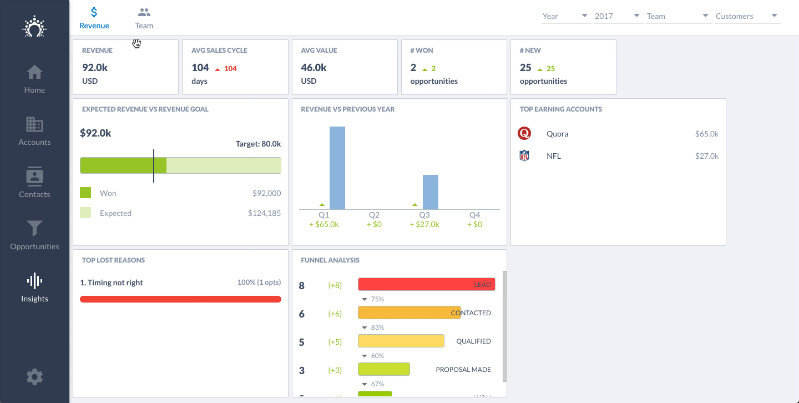
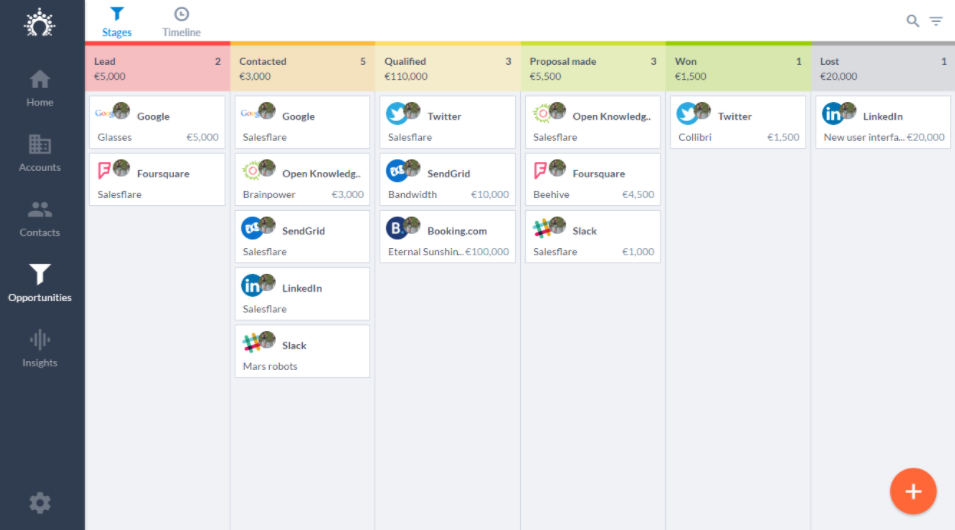
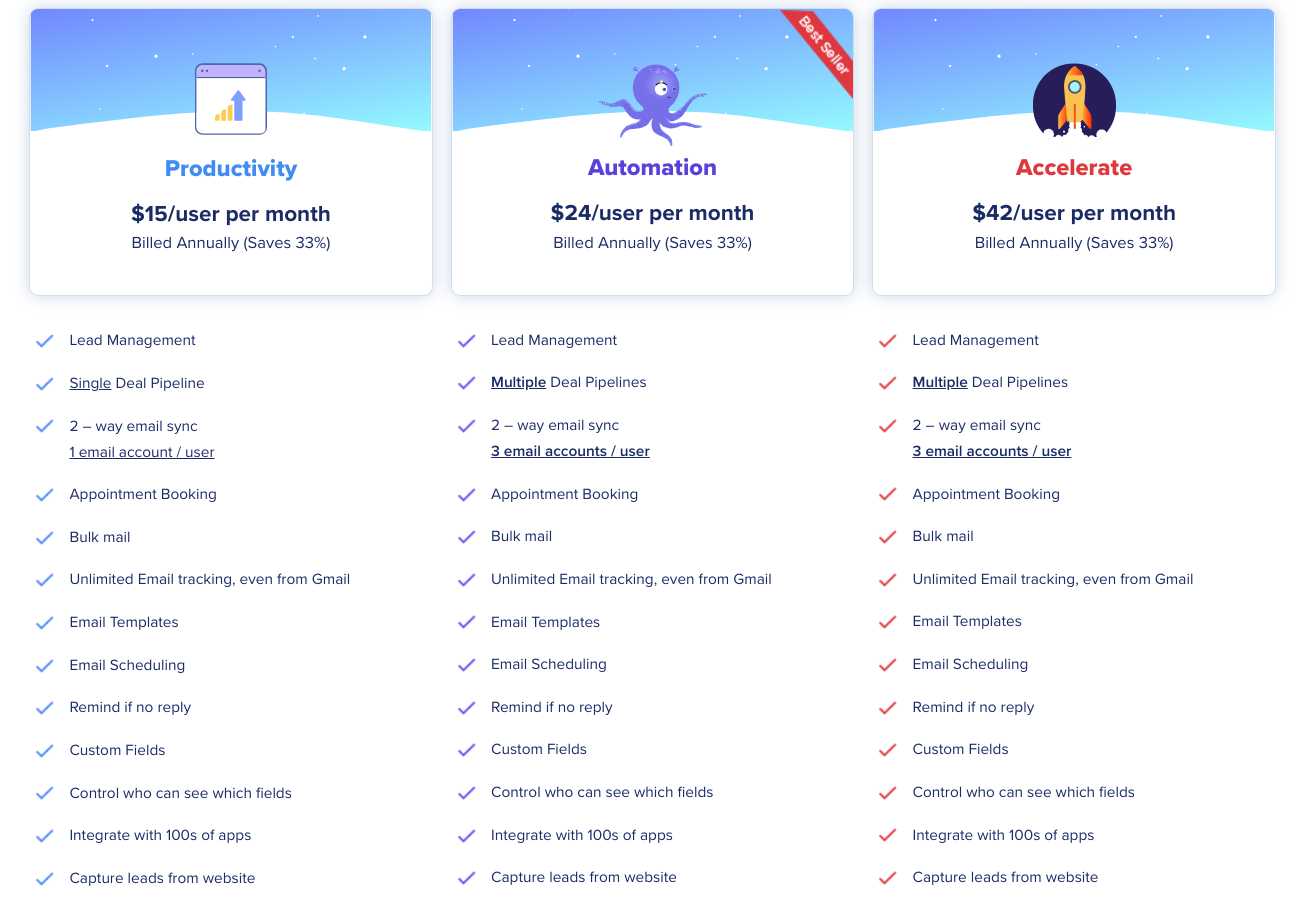
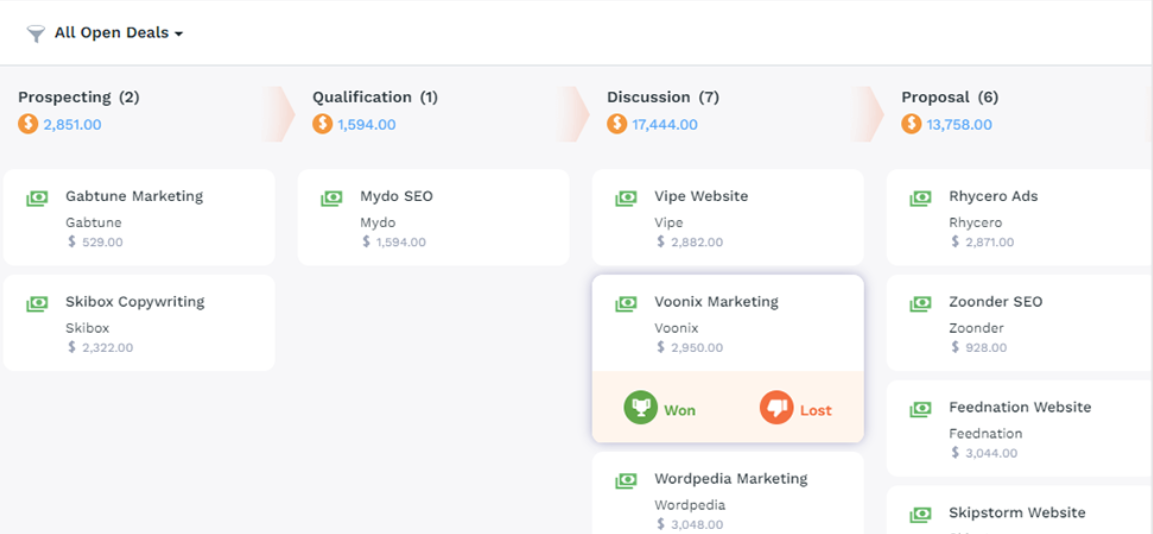
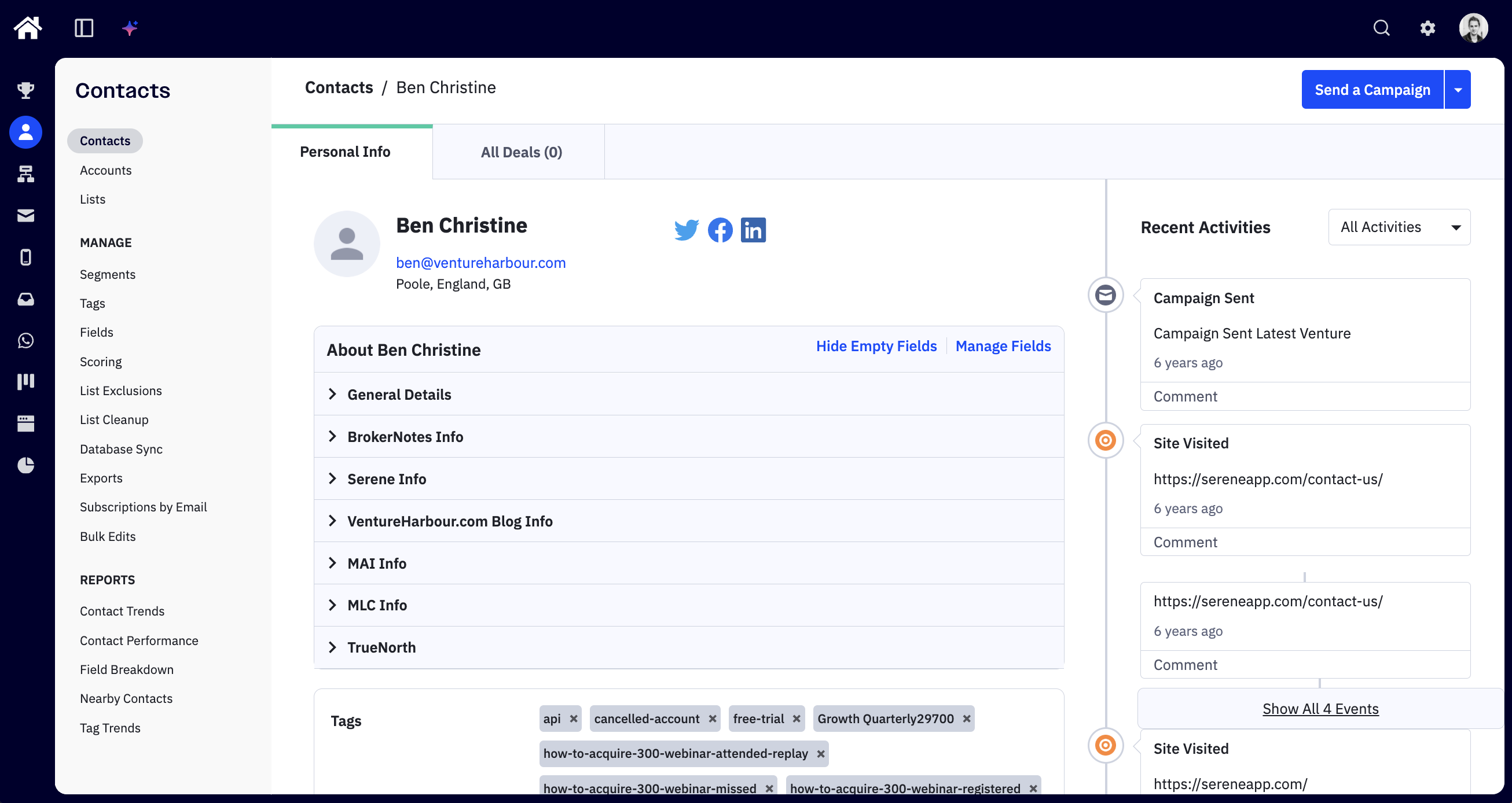
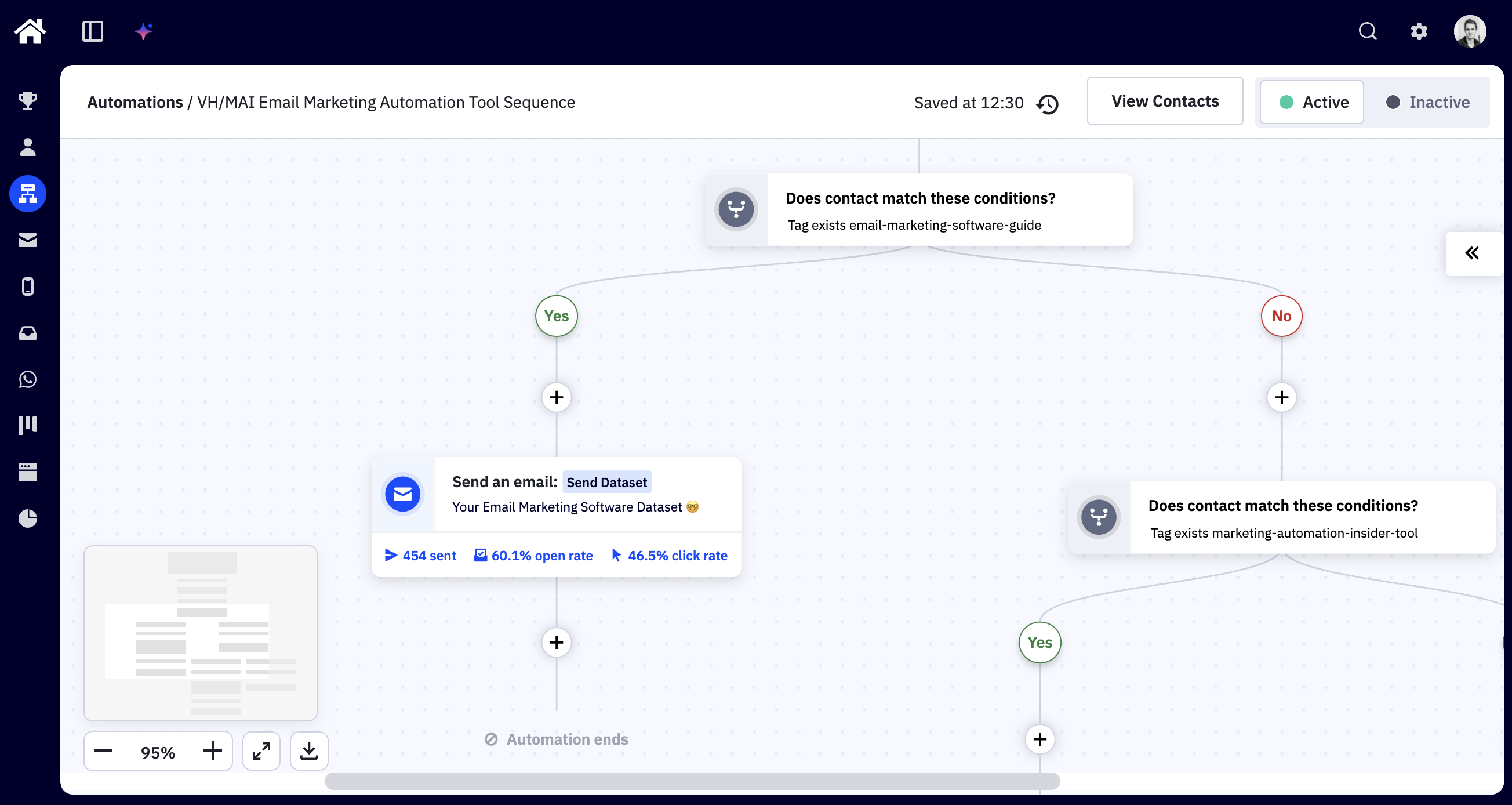
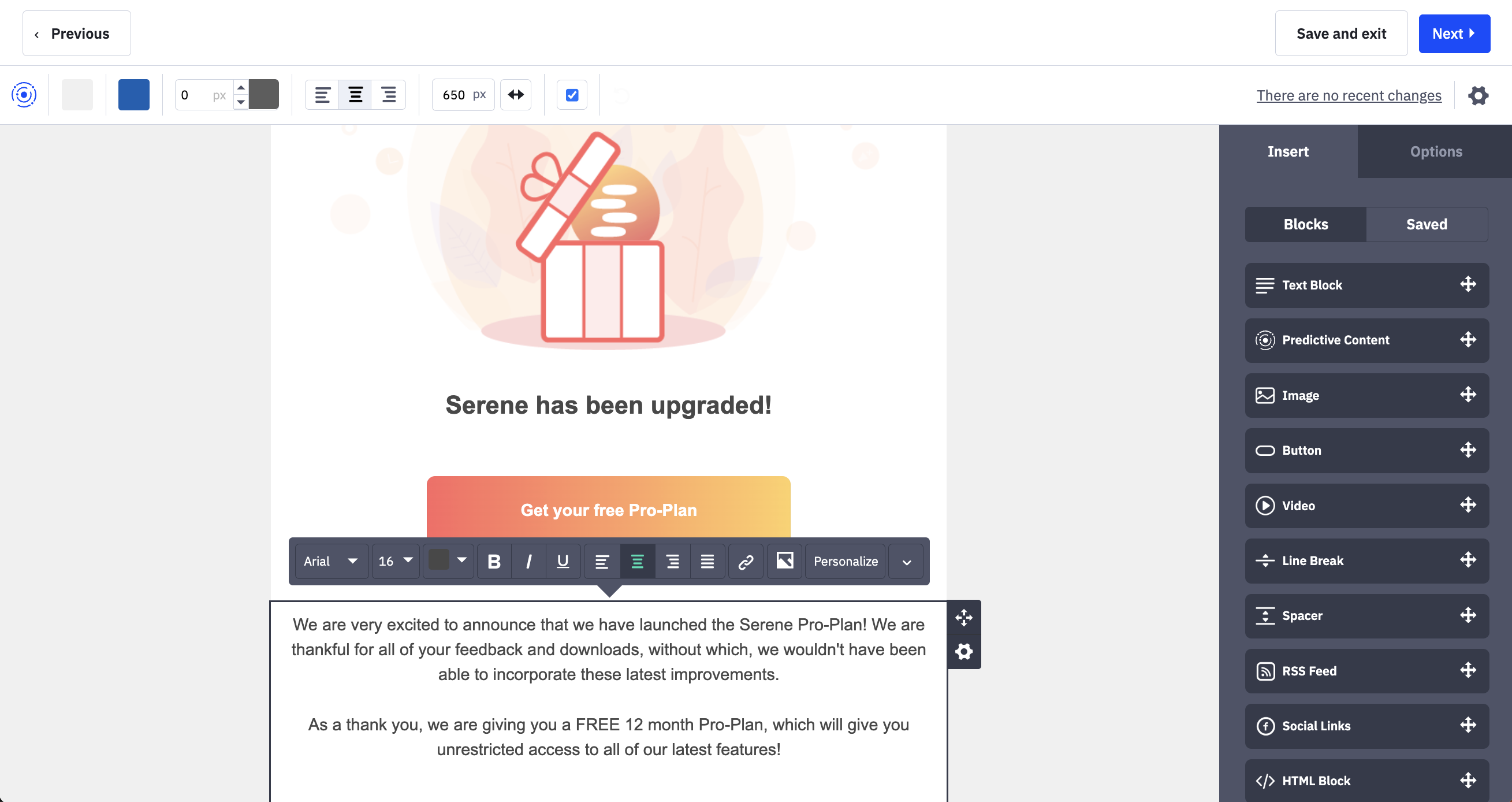
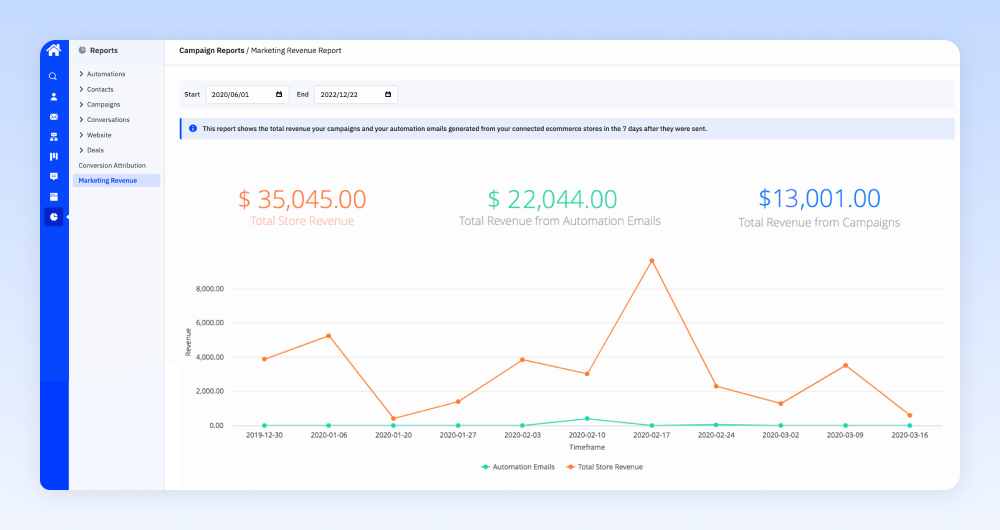
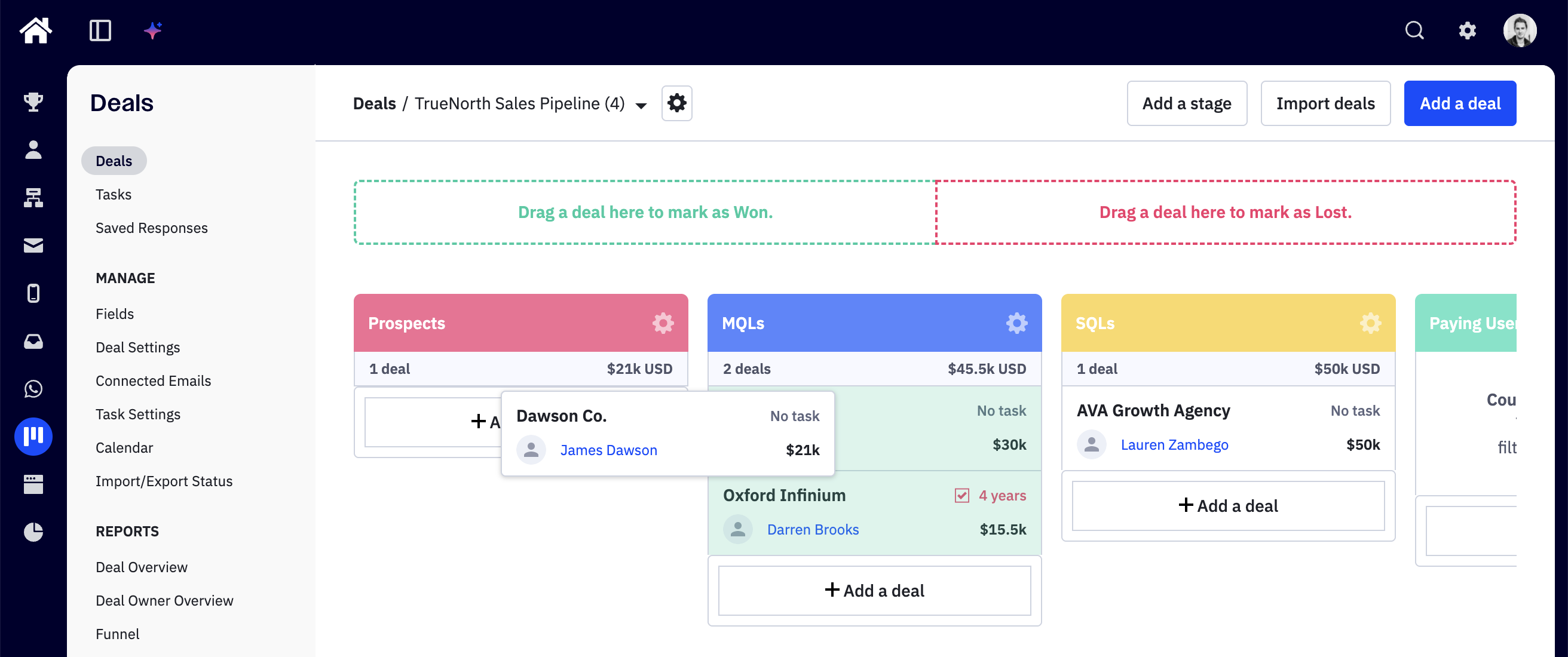
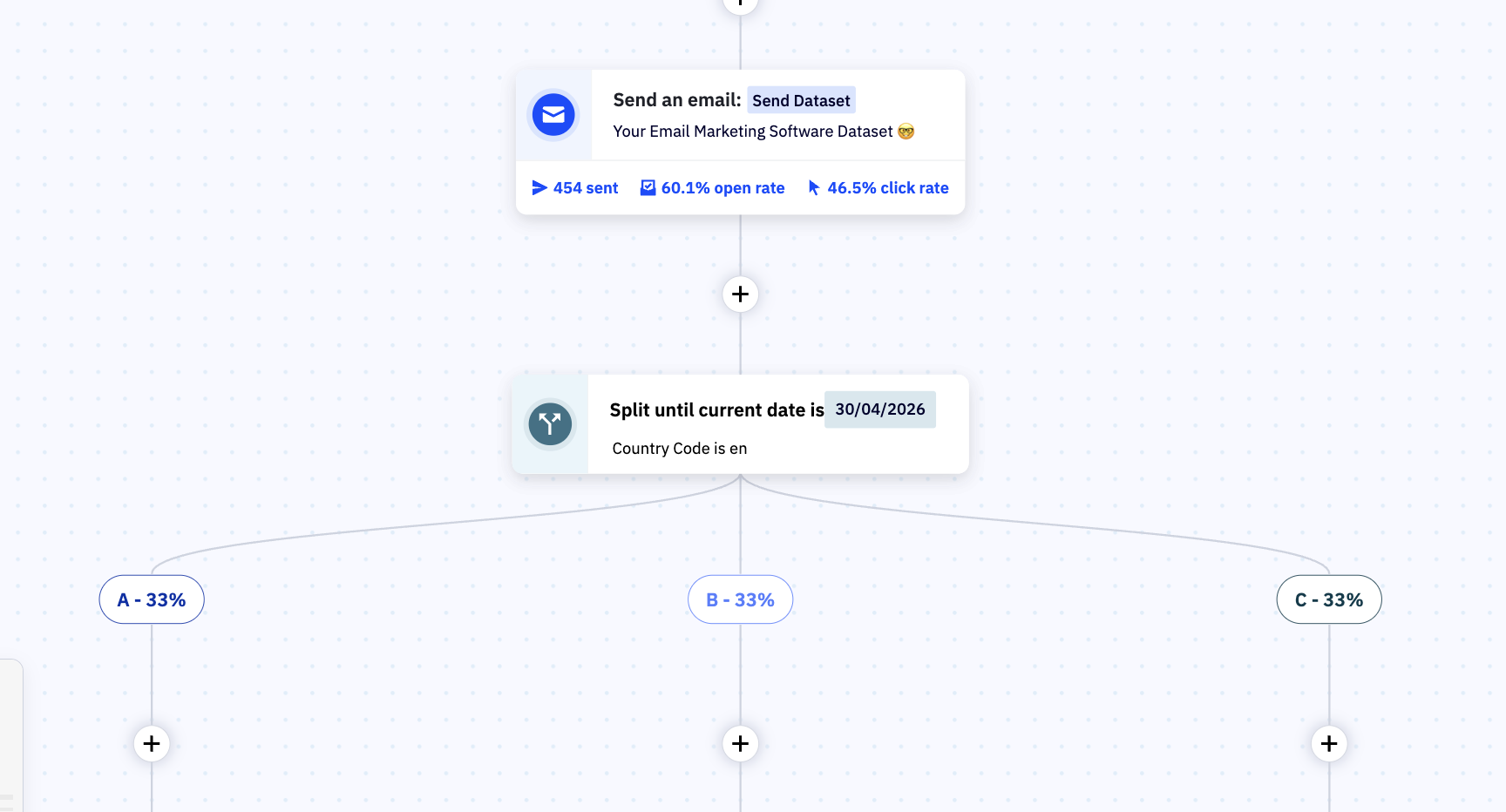
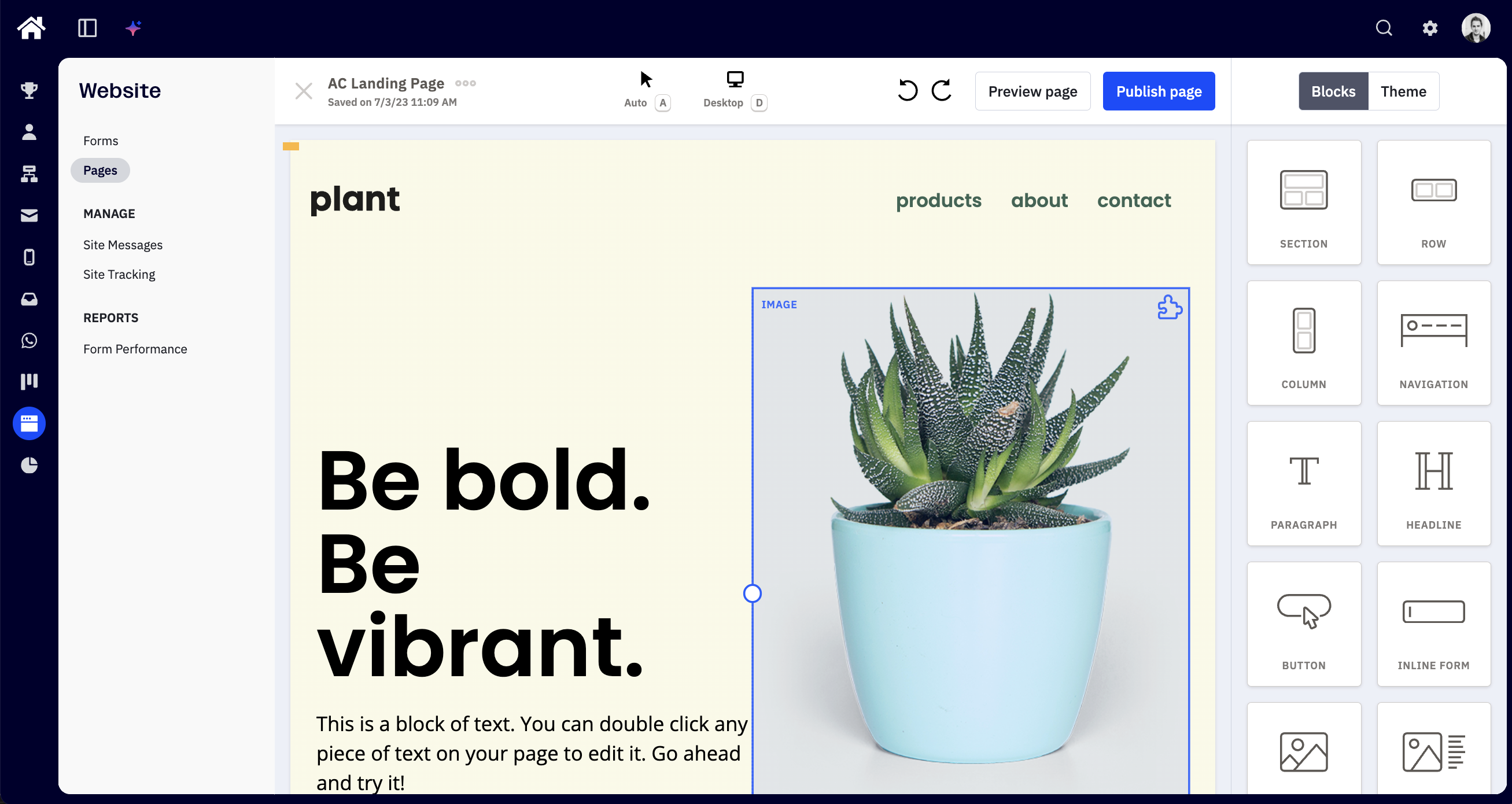
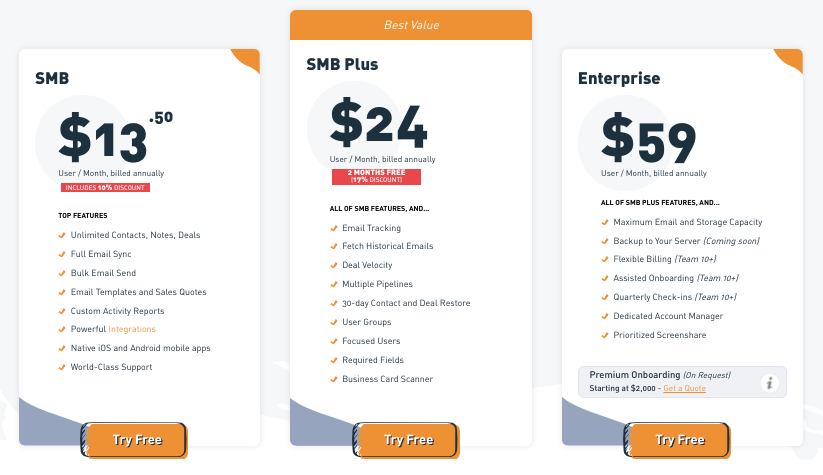
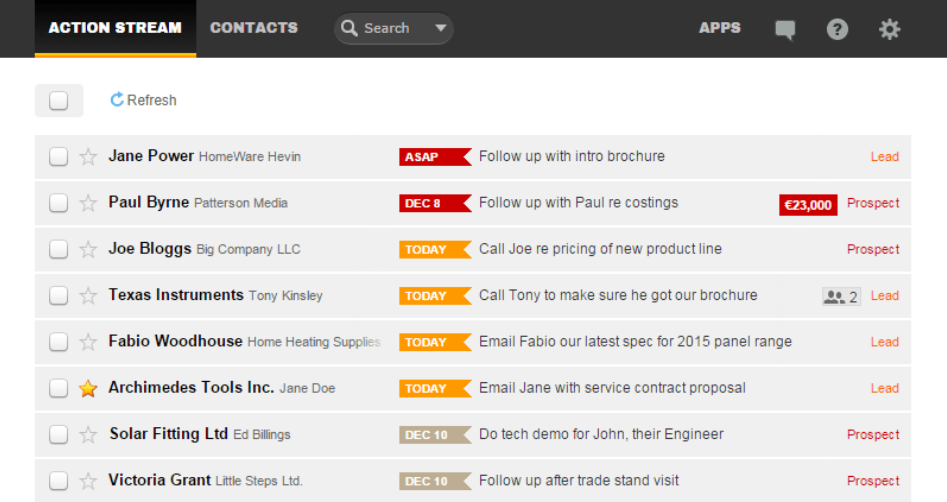
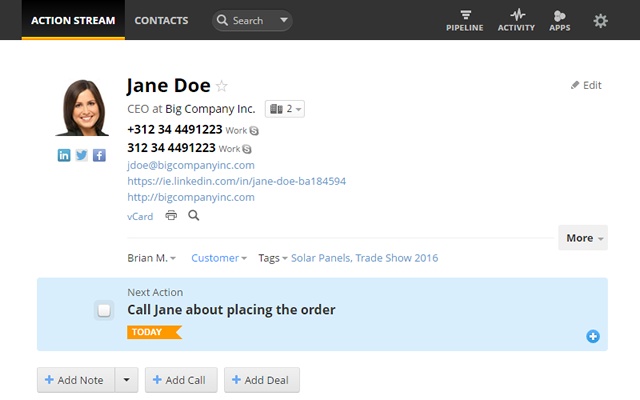
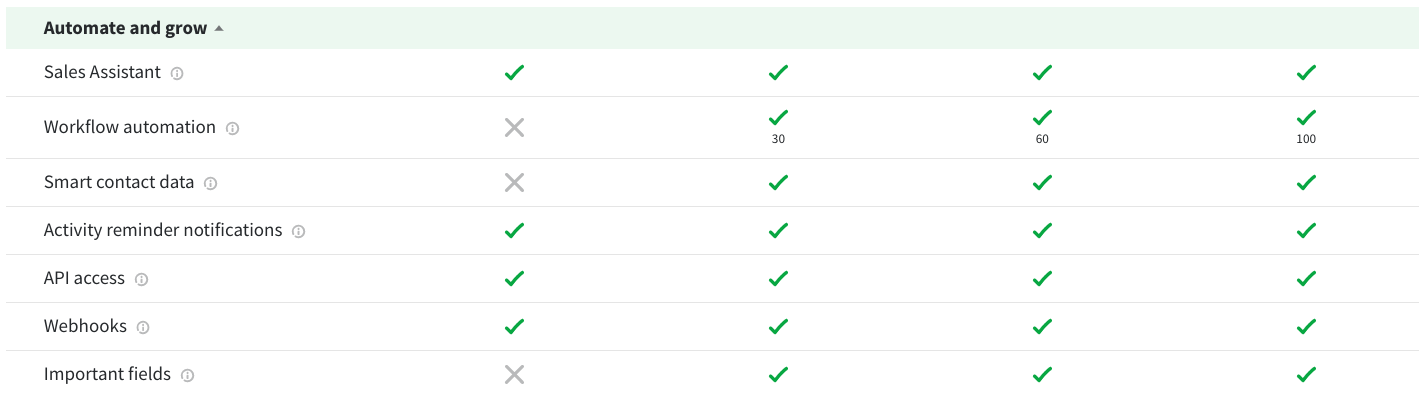
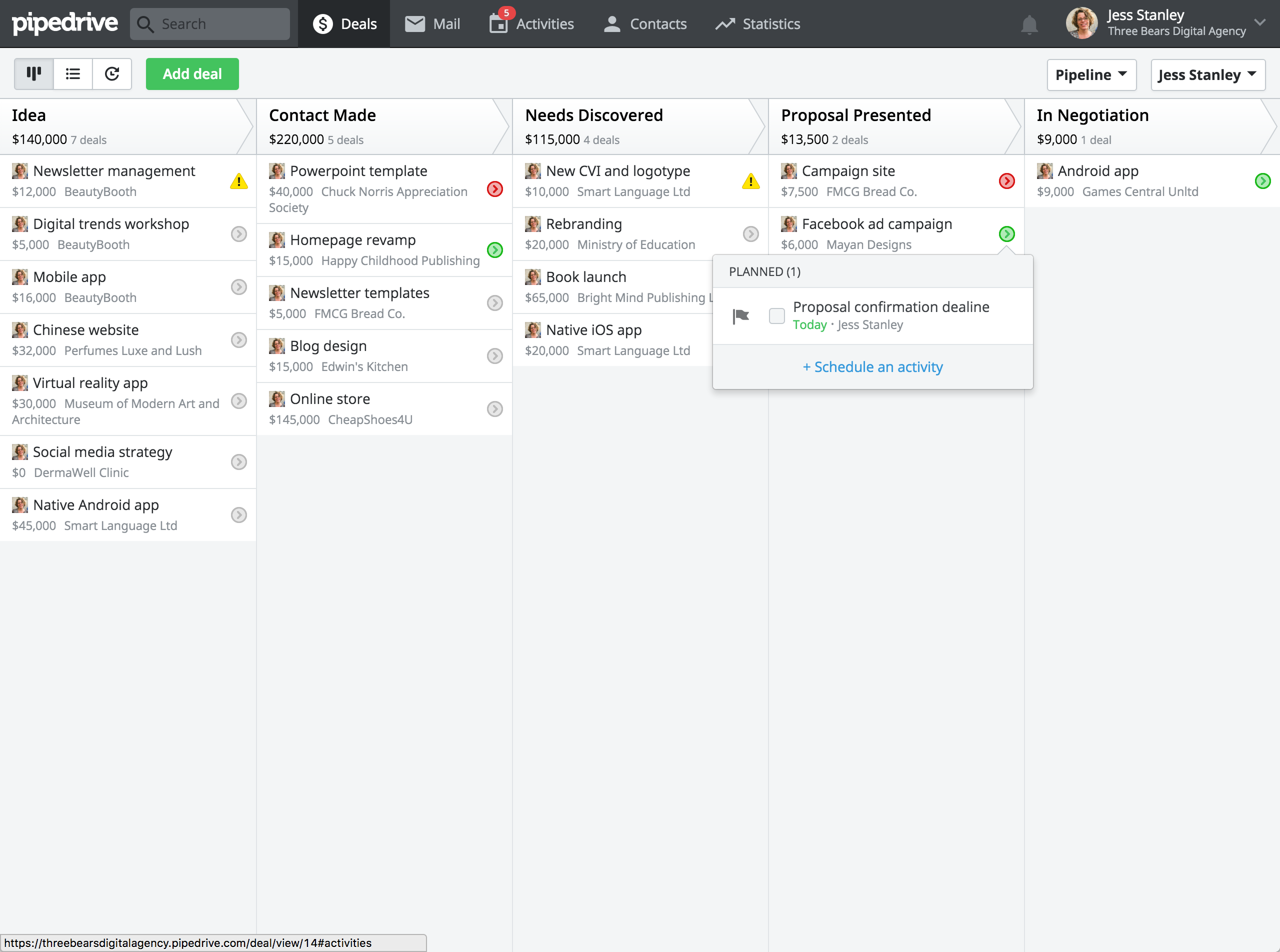
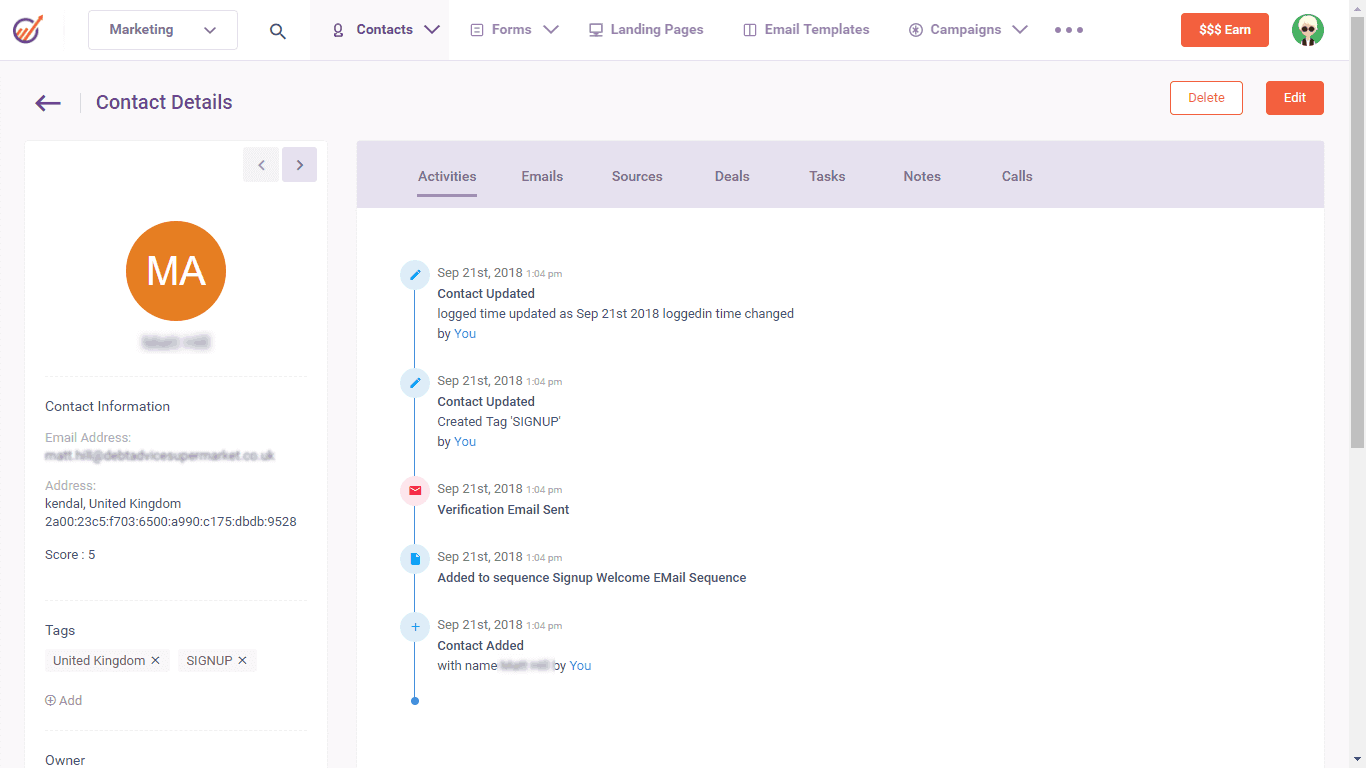
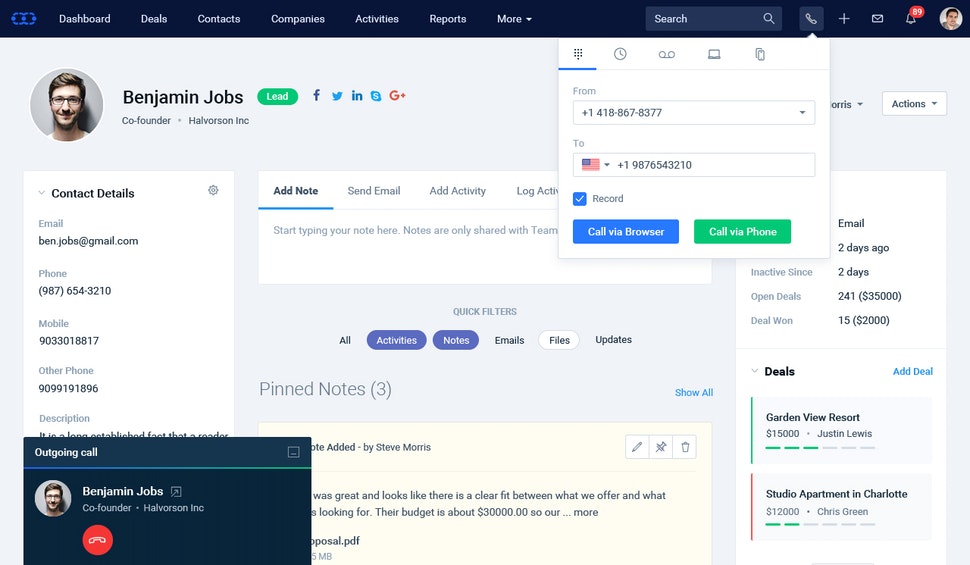
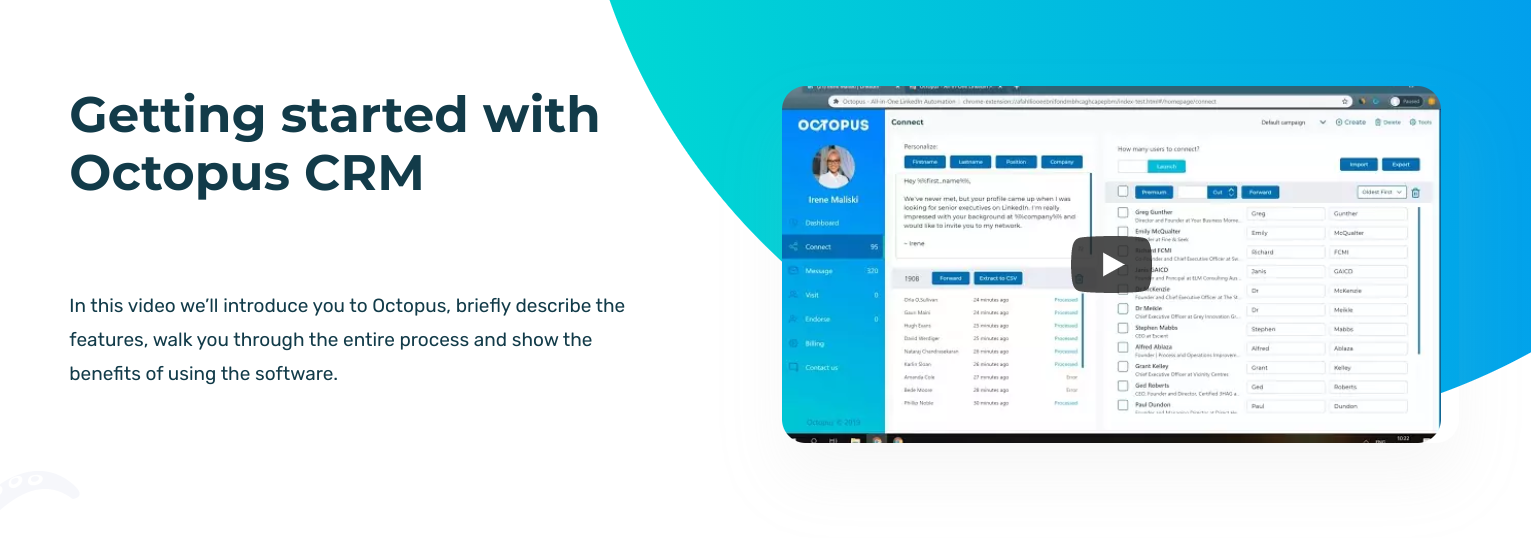
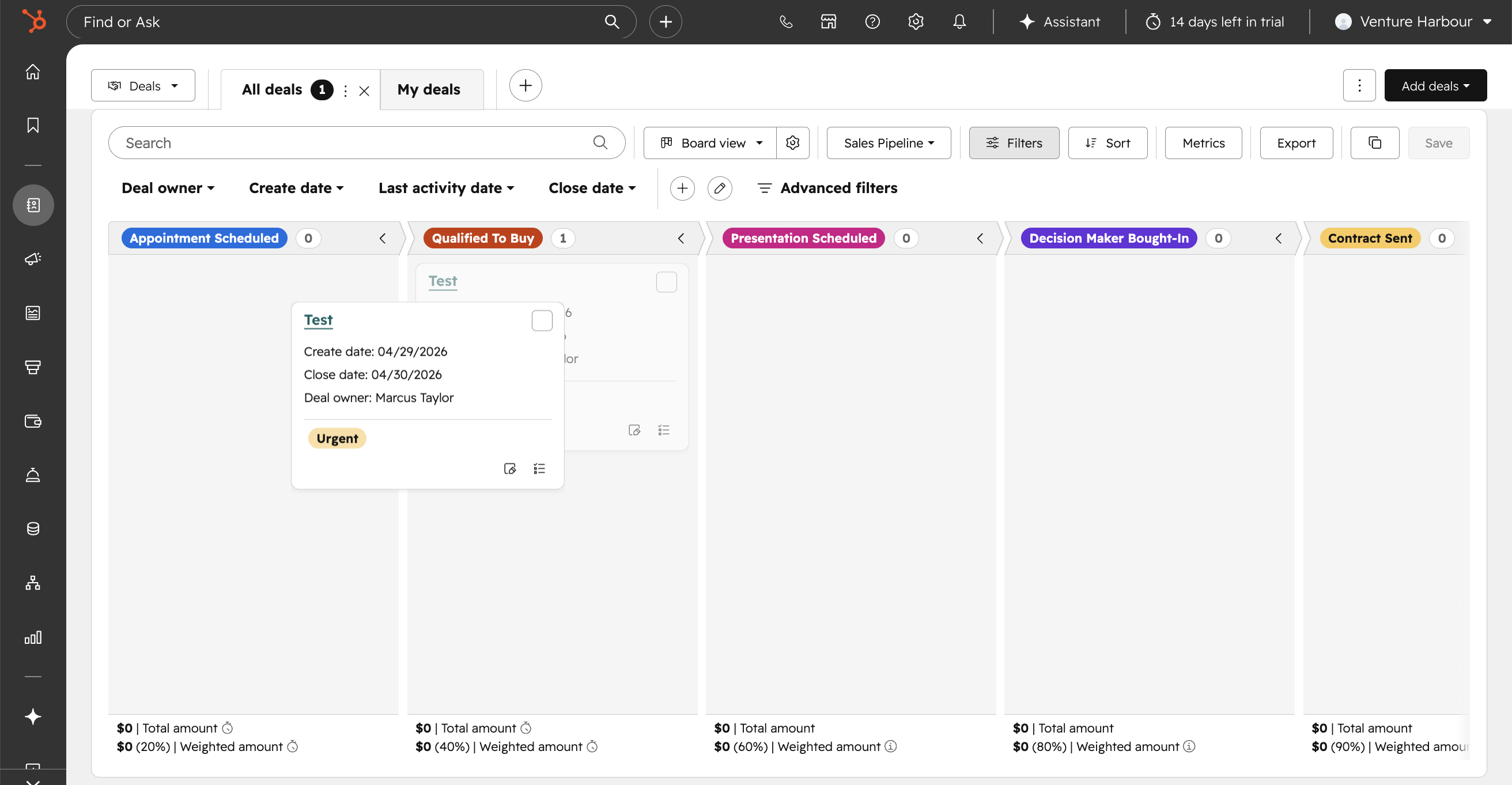
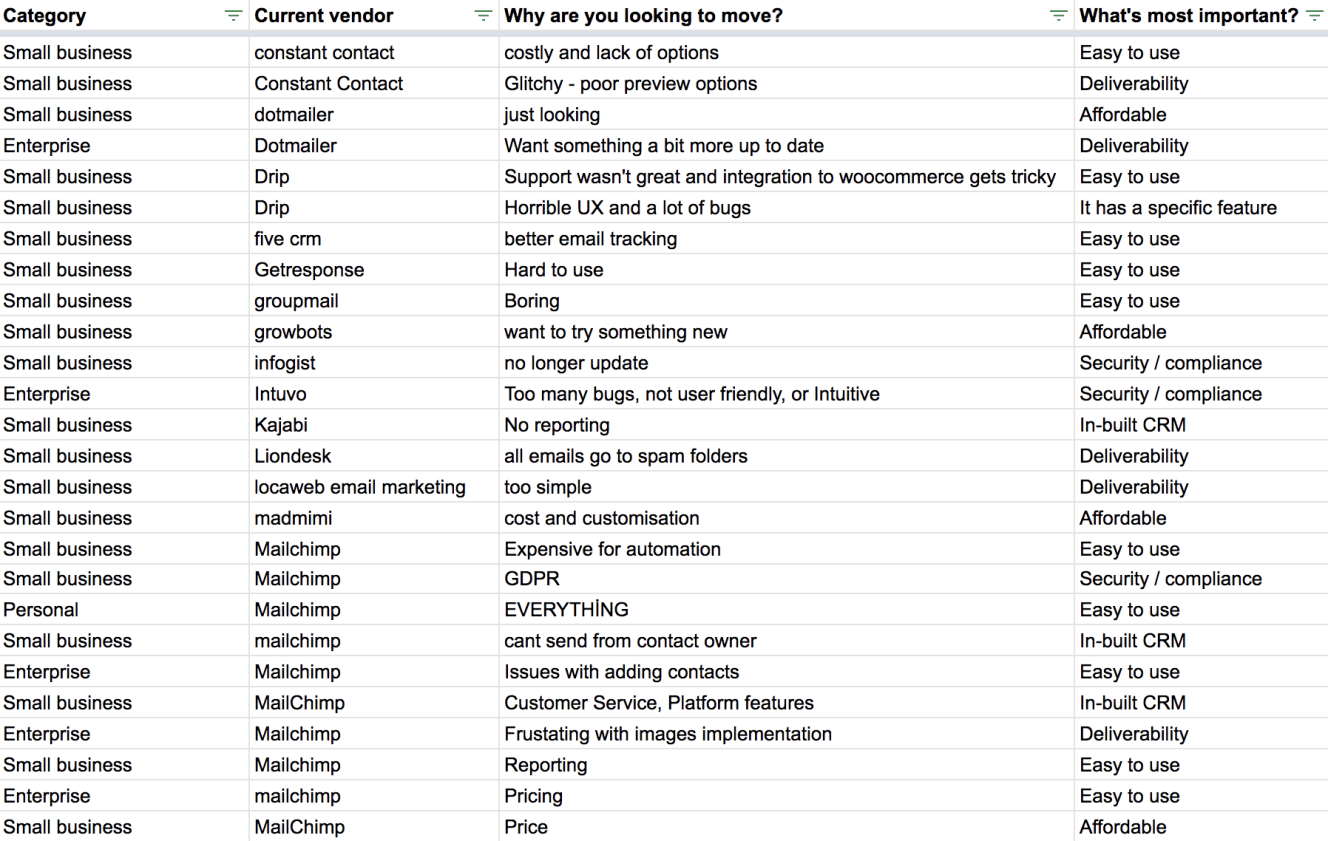
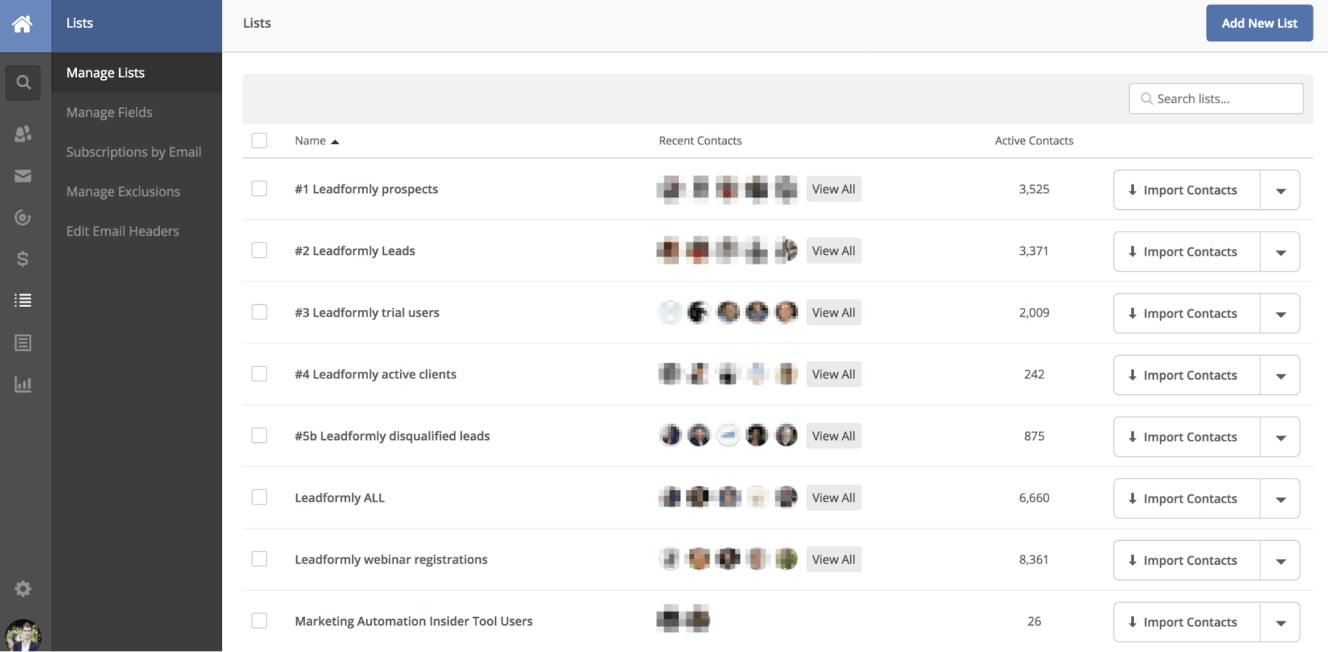

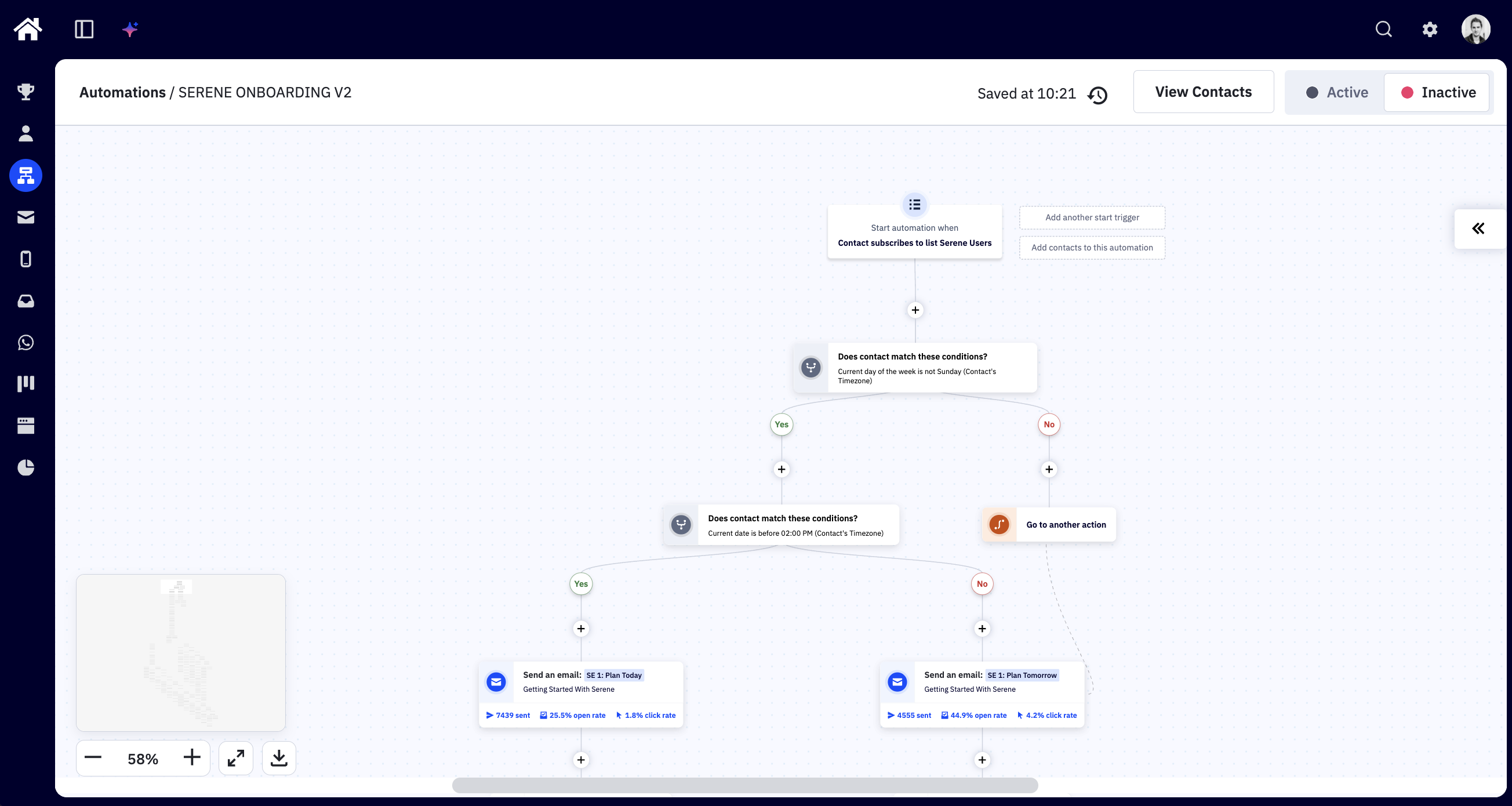
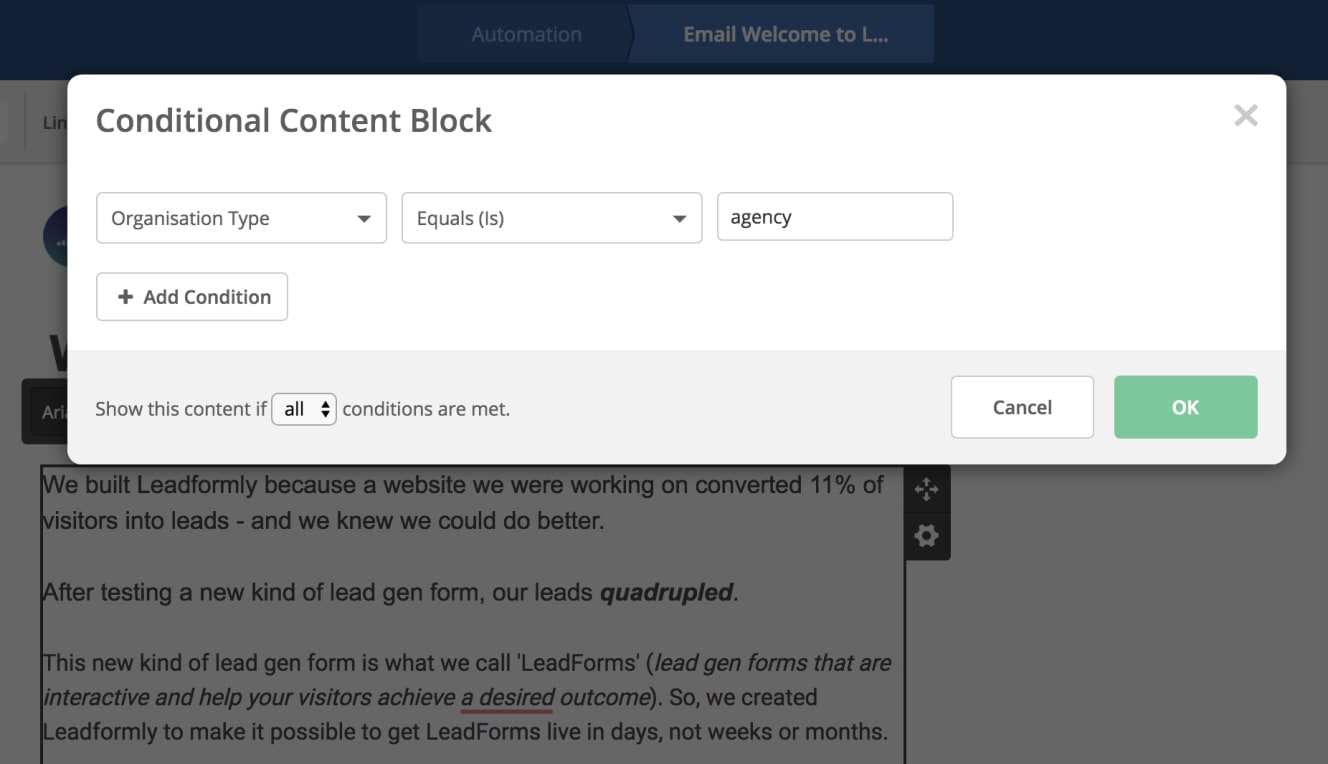
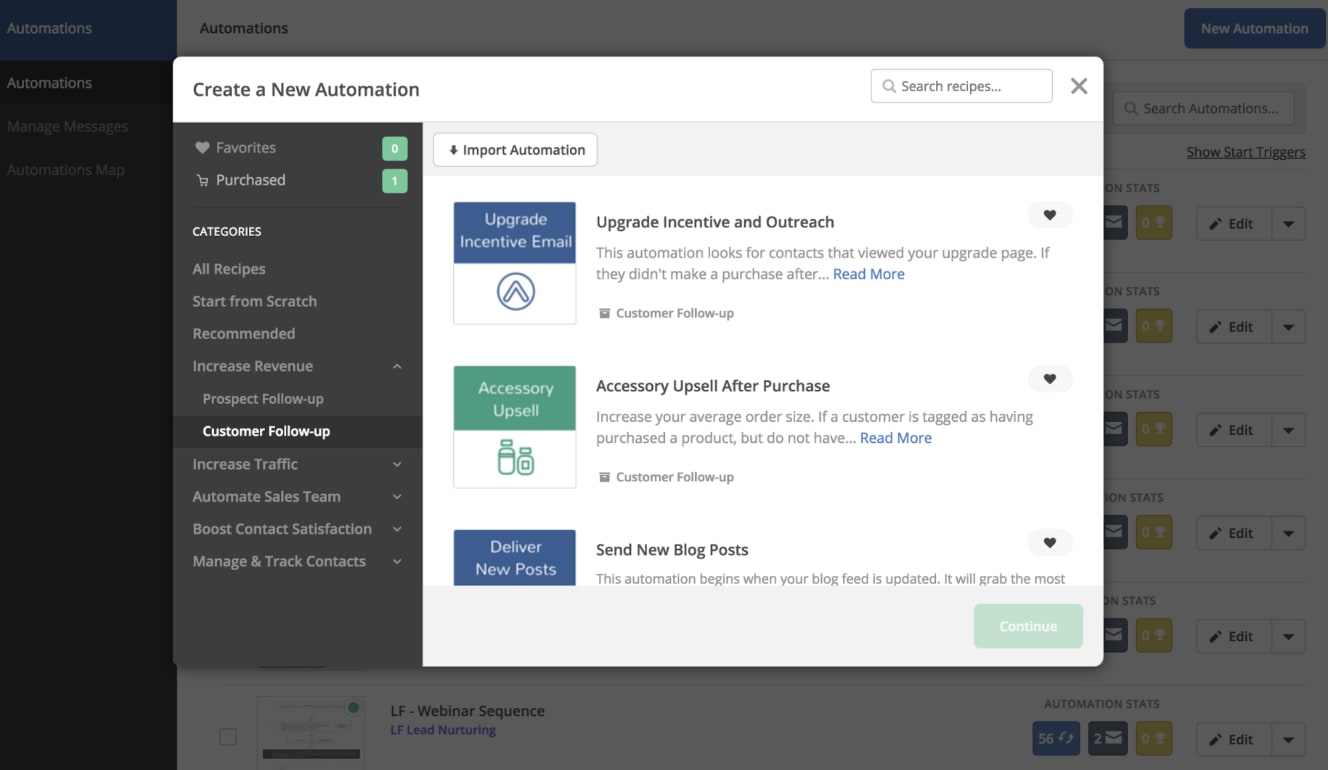
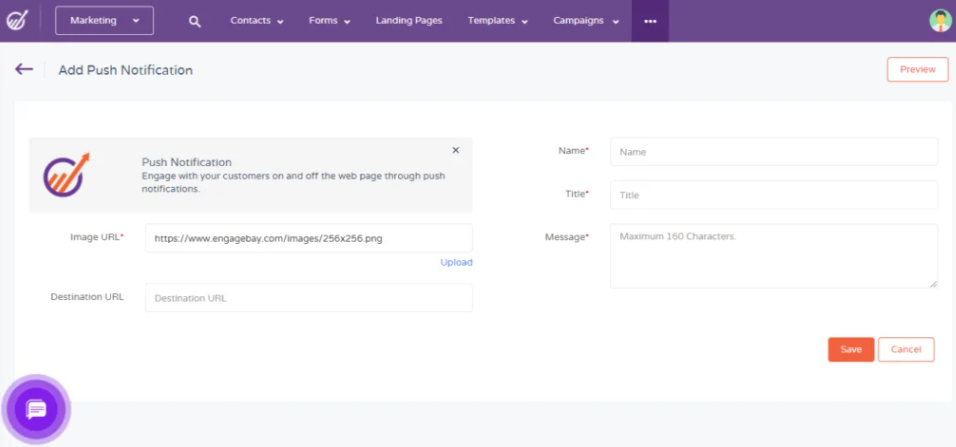
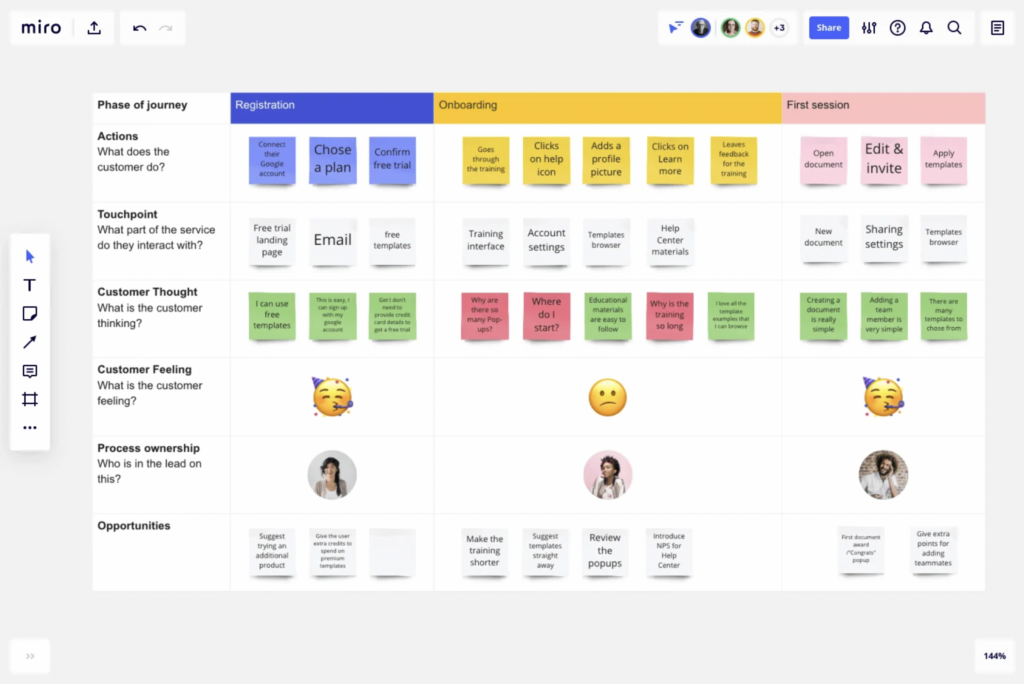
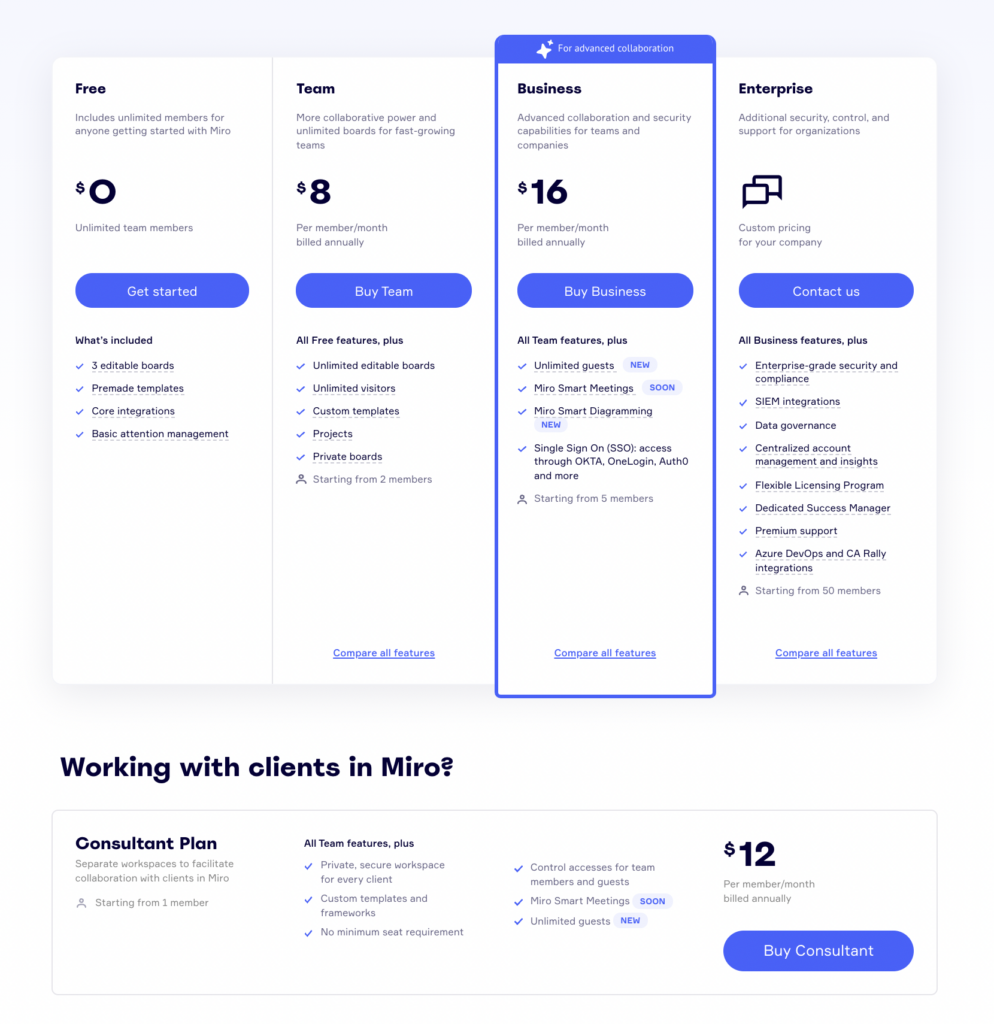
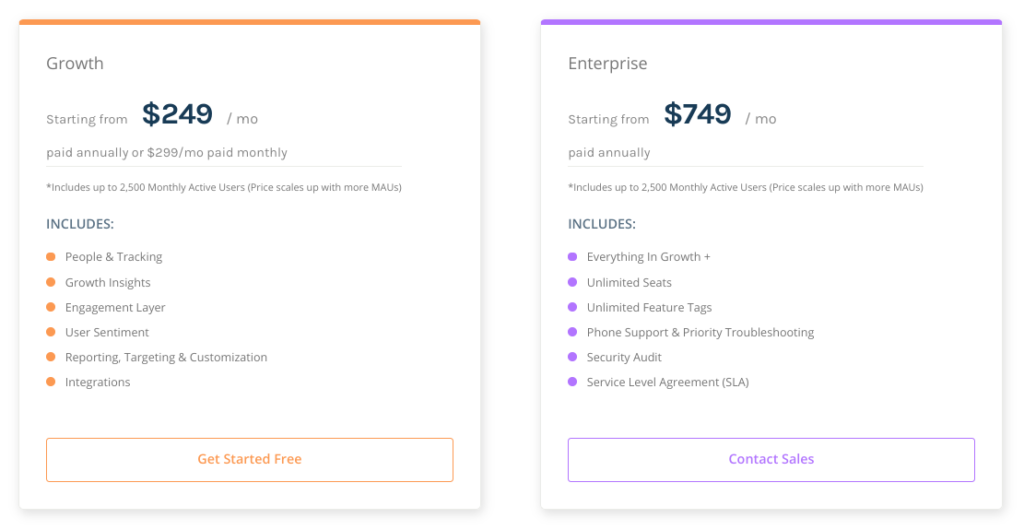
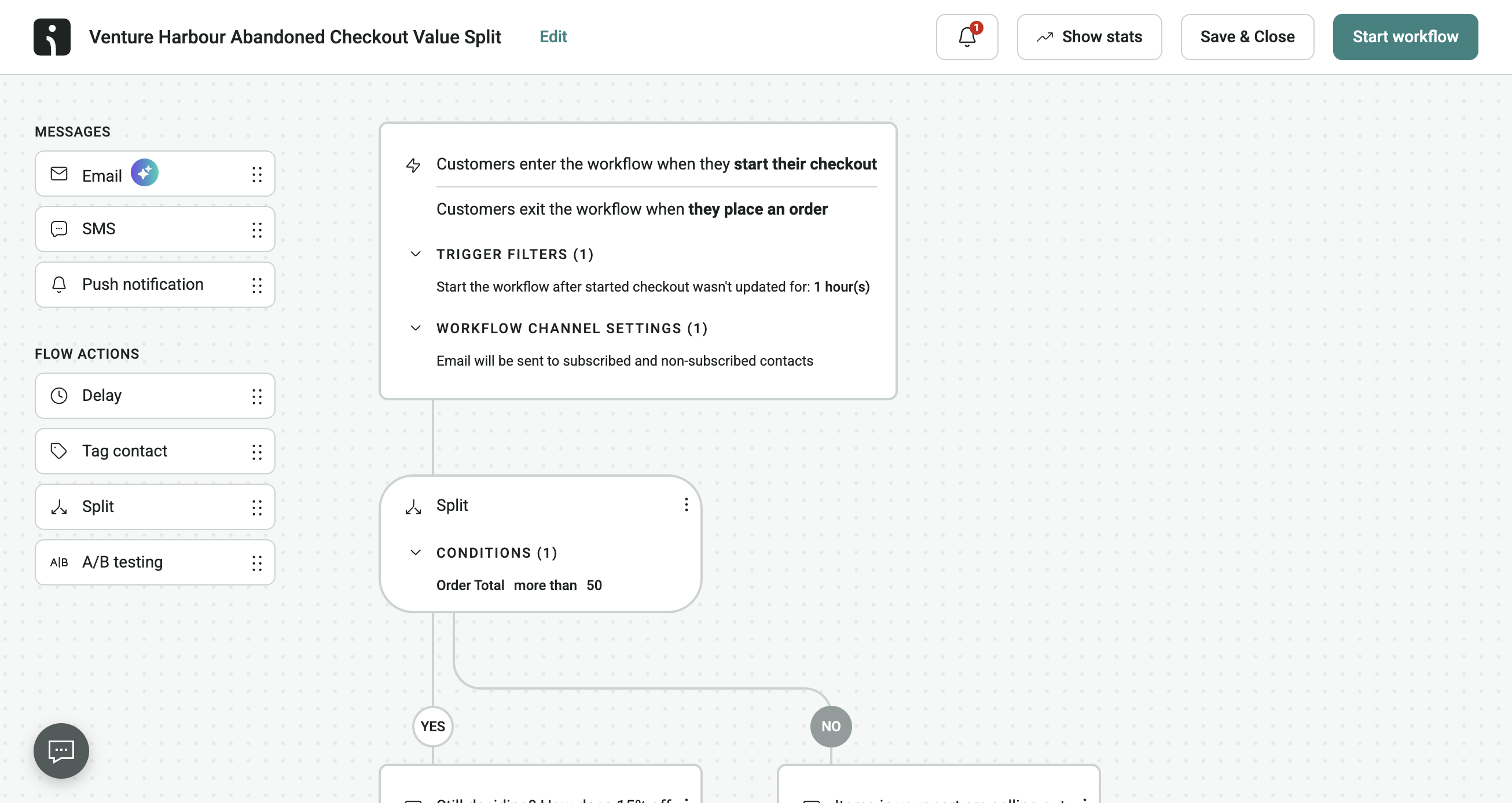


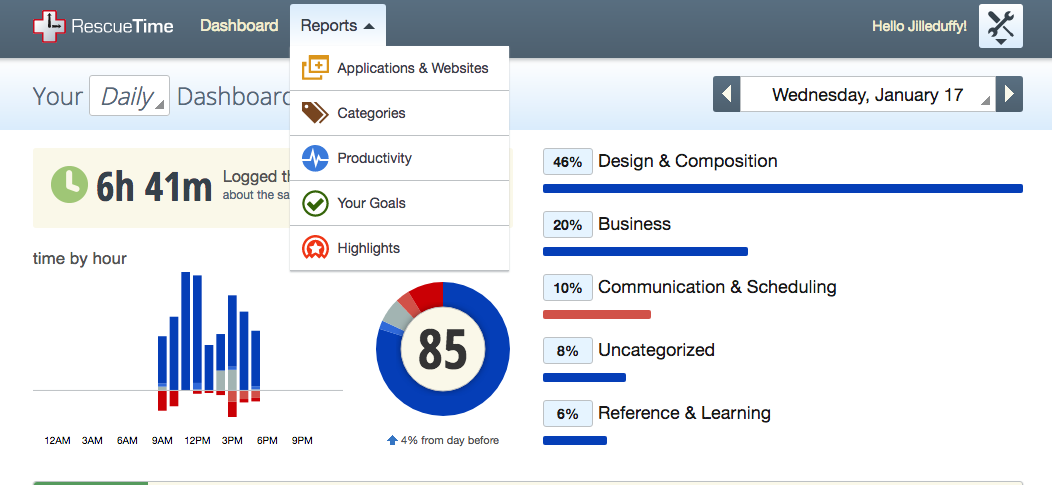

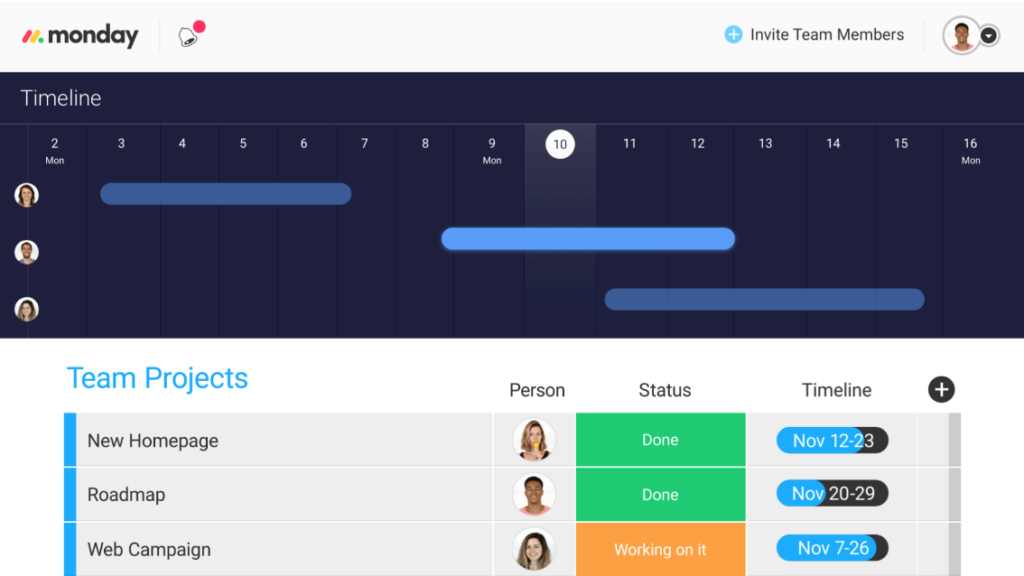
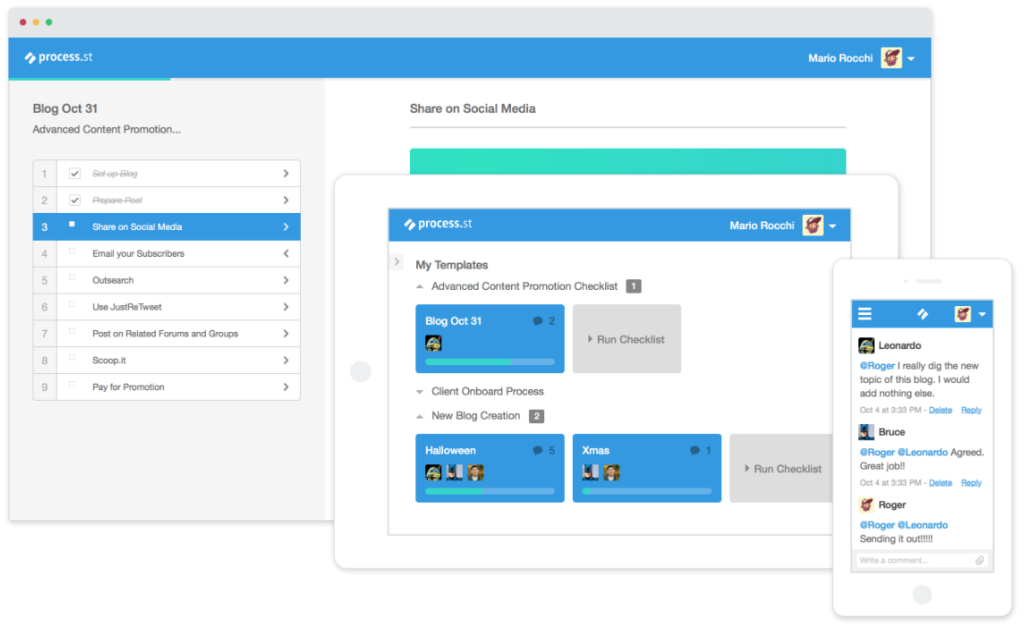





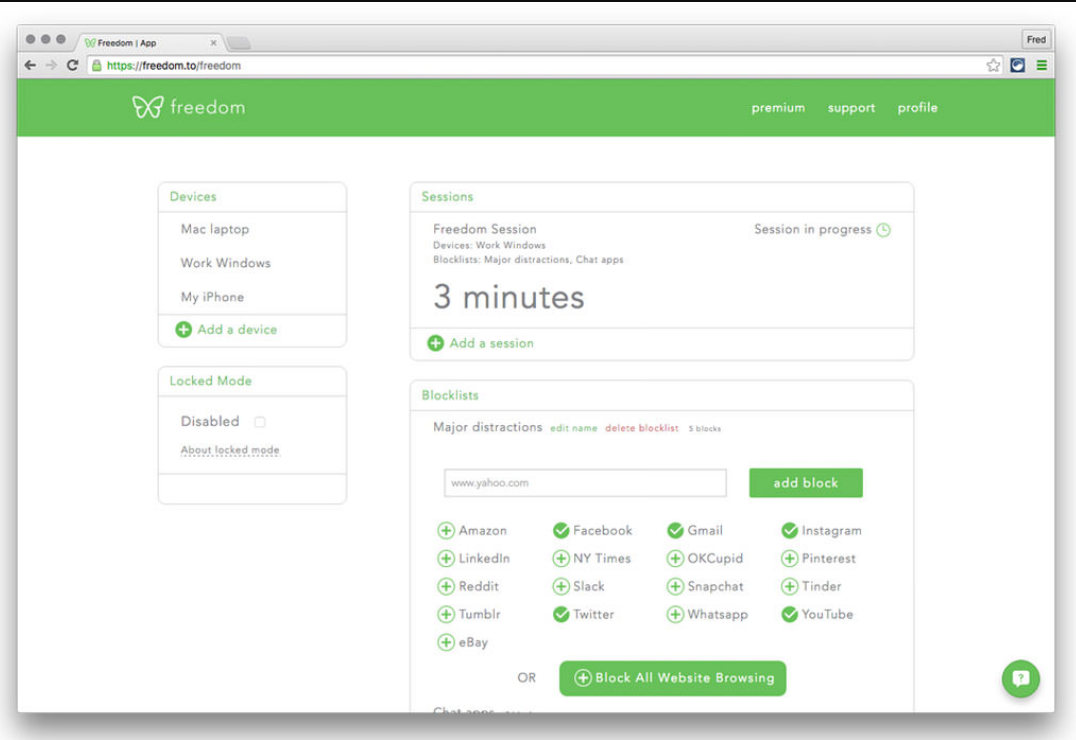
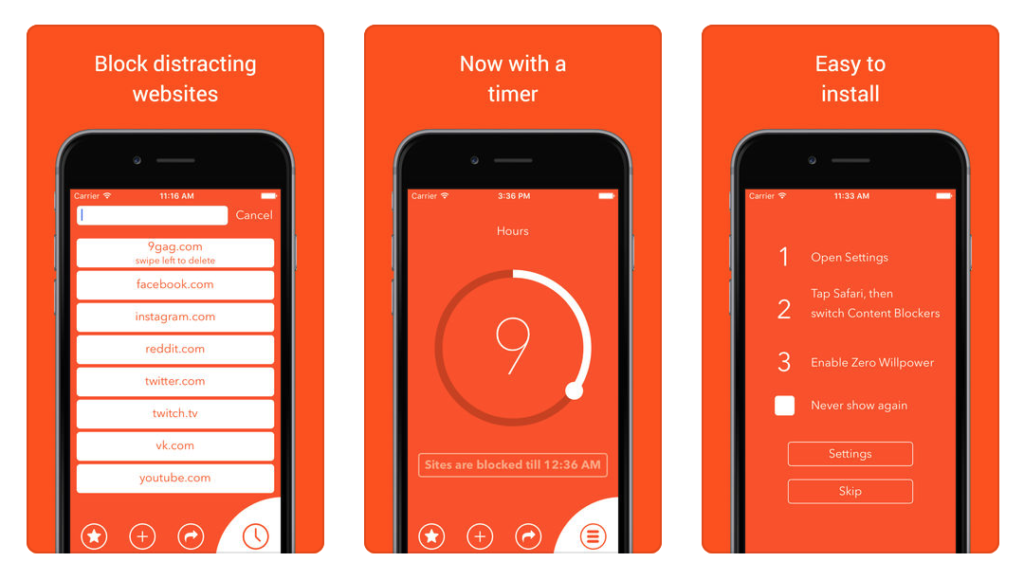

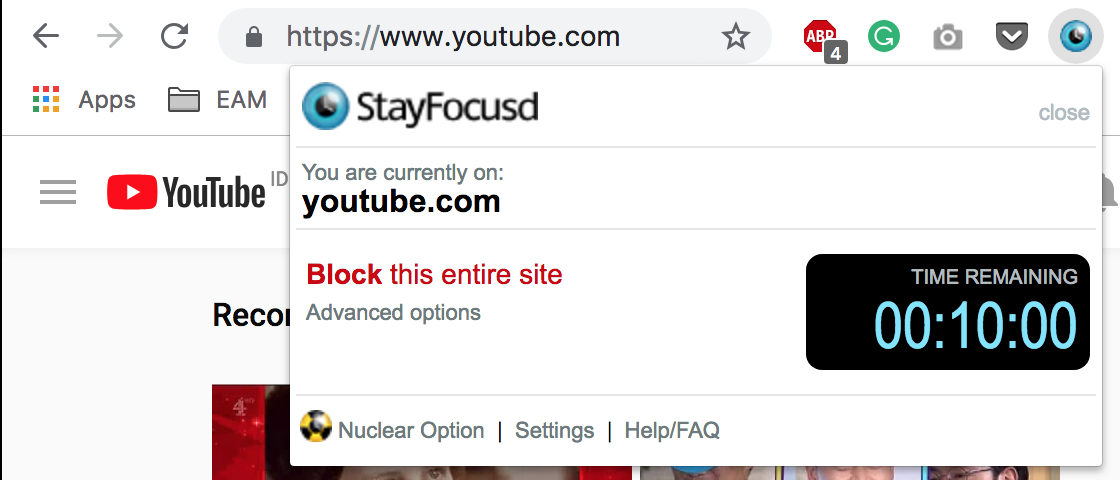
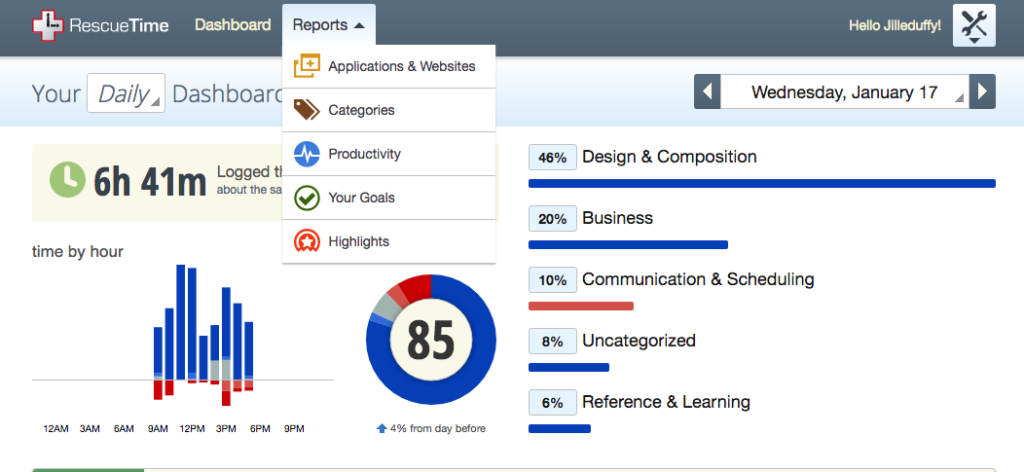
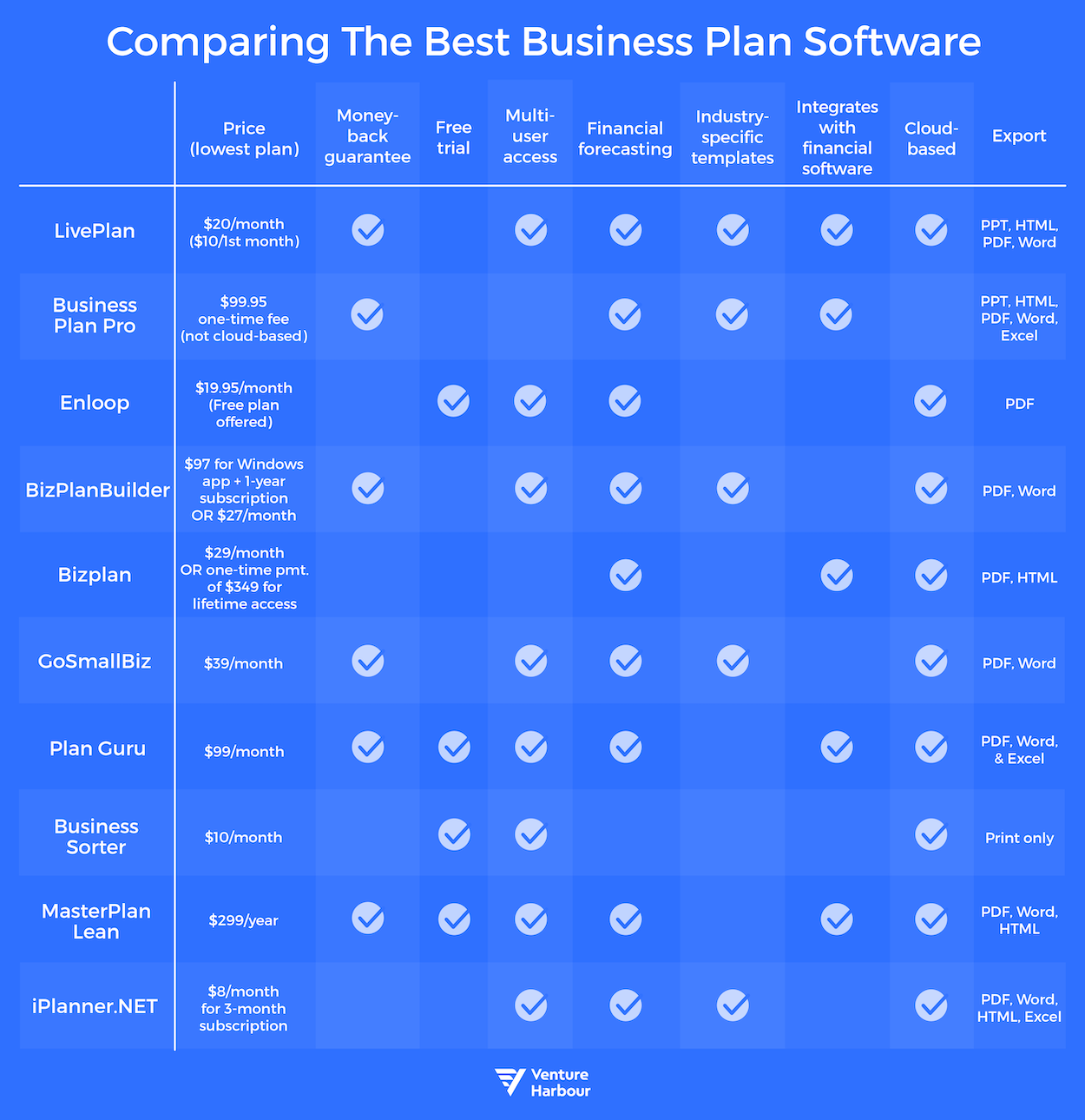
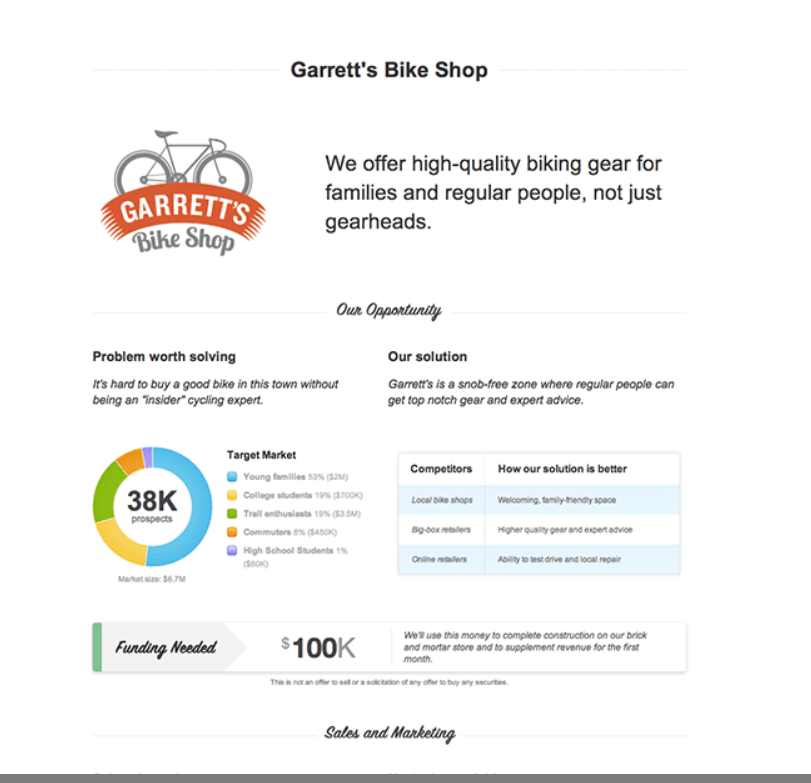
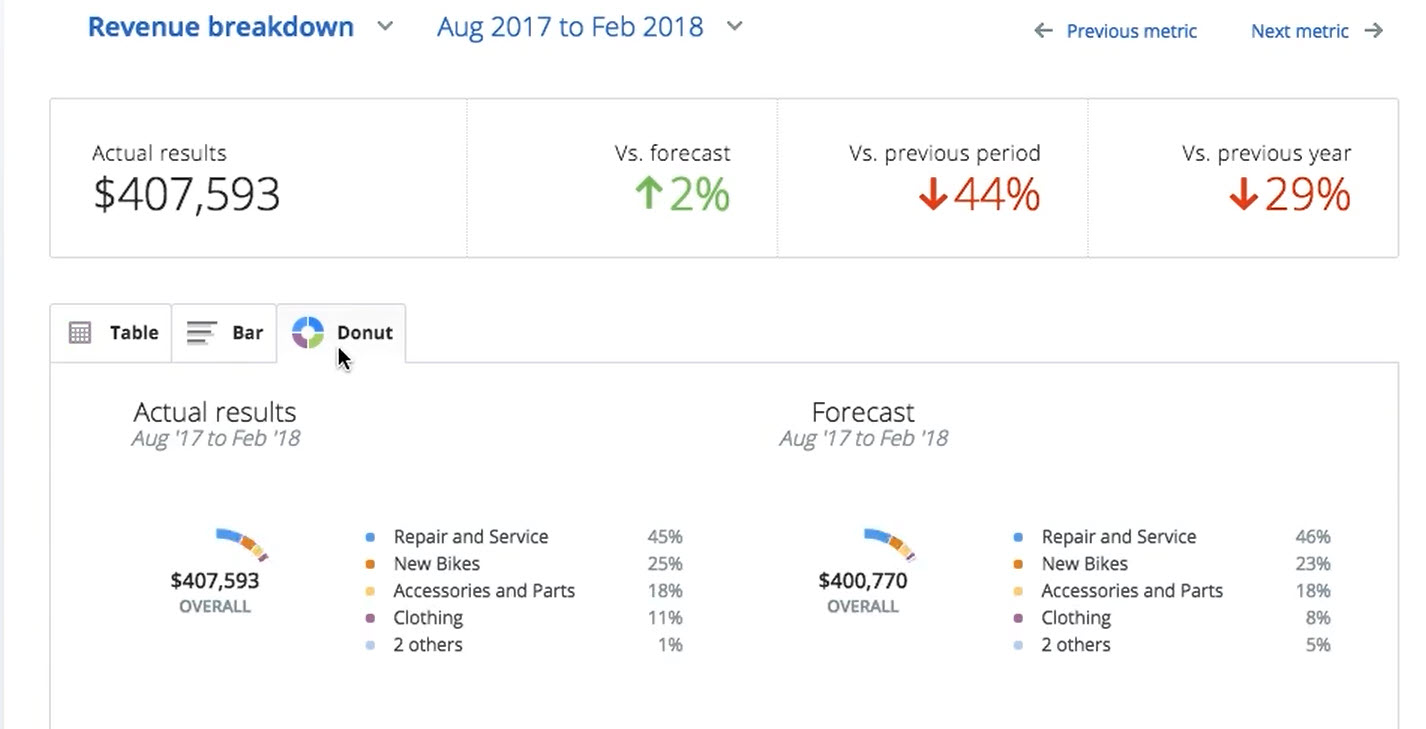

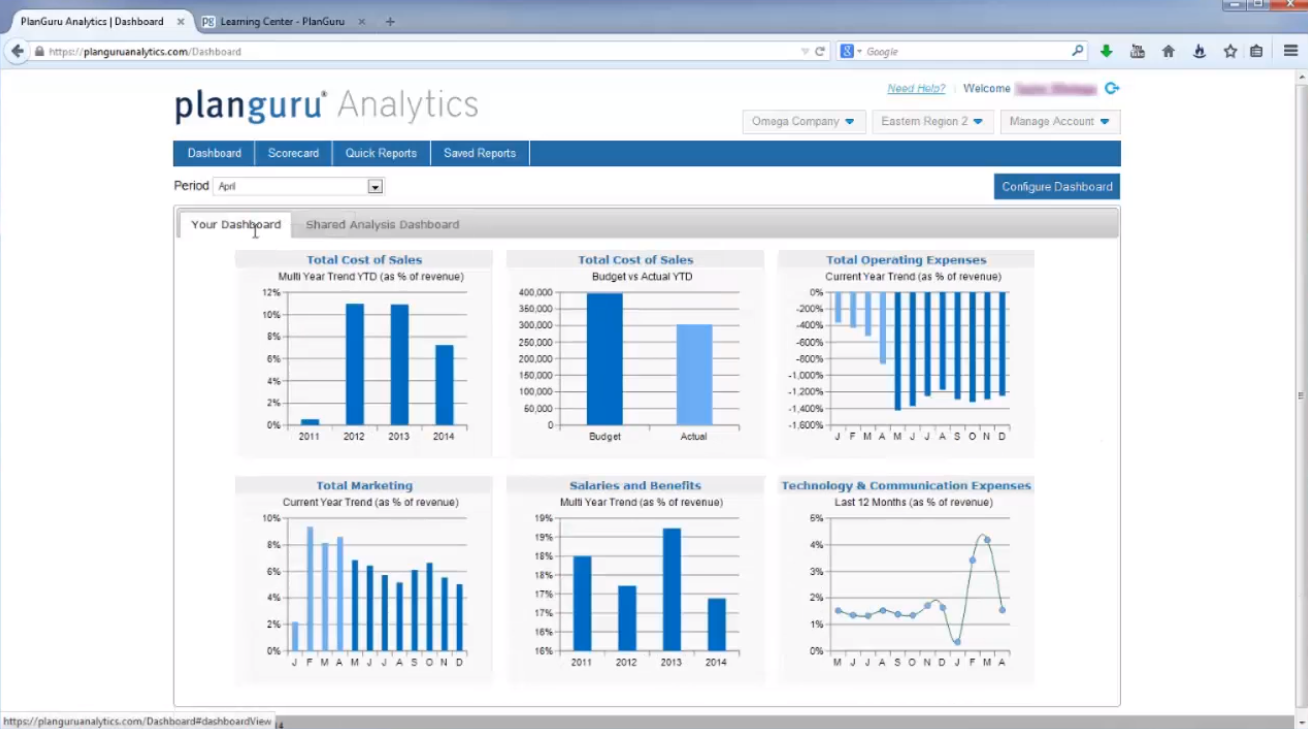
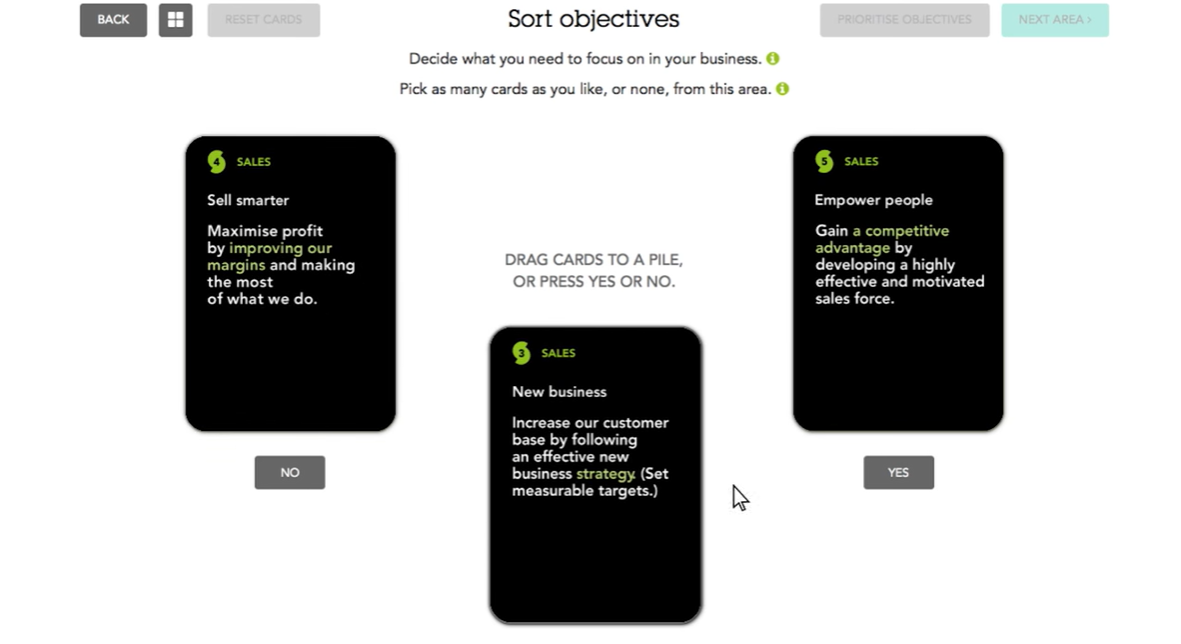
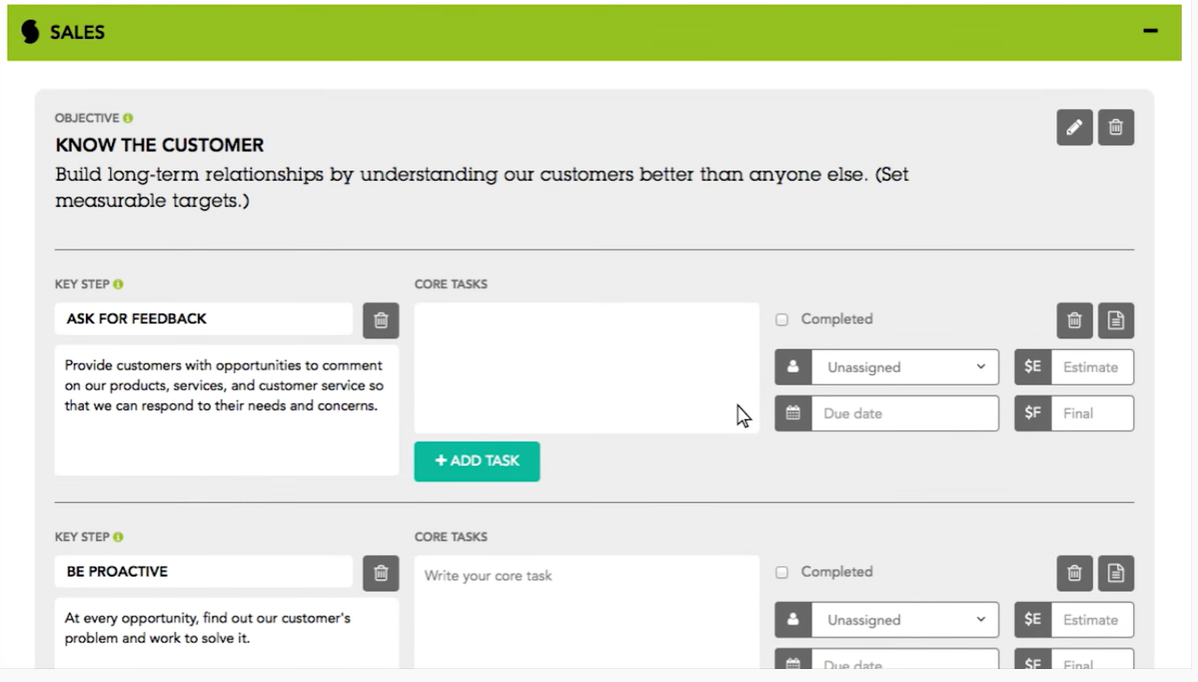
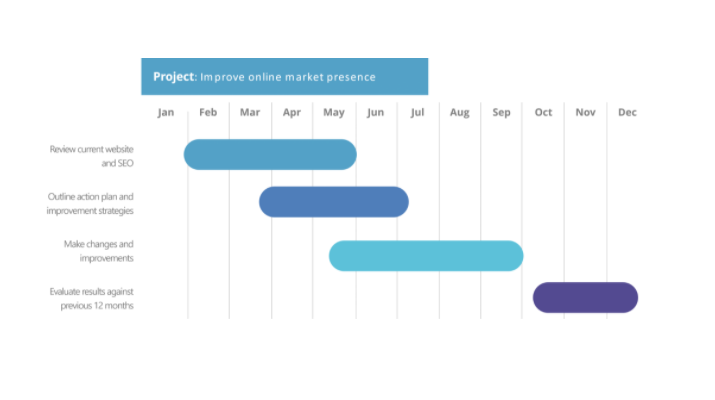
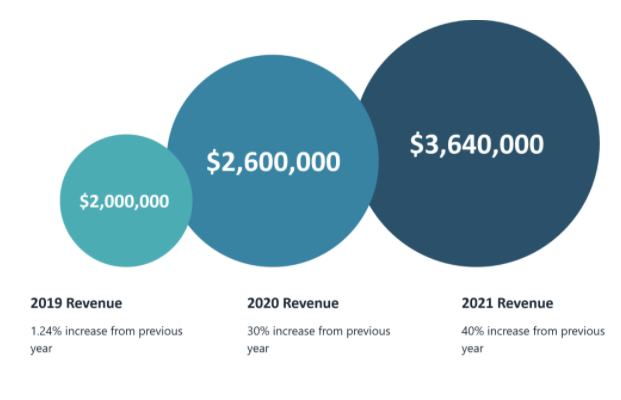
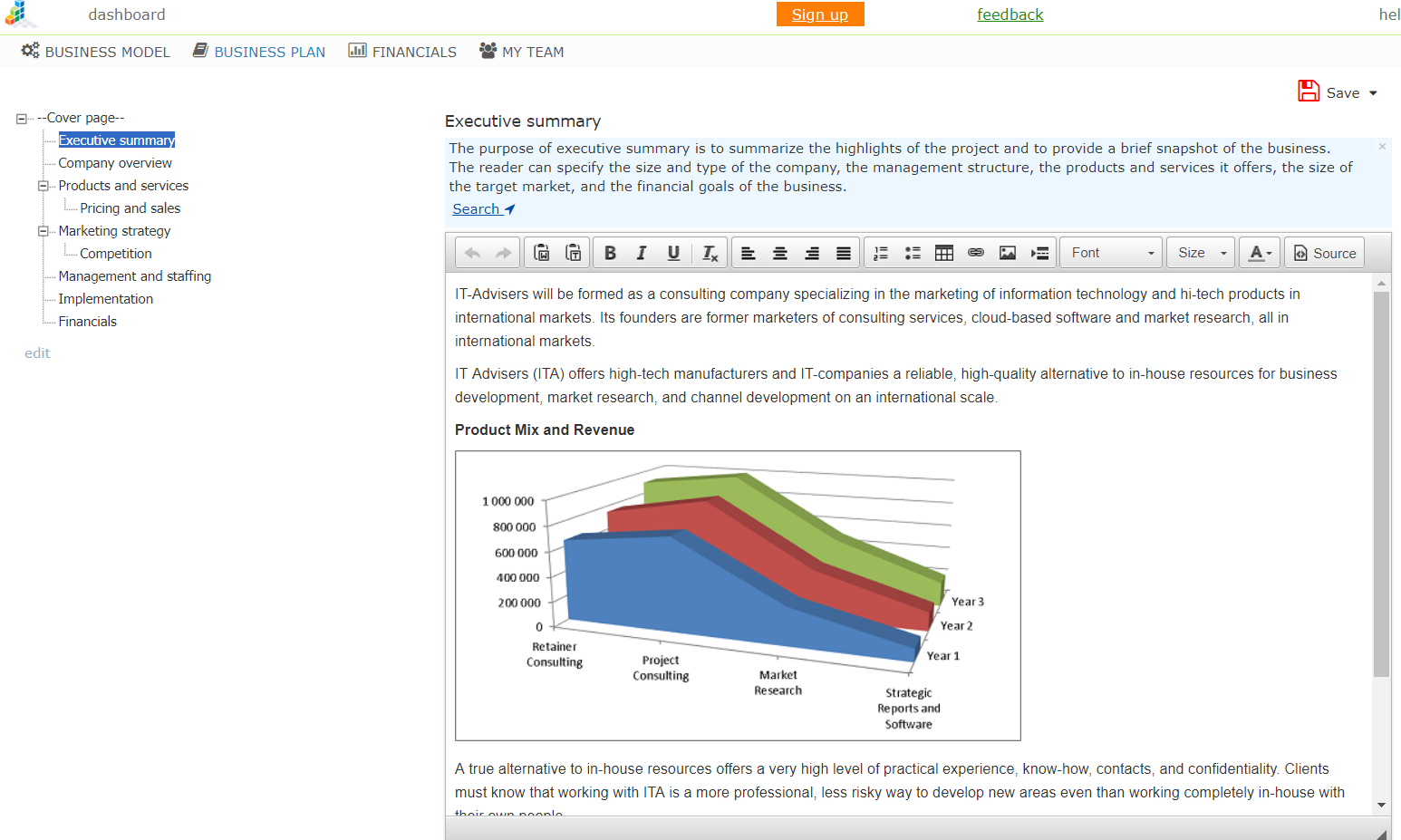
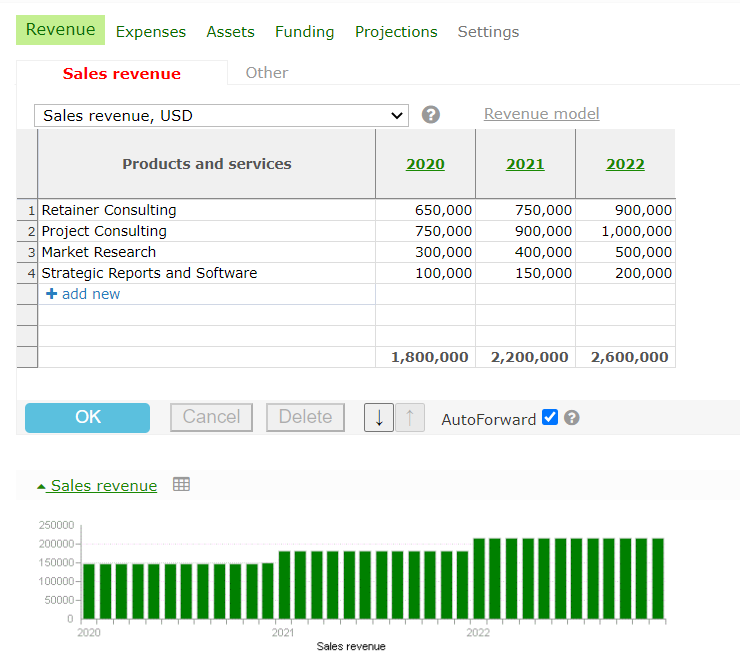
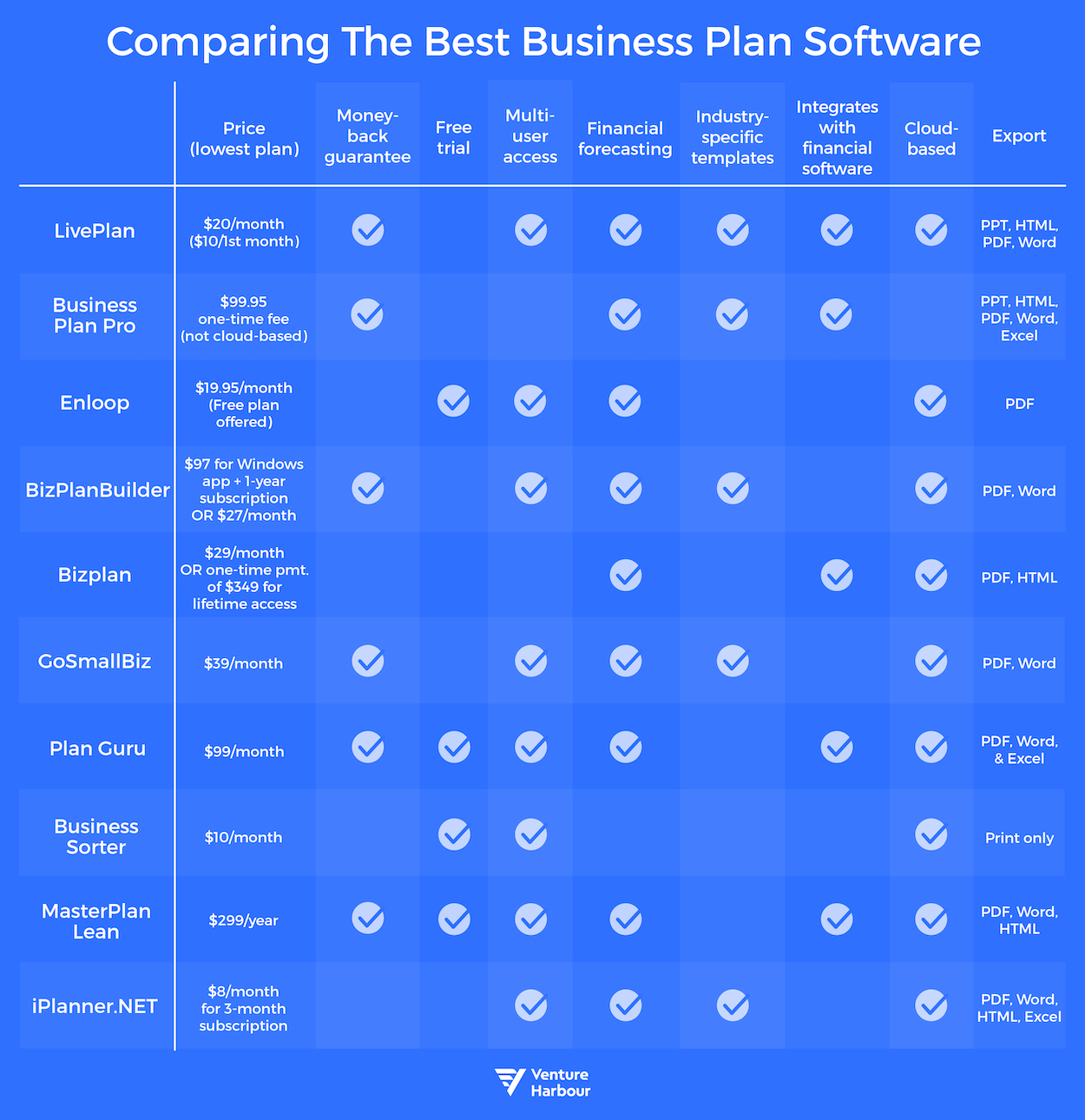



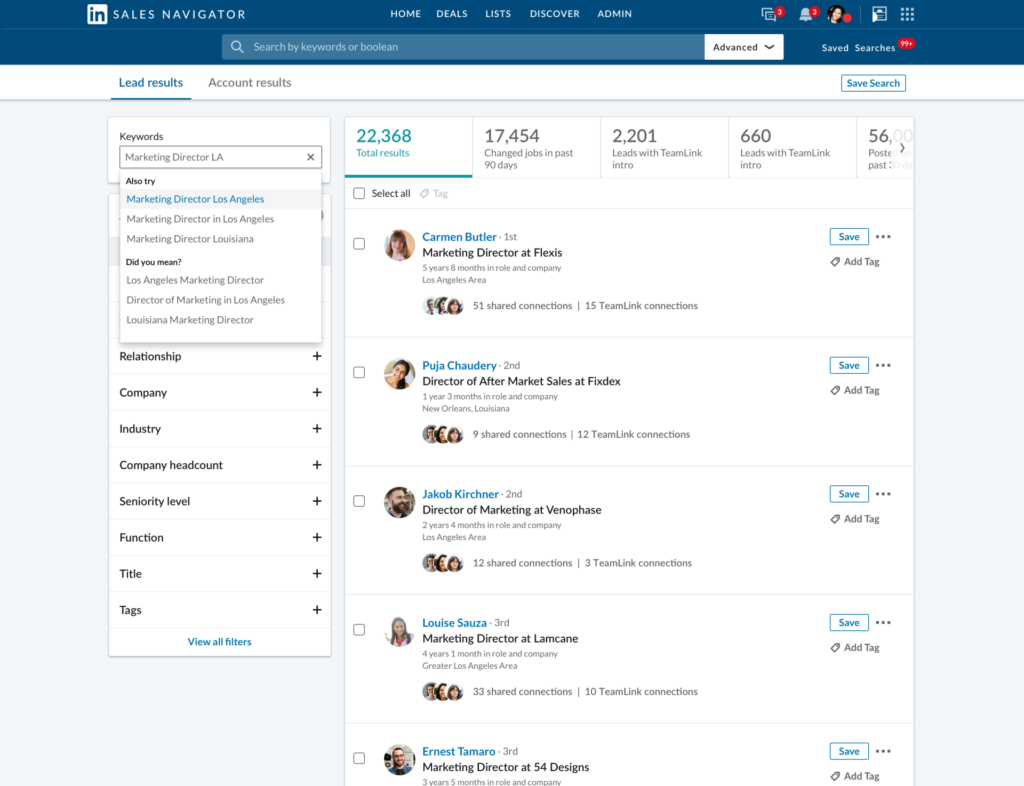
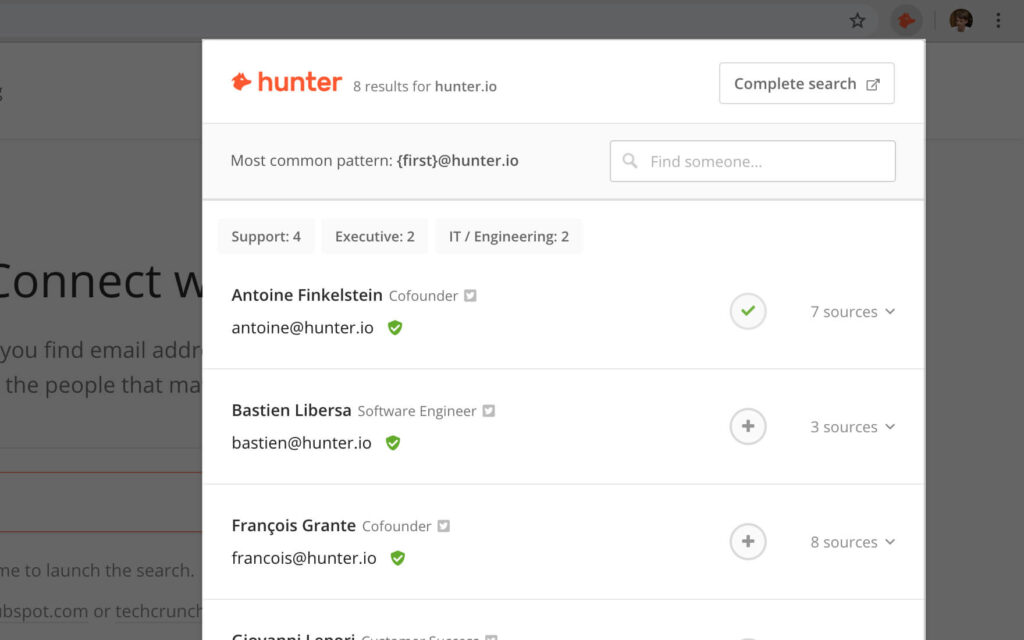


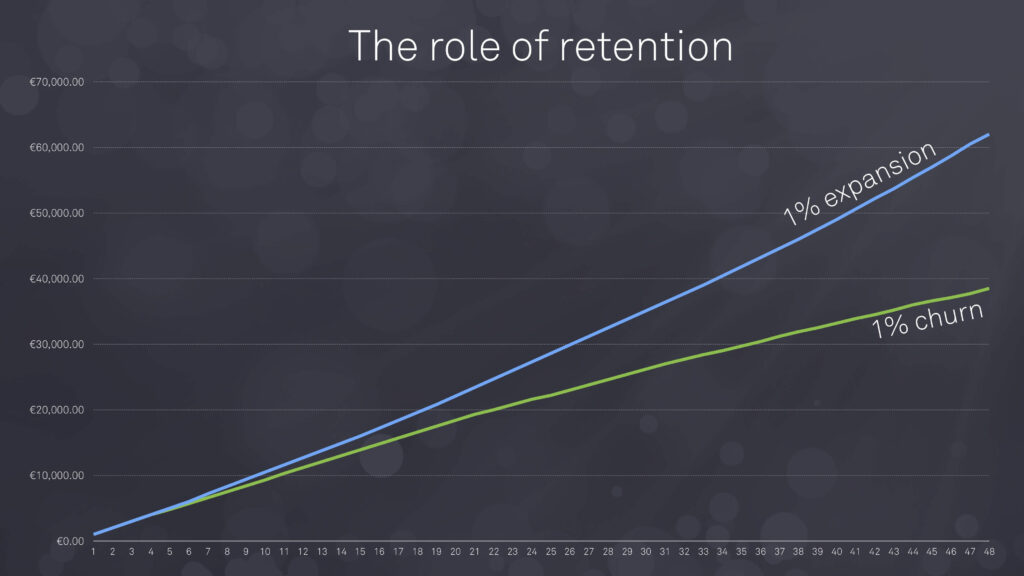
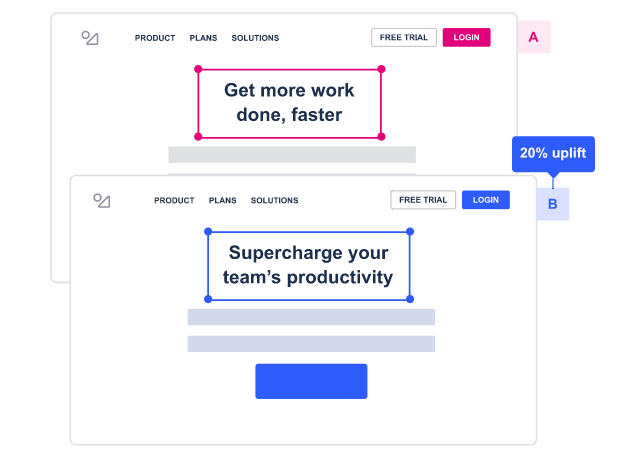
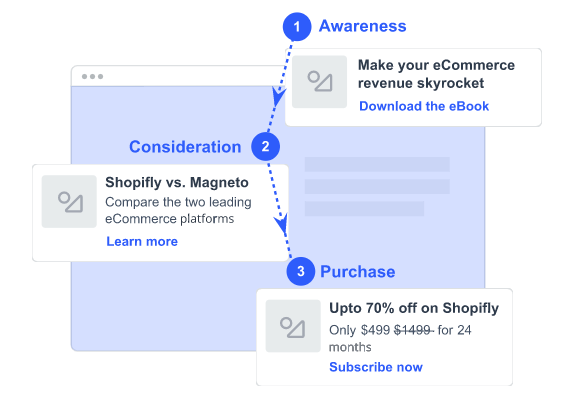
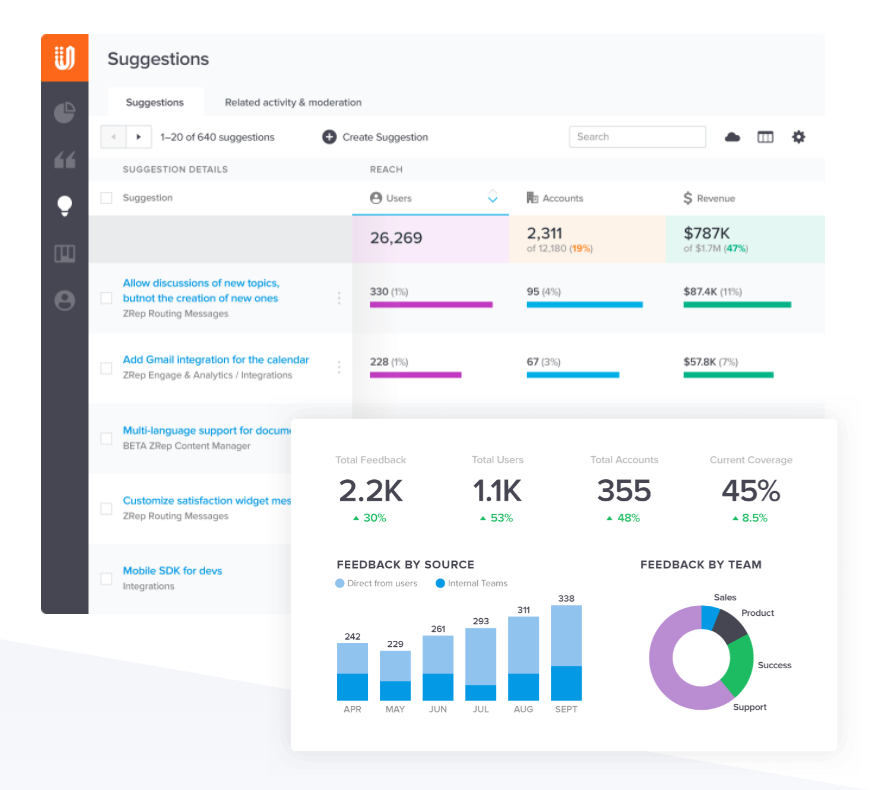
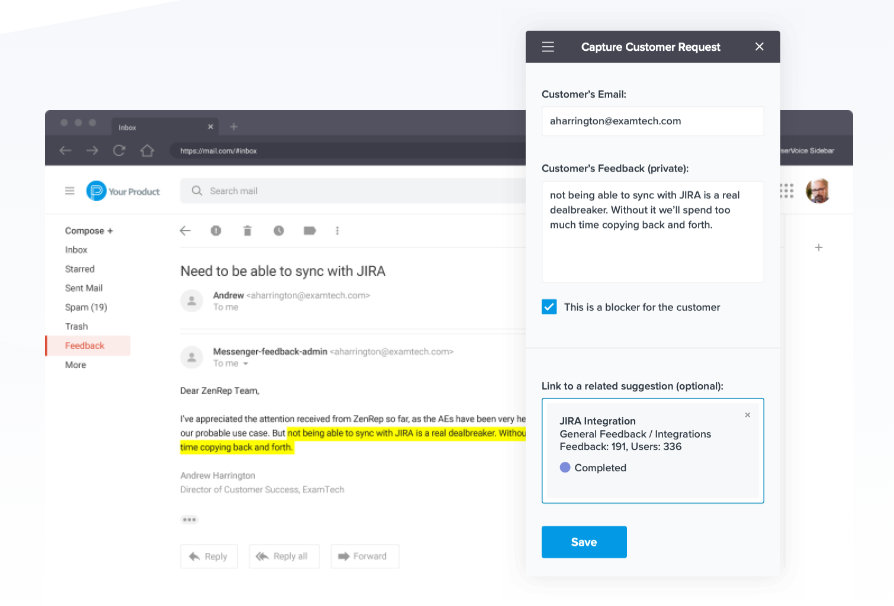
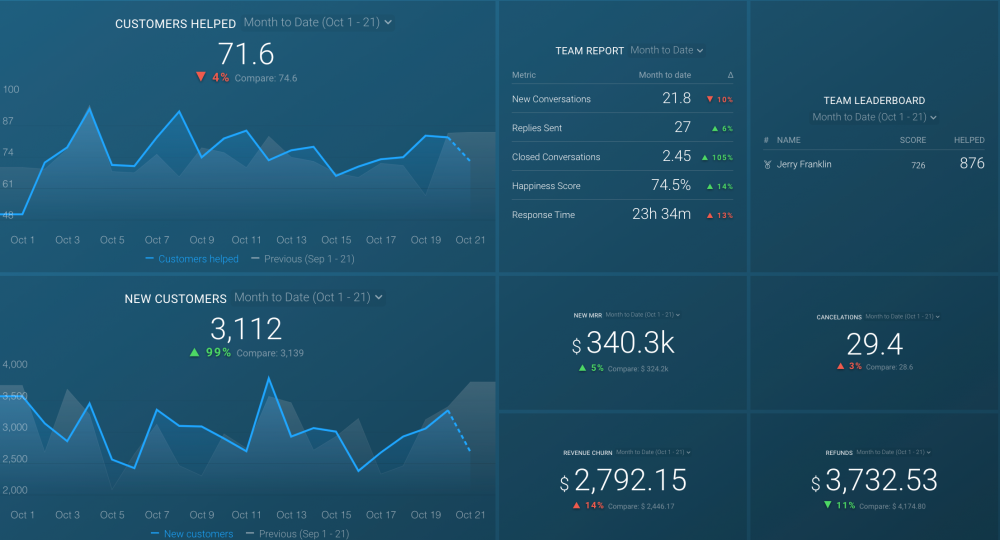
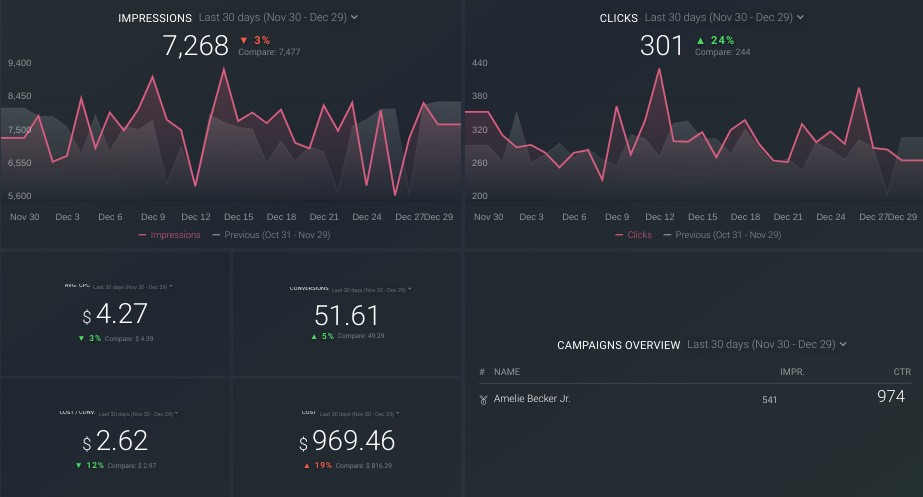

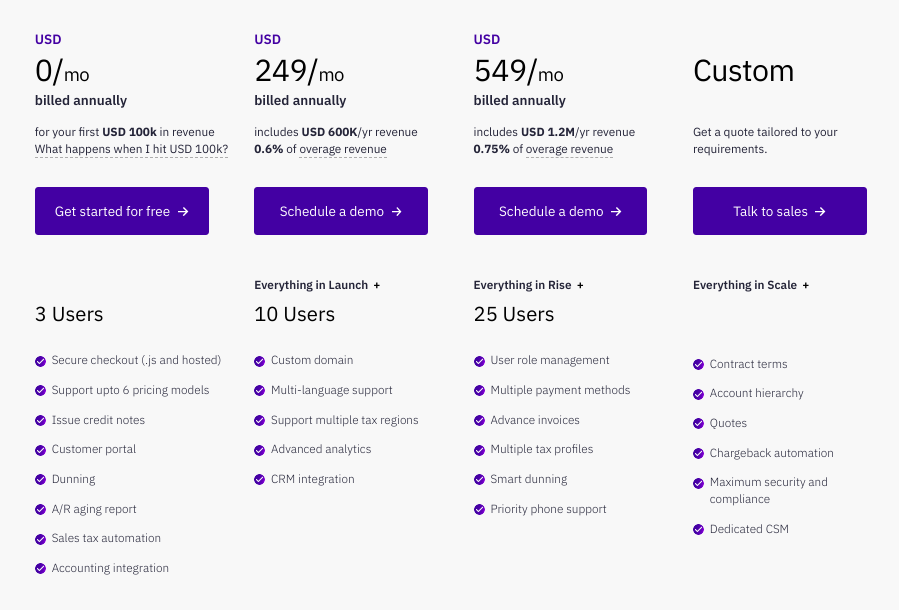
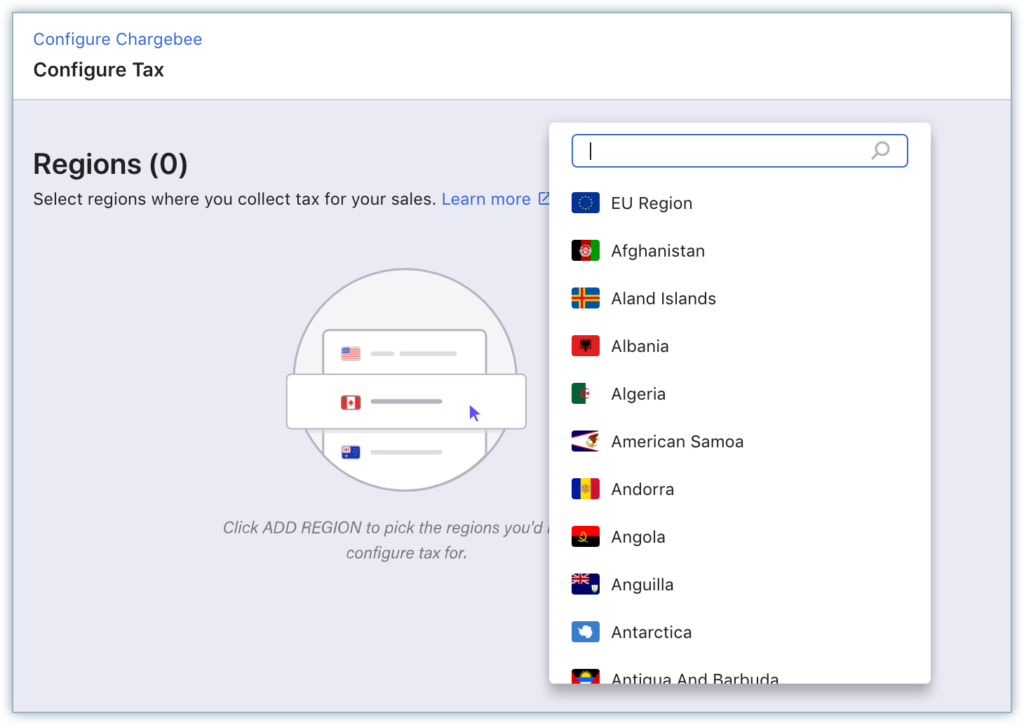
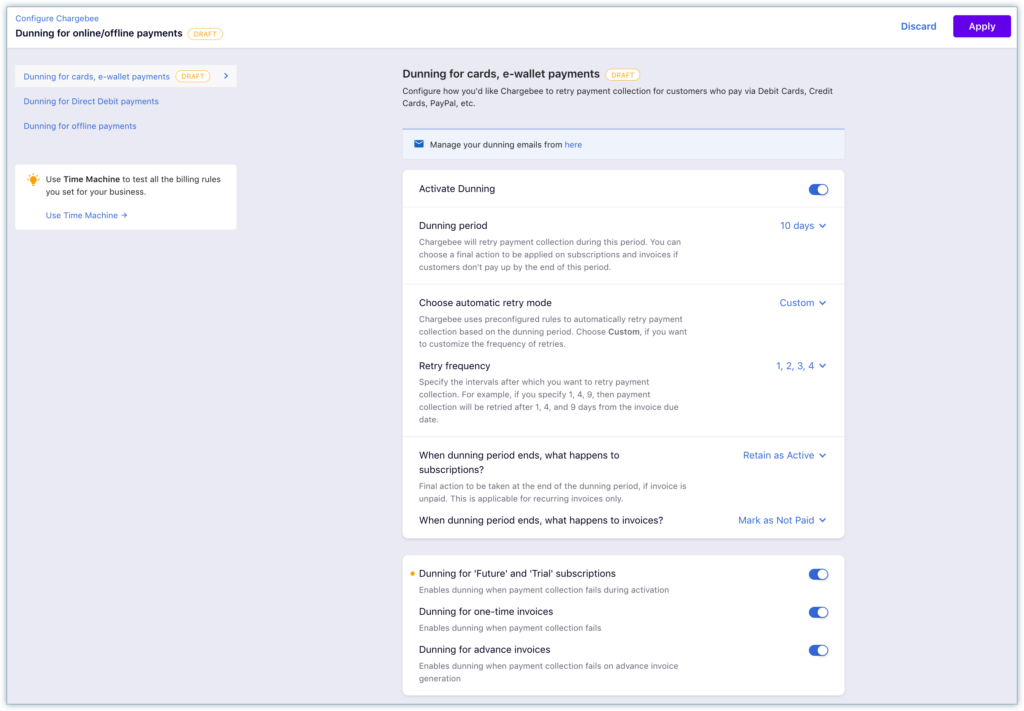
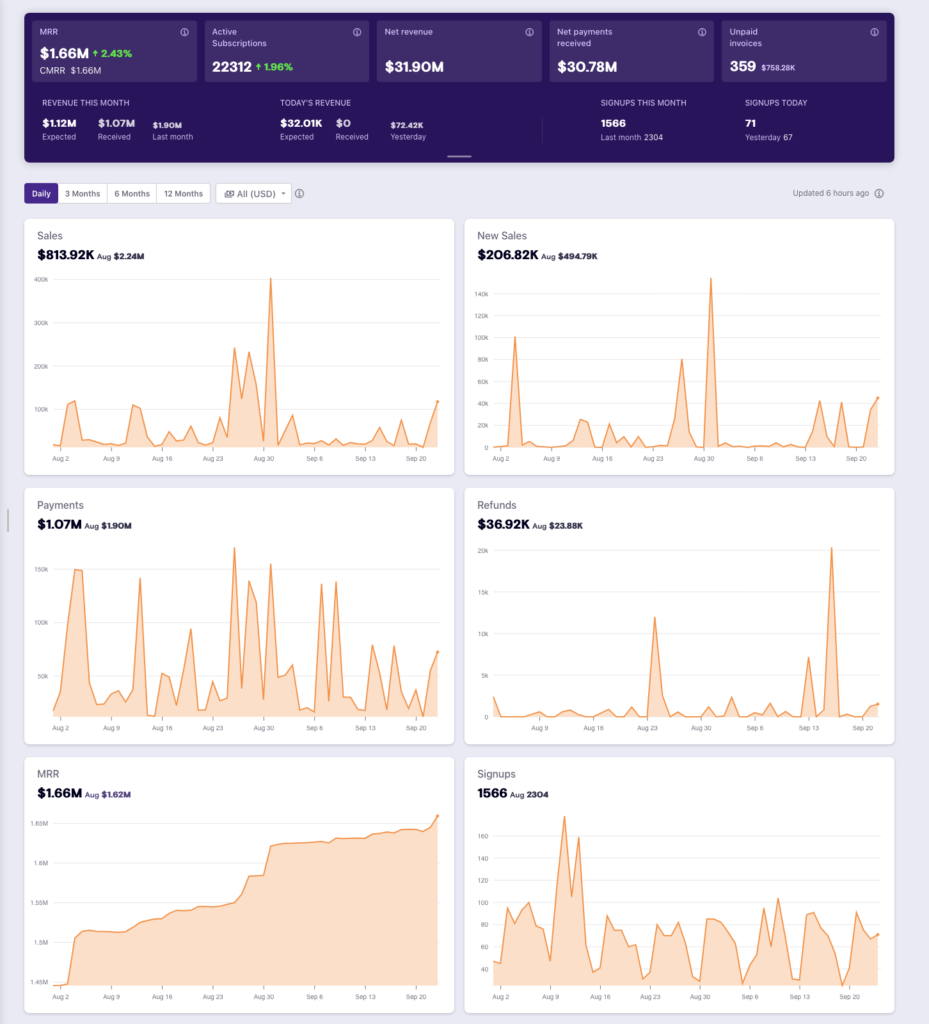
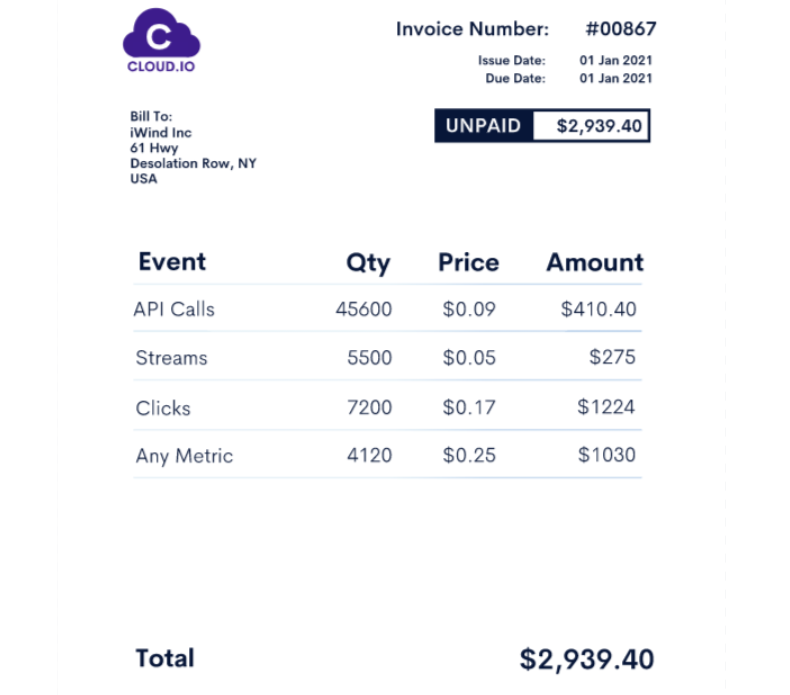
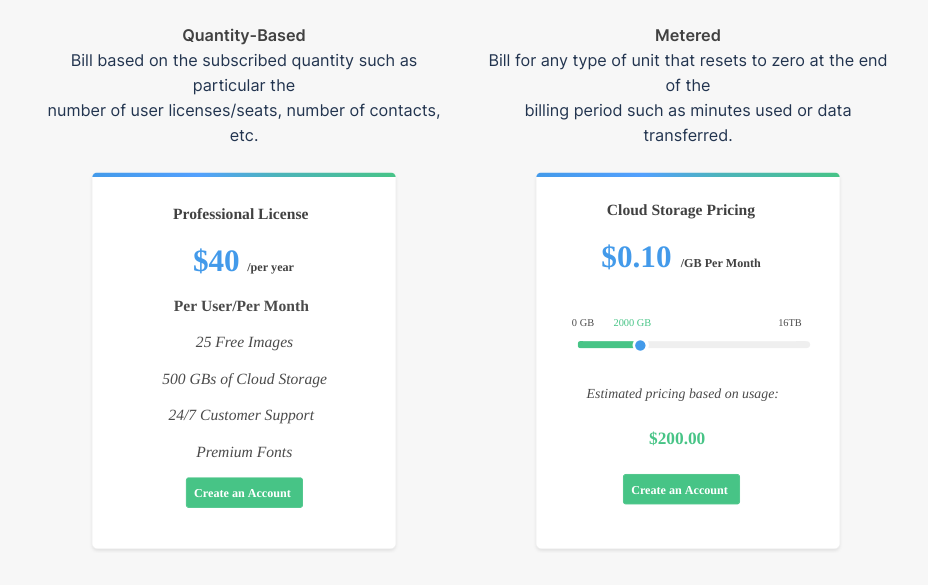
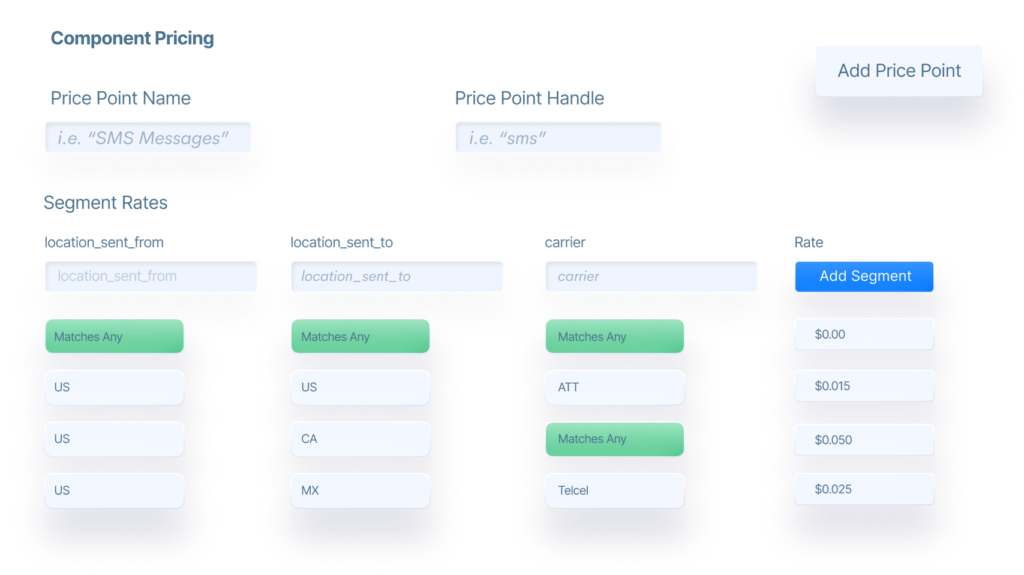
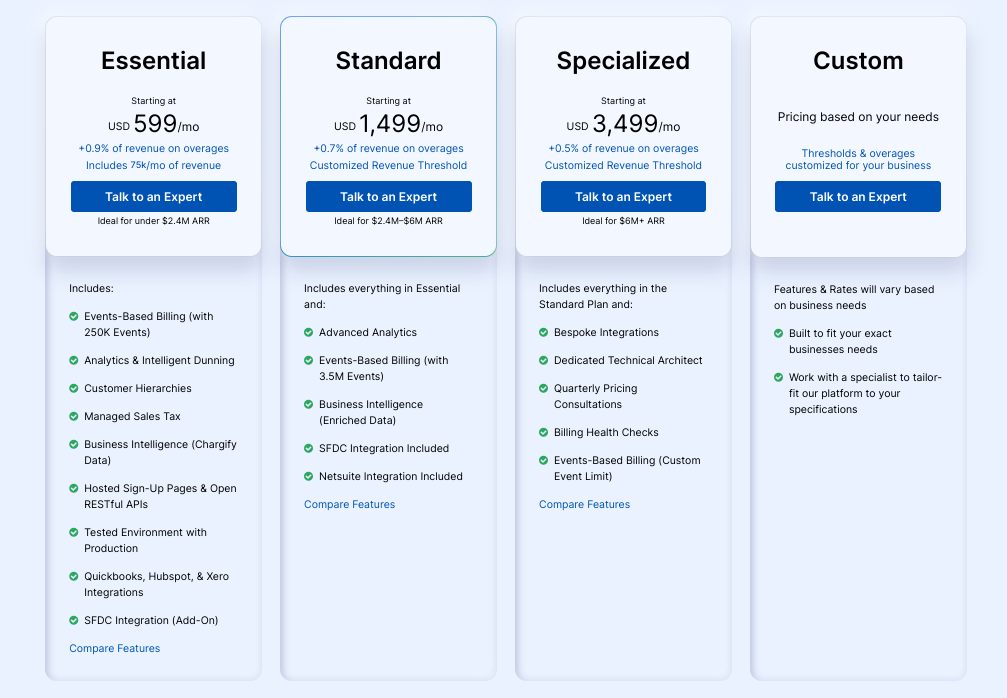
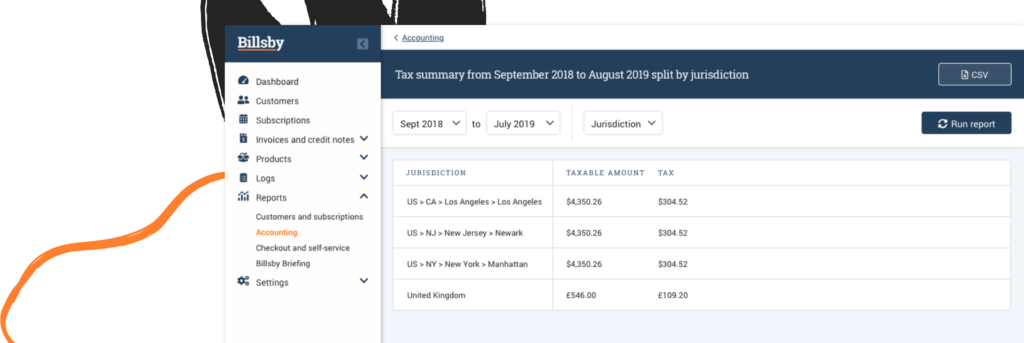
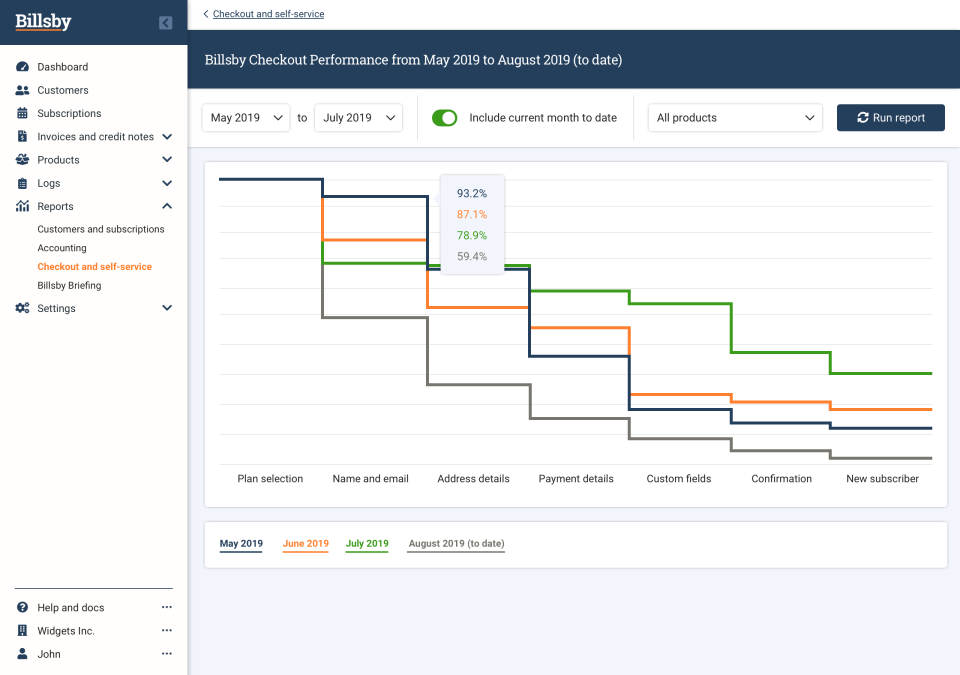
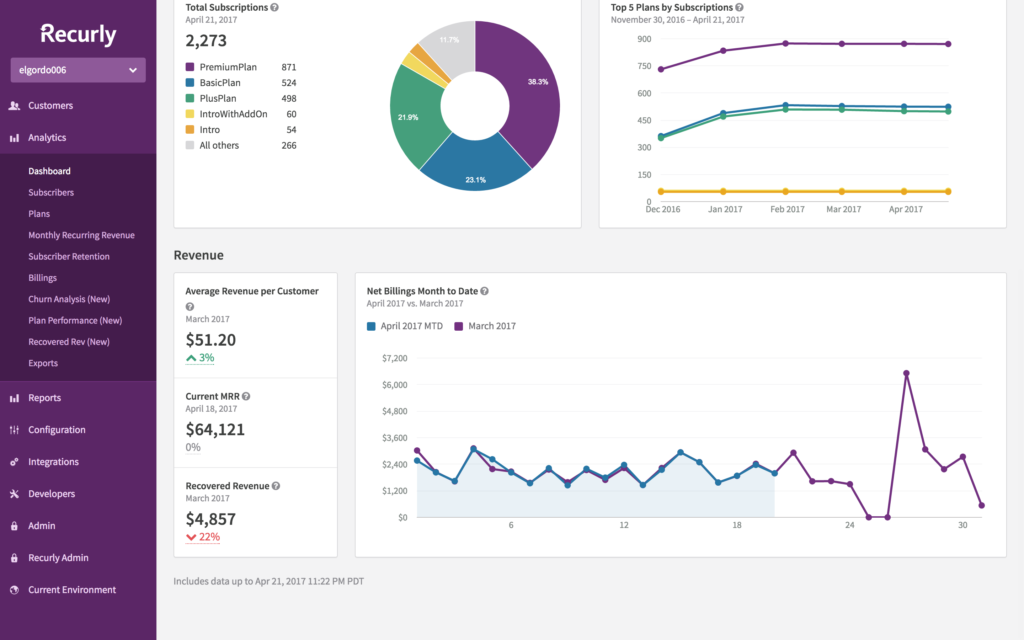
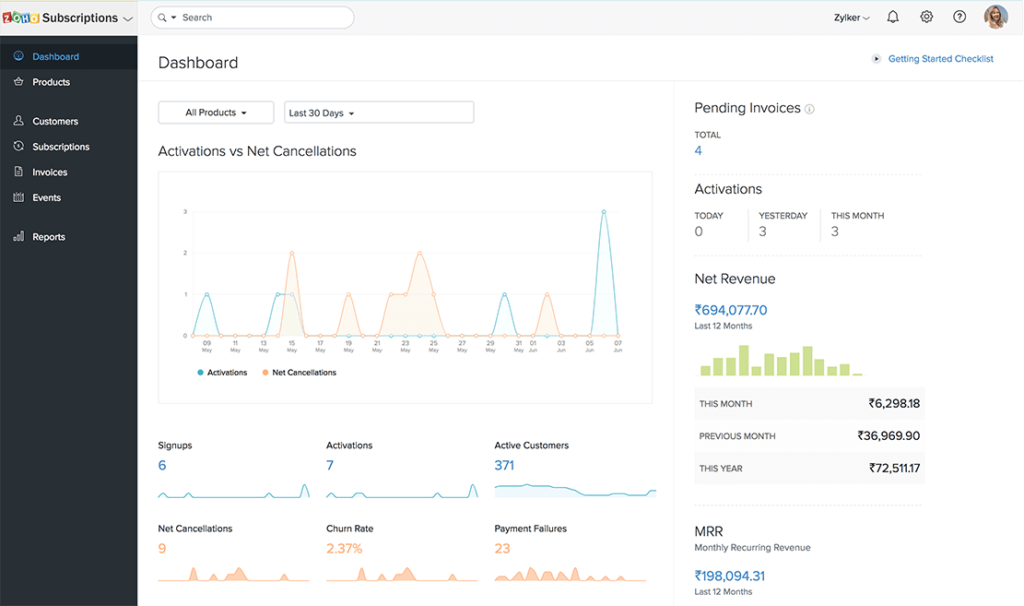
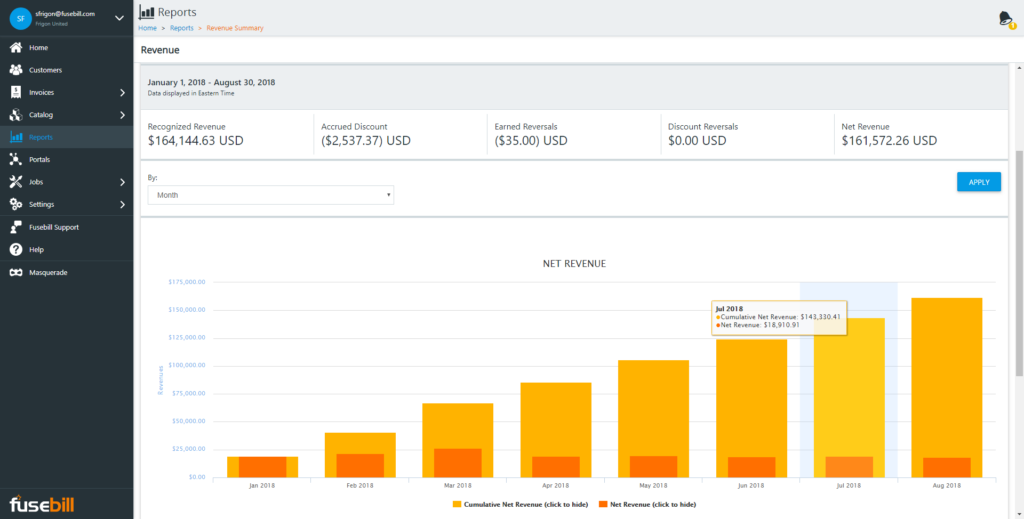
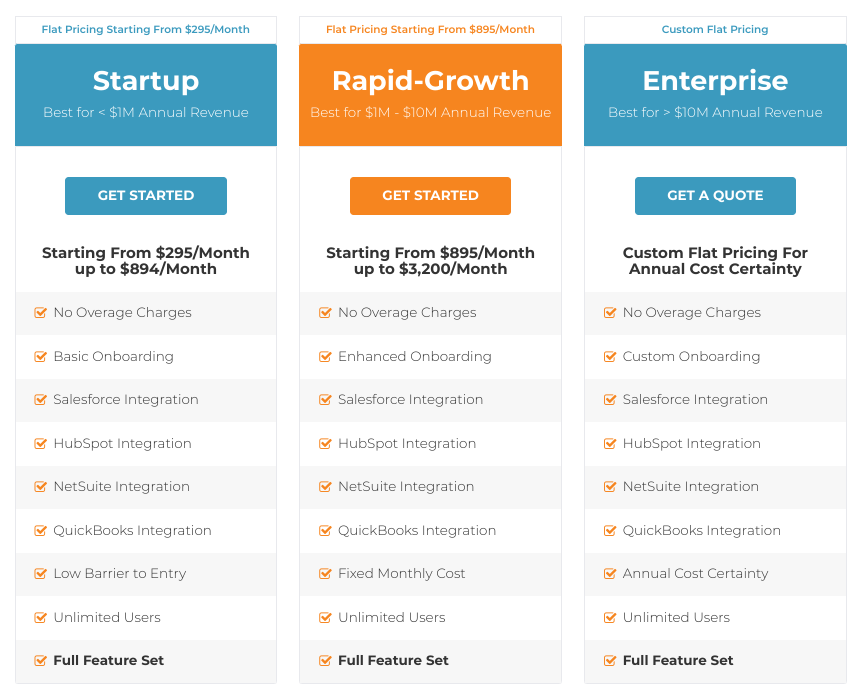
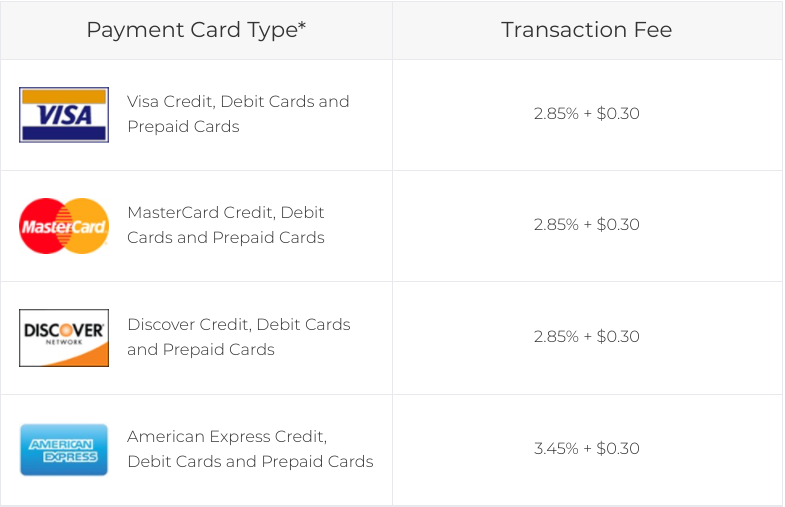
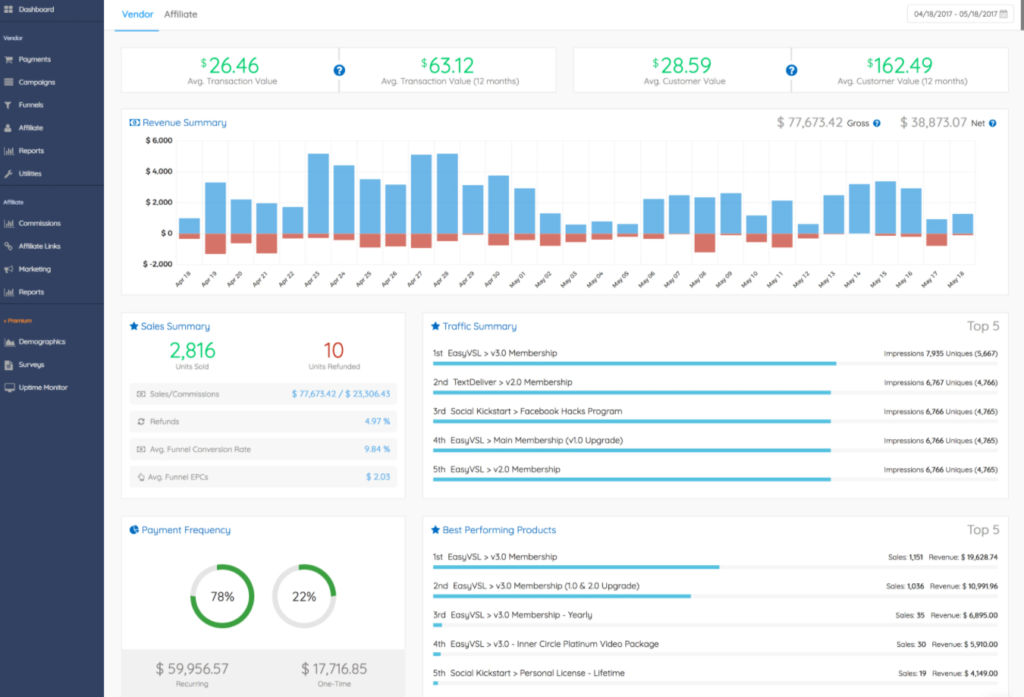
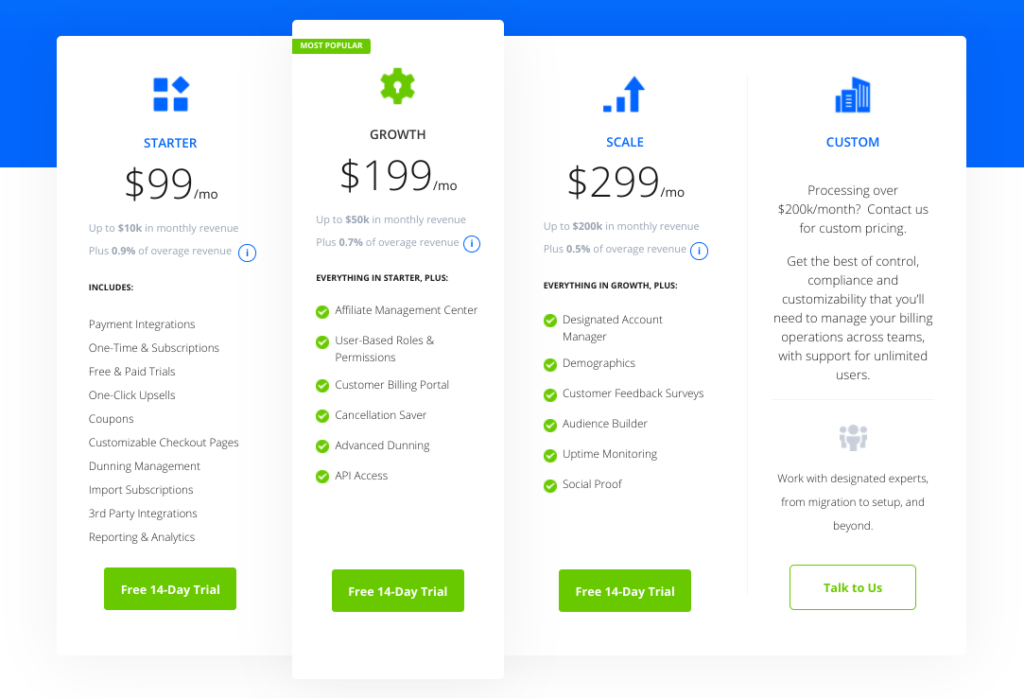

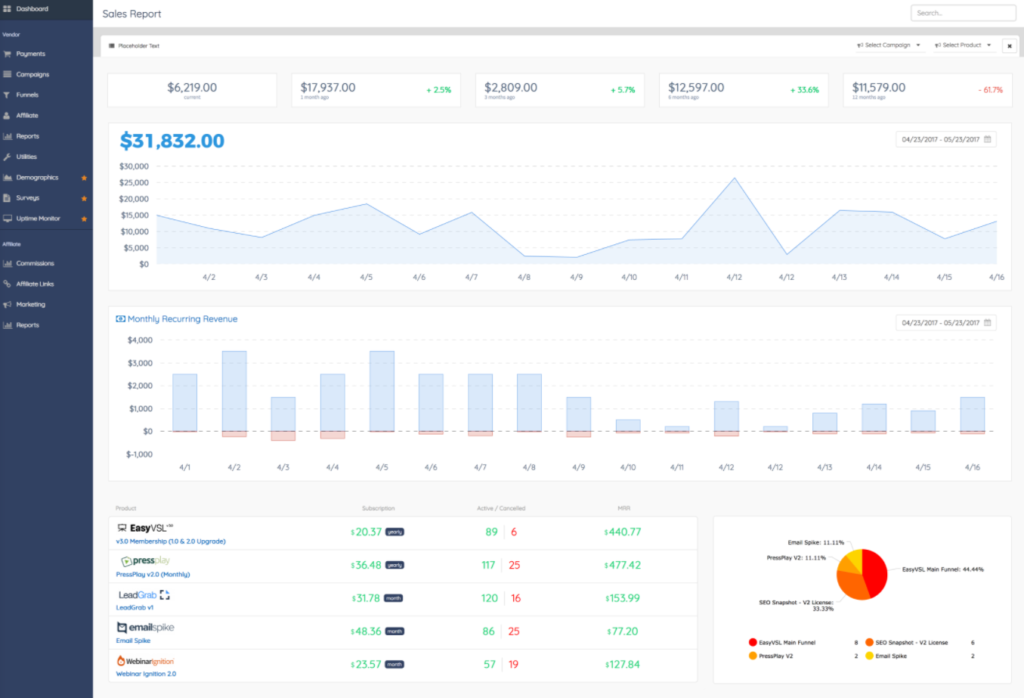



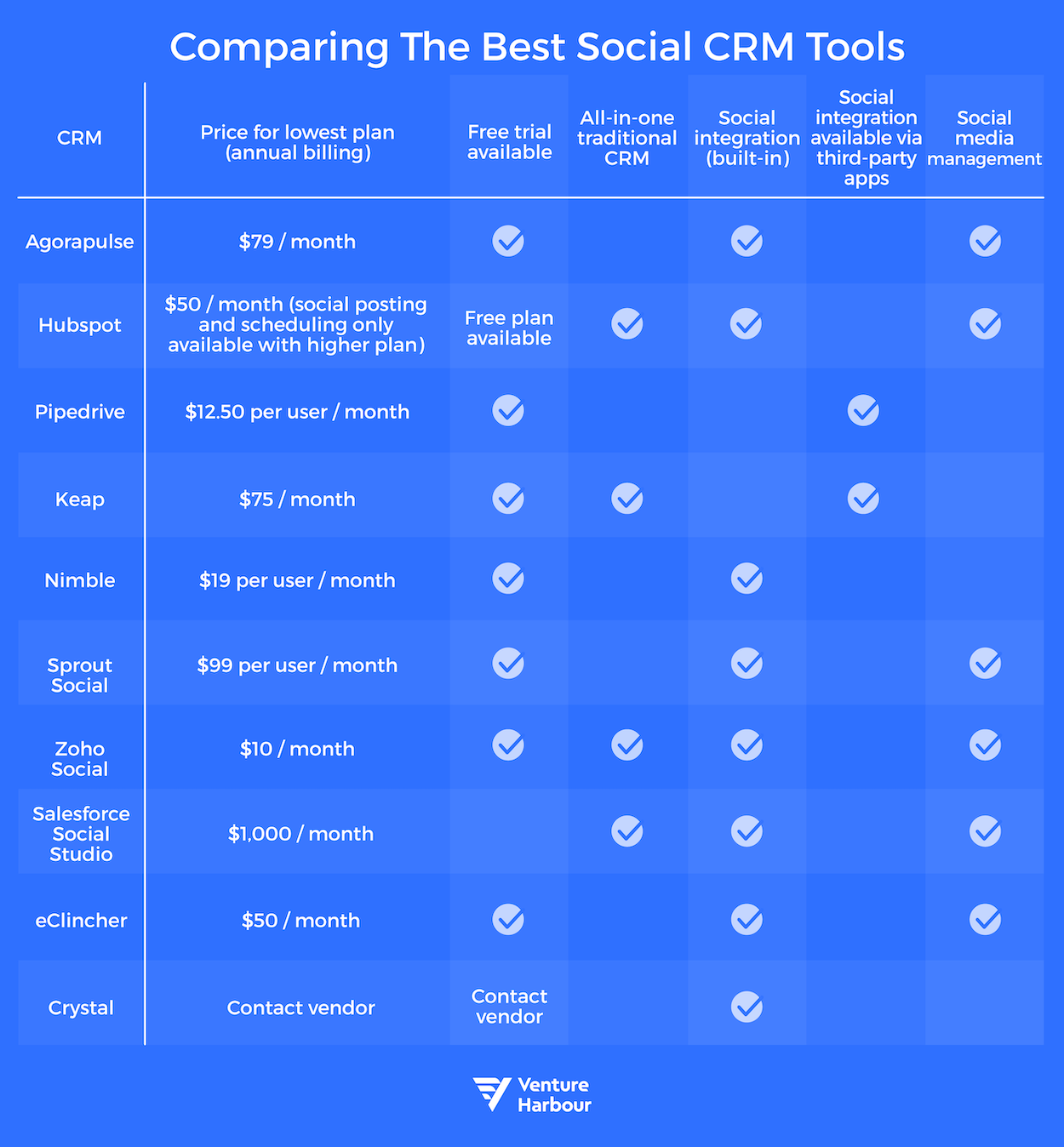
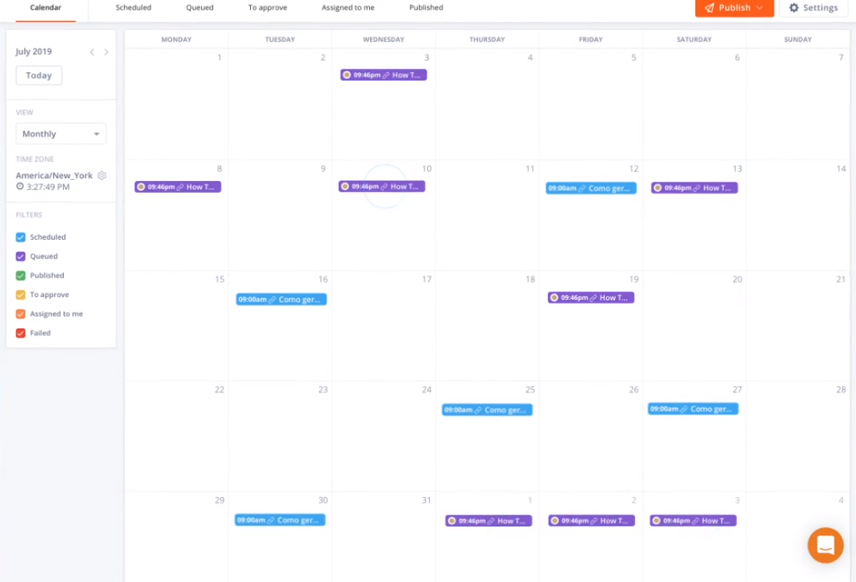
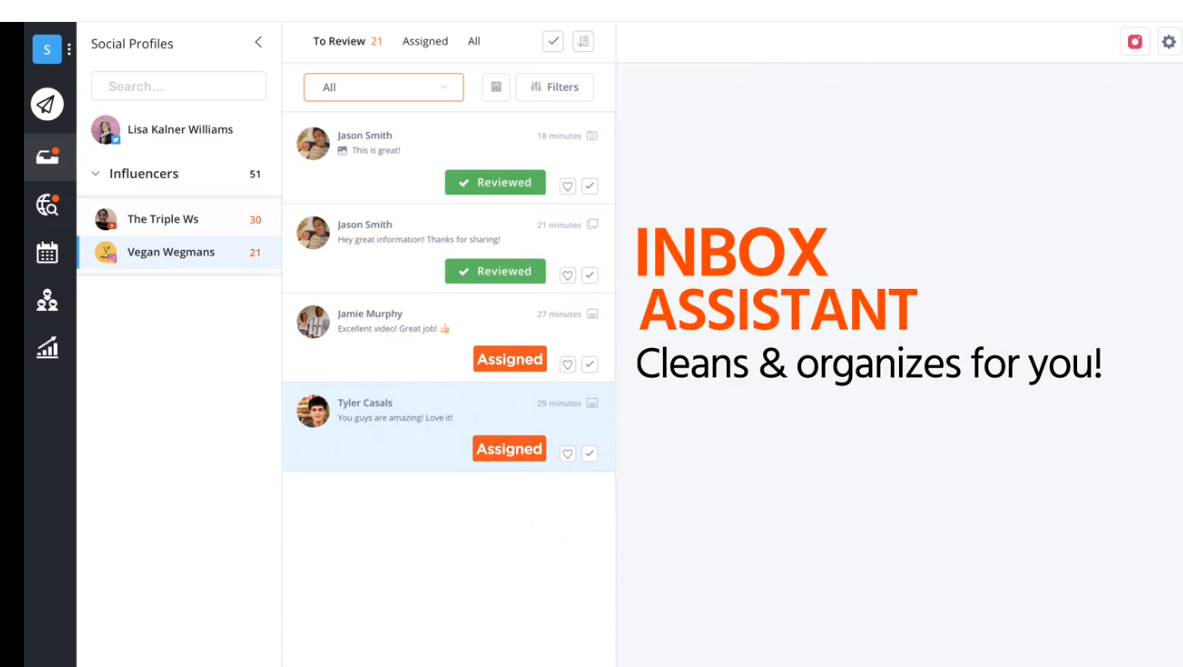
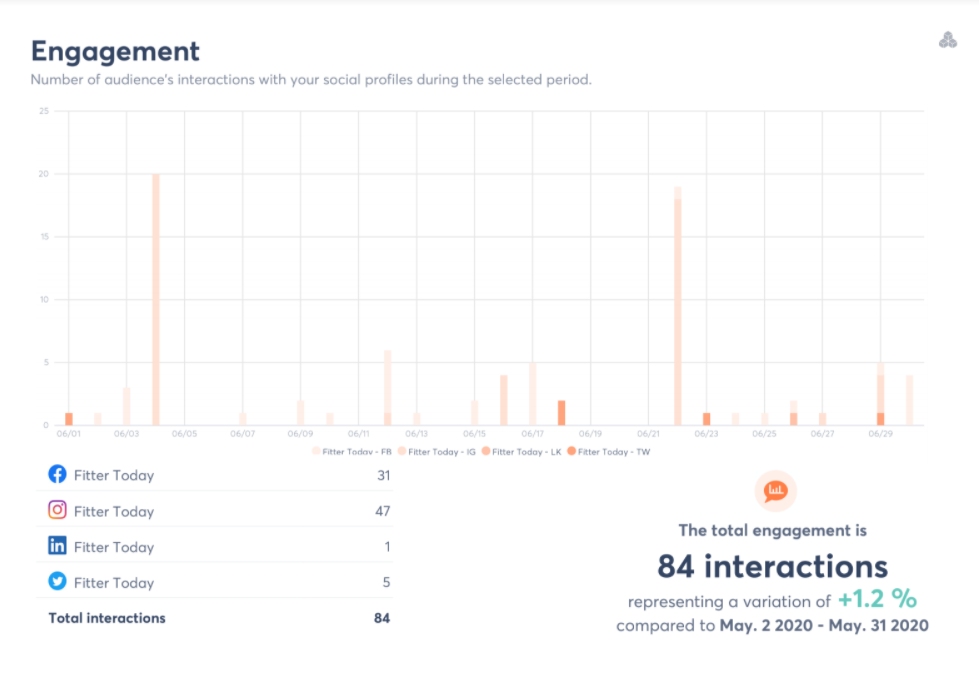


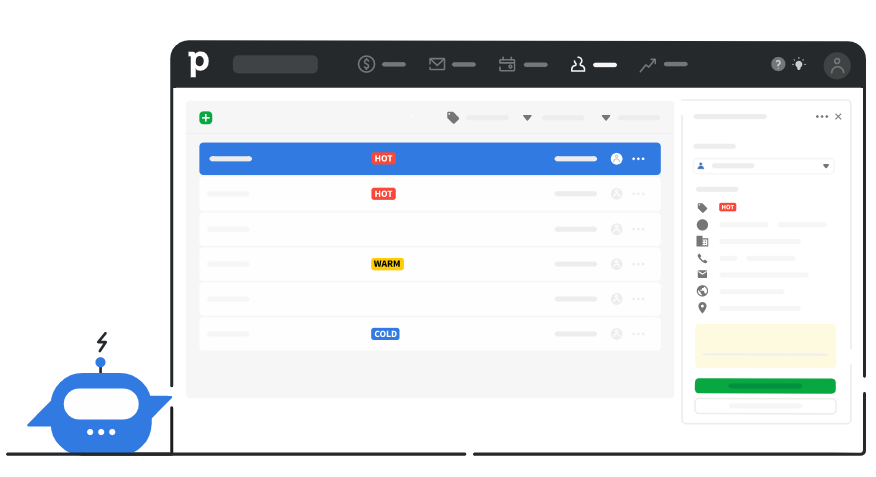
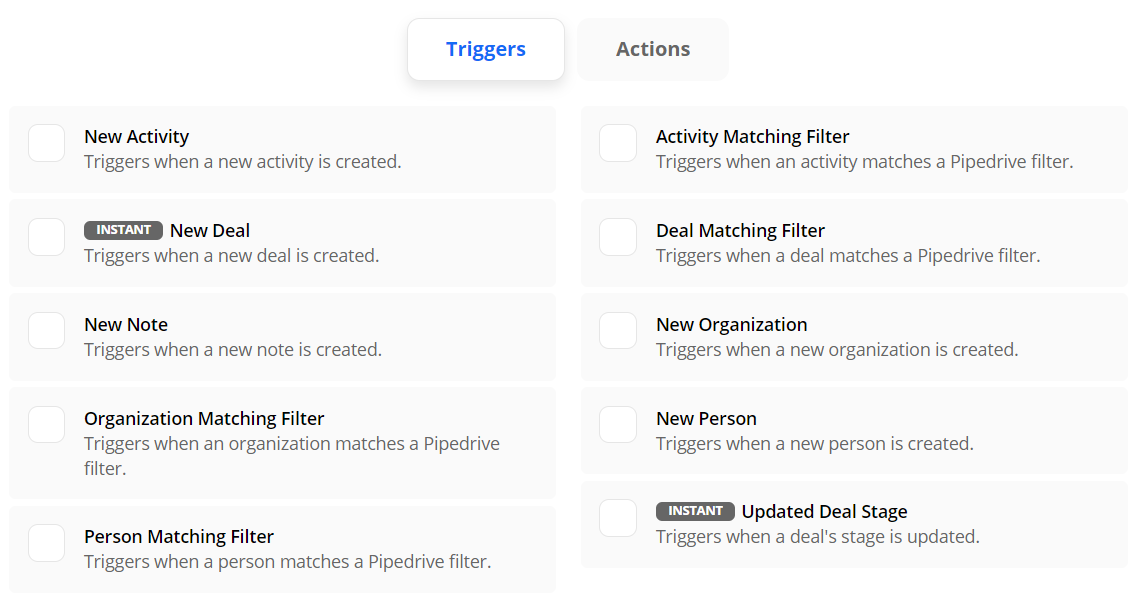
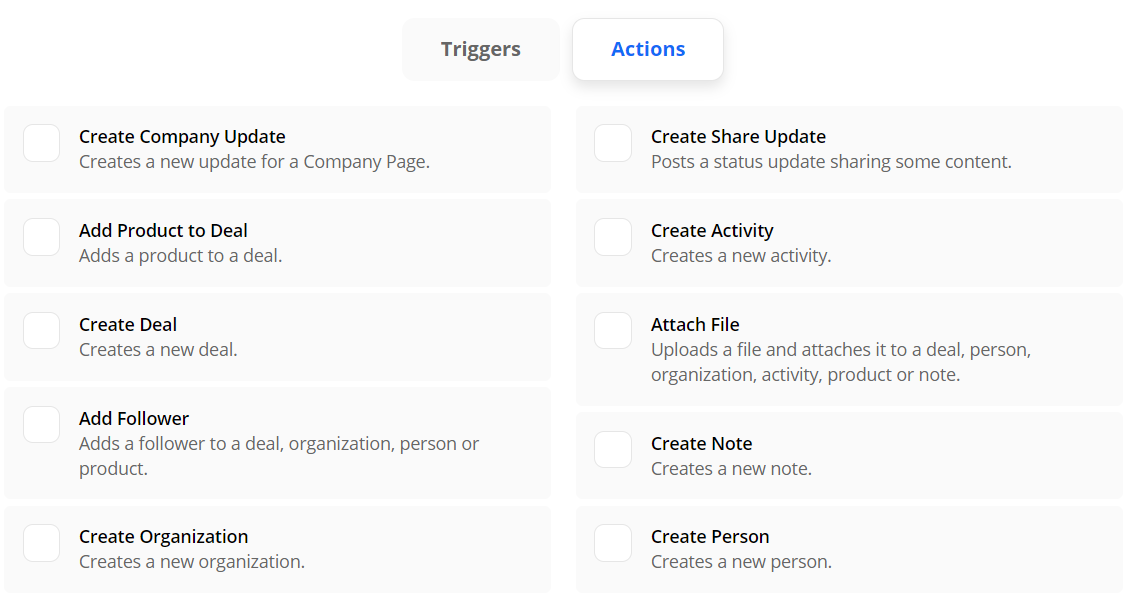
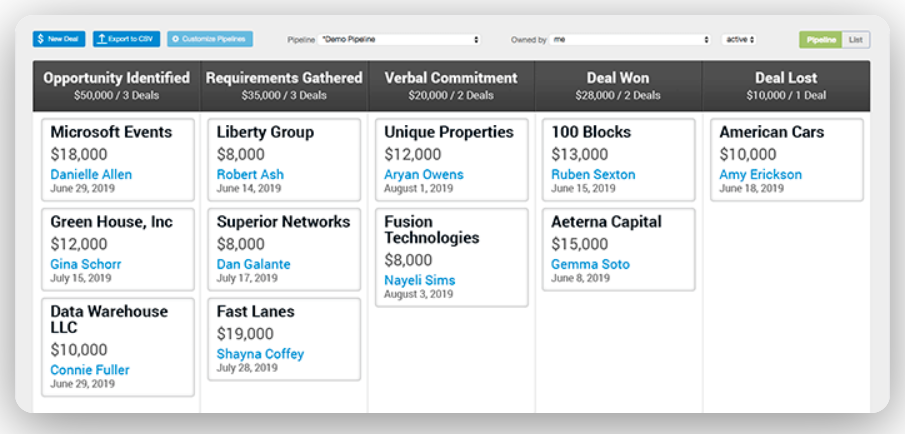
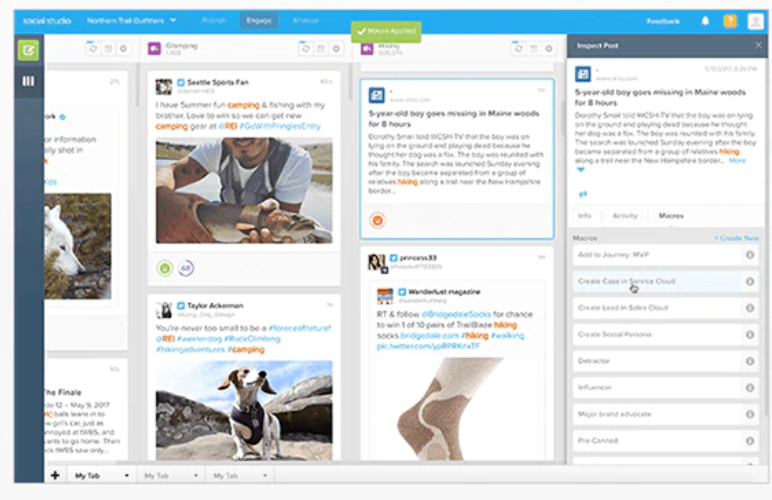
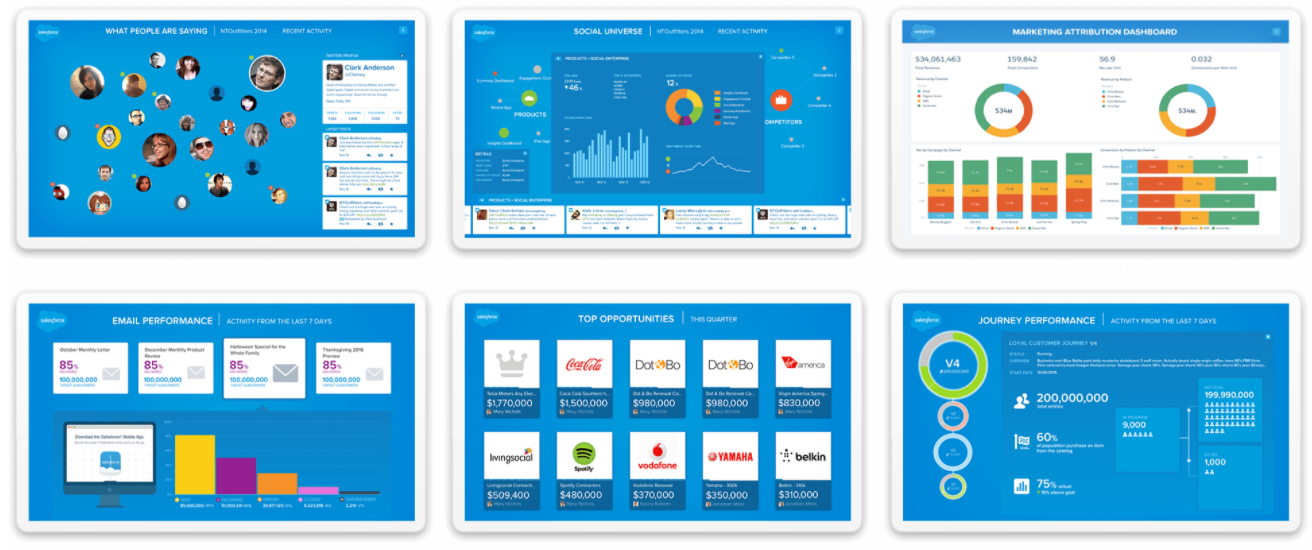
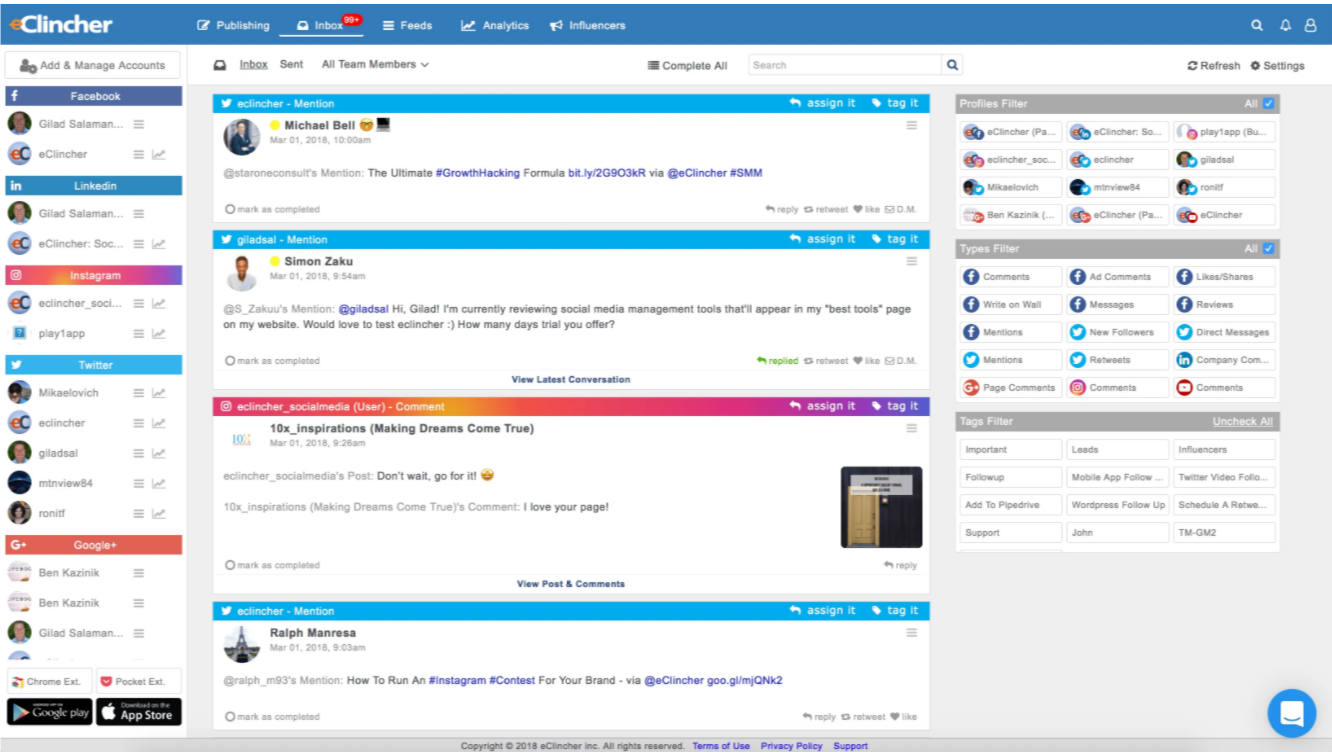
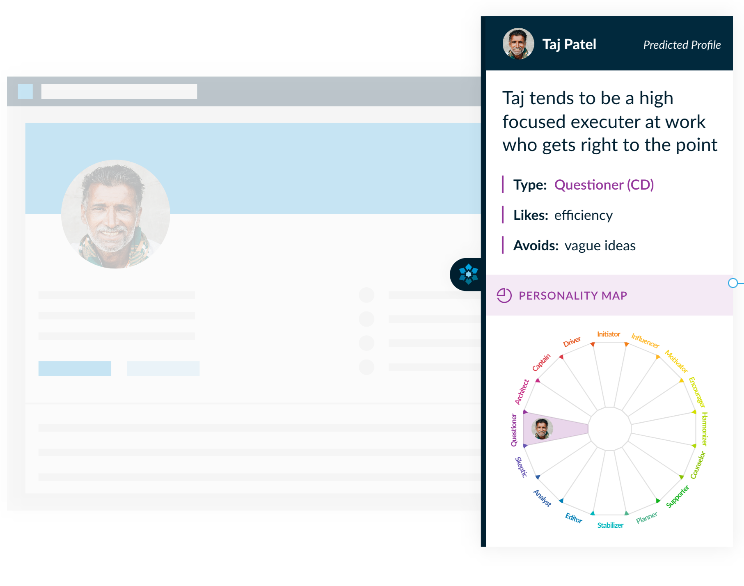
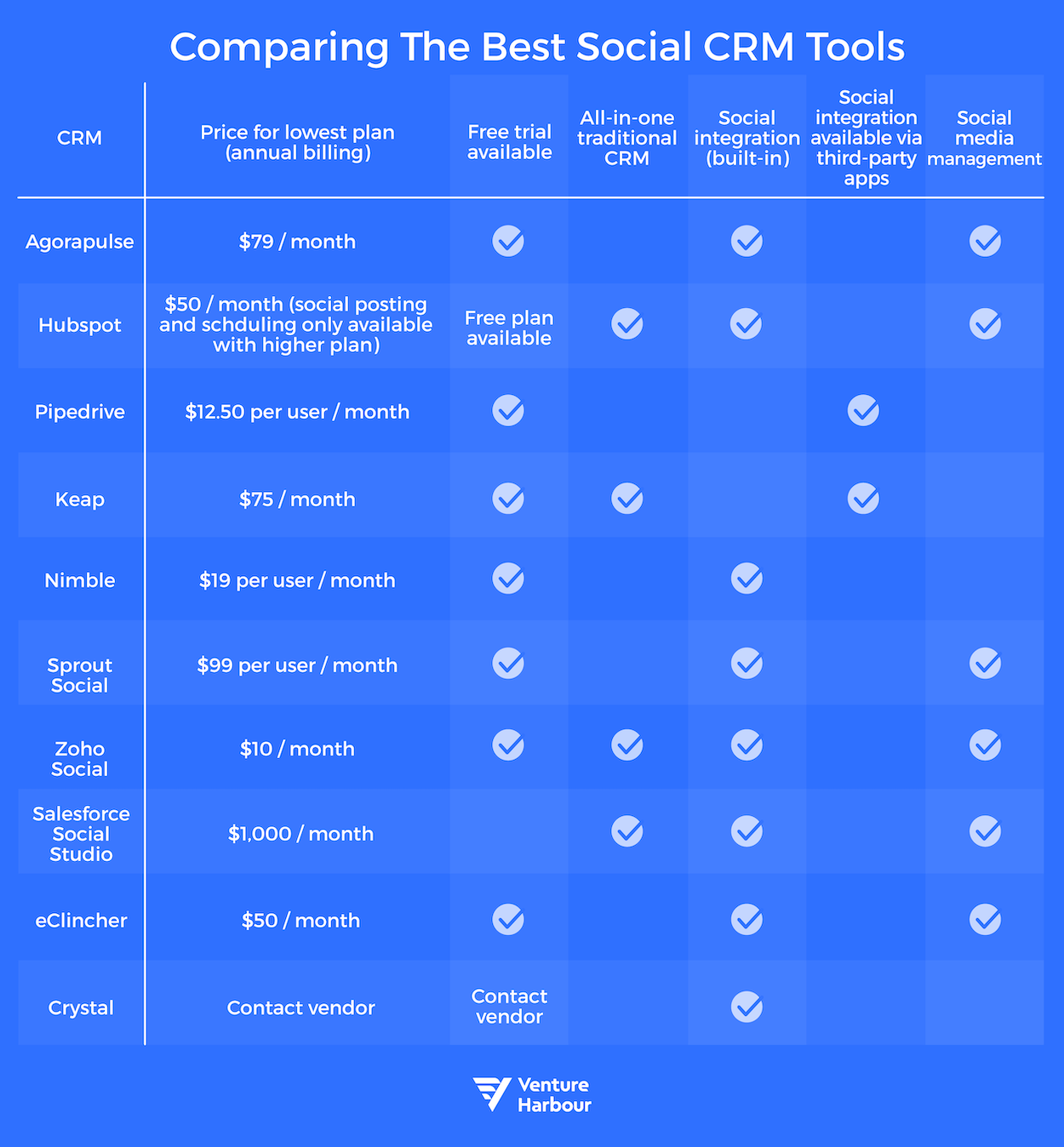
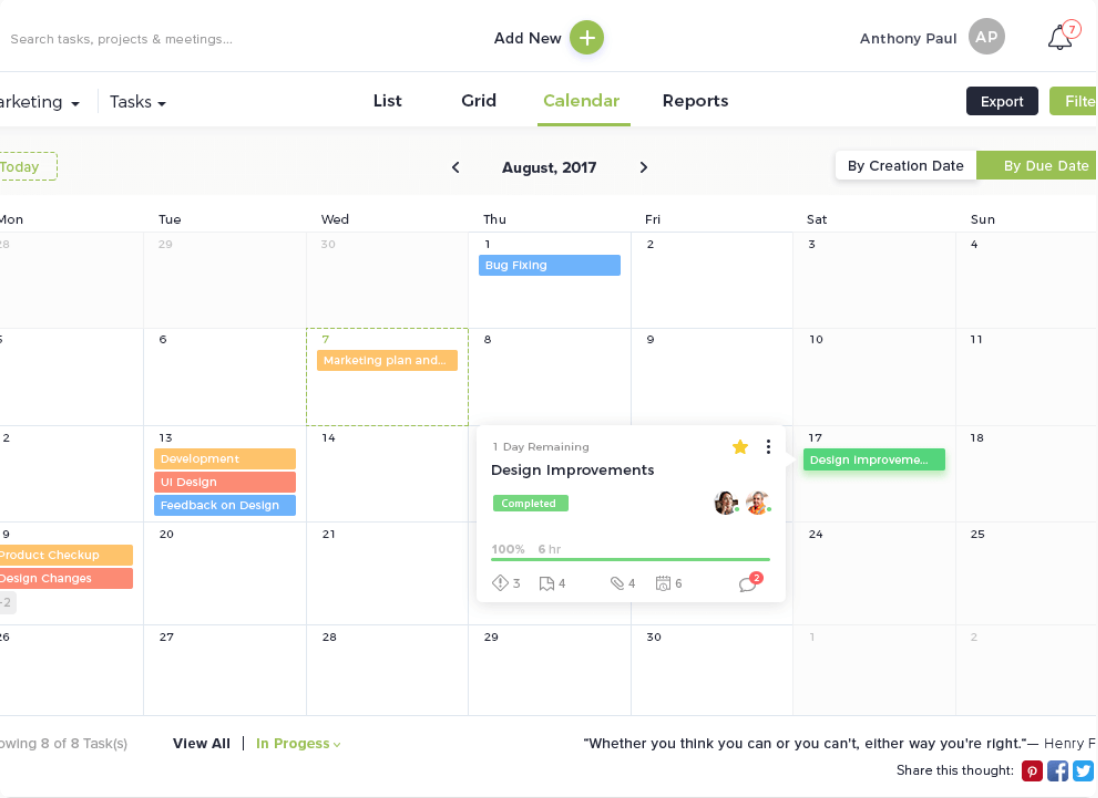
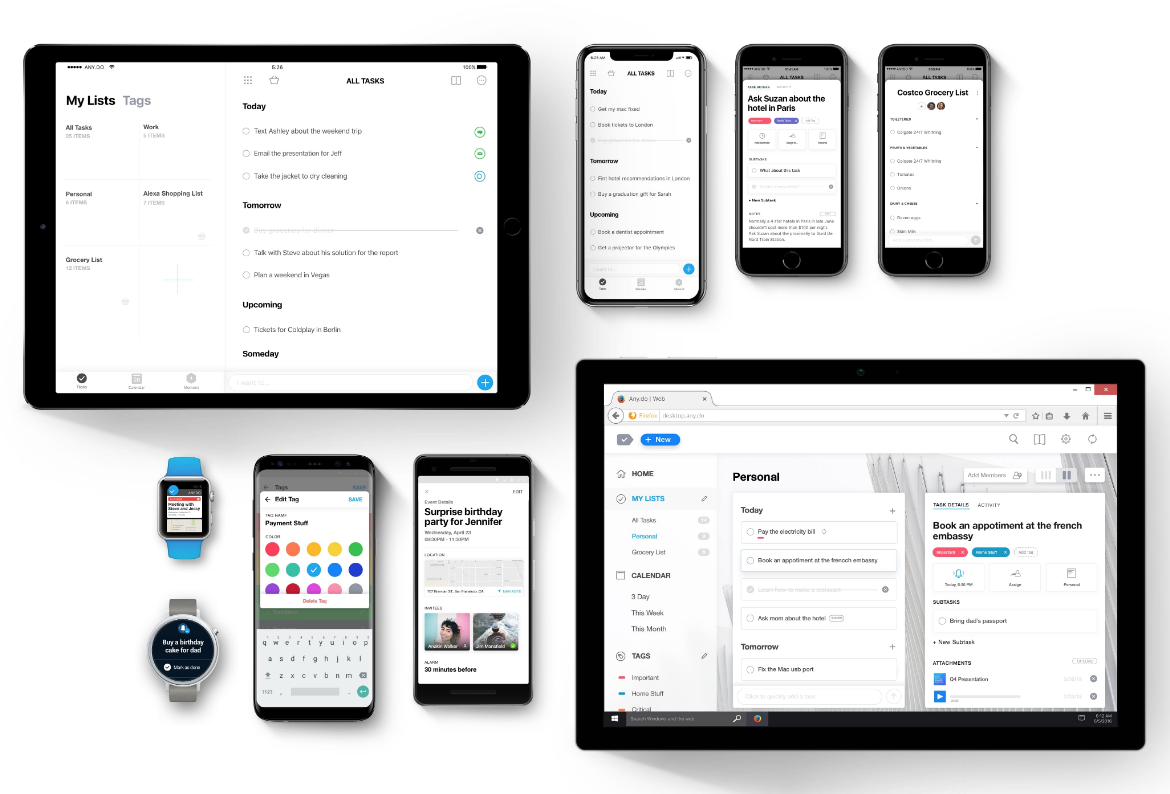






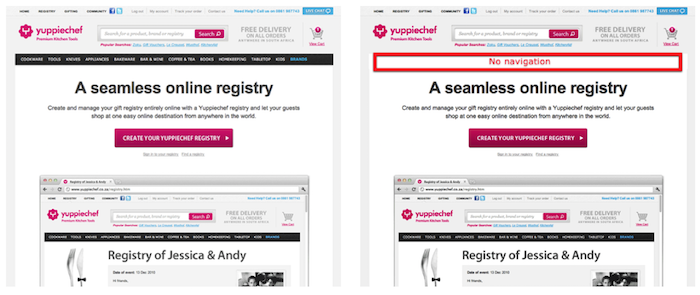
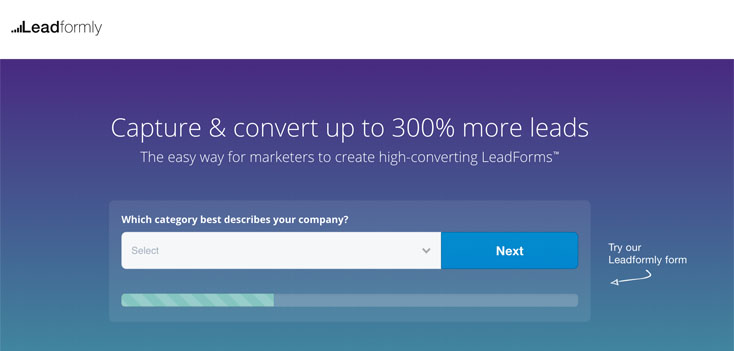
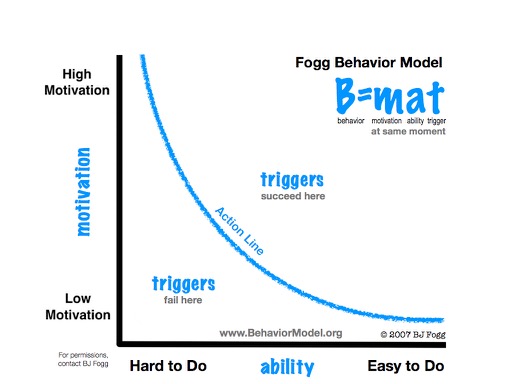
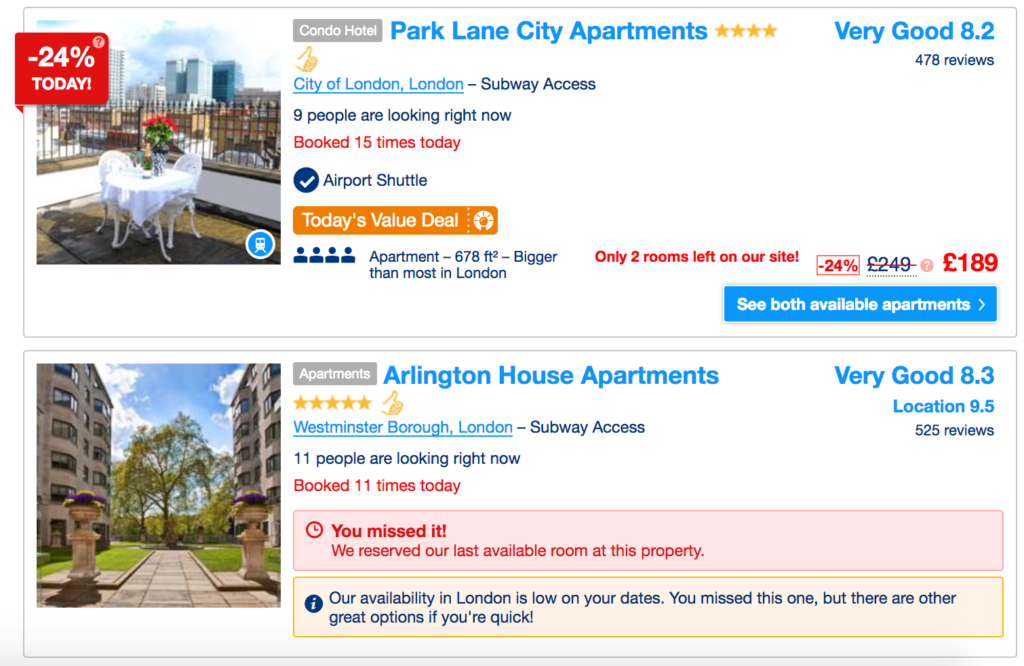
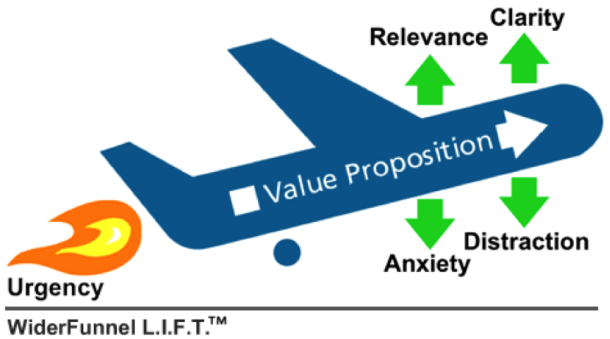
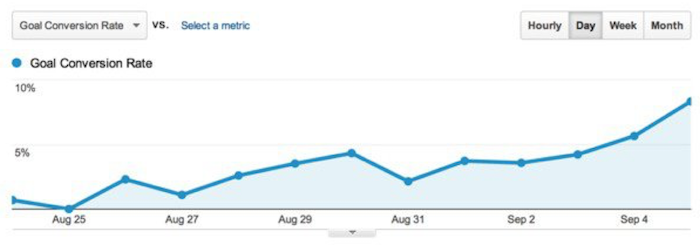

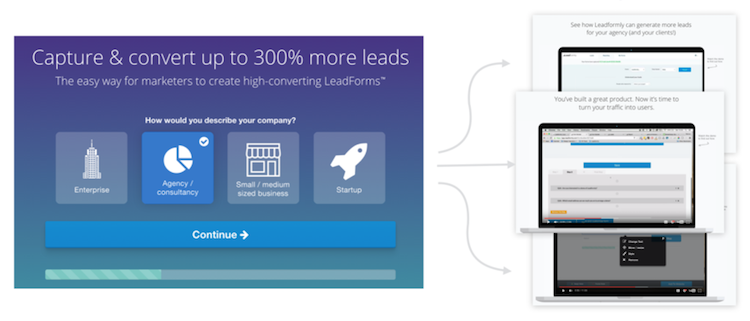
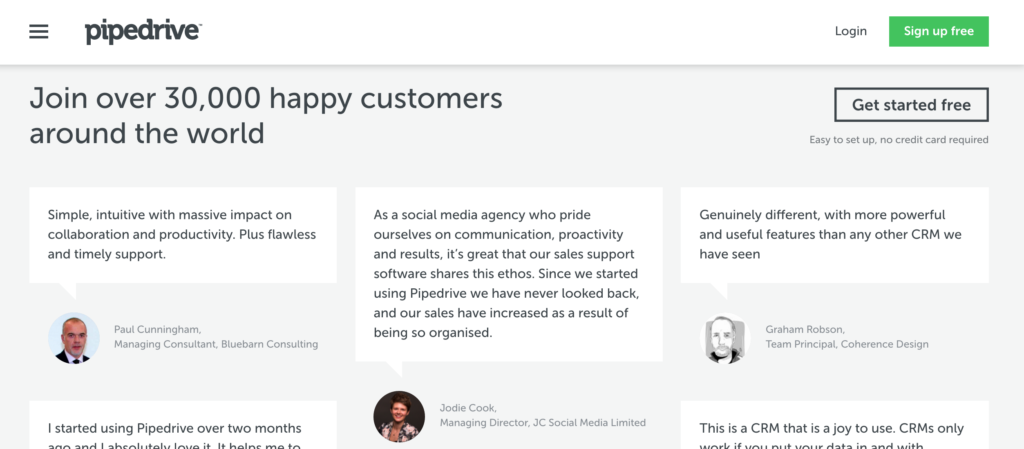
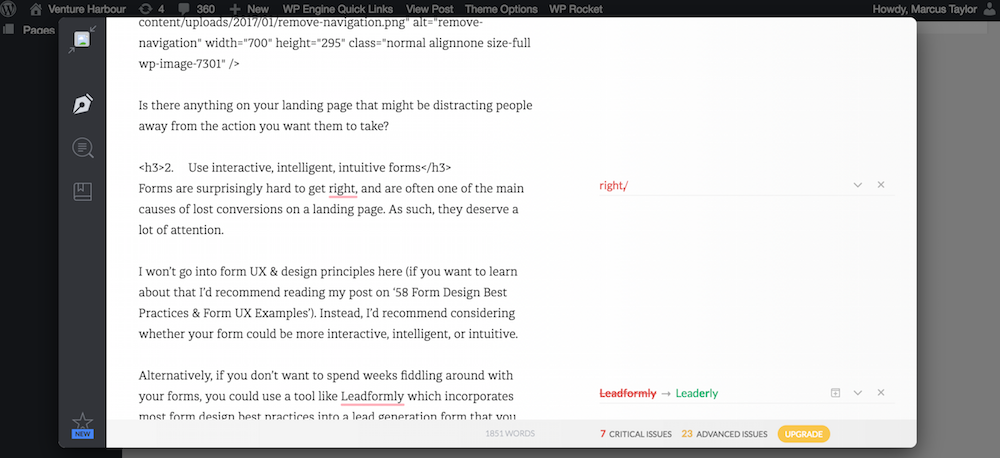
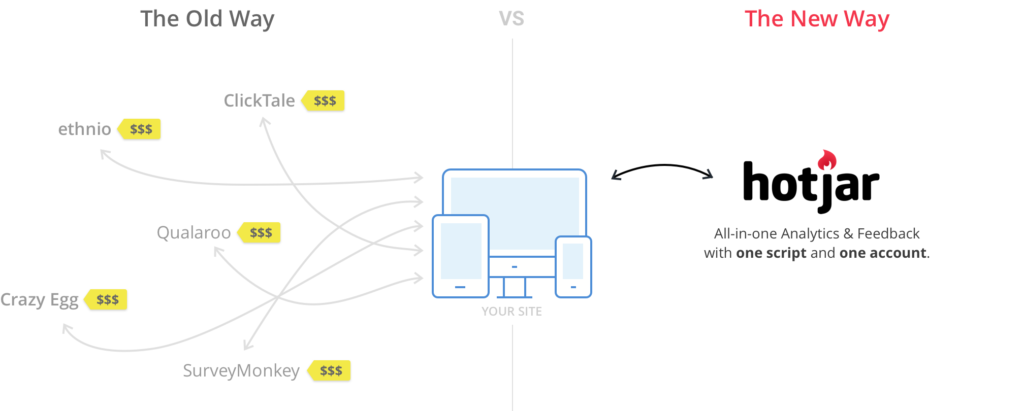




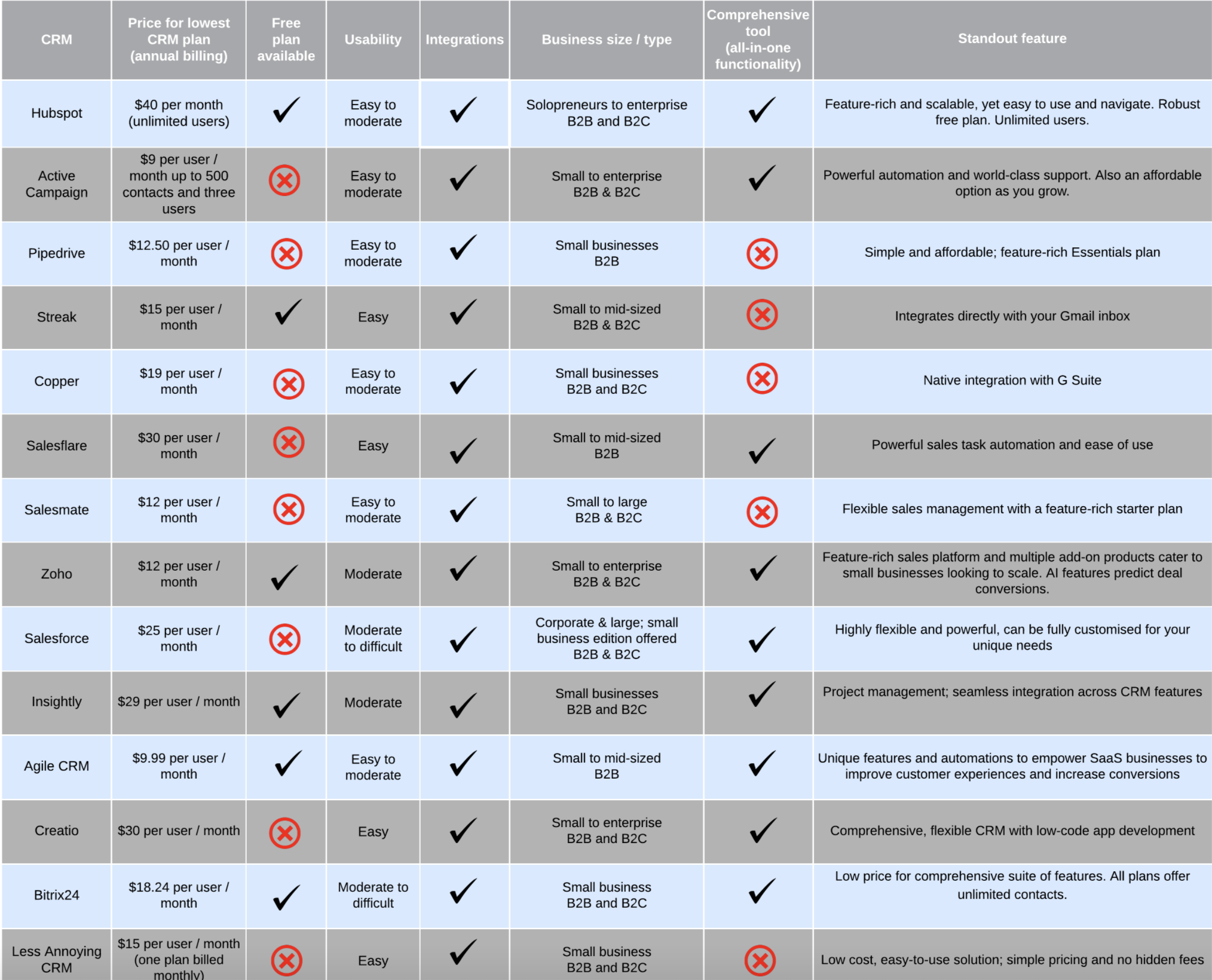



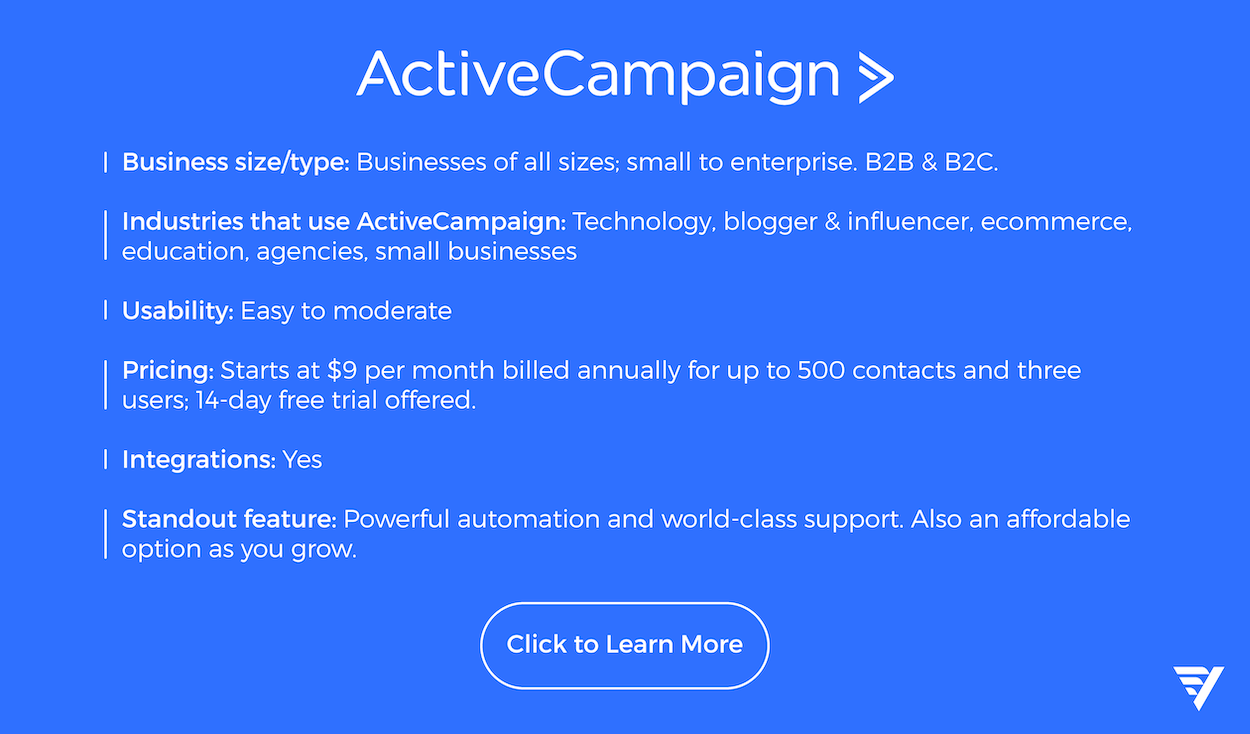
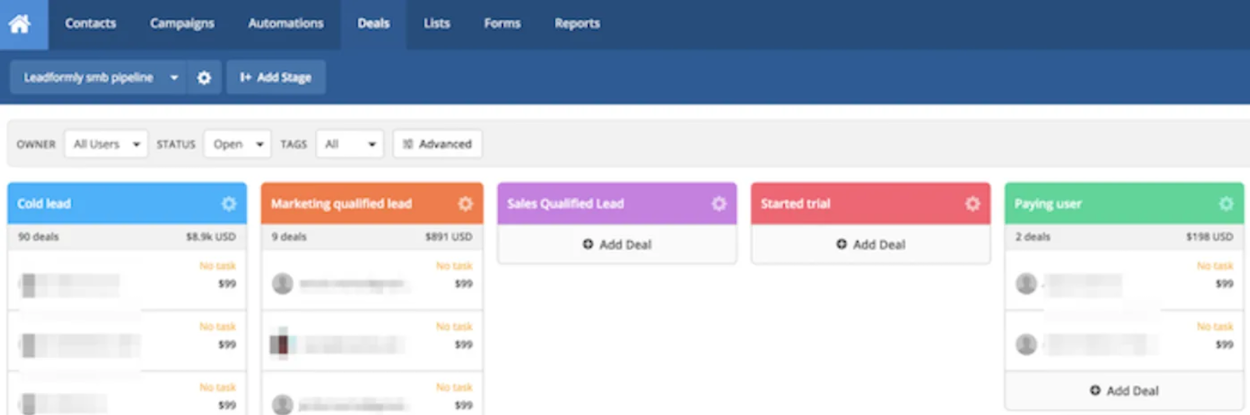
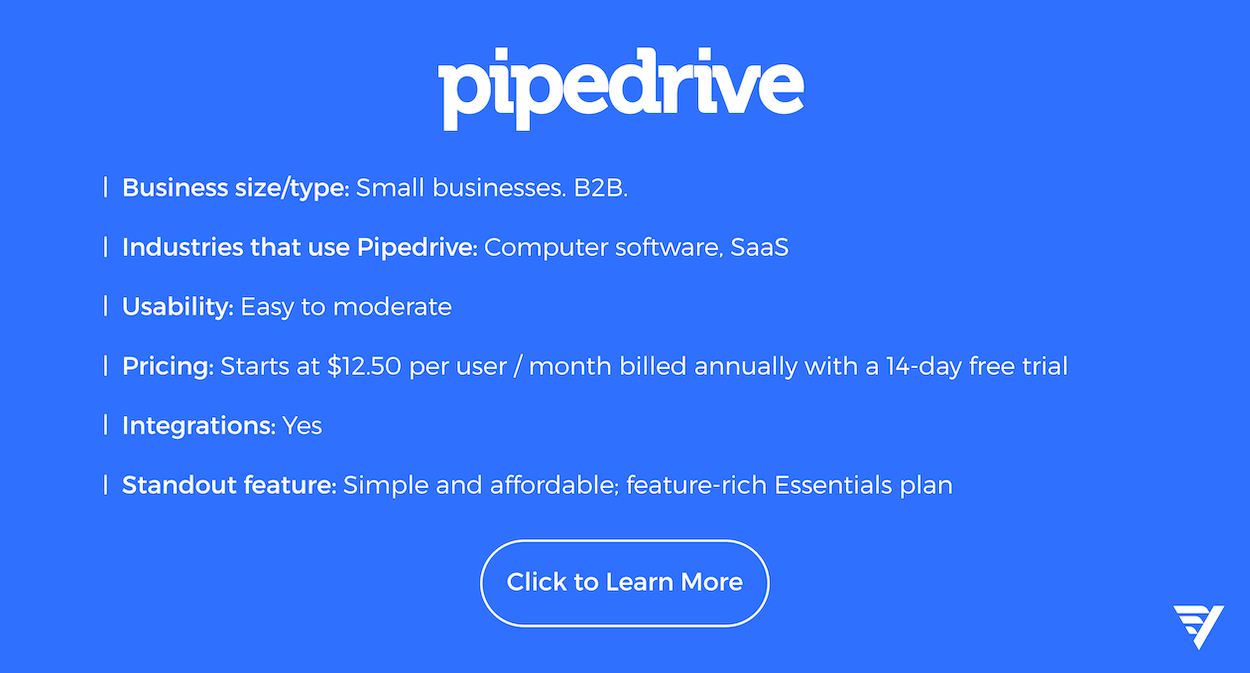
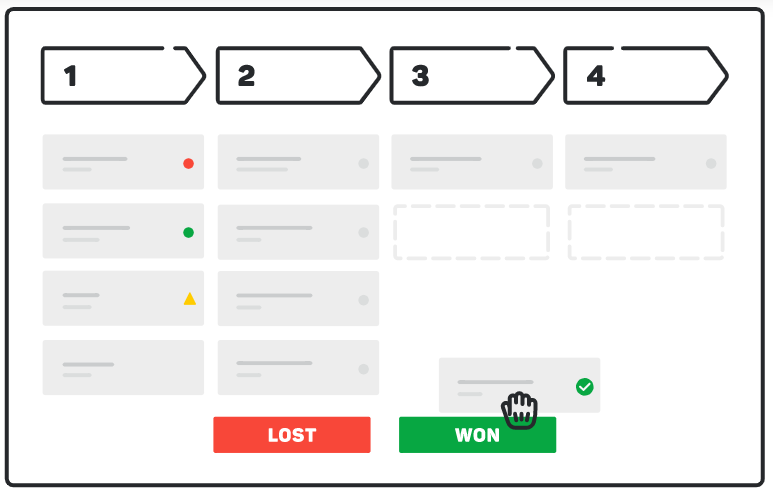
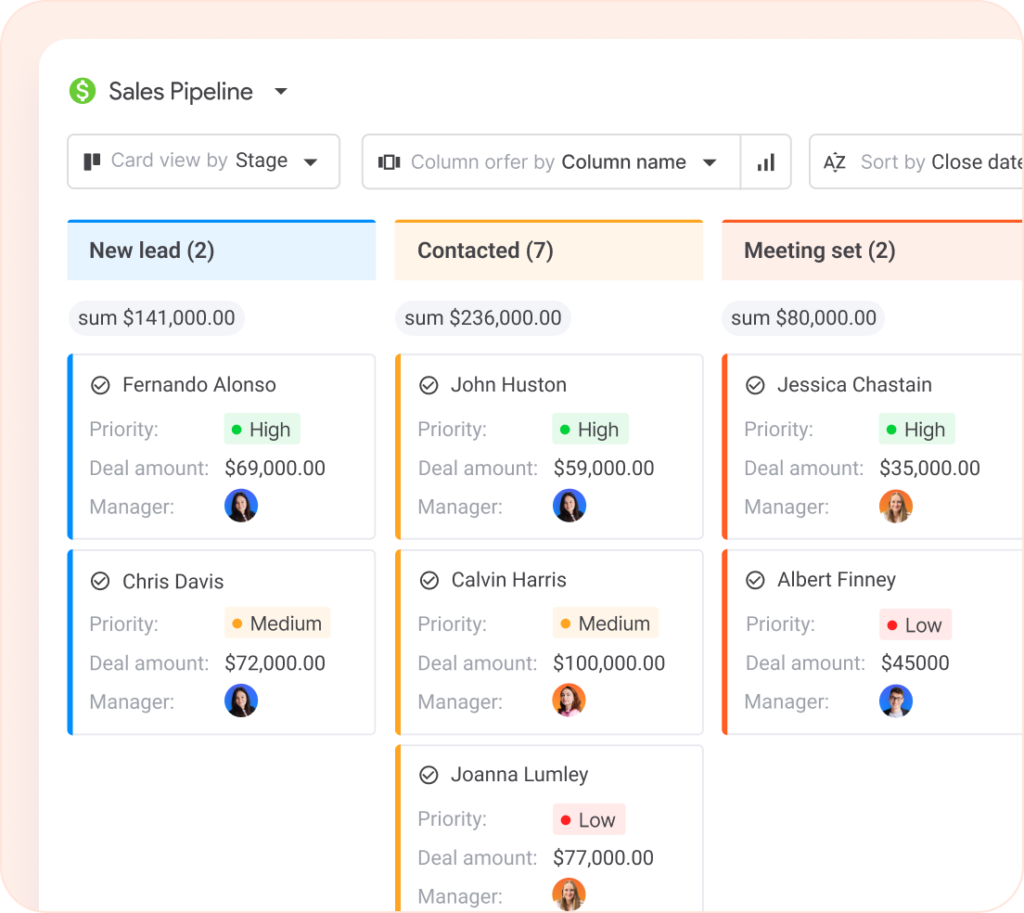
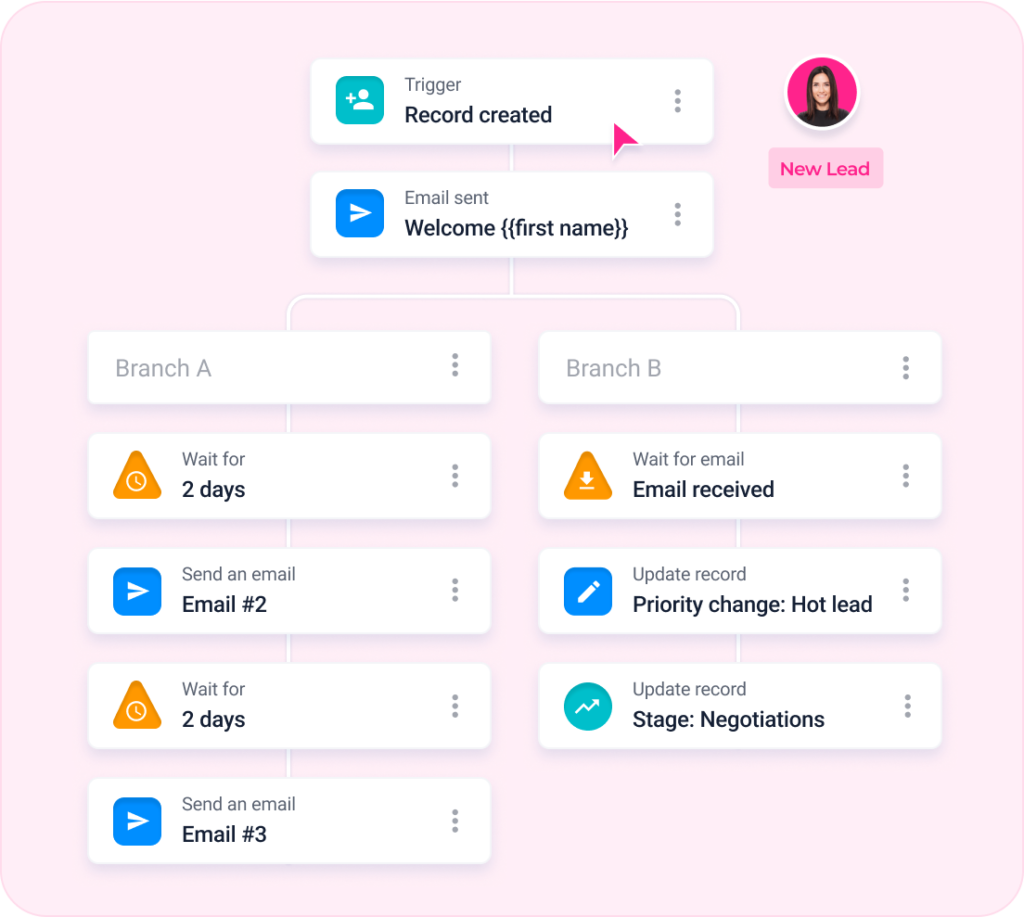
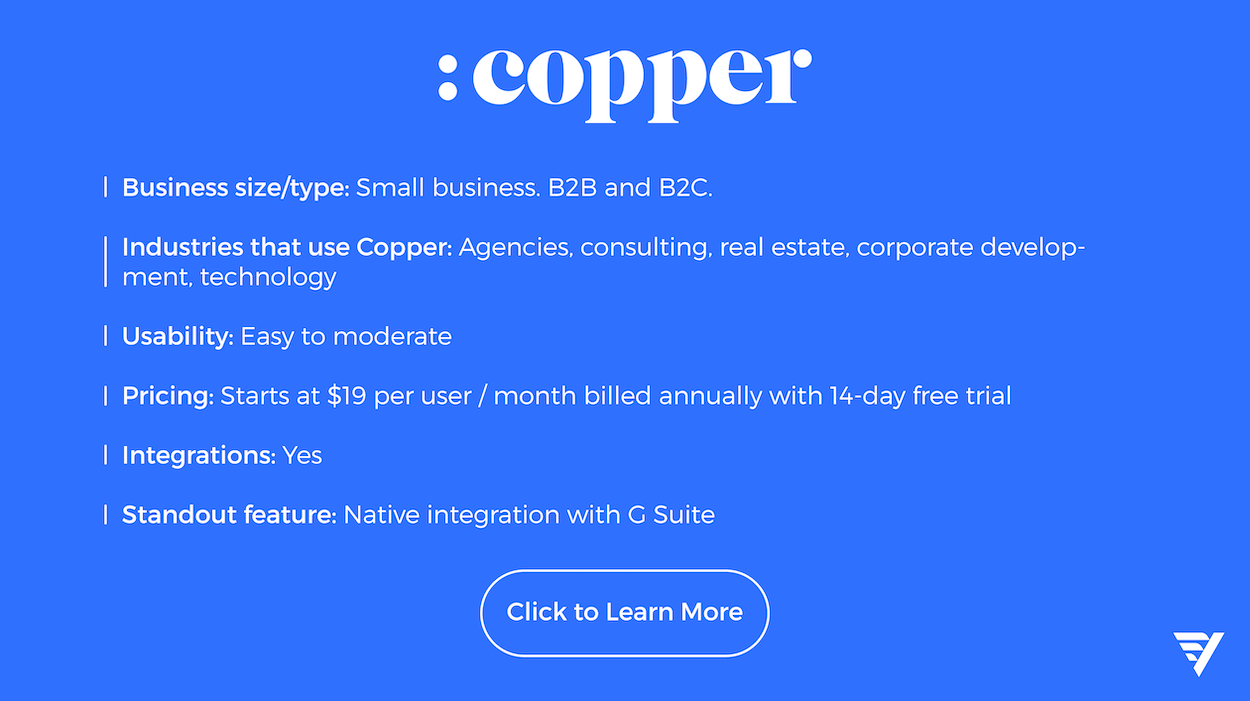
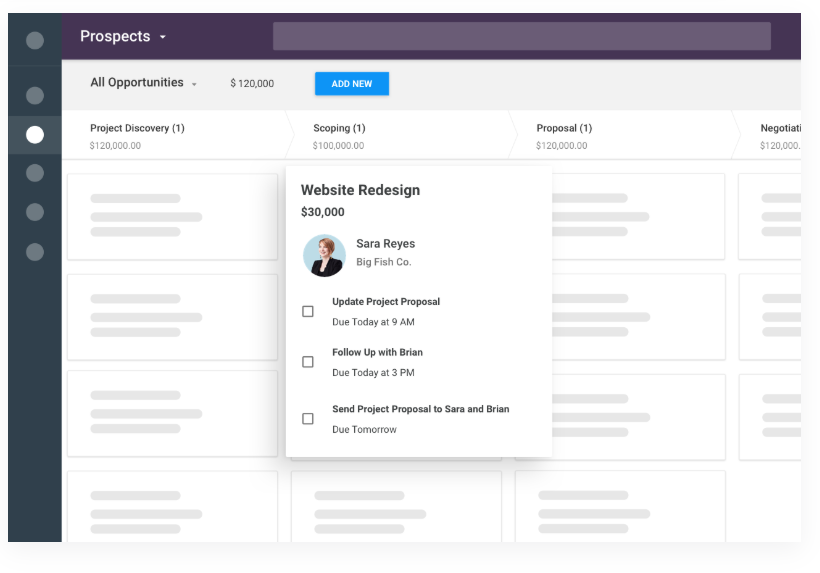
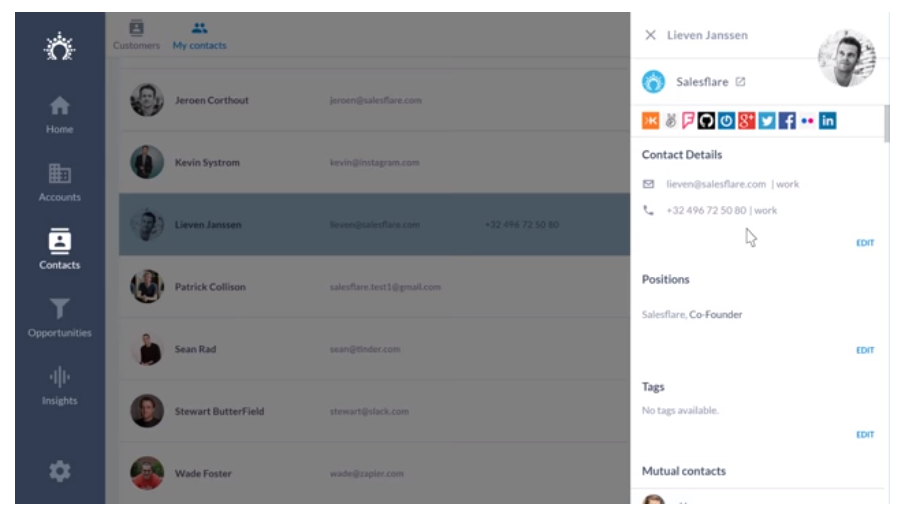
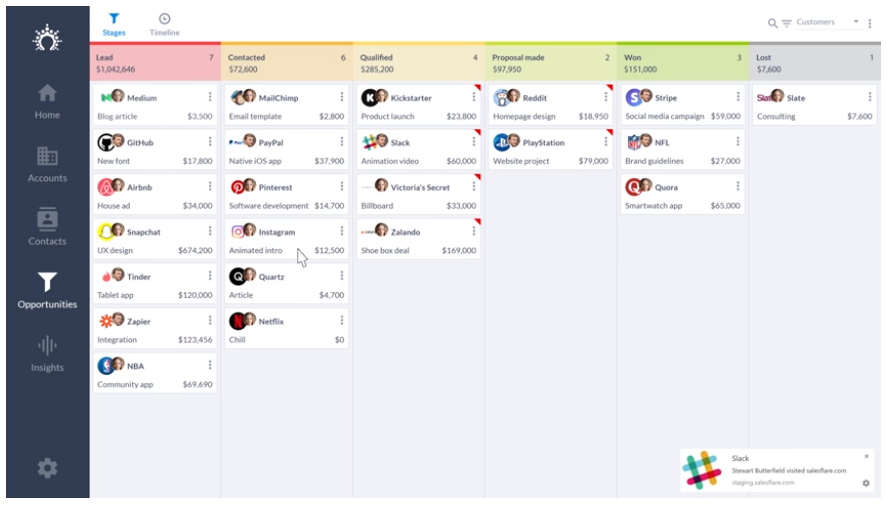
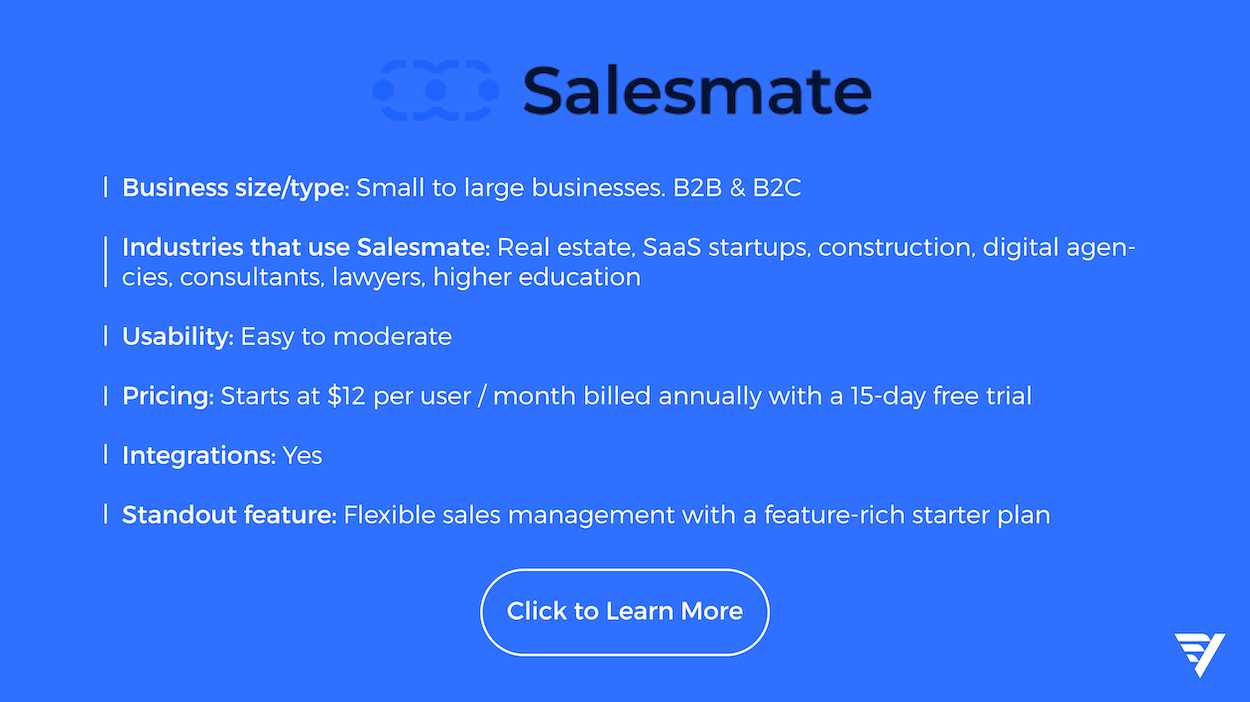
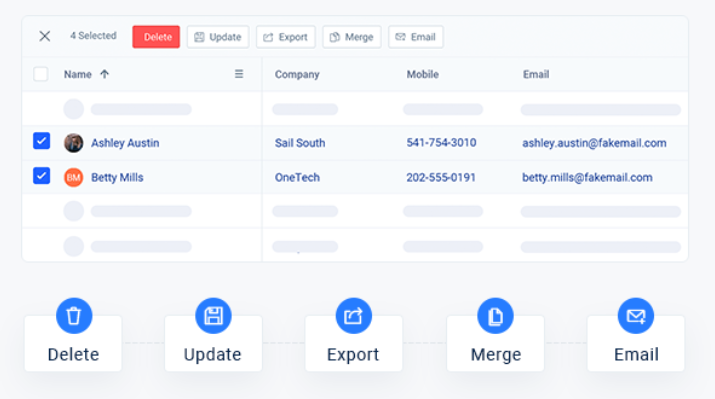
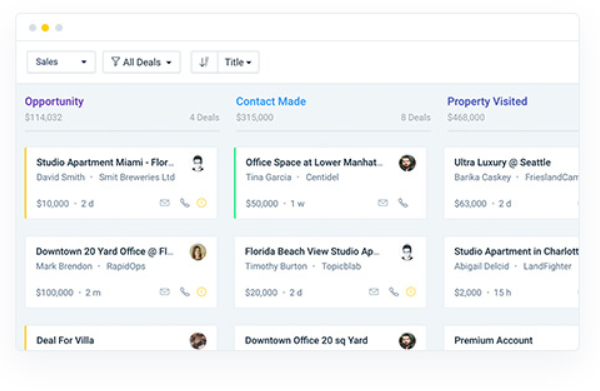
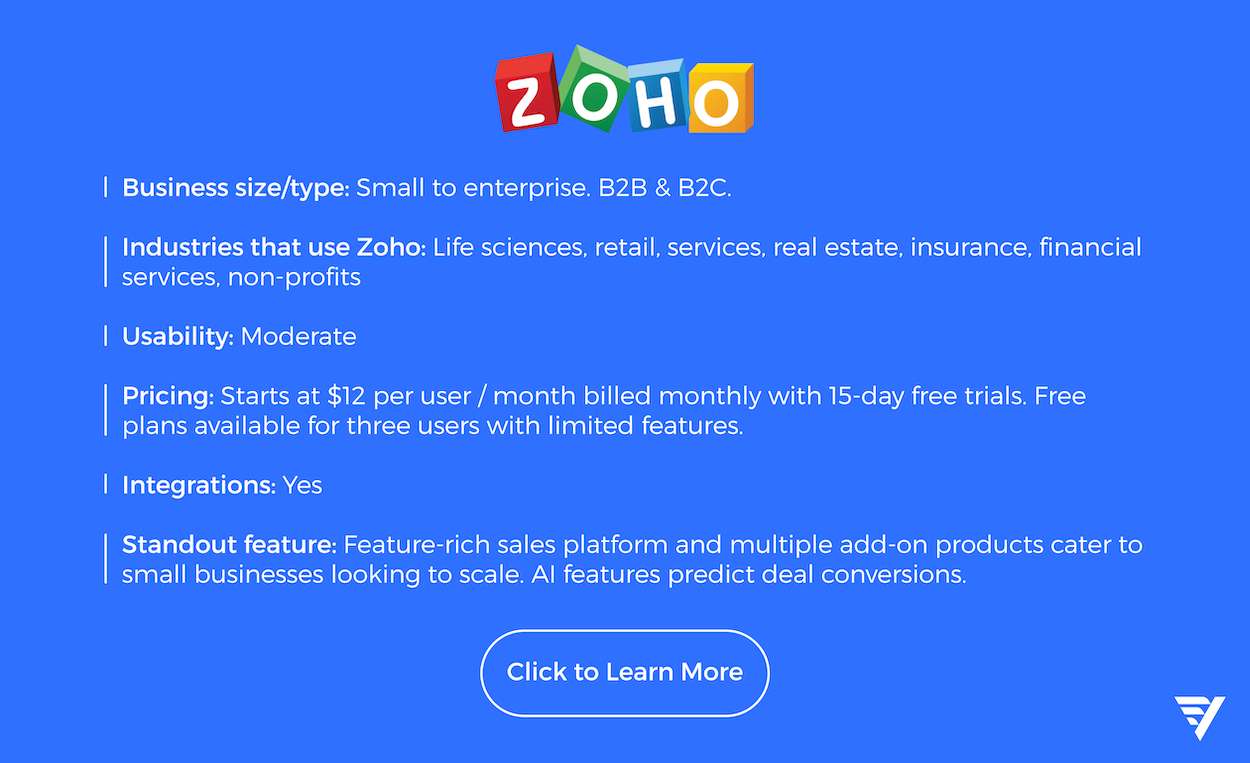
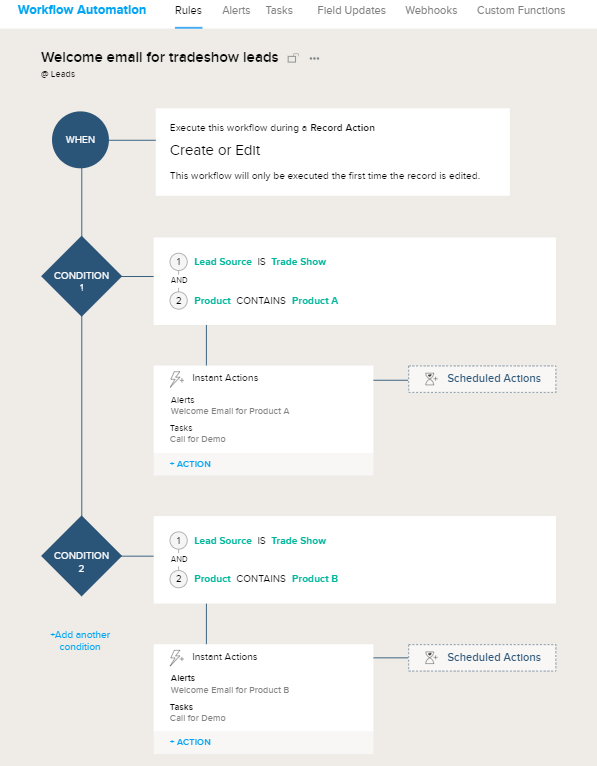
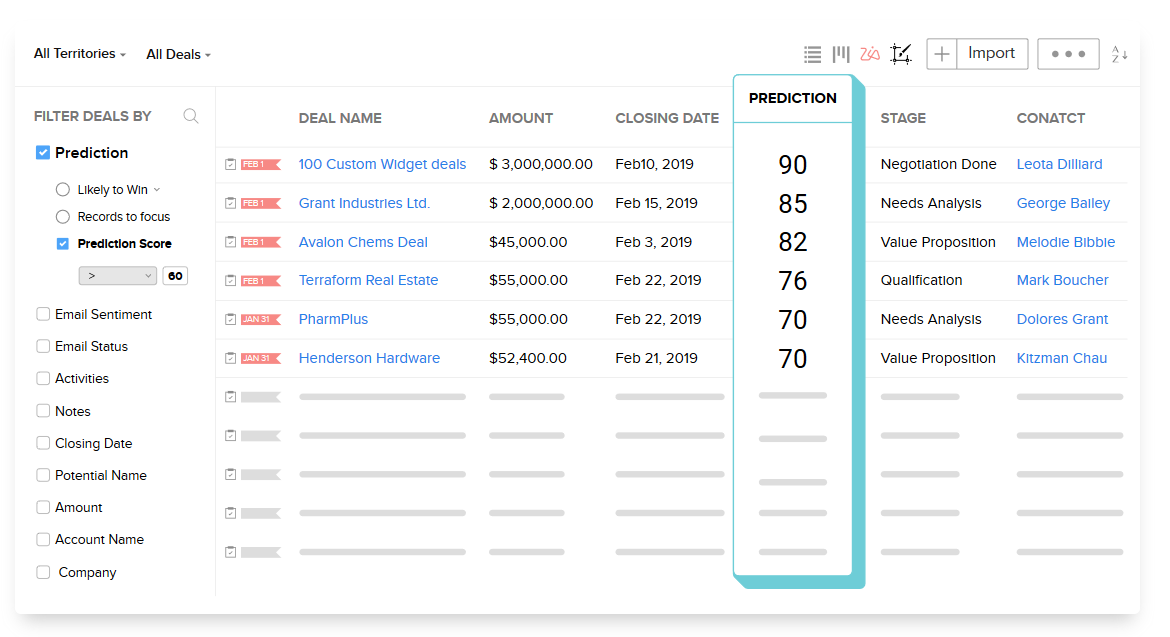
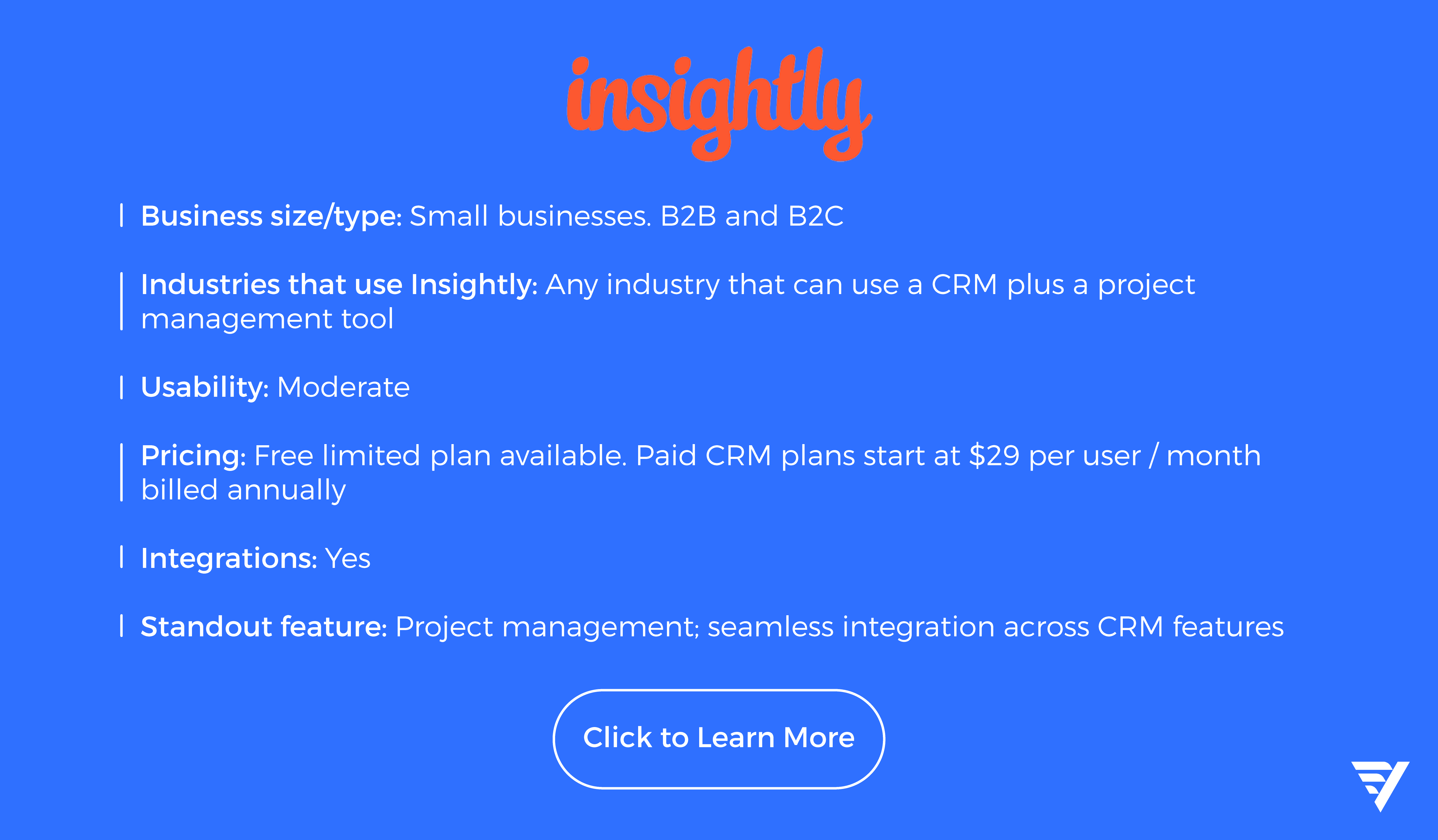
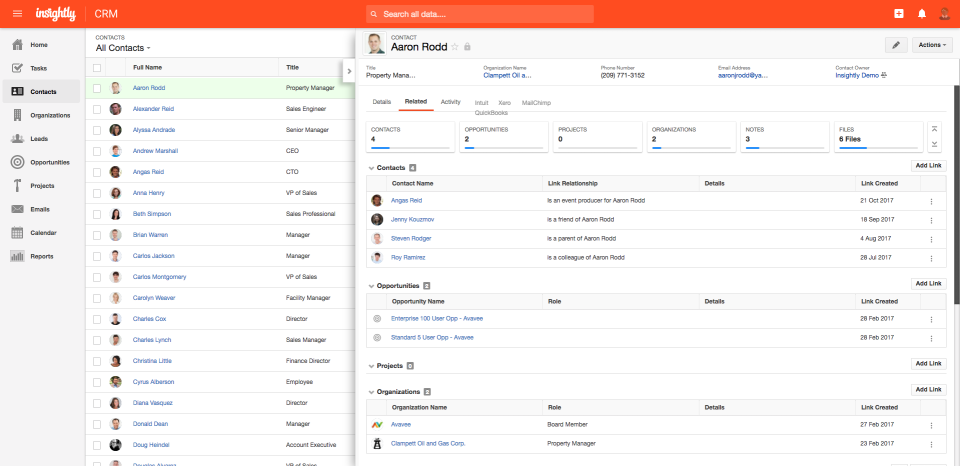
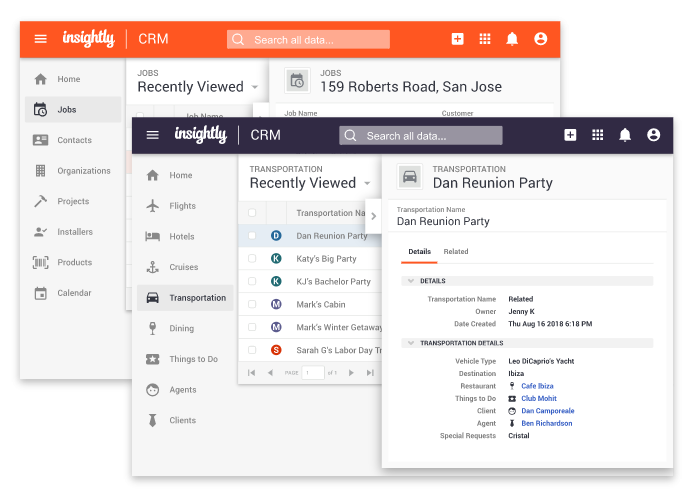
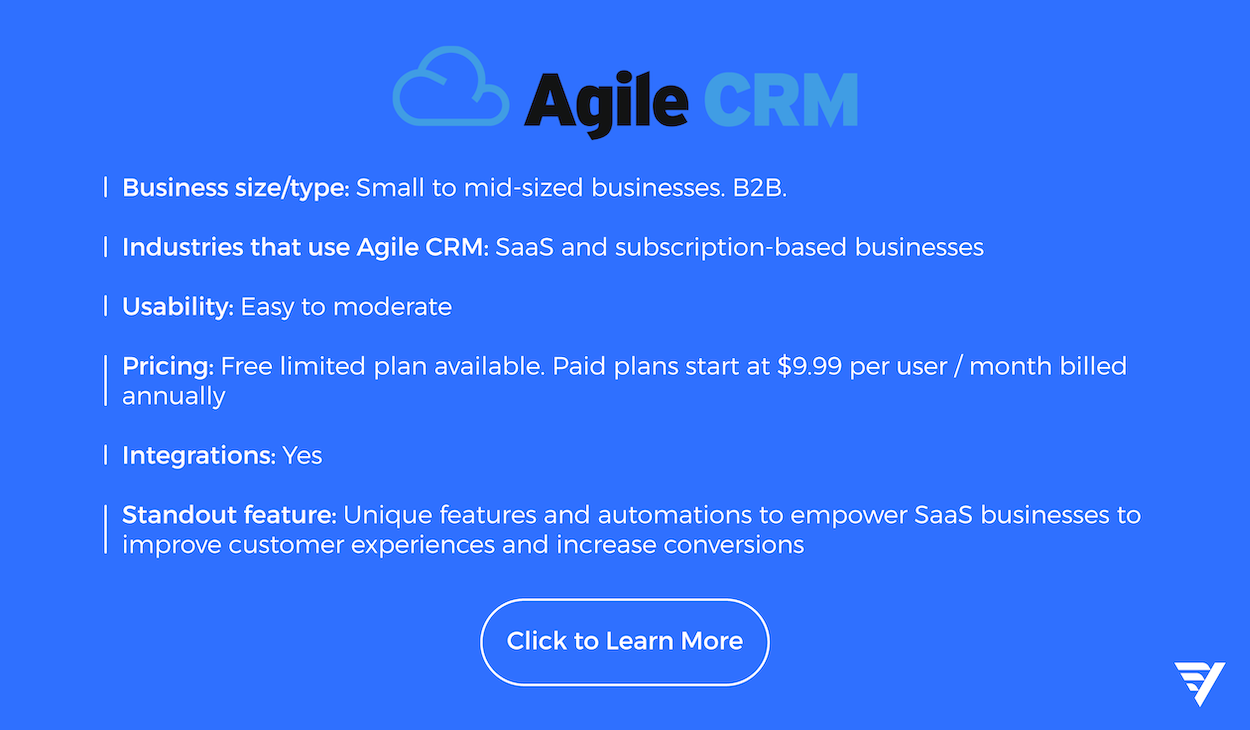
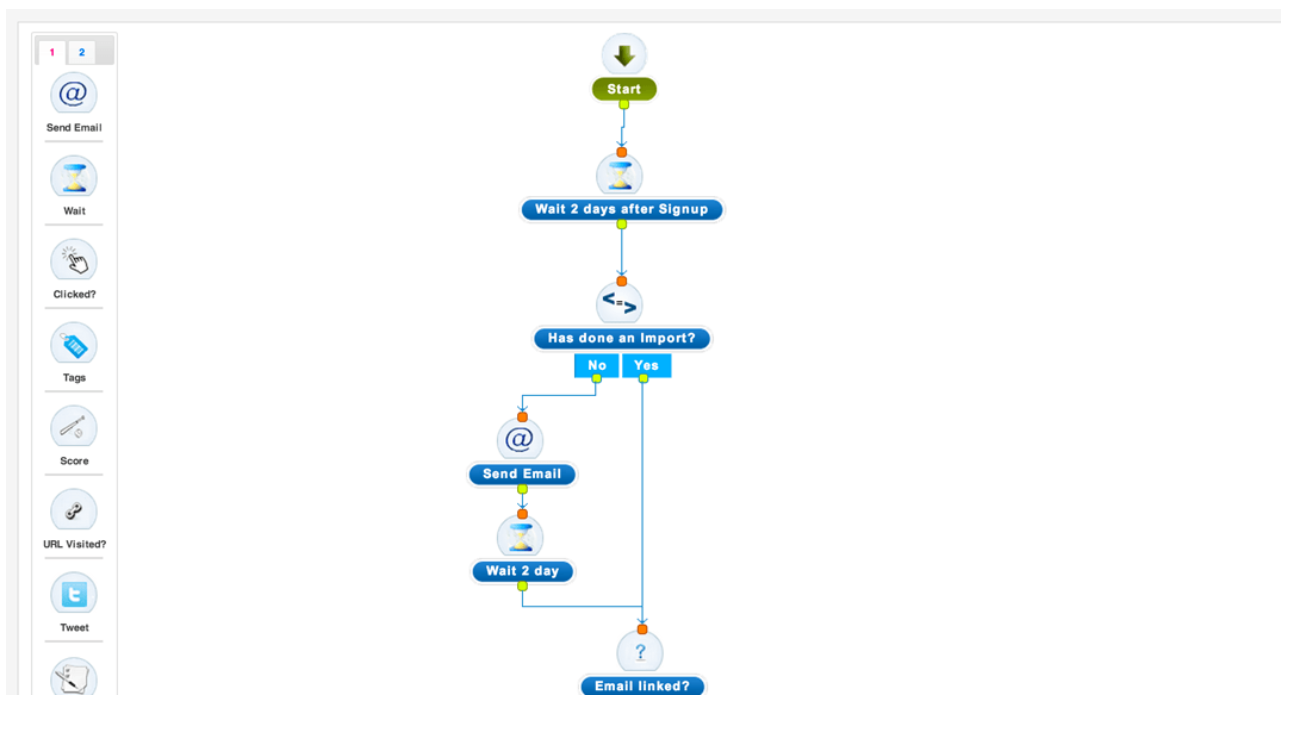
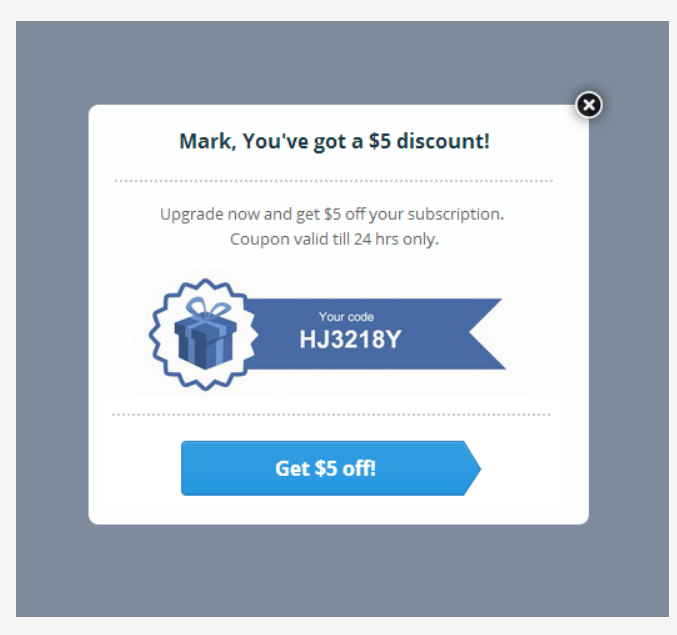
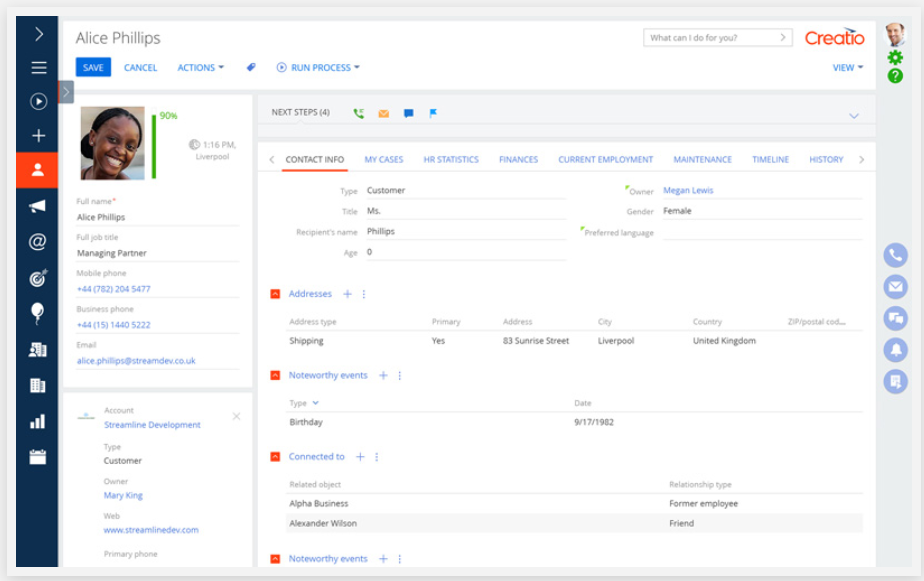
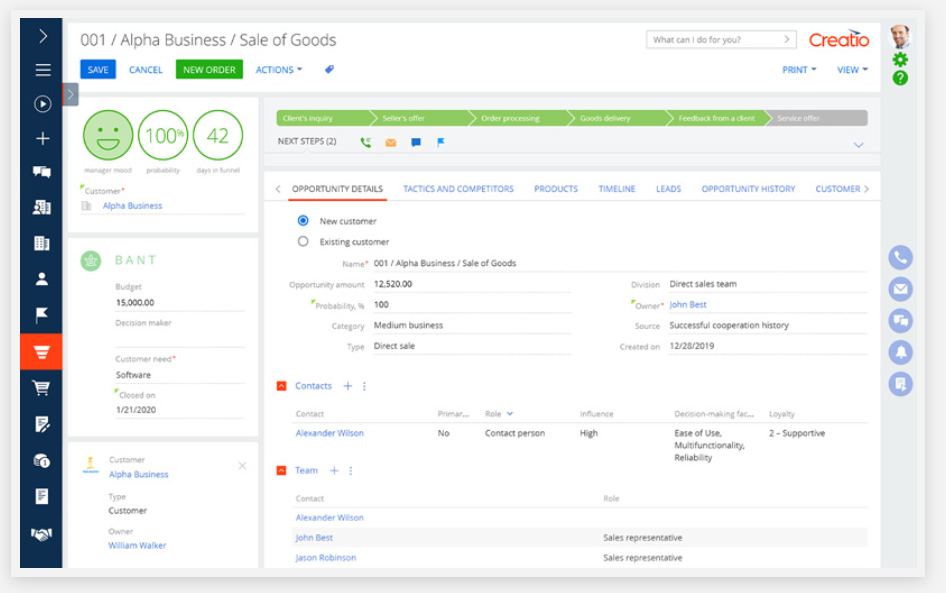
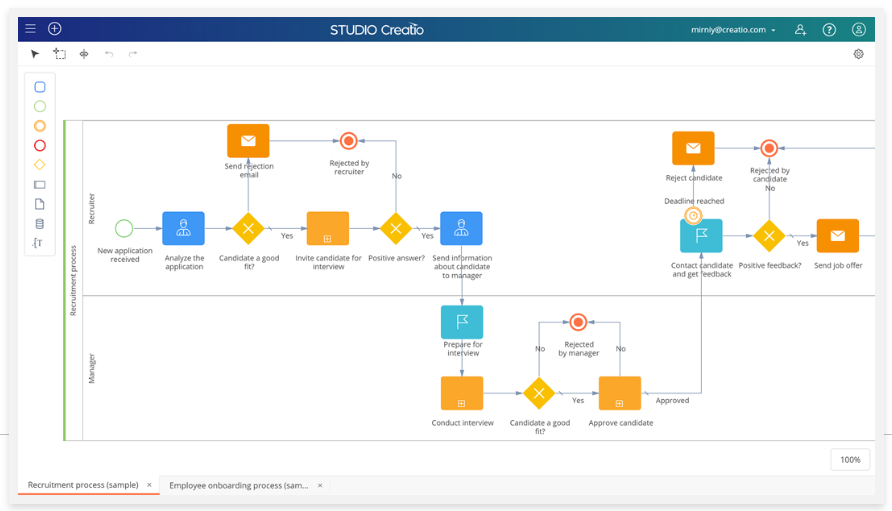
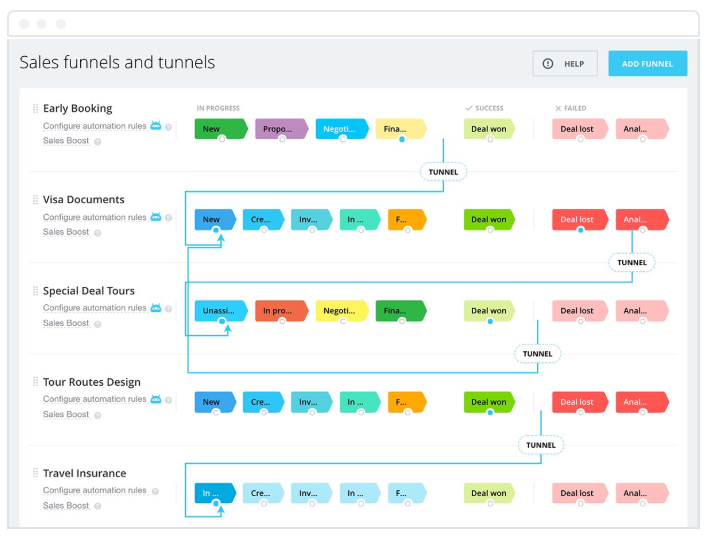
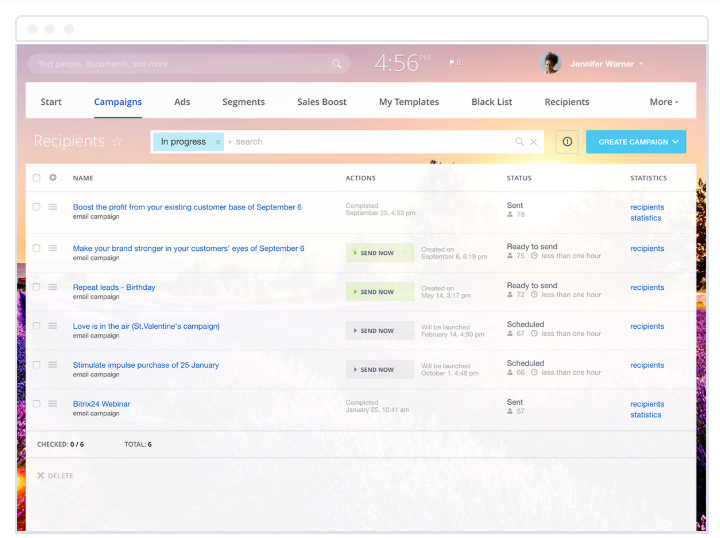
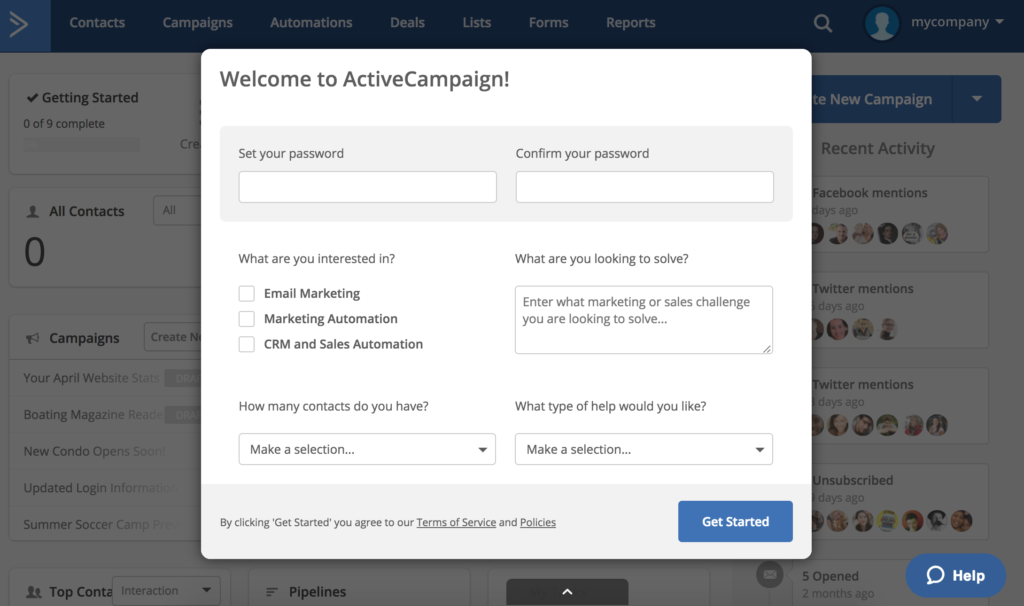
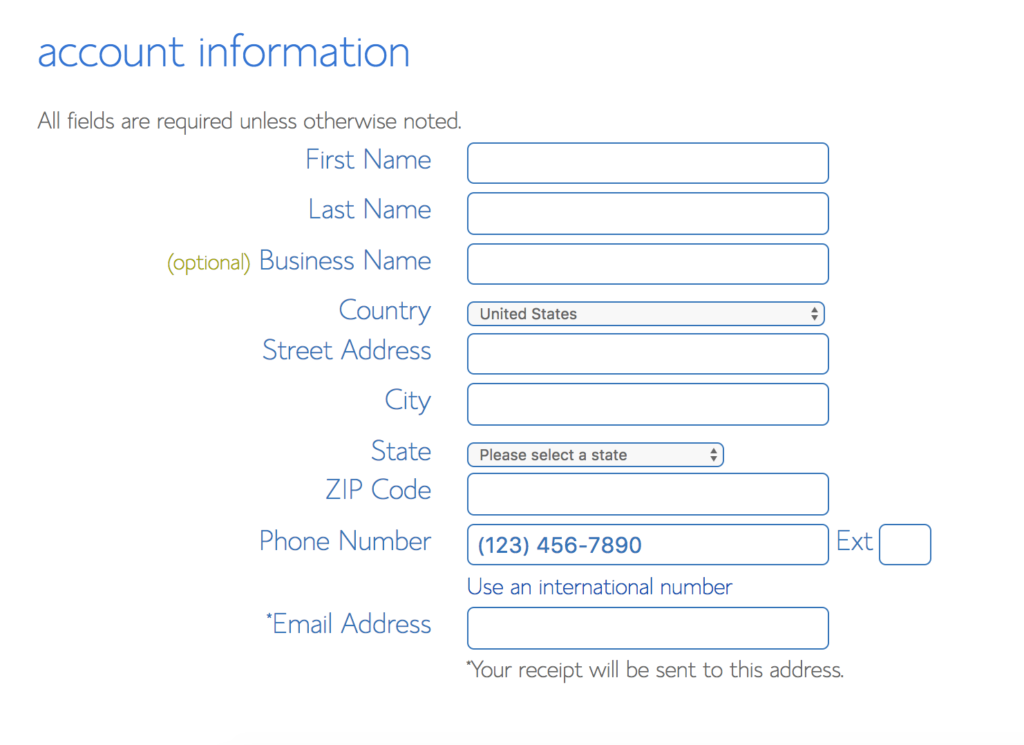
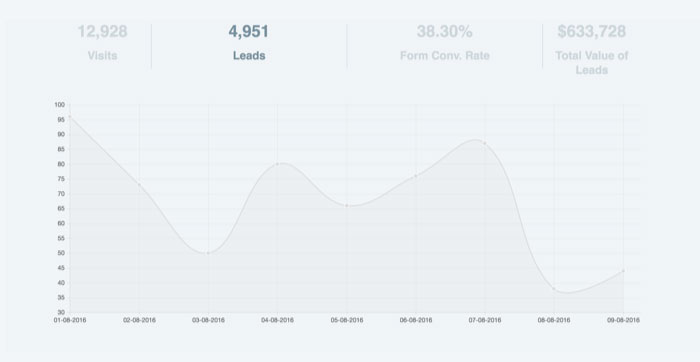
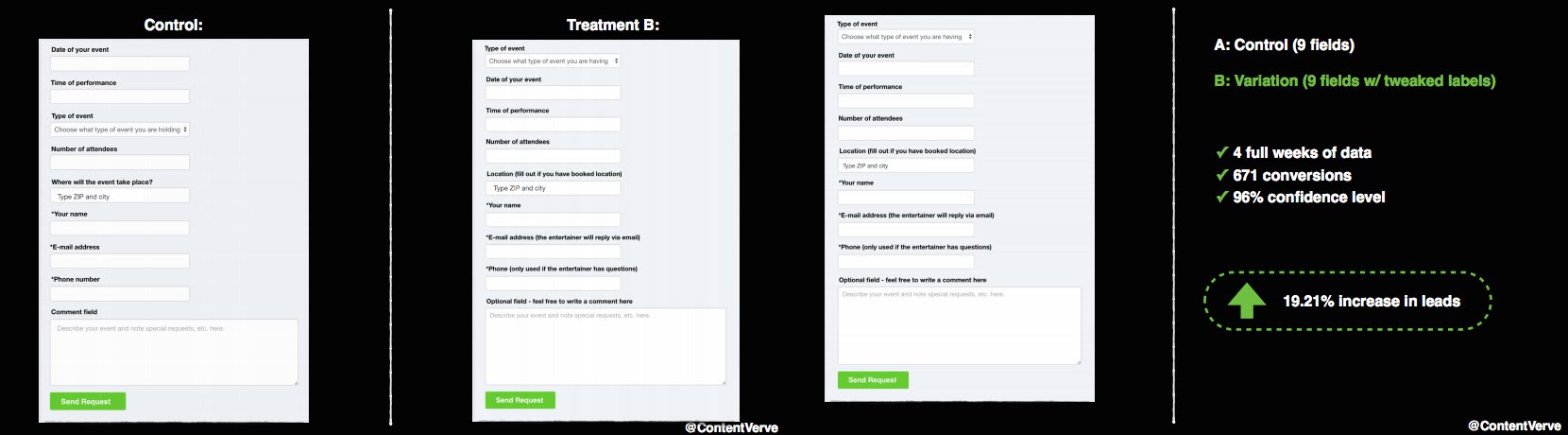
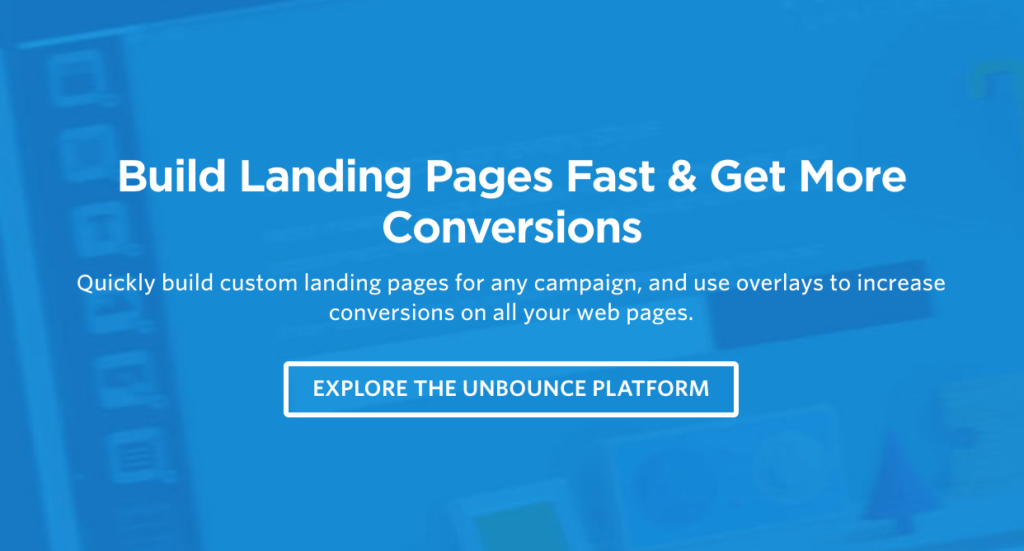

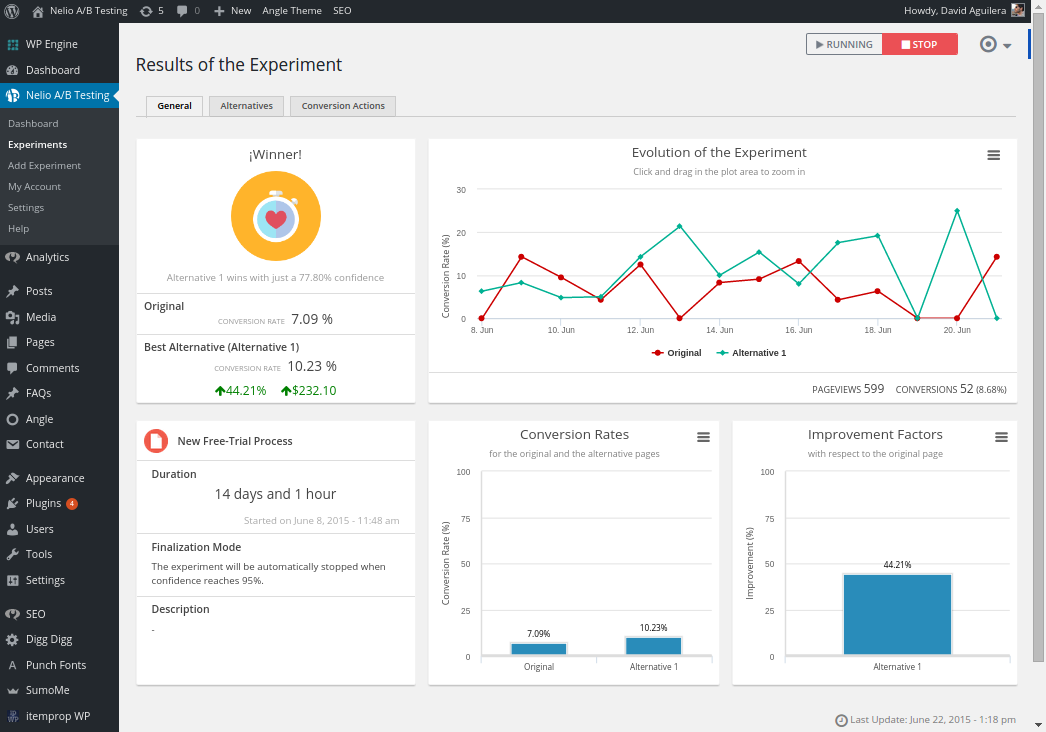
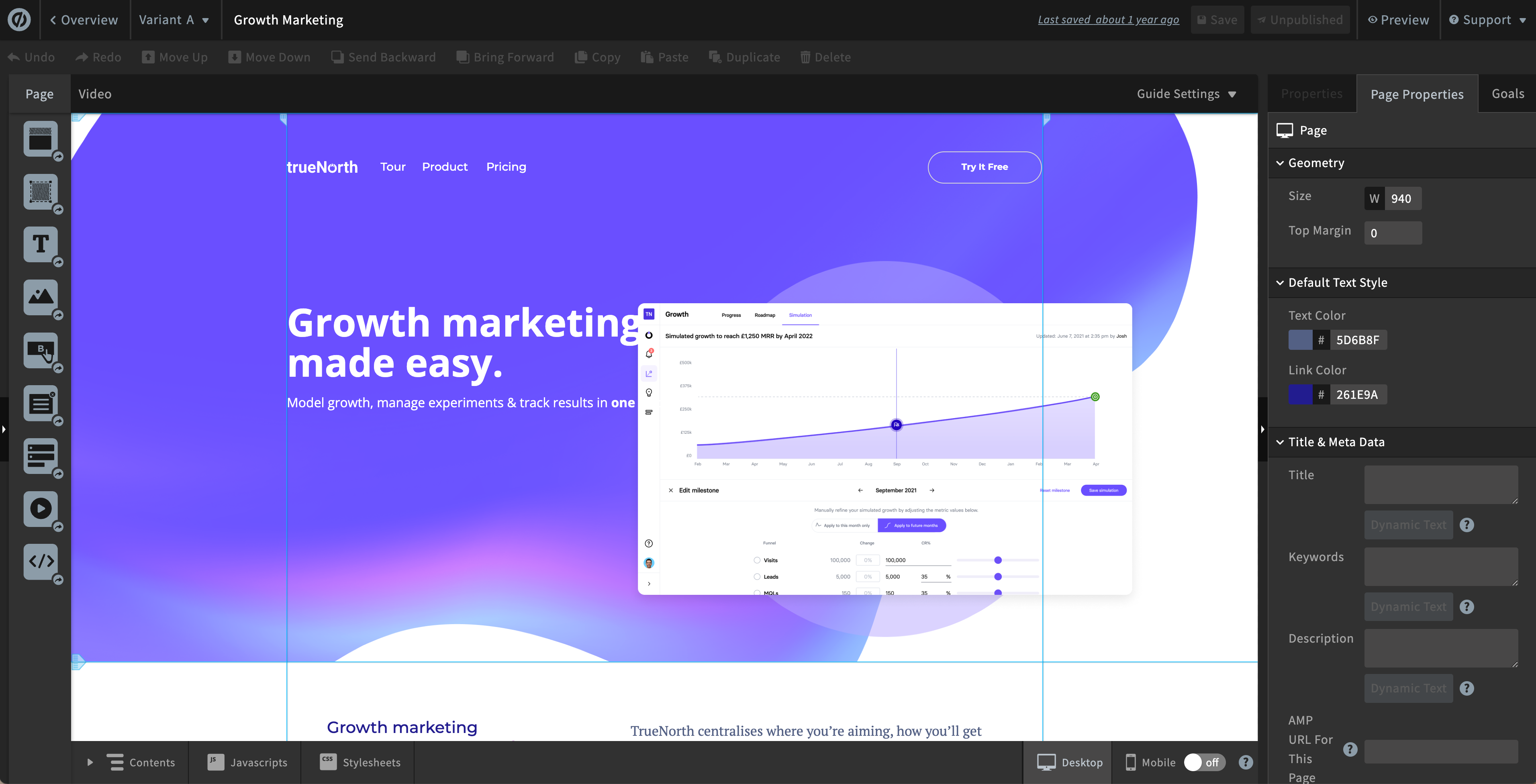


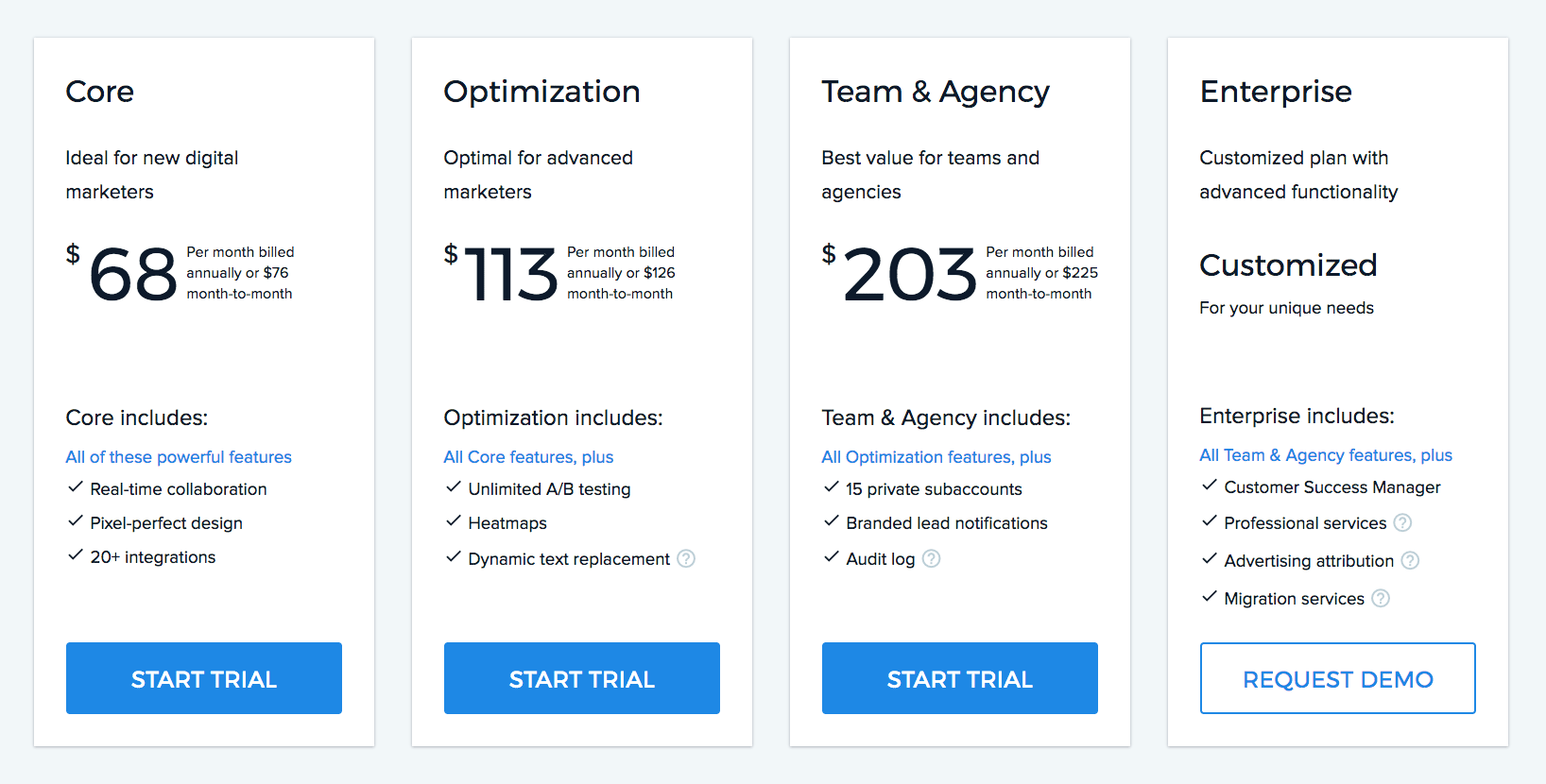
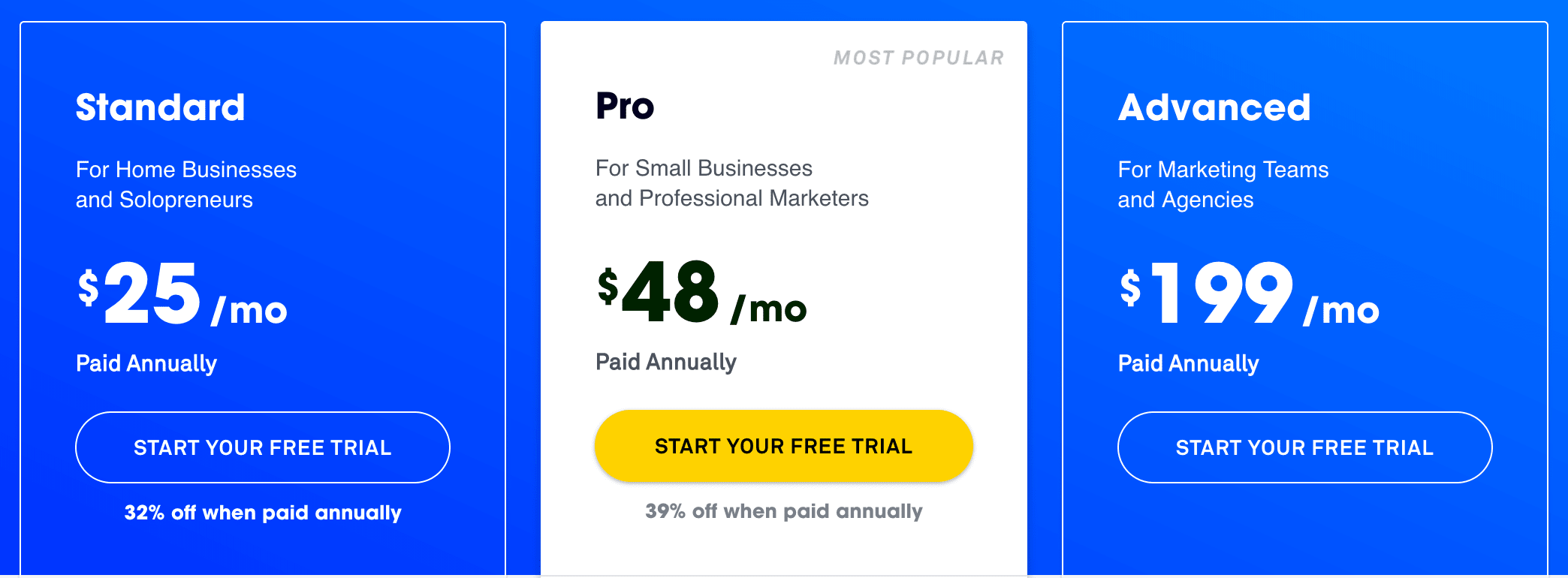

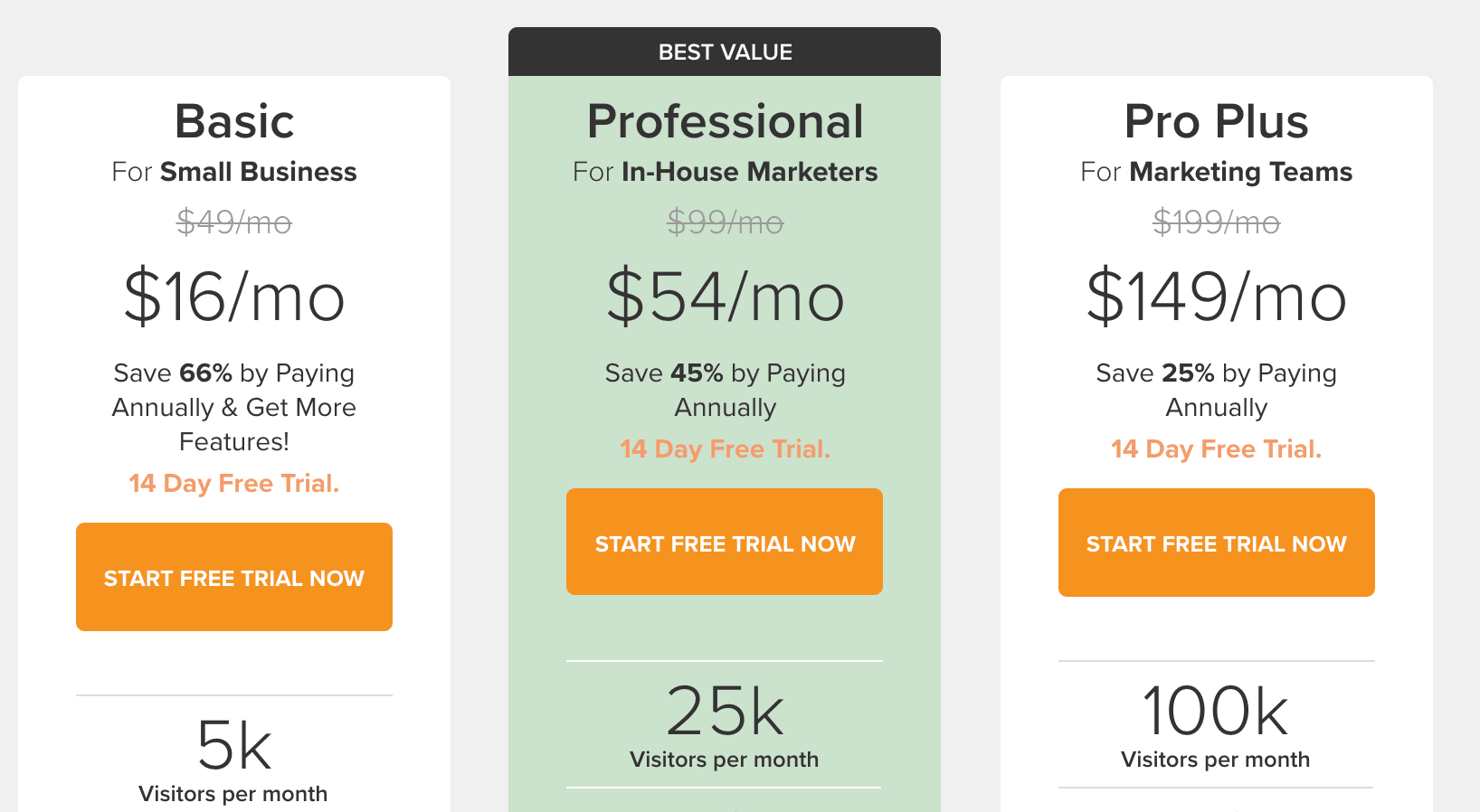
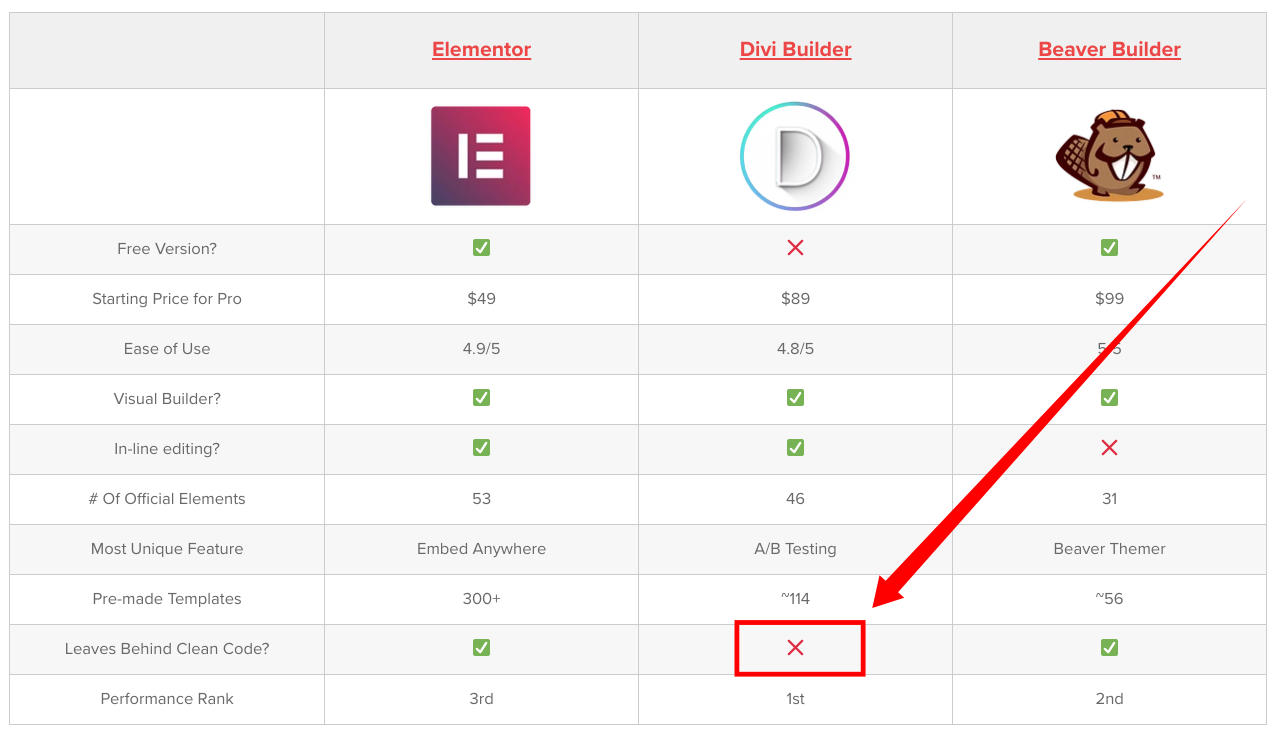



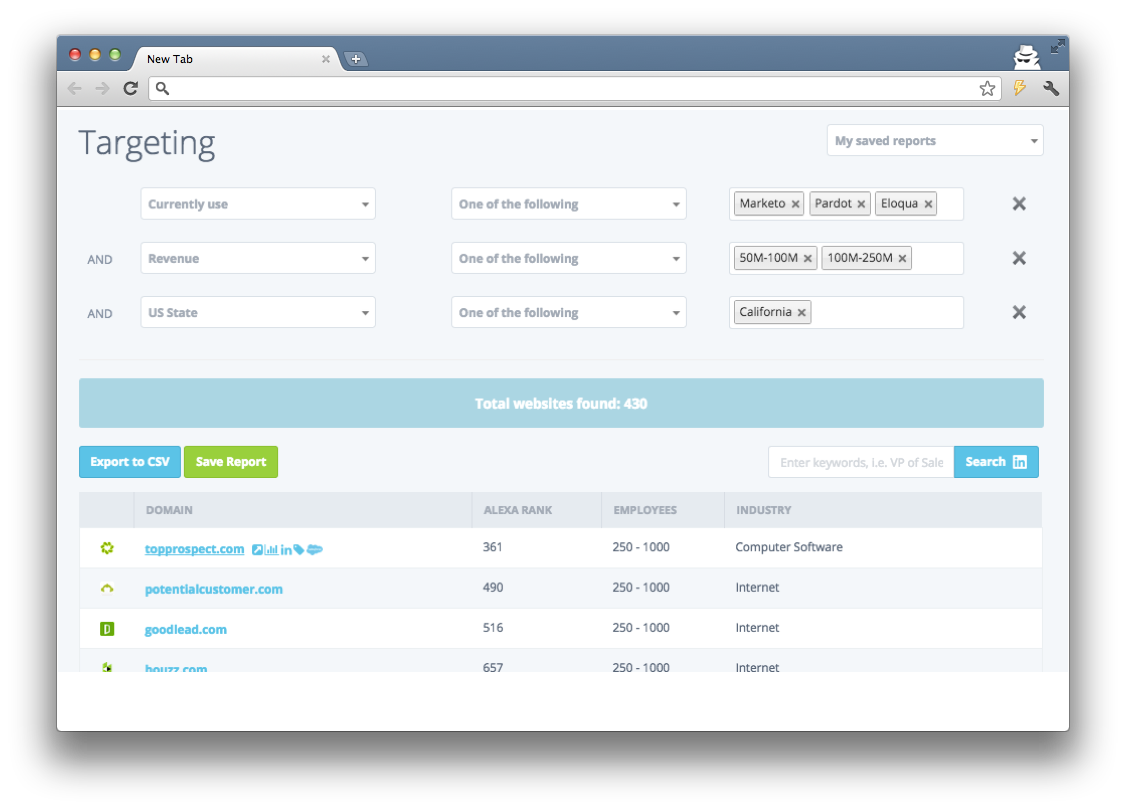
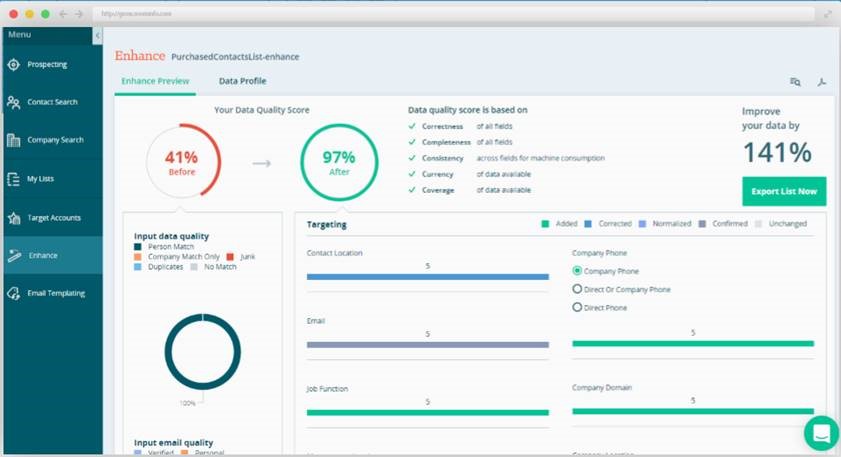
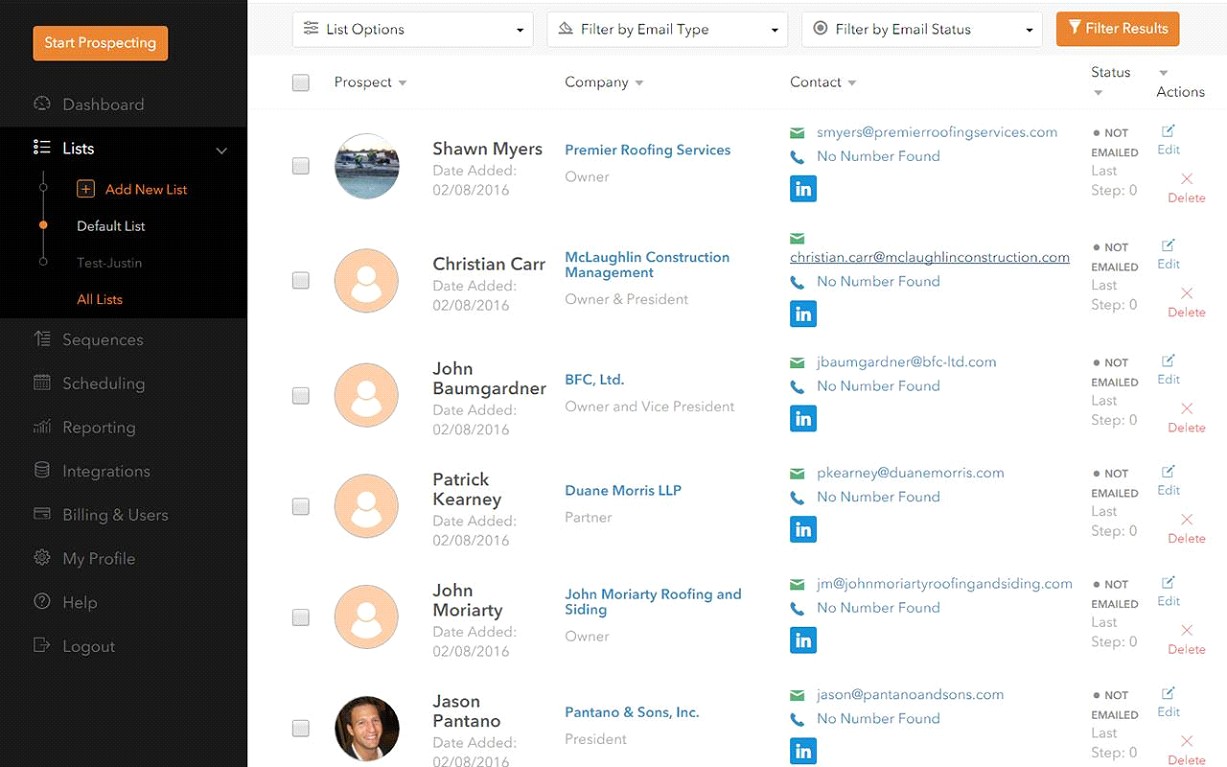
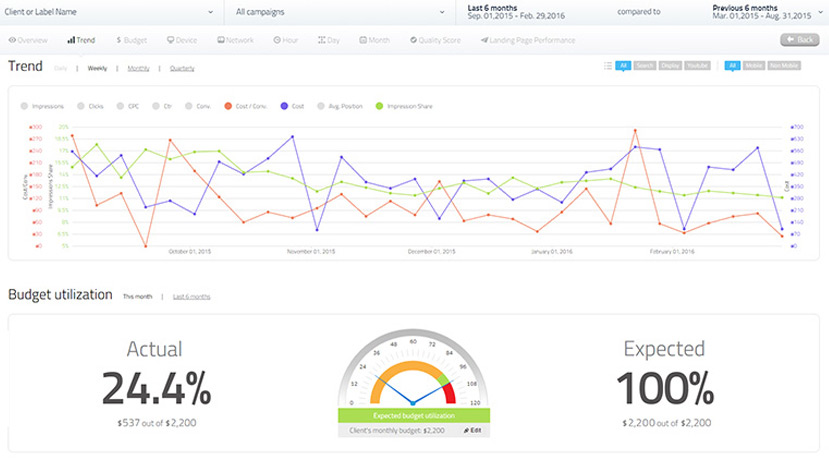
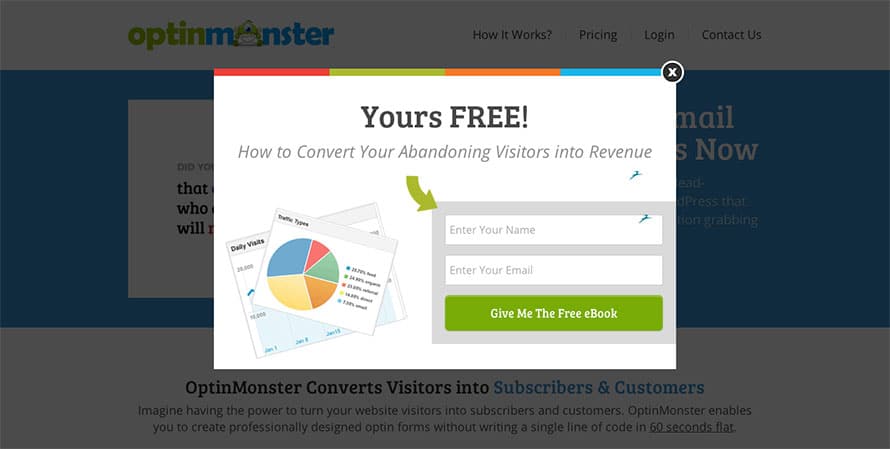
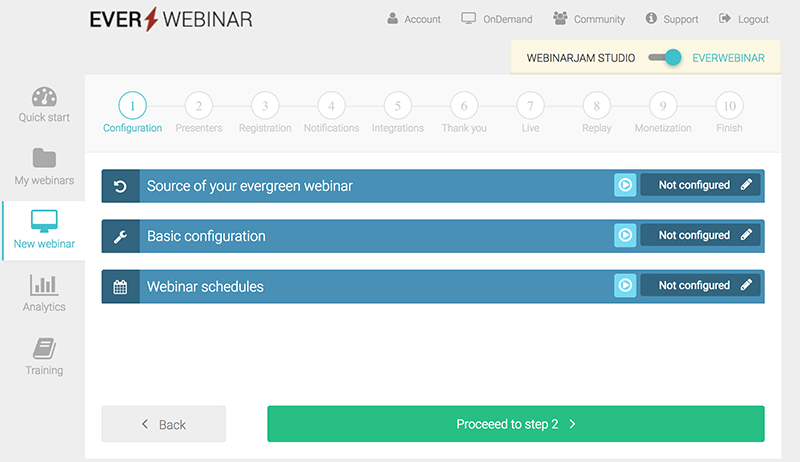

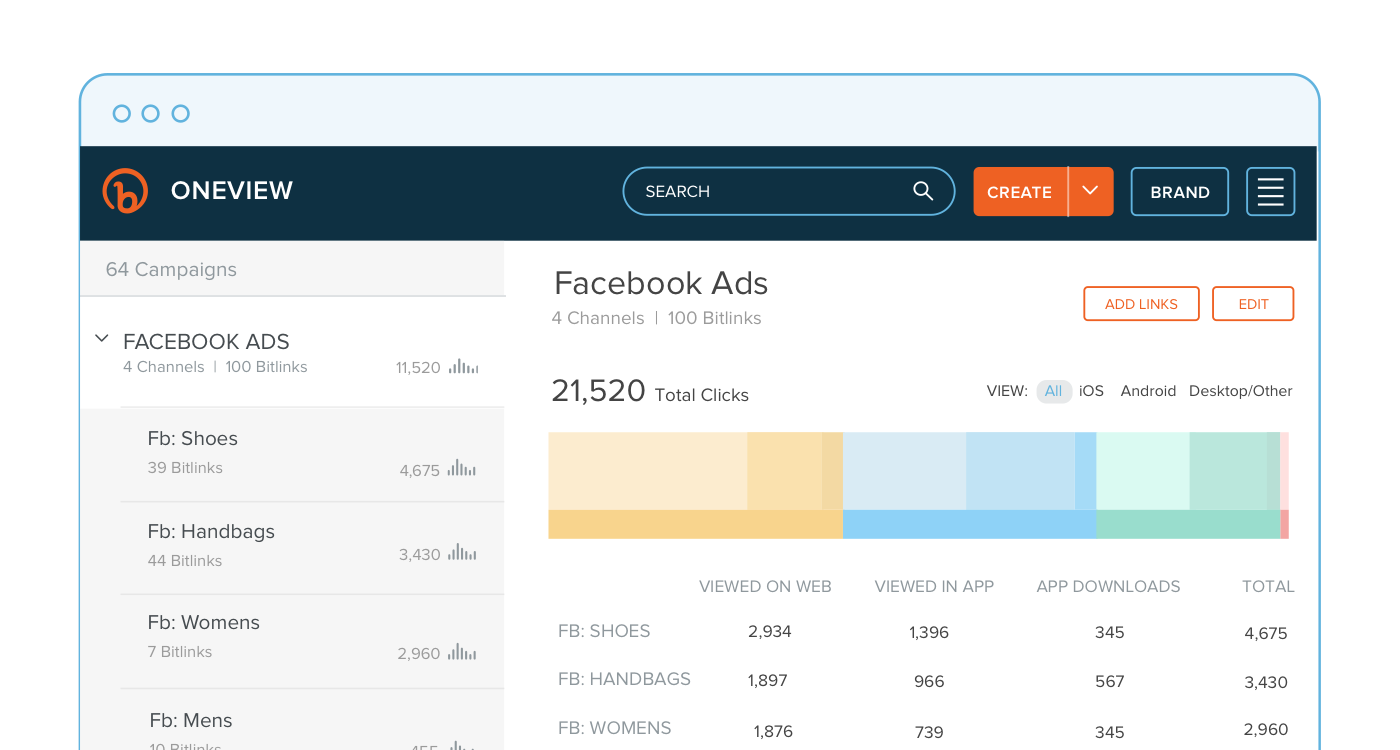
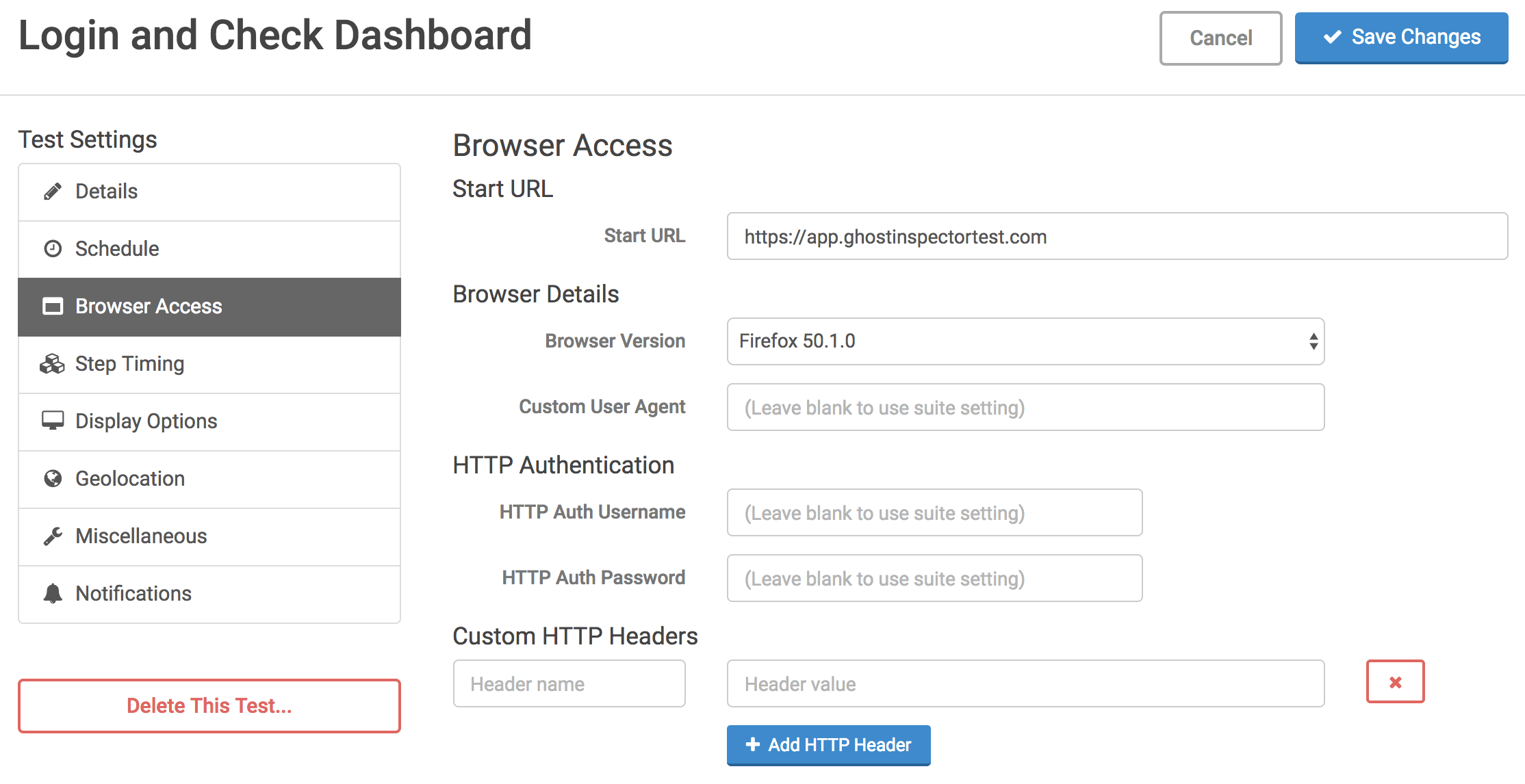
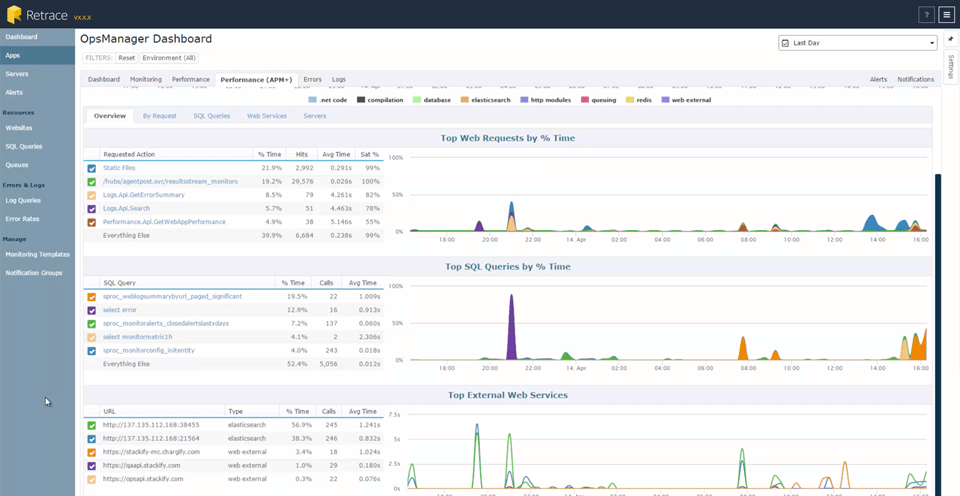
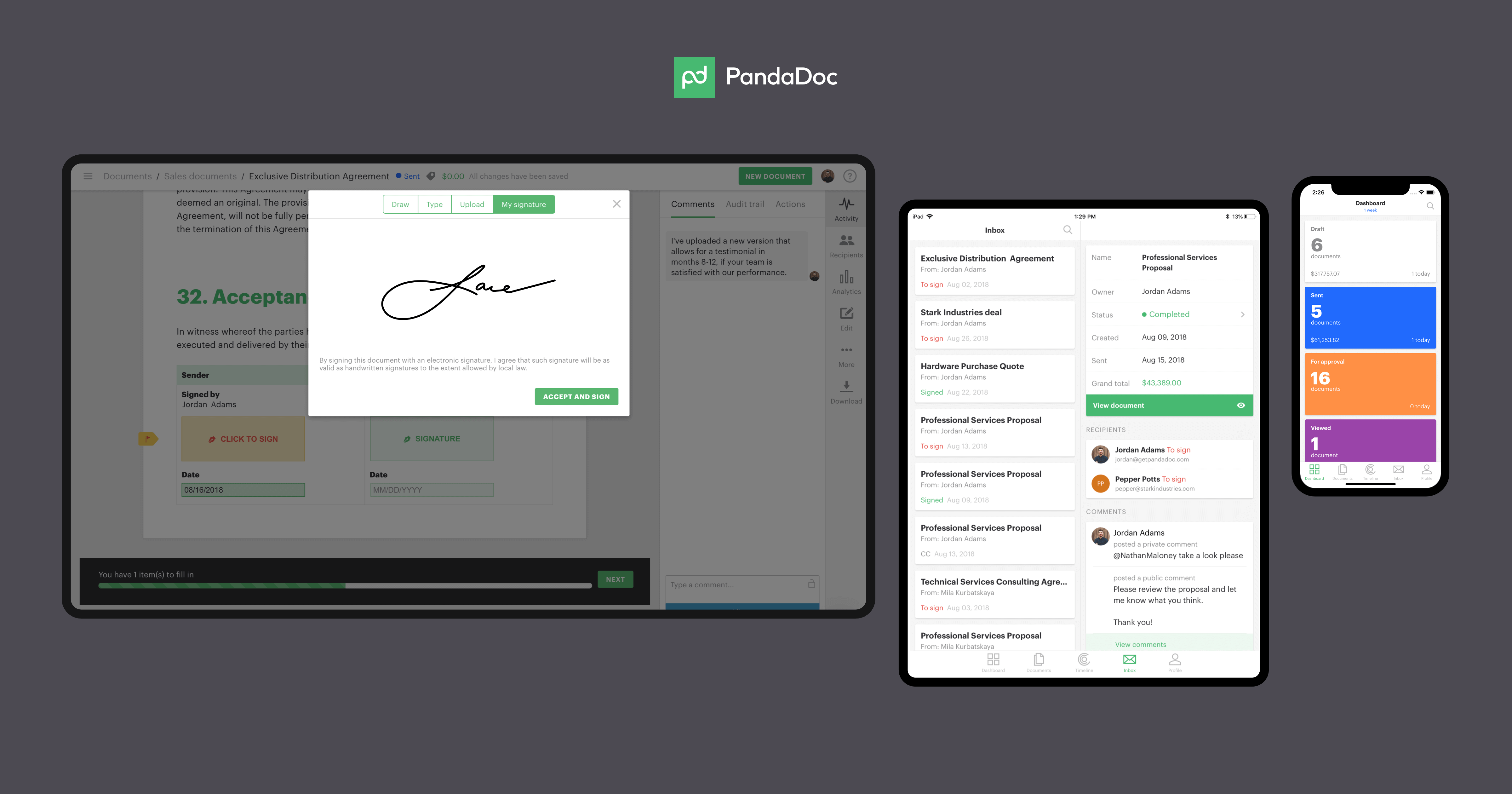
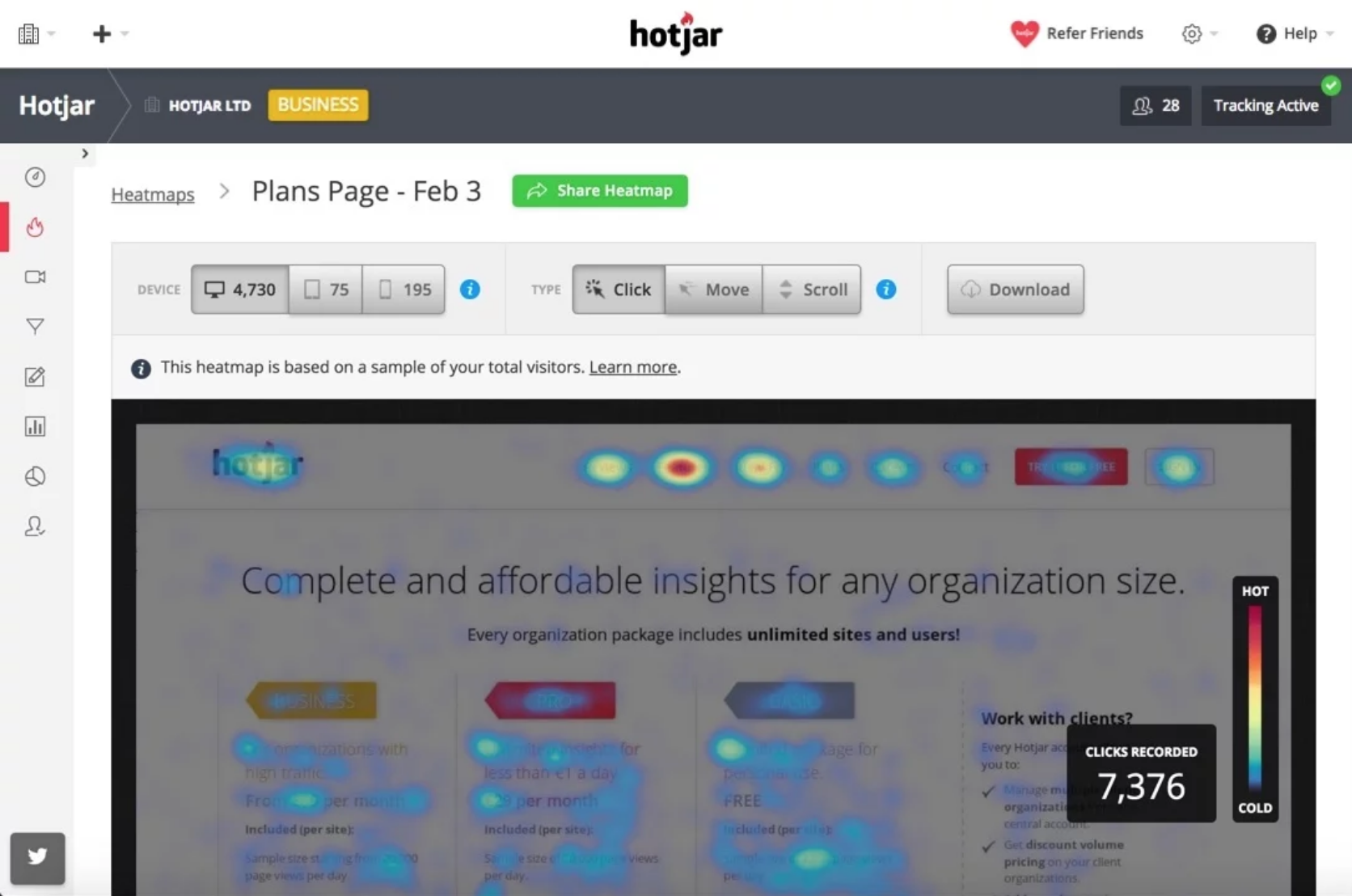
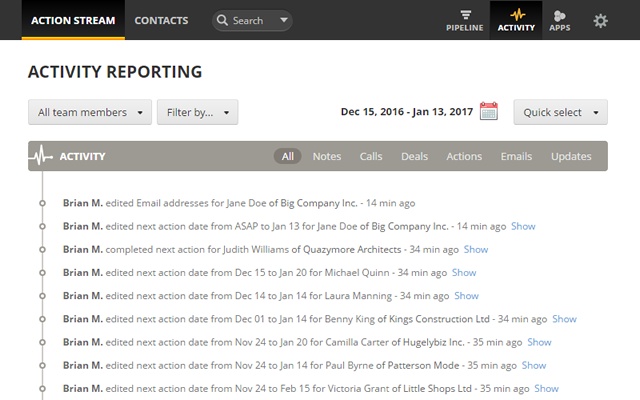
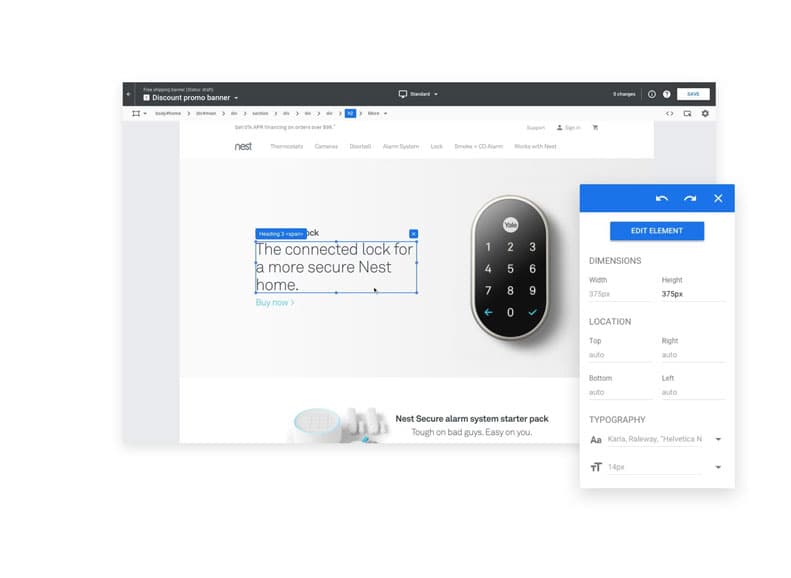
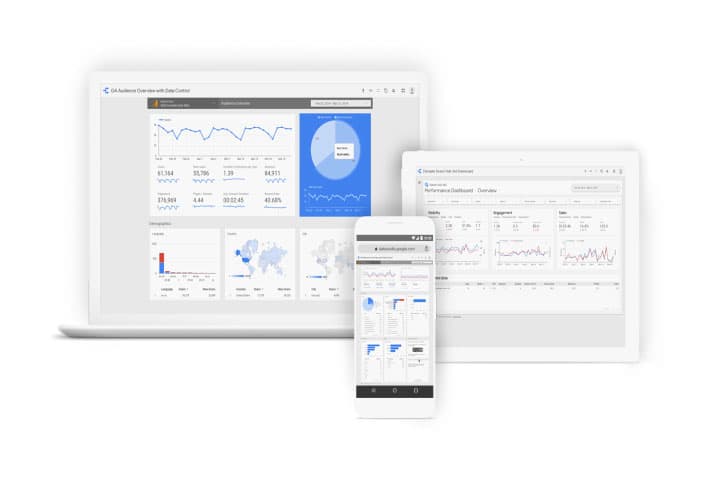

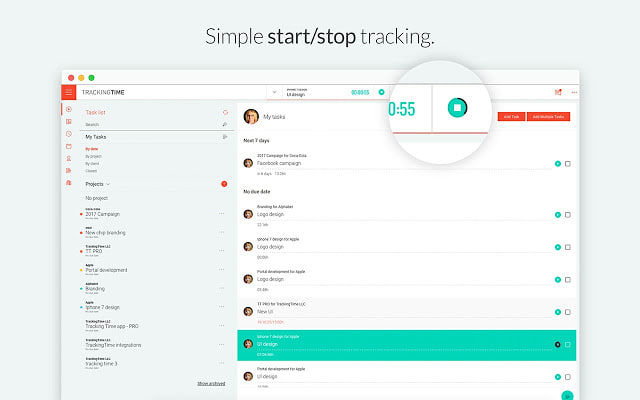
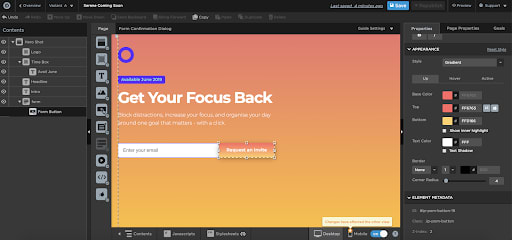
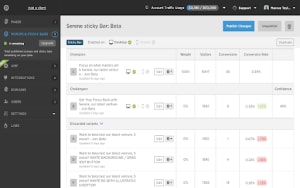
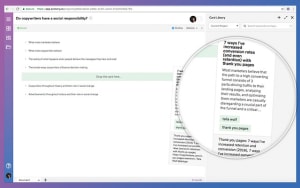
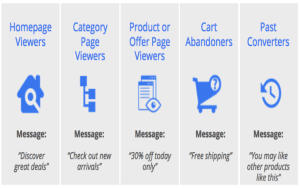
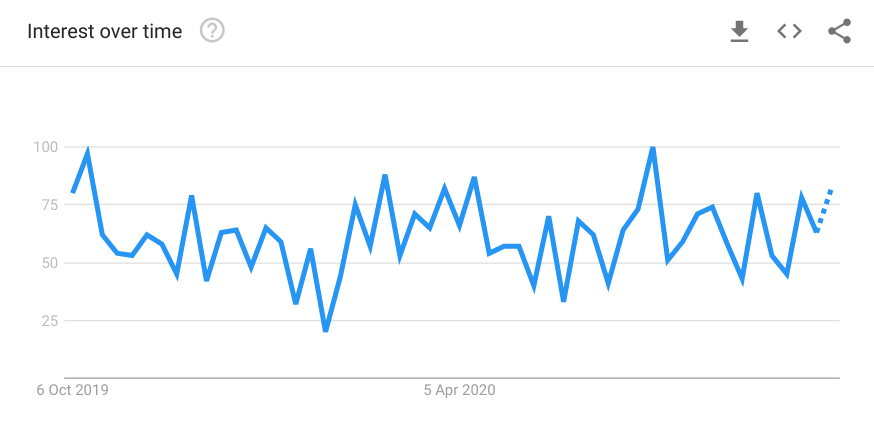
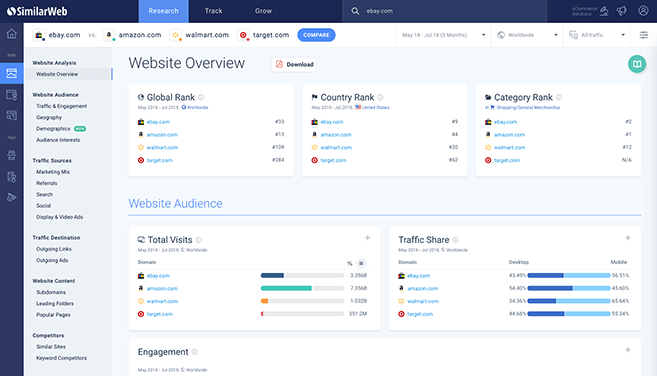
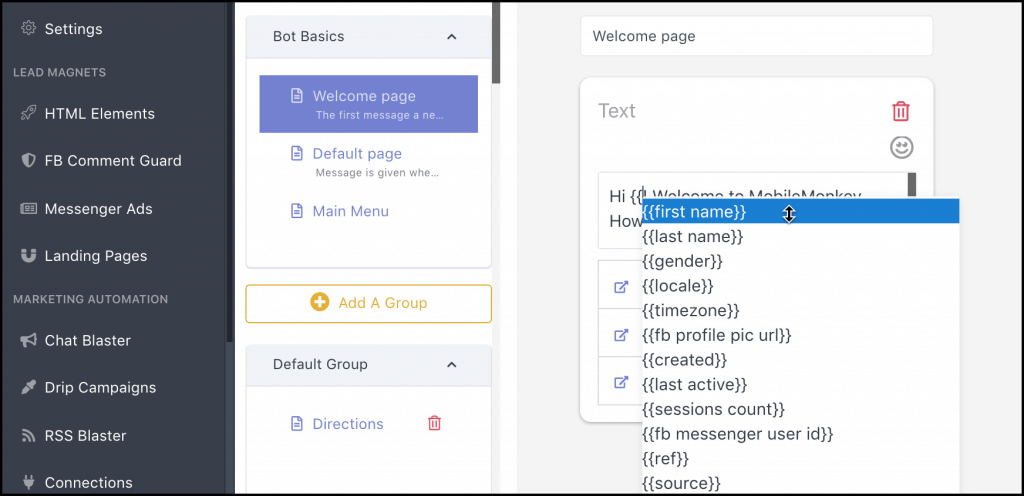
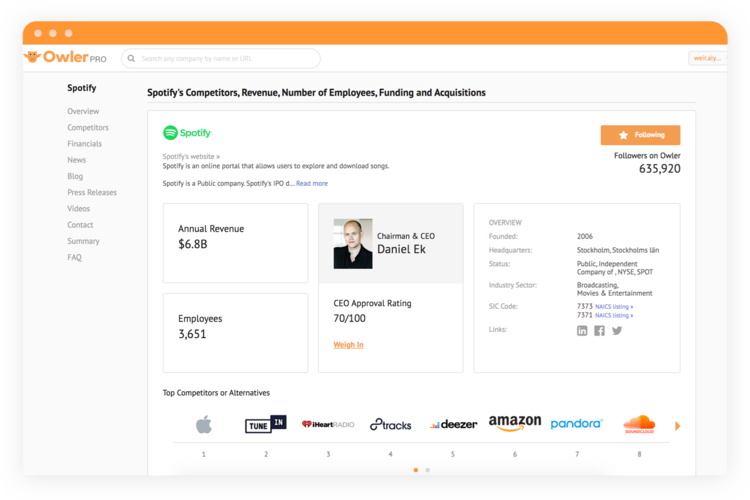


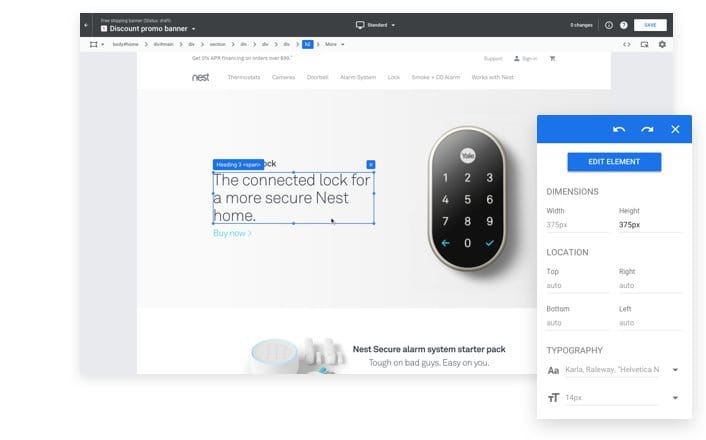
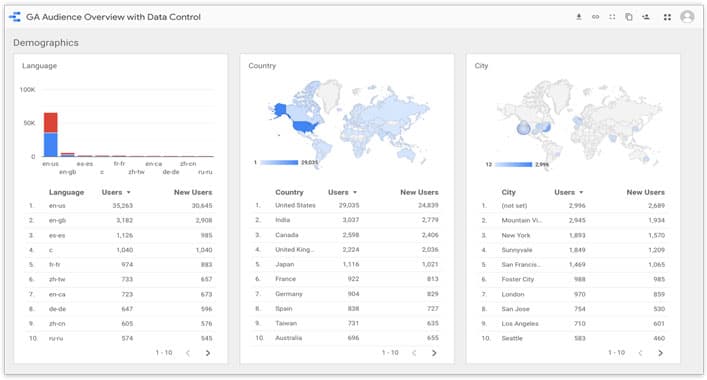
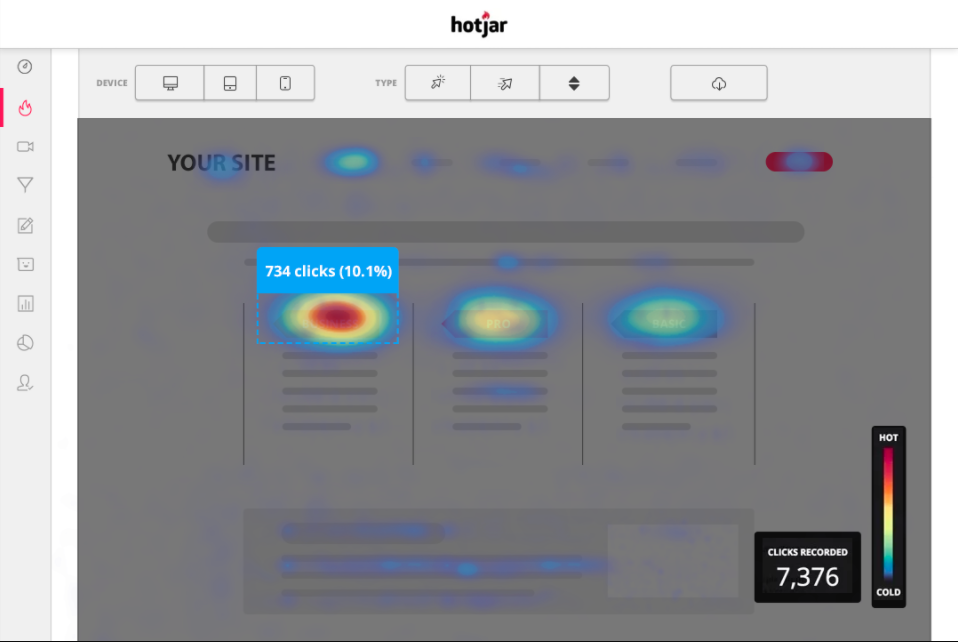
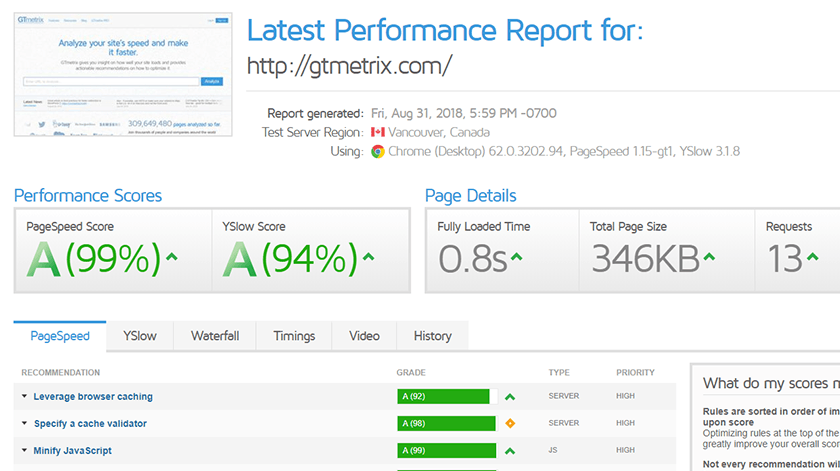
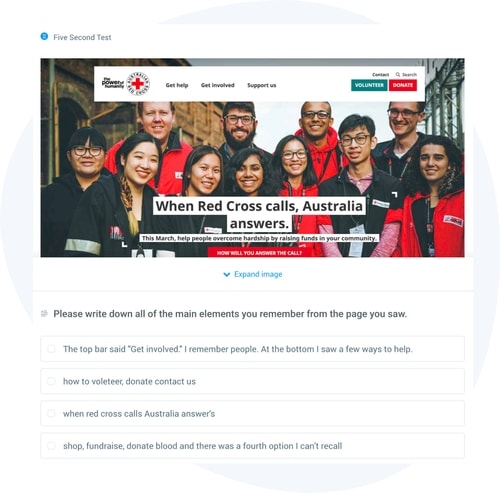

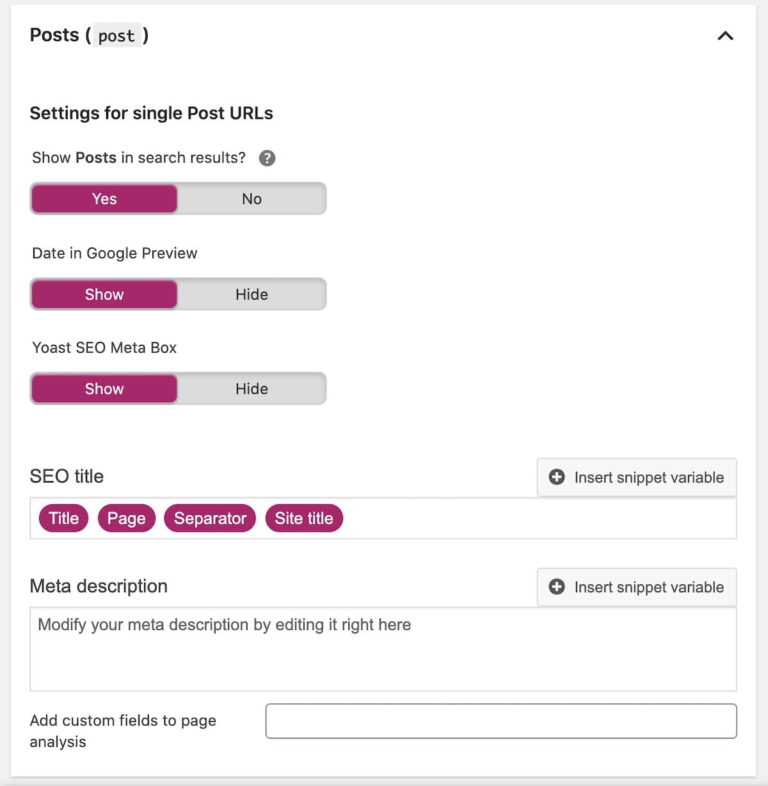
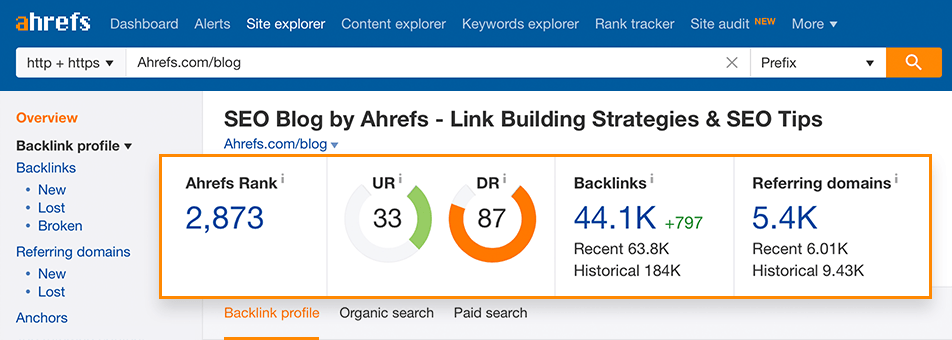
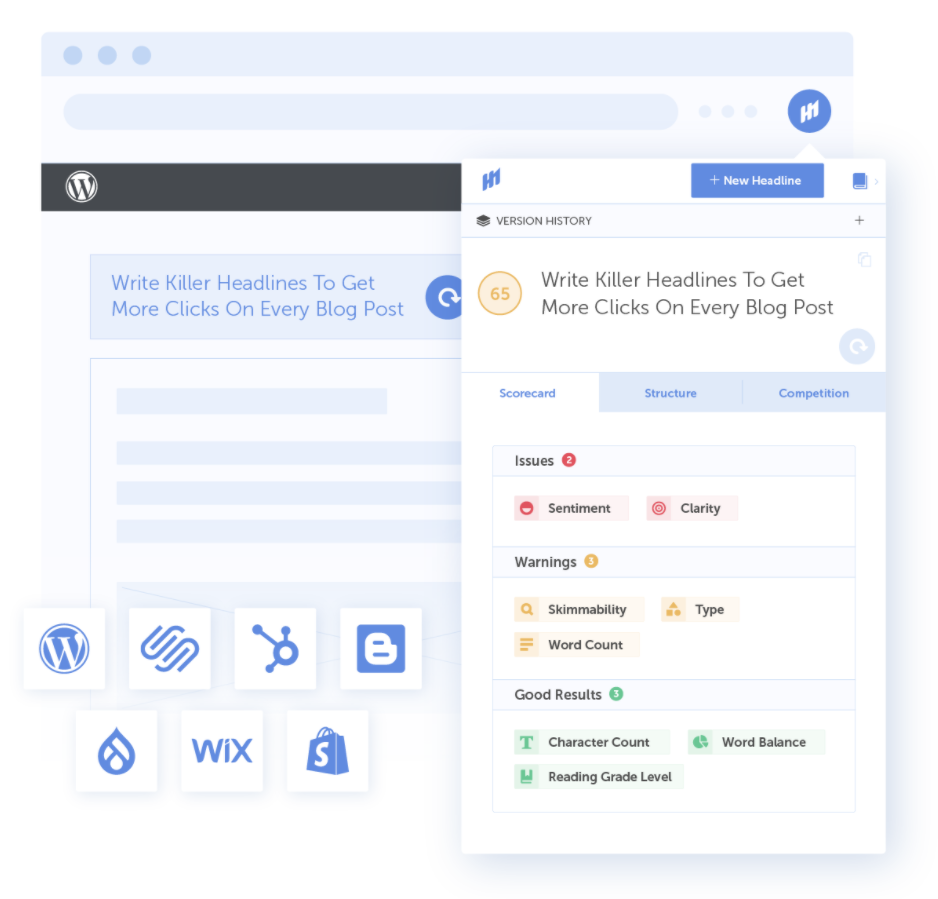
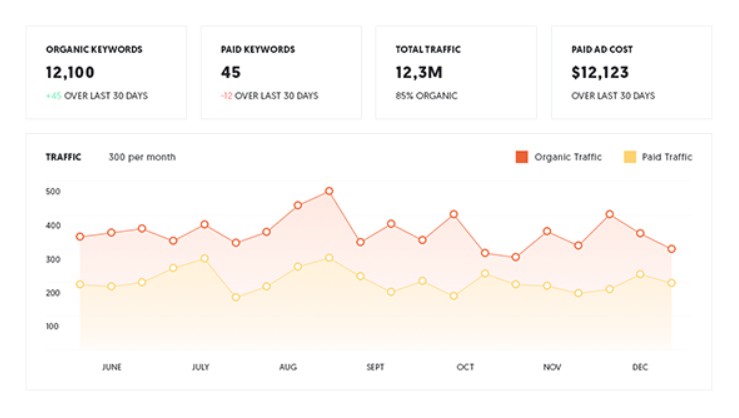
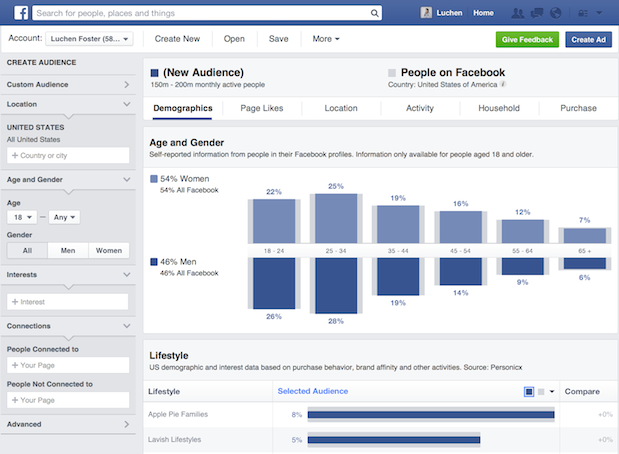
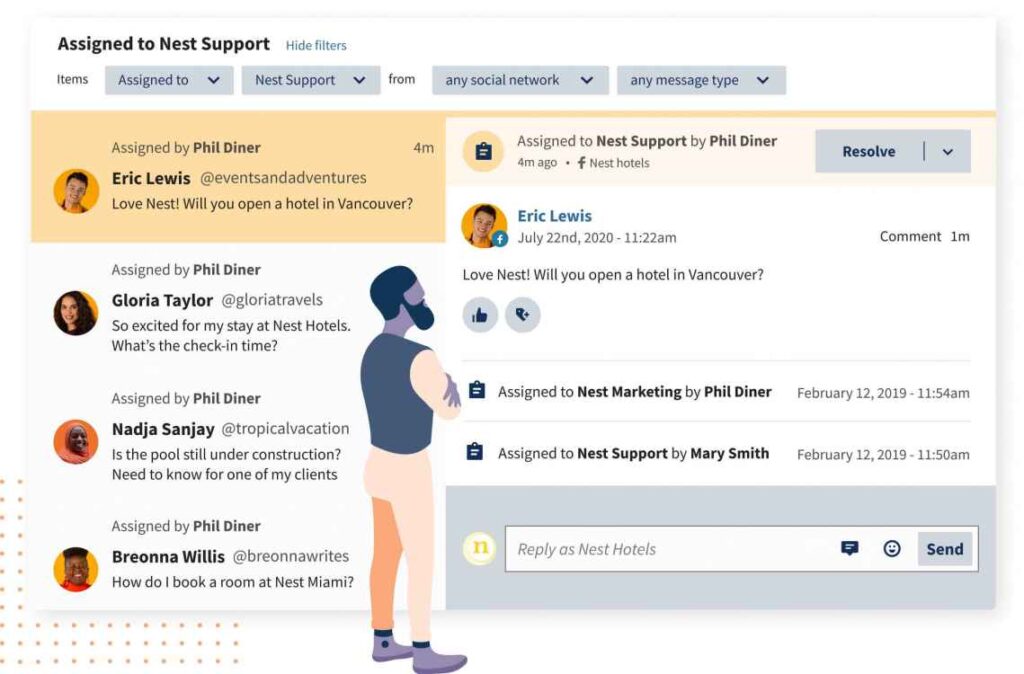
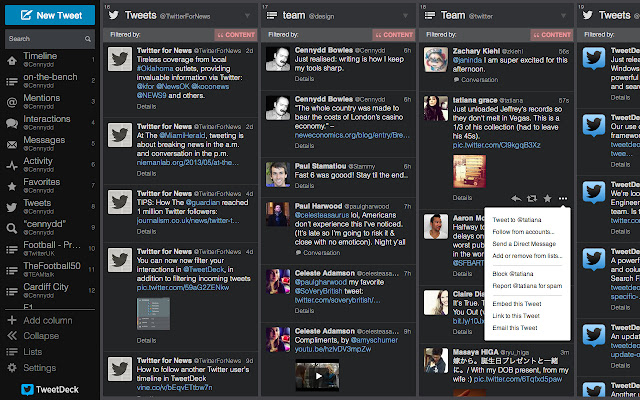
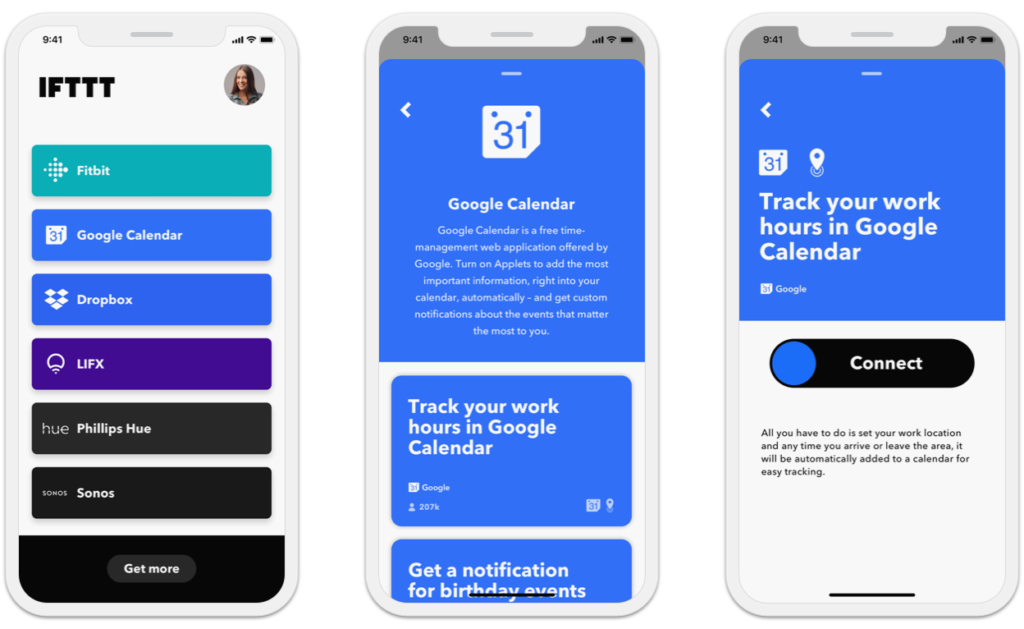
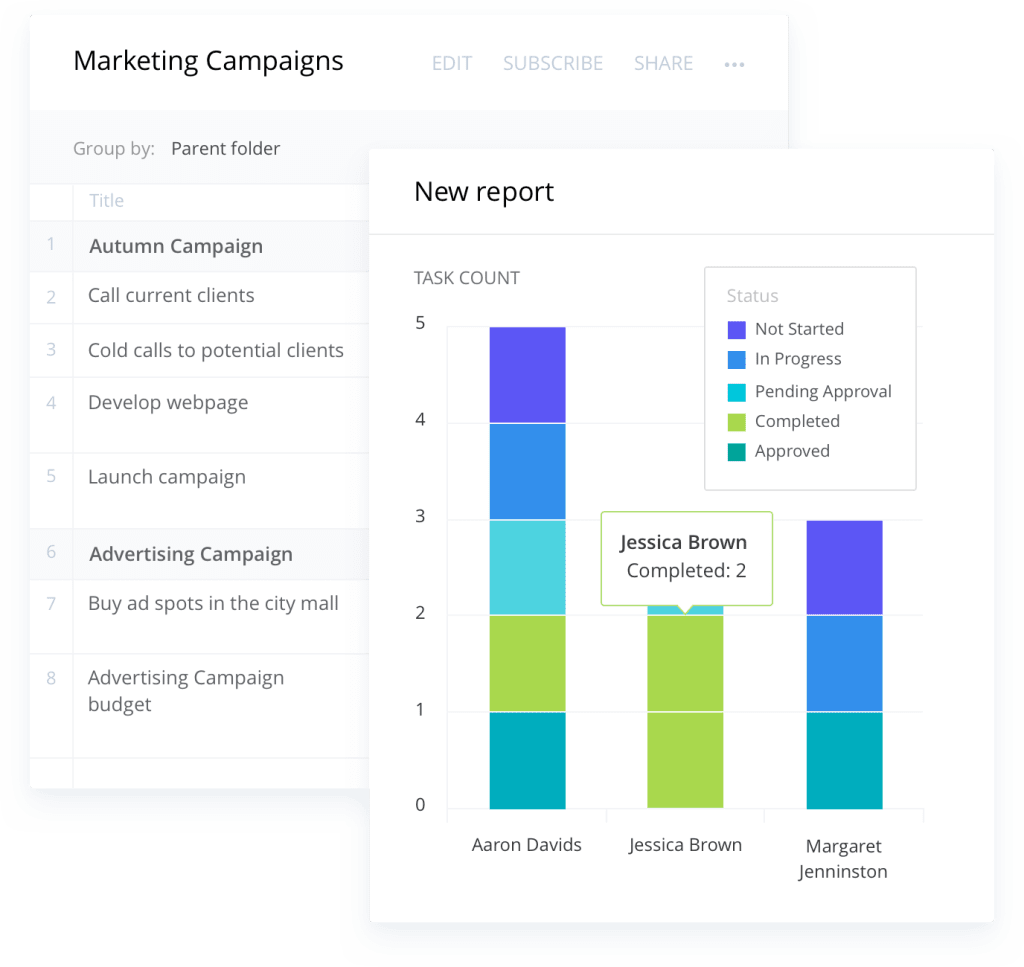

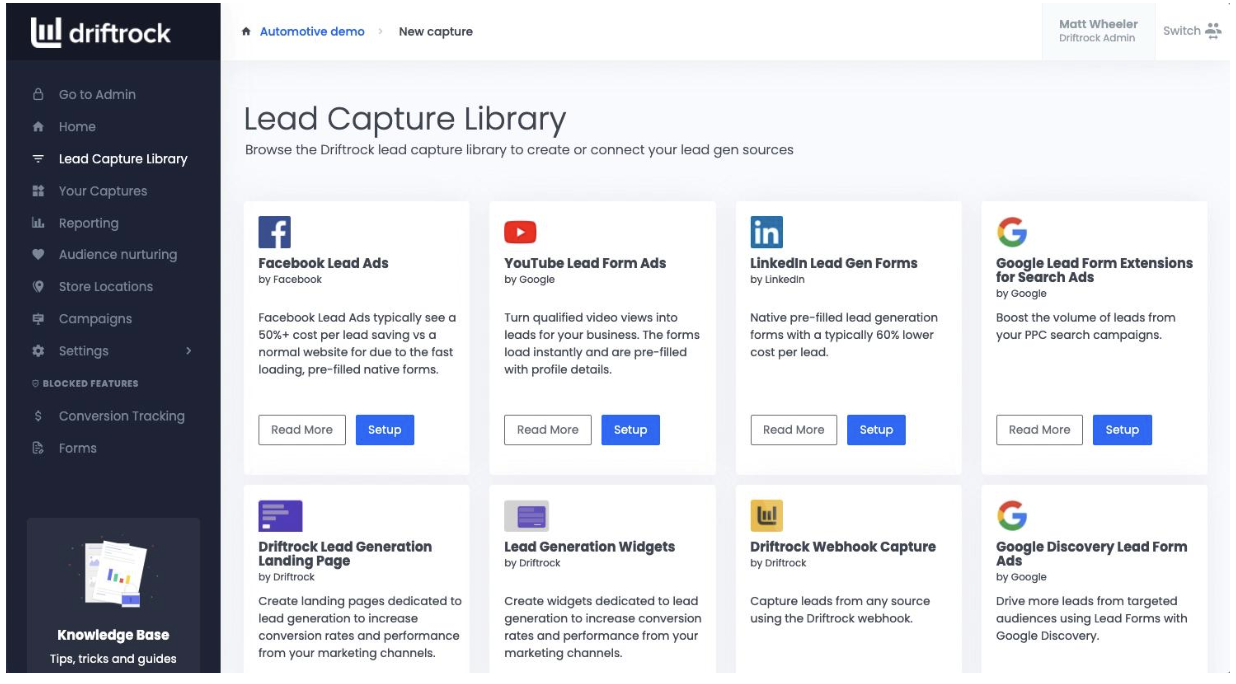
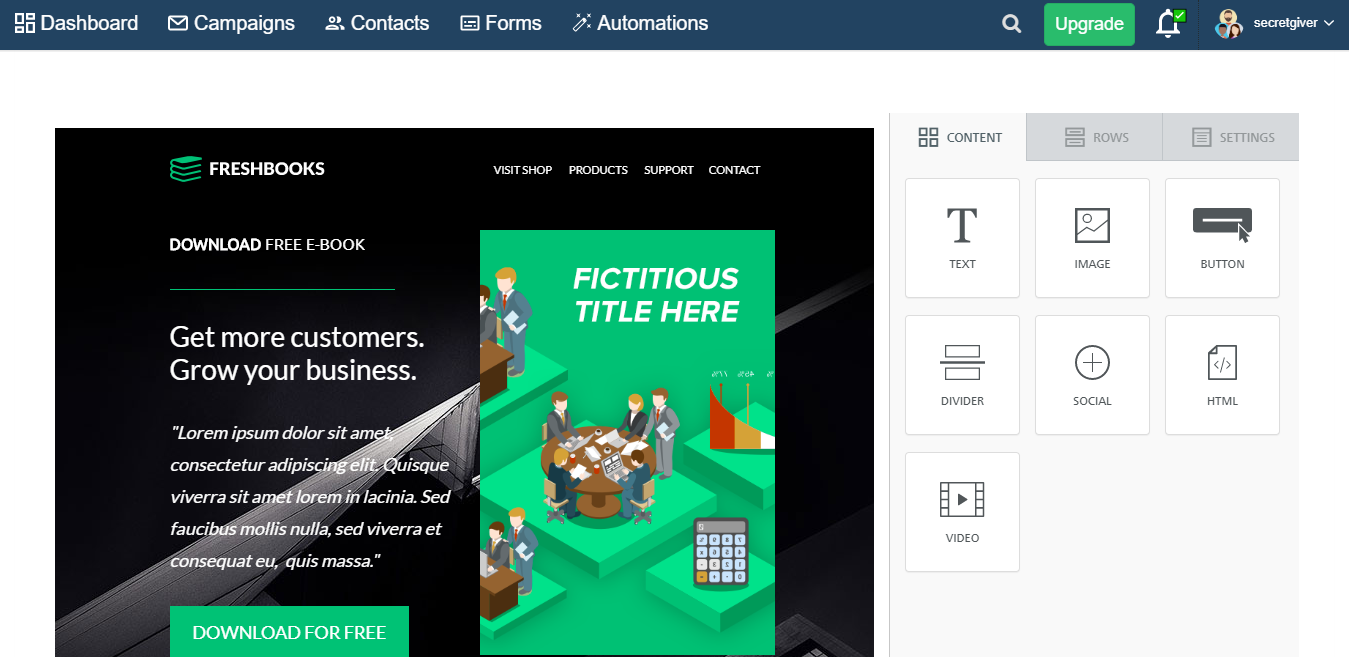








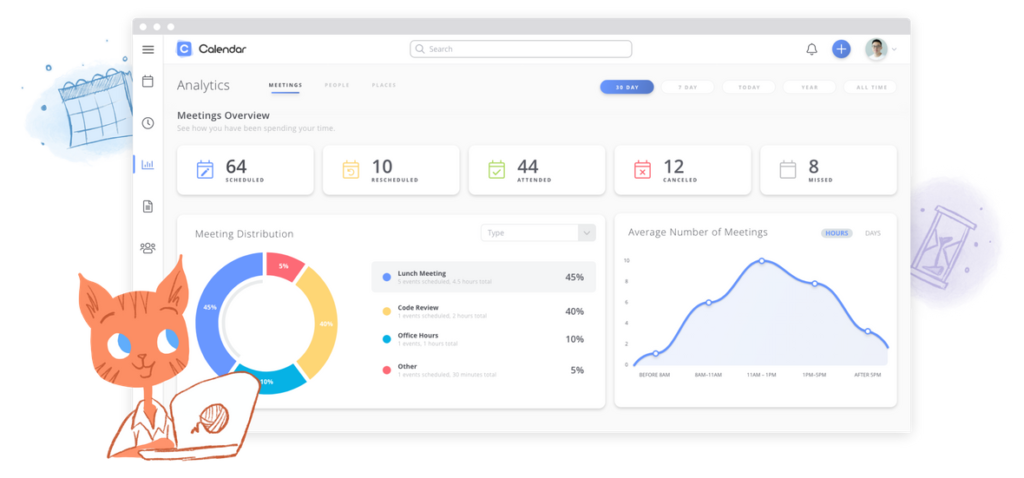














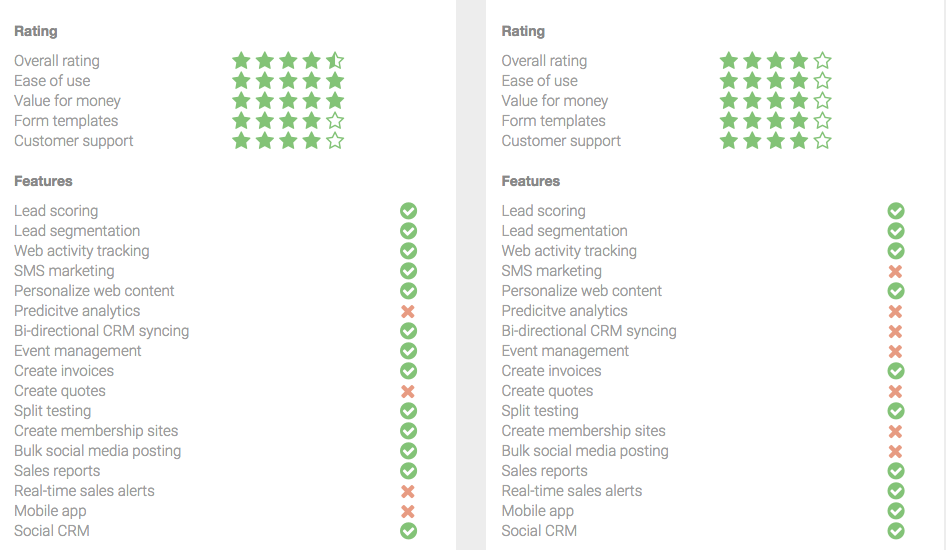
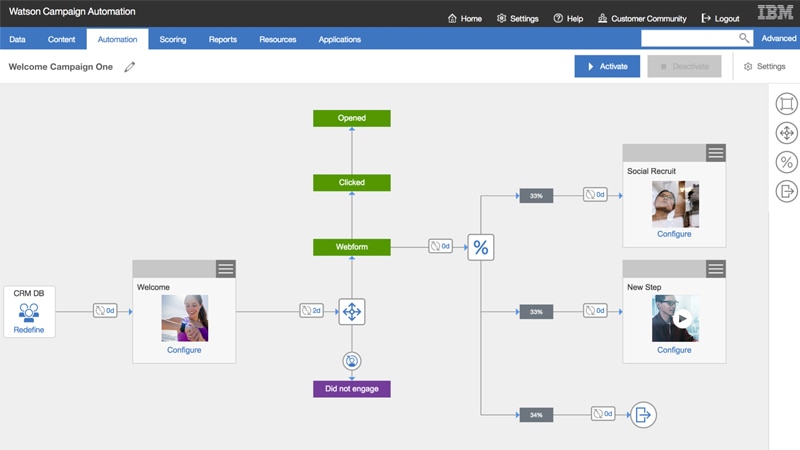
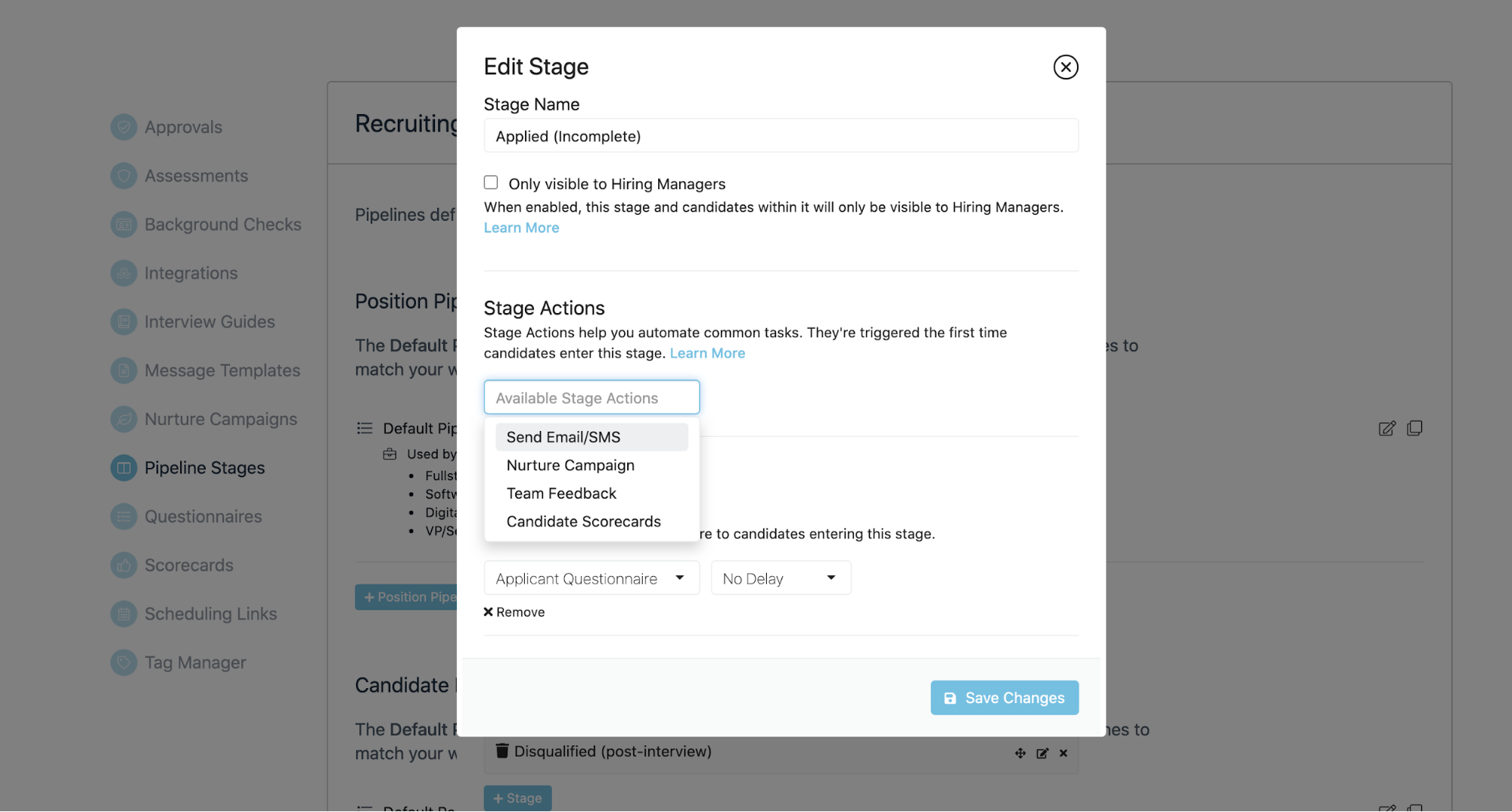
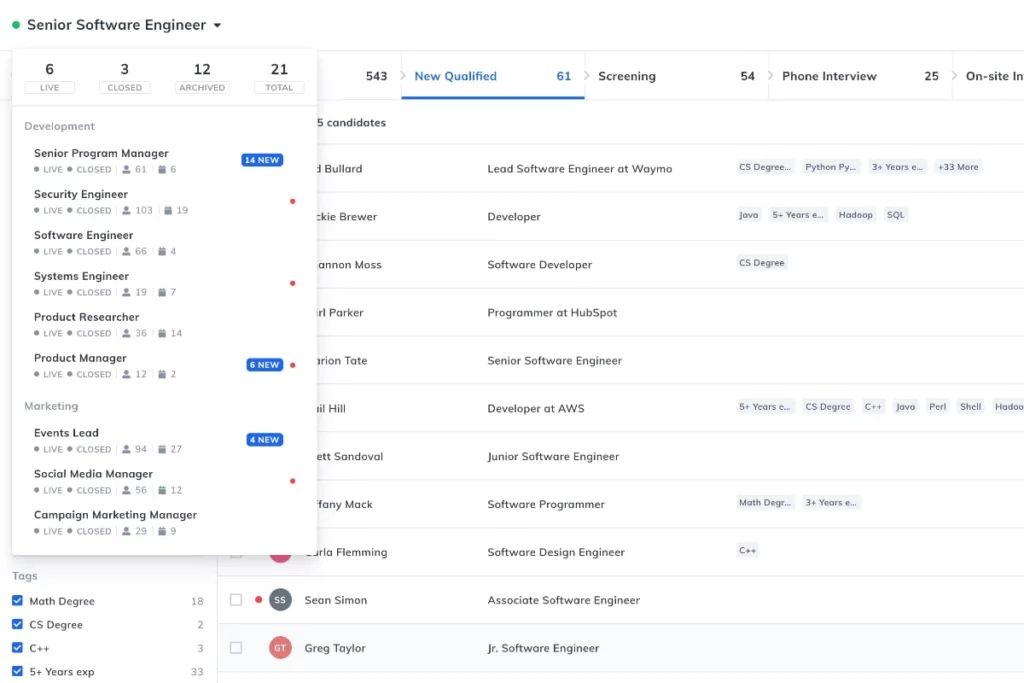
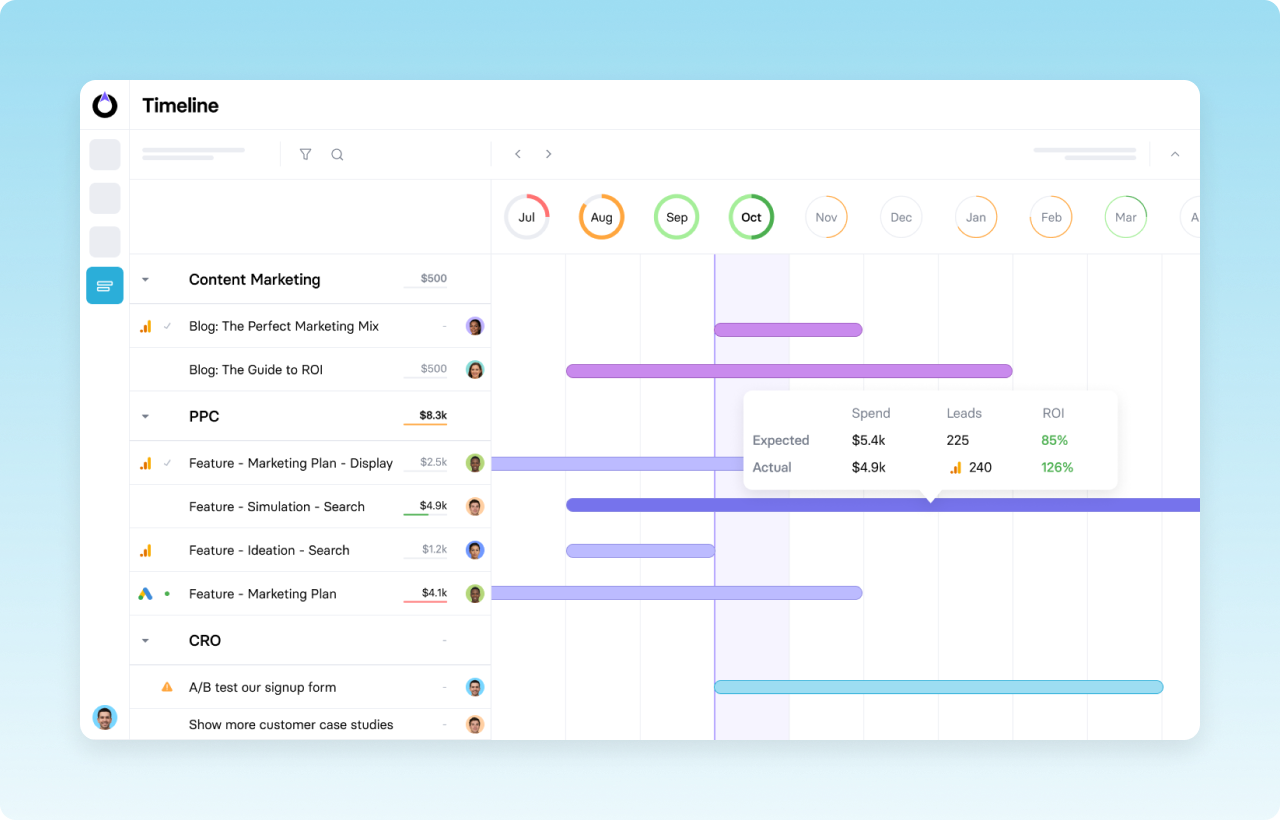


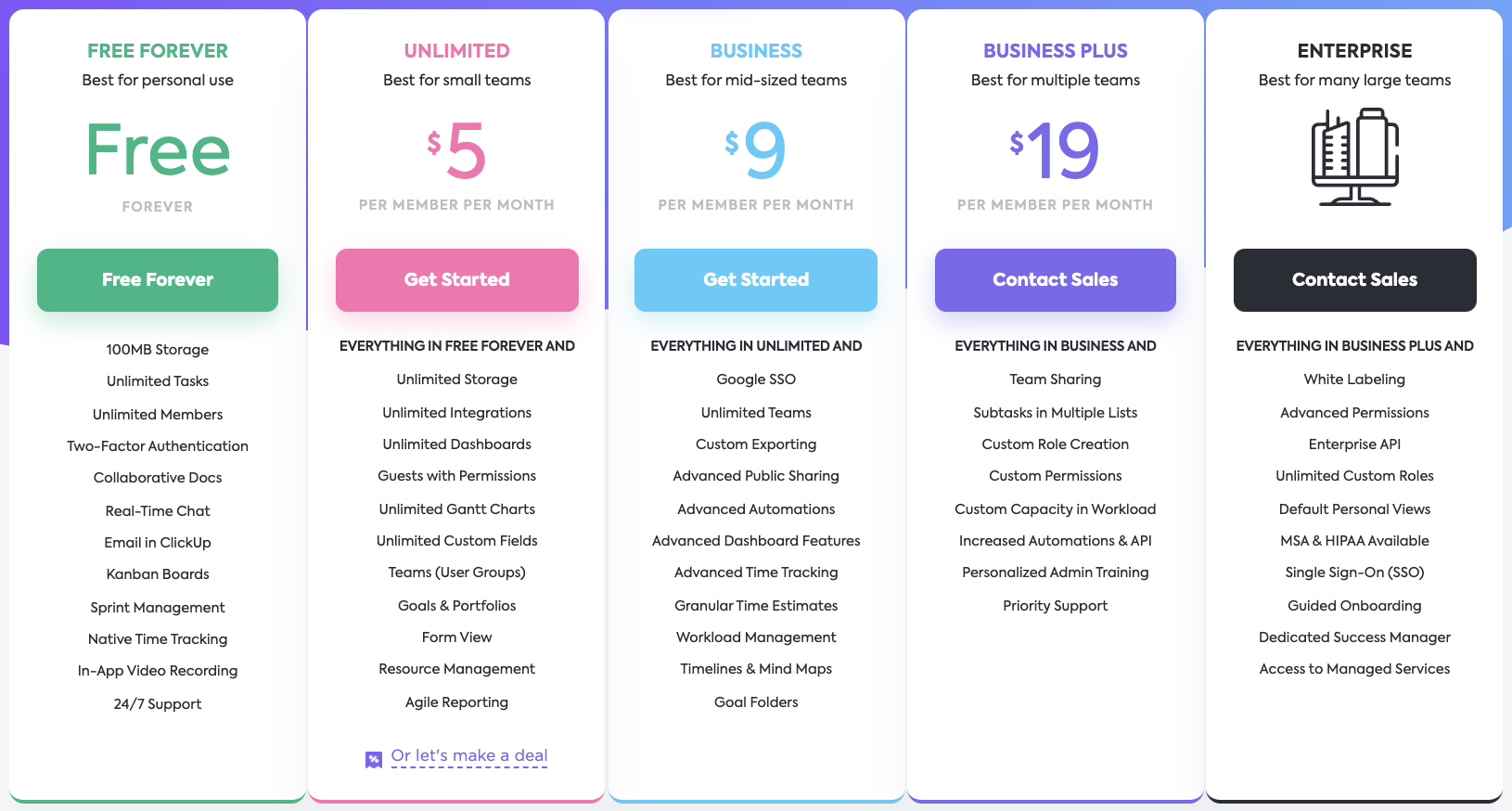


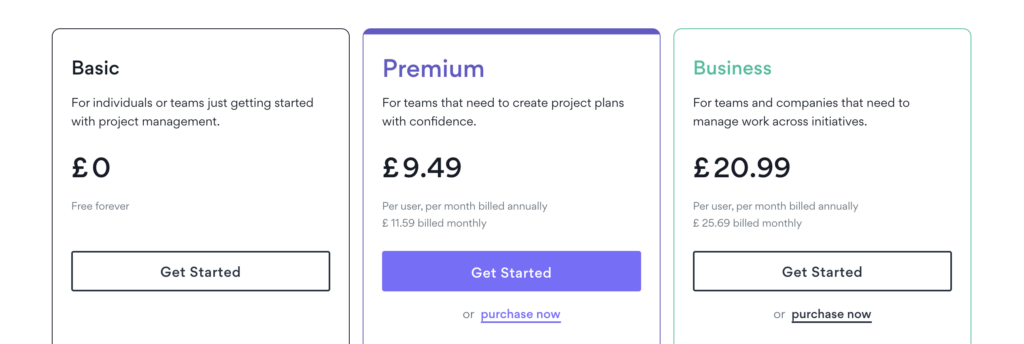
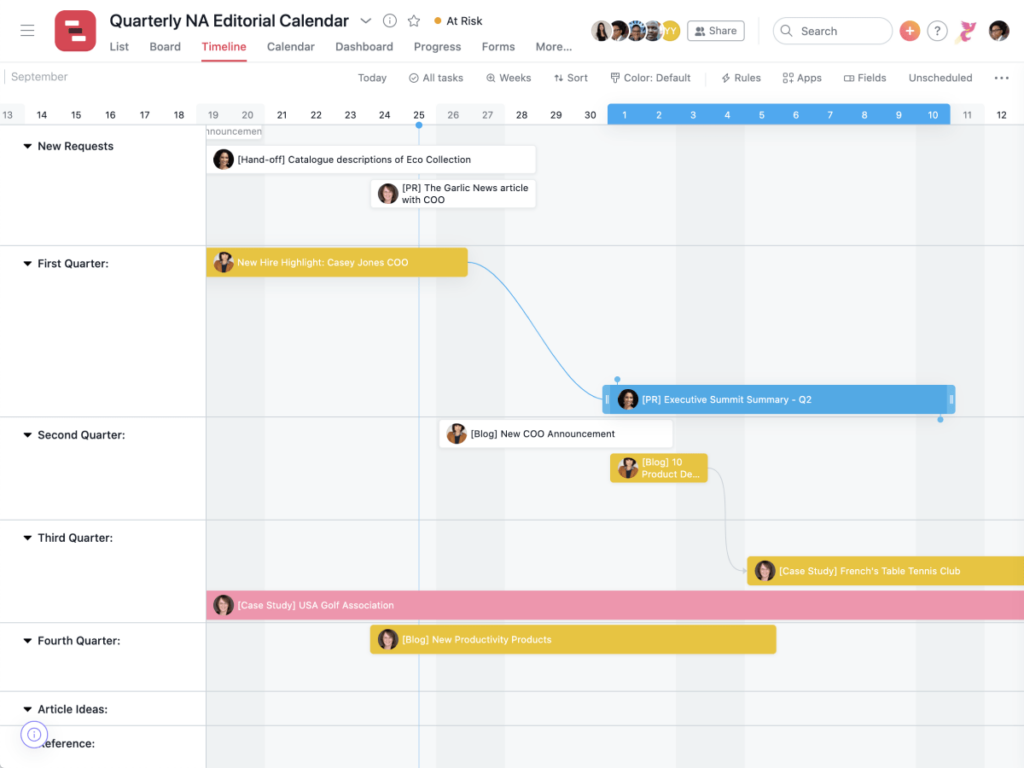

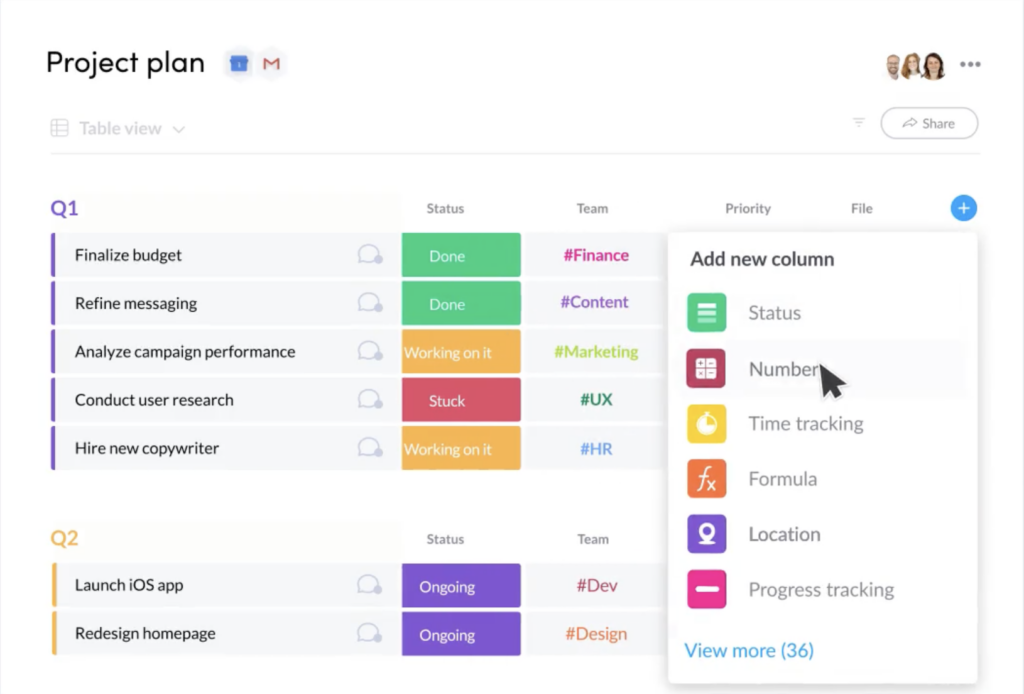
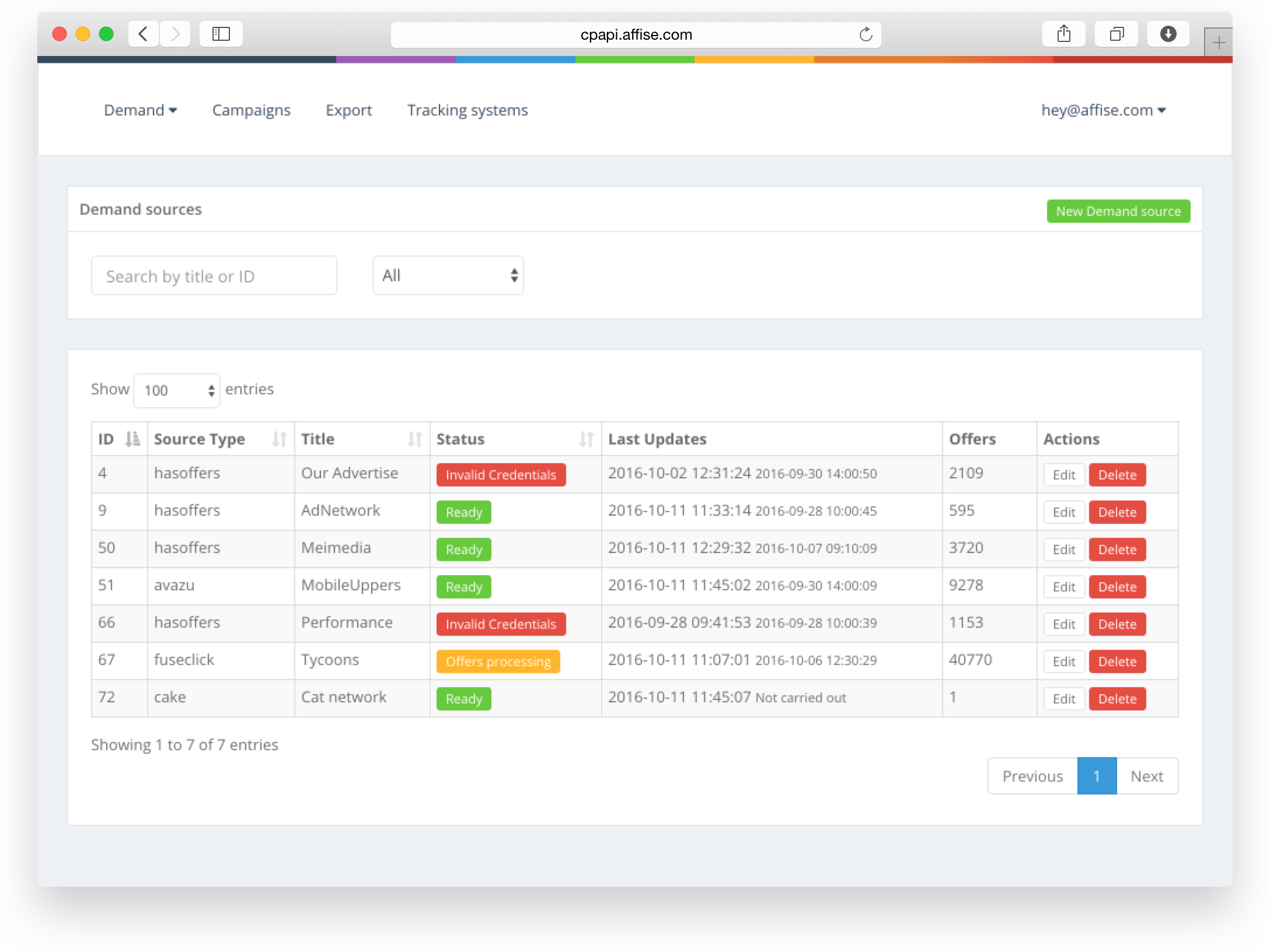
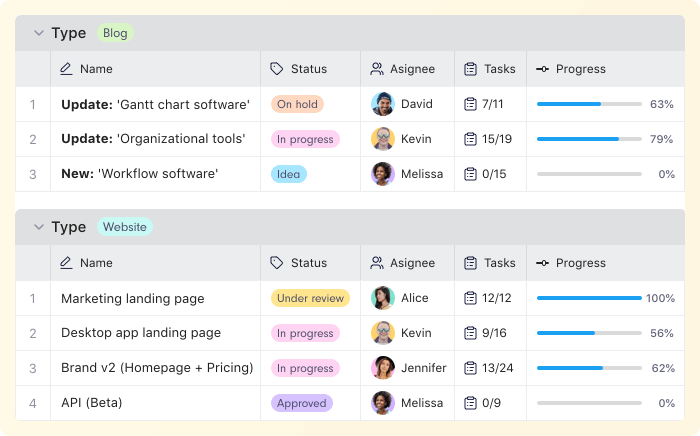


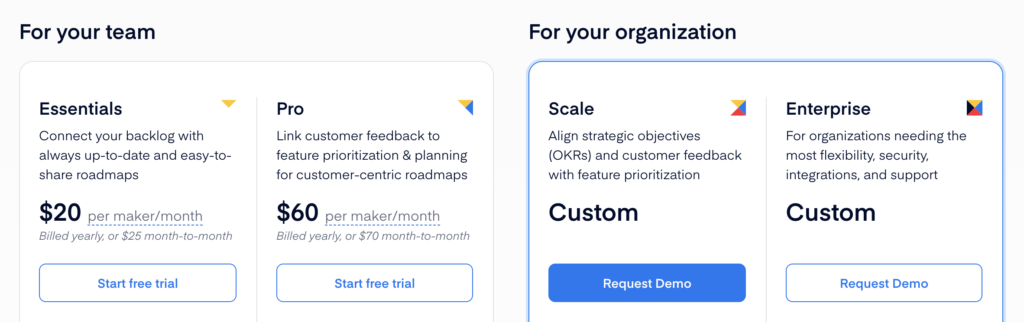
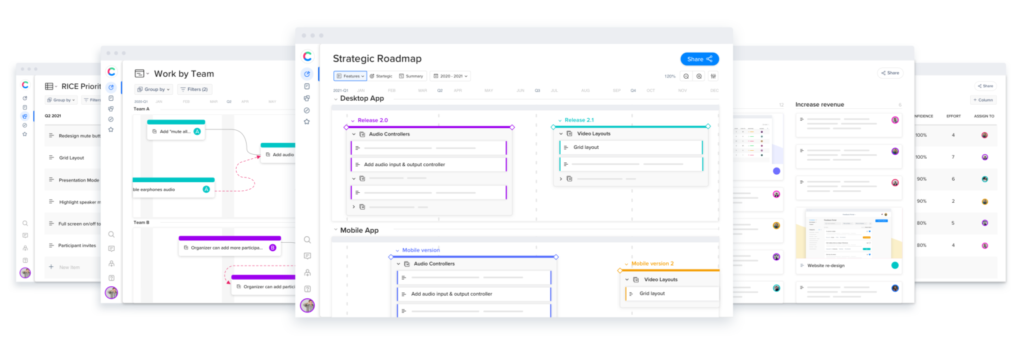
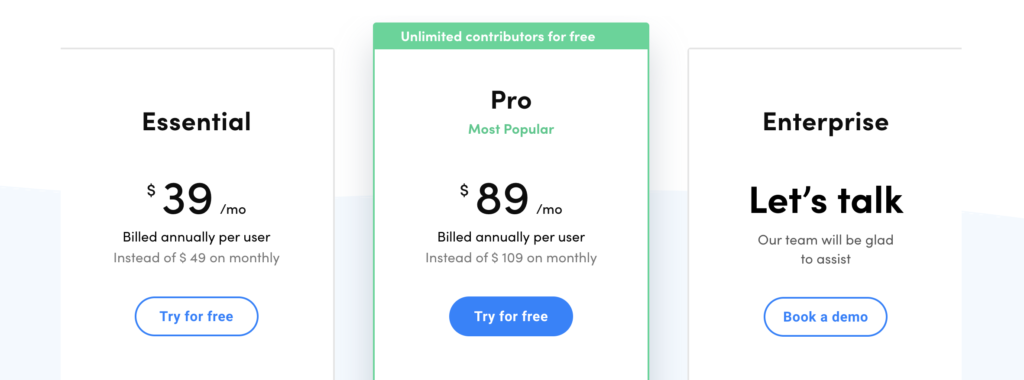
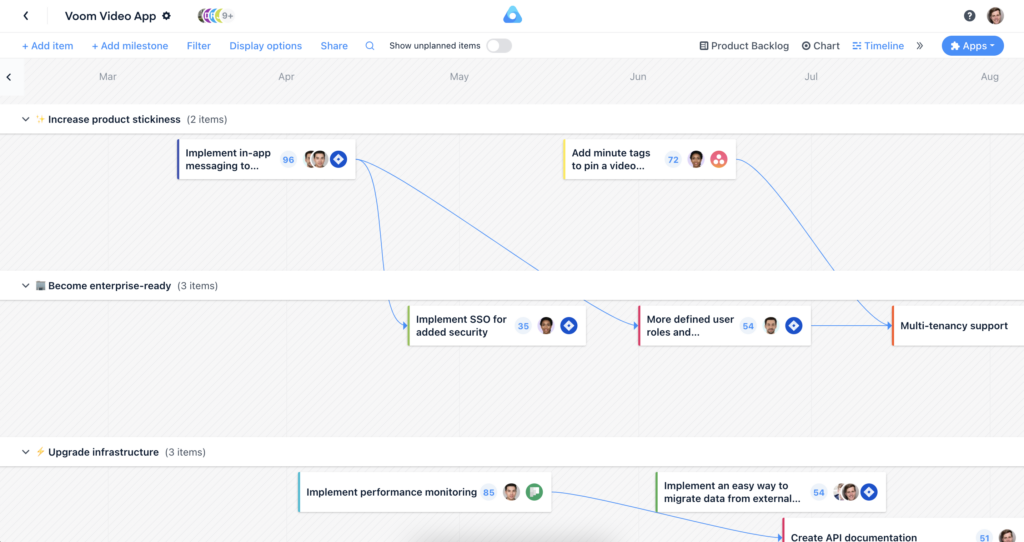
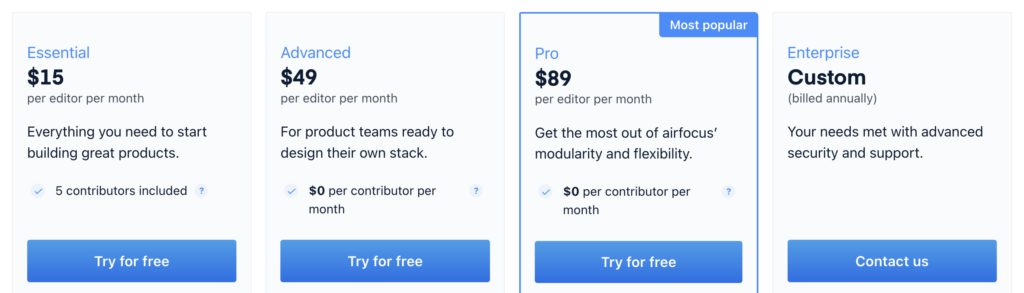
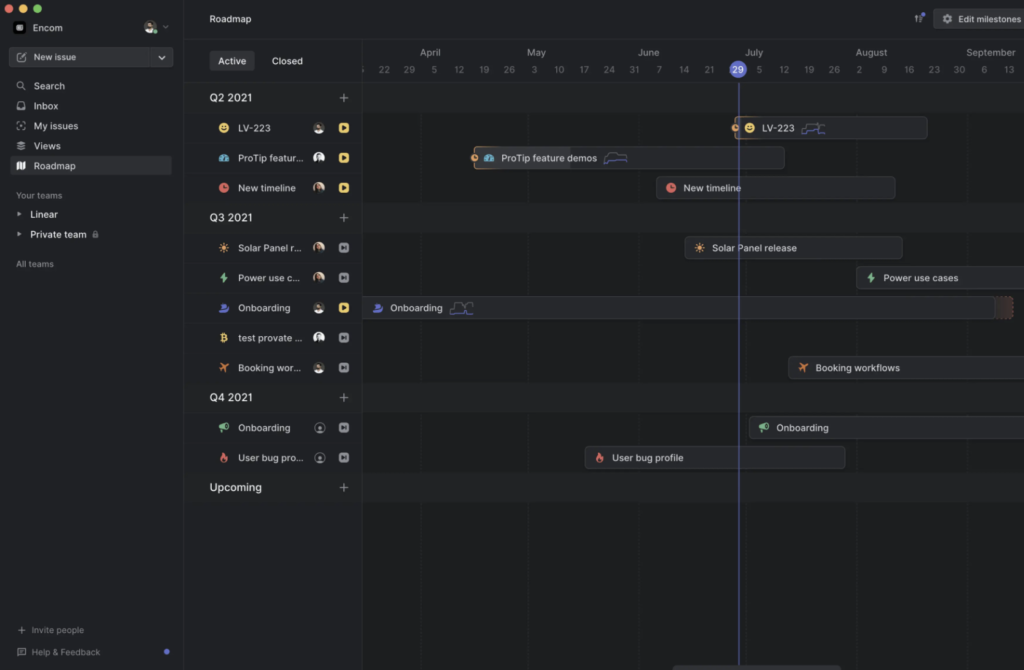
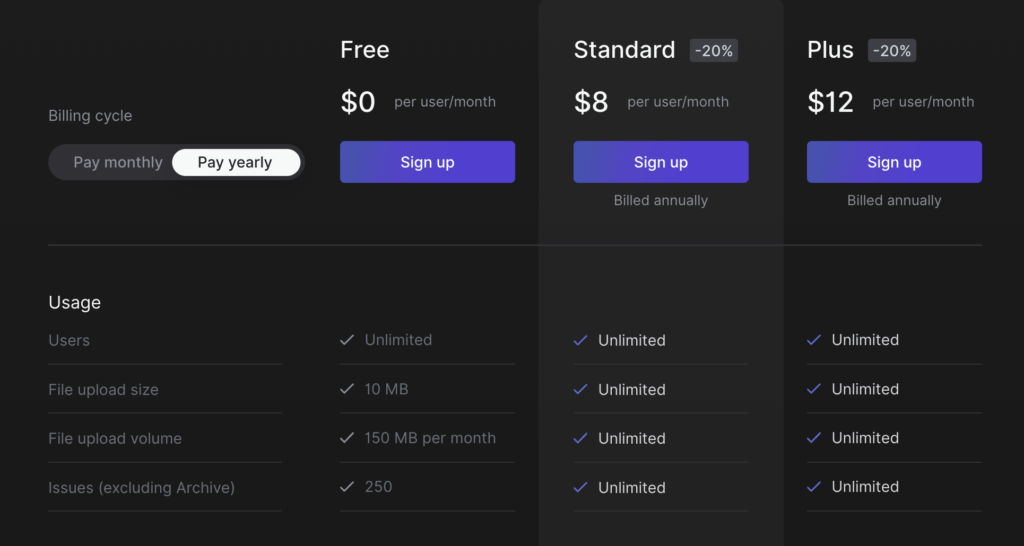
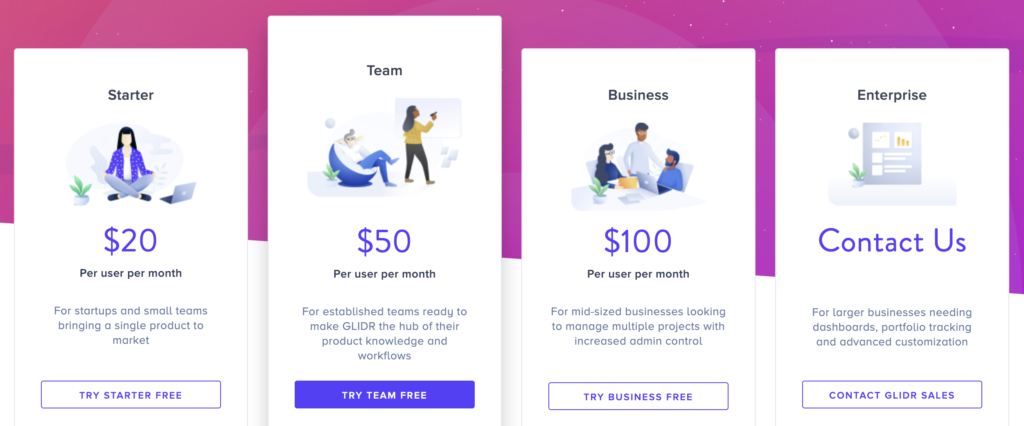
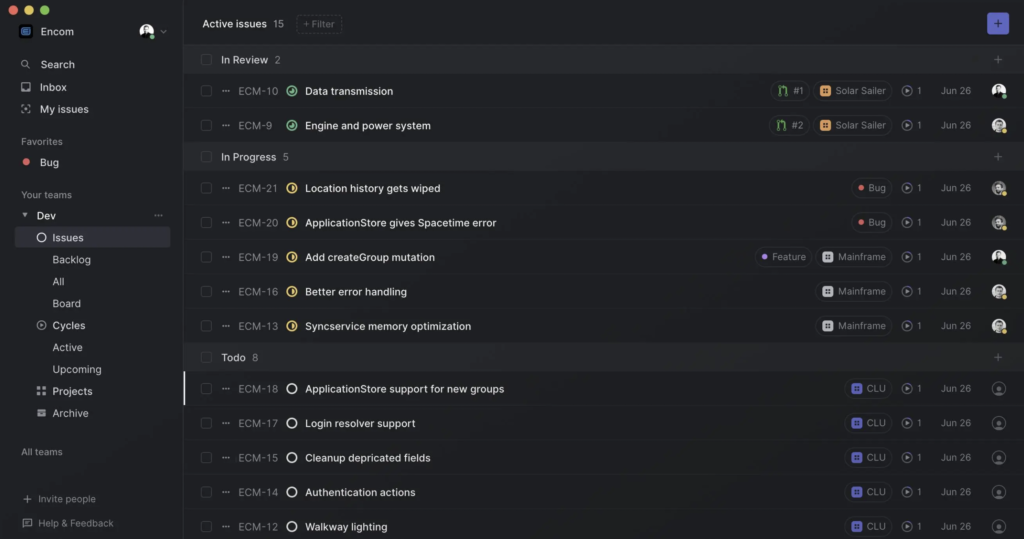
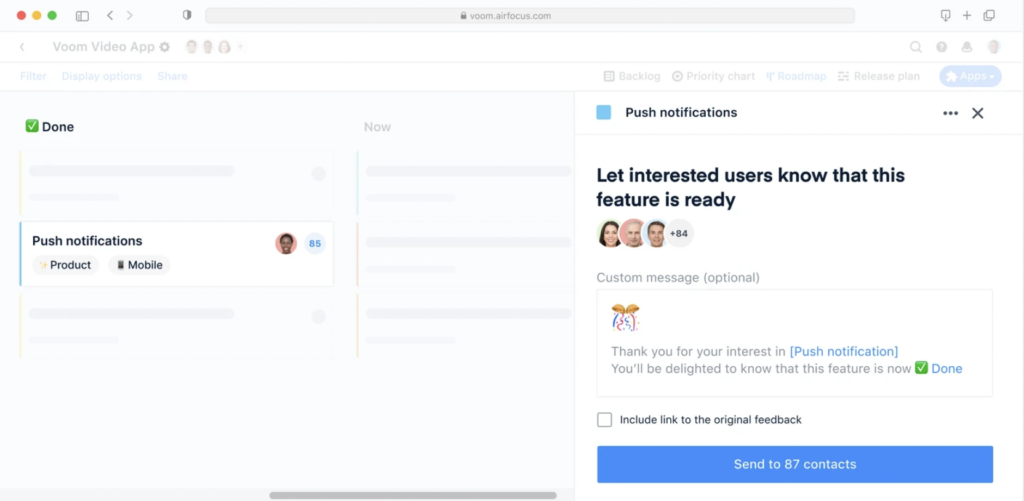
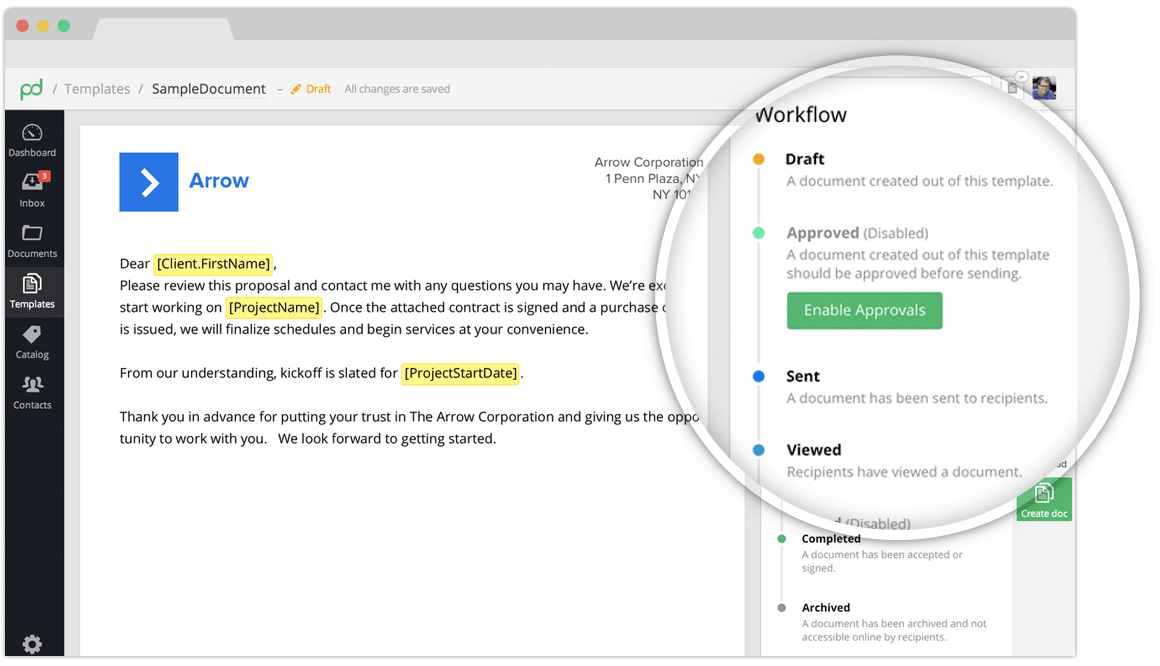
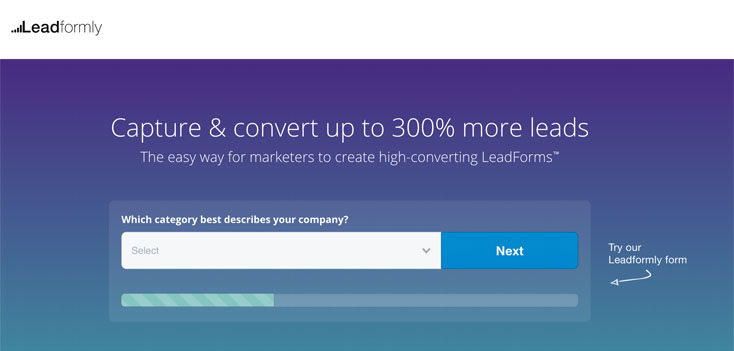


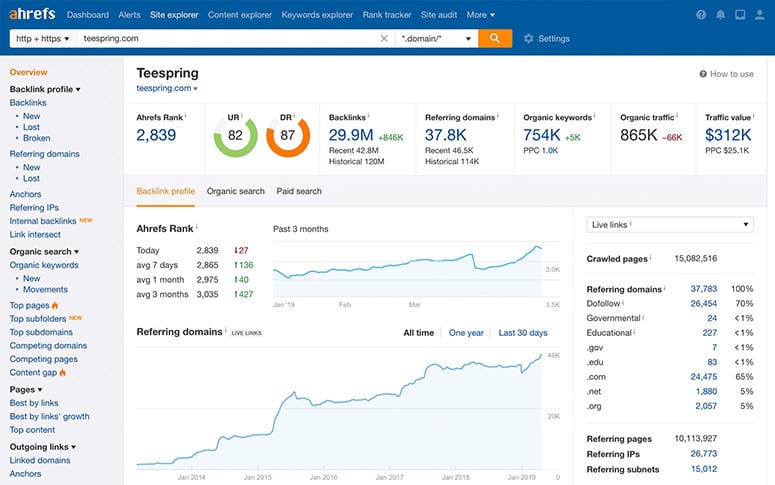
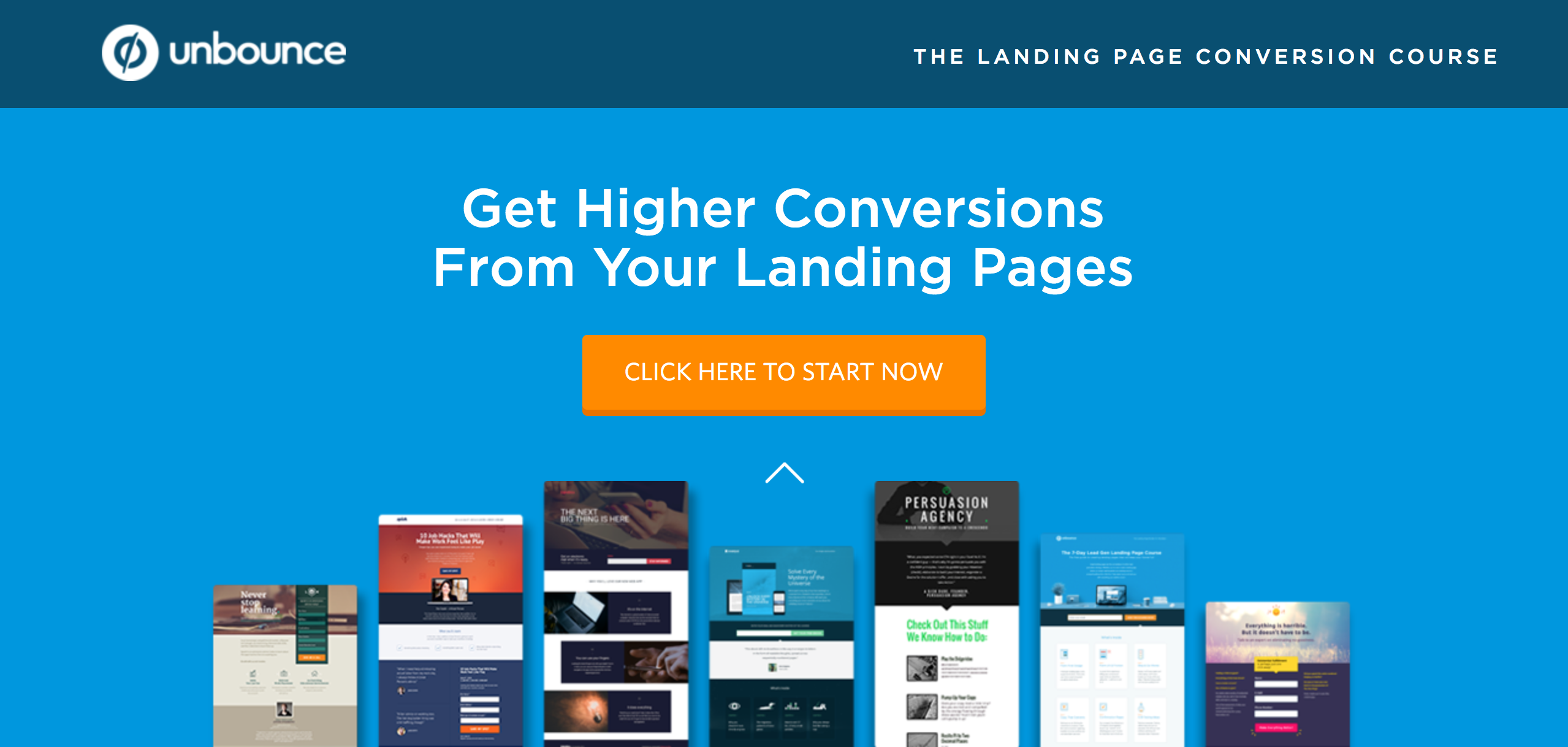
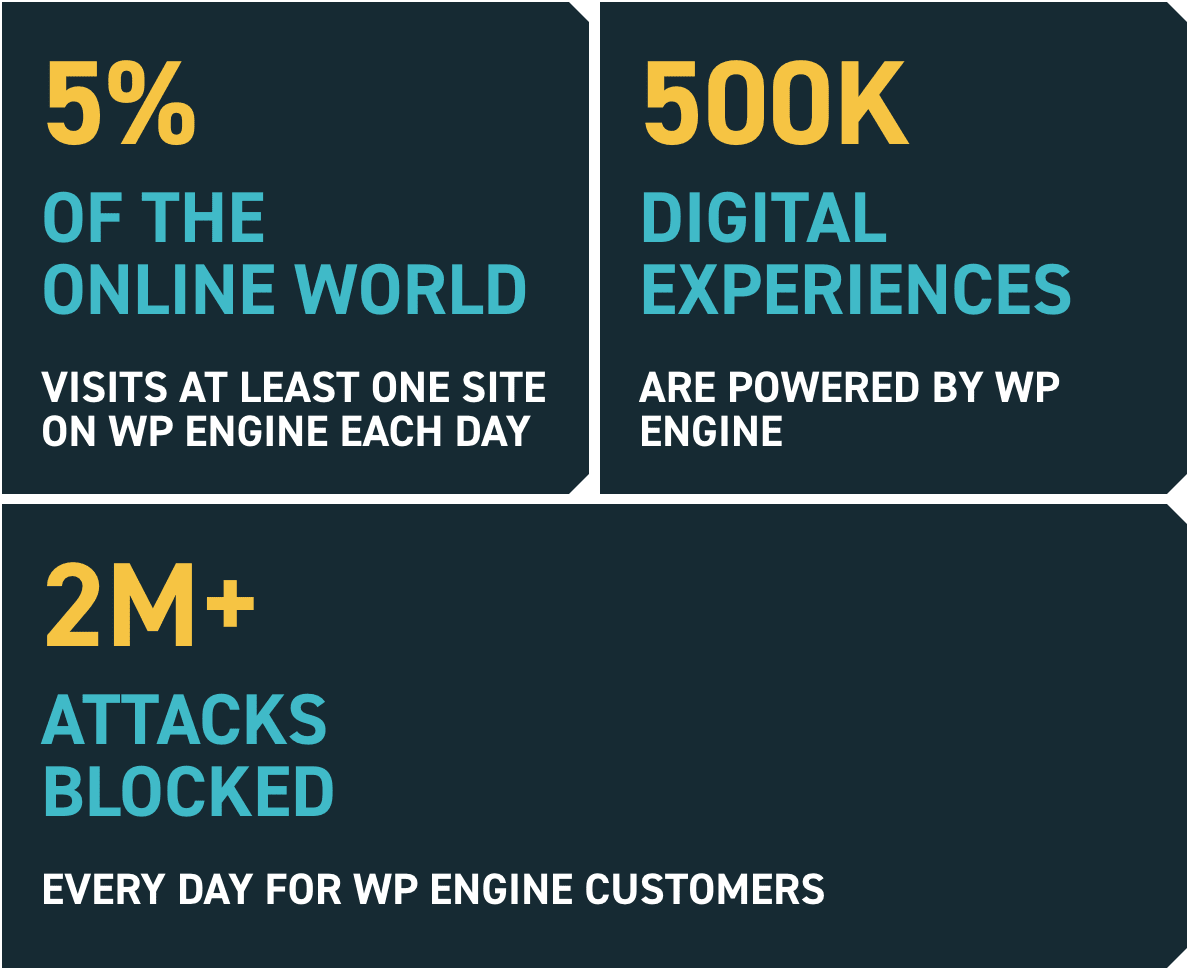
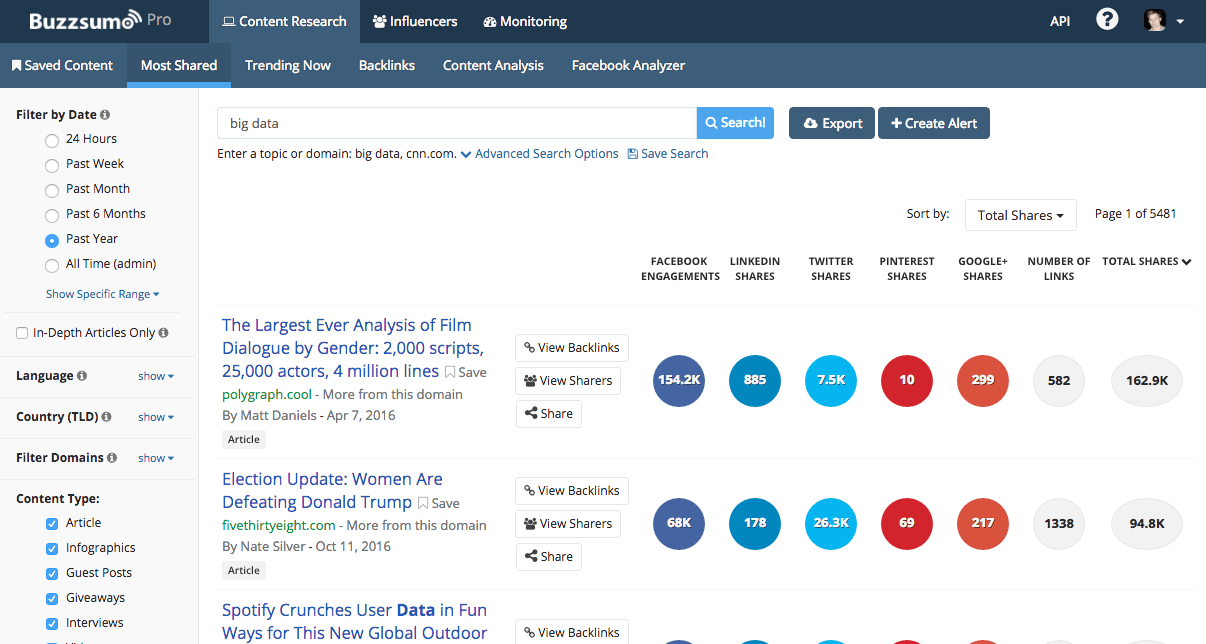
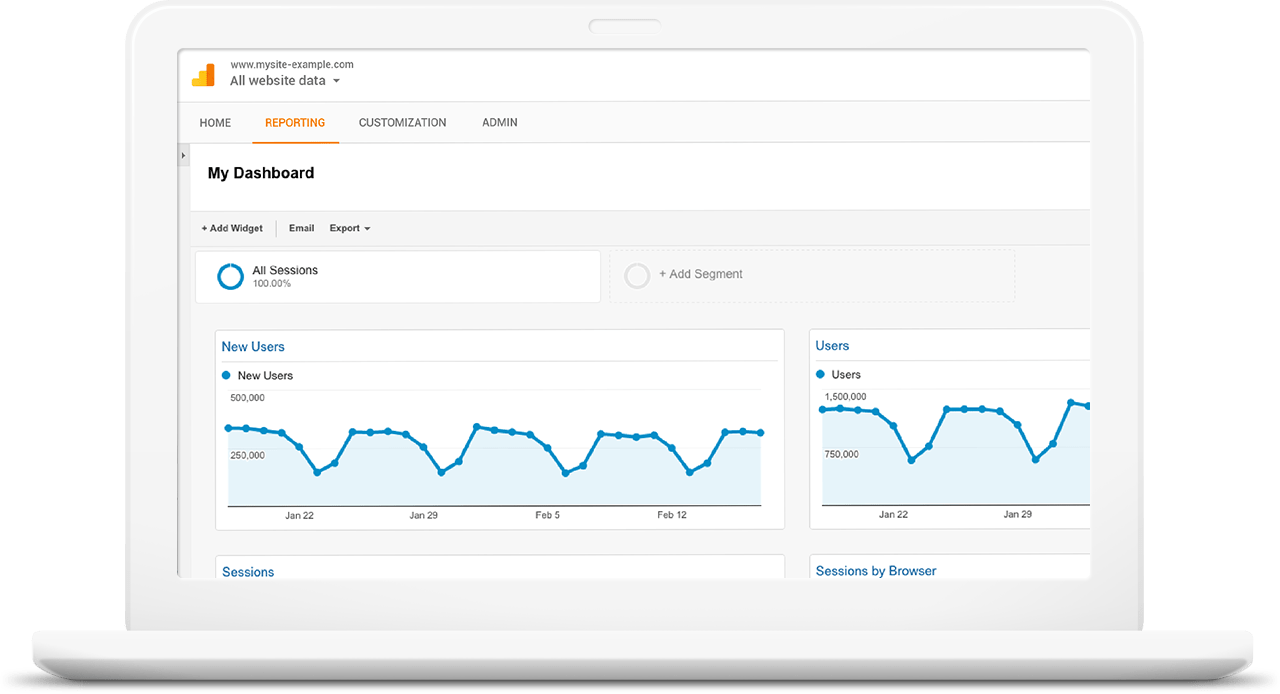
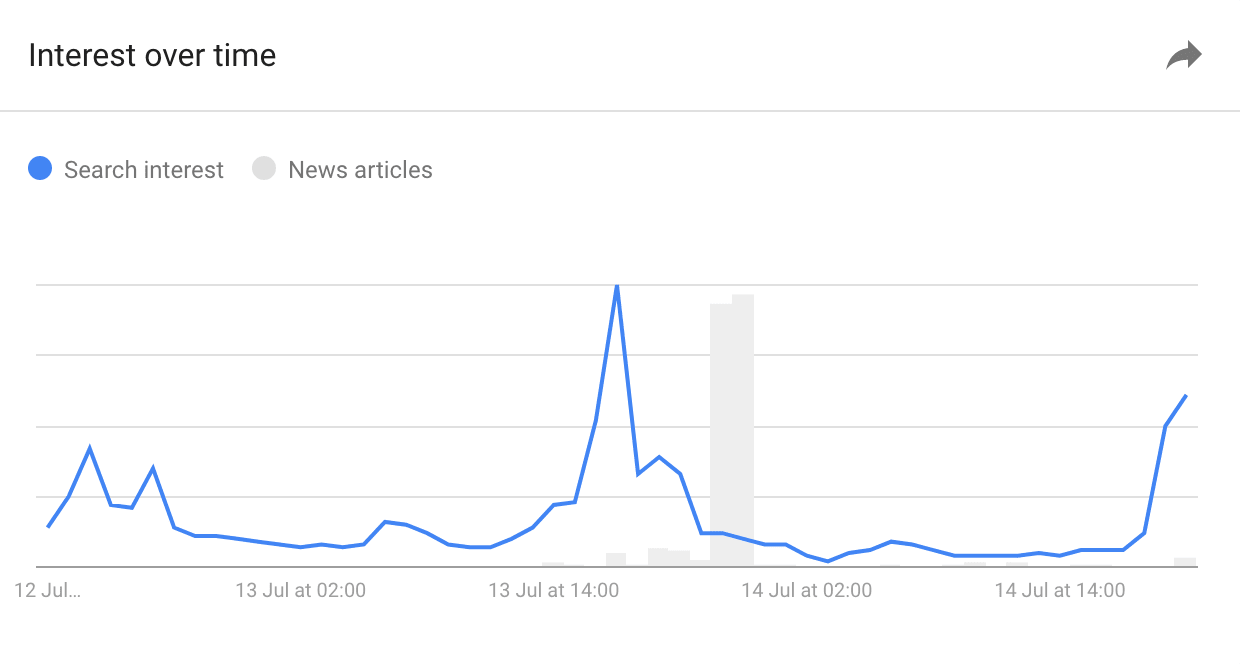
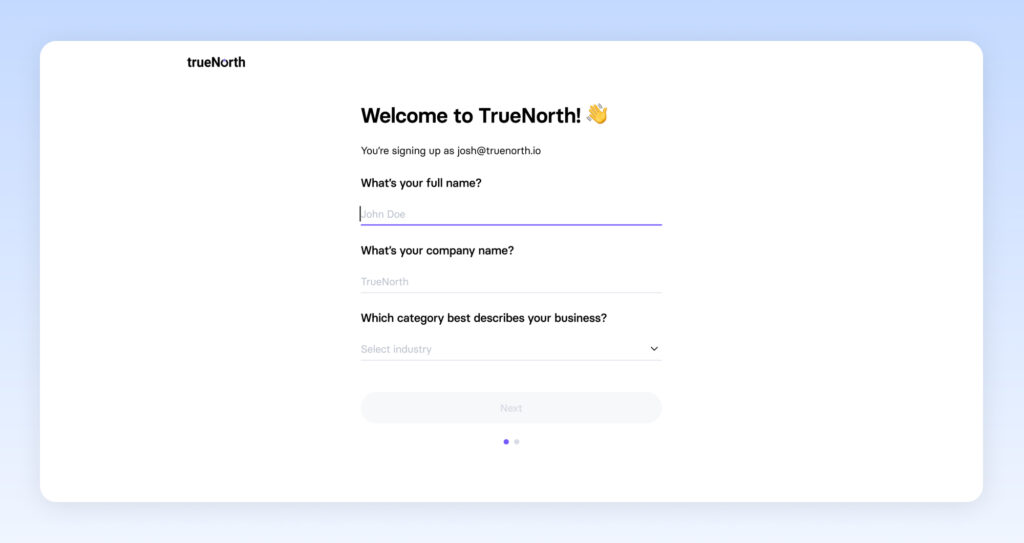
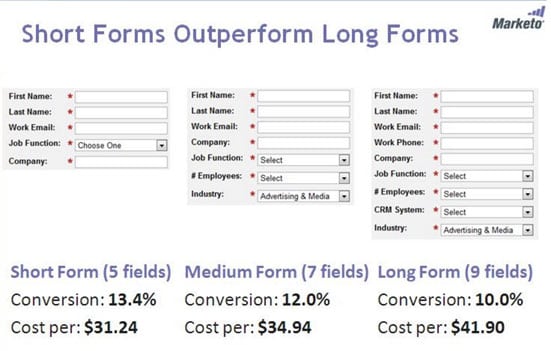
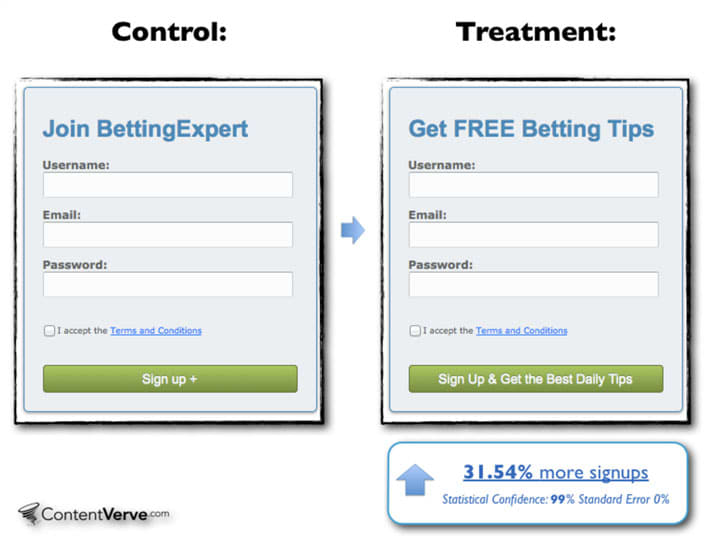


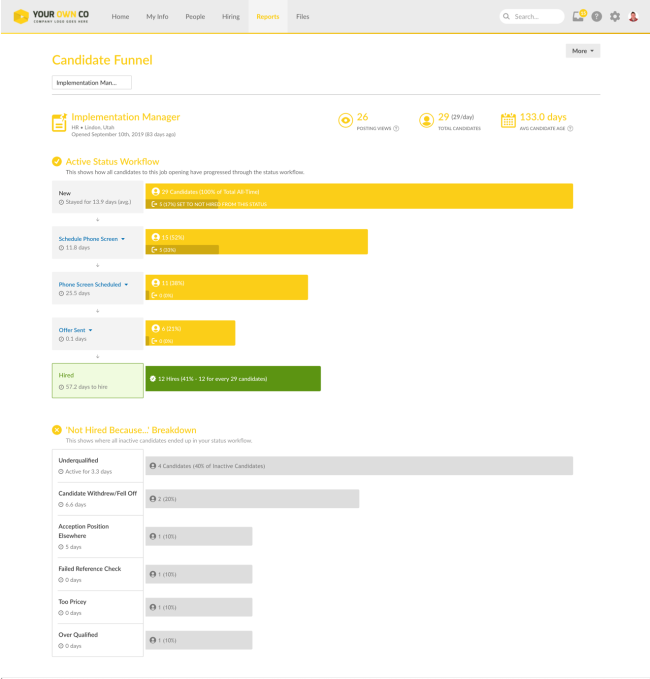


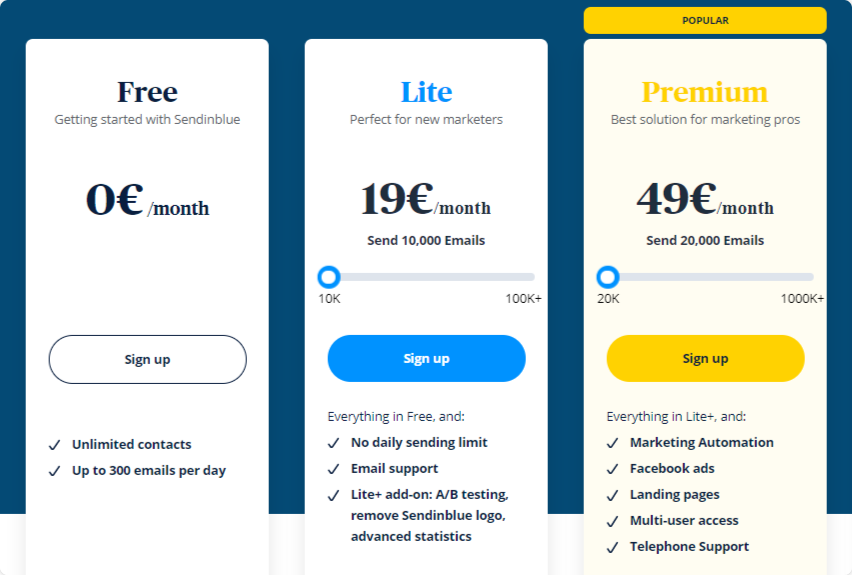
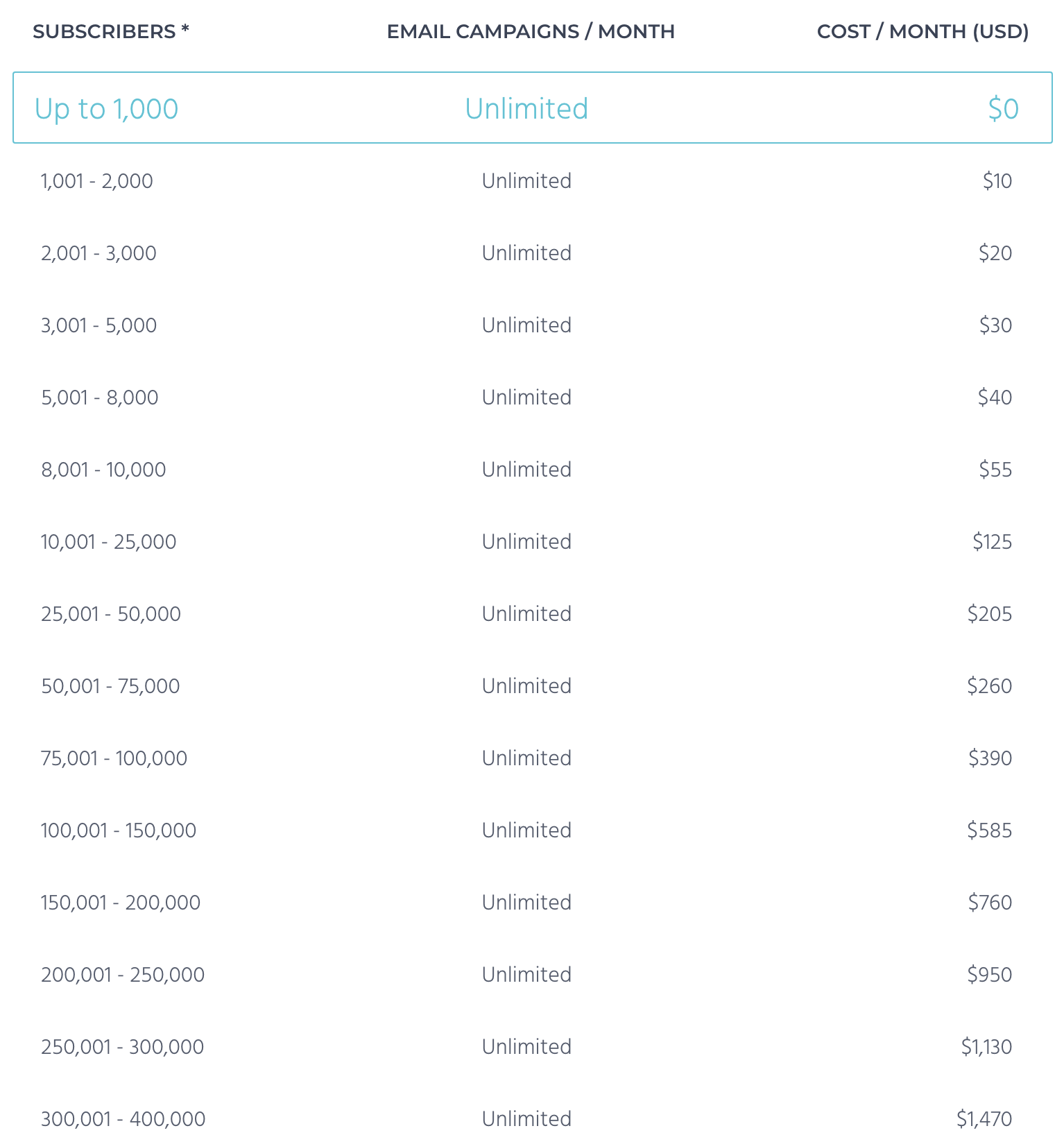
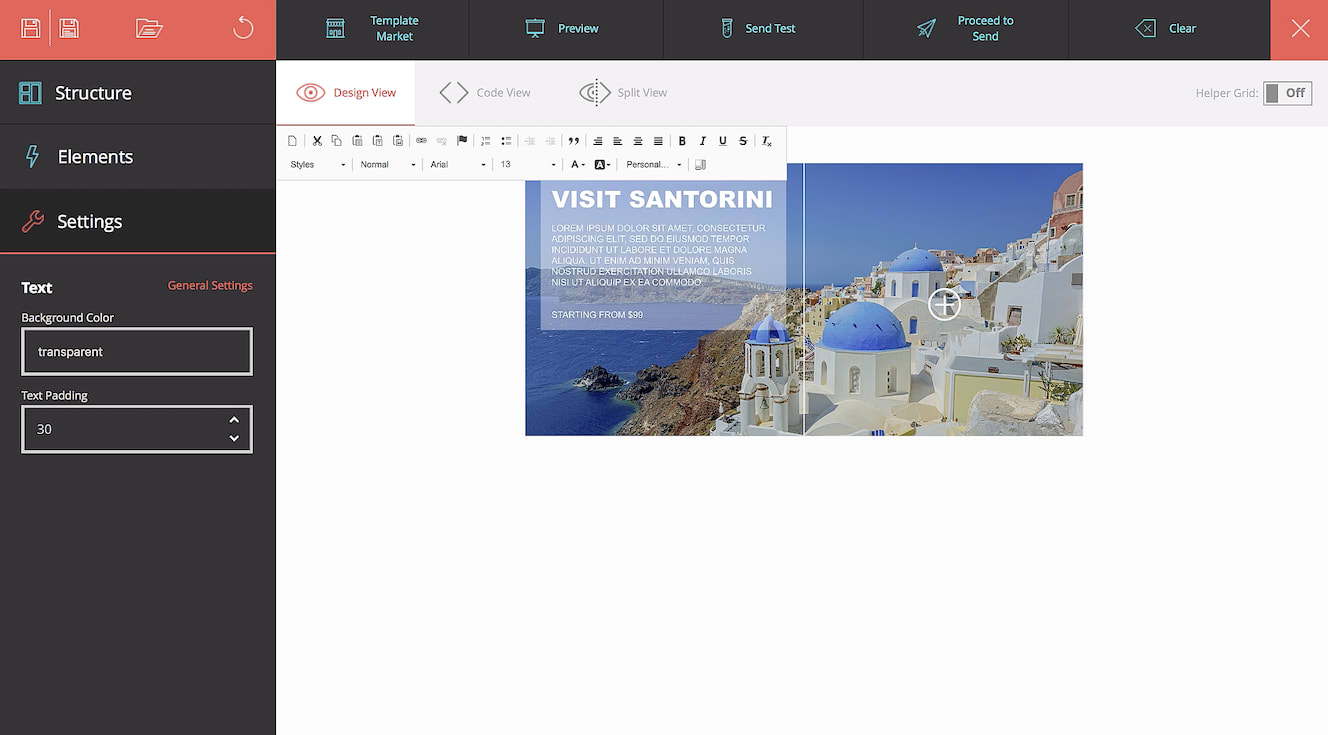
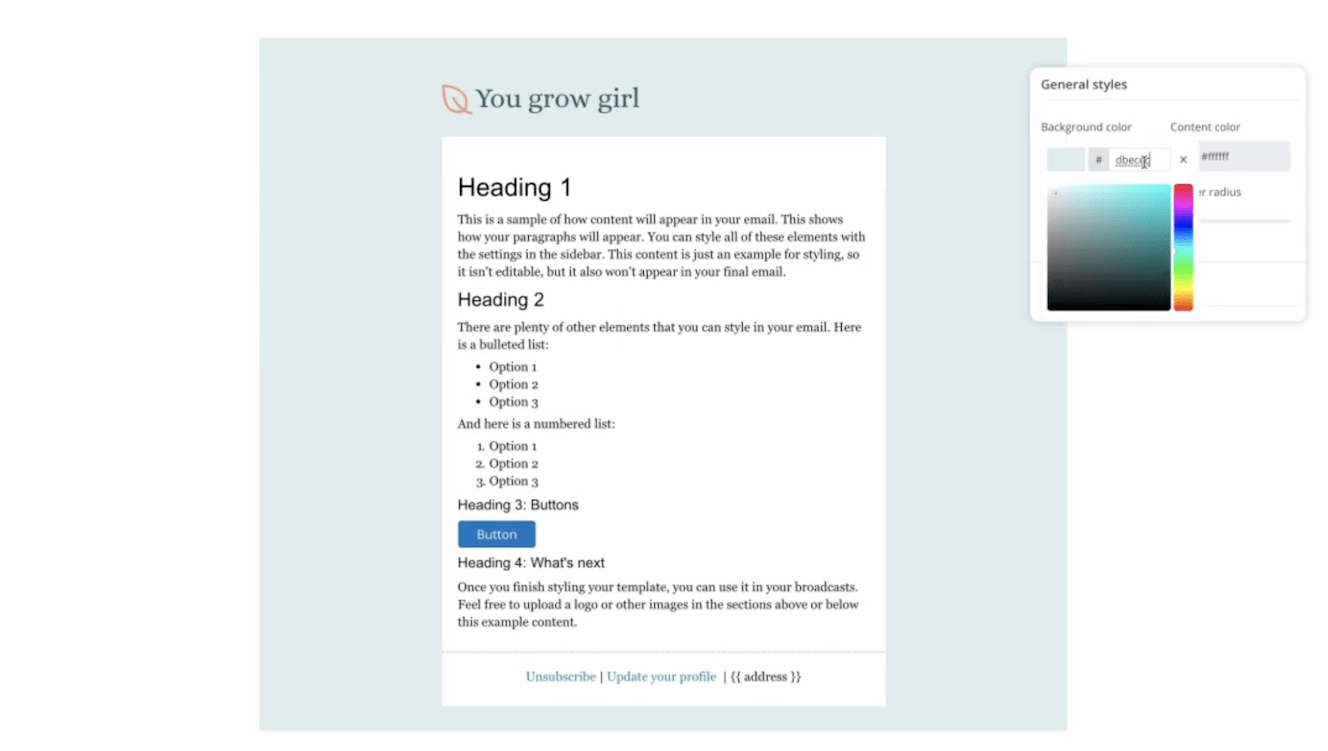
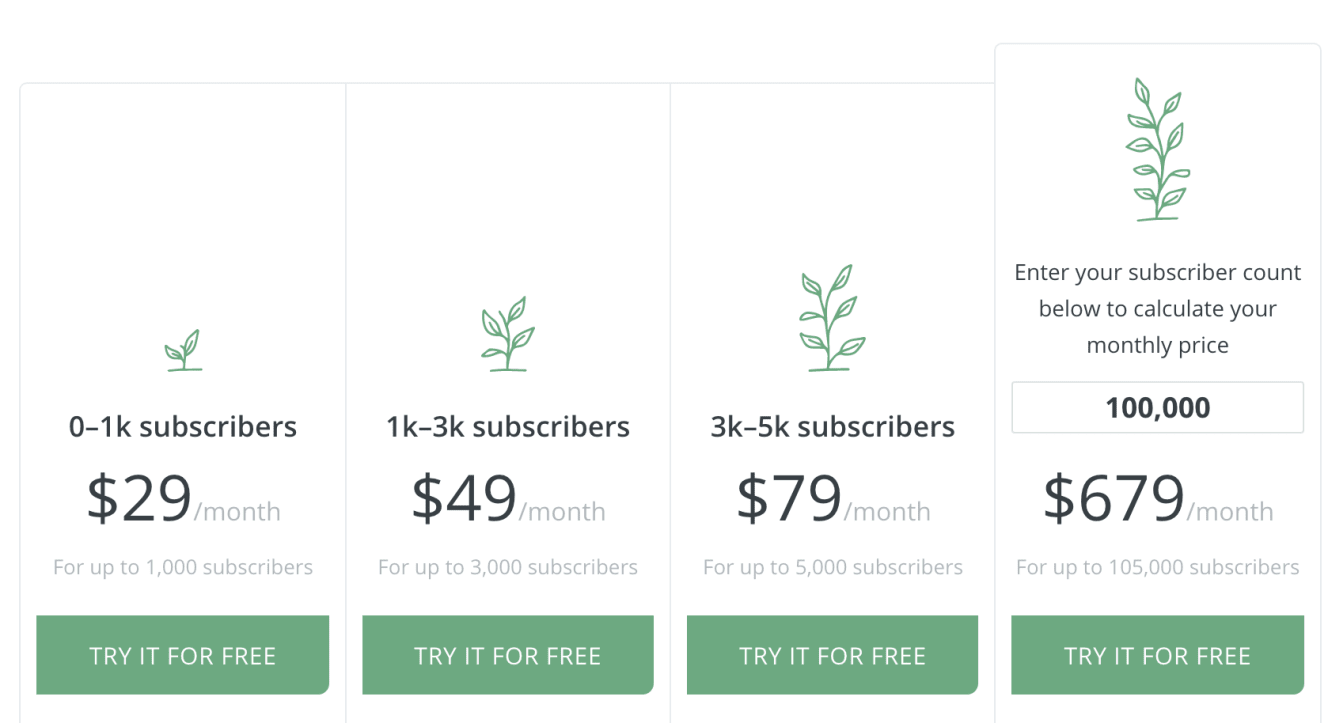
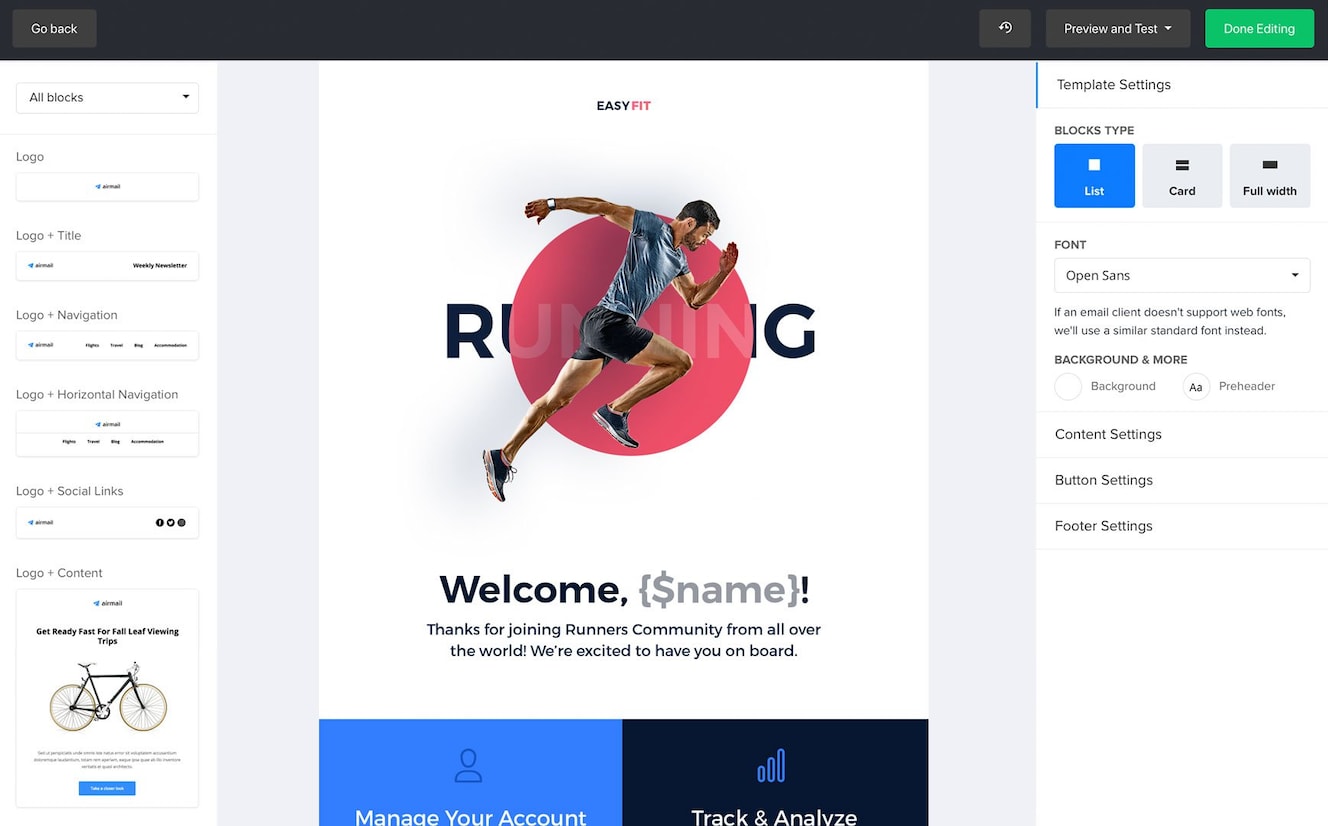
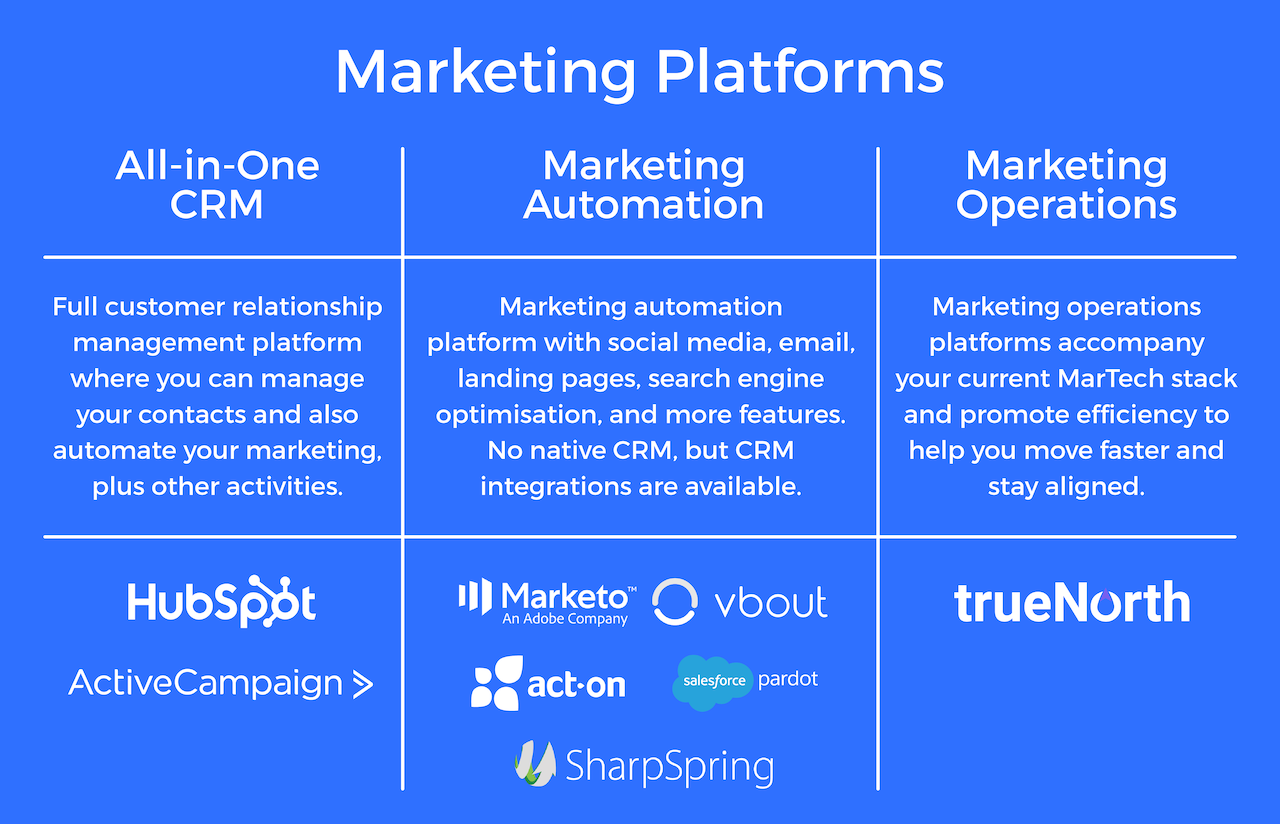
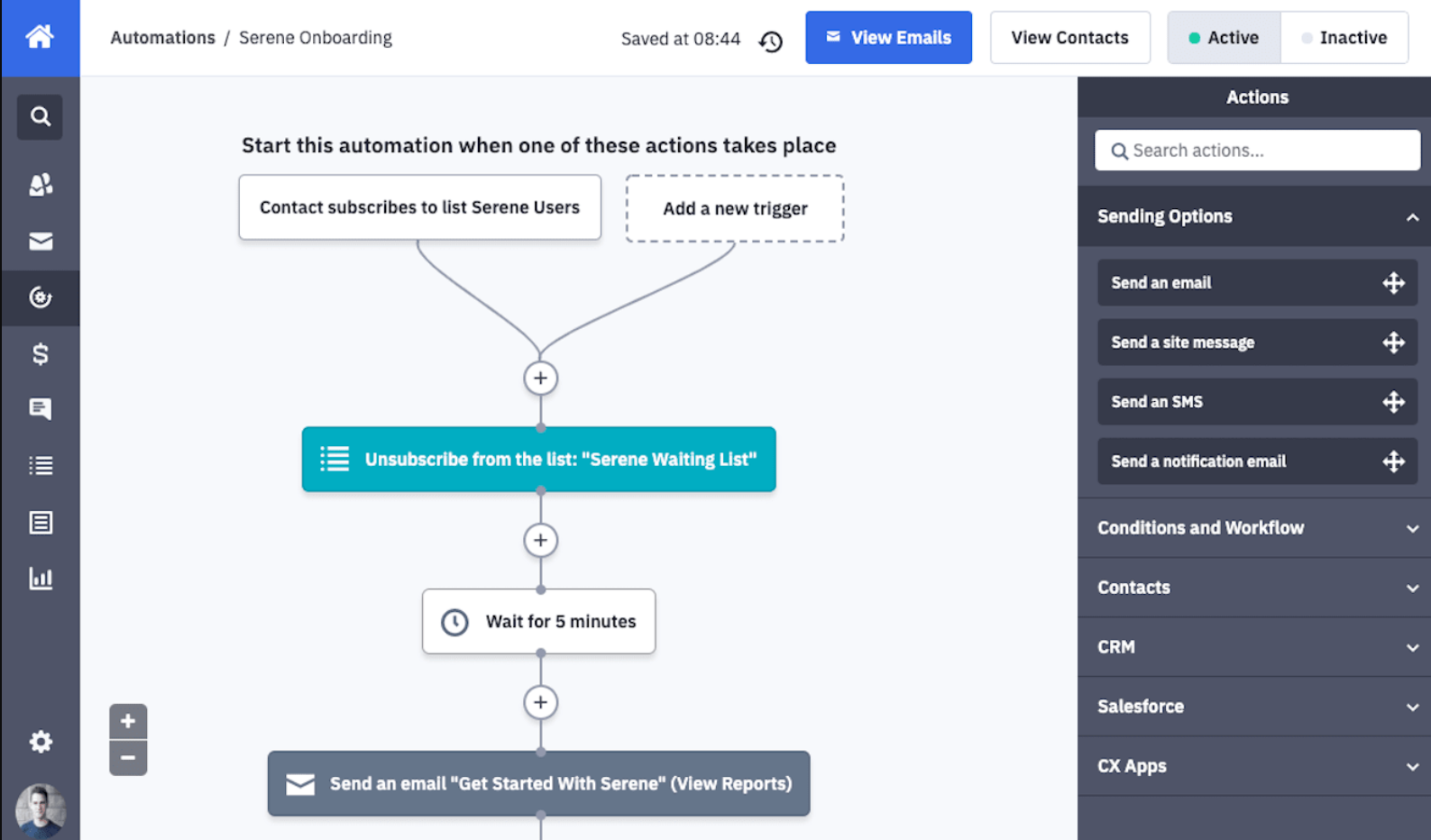
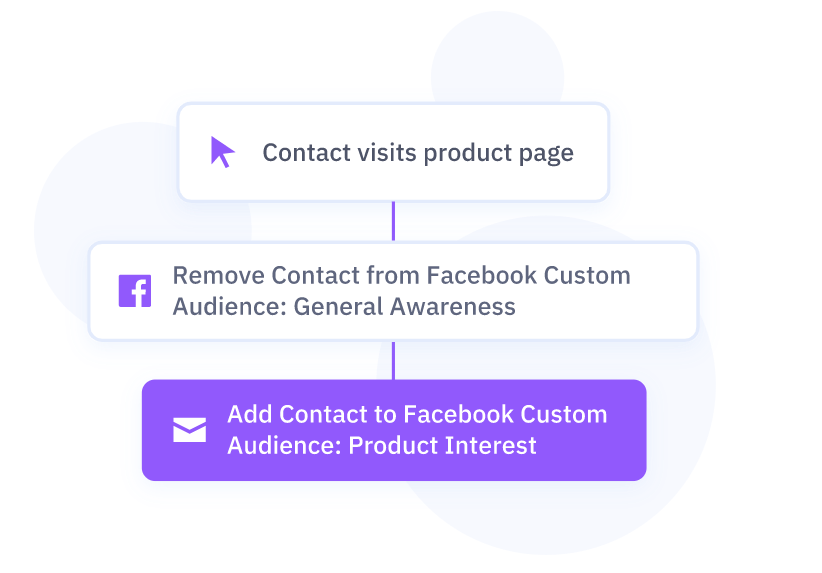

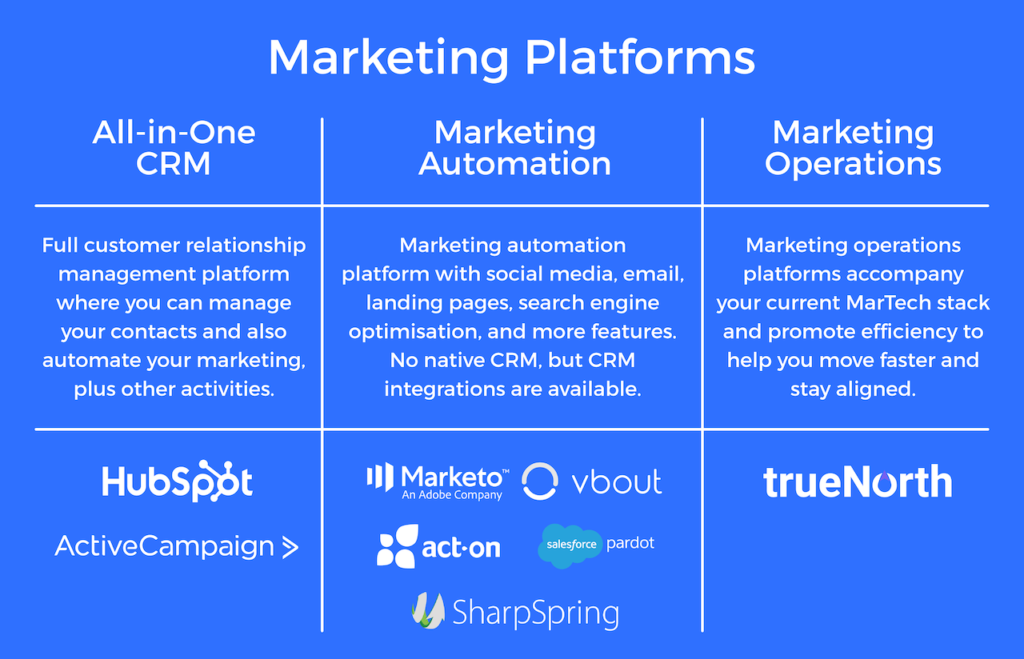
Best for enterprise eCommerce

Winner: Omnisend Pro.

For enterprise eCommerce stores on Shopify Plus, BigCommerce or WooCommerce, Omnisend Pro is the right call. Native omnichannel automation (email, SMS, push in one workflow), revenue attribution that traces each sale back to the specific A/B variant that drove it, and pricing that lands well below Klaviyo at every contact tier — particularly at 250K+ contacts where the gap widens.

The free done-for-you migration is included on every paid plan. This removes tens of thousands in agency fees if you're considering a switch from Klaviyo.

Try Omnisend Pro →

## Deliverability at enterprise scale At enterprise volume — particularly above 250K active sends per month — small differences in inbox placement compound into real revenue. Here's how the seven platforms compare across independent testing, vendor studies and our own sending data. **ActiveCampaign Enterprise** consistently lands in the top tier. ActiveCampaign reports a 94.2% inbox placement rate in independent testing against an industry average of ~83%. Across our own portfolio accounts we see a 99.4% deliverability rate with a 39.62% account-wide open rate. Dedicated IPs are included on Enterprise, with proactive list-hygiene tooling and a guided SPF/DKIM/DMARC wizard. If you don't have a dedicated deliverability function in-house, this is the strongest pick on the list. **HubSpot Marketing Hub Enterprise** sits mid-pack on volume sending. Across 8 years of HubSpot use across two ventures, inbox placement has consistently landed behind ActiveCampaign and Brevo on volume programmes. The infrastructure itself is solid — guided authentication, automatic hard-bounce suppression, list-health monitoring, dedicated IPs available on Enterprise (or as a $300/mo add-on on Pro). For B2B programmes that authenticate properly and maintain list hygiene, deliverability is fine. For high-volume eCommerce or transactional senders, the gap to ActiveCampaign and Brevo shows up. **Salesforce Marketing Cloud and Adobe Campaign** both default to dedicated IPs at enterprise tiers and offer SLA-backed delivery commitments. For Fortune 500 brands and regulated industries, that contractual posture matters more than the absolute inbox-placement numbers — and once IPs are warmed, both platforms perform on a par with ActiveCampaign in independent testing. **Omnisend Pro** performs well in independent testing. The Pro tier includes a dedicated deliverability expert, which is a real operational advantage at enterprise eCommerce scale — most Omnisend deliverability problems trace back to content choices (spammy subject lines, sending to disengaged segments) rather than the platform, and having a named person flag those before they hurt domain reputation pays for itself fast. **Brevo Enterprise** is transactional-grade. Across 640,199 emails sent since 2016, we've not had a serious deliverability incident. **Constant Contact** is solid for mid-volume sending but isn't optimised for the very high-volume programmes that ActiveCampaign, Brevo and SFMC handle natively. At enterprise scale, deliverability isn't really a per-platform question — it's a question of platform infrastructure plus your own list hygiene plus your content choices. All seven platforms above clear the bar. The differences show up past 1M sends per month, which is where ActiveCampaign, SFMC, Adobe Campaign and Brevo pull ahead. ## What you're really paying for at enterprise At every enterprise tier, the platform fee is a fraction of what you spend to make email marketing work. Implementation partners, in-house specialists, integration projects, internal time on the rollout — these multipliers are often larger than the platform itself. Salesforce Marketing Cloud and Adobe Campaign price them in explicitly. HubSpot embeds them in mandatory onboarding fees and 12-month commitments. ActiveCampaign and Omnisend keep them minimal. The cheapest enterprise email platform is rarely the one with the lowest sticker price. It's the one whose total cost of ownership — platform plus people plus integrations plus rollout time — matches your organisation. For most readers of this page, that's ActiveCampaign Enterprise. B2B service companies that need attribution as the deciding factor land at HubSpot Enterprise. Fortune 500 brands and regulated industries with contractual compliance requirements end up at Salesforce Marketing Cloud or Adobe Campaign. Enterprise eCommerce stays with Omnisend Pro. ## Frequently asked questions **What's the best enterprise email marketing platform in 2026?** It depends on what kind of enterprise you are. For most enterprise marketing teams, ActiveCampaign Enterprise (from $145/mo) is the best blend of automation depth and price — particularly if you already run Salesforce, HubSpot or Microsoft Dynamics as your CRM. For B2B companies that need closed-loop revenue attribution, HubSpot Marketing Hub Enterprise ($3,600/mo + $7,000 onboarding) is worth the bill. For Fortune 500 brands running cross-channel orchestration across Adobe Experience Cloud, Adobe Campaign is the right pick. For regulated industries (financial services, healthcare), Salesforce Marketing Cloud is the safer enterprise choice. For enterprise eCommerce, Omnisend Pro is more cost-effective than Klaviyo at every tier. **How much does enterprise email marketing software cost?** Realistic enterprise budgets run from $1,200/mo at the low end (ActiveCampaign Enterprise at 50K contacts) to $50,000+/mo for Adobe Campaign or Salesforce Marketing Cloud at Fortune 500 scale. HubSpot Marketing Hub Enterprise sits in the middle at $3,600/mo base, plus a mandatory $7,000 onboarding fee and a 12-month commitment with no early exit. Onboarding fees alone vary from $0 (ActiveCampaign, Constant Contact) to six figures (Adobe Campaign, Salesforce Marketing Cloud) once you factor in implementation partners. The total cost is rarely the sticker price — add a HubSpot specialist at £80–150/hour, or a Salesforce admin at £100k+/year, depending on which platform you pick. **Is HubSpot Enterprise worth it for large companies?** HubSpot Marketing Hub Enterprise is worth it if (a) the CRM, marketing, sales and service tools sitting natively in one platform matters to your team, (b) you have a 30+ day B2B sales cycle where revenue attribution changes decisions, and (c) you can absorb the $3,600/mo + $7,000 onboarding + 12-month commitment without wincing. For B2B service companies doing $1M+ in revenue, it's defensible. For teams who already have Salesforce as their system of record, it rarely is — you'll end up duplicating CRM data and paying twice for the same job. ActiveCampaign Enterprise sitting on top of your existing CRM gets you 80% of the same outcome for a fraction of the bill. **Salesforce Marketing Cloud vs HubSpot Enterprise — which is better?** Different tools for different shaped enterprises. HubSpot Marketing Hub Enterprise is the better pick for B2B marketing teams that want everything in one platform with a strong default UX — onboarding takes weeks, not months. Salesforce Marketing Cloud is the better pick for Fortune 500 brands, regulated industries, and any organisation that already runs Sales Cloud or Service Cloud as the system of record. SFMC is more powerful for cross-channel orchestration (Journey Builder), audience segmentation (Audience Builder), and compliance-heavy sending. It's also slower to implement (typically 3–6 months), more expensive once partners and consultants are factored in, and overkill for most B2B marketing teams under 250K contacts. Pick HubSpot if you want to be live in a month; pick Salesforce if your CRM is already there and you have a marketing ops team to run it. **What's the cheapest enterprise email marketing platform?** ActiveCampaign Enterprise (from $145/mo, scaling with contact volume) is the cheapest credible enterprise option — by some distance. At 50,000 contacts, ActiveCampaign Enterprise runs around $1,169/mo. HubSpot Marketing Hub Enterprise at the same volume costs ~$5,000–5,500/mo. Salesforce Marketing Cloud and Adobe Campaign both move into custom-quote territory that typically starts above $3,750/mo and frequently exceeds $15,000/mo with implementation partners factored in. Constant Contact's Lead Gen + CRM plan (around $449/mo) is the cheapest option that still includes meaningful CRM functionality, but it's mid-market enterprise rather than Fortune 500. **Do enterprise email platforms support SSO and SOC 2?** Yes — every credible enterprise email platform supports SSO (SAML 2.0) and is SOC 2 Type II certified. ActiveCampaign Enterprise, HubSpot Marketing Hub Enterprise, Salesforce Marketing Cloud, Adobe Campaign, Omnisend Pro, Constant Contact and Brevo all check those boxes. Where they differ is in the depth of governance: Salesforce Marketing Cloud and Adobe Campaign have the most mature audit trails, role-based permissioning, and data residency controls (UK, EU, APAC regions). HubSpot and ActiveCampaign cover the same procurement requirements but with simpler admin tooling. If your security team requires HIPAA, FedRAMP or financial-services-specific compliance, the shortlist narrows quickly to Salesforce Marketing Cloud. **How long does enterprise email marketing implementation take?** It varies an order of magnitude across these platforms. ActiveCampaign Enterprise: 1–4 weeks for most rollouts, including migration from your existing tool (free migration is included). HubSpot Marketing Hub Enterprise: 4–8 weeks, with mandatory $7,000 onboarding programme. Constant Contact: 1–2 weeks for the basics. Omnisend Pro: a few days to a week — they handle the migration for you on any paid plan. Salesforce Marketing Cloud: typically 3–6 months with an implementation partner. Adobe Campaign: typically 4–9 months, often longer if you're integrating with the wider Adobe Experience Cloud stack. Plan for the people cost as well as the platform cost: SFMC and Adobe Campaign rollouts almost always need an external consultancy on day one and an internal admin once live. **Adobe Campaign vs Salesforce Marketing Cloud — which to choose?** Both are Fortune 500 grade, but they're built for different stacks. Choose Salesforce Marketing Cloud if your organisation runs Sales Cloud, Service Cloud, or Data Cloud — the integration is native and the customer data model is shared. Choose Adobe Campaign if your stack already includes Adobe Experience Manager, Adobe Analytics, Adobe Target or the wider Experience Cloud — Campaign is built to orchestrate across those channels. SFMC has a slight edge for marketers; Adobe Campaign has a slight edge for technical campaign architects who want fine-grained control over delivery. If you have neither stack today, HubSpot Enterprise or ActiveCampaign Enterprise will deliver enterprise marketing automation with materially less implementation pain. **What's the difference between enterprise and SMB email marketing platforms?** Enterprise platforms differ from SMB tools on four dimensions that matter to procurement: governance (SSO, audit logs, role-based permissions, dedicated IPs, SOC 2), scale (50K+ contacts as a baseline, with custom quotes from 250K), integration depth (native ties to enterprise CRMs, data warehouses and identity providers), and support (dedicated account manager, named CSM, 24/7 SLA-backed response). The line isn't sharp — ActiveCampaign Enterprise starts at $145/mo and meets every enterprise-grade requirement — but most SMB tools (Mailchimp, MailerLite, Kit) lack the governance layer regardless of how much you're prepared to pay them. **Which enterprise email platform integrates best with Salesforce CRM?** If you want native, the answer is Salesforce Marketing Cloud — same data model, no integration layer required. ActiveCampaign Enterprise has the strongest non-Salesforce integration: a mature, two-way connector with field-level mapping, used by thousands of enterprise marketing teams that run AC as the marketing layer on top of Salesforce as the system of record. HubSpot also integrates with Salesforce, but it's awkward — HubSpot wants to be the CRM, so running both creates duplicate data and political tension between sales and marketing. Adobe Campaign integrates via Salesforce's standard connectors but requires more setup. **Do enterprise email platforms handle GDPR and data residency?** Yes — all seven platforms in this comparison are GDPR compliant by default with consent management, data processing agreements, audit trails, and right-to-be-forgotten workflows. Where they differ is in regional data residency: Salesforce Marketing Cloud and Adobe Campaign offer data centres in the UK, EU, US, APAC and other regions, with contractual data residency guarantees that satisfy procurement teams in regulated industries. HubSpot offers EU data hosting on Enterprise. ActiveCampaign, Omnisend, Constant Contact and Brevo are GDPR compliant but typically host EU customer data in EU regions without contractual residency guarantees beyond that. **Is ActiveCampaign or HubSpot better for enterprise businesses?** ActiveCampaign Enterprise is the better pick for organisations that already have a CRM (Salesforce, Microsoft Dynamics, Pipedrive) and want a strong marketing automation layer on top — at roughly a third of the cost of HubSpot Enterprise for equivalent automation. HubSpot Enterprise is the better pick for organisations that want CRM, marketing, sales and service in one platform with native revenue attribution and don't already have a CRM in place. The deciding question is rarely 'which is the better tool' — it's 'do we already have a CRM, and is replacing it worth the disruption?' For most large enterprises with an established CRM, the answer is no, which puts ActiveCampaign Enterprise ahead. **Do enterprise email platforms include dedicated account support?** Every enterprise tier in this comparison includes a dedicated account manager or named CSM as standard. The depth varies: Salesforce Marketing Cloud and Adobe Campaign typically assign a multi-person team (CSM + technical account manager + implementation lead). HubSpot Enterprise includes a CSM and access to HubSpot Academy. ActiveCampaign Enterprise includes a dedicated account manager plus a deliverability specialist. Omnisend Pro at higher tiers assigns an account expert. Constant Contact and Brevo Enterprise include a named contact for support escalations. The named-contact difference is rarely the deciding factor in evaluations — but the consistency of who picks up the phone when something is broken absolutely is. **What automation features should an enterprise email platform have?** At enterprise scale, the automation features that matter aren't the ones that draw small businesses in. The list to evaluate against: visual workflow builder with conditional logic (table stakes), the ability to trigger from CRM and product data (most matter), event-driven personalisation that fires from your data warehouse rather than the platform's own database (where Salesforce Marketing Cloud and Adobe Campaign pull ahead), real-time send-time optimisation per recipient (ActiveCampaign and HubSpot at higher tiers), AI-driven content personalisation (improving fast across all of these), and split-testing of full automation paths rather than just emails (only ActiveCampaign offers this). Most enterprise teams over-index on AI features and under-index on the integration layer that determines whether automations fire reliably for years. --- # 7 Best Greenhouse Alternatives in 2026 (Cheaper & Simpler) URL: https://ventureharbour.com/greenhouse-alternatives/ Summary: I compared seven Greenhouse alternatives on price and setup. Breezy HR is my pick for small businesses — Ashby if you still want structured hiring at scale. Last updated: 2026-07-03 16:00:00 Greenhouse is a good product. That's worth saying plainly, because most "alternatives" articles open by pretending it isn't. The structured interview kits, the scorecards, the 500+ integrations — it's the reference standard for a reason. The problem is rarely the software. It's the bill, and the sales process you sit through to find out what the bill is. Quick disclosure before we start: Greenhouse was one of the [ten ATS platforms we tested](/applicant-tracking-systems/) for our main comparison, but it's not what we use. We ran hiring at Venture Harbour on Breezy for over five years — six hires, 900+ applications — so I'm not neutral about where Breezy lands on this list. I've tried to earn that bias below rather than assume it. ## The quick answer For most small and mid-sized businesses, [Breezy HR](/recommends/breezyhr/) is the best Greenhouse alternative — a fraction of the cost at $157/mo (free for one active job), flat-rate pricing with unlimited users, and automation that covers what smaller teams actually use Greenhouse for. It's what we ran our own hiring on for over five years. If you're leaving Greenhouse on price but you genuinely still need structured, data-driven hiring at scale, [Ashby](https://www.ashbyhq.com/startups?partner=venture-harbour) is the credible switch at a transparent $400/mo for companies under 100 employees. Beyond those two: [Manatal](/recommends/manatal/) for AI features on a tight budget, [Workable](/recommends/workable/) if proactive sourcing matters, [BambooHR](/recommends/bamboohr/) if you want hiring and HR in one platform, [GoHire](/recommends/gohire/) for UK teams, and [Zoho Recruit](https://www.zoho.com/recruit/) if the budget is zero. ## How the alternatives compare | Tool | Best for | Price from | Pricing model | | --- | --- | --- | --- | | [Breezy HR](/recommends/breezyhr/) | Small & mid-sized businesses | Free; $157/mo (Startup, annual) | Flat rate, unlimited users | | [Ashby](https://www.ashbyhq.com/startups?partner=venture-harbour) | Scaling startups, data-driven hiring | $400/mo (Foundations) | Flat rate (under 100 employees) | | [Manatal](/recommends/manatal/) | AI on a budget | $15/user/mo (annual) | Per seat | | [Workable](/recommends/workable/) | Built-in candidate sourcing | $299/mo (Standard) | Flat tiers, steps up with headcount | | [BambooHR](/recommends/bamboohr/) | ATS + full HR in one | $250/mo minimum (≤25 employees) | Per employee (~$10/employee/mo) | | [GoHire](/recommends/gohire/) | UK small teams | $99/mo (Starter) | Flat rate, unlimited users | | [Zoho Recruit](https://www.zoho.com/recruit/) | Zero budget | Free; $25/user/mo (Standard, annual) | Per seat | Prices verified April 2026. For context, [Greenhouse](https://www.greenhouse.com/) Core starts around $6,000/yr at the smallest tier — quote-only, annual contracts. ## Why people leave Greenhouse Three costs drive most of the switching, and only one of them is the subscription. **The floor is high for small teams.** Greenhouse doesn't publish pricing, but verified buyer reports put Core at $6,000–$10,000 a year for companies under 50 employees, climbing to $50,000–$70,000+ at enterprise scale on the Pro tier. If you're a 20-person company making four hires this year, you're paying enterprise infrastructure prices for a Kanban board and some scorecards you'll half-use. **Implementation isn't included.** Getting live costs another $2,000–$8,000 at smaller tiers, quoted on top of the subscription. That fee reflects genuine configuration work — interview plans, permissions, integrations — but it also tells you what kind of commitment you're signing up for. You don't pay four figures to implement software you could set up in an afternoon. **The contract works against you over time.** Annual contracts only, and most include 3–8% renewal escalators. Worse, pricing scales with employee headcount rather than hiring volume — grow from 40 to 150 people and your bill roughly doubles, even in a year where you barely hire. (One small admin trap: plans were renamed Core, Plus and Pro in 2025, so older reviews referencing Essential, Advanced and Expert will confuse your comparison spreadsheet.) None of this makes Greenhouse a bad product. It makes it a product for a specific buyer — and if you're reading this, you've probably worked out you're not that buyer. Here's where I'd go instead. ## 1. [Breezy HR](/recommends/breezyhr/) — best for small and mid-sized businesses Breezy is the ATS we actually used. Over five-plus years at Venture Harbour we hired six people through it, processed 900+ applications, and — the part that mattered most to me — delegated whole chunks of the process to our HR manager and my personal assistant without losing visibility. The full experience is in our [Breezy HR review](/breezy-hr-review/). [![Breezy HR's drag-and-drop candidate pipeline with stage-triggered actions](/uploads/migrated/03-vh-best-applicant-tracking-system-screenshot_123259056c.png)](/recommends/breezyhr/) The contrast with Greenhouse is almost architectural. Greenhouse encodes process discipline and charges accordingly. Breezy assumes you want the tedious work to disappear with as little configuration as possible. You define pipeline stages, and "stage actions" fire automatically as candidates move — acknowledgement emails, screening questionnaires, self-scheduling links, rejections. Roughly 15–20% of our applicants self-disqualified on the screening questionnaire alone, which means nobody on our team read those CVs. The pricing is the other half of the argument. Every paid plan includes unlimited users and unlimited candidates — no per-seat charges — starting at $157/mo on the annual Startup plan, with a genuinely usable free Bootstrap plan for one active position. Against Greenhouse's $6,000/yr floor plus implementation, a small team switching to Breezy keeps most of its ATS budget. What you give up, honestly: reporting. I scored it 3.5/5 in our review — fine at our hiring volume, nowhere near Greenhouse's analytics at 50+ hires a year. There's no candidate sourcing database, the mobile app trails the desktop version, and HRIS integrations are gated to the $439/mo Business plan. **Choose Breezy if** you're under ~200 employees, hiring fewer than 50 roles a year, and your process is reactive — post a job, screen, interview, hire. That describes most companies who feel overcharged by Greenhouse. ## 2. [Ashby](https://www.ashbyhq.com/startups?partner=venture-harbour) — best if you still need Greenhouse-grade structured hiring Here's the honest fork in the road. Some teams leave Greenhouse because they never needed it. Others leave because of the pricing model but genuinely do need structured, measurable hiring. If you're the second kind, Breezy will frustrate you within a quarter — go to Ashby instead. ![Ashby's recruitment platform showing its analytics-led feature set](/uploads/2020/08/Screenshot-2026-02-12-at-10.20.17-1024x536.png) Ashby bundles ATS, CRM, scheduling and analytics into one product, and the analytics are the best we've seen in the category: pass-through rates by stage, interviewer calibration, source effectiveness, pipeline-health data. It's become the default for VC-backed scale-ups, and the Foundations plan is a published $400/mo for companies under 100 employees — transparent pricing where Greenhouse gives you a sales cycle. The catch is that Ashby punishes casual users. Setup takes weeks, not hours (the scheduling system alone has 14 tabs of settings), there's no free trial, and the interface is English-only. It rewards teams with someone who owns recruiting as their actual job and punishes everyone else. **Choose Ashby if** you're hiring 20+ roles a year, someone on your team lives in the hiring metrics, and Greenhouse's problem was the contract, not the discipline. ## 3. [Manatal](/recommends/manatal/) — best budget alternative with AI features At $15 per user per month (annual), Manatal costs about as much per year for a two-person team as a single month of a typical Greenhouse contract. And it isn't a stripped-back product at that price — you get AI candidate scoring, profile enrichment from LinkedIn and 20+ social platforms, a 600M+ profile sourcing hub, and an AI Interviewer that runs automated first-round video screens with generated summaries. [![Manatal's dashboard showing candidate profiles and recruitment analytics](/uploads/2020/08/Screenshot-2026-02-12-at-10.21.04-1024x643.png)](/recommends/manatal/) That AI Interviewer deserves the mention. For high-volume roles where Greenhouse would have you running calibrated phone screens, Manatal just does the first pass for you. The trade-off is depth, predictably. Reporting is basic, customisation is limited, and the career page builder feels like an afterthought. Coming from Greenhouse, the drop in structure will be noticeable — there's no equivalent of interview kits or bias tooling. **Choose Manatal if** cost is the binding constraint and you want smart screening rather than process enforcement. It punches well above its price; it doesn't pretend to be enterprise software. ## 4. [Workable](/recommends/workable/) — best for built-in candidate sourcing Workable attacks Greenhouse from a different angle: instead of managing whoever applies, it helps you find people. Its searchable database covers over 400 million candidate profiles, filterable by employment history, role and specific skills — the closest thing to a LinkedIn Recruiter subscription living inside an ATS. Greenhouse has sourcing tools, but nobody buys Greenhouse for its candidate database. Standard is a published $299/mo with a 15-day free trial — no implementation fee, no sales call, live within days. I compared the two head-to-head in [Workable vs Greenhouse](/workable-vs-greenhouse/) and Workable won on pricing, sourcing and setup speed; Greenhouse won on structured hiring, reporting and integrations. Two cautions. Database access appears limited to annual plans. And the add-ons stack — texting is $89/mo, video interviews $109/mo, assessments $59/mo — so a fully-loaded Standard plan quietly becomes a $556/mo one. **Choose Workable if** your hardest roles never get good applicants and you need to go find people. Test the database against your actual roles during the trial before paying anything. ## 5. [BambooHR](/recommends/bamboohr/) — best if you want hiring and HR in one platform Greenhouse is recruiting infrastructure; it stops at the offer letter (or hands off to Greenhouse Onboarding, sold separately). BambooHR goes the other way: applicant tracking, onboarding workflows, employee records, time tracking, benefits administration and native US payroll in one platform. For a growing company that would otherwise buy three or four tools, the consolidation case is real. One warning for Greenhouse leavers specifically: BambooHR shares Greenhouse's original sin. Pricing is per employee — roughly $10/employee/mo on Core, with a $250/mo minimum for teams of 25 or fewer — so the bill scales with headcount, not hiring. Quotes require a sales conversation too. And the ATS itself is shallower than anything else on this list: active job caps start at 5 on the Core plan. **Choose BambooHR if** the HR suite is what you're actually buying and the ATS comes along for the ride. If you only need applicant tracking, this is paying for a house because you liked the kitchen. ## 6. [GoHire](/recommends/gohire/) — best for UK small teams GoHire is the tool we came closest to switching to ourselves. UK-built, $99/mo (£89) with unlimited team members, and proper integrations with Reed and Totaljobs — boards that US-centric platforms like Greenhouse treat as an afterthought. It ships 700+ UK-tailored job description templates and gives registered charities 30% off. At $99/mo it's the cheapest flat-rate option here, undercutting even Breezy. The compromises: distribution covers 15+ job boards (versus Breezy's 50+), Starter caps you at 3 active jobs, and you'll need the $299/mo Pro tier for video questionnaires, automated stage actions and advanced reporting. Reporting depth lags Ashby and Greenhouse by a distance. **Choose GoHire if** you're a UK business hiring domestically and Greenhouse's global enterprise machinery was never the point. The 14-day trial needs no card. ## 7. [Zoho Recruit](https://www.zoho.com/recruit/) — best free alternative If Greenhouse's five-figure invoice is the problem, here's the other extreme. Zoho Recruit's Forever Free plan includes one active job, candidate management, email integration and interview scheduling, with no time limit. You can run a complete hiring cycle for nothing. Paid plans start at $25/user/mo (annual), and if you already run on the Zoho ecosystem it's close to a default choice. The honesty bit: the interface feels dated next to Breezy or modern rivals, initial setup is more of a slog than it should be, and support can be slow on lower tiers. Coming from Greenhouse — whose candidate experience is consistently among the best — your applicants will notice the downgrade. Worth comparing against Breezy's free Bootstrap plan before deciding, since that gets you a more polished pipeline at the same price of nothing. Our [guide to the best free ATS options](/best-free-ats/) covers the full field. **Choose Zoho Recruit if** the budget is genuinely zero and the alternative is a spreadsheet. ## When staying on Greenhouse is the right call The section most alternatives posts won't write. If you're a Series B+ tech company hiring 50+ roles a year, Greenhouse is still probably the right tool. The interview kits and standardised scorecards create a defensible, repeatable process — if you've ever explained a rejection decision to a lawyer, you know why that paper trail is worth paying for. The 500+ integration marketplace is the largest of any ATS, the DE&I tooling is genuinely strong, and procurement teams sign it off without friction. The structured-hiring discipline is also only expensive if you don't use it. A talent team running calibrated interview loops across dozens of hires gets real value from every dollar. A five-person startup skipping half the scorecards is renting discipline it doesn't practise. So the test is simple enough: if the features you'd miss are the ones you currently skip, switch. Breezy at $157/mo covers reactive hiring for a fraction of the cost, and Ashby at $400/mo covers structured hiring without the quote-only contract. If you'd miss the process itself — stay, and negotiate the escalator out at renewal instead. The [full ATS comparison](/applicant-tracking-systems/) ranks all ten platforms we've tested if you want the wider field. ## Updates - **July 2026** — Published initial version covering seven alternatives. Pricing validated against our April 2026 ATS research. ## Frequently asked questions **What is the best alternative to Greenhouse?** For small and mid-sized businesses, Breezy HR is the best Greenhouse alternative — flat-rate pricing from $157/month with unlimited users, a free Bootstrap plan, and stage-action automation that covers most of what small teams actually use Greenhouse for. It's the ATS we ran Venture Harbour's hiring on for over five years. For scaling startups that still want Greenhouse-grade structured, data-driven hiring, Ashby is the credible switch: its Foundations plan is a transparent $400/month for companies under 100 employees, and its analytics are the best in the category. **Is there a cheaper alternative to Greenhouse?** Yes, several. Greenhouse Core typically starts around $6,000/year at the smallest tier, so almost everything undercuts it. Manatal is the cheapest serious option at $15 per user per month (annual) with AI candidate scoring included. GoHire starts at $99/month flat with unlimited users, Breezy HR at $157/month (Startup, annual) with unlimited users and candidates, Workable at $299/month, and Ashby at $400/month. Even the priciest of those costs less per year than Greenhouse's entry point — before you add Greenhouse's $2,000–$8,000 implementation fee. **Is there a free alternative to Greenhouse?** Two worth knowing about. Zoho Recruit's Forever Free plan includes one active job, candidate management, email integration and interview scheduling with no time limit — the most usable free ATS available. Breezy HR's Bootstrap plan is also free with one active position, and it has a more polished pipeline plus one-click distribution to 50+ job boards. Neither will replicate Greenhouse's structured interview kits or 500+ integrations, but for a small team hiring one role at a time, either runs a complete hiring cycle at zero cost. **Why do companies leave Greenhouse?** Cost, mostly — and specifically the shape of the cost. Verified buyer reports put Greenhouse Core at $6,000–$10,000/year for companies under 50 employees, climbing to $50,000–$70,000+ at enterprise scale. Implementation adds $2,000–$8,000 on top, contracts are annual only, and most include 3–8% renewal escalators. The model also scales with employee headcount rather than hiring volume, so your bill grows even in years when you barely hire. Smaller teams often find they're paying enterprise prices for structured-hiring discipline they don't yet use. **How much does Greenhouse cost?** Greenhouse doesn't publish pricing — every deal is quoted. Based on verified buyer reports through early 2026: roughly $6,000–$10,000/year for companies under 50 employees on the Core plan, $12,000–$18,000/year at 50–200 employees, $25,000–$40,000/year at 200–500, and $50,000–$70,000+ per year for enterprises on Pro. Implementation is quoted separately at $2,000–$8,000 for smaller tiers. Plans were renamed Core, Plus and Pro in 2025 (from Essential, Advanced and Expert), which is worth knowing when comparing older reviews. **What is the best Greenhouse alternative for startups?** It depends on the stage. For early-stage startups hiring reactively, Breezy HR at $157/month (free for one active job) covers pipelines, automation and job distribution without per-seat charges. For VC-backed startups hiring 20+ roles a year that want Greenhouse-style structured hiring and serious analytics, Ashby's Foundations plan at $400/month for under 100 employees is the strongest fit — expect weeks of setup rather than hours. If budget is the binding constraint, Manatal at $15/user/month gets you AI screening for less than a coffee budget. --- # 7 Best Hybrid & Virtual Event Platforms URL: https://ventureharbour.com/virtual-event-platforms/ Summary: Compare 12+ hybrid & virtual event platforms with pricing, features & reviews. Find the best solution for your needs. See our top pick. Last updated: 2026-04-04 07:38:20 Virtual events were on the rise before the pandemic but a sudden shift to working from home put the spotlight on running events remotely. While Zoom shot to fame as the hottest meeting software during lockdown, companies needed something more robust for running events like virtual conferences, summits and expos. In this article, we're looking at the best virtual event platforms currently available. This includes systems capable of running fully virtual, in-person and hybrid events of all sizes. ## Which virtual event platforms are we reviewing? This article reviews the best virtual event platforms to help you choose the right system for your company. We start with a quick definition and a list of key features to look for in virtual events software and, then, we review our top choices. Here's a summary of what's coming up: 1. **What is a virtual event platform?** A quick definition of virtual event platforms and the key features to look out for. 2. **Hopin review:** The all-rounder for virtual and on-site events that doesn't break the bank. 3. **vFairs review:** The all-in-one event management system. 4. **Zoom Events review:** The affordable option for smaller, virtual events. 5. ****Swoogo** review:** Run virtual events with airtight security. 6. **Airmeet review:** Power meets affordability for smaller events. 7. ****Webex** **Events**** **review:** Run engaging hybrid events for virtual and on-site attendees. 8. **Hubilo review:** Maximise revenue from every corporate event. 9. **Comparison:** We help you choose the best virtual event platform by comparing pricing, features and usability. Once we're done with the reviews, we wrap this article up with a comparison section to help you choose the right system for your needs. We start by comparing the key features of each virtual event platform. Then, we look at the pricing information available to us and select the best virtual event platforms for day-to-day usability. ## What is a virtual event platform? A virtual event platform helps companies to run corporate events online for attendees to join remotely from any location. High-end platforms allow you to run virtual, in-person and hybrid events with a mix of on-site and remote attendees. Here's how Hubilo - one of the systems we're reviewing today - defines virtual event platforms: > ***"A virtual event platform is a software that allows users to host virtual webinars, conferences, hybrid events, and much more with relative ease. Attendees can participate in both peer-to-peer interactions as well as one-to-many interactions, which makes virtual event platforms unique! Their many features go beyond standard video conferencing software and will help you make your virtual events more engaging."*** > > Hubilo - [The Complete Guide To Virtual Events](https://www.hubilo.com/blog/the-complete-guide-to-virtual-events) To put this in better context, let's take a quick look at some of the key features to look for in a virtual event platform: - **Event types:** Depending on the type of events you want to run, you'll need to make sure your platform of choice supports the formats you need: virtual, in-person and/or hybrid. - **Love broadcasting:** A system for broadcasting live streams, video footage, interactive sessions and the other elements of your event. - **Event planning:** Features to help you plan the schedule of your events with keynotes, presentations, webinars and everything else you need to include. - **Event promotion:** Tools to help you promote your events, such as website and landing page builders, registration forms and email marketing. - **Payment processing:** Support for payment gateways for accepting ticket payments on your website. - **Event networking:** Features to help attendees network during your events. - **Attendee engagement:** The ability to run polls, surveys and other interactive elements in your events. - **Security:** You want a system that keeps you and your attendees' data safe throughout the event. - **On-site features:** In-person check-ins, badge printing and a mobile app for integrating the virtual and on-site experience. - **Event reporting:** Insights into event performance, attendance rates, the registration funnel and more. All of the virtual event platforms we're looking at in this article provide the features listed above to varying degrees. However, some are better in certain regards than others and pricing varies significantly across providers. So, let's get started with our first review. ## 1. [Hopin](https://hopin.com/): Virtual & on-site events without breaking the bank **POA (free plan available)** Hopin is one of the most comprehensive virtual event platforms on the market. The system can hold events for up to 100,000 viewers and also run hybrid events. This allows you to welcome in-person attendees and online viewers to the same event. The platform's pre-event planning system helps you set up a secure registration system with optimised landing pages. You can offer free, paid and private tickets at different prices in multiple currencies. This makes Hopin a great choice if you want to run "international" events online or hybrid events that open the doors to those who can't make it in person. The system allows you to build customised digital venues for holding online events. You can also create stages for keynote speakers, presentations and panels. The system supports pre-recorded webinar streaming and live streaming. This is great if you want to capture the authentic feel of a live event. ![Hopin review virtual event platforms](/uploads/2022/12/Screenshot-2022-12-26-at-14.45.42.jpg) **Key features:** - **Virtual events:** Manage and run virtual events for up to 100,000 viewers. - **Hybrid events:** Run events at venues for attendees and stream for online viewers. - **Internal events:** Run virtual events for employees for team building and productivity. - **Virtual reception:** Welcome attendees to a customised virtual reception where they can view the event schedule and speak to other attendees in the live chat tool. - **Virtual venue:** Create an immersive attendee experience with interactive programming for both digital and on-site audiences. - **StreamYard Studio:** Produce professional, reliable streams with Hopin's free StreamYard Studio integration. - **Video editing & hosting:** Make your event content evergreen with Hopin's video storing and editing capabilities. - **Event marketing:** Promote your event with landing pages, online registrations and marketing insights. - **Landing page builder:** Create landing pages to promote your events with Hopin's drag-and-drop builder. - **Audience engagement:** Make your event more interactive with polls, quizzes, Q&As and more to drive audience engagement and satisfaction. - **Payment processing:** Accept payments online using Hopin's native integration with Stripe. - **Event analytics:** Track registrations and ticket sales before your events, real-time attendance during them and success insights once they're over. Hopin includes its own video editing and hosting system. This provides everything you need to create and store your own content in the cloud. Of course, you can still create your own content in external software like Adobe Premier and upload it to Hopin. Either way, it's always good to have the all-in-one option available. In terms of interactivity and engagement features, the system supports one-on-one video chats and the matchmaking system allows you to pair up attendees that could benefit from meeting each other. It also gives you full control over networking. You can customise matchmaking rules by ticket type, set time limits for video chats and the system allows attendees to connect through follow-ups after the event with a single click. You can also run polls, quizzes and Q&As and chat with attendees throughout your event. In this sense, Hopin provides the fundamental engagement features we would expect from a virtual event platform. Even still, many of the other options we're looking at today offer more in this regard. ### How much does Hopin cost? Hopin doesn't provide any pricing information on its website. Quotes are based on several factors, primarily the number of registrations you expect to have over the course of a year and how many admin seats you need on the account. Unfortunately, we can't give any specific numbers. However, the quote we received was pretty competitive in a software niche where monthly fees often start from three digits. ![Hopin pricing](/uploads/2022/12/Screenshot-2022-12-26-at-14.32.41.jpg) Hopin also offers a free plan for companies looking to run smaller, simple events. The free plan allows you to run events for up to two hours and 100 registrations per event. This also includes a 15% commission fee on any ticket sales. Advanced plans cover you for up to 72 hours and the commission drops to 2%. You find more information on [the company's pricing page](https://hopin.com/hopin-events/pricing). ### Hopin pros & cons #### Pros - **Production quality:** The development studios in virtual events systems can be uninspiring but Hopin does well here. - **Customisability:** You get plenty of options for customising your events and personalising experiences. - **Usability:** Hopin succeeds with usability where too many virtual event platforms fall short. #### Cons - **Networking:** Hopin isn't as strong as some of the other systems we're looking at today for virtual networking features. - **Automation:** Hopin doesn't make it easy to duplicate or automate events for future use. - **Registration-based pricing:** Hopin charges fees based on event registrations, not attendees ### Hopin verdict Hopin is an excellent virtual event platform that helps you plan, manage and run quality corporate events. With its built-in development studio, you can create events your company will be proud to run with all the customisation options you need to put your brand image on centre stage. This is a powerful system with a lot of native features but this never gets in the way of usability. This is one area where enterprise virtual event tools struggle. Yet, Hopin excels at updating and optimising its platform to simplify the complexities of running events. That being said, if you're looking for an events platform that offers the best interactivity and engagement features, you might want to consider some of the other options in this article. ## 2. [vFairs](https://www.vfairs.com/): The all-in-one event management system **POA** vFairs is an award-winning virtual event platform and one of the biggest names in this software category. It's also one of the most advanced systems of its kind, especially when it comes to running hybrid and in-person events. Hopin is a pretty good system for running hybrid events (a mix of in-person and virtual) but vFairs offers the stronger set of features. This is particularly true for in-person events. Optional check-in gear, badge printing and mobile apps create integrated hybrid experiences. So, if hybrid and in-person events are a priority for you, vFairs could be the better system for your needs. Earlier, we mentioned Hopin doesn't offer as many networking and engagement features as some providers. vFairs steps things up with interactive breakout rooms, appointment bookings for attendees and exhibitors, easy contact info sharing and multimedia chat options for attendees to connect: text, voice and video. vFairs also packs plenty of features to keep attendees engaged during your events. You can stoke the competitive spirit in people with leaderboards and run virtual scavenger hunts, trivia games and other activities to gamify your event. Aside from that, the platform includes a social media wall feature. This helps you showcase relevant content and posts from attendees and a virtual photo booth where attendees can capture and share pictures. As you would expect from a system like this, you can also run polls, quizzes and Q&A sessions. ![vFairs review virtual event platforms](/uploads/2022/12/Screenshot-2022-12-26-at-15.28.10.jpg) **Key features:** - **Virtual events:** Run fully-virtual events at digital venues and promote them with built-in marketing features. - **Hybrid events:** Run hybrid events and enhance the experience for attendees with the vFairs mobile app. - **In-person events:** Elevate your in-person event experience with vFairs' mobile app and onsite event technology. - **Registration & ticketing:** Manage event registration and ticketing from a single platform. - **3D Virtual Venues:** Create 3D virtual environments for your events with the option of replicating real-life venues. - **Landing pages:** Build landing pages to promote your events and win signups. - **Email marketing:** Send customised emails to segmented lists for pre, during and post-event communications. - **Event networking:** Make it easy for attendees to find new connections through user profile search, matchmaking and appointment scheduling. - **Payment processing:** Integrate with Paypal or Stripe to collect instant payments upon registration. - **Attendee engagement:** Use leaderboards, photo booths, social walls, quizzes and other tools to keep attendees engaged. - **Event reporting:** Real-time insights on attendee stats, event performance, attendee user journeys and more. In terms of feature depth, vFairs is hard to beat but the platform does come with its own compromises. Hopin is far easier to use, not only in terms of UX design but also when it comes to onboarding. vFairs is a *heavy* system and it's going to take time for the company to set it up for you. The good news is, the platform is highly customisable. The company's support team will build the system to meet your needs. Again, this will take time. So don't call up the company with a list of demands when you've got an event to run next week. You need to give the company enough time to implement the system. The more complex your event is, the more time this will take - and the more teething problems you'll run into when the system first goes live. ### How much does vFairs cost? Like Hopin, vFairs doesn't list any pricing details publicly. You'll have to apply for a quote to get specific numbers. All quotes are customised to meet the needs of your events so you're not going to get an accurate quote right away. ![vFairs pricing](/uploads/2022/12/Screenshot-2022-12-26-at-14.50.10-scaled.jpg) The flexibility of the system makes the pricing model quite complex, too, so you'll have to push the company to get a complete, accurate quote verified before you sign up for anything. As you can probably tell, vFairs is designed for companies running large events so you should expect enterprise-level pricing. ### vFairs pros & cons #### Pros - **Features:** vFairs offers one of the most complete systems for running virtual, hybrid and in-person events. - **Networking & engagement:** Few virtual event platforms offer the same depth of networking and engagement features. - **Account management:** vFairs' team works very hard to meet the needs of its customers and their events. #### Cons - **Implementation:** While the company takes care of most of this for you, the setup and implementation process is quite complex and time-consuming. - **Workload:** vFairs allows you to run pretty complex virtual events but this does involve more initial work than simpler systems require. - **Usability:** vFairs' system isn't the easiest platform to use, particularly given the depth of features. ### vFairs verdict If you're looking for pure power and feature depth, vFairs is one of the most capable virtual event platforms. You have to work hard to get the best out of the system but few alternatives offer as much for companies that need to run virtual and in-person/hybrid events from the same platform. Another big strength of vFairs is its networking and engagement features. These are invaluable for virtual events where keeping people interested is always a challenge. These features integrate perfectly for hybrid and in-person events, too, enhancing the experience for everyone who attends. ## 3. [Zoom Events](https://explore.zoom.us/en/products/event-platform/): The affordable option for smaller, virtual events **From $124/month** If you're looking for a simpler virtual event platform, Zoom Events comes in with an easy-to-use alternative. Zoom has established itself as one of the biggest names in video conferencing in recent years so it makes perfect sense that it would put its own product forward for running virtual events. Let's be clear, Zoom Events isn't a direct competitor with Hopin or vFairs. Instead, it's a step up from Zoom's meeting software and a simpler alternative to the likes of Hopin and vFairs. The biggest advantage of Zoom Events' relative simplicity is that it's fast and easy to plan and manage simple events without any of the fuss you have to go through with more comprehensive virtual event platforms. This simplicity extends to the people attending your events with Zoom making it super-easy for attendees to join. The company's popularity is an asset here, too. Most people know how to use Zoom in some capacity and this minimises the learning curve. It also reduces the risk of attendees running into problems and simplifies the whole experience from their end. Zoom Events won't top the list of options for companies looking to run showcase corporate events but it's a capable platform for smaller business summits, expos, kickoffs, etc. ![Zoom Events review virtual event platforms](/uploads/2022/12/Screenshot-2022-12-26-at-15.44.36.jpg) **Key features:** - **Virtual events:** Manage and run virtual events with Zoom Events. - **Hybrid events:** Run hybrid events for virtual and in-person attendees. - **Multi-session events:** Manage multi-session events for up to five days with integrated ticketing, registration and reporting. - **Expo Floor:** Allow attendees to interact with sponsors, engage in live conversation and explore content within the customisable Expo booths. - **Event branding:** Customise your registration page, event lobby and events with your brand’s colours and logos. - **Event networking:** Helps attendees connect with other participants ahead of the event, discover key individuals and make the most of their experience. - **Event Hubs:** Organise all of your events and recordings in one place - choose to make the content public or private and use the space to collaborate with your colleagues on setting up and hosting events. - **Event sponsors:** Drive more revenue from your events with sponsorship tiers, special tickets and branded visual content for showcasing sponsors to attendees. - **On-demand video:** Give your event a longer shelf life with a video-on-demand library that lets attendees access your content after the event closes. Zoom Events is capable of supporting hybrid events. However, a lack of in-person features makes it difficult to consider this as a real option. For fully-virtual events, Zoom makes a stronger case, if you're looking to run relatively small events. ### How much does Zoom Events cost? Zoom is the first company we're looking at today to publish pricing details for its virtual event platform. As the company offers a variety of tools, finding the right pricing info on its website can require some digging so make sure you're looking at [the pricing page for Zoom Events and Zoom Webinars](https://zoom.us/pricing/events). Zoom Events starts from $1,490/year per licence, which works out at $124/month per licence. This only covers you for 100 attendees per month, though. Pricing increases pretty steeply as more people attend your events - so keep this in mind. ![Zoom Events pricing](/uploads/2023/02/Screenshot-2023-02-04-at-14.50.57-1024x331.jpg) Once you pass 100 attendees per event, the next pricing bracket jumps to $4,990/year ($416/month) per licence for up to 500 attendees per event. This rises to $9,490/year ($790/month) for up to 1,000 attendees, $26,490/year ($2,207/month) for up to 3,000 attendees and $42,490/year ($3,540/month) for up to 5,000 attendees per event. If you're welcoming anything between 5,001-10,000 attendees per event, you'll have to pay $84,400/year ($7,033/month) per licence. Zoom Events offers some affordable entry prices for companies running smaller events. However, the costs rise quickly, especially if you need multiple licences or event hosts. If you're running events for more than 500 attendees, you're going to get much better value elsewhere - starting with our next suggestion. ### Zoom Events pros & cons #### Pros - **Usability:** Zoom Events makes it easy to run simple virtual events on one of the most popular video calling systems. - **Simplicity:** If you want a simple virtual events system that helps you create simple events without any fuss, Zoom Events could be ideal. - **Affordable\*:** Zoom Events is an affordable option for small companies running small-scale events. #### Cons - **Limited features:** Zoom Events isn't the right system if you want to run complex virtual or hybrid events. - **Personalisation:** You're not given a lot of room for personalising experiences for attendees. - **Connectivity issues:** We've experienced some connectivity issues and seen reports of others running into similar issues. - **Security:** Zoom's security frailties have been well documented in recent years and many of these are equally present in Zoom Events. ### Zoom Events verdict Zoom Events is a great option if you need a simple, affordable option for running small-scale events. By small-scale, we mean events for fewer than 500 attendees and, better yet, fewer than 100 - as this is where you get the best value for money from Zoom Events. If you're running events for larger audiences than that, you'll want to look at other systems that offer better value for mid-sized events. Luckily, we've got the perfect suggestion for a virtual event platform that delivers similar value for money in the next price bracket. ## 4. [Swoogo](https://swoogo.events/): Run virtual events with airtight security **From $817/month** Swoogo's entry prices are much higher than Zoom Events but the platform quickly takes over as better value for money once you're running events for 500+ attendees. Unlike Zoom Events, Swoogo doesn't charge you for attendees, registrations or the number of events you run every year. You can run *unlimited* events on every Swoogo plan with *unlimited* registrations and attendees, which means there's no price creep to worry about. We'll discuss pricing in more detail shortly but let's talk about the features you get for your money. With higher starting prices than Zoom, you would hope for a more capable virtual event platform and Swoogo doesn't disappoint. The system includes a built-in registration system for creating signup forms with conditional logic and 15+ question formats to choose from and edit. It also comes with its own event marketing toolkit. This helps you build websites and landing pages to promote your events, complete with email marketing features for sending reminders, nurturing campaigns and more. Swoogo is a capable platform for running hybrid events, too, with badge printing, on-site payment support, live check-ins and a mobile experience add-on available. That being said, the mobile apps are quite basic and they don't add as much to the experience as the apps provided by Hopin, vFairs and some of the providers coming up in this article. ![Swoogo review virtual event platforms](/uploads/2022/12/Screenshot-2022-12-26-at-15.49.36.jpg) **Key features:** - **Event registration:** Create immersive registration systems for attendees using conditional logic to enhance relevance. - **Event Hub:** Run immersive virtual events effortlessly with Swoogo's built-in Event Hub. - **Event logistics:** A toolkit for running your event on the big day(s), including badge printing, live check-ins, on-site payments, exhibition management and more. - **Event marketing:** Sell out your events with a marketing toolkit for building websites, landing pages, email marketing and other tools. - **Event security:** Protect attendees' data (and your own) with multi-factor authentication, content security protocols and other industry-standard security features. - **Payment gateways:** Take payments from attendees with support for 11 major payment gateways. - **Event reporting:** Gather insights across registration, attendance and the post-event cycle. As you would hope from a system designed for large corporate events, Swoogo takes security seriously with multi-factor authentication, content security protocols and industry-standard protections. While most virtual event platforms offer reporting features of some kind, they often lack any depth of insights. Swoogo does much better than most of its peers with real attendee insights, event analytics and full integration with major CRM platforms. It helps that you're capturing registration data from Swoogo forms and landing pages (assuming you use these features), which starts your analysis at the point of conversion. ### How much does Swoogo cost? Swoogo offers four plans with flat pricing based on the number of admin accounts you need on the system. Pricing starts from $9,800/year ($816.66/month) for one full user and one reporting user with full access to the platform. This increases to $15,000/year ($1,250/month) for three full users and three reporting users and $24,000/year ($2,000/month) for five full users and five reporting users. Every plan gives you full access to the platform and covers you for unlimited events, registrations and attendees. Considering Zoom Events charges you $9,490/year ($790/month) for one user and 500-1,000 attendees per event, you can start to see how Swoogo offers much better value for events with 500+ attendees. ![Swoogo pricing](/uploads/2022/12/Screenshot-2022-12-26-at-15.48.30.jpg) If you need more than five full users or five reporting users on your account, you'll have to speak to Swoogo's sales team about its Enterprise plan. ### Swoogo pros & cons #### Pros - **Onboarding:** Swoogo's support team makes the onboarding and setup process as effortless as you could hope for. - **Pricing:** Given the feature depth provided - and the quality of its software, overall - Swoogo is good value compared to some of its pricier rivals. - **Usability:** Swoogo's design and development teams have done an excellent job with usability. #### Cons - **No phone support:** While the support team is fast to respond, you can only contact them by email and chat - no phone support at all. - **Mobile app:** The mobile app offering is quite basic compared to some of the other providers in this article. - **Duplicate contacts:** We can't find a way to merge duplicate contacts into one when the same person signs up for multiple events. ### Swoogo verdict Swoogo strikes a great balance between power and affordability for companies running medium-to-large-scale events. It's not as capable as the likes of Hopin and vFairs but it delivers far more than Zoom Events at a better price point if you're running events for 500+ attendees. The company's support team is excellent and the only small complaint is that it doesn't provide phone support. You're limited to chat and email channels but the team is quick to respond and deal with any potential issues. ## 5. [Airmeet](https://www.airmeet.com/): Power meets affordability for smaller events **From $500/month (free plan available)** Airmeet is a virtual and hybrid event platform that offers relatively affordable options for companies running smaller events of up to 200 people. The system can run much larger events, though. Airmeet can support events for up to 100,000 attendees and it also offers an option for running one-time events at a flat rate starting from $5,000 for up to 300 attendees. Airmeet's virtual event platform is built around four integrated products: 1. **AirStudio:** The platform's production studio for creating one-of-a-kind, branded event experiences. 2. **AirControl:** The event management system for planning and executing multiple events from one place. 3. **AX360:** A networking toolkit for connecting attendees together during your events. 4. **AirIntel:** A built-in reporting system for measuring the performance of your events. If your company only runs small events, Airmeet offers more affordable entry prices than Swoogo and a more capable system than Zoom Events. However, attendee limits and price increases make Airmeet's more expensive plans harder to justify when Swoogo starts to offer comparable prices without the same limitations. That being said, Airmeet gives you a far more capable production studio. This is great for creating immersive, fully branded event experiences - so you have to factor this into the pricing, especially on the more expensive plans that unlock AirStudio's best features. ![Airmeet review virtual event platforms](/uploads/2022/12/Screenshot-2022-12-26-at-16.11.08-scaled.jpg) **Key features:** - **Branded events:** Easily create branded experiences that stand out and keep your brand centre of mind. - **Virtual networking:** Create digital spaces for attendees, speakers, sponsors and key figures to interact. - **Event engagement:** Keep attendees engaged throughout the event cycle with personalised emails, session reminders, direct chat, Q&As and a suite of other engagement features. - **Live streaming:** Stream your events live across social media platforms to maximise visibility. - **Landing pages:** Build custom landing pages to promote your events and capture signups. - **Customisable signups:** Create customisable registration forms, welcome videos, email reminders and other interactions to maximise attendance. - **Event analytics:** Track event performance, engagement analytics and insights for sponsors, exhibitors and other key figures. With Airmeet's production studio (AirStudio), you can create branded event experiences and all the resources you need to run and promote your events. You can build customisable registration forms and landing pages to capture registrations, create interactive receptions and stage backdrops, and design your virtual event booths. You can also create welcome videos in AirStudio to greet attendees when your event launches. AirControl is Airmeet's event management platform where you can plan every aspect of your events and make sure they run smoothly. You can manage the prices for different tickets to your events, schedule keynotes, sessions and everything else on the agenda, manage registrations and keep track of everything as your event runs. To maximise engagement during your events, Airmeet's AX360 platform helps you create more immersive experiences. You can gamify events with leaderboards, tasks and rewards to incentivise participation throughout your event. You can also create breakout rooms and social lounges and implement speed networking to help attendees meet the most relevant people. As you would expect from any virtual event platform, you can also run polls, quizzes and Q&As while the live chat feature keeps everyone in contact. ### How much does Airmeet cost? Airmeet runs a free plan for single organisers that allows you to run unlimited events for up to 50 attendees per event. You're limited to 90-minute sessions on this plan and features are heavily restricted, as you would expect from a system like this. You don't get any meaningful access to AirStudio on the free plan and you only have basic access to event management features, engagement tools and reporting. ![Airmeet pricing](/uploads/2022/12/Screenshot-2022-12-26-at-16.03.22.jpg) The Starter plan is available from $500/month and this covers you for unlimited events of up to 200 attendees per event. This is a *starting* price so you can pay extra for up to 1,000 attendees per month. The Starter plan allows you to run sessions with no time limit and opens the basic features in AirStudio for creating branded events. It also gives you most of Airmeet's event management and engagement features and priority customer support 24/7. The professional plan starts from $1,500/month for up to 500 attendees per event and you can scale this up to as many as 10,000 per event. This unlocks most of Airmeet's features, except for a few deal sweeteners on the Enterprise plan. You find out more from [the company's pricing page](https://www.airmeet.com/hub/pricing/#compareplans). Airmeet's pricing model makes it pretty affordable at the entry price for small events but more expensive than the likes of Zoom Events and Swoogo once you reach 500+ attendees. It really comes down to how valuable AirStudio is as a production studio for your events because this is what will justify the higher price tag on the Professional plan (or not). ### Airmeet pros & cons #### Pros - **Smaller events:** With a limited free plan and lower entry prices, Airmeet is an affordable option for smaller events. - **Engagement:** Airmeet has some of the best engagement and gasification features we've seen in an event management system. - **Usability:** The system is easy to use, performs well and provides an intuitive experience for attendees. #### Cons - **Product maturity:** Airmeet is one of the newer systems on the market - and this shows in certain feature gaps and design quirks - but it's improving at an impressive rate. - **Productivity:** Some obvious productivity features and tools are missing, such as one-click event duplication and editable event settings in a single interface. - **Bandwidth:** Airmeet uses up a lot of bandwidth and this can cause connectivity issues. ### Airmeet verdict Airmeet is an interesting option for two very different types of companies/events. On one hand, it offers a free plan and an affordable starting price on its cheapest plan for small events. However, the price increases rapidly for events with more than a few hundred attendees. By this point, the affordability vanishes for smaller companies. Instead, Airmeet becomes an all-in-one event management and production system for medium-to-larger businesses. If its AirStudio production suite justifies the price tag, Airmeet can provide a more affordable alternative to the likes of Hopin and vFairs. ## 6. [Webex Events](https://www.webex.com/events.html): Engaging hybrid events for virtual & on-site attendees **POA** Webex Events (formerly Socio) is an enterprise virtual event platform for running virtual, in-person and hybrid events. The system can support events of up to 100,000 attendees with advanced features for in-person and hybrid events, networking, engagement and a bunch of other high-end features. Webex Events is up there with the best virtual event platforms on the market and it excels in several areas. First, let's talk about it being one of the best systems for accessibility and inclusivity. It supports closed captions in multiple languages, screen readers, seizure-safe videos, adjustable font sizes, adjustable colours and plenty more. Webex Events isn't the only platform we're looking at today that includes accessibility features but it is the best system for this. It's also one of the best systems for engagement and gamification. You can personalise agendas for attendees, provide interactive maps and run interactive polls, quizzes, word clouds, Q&As and more. Webex Events also supports an internal private social network, providing a closed environment for attendees to network and interact without external interruptions. Built-in gamification allows you to incentivise engagement with leaderboards, points systems, and rewards for completing tasks during your event. ![Webex Events review virtual event platforms](/uploads/2022/12/Screenshot-2022-12-26-at-15.59.35.jpg) **Key features:** - **Virtual events:** Host engaging, interactive virtual events that attendees love. - **Hybrid events:** Run hybrid events for in-person and virtual attendees from the same system. - **Registration & ticketing:** Build fully branded registration in minutes with flexible ticketing for multiple ticket types, prices, groups, discount codes and plenty more - all with instant payouts. - **Event communities:** Build virtual communities to continuously engage attendees year-round with networking, topic-based discussions and exclusive content. - **Onsite solutions:** Manage in-person event check-ins easily with badge printing, QR scanning, and attendee reporting. - **Mobile Event App:** Allow your attendees to access your event content in-person or on the go from an intuitive and fully customisable event app. - **Video & streaming:** Professional-grade live streaming, simulive, and video hosting for events. - **Audience engagement:** Native tools like chat, polls, and gamification that make your event interactive. - **Sponsorship tools:** Monetise your event by maximising sponsor ROI with banners, booths, custom CTAs, resources and more. - **Event reporting:** Get actionable, real-time insights from your events to drive continuous improvement. Webex Events' drag-and-drop event builder makes it easy to plan events from scratch. Crucially, you can save elements and templates to plan future events faster. Many virtual event platforms lack these basic automation features that save you from repeating the same tasks every time you want to run another event. As a system designed for running large-scale events, Webex needs to deliver when it comes to security - and it does. Advanced data encryption protects you and your attendees, including all of your streamed content, sessions and engagements through the system. You can expand the system's standard set of features through several add-ons, too. This includes an add-on for on-site check-ins and badge printing, a lead retrieval app, managed services and a community platform for building online communities around your events. ### How much does Webex Events cost? Webex doesn't publish any pricing information on its website. So you'll have to request pricing from the company's sales team to get a quote. Keep in mind, the full version of Webex Events is designed for medium-to-large-scale events and this is one of the most capable systems of its kind - and this comes at a premium. ![Webex Events pricing](/uploads/2022/12/Screenshot-2022-12-26-at-15.53.52.jpg) Webex also offers dedicated systems for running meetings, video calls and webinars with [pricing information available for the first two](https://pricing.webex.com/gb/en/hybrid-work/meetings/). None of these are suitable replacements for a virtual event platform, though. So, if you're looking for a relatively affordable option for running virtual events, you'll probably need to look at alternatives like Swoogo or Zoom Events. ### Webex Events pros & cons #### Pros - **Event planning:** The back end is intuitively designed, putting powerful event planning features at your fingertips. - **Attendee UX:** Webex Events makes life easy for people attending virtually - something some providers don't pay enough attention to. - **Customer support:** Webex's support team is easy to contact, fast to respond and well-equipped to deal with any issues you run into. #### Cons - **Pricing:** Webex Events is one of the more expensive options we're looking at today and we've seen several increases recently. - **Feature availability:** We ran into some inconsistencies with feature and settings availability - for example, polls only being available before video conferences, not during. - **Administration:** Webex Events places all of the management responsibilities on the admin, which can create a lot of work without more automation or permission settings for other users, attendees and sponsors. ### Webex Events verdict Webex Events is one of the most advanced virtual event platforms currently available. It provides robust security features, excellent support for accessibility and inclusivity and some of the best networking and engagement features among any of the providers we're looking at today. If you're willing to pay for the best quality, Webex Events is one of the first platforms you should look at. It's only let down by some odd usability quirks and navigational design choices. Aside from that, usability is excellent with powerful event planning features and intuitive UX for attendees. ## 7. [Hubilo](https://www.hubilo.com/): Describe **POA** Hubilo promises to help companies run events that drive real revenue with an all-in-one system for virtual, in-person and hybrid events. This comes with a complete event planning and management system, including Hubilo's own broadcasting studio for running virtual events and adding branded elements to your content. In terms of generating revenue from your events, it's Hubilo's event marketing toolkit that's designed to make the difference. As with many virtual event platforms, you can create customised landing pages to promote your events and capture registrations with registration forms. Hubilo also supports payment through integrations with third-party payment gateways. However, the standout feature of Hubilo's event marketing toolkit is its built-in email marketing system. This allows you to send personalised emails to registrants to keep them engaged and build up excitement ahead of your events. Targeted email campaigns help you maximise attendance rates with personalised incentives and notification reminders to make sure nobody forgets about the big day. Once your event is done, you can use the same email data to nurture registrants and get them involved in future events of interest or any other services you want to promote to them. ![Hubilo review virtual event platforms](/uploads/2022/12/Screenshot-2022-12-26-at-16.15.08.jpg) **Key features:** - **Virtual events:** Run full virtual events that keep attendees engaged throughout. - **Hybrid events:** Manage hybrid events with virtual and in-person attendees without sacrificing results. - **Custom branding:** Customise the full experience of your events with branded elements. - **Attendee experience:** Enhance the attendee experience with one-to-one chat, one-to-one meetings, personal events and other tools. - **Audience engagement:** Immerse attendees with Hublio's Broadcasting Studio, live chat, Q&As, leaderboards and more. - **Broadcasting Studio:** Create customised live events in Hublio's Broadcasting Studio, run live streams and upload for public viewing. - **Registration tiers:** Create different types of tickets for multiple target audiences (eg: free and paid attendees with different price options). - **Breakout rooms:** Build virtual spaces for attendees to network with each other, sponsors and key figures. - **Virtual booths:** Give exhibitors and sponsors digital spaces to hold booths for showcasing their brands to attendees. - **Event analytics:** Track registrations, attendance, event performance and other key insights. To maximise engagement during your events, Hubilo makes it easy to create breakout rooms and lounges for attendees to network. You can run live polls and surveys, hold Q&A sessions and match-make to connect relevant attendees with each other. As host, you can hold one-on-one chats with attendees, schedule meetings and create personalised event schedules to maximise relevance for your most important attendees. For in-person and hybrid events, Hubilo also provides on-site event check-in and badge printing. The event mobile app enhances the experience for on-site attendees by connecting them with virtual engagements: chats, polls, Q&As, etc. You can also send targeted notifications to in-person attendees to remind them about key moments in your event agenda. ### How much does Hubilo cost? Hubilo doesn't publish any pricing details on its website so you'll have to contact its sales team to get a quote. The company runs three plans with pricing largely based on the number of registrations you have for each event. This is an important point because it means you're being charged for registrations, not attendees, so it's important to maximise attendance rates. This is where Hubilo's marketing toolkit is crucial, especially its built-in email marketing system, but attendance-based pricing is always preferred. ![Hubilo pricing](/uploads/2022/12/Screenshot-2022-12-26-at-16.14.02.jpg) Also, it's worth pointing out that Hubilo is geared towards medium-sized events with the Enterprise plan maxing out at 4,000 *registrations* per event. So you're not going to be running events for 100,000 attendees with Hubilo and you'll need to look elsewhere for larger-scale events. ### Hubilo pros & cons #### Pros - **Interactivity:** Hubilo makes virtual events as interactive as possible and the attendee networking features are a real strong point. - **Hybrid events:** Hubilo's mix of virtual and in-person event features make it a truly capable system for both - *and* hybrid events. - **Excellent support:** Hubilo's support team guides you through the onboarding/setup process and helps you get the best out of the system. #### Cons - **Registration-based pricing:** Hubilo's plans are priced based on the number of registrations you generate for each event. - **Sessions:** creating sessions involves quite a lot of work and you have to create each one from scratch - templates and automation tools would help with this. - **Reporting:** Hubilo's reporting features are lacking, especially when it comes to storing and accessing attendee data. ### Hubilo verdict Hubilo is a powerful, all-in-one system for running virtual, in-person and hybrid events for up to 2-3k attendees (depending on your attendance rate). The registration-based pricing and relatively low registration limits across each plan will rule this out for companies looking to run larger-scale events but the platform itself is excellent. Interactivity is a real strength of this system with a depth of features to keep virtual and on-site attendees engaged. This, combined with powerful on-site event features, makes Hubilo one of the best platforms on the market for running hybrid events. ## What is the best virtual event platform? To help you choose the best virtual event platform for your needs, we're ending this article with a head-to-head comparison section. This is where we compare all of the platforms reviewed in this article on the following three criteria: 1. **Pricing** 2. **Features** 3. **Usability** For the pricing and features sections, we've put together some comparison tables so you can quickly see how the providers stack up against each other. Finally, for the usability section, we pick out the three platforms that impress us most for all-round usability and day-to-day use. ### Best value for money Normally, we like to give you a sense of how products compare in terms of pricing so you can see which options deliver the best value for money. Sometimes, companies don't make this easy for us by keeping their pricing information under wraps and this is largely the case with virtual event platforms. This is quite common in spaces where most products are aimed at larger and enterprise businesses. This is generally the case with events software so get ready to make some calls. Still, here's a quick review of the pricing information we have available to us. | Tool | Free plan? | Starting price | Top plan | | --- | --- | --- | --- | | Hopin | ✔ | POA | - | | vFairs | - | POA | - | | Zoom Events | - | $124/mo | - | | Swoogo | - | $817/mo | $2,000/mo | | Airmeet | - | $500/mo | $1,500/mo | | Webex Events | - | POA | - | | Hubilo | - | POA | - | As for which virtual event platform offers the best value for money, this mostly comes down to three factors: 1. How many registrations or attendees each event has 2. Whether you need to run in-person and/or hybrid events 3. How much you're willing to pay for quality features If you simply want the most affordable option for running smaller virtual events, then Zoom Events is hard to look past. However, if you want a platform that's more capable or better for running medium-sized events, then Swoogo and Airmeet may offer the best value for money. Alternatively, if you want the best systems your money can buy, vFairs and Webex Events offer two of the best platforms around. Then, you have Hopin and Hubilo which are pretty close in terms of quality but not so hard on the wallet. ### Best for features Most of the platforms we've looked at today offer the same general set of features but quality can vary from one provider to the next. So, the table below shows which platforms are particularly strong for the following five key feature sets: 1. Virtual events 2. On-site and hybrid events 3. Engagement, interactivity and networking 4. Event marketing and promotion 5. Event security (online) A tick means the platform in question is among the best providers for each particular feature. | Tool | Virtual | On-site | Engagement | Marketing | Security | | --- | --- | --- | --- | --- | --- | | Hopin | ✔ | ✔ | - | ✔ | - | | vFairs | ✔ | ✔ | ✔ | ✔ | ✔ | | Zoom Events | ✔ | - | - | - | - | | Swoogo | ✔ | - | - | ✔ | ✔ | | Airmeet | ✔ | - | ✔ | ✔ | - | | Webex Events | ✔ | ✔ | ✔ | - | ✔ | | Hubilo | ✔ | ✔ | ✔ | ✔ | ✔ | As you can see, vFairs and Hubilo are excellent in every category. Webex Events only just misses out when it comes to event marketing features. At the opposite end of the spectrum, we have Zoom Events which is better suited for running smaller, virtual events - and it's the most affordable option for this purpose, too. ### Best for usability When we test new software products, our team always pays close attention to four key factors when assessing usability: 1. **Smooth operation:** The software runs smoothly without lags or slowdowns as you interact with elements. 2. **Navigation:** Elements, tools, settings and everything else you interact with are easy to find. 3. **Minimal clicks:** Simple actions require no more than 1-3 clicks to complete and more complex actions (eg: settings changes) within a reasonable number of clicks. 4. **Action completions:** The quantity of meaningful actions you complete vs time spent interacting directly with the software. Usability is an important quality in any software product. This is especially true when you're going to use a system on a regular or day-to-day basis. Following our usual criteria for assessing the usability of the virtual event platforms in this article, three products stand out for us: 1. Hopin 2. Airmeet 3. Zoom Events Now, let's explain a little bit about why these three products, in particular, impressed us for their usability. #### 1. Hopin Hopin is the most pleasing virtual event platform for us to use. It incorporates one of the most powerful sets of features into a system that remains easy to use on a daily basis. It's not quite as advanced as the likes of vFairs and WebesEvents but it's not too far behind and it crams a lot of power into a highly usable system. ![Hopin usability virtual event platforms](/uploads/2023/02/Screenshot-2023-02-08-at-14.06.56-1024x488.jpg) Hopin doesn't try to do anything exciting with its UI designs. It simply applies robust UX principles to the overall architecture of its product, interfaces and feature implementations. The platform is logically divided up into dashboards that you can access in a single click with features and tools intuitively grouped together, making them easy to find and access at any time. Considering how much Hopin offers in a single platform, the learning curve is relatively mild. This is largely thanks to the intuitive design of the product, as a whole. #### 2. Airmeet Airmeet takes a completely different approach to Hopin with software design. It wants to look modern and exciting while using contrast to guide your eye to the most important elements. This helps you to quickly familiarise yourself with the most important actions and features although it, arguably, makes it a little more challenging to find secondary tools that aren't highlighted so clearly. In terms of navigation, Hopin does a slightly better job of dividing up its system. That being said, many people will prefer using Airmeet once they're comfortable with the platform. ![Airmeet usability virtual event platforms](/uploads/2023/02/Screenshot-2023-02-08-at-14.17.24-1024x507.jpg) It's also worth pointing out that Airmeet is more active than Hopin with product design updates. We've seen a couple of design revamps in recent years while Hopin tends to simply refine and optimise its platform with modest improvements. There's no right or wrong here; they're just taking two different approaches to product design. Either way, these are the two standout platforms in terms of usability and Hopin edges it for us with the more practical user experience. #### 3. Zoom Events Zoom Events takes the third spot in our usability round. This is mainly because it's the simplest platform to use that we've looked at today. Not only is it the most affordable option for running smaller virtual events, it's also the easiest system for quickly running them without any of the frills other platforms may offer. The obvious downside to this is the platform lacks many of the features and tools we've seen from other providers. ![Zoom Events usability virtual event platforms](/uploads/2023/02/Screenshot-2023-02-08-at-14.45.14-1024x490.jpg) This is a perfectly legitimate design choice, though. Zoom Events made its way into this article for the very fact that it does offer a simpler, easier and more affordable alternative to the other platforms we're looking at today. If you simply want an events system for holding small events, Zoom Events makes a good case for itself. ## What does your next virtual event look like? Choosing a virtual event platform really comes down to what kind of events you want to run. If your company runs large-scale virtual and in-person events throughout the year, then you're going to need a robust system like vFairs or Webex Events. You need a system capable of handling everything you can throw at it. However, if you're primarily running virtual events, you have more options available to you. Are you looking for a solution that can run more engaging virtual events or do you need a system that makes no compromises with security? Are you struggling to get attendees networking virtually? We're confident we've covered all bases with our pick of virtual event platforms and, hopefully, this article will help you make the best choice for your needs. ## FAQ **What's the difference between a hybrid event platform and a virtual event platform?** A hybrid event platform supports both in-person and remote attendees simultaneously, whilst a virtual event platform is designed exclusively for online audiences. **Hybrid platforms like Hopin and Webex Events** allow you to stream your on-site event to remote participants in real-time, creating a unified experience across both groups. **Which hybrid event platform is most affordable for small businesses?** Airmeet and Zoom Events are the most budget-friendly options for smaller organisations running hybrid or virtual events. **Airmeet balances affordability with powerful features**, whilst Zoom Events leverages the platform most people already use, eliminating the need for additional software investments. **What should I look for in a virtual event solution?** The best virtual event solutions offer robust attendee engagement tools, reliable streaming technology, and integrated analytics to measure event success. Look for **all-in-one event management systems like vFairs** that handle registration, networking, sponsorship management, and post-event reporting in a single platform rather than juggling multiple tools. **Is Hopin still the best hybrid event platform?** Hopin remains a strong choice for organisations seeking comprehensive hybrid capabilities without excessive costs, though it's no longer the only viable option. **Hopin alternatives like Swoogo and Webex Events** now offer comparable features with different strengths—Swoogo excels in security whilst Webex Events integrates seamlessly with existing enterprise systems. **Can I run a secure virtual event with attendee data protection?** Yes, Swoogo specialises in running virtual events with enterprise-grade security and airtight data protection protocols. If **security and compliance are priorities**, Swoogo's infrastructure is specifically designed to meet stringent organisational requirements, making it ideal for regulated industries or sensitive events. **What's the best virtual event platform for networking features?** vFairs and Hopin both excel at creating meaningful attendee connections through built-in networking lounges, one-on-one meeting scheduling, and interactive breakout sessions. **vFairs' all-in-one approach includes dedicated networking tools** that allow attendees to connect before, during, and after your event, increasing overall engagement. **Do I need a virtual event platform or can I just use Zoom?** Whilst Zoom is excellent for meetings and [webinars](/webinar-software-10-best-webinar-platforms-compared/), dedicated virtual event platforms offer significantly more functionality for conferences, summits, and expos. **Zoom Events provides a middle ground** for smaller virtual events, but larger organisations benefit from specialised platforms that include sponsorship management, advanced analytics, and multi-track scheduling capabilities. --- # 7 Best Klaviyo Alternatives for eCommerce in 2026 URL: https://ventureharbour.com/klaviyo-alternatives/ Summary: I've tested every serious Klaviyo alternative across our eCommerce ventures. Here's which platforms beat it on price, features, and switching cost. Last updated: 2026-07-03 15:00:00 Klaviyo is a good product. I want that on record before we start, because most "alternatives" articles open by kicking the incumbent, and Klaviyo doesn't deserve it — it was one of the first platforms to take eCommerce email seriously, and over 100,000 stores use it for a reason. But there are reasons people go looking for the exit. The price climbs faster than most stores' revenue does, there's no web push channel, you can't split-test paths inside its automations, and the pre-built flows are on the simplistic side. If any of those are your itch, this article is for you. My position upfront: [Omnisend](/recommends/omnisend/) has been our #1 eCommerce pick in our [annual email marketing comparison](/email-marketing-software-tools-one-best/) since 2017, and I published a full [Klaviyo vs Omnisend head-to-head](/klaviyo-vs-omnisend/) this morning. So I have a horse in this race, and I'll show my working rather than ask you to trust me. A note on the numbers. As part of our annual research we survey thousands of email software users and test the major platforms side by side — prices below are what we verified for our guides at the time of writing. Both Klaviyo and its rivals adjust pricing often enough that you should check the calculators before committing. ## The short answer For most Shopify and WooCommerce stores, Omnisend is the alternative I'd move to. It's cheaper than [Klaviyo](/recommends/klaviyo/) at every contact tier we've compared — around $132/mo versus $150+ at 10,000 contacts — and it runs email, SMS, and web push as native steps in a single workflow, a channel combination Klaviyo can't match. If budget is the whole story, [Brevo](/recommends/sendinblue/) prices by email volume rather than contacts, which makes a big list on a light sending schedule almost embarrassingly cheap. And if your business is only half eCommerce, [ActiveCampaign](/recommends/activecampaign/) has the deepest automation builder I've used in 12 years of testing. The rest of the field — Drip, Sendlane, Mailchimp, Shopify Email — each earn a place for a narrower situation, covered below. ## Klaviyo alternatives compared | Tool | Best for | From | At 10K contacts | Free plan | | --- | --- | --- | --- | --- | | Klaviyo (for reference) | Enterprise eCommerce | $20/mo | $150+ | 250 contacts, 500 emails, 150 SMS | | [**Omnisend**](/recommends/omnisend/) | Most Shopify/WooCommerce stores | $16/mo | ~$132/mo | 250 contacts, 500 emails, 60 SMS | | [**Brevo**](/recommends/sendinblue/) | Budget email + SMS | $0 | ~$35/mo* | 300 emails/day, unlimited contacts | | [**ActiveCampaign**](/recommends/activecampaign/) | Automation beyond pure eCommerce | $15/mo | $149/mo (Starter) | 14-day trial | | **Drip** | Small stores wanting simplicity | $39/mo | $154/mo | 14-day trial | | **Sendlane** | Email + SMS with polished UX | $173/mo | $319/mo | No | | **Mailchimp** | Cheap basics | $13/mo | ~$110/mo | 500 contacts | | **Shopify Email** | Brand-new Shopify stores | Free | Free (10,000 sends/mo) | Yes | *Brevo prices by email volume, not contacts — the 10K figure assumes roughly four emails per contact per month. ## 1. Omnisend — the one I'd actually move to [Omnisend](/recommends/omnisend/) was built for eCommerce from day one, and the setup experience makes the point immediately. Connect Shopify or WooCommerce and it pulls in your product inventory, store styling, customer list, and order history automatically — most stores send their first campaign within 15-20 minutes of signup. Its Shopify app holds a 4.8-star rating with 5,000+ five-star reviews. [![Omnisend's visual automation editor showing an abandoned checkout workflow combining email, SMS and push in one sequence](/uploads/2026/02/omnisend.png)](/recommends/omnisend/) The pricing case against Klaviyo is straightforward. Omnisend Standard starts at $16/mo for 500 contacts against Klaviyo's $20/mo, and at 10,000 contacts you'll pay around $132/mo versus $150+. In our [Shopify email comparison](/shopify-email-marketing/) the gap held at every list size we checked. Then there's the feature Klaviyo simply doesn't have: web push. Omnisend treats email, SMS, and push as native steps in one visual workflow — send an email, wait 24 hours, fire an SMS if it went unopened — and you can A/B test entire workflow paths with results measured in revenue, not opens. Klaviyo supports neither the push channel nor the path-testing. Revenue attribution is the feature I rely on most. Every dollar is traced back to the exact campaign, automation step, and A/B variant that drove it, based on actual order data rather than UTM guesswork — more granular than Klaviyo's, which is itself strong. I've covered it properly in our full [Omnisend review](/omnisend-review/). Now the downsides, because there are some. Omnisend's email templates are visually underwhelming next to Klaviyo's, which are some of the best-designed we've seen. The Standard plan caps sends at 12x your contact list per month — fine for most stores, a ceiling if you send daily. And its reporting has no answer to Klaviyo's predictive forecasts and peer benchmarks. If you're not running an online store at all, skip it entirely. The whole product assumes you're selling things. **Choose Omnisend if:** you're a standard Shopify or WooCommerce store and the Klaviyo bill has started to sting. ## 2. Brevo — the budget email + SMS pick [Brevo](/recommends/sendinblue/) (formerly Sendinblue) does one thing structurally differently: it prices by email volume rather than contacts. Unlimited contacts on every plan, including the free one — you pay only for what you send. The free plan allows 300 emails a day, and the Starter plan covers 20,000 emails for $25/mo. [![Brevo's automation workflow template gallery, showing ready-made welcome and abandoned cart sequences](/uploads/2026/02/brevo-workflow-templates.png)](/recommends/sendinblue/) For the right sending pattern that's a rounding error next to Klaviyo. A large list on a monthly newsletter costs almost nothing; the same list on Klaviyo prices by headcount whether you email them or not. I've used Brevo since 2016 and sent 640,199 emails through it across our ventures without much drama. It's not exciting. It works, and it bundles SMS, WhatsApp, and transactional email — genuinely useful if your store sends order confirmations and password resets from the same roof. The catches are real, though. SMS credits aren't bundled — every message is paid for on top, unlike Omnisend's Pro plan, which includes SMS credits equal to your monthly plan cost. The automation has a low ceiling: no split-testing paths, no predictive sending, and nothing close to Omnisend's eCommerce depth — no product picker pulling from your catalogue, no revenue attribution of the same grade. And we've seen recurring complaints about accounts being throttled when send volume spikes. **Choose Brevo if:** the invoice is the deciding factor, your sending is moderate, and you can live with simpler automation. ## 3. ActiveCampaign — for automation beyond pure eCommerce If your business is only partly a store — say, products plus services, courses, or a B2B arm — [ActiveCampaign](/recommends/activecampaign/) is the alternative I'd look at first. I've used it for 12 years across our portfolio companies, and its visual automation builder is still in a league of its own: 135+ triggers, conditional branching, and split-testing of entire automation paths, which Klaviyo lacks. The Shopify integration is native and solid, with over 500 automation templates against Klaviyo's simpler set. Deliverability is consistently top-tier in independent testing. And Active Intelligence — the AI layer that learns from your own campaigns — can build workable workflows from a plain-English description. Pricing starts at $15/mo for 1,000 contacts and runs $149/mo at 10,000 on Starter — though the Shopify integration requires the Plus plan, which is $189/mo at that size. That makes it pricier than Omnisend for a pure store, and you're paying for CRM and automation depth an eCommerce-only business may never touch. Two more honest gripes. ActiveCampaign hiked prices in 2024 and ruffled many a feather doing it. And its reporting is bland next to Klaviyo's — if analytics drew you to Klaviyo in the first place, this move will feel like a downgrade on that front. **Choose ActiveCampaign if:** you need automation across more than store transactions, or you're outgrowing what an eCommerce-only ESP can model. ## 4. Drip — the simple one Drip pivoted to eCommerce after its Leadpages acquisition, and it wears the change a bit loosely — it often feels like a generic email tool with eCommerce sprinkled on top. But it's refreshingly quick to get running, the templates are well-designed, and the single-plan pricing is easy to reason about: $39/mo for up to 2,500 contacts, unlimited emails, every feature included. The ceiling arrives fast. There are only nine pre-built automation templates for Shopify users (and calling some of them templates is generous), the workflow builder has no drag-and-drop, and the action list is short. At 10,000 contacts it's $154/mo — more than Omnisend for a fraction of the automation. The redeeming quality of that simplicity: if you outgrow Drip, you'll do it before you've built anything painful to migrate. **Choose Drip if:** you're a small store with basic needs and you value getting set up in an afternoon over long-term headroom. ## 5. Sendlane — email + SMS, nicely built Sendlane is the closest thing to a like-for-like Klaviyo rival on this list: a unified email and SMS platform for eCommerce, with two-way messaging, scheduled replies, and deliverability rates that slightly beat Klaviyo's in our testing. The interface is a genuine pleasure — where Klaviyo can feel clunky, Sendlane just works. The problem is the front door. Entry pricing starts at $173/mo for 5,000 contacts and 5,000 SMS credits on annual billing, which rules out most small and mid-sized stores before the conversation starts. Integrations are limited to Shopify, WooCommerce, Miva, and ClickBank — if your store runs on anything else, it's a non-starter. **Choose Sendlane if:** you're an established store on a supported platform, SMS is central to your strategy, and you'll pay for software that's pleasant to use. ## 6. Mailchimp — the one people ask about I'll be blunt: Mailchimp is cruising on its reputation. It's the name every store owner knows, it starts at $13/mo with a free plan for 500 contacts, and at 10,000 contacts it runs around $110/mo — cheaper than Klaviyo and Omnisend both. But you feel where the money went. There's no native SMS (it's an add-on), no web push, the automation is limited, and revenue attribution is basic where Omnisend's is the best in the category. Our migration data shows a consistent pattern: users leaving Mailchimp, almost nobody moving to it. Switching from Klaviyo to Mailchimp would be trading analytics depth for a slightly smaller invoice. I'd take the Omnisend route instead — comparable savings, no downgrade. **Choose Mailchimp if:** you send basic campaigns, automation barely features in your plans, and the brand familiarity is worth something to you. ## 7. Shopify Email — the free one If you're a brand-new Shopify store still building your first list, the maths changes: you may not need a Klaviyo alternative so much as a free placeholder. Shopify Email is that. It's free for up to 10,000 sends per month, needs no integration work, and sales are attributed to the right emails automatically — it does feel like magic having that work with zero setup. The limitations are the point. Six automation templates (six!), no A/B testing, mediocre template designs, and an editor that gets glitchy enough to need the occasional page refresh. It's an app for surviving your first months, not for running a real email programme. **Choose Shopify Email if:** you're pre-revenue or close to it. Graduate to Omnisend's free plan the moment you want automation that does more than the basics — our [eCommerce email comparison](/ecommerce-email-marketing/) covers that jump in detail. ## Switching off Klaviyo: the free migration Here's the section that changes the decision for most readers, so it gets its own heading. The honest reason stores stay on a platform they've half-outgrown is rarely the product — it's the migration. Rebuilding automations, recreating templates, re-warming deliverability… it's the project that sits on the roadmap for two years while the invoices keep arriving. I've watched it happen across our own ventures. Omnisend has removed that barrier. There's a self-serve migration tool that automatically syncs your contacts, properties, tags, segments, and engagement data from Klaviyo (or any other ESP). And on any paid plan, [Omnisend's](/recommends/omnisend/) team will handle the entire migration for you at no extra cost — list imports, automation rebuilds, template recreation, and deliverability setup, all done by their people rather than yours. In Omnisend's own words: "We'll pack, carry, set up, and switch on the lights — you just walk in and start selling." No other platform on this list offers an equivalent. Moving to Brevo, ActiveCampaign, or Drip means doing the rebuild yourself, which is fine if your setup is simple and a slog if it isn't. So the question stops being "is the alternative better enough to justify a two-week migration sprint?" and becomes simply "is it better for my store?" One practical tip if you do move: keep your Klaviyo account read-only for a month afterwards. Historic campaign data is the thing people realise they need three weeks after cancelling. ## When Klaviyo is still the right call Fairness cuts both ways, so here's the case for staying. I'd keep [Klaviyo](/recommends/klaviyo/) if you're a large eCommerce business with a team dedicated to email and SMS, particularly on Shopify Plus. Its predictive analytics — revenue forecasts, expected purchase dates, and benchmarks against similar eCommerce businesses — are the best I've seen in this category, and nothing on this list fully replicates them. Its deeper Shopify Plus integrations matter at that scale too. I'd also stay if design resource is your bottleneck. Klaviyo's templates are a class above every alternative here — enough that a small team without a designer can ship professional campaigns on templates alone. Omnisend's templates, by contrast, are its weakest area. And there's the ecosystem. More agencies and freelancers know Klaviyo than any other eCommerce ESP, so if your operating model is "retain an agency", that mindshare has real operational value. What I wouldn't do is pay the premium as a standard store doing standard eCommerce email. At that point you're funding forecasting features you'll glance at twice a year. ## Final verdict For most stores weighing up a move: [Omnisend](/recommends/omnisend/) is the best Klaviyo alternative — around $132/mo versus $150+ at 10,000 contacts, more granular revenue attribution, email + SMS + push in one workflow, and a free done-for-you migration handled by Omnisend's team that removes the usual reason to put this off. The full case is in our [Klaviyo vs Omnisend comparison](/klaviyo-vs-omnisend/). [Brevo](/recommends/sendinblue/) is the pick when budget rules everything, [ActiveCampaign](/recommends/activecampaign/) when your automation needs run past pure eCommerce, and the rest serve narrower corners of the market. Omnisend's free plan covers 250 contacts with the full feature set — enough to kick the tyres properly before you move anything that matters. [Try Omnisend free →](/recommends/omnisend/) ## Frequently asked questions **What is the best Klaviyo alternative?** Omnisend is the best Klaviyo alternative for most eCommerce stores. It's cheaper at every contact tier we've compared (around $132/mo versus Klaviyo's $150+ at 10,000 contacts), adds web push as a native channel Klaviyo doesn't support, and its revenue attribution is more granular. Omnisend's team will also migrate you off Klaviyo for free on any paid plan — lists, automations, templates, and deliverability setup included. **Is there a cheaper alternative to Klaviyo?** Several. Omnisend costs around $132/mo at 10,000 contacts versus Klaviyo's $150+, with the gap widening as lists grow. Brevo is cheaper still if your send volume is moderate — it prices by emails sent rather than contacts, so a large list on a monthly newsletter can cost a fraction of any per-contact tool. Mailchimp runs about $110/mo at 10,000 contacts, though its automation and revenue attribution are noticeably weaker than Klaviyo's. **Is it hard to switch from Klaviyo to another platform?** It depends where you're going. Migrating to most ESPs means rebuilding automations, recreating templates, and re-warming deliverability yourself — typically a project of a day or two, and the reason many stores stay put. Omnisend is the exception: it has a self-serve tool that syncs contacts, tags, segments, and engagement data from Klaviyo automatically, and on any paid plan Omnisend's team handles the full migration at no cost, including automation rebuilds and deliverability setup. **Is there a free alternative to Klaviyo?** Three worth knowing. Omnisend's free plan covers 250 contacts and 500 emails per month with the full feature set, so it works as an extended trial. Brevo's free plan allows unlimited contacts with up to 300 emails per day, which suits big lists sending infrequently. And brand-new Shopify stores can use the Shopify Email app, though it lacks A/B testing and offers only six automation templates. **Does any Klaviyo alternative match its predictive analytics?** Honestly, no. Klaviyo's revenue forecasts and peer benchmarks — which compare your performance against similar eCommerce businesses — are the best in the category, and none of the alternatives replicate them fully. Omnisend counters with more granular revenue attribution, tracing each sale back to the exact campaign, automation step, and A/B variant, which for most stores is the more actionable of the two. But if you genuinely rely on Klaviyo's forecasting, that's a reason to stay. **What is the best Klaviyo alternative for Shopify?** Omnisend. Its Shopify app holds a 4.8-star rating with 5,000+ five-star reviews, and connecting your store auto-imports your products, styling, customers, and order history — most stores send their first campaign within 15-20 minutes. It's also cheaper than Klaviyo at every list size. The exception is Shopify Plus, where Klaviyo's deeper integrations still give it the edge for large stores. **When should I stay on Klaviyo?** Stay if you're a large eCommerce business with a dedicated email team — particularly on Shopify Plus — and you actively use Klaviyo's predictive analytics, peer benchmarks, and enterprise segmentation. Its templates are also among the best-designed in the category, which matters if you have no in-house design support. If you're a standard store paying the premium for features you glance at twice a year, that's when an alternative makes sense. --- # 7 Best Marketing Automation Tools for 2026 URL: https://ventureharbour.com/marketing-automation-software/ Summary: Compare 10,000+ marketer reviews of HubSpot, ActiveCampaign, Omnisend & more. Find the best marketing automation software for your needs. Last updated: 2026-07-03 14:30:00 The marketing automation industry is expected to be worth $11bn by 2030. It's unsurprising, then, that the list of marketing automation platforms to consider is growing year-on-year, making it harder than ever to find the right platform *for you*. **Short on time?** For most small businesses, [ActiveCampaign](/recommends/activecampaign-bmas-2/) is the best marketing automation platform — we've run our own ventures on it since 2016. If you're running an eCommerce store, [Omnisend](/recommends/omnisend/) is the #1 pick instead. The rest of this guide covers when you'd choose something else. Despite an endless variety of marketing automation services to choose from, I'm going to focus on seven that stood out after conducting our annual review of 100+ email marketing & automation tools. 1. [ActiveCampaign](/recommends/activecampaign-bmas-2/) 2. [Brevo](/recommends/sendinblue/) 3. [Ortto](/recommends/autopilot/) 4. [Campaigner](/recommends/campaigner/) 5. [HubSpot](/recommends/hubspot/) 6. [ConvertKit](/recommends/convertkit/) 7. [Omnisend](/recommends/omnisend/) Unlike other comparisons of marketing automation tools, our recommendations are based on a comprehensive study that looked at over 100+ marketing automation products and included surveying over 10,000 marketers for their feedback on their marketing automation provider. I've also shared my personal experiences using these platforms where possible. ![Marketing automation study](/uploads/2021/07/email-marketing-software-dataset.png) *You can access the dataset we use to determine the top 10 marketing automation software providers at the end of this article.* ### The best marketing automation software at a glance | Tool | Best for | Price from | Free plan / trial | | --- | --- | --- | --- | | [**ActiveCampaign**](/recommends/activecampaign-bmas-2/) | Small & growing businesses (best overall) | $15/mo (1,000 contacts) | 14-day free trial | | [**Brevo**](/recommends/sendinblue/) | Budget automation & large lists | $0 (300 emails/day) | Yes — unlimited contacts | | [**Ortto**](/recommends/autopilot/) | Teams with an existing CRM | $49/mo (2,000 contacts) | Free trial | | [**Campaigner**](/recommends/campaigner/) | Simple AI-assisted email | $14/mo (1,000 contacts) | 30-day free trial | | [**HubSpot**](/recommends/hubspot/) | B2B & agencies | $890/mo (Marketing Hub Pro) | Free CRM (no automation) | | [**Kit**](/recommends/convertkit/) | Creators | $0 (free to 10,000 subs) | Yes — 10,000 subscribers | | [**Omnisend**](/recommends/omnisend/) | eCommerce (#1 pick) | $16/mo | Yes — free plan | Prices verified April 2026, monthly billing. A fuller pricing comparison at 2,500, 10,000, and 100,000 contacts sits further down this page. First things first, though. With so much variation between services, what do you need to look out for when comparing software providers? ### What to consider when comparing marketing automation software Before we go into the pros and cons, or the pricing comparisons, it's important to know what to look out for. I know several friends who signed up for marketing automation software, only to realise one month down the line that it wasn't compatible with their CRM. Ouch. It's also very easy to get burned by the sliding scale pricing structures and unexpected additional costs. Ultimately, it pays to do your research. Below are a few important considerations and questions to have in mind when comparing the marketing automation software. Let's start off with the deal-breakers. These are the first things you should look out for when comparing marketing automation software providers. ### Deal breakers: - **Pricing** - Most marketing automation tools are priced on a sliding scale with additional costs for training and add-ons. They can become ludicrously expensive very quickly if you're not careful. I'd recommend taking a 3-5 year perspective when weighing up your options. - **Usability** - Marketing automation is inherently complex. As such, usability is extremely important as it'll determine how much value your team extract from the tool. The less intuitive the software is, the more you will pay for training, and the more headaches your team will endure. - **Integrations with your existing software** - This is extremely important, yet sometimes overlooked. Some marketing automation tools only allow integration with a small number of third-party apps / CRM systems. Now let's look at the preferences. Some of these may be deal breakers for you, but they're mostly to do with what features the software providers. ### Preferences: - **CRM / sales capabilities** - Some marketing automation tools have an in-built CRM system with lead scoring, and advanced tagging capabilities. Others have no in-built CRM, as they expect you to connect the software with your existing CRM. We've compared the tools that do both well in our guide to the [best marketing automation CRMs](/best-marketing-automation-crm/). - **Email capabilities** - while all marketing automation tools enable email marketing in some capacity, some are better than others. Do you need drip campaigns? subject line A/B testing? Demographic segmentation? - **Content capabilities** - Do you need to create landing pages, webinars, or other forms of content to send out to your contacts? While most marketing automation tools enable this, some are easier to use and more extensive than others. - **e-commerce capabilities** - Do you sell products online? Some marketing automation tools, such as Omnisend, integrate directly into your e-commerce platform. - **Social media capabilities** - Some marketing automation tools integrate with Facebook and X (formerly Twitter), enabling you to control social advertising or build social apps from within the service. Some also offer social media monitoring, to pull comments made on social media platforms into your CRM. These features are usually nice-to-haves, but it might be worth considering whether or not they would be useful for you or not. - **Training & set-up** - Another consideration is how long will it take your company to implement the marketing automation software, and at what cost? This is not particularly well advertised on any of the software provider's websites, so be sure to ask. ## Comparing marketing automation software In this section, I've written a quick summary of the main pros and cons of each of the marketing automation providers. ## 1. [ActiveCampaign](/recommends/activecampaign-bmas-2/) [ActiveCampaign](/recommends/activecampaign-bmas-2/) is used by over 150,000 small businesses and is one of the overall best marketing automation platforms. They were also the first to pioneer the visual automation sequence builder. [![ActiveCampaign visual marketing automation builder showing a multi-step workflow with conditional branches, wait timers and email sends.](/uploads/2026/04/activecampaign-marketing-automation.png)](/recommends/activecampaign-bmas-2/) At Venture Harbour, we decided to move all of our ventures to [ActiveCampaign](/recommends/activecampaign-bmas-2/) back in 2016. As a team of six running nine ventures, you can imagine how important a role automation plays - and so our bar was quite high when reviewing marketing automation tools. But ActiveCampaign has delivered - and then some. As a result of being so intuitive, our team is able to build complex automation sequences with virtually no support or training required. [Predictive sending](/recommends/activecampaign-predictive-sending/), [predictive content](/recommends/activecampaign-predictive-content-email-software-guide/) and [automation split tests](/recommends/activecampaign-automation-split-testing/) enable us to let our automation sequences optimise themselves using machine learning. [![ActiveCampaign Active Intelligence dashboard surfacing AI-driven campaign insights, engagement predictions and recommended next actions.](/uploads/2026/04/active-intelligence.png)](/recommends/activecampaign-bmas-2/) Impressively, ActiveCampaign's pricing makes them one of the most affordable marketing automation tools on the market. And unlike tools like HubSpot, which start cheap and become eye-watering expensive, ActiveCampaign remains affordable as you grow. The final point worth noting about ActiveCampaign is that they're constantly releasing new features to stay in the lead. In the last year, ActiveCampaign's released [predictive content](/recommends/activecampaign-predictive-content-email-software-guide/), [attribution](/recommends/activecampaign-attribution/), [site messages](/recommends/activecampaign-site-messages/) and more. Another recent feature that we've found to be a great time-saver is being able to import and share [automation 'recipes'](/recommends/activecampaign-automation-esp-2/) in a couple of clicks to build on sequences built by the ActiveCampaign community. Frankly, I can't really think of anything negative to say about [ActiveCampaign](/recommends/activecampaign-bmas-2/) without being too pernickety. The worst part of ActiveCampaign is probably their reporting, though it's still better than most automation providers. You can learn more in our full [ActiveCampaign review](/activecampaign-review/), or [try their platform for free here](/recommends/activecampaign-emsg/). ### Is ActiveCampaign the right marketing automation tool for you? Recommended for: Not recommended for: Growing businesses that need serious marketing automation — segmented campaigns, multi-step workflows, lead scoring, CRM, and deliverability you don't have to think about. If you're running sequences across more than 1,000 contacts, ActiveCampaign is where the value equation tips heavily in its favour. Teams that just want to send a monthly newsletter. You'll be paying for complexity you don't need. Creators should look at Kit. E-commerce businesses should use Omnisend. If your budget is under $30/month, you'll get more for your money elsewhere. [Try ActiveCampaign Free for 14 Days →](/recommends/activecampaign-bmas-2/) ## 2. [Brevo](/recommends/sendinblue/) [Brevo](/recommends/sendinblue/) (formerly Sendinblue) first became highly-regarded as an underdog in the world of [transactional email tools](/transactional-email-service-best-mandrill-vs-sendgrid-vs-mailjet/) before they began to make waves with their marketing automation product. [![Brevo's workflow template gallery with pre-built automation templates for welcome series, abandoned cart, and re-engagement campaigns](/uploads/2026/02/brevo-workflow-templates.png)](/recommends/sendinblue/) Granted, Brevo's visual marketing automation builder may not be as visually attractive as ActiveCampaign's, but it's no less powerful. In fact, Brevo's automation builder is so free of bells and whistles that it's actually quite refreshing to use after using some of the tools that require contacting support or reading documentation just to complete basic tasks. So, what are the main benefits? **1. Pricing** - Brevo is one of the [most affordable email marketing tools](/email-marketing-software-tools-one-best/) and offers marketing automation for free if you have fewer than 2,000 contacts. While most companies looking for marketing automation will have more than this, their pricing is still reasonable and based largely on email volumes. **2. Deliverability** - Having used Brevo for one of our ventures, I can vouch for the fact that Brevo's deliverability rates are very good - and recent research reports put them as having one of the highest deliverability rates in the industry. The main downside we've faced using Brevo is their **sending limits**. While it's likely a flipside of their deliverability rate being so good, Brevo limits how many emails you can send. While it appears to be a monthly limit, it's actually a daily limit (the monthly limit is divided by 30). This has caused us several issues when going over our quota has meant emails end up being put on hold until the next day. With that said, we still use Brevo to this day and consider it to be a good, stable, and relatively simple marketing automation tool. Being a French company, Brevo was one of the first marketing automation companies to declare GDPR compliance, and their history in transactional email has meant that they've been able to offer many marketing automation features that are difficult to find elsewhere, such as SMS messaging and real-time deliverability reporting. ### Is Brevo the right marketing automation tool for you? Recommended for: Not recommended for: Budget-conscious teams that need automation without the enterprise price tag — and anyone sending both marketing and transactional email from the same platform. Brevo's volume-based pricing means unlimited contacts on the free plan, making it a strong pick for businesses with large lists but moderate send volume. GDPR compliance and native SMS are further pluses for European and omnichannel teams. Teams that send more than a few thousand emails a day. Brevo's daily sending cap (the monthly allowance divided by 30) can cause real pain during campaign bursts. If you need deep contextual AI or the most advanced automation builder on the market, ActiveCampaign is a better fit. [Try Brevo Free — Unlimited Contacts →](/recommends/sendinblue/) ## 3. [Ortto](/recommends/autopilot/) When I first tested [Ortto](/recommends/autopilot/), I had fairly low expectations. I expected it to be just another carbon-copy marketing automation tool with nothing new to add. But that all changed when I saw the best-designed canvas for building email automation sequences that I've come across. [![Ortto's marketing automation annotations](/uploads/migrated/autopilot-annotations.jpg)](/recommends/autopilot/) If you've ever built an email automation sequence, you know how quickly they can become confusing. [Ortto](/recommends/autopilot/) solves this in a rather quirky way, by allowing you to annotate your automation sequences with emojis, stickers and explanations, making it easy for teams to collaborate on building sequences. While it can look a bit messy at first glance, this feature makes it possible to revisit an automation sequence a year after building it and quickly get up to speed with that's going on. Another feature I love about Ortto is its ability to trigger actions in your other tools *inside* Ortto. This saves having to configure integrations using a tool like Zapier and makes your sequences much easier to understand. Ortto's reporting is also world-class. By default, Ortto encourages you to set a goal for each automation sequence, so that you can later view reports around how that automation sequence is hitting its goal. For example, if I set a goal for my lead nurturing journey to convert 20% of contacts to buy my product, I can then produce a report like this. [![Ortto reporting](/uploads/migrated/autopilot-reporting.png)](/recommends/autopilot/) Starting at $49/month for 2,000 contacts, Ortto is far from the cheapest option, particularly considering that Ortto does not offer an in-built CRM. However, [Ortto](/recommends/autopilot/) is extremely intuitive and great for teams that need to collaborate on powerful email automation sequences. If we had to move from ActiveCampaign, this is likely where we’d go. ### Is Ortto the right marketing automation tool for you? Recommended for: Not recommended for: Teams that already have a CRM (Salesforce, HubSpot CRM, Pipedrive) and want the best-designed canvas for building and collaborating on complex automation journeys. The annotation layer, goal-based reporting, and native integrations that trigger actions in your other tools make Ortto a joy for marketing teams who think visually. Solo operators or small businesses looking for a CRM + automation combo. Starting at $49/mo for 2,000 contacts without an in-built CRM makes Ortto pricey relative to ActiveCampaign. Also the wrong pick if you're selling products online — Omnisend's e-commerce depth outclasses Ortto in that niche. [Try Ortto Free →](/recommends/autopilot/) ## 4. [Campaigner](/recommends/campaigner/) If ActiveCampaign and HubSpot feel like more tool than you need, [Campaigner](/recommends/campaigner/) is the antidote. It doesn't try to be a CRM, a webinar host, or a workflow studio. It sends email well, has SMS as an add-on, and ships a sensible AI layer focused on the two tasks that actually move metrics: subject lines and segmentation. What sets Campaigner apart is that it's been a deliverability-first ESP for over 20 years. Independent inbox-placement tests consistently put it in the top tier alongside ActiveCampaign — which matters more than any feature list, because the most beautifully built campaign is worthless if it lands in spam. Its Audience Intelligence tools benchmark AI subject lines and content suggestions against your *own* historical open rates, rather than a generic dataset. It's a more honest feedback loop than the ChatGPT wrappers most competitors have bolted on, even if it doesn't learn from your account over time the way ActiveCampaign's Active Intelligence does. The trade-offs are worth being clear about. The automation builder is basic — branching, scoring, and conditional logic are all there, but anyone with serious workflow ambitions will outgrow it within a year. There's also no free plan, though the 30-day trial comes with full AI access, which is more generous than the 14-day trials most rivals offer. Pricing starts at $14/mo for 1,000 contacts on the Starter plan, and crucially the AI suite isn't paywalled behind a higher tier — a rarity in this category. ### Is Campaigner the right marketing automation tool for you? Recommended for: Not recommended for: Small businesses and marketing teams who want straightforward, AI-assisted email with excellent deliverability — without a six-week onboarding or a marketing suite they'll only half-use. If you're sending newsletters, broadcasts, and simple automated sequences, Campaigner does the job cleanly. eCommerce stores (use Omnisend), B2B teams that need CRM-coupled automation (use HubSpot or ActiveCampaign), and anyone whose automation needs include conditional branching or split-testing whole workflows. The automation ceiling is low, so if you're going to outgrow it within the year, start with ActiveCampaign instead. [Try Campaigner Free for 30 Days →](/recommends/campaigner/) ## 5. [HubSpot](/recommends/hubspot/) Let's not kid ourselves, HubSpot is over-hyped. Pretty much everything that HubSpot offers can be found elsewhere at a much lower cost. And yes, while it is true that HubSpot does offer a free version of their software, this doesn't include any of their marketing automation features. If you're looking to use HubSpot for marketing automation, you'll need to cough up at least $800/month (paid annually), plus an additional $3,000 in onboarding fees. In other words, if your marketing automation budget is below $12,600/year, you may want to move on to our next suggestion. But to give credit where its due, their software is really intuitive and easy to get the hang of, which for a non-technical small business can make all of the difference. The analytics are incredibly good, which makes it dead easy for business owners to know what's working and what's not. I can see how many small businesses would be impressed with their offering, but it would be remiss not to point out the fact that HubSpot's pricing can get expensive as you grow. HubSpot charges onboarding fees in the $3,000 - $6,000 range for professional and enterprise customers (these are the only plans that include marketing automation), on top of a typical monthly cost between $800 - $2,500. If it were me, I'd take this money and instead spend it on ActiveCampaign, which is a significantly more advanced marketing automation platform. With what's left over, you could get a pro subscription to a good piece of SEO software like [SEMrush](/recommends/semrush/) or Deepcrawl, and do some training on Google Analytics. I've compared the two head-to-head in our [ActiveCampaign vs HubSpot](/activecampaign-vs-hubspot/) guide if you're weighing this decision up. I might be missing something, but based on demoing their software it does seem like an over-priced piece of software, but for many small businesses it does exactly what it should - enables them to grow faster. ### Is HubSpot the right marketing automation tool for you? Recommended for: Not recommended for: B2B companies with a 3-6 month sales cycle where revenue attribution matters. Because the CRM, email, website, and sales tools are native, you can trace a closed deal back to the blog post that generated the lead, the nurture sequence that warmed them up, and the sales email that sealed it. For agencies and professional services, that visibility tends to pay for the premium. Anyone whose marketing automation budget is below $12,600/year. Professional plans start at $890/mo plus a mandatory $3,000+ onboarding fee, and most teams end up needing a HubSpot specialist at £80-150/hour on top. For the same money, ActiveCampaign delivers more advanced automation and leaves budget for SEO tooling and training. [Try HubSpot Free →](/recommends/hubspot/) ## 6. [Kit](/recommends/convertkit/) [Kit](/recommends/convertkit/) is the simplest marketing automation tool in this guide. Designed primarily for bloggers and content creators, it's a great tool for beginners looking for basic marketing automation software. Do not expect any bells and whistles - Kit doesn’t even have email templates, as they encourage users to send plain-text emails to increase engagement. [![Kit's broadcast email composer with a clean, minimal writing interface designed for creators](/uploads/2026/02/kit-broadcast.png)](/recommends/convertkit/) If you’re just starting out, [Kit](/recommends/convertkit/) is a decent option that's also quite affordable, but it's really only a viable option for individual content-based businesses. ### Is Kit the right marketing automation tool for you? Recommended for: Not recommended for: Creators with an audience they want to nurture via email — YouTubers, podcasters, bloggers, course creators. The free plan covers up to 10,000 subscribers with unlimited broadcasts, and the minimal landing pages consistently convert at 30-50%. If your goal is "build a subscriber list and send them content regularly," Kit is unbeatable for getting started. Businesses that need real marketing automation — branching workflows, lead scoring, CRM, or segmented nurture across a buying cycle. Kit has no CRM and only basic automation. E-commerce businesses should use Omnisend, and any team past the creator stage should look at ActiveCampaign. [Start Free with Kit — Up to 10K Subscribers →](/recommends/convertkit/) ## 7. [Omnisend](/recommends/omnisend/) Founded in 2014, Omnisend is a relatively new tool on the marketing automation scene, but that hasn’t stopped it becoming a leading marketing automation tool for e-commerce companies. While their platform is far from the best designed, they have a number of innovative features, including integrations with over 70+ different tools, to help e-commerce marketers automate their marketing across numerous channels.By only working with e-commerce companies, Omnisend’s email templates are all designed to solve specific challenges faced by e-commerce marketers, from reducing cart abandonment to driving product reviews. [![Omnisend's visual automation workflow editor with email, SMS, and push notification steps in a single sequence](/uploads/2026/02/omnisend.png)](/recommends/omnisend/) But the main reason why Omnisend is the no-brainer marketing automation tool for e-commerce businesses is the fact that they natively integrate with your e-commerce platform.Whether you use [Shopify](/recommends/shopify/), Magento, or any other major platform, Omnisend will hook in, so that you can trigger your campaigns based on your customer’s behaviour and see reports on how your marketing automation impacts sales. [![Omnisend campaign templates](/uploads/migrated/omnisend-campaign-types.jpg)](/recommends/omnisend/) Omnisend now offers a free forever plan allowing all users to test out their automation, segmentation, and prebuilt workflows. Paid plans start at $16/month and Pro plans start at $59/month and come with unlimited email sends. Pricing will vary depending on your contact list size. One more thing worth knowing: Omnisend offer free migration from any ESP — their team handles the list imports, automation rebuilds, and deliverability setup, which removes most of the usual switching cost. [![Omnisend dashboard showing revenue attribution metrics, campaign performance, and sales generated from email automation](/uploads/2026/02/omnisend-dashboard.png)](/recommends/omnisend/) ### Is Omnisend the right marketing automation tool for you? Recommended for: Not recommended for: Any Shopify or WooCommerce store doing more than $100k/year in revenue. If you need abandoned cart emails, product recommendations, SMS marketing, and detailed revenue attribution inside one tool, Omnisend is the clear choice. Native omnichannel workflows and deep product catalogue integration mean less tape-and-glue than anything else on this list. Non-eCommerce businesses. If you're B2B, a creator, or anything that doesn't involve selling products through an online store, Omnisend's feature set will feel irrelevant. Look at ActiveCampaign, Kit, or HubSpot instead. [Start Selling More with Omnisend →](/recommends/omnisend/) ## Comparing marketing automation software prices It’s quite a challenge to do a like for like comparison of marketing automation service prices, as some price tiers are based on the number of users, while others are on features or number of contacts in your database. I’ve done my best to do an accurate comparison of the different services at three different contact list sizes: | Tool | Monthly price for 2,500 contacts | Monthly price for 10,000 contacts | Monthly price for 100,000 contacts | | --- | --- | --- | --- | | [ActiveCampaign](/recommends/activecampaign-pricing/) | $39 | $111 | $299 | | [Omnisend](/recommends/omnisend/) | $36 | $102 | $570 | | [Brevo](/recommends/sendinblue/) | $39 | $66 | $173 | | [ConvertKit](/recommends/convertkit/) | $49 | $119 | $679 | | [Ortto](/recommends/autopilot/) | $149 | $249 | Not Public | | [Campaigner](/recommends/campaigner/) | $30 | $79 | $649 | | [HubSpot](/recommends/hubspot/) | $150 | $420 | $3,100 | ## What's the best marketing automation software for you? No marketing automation tool is definitively the best — the right pick depends on the shape of your business. Here's where each platform earns its place.

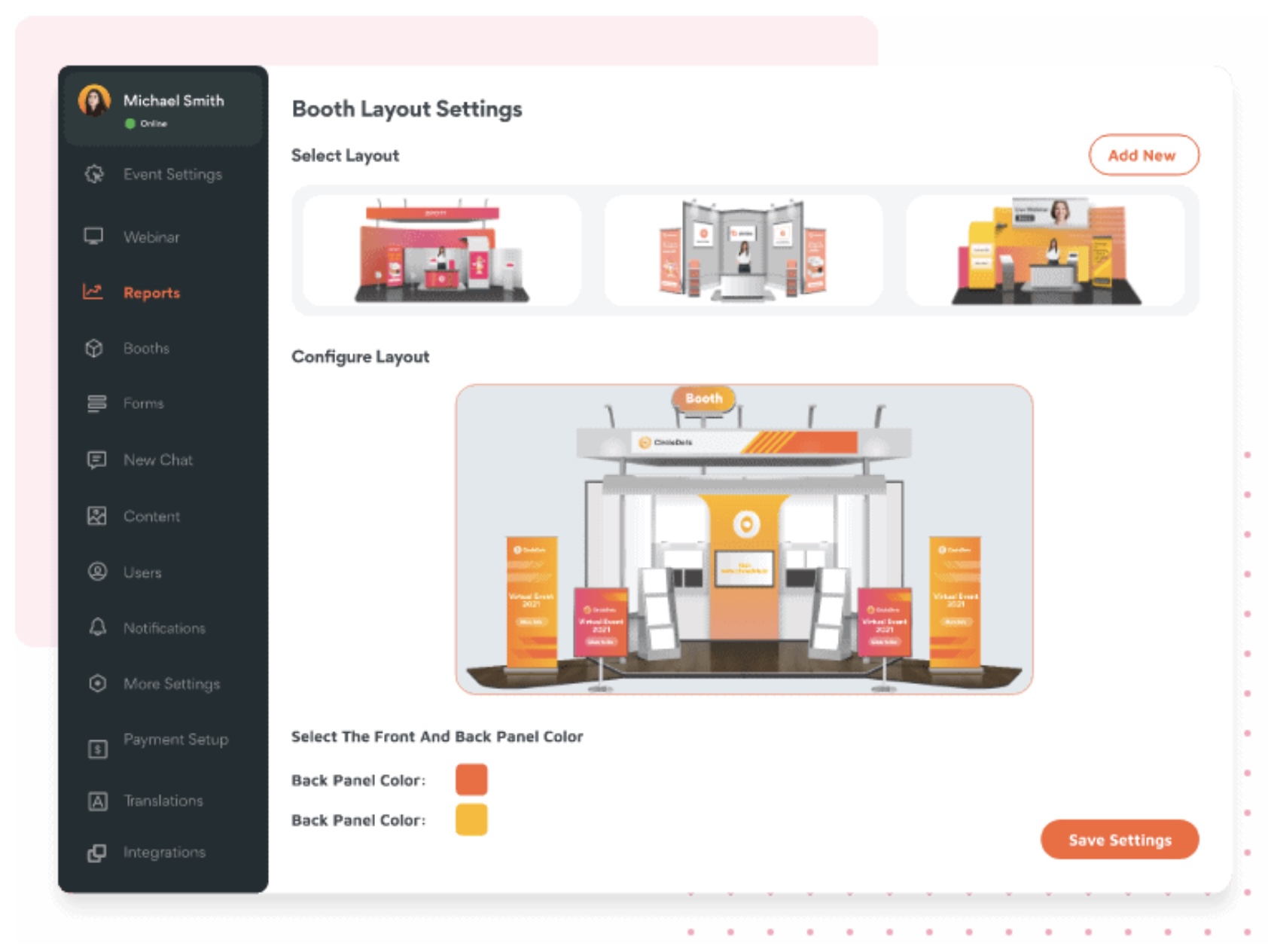
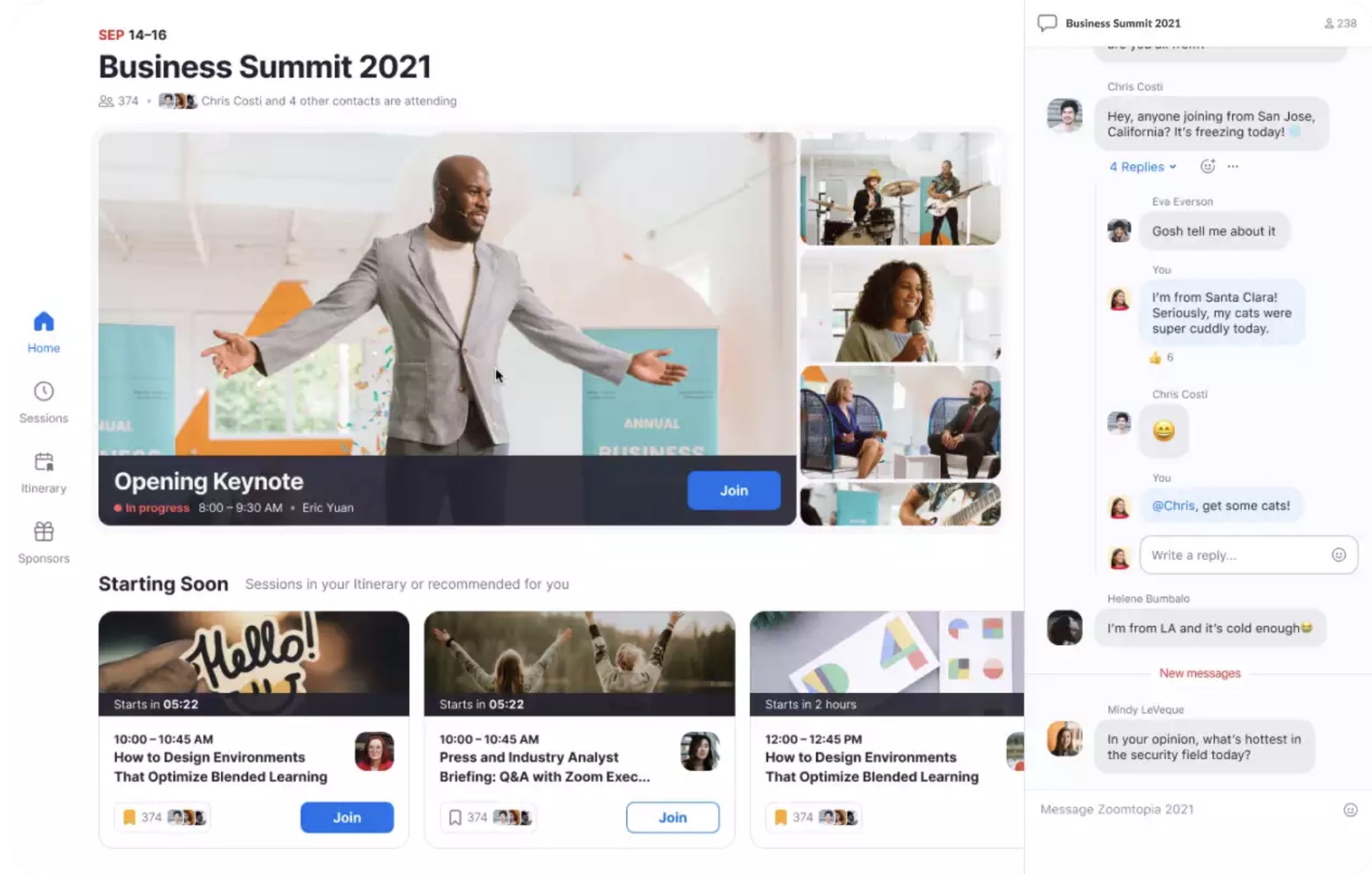
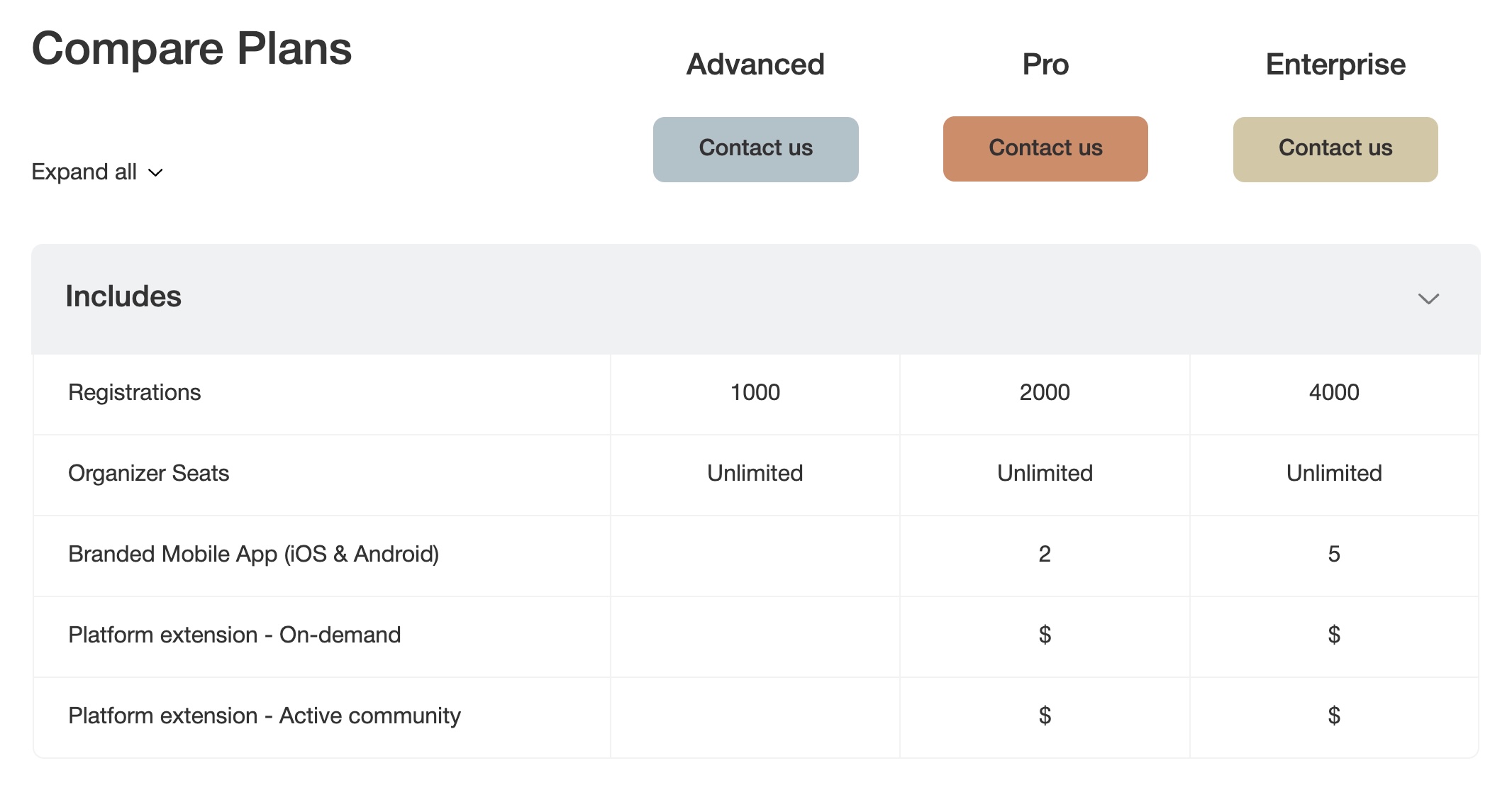

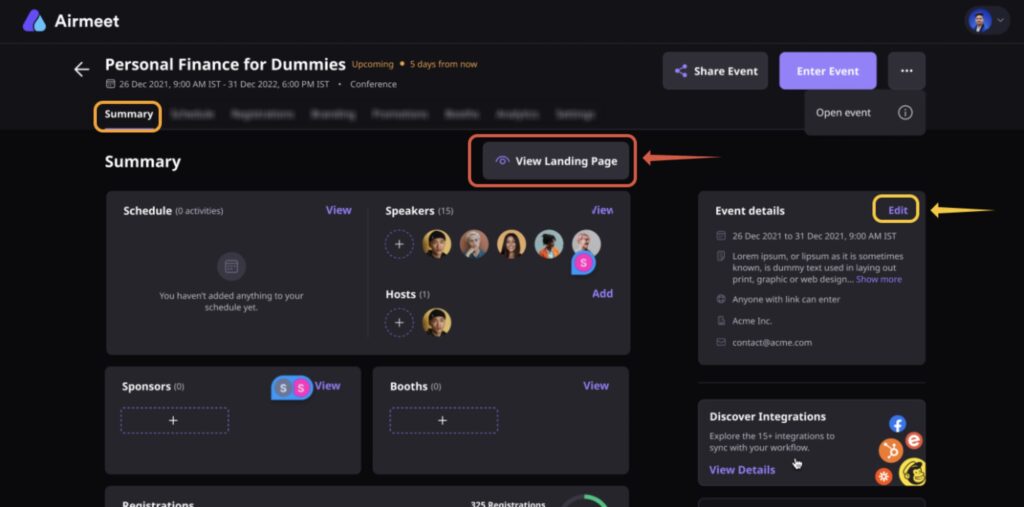
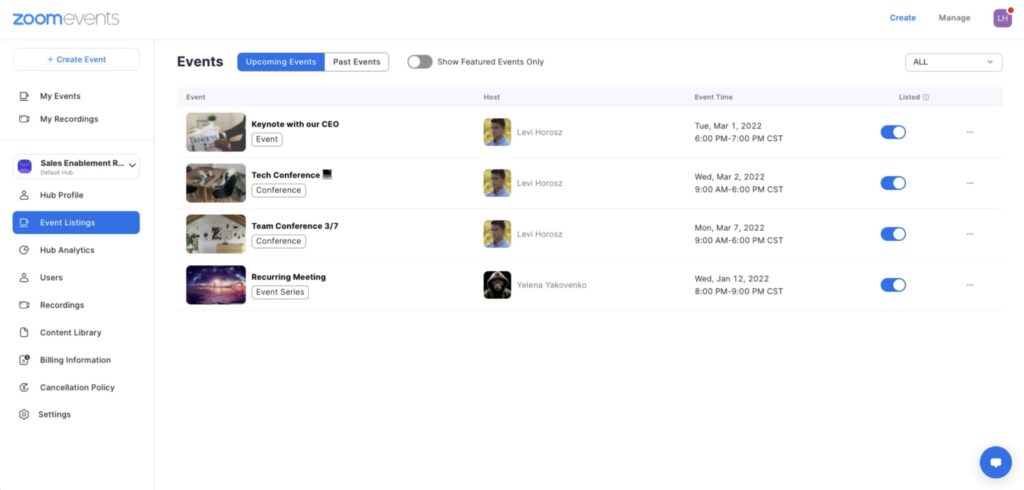


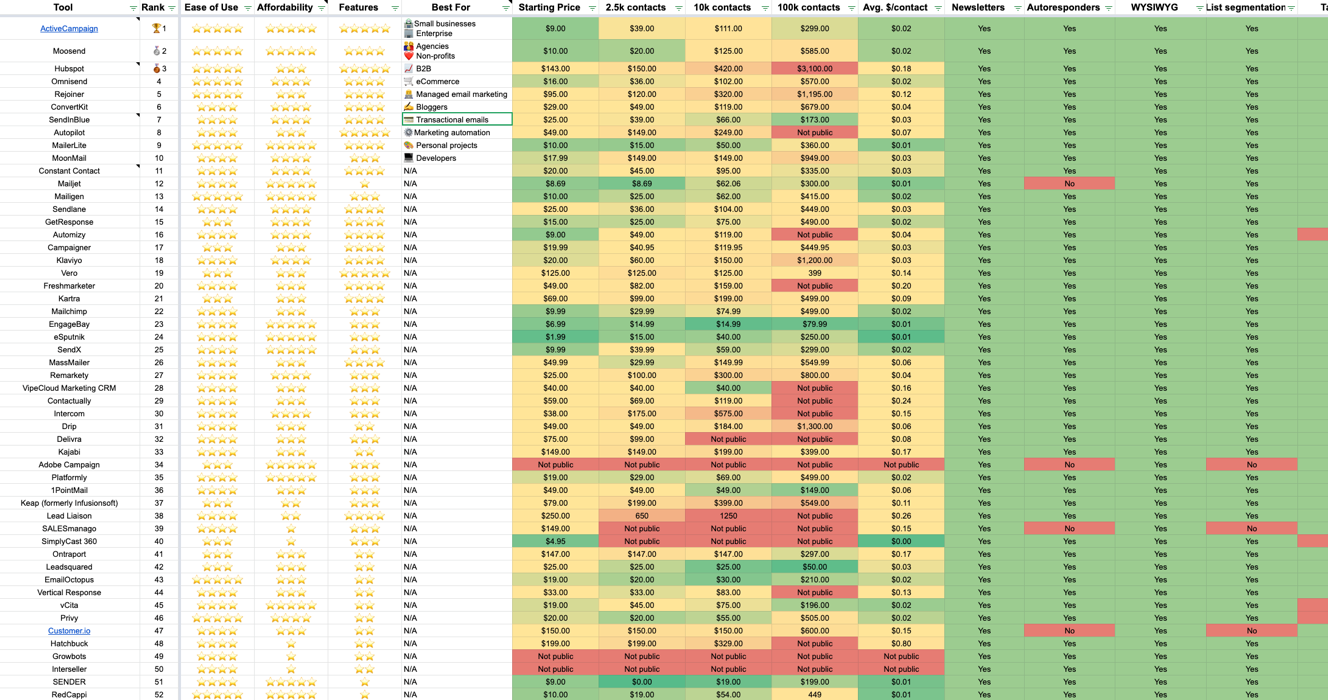



Best for small businesses

Winner: ActiveCampaign. Runner-up: Ortto.

For small businesses, the best marketing automation software in 99% of cases is ActiveCampaign. This is particularly true if you need an all-in-one sales & marketing platform that includes a CRM — you get visual automation, lead scoring, and top-tier deliverability at a price that still makes sense below 10K contacts.

However, if you already have a CRM (Salesforce, HubSpot CRM, Pipedrive), I'd add Ortto as a consideration if budget allows. Their automation journey builder is second-to-none, and the annotation layer makes it much easier to hand a sequence between team members.

Lastly, if you're running an e-commerce business then Omnisend will blow both of the options above out of the water — see the eCommerce tab.

Try ActiveCampaign — 14-Day Free Trial →

## Updates **July 2026** — Added a "short on time?" summary and an at-a-glance comparison table near the top of the guide. Moved the FAQ into a structured format (which now renders FAQ schema) and rewrote several answers that had drifted out of line with our current recommendations — the old version still pointed small businesses at Brevo and ConvertKit rather than ActiveCampaign. Also added links to our ActiveCampaign review, our ActiveCampaign vs HubSpot comparison, and our marketing automation CRM guide, plus a note on Omnisend's free migration offer. ## Frequently asked questions **What is the best marketing automation software?** For most small businesses, ActiveCampaign is the best marketing automation platform — its visual workflow builder, built-in CRM, and consistently top-tier deliverability are why we've run our own ventures on it since 2016. If you're running an eCommerce store, Omnisend is the better pick: it natively integrates with Shopify, WooCommerce, and Magento, and its revenue attribution is purpose-built for online retail. There's no single best tool for everyone — the right answer depends on your business model, budget, and how complex your automation needs are. **What is the best marketing automation software for small business?** ActiveCampaign is the best marketing automation software for small businesses in 99% of cases, particularly if you need an all-in-one sales and marketing platform with a CRM. It starts at $15/mo for 1,000 contacts and remains affordable as you grow — $39/mo at 2,500 contacts versus HubSpot's $150/mo. If budget is the main constraint, Brevo offers marketing automation free for accounts with fewer than 2,000 contacts. Creators should look at Kit instead. **Which marketing automation tool is best for eCommerce?** Omnisend is the clear pick for eCommerce. It natively integrates with Shopify, WooCommerce, Magento, and every other major platform, pulling in your product catalogue, purchase history, and browsing behaviour so you can trigger abandoned cart flows and product-recommendation emails automatically. It combines email, SMS, and push notifications in a single visual workflow, and paid plans start at $16/mo with a free plan for testing. Omnisend also offers free migration from any ESP — their team handles the list imports and automation rebuilds. **How much does marketing automation software cost?** Anywhere from free to several thousand a month, depending on the tool and your contact list size. At the affordable end, Campaigner starts at $14/mo and ActiveCampaign at $15/mo for 1,000 contacts; at 2,500 contacts most mid-market tools charge $30-49/mo. Brevo offers automation free for under 2,000 contacts. HubSpot is the outlier — marketing automation requires their Professional plan from $890/mo, plus a mandatory $3,000+ onboarding fee, so budget at least $12,600/year. **What's the difference between marketing automation and email marketing software?** Email marketing software sends campaigns and broadcasts; marketing automation adds behaviour-triggered workflows, lead scoring, CRM data, and multi-channel journeys on top. In practice the two categories have largely merged — tools like ActiveCampaign, Brevo, and Omnisend do both well. If you mainly need newsletters and simple sequences, a plain email marketing tool is cheaper. If you need automated journeys that respond to what contacts do across a sales cycle, you want marketing automation. **What's the difference between CRM and marketing automation software?** A CRM manages contacts, deals, and sales pipelines; marketing automation handles the workflows that nurture those contacts — email sequences, lead scoring, and segmentation. Some tools, like ActiveCampaign and HubSpot, combine both in one platform. Others, like Ortto and Brevo, expect you to connect an existing CRM such as Salesforce or Pipedrive. Check compatibility before committing — signing up for automation software that doesn't talk to your CRM is one of the most common (and expensive) mistakes we hear about. **Is HubSpot worth it for marketing automation?** It depends on your budget and sales cycle. HubSpot's marketing automation is only included on Professional and Enterprise plans, which start at $890/mo plus $3,000-6,000 in onboarding fees — roughly $12,600/year minimum. For B2B companies and agencies with long sales cycles, the native CRM-to-email revenue attribution can justify that cost. For most other businesses, ActiveCampaign delivers more advanced automation at a fraction of the price, leaving budget for SEO tooling and training. **Is there good free marketing automation software?** Brevo offers genuinely free marketing automation for accounts with fewer than 2,000 contacts, with unlimited contacts and 300 emails/day on the free plan. Kit is free up to 10,000 subscribers, though its automation is deliberately basic. Omnisend has a free plan for testing its automation and prebuilt workflows. ActiveCampaign has no free plan — only a 14-day trial — but it's where most businesses land once they outgrow the free tiers. --- # 7 Best Marketing Planning Software Platforms URL: https://ventureharbour.com/marketing-planning-software/ Summary: Compare 10+ marketing planning tools to build winning campaigns faster. See pricing, features & our top pick for 2024. Last updated: 2026-04-12 07:13:05 Planning marketing campaigns involves a lot of work, especially for agile marketing teams that are constantly mapping out new strategies and projects. Last year, [Venture Harbour CEO Marcus Taylor published his ultimate marketing plan](/marketing-plan/), including a free template that you can use and customise to create your own plans. In this article, we're looking at the best marketing planning software and tools that'll help you put new strategies and campaigns together faster. We've tested dozens of marketing and project management systems over the years and changed software tools several times, as the needs of our team have evolved. This gives us a rounded understanding of what's important when choosing a marketing planning tool and this guide will help you choose the perfect software for your team. ## What are we looking at in this article? This article is designed to help you choose the best marketing management software for your team. The bulk of this guide is reviews of the best tools we've used over the past five years but, before we get into our recommendations, we take some time to explain what marketing planning software is and the kind of features you should look out for. Here's a quick preview of what's coming up in this article: 1. **[What is marketing planning software?](#what-is-marketing-planning-software)** And how it's different from project management software. 2. **[Key features](#key-features):** What to look for in marketing planning software. 3. **[MarketPlan.io review](#marketplan):** The visual marketing planning system. 4. **[CoSchedule review](#coschedule):** Content marketing management and planning. 5. **[monday.com review](#monday):** Marketing workload planning and management. 6. **[Airtable review](#airtable):** Build your own marketing management system. 7. **[Trello review](#trello):** The affordable Kanban marketing planner. 8. **[ClickUp review](#clickup):** Collaborative marketing planning and management. 9. **[Comparison](#comparison):** A head-to-head comparison to help you choose the best tool for your needs. In each review, we look at the key features available, the pros and cons of each tool and how much you can expect to pay for them. Once we're done with the individual product reviews, we wrap things up with a comparison section where we compare pricing, features and other factors so you can choose the best marketing planning software for your needs and budget. First, though, let's clarify what we're talking about when we say marketing planning software and how this is different from other tools, such as project management software. ## What is marketing planning software? Marketing planning software is any tool that helps you plan campaigns and strategies more effectively. One thing we've found over the years is there's an obvious lack of software designed specifically for marketing planning. Instead, we've got an endless supply of project management systems and marketing software tools designed for managing campaigns - some of which include marketing planning features to varying extents. The problem is, while project management tools are often great for planning workloads and tasks, they're not always so good at planning the more strategic elements of marketing strategies. Generally speaking, marketing planning is a more collaborative process than workload planning and this is one area where project management software often falls short for marketing teams. When you're putting a new marketing plan together, you need to compile your team, put your goals together, come up with campaign ideas and develop these ideas into working strategies and run the numbers to check your creatives are going to get results. So you want a system that streamlines the creative process and provides the tools you need to develop ideas and predict outcomes. Once you've selected your best campaign ideas, you're ready to start planning projects, workloads and tasks but the bulk of your marketing planning is already complete by this stage. Marketing planning software should help you develop better marketing ideas and reach the scheduling stage of projects faster. Once you get to this point, you need a system capable of running your campaigns and project management software is a capable tool for this. In recent years, a lot of project management software providers have added marketing planning features into their platforms to cater for both sides of the campaign planning and management process. So some of the tools we're looking at in this article are project management systems that have expanded into marketing planning tools over time. This blurred line between marketing planning and project management can be a little confusing but the key is to understand which features you need from a platform. As long as you know what to look for on feature lists and pricing pages, you shouldn't have any problems - so let's talk about the key features to look for from a marketing planning tool. ## Key features to look for in marketing planning software The key thing to look for in marketing planning software is features and tools that will help you *plan* marketing campaigns and strategies more effectively. Unfortunately, a lot of providers (especially in the project management niche) talk about marketing planning as a use case for their software but lack the depth of features to make any real difference in the planning stage. So here are some of the key features we want to see from a marketing planning tool. ### Marketing goals & milestones One of the first features to look out for in marketing planning software is the ability to set marketing goals and campaign milestones. This tells you that you can define marketing goals such as revenue targets, lead generation, conversion rates and other key targets as part of the planning process. Many project management tools will let you set project goals but they don't always include the most important marketing-specific goals like conversion rates or customer retention rates. These platforms will also lack the ability to track campaigns and measure results although you may be able to pull this functionality in through third-party integrations. Unfortunately, comparing feature and integrations lists can be time-consuming but it's worth checking that your software options provide what you need before putting any money on the line. As a rough guide, look out for a marketing planning or project management tool that allows you to set marketing goals *and* campaign milestones or objectives. Campaign milestones are the incremental targets you need to hit in order to complete your wider marketing goals on time and setting these is a key step of campaign planning. If a system supports both of these features, it suggests they're making a real effort to help your marketing planning efforts. ### Campaign simulation Campaign simulation is an advanced marketing planning feature that predicts the outcome of your campaign ideas so you can select your best ideas and prioritise marketing actions. This will help you develop campaign ideas faster and with greater confidence by putting them to the test, refining your approach and checking campaigns stand a good chance of achieving your goals before you allocate any budget to them. This isn't a common feature in marketing planning software and only two of the options we're looking at today offer any kind of campaign simulation features: MarketPlan.io. ![MarketPlan.io simulation showing projected growth metrics over time.](/uploads/2021/10/Image.png) The simulation features in MarketPlan.io are a little different and we'll take a closer look at these in our review of the platform. At this stage, the more important point is that you're only going to get campaign simulation from a serious marketing planning platform. And, if you're getting this calibre of planning features from a software tool, it's a strong indicator that you're going to get the depth of other features you need to plan marketing strategies and campaigns. ### Campaign management A key stage of marketing planning is mapping out schedules, compiling your team and assigning tasks. Before any campaign or sprint begins, you want your roadmap fully arranged with every marketing action scheduled and your milestones set out for you to complete your goals on time. At this point, we hit the overlap between marketing planning and campaign management. As we explained earlier, there's no shortage of project management systems available and most of them are capable when it comes to managing campaigns. As long as you can create teams, map out tasks in a schedule/timeline and assign tasks to groups and individuals, you've got the basics covered. Ideally, you also want to be able to track the marketing goals and milestones you set, track campaign performance and reallocate budget as your campaigns progress. A real marketing management tool should give you ongoing control over campaign settings (schedules, budgets, milestones, etc.) as your campaigns run and the analytics tools to track and measure results along the way. ### Marketing project templates This is especially important if you're using a project management system as a marketing planning tool. These platforms aren't designed specifically for planning marketing strategies; they're designed for running a wide range of product types and they may lack some of the marketing-specific features we're looking at in this section. For general project management systems, the very least you should look for is marketing templates for the most common project types: campaigns, content calendars and social media planners. These templates will help you plan campaigns faster and partially make up for the lack of more advanced marketing planning features. So always check the library of templates available with project management systems and consider the depth of marketing templates on offer. A platform that only provides a generic campaign template isn't going to help much with planning but a library of templates for different campaigns and project types (content marketing, social media, email marketing, etc.) will make more of an impact. ### Team collaboration features Marketing planning is a collaborative process and you need a system that helps your team develop winning ideas. The depth of collaboration features you need depends on how your team operates. If you all work fixed hours in the same office location, then digital collaboration may be more of a convenience than an essential but for remote and flexible teams, these are crucial features. The most common collaboration features to look out for are messaging, file sharing, roles, invites, tagging/mentions, video calls and notifications. Some marketing planning systems may also support meetings (scheduling, invites, group video, etc.), approvals, ideation and live document editing. With collaboration features, it's tempting to think more is better but we've found an excess of collaboration can actually interfere with progress. The most obvious example is team messaging and notifications, which can constantly interrupt the workflow of individuals and kill their productivity. Another problem you might run into with marketing planning is too many individuals working on a task that only requires the input of one or two people. Keeping your marketing meetings productive is another big challenge, especially if people are underprepared when they attend. We've written a whole guide on [how to keep marketing meetings productive](/marketing-meetings/) and we've adopted a marketing planning tool that allows us to run meeting-less planning sessions to improve our productivity - something we'll discuss in more detail later. ### Automation The main purpose of marketing planning software is to help you plan campaigns and strategies faster and automation is an important feature of any tool designed to save you time. Much like collaboration, the automation features provided by different platforms varies greatly and it's not always a case of more features saving you more time. Implementation is crucial when it comes to automation to ensure the features either save you time or enhance your ability to complete important tasks. Keep in mind that automating marketing planning and project management are two very different things. project management systems are generally very capable of automating repetitive tasks like updating statuses, sending triggering notifications and moving tasks from one location to another. However, this doesn't necessarily mean you're getting automation features that will specifically help with marketing planning. Keep this in mind when you're looking at software options, especially if you're considering project management systems to act as your marketing planning tool. ### Campaign tracking & reporting Another key attribute of marketing planning software is that you can track campaign performance. If you have a system that allows you to set marketing goals, milestones and track the performance of your strategies with native reporting, then you've got all of the basic essentials covered. Ideally, you want a platform that either tracks data from your website directly or imports data through systems like Google Analytics. When you're looking at marketing planning tools, take a look at the reporting features available and check for website tracking, Google Analytics integrations and data import from key platforms like Facebook, LinkedIn, etc. ## #1: [MarketPlan.io](https://marketplan.io/): The visual marketing planning system *****Free plan available; paid plans from $9/mo**nth*** MarketPlan is the strongest rival to TrueNorth that we're looking at today, in the sense that it's a complete marketing planning system. However, it takes a different approach to strategic planning, focusing everything around the marketing funnel and its drag-and-drop funnel mapping tool. In fact, MarketPlan is so good at funnel mapping that it features in [our guide to the best funnel mapping tools](/funnel-mapping/) as a top recommendation. While the platform also incorporates Kanban and task management features, the platform centres around funnel mapping, the customer journey and visual planning. Like TrueNorth, MarketPlan also offers its own forecasting features (the only other platform in this list to do so) but, unlike TrueNorth, it incorporates funnel forecasting, as opposed to the campaign forecasting we looked at with TrueNorth. ![Funnel forecasting tool showing lead generation through various channels.](/uploads/2021/12/Give-your-Brain-What-it-wants-1594x896x92x0x1410x896x1593649353-1024x651.png) **Key features:** - **Campaign planning:** Visually plan campaigns with the same drag-and-drop builder. - **Funnel mapping:** Build funnel maps with MarketPlan’s dedicated builder. - **Team collaboration:** Send messages, leave comments and collaborate remotely on projects. - **Team chat:** Chat with team members in real-time using MarketPlan’s instant messaging system. - **Cost & sales forecasting:** Project funnel performance, campaign results, sales outcomes and expenses. - **Templates:** Plan marketing projects faster with pre-built templates. - **Live analytics:** Pull data in from Google Analytics and other sources for a live, all-in-one reporting system. MarketPlan is more of a visual planning tool that brings everything back to the funnel. So you don't get the meeting-less ideation features or so much help with the creative collaboration stage of marketing planning but the drag-and-drop builder is an excellent tool for visually piecing together each part of your marketing strategy. MarketPlan does offer a little more in terms of project management, though, which could negate the need to get another system for managing workloads once campaigns are live. ### How much does MarketPlan.io cost? MarketPlan runs a free trial for individuals, which gives you access to almost all of its features, albeit with heavy restrictions. You're limited to one user and a single marketing plan but you get full access to the funnel builder, forecasting and team management features. The pricing starts to get a little more complex on the paid plans due to fees depending on the number of users and how many page views are connected to your marketing plans. The Starter plan costs $9/month and this covers you for up to three users although you can pay for additional users at $3/month each. This also covers you for up to 10 marketing plans and you also get the full suite of collaboration features. ![nth monthly plan pricing comparison showing features and costs.](/uploads/2021/12/Screenshot-2021-12-10-at-17.25.30-1024x861.png) The Pro plan starts from $29/month for up to five users and 10,000 page views. Again, you can pay for additional user seats for an extra $3/month each. Page views are incrementally priced and you'll have to keep an eye on your numbers to make sure you're not going to get hit with a surprise bill. When you look at the pricing details for additional page views, you can see how the monthly fees shoot up if you've got a high volume of traffic. Even for small companies, 10,000 monthly page views isn't all that much, especially when none of the other platforms we're looking at in this article charge for page views. ![Pricing tiers for page views from a software platform.](/uploads/2021/12/Screenshot-2021-12-15-at-17.33.18-1024x908.png) With this pricing model, you have to really know that MarketPlan is the platform for you but it helps that the free version gives you access to most of its features. This gives you a good chance to get to know the system at your own pace. The issue with many free trials is they restrict features so much that you can't get an accurate impression of the software without upgrading. While free trials can give you access to all of the features you want to test but only give you 14 days to make a decision, which is rarely enough for complete software tools. MarketPlan achieves a great balance with its free plan by giving you access to most of the platform's features so you can take as much time as you need to make a decision. ### What is MarketPlan.io good for? MarketPlan is excellent for mapping out marketing funnels and planning campaigns around the customer cycle. The platform is designed around the premise of visualising each touchpoint along the funnel and piecing together a marketing strategy that covers each interaction along the sales journey, nurturing leads and guiding them towards the next purchase. If you want a visual platform to map your strategy out in this way, MarketPlan is an excellent choice. Although MarketPlan takes a different approach to TrueNorth with campaign planning, it's the only other platform in this article that offers comparable simulation and projection features. So, if you want a system that enables you to forecast the results of your marketing strategies, these are the two systems you want to compare. ### What is MarketPlan.io missing? The main area where MarketPlan falls short is features to help you create better marketing ideas, campaigns and strategies. MarketPlan isn't so interested in improving the quality of your marketing ideas or streamlining the first stage of planning. However, it is very capable at the testing and optimisation end of the strategic process. We've also experienced some usability niggles with MarketPlan - mainly some UI quirks that a good update or two could probably solve. Speed could be more of an issue, though, especially when working on large plans as we experienced some slowdowns while trying to complete tasks. ### MarketPlan.io pros & cons #### MarketPlan.io pros - **Funnel mapping:** An excellent funnel mapping tool that no other platform in this article offers. - **Projections:** Predict the outcome of campaigns and optimise results ahead of launch. - **Reporting:** MarketPlan’s analytics and integrations create a powerful reporting dashboard. #### MarketPlan.io cons - **Complex pricing:** The page view pricing system on the Pro and Agency plans could catch you out if you’re not aware of it. - **Speed:** MarketPlan suffers some slowdowns, especially when working on large plans. - **Usability:** Some minor UI and UX issues in the builder and software that could be solved with a good update. ### MarketPlan.io verdict MarketPlan is an excellent funnel mapping tool that encourages you to plan your marketing efforts around the customer journey. While it lacks a few early-stage planning features, the task management features available on all plans make it a capable all-in-one platform for the latter stages of marketing planning and campaign management. The platform's projection tools allow you to test out campaign ideas and project performance to make sure all of the important numbers add up. TrueNorth is the only other system offering comparable simulation features, although MarketPlan's are more focused on optimisation than testing and prioritising marketing ideas. So it comes down to whether you value funnel mapping or campaign ideation more in your marketing planning strategy. The other key factor with MarketPlan is pricing. The free plan gives you access to most of its features, albeit with heavy usage restrictions. However, the paid plans aren't as affordable as they first appear once you understand the per-user and page view pricing model. ## #2: [CoSchedule](https://coschedule.com/): Content marketing management and planning ***Free plan available; pricing from $29/month*** CoSchedule is another specialist software tool that doesn't quite fit into either category of marketing planning or project management while, at the same time, being a little bit of both. More specifically, it's a content marketing management and planning system built around four main products: 1. Calendar Organizer 2. Content Organizer 3. Work Organizer 4. Asset Organizer You can sign up for the Marketing Calendar as a standalone product, which includes a basic free version and a paid plan starting from $29/month or you can buy into the Marketing Suite plan to access all four of the products listed above and the full capabilities of CoSchedule's software. ![CoSchedule content calendar displaying tasks and deadlines for various departments.](/uploads/2022/01/calednar-organizer-1024x585.png) **Key features:** - **Content Calendar:** Map out your content marketing strategy with CoSchedule's trademark content calendar. - **Content Organizer:** Create, schedule, publish and promote your content from one platform. - **Marketing projects:** Manage marketing projects with tasks, workload management and collaboration. - **Automation:** Automate repetitive tasks to speed up planning and project management. - **Social management:** Manage your social media profiles and automatically publish content across profiles. - **Asset management:** Store, index and collaborate on content assets in CoSchedule. - **Integrations:** Extensive integrations with WordPress, Zapier, Google Docs, [Mailchimp](/recommends/mailchimp/) and plenty more. CoSchedule's Calendar Organizer is essentially a marketing calendar that you can use to schedule and manage your marketing activities. It's primarily designed to act as a content calendar but you can map out other marketing and project activities alongside your content schedule instead of switching between multiple calendars. This isn't a fully-fledged project or task management tool but you can assign tasks to teams and individuals and schedule activities. If you want more control over tasks and workload management, you'll have to sign up for CoSchedule's Marketing Suite to access the Work Organizer product, which allows you to manage the workloads of team members and manage projects in greater detail. You can schedule tasks, assign roles, prioritise tasks, manage deadlines and manage workloads to maximise productivity without overworking your team. CoSchedule's Work Organizer isn't as advanced as some of the project management systems we're looking at later but it covers enough of the basics to make the company's Marketing Suite an effective all-round option. With the Marketing Suite, you also get the Content Organizer to create, schedule and promote your content. The tool includes a text editor that you can use to create your content and collaborate on pieces with other team members. It also includes headline testing tools and scheduling so you can create a backlog of content and automatically publish on specific dates. The fourth product in CoSchedule's Marketing Suite is the Asset Organizer that creates a single space for managing and accessing content assets. You can upload assets like images, videos and data visualisations for team members to use in your content, giving access to everyone who needs it. This way, everyone knows where assets are and you can update or re-upload items to a single location to remove any risk of individuals using older versions. ### How much does CoSchedule cost? CoSchedule offers a free version of its Marketing Calendar product for individuals, limited to a single user for personal projects. Teams will need to purchase the Pro version of Marketing Calendar for $29/month per user and the Marketing Suite Business plan to get access to all of the company's products. ![CoSchedule pricing comparison showing Free, Pro, and Business plans.](/uploads/2022/01/Screenshot-2022-01-19-at-19.44.02-1024x788.png) CoSchedule doesn't publish any pricing details about its Marketing Suite Business plan so you'll have to contact the company's sales team to get a quote, based on the size of your team. ### What is CoSchedule good for? CoSchedule is a great option for content marketing teams, publishers and companies with a business model that revolves around content production. Few alternatives provide a set of tools for both (content) marketing planning and campaign management with specialist features like a text editor, content scheduling and asset management. In truth, the free version of CoSchedule's Marketing Calendar plan isn't much use to content teams but the Pro plan brings in enough collaboration, automation and productivity tools to justify the $29/month (per user) asking price for teams that produce a lot of content. Obviously, to get the best out of CoSchedule's software, you'll need to sign up for the Marketing Suite Business plan but the key question is how much you'll have to pay for it. ### What is CoSchedule missing? The clear limitation with CoSchedule is that it's designed for content teams and, while it's a capable tool for content planning, its case weakens when it comes to planning and managing other strategies. We don't have a problem with software providers specialising in certain strategies or roles but the question we have to ask is whether CoSchedule is specialist enough at its niche and delivers advanced features that justify paying for a content-centric platform. If you're looking for a more general-purpose marketing or project management system, you'll probably want to look at some of the other options in this list. Aside from being very content focused, the task and workload management features are quite basic in comparison to the platforms we're about to look at. To be clear, you don't get a lot of project management features on the standalone Content Organizer plans at all but, even with the Work Organizer product included in the Marketing Suite plan, you're not getting the same depth of tools provided by the likes of monday.com and the other products coming up. ### CoSchedule pros & cons #### CoSchedule pros - **Content marketing:** CoSchedule is primarily designed for planning and managing content marketing strategies - and it's very good at it. - **Asset management:** Having a single place to store and access all of your content assets boosts productivity and consistency. - **Usability:** Strong UX design and the relative simplicity of CoSchedule's software make the platform easy to implement and use. #### CoSchedule cons - **Limited scope:** The focus on content marketing limits CoSchedule for planning on other channels, such as PPC and paid social. - **Restrictive free plan:** While CoSchedule offers a free plan for individuals, it's so limited that it offers no real value beyond testing a restricted version of the platform - a free trial would be more helpful. - **Pricing:** Considering the limited scope of CoSchedule's software and the per-user pricing model, a $29/month starting price is pretty expensive for marketing teams. ### CoSchedule verdict For content marketing teams or companies that prioritise content publishing, CoSchedule offers a solid system for planning and managing campaigns. It offers specialist tools you won't find on the other platforms we're looking at today, including collaborative text editors, headline scoring and asset management, that will help teams create quality content on a regular basis. The emphasis on content marketing is pretty obvious and CoSchedule isn't going to replace a project management system or a multichannel planning tool. This is a product that specialises in one channel so it all comes down to how important content marketing is to your team/business and whether you're struggling to create a constant stream of high-quality content without a tool like CoSchedule. ## #3: [monday.com](https://monday.com/): Marketing workload planning & management ******Free plan available; paid plans start from £21/month***\**** If TrueNorth and CoSchedule are too light on task management features for you, monday.com is worth taking a look at. Primarily a project management system, monday.com is designed to manage the workloads of teams and individuals across a wide range of projects - from marketing campaigns and software development to recruitment and customer onboarding. The downside is monday.com offers fewer features and tools for marketing planning, specifically. You certainly don't get the meeting-less ideation or campaign simulation features offered by TureNorth or the content planning tools provided by CoSchedule. However, monday.com does include a library of 200+ project templates to speed up the planning process, including a dozen marketing-specific templates: content calendar, marketing strategy, social media planner, campaign planning and more. ![Campaign planning tool displaying project status and assignments for upcoming tasks.](/uploads/2021/11/23335d8f-62de-40e3-af4d-c4e21e0cb889_Campaignplanning.png) **Key features:** - **Project management:** Manage projects, including marketing campaigns, product launches and more. - **Campaign planning:** Plan your marketing campaigns in one organised workspace. - **Task management:**Manage tasks at the team and individual levels throughout your campaigns. - **Advanced views:** View and manage projects across multiple views, including Kanban, timeline, calendar, Gantt, map view and more. - **Content calendar:**From digital publications to social media, manage your publishing schedules and coordinate all content initiatives in one visual calendar. - **Automation:**Automate repetitive work by setting customisable actions in your boards. - **Performance insights:**Visualise project performance and workflows so you know what’s working and what’s not. - **Time tracking:**Track and monitor the time spent on each task. - **Templates:** Use and create project templates to get things moving faster. - **Collaboration:** Send messages, attach files, run video chats and collaborate via digital whiteboards. Aside from the dozen or so marketing templates in its library, monday.com doesn't offer any other features specifically for marketing planning. Despite this, the platform is a great tool for planning project timelines, schedules and workloads - both for teams, individuals and groups within your team. Depending on which plan you're signed up to, you also get extensive view options for planning and managing your products, including the standard Kanban view, a timeline view, calendar, a workload view and more. This will definitely help you plan campaigns and other projects but the views are also designed for team members to access and manage their individual workloads. You can assign tasks, set deadlines, upload attachments and map out workloads to ensure everyone has enough time to complete the tasks assigned to them. Team members can, then, access their schedules, send messages, upload their own attachments and update task statuses. Individuals and groups can also collaborate through messaging, attachments, video calls and a built-in collaboration whiteboard. ### How much does monday.com cost? Pricing is where things start to get a little complex with monday.com and we've got five different plans to talk about in this section. First, we've got the free Individual plan that covers you for two user seats, 1,000 "items" (projects, tasks, customers, etc.) and the standard Kanban view. An upgrade to the £7/month\* (per seat) Basic plan gets you unlimited items and allows you to invite an unlimited number of viewers to access your account on a view-only basis. There's a reason why I've put an asterisk next to the £7/month detail, though. That's because you're obliged to sign up to a minimum of three users on monday.com's paid plans so you're looking at a starting price of £21/month for three user seats on the Basic plan. Something else to keep in mind is that team sizes are restricted to certain numbers( 3, 5, 10, 15, 20, 25, 30 and 40) so you can end up paying for seats you don't need and the extra expense can be significant on the more expensive plans, especially for larger teams. ### What is monday.com good for? Clearly, monday.com's biggest strengths are project and workload management but it's worth acknowledging how important this is in marketing planning. This platform isn't going to help you with the more strategic aspects of planning campaigns but it will help you put together schedules that make the best use of your resources and maximise productivity without overworking team members. This helps marketing managers during the planning stage but the same functionality helps the whole team manage their workloads as campaigns and other projects progress. For remote teams and companies operating under flexible working, the cross-platform architecture is a big strength, too. With the web app, team members can access the platform from any browser and the mobile apps for iOS and Android put monday.com in the pockets of team members wherever they go. The experience between platforms is seamless, meaning team members can move between devices without any inconsistencies. ### What is monday.com missing? As the focus of this article is marketing planning and we've already looked at a couple of tools that provide specialist features for strategic planning, this is the key area where monday.com falls short. This isn't a comparable tool to TrueNorth or CoSchedule and you're not getting anything that will help you come up with better marketing ideas. Instead, you get a comprehensive project management system that excels at planning schedules, workloads and tasks. This carries over into running projects, which is the primary purpose of monday.com but the focus on updating task statuses in the software forces team members to spend more time interacting with the platform than we would like at times. Depending on which plan you're signed up for, you can overcome some of this with automation workflows but it's difficult to escape the manual status updates. ### monday.com pros & cons #### monday.com pros - **Task management:** monday.com prioritises task management, building your projects around individual task lists. - **Visual simplicity:** The interface is a little harsh on the eyes but its visual simplicity communicates information effectively. - **Collaboration:** The in-app notes, messaging and notification system aids collaboration without being intrusive on individual workflows. #### monday.com cons - **Time-consuming:** While monday.com is excellent for task management, you spend a lot of time creating task lists, structuring projects and updating statuses. - **Lack of marketing features:** This is a great tool for planning schedules and workloads but it offers few marketing-specific features for the more strategic aspects of campaign planning. - **Complicated pricing:** The monthly prices displayed on the website are a little misleading because you have to pay for a minimum of three users and the per-user pricing multiplies the total fee. ### monday.com verdict If you're more interested in planning marketing schedules and the workloads of your team, monday.com is an excellent option. Aside from the dozen or so marketing templates, you're not getting much in the way of marketing-specific features and you're certainly not getting the advanced planning features provided by TrueNorth or, to a lesser extent, CoSchedule. However, monday.com is an excellent tool for planning campaign timelines and the workloads of team members to strike the right balance between maximising productivity and avoiding burnout. Depending on your priorities, what it lacks in marketing features, it could make up for - at least in part - with its flexibility for managing a wider range of projects. As so often is the case with making software choices, a lot of it comes down to whether you want the specialist marketing planning system (TrueNorth) or a more general-purpose project planning and management platform. ## #4: [Airtable](https://www.airtable.com/): Build your own marketing management system ***Free plan available; pricing from $10/month*** Airtable is a database visualisation tool that enhances the traditional spreadsheet interface into an advanced project management tool. The platform allows you to build custom interfaces and pull data in from other platforms to give team members all of the information and assets they need to perform their roles. The open nature of the system allows you to plan and manage campaigns on your own terms and this freedom is a key characteristic of Airtable. The downside to this is that you have to put time into setting up and customising your interfaces although Airtable's marketing templates can get you there faster, including templates for content operations, campaign management, a social media calendar and product launches. The architecture may not appeal to everyone but marketing teams and developers that appreciate the databasing approach to marketing planning and management will want to take a look at Airtable. ![Airtable project planning interface showing task categories and completion statuses.](/uploads/2022/01/product-features-lp_views_hero_2x-1024x336.png) **Key features:** - **Build your own system:** Airtable allows you to build your own marketing planning and management system. - **Campaign planning:** Map out marketing actions, workloads and assets throughout the campaign schedule. - **Content calendar:** Create content calendars and manage your strategy as things develop. - **Collaboration:** Easily attach videos and images and work through feedback directly in Airtable. - **Asset management:** Upload assets, provide access to everyone who needs them and track usage. - **Automation:** Trigger notifications, streamline redundant work, integrate your tools, run custom code and more. - **Marketing templates:** Plan marketing campaigns faster using Airtable's library of templates. - **Interface Designer:** Build your own interactive interfaces to customise workflows for your team. - **Reporting:** Build your own reports and compile all of the data you need without writing any code. You have to invest time into Airtable to get the best out of its platform but it rewards you with the freedom to create and import the data you want to work with. The Interface Designer also gives you the freedom to visualise this data and work with it however you like. You can pretty much build your own campaign planning system in Airtable and, then, build your own campaign management workflow with a campaign tracker, content assets, budgeting and campaign reports - or whatever else you need. As long as you and your team are comfortable working with the databasing format and set process involved, Airtable basically allows you to create the marketing planning and management system you want. ### How much does Airtable cost? Aitable's pricing model is less complex than monday.com's with a basic free plan available for up to five users and three paid plans: Plus, Pro and Enterprise. The Plus plan costs $10/month per user with no minimum user requirement and the Pro plan bumps your bill up to $20/month per user, provided you pay for the first 12 months up-front. ![Airtable pricing tiers comparing features and costs.](/uploads/2022/01/Screenshot-2022-01-22-at-16.21.00-1024x734.png) The pricing may be simple enough but the feature distribution across them is more complex, which makes it difficult to know what you're signing up to at first. The infrastructure of Airtable's software makes this a little trickier, too, as the platform is built around workspaces, bases, tables, records and apps - and it's hard to know how much of each you're going to need until you have experience with the platform. Perhaps Airtable could simplify the feature distribution across plans to make it a little easier to understand what you're getting into before signing up but it's not easy to split a system like this across several plans. Crucially, Airtable offers a free plan that allows you to work with unlimited bases and get used to the limitations of records per base, attachments per base and the overall architecture. Once you get used to using the free version of Airtable, you should have a better idea of what each of the paid plans is offering and whether the platform is right for your team. ### What is Aitrable good for? Airtable takes the classic spreadsheet format and enhances it as a databasing tool with tools to help you complete project management tasks faster. Its biggest strength is giving you the freedom to create your own interfaces, import the data you need and create reports that show insights in the most relevant way to your team. With most project management tools, you're limited to the interfaces built into each platform and, although you get a certain amount of room for customisation, Airtable allows you to build your own interfaces from scratch. You can also use Airtable's templates to get a headstart and customise the pre-built interfaces to match your needs. Provided you have a clear vision of how you want to plan and manage your marketing campaigns, Airtable makes it fast and easy to build basically any workflow you can imagine. ### What is Airtable missing? Airtable is an ambitious software platform that tries to simplify advanced databasing as a project management tool. It does a remarkable job, too, especially when you consider the open nature of its system and how much room it gives users to create their own workflows. In many ways, Airtable's biggest problem is the complexity of what it does. If you visit the company's website for the first time, you're probably not going to get a clear idea of what the platform's about by simply reading the page copy. As we mentioned earlier, it's a similar story on the pricing page where it's difficult to gauge what you're getting from each plan unless you already know a bit about the software. Unless you've got experience with similar databasing tools, the only way new users are going to get familiar with Airtable is by signing up for the free plan and getting to know it for themselves. This is a system you have to invest time into to find out whether it's right for you or not - and it's not going to be right for everyone. If you're looking for a system that's ready to set up and use, this isn't it. And, if you're not keen on the databasing approach (this requires experience or willingness to learn), then Aitrable definitely isn't for you. On the other hand, if you find most project management systems too inflexible, Airtable provides a more open alternative for those familiar with databasing or willing to learn. ### Airtable pros & cons #### Airtable pros - **Flexibility:** Airtable's open databasing system gives you the freedom to build workflows, interfaces and processes on your own terms. - **Interface Builder:** The drag-and-drop Interface Builder gives you code-free control over UI elements and your data. - **Data import:** Excellent integrations and data import options give you a wealth of insights to work with. #### Airtable cons - **Limited planning features:** Airtable prioritises process and task management more than marketing planning. - **Time-consuming:** You have to put time into this platform, even if you're already familiar with databasing systems. - **Complexity:** Flexibility comes at a price and Airtable is the most complex platform we're looking at in this article. ### Airtable verdict If you're looking to build your own marketing management platform without developing the whole system yourself, Airtable provides a simple, code-free environment to do this. As long as you have a clear idea of what you're trying to achieve with Airtable and you're willing to put the time into building it, you can develop and optimise the ideal marketing planning tool for your team. While there are some limitations (especially in native marketing planning features), Airtable gives you plenty of freedom while making it relatively easy to build interfaces and piece together a complete marketing management system. ## #5: [Trello](https://trello.com/en-GB): The affordable Kanban marketing planner ***Free plan available; pricing from $5/month*** If Airtable is the most complex tool we're looking at today, Trello has got to be the simplest and also one of the most affordable. The platform is designed around an adapted version of the Kanban approach to visualising project management. It incorporates a system of workspaces containing boards, which themselves contain cards or lists of cards that you can create as tasks and assign to individuals or teams. You can use this to group tasks together by category or status, such as "To Do," "Doing" and "Done," as shown in the visualisation below. Within cards, you can set deadlines and reminders, attach files, add checklists, leave comments, provide feedback and collaborate with teammates. It's a simple platform but a generous free plan and affordable pricing across the board makes this a compelling, flexible planning tool for marketing teams on a budget. **Key features:** - **Trello boards:** Plan campaigns with Trello's signature boards interface, an enhanced version of the classic Kanban format. - **Campaign planning:** Map campaigns and workloads in boards, timelines, calendars and other views. - **Project management:** Run projects from start to finish and quickly adapt to agile environments. - **Task management:** Use lists, cards and checklists to create, assign and manage tasks. - **Workload management:** Create and manage workloads, assign tasks and update statuses. - **Templates:** Plan campaigns and projects faster by using Trello's template library. - **Automation:** Create rules, buttons, and commands to automate almost any action. On the Free and Standard Trello plans, you have to take charge of planning your campaigns as you only get access to the standard board view. This means you can't plan campaign schedules as effectively as you can with timeline and calendar views but both of these are available on the Premium and Enterprise plans, as well as a new Workspace Table view and a Map view. Templates are also reserved for the Premium and Enterprise plan and the library currently includes 26 marketing templates to help you plan projects faster. Without the advanced views and templates, you're not getting much in the way of marketing planning features on the Free or Standard plans - other than Trello's basic project planning interface. Then again, even on the Free plan, you can create unlimited cards, add up to 10 boards to each workspace and manage tasks while the Standard plan also gives you Unlimited boards, custom fields and a bunch of other features. Each plan supports automation to help you improve the efficiency of your team, allowing you to automate actions like task updates. The number of command runs you can perform each month varies on the Free and Standard plan but you get unlimited runs once you upgrade to the Premium plan. ### How much does Trello cost? Trello's generous Free plan costs exactly $0/month and it doesn't matter how many people are on your team. You're simply limited to the number of boards you can create per workspace and other usage limits. The Standard plan lifts some of these restrictions for an asking price of $5/month per user but you get the best out of Trello by signing up for the Premium or Enterprise plan. ![Trello pricing plans comparison with features for Standard, Premium, and Enterprise.](/uploads/2022/01/Screenshot-2022-01-22-at-16.52.14-1024x426.png) For $10/month per user, the Premium plan opens up five additional views: Dashboard view, Timeline view, Workspace Table view, Calendar view and Map view. The timeline and calendar view are particularly helpful for planning out marketing schedules, workloads and campaigns (eg: a content calendar) while the standard Trello view helps you and your team manage tasks as the campaign runs. By the time you upgrade to the Premium plan, you can invite non-users into your projects on a view-only basis and group boards together in collections. You also get priority support and enterprise-level admin features (eg: domain restricted invites, deactivating users, etc.). The Enterprise plan starts at $17.50/month per user for teams of 25 and the per-user price gradually drops for each team member over 250 (but only by 1¢ each). Still, these are affordable per-user fees for an Enterprise plan, even if Trello is a relatively simple project management tool. That said, even at these prices, you'll be paying more for Trello's Enterprise plan with a team of six ($105/month) than you'll be paying for TrueNorth's entire marketing planning system ($99/month), regardless of how big your team is. ### What is Trello good for? Trello is excellent if you're looking for a free or affordable project management tool for small teams. It's not as polished as platforms like monday.com but even the paid plans are significantly more affordable. With the $10/month per user Premium plan, you get a basic but useful campaign planning tool, thanks to the inclusion of a timeline view, which helps you plan out campaign schedules. The calendar view also helps you plan out content schedules while the marketing templates can give you a head start with campaign planning (they are very basic, though). Simplicity is the common theme with Trello and, despite some limitations, the platform benefits from an excellent UX that makes it easy for anyone to sign up and start using right away. The cross-platform architecture is as good as it gets, too, with mobile apps for iOS and Android complementing browser-specific apps for Chrome, Firefox, Edge and Safari - in addition to the standard web app that anyone can access via Trello.com. ### What is Trello missing? Trello doesn't offer up anything new in terms of marketing planning or project management and it's not going to transform the way your team works. If you're signed up for the Premium or Enterprise plans, then the timeline and calendar views will help you plan campaign schedules and the marketing templates might help you put plans together faster, but that's all you can expect from Trello. You're not getting anything that helps your team produce better marketing ideas or develop creatives more effectively, even on the Enterprise plan. The platform simply isn't designed to handle the more creative aspects of marketing planning but it doesn't make any false claims about it, either. ### Trello pros & cons #### Trello pros - **Free plan:** Trello's generous free plan is open for teams of all sizes. - **Affordable:** Paid plans are affordable across the board, especially for smaller teams. - **Usability:** Trello is easy to use and provides an excellent cross-platform experience. #### Trello cons - **Limited features:** Trello's obvious drawback is the simplicity of its platform. - **Restricted views:** Without the timeline and calendar views available on the Premium and Enterprise plans, Trello's prospects as a marketing planning tool are weak. ### Trello verdict Trello's freemium product strategy has won the hearts of many and it's a great option for marketing teams that need a free or affordable option until they're ready to pay for something more comprehensive. As a project management tool, it's difficult to criticise Trello's product design and pricing model but the issue for marketing planning is the restriction of timeline and calendar views only being available on the Premium and Enterprise plan. If the timeline view was available on the free plan and other restrictions we put in place to balance this, our verdict would look very different. Even if the timeline view was available on the Standard plan, the easier upgrade path would make Trello a top recommendation for marketing planning at the $5/month per user price point. Obviously, the company has to monetise its product somehow and its priority is clearly project management - not marketing planning - but we've got to stay relevant to the purpose of this article. ## #6: [ClickUp](/recommends/clickup/): Collaborative marketing planning & management ***Free plan available; pricing from $5/month*** Our final recommendation is the ultra-collaborative ClickUp that aims to provide an all-in-one project management system. The platform also offers specialist features for marketing planning, including a dedicated tool for sprint planning, goal tracking, resource management and plenty more. While it doesn't have a specific tool for marketing ideation, ClickUp's collaborative chat system, docs features and task management capabilities combine to create a useful environment for marketing teams to refine campaign ideas. Excellent UI design makes a depth of features easy to navigate and ClickUp also allows you to customise interfaces and dashboards without writing any code. This means you can build the system to meet the needs of your team and switch off any features you don't want getting in the way. ![Figma design interface showcasing a team collaboration on project planning.](/uploads/2022/01/Screenshot-2022-01-23-at-13.10.48-1024x714.png) **Key features:** - **Project planning:** Plan campaigns and other projects with ClickUp's collaborative system. - **Task management:** Create and manage tasks for teams and individuals. - **Spaces:** Organise teams and departments into Spaces where you can group projects into folders. - **Views:** Plan and manage your campaigns across 15 different views, including lists, boards, calendars and more. - **Collaboration:** Plan and manage projects at every level as a team with email, chat, comments, docs collaboration and more. - **ClickUp Docs:** Create, manage and collaborate on documents inside ClickUp. - **Reporting:** Set goals and track progress with built-in reporting. - **Time management:** Track time, estimate tasks durations and analyse team performance. - **Marketing templates:** Plan campaigns and marketing projects faster with ClickUp's library of templates. - **Automation:** Cut out repetitive tasks using 50+ actions, triggers and conditions with pre-built, customisable recipes. At its core, ClickUp is a project management system that aims to be so much more but it has to deliver the core features you would expect from a platform designed to manage a variety of projects. It offers more views than any other tools we've looked at in this article - a grand total of 15, including Kanban, timeline, calendar, list, Gantt, workload and more. These views help you plan marketing projects, piece together timelines and map out workloads to hit your targets while avoiding burnout. ClickUp also comes with a library of templates to help you plan projects, including seven marketing templates and several templates for agile projects. This includes a few sprint templates and ClickUp even has a dedicated tool for planning sprint runs, which you can use to set goals, define sprint dates, mark priorities and track team progress. ### How much does ClickUp cost? ClickUp offers a free plan for individual users that works fine as a personal project management tool but this is a collaborative platform designed for teams. Paid plans start from $5/month per user, which puts ClickUp among the more affordable platforms we've looked at in this article - only TrueNorth is cheaper for more than 5-10 team members, depending on which plan you sign up for. The Unlimited plan opens up the vast majority of ClickUp's huge feature list, except for a few collaboration, customisation and reporting features. The Business plan allows you to create unlimited teams and opens up advanced automations, time tracking and workload management features. The Business Plus plan gives you access to all of ClickUp's collaboration features and unlocks most customisation options with the main exception being white-labelling. This is available on the Enterprise plan, which also gets you the full set of security and support features provided by ClickUp. ### What is ClickUp good for? ClickUp has developed one of the most collaborative project planning and management systems we've ever used and also one of the most usable. Most platforms that push this hard on collaboration end up creating a convoluted system swamped with features that interrupt your workflow more than they enhance it. This isn't the case with ClickUp, largely thanks to the excellent UI design that intuitively separates features so you can find everything easily. A depth of customisation options also allows you to basically remove anything you don't want clogging up the interface. As a marketing planning tool, ClickUp offers more than you would normally expect from a system primarily designed for project management, too. Aside from marketing and agile management templates, you get dedicated tools for planning sprint runs, a wealth of views to plan workloads and goal tracking so you can measure performance. ### What is ClickUp missing? ClickUp offers so many features it's hard to imagine anything could be missing but we have to remember this isn't a platform built with marketing planning specifically in mind. If we're comparing this to TrueNorth and MarketPlan, you're not getting the projection and simulation features we explored with the other two or the campaign ideation features available on TrueNorth. Despite this, the wealth of collaboration features available in ClickUp should provide more than enough to help your team develop marketing ideas effectively. Aside from lacking some of the more advanced marketing planning features provided by TrueNorth and MarketPlan, ClickUp competes with all of the other systems we've looked at in this platform. It's as good as the likes of monday.com for project management and offers a greater depth of marketing-specific features than the more project-oriented tools. ### ClickUp pros & cons #### ClickUp pros - **Collaboration:** ClickUp provides one of the most collaborative systems we've used without compromising productivity. - **Usability** Despite the depth of features worked into its platform and the extent of collaboration tools, the standard of usability ClickUp achieves is impressive. - **Marketing planning:** While it doesn't compete with TrueNorth and MarketPlan when it comes to marketing planning, ClickUp offers more in this regard than the other alternatives. #### ClickUp cons - **Mobile apps:** As good as the web app experience is, the UI design on the mobile apps isn't as intuitive. - **Learning curve:** The depth of features comes with an inevitable learning curve that you're not going to get from simpler tools like Trello. ### ClickUp verdict ClickUp is a collaborative project management system that doubles up as an excellent marketing planning system. While it doesn't match the advanced features of TrueNorth and MarketPlan, it comes closer than any of the other platforms we've looked at in this article while competing with the best project management systems like monday.com and Trello. The web app is a joy to use thanks to the quality of its UI design and it's genuinely impressive how usable this system is, considering how many features are squeezed into the platform. It's just a shame the UX of the mobile apps isn't as strong but it was always going to be a challenge to scale this kind of software into a mobile experience. ## Which is the best marketing planning software? We've looked at a lot of software platforms in this article and they all take a different approach to marketing planning. Some are designed specifically for planning campaigns and strategies while others are more general-purpose project planning tools - and they all come in at different price points. To help you choose the best marketing planning system for your needs, we're now going to compare them on the following characteristics: 1. **Pricing** 2. **Marketing planning features** 3. **Usability** First, we see which is the best-value marketing planning tool by comparing the pricing of each software product and, then, we compare the key features they each offer to see what you're getting for your money. Finally, we talk about which platforms deliver the best user experience, which is particularly important for software you're going to use on a daily basis. ### Which is the best-value marketing planning tool? To determine which marketing planning systems offer the best value, we've put together a comparison table showing which ones offer a free plan, the price you can expect to pay for the cheapest paid plan and the *starting* price for the most expensive plan they offer. | Tool | Free plan? | Starting price | Top plan | | --- | --- | --- | --- | | MarketPlan | Yes | $9/mo | $79 | | CoSchedule | Yes | $29/mo | POA | | monday.com | Yes | £21/mo | £42/mo | | Airtable | Yes | $10/mo | $20/mo | | Trello | Yes | $5/mo | $17.40/mo | | ClickUp | Yes | $5/mo | $19/mo | All of the products featured in this article offer a free plan, except for TrueNorth which opts for a 30-day free trial for you to test out the platform. The downside of this is you only get 30 days to decide whether the platform is right for you but the benefit of a free trial is that you get access to all of the features, instead of a restricted free plan, which allows you to make a decision on the system's full capabilities - no guesswork required. A couple of other things to note about TrueNorth: first, it doesn't charge on a per-user basis and, secondly, there are no upgrade plans - you simply pay $99/month for your whole team and all of TrueNorth features. The rest of the platforms are all priced on a per-user basis so even the $9/month starting price for MarketPlan costs you $108/month for a team of 12 people and you're not even getting its best features. If you're looking for a personal marketing planning tool as a solopreneur, then the free and starter plans from the likes of MarketPlan and CoSchedule are excellent value. However, for teams that are looking for a complete marketing planning and management system, you won't find better value than TrueNorth's flat pricing model. ### Which is the best marketing planning tool for features? To illustrate how each platform approaches marketing planning, we've also put a table together showing the defining features they all offer. Here, you can see a clear pattern with the products designed specifically for planning marketing strategies and the more general-purpose project planning/management tools. | Tool | Marketing planning | Templates | Forecasting | Campaign tracking | Asset mngmnt | | --- | --- | --- | --- | --- | --- | | MarketPlan | ✔ | - | ✔ | ✔ | - | | CoSchedule | - | ✔ | - | - | ✔ | | monday.com | - | ✔ | - | - | ✔ | | Airtable | - | ✔ | - | - | ✔ | | Trello | - | - | - | - | - | | ClickUp | \* | ✔ | - | - | - | MarketPlan is the only platform that offers comprehensive marketing planning features, such as funnel mapping. It's also the only system that delivers campaign forecasting features so you can predict outcomes and dedicated campaign tracking so you can measure the performance of live campaigns. With the other platforms, marketing planning mainly revolves around the use of templates and planning team workloads. ClickUp does offer some unique features for planning sprints and, although they're more designed for planning development sprints, they're perfectly suitable for developing marketing sprints. If you're looking for a pure marketing planning system, then MarketPlan is the clear winner but the other platforms offer more in terms of project and workload management. ### Which is the best for usability? The purpose of this article is to help you choose the best marketing planning tool for your needs and usability is always a priority for this type of software. The rapid demands of modern marketing are too intense for the traditional, more time-consuming approaches to marketing planning so you can't let unintuitive software slow you down even further. We always look at four key characteristics when we test out new software to judge the quality of user experience: 1. **Smooth operation:** The software runs smoothly without any lags or slowdowns as you interact with elements. 2. **Navigation:** Elements, tools, settings and everything else you interact with is easy to find. 3. **Minimal clicks:** Simple actions require no more than 1-3 clicks to complete and more complex actions (eg: settings changes) within a reasonable number of clicks. 4. **Action completions:** The quantity of meaningful actions you complete vs time spent interacting directly with the software. Essentially, we want software that provides features and tools that empower us to do more with our existing resources and a user experience that helps us use them effortlessly without getting in our way. From the systems we've looked at in this article, three platforms stand out in meeting these criteria with excellent UX design. #### ClickUp ClickUp is a marketing planning tool, primarily serving as a project management system that includes just enough specialist marketing features to earn a spot among our top recommendations. That being said, the one clear similarity ClickUp shares with TrueNorth is the quality of its user experience. Visually speaking, the platforms have a lot in common and the navigational system between interfaces is generally very similar, too. ClickUp doesn't take the same minimal approach to product design as TrueNorth, though. You've got a lot of features crammed into this system, including a native Docs and collaboration system, instant chat, notifications and a bunch of views to navigate. The downside to all of this functionality is the software can demand a lot of your time and you have to take care with features like instant chat to prevent it from becoming a productivity killer. However, the ClickUp UX is intuitive and the performance is basically flawless, even when you're using its more resource-hungry features, such as real-time document collaboration. We've looked at a few project management systems in this article that can double up as a marketing planning tool and ClickUp is the clear winner among them for usability. #### Trello Trello is another project management system and it earns a place among our top recommendations for usability thanks to some solid UX design, enhanced by the relative simplicity of its platform. To be clear, you're not getting much in the way of marketing planning features other than some marketing templates on the paid plan but usability is Trello's biggest strength and it deserves credit for developing a simple, effective project planning/management tool. ## Plan your way to marketing success With the range of marketing planning systems we've looked at today, you should find the right tool (or combination of tools) for your team. As stated during the intro of this article, there's a real lack of out-and-out marketing planning software available but we've looked at the two top systems on the market in MarketPlan, plus the best project management systems that may not have the same depth of marketing features but offer more flexibility in planning a wide range of project types. Now, it's over to you to test some of the products out for yourself and decide which marketing planning system is going to help your team develop winning campaigns. ## FAQ **What is the difference between marketing planning software and project management tools?** Marketing planning software is specifically designed to help teams strategise, visualise, and execute marketing campaigns, whilst project management tools are generic platforms that lack marketing-specific features like campaign calendars and strategy mapping. **Marketing planning tools include built-in templates, budget tracking, and channel-specific planning** that general project managers don't offer, making them more efficient for marketing teams. **Which marketing planning software is best for small teams?** Airtable is the best choice for small marketing teams because it allows you to build a custom marketing management system without coding, giving you complete control over your workflow. **Airtable's flexibility means you only pay for what you need**, and you can scale your system as your team grows without switching platforms. **Can marketing planning software help with content calendars?** Yes, marketing planning software excels at content calendar management, with CoSchedule being the market leader for this specific function. **CoSchedule integrates directly with WordPress and social media platforms**, allowing you to plan, schedule, and publish content across multiple channels from a single dashboard. **What features should I look for in marketing planning software?** You should prioritise **visual planning capabilities, budget management, team collaboration tools, and integration with your existing marketing stack**. Additional features to consider include automated reporting, role-based permissions, and the ability to track campaign performance against your original plan. **Is marketing planning software worth the cost?** Marketing planning software delivers significant ROI by reducing planning time, improving team alignment, and preventing costly strategy mistakes. **Teams using dedicated planning software report better campaign performance and faster execution** compared to those using spreadsheets or generic project tools, which typically justifies the investment within the first quarter. **What is the best marketing planning software for visual strategy mapping?** MarketPlan.io is specifically built for visual marketing planning and allows teams to map out entire marketing strategies using an intuitive drag-and-drop interface. **Its visual approach makes it easier for non-technical stakeholders to understand and contribute to marketing strategy**, which improves buy-in across the organisation. **Can I use marketing planning software for agile marketing teams?** Yes, modern marketing planning software is designed specifically for agile teams that need to iterate quickly and adapt strategies in real-time. **Platforms like monday.com support sprint-based planning and rapid strategy adjustments**, allowing teams to maintain structure whilst staying flexible enough to respond to market changes. **What is intelligent marketing planning software?** Intelligent marketing planning software uses data and AI to recommend strategies, optimise budgets, and predict campaign outcomes based on historical performance. --- # 7 Best Practices That Can Kill Your Conversion Rate URL: https://ventureharbour.com/7-best-practices-that-can-kill-your-conversion-rate/ Summary: 7 conversion rate optimisation 'best practices' actually hurting your results. Discover which common mistakes kill conversions & how to fix them. Last updated: 2026-04-12 06:04:58 Best practices can be a wonderful thing, guiding you towards better website designs, marketing strategies and everything you could possibly need to build a better business. What's not to love? The problem is best practices can also kill your conversion rates. A lot of brands, designers and marketers put too much faith in best practices, which is a dangerous path to follow. Here are seven best practices that can kill your conversion rate. ## #1: Mobile users are more important The narrative behind most mobile optimisation best practices is that mobile users are more important. It's not a sophisticated deduction by means. Most user sessions now happen on mobile, therefore they must be more important. This is what we call an assumption. Yes, mobile traffic has boomed since smartphones hit the scene and, yes, it's important to optimise for mobile users. But it's a mistake to assume these are the people who are most likely to convert. There are various reasons conversion rates are higher on desktop and we're not going to get into this today. Just remember: mobile users aren't the be-all and end-all of conversion optimisation. ## #2: Create content for people, not search engines I'm a big fan of this best practice and this is the first thing I would tell any new content publisher. Google makes a point of telling this to publishers, marketers and everyone else in the content game as well. > ***Optimize content for your users, not search engines*** *- [Google](https://support.google.com/webmasters/answer/7451184?hl=en)* Sooner or later, though, our friend the new content publisher is going to realise something doesn't quite fit. After investing heavily in content production and creating the best stuff in his industry, why isn't the magic happening? Every time they type their keywords into Google all they see is naff content from Forbes and all the other usual names. And, when they click through to see how good this content must be in order to rank #1 in Google, they get this blocking their access: Clearly, Forbes isn't creating content with its users in mind *or* the kind of user experience Google constantly tells us is so important. Sorry folks, quality content isn't enough to get you to the top of Google and the highest-ranking publishers constantly prove it's not even much of a requirement. ## #3: More conversions are better - always This one's pretty obvious, isn't it? The whole reason we have marketing strategies like conversion rate optimisation is because more conversions are better - always. Every A/B test you read about is geared towards boosting conversions and their success or failure relies on that single metric increasing. What about campaigns where you want to *decrease* conversion, though? Yes, that's right. I said *decrease* conversions. Because sometimes you might want to reduce the percentage of users signing up for your newsletter, for example, because too few of them are turning into paying customers. You might decide it's more profitable and more manageable to convert a smaller percentage of users - the ones that are most likely to turn into paying customers and forget about the rest. Sometimes quality is better than quantity. ## #4: Reduce friction, increase conversions The worst assumption you can make in conversion rate optimisation is that reducing friction will always have a positive result.  Friction isn't always a bad thing. In fact, you can use it in a number of ways improve user experiences, increase the quality of leads and even boost conversion rates. A good example would be confirmation emails. Despite adding a number of extra steps in the sign-up process they serve two important purposes: they tell users their account was successfully set up and they give you the chance to confirm they're a real person, not a bot. Likewise, showing users a bunch of related items before they a pay for the items in their basket could result in more sales. Or asking users if they want to save the items in their shopping basket when they try to quit the session could save you a valuable lead. ## #5: Short forms are better than longer forms Closely related to the less friction = more conversions idea, shot forms are widely considered to be better for conversion rates than longer ones. This isn't always the case, though, as we've found in various tests over the years. We're not the only ones either. Former Unbounce conversion optimiser Michael Aagaard [came across similar test results during his time with the company](https://conversionxl.com/blog/reduce-form-fields/). [![Michael Aagaard portrait.](/uploads/2017/06/michael_aagaard_casestudy_p1.jpg)](/uploads/migrated/michael_aagaard_casestudy_p1.jpg) There are various reasons this can happen. Longer forms can appear more trustworthy for certain types of conversion, for example. While users expect something like an account application for to be longer than a simple login form. We use conditional logic to add fields to our interactive forms, creating a more immersive experience for users. This also allows us to segment the leads we generate forms and follow them up with more targeted messages. ## #6: Security badges increase buyer confidence If you're in the e-commerce business you'll have heard about the importance of adding security badges to your website. There's a good chance you'll have tried them on your homepage and it's widely recommended you put them on payment pages to help buyers feel more confident when they complete the purchase. As [this study from Get Elastic](https://www.getelastic.com/) shows, adding security badges doesn't always have a positive impact on conversion rates. It turns out reminding people about the potential risks of buying online can actually become more of a deterrent than trying to ease their concerns. The lesson is to test out different trust factors on your site to check they have the result you're hoping for. However, this brings us to our last best practice that can kill your conversion rate. ## #7: You need to test everything This is one of the most dangerous best practices in conversion rate optimisation, mostly pushed by CRO experts and companies selling CRO software. Running successful A/B or multivariate tests isn't only tricky, it's also time-consuming. There are only so many tests you can expect to conduct and you want to make sure they have the most significant impact. For example, you want to know which landing page design converts more effectively or which ad generates the most clickthroughs. Focus your CRO efforts on the things that really impact conversion rates - like page designs, content, CTAs, forms and other crucial deciding factors. ### Best practices only get you so far Best practices are perfectly useful as long as you don't become over-reliant on them. Sure, treat them as general guidelines but always question how they apply to what you're designing and how you're crafting your marketing strategy. If best practices always worked nobody would be using pop-ups on their website or paying for guest post opportunities. In the real world, best practices don't always pan out. They may have worked for any number of brands in specific use cases in the past but this doesn't mean anything when it comes to dealing with your own users. ## FAQ **What common mistakes do businesses make that hurt their conversion rates?** Blindly following industry best practices without testing them against your specific audience is one of the biggest mistakes businesses make. **Best practices can actually decrease conversions** if they don't align with your users' behaviour and expectations. The key is to validate every recommendation with data before implementation. **Why do conversion rate optimisation best practices sometimes fail?** Best practices are generalised recommendations based on average results across many websites, but your audience may behave differently than the norm. **Context-specific testing trumps generic best practices** every time, as what works for one industry or demographic may harm another. Always prioritise your own data over industry conventions. **Should you always optimise for mobile users first?** Not necessarily—whilst mobile traffic is significant, **prioritise the devices that actually convert for your business** rather than assuming mobile is always most important. Analyse your own conversion data by device type before allocating resources, as some B2B and niche industries still see higher desktop conversions. **Is reducing friction always the best way to increase conversions?** Counterintuitively, removing all friction can actually lower conversions by attracting low-quality leads who aren't genuinely interested. **Strategic friction filters out unqualified prospects** and improves the quality of conversions, which matters more than volume. Test friction points individually rather than eliminating them wholesale. **Do security badges really improve conversion rates?** Security badges don't universally boost conversions—their effectiveness depends heavily on your audience and industry context. **Test security badges with your specific users** rather than assuming they'll increase buyer confidence, as some audiences ignore them entirely whilst others find them essential. **What's the best approach to conversion rate optimisation testing?** Systematic A/B testing of individual elements is essential, but **avoid testing everything simultaneously without prioritisation**. Focus your testing efforts on high-impact areas first, then validate results across multiple segments before declaring a best practice for your business. --- # 7 Best Tools to Centralise Your Marketing Copy URL: https://ventureharbour.com/marketing-copy-software/ Summary: Discover 12 copy management tools to automate marketing writing & streamline team workflows. Compare features, pricing & templates. See our top pick. Last updated: 2026-04-11 08:02:13 Today's marketing teams have to produce an endless supply of copy for web pages, emails and other resources across multiple channels. The volume and diversity of these copy demands create a complex production process that can involve several teams or departments coming together to cover every marketing channel. Today, we're looking at some of the best tools for managing the production of marketing copy, from the earliest strategic and planning stages, right through to publishing and optimisation. ## What are we looking at in this article? In this article, we're reviewing the top tools for centralising marketing copy production and overcoming the productivity challenges your team is most likely to face. Every channel in your marketing mix requires a regular supply of copy and this cross-channel coverage can be a challenge for teams to deal with. The products we're looking at today will help you manage each stage of the copy production process more effectively - from planning and creative ideation to copy writing, collaboration and publishing. Here's a quick preview of what we're covering in this article and the tools we're reviewing: 1. **What is marketing copy software?** A quick definition of the software tools we're reviewing today and key features to look out for. 2. **ClickUp review:** A versatile project management and collaboration platform. 3. **HubSpot review:** The all-in-one marketing toolkit. 4. **Optimizely Content Marketing review:** The content marketing management system. 5. **CoSchedule review:** Project management for content marketing teams. 6. **StoryChief review:** The collaborative workspace for marketing copy production. 7. **Content Studio review:** Manage your social content strategy. 8. **Bynder review:** More than digital asset management. 9. **Comparison:** We help you choose the best software by comparing pricing, features and usability. First, we'll take some time to explain exactly what we're talking about when we say "marketing copy software" and some of the most important features you should expect from them. In the reviews, we'll explain the strengths and weaknesses of each tool, discuss the key features and take a look at the pricing models and plans available. Once we're done with the reviews, we'll wrap the article up with a comparison section where we see how they stack up in terms of pricing, key features and usability. Our aim with this article is to help you choose the right marketing tools to centralise copy production and remove the bottlenecks that prevent your team maximising performance. ## What is marketing copy software? Marketing copy software refers to any tool that helps teams and individuals create content that motivates their target audience to buy. This includes the copy on your landing pages, product pages and pricing pages down to the finer details of headlines, calls-to-action, ad copy and email subject lines. Before we go any further, let's borrow a quick definition of marketing copy from AI copywriting tool, [Anyword](https://anyword.com/): > ***"Marketing copy refers to the text used to educate consumers about a product and motivate them to eventually buy it. Marketing copy is used in a growing number of channels, from advertising in local newspapers to the tagline in a YouTube video."*** > > [Top 5 Marketing Copy Examples](https://anyword.com/blog/top-5-marketing-copy-examples/#:~:text=Marketing%20copy%20refers%20to%20the,tagline%20in%20a%20YouTube%20video.) - Anyword.com Modern businesses have to produce a constant stream of marketing copy and continuously optimise assets, which is a real challenge for teams. This is why our focus today is marketing copy software that will help you centralise the planning, production and optimisation of content, from start to finish. Before we start looking at specific products, let's take a look at some of the key features we look for in marketing copy software. ### Copy planning & research Research and planning is the first crucial stage of copy production and there are several features you can look for in marketing tools to centralise this process. First of all, you want to clarify the priorities of your target audiences to make sure your copy pinpoints their needs and expectations. Some of the most effective tools for this include: - Market research - Audience research - Keyword research - Topic research - Trend analysis In this article, we'll be looking at several tools that provide the features listed above for planning and research during the early strategic stage of content production. ![Screenshot of Semrush keyword planner tools](/uploads/2022/10/Screenshot-2022-10-24-at-13.54.07-1024x635.jpg) Competitor analysis is another important aspect of planning and research for several reasons. This can inspire ideas for your own content and you can also analyse rivals' copy to ensure you're differentiating effectively and communicating your selling points. Once again, we'll be looking at several software tools that include competitor analysis features for performing this research. ### Content management Once you've performed the more strategic planning stage of a marketing copy campaign, you have to plan out the logistics of production. Primarily, you have to map out a timeline for all of the tasks involved in copy production and assign each task to the relevant team member(s). You can use any generic project management platform to do this but you won't necessarily get all of the content management features you need from one. ![Screenshot of CoSchedule content calendar tool](/uploads/2022/11/Screenshot-2022-11-06-at-11.35.05-1024x514.jpg) CoSchedule In this article, we want to recommend marketing copy software that provides the following features: - **Task management:** The ability to create and assign tasks to team members. - **Content calendar:** A visual calendar for mapping out tasks and publishing dates. - **Campaign timeline:** A timeline view showing tasks, assigned team members, statuses and progress over time. - **Digital asset management:** A storage system for keeping and sourcing assets for your marketing copy (images, video files, etc.). We could also include collaboration and content production features in this list but we want to explore those in the next couple of sections. ### Content production tools With the research and planning stage complete, your attention turns to producing the copy itself and this is where most of the productivity killers can creep in. You want a toolkit that helps your team to create, review and publish marketing copy without the typical bottlenecks adding unnecessary delays or interruptions. ![Screenshot of StoryChief's content editor](/uploads/2022/11/Screenshot-2022-11-06-at-11.27.43-1024x825.jpg) *StoryChief includes a full suite of content production tools, including a built-in text editor with SEO and readability scores providing feedback as you type, in real-time.* We're looking at several products today that will help you do this and here's a quick preview of some of the features to look out for: - **Content editor:** A built-in content editor for creating and collaborating on copy throughout the production whole process (writing, reviewing, publishing, etc.). - **Editing tools**: This could include smart spelling and grammar tools, headline suggestions, email subject line scores, etc. - **Optimisation tools:** Built-in tools and recommendations for optimising text and other elements for search engines, social media, different social platforms (Facebook, X, YouTube, etc.), email and other channels. - **Image editing:** Not full-blown image editing software but the core essentials like tools for resizing, cropping, compression, etc. In addition to the features above, you also want a collaborative ecosystem that helps team members work on projects seamlessly without unnecessary email exchanges or file updates that not only hold back the whole team but add complications with editing, updates and approvals. ### Creative collaboration In terms of collaboration features for copy and content teams, you want a system that helps team members work on the same document without constantly saving and uploading different files and waiting for people to respond to emails before they can move on to their next task. Luckily, it's relatively easy to find these kinds of collaboration features in productivity tools and many of the products we're looking at today provide the core collaboration features you need: - **Content editor:** A built-in content editor for creating and collaborating on copy throughout the production whole process (writing, reviewing, publishing, etc.). - **Real-time collaboration:** Allows multiple team members to edit the same document at the same time. - **Comments/notes:** The ability to add comments for team members within documents. - **In-app messaging:** A built-in messaging system for team members to communicate (or integrations with Slack). - **Task comments:** Allows team members to leave comments on tasks within your content management system - so they can add instructions, ask questions or highlight key info. - **File system:** An in-app file system for storing one version of each doc for all team members to work on, automatically updated so everyone has access to the latest version. - **Historical versions:** The ability to access previous versions of a document when necessary. - **Digital asset management:** A storage system for keeping and sourcing assets for your marketing copy (images, video files, etc.). - These collaboration features will help your team produce marketing copy more effectively but you should also consider the planning and creative stage of projects, too. Instead of TrueNorth, we recommend tools like [ClickUp](/recommends/clickup/) or Wrike for collaborative ideation and project management. Both platforms offer robust task management, timeline views, and collaboration features that can help your team plan and execute marketing copy campaigns efficiently. ## #1: [ClickUp](/recommends/clickup/): A versatile project management and collaboration platform **Pricing: Free plan available; paid plans from $5/user/month** ClickUp is a highly customizable project management and productivity platform designed to help teams manage tasks, documents, goals, and communications in one place. It offers a wide range of views including list, board, calendar, and timeline, making it easy to plan and track marketing copy production. With ClickUp, you can create tasks for each piece of marketing copy, assign them to team members, set deadlines, and track progress. The platform supports real-time collaboration with comments, mentions, and document sharing, helping teams stay aligned and productive. ClickUp also integrates with many other tools commonly used by marketing teams, such as Slack, Google Drive, and HubSpot, allowing you to centralise your workflows and reduce context switching. ![Screenshot of ClickUp's timeline tool](/uploads/2022/11/Slide-Source-3-1536x905-1-1024x603.jpeg) **Key features:** - **Task management:** Create, assign, and track tasks with custom statuses and priorities. - **Multiple views:** Use list, board, calendar, and timeline views to plan and visualise work. - **Collaboration:** Real-time comments, mentions, and document sharing. - **Automation:** Automate repetitive tasks and notifications. - **Integrations:** Connect with popular marketing and productivity tools. - **Goal tracking:** Set and monitor goals aligned with marketing objectives. ClickUp offers a free plan with generous features suitable for small teams, and paid plans that unlock advanced capabilities and increased storage. ## #2: [HubSpot](/recommends/hubspot/): The all-in-one marketing toolkit **From $15/seat/month (Starter, annual) — Pro from $890/mo + $3,000 onboarding** HubSpot offers a full ecosystem of solutions for marketing teams and sales teams. For this review, we're focusing on its [Marketing Hub](https://www.hubspot.com/products/marketing?hubs_content=www.hubspot.com%2F&hubs_content-cta=nav-software-marketing), which provides an extensive toolkit for inbound marketing with a heavy emphasis on content marketing and copywriting. The system groups its inbound marketing features and tools into three key categories: 1. **Attract attention:** Create content your prospects crave and make it impossible to miss. 2. **Convert more leads:** Turn more visitors into leads with a personalised yet scalable strategy. 3. **Report & customise:** Bring your team together by translating data into strategies that move the needle. To help you create content and attract attention, HubSpot's Marketing Hub includes its own content management system that you can use to create blog posts visually - a lot like the latest versions of WordPress. The system also integrates an SEO toolkit for optimising your pages, content and copy to build visibility in organic search, including planning tools to help you maximise topic coverage. Then you've got the social media management system that allows you to manage your social content and interact with your audiences across multiple networks from one location. You can also manage video assets in Marketing Hub, storing all of your video files in HubSpot and easily embedding them in social posts or web pages wherever you need them. [![HubSpot campaign builder showing the assets, audience and scheduling steps for a multi-channel campaign](/uploads/2026/04/hubspot-campaign-builder.png)](/recommends/hubspot/) **Key features:** - **Content management system (CMS):** Easily build websites and manage your content with CMS Hub. - **Blogging software:** Publish quality blog content optimised to drive traffic and convert readers into customers, all with a full suite of integrated blogging tools. - **SEO tools:** Build your authority in search with content management tools that help you plan your SEO strategy, optimise your content and measure ROI. - **Social media management:** Spend less time monitoring social media, and more time nurturing relationships. - **Landing page builder:** Design and launch beautiful landing pages without help from developers. - **Email marketing:** Create mobile-optimised email campaigns that look professionally designed — all by yourself. - **Video hosting:** Host and manage video files inside HubSpot, easily embed them in social media posts, web pages and blog posts. - **Ad tracking & management:** See which ads are turning prospects into customers from each network. - **Marketing automation:** Nurture and score leads, personalise marketing across channels at scale, automate cross-functional operations and manage data in bulk. - **Marketing analytics:** Make smarter, data-backed decisions with powerful custom reporting and built-in analytics. To convert more traffic into leads, HubSpot provides a landing page builder that allows you to create new pages visually without writing any code. You can select and edit templates to publish pages faster or create your own designs from scratch. A built-in personalisation engine allows you to target different audience groups with tailored messages and improve the relevance of your copy without creating multiple, similar pages. You can also build web forms in HubSpot and manage email marketing campaigns in the system while tracking the performance of your landing pages, emails and forms from the same system. As your pages capture leads, HubSpot's lead tracking system provides key insights on how users navigate the customer journey so you can prioritise high-value leads and nurture them along the sales process. A built-in marketing automation system reduces the manual workload of repetitive tasks, too. You can create workflows to automate email responses, automatically score leads and deliver targeted messages to users who complete specific actions. ### How much does HubSpot cost? HubSpot prices Marketing Hub across four tiers — Free Tools, Starter, Professional and Enterprise — with marketing contacts billed in 1,000-contact increments above each tier's allowance. Annual billing typically saves 10-15% versus monthly. All paid Hubs build on the free Smart CRM. | Plan | At 1,000 contacts | At 10,000 contacts | At 100,000 contacts | Onboarding fee | | --- | --- | --- | --- | --- | | Free Tools | $0 (2 seats, 2,000 emails/mo) | n/a | n/a | None | | [Starter](/recommends/hubspot/) | $15/seat/mo | ~$470/mo (1 seat + overage) | n/a (caps out) | None | | [Professional](/recommends/hubspot/) | $890/mo | ~$2,280/mo | ~$4,080/mo | $3,000 (mandatory) | | [Enterprise](/recommends/hubspot/) | $3,600/mo | $3,600/mo (10K included) | ~$5,850/mo | $7,000 (mandatory) | A few non-obvious things worth knowing before you sign: - **Marketing contacts ≠ CRM contacts.** Only contacts you actively market to count toward your tier. You can store unlimited non-marketing contacts in the free Smart CRM at no charge. - **Starter is now per-seat, not per-list.** Each editing user is a paid Core Seat. View-only seats are free and unlimited on every paid portal. - **Professional onboarding is $3,000, mandatory and non-refundable** whether you complete the programme or not. Enterprise is $7,000. - **Annual commitment is the default on Pro and Enterprise.** Mid-year cancellation does not stop billing — you'll be charged for the remainder of the contract. The Professional plan opens up enhanced marketing automation, A/B testing, custom reporting, campaign management and a range of other features to help centralise and optimise your copy. The Enterprise plan unlocks the best features in Marketing Hub — predictive lead scoring, multi-touch revenue attribution, Loop Marketing and the AEO module — plus enterprise support and security. By the time you add the onboarding fee to your first 12-month commitment, you're facing a hefty bill on day one: ~$13,680 for Professional at 1,000 contacts, and $50,200 for Enterprise at 10,000 contacts. ### HubSpot pros & cons #### Pros - **Inbound marketing:** This is HubSpot’s speciality and Marketing Hub provides an unrivalled toolkit for managing lead generation strategies across multiple channels. - **Content & copy production:** You get a complete toolkit for producing content and copy resources. - **Usability:** The platform does an impressive job of implementing a full suite of tools into a single system that's easy to use for newcomers and experienced team members alike. #### Cons - **Expensive:** The scale and convenience of HubSpot’s system come at a price – and those onboarding fees can sting. - **Feature depth:** HubSpot is an excellent all-in-one marketing system but many of its tools lack the feature depth of standalone alternatives, such as Unbounce for landing pages. ### HubSpot verdict HubSpot provides an extensive toolkit for managing your content marketing and copy production processes. You can create landing pages, publish blogs, promote across social media and convert traffic into leads while nurturing prospects with automation, personalisation and email marketing - all from the same system. If you're looking for an all-in-one system that provides most of the features and tools your team needs, then HubSpot is a great option - as long as you're willing to pay the price for this convenience. The other trade-off is that any system that tries to do everything usually lacks the feature depth you'll get from using dedicated tools for each role - for example, Unbounce as a landing page builder and ActiveCampaign as a marketing automation system. ## #3: [Optimizely Content Marketing](https://www.optimizely.com/products/content-marketing): The content marketing management system **From $79/month (free plan available)** Optimizely provides an ecosystem of digital experience optimisation products and the company has seen a lot of change in recent years. In 2020, content management giant [Episerver bought Optimizely for an undisclosed sum](https://techcrunch.com/2020/09/03/episerver-acquires-optimizely/) and [rebranded under the Optimizely name](https://www.optimizely.com/company/press/episerver-reintroduces-itself-as-optimizely/) in the following year. The company has continued buying ventures since, [acquiring content marketing system Welcome in December 2021](https://www.optimizely.com/company/press/optimizely-to-acquire-welcome/). The product is now called Optimizely Content Marketing, designed to help marketing teams manage and centralise content production. The platform incorporates a content marketing calendar with project management views (Kanban, timeline, lists, etc.) and workload management features for team managers to organise everything from one location. The system streamlines work requests, collaboration and approvals to help teams progress through every stage of copy production faster. A built-in digital asset management (DAM) system gives you unlimited storage space to build a library of content assets for the whole team to access. The platform also gives you a content editor system for team members to create and collaborate on copy. You can also speed up the content production process with automated workflows and team members can refine marketing copy with live feedback and editing. ![Screenshot of Optimizely Content Marketing for marketing copy production and analytics](/uploads/2022/10/Screenshot-2022-10-27-at-14.43.08-1024x675.jpg) **Key features:** - **Content calendar:** Map out your content calendar visually to schedule more effectively and manage topic coverage. - **Project management:** Manage projects from a single interface to track progress, receive notifications, review contents and control localisation and translation. - **Content planning:** Find keyword/topic ideas, run competitor analysis and view share-of-voice insights. - **Content production:** Create content as a team with Optimizely's rich-text editor, live web proofing, content optimiser and other tools. - **Collaboration:** Bring your team together to work on content and copy seamlessly from a shared workspace. - **Publishing tools:** Schedule content publishing and integrate with CMS, social media channels. - **Authoring tools:** Create content faster from a library of templates, layouts and a built-in drag-and-drop builder. - **Asset management:** Store and manage content assets in a dedicated DAM library with unlimited storage. - **Reporting:** Track the performance of content and copy across the whole customer cycle. Optimizely Content Marketing also incorporates a set of publishing tools to help you get content in front of audiences faster. You can schedule posts and automate publishing to build up a backlog of content and copy so you're always posting on time. The platform also integrates with major content management systems (CMSs) and social platforms so you can publish across every channel from one place. As you publish your marketing copy, Optimizely Content Marketing's performance analysis system measures the impact of everything you publish, tracking the metrics aligned with your marketing goals. You can use the system to attribute conversions and other events to specific pages, copy and page elements across the whole sales funnel. ### How much does Optimizely Content Marketing cost? Optimizely runs four different plans for its content marketing system, starting with its free-forever plan, which covers you for up to five users and includes the platform's content calendar and project management features. This is a great tool for smaller teams that need a simple productivity system for planning their content strategy and producing marketing copy, even if it lacks the system's most powerful features. The Manage plan is priced at $79/month per user and allows you to have unlimited "guest" users with restricted editorial access. It also opens up the platform's asset-proofing features for team members to annotate and comment on assets. You also get capacity management features to help you plan workloads more effectively, including time tracking and resource planning. ![Image of Optimizely Content Marketing pricing information](/uploads/2022/10/Screenshot-2022-10-27-at-14.20.58-1024x290.jpg) That's all the pricing information we've got from Optimizely. You'll have to speak to the company's sales team if you want pricing details about the Create or Orchestrate plans of its content marketing system. With the Manage plan, you'll unlock the system's content ideation features, the content editor, content optimiser, publishing features and analytics system. You'll need a minimum of 20 users on the system (or, at least, pay for them) to sign up for the Manage plan, though - so keep this in mind. If you sign up for the Orchestrate plan, you'll get enterprise-level security features, including SSO and two-factor authentication, as well as custom role management and a multiple instance architecture for greater data protection. This plan also unlocks the digital asset management (DAM) system with unlimited storage, budget allocation tools and unlimited API calls. ### Optimizely Content Marketing pros & cons #### Pros - **Content production:** The system makes it easy for team members of all technical levels to create content and marketing copy. - **Team management:** Optimizely's product combines content creation tools with project management features. - **Free plan:** Although you miss out on its most powerful features, the free plan is still a valuable management tool for smaller teams. #### Cons - **Upgrade path:** You only start getting access to the platform's best features on its two most expensive plans. - **Documentation:** Given the customisability of the system, we would like to see better and more documentation provided. - **Dated interface:** While the system is easy to use, overall, the interfaces are dated but this is primarily a cosmetic issue. ### Optimizely Content Marketing verdict Optimizely Content Marketing is a great tool for content marketing teams that combines the best features from project management platforms with dedicated tools for planning and creating content. While there are plenty of project management tools on the market, none that we have used deliver a convincing set of content marketing features beyond the occasional template and docs editor system. Optimizely's content marketing system delivers where these project management tools fail, as long as you're happy to sign up for its two most expensive plans. Otherwise, you're not going to unlock the best of its content marketing features anyway. This leaves the affordable Manage plan in an awkward position, not really offering enough to justify the expense among alternatives. Ideally, Optimizely would bump a few features down from the Create plan to make the Manage plan a more attractive prospect and close this gap in the upgrade path. That leaves the free-forever plan, which includes the content calendar and project management system for up to five users - a valuable free option for small content teams. ## #4: [CoSchedule](https://coschedule.com/): Project management for content marketing teams **From $29/month (free plan available)** CoSchedule is another marketing management system with a heavy focus on content planning and production. Much like Optimizely Content Marketing, CoSchedule combines its take on a project management system with a set of tools designed specifically for content marketing. The platform is built around four core products: 1. **Calendar Organizer:** Get global visibility of every project and campaign in a cross-functional calendar. 2. **Content Organizer:** Drive your strategy and growth with must-have content marketing software. 3. **Work Organizer:** Team collaboration and work management software to automate workflows. 4. **Asset Organizer:** Digital asset management software for marketing teams. With CoSchedule's marketing calendar system, you can manage your whole publishing schedule from a single place. You can assign tasks to team members, prioritise tasks and adapt your schedule on the fly to adapt to change. Team members can access the calendar and their workload via Kanban boards, lists and other views to keep on top of everything. This overlaps with CoSchedule's work management system that gives team leaders full control over campaign management. You can keep track of progress by viewing tasks at daily, weekly and monthly views with statuses. Aside from managing campaign workloads, this also helps you identify bottlenecks in your marketing copy production process and take steps to remove them. One way to remove bottlenecks is to automate repetitive tasks and CoSchedule allows you to map out reusable workflows for recurring projects and tasks. This way, you don't have to manually create and recreate the same type of project multiple times for things like blog posts and email newsletters. You can also automate processes with workloads, such as automatically updating the status of approved tasks and sending notifications if deadlines pass for incomplete tasks. ![Screenshot of CoSchedule's content calendar for planning marketing copy schedules](/uploads/2022/01/calednar-organizer-1024x585.png) **Key features:** - **Content Calendar:** Map out your content marketing strategy with CoSchedule’s trademark content calendar. - **Content Organizer:** Create, schedule, publish and promote your content from one platform. - **Marketing projects:** Manage marketing projects with tasks, workload management and collaboration. - **Automation:** Automate repetitive tasks to speed up planning and project management. - **Social management:** Manage your social media profiles and automatically publish content across profiles. - **Asset management:** Store, index and collaborate on content assets in CoSchedule. - **Headline Studio:** Create headlines that capture attention, win clicks and generate more traffic. - **Email subject line tester:** Create email subject lines that maximise open rates. - **Integrations:** Extensive integrations with WordPress, Zapier, Google Docs, Mailchimp and plenty more. Team managers can access the workload of every team member to assess progress and ensure nobody is overloaded. Likewise, team members can access their own workloads to keep ahead of tasks and manage their time more effectively. CoSchedule also comes with a built-in asset management system to upload images, video clips and other resources for everyone to access and easily find. Team leaders can set permissions so people only access the assets they need and this also helps team members find assets easily without browsing through irrelevant resources. This system also means team members can update resources and keep them stored in the same location, meaning everyone uses the latest version of assets at all times. Finally, CoSchedule includes a fleet of copywriting tools to help you create more effective marketing copy. The company's Headline Studio system provides feedback on your headlines, offering tips on how to make them more compelling and actionable. You also get an email subject line optimisation tool that provides data-driven tips for creating subject lines that increase your open rates. The Content Organizer system comes with a built-in, collaborative document editor for team members to create content and work on projects. It also includes a content ideation tool that shows related topics your target audiences are searching for and reveals trending keywords you should consider optimising for. These insights aren't a match for dedicated search analytics tools like [Semrush](/recommends/semrush/) and Similarweb but they add value to a system offering a wide range of tools for content teams. ### How much does CoSchedule cost? CoSchedule's pricing structure isn't the most straightforward but it's the naming convention that could potentially cause the most confusion. The four products we've discussed in this review are available as an all-in-one system called Marketing Suite, otherwise named the Business plan, and you'll have to call the company's sales team for pricing. Alternatively, CoSchedule also offers two versions of its Marketing Calendar, which offers a variety of features from its four core products. The free version is available to single users only with access to most of the marketing calendar features, as well as basic work management, content marketing and social media features (mainly reports and scheduling). ![Image of CoSchedule pricing information](/uploads/2022/01/Screenshot-2022-01-19-at-19.44.02-1024x788.png) Upgrading to the Pro plan will cost you $29/month per user for a maximum of up to 10 users. This opens the marketing calendar's full capabilities, including team member access and collaboration features. It also gives you access to more work management features for teams and automation tools to speed up progress. While the free plan gives you basic social media management features for up to two networks, the Pro plan allows you to manage up to 10 social profiles with bulk scheduling, unlimited message scheduling, campaign templates and more. Aside from that, if you want to unlock CoSchedule's more advanced features, you'll have to speak to its sales team about the Marketing Suite (aka Business plan). ### CoSchedule pros & cons #### Pros - **Content marketing:** CoSchedule is primarily designed for planning and managing content marketing strategies – and it’s very good at it. - **Campaign management:** Implementing a lot of features you'll find in project management systems, CoSchedule is a capable tool for managing content campaigns. - **Usability:** Strong UX design and the relative simplicity of CoSchedule’s software make the platform easy to implement and use. #### Cons - **Restrictive free plan:** While CoSchedule offers a free plan for individuals, it’s so limited that it offers no real value beyond testing a restricted version of the platform – a free trial would be more helpful. - **Collaboration:** CoSchedule provides some basic collaboration features but they're very limited. - **Missing features:** CoSchedule lacks some obvious features for content and copy production, such as a landing page builder and email templates. ### CoSchedule verdict CoSchedule is designed for marketing teams that prioritise content and copy as their inbound strategies. It combines campaign management features with a suite of tools to help teams create content and marketing copy more effectively. For this purpose, it's an effective system although it has limited scope for marketing channels outside of content and copy promotion. As a result, CoSchedule is most suitable for content teams within companies or businesses that simply use content marketing as their primary strategy. This isn't an all-in-one marketing system for centralising multiple departments (content, search, advertising, etc.), as we've seen with ClickUp and HubSpot. This isn't a criticism of CoSchedule - quite the opposite, in fact. We appreciate tools that focus on specific purposes instead of trying to do a bit of everything. Actually, our only real criticism of CoSchedule is that it lacks some obvious features we would want to see from a system design for managing content and marketing copy: a landing page builder, email templates, CTA tools, etc. ## #5: [StoryChief](https://storychief.io/): The collaborative workspace for marketing copy production **From $100/month** StoryChief is another system designed specifically for content marketing teams, offering a similar set of features to CoSchedule in many regards. Once again, you get a content calendar for planning and managing your publishing schedule although it doesn't offer the same depth of features as CoSchedule in this regard. You still get basic campaign management features with StoryChief but it doesn't incorporate as many task and workload management features as CoSchedule. It's not all bad news for StoryChief users, though. The platform includes a more intuitive content editing system that provides live SEO feedback to help you optimise your marketing copy for search as you type. The editor operates a lot like the latest version of WordPress (Gutenberg) while the built-in SEO interface provides the same kind of feedback you'll get from the Yoast SEO plugin, except it provides real-time suggestions. The editor also comes with a distraction-free writing mode that you can initiate with a single click. ![Image of StoryChief's software for collaborative marketing copy production](/uploads/2022/10/Screenshot-2022-10-30-at-11.32.49-1024x642.jpg) **Key features:** - **Content management:** Know what type of content performs best with your audience. Track, measure and re-share your best evergreen content. - **Content calendar:** Set deadlines when your stories need to go out and publish content automatically on your favourite marketing channels. - **Media assistant:** Manage content assets with access to photos, videos and other resources from a single location. - **Multichannel distribution:** Create content campaigns that are tailored to each channel, publishing across your CMS and social media accounts. - **SEO & copy tools:** View content scores and access tips to improve the quality of your content and copy. - **Social media management:** Manage your content strategy across social channels and publish posts with a few clicks. - **Collaboration:** Work on content campaigns with team members - add editorial briefs, edit in real-time and start an approval flow before your content goes out. - **Reporting:** Get actionable insights from your content and double down on content that works for your audience. StoryChief also offers a more capable collaboration system than CoSchedule, helping team members work on the same projects more efficiently. You can assign team members to content tasks with reviewers who are in charge of approving the final piece before anything is published. It's a shame the editor doesn't allow team members to collaborate on the same documents in real-time (like you can in Google Docs) although you can integrate Google Docs via Zapier. Another strength of StoryChief is its social media management system which allows you to plan and manage your strategy across multiple networks. The system includes a dedicated social calendar, which not only helps with planning but is also great for social teams or individuals who only get involved in social content. Like CoSchedule, StoryChief comes with an asset management system which provides the same general features, but also includes built-in media editing tools for things like cropping, resizing and colour-correcting images or adding text to assets. On the reporting front, StoryChief offers a similar depth of insights as CoSchedule (fairly limited) but its multichannel coverage offers a broader range of performance data overall. ### How much does StoryChief cost? StoryChief runs three core plans and, if we carry on with the CoSchedule comparison, you'll notice there's no free plan available and the entry price is higher at a first glance. However, the price difference closes when you start looking at the user allowances on each plan, whereas CoSchedule is priced per user. First, you've got the Team plan, which starts from $100/month and this covers you for up to four users, one workspace and 10GB of media storage space. You also get access to most of the platform's features on this plan, including the system's full content creation and collaboration capabilities. The main limitations are that you can only schedule posts up to a month in advance, plus some reporting, support and security restrictions. You can add additional users for $20/month each and additional workspaces for $90 on the Team plan. It's also worth noting that all of StoryChief's plans are designed (and named) for teams, which is reflected in the feature offerings and its pricing. ![Image of StoryChief pricing information](/uploads/2022/10/Screenshot-2022-10-25-at-11.26.42-1024x540.jpg) Upgrading to the Team Plus plan starts from $180/month and this covers you for up to six users with additional users costing a further $25/month each. You're still limited to a single workspace on the Team plus plan but you can add workspaces for an extra $150/month. One of the biggest upgrades on this plan is the unlimited media storage space but you also gain some additional reporting features (mainly exporting). The Agency plan starts from $350/month for up to 25 users and five workspaces with custom fees for additional users and workspaces, depending on your usage needs (you'll have to speak to StoryChief's sales team about this). If you have a particularly large team, it might be worth talking about the Enterprise plan, too. This also gets you a dedicated account manager and enhanced onboarding and security perks. You'll find more information about StoryChief's plans and fees on [its pricing page](https://storychief.io/pricing). ### StoryChief pros & cons #### Pros - **Multichannel content:** StoryChief helps everyone on your team create content for the web, social and other channels faster. - **Collaboration:** If you prioritise collaboration over project management, this may be the better alternative to CoSchedule. - **Content editor:** The built-in content editor is more intuitive than CoSchedule although we'd like to see real-time, collaborative editing. #### Cons - **Campaign management:** StoryChief offers basic campaign management features in its content calendar but this is one of its weakest areas. - **No free plan:** With no free plan and higher entry prices, signing up for StoryChief is more of a commitment than CoSchedule. ### StoryChief verdict StoryChief provides a rounded toolkit for content teams to create and publish marketing copy. In many ways, it's a direct rival to CoSchedule but the two platforms have different strengths and weaknesses. For starters, StoryChief is the better choice if collaboration is a priority and the system also provides the better set of strategic tools in terms of idea generation and real-time SEO optimisation features. On the other hand, CoSchedule incorporates a more advanced set of task and project management features into its system. Pricing is also a key differentiator between the two platforms. StoryChief is designed specifically for content teams and it doesn't bother with free plans or affordable starter prices for entrepreneurs, copywriters and other individuals - something CoSchedule caters for. ## #6: [ContentStudio](https://contentstudio.io/): Manage your social content strategy **From $25/month** ContentStudio is a social media management system designed to help teams maximise growth through content marketing. The platform centres around four key toolkits covering the planning, management and analysis stages of your strategy: 1. **Publish:** Manage all social campaigns on one platform - plan, create, and schedule eye-catching posts to be published to the right channels at the right time. 2. **Discover:** Become a thought leader by curating data-powered content that resonates with your audience - search, curate, and share the top-performing content in your industry. 3. **Engage:** A unified social inbox for you to effectively manage and engage with incoming messages and comments across all your social channels. 4. **Analyse:** Understand your social channels’ performance to make better business decisions - share statistics with your team and clients with beautiful automated reports. ContentStudio's publishing and scheduling system provides a collaborative environment for team members to create multimedia content - individually or together - using the built-in social media content composer. Project leaders can visually plan campaigns and publishing schedules, preview posts before publishing and schedule posts to publish automatically across multiple networks and your blog. Like many of the tools we've looked at today, the platform also includes a digital asset management (DAM) system as part of its media library. ![Images of ContentStudio's software for managing social media content and promoting marketing copy](/uploads/2022/10/Screenshot-2022-10-25-at-11.48.24-1024x772.jpg) **Key features:** - **Planning:** Visually plan, manage and organise social content in a shared content calendar for the whole team. - **Content ideas:** Discover and curate trending content from the web, YouTube, and X. - **Competitor analysis:** Benchmark your social KPIs against top competitors to stay ahead. - **Content scheduling:** Smarter scheduling with custom queues and preset content categories. - **Influencer network:** Find and connect with the right influencers on X, Instagram, and YouTube. - **Media library:** Store, organise and share your most reputable artwork by managing assets in your personal storage. - **Blog publishing:** Create blog articles and simultaneously publish them to WordPress, Medium, Shopify, Tumblr and Webflow. - **Editorial collaboration:** Create the perfect post every time by commenting on drafts created by your team and assigning tasks from inside the platform. - **Social engagement:** Interact directly with your audience across social accounts and build stronger relationships. - **Social automation:** Autopilot social posting with evergreen campaigns, RSS feeds, and CSV upload. - **Social analytics:** Monitor and fine-tune your brand’s social media strategy by analysing meaningful data. ContentStudio's discovery engine helps your team find better content ideas by finding the top-performing content around the web and social networks. You can curate the best content related to topics and include your favourite publishers via RSS feeds to build a constant supply of quality content examples and ideas. Aside from inspiring new content ideas for your own strategy, the discovery engine reveals what you're up against and the standards you need to beat to get ahead of your biggest content rivals. The discovery engine also includes an influencer search tool to help you find relevant people to promote your content, products and services to relevant audiences. You can search for influencers related to topics and refine results with filters for types (bloggers, journalists, companies, etc.), locations and other factors to find the perfect ideal match for your brand. A shared social inbox helps your team respond to messages and engage with audiences to build stronger engagement and provide basic customer support via social. Finally, ContenStudio offers its built-in social media analytics system for analysing the performance of your content and the growth of your brand as your strategy matures. You can create custom reports to track the metrics you care about the most and receive real-time insights to make actionable decisions at every stage of your strategy. You can also run competitor analysis to track the engagement metrics of your rivals, see which posts are gaining the most traction and compare them against your own campaigns. ### How much does ContentStudio cost? ContentStudio offers three core plans with the Starter plan kicking things off from $25/month but this isn't much good for teams as you're limited to a single user on the plan. That being said, the Starter plan can be great for entrepreneurs, freelance copywriters or companies with one person in charge of producing marketing copy. The starter plan covers you for one workspace and five social media accounts but you can add extra workspaces or social accounts for another $5/month each. You can publish unlimited posts on all ContentStudio plans so you don't need to worry about this as a restriction. Most of the restrictions on the Starter plan involve the features designed for teams and collaboration, which makes perfect sense on a plan designed for single users. Unfortunately, this means you don't get access to the social inbox, a feature ContentStudio has designed specifically for teams. It's a shame the Starter plan doesn't include a limited version for single users to manage social messaging across multiple accounts but the upgrade cost for the Pro plan is very reasonable. ![Image of ContentStudio pricing information](/uploads/2022/10/Screenshot-2022-10-25-at-11.45.49-1024x466.jpg) For $49/month, the Pro plan only covers you for two users but you can add users for an extra $5/month each. It also covers you for up to 10 social media accounts and one workspace with the option to add more at another $5/month each. The Pro plan also gives you access to all of ContentStudio's features, so you're unlocking the platform's full capabilities and your only restrictions are usage limits on certain features (mostly bot credits and storage space). If these usage limits are too restrictive, ContentStudio also offers three versions of its Agency plan: Small, Medium and Large. The Agency Small plan starts from $99/month for five users and 25 social accounts while the Agency Medium plan costs $199/month for 10 users and 50 accounts. Finally, the Agency Large plan takes this to $299/month for up to 20 users and 150 social accounts while still giving you the option to add for the same $5/month each. ### ContentStudio pros & cons #### Pros - **Social content:** ContentStudio helps your team produce social content while providing the publishing tools to minimise the admin of managing your strategy. - **Social strategy:** You get dedicated toolkits for planning your social strategy and running competitor analysis. - **Usability:** The system is easy to use for team members of all technical levels. #### Cons - **Social focus:** ContentStudio is excellent for managing your social strategy but it's not an all-in-one content system for every channel. - **Instagram:** We ran into some issues with scheduling and publishing posts on Instagram. - **Customer support:** We've heard several reports of customers complaining about the response times from the support team. ### ContentStudio verdict ContentStudio is a powerful system for content teams prioritising social media marketing, integrating many of the social management features you'll find in tools like BuzzSumo with a suite of content creation and analytics tools. Depending on which plan you're signed up for, you can publish content across social and blog sites but that's as close as you'll get to multichannel marketing. The focus on social isn't too much of a drawback considering ContentStudio's pricing model. Aside from the low entry price, you can pay for additional users on most plans for a moderate fee and you get access to all of the platform's features on its second-cheapest plan. So, even if you're integrating ContentStudio into a more complex tech stack for content marketing, it's a relatively affordable addition. ## #7: [Bynder](https://www.bynder.com/en/): More than digital asset management **Pricing: POA** Bynder is an advanced digital asset management (DAM) system for keeping all of your content assets in one place. Many of the tools we've looked at today include a built-in DAM system but Bynder is a dedicated tool designed specifically for asset management and it offers a range of specialist features to improve the efficiency of content production. Advanced access and usage controls allow you to set permissions for everyone on your team so they have access to all of the assets they need and none of the ones they don't. This also helps you prevent unapproved content being published or sensitive assets incorrectly used by the wrong people. The system allows you to share files internally and externally, too, which is great if you outsource any content production to freelancers. Bynder expands beyond standard asset management with a built-in collaboration system. You can manage content requests, assign projects to the relevant team members and set deadlines. Once team members have finished a price, they can send the final version for approval and team leaders can approve or provide feedback with annotations and comments. When content is approved, assets are automatically stored in Bynder's DAM for other team members with the required permissions to access as needed. ![Screenshot of Bynder's asset management system for handling marketing copy assets](/uploads/2022/10/Screenshot-2022-10-25-at-12.12.34-1024x1024.jpg) **Key features:** - **Content workflow:** Create, review and approve structured content before publishing. - **Creative workflow:** A creative collaboration system that breaks the bottlenecks of content production. - **Digital asset management:** Centralise and manage your content assets in a single location. - **Real-time collaboration:** Team members can collaborate on content in real-time and complete tasks faster. - **Brand guidelines:** Create a digital home for your brand guidelines with access for everyone who needs it. - **Brand templates:** Create online content faster than ever before, while sticking to your design principles—ensuring 100% consistency and faster time to market. - **Automation:** Improve the efficiency of your content production processes by automating repetitive tasks. - **Dynamic asset transformation:** Automate asset transformations like resizing images. - **Analytics:** Make smarter decisions with data-driven insights into content performance. Bynder includes a "Studio" system to help designers streamline content creation with images, videos, GIFs and other visual elements. Designers can create templates to reduce repetitive tasks and consistency across all of your content while allowing team members to reuse elements - for example, simply replacing a background image and overlay text to create a new visual without starting from scratch or using complex design software. This allows everyone on your team to do more and reduces the burden placed on designers when it comes to working with and producing visual content. Then you've got the Dynamic Asset Transformation (DAT) toolkit for automating tasks like image resizing, background selections and focus points - not only stylistic choices but important technical specifications for different channels (website, different social networks, ad formats, etc.). You can set rules to automatically resize images to specific dimensions for different purposes, such as article images and thumbnails, and set rules for different publishing platforms (Facebook, X, LinkedIn, etc.). Aside from templates, you can also develop brand guidelines for your whole team to ensure consistency across everything you publish. Like content assets, team members can access these guidelines from a centralised location to answer any questions or doubts they may have during the production process. Likewise, team leaders, editors and collaborators can refer to the same guidelines during the feedback and approval processes to inform decisions on anything that could potentially deviate from the brand mission. ### How much does Bynder cost? Bynder doesn't list any pricing details on its website so we can't reveal the specific fees we were quoted by the company's sales team. We can say pricing mostly depends on usage factors like the number of users who require access and the amount of storage space you need. When companies don't show any pricing details on their website at all, it normally means their product is geared towards larger and enterprise companies - so don't expect any bargains here. Bynder isn't the most expensive system we've reviewed in this article (HubSpot wins that race) but it's up there and the entry price is higher than any other tool we've looked at today. Considering this is a digital assessment management system (albeit an advanced one), you're paying a premium price for Bynder's product. ![Image from Bynder's pricing page](/uploads/2022/10/Screenshot-2022-10-25-at-12.09.39-1024x346.jpg) Bynder runs three main plans with variable pricing, depending on your usage needs. First, you've got the core DAM system that centralises your content assets, allows team members to easily find assets with search and filters and administrators to manage access and permissions. The next plan, which is succinctly called "DAM + Slating your content operations," integrates Bynder's Studio system to help designers work with assets, content and creative workflows to automate repetitive tasks and a toolkit for creating digital brand guidelines. Finally, you've got the "DAM + Integrated digital ecosystem" plan, that opens up Bynder's Dynamic Asset Transformation system, data-driven insights and the best of its automation features - plus advanced support and integrations. ### Bynder pros & cons #### Pros - **Asset management:** Bynder's dynamic asset management system is one of the best of its kind. - **Collaboration:** Every aspect of Bynder's system is built for collaboration and overcoming the challenges of producing content as a team. - **Usability:** The system is designed for modern content production teams with visual, intuitive tools and interfaces. #### Cons - **Onboarding:** It will take time to set up and integrate Bynder's system if you're signing up for its most comprehensive plans. - **Limited reporting:** You're not going to rely on Bynder's analytics system as a standalone reporting tool. - **Pricey:** Bynder is more advanced than any of the DAM systems available via the other products reviewed in this article, but you're paying a premium price for it. ### Bynder verdict Bynder is the advanced digital asset management system designed for teams publishing high volumes of multimedia content across multiple channels. If your content production process gets held back by constantly working with assets, embedding them into different pieces of content and repurposing them for different use cases or channels, then a system like Bynder can remove these bottlenecks. Likewise, if you find the DAMs available in more general-purpose content management tools don't provide the depth of features you require, Bynder delivers a far more capable system for content teams. Yes, the pricing will rule this out for many smaller companies but it all comes down to how much of a barrier asset management is to your content and marketing copy ROI. ## What is the best marketing copy software? We've looked at a variety of tools to help you produce marketing copy and overcome the most common challenges of planning, production, publishing and analytics. To help you choose the right mix of tools for your needs, we're wrapping this article up with a comparison section looking at the following criteria for each product we've reviewed today: 1. **Pricing** 2. **Features** 3. **Usability** For the pricing and feature sections, we've put together a couple of tables so you can quickly see how each tool compares. Finally, in the usability section, we pick the top three products for user experience and explain why they were our favourite tools to work with on a day-to-day basis ### Best value for money First, let's see how each of these products compares on pricing to give you an idea of which one offers the best value for money. SaaS pricing is complicated and we can't list all of the pricing information for each product in one table so this is designed to give you an overall feel, not in-depth pricing info (you'll have to compare pricing pages for that. In the table below, we show which products include a free plan and the starting price of each product (where pricing information is available). We also include the *starting* price for their most expensive plan (again, where pricing information is available) so you can get an idea of what to expect from upgrades. | Tool | Free plan? | Starting price | Top plan | | --- | --- | --- | --- | | ClickUp | ✔ | Free | $19/user/mo | | HubSpot | ✔ | $45/mo | $3,000/mo | | Optimizely | ✔ | $79/mo | POA | | CoSchedule | ✔ | $29/mo | POA | | StoryChief | - | $100/mo | $350/mo | | Content Studio | - | $25/mo | $299/mo | | Bynder | - | POA | POA | As you can see, ClickUp stands out in the table above with a free plan and affordable paid plans that scale with your team's needs. This makes it a great option for teams looking for a versatile and cost-effective project management and collaboration platform. ### Best for features Next up, we want to talk about features and, once again, we can't list all of the features every tool we've looked at today has to offer. Instead, we've picked five of the most important features for producing marketing copy so you see which products offer the best overall coverage. The five features we've selected for this are: 1. **Planning:** Tools for planning marketing copy and campaigns (data insights, ideas, reports, etc.). 2. **Content management:** To help you manage your strategy and resources - this could include content calendars, task management, digital asset management, etc. 3. **Forecasting:** Predictive insights to help you calculate the scale of opportunities and performance of campaigns. 4. **Collaboration:** Tools to help your team produce marketing copy more effectively - together and individually. 5. **Publishing:** Tools to help you publish copy across multiple channels and reduce the manual workload - eg: cross-channel publishing, scheduling, automation, etc. Obviously, these are very broad feature sets that can include a variety of specific tools and features so the table below can only provide a general sense of coverage. | Tool | Planning | Content mngmt | Forecasting | Collaboration | Publishing | | --- | --- | --- | --- | --- | --- | | ClickUp | ✔ | ✔ | - | ✔ | ✔ | | HubSpot | - | ✔ | - | - | ✔ | | Optimizely | - | ✔ | - | ✔ | ✔ | | CoSchedule | ✔ | ✔ | - | - | ✔ | | StoryChief | - | ✔ | - | ✔ | ✔ | | Content Studio | ✔ | ✔ | - | ✔ | ✔ | | Bynder | - | ✔ | - | ✔ | - | That being said, the table does highlight which tools are most effective for the planning and strategic stage of copy production or which ones are most useful for collaborative teams, for example. You'll also notice most of the tools we've looked at today offer content management features with the exception of ClickUp - although it does include campaign management features with timelines and basic task management. ClickUp is also one of the few tools we've looked at today that offers extensive collaboration features and publishing integrations to help you centralise your marketing copy production. However, the key takeaway is that none of the products we've reviewed today offers everything you might need across the full planning, production and publishing processes. So you're not going to find one tool that can do it all. Instead, You'll need to put together the right mix of marketing copy tools to get the best feature coverage for your budget. ### Best for usability Producing constant marketing copy means you're going to use tools like this on a daily basis and this makes usability even more important. When we test new software products, we pay special attention to the following characteristics to assess usability: 1. **Smooth operation:** The software runs smoothly without lags or slowdowns as you interact with elements. 2. **Navigation:** Elements, tools, settings and everything else you interact with are easy to find. 3. **Minimal clicks:** Simple actions require no more than 1-3 clicks to complete and more complex actions (eg: settings changes) within a reasonable number of clicks. 4. **Action completions:** The quantity of meaningful actions you complete vs time spent interacting directly with the software. Based on these factors, three of the products we've reviewed today stand out when it comes to usability: #### #1: ClickUp ClickUp is a modern, cleanly designed platform that balances powerful features with ease of use. Its interface is intuitive and highly customisable, allowing teams to tailor workflows to their specific needs without overwhelming new users. ![Screenshot of ClickUp's timeline tool](/uploads/2022/11/Slide-Source-3-1536x905-1-1024x603.jpeg) The platform is designed to help you complete tasks with as few clicks as possible. For example, its task creation and assignment features are streamlined, and the timeline view makes it easy to visualise project progress at a glance. ClickUp's design philosophy focuses on reducing manual workload and unnecessary interactions with the software itself. #### #2: ContentStudio The interfaces are clean and easy to use without suffering from any clutter or visual confusion, using whitespace and contrast to clearly separate elements. The platform provides plenty of visual feedback for interactive elements but not to the point where it feels gratuitous or overbearing. The platform incorporates a lot of different tools into one system, ranging from calendars and schedules to text editors, task lists and plenty more. With so much going on, visual and interactive consistency isn't easy to maintain. However, ContentStudio has clearly borrowed established design principles for each tool and this is evident in the level of quality achieved throughout its product. ![Image of ContetnStudio's software system](/uploads/2022/10/Screenshot-2022-10-25-at-11.48.24-1-1024x772.jpg) ContentStudio has done an impressive job of incorporating so many tools into one platform but it's not all good news for usability. The caveat with having so many tools and features at your disposal is that it takes time to learn the system and figure out where everything is. ContentStudio has a tough job on its hands with software infrastructure and, although it handles this respectably, you may find yourself searching for specific tools every now and then. On another note, we didn't run into any issues with the company's customer support team while we were using the platform but we've heard several complaints from others. We can't speculate on third-party accounts but any support issues would, of course, make more critical or technical issues worse. #### #3: Bynder Like ContentStudio, Bynder squeezes a lot of tools and features into its platform but they're tightly themed around its digital asset management (DAM) system. This specialist focus allows Bynder to offer more advanced features - within the confines of a DAM system - but it also helps with software architecture and navigation. The most important function of a digital asset management system is to help everyone on your team find and access the resources they need on every project. Bynder excels at this with an intelligent mix of file management, folder systems and filters, complete with search functionality to team members to find specific resources. ![Screenshot of Bynder's digital asset management system](/uploads/2022/11/Screenshot-2022-11-11-at-17.07.22-1024x640.jpg) With no feature clutter, the navigation is easy to pick up and learn with interfaces that make sense from the moment you start interacting with them. As a relatively lightweight system, Bynder performs smoothly with few signs of ever slowing down or crashing - the only time you'll really push the system is when you start uploading large file sizes (as with any other tool of this nature). ## Take the strain out of marketing copy production In this article, we've looked at some of the best tools for removing bottlenecks in marketing copy production. From planning campaigns and collaborating on copy to managing resources and optimising everything you publish, we've covered every stage of marketing copy with our product recommendations. If you feel any tools are missing, let us know in the comment section. ## FAQ **What is copy management software?** Copy management software is a centralised platform that allows marketing teams to create, organise, collaborate on and distribute marketing copy across multiple channels from a single location. These tools eliminate the need for scattered documents and email chains by providing **a unified workspace for all copywriting activities**, from initial drafts through to final publication across web pages, emails, and social media. **Why do marketing teams need copy management tools?** Modern marketing teams produce an endless supply of copy across multiple channels, making manual organisation and collaboration inefficient and error-prone. **Centralised copy management tools streamline the production process** by enabling several teams or departments to work together seamlessly, track versions, manage approvals, and maintain brand consistency across all marketing materials. **What features should you look for in marketing copy automation software?** The best marketing copy automation tools combine collaboration features, project management capabilities, scheduling functionality, and content distribution across multiple platforms. Look for software that offers **version control, approval workflows, and multi-channel publishing** to ensure your team can work efficiently whilst maintaining quality control and brand consistency. **Can copy management software help with scheduling content?** Yes, many copy management platforms include built-in scheduling functionality that allows you to plan and automate the publication of marketing copy across channels. Tools like CoSchedule specialise in **project management and scheduling for content marketing teams**, enabling you to coordinate copy production timelines and automate distribution to multiple platforms simultaneously. **What's the difference between copy management and content management software?** Copy management software focuses specifically on the creation, collaboration and distribution of written marketing copy, whilst content management systems typically handle broader digital assets including images, videos and web pages. **Copy management tools are purpose-built for copywriting workflows**, offering features like collaborative editing and copy-specific approval processes that general content management platforms often lack. **Is there copy management software designed for product copywriting?** Yes, several platforms cater specifically to product copy needs by offering templates, collaboration tools and multi-channel distribution for product descriptions and marketing materials. Tools like StoryChief and ContentStudio provide **collaborative workspaces optimised for producing and managing product copy** across ecommerce platforms, websites, and social channels. **How does centralised copy management improve team productivity?** Centralised copy management eliminates time wasted searching for documents, managing multiple versions, and coordinating via email between departments. By consolidating all copy production into one platform with **clear workflows, approval processes, and real-time collaboration**, teams can reduce bottlenecks, accelerate time-to-publish, and ensure consistent messaging across all marketing channels. **What's the best copy management template approach for marketing teams?** The most effective copy management templates provide standardised structures for different copy types (emails, web pages, social posts) whilst remaining flexible enough for brand variation. **Template-based workflows ensure consistency whilst reducing production time**, as team members can start from proven frameworks rather than creating copy from scratch for every new marketing initiative. --- # 7 Best Transactional Email Services in 2026 (Compared) URL: https://ventureharbour.com/transactional-email-service-best-mandrill-vs-sendgrid-vs-mailjet/ Summary: I've been comparing transactional email services since 2014. Here's how Postmark, Resend, SendGrid, Amazon SES & more stack up in 2026. Last updated: 2026-07-03 14:30:00 I first wrote this comparison in 2014, after spending many hours helping a client choose a transactional email system for their invoices, receipts, and password resets. Twelve years on, I still get emails about it — so I've rewritten it from scratch for 2026, based on what we currently use across our own ventures. The category has changed a lot. Mandrill effectively removed itself from contention, SendGrid killed its free plan, and a newer generation of developer-first tools — Resend in particular — has made the incumbents look a bit sleepy. **Short on time?** Postmark is the most reliable option if deliverability speed matters (we use it for TrueNorth). Resend is the best pick for developers — 3,000 free emails/month via a genuinely pleasant API. Brevo is the best free tier and the only tool here that also handles [marketing email](/email-marketing-software-tools-one-best/) properly. Amazon SES is the cheapest at scale, if you can stomach the setup. ### The Best Transactional Email Services in 2026 | Service | Best for | Free tier | Price from | | --- | --- | --- | --- | | [Postmark](https://postmarkapp.com/) | Deliverability & speed | 100 emails/mo | $15/mo (10,000 emails) | | [Resend](https://resend.com/) | Developers | 3,000 emails/mo | $20/mo (50,000 emails) | | [Brevo](/recommends/sendinblue-transactional/) | Free tier + marketing email in one | 300 emails/day (~9,000/mo) | $0 | | [Amazon SES](https://aws.amazon.com/ses/) | Lowest cost at scale | 3,000/mo (first 12 months only) | $0.10 per 1,000 emails | | [SendGrid](https://sendgrid.com/) | High volume with support | None (60-day trial) | $19.95/mo (up to 100,000 emails) | | [Mailgun](https://www.mailgun.com/) | Developer infrastructure | 100 emails/day | $15/mo (10,000 emails) | | [Mailjet](/recommends/mailjet/) | Simple SMTP with a UI | 6,000/mo (200/day) | Free, paid plans above that | Prices verified July 2026 from each provider's pricing page. Most bill by email volume, not contacts. ## What is a Transactional Email? A transactional email is an automated message triggered by a user's action — a receipt after purchase, a password reset link, a shipping notification, a magic sign-in link. These differ from marketing emails, which are promotional messages sent in bulk to a list. The distinction matters practically as well as legally: transactional emails see open rates of 45-60% because people are waiting for them, and sending bulk promotions through a transactional service will get your account suspended. If it's campaigns you're after, start with my [email marketing software comparison](/email-marketing-software-tools-one-best/) instead. ### First things first, there's still no 'one size fits all' option This was true in 2014 and it's true now. All of these services will get an email from your app to an inbox. Making a good choice is about which trade-off you're optimising for — deliverability speed, developer experience, cost at scale, or having everything in one platform. So let's go through each one, then I'll wrap up with who should pick what. ## The Pros and Cons of Transactional Email Services ### Postmark – 4.5/5 [Postmark](https://postmarkapp.com/) has the best deliverability of any tool on this list, and it's not particularly close. I'm not neutral here — we moved TrueNorth (one of our ventures) onto Postmark, so this is based on production use rather than a trial account. Our engineers found building templates and working with their API noticeably easier than the services they'd used before. Unexpectedly, our conversion rate also went up after migrating: the near-instant delivery meant more people actually completed sign-up via our magic links. ![Postmark statistics showing email performance metrics for recent campaigns.](/uploads/2021/08/Screenshot-2021-08-02-at-08.49.55-1024x587.png) The reason Postmark delivers so quickly is a deliberately unfashionable one — they keep transactional and bulk sending streams strictly separated, which protects their IP reputation from spammers. It isn't the cheapest option, and you won't find marketing features or much in the way of bells and whistles. In early 2026 they moved from pure volume pricing to plans: Basic at $15/mo, Pro at $16.50/mo, and Platform at $18/mo, all starting at 10,000 emails with overage rates from $1.80 down to $1.20 per 1,000 (verified July 2026). The free tier is a token 100 emails/month — enough to test, nothing more. One thing worth knowing: Postmark has been owned by ActiveCampaign since 2022. So far that's changed pleasingly little about the product. ![Postmark email template interface showing a monthly campaign setup.](/uploads/2021/08/Screenshot-2021-08-02-at-08.41.08-1024x760.png) ### Resend – 4.5/5 [Resend](https://resend.com/) is the newest tool here and the one I'd reach for first on any new project. It's built by developers for developers — the API is clean, the docs are excellent, and React Email support means your templates live in code rather than a clunky WYSIWYG editor. The free tier gives you 3,000 emails/month (capped at 100/day), and the Pro plan is $20/mo for 50,000 emails or $35/mo for 100,000 (verified July 2026). It's the same tool I recommend to developers in my [email marketing software guide](/email-marketing-software-tools-one-best/). The downsides are mostly about maturity. Resend hasn't been through a decade of reputation management the way Postmark has, and they doubled several Scale-tier prices overnight in late 2024 — the 200,000/month tier went from $80 to $160. Fine if you're on the lower tiers, but worth factoring in if you expect to scale hard on their infrastructure. If you're a developer starting something new in 2026, start here. If you're sending mission-critical volume and deliverability speed is your whole business, Postmark still has the edge. ### [Brevo](/recommends/sendinblue-transactional/) – 4/5 [Brevo](/recommends/sendinblue-transactional/) (formerly Sendinblue) lets you send up to 300 emails/day free of charge — roughly 9,000/month, for as long as you like — which makes it the most generous ongoing free tier in this comparison. It's also the only tool here that genuinely does double duty: transactional email, marketing campaigns, automation, and SMS in one platform. We've sent over 640,000 emails through Brevo across our ventures without much drama. ![Brevo email campaign statistics showing delivery, open, and bounce rates.](/uploads/2021/03/Transactional-Stats-1024x491.png) The trade-off is that a generalist is rarely the best specialist. Brevo's API and webhooks are perfectly serviceable, but the developer experience isn't in the same league as Resend or Postmark, and reporting is functional rather than deep. If you're a small business that wants receipts, newsletters, and automations from one login — and one bill — Brevo is the sensible choice. You can learn [more about Brevo here](/recommends/sendinblue-transactional/). ### Amazon SES – 3.5/5 When competing on price, it's still hard to beat Amazon. At $0.10 per 1,000 emails (verified July 2026 — a rate that hasn't moved in over a decade), [Amazon SES](https://aws.amazon.com/ses/) is by far the cheapest way to send email at scale. A million emails costs about $100. The catch is everything else. The console is bare-bones, analytics are minimal, and getting out of the sandbox and through IP warm-up is a project, not an afternoon. Dedicated IPs cost extra ($24.95/mo standard, or managed IPs from $15/mo). One change worth flagging: the old free tier of 62,000 emails/month for EC2-hosted apps is gone. New customers now get 3,000 messages/month free for the first 12 months only (verified July 2026), so SES is no longer the "free forever" option it used to be for production apps. Consider SES the bare-bones option — if all you need is emails in inboxes at the lowest possible cost, and you have engineering time to spend, this is the way to go. If you don't, you'll pay for the savings in other ways. ### SendGrid – 3/5 [SendGrid](https://sendgrid.com/) is still the biggest name in transactional email, and since the Twilio acquisition it's clearly oriented towards high-volume enterprise senders. The big news: SendGrid retired its free plan in 2025. New users now get a 60-day trial of 100 emails/day, after which you're on Essentials at $19.95/mo — which does cover up to 100,000 emails (verified July 2026), so it's decent value at volume. It's poor value if you're sending 5,000. The analytics remain good and deliverability at scale is solid. But back in 2014 I noted a pattern of smaller customers complaining they'd been deprioritised in favour of enterprise accounts, and a decade later that direction of travel has only continued — killing the free tier being the clearest signal yet. If you're sending 100,000+ emails/month and want a vendor with enterprise support, SendGrid earns its place. Below that, Resend or Postmark will treat you better. ### Mailgun – 3/5 My original research into [Mailgun](https://www.mailgun.com/) was underwhelming, and my updated view is only slightly warmer. Mailgun's pitch is developer infrastructure — APIs, routing, validation — and pricing is reasonable: the Basic plan is $15/mo for 10,000 emails, with a limited free tier of 100 emails/day (verified July 2026). It's a competent, unexciting workhorse. The problem is positioning. Resend beats it on developer experience, Postmark beats it on deliverability, and SES beats it on price. It's now owned by Sinch (as is Mailjet, making them corporate siblings), and it doesn't obviously lead in anything. Fine to use, hard to recommend over the alternatives. ### Mailjet – 2.5/5 My first impressions of [Mailjet](/recommends/mailjet/) in 2014 weren't great — a company specialising in email responded to my email by pointing me at a web form. Over a decade later, my view has softened a little, but not much. To its credit: the interface is pleasant, and the free tier of 6,000 emails/month (capped at 200/day, verified July 2026) is one of the more generous ongoing free options now that SendGrid has none. Exceed the daily cap and your emails queue rather than send — worth knowing if your volume is spiky. The trouble is the same as it was in 2014: I struggle to name the situation where Mailjet is the *best* choice. Brevo's free tier is bigger and its platform broader; Resend's developer experience is better. Mailjet is fine. "Fine" is rarely worth choosing. ### What happened to Mandrill? – 0/5 Prior to March 2016, Mandrill was a genuinely good option (we originally scored it 3/5). Then Mailchimp made it an add-on for paid Mailchimp accounts, and the developer community left more or less overnight. That's still the situation in 2026. Mailchimp Transactional (as Mandrill is now officially called) requires a paid Mailchimp plan, plus $20 per block of 25,000 transactional emails on top (verified July 2026). There is no free tier. If you're already paying for Mailchimp and send modest transactional volume, it's convenient enough. For everyone else — which is to say, nearly everyone reading a comparison article — there's no reason to pick it over anything above. Given this post's URL still says "Mandrill vs SendGrid," there's a certain irony in that. ### Conclusion There's still no one-size-fits-all option — it depends on what you're optimising for. If you're a developer starting something new, use Resend — the free 3,000 emails/month will carry a side project a long way. If deliverability speed directly affects your revenue (magic links, OTP codes, receipts people are waiting on), pay for Postmark; we do. If you want transactional and marketing email in one affordable platform, it's [Brevo](/recommends/sendinblue-transactional/). And if you're sending millions of emails and have engineers to spare, Amazon SES remains absurdly cheap. If you're running a SaaS business, transactional email is only half the picture — the marketing and lifecycle side matters just as much, and I've covered that separately in my guide to [SaaS email marketing](/saas-email-marketing/). I'd love to hear about anyone's experiences with these services — good and bad. If you work for one of them, please add a disclaimer so others are aware. ## Updates **July 2026:** Full modernisation of this post, which was originally written in 2014. Added Resend (which didn't exist when this was first published), rewrote the Postmark, Amazon SES, SendGrid, Mailgun, and Mailjet sections with pricing verified against each provider's site in July 2026, and noted SendGrid's 2025 retirement of its free plan and the changes to Amazon SES's free tier. Removed the outdated 2014 pricing tables and screenshots, added a quick-answer summary and comparison table, and moved the FAQ into structured data. Mandrill remains a cautionary tale. ## Frequently asked questions **What is a transactional email?** A transactional email is an automated, one-to-one email triggered by something a user does — a receipt after a purchase, a password reset link, a shipping notification, a magic sign-in link. Because the recipient is expecting it, transactional emails see far higher open rates than marketing emails (typically 45-60% versus 15-25%). They're usually sent via an API or SMTP relay from services like Postmark, Resend, or Amazon SES rather than from a marketing platform. **What's the difference between transactional and marketing email?** Transactional emails are triggered by individual user actions and contain information the recipient needs — receipts, confirmations, password resets. Marketing emails are promotional messages sent in bulk to a subscriber list — newsletters, product launches, abandoned cart sequences. They're treated differently legally too: transactional emails don't require marketing consent, but using a transactional service to send bulk promotions violates most providers' terms and will wreck your deliverability. Use a dedicated email marketing platform for campaigns. **What is the best free transactional email service?** Brevo has the most generous free tier for general use — 300 emails/day (roughly 9,000/month) with no expiry. For developers, Resend's free plan covers 3,000 emails/month via API, which is enough to get a side project into production. Mailjet offers 6,000/month (capped at 200/day). Note that SendGrid retired its free plan in 2025 — it now offers only a 60-day trial — and Amazon SES's free tier is limited to 3,000 messages/month for your first 12 months. **What is the best transactional email service for developers?** Resend is the best transactional email service for developers in 2026 — clean API, excellent documentation, React Email support for building templates in code, and 3,000 free emails/month to get started. Postmark is the strongest alternative if raw delivery speed and reliability matter more than developer ergonomics — its time-to-inbox is the best I've measured, which is why we run TrueNorth's magic sign-in links through it. **Which transactional email service has the best deliverability?** Postmark has the strongest deliverability reputation of the services I've tested — it keeps a strict separation between transactional and bulk sending streams, which protects its IP reputation. That said, deliverability depends as much on your own setup as the provider: authenticate your domain properly (SPF, DKIM, DMARC), send from a verified domain, and don't mix promotional content into transactional streams. Any reputable provider on this list delivers well if you hold up your end. **Can I use one tool for both transactional and marketing email?** Brevo is the best option if you want both in one platform — it handles transactional email, marketing campaigns, automation, and SMS under one roof, with a free tier covering 300 emails/day. Most other transactional services (Postmark, Resend, Amazon SES) deliberately don't do marketing email, and most marketing platforms treat transactional as an afterthought. If your needs on either side are serious, you'll get better results running two specialist tools. --- # 7 Best VPN Services for Remote Working Teams URL: https://ventureharbour.com/best-vpn/ Summary: We tested 20+ VPNs for security & speed. Find the fastest, most secure provider for remote work, streaming & privacy. See our top pick. Last updated: 2026-02-13 09:19:16 As a remote team building software products, it's essential for us to maintain a high level of security. This is one of many reasons you might want to use a virtual private network (VPN), something we recommend to all of our staff while they're working on projects. We've tested a lot of VPN services over the years and we continue to do so. The quality of these services can change over time - sometimes drastically - and a string of buyouts in recent years has raised some security questions about big providers. In this article, we review the best VPN services for remote working, which requires a careful balance of performance (speed, stability, etc.) and security. ## What are we looking at in this article? As explained above, we're discussing the best VPNs for remote working in this article. As a result, we're mostly interested in technical performance and security. We're not so worried about accessing streaming services and we're more concerned about protecting sensitive data than hiding our browsing history. This is an important point because there are many reasons to use a VPN and you need to choose a provider that caters for your priorities. We'll explain this in more detail in the next section but, first, let's take a quick look at what's coming up in this article: 1. **What is a VPN?** 2. **Express VPN review** 3. **NordVPN review** 4. **Proton VPN review** 5. **Surfshark review** 6. **Mullvad review** 7. **IPVanish review** 8. **CyberGhost review** 9. **Head-to-head comparison:** First up, we explain what a VPN service is and discuss the most important features you should look out for. We'll also explore the most common reasons for using a VPN service and how this determines which features are most important to you. Then, we move on to the reviews where we take a closer look at our favourite VPN services. We discuss their key features, pros and cons, and break down their pricing models so you know what to expect for your money. Finally, we end the article with a comparison section to help you choose the best VPN service for your needs. We compare key features, pricing and usability with handy comparison tables (like the one below) to help you make the right choice. | Tool | Free plan? | Starting price | Top plan | | --- | --- | --- | --- | | ExpressVPN | - | $6.67/mo | $12.95/mo | | NordVPN | - | $3.69/mo | $14.29/mo | | Proton VPN | ✔ | $4.99/mo | $9.99/mo | | Surfshark | - | $2.49/mo | $12.95/mo | | IPVanish | - | $3.99/mo | $11.99/mo | | Mullvad | - | €5/month/ | €5/month | | CyberGhost | - | $2.03/mo | $12.99/mo | So let's kick things off by explaining what a VPN is and discussing some of their most important features. ## What is a VPN? A virtual private network (VPN) is designed to protect your privacy online by creating an encrypted tunnel between your connection and your internet service provider (ISP). This jargon-free explanation from NordVPN is one of the best I've come across: > ***"Typically, when you try to access a website, your ISP (Internet Service Provider) receives the request and redirects you to your destination. But when you connect to a VPN, it redirects your internet traffic through a VPN server first, before sending it over to your destination."*** > > [NordVPN](https://nordvpn.com/what-is-a-vpn/) Most VPN services change your IP address and mask your location. This can protect your online identity and, depending on the technology used, allow you to access geo-restricted services. A VPN service with quality encryption technology will also protect your data from attackers and even your ISP (many sell your browsing history to third parties). Many VPN services also include protection against malware, web trackers, online ads and a variety of other privacy and security hazards. ### Why do people use a VPN service? There are many different reasons you might want to use a VPN service - some more extreme than others. Here's a quick look at some of the most common reasons: - **Using public WiFi:** Accessing public internet connections always comes with security risks and a quality VPN service can provide multiple forms of protection. - **Data privacy (from ISPs):** Many people use a VPN service to protect their privacy from internet service providers - eg: their browsing histories. - **Data privacy (from big tech):** Increasingly, people are using VPNs to stop tech companies like Google and Facebook from accessing their IP addresses. - **Data privacy (from governments):** Anyone concerned about government access to private data may use a VPN to protect themselves - whether in your home country or travelling abroad. - **Security:** Modern VPN services can protect you against a variety of attacks and data leaks. - **Internet access:** Masking your location with a VPN can help you access services and content not available in your current location. - **Remote working:** A VPN can protect sensitive information, allow you to access services/content unavailable in your current location and reduce the security risks of using public networks. As we're focusing on remote working in this article, our priorities are security and performance. Essentially, we want to protect sensitive data, collaborate freely and use a VPN service that has minimal impact on connection speeds. Connection stability is also important for us and overseas remote workers may want to access service/content not available in their location. We're not doing anything that would concern the authorities so we're less concerned about hiding our browsing history from ISPs. We're also not too worried about hiding our identities from advertisers or accessing international versions of Netflix. That being said, privacy is one of the most common reasons to use a VPN service - and it doesn't necessarily mean you're up to anything dodgy. Let's face it, tech companies are constantly being caught out doing dodgy stuff with people's data so privacy protection is one of the most legitimate reasons to use a VPN. So, even though privacy isn't one of our top priorities, we'll take the time to discuss each provider's track record with security and privacy. ### What are the most important VPN features? While all VPN services are designed for the same purpose, in general, the features and quality of features can vary from one service to another. It's worth understanding the key features available across different services so you can choose one that matches your priorities. Here's a quick preview of the key features we're discussing in this section: 1. **IP address change** 2. **Encryption** 3. **VPN protocols** 4. **No-log policy** 5. **Server coverage** 6. **Split tunnelling** 7. **Bandwidth** 8. **Kill switch** 9. **Leak protection** 10. **Malware & ad blockers** 11. **Simultaneous connections** You'll also want to check for other details like OS support to make sure your platforms are covered and keep an eye out for browser extensions if you want quick control for turning your VPN on and off. Also worth doing some homework on customer support because VPN providers can disappoint in this regard. Many don't provide phone call support and response times to emails can be poor, too. If you're using a VPN for important tasks (ie: work), you want fast and reliable support - ideally, with phone, email and live chat options. Before we get too far into this article, let me specify a common factor with VPN pricing to keep in mind. #### IP address change When people think of a VPN, the main feature they probably imagine is IP address changes. An internet protocol (IP) address is a unique code allocated to devices on a specific network. This code is normally assigned by the internet service provider (ISP) in question, which means every device connected to the same network uses the same IP address. This IP address contains detailed location information (city, area, country), your time zone and the name of your ISP. When you visit and interact with websites, the browser sends requests to them for information and they use your IP address to send this information to you. More importantly, third parties can access your IP address for a variety of purposes, from geo-tracking and ad targeting to more nefarious, such as accessing sensitive information. As a result, changing your IP address can significantly improve security and protect your data from trackers. This is crucial for remote workers who may be dealing with sensitive information outside of secured company networks, including home internet routers. Another common reason remote workers may need a VPN is for living or travelling in foreign countries. For example, if you ever need to access the US version of a website or you're in a country where certain sites are blocked, you can change your IP address to the desired location to overcome these issues. #### AES-256 encryption VPNs use encryption protocols to scramble your data and keep it secure using an encryption key. The most common encryption protocol used by modern VPNs is AES-256 although you may find some VPNs using other protocols, including AES-128, RSA-4096 and ChaCha20. As a general rule, AES encryption protocols are the most secure methods used by VPN services and AES-256-bit encryption delivers the fastest performance. #### VPN protocols VPN protocols determine how your VPN "tunnels" a secure connection for you. Some protocols prioritise security while others prioritise speed and some try to strike a balance between the two. The most common VPN protocols used by modern VPNs include: 1. **OpenVPN:** The most popular protocol used by major VPN providers - one that prioritises security but also does very well in terms of speed. 2. **WireGuard:** Another popular VPN protocol, often regarded as the gold standard for security, speed and stability. 3. **IPSec/IKEv2:** A highly stable, fast VPN protocol with solid encryption quality, even if it's not a top security performer. 4. **SSTP:** Moderate speed and decent encryption but not the most stable protocol. 5. **L2TP/IPSec:** Moderate speed and encryption with decent stability but poor for streaming and P2P. 6. **PPTP:** Fast and relatively stable but not great for encryption, streaming or P2P. As you can see, each protocol has its strengths and weaknesses but the most capable protocols are OpenVPN, WireGuard and IPSec/IKEv2. So we recommend looking for these protocols in the specifications of any VPN services you consider signing up for. #### No-logs policy (one that you can trust) Privacy and security are the key selling points of a VPN service. So, you would hope the company you're dealing with isn't going to share your data or suffer any leaks. The only way to 100% avoid these issues is to not collect this data at all and you'll find most major VPN providers offer a no-logs policy that promises *not* to log your online behaviour, to begin with. Unfortunately, there's no way to know for sure whether a provider keeps its promise. All you can do is check whether providers are authenticated by third parties and check the history of each provider for any concerning news. For example, IPVanish - one of the providers we're looking at in this article today - was scrutinised in 2018 after it was [revealed the company handed over logs to the US Department of Homeland Security in 2016](https://www.techradar.com/vpn/this-vpn-company-comes-clean-about-no-logging-accusations), despite claiming to have a no-log policy. ##### The 2016 IPVanish controversy This was a pretty explosive revelation in the VPN community at the time, raising many questions - namely, how can you hand over logs if you have a strict no-logs policy that shouldn't collect such data in the first place? It also raised the question of how customers can trust claims made by providers and the honest answer is, you can. You simply have to do due diligence and look into the companies you're dealing with before you sign up for anything, which is true for any system that handles sensitive data. We should clarify that the 2016 IPVanish data handover took place under different ownership and the new owners insist it's a different company now, complete with a new executive and legal team. In fairness, no leaks or news stories about logging or data exchanges have emerged since but the episode highlighted some valid concerns. If data security and privacy is the core reason for choosing a VPN service, you'll want to do plenty of homework and speak to companies directly so you can be as confident as possible about your decision. This is something we'll keep coming back to as we review the VPN services featured in this article. ##### ExpressVPN sets the example for VPN providers It's not all bad news when it comes to VPN providers and no-logs policies, either. In 2017, ExpressVPN - another VPN provider featured in this article - faced pressure from Turkey and Russia to release user logs when the assassin of the Russian ambassador to Turkey was found to use the product to cover their tracks online. Despite the pressure from two international states, ExpressVPN didn't release any user data and couldn't because it doesn't keep any user logs. In response to the request, the company revealed details about the RAM-based servers it uses to run its product are incapable of storing user data. ExpressVPN's genuine no-logs policy and its handling of the situation showed that VPN providers can live up to their claims. It was also a positive PR scenario for the VPN industry as a whole, proving that it does have trustworthy companies and that one of the biggest names is true to its word. #### Server location coverage Outside the security and privacy benefits of using a quality VPN service, having access to international server locations is one of the most useful features. Plenty of people rely on VPNs for streaming and accessing services only available in specific territories but we're more interested in remote working in this article. Even still, there are plenty of reasons you might want to connect to a server in specific countries: - **Travel:** You're travelling or living abroad and you want to use the internet as you would back home. - **Geo-targeting:** You want to bypass geo-location detection to control, which language/territory version of a website you access. - **Google searches:** You want to control the language or local of results in Google Search and other search engines. - **Censorship:** If you're in a country that blocks access to certain websites, you can get around this by connecting to an international server (with the right encryption). - **Research:** Sometimes, the information you need might only be available on a specific language version of a website - for example, if you want to compare the US and UK pricing of a product. - **Purchases:** If you're buying a product or service while overseas, you may need to visit the home territory version of a website to match payment details. Many people also use VPNs to try and get cheaper prices on software, flights and other purchases. However, these days most companies require your payment card to match your location. Even still, if you're often working while travelling abroad, having the ability to choose your connection location can help with important purchases. Likewise, if you've migrated to another country but still have a bank account back home, a VPN can give you more options and greater control. Generally speaking, the more server locations a VPN service provides, the better. Firstly, this gives you more connection options if your first choice is unavailable or unreliable. Secondly, it's helpful to have as many nearby connection options as possible when speed is more important than the specific location. #### Split tunnelling Split tunnelling allows you to send traffic from some devices or apps through an encrypted VPN tunnel while others through your internet connection. This gives you the security and privacy protection of your VPN service on devices and apps that need it while retaining top connection speeds for those that don't. This is particularly valuable for remote teams that need to protect specific apps without encrypting everything they do on their device. For example, you can send an app like Slack through your VPN connection and leave the browser running through your direct connection. And, if your VPN service includes a browser extension, you can encrypt your connection at the click of a button when needed. #### Bandwidth restrictions Many VPN services place a limit on the bandwidth you can use while connected to one of their servers. Bandwidth determines how much data can pass through your connection at once, which is important for intensive online actions like streaming high-quality video or uploading files. Most of the top VPN providers offer unlimited bandwidth on paid plans but this is always something to check if you handle large file sizes or need to stream content. Bandwidth limits could result in poor video playback (when you're already at a disadvantage when using a VPN) or restrict the speed of file uploads and downloads. #### Kill switch A VPN kill switch is a valuable feature that blocks web access in the event of your VPN connection dropping. Should your connection drop, the kill switch automatically cuts internet access until the secure connection is restored, ensuring your data is always protected. Every VPN will run into connection issues from time to time and some connections will be more stable than others. So a kill switch is an invaluable tool to have if privacy and security are your priorities. #### Leak protection VPN services can include a variety of leak protection features designed to keep your data secure. The two most common features of this kind of DNS leak protection and IP leak protection: - **DNS leak protection:** Protects against OS flaws and ISP technologies that can force your device to access ISP DNS servers rather than your VPN service provider's. - **IP leak protection:** Protects against a vulnerability in major browsers that can reveal your IP address to ISPs and snoopers. Take a look at [this article by vpnMentor](https://www.vpnmentor.com/blog/whats-difference-dns-ip-leaks-stop/) for more information on these two vulnerabilities and leak protection features. Neither of these vulnerabilities reflects the quality of a VPN service provider; they're technology issues with ISP and browser providers respectively. Likewise, no VPN can fully protect you against either vulnerability but they can reduce the frequency and risk of leaks. #### Malware & ad blockers You'll also find many VPN providers include malware and ad blockers as part of their products. These aren't essentials, by any means, and we wouldn't suggest choosing a specific one on the basis of whether they provide them. It's more a case of deciding whether you want to use dedicated malware and ad-blocking tools or if you're looking for one system that can do it all. #### Simultaneous device connections Simultaneous device connections allow you to use a VPN on multiple devices at the same time without paying for more than one account. Obviously, this is important if you want to protect more than one device at once but it's also a key consideration for remote teams. Most VPN providers limit the number of devices you can connect simultaneously so it's worth checking this detail before you sign up for anything. Some VPN providers also offer dedicated plans for teams that may support more simultaneous connections. Now that we've covered the most important features to look for in a VPN, let's take a look at our first provider. #### Third-party audits Technically, this isn't a feature but third-party audits are so important we simply have to discuss them. It's probably obvious from the name, third-party audits mean a VPN service provider has been audited and verified by third-party authorities. In other words, you're not simply taking the word of the VPN provider itself that it lives up to its claims with data logging and security. Let's be clear, third-party audits **are not** foolproof - in fact, they're not all the same or always carried out by the same body. Generally, there are two types of audit: one that simply looks at the logging history of the company and another that takes a more comprehensive look at its security history. Some companies will publish these audits for public viewing but many do not. Keep in mind that companies can easily claim to have third-party audits without publishing any details - and this audit may have only looked at the provider's logging history. ### The ups and downs of VPN pricing As with any article of this type, we try to include as much pricing information as possible *and* with as much accuracy as possible. We want to help you make informed software decisions and pricing is always a key consideration. Obviously, SaaS pricing changes all the time and we can only provide information that's accurate at the time of publishing and try to update as often as we can. This can be especially difficult with VPN prices because many providers run promotions for Black Friday, Christmas, the New Year and various other times of the year. Some providers always seem to have some kind of promotion running. With others, the pricing can jump up and down throughout the year - so keep this in mind. Also, keep an eye out for price creep if you sign up for one or two-year contracts because many providers will jack up their prices at the end of your agreement. Now that we've gotten that out of the way, let's get on with our first VPN service review. ## #1: [ExpressVPN](https://www.expressvpn.com/) **From $6.67/month** ExpressVPN is one of the biggest names in the VPN community with a solid reputation for speed, reliability and security. As it happens, this is my main VPN (I also use the free version of ProtonVPN as a backup) and it often tops the list of recommendations among trusted sources in the industry. On the whole, VPN services have improved a lot across the board in recent years but I find ExpressVPN provides one of the best balances between server locations, connection speeds, connection reliability and security. With hundreds of server networks across 94 countries around the world, ExpressVPN offers some of the best international coverage among the providers we're looking at today. Many countries include multiple server locations, which is great if you have connection issues with one specific server. ExpressVPN also seems to update its servers regularly to get around new technologies used by ISPs and websites to detect VPN use. I'm yet to experience a case where I couldn't access anything online. The closest I've come to was one particular service I was signing up for where two out of three US server locations initially didn't work but the third one I tried did the trick. Days later, the other two server locations were also working for the same service, suggesting ExpressVPN had updated these servers between sessions. ![ExpressVPN best VPN services](/uploads/2022/11/Screenshot-2022-11-17-at-20.09.57.jpg) **Key features:** - **VPN servers in 94 countries:** Connect to hundreds of VPN servers from 94 countries around the world. - **IP address masking:** Hide your location and protect your privacy through an encrypted connection. - **IP address check:** Check how private your location is and if the websites you visit can track your IP address. - **Network lock kill switch:** Keep your data safe if your VPN connection drops, automatically blocking traffic until the connection is restored. - **VPN split tunnelling:** Route some traffic from a device through a VPN connection while sending the rest to a direct network. - **AES-256 encryption:** Protect your data with industry-standard encryption using advanced mathematics in AES-256. - **Connection speed test:** Find the VPN servers with the fastest connections by measuring latency and download speed. - **Unlimited bandwidth:** Download as much as you need while connected to a VPN network. - **Threat manager:** Block apps and sites communicating with trackers and malicious third parties. - **Cross-platform:** Use ExpressVPN across Mac, Windows, iOS, Android, Linux, routers, game consoles and smart TVs. - **Chrome extension:** Activate ExpressVPN in Chome and select which network to connect to. In terms of security, ExpressVPN is also one of the most reputable names in the business. On the technical level, ExpressVPN offers all of the security features you would hope for from a commercial VPN. The only feature really missing is multihop connections, which bounces you between multiple server connections - great for security but not so good for speed. The company itself has a clean past with no reports of security issues or dodgy behaviour. However, the company was bought up by Kape Technologies in 2021 - a company that changed its name from Crossrider in 2018 to distance itself from [a questionable history with malicious adware](https://www.cnet.com/tech/services-and-software/what-is-kape-technologies-what-you-need-to-know-about-the-parent-company-of-cyberghost-vpn/). The big question is, does this harm our trust in ExpressVPN? The short answer is: not really. Crossrider was a developer platform used by tens of thousands of independent developers, some of whom used the platform to develop adware and malware. As [explained in this breakdown by Restoreprivacy.com](https://restoreprivacy.com/kape-technologies-crossrider-malware/#:~:text=The%20Crossrider%20SDK%20and%20development,to%20develop%20adware%20and%20malware.), Crossrider didn't produce any of this malware or adware itself. Kape Technologies rebranded itself to move away from adware into cybersecurity and it bought one of the most secure VPN services with a clean history. The company has also bought out other VPN services, including Private Internet Access and ZenMate, so it makes sense to protect their reputations. ExpressVPN remains an independent entity from Kape's other brands so - in theory - it should be as reliable as ever. As we'll explain in a moment, ExpressVPN has also been verified by third-party audits. This doesn't mean Crossrider's history isn't a concern. It's just a bit of a jump to assume ExpressVPN is now less secure after being bought out by a rebranded company that's under new ownership. ### Is ExpressVPN audited by third parties? ExpressVPN has been audited by several third-party bodies, including PwC and Cure53. These are some of the most trusted and reputable auditors in the industry. Both audits are the more comprehensive type (not only looking at data logging) and they are available for public viewing. You'll find links on these two articles on the ExpressVPN blog: - [PwC audits ExpressVPN servers to confirm essential privacy protections](https://www.expressvpn.com/blog/pwc-audits-expressvpn-servers-to-confirm-essential-privacy-protections/) (2019) - [ExpressVPN publishes outside security audit and open-sources [sic] browser extension](https://www.expressvpn.com/blog/browser-extension-audit-and-open-sourcing/) (2019) As mentioned earlier, third-party audits aren't foolproof but ExpressVPN earns top marks in this category. ### How much does ExpressVPN cost? The most common complaint you'll hear about ExpressVPN is that it's not the cheapest service of its kind. In all honesty, it's very competitive with the other industry leaders the pricing for a 12-month contract is very reasonable - with the obvious downside of committing to a full year. ![ExpressVPN pricing](/uploads/2022/12/Screenshot-2022-12-05-at-18.25.28.jpg) The company runs three contract lengths that offer better value for longer commitments. If you want to pay each month, Express VPN will cost you $12.95 per month. This drops to the equivalent of $9.99 if you commit to six months and $6.67 if you sign up for a full year. Yes, this puts ExpressVPN among the more expensive services of its kind, if you're paying each month. That being said, you're getting the best balance of speed and security I've found in the current crop of VPN services and some of the best coverage of server locations available. ### ExpressVPN pros & cons #### Pros - **Fast, reliable connections:** ExpressVPN offers the best balance of fast connection speed and robust security that I've found in a modern VPN. - **Server locations:** With hundreds of service locations across 94 different countries, this is some of the best location coverage you'll find. - **Router installations:** You can install ExpressVPN on supported routers for constant connections, enhanced security, unlimited devices and seamless casting. - **Third-party audits:** ExpressVPN has been comprehensively audited by leading third-party authorities. #### Cons - **Connection limits:** You're limited to five simultaneous connections (without router installation). - **No multihop connections:** ExpressVPN neglects multihop connections in pursuit of faster speeds. - **Kape concerns:** The history of Kape Technologies (as Crossrider) may raise concerns for some users. ### ExpressVPN verdict ExpressVPN offers some of the fastest connection speeds among the major VPN providers. Impressively, it barely makes any security sacrifices to achieve these speeds with the exception of multihop connections. If you spend all of your time in countries with high internet speeds, you might want to place more emphasis on security with a VPN provider. However, if you're travelling between countries with faster connections and slower speeds (like myself), you'll appreciate a VPN that has minimal impact on speed when you're trying to connect from a remote island off the coast of somewhere tropical. If you want the absolute best in security, a few alternatives offer a slight edge but you'll start losing connection speeds for minimal gains. ## #2: [NordVPN](https://nordvpn.com/) **From $3.69/month\*** NordVPN is probably the biggest name in the VPN industry and for good reason - many, in fact. It's one of the few providers that does even better than ExpressVPN in terms of security and it manages to maintain impressive connection speeds. In fact, many reviews suggest NordVPN is the faster of the two although I've found ExpressVPN to be faster, more often as I've travelled through various countries. Either way, speeds are similarly fast with both providers but the bigger difference I found was ExpressVPN connections being more reliable. Keep in mind, your experience may differ, especially if you're always using a VPN in a controlled setting with fast connection speeds or only using server locations that tend to be more reliable anyway. The good news is, most VPNs offer free trials that you can use to test them out for your specific use cases. ![NordVPN best VPN services](/uploads/2022/11/Screenshot-2022-11-17-at-20.23.29.jpg) **Key features:** - **VPN servers in 59 countries:** Choose from thousands of server connections from across 59 countries around the world. - **Split tunnelling:** Choose which traffic connects via your VPN server and send everything else directly through your internet connection. - **Obfuscated servers:** Hide the fact you're using a VPN to get around environments blocking access to them. - **Threat protection:** Avoid online hazards like trackers, viruses and compromised websites. - **Kill switch:** Protect your data if your VPN connection is interrupted, blocking internet access until safe connections are restored. - **IP masking:** Instantly hide your IP address, protect your identity and secure yourself against malware. - **Double encryption:** Change your IP address twice and cover your web traffic with an extra layer of security. - **Browser extensions:** VPN proxy extensions for Chrome, Edge and Firefox. NordVPN definitely wins the race when it comes to features. Unlike ExpressVPN, NordVPN gives you multihop connections, which adds an extra layer of security to your connections. Impressively, the speed compromise (if there is any at all) is absolutely minimal. NordVPN also packs its own kit of security features, including CyberSec (threat protection) and SOCKS5 (location spoofing), that brings additional protection. In terms of security features and technology, NordVPN is up there with the best. What about its track record on security, though? Well, the company was hit by a major security breach in 2018 - something that only came to light through [leaks on Twitter](https://twitter.com/cryptostorm_is/status/1186097950327476224) in 2026. As [reported by TechRadar](https://www.techradar.com/news/whats-the-truth-about-the-nordvpn-breach-heres-what-we-now-know), the hack affected a single server in Finland and the company's own servers were never compromised (according to NordVPN itself). As a result, the hacker never accessed user credentials, billing details or sensitive account info. That being said, the hacker did access data that could have been used to create a fake NordVPN website and trick users, customers and other visitors - something the hacker never did. Although NordVPN played down the incident it was a serious breach that could have been significantly worse. Most importantly, the company took measures to avoid any similar breaches happening again in the future. Essentially, it stopped renting third-party servers and replaced the majority of third-party servers with connections owned and maintained by the company itself. ### Is NordVPN audited by third parties? NordVPN has been audited by several trusted third parties, [passing two audits in a row by PwC looking into its no-log policy](https://www.tomsguide.com/news/independent-audit-confirms-nordvpns-no-log-policy-for-the-second-time). In 2021, it also [completed an advanced application security audit](https://www.globenewswire.com/en/news-release/2021/06/23/2251681/0/en/NordVPN-completes-advanced-application-security-audit.html) carried out by cybersecurity consulting firm, VerSprite. You can find details about this audit [here](https://www.globenewswire.com/en/news-release/2021/06/23/2251681/0/en/NordVPN-completes-advanced-application-security-audit.html). ### How much does NordVPN cost? Unlike ExpressVPN, NordVPN runs three plans with different feature sets: Standard, Plus and Complete. You get the same fast connection speeds on each plan but the security features included steadily improve on each tier. In addition to running three plans, NordVPN also offers three payment options allowing you to pay monthly or sign up for one-year and two-year plans at lower equivalent monthly fees. As a result, NordVPN prices start from as little as $3.69/month but this is for the cheapest Standard plan if you pay for two years up-front. ![NordVPN lowest prices](/uploads/2022/12/Screenshot-2022-12-15-at-17.33.34.jpg) Signing up for two years up-front also means you can get access to NordVPN's best features for the equivalent of $5.99/month. Alternatively, you can sign up for a one-year contract and access the Standard plan for the equivalent of $4.49/month, the Plus plan for $5.49/month and the Complete plan for $6.79/month. You can also pay a monthly software fee and cancel your subscription at any time but pricing starts from $11.99/month for the Standard plan and up to $14.29/month for the Complete plan. ![NordVPN highest prices](/uploads/2022/12/Screenshot-2022-12-15-at-16.26.38.jpg) As a result, NordVPN *can* be the cheaper alternative to ExpressVPN if you sign up for a two-year contract. However, if you're not interested in such a long contract, then the price difference quickly vanishes and NordVPN starts to look expensive - especially if you want the best of its security features. The bigger problem with NordVPN's pricing model is the price creep you'll experience at the end of your contract. For example, if you sign up for the Complete plan on a two-year contract, you'll pay $161.73 up-front (the equivalent of $5.99/month) but this multiplies to $447.39 (the equivalent of $18.64/month) at the end of your two-year contract. Worse still, if you sign up for the one-year plan, you'll be looking at the equivalent of $20.66/month for the second year. As things stand, the Complete plan "only" costs $14.29/month if you pay on a monthly basis but the company can increase these prices at any time. ### NordVPN pros & cons #### Pros - **Security:** NordVPN sets the standard for security features and the company has shown it knows how to respond to breaches. - **Multihop connections:** NordVPN adds an extra layer of security to your connection with little or no speed penalty. - **Router installations:** Install NordVPN on your router to run unlimited connections. #### Cons - **Not the cheapest:** Once you break down the cost of NordVPN's plans, it's not as affordable as it first appears. - **Price creep:** NordVPN becomes considerably more expensive at the end of contracts. - **Server coverage:** NordVPN has *a lot* of servers but not the best coverage in terms of countries. - **Disconnections:** I've experienced more disconnections than I would like with a tool of this calibre. ### NordVPN verdict NordVPN is the industry standard when it comes to security - not only when it comes to features but also in dealing with a security breach. No VPN provider is 100% secure but it's reassuring to see NordVPN take strong action to prevent history repeating itself. Aside from security, NordVPN delivers impressive connection speeds. Some will tell you it's the fastest VPN around while others are less convinced. My experience says ExpressVPN is the faster of the two but there are so many variables at play that you really have to try these things for yourself. Personally, I continue to use ExpressVPN because I have more confidence in its connection speeds and stability. Let's be clear, though, the margins are fine between two of the top VPN providers around. A bigger issue may be NordVPN's pricing model - the product isn't as affordable as it first appears and the price creeping touches a bit of nerve. ## #3: [Proton VPN](https://protonvpn.com/): Top security & best free plan available **From $4.99/month (free plan available)** Proton VPN is an ultra-secure service based in Switzerland, one of the most privacy-centric countries in the world. As you might expect, this means the company prioritises security above all else and the noticeable downside to this is connection speeds. So, if you're looking for a VPN service that put security above all else, this is a good place to start looking. As mentioned earlier, I use ExpressVPN as my go-to service because I find it offers the best overall balance of speed and security for most situations. However, I also use Proton VPN as a backup for a few reasons: 1. A client may ask me to use a VPN for security reasons and I don't want to make any compromises - eg: when logging into their system. 2. If, for any reason, I can't connect to the server location I require on ExpressVPN 3. The free version of Proton VPN offers a great backup option at no extra cost I'm signed up for Proton VPN's free plan and I can honestly say it's the best free VPN service I've ever used. You don't get the fastest connection speeds but the app is super easy to use and it covers the most common server locations that I need like the US and UK. Every now and then I'll also upgrade to the paid version for a month or so if I'm working on something that requires its more advanced security features. ![Proton VPN best VPN services](/uploads/2022/11/home-section-1.png) **Key features:** - **VPN servers in 66 countries:** Choose from 1,800+ servers across 66 countries around the world. - **Secure core servers:** Protect against network-based attacks by routing your traffic through multiple servers before leaving our network. - **Industry-standard encryption:** All your network traffic is encrypted with AES-256, key exchange is done with 4096-bit RSA and HMAC with SHA384 is used for message authentication. - **Stealth:** Bypass most firewalls and VPN blocking methods with ProtonVPN's unique stealth protocol. - **Safe file sharing:** Protect your IP address when you share files and download torrents with fast download speeds and unlimited bandwidth. - **VPN Accelerator:** Increase your VPN speeds by 400+% by overcoming CPU limitations. - **NetShield:** A DNS filtering feature that protects you from malware, blocks ads, and prevents website trackers from following you as you surf the web. - **Kill switch:** Protect your data in the event of losing VPN connections by blocking traffic until a secure connection is re-established. - **DNS leak prevention:** Prevent your browsing data from being compromised by DNS leaks with ProtonVPN's encrypted tunnel. Once you get Proton VPN set up, it's one of the most usable tools of its kind. I hear the Chrome OS integration isn't as good as macOS and Windows but I haven't used a Chromebook in many years now so I can't comment. I can say the experience on macOS is excellent but make sure you follow the setup process correctly. The download process gives you all of the information you need so just follow the recommended steps and you'll be fine. Essentially, you need to allow some security permissions, otherwise it won't be able to connect to any networks - a mistake I made when rushing through the setup process on macOS. Once you're done, you can connect to networks at any time within a couple of clicks. Personally, I rarely use a VPN for streaming or anything of that nature but I ran Proton VPN through a few different streaming services for the purpose of this article and it never struggled. Admittedly, I'm currently in the UK where you tend to get decent internet connections but nowhere near the fastest in the world, especially when using a VPN. In terms of security, Proton VPN is about as good as it gets. On the paid version, you're getting military-grade protection with advanced features like full-disk encryption, which keeps data on the company's servers unreadable, even if they're compromised. ### Is Proton VPN audited by third parties? In 2022, IT security firm [Securitum audited Proton VPN's no-logs policy](https://protonvpn.com/blog/no-logs-audit/) and published its findings for public viewing. You can read the report for yourself [here (PDF)](https://protonvpn.com/blog/uploads/2022/04/securitum-protonvpn-nologs-20220330.pdf) but the summary is Proton VPN passed with flying colours. > ***"As a result of the audit, it was confirmed that ProtonVPN offers high privacy with its No-Logs approach, and the audit did not detect any issues that could make a negative effect on the user’s privacy."*** This confirms that Proton VPN's no-logs policy is solid as of 2026 but the audit didn't perform a comprehensive analysis of the company's security credentials as a whole. I can't find any evidence of a more comprehensive audit. This doesn't necessarily mean anything, of course, but it's always more reassuring to see results from a comprehensive audit. Does this make me trust Proton VPN any less? No, not at all. Mainly because company has so many other credentials that support its strict stance on security measures. The company itself is owned by Proton AG, which is based in Switzerland with all of the country's data protection regulations. The VPN service was first designed to protect people using the company's emailing system, Proton Mail, back in 2017. In 2020, [the company made all of its applications open-source](https://protonvpn.com/blog/open-source/), allowing tech giants like Mozilla to fully inspect the system. Mozilla now partners with Proton VPN as its top recommendation, [based on security, reliability and ease of use](https://blog.mozilla.org/futurereleases/2018/10/22/testing-new-ways-to-keep-you-safe-online/). ### How much does Proton VPN cost? Proton VPN offers a free plan that gives you access to 100+ servers across three countries (the US< Netherlands and Japan). You're limited to one VPN connection on this plan and you're not going to get its fastest connection speeds. You're also not going to get its most advanced security features but you *do* get protection from Proton VPN's strict no-logs policy. ![Proton VPN free plans](/uploads/2022/12/Screenshot-2022-12-16-at-12.04.19.jpg) Like many providers, Proton VPN runs three paid plans at different price equivalences, depending on how long you sign up for. If you truly want to pay on a monthly basis, it'll cost you $9.99/month and this drops to the equivalent of $5.99/month if you pay for a year up-front. ![Proton VPN paid plans](/uploads/2022/11/Screenshot-2022-11-17-at-19.54.22.jpg) If you're willing to sign up for a two-year plan, this will get you the best long-term value at the equivalent of $4.99/month. At these price points, Proton VPN easily competes with the likes of ExpressVPN and the other big names in the industry. ### Proton VPN pros & cons #### Pros - **Security:** Proton VPN is one of the most reputable and secure VPN services available anywhere in the world. - **Usability:** As long as you set up the apps correctly (unlike me), the apps are wonderfully easy to use. - **Free plan:** Proton VPN's free plan is the best free option I've used over the past five years or so. #### Cons - **Connection speeds:** Proton VPN can't quite compete with the likes of ExpressVPN for connection speeds, especially if you're in a country located far away from the server connections. - **No browser extensions:** If you want a VPN service that includes handy browser extensions for rapid connections, Proton VPN doesn't currently provide any. - **Server coverage:** Proton VPN doesn't have the best server coverage among the providers we're looking at today but the most common locations are covered. ### Proton VPN verdict If security is your priority when choosing a VPN service, then Proton VPN is hard to beat. The company puts military-grade security at your fingertips and the applications couldn't be much easier to use. Proton VPN isn't going to give you the fastest connection speeds but it's no slouch, either. As long as you're in a location with relatively good internet speeds and you're either connecting to another country with decent speeds or not too far away from the connecting server location, I doubt you'll have any real problems. Proton VPN's free plan is great, too, giving you the confidence of its strict no-logs policy, although connection speeds are limited. I use the free version as my backup VPN and I often upgrade to the paid version for a month or two when I need the best of its security features. ## #4: [Surfshark](https://surfshark.com/) **From $2.05/month\*** Surfshark comes in with some aggressive pricing and a bunch of features that catch the eye. First of all, the tool gives you access to 3,200+ servers across 100+ countries around the world, which is some of the best server coverage I've found among reputable VPN services. The other feature that instantly catches my eye is the unlimited device connections - something most providers restrict. Combine this with Surfshark's solid security features and you're looking at an impressive VPN service. The company is a relative newcomer to the industry, only launching in 2018. It's never produced the best connection speeds but this is one area where the service has improved in recent years. You're still not going to match the speeds of ExpressVPN and some of the other fastest providers but Surfshark does a respectable job. ![Surfshark best VPN services](/uploads/2022/11/Screenshot-2022-11-17-at-20.27.23.jpg) **Key features:** - **VPN servers in 100+ countries:** Choose from 3,200+ servers across 100+ countries around the world. - **Unlimited devices:** Connect & use all your team's devices simultaneously. - **IP rotator:** Change your IP without disconnecting you from the VPN. - **Multihop connections:** Increase your security by connecting via two different virtual private network servers at once. - **Camouflage Mode:** Makes sure that even your internet provider can’t tell that you’re using a VPN. - **CleanWeb:** Block annoying ads, banners and trackers. - **Kill switch:** Make sure your internet traffic is not exposed if the connection with a VPN server is lost. - **Auto-connect:** Feel confident that your data is protected at all times and on all networks automatically. - **Bypasser:** Browse with confidence, knowing Surfshark doesn't log any sensitive data. - **Browser extensions:** Use Surfshark VPN directly from the browser with extensions for Chrome, Edge and Firefox. Surfshark is located in the Netherlands and operates under Dutch Law. The country has some of the best privacy protections in the world although companies can be forced to share customer data when necessary. As a result, it's worth getting to know Surfshark's no-logs policy if you're concerned at all about what kind of data it collects from users. The [privacy policy page](https://surfshark.com/privacy) on its website does a good job of explaining this in conversational language. Essentially, the company insists it never collects any information about what you're doing online: > ***"We do not collect any information about what you do online (your visited IP addresses, browsing history, session information, used bandwidth, connection time stamps, network traffic or any other similar information)."*** However, its servers *do* collect user IDs and connection time stamps - both of which are automatically deleted after 15 minutes. The company says this is to prevent users taking advantage of its unlimited connections feature by connecting an unreasonable number of machines at the same time. > ***"Our servers do store information about your connection to a particular VPN server (user ID and connection time stamps), BUT this information is automatically deleted within 15 minutes after termination of your session."*** The policy emphasises the point that "no information is stored about the websites you visit". This will concern some people more than others. For my purposes, this wouldn't be a concern provided Surshark genuinely deletes this data after 15 minutes, as it claims. Whether this is a suitable solution to preventing the exploitation of its unlimited connection feature is another question altogether. I was more concerned by reports in April 2022 about Surshark being among several VPN providers failing a security test carried out by research firm AppEsteem. [As reported by TechRadar](https://www.techradar.com/news/new-research-reveals-surfshark-turbovpn-vyprvpn-are-installing-risky-root-certificates), Surfshark, TurboVPN and VyprVPN were among the apps found to install root CA certificates on user devices - a practice that could allow attackers to forge their own certificates, imitate websites and intercept communications. To Surfshark's credit, the company responded by [cooperating with AppEsteem to resolve the issue](https://www.cnet.com/tech/services-and-software/surfshark-vpn-plans-updates-after-being-dinged-for-risky-security-design/). While it's always concerning to discover vulnerabilities, I feel the response from VPN providers is more important - providing the issue is a genuine mistake rather than deceptive tactics. ### Is Surfshark audited by third parties? Surfshark commissioned its first audit in 2018 with web security firm Cure53 and its second with the same company in 2021. You can read about the latest audit in [this Surfshark blog post](https://surfshark.com/blog/surfshark-server-infrastructure-undergoes-independent-audit), which includes a link to Cure53's audit summary. The audit specifically investigated Surfshark's server infrastructure and detected no serious issues. At the time of publishing, Surfshark is yet to publish results from a no-log audit but [the company said it is working on one back in May 2021](https://twitter.com/surfshark/status/1397623273962229760?lang=en-GB). ### How much does Surfshark cost? If you want to pay for Surfshark on a monthly basis, you're looking at $12.95 per month. Alternatively, you can get a better equivalent deal by signing up for a one or two-year subscription. The two-year subscription works out at the equivalent of $2.05/month with two extra months included for free - make sense? What this really means is you're paying $53.28 up-front and this covers you for 26 months ($53.28 / 26 months = $2.05). ![Surfshark pricing](/uploads/2022/12/Screenshot-2022-12-16-at-14.57.24.jpg) The other option is to sign up for a one-year subscription, paying $59.76 up-front at the equivalent price of $3.99 per month. ### Surfshark pros & cons #### Pros - **Unlimited connections:** Within reason, you can run unlimited simultaneous connections from one account. - **Server locations:** Surfshark offers some of the best server location coverage available. - **Fast & lightweight:** The app is lightweight and connection speeds are generally pretty quick. #### Cons - **Disconnections:** I experienced some unexpected disconnection issues while using Surfshark but the kill switch appears to do its job. - **Speed consistency:** Although Surfshark is speedy overall, I noticed a bit more inconsistency across server locations than ExpressVPN and NordVPN. ### Surfshark verdict Surfshark brings an interesting VPN service to the industry. You can get a really good deal by signing up for a two-year subscription, too, especially if you sign up during a promotion (it always seems to have one). There are a couple of security questions hanging over the company's VPN service, though. First of all, the lack of a third-party audit on its no-log policy is a bit of a concern, particularly when the policy itself isn't as robust as some other providers. Then, you've got the CA certificate issue that was raised in early 2022 but the company's response to this was reassuring. All in all, Surfshark could be a good option if you want a fast VPN service with excellent location coverage at an affordable price point. I can't say Surfshark is any less secure than the likes of ExpressVPN and Proton VPN but the company doesn't provide quite as many assurances. ## #5: [IPVanish](https://www.ipvanish.com/gb/) **From $3.99/month** IPVanish follows up with another VPN service offering unlimited device connections and it matches this with some impressive speeds. Its network spans 2,000+ server locations in over 75 countries around the world. The company is based in the United States and subject to privacy laws in the country. This includes being part of the 5 Eyes jurisdiction, which includes Australia, Canada, New Zealand, the United Kingdom and the US. This means the company is legally obliged to release its data records if requested to by the authorities. This is true for any VPN provider based in one of the 5 Eyes countries and nine other countries have joined to create larger alliances over the years. This raises obvious questions about user privacy that will concern some users more than others. IPVanish insists it doesn't log user activity and it anonymises any data it collects for purposes like customer service and product optimisation. You can see what data IPVanish collects in [its privacy policy](https://www.ipvanish.com/gb/privacy-policy/#:~:text=Depending%20on%20your%20purchase%20origin,address%2C%20and%20affiliate%20tracking%20data.) and decide for yourself whether this is information you wouldn't want authorities to have access to. ![IPVanish best VPN services](/uploads/2022/11/Screenshot-2022-11-17-at-20.30.22.jpg) **Key features:** - **VPN servers in 75+ countries:** Choose from 2,000+ servers across 75+ countries around the world. - **Connection protocols:** Select from multiple connection protocols, including WireGuard®, OpenVPN, IKEv2 and IPSec. - **Split tunnelling:** Select the apps you want to be filtered through a VPN - and those you don’t for a customised connection setup. - **VPN kill switch:** Shut down all internet traffic if your VPN connection ever stops suddenly to prevent outsiders from exploiting lapses in your protection. - **DNS leak protection:** Built-in DNS leak protection is enabled by default to always keep your traffic and true location details secured inside the private network. - **Shared IP addresses:** Increase your anonymity and mask your true online identity and location with more than 40,000 IPVanish IP addresses. - **High-speed surfing:** Enjoy all the benefits of a VPN without sacrificing your speed in the process. - **Secure media access:** Keep your media consumption private and safely access the websites and services you rely on. - **Unmetered connections:** Connect as many devices as you want at the same time. Aside from the legal aspects of its US headquarters, IPVanish offers robust security features, including 256-bit AES encryption, split tunnelling and a kill switch for protecting your data when connections drop. Speaking of connections, I find the stability is pretty good with IPVanish but I'm definitely experiencing more disconnections than I get with ExpressVPN and NordVPN. Unlike most VPNs, IPVanish allows you to choose from several encryption protocols for different scenarios: WireGuard®, OpenVPN, IKEv2 and IPSec. This means you can choose between protocols that prioritise speed when required and security when you can't accept any compromises. This level of customisability is great if you want more control over how you're connecting to a VPN service, but it's not for everyone. You need to invest a little time into learning IPVanish and setting it up, especially when many security features aren't activated by default. If you want a VPN to simply activate at the click of a button without having to change any settings, this probably isn't the service for you. On a related note, usability isn't one of IPVanish's biggest strengths and you'll get a sense of this as soon as you start using the apps. The interfaces are dated and the volume of settings makes the apps a little more convoluted than the clean, minimal experience of using Proton VPN. None of this is a deal-breaker as we're mostly talking about cosmetics in terms of UI design and the settings all serve a purpose. It really comes down to whether you want to connect with a single click or you want control over settings like the protocol being used. ### Is IPVanish audited by third parties? IPVanish joined the list of VPN providers with no-logs policies verified by third-party audits. Leviathan Security Group performed the audit and you can read up on the details in [this IPVanish summary post](https://www.ipvanish.com/blog/no-log-vpn-audit). Referring to the company's [privacy policy](https://www.ipvanish.com/gb/privacy-policy/), the company describes its no-logs policy as follows: > ***"In order to keep our users truly safe while they use our service, we do not log or store any data about your connections or your activity. This means that we don’t know where or how you’re connecting to the internet or what you are doing online when using our VPN."*** While the company stores some functional data (email addresses, billing information, etc.), it never logs any identifying traffic data or info about your online activities. This is important because the company has been caught sharing customer data under previous ownership. More specifically, [the company handed over information to Homeland Security in 2016](https://proprivacy.com/privacy-news/no-logs-ipvanish-hands-logs-homeland-security) related to a child pornography case - something it is required to do as a US-based provider. However, prosecutors in the subsequent court case provided detailed user data that proved - among other things - that IPVanish' was lying about its no-logs policy. To be clear, the company is now under new ownership and its current no-logs policy has been verified by a robust third-party audit. ### How much does IPVanish cost? Like many VPN providers, IPVanish runs three subscription plans but you don't have to sign up for two years to get the best value. Paying monthly will cost you $11.99/month but you can cut this to the equivalent of $3.99/month by signing up for a year and paying $47.89 up-front. Keep in mind, this price only applies to the first year and you'll be paying roughly $90 for the second year of an annual subscription. ![IPVanish pricing](/uploads/2022/12/Screenshot-2022-12-17-at-15.05.41.jpg) You can also get a modest saving by signing up for three months, which works out at $10/month with an up-front fee of $29.99. At these price points, IPVanish competes with the monthly subscriptions with ExpressVPN, Proton VPN and the other big names. It also competes at the lower end with its annual subscriptions while many providers force you to sign up for two years to get below the $5/month equivalent pricing. The savings are shorter-lived, though, because the pricing essentially doubles after the first annual subscription. ### IPVanish pros & cons #### Pros - **Unlimited connections:** IPVanish allows you to run unlimited device connections on one account. - **Connection speeds:** Despite some inconsistency across servers (common with VPNs), connection speeds are impressively fast, for the most part. #### Cons - **US-based:** Being subject to US law, IPVanish is obliged to share data with authorities upon request. - **Price increases:** The price jump on the annual subscription sours the deal after the first year. - **VPN detection:** IPVanish isn't the best at getting around firewalls and VPN detection methods. - **No browser extensions:** You can't activate the VPN directly from the browser using extensions. ### IPVanish verdict IPVanish is an interesting alternative to the likes of ExpressVPN and NordVPN. As a relative newcomer, it doesn't have the same brand power as some of its peers. The company is also at a disadvantage being based in the US, which will always raise some security concerns among users who want maximum privacy protection. The company's 2016 no-logs policy fiasco didn't do its brand image any favours, ether. However, under new ownership, the company has steadily improved its product and built a stronger reputation in the industry. Now, IPVanish is one of the first services people will often recommend as an alternative to the top providers and the recent audit of its no-logs policy puts most security concerns to bed. ## #6: [Mullvad](https://mullvad.net/en/) **Pricing: €5/month** Mullvad isn't going to win any awards for best VPN service but it will feature in plenty of articles like this by offering something truly different. What it lacks in usability and headline features (eg: server locations), it makes up for with transparency and privacy protections. It also offers one of the simplest and most affordable pricing models among the VPN services we're looking at today. Based in Sweden, the company is located in a country with some of the most robust data protection laws. Mullvad doesn't simply comply with privacy laws by doing the bare minimum, though. Instead, it has innovated a customer experience that tackles the inherent privacy concerns of signing up for any software service. When you sign up for Mullvad, you're not asked to provide an email address, name or any personal information of any kind. You simply click a button to generate a unique customer number and you can start using the VPN service right away. You can even pay by cash and cryptocurrencies (as well as traditional methods) to avoid any personal data being connected to the company at all. The fact that Mullvad never collects this data in the first place means you can trust its no-logs policy with confidence. More importantly, even if the company suffers a security breach, attackers will never get their hands on your personal information. ![Mullvad best VPN services](/uploads/2022/11/mullvad-vpn-app-screenshot-macos.jpeg) **Key features:** - **VPN servers in 39 countries:** Choose from 891 servers across 39 countries around the world. - **Anonymous account:** Sign up without providing any personal data - not even your email address. - **VPN kill switch:** If you have connectivity issues while Mullvad VPN is on, the built-in kill switch will automatically stop all network traffic. - **Split tunnelling:** Route some traffic from a device through a VPN connection while sending the rest to a direct network. - **Multihopping:** Increase your security by connecting via two different virtual private network servers at once. - **Port forwarding:** Allow incoming data to get around your NAT firewall. - **Shadowsocks proxy:** Get around firewalls and access blocked sites in countries that censor internet access. - **Ad & tracker blocking:** Block ads and malicious trackers as you browse the web. The first limitation you might notice with Mullvad is the relatively small collection of server locations. Still, the company provides almost 900 connection options across 39 different countries. In terms of global coverage, this is one of the smallest offerings among the VPN services in this article. You're still covered for the most common territories, though, and plenty more. Also, you're getting quite a lot of connection options across those locations. This means that, while the list of countries is smaller, you've got a lot of connection options to choose from if any of them are unavailable or unreliable. For the most part, I've found Mullvad connection speeds impressively quick. Streaming live events and downloading files works flawlessly, as long as you're starting off with a decent connection, to begin with. The only issue I ran into was accessing geo-blocked services. Netflix detected the VPN and I also tested it on BBC iPlayer, which also detected the VPN and blocked access. Streaming probably isn't a priority for remote teams but it's likely you wouldn't be able to access other geo-blocked services - eg: Twitter in China or Vietnam. Mullvad packs plenty of security features into its VPN service, most of which you should be familiar with by now: split tunneling, kill switch, port forwarding, etc. The apps do lack some of the convenience features you might be used to from other providers, though. For example, Mullvad doesn't include an auto-connect feature for trusted networks. While this is a minor inconvenience, the company makes a valid point in justifying this feature commission. It argues automatic connections are a vulnerability because hackers could duplicate trusted networks and trick the app into connecting them. ### Is Mullvad audited by third parties? Mullvad was audited by Cure53 in 2026 and you can find details about the findings in [this blog post](https://mullvad.net/en/blog/2020/6/25/results-available-audit-mullvad-app/), including a link to the final audit report. The audit found seven issues in total, two of which were classified as "Medium," another two as "Low" and the remaining three as "Info". Considering the depth of the audit, performed by six testers over 20 days, the results were promising. Better yet, Mullvad addressed five of these issues as soon as they were flagged up, before Cure53 published its final report. The company determined that the remaining two issues were of no concern to its users (read the report linked to above for more details). Mullvad was audited again in 2022 - this time by Gothenburg-based security consulting firm, Assured AB. The audit found no issues in the "critical" or "high" categories. You can find details about the audit in [this blog post](https://mullvad.net/en/blog/2022/6/22/vpn-server-audit-found-no-information-leakage-or-logging-of-customer-data/), including a link to the final report. ### How much does Mullvad cost? Mullvad keeps the innovation coming with its pricing model. The company charges a flat fee of €5/month, regardless of how long you sign up for. it doesn't try to lure you in with money savings if you sign up for contracts or pay larger fees up-front. You simply pay €5/month for every month you want to use the VPN service and you're free to walk away at any point. ![Mullvad pricing](/uploads/2022/11/Screenshot-2022-11-17-at-20.34.06.jpg) If you only need a VPN service from time to time, this could be one of the most affordable options. Keep in mind, that Mullvad doesn't automatically renew your service at the end of each month so you'll need to manually make each payment. ### Mullvad pros & cons #### Pros - **Fast & lightweight:** Mullvad's VPN service offers fast, secure connections. - **Privacy:** No email or account information is requested when you sign up. - **Pricing:** The simple pricing model leaves no room for confusion, hidden fees or subscription lock-in. #### Cons - **Usability:** Functionally, the apps perform well enough but the interfaces aren't as intuitive as we would like. - **Geo-blocking:** This isn't the best VPN for getting around geo-blocked services. - **Limited server options:** This is one of the smallest collections of server locations we're looking at today. ### Mullvad verdict Mullvad is an unconventional VPN service with plenty of quirks in terms of software design. However, it's the most transparent provider I've come across in more than a decade of testing out different VPN services. It's also one of the most privacy-centric services of its kind and the account system requiring no personal data is a real bonus. Obviously, this will appeal to users who want as much anonymity as possible but it's also a big win for data privacy in general. All software providers are vulnerable to attacks but Mullvad can't lose data it doesn't collect in the first place. Pricing will please some customers more than others. I'm a big fan of the company's honest pricing model but long-term users will get better value from some of the two-year subscriptions we've looked at today. Keep in mind, most of these longer subscriptions jack up the prices upon renewal, though - so the savings are often short-lived. ## #7: [CyberGhost](https://www.cyberghostvpn.com/) **From $2.03/month**\* CyberGhost is a Romania-based VPN provider that puts the service in one of the world's most privacy-friendly jurisdictions. Unfortunately, a complex ownership history kills any enthusiasm for the company's roots. German entrepreneur Robert Knapp founded the company in Bucharest to take advantage of the relatively [low-wage labour in Romania](https://www.zdnet.com/article/forget-silicon-valley-building-a-startup-in-romania-may-make-more-sense/), compared to San Francisco. In 2017, he sold the $114,000 startup for $10.5 million to a UK-based company called Crossrider. The company would rebrand as Kape Technologies the following year to distance itself from a history of adware and malware. The company went on to buy ExpressVPN in 2021. Earlier, I explained why Kape owning ExpressVPN didn't dent my confidence in the service (I still use ExpressVPN as my main VPN). However, the situation with CyberGhost is a little different. While ExpressVPN has a robust security infrastructure verified by third-party audits, CyberGhost's security credentials are more questionable. For example, [the company's ad blocker uses a method of traffic manipulation](https://restoreprivacy.com/vpn/ad-blocking-adblock/) that no VPN service provider should ever be associated with. In 2016, the company also made headlines for installing its own root certificates on a user's computer. While the company no longer does this, the incident was akin to a VPN provider performing a Man-In-The-Middle attack. Tests have also found CyberGhost to reveal the use of its VPN service to users' ISPs, which is a big problem if you're in a country where using VPNs is illegal. ![CyberGhost best VPN services](/uploads/2022/11/Screenshot-2022-11-17-at-20.39.00.jpg) **Key features:** - **VPN servers in 91 countries:** Choose from 8,200+ servers across 91 countries around the world. - **Unlimited bandwidth & traffic:** Download as much as you need while connected to the VPN with no traffic restrictions. - **Automatic kill switch:** Protect your data if your VPN connection is interrupted, blocking internet access until safe connections are restored. - **DNS & IP leak protection:** Built-in DNS and IP leak protection to keep your traffic and location data safe. - **ID guard monitoring:** Receive alerts for any email or password data leaks. - **AES 256-bit encryption:** Protect your data with industry-standard encryption using an asymmetric key system. - **Multiple devices:** Protect up to seven devices at a time from the same account. - **Cross-platform:** Dedicated apps for macOS, Windows, iSO, Android, ChromeOS and more. - **Browser extensions:** Use CyberGhost from your browser with extensions for Chrome and Firefox. CyberGhost's questionable past makes the current Kape Technologies ownership more concerning. Unlike ExpressVPN, which has an exemplary history in terms of security, CyberGhost inspires less confidence. In theory, ExpressVPN remains separate from other Kape brands and all evidence suggests the VPN is as secure and transparent as ever. In the case of CyberGhost, the company has worked hard to improve performance and security in recent years. The problem is, it's playing catch-up and you have to wonder whether Kape Technologies will have the strict demands required to get the VPN service up to par as soon as possible. It's also worth noting that Kape Technologies bought CyberGhost before rebranding to distance itself from the notorious Crossrider days. It seems the security questions surrounding CyberGhost at the time weren't all that concerning - so how much has changed since then? On a brighter note, CyberGhost has improved the quality of its service in recent years. Slow connection speeds have improved but consistency is a problem with many servers overloaded by users. The lightweight infrastructure is easy on CPU and helps connections speeds along, especially if you're connecting to local servers. However, I've found servers in the UK can be some of the most overloaded, which hurts connection speed and consistency. ### Is CyberGhost audited by third parties? CyberGhost's no-logs policy was audited by Deloitte in 2022. You can find details about the audit in [this blog post](https://www.cyberghostvpn.com/en_US/privacyhub/privacy-audit/) but the headline is that no major issues were detected. This was a helpful PR boost for the company but many people in the tech industry are still [sceptical about the service due to its Kape Technologies ownership](https://www.cnet.com/tech/services-and-software/cyberghost-vpn-review-competitive-features-but-its-parent-company-gives-me-the-creeps/). ExpressVPN doesn't face the same level of scrutiny, though, despite now being owned by Kape Technologies itself. On the one hand, Kape insists ExpressVPN will remain a separate brand from its other products. Although, I'm inclined to think it's the combination of Kape ownership and CyberGhost's own questionable past that will make it difficult for the company to build a stronger reputation. ### How much does CyberGhost cost? CyberGhost is one of those VPN providers that always seem to have some kind of a promotion running on its two-year plan. You'll often see a countdown timer telling you how long you've got left to save big by paying up-front. ![CyberGhost pricing](/uploads/2022/12/Screenshot-2022-12-23-at-14.57.50.jpg) At the time of writing, you can sign up for a two-year plan that includes four additional months for free. This will cost you $56.94 at the equivalent of $2.03 per month for the first 16 months. Alternatively, you can pay $41.94 for six months at the equivalent of $6.99 per month or simply pay $12.99 each month. ### CyberGhost pros & cons #### Pros - **Server coverage:** CyberGhost offers some of the best server coverage with plenty of options for most locations. - **Lightweight:** The VPN's lightweight code is gentle on CPUs, browsers and internet connections. #### Cons - **Consistency:** Connection performance can vary quite a bit - both in terms of speed and reliability (ie: disconnections). - **Privacy concerns:** While the company is working hard to improve its service, its history of privacy and security concerns is difficult to forget. - **Kape ownership:** CyberGhost's questionable history makes the Kape ownership more concerning. - **No obfuscation:** ISPs will know you're using a VPN if you're using CyberGhost. ### CyberGhost verdict CyberGhost reviews are a real mixed bag. The company has improved its services significantly in recent years, boosting connections and expanding its network of servers. Memories of its traffic manipulation, excessive tracking and other concerns are still fresh for many people in the tech industry. The company has resolved most of these issues in recent years but the lack of obfuscation will worry anyone who doesn't want ISPs to know they're using a VPN. Then, you've got the whole Kape Industries saga, which hangs heavier over CyberGhost's reputation than it does with more reputable alternatives like ExpressVPN. Honestly, we debated whether CyberGhost should feature in this article but we decided to include it for several reasons. First of all, the quality of its VPN service has improved a lot in recent years. Secondly, CyberGhost receives more criticism about its Kape Industries ownership than other brands owned by the same parent company. At the same time, CyberGhost features in a lot of VPN recommendation articles that tend to gloss over or ignore legitimate concerns. So we decided to include CyberGhost in this article and offer a more balanced review by addressing the concerns many people have. At the same time, we want to put these concerns into context compared to other VPN services. ## What is the best VPN service for remote teams? To help you choose the best VPN service for your needs, we've put together this comparison section. We'll see how all of the VPNs we've reviewed in this article compete in the following three categories: 1. **Pricing** 2. **Features** 3. **Usability** For the pricing and feature comparisons we've put together a couple of tables that make it easier for your to scan and quickly compare each service. For usability, we select the best three VPN services and explain why they make our top picks for UX design and everyday use. ### Best value for money SaaS pricing is always a little complex but VPN services often have some of the simple pricing models in the industry. Many providers only offer one plan, with access to all of its features, and charge based on how long you sign up for. Generally speaking, the equivalent monthly fees get lower as you sign up for one or two years in advance (you have to pay the full fee upfront). As a result, most\* of the entry price fees in the table below reflect the equivalent monthly price if you sign up for a longer period and the top-tier price indicates how much the service will cost you if you pay one month to the next. | Tool | Free plan? | Starting price | Top plan | | --- | --- | --- | --- | | ExpressVPN | - | $6.67/mo | $12.95/mo | | NordVPN | - | $3.69/mo | $14.29/mo | | Proton VPN | ✔ | $4.99/mo | $9.99/mo | | Surfshark | - | $2.49/mo | $12.95/mo | | IPVanish | - | $3.99/mo | $11.99/mo | | Mullvad | - | €5/month/ | €5/month | | CyberGhost | - | $2.03/mo | $12.99/mo | NordVPN is one exception we've looked at in this article. The company offers multiple plans so pay attention to the feature limitations on its cheaper offerings. If you want the best security features, you'll want to sign up for its Complete plan, even if this means signing up for a longer period. Keep in mind that NordVPN (and many other providers) hike their prices up after the initial contract period. ### Best for features Choosing a VPN based on features comes down to where your priorities lie. If you want the best security with no compromise - even if it means slower connection speeds - you'll choose a different service compared to someone who needs a balance between speed and performance. To help you make this choice, we've put together a comparison table for these five key features. 1. **Connections:** The VPN offers fast and reliable connections. 2. **Security:** The VPN provides industry-standard security features. 3. **No-log policy:** The provider's no-logs policy has been audited by third parties. 4. **Data protection:** The VPN and service provider protect your data from ISPs, authorities and potential attackers. 5. **Extensions:** The VPN includes browser extensions for quickly enabling and disabling connections. All of the VPN services in this article provide most of these features so the table below focuses on quality. A tick (✔) means the VPN service in question offers some of the best features in this category - ie: this VPN is among the best for security, connection speeds, etc. | Tool | Connections | Security | No-logs audit | Data protection | Extensions | | --- | --- | --- | --- | --- | --- | | ExpressVPN | ✔ | ✔ | ✔ | ✔ | ✔ | | NordVPN | ✔ | ✔ | ✔ | ✔ | ✔ | | Proton VPN | - | ✔ | ✔ | ✔ | - | | Surfshark | - | - | - | - | ✔ | | IPVanish | ✔ | - | ✔ | - | - | | Mullvad | ✔ | ✔ | ✔ | ✔\* | - | | CyberGhost | - | - | ✔ | - | ✔ | As you can see, ExpressVPN and NordVPN stand out as the best overall options - a common consensus in the VPN industry. However, you might notice we've marked data protection with an asterisk (\*) for Mullvad. This is because the company offers *the* best data protection features and measures among all of the providers in this article. So, if data protection is your absolute priority, Mullvad might be the better option. Likewise, if you're looking for a more affordable VPN service, even at the expense of connection speeds, security and data protection, alternatives like CyberGhost start to look more compelling. ### Best for usability Usability is important with any software product, especially something you're going to use on a daily basis. VPN services and apps are a mixed bag when it comes to UX design so let's take a moment to discuss day-to-day usability. When we're trying out a new software product, we pay close attention to the following characteristics to determine whether they meet our usability demands: 1. **Smooth operation:** The software runs smoothly without lags or slowdowns as you interact with elements. 2. **Navigation:** Elements, tools, settings and everything else you interact with are easy to find. 3. **Minimal clicks:** Simple actions require no more than 1-3 clicks to complete and more complex actions (eg: settings changes) within a reasonable number of clicks. 4. **Action completions:** The quantity of meaningful actions you complete vs time spent interacting directly with the software. Based on these factors, three VPN services featured in this article stand out when it comes to usability: 1. ExpressVPN 2. Proton VPN 3. NordVPN Now, let's take a closer look at these three services and explore the qualities of their UX design. #### #1: ExpressVPN ExpressVPN delivers the best user experience among the more feature-rich VPN services. The only that bugs me about the ExpressVPN experience is the mobile-centric design of the desktop app. It's a superficial complaint, though, especially given the fact I rarely use the app, thanks to the excellent browser extensions provided. If you're regularly switching VPN connections on and off or trying out a bunch of different connections, a browser extension makes life so much easier. Then again, if you're simply connecting to the same server for extended periods of time, opening the app and connecting as needed isn't a big deal. ![ExpressVPN usability best VPN services](/uploads/2022/11/Screenshot-2022-11-17-at-20.09.57.jpg) ExpressVPN packs a lot of features into its app but everything is packed into a logical system of menus for locations, preferences and other settings. The default interface simply included a connection button and a location selector - not even a hint of clutter. Even new users with no experience of using a VPN service can open the app and connect right way. One of my favourite usability features of ExpressVPN's desktop app is that you can add shortcuts to access websites and apps with a single click. The shortcut links show as soon as you connect a network, which is great if you regularly use the VPN for specific sites - a common thing with remote working. #### #2: Proton VPN ExpressVPN delivers an impressive user experience considering the features and controls it gives you. However, if we're talking about pure simplicity and ease of use, Proton VPN jumps to the top of our list when it comes to usability. The caveat to this is that you don't get any browser extensions with Proton VPN, which will matter to some users and not so much to others. Either way, the desktop app for Proton VPN is a real joy to use, especially if you have experience using VPN services that aren't so great in terms of UX. The interface is spotlessly clean and the connection map is a great system for selecting networks, especially if you want to try out different connections. All you have to do is click on a server connection and the app automatically establishes the connection for you. You can also zoom in and out with the zoom control at the top-right of the interface or simply use touch commands on a trackpad or your mouse to zoom in on locations with multiple connection options. ![Proton VPN usability best VPN services](/uploads/2023/01/Screenshot-2023-01-07-at-15.53.21-scaled.jpg) I only use the free version of Proton VPN, as a backup to ExpressVPN, which helps simplify connections even further. However, testing out the full version of Proton VPN while travelling proved how helpful the map tool is when you want to jump between connection options. Overall, the interface may be more overwhelming than ExpressVPN's to new users, simply because it puts more controls and setting in the primary view. Even still, everything it only takes a few moments to figure everything out and having one-click controls for features like the kill switch and NetShield is great for heavy users. Coincidentally, I also have a favourite usability feature with Proton VPN: the ability to create connection profiles. ![Proton usability profiles](/uploads/2023/01/Screenshot-2023-01-07-at-16.25.10.jpg) By default, the system comes with a "Fastest" profile that will automatically connect to the fastest network for you. But you can also create custom profiles with different connection settings, locations, specific servers and protocols. #### #3: NordVPN NordVPN crams even more features and settings into its apps than ExpressVPN, which always makes UX design more challenging. There's not denying that usability suffers as a result of this but - all things considered - NordVPN does a commendable job. Like Proton VPN, NordVPN implements a map interface for selecting server locations but the interface lacks the simplicity and smoothness of its counterpart. This is hardly a deal breaker, which is true for all of NordVPN's UX quirks - very much first-world problems in the grand scheme of things. ![NordVPN usability best VPN services](/uploads/2022/11/Screenshot-2022-11-17-at-20.23.29.jpg) For example, disconnecting from a server requires two clicks, rather than the single click you would expect from a VPN. The app also relies on icons only for previous connections, instead of including the name of the connection location. This isn't a problem if you stick to common locations or your flag knowledge is on-point but it can make it harder to remember certain connections. Regardless, using icons only for territories is poor practice in app localisation and UX design. In fairness, we're being highly critical here but this shows how well these three VPN services perform in terms of usability. This is an area where a lot of VPN services fall short and the other apps featured in this article could learn from the three apps in this section. ## Which VPN service is right for you? Hopefully, this article has helped you choose the right VPN service for your needs. Even if you don't choose any of the VPNs featured in this article, we hope this has helped you clarify your priorities and understand the features that are most important to you. As a team of remote workers, security and data protection are the most important characteristics of a VPN service for us. At the same time, we also need fast and stable connections so we can work without sacrificing too much speed or constantly having to change connections. Luckily, the latest versions of ExpressVPN and NordVPN offer excellent connection speeds and stability with minimal compromise on security. Historically, the compromise between speed and security was much larger but technology has gradually narrowed the gap. This makes it easy to recommend ExpressVPN and NordVPN as the best overall services for the vast majority of users. The only obvious exceptions would be if you need the absolute best security available or a cheaper alternative to the biggest names in the field. ## FAQ **What is a VPN and why do remote workers need one?** A VPN (virtual private network) encrypts your internet connection and masks your IP address, creating a **secure tunnel for all your online activity**. For remote workers, this is critical because it protects sensitive company data when connecting to public Wi-Fi networks, prevents unauthorised access to confidential projects, and ensures your team's communications remain private from ISPs and potential hackers. **Is ExpressVPN or NordVPN better for remote work?** ExpressVPN offers faster connection speeds and more reliable performance for video calls and file transfers, making it the better choice for **real-time remote collaboration**. However, NordVPN provides superior encryption standards and more affordable pricing, so your choice depends on whether speed or cost is your priority for your remote team. **Can I use a free VPN for remote work?** Free VPNs are not recommended for remote work because they typically lack the **enterprise-grade security and reliability** that protecting company data requires. Proton VPN offers a legitimate free plan with decent security features, but paid VPN services like ExpressVPN and NordVPN provide the encryption strength, server stability, and customer support that remote teams genuinely need. **How do I set up a VPN for my remote team?** Most VPN services can be set up in minutes by downloading the application, creating an account, and selecting a server location before connecting. For **team-wide implementation**, you'll want to choose a VPN with multi-device support (like Surfshark or IPVanish) and provide your staff with clear setup instructions, ensuring everyone connects before accessing company systems or sensitive files. **What's the best VPN for remote workers in Canada?** ExpressVPN and NordVPN both offer Canadian server locations with strong encryption, but **Surfshark provides the best value for Canadian teams** with unlimited simultaneous connections and competitive pricing. All three services comply with Canadian privacy laws and offer the security standards remote workers need, though your choice may depend on connection speed preferences and budget constraints. **Do VPNs slow down internet speed for remote work?** VPNs do introduce some latency due to encryption and routing, but **premium services like ExpressVPN minimise this impact** with optimised servers and fast protocols. For most remote work tasks (email, video calls, document editing), the speed reduction is negligible, though you may notice slightly slower file downloads—a worthwhile trade-off for the security benefits. **Can my employer see my activity if I use a VPN?** A VPN encrypts your connection from your device to the VPN server, so your employer cannot see your browsing activity or data packets through standard monitoring. However, your employer can still see that you're connected to a VPN and may have **endpoint detection software that monitors device-level activity**, so using a VPN doesn't guarantee complete anonymity from workplace monitoring tools. **Which VPN has the best security for protecting company data?** Proton VPN and NordVPN both offer military-grade AES-256 encryption and strict no-logs policies, making them the **most secure options for protecting sensitive company information**. Proton VPN additionally benefits from Swiss jurisdiction privacy laws, whilst NordVPN includes advanced features like Double VPN (routing through two servers) for teams handling highly confidential projects. --- # 7 Best Workable Alternatives in 2026 (We Tested Them) URL: https://ventureharbour.com/workable-alternatives/ Summary: I tested seven Workable alternatives after five years running our hiring on an ATS. Here's what I'd switch to — and when Workable's $299/mo is worth it. Last updated: 2026-07-03 16:00:00 Workable is a good ATS. That's worth saying upfront, because most "alternatives" posts open by pretending the incumbent is terrible — and after testing it alongside nine other platforms for our [applicant tracking systems comparison](/applicant-tracking-systems/), I can't claim that. What I can claim is that a lot of people are paying $299/mo for it and using maybe half of what makes it worth $299/mo. Quick disclosure before we start: Breezy — my top pick below — is the ATS we ran Venture Harbour's own hiring on for over five years. Six hires, 900+ applications, dozens of interviews. Some links here are affiliate links, but the recommendation predates the links by years, and I've named the situations where I'd point you elsewhere. ## The quick answer For most small businesses, [Breezy HR](/recommends/breezyhr/) is the alternative I'd switch to. It's roughly half Workable's price at $157/mo (annual Startup plan), it's flat-rate with unlimited users, and the things Workable sells as add-ons are mostly in the box — video interviewing is included from the Startup tier, where Workable charges $109/mo for it. One honest caveat, and it's a big one. Nothing on this list matches Workable's 400M+ candidate sourcing database. If proactive sourcing is *why* you bought Workable — hard-to-fill engineering roles, exec search, anywhere the best candidate isn't reading job boards — then either stay put, or look at [Manatal](/recommends/manatal/), whose 600M+ profile sourcing hub gives you a rougher version of the same idea at $15/user/mo. Beyond those two: [Ashby](https://www.ashbyhq.com/startups?partner=venture-harbour) if you're a scaling startup that's hit Workable's reporting ceiling, and [Greenhouse](https://www.greenhouse.com/) if you genuinely need enterprise structured hiring (most teams reading this don't). ## How the alternatives compare | Tool | Best for | Price from | vs Workable's $299/mo | | --- | --- | --- | --- | | [Breezy HR](/recommends/breezyhr/) | Most small businesses | $157/mo (Startup, annual) | ~Half price, video interviews included | | [Manatal](/recommends/manatal/) | Budget AI + sourcing | $15/user/mo (annual) | 600M+ sourcing hub, per-seat pricing | | [Ashby](https://www.ashbyhq.com/startups?partner=venture-harbour) | Scaling startups | $400/mo (Foundations) | Deeper analytics, heavier setup | | [GoHire](/recommends/gohire/) | UK small teams | $99/mo (Starter) | Cheapest flat rate, 3-job cap | | [Zoho Recruit](https://www.zoho.com/recruit/) | Zero budget | Free; $25/user/mo paid | Free forever plan, dated UI | | [BambooHR](/recommends/bamboohr/) | ATS + full HR suite | ~$10/employee/mo ($250/mo min) | Payroll and records included, shallower ATS | | [Greenhouse](https://www.greenhouse.com/) | Enterprise structured hiring | ~$6,000+/yr (Core) | Deeper process, much bigger bill | Prices verified against our April 2026 ATS research. ## Why people leave Workable Three reasons come up again and again, and they're all about money rather than the product. The first is the entry price itself. Standard is $299/mo for up to 20 employees, Premier is $599/mo, Enterprise is $719/mo — and those figures step up with headcount. For a ten-person company making two hires a year, that's a hard line item to defend. The second is the add-ons. On the Standard plan, texting costs $89/mo, video interviews $109/mo and assessments $59/mo. Switch all three on and your $299 plan is quietly a $556 one. Premier bundles them, but Premier is $599/mo — so the bundle is less a gift than a staircase. The third is the death of pay-as-you-go, retired in 2024. Occasional hirers used to pay per job. Now you commit to a plan tier whether you're hiring this quarter or not, which is precisely the wrong model for a small business that hires in bursts. None of this makes Workable a bad product. It makes it an expensive one for reactive hirers — and most small businesses hire reactively. I compared it against the enterprise option in detail in [Workable vs Greenhouse](/workable-vs-greenhouse/) if that's your actual shortlist. ## 1. Breezy HR — the best alternative for most small businesses I'll show my working here, because "we like our affiliate partner" is exactly the sentence you should distrust. [![Breezy HR's drag-and-drop candidate pipeline with stage-triggered actions](/uploads/migrated/03-vh-best-applicant-tracking-system-screenshot_123259056c.png)](/recommends/breezyhr/) We ran hiring at Venture Harbour on [Breezy](/recommends/breezyhr/) for over five years. Across six hires and 900+ applications, the thing that kept us renewing was delegation — I handed entire chunks of recruitment to our HR manager and my personal assistant without losing visibility, because the Kanban pipeline needs no training and the stage-action automation does the tedious work. Acknowledgement emails, screening questionnaires, self-scheduling interview links, rejections — all fire automatically when a candidate card moves. The full experience is in our [Breezy HR review](/breezy-hr-review/). Against Workable specifically, the case is mostly arithmetic. Breezy's Startup plan is $157/mo on annual billing versus Workable's $299/mo Standard — and Breezy's price doesn't step up with your headcount, because every paid plan includes unlimited users and unlimited candidates. Video interviewing (one-way and live, with native Zoom, Meet and Teams integration) is included from the Startup tier; Workable charges $109/mo for the equivalent add-on. Texting exists on both, but Breezy's SMS add-on starts at $41/mo against Workable's $89/mo. There's also a genuinely usable free plan. Bootstrap gives you one active job, a branded career site and distribution to 50+ boards at $0 — Workable has no free tier at all, just a 15-day trial. Now the downsides, because there are real ones. Breezy has no candidate sourcing database — every applicant comes to you, which is fine for most roles and useless for hard-to-fill ones. Reporting is the weakest part of the product (I scored it 3.5/5 in our review); fine at our volume, thin at 50+ hires a year. And the AI layer, Breezy Intelligence, is a credit-based add-on from $30 rather than being baked into the plans. **Skip Breezy if** you actually use Workable's candidate database. That's the one gap no amount of pricing arithmetic closes — it's Manatal or staying put. ## 2. Manatal — if the sourcing database is why you're on Workable Here's the awkward truth about leaving Workable: its 400M+ searchable candidate database is the closest thing to a built-in LinkedIn Recruiter in any ATS, and most alternatives simply don't have one. [![Manatal's dashboard showing candidate profiles and recruitment analytics](/uploads/2020/08/Screenshot-2026-02-12-at-10.21.04-1024x643.png)](/recommends/manatal/) [Manatal](/recommends/manatal/) is the exception. At $15 per user per month (annual), you get a sourcing hub of 600M+ candidate profiles, AI candidate scoring, profile enrichment from LinkedIn and 20+ social platforms, and an AI Interviewer that runs automated first-round video screens. That's a cut-price version of Workable's headline feature at a twentieth of the entry cost — with hiring managers unlimited on every tier, so you only pay per recruiter seat. The AI Interviewer deserves a specific mention. For high-volume roles where you'd otherwise lose days to phone screens, an automated first round with generated assessment summaries is a real time-saver rather than a gimmick. The catch is depth. Reporting is basic, customisation is limited, and the career page builder feels like an afterthought — candidates will notice the difference from Workable's branded portals. Per-seat pricing also cuts the other way from Breezy's flat rate: cheap at two recruiters, less so at ten. **Skip Manatal if** you need polished employer branding or serious hiring analytics. For a small team that wants sourcing and AI screening without a $299/mo bill, it punches well above its price. ## 3. Ashby — if you've outgrown Workable's reporting Workable's reporting covers the pipeline basics — where candidates get stuck, which sources produce hires — and for most teams that's enough. Then you hit 20, 30, 50 hires a year, someone becomes Head of Talent, and the questions change: which interviewers are calibrated? What's the pass-through rate by stage, by cohort? [Ashby](https://www.ashbyhq.com/startups?partner=venture-harbour) is what's on the other side of that wall. It bundles ATS, CRM and scheduling into one product, and its analytics are the best we've seen in the category — pass-through rates by stage, interviewer calibration, source effectiveness, pipeline health. The Foundations plan is a published $400/mo for companies under 100 employees, which undercuts Greenhouse's ~$6,000/yr floor by some distance. Ashby punishes casual users, though. Setup takes weeks rather than hours (the scheduling system alone has 14 tabs of settings), there's no free trial, and the interface is English-only. It's built for teams where someone owns recruiting as their actual job. **Skip Ashby if** you're a founder doing occasional hires. You'll spend more time configuring it than hiring through it — and you'll have paid more than Workable to do so. ## 4. GoHire — if you're a UK small team [GoHire](/recommends/gohire/) is the tool we came closest to switching to ourselves. It's UK-built, starts at $99/mo (£89) with unlimited team members, integrates properly with Reed and Totaljobs — boards that US-focused platforms treat as an afterthought — and ships 700+ UK-tailored job description templates. At a third of Workable's Standard price, it's the cheapest flat-rate option on this list. [![GoHire's hiring interface showing candidate ratings and scores](/uploads/2023/07/gohire-job-hiring-1024x683.webp)](/recommends/gohire/) The compromises are real. The Starter tier caps you at 3 active jobs, distribution covers 15+ boards versus Breezy's 50+, and you'll need the $299/mo Pro tier for video questionnaires and automated stage actions — at which point you've matched Workable's price and lost the database. There's no sourcing database at any tier. **Skip GoHire if** you hire outside the UK or need wide job-board syndication. For a UK small business hiring domestically at low volume, it's the price-performance pick — the 14-day trial needs no card. ## 5. Zoho Recruit — if the budget is zero Workable's cheapest path is $299/mo. [Zoho Recruit's](https://www.zoho.com/recruit/) cheapest path is nothing at all — the Forever Free plan covers one active job, candidate management, email integration and interview scheduling with no time limit. Paid plans start at $25/user/mo (annual), and if your business already runs on Zoho, the native integrations make it close to a default choice. The honesty bit: the interface feels dated next to Workable or Breezy, initial setup is a steeper climb than it should be, and support can be slow on lower tiers. Candidates will notice the basic career pages too. Worth knowing that Breezy's free Bootstrap plan covers the same one-active-job territory with a more polished pipeline and 50+ board distribution — I've compared the genuinely free options in our [best free ATS guide](/best-free-ats/). **Skip Zoho Recruit if** candidate experience matters to your brand. Take it if the alternative is a spreadsheet. ## 6. BambooHR — if you wanted Workable Premier's HR features Part of Workable's pitch at the $599/mo Premier tier is recruiting plus light HR — onboarding, time tracking, performance. If that's the part you actually wanted, [BambooHR](/recommends/bamboohr/) does it properly: applicant tracking, onboarding workflows, employee records, benefits administration and native US payroll in one platform. The onboarding handoff is the standout — offer letter to first-day workflow without switching systems. For a startup that would otherwise buy three or four tools, the consolidation case is strong. The trade-offs: pricing is per employee (~$10/employee/mo on Core, with a $250/mo minimum for teams of 25 or fewer), so the bill grows with headcount even if hiring stays flat. Every quote needs a sales conversation. And the ATS itself is shallower than either Workable's or Breezy's — Core caps you at 5 active jobs, and there's no sourcing database. **Skip BambooHR if** you only need applicant tracking. Buying a full HR suite for the ATS alone is paying for a house because you liked the kitchen. ## 7. Greenhouse — if you actually need enterprise structured hiring I'm including [Greenhouse](https://www.greenhouse.com/) with a warning label, because it's the alternative people name most and need least. What it does, it does at reference-standard level: interview kits, standardised scorecards, anonymous candidate reviews, bias prompts, and the largest integration marketplace of any ATS at 500+ partners. If you're hiring 50+ roles a year and need a defensible, measurable process — the kind you can explain to a lawyer — nothing on this list matches it. But it's a different category of spend, not a sidestep. Core typically runs $6,000–$10,000/yr for companies under 50 employees, implementation adds $2,000–$8,000 on top, contracts are annual only, and most include 3–8% renewal escalators. If Workable's $299/mo stung, Greenhouse is not your exit. I've written up the full head-to-head in [Workable vs Greenhouse](/workable-vs-greenhouse/). **Skip Greenhouse if** your budget is under $500/mo — which, if you're reading a post about Workable being pricey, it probably is. Ashby gives a scaling startup more for less, and Breezy saves you thousands below that. ## When staying on Workable is the right call Some people searching for Workable alternatives shouldn't leave, and it's worth being specific about who. Stay if you use the database. The 400M+ candidate profiles, searchable by employment history, role and skill, remain [Workable's](/recommends/workable/) genuine differentiator — for hard-to-fill roles it replaces a separate LinkedIn Recruiter subscription, which changes the value maths entirely. (One wrinkle: database access appears limited to annual plans, so check before restructuring your billing.) Stay if you're on Premier and using the HR module. Recruiting plus onboarding, time tracking and performance in one $599/mo bill is something none of the pure ATS tools above replicate — only BambooHR competes, with a shallower ATS. And stay, at least for now, if you're mid-hiring-cycle. Migrating an ATS with live candidates in the pipeline is a slog, and I've yet to hear anyone say they enjoyed it. For everyone else — the small business hiring reactively, paying $299/mo plus add-ons for a database nobody opens — the switch is straightforward. [Breezy's free Bootstrap plan](/recommends/breezyhr/) or 14-day trial lets you rebuild your pipeline before you cancel anything, and our [full ATS comparison](/applicant-tracking-systems/) covers the wider field if none of the seven above fits. ## Updates - **July 2026** — Published initial version covering seven alternatives. Pricing validated against our April 2026 ATS research. ## Frequently asked questions **What is the best alternative to Workable?** Breezy HR is the best Workable alternative for most small businesses. It starts at $157/month (annual Startup plan) versus Workable's $299/month Standard, pricing is flat-rate with unlimited users, and features Workable sells as add-ons — video interviews at $109/month, for instance — are included from Breezy's Startup tier. We ran Venture Harbour's hiring on Breezy for over five years, processing 900+ applications across six hires. The exception is sourcing: if you bought Workable for its 400M+ candidate database, Breezy has no equivalent — look at Manatal instead, which includes a 600M+ profile sourcing hub at $15/user/month. **What is a cheaper alternative to Workable?** Manatal is the cheapest serious alternative at $15 per user per month (billed annually), and it includes AI candidate scoring plus a 600M+ profile sourcing hub — the closest budget equivalent to Workable's candidate database. GoHire is the cheapest flat-rate option at $99/month with unlimited users, though its Starter tier caps you at 3 active jobs. Breezy HR at $157/month (annual) is the best all-round value: roughly half Workable's Standard price, with unlimited users, unlimited active jobs, and video interviewing included rather than sold as a $109/month add-on. **Is there a free alternative to Workable?** Yes, two worth considering. Breezy HR's Bootstrap plan is free forever and includes one active job, a branded career site and distribution to 50+ job boards — the more polished option. Zoho Recruit's Forever Free plan also covers one active job with candidate management, email integration and interview scheduling, with no time limit. Workable itself has no free plan — it offers a 15-day free trial of the Standard plan, but after that you're committing to $299/month minimum since pay-as-you-go was retired in 2024. **Is Workable worth $299/mo?** It depends entirely on whether you use the candidate database. Workable's searchable database of 400M+ profiles is genuinely unmatched — the closest thing to a built-in LinkedIn Recruiter — and if you're proactively sourcing for hard-to-fill roles, $299/month is reasonable. If you hire reactively (post a job, screen whoever applies), you're paying a premium for a feature you never open, and the add-ons stack: texting is $89/month, video interviews $109/month, assessments $59/month, which can quietly turn a $299 plan into a $556 one. Breezy HR covers reactive hiring for $157/month with video interviews included. **Why did Workable get more expensive?** Two changes. Workable retired its pay-as-you-go option in 2024, so occasional hirers now commit to a plan tier whether they're actively hiring or not — Standard starts at $299/month for up to 20 employees, and prices step up with headcount. Second, several features are sold as paid add-ons on the Standard plan: texting ($89/month), video interviews ($109/month), assessments ($59/month) and performance reviews ($39/month). Premier at $599/month bundles them in, but that's double the Standard price. **Does any Workable alternative include a candidate sourcing database?** Only one on our list comes close. Manatal includes a sourcing hub of 600M+ candidate profiles plus enrichment from LinkedIn and 20+ social platforms, at $15 per user per month (annual). It's not as polished as Workable's 400M+ database — reporting and customisation are basic — but it's a fraction of the price. None of the other alternatives (Breezy, Ashby, GoHire, Zoho Recruit, BambooHR, Greenhouse) offer a comparable built-in database, which is why we tell readers who genuinely use Workable's sourcing to think twice before leaving. --- # 7 CRO 'Best Practices' That Can Kill Your Conversion Rate URL: https://ventureharbour.com/cro-best-practices-kill-conversions/ Summary: Discover 7 CRO mistakes that tank conversion rates—and what to do instead. Data-backed alternatives to common best practices. Last updated: 2026-04-09 06:05:35 Conversion rate optimisation (CRO) is one of the most important marketing strategies for modern brands. If you’re looking to make the most of your traffic and maximise ROI, then optimising for conversions is the obvious place to start. It sounds like a sweet deal, too. Run a few tests and watch those conversion rates climb, magically turning your business into a more profitable venture without paying increase traffic – or, at least, that’s how CRO is typically sold. Follow the tried and tested CRO best practices and it’ll all work out. Except best practices don’t always work out and there are plenty of examples where widely accepted CRO principles can actually hurt your conversion rates and other KPIs. Here are seven perfect examples. ## #1: A/B test your way to success When you first get into conversion rate optimisation, you’re keen to jump in and start testing changes to your website. You’ve seen all the case studies where changing CTA button colours has increased conversions by 300% and you want in on the action. You want to run your first A/B test. Unfortunately, while running tests is an important part of your CRO workflow, there’s often too much emphasis placed on A/B testing and not enough on what comes before/after it. Before you start plotting your first CRO tests, you need to make sure the key parts of your site are receiving enough quality traffic. First of all, you need enough traffic that your tests will become statistically significant but you also need the right kind of visitors who are likely to convert and buy into your offer. If your pages are receiving the wrong kind of traffic, CRO is essentially useless to you – so make sure you have the right inbound traffic before you start delving into tests. Secondly, you also need to have the means to deal with a higher volume of leads after they convert. What’s the point of increasing conversions by 300% if your sales team isn’t capable of dealing with the increase in leads? ## #2: Reduce friction to increase conversions This is probably the most common misconception about CRO and also one of the most widely accepted “best practices”. Essentially, the theory is that the easier you make it for people to convert, the more of them will do so. And, while this is generallly a good principle to follow in terms of UX design, there are scenarios where friction is actually good for conversions. Think about it: landing pages themselves add friction between clicking through to a website and completing a conversion. All that text, those images, scrolling, CTAs and button clicking increase the workload users have to do in order to complete an action. Remove all friction from any page, you’re looking at a blank screen with nothing but a form on it – but that’s not going to convert. The trick is knowing how and when to use friction to your advantage. For example, exit-intent pop-ups have been found to increase conversion rates from traffic that would otherwise leave. Live chat widgets also interrupt the user experience but this isn’t a problem if they help users find what they’re looking for. Likewise, asking users to sign up to your newsletter or create an account adds friction but it allows you to follow-up leads with more relevant messages. Or, as shown [this VWO case study](https://vwo.com/resources/case-studies/vendio-tested-counterintuitive-idea-desired-result/), adding a page and increasing the number of clicks required to complete an action can actually increase conversions – in this case, by 60%. So, instead of going on a frenzy trying to reduce friction everywhere you see it, learn *how to use it*. It’s actually a powerful tool for not only increasing conversions in certain situations but also crucial for increasing the quality of conversions – something too many CRO strategies overlook. ## #3: Make your web forms shorter This one is closely related to the idea of reducing friction and you’ll see this “best practice” recommended everywhere. Sadly, [countless tests have proven that shorter forms reduce conversion rates and lead quality](/how-form-length-impacts-conversion-rates/) in all kinds of situations and blindly trying to make every form as short as possible is a bad idea. Here at Venture Harbour, we’ve [increased conversion rates by as much as 743%](/multi-step-lead-forms-get-300-conversions/) by using multi-step forms that allow us to ask more questions, get more data and increase lead quality without having a negative impact on the user experience. More importantly, these multi-step forms are central to some of our most successful lead generation strategies. For example, we ask users more questions about what they need from us so we can score and segment leads. We’ve also used this format to create free online tools people can use and the multi-step process, once again, allows us to pinpoint which of these users are most valuable to us as potential customers. There’s a time and a place for short forms but we would never be able to achieve these kinds of lead generation strategies by simply asking people for their name and email address. ## #4: Place your CTA above the fold This is another classic “best practice” that harks back to the pre-mobile days where pages were basically all designed for desktop screens. In the mobile age, people are used to scrolling and the idea that every page should have a CTA above the fold is outdated. Pretty much every landing page these days has a hero section with a background image, a tag line/slogan and a CTA button. Sure, this is a tried and tested formula that works in a lot of cases but is your offer really so strong that one sentence and a background image is going to convince people to click that button? Are you sure? As you can see above, productivity tool [Conga](https://conga.com/workflow-automation-software) doesn’t place a CTA in the main body of the page until way below the fold. This gives the company more space to explain its offer and differentiate its products in a crowded market before hitting users with a CTA button – if you can even call an “Explore all products” button a CTA. Users reach the bottom of the page before they’re asked to fill out a form for their demo although there’s the constant presence of that “Get a demo” CTA button in the header for desktop users (this is hidden in the off-screen menu for mobile). So don’t rule out placing CTAs below the fold if you need more space to get your message across. It all comes down to how much intent people have when they land on your page and how clear the message in your offer comes across. test variations with CTAs above and below the fold – you might be surprised by some of the results. ## #5: Test those CTA buttons! One of the biggest mistakes marketers make when they first get involved in conversion optimisation is focusing too much attention on their CTAs. I’m not disputing the importance of CTAs but there’s a whole lot more that goes into influencing someones buying decisions. You could have the most optimised CTAs on the web and still get a pathetic conversion rate if your site is too slow to load, for example. Likewise, if the content users see before they reach your calls-to-action don’t inspire any purchase intent, they’re hardly going to click just because you tell them to. An effective CTA is the final stretch in a long-distance race and your mission is to get users over the finishing line, but nobody wins an 800m race if performance was weak in the first 600m. In conversion rate optimisation, everything that comes before the CTA is just as important, sometimes more so, than the CTA itself – so make sure you look beyond testing one element of your pages. ## #6: Add testimonials, social proof Social proof, testimonials and other trust factors are a staple ingredient of modern landing pages, designed to build trust between users and brands. Just about every landing page guide will tell you to use these but they don’t always result in higher conversion rates – as shown in [this Unbounce article](/recommends/unbounce/). The original case study was published by a company called ContentVerve that no longer appears to be operating and it’s one of multiple studies showing trust signals can actually hurt conversion rates. ![BettingExpert signup form comparison showing reduced signups with trust signals.](/uploads/2019/07/kzZ2ChK-300x202.png) We’ve seen similar results from [a DIYthemes case study](https://diythemes.com/thesis/increase-conversions-split-testing/) where the variation of  CTA outperformed its rivals and actually improved results over time. So don’t think trust factors are automatically going to increase your conversion rates – they can even plant seeds of doubt in users’ minds or distract from the message you’re trying to convey. There’s one more twist in the first case study referenced above. A third variation that reworded the guarantee below this sign-up form finally resulted in higher conversion rates. The lesson here is to ignore “best practices” that tell you adding X, Y or Z to your pages is automatically going to increase conversion rates. *How* you add them to your page is just as important when it comes to influencing conversions. ## #7: Higher conversion rates = more profit Conversion rate optimisation is a poorly named practice because it puts all of the emphasis on conversion rates. I would much prefer to hear marketers talk about performance optimisation or something more inclusive that considers other aspects of successful marketing. The simple fact is, higher conversion rates don’t necessarily result in more profit –  and this is what really matters. You can optimise your pages to generate millions of conversions but what does it matter if only 3% of those end up becoming customers? That’s a lot of time and money to pump into CRO for a modest return. The quality of your conversions is far more important than the quantity and there comes a point where higher conversion rates mean you’re compromising on quality. Your priority in CRO should be maximising conversions from users who are going to complete your marketing objectives. Above all, this means people who are going to buy from you, not simply download your free e-book and never interact with your brand again. This is one of the key reasons why adding friction in the right places is important. It helps you filter out low-intent prospects who are unlikely to go the distance and it also gives you the opportunity to gain more information about them, which you can use to score leads and prioritise those most likely to do business with you. ## Keeping best practices in context There are some best practices that should be followed at all times – such as using high-contrast because the human eye struggles to see low-contrast elements. However, most of the “best practices” talked about in CRO conversations are anecdotal tactics that have worked in the past – not always, just enough times to give them traction. I some cases, they’re simply selective findings from companies that are pushing their own products or services. Best practices are genuinely useful if you take them on board and consider them in your design choice but they’re not rules in some guidebook to be meticulously followed. As you can see from the examples in this article. ## FAQ **What are the most common conversion rate optimization mistakes?** Blindly following CRO best practices without testing them against your specific audience is the biggest mistake most organisations make. **Best practices aren't universal** — what works for SaaS companies may tank conversions for e-commerce sites. The article reveals how seven popular CRO tactics can actually kill your conversion rate when applied without proper context. **Can A/B testing hurt your conversion rate?** Yes, A/B testing can harm conversions if you're testing changes that don't align with your audience's needs or expectations. **Testing without a hypothesis** leads to random changes that confuse users and erode trust. The key is testing strategically based on user behaviour data, not just testing for the sake of it. **Does reducing friction always increase conversions?** No, aggressively reducing friction can actually decrease conversions by removing important trust signals or qualifying questions. **Some friction is necessary** to filter out low-quality leads and ensure customers are genuinely interested. Removing all barriers may increase volume but tank the quality of conversions. **Why might shorter web forms reduce conversions?** Shorter forms can reduce conversions when they eliminate questions that help you qualify leads or understand customer needs. **Form length should match intent** — a checkout form needs fewer fields than a B2B consultation request. Removing fields just to reduce friction often results in poor-fit customers and lower lifetime value. **What factors negatively affect conversion rate optimization?** **Context blindness** is the primary factor that negatively affects CRO — applying best practices without understanding your specific business model, audience, and goals. Other damaging factors include over-testing without statistical significance, ignoring qualitative user feedback, and optimising for volume instead of quality conversions. **Can placing CTAs above the fold backfire?** Yes, above-the-fold CTAs can backfire if users haven't built enough trust or understanding of your value proposition yet. **CTA placement should follow the user journey**, not arbitrary positioning rules. Sometimes letting users scroll and build confidence before presenting the conversion option actually increases conversion rates. **Does adding more social proof always improve conversions?** No, irrelevant or low-quality testimonials can damage credibility and reduce conversions more than having none at all. **Social proof must be contextual and authentic** — generic five-star reviews from unknown sources often trigger scepticism. The best social proof matches your specific audience's concerns and comes from recognisable, credible sources. --- # 7 Form Analytics Tools to Help You Increase Form Submissions URL: https://ventureharbour.com/7-form-analytics-tools-to-help-you-increase-form-submissions/ Summary: Compare 12 form analytics tools to boost conversions & leads. Real-time submission tracking, heatmaps & more. See our top pick. Last updated: 2026-04-10 06:05:56 Web forms are one of the biggest friction points between users and conversions. Let’s face it, nobody likes filling these things out and shoddy form design is one of the quickest ways to stop people doing business with your brand. The problem is web forms are a necessary evil. They’re the gateway to just about every conversion you need from a marketing perspective. Without them, you can’t accept payments, build your email list, sign up new account holders, or do much of anything. So it's vital you're able to design web forms that convert and today we have seven tools that can help you turn those forms into the kind of money-makers they should be. ## #1: Formisimo [![Formisimo dashboard displaying analytics and user engagement metrics.](/uploads/2017/03/form-analytics-device-segmentation.png)](https://www.formisimo.com/) [Formisimo](https://www.formisimo.com/) is a comprehensive analytics tool that reveals why people aren’t completing your forms. It provides eight detailed reports to give you powerful insights into your forms’ performance: - **Form Overview:** Shows the number of visitors, how many started filling out your form and how many successfully converted. - **Field Drop-Off Report:** See which fields cause users to abandon your forms. - **Most Corrected Fields:** Explore the fields that cause users the most frustration. - **Real-Time Report:** See how users are interacting with your forms right now. - **Completion Time:** Shows how long it takes people to complete your forms. - **Problem Fields Report:** See which fields are the most problematic. - **Fields Before Submission:** Reveals which fields people complete before submitting and which options cold be removed. - **Field Times Report:** Shows how long it takes users to fill out specific fields. There are four different plans available: Startup, Small Business, Large Business and Enterprise – all of which come with the eight reports as standard, plus various additional features depending on which plan you go for. ![Formisimo pricing plans for different business sizes and corresponding monthly fees.](/uploads/2017/03/formisimo-pricing.png) Either way, you’re getting extensive insights on your web forms, allowing you to test variations and drastically improve your conversion rates. If it's pure form analytics you're after, Formisimo is one of the most in-depth reporting tools you've got. That said, our other recommendations all offer up more than form analytics reporting - so let's move on. ## #2: Hotjar [![Hotjar heatmap showing user interactions on the Plans Page.](/uploads/2018/07/heatmaps-0.jpg)](https://www.hotjar.com/) [Hotjar](https://www.hotjar.com/) aims to be a single analytics toolkit, providing detailed reports on user behaviour. This includes form analysis but also provides heatmap reports, visitor recording (see what your users see), conversion funnel reports and various other data sets. On the form analysis side of things, you can see how many people start your forms, how long it takes them to fill each field and the time it takes to complete the whole thing. You can also see which fields cause users to abandon and how many failed submissions you get. The reports aren’t as detailed as Formisimo but they’re very well put together visually. A quick glance is all it takes to get a solid overview of how your forms are doing and you get a lot more than form analytics as part of the package. Think of this as a Jack of all trades analytics platform - one that includes a competent tool for gaining insights into form performance - rather than a form specialist like Formisimo. ![Hotjar pricing plans showing data collection options for pageviews per day.](/uploads/2017/03/hotjar-pricing.png) As for pricing, packages are based on the number of visitors you want to collect data from, as opposed to features. So you'll be paying more for Hotjar than Formisimo for large volumes of traffic but you're getting more reports for your money. ## #3: Leadformly Leadformly is a completely different kind of tool for creating better web forms. Instead of simply providing analytics, Leadformly gets you started with a range of form templates designed by conversion experts to get results from day one. So, instead of sitting there and watching your web forms underperform, you can get off to a better start from the get-go. [![Leadformly reporting dashboard showing form conversion rates and total value of leads.](/uploads/2017/03/analytics-2.jpg)](/uploads/2017/03/analytics-2.jpg) Form analytics is still very much a part of Leadformly, providing detailed insights into how your forms are doing. You’ll also soon be able to run A/B tests on the platform, once the feature rolls out (coming soon), which is really exciting. And, perhaps best of all, you don’t need any coding skills to embed or edit your forms – so you can make improvements on the fly, as and when your analytics/tests reveal opportunities to improve. [![Leadformly pricing tiers for Team, Growth, and Essential packages with monthly costs.](/uploads/2017/03/leadformly-pricing.png)](/uploads/2017/03/leadformly-pricing.png) There are three main packages at different price points and you can get three months free by paying annually, rather than quarterly – so keep that in mind. Of course, you can always sign up to a free trial first, to see how you get on with the platform. ## #4: Clicktale [![Clicktale conversion report showing engagement metrics and drop-off rates.](/uploads/2017/03/new_conversion-report-video-or-text.png)](https://www.clicktale.com) Clicktale offers a full suite of analytics tools and its Conversion analytics platform is where you’ll find web forms come into the equation. Again, this is a little more than a form analytics tool, providing insights into how effective your conversion funnels are at generating leads and sealing the deal. In most cases, the final stop on these conversion funnels will be one of your forms and this is an integral part of Clicktale’s Conversion analytics tool. [![Clicktale Drop Report showing form analytics and conversion metrics.](/uploads/2017/03/new_drop-report-video-or-text.png)](/uploads/2017/03/new_drop-report-video-or-text.png) The form analytics section tells you how many visitors interact with your form and how many of those failed to successfully complete it. Drop reports show where your forms are being abandoned and you can even replay user sessions to help pinpoint potential problems. You also have time reports, which tell you how long users take to fill out each field and complete the entire form. Then the blank field reports highlight the fields users don’t fill before hitting the submit button, helping you remove unnecessary fields. And, finally, you have refill reports, which flag up fields that users fill incorrectly, thus failing to submit the form. As for pricing, you won’t find any information on the website about packages or fees. As far as we know, Clicktale still charges by the number of visitors you want to track and prices range from $99 for 20,000 to $990 for 300,000, but we can't guarantee this is still the case. So Clicktale certainly isn’t the cheapest option for the number of visitors can track for your money. It also doesn’t make much sense to go with Clicktale if you only want form analytics or a few of its tools. However, if you’re looking for a full suite of platforms, Clicktale suddenly becomes a reasonably priced and incredibly useful option. ## #5: Inspectlet [![Inspectlet screen capture demo showing user interaction with form fields.](/uploads/2017/03/tour-screencap.png)](https://www.inspectlet.com/) [Inspectlet](https://www.inspectlet.com/) records videos of user sessions in full, so you can see exactly what they get up to on your site. This means you can see every mouse movement, every scroll and each click users make, to better understand why they didn’t convert. If you sign up to the Growth or Accelerate plans, you also get in-depth form analytics as part of the package. [![Inspectlet pricing tiers and features overview.](/uploads/2017/03/inspectlet-pricing.png)](/uploads/2017/03/inspectlet-pricing.png) Inspectlet’s Conversion Report gives you the same kind of analytical feedback you can expect from most of the tools we're looking at today. [![Insightly form analytics showing visitor engagement and validation rates.](/uploads/2017/03/ins-form.png)](/uploads/2017/03/ins-form.png) Once again, you can see how many visitors start using your forms, how many of them convert and how long it takes them to complete fields and forms in full. Once again, there’s more to Inspectlet than form analytics, meaning it’s more of a multi-tool than a form specialist. So be sure to check out [the other features (session recording and heat mapping) it offers](https://www.inspectlet.com/) to see how it meets your needs compared to the other platforms we're suggesting. ## #6: Mouseflow [![Mouseflow forms dashboard displaying visitor interactions and conversion metrics.](/uploads/2017/03/mouse.png)](https://mouseflow.com) [Mouseflow](https://mouseflow.com) is a lot like Inspectlet in the sense it records user sessions, creates heatmaps and provides form analytics. It also packs a few extra features, though, including geo heatmapping to see where your visitors are coming from, click and movement heat maps and reports that show user journeys from page to page. In terms of form analytics, there are no surprises. You get info on visitors, form completions, timing, drop-offs and the necessary data to help you spot issues. So, aside from offering a few more features than Inspectlet, the other main difference with Mouseflow is how form analytics fit into the price plans. [![Mouseflow pricing plans showing different subscription levels and features.](/uploads/2017/03/mouse-prices.png)](/uploads/2017/03/mouse-prices.png) While you have to pay for one of the more premium plans to get form analytics with Inspectlet, you get this feature with all Mouseflow plans. That said, the number of forms you can get analytics for varies with each plan – starting from one on the most basic plan and increasing from there. [![Form analytics showing different plan options and their corresponding analytics limits.](/uploads/2017/03/mouse-forms.png)](/uploads/2017/03/mouse-forms.png) That pretty much sums up the main differences between Inspectlet and Mouseflow, so there’s not a great deal between them, depending on your needs. ## #7: Decibel Insight [![User feedback platform displaying analytics and user interactions.](/uploads/2017/03/Form_Analytics-1.png)](https://www.decibelinsight.com) [Decibel Insight](https://www.decibelinsight.com) also offers the whole recorded sessions, heatmaps and form analytics package. However, Decibel Insight goes into a little more detail than both Inspectlet and Mouseflow, which includes the data you’ll collect from your forms. In the overview section of [form analytics](https://www.decibelinsight.com/form-analytics/), you get the following info: - **Views:** The number of people who viewed your form and how many started filling it out. - **Abandonment rate:** The percentage of users who abandon your form, how many of these users experienced errors. - **Time taken:** The average time it takes users to complete your form, plus average times with and without errors. - **Error rate:** The percentage of users who have errors – single errors, multiple errors and the average number of errors. - **Completion rate:** The percentage of users who complete your form, both with and without errors. As you can see, there’s a big emphasis on the number of errors users have with the idea of helping you remove barriers to successfully completing forms. [![Form analysis dashboard displaying views, abandonment rate, error rate, and completion statistics.](/uploads/2017/03/overview.png)](/uploads/2017/03/overview.png) You also get data on the individual fields on your form, including any delays before users start typing, how long it takes to fill them out, errors rates and abandonment rates. Make no mistake about it, Decibel Insight is a serious platform and it's priced accordingly from what we can tell (prices on application). We’re told you'll be looking at a minimum of around $400 per month, which may be a bit much for smaller businesses but this is a full suite of products designed for brands that take conversion optimisation seriously. So those are our top recommendations for web form analytics tools and each of them has something different to offer. There's no clear winner from our list today; the best tool for you depends on what you need from an analytics tool and most of our recommendations do more than simple data reporting. Your best bet is to take a good look at the features lists of each tool, compare pricing and try out a few free trials to see how your get on. We're sure you won't be disappointed! ## FAQ **What is form analytics and why does it matter?** Form analytics is the process of tracking user behaviour and interactions within web forms to identify friction points that prevent conversions. By analysing where users drop off, struggle with fields, or abandon submissions entirely, you can **pinpoint specific form design issues** that are costing you business. Most organisations lose significant revenue simply because their forms are poorly designed or confusing. **Which form analytics tool provides real-time analytics for form submissions?** Formisimo is the leading form analytics tool that specialises in **real-time form performance tracking** and submission monitoring. Unlike general analytics platforms, Formisimo captures detailed data about every field interaction, error, and abandonment event as it happens, allowing you to respond to conversion issues immediately rather than waiting for weekly reports. **Can form analytics tools track where users abandon forms?** Yes, all seven tools covered in this article—including Hotjar, Leadformly, and Mouseflow—can identify exactly which form fields cause users to abandon submissions. **Drop-off analysis** shows you the precise moment users leave, whether it's on the first field, halfway through, or just before hitting submit, so you can prioritise fixes on the highest-impact problem areas. **What's the difference between form analytics and general website analytics?** General website analytics tools like Google Analytics track overall site behaviour, but form analytics tools provide **granular field-level insights** that general platforms simply cannot capture. Form-specific tools record data about individual form fields, validation errors, time spent per field, and submission success rates—information that's invisible in standard analytics dashboards. **Do form analytics tools include session recording features?** Many form analytics tools do include session recording capabilities, particularly Hotjar, Clicktale, Inspectlet, and Mouseflow, which allow you to **watch video replays of user interactions** with your forms. This visual context helps you understand not just what users did, but why they struggled—whether it's confusion about field labels, unclear instructions, or technical issues. **How can form analytics help increase conversion rates?** Form analytics identifies conversion barriers by revealing where users hesitate, make errors, or abandon the process entirely, enabling you to make data-driven improvements. By fixing the highest-impact issues—such as confusing field labels, excessive required fields, or unclear error messages—you can **systematically increase form submission rates** without relying on guesswork or assumptions. **Are form analytics tools suitable for mobile form optimisation?** Yes, modern form analytics tools like Hotjar and Decibel Insight track mobile form performance separately from desktop, showing you how users interact with forms on smartphones and tablets. **Mobile-specific form analytics** reveal unique mobile friction points—such as small input fields, keyboard interference, or auto-fill issues—that don't appear in desktop data. **What metrics should you track to improve form performance?** The most important form metrics are submission rate, abandonment rate, time spent per field, and error frequency on specific fields. **Field-level conversion metrics** are far more actionable than overall form completion rates because they pinpoint exactly which elements need redesign, allowing you to prioritise improvements that will have the biggest impact on your bottom line. --- # 7 Free UX & Usability Tools to Improve Your Landing Pages URL: https://ventureharbour.com/free-ux-usability-tools-to-improve-your-landing-pages/ Summary: Don't let budget be a barrier to your landing page optimisation efforts; check out these 7 free UX and usability tools you can use to build better landing pages without having spending a thing. Last updated: 2026-04-09 08:20:38 In our last article, we looked at [101 landing page optimisation tips](/landing-page-optimisation-tips/) to help you build better pages from the start *and* improve performance over time. That second part is where a lot of brands run into problems. Not only is landing page optimisation a time-consuming hobby, you have to pay good money for a bunch of tools to collect data and run your tests. Well, today I'm going to try and put one of those things right with seven **free** UX and usability tools to improve your landing pages. With these tools you'll have all the core features of an enterprise optimisation platform without the usual price tag. So, if you're a small or new business, this is the list for you. Even if you've got the budget for high-end software, these free UX tools will help you get to grips with landing page optimisation - so you're ready to make the most of paid platforms when the time comes. ## #1: [The UX Checklist](https://uxchecklist.github.io/) by Github The first thing you need for any kind of optimisation strategy is a clear plan. Knowing what to do is half the battle and [The UX Checklist](https://uxchecklist.github.io/) by GitHub acts as a working guide through the entire UX design and testing process. Each item on the list leads to further information, giving you a primer on what you need to do and the kind of tools you'll want on board. It's not specifically a landing page resource but even as general reading this will help you optimise your existing landing pages and design better pages in the future. ## #2: [ClickHeat](https://www.dugwood.com/clickheat/index.html) When you think of landing page optimisation, one of the first tools that'll come to mind is heatmapping. And while I suggest paying up for a pro tool like Hotjar, sooner or later, [ClickHeat](https://www.dugwood.com/clickheat/index.html) provides a free heatmapping option for you to use in the meantime. Sure, it's not the prettiest tool you'll ever come across and it doesn't come with the same extensive features as the likes Hotjar and Crazy Egg, but it does the job as a basic heatmapping tool. ## #3: The [Google Ads Landing Pages](https://adwords.googleblog.com/2017/08/go-beyond-click-with-landing-pages-page.html) tool Earlier this week, Google rolled out the new [Google Ads Landing Pages tool](https://adwords.googleblog.com/2017/08/go-beyond-click-with-landing-pages-page.html), which is perfect timing for an article of this nature. The only thing I will say is you'll have to wait until you get the new Google Ads interface (which is still rolling out) before you can access the Landing Pages tool. If you haven't got the new interface yet, you should have it within the next few months. Once you're set up with "the new Google Ads Experience", you'll find the Landing Pages tool int he left-hand menu. Click on the tab and you'll the URLs for all of your landing pages listed with a number of metrics in columns to the right. As with many of Google's newest tools, there's a heavy emphasis on mobile performance here. The first metric you'll see is labelled **Mobile-friendly Click Rate**. Which measures the number of clicks from your landing page that lead to another mobile-friendly page. The aim is to help you provide a stronger mobile experience beyond the first click on your landing pages. ## #4: [Peek](https://peek.usertesting.com/) [Peek](https://peek.usertesting.com/) is a cracking free UX tool from the guys over at [UserTesting](https://www.usertesting.com/). Essentially, it's a free *peek* at UserTesting's full UX tool, providing you with a 5-minute video of someone using your website or mobile app. You simply type in the URL of the landing page you want to test and you normally get your results within the hour. Aside from getting insights into the UserTesting platform, Peek also gives you a taste of qualitative research - ie: testing with real users. ## #5: [The Five Second Test](https://fivesecondtest.com/) [The Five Second Test](https://fivesecondtest.com/) is one of five user research tests you can run with [UsabilityHub](https://usabilityhub.com/pricing). The free UsabilityHub plan includes the five second test, which helps you gauge how effectively your landing page message comes across. Essentially, you show your landing page to users for five seconds only and then ask them questions about what they remember. The answers are collected and ranked, giving you the most common responses in order. The idea is to refine the messaging on your page, remove distracting elements and make sure they key parts of your page stand out. Remember people only get five seconds to view the page so don't ask questions about footer design or silly stuff like that. Keep it on point. ## #6: [Google Analytics](https://analytics.google.com) and [Google Ads](https://adwords.google.com) [![Google Analytics dashboard showing user session trends over time.](/uploads/2017/04/business-size_m_2x-1024x555.png)](/uploads/migrated/business-size_m_2x.png) No matter what kind of budget you're working with, [Google Analytics](https://analytics.google.com/) and [Google Ads](https://adwords.google.com/) are the two most important landing page optimisation tools you have. The reason I'm mentioning both of these tools together is because they work best together. To get this magic partnership working you'll need to [link your Google Analytics and Google Ads accounts](https://support.google.com/adwords/answer/1704341?hl=en-GB). This allows you to import goals and transactions from Google Analytics, see GA data in your Google Ads and import Analytics remarketing lists. So you're getting considerably more data from your landing pages than you would with Google Ads alone and you can set up custom goals for better insights into what users are actually doing once they land on your site. You can also enhance your Google Ads efforts with [Analytics Remarketing](https://support.google.com/analytics/answer/2611268) and [Dynamic Remarketing](https://support.google.com/analytics/answer/3455585). For more information on this, you can head over to [Analytics Help](https://support.google.com/analytics/answer/1033961?hl=en#why). ## #7: [Google Optimize](https://www.google.co.uk/analytics/optimize/) [Google Optimize](https://www.google.co.uk/analytics/optimize/) is the free, stripped down version of Google Optimize 360 and it's an impressive tool in its own right. To sum up, you get: - A/B testing - Integration with Google Analytics - Advanced targeting options (geographic, user attributes, etc.) - Multivariate testing (limited) There are various other stripped down features included in the free version of Google Optimize and you can [compare the two platforms here](https://www.google.com/analytics/optimize/compare/). The main thing is, you get a free A/B testing that integrates fully with Google Analytics - and that alone is a pretty sweet deal. Combine Google Optimize with the other platforms in this list and you'll have a good selection of tools to help you design, test and optimise your landing pages. You won't get the full suite of tools available on platforms like [Optimizely](https://www.optimizely.com/) or [VWO](https://vwo.com/) but all the main essentials are covered. ### Don't rule out the paid tools The list of tools we've covered in today's article is ideal for smaller businesses that don't have the budget for enterprise software. That said, I wouldn't rule out enhancing your toolkit with paid platforms somewhere down the line. I'm not aware of any free form optimisation tools, for one thing, and you'll have to pay up for any kind of decent user testing platform. You'll also probably want to upgrade to a paid heatmapping tool at some point and they tend to come packed with additional optimisation features. Once you've gotten to grips with optimising your landing pages, I recommend trying out some free trials for enterprise tools like Optimizely and VWO. You'll be in a better position to put all those features to good use and get an idea of what they're capable of. There is one final option if the price of tools (or time it takes to optimise your landing pages) doesn't suit. Marketing agencies will have these tools bought and paid for, which means you might get more for your money by tapping into their resources - including their expert marketers who can optimise those landing pages on your behalf. --- # 7 Must-Have Landing Page Optimisation Tools in 2026 URL: https://ventureharbour.com/landing-page-optimisation-tools/ Summary: Compare 12+ landing page optimisation tools for 2026. Boost conversions with our expert analysis of features, pricing & performance. See our top pick. Last updated: 2026-04-09 08:21:15 Every year, more landing page optimisation tools hit the scene. In one sense this is a good thing because it means you have more options to choose from and it also forces software companies to up their game in terms of what they offer for their asking price. The downside is this makes it harder to choose your suite of optimisation tools. So today I'm going to run through the short list of landing page optimisation tools I consider *must*-haves for getting the best performance from your landing pages. Each of these tools does a different task and I'll throw in some alternative suggestions where I can - or explain why I think my choice is the best tool for the job. So here goes... ## #1: [Unbounce](https://unbounce.com/) - The landing page builder [![Unbounce landing page builder showcasing features and benefits.](/uploads/2017/04/Screen-Shot-2017-04-14-at-10.12.53.png)](https://unbounce.com/) Before you can optimise your landing pages you need to actually build them. Unbounce is still the biggest name when it comes to building custom landing pages without writing any code. It's a great tool for building multiple landing pages (and you do need multiple landing pages) in a time and cost-effective manner. Having been around for quite some time now, Unbounce plays very nicely with other marketing tools - including WordPress, Google Analytics and just about most of the major email marketing tools available today. This kind of integration is important because it allows you to get third-party insights on your landing page performance and automate as much of the email marketing side of things as possible. **Alternative options:** There are some great alternatives to Unbounce so be sure to take a look at [Instapage](/recommends/instapage/) and [Leadpages](/recommends/leadpages/) as well - all solid options. ## #2: [Leadformly](https://leadformly.com/) - Lead capture forms that convert Landing page forms are a tricky thing. You need them to convert users but you know most people hate the idea of filling these things out, which presents a real barrier to maximising conversions (the whole point of a landing page). The best brands spend months and even years fine-tuning their forms to get the best performance and I whole-heartedly recommend doing the same. The only problem with this is you'll be missing out on any number of leads while you slowly improve your design. Wouldn't it be nice if you could start with forms that are already 90% of the way to optimal performance? Leadformly provides you with a library of web forms that are just that; designed to convert from the moment you embed them into your site. It also provides analytics and customisation so you can make improvements over time, but you'll be getting great results from day one instead of starting from zero. **Alternative options:** There are plenty of [alternative form optimisation tools](/7-form-analytics-tools-to-help-you-increase-form-submissions/) out there, but Leadformly is the only one I know of right now that provides you with forms that get results right away. ## #3: [Crazy Egg](https://www.crazyegg.com/) - See what works, what doesn't Much like Unbounce, Crazy Egg is probably the most popular tool of its kind. It combines heatmapping reports for clicks, mouse movements and scrolling to show you what users are getting up to on your landing pages. A good landing page should have a highly focused message and conversion goal, which means user actions will be very linear - at least if you get things right. This makes heatmaps a great tool for seeing how effectively your landing pages convey their message and steer users to your CTAs, forms and other important elements. **Alternatives:** [Clicktale](https://www.clicktale.com/) and [Hotjar](https://www.hotjar.com/r/red83) are just two of the many Crazy Egg alternatives you'll come across. Try a few of them out and see which one works best for you. ## #4: [Pingdom](https://tools.pingdom.com/) - See how fast/slow your landing pages are ![Pingdom tool](/uploads/2017/04/Screen-Shot-2017-04-14-at-11.55.08.png) Landing pages are often the first interaction people have with your brand and you want to make sure they're not the last - so don't let slow loading times kill your chance to convert before it's even begun. Pingdom is a free tool that tests the loading time of any URL you type into the search bar. This is especially useful if you're using tools like WordPress or Unbouce to create your landing pages. You want to know their templates are fast enough right out of the box and be sure your customisations aren't slowing them down. Seriously, go ahead and try it on your existing pages to see how close to the 2-second loading time target you are. The Venture Harbour homepage came in at 1.69 seconds and this is the kind of result you should be aiming for on your own pages. ![Pingdom screenshot](/uploads/2017/04/Screen-Shot-2017-04-14-at-12.14.53.png) ## #5: [Google Analytics](https://analytics.google.com) - The most powerful analytics tool [![Google Analytics dashboard showing user session statistics over time.](/uploads/2017/04/business-size_m_2x.png)](/uploads/2017/04/business-size_m_2x.png) Google Analytics isn't perfect (more on that point in a moment) but it's still the most powerful tool of its kind. Sync GA with Google Ads and you've got yourself one hell of a system for tracking landing page performance and setting up remarketing lists to bring leads back to your site after they leave. To get the best out of Google Analytics you'll probably need a developer to set up things like events tracking and custom metrics but it's a worthy investment. With detailed insights into where your visitors are coming from and what they do on your site, you're not only in a position to optimise your landing pages but also your advertising strategy and other parts of your site for better performance. ## #6: [Mixpanel](https://mixpanel.com) - For what Google Analytics isn't so great at Like I say, Google Analytics isn't perfect and while I'm not saying Mixpanel is the better tool it does beat GA at a few important things. It trumps Google in terms of events reporting, real-time data collection, funnel analysis, retention analysis and segmentation/reporting - one a hell of a combination. Most of those things can be done with Google Analytics but setting things up on GA takes more time that could be better spent elsewhere. To get the same kind of events tracking on Google Analytics, for example, you have to implement all kinds of hacks, whereas Mixpanel comes with these ready to use. That said, there are countless things Mixpanel can't do that Google Analytics is capable of - so this isn't a replacement for Google's analytics platform, but rather a tool to enhance it. Alternatives: [Google Analytics](https://www.google.co.kr/url?sa=t&rct=j&q=&esrc=s&source=web&cd=1&cad=rja&uact=8&ved=0ahUKEwjC2-Ki-KLTAhUJsI8KHbVNDFsQFgguMAA&url=https%3A%2F%2Fanalytics.google.com%2F&usg=AFQjCNFhxdo0O0J-DN4b9TzW2lyod2l9Fg&sig2=hc597Do5gjzZ-v_lCfczPw&bvm=bv.152479541,bs.2,d.dGo) and [KISSmetrics](https://www.kissmetrics.com/) are the obvious alternatives but I always suggest using more than one analytics platform (GA is free don't forget). ## #7: [Optimizely X](https://www.optimizely.com/products/) - A new kind of optimisation tool [![Optimizely X dashboard displaying overall revenue improvement and campaign metrics.](/uploads/2017/04/Screen-Shot-2017-04-14-at-11.06.12.png)](https://www.optimizely.com/) Instead of the usual analytics reporting and A/B testing features, Optimizely X allows you to [create personalised content](https://www.optimizely.com/products/personalization/) for different users based on their actions. So, for example, your landing page message can be different for first-time mobile users and return visitors who abandoned their cart last time around. You also [dedicated tool for optimising mobile experiences](https://www.optimizely.com/products/mobile/), in addition, the analytics and A/B testing features you would expect from a tool of this kind. But the emphasis is on creating targeted landing pages that meet the specific needs of your visitors and that's a very good thing for maximising conversion - especially for return visitors who might be more tempted by a slightly different message. **Alternatives:** [Visual Website Optimizer](https://vwo.com/) is the closest alternative to Optimizely X I'm aware of, including a dedicated system for delivering personalised content. I'm always on the lookout for new alternatvies though. So there you have it: the seven must-have landing page optimisation tools for 2026, plus a few alternatives thrown in for good measure. From building multiple landing pages, monitoring their performance and improving results over time, the tools I've recommended today should give you everything you need to make your landing pages the lead generators they should be. ## FAQ **What is the best landing page optimisation tool for beginners in 2026?** Unbounce is the best starting point for beginners because it combines an intuitive drag-and-drop builder with built-in optimisation features, eliminating the need to juggle multiple platforms. **You can create, launch, and optimise landing pages without coding knowledge**, making it ideal if you're new to conversion rate optimisation. **Which landing page analysis tool shows you exactly where visitors are clicking?** Crazy Egg provides **visual heatmaps and session recordings** that reveal precisely where users click, scroll, and abandon your pages. This visual data is far more intuitive than raw analytics numbers and helps you identify friction points that traditional tools like Google Analytics miss. **Can Google Analytics alone optimise your landing pages?** Google Analytics is powerful for tracking conversions and user behaviour, but it has significant blind spots for landing page optimisation. **You need complementary tools like Crazy Egg for heatmaps or Mixpanel for advanced user segmentation** to understand the 'why' behind your conversion data, not just the 'what'. **How does landing page speed affect conversion rates?** Page speed directly impacts conversion rates—slower pages lose visitors before they even see your offer. **Pingdom monitors your landing page load times** and identifies performance bottlenecks, helping you fix speed issues that could be costing you conversions and search rankings. **What's the difference between Mixpanel and Google Analytics for landing pages?** Mixpanel excels at tracking user behaviour flows and cohort analysis, whilst Google Analytics focuses on traffic sources and basic conversion tracking. **Mixpanel is superior for understanding how different user segments interact with your landing pages**, making it essential if you're running multiple campaigns targeting different audiences. **Is A/B testing software necessary for landing page optimisation?** Yes—A/B testing is essential because assumptions about what converts rarely match reality. **Optimizely X enables sophisticated multivariate testing** that goes beyond simple headline swaps, allowing you to test complex variations and identify winning combinations that drive measurable uplift in conversions. **What should you measure to optimise landing page conversion rates?** You should measure three core metrics: page speed (via Pingdom), user behaviour patterns (via Crazy Egg), and conversion flows (via Google Analytics or Mixpanel). **Combining these tools gives you a complete picture of what's working**, rather than relying on a single metric that might mask underlying problems. --- # 7 Sales Funnel Tools to Capture More Leads & Prospects URL: https://ventureharbour.com/sales-funnel-tools/ Summary: Compare 12+ lead generation tools to build your ideal sales funnel. See pricing, features & our top picks for converting prospects. Last updated: 2026-04-11 08:55:17 According to [data from Statista](https://www.statista.com/statistics/700798/monthly-current-challenges-before-sme-uk/), the biggest challenge for businesses in the UK is attracting customers, with 80% of business owners citing this as their top concern. ![Chart showing the share of UK businesses citing customer attraction as a concern over time.](/uploads/2018/10/Screen_Shot_2018-10-25_at_18.17.27.png) It seems British businesses have a lead generation problem but this is nothing new - attracting customers has always been a challenge. The good news is there are more opportunities within reach than ever, thanks to the latest marketing technologies. Generating a higher volume of leads starts with knowing which tools to use*and* how to use them. We're going to help you with this first part and give you a few vital hints on the second in this article. Here are seven tools that are going to help you generate more leads at each stage of your sales funnel - from those early brand awareness leads, all the way to customers itching to pull the trigger on that next purchase. ## **The three stages of your sales funnels** Generally speaking, there are three levels to every sales funnel: top, middle and bottom. Check out [this article from Samuel J. Woods](https://samueljwoods.com/growth-funnel-hacks-next-level-nurturing-segmentation/) for a comprehensive breakdown of what a good sales funnel, which includes this graphic that does a great job of describing how the three stages of a sales funnel function. ![Sales funnel stages illustrating offers at each buying process phase.](/uploads/2018/10/growth-funnel-hacks-buying-offers-stage-samuel-woods.jpg) If you're at all hazy on the topic of sales funnels, bookmark that article and keep it as a resource for reference. The reason I'm mentioning Samuel's article is because this post looks at tools for each of these three stages. It takes a different approach to attract leads at each level and this is why understanding the strengths/weaknesses of your marketing tools and channels is so important. First, let's start with tools to generate leads at the top of your sales funnel. ## Capturing leads at the top of your sales funnel ### **#1: Google Search** ![Google showing the search homepage with input field.](/uploads/2018/11/Screen_Shot_2018-11-01_at_17.22.35.png) Love it or hate it (can't it be a love-hate relationship?), Google is the single biggest lead generation tool in the business and organic search is where most marketing strategies begin. Essentially, this is SEO we're talking about and there are various tools within Google Search that you can use to generate traffic and casual leads: - **Google Search:** People head to Google, type in a query and your content pops up. - **Google Maps:** Local searches have become huge in the mobile age and this is a crucial lead generation channel for local businesses. - **Google Travel:** Flights and hotel searches are a big part of the Google experience now and travel brands have a major lead gen tool from the world's biggest search engine. - **Google Shopping:** Shoppers now turn to Google to browse and buy all kinds of products. - **Google Reviews:** Customer reviews left on Google,  and partner sites such as Trustpilot, can show in Google Maps, Google Shopping, search listings and ads. - **AMP:** While Google denies this is a Google product, we all know different. More importantly, AMP has become a huge lead gen tool for publishers and content marketers. The point is: there's far more to generating leads from Google in 2026 than traditional SEO. You need to know all of the Google products available to you (e.g.: Google Flights vs Google Shopping) and which of these can generate valuable leads for you. ### **#2: Social media & automation** The other key driver for leads at the top of your sales funnel is social media ([search and social are by far the two biggest channels for organic referral traffic](https://searchengineland.com/search-makes-comeback-2017-driving-35-traffic-publishers-vs-26-sent-social-networks-292834)). First, you need to know which networks are most important to your brand and target audiences but to maximise your lead generation from social you're going to need to automate a few things. Above all, you'll want to automate your posts so you don't have to do everything manually. Start with a plugin like Tools like [Buffer](https://buffer.com/) and [Hootsuite](https://hootsuite.com/) are great for automating your posts so you can discover when the best time to send out your message is, repost at the crucial times and help you manage comments from your audience. The first thing you'll want to do is automate your blog posts so they're scheduled and ready to post on all of your social channels, as soon as you hit the publish button. Once you know when your posts are most effective, use these insights to enhance your social advertising efforts by scheduling your ads to run at the most crucial moments. ## **Capturing leads mid-funnel** With traffic landing on your site, your next task is to turn these visitors into solid leads and this means getting hold of some all-important data. We're talking about conversions now and this is the target with each of these mid-tier lead gen tools. ### **#3: Landing page builder** There are plenty of great landing page builders out there now with [Unbounce](https://unbounce.com/), [Leadpages](/recommends/leadpages/) and [Instapage](/recommends/instapage/) just a few of the options at your disposal. Whichever tool you go for, the important thing is that you're able to quickly create high-converting landing pages for a range of different campaign types (product releases, organic SEO campaigns, paid advertising, webinars, etc.) and then test them for better performance. These are the pages that are going to generate some of your most valuable leads so don't be afraid to invest in a high-quality landing page tool. ### #5: [**Everwebinar**](/recommends/everwebinar/) Did you know that 73% of B2B marketers say webinars are the most effective method of lead generation? We're not surprised one bit because our webinar lead gen strategy remains one of the most crucial elements of our business strategy although we've refined ours *a lot* to get the best results over the years. We now use a combination of Everwebinar and ActiveCampaign to automate our webinar strategy so that it's generating leads around the clock and nurturing them on our behalf. We've essentially got a fully-fledged lead gen strategy that does everything for us and our sales team only needs to step in at the final moment. ## **Capturing leads at the bottom of your sales funnel** Now we're getting to the real nitty-gritty. This is where you're generating leads from people who are itching to hit the buy button; people who are about to make the purchase - and you want to make sure it's you they buy from. ### **#6: Google Ads** We said earlier that Google is the undisputed lead generation king and a lot of this comes down to the mighty Google Ads. There is no other channel where you can pinpoint users who are literally searching for products and services to buy - the online equivalent of someone running towards you with their wallet open. This is assuming you know how to target the keywords that show the highest purchase intent (e.g.: "buy...", "free delivery", "in my area") and are willing to pay for your ad to be seen when it counts most. Google Ads isn't only about lead generation, though. It's also one of the most important lead nurturing tools, thanks to remarketing. As soon as that traffic lands on your site, you've got a channel to keep reaching out to them, even if they don't convert first time around. ### **#7: [Facebook lead ads](https://www.facebook.com/business/learn/facebook-create-ad-lead-ads)** ### When people turn to Google, they're actively searching for things and this is the real power behind Google Ads. You can target users who are literally searching for your products/services. Magical stuff. Social media doesn't have this benefit because people aren't searching - they're scrolling through their feeds. They're not in shopping mode; they're in content consumption mode and this changes everything. Facebook's answer to this has been creating one of the most advanced targeting systems in modern marketing, where you can pinpoint specific audiences such as men in their 40s who are about to get married and could be ready to overspend on a luxurious honeymoon before their chance slips away. It's a different kind of magic but it's equally as powerful and this is precisely why Facebook is giving Google a serious run for its money in the online advertising space. Combine these targeting options with [Facebook lead generation ads](https://www.facebook.com/business/learn/facebook-create-ad-lead-ads) and you're looking at one of the most powerful lead generation tools in the industry, whether people realise they're in the market to make a purchase or not. ### **Capture and nurture at every stage of your funnels** Each of the tools we've looked at in this article can help you capture more leads but they specialise at capturing different types of leads and at different stages of your sales funnel. Understanding what these tools/channels are good at and understanding how to make the most of them is crucial if you want to generate a high volume of valuable leads. If you think any tools need to be added to this list, I'm all ears - so be sure to chip in with any suggestions. ## FAQ **What is a sales funnel and why do you need one for lead generation?** A sales funnel is a structured process that guides prospects from awareness through to purchase, and it's essential because 80% of UK business owners cite customer attraction as their top challenge. **Without a defined funnel, you'll lose potential customers at every stage** — from initial awareness right through to the final sale. The three stages (top, middle, and bottom) each require different tools and strategies to move prospects closer to conversion. **What's the difference between top-of-funnel and bottom-of-funnel lead generation?** **Top-of-funnel focuses on awareness and capturing broad interest**, whilst bottom-of-funnel targets prospects who are ready to buy. Top-of-funnel tools like content marketing and social media ads cast a wide net to build your audience, whereas bottom-of-funnel tools like email nurture sequences and sales automation focus on converting warm leads into customers. The article covers seven specific tools designed to work across all three stages. **Which sales funnel tools are best for capturing leads?** The best lead capture tools depend on your funnel stage, but **landing pages, forms, and lead magnets are essential across all stages** to convert visitors into prospects. Mid-funnel tools like email marketing platforms and CRM systems help you nurture and qualify those leads, whilst bottom-funnel tools like sales automation software accelerate deals toward closure. The article reviews seven specific tools designed to optimise each stage of your lead generation funnel. **How do you build a lead generation funnel from scratch?** Start by mapping your three funnel stages — awareness (top), consideration (middle), and decision (bottom) — then assign appropriate tools to each stage. **You'll need a combination of lead capture tools at the top, nurture tools in the middle, and conversion tools at the bottom** to move prospects through your funnel systematically. The article outlines seven tools that work together to create a complete lead generation system. **What's the best sales funnel tool for small businesses?** **All-in-one platforms that combine landing pages, email marketing, and CRM functionality offer the best value for small businesses** because they eliminate the need to purchase and integrate multiple tools. Rather than juggling seven separate platforms, small teams benefit from consolidated solutions that handle lead capture, nurturing, and sales tracking in one place. The article reviews tools suitable for businesses at different scales and budgets. **How do sales funnel tools help you capture more leads?** **Sales funnel tools automate the process of capturing, qualifying, and nurturing leads**, so you can focus on closing deals rather than manual follow-up. By strategically placing lead magnets, forms, and automated email sequences throughout your funnel, you create multiple touchpoints that guide prospects toward purchase. The seven tools covered in this article are specifically designed to increase lead volume and conversion rates at each funnel stage. **Can you use the same tool for all stages of your sales funnel?** Some all-in-one platforms can handle multiple funnel stages, but **most businesses benefit from using specialised tools optimised for each stage** — awareness tools differ fundamentally from conversion tools. A landing page builder excels at top-of-funnel lead capture, whilst a CRM system is better suited to bottom-funnel deal management. The article reviews seven tools that work best when combined strategically across your entire funnel. **Why do most businesses fail at lead generation?** Most businesses fail at lead generation because they lack a **structured sales funnel with the right tools in place** to capture and nurture prospects systematically. Without proper tools, leads slip through the cracks, follow-up is inconsistent, and conversion rates plummet. The article addresses this by providing a framework and seven specific tools designed to prevent these common lead generation failures. --- # 7 Top AI Email Marketing Automation Tools in 2026 URL: https://ventureharbour.com/ai-email-marketing-tools/ Summary: I tested seven AI email marketing platforms across our portfolio companies. Here's where each one earns its keep — and where the AI is mostly window dressing. Last updated: 2026-08-21 14:00:00 Virtually every email marketing tool now offers some version of generative AI content and send-time optimisation. As you might expect, some are better than others. Having [tested dozens of email marketing platforms](/email-marketing-software-tools-one-best/) over 14 years, here's my two cents on seven AI email marketing tools worth considering. Campaigner leads for simplicity, while Omnisend takes second place for eCommerce and its account-level MCP integration. ActiveCampaign remains the most advanced automation builder I've used. ### Comparison: AI Email Marketing Tools at a Glance | Tool | Best For | AI Functionality | Price From | Free Plan? | | --- | --- | --- | --- | --- | | [**Campaigner**](/recommends/campaigner/) | Simple AI for SMBs | Generative content + audience intelligence (subject lines, content, segments) | $14/mo | 30-day trial | | [**Omnisend**](/recommends/omnisend/) | DTC eCommerce | MCP + brand voice AI + natural-language segments | $16/mo | Yes — 250 contacts | | [**Mailchimp**](/recommends/mailchimp/) | First-time email marketers | Generative content + brand-aware drafts + generic send-time | $13/mo | Yes — 500 contacts | | [**Brevo**](/recommends/sendinblue/) | Affordable multichannel | Generative subject lines + predictive send-time | $0 (300/day) | Yes | | [**GetResponse**](/recommends/getresponse/) | All-in-one + webinars | Broad generative suite + per-contact send-time (Perfect Timing) | $19/mo | Yes — 500 contacts | | [**HubSpot**](/recommends/hubspot/) | B2B with CRM data | Breeze Copilot + outcome-based agents + multi-channel campaign generation | $15/seat/mo | Yes — 2,000 sends/mo | | [**ActiveCampaign**](/recommends/activecampaign/) | Advanced automation | Account-trained AI (Active Intelligence) + per-contact predictive sending + AI-generated workflows | $15/mo | 14-day trial | --- ## [1. Campaigner](/recommends/campaigner/) Best simple AI email tool for SMBs Campaigner does email well, has SMS as an add-on, and ships a sensible AI layer on top. It doesn't try to be a CRM, a webinar platform, or a workflow studio. That focus is its strongest argument. The AI lives under their **[Audience Intelligence Tools](https://www.campaigner.com/features/audience-intelligence-tools/)** suite: AI-generated subject lines, content suggestions benchmarked against your historical opens, and segment recommendations based on engagement. Clean, fast, doesn't need a six-week onboarding. **Price from:** $14/mo (Starter plan) **Free plan:** No — 30-day free trial with full AI access **AI features:** Audience Intelligence Tools (AI subject lines, content suggestions, segment intelligence) **Best for:** SMBs who want simple AI email without a learning curve ### Pros and Cons Pros Cons - **Audience Intelligence benchmarks against your own historical data**, not a generic dataset. - **Strong deliverability infrastructure.** Campaigner has been a deliverability-first ESP for years. - **30-day free trial with full AI access.** Generous compared to most. - **SMS is included as an add-on** if you want a second channel later. - **No free plan.** - **The automation builder is limited.** Branching, scoring, and conditional logic will push you to outgrow it. - **AI is a generation behind ActiveCampaign and Omnisend.** It works, but it doesn't learn from your account. - **Reporting is plain.** No revenue attribution, no advanced cohort analysis. ### Is Campaigner the right AI email tool for you? Recommended for: Not recommended for: Small businesses and marketing teams who want straightforward AI-assisted email without a full marketing suite. If you're sending newsletters, broadcasts, and simple automated sequences, Campaigner does the job. eCommerce stores (use [Omnisend](/recommends/omnisend/)), B2B teams that need CRM-coupled automation (use [HubSpot](/hubspot-review/) or [ActiveCampaign](/activecampaign-review/)), and anyone whose automation needs include conditional branching or split-testing whole workflows. [Try Campaigner Free for 30 Days →](/recommends/campaigner/) --- ## [2. Omnisend](/recommends/omnisend/) Best for DTC eCommerce Omnisend is what I’d pick for any Shopify or WooCommerce store doing more than $100k a year in revenue. The AI is purpose-built for product catalogues. Abandoned cart timing, product recommendations from real purchase history, and a natural-language segment builder that does what it says. Its catalogue-aware AI covers product recommendations, churn prediction and natural-language segments. The more interesting addition is [Omnisend's MCP](https://www.omnisend.com/ai/mcp/), which lets an AI assistant inspect and make changes inside your account. I connected Omnisend to Claude and asked it to build an eight-email abandoned cart sequence. Claude inspected the account before doing anything, then handled the strategy, timing and copy. ![Claude checking an Omnisend account before building an eight-email abandoned cart sequence](/uploads/2026/08/omnisend-mcp-claude-request.png) It proposed three phases: reminders without an offer, a single 10% discount, then feedback and a soft close. More importantly, it built the entire workflow in Omnisend and saved it as a disabled draft. ![Claude's plan for an eight-email Omnisend abandoned cart sequence, split into reminder, discount and feedback phases](/uploads/2026/08/omnisend-mcp-sequence-plan.png) Seeing the finished automation appear in the account was a notch above generating copy in a chat window. It's also really nice to see it not just generate email copy but consider the conditions, delays, and connective tissue between the emails, as this is generally where most AI-assisted email automation tools fall down. ![The Omnisend workflow editor showing the drafted abandoned cart sequence and its 10% discount email](/uploads/2026/08/omnisend-mcp-workflow-draft.png) **Price from:** $16/mo (Standard, 500 contacts) **Free plan:** Yes — 250 contacts, 500 emails/mo **AI features:** MCP, Brand Assets AI, natural-language segment builder, churn prediction **Best for:** Shopify and WooCommerce stores ### Pros and Cons Pros Cons - **The MCP can build inside your account.** It turned one prompt into a complete draft automation in my test. - **Natural-language segmentation uses purchase data**, including predicted churn and customer value. - **Free migration from any ESP.** Omnisend's team rebuilds automations, templates and lists at no cost. - **Native omnichannel workflows.** Email, SMS and web push sit inside one automation. - **Free plan is a demo.** 250 contacts and 500 emails per month is barely enough to test. - **Email template builder is mid-tier.** If brand design matters, expect workarounds. - **Wrong tool outside eCommerce.** Most of its advantage disappears without product and purchase data. ### Is Omnisend the right AI email tool for you? Recommended for: Not recommended for: Shopify or WooCommerce stores doing more than $100k/year that want AI to help build campaigns, not merely draft subject lines. The MCP is useful if you are prepared to review its work before anything goes live. Non-eCommerce businesses, or anyone expecting an autonomous agent they can safely leave unattended. Look at [ActiveCampaign](/activecampaign-review/), [HubSpot](/hubspot-review/), or [Brevo](/sendinblue-review/) instead. The full [Omnisend review](/omnisend-review/) has more. [Start Selling More with Omnisend →](/recommends/omnisend/) --- ## [3. Mailchimp](/recommends/mailchimp/) Best for first-time email marketers I've used Mailchimp on and off since around 2011. Long enough to watch it shift from category leader to a platform cruising on reputation. The Creative Assistant is a real help to beginners who don't want to write subject lines from scratch. Beyond that, I struggle to find a use case where Mailchimp is the best option. The AI surface is broad: subject line suggestions, design recommendations, smart send-time, and a Creative Assistant that pulls from your brand assets to draft entire emails. For a first campaign, it's a soft landing. **Price from:** $13/mo (Essentials, 500 contacts) **Free plan:** Yes — 500 contacts **AI features:** Creative Assistant, subject line generator, send-time optimisation **Best for:** First-time email marketers running their first few campaigns ### Pros and Cons Pros Cons - **Friendliest onboarding in the category.** A non-technical user can have a campaign live in 20 minutes. - **Creative Assistant generates on-brand drafts** from your logo, colours, and previous content. - **Free plan up to 500 contacts** with limited but real AI access. - **Huge template library.** - **Pricing escalates fast.** $135+/mo at 10K contacts for capabilities other tools include for less. - **Shallow automation** compared to ActiveCampaign or HubSpot. - **Migration data tells the story.** Our [Marketing Automation Insider](/marketing-automation-software/) data shows users overwhelmingly leave Mailchimp for ActiveCampaign. Almost nobody moves the other direction. - **The AI doesn't learn from your account.** It's a generative wrapper, not a personalised model. ### Is Mailchimp the right AI email tool for you? Recommended for: Not recommended for: People sending their first commercial email campaigns. If you've never used an ESP and want the gentlest possible learning curve — drag-and-drop builder, plenty of templates, AI that drafts on your behalf — Mailchimp is fine for getting started. Anyone with a list approaching 5,000 contacts. The pricing tips against you fast. For better automation at the same price, see [ActiveCampaign](/activecampaign-review/). For lower cost at scale, see [Brevo](/sendinblue-review/). For eCommerce, [Omnisend](/omnisend-review/) is the right tool. The full [Mailchimp review](/mailchimp-review/) has more. [Try Mailchimp Free →](/recommends/mailchimp/) --- ## [4. Brevo](/recommends/sendinblue/) Best affordable multichannel AI platform I've used Brevo since 2016, back when it was Sendinblue. Across our ventures I've sent 640,199 emails through their platform without much drama. [![Brevo transactional email statistics dashboard showing over 640,000 emails sent with delivery and engagement metrics](/uploads/2026/02/brevo-transactional-stats.png)](/recommends/sendinblue/) The AI is modest but practical: predictive send-time, AI-generated subject lines, basic segmentation suggestions. The real strength is the multichannel side. Email, SMS, WhatsApp, and web push all triggered from a single workflow. [![Brevo's automation workflow template library showing pre-built sequences for welcome emails, abandoned carts, and re-engagement campaigns](/uploads/2026/02/brevo-workflow-templates.png)](/recommends/sendinblue/) **Price from:** $0/mo (free plan: 300 emails/day, unlimited contacts) **Free plan:** Yes — unlimited contacts, 300 emails/day **AI features:** Predictive send-time, AI subject line generator **Best for:** SMBs and growing teams who need email + SMS without paying enterprise rates ### Pros and Cons Pros Cons - **Email-volume pricing instead of per-contact pricing.** You only pay for what you send. - **The free plan is usable** — 300 emails/day to unlimited contacts. Nearly unique in this category. - **Multichannel is native.** Email, SMS, WhatsApp, and push from the same workflow. - **Transactional and marketing email in one platform** — most competitors require a separate service. - **Automation has a low ceiling.** No split-testing of automation paths. No predictive AI workflows. - **AI features feel bolted on.** Without the depth of ActiveCampaign or Omnisend. - **Account throttling complaints.** A recurring grumble on Reddit is Brevo throttling or suspending accounts that spike in volume. - **Reporting on the free plan is heavily limited.** ### Is Brevo the right AI email tool for you? Recommended for: Not recommended for: Small-to-medium businesses that need affordable email with basic automation. Particularly good for large contact lists with moderate sending frequency, and for teams that want email + SMS + WhatsApp in one platform. Businesses that need advanced automation (use [ActiveCampaign](/activecampaign-review/)), eCommerce stores (use [Omnisend](/omnisend-review/)), or B2B teams that need CRM coupling (use [HubSpot](/hubspot-review/)). The full [Brevo review](/sendinblue-review/) has the longer take. [Send 300 Emails/Day — Free with Brevo →](/recommends/sendinblue/) --- ## [5. GetResponse](/recommends/getresponse/) Best all-in-one with webinars My history with GetResponse goes back further than any other tool on this list. I started using it around 2010 and have watched it cycle through being best-in-class, falling behind, then clawing its way back to the "good enough at a lot of things" zone it sits in today. [![GetResponse's email designer interface showing template editing with drag-and-drop content blocks](/uploads/2026/02/getresponse-email-designer.png)](/recommends/getresponse/) The AI feature worth naming is **Perfect Timing** — send-time optimisation that delivers each email when a recipient is most likely to engage. It predates ChatGPT and remains excellent. Everything else AI-related (email generator, landing pages, websites, autoresponders) is broad but shallow. Prompt-in, content-out, no learning from your data. **Price from:** $19/mo (1,000 contacts, Email Marketing plan); AI features start around $48/mo **Free plan:** Yes — 500 contacts, 2,500 emails/mo **AI features:** Perfect Timing, AI email generator, AI landing page builder **Best for:** Solo operators and small teams who need email + webinars in one tool ### Pros and Cons Pros Cons - **Native webinars** handling up to 100 attendees on Creator. If you run webinars, this alone may justify GetResponse. - **Perfect Timing send optimisation** — one of the oldest and most reliable per-contact send-time features. - **50% non-profit discount** — the best deal in the category for charities and NGOs. - **Best annual discount in the industry.** 12-month billing saves 18%. - **Jack of all trades, master of none.** Automation isn't as good as ActiveCampaign's. CRM isn't as good as HubSpot's. - **AI is a mile wide and an inch deep.** Loads of features, none that learn from your data (Perfect Timing aside). - **Templates feel dated.** - **Webinars are a meaningful upcharge.** If you don't need them, you're paying for a feature you'll never use. ### Is GetResponse the right AI email tool for you? Recommended for: Not recommended for: Budget-conscious businesses needing a bit of everything, and especially anyone running webinars. The native webinar tool eliminates a separate Zoom subscription. Charities and NGOs get 50% off, which is the best non-profit deal I've seen in the category. Anyone whose primary need is automation depth (use [ActiveCampaign](/activecampaign-review/)) or eCommerce (use [Omnisend](/omnisend-review/)). The full [GetResponse review](/getresponse-review/) goes deeper. [Try GetResponse Free →](/recommends/getresponse/) --- ## [6. HubSpot](/recommends/hubspot/) Best for B2B with CRM data We used HubSpot across two ventures from 2018 onwards while we evaluated it as Venture Harbour's all-in-one platform. For years I was sceptical of the consolidation pitch (CRM, email, landing pages, blog, social, ads in one suite) — most users I knew weren't touching 90% of what they paid for. The AI era changed the calculus, because **Breeze** can pull signal from across all of it. Breeze is HubSpot's AI suite, rebranded from various AI features in late 2024. It's the most interesting AI story of the seven, partly for what it does, but mostly for how it's priced. [![HubSpot Breeze AI action library — Customer Agent, Data Agent, Prospecting Agent and Smart Property actions inside the workflow editor](/uploads/2026/04/hubspot-ai.png)](/recommends/hubspot/) The Breeze suite at a glance: - **Breeze Copilot** — In-app AI assistant across the CRM. All paid tiers; richer functionality on Pro/Enterprise. Now available inside Slack as of Spring 2026. - **Breeze Customer Agent** — Resolves inbound inquiries across email, chat, and forms. Pro/Enterprise. **Outcome-based: $0.50 per resolved conversation.** - **Breeze Prospecting Agent** — Finds in-market accounts, builds lists, drafts personalised outreach. Pro/Enterprise. **Outcome-based: $1.00 per qualified lead.** - **Breeze Studio (Agent Marketplace)** — Pre-made AI agents for CRM cleanup, prospecting, automated calling, transcription. - **Loop Marketing** — One brief → multi-channel campaign generation. Pro/Enterprise (new Spring 2026). - **Predictive Lead Scoring** — Enterprise only. The outcome-based pricing on Breeze Agents is the differentiator. You're not paying for an AI seat or a feature flag. You only pay when the agent closes a ticket or qualifies a lead. For teams with predictable customer-service or outbound prospecting workloads, the unit economics can be very favourable. The catch is consistency. Breeze Copilot at the Starter tier is a ChatGPT wrapper with CRM merge fields. The differentiated capabilities — predictive scoring, contextual prospecting, multi-channel campaign generation — are on Pro and Enterprise. **Price from:** $15/seat/mo (Marketing Hub Starter). Real AI capability starts on Marketing Hub Professional ($890/mo + **$3,000 mandatory non-refundable onboarding fee** + 12-month commitment). **Free plan:** Yes — free Smart CRM with 2,000 marketing emails/mo **AI features:** Breeze Copilot, Breeze Agents (outcome-based), Loop Marketing, predictive lead scoring **Best for:** B2B mid-market with a real CRM use case ### Pros and Cons Pros Cons - **CRM-to-email integration is unmatched.** No other tool here references deal stage in an email body without webhooks. - **Free Smart CRM** with unlimited contacts and 2,000 monthly email sends. - **Breeze Copilot writes contextual emails** using actual CRM data, not just historical campaigns. - **Multi-touch revenue attribution** added Spring 2026. Closed-loop reporting from first touch to closed-won. - **Outcome-based agent pricing** is novel for AI in this category. - **$3,000 mandatory onboarding fee on Pro** ($7,000 on Enterprise) — non-refundable, whether you complete the program or not. - **12-month annual commitment on Pro and Enterprise.** No early exit. - **Steepest pricing jump in the category.** $15/seat to $890/mo between Starter and Pro. - **Per-seat pricing** balloons with team size. ### Is HubSpot the right AI email tool for you? Recommended for: Not recommended for: B2B service companies doing $1M+ in revenue with a 30+ day sales cycle and a real need for closed-loop attribution. If you're going to build your sales process around HubSpot's CRM, Breeze becomes a competitive advantage — particularly the outcome-based Customer and Prospecting Agents. Small businesses, startups, solopreneurs, creators, eCommerce companies, and anyone who winces at four-figure monthly software costs. [ActiveCampaign](/activecampaign-review/) delivers most of the automation at roughly 10% of the cost. For eCommerce, [Omnisend](/omnisend-review/) is built for the job. The full [HubSpot review](/hubspot-review/) has the long version. [Try HubSpot's Free CRM →](/recommends/hubspot/) --- ## [7. ActiveCampaign](/recommends/activecampaign/) Best for advanced automation I started using ActiveCampaign in 2012 and ran it across eight portfolio companies, sending 124,000+ emails over the years. We moved away last year. Not because the platform got worse — most of our current ventures are early-stage and pre-revenue, and ActiveCampaign is overkill for that. The moment one of them has a list with revenue attached, I'd migrate back in a heartbeat. That context matters because ActiveCampaign is still the best automation platform I've used, and **Active Intelligence** is the only AI on this list I'd actually pay extra for. It draws on your previous campaigns, tone of voice, and engagement patterns, then drafts sequences, scores leads, and predicts send times per recipient. [![ActiveCampaign Active Intelligence dashboard surfacing AI-driven campaign insights, engagement predictions and recommended next actions](/uploads/2026/04/active-intelligence.png)](/recommends/activecampaign/) I was sceptical when Active Intelligence launched. I assumed it'd be a ChatGPT wrapper with marketing on top. After using it for a few months across our portfolio, I changed my mind. The longer it runs, the better its segment recommendations get — that's something I haven't seen on any other platform here. [![ActiveCampaign visual marketing automation builder showing a multi-step workflow with conditional branches, wait timers and email sends.](/uploads/2026/04/activecampaign-marketing-automation.png)](/recommends/activecampaign/) The AI also generates segments from natural-language prompts. Describe the audience you want and it builds the segment, drawing on engagement history, lifecycle stage, and account-level signals. [![ActiveCampaign AI segment generation interface showing natural-language segment building with engagement and lifecycle signals](/uploads/2026/04/activecampaign-segment-generation.png)](/recommends/activecampaign/) Predictive sending is the other Active Intelligence feature worth paying for. Per-recipient send-time prediction trained on each contact's historical engagement. [![ActiveCampaign predictive sending interface showing per-contact optimal send time predictions](/uploads/2026/04/activecampaign-predictive-sending.png)](/recommends/activecampaign/) **Price from:** $15/mo (1,000 contacts, Starter) **Free plan:** No — 14-day free trial, no credit card required **AI features:** Active Intelligence, predictive sending, AI-powered lead scoring, AI-generated workflows **Best for:** Growing businesses with a list and revenue to optimise against ### Pros and Cons Pros Cons - **135+ automation triggers** with conditional branching and the ability to split-test entire automation paths. - **Active Intelligence learns from your account.** Account-wide engagement sits well above industry benchmarks once it's had a few months to settle. - **Predictive sending per contact** on the Pro plan — per-recipient timing, not a global guess. - **Top-notch deliverability:** 94.2% inbox placement in independent testing vs an ~83% industry average. - **WhatsApp now native** following the 2025 Hilos acquisition. Email + SMS + WhatsApp from one workflow. - **Free migration from any competing platform** as part of their customer success guarantees. - **The good AI is gated.** Predictive sending is only on Pro, not Starter. - **Pricing scales steeply.** $15/mo at 1K contacts becomes $1,199/mo at 100K on Starter. - **The 2024 price restructure pushed existing users up 30–40%** and damaged trust with long-term customers. - **Reporting is functional but a generation behind** the rest of the platform. - **Overkill for simple use cases.** ### Is ActiveCampaign the right AI email tool for you? Recommended for: Not recommended for: Growing businesses with a list of 1,000+ contacts and revenue to optimise against. If you're sending segmented campaigns, building multi-step workflows, scoring leads, or split-testing automations, ActiveCampaign is where the value equation tips heavily in its favour. It's the closest thing to a true AI-native email platform on this list. Pre-revenue ventures, creators sending simple newsletters, and anyone whose budget is under $30/month. For simpler needs, [Brevo](/sendinblue-review/), [Mailchimp](/mailchimp-review/), or [Campaigner](/recommends/campaigner/) are better starting points. For pure eCommerce, [Omnisend](/omnisend-review/) is the right tool. The full [ActiveCampaign review](/activecampaign-review/) goes deeper. [Try ActiveCampaign Free for 14 Days →](/recommends/activecampaign/) --- ## How to Choose the Right AI Email Marketing Tool The decision framework is shorter than most articles will admit. **Start with what you sell.** Physical products through Shopify → Omnisend. B2B SaaS with a sales team → HubSpot (with budget) or ActiveCampaign (without). Newsletter → Kit or Beehiiv (covered [here](/email-marketing-software-tools-one-best/)). Anything else → ActiveCampaign for depth, Brevo for budget. **Then ask: does the AI learn from my account?** This is the single most important question. A generative writer drafting from a generic LLM is a convenience. An AI that builds a model of your campaigns, tone, and audience is a different category of value. Right now, only ActiveCampaign, HubSpot Breeze (at Pro+), and Omnisend deliver the second category at scale. **Trial with a real campaign.** A test run with 50 contacts won't tell you anything about how the AI performs at 5,000. Send-time optimisation in particular needs volume to learn. Most vendors quote their own benchmark studies for the lift figures, so take them with a pinch of salt and run your own A/B test. **Watch the pricing tiers.** The AI features that matter are usually on the second or third tier. If the AI is the reason you're choosing the tool, budget for that tier from day one. A short checklist before you commit: - Does the AI improve the longer I use the platform? - Are predictive features included on the tier I can afford? - Will my list size make this affordable at 12 months, not just month one? - Does the platform integrate with what I already use? - Is there a free trial or free tier with full AI access? If most are yes, you've got the right tool. If three or more are no, keep looking. ## Frequently asked questions **What AI features should I look for in an email marketing tool?** The features worth paying for are persistent account-level learning (the AI gets sharper the longer it runs), predictive send-time optimisation per contact, dynamic segmentation built from natural-language prompts, AI-powered lead scoring, and generative content trained on real campaign data rather than a generic LLM. Anything else is a convenience feature. **How does AI improve email campaign performance?** Three ways that show up in real campaigns: send-time optimisation that learns when each contact engages, generative content that produces on-brand subject lines and copy, and predictive segmentation. Most of the lift comes from per-contact personalisation, which is gated behind upper-tier plans on every platform I tested. **Are free plans available for AI email marketing platforms?** Yes — Brevo, Mailchimp, HubSpot, Omnisend, and GetResponse all offer free plans. Most cap either contact volume or daily sends, and the AI features are usually limited. Free plans are good for testing the workflow builder, not for running a business. **How do pricing tiers typically affect AI capabilities?** Most platforms paywall the AI that matters — predictive sending, deep personalisation, persistent account-level learning. Entry-tier AI is usually a generative writer dressed up as a feature. If the AI is the reason you're choosing the tool, budget for the second or third tier. **Can AI tools automatically generate email copy and optimise send times?** All seven tools can generate subject lines and body copy. Most can optimise send times. The difference is whether the AI learns from your specific account or just runs a generic model — only ActiveCampaign and HubSpot Breeze build context from your data over time. --- # 8 Best ActiveCampaign Alternatives in 2026 (Honest Take) URL: https://ventureharbour.com/activecampaign-alternatives/ Summary: I use and recommend ActiveCampaign — but it isn't right for everyone. Here are the 8 alternatives I'd actually switch to, and when to stay put. Last updated: 2026-07-03 15:00:00 We recommend ActiveCampaign. It's our pick for the best general email automation platform for small businesses in our [email marketing software comparison](/email-marketing-software-tools-one-best/), we've run it across eight portfolio companies, and we've sent over 124,000 emails through it. I'm telling you this upfront because an "ActiveCampaign alternatives" article from us is a slightly odd thing to write. But it needs writing. After the 2024 pricing restructure pushed many long-term customers' bills up 30-40%, and the November 2025 billing change meant new accounts now pay for unsubscribed and bounced contacts, more people are asking us about alternatives than at any point since I started using the platform in 2012. And the honest answer is that for some of those people, leaving is the right call. Our own [ActiveCampaign review](/activecampaign-review/) rates it 3.9/5 — best-in-class automation, held back by an average CRM and pricing that stings at scale. If your reason for leaving matches one of the eight below, there's a better tool for you. ## The quick answer, by reason for leaving - **You run an online store** → [Omnisend](/recommends/omnisend/) - **The bill is the problem** → [Brevo](/recommends/sendinblue/) - **You're a creator building an audience** → [Kit](/recommends/convertkit/) - **You want simpler email with a sensible AI layer** → [Campaigner](/recommends/campaigner/) - **You're B2B and need a proper CRM suite** → [HubSpot](/recommends/hubspot/) - **You're running a newsletter as a business** → [Beehiiv](/recommends/beehiv/) - **You're a developer who just needs an API** → [Resend](https://resend.com/) - **You want automation on a budget, all in one place** → [GetResponse](/recommends/getresponse/) Here's how they compare at a glance. Prices are the entry points we verified for our April 2026 comparison — annual billing typically saves 15-20% on top. | Tool | Best for | Price from | Free plan | | --- | --- | --- | --- | | [Omnisend](/recommends/omnisend/) | eCommerce stores | $16/mo (500 contacts) | Yes — 250 contacts | | [Brevo](/recommends/sendinblue/) | Large lists on a budget | $9/mo (5,000 emails) | Yes — 300 emails/day | | [Kit](/recommends/convertkit/) | Creators | $0 (to 10K subscribers) | Yes — 10,000 subscribers | | [Campaigner](/recommends/campaigner/) | Simple AI-assisted email | $14/mo (1,000 contacts) | No — 30-day trial | | [HubSpot](/recommends/hubspot/) | B2B with full CRM needs | $15/mo per seat | Yes — free CRM | | [Beehiiv](/recommends/beehiv/) | Monetised newsletters | $0 (to 2,500 subscribers) | Yes — 2,500 subscribers | | [Resend](https://resend.com/) | Developers (API-first) | $0 (3,000 emails/mo) | Yes — 3,000 emails/mo | | [GetResponse](/recommends/getresponse/) | Budget all-in-one automation | $19/mo (1,000 contacts) | Yes — 500 contacts | For reference, [ActiveCampaign](/recommends/activecampaign/) starts at $15/mo for 1,000 contacts, with no free plan — just a 14-day trial. ## Why people leave ActiveCampaign in the first place Our migration data shows three recurring reasons, and it's worth being clear about them because they determine which alternative fits. The first is price at scale. ActiveCampaign Starter runs $149/mo at 10,000 contacts and $1,199/mo at 100,000. Fine if automation is driving revenue, painful if you mostly send broadcasts. The second is the billing changes. The 2024 restructure hiked existing customers' bills by 30-40% with little warning, and in November 2025 ActiveCampaign changed its billing policy so that new accounts are charged for all contacts — including unsubscribed, bounced, and unconfirmed ones. Accounts created before November 2025 are grandfathered on active-only billing, but if you're signing up fresh, your effective cost per *engaged* contact is higher than the pricing page suggests. The third is fit. The CRM scored 2.5/5 in our review, the reporting looks like a dull PowerPoint deck, and if you only send a monthly newsletter you're paying for a workflow engine you'll never switch on. Right then. The alternatives. ## 1. [Omnisend](/recommends/omnisend/) — if you run an online store This is the one migration I'd describe as an upgrade rather than a trade-off, provided you're pure-play eCommerce. Omnisend scored 4.6/5 in [our full review](/omnisend-review/) — the highest rating we've given an email platform. [![Omnisend's email campaign editor showing dynamic product recommendation blocks pulled from a connected store](/uploads/2026/04/omnisend-editor.png)](/recommends/omnisend/) The feature that earns it is revenue attribution. Every dollar of revenue is traced back to the exact email, SMS, automation step, or A/B test variant that drove it — based on actual order data from your store, not UTM guesswork. ActiveCampaign's eCommerce reporting is decent; Omnisend's is the entire point of the product. It's also cheaper where it matters. At 10,000 contacts, Omnisend Standard is ~$132/mo versus ActiveCampaign's $149 on Starter or $189 on Plus. Setup takes 15-20 minutes when you connect Shopify or WooCommerce, and migration from ActiveCampaign is free and done for you on any paid plan — their team rebuilds your automations rather than leaving you with a blank canvas. The downside is blunt: outside eCommerce, Omnisend is the wrong tool. Its feature set assumes you sell products online, the Standard plan caps sends at 12x your contact list per month, and the template builder is mid-tier. If you're half store, half service business, ActiveCampaign's flexibility still wins. If you're weighing Omnisend against Klaviyo rather than ActiveCampaign, we've covered that trade-off in our [Klaviyo vs Omnisend comparison](/klaviyo-vs-omnisend/). ## 2. [Brevo](/recommends/sendinblue/) — if the bill is the problem Brevo prices by email volume rather than contacts, and that one difference changes everything for large lists that send infrequently. Unlimited contacts on every plan — including the free one, which allows 300 emails a day. [![Brevo's automation workflow template gallery, showing ready-made welcome and abandoned cart sequences](/uploads/2026/02/brevo-workflow-templates.png)](/recommends/sendinblue/) The maths at scale is stark. A 25,000-contact list emailing weekly (roughly 100,000 emails a month) costs around $129/mo on Brevo Standard, versus $389/mo on ActiveCampaign Plus. We've sent 640,000+ emails through Brevo across our ventures, mostly transactional, and deliverability has held up without drama. Transactional email is included on every plan, which most competitors treat as a separate product. The trade-off is automation depth. Brevo handles linear sequences well, but there's no split-testing of automation paths and no per-contact predictive sending below the Standard plan. If your ActiveCampaign account is full of multi-branch workflows and running split tests, you'll feel the ceiling within a month. One more caveat: Brevo restructured its own plans in October 2025, moving WhatsApp up to the Professional tier (from $499/mo). Nobody in this category is above shuffling features upstream. ## 3. [Kit](/recommends/convertkit/) — if you're a creator I use Kit for my YouTube channel's newsletter, so this recommendation comes from a live account rather than a test one. The free plan covers up to 10,000 subscribers with unlimited broadcasts, landing pages, and forms — the most generous free tier in the category by a distance. The landing pages are the quiet star. They're minimal by design — no sidebars, no distractions — and my lead magnet pages consistently convert at 30-50%. Everything else is unremarkable in a good way. It captures emails, sends newsletters, and stays out of your way. Coming from ActiveCampaign, the loss is real though. The free plan includes just one basic visual automation — full sequences need the Creator plan at $33/mo for 1,000 subscribers. There's no CRM, no lead scoring, no predictive anything. If your business evolves beyond "creator building an audience," you'll be migrating again. That's the deal: Kit is brilliant inside its niche and wrong outside it. ## 4. [Campaigner](/recommends/campaigner/) — if you want simpler email with useful AI Campaigner is for people who looked at ActiveCampaign's automation canvas and thought "I will never use any of this." It sends email well, ships AI focused on the two tasks that move metrics — subject lines and segmentation — and skips the marketing-suite sprawl. At $14/mo for 1,000 contacts it undercuts ActiveCampaign's $15 entry point, and the gap widens fast: $79/mo at 10,000 contacts versus ActiveCampaign's $149-189. The 30-day free trial includes full AI access (most rivals give you 14 days), and its Audience Intelligence benchmarks suggestions against your own historical open rates rather than a generic dataset. Campaigner has been a deliverability-first ESP for 20+ years, and independent inbox tests consistently place it in the top tier. The catch is the ceiling. Branching and conditional logic are basic, the AI doesn't learn from your account over time the way Active Intelligence does, and there's no free plan. Anyone with serious workflow ambitions will outgrow it within a year — at which point you'll be eyeing ActiveCampaign again. (There's a certain irony in that.) ## 5. [HubSpot](/recommends/hubspot/) — if you're B2B and need the full suite HubSpot fixes ActiveCampaign's weakest area. The CRM we scored 2.5/5? HubSpot's is the best in the business, and because the CRM, email, and website tools are all native, you get true closed-loop attribution — you can walk into a board meeting and say "this email campaign generated £42,000 in pipeline" and mean it. The cost is eye-watering. Starter is $15/mo per seat, but the features that make HubSpot worth using live on Professional at $890/mo, with a mandatory $3,000 onboarding fee, and you'll likely end up hiring a specialist at £80-150/hour. That's not a pricing model, it's a commitment ceremony. My rule of thumb: HubSpot makes sense for B2B service companies doing £1M+ in revenue with sales cycles over 30 days that need email-to-revenue attribution. For everyone else, ActiveCampaign delivers most of the automation value at a fraction of the spend — the full trade-off is in our [ActiveCampaign vs HubSpot comparison](/activecampaign-vs-hubspot/). ## 6. [Beehiiv](/recommends/beehiv/) — if the newsletter is the business I run my personal newsletter on Beehiiv, so I've seen both what makes it compelling and what makes it frustrating. Compelling first: if you're monetising a newsletter, nothing else comes close. Paid subscriptions with a 0% platform cut on the Scale and Max plans, a built-in ad network, cross-promotion between publications, and flat pricing that scales absurdly well — Scale runs $43/mo covering up to 100,000 subscribers. ActiveCampaign Starter at that list size is $1,199/mo. Not a typo. Frustrating second: on a free, non-monetised newsletter, features I expected as standard — custom HTML, A/B testing — are locked behind paid plans, and there's no marketing automation to speak of. No CRM, no lead scoring, no multi-step workflows. It's a newsletter monetisation platform, not an email marketing tool, and the odd bug reminds you it's a young platform scaling fast. Leave ActiveCampaign for Beehiiv only if "newsletter as product" describes your business model. If it does, it's the obvious choice. ## 7. [Resend](https://resend.com/) — if you're a developer Resend is barely comparable to ActiveCampaign, which is precisely why it belongs on this list. Some people on ActiveCampaign never needed marketing software — they needed their app to send emails. If that's you: Resend's free tier covers 3,000 emails a month, the Pro plan is $20/mo for 50,000 emails, and setup is a matter of verifying a domain and grabbing an API key. I've used it across half a dozen micro-SaaS projects and I don't think I've ever actually paid for it. If you're vibe coding a project in Lovable or Claude Code, most AI tools will simply ask for the key and wire it up. The downside is the definition: there's no editor, no campaigns, no automations, no forms. Everything happens through code. And a plea while I have you — don't use AI coding tools to build your own email marketing platform on top of it. Deliverability infrastructure, bounce handling, and compliance are exactly the problems a monthly subscription makes someone else's. ## 8. [GetResponse](/recommends/getresponse/) — if you want budget automation, all in one place GetResponse is the closest like-for-like replacement on this list — a proper automation builder, landing pages, forms, and lead scoring — at a meaningfully lower cost curve. $19/mo at 1,000 contacts, $79/mo at 10,000 (versus ActiveCampaign's $149-189), and $539/mo at 100,000 versus ActiveCampaign Starter's $1,199. The 18% annual discount is the best in the category, and registered non-profits get 50% off every paid plan. [![GetResponse's drag-and-drop email designer in use](/uploads/2026/02/getresponse-email-designer-scaled.png)](/recommends/getresponse/) It also bundles things ActiveCampaign doesn't: native webinars (10 attendees free, 100 on the Creator plan) and a website builder. I've used GetResponse since 2010 and once described it as a budget HubSpot — similar breadth at a fraction of the cost. That framing cuts both ways. Nothing in GetResponse is best-in-class: the Starter plan is limited to a single automation workflow, there's no split-testing of automation paths, and the older templates still look like 2018. You're trading ActiveCampaign's depth for breadth and a smaller invoice. For teams running standard welcome, nurture, and abandoned-cart flows, that's a fair trade. ## What about Mailchimp? It's the alternative people ask about most and the one I recommend least. Mailchimp is cheaper at 10,000 contacts (~$110/mo versus $149+), and its email builder remains one of the best we've used. But moving from ActiveCampaign to Mailchimp means downgrading in the one area ActiveCampaign leads the market — automation and segmentation. Our migration data is unambiguous: users consistently move from Mailchimp to ActiveCampaign, and almost nobody goes the other way. If price is your reason, Brevo, Campaigner, or GetResponse are all stronger downgrades. The full head-to-head is in our [ActiveCampaign vs Mailchimp comparison](/activecampaign-vs-mailchimp/). ## When you should stay on ActiveCampaign Having spent an entire article talking you out the door, here's the case for staying — because for a lot of readers, it's the stronger one. If your list has meaningful revenue attached and automation drives it, nothing above replaces what you have. The workflow builder — 135+ triggers, 500+ pre-built recipes — is the deepest of any [marketing automation software](/marketing-automation-software/) we've tested, and it's one of the few platforms that can split-test entire automation paths, not just emails. Running our sequences as continuous split tests produced 4-5× uplifts in open rates on our most-tested flows. None of the budget alternatives can run that experiment at all. The boring bits matter too. Across our accounts we saw a 99.4% delivery rate, and ActiveCampaign's 94.2% inbox placement in independent testing sits well above the ~83% industry average. Active Intelligence learns from your campaign history in a way the ChatGPT-wrapper AI in cheaper tools doesn't. And one practical point: if your account predates November 2025, you're grandfathered on active-only billing. Leave, and any future ActiveCampaign account pays for every unsubscribed and bounced contact. That's a one-way door. For what it's worth, I moved our early-stage ventures off ActiveCampaign — pre-revenue projects don't need automation depth, and I've said as much in [our review](/activecampaign-review/). But the moment one of them has a list with revenue attached, I'd migrate back in a heartbeat. If that describes your business today, [start with the 14-day trial](/recommends/activecampaign/) rather than the exit paperwork. ## Final words Match the tool to the reason you're leaving, not to a feature list. Store owners should take Omnisend's free migration and not look back. Big lists on tight budgets should run the Brevo maths. Creators and newsletter operators have purpose-built homes in Kit and Beehiiv, and B2B teams with real budgets can buy their way out of ActiveCampaign's CRM problem with HubSpot. And if none of those reasons is yours? You're probably not leaving — you're annoyed about the pricing. Fair. So was I. It's still the best automation platform we've used. ## Frequently asked questions **What is the best alternative to ActiveCampaign?** It depends on why you're leaving. For eCommerce stores, Omnisend is the strongest alternative — its revenue attribution and omnichannel automation are purpose-built for stores, and at 10,000 contacts it costs around $132/month versus ActiveCampaign's $189 on Plus. For budget-conscious teams with large lists, Brevo's email-volume pricing is hard to beat. Creators should look at Kit (free up to 10,000 subscribers), and B2B companies that need closed-loop revenue attribution should look at HubSpot — at a much higher price. **Is there a cheaper alternative to ActiveCampaign?** Yes, several. Campaigner starts at $14/month for 1,000 contacts and costs $79/month at 10,000 contacts, versus ActiveCampaign's $149-189 at the same list size. GetResponse Starter is $539/month at 100,000 contacts versus ActiveCampaign Starter's $1,199. Brevo prices by email volume rather than contacts, so a 25,000-contact list emailing weekly costs around $129/month versus $389 on ActiveCampaign Plus. The trade-off in every case is automation depth — none of these can split-test entire automation paths the way ActiveCampaign can. **Is there a free alternative to ActiveCampaign?** ActiveCampaign has no free plan (only a 14-day trial), but several alternatives do. Kit is free up to 10,000 subscribers with unlimited broadcasts, landing pages, and forms. Brevo's free plan allows 300 emails per day to unlimited contacts. Beehiiv is free up to 2,500 subscribers. Omnisend's free plan covers 250 contacts with the full feature set, and developers can use Resend free for 3,000 emails per month. **Why do people leave ActiveCampaign?** Three reasons come up most in our migration data. First, the 2024 pricing restructure, which pushed many long-term customers' bills up 30-40%. Second, the November 2025 billing change, under which new accounts are charged for all contacts — including unsubscribed and bounced ones. Third, the built-in CRM, which is too basic for larger sales teams. Some users also find the platform overkill: if you only send a monthly newsletter, you're paying for automation depth you'll never use. **Does ActiveCampaign's November 2025 billing change affect existing customers?** No. Accounts created before November 2025 are grandfathered on active-only billing, meaning unsubscribed and bounced contacts don't count towards your bill. Accounts created after November 2025 are charged for all contacts, including unsubscribed, bounced, and unconfirmed. If you have a grandfathered account, think carefully before leaving — you can't get that billing status back if you later return on a new account. **What is the best ActiveCampaign alternative for eCommerce?** Omnisend. It's built entirely around online stores — revenue attribution traces every dollar back to the exact campaign, automation, or A/B test variant that drove it, and email, SMS, and push all run in a single workflow. Setup takes 15-20 minutes when you connect Shopify or WooCommerce, and migration from ActiveCampaign is free and done for you on any paid plan. Pricing starts at $16/month for 500 contacts, with a free plan covering 250 contacts. **Is Mailchimp a good alternative to ActiveCampaign?** Usually not. Mailchimp is cheaper at 10,000 contacts (roughly $110/month versus ActiveCampaign's $149-189), but its automation is far more basic — you can't build the segmentation or multi-step workflows that make ActiveCampaign worth using. Our migration data shows users consistently moving from Mailchimp to ActiveCampaign, and almost nobody moving the other way. If price is the issue, Brevo, Campaigner, or GetResponse are stronger downgrades. **How hard is it to migrate away from ActiveCampaign?** Easier than most people expect. Omnisend offers free, done-for-you migration on any paid plan — their team handles list imports, automation rebuilds, and template recreation. For most tools, a typical migration takes 1-2 hours for lists under 10,000 contacts, plus 1-2 days to rebuild automations. Set up authentication (SPF, DKIM, DMARC) on the new platform, warm up sending volume over 2-3 weeks, and keep your old account active for 30 days in case you need to reference old campaigns. --- # 8 Best Breezy HR Alternatives in 2026 (We Used Breezy 5 Years) URL: https://ventureharbour.com/breezy-hr-alternatives/ Summary: We ran hiring on Breezy HR for over five years. Here are the eight alternatives I'd actually switch to — by scenario, budget and pricing model. Last updated: 2026-07-03 10:00:00 We ran hiring at Venture Harbour on Breezy HR for over five years. Six hires, 900+ applications, dozens of interviews — I wrote up the full experience in our [Breezy HR review](/breezy-hr-review/). So when I say most people searching for Breezy alternatives don't need one, it's not a lazy take. It's the conclusion of half a decade on the product. But Breezy has real gaps. The reporting is light, there's no candidate sourcing database, and the HR side stops at hiring. If you've hit one of those walls, this post covers the eight alternatives I'd actually consider — and the specific situation each one wins in. ## The quick answer Leave Breezy if one of these describes you: 1. **You need to source candidates, not just collect applications** → [Workable](/recommends/workable/) 2. **You're a scaling startup that wants proper hiring analytics** → [Ashby](https://www.ashbyhq.com/startups?partner=venture-harbour) 3. **You want AI features on a tight budget** → [Manatal](/recommends/manatal/) 4. **You're a tech company hiring at serious scale** → [Greenhouse](https://www.greenhouse.com/) 5. **Employer branding is your competitive edge** → [Teamtailor](https://www.teamtailor.com/) 6. **You want hiring, onboarding and HR in one platform** → [BambooHR](/recommends/bamboohr/) 7. **You're a UK small team hiring mostly through UK boards** → [GoHire](/recommends/gohire/) 8. **Your recruitment budget is zero** → [Zoho Recruit](https://www.zoho.com/recruit/) Stay on Breezy if you're a team under ~200 people hiring reactively — post a job, screen applications, interview, hire — at fewer than 50 roles a year. That's the workload Breezy is built for, and none of the tools below beat it there. More on that [at the end](#when-staying-on-breezy-is-the-right-call). One thing to watch before you pick: the pricing model matters as much as the price. Breezy charges a flat fee with unlimited users. Several alternatives charge per seat or per employee, and for startups under 50 people, flat-rate almost always works out cheaper — a lesson from [testing ten ATS platforms](/applicant-tracking-systems/) that surprised me with how often it decided the winner. ## How the alternatives compare | Tool | Best for | Pricing model | Standout feature | | --- | --- | --- | --- | | [Workable](/recommends/workable/) | Built-in sourcing | Flat tiers from $299/mo (steps up with headcount) | 400M+ searchable candidate database | | [Ashby](https://www.ashbyhq.com/startups?partner=venture-harbour) | Scaling startups | Flat $400/mo (Foundations, under 100 employees) | Best-in-class hiring analytics | | [Manatal](/recommends/manatal/) | AI on a budget | Per seat, $15/user/mo (annual) | AI Interviewer + 600M+ sourcing hub | | [Greenhouse](https://www.greenhouse.com/) | Tech companies at scale | Annual quote, scales per employee (~$6,000+/yr) | Structured hiring + 500+ integrations | | [Teamtailor](https://www.teamtailor.com/) | Employer branding | Per job slot (quote-only), unlimited users | No-code career site builder | | [BambooHR](/recommends/bamboohr/) | End-to-end HR | Per employee (~$10/employee/mo, $250/mo min) | ATS + onboarding + payroll + records | | [GoHire](/recommends/gohire/) | UK small teams | Flat rate from $99/mo, unlimited users | UK job boards (Reed, Totaljobs) | | [Zoho Recruit](https://www.zoho.com/recruit/) | Free | Free tier; paid from $25/user/mo | Forever Free plan, no time limit | ## 1. Workable — if you need to find candidates, not wait for them The biggest thing Breezy doesn't have is a sourcing database. When we hired through Breezy, every candidate came to us — we posted to 50+ boards and screened whoever applied. That works for most roles. It doesn't work for hard-to-fill ones. [![Workable's job listings interface displaying open positions](/uploads/migrated/14-vh-best-applicant-tracking-system-screenshot_123389c587.png)](/recommends/workable/) [Workable's](/recommends/workable/) answer is a searchable database of over 400 million candidates, filterable by employment history, role and specific skills. It's the closest thing to a built-in LinkedIn Recruiter I've seen inside an ATS, and it means you can run outreach campaigns instead of hoping the right person sees your Indeed listing. Note that database access appears to be limited to annual plans. The downside is cost. Standard starts at $299/mo — nearly double Breezy's $157/mo Startup plan — and the add-ons stack: texting is $89/mo, video interviews $109/mo, assessments $59/mo. All things Breezy includes or prices lower. **Skip Workable if** you hire reactively. You'd be paying a premium for a candidate database you never open. The 15-day free trial includes the full Standard feature set, so you can test whether the database actually surfaces people for your roles before committing. ## 2. Ashby — if you've outgrown Breezy's reporting Reporting is Breezy's weakest area — I scored it 3.5/5 in our review. Fine at six hires over five years. Not fine at fifty hires a year. ![Ashby's recruitment platform showing its analytics-led feature set](/uploads/2020/08/Screenshot-2026-02-12-at-10.20.17-1024x536.png) [Ashby](https://www.ashbyhq.com/startups?partner=venture-harbour) is the platform I'd move to when the reporting wall hits. It gives you pass-through rates by stage, interviewer calibration, source effectiveness and pipeline-health data — the metrics a Head of Talent at a Series B startup actually needs. It also bundles ATS, CRM and scheduling into one product, and the Foundations plan is a transparent $400/mo for companies under 100 employees. Here's the thing about Ashby though: it punishes casual users. Setup takes weeks, not hours (the scheduling system alone has 14 tabs of settings), there's no free trial, and the interface is English-only. Breezy's pitch is that anyone can use it on day one. Ashby's pitch is the opposite. **Skip Ashby if** nobody on your team owns recruiting as their actual job. A founder doing occasional hires will spend more time configuring it than hiring through it. ## 3. Manatal — if you want AI features without the bill At $15 per user per month (annual), [Manatal](/recommends/manatal/) is the cheapest serious alternative on this list — and it's not a stripped-down product at that price. You get AI candidate scoring, profile enrichment from LinkedIn and 20+ social platforms, a sourcing hub of 600M+ profiles, and an AI Interviewer that runs automated first-round video screens. [![Manatal's dashboard showing candidate profiles and recruitment analytics](/uploads/2020/08/Screenshot-2026-02-12-at-10.21.04-1024x643.png)](/recommends/manatal/) That last one deserves a mention. For high-volume roles where you'd otherwise spend days on phone screens, an AI-conducted first round with generated assessment summaries is a real time-saver, not a gimmick. The catch is depth. Reporting is basic, customisation is limited, and the career page builder feels like an afterthought. And it's per-seat pricing — cheap at two recruiters, less cheap at ten (hiring managers are unlimited, which softens this). **Skip Manatal if** you need polished employer branding or data-driven hiring reports. For a small team that wants candidates in the door fast and cheap, it punches well above its price. ## 4. Greenhouse — if you're a tech company hiring at scale [Greenhouse](https://www.greenhouse.com/) is the reference standard for structured hiring: interview kits, standardised scorecards, anonymous candidate reviews, in-app bias prompts, and the largest integration marketplace of any ATS (500+ partners). For tech companies competing on candidate experience, it's the procurement-safe choice. ![Greenhouse's applicant tracking pipeline showing candidate tasks by stage](/uploads/migrated/13-vh-best-applicant-tracking-system-screenshot_12337bd2ce.png) It's also a different category of spend. Core typically runs $6,000–$10,000 a year for companies under 50 employees, climbing steeply with headcount, and implementation adds $2,000–$8,000 on top. Annual contracts only. I made this point in the Breezy review and I'll repeat it: for sub-50-employee teams, Breezy gets you 80% of the value at roughly 25% of the cost. Greenhouse only makes sense when a defensible, structured process across dozens of hires a year is worth paying enterprise prices for. **Skip Greenhouse if** your budget is under $500/mo. At that level Ashby gives you more for the same money at scaling-startup stage, and Breezy saves you thousands below it. ## 5. Teamtailor — if your careers page is a marketing asset [Teamtailor](https://www.teamtailor.com/) treats hiring as a branding exercise, and its no-code career site builder is in a league of its own. Your talent team — not your developers — can build polished career pages with culture videos, team stories and department spotlights. Breezy's career site is competent; Teamtailor's is a competitive weapon. As a pure pipeline tool it's capable but not class-leading, and the reporting lacks depth for data-heavy teams. The pricing model is the unusual bit: unlimited users, but you pay per active job slot, quote-only, on 12-month minimum contracts (with 3–8% renewal escalators worth negotiating out). Small teams with 1–5 active jobs typically pay around $2,750–$5,000 a year. That job-slot model cuts both ways. Stable, moderate hiring volume and it's fair value. A hiring spike and the maths turn against you fast. **Skip Teamtailor if** you're scaling quickly or you need transparent, self-serve pricing. It's strongest for European companies competing for talent on culture and brand. ## 6. BambooHR — if you want the whole HR stack, not just an ATS Breezy stops at hiring (Onboard is a paid add-on, and there's no payroll or employee records). [BambooHR](/recommends/bamboohr/) keeps going: applicant tracking, onboarding workflows, employee records, time tracking, benefits administration and native US payroll, all in one platform. For a startup that would otherwise buy three or four separate tools, the consolidation case is strong. The onboarding handoff — offer letter to first-day workflow without switching systems — is the piece Breezy users will envy most. The trade-offs: pricing is per employee (~$10/employee/mo on Core, $250/mo minimum for teams of 25 or fewer), so your bill scales with company size even if hiring stays flat. Every quote requires a sales conversation. And the ATS itself is shallower than Breezy's — active job caps start at 5 on Core, and bigger hiring teams will outgrow it. One adjacent note: if your actual problem is employing people in countries where you have no legal entity, no ATS or HRIS solves that — that's [employer of record](/employer-of-record-services/) territory. **Skip BambooHR if** you only need applicant tracking. Buying a full HR suite for the ATS alone is paying for a house because you liked the kitchen. ## 7. GoHire — if you're a UK team hiring through UK boards [GoHire](/recommends/gohire/) is the tool we came closest to switching to ourselves. It's UK-built, it starts at $99/mo (£89) with unlimited team members, and it integrates properly with Reed and Totaljobs — boards that US-focused platforms treat as an afterthought. It also ships 700+ UK-tailored job description templates and gives registered charities 30% off. The pricing model mirrors what makes Breezy work for small teams: flat rate, unlimited users, no per-seat surprises. At $99/mo it undercuts every serious competitor on this list. The compromise is reach and depth. Distribution covers 15+ job boards versus Breezy's 50+, the reporting lags Ashby and Greenhouse, and you'll need the $299/mo Pro tier for video questionnaires and automated stage actions. The Starter tier also caps you at 3 active jobs. **Skip GoHire if** you hire outside the UK or need wide job-board syndication. For a UK small business hiring domestically, it's the price-performance pick — and the 14-day trial needs no card. ## 8. Zoho Recruit — if the budget is zero [Zoho Recruit's](https://www.zoho.com/recruit/) Forever Free plan is the most usable free ATS available: one active job, candidate management, email integration and interview scheduling, with no time limit. You can run a complete hiring cycle without paying anything. Paid plans start at $25/user/mo (annual), and if your business already runs on the Zoho ecosystem, the native integrations make it close to a default choice. Now the honesty bit. The interface feels dated next to Breezy or Teamtailor, initial setup has a steeper learning curve than it should, and support can be slow on lower tiers. Candidates will notice the difference too — the career page builder is basic. Worth remembering that Breezy also has a free Bootstrap plan with one active position and a far more polished pipeline. If free is the requirement, compare those two before deciding Zoho wins by default. **Skip Zoho Recruit if** candidate experience matters to your brand. Take it if the alternative is running hiring out of a spreadsheet. ## When staying on Breezy is the right call Here's the section most "alternatives" posts won't write. We processed 900+ applications through Breezy and I'd still recommend it without hesitation to most growing businesses. If you're under ~200 employees, hiring fewer than 50 roles a year, and your process is reactive — post a job, screen, interview, hire — Breezy's combination of Kanban pipeline, stage-action automation and flat-fee unlimited-user pricing is not beaten by anything above. At $157/mo (or free for one active job), several of these alternatives cost two to forty times more for capabilities you won't use. Switch for a reason, not for novelty. The reasons that hold up: reporting depth at 50+ hires a year (Ashby, Greenhouse), proactive sourcing (Workable, Manatal), or consolidating HR into one system (BambooHR). Migrating an ATS mid-hiring-cycle is a slog, and I've yet to hear anyone say they enjoyed it. If you're weighing it up, the [full Breezy HR review](/breezy-hr-review/) covers exactly where the product is strong and where it thins out. And if you want the wider field beyond these eight, the [applicant tracking systems comparison](/applicant-tracking-systems/) ranks all ten platforms we've tested. ## Updates - **July 2026** — Published initial version covering eight alternatives, with pricing validated against our April 2026 ATS comparison research. ## Frequently asked questions **What is the best alternative to Breezy HR?** It depends on why you're leaving. Workable is the best alternative for most teams — its 400M+ candidate database adds the proactive sourcing Breezy lacks, from $299/month. Ashby is the pick for scaling startups that need serious hiring analytics ($400/month Foundations), Manatal for AI features on a budget ($15/user/month annual), and BambooHR if you want to consolidate hiring and HR into one platform. There's no single best alternative — match the tool to the specific gap Breezy left. **Is there a free alternative to Breezy HR?** Yes — Zoho Recruit's Forever Free plan is the strongest free alternative. It includes one active job, candidate management, email integration and interview scheduling with no time limit. Worth knowing: Breezy itself has a free Bootstrap plan (also one active job) with a more polished pipeline and 50+ job-board distribution, so if cost is the only issue, you may not need to leave Breezy at all. **When should you switch from Breezy HR?** Switch when you hit one of three walls: you're making 50+ hires a year and Breezy's reporting can't tell you which interviewers or stages are underperforming (move to Ashby or Greenhouse); you need to proactively source candidates from a database rather than wait for applications (move to Workable or Manatal); or you want hiring, onboarding, payroll and employee records in one platform (move to BambooHR). If you're hiring reactively at under 50 roles a year, Breezy is usually still the better tool. **What is the cheapest Breezy HR alternative?** Manatal is the cheapest paid alternative at $15 per user per month (billed annually), which includes AI candidate scoring and a 600M+ profile sourcing hub. GoHire is the cheapest flat-rate alternative at $99/month with unlimited users, though it's limited to 3 active jobs on that tier. Zoho Recruit is cheaper still — its Forever Free plan costs nothing for one active job. **Do any Breezy alternatives offer flat-rate pricing with unlimited users?** A few. GoHire includes unlimited team members on every plan from $99/month, and Teamtailor includes unlimited users on all tiers (though it prices by active job slots instead). Most alternatives charge differently: Manatal and Zoho Recruit charge per seat, BambooHR and Greenhouse scale with employee headcount, and Workable's plans step up with company size. For startups under 50 people, flat-rate pricing usually works out cheaper than per-seat. **Is Workable better than Breezy HR?** For proactive sourcing, yes — Workable's searchable database of 400M+ candidates is the closest thing to a built-in LinkedIn Recruiter, and Breezy has nothing comparable. For reactive hiring on a budget, no — Workable's Standard plan starts at $299/month versus Breezy's $157/month, and add-ons like texting ($89/month) and video interviews ($109/month) cost extra where Breezy includes them. Pay the difference only if you'll actually use the candidate database. **Which Breezy HR alternative is best for UK companies?** GoHire. It's UK-built, integrates with Reed and Totaljobs (which most US-focused ATS platforms treat as an afterthought), includes 700+ UK-tailored job description templates, and starts at $99/month (£89) with unlimited users. The trade-off is a smaller distribution network — 15+ job boards versus Breezy's 50+ — so it suits teams hiring mostly within the UK. --- # 8 Best Chatbot Builders in 2026 URL: https://ventureharbour.com/best-chatbot-builders/ Summary: Compare 12+ no-code chatbot builders for Facebook & websites. Find the best platform for your needs without coding skills. See our top pick. Last updated: 2026-04-09 08:19:51 In the age of personalised marketing, chatbots emerge as one of the few channels that can offer a genuine one-to-one experience between brands and users. But as with any modern competitive advantage, chatbots have become over-saturated, reducing their effectiveness considerably. Anecdotally, where we previously had open rates of 50%+ from our chatbots, we're now lucky if we can get 5-10%. However, this doesn't prevent most of the marketing industry from drooling over the fictional idea of AI being able to fool people into thinking they were talking to a person when they should have been asking themselves what problems can chatbots solve that other solutions can't/can't do as well. If these are the kind of questions you've been answering over the past couple of years and you think now is the time to build your first bot, then you've come to the right place. Here are the best chatbot builders in an article 100% free of any unfounded hype or hyperbole. ## 1. [Customers.ai](/recommends/mobile-monkey/) [Customers.ai](/recommends/mobile-monkey/) is a bot builder for Facebook Messenger that helps marketers build high-converting chatbots. Unlike many other chatbot builders in this post, Customers.ai specialise in connecting your chatbot with your wider marketing stack - including your ad campaigns and drip marketing. With in-built chatbot forms, lead magnets and marketing automation tools, [Customers.ai](/recommends/mobile-monkey/) makes growing your list, and more importantly, converting your visitors into leads a breeze. Paid versions start from $14.25/month and this gets you advanced automation, integrations, SMS and more. ## 2. [TARS](/recommends/tars/) [![Tars](/uploads/migrated/tars_image-1024x558.png)](/recommends/tars/) [TARS](/recommends/tars/) is a drag-and-drop chatbot builder that you can use to create [website chatbots](/recommends/tars/) or conversational landing pages for your website. It’s very straightforward to use with zero coding or development skills required. There are more than 800 chatbot templates for different industries and use cases that can be edited and customised. [TARS](/recommends/tars/) puts all the focus on building bots that generate leads and add ROI to your marketing efforts - something many bot builders neglect. Price is the primary downside to [TARS](/recommends/tars/) as there is no free version and it's one of the more expensive builders around. Prices start at $99/month for the basic chatbot builder. But the $499/month option will get you the most advanced set of analytics and marketing tools available among the builders in this article. You'll be able to integrate with Google Calendar and all your existing applications, plus lots more. ## 3. [Flow XO](https://flowxo.com/) ![Flow XO chatbot creation interface highlighting no coding skills needed.](/uploads/2018/10/Screen_Shot_2018-10-30_at_19.11.13.png) Flow XO is a complete solution for building chatbots, hosting them and deploying them across platforms, which means you're not only limited to Facebook Messenger. You can also build chatbot widgets for your website or integrate them with suitable third-party platforms and users can also share your bot with others. The interface is incredibly easy to use and there's a free version that you can try out to get a feel for things. You get access to all of the features on the free version but you're limited to 500 interactions - although you can build up to five different bots. Paid versions start at $19/month, which gets you 5,000 interactions and you can add 25,000 by paying an extra $25/month (50,000 for £50/month, 75,000 for $75/month, etc.) and add five more bots for an extra $10/month. ## 4. [Botsify](https://botsify.com/) ![Botsify homepage banner promoting chatbot solutions for websites and Facebook pages.](/uploads/2018/10/Screen_Shot_2018-10-30_at_19.11.26.png) Botsify is a simple builder that lets you create bots for your website or Facebook Messenger easily. It also comes with some great integration features you won't find with other builders. For example, you can integrate with Shopify, WordPress and Alexa; create conversion forms in your bot or allow human staff to take over the conversation. You can get started with Botsify for free or sign up for a paid plan, which starts from $10/month. ## 5. Sequel ![Sequel chatbot interface showing messaging interactions.](/uploads/2018/10/Screen_Shot_2018-10-30_at_19.11.52.png) Sequel also gets you started off with chatbot templates, which you can then customise using its drag-and-drop editor. Sequel really aims to get you building chatbots that engage with users on a conversational level and this incorporates two key elements: Sequel's Natural Language Processing technology for the conversation side of things and interactive content. There's a template for publishers, a personal assistant, a StoryBot, GameBot and other templates built for different engagement purposes. The aim isn't so much lead generation in this case but more about keeping your audience engaged with your brand and its content. You can publish your Sequel bots on Messenger, Kik, Telegram and Viber. ## 6. [Pandorabots](https://home.pandorabots.com/home.html) ![Pandorabots interface showcasing chatbot creation features.](/uploads/2018/10/Screen_Shot_2018-10-30_at_19.12.04.png) Pandorabots is a great platform for building and experimenting, but it's one that requires some decent coding skills. This gives you a huge amount of flexibility, allowing you to build basically anything you want (or have the skills to). Definitely not for beginners but a solid interface that speeds up the development process for experienced bot engineers. You get up to 1,000 messages per month for free and you can build up to two bots. If you're handling more than 1,000 messages, you'll be looking at $0.0025 per message for up to 100,000 messages and as many as 10 bots. Anything more than that and you'll need to contact Pandorabots for pricing. ## 7. [Chatfuel](https://chatfuel.com/) ![Chatfuel interface displaying a chatbot conversation.](/uploads/2018/10/iphone_1.jpg) Chatfuel is a bot builder for Facebook Messenger that aims to make bot-building easy. You don't need any coding skills to use Chatfuel and the free version of the platform gives you access to almost every feature for up to 5,000 subscribers, although users will see the Chatfuel branding on your bot. While it's not as easy to get started with Chatfuel as it is with some of the Messenger bot builders we'll be looking at in this article, it does make managing and reusing messages easier than most - something you'll appreciate later on. Paid versions start from $15/month and this gets you more subscribers, audience insights, priority support and some extra data management features. ## And a chatbot alternative for good measure Chatbots are a great way to automate basic communications but their effectiveness is entirely dependent on the programming skills used to build them. The cost of time for yourself to do it or the money to hire the right programmer can also make using chatbots difficult to implement for a lot of businesses, considering the limitations of the technology. Far too often chatbots are simply installed on websites with their default settings, leading to poor results when used by visitors, leading to the drop in usage mentioned at the beginning of this post. If this sounds like you, there is an alternative. For those companies who’d prefer the human touch, but cannot afford to hire someone to run their live chat in-house, there is another option - managed live chat. This brings us to our final service to mention, Melu. ### Melu ![Melu live chat interface displaying a conversation prompt.](/uploads/2018/11/managed-live-chat-melu02.jpg) Melu does all the hard work for you. They provide live chat software and highly trained, professional operators to run it on your behalf. Think of Melu as an online receptionist, looking after your website visitors from 8am to 10pm Monday to Friday, responding to every single chat request within seconds. Their operators can invite visitors to chat and ask them what they need. They then get their details and pass them to you as a warm lead, making it easier for you to convert them into a new client. Outside these hours their chat widget becomes a simple enquiry form. Using a shared knowledge base of frequently asked questions, Melu’s operators are able to answer queries and give information to visitors on your behalf. This allows you to focus on your business objectives without having to invest in dedicated live chat staff, or the programming of a chatbot. I know what you’re thinking, this level of service comes at a cost, yes? Well, in fact, no it doesn’t! Melu’s managed live chat service is incredibly cost-effective. You can even try before you buy with their free trial. --- # 9 Best Employer of Record (EOR) Services URL: https://ventureharbour.com/employer-of-record-services/ Summary: Compare top EOR providers to hire global talent legally. We've reviewed 12+ services with pricing & features. Find your best match. Last updated: 2026-04-16 07:24:38 There's a world of talent out there, provided you can [find the right candidates](/applicant-tracking-systems/) and navigate the relevant legal requirements for hiring in their country of residence. Partnering with an employer of record (EOR) outsources compliance, so you can concentrate on growing your business without the legal headaches. As a remote company, we've had to navigate the complexity of considering setting up entities vs. using an EOR several times in a few different countries. Here's our pick of the best EORs which *actually* have entities in the countries they provide coverage for (many use third parties). ## **What is an employer of record (EOR)?** An employer of record (EOR) is a third-party organisation that employs and pays employees on behalf of your business. This allows you to hire international talent while making staying complaint with ever-changing local labor laws someone else's problem. Generally speaking, an EOR service encompasses two key elements: 1. EOR system – the software that allows you to manage your international workforce 2. EOR service – the act of hiring, onboarding and paying international staff on your behalf The software is one thing, but the EOR service is where providers shoulder compliance (and a lot of work – from making social security and tax payments to managing benefits) on your behalf. So, the quality of this service is what really matters when choosing the right EOR provider for your needs. Here's a quick review of our top-nine EORs and what they're best suited for: 1. **RemotePeople:** The best all-round EOR – combining recruitment, employment, and expansion support in one platform at a competitive price. 2. **Deel:** A fantastic all-rounder. Well-rated, constantly improving, and great coverage. 3. **Oyster HR:** A close-third and a little more affordable than Deel in most cases. 4. **Remote:** Best for building and managing agile teams. 5. **Rippling:** Best for companies with complex EOR and HR needs. 6. **RemoFirst:** The best affordable EOR system. 7. **Velocity Global:** Best for enterprises hiring in the US or Europe. 8. **Papaya Global:** Best for global workforce payments. 9. **Omnipresent:** Best for compliance in challenging markets. ## The cost of an EOR It's worth setting some expectations first – EOR services aren't cheap. Most start around $500/employee/month. The reason for this is that, in order to be compliant, EORs must pay taxes, social security, and benefits on your behalf – fees that you'd otherwise need to pay. Even still, this isn't a small sum of money, so EORs tend to be a good solution in situations where you plan to hire more than a few international employees (and likely in different markets). If you're hiring a very large number of staff in a single country, an entity might be more sensible. With this in mind, let's take a look at our first EOR recommendation. ## **1. RemotePeople** **From $199/month** **Key features:** - Hire employees in 150+ countries - In-house recruitment plus EOR in one platform - Contractor of Record for global freelancers - Global payroll - Company incorporation support for market entry - Visa and mobility support for relocating employees - Time off and expense management - Dedicated human support from hiring and compliance specialists - G2 awards for Best Support and Best Ease of Use - Listed among G2's fastest-growing companies in 2026 RemotePeople allows you to hire full-time employees in 150+ countries with compliance handled end-to-end. It offers enterprise-level infrastructure, priced to scale. ![RemotePeople dashboard displaying tasks and calendar events.](/uploads/2025/02/Home-_-Dashboard-1-1024x640.png) What sets the platform apart is that it goes beyond traditional EOR. Instead of only managing employment after a hire is made, RemotePeople integrates in-house recruitment, allowing companies to source, hire, and employ talent through one provider. This removes the need to coordinate between recruiters, payroll providers, and legal teams. The platform combines global payroll, compliance, contractor management, and expansion services into a single system, while also offering company incorporation and visa support for businesses planning long-term international growth. Rather than focusing purely on automation, RemotePeople emphasizes dedicated human support, giving companies access to specialists who guide hiring and compliance decisions across jurisdictions. ### **How much does RemotePeople cost?** Pricing for RemotePeople's EOR services starts from $199/month per employee, depending on country and volume. Additional services such as recruitment, contractor management, payroll, and incorporation are priced separately based on scope: - **RemotePeople EOR:** From $199/month per employee - **RemotePeople Contractor Management:** From $29/month per contractor - **RemotePeople Payroll:** $50/month per employee - **RemotePeople Incorporation & Visa Support:** Custom pricing ### **Who should use RemotePeople?** RemotePeople is a strong choice for companies looking to scale with a complete and cost-effective global hiring solution. It is particularly well suited for businesses hiring both employees and contractors internationally, and for those that want to combine recruitment, employment, and expansion support within a single platform. ## **2. Deel** **From $599/month** ![Deel onboarding document interface showing worker status and compliance information.](/uploads/2025/02/image-7.jpeg) **Key features:** - Hire employees in 150+ countries - 200+ in-house payroll and legal experts - Built-in compliance protection - Managed payroll, taxes, and benefits - Offer competitive, compliant salaries and benefits - Rapid employee onboarding - Simple, compliant offboarding - Time off and expenses management - In-depth employment and workforce reporting - IP protection management - Track regulatory changes on wages, pensions, workers rights, and other updates - 24/7 support from a dedicated account manager Deel EOR allows you to hire full-time talent from 150+ countries with compliance guaranteed. The platform incorporates built-in compliance protections and advanced automation to streamline onboarding and other recruitment processes. Meanwhile, the company's team of 200+ local HR and legal experts ensure compliance with local payroll, taxes, and benefits. You can hire full-time employees, hire contractors, and even relocate staff, knowing compliance is covered for contracts, payroll, and benefits. ### **How much does Deel cost?** Pricing for Deel's EOR system starts from $599/month per full-time employee. ![Deel pricing plans for contractor and EOR services.](/uploads/2025/02/image-8.jpeg) The platform also includes dedicated plans for hiring contractors, payroll, and managing immigration if you need to relocate workers: - **Deel EOR:** $599/month per employee - **Deel Contractor:** $49/month per contractor - **Deel Payroll:** $29/month per employee - **Deel Immigration:** Get a custom [quote](/recommends/deel/) For more details on plans and pricing, refer to [Deel's website](/recommends/deel/). ### **Who should use Deel?** Deel is the best overall option if you want to remove every barrier to hiring global talent. If you manage teams that include both full-time employees and contractors, this is the EOR system for you. ## **3. Oyster HR** **From $699/month** ![Oyster HR position details form showing employment information fields.](/uploads/2025/02/image1.jpg) **Key features:** - Hire full-time employees from 130+ countries - Hire contractors from 180+ countries - Run payroll in 140+ currencies - Virtual hiring assistant - Access to experts everywhere you hire - Offer competitive salaries and benefits - Team member onboarding and offboarding - Managed compliance, payroll, and benefits - Expense, time-off, and equity management - Generate legal-reviewed employment agreements Oyster doesn't match Deel in terms of features, but its EOR is great for attracting and retaining the best talent. Aside from compliance essentials, the Oyster platform and team leverage local insights to help you offer competitive salaries, benefits, and equity. The only downside with recruitment is that Oyster relies on some third-party entities in certain markets. This can result in longer onboarding times and some communication delays – a common issue with EORs and third parties. ### **How much does Oyster HR cost?** Oyster's EOR platform starts at $699/month per full-time employee. ![Oyster HR pricing options for contractors, global payroll, and employer of record.](/uploads/2025/02/image17-1024x460.jpg) The company also offers dedicated plans for contractors and global payroll: - **Employer of Record:** $699/month per employee - **Contractor:** $29/month per contractor - **Global Payroll:** $25/month per employee You'll find more info about these plans and pricing on the [Oyster website](https://oyster.partnerlinks.io/ventureharbour). ### **Who should use Oyster HR?** Oyster is great if you want to attract full-time employees and retain them with competitive salaries and benefits. The company also offers capable solutions for hiring contractors and managing payroll, but Deel offers far more features for the money in those areas. ## **4. Remote** **From $599/month** ![Remote dashboard showing team management features and upcoming holidays.](/uploads/2025/02/image-6.jpeg) **Key features:** - Hire employees across 170+ countries - Guaranteed compliance in every country - Payouts in local currencies - Post job listings on the top remote job boards - Rapid employee onboarding - Managed payroll and taxes - Managed bonuses, commissions, and time off - Offer competitive wages and benefits in every country - IP and invention rights - Always-on support Remote offers a flexible, extensive toolkit for building and managing remote teams. Aside from its EOR system and products for contractors and payroll, the company offers dedicated solutions for reaching global talent, HR management and equity management. The platform is designed for dynamic companies that need to build and adapt agile teams. Crucially, Remote owns its entities across supported locations and its team can manage compliance, salaries, benefits, IP right, and more. True to its name, Remote also offers some of the best features for managing remote teams among its EOR peers. You can track time and attendance, manage time off, and help employees keep track of their schedules. ### **How much does Remote cost?** Remote's EOR starts from $599/month per full-time employee. You also get access to Remote's free HR Management system, where you can manage your remote team, track time and attendance, manage expenses and reimbursement, and more. ![Remote features comparison table for Employer of Record, Payroll, and Contractor Management services.](/uploads/2025/02/image5-1024x405.jpg) Remote also provides dedicated solutions for payroll, contractor management and its own system for finding the best remote talent: - **Employer of Record:** $599/month per full-time employee - **Payroll:** $29/month per employee - **Contractor Management:** $29/month per contractor - **Contractor Management Plus:** $99/month per contractor - **Remote Talent:** From $119/month You can find more information about plans and pricing on the [Remote website](https://remote.com/en-gb/pricing). ### **Who should use Remote?** If you're constantly on the lookout for the best talent and adapting agile teams to changing conditions, Remote is probably the best EOR for you. ## **5. Rippling** **Request quote for pricing info** ![](/uploads/2025/02/image-12.jpeg) **Key features:** - Complete HR, employment and workforce management - Hire employees across 185+ countries - Rapid payouts in 50+ currencies - Automate global compliance - Expert advisors in every supported country - Offer competitive salaries and benefits in every country - Automate employee onboarding and offboarding - Automatically file taxes globally - Compensation and benefits management - Time and attendance management - Performance management tools - Custom reports and automation Rippling is the most comprehensive workforce platform we're looking at in this article. In addition to its EOR system, Ripple incorporates payroll, time and attendance, benefits, employee training, surveys, recruitment, performance management, and plenty more. If you want the most complete EOR, HR, payroll, and workforce management system, this is it. Ripple's platform is highly customisable and the company will help you implement the right setup for you. The downside is that the initial implementation period takes a while and it only increases the more you customise. ### **How much does Rippling cost?** Ripple doesn't list any pricing information on its website, though. So, you have to request a quote from the Ripple sales team for pricing details. ![Rippling quote request form with fields for user information.](/uploads/2025/02/image7-1024x575.jpg) [The "pricing" page](https://www.rippling.com/en-GB/pricing) breaks down the key features of each product and available plans, but you have to request a quote or book a demo to progress. ### **Who should use Rippling?** Ripple's extensive, highly customisable system is best suited for larger companies with complex EOR and workforce management needs. Just be prepared to wait for the initial setup period and prices closer to the enterprise end of the scale. ## **6. RemoFirst** **From $199/month** ![RemoFirst payment approval notification for contractors.](/uploads/2025/02/image.jpeg) **Key features:** - Hire employees across 180+ countries - Get visas and work permits in 85+ countries - Employee background checks - Termination and offboarding guidance - On-demand local experts - Workforce management system - Automate payouts, time off, bonuses, and commissions - Provide health insurance via RemoHealth - IP protection management - 24/5 customer support RemoFirst offers the cheapest starting prices among the providers we're looking at today. As with every EOR service, hiring from some countries is more expensive than others, but RemoFirst punches above its weight in terms of value for money. The EOR system itself doesn't feel like a cheap alternative, by any means. Yes, it's a simpler tool than the likes of Deel and Omnipresent, but the experience is intuitive throughout. The compromises mostly lie on the service side of things. RemoFirst's support team is excellent, but the company relies on partners in a lot of locations. This can result in onboarding delays or complications with recruitment and payroll. ### **How much does RemoFirst cost?** RemoFirst's EOR starts from $199/month per full-time employee. The company also offers a free version of its contractor management solution, plus a premium plan starting from $25/month per contractor. ![](/uploads/2025/02/image-1.jpeg) - **Employer of Record:** $199/month per full-time employee - **Contractors Free Tier:** Free - **Premium Contractors:** $25/month per contractor For more info on plans and pricing, visit the [RemoFirst website](https://www.remofirst.com/price) or [book a demo](https://www.remofirst.com/request-a-demo) to try the EOR for yourself. ### **Who should use RemoFirst?** If you want a more affordable entry into global hiring, RemoFirst is the only provider we can recommend at this price point. ## **7. Velocity Global** **Request quote for pricing** ![Velocity Global time off request interface showing upcoming requests and leave information.](/uploads/2025/02/image-13.jpeg) **Key features:** - Hire employees across 185+ countries - Fast, simple payments in every country - Local HR experts for compliance - Visa and work permit management - Country-specific onboarding - Competitive salaries and benefits - Workforce management and employee data tools - Time and expense management - GDPR compliance measures - In-depth analytics and reporting - Advanced automation - Always-on support Velocity Global is an AI-powered workforce platform, reinforced by an EOR with local HR experts around the world. You can hire from 185+ countries, which is among the widest courage we've seen today. However, the company does rely on partners for some locations, which makes hiring from certain markets more challenging. Also, Velocity Global's platform is geared towards enterprise companies. So, if you're looking to hire full-time employees from lower-wage markets, this isn't the most affordable approach. On the other hand, if you're more interested in hiring the best talent from the US and/or Europe, Velocity Global is a great option for enterprises. ### **How much does Velocity Global cost?** Velocity Global doesn't provide any pricing information on its website, so you'll have to [contact the company's sales team](https://velocityglobal.com/contact/) for details. ![Velocity Global dashboard showing employee onboarding metrics and user interactions.](/uploads/2025/02/image-4.jpeg) You can also watch a demo to get a better sense of the platform, but it's essentially a promo video that prompts you to book a full product demo. ### **Who should use Velocity Global?** Velocity Global is a powerful option for enterprises that want to hire international talent. That being said, its partial reliance on partners and relatively high fees mean companies looking to hire full-time employees from the US or Europe will get the best results from its EOR. ## **8. Papaya Global** **From $599/month** ![Papaya Global HR analytics dashboard displaying active workers by country and service over time.](/uploads/2025/02/image2-1024x706.jpg) **Key features:** - Hire employees across 160+ countries - Comprehensive global payment solutions - Dedicated local experts - Guaranteed local compliance - Full liability coverage - Automated onboarding - Workforce management system - Workforce analytics - Advanced automation tools - 24/7 support Papaya Global's workforce management platform incorporates an EOR with advanced solutions for contractors, payroll, and global payments – plus a dedicated Workforce OS for managing your global team. The EOR system is comparable to the likes of Deel and Remote. It's among the best we've tested but Payapa really shines when it comes to payroll and global payments. The company's local payroll experts are knowledgeable, offer great advice and resolve issues promptly. Then, you've got Papaya's global payments solution, which removes an extra layer of complexity – not to mention potential compliance and technical issues. ### **How much does Papaya Global cost?** Papaya's EOR starts from $599/month per full-time employee, which is pretty standard pricing at this point. ![](/uploads/2025/02/image-5.jpeg) Meanwhile, the company's contractor management solution starts from $30/month per contractor: - **Employer of Record:** $599/month per employee - **Contractors:** $30/month per contractor Papaya also offers three Payroll Plus plans, starting from $15/month per employee: - **Grow Global:** $25/month per employee (101-500 employees) - **Scale Global:** $20/month per employee (501-1,000 employees) - **Enterprise Global:** $15/month per employee (over 1,000 employees) Papaya's transaction fees for global payments start from $2.50 per transaction. You can find more info about plans and pricing on [Papaya Global's website](https://www.papayaglobal.com/pricing/). ### **Who should use Papaya Global?** If you want a complete workforce management system, for hiring and paying full-time employees and contractors, Payapa is a great option. You'll particularly appreciate the payroll and payments solutions if you've ever experienced problems paying international staff. ## **9. Omnipresent** **From $599/month** ![Omnipresent dashboard displaying employee onboarding and company presence metrics.](/uploads/2025/02/image-3.jpeg) **Key features:** - Hire and pay employees across 160+ countries - In-house legal expertise for each country - Automated payouts in local currencies - Employee management system - Managed payroll, benefits, taxes, and compliance - Reduce employee onboarding times - Offer competitive salaries and benefits - Expenses and invoice management - Advanced IP protection system Omnipresent guarantees compliance with local HR and payroll experts for 160+ countries. Aside from its core EOR, the company also offers a dedicated system for highly regulated countries in the EU, such as Germany and Spain. Payroll management is implemented into its EOR system, so you don't have to sign up for any additional plans here. You can also mix and match the EOR, professional employer organisation (PEO), and virtual employer organisation (VEO) solutions to meet your needs. ### **How much does Omnipresent cost?** Omnipresent's EOR starts from $599/month per full-time employee, covering local payroll, benefits, taxes, and full compliance. ![](/uploads/2025/02/image-10.jpeg) The company also offers a dedicated solution for contractors, a VEO for hiring from the EU and a PEO for outsourcing payroll: - **Employer of Record:** $599/month per full-time employee - **Contractor Solution:** $29/month per contractor - **Virtual Employer Organisation:** $450/month per employee - **Professional Employer Organization:** $100/month per employee - **Custom Solution:** [Request a custom quote](https://www.omnipresent.com/pricing) For more information on plans and pricing, visit [Omnipresent's website](https://www.omnipresent.com/pricing). ### **Who should use Omnipresent?** Omnipresent's EOR isn't winning any awards for design or UX, but [its support team is (G2 Best Support 2024)](https://www.omnipresent.com/company-updates/omnipresent-best-support-global-payroll-g2). The company guarantees compliance in every country it operates, even in the most regulated EU countries. ## **Which is the right EOR for you?** All of the EORs recommended in this article are quality choices, but we're confident that RemotePeople is the best overall provider for most businesses. It combines recruitment, EOR, contractor management, and expansion support in a single platform – at a price point that undercuts most competitors. If you need the deepest feature set and most advanced compliance automation, Deel remains an excellent choice and is well worth considering alongside RemotePeople. Obviously, if you're on a budget, RemoFirst offers excellent quality at a significantly lower cost, if you can sacrifice onboarding speeds, advanced features and some other conveniences. The other tools have their niche selling points. For example, Remote is the best overall system for managing remote teams and Papaya excels at global payments and payroll. As more EOR providers enter the market, choosing the right system will only get more challenging. Hopefully, this article points you in the right direction and you're ready to test a few options out for yourself. ## FAQ **What does an employer of record actually do?** An employer of record (EOR) becomes the legal employer of your international staff, handling all compliance, payroll, taxes, and employment law obligations in their country. This means you can **hire talent globally without setting up legal entities** in each jurisdiction, whilst the EOR manages everything from contracts to benefits administration. **How much does an EOR service cost?** EOR services typically charge between 5-15% of an employee's gross salary, though some providers offer flat monthly fees starting around £300-500 per employee. The exact cost depends on the country of employment, number of employees, and the specific services included, so **pricing varies significantly between providers** like Deel and Oyster HR. **Is an EOR the same as a PEO?** No—whilst both handle employment administration, an EOR is specifically designed for **international hiring across multiple countries**, whereas a PEO (Professional Employer Organisation) typically operates within a single country and is more common in the US. EORs are the better choice if you're building a distributed global team. **How quickly can I hire someone through an EOR?** Most EOR providers can onboard an employee within 24-48 hours once you've submitted their details and documentation. **Speed varies by country**—hiring in established markets like the UK or Canada is faster than in regions with more complex compliance requirements, but EORs are significantly quicker than setting up your own legal entity. **What countries do EOR services cover?** Leading EOR providers like Deel and Oyster HR operate in 150+ countries globally, covering most major markets and many emerging economies. However, **not all EORs cover the same jurisdictions**, so you should verify coverage in your target countries before committing, as some providers have stronger networks in specific regions. **Can I use an EOR for contractors or only employees?** Most EOR services are designed specifically for **full-time employees rather than independent contractors**, as their core function is to serve as the legal employer. If you need to hire contractors, you'll typically need a separate contractor management platform or handle that relationship independently. **Do EOR services handle benefits and payroll?** Yes—comprehensive EOR providers manage full payroll processing, tax withholding, statutory benefits, and compliance with local labour laws in each country. **Benefits packages vary by jurisdiction**, so an EOR ensures your employees receive legally-mandated benefits like healthcare, pensions, and paid leave according to their country's requirements. --- # 9 Best Marketing Calendar Software & Tools URL: https://ventureharbour.com/marketing-calendar-software/ Summary: Compare 12+ marketing calendar tools to plan campaigns, align teams & track goals. Find the best fit for your budget. See our top pick. Last updated: 2026-02-24 06:04:29 A marketing calendar keeps you organised, aligns expectations and guides your team in the right direction. This is far better than the reality most marketing teams face; Messy spreadsheets, haphazard roadmaps and marketing campaigns fragmented between project boards, ad platforms and documents. The deeper you fall into this chaos, the more budget and productivity is wasted. Yet the looming deadlines, budget quotas, and goals do not go away. Marketing calendar or planning software can be the solution to help you ditch the inefficiencies, and rest easier knowing all of your marketing processes, communication, and people are all in one place, and easy to access. Organised marketing increases productivity, and allows you to move faster and achieve your ROI goals without chaos. ## What to look for in a marketing calendar? Marketing calendar software has less to do with scheduling and more to do with simplification, planning, and alignment. It connects, aligns and streamlines marketing activities, so the entire organisation (even external stakeholders) has visibility into your marketing processes. And that’s just the beginning. ### Essential Features: Unlike project management tools, marketing calendar software needs to simplify your marketing process and helps you plan your marketing activities and campaigns from goal and initial planning to delivery and tracking. The software provides: **Internal and external visibility** - Your entire team should be able to view your marketing calendar, from top-level to multi-channel activities, with permission levels for security. Also, the software should make it easy to share data and communicate with external stakeholders. **Team organisation** - Your marketing calendar software should also allow you to see who manages each aspect of your marketing campaigns. If a team member creates an idea, the software should assign the idea to the person and keep assignments visible throughout the platform. **Goals** - A successful marketing strategy starts with goals, so the software should give you the ability to set goals for your campaigns and organise your data according to those strategic initiatives. So in addition to a calendar view, you also want to view activity from a business perspective so you can determine whether the campaigns are meeting (or not meeting) company goals. **Team collaboration** - The platform should focus on team collaboration so all users can keep relevant discussions inside the platform, instead of in many different external locations, which causes confusion and wastes time. In addition to the above features, ensure the marketing calendar software is user-friendly, intuitive, easy to navigate, and comes with premier support. Below we will go into more detail on nine of the best marketing calendar software tools designed to help you organise and streamline your marketing activity. ## 1. TrueNorth TrueNorth is the only marketing planning tool built for marketing teams. Unlike the generic calendars and project management tools we've covered in this post, TrueNorth's designed to help marketers hit their growth goals by tying your marketing activity to results and growth goals. [![TrueNorth timeline showing marketing activities, budget, and ROI metrics for October.](/uploads/2020/09/Image-14-1024x656.png)] As you can see, TrueNorth goes beyond just mapping your marketing activity on a timeline. It also helps you keep track of marketing spend, how your campaigns contribute to your larger marketing objectives, and your overall progress. **How does it work?** With TrueNorth, you start by building a growth projection from where you are to achieving your goal. This is an essential step, as it creates a series of monthly milestones that help you stay on track. [![TrueNorth growth projection milestones for goal tracking](/uploads/2023/02/image15.png)] TrueNorth has many handy features that you won't find in any of the generic marketing calendar tools, such as integrations with marketing tools to automatically pull in results (and auto-detect campaigns that you forgot to add to your marketing calendar). To keep your marketing calendar full of high-ROI ideas and experiments, TrueNorth has a unique feature called Ideation Sessions, which allows you to request and prioritise ideas from your team virtually. [![TrueNorth Ideation Session showing team collaboration on idea prioritization.](/uploads/2021/02/Group-1507-1024x300.png)] **TrueNorth Features:** - Growth projection - Easy-to-use marketing timeline - Deep Google Analytics integration - Integrations inc. Google Ads, Bing Ads, Facebook Ads & more - Ideation tools - ICE prioritisation - Campaign collaboration - ROI tracking - Goal progress tracking - Monthly milestones & check-ins **TrueNorth Pricing:** TrueNorth is $99/month for teams of all sizes and has no per-user fees. ## 2. [Wrike](https://www.wrike.com/) Wrike is a work management platform that helps teams collaborate and work through tasks. Though Wrike does not focus on just marketing teams, its marketing capabilities provide businesses with the tools to organise and collaborate on campaigns. Wrike offers varying project management styles depending on the users' preference. You can customise workflows to suit your style and see all of your team's activity at a glance. Keep all of your activity in one place, making it easy to collaborate and move quickly on projects. ![Wrike](/uploads/2021/02/06-VH-marketing-calendar.png) [Source](https://www.wrike.com/teams/marketing-project-management/) View all of your marketing campaigns’ results in one place, where stakeholders can review and collaborate without switching back and forth between several spreadsheets and tools. Bring all of your marketing campaigns together under one roof. ![Wrike campaign results](/uploads/2021/02/07-VH-marketing-calendar.png) [Source](https://www.wrike.com/teams/marketing-project-management/) Wrike also provides templated forms, workflows and roadmaps for campaign management, marketing operations, go-to-market planning, agile marketing, content creation, and event management. **Wrike Features:** - Agile features - Gantt charts - Kanban boards - Workflow and campaign templates - Analytics dashboard - Unified dashboard - Team collaboration - Automated workflows - Software integrations **Wrike Pricing:** Wrike offers a *Free* limited plan for up to five users, including basic task management, file sharing, a spreadsheet view, real-time activity stream, cloud storage integrations and 2GB of storage space. The *Professional* plan starts at $9.80 per user / month for up to 15 users. It adds on Gantt charts, advanced integrations, shareable dashboards, collaborators, task and subtask management, and 5 GB of storage space. If you want some of Wrike's advanced features such as custom fields and workflows, report templates, user groups and permissions, advanced user access controls, and more space, you will need to purchase the *Business* or *Enterprise* plan. The *Business* plan is $24.80 per user / month for up to 200 users. The *Enterprise* plan allows unlimited users, and pricing is available with a custom quote. ## 3. [Kapost](https://uplandsoftware.com/kapost/) Kapost is a product of the Upland Software suite. Similar to Wrike, it helps marketing teams plan and manage content from ideation to ROI. Upland offers multiple products to help organisations plan and manage their workflows. In this section, we will discuss Kapost for content management. Similar to other software, Kapost provides campaign marketing calendars so users can view all of the active campaigns and activities. Kapost also helps marketing teams create and manage content for customers at all stages of their journey. In addition to seamless collaboration and workflows, Kapost enables you to align your content with your personas, their buying stages, and interests, among other factors. Map content for each stage of the buyer's journey. ![Kapost](/uploads/2021/02/08-VH-marketing-calendar.png) [Source](https://crozdesk.com/software/kapost) Kapost also provides automated workflows to streamline marketing activities and make processes more efficient. In addition, it integrates with social media platforms and provides an analytics dashboard that can track all relevant content metrics (leads, links, views, conversions, etc.) **Kapost Features:** - Workflow and campaign templates - Content calendar - Analytics dashboard - Unified dashboard - Team collaboration - Automated workflows - Social media integration - Content publishing - Software integrations **Kapost Pricing:** Kapost does not publish pricing on its website, but you can request a free demo. ## 4. [Curata](https://www.curata.com/) Curata is another marketing calendar focused on*content marketing* planning, management, and tracking. The platform provides an editorial calendar, account-based marketing, analytics and reporting, data-driven insights and content curation software to help you find trusted, industry-leading content. Curata's customisable editorial calendar keeps all content-related tasks organised and visible to all team members, making it easy to streamline your content programs and incorporate data-driven insights. ![Curata](/uploads/2021/02/09-VH-marketing-calendar.png) [Source](https://www.curata.com/products/content-marketing-platform) Use Curata's content analytics to dig deeper into the results to evaluate marketing tasks by activity and funnel stage. Discover which type of content works best at a particular stage of the sales funnel. Create customised reports by content type, writer, buying stage, and more. ![Curata content analytics](/uploads/2021/02/10-VH-marketing-calendar.png) [Source](https://www.curata.com/products/content-marketing-platform) **Curata Features:** - Editorial calendar - Content templates - Analytics dashboard - Unified dashboard - Team collaboration - Customisable reporting - Content curation software - Account-based marketing - Software integrations - Software integrations **Curata Pricing:** Curata pricing is available by custom quote. Contact Curata to get a demo of the software. ## 5. [CoSchedule](https://coschedule.com/) CoSchedule is a work management software platform for marketers. The solution consists of two separate products based on your needs: Marketing Calendar and Marketing Suite. Marketing Calendar includes a real-time marketing calendar where you can schedule projects and automate your social content publishing. Marketing Suite organises your projects and processes, monitors their progress, and automates team workflows. CoSchedule's marketing calendar allows you to quickly reschedule, get a full view of your marketing projects and progress, reschedule them easily, and share your progress with stakeholders. ![CoSchedule](/uploads/2021/02/11-VH-marketing-calendar.png) [Source](https://coschedule.com/marketing-calendar) CoSchedule's Marketing Suite elevates your marketing calendar and organises your content so you can maximise resources and boost output. Create custom workflows your team can follow and collaborate on, while tracking project progress. ![coschedule calendar](/uploads/2021/02/12-VH-marketing-calendar.png) [Source](https://coschedule.com/marketing-suite) Note that CoSchedule is more of a content planning and project management tool. It includes five agile marketing tools: marketing calendar, social organiser, content organiser, work organiser, asset organiser. **CoSchedule Features:** - Agile features - Workflow and campaign templates - Unified dashboard - Social publishing and scheduling - Team collaboration - Automated workflows - Software integrations - Digital asset management **CoSchedule Pricing:** CoSchedule's Marketing Calendar is $39 per user / month, with a 20% discount for annual billing. The plan includes up to 10 users and 10 social profiles and offers a real-time marketing calendar, task and workflow templates, social publishing and scheduling, social campaign templates, and numerous integrations. The cost of CoSchedule's Marketing Suite is available upon request and includes all Marketing Calendar features plus automated team workflows, team calendar sorting, asset and file storage, team progress tracking, and management of marketing requests. ## 6. [CrossCap](https://www.crosscap.com/) CrossCap is comprehensive marketing planning and workflow software that can serve as a central hub for your retail or ecommerce MarTech stack. The software offers four separate products: Marketing calendar, Distro, Promo Planning, and Online Proofing. Multi-channel campaigns can be challenging to track without switching from different interfaces and dashboards. CrossCap solved this problem with its multi-channel calendar view that can be customised with filters and tags for user preference and visual style. ![CrossCap ](/uploads/2021/02/13-VH-marketing-calendar.png) [Source](https://www.crosscap.com/marketing-management-software/multi-channel-marketing/) *Distro* enables stores and franchisors to manage vendors and bids more efficiently, integrate reorder and shipment tracking, and unify communication across internal and external teams with its end-to-end distribution tool. *Promo Planning* is an omnichannel promotion management platform for marketing and merchandising teams that includes customisable workflows with seamless SKU management. Organise and fast-track approvals with CrossCap's *Online Proofing* which provides easy management of proof cycles (can run more than one simultaneously) and the changes, tracking, and approvals that accompany it. **CrossCap Features:** - Marketing calendar - Promotions management - Distribution management - Online proofing management - Analytics dashboard - Unified dashboard - Team collaboration - Automated workflows - Software integrations **CrossCap Pricing:** CrossCap does not advertise its prices on the website. You can request a free demo to learn more about the product suite. ## 7. [Monday.com](https://monday.com/) Monday.com provides workflow management capabilities for many different departments: project management, marketing, task management, construction, CRM and sales, creative and design, software development, IT, and more. Create boards, which are customisable tables where you can create multiple workflows trackable by your entire team. Use the pre-done templates or customise them for your organisation. You can also view the data in different ways (bar charts, kanban, etc.). ![Monday.com](/uploads/2021/02/14-VH-marketing-calendar.png) [Source](https://monday.com/marketing) Monday.com provides automated workflows for marketing teams to speed up processes and workflow. For example, send a notification to your team when you achieve a campaign goal. Monday.com also provides a real-time analytics dashboard that reports data on your campaign metrics so you can monitor progress and spot bottlenecks. All team members can gain visibility into what's working and what needs to improve. ![Monday.com marketing strategy](/uploads/2021/02/15-VH-marketing-calendar.png) [Source](https://monday.com/marketing) **Monday.com Features:** - Agile features - Marketing calendar - Gantt charts - Kanban boards - Workflow and campaign templates - Analytics dashboard - Unified dashboard - Team collaboration - Automated workflows - Software integrations **Monday.com Pricing:** *14-day free trial* The *Basic* plan costs $10 per seat / month with discounts for annual billing. The *Basic* plan offers unlimited boards with templates, 20 column types, and a dashboard for one of your boards. The *Standard* plan is priced at $12 per seat / month with discounts for annual billing. It includes all Basic plan features plus timeline and Gantt views, calendar view, automations (250 actions per month), integrations (250 actions per month), and a dashboard that combines up to five boards. The *Pro* Plan costs $20 per seat / month and adds on private boards, chart view, time tracking, up to 25,000 actions per month each for automations and integrations, and a dashboard that combines up to 20 boards. The *Enterprise* plan cost is available by custom quote and adds on premium support, enterprise-level automations and integrations, security, multi-level permissions, advanced reporting and more. ## 8. [Welcome](https://welcomesoftware.com/) (Formerly Newscred) Welcome is a full content marketing management platform. Over the years it has transitioned from a more focused content platform (Newscred) to a rebranded all-inclusive CMP (content management platform), MRM (marketing resource management), and DAM (digital asset management) tool. Welcome helps you keep track of all of your marketing activities and the people who are managing them. Project management happens inside a unified workspace with integrated workflows and the ability to duplicate processes to make future work more manageable. ![Welcome (Formerly Newscred)](/uploads/2021/02/16-VH-marketing-calendar.png) [Source](https://www.optimizely.com/products/orchestrate/content-marketing/tasks-workflows/) Welcome is known for its content marketing platform, the foundation upon which the platform was built. The content calendar allows you to streamline operations and measure results to align with your business goals. Its features include SEO and keyword research, content optimisation and distribution, content scoring, advanced tracking and analytics. ![Marketing calendar showing content distribution timeline for 2021.](/uploads/2021/02/17-VH-marketing-calendar.png) [Source](https://welcomesoftware.com/content-marketing-platform/) In addition to marketing resource management and digital asset management, Welcome also serves as a data orchestrator, an iPaaS that connects your MarTech stack, enabling seamless integration. **Welcome Features:** - Marketing calendar - Gantt charts - Kanban boards - Workflow and campaign templates - Analytics dashboard - Unified dashboard - Team collaboration - Automated workflows - Digital asset management - Software integrations **Welcome Pricing:** Welcome does not advertise pricing on its website, but you can get a free account to try most of its features, and request a demo. ## 9. [Airtable](https://www.airtable.com/) Airtable is a project management and collaboration workspace platform that can help anyone plan and manage projects and campaigns. While you can use Airtable for multiple purposes, we will discuss its application for management and editorial planning. The editorial calendar template keeps track of your content and task assignments. You can also switch between different views depending on your preference: kanban, grid, calendar, and gallery. ![Airtable](/uploads/2021/02/Airtable-2.png) [S](https://airtable.com/product)[o](https://airtable.com/product)[urce](https://www.airtable.com/) Input your Google Analytics into Airtable's marketing campaign template to get a holistic view of your campaign variables, results, ad creative, and more. Compare results from each campaign and review your progress to prioritise the ones that bring you the highest ROI. ![airtable marketing](/uploads/2021/02/19-VH-marketing-calendar.png) [Source](https://www.airtable.com/templates/marketing-campaign-tracking/expNoL0sYUbOogSCm) Airtable also offers workspace automation capabilities and over 50 prebuilt apps (SendGrid, Gantt, page designer, scripting) to enhance your experience and build out the platform’s functionality. **Airtable Features:** - Gantt charts - Kanban boards - Workflow and campaign templates - Analytics dashboard - Unified dashboard - Team collaboration - Automated workflows - Software integrations **Airtable Pricing:** Airtable offers a *Free* plan that includes 1,200 records (rows) per base (database), 2 GB attachment space per base, 100 automations per month, real-time collaboration, and more. The *Plus* plan costs $12 per user/month and adds on 5,000 records per base, 5 GB of space, 5,000 automations per month, and more. The *Pro* plan is $24 per user/month and adds on more records and space as well as advanced applications, calendar features, custom branding, permissions, among other features. There is an *Enterprise* plan available which includes some advanced admin and security features. Cost is available by custom quote. ## How to Choose the Right Marketing Calendar Software Ultimately, trying each tool will help you decide which one is right for you. While most of the tools above have similar functionality, each offers varying features, and your choice will depend on your preferences. Note that if the tool you want does not have a specific functionality, it may provide integration with your other software tools. Most of the marketing planning software market integrates seamlessly with other tools in your MarTech stack. If you are focusing more on content planning and management, start with researching Kapost, Curata, Welcome, and Airtable. If you are looking for a tool for your ecommerce, retail, or franchises, CrossCap is one to research. Note that the other tools will also cater to ecommerce stores, but CrossCap focuses on capabilities that transition into retail and franchises. If you are looking for a marketing planning and operations platform for your marketing campaigns, try TrueNorth, Monday.com, Wrike, or CoSchedule. Note that all of the solutions can function in some way as workflow and project management software to organise your marketing processes and streamline collaboration. ## FAQ **What is the best free marketing calendar software?** Most premium marketing calendar tools offer limited free versions, but **Monday.com provides the most generous free tier** with basic calendar and collaboration features suitable for small teams. However, truly free options are rare in this category—most tools require paid plans to unlock calendar functionality, so you'll need to evaluate whether a freemium model or paid subscription offers better value for your team's needs. **What should you look for in marketing calendar software?** The best marketing calendar software combines **team collaboration, content scheduling, and campaign visibility in one centralised platform**. Look for tools that integrate with your existing marketing stack (email platforms, social media, project management), offer real-time updates to prevent scheduling conflicts, and provide clear visibility across all campaigns so your team stays aligned on deadlines and deliverables. **Can marketing calendar software integrate with social media platforms?** Yes, most professional marketing calendar tools like CoSchedule and Wrike offer **direct integrations with major social media platforms** including Facebook, Instagram, LinkedIn, and Twitter. This allows you to schedule posts, preview content, and publish directly from your calendar without switching between multiple tools, saving significant time across your social media workflow. **Is marketing calendar software better than spreadsheets?** **Marketing calendar software eliminates the chaos of spreadsheet-based planning** by providing real-time collaboration, automatic notifications, and visual timeline views that spreadsheets simply cannot match. Spreadsheets lack version control, make it easy to create scheduling conflicts, and don't integrate with your publishing platforms—issues that dedicated calendar software solves by design. **What platforms offer shared calendars for marketing planning?** Tools like Wrike, CoSchedule, Monday.com, and TrueNorth all offer **shared calendar functionality with granular permission controls** so team members can view, edit, or comment on campaigns based on their role. These platforms ensure everyone sees the same up-to-date information, eliminating miscommunication and allowing stakeholders to provide feedback directly within the calendar interface. **How does content marketing calendar software improve team organisation?** **Content calendar software centralises all marketing activities in one searchable, filterable view** rather than scattering them across email, Slack, and spreadsheets. This visibility allows teams to spot gaps in the content schedule, avoid publishing conflicts, coordinate across channels, and ensure campaigns align with business objectives—transforming reactive, fragmented planning into proactive strategy. **Which marketing calendar software is best for agencies?** Wrike and CoSchedule are purpose-built for agency workflows with **client collaboration features, white-label options, and multi-project management** capabilities. These tools allow agencies to manage multiple client calendars simultaneously, set client-specific permissions, and streamline approval workflows—essential features that general project management tools often lack. --- # 9 Best PPC & Remarketing Agencies for 2026 URL: https://ventureharbour.com/best-ppc-agencies/ Summary: Compare the UK's top PPC agencies for paid search & remarketing. See pricing, features & our expert pick for 2026. Last updated: 2026-02-26 06:05:14 Choosing a PPC agency can be nervy because you're putting ad budget on the line from day one. It's important you choose an agency that's going to get results - within budget and in a reasonable time-frame - but this is easier said than done. The good news is we've got ten of the best PPC and remarketing agencies for you in this article. We've got full-service agencies that can provide every marketing strategy you need and pure PPC specialists in here - all of which are highly regarded, award-winning agencies in their niche. ## #1: [Absolute Digital Media](https://absolute.digital/) Absolute Digital Media is a full-service digital marketing agency based in Chelmsford, Essex. The company specialises in SEO, PPC, content marketing, social media, web design and development - just about everything a modern brand needs to maximise visibility. Absolute's approach is to find the right mix of marketing channels and integrate them into a single strategy, based on the unique needs of each client - a mix of B2B and B2C ventures across the UK and overseas. The company has plenty of awards to brag about, particularly in the search and social advertising departments - just what you want from any PPC specialist. ## #2: [Directive](https://directiveconsulting.com/services/ppc/) Directive calls itself a "PPC agency for B2B and enterprise companies". Based in the US, this highly-specialised agency also has offices in London and works with major B2B brands such as Cisco, Allstate, Samsung SDS, Cherwell and WestRock. Directive says it spends 89% more hours on its clients' PPC accounts compared to the average PPC agency. It also claims to increase leads by 84% on average by optimising accounts without increasing ad spend. While the company clearly defines itself as a PPC specialist - rather than a full-service digital agency - conversion rate optimisation (CRO) is deeply embedded in everything it does. For enterprise B2B brands looking for a specialist PPC agency to handle paid advertising, Directive is the first number to call. ## #3: [Greenlight Digital](https://www.greenlightdigital.com/) Greenlight Digital is another full-service marketing agency in the UK, this time based in London. Search marketing quite literally tops the list of services on its website, though. SEO and Paid search & shopping are the top two of thirteen different services listed on its site. Greenlight also offers conversion optimisation, content marketing, social media, analytics and various other services. The company's list of clients has a strong B2C profile with major brands including GHD, Dixons Carphone, Furniture Village, FootAsylum and Laura Ashley. Its awards cabinet must be running out of space by now, as well. Greenlight describes itself as "data-led and 100% audience focused, which allows us to solve problems in the most impactful and measurably effective way for our clients." And, judging by its list of international clients across more than 30 countries, it must be doing something right. ## #4: [Loud Mouth Media](https://www.loudmouth-media.com/) ![Loud Mouth Media](/uploads/2026/02/cropped-white_logomark.png) Loud Mouth Media is a highly-rated agency and winner of the "Best Small PPC Agency in the UK" award for the last few years at the UK Search Awards. Only time will tell if the Belfast-based agency can make it three years in a row when award season comes around. Considering the company was only founded in 2011, its reputation is all the more impressive. The agency says 90% of its business is inbound, thanks to "a reputation built on fantastic results and happy clients". Loud Mouth Media is a small business PPC specialist that provides a comprehensive service including social advertising and SEO campaign management. If you're an SME in the UK looking for a specialist PPC agency, get in touch with Loud Mouth Media. ## #5: [Soap Media](https://www.soapmedia.co.uk/) Soap Media is a full service digital marketing agency based in Preston with offices also in Manchester. The company aims to be the only agency you'll ever need by providing comprehensive services within research and planning, design and development, digital marketing and paid advertising. Soap Media's clients include Money Supermarket, AA Tyres, American Golf, Booths and many more. The company takes a highly strategic approach to integrating every marketing channel and extensive audience research is a huge part of everything it does. Don't be put off by the fact Soap Media is a full service agency; it's highly regarded in the paid advertising field and rated as one of the top PPC management agencies in the UK by Clutch. ## #6: [Precis Digital](https://www.precisdigital.com/) Precis Digital is a data-driven marketing agency with offices in Sweden, Norway, Denmark and the UK. Paid advertising and search optimisation are key priorities for the agency and you'll also notice analytics, measurement and data science are deeply involved, every step of the way. Precis' clients include NA-KD, L'Oreal, HBO Europe, Klarna, TUI, Bauhaus and PriceRunner. The company also has 20 awards to its name and it enjoyed a particularly strong couple of years at the European Search Awards, The Drum Search Awards and The Search Engine Land Awards. Its data-driven philosophy isn't for show, either. Precis has developed its own optimisation suite, analysis platform, custom algorithms and [a dozen of software solutions](https://www.precisdigital.com/innovation/) to power its PPC efforts and other marketing strategies. ## #7: [Optimum Click](https://optimumclick.co.uk/) Optimum Click is a specialist PPC agency based in Manchester that promises to get results in the first three months of working with clients. If you don't see a 20% increase in revenue during that time, Optimum Click has a 100% money-back guarantee - not that the company expects to reimburse clients. Based on the [reviews](https://www.bark.com/en/company/optimum-click-ltd/LzL8/) we've found, Optimum Click delivers on its promise. Clients report impressive results within the first few months and some report almost-instant improvements. This might explain the agency's Certificate of Excellence at Bark.com. But it also speaks of Optimum Click's transparency, reporting and how closely it works with its clients to make sure they know exactly what's going on with their PPC accounts and what results they're getting. ## #8: [PPC Geeks](https://ppcgeeks.co.uk/) It can be hard to find PPC specialists these days because most agencies offer the full service marketing package. That's why articles like this help so much but PPC Geeks doesn't leave you guessing with a name like that. PPC Geeks is a paid advertising specialist and that's all it sells itself as, promising to "grow your business with better PPC". It mostly works with SMEs but there's a good mix of B2B and B2C businesses on its list of clients. The company is listed as one of the Top Advertising & Marketing Agencies in the UK and the Top PPC Management Agencies in the UK by Clutch. Online reviews are very positive and you can get a free PPC audit by visiting the PPC Geeks website. ## #9: [Circus PPC](https://circusppc.com/) Circus PPC is an award-winning team of paid search specialists that creates bespoke strategies for each client, based on their individual needs. The company puts a heavy emphasis on mobile, as this is where most consumer journeys start, and it was quick to recognise the importance of Google Shopping campaigns for retailers. The agency has been a regular feature on the UK Search Awards shortlist in recent years and its a former [winner of the Google Ready To Rock award](https://circusppc.com/circus-win-google-ready-to-rock-competition/). Circus works with SMEs and enterprise brands in B2B and B2C sectors across various industries - from finance to automotive and bingo. You can speak to its teams by calling either its London or Leeds office for more info about what Circus can do for you. ## Choosing the agency for you Results are what matter most in PPC but the process is also important - especially when you're hiring an agency to work on your behalf. Above all, you want to be confident you can trust your agency to get on with things so you can concentrate on your own workload. All of these agencies have a proven track record for getting results but they're also recognised for the way they work with clients, as proven by their customer reviews and industry awards. ## FAQ **What should you look for when choosing a PPC remarketing agency?** The best PPC remarketing agencies demonstrate proven expertise in audience segmentation, conversion tracking, and creative optimisation across multiple platforms. Look for agencies that can show case studies of successful remarketing campaigns with measurable ROI improvements, and ensure they have **certified professionals across Google Ads, Microsoft Advertising, and social platforms** like Facebook and Instagram. **How much does a paid search marketing agency typically cost?** Paid search agency fees vary significantly based on your ad spend and campaign complexity, but most reputable agencies charge either a percentage of ad spend (typically 10-30%) or a fixed monthly retainer starting from £1,500-£5,000+. The agencies listed in our guide cater to businesses of all sizes, so **your total investment depends on your monthly PPC budget and the level of account management required**. **What's the difference between a PPC agency and a paid search agency?** These terms are largely interchangeable in modern digital marketing, as both refer to agencies managing paid advertising campaigns across search engines and display networks. However, **PPC agencies often specialise more broadly in performance marketing across multiple channels**, whilst paid search agencies typically focus specifically on Google Ads, Bing Ads, and similar search engine platforms. **How long does it take to see results from a PPC agency?** You should expect to see initial data and performance metrics within the first 2-4 weeks of a PPC campaign launch, though meaningful optimisation typically requires 6-8 weeks of data collection. The best PPC companies use this initial period to test ad copy, landing pages, and bidding strategies, so **significant ROI improvements usually materialise after 8-12 weeks of active campaign management**. **Are PPC agencies worth the cost compared to managing ads in-house?** PPC agencies are worth the investment if your ad spend exceeds £2,000-£3,000 monthly, as their expertise typically generates 20-40% better ROI than in-house management. Agencies bring **specialised knowledge in bid strategy, audience targeting, and conversion optimisation** that takes months to develop internally, plus they handle ongoing monitoring and testing that requires significant time investment. **What certifications should a PPC agency have?** The most credible PPC agencies hold Google Partner status and employ team members with Google Ads certifications in Search, Display, Shopping, and Video advertising. Additionally, look for agencies with **Microsoft Advertising Accreditation and Facebook Blueprint Certification**, which demonstrate current platform knowledge and access to beta features and priority support. **Can a PPC agency help with both search and social advertising?** Yes, the best modern PPC agencies offer integrated paid search and social advertising services, managing campaigns across Google Ads, Microsoft Advertising, Facebook, Instagram, LinkedIn, and TikTok. This **multi-channel approach allows agencies to optimise your budget allocation across platforms** and create cohesive remarketing strategies that follow users across the entire digital ecosystem. **How do you know if a PPC agency is delivering good results?** Good PPC agencies provide transparent monthly reporting showing key metrics like cost-per-acquisition (CPA), return on ad spend (ROAS), click-through rate (CTR), and conversion rate alongside your actual revenue impact. The best agencies go beyond vanity metrics and demonstrate **how their optimisations directly contributed to your business goals**, with clear before-and-after comparisons and actionable recommendations for the following month. --- # A Comparison of the Best Hosted Ecommerce Platforms URL: https://ventureharbour.com/hosted-ecommerce-platforms/ Summary: We've reviewed and compared the biggest and best hosted ecommerce platforms. Find out which offer the best options for your business, with an host look at the good and the bad of five of the most popular solutions available Last updated: 2026-04-09 08:21:50 If you need to setup a powerful online store quickly, choosing a hosted ecommerce platform is likely to be your best option. The benefit of hosted platforms (over self-hosted platforms) is that most of the technical details are done for you. You won’t need to choose a web hosting company, payment processor, or worry about your site’s security. You’ll also be able to create a beautifully-designed website by choosing a design that you like and clicking ‘install’. This means you won’t have to worry about hiring web designers or learning how to code. So, if a hosted ecommerce platform sounds like what you’re looking for, the next question is which platform is best? Having spent 15+ hours researching and trialing the various options, I’ve concluded that there are five platforms worth comparing, which I’ve analysed in more detail below. They are: - [Shopify](/recommends/shopify/) - [BigCommerce](/recommends/bigcommerce/) - [3dcart](/recommends/3dcart/) - [Volusion](/recommends/volusion/) - [1ShoppingCart](https://1shoppingcart.com/) We’ll jump straight into our review of Shopify in a moment, but in case you’re looking for a quick side-by-side comparison of these five service’s pricing, you can go straight [to that section here](#pricing). ## 1. Shopify With over 120,000 customers, [Shopify](/recommends/shopify/) are without a doubt the most popular cloud-hosted ecommerce platform, and with good reason. Shopify stores are beautifully designed, have strong technical infrastructure, and their platform makes setting up a professional-looking store extremely easy. ![Shopify store](/uploads/2015/01/shopify-store.png) While their main product is, of course, an online store builder, Shopify also support offline selling with [a point of sale (POS) system](/recommends/shopify-pos/) that tracks your orders and prints receipts with a nothing more than a barcode scanner, receipt printer, and iPad. While there are a few downsides to using Shopify, it’s generally the best choice for 99% of merchants looking to sell their products online. Let’s have a deeper look into some of the pros and cons of using Shopify. ### The Good: **Beautifully designed responsive themes** - Designing a Shopify store is as easy as choosing a ‘theme’ and clicking install. All Shopify themes are fully responsive, enabling them to look great on mobile and tablet devices. **Shopify Mobile App & Credit Card Reader** - Shopify have [their own credit card reader](/recommends/shopify-mobile/) that plugs into your iPhone and allows you to accept credit cards on the go. The Shopify mobile app also allows you to track your sales from a mobile device, manage inventory, fulfill orders, and much more. ![Shopify mobile payments](/uploads/2015/01/shopify-mobile-payments.png) **Surprisingly good SEO** - While it does vary to some degree between themes, the quality of Shopify’s technical SEO is surprisingly good, making it easier for you to generate traffic from search engines. From little things like using microformats and rich snippet markup, to being mobile-friendly and optimised for page speed, Shopify have given store owners a head start in generating search traffic to their stores. **Optimised for speed** - For ecommerce sites, any page that takes more than two seconds to load [is likely harming your conversion rate](/improving-site-speed/). By default, Shopify stores are optimised with CDNs, Gzip compression, browser caching, and a bunch of other best practices that help your store load faster. After testing about six different Shopify themes for page speed, I found that most loaded within 0.9 - 1.6 seconds, which is quite good. **Good security** - Shopify is level-1 PCI compliant, meaning you don’t need to worry about the security of your customer’s credit card data. All transactions and credit card details are processed securely with 256-bit SSL encryption (the same level of security used by banks). On top of this, your store is automatically backed up daily, and has several features to prevent hackers from attacking your website. **Easy to set up** - While Shopify does have a bit of a learning curve, it’s easy to setup, add products, and customise without needing to learn any coding knowledge. **Marketing tools** - One of my favourite features about Shopify is their focus on helping store owners market their services and generate traffic (and sales) once they’ve built their store. From giving store owners $150 worth of Facebook Advertising & Google Adwords credit for free, to encouraging social media integration and email marketing, Shopify makes it relatively easy to start attracting potential customers and closing sales. **24/7 customer support** - Another area that Shopify scores big points on is educating their customers and providing exceptional support. From their online ecommerce University, to discussion forums and 24/7 live chat, phone, and email support, you’re in good hands. ### The Bad: There aren't many bad things to say about Shopify, though I’ve outlined a few considerations that are good to know before you become a customer. **Hard to migrate away from Shopify** - If you ever decide to close your Shopify store, you’ll lose all of your data with it. Instead of allowing you to download your data or transfer it to another provider, Shopify permanently deletes all of your data when you close an account. **Price creep with third-party apps** - Shopify [has over 920 apps](/recommends/shopify-apps/) that you can use to upgrade the functionality of your Shopify store. From integrating accounting software, to setting up a reward program, these apps give you near-limitless potential to grow and customise your store. The downside is that many of these third-party apps cost a small monthly fee, which can quickly add up to a sizeable ongoing fee. At the same time, these apps can help you sell more products, so it’s likely that the ongoing cost of installing them would be justified by the additional revenue they generate - and if they don’t, you can just uninstall them. **Non-standard coding** - If you want to make quick HTML changes to your Shopify site, you might run into a few difficulties. Shopify is based on their own language called Liquid, which means that if you want to make coding changes to your site, you might need to hire a Shopify expert who is familiar with Liquid. **Not the most affordable option** - While there’s not a huge discrepancy in price, Shopify is not the cheapest hosted ecommerce platforms. ## 2. BigCommerce The team behind [BigCommerce](/recommends/bigcommerce/) have been building shopping cart software since 2003. While the first 11 years was spent building the self-hosted ecommerce platform, Interspire, this was discontinued in 2012 to focus entirely on BigCommerce. As of 2015, BigCommerce now hosts over 55,000 online stores that have collectively sold over $4 billion worth of products. While not as popular as Shopify, BigCommerce is still widely considered one of the best ecommerce platforms. So, what edge does BigCommerce have over Shopify and the other platforms? ### The Good: **No transaction fees on large accounts** - Unlike Shopify and 1ShoppingCart, BigCommerce don’t charge transaction fees on their plans above $79.95/month. While their starter plan is relatively pricey, BigCommerce is one of the most affordable options for medium-large ecommerce websites. **Beautiful designs** - In 2014, BigCommerce released a large range of modern responsive themes to choose from. Out of the five services reviewed here, these are some of the nicest looking themes to choose from. **Conversion optimisation features** - BigCommerce have a range of features designed to give your store the highest conversion rate possible. From a single-page optimised checkout design, to side-by-side product comparisons and recommendations, they’ve clearly put a lot of thought into helping customers squeeze the much value out of their traffic. One of the most interesting features they offer is their abandoned cart saver, which sends a series of emails to shoppers who left their cart while shopping on your site encouraging them to come back. According their results, this converts an average of 15% of abandoned carts into sales. **SEO & multi-channel marketing** - BigCommerce do an exceptional job of making their stores SEO friendly. Their themes are well-coded, fast, cross-browser compatible, fully responsive, and easy to integrate with Google Shopping, and display rich snippet markup. BigCommerce also enable multi-channel marketing, by allowing integration with third-party sites like Ebay, Facebook, and product comparison sites. **Based on HTML & CSS** - Unlike Shopify websites, which are built on Shopify’s own ruby-based language, BigCommerce websites can be customised with basic HTML and CSS, making it both easier and more affordable to make coding changes to your site. ### The Bad: **Not the best customer support -** After reading through several customer reviews of BigCommerce, it’s apparent that their customer support might have a few issues. While this is quite subjective and seems to have been addressed (they used to get a lot of flack for not having 24/7 support, which they began to offer in 2014), it’s something to bear in mind. **Not as many third-party apps as Shopify -** The BigCommerce App Store has ~150 apps, from email marketing integrations to automatic label printing software. While this is likely to be comprehensive enough for 99% of users, it’s nowhere near as many apps as Shopify have in their app store (920). ## 3. 3dcart With no transaction fees and five different pricing tiers starting at $19.99, [3dcart](/recommends/3dcart/) are one of the most affordable hosted ecommerce platforms out there. While I wasn’t overly impressed with the quality of their store designs, 3dcart has an enormous range of features and options to customise your store. ### The Good **Great pricing & no transaction fees -** Apart from Volusion, 3dcart are the only other hosted ecommerce platform to not charge any transaction fees. Combined with their lower ongoing fees, this makes 3dcart one of the cheapest options out of the five. **A huge range of features -** While the range of features offered by 3dcart is borderline overwhelming, it does mean that most store owners will be able to manage all of their online activity in one place. From social commerce tools to their own CRM, you’re spoilt for choice with features on 3dcart. **Very fast & lightweight -** Despite using quite a lot of JavaScript if their templates, 3dcart templates are extremely lightweight and fast. After testing 3-4 different templates, the average loading time of a blank website was between 500ms-700ms (significantly better than Shopify’s 900 - 1600ms range). ### The Bad: **Their templates need an update -** While their templates aren’t bad, they’re pretty average. The majority aren’t responsive, and even their premium templates (which cost $99-199) are only just on par with many of the free themes offered by their competitors. **Unintuitive admin panel -** Compared to Shopify and BigCommerce, the 3dcart admin panel feels very dated, overwhelming, and hard to navigate. With 9 navigation items that each have 5-10 sub-navigation items, it’s easy to get overwhelmed or lost while figuring out what you’re looking for. **Overwhelming setup process** - While it doesn’t take too long to get setup on 3dcart, their onboarding process includes nine steps, which I feel could be broken into fewer steps, or restructured to ask for information at different times. Overall, I wasn’t enormously impressed with 3dcart, but I can definitely see how they’d be a great option for people who want to manage everything in place, or who’re looking for the most affordable option. ## 4. Volusion Used by companies like National Geographic and Nalgene, [Volusion](/recommends/volusion/) are another big name in the hosted ecommerce platform market worth considering. ### The Good **Volusion iPhone & Android Apps** - The Volusion app is beautifully-designed and gives you a quick snapshot of your inventory and sales reports. Similarly to the Shopify app, you can also process payments on the go from it. Unlike Shopify, who only have an iPhone app, Volusion also offer an app for Android users. **Beautiful ecommerce templates** - The Volusion templates are extremely well-designed, and on par with those offered by BigCommerce and Shopify. As of the time of writing, there are 359 templates to choose from, ranging in price from free to $895. **No transaction fees & low payment processing fees -** Thanks to a partnership with Stripe, Volusion have the the same low payment processing fees (2.15%) as Shopify. Where Volusion get a bit more competitive is that they don’t charge any transaction fees whatsoever, so 100% of each transaction (minus the payment processing fee) is yours to keep. **Deal of the Day Feature -** Urgency is one of the most powerful ways to increase a product’s conversion rate. With Volusion’s popular Deal of the Day feature you can easily run 24 hour sales to keep shoppers returning to your site and making impulse purchases. ### The Bad **You need to buy an SSL certificate separately -** While Volusion do seem very competitive in their pricing at first glance, they don’t include an SSL certificate, which will set you back at least $89/year. While none of the other services reviewed here provide a free SSL certificate, most do allow you to host your checkout on a secure subdomain e.g. checkout.shopify.com at no charge (allowing you to process payments securely without needing to pay for an SSL certificate). **Certain features are only available to higher-paying customers -** While it’s normal for companies to unlock features for higher paying customers, Volusion only enable certain features like phone support, CRM and import/export functionality to higher-paying customers. ## 5. 1ShoppingCart Created by Web.com, [1ShoppingCart](https://1shoppingcart.com/) is one of the most established ecommerce platforms with over 3 million customers. As given away by their name, 1ShoppingCart is primarily a shopping cart. Combined with the webs.com website builder and a few other features - like email autoresponders, an affiliate program builder, and a basic CRM, 1ShoppingCart has become a relatively powerful hosted ecommerce platform. While their website and service isn’t quite as slick as competitors like Shopify, their track record definitely earns them a spot in any comparison of the best ecommerce platforms. So what are the pros and cons of 1ShoppingCart? ### The Good **Cross-sells & Post-sale upsells** - 1ShoppingCart makes it easy to cross-sells related products and add up-sells on your cart and checkout pages, boosting your average transaction value. **Affiliate management** - One area that 1ShoppingCart does extremely well is enable you to manage a powerful affiliate program. With discount codes, coupons, and integration with your email autoresponders, you can easily incentivise affiliates to promote your products for you. ### The Bad **Mediocre Designs** - Similarly to 3dcart, their store template aren’t bad but they’re just not what you’d expect to see from a modern ecommerce site in 2015. To give them credit, their templates are responsive, and have clearly been built with conversion optimisation in mind. **Expensive** - 1ShoppingCart is the most expensive hosted ecommerce platform out of all those we’ve reviewed. With a starter package that costs over twice as much as Shopify’s similar basic package, and a $249/month fee for their ultimate package, 1ShoppingCart clearly doesn’t compete on price. On top of this, their transaction and payment processing fees are also quite steep relative to the others. ## Comparing the Price of Different Hosted Ecommerce Platforms There are three main costs to take into account when choosing a hosted ecommerce platform: the ongoing monthly account fee, the transaction fee, and the payment processing fees. Payment processing fees are what you pay to a company like PayPal or Stripe for being able to accept a customer’s credit card payment. The transaction fee is a percentage of each sale that the ecommerce platform takes out of each sale you make. While payment processing fees are fairly consistent across the board (2.1 - 2.9% per transaction), monthly account fees and transaction fees vary a lot. As most ecommerce platforms have tiered pricing, I’ve compared the prices of each service for a range of different stores sizes below to give you an idea of how much each service would likely cost. **Price for a tiny online store** (low traffic, under 25 products) Shopify - $14/month + no transaction fees + 2.15% payment processing fee BigCommerce - $29.95/month + 1.5% transaction fees + 2.9% payment processing fee 3dCart - $19.99/month + 0% transaction fees + 2.9% payment processing fee Volusion - $15/month + 0% transaction fees + 2.15% payment processing fee 1ShoppingCart - $34/month + 1.25% transaction fees + 2.85% payment processing fee **Price for a small online store** (low traffic, up to 200 products) Shopify - $29/month + 2% transaction fees + 2.15% payment processing fee BigCommerce - $29.95/month + 1.5% transaction fees + 2.9% payment processing fee 3dcart - $35.99/month + 0% transaction fees + 2.9% payment processing fee Volusion - $35/month + 0% transaction fees + 2.15% payment processing fee 1ShoppingCart - $34/month + 1.25% transaction fees + 2.85% payment processing fee **Price for mid-sized online store** (10k monthly visitors, unlimited products) Shopify - $79/month + 1% transaction fees + 2.15% payment processing fee BigCommerce - $79.95/month + 0% transaction fees + 2.9% payment processing fee 3dcart - $99.99/month + 0% transaction fees + 2.9% payment processing fee Volusion - $75/month + 0% transaction fees + 2.15% payment processing fee 1ShoppingCart - $119/month + 1% transaction fees + 2.85% payment processing fee **Price for a large online store** (high traffic, unlimited products, advanced features) Shopify - $179/month + 0.5% transaction fees + 2.15% payment processing fee BigCommerce - $199/month + 0% transaction fees + 2.9% payment processing fee 3dcart - $129.99/month + 0% transaction fees + 2.9% payment processing fee Volusion - $135/month + 0% transaction fees + 2.15% payment processing fee 1ShoppingCart - $249/month + 0.75% transaction fees + 2.85% payment processing fee ## Summary There is no ‘one-size fits all’ hosted ecommerce platform. The best platform for you will depend on your budget, and specific feature requirements. For brick-and-mortar businesses that want to build an online presence, Shopify are likely to be the best option, due to their POS system and excellent infrastructure around mobile payments. If you’re on a tight budget, 3dcart will likely be the most cost effective option over the long run, particularly when you take into account their lack of transaction fees. And if you don't think a hosted e-commerce platform is right for you - you can always host your own by [choosing a web host](/web-hosting-guide/) and installing some software like Magento or WooCommerce. While I hope this comparison has helped you narrow down the options, I do recommend setting up a free trial account with two or three different options and finding out for yourself which platforms are the best fit for you. *Full Disclaimer: I’ve not personally used all of the services reviewed in this post beyond their free trials. While I did spend quite a lot of time setting up mock sites and running my own tests, some of the information in this post is based on previous customer reviews and claims from the service's websites.* Also, some of the links in this post are affiliate links, which means we receive a small commission if you decide to sign up with a service through our link. It doesn’t cost anything extra to you, and it helps us to justify spending 15+ hours researching and writing in-depth posts like this one, that will hopefully save others from having to doing the same. --- # A Comparison of Website Builders URL: https://ventureharbour.com/best-website-builders/ Summary: Choose the best website builder for your project and understand the pros and cons of using these tools vs custom-builds. Last updated: 2026-04-09 08:18:35 A good website builder can put business ideas into action within days rather than months. With the coding taken out of the equation, anyone can start an online venture without programming expertise or thousands to spend on design and development. Then again, a not-so-good builder can cause more problems than it solves and leave you wishing you'd just paid the right people to get the job done for you. Needless to say, not all website builders are of equal quality and choosing a tool that's genuinely going to save you time and money, in the long run, can be tricky. So this article takes a look at the best website builders on the market right now and what kind of projects each one of them is good for. ## What are we looking at in this article? The aim of this article is to help you choose the right website builder for your project and there are a few things that need to be clarified along the way. So we're not just going to reel through a list of recommendations in this article. Instead, we're going to delve into the specifics of what a good website builder should have to offer. Here's a quick breakdown of what we'll be covering in this article: - **What is a website builder?** - **The pros and cons of website builders** - **What kind of business should use a website builder?** - **What makes a good website builder?** - **Which website builders are we looking at in this article?** - **The top 10+ website builders on the market right now** - [Spoiler alert!] **Why Wix doesn't make it on our list** - **Summing up** As with most software solutions, there's no such thing as a perfect website builder and none of them are the best option for every type of project. So it's worth taking some time to specify what you really need from a website builder before looking at the options available. ## What is a website builder? A website builder is a piece of software that allows you to build websites without manually writing the code yourself. The modern breed of website builders are cloud-based apps that run in the browser so you can create sites on the fly without any specialist native software. Things sure have progressed since the early days of Adobe Dreamweaver. Now, we've got drag-and-drop editors that allow us to visualise a concept, build in real-time and fine-tune the results in the browser. And, when these builders work well, it can be a genuine pleasure to put websites together and see progress develop right in front of your eyes. You'll often hear people call WordPress a website builder but this isn't technically accurate. WordPress is a content management system (CMS) that allows you to publish content without manually writing the HTML markup yourself. That being said, there's a wide selection of WordPress themes and plugins that can turn the platform into a website builder, some of which feature in this article. ## The pros and cons of using a website builder First up, I should explain that I've tried most of the major website builders on the market - and many of them extensively - for personal and client projects. I'm quite confident with HTML and CSS, plus some basic JavaScript and PHP, and I spent my early years as a freelancer designing and building websites from scratch - basically until I couldn't keep up with the latest programming standards. The reason I mention this is because my background allows me to scrutinise website builders with great detail. I'm not only interested in how easy these tools make it to build a website. I'm also looking at the code they create, the performance of the pages they create (loading times, crawlability, etc.) and the overall quality of the website you end up with. It also means I have a solid understanding of the pros and cons that come with using a website builder. Like most things in life, there are compromises. ### The pros of using a website builder If you're interested in using a website builder, you probably don't need me to tell you what the benefits are. Here's a quick summary, just to be sure: - **Code-free:** You don't need any coding skills (they still help, though) - You don't need to hire a developer. - **Visual editing:** Drag-and-drop builders allow you to see the changes you make, as you make them. - **Cost:** Using a website builder *should* be significantly cheaper than building one from scratch. - **Speed:** A good website builder should allow you to create sites, pages and content much faster - **Flexibility:** Easy customisation allows you to stay flexible and adapt to changes quickly. - **Conversion rate optimisation:** One of the biggest benefits of a website builder is being able to design and test variations for CRO. Essentially, a good website builder stops coding expertise being a barrier to building online venture and this gives anyone with a good idea a fair shot of making it a reality - at least, in theory. That said, there are some limitations that you really need to know about before you start investing time and money into a website builder. ### The cons of using a website builder The downsides of using a website builder aren't so obvious and this is why they're important to understand. Some builders are better than others but you're going to face the following issues to some extent: - **Bloated code:** The code website builders generate is bloated and structurally inefficient. - **Performance:** The performance of websites builders create can be poor. - **Loading times:** Slow loading times are a common problem for sites built with a website builder. - **Lock-in:** Some website builders make it difficult to export your website, meaning you have to build a new one from scratch if you stop using the software. - **Limited customisation:** Convenience comes at the expense of creative freedom and even the most customisable tools are limited compared to custom builds. - **Ongoing fees:** Most website builders charge you an ongoing monthly fee. - **Restricted plans:** A lot of website builders limit features on their cheaper plans or the number of sites you can create. - **Inconsistent quality:** The quality of website builders varies a lot and choosing one can be difficult. Some of these drawbacks can be limited by choosing one of the better website builders on the market while others require you to know how to use them effectively - for example, loading times. As for limited customisation, this can actually be a positive thing if you have limited design skills or want to create sites very quickly. ## What kind of business should use a website builder? Website builders definitely aren't for every business, especially if you want the best possible performance or complete design freedom. In fact, if you've got the time and budget to afford a custom-built website, then this is always going to be the best approach to take. That being said, there are a number of businesses that can gain a lot from website builders: - Small businesses with minimal budget for web design and development. - New businesses that need a website until they have budget for a custom build. - Small retailers that want to start selling online. - Creatives that want to start selling online. - Startups that simply need a website fast. - Entrepreneurs who want to turn ideas into websites quickly. - Affiliate marketers who want to build and manage a fleet of websites. - Web designers who want to make sites for clients without writing the code. - Freelancers who need a website for getting clients. Basically, company or individual that needs a website without investing thousands of pounds up-front has the most to gain from using a website builder. You're going to have to accept some compromises in terms of performance and the other drawbacks we looked at in the previous, but this is better than having no website at all. Budget isn't the only reason to use a website builder, though. There are plenty of designers who use these to turn to designs into websites for their clients and entrepreneurs that use them so they can turn their business ideas into live ventures. ## So what makes a good website builder? As I've already explained multiple times throughout the first half of this article, the quality of website builders varies greatly. Choosing the right builder for your needs will maximise the benefits they have to offer while minimising the potential drawbacks. Obviously, every builder has its own strengths and weaknesses but there are certain characteristics you should demand from any good website builder. ### Drag-and-drop builder Most modern website builders include a drag-and-drop builder that allows you to visually create layouts and edit elements in the browser. It's an incredible concept that transformed the role of website builders and, now, pretty much anyone can put a site together. It's not all good news, though. Web apps are always limited by browser performance and connection speeds and the worst part is that drag-and-drop builders are really demanding. Even the best website builders can struggle with performance issues once you start building complex layouts or long pages - and you'll likely run into some of these when putting a typical homepage together. Thankfully, things have improved a lot over the past couple of years and the leading providers have had time to refine their products. So the best builders on the market are now able to offer decent experience, even if you are still going to run into occasional glitches and slowdowns. ### Templates The whole point of a website builder is to save time and money on development. So, while you want a good builder that makes it easy to create pages from scratch, a good library is a massive asset when you want to put relatively generic pages together. Templates are even more important if you're not too comfortable with layout design and the other fundamentals. Obviously, it's helpful to get to grips with design principles if you're going to use a website builder but it's always good to have a solid library of templates to fall back on or even try to replicate and learn from while you're getting up to pace. Once again, the quality of templates varies a lot so pay close attention to what you're getting if this is important to you. ### Custom templates & elements One of the most important features of a website builder is the ability to save your custom templates for later use. Let's say you've put together a product page, for example. You want to be able to save this as a custom template so you can use this every time you need to add a new product page, rather than start from scratch. Aside from full-page templates, you also want to be able to create and save custom elements and page sections - like hero sections and CTAs that you can insert wherever you need them. Not only are you going to save time but you can develop a style and guarantee consistency across every page. ### Available elements Each website builder has a limited number of elements that you're able to use on your pages. Elements include text, images and buttons but builders also often have dedicated elements for CTAs, forms, testimonials and larger elements that are commonly used on pages. These larger elements can save you a lot of time, allowing you to insert and edit a testimonial, for example, rather than manually putting the text, images and links together in a layout that works and then saving it for reuse. So it's worth looking at the available elements on each builder and comparing them with alternative options to get a good idea of what's on offer. ### Customisability Customisation is important with any website builder but it's important to understand that it's always a compromise. The more customisable your builder is, the more complex it's going to be as a piece of software and the stronger your web design skills need to be. So you really have to know what you want from a website builder. If you just want a tool that makes it fast and easy to create pages without needing a great deal of design knowledge, then you probably don't want a great deal of customisation adding unnecessary complexity. On the other hand, if you've got the design skills but simply don't want to do the coding side of things, then you're going to want as many customisation options as possible. ### Website performance Once your website is built and live, the only thing that really matters is how well it performs for users. Loading times, SEO-friendly code, conversion rates and KPIs become the long-term priority and the code your website builder generates could become an issue. Page speed is the most common issue you'll come across, due to the excess code builders often generate and the animations that are often built-in by default. A good hosting package goes a long way in speeding up performance and you'll want to pay attention to speed optimisation best practices. That said, it always helps to have the best possible starting point with a website builder that generates relatively clean code and performance well in the wild. So check reviews from real customers, search forums for speed issues and what kind of resolutions might be found. Also, make sure you're checking up-to-date reviews and info because the best website builders are improving all the time. ## Which website builders are we looking at in this article? The overall quality of website builders varies immensely and even the best of them have a lot of pros and cons to consider. Which makes it difficult to recommend more than a handful of them and I've only managed to come up with eleven that I feel deserve a place in this article. Here they are: 1. **Divi:** The best WordPress theme website builder. 2. **Elementor:** The WordPress plugin that turns any theme into a website builder. 3. **Shopify vs BigCommerce:** The top two platforms for e-commerce websites. 4. **Squarespace:** The fast, easy website builder for creatives. 5. **MemberPress:** The WordPress plugins for building membership websites. 6. **Voog:** The best website builder designed for creating multilingual sites. 7. **Jimdo:** An easy, affordable builder for single-person and micro-businesses. 8. **Duda:** The best builder for designers and agencies that want to quickly create sites for clients. 9. **Launchaco:** The easiest, affordable option for startups that want to create a website today. 10. **Carrd:** The simple, responsive single-page website builder. As you can see, I've grouped Shopify and BigCommerce into a a single recommendation and I'll write that section and a head-to-head comparison because they're suited to different types of e-commerce websites. Something else worth noting is that I'm specifying *why* I recommend each builder and *who* I recommend them for. None of these builders are perfect but they all have strengths that make them solid options for certain use cases and I'll be specifying these with each tool we look at in this article. You might also notice some big names are missing from that list, such as Wix and some of the other platforms that advertise themselves quite aggressively. I'm going to include a section about Wix and why it doesn't make my list of recommendations towards the end of this article. On a similar note, there's a common trend I would like to point out that might help you while choosing a website builder - and explain some of the other obvious commissions on this list. Generally speaking, none of the website builder tools/services that heavily advertise themselves deliver a product that I would recommend. With the exception of Squarespace and possibly Shopify (both of which promote themselves to relevant niches), all of the builders I'm comfortable with recommending are pretty relaxed on advertising and focus their efforts on merit-based content marketing. I've never seen a TV advert for Divi, let's put it that way. I'm not saying that software providers shouldn't advertise on these channels or anything; it just so happens that the aggressive advertisers don't really deliver, as far as I'm concerned. To me, it feels like they have to compensate for certain shortcomings with advertising dollars. Any, let's focus our attention on the website builders I *would* recommend. ## #1: [Divi](https://www.elegantthemes.com/gallery/divi/) - The best WordPress theme website builder WordPress is the world's most popular content management platform (CMS) and it's an excellent tool for businesses that take content marketing seriously. The platform also transformed web design with its open-source library of themes, which have progressively offered greater customisation over the years. Now, you have a suite of themes that come with built-in website builders and Divi is by far the best of these that I've tried. ![Divi themes showcasing various website designs and layouts.](/uploads/2020/06/Screenshot-2020-06-16-at-17.19.32.png) Pros Cons - Excellent drag-and-drop editor - Inline text editing - Decent range of templates - Easy to create pages from scratch - Solid level of customisation - Global elements - Divi Builder also works with other themes - Excellent value - One-time payment option - Shortcodes - Builder suffers from glitches on complex pages Divi has improved a lot since version 1.0 and by the third generation, this became a serious tool that designers and agencies can take seriously. Now, we're on the fourth generation of Divi and the company has worked out most of the kinks it realistically can. The website builder itself is up there with the best experiences you'll find and the level of customisability is equally impressive. Divi is built with web designers and agencies in mind so the platform aims to be something professionals can use to build websites for their clients. Best of all, you can use Divi's website builder on basically any modern WordPress theme or use the built-in templates and elements to create pages your own way. Likewise, if you want a builder to create pages from scratch, this would be my top recommendation. The only real issue I have with Divi is that it's built around shortcodes that make it difficult to export your site or keep your designs if you move to another platform. Aside from that, the builder can get a little glitchy with complex or longer pages but this is pretty much true of any builder. ## #2: **[Elementor](https://elementor.com/)** - The WordPress plugin that turns any theme into a website builder While Divi is a WordPress theme, Elementor is a plugin that turns any modern theme into a website builder. that said, there are a few themes that are generally accepted as working best with Elementor - namely [Astra](https://wpastra.com/), [Generate Press](https://generatepress.com/) and [Ocean WP](https://oceanwp.org/). ![Elementor showing a website design with text and customization options.](/uploads/2020/06/Homepage_Design_Optimised1.png) Pros Cons - Solid front-end page editor - Works with most modern themes - Works very well with WooCommerce and other plugins - Huge library of elements - Extensive customisability - Built-in personalisation features - Popup builder - Dated interface - Inconsistency between editor and live website - Uninspiring templates and blocks - Support could be better - Quite expensive One key benefit of Elementor is that it works well with WooCommerce, which is important if you're using WordPress for e-commerce. In fact, Elementor plays nicely with most major WordPress plugins so you can make the most of that library without worrying about conflicts too much. As for the builder, the interface is kind of dated but it works pretty well. My biggest gripe is that you'll sometimes find the page as it appears in the editor is different from the way it renders live in the browser, which leaves you fine-tuning half blind. You get quite a lot of freedom in terms of customisability with Elementor but might be disappointed by the quality of the templates and default blocks, which are pretty uninspiring. If you're happy to customise and put the work in, this might not be a major issue but don't expect to pluck out templates that are ready to rock. ## #3: [Shopify](https://www.shopify.co.uk/) vs [BigCommerce](https://www.bigcommerce.com/) - The top two platforms for e-commerce websites If you're looking for a fully-fledged e-commerce website builder, these are the two best platforms in the business. I'm not going to try and choose between these and recommend only one, though, because they're both suited to slightly different types of online business. Instead, I'm going to run through the pros and cons of each to explain what kind of e-commerce store is most suitable for both. **Shopify** Pros Cons - Easy to use - Brilliant inventory system - Extensive customisability - Excellent sales features and tools - Good customer support - Switching templates breaks your site - Not very scalable - No built-in currency support - Additional transaction fees unless you use Shopify Payments - Feels a little pricey for smaller retailers **BigCommerce** Pros Cons - Most feature-rich e-commerce solution on the market - Scalable system that grows with your business - Quality templates - Highly customisable - Excellent built-in SEO tools - Reasonably priced for SME retailers - Steep learning curve - Advanced features make platform more difficult to use - Editing interface not the most intuitive - New users might struggle with complex terminology Basically, Shopify is the easier platform to use and it will have you set up with an online store much faster than BigCommerce. The downside of this is that you don't get as many advanced features and, while BigCommerce is a more complex piece of software it offers the most advanced set of features for e-commerce brands on the market. The main downsides with BigCommerce are the complexity of the software, which comes with a steeper learning curve and simply takes more time to set up the way you want it. Parts of the software aren't particularly intuitive either and this is most noticeable in the editing interface. As for Shopify, there are a few key issues that stand out. One thing they still haven't fixed is the fact that changing templates breaks your site so you're pretty much locked into the template you start with. There are also some noticeable features missing, such as currency support, and you're limited to two-tier navigations, which isn't really suitable for large or complex online stores. Basically, Shopify is the best option for smaller retailers who want an online store set up quickly and easily. That said, you do have to pay for this convenience and Shopify pricing doesn't seem particularly affordable for the smallest of retailers. Those transaction fees for not using Shopify Payments is a kick in the teeth, too. Larger or more technically-minded retailers will find BigCommerce offers more of the features and tools they need in a single platform and this is one that will continue to meet your needs for quite some time as your business grows. Don't get me wrong, Shopify is a quality platform that makes it impressively easy to get an online store up and running quickly. I would just like to see the company ditch those transaction fees and offer a cheaper entry plan for micro-business and entrepreneur retailers. ## #4: **[Squarespace](https://www.squarespace.com/)** - The fast, easy website builder for creatives Squarespace is by far the most intuitive website builder I've ever use although it's also one of the most basic. This is the perfect option for creatives such as photographers, graphic designers and individuals selling custom-made clothing or crafts items - that kind of thing. Pros Cons - Easy to use - Best templates on the market - Great option for creatives and small online stores - Excellent customer support - Reasonable pricing on each plan - Limited customisation - Editor usability issues - Not suitable for large or complex sites - Page speed can be a concern You really don't need any web design or development experience to use Squarespace and anyone with relatively basic computer literacy can have a website up and running very quickly. Squarespace does allow you to sell products online but this isn't a complete e-commerce platform like Shopify or BigCommerce. Rather, it's a platform designed for individuals who want to establish a business presence online and it offers up decent blogging features, too. The templates are top-quality although you don't have a great deal of freedom to customise - but this is all part of the easy-to-use experience. This is backed up with excellent support from Squarespace's technical team, which is important considering the company's target audience. ## #5: [MemberPress](https://memberpress.com/) - The WordPress plugins for building membership websites MemberPress is a WordPress plugin that makes it easy to create membership websites. The plugin allows you to instantly gate your best content and charge users to access it - all from within the WordPress interface. Pros Cons - Easily create membership websites on WordPress - Easily create pricing pages - Coupon and email campaigns - Multiple membership levels - Content dripping - Support for multiple payment processors - Email autoresponder integration - Affiliate features on priciest plan - Compatible with most modern themes - Dated interface - Pricey - "Limited time offers" are clearly fake I should clarify that MemberPress isn't a page builder and it won't help you create an entire website from scratch. This is a plugin that will turn your existing theme into a membership website, allowing you to charge a monthly fee for access to your gated content. With support for Stripe and PayPal, MemberPress integrates with payment solutions so you can accept card payments on your website without any fuss. It also integrates with marketing tools like MailChimp and ActiveCampaign so you can create advanced email marketing strategies to keep your subscribers engaged and upsell your customers. ## #6: [Voog](https://www.voog.com/) - The website builder for creating multilingual sites Voog is a relatively simple website builder and the editor itself feels a little basic but the platform is structured for creating multilingual websites. The software even has 10 different language options and it allows you to deliver content in multiple languages in simple layouts that are designed to maintain consistency after translation. ![](/uploads/2020/06/tour-product-new-1280.jpg) Pros Cons - Multilingual websites made easy - Impressive localisation features - Simple, clean templates - Editor is easy to use - Built-in e-commerce support - Limited SEO tools - Templates all feel quite similar - Requires custom code for extensive customisation - Transaction fees on cheaper plans One of the biggest problems you'll come across with translating content is that text contracts or expands and this breaks up your layouts. Voog's simple templates are designed using layouts that leave space for text expansion to preserve designs in each language. You'll still need to invest in some good translation services but Voog takes the pain out of building the multilingual website structure. The builder itself is very easy to use but somewhat limited and the templates are all quite similar. Even still, if convenience is your priority, Voog can make the usually-complex task of building a multilingual websites as easy as possible. ## #7: [Jimdo](https://www.jimdo.com/) -An easy, affordable builder for single-person and micro-businesses The easiest way to describe Jimdo is that it's a simpler version of Squarespace. It's designed for single-person and micro-businesses with a plan that allows you to sell a small number of products online - just like Squarespace. Pros Cons - Easy to use - Affordable plans - Good support - Editor feels clunky - Uninspiring templates - Limited customisation Jimdo's software is simpler than Squarespace but feels a little clunky in comparison. The key selling point of Jimdo, though, is that it's one of the most affordable website builders on the market. The cheaper plans are priced slightly lower than Squarespace but Jimdo limits features less so it feels like you're getting more for your money - at least on the cheaper plans. ## #8: [Duda](https://www.duda.co/) - For designers and agencies who want to create sites for clients Duda offers a website builder aimed at freelancers, designers and agencies that want to create websites for their clients. This puts it in similar territory as Divi but Duda isn't going to win that head-to-head battle. That said, Duda strikes a good balance in offering a simpler platform and builder while providing a good set of templates that allows you to create decent-looking sites with ease. So, if tools like Divi are too complex or bloated with features for your taste, Duda could be a solid alternative. Pros Cons - Easy to use - Clean, simple editor - Decent templates - App store expands functionality - Built-in website personalisation - A touch expensive - Limited customisation - Builder can be sluggish Given the more simplistic nature of Duda, I would like to see some lower prices on its plans. Prices start at $14 per month if you pay annually and this already puts you in Divi territory, which offers a lot more for similar money. ## #9: [Launchaco](https://www.launchaco.com/) - The easiest, affordable option for startups Launchaco is unlike any of the other website builders we're looking at in this article. Instead of the drag-and-drop interface that most builders offer these days, Launchaco uses a very basic interface that's more like a multistep form than a website builder. You start by choosing a name for your startup, select a colour scheme and a font style, and then put your content into a basic template. Pros Cons - Easy to use - Build unlimited websites - Reasonable pricing - Free version - HTTPS included - Excellent for basic startups sites - Limited customisation - Basic websites - No templates You don't get a lot of room for customisation but this is probably the only website builder in this article that anyone with zero design knowledge could still create a half-decent site with - simply because it takes 99% of the design choices out of the equation for you. Launchaco also offers a free version but your site will show small ads for Launchaco on this plan. The premium plan costs a reasonable $49.99 per year and this removes the ads while allowing you to create unlimited websites with free HTTPS encryption and the option to host with your own URL. For startups on a shoestring budget or entrepreneurs that want to build a series of websites with no fuss whatsoever, Launchaco is an interesting option. ## #10: [Carrd](https://carrd.co/) - The simple, responsive single-page website builder If you thought website builders couldn't get any more simplistic than Launchaco, let me introduce you to Carrd. The tool only builds single-page websites so this is one designed for people who basically want an online business card or a single-page site for an app. Pros Cons - Easy to use - Attractive templates - Solid builder - Mobile optimisation is very strong - Free version available - You can only build single-page sites - Obviously, limited customisation Although Carrd is highly limited, the quality of the templates is impressively high and they're perfectly optimised for cross-device experiences. Thanks to this simplicity, loading times are much faster than sites built using more conventional website builders, too. Once again, there's a free version that allows you to build up to three sites and a Pro version that will cost you $19 per year. ## Why isn't Wix recommended in this list? One thing that's going to be quite obvious, if you've looked at any other website builder list articles, is that Wix hasn't made it onto our list of recommendations in this article. This might seem strange, considering Wix tends to take the top spot in most lists like these so I feel like I should take a moment to explain the omission. Actually, there are a bunch of big names I haven't included in this list and the honest reason is I don't feel they deserve a place. I mentioned earlier that, as a general rule/coincidence, the big names that advertise heavily aren't particularly impressive website builders. In fairness, Wix has improved *a lot* since I first used it, more than half a decade ago. It was an absolute horror show. Things are much better in 2020 but it still doesn't live up to the hype I find in reviews - most of which seem to be affiliate articles. I'm not saying Wix is a particularly bad choice in 2020 and I'm glad the company has fixed the biggest issues related to Flash, URL structure and nightmarishly bloated code that used to be so problematic back in the day. There are still issues that remain, though, such as poor loading times and weak integration with third-party analytics platforms - not to mention some odd integration issues with Google Ads tracking codes. The themes are also poor but Wix's builder is very good at allowing you to build pages from scratch using its "blank canvas" editor. So, if you want complete freedom, this builder could be a satisfying choice, as long as you're aware of the issues it comes with. My biggest concern in 2020 are the reviews left by Wix customers themselves. Considering how easy it is to game platforms like Trustpilot and fake a profile of high scores, you've got to be worried by a score of 1.5 from more than 1,750 reviews. Let's at least credit Wix for *not* gaming Trustpilot's system, though. Credit where it's due. ## Which is the right website builder for you? In all honesty, website builders still have a lot of progress to make and there aren't that many I could comfortably recommend for business purposes. There's no way I could have written an article like this with dozens of builders because there simply aren't enough of them that are good enough to use for commercial websites. The benefit of this is that choosing a website builder is relatively easy, as long as you understand the pros and cons of using one to begin with. Each of the builders we've looked at in this article are suited to different types of businesses and I don't feel there are any builders missing from this list that genuinely deserve to be there - maybe you can tell me otherwise in the comments. If you're looking for an all-purpose website builder for WordPress, Divi is the obvious option to try. likewise, if you're a designer looking to build sites for clients, Divi is the best all-round option. Creatives like photographers and interior designers will want to go with Squarespace and e-commerce brands are looking at either Shopify or BigCommerce. --- # ActiveCampaign Review: Tested with 8 companies & 124K emails URL: https://ventureharbour.com/activecampaign-review/ Summary: ActiveCampaign review based on 14 years of hands-on use across 8 companies, plus survey data from 2,000+ users. Here's where it excels — and where it doesn't. Last updated: 2026-07-03 14:30:00 I first used ActiveCampaign in 2012, when it was one of the first email marketing tools to offer visual marketing automation. Since then, we’ve rolled it out across eight portfolio companies and sent over 124,000 emails. I also collected ~2,000 survey responses from ActiveCampaign users on what they like and dislike about it via MarketingAutomationInsider.com. In this ActiveCampaign review, I’ll explain where ActiveCampaign performs well, where it doesn’t, and why I’m personally no longer using it. ## **How much does ActiveCampaign cost?** [toc:Plans & pricing] ActiveCampaign starts at $15/month for 1,000 contacts – but if you're choosing ActiveCampaign, I'd recommend budgeting based on either the Pro (from $79/mo) or Plus plan (from $49/mo – this is what we use), as most of the features that make ActiveCampaign punch above its weight are on those tiers. There's a handy side-by-side comparison [here](https://try.activecampaign.com/vh), and I've added a table below showing the price of all four tiers at a range of list sizes. First, here's an overview of what each of the four tiers includes. 1. **[Starter Plan](/recommends/activecampaign-pricing-ac/)** - Core email marketing and basic automation for getting started. Includes **1 user seat** (with the option to add more) and pricing that scales by contact tier, starting at $15/month. 2. **[Plus Plan](/recommends/activecampaign-pricing-ac/)** - Adds stronger automation, landing pages, and AI tools, with more channels and add-ons available (like SMS and CRM). Includes **1 user seat** (with the option to add more), starting at $49/month. 3. **[Pro Plan](/recommends/activecampaign-pricing-ac/)** - Built for advanced, omnichannel automation with deeper analytics and optimisation features (like predictive sending and attribution). Includes **3 user seats** (with the option to add more), starting at $79/month. 4. **[Enterprise Plan](/recommends/activecampaign-pricing-ac/)** - Best for larger teams needing advanced security, compliance, premium integrations, and dedicated support. Includes **5 user seats** (with the option to add more) starting at $145/month. | | [Starter](/recommends/activecampaign-pricing-ac/) | [Plus](/recommends/activecampaign-pricing-ac/) | [Pro](/recommends/activecampaign-pricing-ac/) | [Enterprise](/recommends/activecampaign-pricing-ac/) | | --- | --- | --- | --- | --- | | 1,000 contacts | $15 | $49 | $79 | $145 | | 2,500 contacts | $39 | $95 | $149 | $255 | | 5,000 contacts | $79 | $145 | $205 | $375 | | 10,000 contacts | $149 | $189 | $375 | $589 | | 25,000 contacts | $319 | $389 | $629 | $879 | | 50,000 contacts | NA | $609 | $969 | $1,169 | | 75,000 contacts | NA | $879 | $1,375 | Custom | [ActiveCampaign's pricing](/recommends/activecampaign-pricing-ac/) isn't the cheapest for marketing automation, but given the range of features offered the pricing is fair and reasonable – especially when compared against similarly advanced tools. ### **Does ActiveCampaign have a free plan?** [toc:Free Plan] No — ActiveCampaign doesn't offer a free plan. There's a [14-day free trial](/recommends/activecampaign-free-trial/) (no credit card required) which gives you access to most features. After that, the cheapest entry point is the Starter plan at $15/month for 1,000 contacts on annual billing. ### **The billing change you should know about** [toc:Billing change] In November 2025, ActiveCampaign quietly changed how new accounts are billed. If you created your account on or after 3 November 2025, you're charged for *every* contact in your account — including unsubscribed, bounced and unconfirmed contacts. Accounts created before that date are grandfathered on the old active-only billing (ours included, which I'll admit softens my irritation). That word "quietly" is doing some work here. There was no announcement — the change surfaced in a help centre article, and most new customers only discover it when their contact count looks mysteriously inflated. Why it matters: dead contacts accumulate. A healthy list picks up a meaningful layer of unsubscribes and bounces within a couple of years, and under the new policy you pay for all of them. At Plus-plan pricing, 9,000 active contacts plus 2,500 unsubscribed and bounced puts you at 11,500 total — bumping you from the 10,000-contact tier ($189/mo) into the 25,000-contact tier ($389/mo). That's $2,400 a year for people you legally can't email. At small list sizes it's more forgiving — a few hundred dead contacts on a 1,000-contact Starter plan may not tip you into the next tier. The bigger your list, the more expensive the rounding error. Two practical things if you're signing up now. First, clean your list *before* you import it: strip unsubscribes, bounces and anyone who hasn't engaged in a year, because your import sets your billing baseline (do this before using the free migration service, not after). Second, archive ruthlessly — archived contacts don't count toward your limit. The archive has caveats though: monthly archive limits apply, archived contacts are only stored for a year before deletion, and there's a 30-day wait before you can restore them. For balance, ActiveCampaign isn't alone here — Mailchimp has billed for unsubscribed contacts for years, and it's one of the more common reasons people go looking for [Mailchimp alternatives](/mailchimp-alternatives/). But it does erase an advantage ActiveCampaign used to hold, and it's worth factoring into any price comparison you run. ## **What are ActiveCampaign's pros and cons?** [toc:Pros & Cons] The pros and cons below combine our own hands-on experience using ActiveCampaign with the responses we collected from ~2,000 ActiveCampaign users via our [annual email marketing software research](/email-marketing-software-tools-one-best/). Pros Cons - **Best-in-class automation builder.** 135+ triggers, 500+ pre-built recipes, and the only platform we've used that lets you split-test entire automation paths (not just emails). New hires have shipped working sequences in their first week with no training. - **Deliverability that holds up at volume** — well above the ~83% industry average for inbox placement, with strong list-hygiene tooling, predictive sending and pre-warmed dedicated IPs on Enterprise. - **Strong real-world engagement.** Account-wide open and click rates sit comfortably above industry benchmarks, which is a fair test of the deliverability and segmentation tooling working in concert. - **Genuinely useful AI.** [Active Intelligence](/recommends/activecampaign-automation/) builds entire sequences from a brief, and is great for critiquing existing sequences and surfacing split-test variations to implement. - **Split testing pays for the platform.** Few platforms let you split-test entire automation paths, and our best tests have produced multi-x uplifts on key sequences. - **Flexible integrations.** [1,000+ integrations](/recommends/activecampaign-integrations-ac/) including deep native ties to Salesforce, Shopify, HubSpot and the major eCommerce platforms. - **Free migration from any competing platform.** Part of [ActiveCampaign's customer success guarantees](/recommends/activecampaign-success-ac/) — included. - **CRM is too basic for any serious sales team.** Fine as a backbone for automation, but when we've genuinely needed a CRM we've reached for [Pipedrive](/recommends/pipedrive/) instead. - **Reporting is functional but dated.** The data you need is all there — goals, attribution, eCommerce revenue — but the visualisation and organisation feel a generation behind the rest of the platform. - **2024 pricing restructure pushed existing users up 30-40%** and damaged trust with long-term members of the community. - **New accounts are billed for dead contacts.** Since November 2025, accounts created after the 3rd are charged for unsubscribed, bounced and unconfirmed contacts — not just the ones you can actually email. Older accounts are grandfathered. - **14-day free trial is shorter than several competitors** — not really long enough to fully migrate a list and run a campaign cycle before the clock runs out. ## **1. Is ActiveCampaign's marketing automation any good?** [toc:#1 Marketing automation] With [135+ triggers](/recommends/activecampaign-automation/) and actions to build your automation sequences from, ActiveCampaign’s automation builder is leaps and bounds beyond those offered by competitors. It's also the easiest automation builder we've used, largely thanks to the flowchart-style canvas that's visually self-explanatory — non-technical team members pick it up without needing a walkthrough. [![ActiveCampaign visual marketing automation builder showing a multi-step lead nurture workflow with conditional branches, wait timers and email sends.](/uploads/2026/04/activecampaign-marketing-automation.png)](/recommends/activecampaign-automation/) If you’re just getting started, ActiveCampaign has over [500 pre-built automation recipes](/recommends/activecampaign-automation/). These are particularly good for eCommerce businesses, as you can integrate your eCommerce platform (e.g. Shopify or WooCommerce) and use automation sequences that run when someone buys a product, abandons a checkout, or uses a discount code. #### **Triggers and actions** You can trigger an automation to start when *almost anything* changes to a contact or deal. While not exhaustive, these include when: - A contact submits a form, joins a list, visits a web page, opens/clicks an email, achieves a goal, has a tag added/removed, a field change or lead score updated. - A deal in the CRM changes status, deal stage, value, owner or has a task added. - A conversion occurs, or a person abandons a cart. - A date arrives (useful for birthdays, contract renewals, and holiday promotions). You can then build out your automation workflows with a combination of conditions and actions. Conditions are mostly “If/Else” rules, waits, and go-to’s, while actions broadly fall into three channels for communicating with your contacts – email, SMS, and site messages (notifications that appear on your website). Here’s an example of a SaaS onboarding sequence we built showing each of these steps. This sequence is triggered when a contact subscribes to a list. We then have a condition to wait until the time is 2pm on a weekday (when we have the highest open rates). We then send a series of educational emails on how to use the software. [![ActiveCampaign automation builder showing a SaaS onboarding sequence — a list-subscribe trigger, a wait-until-2pm-on-a-weekday condition, and a series of educational email sends.](/uploads/2026/04/activecampaign-saas-onboarding-automation.png)](/recommends/activecampaign-automation/) #### **Split testing** While email split testing is nothing new, few [marketing automation tools](/marketing-automation-software/) allow you to split test paths of an automation sequence. ActiveCampaign was among [the first to do this](/recommends/activecampaign-split-test-ac/), and in my opinion it’s one of the best features in its platform. This is because you can test hypotheses like *“Does sending 10 emails vs. 5 emails, sending the emails over a week vs. a month, or combining SMS and email vs. just email improve your conversion rate?”* [![ActiveCampaign automation builder split-testing two paths of a workflow, with each branch sending a different email variant so you can measure which sequence converts better.](/uploads/2026/04/activecampaign-split-test.png)](/recommends/activecampaign-split-test-ac/) This also means that your automated email sequences can improve over time because you can set up unlimited split tests to refine your automation sequences while you focus elsewhere. By running all of our emails as split tests, we've seen **4-5× uplifts in open rates** on some of our most-tested automation sequences — and the downstream clicks that follow them. ## **2. What's ActiveCampaign's email marketing like?** [toc:#2 Email marketing] Across our accounts we sit at an account-wide open rate of **39.62%** and click rate of **1.34%** — well above industry benchmarks of ~21% open and ~2% click for marketing emails (our click rate reflects a broad lifecycle mix; nurture sequences typically run higher). ActiveCampaign's email builder is one of the few we've used that's as good for beginners as it is for advanced marketers. It's drag-and-drop, auto-saving, and it just works. Or, you can simply prompt AI (Active Intelligence) to describe the type of email you want (campaign details, audience, offers, etc.). [![ActiveCampaign drag-and-drop email campaign builder with the visual canvas on the left and the Active Intelligence conversation panel on the right for prompting AI to draft the email.](/uploads/2026/04/activecampaign-email-campaign-builder.png)](/recommends/activecampaign-free-trial/) You can edit the HTML, insert content blocks that would usually require a developer (e.g. countdown timers, videos and eCommerce products), create and organise a brand kit, and split test almost anything you can think of. One of my favourite things about ActiveCampaign is the ability to optimise your marketing with personalisation and [split testing](/recommends/activecampaign-split-test-ac/). For example, you can create conditional content to display different content to contacts based on any field (saving you from sending out lots of variations of the same email). For critical emails, you can even create variations of the content and let ActiveCampaign’s predictive content algorithm show the most-likely to convert content to each contact for you. When it comes to templates, there are several options. You can choose from the 200+ pre-designed templates, use a basic template (i.e. a layout with no design), a past campaign, or start from scratch. For those looking to send emails that look personal, you can also choose between plain text and HTML. Or, you can prompt Active Intelligence to generate whatever you need - just describe it. To help you improve deliverability, ActiveCampaign has a handy range of checks for spam filters, email client compatibility and you can preview how your email appears on different devices. When it comes to sending emails, you can segment who your email is sent to based not only on a contact’s list but on any condition – from whether they’ve visited a certain page on your website, to their geography, or based on company information. [![ActiveCampaign campaign send screen with a chosen segment selected and the campaign queued for delivery.](/uploads/2026/04/activecampaign-segment-send-campaign.png)](/recommends/activecampaign-free-trial/) You can also build segments in ActiveCampaign using natural language by asking Active Intelligence for the segment you'd like. [![ActiveCampaign segment generation interface showing audience criteria being assembled from contact fields and behavioural conditions.](/uploads/2026/04/activecampaign-segment-generation.png)](/recommends/activecampaign-free-trial/) The segmentation options will of course depend on what information you collect about your contacts – which brings us onto the next part of ActiveCampaign’s platform. ## **3. Is ActiveCampaign a good CRM?** [toc:#3 CRM] Combining your email marketing software and CRM makes a lot of sense, as your CRM is generally the source of truth when it comes to information about your contacts. This provides invaluable opportunities to trigger emails when your leads change statuses, buy products, or take actions on your website. This is all achievable with [ActiveCampaign’s CRM](/recommends/activecampaign-crm-2/), which is built around an intuitive deal pipeline. [![ActiveCampaign CRM deal pipeline with deals organised across stages, each card showing the company, value and owner.](/uploads/2026/04/activecampaign-crm.png)](/recommends/activecampaign-crm-2/) When you click into any deal on your pipeline you can see the information about that company and the associated contacts. If you’ve installed site tracking, you’ll see every action they’ve taken on your website, as well as a history of interactions made with your email campaigns and automation sequences. [![ActiveCampaign site tracking activity stream listing the pages a contact has visited on your website, with timestamps.](/uploads/2026/04/activecampaign-site-tracking.png)](/recommends/activecampaign-crm-2/) Contacts (i.e. people) has a similar view, though with more emphasis on the specific information you’ve captured about that person. It’s here that you can also see which lists, automations, and tags are applied to that contact. [![ActiveCampaign contact record showing profile fields, lead score, tags and an activity timeline of email and automation interactions.](/uploads/2026/04/activecampaign-contact-view.png)](/recommends/activecampaign-crm-2/) Around here is also here where you’ll find [lead scoring](/recommends/activecampaign-lead-score/). This is one of those features that can make or break your entire sales process. When it’s set up correctly, it creates clarity around which leads your people should focus on and how good a job your marketing team is doing at nurturing cold leads into warm leads. For one of our ventures, we use lead scoring to determine whether a lead is cold, marketing qualified, or sales qualified. We also use it to measure the health of existing customers. - Cold lead (has a lead score below 7 points) - MQL (has a lead score between 7-14 points) – We apply points when people register for our webinars, visit key pages on our site, and engage with our emails. The purpose of this is to separate engaged leads from unengaged leads. - SQL (has a lead score above 14 points) – We use the BANT (budget, authority, need, timeframe) methodology for this. Once we know all four of these criteria and they’re above our agreed thresholds, the lead is considered sales qualified. [![ActiveCampaign lead scoring interface showing scoring rules — points awarded for actions like webinar registrations, key page visits and email engagement.](/uploads/2026/04/activecampaign-lead-scoring.png)](/recommends/activecampaign-free-trial/) Setting up [lead scoring in ActiveCampaign](/recommends/activecampaign-lead-score/) doesn’t take long and makes it much easier to set clear KPIs for marketing and sales. You can also identify whether the % of leads that you’re converting into marketing-qualified or sales-qualified leads is increasing or decreasing over time and more. Honestly though — we've had the CRM enabled but rarely used it as a primary sales tool. It works fine as a backbone for automation triggers and lifecycle stages, but it's not where you'd want to actually run a sales team. The platform tends to get cumbersome with a large number of deals and contacts, and larger sales teams typically end up running something like Salesforce/Pipedrive and integrating it with ActiveCampaign to manage the automations there. So my honest take: ActiveCampaign's CRM is fine if you're a smaller team running marketing-led growth where the "CRM" is really a contacts and lifecycle layer feeding your automations. If you have a real sales team running actual deals, pair ActiveCampaign with a dedicated CRM. ## **4. Does ActiveCampaign have AI features?** [toc:#4 Active Intelligence] ActiveCampaign's AI features — collectively branded **Active Intelligence** — have evolved well beyond basic subject-line suggestions. AI is embedded throughout the platform, and it's refreshing just how often I go to do a task and then remember I can just ask Active Intelligence to do the work for me. 1. **Building entire sequences from a brief.** I've used Active Intelligence to generate full 14-day drip sequences from a plain-English description (campaign goal, audience, offer). It produces the email designs, copy and sequencing — and while I always tweak before sending, it cuts the build time on a complex sequence from a day to under an hour. 2. **Critiquing existing sequences and surfacing split-test variations.** This is where it's quietly become indispensable. I'll point Active Intelligence at an automation we already have running, ask it to critique the sequence and produce a list of optimisations, then manually pick which ones I want it to implement as split-test variations. That's massively sped up our split-test cadence. [![ActiveCampaign Active Intelligence dashboard surfacing AI-driven campaign insights, engagement predictions and recommended next actions.](/uploads/2026/04/active-intelligence.png)](/recommends/activecampaign-automation/) Beyond those, the wider Active Intelligence feature set covers: - **Goal-to-campaign generation:** Turn a simple objective ("promote a webinar", "reduce churn") into draft campaigns across email and SMS, with content and structure suggested automatically. - **Smarter segmentation suggestions:** Engagement and behaviour signals are surfaced to identify who's most likely to convert (or churn), with one-click actions to act on them. - **Predictive sending.** Send-time optimisation runs at the individual contact level rather than picking a global "best time" for the whole list — small thing, meaningful uplift on engagement. [![ActiveCampaign predictive sending choosing the optimal send time per individual contact based on their historical engagement.](/uploads/2026/04/activecampaign-predictive-sending.png)](/recommends/activecampaign/) - **Brand-aware content generation:** AI-assisted content creation that respects your brand styling and assets, so you're not re-formatting every send. - **AI-assisted CRM insights:** Pipeline-level analysis surfacing signals in CRM activity so marketing and sales stay aligned. - **AI Translations:** ActiveCampaign detects each contact's preferred language and translates entire campaigns automatically — no duplicate campaigns, no manual localisation work. - **MCP Server and Claude connector:** In June 2025 ActiveCampaign released an MCP (Model Context Protocol) Server that lets AI tools like Claude, ChatGPT and Cursor connect directly to your ActiveCampaign account — managing contacts, triggering automations and pulling campaign data from within AI-powered tooling. A dedicated Claude connector followed in November 2025, making ActiveCampaign one of the first marketing platforms to integrate natively with external AI agents. ## **5. Can ActiveCampaign send SMS and WhatsApp?** [toc:#5 WhatsApp & SMS] Instead of managing campaigns in silos, ActiveCampaign allows you to coordinate email, SMS, and WhatsApp from one place—so your messaging stays consistent and your team isn’t constantly rebuilding workflows. It's not an area of ActiveCampaign we've heavily used outside of some basic SMS reminders, but the ability to **shift channels based on behaviour** is pretty seamless. You can follow up with an SMS if an email goes unopened, or use WhatsApp for time-sensitive updates and more conversational nudges. #### **WhatsApp and SMS expansion** In April 2025, ActiveCampaign acquired **Hilos**, a WhatsApp automation platform. The acquisition added native WhatsApp messaging to ActiveCampaign's offering — including a no-code workflow builder, a shared team inbox, broadcast messaging, and automated sequences. WhatsApp went live inside ActiveCampaign in July 2025, with a two-way SMS inbox following in September 2025. SMS is available as an add-on on Plus, Pro, and Enterprise plans. Credits are consumed per message sent, with the cost varying by destination country (1 credit per SMS in the US, up to 11 in some European countries). Unused credits do not roll over. | SMS Credits | Monthly Cost | Cost per Credit | | --- | --- | --- | | 1,000 | $16.83 | $0.017 | | 2,500 | $36.83 | $0.015 | | 5,000 | $52.83 | $0.011 | | 10,000 | $88.83 | $0.009 | | 25,000 | $176.83 | $0.007 | | 50,000 | $336.83 | $0.007 | ## **6. How good is ActiveCampaign's reporting?** [toc:#6 Reporting] ActiveCampaign's reports have always been a little too reminiscent of a dull powerpoint presentation for my liking, and there's *a lot* of room to improve the data organisation and visualisation. [![ActiveCampaign deals report showing pipeline value, won/lost counts and conversion metrics over time.](/uploads/2026/04/activecampaign-reporting-deals.png)](/recommends/activecampaign-free-trial/) With that said, reporting should be judged on whether or not it provides answers to questions, and how actionable the insights are. To be fair to ActiveCampaign, the data is actionable – thanks to Goals, integrations, and attribution. **Goals** One action I didn’t cover in the section on marketing automation is goals. You can trigger a goal being achieved in ActiveCampaign when a contact does something – whether that’s buying a product, completing an automation sequence, or opening an email. This enables the goal and conversion attribution report, which shows who’s achieved the goal, the conversion rate, touchpoints and, my favourite – time-to-completion. This means you can track how long, on average, it takes to get a lead to convert, buy a product, or anything else. This is a great metric to then try and reduce. [![ActiveCampaign email campaign reporting view with opens, clicks, conversions and goal-completion data.](/uploads/2026/04/activecampaign-email-reporting.png)](/recommends/activecampaign-free-trial/) One habit I recommend is ensuring every automation sequence you build has a goal. This allows you to see how all of your automation sequences are performing at a glance. **eCommerce revenue reporting** For eCommerce users, ActiveCampaign is able to integrate with your store and work out how much revenue is generated from your campaigns and automation sequences, enabling you to assign a clear ROI to every email campaign and automation. ActiveCampaign currently offers deep data integrations with BigCommerce, Shopify, WooCommerce, and Square. **Campaign reporting** ActiveCampaign also offer all of the standard reports for tracking campaign performance including list growth tracking, open/click through rate tracking, as well as reports to identify when your open rates are highest and how they vary by different mail clients. **Our verdict on ActiveCampaign’s reporting** ActiveCampaign’s reporting can be summed up as function over form. You’ll find everything you need to optimise your email marketing, but just don’t expect them to look great. ## **7. Can you build landing pages in ActiveCampaign?** [toc:#7 Landing pages] If you're after a simple landing page builder for webinars, events or one-page microsites, ActiveCampaign's landing page builder will do the trick. If your needs are more complex you'll likely be better off using [dedicated landing page software](/recommends/leadpages/). [![ActiveCampaign landing page template gallery — pre-built layouts for webinar registration, lead capture and event pages.](/uploads/2026/04/activecampaign-landing-page-templates.png)](/recommends/activecampaign-free-trial/) While the landing page builder itself is easy and intuitive to use, it lacks any kind of advanced functionality for personalising your pages. That's a real miss given the CRM and rich contact data sitting right next to it — though most ActiveCampaign users probably aren't trying to run dozens of PPC landing pages or their full website from here (the way some HubSpot users do). Instead, this area of ActiveCampaign is little more than a lightweight page builder for publishing simple landing pages without the need of a developer. [![ActiveCampaign landing page editor with the visual canvas on the left and a content-block panel on the right for adding headlines, forms, images and CTAs.](/uploads/2026/04/activecampaign-landing-page-editor.png)](/recommends/activecampaign-free-trial/) ## **8. What forms does ActiveCampaign offer?** [toc:#8 Forms] ActiveCampaign offers four types of forms – inline, floating bars, modals, and floating boxes. They're nothing special, but they do the job. One nice feature with the addition of Active Intelligence is that you can now just ask AI to build forms for you rather than mindlessly dragging blocks. [![ActiveCampaign form builder showing the four form types — inline, floating bar, modal and floating box — with a live website preview behind the design.](/uploads/2026/04/activecampaign-forms.png)](/recommends/activecampaign-free-trial/) As already mentioned, ActiveCampaign's integration ecosystem is very extensive so connecting these forms into third-party tools is rarely an issue. If you do happen to be using something a little niche, the Zapier integration is a good fallback. ## **9. What's ActiveCampaign's customer support like?** [toc:#9 Customer support] In all our use of ActiveCampaign, I've only had to contact support a handful of times — usually around minor things integrating ActiveCampaign with our SaaS products and pushing app event data over the API. Each one has been resolved within 24 hours by a US-based support agent. [![Email reply from an ActiveCampaign US-based support agent resolving a customer query within 24 hours.](/uploads/2022/12/activecampaign-support-example.jpg)](/recommends/activecampaign-free-trial/) That is to say, while ActiveCampaign’s support is good – you probably won’t need to use it because they put so much emphasis on prevention over cure. For example, you get access to: - ActiveCampaign University - a series of videos and guides to get started - Free 1-to-1 strategy sessions - [A free migration service](/recommends/activecampaign-success-ac/) - In-person events and workshops - An active community forum, Slack community and Facebook group - A help center with a huge range of how-to guides But if you run into an issue, they have phone, email and live chat support. ## **10. Does ActiveCampaign have good email deliverability?** [toc:#10 Deliverability] Deliverability is arguably the most important factor when choosing an email marketing tool — if your emails don't reach the inbox, nothing else matters. Across our own ActiveCampaign accounts we've seen a **99.4% deliverability rate** with a **2.74% unsubscribe rate**. For supporting context, ActiveCampaign reports a **94.2% inbox placement rate** in independent testing against an industry average of ~83% — so roughly 1 in 6 emails sent by the average platform never reaches the inbox. ActiveCampaign's infrastructure is specifically designed to close that gap. ActiveCampaign achieves this through a combination of infrastructure and features that help you stay out of spam folders: - **Authentication:** SPF and DKIM are required before sending, with a setup wizard to walk you through it. DMARC is encouraged. - **Dedicated IPs:** Available on Enterprise plans for high-volume senders, pre-warmed to avoid cold-start reputation issues. - **Automatic list hygiene:** Inactive addresses are flagged and cleaned, and contacts who mark you as spam are auto-suppressed. - **Spam check tool:** Pre-send analysis that assesses how likely your email is to be filtered. - **Predictive sending:** ML-based send-time optimisation that delivers emails when each individual contact is most likely to engage — not just an average best time for the whole list. - **Campaign preview:** Cross-browser, cross-inbox, and cross-device testing before you hit send. It's worth noting that deliverability results can vary depending on test methodology and sending conditions. Different independent tests produce different numbers. Either way, ActiveCampaign's deliverability infrastructure is among the most comprehensive available, and in our experience the platform has consistently landed emails where they need to go. ## **Rating Details** I've rated ActiveCampaign across each of the ten areas covered in this review. Marketing Automation ★★★★★ 5.0 / 5 The automation builder is the strongest in the category. 135+ triggers and actions, 500+ pre-built recipes, and the ability to split-test entire automation paths — not just emails — puts it well clear of HubSpot and Mailchimp on depth. Email Marketing ★★★★★ 4.5 / 5 The drag-and-drop email builder is genuinely good for beginners and advanced marketers alike. 200+ templates, conditional content, predictive content, and AI-assisted generation via Active Intelligence. Loses half a star for a limited selection of content blocks — it would be great to see more interactive elements like countdown timers natively. CRM ★★★★ 2.5 / 5 The CRM is good enough as a backbone for your automation, but it's pretty basic. It gets cumbersome with large contact volumes, and bigger teams have often ended up pairing ActiveCampaign with something like Salesforce or Pipedrive instead. AI Features ★★★★★ 4.5 / 5 Active Intelligence is surprisingly good and will save you days of mundane campaign building work (or at least save you copying and pasting content between Claude and ActiveCampaign). Cross-Channel ★★★★★ 4.0 / 5 Email, SMS, and WhatsApp all coordinate from a single automation builder. The 2025 Hilos acquisition brought native WhatsApp support, and the two-way SMS inbox launched in September 2025. Still relatively new capabilities — expect this rating to improve as WhatsApp features mature. Reporting ★★★★★ 3.0 / 5 Function over form. The data is actionable — goals, eCommerce revenue attribution, and time-to-completion metrics are useful. But the data visualisation feels dated and there's a lot of room for improvement in how reports are organised and presented. Landing Pages ★★★★★ 3.0 / 5 A basic page builder that's fine for simple landing pages, webinar registrations, and microsites. But it lacks advanced personalisation features, which feels like a missed opportunity given ActiveCampaign has a built-in CRM with rich contact data. Not a replacement for dedicated landing page software. Forms ★★★★★ 3.5 / 5 Four form types (inline, floating bars, modals, floating boxes), fully editable CSS/HTML, and a handy feature that previews the form on your actual website URL. Solid but nothing exceptional — does the job without standing out. Customer Support ★★★★★ 4.5 / 5 A handful of support tickets across our ventures, each resolved within 24 hours by US-based staff. The emphasis on prevention (ActiveCampaign University, 1-to-1 strategy sessions, free migration, community forums) means you'll rarely need to ask for help. Phone, email, and live chat are available when you do. Deliverability ★★★★★ 4.5 / 5 Achieves a 94.2% inbox placement rate according to ActiveCampaign's deliverability study, well above the ~83% industry average. Strong authentication setup (SPF, DKIM, DMARC), automatic list hygiene, spam checking, and dedicated IPs on Enterprise. Results vary by test methodology, but the deliverability infrastructure is among the most comprehensive available. If we sum these stars (39) and divide by ten we get a **3.9/5 star rating**. ## **Why I moved away from ActiveCampaign** [toc:Why I Moved Away] Last year we decided to move away from ActiveCampaign. It came down to where we are right now — not where ActiveCampaign is as a product. Most of our current ventures are early-stage. We don't need automation depth, split testing or a built-in CRM — just simple transactional emails and basic sequences. The ventures I originally built on ActiveCampaign have either been acquired or sunsetted, so I'm essentially starting fresh. ActiveCampaign also became meaningfully more expensive after the 2024 pricing restructure — fine if you have a growing list and revenue to optimise against, less easy to justify when you're still pre-revenue. The moment one of our ventures has a list with meaningful revenue attached, I'd migrate back to ActiveCampaign in a heartbeat. It's still the best email marketing and automation tool for that stage — and when the moment comes I'd rather know the platform inside-out than be evaluating alternatives while growth is the only thing that matters. ## **Who is ActiveCampaign best for?** [toc:Who it's Good For] It depends on what you're trying to do. Here's my take by business type.

Is ActiveCampaign good for small and mid-sized businesses?

Verdict: yes — this is the sweet spot.

If you have a list between 1,000 and 25,000 contacts and you need automation that actually does something, ActiveCampaign is the platform we'd recommend. The Plus plan at $49/mo (or ~$189/mo at 10K contacts) gives you the visual automation builder, lead scoring, conditional content and split-testing of automation paths — all of which directly drive revenue once your list is at meaningful size.

Most of our ventures landed on Plus, with a few on Pro for the predictive sending and revenue attribution. The split-testing capability alone typically pays for the platform many times over once your list is generating revenue.

Try ActiveCampaign free →

## **What are the best ActiveCampaign alternatives?** [toc:Alternatives] When friends ask which email automation platform I’d recommend, there are only three instances where I’ve suggested a different tool to ActiveCampaign: 1. If you’re an eCommerce business you may want to consider [Omnisend](/recommends/omnisend/), which is dedicated solely to eCommerce email marketing. 2. If you’re a B2B service business with high-value leads (and a decent budget) you may want to consider [HubSpot](/recommends/hubspot-crm/). 3. If you’re a coach, trainer or educator looking to build out sales funnels with a membership site or gated content you may want to consider [Clickfunnels](/recommends/clickfunnels/). As mentioned at the start of this review, ActiveCampaign is unique in that it’s easy-to-use, feature-rich and affordable. Most of ActiveCampaign’s competitors make a trade-off in at least one of these areas, which makes them difficult to wholeheartedly recommend. Here’s a quick side-by-side to help you compare. For a deeper analysis, see our full [email marketing software comparison](/email-marketing-software-tools-one-best/) — or, if you've narrowed it to a head-to-head, our [ActiveCampaign vs Mailchimp](/activecampaign-vs-mailchimp/) and [ActiveCampaign vs HubSpot](/activecampaign-vs-hubspot/) comparisons go deeper on both. | | **ActiveCampaign** | **HubSpot** | **Mailchimp** | **Omnisend** | | --- | --- | --- | --- | --- | | **Starting price** | $15/mo | $20/mo | $13/mo | $16/mo | | **Free plan** | No (14-day trial) | Limited free tools | Yes (250 contacts) | Yes (250 contacts) | | **At 10K contacts** | ~$189/mo | ~$890/mo | ~$110/mo | ~$132/mo | | **Built-in CRM** | Yes (Plus+) | Yes (native) | No | No | | **Automation depth** | Advanced (135+ triggers) | Advanced (expensive) | Basic-intermediate | Advanced (ecommerce) | | **Integrations** | 1,000+ | 1,700+ | 300+ | 130+ | | **Best for** | SMBs needing automation | B2B with big budgets | Beginners, newsletters | Ecommerce (Shopify) | | **Key weakness** | Pricing complexity | Cost escalation | Limited automation | Weak outside ecommerce | If this review has answered your main questions, you can [start an ActiveCampaign trial for free here](/recommends/activecampaign/). ## Updates - **July 2026** – Added a "The billing change you should know about" section to the pricing coverage, explaining ActiveCampaign's November 2025 policy of billing new accounts for all contacts (including unsubscribed, bounced and unconfirmed), with worked costs at different list sizes and guidance on pre-import list cleaning and archiving. Verified the policy is still in force as of July 2026. Reflected the change in the cons, verdict and FAQ, and added links to our ActiveCampaign vs Mailchimp and vs HubSpot comparisons. - **April 2026** – Refreshed all platform screenshots, restructured headings around the questions readers actually ask, and folded in our own usage data from across the portfolio. Added a "Who is ActiveCampaign best for?" section with by-business-type guidance, a deliverability section with test data, the Enterprise plan to the pricing table, a structured rating section for all review areas, and a competitor comparison table (ActiveCampaign vs HubSpot, Mailchimp, Omnisend). Expanded the cross-channel section to cover the Hilos/WhatsApp acquisition and SMS credit pricing. - **February 2026** – ActiveCampaign acquired Feedback Intelligence (AI evaluation platform) to accelerate Active Intelligence learning. - **November 2025** – ActiveCampaign changed billing policy: new accounts now charged for all contacts including unsubscribed and bounced. Pre-November accounts grandfathered on active-only billing. - **November 2025** – ActiveCampaign launched Claude connector, becoming "Claude's first marketing connector." - **October 2025** – Active Intelligence expanded from Pro/Enterprise to all plans. Segments Agent (natural language audience building) entered beta. - **September 2025** – Two-way SMS inbox launched. Integrations crossed 1,000+ milestone. - **July 2025** – Native WhatsApp messaging went live inside the platform (full inbox, two-way messaging, automated sequences). - **June 2025** – MCP Server released, connecting AI tools (Claude, ChatGPT, Cursor) directly to ActiveCampaign accounts. - **May 2025** – Active Intelligence launched on Pro and Enterprise plans — system-wide AI engine with conversational interface for campaigns and insights. - **April 2025** – ActiveCampaign acquired Hilos (Mexico City, YC S21) to add native WhatsApp automation. - **January 2025** – Updated review for 2025. Refreshed platform screenshots. - **November 2024** – AI Campaign Builder launched — generates full email campaigns from a prompt or URL. Updated automations canvas rolled out as default for all customers. - **August 2024** – Legacy accounts migrated to new pricing structure. Many users reported 30-40% billing increases. - **July 2024** – AI Brand Kit launched — auto-extracts logos, fonts, and colours from a URL and applies them across all emails. - **June 2024** – Major plan restructuring: Lite/Plus/Professional/Enterprise renamed to Starter/Plus/Pro/Enterprise. CRM features moved to add-ons. - **October 2023** – ActiveCampaign acquired Onesend (Australian multi-location marketing tool). - **July 2023** – Rewrote review to reflect pricing and packaging overhaul. Updated customer count to 180,000. Restructured pros/cons based on fresh user research (~2,000 responses). Swapped Klaviyo for Omnisend as eCommerce alternative recommendation. - **April 2023** – Published initial review covering email marketing, CRM, automation, reporting, landing pages, forms, and support. Pricing reflected the Lite/Plus/Professional/Enterprise tier structure starting at $29/mo. ## Frequently asked questions **What are ActiveCampaign's main features?** ActiveCampaign's main features are email, marketing automation, SMS and its CRM. However, what makes ActiveCampaign unique at its price point are the range of advanced features such as split testing, predictive content, AI-powered Active Intelligence, and deep integrations with 1,000+ third party tools. **What is ActiveCampaign?** ActiveCampaign is a sales and marketing automation platform used by 100,000 small businesses that enables them to automate the triggering of emails and SMS messages to their contacts. **What is ActiveCampaign good for?** ActiveCampaign is good for automated email and SMS marketing for small businesses. It is one of the highest-rated platforms among all of the automation software we've tested with 78% of users saying they are very satisfied. **Who is ActiveCampaign best for?** ActiveCampaign is suitable for businesses of all sizes, but it may be particularly well-suited for small to medium-sized businesses that require advanced email marketing features such as split testing, segmentation and automation. It is also a good option for businesses that are looking for a platform that integrates with a CRM system. **Why is ActiveCampaign better than Mailchimp?** ActiveCampaign offers more advanced features such as customer segmentation and automation, and it also has a CRM system built in. Mailchimp is a more affordable option and is better suited for businesses with basic email marketing needs. **Is ActiveCampaign easy to learn?** ActiveCampaign is easy to learn thanks to its intuitive interface and wide range of educational resources. This includes video tutorials, in-person events, and detailed documentation. **Does ActiveCampaign have a free plan?** No. ActiveCampaign does not offer a free plan. They offer a 14-day free trial (no credit card required) which gives you access to most features. After that, the cheapest option is the Starter plan at $15/month for 1,000 contacts on annual billing. **Is ActiveCampaign good for ecommerce?** Yes. ActiveCampaign has deep integrations with Shopify, WooCommerce, BigCommerce, and Square, plus pre-built automation recipes for abandoned cart recovery, post-purchase follow-ups, and product recommendations. **Can ActiveCampaign replace my CRM?** For small sales teams with straightforward pipelines, yes — ActiveCampaign's built-in CRM handles deals, contacts, lead scoring, and pipeline management well. However, if you have a large sales team or complex deal stages, you'll likely outgrow it. **Does ActiveCampaign charge for unsubscribed contacts?** Accounts created on or after 3 November 2025 are charged for all contacts — including unsubscribed, bounced, and unconfirmed. Accounts created before then are grandfathered on active-only billing. The workaround is archiving: archived contacts don't count toward your limit, though monthly archive limits apply and archived contacts are only stored for one year. **Does ActiveCampaign support SMS and WhatsApp?** Yes. SMS is available as an add-on on Plus, Pro, and Enterprise plans, starting at $16.83/month for 1,000 credits. Native WhatsApp messaging was added in July 2025 following ActiveCampaign's acquisition of Hilos. **How does ActiveCampaign compare to HubSpot?** ActiveCampaign is significantly cheaper for equivalent automation features. At 10,000 contacts, ActiveCampaign's Plus plan costs around $189/month compared to HubSpot's Marketing Hub Professional at around $890/month. ActiveCampaign has the edge on automation depth and deliverability, while HubSpot is stronger as an all-in-one CRM and marketing suite. **Is ActiveCampaign worth the price increase?** ActiveCampaign restructured their pricing in June 2024, and many existing users saw 30-40% increases. If you rely on advanced automation, split testing, CRM, and cross-channel messaging, it's still competitively priced. If you only send basic newsletters, a simpler tool would be more cost-effective. --- # ActiveCampaign vs HubSpot (2026): Which Should You Choose? URL: https://ventureharbour.com/activecampaign-vs-hubspot/ Summary: I've sent 124,000+ emails through ActiveCampaign and run HubSpot across two ventures since 2018. Here's which one to pick in 2026 — and when. Last updated: 2026-07-03 10:00:00 I've been using ActiveCampaign since 2012 — across eight portfolio companies and 124,000+ emails sent. We've also run HubSpot across two of our ventures since 2018, when we evaluated it as Venture Harbour's all-in-one platform. So this comparison comes from having paid both invoices, not from skimming two pricing pages. If you want the full detail on either platform, my [ActiveCampaign review](/activecampaign-review/) and our [HubSpot review](/hubspot-review/) go deeper. Here's the short version. If you're a small business that needs marketing automation, choose [ActiveCampaign](/recommends/activecampaign/). It's the best general email automation platform I've tested, and at 10,000 contacts it costs around $189/month against HubSpot Professional's ~$2,280/month. If you're a B2B team with genuine budget and you need CRM, marketing, sales and reporting in one suite, [HubSpot](/recommends/hubspot/) earns its bill. Its native CRM-to-email connection gives you end-to-end revenue attribution — you can walk into a board meeting and say "this email campaign generated $42,000 in pipeline" and mean it. Nothing at ActiveCampaign's price does that. The honest framing is that these are different weight classes. ActiveCampaign is a marketing automation platform with a small CRM bolted on. HubSpot is a full business operating system — CRM, marketing, sales, service, CMS — with automation as one module among many. Comparing them feature-for-feature flatters neither, so I've scored the rounds that actually decide the purchase. ## ActiveCampaign vs HubSpot: round by round | Round | Winner | The gist | | --- | --- | --- | | Pricing | **ActiveCampaign** | ~$189/mo vs ~$2,280/mo at 10K contacts. No onboarding fees. | | Marketing automation | **ActiveCampaign** | 135+ triggers, split-testing of entire automation paths. | | CRM & sales | **HubSpot** | The free Smart CRM is the best in the category. | | Email builder | **ActiveCampaign** | Narrowly — conditional content and predictive content edge it. | | Reporting & attribution | **HubSpot** | Multi-touch revenue attribution. Nothing else here comes close. | | AI | **HubSpot** | Narrowly — Breeze agents on outcome-based pricing, if you're on Pro+. | | Learning curve | **ActiveCampaign** | New hires ship working sequences in week one. | | Support | **ActiveCampaign** | Phone, email and chat on every plan. No $3,000 onboarding fee. | Five rounds to ActiveCampaign, three to HubSpot. But the three HubSpot wins are the three that matter most to a certain kind of B2B buyer — which is the whole story of this comparison. ## Round 1: Pricing — where the gap stops being funny Both platforms start at $15/month, which is where the similarity ends. [ActiveCampaign's](/recommends/activecampaign/) Starter plan is $15/month for 1,000 contacts; Plus is $49/month and is the tier most of our ventures landed on. At 10,000 contacts, Plus runs around $189/month. [HubSpot's](/recommends/hubspot/) $15 is per seat, on the Starter tier — and Starter doesn't include the workflow builder. To get the features most marketers mean when they say "marketing automation", you need Professional at $890/month. That's the steepest tier jump in the category. It gets worse before it gets better. Professional comes with a $3,000 mandatory onboarding fee (non-refundable, charged whether you complete the programme or not) and a 12-month commitment with no early exit. Marketing contacts are billed in 1,000-contact increments at roughly $50/month per 1,000, so at 10,000 contacts you're at ~$2,280/month. Most teams also end up hiring a HubSpot specialist at £80–150/hour, which no pricing page mentions. In fairness to HubSpot, ActiveCampaign's pricing record isn't spotless either — their 2024 restructure pushed existing customers up 30–40% and damaged a lot of trust. But there are no onboarding fees, migration from any platform is free, and the bill stays in three figures at list sizes where HubSpot's is in four. **Winner: ActiveCampaign.** By a distance. Our [email marketing software comparison](/email-marketing-software-tools-one-best/) has the full pricing tables across ten platforms if you want the wider view. ## Round 2: Marketing automation — ActiveCampaign's home turf This is the round ActiveCampaign was built to win. The visual builder gives you 135+ triggers, 500+ pre-built recipes, and it's the easiest automation canvas we've used — non-technical team members pick it up without a walkthrough. [![ActiveCampaign visual marketing automation builder showing a multi-step lead nurture workflow with conditional branches, wait timers and email sends.](/uploads/2026/04/activecampaign-marketing-automation.png)](/recommends/activecampaign/) The feature that settles it is split-testing entire automation paths. You can test "5 emails over a week" against "10 emails over a month" inside a single workflow — not just subject lines, the whole sequence. [HubSpot](/recommends/hubspot/) doesn't offer this. Running our sequences as continuous split tests has produced 4–5× uplifts in open rates on our most-tested flows, which is the sort of result that quietly pays for the platform. HubSpot's workflow builder is genuinely good — multi-branch logic, A/B branches, webhook actions, and AI-agent branches added in Spring 2026. The catch is that it lives on Professional and above, an $875/month uplift over Starter, and predictive lead scoring is locked to Enterprise at $3,600/month. [ActiveCampaign](/recommends/activecampaign/) offers per-contact predictive sending on Pro at $79/month. **Winner: ActiveCampaign.** For a broader look at the category, see our guide to [marketing automation software](/marketing-automation-software/). ## Round 3: CRM & sales — HubSpot's home turf Now the tables turn, and not gently. [HubSpot's](/recommends/hubspot/) free Smart CRM is the single best reason to sign up for HubSpot — unlimited contacts, unlimited users, deal tracking, pipeline management and 2,000 marketing emails a month, all at $0. Clearbit-powered enrichment auto-populates company data against records. It's not a freemium teaser; it's a genuine CRM that scales with serious sales teams. [![HubSpot Smart CRM showing a contact record with activity timeline, deal pipeline and Breeze-powered enrichment.](/uploads/2026/04/hubspot-crm.png)](/recommends/hubspot/) [ActiveCampaign's](/recommends/activecampaign/) CRM, by contrast, is the weakest part of its platform. We've had it enabled for years and rarely used it as a primary sales tool. It works fine as a contacts-and-lifecycle layer feeding your automations, but it gets cumbersome with a large volume of deals — when we've genuinely needed a CRM, we've reached for Pipedrive instead. That's the standard pattern, incidentally: run ActiveCampaign for automation and pair it with a dedicated CRM. We've written up the best pairings in our guide to [marketing automation CRMs](/best-marketing-automation-crm/). **Winner: HubSpot.** Comfortably. ## Round 4: Email builder — closer than you'd think Both builders are drag-and-drop, both are good, and honestly you won't be miserable with either. [ActiveCampaign's](/recommends/activecampaign/) edge is in the optimisation layer. Conditional content lets you show different blocks to different contacts from a single email, and predictive content picks the most-likely-to-convert variation per contact for you. There are 200+ templates, spam and client-compatibility checks, and you can prompt Active Intelligence to draft the whole thing. Across our accounts we sit at a 39.62% open rate — well above the ~21% industry benchmark. [![ActiveCampaign drag-and-drop email campaign builder with the visual canvas on the left and the Active Intelligence panel on the right for prompting AI to draft the email.](/uploads/2026/04/activecampaign-email-campaign-builder.png)](/recommends/activecampaign/) [HubSpot](/recommends/hubspot/) rebuilt its editor in Spring 2026 and it's now one of the more polished in the category, with smart content on Professional and a brand kit that locks typography across every send. The practical snag is Starter's 2,000 emails/month cap — enough for a small newsletter, not a marketing programme — and Smart Send Time requiring the $890/month tier. Deliverability tilts the same way. ActiveCampaign consistently sits in the top tier for inbox placement; HubSpot is respectable but mid-pack in our experience, and our own HubSpot sending has landed behind ActiveCampaign's. **Winner: ActiveCampaign,** narrowly. ## Round 5: Reporting & attribution — the reason HubSpot exists Here's the round that justifies HubSpot's entire price tag for the right buyer. [HubSpot's](/recommends/hubspot/) multi-touch revenue attribution (native in Marketing Hub as of Spring 2026) traces closed revenue back through every touchpoint — first-touch, last-touch, linear, U-shaped, time decay. Because the CRM is native, closed-loop reporting from marketing channel to closed-won works without any data engineering. If your CFO wants a number for "what did email contribute to pipeline this quarter", this platform gives you one. [ActiveCampaign's](/recommends/activecampaign/) reporting has always reminded me of a dull PowerPoint presentation. The data is actionable — goals, attribution touchpoints, eCommerce revenue, time-to-conversion — but the visualisation feels a generation behind the rest of the platform. Function over form, being generous. **Winner: HubSpot.** This is the nuance worth sitting with: if end-to-end revenue attribution genuinely changes your decisions, no amount of ActiveCampaign cost savings replaces it. ## Round 6: AI — Breeze vs Active Intelligence Both platforms have moved well past the ChatGPT-wrapper stage, which puts them ahead of most of the category. [HubSpot's](/recommends/hubspot/) Breeze is the strongest end-to-end AI suite we've tested — an in-app assistant, an agent marketplace, and outcome-based pricing on the agents as of April 2026: $0.50 per resolved customer conversation, $1.00 per qualified lead. You pay when the agent does the job, not for a seat. The caveat is tiering — Breeze at Starter level is essentially a chatbot with CRM merge fields, and the differentiated capabilities sit on Pro and Enterprise. [![HubSpot Breeze AI action library showing Customer Agent, Data Agent, Prospecting Agent and Smart Property actions inside the workflow editor.](/uploads/2026/04/hubspot-ai.png)](/recommends/hubspot/) [ActiveCampaign's](/recommends/activecampaign/) Active Intelligence is the one I use more, because it's available on every plan. It builds full drip sequences from a brief (a day's work cut to under an hour), and — my favourite — it critiques existing automations and surfaces split-test variations to implement. That's quietly become indispensable for our testing cadence. **Winner: HubSpot,** narrowly, and only if you're on Professional or above. On value per pound, ActiveCampaign takes it. ## Round 7: Learning curve Neither of these is a beginner's tool — if you just want to send a monthly newsletter, both are overkill and you should buy something simpler. Between the two, [ActiveCampaign](/recommends/activecampaign/) is faster to productivity. The flowchart-style automation canvas is visually self-explanatory, and new hires across our ventures have shipped working sequences in their first week with no training. The 2024 plan restructure did make working out which tier you need harder than it should be (the pricing page requires more concentration than the product). [HubSpot](/recommends/hubspot/) is the more polished experience — every product feels designed by the same hand, and AI-managed setup got me from signup to a configured free CRM in about three minutes. But the surface area is enormous, and most teams end up paying a specialist to run it properly. A platform you need to hire for has, by definition, a learning curve. **Winner: ActiveCampaign.** ## Round 8: Support [ActiveCampaign](/recommends/activecampaign/) gives you phone, email and live chat on every plan, plus free 1-to-1 strategy sessions, a free migration service and ActiveCampaign University. The handful of tickets I've raised over the years were each resolved within 24 hours by a human. One caveat from our wider research: the first line of email support is increasingly AI, so expect to wade through a couple of automated replies before a person appears. [HubSpot's](/recommends/hubspot/) self-serve support is excellent — HubSpot Academy is the gold standard of free training in this category, full stop. But phone support requires Professional, and the "support" you're forced to buy is the mandatory onboarding: $3,000 on Professional, $7,000 on Enterprise, non-refundable either way. For teams new to HubSpot the onboarding is genuinely useful. For teams who've used it before, it's a tax. **Winner: ActiveCampaign,** mostly on principle. Charging $3,000 for compulsory help is a strange way to spell "customer success". ## Which one should you choose for your situation? Here's how I'd call it by business stage — with the conditions under which I'd change my answer. ### Solopreneurs and freelancers Neither, mostly. Take [HubSpot's](/recommends/hubspot/) free Smart CRM for managing your client roster — it costs nothing and it's genuinely good — and pair it with a simpler email tool. There is no scenario where a one-person business needs HubSpot Professional, and ActiveCampaign only starts earning its keep once you have 1,000+ contacts and sequences worth automating. If you're already there, ActiveCampaign's $15/month Starter is the entry point. ### Small businesses [ActiveCampaign](/recommends/activecampaign/), and it isn't close. It's the best general email automation platform for small businesses — the Plus plan at $49/month gets you the automation builder, lead scoring and conditional content that directly drive revenue once your list has meaningful size. Avoid HubSpot at this stage: the pricing escalates aggressively beyond the entry tier, and the $15-per-seat Starter plan withholds the features that would justify choosing HubSpot in the first place. ### Scaling B2B teams This is the genuine decision point, and it comes down to one question: does closed-loop revenue attribution change how you make decisions? If you're doing $1M+ in revenue with a 30+ day sales cycle and marketing spend that needs defending to a board, [HubSpot](/recommends/hubspot/) Professional is worth the $890/month, the $3,000 onboarding and the 12-month commitment. It's the best B2B email marketing platform if you can afford it — the CRM-to-email connection is the moat. If you can't answer yes with a straight face, run [ActiveCampaign](/recommends/activecampaign/) on top of whichever CRM your sales team prefers. You'll get roughly 90% of the automation value at a fraction of the spend. ### Enterprise Depends on your CRM situation. If you already run Salesforce, Dynamics or another system of record, ActiveCampaign Enterprise (from $145/month, scaling with volume) is the stronger marketing layer — it sits on top of your existing stack rather than fighting it, at roughly a third of HubSpot Enterprise's cost. If you have no CRM and want one suite for everything, HubSpot Enterprise ($3,600/month plus $7,000 onboarding) is the defensible pick. ## The bottom line For most businesses reading this, [ActiveCampaign](/recommends/activecampaign/) is the answer. It wins on pricing, automation depth, deliverability and time-to-value — the things that compound for a small business — and its weaknesses (the CRM, the dated reporting) are solvable with a $15/month Pipedrive subscription and lowered aesthetic expectations. [HubSpot](/recommends/hubspot/) is the answer for a narrower buyer: B2B teams with real budget who will actually use the all-in-one suite and whose decisions genuinely hinge on revenue attribution. For that buyer, it's excellent. For everyone else, it's an expensive way to use 10% of a platform. And if you're still undecided, the cheap experiment is free: sign up for HubSpot's free Smart CRM and start a 14-day ActiveCampaign trial in the same afternoon. The one you're still logging into a week later is your answer. ## Frequently asked questions **Is HubSpot worth the price?** HubSpot is worth the price if you're a B2B company doing $1M+ in revenue with a 30+ day sales cycle and a genuine need for closed-loop revenue attribution — its native CRM-to-email connection traces closed deals back to the specific email or blog post that influenced them, and nothing else does this as well. For everyone else, the maths is hard to defend: Marketing Hub Professional starts at $890/month with a $3,000 mandatory, non-refundable onboarding fee and a 12-month commitment. ActiveCampaign delivers roughly 90% of the automation at a fraction of the cost. **Is ActiveCampaign cheaper than HubSpot?** Yes — dramatically, once you move past the entry tiers. Both start at $15/month, but at 10,000 contacts ActiveCampaign's Plus plan costs around $189/month while HubSpot Marketing Hub Professional runs around $2,280/month. ActiveCampaign also has no onboarding fees (migration from any platform is free), while HubSpot charges a mandatory $3,000 on Professional and $7,000 on Enterprise, plus a 12-month commitment with no early exit. **Can ActiveCampaign replace HubSpot?** For marketing automation and email, yes — ActiveCampaign's automation builder is deeper than HubSpot's, with 135+ triggers and the ability to split-test entire automation paths, which HubSpot doesn't offer. Where it can't replace HubSpot is the CRM and reporting: ActiveCampaign's CRM is fine for small sales teams but too basic for complex pipelines, and it has nothing comparable to HubSpot's multi-touch revenue attribution. A common setup is ActiveCampaign for automation paired with a dedicated CRM like Pipedrive or Salesforce. **Which is better for small businesses, ActiveCampaign or HubSpot?** ActiveCampaign. It's the best general email automation platform for small businesses — from $15/month you get the most capable visual workflow builder in the category. Avoid HubSpot at the small business stage: pricing escalates aggressively beyond the entry tier, jumping from $15 per seat to $890/month to reach the features most marketers actually need. The one exception is HubSpot's free Smart CRM, which is genuinely useful and costs nothing. **Does HubSpot have a free plan, and does ActiveCampaign?** HubSpot has a genuinely generous free tier — the free Smart CRM includes unlimited contacts, deal tracking, pipeline management and 2,000 marketing emails per month. ActiveCampaign has no free plan; it offers a 14-day free trial (no credit card required), after which the cheapest plan is Starter at $15/month for 1,000 contacts on annual billing. **Can I use ActiveCampaign and HubSpot together?** Yes, and it's a sensible pairing. ActiveCampaign has a native integration with HubSpot's CRM among its 1,000+ integrations, so you can run HubSpot's free Smart CRM as your system of record for contacts and deals while ActiveCampaign handles the marketing automation. You get HubSpot's best free feature and ActiveCampaign's best paid one without paying HubSpot's Professional-tier prices. --- # ActiveCampaign vs Mailchimp (2026): I've Used Both for Years URL: https://ventureharbour.com/activecampaign-vs-mailchimp/ Summary: I've sent 124,000+ emails through ActiveCampaign across eight companies, and tried Mailchimp before it. Here's the honest 2026 comparison. Last updated: 2026-07-03 10:00:00 If you only take one thing from this comparison, take this: [ActiveCampaign](/recommends/activecampaign/) is the better platform for anyone who cares about automation — which, in 2026, should be nearly everyone sending email for a business. It's our pick for the best general email automation platform for small businesses in our [email marketing software comparison](/email-marketing-software-tools-one-best/), and the migration data we track says the same thing: users consistently leave Mailchimp for ActiveCampaign, and almost nobody moves the other direction. [Mailchimp](/recommends/mailchimp/) makes sense in one narrow case. You send the occasional newsletter to a small list, you want a free plan to start on, and you have no plans to automate anything beyond a welcome email. If that's you, Mailchimp is a decent option and you can stop reading here. For everyone else, here's where the two platforms actually differ — and where Mailchimp is better than its reputation suggests. First, my position. I first used ActiveCampaign in 2012, and since then we've rolled it out across eight portfolio companies and sent over 124,000 emails through it (the full breakdown is in my [ActiveCampaign review](/activecampaign-review/)). We also tried Mailchimp here at Venture Harbour before settling on ActiveCampaign — our [Mailchimp review](/mailchimp-review/) covers that decision in detail. Full disclosure on the other side too: I'm not currently an ActiveCampaign customer. Most of our current ventures are early-stage and don't need automation depth yet. The moment one of them has a list with meaningful revenue attached, I'd migrate back in a heartbeat. ## The scorecard | Round | Winner | The gist | | --- | --- | --- | | Pricing | Mailchimp | Cheaper at every list size, plus a free plan | | Automation | ActiveCampaign | Not remotely close | | Email builder | Mailchimp (just) | Mailchimp's standout feature edges a very good all-rounder | | Deliverability | ActiveCampaign | 94.2% inbox placement vs an ~83% industry average | | CRM | ActiveCampaign | Basic, but Mailchimp doesn't have one at all | | AI features | ActiveCampaign | Active Intelligence learns from your account; nothing in Mailchimp does | | Support | ActiveCampaign | Every ticket we've raised resolved within 24 hours | Two rounds to Mailchimp, five to ActiveCampaign. But comparisons aren't won on round count — they're won on the rounds that matter to you. So let's go through them. ## Round 1: Pricing — Mailchimp wins, with an asterisk On the invoice, [Mailchimp](/recommends/mailchimp/) is cheaper. Its free plan gives you 250 contacts and 500 emails a month, and paid plans start at $13/month for up to 500 subscribers. At 10,000 contacts you're looking at roughly $110/month. [![Mailchimp pricing tiers showing feature comparisons and contact limits.](/uploads/2022/12/Screenshot-2022-12-20-at-12.43.27.png)](/recommends/mailchimp/) [ActiveCampaign](/recommends/activecampaign/) has no free plan — just a 14-day trial (no card required, but no extensions either). Paid plans start at $15/month for 1,000 contacts on the Starter tier, rising to $149/month at 10,000 contacts. And honestly, if you're choosing ActiveCampaign for the automation, I'd budget for the Plus plan — from $49/month, or $189/month at 10,000 contacts — because that's where most of the features that justify the switch live. So Mailchimp takes the round. Now the asterisk. Mailchimp's pricing punishes growth. The free plan caps you at 250 contacts, but the $13 tier covers 500 — so if you've grown past 500 subscribers on free, you're paying more than the headline price the moment you upgrade. Worse, Mailchimp's contact counting sweeps in unsubscribes and duplicates, so you're paying for people you're legally not allowed to email. To be fair, ActiveCampaign pulled a similar move: accounts created after November 2025 are also charged for all contacts, including unsubscribed and bounced. Neither platform covers itself in glory here. And there's the value question. Mailchimp at $110/month buys you basic autoresponders. ActiveCampaign at $149-189/month buys you the most capable automation builder in the category. Cheaper isn't the same as better value — but if the monthly bill is the deciding factor, Mailchimp wins this one. ## Round 2: Automation — this is the whole contest Here's the thing about this comparison: if automation matters to you at all, the other six rounds are noise. ActiveCampaign's visual builder gives you [135+ triggers](/recommends/activecampaign/), 500+ pre-built recipes, and if/else branching that lets you build almost any workflow you can sketch on a whiteboard. New hires at our companies have shipped working sequences in their first week without training. The feature that pays for the platform is split-testing entire automation paths — not just subject lines, but questions like "does 10 emails over a week beat 5 over a month?" By running our sequences as continuous split tests, we've seen 4-5x uplifts in open rates on our most-tested flows. Few platforms can do this at all; I cover more of them in our [marketing automation software guide](/marketing-automation-software/). [![ActiveCampaign automation builder split-testing two paths of a workflow, with each branch sending a different email variant so you can measure which sequence converts better.](/uploads/2026/04/activecampaign-split-test.png)](/recommends/activecampaign/) Mailchimp's automation is not nothing. You get autoresponders, birthday emails, abandoned cart recovery (its best automation feature), post-purchase feedback requests, and product recommendations for eCommerce stores. For a small shop wanting the basics, that's fine. But you can't build custom automations. You can't automate segmentation. You can't even create a segment of people who opened one email but didn't open another — a fairly ordinary request that was a deal breaker for us within weeks of trying it. ActiveCampaign wins this round by a distance, and it's why the migration traffic flows the way it does. ## Round 3: Email builder — Mailchimp's best feature Credit where it's due: [Mailchimp's](/recommends/mailchimp/) drag-and-drop email builder is the best we've used. It's intuitive, flexible, runs smoothly in the browser, and designing a campaign in it is genuinely enjoyable (not a sentence I write about software often). The template library is up there with the best on the market too, and you can code your own from scratch if you want the flexibility. [ActiveCampaign's](/recommends/activecampaign/) builder is no slouch — it's one of the few I've used that works as well for beginners as for advanced marketers. It's drag-and-drop, auto-saving, comes with 200+ templates, and you can insert blocks that would normally need a developer: countdown timers, videos, eCommerce products. Where ActiveCampaign pulls ahead is what the email does after you've built it. Conditional content shows different blocks to different contacts based on any field, and predictive content picks the most likely-to-convert variation per person. Mailchimp has nothing comparable. I'm giving Mailchimp the round on pure building experience, narrowly. If you want your emails to adapt to who's reading them, that flips. ## Round 4: Deliverability — ActiveCampaign, on the evidence Deliverability is the round most people skip and shouldn't. If your emails don't reach the inbox, nothing else on this page matters. Across our own [ActiveCampaign](/recommends/activecampaign/) accounts we've seen a 99.4% delivery rate, and account-wide open rates of 39.62% against an industry benchmark of ~21%. In independent testing, ActiveCampaign reports a 94.2% inbox placement rate versus an ~83% industry average — meaning roughly 1 in 6 emails sent by the average platform never reaches the inbox at all. The infrastructure behind that is thorough: SPF and DKIM required before you can send, automatic list hygiene that suppresses spam complainers, a pre-send spam check, and predictive sending that times delivery per contact. I don't have equivalent first-hand numbers for [Mailchimp](/recommends/mailchimp/), so I'll stay qualitative: Mailchimp sends over a billion emails a day, and infrastructure at that scale is not built by amateurs. There's no evidence in our testing that Mailchimp is bad at deliverability — I just have hard data showing ActiveCampaign is unusually good at it. One caveat that applies to both: deliverability depends as much on your behaviour — list hygiene, engagement, authentication — as on the platform. A clean list on either tool beats a scraped list on both. ## Round 5: CRM — a win by walkover Mailchimp doesn't have a CRM. Round over. Almost. Because I should be honest about what you're actually winning here: ActiveCampaign's CRM scored 2.5/5 in my review. It works well as a backbone for automation — triggering emails when a deal changes stage, lead scoring, lifecycle tracking — and for one of our ventures the lead scoring alone made the marketing-to-sales handoff dramatically clearer. [![ActiveCampaign CRM deal pipeline with deals organised across stages, each card showing the company, value and owner.](/uploads/2026/04/activecampaign-crm.png)](/recommends/activecampaign/) But it gets cumbersome with a large number of deals, and when we've genuinely needed a CRM we've reached for Pipedrive instead. If you have a real sales team running actual deals, pair ActiveCampaign with a dedicated CRM rather than relying on the built-in one. Still — a basic CRM that feeds your automations beats no CRM. ActiveCampaign takes the round. ## Round 6: AI features — the widest gap after automation ActiveCampaign's AI, branded Active Intelligence, is the feature that surprised me most in the last two years. I was skeptical it would be another ChatGPT wrapper. It isn't — it builds context from your previous campaigns, writing style and engagement patterns, which means it gets better the longer you use the platform. [![ActiveCampaign Active Intelligence dashboard surfacing AI-driven campaign insights, engagement predictions and recommended next actions.](/uploads/2026/04/active-intelligence.png)](/recommends/activecampaign/) Two things I've used it for that changed how we work. First, generating full 14-day drip sequences from a plain-English brief — it cut the build time on a complex sequence from a day to under an hour (I still tweak everything before sending, so it's fast, not magic). Second, pointing it at an existing automation and asking it to critique the sequence and suggest split-test variations, which sped up our testing cadence considerably. There's also predictive sending per individual contact, natural-language segment building, and — a first for the category — an MCP server and Claude connector that lets AI tools work directly with your account. The key question I'd ask of any platform's AI is: does it get better the longer I use the platform? For ActiveCampaign, yes. For Mailchimp, I've seen nothing that builds context from your account the way Active Intelligence does — and among the platforms we've tested, only ActiveCampaign offers that kind of learning at scale. Round to ActiveCampaign, comfortably. ## Round 7: Support — good, with one gripe In 14 years of using ActiveCampaign across our companies, I've contacted support a handful of times — usually around API integrations with our SaaS products. Every ticket was resolved within 24 hours by a US-based human. The bigger point is prevention. ActiveCampaign University, free 1-to-1 strategy sessions, a free migration service, and an active community mean you rarely need to raise a ticket in the first place. The gripe: support is increasingly AI-first. Expect to wade through two or three emails from a bot before a human turns up. Maybe that's just where the world is heading, but it's a step down from a few years ago. Our Mailchimp usage never generated enough support tickets to judge it fairly, so I'll only half-count this round — but on the evidence I have, ActiveCampaign takes it. ## Switching from Mailchimp to ActiveCampaign If the rounds above have you leaning towards a switch, the good news is that this is one of the most well-trodden migrations in email marketing — and it's less painful than you'd think. The easiest route: [ActiveCampaign includes a free migration service](/recommends/activecampaign/) with every account. Their team handles the move for you. Given the 14-day trial isn't long, I'd start the migration conversation on day one rather than day ten. If you'd rather do it yourself, the process looks like this: 1. **Export your contacts from Mailchimp as a CSV** — or use the one-click Mailchimp import, which most tools (ActiveCampaign included) offer. A list under 10,000 contacts typically imports in 1-2 hours. 2. **Set up authentication** — SPF, DKIM and DMARC. ActiveCampaign requires SPF and DKIM before you can send, and a wizard walks you through it. 3. **Rebuild your automations.** This is normally the hardest part of any migration. If you're coming from Mailchimp, there won't be many to rebuild. 4. **Warm up your sending volume over 2-3 weeks** rather than blasting your full list on day one. 5. **Keep your Mailchimp account active for 30 days** in case you need to reference old campaigns or reports. Budget 1-2 full days for a complete DIY migration. Or budget zero and let ActiveCampaign's team do it. ## The honest case for staying with Mailchimp I promised honesty about where Mailchimp is fine, so here it is. If you send the occasional newsletter to a few hundred subscribers, Mailchimp is a good option. The email builder is a joy, the templates are excellent, the free plan costs nothing, and basic autoresponders plus abandoned cart recovery cover what a small, simple operation needs. Paying $149/month for ActiveCampaign's automation depth to send a monthly update would be daft. The problem is that "small and simple" rarely stays that way. The moment you want to segment on behaviour, build a custom workflow, or connect email to a sales pipeline, you'll hit Mailchimp's ceiling — and its pricing will be climbing just as the platform stops keeping up. That's the pattern behind almost every Mailchimp departure in our migration data. If you've already hit that ceiling and ActiveCampaign isn't quite the right shape for you — maybe you're a creator, or a pure-play Shopify store — our [Mailchimp alternatives guide](/mailchimp-alternatives/) covers the full field. ## Verdict ActiveCampaign, for almost everyone reading a comparison like this. If you cared only about sending pretty newsletters cheaply, you probably wouldn't have searched "ActiveCampaign vs Mailchimp" in the first place. My recommendation, conditioned properly: choose [ActiveCampaign](/recommends/activecampaign/) if your list is at or heading past 1,000 contacts and you want your email to do more than broadcast — the automation, deliverability and AI justify the higher bill, and the free migration service removes the main excuse for putting it off. Stick with [Mailchimp](/recommends/mailchimp/) if you're on the free plan, sending occasionally, and genuinely have no automation ambitions. And if you're still weighing up the wider field, my full [email marketing software comparison](/email-marketing-software-tools-one-best/) covers the ten platforms I'd actually shortlist in 2026. ## Frequently asked questions **Is ActiveCampaign better than Mailchimp?** For most businesses, yes. ActiveCampaign's automation builder — 135+ triggers, 500+ pre-built recipes, and the ability to split-test entire automation paths — is several generations ahead of Mailchimp's, its deliverability tests well above the industry average, and it includes a basic CRM that Mailchimp lacks entirely. Mailchimp is only the better pick if you send occasional newsletters to a small list and want a free plan. Our migration data shows a consistent pattern: users leaving Mailchimp for ActiveCampaign, almost nobody moving the other direction. **Is Mailchimp cheaper than ActiveCampaign?** Yes, at most list sizes. Mailchimp's paid plans start at $13/month for up to 500 subscribers and run to roughly $110/month at 10,000 contacts, versus ActiveCampaign at $15/month for 1,000 contacts and $149/month (Starter) at 10,000. Mailchimp also has a free plan for 250 contacts and 500 emails/month, while ActiveCampaign only offers a 14-day trial. The saving buys you far less automation, though — and Mailchimp's contact counting sweeps in unsubscribes and duplicates, so the gap narrows as your list ages. **How hard is it to switch from Mailchimp to ActiveCampaign?** Easier than most people expect. ActiveCampaign includes a free migration service that handles the move for you, and most tools offer one-click import from Mailchimp. A typical list under 10,000 contacts imports in 1-2 hours. Budget 1-2 full days for a complete migration including authentication setup (SPF, DKIM, DMARC) and rebuilding automations, warm up your sending volume over 2-3 weeks, and keep your Mailchimp account active for 30 days in case you need to reference old campaigns. **Does ActiveCampaign have a free plan like Mailchimp?** No. ActiveCampaign offers a 14-day free trial with no credit card required, after which the cheapest option is the Starter plan at $15/month for 1,000 contacts on annual billing. Mailchimp's free plan covers 250 contacts and 500 emails per month. If a permanent free plan is the deciding factor, Mailchimp wins that round — but you'll outgrow the 500-email cap quickly if your list is growing. **Why are marketers leaving Mailchimp for ActiveCampaign?** Three reasons come up repeatedly in our migration data: Mailchimp's automation is limited to basic autoresponders and pre-set flows with no custom workflow builder, its segmentation can't handle fairly ordinary use cases like targeting people who opened one email but not another, and its pricing escalates quickly as lists grow while counting unsubscribed and duplicate contacts. ActiveCampaign is the number one destination for departing Mailchimp users in the data we track. **Is Mailchimp still good for anything?** Yes — occasional newsletters to a small list. Mailchimp's drag-and-drop email builder is the best we've used, its templates are among the strongest on the market, and the free plan is a genuinely low-friction way to start. If you send a monthly update to a few hundred subscribers and have no plans to automate anything, Mailchimp is a decent option. The problems only start when you grow. --- # AI Marketing Tools: 21 Online Tools You Can Try Today URL: https://ventureharbour.com/online-marketing-ai-machine-learning-tools-you-can-try-today/ Summary: Compare 21 AI marketing tools for startups & enterprises. See how BrightFunnel alternatives, Pathmatics competitors & ML platforms stack up. Last updated: 2026-03-11 06:09:35 There's a lot of hype surrounding artificial intelligence (AI) and machine learning, but there's no denying the technologies are going to shape the future of marketing. In fact, they're already powering most of the tools we use today - even if we don't realise it. Google, Facebook and just about every platform we use to connect with consumers are knee-deep in these technologies and the list of marketing AI tools is rapidly growing. Here are 21 Ai and machine learning tools you can try out today. ## #1: [Import.io](https://www.import.io/about-us/) ![Import.io Competitive Index dashboard showing historical data and category comparisons.](/uploads/2018/10/Insights-Retail-Competitive-Index-Dashboard.png) Import.io allows you to import data from any web page, even if the data you're after is hidden behind login forms or other elements. You can then compile this data into spreadsheets, visualisations or machine learning algorithms. With this data on your side, you can do anything from competitor price research to analysing all of your customer reviews to pinpoint the most important areas for improvement. A crazy amount of things are possible with Import.io so make sure this is one tool you take a look at. ## #2: [X.ai](https://x.ai/) ![X.ai showing email interface for scheduling a phone interview.](/uploads/2018/10/Screen_Shot_2018-10-02_at_18.05.10.png) X.ai is a perfect example of how simple and effective artificial intelligence can be - a refreshing break from many platforms that try to do too much. With X you're simply looking at an AI scheduler that genuinely makes arranging meetings and other appointments effortless. ## #3: [Grammarly](https://www.grammarly.com) ![Grammarly demonstrating a grammar correction with an apostrophe suggestion.](/uploads/2018/10/Screen_Shot_2018-10-02_at_18.09.02.png) Grammarly is another example of simple but effective AI - this time in the form of an intelligent proofreading tool. It's not going to catch all of your writing errors but it's an impressive piece of software and its integration with apps and browsers is incredible. It will flag up your typos as you write emails and blog posts in the browser and compile reports of your most common mistakes so you naturally become a better writer over time. ## #4: [Uberflip](https://www.uberflip.com/) ![Uberflip content experience showcasing a user dashboard with articles and newsletter sign-up.](/uploads/2018/10/own-journey-1.png) Now we're venturing into a more complex collection of AI tools, starting with Uberflip - an advanced content personalisation platform that helps you create unique experiences for each customer. Content personalisation remains one of the biggest challenges for brands and Uberflip makes it easier to execute at scale for enterprise brands with a large, diverse audience to work with. ## #5: [Acrolinx](https://www.acrolinx.com/) ![Acrolinx interface showing content creation and optimization tools.](/uploads/2018/10/new-homeslider-2-1.png) Before you can personalise content, you need to be able to create it and Acrolinx helps you create highly-effective content at scale. Acrolinx claims to be the only software platform that can "read" your content, thanks to its advanced artificial intelligence engine that assesses your content, grades it and guides you to creating better content. ## #6: [Unmetric](https://unmetric.com/) ![Unmetric analysis of Mercedes-Benz's Facebook page performance metrics.](/uploads/2020/06/own-journey-12.png) Xia by Unmetric takes a different approach by helping you to analyse the content of other brands and discover new content ideas an opportunities. Xia will unlock the secrets of other brands' content marketing success and point you in the direction of what kind of content should get similar results for your own business. ## #7: [Cortex](https://www.meetcortex.com/) ![Cortex competitor content analysis tool interface showing content recommendation features.](/uploads/2018/10/Screen-Shot-2017-05-05-at-2.20.43-PM.png) Cortex also offers competitor content analysis but the focus here is on their social media efforts. Once you've analysed your rivals' social efforts the platform will help you create better content for your own strategy, optimised for your target audiences with its AI insights. Next, Cortex will decide when the most effective time to publish your posts is and schedule everything for you as it continues to assess your competitors and unveil new insights. Not bad. ## #8: [BrightFunnel](https://www.brightfunnel.com/) ![BrightFunnel Cohorted Waterfall showing leads in the Inquiry stage for the current quarter.](/uploads/2018/10/brightfunnelscreen_waterfall.png) Creating better content is going to help you generate more leads and a better quality of prospects but you still need to turn them into sales. This is where BrightFunnel wants to help by using its artificial intelligence to help you optimise your sales funnels, meaning you turn more of those hard-earned leads into easier-earned customers. ## #9: [Cogito](https://www.cogitocorp.com/solutions/sales/) ![Cogito showing real-time conversation analysis and guidance metrics.](/uploads/2018/10/in-call-speaking-guidance-1.jpg) Cogito is a real-time conversation analysis and guidance system that detects human signals in your customers' speech and predicts what kind of reaction your sales and support teams should provide. The end goal is to empower your team with "emotional intelligence" so they know when to listen, when to take the lead and when to show empathy in interactions with your customers and leads. ## #10: [Tact.ai](https://tact.ai/) ![Tact.ai assistant showing a conversation with customer contact details.](/uploads/2018/10/tact-v2-hero-937118bb.png) Tact.ai aims to fill the gap between human interactions with an AI sales assistant, so your sales teams can spend less time navigating inboxes and more time dealing with profitable leads. If you've ever found CRMs frustrating to use, you'll be happy to hear Tact.ai is there to remove as much of the friction as possible. You can scan business cards to create new contacts, sync calls and meetings with Salesforce and handle just about everything from the mobile app. Integrations with SAlesforce and LinkedIn is perfectly seamless and the all-round user experience make sit painfully obvious that CRM platforms generally have a lot of catching up to do. ## #11: [ManyChat](https://manychat.com/) ![ManyChat chat interface showing user conversation about billing issues.](/uploads/2018/10/Screen_Shot_2018-10-02_at_18.34.20.png) With chatbots taking over more of the sales process for brands across every industry, the need to create bots on the fly is increasing. ManyChat makes it about as easy as it can be to create Facebook Messenger chatbots with the platform's drag-and-drop builder. Forget about the coding implications of building a Facebook bot because ManyChat's got you covered and it throws in some hefty analytics and automation features for good measure. ## #12: [Chatfuel](https://chatfuel.com/) ![Evoke dashboard displaying unique page views and sales over time.](/uploads/2018/10/iphone.jpg) Chatfuel also helps you create Facebook bots but there's an even heavier emphasis on automating your inbox with this platform. The goal is to automate as much of the conversations with your clients, customers and leads as possible until handing them over to your team members at the crucial moment. The end result should be a sales process that's able to handle a significantly large volume of customers without the cost of expanding your team. ## #13: [Aizimov](https://www.aizimov.com/) ![](/uploads/2018/10/Screen_Shot_2018-10-02_at_18.40.08.png) Aizimov is an interesting piece of AI software that scribbles custom, personalised messages on your behalf. The platform scrapes information from the web (mostly form social media, news sources and financial transcripts) to create accurate emails and messages for each of your target audiences. IT's AI system even analyses people's psychological profile and takes this into account when it's deciding what kind of message to create and how to word it. Not only that, but it chooses the best channel to contact each prospect (email, LinkedIn, Twitter, etc.) and when to reach out. ## #14: [LivePerson](https://www.liveperson.com/) ![LivePerson integration flow showing connections to various messaging platforms and brands.](/uploads/2018/10/Screen_Shot_2018-10-02_at_18.41.31.png) LivePerson takes artificial intelligence to the message apps your prospects are already using and creates a sales channel on the platforms they're most comfortable with. Essentially, you've got AI-powered chatbots integrating with apps like WhatsApp, Line, Google Assistant and even your website - so you can have meaningful conversations wherever your prospects want to have them. ## #15: [Optmyzr](https://www.optmyzr.com/) Paid marketing has probably benefited from AI, machine learning and automation more than any other marketing strategy - purely because most of the workload involves crunching data, optimising settings and adjusting bids based on a variety of factors. This is where technologies like automation and machine learning shine, which is why Optmyzr is such an impressive tool. In fairness, it doesn't do anything you can't script into Google Ads yourself (assuming you've got the programming skills) but it makes essentials like bid adjustments, keyword management, A/B testing and other optimisations simple - without the programming requirements. ## #16: [Pathmatics](https://www.pathmatics.com/) ![Device breakdown comparing ad impressions by device for Nike and Adidas.](/uploads/2018/10/Screenshot_2018-09-13_10.53.06.png) Pathmatics takes the opposite approach to Optmyzr and focuses on analysing the advertising performance of your competitors. It offers dedicated AI implementations for business, advertising agencies, publishers and ad tech firms - all designed to unveil new opportunities based on the best performers in your industry. ## #17: [Cortex](https://www.retentionscience.com/product/) ![Cortex interface showing email subject line editing and preview features.](/uploads/2018/10/Screen-Shot-2018-04-09-at-5.29.03-PM-1024x527-1.png) Cortex by Retention Science is an AI email marketing platform that constantly optimises its own automations for better results. It refines your subject lines, discovers the best times to send emails to individual users, tracks user responses and then uses engagement data to create better campaigns all-year round. ## #18: [Sensai](https://trysensai.com/) ![Instagram Summer Recipe Campaign engagement data and performance trends.](/uploads/2018/10/Product4v2-1.png) Sensai is an AI social marketing insights and recommendations platform that analyses the effectiveness of your social posts and guides you towards creating a strategy that hits bigger targets. The mobile app puts a social media expert in your pocket, powered by detailed analytics and data-driven recommendations that help you pinpoint what to post and when. ## #19: [Slackla](https://stackla.com/) ![](/uploads/2018/10/stackla-smart-curation-desktop.jpg) Visual content is crucial to just about any social media marketing campaign and Stackla helps you discover user-generated content (UGC) and turn it into content that really engages with people. Instead of creating corporate videos and images that reek of sales pitches, Slackla's algorithms discover the content your target audience is already creating - and other members of the same audience are engaging with - so you can cut in on the action. ## #20: [GumGum](https://gumgum.com/) ![GumGum dashboard showing influencer statistics and engagement metrics.](/uploads/2018/10/community-management.png) GumGum offers a number of AI-powered features for marketers, advertisers, sports brands and other niches. On the advertising side of things, it uses to AI to analyse the images as well as the content of pages so you can choose relevant sites to place your display ads. While Google Ads allows you to target sites topically, it's difficult to guarantee your ad message doesn't conflict with the content. Imagine your ad for travel insurance showing on a news story about a plane crash. Ouch. Then you have the social aspect, where GumGum analyses social content relevant to your brand and finds new spaces for you to get involved in the conversation. ## #21: [Emarsys](https://www.emarsys.com/en/) ![Emarsys dashboard showing marketing campaign performance metrics and trends.](/uploads/2020/06/img_0-900x0-c-default.png) Emarsys is a fully-featured AI marketing system that promises to power your content, social, email, advertising and entire strategy with the latest technologies. We're talking integrated personalisation across the board, sophisticated automations, predictive analytics and a single platform that streamlines your omnichannel marketing efforts. ### Do more with less Most of the AI marketing tools we've looked at in this list are actually quite simple, but they're all designed to help you do more with the resources you already have (or less). Essentially, it all comes down to automating tasks, crunching data at scale and spotting patterns you might otherwise miss - all in the name of creating a more efficient marketing process. ## FAQ **What are the best AI marketing tools for startups?** Startups should prioritise **affordable AI tools with straightforward implementations** like Grammarly for content optimisation and Import.io for data collection, as these require minimal technical setup and deliver immediate ROI. Tools such as X.ai for meeting scheduling automation can also free up significant time without requiring substantial investment in infrastructure or training. **How do machine learning marketing tools improve campaign performance?** **Machine learning tools analyse vast datasets to identify patterns and optimise targeting** in ways humans cannot manually achieve at scale. BrightFunnel and Cortex, for example, use predictive analytics to attribute revenue to specific marketing touchpoints, enabling marketers to allocate budgets more effectively and reduce wasted spend. **What is the difference between AI marketing tools and traditional marketing software?** AI marketing tools use **machine learning algorithms to automate decision-making and optimisation**, whereas traditional software requires manual configuration and human interpretation of results. This means AI tools like Unmetric can continuously learn from your content performance and suggest improvements without requiring constant manual adjustment. **Can AI marketing tools help with content creation and copywriting?** Yes, tools like **Grammarly use AI to enhance writing quality and consistency** across all your marketing materials by checking grammar, tone, and brand voice in real-time. Acrolinx takes this further by ensuring your content aligns with brand guidelines and messaging standards across entire organisations. **Which AI tools are best for analysing competitor marketing strategies?** **Unmetric specialises in social media competitive analysis** using AI to track competitor content performance, engagement rates, and audience sentiment across platforms. This allows you to benchmark your own social strategy and identify content gaps before your competitors do. **What should marketers look for when choosing an AI marketing tool?** Prioritise tools that offer **clear integration with your existing marketing stack and transparent ROI measurement** rather than flashy AI features alone. Consider whether the tool solves a specific bottleneck in your workflow—whether that's content optimisation (Grammarly), data extraction (Import.io), or revenue attribution (BrightFunnel). **Are AI marketing tools suitable for B2B marketing?** **B2B marketers benefit significantly from AI tools focused on lead attribution and content personalisation** like BrightFunnel and Cortex, which help justify marketing spend to finance teams through revenue tracking. Tools like Uberflip also enable B2B teams to personalise content experiences based on buyer journey stage and company characteristics. --- # Best CRM Platforms For Every Business Type URL: https://ventureharbour.com/best-crms/ Summary: Compare 50+ CRM platforms by industry & budget. Find the cheapest options, enterprise solutions & best B2C tools. See our top pick. Last updated: 2026-07-03 10:30:00 A good customer relationship management (CRM) platform ties your sales and marketing efforts together, allowing you to handle a larger customer base. This is essential for integrating your online lead generation strategies into a single platform and scaling your business in the most time and cost-effective manner. Without a CRM, your sales process falls apart and your marketing efforts become disjointed, which leaves you losing customers and valuable leads. The good news is, there are more CRM platforms available than ever and growing competition results in better quality and lower prices for everyone. So, in many ways, it's never been easier to choose a CRM that maximises your sales and marketing results. The bad news is that choosing the *right* CRM for your business is getting harder all the time, as new products and features are released. We're going to solve this problem today by looking at the best CRM platforms for every business type. Not only will this help you choose the right CRM for your business, it'll also give you an understanding of what you do/don't need from a CRM and why your platform of choice is right for you. **Short on time?** If you want one recommendation for an all-in-one CRM that can do it all for most businesses, [ActiveCampaign](/recommends/active-campaign/) wins hands down — it's the platform we use at Venture Harbour, combining CRM, email marketing, and marketing automation in one. For everyone else, here's how our recommendations break down by business type: ### The Best CRMs by Business Type | Business type | Our top recommendations | | --- | --- | | [Large companies](#best-crms-for-large-companies) | [ActiveCampaign Enterprise](/recommends/active-campaign/) · [HubSpot CRM](/recommends/hubspot/) · Salesforce | | [Smaller businesses](#best-crms-for-smaller-businesses) | Insightly · [Pipedrive](/recommends/pipedrive/) · [Capsule](/recommends/capsulecrm/) | | [B2B](#best-crms-for-b2b) | [ActiveCampaign](/recommends/active-campaign/) · Zendesk Sell · SugarCRM | | [B2C](#best-crms-for-b2c) | Freshsales · Zoho CRM · [Keap](/recommends/keap/) | | [Startups](#best-crms-for-startups) | [Pipedrive](/recommends/pipedrive/) · [Capsule](/recommends/capsulecrm/) | | [SaaS](#best-crms-for-saas) | [Pipedrive](/recommends/pipedrive/) · [ActiveCampaign](/recommends/active-campaign/) · Agile CRM | | [eCommerce](#best-crms-for-e-commerce) | Drip · Metrilo · [Ontraport](/recommends/ontraport/) | | [Financial businesses](#best-crms-for-financial-businesses) | LeadSquared · SugarCRM · Zoho CRM | | [Hospitality](#best-crms-for-hospitality) | [Capsule](/recommends/capsulecrm/) · TouchBistro · Cendyn | ## What are we looking at in this article? Our aim with this article is to provide the best resource on the web for choosing a CRM platform, regardless of which type of business you're running. With hundreds of options to choose from ([890 listed on Capterra](https://www.capterra.co.uk/directory/2/customer-relationship-management/software) at the time of writing), picking the right CRM software with confidence is difficult but we've got a lot of experience in this department. It took us years to find the right CRM platform for us here at Venture Harbour and we've gone through the same journey with a dozen other ventures and many more businesses that have called on us for help with choosing the best CRM for their needs. To help you do the same, we're going to look at the best CRM options for different business types. Here's a quick break down of what we're looking at in this article: - **What makes a good CRM platform?** - **Best CRMs for large companies** - **Best CRMs for smaller businesses** - **Best CRMs for B2B brands** - **Best CRMs for B2C brands** - **Best CRMs for startups** - **Best CRMs for SaaS companies** - **Best CRMs for e-commerce** - **Best CRMs for finance** - **Best CRMs for hospitality** A few of the CRMs we're looking at in this article specialise in multiple industries and might appear more than once but we've kept repetition to a minimum. Keep in mind, we're not saying these are the only CRMs businesses in each category should consider but they are our top recommendations in each category. Our main aim with this article is to help you understand why we've made these recommendations and what each business type needs from a CRM - so that you can choose a platform with confidence, based on the unique needs of your own business. First, though, let's take a look at what defines a good CRM and some of the key characteristics our recommendations have in common. ## What makes a good CRM platform? Regardless of which customer relationship management platform you choose for your business, there are some things any decent CRM should offer. So when you're looking at different options, keep a keen eye out for the following. ### Contact management The most basic function of a CRM is storing customer and lead information as contact profiles. This allows you to compile all of your attributable data related to individuals and track their progress along the customer journey. ![ActiveCampaign contact management showing individual contact profile and activity history.](/uploads/2020/05/qlh3ey3uf_contactrecord.png) A preview of contact management in ActiveCampaign Contact profiles mean your sales and marketing teams always have relevant information about each prospect, which results in better customer service and also allows you to get more personal with your marketing campaigns. ### Lead management A lot of CRMs focus on managing existing customers but the best platforms also provide you with tools to manage leads that haven't bought from you yet - and turn them into paying customers. There are a few key features you need from a CRM to achieve this. #### User tracking The first thing you need is reliable user tracking so that you can attribute online actions to individuals leads. The name and quality of this feature can vary from one CMS to the next. ![ActiveCampaign Site Tracking settings showing the status toggle.](/uploads/2020/05/1d8c1da0-b262-46e2-98f8-eeec7cfd3441-1.png) For example, ActiveCampaign uses [Site Tracking](/recommends/active-campaign/) to capture in-depth user insights and it's really easy to set up. You can do the same thing with Microsoft Dynamics 365 and most of the CRMs we're looking at today but tracking is [a little more complex to set up](https://docs.microsoft.com/en-gb/dynamics365/marketing/register-engagement) in Microsoft's CRM. #### Lead segmentation To manage leads effectively, you have to group them into segments based on shared characteristics that matter to your business. A CRM with good lead management features should make it easy to create and manage segmented lists. [![HubSpot Smart CRM showing contact record with activity timeline, deal pipeline and Breeze-powered enrichment](/uploads/2026/04/hubspot-crm.png)](/recommends/hubspot/) Like all good CRMs, HubSpot makes it easy to segment leads based on their actions Ideally, you want to be able to add and move leads onto lists automatically as users take new actions, which saves your sales and marketing team from constantly updating lists manually. We'll talk about automation in more detail in a moment. #### Lead qualification and scoring We've talked about [the importance of lead qualification and scoring](/lead-qualification-scoring-guide/) before on our blog. A lot of people who sign up through your lead generation channels are never going to buy from you and, in some cases, you may simply decide potential customers aren't valuable enough for you to deal with. So you need to *qualify* leads that meet your requirements and store the rest of them out of the way somewhere. ![Lead scoring metrics showing user engagement scores with actions taken.](/uploads/2020/05/1dg7a19op_leadscoring.png) Even after leads qualify, some of them are more valuable to you than others and you need a way to score leads so that you can prioritise them and send relevant messages. Leads scores will change throughout the customer journey, too, so you want a system that automatically updates lead scores based on user actions along the way ### Marketing and sales automation Something a lot of the more basic CRM platforms lack is marketing and sales automation. In fact, even some of the more expensive options on the market aren't particularly capable in terms of automation and this is a real dealbreaker. Automation is so important because it cuts out the manual, repetitive (and time-consuming) aspects of managing leads and contact. Without solid automation, your business can only handle a limited volume of customers and manage a limited number of leads, depending on the capacity of your teams. Automation removes this limitation so that your sales and marketing teams can handle dozens, hundreds or even thousands of more leads without maximising capacity. This allows your business to focus on growth without worrying about capacity, expansion and expenses holding you back. ### Email marketing (built-in or integrated) While lead generation is very much a multichannel game, email takes the front seat when it comes to nurturing leads into paying customers and retaining them. Aide from your website, your email accounts are your only owned platforms where you're not at the mercy of algorithms and, more importantly, you can attribute email interaction to individuals. And this is what a CRM is all about. So email marketing features are an important aspect of any customer relationship management software. Some CRM tools come with built-in email marketing features while others focus more on integrating with dedicated email marketing software. ![ActiveCampaign showing contact management interface with user details.](/uploads/2020/05/crm-illustration-2x-1529086625.png) Email marketing is one area where ActiveCampaign really shines Keep in mind that the depth and quality of email marketing features offered by CMS platforms can vary a lot (if they offer any at all) so pay close attention to these and make the most of any free trials you sign up to. ### Reports & analytics As with any kind of marketing software, reports and analytics are crucial for tracking progress and measuring performance. A snapshot of the reporting dashboard in Freshsales Integration with Google Analytics is important but you also want dedicated reports and analytics for key features funnel tracking, customer retention and email marketing (assuming these features are provided by your CRM in the first place). What you don't want is a CRM that provides email marketing features, for example, without the necessary reporting to track and measure performance. ### Integrations A CRM's core role is to store customer data and deliver it to specified location in the most suitable format. In some cases, this will simply be a customer profile viewable within the CRM itself. In other cases, this data will be exported to third-party apps so you can deliver targeted content, for example. Make sure you check your CRM integrates with your other tools of choice Either way, to perform these data exchanges, your CRM needs to integrate with the relevant platforms. Let's say you want to measure the success of your email marketing campaigns by tracking open rates, in-email clicks and then link clicks on your website after users have navigated to your landing page. This requires integration with your email marketing software, Google Analytics and your landing page builder so you can pull all of this data into a single performance report. ### Usability Of course, usability is important with any piece of software and the main thing is you don't want your CRM to get in the way of your sales and marketing processes. If your team finds software is getting in the way or slowing them down, it's clearly not the platform for you. HubSpot delivers an excellent user experience across its software Usability is highly subjective but the CRMs we're looking at in this article offer some of the best experiences available. There is a degree of variation and this will be highlighted where relevant but keep in mind that you'll really need to test out some options for yourself to decide which CRMs meet your usability expectations. ### Scalability The most common mistake businesses make when choosing a CRM platform is focusing on their current needs without considering how their needs will change in the future. Let's be clear: a CRM platform is designed to help your business grow and your requirements are going to become more ambitious as you get bigger. So you need to make sure your CRM can continue to deliver what you need as your business grows. Even if you're not interested in buying the premium version of a CRM, look at what's available on the more expensive plans and compare these against other options, too. If all goes to plan, you'll be upgrading to these pricier plans as your business grows. ### Pricing Of course, pricing is always a factor in choosing a CRM platform but, much like scalability, you also have to plan ahead with this. Don't simply look out for the CRM offering the cheapest starter package; see what you're going to have to pay as your needs increase and you sign up to more expensive plans. Some CRM providers scale their pricing proportionately while others really hike up the prices on their premium plans. Also, scrutinise the features available on each plan to see what you're really getting for your money. You'll find a lot of plans limit you to the number of contacts you can have, how many automations you can create or the number of users you can have. Keep an eye out for the following, in particular: - **Number of contacts** - **Number of users** - **Number of emails you can send** - **Number of automations you can create** - **Features not available on certain plans** - **Integrations (these are sometimes limited on cheaper plans)** - **Support availability** These are some of the most common areas where you might find limitations and you'll have to calculate how quickly you'll maximise these. Many software providers will simply bump you up to a more expensive plan once you exceed any limitations and you might find yourself facing a surprise bill for having one contact too many for any given month. Now, let's take a look at our first set of CRM platforms. ## Best CRMs for large companies Enterprise businesses have some of the most demanding needs from a CRM platform and can't afford to have limitations getting in the way of sustained growth. While most CRM providers offer up decent packages for smaller businesses and SMEs, there are only a select few that really deliver for enterprise brands. We've gone deeper on this segment in our dedicated guide to the [best enterprise CRM software](/best-enterprise-crm-software-solutions/). ### [ActiveCampaign Enterprise](/recommends/active-campaign/) First up, we've got [ActiveCampaign](/recommends/active-campaign/) and this is one of the few CRM providers that truly caters for businesses of all sizes. We use ActiveCampaign here at VentureHarbour because it provides the full package of CRM, email marketing and marketing automation in a single platform. Crucially, the quality and depth of features in each of these categories is consistently high whereas most providers tend to fall short in at least one of these areas. With ActiveCampaign's Enterprise plan, there are no restrictions on the number of contacts in your database, user accounts, email sends, automations or anything else. No matter how big your business grows, ActiveCampaign's enterprise offering sustains this growth and helps you take the next big step. You also get a dedicated account rep to help you get the most out of every features and priority support so you don't have to worry about technical issues getting in your way. We spent over five years trialling and comparing different CRM platforms and we're still confident in saying ActiveCampaign is hard to beat. Check out [our full review of ActiveCampaign](/activecampaign-review/) for a more in-depth look at the platform. ### [HubSpot CRM](/recommends/hubspot/) At first glance, HubSpot seems like the ultimate CRM for small businesses. Not only is it free but it's also one of the best platforms of its kind - although there is a catch. With HubSpot's *free* CRM, you only get the barebones CRM itself and none of the sales, marketing or automation features you need to bring your customer data to life. To get these, you have to pay for HubSpot's separate sales, marketing and other software products. The quality of these products is undeniable but they're not exactly priced with smaller businesses in mind. For enterprise brands, though, HubSpot is a compelling option if you're willing to pay for the privilege. Enterprise versions of HubSpot's software are going to set you back tens of thousands every year but the company does allow you to pay for what you need and simply leave out the features/tools you don't. The range of features and tools built into HubSpot's software is staggering, too, so this will reduce the total number of software tools you need to sign up for, but you're still looking at a sizeable investment. The most impressive aspect of HubSpot is that, despite having so many features and tools included within its software products, they're all incredibly easy to use and navigate between. You'll rarely find anything to complain about in terms of usability and this is remarkable considering the capabilities on offer. If you're willing to pay for top quality without compromising usability, HubSpot is a great option. ### [Salesforce](https://www.salesforce.com/crm/) Much like HubSpot, Salesforce does provide options for smaller businesses but it's really only really suitable for larger and enterprise brands. Salesforce is all about power and comprehensive features and the company basically allows you to create a fully-customised system to suit your needs. ![Salesforce Sales Pipeline Dashboard displaying key metrics and performance indicators.](/uploads/2020/05/what-is-crm2.png) This is great if you have the budget and technical expertise on board to integrate a custom system but complexity this comes with (not to mention the cost) will be too much for most smaller businesses. As a result, the learning curve with Salesforce is steep and you're almost certainly going to have integration and technical problems along the way. That said, if you're willing to go through some initial pain, you will end up with a comprehensive system that meets your needs at every level. If you find less flexible CRM platforms can't meet your specific needs, Salesforce might provide the customised platform you're looking for - even if you have to pay and work more for it. ### [Oracle CRM On Demand](https://www.oracle.com/uk/crmondemand/) Oracle is another complex, powerful system that rivals Salesforce in terms of pricing, learning curves and a setup process that's going to take time. Once again, the benefit is you end up with a fully-customised platform designed to meet your specific needs. The key difference with Oracle is that the company has been heavily invested in artificial intelligence whereas Salesforce and many other providers are only now venturing into this technology - if at all. That said, Salesforce's AI platform Einstein is no slouch. Oracle CRM On Demand brings industry-leading predictive analytics, forecasting and algorithmic data management to a truly enterprise CRM. So if these are key selling points for you, Oracle is capable of delivering more accurate predictions and robust calculations than most of its rivals. ### [Microsoft Dynamics 365](https://dynamics.microsoft.com/en-gb/) Microsoft has really upped its game in the AI arena in recent years, too, and this gives it an advantage in one of the most lucrative areas of CRM innovation right now. ![Microsoft Dynamics 365 opportunity management dashboard displaying sales data and analytics.](/uploads/2020/05/sales_screen@2x.png) One standout feature of Microsoft Dynamic 365 is its data governance tools, which you can use to clean your contact records and remove duplicate entries. This can be especially important for enterprise brands with multiple data collection points - especially if you're feeding this data into AI algorithms. Perhaps the most important feature to talk about with Microsoft Dynamics 365, though, is the fact you have the option to purchase software licenses and store your data at on-premise servers at your business location. Microsoft also offers cloud-based and hybrid options but it's one of few that provides on-premise options for enterprise brands that want to keep their data on-site. ### [Creatio](https://www.creatio.com/) Creatio (formerly bpm'online) provides a comprehensive, flexible CRM platform for enterprise brands. It adopts a similar structure to HubSpot, offering three separate products for marketing, sales and customer service. What sets creation apart is that you can customise your plan with complete freedom, based on the number of active contacts you want, number of users, number of emails you need to send to each contact per month, the type of technical support you require and a range of other variables. You can even select how long a contract to sign and your fee per year drastically reduces, the longer you sign up for. Flexibility is Creatio's biggest strength and the quality of its tools/features is high across the board although analytics and reporting isn't quite as extensive as some of the other enterprise options we've looked at. ## Best CRMs for smaller businesses At the opposite end of the scale, small businesses have a much larger set of CRM platforms to choose from. In fact, most providers aim or claim to cater for smaller businesses but many of them simply throw a low price tag on heavily restricted plans that are too limiting for any serious business, irrespective of price. Here are some providers who get it right for smaller businesses. ### [Insightly](https://www.insightly.com/) Insightly's CRM is a great option for smaller businesses with genuinely affordable prices and sensible feature limitations on each of its plans. The company offers a free version of its CRM for up to two users, which is ideal for the smallest of businesses. Sure, features are limited on the free version and it's only good for 2,500 contacts but it's still an impressive offering for a free CRM. Pricing for the paid versions of Insightly's CRM is very reasonable, too, and they scale proportionately for the features and limitations on each plan. For $29 per user/month, you can have up to 100,000 contacts and send 2,500 emails per day and features aren't all that limited on the Plus plan, either. Insightly makes sure you get a decent return for your monthly spend although you will have to pay for the $49 Professional plan or higher to start getting serious automation features. ### [Copper](https://uk.copper.com/) Copper (formerly ProsperWorks CRM) is an affordable, easy-to-use CRM that integrates with Google's G Suite range of apps. This means you will need a Google account to sign up but this platform is designed for people who are already using Gmail, Google Calendar, Google Docs and the other G Suite toolset. ![Copper CRM showing integration with Gmail and activity log.](/uploads/2020/05/Home_variant_B_UI_01.png) If that sounds like you, Copper brings the CRM magic to your favourite apps and there's basically no learning curve as a result. It feels more like adding a CRM plugin to G Suite, if you imagine this is a WordPress kind of scenario. Pricing starts at $19 per month for up to three users and this covers up to 30,000 records, five custom fields and 2GB of storage space - perhaps not as generous as Insightly but a much cheaper entry price and seamless integration into G Suite. It really comes down to how much you value that G Suite integration. ### [Pipedrive](/recommends/pipedrive/) Pipedrive is a really compelling CRM choice for smaller businesses. Plans start at $15 per month, per user, but you're not paying based on the number of contact records you can have. All od Pipedrive plans cover you for unlimited records and choosing the right plan all comes down to which features you need. This makes Pipedrive one of the cheapest options on the market for smaller businesses if your needs are modest in terms of features. In fact, even Pipedrive's more expensive plans are limited when it comes to features, if you compare them to providers targeting larger businesses. And this is fine because Pipedrive still offers a lot at each price point and it's great to have this options available. ![Pipedrive pricing options comparison chart showing features at different tiers.](/uploads/2019/07/unnamed-24.png) Another big strength of Pipedrive is how easy it is to use its platform - and this goes for each plan, even as the list of features increases. If you're looking for an affordable, relatively simple CRM platform for smaller businesses, Pipedrive is definitely one to look at. Just keep in mind that you'll want to check the feature list and consider whether certain limitations - such as only being able to send bulk email campaigns to a maximum of 1,000 recipients - will stunt your business' growth in the near future. ### [Nutshell](https://www.nutshell.com/) Nutshell has developed a CRM platform with entrepreneurs and small businesses in mind. The company offers two affordable plans and, like Pipedrive, both offer unlimited contact records and storage space so you're never forced to pay more as your business grows. ![ActiveCampaign sales report showing metrics by product and date.](/uploads/2020/05/Features_Reporting@1x-1024x568-1.png) The Starter plan will cost you $19 per month, per user, and this gives you access to most features, too. The biggest omission on the Starter plan is that you don't get any automation features and there are a few other things missing, such as call tracking and certain reports. The Pro plan unlocks all of these features for $35 per month, per user, and this gets you a capable CRM platform with some decent automation. Nutshell doesn't compete with the advanced automation and email marketing capabilities of platforms like ActiveCampaign but the key selling point here is that you're not limited to contact restrictions. So, if you're more interested in customer/lead volume and less concerned about features and lead quality, Nutshell remains an affordable choice. ### [Capsule](/recommends/capsulecrm/) Like most CRM providers, Capsule takes the more traditional approach of pricing its plans based on the number of contacts you have, the amount of storage space you're using and other limits. That said, the company still offers plans that are reasonably priced and carefully structured for smaller businesses. ![Bookingly interface showing client communication and project details.](/uploads/2020/05/feature-screenshot-649161bbdab68987a0c4ff584384b92b9dae029e3f665ad3d83cb3865eafb4d0.png) First up, Capsule provides a free CRM with basic features for up to two users and 250 contacts. Most businesses will quickly outgrow the free version but it's great to have this as an option, especially if you're new to CRMs and want to get a feel for a platform like this. Paid versions start at $12 per month, per user, for up to 50,000 contacts and 10GB storage space. The Teams plan costs $24 per month, per user, and this covers 100,000 contacts and 20GB of storage space while also giving you access to advanced sales reporting, user roles and restrictions, team and individual record assignment and some other features. You can try either plan for free for 30 days with no credit card required. Capsule offers up some decent integration with Google Data Studio, G Suite, Quickbooks, Mailchimp and dozens of other business tools. You don't get any built-in automation or email marketing features from Capsule, though, so make sure you factor this into the price comparison if you need to get these features from elsewhere. ### [Streak](https://www.streak.com/) Earlier, we looked at Copper as the CRM that integrates with G Suite apps. Well, now we've got Streak, the CRM that integrates directly with Gmail to turn your inbox into a customer management tool. If you've never used a CRM platform before and you just want a simple system for managing customers, leads and deals, then Streak is definitely worth taking a look at. ![Streak CRM dashboard showing organized deals in Gmail.](/uploads/2020/03/unnamed-25.png) You can start out by trying the free version, which gives you access to basic CRM features, pipeline management, bulk email, integrations and an impressive set of features for a free system. Paid versions start at $15 per month, per user, but you don't get the most advanced CRM features until you sign up to the Pro version at $49 per month, per user. At this price point, you also have unlimited data, user permissions, data validation, improved support and additional reporting. Once you start paying this kind of money, though, Streak's lack of automation and email marketing features start to make the platform look a little pricey. ## Best CRMs for B2B Historically, CRM providers have generally focused on building platforms for B2B brands but now there's a greater emphasis on retail, e-commerce and other types of B2C businesses. So, in this section, we're focusing on the best CRMs for B2B brands and we'll get to the other business types later on. ### [ActiveCampaign](/recommends/active-campaign/) [ActiveCampaign](/recommends/active-campaign/) was clearly built with B2B businesses in mind and although the company also offers plans for e-commerce, education and other niches, its comprehensive features are there to solve the problems of scaling a B2B enterprise. [![ActiveCampaign CRM deal pipeline with deals organised across stages, each card showing the company, value and owner.](/uploads/2026/04/activecampaign-crm.png)](/recommends/activecampaign/) Few providers can compete with ActiveCampaign's comprehensive combination of CRM, email marketing and marketing automation features. Advanced site tracking combines with attribution, lead scoring and segmentation so you can target prospects based on their actions and changing interests - all using robust data, without any guesswork. This results in a much higher quality of data in your CRM. Better data allows you to deliver more relevant messages that inspire purchase decisions. With ActiveCampaign's automation features, these messages are delivered with pinpoint accuracy, as users take action, so your sales and marketing team is never bogged down with manual responses. Combine this with ActiveCampaign's advanced email marketing tools and you've got a complete sales system that's almost fully automated. Instead of paying for dozens of different tools to achieve this, ActiveCampaign aims to provide the core essentials every B2B brand needs to automate growth and its pricing blows most of its competitors out of the water, too. ### [Zendesk Sell](https://www.zendesk.co.uk/sell/) Zendesk might be better known for its customer service and support software but the company also offers a capable CRM platform for B2B brands. ![Zendesk Sell working list showing deal stages and details.](/uploads/2020/05/deals-working-list-en-gb.png) In some ways, Zendesk Sell is a relatively simple CRM but it's one of the easiest and most pleasing to use in terms of managing deals and sales processes. Simplicity isn't such a bad thing in this case. Zendesk's Enterprise and Elite plans bring more advanced features to the table, including task automation, product catalogues, multiple pipelines and advanced integrations. You can also integrate with platforms like HubSpot and Mailchimp to expand functionality but your monthly spend is going to increase quite rapidly and the more expensive Zendesk Sell plans are a little too restricted in term of features to feel like a great deal - at least compared to alternatives like ActiveCampaign. That said, there are no limits on the number of contacts you can have, which makes the more affordable Team and Professional plans a lot more attractive, especially if usability is a priority for you. ### [SugarCRM](https://www.sugarcrm.com/uk/) SugarCRM doesn't offer any entry-level plans for micro and very small businesses. In fact, most of its plans require you to have at least ten user accounts so we're definitely talking about software designed for sales *teams*. Its Sugar Professional plan, which is an on-premise CRM system for "fast-growing small businesses" starts from $52 per month, per user, and you need to have a minimum of ten users to qualify - so you're looking at a minimum of $520 per month as an entry price. That might sound a little steep when you crunch the numbers but it's not actually quite competitive if you have a sales team of ten or more people. ![SugarCRM Renewals Console showing sales pipeline metrics and planned activities.](/uploads/2020/05/Renewals-Console-Window-768x427-1.png) SugarCRM is a powerful system that's highly customisable and the company also offers extensive products for marketing and sales automations, as well as customer service, revenue analytics and business intelligence. This means you can pretty much get everything you need from SugarCRM - whatever your requirements may be - and enjoy the benefit of mostly working within a single, integrated system. SugarCRM works out as being a little more expensive than some of its competitors but you're paying for the privilege of having a single, flexible and powerful platform. In many ways, it's a similar setup to what you get from HubSpot. Then again, HubSpot is more expensive still but it does offer a much better experience in terms of usability. ![SugarCRM dashboard showing opportunity details and quote information.](/uploads/2020/06/quotes_4.png) SugarCRM certainly isn't the prettiest piece of software and it probably won't win any awards for usability but it's far more intuitive than its appearance might suggest. Clearly, Sugar prioritises features and power over visual design and that's probably the right call to make if you're going to compromise anything. The experience feels a lot like using Google Analytics and previous versions of Google Ads. In terms of features, SugarCRM won't let you down but keep in mind that it will take some time to get your customised system up and running. ### [Infusionsoft](/recommends/keap/) In 2019, Infusionsoft rebranded as Keap and the company decided to reserve the name Infusionsoft for its CRM platform. So, now Infusionsoft is a CRM platform provided by Keap and we're all keen to move on from one of the most confusing rebrands in CRM history. ![Sales pipeline chart showing customer movement through stages.](/uploads/2020/05/SALES-PIPELINE-moving-customers-through-pipeline.jpg) In Keap's defence, the company's CRM platform is one of its best products and I can understand why it wanted to keep that brand name alive - even if the delivery was clunky at best. In 2020, Infusionsoft is Keap's most powerful CRM platform for B2B businesses and it packs extensive features for sales and marketing teams. It's also one of the most expensive options on the market and the learning curve is steep but this remains a popular choice for large B2B brands. ## Best CRMs for B2C As mentioned earlier, we've seen a massive expansion of CRM's designed for B2C businesses in recent years and this is great for consumer-driven brands. Instead of trying to adapt software designed for a different type of businesses, there are plenty of options on the market built specifically B2C sales and marketing. Here's our pick of the best. ### [Freshsales](https://www.freshworks.com/freshsales-crm/?source=fworks&medium=referral&campaign=fworks_product_nav) Freshsales is a CRM platform developed by Freshworks, which offers a range of software products for modern businesses - from project management and call centre software to customer support and conversion optimisation. Freshsales offers a powerful mix of AI-powered features to help you manage leads, contacts, deals, customers and the entire sales funnel - both online and offline. So this is a great choice for B2C businesses that operate in physical and digital settings. Prices are very competitive and there's a free version with limited features for micro businesses. Every Freshsales plan comes with unlimited contact records so you'll never find yourself getting bumped up to a pricier plan as your contact lists grow. Paid plans start from $15 per month, per user, and even the $25 per month Garden plan offers some robust features, including a decent amount of automation, for a very reasonable price. However, you'll have to pay a minimum of $40 per month, per user, to get some of the more advanced features like website tracking, custom fields and drip campaigns. ### [Zoho CRM](https://www.zoho.com/crm/) Much like Freshworks, Zoho offers an entire suite of business management tools and its CRM platform is probably the best of the bunch. Zoho CRM aims to strike the perfect balance between affordability and powerful features - and it largely succeeds in doing this. First of all, the free version of Zoho CRM has some compelling features and generous limits. You're covered for up to 5,000 records, 1 GB of free storage and up to three users with some basic automation and email marketing features available, which is pretty impressive for a free CRM. Paid versions start at $15/month, per user, and the most expensive "Ultimate" plan maxes out at $40 per month, per user, with full access to Zoho's most advanced CRM features. Zoho CRM doesn't quite rival the automation, email marketing and personalisation power of the enterprise CRMs we looked at in the first section, but it offers solid range of features at each price point. ### [Keap](/recommends/keap/) Earlier, we looked at Infusionsoft as a CRM for B2B brands, which is the most expensive CRM plan offered by Keap. Somewhat confusingly, the company's cheaper CRM plans are called Keap Grow and Keap Pro and the key difference vs Infusionsoft is that you don't get so many tools for selling online, such as checkout pages and a shopping cart. ![Pipeline progress tracking showing stages of client engagement and invoice status.](/uploads/2020/05/pipeline-progress-large.jpg) So, if your business only sells offline, then the more affordable Keap plans offer a powerful and flexible CRM solution - great for B2C businesses with a physical presence. If you're selling products online in any capacity, then you'll probably want to look at the Infusionsoft plan, which is a powerful option for multichannel selling, both online and offline. ### [Ontraport](/recommends/ontraport/) Ontraport offers a comprehensive CRM solution that bundles automation, email marketing, landing pages, analytics, e-commerce and a full suite of business management tools into a single platform. ![Project management dashboard displaying task status and progress for blog and website types.](/uploads/2018/08/3.png) Be prepared to pay for all of that functionality crammed into a single software platform, though. At $79 per month, the Basic plan only covers you for 1,000 contacts and you'll be bumped up to a $297 minimum monthly fee once you go over 2,500 contacts. Even the $497 Enterprise starting price only covers you for around 20,000 contacts but keep in mind that you're paying for some serious features at this point. If you're comfortable with those contact limits, Ontraport will give you some of the best CRM and business management tools on the market for B2C brands, even if they're not the most budget-friendly. ### [Apptivo](https://www.apptivo.com/solutions/crm/) Apptivo's CRM is popular with B2C brands in the retail, hospitality and travel sectors. It offers affordable plans with very little feature restrictions, which means you get a lot for your money on every plan. Even the free version of Apptivo's CRM offers an impressive set of features for up to three users. ![Apptivo showing the process of creating a custom view for leads.](/uploads/2020/05/create-views.png) Although the visual design of Apptivo's software could do with an update, this CRM delivers where it matters most: features. Paid plans start at just $10 per month, per user, and minimal feature restrictions mean you never feel pressured into upgrading. Apptivo has an excellent list of integrations with platforms including PayPal, Stripe, G Suite, Microsoft 365, Dropbox, Slack and more - a great combination for B2C businesses selling online and in physical locations. Despite the dated design, Apptivo's CRM performs well in terms of usability thanks to its intuitive interface. The only slight hiccup on this front is that it can feel a little sluggish at times but it's easy to forgive Apptivo for getting so much right. Don't let the low asking prices and bland design fool you; this is a quality CRM. ## Best CRMs for startups For startups, it's imperative that you find software that's within budget and caters for your early needs while also offering features and pricing that scale relative to the growth of your venture. With a CRM, you have to pay particular attention to the pricing of plans, how prices increase and which features are available on each plan that are going to drive growth and build your startup to a point where the more expensive plans are both reasonably-priced and powerful enough to sustain that growth. ### [Pipedrive](/recommends/pipedrive/) Pipedrive encapsulates everything mentioned in the summary above with its CRM platform. Head to the pricing page and you'll see the company calls on you to "pick your growth plan" and this is precisely what startups need from a CRM. Prices start at around $15 per month, per user, and reasonably scale as your startup grows and you move onto more expensive plans. Low prices don't really mean much if you're not getting the features you need, though, but Pipedrive really delivers here. Even on the Essentials plan, Pipedrive makes most of its automation features and tools that really drive growth available to you. Yes, some features are restricted to the more expensive plans but there's more than enough on the Essentials plan to provide an affordable option for Startups that will genuinely drive growth. ![Pipedrive add deal dialogue showing deal details entry.](/uploads/2020/05/add-deal-dialogue.png) Pipedrive isn't the most attractive CRM on the market and some of the industry leaders like HubSpot deliver a more intuitive experience overall. But Pipedrive has found a strong balance between features and pricing with each plan helping startups to sustain growth and take that next step. ### [Capsule](/recommends/capsulecrm/) If your startup is bootstrapping, only just getting off the ground or has modest needs from a CRM, even Pipedrive may be a little out of budget and possibly heavier on features than you need. Capsule is simpler, more affordable CRM platform that provides all of the basics and an excellent user experience. ![Capsule CRM dashboard showing sales pipeline and opportunity details.](/uploads/2020/05/feature-screenshot-6c0b9dd4754ec3e9cad72c549fc6b2dfa6286f2870fca8524e1f67c2c22445ac.png) Capsule feels like an enterprise platform but it's definitely not priced like one and it doesn't offer the automation and email marketing features we would expect from one. This really is a CRM and nothing else but it's a very good CRM and wonderfully designed at every level, which delivers an experience that feels deceptively enterprise. Capsule offers a free version for up to two users and 250 contacts for startups in their earliest days and there are two paid plans at around $15 and $30 per month, per user, which max out at 100,000 contacts. ### [Really Simple Systems](https://www.reallysimplesystems.com/) Really Simple Systems also offers a free CRM for up to two users but you can have an unlimited number of contacts. Instead, you're limited to having 100 company records and 100MB storage space on the free plan. In terms of features, the free version is pretty much the same as the cheaper paid plans, too, and it's only on the Professional and Enterprise plans where you start to unlock some of the more advanced reports, security and support features. ![ActiveCampaign marketing dashboard showing campaign metrics and performance insights.](/uploads/2020/05/marketing-banner-1.png) Paid plans start from around $12 per month, per user, and the Professional plan only increases your monthly spend to a reasonable $30 per month, per user. Unlike Capsule, Really Simple Systems also offers paid add-ons for advanced marketing features and customer support, which brings lead management, email marketing, automation and a range of other advanced features to the table. All of this adds up to a comprehensive offering that's reasonably priced and leaves a lot of room for growth. If you get to a point where you outgrow Really Simple Systems' platform, you'll be in a very good mood about switching provider. ### [Close](https://close.com/) Close is the most expensive CRM option we're looking at in this section but it also offers up some of the most advanced features. If the majority of your sales and marketing efforts are going to take place over the phone, then this is one CRM you definitely want to take a look at. ![](/uploads/2020/05/product-hero-medium.png) The system has global calling, SMS messaging, call forwarding and calling credit built in to every plan. On the Professional plan, you also get power dialling and the Business plan brings advanced features like call recording, predictive dialling, call transferring and plenty more. The Professional plan will cost you $95 per month, per user, and you'll need to speak to Close's sales team for pricing on the Business plan but these are features you would have to pay good money to get from elsewhere anyway. ## Best CRMs for SaaS SaaS and subscription-based businesses rely on repeat custom to keep revenue coming in so the customer journey is crucial. This means you need a CRM that provides the tools to retain customers and keep them paying on a monthly basis - as well as manage new leads and attract new customers. ### [Agile CRM](https://www.agilecrm.com/) Agile CRM is a flexible platform that offers specific solutions for a range of business types, one of which is SaaS brands. This isn't just rhetoric, either. The platform offers a suite of features designed to keep subscribers using your software and paying monthly fees: - **User-level tracking:** See what your customers are doing in your app to spot user problems that could be preventing them from staying signed up. - **Smart onboarding:** Send automated onboarding emails based on user behaviour in our app. - **In-app messaging:** Send messages to users from within your app. - **SaaS metrics:** Specialist analytics and reporting for SaaS platforms and marketing strategies. - **Billing integration:** Built-in billing features. There are a whole bunch of other features worth checking out and you can see an overview on [the SaaS CRM Software page](https://www.agilecrm.com/saas-crm) on the official Agile CRM website. Agile CRM is great for SaaS startups and getting software businesses off the ground, too. Its free version is good for up to ten users and 1,000 contacts but, more importantly, a lot of features are still available, including most of the essential automation and other features that a new SaaS business needs. Paid plans start from $8.99 per month, per user, and max out at $47.99 for unlimited contacts and features. ### [Pipedrive](/recommends/pipedrive/) We looked at Pipedrive earlier as a CRM for smaller businesses but it also earns a place on our list of recommendations for SaaS businesses. Once again, it has a dedicated solution for subscription-based software which includes [eight different types of recurring payment models](/recommends/pipedrive/) and reporting to keep customers on board. ![Pipedrive dashboard displaying top organizations by deal amount.](/uploads/2020/06/640x400.jpeg) With Pipedrive's real-time reporting, you can keep track of recurring payments to spot any missed payments, as soon as they happen. You can also forecast monthly and annual recurring revenue to predict growth with greater accuracy and understand your best customers to nurture the most profitable relationships for your business. ### [Freshsales](https://www.freshworks.com/freshsales-crm/) Freshsales is one of the most flexible CRMs on the market so it shouldn't come as a major surprise to find out it offers a dedicated SaaS solution. You can track user behaviour in your app and create filters to segment email lists based on user actions to keep them engaged. ![Growth simulation graph showing simulated increase in MQLs over time.](/uploads/2019/01/02.png) There are some features missing, such as recurring payments and invoices, but you can get these by integrating with QuickBooks and other third-party apps. Also, keep in mind that Freshworks - the company that provides Freshsales - has a range of other apps that you can use to bring added functionality. ### [ActiveCampaign](/recommends/active-campaign/) ActiveCampaign offers some of the most advanced automation features for SaaS brands to drive growth. You can automate the onboarding process, track in-app activity, automate outreach based on user actions, send triggered notifications and create automated upselling campaigns to encourage customers to sign up to more expensive plans. One of the most important features for SaaS brands is its customer health management. Using the same technology as lead scoring, you can assign customer health scores to users, based on their usage levels and actions, to see downward trends and react to lower engagement levels before they result in churns. This is a huge feature for keeping customers on board and fixing issues before they hit your bottom line. ## Best CRMs for e-commerce e-commerce is another niche that has some very unique needs from a CRM platform and it took a while for software providers to deliver for retail brands. Now, we've even got some specialist CRMs designed specifically for e-commerce brands and a number of providers offering dedicated solutions for online stores. ### [Drip](https://www.drip.com/) Drip offers one of the most comprehensive CRM and marketing solutions on the market for e-commerce brands. Everything is designed for online retailers with specialist features and tools for maximising conversion rates, retention rates and online sales in general. ![Marketing dashboard showing social media engagement and conversion metrics.](/uploads/2020/05/hero@2x.png) The platform has innovative integrations to turn social media into selling tools, specialist reports and analytics for online retail and advanced personalisation to maximise conversion rates - plus so much more. There's far too much to talk about in a short description like this but you can think of Drip as the elite of e-commerce CRMs. It also helps to keep this in mind when it comes to pricing. There is a free version available and this gets you up to 499 contacts and unlimited emails but you're looking at $29 per month for 1,000 contacts and $154 by the time you reach 10,000 contacts. ### [Metrilo](https://www.metrilo.com/) Metrilo is a plug-and-play CRM, email and e-commerce analytics tool for WooCommerce, Magento and Shopify. All you need to do is install the official plugin for your platform of choice and you can be set up in five minutes. ![Process automation flow showing cart abandonment campaign setup.](/uploads/migrated/process-automation@2x-300x202.png) Prices start at $99 per month but you'll need to sign up for the Pro plan ($165/mo) or higher to get the e-commerce CRM included and this also gets you the retention analysis for maximising sales from every customer. Email marketing is reserved for the Premium plan ($249/mo) but you are getting a lot of features for your money and there are no limits on the number of contacts or number of users you can have. ### [Ontraport](/recommends/ontraport/) Ontraport's CRM isn't designed specifically for e-commerce but the company does have dedicated software for e-commerce brands, in addition to its marketing automation, email marketing and other software solutions. ![Ontraport dashboard showing project statuses for blog and website tasks.](/uploads/2018/08/3.png) This means you can get just about every software tool you need from Ontraport and they'll all integrate seamlessly with the company's CRM. Prices start at $79 per month and you most of the CRM and e-commerce features included on the Plus plan for $147 per month. In fact, you've basically got access to all of the features across Ontraport's software suite by this point and the only limitation is the number of contacts. By the time you've got 2,500 contacts, you're automatically on the Pro plan and 10,000 contacts puts you on the Pro plan for $297 per month and 20,000 bumps you up to Enterprise where prices start at $497 per month. ### [Freshworks](https://www.freshworks.com/eu/) We looked at Freshsales as a CRM for SaaS businesses in the last section but Freshworks has an entire range of software products that are important for online retailers. Once again, Freshsales will be the CRM platform but you can integrate with Freshworks' customer support, conversion optimisation and a bunch of other tools. The good thing about this system is that you only pay for what you need whereas Ontraport tends to leave you paying for certain things you don't need. Freshworks' pricing for individual tools is very reasonable, too, but you do have to sit down and figure out exactly what you're going to need. ## Best CRMs for financial businesses The financial industry is a diverse, complex sector that faces a lot of unique challenges online. Application processes are lengthy, reliable lead qualifying and scoring is essential and upselling is especially lucrative. Here are the CRMs that offer specialist features for different business types in the finance sector. ### [LeadSquared](https://www.leadsquared.com/) LeadSquared provides a CRM packed with specialist features for a range of financial businesses, including banking, lending, insurance and stockbroking. ![CRM for insurance companies showing applicant status and communication history.](/uploads/2020/05/crm-for-insurance-companies.png) The platform includes a specialist form builder for creating application forms and an automated back-end system for processing applications. You also get advanced lead qualification and scoring tools to ensure the right prospects are targeted and prioritised. As mentioned in the previous section, upselling (and cross-selling) is particularly important for financial companies and LeadSquared provides dedicated tools for identifying opportunities among your existing customer base. ### [SugarCRM](https://www.sugarcrm.com/uk/) We looked at SugarCRM as a platform for B2B businesses earlier in this article and the company specifies financial businesses on its list of target industries. ![SugarCRM opportunity management dashboard showing customer journey and forecast metrics.](/uploads/2020/05/CIB-Oppty-768x471-1.png) According to its website, SugarCRM helps financial companies "to work cohesively across the front-office, middle-office, and back-office to develop deeper client relationships, maximise client value and deliver world-class customer service." Much like LeadSquared, SugarCRM helps you to identify opportunities for upselling and cross-selling and you can also use the platform to deliver personalised experiences and generate more leads. ### [Freshsales](https://www.freshworks.com/freshsales-crm/) Freshsales makes another appearance in this list thanks to its emphasis on the challenges financial businesses face. Once again, there's an emphasis on identifying cross-selling and upselling opportunities, improving the onboarding process and nurturing leads through the customer journey. Much like SugarCRM, Freshworks offers an extensive range of software solutions that integrate with its CRM, including customer service, messaging, HR software, conversion optimisation and a full suite of essentials for financial businesses. SugarCRM is the more enterprise option but Freshsales and Freshworks' wider range of software options offer a flexible, powerful option for financial brands on a smaller budget. ### [Zoho CRM](https://www.zoho.com/crm/) Zoho CRM takes our final spot in this section with a strong mix of automation, customer support and an AI-powered intelligent assistant that tells you the perfect time to contact clients and identify cross-selling and upselling opportunities. Much like Freshworks, Zoho also offers a wealth of additional apps you can integrate to bring extra functionality, which allows you to pay for the features you need and forget about everything else. ## Best CRMs for hospitality The customer journey for hospitality brands is unique with a fast turnover of clientele, seasonal peaks and troths, plus a constant battle for customer loyalty. You're not going to win this fight without a solid CRM on your side and a growing number of software providers are specialising in hospitality. ### [Capsule](/recommends/capsulecrm/) Capsule offers a dedicated solution for hotels and hospitality brands with a strong emphasis on personalising the customer experience. You can save customer preferences to enhance future experiences, manage loyalty programmes and provide excellent customer service, both online and in-person. ![Capsule's CRM showing customer information and booking details.](/uploads/2020/05/illustration-4-0c9ce2e45036eb915d3ff7c9fa5ea1f1024b3fee454e384d3fdec66ff73819d3.png) Capsule's CRM also comes with a built-in booking system that integrates with online forms, email and phone. Speaking of integration, Capsule integrates with a lot of third-party apps for email marketing, contact forms, accounting and a whole bunch of other platforms for a comprehensive hospitality toolkit. ### [TouchBistro](https://www.touchbistro.com/gb/) TouchBistro is an ePOS for restaurants that includes a CRM for managing long-term relationships with customers. The tool focuses on building customer loyalty with a dedicated TouchBistro Loyalty tool for creating rewards programmes, gift cards and marketing campaigns for repeat custom. ![TouchBistro interface showing shared order and menu items.](/uploads/2020/06/why-tb-increase-sales-img-UK.jpg) With TouchBistro's CRM, you can also create profiles with customers' favourite orders and use purchase histories to influence future menu choices. Of course, the CRM integrates with TouchBistro's ePOS and other tools for managing every aspect of your foods and drinks business. ### [Kapture](https://www.kapturecrm.com/v1/) Kapture is a highly capable CRM platform with a dedicated solution for hotels and hospitality businesses. Instant lead notifications mean you never miss an opportunity and advanced tracking keeps you in the loop at every stage of the customer journey. ![Kapture account management interface showing account details and notes.](/uploads/2020/05/crm_create_accounts-UK.jpg) Kapture delivers with automation features, too, even on the Essentials plan that's priced at $24 per month, per user. You also get omnichannel ticketing, automated ticket assigning, SLA management, web forms, lead nurturing and a bunch of other features on the entry plan. Pricier plans give you access to the mobile app, live chat, social integration, advanced contact management and you don't need to worry about contact limits on any plan. ### [Cendyn](https://www.cendyn.com/) Cendyn provides an extensive set of software solutions for hotels and hospitality brands, including two different CRM platforms. First up, there's the Guestfolio hotel CRM for boutique and independent hotels. Then, there's the eInsight CRM for enterprise, multi-property and multi-brand hotel chains. ![eInsight CRM user profile showing reservations and interests.](/uploads/2020/06/Guestfolio-header-final.png) As you can probably tell, each CRM comes with a hoard of specialist features for hotels, from guest profiles and concierge planning to guest feedback and loyalty programmes - as well as the usual feature set you would expect from any premium CRM. ## Choose the CRM that meets *your* needs We've looked at 35+ different CRM platforms in this article, each offering something a little different for each business type. If you want our recommendation for an all-in-one CRM that can do it all for most businesses, [ActiveCampaign](/recommends/active-campaign/) wins hands down. No other provider offers such a comprehensive suite of CRM, email marketing and marketing automation while keeping things affordable. If you have more specific needs, such as a CRM for e-commerce, the recommendations in this article should have you covered. At the very least, they'll give you a starting point for comparison and help you find the right platform for your business. ## Updates - **July 2026:** Added a quick-picks-by-business-type comparison table to the top of the guide and moved the FAQ into structured data so answers appear in search. - **April 2026:** Refreshed rankings and screenshots following the site migration. ## Frequently asked questions **What is the best CRM platform overall?** ActiveCampaign is our recommendation for an all-in-one CRM that can do it all for most businesses. No other provider offers such a comprehensive suite of CRM, email marketing, and marketing automation while keeping things affordable — it's the platform we use at Venture Harbour. For more specific needs, the best pick varies: Pipedrive for startups and small sales teams, Salesforce or Microsoft Dynamics 365 for enterprise, and Drip or Ontraport for eCommerce. **What is the cheapest CRM software for small businesses?** The most affordable CRM options are typically free or freemium platforms like HubSpot Free, Zoho CRM, and Pipedrive's basic tier, which cost under £20 per month. Free CRM tiers work well for businesses with fewer than 5 users and basic contact management needs, though you'll eventually need to upgrade as your customer base grows. **What is the best CRM for B2C e-commerce businesses?** The best CRM for B2C e-commerce combines customer segmentation, automated marketing, and sales pipeline management — platforms like Shopify's native CRM integration, HubSpot, and Klaviyo excel at this. E-commerce-specific CRMs prioritise customer lifetime value tracking and multi-channel communication, which are essential for repeat purchase businesses. **What makes a good CRM platform?** A good CRM platform centralises customer data, automates repetitive sales and marketing tasks, and provides clear visibility into your sales pipeline. Integration capabilities with your existing tools — email, accounting software, and marketing automation — are equally important as the core CRM features themselves. **What is a CRM database?** A CRM database is the centralised storage system within your CRM platform that holds all customer information, interaction history, and transaction records in one searchable location. This unified customer view allows your entire team to access consistent, up-to-date information about each prospect and customer without relying on scattered spreadsheets or emails. **Is there a simple CRM for B2C startups?** Yes — HubSpot Free, Zoho CRM, and Pipedrive are specifically designed for B2C startups because they're intuitive, require minimal setup, and scale affordably as you grow. Simplicity over features is the priority for early-stage startups, so avoid enterprise platforms with steep learning curves until you have the team to support them. **What CRM software do enterprise companies use?** Enterprise organisations typically use Salesforce, Microsoft Dynamics 365, Oracle CRM, or SAP CRM because these platforms handle complex sales processes, multiple departments, and thousands of users. Enterprise CRMs prioritise customisation, advanced reporting, and integration with legacy systems over ease of use. **Which CRM is best for SaaS companies?** SaaS companies benefit most from CRMs like HubSpot, Pipedrive, and Salesforce because they track recurring revenue, subscription metrics, and customer churn alongside traditional sales data. Subscription-aware CRMs automatically monitor contract renewal dates and customer health scores, which are critical for SaaS retention and upsell strategies. **Can a CRM help me scale my business?** Yes — a CRM directly enables scaling by automating lead management, centralising customer data, and allowing your team to handle larger customer bases without proportional increases in headcount. Sales process automation through CRM workflows means you can manage 10x more customers with the same team size. --- # Breezy HR Review (2026): We Tested it with 900+ Job Applications URL: https://ventureharbour.com/breezy-hr-review/ Summary: Breezy HR review based on hiring six members of staff and processing 900+ applications. Pipelines, AI screening, automation — what works and what doesn't. Last updated: 2026-04-29 10:00:00 We've used Breezy HR at Venture Harbour for over five years. In that time we hired six members of staff through it, and across those six roles we processed over 900 applications and conducted dozens of interviews. The reason we kept renewing — and the reason I'm writing this review — is that Breezy is the only ATS I've used where I genuinely felt able to delegate entire chunks of the recruitment process to our HR manager and my personal assistant without losing visibility. In this Breezy HR review I'll walk through where the platform performs well, where it falls short, and who it's actually right for. I'll also cover what's new in 2026 — particularly the [Breezy Intelligence](#ai) AI layer, which has changed the screening workflow meaningfully since I first wrote about Breezy. ## **Review Summary** [Breezy HR](/recommends/breezyhr/) is an applicant tracking system built around a drag-and-drop Kanban pipeline. You define your hiring stages (Applied → Phone Screen → Interview → Offer → Hired, or whatever fits your process), candidates move through those stages as cards, and stage actions automate the work that fires whenever a card moves. In practice this means: when someone applies, Breezy sends an acknowledgement email, fires a screening questionnaire, parses the resume and (with Breezy Intelligence enabled) scores the candidate against the job requirements — all before a human looks at the profile. When you move a candidate to "Phone Screen," it can send a self-scheduling link that picks up open slots from your calendar. When you reject a candidate, the rejection email goes automatically. The cumulative time saved across 900 applications is substantial. What makes Breezy click is how *unintimidating* it is. New hiring managers can use it on day one without training. That sounds like a marketing line but it's not — when we onboarded our HR manager, the only thing I demonstrated was how to drag a card. She figured the rest out within an afternoon. Breezy isn't the right tool for every team. If you're a Series B+ tech company hiring fifty engineers a year and you need pass-through-rate analytics by interviewer, Greenhouse or Ashby will serve you better. But for the long tail of small businesses, founders, agencies and HR managers running hiring inside a 10–200-person company, Breezy is the platform I keep coming back to. ## Plans & **Pricing** Breezy has four published tiers plus a custom Pro plan. The thing worth flagging up front: **all paid plans include unlimited users and unlimited candidates**. There are no per-seat charges. For a startup where the hiring team is the founder, an HR manager, two department heads and a personal assistant, this matters — most competitors would charge for each of those seats. | Plan | Monthly | Annual (per month) | Active Positions | | --- | --- | --- | --- | | Bootstrap (Free) | $0 | $0 | 1 | | Startup | $189/mo | $157/mo | Unlimited | | Growth | $329/mo | $273/mo | Unlimited | | Business | $529/mo | $439/mo | Unlimited | | Pro | Custom | Custom | Unlimited | Annual billing saves you 2 months across the board. The Pro tier adds API access, SSO, advanced reporting and a dedicated account manager — you'll need to contact sales for a quote. What sits where: 1. **Bootstrap (Free)** — One active job, branded career site, distribution to 50+ boards, GDPR, multi-language support and resume parsing. Genuinely usable for a founder making their first hire. 2. **Startup ($157/mo annual)** — Adds the things you actually need to scale hiring: stage automation, questionnaires, customisable pipelines, EEOC/OFCCP reporting, calendar sync, mobile apps, self-scheduling, live video interviews, Slack integration and one-way video assessments. 3. **Growth ($273/mo annual)** — Adds automated reference checking, custom interview guides, scorecards, employee referrals, eSignatures and multiple recruiting pipelines. This is the tier I'd point most growing teams at. 4. **Business ($439/mo annual)** — Adds advanced questionnaires, candidate comparison, nurture campaigns, custom roles/permissions, HRIS integrations and offer management/approvals. Worth it if you're delegating hiring across multiple departments and want clean role-based access control. 5. **Pro (Custom)** — API access, SSO, advanced reporting, dedicated account manager. ### Add-ons worth knowing about - **[Breezy Intelligence](#ai)** — AI credits start at $30 per 100,000 credits. Trial accounts get 100,000 credits free. - **SMS/Text Messaging** — From $41/month for two-way candidate texting. - **Breezy Onboard** — From $49/month, adds onboarding workflows for new hires. - **Breezy Perform** — A separately priced performance management product (not an ATS feature). The add-ons can stack if you use everything, but they're optional and you only pay for what you switch on. ## **Pros & Cons** Pros Cons - **Genuinely intuitive** — The Kanban pipeline is the closest thing to a "no training required" ATS I've used. Hiring managers, interviewers and assistants can use it on day one. - **Flat-fee pricing with unlimited users** — Real cost saving versus per-seat tools, especially when your hiring team includes department heads and interviewers who only log in occasionally. - **Strong stage-action automation** — Every repetitive step (acknowledgement emails, screening questionnaires, rejections, calendar invites) can be wired up to fire automatically when a candidate moves between stages. - **AI that earns its keep** — Breezy Intelligence's resume audit, candidate scoring and activity summaries do meaningful work, not just window dressing. - **One-click distribution to 50+ job boards** — Including premium options (LinkedIn, Indeed Sponsored, Monster) and niche boards (diverse talent, tech, remote, veterans). - **Built-in video interviewing** — One-way and live, with native Zoom/Meet/Teams integration. Recordings auto-attached to candidate profiles. - **Compliance covered out of the box** — GDPR, EEOC/OFCCP and ISO/IEC certified. - **Reporting is light** — Fine for small-team hiring but lacks the granular analytics (interviewer calibration, source effectiveness modelling, pass-through funnels) you'd want at 50+ hires per year. - **Mobile app gaps** — Functional but doesn't surface every desktop feature. - **HRIS integrations gated to Business plan** — If you need a clean handoff to BambooHR, Gusto or Rippling, you're paying $439/mo+. - **Learning curve on advanced features** — Custom interview guides and multi-path questionnaires take a few sittings to set up properly. - **Add-on pricing stacks** — AI credits, SMS, Onboard and Perform are all priced separately. ### Detailed Platform Review I tested ten areas of Breezy's product across the six hires we made through it. Each section below corresponds to one of the rating breakdowns above. 1. [Pipeline Management](#pipeline-management) 2. [Hiring Automation](#hiring-automation) 3. [AI Features (Breezy Intelligence)](#ai) 4. [Job Distribution & Sourcing](#sourcing) 5. [Video Interviewing](#video) 6. [Collaborative Hiring](#collaborative) 7. [Reporting & Analytics](#reporting) 8. [Integrations](#integrations) 9. [Customer Support](#customer-support) 10. [Compliance & Security](#compliance) ## **1. Pipeline Management** The Kanban pipeline is the heart of Breezy and the reason most users (including us) end up sticking with it. Each role has its own pipeline. You define the stages (we typically use Applied → Screening → First Interview → Test Task → Final Interview → Offer → Hired, with a Rejected pool to one side), and candidates move through as cards. [![Breezy HR Kanban-style pipeline showing candidates moving through hiring stages.](/uploads/migrated/02-vh-best-applicant-tracking-system-screenshot.png)](/recommends/breezyhr/) The drag-and-drop interaction is the bit that does most of the heavy lifting. When you move a candidate from "Applied" to "Screening," anything you've wired up to that stage (questionnaires, emails, tasks, scoring) fires automatically. Bulk-moving five candidates at once works the same way — five rejection emails go out, five tasks get closed, five interview slots get released. With 198 applications on a single role, this is the difference between "managing hiring" and "drowning in hiring." A few specifics worth flagging: - **Custom pipelines per role** — On Growth and above, you can have different pipelines for different role types (sales hires don't follow the same flow as engineers). This was useful for us because our content roles included a paid test task that engineering hires didn't. - **Multiple pipelines per position** — Useful if you're hiring for the same role in two locations or splitting candidates by source. - **Candidate pools** — A separate stack for talent you want to keep warm but aren't actively pursuing. The thing I'd flag as a minor frustration: the default "Rejected" stage isn't separated from the active pipeline view as cleanly as I'd like. After a few hundred applications, it gets visually crowded. You can filter, but the filter state doesn't persist between sessions. ## **2. Hiring Automation** This is where Breezy actually saves you time, and it's the single biggest reason I've been able to delegate hiring at Venture Harbour. **Stage actions** are the core mechanism. Each stage in your pipeline can have a list of actions that fire whenever a candidate enters it. You can: - Send a templated email (with merge tags pulled from the candidate profile) - Fire a questionnaire (multiple choice, text, video response, file upload) - Schedule a self-scheduling link that picks up open slots from a named interviewer's calendar - Assign a task to a team member with a due date - Add tags or update custom fields - Trigger a Slack notification to the relevant channel - Run a background check or assessment via integrated providers When someone applied for one of our content roles, the workflow was: acknowledgement email fires, screening questionnaire goes out (six questions including a writing prompt), resume parser pulls out structured data, Applicant Insights scores them, and they sit in Screening until our HR manager has time to review. By the time she opens the candidate profile, 80% of the work is already done. [![Breezy HR editing candidate pipeline showing stage actions options.](/uploads/migrated/03-vh-best-applicant-tracking-system-screenshot_123259056c.png)](/recommends/breezyhr/) The other lever is **touchless pre-screening** — you can configure questionnaires that auto-disqualify (or auto-advance) candidates based on their answers. We use this for hard requirements: "Do you have the right to work in the UK?" gating, location filters, salary expectations. Roughly 15–20% of our applicants self-disqualify on the screening questionnaire alone, which means our team never has to read those CVs. One limitation: the automation builder isn't as visual as ActiveCampaign's flowchart or Zapier's multi-step builder. It's a list of stage actions per stage, which is fine for linear hiring flows but harder to reason about if you want conditional branching mid-pipeline. For most teams this won't matter; for very complex hiring flows you'll feel it. ## **3. AI Features (Breezy Intelligence)** Breezy's AI layer is branded **Breezy Intelligence** and it's developed substantially since I first reviewed the product. Worth treating it as a real differentiator now rather than a marketing badge. It's an add-on that runs on credits — trial accounts get 100,000 credits free, and paid credits start at $30 per 100,000. The features that have actually changed how we hire: - **Applicant Insights (candidate scoring)** — When a candidate applies, Breezy scores their resume against the job requirements and surfaces evidence (which skills matched, which experience is relevant, where the gaps are). It's not a black box — you see the reasoning. We use it as a triage layer, not a decision layer; high-scoring candidates jump the queue, but we still review every borderline case manually. - **Candidate Match Score** — A configurable scoring add-on where you set "levers" (weight management experience higher, deprioritise excessive seniority, emphasise industry knowledge) before applications come in. This is genuinely useful when you have a clear ideal-candidate profile and want the pipeline pre-sorted. - **Resume Audit (fraud detection)** — Flags AI-generated resumes, copy-paste tailoring, keyword stuffing and other low-quality submissions before they reach you. With 900 applications across six roles, this caught noticeably more bot/AI-generated submissions than I'd expected — particularly in the last 18 months as candidates have started using ChatGPT to mass-produce tailored CVs. - **Activity Summary** — Generates a readable summary of every interaction with a candidate (interview notes, questionnaire answers, email exchanges, scorecards). When you come back to a candidate two weeks later, this is the first thing you read instead of clicking through five tabs of history. It's the feature I underestimated and now use most. - **Candidate Email Verification** — A small but useful one. Applicants get a verification code; unverified ones land in a separate stage so they don't clutter your live pipeline. Catches a non-trivial amount of low-effort spam applications. The honest caveat: AI scoring is only as good as the inputs. A vague job description produces vague scores. We spent more time writing tighter job specs once we started using Applicant Insights, which actually had a positive side effect on candidate quality. ## **4. Job Distribution & Sourcing** Breezy distributes to **50+ job boards** with a single click when you publish a role. This includes the free boards (Indeed, Glassdoor, Google Jobs, ZipRecruiter), premium boards (LinkedIn, Indeed Sponsored, Monster, CareerBuilder) and a useful selection of niche boards covering diverse talent, technical roles, remote-first roles and veterans. [![Breezy HR integrations section showing various assessment tools and job boards.](/uploads/migrated/04-vh-best-applicant-tracking-system-screenshot_122514b8d7.png)](/recommends/breezyhr/) A surprise from our hiring data: across 900+ applications, the niche boards punched well above their weight on application *quality*, even though the volume came from Indeed and LinkedIn. Two of our six hires came from boards I'd previously dismissed. The single-click distribution made this experiment cheap to run — there was no per-board setup overhead, so we just turned them all on and tracked source effectiveness. You also get: - **Branded career site** — A no-code career page that lives on your domain. It's not as polished as Teamtailor's career site builder (which is in a category of its own), but it does the job. - **Employee referral programme** — Available from Growth upwards. Includes referral tracking, reward management and a referral-specific application flow. - **Premium ad campaigns** — Sponsored Indeed and LinkedIn ad budgets can be managed from inside Breezy rather than each platform individually. What Breezy *doesn't* have is a candidate sourcing database — the kind of "search 400M LinkedIn profiles" feature you'd get from Workable or Manatal. If proactive sourcing is core to your hiring (typical for senior engineering or exec search), you'll need a dedicated tool alongside Breezy. ## **5. Video Interviewing** Video interviewing comes built in from the Startup plan. Two flavours: **One-way video interviews (asynchronous)** — Candidates record video responses to your screening questions on their own time. Useful as a phone-screen replacement for high-volume roles. We used it on one of our content roles where we had 200+ applications and didn't have the bandwidth to phone-screen everyone. Roughly 30% of candidates didn't complete the video step, which itself was a useful signal. **Live video interviews** — Native integration with Zoom, Google Meet and Microsoft Teams. The candidate self-schedules from a link, the meeting is created automatically, calendar invites go out, and the recording (where supported by the underlying platform) lands on the candidate's profile. The thing I particularly liked: video interview recordings sit alongside written notes, scorecards and questionnaire answers on a single candidate profile. When five interviewers have spoken to a candidate, you don't need to dig through five separate places to see what was said. ## **6. Collaborative Hiring** This is the area where Breezy genuinely stands out for distributed hiring teams, and it's the reason I was able to delegate so much of our recruitment without losing oversight. A few specifics: - **Custom roles and permissions (Business plan)** — You can give an HR manager full pipeline access, restrict hiring managers to their own roles, and grant interviewers read-only access to candidates assigned to them. Clean role-based access control without the enterprise overhead. - **Scorecards** — Structured interview scorecards that interviewers fill in after each interview. Each scorecard maps to specific competencies for the role. The averaged scores show up on the candidate profile so the hiring manager can see at a glance how a candidate is rated across interviewers. - **Custom interview guides** — Tell interviewers exactly what to ask in each interview round. We use these to keep our process consistent across interviewers and to maintain a paper trail for compliance. - **Team feedback collection** — Stage actions can request feedback from named team members when a candidate hits a stage. The feedback request goes to their email; they can respond without logging into Breezy. - **Activity feed and @mentions** — A shared activity feed on each candidate profile, with @mentions that fire notifications via email or Slack. In practice: I could give my personal assistant scheduling permissions, our HR manager full screening authority, and department heads scorecard-only access to their candidates. Everyone saw what they needed to see; no one saw what they didn't. The bottleneck on hiring stopped being me. ## **7. Reporting & Analytics** This is the weakest area of the product. The reporting is *fine* for small-team hiring — you'll get pipeline metrics, source tracking, time-to-hire, time-in-stage, EEOC/OFCCP reports — but the analytical depth doesn't match the rest of the platform. What you get: - Pipeline conversion metrics (applications → screened → interviewed → hired) - Source effectiveness (which job boards drove which hires) - Time-to-hire and time-in-stage - Team activity reports - EEOC/OFCCP compliance reports What you don't get (or only with Pro): - Interviewer calibration (how does each interviewer's scoring compare to the team average?) - Pass-through-rate funnels by stage with cohort comparisons - Predictive pipeline-health metrics - Custom report building beyond the templated reports For a team making 5–20 hires per year, what's there is enough. For a recruiting team making 50+ hires a year that wants to optimise the funnel scientifically, you'll outgrow this. That's the reporting case for moving to Ashby or Greenhouse. ## **8. Integrations** Breezy has a respectable integration catalogue. The categories that matter most: - **HRIS** — BambooHR, Gusto, Rippling, ADP Run, ADP Workforce Now, Paylocity, HiBob, Namely, TriNet. Critically, these are gated to the Business plan. - **Background checks** — Checkr, Asurint, Certn, GoodHire, uCheck, Verified First. Run from the candidate profile. - **Assessments** — TestGorilla, HackerRank, Criteria, Bryq, Traitify. Useful for skill testing, particularly in technical hiring. - **Calendar & email** — Google Calendar, Office 365 Calendar, Gmail, Outlook. Tight enough that interview scheduling and email threading "just work." - **Communications** — Slack notifications, Zoom, Google Meet, Microsoft Teams. - **Productivity** — Zapier (2,000+ apps), HelloSign for offer letter eSignatures. - **SSO** — Okta, OneLogin, SAML 2.0. The Zapier connection is the safety net that fills most gaps. We pipe Breezy events into Slack, Notion and Linear via Zapier without thinking about it. What's missing compared to Greenhouse's 500+ partner marketplace: deep ATS-specific tools (interview intelligence, candidate-experience surveys, sourcing extensions) are sparser. For most SMBs, this won't bite. ## **9. Customer Support** Solid. In five years of using Breezy, I've contacted support a handful of times. Email responses have come back within 24 hours, and live chat (available on paid plans) has been quick and competent. What's worth flagging: - Help Center with searchable documentation - 800+ HR and recruiting templates (job descriptions, scorecards, questionnaires, interview guides) — useful starting points, particularly when you're hiring for a role you've never hired for before - Free webinars and onboarding sessions - Active community and learning resources - Live chat (paid plans), email and ticket support Pro plans get a dedicated account manager, but the standard support has been good enough that I've never wished I had one. ## **10. Compliance & Security** Compliance is one of the boring-but-critical parts of choosing an ATS, particularly if you're hiring across jurisdictions. Breezy covers the bases: - **GDPR compliance** — Built in across every plan. Candidate consent management, data export and right-to-be-forgotten controls. - **EEOC/OFCCP reporting** — Available from Startup plan upwards. Optional candidate questionnaires for protected-class data, segregated from the hiring decision view, with templated reports for US compliance requirements. - **ISO/IEC certified** — Information security management certified. - **Multi-language support** — Career sites and candidate-facing flows can be presented in multiple languages. - **SSL enforcement and SAML SSO** — Available on Pro plans. - **Tag locking and role-based permissions** — Restrict who can see what at the candidate level. The piece I find most useful in practice is the EEOC/OFCCP reporting. Even though we're UK-based, we hire a small number of US-based contractors and the templated reports save real time at year-end. ## **Rating Details** Pipeline Management ★★★★★ 5.0 / 5 The Kanban pipeline is what most users come for and it's executed as well as anything in this category. Drag-and-drop just works, custom pipelines per role are flexible, and bulk operations make 200-application roles manageable. Hiring Automation ★★★★★ 4.5 / 5 Stage actions handle 80% of the repetitive work — acknowledgements, questionnaires, scheduling, rejections. Touchless pre-screening auto-disqualifies on hard requirements. Loses half a star for the linear stage-action model, which is fine for most flows but harder to reason about than a visual flowchart builder. AI Features ★★★★★ 4.5 / 5 Breezy Intelligence is genuinely useful — Applicant Insights, Resume Audit and Activity Summary all do real work rather than just decorating the UI. The credit-based pricing model is fair. Loses half a star because the AI is locked behind an add-on rather than included on paid plans. Job Distribution & Sourcing ★★★★★ 4.5 / 5 50+ job boards with one-click distribution, niche boards punch above their weight, branded career site is competent. The gap is the lack of a candidate sourcing database — for proactive sourcing, you'll need Workable or a separate tool. Video Interviewing ★★★★★ 4.5 / 5 One-way and live video interviewing, native Zoom/Meet/Teams integration, recordings auto-attached to candidate profiles. Solid implementation that replaces the need for a separate tool. Collaborative Hiring ★★★★★ 4.5 / 5 Custom roles and permissions, scorecards, interview guides and team feedback collection. The reason I was able to delegate hiring without losing oversight. Half a star off because the role-based permissions only land on the Business plan. Reporting & Analytics ★★★★★ 3.5 / 5 Fine for small-team hiring — pipeline metrics, source effectiveness, EEOC/OFCCP reports. Lacks the granular analytics (interviewer calibration, cohort funnels) you'd want at 50+ hires per year. The weakest part of the product. Integrations ★★★★★ 4.0 / 5 Solid HRIS, background-check and assessment coverage, plus Zapier as a safety net. HRIS integrations gated to Business plan is the friction point. Smaller marketplace than Greenhouse but covers the bases for most SMBs. Customer Support ★★★★★ 4.5 / 5 Responsive email and live chat, 800+ templates, free webinars, active community. In five years I've never had a support request stall. No phone support unless you're on Pro. Compliance (GDPR/EEOC) ★★★★★ 4.5 / 5 GDPR on every plan, EEOC/OFCCP reporting from Startup upwards, ISO/IEC certified, SAML SSO on Pro. Multi-language support. Covers the bases for SMBs hiring across jurisdictions. Summing the stars (44) and dividing by ten gives a **4.4/5 star rating**. ## What our 900+ applications taught us A few things I learned across six hires that are easier to see in hindsight: 1. **Niche job boards are underrated.** Indeed and LinkedIn drove the volume; niche boards drove the quality. Two of our six hires came from boards I'd have never bothered to set up manually. Breezy's one-click distribution made this experiment essentially free. 2. **Stage automation compounds.** A single rejection email saves you 30 seconds. Across 700+ rejections in a year, that's a working day. The acknowledgement email + screening questionnaire combo at the top of the funnel is even higher leverage because it qualifies people *before* you spend any human time on them. 3. **The bottleneck is rarely the tool.** It was almost always our team's time to do final-stage interviews and decisions. Once Breezy handled the screening and scheduling, the bottleneck moved up the stack — which is the right place for it to be. 4. **Resume Audit caught more AI-generated applications than I'd expected.** This wasn't a problem in 2023; in late 2025 it became one. If you're hiring in 2026 and you're not running some form of fraud detection on inbound applications, you're spending real time on submissions that aren't real. ## What are the best alternatives to Breezy HR? Breezy isn't the right fit for everyone. The three places I'd point you elsewhere: 1. **Scaling tech startup hiring 20+ roles a year and serious about analytics** → [Ashby](https://www.ashbyhq.com/). Better analytics, scheduling and CRM. Worth the configuration overhead if you have someone whose job it is to run hiring. 2. **Mid-market team that needs proactive sourcing from a candidate database** → [Workable](/recommends/workable/) or Manatal. Workable's 400M+ candidate database is the genuine differentiator for hard-to-fill roles. 3. **You want HR + ATS in one platform (onboarding, payroll, employee records)** → [BambooHR](/recommends/bamboohr/). True end-to-end HR suite if you don't already have an HRIS. Here's a quick comparison for the most common decision points: | | **Breezy HR** | **Workable** | **Greenhouse** | **Ashby** | | --- | --- | --- | --- | --- | | **Starting price** | Free / $157 mo | $299/mo | ~$6,000/yr | $400/mo | | **Free plan** | Yes (1 active job) | 15-day trial | No | No | | **Per-seat charges** | None | None (headcount-based) | Headcount-based | Custom | | **Pipeline UX** | Kanban (best in class) | Stage list | Stage list | Stage list + analytics | | **AI features** | Breezy Intelligence (add-on) | AI candidate matching | Limited | Strong sourcing AI | | **Sourcing database** | No | 400M+ profiles | No | Limited | | **Analytics depth** | Light–medium | Medium | Strong | Best in class | | **Best for** | SMBs (10–200 staff) | Mid-market hiring | Series B+ tech | Scaling startups | | **Key weakness** | Reporting depth | Standard plan price | Cost at small scale | Configuration overhead | For a deeper analysis across all ten of the ATS platforms we've tested, see the [full applicant tracking systems comparison](/applicant-tracking-systems/). If you want to try Breezy yourself, the [free Bootstrap plan](/recommends/breezyhr/) is genuinely usable for a first hire — no card required. The 14-day trial of the paid tiers comes with 100,000 Breezy Intelligence credits, which is enough to put the AI features through their paces on a real role. ## Updates - **April 2026** — Published initial review covering pipeline management, automation, AI features, sourcing, video interviewing, collaborative hiring, reporting, integrations, support and compliance. Pricing reflects the Bootstrap/Startup/Growth/Business/Pro tier structure. ## Frequently asked questions **How much does Breezy HR cost?** Breezy HR has a free Bootstrap plan (1 active job), then paid plans starting at $157/month for Startup (annual billing) up to $439/month for Business. The Pro tier is custom-priced. All paid plans include unlimited users and unlimited candidates — there are no per-seat charges. Add-ons include Breezy Intelligence (AI) credits from $30, SMS from $41/month, and Breezy Onboard from $49/month. **Does Breezy HR have a free plan?** Yes. The Bootstrap plan is free forever and includes 1 active position, branded career site, distribution to 50+ job boards, GDPR compliance, multi-language support and resume parsing. It also includes unlimited users and candidates for the first 30 days. It's a genuinely usable plan for founders making their first hire. **Is Breezy HR good for small businesses?** Yes — it's the ATS I'd recommend by default for small businesses (5–200 employees). The flat-fee pricing (no per-seat charges) means hiring managers and interviewers can collaborate without inflating the bill, the Kanban pipeline is intuitive enough that non-recruiters get it within minutes, and the stage-action automation handles the repetitive work that makes hiring feel like a second full-time job. **What is Breezy Intelligence?** Breezy Intelligence is Breezy's suite of AI features. It includes Applicant Insights (scoring candidates against your job requirements), Resume Audit (detecting AI-generated and copy-paste resumes), Candidate Match Score (ranking applicants by fit), Activity Summary (summarising a candidate's interactions and interview notes), and email verification. It's priced as an add-on from $30 per 100,000 credits. **How many job boards does Breezy HR post to?** Breezy distributes job postings to 50+ job boards with a single click, including free boards (Indeed, Glassdoor, ZipRecruiter, Google Jobs) and premium options (LinkedIn, Indeed Sponsored, Monster, CareerBuilder). It also includes specialty boards for diverse talent, tech roles, remote positions and veterans. **Does Breezy HR include video interviewing?** Yes. Breezy supports both one-way video interviews (where candidates record asynchronous responses to your screening questions) and live video interviews via native integrations with Google Meet, Microsoft Teams and Zoom. Recordings are automatically saved to the candidate's profile. **Is Breezy HR GDPR compliant?** Yes. GDPR compliance is included on every plan, including the free Bootstrap tier. EEOC/OFCCP reporting is included from the Startup plan upwards. Breezy is also ISO/IEC certified. **What integrations does Breezy HR offer?** Breezy integrates with most major HRIS platforms (BambooHR, Gusto, Rippling, ADP, Paylocity), background-check providers (Checkr, GoodHire, Certn), assessment tools (TestGorilla, HackerRank, Criteria), Slack, Zapier (2,000+ apps), Zoom/Meet/Teams, Google Calendar, Office 365 and SSO via Okta, OneLogin and SAML. **How does Breezy HR compare to Workable?** Breezy is meaningfully cheaper at the small-business end ($157/mo vs Workable's $299/mo Standard plan) and the pricing is flat-fee with unlimited users — Workable charges per headcount. Workable's standout advantage is its 400M+ candidate sourcing database, which Breezy doesn't have. For most teams under 50 employees that hire reactively (post a job, wait for applications), Breezy is the better-value choice. **How does Breezy HR compare to Greenhouse?** Greenhouse is built for Series B+ tech companies hiring at scale. Its analytics, structured-interview tooling and integration marketplace (500+ partners) are deeper than Breezy's. But Greenhouse typically starts around $6,000/year with $2,000–$8,000 implementation fees on top, so it's a different category of buyer. For sub-50-employee teams, Breezy gets you 80% of the value at roughly 25% of the cost. **Can I delegate hiring tasks in Breezy HR?** Yes — and this is one of the main reasons we use it. Custom roles and permissions (on the Business plan) let you give an HR manager full pipeline access while restricting hiring managers to their own roles. Stage actions can fire automated questionnaires and emails on behalf of named team members, and self-scheduling syncs with each interviewer's Google/Office 365 calendar so you don't end up as the bottleneck. **Who shouldn't use Breezy HR?** Enterprises hiring 100+ roles a year, recruitment teams that need deep analytics (interviewer calibration, source-effectiveness modelling, pipeline-health forecasting), and any company that already runs on Workday or SAP SuccessFactors. Greenhouse, Ashby or Lever will serve you better at that scale. --- # Brevo Review: We tested it with 640,000 emails URL: https://ventureharbour.com/sendinblue-review/ Summary: Brevo (formerly Sendinblue) review based on 10+ years of hands-on use across our ventures. Honest take on the 2025 plan restructure, Aura AI, transactional email and pricing. Last updated: 2026-04-29 09:00:00 I've used [Brevo](/recommends/sendinblue/) across several of our ventures over the last decade. We've sent more than 640,000 emails through the platform, and it's been the workhorse for our transactional email since long before the Sendinblue → Brevo rebrand. When I wrote our original guide on the [best transactional email tools](/transactional-email-service-best-mandrill-vs-sendgrid-vs-mailjet/), we hadn't come across Sendinblue yet. After several recommendations in the comments, I tested it on the venture we were working on at the time. The platform has since raised €500M, launched the Aura AI suite, and grown well beyond a transactional email service into a serious all-in-one marketing platform. In this Brevo review, I'll cover where the platform performs well, where it doesn't, and what changed in last year's major plan restructure. ## **Review Summary** [Brevo](/recommends/sendinblue/) has matured into one of the best-value all-in-one email platforms on the market. The standout strengths are deliverability (consistently strong across the 640,000+ emails we've sent), email-volume pricing that's uniquely friendly to large lists, and a transactional email offering that holds its own against dedicated providers like Postmark and Mailgun. The 2024-2026 stretch has been transformative for the platform: - **February 2025** — €50M / 5-year **Brevo AI Lab** announced - **May 2025** — **Aura AI agent** launched (subject lines, content generation, send-time optimisation) - **October 2025** — Plan restructure: Business → Standard, new Professional tier ($499+/mo), WhatsApp moved to Pro+ - **December 2025** — Brevo became a unicorn following a **€500M / $583M** funding round led by General Atlantic, with ARR exceeding $218M Brevo's automation isn't as deep as ActiveCampaign's — no split-testing of automation paths, no per-contact predictive sending — but for the vast majority of businesses, it offers more capability per dollar than most rivals. The multichannel breadth (email + SMS + WhatsApp + push + chat + a separate Sales Platform / CRM) is genuinely impressive at this price point. I personally use [ActiveCampaign](/activecampaign-review/) for our core marketing automation and CRM, and Brevo for transactional email and as a backup ESP for higher-volume sends. That combination has worked well for over a decade. ## Plans & Pricing The October 2025 plan restructure is the most important pricing change to know about: **the Business plan was renamed Standard, and a new Professional tier was inserted above it** for high-volume senders. WhatsApp messaging and landing pages also moved to higher tiers in the same restructure. | Emails/month | Free | [Starter](/recommends/sendinblue/) | [Standard](/recommends/sendinblue/) (was Business) | [Professional](/recommends/sendinblue/) | Enterprise | | --- | --- | --- | --- | --- | --- | | Up to 9,000 (300/day) | $0 | — | — | — | Custom | | 5,000 | — | $9/mo | $18/mo | n/a | Custom | | 20,000 | — | $29/mo | $69/mo | n/a | Custom | | 40,000 | — | $39/mo | $84/mo | n/a | Custom | | 100,000 | — | $69/mo | $129/mo | n/a | Custom | | 150,000+ | — | — | — | from $499/mo | Custom | A few non-obvious pricing details: - **Brevo prices on email volume, not contacts.** Paid plans have **unlimited contacts**. This makes Brevo uniquely cost-effective for large lists with moderate sending frequency. - **The Free plan limit is 300 emails/day, shared across marketing and transactional.** That works out to roughly 9,000 emails/month before you hit the cap. - **The 2,000-contact automation limit only applies to the Free plan now** — paid plans have unlimited contacts inside active workflows. - **Logo removal add-on** is roughly $10/month if you want to send unbranded emails on the Starter plan. - **Annual prepay** saves approximately 10% across all paid tiers. - **Pay-as-you-go email credits** never expire — useful for irregular senders. One credit equals one email. - **Dedicated IPs** are a $251/year add-on on Standard/Professional and included on Enterprise. For a business with 25,000 contacts emailing weekly (roughly 100,000 emails/month), [Brevo Standard at $129/mo](/recommends/sendinblue/) compares to ActiveCampaign Plus at $389/mo or Mailchimp Standard at approximately $260/mo. The savings widen as your list grows. ## **Pros & Cons** We've used Brevo continuously across multiple ventures for transactional email and surveyed several hundred Brevo users via [our annual email marketing software research](/email-marketing-software-tools-one-best/). The pros and cons below summarise the most common themes. Pros Cons - **Email-volume pricing is genuinely different** — unlimited contacts on every plan including Free. 25K contacts emailing weekly costs ~$129/mo versus $300+ on per-contact tools. - **Generous free plan** — 300 emails/day to up to 100,000 contacts, drag-and-drop editor, transactional API, basic automation, Aura AI assistant. A small business sending weekly to 2,000 subscribers pays nothing. - **Transactional email is best-in-class** — RESTful API, SMTP relay, webhooks, unlimited log retention. Used by major SaaS products as their transactional infrastructure. - **Deliverability is genuinely strong in our experience** — across 640,000+ emails sent through the platform we've consistently seen high inbox placement and stable IP reputation. - **Aura AI is useful, not gimmicky** — Subject line generation, content drafting and send-time optimisation are available on Free. Predictive lead scoring shipped in 2026. - **Multichannel breadth** — Email + SMS + WhatsApp + web push + mobile push + live chat + chatbot + Sales Platform / CRM, all in one ecosystem. - **Long-term platform stability** — €500M Series funding (December 2025) makes Brevo one of the best-funded ESPs in the category. - **Automation has a low ceiling** — No split-testing of automation paths, no per-contact predictive sending, no AI-generated workflows. Handles linear sequences well; lacks depth for sophisticated multi-path automations. - **WhatsApp moved to Professional+** in the October 2025 restructure — a meaningful change if WhatsApp was part of your stack on the previous Business plan. - **Free plan automation cap of 2,000 contacts** inside active workflows — fine for testing, restrictive for production use. - **300/day Free cap is shared** between marketing campaigns and transactional sends — easy to hit if you're sending both. - **Some users on lower-tier shared IP pools** report deliverability variance — worth budgeting for the dedicated IP add-on if email is mission-critical. ### Detailed Platform Review We tested Brevo across the same ten areas we use for every email marketing review on this site: 1. [Marketing Automation](#marketing-automation) 2. [Email Marketing](#email-marketing) 3. [CRM](#crm) 4. [AI Features](#ai) 5. [Cross-Channel Automation](#cross) 6. [Reporting](#reporting) 7. [Landing Pages](#landing-pages) 8. [Forms](#forms) 9. [Customer Support](#customer-support) 10. [Deliverability](#deliverability) ## **1. Marketing Automation** Brevo's automation builder is visual, drag-and-drop, and considerably more capable than its predecessors at the price. Standard (was Business) and above include the full automation feature set; the Free and Starter plans cap automation at 2,000 contacts inside active workflows. [![Brevo's automation workflow template library showing pre-built sequences for welcome emails, abandoned carts, and re-engagement campaigns](/uploads/2026/02/brevo-workflow-templates.png)](/recommends/sendinblue/) Triggers cover the standard set: - Email engagement (opens, clicks, link clicks) - Site events (page visits, custom events via API/webhook) - Contact attribute changes - List joins - Ecommerce events (purchase, abandoned cart, browse abandonment) Actions include send email, send SMS, send WhatsApp (Professional+), wait, condition branch, score, tag, list management and webhook calls. The cross-channel orchestration is genuinely native — you can build a single workflow that sends email, waits, fires SMS if unopened, then follows up with WhatsApp. What Brevo's automation does well: - **Workflow templates** — Pre-built sequences for welcome, abandoned cart, browse abandonment, post-purchase, win-back, lead scoring. - **Lead scoring** — Classic rule-based scoring plus the new **Predictive Lead Scoring** from Brevo AI Lab (shipped 2026), which assigns a conversion probability to each contact. - **A/B testing** — Content and subject lines on Standard+. Path-level A/B testing is supported. - **Cross-channel triggers** — Email + SMS + WhatsApp orchestration in a single visual workflow. Where it falls short of best-in-class: - **No split-testing of full automation paths.** ActiveCampaign lets you A/B test "5 emails over a week" vs "10 emails over a month" inside a single workflow. Brevo does not. - **No per-contact predictive sending below Standard** — predictive send-time optimisation requires Standard+. - **The 2,000-contact automation cap on Free** can be limiting for production use. For most SMB marketing programmes, the automation is more than sufficient. For automation-led growth teams running multi-path optimisation, ActiveCampaign remains the deeper tool. ## **2. Email Marketing** The drag-and-drop editor has been steadily improved over the past few years. 40+ responsive templates, brand library for typography and colour palettes, reusable content blocks and the Aura AI content generator all built in. You can edit HTML directly, build mobile-responsive designs without code, and preview across devices and major email clients before sending. The editor still isn't as polished as Mailchimp's (which remains one of the best in the category), but it gets the job done for the vast majority of teams. A/B testing on Standard+ supports content and subject lines. Sending options include Time Travel-style timezone delivery, send-time optimisation (Standard+), and audience segmentation across all plans. The features I find myself using most often: - **Brand library** — Lock typography and colour palette across every send. - **Reusable content blocks** — Save headers, footers and CTA blocks once, reuse across campaigns. - **Aura AI subject line generator** — Suggests subject line variants based on email content. Available on every plan. - **Inbox previews** — Cross-client previews before send. For most newsletters, drip sequences and campaign sends, the email designer is a solid choice. For heavily branded or interactive emails, Mailchimp's editor still has the edge. ## **3. CRM** Brevo Sales Platform launched as a separate product alongside the marketing platform. There's a free Sales tier, with paid plans for teams that need deal pipelines, sales sequences, team-level reporting and quoting. The Sales Platform is genuinely useful for SMBs that want CRM and email in one ecosystem — deal pipelines with stages, contact records, activity timelines, meeting scheduling. It's not as deep as HubSpot's Smart CRM (which has Clearbit-powered enrichment, conversation intelligence and the broadest reporting in the category), but it covers the basics well. Brevo also offers a separate **Customer Data Platform** (built on the Octolis acquisition) for unifying customer data across the marketing, sales and conversations products. The CDP is sold as a standalone product rather than bundled with the marketing plan. For SMBs that want a single platform for email, automation and a basic CRM, the Sales Platform is sufficient. For teams with a mature sales process, you'll likely want to integrate Brevo with a more capable CRM. ## 4. **AI Features** Brevo's AI agent is named **Aura**, the first product from the Brevo AI Lab (announced February 2025, backed by €50M / 5-year investment). Aura launched in May 2025 and has expanded steadily through 2025-2026. The current Aura suite: - **Aura Assistant** — Chat-style in-dashboard AI assistant. Available on every plan including Free. - **AI subject line generator** — Suggests variants from email content. All plans. - **AI email content generator** — Drafts copy, CTAs and tone variations. Includes translation. All plans. - **AI image generator** — Image generation in the editor. Free and paid. - **Predictive send-time** ("Send at best time") — Per-contact send-time optimisation. Standard+. - **AI segmentation** — Natural-language list building plus automatic enrichment of contact data (job title, company, location). Standard+. - **AI Data Analyst** — Natural-language reporting queries. Standard+. - **Predictive Lead Scoring** — Assigns a conversion probability to each contact, shipped into the workflow builder in 2026. Standard+. - **MCP connector** — Lets Claude, ChatGPT and Le Chat integrate directly with Brevo, also shipped in 2026. What sets Aura apart from most ESP AI features is the breadth of its availability on lower tiers. Subject line generation, content drafting and the assistant are all on Free — Brevo isn't gating the basic AI capabilities behind expensive plans like HubSpot or Mailchimp do. Where Aura still falls short of ActiveCampaign's Active Intelligence is in contextual learning. Active Intelligence builds a persistent model of your brand voice and engagement patterns over time. Aura's content generation is closer to a brand-aware ChatGPT wrapper — useful, but not deeply learning from your historical campaigns yet. ## 5. **Cross-Channel Automation** This is where Brevo genuinely leads most of the email-only competition. The platform natively supports: | Channel | Plan needed | | --- | --- | | **Email** | All plans | | **SMS** | All plans (pay-as-you-go credits, ~$0.011/msg US, ~$0.034/msg UK; never expire) | | **WhatsApp** | Professional+ (moved upstream October 2025) | | **Web push** | All paid plans (via PushOwl integration) | | **Mobile push** | All paid plans (via WonderPush — a 2024 Brevo acquisition) | | **In-app messaging** | Available via WonderPush mobile push module | | **Live chat / Chatbot / Brevo Conversations** | Free includes unlimited live chat; paid Conversations plans add agents | | **Brevo Phone (voice/calling)** | Sales product, separate from marketing plan | For ecommerce businesses in particular, this is a compelling proposition. You can build customer journeys that start with an email, fall back to SMS if unopened, layer in WhatsApp for high-intent moments, and capture inbound questions through the live chat — all from one platform, with shared contact data and segmentation. The October 2025 move of WhatsApp to Professional+ is the main caveat. If you were running WhatsApp campaigns on the previous Business plan, you'll have been migrated to Standard (which doesn't include WhatsApp) and need to upgrade to Professional to keep it. ## **6. Reporting** Reporting differentiates Brevo's lower-tier plans from the more capable ones. Free and Starter get basic reporting; Standard, Professional and Enterprise add: - **Geography and device reports** — Where opens and clicks are happening, on what devices. - **Click heatmaps** — Visual heatmap overlay showing where in your email subscribers click. - **Advanced open and click reports** — Engagement scoring, time-of-engagement breakdowns. - **Send-time optimisation data** — How Aura is performing on a per-campaign basis. - **AI Data Analyst** (Standard+) — Natural-language reporting queries. If Brevo is your only ESP, it's worth investing in at least the Standard plan for the heatmaps and advanced engagement reporting — they're genuinely useful for iterating on email design and content. The reporting isn't as visually polished as HubSpot's, and there's no native multi-touch attribution. But for most SMB marketing programmes, it gives you everything you need to optimise. ## **7. Landing Pages** Brevo's landing page builder is solid but not best-in-class. The October 2025 restructure moved landing pages to higher tiers, so they're now Standard+ rather than available on lower plans. Templates are clean, drag-and-drop is intuitive, and forms integrate natively. Conversion tracking ties into the broader Brevo reporting. For most SMB use cases — webinar registration pages, lead-magnet pages, simple campaign landing pages — the builder is sufficient. For heavier landing-page programmes (high volumes of A/B-tested PPC pages), dedicated tools like Unbounce or Leadpages remain stronger. ## **8. Forms** Brevo's form builder covers inline forms, popups (Standard+), embedded forms and slide-ins. GDPR consent fields are built in, including double opt-in confirmation. Form-level reporting shows impressions, conversions and drop-off. The popup behaviour controls (timing, exit intent, scroll triggers) are workmanlike — not as flexible as dedicated tools like Sumo, but sufficient for most use cases. ## **9. Customer Support** Email support is included on all plans including Free. Live chat support is available on paid plans. Phone support and a dedicated deliverability specialist are Professional+. Enterprise customers get a dedicated customer success manager. What I appreciate about Brevo's support: - **Multilingual** — Particularly useful given Brevo's strong European customer base. - **Strong knowledge base** — Well-organised, searchable, and translated into multiple languages. - **Active community forum** — Useful for niche use cases and integration questions. Response times on email support are typically 24-48 hours; live chat is faster on the higher tiers. ## **10. Transactional Email & Deliverability** This is the feature that has kept me using Brevo for over a decade. Brevo's transactional email — RESTful API, SMTP relay, outbound webhooks, unlimited log retention — is **included on every plan including Free**. It rivals dedicated providers like Postmark, Mailgun and SendGrid for reliability. [![Brevo transactional email statistics dashboard showing 640,199 emails sent with delivered, openers, clickers, and bounce metrics](/uploads/2026/02/brevo-transactional-stats.png)](/recommends/sendinblue/) What this means in practice: you can send order confirmations, payment receipts, password resets, shipping notifications and other transactional emails from the same platform that handles your marketing campaigns. You can build automations that trigger follow-ups based on transactional email interactions (e.g., "send a review request 5 days after the order confirmation is opened"). And you get reports on inbox placement, open rates and bounces specifically for transactional sends. This matters because transactional email is one of the highest-engagement channels you have — and most ESPs treat it as an afterthought. Brevo treats it as a first-class citizen. On marketing deliverability, Brevo is genuinely strong in our experience. Across the 640,000+ emails we've sent through the platform we've consistently seen high inbox placement, low complaint rates and stable IP reputation — all of which is reflected in the Brevo statistics dashboard above. The deliverability has held up through the Sendinblue → Brevo rebrand and across multiple list migrations. What Brevo does well on deliverability: - **Authentication setup** — SPF, DKIM and DMARC walkthrough during onboarding. - **Hard-bounce auto-suppression** — Addresses that hard-bounce are automatically blacklisted to protect IP reputation. - **Engagement-based segmentation** — Filter contacts by recent engagement and re-engagement status. - **Dedicated IPs** — $251/year add-on on Standard/Professional, included on Enterprise. - **Deliverability specialist access** — Available on Professional and Enterprise plans. The one caveat: some users on lower-tier shared IP pools report variance, particularly on lists with weak hygiene. If deliverability is mission-critical, budget for the dedicated IP and consider Professional for the deliverability specialist access. ## **Rating Details** I've rated Brevo across each of the ten areas covered in this review. Marketing Automation ★★★★★ 3.5 / 5 Visual workflow builder, lead scoring (now with Predictive Lead Scoring from Brevo AI Lab), cross-channel triggers. Loses points for the 2,000-contact cap on Free, no split-testing of automation paths, and depth that lags ActiveCampaign. Email Marketing ★★★★★ 4.0 / 5 Drag-and-drop editor with brand library, 40+ responsive templates, AI content generation. Editor isn't as polished as Mailchimp's, but it gets the job done well. A/B testing on Standard+. CRM ★★★★★ 3.5 / 5 Brevo Sales Platform handles deal pipelines, contact records, sales sequences. Useful for SMBs wanting CRM + email in one ecosystem; not as deep as HubSpot Smart CRM. Separate Customer Data Platform available for data unification. AI Features ★★★★★ 4.0 / 5 Aura AI suite is genuinely useful and uniquely available on Free. Subject line generation, content drafting, predictive lead scoring, MCP connector for Claude/ChatGPT. Less contextual learning than ActiveCampaign's Active Intelligence. Cross-Channel ★★★★★ 4.5 / 5 Best multichannel breadth in the category at this price point — email + SMS + WhatsApp + web push + mobile push + chat + Phone, all in one ecosystem. October 2025 move of WhatsApp to Professional+ is the main caveat. Reporting ★★★★★ 4.0 / 5 Heatmaps, geography and device reports, advanced engagement reporting on Standard+. AI Data Analyst for natural-language queries. No native multi-touch attribution. Landing Pages ★★★★★ 3.5 / 5 Solid but not best-in-class. Moved to Standard+ in October 2025 restructure. Drag-and-drop, mobile-responsive, integrated with forms and reporting. Sufficient for SMB use; dedicated tools (Unbounce, Leadpages) remain stronger for heavy landing-page programmes. Forms ★★★★★ 4.0 / 5 Inline, popup, embedded and slide-in forms. GDPR consent built in. Form-level reporting included. Workmanlike, not exceptional. Customer Support ★★★★★ 4.0 / 5 Email support on all plans including Free. Multilingual knowledge base, active community forum. Phone support and deliverability specialist on Professional+. Dedicated CSM on Enterprise. Deliverability ★★★★★ 4.5 / 5 Consistently strong inbox placement across the 640,000+ emails we've sent through the platform. Strong authentication setup, dedicated IP available ($251/year), deliverability specialist on Professional+. Plus best-in-class transactional email infrastructure included on every plan. If we sum these stars (39.5) and divide by ten we get a **4.0 / 5 star rating**, rounded up to **4.1 / 5** for the genuinely best-in-class transactional email infrastructure that's hard to find at this price point. ## **Why I use Brevo alongside ActiveCampaign** I mentioned at the start of this review that I personally use ActiveCampaign for our core marketing automation and CRM, and Brevo for transactional email. That combination has worked for over a decade and survived the Sendinblue → Brevo rebrand without disruption. The reason I haven't consolidated onto Brevo alone is the automation depth. For Venture Harbour's core marketing programmes — multi-step nurture sequences, split-tested automation paths, per-contact send-time optimisation — ActiveCampaign remains the deeper tool. The pricing premium is worth it for the automation gain. Brevo's role is the transactional infrastructure (order confirmations, password resets, shipping notifications) and as a backup ESP for higher-volume sends that don't need ActiveCampaign's full automation capabilities. The transactional email is genuinely best-in-class at this price point — there's no dedicated provider I'd swap it for. For most teams, though, **Brevo on its own is more than enough**. The 2025-2026 evolution — Aura AI, Predictive Lead Scoring, the €500M funding round, the multichannel breadth — has closed most of the gap with the more expensive platforms. If you're starting fresh today and want a single tool that handles email, transactional, automation and basic CRM, Brevo is a genuinely strong choice. ## **What are the best alternatives to Brevo?** Three scenarios where I'd recommend something else: 1. **If you need automation depth at any price**, [ActiveCampaign](/activecampaign-review/) is the answer. 135+ triggers, split-testing of automation paths, per-contact Active Intelligence. 2. **If you're an eCommerce business**, [Omnisend](/omnisend-review/) is purpose-built for Shopify and WooCommerce, with revenue attribution that's more granular than Brevo's. 3. **If you need an integrated B2B CRM + marketing suite with revenue attribution**, [HubSpot](/hubspot-review/) is the more complete platform — at a meaningfully higher price. Here's a quick side-by-side. For a deeper analysis, see [our full email marketing software comparison](/email-marketing-software-tools-one-best/). | | **Brevo** | **ActiveCampaign** | **HubSpot** | **Omnisend** | | --- | --- | --- | --- | --- | | **Starting price** | $0 (free) | $15/mo | $15/seat/mo | $16/mo | | **Free plan** | Yes (300/day) | No (14-day trial) | Yes (Smart CRM) | Yes (250 contacts) | | **At 25K contacts (weekly send)** | $129/mo | $389/mo | ~$1,400/mo | ~$220/mo | | **Pricing model** | Per send | Per contact | Per seat + per contact | Per contact | | **Transactional email** | Best-in-class (all plans) | Add-on | Add-on or separate | No | | **WhatsApp** | Professional+ | Yes (Plus+) | Via Conversations | Yes (eCommerce) | | **Best for** | Email + transactional + multichannel | Automation-led growth | B2B with revenue attribution | Shopify/WooCommerce | | **Key weakness** | Automation ceiling | Pricing complexity | Cost escalation | Weak outside eCommerce | If you have any questions about Brevo that we haven't covered in this review feel free to drop them in the comments below. Otherwise you can [start with Brevo's free plan here](/recommends/sendinblue/). ## Updates - **April 2026** – Rewrote review to match our standard 10-section structure. Added Plans & Pricing, AI Features, Cross-Channel Automation, Reporting, Forms and Rating Details sections. Added competitor comparison table. Updated all pricing and AI feature coverage to reflect the October 2025 plan restructure. - **2026** – Predictive Lead Scoring shipped into the Brevo workflow builder (from Brevo AI Lab). MCP connector launched for Claude, ChatGPT and Le Chat integration. - **December 2025** – Brevo became a unicorn following a €500M / $583M Series funding round led by General Atlantic. ARR exceeded $218M. - **October 2025** – Major plan restructure: Business plan renamed Standard, new Professional tier introduced ($499+/mo for 150K+ emails). WhatsApp messaging moved to Professional and Enterprise only. Landing pages and popups also moved to higher tiers. - **May 2025** – Aura AI agent launched — subject lines, copy, segmentation, send-time, contact enrichment. Available on all plans including Free. - **February 2025** – €50M / 5-year Brevo AI Lab investment announced. - **2024** – Pricing restructure (May 2024 cut some prices). Customer Data Platform productised (built on Octolis acquisition). Mobile push productised (built on WonderPush acquisition). - **May 2023** – Sendinblue rebranded to Brevo, reflecting the platform's growth beyond transactional email into a multichannel customer engagement suite. - **August 2018** – Published initial review covering email marketing, automation, transactional email, deliverability and SMS. ## Frequently asked questions **How much does Brevo cost?** Brevo's free plan covers 300 emails per day to up to 100,000 contacts (with Brevo branding). Starter is $9/mo for 5,000 emails. Standard (renamed from Business in October 2025) is $18/mo for 5,000 emails — adds full automation, A/B testing, advanced reporting, landing pages and AI send-time. Professional starts from $499/mo for 150,000+ emails. Enterprise is custom-quoted. Brevo prices on email volume, not contacts — paid plans have unlimited contacts. **What changed in the October 2025 Brevo plan restructure?** Brevo renamed the Business plan to Standard, inserted a new Professional tier above it for high-volume senders ($499+/mo), and moved WhatsApp messaging to Professional and Enterprise only. Landing pages and popups also moved to higher tiers in the same restructure. There's no plan called 'BrevoPlus' — that was an internal codename, not a public SKU. **What is Aura and which plan do I need?** Aura is Brevo's AI agent, launched in May 2025 as the first product from the Brevo AI Lab (a €50M / 5-year AI investment announced February 2025). The Aura assistant, AI subject line generator and AI email content generator are available on all plans including Free. Predictive send-time, AI segmentation and the AI Data Analyst sit on Standard and above. An MCP connector launched in 2026 lets Claude, ChatGPT and Le Chat integrate directly with Brevo. **Is Brevo's free plan actually useful?** Yes — and it's one of the most generous free plans in the category. Up to 100,000 contacts stored, 300 emails per day (which works out to roughly 9,000 emails per month), drag-and-drop editor, basic automation (capped at 2,000 contacts inside active workflows), transactional email API and SMTP relay, and the Aura AI assistant. The 300/day cap is shared across marketing and transactional sends, which is the main limit to plan around. **How does Brevo's pricing compare to ActiveCampaign and Mailchimp?** Brevo prices on email volume; ActiveCampaign and Mailchimp price on contacts. For a business with 25,000 contacts emailing weekly (roughly 100,000 emails/month), Brevo Standard is $129/mo. ActiveCampaign Plus at 25,000 contacts is $389/mo. Mailchimp Standard at 25,000 contacts is approximately $260/mo. Brevo wins meaningfully when you have a large list with moderate send frequency. **Is Brevo good for transactional email?** Yes — it's where Brevo started life as Sendinblue, and it remains one of the strongest features. RESTful API, SMTP relay, outbound webhooks and unlimited log retention are included on every plan including Free. Inbound parsing is supported via webhook. Dedicated IPs are available as a $251/year add-on on Standard/Professional and included on Enterprise. The transactional email API rivals Postmark and Mailgun for reliability. **How does Brevo's deliverability compare to other ESPs?** Brevo's deliverability is genuinely strong in our experience. Across 640,000+ emails we've sent through the platform we've seen consistently high inbox placement, which we'd attribute to Brevo's IP warm-up tooling, automatic hard-bounce suppression, and the deliverability specialist available on the Professional plan and above. For mission-critical email, we'd recommend budgeting for the dedicated IP add-on ($251/year). **Does Brevo have WhatsApp?** Yes, but as of the October 2025 plan restructure, WhatsApp messaging is restricted to Professional and Enterprise plans. SMS is available on every plan with pay-as-you-go credits. Web push is available on all paid plans (via PushOwl integration), and mobile push is available via the WonderPush integration. **Does Brevo have a CRM?** Yes — Brevo Sales Platform launched as a separate product alongside the marketing platform. There's a free Sales tier, with paid plans for teams that need deal pipelines, sales sequences and team-level reporting. It's not as deep as HubSpot's Smart CRM, but it's genuinely useful for SMBs that want CRM and email in one ecosystem. Brevo also offers a separate Customer Data Platform (built on the Octolis acquisition) for unifying customer data across the stack. **What major Brevo announcements happened in 2025-2026?** February 2025: €50M Brevo AI Lab announced. May 2025: Aura AI agent launched. October 2025: Plan restructure (Business → Standard, new Professional tier). December 2025: Brevo became a unicorn following a €500M / $583M funding round led by General Atlantic, with ARR exceeding $218M. 2026: Predictive Lead Scoring shipped into the workflow builder, MCP connector launched for Claude/ChatGPT/Le Chat. **Should I use Brevo or Mailchimp?** Brevo offers better automation, better deliverability, transactional email included, and meaningfully cheaper pricing for large lists. Mailchimp is easier to learn and has a more polished email editor. For most businesses I'd recommend Brevo — particularly if you have a list above 5,000 contacts or any transactional email needs. Mailchimp is the safer pick only if you're a complete beginner who values onboarding ease over capability. --- # Business Intelligence Platforms: 11 Best Analytics & BI Platforms URL: https://ventureharbour.com/best-analytics-business-intelligence-platforms/ Summary: Compare the best business intelligence platforms for UK businesses. We've tested 12+ BI tools to help you find the right analytics solution. See our top picks. Last updated: 2026-03-08 06:04:09 With a free tool like Google Analytics offering one of the best analytics platforms on the market, it's easy to understand why so many businesses never explore alternatives or more powerful options. According to [data from W3Techs](https://w3techs.com/technologies/history_overview/traffic_analysis), Google Analytics has a whopping 84.1% market share of traffic analysis tools but this doesn't mean it's necessarily the *best* analytics platform on the market. In fact, it's not even Google's most powerful option. So, in this article, we're looking at the best analytics and business intelligence tools available right now, but firstly: ## What is a Business Intelligence platform? A business intelligence platform is a system to help businesses analyze and understand large quantities of data at a time. This enables them to better visualise their data and make more informed data-driven decisions. You can utilise this in your business to gain a competitive advantage and ensure you're making the correct decisions - but first, you'll need to decide what platform works for your use case. ## Which platforms are we looking at in this article? We're not going to look at Google Analytics or any free alternatives in this article. We're only focusing on the very best analytics and business intelligence platforms in this article. And, while Google does earn a place on our list, we're talking about an advanced suite of tools designed for enterprise businesses. That said, if you're looking for a free or affordable option, [KlipFolio](https://www.klipfolio.com/), [WhataGraph](https://whatagraph.com/) and, of course, Google Analytics are the unanimous recommendations - it's just not in the scope of this article. Here's a quick preview of the analytics and business intelligence platforms we're looking at today: 1. **Google Marketing Platform (Enterprise)** 2. **Microsoft Power BI** 3. **Oracle Analytics Cloud** 4. **Qlik** 5. **Tableau** 6. **IBM Cognos Analytics** 7. **Sisense** 8. **SAP BusinessObjects BI** 9. **TIBCO Spotfire** 10. **Looker** 11. **YellowFin** So that gives you an idea of what we're looking at in this article but let's just take a moment to clarify the difference between an analytics and business intelligence platform - just so we're 100% clear on what we're talking about. ## Analytics vs business intelligence - what's the difference? Strictly speaking, an analytics platform is a piece of software that collects analytical data and presents it in visual formats so that human users can make sense of the data, compare reports and spot trends. The kind of analytics platforms we're looking at in this article are web analytics tools that collect varying amounts of traffic and website performance data - anything from user location and device type to page visits and conversion rates. If you're reading this article, you're probably already familiar with Google Analytics, so I'm not going to go into too much detail about this. What might be less obvious is how a business intelligence platform differs from an analytics tool like Google Analytics. And the simple answer is that where an analytics tool collects and presents data for analysis, a business intelligence tool uses a broader range of business data to predict trends and outcomes. This is an important distinction to understand but it's also worth knowing that the line between analytics and business intelligence platforms has blurred a lot over the years and most enterprise options offer a certain amount of both - which is why we're looking at analytics *and* business intelligence in this article. ## [Google Marketing Platform](https://marketingplatform.google.com/intl/en_uk/about/) (Enterprise) Google Marketing Platform is the complete suite of analytics and optimisation tools developed by Google to help you improve the performance of your website and Google Ads strategy. This includes Google Analytics, Data Studio and a range of other tools - and many of these have highly-capable free versions, much like Google Analytics. However, the enterprise version of Google Marketing Platform provides the fully-featured suite of marketing tools designed to give you a 360-degree view of your online presence. ![Google Data Studio showing various marketing data source integrations.](/uploads/migrated/data-studio-integration-mobile_2x.jpg) **Key features:** - **Google Analytics 360:** Understand your customers to deliver better experiences. - **Data Studio:** Bring your data to lie with engaging, customisable reports. - **Optimize 360:** Test variations of your sites, pages and apps. - **Surveys 360:** Get fast, reliable opinions from real people. - **Tag Manager 360:** Manage all your tags without editing any code. - **Search Ads 360:** Get real-time data and unified insights from your search campaigns. - **Display & Video 360:** Reach today's always-connected audiences wherever they are. If you're looking for something more capable than the free version of Google Analytics but already know the software well, the enterprise version of Google Marketing Platform is the obvious choice. With Google Analytics 360, you get a serious upgrade in terms of features compared to the free version, including: - **Advanced analysis** - **Advanced attribution modelling** - **Dedicated account manager** - **24/7 emergency support** - **Implementation support** - **Training from Google Experts** - **Google Drive integration** - **Display & Video 360 integration** - **Custom funnel reporting** - **Unlimited data** - **Raw data access** - **"Real-time" data** - **Full data ownership** You can find a more detailed comparison on [the Marketing Platform website](https://marketingplatform.google.com/intl/en_uk/about/analytics/compare/) and Google Analytics 360 is only part of the package. The enterprise version of Google's marketing suite also gives you access to the tech giant's most advanced CRO platform, Optimize 360, and unlocks all of your paid advertising data through Google Ads 360. Meanwhile, Data Studio gives you complete control over your data visualisations, allowing you to build fully-customised reports to meet your business needs. ## [Microsoft Power BI](https://powerbi.microsoft.com/en-us/) Microsoft Power BI brings us to our first business intelligence platform in this article and you don't get any points for guessing what the "BI" stands for. Where Google Marketing Platform focuses on website and marketing performance, Microsoft Power BI takes a more holistic look at business performance - whatever that means for your organisation. ![Microsoft Power BI sales report showing various metrics and visualizations.](/uploads/2020/06/powerbi.jpg) **Key features:** - **Real-time reporting:** Monitor business and process performance as it happens with real-time reports. - **Predictive analytics:** Predict trends and future performance using artificial intelligence. - **AI diagnostics:** Diagnose performance issues faster, once again using artificial intelligence. - **Microsoft AI:** Microsoft's industry-leading AI technology is a constant presence throughout the Power BI platform. - **Machine learning:** Build your own machine learning models using Power BI. - **Microsoft Azure:** Clean big data and prep your datasets faster using Azure data lakes. - **Excel integration:** Seamless Excel integration makes both Power BI and the spreadsheet application more powerful data tools. Power BI pulls in data from all of your data tracking software (analytics, sales reports, accounting software, etc.) and brings them all together so you can compile reports with all of your data. The Microsoft platform also pulls in data from third-party sources, which means you're not only relying on your owned data to make business decisions. For example, you can compare financial performance against market trends to see if changes in revenue - whether positive or negative - are reflective of market shifts. Microsoft's industry leading AI technology spots patterns and trends that your in-house teams might miss - or, at least, spot them sooner. This allows you to react to insights faster and Power BI's predictive analytics forecasts performance issues before they even arise. For organisations overwhelmed by big data and unimpressed with the business decisions they're currently making from all of their data sources, Power BI can provide the intelligence you need. ## [Oracle Analytics Cloud](https://www.oracle.com/business-analytics/analytics-cloud.html) Bringing us back to true analytics, Oracle Analytics Cloud offers up one of the most powerful AI-driven platforms on the market. The company's "augmented analytics" applies smart data preparation and provides a natural-language discovery system that allows you to ask conversational questions and get insightful answers. **Key features:** - **Augmented analytics:** Powered by artificial intelligence and machine learning. - **Data discovery:** Advanced data visualisations to make analysis easier and insights more obvious. - **Natural language processing:** Ask Oracle conversational questions to gain insights faster. - **Data preparation:** Prep your data for more relevant and accurate insights. - **Data publishing:** Easily share and embed insights into documents and content for publishing. - **Predictive Analytics:** Calculate future trends with greater accuracy with machine learning. Thanks to Oracle's AI prowess, you can also forecast future trends with greater accuracy using its predictive analytics models. You can use this to spot trends before they peak and diagnose performance issues before they start having a negative impact. Another standout feature of Oracle Analytics Cloud is data publishing, which makes it easy to share and embed reports anywhere you want. So you can create reports and presentations for board members or investors to highlight the rewards of your team's hard work or create data-journalism content by easily embedding insights into documents. ## [Qlik](https://www.qlik.com/us/) Qlik is a data intelligence software provider that offers a range of tools for data analysis. The company offers two core products: QlikView, which is its standalone analytics tool and Qlik Sense as an integrated analytics and business intelligence platform. **Key features:** - **QlikView:** This is Qlik's advanced analytics platform with the company's built-in Associative Engine technology. - **Qlik Sense:** Qlik's complete data analytics and business intelligence platform. - **Qlik Insight Bot:** Conversational analytics via bots and popular chat platforms such as Skype. - **Associative Engine:** Explore your data without being limited to predefined segments. - **Machine intelligence:** AI and machine learning insights. - **Advanced data prep:** Clean and prepare your data for reports and algorithms. - **Offline mode:** Access data and reports offline. QlikView is the company's advanced standalone analytics tool, built around its innovative Associative Engine technology that gives you complete control over your data. Qlik Sense is the newer platform of the two, building upon Qlik's many years of experience in the analytics business to incorporate the latest AI technology to deliver an augmented intelligence system. The platform is capable of making context-aware suggestions, sending you alerts for emerging trends and making data-driven predictions using machine learning. With conversational analytics, you can ask the platform questions in everyday language and get insightful responses. ## [Tableau](https://www.tableau.com/en-gb) Tableau was one of the first companies to emerge with a self-service business intelligence and analytics platform. It remains one of the biggest names in the business and one of the most comprehensive, too, which means there's a pretty solid learning curve to tackle if you want to get the best out of this platform. ![Marketo email performance dashboard displaying key metrics and trends.](/uploads/2020/06/marketo_email_performance_starter_0_0.jpg) **Key features:** - **Analytics:** Advanced analytics with an award-winning visual interface. - **VizQL:** Tableau's innovative drag-and-drop visualisation builder for creating custom reports, the way you want them to look. - **Collaboration:** Securely share interactive dashboards, keep on top of data with alerts & subscriptions, and use storytelling to share insights clearly. - **Content discovery:** Make it easy for everyone to find the right data. Organize resources by project, recommend relevant data, allow ‘go back’ with revision history, and enable search. - **Data prep:** Get your data ready for analysis with the same interactive, visual interface as the analytics platform. Tableau pulls in data from your analytics and marketing tools (e.g.: Google Analytics, Salesforce, etc.) and combines it all into a single database. You can then use the platform's built-in data preparation tools to clean and refine your data to improve the quality of your analytics. One of Tableau's signature features is called VizQL, a drag-and-drop builder for creating visualisations on the fly - a great feature for team members who have problems with conceptualising data in visual formats. Tableau also has great collaboration features for teams and a content discovery system that makes it easy for everyone to find the data they need. ## [IBM Cognos Analytics](https://www.ibm.com/uk-en/products/cognos-analytics) IBM Cognos Analytics is the upgrade to Cognos Business Intelligence, bringing a new cloud option, web-based interface, cognitive guidance and new data visualisation features. This AI-powered platform comes from a true leader in data intelligence and it shows throughout Cognos Analytics. You can feed in data from third-party analytics tools like Google Analytics and CRM platforms like ActiveCampaign, as well as external data from third-party sources such as market reports and government data. **Key features:** - **Custom dashboards:** Create your own dashboards and prioritise data. - **Animated stories:** Build animated reports to present your data. - **Conversational search:** Explore data using conversational language. - **Pattern detection:** Automatically detect patterns and anomalies in your data. - **Predictive analytics:** Forecast trends and performance using artificial intelligence. You can create your own dashboards and visualisations, use AI to detect hidden patterns, conversational search, collaborate with team members and share data/reports. IMB offers a Cloud Edition and Enterprise Edition of Cognos Analytics. The Cloud Edition is designed for smaller businesses and there are Standard, Plus and Premium plans with prices starting at $15 per user, per month. The Enterprise Edition provides a dedicated service, customised to meet your needs, and you can either host this on the cloud or on your own servers, on-premise. ## [Sisense](https://www.sisense.com/) Formerly Periscope Data, Sisense is an API-first cloud technology that allows you to build your own analytics apps. So this isn't a ready-to-use analytics platform but rather a toolset for building analytics software, whether it's for your own business, clients or to sell as a product. **Key features:** - **Embed:** Embed analytics anywhere with full customisations and white labelling that are secure and scalable. - **Mashup:** Mash up a combination of live or cached data models to optimise performance and manage resource utilisation. - **Analyse:** Analyse data from across your entire data landscape and transform it into powerful visualisations and actionable application components. - **Impact:** Impact business decisions and drive change with deep insights and answers to complicated questions. - **Deploy:** Deploy on the cloud, on-premise, or hybrid using Linux or Windows. - **Control:** Control access at system, object, data, and process levels, including recovery and audit trails. If you're looking to build an analytics system to meet your own needs or create bespoke apps for your clients, Sisense provides the tools you need. The platform builder slashes the time it takes to create interactive dashboards, self-service analytics or white-labelled business intelligent apps - both cloud and on-premise solutions. ## [SAP Analytics Cloud](https://www.sap.com/uk/products/bi-platform.html) SAP Analytics Cloud is an advanced analytics and business intelligence system that helps you turn data into insights faster. This is one of the most comprehensive all-in-one analytics and BI solutions on the market right now and this does mean the platform takes some time to get used to. It's also surprisingly affordable for a platform of this calibre with prices starting at $17 per month, per user. ![Analytics dashboard displaying sales metrics and performance trends.](/uploads/2020/06/1526973133261.png) **Key features:** - **Augmented Analytics:** Powered by AI, machine learning, and natural language processing (NLP). - **Conversational analytics:** Ask questions in a conversational way – and get instant answers, data visualisations, and explanations – with natural language processing and generation. - **Automated machine learning:** Use machine learning algorithms to automatically reveal relationships, hidden patterns, and outliers in your data – and go from insight to action faster. - **Predictive analytics:** Predict potential outcomes and generate forecasts you can trust with the push of a button – no data science skills required. - **Business Intelligence:** Explore data across the organisation and deliver insights at the point of decision with intuitive self-service analytics. - **Enterprise Planning:** Link and create financial and operational plans seamlessly in one solution to drive better decisions with integrated plans. - **Analytics applications:** Create centrally governable analytic content – from guided analytics to sophisticated planning and smart applications. SAP Analytics Cloud is a powerful system and its AI technology punches above the weight of its price tags. However, the platform's data preparation features are a little flimsy and this is a good lesson in how important good data prep is. The software will warn you that imported data needs to be sanitised when issues are detected but you have to dig into reports to find out what the issues are and often check a bunch of settings to diagnose the root of the problem, which can really slow you down. Aside from that, SAP delivers impressive AI-driven insights, reliable predictive analytics and solid data visualisation options that compete with enterprise BI systems. ## [TIBCO Spotfire](https://www.tibco.com/products/tibco-spotfire) TIBCO Spotfire is a search-orientated analytics platform that helps you visualise data and reports. The platform's built-in artificial intelligence engine is capable of making recommendations, predictive analytics and performance forecasting. Despite boasting some advanced features that earn TIBCO Spitfire a place in this article, the platform is much easier to use than most enterprise-level analytics and BI systems - thanks to intuitive UI design and an excellent drag-and-drop builder. **Key features:** - **Smart visual analytics:** Explore and visualise data through rich, interactive dashboards and point-and-click data. - **Intelligent data wrangling:** Helps you quickly spot data outliers, inconsistencies, and deficiencies, helping you quickly combine, clean, enrich, and transform it. - **Predictive analytics:** Forecast trends and future performance. - **Real-time analytics:** Stream reports and analysis live. - **Instant insights with AI:** TIBCO's artificial intelligence engine identifies relationships in data and instantly recommends visualisations for lightning-fast insights. The biggest drawback with TIBCO Spotfire is a lack of documentation for the cloud version of the platform. This feels like a strange oversight, considering how well the software is designed and relatively easy-to-use the platform is compared to most alternatives at this level. An extensive library of online documentation - user guides, how-tos, troubleshooting, FAQs, etc. - would solidify TIBCO Spotfire's status as the best analytics tool for non-data scientists. ## [Looker](https://looker.com/) Looker is a 100% browser-based data discovery platform that integrates with any SQL database or data warehouse. This infrastructure means Looker is significantly faster to set up than local BI platforms that rely on desktop apps and, potentially, on-site servers. Looker also has its own proprietary data modelling language, called LookML, which will make life easier for users with little or no experience of working with SQL databases. **Key features:** - **Modern BI & Analytics:** Serve up real-time dashboards for more in-depth analysis. Easy access to trustworthy data enables fresh results for better reporting. - **Integrated Insights:** Enhance the tools you’re already using by infusing new, relevant data. Unify and empower your teams to make more effective, data-informed decisions. - **Data-driven Workflows:** Super-charge operational workflows with complete, near-real-time data. Save time and money by putting your data to work in every part of your business. - **Custom Applications:** Provide a purpose-built tool that users need, while creating data experiences that people love. - **Looker Blocks®:** Reuse the work others have already done rather than starting from scratch, then customize the blocks to your exact specifications. - **Looker Actions:** Create data-driven automation workflows between your favourite apps. Aside from its own modelling language, Looker also packs a number of innovative features into its platform. Looker Blocks allow users to save code snippets as blocks for others to reuse, which cuts out any unnecessary repetition. Then you've got Looker Actions that provide Zapier-like automation between your most important apps. ## [Yellowfin](https://www.yellowfinbi.com/) Yellowfin is a truly modern analytics and business intelligence platform that delivers both powerful features and excellent UX. Where most enterprise analytics and BI systems are a bit of a let-down when it comes to design, Yellowfin feels like the kind of platform you would expect to be using in 2026. The company's aim is to make BI content creation, delivery and consumption as easy as possible for as many users as possible - and you can sense this while using the platform. ![AI-powered dashboards showing sales metrics and insights.](/uploads/2020/06/homepage-header-image-june2020.png) **Key features:** - **Dashboards:** Create AI-powered dashboards to monitor, analyse and make better decisions. - **Action Buttons:** Take direct action within the dashboard and close the loop in decision-making. - **Assisted Insights:** Ask Yellowfin questions and its AI technology will analyse your data to find the answer for you. - **Yellowfin Signals:** Immediately see what your dashboards can't find. - **Data Discovery:** Visualize and share with industry-leading collaboration tools. Findings can be shared to many workflows and reused in Dashboards, Stories, and Storyboards. - **Data Storytelling:** author data stories and presentations that give your data a voice while generating common, consistent understanding across your organisation. - ****Data Prep**:** Prepare your data for analysis with built-in tools. Yellowfin operates on a no-code/low-code infrastructure, allowing users to switch between visual and code modes when creating visualisations. Not only is this great for non-coders but it also saves a bunch of time for those used to creating visuals from scratch. You can also add Action Buttons to dashboards, allowing users to take specified actions based on reports - for example, navigating to specific sub tabs, resetting dashboards or filters, jumping to a report or even an external link. ## Take your analytics to the next level If you're looking to take your analytics game to the next level, the platforms we've covered in this article will help you get there. Each tool has its own strengths and weaknesses but these are the best analytics and business intelligence in the game right now - so these will help you narrow down your list of options. If you feel any platforms are missing from this article, feel free to make any suggestions and let me know why you think they should be included. ## FAQ **What is the main difference between analytics and business intelligence platforms?** Analytics platforms focus on collecting and reporting historical data, whilst **business intelligence platforms enable predictive analysis and strategic decision-making** by combining data from multiple sources. BI platforms go beyond reporting to help organisations identify trends, forecast outcomes, and optimise operations based on actionable insights. **Which business intelligence platform is best for small businesses?** Microsoft Power BI offers the best balance of affordability and functionality for small businesses, with pricing starting at just £8 per user monthly. Its **integration with Microsoft 365 and Excel makes it accessible for teams already using Microsoft tools**, reducing implementation complexity and training time. **What should you look for in a BI platform?** The most important factors are **ease of use, data integration capabilities, and scalability** to grow with your organisation. You should also evaluate visualisation quality, real-time reporting features, and whether the platform supports your specific data sources and business requirements. **Is Google Analytics enough for business intelligence?** Google Analytics is excellent for website traffic analysis, but it's not a complete business intelligence solution. **True BI platforms like Tableau and Power BI integrate data from multiple sources** across your entire organisation, enabling cross-departmental insights that Google Analytics alone cannot provide. **What data analysis and business intelligence brands are known for usability?** Tableau and Microsoft Power BI are recognised as industry leaders for user-friendly interfaces that don't require extensive technical expertise. **Tableau's drag-and-drop visualisation tools and Power BI's Excel-like familiarity** make them the preferred choices for organisations prioritising accessibility across non-technical users. **Can business intelligence platforms handle big data?** Yes, enterprise BI platforms like Oracle Analytics Cloud and Qlik are specifically designed to process and analyse large datasets efficiently. **These platforms use advanced data processing engines to handle millions of records** whilst maintaining fast query performance and real-time reporting capabilities. **How much does a business intelligence platform cost?** BI platform costs vary significantly based on features and scale, ranging from £8 per user monthly for Power BI to enterprise pricing for Oracle Analytics Cloud. **Most platforms use per-user or per-organisation pricing models**, with additional costs for data storage, advanced features, and implementation support. --- # Call to Action Best Practices: 15 Tips to Write Irresistible CTAs URL: https://ventureharbour.com/15-call-action-best-practices-increase-conversions/ Summary: 15 proven CTA copywriting techniques to boost conversions. Learn urgency tactics, personalisation & objection handling. See our top picks. Last updated: 2026-04-15 07:19:44 Let's cut to the chase; every user that comes to your website and doesn’t convert is a waste of your time and marketing budget. Maximising the number of people who take profitable actions on your site is your top priority and, in the moment that matters most, it’s your call-to-action that give users the final push (or so you hope). Essentially, these are the most important parts of your site. Get your call-to-action wrong and everything else on the page is just a waste of pixels. And, to help you create CTAs that get results from day one, here are 15 call-to-action best practices to increase conversions. ## #1: Make it actionable Any good call-to-action tells users precisely what you expect them to do. If you want people to sign up, tell them. If you want them to download your mobile app, make yourself absolutely clear. Your CTA buttons should like they're ordering people around. *Do this now*. *Do this next*. The first word on your button wants to be a verb (start, buy, download, etc.) and the rest of your button text will normally convey value or create a sense of urgency. ## #2: Focus on the value People don't click your CTA buttons for the fun of it. To get conversions you need to convince people you have something valuable to offer and a small amount of text before your button is often all you have to make believers out of them. [Infusionsoft](/recommends/infusionsoft/) tells marketers and business owners exactly what they stand to gain by using their platform. You should do the same with your own calls to action. ## #3: Create a sense of urgency People hate to feel like they're missing out on something and creating a sense of urgency in your CTAs implies this is precisely what'll happen if users don't act now. This is especially powerful when you hang temporary discounts and other incentives in front of people’s faces. You don’t have to be quite this aggressive with your own approach, though. By simply adding the word “now” to your buttons, you can create a more subtle sense of urgency to encourage clicks. ## #4: Make it personal Every user should feel like your website is speaking to them and them alone. This is why using actionable language is so powerful, because it makes your content sounds like it’s talking to them personally. And you can take this a step further by addressing them directly in your CTA text. The [small amount of research](https://www.clickz.com/me-vs-you-how-pronouns-affect-click-conversion-rates/32596/) into using first (I, me, my) vs second person (you, your) tenses in CTAs suggests the first person might be more effective, but this is by no means conclusive. Either way, they’re both highly effective. ## #5: Ease user concerns Everybody likes to buy in confidence and, if you can reassure people they’ve got nothing to lose by clicking your CTA button, there’s little reason for them to resist. [ActiveCampaign](/recommends/active-campaign/) knows people don’t like filling out credit card details for the sake of a free trial. So it moves to reassure people that they can sign up for free without handing over any payment details. ## #6: Make it stand out You can’t expect people to convert if they never see your call-to-action so you better make sure they stand out. Colour contrast is your best friend when it comes to making a CTA button stand out and [Invision](https://www.invisionapp.com/) opts for a very un-subtle pink to capture your attention. It’s not only buttons that can gain from the high-contrast treatment either. You can create full CTA sections on your page to make them unmissable. [Asana](https://asana.com/) cuts through its white homepage with a bright blue call-to-action section you can’t ignore. ## #7: Think beyond the fold It’s tempting to place CTAs above the fold by default but this isn’t always the best approach. If you can create incentive within a few words, then above the fold CTAs are great –particularly on homepages and landing pages. ****However, if you need to explain more about your offer before you hit people with a call-to-action, you might be better off placing your CTA further down the page. And there’s nothing wrong with having multiple calls to action on your homepage, if you're targeting more than one action (just don't go overboard.) As you can see above, Asana starts with a simple CTA above the fold and places another one below the fold once it conveys more of its message. This is a common design trend for modern homepages, but I don’t recommend this approach on landing pages, which should typically focus on a single goal. ## #8: Prioritise one call-to-action Although giving users too many choices is generally a bad idea, there may be times when you can’t confine your CTA to a single action. In these cases, you’ll need to prioritise the most important action so users don’t get stuck between options. Here’s how [Sketch](https://www.sketchapp.com/) gives users the option of downloading a free trial while still making that all-important buy button the priority. ## #9: Don’t be too creative with button designs Call-to-action buttons are an accepted UI element that visually tells users there’s something to click. So if your buttons don’t actually look like buttons then people might never realise they’re supposed to do anything. Above you can see four buttons used on the [Visit Humboldt](https://www.visithumboldt.com/) website. The site may get away with these but it’s not 100% clear whether they’re buttons or icons. Most users will *probably* figure it out but it’s a risk you don’t want to take – so don’t try too hard to reinvent the button. ## #10: Make it readable This sounds pretty straightforward but there’s more to readability than you might realise We’ve already mentioned contrast and this an important part of it – but there’s more. Choosing your fonts wisely is a good place to start making sure your text and buttons are large enough to capture attention and read well. There’s also a lot of psychology behind legible text. For example, the human brain recognises the shapes of words before they actually read them, which makes [all caps more difficult for us to read](https://uxmovement.com/content/all-caps-hard-for-users-to-read/). Going back to our Asana example from before, note the use of font size, spacing and lowercase text – as well as strong colour contrast. ## #11: Make it easy to convert If you expect people to take action on your site, don’t make it difficult for them. Do everything you can to create easy conversions on your site so users have no reason to refuse. For example, on your sign up forms ask for the minimum amount of information possible – only an email address if you can get away with it. The form above implies it couldn’t be easier to get started with IFTTT, even if there are further stages to the sign-up process. Forget about asking people to retype their email address and passwords and you certainly don’t need phone numbers or anything else at this stage. ## #12: Have at least one CTA on every page Every visitor is a potential lead and you’re missing an opportunity if you don’t ask them all to convert in one way or another. So put at least one call to action on every page and don’t simply repeat the same CTA every time. Ask yourself why users come to this specific page and how you can turn that reason into a valuable lead. *We put CTAs at the bottom of our blog posts to convert readers once they’ve finished reading our wonderful content.* Even on your blog posts, ask users to sign up to your newsletter, download an e-book or visit a product/service page offering a solution to the problem your article discusses. ## #13: Put a CTA at the bottom of every page You’ll hear a lot of [people recommend ­*not* doing this](/recommends/wishpond/) but bare with me. Most visitors will hopefully never reach the bottom of your page because they’ll find something compelling long before they get that far. But what about the visitors who *do* reach the bottom of your page? In most cases, people end up at the footer of your site [because they haven’t found what they were looking for](https://www.crazyegg.com/blog/why-users-leave-a-website/). And when people can’t find what they’re looking for, they tend to leave. *Instapage gives users one last call to sign up for a 14-day free trial when they reach the bottom of a page.* Don’t sit there and let potential leads slip away. Put a call-to-action at the bottom of every page and give users a reason to keep interacting with your brand. ## #14: Use exit pop-ups as the final incentive We recently published an article looking at [whether exit-intent pop-ups actually increase conversions](/do-exit-intent-popups-actually-increase-conversions-in-2017/) — and how to use them to capture visitors who'd otherwise leave your site. Yes, I know pop-ups are a UX taboo, but these things really convert and exit pop-ups are about as unobtrusive as they come. The thing is you probably won’t get results by simply repeating the same offer you proposed on the page. It didn’t work the first time and you’ll only frustrate users by forcing the same message upon them. So try to come up with something compelling enough to make them think twice about leaving. ## #15: Don’t get bogged down in tests While I don’t want to discourage you from testing CTA variations, don’t get bogged down in switching button colours. They’re really not that important. Focus your efforts on creating a more compelling a call to action by making your offer clear, increasing the value proposition, increasing urgency and other factors that evoke a genuine emotional response from people. A great call-to-action does two things: first, it grabs people' attention and then it turns their interest into real buying intent. The 15 best practices we've looked at today pretty much take you through all the key elements of a call-to-action that stop people scrolling and inspires them to take action. As with any list of best practices, these are general guidelines more than absolute rules. But they should get you off to a good start with designing calls to action that get results from the moment they go live. ## FAQ **What makes a call to action convert better than others?** The most effective CTAs combine **clear action language with a specific value proposition** that tells users exactly what they'll gain. Rather than generic phrases like 'Submit' or 'Click Here', high-converting CTAs use benefit-driven language that addresses user concerns and creates urgency, such as 'Get Your Free SEO Audit Today' or 'Claim Your 30% Discount Now'. **How should you design a call to action button for maximum conversions?** Your CTA button must be **visually distinct from the rest of your page** using contrasting colours, sufficient whitespace, and strategic placement above the fold where users see it immediately. The button should also be large enough to tap easily on mobile devices and positioned after you've established the value proposition, not before users understand what they're clicking. **What's the best way to write call to action copy?** Write CTAs using **action verbs paired with specific outcomes** rather than passive language—for example, 'Download Your Free Template' instead of 'Learn More'. Keep the copy concise (2-5 words), personalised to your audience, and focused on what the user gains rather than what your business wants, which significantly improves click-through rates. **Should you use multiple calls to action on one page?** No—**prioritising a single primary CTA dramatically improves conversion rates** by eliminating decision paralysis and clearly guiding users toward your most valuable action. You can include secondary CTAs for alternative paths, but the primary CTA should be the most prominent, repeated, and strategically positioned throughout the page. **How do you reduce friction in a call to action?** Ease user concerns by **removing barriers to action and building trust upfront**, such as displaying security badges, customer testimonials, or guarantees near your CTA button. You should also be transparent about what happens next—for instance, 'Sign up in 60 seconds' or 'No credit card required'—so users feel confident clicking without hidden surprises. **What role does urgency play in call to action effectiveness?** **Creating genuine scarcity or time-sensitive language increases CTA click-through rates** by motivating immediate action rather than procrastination. Phrases like 'Offer ends Friday', 'Only 3 spots remaining', or 'Claim your bonus today' work well, but only if the urgency is authentic—false scarcity damages trust and long-term conversions. **Where should you place your main call to action on a page?** Place your primary CTA **above the fold and repeated strategically throughout the page**, not just at the bottom where users may never scroll. The most effective approach is to introduce your value proposition first, then position the CTA after you've built interest, with additional CTAs placed after key supporting content to capture users at different decision stages. --- # Constant Contact Review: I tested it across 8 areas URL: https://ventureharbour.com/constant-contact-review/ Summary: My Constant Contact review after eight hands-on tests covering its email builder, AI, automation, support, deliverability, pricing and cancellation. Last updated: 2026-08-27 10:00:00 One of the biggest problems with email marketing tools is how expensive they become when your list grows. Which is why Constant Contact's new offering caught my attention – it costs $6/month regardless of your list size. So, I opened a fresh account and put it through eight tests: deliverability, pricing, contact imports, the editor, AI, automation, support and cancellation. Here's the video of me running through the account. [Try Constant Contact](/recommends/constantcontact/) ## **What are Constant Contact's pros/cons?** [toc:Pros & cons] These come from our August 2026 tests and the fresh accounts I used for them. Pros Cons - Starter Email is unusually cheap for an infrequently contacted list. It stays at $6/month as contacts grow, although the 2,500-send ceiling is firm. - The editor is difficult to break. I recreated a designed email without training, but couldn't add custom CSS, custom fonts or search a stock-image library. - Default deliverability was good. Our untouched template scored 9/10 in Mail Tester, although that is one controlled test rather than a promise about every sender. - Human support was useful. I reached a phone agent in about a minute and received a sensible answer, but email support was not offered in the account. - There is a clean route into broader marketing. Core adds social, events, eCommerce attribution and 300+ integrations, at the cost of a busier product and contact-based pricing. - Automation lacks depth. It handles welcome sequences and delays, but not the behavioural branching I'd use ActiveCampaign for. - Contact import feedback is vague. Constant Contact caught most invalid addresses, but the first failed import did not explain what needed fixing. - AI output needs editing. The generated campaign looked usable after moderate work, rather than ready to send. - Starter Email is easy to outgrow. A growing list quickly exhausts 2,500 sends if you email weekly. ## **How much does Constant Contact cost?** [toc:Pricing] Starter Email is $6/month in the US. It includes unlimited contacts, but only 2,500 email sends per month. The broader Constant Contact product has three contact-priced plans. Public US pricing started at $12/month for Lite, $35/month for Standard and $80/month for Premium at up to 500 contacts when I checked it in August 2026. | Plan | Starts at | Monthly send allowance | What changes | | --- | ---: | ---: | --- | | Starter Email | $6/mo | 2,500 total sends | Email-only product with unlimited contacts | | Lite | $12/mo | 10× contact tier | One user and one automation template | | Standard | $35/mo | 12× contact tier | Three users, three automation templates and subject-line A/B testing | | Premium | $80/mo | 24× contact tier | Unlimited users, automations and custom segments; 500 SMS messages | Core pricing rises with the highest active-contact tier reached during the billing period. Sends above the allowance cost $0.002 each, so an extra 1,000 sends costs $2. ### **What does Lite cost as your list grows?** | Active contacts | Lite per month | Included sends per month | | ---: | ---: | ---: | | Up to 500 | $12 | 5,000 | | 501–1,000 | $30 | 10,000 | | 1,001–2,500 | $50 | 25,000 | | 2,501–5,000 | $80 | 50,000 | | 5,001–10,000 | $120 | 100,000 | This is where the Starter Email plan earns its keep. At 5,000 contacts, Lite costs $80/month while Starter Email remains $6 — provided 2,500 total sends are enough. That's an unusual trade. You can store 5,000 contacts cheaply, but you cannot send one email to all of them in a single month. [Try Starter Email for $6/month](/recommends/constantcontact/) ### **Is there a free plan?** No. Constant Contact has a free trial that allows up to 100 test sends, followed by a 30-day money-back guarantee for new paid plans. One hundred sends is enough to poke around the editor and send tests to yourself. Budget for a paid month if you want to judge campaign performance properly. ## **1. Importing contacts: 3/5** [toc:#1 Contact import] I began with a CSV containing 24 traps: malformed addresses, names in email fields, blank rows and stray punctuation. A perfect result was 42 valid contacts imported and everything else rejected. The first upload failed with a generic error. After I removed the most destructive rows, Constant Contact imported 51 contacts and flagged seven questionable addresses for review. That was better than the opening error suggested. It caught most invalid records with basic editing, but imported more contacts than the 42 known-good rows. ![A Constant Contact contact record showing subscription status, campaign activity, list membership and editable contact fields.](/uploads/2026/08/constant-contact-contact-record.png) **Score: 3/5.** Most invalid contacts were caught, although the error reporting needs to be more specific. ## **2. Building an email: 4/5** [toc:#2 Email builder] Next, I rebuilt a reference email for a coffee subscription using Starter Email's drag-and-drop editor. The aim wasn't pixel perfection — it was to find the point where the editor got in my way. For a basic newsletter, it didn't. Blocks were predictable, spacing controls made sense and I produced the full design with minor friction. ![Constant Contact's drag-and-drop editor showing a coffee subscription welcome email beside its content blocks.](/uploads/2026/08/constant-contact-email-editor.png) The limitations appear when you want to colour outside the template. I couldn't add custom CSS, use a custom font or search Pexels or Unsplash from the image picker. **Score: 4/5.** Easy enough for a non-technical sender, but a designer will find the edges quickly. [Try Constant Contact's email builder](/recommends/constantcontact/) ## **3. Generating an email with AI: 3/5** [toc:#3 AI email] Constant Contact's AI asks for a prompt and returns several complete layouts with copy and images. This is more useful than generating a paragraph and leaving you to assemble the campaign yourself. ![Constant Contact's AI email creator inviting a prompt above a carousel of recommended email designs.](/uploads/2026/08/constant-contact-ai-email-builder.png) My prompt specified a tone, maximum word count, discount code, banned words and one call to action. The result looked coherent, but missed the discount code and mixed stock images with noticeably different styles. It was a few edits from sendable. Useful, although missing a discount code after being explicitly asked for one is exactly the kind of thing that gets an email rechecked by a human. **Score: 3/5.** Most constraints were met and moderate editing made it usable. ## **4. Building a welcome sequence: 3/5** [toc:#4 Automation] On the Core product, I asked the AI assistant to build a three-email coffee subscription welcome sequence. It created one email rather than the sequence, so I assembled the workflow manually. ![Constant Contact's automation path builder showing a subscription trigger, welcome email and three-day delay.](/uploads/2026/08/constant-contact-automation-builder.png) The path builder covers the basics: delays, conditional splits, emails, contact fields, tags and list changes. I built the three-email sequence without much trouble. The downside is depth. I couldn't find the range of click, geography and engagement conditions available in more advanced tools, and duplicating steps was more cumbersome than expected. **Score: 3/5.** Good for simple drip campaigns. I would build a complicated customer lifecycle elsewhere. If a welcome sequence is all you need, [try Constant Contact](/recommends/constantcontact/). For branching around clicks, purchases and engagement, I would use [ActiveCampaign](/recommends/activecampaign/) instead. ## **5. Customer support: 4/5** [toc:#5 Support] I gave phone and chat support the same awkward billing question. It included a false premise and asked for advice that could reduce Constant Contact's revenue. The phone was answered by a person after roughly 60 seconds. He corrected the premise — Core billing is based on contact tier, not opens or sends — and said reducing active contacts could lower the bill. The chat assistant also corrected the premise and explained that billing follows the highest active-contact tier. Neither answer was perfect, but both were useful and refreshingly direct. **Score: 4/5.** Fast human access and a competent chat answer, losing a point because neither gave the complete cost-saving answer unprompted. ## **6. Deliverability: 5/5** [toc:#6 Deliverability] For this test I sent Constant Contact's first recommended template using its default sending address. Mail Tester scored it **9/10**. SpamAssassin found no meaningful spam signals, the sending servers were absent from the blocklists checked and the message formatting passed. The missing point came from DMARC and two links returning 403 errors to the crawler. Those link errors came from Constant Contact blocking the bot. A real campaign should still use an authenticated domain with DMARC, so don't treat this controlled test as permission to ignore setup. **Score: 5/5.** The default structure and sending infrastructure did what they should. ## **Rating Details** I've rated Constant Contact across the eight tests I ran. Contact Importing ★★★ 3.0 / 5 It caught most invalid records once I cleaned up the worst rows, but the first error message gave me no useful clue about what had failed. Email Builder ★★★★ 4.0 / 5 I rebuilt the reference design with minor friction. Custom CSS, custom fonts and a searchable stock-image library were missing, so designers will reach its limits sooner. AI Email Creation ★★★ 3.0 / 5 The generated email became usable after moderate editing, but it ignored the discount code in my prompt and mixed unrelated image styles. Pricing ★★★★★ 5.0 / 5 Starter Email is difficult to beat when you send infrequently to a growing list. The 2,500-send allowance makes it poor value as soon as regular campaigns begin. Automation ★★★ 3.0 / 5 I built a three-email welcome sequence without much trouble. Its limited conditions and awkward step duplication rule it out for complicated customer journeys. Customer Support ★★★★ 4.0 / 5 Phone support answered in about a minute and chat gave a useful response. Neither gave the complete cost-saving answer without prompting. Deliverability ★★★★★ 5.0 / 5 The default email scored 9/10 in Mail Tester without material spam or blocklist problems. It was one controlled test, so your list quality and authentication still matter. Cancellation ★★★ 3.0 / 5 These scores total **30 out of 40**, giving Constant Contact a **3.8/5 rating**. ## **Who is Constant Contact best for?** [toc:Who it's good for] It depends less on your list size than how often you contact that list. **Recommended for** - **Solo entrepreneurs building an audience before monetising it.** Unlimited contacts remove the usual penalty for list growth, provided you stay below 2,500 sends. - **Local and seasonal businesses.** If you email around launches, events or busy periods rather than every week, Starter Email is an economical holding pattern. - **Non-technical teams sending simple newsletters.** The editor is approachable and phone support is easy to reach, although the design controls are limited. - Small businesses wanting email, social and events together. The Core product covers these channels without becoming enterprise software, though it costs more than Starter Email. **Not recommended for** - **Frequent newsletter publishers.** Even a list of 1,000 contacts exhausts Starter Email after two full-list campaigns. - **SaaS and eCommerce teams with complex lifecycle automation.** The builder lacks the behavioural depth of ActiveCampaign. - **Design-led brands needing precise email layouts.** No custom CSS or fonts in the tested editor makes exact brand work awkward. - Anyone choosing on price alone at higher sending volumes. Compare the Core tiers against MailerLite and Mailchimp using your actual contact count and frequency. [Try Constant Contact](/recommends/constantcontact/) ## **Constant Contact vs Mailchimp, MailerLite and ActiveCampaign** [toc:Alternatives] | Tool | Better fit when… | Main compromise | | --- | --- | --- | | Constant Contact Starter Email | Your list may grow, but you send fewer than 2,500 emails monthly | Hard monthly send cap and email-only feature set | | MailerLite | You want low-cost newsletters with more regular sending | Price rises as the list grows | | Mailchimp | You want a familiar all-rounder with broader campaign tools | Contact-based pricing can become expensive | | ActiveCampaign | Behavioural automation and lifecycle journeys matter | More expensive and more platform than a basic sender needs | I would start with Constant Contact if I were collecting a list for a new, seasonal or sporadic project. The $6 monthly cost is hard to argue with while email is still an experiment. The moment that list needs weekly campaigns or generates enough revenue to justify deeper automation, I'd compare Core with ActiveCampaign and MailerLite. Starter Email's defining strength then becomes its defining constraint. ## **My verdict: a great option for beginners** [toc:Final verdict] Constant Contact gets the unglamorous things right. The editor is easy, support answers quickly and its default email survived our deliverability test without drama. The Starter Email plan is the interesting bit. Unlimited contacts for $6/month is unusually generous if you send fewer than 2,500 emails, but almost irrelevant if you send every week. I'd recommend it to budget-conscious small businesses and solo entrepreneurs whose lists are growing ahead of their campaign frequency. If you already need advanced automation or regular full-list sends, skip the detour and compare the Core product with its alternatives. [Try Constant Contact](/recommends/constantcontact/) ## Frequently asked questions **Is Constant Contact any good?** Yes, if you need straightforward email marketing rather than advanced automation. It scored 30 out of 40 across our eight hands-on tests, doing best on pricing, deliverability and the email editor. Its automation builder was less impressive. **How much does Constant Contact cost?** Starter Email is $6 per month, with unlimited contacts and 2,500 monthly email sends. Constant Contact's broader Lite, Standard and Premium plans start at $12, $35 and $80 per month for up to 500 contacts. **Does Constant Contact have a free plan?** No. Constant Contact offers a free trial rather than a permanent free plan. The trial allows up to 100 test sends, which is enough to inspect the editor but not to run a meaningful campaign. **Who is Constant Contact best for?** Constant Contact's Starter Email plan is best suited to solo entrepreneurs and small businesses building a list but sending fewer than 2,500 emails per month. Growing teams that need behavioural automation or frequent campaigns may outgrow it. **Does Constant Contact charge by contacts or email sends?** It depends on the product. Starter Email has unlimited contacts and a 2,500-send monthly limit. The Lite, Standard and Premium plans are priced by contact tier and include send allowances of 10, 12 and 24 times that tier respectively. **Is Constant Contact easy to use?** For basic newsletters, yes. We rebuilt a reference email with only minor friction and scored the editor 4/5. Custom CSS, custom fonts and a searchable stock-image library were missing from the Starter Email editor we tested. **Can Constant Contact build email automations?** Yes. We built a three-email welcome sequence with delays, tagging and contact-field actions. It is suitable for simple drip campaigns, but its conditions and duplication options are limited beside ActiveCampaign. **How is Constant Contact's deliverability?** Our default test email scored 9/10 in Mail Tester, with no blocklist or formatting problems. The missing point related to DMARC and links that rejected the tester's crawler, so we scored this test 5/5. Your own results will depend on list quality, authentication and content. --- # Demio vs Livestorm (2026): Which Webinar Platform Wins? URL: https://ventureharbour.com/demio-vs-livestorm/ Summary: I compare Demio and Livestorm on live, automated and engagement features to help you pick the right webinar platform for your team in 2026. Last updated: 2026-07-03 10:00:00 When we were evaluating webinar platforms for one of our ventures, the shortlist came down to two names fairly quickly: Demio and Livestorm. Both are modern, browser-based and pleasant to use — which already puts them ahead of most of the category. Before we go further, two disclosures. First, this post contains affiliate links, which means we may earn a commission if you sign up through them. Second, we ended up choosing [Demio](/recommends/demio/) for our own marketing webinars, so I'm not a neutral bystander here — though as you'll see, there are plenty of situations where I'd point you at Livestorm instead. Here's the gist. Demio and Livestorm look similar from a distance, but they're built for different jobs. Demio is a marketing tool that happens to run webinars. Everything about it — the timed offers, the like-live replays, the branded registration pages — is angled at turning attendees into leads and leads into customers. Livestorm is a video engagement platform that happens to be good at webinars. It also handles product demos, customer onboarding and team meetings, all from the browser, all with a clean interface your sales team won't complain about. If you're a marketing team running webinars to generate pipeline, get Demio. If you're a SaaS team running demos, onboarding sessions and the odd webinar, get Livestorm. The rest of this post is the reasoning — and the trade-offs the one-line verdict glosses over. ## Demio vs Livestorm at a glance | | Demio | Livestorm | |---|---|---| | **Best for** | Marketing-led webinars and lead generation | SaaS teams running demos, onboarding and meetings | | **Live webinars** | Excellent — engagement-heavy | Excellent — polished, browser-based | | **Automated webinars** | Winner — like-live replays and hybrid formats | Good — automated sessions and replays | | **Engagement tools** | Winner — polls, offers, handouts, Q&A | Solid, but less conversion-focused | | **Beyond-webinar use cases** | Limited — it's a webinar tool | Winner — demos, onboarding, meetings | | **Ease of setup** | Easy | Slight winner — the cleanest UX in the category | Both platforms run entirely in the browser, so your attendees never hit a "please download our 200MB desktop client" screen. That alone rules out a chunk of the older competition. A note on pricing before we start: I've deliberately left specific numbers out of this post. Both platforms revise their plans often enough that any figure I quote would be stale within months — check the current pricing pages for [Demio](/recommends/demio/) and [Livestorm](/recommends/livestorm/) before deciding. What doesn't change is the shape of the decision, which is what the rest of this post is about. ## Live webinars: both good, differently good Live events are the baseline, and neither platform embarrasses itself here. [Demio's](/recommends/demio/) live rooms are built around keeping marketers in control of the conversation. You get public chat, plus private messaging so attendees can quietly flag issues to event coordinators without derailing the main thread. Registration pages are branded to match your business rather than screaming "third-party webinar tool," which matters more than it sounds — a janky registration page is the first place trust leaks out of your funnel. There's also a "stay registered" series feature, which lets people sign up once for an ongoing run of webinars. If you host a recurring show — a monthly product teardown, a weekly office hours — this quietly removes a registration hurdle from every session after the first. [Livestorm's](/recommends/livestorm/) live experience is arguably the nicer of the two to sit in. The whole platform is beautifully designed, from the registration landing pages through to the live room, and everything works from a browser tab on any device. It also plays well with the tools around it — Livestorm integrates with common marketing platforms like HubSpot and Salesforce, so your webinar data doesn't live in a silo. The honest trade-off: Demio's live rooms are optimised for conversion, Livestorm's for experience. Neither is wrong. It depends whether your webinar's job is to generate pipeline or to make your product look good. ## Automated webinars: Demio's home turf This is where the two start to separate. Demio offers live, automated and hybrid webinars — the hybrid option mixing pre-recorded segments with live ones. Its like-live replays recreate the live experience for people who registered but couldn't attend, or who found the webinar weeks later. For evergreen lead generation, this is the feature that pays the bills: record a strong webinar once, then let it keep collecting email addresses while you get on with something else. Livestorm handles automation too, to be fair. It offers automated webinars, automatic replays and automation sequences, and for most teams that's plenty. If your automated needs stop at "send the recording to registrants and let people watch on demand," Livestorm covers it without fuss. But if automated webinars are the strategy rather than a nice-to-have — if you're building an evergreen funnel where the webinar is the conversion event — Demio's hybrid formats and like-live replays give you more to work with. That's the specific reason it won our own evaluation. One caveat worth naming: if evergreen automation is *all* you care about, it's worth also looking at the dedicated automation tools in our [full webinar software comparison](/webinar-software-10-best-webinar-platforms-compared/). Demio is the best all-rounder here, but it's not the only way to run webinars in your sleep. ## Engagement tools: Demio wants your attendees to do something A webinar where attendees passively watch slides for an hour is a YouTube video with extra scheduling admin. The engagement features are what justify the format. Demio leans into this hard. During a session you can run interactive polls, launch offers with call-to-action buttons, share live document handouts and run Q&As. The offers feature is the standout for marketers — when you hit the pitch section of your webinar, a clickable CTA appears in the room, so the distance between "I'm interested" and "I've clicked" is one button. It's telling who uses Demio: the marketing teams at Proof, Drip and OptimizePress, among others. These are people whose entire business is conversion, and they've voted with their webinar budgets. Livestorm isn't bare here — you get polls and can quiz live attendees in real time, plus the chat and Q&A features you'd expect. For a product demo or an onboarding session, that's exactly the right amount of interactivity. Nobody wants a timed discount offer popping up mid-onboarding. The downside of Demio's approach is the flip side of its strength. All that conversion machinery is pointless — occasionally counterproductive — if your webinars aren't sales-driven. Run an internal training session through Demio and you're paying for offer buttons you'll never press. If engagement is your weak spot generally, the tooling only gets you so far — we've written separately about [how to boost your webinar attendance rate](/boost-webinar-attendance-rate/), which is usually the bigger lever. ## Beyond webinars: Livestorm's home turf Here's where the comparison flips. [![A live Livestorm webinar room with participants, chat and host controls running in the browser](/uploads/2021/07/webinar-room-1024x663.png)](/recommends/livestorm/) Demio does one thing: webinars. That focus is why its webinar features are so sharp, but the moment your needs stretch beyond that — sales demos, customer onboarding calls, team meetings — you're shopping for a second tool. Livestorm was built for exactly this. Beyond marketing webinars, it handles product demos, customer onboarding sessions and instant meetings, positioning itself as a replacement for your general video meeting software as well as your webinar platform. It even integrates with collaboration tools like Miro for more interactive sessions. For a SaaS company, this is genuinely useful. Your SDRs run demos, your customer success team runs onboarding, your marketing team runs webinars — and it's all one platform, one set of branding, one analytics view, one invoice. There's a real operational argument for that consolidation, quite apart from the features. Being based in France, Livestorm is also a sensible option for organisations serving EU or UK contacts who need to be GDPR compliant — not a differentiator that gets pulses racing, but one that gets procurement approvals signed. The trade-off, again, is the mirror image. A platform that does four jobs rarely does any single one of them better than the specialist. Livestorm's webinar features are good; Demio's are better. You're choosing between depth and breadth, and only you know which your team actually needs. If your events are bigger than webinars altogether — virtual conferences, summits, expos — neither of these is the right shape, and you'd be better off with our [virtual event platforms comparison](/virtual-event-platforms/). ## Ease of setup: no losers here I'll keep this section short because there's not much of a fight to referee. Both platforms are browser-based, both are modern, and both can get you from signup to a scheduled webinar quickly. Neither requires attendees to download anything, which — if you've ever watched your show-up rate die on an installer screen — is worth more than any individual feature. If forced to pick, Livestorm edges it. The user experience is unusually clean for this category, from registration pages through to the live room, and non-marketers on your team will find their way around without a training session. Demio is hardly difficult, though. Its extra marketing machinery means marginally more to configure, but it's the good kind of complexity — settings that exist because they earn their keep. ## Which should you pick? **If you're a marketing team running webinars for lead generation:** [Demio](/recommends/demio/). The engagement tools, like-live replays, hybrid formats and branded registration pages are all pointed at the same goal — pipeline. This is what we chose for our own venture, and the reasoning hasn't changed since. **If you're a SaaS product team:** [Livestorm](/recommends/livestorm/). When webinars are one of several video touchpoints — demos, onboarding, meetings — Livestorm's breadth beats Demio's depth. Add the HubSpot and Salesforce integrations and the GDPR-friendly EU base, and it's the more natural fit for software companies. **If you're an agency running webinars for clients:** it depends on the clients. Demio's branded registration pages make it easy to keep each client's events looking like their own, while Livestorm's cleaner reporting and CRM integrations make the results easier to hand over. I'd lean Demio if the webinars are lead-gen campaigns, Livestorm if they're part of a broader customer communication programme. **If you're a course creator:** honestly, look at WebinarJam before either of these. The webinar-as-live-sales-event model that course businesses run is what the WebinarJam and EverWebinar ecosystem was built around — we cover it properly in our [full webinar software comparison](/webinar-software-10-best-webinar-platforms-compared/). Demio would be my pick of the two platforms in this post, but it wouldn't be my first call. Whichever you land on, remember the platform is the smaller half of the equation. A mediocre webinar on excellent software is still a mediocre webinar — our guide to [webinar marketing tips](/webinar-marketing-tips-to-drive-more-signups-attendees-sales/) covers the promotion side that actually fills the room. ## The verdict Demio wins this comparison for us — but only because of what we use webinars for. Our webinars exist to generate leads, and Demio is the sharper instrument for that job. The moment our needs shifted towards product demos and customer onboarding, I'd move to Livestorm without much agonising. It's the rare case where both tools are good enough that the deciding factor is your use case, not their shortcomings. Try both. Each offers a way to test the platform before committing, and an hour inside each live room will tell you more than any comparison post — this one included. ## Frequently asked questions **Is Demio or Livestorm better for marketing webinars?** Demio is the stronger choice for marketing webinars. It's built around lead generation, with engagement tools like polls, timed offers with call-to-action buttons, document handouts and Q&A, plus like-live automated replays and branded registration pages. Livestorm covers the marketing basics well, but Demio's feature set is more squarely aimed at converting attendees. **Which is better for product demos and onboarding?** Livestorm. It's designed to go beyond marketing webinars, covering product demos, customer onboarding and even team meetings from the same browser-based platform. If your webinars are one of several ways you talk to customers on video, Livestorm's breadth makes more sense than Demio's marketing focus. **Do Demio and Livestorm offer automated webinars?** Yes, both do. Demio offers live, automated and hybrid webinars, including like-live replays that recreate the live experience for evergreen lead generation. Livestorm offers automated webinars, automatic replays and automation sequences. Demio's automation leans more heavily into the evergreen marketing use case. **Do attendees need to download anything to join Demio or Livestorm webinars?** No. Both platforms run in the browser, so attendees can join from a link without installing software. This is a genuine advantage over older webinar platforms, where a required download would quietly eat into your attendance rate. **Can Livestorm replace my video meeting software?** Partially. Livestorm is designed to handle meetings and product demos as well as webinars, so some teams use it in place of a separate meeting tool. It won't suit every meeting-heavy organisation, but if you mainly need meetings alongside customer-facing video events, it can consolidate the two. **Is there a better option than Demio or Livestorm for selling courses?** Possibly. Course creators who sell through high-conversion live launches often prefer WebinarJam, which pairs with EverWebinar for automated evergreen replays. Demio is still a strong option, but the WebinarJam ecosystem was built around the webinar-as-sales-event model that course businesses tend to run. --- # GetResponse Review: Tested for 16 Years Across Three Plan Restructures URL: https://ventureharbour.com/getresponse-review/ Summary: GetResponse review based on 16 years of hands-on use, including the 2025 plan restructure. Honest take on pricing, AI features, automation, webinars and deliverability. Last updated: 2026-04-29 09:00:00 I've been using GetResponse since 2010. In this GetResponse review I'll explain where the platform performs well, where it doesn't, and how the 2025 plan restructure has changed the value calculation. [![GetResponse email designer interface showing template editing with drag-and-drop content blocks](/uploads/2026/02/getresponse-email-designer-scaled.png)](/recommends/getresponse/) ## **Review Summary** GetResponse is the Swiss Army knife of email marketing — it does email, automation, landing pages, webinars, a website builder, a course platform and AI tools reasonably well, at a price almost nobody in the category can match. I've described it before as "a budget HubSpot": similar breadth of features at a fraction of the cost, with the trade-off that nothing is the absolute best at what it does. The [January 2025 plan restructure](/recommends/getresponse/) tidied up a confusing legacy lineup. The current four-tier structure — Starter, Marketer, Creator, MAX — is much easier to reason about than the old Email Marketing / Marketing Automation / Ecommerce Marketing / MAX Plus / MAX Ultimate sprawl. The standout features for me remain: - **Native webinars** at every paid tier — and the free plan even includes 10-attendee webinars - **Perfect Timing** send-time optimisation, which predates the entire AI hype cycle and still works brilliantly - **The cheapest scaling curve** of any all-rounder in this category — $539/mo at 100K contacts versus ActiveCampaign's $1,199/mo It's not exciting. It's not innovative. But it works, and for budget-conscious teams that want one tool that does most things, it's hard to argue with the value. ## Plans & Pricing GetResponse retired its legacy plan names in January 2025. The current lineup is **Starter, Marketer, Creator** and **MAX**, plus a generous Free tier and a separate **Content Monetization** brand that's now folded into the Creator plan. Annual prepay is one of the strongest discounts in the category — **18% off** the monthly rate. | Contacts | [Starter](/recommends/getresponse/) | [Marketer](/recommends/getresponse/) | [Creator](/recommends/getresponse/) | [MAX](/recommends/getresponse/) | | --- | --- | --- | --- | --- | | 1,000 | $19/mo | $59/mo | $69/mo | from $1,099/mo | | 10,000 | $79/mo | $114/mo | $134/mo | Custom | | 25,000 | $174/mo | $215/mo | $249/mo | Custom | | 100,000 | $539/mo | $599/mo | $690/mo | Custom | A few things worth knowing about the pricing: - **The Free plan is genuinely usable.** 500 contacts, 2,500 emails per month, 1 landing page (1,000 visits/mo), 1 website, 10 webinar attendees, 250 course students. AI features are capped at 3 uses, but you get a 30-day premium trial included. - **Marketer is where automation really kicks in.** Starter is limited to 1 automation workflow; from Marketer up it's unlimited. A/B testing across content/subject/sender/time also requires Marketer. - **Creator is the sweet spot for content businesses.** AI website builder, native webinars (up to 100 attendees with recording), AI course creator, live chat with product recommendations. - **MAX is custom-priced** and adds SMS, transactional email, mobile push, dedicated IPs, SSO, multi-account management, and a dedicated customer success manager. Sales-only quote. - **Annual billing saves 18%** — one of the best deals in the category. Some affiliate links stack an additional 15% off on top. For most use cases, [GetResponse Starter or Marketer](/recommends/getresponse/) at small contact volumes will run you a third of what HubSpot or ActiveCampaign would charge for comparable functionality. The trade-off is depth — the higher you go in features the closer competitors get on price. ## **Pros & Cons** We've used GetResponse since 2010 across multiple Venture Harbour ventures, and surveyed several hundred GetResponse users via [our annual email marketing software research](/email-marketing-software-tools-one-best/). The pros and cons below summarise the most common themes. Pros Cons - **Cheapest scaling curve in the category** — At 100K contacts, GetResponse Starter is $539/mo versus ActiveCampaign Starter at $1,199/mo. The gap widens as you grow. - **Native webinars** — 10 attendees free, 100 on Creator, 1,000+ on MAX. Recording included on Creator+. If you run regular webinars, this alone justifies the platform. - **Perfect Timing send-time optimisation** — Per-contact ML send-time prediction that predates ChatGPT and remains one of the most reliable in the industry. - **Time Travel** — Set a delivery time (e.g., 9am) and GetResponse sends to each subscriber at that time in their own timezone. Genuinely useful for multi-region lists. - **Genuinely all-in-one** — Email, automation, landing pages, websites, webinars, course platform, conversion funnels, forms, ecommerce features, AI image generation. Few competitors bundle this much. - **Best annual discount in the category** — 18% off versus monthly billing. - **Generous free plan** — Includes the website builder and course platform, not just email. - **Jack of all trades, master of none** — Automation isn't as deep as ActiveCampaign's, the contact management isn't really a CRM, the editor isn't as clean as MailerLite's. Everything is "good enough" — but there's almost always a specialist option that's better. - **AI is broad but shallow** — Most AI features are off-the-shelf language models with no learning from your data. Perfect Timing is the one genuinely data-driven exception. - **Some templates still look dated** — The 2025 design refresh helped, but Reddit users regularly mention templates feeling stuck in 2018-era design language. - **Transactional email and SMS are MAX-only** — Adds significant cost if you need them. - **Contact management is not a real CRM** — No deal pipeline, no sales sequences, no quoting. Pair with a separate CRM if you have a real sales motion. ### Detailed Platform Review We tested GetResponse across the same ten areas we use for every email marketing review on this site: 1. [Marketing Automation](#marketing-automation) 2. [Email Marketing](#email-marketing) 3. [CRM](#crm) 4. [AI Features](#ai) 5. [Cross-Channel Automation](#cross) 6. [Reporting](#reporting) 7. [Landing Pages](#landing-pages) 8. [Forms](#forms) 9. [Customer Support](#customer-support) 10. [Deliverability](#deliverability) ## **1. Marketing Automation** GetResponse's automation builder uses three primitive types — **Conditions** (triggers), **Actions** and **Filters** — combined into visual workflows. It's clean, easy to learn and considerably more capable than its dedicated competitors at the price. Triggers cover the usual suspects plus a few thoughtful additions: message sent, opened, clicked, link clicked, landing page visited, custom field changed, contact moved/copied to a list, purchase, abandoned cart, birthday, anniversary, subscription date, web event, and — added in October 2025 — engagement events. The January 2025 update added negative-path automation (triggering when something *doesn't* happen). Actions cover the standard set: send message, tag, move/copy to list, score, wait, notify, webhook, plus SMS and push on the higher tiers. What GetResponse's automation does well: - **Workflow templates** — A library of pre-built sequences for welcome, re-engagement, abandoned cart, post-purchase, lead scoring and webinar follow-up. - **Lead scoring** — Tag-based and engagement-based scoring from Marketer up. Doesn't have the depth of ActiveCampaign's scoring, but works for most SMB use cases. - **Abandoned cart recovery** extended to non-subscriber visitors in August 2025 — a meaningful expansion of the eCommerce flows. Where it falls short of best-in-class: - **No split-testing of automation paths.** ActiveCampaign lets you A/B test "5 emails over a week" vs "10 emails over a month" inside a single workflow. GetResponse does not. - **Workflow limit on Starter** — only 1 active workflow on Starter; unlimited from Marketer up. - **Automation depth is "broad rather than deep"** — covers most use cases adequately, doesn't excel at any. For SMBs running standard nurture, abandoned cart and re-engagement flows, the automation is more than capable. For automation-led growth teams, ActiveCampaign remains the deeper tool. ## **2. Email Marketing** GetResponse's email designer was meaningfully overhauled in 2024-2025 and is now genuinely good. Drag-and-drop, mobile-responsive previews, conditional content blocks, brand assets library, and AI-assisted copy generation built into the editor. A/B testing on Marketer+ supports up to 5 variants on a single send across subject line, sender name, content, and send time. Time-window and segment tests run via automation rather than as a native A/B option. Templates have been a long-running gripe. The 2025 design refresh updated the most-used templates, but the long tail of older templates still feel slightly dated. For brand-led teams, building from scratch is usually the right call. The features I find myself using most often: - **Brand assets library** — Lock typography, colours and reusable content blocks. Saves significant time once configured. - **AI Subject Line Generator** — Drop in your email content and it suggests 5-10 subject line variants. Useful for breaking writer's block. - **Inbox previews** — Cross-client and cross-device previews before send. The mobile previews in particular are well-rendered. For most newsletters, drip sequences and campaign sends, the email designer does the job well. For heavily branded or interactive emails, you may bump up against the template ceiling. ## **3. CRM** This is where GetResponse is honest about not being a CRM. The platform offers contact management with tagging, custom fields, lead scoring (from Marketer up) and segmentation — but there's no deal pipeline, no sales sequences, no quoting, and no native customer-record view in the way HubSpot or ActiveCampaign Plus offers. For SMBs that just need email + automation tied to contact data, the contact management is sufficient. You can segment based on tags, custom fields, behaviour, ecommerce activity and engagement history. Lists update dynamically based on segmentation rules. For any business with a real sales motion — inbound leads that need qualification, outbound prospecting, deal pipelines, sales rep accountability — you'll want to pair GetResponse with a separate CRM. HubSpot's free Smart CRM or ActiveCampaign Plus are the obvious options. This isn't really a flaw — GetResponse never positioned itself as a CRM. But if you arrive expecting one, you'll be disappointed. ## 4. **AI Features** GetResponse has rolled out more AI features than almost any competitor in this category. The challenge is that breadth doesn't equal depth — most are off-the-shelf language models without learning from your campaign data. The current AI lineup: - **AI Email Generator** — All paid plans (Starter capped at 3 uses). - **AI Subject Line Generator** — All paid plans. - **AI Writing Assistant** — In-editor copy assistance. All paid plans. - **AI Campaign Generator** — Generates a landing page + welcome email + newsletter from a single prompt. Marketer+. - **AI Landing Page Creator** — Text + DALL-E image generation. Marketer+. - **AI Website Wizard** — AI-assisted website creation. Creator+. - **AI Course Creator + Course Wizard** (launched November 2025) — Generates course outlines and lesson content. Creator+. - **AI Product Recommendations** — Marketer+. - **Perfect Timing** — Per-recipient ML send-time optimisation. Marketer+. - **Time Travel** — Timezone-based delivery. Marketer+. The two AI features that genuinely matter: - **Perfect Timing** is the standout. It predates the entire generative AI cycle (GetResponse have been running it for years) and remains one of the most reliable send-time features in the industry. It analyses individual subscriber engagement history and delivers each contact's email at their personal optimal time — not just an average best time for the whole list. - **AI Campaign Generator** is the most genuinely useful of the new AI features. Going from idea to draft landing page + welcome sequence + first newsletter in one prompt is a real time-saver for resource-constrained teams. Where the AI suite disappoints is in contextual learning. Unlike ActiveCampaign's Active Intelligence — which builds a persistent model of your brand voice and engagement patterns — most of GetResponse's AI features generate fresh output from each prompt without remembering what worked. Useful, but not a strategic differentiator. ## 5. **Cross-Channel Automation** GetResponse's cross-channel story is workmanlike rather than exceptional: - **Email** — Native, all plans. - **SMS** — MAX only. Adds significant cost if you need it. - **Web push notifications** — Marketer+. Useful for re-engagement and abandoned cart recovery without leaving the platform. - **Mobile push** — MAX only. - **Live chat** — Creator+. Recently extended with in-chat product recommendations (March 2026). - **Chatbot** — Available via Marketer+ as part of the live chat module. For a budget-conscious team running primarily email + occasional web push, this is fine. For genuine omnichannel orchestration (email + SMS + WhatsApp + push from a single workflow), ActiveCampaign or Brevo are better positioned. GetResponse's SMS being MAX-only is the main practical limitation. ## **6. Reporting** GetResponse's reporting is solid and meaningfully improved by recent additions. The April 2026 release added native revenue attribution, joining the existing reports for list growth, open and click tracking, mobile vs desktop engagement breakdowns, and side-by-side campaign comparison. Reports worth highlighting: - **Side-by-side campaign comparison** — Compare any two campaigns on opens, clicks, conversions, revenue. Useful for iterating on subject lines and send times. - **Geographic and device breakdowns** — All plans. - **Conversion funnel reporting** (added in conjunction with conversion funnels) — Track how subscribers flow through landing page → opt-in → email sequence → purchase. - **Revenue attribution** (April 2026) — Trace revenue back to specific campaigns and automations. Plus Google Analytics auto-UTM tagging (April 2026). - **Webinar reports** — Attendance, engagement during the session, post-webinar conversions. The reporting is genuinely actionable. It's not as visually polished as HubSpot's, and it doesn't have the multi-touch attribution depth, but for SMBs running straightforward campaigns it gives you everything you need to optimise. ## **7. Landing Pages** This is one of GetResponse's strongest areas. Unlimited landing pages on every paid plan, 200+ templates, drag-and-drop editor, AI-assisted creation, and the popup behaviour controls (background dim, scroll block) added in March 2026. The landing page builder is meaningfully better than the email builder — newer, more flexible, and includes: - **AI page generation** — Describe what you want, GetResponse drafts the page. - **DALL-E image generation** inside the editor. - **Conversion funnels** — Templated multi-page funnels for lead magnets, webinar registration, sales sequences. - **A/B testing** on Marketer+. - **Forms and popups** built into the page builder. Combined with the native webinar tool, GetResponse's landing pages cover most of what you'd otherwise pay separately for Unbounce, Leadpages or ConvertKit's Commerce. For budget-conscious teams that need landing pages alongside email, this is genuinely strong value. ## **8. Forms** GetResponse offers inline forms, popups, slide-ins and embedded forms across all plans. Drag-and-drop editor, GDPR-compliant double opt-in, and form-level analytics (impressions, conversions, drop-off). The popup behaviour controls added in March 2026 — background dim, scroll block, exit intent — closed a meaningful gap with dedicated form tools like Sumo or OptinMonster. For most use cases, you no longer need a separate form/popup tool. The one limitation: form styling customisation is intermediate. You can edit the standard properties (colours, fonts, padding) but heavy CSS customisation requires the embed-code approach. ## 9. **Customer Support** 24/7 live chat support on all paid plans is one of the more generous support offerings in this category. Email support is included on Free. Phone support and dedicated CSM are MAX-only. What I appreciate about GetResponse's support: - **Genuinely 24/7** — I've messaged at unsociable hours and consistently had a response within minutes. - **Strong knowledge base** — well-organised, searchable, with practical "how do I do X" content rather than just feature documentation. - **Multilingual support** — particularly useful given GetResponse's strong European customer base. The support team has historically been one of the differentiators for the platform. The Gdansk team I visited a few years ago took customer feedback very seriously, and that culture seems to have persisted. ## **10. Deliverability** GetResponse's deliverability has consistently ranked in the top tier of independent testing. EmailToolTester's last published seedlist test (January 2024) put GetResponse at **90.9% inbox placement**, ahead of MailerLite (89.8%) and Brevo (88.3%) and just behind ActiveCampaign (94.2%). EmailToolTester paused running new placement tests in 2025 and now scores deliverability **features** rather than placement percentage — GetResponse currently sits at 3.5/5 on the features rubric. What GetResponse does well on deliverability: - **Authentication setup** — SPF, DKIM and DMARC walkthrough during onboarding. - **Automatic feedback loops** with major ISPs — improves IP reputation over time. - **List hygiene tools** — automatic suppression of hard bounces, configurable rules for soft bounces, inactive contact identification. - **Dedicated IPs** on MAX, with IP warm-up tooling. - **Perfect Timing** — Per-recipient send-time optimisation also helps deliverability by avoiding sending during periods when subscribers tend to ignore email. When I moved Venture Harbour's lists from Aweber and Mailchimp in 2014, deliverability noticeably improved alongside the 48% open rate jump — and GetResponse has consistently landed our emails where they need to go ever since. ## **Rating Details** I've rated GetResponse across each of the ten areas covered in this review. Marketing Automation ★★★★★ 3.5 / 5 Solid visual workflow builder, lead scoring on Marketer+, and the August 2025 expansion of abandoned cart to non-subscribers is genuinely useful. Loses points for the 1-workflow limit on Starter, no split-testing of automation paths, and depth that lags ActiveCampaign. Email Marketing ★★★★★ 4.0 / 5 Drag-and-drop editor was meaningfully overhauled in 2024-2025. Brand assets library, AI subject line generator, conditional content blocks. A/B testing supports 5 variants on Marketer+. Templates still feel dated in places despite the 2025 refresh. CRM ★★★★★ 2.5 / 5 Not really a CRM — contact management with tagging, custom fields, segmentation and lead scoring (Marketer+). No deal pipeline, no sales sequences, no quoting. Sufficient for SMB email marketing; pair with a real CRM for any actual sales motion. AI Features ★★★★★ 3.5 / 5 The broadest AI suite in the category — email, subject lines, landing pages, websites, courses, image generation. Most are off-the-shelf language models without learning from your data. Perfect Timing is the standout — genuine per-recipient send-time prediction that predates the AI hype. Cross-Channel ★★★★★ 3.5 / 5 Email, web push (Marketer+) and live chat (Creator+) handle most use cases. SMS and mobile push are MAX-only. No native WhatsApp. Workable for budget-conscious teams; weaker than ActiveCampaign or Brevo for genuine multi-channel orchestration. Reporting ★★★★★ 4.0 / 5 Native revenue attribution added April 2026 closes a long-standing gap. Side-by-side campaign comparison, geographic/device breakdowns, conversion funnel reporting and webinar reports all included. Less polished than HubSpot's reporting, but actionable. Landing Pages ★★★★★ 4.5 / 5 One of the strongest landing page tools bundled with an ESP. Unlimited pages on every paid plan, 200+ templates, AI generation, DALL-E images, conversion funnels, popup behaviour controls. Genuinely good value. Forms ★★★★★ 4.0 / 5 Inline, popup, slide-in and embedded forms across all plans. Behaviour controls added March 2026 closed the gap with dedicated form tools. Form-level analytics included. Customer Support ★★★★★ 4.0 / 5 24/7 live chat on all paid plans is genuinely uncommon at this price point. Strong knowledge base, multilingual support, and the underlying team culture remains customer-led. Phone support and dedicated CSM are MAX-only. Deliverability ★★★★★ 4.5 / 5 90.9% inbox placement in EmailToolTester's last seedlist test (January 2024). Strong authentication setup, automatic feedback loops, IP reputation management, dedicated IPs on MAX. Per-contact Perfect Timing helps avoid sending during low-engagement windows. If we sum these stars (38) and divide by ten we get a **3.8 / 5 star rating** — which we round up to **4.0 / 5** given the platform's genuine all-in-one breadth and the value at scale. ## **What are the best alternatives to GetResponse?** Three scenarios where I'd recommend something else: 1. **If you need automation depth at any price**, [ActiveCampaign](/activecampaign-review/) is the answer. 135+ triggers, split-testing of full automation paths, per-contact Active Intelligence. 2. **If you're an eCommerce business**, [Omnisend](/omnisend-review/) is purpose-built for Shopify and WooCommerce, with revenue attribution that's more granular than GetResponse's. 3. **If you need email + SMS + WhatsApp natively in one platform**, [Brevo](/sendinblue-review/) bundles all three with email-volume pricing that's unusually friendly to large lists. Here's a quick side-by-side. For a deeper analysis, see [our full email marketing software comparison](/email-marketing-software-tools-one-best/). | | **GetResponse** | **ActiveCampaign** | **Brevo** | **Omnisend** | | --- | --- | --- | --- | --- | | **Starting price** | $19/mo | $15/mo | $0 (free) | $16/mo | | **Free plan** | Yes (500 contacts) | No (14-day trial) | Yes (300/day) | Yes (250 contacts) | | **At 10K contacts** | $79/mo (Starter) | $189/mo (Plus) | $65/mo | $132/mo | | **At 100K contacts** | $539/mo | $1,199/mo | $129/mo | Custom | | **Native webinars** | Yes (up to 1,000+) | No | No | No | | **Website builder** | Yes (Creator+) | No | No | No | | **Course platform** | Yes (Creator+) | No | No | No | | **Best for** | Budget all-in-one + webinars | Automation-led growth | Email + SMS at scale | Shopify/WooCommerce | | **Key weakness** | Jack of all trades | Pricing complexity | Automation ceiling | Weak outside eCommerce | If you have any questions about GetResponse that we haven't covered in this review feel free to drop them in the comments below. Otherwise you can [start a GetResponse free trial here](/recommends/getresponse/). ## Updates - **April 2026** – Rewrote review to match our standard 10-section structure. Added Plans & Pricing, AI Features, Cross-Channel Automation, Reporting, Forms, Deliverability and Rating Details sections. Added competitor comparison table. Updated all pricing to reflect April 2026 figures and the January 2025 plan restructure. - **April 2026** – Native revenue attribution added to GetResponse reporting. Google Analytics auto-UTM tagging launched. - **March 2026** – Popup behaviour controls (background dim, scroll block) added. In-chat product recommendations launched in live chat. - **February 2026** – Price Drop campaigns launched for eCommerce. - **November 2025** – AI Course Wizard launched on Creator plan. - **October 2025** – Engagement events added as automation triggers. - **August 2025** – Abandoned cart recovery extended to non-subscriber visitors. - **January 2025** – Plan restructure: Email Marketing / Marketing Automation / Ecommerce / MAX Plus retired. Starter / Marketer / Creator / MAX introduced. Negative-path automation triggers added. - **September 2024** – Content Monetization Platform launched (Stripe + PayPal payments, $0 transaction fees). Subsequently folded into the Creator plan. - **January 2015** – Published initial review after migrating Venture Harbour's lists from Aweber and Mailchimp. Open rates climbed 48% post-migration. ## Frequently asked questions **How much does GetResponse cost?** GetResponse Starter costs $19/month for 1,000 contacts (annual billing). At 10,000 contacts it's $79/month, and at 100,000 contacts it's $539/month. The Marketer plan adds full automation and webinars from $59/mo at 1,000 contacts. Creator adds the website builder and course platform from $69/mo. MAX is custom-priced (typically from $1,099/mo). Annual prepay saves 18% versus monthly. **Does GetResponse have a free plan?** Yes. The free plan covers 500 contacts, 2,500 emails per month, 1 landing page (1,000 visits/mo), 1 website, 10 webinar attendees and 250 course students. AI features are capped at 3 uses on the free plan. A 30-day premium trial is included so you can test the higher tiers. **What changed in the 2025 GetResponse plan restructure?** GetResponse retired the old Email Marketing / Marketing Automation / Ecommerce Marketing / MAX Plus plan names in January 2025. The current lineup is Starter, Marketer, Creator and MAX. Pricing tiers shifted slightly, the Content Monetization Platform was folded into the Creator plan, and the free plan limits were updated to include the website builder and course platform. **Are GetResponse's AI features any good?** GetResponse has more AI features than almost any competitor: AI Email Generator, AI Subject Line Generator, AI Landing Page Creator, AI Website Wizard, AI Course Creator (with the November 2025 Course Wizard), AI Product Recommendations, and DALL-E image generation in the landing page builder. Most are off-the-shelf language models — broad coverage, limited depth. Perfect Timing send-time optimisation is the genuinely data-driven AI feature. **How does GetResponse compare to ActiveCampaign?** GetResponse is significantly cheaper at scale — at 100,000 contacts, GetResponse Starter runs $539/mo versus ActiveCampaign Starter at $1,199/mo. ActiveCampaign has the edge on automation depth (135+ triggers, split-testing automation paths, per-contact predictive sending). GetResponse has the edge on breadth: native webinars, website builder, course platform and Content Monetization tools that ActiveCampaign doesn't offer. **Does GetResponse really have webinars in 2026?** Yes — and it's one of the strongest reasons to choose the platform. Native webinars (not a Zoom embed) are included from the Creator plan with up to 100 attendees. MAX scales to 1,000+ attendees. Recording is included on Creator+. The free plan even includes 10-attendee webinars. If you run regular webinars, this alone often justifies the cost over a separate Zoom Webinars subscription. **What is Perfect Timing and how does it differ from Time Travel?** Perfect Timing analyses each subscriber's engagement history and delivers your campaign at the time they're most likely to open — per-contact send-time optimisation. Time Travel sets a specific local time for delivery (e.g., 9am) and sends to each subscriber at that time in their own timezone. Both are available from the Marketer plan up; Perfect Timing predates ChatGPT and remains one of the most reliable send-time features in the category. **Does GetResponse have good deliverability?** Yes. EmailToolTester's last published seedlist test (January 2024) put GetResponse at 90.9% inbox placement, ahead of MailerLite (89.8%) and Brevo (88.3%) and just behind ActiveCampaign (94.2%). EmailToolTester paused new placement tests in 2025 and now scores GetResponse's deliverability features at 3.5/5. The combination of automatic feedback loops, list hygiene tools and IP reputation management consistently lands emails where they need to go. **What's the difference between Marketer and Creator plans?** Marketer adds full marketing automation (unlimited workflows), web push notifications, AI campaign generation, A/B testing across content/subject/sender/time, and abandoned cart automations. Creator adds the AI website builder, native webinars (up to 100 attendees, recording included), the AI course creator, and live chat with in-chat product recommendations. Both are billed per contact. **Is GetResponse good for eCommerce?** It's solid but not best-in-class. GetResponse offers one-click integrations with Shopify, WooCommerce, Magento, PrestaShop and BigCommerce; product recommendations; abandoned cart recovery (recently extended to non-subscriber visitors in August 2025); promo code sync; Price Drop campaigns (added February 2026); and revenue attribution (added April 2026). For pure eCommerce, Omnisend remains purpose-built and stronger. GetResponse is the right pick if you want eCommerce features bundled with broader marketing tools. **Does GetResponse have a CRM?** Not really. GetResponse offers contact management with tagging, custom fields, lead scoring (from Marketer up) and segmentation, but it's not a CRM in the same sense as HubSpot's Smart CRM or ActiveCampaign's Plus-tier CRM. There's no deal pipeline, no sales sequences, no native quoting. For SMBs that just need email + automation tied to contact data, the contact management is sufficient. For anyone with a real sales motion, you'll want a separate CRM. --- # Growth Marketing Software: 10 Essential Tools for Growth Marketers URL: https://ventureharbour.com/growth-marketing-software/ Summary: Compare 10 growth marketing tools to streamline your stack & cut costs. See pricing, features & our top pick for startups to enterprises. Last updated: 2026-04-10 07:57:55 Growth marketing is the life force of companies determined to build bigger, faster. It combines customer acquisition and retention to develop an increasing stream of new customers while holding on to as many existing ones as possible and developing band/product loyalty and advocacy. This long-term strategy has built some of the biggest names in tech startups, SaaS and a range of other industries where rapid growth is the best way to establish brand power. As industries become increasingly competitive, growth marketing allows new companies to build brand power quickly, establish their place in the market and fend off competitors - both existing and future ones. It's easy to talk about the merits of growth marketing but implementing a comprehensive strategy is a real challenge. In this article, we look at 10 of the best growth marketing software tools that will help you plan, implement and optimise campaigns across the entire customer journey - all with the aim of maximising growth to achieve your business goals. ## What are we looking at in this article? In this article, we're looking at 10 essential growth marketing tools for companies and marketers looking to build bigger enterprises. We've used each of these tools extensively here at Venture Harbour and dozens of others to determine which ones earn the status of top recommendations for this article. Here's a quick preview of the tools we'll be looking at today: 1. **TrueNorth:** Growth marketing management and forecasting. 2. **ActiveCampaign:** The all-in-one CRM, email marketing and automation system. 3. **Zapier:** Connect apps to automate time-draining tasks. 4. **Hunter:** Find the email addresses of prospects at target companies. 5. **SimilarTech:** Find prospects using specific software technology. 6. **Drift:** The conversational growth platform. 7. **UsabilityHub:** Drive growth through positive UX. 8. **Userpilot:** User growth, retention & experience optimisation. 9. **VWO:** CRO for websites, apps and software products. 10. **Chargebee:** Revenue and subscription management. Each of these tools plays a different role in our growth marketing strategy and we've chosen the best tool for each purpose. So this isn't a list of 10 tools that are all basically the same; this is more of a 10-tool tech stack for growth marketers. For each tool, we explain the role it plays in our growth marketing strategy, show the pricing information and list the key features. We've also got a mini-review of each platform to explain the pros and cons, plus the reasons it makes it into our list of top-10 recommendations. Later, we also have a comparison section featuring tables for you to quickly compare the key features and pricing of each platform to give you a better idea of what you're getting for your money. Before we get into the software tools, let's quickly take a moment to explain what growth marketing is - just to make sure the intention of this article is 100% clear. ## What is growth marketing? As the term itself suggests, growth marketing is the prioritisation of business growth through all marketing efforts, meaning all of your campaign goals, ideas and strategies aim to increase the size of your business. We've explained this before in [our list of 30+ growth marketing strategy examples](/what-is-growth-marketing/), which is worth a read if you're looking to learn more about growth marketing from practical examples or get some inspiration for campaign ideas. Here's how we describe growth marketing in that article: > ***"Growth marketing is an evidence-based approach to marketing that prioritises maximising business growth by focusing on the entire funnel. This contrasts to traditional marketing, which is often opinion-based and siloed around specific areas of the funnel (e.g. marketing must drive X many leads)."*** You may measure growth in revenue, customers, user numbers or a combination of KPIs but growth marketing is all about scaling towards bigger things. For many companies, growth marketing is purely aimed at maximising revenue and profit through customer growth but things aren't always so straightforward. Some companies prioritise growth *above* revenue and profit, working to maximise customer volume, user numbers and leads to attract investment and spend almost all of their income on driving further growth - a key characteristic of the tech startup boom where companies constantly work towards securing the next investment drive. While this model of growth at all costs isn't sustainable for most companies, it's important to understand that growth marketing doesn't necessarily always align with profit. However, it should always align with your core marketing goals (whatever they may be) and this leads us perfectly into our first growth marketing software recommendation. ## #1: [TrueNorth](https://truenorth.io/) **Growth marketing platform** [TrueNorth](https://truenorth.io/) is the growth marketing platform that brings all of your campaigns, data and forecasting into one, easy-to-use platform. When [international agency Vital asked thousands of companies and marketers about their top marketing challenges](https://vtldesign.com/digital-marketing/survey-says-7503-reveal-biggest-marketing-challenge/), there were generally two types of responses: the most challenging marketing goals and the top marketing management challenges. If we remove the marketing goals (getting more leads, generating brand awareness, increasing my website's overall traffic, etc.), the remaining challenges include: - Planning a comprehensive marketing strategy - Keeping up with the latest trends - Staying organised and productive - Content creation - Increasing, reporting and proving marketing ROI These are the problems TrueNorth is designed to solve by streamlining the strategic planning, execution and optimisation of your growth marketing strategies. ![](/uploads/2022/11/Slide-Source-3-1536x905-1.jpeg) **Key features:** - **Idea collections:** Brainstorm and prioritise how you'll deliver growth with meeting-less ideation. - **Simulation:** Visually forecast how you'll grow from where you are to where you want to be. - **Prioritise campaigns:** Score and prioritise campaign ideas based on performance projections. - **Milestones:** Break your simulated growth into achievable weekly or monthly milestones. - **Campaign tracker:** A birds-eye view planner and tracker of all campaigns, across every channel. - **Campaign results:** Centralise the results and ROI of every campaign in one place. - **Progress tracking:** Stay on track by monitoring your actual growth against simulated growth. - **Analysis:** Integrate with Google Analytics, Google Ads, Facebook Ads and more for multichannel analysis. - **Unlimited team members:** Pay the same monthly fee, no matter how big your team is. TrueNorth makes multichannel marketing management easier by bringing all of your planning and execution into a single platform. You start by defining your marketing goals and, then, you can create campaign ideas to achieve them with the software's meeting-less ideation system that saves you from needing to hold a meeting every time you need to come up with creatives. One of TrueNorth's headline features is [growth projection](https://truenorth.io/growth-projection/), which forecasts your growth from where are now to achieving your goal. This is then used to create a series of monthly milestones that you must hit to stay on track. ![Projectable goals and revenue growth trajectory over time.](/uploads/2022/10/Hero-Source-1-1536x905-1.png) With this ongoing process of testing and forecasting, you can set marketing budgets with greater confidence and re-adjust your spend as campaigns mature, investing more funds into the campaigns achieving your goals most effectively. From the early planning stage, all the way to goal completions, TrueNorth keeps you working towards your marketing goals, predicting the effectiveness of your campaigns and helping you to optimise results on the fly while always having a clear view of ROI and your other KPIs. This platform solves all of the marketing management issues listed above while the campaign simulation and optimisation features help you achieve the goals marketers commonly list among their biggest challenges. You can [start a free trial with TrueNorth here](https://truenorth.io). ## #2: [ActiveCampaign](/recommends/active-campaign/) **The all-in-one CRM, email marketing and automation system** While TrueNorth excels at marketing planning, forecasting and optimisation, [ActiveCampaign](/recommends/active-campaign/) is an all-in-one platform for executing growth strategies at every stage of the customer journey. With a built-in CRM, you can store and use customer data to automate marketing campaigns, using the platform's industry-leading email marketing and marketing automation technology. This allows you to grow your business on autopilot by triggering lead nurturing campaigns in response to user actions, helping you guide prospects along each stage of the customer journey - all the way from lead capture to customer retention. We've been using ActiveCampaign for more than five years now and it regularly tops our list of recommendations for CRMs, email marketing and marketing automation software. You can read [our full ActiveCampaign review for a comprehensive look at its strengths and weaknesses](/activecampaign-review/) but the conclusion is this: we're still convinced this is the best all-in-one CRM, email marketing and marketing automation platform. ![ActiveCampaign automation builder showing a purchase upsell sequence.](/uploads/2021/09/g2-automation.png) **Key features:** - **CRM:** Manage contact and customer data throughout the marketing and sales journey. - **Email marketing:** Nurture leads and retain customers with automated email marketing. - **Marketing automation:** Create automated campaigns to grow your business on autopilot. - **Automation builder:** Create custom automation workflows with ActiveCampaign's drag-and-drop builder. - **Email builder:** Build visual emails that inspire action or use templates to get a head start. - **Lead scoring:** Qualify and score leads to prioritise high-value prospects across the funnel. - **Segmentation:** Deliver relevant messages to contact groups to increase conversion across the customer journey. - **Customer service:** Manage customer support with chat, email and social media. ActiveCampaign is a complete marketing and sales system designed to help you close more leads and retain more customers. Its advanced automation technology allows you to deliver targeted messages to audience segments, encouraging them to take the next step along the customer cycle: conversions, purchases, upgrades, renewals and everything else. With ActiveCampaign's automation builder, you can create workflows for almost any workflow or use the thousands of pre-built recipes from the Marketplace to set up the most common processes in no time. With lead scoring and customer health scores, you can prioritise leads that have the greatest potential to convert and customers showing signs of churn - two crucial strategies for maximising growth at opposite ends of the customer journey. ActiveCampaign also includes a Service Suite for providing customer service and support via chatbots, email and Facebook Messenger. You can manage customer cases, resolve issues and all of their data is automatically updated and stored in the CRM. The only big feature missing from this is a dedicated system for providing phone support so you'll have to get this from elsewhere. Still, ActiveCampaign delivers 90% of the tools any company needs to deploy growth marketing strategies, providing almost everything you'll ever need from one platform. ## #3: [Zapier](https://zapier.com/) **Connect apps to automate time-draining tasks** Compared to the other tools we're looking at in this article, [Zapier](https://zapier.com/) is pretty basic but it allows you to automate millions of basic tasks that free up hours every week - possibly every day. Essentially, Zapier connects apps together so they can exchange data and perform tasks automatically without you switching between different tools and manually completing actions. For example, if you want to automatically share new blog posts to your social media channels or send new leads a personalised message as soon as they sign up, you can do this - and so much more - with Zapier. This simple tool connects thousands of the most widely-used software products and apps, everything from Gmail and Dropbox to Microsoft Office, Facebook, Slack and ActiveCampaign. Typically, the automations are quite simple, such as automatically uploading email attachments to a Dropbox folder or send notifications to a Slack channel when a new file is created in a specific Google Docs folder, but these little workflows can save you a lot of time when you're automating simple, repetitive tasks. By the time you've automated a few dozen tasks with Zapier, you'll never want to go back to completing these actions manually. ![Zapier workflows showcasing popular ways to save time by automating tasks.](/uploads/2021/09/Screenshot-2021-09-15-12.27.17.png) **Key features:** - **Automate:** Connect 3,000+ of the most popular apps to automate time-consuming tasks. - **Pre-built workflows:** Use thousands of pre-built workflows to automate common tasks - **Automation builder:** Quickly link apps and create automation in seconds. - **Extendable workflows:** Automate multiple tasks with a single trigger. - **Branching logic:** Build intelligent workflows that take action based on conditions you set. Unlike ActiveCampaign, which allows you to automate very complex workflows, Zapier is only suitable for very basic tasks. You can create multi-step workflows and use branching logic to set conditions for successive actions, but you're still only sending information to spreadsheets or notifications to a platform when something important happens elsewhere. Whatever way you look at it, these are basic tasks but they're also the tasks that can really bog you down and eat into the day: copy-and-pasting, information, switching between apps, manually sending messages, scheduling events, etc. With Zapier, you can automate these mundane, time-zapping tasks and concentrate your efforts on actions that have a bigger impact on your growth marketing strategies. The automations are simple, but the impact can be huge. You can also use Zapier to integrate tools that don't support native integrations, allowing you to quickly sync tasks between multiple platforms without using APIs or writing any code. You'll still get better results from native integrations or custom syncs via APIs but Zapier is the best alternative when neither of these options are viable. If you're looking for a simple, affordable way to improve the productivity of your marketing activities, Zapier is a great place to start. ## #4: [Hunter.io](/recommends/hunter/) **Find the email addresses of prospects at target companies** [Hunter](/recommends/hunter/) helps you find the email addresses of prospects with a set of tools for pulling contact details from websites, articles and other online sources. This allows you to identify target companies you want to target with your outreach email campaigns and find the right email addresses of individuals who make the purchase decisions at these companies. The platform has four main tools for finding corporate email addresses: 1. **Domain Search:** Find email addresses associated with a company by typing in the domain. 2. **Email Finder:** Find the email addresses of individuals by typing in their full name and the domain. 3. **Author Finder:** Find the email address of article authors by typing in the URL of an article. 4. **Email Verifier:** Verify the email addresses you find on Hunter.io before you send any emails. So you've got three primary tools for finding email addresses and a verifier, which helps you check email addresses are valid and still in use so you don't harm your sender reputation. If you're engaged in account-based marketing (ABM) to win clients outside of your inbound marketing strategies, Hunter will help you find the valuable leads you're looking for - and the all-important contact details. ![Hunter interface showing domain search for finding email addresses.](/uploads/2021/09/Screenshot-2021-09-15-14.06.18.png) **Key features:** - **Domain search:** Find the email addresses of a company. - **Email finder:** Find the email address of a professional. - **Author finder:** Find the email address of an article author. - **Email verifier:** Verify emails found using Hunter.io. - **Chrome extension:** Find emails with a couple of clicks in Chrome browser. - **Google Sheets add-on:** Import data into Google Sheets documents. - **Tech lookup:** Find websites using software technologies. - **Bulk tasks:** Search or verify lists of email addresses in minutes with the powerful bulk tasks. - **Email campaigns:** Create cold email campaigns and schedule follow-ups in Gmail. In addition to the email search tools, Hunter also offers a Chrome extension, which you can use to find prospects' email addresses while you browse web pages (a Firefox add-on is also available). You can import data into Google Sheet with a single click, too, by using a dedicated add-on and Hunter includes several CRM integrations, which you can expand through a native Zapier integration. With bulk tasks and email campaigns, you can quickly create email lists, verify contacts and send out automatic campaigns, including scheduled follow-ups in Gmail. Hunter also includes a tech lookup tool, which helps you identify companies using specific software products to understand their needs and send relevant campaigns (although we've got a more advanced tool for this in our next recommendation). Hunter offers a free plan, which covers you for up to 25 searches per month and 50 verifications while paid plans start at €49/month for 500 monthly searches and 1,000 verifications. To clarify, a verification is registered every time you verify one email address but multiple verifications of the same email address during one billing month are only counted once (but counted again in following months). ![Software pricing table showing monthly search and verification limits for different plans.](/uploads/2021/09/Screenshot-2021-09-21-17.11.58.png) The Enterprise plan covers you for up to 30,000 monthly searches and 60,000 verifications for €399/month but custom plans are available if you pass those limitations. Given the nature of cold email marketing, you will have to spend a bit of money to get valuable leads from Hunter.io but, on a more positive note, the returns from ABM leads tend to be much higher than inbound leads because tools like this allow you to specifically target high-value prospects. Another important point to consider on pricing is that you can have unlimited users on every account (you're only limited by search and verification volumes) so you don't have to worry about software fees being multiplied for every user. ## #5: [SimilarTech](https://www.similartech.com/) **Find prospects using specific software technology** As mentioned in the previous section, Hunter.io includes a Tech Finder tool that allows you to find customers using specific software technology and [SimilarTech](https://www.similartech.com/) is a dedicated, more capable tool for this precise purpose. With SimilarTech, you can type a technology name into the search bar (eg: HubSpot) to find a list of the websites using that product or type a website domain to see a list of all the technology tools they're using. Again, this is a powerful tool for B2B companies engaged in account-based marketing or any business that wants to identify target customers by understanding the technologies they're using. For example, if you're selling business productivity software, you might look for companies using rival tech or other software that integrates with your own products. You might also look for companies using industry-specific software (eg: training management software) to target them, even if you're selling the same kind of product yourself. Whatever line of business you're in, you can learn a lot about companies by understanding which technologies they rely upon to keep the business running day-to-day. ![Sales Insights Platform search interface for technology and website insights.](/uploads/2021/09/Screenshot-2021-09-15-14.06.51.png) **Key features:** - **Technology search:** Find prospects that are using specific software products. - **Company search:** Find out which software products specific companies are using. - **Product analysis:** View usage stats for software products. - **Product comparison:** View and compare related software products. - **Industry verticals:** View industry breakdowns for adoption of products. - **Geographic adoption:** See which countries or regions use products the most. - **Tech trends:** Track software adoptions and emerging trends. With SimilarTech, you can also learn about the software products themselves to see how popular they are, how much market share they have and insights for specific industries, locations and emerging tech trends. Obviously, this is a powerful lead generation and research tool for software companies but any B2B business can benefit from SimilarTech. Let's say you're a marketing company and you want to target medium-to-large businesses as prospects. You can find companies using enterprise marketing software (eg: HubSpot, Oracle, Marketo, etc.) and target them with content relevant to the needs associated with those products: inbound marketing tips, hacks for getting more out of HubSpot, etc. SimilarTech has four plans, starting from $199/month for one user account, 10 monthly reports and other limitations but the $299/month Pro plan gives you unlimited reports. ![SimilarWeb pricing tiers comparing features and limits.](/uploads/2021/09/Screenshot-2021-09-21-17.46.03.png) You're still limited to one user on the Pro plan, though, and you'll have to upgrade to the $499/month Team plan to expand this to five users. If that's still not enough for you, or any of the other restrictions are too limiting, you'll have to negotiate an Enterprise plan. ## #6: [Drift](https://www.drift.com/) **The conversational growth platform** Drift now calls itself a "revenue acceleration platform", which sounds very exciting, but fails to describe the conversational nature of its product. Basically, this is a chatbot platform from a company that has excelled at growth marketing to establish itself as a market leader and expect its product beyond the confines of a chatbot tool. While the new Drift has more to offer than chatbots, this remains a conversational marketing platform with chat being the headline feature. The revenue acceleration product essentially comprises two core feature sets: conversational marketing and conversational sales. Drift has enhanced its technology significantly over the years, integrating artificial intelligence deeper into the conversational UIs and using proprietary behavioural databases to personalise the experience further. The system adds conversational bots and widgets to your website but also incorporates a multichannel conversational setup that also includes email, voice and video communication. ![SalesLoft account activity showing engagement metrics and user interactions.](/uploads/2021/09/Screenshot-2021-09-15-15.06.53.png) **Key features:** - **Revenue acceleration:** Drive more revenue with Drift's conversational marketing and sales platform. - **Conversational marketing:** Generate leads from chatbots and conversational UIs. - **Conversational sales:** Close more deals with chat, email and video. - **Personalisation:** Create personalised experiences for prospects with targeted interactions. - **Pipeline management:** Guide prospects along the funnel and deliver messages at every stop. - **Drift Intel:** Start the right conversations with potential customers on your site by uncovering who they are and alerting their sales reps in real-time. - **Virtual selling assistants:** AI-powered chatbots that talk to your site visitors like your best reps, at all hours of the day, helping you build the qualified pipeline you need to hit your number. - **Prospecting:** Automatically prioritise the most interested accounts, centralise insights on visitors from each account, and follow up – all from a single interface. - **Drift Email:** Route qualified email replies to the right person on your team, so you can book more meetings and drive more pipeline from your email marketing programs. You can implement automated chatbots on your website with seamless support for live chat, allowing team members to jump in at the key moment for conversations that require human input. The email integration is equally seamless and the video call functionality is genuinely impressive (I admit, I felt this was going to be a gimmick until I saw it in action for myself). With video calls, you can record sessions, share clips, track views and continue to type via live chat while the conversation is going - perfect for sharing links or typing out phrases that could be misinterpreted orally. Obviously, the AI chatbots have their limitations but Drift's logic is up there with the best and the platform never tries to convince people they're chatting with a real person. It's clear when users are interacting with a bot and when they're speaking to a team member so expectations are always set accordingly. Even still, Drift's bots are pretty capable and the Virtual Selling Assistant is particularly effective at helping potential customers choose the right product for their needs. Drift incorporates conversational marketing and sales across the entire customer journey and this is a great benefit to the customer service end of growth marketing, too. This is reinforced with the multichannel system and solid reporting and analytics features that help you analyse the effectiveness of each channel across the funnel. With access to plenty of data, you can also target leads and customers with personalised messages to encourage further conversions or - at the very least - help users access the information they need faster. ## #7: [UsabilityHub](https://usabilityhub.com/) **Drive growth through positive UX** [UsabilityHub](https://usabilityhub.com/) is an online user research platform that helps you test and optimise user experiences without creating your own testing lab. The platform makes it easy to recruit testers to take part in remote experiments so you can gain qualitative feedback from real users to improve your website, mobile apps and software products. You can recruit your own participants by inviting existing customers or pulling them in from third-party recruitment platforms, but you can also recruit from UsabilityHub's panel of 340,000+ participants with - or a mixture of both. You can invite your own participants for free (you still need to pay the monthly plan fee) or pay to recruit users from UsabilityHub's panel. ![UsabilityHub heatmap showing user interaction areas on a website.](/uploads/2021/09/8c618f72-692d-4f31-a027-c70299e5aedf.png) **Key features:** - **First click tests:** Assess the effectiveness of the links and content hierarchy by measuring how people complete tasks using your designs. - **Design surveys:** Put an end to internal debates by asking your users questions, validating assumptions and avoiding missteps. - **Preference tests:** Participants choose from multiple design options in response to your specific question. - **Five-second tests:** Optimise messaging on landing pages and reduce bounce rates by measuring people’s first impressions of your designs. - **Recruit participants:** Invite your customers to participate in tests, recruit from UsabilityHub's 340,000+ testers or integrate with third-party participant panels. - **Audience split testing:** Ensure each participant on a test is unique to iterate on designs with fresh data every time. - **Funnel analysis:** Identify which step in an interaction flow causes the greatest drop-offs and user frustration. - **Device targeting:** Add validity by specifying which device tests can be taken on, more closely emulating your design's intended platform. - **Logic:** Ask questions based on how participants answered previous questions. With UsabilityHub, you can run five different tests: first click tests, design surveys, preference tests, audience split testing and five-second tests. This isn't the most comprehensive set of CRO tests but USabilityHub gives you a simple, affordable platform to test the core essentials with real users. For example, you can use the five-second test to show landing pages to users for five seconds only and, then, ask them questions about the page they viewed to measure the effectiveness and memorability of your message. Usability offers a free plan, which you can use to run basic tests for up to two minutes and paid plans start at $79/month, which allows you to run tests for up to five minutes. ![User demographics and pricing plans comparison for testing services.](/uploads/2021/09/Screenshot-2021-09-21-20.30.23.png) The $199/month Pro plan gets you almost unlimited testing privileges and the Enterprise plan mainly offers enhanced security. Keep in mind that you have to pay to order responses from participants recruited via UsabilityHub's panel. Running the tests is covered by your monthly fee but you have to pay additional fees to get responses from UsabilityHub participants and the fees depend on the duration of your test. ![UsabilityHub pricing guide for response fees based on test duration.](/uploads/2021/09/Screenshot-2021-09-21-20.35.57.png) As you can from the pricing guide above, fees start from $1 per response and vary depending on the number of questions asked and the duration of the test, in minutes. For short tests running for 1-2 minutes with up to five questions will cost you $2 per panellist while longer tests running for 5-7 minutes with up to 15 questions cost $6 per panellist. ## #8: [Userpilot](https://userpilot.com/) **User growth, retention & experience optimisation** [Userpilot](https://userpilot.com/) is a different kind of testing platform altogether - one that helps you optimise in-app and software experiences to maximise onboarding completions, engagement and customer retention. To be clear, this isn't a CRO platform for optimising websites (UsabilityHub is more suitable for that); Userpilot is a specialist platform for optimising in-app and software experiences. Userpilot will help you optimise user onboarding, product adoption, feature adoption, upgrades, customer retention and other key growth goals for software companies. In-app messaging plays a key role in Userpilot's optimisation philosophy, allowing you to create immersive onboarding experiences that guide users through the setup process. You'll use similar in-app messages to guide users towards important features, tasks and updates/new features as you roll them out. The platform also provides extensive in-app tracking and analytics so you can test changes to maximise usage, manage engagement and keep customers primed for renewals and upgrades. ![User.com onboarding modal welcoming new users.](/uploads/2021/09/b60a218f-8d09-4a4a-a0b8-64cb4c78b3bd.png) **Key features:** - **Product analytics:** Gain insights into product usage, feature adoption and goal completions in your software. - **Goal tracking:** Define goals throughout the customer journey and track progress. - **Usage trends:** Identify user trends, changes in behaviour and roadblocks to goal completions. - **In-app messaging:** Deliver messages inside your product to personalise and enhance the experience. - **Onboarding optimisation:** Maximise the number of new signups who complete the onboarding process and start using your software. - **Contextual messaging:** Deliver in-app messages based on user behaviour to guide them towards features and goals. - **Software A/B testing:** Test changes in your products with in-app experiments. - **User feedback:** Collect feedback from users for qualitative insights on customer satisfaction. - **Net promoter scores:** Measure your net promoter score (NPS) to calculate how likely customers are to recommend your products to others. Userpilot incorporates three key elements into its optimisation platform: Growth Insights, Engagement Layer and User Sentiment. With Growth Analysis, you can track, analyse and optimise the growth of your product in terms of user numbers, engagement, retention, revenue and other crucial KPIs (plus hundreds of more metrics). The Engagement Layer helps you maximise engagement by guiding new and existing users to gain more value from your product - eg: using features effectively, achieving goals, completing meaningful actions, etc. Then, you have the User Sentiment system, which is where you can capture qualitative user feedback from inside your software to identify friction and test optimisations. Userpilot pricing starts at $249/month for the Growth plan (there's no free plan available) while pricing for the Enterprise plan starts at $749/month. ![ActiveCampaign pricing details for Growth and Enterprise plans, including monthly rates and features.](/uploads/2021/09/Screenshot-2021-09-21-21.25.25.png) The starting prices on both plans cover you for up to 2,500 monthly active users (MAUs) and pricing scales upwards as MAUs increase. The main differences between the Growth and Enterprise plans are related to customer support with the Enterprise plan giving you phone support, priority troubleshooting, a dedicated customer success manager, a technical implementation specialist and advanced security - none of which is available on the Growth plan. The two other big differences are the Enterprise plan gives you unlimited seats (users) and feature tagging while the Growth plan limits you to five users and 25 feature tags. ## #9: [VWO](/recommends/vwo/) **CRO for websites, apps and software products** [VWO](/recommends/vwo/) is a complete conversion optimisation suite for websites, apps and software products. The platform is divided across four key products: one for running tests, one for website analysis (heatmaps, surveys, etc.), a dedicated product for optimising software and another for engagement optimisation (web-focused). This divided architecture means you can buy into the products you need and forget about everything else. So, if you're only interested in optimising your website, you don't need to worry about the FullStack product for testing mobile apps and software products. At the same time, if you're a SaaS company running web, mobile and native applications, you can optimise all three with VWO's optimisation suite. ![VWO report displaying A/B test results for mobile button variations.](/uploads/2021/07/B-Testing-goal-Report-2019_2x-1.png) **Key features:** - **VWO Testing:** A/B testing, multivariate testing and split URL testing for websites and web apps. - **VWO Insights:** Funnel analysis, session recordings, heatmaps, surveys and form analytics. - **VWO Fullstack:** Server-side testing and mobile app testing for software products. - **VWO Engage:** Web push notifications, cart abandonment and Facebook Messenger campaigns. - **VWO Plan:** Collaborate and scale your growth marketing roadmap. - **VWO Deploy:** Make quick edits to your website without involving IT. - **VWO Platform:** The complete set of VWO products. - **VWO Services:** Call upon VWO's in-house team of experts to deliver results for you. There are too many VWO features for us to squeeze into a single bullet point list so we've had to list the company's products in bold above and include as many features as we can in the description. You'll find a more comprehensive breakdown of the system by visiting [the platform page on VWO's website](/recommends/vwo/) and clicking on each product to see the full list of features and capabilities. The short answer is this: VWO is one of the most complete conversion optimisation platforms on the market with dedicated products for testing websites, mobile apps and software products - so you're not going to find many more capable platforms than this one. ![VWO Testing, Insights, FullStack, Engage, Plan, and Services features overview.](/uploads/2021/09/Screenshot-2021-09-22-10.06.19.png) Unfortunately, VWO doesn't list any pricing on its website so you'll have to request a quote from the company to get specific figures. Most of its products run with three different plans (Growth, Pro and Enterprise) and you'll find a complete feature comparison of each product on [the pricing page](/recommends/vwo/) - the one that doesn't actually include any pricing. VWO also has extensive documentation to help you optimise experiences using its software and general guides for learning about key topics - everything from A/B testing and customer retention to session recordings and server-side experiments. There are plenty of free tools available, too, including an A/B test significance calculator that helps you determine how long your experiments should run to achieve statistical significance and a landing page analyser to assess the performance of your landing pages. ## #10: [Chargebee](https://www.chargebee.com/) **Revenue & subscription management** Chargebee is the revenue management platform for companies operating subscription-based models. SaaS is the obvious example here but an increasing number of consumer brands are hitting the market with subscription models for everything from food and fishing to personal hygiene and healthcare. Chargebee features in [our guide to the best subscription billing platforms](/subscription-billing-platforms/), thanks to its extensive support for subscription management, billing automation, recurring payments and reporting - as well as its accounting and taxation features. ![Chargebee transaction report showing payment status and details.](/uploads/2021/05/transactions.png) **Key features:** - ****Subscription management:**** Create, test and optimise your subscription model to maximise revenue. - ****Billing automation:**** Set up your recurring billing workflow and automate invoicing logic. - ****Recurring payments:**** Collect, manage and maximise recurring payments. - ****Accounting & taxes:**** Simplify SaaS accounting, finance and taxes. - ****Enterprise billing:**** Manage enterprise plans and customised quotes to meet the unique needs of your highest-paying customers. - ****Smart Dunning:**** Reduce involuntary churn with a configurable Smart Dunning for recurring payment failures. - ****Customisable checkout:**** Create a smooth checkout experience by customising Chargebee’s built-in checkout without writing any code. - ****Multi-decimal support:**** Accurately track product usage and reflect taxes and charges in your invoices. - ****SaaS reporting:**** Comprehensive analytics and reporting specifically for SaaS companies. We've used Chargebee to handle subscription payments on our own software products here at Venture Harbour. The platform makes it easy to manage multiple plans, automate billing and chase up any missed payments (eg: if your customer's payment details change halfway through an annual contract). With extensive support for payment methods, integrations for multiple payment gateways and tax management tools, Chargebee helps you sell to customers across multiple markets without currencies or tax regulations getting in the way of growth. Chargebee offers a free Launch plan that covers you for your first $100k in revenue so you can get your business up and running before you start worrying about software fees. Pricing then starts at $99/month on the Launch plan, once you've invoiced a total value of $100k with an additional 0.5% overage fee if you're generating more than $25k in monthly revenue. ![Dunning showing a custom pricing plan comparison with features.](/uploads/2021/09/Screenshot-2021-09-22-11.08.36.png) Each plan upgrade gets you more advanced features and a higher revenue limit before you're charged an overage fee. For example, the $249/month Rise plan covers you for $600k annual revenue with a 0.6% overage fee on any revenue generated above that threshold. This pricing model makes Chargebee incredibly scalable for subscription-based businesses, allowing you to manage your finances for free until you reach your first $100k in revenue and, even then, the monthly fees scale moderately from the initial $99/month for a comprehensive revenue management platform. ## How do these growth marketing products compare? In these recommendation lists, we like to offer comparisons to help you choose the best tools for your needs. So, in this section, we're going to take a look at a couple of comparison tables so you can quickly assess the price and features available on each platform. As mentioned at the beginning of this article, we're not comparing 10 like-for-like tools so it's not a case of choosing software A vs software B. Each of these tools plays a different (but equally important) role in our growth marketing strategy and you'll benefit from using several or, possibly, all of them in your marketing tech stack. That said, we can still use comparisons to give you an idea of what you're getting for your money with each of these tools and reinforce the roles they play in your growth marketing strategy. ### Pricing comparison Most of the products we've looked at today disclose pricing information on their websites so you can compare the complete plans and feature sets available on each. Several of these companies also offer free plans to help you get things up and running before you start paying any software fees. This comparison table shows which companies offer free plans and the starting prices of paid plans to provide an overview of the entry-price affordability of each product. | Tool | Free version | Starting price | | --- | --- | --- | | [TrueNorth](https://truenorth.io/) | - | $99/mo | | [ActiveCampaign](/recommends/active-campaign/) | - | $7.50/mo | | [Zapier](https://zapier.com/) | Yes | $19.99/mo | | [Hunter](/recommends/hunter/) | Yes | €49/mo | | [SimilarTech](https://www.similartech.com/) | - | $199/mo | | [Drift](https://www.drift.com/) | - | POA | | [UsabilityHub](https://usabilityhub.com/) | Yes | $79/mo | | [Userpilot](https://userpilot.com/) | - | $249/mo | | [VWO](/recommends/vwo/) | - | POA | | [Chargebee](https://www.chargebee.com/) | Yes | $249 | As you can see, there's a wide variety of starting prices in the table above but there are few things to keep in mind here. For example, unlike most software providers, TrueNorth gives you unlimited users so your monthly fees aren't multiplied by every user account you need to add to the system and the company only runs one plan - so your fees stay at $99/month. Also, keep in mind that ActiveCampaign's monthly fees increase pretty quickly although it remains very affordable compared to similar products like HubSpot that charge thousands per month (or more) for very similar feature sets. Even still, you can build a powerful growth tech stack for very little here with the likes of TrueNorth, ActiveCampaign and the free plans available with Zapier, Hunter, UsabilityHub and Chargebee. Yes, you'll have to upgrade to paid/more expensive plans (with the exception of TrueNorth) but any successful growth marketing strategy will quickly earn more than enough revenue to keep up with the monthly fees of all of these tools combined. The point is, even the smallest businesses can get started with the low entry prices and free plans offered by most of the providers in the list. The only real exception is VWO but you can afford to wait a little before you invest in this kind of conversion optimisation suite. ### Feature comparison Next up, we've got a feature comparison table and, given how different the software tools we're looking at in this article, it's difficult to create a feature comparison that reflects each platform fairly. We simply don't have space to include too many features and, in many ways, these products aren't all that comparable. However, we can list some of the broad features/purposes of each platform to compare the role each tool has to play in your growth marketing strategy. | Tool | Lead capture | Campaign management | Marketing automation | CRO | Reporting | Forecasting | | --- | --- | --- | --- | --- | --- | --- | | [TrueNorth](https://truenorth.io/) | | ✔ | | | ✔ | ✔ | | [ActiveCampaign](/recommends/active-campaign/) | ✔ | ✔ | ✔ | | ✔ | | | [Zapier](https://zapier.com/) | | | ✔ | | | | | [Hunter](/recommends/hunter/) | ✔ | ✔ | | | ✔ | | | [SimilarTech](https://www.similartech.com/) | ✔ | | | | ✔ | | | [Drift](https://www.drift.com/) | ✔ | ✔ | ✔ | | ✔ | | | [UsabilityHub](https://usabilityhub.com/) | | | | ✔ | ✔ | | | [Userpilot](https://userpilot.com/) | | | | ✔ | ✔ | | | [VWO](/recommends/vwo/) | | | | ✔ | ✔ | | | [Chargebee](https://www.chargebee.com/) | ✔ | ✔ | | | ✔ | | Some of these software platforms help you capture leads while others are more effective at marketing campaign management (or aspects of campaigns) and others focus more on optimising the experience. All of these roles are important and none of the tools we've looked at today can do everything - but they all do one or multiple things very well. If you're not in a position to invest in all of these tools at one, you should prioritise the tools that help with lead capture, campaign management and marketing automation because these are the tools that will make the biggest early impact. You can concentrate more on optimising for conversions and improving the experience later when your marketing campaigns are getting results at the earlier stage of the customer cycle. ## Build bigger, faster with growth marketing In this article, we've looked at the 10 most essential growth marketing software tools for businesses looking to build big and fast. From marketing strategy and campaign management to automation and conversion optimisation, we've covered the entire funnel with our software recommendations. Now, it's up to you to take the tools available and use them to drive meaningful, measurable growth - and we'd love to hear your thoughts if you think any other software tools should have made it into this list. ## FAQ **What is the difference between growth marketing and traditional marketing?** Growth marketing combines customer acquisition and retention into a single strategy, whereas traditional marketing typically focuses on acquisition alone. **Growth marketers optimise for the entire customer lifecycle**, using data-driven experimentation to build sustainable revenue streams rather than chasing one-off conversions. **Which growth marketing tools should I prioritise if I have a limited budget?** Zapier and Hunter.io offer the best value for bootstrapped teams, as they automate workflows and streamline prospecting without requiring enterprise-level investment. **Automation tools like Zapier can reduce your software costs significantly** by connecting your existing apps and eliminating the need for multiple paid integrations. **What software do growth marketers use to find and contact prospects?** Hunter.io is the industry standard for identifying email addresses and building prospect lists at scale. Combined with outreach platforms like ActiveCampaign, **growth marketers can automate the entire prospecting and nurturing workflow** without manual data entry. **Can growth marketing software help me understand my competitors?** Yes—SimilarTech allows you to analyse competitor technology stacks and identify which tools successful companies in your space are using. This **competitive intelligence helps you benchmark your growth marketing platform choices** against industry leaders and spot gaps in your own toolkit. **What is the best growth marketing platform for B2B companies?** ActiveCampaign is purpose-built for B2B growth, combining CRM, email marketing, and sales automation in one platform. **B2B growth marketers benefit from ActiveCampaign's lead scoring and account-based marketing features**, which allow you to prioritise high-value prospects and personalise outreach at scale. **How do I choose between different growth marketing tools?** Evaluate tools based on your specific growth bottleneck—whether that's lead generation, automation, customer communication, or competitive analysis. **The right growth marketing software stack depends on your current metrics and revenue goals**, not on adopting every tool available; start with one or two core platforms and expand strategically. **What tools do software marketers use to accelerate customer acquisition?** Software marketers typically combine Hunter.io for prospecting, Zapier for workflow automation, and Drift for real-time customer engagement. **This combination of prospecting, automation, and conversation tools creates a complete acquisition funnel** that works across email, chat, and sales channels simultaneously. --- # Hotjar Review: Pros, Cons & Pricing in 2026 URL: https://ventureharbour.com/hotjar-review/ Summary: Hotjar review: See how this CRO tool stacks up for user insights. Pricing, features & our verdict on whether it's worth it. Last updated: 2026-03-21 06:38:55 [Hotjar](https://www.hotjar.com/r/red83) is one of the more recent analytics tools designed to help marketers better understand their users. Considering the company only started in 2014 and secured its first customer in 2015, Hotjar's rapid growth over the past few years shows how popular this tool has become. We also use Hotjar at Venture Harbour, so we're in a good position to provide some impartial insights into what it can do. In this review, we're going to look at where Hotjar shines (and where it doesn't) to help you decide whether it has a place in your analytics and CRO toolkit. ## What does Hotjar have to offer? Hotjar calls itself an "all-in-one analytics and feedback" that aims to help you understand what visitors are getting up to on your website. Hotjar's key selling point is that it combines a range of essential analytics features with user feedback tools into a single platform. Before Hotjar, you needed multiple software platforms to get this combination of features, each one increasing the cost and complexity of your CRO toolkit. Hotjar crams a serious amount of analytics, CRO and user feedback functionality into one, reasonably priced platform. By now you're probably wondering what this list of features looks like, so here's a quick run-down before we look at each of them in more detail: - **Heatmaps:** Show where users scroll and click or tap on your pages. - **Visitor recordings:** Video recordings of user sessions so you can see exactly what they're getting up to. - **Conversion funnels:** Tell you where users are dropping off along your sales funnels. - **Form analysis:** Shows you how users are interacting with your forms to help you reduce failed completions. - **Feedback polls:** Allow you to ask users why they have/haven't taken a certain action. - **Incoming feedback:** Lets users leave feedback on your website or app, telling you what they love, hate or feel indifferent about. - **Surveys:** Reach out to users with feedback forms asking for their input. - **Recruit testers:** Choose participants to take part in user testing on your site. That gives you an idea of what Hotjar has to offer but let's look at each of these features in more detail - so you can see where it shines and where it doesn't. ## Heatmaps - see where users scroll, click and tap ![Hotjar heatmap showing user clicks, scrolls, and taps on the Plans Page.](/uploads/2018/07/heatmaps-0.jpg) Heatmapping is the essential feature of any user insight tool like Hotjar but how does it compare to rivals like Crazy Egg that offer the same thing? At a glance, the two features look almost identical but you soon realise Hotjar's heatmaps offer more information. Unlike CrazyEgg, Hotjar also shows you mouse movements in addition to clicks and you can also see the number of times users have clicked in the same places by hovering over it in the dashboard. You need to go to a different view to get this information on CrazyEgg, which can slow down your workflow. However, CrazyEgg provides an additional view that breaks down clicks into different categories - something we'd like to see added to Hotjar. ## Visitor recordings - see what your users see Hotjar was one of the first analytics tools to offer visitor recordings, a feature that records the screen of user sessions so you can see exactly what's going on. CrazyEgg and other tools have since added similar features to their own platforms but Hotjar still edges it. With user recordings, you can see exactly how users interact with elements on the page: how users scroll, where users move their mouse or touch their mobile screens, etc. You can see the user experience of your website from their perspective and gain a better understanding of what issues are getting in the way. This is one of Hotjar's standout out features and a key reason why we love this tool at Venture Harbour. ## Conversion funnels - see where your visitors are dropping off Conversion funnels are a great feature to have, allowing you to see where users are dropping off from the conversion process. Hotjar's implementation gives you a good starting point to begin your investigations but it's not an extensive funnel reporting tool by any means. Expecting Hotjar to match the kind of events and goals analysis we're doing in Google Analytics would be unrealistic, though. Instead, Hotjar offers a visual overview of where users are dropping off so you can see where to run your next batch of reports. ## Form analytics - see where your forms are killing conversions While it's great to see Hotjar include form analytics as part of its CRO platform, it doesn't provide the depth of analysis specialised form analytics tools offer. For example, Formisimo tracks almost 60 metrics to monitor form performance while Hotjar only tracks nine. Hotjar's reporting isn't particularly intuitive either - it doesn't let you split data by date ranges or look at trends by week and month, for example. Much like Hotjar's conversion funnel reports, its form analytics can give you a  general overview of performance but it doesn't go far enough to help you pinpoint the cause of problems and get them fixed asap. ## Feedback polls - understand user actions As mentioned earlier, Hotjar's key selling point is the combination of analytics and user feedback features - and this is where the platform really shines. First up, you've got feedback polls, allowing you to ask users why they do or don't take specific actions. For example, if a user isn't hitting the buy button or signing up for our newsletter, you can ask them what's standing in the way. Likewise, if someone gives up filling out your form, you can ask them what the problem is directly - an incredible feature. ## Incoming feedback Incoming feedback places a tab or widget on your page, which users can click to leave feedback. This gives people an outlet if they really run into problems and this could save you from losing potential leads. We haven't really used this feature but it could be an interesting option if you're struggling to pinpoint a user issue on your site. ## Surveys - get to know your audience Surveys are a crucial part of getting feedback from real users but asking people to provide feedback in a nono-intrusive manner is a real challenge. Hotjar's invites are about as user-friendly as you could hope for but there's nothing revolutionary about its designs. However, the great thing about Hotjar is you can use its analytics features to track the performance of your invites and see how users behave with them. This will tell you if people are struggling to exit your pop-ups on mobile, for example, or if people are initially clicking to provide feedback but giving up before completing it. ## Recruit test users Finally, you can also use Hotjar to recruit users to participate in user testing. This places a widget on your site (as you can see in the image above) asking people to take part. Users simply need to fill out some basic information to sign up and they can also minimise the widget if they want to remove it from view. ## Hotjar Verdict Hotjar's standout feature is its innovative screen recording capabilities, which you can use to record user sessions and see precisely what's working and what isn't. Now, it rivals are starting to release similar features but Hotjar was the first to offer this and combine a range of powerful feedback collection features into a CRO platform. Impressive stuff. The only area Hotjar disappoints a little is on the analytics side of things and its form analytics, in particular, doesn't offer the kind of insights we would like to see. Aside from that, we use Hotjar ourselves and were generally very happy with the results. ## FAQ **What is Hotjar and what does it do?** Hotjar is a **user behaviour analytics platform** that helps marketers and product teams understand how visitors interact with their websites through visual data. Founded in 2014, the tool combines heatmaps, session recordings, and feedback tools to reveal exactly where users click, scroll, and drop off during their journey. **How much does Hotjar cost?** Hotjar offers a **freemium pricing model** with a free plan for basic heatmaps and limited recordings, plus paid plans starting at around £25-£99 per month depending on your traffic volume and feature requirements. The exact pricing depends on the number of daily sessions you want to track and which features you need access to. **Is Hotjar worth using for conversion optimisation?** Yes, Hotjar is particularly valuable for **identifying conversion bottlenecks** through its form analytics and conversion funnel tools, which show exactly where visitors abandon your checkout or sign-up process. By combining session recordings with heatmaps, you can see both what users are doing and why they're leaving, making it easier to prioritise optimisation efforts. **Can Hotjar track form abandonment?** Hotjar's **form analytics feature** specifically tracks which form fields cause visitors to drop off, showing you field-by-field completion rates and abandonment patterns. This allows you to identify problematic fields and test improvements to reduce form abandonment rates. **What's the difference between Hotjar heatmaps and session recordings?** **Heatmaps show aggregate user behaviour** across all visitors—revealing where clicks and scrolls happen most frequently—whilst session recordings let you watch individual user sessions to understand the reasoning behind their actions. Together, they provide both the 'what' (heatmaps) and the 'why' (recordings) of user behaviour. **Does Hotjar include survey and feedback tools?** Yes, Hotjar includes **built-in surveys and feedback polls** that allow you to ask visitors direct questions about their experience without leaving the platform. These tools help you gather qualitative insights that complement the quantitative data from heatmaps and recordings. **How does Hotjar compare to other analytics tools?** Hotjar stands out because it combines **visual analytics with user feedback** in a single platform, whereas most traditional analytics tools only show aggregate traffic data. This makes Hotjar particularly useful for understanding user intent and behaviour patterns that standard analytics platforms miss. **What size businesses use Hotjar?** Hotjar is used by **businesses of all sizes, from startups to enterprises**, though it's particularly popular with SaaS companies, e-commerce sites, and digital agencies focused on conversion optimisation. The freemium model makes it accessible for smaller teams, whilst the paid plans scale to handle high-traffic sites. --- # How to Collect 10X More Customer Reviews For Your Website URL: https://ventureharbour.com/product-review-best-practices/ Summary: Collect more customer reviews with 10 proven tactics from Amazon & GetResponse. Boost conversions by 34%. See our top pick. Last updated: 2026-04-04 06:07:03 Countless studies have shown that more reviews equal more revenue. One popular study by iPerceptions found that customers are 63% more likely to buy from sites that display customer reviews. Reevoo also found that displaying product reviews increased online sales by an average of 18%. In reality, the specific percentages are quite arbitrary - all you need to know is that the presence of reviews, and how you present them, can have a significant impact on your website’s bottom line. ![18-percent-reevoo](/uploads/2015/01/18-percent-reevoo.png) ## Best Practice for Displaying Reviews ### 1. Let customers determine the order of reviews displayed It makes sense that not all reviews are created equal and that some will have a larger impact on convincing potential customers to buy the product than others. When Amazon realised this, they added a single question that said "Was this review helpful to you?", which sorts reviews from most to least helpful. By using this question to 'self-sort' reviews and display the most helpful ones first, Amazon’s revenue increased by $2.7 billion. ![amazon-was-this-review-helpful](/uploads/migrated/amazon-was-this-review-helpful.jpg) ### 2. Split reviews into different categories While aggregate reviews are useful to get an overview of a product’s quality, it’s useful for customers to see a breakdown of what previous customers liked and disliked about the product. As you can see in the example below, in this review of Plus500 users are asked to rate the service in three categories; customer support, tools & features, and fees. As some customers are more sensitive to some of these categories than others, it helps customers see whether the product is likely to be a good fit for them. As every business is different, you'll want to experiment with which categories to display. If possible, the more product specific your categories can be, the better. For example, if you can display 'battery life' on mobile phone products, but 'start-up speed' on laptop products, I'd predict that this would boost your product page conversion rates. ### 3. Markup your reviews for rich snippets By marking up your product page’s reviews with Schema.org markup, you’ll likely notice an increased click-through rate of your product page’s search traffic, resulting in more SEO traffic to your site. ![Rich snippet reviews](/uploads/migrated/rich-snippet-reviews.jpg) The quality of this traffic is also likely to be very high, as people searching for ‘[product name] reviews’ are likely to be near the point of buying the product. If they land on your site, and the reviews are convincing, they may well buy from you. ### 4. Ensure your reviews are displayed in the code One of the great side benefits of having customer reviews is that they make it easier to rank for long-tail search phrases that customers write in their reviews. This is only the case, however, if search engines can actually read your customers' reviews. Ensure that the review system you’re using displays reviews in plain HTML, instead of rendering them with Javascript, Flash, or other languages that are typically not readable for search engines. ### 5. Encourage customers to write detailed reviews Generally speaking, the longer and more segmented reviews are, the more useful and influential they will be for potential customers. While it’s important to not over-complicate your review forms, you can nudge customers to write longer reviews by having a minimum word count, and adding extra fields to capture more information from them. ![review-detail](/uploads/2015/01/review-detail.png) ### 6. Display negative reviews, providing they’re authentic Negative reviews have been found to increase conversions for two reasons. First of all, customers are more likely to trust a site that displays negative reviews, and as such it lends more credibility to the positive reviews. Secondly, if a product has negative reviews the customer is likely to consider buying a different product on the same site. Providing you’re agnostic over which specific products your visitors purchase, showing negative reviews has a positive impact on conversion rates. That said, too many negative reviews are obviously harmful. In an experiment by Lightspeed Research, they found that three or more negative reviews on a product had a significant impact on influencing the visitor to change their mind. ![negative-reviews](/uploads/migrated/negative-reviews.jpg) ### 7. Experiment with the layout and design of your review section There is no right or wrong way to display reviews. There are, however, some designs that are better than others in displaying information that encourages potential customers to buy the product they're interested in. You should constantly be running split tests on your review section and researching new ways to improve the level of information that they provide. ## Best Practice for Collecting Reviews ### 8. Setup post-purchase email reminders The best time to ask for reviews from customers is shortly after they’ve received the product when they’re still in the ‘honeymoon period’. The best way to do this is by automating an email that encourages them to leave a review using your [marketing automation software](/marketing-automation-software/) or transactional email service. The specific timing of when to ask for a review will vary from product to product, so it’s worth running some split tests to see which duration results in the highest number of reviews left. ### 9. Incentivise customers to review products I remember being told that the average response rate for non-incentivised review requests is around 0.1%, which means that for every review you read on Amazon, there are around 999 customers who haven’t left a review. One way to significantly increase the rate of reviews left is by offering an incentive. This might be an entry into a competition, a discount coupon, or even a free upgrade. ![incentivise-reviews](/uploads/2015/01/incentivise-reviews.png) ### 10. Ask for reviews personally While this can take a lot of work, it’s worthwhile asking for reviews directly from loyal customers or encouraging your customer service team to do so, in a personal manner. Just a few days ago I received this email from GetResponse, after [writing my thoughts](/getresponse-review/) on their service. Sure enough, when I’ve done this kind of personalised outreach in the past the response rates have been relatively high. ![asking-for-reviews](/uploads/2015/01/asking-for-reviews.png) ## In Summary When it comes to collecting and displaying product reviews it's important to keep an open mind and continually question and experiment with what works. We've only just scratched the surface in this post, so if you have any other recommendations or experiences worth sharing, please leave them in the comments below. ## FAQ **How many customer reviews do I need to increase sales?** Studies show that **displaying customer reviews increases conversion rates by up to 63%**, meaning even a modest number of reviews can significantly impact revenue. The key isn't hitting a magic number—it's ensuring reviews are visible and authentic on your product pages. **What's the best way to ask customers for reviews?** The most effective approach is to **request reviews immediately after purchase** when customer satisfaction is highest and the experience is fresh in their mind. Timing your request within 24-48 hours of delivery dramatically improves response rates compared to delayed requests. **Which review sites should I collect reviews on?** **Prioritise platforms where your target customers already shop**—Google Business Profile, Trustpilot, and industry-specific sites relevant to your niche. Focus on 2-3 key platforms rather than spreading efforts thin across dozens of review sites. **How do I get 10x more reviews for my business?** Implement a **systematic review collection process with multiple touchpoints** across email, SMS, and post-purchase pages rather than relying on passive customer feedback. Combining automated requests with incentivised review campaigns typically yields 5-10x improvement in submission rates. **Should I incentivise customers to leave reviews?** Yes, but carefully—**offering small incentives like discounts or entry into prize draws significantly boosts review volume** without compromising authenticity. Avoid paying for positive reviews specifically, as this violates platform guidelines and damages credibility. **What should I do with negative customer reviews?** **Respond professionally and promptly to negative reviews** to demonstrate you value feedback and take concerns seriously. This approach often converts detractors into advocates and shows potential customers you're committed to service quality. --- # HubSpot Review: My Experience Over 8 Years URL: https://ventureharbour.com/hubspot-review/ Summary: HubSpot review based on eight years of hands-on use. Honest take on pricing, Breeze AI, automation depth, and where it earns its bill — and where it doesn't. Last updated: 2026-07-03 14:30:00 I've been using HubSpot in some form since 2018, when we evaluated it as Venture Harbour's all-in-one CRM and marketing platform. Across two of our ventures we've used the Marketing and Sales Hub. The short version: HubSpot is the best all-in-one platform for B2B companies that can afford it — the CRM, reporting and revenue attribution are a notch above anything else we've tested. The catch is affording it. Pricing escalates aggressively past the free tier, and Professional starts at $890/mo with a $3,000 mandatory onboarding fee — a hard sell for small businesses, who are usually better served by [ActiveCampaign](/activecampaign-vs-hubspot/). ## **What's the verdict on HubSpot in 2026?** [toc:Verdict] HubSpot's product thesis has long been the consolidation of marketing tools and sales data under one roof. For years I pointed this out as mostly a negative. HubSpot felt bulky and overwhelming. Most users I knew weren't touching 90% of what they were paying for. The mandatory onboarding fee was telling, and the price creep was eye-watering. But it was worthwhile for a portion of customers — typically B2B companies with complex sales cycles or high-ticket sales like agencies and consultants. For those teams, HubSpot's ability to attribute revenue back to marketing activities was a meaningful advantage. Five years on, I still get an odd amount of satisfaction from seeing exactly how much pipeline a single social post or blog article has generated. Since 2024 the consolidation bet has paid off in another area: AI. Because everything sits under one roof, [Breeze](/recommends/hubspot/) can take real work off a marketer's hands. It surfaces patterns in the data and makes the fever dream of an agentically-run marketing team almost a reality. The structural costs are still unforgiving. [Marketing Hub Professional](/recommends/hubspot/) starts at $890/month with a $3,000 mandatory onboarding fee and a 12-month commitment. HubSpot earns its keep if you're a B2B service company doing $1M+ in revenue with a real need for closed-loop attribution. For everyone else, [ActiveCampaign](/activecampaign-review/) delivers roughly 90% of the automation at a fraction of the cost. (I wouldn't recommend ActiveCampaign if you're primarily looking for a CRM.) ## **How easy is it to setup HubSpot?** [toc:Setup] Setup is now heavily AI-managed. HubSpot's onboarding assistant extracts information about you and your company — industry, role, team size, website domain, tooling — and uses it to pre-populate the account before you see the first dashboard. It took me about three minutes to get a new free Smart CRM account up and running. No credit card, no manual property setup, no template-picking — the assistant configures sensible defaults and you can refine later. ## **What are HubSpot's pros and cons?** [toc:Pros & cons] We've worked with HubSpot directly across two of our ventures and surveyed several hundred HubSpot users via [our annual email marketing software research](/email-marketing-software-tools-one-best/). Here are the common themes that emerged as pros and cons. Pros Cons - **Best-in-class UX** — Across the entire suite, HubSpot is genuinely the most polished marketing platform we've tested. Every product feels designed by the same hand. - **Free Smart CRM** — Unlimited users, unlimited contacts, deal tracking, pipeline management, 2,000 marketing emails per month. One of the most generous free tiers in any SaaS category. - **Best-in-class reporting** — Custom dashboards, multi-touch revenue attribution (added Spring 2026), funnel analysis. If you need to report email-to-revenue, this is the platform. - **Breeze AI** — Comprehensive AI suite. Breeze Copilot in-app assistant, Breeze Customer Agent and Prospecting Agent both moved to outcome-based pricing in April 2026 ($0.50/resolved conversation, $1.00/qualified lead). - **Genuinely all-in-one** — CRM, marketing, sales, service, CMS, ads, social, blog, landing pages, forms, live chat. You can run an entire B2B operation here. - **HubSpot Academy** — The training material is the gold standard in this space. Free, certified, and used by hundreds of thousands of marketers. - **1,700+ integrations** — One of the largest app marketplaces in the category. The current ecosystem page lists 2,200+ apps and Breeze Agents. - **Mandatory onboarding fees** — $3,000 (Pro) and $7,000 (Enterprise) charged on signup, non-refundable. - **Annual commitments on Pro/Enterprise** — No early exit, no monthly billing, no refunds for unused months. - **Steepest tier jump in the category** — $15/seat (Starter) to $890/mo (Pro). That's a 59x increase to unlock the features most marketing teams actually need. - **Marketing automation depth lags ActiveCampaign** — No split-testing of automation paths, predictive lead scoring is Enterprise-only ($3,600/mo+). - **Cost creep is real** — Marketing contacts in 1,000-contact increments, optional add-ons (AEO, dedicated IP, Breeze Credits) all stack on top of the base subscription. ## How much does HubSpot cost in 2026? [toc:#1 Pricing] HubSpot prices Marketing Hub across four tiers — Free Tools, Starter, Professional and Enterprise. Marketing contacts are billed in 1,000-contact increments above each tier's allowance. Annual billing typically saves 10–15% versus monthly. All paid Hubs build on the free Smart CRM. | Plan | At 1,000 contacts | At 10,000 contacts | At 100,000 contacts | Onboarding fee | | --- | --- | --- | --- | --- | | Free Tools | $0 (2 seats, 2,000 emails/mo) | n/a | n/a | None | | [Starter](/recommends/hubspot/) | $15/seat/mo | ~$470/mo (1 seat + overage) | n/a (caps out) | None | | [Professional](/recommends/hubspot/) | $890/mo | ~$2,280/mo | ~$4,080/mo | $3,000 (mandatory) | | [Enterprise](/recommends/hubspot/) | $3,600/mo | $3,600/mo (10K included) | ~$5,850/mo | $7,000 (mandatory) | ### **What you'll actually pay** The headline tier prices undersell what most teams end up paying. HubSpot's pricing has three multipliers: Core Seats (per editing user), marketing-contact tier overages (per 1,000 above tier allowance), and optional add-ons (dedicated IP at $300/mo, Transactional Email, AEO module at $50/mo, Breeze Credits, etc.). The realistic monthly cost depends on all three. | Team profile | Likely tier | Realistic monthly cost | Notes | | --- | --- | --- | --- | | Solo founder, 1K contacts, 1 seat | Starter | **~$15/mo** | Free CRM + Marketing Hub Starter, 1 Core Seat | | Small team, 5K contacts, 3 seats | Starter | **~$245/mo** | 3 seats × $15 + ~$200 in 1K marketing-contact overages | | Mid-market, 10K contacts, 5 seats | Pro | **~$2,280/mo** | $890 base + 9 × ~$50 contact tiers + Pro features | | Mid-market, 25K contacts, 10 seats | Pro | **~$3,000–3,500/mo** | Pro pricing flattens above 10K but still scales | | Enterprise, 50K contacts, 20 seats | Enterprise | **~$5,000–5,500/mo** | $3,600 base + ~$1,500 in contact tier overages | | Enterprise, 100K contacts | Enterprise | **~$5,850/mo** | Plus $7,000 onboarding fee on signup | A few non-obvious things worth knowing before you sign: - **Marketing contacts ≠ CRM contacts.** Only contacts you actively market to count toward your tier. Unlimited non-marketing contacts can sit in the free Smart CRM at no charge. - **Starter is per-seat, not per-list.** Each editing user is a paid Core Seat. View-only seats are free and unlimited on every paid portal. - **Going one contact over auto-bumps your tier.** There's no soft cap. List growth needs to be planned around the 1,000-contact billing increments. - **Professional onboarding is $3,000, mandatory and non-refundable** whether you complete the programme or not. Enterprise is $7,000. - **Annual commitment is the default on Pro and Enterprise.** Mid-year cancellation doesn't stop billing — you'll be charged for the remainder of the contract. - **The 1K contact overage rate is roughly $50/mo on Starter and Pro.** It flattens at higher volumes but is rarely cheaper than $30/mo per 1K. [HubSpot's pricing](/recommends/hubspot/) is the highest in this category once you're past Starter, but you do get an exceptionally complete platform for the money. The question is whether you'll use enough of it to justify the spend. ## **Is HubSpot's marketing automation good?** [toc:#2 Automation] HubSpot's workflow builder is solid, well-designed and significantly easier to learn than most enterprise alternatives. Multi-branch logic, condition gates, A/B branches, webhook actions and re-enrolment triggers are all native. The Spring 2026 Spotlight added AI-agent branches that can route contacts based on Breeze Data Agent output. [![HubSpot workflow builder showing a Rotate-record-to-owner action with AI-agent branch options](/uploads/2026/04/hubspot-automation.png)](/recommends/hubspot/) The catch is that the workflow builder lives on **Marketing Hub Professional and above**. Starter offers basic email sequences but no proper automation. That's a $875/month uplift to unlock the feature most marketers think of when they hear "marketing automation". Where HubSpot's automation falls short of best-in-class is depth: - **No split-testing entire automation paths.** ActiveCampaign lets you A/B test "5 emails over a week" vs "10 emails over a month" inside a single workflow. HubSpot does not. - **Predictive sending is Pro+, predictive lead scoring is Enterprise-only.** ActiveCampaign offers per-contact send-time optimisation on Pro at $79/mo. - **Re-enrolment behaviour can be quirky** with custom-property triggers — worth testing thoroughly before relying on it for revenue-critical flows. For most B2B teams that aren't running multi-path optimisation programmes, the workflow builder is more than capable. For automation-led growth teams, ActiveCampaign is the more powerful tool at a fraction of the price. ## **Is HubSpot good for email marketing?** [toc:#3 Email Marketing] The drag-and-drop email builder was rebuilt in the Spring 2026 release — it's now genuinely fast, responsive, and one of the more polished editors in the category. Smart content (personalised blocks based on contact properties) is available from Professional and works well. A/B testing is native on Pro+ for both standalone emails and as branches inside workflows. Templates are clean, mobile-rendered well in the testing tools, and the brand kit functionality lets you lock typography and colour palette across every send. The main limitations are practical: - **Send caps on Starter** — 2,000 emails/month on Starter is enough for transactional and small newsletter sends, not enough for any meaningful marketing programme. Pro removes the cap. - **Smart Send Time requires Pro** ($890/mo). Most ESPs include some form of send-time optimisation on entry-level plans. - **No transactional email API on standard plans** — for transactional sending you need either the Transactional Email add-on or a separate provider like Brevo or Resend. For B2B teams running content-led programmes (newsletters, lead nurture sequences, event invites), the email tooling is excellent. For high-volume eCommerce or transactional senders, look elsewhere. ## **Is HubSpot CRM good for small businesses?** [toc:#4 CRM] This is HubSpot's strongest area, and the reason the platform is worth signing up for even if you never upgrade to a paid Hub. [![HubSpot Smart CRM showing contact record with activity timeline, deal pipeline and Breeze-powered enrichment](/uploads/2026/04/hubspot-crm.png)](/recommends/hubspot/) The free Smart CRM gives you unlimited contacts, unlimited users, deal tracking, pipeline management, contact records with activity timelines, basic email tracking, meeting scheduling links and 2 user seats with full edit access. It's not a stripped-down freemium teaser — it's a genuine CRM that scales with serious teams. HubSpot's 2023 Clearbit acquisition (~$150M) is now powering Smart CRM enrichment: company information, employee count, technology stack and other firmographic data are auto-populated against records. The Frame AI acquisition (closed January 2025) added conversation-intelligence signals — Breeze Copilot can now surface buying signals and sentiment from across your CRM activity. For teams with a mature sales process, the paid Sales Hub layers on: - Sales sequences (cadenced outbound) - Quotes and forecasting - Conversation intelligence and call recording - Custom deal pipelines and deal-based reporting The CRM is one area where HubSpot genuinely leads ActiveCampaign and most competitors. If you're a B2B service company with a long sales cycle, this alone often justifies the platform choice. If you're weighing it against Salesforce specifically, we've written up that decision in detail in our [HubSpot vs Salesforce comparison](/hubspot-vs-salesforce/) — the gist is that HubSpot wins on usability and time-to-value, Salesforce on customisation depth. ## **Does HubSpot have good AI features (Breeze)?** [toc: #5 AI / Breeze] This is the area I've been most surprised by. Practically any task or analysis you'd do manually — pulling a list, drafting a follow-up, summarising a thread, cleaning up bad data — you can just ask the Breeze Assistant to do. Connecting the Breeze Assistant to your other tools is where it earns its keep. You can hook it into Google Drive, Slack and Outlook, and the in-app assistant then pulls the context it needs from each — summarising a thread of meeting notes from Drive, drafting a follow-up email referencing the right deal, or surfacing an Outlook reply Slack-side without having to switch tools. Not groundbreaking, but useful nonetheless. The piece I genuinely enjoyed playing with is the **Agent Marketplace** in Breeze Studio. You install pre-made AI agents in a few clicks and they go to work on your HubSpot data — there's an agent for cleaning up duplicate or stale CRM records, one for prospecting in-market accounts, one that triggers automated outbound phone calls, transcription agents, and more. [![HubSpot Breeze AI action library — Customer Agent, Data Agent, Prospecting Agent and Smart Property actions inside the workflow editor](/uploads/2026/04/hubspot-ai.png)](/recommends/hubspot/) The Breeze suite at a glance: - **Breeze Copilot / Assistant** — In-app AI assistant across the CRM. All paid tiers; richer functionality on Pro/Enterprise. Now available inside Slack as of Spring 2026. - **Breeze Customer Agent** — Resolves inbound inquiries across email, chat and forms. Pro/Enterprise. Outcome-based: **$0.50 per resolved conversation** (down from $1.00) effective April 14, 2026. - **Breeze Prospecting Agent** — Finds in-market accounts, builds lists, drafts personalised outreach. Pro/Enterprise. Outcome-based: **$1.00 per qualified lead** (was monthly per enrolled contact) effective April 14, 2026. - **Breeze Data Agent** — Answers natural-language questions over your CRM, documents and the web. Pro/Enterprise (HubSpot Credits). - **Agent Marketplace** (Breeze Studio) — Install pre-made agents for CRM cleanup, prospecting, automated calling and transcription, and similar repetitive jobs. - **Smart Send Time** — AI-optimised send windows. Marketing Hub Pro+. - **Predictive Lead Scoring** — Fit + Engagement model. Marketing Hub Enterprise only. - **Brand-aware content generation** — Email, blog and landing-page drafts that respect your brand voice. All paid tiers. - **Loop Marketing** (new Spring 2026) — One brief → multi-channel campaign generation. Pro/Enterprise. The outcome-based pricing on Breeze Agents is a genuine 2026 differentiator. You're not paying for an AI seat or a feature flag — you only pay when the agent closes a ticket or qualifies a lead. For teams with predictable customer-service or outbound prospecting workloads, the unit economics can be very favourable. The catch is consistency. Breeze Copilot at the Starter tier is essentially a ChatGPT wrapper with CRM merge fields. The genuinely differentiated capabilities — predictive scoring, contextual prospecting, multi-channel campaign generation — sit at Pro and Enterprise. ## **Does HubSpot do SMS and WhatsApp?** [toc: #6 SMS & WhatsApp] HubSpot handles email natively, with SMS available as a paid add-on (US/Canada/UK only) and WhatsApp through the Conversations inbox. Web push is not native — it's typically done via integrations like OneSignal. The cross-channel story is workable for B2B teams running primarily email + occasional SMS reminders. It's weaker than ActiveCampaign (which now handles email + SMS + WhatsApp from a single workflow following the 2025 Hilos acquisition) and weaker than Brevo (which natively bundles email + SMS + WhatsApp + push). If your marketing programme genuinely needs orchestrated multi-channel journeys — abandoned cart with email → SMS → push fallback, for example — HubSpot is not the strongest tool in the category. ## **Is HubSpot's reporting any good?** [toc:#7 Reporting & Dashboards] This is where HubSpot pulls clearly ahead of the email-marketing-only platforms. The Spring 2026 Spotlight added native multi-touch revenue attribution to Marketing Hub, joining custom dashboards, funnel analysis, attribution reports and custom report builder. What HubSpot reporting does that nothing else in this category does well: - **Multi-touch attribution** — See which marketing touchpoints contributed to closed revenue, weighted by attribution model (first-touch, last-touch, linear, U-shaped, time decay). - **Closed-loop reporting** — Marketing channel → lead source → MQL → SQL → closed-won. Because the CRM is native, this works without any data engineering. - **Custom dashboards** — Pro+ gives you 25 dashboards; Enterprise unlocks unlimited. - **AEO module** (new Spring 2026) — Tracks brand citations in ChatGPT, Perplexity and other answer engines. $50/mo standalone or included with Marketing Pro/Enterprise. The reporting is the single most defensible reason to choose HubSpot over a cheaper alternative. If your CFO wants a number for "what did email contribute to pipeline this quarter", this platform will give it to you. ## **Is HubSpot's landing page builder any good?** [toc:#8 Landing pages] HubSpot's landing page builder is one of the strongest in the suite — drag-and-drop, mobile-responsive, with smart content personalisation on Pro+. You get up to 10K pages even on Starter, A/B testing on Pro+, and CMS-grade SEO controls. For B2B teams running high volumes of campaign-specific landing pages, this is a serious advantage. Most ESPs treat landing pages as a bolt-on; HubSpot treats them as a first-class citizen of the marketing programme. The one limitation: heavily customised page designs typically still require a HubSpot developer or CMS Hub. The drag-and-drop builder is excellent for templated pages, less ideal for brand-led design systems. Landing pages are only one slice of HubSpot's content stack. The same builder powers a full **blog** (with native scheduling, tagging and RSS), and you can host **video** natively without bolting on a Wistia or Vidyard subscription — videos embed inline on landing pages and blog posts, with view-through tracking that lands in the contact timeline. As of April 2026 HubSpot also offers an **Answer Engine Optimisation (AEO)** module — $50/mo standalone or bundled with Marketing Pro/Enterprise. It tracks whether your brand appears as a citation in a list of LLM prompts (ChatGPT, Perplexity, Claude, Gemini) and suggests ways to improve visibility. I tested it. The results were okay — about 99% of the time the recommendation is to post Reddit comments on relevant threads or create a new long-tail page targeting that specific prompt. Useful as a tracking dashboard; less so as a strategy engine. ## **Is HubSpot's form builder any good?** [toc: #9 Forms] Forms are mobile-optimised, with smart fields (progressive profiling that asks new questions on repeat visits) on Pro+. Embeddable forms, popup forms, slide-in forms and standalone forms all supported. GDPR consent fields built in. The advantage of native HubSpot forms over a third-party tool is that submissions land directly in the Smart CRM with full attribution — you can see exactly which campaign, page, and source drove each lead. Solid feature, nothing exceptional, does the job without standing out. ## **What is HubSpot's customer support like?** [toc:#10 Support] Email and in-app chat support are included on all paid plans. Phone support is Pro+. The HubSpot Academy is genuinely the best free training material in this category — certified courses, practical templates, and active user community. Onboarding is mandatory on Pro ($3,000) and Enterprise ($7,000). Whether the onboarding is worth the fee depends heavily on your team's prior experience with HubSpot. For teams new to the platform, having a dedicated implementation specialist is genuinely useful. For teams who've used HubSpot before, the fee can feel like a tax. Self-serve support quality is high — most issues are resolvable through Academy and the knowledge base without ever opening a ticket. ## **Does HubSpot have good email deliverability?** [toc:#11 Deliverability] HubSpot's inbox placement consistently lands behind ActiveCampaign and Brevo on volume sending. The infrastructure itself is solid for B2B programmes that authenticate properly. What HubSpot does well on deliverability: - **Authentication setup is guided.** SPF, DKIM and DMARC walkthrough during onboarding. - **Dedicated IPs** available on Marketing Hub Enterprise (or as a $300/mo add-on on Pro). - **List health monitoring.** Flags inactive contacts, bounce-rate spikes, and engagement decay. - **Bounce handling.** Automatic suppression of hard bounces, configurable rules for soft bounces. Where HubSpot lags is on the infrastructure depth: fewer spam-prevention features than ActiveCampaign, less aggressive list hygiene by default, and no per-contact predictive sending below Pro. For most B2B marketing programmes, HubSpot's deliverability is genuinely fine. For high-volume eCommerce or transactional senders, ActiveCampaign or Brevo's transactional infrastructure is the safer bet. ## **Rating Details** [toc:Rating Details] I've rated HubSpot across each of the ten areas covered in this review. Marketing Automation ★★★★★ 4.0 / 5 Solid multi-branch workflow builder, AI-agent branches added Spring 2026. Loses points for being Pro-only ($890/mo), no split-testing of full automation paths, and predictive lead scoring locked to Enterprise. Email Marketing ★★★★★ 4.0 / 5 Rebuilt drag-and-drop editor in Spring 2026, smart content on Pro+, brand kit, A/B testing native. Send cap of 2,000/mo on Starter is the main practical limit. CRM ★★★★★ 5 / 5 Best-in-class free Smart CRM. Unlimited contacts and users, Clearbit-powered enrichment, conversation intelligence via Frame AI. The single biggest reason to use HubSpot. AI Features ★★★★★ 5 / 5 Breeze is woven through the entire platform — in-app assistant, agent marketplace, outcome-based pricing on Customer Agent ($0.50/conversation) and Prospecting Agent ($1.00/qualified lead). Genuinely the strongest end-to-end AI suite in the category as of April 2026. Cross-Channel ★★★★★ 4.5 / 5 Email native, SMS as paid add-on, WhatsApp via Conversations. Solid for email-led B2B programmes; for fully orchestrated multi-channel journeys, ActiveCampaign and Brevo still bundle the channels more tightly. Reporting ★★★★★ 4.5 / 5 The strongest reporting in the category. Multi-touch attribution (Spring 2026), custom dashboards on Pro+, AEO module for tracking brand citations in ChatGPT/Perplexity. If you need email-to-revenue attribution, this is the platform. Landing Pages ★★★★★ 4.5 / 5 Drag-and-drop builder, smart content personalisation, A/B testing on Pro+, up to 10K pages even on Starter. One of the strongest landing page tools bundled with an ESP. Forms ★★★★★ 4.0 / 5 Mobile-optimised, smart fields on Pro+, GDPR consent built in. Submissions land directly in Smart CRM with full source attribution. Customer Support ★★★★★ 4.0 / 5 Email/chat on all paid plans, phone on Pro+. HubSpot Academy is the gold-standard free training in this category. Mandatory onboarding fees on Pro/Enterprise are the main friction point. Deliverability ★★★★★ 4.5 / 5 Solid deliverability across eight years of HubSpot use. The infrastructure (guided SPF/DKIM/DMARC, dedicated IPs, list health monitoring, hard-bounce suppression) is genuinely strong, and authenticated B2B sending lands in the inbox without drama. Raw inbox placement on volume sending still sits a notch behind ActiveCampaign and Brevo, which is the only reason this isn't a 5. If we sum these scores (44 / 50) and divide by ten we get a **4.5 / 5 star rating**. In essence, the product is genuinely very good across the board. The only real downside is cost and breadth: HubSpot's pricing scales aggressively past Starter, and the platform's surface area can be excessive for teams that only need one or two of its capabilities. If those things don't apply to you, this is the most polished marketing platform in the category. ## **Is HubSpot right for your business?** [toc:Right for you?] The verdict on HubSpot depends almost entirely on what kind of business you're running. Pick the tab that matches you for a tailored take, the cheapest path forward, and the alternative we'd reach for instead.

Is HubSpot good for freelancers and solopreneurs?

Verdict: free CRM yes, paid Marketing Hub no. Recommended alternative: Kit (newsletter-led freelancers) or MailerLite (general).

HubSpot's free Smart CRM is one of the most generous in the category — unlimited contacts, 2 user seats, deal tracking, basic email — and is genuinely useful for managing a client roster as a freelancer. Stop there. The paid Marketing Hub Starter starts at $15/seat/mo and scales with team size, not list size, so a solo freelancer pays the same per seat as a 50-person team. There's no scenario where Marketing Hub Pro ($890/mo + $3,000 onboarding) makes sense for a one-person business.

If you need real email marketing, Kit's free plan supports up to 10,000 subscribers with unlimited broadcasts. MailerLite is the cheapest serious tool past free at $9/mo for 500 subscribers. Either pairs well with HubSpot's free CRM if you need both.

Get HubSpot's free CRM →

## **Is HubSpot worth it? (Why we didn't pick it for Venture Harbour)** [toc:Worth it?] When Venture Harbour ran as a B2B consulting business, HubSpot was on the shortlist for exactly the reasons it's on most B2B shortlists — a unified CRM with closed-loop revenue attribution. As we shifted from consulting to a software venture studio, that requirement faded. CRM and revenue attribution mattered less; deep marketing automation across multiple ventures mattered much more, and at that scale HubSpot's pricing became cost-prohibitive. [ActiveCampaign](/activecampaign-review/)'s automation offering was a closer fit for what we actually needed, so that's what we picked. It's not really a reflection on HubSpot. The product is genuinely strong. We outgrew the use case it solves best, not the platform itself. ## **What are the best alternatives to HubSpot?** [toc:Alternatives] There are three scenarios where I'd recommend a different platform to HubSpot: 1. **If you need automation depth at a fraction of the cost**, [ActiveCampaign](/activecampaign-review/) is the obvious answer. 135+ automation triggers, split-testing of automation paths, per-contact predictive sending — all from $15/mo. We've put the two head-to-head in our [ActiveCampaign vs HubSpot comparison](/activecampaign-vs-hubspot/). 2. **If you're an eCommerce business**, [Omnisend](/omnisend-review/) is purpose-built for Shopify and WooCommerce, with revenue attribution that's more granular than HubSpot's at a meaningfully lower price. 3. **If you need affordable email + SMS + WhatsApp in one platform**, [Brevo](/sendinblue-review/) charges by send volume rather than contacts, making it uniquely cost-effective for large lists with moderate sending frequency. Here's a quick side-by-side. For a deeper analysis, see [our full email marketing software comparison](/email-marketing-software-tools-one-best/) — and if it's specifically the CRM-plus-automation combination you're shopping for, we compare the field in [our best marketing automation CRM guide](/best-marketing-automation-crm/). | | **HubSpot** | **ActiveCampaign** | **Brevo** | **Omnisend** | | --- | --- | --- | --- | --- | | **Starting price** | $15/seat/mo | $15/mo | $0 (free) | $16/mo | | **Free plan** | Yes (Smart CRM) | No (14-day trial) | Yes (300/day) | Yes (250 contacts) | | **At 10K contacts** | ~$2,280/mo (Pro) | ~$189/mo (Plus) | ~$65/mo | ~$132/mo | | **Onboarding fee** | $3,000 (Pro) | None | None | None | | **Built-in CRM** | Yes (best-in-class) | Yes (Plus+) | Yes (basic) | No | | **Automation depth** | Strong (Pro+) | Best-in-class | Solid | Strong (eCommerce) | | **Integrations** | 1,700+ | 900+ | 150+ | 130+ | | **Best for** | B2B with revenue attribution | SMBs needing automation | Affordable email + SMS | Shopify/WooCommerce | | **Key weakness** | Cost escalation, onboarding fees | CRM depth | Automation ceiling | Weak outside eCommerce | If you have any questions about HubSpot that we haven't covered in this review feel free to drop them in the comments below. Otherwise you can [start with HubSpot's free CRM here](/recommends/hubspot/). ## Updates [toc:Updates] - **July 2026** – Added an up-front verdict to the introduction, restructured the FAQ to eight self-contained questions (is it worth it, real cost, small-business fit, limitations, free vs paid, alternatives), and linked to our new [ActiveCampaign vs HubSpot](/activecampaign-vs-hubspot/) and [HubSpot vs Salesforce](/hubspot-vs-salesforce/) comparisons. No pricing or feature changes. - **April 2026** – Rewrote review to match our standard 10-section structure. Added Plans & Pricing, AI Features, Cross-Channel Automation, Reporting, Forms, Deliverability and Rating Details sections. Added competitor comparison table. Updated all pricing to reflect April 2026 figures. - **April 2026** – Breeze Customer Agent and Prospecting Agent moved to outcome-based pricing ($0.50/resolved conversation, $1.00/qualified lead). - **Spring 2026** – Spring Spotlight added Loop Marketing (Breeze multi-channel campaign generation), AEO module, multi-touch revenue attribution, rebuilt drag-and-drop email editor, TikTok Lead Gen and Reddit Ads integrations, Breeze Copilot in Slack. - **February 2026** – HubSpot acquired Starter Story (content/SMB acquisition channel). - **January 2025** – HubSpot completed Frame AI acquisition (conversation intelligence; powers Breeze Copilot signals). - **October 2024** – HubSpot acquired Cacheflow (CPQ/billing, folded into Commerce Hub). - **September 2024** – AI portfolio unified under Breeze brand at INBOUND 2024. - **March 2024** – HubSpot rolled out seats-based pricing across all Hubs and tiers (Core Seats + free unlimited View-Only Seats). Removed seat minimums on Sales/Service. - **November 2023** – HubSpot acquired Clearbit (~$150M); data now powers Smart CRM enrichment. - **October 2019** – Published initial review covering Marketing Hub, Sales Hub, Service Hub and the free CRM. ## Frequently asked questions **Is HubSpot worth it?** HubSpot is worth it if you're a B2B company doing $1M+ in revenue with a 30+ day sales cycle and a genuine need for closed-loop revenue attribution — that's the buyer it was built for, and at that scale Professional ($890/mo plus $3,000 mandatory onboarding) earns its bill. For solopreneurs, small businesses, eCommerce and B2C brands, the pricing rarely pencils out — ActiveCampaign delivers roughly 90% of the automation at around 10% of the cost. **How much does HubSpot really cost?** More than the headline prices suggest. Marketing Hub Starter is $15/seat/mo, but Professional jumps to $890/mo with a mandatory non-refundable $3,000 onboarding fee and a 12-month commitment; Enterprise starts at $3,600/mo with $7,000 onboarding. Marketing contacts are billed in 1,000-contact increments at roughly $50/mo per 1,000 above your tier's allowance, so a mid-market team with 10,000 contacts realistically pays around $2,280/mo on Professional. Add-ons like a dedicated IP ($300/mo) and the AEO module ($50/mo) stack on top. **Is HubSpot good for small businesses?** The free Smart CRM is excellent for small businesses — unlimited contacts, deal tracking and 2,000 marketing emails per month at no cost. The paid Marketing Hub plans are not: Starter is per-seat (so it scales with team size, not list size) and Professional's $890/mo plus $3,000 onboarding is a serious commitment. Most small businesses get more value from ActiveCampaign, MailerLite or Brevo at a fraction of the cost. **What are HubSpot's biggest limitations?** The cost structure is the big one: mandatory non-refundable onboarding fees ($3,000 Professional, $7,000 Enterprise), 12-month commitments with no early exit, and a 59x price jump between Starter and Professional. On the product side, automation depth lags ActiveCampaign (no split-testing of entire automation paths), predictive lead scoring is locked to Enterprise ($3,600/mo+), SMS is a paid add-on limited to US/Canada/UK, and inbox placement on volume sending sits a notch behind ActiveCampaign and Brevo. **What's the difference between HubSpot's free and paid plans?** The free Smart CRM includes unlimited contacts, unlimited users, deal tracking, pipeline management, 2,000 marketing emails per month and 2 full-access seats — one of the most generous free tiers in SaaS. Paid plans add the marketing muscle: Starter ($15/seat/mo) removes branding and adds basic email tooling, but the workflow builder, A/B testing, smart content and revenue attribution all sit on Professional ($890/mo) and above. Predictive lead scoring is Enterprise-only. **What are the best HubSpot alternatives?** ActiveCampaign is the best alternative if you want automation depth at a fraction of the cost — around $189/mo versus HubSpot's ~$2,280/mo at 10,000 contacts, with split-testing of entire automation paths that HubSpot lacks. Omnisend is the pick for Shopify and WooCommerce stores, with more granular per-workflow revenue attribution. Brevo bundles email, SMS and WhatsApp and charges by send volume rather than contacts. If it's the CRM you're choosing HubSpot for, Salesforce is the main enterprise rival. **Are HubSpot's onboarding fees mandatory?** Yes. Professional onboarding ($3,000) and Enterprise onboarding ($7,000) are charged on signup whether you complete the programme or not, and the fees are non-refundable. Starter does not require onboarding. Note that Professional and Enterprise also carry a 12-month commitment — mid-year cancellation doesn't stop billing. **What is Breeze and which plan do I need?** Breeze is HubSpot's unified AI suite, rebranded from various AI features in September 2024. Breeze Copilot (the in-app assistant) and basic AI content generation are available on all paid tiers. Breeze Agents — Customer Agent and Prospecting Agent — moved to outcome-based pricing in April 2026 ($0.50 per resolved conversation, $1.00 per qualified lead) and require Professional or Enterprise. Predictive lead scoring remains Enterprise-only. --- # HubSpot vs Salesforce (2026): Which CRM Should You Choose? URL: https://ventureharbour.com/hubspot-vs-salesforce/ Summary: I've used HubSpot for eight years and trialled Salesforce at Venture Harbour. Here's which CRM wins on pricing, usability, AI and cost in 2026. Last updated: 2026-07-03 15:00:00 Salesforce was one of the first CRMs we ever trialled at Venture Harbour. HubSpot came later — we've used it across two of our ventures since 2018. Neither is our CRM today (we moved to ActiveCampaign when our needs changed), which puts me in the slightly unusual position of comparing two platforms I have no horse in. That's the disclosure. Here's the verdict. ## The short version If you're a mid-market team that values usability and wants marketing, sales and reporting in one suite, choose [HubSpot](/recommends/hubspot/). If you're an enterprise with a complex sales process, a dedicated admin and a genuine need to customise everything, choose [Salesforce](https://www.salesforce.com/). And if you're a small business, you should probably choose neither. Both platforms get expensive quickly — HubSpot through tier jumps and mandatory onboarding fees, Salesforce through implementation and consultants — and most small teams get more from the tools in our [small business CRM guide](/crm-software-small-business/). (HubSpot's free CRM is the exception. More on that below.) We rated HubSpot 4.5/5 and Salesforce 3.7/5 in our full reviews. The gap is almost entirely usability and cost structure, not features. ## Round-by-round: how they compare | Round | HubSpot | Salesforce | Winner | | --- | --- | --- | --- | | Pricing | Free CRM; Starter $15/seat/mo; Pro $890/mo + $3,000 onboarding | From $25/user/mo; premium editions up to $300/user/mo + implementation | **HubSpot** | | Ease of use | Best-in-class UX, minutes to set up | 4–5 clicks for simple tasks; learning curve never ends | **HubSpot** | | Marketing tools | Native email, automation, landing pages, blog, ads | Marketing Cloud sold separately, from $1,250/mo | **HubSpot** | | Sales features | Pipelines, sequences, quotes, forecasting | Everything above plus PRM, contracts, territory-level depth | **Salesforce** | | Customisation | Custom properties, dashboards, workflows | Effectively build your own CRM | **Salesforce** | | Reporting | Multi-touch attribution out of the box | Deep custom reporting, needs an admin | **Draw** | | AI | Breeze suite, outcome-based agent pricing | Einstein — capable, but harder to reach | **HubSpot** | | Ecosystem & integrations | 1,700+ apps, HubSpot Academy | Largest partner network in CRM; Slack, Tableau | **Salesforce** | Four rounds to HubSpot, three to Salesforce, one draw. That tally flatters neither — the rounds aren't equally weighted for your business, which is why the rest of this article exists. ## Round 1: Pricing — HubSpot wins (with caveats) HubSpot's entry point is unbeatable. The free Smart CRM gives you unlimited contacts, unlimited users, deal tracking, pipeline management and 2,000 marketing emails a month for nothing. [Marketing Hub Starter](/recommends/hubspot/) is $15/seat/month. You can run a genuine sales operation without paying a penny. Then comes the cliff. Marketing Hub Professional is $890/month with a mandatory $3,000 onboarding fee (verified July 2026) and a 12-month commitment you can't exit early. At 10,000 marketing contacts you're looking at roughly $2,280/month, with overages billed in 1,000-contact increments at around $50/month each. Enterprise starts at $3,600/month plus $7,000 onboarding (verified July 2026). That Starter-to-Pro jump is the steepest in the category. Salesforce looks reasonable on the pricing page too — its small-business tier starts at $25/user/month, and premium editions top out around $300/user/month. The pricing page is not where Salesforce costs you. Implementation is. Getting Salesforce configured for your business runs anywhere from $5,000 to well over $80,000 depending on your size, industry and how customised you need it. A single user realistically costs at least $5,000 in the first year, and a relatively small team can end up paying up to £50,000 a year once licences, add-ons and training stack up. I go through the full breakdown in our [Salesforce review](/salesforce-review/). HubSpot wins this round because its costs are at least legible. You can read the price list and predict your bill. With Salesforce, the price list is the deposit. ## Round 2: Ease of use — HubSpot, by a mile This is the round that decided things for us. When we trialled Salesforce, the dealbreaker wasn't features or price — it was that everyday tasks felt like they took four or five clicks when they should take one. Updating a contact status, assigning a task, opening a report. Every action, a small toll. [![HubSpot Smart CRM showing a contact record with activity timeline and deal pipeline](/uploads/2026/04/hubspot-crm.png)](/recommends/hubspot/) The learning curve never really ends, either. Basic Salesforce implementations take 3–6 months; complex ones stretch past 12. New sales hires need weeks of training before they're productive. Salesforce's one genuine usability advantage is external: because it's the market leader, it's easy to hire reps and admins who already know it. [HubSpot](/recommends/hubspot/) is the opposite experience. I got a new free CRM account running in about three minutes — the AI-managed onboarding pulls your company details and pre-configures sensible defaults before you see the first dashboard. Across the entire suite, every product feels designed by the same hand. It's genuinely the most polished platform we've tested in this category. The caveat: polish isn't the same as depth. Some of HubSpot's most useful features sit behind that $890/month Pro tier, so "easy to use" partly means "easy to use the bits you haven't paid for yet". ## Round 3: Marketing tools — HubSpot HubSpot started life as marketing software, and it shows. Email marketing with a rebuilt drag-and-drop editor, a proper workflow builder with multi-branch logic and A/B branches, landing pages (up to 10,000 even on Starter), a native blog, forms with progressive profiling, social and ads management. It's all one product, one contact record, one bill. ![Salesforce email marketing dashboard displaying campaign performance over time](/uploads/2019/02/ui-screen-marketing.jpg) Salesforce treats marketing as a separate purchase. There's basic email and campaign management in the core CRM, but the serious tooling lives in Marketing Cloud — which starts at $1,250/month for up to 10,000 contacts, on top of your Sales Cloud licences. For a mid-market team, that's a hard number to swallow for functionality HubSpot bundles in. HubSpot's marketing suite isn't flawless. The workflow builder only arrives at Pro ($890/month), predictive lead scoring is locked to Enterprise, and the automation depth still trails ActiveCampaign — no split-testing of entire automation paths, for instance. If marketing automation is the main thing you're buying, [our ActiveCampaign vs HubSpot comparison](/activecampaign-vs-hubspot/) is the article you actually want. But against Salesforce specifically? Not close. ## Round 4: Sales features — Salesforce Here's where Salesforce earns its market position. Opportunity and pipeline management by rep, team, region or company-wide. Partner relationship management. Customer contract management with negotiation tracking. Product and price list management with custom discounts. Quote and order management. Call centre tooling on the service side. Just about every sales feature you could name is in there, and you can add or remove modules to fit. ![Salesforce opportunities dashboard showing projected sales for the month ahead](/uploads/2019/02/Screen-Shot-2019-02-17-at-14.31.34.png) HubSpot's Sales Hub covers what most teams need — deal pipelines, sales sequences, quotes, forecasting, call recording and conversation intelligence — and does it with far less friction. For a 20-person sales team, I'd argue HubSpot's coverage is complete. For a 200-person sales team with regional territories, channel partners and a contracts desk, it isn't. Salesforce takes the round on depth, with the standing caveat that most useful features sit behind paid add-ons, so the depth is priced à la carte. ## Round 5: Customisation — Salesforce Salesforce's biggest selling point is that you're not really buying a CRM — you're buying a platform to build your own. Custom objects, custom processes, industry-specific configurations. If your business has a genuinely unusual sales process, Salesforce might be one of the only tools that can model it exactly. The cost of that freedom is everything I complained about in Round 2. Configuration is complex and slow, heavily customised instances become bloated and hard to maintain, and you'll almost certainly need consultants along the way. Flexibility this deep is a loaded weapon — plenty of companies end up with a Salesforce instance nobody fully understands. HubSpot offers custom properties, custom objects at higher tiers, custom dashboards and a capable workflow engine. For 90% of businesses that's plenty. For the other 10%, it's a ceiling, and Salesforce is the answer. ## Round 6: Reporting — a draw I expected Salesforce to walk this round. It didn't. HubSpot's reporting is the strongest I've seen bundled into a marketing platform — and since Spring 2026 it includes native multi-touch revenue attribution, so you can trace closed revenue back to the blog post, email and sales touch that produced it, weighted by whichever attribution model you prefer. Because the CRM is native, closed-loop reporting works without any data engineering. If your CFO wants to know what marketing contributed to pipeline this quarter, HubSpot answers directly. I still get an odd amount of satisfaction from seeing how much pipeline a single blog article generated. Salesforce's reporting is deeper on the sales side — dashboards, forecasting from historical data, segmented reports across sales, marketing and support. It can answer almost any question about your revenue operation. The difference is who does the answering. HubSpot's reporting works out of the box. Salesforce's works after someone configures it. If you have that someone, Salesforce edges it; if you don't, HubSpot does. Hence the draw. ## Round 7: AI — HubSpot This is the round that's changed most since we last used either platform, and it's the one that surprised me in [our latest HubSpot testing](/hubspot-review/). [![HubSpot's Breeze AI assistant drafting content inside the marketing hub](/uploads/2026/04/hubspot-ai.png)](/recommends/hubspot/) Because everything in HubSpot sits under one roof, its Breeze AI suite has unusually good raw material. The Breeze assistant handles the tasks you'd do manually — pulling lists, drafting follow-ups, cleaning bad data — and the Agent Marketplace lets you install pre-made agents for CRM cleanup, prospecting and transcription in a few clicks. The pricing model is the genuinely interesting bit: as of April 2026, the Customer Agent charges $0.50 per resolved conversation and the Prospecting Agent $1.00 per qualified lead. You pay for outcomes, not seats. The catch is tier-gating. Breeze at the Starter level is essentially a chat wrapper with CRM merge fields; the differentiated capabilities live at Pro and Enterprise, and predictive lead scoring is Enterprise-only. Salesforce has been investing in AI for longer than almost anyone — Einstein has offered predictive scoring and forecasting for years, and it's no slouch. But in our experience the capability sits behind the same wall as everything else in Salesforce: configuration, add-ons and admin time. HubSpot's AI is simply easier to get value from, so it takes the round. ## Round 8: Ecosystem & integrations — Salesforce HubSpot's app marketplace is large — 1,700+ integrations, with the current ecosystem page listing 2,200+ apps — and HubSpot Academy is the best free training material in the category, full stop. Salesforce still wins the round. Its dominance means better third-party integration coverage, the largest network of certified partners and developers in CRM, and acquisitions like Slack and Tableau folded into the platform. Whatever tool you use, someone has connected it to Salesforce. Whatever problem you hit, there's a consultant who's solved it — for a fee, which is rather the theme. If you're standardising a large organisation on one system for a decade, that ecosystem gravity matters more than any single feature. ## The bill nobody mentions: total cost of ownership Both platforms hide their real cost in different places, so it's worth naming where. **Salesforce hides it in people.** Licences are the visible line; implementation ($5,000 to $80,000+), consultants, customisation, data migration and training beyond the basic free offering are the invisible ones. The complexity that makes Salesforce powerful is the same complexity that makes it need a dedicated admin — and its customer support has a poor enough reputation that you can't count on the vendor to fill the gap. **HubSpot hides it in the structure.** The $3,000 and $7,000 onboarding fees on Pro and Enterprise are mandatory and non-refundable whether you complete the programme or not. Pro and Enterprise require 12-month commitments — cancel mid-year and you're still billed for the remainder. Marketing contacts creep upward in 1,000-contact increments, and going one contact over auto-bumps your tier. There's no soft cap. The honest summary: HubSpot's total cost is lower and far more predictable at mid-market scale, but neither platform is the budget option it appears to be on the pricing page. ## So which should you choose? Anchoring this to company profiles, because "best CRM" without context is a meaningless phrase: **Small business (under ~10 people):** Use [HubSpot's free Smart CRM](/recommends/hubspot/) — it's the most generous free tier in the category — and stop there. Don't buy Marketing Hub Pro, and don't buy Salesforce; its own small-business plan at $25/user/month is workable but the platform is overkill at this scale. When you need real automation, the options in our [small business CRM guide](/crm-software-small-business/) will serve you better than either platform's paid tiers. **Mid-market B2B ($1M+ revenue, 30+ day sales cycles):** [HubSpot](/recommends/hubspot/). This is its sweet spot — the combination of native CRM, marketing tooling and closed-loop revenue attribution answers the questions a growing B2B team actually asks, and your team will use it without weeks of training. Pro's $890/month plus onboarding earns its bill here. **Enterprise (hundreds of users, complex processes):** [Salesforce](https://www.salesforce.com/), provided you have a dedicated admin and implementation budget. The customisation depth, sales-feature coverage and partner ecosystem are what you're paying for, and at this scale the time it saves outweighs the time it costs. HubSpot Enterprise is a credible alternative for marketing-led organisations — and worth noting that neither made the top of our [enterprise CRM guide](/best-enterprise-crm-software-solutions/), where more agile platforms surprised us. **Already on one, considering the other:** Running both is common and reasonable — Salesforce as the sales system of record, HubSpot for marketing. Replacing a customised Salesforce instance with HubSpot is possible for mid-market teams but a serious migration project; do it because Salesforce is actively holding you back, not because HubSpot's demo is prettier. (It will be prettier. That's not a reason.) **Neither profile fits:** Our [guide to the best CRMs by business type](/best-crms/) covers the wider field, from startups to hospitality. ## Final word HubSpot and Salesforce are both genuinely good at what they're for. The mistake is buying the wrong one for your size — a small team drowning in Salesforce configuration, or an enterprise hitting HubSpot's customisation ceiling three years into a rollout. For most teams reading this, HubSpot is the right call: start on the free CRM, upgrade when the attribution reporting starts paying for itself, and read [our full HubSpot review](/hubspot-review/) before signing anything with a 12-month commitment attached. And if you're mainly buying marketing automation rather than a CRM, the comparison you want isn't this one — it's [ActiveCampaign vs HubSpot](/activecampaign-vs-hubspot/). That's the trade we made ourselves, and we haven't regretted it. ## Frequently asked questions **Is HubSpot or Salesforce better?** It depends on your size and needs. HubSpot is the better CRM for most mid-market teams — it's easier to use, genuinely all-in-one (CRM, marketing, sales, reporting under one roof), and its free Smart CRM is the strongest in the category. Salesforce is the better choice for large enterprises with complex sales processes, a dedicated admin, and the budget for implementation, because its customisation depth and partner ecosystem are unmatched. In our own testing at Venture Harbour, HubSpot scored 4.5/5 and Salesforce 3.7/5, with usability being the biggest gap. **Is HubSpot or Salesforce cheaper?** HubSpot is cheaper to start: its Smart CRM is free with unlimited contacts, and Marketing Hub Starter costs $15/seat/month. Salesforce's small-business tier starts at $25/user/month, but implementation typically adds $5,000 to well over $80,000 on top of licences, and premium editions run up to $300/user/month. At scale the gap narrows — HubSpot Marketing Hub Professional is $890/month plus a mandatory $3,000 onboarding fee, and reaches around $2,280/month at 10,000 contacts. Neither platform is cheap once you're past the entry tiers; HubSpot just charges you later rather than upfront. **Which is better for small businesses, HubSpot or Salesforce?** HubSpot's free Smart CRM is excellent for small businesses — unlimited contacts, deal pipelines and 2,000 marketing emails per month at no cost. Salesforce is rarely the right choice below 10 employees; its own small-business plan is workable at $25/user/month, but the complexity and implementation costs don't pay off at that scale. Honestly, most small businesses shouldn't buy either paid platform — tools like ActiveCampaign, Pipedrive or Zoho deliver more of what a small team needs for far less. **Can HubSpot replace Salesforce?** For mid-market B2B companies, yes — HubSpot's Sales Hub and Smart CRM now cover pipelines, sequences, quotes, forecasting and multi-touch revenue attribution, which is enough to replace Salesforce for most teams under a few hundred users. For large enterprises with heavily customised Salesforce instances, complex approval processes, or deep integrations into legacy systems, replacing Salesforce is a major project and often not worth it. Many companies run both: Salesforce as the system of record, HubSpot for marketing. **Which is easier to learn, HubSpot or Salesforce?** HubSpot, and it isn't close. New users can set up HubSpot's free CRM in minutes, and the free HubSpot Academy training is the best in the category. Salesforce's learning curve never really ends — basic implementations take 3–6 months, complex ones can stretch past 12, and day-to-day tasks often take four or five clicks where HubSpot needs one. Salesforce's one training advantage is the job market: it's easy to hire reps and admins who already know the platform. **How much does Salesforce implementation actually cost?** Budget $5,000 to well over $80,000 depending on your organisation's size, industry, complexity and objectives — that's on top of licence fees. A single user realistically costs at least $5,000 in the first year, and a relatively small team can end up paying up to £50,000 per year once licences, add-ons, customisation and training stack up. Basic implementations take 3–6 months; complex ones can exceed 12. **Does HubSpot have a free plan and does Salesforce?** HubSpot's Smart CRM is free forever — unlimited contacts and users, deal tracking, pipeline management, meeting scheduling and 2,000 marketing emails per month. It's the single best reason to sign up for HubSpot. Salesforce has no comparable free tier; its cheapest small-business plan starts at $25/user/month with a 14-day free trial. --- # I Tested 9 AI Video Editing Tools to Find the Best URL: https://ventureharbour.com/ai-video-editing-software/ Summary: Built £multi-million tech startups with zero external investment. Discover our bootstrapped venture studio approach & portfolio. Last updated: 2026-08-06 10:00:00 AI video editing isn’t a distant promise — it’s something I use daily to speed up real projects. I’ve spent the past year editing videos for my own YouTube channel with Descript’s Underlord, building custom AI workflows that cut my editing time by 80–90%. I’ve also experimented with Remotion for programmatic video generation and built agentic pipelines using Claude Code and FFmpeg for fully automated post-production. These aren’t demo reel experiments; I rely on them to create content faster and spend less time on repetitive tasks. In this article, I’m cutting through the hype to compare the AI video editing tools I’ve actually used, from traditional editors like Premiere Pro and DaVinci Resolve with AI bolted on, to AI-first tools like Descript and Runway that rethink the editing process entirely. I’ll break down where each approach works best, which tools genuinely save time, and how to pick the right fit for your workflow — whether you’re slicing up social clips or building longer-form YouTube videos. | Tool | Best For | Starting Price | Verdict | | --- | --- | --- | --- | | [Descript](https://www.descript.com/) | best for talking-head and podcast content with tex | $16 | ⭐ Top Pick | | [Adobe Premiere Pro](https://www.adobe.com/products/premiere.html) | best for professionals already in the Adobe ecosys | $22.99 | ⭐ Runner Up | | [CapCut AI Editor](https://www.capcut.com/) | best free option for short-form social content | $7.99 | Highly Rated | | [Opus Clip](https://www.opus.pro/) | best for repurposing long-form content into short | $15 | Highly Rated | | [Runway ML](https://runwayml.com/) | best for generative AI video and creative professi | $12 per user | Highly Rated | | [Wistia Remix](/recommends/wistia-remix/) | best for turning hosted marketing videos into new cuts | Free to start | Worth Considering | ## How Did I Test These AI Video Editors? I spent the past 12 months using AI video editing tools on real projects — not just demo reels or marketing videos. My daily workflow involves Descript’s Underlord for YouTube and podcast editing, and I’ve built custom prompt chains to automate 80–90% of repetitive editing tasks. To compare tools, I split them into two clear categories: AI-native editors (built around AI from scratch, like Descript, Opus Clip, Runway) and traditional NLEs with added AI features (Premiere Pro, DaVinci Resolve, CapCut). These groups serve different needs, so I didn’t compare them head-to-head but instead evaluated them within their intended context. For each tool, I tested core AI features: auto-captions (accuracy, languages, styling), filler word/silence removal, scene detection, background removal, generative video, voice cloning, auto-reframing, AI colour grading, and noise reduction. I timed how long routine edits took with and without AI, focusing on real-world tasks: cutting dead air, repurposing content for TikTok, and automating subtitles. I also experimented with API integrations where available, testing how easily workflows could be automated at scale. I included programmatic video approaches (Remotion, agentic FFmpeg workflows) as a developer-only alternative for templated content, since I’ve used these in my own side projects to batch-generate thousands of video variants. I left out pure AI video generators, focusing only on editors that handle existing footage. Rankings reflect practical experience, not hype. I prioritised speed, accuracy, and how much creative control you keep versus how much drudge work the AI handles. If you want more details, I’ve shared experiments and workflow breakdowns on my [YouTube channel](https://youtube.com/@intellagentshq). **Last reviewed: 25 March 2026** ## 1. Descript Best for: Text-based editing of podcasts and talking-head videos where speed and accessibility matter most. Descript is an AI-native editor that rethinks video editing from the ground up. Instead of a traditional timeline, you edit video by editing text — delete a sentence from the transcript and the footage disappears with it. In my daily workflow, Descript’s Underlord AI agent cuts my editing time by 80–90% on talking-head and podcast projects. ![Descript homepage](/uploads/2026/03/descript-1.png) The real power of Descript is Underlord — its AI agent that can execute multi-step editing instructions from a single prompt. So much comes down to the prompts you use and the order in which you run them. After months of iteration, I’ve settled on a two-step workflow that handles 90% of my editing automatically. **Step 1** is an Underlord prompt that handles the creative cleanup. The key is telling Underlord to "set to ignore" rather than delete, so you can always review what it cut. Getting the retake logic right took the most iteration — you have to be explicit that it should never cut a sentence in half and should always default to the last take. Here’s the exact prompt I use: ``` Please perform the following tasks to edit this video. 1. Remove (set to ignore don’t actually remove from the script) filler words (except the words "so" and "now") only where they don’t flow naturally in a sentence. 2. Remove (set to ignore don’t actually remove from the script) all gaps and pauses greater than 1s and shorten them to 0.2s 3. Remove (set to ignore don’t actually remove from the script) all bad takes and mistakes. STRICTLY do not cut sentences in half, where there is a mistake, double-up or retake I want you to ONLY use the final take or attempt in its entirety. The last take will always be the best one and the one I would like you to always use. ``` **Step 2** uses Descript’s built-in tools for mechanical cleanup, plus another Underlord prompt to handle screen recording layouts. Here’s the full Step 2 prompt: ``` Remove Filler Words: Shorten Word Gaps longer than 0.5s to 0.5s Edit for clarity Turn on studio sound On all of the screen recording scenes can you make the layer of my camera (script layer) 450x450 pixels and positioned in the bottom left hand corner with 8px border radius on the top right edge only. Can you position this layer so its aligned perfectly in the bottom left corner so the left and bottom edge of the layer is at the edge of the frame. Do not change anything else. Append EndScreen.mp4 from the layout pack to the very end of the video. ``` Descript has a tonne of other AI features beyond this — auto-generated clips, blog post generation, AI voice cloning, and more. These are handy to have, but I’ve generally found that writing your own Underlord prompts gives you far more control than relying on the one-click features. For audio cleanup specifically, I actually prefer running my files through Auphonic rather than Studio Sound — I find it produces a more natural result. ![Descript showing video editing interface with audio and text overlays.](/uploads/2026/03/Screenshot-2026-03-26-at-08.53.10-1024x625.png) Descript also has an API currently in beta, which opens the door to fully automated editing pipelines. For now, though, the Underlord prompt approach is the most practical way to get repeatable, high-quality results. Pros Cons - **Underlord prompt-based editing is genuinely transformative:** A well-written prompt can handle filler removal, pause trimming, and retake selection in one pass — work that would take hours manually. - **Text-based editing makes rough cuts trivial:** Editing by transcript means I can rearrange or cut sections as easily as editing a document. - **Two-step workflow covers 90% of editing automatically:** The combination of a custom Underlord prompt followed by built-in mechanical tools handles almost everything. - **API in beta enables automated pipelines:** For high-volume creators, this is where Descript is heading — programmatic editing workflows. - **Automatic captions are accurate and fast:** Single-click subtitles with good accuracy for accessibility and engagement. - **Frequent crashes on longer projects:** I’ve experienced freezing and lost work on videos longer than a typical podcast episode, which breaks momentum. - **Studio Sound is hit-or-miss:** The AI noise reduction can sound over-processed — I prefer Auphonic for a more natural result. - **AI credits and billing are confusing:** It’s not always clear what features consume credits or when you’ll hit a limit on your plan. ### Pricing | Plan | Monthly Price | Annual Price | Key Limits | Users | | --- | --- | --- | --- | --- | | Free | $0 | N/A | 1 hr/mo, limited AI tools | 1 | | Hobbyist | $16 | $24/person/mo (annual) | 10 hr/mo, 400 AI credits, 1080p exports | 1 | | Creator | $24 | $288/person/year | 30 hr/mo, 800 AI credits, 4K exports | Up to 3 | | Business | $50/user | Custom (contact sales) | 40 hr/mo, 1500 AI credits, team features | Up to 5 | | Enterprise | Custom (contact) | Custom (contact) | Custom limits, advanced security, SSO/SCIM | Unlimited | [**Try Descript →**](https://www.descript.com/) ## 2. Adobe Premiere Pro Best for: Professionals who need deep editing control and already use other Adobe apps. Premiere Pro is Adobe's flagship video editing software, designed for users who want a classic timeline-based workflow with layers, keyframes, and advanced manual controls. In my own editing, I've found Premiere Pro excels at handling complex, multi-layered projects where you need to move between video, audio, and graphics without friction. What sets Premiere Pro apart is its integration with the broader Adobe ecosystem — switching between After Effects for motion graphics or Photoshop for assets is genuinely seamless. This matters if you're already invested in Adobe's tools, as it lets you bring everything together in one workflow without exporting and re-importing files. AI features in Premiere Pro are useful but bolt-on, not workflow-defining. The auto-captioning and transcript-based editing are genuinely time-saving for long-form content, letting me cut interviews by editing text rather than hunting through a timeline. However, if you're coming from AI-native editors like Descript or Remotion, Premiere's AI feels more like a speed boost for certain chores than a rethink of the editing process. For creators working on YouTube, branded content, or social campaigns where manual polish still matters, Premiere Pro strikes a balance between automation and full creative control. It's not built for social-first rapid cuts or one-click viral clips — it's for those who want to fine-tune every detail with occasional help from AI. Pros Cons - **Text-Based Editing speeds up long-form cuts:** Users can generate transcripts and remove content by deleting text, which saves hours searching for soundbites. - **AI-driven filler word and silence removal:** Automatically detects and removes "um", "ah", and silences, streamlining clean-up for interviews or podcasts. - **Auto-captions in 27 languages:** Premiere Pro uses AI to generate and translate captions, making content more accessible and global-ready. - **Seamless Adobe integration:** Moving assets between Premiere Pro, After Effects, and Photoshop is hassle-free, supporting complex, multi-media projects. - **Positive user sentiment for efficiency:** Users report quick transitions from raw footage to finished edits without compromising quality. - **Resource-intensive on big projects:** Handling 4K or large timelines can slow down exports and editing, which is a pain if you're on older hardware. - **Steep learning curve:** The sheer number of features can be overwhelming if you're new to editing or just want to make quick social clips. - **Higher subscription cost:** At $22.99/month for individuals, it's expensive if you only need basic editing or don't rely on other Adobe apps. ### Pricing | Plan | Monthly Price | Annual Price | Cloud Storage | Included Apps | Key Limits | | --- | --- | --- | --- | --- | --- | | Individual | $22.99 | $239.88 | 100 GB | Premiere Rush, Portfolio, Fonts, Spark | — | | Creative Cloud All Apps | $52.99 | $635.88 | — | 20+ Adobe apps | — | | Team | $84.99 | $1,019.88 | — | License management, admin tools | License/admin tools | | Student & Teacher | $19.99 | $239.88 | — | Requires eligibility verification | Eligibility required | [**Try Adobe Premiere Pro →**](https://www.adobe.com/products/premiere.html) ## 3. CapCut AI Editor Best for: Free, accessible video editing for short-form social content and unscripted footage. CapCut is what I use for editing home and family videos — content that has no script, where Descript's text-based approach doesn't apply. Descript only really works if there's a transcript to edit (talking-head, podcast, tutorial), but when you're stitching together holiday clips or b-roll with music, you need a more traditional timeline-based workflow. CapCut fills that gap well. ![CapCut AI Editor homepage](/uploads/2026/03/capcut_ai_editor-1.png) It sits in the "traditional NLE with AI features" category, not the AI-native camp like Descript or Runway. The AI features — auto-captions, filler word removal, background removal — are useful additions to a conventional editing experience rather than a fundamentally different way of working. In my experience, the auto-captions and silence removal are the main time-savers. The free plan is genuinely usable: auto-captions, background removal, and up to 4K exports for videos under 10 minutes, though you get a watermark. For quick social clips, it's hard to beat zero cost. The template library and social integrations make it fast to go from raw footage to a platform-ready clip. Where CapCut falls short is anything requiring deep customisation or automation. There's no API, no scripting, and limited control compared to a professional NLE. But for the use case it targets — quick, good-looking social videos — the speed and simplicity are hard to argue with. Pros Cons - **Auto-captioning is fast and customisable:** The AI transcribes speech accurately and lets you tweak caption style and placement, which is a major time-saver for accessibility and engagement. - **Free plan covers most basic needs:** You get up to 4K exports (10-minute max) and full access to auto-captions, background removal, and smart cuts, albeit with a watermark. - **Strong at filler and silence removal:** CapCut's AI reliably strips out vocal fillers and background noise, improving voiceovers and interviews with minimal effort. - **Seamless social platform integration:** It connects easily to TikTok and YouTube, speeding up the sharing process for creators focused on those channels. - **Wide template selection:** The editor's library of templates and effects helps users create polished content with little manual tweaking. - **Key features increasingly locked behind Pro:** Many transitions and premium effects now require a paid subscription, limiting the "free" experience as the product evolves. - **Performance issues reported:** Users frequently mention lag, crashes, and problems with exporting, which can undermine the editing process. - **Exported video quality concerns:** There are growing complaints about output quality degrading after edits, which matters if you need crisp, professional visuals. ### Pricing | Tier | Monthly Price | Annual Price | Watermark | Export Resolution | Cloud Storage | Templates | | --- | --- | --- | --- | --- | --- | --- | | Free | $0 | $0 | Present | 4K (10-min max) | — | Limited | | Pro | $7.99 | $69.99 | Removed | 8K (30s max at 8K) | 100GB | Full access | [**Try CapCut AI Editor →**](https://www.capcut.com/) ## 4. Opus Clip Best for: Turning long-form videos into short, social-ready clips with minimal manual editing. Opus Clip stands out as an AI-native video editor designed specifically for repurposing long videos into short-form social content. Instead of mimicking traditional editing suites, it uses AI to scan for high-engagement moments, automatically slicing and reformatting footage for different platforms. In my testing, the real draw is how quickly it processes raw podcasts or webinars into 9:16 or 1:1 clips, complete with captions and smart cropping. I’ve used Descript’s Underlord for daily edits and built custom agentic workflows, but Opus Clip goes further in automating clip discovery — its ‘ClipAnything’ feature genuinely cuts down on tedious manual searching. It’s particularly useful for solo creators and small teams who want to publish snippets on TikTok, Instagram, or YouTube Shorts without spending hours on manual edits. The auto-captioning claims over 97% accuracy across multiple languages, which I found reliable for English and Spanish, although I still had to tweak some phrasing for clarity. Opus Clip is less suited to those needing background removal, advanced colour grading, or noise reduction, as these aren’t supported. The built-in editor can be frustrating if you want granular control, and I often found myself exporting clips to DaVinci Resolve for final tweaks. Pros Cons - **Fast long-to-short clip generation:** Automatically detects engaging moments and creates ready-to-share clips, reducing editing time for social content. - **High caption accuracy:** Claims over 97% accuracy for auto-captions in multiple languages, which minimises manual correction for subtitles. - **Flexible aspect ratios and export options:** Lets you reframe content for 9:16, 1:1, or 16:9, and export directly to Adobe Premiere Pro or DaVinci Resolve. - **Limited in-depth editing:** The in-built editor is often described as ineffective, meaning you may need to use external tools for precision edits. - **Occasional technical issues:** Users report slow rendering times and glitches in AI clip selection, which can disrupt workflow. ### Pricing | Plan | Monthly Price | Annual Price | Credits/Month | Max Resolution | Watermark | Editing Tools | Seats | API Access | | --- | --- | --- | --- | --- | --- | --- | --- | --- | | Free | $0 | $0 | 60 | 1080p | ✓ | ✗ | 1 | ✗ | | Starter | $15 | $174 | 150 | 1080p | ✗ | ✓ | 1 | ✗ | | Pro | $29 | $174 | 300 | 1080p | ✗ | ✓ | 2 | ✗ | | Business | Custom | Custom | Custom | 1080p | ✗ | ✓ | Custom | ✓ | [**Try Opus Clip →**](https://www.opus.pro/) ## 5. Runway ML Best for: Generative AI video and creative professionals pushing boundaries on short-form content Runway ML is an AI-native video editor built for creative experimentation, letting users generate short clips from text or image prompts using its Gen-4 model. Unlike traditional NLEs with AI add-ons, Runway ML rethinks the workflow entirely, focusing on generative capabilities and rapid prototyping rather than granular manual edits. ![Runway ML homepage](/uploads/2026/03/runway_ml-1.png) In my own projects, I found Runway ML genuinely useful for tasks like background removal and style transfer, which would otherwise take hours with keyframes and masks. The real-time AI background removal means you can composite scenes without a green screen, which is a lifesaver for social content or quick visual experiments. Where Runway shines is as a creative playground—its text-to-video tools let you go from prompt to moving image in seconds, which is great for ideation but not reliable enough for polished, final output. For day-to-day editing, I still reach for Descript or agentic workflows, since Runway lacks features like filler word removal and robust timeline controls. If you’re a YouTube creator or creative professional looking to push generative video, Runway ML stands out for its advanced models and rapid iteration. However, I’ve noticed the pricing can catch you off guard: user feedback highlights that even the $76/month “Unlimited” plan restricts video generations due to credit limits, and outputs can be hit-or-miss compared to the prompts you provide. Pros Cons - **Real-time background removal:** Lets you replace backgrounds in video without a green screen, saving hours on manual masking (source: feature data). - **Gen-4 text-to-video generation:** Enables 5-10 second clips from text or images, offering creative flexibility for rapid prototyping (source: feature data). - **API access for automation:** Developers can integrate Runway ML’s models into custom workflows or automate batch tasks (source: feature data). - **Credit system limits 'unlimited' plans:** Even at $76/month, user sentiment reports that credit caps restrict usage to a handful of videos monthly, making the “unlimited” label misleading. - **Unreliable generative outputs:** Many users complain that results often don’t match prompts, leading to wasted credits and frustration. ### Pricing | Plan | Monthly Price | Annual Price | Credits (monthly/one-time) | Storage | Export Resolution | Gen-4 Access | Projects | | --- | --- | --- | --- | --- | --- | --- | --- | | Free | $0 | $0 | 125 (one-time) | 5GB | 720p | No | 3 | | Standard | $12/user | $144/user | 625 | 100GB | Not disclosed | Yes | Unlimited | | Pro | $28/user | $336/user | 2,250 | 500GB | Not disclosed | Yes | Unlimited | | Unlimited | $76/user | $912/user | 2,250 + explore mode | Not disclosed | Not disclosed | Yes | Unlimited | | Enterprise | Contact | Contact | Custom | Configurable | Not disclosed | Yes | Unlimited | ## 6. [Wistia](/recommends/wistia-remix/) Best for: Marketing teams turning webinars, podcasts and hosted videos into shorter content. Wistia is primarily a video hosting platform, and we use it across some of our portfolio companies. That matters here because Remix is most useful after a webinar or marketing video lands in the same Wistia library — not as a replacement for a full editor. When I tested Wistia's webinar product, the recording was ready to edit, publish as a replay or turn into social clips without moving it between tools. Remix takes this further: you describe the cut in a chat, then ask it to tighten the edit, add captions or change the angle. It can work across several source clips and open the result in a conventional editor for manual changes. This is a more useful proposition than another one-click clip generator if your raw footage already lives in Wistia. The downside is the same constraint that makes it convenient. Remix makes most sense inside Wistia's hosting workflow, while Descript or Premiere Pro is a better fit if editing is the centre of your production process. Pros Cons - **Chat-based editing:** Describe the cut you want, then refine the result without rebuilding it on a timeline. - **Multi-source projects:** Combine webinars, podcasts, screen recordings and b-roll into one edit. - **Hosting and editing stay together:** Publish the finished video from the same library that holds the source recording. - **Not a full production suite:** Editors needing detailed timeline, colour and audio controls will outgrow it. - **Best within Wistia:** The workflow is harder to justify if your team hosts and analyses video elsewhere. - **AI output needs checking:** Captions, clip choices and dubbed versions still need a human review before publishing. ### Pricing Remix is free to start without a credit card. Wistia does not publish a separate paid Remix price on its product page. [**Try Wistia Remix →**](/recommends/wistia-remix/) ## 7. DaVinci Resolve Best for: Most powerful free NLE with AI features for serious editors DaVinci Resolve stands out in 2026 as the only video editor offering a truly comprehensive free tier, with no watermarks, time limits, or major feature restrictions for core editing and grading. The Studio edition, costing a one-time $295, adds AI-powered tools like Smart Auto Grade, AI-based scene detection, and advanced noise reduction, targeting users who need more than the basics. ![DaVinci Resolve homepage](/uploads/2026/03/davinci_resolve-1.png) In my own workflow, DaVinci Resolve feels like a classic NLE first, with AI features bolted on rather than baked into the experience. For tasks like timeline assembly or colour matching, the AI tools can save real time—AI Multicam SmartSwitch, for instance, assembles multicam timelines using speaker detection, which is genuinely helpful when editing interviews. However, if you’re hoping for AI to take over the creative side of editing, DaVinci Resolve is not there yet. Its AI features excel at speeding up repetitive technical steps, but I still find myself handling all the narrative and creative structuring manually—unlike AI-first editors such as Descript, which try to reimagine the workflow from the ground up. For YouTube creators or anyone producing long-form content who wants granular control (and doesn’t mind a learning curve), Resolve’s free version is hard to beat. Beginners may struggle, though, as the learning curve is well-documented, and Resolve’s AI features are mostly reserved for the paid Studio version. Pros Cons - **Comprehensive free tier:** The free version gives access to pro-grade editing, grading, VFX, and audio tools with no watermarks or time limits. - **AI-powered timeline and grading tools:** Studio unlocks Smart Auto Grade for colour matching and AI Multicam SmartSwitch for assembling multicam timelines using speaker detection. - **Advanced audio clean-up:** AI-based tools like UltraNR and Dialogue Separator FX help remove noise and isolate voices, streamlining post-production. - **Steep learning curve:** Users report that beginners struggle with the interface and non-intuitive shortcuts, which can slow down onboarding. - **AI features mostly paid:** The most useful AI capabilities—like advanced scene detection, noise reduction, and Smart Auto Grade—are only in the $295 Studio version. ### Pricing | Tier | Price | Resolution | AI Features | HDR Grading | Collaboration | | --- | --- | --- | --- | --- | --- | | Free | $0 | Ultra HD (4K) | Not included | Not included | Not included | | Studio | $295 (one-off) | Up to 32K | Included | Included | Included | [**Try DaVinci Resolve →**](https://www.blackmagicdesign.com/products/davinciresolve/) ## 8. Remotion Best for: programmatic video creation with fixed templates, developer-only workflows Remotion is a code-first video framework designed for developers who want to generate videos programmatically, rather than edit them in a traditional timeline. Unlike AI-powered NLEs like Descript or CapCut, Remotion doesn’t offer a drag-and-drop interface or one-click AI tools for everyday creators. In my own projects, I’ve used Remotion for tasks where I needed to produce large batches of videos with consistent branding, such as automated social media clips or dynamic promo content. The biggest draw is that you build videos using code — meaning every edit, transition, and visual can be parameterised and automated, which is impossible in most consumer editors. Remotion fits best when your workflow is more about scaling repetitive video output than making creative decisions in real-time. If you’re a YouTube creator looking for fast rough cuts or AI-powered rough edits, Remotion is overkill. But for developer teams building bespoke workflows — think agentic editing with Claude Code and FFmpeg — it’s one of the only tools that lets you fully automate video production. The key limitation is that Remotion is inaccessible unless you’re comfortable with code. There’s no hand-holding, and you’ll need to set up your own infrastructure for rendering and storage. In my experience, it’s a great tool for the 1% of video projects where programmatic control outweighs hands-on editing. Pros Cons - **Fully code-driven workflow:** Lets developers automate every aspect of video creation, which is rare among AI video tools. - **Template consistency:** Ideal for generating hundreds of videos with uniform styles or branded elements. - **Integration flexibility:** Can be combined with external tools like FFmpeg or AI agents for advanced automation. - **Developer-only access:** No visual interface, so non-coders are effectively locked out. - **Manual setup required:** Users must handle their own rendering infrastructure, which adds complexity. ### Pricing Pricing is not publicly disclosed. ## 9. Agentic Workflows (Claude Code + FFmpeg) Best for: Automating repetitive, template-driven video assembly at scale. This isn’t a product you can download — it’s an approach where you use AI coding agents to build custom video editing pipelines using off-the-shelf tools like FFmpeg. I built one of these workflows for my [/voiceaidecoded](https://www.youtube.com/@VoiceAIGuide) YouTube channel, where I created dozens of comparison videos pitting different voice AI tools against each other. The specific workflow I built with Claude Code would take a set of video clips and automatically stitch them together to create every permutation of “X vs Y” — so from a library of, say, 10 tool demo clips, it could generate all possible head-to-head comparison videos without me manually editing each one. Claude Code designed the FFmpeg pipeline, handled the file naming logic, and managed the rendering queue. Creators like Nick Saraev have shared similar approaches — building workflows that auto-chop word gaps to 0.5s, remove retakes, and apply consistent formatting as soon as a video file lands in a folder. It’s essentially doing what Descript’s Underlord would do, but using FFmpeg and scripting instead of a GUI. The honest assessment: this works well for simple, structured content where the output format is predictable. My voice AI comparison videos all followed the same template, so automation made sense. For anything requiring creative judgment — pacing decisions, b-roll selection, narrative flow — you still need a human or at least a tool like Descript where you can review and adjust. Pros Cons - **Unlimited scale for templated content:** Once the workflow is built, generating 50 or 500 videos costs the same effort. - **Fully customisable:** You control every parameter — cuts, transitions, overlays, text — through code rather than a GUI. - **Zero per-seat or subscription cost:** Uses free tools (FFmpeg, Python) orchestrated by an AI coding agent. - **Developer-only:** You need to be comfortable with Claude Code or similar AI coding tools and basic command-line video processing. - **Fragile for unstructured content:** Works brilliantly for templated formats but breaks down when each video needs unique creative decisions. - **No GUI for review:** You can’t easily preview or tweak results without re-running the pipeline. ## How Does Pricing Compare? Pricing for AI-native video editors like Descript is structured to appeal to users looking for built-in automation, whilst traditional NLEs such as Adobe Premiere Pro maintain a more conventional subscription model. The two categories are distinct: AI-native editors integrate features like AI-powered editing and voice tools by default, whereas traditional NLEs bolt these on, usually at a similar or slightly lower monthly price. I've compared the most recent pricing data for Descript and Adobe Premiere Pro, normalising all plans to a monthly cost where possible. This should help clarify which tools represent better value for the features you actually need. ![How Does Pricing Compare?](/uploads/2026/03/pricing-comparison-1.png) | Vendor | Category | Plan | Monthly Price | Annual Price | AI Credits/Features | Media Hours/Month | Users | | --- | --- | --- | --- | --- | --- | --- | --- | | **Descript** | AI-Native Editor | Free | $0 | N/A | Limited AI tools | 1 | 1 | | | | Hobbyist | $16 | $24 per person/month (annual) | 400 AI credits | 10 | 1 | | | | Creator | $24 | $288 per person/year | 800 AI credits | 30 | Up to 3 | | | | Business | $50 per user | Custom (contact sales) | 1500 AI credits | 40 | Up to 5 | | | | Enterprise | Custom | Custom | Custom | Custom | Unlimited | | **Adobe Premiere Pro** | Traditional NLE | Individual | $22.99 | $239.88/year | N/A | N/A | 1 | **Key takeaway:** Descript’s entry-level Creator plan costs $24/month, which is slightly higher than Adobe Premiere Pro’s $22.99/month Individual plan, but Descript includes a set number of AI credits and media hours per month, whereas Premiere Pro does not advertise AI-specific quotas. If you want AI-native features like filler word removal and AI video co-editing out of the box, Descript’s pricing is more transparent about what’s included at each tier. When comparing Descript’s $16/month Hobbyist plan to Premiere Pro’s $22.99/month, Descript is more affordable but comes with limits on media hours and AI credits. Adobe Premiere Pro’s pricing is fixed regardless of usage, but it does not specify AI feature limits or quotas in the published data. Descript’s Business and Enterprise plans scale up with team size and feature needs, whereas Premiere Pro only lists an individual plan in the available data. If you’re choosing between AI-native and traditional NLEs, your preferred workflow and feature set will likely matter more than a few dollars’ difference per month. ## Which Tools Have the Best Features? AI video editors tend to fall into two camps: AI-native platforms designed from the ground up to automate editing, and traditional editors that have layered in AI tools. The right choice really depends on whether you want a streamlined, automated workflow or granular manual control with some AI support layered on top. You can see how the main features stack up in this chart: ![Which Tools Have the Best Features?](/uploads/2026/03/feature-matrix-1.png) | Feature | Descript | Opus Clip | Runway | Pictory | Premiere Pro | DaVinci Resolve | Final Cut Pro | | --- | --- | --- | --- | --- | --- | --- | --- | | Auto-captions/Subtitles | Full | N/A | N/A | N/A | N/A | N/A | N/A | | Filler Word & Silence Removal | N/A | N/A | N/A | N/A | N/A | N/A | N/A | | AI Scene Detection & Smart Cuts | N/A | N/A | N/A | N/A | N/A | N/A | N/A | | Background Removal / Green Screen | N/A | N/A | N/A | N/A | N/A | N/A | N/A | | Text-to-Video / Generative AI | N/A | N/A | N/A | N/A | N/A | N/A | N/A | | Voice Cloning / AI Voiceover | N/A | N/A | N/A | N/A | N/A | N/A | N/A | | Auto-Reframing for Aspect Ratios | N/A | N/A | N/A | N/A | N/A | N/A | N/A | | AI Colour Grading / Enhancement | N/A | N/A | N/A | N/A | N/A | N/A | N/A | | Noise Reduction / Voice Isolation | N/A | N/A | N/A | N/A | N/A | N/A | N/A | | API Access and Automation | N/A | N/A | N/A | N/A | N/A | N/A | N/A | | Platform Type | AI-native | AI-native | AI-native | AI-native | Traditional NLE | Traditional NLE | Traditional NLE | | Pricing Model | N/A | N/A | N/A | N/A | N/A | N/A | N/A | **Key takeaway:** Descript stands out among AI-native editors for its full-featured auto-caption and subtitle automation, which is especially useful if you need quick, accurate transcripts for accessibility or engagement. In contrast, traditional editors like Premiere Pro and Final Cut Pro do not have this feature natively, highlighting the practical automation gap between AI-first and legacy tools. Descript’s approach to captions reduces the time I spend on manual transcription, whilst traditional NLEs require add-ons or external tools. If your workflow relies on fast, accurate captions, Descript offers a clear advantage over any of the traditional NLEs in this respect. ## How Does AI Editing Speed Compare? AI video editing tools vary hugely in how much time they actually save. In my experience, the biggest differentiator is whether a tool automates a specific task entirely (like Opus Clip auto-generating clips) or just assists with manual steps (like Premiere Pro suggesting scene cuts). Descript is the fastest for talking-head editing — removing filler words, silences, and generating captions happens in seconds with Underlord. For a 30-minute podcast episode, I can have a rough cut ready in under 10 minutes. Premiere Pro’s AI features are useful but still require manual timeline work, so the same edit takes significantly longer. CapCut excels at short-form social content where templates and auto-captions do most of the work. Opus Clip is genuinely hands-off for repurposing: upload a long video, and it delivers clips within minutes. Runway’s generative features are impressive but slow — generating even a few seconds of video can take minutes depending on complexity. DaVinci Resolve’s AI features (magic mask, voice isolation) work well but are point solutions within a traditional timeline workflow. They save time on specific tasks rather than transforming the overall editing process. ## What Do Users Say? User feedback on these video editing tools is split, with only Adobe Premiere Pro recording a clearly positive sentiment, whilst the others receive mixed reviews. Across platforms, ease of use and time-saving features are the most consistently praised aspects, but stability, pricing changes, and performance issues are recurring complaints. Many users value intuitive interfaces, especially when tools help non-technical users get started quickly. CapCut and Descript both receive praise for being accessible to beginners, with CapCut users noting, “I started using it daily within minutes,” and Descript users highlighting its “efficient text-based editing.” Opus Clip stands out for its ability to “quickly identify the best clips,” reducing the manual workload for social content creators. Adobe Premiere Pro users particularly appreciate its integration with the broader Adobe ecosystem, letting them move quickly from raw footage to polished output. However, frustration surfaces around recurring technical issues and shifting paywalls. Descript and CapCut users complain about frequent crashes and lost work, with one Descript reviewer stating, “The software became very unstable and froze multiple times while editing a short clip.” CapCut’s move to lock more features behind a Pro subscription has disappointed long-term users, who now find many previously free effects inaccessible. Opus Clip and Descript both face criticism for unreliable saving and, in Opus Clip’s case, slow response times from customer support. There is a clear divide in user satisfaction: Adobe Premiere Pro users, despite noting a steep learning curve and high cost, generally feel positive about its efficiency and feature set. In contrast, those using tools like CapCut and Descript are more likely to mention performance setbacks and dissatisfaction with pricing or support, suggesting that expectations around stability and transparency are not always met outside of the more established, premium offerings. ## Which Tool Is Best For You? ### Best for Developers If you want to build programmatic video workflows with code, Remotion is purpose-built for developers. Its fixed-template system and React-based approach make it the natural choice for anyone comfortable with JavaScript who wants full control over rendering dynamic video. ### Best for Non-Technical Users Descript is my daily driver and the only tool I've found that genuinely lets non-technical users edit video as easily as editing a Word document. The text-based interface, paired with Underlord's AI features, means you can cut, trim, and polish talking-head or podcast content without touching a timeline. ### Best for Enterprise Adobe Premiere Pro remains the gold standard for larger teams and enterprises, especially where other Adobe tools are already in use. Its AI features, like Firefly and auto-captions, enhance the workflow without disrupting established production pipelines. ### Best for Startups Opus Clip is the smartest shortcut I've seen for startups looking to repurpose long-form video into social-ready clips. Its AI does the heavy lifting of finding engaging moments and adding captions, saving time for small teams focused on growth. ### Best on a Budget CapCut is the standout free choice for anyone creating short-form social content. Its AI-powered captions, templates, and effects are remarkably good, and the price point (free) makes it accessible for creators at any stage. ### Best for Repurposing Content If your main goal is to turn podcasts or YouTube videos into TikToks and Reels, Opus Clip is unmatched for its automated clip generation. In my testing, it consistently surfaced the best moments with minimal manual review. ### Best for Generative AI Video Runway ML is the go-to for creative professionals who want to push the boundaries of what's possible with AI-generated video. Gen-3 Alpha's text-to-video and inpainting capabilities are leagues ahead of anything else I've tried. ### Best for Serious Editors Who Hate Subscriptions DaVinci Resolve offers a full-featured editor with high-end AI tools, all without a monthly fee. For anyone who wants pro-level control and is willing to learn a more complex interface, it's the clear winner. ## Frequently Asked Questions **What is AI video editing software?** AI video editing software uses artificial intelligence to automate or assist with editing tasks that previously required manual input. This includes generating captions, removing filler words, detecting scenes, and even creating videos from text prompts. For example, tools like Descript and Pictory are AI-native editors built from the ground up to use these capabilities. **How does AI enhance video editing processes?** AI speeds up editing by automating repetitive tasks and making smart suggestions. This can mean auto-generating subtitles, cutting silences, or identifying the best scenes without manual scrubbing. In my testing, features like AI-driven scene detection have cut my editing time by up to half. **Which AI video editing software is best for beginners?** Descript’s Free Plan is well-suited for beginners, offering basic editing features at no cost. The interface is designed to be approachable even for those with no editing background. You get 1 hour of media per month with limited AI tools, which is enough to try out core features before upgrading. **Can AI video editors generate videos from text prompts?** Yes, some AI-native editors can create or augment videos from text prompts or scripts. This “text-to-video” feature lets you input written content and receive a generated video draft, streamlining content creation. For instance, Pictory and Runway both include this capability alongside standard editing tools. **Are there free AI video editing tools available?** Several AI video editors offer free plans with basic features and limited usage each month. Descript’s Free Plan, for example, allows up to 1 hour of media per month and basic AI tools at no cost. Free tiers are a good way to experiment before committing to a subscription. **How accurate are AI-generated captions in video editing?** AI-generated captions are generally accurate but may require manual corrections for technical jargon or strong accents. Most AI editors also support styling and multiple language options for captions. In my experience, auto-captions save hours compared to manual transcription, especially for clear audio. **What are the key features to look for in AI video editing software?** Look for tools with auto-captions, AI-powered scene detection, and background removal for the broadest time savings. Advanced editors also offer text-to-video generation, auto-reframing for social formats, and AI voiceover. For automation, some platforms provide API access to integrate editing into larger workflows. **How does AI video editing compare to traditional manual editing?** AI video editing reduces manual effort on tedious tasks like transcription, noise removal, and basic cuts. This makes it faster to create polished drafts, especially for short-form or social content. However, for highly customised or cinematic projects, manual editing in traditional NLEs may still be necessary. **Can AI video editors handle complex editing tasks like colour grading?** Some AI video editors include automated colour grading and enhancement features, but results may not match expert manual grading for creative projects. Tools like DaVinci Resolve offer both traditional and AI-powered grading for advanced control. For basic projects, automated grading is often “good enough” to save time. **What are the privacy implications of using AI video editing software?** AI video editing tools typically process media in the cloud, which can raise privacy concerns if working with sensitive footage. It’s important to review each platform’s privacy policy and data handling practices before uploading confidential material. Not all tools disclose details about how uploaded media is stored or processed. ## Update Log **6 August 2026:** Added Wistia Remix after testing Wistia's webinar and post-event editing workflow. **25 March 2026:** Initial comprehensive review of 8 ai video editing software. Tested all platforms hands-on with real-world use cases. --- # I Tested the 7 Best AI Avatar Video Generators URL: https://ventureharbour.com/best-ai-avatar-software/ Summary: I tested 7 AI avatar generators for marketing. See which tools create the most realistic talking avatars, pricing comparisons & our top pick. Last updated: 2026-07-03 14:30:00 AI avatar video generators have evolved into real business tools. After months of hands-on testing, I’ve seen avatars used effectively in onboarding and personalised sales — but most platforms still miss key details. After testing 6 platforms, two clear leaders emerged — [HeyGen](https://www.heygen.com/?sid=rewardful&via=vh) and [Synthesia](https://www.synthesia.io/?via=vh) — but the right pick depends on your use case. Below I’ll cover avatar realism (lip sync, micro-expressions, movement), multilingual script support, scaling costs, and how easily you can create a custom avatar that doesn’t look uncanny. If you’re only deciding between the two leaders, I’ve put them head-to-head in my [Synthesia vs HeyGen comparison](/synthesia-vs-heygen/). **Short on time?** [HeyGen](https://www.heygen.com/?sid=rewardful&via=vh) is the one I’d pick for marketing, social and outreach videos — its lip-sync and integrations are a notch above everything else I tested, from $29/month. If you’re buying for enterprise training or compliance, [Synthesia](https://www.synthesia.io/?via=vh) is the safer bet. Everything else involves a trade-off, which I’ve explained below. ### The Best AI Avatar Software in 2026 | Tool | Best for | Price from | | --- | --- | --- | | [HeyGen](https://www.heygen.com/?sid=rewardful&via=vh) | Marketing & social content — best lip-sync overall | $29/mo | | [Synthesia](https://www.synthesia.io/?via=vh) | Enterprise L&D, governance & compliance | $29/mo | | [Colossyan](https://colossyan.sjv.io/OeQakr) | Interactive e-learning — branching, quizzes, SCORM | $27/mo | | [D-ID](https://www.d-id.com/) | Animating still photos into talking avatars | $5.99/mo | | [DeepBrain AI Studios](https://www.aistudios.com/?via=intellagents) | Broadcast-style, formal corporate video | $24/mo | | [Elai.io](https://elai.getrewardful.com/signup) | Budget digital twins & multilingual training | $29/mo | | [VEED](https://veed.sjv.io/XmD2gg) | Full video editor with occasional avatar clips | $19/mo | ## How I Tested AI Avatar Video Generators I hands-on tested 6 top AI avatar video generators that create fully animated presenters from text. For each, I made the same video and evaluated avatar realism—lip-sync, micro-expressions, eye movement—by watching outputs side-by-side. Lip-sync and mouth tracking were decisive; anything uncanny or robotic was ruled out for customer-facing use. Pricing was normalised to cost per minute of HD video, including custom avatar creation where available. I documented each tool’s process—[HeyGen](https://www.heygen.com/?sid=rewardful&via=vh)’s self-serve vs [Synthesia](https://www.synthesia.io/?via=vh)’s managed workflow. For localisation, I tested auto-translation into Spanish and Mandarin, checking audio, lip-sync fit, and subtitle accuracy. I also checked enterprise features: SSO, brand kits, approval workflows, LMS integrations, and compliance. D-ID and VEED were included for context, but only full avatar platforms (HeyGen, Synthesia, Colossyan) made the top rankings due to output quality. ## [1. HeyGen](https://www.heygen.com/?sid=rewardful&via=vh) [Try HeyGen Free →](https://www.heygen.com/?sid=rewardful&via=vh) Best for: Most versatile all-rounder — best lip-sync, strongest for marketing/social content and creators [HeyGen](https://www.heygen.com/?sid=rewardful&via=vh) leads AI avatar realism in 2026, with the most lifelike lip-sync and micro-expressions I’ve seen outside Hollywood budgets. I created professional avatar videos in minutes — polished enough for clients and ad campaigns. The Avatar IV model’s full-body motion and natural hand gestures are a clear upgrade for external-facing or high-volume needs. [![HeyGen homepage](/uploads/2026/02/heygen-1.png)](https://www.heygen.com/?sid=rewardful&via=vh) HeyGen stands out for its integrations and language support: 175+ languages and dialects, with voice cloning across all of them. You can create a digital twin that sounds like you, even in Mandarin or Spanish. Native Google Sheets, Zapier, and HubSpot integrations make automating personalised sales or onboarding videos easy — I’ve triggered custom outreach videos directly from my CRM, which is much harder with most alternatives. Downsides: the built-in video editor is clunky compared to tools like Descript, so I export for anything beyond quick social clips. Support is slow and often superficial, which is a problem for high-priority marketing. While English lip-sync is best-in-class, non-English output can have accent slips or uncanny moments — something to note for overseas audiences. ### Who should (and shouldn't) use HeyGen? [Try HeyGen Free →](https://www.heygen.com/?sid=rewardful&via=vh) HeyGen is ideal for solo creators, marketing teams, and agencies needing realistic AI avatars and automation for social, outreach, or ad content — no video production experience required. It’s less suited for internal training, compliance-heavy onboarding, or advanced team collaboration; [Synthesia](https://www.synthesia.io/?via=vh) is stronger for L&D, governance, and regulated industries. If you need multi-avatar scenes or side-view avatars, you’ll also hit limits here. ### Pros and Cons Pros Cons - **Best-in-class avatar realism:** Lip-sync, micro-expressions, and full-body gestures are top-tier. - **Unmatched integration ecosystem:** Native Google Sheets, Zapier, and HubSpot support for scalable personalised outreach. - **Voice cloning across 175+ languages:** Your digital twin speaks with your accent in nearly any language. - **Fast for beginners:** Professional videos in minutes, no production background needed. - **Full-body avatars for social/marketing:** Avatar IV model’s gestures and movement are a step ahead. - **Support is slow and often unhelpful:** Not ideal for business-critical campaigns. - **Clunky in-built video editor:** Editing beyond simple tweaks is frustrating; I export for polish. - **Credit-based pricing gets expensive:** Iterating quickly burns credits, and pricing isn’t always transparent. ### Pricing | Plan | Monthly Price | Annual Price | Key Limits | | --- | --- | --- | --- | | Free | $0 | $0 | 3 videos/mo, 3 min max, watermark, 500+ avatars | | Creator | $29 | $24/mo (annual) | 200 credits/mo (~10 min Avatar IV), no watermark | | Pro | $99 | $79/mo (annual) | More credits, advanced features | | Business | $149 + $20/seat | ~$119/mo + $20/seat | Team seats, replaced former Team plan | | Enterprise | Custom | Custom | Custom seats, usage, compliance | [**Try HeyGen →**](https://www.heygen.com/?sid=rewardful&via=vh) For side-by-side comparisons or demos, see [YouTube here](https://youtu.be/QYaogfqdXcU) and [here](https://www.youtube.com/watch?v=krfa3FrP_vE). ## [2. Synthesia](https://www.synthesia.io/?via=vh) [Try Synthesia Free →](https://www.synthesia.io/?via=vh) Best for: Enterprise video creation with top-tier governance, compliance, and L&D tools [Synthesia](https://www.synthesia.io/?via=vh) is the go-to enterprise AI video platform for professional training, onboarding, and compliance videos. Its strengths: 240+ expressive avatars, native SCORM export, and deep compliance (SOC2 Type II, GDPR, ISO 42001) that streamline procurement for large businesses. The editing interface is beginner-friendly yet powerful for L&D teams. Avatars adapt tone and body language to scripts, delivering natural-feeling videos — rare outside consumer tools. [![Synthesia homepage](/uploads/2026/02/synthesia-1.png)](https://www.synthesia.io/?via=vh) Synthesia excels with large teams, review workflows, and brand governance: SSO, brand kits, collaborative workspaces, and a dedicated customer success manager on Enterprise. SCORM export and interactive branching save hours for onboarding and compliance content. Voice cloning, however, lags behind [HeyGen](https://www.heygen.com/?sid=rewardful&via=vh) in realism. The personal avatar tool is easy for individuals; enterprise avatar creation is a white-glove service for brand consistency. Beware: translation features require a $5,000/year upgrade, a steep jump from the $29/month plan if you need multi-language lip-sync. Credits run out fast on lower tiers — expect about three short videos on Starter before upgrading. Content moderation can delay flagged scripts by days, so plan for this if deadlines are tight. ### Who should (and shouldn't) use Synthesia? [Try Synthesia Free →](https://www.synthesia.io/?via=vh) Synthesia is ideal for L&D leaders, compliance managers, and enterprise marketers needing high-volume, on-brand video with audit trails and team governance, especially for training, onboarding, and compliance where SCORM and LMS integration are crucial. If you’re a solo creator, social marketer, or need fast-turnaround or influencer-style videos, Synthesia is overkill — hidden costs and limited Starter features will frustrate you, and HeyGen is better for social content, integrations, and voice cloning. ### Pros and Cons Pros Cons - **Best-in-class enterprise compliance:** SOC2 Type II, GDPR, and ISO 42001 certified, trusted by 90% of Fortune 100 (source: user sentiment, vendor data) - **Top-tier L&D features:** Native SCORM export and interactive branching video save hours for training teams (source: user sentiment) - **Expressive, natural avatars:** 240+ avatars adapt tone and body language to script context — strongest for corporate presentations (source: vendor data) - **Intuitive editing interface:** Easy enough for beginners, praised by G2 users (source: user sentiment) - **Robust governance and collaboration:** SSO, brand kits, approval workflows, and dedicated CSM on Enterprise (source: vendor data) - **Translation features locked behind $5,000/year paywall:** Significant hidden cost if you need multi-language output - **Voice clone quality underwhelms:** Noticeably worse than HeyGen despite similar tech — can sound synthetic in head-to-head tests - **Limited integrations and automation:** No Google Sheets or Zapier triggers; fewer native integrations than HeyGen ### Pricing | Plan | Monthly Price | Annual Price | Key Features | | --- | --- | --- | --- | | Free (Basic) | $0 | $0 | Limited minutes/avatars, watermark | | Starter | $29 | $18/mo (billed annually) | 120 min/year, 125+ avatars | | Creator | $89 | $64/mo (billed annually) | 360 min/year, 180+ avatars, personal avatar | | Enterprise | Custom | Custom annual contracts | 240+ avatars, SSO, SCORM, brand kits, CSM | [**Try Synthesia →**](https://www.synthesia.io/?via=vh) ## 3. Colossyan [Try Colossyan Free →](https://colossyan.sjv.io/OeQakr) Best for: Interactive e-learning videos with branching, quizzes, and SCORM export Colossyan specialises in interactive video for workplace learning, excelling at branching scenarios, quizzes, and SCORM export for your LMS. With 200+ stock avatars and a design for non-video specialists, I built a branching training module in under an hour—no timeline editor or complex settings needed. [![Colossyan homepage](/uploads/2026/02/colossyan-1.png)](https://colossyan.sjv.io/OeQakr) Colossyan stands out for its interactive layer: you can build non-linear training paths and embed quizzes anywhere in the video, not just at the end. Publishing to SCORM takes just a couple of clicks, saving days compared to manual LMS uploads. For L&D teams, this is a major advantage. Avatar realism is behind the leaders. Lip sync is “good enough” for internal training but less natural than [HeyGen](https://www.heygen.com/?sid=rewardful&via=vh), especially on longer or multilingual scripts. Still, Colossyan supports 80+ languages, 600+ voices, and reliable auto-translation with lip sync—better than many competitors. Pricing is competitive for e-learning teams. The Starter tier is $27/month for 15 minutes of video, suitable for solo creators. Team features, custom voices, and unlimited projects start at $88/month. You’re paying for interactive/SCORM features, not avatar innovation. ### Who should (and shouldn't) use Colossyan? [Try Colossyan Free →](https://colossyan.sjv.io/OeQakr) Colossyan is ideal for L&D, HR, compliance, or internal comms teams needing interactive, SCORM-compliant training at scale, and for solo e-learning creators at entry price. If you need the most realistic avatars for marketing, social, or client-facing videos—or want deep timeline editing and advanced customisation—look elsewhere; HeyGen or [Synthesia](https://www.synthesia.io/?via=vh) are stronger for those needs. ### Pros and Cons Pros Cons - **Best-in-class interactive/branching video:** Lets you build training modules with quizzes and non-linear paths — a key differentiator for e-learning ([user quote](https://youtu.be/QYaogfqdXcU)) - **SCORM export native:** Publish directly to your LMS without manual conversion or extra tools - **Extremely easy to use:** Beginners can create videos quickly, no timeline skills needed - **Strong multilingual support:** 80+ languages and 600+ voices, including auto-translation with lip sync - **Affordable entry pricing:** $27/month for individuals with 15 minutes of video - **Avatar realism lags the leaders:** Lip sync and micro-expressions are less natural than HeyGen — can feel robotic on some scripts - **Limited editing/customisation:** No timeline-based editing, so less control for advanced video creators - **Business/enterprise features cost more:** Jump to $88/month for team access, custom voices, and unlimited videos ### Pricing | Plan | Price (Monthly) | Price (Annual) | Key Limits | | --- | --- | --- | --- | | Starter | $27 | ~$19/mo (billed annually) | 15 min/month, 70+ avatars | | Business | $88 | Discounted annually | Unlimited videos, 170+ avatars, custom voices, team access | | Enterprise | Custom | Custom | 200+ avatars, brand kits, SCORM export, SSO, enterprise security | [**Try Colossyan →**](https://colossyan.sjv.io/OeQakr) ## 4. D-ID [Try D-ID Free →](https://www.d-id.com/) Best for: Animating still images into talking avatars — personalised outreach at scale D-ID is the fastest way to turn any still photo into a talking head video, generating animated avatars from uploaded images in under 40 seconds. Unlike [HeyGen](https://www.heygen.com/?sid=rewardful&via=vh) or [Synthesia](https://www.synthesia.io/?via=vh), which use prebuilt or video-based avatars, D-ID lets you create a “digital twin” from any photo for hyper-personalised video messages in outreach, onboarding, or support. My tests were simple: upload a headshot, add your text, and get a result in seconds—no video footage or green screen needed. [![D-ID homepage](/uploads/2026/02/d-id-1.png)](https://www.d-id.com/) Realism is a trade-off. Lip sync and facial movement are “good enough” for internal comms or quick sales outreach, but not as believable as HeyGen’s or Synthesia’s avatars. I saw frequent voice inconsistencies when stitching clips—D-ID produced four different voices in a short sequence, breaking immersion. For multi-language and programmatic video, D-ID’s API and D-ID Agents enable real-time conversational avatars, opening up interactive use cases like automated support bots with a face. Pricing is a major drawback. Removing watermarks and getting a usable allowance costs $299.99/month for just 65 minutes—7-8x pricier than HeyGen without matching video quality. The free tier is limited to 10 words per video, so you can’t trial real business content. If you need custom avatars from photos, D-ID is unmatched; if you want marketing-grade realism, it falls short of the leaders. ### Who should (and shouldn't) use D-ID? [Try D-ID Free →](https://www.d-id.com/) D-ID is ideal for animating customer or employee photos into talking avatars for highly personalised outreach, where speed matters more than film-quality realism. It’s also strong for developers building interactive, real-time AI agents, thanks to its API and D-ID Agents. Small teams in sales, customer service, or HR needing dozens of one-off video messages weekly will benefit most. However, if you need video quality for external marketing, training, or high-stakes onboarding, D-ID’s lip sync and voice consistency lag behind HeyGen and Synthesia. Anyone needing stock avatars or advanced collaboration should look elsewhere—HeyGen is more affordable and believable (see my [HeyGen review](https://youtu.be/QYaogfqdXcU)). ### Pros and Cons Pros Cons - **Photo-to-video in seconds:** Upload a headshot and get a talking avatar in under 40 seconds. - **Custom avatars from any image:** Core strength — animate any still photo, not just prebuilt stock models. - **Full API and real-time agent support:** Great for programmatic use cases and live AI avatars. - **Expensive for watermark-free output:** $299.99/month for 65 minutes — far pricier than HeyGen for lower realism. - **Inconsistent voice and lip sync:** Voice cloning and sync across stitched clips is unreliable, which kills believability. ### Pricing | Plan | Monthly Price | Annual Price | Minutes per Month | Watermark | Key Features | | --- | --- | --- | --- | --- | --- | | Trial | $0 | $0 | Limited | ✓ | 14-day trial, 10-word limit | | Lite | $5.99 | $4.70/mo (billed yearly) | 10 | ✓ | Basic features | | Pro | $49.99 | $16/mo (billed yearly) | 15 | ✓ | API access, commercial use | | Advanced | $299.99 | $108/mo (billed yearly) | 65 | ✗ | No watermark, PowerPoint plug | | Enterprise | Custom | Custom | Custom | ✗ | SSO, compliance, API | [**Try D-ID →**](https://www.d-id.com/) ## 5. DeepBrain AI Studios [Try DeepBrain AI Studios Free →](https://www.aistudios.com/?via=intellagents) Best for: Broadcast-quality avatar videos — news-style or formal corporate content DeepBrain AI Studios delivers broadcast-quality AI avatar videos for $24/month, with lip sync and polish that outclass VEED in direct comparisons. The studio-style avatars look natural, with solid micro-expressions and movement that mostly avoids uncanny valley issues—making them suitable for external training, onboarding, and corporate comms. [![DeepBrain AI Studios homepage](/uploads/2026/02/deepbrain_ai_studios-1.png)](https://www.aistudios.com/?via=intellagents) Custom avatar creation is fast and accessible: I had a digital twin with voice cloning in under five minutes from a short video upload. Choose from 17 stock avatars on the free plan (more on paid tiers), and get support for 150+ languages for broad localisation needs. Drawbacks: British English voices have a slight Australian accent, and avatars sometimes break eye contact, which can distract in longer videos. Advanced features like branching video, deep LMS export, or complex automation are missing, integrations are basic, and content moderation is strict (flagging words like “destroys”). If you need polished, formal video output—internal updates, explainers, or anything requiring a real presenter look—DeepBrain AI Studios delivers strong value. See more in this [AI avatar video review](https://youtu.be/QYaogfqdXcU). ### Who should (and shouldn't) use DeepBrain AI Studios? [Try DeepBrain AI Studios Free →](https://www.aistudios.com/?via=intellagents) DeepBrain AI Studios is ideal for small to mid-sized businesses needing quick, broadcast-quality avatar videos for formal use—especially L&D, onboarding, or compliance—using stock or custom avatars and 150+ languages, without needing deep integrations or interactive video. It’s less suited for marketing, social content, or high-volume personalisation, and lacks advanced features found in [HeyGen](https://www.heygen.com/?sid=rewardful&via=vh) (for creators/marketing) or [Synthesia](https://www.synthesia.io/?via=vh) (for large enterprises needing granular permissions, SCORM/LMS export, or compliance tooling). Skip it if you need branching or interactive video. ### Pros and Cons Pros Cons - **Broadcast-quality avatars:** Output is professional enough for external training and formal comms — beat VEED in side-by-side tests - **Fast custom avatar creation:** Digital twin and voice cloning setup in under 5 minutes from a short video upload - **Excellent language coverage:** Supports 150+ languages, making localisation straightforward - **Accent and realism quirks:** British English voices have a slight Australian accent and eye contact can break at times — can undermine realism in key contexts - **Limited advanced features:** No interactive/branching video, basic integrations compared to HeyGen and Synthesia — restricts use for marketing or complex automation ### Pricing | Plan | Price (Monthly) | Key Limits | | --- | --- | --- | | Free | $0 | 3 videos/mo, 3 min max, 17 avatars, watermark | | Starter | $24 | 60 credits/mo, more avatars, custom avatar in 5 min | | Pro | $180 | 150 credits/mo, premium features, priority processing | | Enterprise | Custom | Unlimited seats, unrestricted length, exclusive avatars | [**Try DeepBrain AI Studios →**](https://www.aistudios.com/?via=intellagents) ## 6. Elai.io [Try Elai.io Free →](https://elai.getrewardful.com/signup) Best for: Solid mid-range option — reliable text-to-video with decent avatar quality Elai.io is a practical, affordable AI avatar video tool for business videos in multiple languages. For $29/month, you get 15 minutes of video, 80+ stock avatars, and can create a digital twin from your own video — a feature often locked behind paywalls elsewhere. Lip sync is solid (not best-in-class), and while you won’t see micro-expressions or subtle head movement like [HeyGen](https://www.heygen.com/?sid=rewardful&via=vh) or [Synthesia](https://www.synthesia.io/?via=vh), animations avoid the uncanny valley for most business needs. [![Elai.io homepage](/uploads/2026/02/elai.io_-1.png)](https://elai.getrewardful.com/signup) Elai’s workflow is simple enough for marketing or HR staff to use immediately. The avatar range suits internal comms, training, or sales videos where photorealism isn’t crucial. Voice cloning and auto-translation (with lip sync) are included; I tested German and Japanese scripts and found the results business-appropriate, if not native-level. Limitations: no interactive branching, real-time avatars, or full-body shots — just head-and-shoulders. Governance features like SCORM exports and SSO are only on higher tiers, and compliance is limited to GDPR. Elai does offer an API for bulk video automation and basic CRM/automation integrations. ### Who should (and shouldn't) use Elai.io? [Try Elai.io Free →](https://elai.getrewardful.com/signup) Elai.io is ideal for SMEs, agencies, or teams needing repeatable, branded training, onboarding, or client videos without enterprise pricing or complexity. The digital twin and voice cloning are rare at this price, and 75+ language support covers most localisation needs. It’s a strong choice for automating outreach or training in multiple languages where avatar realism isn’t critical. Skip Elai.io if you need ultra-realistic avatars (HeyGen is better), advanced governance or compliance (Synthesia leads here), or interactive, branching, or real-time video features. ### Pros and Cons Pros Cons - **Affordable entry pricing:** $29/month for 15 video minutes and 80+ avatars. - **Custom avatar and voice cloning:** Create a digital twin and use your own cloned voice, even on non-enterprise tiers. - **Strong localisation:** 75+ languages and auto-translation with lip sync for global reach. - **Lip sync and motion not best-in-class:** Fine for training or internal use, but lacks the realism of HeyGen or Synthesia. - **Limited advanced features:** No interactive video, real-time avatars, or full-body shots — and compliance is basic outside GDPR. ### Pricing | Plan | Monthly Price | Annual Price | Key Limits | | --- | --- | --- | --- | | Free | $0 | $0 | Watermark, limited minutes | | Basic | $29/user | Discounted annually | 15 min/month | | Advanced | $59–100/user | $59/user/mo (annual) | More minutes, $2/min extra | | Enterprise | Custom | Custom | Custom features & minutes | [**Try Elai.io →**](https://elai.getrewardful.com/signup) ## 7. VEED [Try VEED Free →](https://veed.sjv.io/XmD2gg) Best for: Teams needing a full-featured video editor with basic AI avatar features VEED is a video editor first, with AI avatars as a secondary feature. It’s the only platform here offering robust editing (subtitles, green screen, brand kits) and avatar content in one workflow. Editing tools are slick, brand kit support is strong (multiple kits on Enterprise is a real agency benefit), and video translation to 50+ languages works as promised. [![VEED homepage](/uploads/2026/02/veed-1.png)](https://veed.sjv.io/XmD2gg) Avatar realism lags behind [HeyGen](https://www.heygen.com/?sid=rewardful&via=vh) and AI Studios — lip sync and micro-expressions are noticeably weaker. The avatar library is small, and only Enterprise users get custom avatars. The Pro plan’s “4 hours/year” avatar limit is extremely restrictive; I hit it in a month with internal demos. In short: VEED is a top-tier editor with basic avatar features, not a dedicated avatar platform. It’s practical for training videos, onboarding, or quick internal updates, but if you need high-volume or realistic avatars, you’ll hit its limits fast — especially since AI Studios offers better avatars for less than half the price. ### Who should (and shouldn't) use VEED? [Try VEED Free →](https://veed.sjv.io/XmD2gg) VEED suits teams already using its editor who want occasional AI avatar clips without switching tools. It’s ideal for those needing brand control, multi-editor management, or built-in translation. Agencies and mid-sized teams needing to polish videos and occasionally add a talking head will find the editing depth and brand kit support worth it. However, if you need large volumes of realistic, external-facing avatar videos for sales, marketing, or onboarding, VEED’s weak realism, strict avatar limits, and paywalled custom avatars make it a poor fit — HeyGen or [Synthesia](https://www.synthesia.io/?via=vh) are better alternatives. ### Pros and Cons Pros Cons - **Full-featured video editor:** Offers editing, translation, and brand kits beyond what avatar-only platforms provide. - **Multi-language support:** Built-in translation for 50+ languages — practical for international teams. - **Affordable entry point:** Lite plan starts at $12/month (billed annually), making it accessible for basic editing needs. - **Weak avatar realism:** Lip sync and micro-expressions are noticeably behind dedicated avatar platforms, which limits external use. - **Severe avatar usage limits:** 4 hours/year on Pro plan — too restrictive for any serious avatar workflow. ### Pricing | Plan | Monthly Price | Annual Price | Key Limits | | --- | --- | --- | --- | | Free | $0 | $0 | 720p, 10 min, watermark, 2GB storage | | Lite | $19 | $12/mo (annual) | 1080p, 25 min, no watermark | | Pro | $49 | $24/mo (annual) | 4K, 4 hrs/year avatars, 5 editors | | Enterprise | Custom | Custom | Custom avatars, SSO, unlimited length | [**Try VEED →**](https://veed.sjv.io/XmD2gg) ## How Does Pricing Compare? [Synthesia](https://www.synthesia.io/?via=vh) is the cheapest paid plan if you pay annually ($18/month for ~10 minutes), just edging out [HeyGen](https://www.heygen.com/?sid=rewardful&via=vh) ($24/month for ~10 minutes with annual billing). However, cost per minute, avatar selection, and included credits vary widely, so focus on usable video minutes, avatar access, and watermark rules—not just sticker price. ![How Does Pricing Compare?](/uploads/2026/02/pricing-comparison-1-1.png) | Platform | Entry Plan | Monthly | Annual (per mo) | ~Min/Month | Avatars | Custom Avatar | | --- | --- | --- | --- | --- | --- | --- | | **HeyGen** | Creator | $29 | $24 | ~10 | 500+ | $199–$1,000/yr | | **Synthesia** | Starter | $29 | $18 | ~10 | 125+ | Enterprise only | | **Colossyan** | Starter | $27 | ~$19 | 15 | 70+ | Business+ | | **D-ID** | Lite | $5.99 | $4.70 | 10 | Limited | Photo-based | | **DeepBrain** | Starter | $24 | Discounted | N/A | 17+ | <5 min setup | | **Elai.io** | Basic | $29 | Discounted | 15 | 80+ | ✓ | | **VEED** | Pro | $49 | $24 | 4 hrs/yr | Limited | Enterprise only | HeyGen offers far more stock avatars (500+ vs Synthesia’s 125+ at entry) and clear, self-serve custom avatar pricing ($199–$1,000/year), while Synthesia’s custom avatar option is enterprise-only and less transparent. Colossyan’s pricing is competitive, but missing details on included minutes and avatars make it harder to compare; Synthesia and HeyGen are easier to forecast for total cost. For custom avatars and broad language support, HeyGen is usually best. For lowest cost per minute and if you’re fine with a smaller avatar library, Synthesia wins. Both require higher tiers or sales contact for advanced features or higher usage. ## Which Tools Have the Best Features? If you prioritise avatar realism, language support, and customisation, [HeyGen](https://www.heygen.com/?sid=rewardful&via=vh) remains the most full-featured AI avatar video platform in 2026. The new Avatar IV models excel at lip sync and micro-expressions—watching side-by-side output makes the difference clear. However, if you just need quick talking head videos or simple photo animation, HeyGen’s advanced features (digital twins, advanced translation, CRM integrations) may be unnecessary and costly. Here’s how the major players compare on impactful features: ![Which Tools Have the Best Features?](/uploads/2026/02/feature-matrix-2-1.png) | Feature | HeyGen | Synthesia | Colossyan | D-ID | DeepBrain | VEED | | --- | --- | --- | --- | --- | --- | --- | | Stock Avatars | 600+ | 240+ | 200+ | Limited | 17+ | Limited | | Custom Avatar | ✓ | ✓ | Partial | ✓ (photo) | ✓ (<5 min) | Enterprise | | Voice Cloning | ✓ | ✓ | Business+ | Partial | ✓ | Partial | | Lip Sync | Best-in-class | High | Good | Good (photo) | Good | Weak | | Languages | 175+ | 160+ | 80+ | ✓ | 150+ | 50+ | | Video Translation | 70+ langs | 30+ langs | ✓ | Partial | Partial | 50+ langs | | API Access | ✓ | Enterprise | Enterprise | ✓ | ✓ | Enterprise | | SCORM/LMS | ✗ | ✓ | ✓ | ✗ | ✗ | ✗ | | Interactive Video | ✗ | ✓ | ✓ | ✗ | ✗ | ✗ | | Full-body Avatar | ✓ | Partial | ✗ | ✗ | Partial | ✗ | | SOC2/GDPR | Enterprise | ✓ | Enterprise | Enterprise | Enterprise | Enterprise | **Key takeaway:** HeyGen leads in avatar count (600+), lip sync, and language support (175+), making it the top all-rounder. [Synthesia](https://www.synthesia.io/?via=vh) and Colossyan excel in enterprise features like SCORM export, interactive video, and compliance. D-ID offers a faster, simpler photo-to-video approach with fewer advanced features. Choosing between HeyGen and Synthesia usually depends on your use case: HeyGen suits marketing/social content where realism is crucial, while Synthesia is better for L&D and internal comms needing governance and SCORM integration. I’ve compared the two in far more detail in my [Synthesia vs HeyGen head-to-head](/synthesia-vs-heygen/). ## How Do Security & Compliance Compare? Security and compliance are critical for synthetic media in 2026, yet none of the major AI avatar video vendors publicly disclose security certifications (SOC 2, GDPR, ISO 27001) or compliance standards. If you expect published credentials, you’ll be disappointed. Higher pricing sometimes signals enterprise focus and more willingness to discuss security—[Synthesia](https://www.synthesia.io/?via=vh) ($18/min) and [HeyGen](https://www.heygen.com/?sid=rewardful&via=vh) ($24/min) engage on these topics in sales calls, but provide no public evidence. D-ID ($5.99/min) targets consumers/creators and offers even fewer compliance assurances. Colossyan and Elai.io charge more ($27–$29/min) but also lack public security disclosures. ![How Do Security & Compliance Compare?]({{IMG:latency-comparison.png}}) | Vendor | Normalised Price per Minute | Security Certifications | Compliance Claims | | --- | --- | --- | --- | | [HeyGen](https://www.heygen.com/?sid=rewardful&via=vh) | $24.00 | N/A | N/A | | [Synthesia](https://www.synthesia.io/?via=vh) | $18.00 | N/A | N/A | | [Colossyan](https://colossyan.sjv.io/OeQakr) | $27.00 | N/A | N/A | | [D-ID](https://www.d-id.com/) | $5.99 | N/A | N/A | | [DeepBrain AI Studios](https://www.aistudios.com/?via=intellagents) | $24.00 | N/A | N/A | | [Elai.io](https://elai.getrewardful.com/signup) | $29.00 | N/A | N/A | | [VEED](https://veed.sjv.io/XmD2gg) | $24.00 | N/A | N/A | **Key takeaway:** None of the top AI avatar video platforms publish security or compliance credentials. If you’re in a regulated industry, you must press vendors directly for assurances—there’s no out-of-the-box solution. ## What Do Users Say? User sentiment in 2026 is broadly positive, but expectations have shifted: avatar realism, integrations, and rapid content creation are now standard. Praise centres on avatar quality and ease of use. [HeyGen](https://www.heygen.com/?sid=rewardful&via=vh) users call its avatars "truly top-tier," especially for lip-sync and full-body motion. [Synthesia](https://www.synthesia.io/?via=vh) earns high marks for natural presentation and enterprise-grade stability and compliance. Colossyan stands out for interactive video features and accessibility; beginners quickly produce e-learning modules, and branching scenarios are a genuine differentiator. Integrations divide opinions: HeyGen’s ecosystem is a workflow game-changer, while Synthesia is criticised for limited native integrations despite strong L&D tooling. Pricing and feature gating frustrate users. Synthesia’s translation features are locked behind a $5,000/year paywall, often discovered only after onboarding. HeyGen’s credit-based pricing hinders iteration, and Colossyan’s advanced features require a steep Business plan upgrade. Support quality is another HeyGen weak spot, with frequent complaints about slow or unhelpful responses. If you want avatar realism and integrations, HeyGen excels but requires patience with support and pricing. For enterprise or compliance-driven needs, Synthesia’s stability and onboarding are top-tier, but crucial features are costly. Colossyan is best for new creators and educators focused on interactivity, though you sacrifice some realism and editing depth. The gap between what users praise and what frustrates them is widening, so know your priorities before choosing a platform. ## Which Tool Is Best For You? ### Who should (and shouldn't) use each tool? [HeyGen](https://www.heygen.com/?sid=rewardful&via=vh) is best for developers and startups needing flexible automation, API access, Zapier integration, and affordable scaling (from ~$24/month). It's ideal if you want to trigger video creation from data sources or integrate with your stack. [Synthesia](https://www.synthesia.io/?via=vh) suits non-technical users and enterprises with its intuitive interface, smooth onboarding, pre-built templates, robust compliance (SOC2/ISO), user roles, audit trails, and strong collaboration tools—perfect for large-scale L&D or onboarding. Elai.io is the budget pick for those needing reliable, simple avatar videos without enterprise features or deep interactivity. Colossyan is purpose-built for training and e-learning, excelling at branching, quizzes, and interactive video for education and employee training. ## What Other AI Avatar Tools Are Worth Knowing About? A few newer or niche tools stand out for specific needs: **Tavus** specialises in hyper-personalised video at scale, creating pixel-perfect digital replicas for one-to-one outreach—ideal for personalised sales campaigns needing each video to feel individually recorded. **Vidnoz** offers the most generous free tier, with 1,700+ avatars at no cost. While its output quality lags behind [HeyGen](https://www.heygen.com/?sid=rewardful&via=vh) and [Synthesia](https://www.synthesia.io/?via=vh), it's a strong option for teams testing AI avatars or producing high-volume internal content. **Arcads** focuses on UGC-style AI avatar ads for direct-to-consumer brands, generating ad-ready content that mimics influencer footage for paid social creatives at scale. **InVideo AI** delivers the fastest custom avatar cloning—Express clones are ready in under five minutes from a short video upload. It's not feature-rich, but unbeatable for rapid turnaround projects. **KreadoAI** has the largest avatar and voice library I've seen: over 1,000 avatars and 40,000 voices in dozens of languages. It's great for teams making multilingual content at scale, though avatar quality isn't on par with top-tier platforms. This category moves quickly, with new tools launching almost every week. If you want to compare a wider range of options than I've covered here, [Avatar Tester](https://www.avatartester.xyz/) is a handy directory for weighing up more AI avatar tools side by side. ## Updates - **July 2026** – Added a quick-answer summary and rebuilt the comparison table to cover all 7 tools with entry pricing. Moved the FAQ from the article body into structured FAQ data. Linked first mentions of HeyGen and Synthesia throughout — these are affiliate links, which don’t affect what you pay. Fixed six D-ID links that pointed to the wrong pages. Added links to my new [Synthesia vs HeyGen comparison](/synthesia-vs-heygen/). - **April 2026** – Refreshed pricing and plan limits across all platforms. ## Frequently asked questions **What is the most realistic AI avatar generator?** HeyGen leads in realism for most use cases in 2026. Its Avatar IV model sets the standard for hyper-realistic digital twins, especially in facial detail and lip sync, but costs extra. **Is HeyGen or Synthesia better?** HeyGen is best for self-serve realism and speed; Synthesia excels for enterprises needing advanced onboarding, compliance, and support. Solo creators and small teams should choose HeyGen, while regulated industries may prefer Synthesia's SOC2/GDPR compliance. **Can you create an AI avatar of yourself for free?** You can make a basic AI avatar for free on HeyGen, using 500+ stock avatars with watermarked outputs. Custom digital twin avatars require a paid plan, starting around $199/year. **How much does AI avatar software cost?** HeyGen starts at $24/month for paid plans, with free tiers for basic use. Business plans begin at $149/month plus $20 per seat. Synthesia and Colossyan are similarly priced, but charge extra for higher quality, more minutes, or enterprise features. **What is the best AI avatar generator for business videos?** HeyGen is the top choice for business videos in 2026, balancing realism, speed, and business features like multi-seat, branding, SSO, and SCORM/LMS export. Synthesia is better for teams needing compliance or white-glove onboarding, but HeyGen is faster and easier for most. **Are AI avatar videos detectable as AI?** Most AI avatar videos are still identifiable as synthetic, especially on close inspection. Lip sync and blink mismatches remain, though HeyGen's Avatar IV and Synthesia's latest models are narrowing the gap. For compliance, label AI content clearly. **Can AI avatars speak multiple languages with lip sync?** Yes, HeyGen supports 30+ languages with accurate lip sync. Upload a script in German, Mandarin, or Spanish, and the avatar's mouth matches the spoken words, making global training scalable. **What is the best free AI avatar generator?** HeyGen's free plan is the best way to test AI avatars in 2026, offering three watermarked videos per month (up to three minutes each) and 500+ stock avatars. Custom avatars and watermark removal require payment. **How do you make an AI clone of yourself?** Record a video (or submit photos) per platform instructions. On HeyGen, upload your footage, consent to usage, and your digital twin is ready in a few days. Voice cloning is a separate add-on. **Is AI avatar software worth it for training videos?** For regular training content, AI avatar software saves hours and enables multi-language videos without actors or studios. For compliance-heavy sectors, ensure your platform supports SCORM/LMS export (HeyGen and Synthesia do). **What is the difference between AI avatars and deepfakes?** AI avatars are synthetic presenters made with user consent and controlled output. Deepfakes are unauthorised likeness swaps. Business-grade platforms ensure consent and audit trails, unlike deepfake tools. **Which AI avatar generator has the best lip sync?** HeyGen's Avatar IV leads on lip sync accuracy, especially across languages. Synthesia is close, but HeyGen's mouth movements better match phonemes and intonation. Test both if lip sync is critical, but HeyGen is ahead. **Can you use AI avatar videos for marketing?** Yes, AI avatar videos work for ads, landing pages, and explainers. Some viewers may spot the AI, especially in full-screen or high-stakes contexts, but for most B2B and explainer uses, the benefits outweigh the uncanny valley. **How long does it take to create a custom AI avatar?** On HeyGen, expect a few days from video submission to usable avatar. Synthesia may take longer, especially for enterprise onboarding or legal review. Most creators see a 2-7 day turnaround. **What are the enterprise features of AI avatar platforms?** Enterprise features include SSO, team roles, SCORM/LMS export, custom branding, and SOC2/GDPR compliance. HeyGen's Business and Enterprise plans add CRM integrations and API access. Synthesia and Colossyan offer similar controls, with pricing/support on request. --- # Keap (FKA Infusionsoft) Review - Pros, Cons, Pricing & More URL: https://ventureharbour.com/infusionsoft-review/ Summary: Keap pricing breakdown: real costs, hidden fees & features explained. See what you'll actually pay before signing up. Last updated: 2026-04-09 08:22:15 Four months ago, one of our clients bit the bullet with [Keap](/recommends/infusionsoft/). In this post, I'll share why we chose Keap (FKA Infusionsoft) and what the experience has been like since they becoming a customer. *Update: Since publishing this post, my client has moved to [ActiveCampaign](/recommends/activecampaign-is/), who we also use as our CRM / automation tool at Venture Harbour. If you haven't already considered their tool as an alternative to Keap, I'd recommend [taking a look](/recommends/activecampaign-is/).* [![Keap Review](/uploads/2014/06/infusionsoft-review.png)](/recommends/infusionsoft/) So what triggered the decision to migrate to Keap? Our client had spent months creating auto responder workarounds, in an attempt to streamline their transactional and marketing emails. But they weren't using the right tool for the job - it was a mess. Their CRM was in Salesforce. Their transactional emails were handled by SendGrid. Their newsletter was in Aweber. You can imagine how much of a nightmare it was getting everything to play along. After weighing up a few other options like Pardot and Ontraport, they decided to give [Keap](/recommends/infusionsoft/) a shot. It’s been four months since they made that decision. While it’s still early days, I think it’s fair to say that they’re pleased with the software. And it’s certainly made our job of improving the performance of their website a lot easier. However, among the ups there have been a few downs. Like all software, Keap is not without its flaws, and we did have to swallow a few tough pills along the way. So let’s get the elephant in the room out of the way... ### Keap is expensive... until you look at ROI Keap is often compared in reviews to CRM systems like Salesforce, or email marketing services like [Aweber](/recommends/aweber/). When you do this, it’s no wonder to be surprised at how much Keap charges. Their software [starts at $199/month](/recommends/infusionsoft/), although that’s for their basic version with a CRM system and marketing automation. As soon as you want to add in e-commerce functionality and sales automation, you’ll be look at either their $299/month or $379/month packages. [![Keap pricing](/uploads/2014/06/infusionsoft-pricing.png)](/recommends/infusionsoft/) On top of this, there is [a mandatory kickstarter coaching package](/recommends/infusionsoft/), which is a one-off cost of $1,999. We were incredibly reluctant to pay this, and it was the one aspect that almost convinced us away from Keap. After all, what software charges you to learn how to use their system. More importantly, what software charges you $2,000! This made us think that Keap must be an incredibly complicated piece of software to cost what is effectively two weeks of the average salary i.e. 80 hours of a person’s time, to educate us (advanced digital marketers) on how to implement and use their software. We were half right. The cost is ludicrous, and the software is complex. But the kickstarter package is extremely valuable. I wasn’t actually present on the kickstarter calls, but after speaking with the client, it was clearly enormously beneficial for them to be walked through how to set things up and have someone that they can ask questions. For us, the $2,000 was also a huge psychological factor. When you pay that much money for a piece of software, you are going to put in the effort to make it work. Given that Keap has so much potential to transform online businesses, I think there’s a lot of benefit to putting your money on the line as an incentive to make it work. So, there’s no getting around the cost. Keap is expensive, but only when you look at it in relative terms. As soon as you begin to look at the price tag in terms of ROI, it’s a different picture. The average ROI of email marketing in the US is 44%, which is damn good. Now, add on top of that a CRM system that keeps a record of all of your interactions with customers. On top of that, add an automation platform that automatically keeps in touch with those customers based on their behaviour. I don’t know what the exact average ROI is for Keap customers, but it doesn’t surprise me that there are so many case studies of people reporting [310% increases in profit](/recommends/infusionsoft/), to [growing revenue by 832% while tripling](/recommends/infusionsoft/) their number of vacation days. I don’t think our client has reached these sorts of ROI figures yet, but the impact that Infusionsoft has had on their business has definitely at least paid for itself already. ### Phase #1 The Purchasing & Setup Process Keap's purchasing and setup process could be a lot better, and that’s putting it politely. Unlike virtually every other SAAS (software as a service) company in existence, Keap doesn’t allow you to sign up to become a customer from their website. Instead, you have to jump through a series of hoops by arranging a demo or calling them up to express your interest. Basically, they want to make sure that you talk to a human being. As someone who likes to do their homework without being badgered by sales people, this is definitely not my idea of an optimal sign up process, but I can see the benefit of doing it this way. Most people will at least have some objections before spending a few grand on a new piece of software for their business, so it makes sense to have a person help them put their objections into context. The initial calls are fine, but just a bit of an inconvenience in my opinion. After the call, you will be able to go ahead and setup your payment, and then it’s time to arrange your first kickstarter session. ### Phase #2 The Kickstarter Session As mentioned, I was quite apprehensive about my client investing $2,000 to be told how to use a piece of software that was already costing them north of $200/month. But we went for it, as well… we didn’t really have much choice. It turned out to be a great motivator, and it certainly took the load off of my shoulders to figure out the software and then explain it to the client. I also realised that Keap's perspective is that it isn’t right for a customer to spend so much money on a piece of software to then have to figure it out themselves. While Keap could certainly make their software more intuitive, there’s no getting around the fact that a piece of software as powerful as theirs is inherently complex. Don’t confuse complexity with inferior user experience. Their UX isn’t bad, it’s just kind of like trying to design an aircraft cockpit; it’s as simple as something inherently complicated can be. Anyway, InfusionSoft offered two variations of their kickstart package; the Marketing Blueprint Kickstart, and the Automate and Scale Kickstart. Our client went for the latter, which included a series of one-on-one coaching sessions over the first month, as well as a 90-day plan, and help automating a series of the client’s manual processes. ![Keap Kickstart packages](/uploads/2014/06/infusionsoft-kickstart-packages.png) The nice thing about these coaching sessions is that it meant that we didn't have to think too hard about integrating the software with our website, or worry about how all the pieces were going to fit together. While we did do virtually all of the work, it was mostly us being told what to do, which relieved the usual stress of trying to migrate a CRM or payment processing system. Overall, the client was really happy with the initial kickstarter training. While I personally would say that the price is a bit steep, it definitely helps you cement the software into your business. ### Phase #3 Setting up your automated marketing campaigns While you'll begin setting up marketing campaigns in phase 2, you'll likely want to play around and make adjustments to your campaigns long after the initial kickstarter sessions. So how does automated marketing work? In essence, they're a combination of email marketing campaigns and landing pages that are triggered by certain actions or behaviours. For example, you might set a campaign that sends an email reminder to customers who have added items to their shopping cart but are yet to complete checkout. Keap have a pretty awesome library of pre-defined automatic marketing campaigns that you can 'drag and drop' into your campaign dashboard - from sending out birthday offers, to re-activating lapsed customers with new offers. Because Keap is also a CRM system, every customer is positioned along a 'sequence'. Every time a marketing campaign is sent out to a customer, they are moved along the sequence. This means that at any time, you can look at a customer's information and see where they are along different marketing sequences that you've set up, and what actions they've taken on your website. When setting up your campaigns, there's a lot of flexibility over when and how you send out different campaigns. You can either choose a specific date and time, or choose relative dates, such as 'X days before their birthday' or '2 months after purchasing their first item'. Finally, all of your landing pages and emails can be designed in HTML/CSS or in a WYSIWYG (what you see is what you get) editor, comparable to services like Mailchimp, [Aweber](/recommends/aweber/), and GetResponse. From here it's just much of the same; tweaking, building new campaigns, testing, and increasing your customer database. Now, I want to summarise what we liked and disliked about Keap after being a customer for about four months. ### What I like about Keap There's a lot of things that I like about Keap, but here are some of the things that really stood out for me. - **Awesome campaign builder** - I'm a huge fan of Keap's flowchart-style campaign builder. It makes building email campaigns funner than you might imagine, and it's incredibly satisfying to know that on any given day thousands of customers are all being interacted with in a personalised way, while you focus on more important matters. - **A great community** - From their private Facebook groups to their annual 'ICON' conference in Phoenix, Keap put a lot of effort into getting Keap users to share ideas and help one another. - **Good deliverability rates** - Compared to other marketing automation providers, Keap have good email deliverability. - **The CRM is great** - I've gone through a lot of CRM systems over the years. Pipedrive, Salesforce, Zoho, and SugarCRM to name a few. I don't know what it is about them, but I just find them impossibly hard to like. Keap has been different - their CRM system is actually really good. The thing that I particularly like about it is their lead scoring, which while nothing innovative, I feel they do a much better job at than other CRM platforms. - **A fast and stable platform** - Some of the other automation platforms are notoriously buggy and slow to load. With Keap, everything seems to load quickly and without any problems. - **Good customer service** - I haven't actually dealt directly with our account manager at Keap, but from what I've heard from our client, they sound borderline exceptional. They've gone to great lengths to ensure that we've had a good experience and while all relatively minor issues, they've been able to correct everything for us very quickly. - **It does what it says on the tin** - Keap is massively hyped, and so it's perfectly normal to be a bit skeptical when you're weighing up whether to become a customer or not. Our experience has certainly lived up to expectations, and despite a few glitches and the occasional feature not working as expected, the overall impact on our client's business has been impressive. In a nutshell, it does exactly what it promises - it gets you to build more systems that allow you to scale your business and focus on more important things. ### What I don’t like about Keap And here are the con's. While this may seem like a pretty harsh list, they're all quite minor issues in the grand scheme of things, and even collectively it hasn't been enough to deter us away from using [Keap](/recommends/infusionsoft/). - **No A/B testing** - This is pretty insane. For a service that is so heavily focused around optimising online marketing through emails and landing pages, it's surprising that Keap has no formal ability to run split tests. You could of course create two variations of an email or landing page and send each variation out to different segments, but I doubt many small business owners would think to do this.The only workaround is if you already use a service like Visual Website Optimizer or Unbounce, in which case their are ways to integrate the services together, but it seems like it wouldn't be too difficult for Keap to simply add some basic split testing functionality. - **No recurring PayPal payments** - Weirdly, Keap doesn't enable support for recurring PayPal payments, which was a huge pain for our client who relied on recurring payments for a handful of their subscription products.Conveniently, Keap have a piece of software called CustomerHub, which we ended up paying for, which does enable membership payments. So, if you want to offer recurring subscriptions, be aware that there's likely to be an extra cost involved. - **Great data. Bad reporting** - I have a love hate relationship with Keap's reporting. On the one hand, the data they display is incredible. There are virtually no vanity metrics, and everything is actionable. However, on the other hand, this data is really badly displayed. Hardly anything is visualised, so you have to constantly crunch the data in your head to come to your own conclusions.To be fair, I would rather have great data that was poorly displayed than have crappy data beautifully displayed, so at least Keap have their priorities the right way around! - **It gets expensive** - While you will probably start off on their $199 / month package, it's likely that you'll eventually end up on their $379 / month package. This is a good thing, as it means that your business must be growing, which is the whole purpose of investing in a piece of software like this. Just be aware that Keap works on the basis that they grow their business as you grow yours. They offer a myriad of optional extras and pricing tiers, which will become increasingly compelling over time. - **Mediocre email templates** - This may be because i'm used to GetResponse, who have really slick email templates, but Keap's email designs are pretty average. It's not a huge deal, but it wouldn't hurt for them to get a designer in to spruce these up a little. - **The kickstarter package** - As emphasised throughout this post, there's something that just doesn't sit well with me in the current structure they have with the mandatory training system. While it was extremely valuable, it just doesn't feel right to charge a customer two grand to learn how to use a piece of software. I'm hoping that in time Keap will either eliminate / reduce this cost, or offer a 'pay per consultation' model that allows more experienced customers to pay for less sessions than those who need more hand holding. ## In Summary: Our Experience With Keap With a piece of software like Keap it's hard to give a plain answer as to whether I would or wouldn't recommend it, because so much depends on the context of your business' situation. In our case, the client's needs and our ROI calculation tipped the needle in favour of Keap. That said, none of my other clients use Keap, and I can't see myself using Keap for Venture Harbour any time soon. It just wouldn't be a good fit us based on how we grow our business. So, that brings us to an interesting question - who is Keap right for, and who is it not right for? ### Who is Keap for (and who isn’t it for)? Keap isn't for everyone. For most clients I usually recommend just using GetResponse for their email marketing, Unbounce for their landing pages, and Salesforce as their CRM system. However, that's because we work with a lot of new startups and companies that offer bricks and mortar services. Keap doesn't really work for those types of businesses. In my opinion, and based on who I've heard love and loathe Keap, I'd say that Keap is for businesses that are already turning over at least $150,000 per year from selling products online. That's because the magic with Keap lies in the integration between the CRM, e-commerce system, and marketing automation. You'd be silly to buy Keap just for their CRM, or just to sell products online. But when you combine all of those things in one, you can do some really smart things. I hope this review and case study has helped you learn more about Keap and decide whether it's right for you. If you're interested in giving it a try, you can arrange a free demo of the software here: [Book a free demo of Keap](/recommends/infusionsoft/) ## FAQ **How much does Keap (Keap) cost?** Keap pricing starts at £15/month for the Lite plan and scales up to £299/month for the Professional plan, with custom enterprise pricing available. **Most small businesses opt for the Standard plan at £65/month**, which includes email marketing, CRM, and basic automation features. **Does Keap have a shopping cart?** Yes, Keap includes **a built-in e-commerce shopping cart** that integrates directly with your CRM and email marketing. This allows you to sell products, manage inventory, and track customer purchases without needing third-party tools like Shopify. **What services does Keap provide?** Keap provides **integrated CRM, email marketing, sales automation, and e-commerce capabilities** in one platform. It's designed specifically for small businesses and service providers who need to manage customer relationships, automate follow-ups, and process payments without juggling multiple tools. **Is Keap better than Ontraport?** Keap is more affordable and easier to learn for beginners, whilst **Ontraport offers more advanced automation features** for experienced marketers. Your choice depends on whether you prioritise simplicity and cost (Keap) or sophisticated workflow capabilities (Ontraport). **Who should use Keap?** **Service-based businesses and coaches benefit most from Keap** due to its strong CRM and automation features. It's less ideal for pure e-commerce stores that need advanced inventory management or complex multi-channel selling. **Can you use Keap for email marketing only?** Yes, you can use Keap purely for email marketing, though **you'll pay for features you won't use** since the platform bundles CRM and automation into every plan. For email-only needs, dedicated tools like Mailchimp or Kit offer better value. **Does Keap integrate with other tools?** Keap integrates with **popular platforms including Zapier, WordPress, Stripe, and Facebook**, allowing you to connect it with hundreds of other business tools. However, some integrations require additional setup or third-party apps like Zapier. --- # Klaviyo vs Omnisend (2026): Which Is Better for eCommerce? URL: https://ventureharbour.com/klaviyo-vs-omnisend/ Summary: I've tested both platforms across our eCommerce ventures. Here's where Omnisend beats Klaviyo, where it doesn't, and what switching actually involves. Last updated: 2026-07-03 10:00:00 If you're running an online store, Klaviyo and Omnisend are almost certainly the two names on your shortlist. Both were built for eCommerce from day one, both integrate deeply with Shopify and WooCommerce, and both will tell you they're the obvious choice. I'll disclose my position upfront: [Omnisend](/recommends/omnisend/) is our #1 eCommerce pick in our [annual email marketing software comparison](/email-marketing-software-tools-one-best/), and has been a fixture in that list since 2017. So you can probably guess where this lands. But Klaviyo is a genuinely good product — one of the first platforms to take eCommerce email seriously, now used by over 100,000 stores — and there are situations where I'd pick it over Omnisend without much hesitation. This comparison covers both sides. A quick note on where the claims come from. As part of our annual email marketing research, we survey thousands of email software users and test the major platforms side by side — the observations below draw on that testing plus hands-on use across our own ventures. Where I quote a price, it's what we verified at the time of writing; both companies adjust pricing often enough that you should check the calculators before committing. ## The verdict, upfront For most Shopify and WooCommerce stores, Omnisend is the better choice. At 10,000 contacts you'll pay around $132/mo on Omnisend Standard versus $150+ on [Klaviyo](/recommends/klaviyo/), and for that lower price you get more granular revenue attribution, plus email, SMS, and web push as native steps in a single workflow. Klaviyo doesn't do web push at all. Klaviyo's counterpunch is analytics depth. Its predictive forecasting and peer benchmarks are the best I've seen in this category, its templates are beautifully designed, and it has more agency and ecosystem mindshare than any other eCommerce ESP. For a large store with a dedicated email team — particularly on Shopify Plus — that depth can justify the premium. The thing that tips this comparison further in Omnisend's favour is switching cost. Omnisend's team will migrate you off Klaviyo for free on any paid plan — lists, automations, templates, deliverability setup, the lot. More on that below. ## Klaviyo vs Omnisend at a glance | Round | Winner | Why | | --- | --- | --- | | Pricing | **Omnisend** | ~$132/mo vs $150+ at 10K contacts; gap widens at scale | | Automation & omnichannel | **Omnisend** | Email + SMS + push in one workflow; Klaviyo lacks web push and split-testing paths | | Revenue attribution | **Omnisend** | More granular — down to the A/B variant that drove each sale | | Shopify/WooCommerce integration | **Draw** | Omnisend for most stores; Klaviyo edges it on Shopify Plus | | Segmentation | **Klaviyo** (narrowly) | Marginal edge for very large stores with complex data | | SMS | **Omnisend** | Pro plan bundles SMS credits equal to your plan cost | | Reporting | **Klaviyo** | Predictive forecasts and peer benchmarks Omnisend can't match | | Support | **Omnisend** | 24/7 live chat, ~4 minute average response | ## Round 1: Pricing This is the round most stores actually decide on, so let's start here. At 10,000 contacts, [Omnisend](/recommends/omnisend/) Standard costs around $132/mo. [Klaviyo](/recommends/klaviyo/) at the same list size is $150+, and in our [Shopify email marketing comparison](/shopify-email-marketing/) the gap held at every list size we checked — Klaviyo costs more than Omnisend at almost any number of contacts, and at the 100K tier the difference stops being pocket change. Entry pricing is closer. Omnisend Standard starts at $16/mo for 500 contacts; Klaviyo starts at $20/mo. Both offer free plans covering 250 contacts and 500 emails a month — near-identical on email, though Klaviyo's includes 150 SMS to Omnisend's 60, while Omnisend's includes 500 web push notifications, a channel Klaviyo doesn't have. Two caveats keep this honest. Omnisend's free plan is best treated as an extended demo — 250 contacts won't run a real store, so budget for Standard from day one. And Standard caps email sends at 12x your contact list per month, which is fine for most stores but a ceiling if you're sending daily promotions. Neither caveat changes the outcome. Same list, comparable features, smaller invoice. **Winner: Omnisend.** ## Round 2: Automation and omnichannel Omnisend's automation builder is the reason the company is called Omnisend. Email, SMS, and web push are native steps in a single visual workflow — send an email, wait 24 hours, fire an SMS if it went unopened, all without stitching tools together. In our testing, that fallback logic is built in rather than bolted on, and it's noticeably less buggy than the integrations you'd assemble to replicate it elsewhere. [![Omnisend's visual automation editor showing an abandoned checkout workflow combining email, SMS and push in one sequence](/uploads/2026/02/omnisend.png)](/recommends/omnisend/) You can also A/B test entire workflow paths — does adding an SMS step to abandoned cart recover more revenue than email alone? — and see the answer in revenue, not opens. Few automation tools let you do this at all, and it's the closest thing I've found to a set-and-forget optimisation loop in an ESP. The pre-built flows deserve a mention too. Welcome series, abandoned cart, browse abandonment, post-purchase, win-back — all wired up to your store data the moment you connect, so switching them on is a matter of reviewing the copy and adjusting the timing. [Klaviyo's](/recommends/klaviyo/) flow builder is easy to use and covers the automations an eCommerce store actually needs — welcome, abandoned cart, post-purchase, win-back. No complaints on the basics. But there are two notable omissions. Klaviyo doesn't support split-testing paths within its automation flows, and its pre-built automation templates are on the simplistic side. Add the missing web push channel and the omnichannel picture is clearly less complete. **Winner: Omnisend.** ## Round 3: Revenue attribution and reporting This round splits in two, and each platform takes half. Attribution first. Omnisend traces every dollar of revenue back to the exact email, SMS, automation step, and A/B variant that drove it — based on actual order data from your store, not UTM guesswork. It's the single feature I rely on most in the platform, and it's more granular than what [Klaviyo](/recommends/klaviyo/) offers. I've covered it in detail in our full [Omnisend review](/omnisend-review/). Klaviyo's attribution is strong too, to be fair. The gap is in granularity, not capability. Reporting is where Klaviyo pulls ahead. Its predictive analytics forecast your future revenue and model when a customer is likely to buy again, and its benchmarks compare your performance against similar eCommerce businesses — a tangible target for everything from open rates to revenue per recipient. It's one of my favourite features in Klaviyo, and Omnisend has no real answer to it. Klaviyo's custom reporting is also more flexible at the enterprise tier. Omnisend's dashboards are clean and cover the essentials, but power users bump into their edges. **Winner: Omnisend on attribution, Klaviyo on reporting depth.** If forced to pick one, I'd take attribution — it answers the question that actually pays the bills. ## Round 4: Shopify and WooCommerce integration Both platforms integrate natively and deeply with Shopify and WooCommerce, so this round is closer than the marketing on either side suggests. [![Omnisend's email campaign editor showing dynamic product recommendation blocks pulled from a connected store](/uploads/2026/04/omnisend-editor.png)](/recommends/omnisend/) [Omnisend's](/recommends/omnisend/) setup is the standout. Connect your store and it pulls in your product inventory, store styling, customer list, and order history automatically — most stores are sending their first campaign within 15-20 minutes of signup. Its Shopify app holds a 4.8-star rating with 5,000+ five-star reviews, the product picker pulls live from your catalogue, and abandoned cart triggers fire reliably. [Klaviyo](/recommends/klaviyo/) matches the fundamentals and edges ahead in one place: Shopify Plus. Its deeper Shopify Plus integrations are the main reason large stores still default to it, and if you're at that scale, that's a fair reason. One gripe on the Omnisend side to balance things: its email templates are visually underwhelming compared to Klaviyo's, which are some of the best-designed we've seen. If you have no in-house design support, Klaviyo's templates alone could save you a designer's invoice. **Winner: draw.** Omnisend for most stores, Klaviyo for Shopify Plus. ## Round 5: Segmentation [Omnisend](/recommends/omnisend/) excels at purchase-based segmentation — total spend, average order value, last purchase date, lifecycle stage — and its natural-language segment builder lets you describe an audience in plain English ("lapsed buyers who spent over $200 last year") and have the segment built for you. For the segments an eCommerce store actually sends to, it covers the ground comfortably. It's weaker on behavioural signals beyond transactions, though, and that's where [Klaviyo](/recommends/klaviyo/) earns this round. For very large stores with complex data models — the 50K+ contact range — Klaviyo's segmentation depth has a marginal edge, and its predictive properties (expected next order date, predicted lifetime value) feed directly into it. Marginal is the operative word. Most stores will never touch the difference. **Winner: Klaviyo, narrowly — and only at the top end.** ## Round 6: SMS Both platforms treat SMS as a first-class channel rather than an afterthought, which already puts them ahead of most of the category. The pricing structures differ meaningfully. [Omnisend's](/recommends/omnisend/) Pro plan bundles free SMS credits equal to your monthly plan cost — $59 of SMS on the $59/mo plan — whereas SMS on [Klaviyo](/recommends/klaviyo/) sits on top of your already-higher email bill. On the free tiers the positions reverse: Klaviyo gives you 150 SMS a month to Omnisend's 60. Omnisend's SMS also lives inside the same workflows as email and push, which is where the channel does its best work — SMS follow-ups on unopened abandoned cart emails, that sort of thing. One thing to watch on Omnisend: SMS credit costs vary by destination country, which makes international SMS budgets harder to forecast. **Winner: Omnisend**, on the strength of the Pro plan bundling. ## Round 7: Support Short round. [Omnisend](/recommends/omnisend/) runs 24/7 live chat and email support with an average response time of around 4 minutes — the fastest we've seen in this category by some margin. The answers come from people who clearly understand how stores work, not from a script. Klaviyo's ecosystem partly compensates here: more agencies and freelancers know [Klaviyo](/recommends/klaviyo/) than any other eCommerce ESP, so hiring outside help is easier. If your support model is "retain an agency", that mindshare has real value. For direct support from the platform itself, though, it's not close. **Winner: Omnisend.** ## Switching from Klaviyo: the free migration Here's the part that changes the maths for anyone already on Klaviyo. The honest reason most stores stay on an ESP they've half-outgrown isn't the product — it's the migration. Rebuilding automations, recreating templates, re-warming deliverability… it's the kind of project that sits on a roadmap for two years before anyone bites the bullet. I've watched it happen across our own ventures. Omnisend has removed that barrier almost entirely. There's a self-serve migration tool that automatically syncs your contacts, properties, tags, segments, and engagement stats from Klaviyo (or any other ESP). And on any paid plan, [Omnisend's](/recommends/omnisend/) team will handle the migration for you at no extra cost — list imports, automation rebuilds, template recreation, and deliverability setup, all done by their people rather than yours. In Omnisend's own words: "We'll pack, carry, set up, and switch on the lights — you just walk in and start selling." Klaviyo offers no equivalent. So the switching decision stops being "is Omnisend better enough to justify a two-week migration sprint?" and becomes "is Omnisend better for my store?" — a much easier question. For most stores under the enterprise tier, the answer is yes, and the annual saving at 10K contacts is a couple of hundred dollars before you count the bundled SMS. The one cost that remains is the soft kind: your team knows Klaviyo, and there's a learning curve on any new platform. Omnisend's is shallow — but it isn't zero. If you do make the move, keep your Klaviyo account read-only for a month or so. Historic campaign data is the thing people realise they need three weeks after they've cancelled. ## Where Klaviyo is still the right call I want to be fair here, because "Omnisend wins" isn't the whole story. I'd pick [Klaviyo](/recommends/klaviyo/) if you're a large eCommerce business with a team dedicated to email and SMS. Its predictive insights — revenue forecasts, peer benchmarks, expected purchase dates — are genuinely useful at that scale, and nothing in Omnisend matches them. The deeper Shopify Plus integrations matter at the enterprise end too. I'd also lean Klaviyo if design resource is your bottleneck. Its campaign builder is smoother than Omnisend's and its templates are a class above — enough that a small team without a designer can ship professional campaigns on templates alone. And if you're heavily agency-dependent, Klaviyo's mindshare means more people who can run your account. That's not a product feature, but it's a real operational advantage. What I wouldn't do is pay Klaviyo's premium for a standard Shopify or WooCommerce store doing standard eCommerce email. At that point you're funding predictive analytics you'll glance at twice a year. ## Final verdict For most eCommerce stores, [Omnisend](/recommends/omnisend/) is the better platform and the better deal: around $132/mo versus $150+ at 10K contacts, more granular revenue attribution, native email + SMS + push workflows, faster support, and a free done-for-you migration that makes switching from Klaviyo close to painless. [Klaviyo](/recommends/klaviyo/) remains the right call for large stores with dedicated email teams, Shopify Plus operations, and anyone who'll genuinely use its predictive analytics and best-in-class templates. If you're weighing up the wider field beyond these two, our [eCommerce email marketing comparison](/ecommerce-email-marketing/) covers the alternatives. Otherwise, Omnisend's free plan covers 250 contacts with the full feature set — enough to kick the tyres properly before you commit to moving anything. [Try Omnisend free →](/recommends/omnisend/) ## Frequently asked questions **Is Omnisend cheaper than Klaviyo?** Yes, at every contact tier we've compared. At 10,000 contacts, Omnisend Standard runs around $132/mo versus Klaviyo's $150+, and the gap widens as your list grows. Omnisend's Pro plan also bundles free SMS credits equal to your monthly plan cost, whereas SMS spend on Klaviyo sits on top of your email bill. The one place Klaviyo is more generous is the free plan, which includes 150 SMS per month versus Omnisend's 60. **Is it easy to switch from Klaviyo to Omnisend?** Easier than almost any other ESP migration. Omnisend offers a self-serve migration tool that syncs contacts, properties, tags, segments, and engagement data from Klaviyo automatically — and on any paid plan, Omnisend's team will handle the migration for you at no cost, including list imports, automation rebuilds, template recreation, and deliverability setup. The migration project that normally stops stores from switching essentially disappears. **Is Klaviyo still the best for Shopify?** For most Shopify stores, no — Omnisend is the stronger pick. It holds a 4.8-star Shopify app rating with 5,000+ five-star reviews, pulls in your products, styling, and customers automatically, and costs less at every list size. Klaviyo remains a strong choice for large Shopify Plus stores with a dedicated email team, where its deeper Shopify Plus integrations and predictive analytics earn their premium. **What does Klaviyo do better than Omnisend?** Three things stand out. Klaviyo's predictive analytics forecast future revenue and benchmark your performance against similar eCommerce businesses, which Omnisend doesn't match. Its email templates are among the best-designed we've seen, useful if you have no in-house design support. And its enterprise-tier reporting and segmentation depth have a marginal edge for very large stores with complex data models. **Do Klaviyo and Omnisend both have free plans?** Yes, and they're nearly identical on email: both cover 250 contacts and 500 emails per month. Klaviyo's free plan includes 150 SMS per month versus Omnisend's 60, while Omnisend's includes 500 web push notifications — a channel Klaviyo doesn't support at all. Both free plans are best treated as extended trials rather than something to run a real store on. **Does Omnisend support push notifications?** Yes — web push is a native step in Omnisend's automation builder, alongside email and SMS, so you can trigger a push notification if an email goes unopened within a single workflow. Klaviyo doesn't support web push, so an equivalent setup requires a separate tool. **Who should choose Klaviyo over Omnisend?** Large eCommerce businesses with a team dedicated to email and SMS marketing, particularly on Shopify Plus. If you'll genuinely use Klaviyo's revenue forecasting, peer benchmarks, and enterprise segmentation depth — and the higher bill doesn't sting — Klaviyo is a defensible choice. For everyone else, Omnisend delivers comparable power for meaningfully less money. --- # Leadpages Review: Where it shines (and where it's quite overrated) URL: https://ventureharbour.com/leadpages-review/ Summary: Read our in-depth Leadpages review: pros, cons, pricing & features. See if it's the right landing page builder for your business. Last updated: 2026-04-09 08:00:18 [Leadpages](/recommends/leadpages/) is one of the most popular landing page builders for small and medium-size businesses. Calling itself "the most effective, affordable way for small businesses to connect with an audience, collect leads, and close sales," Leadpages promises to help you build landing pages, pop-ups and alert bars easily. In fairness, that makes Leadpages sound like pretty much every other landing page builder on the market. So, in this review, we're going to take a closer look at where the platform shines and where it's kind of overrated, compared to the other tools you have available. ## Leadpages pros & cons Before we look at how much Leadpages is going to cost you and what you can do with it, let's dive right into the pros and cons of this platform. We're basing these on our experiences with alternative platforms such as [Unbounce](/recommends/unbounce/) and [Instapage](/recommends/instapage/). Pros Cons - **Affordable** – One of the cheapest landing page builders on the market. - **Easy to use** – Simple enough for non-technical users to pick up quickly. - **Create landing pages quickly** – Templates and drag-and-drop speed things up. - **Filter templates by conversion rate** – Useful sorting based on Leadpages' own data. - **Solid integration options** – Connects with most major marketing tools. - **No traffic limitations** – Every plan supports unlimited visitors. - **No enterprise option** – Not really suited to larger businesses. - **Lack of customisation** – Standard templates are hard to tailor to brand guidelines. - **Sluggish drag-and-drop builder** – Performance can undermine the "easy to use" promise. - **Limited A/B testing on Standard plan** – Reserved for Pro and above. - **Limited form options** – Form flexibility falls behind competitors. Essentially, you get a huge amount of landing page templates and Leadpages is generally very easy to use. Sadly, the quality of these templates doesn't really stack up to the likes of Unbounce and Instapage but this wouldn't necessarily be a problem if Leadpages allowed you to customise its standard templates more extensively. Sadly, this isn't the case and you need to use Leadpages' drag-and-drop builder to get highly customisable results. This in itself wouldn't be a major problem either but the builder is quite sluggish and this detracts from an otherwise easy-to-use platform. There are some nice features in there, though - like the fact you can filter templates in order of their conversion rate (based on Leadpages' data) and the optional pop-ups and alert bars. ## How much does Leadpages cost? Leadpages has three packages available: Standard for new businesses, Pro for growing businesses and Advanced for agencies. There's no option for enterprise brands but this platform really isn't aimed at larger businesses at all. There are three different payment models with Leapages, allowing you to pay monthly, annually and on a 2-year basis - each option offering a lower equivalent price point. | | Standard | Pro | Advanced | | --- | --- | --- | --- | | *Monthly* | $37/mo | $79/mo | $321/mo | | *Annually* | $25/mo | $48/mo | $199/mo | | *2-year* | $17/mo | $42/mo | $159/mo | If you compare that to Unbounce (plans start at $79/mo) and Instapage (plans start at $99/mo), Leapages clearly aims to offer smaller businesses a cheaper alternative. Here's what you actually get for your money. ### Leadpages Standard ($37/mo, paid annually) - **Unlimited Pages, Traffic, & Leads** - **Unlimited Pop-ups** - **Unlimited Alert Bars** - **Free Hosting** - **Connect 1 Domain** - **200+ Free Templates(Mobile-Responsive)** - **40+ Standard Integrations** - **Facebook & Instagram AdBuilder** - **Tech Support (via Email)** - **Weekly Group Coaching** ### Leadpages Pro ($79/mo, paid annually) - **All Standard features** - **Online Sales and Payments** - **Unlimited A/B Split Testing** - **Email Trigger Links** - **10 Opt-in Text Campaigns** - **Special Discounts with partner companies** ### Leadpages Advanced ($321/mo, paid annually) - **All Standard and Pro features** - **Advanced Integrations** - **5 Free Sub Accounts** - **50 Extra Opt-in TextCampaigns** - **1-on-1 Quick Start Call** - **Leadpages Virtual Workshops** In terms of features, Leadpages packs a lot into its platform for a reasonable price. The only complaint I have is the fact you don't get unlimited A/B testing on the Standard version, despite the fact you can create unlimited landing pages. Yes, the company needs to differentiate its plans but reserving this essential feature for its more expensive plans largely cancels out the price advantage over Unbounce and Instapage. One huge advantage Leadpages has over the competition is that fact you have no restriction on traffic, regardless of which version you use. With Unbounce, for example, you're limited to 500,000 unique visitors per month and you'll have to sign up to the enterprise version for anything more than that. You don't have this limitation with Leadpages, which is great if you have a lot of traffic coming to your site. In real world practice, though, very few of the small businesses Leadpages is targeting will generate more than 500,000 unique visitors on a monthly basis. ## What can you do with Leadpages? Leadpages offers three core products, all of which you can use as much as you like on all versions of its platform: Lead Pages (landing pages), Pop-Ups and Alert Bars. ### Lead pages Of course, Leadpages' primary function is a landing page builder and you'll be familiar with the overall process if you've ever used a tool like this or a theme-based CMS like WordPress. Essentially, you choose your template, add your content and you're pretty much good to go. Leadpages has a huge library of templates to choose from as well. Quantity doesn't always result in quality, though, and Leadpages' templates always felt like they were behind the likes of Unbounce and Instapage - until the last couple of years, that is. I still think Leadpages has some catching up to do but its template designs have definitely improved in recent years. Unfortunately, your customisation options are highly limited when you use a standard template and this is where Leadpages drag-and-drop builder made an exciting addition to the platform. However, I've found the web app to be sluggish when I've tried it myself and this isn't something you want from a tool designed to make life easier. ### Pop-Ups Next up, we have Leadpages' Pop-Ups products, which you can implement on your landing pages and any other page on your website. ![Leadpages pop-ups showcasing options for user engagement on various devices.](/uploads/2019/03/Screen-Shot-2019-03-24-at-16.57.55.png) These are exit-intent pop-ups that trigger when a user looks like they're about to leave your website. The idea is to capture leads from traffic that would otherwise slip through your fingers. Leadpages make these incredibly easy to set up and you won't need to write any code. Unbounce also has a product to help you create exit-intent pop-ups with no coding but you don't get this feature with Instapage. ### Alert Bars Leadpages' Alert Bars allow you to get a message across to users without interrupting the user experience in the same way full-page pop-ups do. They're a relatively mobile-friendly approach and they provide a simple solution for adding CTAs to pages that might not otherwise generate leads. Once again, Leadpages makes these incredibly easy to set up and you won't need to deal with any code or plugins to use Alert Bars. Combined with exit-intent pop-ups, these can make a real difference to your landing page conversion rates. ## How does Leadpages compare to the competition? Leadpages gets off to a strong start with affordable pricing, solid features and a decent selection of landing page templates - a tempting proposition if you're comparing it to alternatives like Unbounce and Instapage. Unfortunately, Leadpages quickly loses out if you actually start using other landing page builders. There are a number of reasons for this. ### Leadpages vs Unbounce Unbounce is more expensive than Leadpages but you get unlimited A/B testing on every version of its platform and you also get an extensive range of optimisation features. Dynamic text replacement is a particularly great tool. Unbounce's page builder is superior as well, truly making it fast and easy to build and customise landing pages. This is one area where Leadpages really frustrates and it's hard to forgive this in a landing page platform. Something else that ruled out Leadpages for us was its limited form options. In fairness, Unbounce's built-in form options were also under-par for us but what you can do is embed forms on Unbounce pages and this allows us to place highly-optimised forms on any landing page we create. We can't do this with Leadpages. ### Leadpages vs Instapage Instapage also gives you unlimited A/B testing on its basic "Core" plan and its landing page builder is probably the best I've used so far. ![Instapage landing page builder interface showcasing various features and options.](/uploads/migrated/product-bulder-blocks@2x-300x214.jpg) One of Instapage's standout features is its heatmapping tool. This is an invaluable optimisation tool for landing pages and you'll need to integrate Leadpages or Unbounce with a third-party platform for this, such as [Hotjar](https://www.hotjar.com/). You can read [our Hotjar review here](/hotjar-review/). ## Leadpages verdict Leadpages aims to provide a landing page builder for smaller businesses and its pricing policy looks pretty suitable at a glance. There are a few things it needs to fix, though. If it makes A/B testing fully available on every version of its platform, then the affordable prices of its Standard plan become a genuine asset. At this point, you basically have to pay up for its Pro version and this puts you close to Instapage prices. The other two issues I have is the lack of customisation options on Leadpages' templates, which makes it difficult to match the branding and design on existing websites. Then we have that page builder which could have solved those customisation issues, if it wasn't on the sluggish side. Final verdict? Leadpages could be a great option for smaller businesses if it fixes a few key issues. ## FAQ **Is Leadpages worth the money?** Leadpages offers good value for small businesses needing quick landing pages, but you're paying a premium for simplicity rather than advanced features. The **Standard plan at £25/month provides solid functionality** for basic lead capture, though competitors like Unbounce offer more sophisticated targeting and automation at similar price points. **What is Leadpages best for?** Leadpages excels at helping small to medium-size businesses create landing pages without coding knowledge and collect leads efficiently. It's **particularly strong for straightforward lead generation campaigns** where you need to launch pages quickly, though it lacks the advanced conversion optimisation tools that larger enterprises require. **Can you use Leadpages for free?** Leadpages doesn't offer a free plan, but it does provide a 14-day free trial so you can test the platform before committing. After the trial ends, you'll need to **subscribe to a paid plan starting at £25/month** to continue using the service. **How does Leadpages compare to Unbounce?** Leadpages is simpler and more affordable, making it better for beginners, whilst Unbounce offers more advanced conversion optimisation features and AI-powered tools for experienced marketers. **Choose Leadpages for ease of use and Unbounce for sophisticated A/B testing and personalisation** capabilities. **Does Leadpages integrate with email marketing tools?** Yes, Leadpages integrates with major email marketing platforms including Mailchimp, [Kit](/recommends/convertkit/), and ActiveCampaign, allowing you to automatically add captured leads to your lists. The **integration process is straightforward and requires minimal technical setup**, making it accessible for non-technical users. **What templates does Leadpages offer?** Leadpages provides hundreds of pre-built, mobile-responsive templates across various industries and use cases, from lead generation to product launches. All templates are **fully customisable without coding knowledge**, though the design flexibility is more limited compared to agencies using custom development. **Can you sell products directly on Leadpages?** Leadpages includes built-in e-commerce functionality allowing you to sell digital and physical products directly from your landing pages. However, **its sales features are relatively basic compared to dedicated e-commerce platforms** like Shopify, so it works best for simple product launches rather than complex online stores. --- # MailChimp Review: Why are Marketers Moving Away? URL: https://ventureharbour.com/mailchimp-review/ Summary: We tested Mailchimp against 12+ alternatives to reveal why marketers are switching. See pros, cons & our top pick. Last updated: 2026-04-03 08:46:31 MailChimp is one of the biggest success stories in marketing software startups, currently ranking [14th in the Forbes Cloud 100](https://www.forbes.com/companies/mailchimp/). Millions of people and businesses are now using the platform to send over a billion emails every day and MailChimp is the first name that comes to mind when many people think about email marketing. There's one problem, though: the majority of marketers we connect with either don't use MailChimp or they've moved on to other tools. We also tried MailChimp here at Venture Harbour but ultimately went with another option ([ActiveCampaign](/recommends/active-campaign/)) for a more comprehensive email marketing and CRM solution. Here's what we learned from trying out MailChimp for ourselves and the pros/cons you'll want to consider if you're looking for an email marketing platform. ## MailChimp overview & pricing MailChimp offers four different versions of its platform: Free, Essentials, Standard and Premium. Each version comes with additional features and higher allowances for contacts and the number of emails you can send. ![Mailchimp pricing tiers showing feature comparisons and contact limits.](/uploads/2022/12/Screenshot-2022-12-20-at-12.43.27.png) Here's what the feature lists look like: ![ActiveCampaign feature comparison table highlighting various plans and included features.](/uploads/2022/12/Screenshot-2022-12-20-at-12.45.41-1024x859.png) The key difference is how many contacts and emails you can send per month. On the publishing and automation side of things, there's no difference between the three versions of MailChimp and it's good to see these features are accessible to all users. We start to see more differences with targeting options and analytics/testing. The lack of targeting and segmentation options on the free version are especially significant as not being able to set delivery times and adapt for time zones is a big miss. That said, the feature offering across each version of MailChimp is pretty generous and you don't get penalised a great deal by going with a free or cheaper option - at least not in terms of features. What I don't like is the way MailChimp chooses to break down and present its pricing. For example, paying $13 per month gets you unlimited emails, but only for 0-500 subscribers whereas the free version gives you 250 contacts (although you're limited to 500 emails per month). So, if you've been marketing to more than 500 subscribers using the free version of MailChimp, you're going to have to pay extra to keep sending them emails on one of the paid versions. ## Email marketing features Now that you've got an idea of what the different MailChimp packages have to offer, let's take a closer look at its most important features. ### MailChimp's form builder Before you can create an email marketing campaign in MailChimp, you're going to need a list of subscribers and this means getting sign-ups from your website. MailChimp comes with a built-in form builder to get you started and this is a crucial tool for any email marketing platform. To be honest, the builder is pretty average and the interface isn't as intuitive as other parts of the MailChimp experience. It'll do the job in terms of helping you to easily create and embed web forms on your site but you don't get anything sophisticated in terms of design options. ### MailChimp campaigns Once you've got yourself an email marketing list to work with you can start creating your first campaign in MailChimp. There are four types of campaign you can create: - **Regular:** Create custom HTML email campaigns, customise your content and choose whether to send them immediately or schedule for later. - **Automated:** Create campaigns with basic automation features, depending on which version of MailChimp you're using. - **Plain-text:** Send text-only emails without any images or formatting. - **A/B** testing: Send more than one version of the same campaign to see which one gets the best results. If you're only going to use MailChimp as a basic tool for sending simple email marketing campaigns when the regular campaign type does a decent job. Just keep in mind that this really is a basic option without any real automation or targeting options. If this is all you need, MailChimp is decent enough option. If you're interested in automating your email marketing strategy, things are very different. We'll look at MailChimp's automation features in the next section but (spoiler alert) the quick answer is they're nothing to get excited about. ### Facebook Ad Campaigns To help you reach a wider audience and build a larger email list, MailChimp also comes with a Facebook Ad Campaigns feature. This helps you create and purchase an ad for Facebook and Instagram to promote your email offer - all of which you can do without leaving your MailChimp account. Once again, we're not going to get a sophisticated Facebook marketing strategy by using this feature but it's a nice addition for smaller businesses who want to expand their audience but aren't quite ready to manage their own Facebook advertising account yet. ### Landing pages MailChimp also comes with a built-in landing page builder and you can create as many as you want, regardless if which version you're using. There are two types of landing page templates: one for building your email lists and another for promoting products. The default template for sign-up pages (above) comes with a logo placeholder and a hero section style layout for you to customise. The default product page template is a little more complex with another logo placeholder and hero-style design above a CTA section and space for you to add some product listings. All in all, it's very basic stuff and you'll probably want to use a dedicated landing page builder like [Unbounce](/recommends/unbounce/) or [Instapage](/recommends/instapage/) if you're serious about maximising conversions and building your email list. ### Email templates In terms of email templates, you can either choose from MailChimp's predesigned layouts and customise them yourself or start with one of its "themes," which are essentially fully designed emails where you simply need to add your own content. You can also code your own templates from scratch, which gives you a whole bunch of added flexibility. It's certainly a welcome feature although it seems a little beyond the scope of MailChimp's limitations elsewhere. As far as email templates go, MailChimp's offering is up there with the best tools on the market and this is one of the platform's biggest strengths. ### Email designer Even better than MailChimp's templates is the drag-and-drop builder that allows you to design campaigns on the fly. It's intuitive, flexible, runs smoothly in the browser and gives you all the WYSIWYG customisation you need to build engaging email designs. This is MailChimp's standout feature and it's the best email builder we've used. ## Automation features This is where MailChimp has really fallen behind the competition over the years. Email marketing without automation is like trying to build cars without a factory: it's possible to (slowly) build one yourself but you're never going to produce an entire line of vehicles at scale and sell them to the masses. It's not that MailChimp doesn't offer any email automation at all - it does, but it's very basic. Let's start with what you *can* do using MailChimp's automation features. ### Autoresponses You can setup autoresponses and reach out to new contacts as soon as they sign up and schedule emails for a set time after (e.g.: 1 day after they join your list). You can also set up a series for things like users' birthdays or festive messages during the holiday season. ### Google remarketing ads MailChimp will automatically create Google remarketing ads for your campaigns to target users as they continue to browse the web. The idea is to bring back visitors who didn't buy the first time around and give them an extra incentive to make the purchase. ### Recover abandoned carts This is probably MailChimp's most impressive automation feature, sending out email reminders to customers who've abandoned their cart and encouraging them to complete the purchase. ### Feedback MailChimp also includes some basic feedback automations, allowing you to reach out to customers after they've bought from you. You can send quick surveys, ask them to leave a review or offer helpful advice and set the time period you want these emails to be sent out (e.g.: 15 days after the purchase). ### Personalised product recommendations Another handy automation feature for e-commerce brands is personalised product recommendations. You design the email and MailChimp will automatically create a list of recommendations based on your customers' purchase history. It's not the most advanced algorithm powering this feature, though, so you'll need to have a decent number of customers making multiple purchases or products that are quite obviously related. ### What you *can't* do with MailChimp automation While MailChimp does offer some useful automation features, it falls seriously short on the ones that matters most to email marketers - like segmentation. You do get basic segmentation options across every version of the platform and you can also pay up to get advanced segmentation" via the Pro plugin. Unfortunately, these still aren't advanced enough for a serious brand with email marketing at the centre of its business. Sooner or later, you're going to want to create segments for users who opened one email but didn't open another one. Or users who opened both and clicked on a certain element in the second. These are fairly basic segments that you can't do with MailChimp and this was a deal breaker us right away. As for automating segmentation? Forget it. Looking to build custom automations? Not going to happen. If you want to do email marketing at scale these are essential features and MailChimp is far behind the likes of [ActiveCampaign](/recommends/active-campaign/) that make advanced automation and segmentation a breeze. ## MailChimp verdict If you only need to fire out the occasional round of emails, MailChimp is a good option. It's mostly a very intuitive platform and the drag-and-drop email builder in particular is a joy to work with. Unfortunately, it doesn't offer the kind of advanced segmentation and automation features you're going to need if you want to do email marketing at scale. For us, email marketing is at the centre of our business and MailChimp doesn't come close to offering the features we need. After trying multiple software options, we settled on [ActiveCampaign](/recommends/active-campaign/), which does 90% of our email marketing, and [SendineBlue](/recommends/sendinblue/), which we use for transactional emails. With ActiveCampaign's tagging feature, you get complete freedom over list segmentation and its drag-and-drop automation builder means you can create just about any process you can think of. Another crucial factor for us was ActiveCampaign's CRM features which help us manage sales funnels and customer journeys beyond email marketing - both before and after the initial conversion. This is the key thing about MailChimp. It's a capable platform for sending out the occasional newsletter or follow-up email but doesn't do much for integrating a sophisticated email marketing strategy into your wider sales process - which is kind of the whole point for corporate brands. ## FAQ **Is Mailchimp still good for email marketing in 2024?** Mailchimp remains a viable option for basic email marketing, but it's no longer the best-in-class solution it once was. The platform has struggled to keep pace with modern marketing automation demands, which is why **many marketers are actively switching to competitors** that offer more sophisticated features and better pricing at scale. **What are the main disadvantages of using Mailchimp?** Mailchimp's biggest drawback is its **poor value proposition for growing businesses**, as pricing becomes prohibitively expensive once you exceed their free tier limits. Additionally, the platform's automation capabilities lag behind dedicated marketing automation tools, and users frequently report that the interface feels outdated compared to modern alternatives. **Why are marketers leaving Mailchimp?** Marketers are departing Mailchimp primarily because **the platform doesn't scale well with business growth** without significant cost increases. As companies mature beyond basic email sending, they find Mailchimp's automation features insufficient and discover that purpose-built alternatives offer better functionality at more competitive price points. **What are the pros and cons of Mailchimp for email marketing?** Mailchimp's main advantage is its **generous free tier that's perfect for beginners**, making it an excellent entry point for small businesses and solopreneurs with minimal budgets. However, the cons significantly outweigh this benefit for scaling organisations: limited automation, expensive paid plans, outdated user experience, and inferior segmentation capabilities compared to modern competitors. **Is Mailchimp worth it compared to other email marketing platforms?** Mailchimp offers poor value for money once you move beyond the free plan, making it **not worth the investment for serious marketers**. Whilst it was revolutionary when launched, newer platforms now deliver superior automation, better customer support, more intuitive interfaces, and more flexible pricing structures that provide significantly better return on investment. **What do customers say about Mailchimp in reviews?** Customer reviews consistently highlight that Mailchimp is **excellent for absolute beginners but frustrating for growing businesses**. Users praise the free tier and ease of setup, but criticise the steep learning curve for advanced features, poor automation capabilities, and the dramatic price jumps that occur as your contact list expands. **Does Mailchimp have good marketing automation features?** Mailchimp's automation features are basic and outdated, making it **unsuitable for serious marketing automation needs**. Whilst the platform offers fundamental automation workflows, it lacks the sophistication, flexibility, and advanced segmentation capabilities that modern marketers require, which is a primary reason businesses migrate to specialised automation platforms. --- # Marketo Review: Where it shines (and where it's quite overrated) URL: https://ventureharbour.com/marketo-review/ Summary: Marketo pricing explained: see costs, features & our top alternative picks. Compare plans to find the right marketing automation solution. Last updated: 2026-04-16 06:05:12 Marketo is one of the biggest names in marketing software, offering a wide range of solutions for businesses of all sizes - from marketing automation to lead management, email marketing, analytics and more. If you're looking to ramp up your marketing efforts with some solid technology, Marketo will undoubtedly be on your list of options. However, it's not the cheapest piece of software out there and you really need to know what you're buying into before you sign up. In this review, we're going to look at the pros and cons of Marketo: what it does well, what it doesn't and how much you can expect to pay for it. ## Marketo pros & cons Before we delve into the details, let's take a quick look at the pros and cons of using Marketo. I'm basing these on our experience with using the platform and comparing it to alternatives such as HubSpot, ActiveCampaign and Infusionsoft. ### Marketo pros - **Extensive marketing solutions:** Marketo is a comprehensive marketing suite covering all the essentials modern brands need. - **Flexible:** Marketo offers separate products for marketing automation, email, analytics, etc. so you can pay for what you need and forget about the rest. - **Usability:** By separating its platform into multiple products, Marketo is easier to use than less flexible, complex marketing suites. - **Quick and easy setup:** For a marketing suite as comprehensive as this, Marketo is impressively fast and easy to set up. ### Marketo cons - **Pricing:** Marketo has never been an affordable option but prices have increased rapidly over the years - and the company isn't particularly transparent about the full cost of its platform. - **No CRM:** Marketo doesn't have a built-in CRM although it does integrate with a wide range of customer relationship management platforms. - **Poor landing page & form builder:** This is one area where Marketo still lags behind industry leaders such as [Unbounce](/recommends/unbounce/) and other dedicated form builders. - **Analytics & reporting:** A lot of Marketo users complain that its analytics and reporting features are lacking behind the competition. - **Usability:** While the overall experience is generally good, using some of the specific tools in Marketo can be frustrating. - **Speed:** A lot of Marketo customers also complain that the software can be sluggish at times and this is consistent with our experiences. Make no mistake, Marketo is a true leader in marketing software but there are some issues, as always. For us, the cost of Marketo is out of touch with today's alternatives and there are too many issues with small (but important) tools to justify such a hefty price tag. ## How much does Marketo cost? Marketo doesn't any pricing on its website and you'll need to call up its sales team to get a quote. For some reason, it still decides to separate plans into three categories: Basic, Pro and Elite, even though pricing is meant to be based on the number of leads you have. Instead, pricing is based on the plan *and* the number of leads on your account - something that's easier to understand with a table. | | < 10K | 10K - 30K | 30K - 100K | 100K - 250K | 250K - 500K | 500K - 750K | 750K - 1M | | --- | --- | --- | --- | --- | --- | --- | --- | | *Basic* | $1,195 | $1,495 | $2,495 | - | - | - | - | | *Pro* | $1,995 | $2,995 | $3,995 | $5,395 | $7,195 | - | - | | *Elite* | $$3,195 | $4,395 | $5,595 | $6,795 | $7,995 | $9,995 | $11,995 | Let's be clear, those prices may have changed since we used Marketo and you should take them as a rough guide. Those are the monthly fees you'll be paying on an annual contract and this could save anywhere between $250 to $2,500 depending on which plan you're signed up to. These fees are comparable with many of the other enterprise marketing software options on the market but there's no entry-level option for smaller businesses so this isn't something you can really use to scale your business from the ground up. Either way, Marketo is one of the more expensive options, even at the enterprise level. ## What can you do with Marketo? Marketo divides its platform into a number of different apps, allowing you to essentially use the features you need without the other getting in your way. This is important, too, because enterprise platforms like this can drown you in features and dashboards, which makes it difficult to navigate and use. Marketo does a good job of splitting its suite into dedicated apps so you can easily get to what you need, when you need it. 1. **Marketing automation:** Create, automate and measure campaigns across channels. 2. **Account-based marketing:** Focus on the accounts that matter most using AI. 3. **Email marketing:** Engage customers with relevant conversations in minutes. 4. **Mobile marketing:** Communicate with customers wherever they are. 5. **Social media:** Integrate social to find customers and make them advocates. 6. **Digital ads:** Target the right customers with personalized display ads. 7. **Web personalisation:** Interact dynamically with customers on your website. 8. **Marketing analytics:** Measure campaigns, prove their impact and improve results. 9. **Content AI:** Give customers the content they want automatically. 10. **Marketo Sales Engage:** Give your sales reps more power to identify the most valuable leads and keep them engaged. That gives you solid coverage across all of your marketing strategies and plenty of tools to automate processes between them. Something that is missing, though, is a CRM and this means you'll need to integrate with a third-party platform for this. Marketo does integrate nicely with leading CRM platforms but these don't come for free. Other frustrations we found with Marketo were the poor landing page and form builders. Analytics and reporting is another weak point and, despite dividing the platform into individual apps, the UX of specific tools could be improved. ## How does Marketo compare to the competition? Marketo's feature list is about as good as any other enterprise marketing software provider and I've given you our insights on its strengths and weaknesses. But now I want to quickly compare it against two other marketing platforms we tried out - one of which became our software of choice for the past five years. ### Marketo vs HubSpot The most obvious difference is that [HubSpot](/recommends/hubspot/) comes with a CRM and it also has entry-level options for smaller businesses. Aside from the CRM, HubSpot covers you for email marketing, social media, content management and automation. Pricing isn't all that different once you get to the more advanced HubSpot packages but its entry-level pricing means you can scale your business - just be aware that your costs are going to increase drastically as the number of leads you're dealing with increases. Overall, the user experience of HubSpot is fantastic and reporting is more extensive, too. One of the best things about HubSpot is its customer support and the huge range of content and documentation the company has created to help its customers get the best from its software. ### Marketo vs ActiveCampaign After trying Marketo and HubSpot we turned to [ActiveCampaign](/recommends/active-campaign/), an option that had escaped our attention. Unlike the other providers we'd looked at, ActiveCampaign doesn't position itself as an enterprise platform. While it does have an enterprise solution, ActiveCampaign is designed specifically for smaller businesses that want to grow. This is reflected in the pricing and ActiveCampaign has an affordable entry-point for small businesses. However, unlike HubSpot and many other providers, the price increases as your contact list grows are far more reasonable. This is a key reason we recommend it to smaller brands looking to automate growth - the platform will still be cost-effective in five years' time. ActiveCampaign's automation features and CRM are up there with the best, too. It's not as feature-rich as Marketo but with a few integrations you're able to do just as much at a fraction of the cost - and the overall usability is better. ## Marketo verdict Marketo packs industry-leading features into a platform that almost delivers everything enterprise brands need from marketing software. The lack of a CRM is frustrating but this is still one of the top option for enterprise businesses. If you're not yet in that enterprise category, though, Marketo will be out of your budget range. This is where options like HubSpot and ActiveCampaign start to take the lead, thanks to their modest entry-point pricing that allows smaller businesses to get on board and grow. All that said, we've been using ActiveCampaign for five years now and we can tell you the enterprise version offers 95% of everything a brand could need from marketing software - including a CRM. All you need is a few additional integrations and you'll still probably save money compared to Marketo. ## FAQ **What is the starting price for Marketo?** Marketo doesn't publish standard pricing tiers, instead offering **custom quotes based on your organisation's specific needs**. You'll need to contact their sales team directly to receive a proposal, which typically means the entry-level cost is higher than many competing marketing automation platforms. **Is Marketo expensive compared to other marketing automation tools?** Yes, Marketo is positioned as a **premium marketing automation solution** with pricing that generally exceeds mid-market alternatives like HubSpot or Pardot. The investment is justified if you need enterprise-level features, but smaller businesses often find better value elsewhere. **Does Marketo offer a free trial or free plan?** Marketo does not offer a free plan, though they may provide **limited-time trial access** for qualified prospects who contact their sales team. This means you'll need to commit to a paid plan to test the platform's capabilities. **What features does Marketo include in its platform?** Marketo provides a comprehensive suite including **marketing automation, lead management, email marketing, analytics, and customer journey orchestration**. The platform is designed to handle complex B2B marketing workflows across multiple channels and touchpoints. **Is Marketo easy to use for beginners?** Marketo has a **steep learning curve and is better suited for experienced marketers** rather than beginners. The platform's complexity reflects its enterprise focus, meaning you may need dedicated training or a consultant to maximise its potential. **Who should use Marketo?** **Enterprise-level B2B organisations** with complex marketing needs and sufficient budget should prioritise Marketo. Mid-market companies and those seeking simpler, more affordable solutions typically find better alternatives that match their operational requirements. **How does Marketo compare to HubSpot?** Marketo is more powerful for enterprise marketing automation but significantly more expensive, whilst **HubSpot offers better ease-of-use at a lower price point**. Your choice depends on whether you prioritise advanced features and scalability or accessibility and cost-effectiveness. --- # Omnisend Review: When (and when not to) use it URL: https://ventureharbour.com/omnisend-review/ Summary: Hands-on Omnisend review for eCommerce. Setup, AI, automation, revenue attribution, migration — what works, what doesn't, and who it's for. Last updated: 2026-04-27 10:30:00 Omnisend has been a fixture in our [top 10 email marketing tools roundup](/email-marketing-software-tools-one-best/) since 2017, and for eCommerce specifically, it's the platform we recommend by default. In this review I'll walk through what stands out about the product — the email builder, the omnichannel automation, Omnisend AI, and the revenue attribution reporting — and where it falls short. Where I make a claim, I'll show you what's behind it rather than just asking you to take my word for it. ## **Review Summary** [Omnisend](/recommends/omnisend/) was built from the ground up for stores, and it shows in every part of the product. When you connect Shopify or WooCommerce, Omnisend automatically pulls in your product inventory, store styling, and customer list — most stores are sending their first campaign within 15-20 minutes of signup. The standout feature for me is **revenue attribution**. Every dollar (or pound) of revenue is traced back to the exact email or SMS campaign that influenced it, including which A/B test variant drove the sale. It turns email optimisation into a clear, measurable process rather than an exercise in guesswork. Beyond that, Omnisend's [omnichannel automation](/recommends/omnisend/) lets you build a single workflow that combines email, SMS, and push notifications — without stitching together separate tools. **Omnisend AI** (the writer, segment builder, and Campaign Booster) is one of the few AI implementations in this space that holds up beyond the initial demo. And if you're currently on Klaviyo, ActiveCampaign, Mailchimp, or any other ESP, **migration is genuinely a non-issue**. Omnisend has a self-serve migration tool that syncs your contacts, properties, tags, and engagement data automatically — and on any paid plan, their team will help with the move at no extra cost. The biggest barrier most teams cite when they consider switching ESPs (the migration sprint) just isn't there. It's not the right tool for everyone. If you're B2B, a creator, or running anything that isn't an online store, Omnisend's feature set will feel irrelevant. But if you are selling products online, this is the platform I'd choose. ## Plans & **Pricing** Omnisend has three tiers — a free plan and two paid plans: 1. **[Free Plan](/recommends/omnisend-pricing/)** — 250 contacts, 500 emails per month, 500 web push notifications, and $1 of free SMS credit to try the channel. Crucially, this isn't a stripped-down trial — automation, segmentation, A/B testing, and reporting are all available. You can run a small store entirely on the free plan until you outgrow the contact limit. 2. **[Standard Plan](/recommends/omnisend-pricing/)** — Starts at **$16/month** for 500 contacts and includes 6,000 emails per month, the full automation suite, Forms AI, and 24/7 support. This is where most growing stores will start. 3. **[Pro Plan](/recommends/omnisend-pricing/)** — Starts at **$59/month** for 2,500 contacts, with **unlimited emails** and **free global SMS credits equal to your monthly plan cost** (i.e. $59 in SMS credits each month on the $59 plan). Adds advanced reporting, personalised content, and an account expert option for larger lists. | | [Free](/recommends/omnisend-pricing/) | [Standard](/recommends/omnisend-pricing/) | [Pro](/recommends/omnisend-pricing/) | | --- | --- | --- | --- | | Up to 250 contacts | $0 | $16/mo | $59/mo | | 500 contacts | NA | $16/mo | $59/mo | | 2,500 contacts | NA | From ~$35/mo | $59/mo | | Larger lists | NA | Use calculator | Use calculator | Pricing scales with contact list size — for an exact quote at your specific list size, use the [Omnisend pricing calculator](/recommends/omnisend-pricing/). Stores above 150,000 active profiles move to a custom plan negotiated with Omnisend's sales team. For most eCommerce stores, Omnisend works out meaningfully cheaper than Klaviyo at equivalent contact tiers, while bundling SMS into the Pro plan rather than charging it as a separate add-on. ## **Pros & Cons** As part of our annual [email marketing software research](/email-marketing-software-tools-one-best/), we survey thousands of email marketing software users every year. The pros and cons below summarise the most commonly highlighted points across Omnisend user feedback, plus what we've found in our own hands-on testing. Pros Cons - **Effortless setup** — Connecting your store auto-imports your product inventory, store styling, and customer list. Most stores are sending their first campaign within 15-20 minutes of signup. - **Revenue attribution** — Trace every dollar of revenue back to the exact email, SMS, automation, or A/B test variant that drove it. This is the feature I rely on most. - **Omnichannel automation** — Email, SMS, and push notifications in a single visual workflow. No Zapier glue, no separate tools. - **Omnisend AI is actually good** — The AI writer is trained on millions of real eCommerce campaigns, the natural-language segment builder genuinely works, and Campaign Booster optimises send times per contact. - **Free, done-for-you migration** — From Klaviyo, ActiveCampaign, Mailchimp, or any ESP. Their team handles list imports, automation rebuilds, and template recreation. - **Generous free plan** — 250 contacts and the full feature set. Not a 14-day trial that pulls features as soon as you commit. - **Better value than Klaviyo** — At 10K contacts, Omnisend Standard is ~$132/mo versus Klaviyo's $150+. At higher tiers, the gap widens. - **Built around eCommerce** — If you're not running an online store, the entire product feels mis-fitted. Service businesses, creators, and B2B teams should look elsewhere. - **Reporting could be more customisable** — The default dashboards are great, but power users will want more flexibility in building custom reports. - **SMS pricing varies by country** — Credit costs differ across destination countries, which can make budgeting for international SMS tricky. ### Detailed Platform Review We tested ten areas of Omnisend's product in detail. Each section below explains what we found and how Omnisend compares to the alternatives. 1. [Setup & Migration](#setup-migration) 2. [Email Marketing](#email-marketing) 3. [Omnichannel Automation](#omnichannel-automation) 4. [Omnisend AI](#omnisend-ai) 5. [Revenue Attribution & Reporting](#revenue-attribution) 6. [Segmentation](#segmentation) 7. [Forms & Popups](#forms-popups) 8. [Templates & Brand](#templates-brand) 9. [Customer Support](#customer-support) 10. [Deliverability](#deliverability) ## **1. Setup & Migration** This is where Omnisend immediately pulls ahead of every other ESP I've used. Setup takes **15-20 minutes** and is mostly automated when you connect your store. Once you authenticate Shopify or WooCommerce, Omnisend automatically pulls in: - Your **product inventory** (so you can drop products into emails without uploading anything) - Your **store styling** — fonts, colours, and brand assets are extracted and applied across templates - Your **customer list and order history**, segmented and ready to use - A set of **pre-built automation flows** (welcome series, abandoned cart, browse abandonment, post-purchase) wired up to your data and ready to switch on There's no CSV uploading, no manual brand kit setup, no rebuilding flows from scratch. The contrast with Mailchimp or even ActiveCampaign — where you're often spending half a day on initial configuration — is stark. #### **Migration from Klaviyo, ActiveCampaign, or Mailchimp** If you're already on another ESP, the bigger question isn't "how easy is setup?" but "how painful is the migration?" — and this is the question that stops most teams from switching. Omnisend offers two migration paths and both are designed to remove that friction: - **Self-serve migration tool.** Available to anyone, this automatically syncs your contact data, properties, tags, segments, and engagement stats from platforms like Klaviyo and Mailchimp. No engineering required and no CSV juggling. - **Premium migration support.** Available **at no extra cost on any paid plan**, Omnisend's team helps you with the move directly — including rebuilding your automation flows from their template library so you're not starting from a blank canvas. In Omnisend's own words: *"No need to worry about moving from another ESP. We'll pack, carry, set up, and switch on the lights — you just walk in and start selling."* This is enough on its own to take Omnisend seriously. Switching ESPs is normally the kind of project that sits on a roadmap for two years before someone finally bites the bullet — Omnisend removes that friction entirely. ## **2. Email Marketing** Omnisend's email builder is purpose-built for eCommerce, and it's where the platform's design choices really show. The drag-and-drop builder is fast, auto-saving, and the content blocks include everything you'd expect (text, images, buttons, dividers) plus the ones you actually need for store emails: - **Product picker** — Drop products from your catalogue directly into an email. Pricing, images, and links are pulled live from your store, so you never have to update an email when a product detail changes. - **Dynamic product recommendations** — "Recently viewed", "Similar to past purchases", "Best-sellers", and "Most viewed" — all generated per-recipient based on their behaviour. - **Discount codes** — Generate unique, single-use codes inside the email builder without leaving the editor. - **Gift boxes and scratch cards** — Interactive elements that genuinely move the needle on click-through rates for promotional emails. - **Countdown timers** — Real-time countdowns for sale endings, included as a native block. [![Omnisend's email campaign editor showing dynamic product recommendation blocks pulled from a connected store](/uploads/2026/04/omnisend-editor.png)](/recommends/omnisend/) The product recommender is the most interesting block in the editor. Instead of hand-picking products for each campaign, you drop in a "Similar to past purchases" or "Recently viewed" block and Omnisend personalises the products shown to each recipient based on their actual store behaviour. Personalised product blocks tend to materially outperform static product blocks on click-through rate, and they remove the manual product-curation work from each send. When it comes to templates, Omnisend ships with **350+ pre-built templates** organised by use case (welcome, abandoned cart, post-purchase, win-back, seasonal, BFCM, etc.). They're well-designed by default, and Brand Assets AI applies your store's fonts and colours automatically — so even the templates you don't customise heavily come out looking on-brand. A/B testing is available on every campaign and supports multivariate testing across subject line, preheader, sender name, and content. Results feed back into Omnisend's reporting (more on that below) so you can attribute revenue per variant, not just opens or clicks. ## **3. Omnichannel Automation** Omnisend's automation builder is its other standout feature. It's a visual flowchart-style builder (similar to ActiveCampaign or Klaviyo) but with **email, SMS, push notifications, and web push** as native messaging steps in the same workflow. [![Omnisend's visual automation editor showing an abandoned checkout split workflow with email, SMS, and push channels](/uploads/2026/02/omnisend.png)](/recommends/omnisend/) The screenshot above shows a typical abandoned checkout workflow built in Omnisend. It splits high-value carts (over $50) from low-value ones, sends an immediate email, follows up with SMS if the email goes unopened, and uses A/B testing on the discount amount inside the high-value branch. **All of that runs from a single workflow** — no Zapier glue, no separate SMS tool to manage, no sync issues between systems. #### **Pre-built workflows** Omnisend ships with **a library of pre-built workflows** for the eCommerce flows you actually need: - Welcome series - Abandoned cart recovery - Browse abandonment - Post-purchase upsells and cross-sells - Win-back / re-engagement - Customer reactivation - Birthday and anniversary - Order and shipping confirmations - Product review requests - Replenishment reminders (great for consumables) Each workflow is pre-wired to your store data, so switching them on is a matter of reviewing the copy, adjusting timing, and turning them live. For most stores, getting the abandoned cart and welcome series alone running well will recover more revenue than anything else you do in your first month. #### **Triggers, conditions, and actions** Triggers include behavioural events (cart abandoned, product viewed, order placed, customer created), date-based events (birthdays, anniversaries, x days after first purchase), list-based events (subscribed to list, tag added), and custom events you can fire via the API. Conditions support if/else branching, splits (great for A/B testing entire workflow paths), delays, and goal-based exits. Actions cover email, SMS, push, web push, tag/untag, and custom HTTP requests for advanced integrations. #### **A/B testing inside automations** Few automation tools let you A/B test entire paths of a workflow, but Omnisend does. You can test things like: - *"Does adding an SMS step to abandoned cart recover more revenue than email-only?"* - *"Does sending the second cart email at 24 hours vs 48 hours improve conversion?"* - *"Does a 10% discount or a free shipping offer recover more carts?"* Because revenue attribution is baked into the platform (more on this below), the A/B test results show you the **revenue lift per variant**, not just opens or clicks. This is the closest I've come to a "set and forget" optimisation loop in any ESP. ## **4. Omnisend AI** Omnisend's AI is one of the strongest AI implementations I've seen in the eCommerce email space — and it's the area of the product that has improved most over the past 18 months. A few features worth calling out specifically: - **AI Writer (subject lines, body copy, SMS):** Trained on millions of real eCommerce campaigns, so the output sounds like a campaign rather than the obvious LLM filler you get from generic AI tools. Subject line generation is particularly strong — generate 10 options and you can usually use one near-verbatim. - **Natural-language segment builder:** Describe the customer you want to reach in plain English (e.g. *"lapsed buyers who spent over $200 last year and haven't ordered in 90 days"*) and Omnisend builds the segment for you, drawing on RFM analysis, churn prediction, and high-value-customer scoring under the hood. - **AI product recommendations:** Personalised per-recipient based on browsing and purchase history, dropped into emails as a single block. - **Campaign Booster:** Send-time optimisation that schedules each contact's email at the time they're most likely to open. Not just a "best send time for the whole list" — it's optimised 1:1. - **Brand Assets AI:** Pulls your fonts, colours, and logos and applies them across every campaign and automation. Keeps everything visually consistent without you having to format each send from scratch. - **AI Subject Line Tester:** Predicts open rates for subject lines before you send, based on historical performance across your list. Omnisend's own data suggests personalised AI emails drive a 2,361% higher CTR — that number is obviously cherry-picked, but the underlying point is fair: the AI features genuinely shave hours off campaign production, and the campaigns tend to perform better than equivalent non-personalised sends. ## **5. Revenue Attribution & Reporting** This is my favourite feature in Omnisend, full stop. **Revenue attribution traces every dollar of revenue back to the exact email or SMS campaign that influenced it** — including which A/B test variant generated the sale. Inside the reporting dashboard you can see: - **Revenue per campaign** — How much each email or SMS broadcast generated - **Revenue per automation** — How much each automation has generated lifetime, and per-step inside it - **Revenue per A/B test variant** — Not just open/click rates, but actual revenue lift - **Channel-level revenue** — Email vs SMS vs push, broken down by automation - **Average revenue per recipient** — A useful proxy for list health and content quality Because Omnisend integrates directly with your store, attribution isn't based on UTM tagging guesswork — it's based on actual order data tied back to the campaign that drove the customer to the store. The accuracy is much higher than what you'd get from Google Analytics alone, especially for SMS where UTM-based attribution falls apart. The practical impact: instead of asking *"did this email do well?"* you're asking *"how much revenue did this generate, and which segment drove most of it?"* That's a much sharper question, and it makes the optimisation loop feel like a science rather than guesswork. For standard reporting, Omnisend covers all of the basics — list growth, open and click-through rates, click maps, send-time analysis, deliverability metrics, and engagement breakdowns. The dashboards are clean and well-designed, though power users may want more flexibility in building custom reports (this is the one area where Omnisend's reporting falls slightly behind Klaviyo's enterprise tier). ## **6. Segmentation** Omnisend's segmentation is one of the most powerful in the eCommerce space — which makes sense, given how much store data the platform has access to once integrated. You can segment on: - **Behavioural data** — Cart abandoners, browse abandoners, product viewers, repeat buyers, lapsed customers - **Order data** — Total spend, average order value, last purchase date, products bought, categories purchased - **Customer lifecycle** — New vs returning, RFM scores, lifetime value tiers - **Engagement data** — Email opens, clicks, SMS responses, web push interactions - **Demographic and custom data** — Anything you've captured via forms, integrations, or the API Segments are dynamic by default — they update in real time as customer behaviour changes, which is essential for things like win-back campaigns where you want to catch lapsed customers the moment they hit your "lapsed" threshold. The natural-language segment builder (mentioned in the AI section above) is particularly useful here — it removes the friction of building complex segments from scratch and lets non-technical marketers spin up sophisticated audiences without a logic-builder learning curve. ## **7. Forms & Popups** Forms play a critical role in growing your list, and Omnisend offers a solid range of form types built for eCommerce conversion: - **Popups** — Standard exit-intent and timed popups - **Signup boxes** — Inline and floating - **Wheel of Fortune / spin-to-win** — Gamified popups that consistently outperform standard popups for capturing first-time visitors - **Landing pages** — Lightweight standalone pages for campaigns, lead magnets, or pre-launch waitlists Each form type is fully customisable, supports A/B testing, and connects directly into your automation workflows. Conditional rules let you target popups by page, traffic source, device, or whether the visitor has already subscribed. The Wheel of Fortune popup is the format that tends to drive the biggest signup rate uplift on stores running it for the first time — it feels gimmicky, but the numbers consistently support it. If your needs go beyond Omnisend's form builder (e.g. multi-step quizzes for product recommendation), you'll likely want a dedicated tool — but for 90% of eCommerce signup capture use cases, Omnisend's forms cover everything you need. ## **8. Templates & Brand** Omnisend ships with 350+ templates organised by use case, season, and industry. They're well-designed by default and most are straightforward to customise — though for stores with a strong existing brand, the **Brand Assets AI** feature is what really earns its keep. It auto-extracts your fonts, logos, and colour palette from your website and applies them across every template, automation, and form. This means even the templates you grab off the shelf come out looking on-brand without any manual setup. For stores doing high-volume campaigns (BFCM, multi-touch product launches), this saves a meaningful amount of design time. Custom templates can be built from scratch in the drag-and-drop editor or imported as HTML if you have an existing template you want to bring over. Brand kits can be saved and reused across multiple stores if you're running a portfolio. ## **9. Customer Support** Omnisend's customer support is genuinely best-in-class. The team operates **24/7 live chat and email support** with an **average response time of around 4 minutes** — the fastest we've seen in this category by some margin. Answers are substantive rather than scripted, and it's clear the support team actually understands how eCommerce stores work. Available support channels: - **24/7 live chat and email support** on all paid plans (including the free plan, with slightly slower response times) - **Priority support** on the Pro plan - **Dedicated customer success manager** on Pro plans above certain contact tiers - **Free migration team** when you're moving from another ESP - **Omnisend Academy** — A library of video courses, webinars, and certifications - **Help centre** with hundreds of how-to articles - **Community forum and active Facebook group** What stands out about Omnisend's support is the combination of speed and substance. Questions about flow logic or attribution edge cases tend to be answered by people who clearly understand how stores actually work — not generic SaaS support scripts. ## **10. Deliverability** Deliverability is the foundation that everything else sits on. Omnisend's deliverability rates are consistently strong in independent testing, and the platform takes a "good infrastructure, good defaults" approach to keep you out of spam folders. Deliverability features include: - **SPF, DKIM, and DMARC setup** — Required before sending, with a setup wizard to walk you through it - **Dedicated sending domain** — Available across plans - **Automatic list hygiene** — Inactive contacts are flagged, hard bounces are auto-suppressed, and spam complainers are auto-removed - **Spam test before sending** — Pre-send analysis that flags issues likely to cause filtering - **Dedicated IPs** — Available for high-volume senders, pre-warmed to avoid cold-start reputation issues - **Deliverability expert** — Pro plan customers above certain tiers get a dedicated expert who proactively monitors sending reputation The combination of generally good deliverability infrastructure plus the Pro plan's deliverability expert makes this a non-issue for most stores. Where deliverability problems do crop up on Omnisend, they tend to trace back to content choices (spammy subject lines or sending to disengaged segments) rather than the platform itself. ## **Rating Details** Here's how I rate Omnisend across each of the ten areas covered in this review. Setup & Migration ★★★★★ 5.0 / 5 Setup takes 15-20 minutes and is mostly automated when you connect your store — Omnisend pulls in your product inventory, store styling, customer list, and pre-builds your core automations. Migration is supported via a self-serve sync tool, plus free premium migration help on any paid plan. One of the lowest-friction onboarding experiences in this space. Email Marketing ★★★★★ 4.5 / 5 The drag-and-drop builder is fast, the eCommerce-native blocks (product picker, dynamic recommendations, unique discount codes, countdown timers) are best-in-class, and 350+ templates cover every store use case. Loses half a star only because power users may occasionally want more flexibility in custom HTML editing. Omnichannel Automation ★★★★★ 5.0 / 5 Email, SMS, push, and web push as native steps in a single visual workflow. Library of pre-built eCommerce flows (welcome, abandoned cart, post-purchase, win-back, etc.) wired up to your store data on day one. A/B testing across entire workflow paths with revenue-level attribution. This is best-in-class for eCommerce. Omnisend AI ★★★★★ 4.5 / 5 AI Writer trained on real eCommerce campaigns, natural-language segment builder, AI product recommendations, Campaign Booster for send-time optimisation, and Brand Assets AI. Genuinely useful day-to-day, not bolted-on filler. Loses half a star only because the AI features keep evolving — expect this rating to climb. Revenue Attribution ★★★★★ 5.0 / 5 The single best feature in the platform. Every dollar of revenue is traced back to the exact campaign, automation step, A/B variant, and channel that drove it. No UTM-tag guesswork — direct integration with your store means attribution is based on real order data. Segmentation ★★★★★ 4.5 / 5 Powerful behavioural, order, lifecycle, and custom data segmentation, all dynamic by default. The natural-language segment builder removes the friction of complex segment construction. Loses half a star only because Klaviyo's enterprise segmentation has a marginal edge for very large or complex stores. Forms & Popups ★★★★ 4.0 / 5 Solid range of forms (popups, signup boxes, Wheel of Fortune, landing pages) with full A/B testing and conditional targeting. The gamified popup formats genuinely move the needle on signup rates. Not as customisable as a dedicated form tool like Typeform, but covers 90% of eCommerce capture use cases comfortably. Templates & Brand ★★★★ 4.0 / 5 350+ well-designed templates and Brand Assets AI to auto-apply your fonts, colours, and logos. The templates lean polished-and-modern rather than highly bespoke — if you want a hand-coded artisanal email aesthetic, you'll need to import HTML. Customer Support ★★★★★ 5.0 / 5 24/7 live chat and email on all paid plans with an average response time of around 4 minutes — the fastest in the category by some margin. Free migration team, dedicated CSM at higher tiers, active community. Support staff genuinely understand eCommerce — answers are from people who've run stores, not from a generic SaaS support script. Deliverability ★★★★★ 4.5 / 5 Consistently strong inbox placement in independent testing, SPF/DKIM/DMARC setup wizard, automatic list hygiene, dedicated IPs available for high-volume senders, and a dedicated deliverability expert at the top of the Pro plan. Solid infrastructure with sensible defaults. If we sum these stars (46) and divide by ten we get a **4.6/5 star rating**. ### Is Omnisend the right eCommerce email platform for you? Recommended for: Not recommended for: - Shopify, WooCommerce, BigCommerce, Wix, and Squarespace stores doing more than $50k/year in revenue. - Stores currently on Mailchimp or Klaviyo who want better automation, lower cost, or both. - Anyone who needs email + SMS + push in a single platform without cobbling tools together with Zapier. - Stores that care about revenue attribution as a primary optimisation lens (i.e. anyone serious about email as a revenue channel). - Teams who've been putting off an ESP migration because of the perceived effort — Omnisend's done-for-you migration removes that barrier entirely. - B2B service businesses with complex sales cycles (look at [HubSpot](/recommends/hubspot-crm/) or [ActiveCampaign](/recommends/activecampaign-automation/) instead). - Creators, newsletter operators, or coaches (look at [Kit](/recommends/convertkit/) instead). - SaaS companies needing transactional + marketing email under one roof (look at Brevo or a Resend-style API tool instead). - Anyone who isn't selling products online — most of Omnisend's value lives in the store integration, and without it the platform is a poor fit. [Start with Omnisend's Free plan →](/recommends/omnisend/) ## **What are the best alternatives** to Omnisend? Omnisend is our default recommendation for eCommerce, but it's worth knowing where the alternatives land: 1. **[ActiveCampaign](/recommends/activecampaign-automation/)** — If your business is half eCommerce, half service-based, ActiveCampaign's automation is the most flexible across both contexts. See our [full ActiveCampaign review](/activecampaign-review/). 2. **Klaviyo** — Stronger enterprise segmentation depth at the very top end (50K+ contacts with complex data models). Pricier than Omnisend at every tier and the omnichannel UX is less integrated. 3. **[HubSpot](/recommends/hubspot-crm/)** — If you're more B2B than B2C, HubSpot's CRM-first approach makes more sense than an eCommerce-first ESP. 4. **[Kit](/recommends/convertkit/)** — For creators and newsletter operators, Kit is purpose-built and much better than trying to bend Omnisend to a non-eCommerce use case. Here's a quick side-by-side. For a deeper analysis, see our full [email marketing software comparison](/email-marketing-software-tools-one-best/), where Omnisend is our top eCommerce pick. | | **Omnisend** | **Klaviyo** | **ActiveCampaign** | **Mailchimp** | | --- | --- | --- | --- | --- | | **Starting price** | $16/mo | $20/mo | $15/mo | $13/mo | | **Free plan** | Yes (250 contacts) | Yes (250 contacts) | No (14-day trial) | Yes (500 contacts) | | **At 10K contacts** | ~$132/mo | ~$150/mo | ~$189/mo | ~$110/mo | | **Email + SMS + push native** | Yes | Yes | SMS + WhatsApp | No (SMS via add-on) | | **Revenue attribution** | Best-in-class | Strong | Good | Basic | | **eCommerce integrations** | Native, deep | Native, deep | Good | Basic | | **Free migration** | Yes | No | Yes | No | | **Best for** | eCommerce | Enterprise eCommerce | SMBs, automation | Beginners, newsletters | | **Key weakness** | Weak outside eCommerce | Pricing at scale | Pricing complexity | Limited automation | If you have any questions about Omnisend that we haven't covered in this review, feel free to drop them in the comments below — otherwise you can [start an Omnisend free plan here](/recommends/omnisend/). It's free up to 250 contacts with the full feature set available, so there's nothing stopping you from kicking the tyres before committing. ## Updates - **April 2026** – Initial review published. Covers setup, email marketing, omnichannel automation, Omnisend AI, revenue attribution, segmentation, forms, templates, support, and deliverability. Pricing reflects the Free / Standard / Pro tier structure. ## Frequently asked questions **How much does Omnisend cost?** Omnisend's Standard plan starts at $16/month for 500 contacts (with 6,000 emails/month). The Pro plan starts at $59/month for 2,500 contacts, includes unlimited emails, and bundles in free SMS credits equal to your monthly plan cost ($59 in SMS for a $59/mo plan). Pricing scales with contact list size — for an exact quote at your specific list size, use the Omnisend pricing calculator. There's also a free plan for up to 250 contacts. **Does Omnisend have a free plan?** Yes. Omnisend's free plan covers 250 contacts, 500 emails per month, 500 web push notifications, and $1 of free SMS credit to try. It includes the full feature set — automation, segmentation, A/B testing, and reporting are all available, not gated behind a paid tier. **Is Omnisend better than Klaviyo?** For most eCommerce stores, yes — and at meaningfully lower cost. Omnisend's revenue attribution is more granular, its omnichannel automations (email + SMS + push in a single workflow) are more native, and at 10,000 contacts you'll typically pay 30-40% less than Klaviyo for comparable features. Klaviyo has a slight edge on enterprise-grade segmentation depth, but for the vast majority of Shopify and WooCommerce stores, Omnisend is the better-value choice. **How easy is it to migrate to Omnisend?** Very easy. Omnisend offers a self-serve migration tool that automatically syncs contact data, properties, tags, segments, and engagement stats from your existing ESP (Klaviyo, Mailchimp, and others are explicitly supported). Paid-plan customers also get free premium migration support — Omnisend's team will help with the move at no extra cost, so you don't have to rebuild everything from scratch. **What does Omnisend integrate with?** Omnisend has deep native integrations with Shopify, WooCommerce, BigCommerce, Wix, Squarespace, and Magento — pulling in product catalogues, customer data, and order history automatically. There are 130+ integrations in total, including reviews tools (Yotpo, Stamped, Judge.me), loyalty platforms (Smile.io, LoyaltyLion), and helpdesks (Gorgias, Zendesk). **Is Omnisend good for SMS marketing?** Yes — SMS is built into the same platform as email and push, so you can run a single workflow that sends an email, waits 24 hours, then fires an SMS if the recipient didn't open. SMS credits are bundled with the Pro plan or available as add-ons on Standard. Two-way conversational SMS is supported in supported regions. **Who is Omnisend best for?** Omnisend is best for eCommerce stores doing more than $50k/year in revenue, particularly on Shopify or WooCommerce. If you need abandoned cart emails, post-purchase flows, product recommendations, SMS marketing, and revenue attribution in a single tool, it's the clearest choice on the market. **Who shouldn't use Omnisend?** Anyone not running an online store. If you're a B2B service business, a creator, a coach, or a SaaS company, Omnisend's feature set is built around products and orders, and most of it will feel irrelevant. Look at ActiveCampaign for B2B and automation, Kit for creators, or HubSpot for B2B with complex sales cycles. **Does Omnisend support abandoned cart emails?** Yes — abandoned cart recovery is one of the pre-built flows that activates the moment you connect your store. Omnisend's own data shows abandoned cart workflows recover around 4% of carts on average, with email + SMS combinations often pushing recovery rates over 30% higher than email alone. **How accurate is Omnisend's revenue attribution?** Very. Because Omnisend integrates directly with your store, it tracks each order back to the specific campaign or automation that influenced it — including which subject line variant in an A/B test drove the sale. You can attribute revenue per campaign, per automation, per workflow step, and per channel. **What is Omnisend AI?** Omnisend AI is a suite of AI features built into the platform: an AI subject line and body copy writer trained on millions of real eCommerce campaigns, a natural-language segment builder, AI product recommendations, send-time optimisation (Campaign Booster), and Brand Assets AI that keeps voice and visuals consistent across every send. It's one of the strongest AI implementations in the eCommerce email space. **Is Omnisend GDPR compliant?** Yes. Omnisend is fully GDPR and CCPA compliant, with consent management, double opt-in, granular subscription preferences, and data export/deletion controls built in. --- # Ontraport Review: 15 Pros & Cons to Know Before Getting Started URL: https://ventureharbour.com/ontraport-review/ Summary: Ontraport review 2026: Pricing, features & honest verdict. See if it's worth upgrading to version 5. Last updated: 2026-04-09 08:21:52 I first heard about [Ontraport](/recommends/ontraport/) a few years ago from some friends at Mindvalley. According to [a testimonial](/recommends/ontraport/) by their founder Vishen, Mindvalley’s COO spent six months comparing delivery rates, open rates, and the general performance of Ontraport against all of their major competitors, and Ontraport came out on top. Since then, the marketing automation landscape has changed significantly. While Ontraport were once among the most affordable marketing automation providers for small businesses and information product marketers, there's now [ActiveCampaign](/recommends/activecampaign-op/) on the block - which starts at a ninth of the cost of Ontraport. Is Ontraport a good product? Of course. Is it worth 9X more than ActiveCampaign? That depends. In this review, I'll explore the pros and cons of Ontraport in the context of how it stacks up against its competitors. Let's start with Ontraport's strengths. ## The Good **Among the most affordable marketing automation system** - When I originally wrote this post, this point said 'the most affordable'. As mentioned, Ontraport has lost its position as being the most affordable solution, but it's still [quite reasonably priced](/recommends/ontraport/) when compared against [Infusionsoft](/recommends/infusionsoft/), who charge a mandatory $999 - $2,999 kickstart fee, and is priced a bit higher. If budget is a concern, though, [ActiveCampaign](/recommends/activecampaign-op/) is going to be hard to beat. You can see a comparison of Ontraport and ActiveCampaign's pricing below: **Visual campaign builder** - In 2017, Ontraport announced Ontraport 5, which was one of the biggest upgrades to their platform since the original launch. At the centre of this upgrade was Ontraport's new visual campaign builder. While the new dashboard does look great, it'd be remiss not to point out that some of Ontraport's competitors had built similar visual dashboards several years earlier. **Highly scalable & less price creep than competitors** - One of the most common criticisms of marketing automation tools is their price creep. Going from 1,000 contacts to 10,000 contacts on HubSpot, for example, will increase your monthly fee from $800/month to $2,400/month. With Ontraport, the fees for adding extra users, contacts, and email credits are significantly less than some of their competitors, which makes it easier and more affordable to grow your list size and automation sequences. What’s also particularly nice about [Ontraport’s pricing](/recommends/ontraport/) is that you only need to pay for what you need. Instead of having to upgrade to the next tier, you can just pay an extra $99/month for 100,000 extra email credits, or $47/month for an extra user. **A huge range of good features** - With Ontraport, you get a CRM, shopping cart, affiliate management tool, landing page/micro site creator, auto-responders, a WordPress membership platform, online event/webinar creator, and task automation for a few hundred dollars per month. To get this level of functionality in Infusionsoft, you’d need to buy quite a few add-ons. Usually, when a company offers a list of features like this, you might suspect that some of them are just going to be bells and whistles. This isn’t the case with Ontraport - [all of their features](/recommends/ontraport/) are actually quite good. What’s also particularly nice is that, unlike Infusionsoft and HubSpot who ‘unlock’ more features as upgrade your plan, you get access to the whole suite of Ontraport features, whether you’re on their pro or team plan. **True multi-channel marketing** - One of my favourite aspects of Ontraport is the ability to automate sequences across multiple marketing channels. You can, for instance, communicate with leads via 2-way text message, or even by posting them a postcard. This ability to communicate not only across social platforms and via email, but also outside of the online world is a huge selling point for Ontraport, as it gives companies an opportunity to stand out from the crowd and reach leads/customers where there’s less noise to compete with. **Great email delivery rates** - Ontraport have their own dedicated IP addresses for sending emails, which have very high sender reputations, enabling you to avoid the spam box and get great email delivery rates. **Highly-segmented reporting** - With Ontraport, everything is tracked using UTM variables, making it easy for you to know your CPA, customer lifetime value, and which lead sources or content campaigns are generating the best ROI. **Great customer support** - While I don’t have any first-hand experience with Ontraport’s customer support, it’s evident from the hundreds of positive reviews that their support team are both technically knowledgeable and helpful in educating customers. On top of their standard support, Ontraport run their own annual conference and have a good amount of educational content to ensure that customers get the most out of their software. **Mobile apps** - At the 2014 Ontrapalooza (Ontraport’s annual conference), Ontraport announced the launch of both an iPhone and Android app that allows you to manage your CRM, add new contacts, and subscribe users to your sequences. While you can’t review reports or do anything too in-depth, the apps are useful for keeping your contacts up to date and sending quick messages (either via email or text) to different groups. **Powerful shopping cart features** - From automated credit card payment collections to upsells and pre-made sequences designed to reduce money lost from abandoned cart payments, the Ontraport shopping cart has a lot of powerful features to reduce friction and boost conversion rates. ## The Bad & The Ugly **Not the most inspiring dashboard** - While it is completely customisable, the Ontraport dashboard isn’t particularly inspiring or visually intuitive. As shown below, the main dashboard displays a table of boxes that show whatever metrics are most important to you. ![Ontraport dashboard](/uploads/migrated/ontraport-dashboard.jpg) **Steep learning curve -** It can take weeks and months to fully understand what you can do in Ontraport. While their software does have a steep learning curve, it’s good to remember that this is the case with all marketing automation tools. The impact that Ontraport can have on growing a business almost certainly makes the steep learning curve worth the effort, but there are areas where I think Ontraport could make the software a bit easier to learn. **Not many integrations** - While Ontraport do have an API and [24 partner integrations](/recommends/ontraport/), their infrastructure for third-party apps is nowhere near as extensive as Infusionsoft, who at the time of writing have 348 apps and integrations in their marketplace. Ontraport’s integrations include most of the common services, like Quickbooks, WordPress, PayPal, 1ShoppingCart, and [LeadPages](/recommends/leadpages/). But with only 24 integrations you’re obviously a bit limited unless your developers are able to play around with the API. **Duplicate records** - Ontraport doesn't make it easy to clean up your records and remove duplicate contacts. If one user downloads an e-book from your site, attends a webinar, and buys a product, they can end up being added to your database three times. While this wouldn’t be an issue if Ontraport had an easy way to remove duplicates, they don’t. ## In Summary: Who is Ontraport best for? If you sell information products, run a membership site, or have any kind of online training or education company, [Ontraport](/recommends/ontraport/) is a strong contender for a good marketing automation tool for you. While [ActiveCampaign](/recommends/activecampaign-op/) is definitely worth looking at, Ontraport does specialise in this area a bit more and has more of a community feel of entrepreneurs with their events and conferences. Ontraport don't have a free trial, unfortunately, but they do have [a free demo that you can sign up for here](/recommends/ontraport/). They also have a 90-day money back guarantee (with no setup or cancellation costs), so worst case scenario you can always cancel your account within the first three months and get your money back. ## FAQ **Is Ontraport worth the cost?** Ontraport is worth the investment if you need **advanced automation and CRM capabilities beyond basic email marketing**, but it's expensive compared to simpler alternatives like ActiveCampaign or [Omnisend](/recommends/omnisend/). The platform justifies its premium pricing through sophisticated workflow automation, landing page builders, and integrated sales tools—making it ideal for established businesses with complex customer journeys rather than startups on tight budgets. **How does Ontraport compare to Infusionsoft?** Both Ontraport and Infusionsoft are **enterprise-level marketing automation platforms with similar feature sets and pricing tiers**, but they differ in user experience and specialisation. Ontraport tends to offer more intuitive interface design and better landing page functionality, whilst Infusionsoft excels in e-commerce integration—your choice depends on whether you prioritise ease-of-use or specific industry features. **What is the Ontraport dashboard like?** The Ontraport dashboard provides a **comprehensive overview of campaigns, contacts, and sales metrics in one centralised location**, designed to give users quick access to their most important data without excessive clicking. However, the interface can feel overwhelming for beginners due to the sheer number of features and customisation options available. **Can Ontraport handle large contact lists?** Yes, Ontraport is built to **scale with growing businesses and manage large contact databases efficiently**, making it suitable for established companies with thousands or tens of thousands of subscribers. The platform's infrastructure supports complex segmentation and automation across massive lists without performance degradation. **What are the main drawbacks of using Ontraport?** The primary disadvantages of Ontraport are its **steep learning curve and premium pricing that excludes budget-conscious businesses**. Additionally, customer support response times can be slow during peak periods, and the platform's complexity means you'll likely need training or external expertise to maximise its capabilities. **Is Ontraport better than ActiveCampaign?** Ontraport and ActiveCampaign serve different market segments—Ontraport is the **more feature-rich but expensive option for enterprises, whilst ActiveCampaign offers better value for mid-market businesses**. If budget is a concern, ActiveCampaign delivers comparable automation and CRM functionality at a lower price point; choose Ontraport only if you need its specific advanced features. **Who should use Ontraport?** Ontraport is best suited for **established businesses and agencies that need sophisticated marketing automation, CRM, and sales pipeline management in one platform**. It's ideal for companies with complex customer journeys, multiple team members, and budgets exceeding £100+ monthly—not for solopreneurs or startups seeking affordable email marketing solutions. **Does Ontraport include landing pages?** Yes, Ontraport includes a **built-in landing page builder with professional templates and conversion optimisation tools**, eliminating the need for separate landing page software. This integrated approach streamlines campaign creation and allows seamless data flow between landing pages and your email marketing automation. --- # Ortto Review: Is It The Best Marketing Automation Software? URL: https://ventureharbour.com/autopilot-review/ Summary: Ortto review: We tested it against 10+ alternatives for ecommerce & PLG. See our top pick & compare features, pricing & best use cases. Last updated: 2026-04-09 08:18:01 *Update: In 2022 Autopilot rebranded as Ortto. We've updated our review where changes have been made (such as pricing) but some of the screenshots in this post are of the previous platform.* [Ortto](/recommends/autopilot/) is a dedicated marketing automation platform that's made a real name for itself since it launched in 2012. Instead of trying to offer every marketing tool a business could ever need, Ortto focuses entirely on providing powerful, yet usable automation features that any business can pick up and use - without writing any code. ![Ortto dashboard showing email campaign metrics including delivered, clicked, and unsubscribed rates.](/uploads/2020/12/113988.png) In other words, Ortto is an automation specialist and this means it really needs to deliver some class-leading tools and features to justify its claim as the perfect balance between power and ease-of-use. We're always on the lookout for better automation tools here at Venture Harbour so we spent a few months getting to grips with Ortto. We've also surveyed 10,000+ marketers on the industry's leading software platforms. So this review is based on our in-house experiences of using Ortto and feedback from thousands of other users. ## Ortto pros & cons First, let's take a look at the pros and cons we've experienced while using Ortto. This will give you an idea of which way this review is going and provide you with a quick snapshot of its strengths and weaknesses. Here are the main points we'll be highlighting throughout this review: ### Ortto pros - Excellent automation features - Usability - Automation templates - Easy collaboration - Automate actions between apps (similar to Zapier) - Strong integration options ### Ortto cons - No built-in CRM - Room for more analytics & reporting - Cheaper options available The short story is that Ortto is an excellent piece of software and our CEO Marcus Taylor let slip that, if we were looking to move away from [ActiveCampaign](/recommends/activecampaign-emsg/) (I'll explain why we're not later), Ortto would be his preferred choice for our marketing automation platform. Regular readers will know this is a *big* statement because we're all about automation here at Venture Harbour and everything we do is focused on automating growth. ![Ortto user journey mapping showing interactions across various touchpoints and data flows.](/uploads/2020/12/Data_Storage_05_2X-1024x498.jpg) As soon as you start using Ortto, you realise this is a serious piece of software, even if its design has a bright and friendly appeal to it. This visual design concept is a key part of its code-free automation experience, which makes the complex world of building automated workflows as easy as we've ever seen from a tool like this. The drag-and-drop builder means anyone can pick up the tool and start creating their own workflows. But the thing we loved most about Ortto is how much easier it is for teams to collaborate on the same workflow. Team members can annotate sequences with notes, emojis and stickers to provide contextual meaning for their colleagues. In all honesty, my initial reaction was that this made workflows look like a clipart nightmare from the early 2000s but the thing is, it works. ![Autopilot journey map illustrating various user actions and triggers.](/uploads/2020/12/Screenshot-2020-12-03-at-16.45.45.png) The notes and graphics make it so much easier to understand the logic of a workflow someone else created - something that can take hours to decipher without explanation. This feature alone makes it so much easier for us to collaborate on automation workflows, debug and provide feedback. On the negative side, Ortto doesn't have a built-in CRM and this is a shame - especially as this isn't the cheapest platform of its kind (we'll look at this in more detail later). That said, Ortto integrates nicely with [HubSpot's free CRM](/recommends/hubspot-free/) and some of the biggest names, including Salesforce and Pipedrive. In fact, integration is another one of Ortto's biggest strengths and this partly makes up for the lack of a built-in CRM. Ortto's argument is that "all-in-one software suites are a thing of the past" and the company insists it pays to use specialist software tools like its own for dedicated purposes. And there's some merit to this argument, too, especially when Ortto provides some of the best marketing automation features on the market. ## How much does Ortto cost? So we know that Ortto delivers in terms of quality and we've already mentioned that it's not the cheapest option on the market. It's not that the monthly fees themselves are particularly expensive but more to do with the low thresholds for contacts before you're moved up to a more expensive plan. Let's take a look at the numbers. ![ActiveCampaign pricing plans comparison featuring Monthly and Business options.](/uploads/2022/12/Screenshot-2022-12-20-at-13.46.35-1024x528.png) If you pay monthly with no contractual agreement, you're looking at the following fees: - **Professional - $99 / mo** for 5,000 contacts - **Business - $29 / mo** for 20,000 contacts You can send unlimited emails on both plans and you get access to all Ortto's features. Unlike most software providers, the company doesn't limit access to its more advanced features on cheaper plans. You can bring the total cost of your plan down by committing to a year-long contract and further still by paying for the full year in advance. Either way, you're soon going to find yourself bumped up to the Business plan and once you have more than 20,000 contacts, you'll have to negotiate a deal with the company's sales team. The good news is that, by this stage, you'll start to get better value, pound for pound. Also, keep in mind that software like this is designed to save and make you more money than it costs. ### Ortto add-ons While Ortto doesn't restrict features on its cheaper plans, there are some enterprise features in the form of add-ons that you can pay extra for if needed: - **Expert Setup & Training - $1,699:** Get expert training and have our implementation specialists help you configure your account. This service includes help building your first journeys. This is an optional service. - **VIP Support - $159.20 / mo:** Jump the queue! Get priority support on live chat and email 24 hours a day, 6 days per week. Your chat and email requests will be answered first by our team. This add-on includes backup restoration and access to our highest level of technical support. - **Salesforce CRM integration - $159.20 / mo:** Unlock marketing automation for Salesforce with our native Salesforce integration. Selectively sync leads and contacts, assign new leads to sales, nurture leads not ready to buy, assign tasks, update fields and create new opportunities. - **Custom IP (advanced) - $119.20 each / mo:** Control your individual sender reputation with a custom IP. Includes an automatic warm-up plan to establish a positive reputation and help when you need it from our expert email deliverability team. - **Activity Streams (advanced) - $159.20 / mo:** Stream real-time activity data from your account to your data warehouse or favourite analytics tool for analysis. Includes pre-built connectors for Segment Sources and Heap Analytics. Once you get past the 10,000 contacts mark and you're negotiating a fee with Ortto's sales team, you may be able to get some of these add-ons thrown in or bring down the equivalent cost. ## What features do you get for your money? We've spent a good chunk of this article praising Ortto marketing automation features so let's take a closer look at what you actually get in return for your money. ### Marketing automation Ortto combines an impressive range of automation features into its platform, allowing you to create customer journeys that automatically capture and nurture leads along the buying process. The star of its platform is the drag-and-drop automation builder that we talked about earlier, which allows you to create sequences without writing any code. The builder makes it possible for anyone with an automation idea to put their concept into action, regardless of technical capabilities. And, don't let the ease-of-use fool you - this is a serious platform that allows you to create some heavyweight automations. ![Funnel diagram showing form submission leading to trial leads and audience segmentation.](/uploads/2020/12/download-1.png) As we mentioned earlier, the builder is also great for teams that want to collaborate on workflows. For us, this was perhaps the most impressive aspect of Ortto as our team spends a lot of time strategising and building new automation sequences. #### Automation templates Ortto's innovative automation builder makes it fast and easy to build sequences but a newly-rolled out feature promises to make automation even faster. ![ActiveCampaign templates for capturing leads and engagement tracking.](/uploads/2020/12/Screenshot-2020-12-04-at-18.21.56.png) Automation templates are currently in beta, offering hundreds of pre-built automation sequences that you can use in a matter of clicks. For example, you can automate email responses when you capture a new lead from a form on your website, send gated content to users as soon as they sign up for access, activate and deactivate free trials without any manual input or reach out to leads who visit your pricing page - plus hundreds of other automations workflows every business can benefit from. #### Create customer journeys Ortto's primary purpose is to help you build customer journeys by connecting triggers, actions and events, based on the conditions of your choice, so that you can automatically deliver marketing messages at different stages of the consumer journey. ![Ortto automation workflow illustrating the sequence of message delivery stages.](/uploads/2020/12/Screenshot-2020-12-03-at-19.32.33.png) You can build these journeys in Ortto, using the drag-and-drop builder to cover each stage of your marketing funnel and ensure leads are always heading in the right direction. You can also segment leads and chase up prospects who slip through the gaps or fail to complete the next action along your journey. #### Integrate with best in class apps Ortto integrates with a fleet of the most popular marketing and sales apps - including Slack, Trello, Delighted, Facebook, Google, Intercom and 800+ more apps. ![HubSpot CRM integration showing contact field match to send Slack message for Google Ads audience.](/uploads/2020/12/Screenshot-2020-12-03-at-16.51.59.png) Another feature that really impressed us is that you can link your existing apps together through Ortto and automate actions between them, in a similar way to how Zapier operates. This opens up a huge space for automating repetitive tasks and cutting down on the manual labour of your marketing strategies. You can spend less time copying and pasting data to spreadsheets and more of it on coming up with the next killer strategy. ### Email marketing As you would expect with automation software like Ortto, there's a big emphasis on email marketing and the platform provides a complete set of features to help you create and automate effective email campaigns. Once again, Ortto's automation builder is at the heart of your campaigns, allowing you to instantly respond to leads, create drip campaigns and use event triggers to automatically send emails to leads as they progress along the consumer journey. ![Ortto automation workflow showing email sending triggers and subscriber selection.](/uploads/2020/12/download-2.png) Ortto also provides a complete toolkit of email marketing features to help you build campaigns faster - as always - without writing any code. #### Drag-and-drop email builder With Ortto's drag-and-drop email builder, you can visually create HTML emails without coding the markup yourself. You can build your own email from scratch for 100% control over the design process or you can start with a template and customise the design from there. ![Ortto's email builder displaying a customizable email template.](/uploads/2020/12/Screenshot-2020-12-03-at-16.27.01.png) Ortto's email builder runs smoothly in the browser so all you need to do is pull elements from the menu, drop them where you want and customise the styles to suit your design. You can also preview your emails to see what they'll look like on different devices and fine-tune your designs until you're happy to send them off. You can also create and save your own templates for future use to save time on future designs and maintain stylistic continuity. #### Email A/B testing Any successful email marketing strategy requires some testing and experimentation to pinpoint the most effective message. This means you need solid A/B testing capabilities and Ortto provides this, built into every plan of its software. You can also integrate with third-party A/B testing software if you're already using another platform, but it's always good to see this natively included in a marketing automation platform. Ortto makes it easy to test your emails and it also provides the email analytics features you need to measure and compare email opens, clicks, replies, unsubscribes, bounces and conversions. #### High email deliverability, guaranteed Email deliverability is a key component of any email marketing platform and Ortto works with all of the major ISPs to maintain its reputation to maximise deliverability. The company also has policies to ensure its customers are responsibly sending emails, which helps it retain a positive reputation - something that benefits all users of the platform. You can also take full control over your deliverability and build a clean reputation from scratch by using Ortto's dedicated IP address add-on. ### Lead management The primary role of marketing automation is to turn leads into paying customers and drive growth without any human input. This means managing leads and guiding them along the sales funnel until they commit to the purchase and, then, nurturing them into repeat customers. So let's take a look at what Ortto has to offer here. #### Native CRM integrations While Ortto doesn't provide its own built-in customer relationship management (CRM) system, you can integrate your existing CRM with its platform. Ortto will pull the data in from your CRM, allowing you to create data-driven, automated campaigns that deliver the most relevant messages to users, based on their needs and position along the buying process. #### Lead scoring & segmentation Ortto allows you to assign scores to leads based on the actions and behaviour with your website or content. This enables you to prioritise the leads that are most valuable to your business and the action-based scoring systems means leads are automatically targeted with higher-priority campaigns when their score increases. With lead scoring, you waste less time on prospects that are unlikely to buy and you keep your list of contacts from getting clogged up with useless leads (contacts cost money, remember). ![ActiveCampaign automation workflow showing lead follow-up process.](/uploads/2020/12/download-5.png) You can also use this feature to follow-up with leads, reactivate customers and track every interaction your customer has with your website or product. Lead scoring is an important feature for companies that want to align their sales and marketing teams, too. It ensures the right department is always dealing with relevant leads as they progress along the customer journey and helps both teams prioritise their targets. #### Lead nurturing Combine Ortto's lead scoring features with its excellent automation software, you can automate lead nurturing strategies to guide prospects across the entire sales funnel, chase up lost leads and create automated customer retention campaigns designed to turn first-time buyers into loyal customers. ![Diagram showing a customer journey for capturing a form and follow-up actions.](/uploads/2020/12/download-4.png) For example, as soon as a lead converts through one of your lead generation forms, you can send a follow-up email and add them to a lead segmentation list, based on the information they provide. You can then track their future visits to your sites and attribute more data to their profile, adapting their lead score as they continue to interact with your brand. Every time they complete a new action that signifies progress along the sales funnel, they're automatically sent the next email campaign and this new data is added to their profile. This process continues as you target them with messages encouraging them to take the next step, until they make it all the way to the finishing line. ### Multi-channel marketing Automation platforms like Ortto prioritise email marketing because it's an owned channel where you can compile data for individual prospects and target them with highly relevant messages. However, Ortto is very much a multi-channel marketing platform and email isn't the only strategy you can automate. ![Customer Journey Marketing Framework illustrating acquisition, nurturing, and growth stages.](/uploads/2020/12/cjm-framework.jpg) Ortto allows you to collect data and set automation triggers across all of your marketing channels and deliver content to prospects on the platforms that matter most to them: - **SMS Marketing:** Cut through the noise and directly target your customers on the device they use the most - their smartphones. - **In-App Messaging:** Connect with your audience on your website and in your app. - **Facebook retargeting:** Use Ortto to create Facebook retargeting campaigns and follow-up with Facebook leads faster than your competitors. - **Google Ads retargeting:** When only ~2% of site visits result in conversions, marketers need to find new ways to encourage and persuade their audience to take action. - **Postcard Marketing:** Give your customers something they can physically hold in their hands and encourage a new form of interaction. Meanwhile, Ortto's built-in reporting and analytics mean you can track results across every channel and compare performance to find out where your marketing strategies are most effective. ## How does Ortto compare to the competition? To help our readers choose the best marketing automation software for their individual needs, we asked more than 10,000 marketers to give us feedback from their experiences of using the 100 most popular software options. ![Infusionsoft comparison spreadsheet showing rankings, features, and pricing.](/uploads/2020/11/Screenshot-2020-11-14-at-16.15.51-1024x545.png) We compiled all of this data into a spreadsheet and ranked all 100 software tools based on nine key categories: 1. Ease of use 2. Cost 3. Deliverability 4. Features 5. CRM 6. Reporting 7. Integrations 8. Support & training 9. Security Out of 100 software platforms, Ortto made into the top 10, placing 8th in our *[10 Best Email Marketing Software & Email Automation Tools](/email-marketing-software-tools-one-best/)* ranking. Not only that, but Ortto won the title of the best tool for email marketing automation. Above all, this is because it offers some of the most comprehensive marketing automation features alongside an intuitive drag-and-drop builder that genuinely makes teamwork and collaboration easier for companies serious about strategic automation. > Ortto is extremely intuitive and great for teams that need to collaborate on powerful email automation sequences. If we had to move from ActiveCampaign, this is likely where we’d go. > > Venture Harbour CEO, Marcus Taylor As we mentioned earlier, one potential sticking point is that Ortto isn't the cheapest option, based on the contact limits of each plan. To give you an idea of how this compares to the other software options in our top 10 ranking, here's a table for key contact counts: | Tool | Monthly price for 2,500 contacts | Monthly price for 10,000 contacts | Monthly price for 100,000 contacts | | --- | --- | --- | --- | | [MailerLite](/recommends/mailerlite/) | $15 | $50 | $360 | | [ActiveCampaign](/recommends/activecampaign-pricing/) | $39 | $111 | $299 | | [Moosend](/recommends/moosend/) | $20 | $125 | $585 | | [Omnisend](/recommends/omnisend/) | $36 | $102 | $570 | | [Brevo](/recommends/sendinblue/) | $39 | $66 | $173 | | [Kit](/recommends/convertkit/) | $49 | $119 | $679 | | [Ortto](/recommends/autopilot/) | $149 | $249 | Not Public | | [MoonMail](/recommends/moonmail/) | $149 | $149 | $949 | | [Campaigner](/recommends/campaigner/) | $59.95 | $149.95 | $549.95 | | [HubSpot](/recommends/hubspot/) | $150 | $420 | $3,100 | As you can see, this puts Ortto among the more expensive options but it's worth remembering that the company doesn't throttle features on any of its plans - so you're always getting the best out of the platform, no matter how much you pay. Perhaps more importantly, you're getting some of the best marketing automation features currently available - if not, *the* best. While pricing may not be one of Ortto's strongest points, it ranked 2nd out of 100 in our survey for integrations, thanks to its ability to link your favourite apps together and a solid offering of free Zapier integrations. | | Type | Zapier Triggers | Zapier Actions & Searches | | --- | --- | --- | --- | | [HubSpot](/recommends/hubspot/) | Free | 13 | 17 | | [ActiveCampaign](/recommends/activecampaign-emsg/) | Free | 13 | 11 | | [Kit](/recommends/convertkit/) | Free | 7 | 5 | | [Ortto](/recommends/autopilot/) | Free | 4 | 4 | | [Moosend](/recommends/moosend/) | Free | 3 | 5 | | [MailerLite](/recommends/mailerlite/) | Free | 2 | 2 | | [Brevo](/recommends/sendinblue/) | Free | 2 | 1 | | [Campaigner](/recommends/campaigner/) | Free | 2 | 1 | | [Omnisend](/recommends/omnisend/) | Free | 0 | 2 | | [MoonMail](/recommends/moonmail/) | Free | 0 | 1 | Above all, Ortto is unrivalled when it comes to native integrations and only [HubSpot](/recommends/hubspot-crm/) was able to beat it in this category, thanks to its extensive list of integrations with major software providers. ## Is Ortto the best marketing automation software? Based on our data and experience with the platform, we have to say that, yes, Ortto is the best marketing automation software - because automation is precisely what it excels at. The company positions itself as an automation specialist and fires a shot at software providers that try to do everything. So, if you're looking for an out-and-out marketing automation platform, Ortto is hard to beat. Aside from industry-leading automation features, you get all of the email marketing tools you need to build lead nurturing campaigns and multi-channel coverage to cover the entire customer journey. The lack of a CRM and pricing might be an issue for some companies but the Silver plan is reasonably priced and gives you access to all of Ortto's features - making it an excellent option for smaller businesses. ## FAQ **Is Ortto suitable for small ecommerce stores just starting with marketing automation?** Ortto can work for small ecommerce stores, but you'll need to evaluate whether its pricing and feature set align with your budget and immediate needs. The platform offers solid email and SMS capabilities, though smaller stores might find more affordable entry-level alternatives if they're not yet ready for **advanced customer journey automation**. Consider starting with a simpler tool if you're bootstrapped and only need basic email marketing. **Is Ortto the best choice for product-led growth companies?** Ortto is a strong contender for product-led growth (PLG) companies due to its **customer journey builder and analytics capabilities**, which help track user behaviour across touchpoints. However, PLG-focused companies should also evaluate specialist tools like Segment or Amplitude if they prioritise advanced product analytics over marketing automation. The decision depends on whether you need a unified marketing platform or best-in-class product analytics. **What's the main difference between Ortto and other marketing automation platforms?** Ortto differentiates itself through its **integrated customer data platform (CDP) and journey builder**, which allows you to unify customer data and create sophisticated multi-channel campaigns without switching tools. Most competitors require separate CDP solutions or offer weaker data unification, making Ortto more streamlined for organisations that want everything in one platform. **Does Ortto integrate with Facebook Lead Ads for automated journeys?** Yes, Ortto supports Facebook Lead Ads integration and can trigger automated journeys based on lead form submissions. This allows you to **capture leads directly from Facebook and nurture them through email or SMS sequences** without manual data entry. The integration streamlines your lead generation workflow, particularly valuable for ecommerce and B2B companies running paid social campaigns. **Can Ortto analyse customer journeys and provide actionable insights?** Ortto includes built-in journey analytics and customer journey visualisation tools that show how contacts move through your campaigns and where they drop off. The **journey builder analytics help identify bottlenecks and optimisation opportunities** across email, SMS, and other channels. This is a key strength compared to platforms that offer journey building without robust analytics. **Why did Autopilot rebrand to Ortto?** Autopilot rebranded to Ortto in 2026 to reflect the platform's evolution beyond basic marketing automation into a **comprehensive customer data and marketing platform**. The rebrand signalled the company's shift towards offering integrated CDP functionality, journey orchestration, and analytics rather than positioning itself as a simple automation tool. **What should I consider when choosing between Ortto and competitors?** Compare Ortto against competitors based on three key factors: **pricing transparency and scalability, depth of customer journey analytics, and integration ecosystem**. Ortto excels at journey visualisation and CDP features, but you should also evaluate whether you need specialist tools for email design, SMS compliance, or advanced segmentation depending on your specific use case. --- # Salesforce Review: Pros, Cons & Pricing in 2026 URL: https://ventureharbour.com/salesforce-review/ Summary: Honest Salesforce CRM review: pros, cons & whether it's worth the cost. See how it compares to alternatives. Last updated: 2026-04-09 07:00:42 Salesforce is the market leader in customer relationship management (CRM) software, so this is almost certainly going to be one of the first names you come across - and, quite possibly, the first CRM you consider trying out. It was certainly one of the first ones we tried here at Venture Harbour. Salesforce is a great CRM platform but we know from our own experience that it's not for every business. So this is going to be the focus of our attention in this review: helping you decide whether Salesforce is the CRM for you or not. ## Salesforce pros and cons ![Salesforce opportunities dashboard showing projected sales for next month.](/uploads/2019/02/Screen-Shot-2019-02-17-at-14.31.34.png) First, to give you an idea of what's coming up in this review and a few clues about Salesforce's strengths and weaknesses, here are the pros and cons we encountered while using the software here at Venture Harbour. ### Salesforce pros - Incredibly powerful CRM platform - You can add/remove features to suit your needs - As the most popular CRM platform, it's easy to find sales reps who know how to use the software ### Salesforce cons - Expensive - You have to pay for add-ons to get the most out of the software - Configuration and setup is complex and time-consuming - Cluttered interface makes navigation and simple tasks unnecessarily complex - The learning curve never seems to end - Customer support has a poor reputation In terms of features, there's not much to complain about when it comes to Salesforce. Just about every feature you could need from a CRM platform is there and you can add/delete features to suit your business needs. Where Salesforce let us down was in the pricing and usability department - and, unfortunately, the problems begin as soon as you start setting up the system. However, we were willing to accept that a complex system can take time to set up and this by itself wasn't going to stop us from using Salesforce as our CRM. Unfortunately, the dealbreaker for us was the day-to-day use of the platform which manages to make even simple tasks frustratingly difficult to accomplish. It just feels like every action takes 4-5 clicks to complete when they should be one or a few clicks away. So that gives you an idea of what we liked and disliked about Salesforce so let's take a look a the key features you can expect from Salesforce and how much it's going to cost you. ## How much does Salesforce really cost? ![Salesforce pricing table showing subscription plans and costs.](/uploads/2019/02/Screen-Shot-2019-02-14-at-16.44.18.png) [Salesforce pricing](https://www.salesforce.com/uk/editions-pricing/sales-cloud/) is listed on the company's website and, at a glance, those prices look very affordible. Keep in mind those prices are per user, per month and you'll be charged a lump sum annually. You'll also have to pay for implementing the system and any customisation you require - plus the additional cost of any plugins. Reality check: Salesforce is going to cost you at least $5,000 for a single user in the first year and you could be paying up to £50,000 per year for a relatively small team. > Salesforce implementation can require anywhere from $5,000 to well over $80,000. The investment a company makes in the implementation is a function of several factors. > > [Ranger Louis](https://www.quora.com/profile/Ranger-Louis), Engineer at CRM Rangers | Salesforce Implementation & Special Ops ([Quora](https://www.quora.com/How-much-does-it-cost-to-implement-Salesforce-Ive-heard-for-every-1-you-spend-on-licensing-fees-you-spend-another-1-in-implementation-costs-Is-that-true-or-is-it-more)) The factors Ranger Louis mentions are: 1. **The size of your organization** This can be measured by either the number of users, number of customers or number of transactions that you handle. Typically, bigger operations/organizations will require larger investments in the implementation of Salesforce. 2. **The industry you operate in** Are you an online retailer? A day spa? A professional blogger? A membership-based not-for-profit organisation? Do you sell goods or services? Some industry or businesses have more complex sales pipelines than others. Some businesses require deeper customer engagement than other. Here complexity generally drives the clock. 3. **The type & complexity of your organization**  The more complex your organisation (corporate structure, hierarchy, internal procedures, business processes, etc) the more time your implementation team will need to implement Salesforce. 4. **Your business objectives** If you are just looking to track customer in a cloud CRM then implementation will command a lower investment. But if you want to create a personalized customer experience or offer efficient customer service or build a positive customer-advocate community around your brand ... your implementation project will take much longer. You can also expect to pay more if you're migrating over from another CRM, need to integrate Salesforce with other applications (you do) and for any training beyond the basic free offering from Salesforce (you probably will). ### Is Salesforce too expensive? If you're an enterprise business with the budget available to pay for Salesforce to implement everything the way you need, then the final price may be a worthy investment. However, we have found we can get 90% of the features available from enterprise CRM platforms like Salesforce for a fraction of the price (we've been using [ActiveCampaign Enterprise](/recommends/active-campaign/) for almost five years now and we're very happy with it). ## What can you do with Salesforce? Salesforce features are broken into three main categories: Sales, marketing and customer support. With sales and marketing automation, you'll be able to handle a higher volume of leads and turn more of them into customers without needing to increase the size/cost of your sales team. Meanwhile, the customer support features are designed to help you keep your customers happy after the initial purchase and turn more of them into repeat buyers, positive reviews and brand loyalists. ### Sales features ![Sales management timeline showing upcoming tasks and past activities.](/uploads/2019/02/timeline-dash.jpg) - **Opportunity & pipeline management:** Manage sales opportunities through their entire lifecycle - from lead to order confirmation. Manage pipelines by individual sales reps, teams, regions or company-wide, tracking stages, values and probabilities of closure. - **Partner Relationship Management (PRM):** Manage partners by tracking channel partner leads and sales opps. - **Task / Activity Management:** Track and manage tasks/activities. Assign due dates, set priorities, integrate tasks with calendar apps and manage schedules. - **Contact & Account Management:** Store and access contact information to improve the quality of communications and marketing messages. Track interactions for an overview of their customer journey, giving your sales reps access to all relevant info about each contact and account. - **Customer Contract Management:** Manage customer contracts, including negotiations, defining terms and conditions in contracts and ensure compliance is met. Any changes made can be agreed and documented in one place. - **Product & Price List Management:** Create and manage product lists with pricing, including custom prices and discounts for customers where needed. - **Quote & Order Management:** Quickly create quotes for customers, based on your product information and pricing. Sales reps can also process orders when all the required info is present - or assign orders to the relevant department for completion. ### Marketing features ![Email marketing dashboard displaying campaign performance over time.](/uploads/2019/02/ui-screen-marketing.jpg) - **Email marketing:** Send emails to contacts in bulk, create segmented lists and customise content based on where each contact is in the sales cycle and your previous interactions with them. - **Campaign Management:** Manage your multi-channel marketing strategies, assign statuses to contacts and deploy messages based on their progress through the sales cycle. - **Lead management:** Define your lead management processes and allow reps to guide contacts along the sales cycle, tracking their progress along the way and reaching out with the relevant message to guide them towards the next stage. - **Marketing ROI Analytics:** Make sure your marketing efforts are profitable, set ROI targets and track your performance. ### Customer support features ![Customer support UI showing call centre features and analytics options.](/uploads/2019/02/ui-screen-service.jpg) - **Call Centre Features:** Call recording, analytics, workforce management, call script management, and compliance management. - **Case management:** Tracks issues/help requests reported by customers through the resolution process. - **Customer Support Portal:** Provides your customers with a place where they can submit service issues, technical problems, place orders, view order histories and contact your support team. - **Knowledge Base:** An information repository where your customers can access all kinds of information about your products, services and other info they need to get the best customer experience. - **Support Analytics:** Measure the performance of your customer support system and spot opportunities for improvement. You also get a wealth of reporting and analytics features in Salesforce, including: - **Dashboards:** Data visualisations across multiple dashboards, giving you detailed insights into your sales performance in a visual format that makes your data easy to understand. - **Forecasting:** View projections of sales revenue, based on historical data and analysis of market surveys, trends and sales estimates. - **Reporting:** Create and view reports across your sales, marketing and customer support efforts for an overview of your sales performance. Segment your reports to hone in on specific actions and performance indicators. Salesforce also gives you dedicated features for e-commerce, managing online communities, collaboration and solutions for specific industries. You can get the full list of Salesforce features [its website](https://www.salesforce.com/uk/) and one of the platform's biggest selling points is that you can add/remove the features you need. Either way, whatever you're looking for in terms of CRM features, Salesforce is has got it (and probably a whole bunch more). ## Salesforce verdict Salesforce is one of the most comprehensive CRM platforms on the market and if your business demands a very specific set of sales features, it might be one of the few or only tools that provides everything you need in a single piece of software. You really do have to pay for the privilege, though, and the real problem we found with Salesforce is that the convenience of having a single CRM and automation suite is negated by its complex setup process and questionable interface design. For us, it simply takes too long to make anything happen on Salesforce and this left us looking for a more basic solution - one that simplified our sales process, rather than adding complexity to it. ![](/uploads/2019/02/recommend-a-crm.png) After trialling Salesforce and various other enterprise CRMs, it became clear that we couldn't tolerate a platform that makes simple tasks more complex. We wanted to update contact statuses, assign tasks and navigate reports with single clicks, not multiple. We wanted a piece of software that was easy to navigate users new and old, so everything is where it should be when we need it and new members of our sales team could get to work without weeks of training. Salesforce has all the features we needed (and then some) but they're just not packaged in a piece of software that delivers the usability and flexibility we needed. Unfortunately, this meant we found it was holding back our sale performance more than it was enhancing it. The manual workload involved in using Salesforce (and most of the CRMs we tried outweighed the benefits). Now, for large businesses with thousands or millions of leads to manage and hundreds of sales team members, Salesforce will save you more time than it costs - and this is the kind of business it's really designed for. For smaller sales teams who really need to minimise the manual workload and create the most efficient sales process, Salesforce is going to be a frustrating (and expensive) experience, though. As for small businesses on a tight budget, getting the features you need from Salesforce quickly becomes expensive. **Conclusion:** Salesforce is great for features and tailoring a platform to meet your needs but the setup process can be painful and using the software on day-to-day basis is frustrating. If usability is something you look for in sales and marketing tools, Salesforce feels like it gets in the way of things more than it empowers you to do more, which is especially difficult to accept at this price point. ## FAQ **Is Salesforce worth the cost?** Salesforce is worth the investment if you need **enterprise-grade CRM functionality and scalability**, but it's overkill for small businesses with basic sales tracking needs. The platform's high pricing starts at £165/user/month, which only makes financial sense when you have a team of at least 5-10 users who will actively utilise its advanced features like workflow automation, AI-powered insights, and multi-cloud integration. **What are the main disadvantages of Salesforce?** The biggest disadvantage of Salesforce is its **steep learning curve and implementation complexity**, which often requires hiring consultants and dedicating significant internal resources. Additionally, the platform's extensive customisation capabilities can lead to bloated, difficult-to-maintain systems, and many users find the interface cluttered compared to more streamlined competitors like HubSpot or Pipedrive. **Why do companies use Salesforce?** Companies choose Salesforce because it's the **most comprehensive and customisable CRM platform available**, offering unmatched flexibility for organisations with complex sales processes and multiple departments. Its dominance in the market also means better integration options with third-party tools, stronger vendor support, and a larger ecosystem of certified partners and developers. **Is Salesforce better than Oracle?** Salesforce is generally better than Oracle for dedicated CRM needs because it offers **superior user experience and faster implementation times**, whereas Oracle is a broader enterprise database platform that requires more technical expertise. However, Oracle may be preferable if you already have extensive Oracle infrastructure and need deep integration with other Oracle products across your organisation. **Can small businesses use Salesforce?** Small businesses can technically use Salesforce, but it's rarely the optimal choice due to **high per-user costs and unnecessary complexity** for basic sales management. Smaller organisations typically get better value from more affordable, user-friendly alternatives like HubSpot CRM (which offers a free tier) or Zoho CRM until they grow to 10+ team members. Our guide to the [best CRM platforms by business type](/best-crms/) breaks down the strongest options at every stage. **What makes Salesforce the market leader in CRM?** Salesforce dominates the CRM market because of its **unmatched customisation capabilities and extensive ecosystem of integrations**, combined with decades of brand recognition and continuous innovation. The platform's ability to scale from small teams to global enterprises, plus its acquisition of complementary tools like Slack and Tableau, has solidified its position as the go-to choice for large organisations. **How long does it take to implement Salesforce?** A basic Salesforce implementation typically takes 3-6 months for small to medium organisations, but **complex implementations can stretch to 12+ months** depending on your customisation requirements and data migration complexity. Many companies underestimate this timeline, which is why budgeting for professional implementation services is crucial rather than attempting a DIY approach. --- # SharpSpring Review: Where it shines (and where it's quite overrated) URL: https://ventureharbour.com/sharpspring-review/ Summary: Find out what we liked (and didn't) like about this marketing automation platform with our impartial SharpSpring review. Last updated: 2026-04-09 08:19:24 [SharpSpring](https://sharpspring.com/) is a relatively new name in the marketing automation arena but it's turned a few heads since hitting the market in 2014. The platform now has a reputation for being an affordable yet highly-capable option for businesses of all sizes. Naturally, this caught our attention when we were looking to find the right CRM/marketing automation mix here are Venture Harbour. So we thought it might be helpful to share our experience of using SharpSpring to show you where it shines and where it could do better. ## SharpSpring pros & cons Before we get into any specifics, let's start by quickly running through the pros and cons we experienced while using SharpSpring. ### SharpSpring pros - Solid CRM and automation features - Unlimited users on all plans - Cost-effective for larger teams ### SharpSpring cons - Not particularly intuitive for non-marketers - Landing page & email builders behind competitors - Occasional bugs and slowdowns - Features fall short for advanced needs SharpSpring is clearly trying to offer businesses of all sizes everything they could need from a CRM and marketing automation combo. The list of features is strong and the company is very transparent when it comes to pricing. At a quick glance, SharpSpring probably looks quite expensive compared to lowest prices shown by its competitors. But all SharpSpring plans support unlimited users whereas most providers list their prices *per user*. More on this later. Essentially, SharpSpring is very cost-effective for larger teams and its feature set will be enough for many businesses - at least to begin with. However, we find its features start to fall short when you try to automate more advanced marketing strategies. While we found the platform a bit too unintuitive and the occasional bugs/slowdowns frustrating, it was ultimately the fact that SharpSpring's features weren't comprehensive for us that made us look elsewhere. It all comes down to what you need to accomplish with the platform. ## How much does SharpSpring cost? If you're new to the CRM and marketing automation software game, then pricing can easily catch you out. Providers aren't always transparent about what they charge but this isn't a problem with SharpSpring. The company's pricing policy is simple and clearly stated on its website. Rather than paying the fee displayed per user, you get unlimited users on every plan and SharpSpring quickly becomes a cost-effective choice for large teams. The downside of this is it ends up being on the expensive side for smaller teams looking to grow. At least SharpSpring makes it clear how much you can expect to pay for the platform - something we don't see enough in this industry. You also get access to all of the features on every version of the platform. Pricing is purely based on how many contacts you need to manage. ## What can you do with SharpSpring? SharpSpring positions itself as an all-in-one marketing automation suite and it packs an extensive list of features to match. Here's a quick look at what you've got to work with: - Marketing automation - Email marketing - Web forms - Visitor IDs - CRM - Landing page builder - Blogging - Social media marketing - Multi-device tracking - Analytics & reporting That pretty much covers all of the bases but let's talk about how well the platform actually helps you automate key marketing strategies. ### Marketing automation Above all, SharpSpring is a marketing automation platform and its visual workflow builder allows you to create custom automations to guide contact along the buying process. You can score new leads upon capture and assign them to workflows, based on your chosen conditions. You'll then send out messages designed to nurture them along your sales funnels and each lead will be moved on to the next process after they complete the desired action. When it works well, SharpSprings workflow builder is a pleasure to use but we found ourselves having to deal with some bugs and freezes that forced us to start again on occasions. ### Behavioural email marketing automation Email is always at the heart of any automated marketing strategy and SharpSpring equips you with all the essential tools. You get a library of email templates to work with, a drag-and-drop email builder for creating custom designs and content personalisation to make your messages more relevant. Combine this with the automation builder and you can create email drip campaigns that send out emails to users based on their actions and guide them towards the purchase. ### Customer relationship management (CRM) SharpSpring's built-in CRM allows you to manage contacts on an individual basis, reach out with personalised messages and automate workflows with them - all while keeping track of their progress along the sales cycle. It's a decent enough CRM offering the same features you'll find on most platforms like this but a lack of intuitiveness means it takes that bit longer to get things done. This only makes the occasional bugs and slowdowns more frustrating but SharpSpring isn't the only platform we've used that suffered from this problem. ### Analytics & reporting ![SharpSpring campaign insights dashboard displaying leads and sales performance.](/uploads/2019/05/laptop2-1.png) In true SharpSpring fashion, you'll find a lot of different analytics and reporting capabilities crammed into this platform. You get email analytics, campaign tracking, behaviour tracking, multiple device tracking, ROI reports, custom reports and all kinds of other insights. Sadly, the familiar side-effect of this is that SharpSpring's reports often don't offer the depth we would normally expect from a CRM and marketing automation suite. Likewise, the platform doesn't give you a lot of freedom to segment data, which can make it difficult to extract meaningful insights from its relatively basic data. ## How does SharpSpring compare to the competition? Now that you have a good idea of what to expect from SharpSpring it's worth comparing the platform against a couple of its main competitors. ### SharpSpring vs HubSpot SharpSpring and [HubSpot](/recommends/hubspot/) essentially offer the same thing in a combined sales and marketing automation suite. If you actually use both platforms, though, you get the impression they're targeting different types of business. HubSpot is incredibly intuitive and easy for pretty much anyone to pick up and use. It also becomes very expensive for large teams - far more expensive than SharpSpring, although you could argue that usability is all the more important for larger teams. That's up for you to decide. For smaller teams, HubSpot will probably end up being the more cost-effective *and* intuitive approach. SharpSpring, on the other hand, has been designed with agencies in mind that will use the platform to manage marketing campaigns for their clients. the company offers a dedicated Agency plan but the software has been built from the marketer's perspective, not the average business owner. ### SharpSpring vs ActiveCampaign [ActiveCampaign](/recommends/active-campaign/) was the CRM/marketing automation platform we ended up settling with and it has a lot in common with SharpSpring. Its pricing policy is simply more balanced for smaller teams (pricing is based per user), meaning the platform remains cost-effective as your business grows. It's amazing how marketing automation providers forget the crucial fact that businesses want to use these platform to grow their business - kind of the whole point, isn't it? ActiveCampaign's pricing policy was a big deal for us, especially after realising how expensive other providers can become as your business grows or automation needs become more advanced. Our demands are quite high on the automation front and ActiveCampaign doesn't hold us to ransom on its more sophisticated features. Crucially, the platform is both robust and usable, meaning we don't get any of the glitches we've experienced elsewhere and new members can pick up the software quickly. ## SharpSpring verdict SharpSpring offers a lot for SMEs with relatively large marketing and sales teams. If you find platforms priced per user are becoming too expensive, you should definitely see if SharpSpring provides the features you need for a more reasonable price. We're pretty confident most SMEs can make genuine progress with SharpSpring and agencies will be able to manage multiple clients. However, companies with more advanced automation needs might find its features don't go far enough. --- # Synthesia vs HeyGen (2026): I Tested Both — Here's the Winner URL: https://ventureharbour.com/synthesia-vs-heygen/ Summary: I tested Synthesia and HeyGen head-to-head for months, making the same videos on both. Here's which AI avatar tool wins for your use case. Last updated: 2026-07-03 15:00:00 I've spent months testing AI avatar platforms hands-on — six of them, making the same video on each and watching the outputs side-by-side. Two tools finished clear of the pack: [HeyGen](https://www.heygen.com/?sid=rewardful&via=vh) and [Synthesia](https://www.synthesia.io/?via=vh). This is the head-to-head. I have no special relationship with either company beyond affiliate links, and I've paid for and used both. If you want the full seven-tool comparison, my [AI avatar software roundup](/best-ai-avatar-software/) goes wider. Here's the short version. If you're making marketing, social or sales content — anything a customer will see — choose [HeyGen](https://www.heygen.com/?sid=rewardful&via=vh). Its lip-sync and micro-expressions are the most realistic I've seen outside Hollywood budgets, and its integrations let you automate personalised video at a scale Synthesia can't touch. If you're an L&D or compliance team at a large company, choose [Synthesia](https://www.synthesia.io/?via=vh). Native SCORM export, interactive branching video, and SOC2 Type II, GDPR and ISO 42001 certification make it the platform your procurement team will actually approve. The honest framing is that these tools are converging on the same features from opposite directions. HeyGen started with realism and is bolting on business features; Synthesia started with enterprise governance and is improving its avatars. Where each one started still shows. If you'd rather watch than read, I've covered this exact head-to-head on video: ## Synthesia vs HeyGen: round by round | Round | Winner | The gist | | --- | --- | --- | | Avatar realism | **HeyGen** | Avatar IV's lip-sync, micro-expressions and full-body gestures lead the category. | | Voices & languages | **HeyGen** | 175+ languages with voice cloning across all of them. Synthesia's clones sound synthetic. | | Editing workflow | **Synthesia** | Narrowly — its editor is beginner-friendly. HeyGen's is clunky enough that I export. | | Training & L&D | **Synthesia** | SCORM export, branching video, compliance certs. HeyGen has none of these. | | Marketing & social | **HeyGen** | Realism plus Google Sheets, Zapier and HubSpot integrations for automated outreach. | | Pricing | **Synthesia** | $18/month annual is the cheapest entry in the category — with a translation caveat. | Three rounds each, which sounds like a draw. It isn't. The rounds split cleanly by use case, which is why the right answer depends entirely on what you're making videos for. A quick word on method before the detail. I made the same video on both platforms and judged avatar realism — lip-sync, micro-expressions, eye movement — by watching the outputs side-by-side, because that's the only comparison that isn't marketing. I normalised pricing to cost per minute of HD video, tested auto-translation into Spanish and Mandarin on both, and checked the enterprise checklist: SSO, brand kits, approval workflows, LMS integrations. ## Round 1: Avatar realism — HeyGen, and it's not close The test I kept coming back to was watching the same script rendered on both platforms, side-by-side. On lip-sync and mouth tracking, HeyGen's Avatar IV model is the clearest winner in this whole category — the mouth movements match phonemes and intonation in a way Synthesia's don't quite manage. [HeyGen](https://www.heygen.com/?sid=rewardful&via=vh) also does full-body motion and natural hand gestures, which matters more than it sounds. A talking head that never moves its hands reads as synthetic within seconds. I created videos polished enough for clients and ad campaigns in minutes. It's not flawless. While English lip-sync is best-in-class, non-English output can slip into odd accents or uncanny moments — worth knowing if your audience is overseas. [Synthesia](https://www.synthesia.io/?via=vh) is no slouch here. Its 240+ avatars adapt tone and body language to the script, which produces natural-feeling delivery that's rare outside consumer tools. For a corporate presenter reading a compliance module, they're entirely convincing. But put the two next to each other and the gap is visible. Synthesia's avatars present; HeyGen's avatars perform. Custom avatars — a digital twin of you or your CEO — follow the same split. HeyGen's process is self-serve: submit your footage, consent to usage, and your avatar is ready in a few days, with pricing published upfront at $199–$1,000/year. Synthesia's personal avatar tool is easy enough for individuals on its Creator plan, but proper enterprise avatar creation is a white-glove service — better brand consistency, longer timelines, and pricing you'll only learn on a sales call. ## Round 2: Voices and languages — HeyGen again HeyGen supports 175+ languages and dialects, with voice cloning across all of them. That last part is the differentiator: you can create a digital twin that sounds like you, even in Mandarin or Spanish. I tested auto-translation into Spanish and Mandarin on both platforms, checking audio, lip-sync fit and subtitle accuracy. Synthesia covers 160+ languages, so raw coverage is close. Voice cloning is where it falls behind — Synthesia's clones sound noticeably synthetic in head-to-head tests, despite similar underlying tech. Then there's the pricing landmine. Synthesia's translation features require a $5,000/year upgrade — a steep jump from a $29/month plan if multi-language lip-sync is why you're buying. More than one team has discovered this after onboarding rather than before. (Ask the sales rep directly. Watch them pause.) HeyGen's video translation covers 70+ languages against Synthesia's 30+, and it doesn't gate the feature behind a five-figure contract. ## Round 3: Editing workflow — Synthesia, narrowly Here's where HeyGen's polish runs out. Its built-in video editor is clunky — fine for quick social clips, frustrating for anything more. My workflow is to generate the avatar footage in HeyGen and export it to a proper editor for polish. If that sounds like your future too, my [AI video editing software guide](/ai-video-editing-software/) covers the tools I export into. [Synthesia](https://www.synthesia.io/?via=vh)'s editing interface is the better of the two: beginner-friendly enough that non-video people on an L&D team can produce finished modules without training, but still capable for structured content. For teams whose videos are built from templates and brand kits rather than creative edits, it's genuinely the smoother experience. One workflow warning on Synthesia, though. Its content moderation can delay flagged scripts by days. If you work to tight deadlines, that's not a footnote — plan around it. And a warning on HeyGen: support is slow and often superficial. When a video is blocking a campaign launch, that stings. ## Round 4: Training and L&D — Synthesia's home turf This is the round Synthesia was built to win, and it does. Native SCORM export means finished videos drop straight into your LMS with no manual conversion. Interactive branching lets you build non-linear training paths rather than passive videos. And the compliance story — SOC2 Type II, GDPR, ISO 42001 — turns a six-month procurement slog into a formality for regulated industries. The governance layer is equally deep: SSO, brand kits, approval workflows, collaborative workspaces, and a dedicated customer success manager on Enterprise. If you're producing training content across a large organisation where review workflows and brand consistency matter, [Synthesia](https://www.synthesia.io/?via=vh) is a notch above everything else I tested. [HeyGen](https://www.heygen.com/?sid=rewardful&via=vh) has no SCORM export and no interactive video. For a serious L&D operation, those aren't nice-to-haves — they're the job. The caveat: on Synthesia's $29/month Starter plan, credits run out fast. Expect about three short videos before you're staring at an upgrade prompt. The enterprise features are real, but you pay enterprise money to reach them. ## Round 5: Marketing and social — HeyGen's home turf Flip the use case and the result flips with it. For marketing content, avatar realism isn't a luxury — a stiff avatar in an ad actively damages the brand it's fronting. HeyGen's realism advantage from Round 1 compounds here, and its Avatar IV full-body motion suits the influencer-style, direct-to-camera format that social content demands. But the underrated advantage is automation. HeyGen has native Google Sheets, Zapier and HubSpot integrations — I've triggered personalised outreach videos directly from my CRM, which is much harder to do with most alternatives. For sales teams sending video at volume, that's the difference between a gimmick and a channel. Synthesia offers nothing comparable. No Google Sheets or Zapier triggers, fewer native integrations, and API access is enterprise-only. For a solo creator or a marketing team, Synthesia is overkill in the wrong places and underpowered in the right ones. ## Round 6: Pricing — Synthesia wins the sticker, with an asterisk Both platforms start at $29/month. On annual billing, Synthesia's Starter drops to $18/month against HeyGen's Creator at $24/month — both giving you roughly 10 minutes of video a month. On pure cost per minute at entry level, [Synthesia](https://www.synthesia.io/?via=vh) is the cheapest paid plan in the category. | | HeyGen | Synthesia | | --- | --- | --- | | Free plan | 3 videos/mo, 3 min max, watermark | Limited minutes/avatars, watermark | | Entry plan (monthly) | $29 (Creator) | $29 (Starter) | | Entry plan (annual) | $24/mo | $18/mo | | Included video | 200 credits/mo (~10 min) | 120 min/year (~10 min/mo) | | Stock avatars at entry | 500+ | 125+ | | Mid tier | Pro: $99/mo ($79 annual) | Creator: $89/mo ($64 annual), 360 min/yr | | Team tier | Business: $149/mo + $20/seat | Enterprise: custom | | Custom avatar | $199–$1,000/yr, self-serve | Enterprise only | | Translation | Included (70+ languages) | $5,000/yr upgrade | The sticker price is only half the story, though. [HeyGen](https://www.heygen.com/?sid=rewardful&via=vh) gives you 500+ stock avatars at entry level against Synthesia's 125+, and its custom avatar pricing is transparent and self-serve at $199–$1,000/year — Synthesia's equivalent is a white-glove, enterprise-only service with pricing to match. Pull the thread the other way and HeyGen has its own trap: credit-based pricing gets expensive fast. Iterating on a script burns credits with every regeneration, and the pricing isn't always transparent about what a credit buys you. My read: Synthesia wins if your usage is predictable and English-only. HeyGen wins the moment you need custom avatars or translation, where Synthesia's real costs surface. ## So which one should you choose? **Choose HeyGen if you're a creator, marketer or sales team.** The realism advantage matters most when customers see your videos, the 175+ language voice cloning is unmatched, and the CRM integrations turn avatar video into a scalable channel rather than a party trick. Budget for exporting to a separate editor, and don't expect much from support. **Choose Synthesia if you're an L&D, HR or compliance team at a mid-size or large company.** SCORM export, branching video, approval workflows and genuine compliance certification are worth paying for — and nothing else in the category does them as well. Just get translation costs in writing before you sign, and assume the Starter plan is a trial rather than a working tier. **Choose neither if your need is narrower.** Animating still photos for one-to-one outreach, interactive e-learning on a budget, quiz-heavy course content — there are better-fitting tools for each, and I've covered them in my [AI avatar software roundup](/best-ai-avatar-software/). I ranked HeyGen first and Synthesia second in that roundup, and after months with both, the gap between them is really a fork. They're not competing for the same buyer — Synthesia is quietly fine with losing the creators, and HeyGen hasn't earned the enterprises yet. Work out which buyer you are and the decision makes itself. ## Frequently asked questions **Is Synthesia or HeyGen better?** HeyGen is better for most people — it has the most realistic lip-sync and micro-expressions I've seen in this category, 175+ languages with voice cloning across all of them, and native Google Sheets, Zapier and HubSpot integrations for automating video at scale. Synthesia is better for enterprises and L&D teams: it has SOC2 Type II, GDPR and ISO 42001 certification, native SCORM export, interactive branching video, and governance features like SSO, brand kits and approval workflows that HeyGen can't match. **Which is cheaper, Synthesia or HeyGen?** Both start at $29/month, but Synthesia is cheaper on annual billing — $18/month for the Starter plan versus HeyGen's $24/month Creator plan, both giving you roughly 10 minutes of video a month. Watch for hidden costs on both sides: Synthesia locks translation features behind a $5,000/year upgrade, while HeyGen's credit-based pricing burns through allowances quickly if you iterate a lot. HeyGen's custom avatars are self-serve at $199–$1,000/year; Synthesia's are enterprise-only. **Is Synthesia or HeyGen better for training videos?** Synthesia. It's built for L&D — native SCORM export straight into your LMS, interactive branching video, approval workflows, and compliance certifications (SOC2 Type II, GDPR, ISO 42001) that make procurement in regulated industries far easier. HeyGen doesn't offer SCORM export or interactive video, so training teams end up doing manual workarounds. The exception is customer-facing training content, where HeyGen's superior avatar realism can be worth the trade-off. **Is Synthesia or HeyGen better for marketing videos?** HeyGen, and it isn't close. Its Avatar IV model has the best lip-sync and micro-expressions in the category, plus full-body motion and natural hand gestures — the realism you need when a video is representing your brand externally. Its Google Sheets, Zapier and HubSpot integrations also let you trigger personalised outreach videos straight from your CRM. Synthesia's avatars read as corporate presenters, which suits training but feels stiff in ads and social content. **Do Synthesia and HeyGen have free plans?** Yes, both. HeyGen's free plan gives you 3 watermarked videos per month at up to 3 minutes each, with access to 500+ stock avatars — the more generous option for actually testing avatar quality. Synthesia's free Basic plan is more limited, with restricted minutes and avatars plus a watermark. On either platform you'll need a paid plan to remove watermarks or create a custom avatar of yourself. **Which has better voice cloning, Synthesia or HeyGen?** HeyGen. Its voice cloning works across all 175+ supported languages, so your digital twin can speak Mandarin or Spanish with your voice. Synthesia's voice clones sound noticeably more synthetic in head-to-head tests despite similar underlying technology — and if you need multi-language lip-sync at scale, Synthesia's translation features sit behind a $5,000/year upgrade. --- # The 5 Best Community Software Platforms URL: https://ventureharbour.com/best-community-software/ Summary: Hands-on review of the 5 best community platforms in 2026 — Circle, Skool, Heartbeat, Mighty Networks and Discord — compared on features and use case. Last updated: 2026-04-14 09:18:13 I’ve spent the past few years building a community on Circle, paying for several Skool and Heartbeat memberships, and joining large Discord groups from the perspective of an active member. In an attempt to choose a community platform for my YouTube channel, I’ve compared the top five community software across dozens of categories to help you narrow down your choice. | Tool | Best For | Starting Price | Verdict | | --- | --- | --- | --- | | [Circle](https://try.circle.so/j7h50vg2ct74) | best for premium communities | $89 | ⭐ Top Pick | | [Skool](https://www.skool.com/signup?ref=97f2f3b73aa9453eb9bcfd8362b208e8) | best for simplicity and monetisation | $9 | ⭐ Runner Up | | [Heartbeat](https://www.heartbeat.chat) | best for content-driven communities | $49 | Highly Rated | | [Mighty Networks](https://www.mightynetworks.com) | best for course creators | $79 | Highly Rated | | [Discord](https://discord.com) | best for large real-time communities | $4.99 | Highly Rated | ## How Did I Test Community Platforms? Most community platform reviews are written by people who haven’t actually built or participated in real communities. I’ve been on both sides — I helped build the “GTFO” founder community on Circle with a friend, I’m a paying member in several Heartbeat groups, and I actively participate in several large Discord servers with thousands of members. As a YouTube creator, I also see Skool communities promoted constantly. For this comparison, I focused on the features that actually matter when running a community in 2026. I tested each platform’s setup process, how easy it was to onboard members, and what the mobile experience felt like day-to-day. I paid close attention to how each tool handles payments, course hosting, automations, and member engagement, since most people reading this are creators or community builders looking to monetise their audience. Pricing is a major decision factor, so I normalised costs to a 500-member community wherever possible, comparing monthly rates and any hidden fees. Where platforms used different pricing models, I broke down what you’d actually pay in practice. **Last reviewed: 27 March 2026** ## 1. Circle Best for: premium communities that want an all-in-one platform for memberships, courses, and branded experiences Circle is a subscription-based community platform with unlimited members on every tier and built-in monetisation tools, making it popular with creators running paid or private communities. I built my own project, GTFO (Get the Founder Out), on Circle with a friend, so I've seen first-hand how the platform balances customisation with a focus on premium, paid memberships. What stood out to me was how easy it was to set up courses and gated content in a single place, without having to bolt on third-party tools. I found the interface genuinely clean and intuitive, which helped me focus on engaging members rather than dealing with tech headaches. Circle is best suited for community builders who need both monetisation and content hosting under one roof, especially if branding and a polished member experience matter. The platform offers unlimited members even on its $89/month Professional tier, but places limits on admins, moderators, and storage, which is worth noting if you're planning to scale. ![Circle platform interface displaying community management features.](/uploads/2026/03/Group-6-1024x559.png) Whilst Circle offers native mobile apps for iOS and Android, my experience and user sentiment suggest the Android app in particular can be unstable, so member experience on mobile may not always be smooth. If you care about white-labelling, advanced integrations, or branded apps, you’ll need to look at the higher “Business” or “Circle Plus” plans. Pros Cons - **Unlimited members on all plans:** Every tier, including the $89/month Professional plan, allows for unlimited community members. - **Integrated course hosting:** You can build and run courses directly inside your community, with progress tracking and downloadable resources. - **Native mobile apps available:** Circle supports iOS and Android apps, including push notifications and in-app purchases. - **Custom branding:** Higher tiers offer white-label options, letting you fully brand the platform with your own domain, logo, and colours. - **Built-in monetisation tools:** Recurring memberships, subscriptions, and one-time payments are supported out of the box. - **Android app instability:** Some users report crashes and login issues, which impacts the experience for mobile-first members. - **Limits on admins and moderators:** The Professional plan restricts you to 3 admins and 10 moderators, which could be tight for larger teams. - **Transaction fees on payments:** The Professional plan charges a 2% transaction fee, which can add up for high-revenue communities. ### Pricing | Plan | Monthly | Annual | Members | Admins | Transaction Fee | Storage | | --- | --- | --- | --- | --- | --- | --- | | Professional | $89 | $79 | Unlimited | 3 | 2% | 200GB | | Business | $199 | $179 | Unlimited | 5 | 1% | 500GB | | Circle Plus | Custom | Custom | Unlimited | Unlimited | 0.5% | 1TB | [**Try Circle →**](https://try.circle.so/j7h50vg2ct74) ## 2. Skool Best for: simplicity and monetisation without technical overhead Skool stands out for its straightforward pricing and beginner-friendly setup, starting as low as $9 per month for individuals and scaling to $99 per month for unlimited admins. In my experience across platforms like Circle, Discord, and Heartbeat, Skool’s main draw is how quickly you can get a community live, start charging for access, and avoid technical faff. ![Skool homepage](/uploads/2026/03/skool.png) What’s unique about Skool is the focus on letting creators monetise their communities with minimal setup. You can offer monthly, annual, or lifetime memberships, and bundle in courses or coaching. When I compare this to running GTFO on Circle, where integrations and setup could get fiddly, Skool’s all-in-one approach genuinely feels less daunting—especially for people who don’t want to deal with Zapier automations or third-party payment gateways. The interface is intentionally simple and social in design, which I’ve found helps members actually participate rather than get lost in menus or onboarding steps. One user quote from the data sums it up: “The interface is very easy to use, even for those who aren't tech-savvy, with a social-style design that makes navigation straightforward and helps users focus on connection and learning rather than setup.” I’ve also seen Skool’s gamified leaderboards in action, and they do make a difference for member engagement compared to the more static feel of some Discord servers. ![AI Automation Society community interface showing pinned discussions and member engagement features.](/uploads/2026/03/Screenshot-2026-03-27-at-11.35.36-1024x614.png) If you want deep customisation or advanced learning management, you’ll hit limits quickly. I never found a way to make a Skool community “feel” like my own brand, and its course tools are more basic than what I’ve used on dedicated LMS platforms. Still, for creators who value speed, monetisation options, and a frictionless member experience, Skool is hard to beat. Pros Cons - **Quick and easy setup:** You can launch a new community and start selling access without technical hurdles, according to both my experience and user sentiment data. - **Simple, flat pricing:** The Pro plan is $99/month with unlimited admins, and the Hobby plan is just $9/month, removing guesswork for budget planning. - **Effective gamification:** Members earn points for contributions, and leaderboards boost engagement—something I’ve seen drive participation more than simple Discord roles. - **Mobile-friendly:** Members can join discussions and access courses from their phones, which is crucial for community retention. - **Integrated monetisation:** You can sell monthly, annual, or lifetime memberships, plus bundle courses and coaching, all within the platform. - **Limited branding and customisation:** You’ll struggle to make a Skool community match your personal or company brand, which can be a dealbreaker for some. - **Basic course tools:** The learning management features are less advanced than platforms focused solely on online courses, which matters if structured teaching is your priority. - **No advanced automations:** If you rely on complex workflows or want deep integrations with email tools, Skool’s automation capabilities are limited. ### Pricing | Plan | Monthly Price | Annual Price | Admins | Transaction Fee | Designed For | | --- | --- | --- | --- | --- | --- | | Hobby | $9 | $99 | 1 | 10% + $0.30 per transaction | Individuals, small groups | | Pro | $99 | $990 | Unlimited | 2.9% + $0.30 per transaction | Growing communities | [**Try Skool →**](https://www.skool.com/signup?ref=97f2f3b73aa9453eb9bcfd8362b208e8) ## 3. Heartbeat Best for: content-driven communities that want flexible course hosting and modern automation Heartbeat is one of the most feature-complete community platforms I’ve paid for, combining courses, chat, and automation in a single dashboard. In my experience as an active member in several Heartbeat communities, I’ve found its course delivery tools to be more advanced than what’s available on Discord or Skool, especially for drip content and gated cohorts. ![Heartbeat homepage](/uploads/2026/03/heartbeat.png) Heartbeat stands out by letting community owners run live courses, automate onboarding, and create member match-ups, all without needing separate tools or integrations. This is especially useful if you run communities where content and structured learning are as important as peer discussion. I’ve found the built-in real-time chat and meeting rooms genuinely helpful for keeping engagement high between live sessions. For community builders who want strong content hosting, Heartbeat lets you run both evergreen and cohort-based courses with native video hosting and secure access. I’ve also found its workflow automation surprisingly handy; for example, you can automatically assign new members to groups or trigger onboarding emails when someone joins, which saves a lot of manual admin. However, being a paying member comes with some real friction. The interface is often confusing, with poorly labelled menus and frequent navigation errors. More than once, I’ve wasted time trying to set up private areas, only to discover access controls are either broken or hidden behind odd design choices. Every time I log in, I need a new link sent to my email, which gets frustrating quickly — especially as this affects all members, even on paid plans. If you’re building a content-first community and want course hosting, chat, and automations in one place, Heartbeat offers depth you won’t find on Discord or Slack. But if user experience and straightforward access are priorities, you may find yourself fielding support requests or answering questions about logins more often than you’d like. Pros Cons - **Course hosting for live and drip content:** Heartbeat supports both evergreen and cohort-based courses with secure video hosting, making it ideal for structured learning communities. - **Flexible monetisation:** The platform supports memberships, one-off purchases, and recurring payments across multiple plans, so you aren’t locked into a single pricing model. - **Automation saves admin time:** Automated workflows can trigger actions like onboarding emails or group assignments when members join or complete a course. - **Engagement features:** Heartbeat’s real-time chat and 24/7 meeting rooms keep members active between events, which I’ve found boosts participation. - **Integration-friendly:** Heartbeat connects with tools like Zoom, Google Calendar, and Zapier, so you can link it to your wider tech stack. - **Confusing interface and poor UX:** Many users, myself included, find the navigation and labelling counterintuitive, which slows down setup and frustrates members. - **Recurring login hassle:** Members must request a new login link every time they access the community, even on paid plans, which adds friction and can deter engagement. - **Customer support can be slow:** Despite priority support on higher tiers, user reports cite slow or unresponsive help during critical issues, which is risky if you run paid communities. ### Pricing | Plan | Price (Monthly) | Price (Annual) | Member Limit | Transaction Fees | Support | Key Features | | --- | --- | --- | --- | --- | --- | --- | | Starter | $49 | $480 | 1,000 | 3% | Standard | Core features | | Growth | $129 | $1,296 | Unlimited | 2% | Priority (1 business day) | Advanced features | | Business | Custom pricing | Custom pricing | Unlimited | 1% | Priority (same day) | Custom solutions | [**Try Heartbeat →**](https://heartbeat.chat) ## 4. Mighty Networks Best for: Course creators wanting to monetise learning communities with built-in courses and events Mighty Networks is a community platform designed for course creators who want to blend content, events, and member interaction within one branded space. Pricing starts at $79/month for the Launch Plan, with limitations such as 3 hosts and 20 single-feature spaces, scaling up to the Growth Plan at $354/month offering 1 TB storage and up to 1,000 viewers per livestream. ![Mighty Networks homepage](/uploads/2026/03/mighty_networks.png) In my experience of running and joining communities, Mighty Networks stands out for its emphasis on course creation and monetisation. The ability to sell paid memberships, courses, and events in different currencies, combined with automated payments, gives hosts direct control over their income without needing third-party plugins. What I notice is that the platform offers real-time chat within each space and lets you create resource libraries, which keeps members engaged and content organised. The AI Cohost tool and automation features help with strategy and content, reducing the manual work involved in running a community day-to-day. Mighty Networks is well-suited for creators who want branded mobile apps and a more premium, closed experience compared to something like Discord. However, several users mention app lag and crashes on mobile, and I've found the design customisation options fairly restricted compared to platforms like Circle or Discord. Pros Cons - **All-in-one course and community hosting:** Hosts can create courses, challenges, and resource libraries, making it practical for educational communities. - **Integrated monetisation:** Paid memberships, events, and courses can be set up directly, with automated payments and multiple currencies supported. - **Native mobile apps:** Members get access through iOS and Android apps, increasing engagement through push notifications and chat. - **Mobile app stability issues:** Users report frequent lag and occasional freezing, which can frustrate members and lower engagement. - **Limited design flexibility:** Customisation options for layout and appearance are not as broad as some competitors, restricting branding control. ### Pricing | Plan | Monthly | Annual | Hosts | Spaces | Storage | Streaming | | --- | --- | --- | --- | --- | --- | --- | | Launch | $79 | $950 | 3 | 20 | 200 GB | 20 hrs | | Scale | $179 | $2,150 | 5 | 40 | 500 GB | 30 hrs | | Growth | $354 | $4,250 | 10 | 80 | 1 TB | 40 hrs | | Mighty Pro | Custom | Custom | Unlimited | Unlimited | 4 TB | 50 hrs | [**Try Mighty Networks →**](https://www.mightynetworks.com) ## 5. Discord Best for: large real-time communities needing rapid chat, voice, and video features Discord stands out as one of the few platforms that reliably supports thousands of active members chatting in real-time, with a free tier allowing up to 50 users per server. In my experience as both a member and observer in several large Discord communities, the immediacy of voice, video, and text chat creates a uniquely lively atmosphere compared to more structured platforms like Circle or Heartbeat. ![Discord homepage](/uploads/2026/03/discord.png) Setting up a server takes minutes, and the interface is friendly enough that even non-technical organisers can create channels, roles, and manage permissions without much friction. The mobile app covers almost everything I’d want on the go, including voice calls, server management, and file sharing, so I rarely feel limited when away from my desktop. Discord’s biggest strength is how it encourages organic conversation—whether through voice chat, persistent group DMs, or low-friction screen sharing. For communities focused on real-time interaction, it feels less rigid than course-centric platforms, though that comes at the cost of structured learning or content delivery tools, which are only partially supported. I’ve noticed first-hand that Discord’s automation options depend heavily on bots, which can handle moderation or notifications but don’t natively cover more complex workflows. Monetisation is possible mainly through Nitro subscriptions and server boosts, but from a community owner’s perspective, this is less flexible than what you’d find on platforms with built-in payment or course features. Pros Cons - **User-friendly setup:** Creating and managing servers is straightforward, according to both the data and my own testing. - **Reliable real-time communication:** Voice, video, and text chat are always available, making it easy to keep conversations flowing. - **Customisation options:** Nitro lets members use animated avatars and custom tags, adding a sense of personalisation. - **Account suspensions and support issues:** Automated moderation can lead to permanent bans with little recourse, as highlighted by multiple user complaints. - **Privacy and safety concerns:** Reports of hacking, spam, and exposure to inappropriate content are common, which is particularly concerning for younger users. ### Pricing | Tier | Monthly Price | Annual Price | Max Users/Server | File Upload Limit | Screen Share | Key Perks | | --- | --- | --- | --- | --- | --- | --- | | Free | $0 | $0 | 50 | 8 MB | 720p 30fps | Essential features | | Nitro Basic | $4.99 | $49.99 | Not disclosed | 50 MB | 1080p 60fps | Animated avatar, tags | | Nitro | $9.99 | $99.99 | Not disclosed | 100 MB | 4K 60fps | 2 server boosts, more | ## How Does Pricing Compare? Monthly pricing for community platforms in 2026 ranges from $9 to custom enterprise rates, with large differences in transaction fees and feature sets. Comparing Circle, Skool, Heartbeat, and Discord shows that costs vary not just by monthly fee, but also by how each platform handles monetisation and member limits. ![How Does Pricing Compare?](/uploads/2026/03/pricing-comparison-3.png) | Platform | Plan | Price ($/mo) | Members | Transaction Fee | Courses | Storage | | --- | --- | --- | --- | --- | --- | --- | | [Circle](https://try.circle.so/j7h50vg2ct74) | Professional | $89 | Unlimited | 2% | Yes | 200GB | | Circle | Business | $199 | Unlimited | 1% | Yes | 500GB | | [Skool](https://www.skool.com/signup?ref=97f2f3b73aa9453eb9bcfd8362b208e8) | Hobby | $9 | N/A | 10% + $0.30 | N/A | N/A | | Skool | Pro | $99 | N/A | 2.9% + $0.30 | N/A | N/A | | [Heartbeat](https://www.heartbeat.chat) | Starter | $49 | 1,000 | 3% | Yes | N/A | | [Mighty Networks](https://www.mightynetworks.com) | Launch | $79 | Unlimited | N/A | Yes | 200GB | | [Discord](https://discord.com) | Free | $0 | Unlimited | N/A | No | N/A | The lowest starting price is Skool's Hobby tier at $9/month, but it comes with higher transaction fees of 10% plus $0.30 per sale. In contrast, Circle’s Professional tier starts at $89/month with a 2% transaction fee and supports unlimited members, while Heartbeat’s Starter plan offers core features for $49/month but caps at 1,000 members. For communities planning to sell courses or paid memberships, Circle and Heartbeat both offer course hosting on lower tiers, whereas Skool does not list this capability. Discord stands out as the only free option with no transaction fees, though it lacks built-in monetisation and content hosting features found in the others. Circle’s Business plan ($199/month) reduces transaction fees to 1% and increases storage and workflow limits, while Skool’s Pro plan ($99/month) offers unlimited admins but keeps a 2.9% transaction fee per transaction. Heartbeat’s 3% fee is higher than Circle’s and Skool’s Pro tier, but its $49/month price point may suit smaller communities needing course features without unlimited scale. **Key takeaway:** Circle and Skool both target professional communities with higher monthly costs but lower transaction fees as you upgrade, whilst Heartbeat is the most affordable for up to 1,000 members with built-in course tools. Discord remains a free alternative, but lacks monetisation and automation features common in purpose-built platforms. ## Which Tools Have the Best Features? Most community platforms in 2026 offer a mix of monetisation tools, member engagement options, and flexible pricing — but their strengths diverge sharply once you dig into the details. In my experience, platforms like Circle and Mighty Networks deliver a broader toolkit for creators who need integrated hosting and automation, whilst Discord stands out for real-time chat but lacks core features for paid, branded communities. | Feature | Circle | Mighty Networks | Discord | | --- | --- | --- | --- | | Pricing Model | $39–$399/mo | $39–$119/mo | Free | | Ease of Setup and Use | Full | Full | Full | | Mobile Experience | Full | Full | Full | | Monetisation Features | Full | Full | N/A | | Course & Content Hosting | Full | Full | N/A | | Automation & Workflow | Full | Partial | N/A | | Customisation & Branding | Full | Full | Partial | | Member Engagement Tools | Full | Full | Full | | Integrations | Full | Partial | Partial | | Real-time Chat | Partial | Partial | Full | | Community Types Supported | Full | Full | Partial | | Security & Privacy | Full | Full | Partial | | Analytics & Reporting | Full | Full | Partial | | Scalability | Full | Full | Full | | Support & Community | Full | Full | Partial | | Content Moderation Tools | Full | Full | Partial | | Member Profiles & Directories | Full | Full | Partial | | Creator Economy Focus | Full | Full | Partial | | Offline Access | Partial | Partial | N/A | | Multi-language Support | Partial | Partial | Partial | Circle and Mighty Networks both let you combine courses, events, and paid memberships in one place, whereas Discord is best suited for real-time discussions and free chat communities. In my testing, Circle’s automation and integrations are more comprehensive than Mighty Networks, but both platforms are a step ahead of Discord for creators building monetised or branded spaces. **Key takeaway:** If you want to sell memberships, host courses, and automate onboarding, Circle and Mighty Networks cover more ground than Discord, which is free but lacks built-in monetisation and content hosting. The right choice depends on whether you prioritise real-time chat (Discord) or a more complete creator platform (Circle or Mighty Networks). ## Which Tools Have the Best Integrations? Integration quality can make or break a community platform for automating workflows and connecting with other tools. In my experience, the right integrations can save hours otherwise spent on manual admin. | Platform | Normalised Monthly Price | Integrations Support | | --- | --- | --- | | [Circle](https://try.circle.so/j7h50vg2ct74) | $89.00 | N/A | | [Skool](https://www.skool.com/signup?ref=97f2f3b73aa9453eb9bcfd8362b208e8) | $99.00 | N/A | | [Heartbeat](https://www.heartbeat.chat) | $40.00 | N/A | | [Mighty Networks](https://www.mightynetworks.com) | $79.00 | N/A | | [Discord](https://discord.com) | $9.99 | N/A | **Key takeaway:** None of the platforms in this comparison publicly disclose detailed information about integration support in the provided data. Pricing varies widely, with Discord at $9.99 per month and Skool at $99.00 for a similar community size, but integration capabilities are not specified. Circle and Skool are both priced towards the higher end ($89–$99 monthly for 500 members), but without specifics on integrations, it's not possible to draw a functional comparison. Heartbeat is the lowest-priced purpose-built platform in this group at $40.00 per month, yet there is no available data to indicate whether its integrations are more or less extensive than higher-priced competitors. Discord stands out as a fundamentally different option, with a much lower monthly price and a real-time chat focus rather than community management features seen in the others. However, with integration support marked as "N/A" across the board, the decision will likely come down to other factors like ease of use or feature set rather than automation potential based on the data available. ## What Do Users Say? Across community platform reviews in 2026, user sentiment is generally mixed, with no single tool escaping criticism. I found most users praise ease of use and engagement features, but frustrations often centre on technical issues, lack of customisation, and support quality. A clear theme is appreciation for user-friendly interfaces—Circle, Skool, Mighty Networks, and Discord all receive positive remarks for making navigation straightforward, even for those less technically inclined. Gamification and engagement tools in Skool are frequently highlighted as boosting participation, whilst Heartbeat is praised for its rich feature set and ongoing development. Users consistently mention responsive support teams in both Circle and Mighty Networks, suggesting that good customer service still matters even as platforms grow. Despite these positives, complaints are widespread and varied. Mobile instability is a common pain point, with both Circle and Mighty Networks suffering from app crashes and freezing, especially on Android devices. Limitations in customisation and branding are noted across Skool, Circle, and Mighty Networks, frustrating users seeking to tailor their spaces. Heartbeat stands out for criticism of its user interface, described as confusing and error-prone, and for forcing members to request new login links every session. Discord users focus on account suspensions, privacy concerns, and the reliability of support, with some raising safety issues for younger members. Several quotes illustrate the mixed experiences: Circle is "widely regarded as an excellent platform for managing community memberships," but some users complain of "poor support and inconsistent performance despite paying premium fees." Skool wins praise for its simplicity and time-saving onboarding, yet its lack of advanced teaching tools is a drawback for course creators. Heartbeat users express frustration at spending "extensive time setting up private community spaces only to find key features malfunctioning or hidden behind unclear design choices." On Mighty Networks, initial excitement can turn into frustration after regular use due to technical and support issues. In summary, community platform users in 2026 value intuitive design and engagement tools, but recurring technical flaws and support challenges dampen overall satisfaction. No platform appears to fully satisfy every user segment, making it important to weigh specific strengths and weaknesses against your own priorities. ## Which Tool Is Best For You? ### Best for Developers If you're building a community with technical users or want custom integrations, Discord is hard to beat. Its API lets you automate moderation, member management, and notifications, making it popular for developer-centric communities with real-time needs. ### Best for Non-Technical Users Skool is the pick if you want to launch a community quickly without a steep learning curve. In my testing, its interface is clear, onboarding is straightforward, and you don't have to worry about configuration — it just works. ### Best for Enterprise Circle stands out for premium, professional communities where reliability, branding, and automation matter. When I built the GTFO community, Circle's advanced workflows, integrations, and polished design felt tailored for high-value, enterprise-style groups. ![](/uploads/2026/03/image-53-1024x501.png) ### Best for Startups Heartbeat is a strong choice for early-stage startups focused on content and engagement rather than features overload. In my experience as a paying member, Heartbeat's feed-driven layout and flexible channels help new communities organise discussions and share updates effectively. ### Best on a Budget Discord is essentially free for most community features, making it a practical option if you're starting out or want to avoid upfront costs. You can host thousands of members without worrying about monthly fees, and only pay for optional server boosts. ### Best for Course Creators Mighty Networks is built around the idea of fusing community with courses. If your business model relies on educational content and cohort-based learning, Mighty Networks lets you deliver both without piecing together multiple tools. ### Best for Monetising an Audience Skool is designed with monetisation in mind, offering simple tools to charge for access without the distraction of unnecessary complexity. As a YouTube creator, I see Skool consistently chosen for paid communities because it reduces friction for both owners and members. ### Best for Content-Driven Communities Heartbeat is my recommendation for communities where the content feed is central. Its structure feels like a blend of classic forums and modern social feeds, which works well when ongoing discussions and updates drive member value. ### Best for Large, Real-Time Communities Discord is the clear winner if you expect to scale to thousands of active users and need fast-paced chat. The platform excels at supporting large numbers without slowing down, but outside of gaming circles, you may need to encourage members to check in regularly. ## Frequently Asked Questions **What is community software?** Community software is a digital platform designed to help groups of people connect, share content, and interact online. Unlike generic social media, these platforms focus on features for managing members, moderating discussions, and building private or branded spaces. For example, Circle and Discord both let you create structured online communities, but with distinct approaches and features. **What are the key features to look for in community software?** The most important features include ease of setup, custom branding, and strong member engagement tools. These directly impact how quickly you can launch, how the community feels, and how active your members are. For instance, Circle offers built-in gamification and event tools, whilst Discord centres on real-time chat. **How do I choose the right community software for my organisation?** Start by considering your goals—whether you need monetisation, course hosting, or just a space for discussion. Match these needs to each platform’s strengths, like automation workflows for onboarding or integrations with third-party tools. Pricing models also vary: Circle’s Professional tier is $89/month for unlimited members, but with admin and moderator limits. **What are the benefits of using community software?** Community software streamlines group communication, supports member engagement, and often helps generate revenue through memberships or courses. Purpose-built platforms reduce admin workload by automating repetitive tasks and providing analytics. For example, automation and workflow features in Circle help with onboarding and content delivery. **Can community software be customised to fit specific needs?** Most leading platforms offer extensive customisation for branding and workflows. This includes changing themes, adding a custom domain, and controlling member permissions. Circle’s Business tier offers white-label branding and more integration options, whereas Discord’s customisation is mostly limited to channel structure and bots. **Is community software suitable for both small and large organisations?** Yes, community software can be scaled to fit small groups or large organisations. Many platforms, like Circle, offer "unlimited members" on paid plans, but cap admins or moderators based on tier. Discord is popular for both small and massive communities, though its moderation tools are less advanced than dedicated platforms. **What are some popular community software platforms available?** Circle is a leading choice for creators and businesses needing paid memberships, while Discord remains the main free alternative for real-time chat. Both have large user bases and active development, but serve different styles of community. Circle focuses on structured discussions and monetisation, whereas Discord excels at live chat and informal groups. **How does community software enhance member engagement?** Platforms boost engagement through built-in gamification, events, polls, and interactive content. These features encourage participation and help members feel invested in the group. For instance, Circle includes challenges and event tools, making it easier to run campaigns or host live sessions. **What are the security considerations when using community software?** Security features vary, but should include privacy controls, admin roles, and regular software updates. Make sure your chosen platform lets you control access, manage permissions, and protect member data. Not all platforms publicly disclose their security audit status, so check the vendor documentation for specifics. **How do I measure the effectiveness of community software?** Effectiveness is usually tracked by monitoring member activity, retention rates, and engagement with content or events. Most platforms provide built-in analytics dashboards to help you see trends and spot where improvements are needed. For example, Circle offers analytics as part of its core feature set, allowing you to track growth and participation over time. ## Update Log **27 March 2026:** Initial comprehensive review of 5 community software. Tested all platforms hands-on with real-world use cases. --- # The Best Sales Enablement Tools Compared [20+ Apps] URL: https://ventureharbour.com/sales-enablement-tools/ Summary: Compare 12+ sales enablement tools to boost rep productivity & close rates. Features, pricing & expert recommendations. Find your best fit. Last updated: 2026-04-09 07:00:30 There are countless ways to build and grow a thriving business. Some startups offer services, while others ship products. For every company that aims at enterprise clients, there are dozens more that concentrate on consumers. But when you filter out the noise, you soon see a universal trend. Behind every success story is a great sales effort. Most founders and managers recognise this fundamental truth, but sales isn’t an easy nut to crack. Cultivating leads, engaging with potential clients, and closing deals takes a considerable amount of time and effort. For this reason, most successful startups use dedicated tools in order to create a highly efficient sales workflow. The results are remarkable. Over [75% of companies](https://www.highspot.com/blog/new-research-state-of-sales-enablement-2017/) using sales enablement tools see increased sales over a 12-month period. Almost 40% of these businesses report [25% growth or better](https://www.highspot.com/blog/new-research-state-of-sales-enablement-2017/). To help you follow suit, we have tried and tested the best sales enablement tools currently available. Keep reading to see a breakdown of our top picks, along with some key advice on choosing the right tool for your needs. ## **What Is a Sales Enablement Tool, Exactly?** The main purpose of any sales enablement tool is to improve your sales workflow. It’s a broad definition that can include everything from customer relationship management to chatbots and training platforms. Some of the most common features in sales enablement software include: - Sales content management - Training and support for reps - Gamification / motivation - Conversation analysis - Document sharing - Process builders - Automation - Email tracking Many apps in this category are aimed at businesses that have a team of reps or multiple teams, with pricing to match. Solutions that cater for smaller outfits tend to focus on automating time-consuming tasks, such as sourcing contact information for prospects and sending out contracts. ## **Best Sales Enablement Tools to Empower Your Sales Team** There are literally thousands of sales enablement tools available today, covering every possible use-case and budget. To help narrow down the search, we hunted down the best apps for startups and entrepreneurs. Here’s our top ten: 1. [Reply](https://reply.io/) – Best sales enablement tool for startups and entrepreneurs 2. [Process Street](https://www.process.st/) – Best for workflow management 3. [PandaDoc](https://www.pandadoc.com/) – Best for sending professional proposals and contracts 4. [Yesware](https://www.yesware.com/) – Best for email tracking 5. [Membrain](https://www.membrain.com/) – Best for B2B sales management 6. [LevelEleven](https://leveleleven.com/) – Best for boosting sales performance 7. [Seismic](https://seismic.com/) – Best for large startups 8. [Whatfix](https://whatfix.com/) – Best for painless onboarding 9. [Highspot](https://www.highspot.com/) — Best for sales content management 10. [Chorus](https://www.chorus.ai/) — Best for sales intelligence *(Note: Unless specified, all prices reflect annual billing)* ### **#1** [****Reply****](https://reply.io/) *Best sales enablement tool for startups and entrepreneurs* Before you can even think about making calls and closing sales, you need to identify some prospects. At Venture Harbour, we like using Reply to speed up the process. While this sales enablement tool can handle workflows and outreach, the best feature is undoubtedly email search. ![reply](/uploads/2020/09/02-VH-Best-Sales-Enablement-Tools-screenshot.png) Install the browser extension, and you can quickly scoop up potential clients on LinkedIn. Reply then hunts down their contact details and adds them to your pipeline. Once you have captured your prospects, you can create an outreach sequence inside Reply. You can make it a manual process involving calls and emails, or automate the entire thing. If you choose the former option, Reply generates a task list based on your outreach schedule. You are then able to call people right inside the app. With one click, you can open the built-in dialler and view relevant contact information. ![reply outreach](/uploads/2020/09/03-VH-Best-Sales-Enablement-Tools-screenshot.png) For companies that prefer an automated approach, Reply has a range of useful tools for honing your process. As you compose emails, the app analyses your prose and provides suggestions. After you hit send, the platform tracks a range of metrics, which you can view in a clean stats dashboard. Overall, it’s an impressive suite. **Key features:** - Unlimited email searches via LinkedIn - Create workflows and schedules for outreach campaigns - Built-in dialler for calling contacts inside the app - Automatically builds checklists - Powerful stats to help you analyse performance **Pricing**: You can try Reply free for 14 days, and then choose between Individual and Business plans: - Individual – $55/user/month to contact 1,000 prospects, with unlimited follow-ups and A/B copy testing - $70/user/month to contact 3,000 prospects - $90/user/month for unlimited prospects and follow-ups - Business – unlimited emails, with a discounted per-user price as you scale: - $70/user/month for up to three users - $60/user/month for five users - $50/user/month for ten users [Check out Reply to learn more](https://reply.io/). ### **#2** [****Process Street****](https://www.process.st/) *Best for workflow management* To hit your sales targets every month, you need to have a consistent workflow. This means following up with leads, sending out welcome packs to new clients, and scheduling meetings. Process Street is our favourite tool for keeping track of such tasks. We would describe this app as deceptively powerful. Through a simple interface, you can create template checklists with drag-and-drop controls and assign them to colleagues. ![]() ![process street](/uploads/2020/09/04-VH-Best-Sales-Enablement-Tools-screenshot.jpg) Every time a task is marked as complete, the progress bar for that project fills a little more on your dashboard. You can also choose to receive task-by-task notifications. But Process Street has much more to offer. Conditional logic allows you to create dynamic checklists that adapt to different projects, and you can build forms for direct data entry. ![process street logic](/uploads/2020/09/05-VH-Best-Sales-Enablement-Tools-screenshot.jpg) If you prefer, you can pull in content from other apps. Process Street has deep integration with Zapier, which connects to over 1,000 third-party platforms. This means you can easily sync your checklists with your CRM, and automate sending emails for given tasks. Add an approval system and support for rich media, and you have a tool that can handle almost any sales workflow. **Key features:** - Build checklist templates with conditional logic - Collaborate with colleagues and track progress - Form builder for data input - Automation via Zapier integration - Assignment and approval system for managers **Pricing**: Process Street is free to try for 14 days. There are two regular paid plans: - Basic – $12.50/user/month for unlimited checklists, plus reporting - Standard – $25/user/month for dynamic due dates, conditional logic, permissions, and approvals [Check out Process Street to learn more](https://www.process.st/). ### **#3** [****PandaDoc****](https://www.pandadoc.com/) *Best for sending professional proposals and contracts* Sending out proposals and contracts takes time, but these documents need to make a good impression. If you’re looking for a shortcut that doesn’t compromise on quality, we highly recommend PandaDoc. Used by the likes of Drift and Hilton, this app focuses entirely on the admin side of sales. Rather than spending hours every week in Word, you can use PandaDoc to create and send out professionally-designed documents in minutes. ![PandaDoc](/uploads/2020/09/06-VH-Best-Sales-Enablement-Tools-screenshot.png) The standout feature here is a library of over 450 templates, covering most industries. Along with proposals and contracts, the selection includes quotes, invoices, and forms. The designs are aesthetically appealing, with crisp modern fonts, high-quality images, and sophisticated colours. Once you have found a template that suits your needs and branding, you can make some adjustments. PandaDoc has a drag-and-drop editor, which allows you to add pricing tables, order forms, e-signature boxes, and other important details. The same controls are available for any existing documents that you upload to your account. ![PandaDoc contract](/uploads/2020/09/07-VH-Best-Sales-Enablement-Tools-screenshot.png) After sending your document, you can keep track of views and interactions with PandaDoc’s document analytics. But this sales enablement tool doesn’t try to be an all-in-one solution. Instead, PandaDoc integrates with other popular apps. This means you can easily pull data from HubSpot, Salesforce, Zendesk, Zoho, and Pipedrive. It also works with many payment processors, communication platforms, and cloud backup apps. **Key features:** - Create and send polished documents in minutes - Library of 450+ professionally-designed templates - Handle proposals, quotes, contracts, invoices, and more - Easy-to-use editing tools - Integrates with popular CRMs and many other apps **Pricing**: You can use PandaDoc free to upload documents and collect e-signatures and payments. After that, you can choose between: - Essentials – $19/user/month for templates, editing, and document analytics - Premium – $49/user/month for CRM integrations, custom branding, approval workflows, and more [Check out PandaDoc to learn more](https://www.pandadoc.com/). ### **#4** [****Yesware****](https://www.yesware.com/) *Best for email tracking* For any sales team, there is a fine balance between necessary persistence and alienating potential clients. For making informed decisions, Yesware can be a great help. Designed to work with Gmail and Outlook365, this sales enablement app tracks when your emails are opened, when links are clicked, and when attachments are opened. This data is particularly useful during the outreach stage of sales. It also comes into play as you move through the onboarding process; being able to see when a potential client has seen your message is a valuable insight. ![Yesware](/uploads/2020/09/08-VH-Best-Sales-Enablement-Tools-screenshot.png) Yesware offers a Chrome browser extension, which gives you access to most of the main features within your inbox. A small icon shows the status of each sent message, much like the ticks you get in Messenger and WhatsApp. When you open a thread, you can view more details in a pop-up sidebar. Yesware syncs with Salesforce, so you can see all your CRM data for each contact. ![Yesware salesforce](/uploads/2020/09/09-VH-Best-Sales-Enablement-Tools-screenshot.png) For the full range of stats, you can visit the Yesware web app. Here you have the opportunity to create email templates, which are made available via the compose window in your email app. For advanced outreach, you can use Yesware to build personalised campaigns for groups of contacts and run A/B testing to find your best copy. **Key features:** - Works with Gmail and Outlook (O365) - Tracks email opens, links, and attachments - Create email templates - Run campaigns and A/B testing - Integrates with Salesforce to sync contacts **Pricing**: Yesware offers a 14-day free trial. After that, there are three paid plans: - Pro – $12/user/month for tracking, templates, scheduling, dynamic meeting invites - Premium – $25/user/month for campaigns, template sharing, permissions - Enterprise – $55/user/month for Salesforce, CRM, and calendar syncing [Check out Yesware to learn more](https://www.yesware.com/). ### **#5** [****Membrain****](https://www.membrain.com/) *Best for B2B sales management* While individual tools can make life easier, you still need a home for your sales efforts. Membrain is a sales CRM that a lot of people seem to like, including us. Aimed primarily at the B2B market, this platform was specifically designed for sales teams that have to handle complex deals. Rather than simply offering basic task lists, the app actively guides your staff through the entire process. ![Membrain](/uploads/2020/09/10-VH-Best-Sales-Enablement-Tools-screenshot.png) Membrain has its own CRM database which can store contacts and retrieve additional information such as email and website addresses. Custom fields allow you to add extra data, and you can see all your pipelines in a single view. To help turn prospects into contracts, Membrain allows managers to codify the entire sales process. You can include a variety of steps and milestones, along with shared language and those all-important KPIs. ![Membrain KPIs](/uploads/2020/09/11-VH-Best-Sales-Enablement-Tools-screenshot.png) The platform then takes the role of a coach, channelling your staff down the path of least resistance. If they deviate too far from the script, the app displays helpful insights and points out areas for improvement. To speed things up, Membrain has an integrated inbox. You can see the results through detailed reports, available to view on desktop and mobile devices. **Key features:** - Codify your sales process with milestones and KPIs - Guide staff with visual insights - Built-in CRM with automatic data enrichment - In-depth reporting features - Integrated inbox with scheduling and shared templates **Pricing:** Available on request; full accounts are priced at €89/user/month after an initial fee. [Check out Membrain to learn more](https://www.membrain.com/). ### **#6** [****LevelEleven****](https://leveleleven.com/) *Best for boosting sales performance* While data and process are important, business is ultimately about people. LevelEleven is a tool that helps you motivate and coach your reps, with the aim of boosting sales. This platform is designed to work alongside Salesforce, as a kind of performance-enhancing plugin. The app focuses on the psychological side of sales, combining two powerful forces: competition and support. ![LevelEleven](/uploads/2020/09/12-VH-Best-Sales-Enablement-Tools-screenshot.png) LevelEleven has a polished gamification system, where reps earn virtual points and climb the leaderboard as they make sales. The platform produces live TV broadcasts to enhance the fun, and managers can add prizes to enhance the healthy competition. While the high flyers jostle for top spot, LevelEleven helps you support the reps who aren’t doing so well. Managers can see a breakdown of stats for each individual, meaning they can provide targeted assistance. You can also set up automated coaching workflows, and see what behaviours are driving sales. To help you gauge the results of such interventions, LevelEleven has Performance Scorecards. ![LevelEleven scorecards](/uploads/2020/09/13-VH-Best-Sales-Enablement-Tools-screenshot.png) Rather than bombarding you with meaningless figures, the platform uses simple icons to show whether you are on track, ahead of pace, or falling behind on each metric. Likewise, Executive Scorecards provide an overview of Salesforce and LevelEleven. **Key features:** - Designed to work with Salesforce - Gamification system to motivate staff - Detailed analytics for every sales rep - Coaching system that promotes targeted assistance - Tracks progress towards goals through scorecards **Pricing:** Available on request after a free demo. [Check out LevelEleven to learn more](https://leveleleven.com/). ### **#7** [****Seismic****](https://seismic.com/) *Best for large startups* Many companies experience growing pains. For sales teams, this often equates to a breakdown in effectiveness. Seismic can stop this happening. Used by the likes of IMB and Allianz, this powerful sales enablement platform lets you handle admin, training, content, and other resources in one single workflow. In addition, your sales team can use Seismic to stay perfectly in sync with the marketing department. ![Seismic](/uploads/2020/09/14-VH-Best-Sales-Enablement-Tools-screenshot.png) One example of this link is the content delivery feature. While a rep is working on making a sale, Seismic delivers relevant content in real time. This means your reps have instant access to stats and facts that could secure a contract. To provide this service, the platform uses data from your CRM and marketing database. Away from the front line, you can use Seismic to set up a training centre for your reps. Along with a searchable library for in-house guides, the platform uses the same content delivery engine to help staff keep up with the latest industry news. ![Seismic training](/uploads/2020/09/15-VH-Best-Sales-Enablement-Tools-screenshot.png) To keep things organised, you can set up separate sales teams on Seismic with custom permissions. This ensures that each member of staff will only see content that is relevant to them. At the same time, individuals have the option to personalise their feeds. Seismic also offers detailed stats and strong collaboration tools. **Key features:** - Smart content delivery to assist sales reps - Live training centre with personalised content - Create sales teams with full access control - Sync your sales and marketing efforts - In-depth sales enablement stats **Pricing:** Available on request only. [Check out Seismic to learn more](https://seismic.com/). ### **#8** [****Whatfix****](https://whatfix.com/) *Best for painless onboarding* Whenever you bring new people into your sales workforce, it can take a while before you see a return on investment. To make onboarding less painful, we recommend Whatfix. You know when you open a new app and you get a tour of the interface? This platform lets you create your own version, complete with steps that are relevant to your business. It works with Salesforce, Oracle CRM, Office 365, G-Suite, and many other platforms via a browser extension. ![Whatfix](/uploads/2020/09/16-VH-Best-Sales-Enablement-Tools-screenshot.png) Building your guide is easy. Whatfix recognises every part of your chosen software, meaning you can point out even obscure features. Each new user gets a personalised welcome message, and you can integrate content such as video tutorials. The training doesn’t stop there — you can set up continuous learning that triggers when your staff reach a certain level of software experience. Similarly, when your chosen app adds new features, you can push out an updated guide. ![Whatfix training](/uploads/2020/09/17-VH-Best-Sales-Enablement-Tools-screenshot.png) Along with innovative training, Whatfix can host a traditional support library. Smart search allows your staff to find answers quickly, and you can upload walkthroughs to illustrate any point. **Key features:** - Create interactive onboarding guides - Personalised training for new users - Continuous learning system that tracks experience - Support library system with smart search - Works with Salesforce, Oracle CRM, Office 365, G-Suite, and more **Pricing**: By quote only; a free trial is available. [Check out Whatfix to learn more](https://whatfix.com/). ### **#9** [****Highspot****](https://www.highspot.com/) *Best for sales content management* Sales reps waste hours every week looking for relevant information. Highspot acts as both an intuitive library for useful content, and a helpful librarian who makes suggestions. Rather than navigating different folders and apps, reps can just search with Highspot. To help users drill down even further, the platform offers powerful filtering options, much like an e-commerce store. ![Highspot](/uploads/2020/09/18-VH-Best-Sales-Enablement-Tools-screenshot.png) When your staff are actually selling, Highspot delivers content on a plate. The platform analyses the current client and conversation, and suggests content that has previously been used successfully in similar situations. These links appear in a sidebar alongside contact information, each with a rating for sales potential. Along with sales content, Highspot can host all your training materials. A drag-and-drop page builder allows you to design custom support pages, complete with video tutorials. In addition, staff can upload their own content for feedback. ![Highspot training](/uploads/2020/09/19-VH-Best-Sales-Enablement-Tools-screenshot.png) Highspot integrates with over 70 apps, including Salesforce, Outreach, and LinkedIn. This means your staff can access content without leaving their standard workflow. The platform also offers impressive analytics, and you can hook up various marketing tools for a seamless pipeline. **Key features:** - Content library with powerful search - Advanced filters to narrow results - Page builder for training and onboarding sites - Powerful analytics - Integrates with 70 apps incl. Salesforce **Pricing:** On request, demo available. [Check out Highspot](https://www.highspot.com/)[to learn more](https://www.highspot.com/). ### **#10** [****Chorus****](https://www.chorus.ai/) *Best for sales intelligence* Before you can sell to someone, you need to understand them. Chorus uses artificial intelligence to give your reps a head start. Billed as a “conversation intelligence” platform, Chorus works a bit like a personal assistant. Rather than writing down copious notes during a sales call, your reps just press record. The app then analyses the conversation in great detail to provide a complete transcript and telling insights. ![Chorus](/uploads/2020/09/20-VH-Best-Sales-Enablement-Tools-screenshot.png) For any call, Chorus can tell you the length of the longest monologue, how many filler words were used per minute, and what next steps were discussed. If a rep mentions following up, the platform automatically creates a reminder, complete with key information from the call. You can view any previous sales call and use the commenting system to communicate with your team. This is really useful when preparing for future calls and providing feedback. Chorus also lets you create a library of past calls for virtual shadowing, and you can build specific coaching programmes for each team. ![Chorus library](/uploads/2020/09/21-VH-Best-Sales-Enablement-Tools-screenshot.png) Once again, AI delivers relevant content to each user. Thanks to built-in analytics, you can see the positive impact of your efforts. **Key features:** - Call recording and automatic transcription - Actionable insights from every call - Library of past calls for prep and training - Full training suite with team-specific programmes **Pricing:** Available on request; demo available. [Check out Chorus to learn more](https://www.chorus.ai/). ### **#11** [****Showpad****](https://www.showpad.com/) *Best for linking sales and marketing* By syncing with both your CRM and your CMS, Showpad is designed to keep your marketing and sales departments as one smooth operation. On the sales enablement side, this platform assists reps by delivering relevant content and actionable buyer insights. You can also set up coaching, and track your progress; independent research has shown that Showpad inspires a [10% lift in sales productivity](https://www.showpad.com/roi/). **Key features:** - Syphons relevant content from marketing to sales - Actionable insights for sales reps - Coaching platform featuring resources library - Works with CRMs and CMSes **Pricing:** On request, with four packages to choose from; demo available. [Check out Showpad to learn](https://www.showpad.com/) [more](https://www.showpad.com/). ### **#12** [****SalesLoft****](https://salesloft.com/) *Best for optimising communication* Well suited to larger sales teams, SalesLoft guides reps through every step of the sales process. ![SalesLoft](/uploads/2020/09/22-VH-Best-Sales-Enablement-Tools-screenshot.png) In particular, this sales enablement tool helps to optimise your communication with leads. This includes real-time engagement notifications, and personalised sales processes for every account. **Key features:** - Process builder with personalisation for each account - Conversation analysis of recorded calls - Snippets and templates for consistent messaging - Syncs with your CRM and communication apps **Pricing:** On request, demo available. [Check out SalesLoft to learn more](https://salesloft.com/). ### **#13** [****Cirrus Insight****](https://www.cirrusinsight.com/) *Best for syncing email with Salesforce* Designed to be used inside Gmail or Outlook, this email plugin helps you track when your messages and attachments are opened. It syncs seamlessly with Salesforce, and you can even set up automations based on recipient clicks. On higher tiers, you can also set up Salesforce-synced drip campaigns and update attachments after you hit send. **Key features:** - Works inside Gmail or Outlook - Syncs with Salesforce, incl. contacts, calendar events, apps - Powerful email and attachment tracking - Drip campaigns and online scheduling options **Pricing:** After a 14-day free trial, you can choose between Gmail and Outlook for the following plans: - Starter – $27/user/month for email and attachment tracking, meeting scheduling, full Salesforce integration - Closer – $45/user/month for online calendar, permissions, activity tracking - Rainmaker – $75/user/month for document updates after sending, customised drip campaigns, and analytics Pricing for the Enterprise package, offering single sign-on and customised training, is available on request. [Check out Cirrus Insight to learn more](https://www.cirrusinsight.com/). ### **#14** [****Ambition****](https://ambition.com/) *Best for motivating remote teams* Much like LevelEleven, Ambition aims to motivate your sales teams using a combination of coaching and gamification. ![Ambition](/uploads/2020/09/23-VH-Best-Sales-Enablement-Tools-screenshot.png) The app lets you create training programs and schedule 1-to-1 sessions through a social media-style interface. You can also set up long-term contests, complete with live leaderboards, while the analytics dash provides insights in a very accessible format. **Key features:** - Intuitive tools for training and 1-to-1 coaching - Gamification system that supports long-term contests - Analytics dashboard with user-friendly graphics - Syncs with most CRMs incl. Salesforce **Pricing:** Pricing on request, with five tiers available. Plans start from around $570 per month based on 30 seats. [Check out Ambition to learn more](https://ambition.com/). ### **#15** ****Unboxed Advisor**** *Best for in-person sales* While many sales enablement tools focus on remote outreach, Unboxed Advisor helps your sales reps to engage with customers on the spot. Designed for mobile devices, this app breaks down the sales process into easy steps. By asking questions and selecting suitable options on screen, reps can quickly find the best package for each customer. The app delivers important details in a polished interface, so the customer can be truly involved in the process. **Key features:** - Designed for mobile devices - Assists reps during in-person sales - Quick surveys help reps to identify the perfect package - Embed videos and interactive sales content **Pricing:** On request; demo available. ### **#16** [****Brainshark****](https://www.brainshark.com/) *Best for data-driven sales training* If you want to give your sales reps the best possible chance to succeed, we would recommend using Brainshark. This app makes it easy to create training and coaching programs for your staff, and you can capture shining examples to encourage peer learning. Brainshark also measures the progress of each employee and presents the data in colour-coded “Readiness Scorecards”. **Key features:** - Intuitive tools for creating training content - Progress tracking for individual users - Scorecards show the preparedness of your whole team - Integrates with Salesforce, Outlook, HubSpot, and more **Pricing:** On request, demo available. [Check out Brainshark to learn more](https://www.brainshark.com/). ### **#17** [****Outreach****](https://www.outreach.io/) *Best for improving engagement* Every feature of Outreach is aimed at making your sales sequence more engaging. The app uses AI to gather useful information on customers and analyse interactions. ![Outreach](/uploads/2020/09/24-VH-Best-Sales-Enablement-Tools-screenshot.png) Reps can handle email, calls, messages, and more through the platform. Outreach guides them through every step, telling them when to reach out and what to say. **Key features:** - Always-on assistant gathers important client information - AI technology to analyse interactions - Sales sequences to guide reps - Integrates with multiple CRMs and email apps **Pricing:** On request; demo available. [Check out Outreach to learn more](https://outreach.i). ### **#18** [****Guru****](https://www.getguru.com/) *Best for knowledge bases* If you want to create an internal knowledge base for your sales department, Guru is worth your attention. ![Guru](/uploads/2020/09/25-VH-Best-Sales-Enablement-Tools-screenshot.png) Used by the likes of Spotify and Slack, this software sources experts in your company to verify new entries. It also has a smart AI recommendation system. **Key features:** - Capture useful information from dozens of apps - Suggests expert in your company to verify information - Easy access to answers via browser extension or Slack - AI recommendations **Pricing:** Guru is free for up to 10 users. There are two standard paid plans: - Starter – $14/user/month for knowledge triggers, analytics, duplicate detection - Expert – $24/user/month for test suggestions, content tracking Enterprise packages are also available on request. [Check out Guru to learn mor](https://www.getguru.com/)[e](https://www.getguru.com/). ### **#19** [****DocSend****](https://www.docsend.com/pricing/) *Best for page-by-page deck analytics* When you send a sales deck to a prospect, wouldn’t you like to know what they are looking at? With DocSend, this information is at your fingertips. This platform offers secure document sharing with full access control and page-by-page analytics. In addition, you can update shared documents at any time. **Key features:** - Upload and share documents via your favourite apps - Link analytics incl. viewing time for each page - Live updates and one-click NDAs **Pricing:** After a free trial, you can choose from the following plans: - Individual – $10/user/month for basic document tracking up to 300 views per month and some integrations - Standard – $45/user/month for document bundles, tiered access control - Advanced – $150/month (incl. three users) for document folders, one-click NDA On the latter two plans, you can add Salesforce integration for an extra $20/user/month. [Check out DocSend to learn more](https://www.docsend.com/). ### **#20** [****Intercom Business Messenger****](https://www.intercom.com/messenger) *Best for enhancing sales with live chat* While email is still important, live chat is quickly becoming the go-to channel for sales communication. Intercom enhances the sales experience with automated chatbots that drive better engagement with prospects. ![Intercom Business Messenger](/uploads/2020/09/26-VH-Best-Sales-Enablement-Tools-screenshot.png) What is even more impressive is that this platform integrates with over 250 apps, so everything is synced. **Key features:** - Automated chatbots to engage with prospects - Collect information upfront and set customer expectations - Works with over 250 apps incl. custom builds **Pricing:** Intercom has four base plans, ranging from $39/month for one seat to $999/month for 10 seats with full features. You can pay an extra $199/month to add product tours, $249/month for advanced support, and $499/month for advanced lead generation or smart custom engagement tools. [Check out Intercom Business Messenger to learn more](https://www.intercom.com/messenger). ### **#21** [****Hoopla****](https://www.hoopla.net/) *Best for running contests* Another platform focused on motivation is Hoopla. Along with the usual sales leaderboard, this platform offers a range of different contests to spark friendly rivalries. Depending on what you want to achieve, you can create battles between teams, single-player tournaments, and face-offs that compare two reps on a single metric. **Key features:** - Range of contests for sales staff - Deal alerts and milestones to highlight success - Live sales leaderboard **Pricing:** Custom pricing, available on request. [Check out Hoopla to learn more](https://www.hoopla.net/). ### **#22** [****VoiceSage Interactive SMS****](https://www.voicesage.com/products-and-solutions/interactive-sms/) *Best for mobile engagement* Although online channels are more fashionable, SMS offers 98% open rates. With VoiceSage, you can use this stat to your advantage. The platform offers chatbots for automated engagement, while two-way SMS allows sales agents to reach prospects. Thanks to an open API, you can easily create your own automations, too. **Key features:** - SMS campaign builder - Chatbots for automated interaction - Open API offers more automation options **Pricing:** On request, demo available. [Check out VoiceSage Interactive SMS to learn more](https://www.voicesage.com/products-and-solutions/interactive-sms/). ## Choosing Sales Enablement Tools: Which Is Right for You? Whereas you might only want one CRM and one accounting system, many businesses use multiple sales enablement tools. For instance, you might want to motivate your reps with gamification *and* help them access relevant content more easily. When it comes to choosing the right options for your business, there are four key points you need to consider: - Price - Features - Integrations - Complexity The trade-off between price and complexity is particularly important. While large businesses might want one system to handle everything, such platforms can be overwhelming for smaller outfits. To help you find the right solution for your business, here’s a visual comparison: ![Choosing Sales Enablement Tools](/uploads/2020/09/27-VH-Best-Sales-Enablement-Tools-chart.png) If you choose to adopt a new tool, give it time. Your staff might take a while to learn the system — but once they are up and running, you should see a return on investment. We look forward to reading about your rocketing sales in the news! ## FAQ **What's the difference between sales enablement software and CRM tools?** Sales enablement software focuses on equipping your team with content, training, and insights to close deals faster, whilst CRM tools primarily manage customer data and pipeline tracking. **Sales enablement platforms bridge the gap** between marketing content and sales execution, ensuring reps have the right materials at the right moment in the buyer's journey. **Which sales enablement app is best for small teams?** The best choice depends on your team size and budget, but many small sales teams find success with lightweight platforms that integrate with their existing tech stack rather than requiring a complete overhaul. Look for tools offering **affordable pricing with essential features** like content management, call recording, and basic analytics rather than enterprise-level complexity. **How much does sales enablement software typically cost?** Sales enablement tool pricing ranges dramatically from £50–£500+ per user monthly, depending on features and company size. **Most mid-market solutions cost between £200–£400 monthly** for a small team, though many vendors offer tiered pricing that scales with your organisation's growth. **Can sales enablement platforms integrate with Salesforce?** Yes, the majority of modern sales enablement platforms offer native Salesforce integrations or API connections to sync data seamlessly. **Integration capability is now a standard expectation** rather than a premium feature, allowing your sales team to access enablement content directly within their existing CRM workflow. **What features should I prioritise in a sales enablement platform?** Prioritise content management, sales collateral organisation, and performance analytics—these three features directly impact deal velocity and rep productivity. **Look for platforms with built-in call recording and conversation intelligence**, as these help identify what messaging actually resonates with your buyers rather than relying on assumptions. **Do I need separate tools for sales training and content management?** Modern sales enablement platforms consolidate both functions into a single solution, eliminating the need for separate point tools. **All-in-one platforms reduce friction** by keeping training materials, product content, and competitive intelligence in one searchable location your reps actually use daily. **How do sales enablement apps measure ROI?** The best platforms track metrics like deal cycle length, win rate improvement, and rep productivity gains—not just content downloads or training completion rates. **Measure ROI through sales outcomes** rather than engagement metrics, focusing on whether enablement directly correlates with faster closes and larger deal sizes. --- # The Best Social Media Management Tools [16 Apps Compared] URL: https://ventureharbour.com/social-media-management-tools/ Summary: Compare 12 top social media management tools for startups. Save time, grow faster & analyse performance. See our top pick. Last updated: 2026-04-09 08:18:23 Maintaining a social media presence is essential for any business today. Platforms such as Twitter, Facebook, YouTube, TikTok, and Instagram give you the opportunity to build a relationship with existing customers and connect with new ones. In fact, social media is the [single biggest source](https://www.pwc.com/gx/en/retail-consumer/assets/consumer-trust-global-consumer-insights-survey.pdf) of inspiration for purchasers, and [71% of consumers say](https://www.getambassador.com/blog/social-customer-service-infographic) they would recommend a brand based on positive social media interactions. In other words, social media is anything but a waste of time. That said, taking care of multiple social media profiles can be a time-consuming task. It’s easy to spend hours searching for content to post and replying to comments. Most smaller teams simply don’t have that kind of time for tweeting. One way to make the process more efficient is by using specialist social media management tools. There are literally hundreds of these apps to choose from, all offering something different. Some allow you to schedule posts in advance. Others respond to messages automatically and track important stats. The trick is finding the option that best suits your needs and your budget. At Venture Harbour, we don’t like to leave you hanging. To help you start reaping the rewards of social media marketing, we have put together a comprehensive guide to the best tools for every use-case and budget. ## **What Makes a Great Social Media Management Tool?** The main purpose of any social media management tool is to supplement the features of each network to save time or improve engagement. In simple terms: these apps help you work smarter, not harder. Social networks are diverse, and there are many ways for companies to utilise them for marketing. As a consequence, social media tools are equally diverse in terms of functionality. Common tasks that these tools can assist with include: - Creating content - Publishing and scheduling posts - Planning content strategy - Monitoring replies and comments - Tracking live trends - Measuring engagement - Managing multiple profiles Some tools are generalists, while others focus on specific tasks or networks. In both categories, the shining examples can help you build an audience, increase engagement, connect with potential customers, and drive traffic to your website. ## **The Best Social Media Management Tools** For every social media management tool available today, there are five more capable apps that can fill the same role. To help you find the best option for your business, we have put together a list of our favourites: 1. [Crowdfire](/recommends/crowdfire/) – Best social media management tool for startups and entrepreneurs 2. [Iconosquare](/recommends/iconosquare/) – Best for Instagram marketing 3. [Buffer](https://buffer.com/) – Best for easy post scheduling 4. [Post Planner](https://www.postplanner.com/) – Best for curating engaging content 5. [Edgar](https://meetedgar.com/) – Best for automation 6. [Tailwind](https://www.tailwindapp.com/) – Best for visual sharing 7. [Hootsuite](https://hootsuite.com/) – Best for keeping track of multiple networks 8. [Revive Old Posts](https://revive.social/plugins/revive-old-post/) – Best for posting blog content 9. [CoSchedule](https://coschedule.com/) — Best for building a content calendar 10. [Sked Social](https://skedsocial.com/) — Best for creating eye-catching posts *(Note: Unless specified, all prices reflect annual billing)* ### **#1** [**Crowdfire**](/recommends/crowdfire/) *Best social media management tool for startups and entrepreneurs* In an ideal world, you don’t want to be hopping between different tools to manage different networks. That’s why we like Crowdfire. Billed as “the only social media manager you'll ever need,” this platform lets you handle Twitter, Facebook pages, LinkedIn, Instagram, and Pinterest in one workflow. ![Crowdfire](/uploads/2020/08/02-VH-social-media-management-screenshot.png) The main purpose of this tool is posting and scheduling. Crowdfire helps you find relevant content from around the web, with a curation feature that can filter content by topic. Alternatively, you can convert existing content on your website into shareable posts. This is really useful for promoting blogs and new products. The platform has a pop-up calendar to help you schedule posts in advance, or you can allow Crowdfire to suggest the best time to share. Before you publish, tailored previews provide a sneak peek of how your post will look on each platform. To help you figure out your return on investment, Crowdfire offers detailed analytics reports. Along with views, likes, and other standard metrics, the app helps you track your competitors. ![Crowdfire analytics](/uploads/2020/08/03-VH-social-media-management-screenshot.png) Crowdfire also allows you to manage incoming replies, comments, and messages. Through one inbox, you can reply to people on all your networks. For startups and small businesses looking for a complete solution, Crowdfire is probably the best option around right now. **Key features:** - Manage Twitter, Facebook, LinkedIn, Instagram, and Pinterest - Powerful curation and scheduling features - Share content directly from your website, blog, or online store - Detailed analytics reports incl. competitor analysis - Handle comments and messages in one workflow **Pricing**: Crowdfire is free for three social accounts and 10 scheduled posts a month. There are three paid-for plans. - Plus – $7.48/month for five accounts and 100 posts per account each month - Premium – $37.48/month for 10 accounts, bulk scheduling, and calendar view - VIP – $74.98/month for 25 accounts, 800 posts per account, all features [Check out Crowdfire to learn more](/recommends/crowdfire/). ### **#2** [**Iconosquare**](/recommends/iconosquare/) *Best for Instagram marketing* If your social media marketing efforts focus on visual content, we would recommend Iconosquare. This premium tool only works with Instagram business accounts and Facebook pages, but it has features you won’t find anywhere else. In particular, Iconosquare excels at stats. The platform collects an impressive array of metrics, from average engagement to organic reach. Tracking posts and stories, demographic data provides valuable information about your audience. ![Iconosquare](/uploads/2020/08/04-VH-social-media-management-screenshot.png) Use promoted posts? You will get a before-and-after comparison. You can even see how your posts are performing against the big names in your niche, with 100 industries to choose from. Iconosquare has good scheduling options, too. You can upload images in bulk and share posts, Stories, and Facebook updates across multiple accounts. We particularly like the calendar view. Here you see a preview of the images scheduled for each timeslot, meaning you can plan out your posts visually. ![Iconosquare dashboard](/uploads/2020/08/05-VH-social-media-management-screenshot.png) Hashtags play an important role on Instagram, and Iconosquare lets you track them. This makes it easier to run promotions and curate user-generated content. In addition, the platform tracks every mention and every time you are tagged. Used by brands such as L’Oréal and National Geographic, this platform is the real deal when it comes to Instagram marketing. **Key features**: - Works with Instagram and Facebook - In-depth stats incl. promoted posts - Compare your performance with leaders in 100 industries - Schedule in bulk for multiple accounts - Track hashtags and mentions **Pricing**: After a 14-day free trial, pricing for Iconosquare starts with a Pro account at £29/month (~$38). Teams wishing to collaborate will need the Advanced plan at £59/month (~$77) or a custom Agency plan. [Check out Iconosquare to learn more](/recommends/iconosquare/). ### **#3** [**Buffer**](https://buffer.com/) *Best for easy post scheduling* At Venture Harbour, we like tools that are simple yet effective. Buffer definitely falls into this category. Whereas many social media platforms ask you to schedule posts individually, Buffer acts like a queue. You simply create a schedule for the week and load your content. The app does the rest, pushing posts out of the door at every designated time slot. ![buffer](/uploads/2020/08/06-VH-social-media-management-screenshot.png) This system works well for solopreneurs and small teams with limited time. Install the Buffer Chrome extension or mobile app, and you can share whatever you are reading with a couple of taps. It’s a great way to maintain an active social media presence with minimal effort. With Buffer, you can schedule for Twitter, Facebook, Instagram, Pinterest, and LinkedIn. The interface is clean, and you won’t need to spend hours learning how to use this app. For businesses that want to spend more time on social media marketing, the Pro and Premium plans unlock some more powerful features. ![Buffer's Instagram Stories breakdown showing engagement metrics and completion rates.](/uploads/2020/08/07-VH-social-media-management-screenshot.png) This list includes visual post planning, user-friendly analytics, custom reports, and collaboration features — all delivered with a sense of style. We are not alone in our admiration for Buffer; notable companies that use this platform include Spotify and Shopify. **Key features**: - Scheduling for Twitter, Facebook, Instagram, Pinterest, and LinkedIn - “Set it and forget it” queuing system for content - Clean interface and easy to use - Powerful analytics for larger businesses - Collaboration features for teams **Pricing**: Buffer is free for three accounts and 10 scheduled posts a month.  There are three premium “Publish” plans. - Pro – $12/month for eight social accounts and 100 posts - Premium – $56/month for two users and 2,000 posts - Business – $85/month for 25 social accounts and six users To unlock analytics, you will need the Analyze Pro ($35/month) or Premium ($50/month) plan. [Check out Buffer to learn more](https://buffer.com/). ### **#4** [**Post Planner**](https://www.postplanner.com/) *Best for curating engaging content* Most small businesses have to rely on curation to drive social engagement. We think Post Planner is the best tool for this job. Aimed mainly at startups and freelancers on a tight budget, this platform helps you line up like-worthy posts in three easy steps. To help you find content that will interest your audience, Post Planner has an intelligent discovery engine. You just type a subject, and the app will offer a selection of links that are drawing clicks online. ![Post Planner](/uploads/2020/08/08-VH-social-media-management-screenshot.jpg) The Pinterest-like masonry interface allows you to scan quickly. In addition, Post Planner has a 5-star rating system that predicts the likely impact of posting any given link. Having collected some content, you can set up a posting schedule. One nice feature is the option to specify what kind of content (article, image, video, etc.) to share in each timeslot. When it comes to posting, Post Planner optimises content for each network and collects key performance stats. This tool currently works with Facebook groups and pages, and Twitter; others are coming shortly. For individuals and small businesses, the impact of this app is impressive. A huge study conducted by Buzzsumo and Buffer found that Post Planner delivered [510% better engagement](https://buffer.com/resources/facebook-data-study-insights/) on Facebook pages than its nearest competitor. **Key features**: - Works with Facebook groups and pages, and Twitter - Powerful discovery engine for finding content to post - 5-star rating system predicts popularity - Simple scheduling with option to sort by content type - Very affordable **Pricing**: Post Planner is one of the most affordable tools on this list, with three standard plans on offer. - Starter – $3/month for three social accounts and 30 posts per day - Love – $9/month for 10 accounts and 100 posts per day - Guru – $19/month gives you 25 accounts, 500 posts, and five users For larger businesses, there are Enterprise plans ranging from $49 to $199 per month. [Check out Post Planner to learn more](https://www.postplanner.com/). ### **#5** [**Edgar**](https://meetedgar.com/) *Best for automation* As the owner of a small business, you probably won’t have the budget to hire a full-time social media manager. Instead, you might want to try Edgar. Instead of merely publishing your tweets, Edgar actually helps to write them. The platform utilises machine learning technology to extract key quotes from your existing content, which you can share or schedule with a click. It’s pretty obvious how this will save time. ![MeetEdgar content categories overview showing scheduling options and updates.](/uploads/2020/08/09-VH-social-media-management-screenshot.png) Edgar can pull wise words from pages, blog posts, and even audio-visual content such as podcasts and YouTube videos. Your library can save anything you don’t use initially for later use. To maximise the impact of your posts, Edgar runs automatic A/B split testing. For anyone still figuring out social media, this feature is mighty helpful. Edgar posts to Twitter, Facebook, LinkedIn, and Instagram, and the platform supports a huge range of content sources. ![meetedgar](/uploads/2020/08/10-VH-social-media-management-screenshot.jpg) The thing we like most about this platform is that you can set up rules for everything. For instance, you can ask Edgar to recycle content or post only once for a promotion. It’s a tool that maximises your impact and minimises effort. Just as importantly, the team behind Edgar offers impressive live support. **Key features**: - Schedule posts for Twitter, Facebook, Instagram, and LinkedIn - Turn existing content into shareable updates - Continual posting of new content and recycled updates - Automated A/B testing - Detailed rules for scheduled posting **Pricing**: You get 30 days free, and then you can upgrade to one of two tiers. - $19/month for three accounts and 10 scheduled posts per week - $49/month for unlimited accounts and posts, plus the full feature list Edgar doesn’t offer annual discounts, so these prices come without a 12-month commitment. [Check out Edgar to learn more](https://meetedgar.com/). ### **#6** [**Tailwind**](https://www.tailwindapp.com/) *Best for visual sharing* Pinterest has a [fast-growing community](https://blog.hootsuite.com/pinterest-statistics-for-business/#:~:text=Pinterest's%20active%20user%20base%20grew,monthly%20active%20users%20(MAUs).) of highly engaged users who are [ready to buy](https://business.pinterest.com/en/blog/pinterest-drives-38x-greater-sales-than-the-average-digital-campaign). At Venture Harbour, we regard Tailwind as the best tool for sharing content on this visual discovery network. Designed specifically for managing Pinterest and Instagram accounts, Tailwind lets you schedule pins and posts in bulk. Content is published when your audience is online, and evergreen posts are automatically recycled. ![tailwind](/uploads/2020/08/11-VH-social-media-management-screenshot.jpg) Tailwind also allows you to create groups of Pinterest boards. This means you can share pins on multiple boards with one click. To boost your Pinterest marketing further, you can join Tailwind Tribes. These are small communities of users who share common interests and work together for their common benefit. As an official partner of Pinterest, Tailwind provides guidance on best practices. Regular on-screen hints tell you whether you are doing just fine or overstepping the mark. Tailwind is an official partner of Instagram, too. The platform provides an attractive visual calendar for planning posts in advance, with a layout that mimics the Instagram grid. This means you can preview how your profile will appear before you share. ![tailwind publisher](/uploads/2020/08/12-VH-social-media-management-screenshot.jpg) Other useful features include caption templates and formatting tools, relevant hashtag suggestions, and mental cues to get your creative juices flowing. **Key features**: - Works with Pinterest and Instagram - Smart scheduling for pins and posts - Share pins to multiple boards at one time - Get social with 4,000+ niche communities - Visual planner and caption templates for Instagram **Pricing**: You can try Tailwind free for your first 100 pins and 30 Instagram posts. After that, it’s $9.99 per month for each Plus account (Pinterest or Instagram). Pricing for SmartLoop (content recycling) and Tailwind Tribes starts at $4.99 per month. [Check out Tailwind to learn more](https://www.tailwindapp.com/). ### **#7** [**Hootsuite**](https://hootsuite.com/) *Best for keeping track of multiple networks* You can’t really go wrong with Hootsuite. This social media management platform has been around forever, but it’s still a versatile and powerful tool. Hootsuite was one of the first apps that allowed you to schedule content across multiple accounts. This feature still works well, with support for Facebook, Twitter, LinkedIn, Instagram, YouTube, and more than 30 other social media platforms. ![hootsuite](/uploads/2020/08/13-VH-social-media-management-screenshot.png) However, the greatest strength of Hootsuite is monitoring. The app allows you to create feeds from all your social accounts, and view them in a single side-scrolling dashboard. This includes your timeline, mentions and replies, lists, specific topics, and even individual users. This makes it very easy to see when people are talking about your company, so you can join in the conversation. Another standout feature of Hootsuite is the way this platform works with other tools. ![Hootsuite app directory showcasing various tool integrations.](/uploads/2020/08/14-VH-social-media-management-screenshot.png) The official app directory includes 250 integrations, from Adobe Stock to Zendesk. This is really useful for automating replies, syncing social interactions with your CRM, and importing content. To help teams work together, Hootsuite also has some really nice collaboration features. The app offers a range of team management options, such as the ability to assign tasks to colleagues. It might not be the prettiest app, but Hootsuite is brimming with functionality. **Key features**: - Works with Facebook, Twitter, Instagram, YouTube, and many more popular platforms - Scheduling for multiple accounts - Great layout for monitoring interactions and topics - Integrates with 250 third-party apps - Collaboration features for shared social media management **Pricing**: Hootsuite is free for one user, three social profiles, and 30 scheduled messages. You then have two options. - Professional – $29/month for 10 profiles and unlimited scheduling - Team – $129/month for 20 profiles and three users. For larger companies, the Business plan ($599/month) provides 35 profiles and five or more users. [Check out Hootsuite to learn more](https://hootsuite.com/). ### **#8** [**Revive Old Posts**](https://revive.social/plugins/revive-old-post/) *Best for posting blog content* Perfect for individuals and the smallest startups, Revive Old Posts reduces the amount of time you have to spend on promoting your blog. This premium WordPress plugin automatically retrieves the featured image and title of existing posts on your website. The plugin shares this content on a rolling basis, according to a schedule you choose. ![ Revive Old Posts](/uploads/2020/08/15-VH-social-media-management-screenshot.png) This ensures your social profiles are never quiet for long, even if you are occupied with other things. Just as importantly, people who follow you on social media are less likely to miss your best content. Revive Old Posts works with Twitter, Facebook, LinkedIn, Instagram, Pinterest, Tumblr, Buffer, and Google My Business. You have complete control over what is shared, and the plugin can grab hashtags from WordPress tags or categories. Along with blog posts, you can use the plugin to promote media, products, pages, and other content on your website. Revive Old Posts supports most popular link shorteners, so it’s fairly easy to see what is earning clicks. Based on this data, you can then choose whether to repeat sharing content. It’s a very useful little tool. **Key features**: - Plugin for WordPress - Connects with Twitter, Facebook, Instagram, LinkedIn, Pinterest, Tumblr, Buffer, and Google My Business - Automatically retrieves and shares content from your site - Custom posting schedule and tags - Compatible with popular link shorteners **Pricing**: The plugin is free to install and use. To unlock most of the social integrations, you can pay $75 for a Personal licence. A Business licence ($149) covers three sites with custom scheduling, while the Marketer licence ($299) supports unlimited sites. All three tiers include one year of support and updates. [Check out Revive Old Posts to learn more](https://revive.social/plugins/revive-old-post/). ### **#9** [**CoSchedule**](https://coschedule.com/) *Best for building a content calendar* It would be fairer to describe CoSchedule as a full marketing suite rather than just another social media tool. This platform focuses on planning ahead, with an interface that is dominated by calendar views. In one view, you can see all your content for the month. As your strategy takes shape, you can schedule content within the app. CoSchedule lets you share to all the big social platforms, and there is a WordPress plugin for publishing blogs. To speed up the process, you can create reusable schedules known as social templates. ![CoSchedule](/uploads/2020/08/16-VH-social-media-management-screenshot.png) Suppose you want to promote a blog post. You might wish to schedule multiple tweets, pins, and status updates in the days after the post is published. Rather than doing this manually for every post, you can create a social template and use it over and over again. This is a huge time saver, particularly for startups that produce a lot of content. Another thing we particularly like about CoSchedule is the intuitive interface. Once you add content to your calendar, you can drag and drop it wherever you please. Best-time scheduling helps you reach your audience, and CoSchedule offers a range of powerful reporting options to track your performance on each social platform. **Key features**: - Works with Facebook pages and groups, Twitter, Instagram, Pinterest, LinkedIn, and Tumblr - Calendar-based interface for content planning - Manual and best-time post scheduling - Option to create template schedules for social promotion - Easy-to-read reports **Pricing**: Starting at $14/month for each user, CoSchedule is very affordable for small outfits. For $29/month, the Marketing Calendar plan adds a social inbox, email marketing, advanced metrics, and other benefits. [Check out CoSchedule to learn more](https://coschedule.com/). ### **#10** [**Sked Social**](https://skedsocial.com/) *Best for creating eye-catching posts* Most Instagram tools focus on hashtags and scheduling. Sked Social has both of these bases covered — but we like this app because it helps you create great content. ![Sked Social](/uploads/2020/08/17-VH-social-media-management-screenshot.png) The built-in image editor lets you play with more than 60 filters. You can also crop photos to the perfect size, add text overlays, and slap on some stickers. If you prefer to use Canva, you can import images and videos directly from your account there. Once you are satisfied with your work, you can add content to your Sked Social queue. As with other apps, you can set a custom schedule and drag posts into your desired order. ![Sked Social planner](/uploads/2020/08/18-VH-social-media-management-screenshot.png) This platform also offers a full calendar planner, with views for months, weeks, and days. Sked Social helpfully populates the calendar with notable events — #nationaldonutday or #weinerdogweek, for example. This ensures your social profiles are always posting timely content. To speed up the scheduling process, Sked Social allows you to create post templates. This means you no longer have to tag the same accounts and type out the same hashtags on every post. For teams, Sked Social also offers some nice collaboration tools. Marketing managers can review posts created by colleagues before they go live, while the in-house commenting system encourages quick revisions. **Key features**: - Works with Instagram, Facebook groups and pages, LinkedIn, and Twitter - Built-in photo editor helps you create eye-catching posts - Import directly from Canva - Visual planning calendar with notable events - Review and comments system for teams **Pricing**: There are three pricing tiers that suit small businesses. - Fundamentals – $21/month for one Instagram account and two other profiles - Essentials – $63/month for three Instagram accounts and six other accounts, with unlimited users and most features - Professional – $113/month for five Instagram accounts and 10 other accounts For a small fee, you can add extra profiles to each of these accounts. For big brands, Sked Social also offers a $219/month Enterprise tier. [Check out Sked Social to learn more](https://skedsocial.com/). ### **#11** [**SharedCount**](https://www.sharedcount.com/) *Best for tracking your most shared content* This super-simple tool reveals how many times any webpage has been shared and liked on two key platforms: Facebook and Pinterest. ![SharedCount](/uploads/2020/08/19-VH-social-media-management-screenshot.png) With the web version, you simply paste in URLs; SharedCount also has an API that is used by sites like Moz and SEMrush. **Key features**: - Works with Facebook and Pinterest - Finds the number of shares, likes, comments, and reactions for any URL - Web interface for checking lists of links - API for bulk stats **Pricing**: The web version is free to use for 500 queries per day. API plans range from $40 to $640 per month, providing huge quotas. [Check out SharedCount to learn more](https://www.sharedcount.com/). ### **#12** [**Sprout Social**](https://sproutsocial.com/) With a dazzling array of features, Sprout Social is probably overkill for small operations. However, this platform helps you manage every part of your social media strategy — from scheduling to monitoring replies. It’s particularly suited to marketing teams who need to collaborate on campaigns, and sales teams who want to connect with clients. **Key features**: - Works with Twitter, Facebook, LinkedIn, Pinterest, Instagram, and YouTube - Option to create automations that promote engagement - Deep analytics and monitoring tools with granular filtering - Scheduling and planning options including a visual calendar - Collaboration tools for marketing and sales teams **Pricing**: As you might expect with this level of functionality, Sprout Social isn’t cheap. After a 30-day free trial, there are three plans: - Standard – $99/user/month for five profiles - Professional – $149/user/month for 10 profiles + custom workflows - Advanced – $249/user/month for digital asset management, chatbots, and more There are no annual payment options, so you don’t have to commit. [Check out Sprout Social to learn more](https://sproutsocial.com/). ### **#13** [**Sendible**](https://www.sendible.com/) This stylish platform supports every major social network along with Google My Business — useful for enhancing your search visibility. Content suggestions from Google Alerts help you stay relevant, and a built-in editor helps you create content. ![Sendible](/uploads/2020/08/20-VH-social-media-management-screenshot.png) The only reason Sendible doesn’t rank higher on this list is that the platform is mostly targeted at agencies and larger companies. **Key features**: - Supports Twitter, Facebook, LinkedIn, Instagram, Pinterest, and Google My Business - Create and schedule content through a stylish interface - Approval system and collaborative workflows for teams - Manage paid promotions via Google My Business - Extensive monitoring and analytics tools **Pricing**: Sendible offers four plans, although only the first will appeal to small businesses and individuals: - Starter – $24/month for 12 services - Traction – $84/month for three users and 48 services - Growth – $169/month for seven users and 105 services - Large – $254/month for 12 users and 192 services [Check out Sendible to learn more](https://www.sendible.com/). ### **#14** [**MavSocial**](https://mavsocial.com/) MavSocial is not unlike Hootsuite, with good scheduling features and a multi-column layout for monitoring. It also offers an array of analytics and support for more than the usual social media suspects. ![MavSocial](/uploads/2020/08/21-VH-social-media-management-screenshot.png) Where this platform excels, however, is when you need to find some visual content to share. You can search for stock images and attach them to your posts without leaving the app. **Key features**: - Works with Twitter, Facebook, Instagram, LinkedIn, YouTube, Google My Business, and more - Straightforward tools for scheduling and re-using content - Single inbox allows you to reply on multiple platforms - Multi-column layout helps you track specific topics - Search stock images libraries inside the app **Pricing**: After a 14-day free trial, there are two plans to choose from with MavSocial. - Advanced – $16/month for 10 profiles - Pro – $65/month for three users, 30 profiles, 1-on-1 training, sentiment analysis, and more [Check out MavSocial to learn more](https://mavsocial.com/). ### **#15** [**Falcon.io**](https://www.falcon.io/) Although Falcon largely focuses on the fundamentals of social media management, this platform has more to offer. Along with calendar-based scheduling, a unified social inbox, and a dazzling choice of data, Falcon can handle your social ads. The platform also creates a profile for every single person who interacts with your brand. **Key features**: - Works with Facebook, Instagram, Twitter, LinkedIn, and Tumblr - Campaign planner featuring visual content calendar - Full support for Facebook and Instagram ads - Automatically creates profile for every social media contact - Collaboration tools for teams and landing page builder **Pricing**: Pricing for Falcon suits medium-sized businesses and up, starting from $108/month for five channels. The full suite is only available on custom packages, so you will need to contact the company for details. [Check out Falcon to learn more](https://www.falcon.io/). ### **#16** [**e-clincher**](https://eclincher.com/) Everything about e-clincher feels very clean and efficient. This platform is another multi-faceted service, handling all aspects of social media management. ![e-clincher](/uploads/2020/08/22-VH-social-media-management-screenshot.png) The highlights here are advanced image and video editing, and the option to recycle evergreen content at an appropriate rate. In addition, e-clincher integrates with Google Analytics to provide stats that mean something to your business. **Key features**: - Works with Facebook, Twitter, Instagram, LinkedIn, YouTube, Pinterest, and more - Calendar for planning content and advanced scheduling options - Image and video editors built in - Real-time monitoring with unified inbox - Meaningful stats via Google Analytics integration **Pricing**: After a 14-day free trial, you have three plans to pick from (15% annual discounts are available after you join). - Basic – $59/month for 10 profiles - Premier – $119/month for three users and 20 profiles - Agency – $219/month for six users and 40 profiles In addition to these prices, you can pay for the following add-ons - Influencer discovery and engagement – $20/month - Five more profiles – $20/month - Extra user – $20/month [Check out e-clincher to learn more](https://eclincher.com/). ## **Choosing the Right Social Media Management Tool** As this guide proves, there are now many different social media management tools that can handle any given task. When you come to choose between them, you will need to consider: - Price - Features - Supported networks - Integrations - Complexity Weighing up all these factors is not necessarily straightforward. To make things a little easier, here is a visual comparison. ![Choosing Social Media Management Tools](/uploads/2020/08/23-VH-social-media-management-graph.png) There is a good chance you will be using your chosen app every day. Before committing, we recommend creating a shortlist and then trialling the leading candidates. Whichever solution you choose, expect to see a notable uptick in traffic and engagement with your brand. We look forward to reading your tweets! ## FAQ **What is a social media management tool and why do I need one?** A social media management tool is software that lets you manage multiple social media accounts from a single dashboard, schedule posts in advance, and analyse performance metrics across platforms. Rather than logging into each platform individually, **these tools save you hours every week** by centralising your posting, engagement, and reporting in one place. **Can social media management tools work across all platforms?** Most social media management tools support the major platforms like Facebook, Instagram, Twitter, LinkedIn, and TikTok, though coverage varies by tool. **Not every tool integrates with every platform equally**, so you should verify that your chosen software supports the specific channels your business uses before committing. **How much do social media management tools typically cost?** Social media management tools range from free plans with basic features to enterprise solutions costing hundreds of pounds per month. **Most businesses find suitable options between £30-£100 monthly**, which typically includes scheduling, analytics, and team collaboration features for small to medium-sized teams. **What features should I look for in a social media management platform?** The essential features are post scheduling, content calendar, analytics/reporting, team collaboration, and multi-account management across your chosen platforms. **Advanced analytics and competitor monitoring** are increasingly important for businesses wanting to understand what content performs best and how they stack up against competitors. **Can I schedule posts in advance with social media management software?** Yes, scheduling posts in advance is one of the core features of every social media management tool worth using. **Batch scheduling your content** allows you to plan weeks or months of posts at once, ensuring consistent posting even when you're busy with other business priorities. **Do social media management tools include analytics and reporting?** Nearly all social media management platforms include built-in analytics that track engagement, reach, follower growth, and post performance across your accounts. **These insights help you identify which content resonates with your audience**, allowing you to refine your strategy based on data rather than guesswork. **Which social media management tool is best for small businesses?** The best tool for small businesses depends on your budget and platforms, but options like Buffer and Hootsuite offer affordable plans with essential features like scheduling and basic analytics. **Start with a tool offering a free trial** so you can test whether the interface suits your team before paying for a subscription. **Can multiple team members use the same social media management account?** Yes, most social media management tools include team collaboration features that allow multiple users to access the same account with different permission levels. **Role-based access control** means you can let team members schedule posts or respond to comments without giving them access to sensitive account settings or billing information. --- # Unbounce Review: Is it the best landing page builder? URL: https://ventureharbour.com/unbounce-review/ Summary: Unbounce review: We tested its landing page builder, A/B testing & pricing. See pros, cons & whether it's worth it for your campaigns. Last updated: 2026-04-09 08:19:33 Landing pages have always been tricky for us here at Venture Harbour. Our developers are busy building and optimising our ventures – but our marketing team needs landing pages built regularly and quickly. They don’t want to be waiting around for weeks at a time while each new landing page is designed and developed for them. Sound familiar? Building landing pages is only half of the battle, too. Running split tests and optimising each page on an ongoing basis is a real challenge and we’ve tried multiple landing page builders to solve this problem for us. Most recently, we’ve been using [Unbounce](/recommends/unbounce/) to aid the release of our latest venture, and we feel like the latest version of Unbounce is the best all-round landing page builder on the market right now. So we thought it might be helpful to share our experiences with an in-depth review looking at what makes Unbounce such a good tool and where we think it could still be improved. ## What are we looking at in this Unbounce review? Our main goal with this review is to give you a real impression of what it’s like to use Unbounce as a landing page builder and optimisation tool. So, in the first half of this article, I’m going to focus on why we started using Unbounce in the first place and explore the pros and cons we experienced along the way. I’ll also take a good look at the features on offer and the different pricing plans available so you have a good idea of what you’re getting for your money. The second half of this review is going to be more like a case study, showing you how we’ve actually used Unbounce, the problems it’s solved for us and where we feel the platform could be improved. To do this, I’ll run you through the following five tasks: 1. Creating our first landing page 2. Publishing a landing page on our WordPress site 3. Integrating Unbounce with our CRM 4. Running our first A/B test in Unbounce 5. Using pop-ups & sticky bars This will give you working examples of what Unbounce can do for your business and an idea of any potential issues you come across. No marketing tool is perfect and this review aims to give you a completely balanced account of our experience - only you can decide what the deal breakers are for your needs. This review will help you decide whether Unbounce is the landing page builder for you. ## Why did we start using Unbounce? It all comes down to the time it takes to design and develop new pages. Basically, landing pages were holding back our efforts to release and promote new products. With our development team pumping all of its resources into getting ready for launch, they can’t hit the pause button every time our marketing team needs a new landing page. At the same time, though, we can’t launch a new product effectively until we’ve got all of the landing pages we need to promote it – a classic catch-22. So we wanted a landing page builder that would allow our marketing team to create the landing pages while our developers focus their efforts on building the best products. ### We need landing pages, fast Once our marketing team comes up with a new campaign idea, it needs landing pages quickly – it can’t wait weeks for them to be designed and developed, one by one. ![Serene landing page promoting focus and distraction-free work environment.](/uploads/2019/03/Screen-Shot-2019-03-25-at-18.13.33.png) We often need multiple landing pages at any one time, too, for different products, new websites, PPC campaigns and email marketing campaigns. We can’t allow this demand to interrupt our developers who are busy working on products but we also can’t let our marketing strategies fall behind. Giving our marketing team the power to create landing pages quickly is the key benefit of a tool like Unbounce. ### We need to test & personalise landing pages Your first landing page design never gets the best results. To maximise performance, you need to optimise/test on an ongoing basis and this means you’re essentially creating multiple variations for every landing page you build. This only makes development and time constraints more difficult. We knew that Unbounce comes with unlimited A/B testing on all of its plans and we wanted to see if this, combined with its landing page builder, would be enough for us to create and optimise our pages using a single platform. Another feature that caught our attention was [Dynamic Text Replacement](/recommends/unbounce/), which promises to make personalisation fast and easy to implement. ### **Unbounce is a conversion-driven platform** There are plenty of landing page builders on the market in 2026 but one of the standout things about Unbounce is that it’s a purely conversion-driven platform. The whole point of building landing pages is to convert visitors into leads and paying customers - and Unbounce is built specifically for this purpose. I’ve already mentioned that Unbounce comes with unlimited A/B testing, which is a crucial tool for optimising for conversions. But it also comes with built-in tools designed to capture more leads, including pop-ups and sticky bars and AI optimisation features. We’ll look at these features in more detail later but the important thing this tells us about Unbounce is that it’s a platform designed to maximise ROI. ### We'd tried other options and came back to Unbounce Leadpages and Instapage also caught our attention in the quest for a landing page builder but neither option quite worked out for us and the feedback we were getting from Unbounce users was consistently better than the other options. You can read [our Leadpages review here](/leadpages-review/) but the quick answer is Unbounce’s landing page builder is more powerful and flexible while it also continues to innovate features you won’t find on alternative platforms. ## Unbounce pros & cons Overall, Unbounce is a great piece of software and there are plenty of good things to say about. There's always room for improvement, though, and here are the pros and cons we've experienced while using the platform. ### Unbounce pros - Quickly build and publish landing pages - Quickly create variants for testing - Excellent templates and third-party sources like ThemeForest for more templates - Highly customisable - Great landing page builder - Split testing functionality is good ### Unbounce cons - Form builder lacks some key features - You can't split test existing landing pages created outside of Unbounce (something you can do with platforms like VWO and Google Optimize) - Our Unbounce landing pages were lost as a data source in Google Analytics - we found a workaround but it wasn't ideal - You can't add custom classes to buttons so we had to rebuild them in HTML, which prevented us from tracking goals in Unbounce I'm not going to lie - some of those cons added a lot of initial extra work but you'll end up with the same problems on most landing page builders like Instapage and Leadpages. *If* Unbounce opens up the platform to split test landing pages previously built outside of the software, this would be a huge win and the ability to add custom classes to buttons would save a lot of time as well. Overall, Unbounce is going to save you way more time than it costs and, once you're up and running with the platform, it's pretty hard to do without. The landing page builder is great, the templates available are excellent and you get a lot of freedom to customise your pages. Unbounce's split testing features are solid, too. Sure, they're not as extensive as a dedicated piece of A/B testing software but it's a strong offering for a landing page builder and more than you'll get from most alternatives. ## **Unbounce features: More than a landing page builder** Unbounce is primarily a landing page builder so this is ultimately what we’ve judged it on. That said, the platform offers a wide set of features beyond its builder and many of these are really important when it comes to creating and optimising landing pages, such as A/B testing. Here’s a quick preview of the features we’ll be looking at in this section: - **Landing pages:** Unbounce landing page builder and other tools at your disposal. - **Pop-ups & sticky bars:** Easily create pop-ups and sticky bars to generate leads. - **A/B testing:** Test and improve your landing pages. - **Reports & analytics:** Measure your landing pages’ performance. - **Dynamic Text Replacement:** Match the content in your landing page to the search queries visitors typed in to maximise relevance and increase conversions. - **Smart Traffic™:** An AI-powered conversion tool that automatically sends traffic to the most relevant landing page. - **AMP landing pages:** Create AMP landing pages that load up to 85% faster than standard mobile pages. - **Lead form builder:** Create and add forms to your landing pages. Let’s start by taking a look at the most important feature in Unbounce: its landing page builder. ### **Landing pages** Unbounce’s drag-and-drop landing page builder means anyone can pick up the tool and start creating pages without writing any code or using specialist design software. - **Drag-and-drop builder:** Add, remove or customise any part of your landing pages with just a few clicks. - **100+ templates:** Build pages in minutes from a template or create your own from scratch. - **Clone & edit:** Save time by duplicating and editing your most successful landing pages for new campaigns. - **Copy and paste:** Simply copy and paste these elements from one landing page to another—no need to recreate from scratch. - **Full control:** Customise every detail to the pixel and add your branding without limitations. - **Quick publishing:** Publish landing pages straight to your WordPress site with [Unbounce’s WP landing page plugin](/recommends/unbounce/) or to your own custom domain. You can choose from hundreds of templates to get started and customise them to meet your own needs. To speed up the design process even further, you can clone and edit entire pages, copy and paste between pages and save your own templates for future use. In terms of performance, Unbounce’s landing page builder is one of the smoothest I’ve ever used. While a lot of page builders lag and restrict your freedoms, Unbounce gives you complete freedom over your design choices and I can’t say I’ve ever noticed any lag. You can try it out for yourself [right here](/recommends/unbounce/). ### **Pop-ups and sticky bars** Aside from landing pages, Unbounce also comes with its own pop-up and sticky bar builder, which you can use to boost conversions. While I’ve talked about [the pros and cons of pop-ups](/do-exit-intent-popups-actually-increase-conversions-in-2017/) before on this blog, there’s no denying that they can increase conversion rates when used effectively. - **Drag-and-drop builder:** Once again, you get a fast, robust builder to create your pop-ups and sticky bars. - **Templates:** You can also start from a template and customise to your needs or build your pop-ups from scratch. - **Targeting & triggers:** Choose who sees your pop-ups, how/when they’re triggered and dynamically swap content based on visitors’ keywords (Dynamic Text Replacement). - **Schedule:** Schedule campaigns that run automatically so you’re always showing your most relevant promotions. - **A/B testing:** Test different messages and offers to maximise the impact of your pop-ups and sticky bars. My best advice would be to stick to exit-intent pop-ups for desktop visitors and use sticky bars for mobile visitors, as this will protect the mobile experience and avoid any Google search penalties. As a final tip, make sure visitors who have already converted don’t keep seeing the same pop-up if they come back to visit again. ### **A/B testing** Unbounce provides extensive A/B testing features on all of its plans, allowing you to optimise your landing pages and pop-ups for maximum performance. You can set up A/B testing campaigns within a matter of clicks to test entirely different pages, smaller variations - such as the same page with and without a lead gen form - or specific elements like your calls to action. This is such an important feature for pages that are designed to convert and it’s always frustrating to find out a landing page builder doesn’t provide A/B testing features or restricts them to its more expensive plans. You don’t have to worry about this with Unbounce. ### **Report & analytics** Unbounce provides insights into how your landing pages are performing and how your A/B tests are going. You can access all of this in the Unbounce dashboard but you’ll get the best results by integrating with Google Analytics. You can find documentation on how to do this [here](https://documentation.unbounce.com/hc/en-us/articles/203509974-Integrating-with-Google-Analytics) but all you really need to do is get website tracking Id from Google Analytics and enter it into **Script Manager**, which you’ll find under settings in the Unbounce interface. Once you’ve integrated with Google Analytics, you can set up [event measurement](https://developers.google.com/analytics/devguides/collection/analyticsjs/events) to track users actions, such as clicks on your CTAs and other important conversion goals. I should make the point of saying that our Unbounce landing pages were lost as a data source in Google Analytics. We did find a workaround for this but integrating with GA didn’t go quite as smoothly for us as the documentation suggests. You may have better luck. ### **Dynamic Text Replacement** Dynamic Text Replacement is Unbounce’s answer to landing page personalisation. The feature matches the copy on your landing page, based on the keywords users type in before clicking on your PPC ads. Combine this with [dynamic keyword insertion](https://support.google.com/google-ads/answer/2497836) in Google Ads and you can create paid search campaigns that match user intent at every interaction. By boosting relevance, your messages will have more impact on users and encourage them to convert in greater numbers. To set up Dynamic Text Replacement in Unbounce, you simply select the text you want to apply it to and then click the **Dynamic Text** button. Then, you define the dynamic text that will replace your default and confirm the default text that will show when Dynamic Text isn’t active. Repeat this for your campaign’s target keywords and Unbounce will take care of the rest. ### **Smart Traffic™** Smart Traffic™ is an AI-powered conversion tool that automagically looks at each visitor’s attributes and directs them to the most relevant landing page. The algorithm looks at attributes like user location and their device to determine which variation of your landing page will be most effective. - **AI optimisation:** Unbounce’s AI algorithm starts optimising in as few as 50 visits. - **Automated CRO:** Increase conversions without waiting for tests to reach statistical significance. - **Fast results:** Use Smart Traffic™ to test landing page variations faster. Unbounce says Smart Traffic™ boosts conversion rates by 20% on average and this would be an incredible return for a feature that does all the work for you. I can’t confirm whether Smart Traffic™ delivers on this promise as it’s a new feature and it’s still in beta. We haven’t tried the feature but it’s another illustration of how Unbounce continues to innovate. ### **AMP landing pages** Unbounce was also the first landing page builder, to my knowledge, to support AMP landing pages. Accelerated Mobile Pages (AMP) are designed to make the web a faster place for mobile users, which reduces loading times to an average of just one second. - **Create AMP landing pages:** Without the usual development hassle. - **AMP templates:** Unbounce also provides mobile optimised AMP templates that you can customise or start from scratch. - **Up-to-date:** Unbounce will keep your pages and code up-to-date with the latest AMP standards. AMP does have its pros and cons and one of them is that the learning curve can be steep. Unbounce removes this problem altogether by making it easy to create, test and optimise AMP landing pages in the same way you would with any other page built on the platform. ### **Lead form builder** Unbounce also comes with its own form builder that allows you to add lead-gen forms to any page. While it’s great to see this feature included in a landing page builder, they never really provide the functionality you need to create high-converting forms. ## **How much does Unbounce cost?** Unbounce has three core plans and you get access to most of its features across all of them. While most software providers throttle features on their cheaper plans, Unbounce doesn’t really engage in this - although there are a few differences, which I’ll explain in a moment. First up, let’s look at some pricing. - **Essential:** $79/month - **Premium:** $159/month - **Enterprise:** $399+/month As you can see, pricing starts from $79 per month and the key difference is how many landing pages and pop-ups you expect to create. Even on the Essential plan, you get a healthy limit of 75 landing pages and eight pop-ups/sticky bars, which will be all some smaller businesses need. I should also point out that both the Essential and Premium plans set a limit on 500,000 monthly unique visitors. Also, the Essential plan doesn’t support AMP landing pages or some of the more advanced pop-up targeting settings. There are some technical features reserved for the Enterprise plan, too, such as audit logs, dedicated support and page migration. All in all, though, Unbounce makes the vast majority of its features available to customers on every plan and it’s always great to see this from a software provider. ## **How we use Unbounce at Venture Harbour** Now, as promised, let’s take a look at how we’ve been using Unbounce here at Venture Harbour. In this section, I’ll show you how we used the tool to complete the following tasks: 1. Creating our first landing page 2. Publishing a landing page on our WordPress site 3. Integrating Unbounce with our CRM 4. Running our first A/B test in Unbounce 5. Using pop-ups & sticky bars This should give you a good idea of what it’s actually like to use Unbounce and a working preview of its most important features. ### Creating our first landing page in Unbounce Our first task with Unbounce was to create a "coming soon" page for a new productivity app. You can either start with a blank page and build your own landing page from scratch, use the Training Template as a general guide or choose a template and customise it to your needs. We wanted to generate leads before we launched the product live so we chose a minimal template with an email sign-up form and adjusted the design to suit the concept of a productivity app. In colour psychology, orange is associated with energy and this is the feeling we want to leave our users with, so we opted for a gradient from red to yellow - a combination that draws attention (think traffic signs), signifies importance and gets people excited. Unbounce's landing page builder makes it incredibly easy to put your own designs on its templates with a lot more freedom than you may be used to with other platforms. In terms of actually building our first landing page, we were done in a matter of minutes - and there's no reason it should take you ay longer, as long as you know what you want to create before starting. ### Publishing a landing page onto our WordPress site If you're running a WordPress website, the first integration you'll need to think about is publishing your pages through the CMS. This was actually a lot easier than we anticipated and the only prep work you need to do is download the Unbounce plugin to verify your site. Once this is done, head back to the Unbounce dashboard and the landing page you want to publish. Simply define your URL (and make sure it is the correct URL) you want to publish to and that's it. Simple. ### Integrating Unbounce with our CRM Unlike WordPress, integrating Unbounce with our CMS [ActiveCampaign](/recommends/active-campaign/) wasn't as straightforward as we had hoped. It turned out this was because ActiveCampaign has updated its interface and Unbounce hasn't updated its documentation to match. In the end, we ended up using [Zapier](https://zapier.com/) to integrate the platforms and this actually worked out better for us. Unbounce's native integration with ActiveCampaign only sends over the name and email of users but we created a Zap to send over additional data. I have to say, I would recommend this approach if you're using Unbounce and ActiveCampaign. ### Running our first A/B test in Unbounce Unbounce offers unlimited A/B testing on all versions of its platform and this was a key feature that drew us to its software. Otherwise known as split testing, this allows you to create multiple versions of the same landing page and pit them against each other. Traffic will be split between each version and you can keep track of progress in the Unbounce dashboard. All in all, A/B testing on Unbounce works really well and it simplifies the entire process nicely. You don't need any technical expertise whatsoever and our marketing team is able to create variations and run tests without any input from our development team whatsoever. The only problem we had with A/B testing on Unbounce is that we couldn't apply it to existing landing pages we'd already created outside of Unbounce. This is quite common with landing page builders like Unbounce but some of the more extensive optimisation platforms like VWO and Google Optimize do allow you to optimise pages previously built elsewhere. ### Using Pop-ups & sticky bars with Unbounce We've experimented quite a lot with pop-ups and sticky bars over the years and this is something we wanted to continue with our landing pages. Once again, Unbounce's drag and drop editor makes it a breeze to create and customise these. Once you've designed your pop-up or sticky bar, you can choose when to trigger them, add them to any page on your website (not only Unbounce landing pages), set custom frequencies and schedule them to only appear at certain times. That gives you a lot of deliverability options and you can monitor performance from your Unbounce dashboard to see how they're impacting conversion rates. Compared to dedicated pop-up platforms like OptinMonster, Unbounce doesn't give you a dozen different types of pop-ups to work with but I'm not convinced this is an issue. More important for us was Unbounce's Dynamic Text Replacement feature that allows us to adapt the content of our pop-ups and landing pages to match the search terms users type into Google before landing on our site. ## Our Unbounce verdict After using Unbounce throughout the launch process of our projects, I have no reservations about recommending it as a landing page builder. It’s certainly the best platform of its type that I’ve used and I don’t think anyone else on our team is going to disagree with that. There are some minor niggles that add unnecessary work, particularly when you’re first getting started, and it would be nice to have a smoother integration with Google Analytics, in particular. However, Unbounce solves far more problems than it creates and I think it’s safe to say this is still the best landing page builder on the market. We were pretty demanding in the way we used this platform and any problems we came across were fixed with integrations or a few tweaks. To sum up: if you’re on the hunt for a landing page builder, start with Unbounce. ## FAQ **Is Unbounce worth the cost for small businesses?** Unbounce is worth the investment if you're running regular conversion-focused campaigns, though it's positioned as a mid-to-enterprise solution rather than a budget option. The platform's **built-in A/B testing and optimisation tools** can deliver ROI quickly by improving landing page performance, but you'll need sufficient traffic volume to justify the monthly subscription cost. **What makes Unbounce better than other landing page builders?** Unbounce stands out because it combines landing page design with **native conversion optimisation features** like dynamic text replacement and native integrations, rather than requiring third-party tools for testing and analytics. Most competitors force you to bolt on separate A/B testing software, whereas Unbounce has these capabilities built directly into the platform. **Can you use Unbounce for A/B testing?** Yes, Unbounce includes **native A/B testing functionality** as a core feature, allowing you to test different page variations without needing external tools. This is one of the platform's key differentiators, as it enables marketers to run statistical significance tests and optimise conversion rates directly within the builder. **What are the main cons of using Unbounce?** The primary drawback is that Unbounce is **more expensive than basic landing page builders**, and the learning curve can be steep for non-technical users despite the drag-and-drop interface. Additionally, customisation options, whilst extensive, can feel limiting if you need highly bespoke designs or specific integrations not natively supported. **Does Unbounce work well for conversion rate optimisation?** Unbounce is specifically designed for conversion optimisation, making it an excellent choice if that's your primary goal. The platform's **integrated testing, analytics, and dynamic personalisation features** allow you to systematically improve landing page performance without switching between multiple tools. **How long does it take to build a landing page in Unbounce?** Most users can build a functional landing page in Unbounce within 1-2 hours using pre-built templates, though this depends on design complexity and customisation requirements. The **drag-and-drop builder and template library** significantly speed up the process compared to coding from scratch, which was a key reason VentureHarbour adopted the platform. **What integrations does Unbounce support?** Unbounce integrates with major marketing and CRM platforms including Zapier, HubSpot, Salesforce, and Google Analytics, allowing you to connect landing pages to your existing tech stack. The platform uses **Zapier for extended integrations**, which means you can connect to hundreds of additional tools beyond the native integrations. **Is Unbounce suitable for high-converting landing pages?** Yes, Unbounce is specifically built for creating high-converting landing pages, with features like dynamic text replacement, countdown timers, and native split testing designed to maximise conversions. The platform's **conversion-focused feature set and optimisation tools** make it one of the better choices if conversion rate improvement is your primary objective. --- # Voice AI Platforms Compared: I Built Voice Agents on 7 Tools URL: https://ventureharbour.com/voice-ai-platforms-compared-i-built-voice-agents-on-7-tools/ Summary: Hands-on review of 7 voice AI platforms — VAPI, Retell, Synthflow, Bland and more — tested for latency, cost-per-minute and build experience. Last updated: 2026-04-16 07:18:08 Every voice AI platform uses roughly the same underlying LLMs and TTS providers. The real difference — the thing that determines whether your agent sounds like a human or a broken chatbot — comes down to orchestration quality and latency optimisation. That distinction only becomes obvious once you've built real workflows and measured what happens under load. Over the past six months, I've built voice agents using VAPI, Retell, Synthflow, Lindy, Voiceflow and Bland, run head-to-head latency tests on camera, and documented everything at [voiceai.guide](https://voiceai.guide). This article distils what I've learnt from testing these platforms into the comparison I wish existed when I started. ### Testing methodology+ I've spent over six months building voice AI agents. Latency was our primary metric I focused on. I ran head-to-head response time tests on camera for my YouTube channel, measuring the gap between a caller finishing their sentence and the agent starting its reply. Anything over one second feels unnatural. Anything over two seconds and people hang up. Nearly every platform on this list uses the same underlying providers — OpenAI GPT-4.1 for the LLM, Deepgram or ElevenLabs for speech, Twilio for telephony. The real differentiator isn't what they connect to, it's how efficiently they orchestrate the chain between speech recognition, language model, and text-to-speech. That orchestration layer is where hundreds of milliseconds get added or shaved off. For each platform, we evaluated five things: voice-to-voice latency under normal conditions, total stacked cost per minute (not just the advertised platform fee — the actual cost including LLM, TTS, STT, and telephony), build experience and documentation quality, integration depth with automation tools like n8n and Make, and failure handling under concurrent call load. Compliance certifications (SOC 2, HIPAA, GDPR) were verified directly from vendor documentation where relevant, particularly for healthcare and financial services use cases. Last reviewed: February 2026 Below, I break down what actually matters when choosing a voice AI platform: **first-response latency**, reliability at scale, developer experience, and the true cost per minute once you factor in LLM and telephony fees. No feature-list padding — just what you need to know before committing your stack. | Tool | Best For | Estimated cost\* | | --- | --- | --- | | [VAPI](https://vapi.ai/?aff=vh) | best for technical users (great API, customisable tool stack, bring your own keys) | $0.09/min | | [Retell AI](https://dashboard.retellai.com/?ref=vh) | best for non-technical users | $0.13/min | | [Synthflow](https://synthflow.ai/?ref=vh) | best for AI agencies/consultants (as it has the widest range of native integrations) | $0.14/min | | [Bland AI](https://www.bland.ai/?utm_source=direct) | best for enterprises | $0.14/min | | [Voiceflow](/recommends/close/) | best if you're building a combined chatbot/voice agent | $0.11/min | *\* I want to emphasise this is an estimate. Attempting to convert call minutes into tokens into dollars is a challenge. I've done my best to standardise models across the voice AI stack to make this as accurate as possible – but it's still probably +/- 5% out.* ## 1. [VAPI](https://vapi.ai/?aff=vh) Best for: Developers who want maximum flexibility — the most extensive API, largest provider ecosystem, and best documentation in the voice AI space VAPI charges a flat $0.05/minute platform fee with no markup on underlying provider costs, making total costs typically range from $0.09 to $0.15 per minute depending on which LLM, TTS, and STT providers you choose. That transparency is rare in this space, and it's the main reason VAPI has become the default starting point for most developers building voice AI agents. The platform is essentially an orchestration layer — it doesn't have its own speech models, but it connects to virtually every major provider and handles the hard bit: stitching them together with minimal latency. I've built several outbound appointment-setting workflows using VAPI connected to n8n, and the developer experience is genuinely good. The webhook system fires events for everything — call start, call end, function calls, transcript updates — which makes it straightforward to wire up to external systems. Where VAPI really shines is provider flexibility: you can mix and match STT providers like Deepgram Nova-2 with TTS from ElevenLabs Turbo v2 or Cartesia, then swap in a different LLM per assistant without rewriting your integration. That mix-and-match approach means you can optimise each part of the pipeline independently for speed or quality. In my latency testing, VAPI achieves 536ms average end-to-end response time using GPT 4.1, Deepseek Nova and ElevenLabs Turbo V2. There are of course faster configurations (e.g. GPT's realtime models) but in my personal testing I found most model changes simply shifted the latency to different parts of the process (e.g. less LLM inference, more time spent at endpointing). The interruption handling works well out of the box, with configurable VAD sensitivity and the ability to preserve interrupted context, which matters more than most people realise for natural conversation flow. VAPI suits developers and technical teams who want to own their stack. If you're comfortable with API docs and want granular control over every provider choice, this is where you should start. If you want a drag-and-drop builder with pre-built templates, you'll find the learning curve steeper than some alternatives — particularly for complex conversational flows. Community sentiment backs this up: users consistently praise the documentation and API design, but note that costs can scale up quickly at high volumes and the dashboard analytics could be more comprehensive. Pros Cons - **Transparent, unbundled pricing:** The $0.05/minute platform fee is the only VAPI-specific cost — all provider charges (STT, LLM, TTS, telephony) are passed through at cost with no markup, so you always know exactly where your money goes. - **Unmatched provider flexibility:** Supports native integrations with OpenAI, Anthropic, Google, Groq, Together AI, and OpenRouter for LLMs, plus seven TTS providers and five STT providers — all configurable independently per assistant. - **Solid latency for the price:** Typical first-response times of 536ms with optimised configurations, using streaming responses and parallel STT/TTS processing to keep conversations feeling natural. - **Comprehensive webhook and API system:** Events for call lifecycle, function calls, transcripts, and custom tool calls make it straightforward to integrate with automation platforms like n8n, Make, or custom backends. - **Costs climb at scale:** At $0.05/minute platform fee alone (before provider costs), high-volume deployments get expensive quickly. Several users report costs adding up faster than expected once they moved past testing into production volumes. - **Occasional latency spikes:** Whilst typical latency is good, P95 can stretch to 1.2 seconds with heavier provider combinations, and some users report intermittent connection issues that are hard to debug. - **Steeper learning curve for complex flows:** Building sophisticated multi-turn conversational logic requires solid developer skills — there's no visual flow builder, so you're working directly with the API and webhook configurations. ### Pricing Vapi charges a platform fee of $0.05/min. The costs for speech-to-text, LLM, and text-to-speech transcription are layered on top of this. Generally my cost on Vapi worked out ~$0.11/min. The only two surprise costs to keep in mind are HIPAA compliance (+$1k/month) and 60-day call data retention (another +$1k/month) if you require these. I suppose concurrency is also worth considering – you get 10 concurrent lines by default. If you need additional call lines these are an additional $10/month per line. *All plans include unlimited assistants, unlimited calls, and access to all providers. Annual billing available. Provider costs for STT, LLM, TTS, and telephony are additional — passed through at cost.* [**Try VAPI →**](https://vapi.ai/?aff=vh) ## 2. [Retell AI](https://dashboard.retellai.com/?ref=vh) Best for: Fastest time-to-first-agent and easiest onboarding, with HIPAA compliance for regulated industries Retell AI's pricing depends on the LLM, TTS, STT, and telephony options you choose — but typically range from $0.10–0.15 per call minute. That unbundled pricing model is actually one of the things that sets Retell apart: you pick your own LLM (OpenAI, Anthropic Claude, Azure, or even a custom endpoint), your own TTS engine (ElevenLabs, PlayHT, Deepgram Aura, and others), and your own STT provider. Retell handles the orchestration layer. This means you're not locked into a single vendor's voice or model quality — if ElevenLabs releases a faster engine next month, you swap it in without rebuilding your agent. In my testing, Retell hit **714ms end-to-end latency**, which lands right at the threshold where conversations still feel natural. The actual number you get depends heavily on which LLM you choose. What impressed me most was how quickly I went from zero to a working agent. I had a functional prototype making outbound calls within a couple of hours, not days or weeks. The dashboard is well-designed: you can preview voices, configure interruption sensitivity, and test conversations without touching code. The interruption handling deserves a specific mention because it's where many platforms fall apart in real calls. Retell lets you configure the interruption delay threshold between 50ms and 500ms, and it distinguishes between actual interruptions and backchannel noises like "uh-huh" or "yeah." In practice, this means the agent doesn't awkwardly stop mid-sentence every time someone mutters an acknowledgement — a small detail that makes a massive difference in caller experience. Where Retell fits best is teams that want to move fast and don't mind wiring up their own integrations. There are no native connectors for n8n, Make, or Zapier — you'll need to work with their REST API and webhooks, which are well-documented but require some development effort. For regulated industries, the Enterprise tier offers SOC 2 Type II compliance and HIPAA availability, plus a 99.9% uptime SLA. If you're building in healthcare or finance and need those compliance boxes ticked, Retell is one of the few platforms in this space that can accommodate that at the enterprise level. Pros Cons - **Genuinely fast onboarding:** The dashboard and API design meant I had a working prototype in days. Users consistently report the same — implementation is straightforward compared to more code-heavy platforms. - **Provider flexibility where it matters:** You can mix and match LLM, TTS, and STT providers per agent. Want Claude for reasoning and ElevenLabs Turbo for voice? Configure it in the dashboard without custom code. - **Solid interruption handling:** Configurable sensitivity (50–500ms threshold) with backchannel detection that distinguishes "uh-huh" from a genuine interruption. This is the kind of detail that separates usable agents from frustrating ones. - **Competitive latency at the right configuration:** First word latency of approximately 800ms is achievable, which keeps conversations feeling real-time. Choosing a lighter LLM like GPT-3.5-turbo over GPT-4 makes a noticeable difference here. - **HIPAA and SOC 2 Type II available:** Enterprise tier includes compliance certifications and dedicated infrastructure — uncommon in this market segment and essential for healthcare or financial services deployments. - **No native automation platform connectors:** If you're building workflows in n8n or Make (as I do), you'll need to roll your own integration via REST API and webhooks. Community templates exist but aren't officially supported. - **Latency spikes during peak times:** Whilst average performance is solid, some users report occasional latency spikes under load. This is worth testing thoroughly before committing to high-volume outbound campaigns. [**Try Retell AI →**](https://dashboard.retellai.com/?ref=vh) ## 3. [Synthflow](https://synthflow.ai/?ref=vh) Best for: Agencies and SMBs who want to deploy voice AI agents without writing code Synthflow is a no-code voice AI platform with built-in telephony in over 100 countries, native connectors to [HubSpot](/recommends/hubspot/), Salesforce, GoHighLevel, and direct calendar integrations with Google Calendar and Calendly. That combination matters because the typical Synthflow user isn't a developer — they're an agency owner or small business operator who needs an appointment-setting agent live by Friday. Of all the platforms I've tested, Synthflow has the shortest path from "I have an idea" to "there's a phone number taking bookings." In my testing, the builder experience genuinely lives up to the no-code promise for straightforward use cases. I had an outbound appointment-setting agent running within a couple of hours, connected to Google Calendar via their native integration rather than needing to wire anything through n8n or Make. Where it gets trickier is complex conversation logic — once you need branching flows with conditional transfers and real-time data lookups, you'll start bumping into the guardrails of the visual builder. Users echo this in reviews: the platform handles standard workflows well, but advanced customisation requires more technical knowledge than you'd expect from a no-code tool. The integration ecosystem is where Synthflow genuinely differentiates itself. Native Zapier, Make.com, and Pabbly Connect support means you can plug it into practically any business tool without touching an API. For agencies running GoHighLevel, the direct CRM connector is a real time-saver — no middleware needed. This is exactly why it's popular with the agency crowd: you can white-label it on the Business tier and resell voice agents to clients without building any infrastructure yourself. On the latency front, Synthflow uses ElevenLabs and other TTS providers, with typical latency in the 400–800ms range depending on your voice and model combination. They don't publish P95 latency metrics or offer latency SLAs, which is worth noting if you're comparing against platforms that do. Users report occasional response delays during high-traffic periods, which aligns with what I've seen — it's fine for most appointment-setting and FAQ workflows, but if sub-500ms latency is critical to your use case, you'll want to test thoroughly. LLM options are limited to the OpenAI ecosystem (GPT-3.5 and GPT-4), so you can't swap in Claude or Gemini if that matters to you. Pros Cons - **Genuinely no-code for standard use cases:** The visual builder gets you from zero to a working voice agent in hours, not days. Appointment booking with calendar integration works out of the box. - **Best-in-class integration ecosystem:** Native connectors for Zapier, Make.com, Pabbly Connect, [HubSpot](/recommends/hubspot/), Salesforce, GoHighLevel, Google Calendar, and Calendly — most competitors require middleware for half of these. - **Agency-friendly white-labelling:** The Business tier at $399/month includes white-label capabilities, making it a practical choice for agencies reselling voice AI to clients. - **Bundled pricing keeps costs predictable:** Minutes include TTS, STT, and LLM usage bundled together, so you're not juggling separate bills from ElevenLabs and OpenAI. - **Voice cloning via ElevenLabs:** You can upload 1–5 minutes of audio to create a custom voice clone, including ElevenLabs Professional Voice Cloning for higher quality — useful for brand consistency. - **No published latency SLAs:** Typical latency sits at 400–800ms, but there are no P95 benchmarks or guarantees. Users report delays during peak traffic, which can hurt the conversational experience. - **LLM flexibility is limited:** You're locked into OpenAI's GPT models with no option to bring your own provider. If you need Claude or Gemini for specific reasoning tasks, Synthflow isn't the right fit. - **Complex flows hit a ceiling:** The no-code builder works brilliantly for linear conversations, but advanced branching logic and conditional transfers push you toward workarounds that undermine the simplicity promise. [**Try Synthflow →**](https://synthflow.ai/?ref=vh) ## 4. Bland AI Best for: Enterprises needing scale and full infrastructure control Bland AI charges a base platform fee of $0.09 per minute, with LLM, TTS, and STT costs billed separately based on your provider choices — putting the all-in cost at roughly $0.16–0.23 per minute for a typical outbound call. This unbundled pricing model is the thing that makes Bland distinct from most competitors. Rather than hiding provider costs inside an opaque per-minute rate, you can see exactly where your money goes and optimise each layer independently. I've built outbound appointment-setting workflows with Bland using n8n, and the developer experience is genuinely good once you get past the initial setup. There's no native n8n connector, so you're working with HTTP request nodes and webhooks — but the REST API is well-documented enough that I had a working agent making calls within a few hours. The real-time webhooks for call events (start, end, transcription updates) made it straightforward to pipe data back into my automation flows. WebSocket support for live call monitoring is a nice touch that most platforms don't offer. Where Bland earns its "enterprise" label is infrastructure control. You can choose between OpenAI, Anthropic, ElevenLabs, Deepgram, PlayHT, and Azure for different parts of the pipeline, then tune each choice per call via API parameters. Their telephony layer supports phone number provisioning in over 100 countries, SIP trunking, and call transfers. For teams that want to own their voice AI stack without building orchestration from scratch, this level of granularity matters. The latency story is decent but not exceptional. Bland reports first-response latency of 600–800ms typically, with P95 ranging from 800ms to 1.2s depending on model choice. In my testing, that tracks — conversations feel natural enough for most use cases, though I've seen slightly snappier responses from some competitors using more aggressive streaming optimisations. Interruption handling works well out of the box, with configurable sensitivity that you can adjust through the API. Pros Cons - **Transparent, unbundled pricing:** The $0.09/min platform fee plus separate provider costs means you can see exactly what you're paying for LLM, TTS, and STT — and swap providers to optimise cost without changing platforms. - **Deep API-first design:** Comprehensive REST API with real-time webhooks, WebSocket monitoring, and per-call configuration of models and voices. If you're building programmatically, this is one of the more flexible platforms available. - **Enterprise compliance ready:** SOC2 Type II compliant with HIPAA compliance available on enterprise plans, plus white-label options and SLA guarantees — ticking the boxes that procurement teams actually care about. - **Costs escalate at volume:** Users consistently report that costs add up quickly at scale. A 5-minute outbound call runs $0.80–1.15 all-in, which means high-volume campaigns need careful ROI modelling before committing. - **Limited native integrations:** No pre-built connectors for n8n, [HubSpot](/recommends/hubspot/), Salesforce, or other enterprise CRMs. You can make everything work via HTTP requests and webhooks, but expect to spend engineering time on integration plumbing that some competitors include out of the box. - **Analytics gaps:** Built-in reporting and analytics are limited compared to some competitors, which means you'll likely need to build your own dashboards from webhook data if you want detailed campaign-level insights. [**Try Bland AI →**](https://www.bland.ai/partners) ## 5. Voiceflow Best for: Conversation design, prototyping, and teams who need a visual builder before committing to voice infrastructure Voiceflow is a visual conversation design platform, not a real-time voice AI infrastructure provider — and that distinction matters enormously. It excels at letting you drag and drop conversational flows, test them quickly, and collaborate with a team, but it doesn't handle the actual voice orchestration itself. Think of it as the design layer that sits above your telephony, STT, TTS, and LLM providers rather than replacing them. If you're coming from a chatbot background and want to add voice capabilities, Voiceflow makes that transition approachable. I've used Voiceflow for mapping out complex conversation trees before deploying them through dedicated voice infrastructure. Where it genuinely shines is in the prototyping phase — I could sketch out an entire appointment-setting flow, test edge cases in the built-in simulator, and hand it off to team members for review without anyone needing to write code. The visual canvas makes it easy to spot logic gaps that you'd miss staring at JSON configs. But when it came time to actually deploy a latency-sensitive voice agent, I had to connect it to Twilio for telephony, choose my own TTS provider (ElevenLabs, Google TTS, Azure Speech, and others are supported), and bring my own LLM — Voiceflow supports OpenAI, Anthropic Claude, Google PaLM, and custom API endpoints. The real question is whether Voiceflow belongs in a voice AI comparison at all. It doesn't publish latency benchmarks, doesn't charge per minute of conversation, and doesn't provide native telephony. For production voice agents where sub-second response times determine whether callers hang up, you're entirely dependent on whichever providers you wire together through Voiceflow's integration layer. That said, for teams who need to design, iterate, and collaborate on conversation logic before pushing it into production infrastructure, it fills a gap that most voice-first platforms ignore entirely. Pros Cons - **Genuinely intuitive visual builder:** The drag-and-drop canvas lets non-developers design and test conversation flows quickly. Users consistently praise the clean interface, and in my experience, prototyping a full flow takes hours rather than days. - **Broad LLM and TTS provider flexibility:** You're not locked into a single model or voice provider. Voiceflow supports multiple LLMs (OpenAI, Anthropic, Google PaLM, Azure OpenAI) and TTS providers (ElevenLabs, Play.ht, Google TTS, Amazon Polly, and others), so you can swap components as pricing or quality changes. - **Strong automation ecosystem:** Native integrations with Zapier, Make, Salesforce, [HubSpot](/recommends/hubspot/), Zendesk, and others mean you can connect conversation flows to your existing business tools without custom middleware. The API blocks support full REST operations with built-in testing. - **Not built for latency-critical voice:** Voiceflow doesn't publish P95 latency metrics and provides no built-in latency monitoring or guarantees. For real-time voice agents, your performance is entirely at the mercy of whichever third-party providers you connect — and Voiceflow adds another hop in the chain. - **Costs stack up unpredictably:** The platform charges per AI response (not per minute), and you still need to pay separately for Twilio, your TTS provider, your LLM provider, and any other services. The Pro plan includes 10,000 AI responses per month, but there's no straightforward way to estimate your total cost per minute of voice conversation. - **Debugging complex flows gets painful:** Multiple users report that once conversation logic grows beyond basic implementations, troubleshooting becomes difficult. The learning curve steepens considerably, and documentation for advanced use cases could be more thorough. [**Try Voiceflow →**](/recommends/close/) ## 6. Lindy Best for: Teams wanting voice as part of a wider AI automation stack Lindy is fundamentally an AI automation platform with 3,000+ app integrations — not a dedicated voice AI infrastructure provider. This is a critical distinction that most comparison articles miss entirely. Whilst Lindy does offer voice agent capabilities, its real strength lies in orchestrating complex multi-step workflows across email, CRM, calendars, and project management tools. Think of it as a Zapier alternative with AI baked in, where voice happens to be one of many channels rather than the core product. In my testing, I found Lindy's natural language interface genuinely useful for setting up automation workflows without writing code. You describe what you want in plain English, and it builds the workflow. However, I had to refine my instructions several times before things worked consistently — a pattern echoed across user reviews. The voice side of things is noticeably less mature than dedicated platforms like Vapi or Retell. Lindy doesn't provide native PSTN infrastructure or phone number provisioning, relying instead on third-party telephony integrations. There's no custom voice cloning either, so you're limited to standard TTS voices. Where Lindy genuinely shines is if you need a voice agent that triggers downstream automations — updating a CRM record after a call, sending a follow-up email, scheduling a calendar event. The webhook and API support is comprehensive, and the native integrations mean you're not stitching everything together with middleware. It supports multiple LLM providers including GPT-4, Claude, and Gemini, letting you pick the right model per agent. But you don't get granular control over TTS or STT providers, which limits your ability to optimise for latency at the speech layer. The honest assessment: if voice quality and sub-second latency are your primary concerns, Lindy isn't the right tool. If you need an AI automation platform that can also handle voice interactions as part of a broader workflow, it's worth evaluating. Pros Cons - **Unmatched integration ecosystem:** Over 3,000 pre-built app connectors including Salesforce, [HubSpot](/recommends/hubspot/), Slack, Gmail, and Zendesk — far more than any dedicated voice AI platform offers natively - **Multi-LLM flexibility:** Supports OpenAI, Anthropic, and Google models, letting you choose the right LLM per agent based on reasoning needs and cost - **Workflow-first design:** Voice interactions can trigger complex multi-step automations (CRM updates, email sequences, calendar scheduling) without needing external tools like n8n or Make - **Not built for voice-first use cases:** No native telephony infrastructure, no SIP trunking, no phone number provisioning, and no custom voice cloning — you're bolting voice onto an automation platform rather than getting purpose-built voice AI - **Latency is a question mark:** Lindy does not publicly disclose P95 latency metrics or offer guaranteed SLAs for response times, which is concerning if you're deploying customer-facing voice agents where every millisecond counts - **Reliability concerns:** Users consistently report tasks not executing as scheduled and instructions being misunderstood, requiring multiple refinement attempts before workflows run correctly [Visit Lindy →](https://www.lindy.ai/pricing) ## 7. Air AI Best for: Teams wanting a fully managed, hands-off voice AI service who don't need to tinker with the underlying stack Air AI was one of the earliest players in the autonomous voice agent space, positioning itself as a complete managed service for lengthy sales and service conversations typically lasting 10–40 minutes. Unlike most platforms I review on voiceai.guide, Air AI is a closed, proprietary system — you cannot swap out the LLM, choose your own TTS provider, or bring your own STT engine. Everything runs through their stack, which means you're trading flexibility for (theoretically) a more optimised end-to-end experience. In my testing, Air AI's interruption handling was genuinely decent — it uses proprietary voice activity detection to let callers barge in mid-sentence, and the agent recovers context reasonably well. The "infinite memory" feature, which retains details from past interactions with the same caller, is a nice touch for repeat-contact workflows like follow-up appointment scheduling. But here's the thing: I couldn't get the same level of transparency I expect from a platform I'm deploying in production. Latency benchmarks aren't publicly documented, the technology stack is undisclosed, and there's no self-serve option to just spin up an agent and test it yourself. That opacity is the core issue. When I build outbound appointment-setting workflows with n8n, I need to know exactly what's happening at each layer — which model is handling reasoning, what TTS is generating the voice, how telephony is routed. With Air AI, you're trusting a black box. User sentiment backs this up: whilst people praise the natural-sounding voice quality and easy setup, complaints consistently mention limited customisation for specific industry needs and integration challenges with existing CRM and phone systems. One user noted the price point sits at "$1000+ per month per agent," which makes ROI difficult for smaller operations. The platform does include complete telephony infrastructure with phone numbers in over 100 countries, so you won't need external SIP trunking. Zapier integration is available for connecting to broader automation workflows, and there's REST API and webhook support for real-time call events. But compared to more composable platforms where I can wire up exactly the stack I want, Air AI feels like it's designed for buyers who want to hand off the problem entirely rather than engineers who want control. Pros Cons - **Built-in telephony across 100+ countries:** No need to manage separate SIP trunking or phone number provisioning — it's all included, which genuinely simplifies deployment for teams without telephony expertise. - **Interruption handling with proprietary VAD:** The barge-in experience felt natural in testing, with the agent switching context gracefully rather than awkwardly finishing its sentence before responding. - **Designed for long-form conversations:** Optimised for 10–40 minute calls, which suits complex sales or service scenarios where most competitors are tuned for shorter interactions. - **Zero stack transparency or flexibility:** You cannot choose your LLM, TTS, or STT provider. No public latency benchmarks exist. For anyone who needs to understand and optimise each layer, this is a dealbreaker. - **No public pricing or self-serve access:** Everything requires a sales conversation, and user reports suggest costs of $1,000+ per month per agent — making it difficult to evaluate ROI before committing. - **Limited customisation for niche use cases:** Users consistently report that when callers go off-script, the AI struggles to adapt, and tailoring the agent for specific industry needs requires enterprise-level engagement with Air's team. [**Try Air AI →**](https://air.ai/partners) ## Pricing Comparison The advertised per-minute rate for a voice AI platform rarely tells the full story. VAPI charges a **$0.05/min base platform fee**, but once you stack on the LLM, text-to-speech, speech-to-text, and telephony provider costs, the realistic total lands between **$0.11–0.16/min** — roughly two to three times the headline number. Since only one vendor's data was available for this comparison, we've broken down VAPI's cost structure in detail so you can benchmark it against other platforms you're evaluating. | Component | VAPI Cost | | --- | --- | | **Platform fee** | $0.05/min | | **LLM (e.g. GPT-4o, Claude)** | $0.02–0.04/min | | **TTS (e.g. ElevenLabs, Deepgram)** | $0.02–0.03/min | | **STT (e.g. Deepgram Nova)** | $0.01–0.02/min | | **Telephony (e.g. Twilio/Vonage)** | $0.01–0.02/min | | **Total realistic cost** | **$0.11–0.16/min** | | **Typical 5-minute call** | ~$0.60 | VAPI's tier structure starts with a **Free plan (10 minutes/month)** and scales through **Starter ($20/mo, 100 minutes)** and **Growth ($100/mo, 1,000 minutes)**, with overage consistently priced at $0.05/min across all tiers. Annual billing on the Growth plan works out to $1,000/year vs $1,200 paid monthly — a saving worth noting if you're committed. On latency, VAPI had **536ms typical response time**, which sits comfortably below the sub-1-second threshold most buyers treat as the benchmark for natural-sounding conversation. This is achieved through streaming LLM responses and parallel STT/TTS processing rather than sequential handoffs. **Key takeaway:** VAPI's $0.05/min platform fee is only about a third of the true per-minute cost once provider charges are included — budget around **$0.12/min at the midpoint** for realistic capacity planning. ## Feature Comparison The features that actually matter in voice AI come down to three things: how fast the agent responds, how much it truly costs per minute, and how cleanly it integrates into your existing workflows. Most platforms share the same underlying providers for LLM, TTS, and STT — the real differentiator is orchestration quality and how efficiently the platform chains those components together to minimise latency. ![Feature comparison matrix showing support levels across various orchestration platforms.](/uploads/2026/02/feature-matrix-1024x616.png) | Feature | What to Evaluate | Why It Matters | | --- | --- | --- | | **End-to-End Latency (P95)** | Sub-1000ms threshold for natural conversation | The single most important metric — anything above 1 second feels robotic and kills caller trust | | **Total Cost Per Minute** | Platform fee + LLM + TTS + STT + telephony combined | Advertised base rates can be misleading; stacked costs are often 3–6x the headline figure | | **Interruption Handling** | Graceful stop and context switch without overlap | Poor interruption handling is the fastest way to lose a caller | | **TTS/STT Provider Flexibility** | Ability to swap between ElevenLabs, Deepgram, Azure, etc. | Lets you optimise the quality-to-cost ratio per use case | | **LLM Provider Options** | GPT-4o, Claude 3.5, Groq, or bring-your-own model | Different models suit different tasks; flexibility avoids vendor lock-in | | **Automation Platform Connectors** | Pre-built integrations with n8n, Make, Zapier | This is how most businesses actually deploy agents for appointment setting and lead qualification | | **Webhook/API Integration** | Real-time CRM lookups, calendar checks via function calling | Determines whether the agent can do useful work mid-call | | **Telephony Infrastructure** | Twilio, Telnyx, Vonage, or BYO SIP trunk support | Enterprise deployments need SIP trunk flexibility; smaller teams need easy provisioning | | **Voice Activity Detection** | Accuracy distinguishing end-of-speech from natural pauses | Directly affects latency — poor VAD either cuts people off or adds unnecessary wait time | | **Compliance Certifications** | SOC 2 Type II, HIPAA, GDPR | Non-negotiable for healthcare and finance deployments | | **Transfer & Escalation** | Warm handoff to human agents with conversation context | Without this, the agent becomes a dead end rather than a triage tool | | **Concurrent Call Capacity** | Max simultaneous conversations on standard plans | Critical for outbound campaigns and high-volume inbound support | **Key takeaway:** Latency and true per-minute cost are the two metrics that separate usable voice agents from expensive demos — always benchmark P95 latency under real telephony conditions and calculate fully loaded costs before committing to a platform. ## Latency Comparison Latency data in the voice AI space is frustratingly opaque — most vendors simply don't publish response time benchmarks. Of the eight platforms I examined, **only Retell AI and Vapi provide concrete latency figures**, reporting an average response time of 714ms and 536ms respectively. The remaining vendors do not publicly disclose comparable metrics – though in some cases I was able to measure the time between wavelengths to create a proxy estimate of latency. ![VAPI showing end-to-end latency comparison with other tools.](/uploads/2026/02/Screenshot-2026-02-12-at-12.32.59.png) This matters because sub-1-second response time is the threshold where conversation starts to feel natural. Anything above roughly 1200ms and callers begin to notice awkward pauses, which tanks completion rates. It's worth noting that since most of these platforms rely on the same underlying providers — GPT-4o or Groq for the LLM, ElevenLabs or Deepgram for TTS — the raw model speed is broadly similar across the board. The real differentiator is **orchestration efficiency**: how quickly the platform chains STT → LLM → TTS and streams the first audio byte back to the caller. Retell AI's ~714ms latency suggests their orchestration layer is reasonably tight, particularly when paired with faster models like Groq and ElevenLabs' turbo voices. ## What Users Say Overall sentiment across all three platforms is positive, with users of Vapi, Retell AI, and Synthflow consistently highlighting similar strengths and frustrations. The pattern is clear: voice AI has reached a quality threshold where end customers genuinely struggle to tell they're speaking with a machine. **Voice quality and ease of setup** are the two themes that surface most frequently across all three platforms. Retell AI users tend to be particularly vocal about natural-sounding conversation flow, with one noting: *"Our customers often don't realize they're talking to an AI."* Synthflow earns specific praise for its no-code interface, making it the most accessible option for non-technical teams. Vapi users, meanwhile, gravitate towards its developer-friendly API and low latency, with one reporting: *"The setup took less than a day and our customers can barely tell they're talking to an AI."* **Cost at scale is the universal pain point.** Users across all three platforms report that pricing feels reasonable initially but escalates quickly with volume. A Vapi user cautioned: *"The costs added up faster than we expected once we scaled."* Retell AI users echo this almost word-for-word, noting they had to "carefully monitor usage to keep it within budget." Synthflow users raise the same concern, particularly smaller businesses handling high call volumes. Where the platforms diverge is in their trade-offs. Synthflow users occasionally bump into limitations when conversation logic gets complex, despite the no-code promise. Retell AI draws complaints about limited language support. Vapi users mention that the dashboard and analytics could be more comprehensive. All three platforms receive strong marks for customer support responsiveness — a notable consistency that suggests the voice AI sector is still in a phase where vendors are actively investing in hands-on customer relationships. ## Best For... ### Best for Developers **VAPI** is the clear winner here. It offers the most flexible API of any platform I tested, with support for custom LLMs, TTS providers, and telephony — plus documentation that actually helps you build things. The trade-off is a stacked pricing model where total costs can run 2-3x the base platform fee of $0.05/min, so budget accordingly. ### Best for Non-Technical Users **Synthflow** is the strongest no-code option available. Its drag-and-drop workflow builder and 200+ CRM integrations mean you can get a working agent deployed without writing a single line of code. Bundled pricing also makes costs far easier to predict than VAPI's layered model. ### Best for Enterprise **Bland AI** is built for organisations that need scale and full infrastructure control. If your requirements include custom deployment environments, high call volumes, and the ability to own every layer of the stack, Bland is where we'd point you first. ### Best for Startups **Retell AI** gets you from zero to working agent faster than anything else I tested. In my hands-on evaluation it returned a ~714ms response time, and its HIPAA and SOC2 compliance means you won't need to re-platform if you move into regulated verticals. It's the best balance of speed, simplicity, and room to grow. ### Best on a Budget **Synthflow** again, thanks to its bundled pricing structure. You know what you're paying each month without needing a spreadsheet to model per-minute platform fees, LLM costs, and telephony charges separately. **Lindy** is worth a look if you need voice as part of a broader automation stack, but at 30 calls for $49/month it's cost-prohibitive if voice is your primary use case. ### Best for Conversation Design and Prototyping **Voiceflow** sits in a slightly different category — it's more of a conversational AI design platform than a pure voice deployment tool. I found the interface occasionally frustrating, but for teams that need to map out complex dialogue flows and prototype before committing to a production platform, it remains a solid choice. ### Best for Wider AI Automation **Lindy** treats voice as one capability within a broader AI agent framework. If your team already wants automated workflows across email, scheduling, and data processing — and voice happens to be part of that — Lindy makes more sense than bolting a standalone voice tool onto a separate automation stack. ## Frequently Asked Questions **What is the best AI voice platform?** There is no single "best" platform — the right choice depends on whether you need conversational voice agents, text-to-speech generation, or voice cloning. For **conversational AI voice agents** (the kind that handle phone calls and appointments), platforms like VAPI stand out because they orchestrate multiple providers — LLMs, TTS, STT, and telephony — into a single pipeline. The real differentiator between platforms is not which underlying models they use (most rely on the same ones), but how efficiently they chain those components together to minimise latency. **Which AI has the most realistic voice?** The most realistic voices currently come from dedicated text-to-speech providers like **ElevenLabs and Deepgram**, which are used as components within broader voice AI platforms. Most voice AI platforms do not generate speech themselves — they integrate with these specialist TTS providers, so the voice quality you hear is largely determined by which provider you select. In my testing, the practical difference in realism between top-tier TTS providers is marginal; what matters more is latency, because even a realistic voice sounds unnatural if there is a two-second pause before it responds. **How much does AI voice software cost?** Voice AI platforms typically charge on a **per-minute basis**, not per seat or per contact. VAPI, for example, offers a free tier with 10 minutes per month, a Starter plan at $20/month (100 minutes included), and a Growth plan at $100/month (1,000 minutes included), with overage at $0.05/minute. However, the advertised platform rate is rarely the full cost — you need to factor in stacked charges for the LLM, TTS, STT, and telephony providers, which can push the total cost per minute to several times the base rate. **What is the best free AI voice generator?** VAPI offers a **free tier that includes 10 minutes per month** with access to all providers (LLMs, TTS, STT, and telephony), which is enough for testing and prototyping. Most free tiers across the industry are designed for development rather than production use, so do not expect to run a business on them. If you need more volume, VAPI's Starter tier at $20/month with 100 included minutes is one of the more affordable entry points. **Can AI voice platforms clone my voice?** Yes, most modern voice AI platforms support **custom voice cloning**, typically requiring between 30 seconds and 30 minutes of training audio depending on the provider. This lets you create branded or personalised synthetic voices for consistent use across calls, content, or customer interactions. The cloning is usually handled by the underlying TTS provider (such as ElevenLabs), with the platform providing the interface to upload samples and deploy the cloned voice. **What is the difference between text-to-speech and voice AI?** Text-to-speech (TTS) converts written text into spoken audio — it is a **single component** within a much larger voice AI system. A conversational voice AI platform orchestrates multiple components together: speech-to-text (to understand what the caller says), an LLM (to decide what to say back), TTS (to speak the response), and telephony infrastructure (to handle the phone call). The orchestration layer — how quickly and smoothly these pieces hand off to each other — is what separates a voice AI platform from a simple TTS tool. **What languages do AI voice platforms support?** Language support varies by platform and depends heavily on the **underlying TTS and STT providers** selected. Most platforms that integrate with providers like Deepgram, ElevenLabs, and Azure offer dozens of languages and regional accents out of the box. The practical limitation is usually not language availability but quality — English voices tend to have the lowest latency and most natural intonation, whilst less common languages may sound noticeably more synthetic. **What are the best AI voice platforms for content creators?** Content creators should look for platforms with **flexible TTS provider options** and custom voice cloning, which let you maintain a consistent voice across videos, podcasts, and social media. VAPI, for instance, lets you switch between TTS providers like ElevenLabs and Deepgram to optimise for quality or cost depending on the project. For creators who also want to automate audience interactions (such as booking calls or qualifying leads), platforms with pre-built connectors to automation tools like Make, n8n, and Zapier are particularly useful. **How do AI voice platforms compare to human voice actors?** AI voice platforms are **significantly cheaper and faster** than human voice actors for repetitive, high-volume tasks like customer service calls and appointment confirmations. Where they still fall short is emotional nuance and creative performance — a human voice actor brings interpretation and improvisation that current AI cannot replicate. For most business use cases, the trade-off favours AI, but for advertising, audiobooks, and brand-critical content, human talent remains the stronger choice. **Do AI voice platforms work offline?** The vast majority of voice AI platforms require an **active internet connection** because they rely on cloud-based LLMs, TTS engines, and telephony infrastructure. VAPI, for example, chains together cloud providers for each stage of the conversation pipeline, making offline operation impractical. Some standalone TTS models can run locally, but a full conversational voice agent — with real-time speech recognition, language model reasoning, and voice synthesis — is not something you can meaningfully run offline today. **Are AI voice generators legal to use commercially?** Yes, AI-generated voices are **generally legal to use for commercial purposes**, provided you have the appropriate licence from the platform or TTS provider. The legal grey area arises with voice cloning — using someone else's voice without consent can create liability under personality rights and emerging AI regulations in various jurisdictions. Always check the specific terms of service for your platform and TTS provider, and obtain explicit consent before cloning any voice that is not your own. --- # VWO Review 2026 – Pros, Cons, Pricing & More URL: https://ventureharbour.com/visual-website-optimizer-review/ Summary: VWO pricing, features & discounts analysed. See real screenshots & costs from our unbiased review. Compare plans & find your best fit. Last updated: 2026-03-27 12:48:26 Since Google Optimize was turned off in 2023, VWO has cemented its position as one of the most popular A/B testing tools. As Optimize was among the only (good) free [A/B testing tool](/best-a-b-testing-tools/), VWO have responded by offering a free tier. ## Introduction to VWO [VWO](https://vwo.com/?partner=ventureharbour) is the flagship product of [Wingify](https://wingify.com), the brainchild of online marketing strategist Paras Chopra. Wingify's main aim is "to make website optimization tools which produce results without requiring a degree in rocket science" (Chopra's words, not mine). In short, VWO is A/B testing for the masses of would-be CROs who aren't too gifted at the technical side of things. But don't think that mission statement hampers VWO's functionality any. Indeed, If anything, it's quite the opposite. With that in mind, let's get into the most detailed review of VWO available on the interwebs. ## VWO Testing Ability First up, let's take a look at each of VWO's test abilities, one by one. ![VWO-List-of-Tests](/uploads/2014/05/VWO-List-of-Tests.png) When you navigate to the *Create Test*tab in the menu, this is the dashboard you're hit with. It's a launch screen of sorts that allows you to select your desired test type. A feature worth noting is the progress bar in the top right-hand corner that shows a bar that displays how much headway you've made in the test creation process. Here are the available test types: 1. A/B testing. 2. Multivariate testing. 3. Split testing. 4. Geo-behavioural targeting (pretty much the same thing as A/B & multivariate testing, so we won't cover it). 5. Usability testing. 6. Heatmaps & clickmaps. ### A/B Testing No doubt, the most basic feature of any conversion testing tool is A/B testing. After selecting A/B test from the launch screen, you're taken to step 2, where it's time to enter in the URL you want to test. Besides manually keying in the address, you can also select one of your three most frequently tested URLs automatically displayed under the URL entering bar. ![Enter-URL-AB-Test](/uploads/2014/05/Enter-URL-AB-Test.png) After entering your URL and selecting "Create", the background will be grayed out while the webpage loads ... courtesy the hamster-powered servers. Once those hamsters have finally run their legs and generated enough power, the webpage you chose will be displayed. In design mode, by hovering your mouse over a specific element (a navigational menu item, for example), you can edit its HTML, clone it, rearrange/move/resize it, etc. ![AB-Test-Webpage-Edit](/uploads/2014/05/AB-Test-Webpage-Edit.png) In browser mode, you can click through your webpage and browse it as a normal front end visitor would. For instance, you can customize a checkout page by turning on browse mode and clicking on a buy now button that generates a unique URL for every order when clicked, then turning design mode back on and editing the elements of the checkout page. For an A/B/C/D/etc. test on a single page element, you can add as many variations as you'd like. Additionally, certain high-ticket VWO packages (we'll get into the plans & pricing at the end) allow you to edit mobile and tablet display as well. Personally, I believe that choosing the responsive display type you want to test is a feature that should be integrated even in the entry level packages, as it's such a crucial feature for ecommerce websites heavily reliant on mobile traffic. After editing your variation(s), click on "Next Step" to go to step 4, where you create a conversion goal. Multiple goals can be added/deleted. However, one goal has to be selected as the primary one for the test, which will be the most prominent feature in your test reports. At the final step, you can write up a test name and a few notes for your test (your hypothesis and conversion rate goals, for instance). Additionally, you can change the test URLs, customize the percentage of traffic to be included in the test, and add traffic segments & visitor conditions. Clicking on "other settings" will open up a lot more advanced options, including test scheduling, automatic losing/winning variation enabling/disabling, heatmaps, and much more. It's quite safe to say that VWO *excels*in their A/B testing. The UI is so intuitive and straightforward, it took me less than five minutes to get the hang of things. ### Multivariate Testing Multivariate testing is A/B testing on a broader scale. You're still testing only one page, but you're testing more than one page element. Steps 1 & 2 in the process of setting up a multivariate test is identical to that of an A/B test. Step 3 is where it gets interesting. You can click on and customize an unlimited number of page elements. As you edit each element, a new section is created under your list of controls and variations. Furthermore, you can also add a custom CSS or Javascript section to each variation. After creating your test variables, you can head to step 4 to enter in your goals, and then finally step 5 to setup traffic segments, heatmaps, and other options (same screens as with the A/B test procedure). Like the A/B testing procedure, the UI was again very straightforward and easy to navigate. Editing and engineering new test variables was a breeze. Rack up another brownie point for VWO. ### Split-Testing Unlike A/B tests, a split test allows you to split incoming traffic to a specific URL and segment it into 2 or more other pages. So instead of showing variations of the same page, you're displaying separate webpages with separate URLs to equal portions of traffic. Step 2 allows you to enter in the URL of the control page (from where traffic will be diverted), and in step 3 you can plug in the URLs of the competing pages (to where the diverted traffic will go). Step 4 takes care of your goals and step 5 your advanced settings, test name & description, and traffic segmentation. Again, this tool is unbelievably simple to use. Setting up a split test literally too me no more than 60 seconds. ### Usability Test The key to an engaging website (and ultimately, more conversions) is your website's usability. If it isn't clear exactly what you want your visitors to do on your website, then you really can't expect the majority of them to convert. Most webmasters approach their own website usability with predefined bias -- after all, they built/own it. To you, it's probably *very*clear what should happen. But to your visitors? Perhaps not, and that could be costing you dear in conversions. Fortunately, there's a route you can take to find ways to improve your website usability: by asking a front end visitor. The cool thing about VWO is its ability to run visitor surveys on your website. ![Usability-Test](/uploads/2014/05/Usability-Test.png) With the usability test tool you can create a new question to ask your visitors. It's a one step process. Set the page URL, number of people to ask, select whether or not you display adult content, and segment your traffic according to location. Lastly, enter in the question text (you can create your own or choose from 21 sample questions) & type (text vs. multiple choice), and save & run your test. This feature isn't free, however. You'll have to pay to display the survey and get the feedback. It's quite pricey to, at $1 per credit (1 credit = 1 response). For me, that was a very disappointing drawback. The usability test ability had been quite promising and would have definitely figured as one of my favorite features until it started flaunting such a hefty price tag. You'll have to decide for yourself whether the feedback is worth it. Along with the usability test comes a sample report, which looks something like this. ### Heatmaps & Clickmaps A nifty new test that's been gaining traction with webmasters over the past few years, heatmaps and clickmaps are now almost essential to optimizing your site. A heatmap helps you visualize how your visitors are scrolling on your site, how engaged they are on each section of the page, and *till where*they scroll. A clickmap helps you visualize where your visitors are clicking on your site (with a clickmap on VWO, you can view exactly how many clicks each element on your website gets). This data is invaluable -- it tells you if your call to action button should stand out more, if certain links are confusing your visitors, etc. Creating a new heatmap and clickmap with VWO is as easy as entering the map's URL in step 1 and customizing a few advanced settings and segmenting traffic in step 2. Overall, VWO offers a wide range of tests -- you've got your basic A/Bs and split tests, and then you've also got advanced geo-targeting, usability testing, and user navigation mapping. ### Conversion Tracking Setting up conversion tracking for a website or specific webpage outside of any test is a cinch as well. Just enter in the desired URL, specify the conversion goal, configure test settings and you're all done. ## VWO Integrations Aside from built-in capabilities, any tool that claims top spot in a niche needs to be compatible with complementary products as well. VWO doesn't shirk in this department either, being fully compatible with several web analytic tools: 1. [Google Analytics](https://www.google.com/analytics/) 2. [Clicky Stats](https://clicky.com) 3. [Omniture SiteCatalyst](https://www.adobe.com/analytics/adobe-analytics.html) 4. [ClickTale](https://www.clicktale.com/) 5. [KISSmetrics](https://www.kissmetrics.com/) 6. [Mixpanel](https://mixpanel.com/) It also integrates with popular shopping carts [Big Commerce](https://www.bigcommerce.com) and [Magento](https://magento.com), besides having developed plugins for the top 3 open-source content management systems: [WordPress](https://wordpress.org), [Drupal](https://drupal.com), and [Joomla](https://joomla.org). In short, if you're planning to use VWO alongside other webmaster tools, rest assured that full compatibility is provided. ## VWO Reports & Tracking One of my personal pet peeves (and this goes for any plugin or tool I use) is the need for comprehensive tracking. Not only does it need to be powerful, but the reporting *must*be readily available for viewing -- I shouldn't have to click through 5 different times just to see how one A/B test is performing. Can anyone identify with me? If so, then you're bound to love VWO's reports. Once you're logged in and at the dashboard, literally no more than one click is necessary to view any report you want, thanks to the intuitive navigational megamenu. All in one mouse rollover, you can view and click on any type of report you want. ![Reports-Mega-Menu](/uploads/2014/05/Reports-Mega-Menu.png) For example, by hovering over the *Reports*menu tab, a drop down will appear, prompting me to select the type of test report I want to view: running, ready to start, or paused tests. Hovering over any category of test will display another drop down displaying the names of all the tests. One click, and I'm where I want to be. Alternatively, you can just straightaway navigate to a dashboard that displays a quick glance at all your tests. ### Viewing Individual Test Reports Let's take a look at the report for an individual test. In this instance, I've chosen a test that is currently being run. ![Summary-Report](/uploads/2021/05/Fusebill-Cash-Summary-Report.png) Although no results have been generated yet, it's easy to see at a glance the important information: the number of total visitors, number of conversions, conversion rate, number of variations active, and number of goals being tracked are displayed in large fonts on a grey strip. To the right of the grey strip is a screenshot preview of the page being tracked along with an icon that indicates what type of test is being run (in this case, a split URL test). Below the grey strip is a summary that tells you the individual conversion rate of the control and the variation. On the very right of each table is a wrench icon. Click on that to display a drop down that gives you quick links to preview the control/variation, disable the variation, or select the variation/control to be used as the base factor in percentage conversion rate change calculations. At the top right, there are quick options to delete, pause, or stop the test and/or flush the data and clone the text. Furthermore, there's a toolbar below the test name that allows you to view a more detailed report complete with filterable charts & graphs, preview the control & variation(s), see the heatmaps, view or edit the test details, and add/remove the VWO code snippet. Here's a series of screenshots that depicts what each report looks like. ![Heatmaps-Clickmaps-Report](/uploads/2014/05/Heatmaps-Clickmaps-Report.png) ![View-Edit-Test-Details-Report](/uploads/2014/05/View-Edit-Test-Details-Report.png) ![Tracking-Code-Report](/uploads/2014/05/Tracking-Code-Report.png) Lastly, here's what the list of tests reports looks like (*Reports > All Tests*). Overall, a very extensive set of reporting -- as much as you could want, then some more. ## VWO Tools VWO comes packaged with a set of tools, including: - a landing page analyzer - A/B ideafox (a library of case studies and A/B test reports -- absolutely invaluable!) - a test duration calculator The landing page analyzer is just *amazing*. Navigate to the *Tools > Landing Page Analyzer*tab, enter in the URL of your landing page, and VWO will take you through a series of questions (21 to be exact) that will help you to analyze each aspect of your landing page. Based on your answers (I don't have to remind you to be truthful!), the analyzer will give you a report detailing how well you did on each aspect -- relevance, motivation, call to action, distractions, and hesitations -- along with ideas on what you can fix. It's absolutely incredible. The A/B ideafox page -- a collection of A/B test reports and case studies done by VWO reports -- is an indispensable resource as well. In the past week itself I've browsed at least through 20+ of them. The page even allows you to filter case studies by industry and conversion goal. Lastly, the test duration calculator allows you to get an approximation of how long your test will run before it nets the desired result. The calculator takes in the following factors... - existing conversion rate - expected conversion rate increase - combinations (sections x variations) - average number of daily visitors, and the percentage of visitors to be included in the test ... and spits out an estimated test duration instantly when you click the *Calculate Test Duration*button. Neat, huh? ## VWO Pricing Plans With all that bang, you're probably thinking that VWO commands a hefty buck. Not so. Yes, the tool isn't overly cheap, but it also isn't outrageously expensive. Compared to the ROI (in terms of improved conversion rate) you'll no doubt get when you use this tool, VWO is priced quite fairly. VWO offers a free trial, five predefined plans, and an advanced plan that will require a custom quote. In all paid packages, you get: - unlimited simultaneous tests - the full suite of features, integrations and testing functionality listed in this review - email support The free trial lasts for 30 days and allows you to test a maximum of 1000 visitors -- more than enough for you to get the hang of things and decide whether or not you like the tool. All in all, VWO offers very competitive pricing for CROs at every level of the game. ## Wrapping Up If you're serious about conversion rate optimization and you have a mind to leave the limited capabilities of Google Content Experiments for a bigger and better CRO tool, you just can't go wrong with VWO. It's got great functionality, a long list of features, easy integrations, and fair pricing. With a large, ever-growing customer base crowded with positive testimonials, VWO is slowly but surely becoming the industry standard tool for CRO. Your thoughts? Got any questions about how VWO works? Let us know in the comments! ## FAQ **What is VWO and how does it work?** VWO (Visual Website Optimizer) is a **conversion rate optimisation platform** that allows you to run A/B tests, multivariate tests, and split URL tests on your website without requiring code changes. Since Google Optimize shut down in 2023, VWO has become one of the most widely adopted alternatives for businesses looking to test and optimise their digital experiences. **Does VWO offer a free plan?** Yes, VWO offers **a free tier with limited functionality** following Google Optimize's discontinuation in 2023. The free plan allows you to run basic A/B tests, though you'll have restrictions on the number of tests, visitors, and features compared to paid plans. **How much does VWO cost?** VWO's pricing varies depending on your monthly visitor volume and the features you need, with plans starting from their free tier and scaling up through paid options. The exact cost depends on which testing capabilities you require and how much traffic you're analysing, so you'll need to check their pricing page for a custom quote based on your specific needs. **Does VWO have a path analysis report?** Yes, VWO includes **path analysis reporting capabilities** as part of its analytics and tracking features. This allows you to visualise and understand the user journeys across your website to identify where visitors drop off and optimise accordingly. **What integrations does VWO support?** VWO integrates with **a wide range of third-party tools and platforms** including analytics software, CRM systems, and marketing automation platforms. The specific integrations available depend on your plan tier, with more comprehensive integration options available on higher-tier subscriptions. **Can you get a discount on VWO?** VWO occasionally offers discounts and promotional pricing, particularly for annual subscriptions or longer-term commitments. It's worth contacting their sales team directly or checking for any current promotional offers, as discount availability varies by region and plan type. **What testing methods does VWO support?** VWO supports multiple testing methodologies including **A/B testing, multivariate testing, and split URL testing**. This range of testing options allows you to experiment with different elements of your website—from simple two-variant tests to complex experiments involving multiple page elements simultaneously. **Is VWO better than Google Optimize?** Since Google Optimize was discontinued in 2023, VWO has become **the primary alternative for teams previously using Optimize**. VWO offers more advanced features and a dedicated free tier specifically designed to replace Optimize's functionality, making it the natural choice for businesses seeking a comparable tool. --- # WebinarJam vs EverWebinar (2026): Live or Evergreen? URL: https://ventureharbour.com/webinarjam-vs-everwebinar/ Summary: I compare WebinarJam and EverWebinar — sibling tools for live selling and evergreen automation — to help you pick one, or run both together. Last updated: 2026-07-03 15:00:00 Most "WebinarJam vs EverWebinar" comparisons skate past an awkward fact: they're made by the same company, and they're designed to be used together. So this isn't a fight, and I'm not going to pretend it is. The real question is which sales motion your funnel is built on — live selling or evergreen automation — and whether you eventually need both. That's the question this post answers. Two disclosures before we start. This post contains affiliate links, which means we may earn a commission if you sign up through them. And we've used both tools at Venture Harbour — [WebinarJam](/recommends/webinarjam/) first, then [EverWebinar](/recommends/everwebinar/) for the webinars that drove leads for Leadformly, one of our previous ventures. I'll share what that switch did to our numbers later, because it's the most useful data point in this post. Here's the gist. WebinarJam is a live webinar platform built for selling — streaming, chat, polls and offers, all pointed at a pitch. EverWebinar takes a pre-recorded webinar and replays it on an automated schedule, working hard to recreate the feel of a live event. If your business runs on live launches, start with WebinarJam. If it runs on an evergreen funnel, start with EverWebinar. And if webinars are your main acquisition channel, the honest answer is you'll probably end up with both. ## WebinarJam vs EverWebinar at a glance | | WebinarJam | EverWebinar | |---|---|---| | **Best for** | Live selling events and launches | Evergreen automated webinar funnels | | **Live events** | Winner — this is the whole product | None — automated only | | **Automated / evergreen** | None — pair with EverWebinar | Winner — this is the whole product | | **Selling features** | Live chat, polls, offers, streaming | Just-in-time sessions, scheduling that simulates live | | **Typical user** | Course creators and marketers who pitch live | Marketers running recorded webinars as a lead-gen machine | A note on pricing: I've left specific numbers out deliberately, because both tools revise their plans often enough that any figure I quote would go stale. Check the current pages for [WebinarJam](/recommends/webinarjam/) and [EverWebinar](/recommends/everwebinar/) before deciding. The shape of the decision — live versus evergreen — doesn't change with the price list. ## The bit most comparisons get wrong WebinarJam and EverWebinar come from the same team, and each one covers exactly the ground the other doesn't. [WebinarJam](/recommends/webinarjam/) is a traditional live webinar platform. There's no automation or evergreen scheduling in it at all — you turn up, you present, you engage the room in real time. [EverWebinar](/recommends/everwebinar/) is the mirror image. There's no live streaming in it at all — it screens pre-recorded webinars on an automated schedule and does its best to make them feel live. The hinge between them is recording. WebinarJam automatically records every webinar you host, specifically so those recordings can be loaded into EverWebinar and replayed indefinitely. One tool makes the asset, the other sweats it. Which is why "vs" is slightly the wrong frame. You're not choosing the better product — you're choosing which end of the funnel to build first. ## When live wins: launches, urgency and a room that talks back If your sales model is the live launch — a course creator or coach pitching to a real audience at a scheduled moment — [WebinarJam](/recommends/webinarjam/) is the tool that was built for you. [![WebinarJam's analytics dashboard showing webinar performance metrics](/uploads/2017/11/webinar-jam-software.png)](/recommends/webinarjam/) Everything in it serves the live selling event. You can stream to Facebook Live, YouTube Live or WebinarJam's own private JamCast broadcaster, depending on how public you want the room to be. Attendees interact through live chat and polls, and there's a virtual whiteboard when you want to sketch rather than talk. You can also insert pre-recorded video into a live session, which is more useful than it sounds. Play the polished product demo as a clip, then come back live for the questions — you get consistency where it matters and spontaneity where it counts. The reason to run webinars live in the first place is the things a recording can't do. You answer the sceptical question the moment it's asked. You read the room and stretch the section that's landing. When someone asks "does this work if I'm starting from zero?", the whole audience hears your answer in real time — and that exchange closes more sales than any slide. There's a quieter benefit too. Every live webinar you run is automatically recorded, so each event doubles as raw material for an evergreen funnel later. You're building an asset library whether you mean to or not. The downside is the obvious one: live doesn't scale. Every event costs you an evening, your show-up rate is hostage to the time slot you picked, and an off night is an off night in front of everyone. When we ran our Leadformly webinars live through WebinarJam, our attendee show-up rate sat around 39% — respectable for live, but it meant most registrants never heard the pitch at all. ## When evergreen wins: the numbers that changed my mind [EverWebinar](/recommends/everwebinar/) pioneered the automated "evergreen webinar" years before it became the norm, and it's what we historically used for our own webinars at Venture Harbour. [![EverWebinar's configuration settings for scheduling an automated webinar](/uploads/2018/11/everwebinar.png)](/recommends/everwebinar/) I'll be honest about first impressions: their website has intense infomercial energy, the kind that makes the Brit in me want to leave the room. The product, annoyingly, is about as good as the hype suggests. The premise is simple. You record a webinar once, and EverWebinar screens it at set intervals — every hour, if you like — while recreating the live experience for each new registrant. You're asleep; the webinar is presenting. The detail work is what sells it. Just-in-time webinars tell a visitor there's a session starting in a few minutes, which nudges them to register on the spot instead of booking something three days out (and forgetting it existed). Time zone auto-detection means you schedule once and it localises everywhere. You can block night-time screenings and specific dates, so the "live" illusion never asks anyone to believe you present at 3am on Christmas Day. Now the numbers I promised. When we moved the Leadformly webinars from live WebinarJam sessions into EverWebinar and started testing the scheduling, our show-up rate climbed from around 39% to 75–80%. Same content, same audience — the difference was that people could attend a session starting soon rather than one they'd booked and half-forgotten. (Show-up rate is a lever most webinar hosts underestimate — we've written a whole guide on [boosting your webinar attendance rate](/boost-webinar-attendance-rate/).) It plugs into the rest of the stack too, integrating with ActiveCampaign, GetResponse, Mailchimp and other email platforms, so registrants flow straight into your sequences. The downside is baked into the model. An automated webinar can't answer a live question, can't read the room, and can't improvise when the pitch isn't landing — and if attendees realise a "live" event is recorded, the trust cost is real. Evergreen works best when the webinar is already proven. Which brings us to the sensible way to use these tools. ## Using both: record live, replay forever The workflow the two products were designed around goes like this. You run your webinar live in [WebinarJam](/recommends/webinarjam/), probably several times. Live is where you find out which sections drag, which objections keep coming up, and which version of the pitch converts. WebinarJam records every session automatically, so each run produces a candidate recording. Once you've got a version that reliably converts, you load it into [EverWebinar](/recommends/everwebinar/) and put it on a recurring schedule. The webinar that took you five evenings to perfect now runs every hour, in every time zone, without you. Live is where you learn; evergreen is where you earn. The mistake is skipping the first step — automating an unproven webinar just scales a pitch that doesn't work. You don't have to buy both on day one, though. Start with whichever matches your current motion, and add the other when the funnel demands it. Plenty of course creators live happily in WebinarJam alone for years of launches; plenty of lead-gen funnels run on EverWebinar with a webinar recorded elsewhere. ## If you'd rather have one tool Fair warning: not everyone wants a two-product system, and you don't have to have one. Demio handles live, automated and hybrid webinars in a single platform, and it's our top overall pick in the [full webinar software comparison](/webinar-software-10-best-webinar-platforms-compared/). It's what we're using for our own marketing webinars now — we walked through that decision in our [Demio vs Livestorm comparison](/demio-vs-livestorm/). So why would anyone still pick the WebinarJam and EverWebinar pairing? Specialisation. EverWebinar goes deeper on evergreen automation than any all-rounder — the just-in-time sessions and live-simulation scheduling are its whole reason for existing. And WebinarJam's live rooms are built around the webinar-as-sales-event model that course businesses run, in a way general-purpose platforms aren't. One tool is simpler to run and simpler to pay for. Two specialists go further at each end. If webinars are a channel for you, take the one tool; if they're the business model, take the specialists. ## Which should you pick? **If you sell through live launches:** [WebinarJam](/recommends/webinarjam/). The streaming options, live engagement tools and clickable offers are all pointed at the pitch moment, and the auto-recording quietly builds your evergreen library for later. **If you're building an evergreen funnel:** [EverWebinar](/recommends/everwebinar/). Assuming you already have a webinar that converts, it will screen that webinar around the clock — and if our Leadformly experience is anything to go by, the scheduling flexibility alone can roughly double your show-up rate. **If webinars are your primary acquisition channel:** both, in sequence. Prove the webinar live in WebinarJam, then hand the winning recording to EverWebinar and let it compound. **If you want live and automated in one tool:** Demio — see our [webinar platform roundup](/webinar-software-10-best-webinar-platforms-compared/) for how it stacks up against the whole field. The verdict, then, isn't a winner. It's a sequence. WebinarJam and EverWebinar aren't rivals fighting over your budget — they're two stages of the same funnel, sold separately. Work out which stage your business is at, buy that one, and let the results tell you when it's time for the other. ## Frequently asked questions **Are WebinarJam and EverWebinar the same company?** Yes. WebinarJam and EverWebinar are built by the same team and designed to work together. WebinarJam handles live webinars — streaming, chat, polls and offers — while EverWebinar takes pre-recorded content and replays it on an automated schedule. They're sold separately, but they're two halves of one system rather than competitors. **Which is better for selling: WebinarJam or EverWebinar?** It depends on your sales motion. If you sell through live launch events — a course creator pitching to a room in real time — WebinarJam is the right tool, with live chat, polls and clickable offers built for that moment. If you sell through an evergreen funnel where a recorded webinar converts new leads on a schedule, EverWebinar is the better fit. Many businesses use WebinarJam to run and record the live event, then EverWebinar to keep selling it afterwards. **Can you use WebinarJam and EverWebinar together?** Yes, and that's largely the point. WebinarJam automatically records every live webinar you run, and those recordings can be loaded into EverWebinar and replayed as automated evergreen webinars. Run the event live a few times, keep the version that converts best, then let EverWebinar screen it on a recurring schedule. **Is EverWebinar fully automated?** Yes. EverWebinar only runs automated webinars — there's no live streaming at all. It plays pre-recorded webinars at set intervals and works to recreate the live experience, with features like just-in-time sessions that start shortly after someone lands on your page, time zone auto-detection, and the option to block night-time screenings so the schedule stays believable. **Does WebinarJam offer automated webinars?** No. WebinarJam is a live webinar platform — there's no automation or evergreen scheduling within the tool itself. It does automatically record every webinar you host, but to replay those recordings on an automated schedule you'd pair it with EverWebinar, its sister product. **Is there one tool that does both live and automated webinars?** Yes — Demio handles live, automated and hybrid webinars in a single platform, which is why it tops our overall webinar software comparison. The trade-off is specialisation: EverWebinar goes deeper on evergreen automation than Demio does, and the WebinarJam pairing is more purpose-built for live selling. One tool is simpler; two specialists go further. --- # What is a Marketing & Sales Qualified Lead? URL: https://ventureharbour.com/mql-vs-sql-qualified-leads/ Summary: Learn the critical difference between MQLs and SQLs to boost lead conversion rates. Our data-driven guide reveals how to qualify leads effectively. Last updated: 2026-03-13 06:06:06 In sales and marketing, there's endless talk about techniques for generating more leads - but what are you actually going to do with those leads once you've got them on board? Leads don't pay the bills, customers do. To convert those prospects into profit (kind of the whole point), you need to know you're generating leads from people who: - Match your buyer personas - Have a genuine interest in what you're selling - Are capable of making the purchase What you don't want to do is waste time and money on leads that don't end up buying. Instead, you want to pinpoint the prospects that are most valuable to your brand and make these the priority of your marketing and sales strategies. *Google's favourite explanation of lead qualification, courtesy of [MyCustomer.com](https://www.mycustomer.com/hr-glossary/lead-qualification)* This starts with **lead qualification**, which allows you prioritise your most important leads, filter out the ones you don't need and then refine your lead generation strategies to improve the quality of your leads across the board. There are two main types of lead qualification you need to know about: - **MQL:** Marketing qualified leads - **SQL:** Sales qualified leads In this article, we're going to look at both types of lead qualification in detail and how you can integrate them to drastically increase the number of leads you convert into paying customers. ## What is lead qualification? Before we take a closer look at MQL and SQL, let's quickly explain what lead qualification is, in case you're still new to the concept. Lead qualification is a process that enables you to assess the quality of your leads. At its most basic, lead qualification will *qualify* or *disqualify* leads, based on the criteria you define, so you're not wasting resources on prospects that don't meet your requirements. For example, if you're only selling to people in your local area, your lead qualification system should aim to disqualify prospects who are living elsewhere. Likewise, if you're only selling to people in your country, then you don't want to waste resources on prospects who live overseas. In reality, your lead qualification requirements are going to be far more complex than that. You've got a number of buyer personas you want to target and lead qualification's first job is to make sure you're dealing with prospects that match those personas. At the very least, you want this kind of process in place during the lead generation stage of your marketing strategies and the early stages of your lead nurturing follow-up messages. The sooner you can rule out disqualified leads, the more efficient your marketing and sales processes are going to be. However, you can take lead qualification to a far more advanced level by using automation tools to qualify leads at each stage of your sales funnel. Prospects' needs and expectations change as they progress along the purchase cycle. Which means the value of these leads for your brand can also change and your marketing/sales messages should adapt to that. For more details on advanced lead qualification, check out [our extensive guide to lead qualification and scoring](/lead-qualification-scoring-guide/). For now, though, we're going to focus our attention on marketing qualified leads and sales qualified leads. ## What are marketing qualified leads (MQLs)? Marketing qualified leads (MQLs) refer to leads that you've identified as being likely to convert into a customer. These leads only become MQLs when they pass your criteria for what you consider a valuable lead to look like. But you need a system in place that can recognise this behaviour and distinguish between leads that do and don't qualify. For example, let's imagine a web design software provider publishes a study on the latest industry trends as a lead generation strategy. This study is designed to generate leads from potential customers, not students looking to study web design at university or writers like myself looking for a web design study to quote from. *[UXPin](https://www.uxpin.com/) is targeting web designers with this guide, not students or writers.* So this agency is going to want an MQL process in place to prevent it spending money on ads for students and another one to stop its sales team wasting a phone call on me after I've downloaded their study for another purpose. ## What are sales qualified leads (SQLs)? Sales qualified leads (SQLs) are leads that your sales team (or sales processes) have identified as being more likely to convert into a customer. Once again, leads should only become SQLs if they meet your criteria and those that don't should either be disqualified or placed on appropriate list for lower-quality leads. You don't necessarily need to discard leads that don't qualify as SQLs. You can automate marketing and sales processes to deal with lower-quality leads until they either convert or demonstrate characteristics that meet your SQL requirements. Again, you find out more information about this by reading [our lead qualification guide](/lead-qualification-scoring-guide/). ## MQL vs SQL: What's the difference? In most cases, the key difference between MQLs and SQLs is that marketing qualified leads come at much earlier stages of the sales funnel. ![Sales funnel visualization by Samuel Woods.](/uploads/2018/10/growth-funnel-hacks-buying-offers-stage-samuel-woods.jpg) *Sales funnel visualisation by* [*Samuel J Woods*](https://samueljwoods.com/growth-funnel-hacks-next-level-nurturing-segmentation/) Your MQL processes do most of their work during the lead generation and early lead nurturing stages. Essentially, these are preparing your leads so that - by the time they reach your sales team/processes - they're already identified as highly likely to convert into customers. Normally, SQL processes kick in at later stages of the sales funnel. There can be quite a lot of overlap here but, eventually, your SQL processes are going to take over and qualify your leads before your sales team/processes step in to guide them towards the purchase. Sales qualified leads should be very close to pulling the tigger. Or, more to the point, your sales team is only dealing with leads that are worth their time and effort. ## Why are MQLs and SQLs important? The main purpose of MQL and SQL systems is to make your marketing and sales processes more efficient. Lead generation and nurturing require a lot of time, money and effort - so you want to make sure you're bringing in high-quality leads that are likely to buy from you. At the same time, there's a limit to how much you can automate on the sales side of things. Your sales team should only be spending time on leads that are almost guaranteed to turn into customers and the rest of their efforts should focus on encouraging existing customers to make further purchases. This is what having the right MQL and SQL systems in place achieves. That's not all, though. By placing a series of MQL and SQL systems across each stage of your sales funnel, you can turn lead qualification into an advanced lead nurturing strategy that delivers targeted messages to prospects based on how they interact with your brand. This enables you to actively increase the quality of your leads, turn more MQLs into SQLs and, ultimately, convert more prospects into paying customers. ## Using MQL & SQL to convert more leads into customers The first MQL process we have in place on our website is our web forms. These forms use a technique called conditional logic to extract relevant information from prospects as they sign up. This automatically qualifies our leads on-site, filtering out the those that don't meet our criteria. We're also able to score the quality of these leads, based on the services they're looking for, the size of their business and the budget they have to work with. Essentially, the most profitable leads become our priority. Our next MQL process happens through email marketing where we engage prospects to confirm what they need and check how serious they are about doing business. This process entirely automated and we qualify these leads once again, based on how prospects engage with our emails. We use multiple email lists to send targeted messages to prospects, depending on how they interact with our emails, to increase engagement and incentive. Now, we're increasing the quality of our leads and maximising the number of prospects who become potential customers. Prospects only pass our next MQL system when they demonstrate behaviour that proves they're ready to do business. This is where our SQL systems take over and qualify leads for our sales team. Highly engaged prospects with the right kind of budget, project requirements and expected lifetime customer value top our list and this means our sales team always knows who to prioritise. Almost everything that happens up until this point is automated so our sales team can focus everything on closing the deal. As for leads that don't pass the SQL filter, those that have potential to meet our requirements in the future are placed on marketing lists and targeted with messages designed to help them make the grade. This means we're constantly maximising the number of leads that turn into viable prospects for our sales team - and most of this process is automated. Our marketing team can focus its efforts on improving the messages we send out to leads and refining our automations. ## Make more of your leads All the metrics that matter most in marketing and sales - profit, ROI, ROAS, conversion rate, etc. - starts with generating the right kind of leads. Next, you need to filter out the prospects that don't offer enough value and focus your attention on the leads that truly matter. With a strong understanding of marketing qualified leads (MQLs) and sales qualified leads (SQLs), you have the means to prioritise your prospects and adapt your marketing messages to convert more of them into customers. ## FAQ **What's the difference between an MQL and SQL in sales?** An MQL (Marketing Qualified Lead) is a prospect who has engaged with your marketing content and shown buying intent, whilst an SQL (Sales Qualified Lead) is a prospect the sales team has vetted and deemed ready for direct sales conversations. **The key difference is that MQLs are marketing-ready and SQLs are sales-ready** — moving a lead from one stage to the other requires qualification criteria specific to your business. **How do you qualify leads in marketing?** Lead qualification involves assessing whether a prospect meets your ideal customer profile based on engagement signals, demographics, and behaviour patterns. **Effective qualification uses a combination of automated scoring and manual review** to determine if a lead should be nurtured by marketing or passed to sales for immediate follow-up. **Why should you use MQLs and SQLs in your sales process?** Using MQLs and SQLs creates a structured handoff between marketing and sales, ensuring your team focuses effort on prospects most likely to convert. **This qualification framework dramatically improves conversion rates and sales efficiency** by preventing wasted time on unqualified prospects and ensuring leads are contacted at the right stage of their buying journey. **What metrics should you track for qualified leads?** You should monitor the volume of MQLs generated, the conversion rate from MQL to SQL, the average time leads spend in each stage, and ultimately the SQL-to-customer conversion rate. **Tracking the MQL-to-SQL conversion rate is critical** because it reveals whether your qualification criteria are too loose (too many unqualified SQLs) or too strict (too few SQLs reaching sales). **How do you convert more leads into customers?** Converting more leads requires aligning your MQL and SQL criteria with actual customer data, ensuring marketing and sales teams communicate regularly, and continuously optimising your qualification process based on conversion outcomes. **The most effective approach is to analyse which MQLs actually became customers**, then work backwards to refine your qualification standards for future lead generation campaigns. **Can you use Salesforce to manage MQLs and SQLs?** Yes, Salesforce is one of the most popular CRM platforms for managing the MQL-to-SQL pipeline and automating lead scoring workflows. **Salesforce allows you to set custom qualification rules and automate lead routing** so prospects automatically move through your pipeline stages based on predefined criteria, reducing manual work and improving consistency. **What makes a lead marketing qualified vs sales qualified?** A lead becomes marketing qualified when they've demonstrated engagement with your content, visited key pages, or downloaded resources — showing genuine interest in your solution. A lead becomes sales qualified when they meet additional criteria such as budget availability, decision-making authority, and a clear need for your product, meaning **SQLs have progressed beyond interest to demonstrable buying intent**. **How many leads do you need to generate to get qualified leads?** The number varies by industry and business model, but typically only 10-25% of generated leads will qualify as MQLs, and only 10-50% of MQLs will convert to SQLs depending on your qualification standards. **Your conversion rates determine how many raw leads you need** — if your MQL-to-SQL rate is 20%, you'll need significantly more initial leads than if it's 50%. --- # What's the Best AI Visibility (AEO) Tool: I Tested 5 Head-to-Head URL: https://ventureharbour.com/best-aeo-tools/ Summary: I’ve spent 30 days testing five AI visibility platforms head-to-head across Venture Harbour’s own sites, tracking the same 25 prompts and acting on their… Last updated: 2026-08-07 15:37:37 I’ve spent the last 30 days testing five AI visibility platforms head-to-head, tracking 25 prompts per tool and acting on their recommendations to see which tool I want to use for VentureHarbour.com moving forward. I’ve been openly sceptical about AEO and GEO as a category, partly because it feels like every digital agency’s latest attempt to stay relevant by jumping on whatever’s trending. But with roughly 30% of Venture Harbour’s traffic now coming from AI search (without even trying), ignoring this space is starting to look naive. Every tool here is ultimately judged on two jobs: how well it tracks your (and your competitors’) presence in AI results, and how actionable its recommendations are for improving that visibility. Here's the five tools I'm testing: | Tool | Best For | Starting Price | Verdict | | --- | --- | --- | --- | | OmniSEO | Teams that want actionable recommendations | $89 | ⭐ Top Pick | | Profound | Teams that want automation and integrations | $99 | ⭐ Runner Up | | HubSpot AEO | Existing HubSpot customers | $50 | Highly Rated | | AirOps | Teams generating new content at volume | $200 | Highly Rated | | Peec AI | Teams that want daily, multi-engine visibility tracking | $95 | Highly Rated | ## [1. OmniSEO](https://get.omniseo.com/0sh94h23n816) Best for: teams who want recommendations they can actually act on I didn't love the first half hour using OmniSEO. It felt like the platform was full of meaningless jargon and vanity metrics. Like, what does having a 13.6 brand visibility that is 66% behind hubspot.com actually mean? Is a 92% average fit on a 12,000 PQV opportunity good? Who knows. ![OmniSEO's brand comparison, showing Venture Harbour 66% behind its top targeted competitor on visibility score.](/uploads/2026/08/best-aeo-tools/omniseo-visibility-comparison.png) But after persevering through what felt like learning a new language, and wrapping my head around Prompt Query Volumes, AI Search Brand Interaction Scores and countless other pseudo-metrics, the clearer it became that this is a notch above some of the other tools. For starters, you can see the popularity of tracked prompts over time across different AI search engines. That makes it easy to spot the gaps where you are invisible on prompts people are actually asking, and feed those gaps straight into your content plan. ![An OmniSEO prompt broken down by monthly volume over time and the brands cited in each engine's answer.](/uploads/2026/08/best-aeo-tools/omniseo-prompt-detail.png) Grouping those prompts by content hub is what made the gaps obvious. Our marketing automation prompts sat at 3% visibility across 15 prompts, and CRM at 0% across three. ![OmniSEO's prompt list grouped by content hub, with citations, prompt query volume and visibility for each group.](/uploads/2026/08/best-aeo-tools/omniseo-prompts.png) The recommendations are also significantly better than what I've seen in other platforms. While most of the tools in this post aggressively recommend creating swaths of new content and spamming Reddit for citations, OmniSEO made suggestions that were closer to what I'd expect from an experienced marketer. For example, it recommended rewriting the first 40-60 words after each of our H2 headings, so the direct answer sits exactly where AI crawlers tend to lift their extracts from. ![An OmniSEO recommendation to refactor a review page for answer extraction, with the prompts it would affect.](/uploads/2026/08/best-aeo-tools/omniseo-recommendations.png) It also groups the gaps into quick wins — prompts where competitors are showing up and you aren't, sized by how much volume sits behind them. ![OmniSEO's quick wins, listing content gaps by hub with prompt query volume and how many competitors already rank.](/uploads/2026/08/best-aeo-tools/omniseo-quick-wins.png) Its new site coverage tool is also genuinely useful — it shows which of your pages are being cited by AI search and which are being ignored entirely, which is a far more actionable starting point than a single brand visibility score. It does have a few downsides. By default it only checks citations once a month, so you have to wait a month to see whether your changes have led to any improvements. ### Pros and Cons Pros Cons - **Actionable prompt tracking:** I could see which prompts drove AI search visibility and feed those gaps into my content plan. - **Recommendations feel expert-driven:** The suggestions were what I'd expect from an experienced marketer, not generic automation. - **Site coverage tool highlights ignored pages:** It was obvious which pages were being cited by AI search and which were invisible. - **Real-time and historical AI visibility:** The platform offers real-time scores and trend analysis across several major AI engines. - **Transparent pricing structure:** Multiple plans are available for different team sizes and requirements. - **Jargon-heavy onboarding:** The first half hour felt like deciphering a new language, packed with pseudo-metrics. - **Citation checks only monthly by default:** I had to wait a month to see if changes had any effect. - **Partial integration with legacy SEO tools:** Traditional SEO tool integration is not fully supported. ### Pricing | Plan | Monthly Price | AI Channels | Seats | | ------------ | ------------- | ----------- | --------- | | Essentials | $89 | 4 | 5 | | Professional | $349 | 10 | 10 | | Enterprise | $899+ | 10+ | Unlimited | [**Try OmniSEO →**](https://get.omniseo.com/0sh94h23n816) ## [2. Profound](https://profound.com) Best for: automation and integrations for teams with an existing publishing stack There's a lot to like about Profound. Prompts are tracked daily, the integrations and automation features are incredible, and the platform is probably the easiest to use despite being one of the most feature-rich. Which is probably why it's become one of the most popular AEO/GEO tools used by digital agencies. There are three particular features in Profound I really like. Firstly, the content optimiser. Give it the URL of an existing piece of content and it does a decent job of identifying opportunities to improve it. ![Profound's content optimiser scoring an existing article at 80.8%, broken down by readability, freshness and structure.](/uploads/2026/08/best-aeo-tools/profound-content-optimiser.png) Secondly, the daily tracking. Because prompts are checked every day rather than monthly, you can actually connect a change you made to a movement in visibility instead of guessing a month later. Lastly, perhaps the biggest differentiator with Profound is the ability to connect it with your existing tools. It integrates nicely with Framer, WordPress and Webflow, as well as Notion and Google Drive, making it easier to pipe insights from Profound into your content research and publication workflow. Then, if you want to dial automation up a notch, you can use Profound's agent builder to create Zapier-like workflows for researching, updating and creating content. ![Profound's agent builder, chaining a document fetch and a Perplexity search into a WordPress update, with its own visibility and citation data available as nodes.](/uploads/2026/08/best-aeo-tools/profound-agent-builder.png) Interestingly, when you create a new piece of content in Profound it actually runs a pre-built workflow like this in the background to generate content. You can see in the screenshot below the nine default steps in Profound's content generation workflow — which, if you click on them, open up a workflow like the one above. ![Profound generating a content brief, with its nine-step workflow completed down the right-hand side.](/uploads/2026/08/best-aeo-tools/profound-content-workflow.png) The main downside with Profound is the price tag. At $399/mo it was the most expensive tool I tested, which is difficult to justify unless AI search is already driving meaningful traffic to your site. ### Pros and Cons Pros Cons - **Daily prompt tracking:** Prompts are checked every day, making it easier to link changes to results. - **Simple, feature-rich interface:** The platform is the easiest to use of those I've tested, despite a broad feature set. - **Content optimiser for URLs:** It identifies practical improvement opportunities on existing content. - **Strong integrations:** It connects well with Framer, WordPress, Webflow, Notion, and Google Drive. - **Automation through agent builder:** Profound lets you build custom workflows for content research and publishing. - **High pricing:** At $399/month, it's the most expensive tool I tested. - **Lower value for low-traffic sites:** The cost is hard to justify unless AI search already drives meaningful traffic. - **No two-job benchmark support:** Specific support for the 'Two-Job Benchmark' isn't mentioned or available. ### Pricing | Tier | Monthly Price | Prompts Included | Seats | | ---------- | ------------- | ---------------- | ------ | | Starter | $99 | 50 | 1 | | Growth | $399 | 100 | 3 | | Enterprise | Custom quote | Custom | Custom | [**Try Profound →**](https://profound.com) ## [3. HubSpot AEO](/recommends/hubspot/) Best for: Existing HubSpot customers I didn't plan to include HubSpot, but as I was running this experiment HubSpot rolled out their AEO offering in beta, after acquiring XFunnel. For fun, I gave it a list of queries from [our HubSpot review](/hubspot-review/). I did enjoy watching HubSpot's analysis reel off a long list of cons and disadvantages of its own platform. ![HubSpot's AEO tool answering "hubspot pros and cons" with a list of HubSpot's own drawbacks, and flagging that the brand went unmentioned in that run.](/uploads/2026/08/best-aeo-tools/hubspot-aeo-brand-answers.png) After analysing our visibility, HubSpot recommended commenting on four Reddit threads and adding 25 new articles to this website about HubSpot. Which, given the article it was analysing is a review of HubSpot, is quite the suggestion. I didn't do that. But I did feed all of the recommendations into Claude Code to plan a rewrite of the article that addressed the underlying points, which was a more useful outcome than the recommendations themselves. HubSpot AEO is a new entrant to the answer engine optimisation space, arriving after HubSpot’s acquisition of XFunnel. It aims to help brands understand and improve their visibility in AI-generated search results—specifically across ChatGPT, Gemini, and Perplexity—by tracking when and how often their brand appears in AI answers. For most businesses already using HubSpot, the AEO module feels like a natural add-on. The tool monitors AI search results in real time, offering a unified visibility score and competitor tracking, which can be especially handy for teams already invested in the HubSpot ecosystem. Instead of sprawling dashboards, it condenses visibility, sentiment, and citations into a single interface, which lowers the barrier for those new to AI search. The platform’s actionable recommendations are meant to help users boost their mentions in AI answers, though there’s a tendency for these suggestions to lack context or specificity—particularly when it comes to niche products or unique business models. HubSpot AEO’s integration with the broader Marketing Hub does let users pair AI visibility tracking with traditional SEO and CRM data, but direct connections to non-HubSpot SEO tools are not specified. For those seeking deep technical transparency, the underlying methodology behind its visibility scores and share of voice remains undisclosed. Whilst the entry point is accessible—$50 per month for the standalone plan—the prompt quota is capped at 25 prompts per portal, limiting its usefulness for agencies or larger organisations wanting to track multiple brands or a wide range of queries. The onboarding and support for lower-tier plans also draw criticism, as hands-on assistance is mainly reserved for those on the higher-priced Marketing Hub tiers. ### Pros and Cons Pros Cons - **Accessible pricing:** Entry-level plan starts at $50/month, making AEO tracking available to smaller businesses. - **User-friendly interface:** The dashboard is designed for easy adoption, with visibility scores and recommendations in one place. - **Native HubSpot integration:** For those already using HubSpot CRM, the AEO module fits neatly into existing workflows. - **Low prompt limits:** Tracking is capped at 25 prompts per month for standalone plans, which restricts breadth for larger teams. - **Opaque metrics:** The methodology behind visibility scores is not publicly disclosed, limiting trust in the data. ### Pricing | Plan | Monthly Price | Prompts/Month | Key Features | | --- | --- | --- | --- | | Free Trial | $0 | 25 | 3 engines, 2,500 answers | | HubSpot AEO Standalone | $50 | 25 | 3 engines, add-on prompts | | Marketing Hub Professional | $1,300 | 50 | Full site audit, topic analysis | | Marketing Hub Enterprise | $4,700 | 50 | Advanced marketing tools | HubSpot AEO positions itself as an entry-level AI visibility tracker for brands already invested in the HubSpot ecosystem. The ease of use and CRM integration appeal to those wanting a quick start, but the limited prompt capacity and lack of transparency on scoring hold it back from being a fit for agencies or technical SEO specialists seeking in-depth coverage. For more comprehensive marketing tool comparisons, see [email marketing software compared](https://ventureharbour.com/email-marketing-software-tools-one-best/). [**Try HubSpot AEO →**](/recommends/hubspot/) ## [4. AirOps](https://www.airops.com/?via=geoaeo) Best for: teams generating new content at volume, not optimisation I put AirOps in charge of [our AI avatar software post](/best-ai-avatar-software/). After feeding it 25 relevant queries from Google Search Console, it benchmarked our current performance at 12.5%. ![AirOps benchmarking citation rate at 12.5% and citation share at 1.6% across the tracked prompts.](/uploads/2026/08/best-aeo-tools/airops-citation-benchmark.png) After generating a "brand kit" — essentially a system prompt with our tone of voice — it advised me to generate 7 new articles and run a Power Agent workflow. Despite being editorially questionable, I gave it a spin out of curiosity. ![AirOps' content grid, one row per keyword, each with a workflow ready to run.](/uploads/2026/08/best-aeo-tools/airops-content-creation.png) This essentially created a brief for a long-tail article targeting a specific prompt which, once finished, triggered a cascade of daisy-chained prompts doing everything from adding internal links to finding outbound link opportunities. This would be pretty smart if I wanted to add new content, but in this case I was looking to optimise what I already had. In that regard, the suggestions were non-existent. ![AirOps' citations view, scoring 185 cited URLs by influence, with a banner offering to handle the outreach for you.](/uploads/2026/08/best-aeo-tools/airops-citations.png) The more I used AirOps, the more it felt like a software front for their outreach service. Granted, link outreach is generally the most manual and time-consuming part of the process, but I was looking for software I could run myself rather than a service I'd end up buying. ### Pros and Cons Pros Cons - **Comprehensive AI visibility monitoring:** AirOps tracks brand presence across AI search platforms like ChatGPT, Perplexity, and Gemini. - **Automated article workflows:** I found the Power Agent workflow triggered a full content creation and linking process for new articles. - **Free entry tier available:** There's a no-cost Insights plan for measuring AI and traditional search visibility. - **Limited for content optimisation:** I received no meaningful suggestions for improving existing content. - **Service-centric approach:** The experience felt more like a lead-in to their outreach service than standalone software. ### Pricing | Tier | Monthly Price | Users | Key Limits | | ---------- | ------------- | --------- | ------------------ | | Insights | $0 | 1 | 1,000 tasks/month | | Solo | $200 | 1 | 20,000 tasks/month | | Pro | $2,000 | Unlimited | 75,000 tasks/month | | Enterprise | Custom | Unlimited | Custom | [**Try AirOps →**](https://www.airops.com/?via=geoaeo) ## [5. Peec AI](https://peec.ai) Best for: Teams that want daily, multi-engine AI visibility tracking but can live without hands-on optimisation advice. Peec AI tracks brand and competitor mentions across ChatGPT, Perplexity, Google AI Overviews, and more — but limits the included engines to three on every non-Enterprise plan. I started out sceptical, since the pitch sounded like a cut-up SEO dashboard with a new coat of AI paint, but after a month of tracking 25 prompts across Venture Harbour’s main sites, a few things stood out. ![Peec AI homepage](/uploads/2026/08/best-aeo-tools/screenshots-peec_ai.png) First, the interface is unusually clean for this category — I had everything connected and prompts set up within an hour, and I was able to grant access to the rest of my team without worrying about user limits (all plans offer unlimited users, which is rare at this price point). Daily tracking worked as promised, and Peec AI picked up several mentions in Perplexity and Gemini that I hadn’t noticed through manual spot checks. Sentiment analysis and share-of-voice breakdowns helped me spot where the brand was being misrepresented or omitted, but — and this is the catch — the tool stops short of telling you what to do about it. Peec AI’s biggest differentiator is multi-platform coverage, with support for at least six engines (ChatGPT, Perplexity, Google AI Overviews, Claude, Gemini, and AI Mode), though only three are included in the base plans and adding more quickly drives up costs. That makes it best suited to companies that already know what to do with visibility data and just need a way to track it systematically across multiple geographies and languages. If you’re hoping for actionable, step-by-step recommendations to improve your AI search footprint, you’re on your own — the platform provides the diagnosis but not the prescription. The metrics are transparent and the dashboards are genuinely useful for spotting trends and gaps, but the lack of direct optimisation features or content suggestions means you’ll need to bring your own strategy. Users in the public feedback echo this: praise for the ease of setup and interface, but frustration that the tool shows where you’re missing out without helping you fix it. At $95/month for the lowest tier (Starter), it’s not a casual purchase, and there’s a premium if you want to track more than three engines. ### Pros and Cons Pros Cons - **Unlimited user access:** Every plan allows unlimited team members, which is unusual at the Starter and Pro pricing levels. - **Daily tracking across multiple AI engines:** Monitors up to three engines per project by default, with the potential to add more on higher tiers. - **Transparent, detailed reporting:** Dashboards break down visibility, sentiment, and share-of-voice in a way that’s easy to interpret. - **No actionable recommendations:** The platform highlights gaps but doesn’t suggest or automate fixes, so you’ll need in-house expertise. - **High costs for broad coverage:** Only three AI engines are included on most plans, and extra engines add significantly to the bill. ### Pricing | Plan | Monthly Price | Annual Price | Prompts | AI Engines | Projects | Users | Countries per Project | Tracking Frequency | | --- | --- | --- | --- | --- | --- | --- | --- | --- | | Starter | $95 | $1,140 | 50 | 3 | 1 | Unlimited | Unlimited | Daily | | Pro | $245 | $2,940 | 150 | 3 | 2 | Unlimited | 3 | Daily | | Advanced | $495 | $5,940 | 350 | 3 | 5 | Unlimited | 3 | Daily | | Enterprise | Custom | Custom | Custom | All models | Unlimited | Unlimited | Unlimited | Daily/Weekly | [**Try Peec AI →**](https://peec.ai) ## How Does Pricing Compare? Most providers in this category price their monitoring and optimisation tools on a monthly subscription, but the gulf between entry-level and “full” access is hard to miss. If you’re picking based on cost per seat or per prompt, the differences become stark rather quickly. Here’s how the main vendors stack up for comparable tiers—focused on monthly price, core limits, and published unit pricing. | Vendor | Tier | Monthly Price | Annual Price | Core Limits | Seats | Normalised Unit Price ($/mo) | Pricing Link | | --- | --- | --- | --- | --- | --- | --- | --- | | **OmniSEO** | Essentials | $89 | $890 (2 months free) | 4 AI channels, 50 prompts, 5 comps | 5 | $291 | [OmniSEO Pricing](https://omniseo.com/pricing/) | | | Professional | $349 | $3490 (2 months free) | 10 AI channels, 100 prompts, 5 comps | 10 | | | | | Enterprise | $899+ | N/A | 10+ AI channels, 500+ prompts, custom | Unlimited | | | | **Profound** | Starter | $99 | N/A | 50 prompts | 1 | $399 | [Profound Pricing](https://geotally.ai/blog/profound-pricing) | | | Growth | $399 | N/A | 100 prompts | 3 | | | | | Enterprise | $2,000+ | N/A | Custom | N/A | | | | **HubSpot AEO** | Free Trial | $0 | $0 | 25 prompts/day, 3 engines, 2500 answers | N/A | $50 | [HubSpot AEO Pricing](https://www.hubspot.com/products/aeo) | | | Standalone | $50 | $45 | 25 prompts/day, 3 engines, 2500 answers | N/A | | | | | Marketing Hub Pro | $1,300 | $15,600 | 50 prompts, 3 engines, 5000 answers | N/A | | | **Key takeaway:** HubSpot AEO’s standalone tier is the cheapest published option for routine monitoring, at $50/month, whilst Profound charges $99/month for a similar prompt limit but restricts access to just one seat. On a per-seat and per-prompt basis, OmniSEO’s Essentials tier ($89/month) offers a middle ground, but the price for larger teams rises quickly—Profound’s Growth tier jumps to $399/month for three seats, and OmniSEO’s Professional is $349/month for ten. The gap widens at the top end—Profound’s Enterprise tier starts around $2,000 per month, compared to OmniSEO’s Enterprise from $899, though both require custom quotes for full usage details. If you need more than a few seats or high prompt volumes, published pricing will only get you so far—at this level, every vendor expects you to negotiate. HubSpot’s free trial is the only true free option for up to 25 daily prompts, but you’re capped on engines and volume. For most real-world jobs, the “just try it” route won’t last long. Cheapest for basic jobs: HubSpot AEO. Most scalable (before hitting opaque pricing): OmniSEO’s Professional. Profound’s unit costs climb fast if you add seats. ## What Do Users Say? Most users describe AI search and analytics platforms as either a time-saver or a source of new complications—sometimes both in the same review. Positive sentiment generally clusters around two themes: intuitive interfaces that reduce manual work, and actionable data that helps teams communicate results to leadership. Users consistently praise platforms like OmniSEO for bringing clarity to AI search visibility, especially through dashboards that aggregate data from sources like ChatGPT and Google AI Overviews. Several reviewers highlight that these tools have replaced hours of manual work with simple trend tracking and straightforward metrics. Profound, meanwhile, earns approval for high-quality analytics and frequent feature updates, though users warn about its steeper learning curve—data complexity can overwhelm new users before it starts paying off for analytical teams. Pricing and plan limits crop up as the most common complaints. OmniSEO’s Essentials plan restricts tracking to four AI channels and five competitors, which fast-growing brands and agencies find limiting. Profound faces criticism for high enterprise pricing and occasional bugs, with some users noting slow data exports as a bottleneck. HubSpot AEO is seen as an affordable way in, but its 25-prompt tracking cap and limited support on lower tiers frustrate users with bigger ambitions. Sentiment is rarely black and white. Platforms often receive mixed reviews, with HubSpot AEO and AirOps both described as easy to adopt but lacking depth or flexibility for power users—especially agencies. A recurring theme is that user experience depends heavily on scale: what feels smooth for a solo marketer can be constraining for a multi-team operation. As one OmniSEO reviewer put it, “Before using OmniSEO, we spent hours manually running searches and logging results to measure our visibility on AI platforms like ChatGPT and AI Overviews.” That sense of relief is common, but so is the realisation that most platforms still leave advanced users wanting more. ## Which Tool Is Best For You? ### Best for Developers If you want to wire AI content insights directly into existing publishing stacks or build custom automations, Profound is the obvious pick. It was the only tool in the test with an agent builder for Zapier-style workflows, and in my hands-on, it actually delivered daily prompt tracking without the usual configuration pain. ### Best for Non-Technical Users OmniSEO starts off rough—expect jargon and a lot of fluff metrics in the first session—but once you get past that, it’s the only tool that spits out recommendations you can actually follow without needing to learn a new system. If you just want to improve rankings and need advice that doesn’t sound like a checklist from ChatGPT, this is the one I’d send most people to. ### Best for Enterprise Profound stands out for larger teams juggling multiple channels or complex approval chains. Automation, integrations, and the daily monitoring made it feel more like a platform than a product, though you pay for the privilege. If you’re already running a bespoke content stack, Profound gets you visibility without forcing a migration. ### Best for Startups AirOps is built for teams just starting to produce content who want to go from zero to something publishable—fast. The workflow builder made batch-content surprisingly manageable, but if you’re looking to optimise existing content, it’s not the right tool. ### Best on a Budget HubSpot AEO comes bundled if you’re already a HubSpot customer, so there’s nothing else to pay. I found the recommendations pretty generic—think “publish more content” and “comment on threads”—but if you’re cost-sensitive and already paying for HubSpot, the price is hard to argue with. ### Best for Content Optimisation You’ll Actually Use OmniSEO is the only one from the test that gave me advice I wanted to implement, not just “publish more”. If your priority is clear, actionable SEO recommendations that go beyond surface-level tips, it’s worth tolerating the onboarding quirks. It’s the best fit for teams who want practical optimisation, not just dashboards and charts. ## Updates **07 August 2026:** Initial comprehensive review of 5 ai visibility (aeo/geo) tools. Tested all platforms hands-on with real-world use cases. ## Frequently asked questions **What are the top AEO tools available in 2026?** OmniSEO, Profound, and Peec AI are among the most prominent AEO tools in 2026. Each offers distinct strengths for monitoring and optimising brand visibility in AI answer engines. For example, OmniSEO targets both tracking and actionable AEO recommendations, whilst Profound focuses on prompt-based monitoring. **How do AEO tools differ from traditional SEO tools?** AEO tools are built specifically to monitor and improve visibility within AI-powered answer engines, rather than classic search engines. This means they track how brands appear in generative AI responses, not just organic search rankings. OmniSEO and Peec AI, for instance, both support cross-platform AI visibility tracking—a feature not native to most SEO suites. **Which AEO tool is best suited for enterprise-level organisations?** OmniSEO’s Enterprise tier is designed for large organisations, offering support for 10+ AI channels, unlimited seats, and monthly AEO/GEO consultations. This package also includes custom region and model support, which addresses more complex enterprise requirements. Pricing for the Enterprise plan starts at $899 per month. **Are there budget-friendly AEO tools suitable for small businesses?** OmniSEO’s Essentials plan at $89/month is aimed at small teams beginning with AI visibility tracking. Profound’s Starter tier starts at $99/month, including 50 prompts and 1 seat. Both options provide basic monitoring features without the cost of full enterprise functionality. **What features should I look for when selecting an AEO tool?** Prioritise tools that track AI visibility across multiple platforms and offer actionable optimisation recommendations. Monitoring frequency, integration with SEO workflows, and clear proprietary metrics also matter for practical use. For example, tracking daily or weekly can help spot rapid changes, while an understandable dashboard ensures you can act on the insights. **How do AEO tools track brand visibility across AI platforms?** AEO tools monitor how often and in what context your brand appears in answers generated by various AI engines. This typically includes tracking prompts, positions, and competitive mentions on platforms like Gemini and ChatGPT. Some platforms, such as OmniSEO, support 4–10+ AI channels depending on the plan. **Can AEO tools help in improving AI-generated content accuracy?** Many AEO tools offer features designed to enhance the accuracy and relevance of AI-generated content. These include optimisation recommendations tailored for AI answer engines, not just web search. For example, some tools analyse prompt results and suggest content changes to influence AI-generated responses. **What is the pricing structure for leading AEO tools?** Leading AEO tools use monthly subscription models, with prices ranging from $89 (OmniSEO Essentials) to $899+ for enterprise features. Profound’s Starter tier begins at $99/month for a single seat and 50 prompts. Higher tiers typically include more AI channels, prompts, and user seats. **How do AEO tools integrate with existing SEO strategies?** AEO tools are designed to complement traditional SEO platforms, often by plugging into existing workflows or exporting data for joint analysis. Some tools explicitly support integration with familiar SEO dashboards or reporting tools. This helps teams bridge the gap between web search visibility and AI answer engine presence. **Are there free AEO tools available for basic monitoring?** No leading AEO tool in 2026 offers a genuinely free tier for basic monitoring. Entry-level paid plans such as OmniSEO Essentials ($89/month) or Profound Starter ($99/month) are the closest budget options. Free trials or demos may be available, but ongoing access requires a paid subscription. --- # Which Vibe Coding Tool Is Best in 2026? URL: https://ventureharbour.com/best-vibe-coding-tools/ Summary: 25% of YC W25 startups use vibe coding. Discover the best tools, courses & affordable software for 2026. Compare features & pricing. Last updated: 2026-04-16 07:14:03 Vibe coding has moved from Karpathy’s viral tweet to the default for building software—YC’s W25 batch saw 25% of startups using codebases that were 95% AI-generated. I’ve spent the past year shipping real products with these tools, from cloning a 500-page site with Claude Code to building a golf booking platform in Lovable, and even updating this website in Cursor. If you’re a non-technical founder, “describe → app” tools like Lovable, Bolt, and Base44 let you skip code entirely. Developers, meanwhile, are turning to AI coding assistants—Cursor, Claude Code, Antigravity, Copilot—to write production code faster. | Tool | Best For | Starting Price | Our Verdict | | --- | --- | --- | --- | | [Lovable](https://lovable.dev/?via=vh) | best starting point for non-coders | $4 | ⭐ Top Pick | | [Claude Code](https://docs.anthropic.com/en/docs/claude-code) | best code quality, best for complex multi-file ref | $20 | ⭐ Runner Up | | [Bolt](https://bolt.new) | fastest prompt-to-deployed-app experience | $0 | Highly Rated | | [Google Antigravity](https://antigravity.google/) | strong AI pair-programming experience with Manager | $0 | Highly Rated | | [Base44](https://base44.pxf.io/c/92691/2049275/25619?trafcat=base) | strong for building AI-powered apps with secure wo | $0 | Highly Rated | In this guide, I’ll break down which tools suit each audience, and where each one shines. I’ll also point to the headaches with edge cases and debugging, using examples from projects I've built over the last 12 months. ## 1. Lovable Best for: Non-technical founders who want to launch working apps without writing code Lovable lets non-coders build and deploy full web apps using natural language prompts, skipping the traditional coding process entirely. In my experience, it’s like talking your way to a working prototype — you describe what you want, Lovable handles the rest, and you can have a functional app live in minutes. [](https://lovable.dev/?via=vh) What stands out is how Lovable bridges the gap for founders who have ideas but no technical background. The interface is deliberately simple, and I found it far less intimidating than traditional low-code tools. My first app — a Hyrox race analyser — took under an hour from idea to deployment, which would have been unthinkable before these tools existed. Lovable’s sweet spot is getting from zero to MVP fast, especially for internal tools, quick prototypes, or validating concepts before bringing in real developers. Its default stack uses React and Supabase behind the scenes, so you’re actually generating modern web apps. For anyone who just wants to get something working without hiring an engineer, I haven’t found anything faster. That said, Lovable is not for everyone. If you’re a developer looking for an AI coding assistant to make you more productive inside your IDE, you’ll want to look elsewhere. This is an "AI app builder" — you describe, it builds — which is fundamentally different from tools like GitHub Copilot or Claude Code that help you write better code, faster. The code it generates can be exported and integrated with GitHub, but the tool itself is aimed at people who don’t want to touch code in the first place. The biggest caveat I ran into is something you see across the "vibe coding" category: the last 20% is always the hardest. Lovable gets you to a working app quickly, but once you hit edge cases or need to polish for production, you either need to learn the ropes or get help from a developer. I ran into situations where, when the AI tried to fix a bug, it introduced new ones and debugging could become a time sink. Pros Cons - **Truly no-code app building:** Lets non-technical users build production-grade web apps from natural language prompts - **Rapid prototyping to deployment:** Ideal for MVPs, internal tools, and quick idea validation, with real-world users reporting working prototypes in under an hour - **Modern tech stack under the hood:** Uses React and Supabase, so apps are built on frameworks used by professional teams - **Free credits:** Try out app building with limited credits before committing to a paid plan - **Integrates with GitHub:** Supports code export and workflow integration if you want to hand off to developers later - **Debugging can be frustrating:** AI sometimes introduces new errors when fixing bugs, leading to repeated troubleshooting - **Credit limits can add up:** Rapid use of daily/monthly credits may lead to unexpected costs, especially for larger projects - **Not ideal for complex, production-scale apps:** Users report scalability and performance issues for enterprise-level or highly customised builds [**Try Lovable →**](https://lovable.dev/?via=vh) ## 2. Claude Code Best for: Developers who need the highest code quality and deep multi-file refactoring across large codebases Claude Code is a terminal-based AI coding assistant focused on professional developers and technical leads working with complex projects. It stands apart for its ability to understand and refactor entire codebases. In my case, I primarily use Claude Code to build agentic workflows (essentially code-based automations that run on autopilot to perform fairly niche tasks that save me time). For example, I have it generate thumbnail A/B test variations for my YouTube channel. However, I also had it migrate a 500-page website, which was... surprisingly good. [](https://docs.anthropic.com/en/docs/claude-code) The tool is unapologetically for developers who live in the terminal. There’s no GUI or visual diff—if you aren’t comfortable with VS code or using the command line, you’ll find it unwelcoming. For me, the lack of a graphical interface was actually helpful: it nudged me to write clearer prompts and focus on my git workflow, rather than clicking around. Claude Code is not an “AI app builder” for non-technical founders. If you want to describe a product and get a working app, you’ll want something like Lovable or Bolt instead. Here, you need basic developer skills—Claude Code expects you to be hands-on with the code and the command line. Where I’ve found it invaluable is in multi-file refactoring and reasoned architectural changes. The extended context window means it can genuinely “see” the whole project, maintaining consistency in naming and design in a way I haven’t seen from GitHub Copilot or Cursor. However, it’s worth noting that vibe coding tools like this get you 70-80% of the way quickly, but the last 20%—especially for security, edge cases, and production readiness—still needs real engineering skill or input from professionals. Pros Cons - **Exceptional code quality:** Claude Opus 4.6 outperforms other coding assistants for multi-file refactoring and architectural reasoning, according to both user sentiment and my own experience. - **Deep codebase understanding:** The 1M token context window (Max tiers) lets Claude Code operate across entire large projects, maintaining consistency and catching context-dependent issues. - **Agentic workflows:** Claude Code autonomously navigates, edits, tests, and iterates on code, making complex development tasks dramatically faster. The recent launch of agent teams on Opus 4.6 takes this to a whole new level. - **Local-first with strong privacy:** Code runs locally and is only sent to Anthropic’s API during requests; data is not used for training by default. - **Explicit permission system:** Requires user approval before modifying files or running commands, reducing the risk of unwanted changes. - **Usage limits on lower tiers:** The $20/month Pro plan is usage-capped and not suitable for sustained heavy development; I hit the limit within 1-2 hours of real coding. - **No GUI or IDE integration:** Terminal-only interface means no syntax highlighting, visual diffs, or graphical code navigation, which will be a dealbreaker for some. - **High cost for full access:** The Max 20x plan at $200/month is expensive relative to competitors like GitHub Copilot or Cursor, even though the quality is higher. ### Pricing | Tier | Monthly Price | Annual Price | Usage Cap | Context Window | Best For | | --- | --- | --- | --- | --- | --- | | Free (API) | $0 | $0 | Strict limits | Up to 200K tokens | Light evaluation | | Claude Pro | $20 | $240 | Limited daily use | Up to 200K tokens | Moderate, individual | | Claude Max 5x | $100 | $1,200 | 5x Pro usage | Up to 1M tokens | Daily, complex work | | Claude Max 20x | $200 | $2,400 | 20x Pro usage | Up to 1M tokens | Power users, full-time | [Visit Claude Code →](https://www.anthropic.com/pricing) ## 3. Bolt Best for: the fastest way to go from prompt to deployed web app, with no local setup required Bolt lets you create full-stack web applications entirely in your browser using natural language prompts—no installation or coding experience necessary. In my testing, I was able to describe the app I wanted, watch Bolt generate both frontend and backend code, and deploy a working site before I’d have finished spinning up a project folder the old way. [](https://bolt.new) Bolt stands out because it genuinely bridges two worlds: non-technical founders who want to ship an MVP, and developers seeking a fast, browser-based playground. For non-coders, it’s as close as I’ve found to the “describe it and get an app” dream—especially useful if you’re testing ideas or want to demo something functional for early feedback. For developers, Bolt supports modern frameworks like Next.js and Astro, so you’re not forced into a toy stack; you can preview, iterate, and ship in minutes, then download the code if you want to take it further. I found the experience smooth for basic CRUD apps and landing pages, but the reality is that you almost always hit a wall around 70-80% completeness. That last stretch—making sure user auth is bulletproof, handling edge cases, and production hardening—still needs manual effort or a developer’s eye. This lines up with what I’ve seen in the wild: you’ll get a convincing demo fast, but you’ll need to know what you’re doing to trust it with real users or real data. Security is one area where Bolt tries to reassure, offering managed databases, built-in authentication, and enterprise-grade hosting. That said, you’re still relying on what’s under the hood, so if your use case is sensitive or regulated, I’d recommend a careful audit before launch. Pros Cons - **Browser-based, no install required:** You can build and deploy full-stack apps directly in the browser, saving setup time. - **Accessible to non-developers:** Natural language prompts let non-technical users create apps without code. - **Supports modern frameworks:** Developers can choose stacks like Next.js and Astro, making it practical for real-world use. - **Managed security basics:** Built-in authentication, managed databases, and enterprise hosting help safeguard your projects. - **Free tier available:** There’s a $0/month option for learning and experimentation. - **Last 20% still manual:** You’ll need real dev skills to polish, secure, and harden production apps—AI can’t finish everything for you. - **Limited code quality controls:** Automated testing and code review integrations are not detailed in available data, so maintaining quality at scale may require external tools. - **No detail on workflow integrations:** If you depend on tight CI/CD or team collaboration, Bolt’s integration story isn’t fully documented. ### Pricing | Tier | Price/mo | Price/yr | Templates | Analytics | Support | | --- | --- | --- | --- | --- | --- | | Free (App Builders) | $0 | $0 | Limited | — | Community | | Starter (App Builders) | $29 | $290 | Premium | — | Priority email | | Pro (App Builders) | $79 | $790 | Premium | Advanced | Account mgr | | Free (Coding Assist.) | $0 | $0 | — | — | Community | | Pro (Coding Assist.) | $20 | $200 | — | — | Priority | [Visit Bolt →](https://bolt.com/pricing) ## 4. Google Antigravity Best for: AI pair-programming and dev workflow automation with a team overview Google Antigravity stands out as an AI development environment that lets you delegate full coding, testing, and deployment cycles to smart agents—all from a heavily modified Visual Studio Code base. Its free plan includes unlimited completions and agent commands, while the $99 Professional tier unlocks Manager View, multi-agent collaboration, and a 1M token context window. In my experience, Antigravity blurs the line between "describe → get app" tools and traditional coding assistants. I built a working SaaS backend in a single weekend without writing terminal commands, but I still found the last mile—security checks and odd edge cases—needed manual review or outside help. For non-coders, the free and Starter tiers offer unlimited code completions and the ability to run agent workflows with generous Gemini 3 Pro API limits. Developers get the most value from the Professional plan, which adds features like Manager View for overseeing multi-agent sessions and built-in browser automation for real-world testing. The real draw is how the agents can autonomously generate, refactor, and test code across multiple languages, with the Artifact system giving you implementation plans and test results. That said, Antigravity’s aggressive automation means you have to pay close attention—users have reported incidents where the AI executed unintended system-level commands, leading to data loss. Antigravity is best if you want one platform for rapid prototyping, collaborative agent workflows, and codebase management at scale. If you’re a non-technical founder, it genuinely removes most of the “how do I get started” friction, but you’ll still need a technical eye for production launches. Pros Cons - **Free plan with unlimited completions:** Individual developers can try it without usage caps or upfront cost. - **Manager View for multi-agent oversight:** The Professional tier lets you coordinate up to 10 agents and manage several workspaces, which is rare in AI coding tools. - **Deep Gemini 3 Pro and browser integration:** Lets you automate not just code, but also testing and real user interactions, supporting end-to-end development. - **Risk of unintended system commands:** Turbo mode has triggered data loss, so you have to supervise closely. - **Aggressive context condensing:** Sometimes user input or intent gets lost, which can make debugging harder and erode trust in automation. ### Pricing | Tier | Monthly Price | Key Limits | Best For | | --- | --- | --- | --- | | Free | $0 | Unlimited completions, generous Gemini 3 Pro rate limits | Non-coders | | Starter | $29 | 1 seat, 3 agents, 200K tokens | Non-coders | | Professional | $99/seat | 10 agents, 1M tokens, Manager View, 3 workspaces | Developers | | Enterprise | Custom | Unlimited agents/workspaces, custom training, SOC 2, 24/7 support | Production | [Visit Google Antigravity →](https://antigravityaiide.com/pricing?utm_source=openai) ## 5. Base44 Best for: Building secure, collaborative AI-generated apps without writing code Base44 lets non-technical users create working web apps simply by describing what they want, using natural language instead of code. The platform has become especially popular for rapid prototyping—one user said, “I launched my first live product in one weekend.” What sets Base44 apart is the focus on security and workflow collaboration, which I found reassuring when working with sensitive data and inviting others to test builds. Every app built on Base44 includes authentication systems and role-based permissions by default, along with SSL encryption and real-time monitoring, so I never had to wrestle with basic security setup. [](https://base44.pxf.io/c/92691/2049275/25619?trafcat=base) In my experience, the real strength is how quickly you can go from an idea to a working tool, even with zero coding background. I could describe a customer portal or a back-office dashboard, and Base44 would generate the frontend, backend, and database structure for me—though it’s clear the platform is tuned for simple to moderately complex apps, not intricate business logic. Base44 is best for founders and creators who want to ship MVPs or internal tools without hiring a developer. If you’re aiming for a polished app with deep customisation or high performance, you’ll likely run into limits—users have cited issues with code quality in larger projects and design flexibility that can feel restrictive as your needs grow. Pros Cons - **Rapid prototyping:** Users have reported launching live products in a single weekend, making it ideal for fast MVPs. - **Built-in security:** Every app includes authentication, permissions, and SSL encryption by default, reducing risk for non-technical users. - **Modern default UI:** The platform generates professional-looking interfaces, so I didn’t need to worry about design basics. - **Customer support issues:** Users frequently complain about unresponsive support, which can leave you stuck if you hit a blocker. - **Limited deep customisation:** The platform restricts flexibility in both design and logic, so advanced tweaks or business-specific workflows are hard to implement. - **Credit-based pricing adds up:** The cost can climb quickly if you iterate or debug often, as the pricing model charges for additional usage. ### Pricing | Plan | Monthly Price | Annual Price | Projects | Users | Storage | | --- | --- | --- | --- | --- | --- | | Free | $0 | $0 | 1 | 1 | 5GB | | Starter | $19 | $190 | 5 | 5 | 50GB | | Pro | $49 | $490 | 20 | 20 | 200GB | | Enterprise | Custom | Custom | Unlimited | Unlimited | Custom | [**Try Base44 →**](https://base44.pxf.io/c/92691/2049275/25619?trafcat=base) ## 6. GitHub Copilot Best for: Most established and affordable option for autocomplete and inline code suggestions GitHub Copilot is the most widely adopted AI coding assistant, offering unlimited inline code completions for developers at £10 per month and a free tier for non-coders with 2,000 completions monthly. In my experience, Copilot works best inside popular IDEs, where it quietly fills in boilerplate and suggests context-aware code as I type, letting me maintain flow without leaving my editor. For developers, Copilot shines when tackling repetitive tasks or unfamiliar frameworks, quickly producing useful snippets that speed up prototyping. I’ve found the Pro plan’s “unlimited completions” genuinely means I never hit a wall, and the integration with tools like Visual Studio Code fits neatly into my workflow. Copilot’s free tier is designed for non-coders, limiting usage to 2,000 code completions and 50 chat requests per month, which feels generous for early experimentation but restrictive for serious building. If you’re a non-technical founder hoping to describe an app and get it built, Copilot is not the right tool—unlike platforms such as Lovable or Bolt, it won’t create full apps from a prompt, but rather helps you write better code faster. The main draw is Copilot's ability to help you get to a working prototype 70-80% faster, but—like other coding assistants—I still need to handle the last mile myself. Copilot speeds up the easy bits, but you'll need real development skills to harden for production. Pros Cons - **Unlimited code completions on Pro:** I’ve never hit a usage cap, so it fits long coding sessions. - **Deep IDE integration:** Copilot sits inside Visual Studio Code, JetBrains, and more, making suggestions as I type. - **Helpful for learning:** Beginners often mention Copilot’s explanations make unfamiliar code easier to follow. - **Last 20% still manual:** Copilot doesn’t handle edge cases or production hardening, so I need to review and refine its output. - **Occasional irrelevant suggestions:** I sometimes get code that doesn’t fit my project, leading to extra edits. ### Pricing | Tier | Price/month | Annual Price | Code Completions | Premium Requests/mo | AI Models | Best For | | --- | --- | --- | --- | --- | --- | --- | | Free | $0 | $0 | 2,000 | 50 chat | GPT-4.1, Claude 3.5 Sonnet | Non-coders | | Pro | $10 | $100 | Unlimited | 300 | Claude 3.7, Gemini 2.5 Pro | Developers | | Pro+ | $39 | $390 | Unlimited | 1,500 | + OpenAI o3, o4-mini | Developers | | Business | $19/user | N/A | Unlimited | 300/user | Enterprise features | Prototyping | | Enterprise | $39/user | N/A | Unlimited | 1,000/user | Org knowledge bases | Enterprises | [Visit GitHub Copilot →](https://github.com/features/copilot/plans?utm_source=openai) ## 7. Emergent Best for: Non-technical founders who want to turn ideas into real, deployable apps with minimal engineering effort Emergent lets you build production-ready web and mobile apps from natural language prompts, so you can go from concept to live product without writing code. In my experience, this feels genuinely different from coding assistants like Copilot or Claude Code—Emergent is firmly in the "describe → get app" camp, not "AI helps you code faster". What stands out is the multi-agent system, which assigns specialised AI agents to different engineering roles—this approach reportedly reduces errors by 93% compared to single-agent setups. I found the platform especially friendly for iterating: I could test, publish, and tweak apps through plain English, which helped me avoid a lot of the usual friction and debugging headaches. For non-technical creators or startup founders, this means rapidly prototyping ideas and actually getting them running, not just generating code snippets that still need wiring up. The biggest friction I hit was with their credit system—tasks that felt minor sometimes used up more credits than I expected. While I appreciated the smoothness of the build and publish flow, I did find myself watching my credit balance more closely than I’d like, especially on the Standard plan. Pros Cons - **Multi-agent AI system:** Emergent’s architecture deploys specialised agents for different engineering roles, which reduces code errors by 93% compared to single-agent systems. - **End-to-end build flow for non-coders:** I could go from an English description to a live app, including hosting and deployment, without touching code. - **Unpredictable credit usage:** Seemingly simple tasks can use up credits quickly, leading to higher costs or project interruptions if you misjudge scope. - **Mixed customer support experiences:** Some users report slow or unhelpful responses, which can be frustrating if you hit technical issues or need refunds. ### Pricing | Tier | Monthly Price | Annual Price | Credits/month | Key Features | | --- | --- | --- | --- | --- | | Free | $0 | $0 | 5 | Core features, testing | | Standard | $20 | $204 ($17/month) | 100 | Web/mobile builds, GitHub | | Pro | $200 | $2,004 ($167/month) | 750 | 1M context, custom agents | | Team | $300 | $3,000 ($250/month) | 1,250 | 5 users, shared credits | [**Try Emergent →**](https://get.emergent.sh/vh) ## 8. Replit Best for: the most accessible end-to-end app building in your browser or on mobile, with a clear path from idea to deployment Replit has moved vibe coding from a X meme to a practical reality, letting anyone describe an app and see it live in minutes. In my testing, I found the all-in-one environment particularly welcoming for non-coders, as everything runs in the browser—no setup, installs, or command line skills needed. What sets Replit apart is its attempt to bridge two worlds: "describe and build" AI app generation for founders, and true code editing with AI help for developers. I’ve prototyped a small SaaS with Replit’s agent and was able to iterate quickly, but the platform also let me drop into the code when I needed to change details or fix edge cases. This dual mode appeals to both non-technical founders who want to launch without hiring a dev, and developers who just want to move faster without leaving their browser. For non-technical creators, I found Replit’s workflow intuitive—write what you want, let the AI scaffold it, and deploy with a click. For developers like myself, Replit’s code generation made repetitive tasks faster, but I still had to step in for debugging, security, and production hardening. The platform is best for rapid prototyping, educational projects, and building internal tools, but serious production work will need careful oversight—this matches my experience with AI coding assistants generally. The reality is that vibe coding tools like Replit get you 70-80% of the way with impressive speed, but I often spent as much time fixing mistakes, edge cases, or hardening the app as I did building the first draft. A recent Stack Overflow study found developers using AI felt 20% faster, but sometimes took 19% longer once debugging and fixes were included—a trade-off I’ve experienced firsthand. Replit is transparent about these trade-offs, and I appreciated that I could always access and edit the full codebase, which isn’t always possible with pure no-code platforms. Pros Cons - **Works everywhere, instantly:** Runs fully in the browser and on mobile, no setup required - **Supports over 50 languages:** Lets you build in Python, JavaScript, Go, and many more - **All-in-one environment:** Switches smoothly between natural language app design and real code editing - **Billing surprises and AI mistakes:** Users report unexpected charges, especially when the AI agent makes errors that require extra credits to fix - **Support responsiveness:** Some users mention slow, generic customer support, which can be frustrating during time-sensitive builds [**Try Replit →**](https://replit.com/refer?utm_source=openai) ## 9. v0 Best for: Fast, production-ready React/Next.js UI generation from text, image, or URL prompts v0 lets you generate polished React components by describing your desired UI, uploading screenshots, or pasting website URLs. In my experience, what would normally take hours of manual coding often takes seconds with its natural language interface and image-to-code feature. The tool is focused squarely on frontend UI, producing clean shadcn/ui and Tailwind CSS code optimised for Next.js projects. I found this ideal for prototyping and iterating on interface ideas, especially when time is tight or inspiration strikes late at night. For non-technical founders, v0 offers a taste of "describe → get app", but there’s a catch: the output is always raw React/TypeScript code. This means you’ll need a developer or some experience with a coding environment to get your project live, unlike true no-code builders such as [Lovable](https://youtu.be/BvCDODZp35Q) or [Bolt](https://www.youtube.com/watch?v=y3Vqwt3vynw). Developers, on the other hand, will appreciate the immediate usability of the generated code and the direct deploy-to-Vercel workflow. However, I quickly ran into the tool’s main limitation—v0 doesn’t manage state, routing, or backend logic, so building anything beyond single-page UIs still requires significant manual work. The credit-based pricing is straightforward, with a generous free tier (200 messages/month) and a Premium plan at $20/month for 5,000 messages. In practice, I found the free tier enough for basic exploration, but serious prototyping burned through credits rapidly when refining complex layouts. Pros Cons - **Incredibly fast polished UI generation:** Produces ready-to-use React components in seconds from natural language, images, or URLs. - **Output code is production-quality:** Uses shadcn/ui and Tailwind CSS, meaning the generated components slot straight into Next.js projects with minimal refactoring. - **Integrated with Vercel for easy deployment:** You can deploy prototypes directly without leaving v0. - **Strictly limited to frontend UI:** Cannot generate backend logic, authentication, or database connections—critical for building full apps. - **Components work in isolation:** Assembling a cohesive multi-page app or managing shared state/routing is a manual process that requires real development skills. **[Try v0 →](https://v0.app/)** ## 10. Cursor Best for: Developers working on large codebases who want AI to speed up refactoring, debugging, and multi-file orchestration without leaving their IDE. Cursor stands out as an AI coding assistant aimed squarely at professional developers, especially those dealing with large, complex codebases of 50,000 lines or more. It’s not an “AI app builder” where you describe your idea and get an instant prototype; instead, Cursor is a fork of Visual Studio Code that brings advanced AI features into a familiar coding environment, using models like GPT-4 Turbo and Claude 3.5. In my experience, Cursor’s codebase-wide context and natural language refactoring genuinely help with rapid iteration, especially when modernising legacy systems or managing multi-file changes. The integrated chat makes it feel like there’s an extra pair of hands in the editor, but I’ve also hit frustrations: AI-generated edits sometimes miss the mark, and performance can lag on especially big projects. This is a tool built for developers who already know how to code, not non-technical founders wanting to “vibe code” an app from scratch—unlike platforms such as Lovable or Base44. Cursor gets you to 70–80% quickly, but, as with all AI coding assistants, the last 20% (production hardening, security, edge cases) still needs hands-on expertise or professional review. The pricing model starts at $0 for the Hobby tier with limited completions, $20/month for unlimited completions and advanced features, and $40/month per user for team collaboration and security controls. Some users have reported unpredictable billing, including payment emails after cancellation, so I recommend checking the [official pricing page](/recommends/close/) closely. Pros Cons - **Designed for large codebases:** Cursor is optimised for projects with 50,000+ lines, supporting rapid refactoring and multi-file changes. - **Integrated with existing workflows:** As a fork of Visual Studio Code, it lets me use my usual extensions and settings, making adoption straightforward. - **Accurate suggestions for unfamiliar frameworks:** Users have praised its ability to handle complex frameworks and languages, which I’ve also found handy when switching stacks. - **Inconsistent AI-generated edits:** Cursor sometimes rewrites tests to fit broken code, rather than fixing the underlying issue, which can lead to subtle bugs. - **Performance and billing complaints:** There are reports of sluggishness with very large codebases and unpredictable billing practices, including post-cancellation payment emails. [Visit Cursor →](/recommends/close/) ## How Does Pricing Compare? Pricing for app builders and AI coding assistants is structured around very different user needs, so it’s important to compare within, not across, these categories. Lovable’s pricing ranges from a genuinely free tier for exploration to custom-priced enterprise plans, with the “Pro” plan costing $25 per user per month for small teams and fast prototyping. ![How Does Pricing Compare?](/uploads/2026/02/pricing-comparison.png) | Plan | Price ($/user/mo) | Annual Price | Credits (Monthly) | Private Projects | SSO | Best For | | --- | --- | --- | --- | --- | --- | --- | | Free | 0 | 0 | 30 | ✗ | ✗ | Non-coders, Learning | | Pro | 25 | 250 | 100 | ✓ | ✗ | Non-coders, Prototyping, Teams | | Business | 50 | 500 | 100 | ✓ | ✓ | Non-coders, Production, Depts | | Enterprise | Custom | Custom | Custom | ✓ | ✓ | Non-coders, Large Orgs, Enterprise | **Key takeaway:** Lovable’s Pro plan at $25/user/month is positioned for non-developers and small teams, while advanced security and SSO features only appear at the Business level ($50/user/month). The Free plan is genuinely free, but limits users to 30 credits per month and no private projects, making it best for learning or casual use. Comparing the Pro and Business tiers, both offer 100 monthly credits and support for private projects, but only Business includes SSO and opt-out from data training. Annual billing offers a two-month discount compared to monthly rates, with Pro at $250 and Business at $500 per user per year. App builders like Lovable target non-coders and use a credit system, whilst AI coding assistants (not detailed in the available data) usually bill per seat or token and cater to developers. In my experience, credit limits can become restrictive for active builders, so understanding actual workflow needs is crucial before committing to a tier. ### Workflow Recommendation For rapid prototyping, I found Lovable’s Free or Pro tier lets non-coders validate ideas in hours. Once ready for production, moving to a Business or Enterprise plan brings needed controls and security. For developer-led projects, a different toolset focused on code quality and deeper integrations may be more suitable. ## Which Tools Have the Best Features? The main difference between App Builders and AI Coding Assistants is who they are designed for and how much code expertise you need. App Builders like Lovable and Bolt let non-coders or solo founders build apps with natural language, whilst AI Coding Assistants such as Claude Code are intended for professional developers who want to automate parts of coding, debugging, or refactoring. The chart below illustrates which major features each tool supports and who they are best for: ![Which Tools Have the Best Features?](/uploads/2026/02/feature-matrix-1.png) | Tool | Best For | User Type | Pricing | Tech Stack | | --- | --- | --- | --- | --- | | [Lovable](https://lovable.dev/?via=vh) | Prototyping | App Builder | Freemium | React, Tailwind, Supabase | | [Bolt](https://bolt.new) | Fast MVPs | App Builder | Undisclosed | Various frameworks | | [Claude Code](https://docs.anthropic.com/en/docs/claude-code) | Production code | Developer | Undisclosed | Any stack | **Key takeaway:** App Builders such as Lovable are aimed at non-coders and make prototyping or educational projects accessible, whilst AI Coding Assistants like Claude Code are designed for professional developers working on production systems. The May 2025 study found that 170 out of 1,645 Lovable-generated apps had security issues, which is an important consideration when moving prototypes to production. Lovable stands out for easy natural language app creation by non-technical users, but Claude Code is better suited for teams who need high code quality as projects grow. Lovable’s freemium and usage-based pricing makes it approachable for short-term projects, whilst AI Coding Assistants often require more sustained, developer-oriented usage patterns. For early-stage validation, I’ve found Lovable and Bolt can deliver working prototypes in hours, but the limitations in security and code quality mean I switch to Claude Code when moving towards production. This staged workflow—idea validation with App Builders, production build with advanced AI assistants, and scaling with integrated developer tools—lets me optimise for both speed and long-term maintainability. ## How Do Security & Compliance Compare? Security and compliance expectations differ sharply between app builders for non-coders and AI coding assistants for developers. Most users will find that app builders like Lovable and Bolt prioritise ease of use, whilst coding assistants such as GitHub Copilot and Claude Code expect their users to review and secure generated code themselves. In May 2025, a study found that 170 out of 1,645 Lovable apps had security issues, highlighting the risks of relying on auto-generated code without proper review. By comparison, tools like GitHub Copilot or Claude Code put the responsibility for security on the developer using them. For non-coders, Lovable and Bolt let you validate ideas in hours, but I found their security guardrails are limited by design. If you need production-ready compliance, Google Antigravity and Base44 are positioned at a higher price point but may still require manual audit. Developers using AI coding assistants like Claude Code or Cursor should expect to spend extra time checking for code vulnerabilities, even though these tools speed up writing and refactoring. I recommend a staged workflow: validate your concept quickly with an app builder, switch to a coding assistant for custom production logic, and always budget time for security review before launch. ## What Do Users Say? User sentiment across platforms is decidedly mixed, with each tool praised for certain strengths yet drawing frustration for recurring issues. Claude Code stands out with the most consistently positive feedback, whilst Lovable, Bolt, and Google Antigravity all attract both significant praise and criticism. Ease of use is a common thread in positive reviews. Lovable and Bolt users both highlight user-friendly interfaces that help newcomers get started without steep learning curves. Claude Code is repeatedly praised for code quality and its agentic workflow, which users say dramatically speeds up complex tasks. Google Antigravity users are particularly drawn to the accessible pricing and the seamless experience moving from local development to production, thanks to deep Google Cloud integration. In contrast, cost and reliability are the most frequent sources of complaint. Lovable users report that rapid credit usage leads to unexpected expenses and unfinished projects. Bolt faces criticism for hidden fees and inconsistent driver performance, with some users left without refunds after failed deliveries. Claude Code’s most vocal criticism centres on restrictive usage limits at the $20/month Pro tier, which many developers exhaust quickly, making the $200/month Max tier almost essential for serious work. Google Antigravity users express concern about the risk of data loss from its ‘Turbo mode’, which can execute unintended commands without confirmation. A notable distinction emerges in how users perceive trade-offs. Claude Code’s lack of a graphical interface divides opinion; some see it as a productivity boost that encourages clear instructions, while others find the absence of visual tools off-putting. Lovable and Bolt are valued for democratising access—empowering non-technical users and offering affordable services—but both are criticised for reliability challenges as usage or scale increases. ## Which Tool Is Best For You? ### Best for Developers If you’re refactoring complex codebases or need agent teams for multi-file changes, Claude Code stands out. I’ve found its code quality and support for enormous context windows (up to 1M tokens on Opus 4.6) unmatched, though you’ll want the $200/month Max plan for anything beyond hobby projects. ### Best for Non-Technical Users Lovable is the best place to start if you can’t code. You describe your app, and Lovable generates a clean UI with a Supabase backend — I’ve seen even beginners get demo-ready apps without touching code, though you may hit limits if you want deep customisation. ### Best for Startups Bolt is my pick for startups wanting to move fast. You can prompt your way from idea to deployed app in a browser, with no local setup — I’ve gone from zero to working prototype in under an hour, which is invaluable when validating ideas. ### Best on a Budget GitHub Copilot is the most established and affordable option for autocomplete and inline code suggestions. If you’re looking for something dependable that integrates directly with your IDE, Copilot’s pricing and reliability are hard to beat. ### Best for UI Components and Frontend v0 by Vercel is my go-to for generating React and Next.js components. If you need sleek, production-ready UI snippets without building a whole app, v0 offers focused value — just paste in your requirements and get polished code. ### Best for Multi-Agent Code Generation Emergent is the newest serious contender, especially if you want a platform that does research and planning before generating code. Their multi-agent system ranked 1. on SWE-Bench, and I’ve found the output cleaner than most browser-based tools when building from scratch. ### Most Accessible Replit is the easiest way to code anywhere, with browser and mobile support. It’s a good entry point for learning or quick experiments, but I’d be cautious using its autonomous agent for critical projects, given past reliability concerns. ## Frequently Asked Questions **What are vibe coding tools?** Vibe coding tools are software platforms that use AI to let users create apps or code through natural language, rather than traditional programming. These tools typically fall into two categories: App Builders for non-coders and AI Coding Assistants for developers. For example, Lovable targets non-developers with no-code workflows, whilst tools like Claude Code focus on experienced programmers. **How do vibe coding tools differ from traditional coding methods?** Vibe coding tools let users build software by describing their intent in plain language instead of writing code line by line. This approach removes much of the technical barrier and speeds up prototyping or automation tasks. In my testing, App Builders handle UI and backend setup automatically, whilst AI Coding Assistants generate code that still requires developer review. **What are the top vibe coding tools available in 2026?** The leading App Builders for non-coders include Lovable and Bolt, whilst AI Coding Assistants like Claude Code and Cursor cater to developers. These categories serve different user needs, so I don't compare them directly. For non-coders, Lovable’s Free tier is ideal for exploration, while developers might prefer Claude Code for production work. **How do AI-driven vibe coding tools enhance software development?** AI-driven vibe coding tools speed up early-stage prototyping and automate repetitive coding tasks. This lets teams validate ideas in hours instead of days, especially with App Builders like Lovable or Bolt. For example, I've built proof-of-concept apps on Lovable in a single afternoon, which would've taken much longer with traditional stacks. **What are the benefits of using vibe coding tools for non-technical users?** Vibe coding tools remove the need for coding expertise, letting non-technical users bring their ideas to life through visual interfaces or simple prompts. This democratises app creation, making prototyping accessible to a wider audience. Lovable’s Free tier, for instance, is specifically designed for non-coders and learning scenarios. **What are the security risks associated with vibe coding, and how can they be mitigated?** AI-generated code can introduce security vulnerabilities, especially if users are unaware of best practices. A May 2025 study found 170 out of 1,645 Lovable apps had security issues. Mitigating this risk requires regular code audits, using business-grade plans (which include more controls), and expert review before production deployment. **How do vibe coding tools integrate with existing development workflows?** Many vibe coding tools support integration with standard development tools, CI/CD pipelines, and version control systems. This helps teams transition from prototype to production without manual migration. For example, AI Coding Assistants are built to slot into developer workflows, whilst App Builders may export code or connect to popular platforms. **What are the limitations of vibe coding tools in professional software development?** Vibe coding tools often struggle with complex, production-level requirements and may generate code that needs significant manual refinement. As project size grows, maintaining code quality and structure can become challenging. In my experience, they excel at rapid prototyping but still require expert intervention for scaling and maintenance. **How do vibe coding tools impact the role of developers in the software development process?** These tools shift developers' focus from manual coding to reviewing, refining, and integrating AI-generated output. Developers are still essential for ensuring quality, handling edge cases, and deploying secure, scalable systems. Vibe coding tools help reduce repetitive tasks but don't eliminate the need for technical expertise. **What are the future trends in vibe coding tools and their potential impact on the industry?** I expect vibe coding tools to offer deeper integration with custom LLMs and multi-language support, enabling more complex and tailored workflows. This could further lower barriers for non-coders and speed up delivery for seasoned developers. However, the need for oversight and security review will remain critical as adoption grows. --- # Workable vs Greenhouse (2026): Which ATS Is Right for You? URL: https://ventureharbour.com/workable-vs-greenhouse/ Summary: I compared Workable and Greenhouse across pricing, sourcing and structured hiring. Here's which ATS I'd pick for SMBs — and when Greenhouse earns it. Last updated: 2026-07-03 15:00:00 Workable and Greenhouse end up on the same shortlist constantly, which is odd, because they're built for different buyers. One is a mid-market ATS with a sourcing database bolted into its core. The other is enterprise hiring infrastructure that happens to be popular with startups who saw it at their last job. Quick disclosure before we get into it: neither is the ATS we use ourselves. We ran hiring at Venture Harbour on Breezy for over five years — six hires, 900+ applications — and both Workable and Greenhouse were among the [ten ATS platforms we tested](/applicant-tracking-systems/) for our main comparison. Not having a horse in this particular race makes it easier to be blunt about both. Here's the short version. [Workable](/recommends/workable/) is the pick for SMBs and mid-market teams that want built-in candidate sourcing and fast setup at a published price — Standard starts at $299/mo. [Greenhouse](https://www.greenhouse.com/) is the pick for tech companies scaling a structured, data-driven hiring process across dozens of roles a year — provided the budget exists, because Core starts around $6,000/yr at the smallest tier and climbs aggressively from there. The longer version is six rounds. ## Workable vs Greenhouse at a glance | Round | Workable | Greenhouse | Winner | | --- | --- | --- | --- | | Pricing & transparency | Published plans from $299/mo | Quote-only, ~$6,000+/yr | Workable | | Sourcing | 400M+ searchable candidate database | Sourcing & CRM, not the centrepiece | Workable | | Structured hiring & scorecards | Collaborative evaluation tools | Interview kits, scorecards, bias controls | Greenhouse | | Ease of setup | 15-day trial, live within days | Paid implementation ($2,000–$8,000) | Workable | | Reporting | Covers the pipeline basics | Built for data-driven hiring teams | Greenhouse | | Integrations & add-ons | 300+ integrations, paid add-ons | 500+ integrations, largest ATS marketplace | Greenhouse | Three rounds each, which looks like a draw. It isn't — the rounds Workable wins are the ones that matter most to companies under a few hundred employees, and the rounds Greenhouse wins matter most once you're hiring at a scale where process failures get expensive. Prices below were verified April 2026. ## Round 1: Pricing and transparency This is the least subtle difference between the two, so let's start here. [Workable](/recommends/workable/) publishes its prices. Standard is $299/mo, Premier is $599/mo, Enterprise is $719/mo — those figures assume up to 20 employees, with 20% off on annual billing, and they step up with headcount. You can look at the pricing page, do the maths, and start a 15-day trial without speaking to anyone. [Greenhouse](https://www.greenhouse.com/) publishes nothing. Plans are branded Core, Plus and Pro (renamed from Essential, Advanced and Expert in 2025, so older articles will confuse you), and every price is a quote. Verified buyer reports put Core at $6,000–$10,000/yr for companies under 50 employees, climbing to $12,000–$18,000/yr at 50–200 employees and $50,000–$70,000+ at enterprise scale. Implementation is quoted separately at $2,000–$8,000. Contracts are annual only, and most include 3–8% renewal escalators — worth negotiating out if you can. The sting in Greenhouse's model is that it scales with employee headcount, not hiring volume. Grow from 40 to 150 people and your bill roughly doubles even if you're hiring fewer roles than last year. Workable isn't blameless here. It retired its pay-as-you-go option in 2024, so occasional hirers now commit to a plan tier whether they're hiring or not. And the Standard plan's add-ons stack quickly — texting is $89/mo, video interviews $109/mo, assessments $59/mo. Use all three and your $299 plan is quietly a $556 one. (Premier and Enterprise bundle them in, which is either generous or an upsell mechanism, depending on your mood.) Still. Published prices, a free trial, and a starting cost roughly half of Greenhouse's floor. **Winner: Workable.** ## Round 2: Sourcing Most ATS platforms are passive — you post a job, and the software organises whoever turns up. Workable is the exception in this pairing, and it's the reason it tops our list of [Breezy alternatives](/breezy-hr-alternatives/). [![Workable's job listings interface displaying open positions](/uploads/migrated/14-vh-best-applicant-tracking-system-screenshot_123389c587.png)](/recommends/workable/) [Workable's](/recommends/workable/) built-in database covers over 400 million candidate profiles, searchable by employment history, role and specific skills. It's the closest thing I've seen to a LinkedIn Recruiter subscription living inside an ATS. You can run automated outreach campaigns against it, and Workable layers AI-powered candidate recommendations on top of your job listings. For hard-to-fill roles — the ones where the right person is employed, content, and not reading Indeed — this changes what the tool is for. Two caveats. Database access appears to be limited to annual plans, so monthly billing may lock you out of the headline feature. And a database is only as good as its coverage of your niche — the 15-day trial is the place to test whether it actually surfaces people for your roles before you commit. Greenhouse does have sourcing tools — a CRM with talent matching, plus referral tracking — and for an enterprise platform they're respectable. But sourcing is a supporting act at Greenhouse, not the show. Nobody buys Greenhouse for its candidate database. Workable also throws in gamified internal referrals (leaderboards, rewards) and one-way video interviews, though the video screening needs a third-party integration — one of those features that sounds native until you read the fine print. **Winner: Workable, and it's not close.** ## Round 3: Structured hiring and scorecards Now Greenhouse's home turf. ![Greenhouse's applicant tracking pipeline showing candidate tasks by stage](/uploads/migrated/13-vh-best-applicant-tracking-system-screenshot_12337bd2ce.png) [Greenhouse](https://www.greenhouse.com/) is the reference standard for structured hiring. Interview kits define what each interviewer assesses. Standardised scorecards force decisions onto pre-defined criteria rather than vibes. Anonymous candidate reviews and in-app bias prompts push against the human tendency to hire people who remind us of ourselves. If you've ever had to explain to a lawyer why one candidate was rejected and another wasn't, you'll understand why companies pay for this paper trail. The candidate-facing experience is excellent too — Greenhouse consistently scores near the top for candidate experience, which matters when you're competing for engineers who have four other offers. The honest downside: all that rigour is only worth paying for if your team follows the process. Structured hiring tools don't create discipline, they encode it. A five-person startup skipping half the scorecards is paying enterprise prices for a Kanban board. [Workable](/recommends/workable/) has collaborative evaluation tools — your hiring team can score and discuss candidates, and it's perfectly serviceable for a team making a handful of hires. But there's no equivalent of Greenhouse's interview kit discipline or bias tooling. It's collaboration software, not process enforcement. **Winner: Greenhouse.** ## Round 4: Ease of setup Here's a useful heuristic: you don't pay a four-figure implementation fee for software you can set up in an afternoon. Greenhouse's implementation runs $2,000–$8,000 at smaller tiers, quoted on top of the subscription. That's not a scam — it reflects genuine configuration work across interview plans, scorecards, permissions and integrations — but it tells you what you're signing up for. There's no self-serve trial either; you book a demo and enter a sales process. [Workable](/recommends/workable/) is the opposite. The 15-day free trial includes the full Standard feature set with no credit card, and the platform gets consistently strong reviews for how quickly teams can build and deploy hiring workflows. Realistically you can post your first job and have automation running within days. The flip side of fast setup is less depth to configure. If your hiring process genuinely needs multi-stage interview plans with calibrated scorecards across twelve interviewers, Workable's simplicity becomes a ceiling rather than a feature. Most companies under 200 people never hit that ceiling. **Winner: Workable.** ## Round 5: Reporting Reporting is where the "who is this for?" question gets answered honestly. Greenhouse is built for teams that manage hiring by the numbers — the kind of company with a Head of Talent who reports pipeline metrics to the board. The DE&I analytics are strong, and the Pro tier adds enterprise-grade audit logs. When we talk about the reporting wall that teams hit at 50+ hires a year, Greenhouse (alongside Ashby) is what's on the other side of it. Workable's reporting covers the pipeline fundamentals well enough for a small or mid-sized team — where are candidates getting stuck, which sources produce hires. It's fine. It's not the reason anyone chooses Workable, and a data-hungry talent team will find the edges quickly. One aside worth the detour: if deep reporting is your *entire* reason for shortlisting Greenhouse, look at Ashby first. Its Foundations plan is a transparent $400/mo for companies under 100 employees, and its analytics are the best we've seen in the category. I've covered where it fits in our [ATS comparison](/applicant-tracking-systems/). **Winner: Greenhouse.** ## Round 6: Integrations and add-ons Greenhouse runs the largest integration marketplace of any ATS — 500+ pre-built partners. Whatever HRIS, assessment tool or background-check provider you use, it almost certainly connects. For enterprises with an existing stack, this is quietly one of Greenhouse's strongest arguments. [Workable](/recommends/workable/) has a mature ecosystem of its own at 300+ integrations, and takes a different approach to expansion: first-party add-ons. Texting, video interviews, assessments and performance reviews are all available on Standard as paid extras ($39–$109/mo each), and Premier at $599/mo bundles them alongside a light HRIS — onboarding, time tracking, performance reviews. If you want recruiting plus basic HR in one bill, Workable Premier does something Greenhouse simply doesn't. But judged on integration breadth — the actual round — Greenhouse wins. Its 500+ marketplace is the category's largest, and at enterprise scale that's the difference between an integration existing and an engineer building one. **Winner: Greenhouse, with the note that Workable's add-on stacking cuts both ways: extra cost, but also optional HR functionality Greenhouse can't match.** ## What if the answer is neither? Genuine possibility. If you're a small team hiring reactively — post a job, screen applications, interview, hire — both of these tools may be solving problems you don't have. [Breezy](/breezy-hr-review/) is what we ran our own hiring on for over five years: flat-rate pricing from $157/mo with unlimited users, a genuinely usable free plan, and stage-action automation that handles the tedious parts. For teams under ~200 people hiring fewer than 50 roles a year, it beats both tools in this comparison on value. Ashby is the scaling-startup pick — Greenhouse-grade analytics at a published $400/mo for companies under 100 employees, though it needs weeks of setup and someone who owns recruiting as their actual job. Manatal is the budget option at $15/user/mo (annual), with AI candidate scoring and a 600M+ profile sourcing hub that gives you a cut-price version of Workable's headline feature. The [full ATS comparison](/applicant-tracking-systems/) ranks all ten platforms we've tested, and the [Breezy alternatives guide](/breezy-hr-alternatives/) maps each tool to the specific situation it wins in. ## Which should you choose? **Choose [Workable](/recommends/workable/) if** you're an SMB or mid-market company (roughly 20–500 employees) hiring for roles where the best candidates don't apply — sales, engineering, anything specialist. The 400M+ database is the differentiator, the pricing is published, and you'll be live inside a week. Take the 15-day trial and test the database against your actual roles before paying anything. **Choose Workable Premier if** you want recruiting and light HR — onboarding, time tracking, performance — in one platform at $599/mo, rather than buying an ATS and an HRIS separately. **Choose [Greenhouse](https://www.greenhouse.com/) if** you're a Series B+ tech company hiring 50+ roles a year and you need a structured, defensible, measurable process. At that scale the interview kits, scorecards, reporting and 500+ integrations justify enterprise pricing — and procurement will have heard of it, which never hurts. **Choose neither if** you're under 50 employees and hiring reactively. Breezy at $157/mo gets you most of what you'd actually use for roughly half of Workable's price and a fraction of Greenhouse's. And if your real problem is employing people in countries where you have no legal entity, no ATS solves that — that's [employer of record](/employer-of-record-services/) territory. My overall lean, for the audience most likely to be reading this: Workable. Most companies comparing these two are closer to 30 employees than 300, and at that size Greenhouse's price buys discipline you won't use yet. The moment you're running dozens of structured interview loops a quarter with a talent team who lives in the reporting, that answer flips. ## Updates - **July 2026** — Published initial version. Pricing validated against our April 2026 ATS research. ## Frequently asked questions **Is Workable or Greenhouse better?** For most small and mid-sized businesses, Workable is the better choice — it publishes its pricing (Standard starts at $299/month), includes a searchable database of 400 million+ candidates for proactive sourcing, and you can be live within days via a 15-day free trial. Greenhouse is better for tech companies scaling a structured, data-driven hiring process across dozens of roles per year — its interview kits, standardised scorecards and 500+ integrations are the reference standard, but Core starts around $6,000/year at the smallest tier and requires a sales conversation to buy. **Is Workable or Greenhouse cheaper?** Workable, by a wide margin at the small end. Workable Standard costs $299/month ($3,588/year on annual billing) with published pricing and a 15-day free trial. Greenhouse doesn't publish pricing, but verified buyer reports put its Core plan at $6,000–$10,000/year for companies under 50 employees, with implementation fees of $2,000–$8,000 on top and annual contracts only. Watch Workable's add-ons though: on the Standard plan, texting ($89/mo), video interviews ($109/mo) and assessments ($59/mo) all cost extra. **Is Workable or Greenhouse better for startups?** Workable — Greenhouse's pricing model works against startups. Greenhouse Core typically starts around $6,000/year even for tiny teams, scales with employee headcount rather than hiring volume, and adds $2,000–$8,000 in implementation fees. Workable Standard at $299/month is far easier to justify and quicker to set up. That said, if you're an early-stage startup hiring reactively, both may be more than you need: Breezy HR starts at $157/month with unlimited users, and Manatal starts at $15/user/month. **Does Workable include candidate sourcing?** Yes — it's Workable's standout feature. Workable includes a searchable database of over 400 million candidate profiles, filterable by employment history, role and specific skills, plus AI-powered candidate recommendations and automated outreach campaigns. It's the closest thing to a built-in LinkedIn Recruiter inside an ATS. One caveat: access to the candidate database appears to be limited to annual plans, so factor that in if you were planning to pay monthly. **How much does Greenhouse cost?** Greenhouse doesn't publish list pricing — every deal is quoted. Based on verified buyer reports through early 2026, the Core plan runs roughly $6,000–$10,000/year for companies under 50 employees, $12,000–$18,000/year at 50–200 employees, $25,000–$40,000/year at 200–500, and $50,000–$70,000+ per year for enterprises on the Pro tier. Implementation is quoted separately at $2,000–$8,000 for smaller tiers, contracts are annual only, and most include 3–8% renewal escalators. Plans were renamed Core, Plus and Pro in 2025. **What are the best alternatives to Workable and Greenhouse?** Breezy HR is the best alternative for small businesses — flat-rate pricing from $157/month with unlimited users, a free Bootstrap plan, and strong pipeline automation (it's what we ran Venture Harbour's hiring on for over five years). Ashby is the best alternative for scaling startups that want Greenhouse-grade analytics at a transparent $400/month for companies under 100 employees. Manatal is the budget pick at $15/user/month with AI candidate scoring and a 600M+ profile sourcing hub. --- # Zoho CRM Review: Where it shines (and where it's quite overrated) URL: https://ventureharbour.com/zoho-crm-review/ Summary: Honest Zoho CRM review: features, pricing & performance analysis. See if it's right for your business. Compare alternatives & get started. Last updated: 2026-04-14 06:06:49 Zoho offers a comprehensive suite of business management tools to help you with everything from marketing and productivity to finance and HR. In this review, we're focusing our attention on Zoho's customer relationship management (CRM) platform and comparing it to some of the best alternatives in the industry. Ultimately, we decided this wasn't the CRM for us but there was plenty to like about the platform while we were trialling it. Here's the lowdown on where [Zoho CRM](https://www.zoho.com/crm/) shines and where it doesn't. ## Zoho pros & cons To give you an idea of what we'll be talking about in this review, here's a quick look at the pros and cons we experienced while suing Zoho CRM. ### Zoho CRM pros - Solid email marketing & automation features - Integrates seamlessly with other Zoho products - Form builder app available (paid) - Comprehensive reporting ### Zoho CRM cons - Requires a lot of customisation to get started - Limited customer support - Forms aren't optimised for conversions - Zoho offers a lot of features but the depth of their functionality proves limited as your demands increase Features-wise, Zoho CRM stacks up well against the competition and it even beats some of the industry leaders in certain areas. For example, there's a separate form builder and optimisation app, which is one of the best we've used. Forms often get overlooked and it's great to see Zoho recognise the important of them when it comes to lead generation and nurturing. The form app isn't perfect (more on that later) but Zoho is doing a lot more for form building and optimisation than most CRM providers. Like many CRM platforms, Zoho's requires a lot of customisation to get started and this is where the company's limited customer support can become an issue. Overall, Zoho CRM is a capable platform that integrates perfectly into a much larger system of Zoho software. So let's take a closer look at what the platform can do before we explain why we ended up going with a different CRM here at Venture Harbour. ## How much does Zoho CRM cost? You can try Zoho CRM for free by signing up to a 15-day trial without handing over any credit card details. If you decide this is the platform for you, there are four versions available: - Standard: £10/month (per user) - Professional: £16/month (per user) - Enterprise: £30/month (per user) - Ultimate Edition: £85/month (per user) All of those prices are based on paying annually, which means you're essentially signing up to a 12-month subscription. Even still, those prices put Zoho's CRM at the more competitive end of the market. Keep in mind you'll have to pay extra for any of the additional apps you decide to use (e.g.: the form builder) so this can quickly bump your monthly cost up. The integrations are great but you have to pay for them. ## What can you do with Zoho CRM? Now that you have a better idea of how much Zoho CRM is going to cost you, let's take a look at what you're actually getting for your money. ### Multichannel Sales CRM ![Zoho follow up quickly](/uploads/2019/05/stirke-when-the-iron-is-hot_0.jpg) Above all, Zoho CRM is a customer relationship management platform that help you manage sales prospects and customer across multichannel touch points - precisely what a CRM is supposed to do. This starts with the platform's email marketing features, allowing you to manage contacts, automate emails and track engagement (views, responses, etc.) and automate further responses. You can filter leads by engagement actions (sent, not sent, opened, not opened, etc.) and devise your follow-up strategies. You also get Zoho's drag-and-drop email builder to create new designs and templates, extensive email reporting and team collaboration tools. Beyond email, Zoho equips you with tools for implementing live chat on your website, lead generation and management tools for social media and systems for managing phone calls. ### Lead generation & management Lead management is a crucial function of any CRM but Zoho also wants to help you generate more leads as well. There are three key areas the platform will help you achieve this: email sign-ups on your website, live chat conversations and converting leads via social. Zoho's form builder helps you create forms without writing any code and place them on the most important parts of your website. The builder is intuitive and you can auto-assign leads to members of your team upon sign-up. The tools also allows you to collect user data and automate email responses based on the info users submit. It's a great tool but the platform doesn't do much to help you create forms that are optimised for conversions. Zoho offers more than most of the CRM platforms we've used when it comes to form creation and optimisation but, ultimately, the pre-optimised multi-step forms we used previously converted a much higher percentage of users. Aside from that, Zoho's lead assignment, scoring and automation features are highly capable. There's not a great deal to criticise in this department. ### Marketing & Sales automation Zoho CRM makes it easy to build sales automation workflows, allowing you to automatically send email responses to new leads, move prospects to different email lists based on their responses and move contacts along the sales journey. The builder is simple and intuitive, making it ideal for teams that are new to CMRs and automation in general. The automation options available cover all of the essentials, too, but we started to find Zoho's CRM too limited when we tried to create more advanced automations - for example, personalising page content for different users. ### Analytics & Reporting Zoho puts a heavy emphasis on Analytics and reporting, which is great to see from a provider targeting both small and large businesses. Too many CRM platforms fall short on the data side of things, forcing you to implement third-party solutions into the mix. Zoho's reporting isn't the most extensive on the market but it does give you a solid overview of just about everything from sales records and business performance to KPIs and web form insights. It's a strong offering and you'll get quite a lot out of Zoho's reports until you start needing more advanced capabilities. ## How does Zoho compare to the competition? We've given you an overview of what you can do with Zoho CRM and what you can expect to pay for the platform but how does it compare to the competition? In this section, we're going to look at how it stacks up against HubSpot and ActiveCampaign. ### Zoho CRM vs HubSpot While Zoho CRM targets small, medium and large businesses, HubSpot isn't really suitable for smaller businesses. While HubSpot offers a free CRM platform, you don't get access to the automation and lead management features you need to make a real impact upon your business. You have to pay for these and [HubSpot](/recommends/hubspot/) quickly becomes too expensive for smaller businesses. *HubSot's CRM is a great tool but things get expensive once you start adding marketing and automation features.* Zoho is genuine value for money at the small business end of the spectrum but there is a caveat. HubSpot's automation and marketing features are more advanced than Zoho's - so, while you're paying more for them, you can achieve a lot more with them. With Zoho CRM, you might find your business outgrows the platform's capabilities. Larger businesses or companies with demanding automation needs may find it simply doesn't cut the grade to begin with. ### Zoho CRM vs ActiveCampaign ActiveCampaign is a more direct competitor for Zoho CRM, also catering for small businesses and enterprise brands alike. The crucial difference for us is that [ActiveCampaign](/recommends/active-campaign/) has the advanced automation capabilities we need and it doesn't charge crazy prices for them. The problem for us with Zoho CRM was that we quickly found its features just didn't quite go far enough for us. ActiveCampaign gives us 90% of what we actually needed from an enterprise system like HubSpot at a fraction of the price. gives us 90% of what we actually needed from an enterprise system like HubSpot at a fraction of the price. A few integrations later and we matched HubSpot without paying those hefty prices. ## Zoho CRM verdict Zoho is a great CRM and marketing automation platform for small businesses. It's affordable and covers all of the bases, making it a great place to start your CRM journey. Sure, there are a few features missing and some interface quirks, but this is something you're going to experience with any CRM - none of them are perfect. If your CRM and automation needs are relatively simple, Zoho CRM is a great platform. Unfortunately, our automation needs were too much and we're not convinced Zoho is going to cut it for larger businesses. Another problem is businesses that are aiming to scale quickly are going to find they outgrow Zoho CRM and this means you're going to be on the hunt for another CRM. This is a key reason we chose ActiveCampaign as our CRM and marketing automation suite. It's similarly priced but it's capable of growing alongside your business, offering advanced features at reasonable prices as the needs of your business increase. ## FAQ **Is Zoho CRM actually worth buying, or is it overrated?** Zoho CRM offers **excellent value for small to mid-sized businesses**, but it's often oversold as a Salesforce alternative when it lacks enterprise-level sophistication. The platform shines for basic sales pipelines and automation, though customisation and reporting can feel clunky compared to competitors. For a wider view of the options, see our breakdown of the [best CRM platforms by business type](/best-crms/). **What are the main disadvantages of Zoho CRM?** The biggest drawback is **a steep learning curve for non-technical users**, with an interface that feels cluttered compared to modern alternatives like HubSpot. Integration setup also requires more manual work, and the free tier is quite limited for anything beyond basic contact management. **How does Zoho CRM compare to Salesforce and HubSpot?** Zoho is significantly cheaper than Salesforce but lacks its enterprise features, while HubSpot offers **better ease-of-use at a similar price point**. If budget is your primary concern and you're willing to invest time in setup, Zoho works; otherwise, HubSpot's simpler interface usually justifies the cost. **Can you use Zoho CRM for marketing automation?** Zoho CRM includes basic marketing automation features like email campaigns and lead scoring, but **it's not a dedicated marketing automation platform**. For serious marketing automation, you'd be better served by Zoho's separate Campaigns product or alternatives like Marketo. **What's the honest truth about Zoho CRM user reviews?** User reviews are mixed because Zoho works brilliantly for organisations with technical support but frustrates non-technical teams. **Success largely depends on your team's comfort with complex software** and whether you have resources to configure it properly during implementation. **Is Zoho CRM free or does it cost money?** Zoho CRM offers a free tier for up to three users with basic features, but **paid plans start at £12 per user monthly** for more advanced functionality. The free version is genuinely useful for testing, though it's quite restrictive for growing teams. **What can you actually do with Zoho CRM that makes it different?** Zoho's **integrated ecosystem of 40+ business apps** is its unique strength, allowing seamless connections between CRM, marketing, support, and finance tools. This integration advantage disappears if you're using third-party tools, where setup becomes significantly more complex.