
In this comparison, I’ll break down the best AI voice cloning software available in 2026, focusing on clone accuracy, pricing, and features that actually make a difference day-to-day. Whether you’re creating voiceovers, automating support calls, or building AI avatars (which I’ve previously explored here), this will help you choose the right tool.
I’ll highlight where each tool shines — and where they fall short. If you’re interested in deeper experiments with voice AI, you might also find my review of seven voice AI platforms useful.
| Tool | Best For | Starting Price | Verdict |
|---|---|---|---|
| ElevenLabs | Professional voice cloning and ultra-realistic voices | See pricing | ⭐ Top Pick |
| Murf AI | Business presentations and e-learning content | $19 | ⭐ Runner Up |
| Play.ht | Developers and podcasters needing extensive language support | $31.20 | Highly Rated |
| Amazon Polly | Scalable enterprise applications and IVR | $4.00 per 1 million characters | Highly Rated |
| Resemble AI | Enterprise compliance and regulated industries | Pay-as-you-go | Highly Rated |
1. ElevenLabs
ElevenLabs produces some of the most convincing AI-generated voices I’ve tested. The pacing and expressiveness hold up on longer scripts where many TTS tools start to sound flat or robotic, and it handles subtle inflections well enough that I’d use it for character-driven work or polished YouTube voiceovers without second-guessing it.
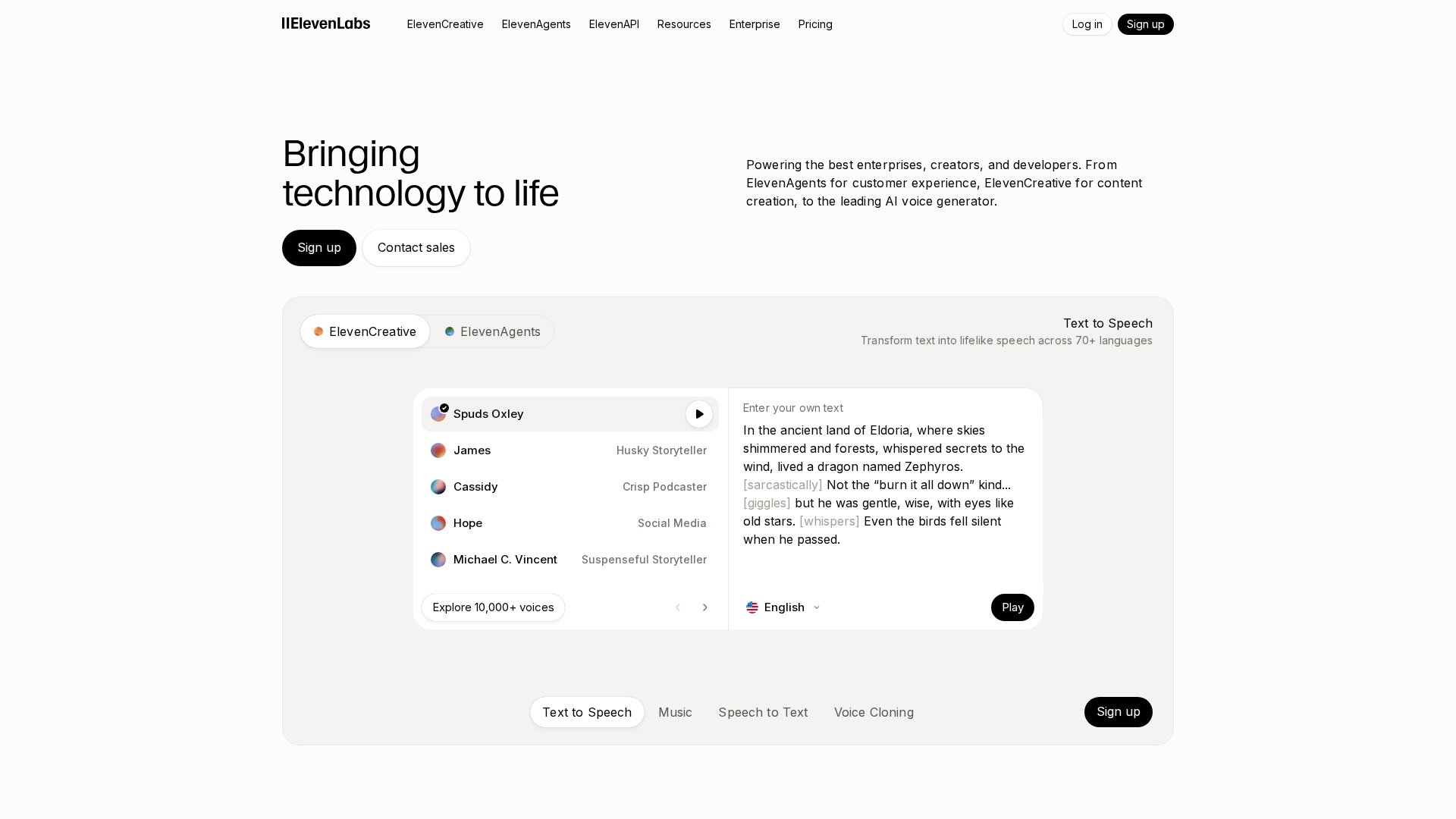
The control over tone and delivery is the other standout. It’s straightforward to tweak a voice for different moods, which matters if you’re trying to keep branding consistent across a library of content.
Pros
- Ultra-realistic speech synthesis: Closely mimics human speech, suitable for professional content.
- Fine-grained control over voice style: Pacing and emotion can be adjusted for specific use cases.
- Smooth handling of long-form content: Maintains clarity and consistency on scripts spanning several minutes.
- Versatile applications: Works well for both narration and interactive applications.
Cons
- Pricing not publicly disclosed in the data I have: Worth checking their site directly for current tiers.
- Credit-based usage: Can be tricky to optimise if your usage is uneven month to month.
2. Murf AI
Murf AI focuses on natural-sounding voiceovers for professional environments — presentations, training modules, internal comms. Its Speech Gen 2 model reportedly achieves 99.38% pronunciation accuracy, one of the higher published benchmarks in the category.
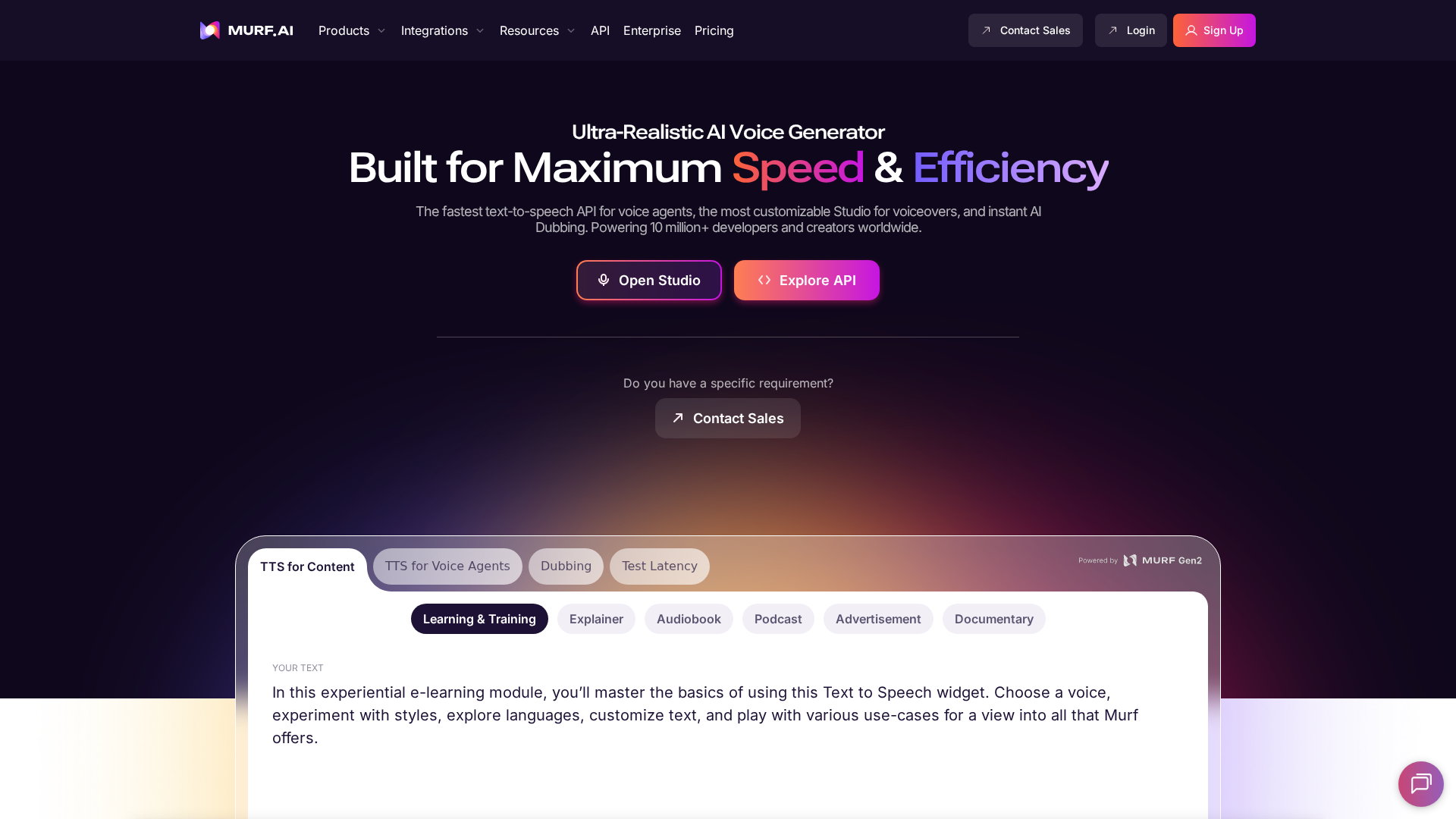
The variety of speaking styles is genuinely useful — conversational, authoritative, narrative — and fine-grained controls for pitch, speed, emphasis, and pauses let you avoid the flat AI voiceover sound. What sets it apart for business use is direct integration with PowerPoint and Google Slides, which saves hours versus manually editing audio into slide decks. It’s also SOC 2 Type II, ISO 27001, and GDPR compliant.
Voice cloning itself is available but only on enterprise plans, and the process preserves the original accent. That’s fine for building a custom brand voice, but restrictive for freelancers. The free plan is also tight — no downloads, no commercial use — so real-world testing requires upgrading.
Pros
- 99.38% pronunciation accuracy: Speech Gen 2 closely mimics human vocal patterns.
- Fine-grained voice controls: Pitch, speed, intonation, and pauses can all be adjusted.
- 200+ voices in 35+ languages on higher plans: Covers multinational content needs.
- PowerPoint and Google Slides integration: Streamlines narration for business and e-learning.
- SOC 2 Type II, ISO 27001, and GDPR compliance: Meets data privacy standards for business use.
Cons
- Voice cloning gated behind enterprise plans: Out of reach for freelancers and small teams.
- Free plan blocks downloads and commercial use: Hard to properly evaluate without upgrading.
- Occasional pronunciation issues with complex words: Industry-specific or unusual terms may need manual tweaks.
Pricing
| Plan | Monthly | Annual | Voice Generation | Key Features |
|---|---|---|---|---|
| Free | $0 | $0 | 10 min total | Limited voices, no downloads, no commercial use |
| Creator Lite | $19 | $228 | 24 hrs/yr | 60 voices (10+ languages), commercial use, unlimited downloads |
| Creator Plus | $33 | $396 | 48 hrs/yr | 120+ voices (20+ languages) |
| Business Lite | $66 | $792 | 96 hrs/yr | 200+ voices (35+ languages), team collaboration, PowerPoint/Slides |
| Business Plus | $199 | $2,388 | 240 hrs/yr | Priority support, full integrations |
| Enterprise | Custom | Custom | Unlimited | Voice cloning, unlimited projects, SSO |
3. Play.ht
Play.ht’s two-tiered cloning system is what sets it apart: an instant option that produces a serviceable clone from 30 seconds of audio, and a high-fidelity mode that captures real emotional range with a 20–30 minute sample. The high-fidelity mode is where it earns its place for long-form work like audiobooks or scripted podcasts.
SSML support for pitch, emphasis, and custom pronunciations is a genuine time-saver when you’re producing branded audio at scale. The API handles both real-time and batch generation, with low enough latency to be useful in apps and games rather than just offline content.
User feedback is mixed — some praise the voice quality, others report technical and billing issues, and one user described the output as “robotic and monotone”. My own experience was closer to the positive end, but service reliability appears inconsistent enough that it’s worth flagging.
Pros
- High cloning accuracy: High Fidelity Cloning captures subtle vocal nuances with a 20–30 minute sample.
- Extensive customisation: SSML controls for pitch, speed, and pronunciation help with brand consistency.
- Real-time and batch API support: Useful for developers building interactive or large-scale projects.
- Full commercial rights: Generated audio comes with commercial and copyright ownership.
- Broad language and accent coverage: Replicates diverse accents and dialects, which is rare in this category.
Cons
- Variable customer support: Users report unresponsive service and billing issues.
- Occasional technical instability: Complaints about unreliable service and credit renewals.
- Inconsistent naturalness: Output quality appears to vary by input or language.
Pricing
| Tier | Monthly Price | Annual Price | Generation Minutes | Voice Cloning | Commercial Licence |
|---|---|---|---|---|---|
| Free | $0 | $0 | Limited | No | No |
| Creator | $31.20 | $374.40 | Unlimited | Yes | Yes |
| Unlimited | $49.50 | $594.00 | Unlimited | Yes | Yes |
| Enterprise | Custom | Custom | Custom | Custom | Custom |
For more on how Play.ht stacks up against other voice AI platforms, see my hands-on comparison of seven voice AI tools.
4. Amazon Polly
Amazon Polly is a natural fit if you’re already on AWS. It scales voice synthesis across millions of characters and handles both real-time dialogue and batch processing, which makes it well suited to IVR, e-learning, or high-volume content automation.
The Neural Text-to-Speech engine produces convincingly human voices, and SSML plus custom lexicons give you enough control to handle technical or branded language without awkward pronunciations.
The big caveat: Polly doesn’t offer self-serve voice cloning. Custom voice development is available only through special enterprise engagement with AWS. If you want a bespoke brand voice and already live in AWS, that’s workable — for everyone else, it’s a dealbreaker.
Pros
- Natural-sounding neural voices: The Neural TTS engine produces lifelike speech.
- Deep AWS integration: Connects easily with services like Amazon Lex and Amazon Connect.
- Highly customisable speech: SSML and custom lexicons give detailed control over pronunciation and delivery.
Cons
- No self-serve voice cloning: Only AWS enterprise clients can request custom voice development.
- Neural voice pricing adds up: At $16 per 1M characters, costs scale quickly with heavy use.
Pricing
| Tier | Price | Free Tier Allowance |
|---|---|---|
| Standard Voices | $4.00 / 1M chars | 5M chars/month for 12 months |
| Neural Voices | $16.00 / 1M chars | 1M chars/month for 12 months |
| Long-Form Voices | $100.00 / 1M chars | 500k chars/month for 12 months |
| Generative Voices | $30.00 / 1M chars | 100k chars/month for 12 months |
5. Resemble AI
Resemble AI leans hard into compliance and ethical controls, which makes it the default choice for regulated sectors. SOC 2 and HIPAA-relevant compliance on the Enterprise tier is unusual for voice cloning tools, and on-premise hosting is available for teams that need full data control.
The cloning itself is quick — 10 seconds of source audio is enough — and captures emotional nuance well enough to work for audiobooks and e-learning where tone matters. Emotion, speed, and tone controls are all adjustable, which helps with brand consistency across scripts.
The downsides are a steeper learning curve, occasional inconsistency on longer speech synthesis, and a pay-as-you-go model that several users have flagged for surprise charges. Worth watching your usage carefully if you’re trialling features.
Pros
- Enterprise-ready compliance: SOC 2, GDPR, and HIPAA-relevant certifications on Enterprise — rare in this category.
- Rapid, accurate cloning: Works with just 10 seconds of source audio.
- Flexible deployment: On-premise hosting and robust API support for both cloud and offline environments.
Cons
- Pricing surprises: Unexpected charges reported during feature trials.
- Learning curve and documentation gaps: Advanced controls take time to master.
Pricing
| Plan | Monthly Price | Key Features |
|---|---|---|
| Flex Plan | Pay-as-you-go | $0.0005–$0.002/sec usage, voice cloning, API |
| Enterprise | Custom pricing | Up to 80% discount, SOC 2, SSO/SAML, on-premise |
Resemble AI has no free tier, so you pay from the start. Credits don’t expire, which helps if your usage is sporadic.
6. WellSaid Labs
WellSaid Labs takes a different approach: rather than custom cloning, it offers a library of 120+ voices modelled on licensed recordings from real voice actors. That gives the narration a natural, authoritative quality that’s consistently strong — but it also means you can’t create a voice from your own recordings.
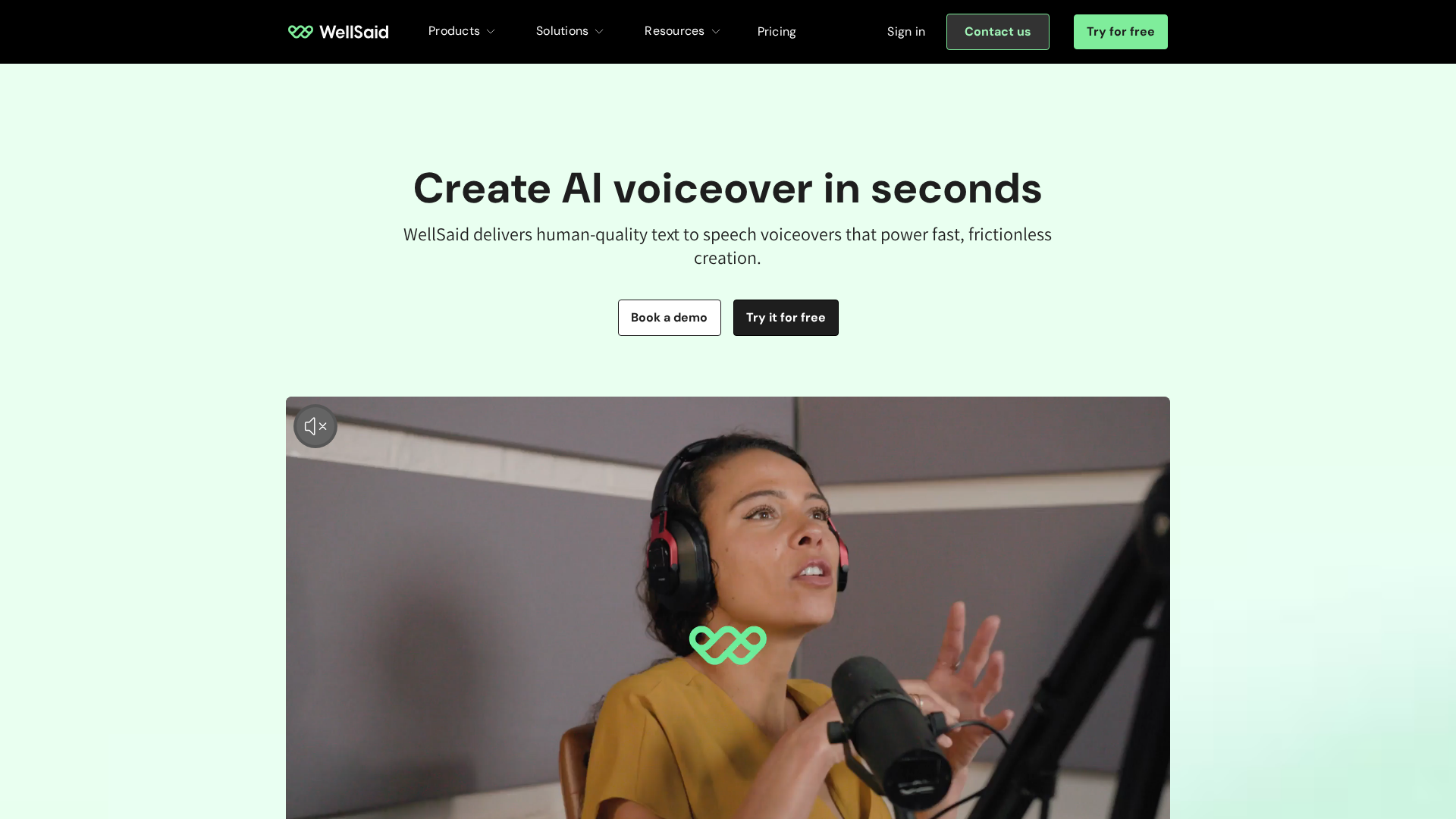
It’s at its best for e-learning and training video, where a credible delivery matters more than bespoke personalisation. The editor handles pitch, pace, and pronunciation well, and integrations with Adobe Premiere Pro and Express make adding narration to video straightforward. MP3, WAV, and OGG export covers most workflows.
At $55/month for the entry tier, it’s not cheap — especially if you only need short segments of audio. Some users also flag minor pronunciation quirks and less granular control over emotional tone than you’d get from cloning-focused tools.
Pros
- High-quality voice library: 120+ voices based on real actors, with natural intonation and emotional nuance.
- Strong privacy and compliance: SOC 2 Type 2 and GDPR compliance for sensitive projects.
- Good editing and integrations: Pitch, pace, and pronunciation controls plus Adobe video tool integration.
Cons
- No custom voice cloning: You can’t create voices from your own recordings.
- Full voice library gated: Best selection requires higher-tier plans.
Pricing
| Plan | Monthly | Annual | Downloads/Year | Seats | Key Features |
|---|---|---|---|---|---|
| Trial | $0 | $0 | 0 | 1 | Full access, no downloads |
| Creative | $55 | $660 | 720 | 1 | All English voices, 6hr audio/month |
| Business | $160 | $1,920 | 1,300 | 1–5 | MP3/WAV/OGG, Adobe integrations |
| Enterprise | Custom | Custom | 4,300 | Unlimited | All languages, SOC2, SSO, onboarding |
For more context on where WellSaid Labs sits among the best voice AI options, see my comparison of voice AI platforms.
7. Descript
Descript is unusual in that voice cloning lives inside a text-based editor — you replace or add dialogue as easily as editing a document. You can generate a custom voice from about 30 seconds of audio, which makes it genuinely accessible for solo podcasters and YouTubers who need to patch scripts or fix mistakes without re-recording.
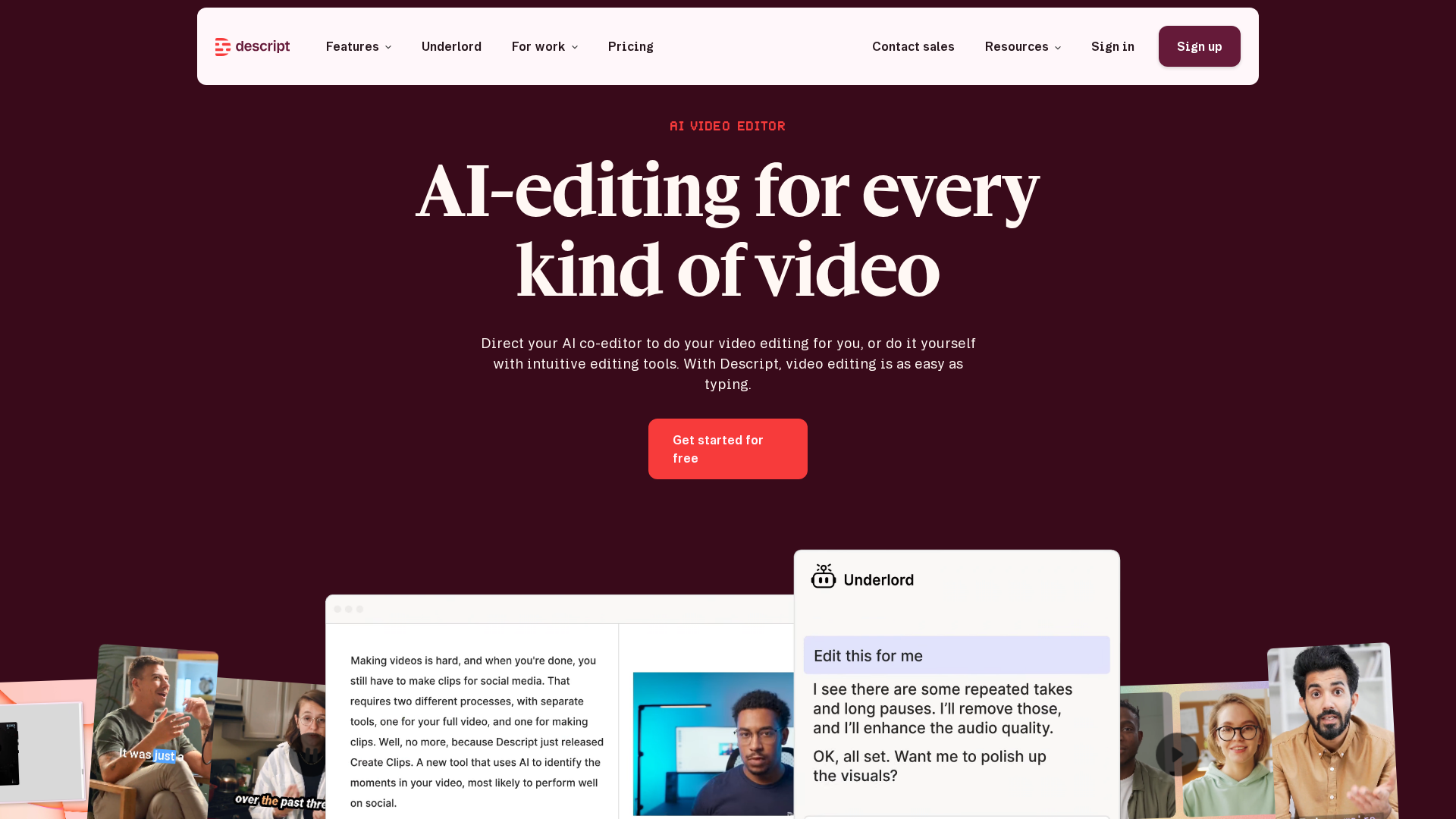
The cloning is powered by ElevenLabs v3, so the voice quality is strong out of the box, and you can adjust tone via recorded samples or inline prompts. For anyone editing YouTube videos, the ability to shift between text, audio, and video in one interface saves real time compared to traditional DAWs. Business-tier collaboration tools make it viable for group podcasts too.
The main friction is stability on larger projects — I’ve hit slowdowns and crashes editing longer videos, and user reports echo this. Descript also requires explicit speaker authorisation before cloning, which is good practice, but it doesn’t publicly disclose compliance certifications, so regulated industries may want to look elsewhere.
Pros
- Accessible voice cloning: ~30 seconds of audio is enough to generate a custom AI Speaker.
- Integrated editor: Voice cloning works directly in the text-based editor for instant dialogue changes.
- 20+ languages and accents: Supports multilingual content creation.
Cons
- Stability issues on large projects: Crashes and freezing reported, particularly on longer videos.
- Inconsistent customer support: Multiple user reports of slow or ineffective service.
Pricing
| Tier | Monthly | Annual | Media Hours/Month | AI Credits/Month | Collaboration |
|---|---|---|---|---|---|
| Free | $0 | $0 | 1 | 0 | No |
| Hobbyist | $16 | $24 | 10 | 400 | No |
| Creator | $24 | $36 | 30 | 800 | No |
| Business | $50 | $75 | 40 | 1500 | Yes |
| Enterprise | Custom | Custom | Custom | Custom | Yes |
8. Lovo AI
Lovo AI’s calling card is breadth — 500+ AI voices across 100+ languages, which makes it one of the most flexible options for international content or localisation work. The cloning process needs minimal audio and produces results that are close to the source speaker.
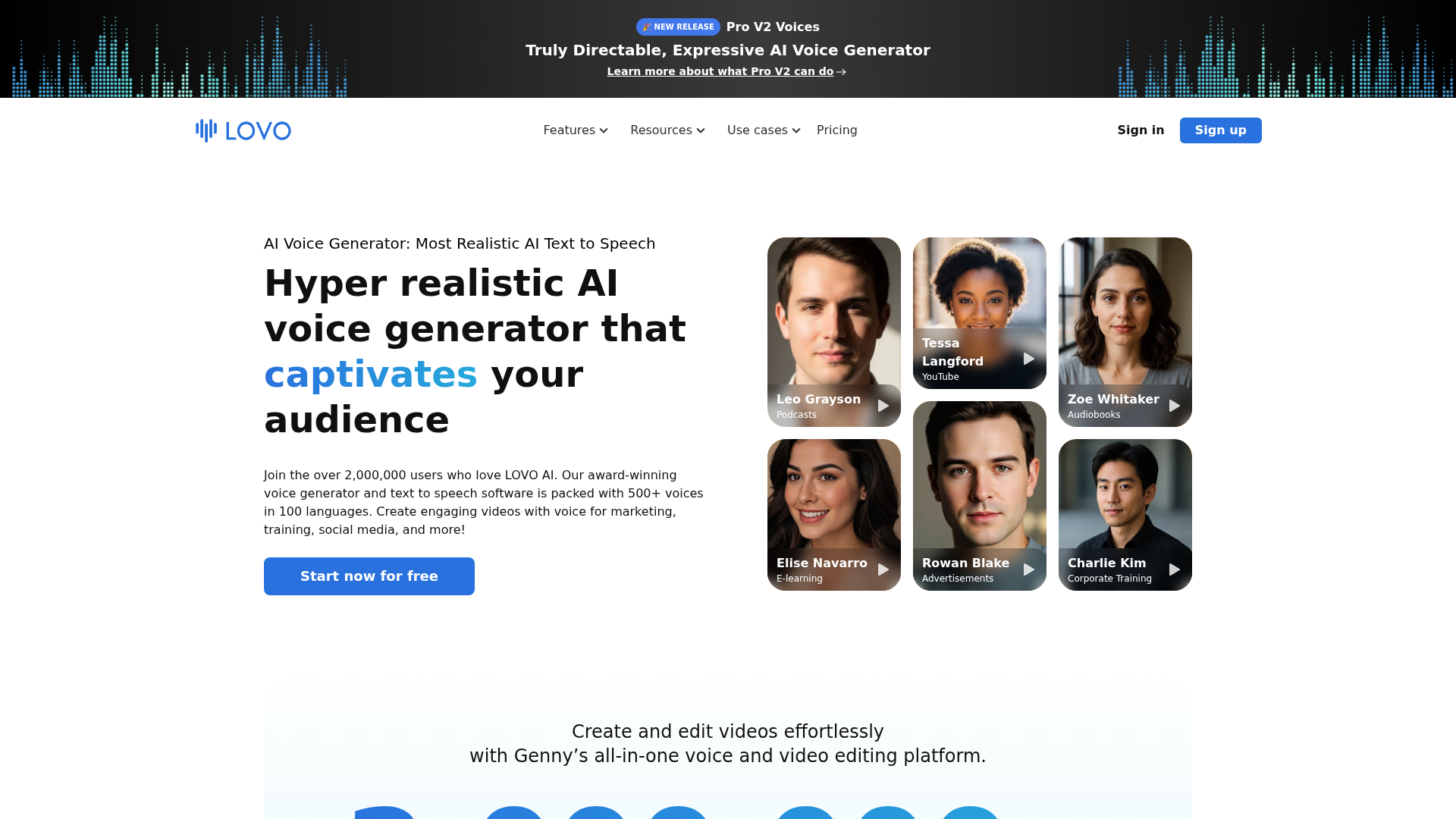
The API is a practical advantage if you’re building voice into your own tools or automating voiceover for bulk video — it handles real-time and batch generation without much setup. The interface itself is straightforward, so there’s no steep learning curve for non-developers.
The catches: cloning limits and fine-tuning are restricted on lower tiers, pricing feels steep for occasional use, and some users report slowdowns and stability issues. The 14-day free trial gives you 20 minutes of generation, which is enough to form a view but tight if you’re evaluating for a bigger project.
Pros
- 500+ AI voices in 100+ languages: Strong for international projects and varied accents.
- API access for easy integration: Developers can automate voice generation with minimal friction.
- User-friendly interface: Quick to pick up, even for those new to AI voice tools.
Cons
- Steep pricing for entry-level users: Hard to justify for occasional or small-scale use.
- Occasional technical issues: Users report slow processing and stability hiccups.
Pricing
| Plan | Monthly | Voice Generation | Voice Clones | Notable Features |
|---|---|---|---|---|
| Free | $0 | 20 min (14-day trial) | — | Watermarked export |
| Basic | $24 | 2 hrs/month | 5 | Commercial rights, unlimited downloads |
| Pro | $48 | 5 hrs/month | Unlimited | Team collaboration |
| Pro+ | $149 | 20 hrs/month | Unlimited | Priority support |
| Enterprise | Custom | Custom | Unlimited | API, SLAs, onboarding |
How Does Pricing Compare?
Entry prices across the tools covered here range from free tiers (Murf AI, Play.ht, Descript, Lovo AI) to pay-as-you-go models (Amazon Polly, Resemble AI) and fixed subscriptions starting at $16/month (Descript Hobbyist) or $19/month (Murf AI Creator Lite). The pricing gap widens significantly at the top end — WellSaid Labs and Lovo AI Pro+ both cross $149+/month before enterprise tiers.
| Tool | Free Tier | Entry Paid Tier | Top Standard Tier | Pricing Model |
|---|---|---|---|---|
| ElevenLabs | Yes (limited) | Not publicly disclosed in this data | Not publicly disclosed | Credit-based |
| Murf AI | Yes (10 min, no downloads) | $19/mo | $199/mo | Subscription |
| Play.ht | Yes (limited) | $31.20/mo | $49.50/mo | Subscription |
| Amazon Polly | 12-month free tier | $4 / 1M chars (standard) | $100 / 1M chars (long-form) | Pay-per-character |
| Resemble AI | No | Pay-as-you-go ($0.0005–$0.002/sec) | Custom (Enterprise) | Usage-based |
| WellSaid Labs | Trial (no downloads) | $55/mo | $160/mo | Subscription |
| Descript | Yes (1hr media) | $16/mo | $50/mo | Subscription |
| Lovo AI | 14-day trial | $24/mo | $149/mo | Subscription |
A few patterns worth flagging. Pay-per-character models like Amazon Polly look cheap for low volumes but scale poorly — 1M characters of neural voice output is roughly 20 hours of audio, which is a month of usage for a serious creator. Subscription models like Murf AI and Descript work better if your usage is predictable. Usage-based models (Resemble AI) are flexible but several users have reported surprise charges, so watch your metering if you’re trialling features.
Key takeaway: Descript’s $16/month Hobbyist tier is the cheapest entry to an actual cloning-capable product. Murf AI’s $19/month tier is the best value if you just need voiceover (no cloning). Amazon Polly wins for high-volume, non-cloning use cases where you can absorb the per-character cost.
Which Tools Have the Best Features?
The features that matter most in practice are voice quality, cloning accuracy, and — for business use — privacy compliance. Here’s how the tools compare on the dimensions that affect real projects.
| Tool | Cloning Available | Min. Sample | Compliance | Standout Feature |
|---|---|---|---|---|
| ElevenLabs | Yes | ~1 min | Not disclosed | Most realistic output |
| Murf AI | Enterprise only | Varies | SOC 2, ISO 27001, GDPR | PowerPoint/Slides integration |
| Play.ht | Yes (two tiers) | 30 sec (instant) | Not disclosed | High-fidelity cloning mode |
| Amazon Polly | Enterprise only | N/A | AWS compliance inherited | Scalability within AWS |
| Resemble AI | Yes | 10 sec | SOC 2, GDPR, HIPAA-relevant | On-premise deployment |
| WellSaid Labs | No | N/A | SOC 2 Type 2, GDPR | Licensed actor voices |
| Descript | Yes | ~30 sec | Not disclosed | Text-based editor integration |
| Lovo AI | Yes | Minimal | Not disclosed | 500+ voices, 100+ languages |
Resemble AI is the only tool with HIPAA-relevant compliance, which narrows the enterprise healthcare field considerably. For raw voice realism, ElevenLabs remains the leader. For speed of cloning, Resemble AI’s 10-second sample requirement is the lowest bar I’ve seen.
Key takeaway: If compliance matters, your choice narrows to Murf AI, Resemble AI, or WellSaid Labs. If cloning is essential and you’re in a regulated industry, Resemble AI is the most complete option.
What Do Users Say?
User sentiment splits fairly cleanly. Murf AI and Amazon Polly enjoy mostly positive feedback. Play.ht, Resemble AI, and WellSaid Labs get a mix of praise for output quality and criticism for pricing, support, or feature gating.
The common praise across platforms is voice realism and the time and cost savings of not hiring voice talent for every script. Amazon Polly is frequently cited for easy integration and natural neural voices, particularly in educational content. WellSaid Labs gets credit for lifelike output and efficient production.
The common complaints are more varied — pricing structures that feel opaque, key features gated behind enterprise tiers, and customer support. Play.ht users report billing disputes and unresponsive service. Resemble AI gets flagged for inconsistent speech quality in longer content and documentation gaps.
The pattern across all the tools is that voice quality is reaching a genuinely impressive baseline, but user experience is still shaped heavily by pricing transparency, support responsiveness, and how much of the product is locked behind higher tiers.
Which Tool Is Best For You?
Best for Developers
Play.ht — 900+ voices across 142 languages, robust API, and multi-voice conversation support for complex applications or podcasts with diverse speakers.
Best for Non-Technical Users
Murf AI — the studio interface is genuinely friendly for non-technical users producing presentations or e-learning. Voice cloning is enterprise-only, but for straight voiceover work the editor is hard to fault.
Best for Enterprise
Resemble AI — consent verification, audio watermarking, deepfake detection, and on-premises deployment make it the default for regulated industries with strict governance requirements.
Best for Startups
Lovo AI — voice variety, accessible cloning, and API access without a steep learning curve. Good for quick iteration on MVPs.
Best on a Budget
Amazon Polly — pay-as-you-go and scales well. Voice quality doesn’t match ElevenLabs or WellSaid Labs, but it’s the lowest barrier to entry for budget-constrained projects.
Best for Professional Voice Cloning
ElevenLabs — the realism and flexibility are still the benchmark. Credit-based pricing can be fiddly to optimise, but if voice quality is non-negotiable, it’s the most compelling option.
Best for E-Learning and Narration
WellSaid Labs — voices recorded by professional actors deliver consistent quality and legal clarity for commercial use. Particularly strong for training materials needing authoritative, natural delivery.
Best for Creator Workflows
Descript — voice cloning sits inside a text-based editor, so small audio fixes on podcasts or YouTube videos feel like editing a document rather than fighting a DAW.
Frequently Asked Questions
AI voice cloning uses artificial intelligence to create a digital copy of a person’s voice, allowing you to generate new speech that mimics the original speaker’s tone and style from a short audio sample.
AI voice cloning analyses audio recordings to learn a speaker’s unique vocal patterns, then uses deep learning models to generate new speech that imitates those patterns. Most tools require a few minutes of clear audio to produce a convincing clone — though some (like Resemble AI) can do it with as little as 10 seconds.
Top options in 2026 include ElevenLabs (realism), Murf AI (business voiceover), Resemble AI (enterprise compliance), Descript (creator workflows), Play.ht (developers), and Lovo AI (language variety). The right choice depends on your needs for language support, cloning accuracy, and integration.
Prioritise voice quality, cloning accuracy, and number of voices you can clone. Also consider language and accent support, customisation options, and data privacy certifications like GDPR or SOC 2. For business use, API access can be important.
AI voice cloning is legal in many countries if you have permission from the original speaker. Using someone’s voice without consent may breach privacy or intellectual property laws. Always check local regulations before creating or sharing voice clones.
Ethical use means getting explicit permission and being transparent about synthetic voices. The main risks are consent, identity misuse, and fraud. Some platforms include anti-fraud features and compliance with regulations like GDPR to address these risks.
Cloning accuracy varies by software and input audio quality. The best results come from clear recordings and platforms with strong speaker similarity features — in my testing, ElevenLabs and Resemble AI consistently produced the most accurate clones.
Yes — it’s one of the most common use cases, spanning video, presentations, and podcasts. Many platforms, including Murf AI and Play.ht, offer commercial usage on paid tiers.
Common applications include customer support, marketing, training, and content localisation. It’s particularly useful for maintaining consistent branding across channels and generating voice content at scale.
Leading platforms support dozens of languages and regional accents, though the range varies by subscription tier. Lovo AI leads on breadth (500+ voices, 100+ languages), while Murf AI’s Business Lite offers 200+ voices in 35+ languages. Check the available voice selection before buying if you need specific accents.